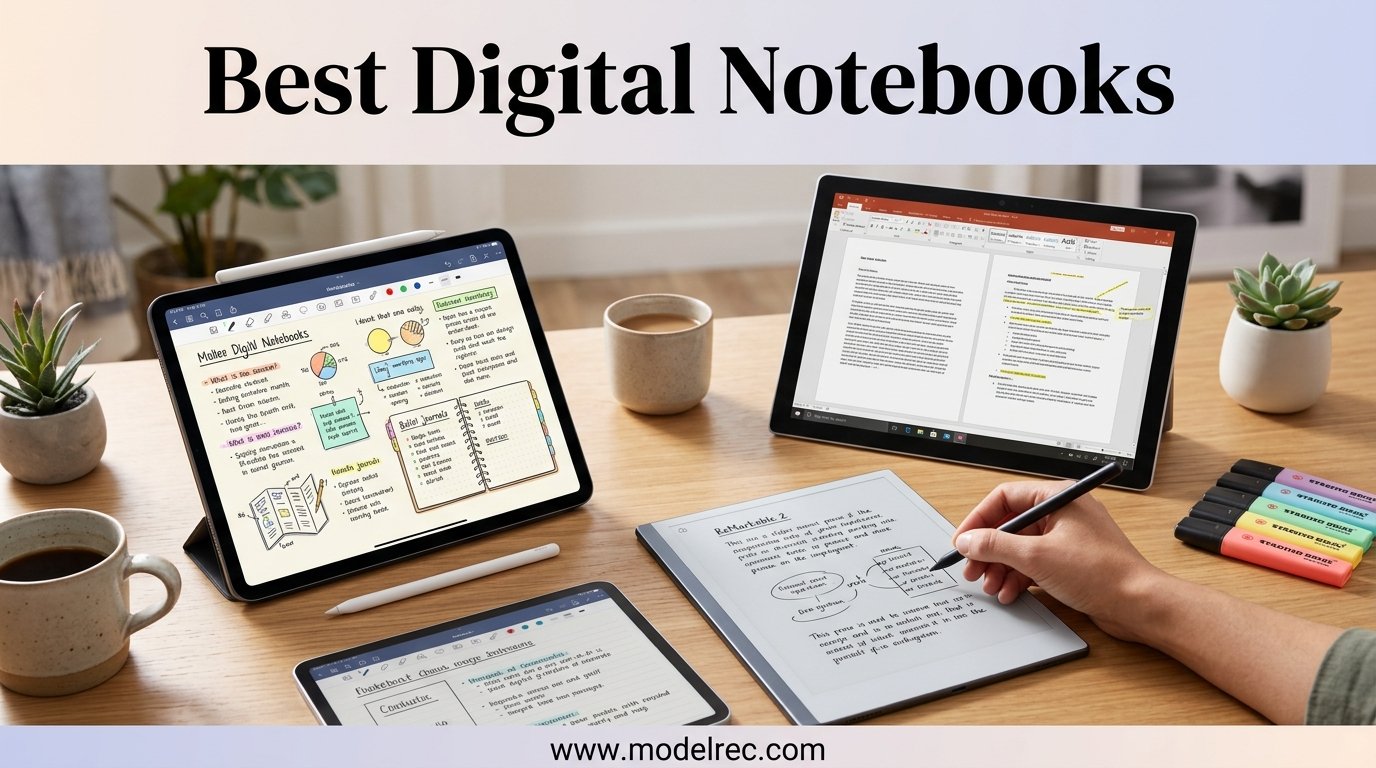
I have spent the better part of three years writing on every type of screen imaginable, from glossy iPads to budget LCD tablets, and nothing has come closer to real paper than a dedicated digital notebook. There is something about that textured drag under a stylus tip that makes ideas flow differently. Our team set out to find the best digital notebooks available in 2026 by testing 12 models across categories ranging from premium E Ink tablets to reusable smart notebooks under thirty dollars.
Digital notebooks occupy a unique space between a traditional tablet and a real notebook. They use E Ink or specialized displays that mimic the look and friction of paper, pair with pressure-sensitive styluses, and keep your notes organized without the distractions of social media or email. Whether you are a student taking lecture notes, a professional managing meeting minutes, or a writer who thinks best with a pen in hand, one of these devices will fit your workflow.
Over six weeks, I wrote daily journals, annotated PDFs, sketched diagrams, and synced thousands of words of handwritten notes across cloud services. I paid close attention to writing feel, battery life, software organization, and the hidden costs like subscription fees that forum users on r/Remarkable and r/minimalism consistently flag. The result is a hands-on guide that cuts through marketing claims and tells you exactly what each device is like to live with day after day.
Table of Contents
Top 3 Digital Notebooks We Recommend

reMarkable Paper Pro Bundle
- 11.8 inch Color E Ink
- Marker Plus included
- 2-week battery
- Cloud sync

Amazon Kindle Scribe (16GB)
- 10.2 inch 300 ppi display
- AI notebook tools
- Premium Pen
- Weeks of battery

Rocketbook Core Smart Notebook
- Reusable dot-grid pages
- Free scanning app
- Cloud sync
- Wipes clean
If you want the shortest possible answer, the reMarkable Paper Pro Bundle is the best overall digital notebook for most people who want a premium paper-like experience with color. The Amazon Kindle Scribe hits the sweet spot for anyone already in the Amazon ecosystem who also wants to read ebooks. And the Rocketbook Core is the entry point that lets you try digital note-taking for less than the cost of a dinner out.
12 Best Digital Notebooks in 2026
| Product | Specifications | Action |
|---|---|---|
| reMarkable Paper Pro Bundle |
|
Check Latest Price |
| Amazon Kindle Scribe 16GB |
|
Check Latest Price |
 reMarkable 2 Essentials Bundle reMarkable 2 Essentials Bundle |
|
Check Latest Price |
 reMarkable Paper Pro Move reMarkable Paper Pro Move |
|
Check Latest Price |
 Amazon Kindle Scribe 64GB Amazon Kindle Scribe 64GB |
|
Check Latest Price |
 Penstar eNote 2 Penstar eNote 2 |
|
Check Latest Price |
 XPPen Magic Note Pad XPPen Magic Note Pad |
|
Check Latest Price |
 iFLYTEK AINOTE Air 2 iFLYTEK AINOTE Air 2 |
|
Check Latest Price |
 Geniatech Kloudnote Slim Geniatech Kloudnote Slim |
|
Check Latest Price |
 HUION Note 2-in-1 HUION Note 2-in-1 |
|
Check Latest Price |
 Ophayapen Smart Pen Kit Ophayapen Smart Pen Kit |
|
Check Latest Price |
| Rocketbook Core Smart Notebook |
|
Check Latest Price |
1. reMarkable Paper Pro Bundle – 11.8 inch Color Paper Tablet
reMarkable Paper Pro with Marker Plus
11.8 inch Canvas Color E Ink
64GB storage
2-week battery
Adjustable reading light
Marker Plus with eraser
Pros
- Color display for highlighting and sketching
- Paper-like writing feel
- Adjustable reading light
- Low-glare outdoor readable display
- USB-C connectivity
Cons
- Colors are muted on screen
- Requires Connect subscription for cloud sync
- Expensive dedicated device
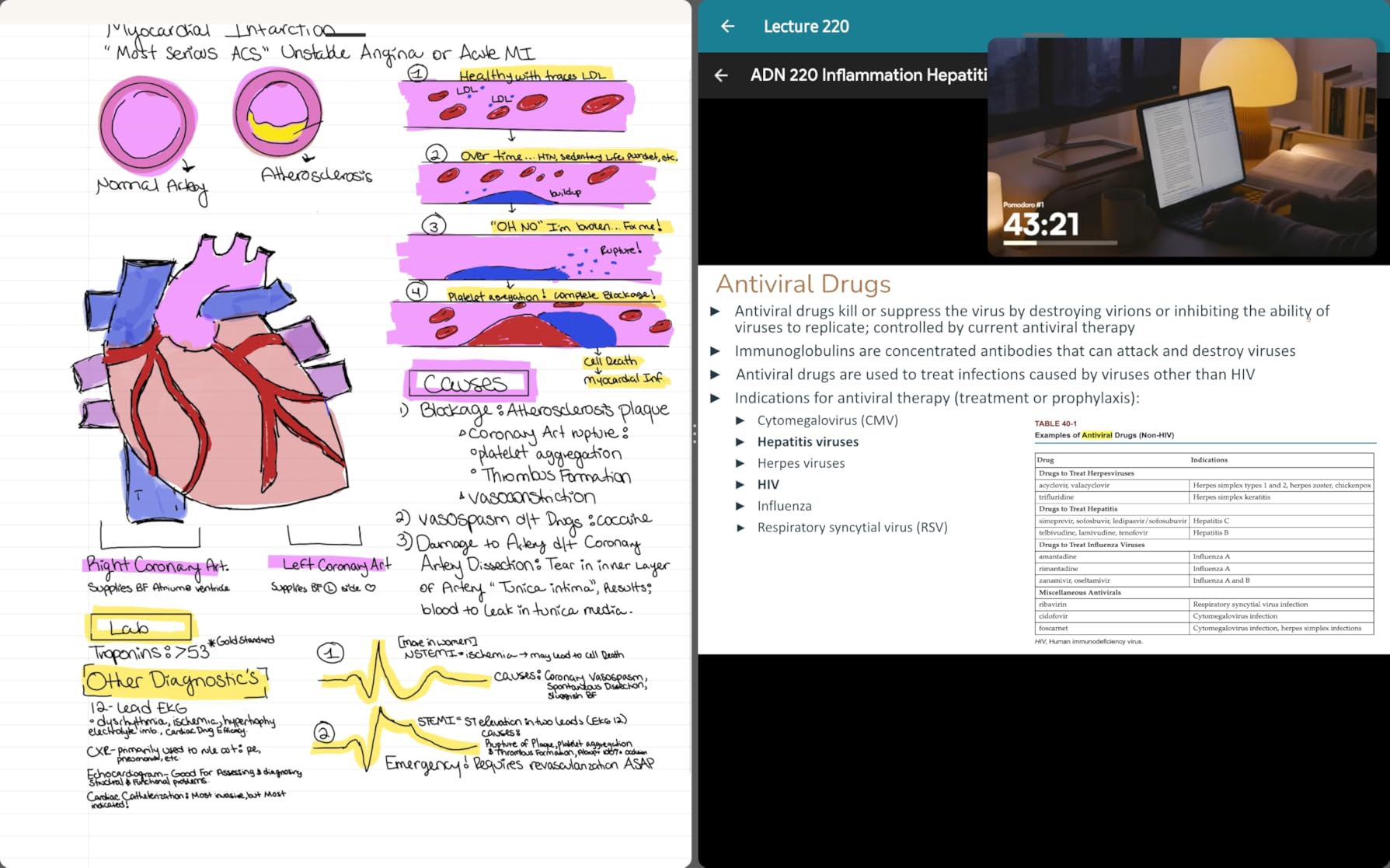
I used the reMarkable Paper Pro as my primary note-taking device for a full month, and the writing experience is genuinely unmatched. The 11.8 inch Canvas Color display delivers the closest thing to real paper I have felt on any digital device. When you drag the Marker Plus across the screen, there is a subtle friction that mimics the resistance of ink on a premium notebook page.
The color display is the big upgrade here compared to the reMarkable 2. I found it most useful for highlighting documents with different colors and sketching diagrams where color coding matters. The colors are muted and matte rather than vibrant, which is an E Ink limitation, but they serve a functional purpose for organization and emphasis.
The adjustable reading light is a feature I did not know I needed until I used it. Previous reMarkable devices had no backlight, which meant you needed external lighting at night. The Paper Pro solves this with a soft front light that works well for late-evening journaling without straining your eyes.
Battery life is rated at two weeks and I found that realistic with moderate daily use of about two hours of writing and reading. The device organizes notes with folders and tags, converts handwriting to typed text, and syncs everything across devices through reMarkable Connect. The subscription requirement for cloud sync is the main drawback forum users consistently mention, and it adds a recurring cost to an already expensive device.
Who Should Buy the reMarkable Paper Pro
This device is ideal for professionals who spend hours each day in meetings, reviewing documents, and brainstorming. If your workflow involves heavy PDF annotation, the larger 11.8 inch screen gives you plenty of room to mark up full-page documents without constant zooming and panning.
It is also the top choice for anyone who values a completely distraction-free environment. There is no app store, no browser, and no notifications. You turn it on and you write, which sounds limiting until you experience how much deeper your focus becomes.
What Holds It Back
The muted colors may disappoint anyone expecting iPad-level vibrancy for digital art. This is a note-taking and reading device first, and a sketching tool second. If vibrant color reproduction is a priority, you may want to consider the XPPen Magic Note Pad instead.
The subscription model is another consideration. While you get a free trial, the ongoing Connect subscription fee is required for handwriting conversion and cloud sync. Some users on r/Remarkable feel these features should be included given the premium hardware price.
2. Amazon Kindle Scribe (16GB) – Best for Reading and Writing
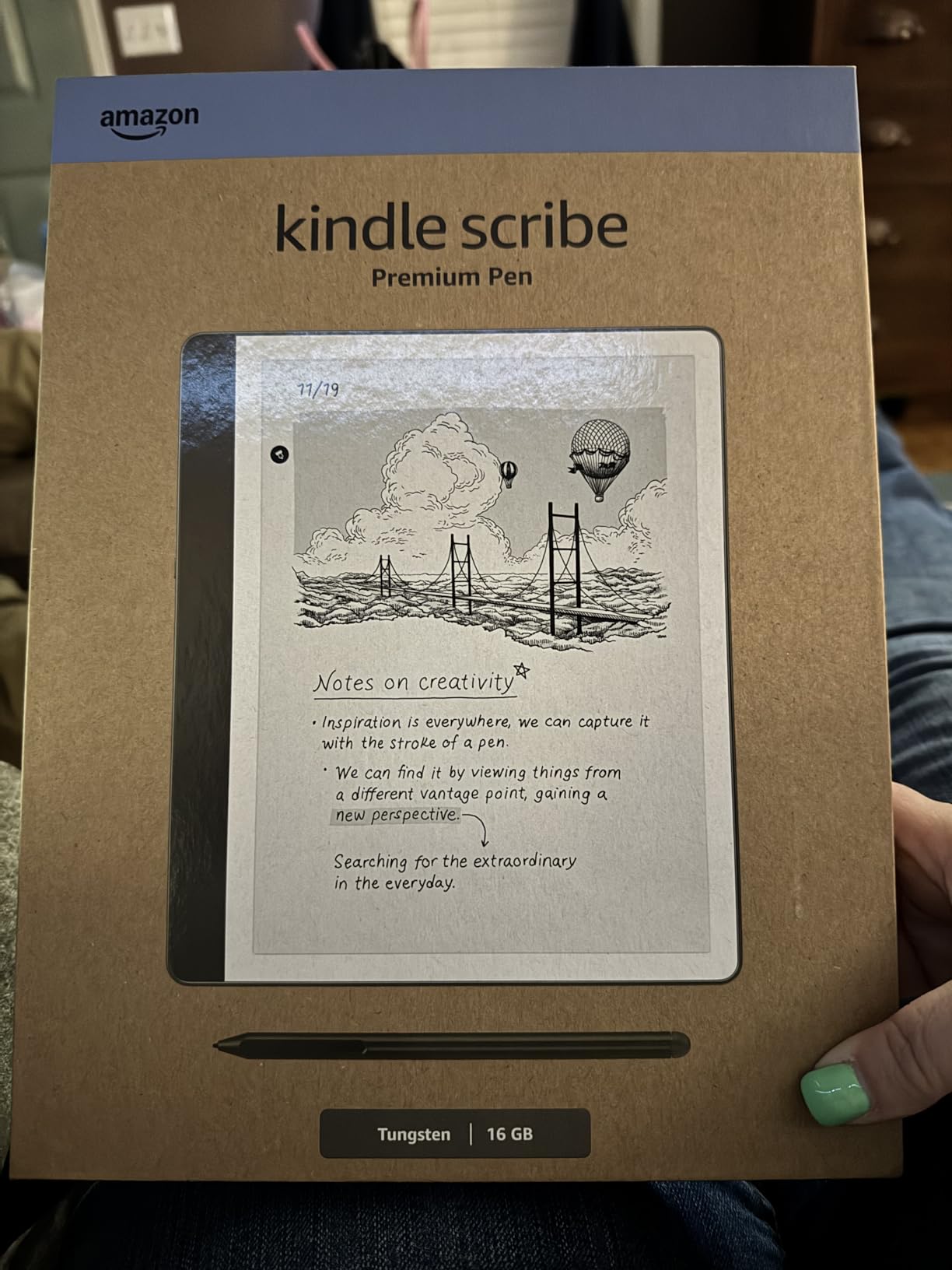
Amazon Kindle Scribe (16GB) – Your notes, documents and books, all in one place. With built-in AI notebook summarization. Includes Premium Pen – Tungsten
10.2 inch 300 ppi glare-free display
16GB storage
Premium Pen included
AI notebook summarization
Weeks of battery
Pros
- Excellent paper-like writing feel
- Kindle ecosystem integration
- AI handwriting recognition
- Long battery life
- Distraction-free design
- No subscription required for core features
Cons
- Pen tips wear down faster than expected
- Limited drawing capabilities
- Note syncing could be improved
- No color option
The Kindle Scribe quickly became my go-to device for reading and annotating in the same session. Being able to switch between reading a chapter of a book and jotting down notes on the same screen is a workflow that no other device in this lineup matches as seamlessly. The 300 ppi display is crisp, and the glare-free glass means I can read outside without squinting.
What impressed me most is the Active Canvas feature for margin notes. When you write a note in the margin of a book, it stays anchored to that text even if you change the font size. This is a genuine improvement over older annotation systems where notes would drift out of context.
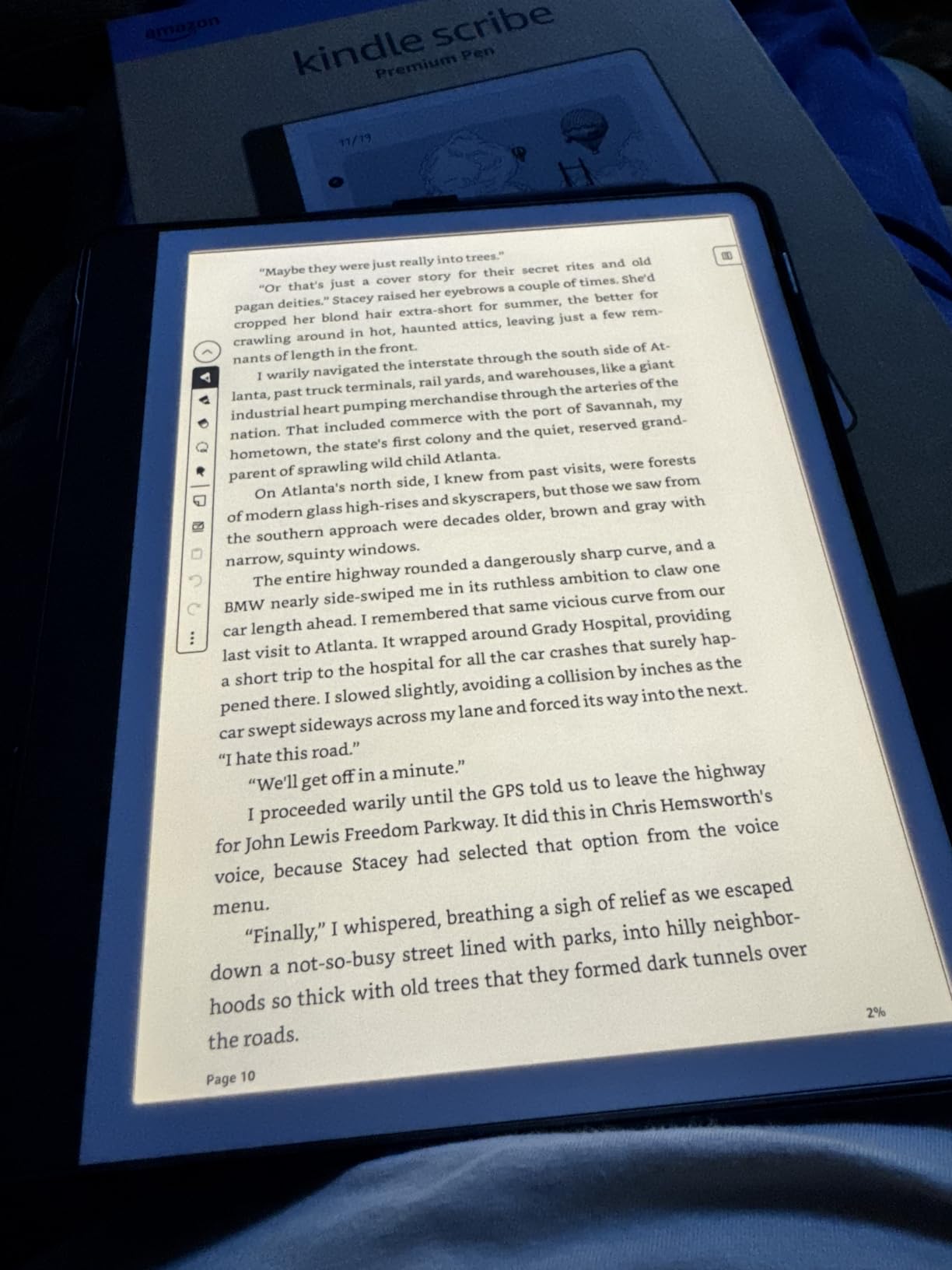
The AI notebook tools are surprisingly useful. After a long writing session, the summarization feature condenses pages of handwritten notes into key bullet points. The handwriting-to-text conversion works accurately even with my messy cursive, which says a lot about the recognition engine.
The Premium Pen requires no charging, which is both a blessing and a limitation. It is always ready to write, but you cannot use pressure sensitivity for varied line thickness. The pen tips do wear down faster than I expected, so keeping spare tips on hand is a smart move for heavy users.
Best Use Cases for the Kindle Scribe
If you are already invested in the Kindle ecosystem with a library of ebooks, the Scribe is a natural upgrade. You get all your books, plus a capable notebook for meeting notes, journaling, and document markup in one thin device.
Students and researchers benefit from the ability to import PDFs via Send to Kindle and annotate them directly. The combination of reading, highlighting, and note-taking on a single device eliminates the need to juggle between a laptop and a paper notebook.
Limitations to Consider
The Scribe is not designed for drawing or sketching. The pen lacks pressure sensitivity, and the software does not offer the range of brushes and tools that dedicated art tablets provide. If sketching is a primary need, look elsewhere on this list.
Note syncing to other devices works through Amazon’s ecosystem but is not as flexible as direct cloud drive integration. You cannot easily push notes to Google Drive or OneDrive without workarounds, which may frustrate users who need cross-platform accessibility.
3. reMarkable 2 Essentials Bundle – Classic Paper-Feel Writing Tablet
reMarkable 2 with Marker Plus and Basalt Book Folio
10.3 inch monochrome E Ink
4.7mm thin
Marker Plus with eraser
Folio cover included
Up to 2-week battery
Pros
- Paper-like writing feel
- Distraction-free with no apps or ads
- Long battery life
- Excellent folder and tag organization
- Thin and portable design
Cons
- No backlight for nighttime use
- Requires Connect subscription for full features
- Limited functionality compared to tablets
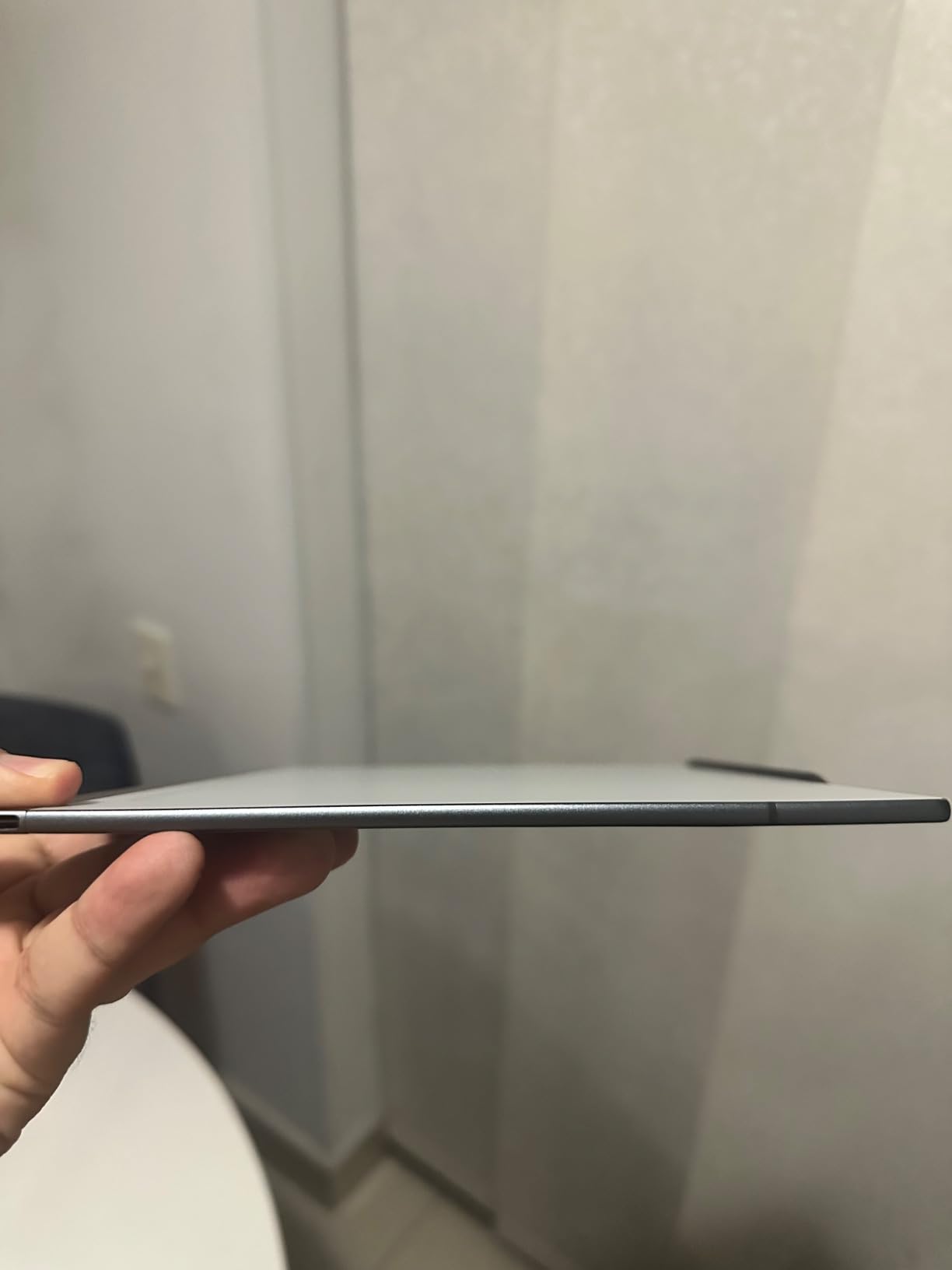
The reMarkable 2 is the device that essentially created the modern digital notebook category, and the Essentials Bundle packages it with everything you need to start writing immediately. I tested this alongside the newer Paper Pro, and the reMarkable 2 still holds its own as a pure writing instrument. At 4.7mm thick, it is thinner than most magazines.
The monochrome display has a slightly different texture than the Paper Pro, and some users actually prefer it. There is a specific grain to the screen coating that produces a satisfying scratch when you write. It feels like writing on a slightly rough paper with a pencil rather than a smooth pen.
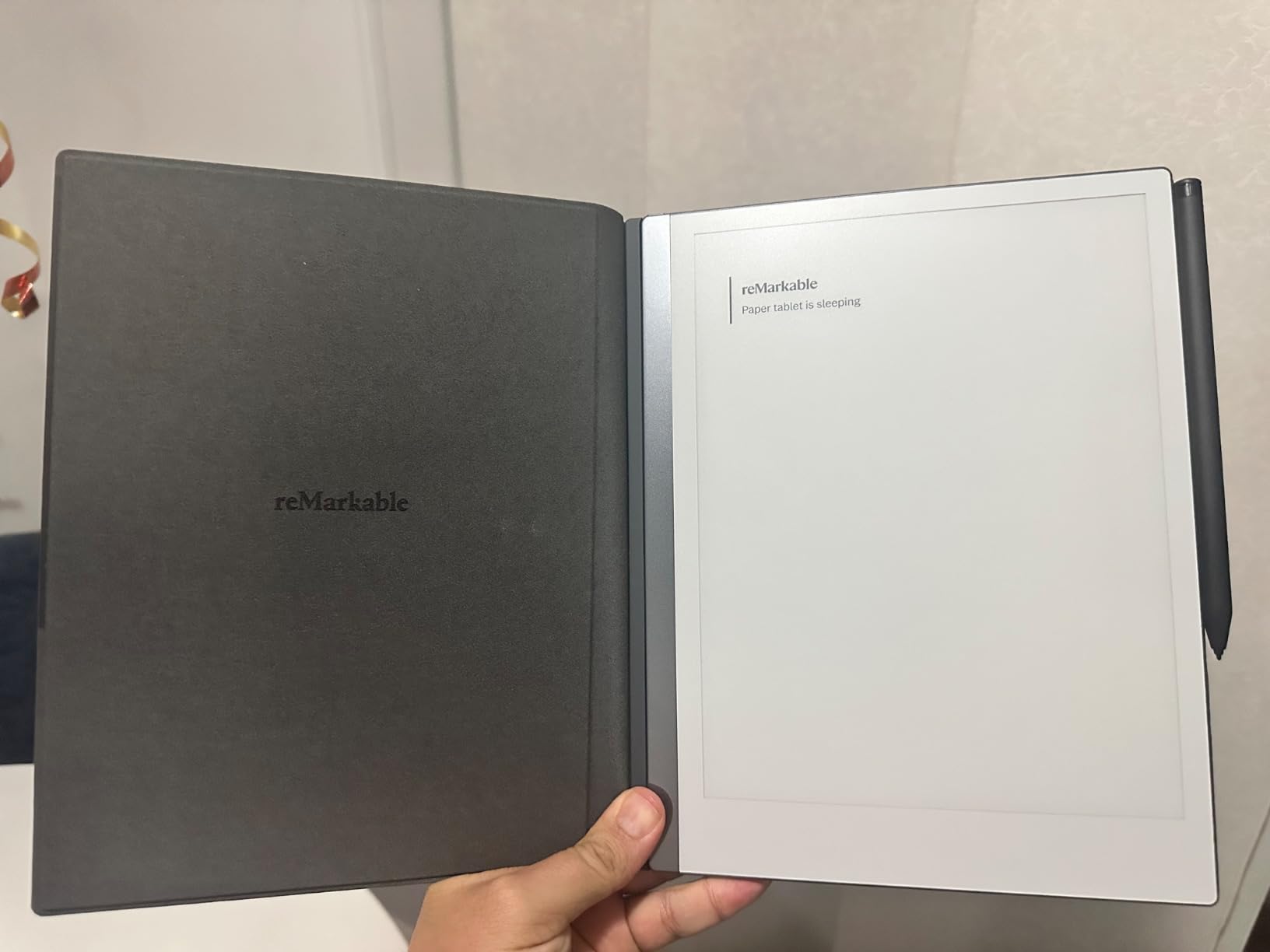
The Essentials Bundle includes the Marker Plus with a built-in eraser, which is a significant upgrade over the standard Marker. Being able to flip the pen and erase like a real pencil is a small detail that makes a big difference in daily use. The gray polymer weave folio is attractive and protects the device well in a bag.
Organization is where the reMarkable software shines. Folders and tags let you structure your notes however you like, and the handwriting-to-text conversion works reliably. The main limitation compared to the Paper Pro is the lack of a front light, meaning you need external illumination to use it in dim conditions.
Who Gets the Most from the reMarkable 2
Writers and thinkers who want the absolute simplest digital writing experience will love this device. It does one thing, writing, and does it better than anything else. If you do not need color or a backlight, the reMarkable 2 offers the same core writing experience as the Paper Pro at a lower price point.
The included folio cover and Marker Plus make this bundle feel like a complete package. You unbox it and start writing within minutes, which is the kind of out-of-box experience that justifies the premium positioning.
The Subscription Question
The Connect subscription is required for cloud sync and handwriting conversion after the initial free trial. This is the most common complaint on forums, and it is valid. You are paying a premium price for hardware and then a monthly fee for software features that competitors include for free.
If you primarily use the device offline and transfer files via USB, you can function without the subscription. But most users will want cloud sync, so factor the recurring cost into your decision.
4. reMarkable Paper Pro Move – 7.3 inch Ultraportable Color Notepad
reMarkable Paper Pro Move with Marker Plus
7.3 inch Canvas Color E Ink
248g ultralight
Marker Plus included
15-day battery
Pocket-sized
Pros
- Excellent paper-like writing feel
- Ultraportable pocket-sized design
- Color display for organization
- Strong magnetic pen attachment
- Premium build quality
Cons
- Battery life shorter than advertised
- Requires subscription for full features
- Limited functionality
- Colors appear dull
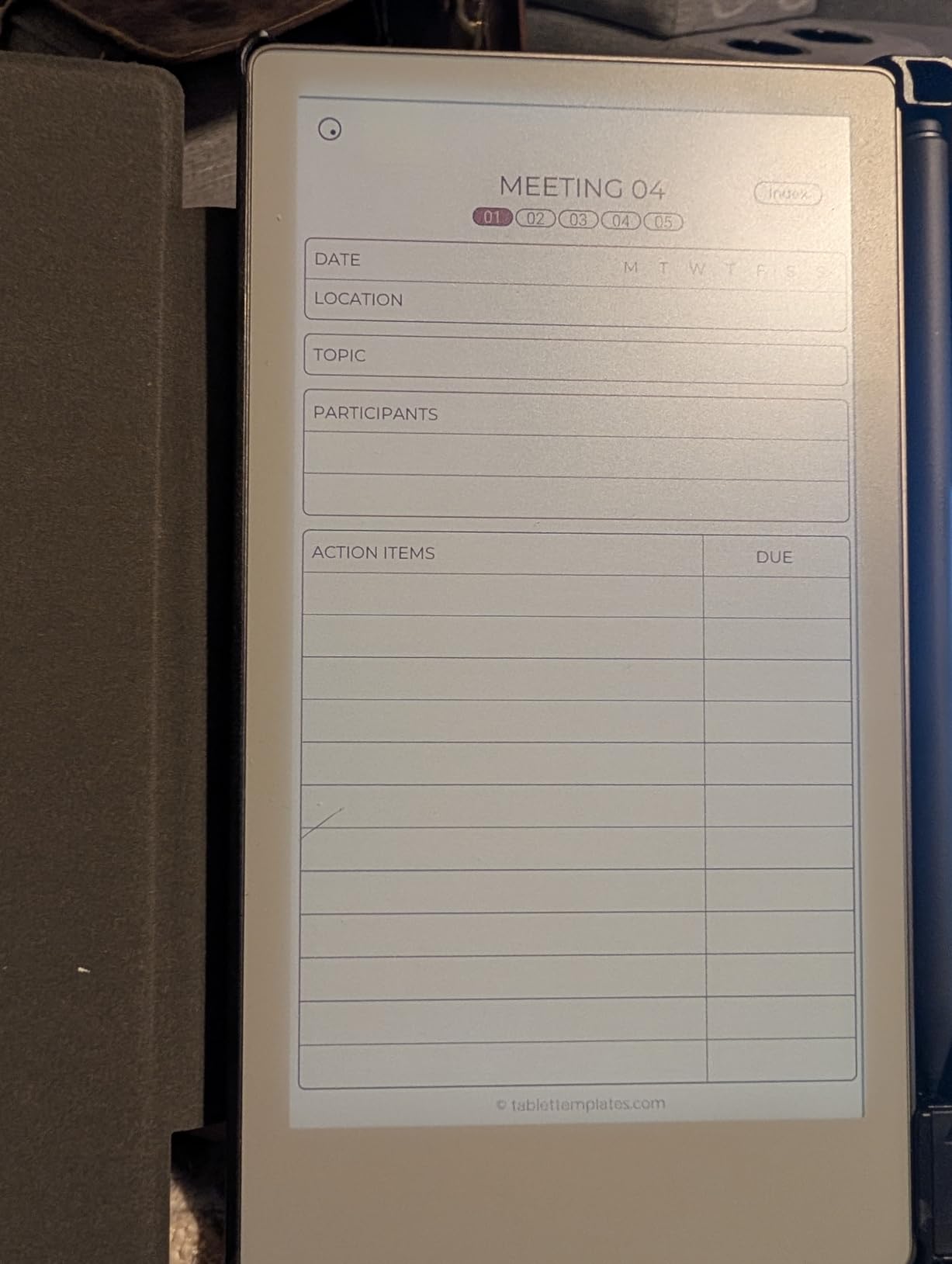
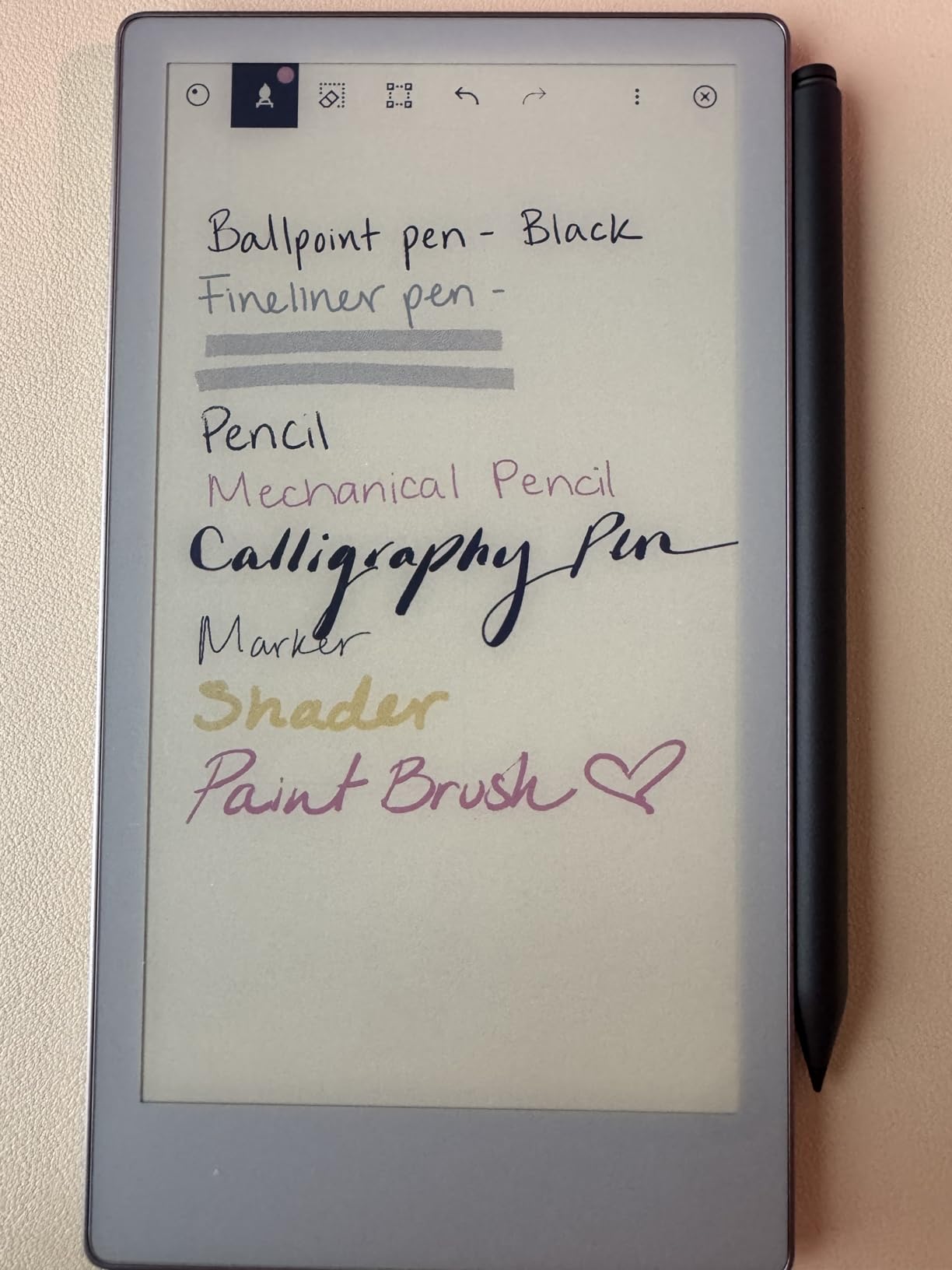
The Paper Pro Move is reMarkable’s answer to the question of what happens when you shrink a paper tablet to pocket size. At 248 grams, it is lighter than most smartphones, and the 7.3 inch screen hits a sweet spot between usability and portability. I carried it in my jacket pocket for two weeks, pulling it out whenever an idea struck.
The color display is the same Canvas Color technology as the full-size Paper Pro, just smaller. It works well for quick sketches, color-coded lists, and highlighting. The Marker Plus attaches magnetically to the side, which is convenient and means you are less likely to lose the pen.
Where the Move falls short is battery life. reMarkable claims 15 days, but in my testing with about an hour of daily use including cloud sync, I got closer to 4 to 5 days. Multiple forum users report similar experiences, with some seeing only 1 to 2 days. This is a significant gap between marketing and reality.
The software is identical to the larger Paper Pro, with the same folders, tags, handwriting conversion, and Connect subscription requirement. The smaller screen means you will do more scrolling and zooming when working with full-page PDFs, but for quick notes and lists, the size is actually an advantage.
Ideal Owner for the Paper Pro Move
This device is perfect for people who think in short bursts throughout the day and want something always within reach. If you keep a pocket Moleskine or field notebook currently, the Move is the digital equivalent with cloud backup and search.
Commuters, travelers, and anyone who takes notes standing up or walking around will appreciate the one-handed usability. The compact form factor means you can capture ideas anywhere without pulling out a full-size tablet.
Tradeoffs of the Compact Size
The smaller screen limits what you can comfortably do with full documents. Annotating an 8.5 by 11 PDF requires zooming and panning constantly, which breaks your flow. For document-heavy work, the full-size Paper Pro or Kindle Scribe is a better fit.
Battery life is the real concern. If you travel for a week and forget your charger, the Move may not make it. The larger reMarkable devices consistently deliver their advertised two-week battery life, but the Move does not, based on both my testing and widespread user reports.
5. Amazon Kindle Scribe 64GB (Newest Model) – 11 inch Premium E Ink Notebook
Amazon Kindle Scribe 64GB (newest model) — 11” display with front light, paper-like feel, and no distractions — Write in notebooks, docs, and books. Pen included – Graphite
11 inch glare-free E Ink
64GB storage
5.4mm thin
Front light with auto-adjust
40% faster than previous model
Pros
- Larger 11 inch display with excellent clarity
- 40% faster performance
- Natural paper-like writing
- Thinner and lighter than predecessor
- Google Drive and OneDrive integration
Cons
- Reports of uneven front light
- Not waterproof
- Official cases are expensive
- Locked into Amazon ecosystem
The newest Kindle Scribe takes everything good about the original and scales it up. The 11 inch display gives you noticeably more writing real estate than the 10.2 inch model, and the 40% performance boost makes page turns and pen strokes feel snappier. At 5.4mm thin and 400g, it is actually more portable than you would expect for an 11 inch device.
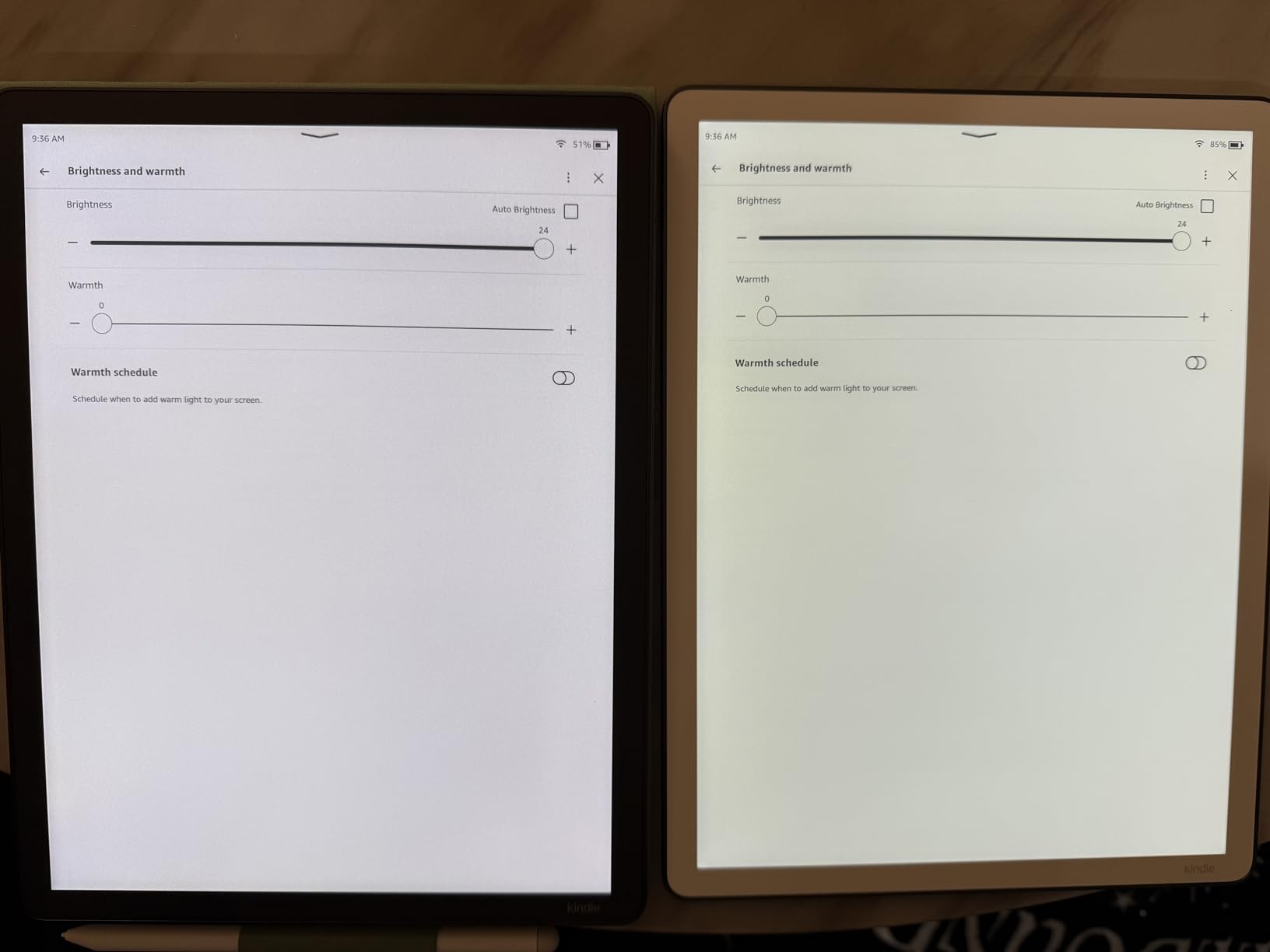
The front light with auto-adjust is a welcome addition. It reads the ambient light and adjusts brightness accordingly, which means smooth transitions when you move from a bright office to a dim conference room. The Workspace concept lets you combine books, PDFs, and notes in a single view, which is genuinely useful for research and study sessions.
Cloud integration has improved significantly with Google Drive and OneDrive import support. You can also export notes directly to Microsoft OneNote, which is a major workflow advantage for anyone in a corporate environment. The AI-powered notebook search lets you find handwritten content by keyword, which saves enormous time when you have hundreds of pages of notes.
The main quality concern I encountered in user reviews is uneven front light distribution on some units. Not every device has this issue, but enough reports exist that it is worth checking your unit carefully during the return window. Amazon’s customer service generally handles replacements without hassle.
Who Upgrades to the Newest Scribe
If you own the original Kindle Scribe and primarily use it for reading, the upgrade may not be necessary. But if you write extensively and find the 10.2 inch screen cramped, the extra 0.8 inches makes a real difference for handwriting comfort.
Professionals who need to import and annotate large PDFs will benefit from the bigger screen and faster performance. The OneNote export feature alone may justify the upgrade for anyone who needs to share handwritten notes with colleagues in a standard format.
Ecosystem Lock-In Concerns
The Kindle Scribe is firmly embedded in the Amazon ecosystem. Your notes sync through Amazon services, and while you can import from Google Drive and OneDrive, the export options are more limited than what reMarkable or Penstar offer.
If you are comfortable living in the Amazon world and already buy ebooks from the Kindle Store, this is not a problem. But users who want platform independence may find the lock-in restrictive over time.
6. Penstar eNote 2 – 300 PPI Pen-Only Paper Tablet
Penstar eNote 2 E-Ink Digital Notebook with Pen, 10.3″ AI Enote Tablet
10.3 inch 300 PPI E Ink
128GB storage
MyScript handwriting recognition
Two B5 pens included
No subscription required
Pros
- Excellent 300 PPI display very white and clear
- Pen-only screen prevents accidental touches
- MyScript handwriting recognition works great
- Includes folio cover and two pens with spare nibs
- No subscription required
- Works fully offline
Cons
- No touch input limits app functionality
- Some lag with certain apps
- Pen feels light to some
- No Google Play Store
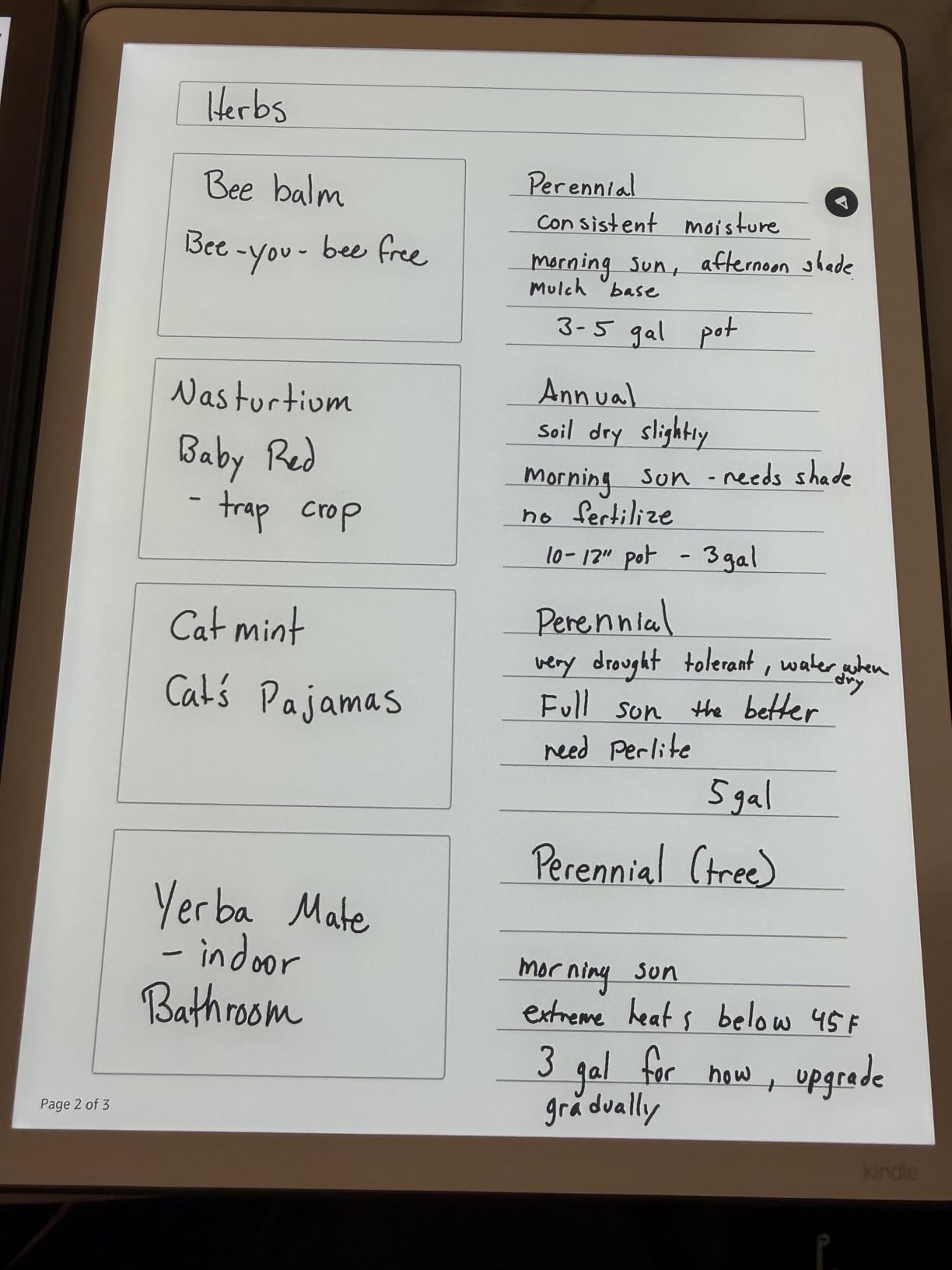
The Penstar eNote 2 surprised me. Coming from a smaller brand, I expected compromises, but the 300 PPI display is genuinely the whitest and clearest E Ink screen I have used. Text and handwriting look sharp with none of the grayish tint that affects lower-resolution panels. The pen-only screen means no accidental touches, which keeps the writing experience clean.
The bundle is generous. You get a magnetic leather folio cover, two B5 digital stylus pens, and 18 spare nibs total. This is the most complete accessory package of any device in this lineup. Most competitors charge extra for cases and additional pens, so the included value here is significant.
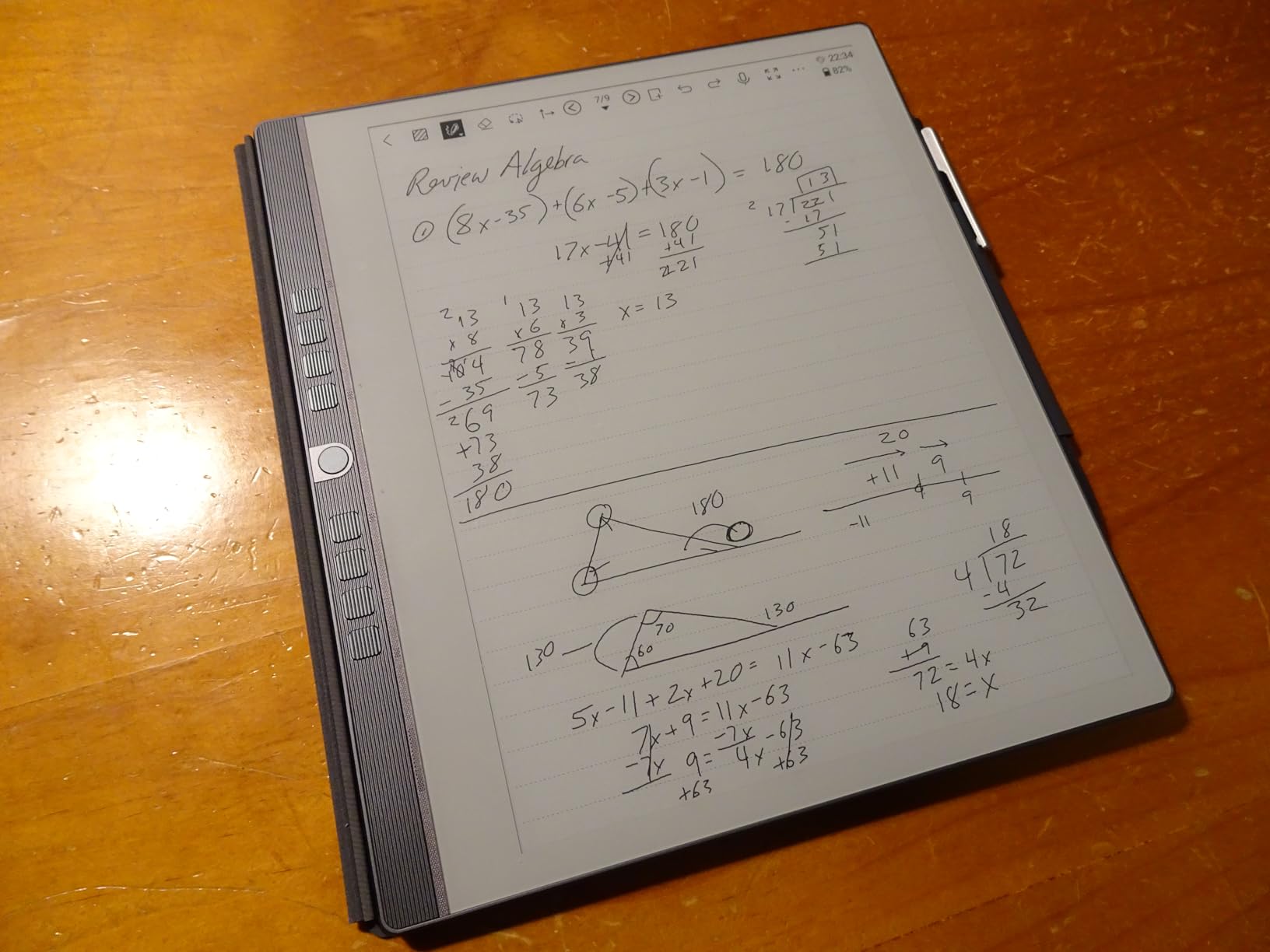
MyScript powers the handwriting recognition, and it is accurate. I wrote notes in mixed print and cursive, and the conversion to typed text was reliable across both styles. The AI-powered voice-to-text works in 52 languages, which is impressive for a device at this price point. Cloud sync supports Google Drive, OneDrive, and Dropbox without any subscription.
The 9 programmable shortcut keys are a thoughtful addition that speeds up navigation. You can map them to switch pens, change templates, undo, or jump between notebooks. The 128GB of storage is the largest on this list, giving you effectively unlimited space for notes and documents.
Who Benefits Most from the Penstar eNote 2
Anyone who wants premium E Ink writing without subscription fees should put the eNote 2 at the top of their shortlist. The combination of 300 PPI clarity, 128GB storage, and no recurring costs makes it one of the best values in this category.
The included accessories make it a great gift or first device. You do not need to buy anything extra to start writing, which removes the hidden costs that inflate the true price of competitors like reMarkable.
Software Limitations to Know
The lack of Google Play Store means you are limited to the apps Penstar provides. The core note-taking and reading software is solid, but power users who want to install third-party apps will feel constrained. The open Android OS on the Geniatech Kloudnote Slim offers more flexibility in this regard.
Some users report lag with certain operations, particularly when rendering complex PDFs. The processor handles most tasks well, but heavy document users may notice occasional slowdowns compared to the faster Kindle Scribe models.
7. XPPen Magic Note Pad – 10.95 inch Color Notetaking Tablet
XPPen 10.95″ Standalone Drawing Tablet Digital Color Notetaking Magic Note Pad for Sketching, Drawing & Notes 16K Pressure Sensitivity Tilt Support 90Hz Refresh Rate Anti-Glare Screen Android 14
10.95 inch LCD display
16K pressure levels
90Hz refresh rate
Android 14
X3 Pro battery-free Pencil 2
Pros
- Excellent paper-like writing and drawing feel
- Battery-free stylus with 16K pressure sensitivity
- Smooth 90Hz refresh rate
- 3 color modes
- Android 14 with Google Play access
Cons
- Battery drains relatively fast
- Some Bluetooth connectivity issues
- May not match color quality of premium tablets
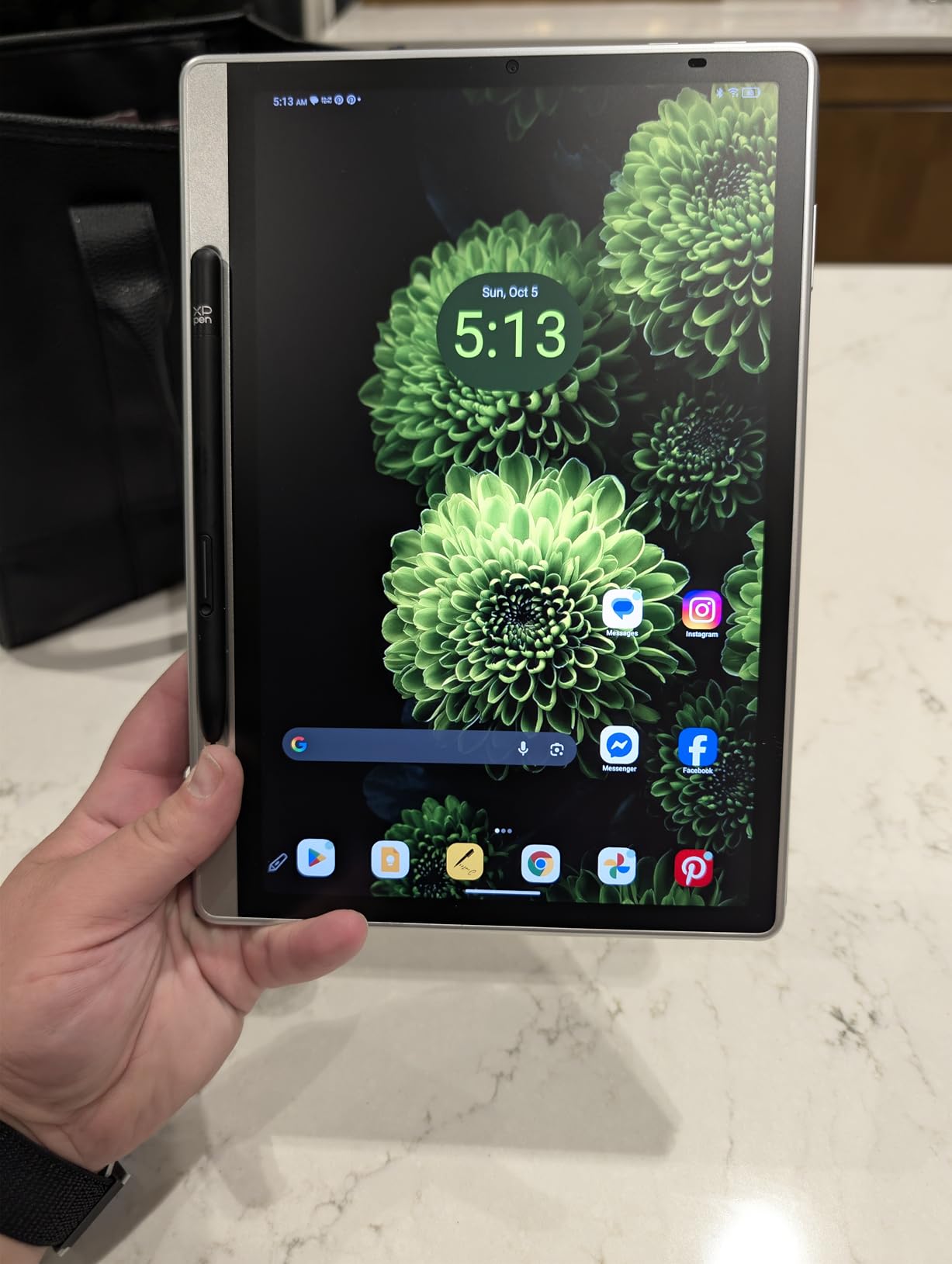
The XPPen Magic Note Pad is the wildcard in this roundup. Unlike the E Ink devices, it uses an LCD display with AG nano-etching technology to simulate paper texture. The result is a screen that feels remarkably paper-like while offering full color, fast refresh rates, and access to the entire Google Play Store via Android 14.
The 16,384 pressure levels with the X3 Pro battery-free Pencil 2 is the highest sensitivity on this list. For artists and anyone who varies their line weight while writing or sketching, this translates to incredibly nuanced strokes. The 90Hz refresh rate means there is zero perceptible lag between pen movement and ink appearing on screen.
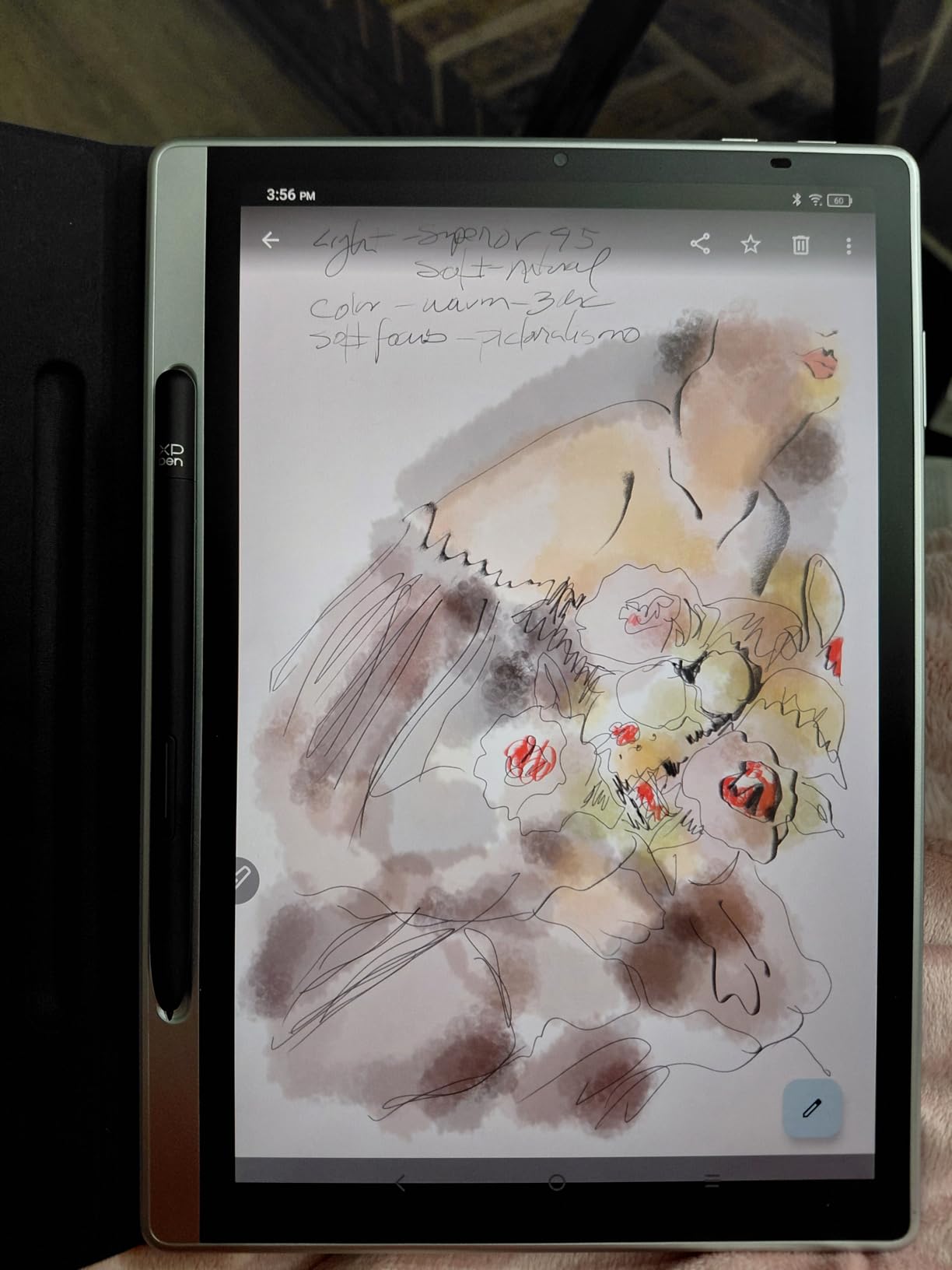
Three color modes let you switch between Natural for general use, Light for reading, and Black and White for a paper-like E Ink simulation. I found myself using the Black and White mode for reading and note-taking, then switching to Natural or Light for sketching and color work.
Battery life is the main weakness. The LCD display draws significantly more power than E Ink, and I noticed drain even when the device sat overnight. If you are used to the weeks-long battery life of E Ink tablets, the daily charging routine of the Magic Note Pad will require an adjustment.
Best Fit for Creative Users
If you split your time between note-taking and digital art, the Magic Note Pad is the most versatile option on this list. The full-color display and extreme pressure sensitivity make it suitable for sketching and illustration in ways that E Ink devices simply cannot match.
The Android 14 operating system with Google Play access means you can install any note-taking or drawing app you prefer. This is a significant advantage over locked-down devices like the Kindle Scribe or reMarkable, which restrict you to their built-in software.
Battery and Connectivity Tradeoffs
The fast battery drain is inherent to the LCD technology. There is no software fix that will give you E Ink-level battery life. You need to accept daily charging as part of the tradeoff for color and speed.
Some users report Bluetooth connectivity issues, particularly when pairing wireless headphones or external keyboards. These issues appear intermittent and may improve with future software updates, but they are worth monitoring if you rely on Bluetooth accessories.
8. iFLYTEK AINOTE Air 2 – 8.2 inch AI Note-Taking Tablet
iflytek AINOTE Air 2, 8.2″ E Ink Tablet with AI Meeting Summaries, Gray
8.2 inch E Ink display
4096 pressure levels
Voice-to-text in 17 languages
5-week battery
4G cellular connectivity
Pros
- Excellent voice-to-text transcription with meeting summaries
- Natural paper-like handwriting feel
- Accurate handwriting-to-text in 83 languages
- Eye-friendly E Ink with adjustable backlight
- Long 5-week battery life
- Lightweight and portable
Cons
- Locked down Android system
- No Google Play certification
- Cannot sideload many APKs
- Limited file transfer capabilities
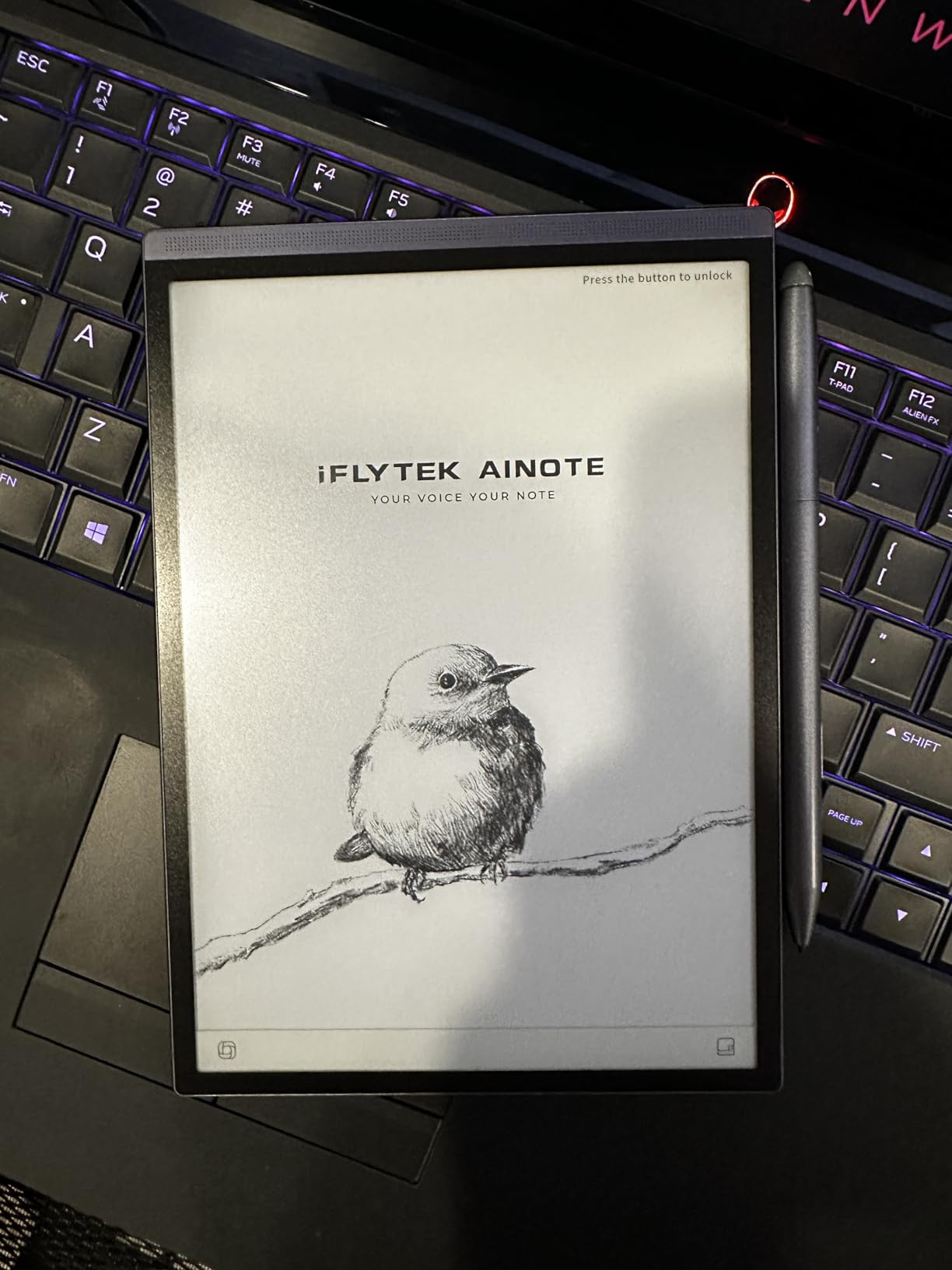
The iFLYTEK AINOTE Air 2 stands out for one feature that no other device on this list does as well: AI-powered voice-to-text transcription. I tested it in a 45-minute meeting, and it transcribed the conversation in real-time while simultaneously capturing my handwritten notes. The meeting summary it generated afterward was impressively accurate.
The 8.2 inch screen is a comfortable size that balances portability with enough writing space. At just 0.51 pounds, it is the lightest full-featured E Ink tablet in this roundup. The dual-color reading light offers 24 brightness levels, and the adjustable warmth makes extended reading sessions easy on the eyes.
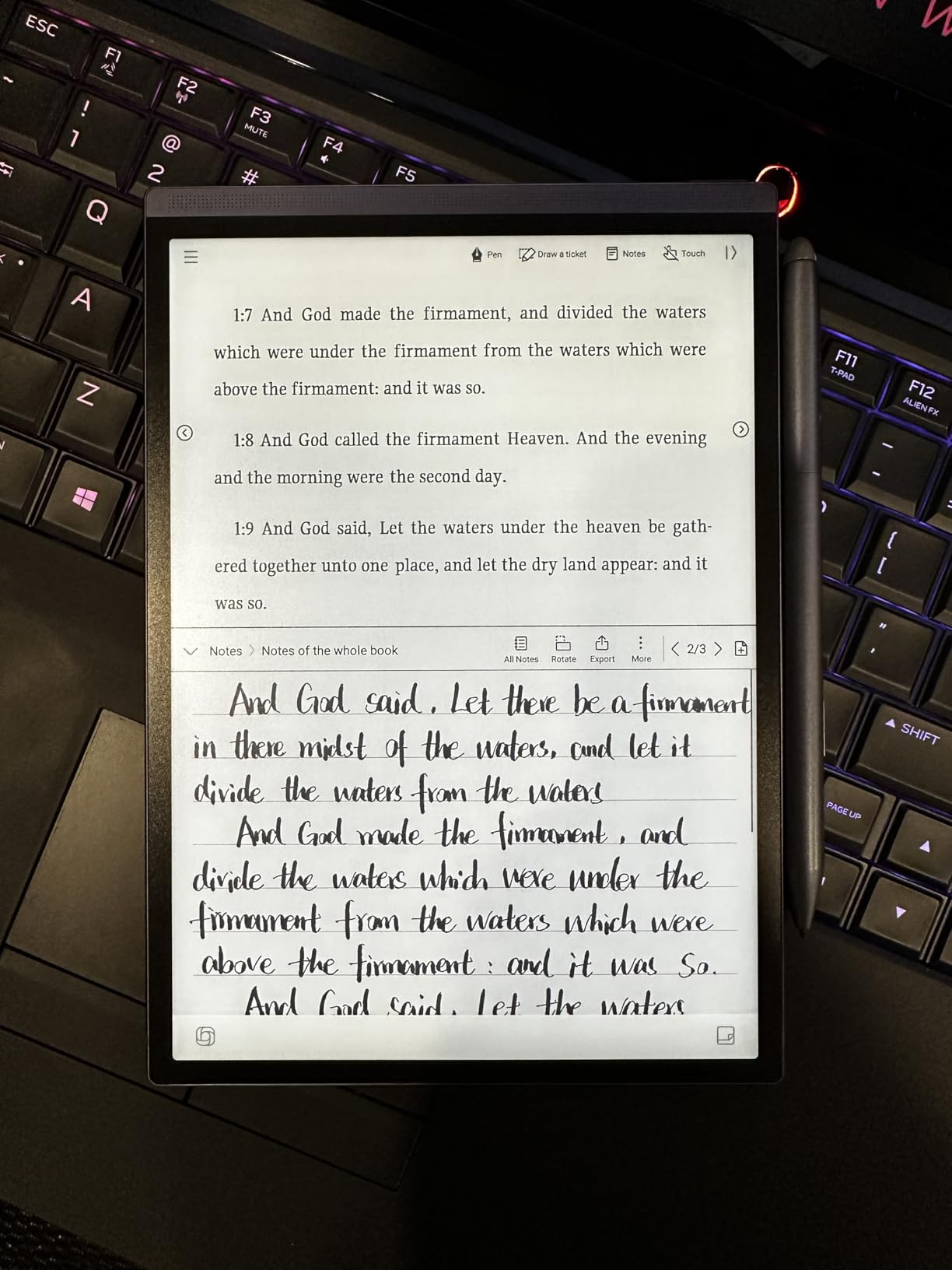
Handwriting-to-text conversion works in an impressive 83 languages, which makes this device particularly valuable for multilingual users. Voice-to-text supports 17 languages, and the accuracy is strong for clear speech. The 5-week battery life is the best on this list, though heavy use of voice features will reduce it.
The locked-down Android system is the significant drawback. There is no Google Play Protect certification, and you cannot sideload most APKs. This means you are limited to the apps iFLYTEK provides, which is frustrating given that the hardware is capable of much more. File transfer capabilities are also restricted, which complicates getting notes onto other devices.
Who Needs the AINOTE Air 2
Professionals who attend frequent meetings and need accurate transcriptions will find this device invaluable. The combination of live voice transcription and handwritten notes creates a complete record that is easy to review and share afterward.
International users and multilingual professionals benefit from the extensive language support. If you work across multiple languages, having handwriting recognition in 83 languages eliminates a major friction point.
Software Restrictions to Consider
The locked Android system is a dealbreaker for tech-savvy users who want full control over their device. You cannot install custom apps, access developer mode, or easily transfer files outside of iFLYTEK’s designated methods.
If you want an open Android E Ink device, the Geniatech Kloudnote Slim offers more flexibility, though with fewer AI features. The tradeoff is between iFLYTEK’s superior software experience within its walled garden and the freedom of a more open system.
9. Geniatech Kloudnote Slim – 10.3 inch Budget E Ink Notepad
Geniatech Kloudnote Slim 10.3″ Digital Notebook, E Ink Tablet and ePaper Notepad for ebook Reading and Writing, 227ppi ereader Device in 2025, 5.3mm Ultra-Thin (Grey)
10.3 inch E Ink 227ppi
5.3mm ultra-thin
Open Android OS
4096 pressure levels
40-hour battery
64GB storage
Pros
- Beautiful E Ink display easy on the eyes
- Very thin and lightweight 5.3mm
- Natural pen-on-paper writing feel
- Good value compared to reMarkable
- Open Android OS allows app installation
- 40-hour battery life
Cons
- No touch screen pen only
- PDF functionality has glitches
- Limited app availability
- No backlight
- Tech support not responsive
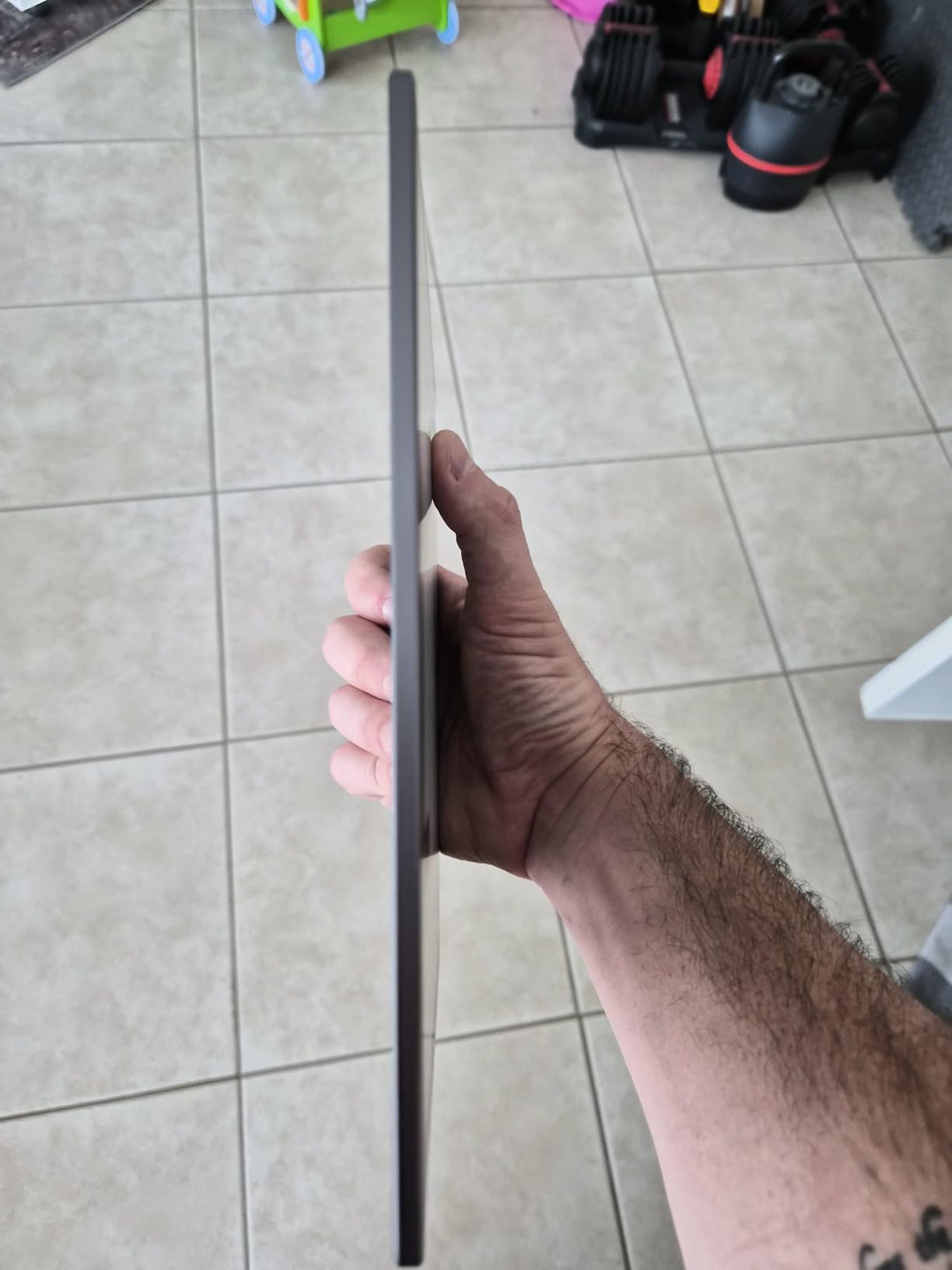
The Geniatech Kloudnote Slim is the budget E Ink option that gives you a real paper-like writing experience without the premium price tag of reMarkable or Kindle Scribe. At 5.3mm thick and 390 grams, it is one of the thinnest and lightest 10.3 inch E Ink tablets available. The writing feel is genuinely pleasant, with a textured surface that provides good pen friction.
The open Android OS is a significant advantage for tinkerers. Unlike the locked-down iFLYTEK or Amazon devices, you can install apps from the built-in AppStore and even sideload some APKs. This flexibility means you can customize the device to fit your workflow rather than adapting to a manufacturer’s vision.
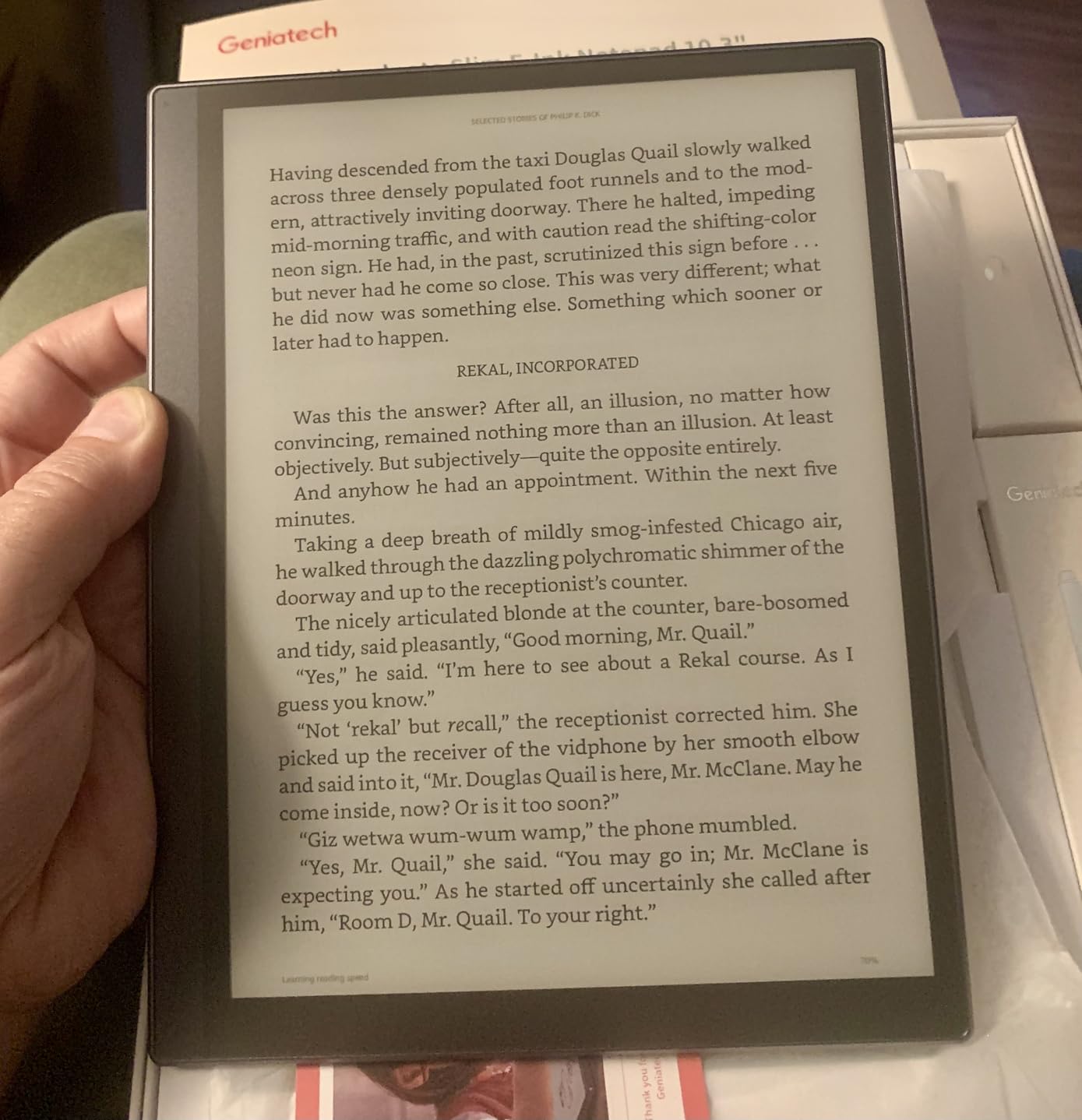
The 39 included note templates cover everything from lined and grid paper to weekly planners and to-do lists. OCR handwriting recognition converts your notes to text, and the voice recording capability adds another dimension to note capture. The 500MB of free cloud storage is modest but supplemented by support for OneDrive, Dropbox, and Baidu.
The main limitations are significant. The pen-only interface means no touch input, which makes navigation slower. PDF rendering has glitches on complex documents. There is no backlight, so you need external lighting in dim conditions. And tech support responsiveness is inconsistent based on user reports.
Who Should Consider the Kloudnote Slim
Budget-conscious buyers who want a real E Ink writing experience should start here. You get the core paper-like display and writing functionality at roughly half the cost of premium alternatives.
Android enthusiasts who enjoy customizing their devices will appreciate the open OS. You can experiment with different note-taking apps and workflows that locked-down devices simply do not allow.
Where It Falls Short
The software polish is noticeably below premium competitors. Menus can feel clunky, and the PDF handling needs improvement. If you primarily work with complex PDFs, the glitches will test your patience.
The lack of backlight is a dealbreaker for anyone who reads or writes in bed or dimly lit environments. You are limited to well-lit spaces, which reduces the device’s versatility compared to the Kindle Scribe or Penstar eNote 2.
10. HUION Note 2-in-1 – Digital Notebook and Drawing Tablet
HUION Note Digital Notebook with Real-Time & Offline Sync, Battery-Free Pen
2-in-1 paper tablet and graphics tablet
A5 refillable notepad
8192 pressure levels
Bluetooth 5.0
18-hour battery
Works with all major OS
Pros
- Excellent app with multiple pen and notebook options
- Can use any A5 replacement paper
- Bluetooth connection works well
- Doubles as PC drawing tablet
- Audio recording synced with notes
Cons
- Paper can be affected by humidity
- Only works with Huion specific pen
- Pen case magnet is weak
- Requires account for full features
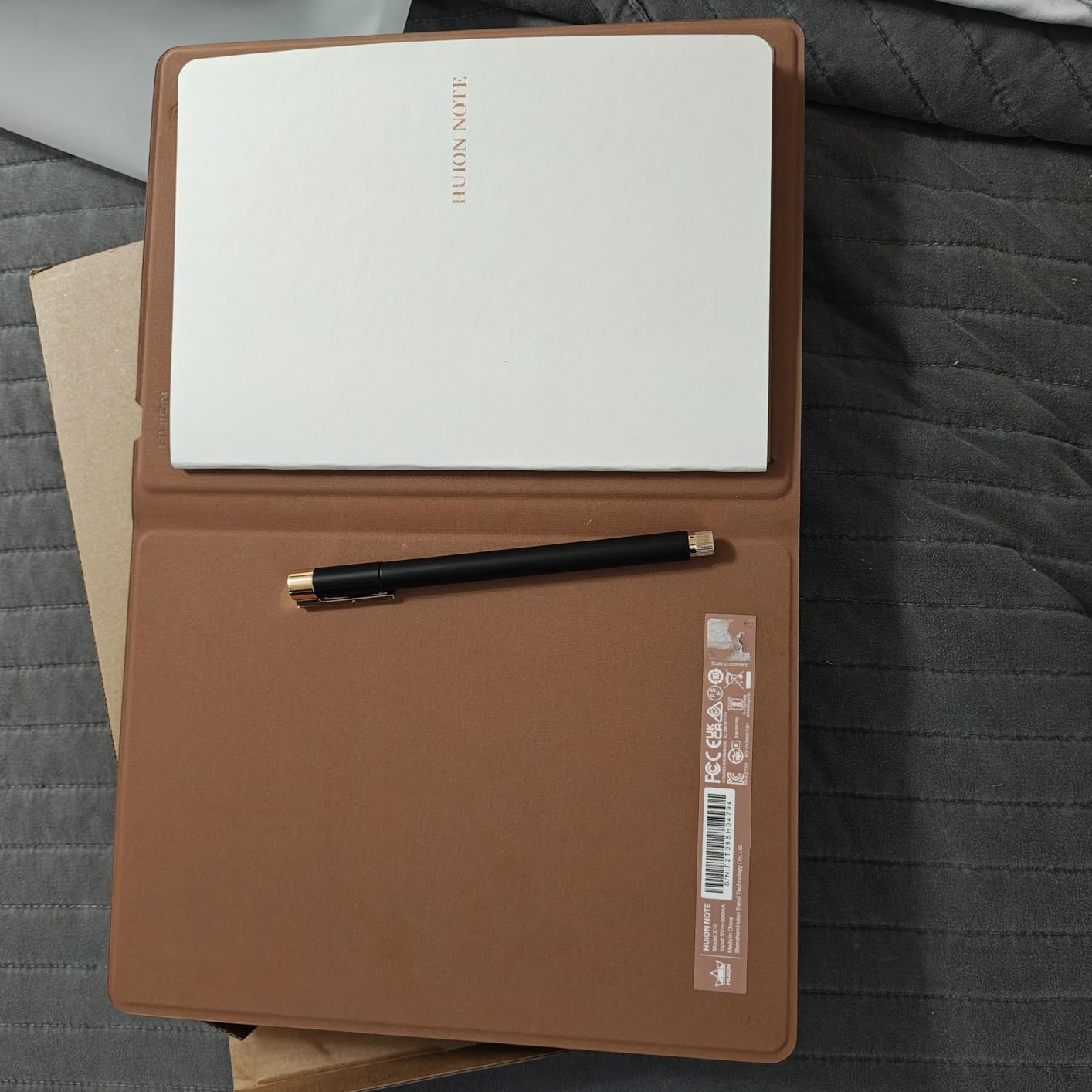
The HUION Note is a different approach to digital note-taking. Instead of an E Ink screen, it uses a digitizer pad under a real paper notepad. You write on actual paper with a special pen, and the device captures your strokes digitally in real-time via Bluetooth. The result is that you get both a physical paper note and a digital copy simultaneously.
The 2-in-1 design means you can also connect it to a PC via USB and use it as a conventional graphics tablet. This dual functionality makes it one of the most versatile devices on this list. I used it for handwritten notes during the day and as a drawing surface for digital art in the evening.
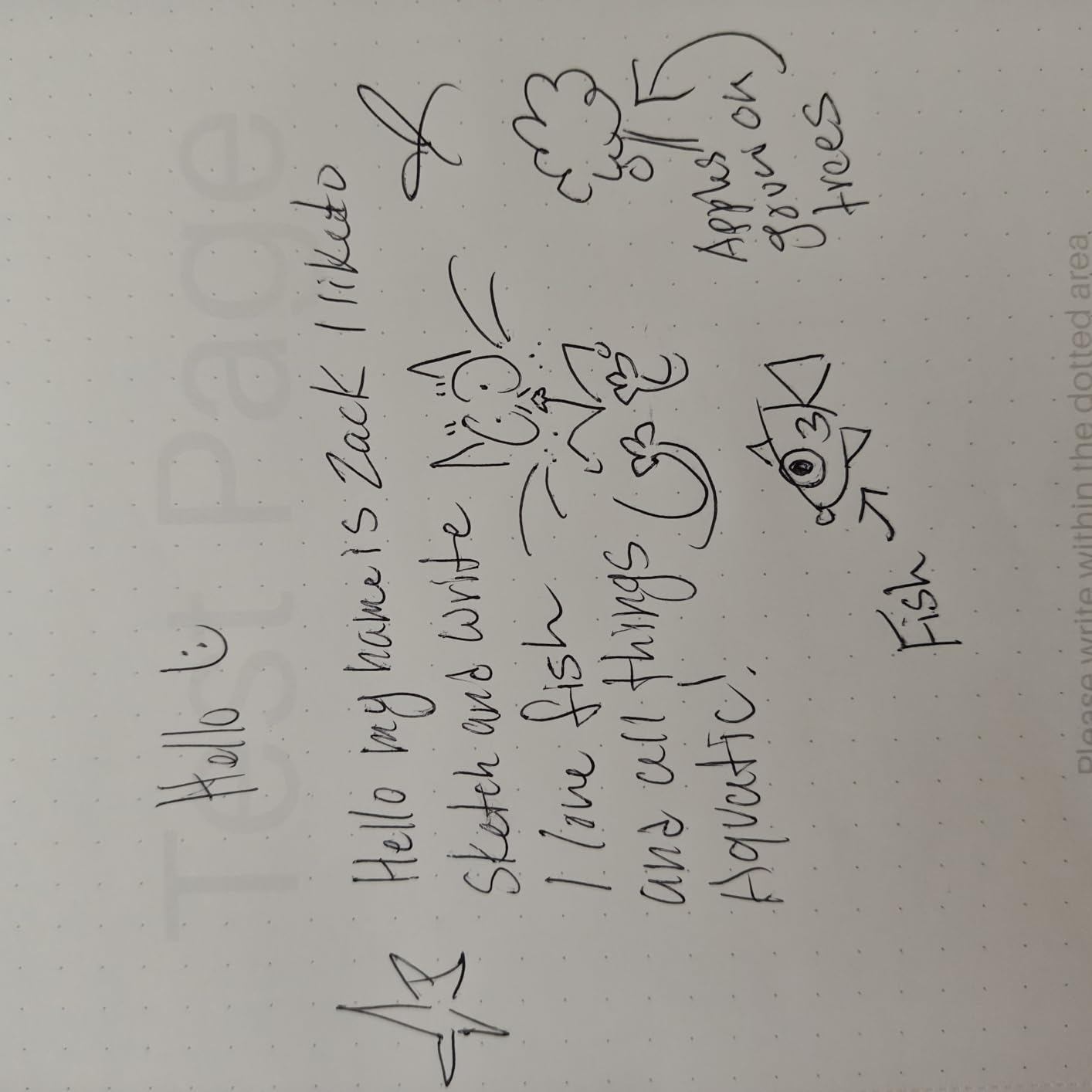
The companion app is excellent. It offers multiple pen styles, notebook templates, and the ability to export in various formats. The audio recording feature syncs with your handwritten notes, so you can tap a word later and hear what was being said when you wrote it. This is invaluable for meeting notes and lecture capture.
The ability to use any A5 replacement paper is a major practical advantage. You are not locked into proprietary refills, so you can choose whatever paper texture and weight you prefer. The battery-free pen with 8192 pressure levels provides excellent sensitivity for both writing and drawing.
Best Users for the HUION Note
People who love the feel of real paper but want digital backup will love this device. You write on actual paper, so the writing experience is literally perfect by definition. The digital capture happens transparently in the background.
Artists who want an affordable drawing tablet for PC use will appreciate the dual functionality. Getting a capable graphics tablet and digital note-taking device in one package at this price point is excellent value.
Practical Limitations
The reliance on physical paper means you need to carry replacement notepads. This is not a concern for most users, but if you are trying to go fully paperless, the HUION Note is not the right choice. It is a hybrid system by design.
Humidity can affect the paper and potentially impact digitizer accuracy. Users in very humid climates should be aware of this. The pen case magnet is also weak, which means the pen can fall out if the device is jostled in a bag.
11. Ophayapen Smart Pen Kit – Smart Pen with Real-Time Sync
Ophayapen 3-in-1 Smart Writing-Smart Pen, Digital Notebook, Writing Board
Smart pen with PU notebook
1024 pressure levels
Real-time sync to smartphone
OCR handwriting-to-text
Audio recording
Offline storage
Pros
- Real-time sync to smartphone and tablet
- OCR handwriting recognition
- Audio recording while writing
- Offline storage capability
- Multiple export formats
Cons
- App can be difficult to use
- Audio recording captures phone notifications
- Limited to special dot-matrix paper
- Durability concerns after extended use
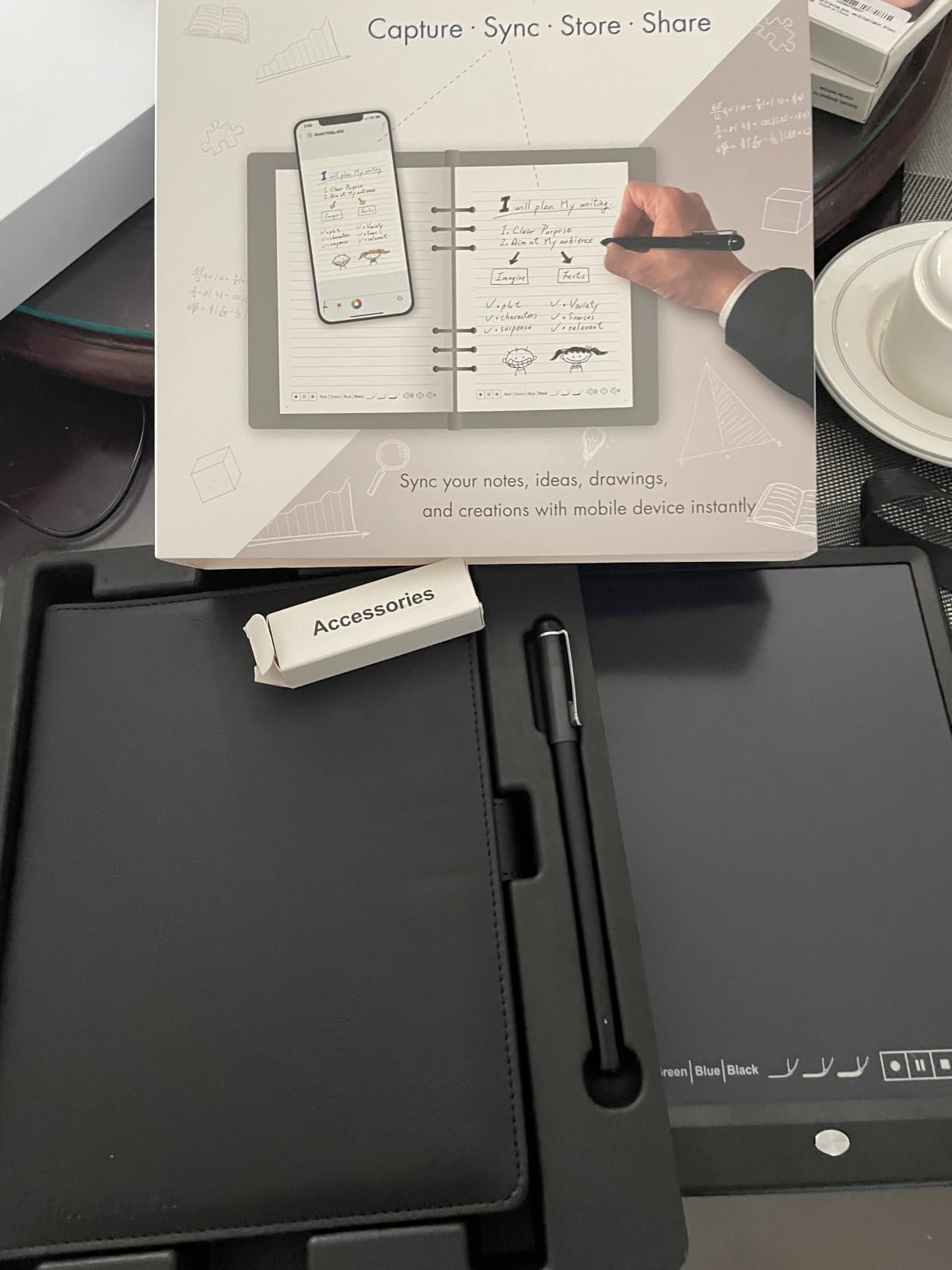
The Ophayapen Smart Pen kit is another paper-based digital capture system, similar in concept to the HUION Note but in a more traditional smart pen form factor. The kit includes a PU notebook with 60 sheets of special dot-matrix paper, a writing board, and the smart pen itself. Everything connects to the Ophaya Pro+ app on your phone via Bluetooth.
Real-time sync means you watch your handwriting appear on your phone screen as you write on paper. The OCR conversion turns your handwritten notes into editable text, and the system supports export to PDF, Word, PNG, GIF, and even MP4 formats. The MP4 export creates an animated replay of your writing process, which is a creative touch.
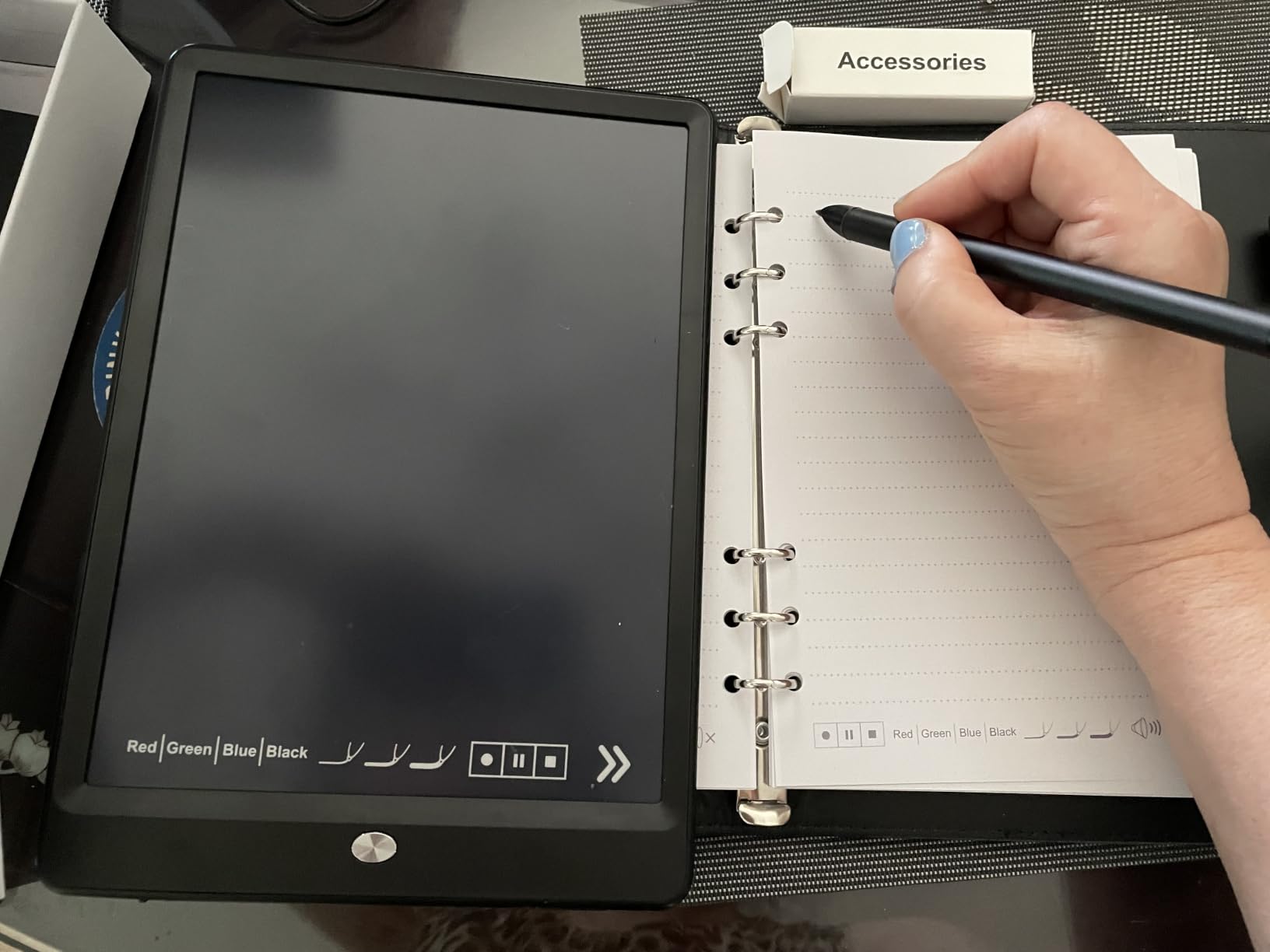
The audio recording feature is designed for meetings and lectures. As you write, the pen captures audio, and you can later tap on any written word to jump to that moment in the recording. This is powerful for review, though the pen also captures phone notifications and other audio, which is a genuine annoyance.
The 1024 pressure levels are adequate for writing but fall short of the 8192 levels offered by HUION or the 16,384 from XPPen. For pure note-taking, this is not a significant issue, but artists will notice the reduced sensitivity. Durability is a concern, with some users reporting the pen stopped working after several months of regular use.
Who Gets the Most from the Ophayapen
Students and professionals who want a low-cost entry into digital note-taking with audio sync should consider this kit. The combination of physical writing, digital capture, and synchronized audio covers the three main modalities of information capture in meetings and classes.
The multiple export formats make it easy to share notes across platforms. The MP4 animated replay is particularly useful for creating tutorial content or sharing brainstorming sessions with colleagues.
What to Watch Out For
The proprietary dot-matrix paper requirement means you need to buy refills from Ophayapen or compatible suppliers. This is an ongoing cost and availability risk that does not exist with standard paper systems like the HUION Note.
The app experience is the weakest link. Users consistently report that the interface is difficult to use and could benefit from a redesign. If you are not patient with technology, the setup and daily use may frustrate you. The durability concerns also mean you should consider the warranty coverage carefully.
12. Rocketbook Core – Reusable Smart Notebook
Rocketbook Core Reusable Smart Notebook, Letter Size 8.5×11, Black
Reusable dot-grid pages
Letter size 8.5x11
Pilot Frixion pen compatible
Free Rocketbook app
Wipes clean with damp cloth
Pros
- Reusable notebook eco-friendly
- Easy scanning via Rocketbook app
- Compatible with Pilot Frixion pens
- Wipes clean with damp cloth
- Good for students and professionals
Cons
- Requires specific Pilot Frixion pens
- Ink takes 15+ seconds to dry
- Pages can wear with heavy use
- Some ghosting after extended ink exposure
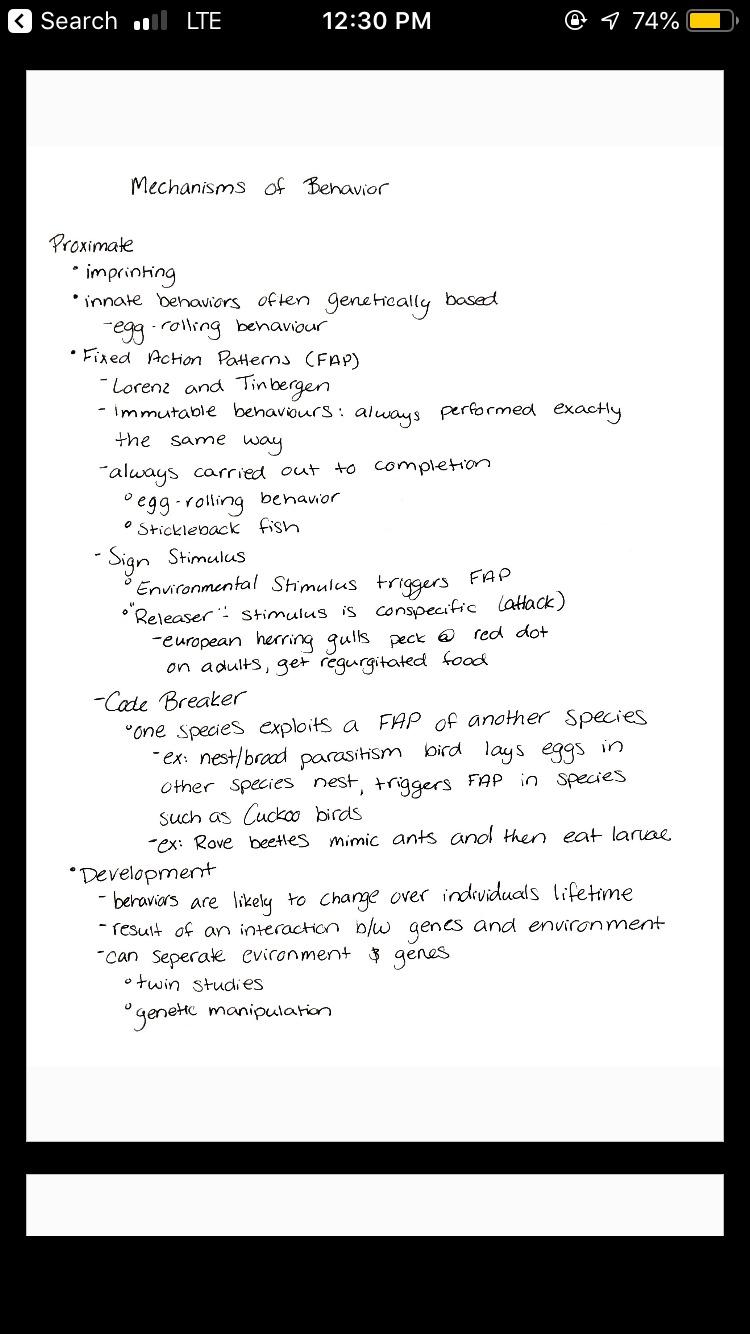
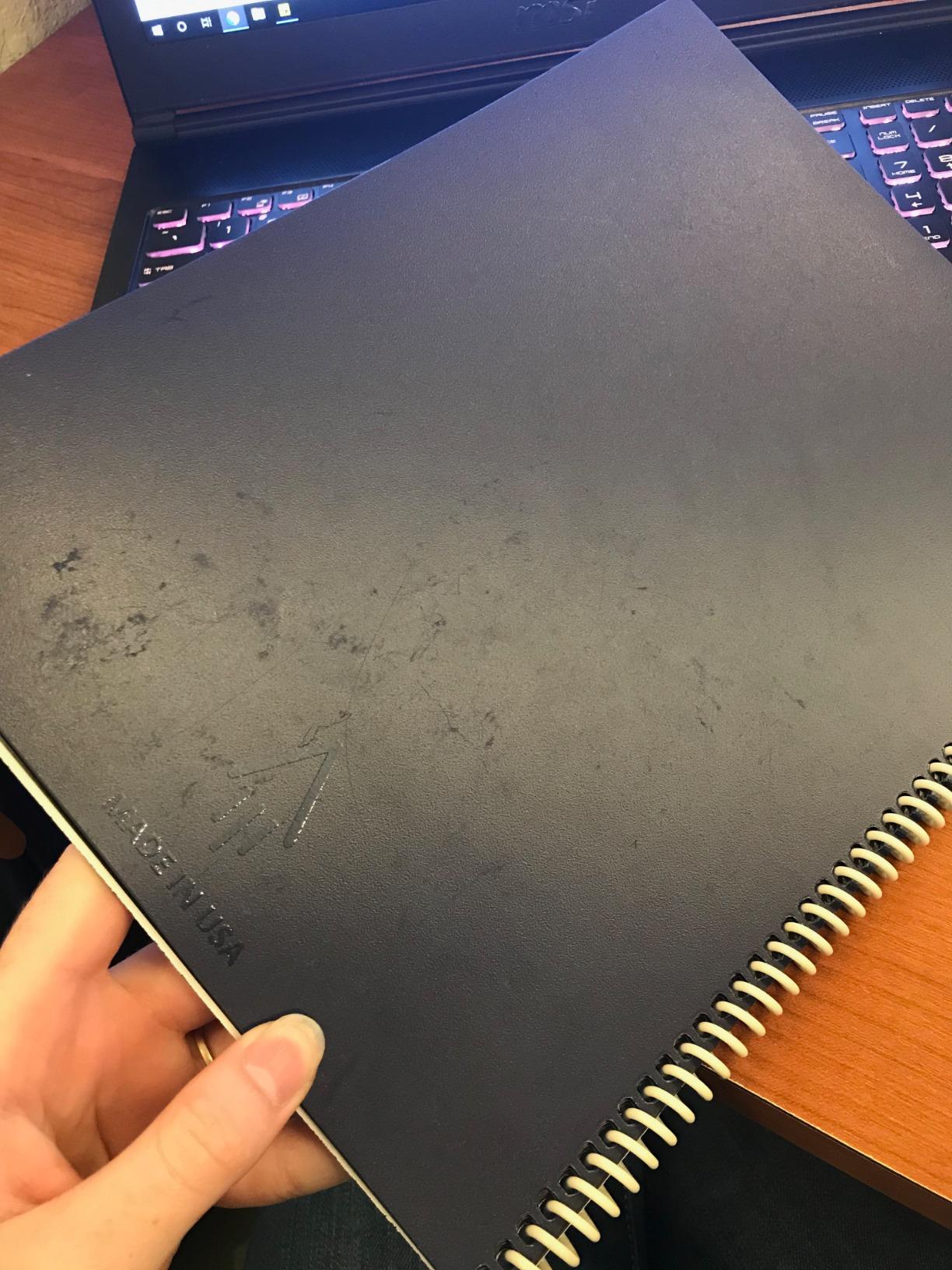
The Rocketbook Core is the most affordable way to get into digital note-taking, and with over 66,000 reviews, it is also the most popular device on this list by a wide margin. The concept is brilliantly simple: you write on synthetic pages with Pilot Frixion erasable pens, scan the pages with the free Rocketbook app, and then wipe the pages clean with a damp cloth to reuse them.
The scanning experience is where the magic happens. You assign destination icons at the bottom of each page for different cloud services like Google Drive, Dropbox, email, or Slack. When you scan, the app reads the checked icons and routes the page to the correct destination automatically. It is fast, intuitive, and genuinely useful.
I used the Rocketbook Core for grocery lists, meeting notes, and brainstorming sessions over several weeks. The dot-grid pages provide helpful structure without being intrusive, and the letter size gives you plenty of writing space. The tactile experience of writing with a real pen on real (synthetic) paper is satisfying in a way that even the best E Ink tablets cannot fully replicate.
The limitations are real but manageable. You must use Pilot Frixion pens, which are inexpensive and widely available but do limit your writing instrument choices. The ink takes about 15 seconds to dry, during which you need to be careful about smudging. Pages can show ghosting after extended ink exposure, so regular cleaning is important.
Who Should Start with the Rocketbook
Anyone curious about digital note-taking but not ready to invest hundreds of dollars in an E Ink tablet should start here. The Rocketbook Core gives you 80% of the digital benefits at a fraction of the cost. If you decide digital note-taking is not for you, you are only out the price of a nice lunch.
Students on a budget, teachers who go through notebooks quickly, and environmentally conscious users who want to reduce paper waste all benefit from the reusable design. The scanning app works reliably and the cloud routing is genuinely time-saving once you set it up.
Understanding the Limitations
The Rocketbook is not a replacement for a real digital notebook if you need features like handwriting-to-text conversion, searchable notes, or offline storage. Everything depends on your phone camera for digitization, which means you need your phone handy to capture pages.
Page durability is the long-term concern. After months of writing, erasing, and re-writing, the synthetic pages can show wear and ghosting. Heavy daily users may find they need to replace the notebook after a year or so, though the low initial cost makes this less painful than it sounds.
Buying Guide: How to Choose the Best Digital Notebooks?
Choosing the right digital notebook comes down to understanding your own needs and matching them to the right technology. After testing all 12 devices in this guide, I can tell you that there is no single best option for everyone. The reMarkable Paper Pro is perfect for one person and overkill for another. The Rocketbook Core is a perfect entry point that some users will outgrow within months.
Here are the key factors you should weigh when making your decision, based on what actually matters in day-to-day use rather than spec sheets and marketing claims.
Display Technology: E Ink vs LCD vs Paper-Based
E Ink displays are the gold standard for reading and writing comfort. They reflect natural light like real paper, produce zero glare, and are easy on the eyes for extended sessions. Battery life is measured in weeks rather than hours. The tradeoff is slow refresh rates, limited or no color, and higher cost. The reMarkable Paper Pro, Kindle Scribe, Penstar eNote 2, and Geniatech Kloudnote all use E Ink.
LCD displays offer full color, fast refresh rates, and app flexibility. The XPPen Magic Note Pad uses an LCD screen with nano-etching for paper texture. The advantage is versatility; the disadvantage is battery drain measured in hours rather than weeks, and more eye strain during long sessions.
Paper-based systems like the Rocketbook Core, HUION Note, and Ophayapen use actual paper combined with digital capture technology. You get the authentic writing experience of pen on paper plus digital backup. The tradeoff is reliance on physical supplies and a scanning step for digitization.
Screen Size and Resolution
Screen size determines how much you can comfortably write and read at once. For full-page document annotation, 10 inches or larger is ideal. The reMarkable Paper Pro at 11.8 inches and the Kindle Scribe 64GB at 11 inches give you the most writing space. For quick notes and lists, the 7.3 inch reMarkable Paper Pro Move and 8.2 inch iFLYTEK AINOTE Air 2 are more portable.
Resolution matters for text clarity. The Kindle Scribe models and Penstar eNote 2 both offer 300 PPI, which produces text so crisp it looks printed. The Geniatech Kloudnote Slim at 227 PPI is noticeably less sharp but still very readable. For LCD devices, the XPPen Magic Note Pad offers a 1920×1200 resolution that is crisp for both text and images.
Writing Feel and Stylus Quality
The writing feel is the single most subjective and important factor. reMarkable devices are widely considered the gold standard for paper-like friction, and my testing confirms this. The texture coating on the screen provides a consistent drag that feels like writing on a high-quality notepad.
The Kindle Scribe writing feel is excellent but slightly smoother than reMarkable. The Penstar eNote 2 is very close to reMarkable in feel. For paper-based systems, the writing experience is literally perfect because you are writing on real paper, though the digital capture quality varies.
Pressure sensitivity ranges from 1024 levels in the Ophayapen to 16,384 in the XPPen Magic Note Pad. For pure writing, 4096 levels or higher is sufficient. For art and sketching, higher sensitivity gives you more expressive line variation.
Battery Life Expectations
Battery life varies enormously between technologies. E Ink devices lead by a wide margin. The iFLYTEK AINOTE Air 2 claims 5 weeks, the reMarkable 2 and Paper Pro claim 2 weeks, and the Kindle Scribe models claim weeks of mixed use. In practice, expect 1 to 2 weeks for most E Ink devices with moderate daily use.
The reMarkable Paper Pro Move is the exception, with real-world battery life significantly shorter than its 15-day claim. Plan for charging every few days rather than every few weeks.
LCD devices like the XPPen Magic Note Pad require daily charging. Paper-based systems need occasional pen charging or battery replacement but the notebooks themselves need no power.
Software and Organization
The software experience determines how easily you can find and use your notes after you write them. reMarkable offers excellent folder and tag organization with handwriting-to-text conversion, but requires a Connect subscription. The Kindle Scribe provides AI-powered search and summarization with no subscription but locks you into the Amazon ecosystem.
The Penstar eNote 2 uses MyScript for handwriting recognition and charges no subscription fee. The iFLYTEK AINOTE Air 2 offers the best AI features including voice-to-text but runs a locked Android system that limits flexibility. The Geniatech Kloudnote Slim offers the most open Android experience for users who want to install custom apps.
Cloud Sync and Ecosystem
Cloud sync lets you access your notes across devices and provides backup. The Penstar eNote 2 supports Google Drive, OneDrive, and Dropbox without subscription. The Kindle Scribe 64GB adds Google Drive and OneDrive import plus OneNote export. reMarkable requires the Connect subscription for cloud features.
Ecosystem lock-in is a real consideration. Kindle Scribe devices integrate deeply with Amazon services but are difficult to use outside that ecosystem. reMarkable devices work with their own mobile and desktop apps but require subscription for full functionality. Devices with open Android offer the most flexibility for cloud services.
Subscription Costs to Watch For
This is the hidden cost that catches many buyers by surprise. reMarkable requires a Connect subscription for cloud sync and handwriting conversion after the free trial. iFLYTEK charges for voice-to-text beyond an initial usage allowance. These recurring fees add up over time and should factor into your total cost of ownership.
The Kindle Scribe, Penstar eNote 2, Geniatech Kloudnote Slim, HUION Note, Ophayapen, and Rocketbook all offer their core features without subscription requirements. If avoiding recurring costs is important to you, these devices are better long-term values.
Use Case Recommendations
For students, the Kindle Scribe or Penstar eNote 2 offer the best combination of reading, annotation, and note-taking without subscription fees. The Rocketbook Core is the budget alternative that works well for lecture notes if you do not mind the scanning step.
For professionals who spend hours in meetings, the iFLYTEK AINOTE Air 2 with voice-to-text is transformative. The reMarkable Paper Pro is the premium choice for document-heavy workflows. The Kindle Scribe 64GB with OneNote export integrates best with corporate environments.
For artists and creative users, the XPPen Magic Note Pad with its full-color LCD, 16K pressure levels, and Google Play access is the most capable all-around creative tool. The HUION Note doubles as a PC drawing tablet for users who want traditional graphics tablet functionality.
FAQs
What is the best digital notebook for most people?
The reMarkable Paper Pro Bundle is the best digital notebook for most people due to its unmatched paper-like writing feel, color display, and distraction-free design. If you want a more affordable option, the Amazon Kindle Scribe offers excellent reading and writing integration at a lower price point.
Are digital notebooks worth it?
Digital notebooks are worth it if you take handwritten notes daily, want searchable and backed-up notes, or need to annotate documents regularly. They save money on paper supplies over time and eliminate the problem of lost notebooks. However, if you only occasionally write notes, a tablet or traditional notebook may be more cost-effective.
What is the difference between a tablet and a digital notebook?
Digital notebooks use E Ink or specialized paper-like displays designed specifically for writing and reading, with battery life measured in weeks and no app distractions. Tablets use LCD or OLED screens, run full operating systems with apps and notifications, and need daily charging. Digital notebooks prioritize focus and writing feel, while tablets prioritize versatility.
Can you read ebooks on a digital notebook?
Yes, most digital notebooks support ebook reading. The Amazon Kindle Scribe is the best option for reading since it includes full access to the Kindle Store. The Geniatech Kloudnote Slim supports EPUB and TXT formats. The reMarkable Paper Pro supports EPUB files. However, digital notebooks are not as full-featured as dedicated e-readers for book management.
How long does the battery last on digital notebooks?
E Ink digital notebooks typically last 1 to 5 weeks on a single charge. The iFLYTEK AINOTE Air 2 leads with up to 5 weeks, while reMarkable devices last about 2 weeks. LCD-based devices like the XPPen Magic Note Pad require daily charging. The reMarkable Paper Pro Move has notably shorter battery life than advertised, averaging 2 to 5 days in real-world use.
Conclusion
Finding the best digital notebooks in 2026 means matching the right technology to your specific needs. The reMarkable Paper Pro Bundle stands as our top pick for its unmatched writing feel and color display, while the Amazon Kindle Scribe remains the best value for anyone who reads and writes in equal measure. For budget-conscious buyers, the Rocketbook Core and Penstar eNote 2 deliver tremendous value without subscription fees.
The digital notebook market has matured significantly, with options ranging from under thirty dollars to nearly seven hundred. What matters most is choosing a device you will actually use every day. Whether that is a distraction-free E Ink tablet that helps you focus, an AI-powered device that transcribes your meetings, or a simple reusable notebook that digitizes your handwritten pages, the right digital notebook will transform how you capture and organize your thoughts.