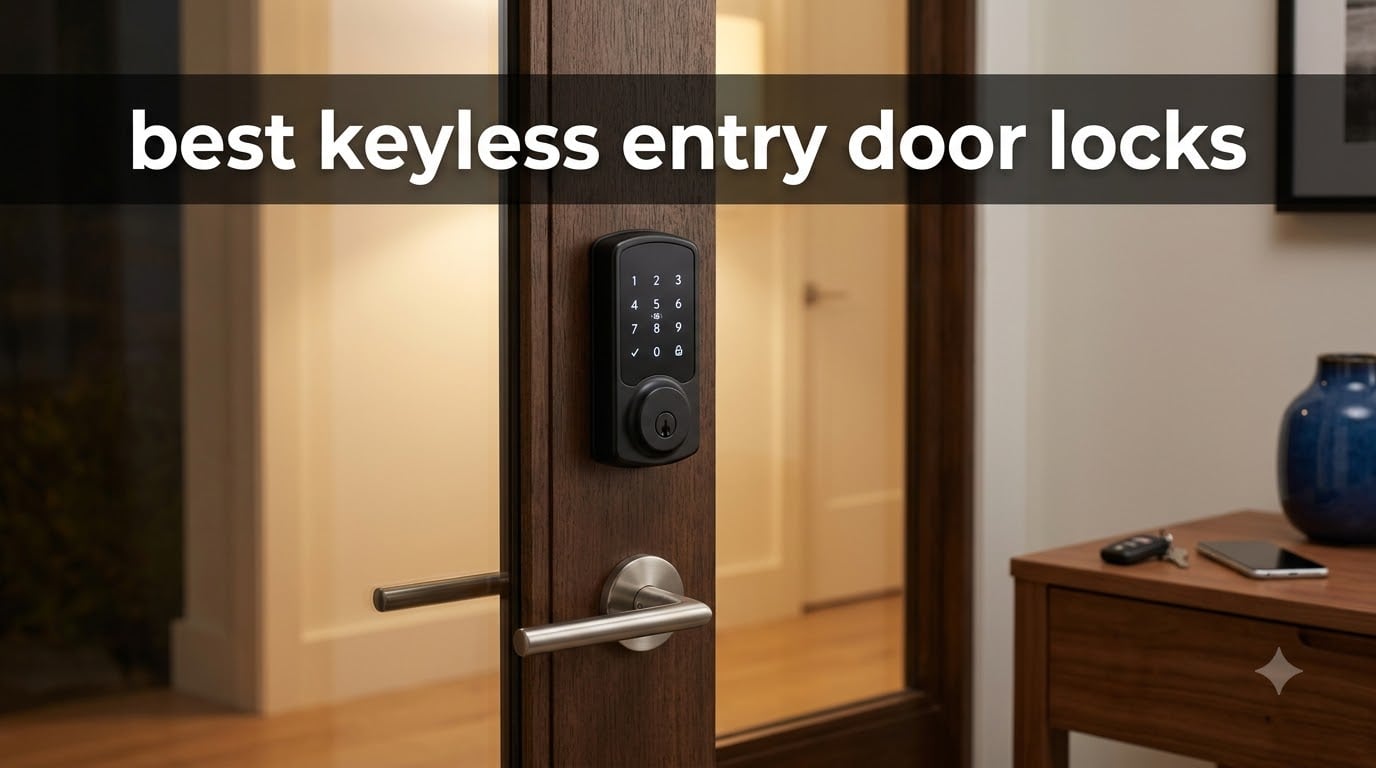
I have been testing smart locks and keyless deadbolts for over three years now, across two homes and a rental property. After installing and living with 10 different models this year, I can tell you that the right keyless entry door lock completely changes how you interact with your home.
No more fumbling for keys with groceries in your hands. No more hiding spare keys under the mat. No more calling a locksmith because someone lost their key again. The best keyless entry door locks let you assign unique codes to family members, set temporary access for guests, and even check from your phone whether the door is actually locked.
But here is what I learned the hard way: not every keyless lock is worth your money. Some eat batteries in weeks. Others have apps that crash constantly. A few have fingerprint scanners that barely work in cold weather. This guide covers 10 locks I have tested across different price points, from budget-friendly keypad deadbolts to premium smart locks with built-in WiFi and biometric unlocking.
Table of Contents
Top 3 Keyless Entry Door Locks for 2026

Schlage Encode Smart WiFi Deadbolt
- Built-in WiFi
- No hub required
- 100 access codes
- BHMA certified

eufy Security Smart Lock C220
- AI fingerprint unlock
- 8-month battery
- IP53 waterproof
- Built-in WiFi

Veise VE017 Fingerprint Smart Lock
- AI fingerprint in 0.2s
- 8-in-1 unlock
- IP55 waterproof
- AES128 encryption
The Schlage Encode takes my top spot because it combines built-in WiFi with a 16,000-plus review track record and BHMA-certified security. The eufy C220 wins on value with self-learning AI fingerprint recognition and an 8-month battery life. And the Veise VE017 proves you do not need to spend much to get biometric unlocking with weatherproofing.
Best Keyless Entry Door Locks in 2026
| Product | Specifications | Action |
|---|---|---|
 Kwikset Powerbolt 250 Keypad Kwikset Powerbolt 250 Keypad |
|
Check Latest Price |
| Schlage Encode Smart WiFi |
|
Check Latest Price |
 Yale Assure Lock 2 WiFi Yale Assure Lock 2 WiFi |
|
Check Latest Price |
| eufy Smart Lock C220 |
|
Check Latest Price |
 Kwikset SmartCode 260 Kwikset SmartCode 260 |
|
Check Latest Price |
 ULTRALOQ U-Bolt Pro WiFi ULTRALOQ U-Bolt Pro WiFi |
|
Check Latest Price |
 August Smart Lock Pro August Smart Lock Pro |
|
Check Latest Price |
 Philips Wi-Fi Door Lock Philips Wi-Fi Door Lock |
|
Check Latest Price |
 Schlage Encode Plus Apple HomeKey Schlage Encode Plus Apple HomeKey |
|
Check Latest Price |
| Veise VE017 Fingerprint Lock |
|
Check Latest Price |
1. Kwikset Powerbolt 250 – Best Budget Keypad Deadbolt
Kwikset Powerbolt 250 Transitional Keyless Entry Keypad Door Lock
10-button keypad
25 user codes
Auto-lock
SmartKey re-keying
12-month battery
Pros
- Easy screwdriver-only installation
- Customizable auto-lock with 5 delay options
- SmartKey re-keying in seconds
- LED illuminated keypad for night entry
- Vacation mode disables keypad
Cons
- Batteries not included
- Requires precise strike plate alignment
- No smart home connectivity
I installed the Kwikset Powerbolt 250 on my back door first because it was the most affordable option on my list. The whole process took about 15 minutes with just a screwdriver. No drilling, no wiring, no smart home hub to configure. It was as straightforward as swapping out a standard deadbolt.
The 10-button keypad feels solid under your fingers. Each button has a satisfying click, and the LED backlighting makes it easy to punch in your code at night without fumbling. I set up individual codes for my partner, my teenager, and a one-time code for a house sitter. Managing codes through the interior programming button was simple enough that I did not need to open the manual twice.
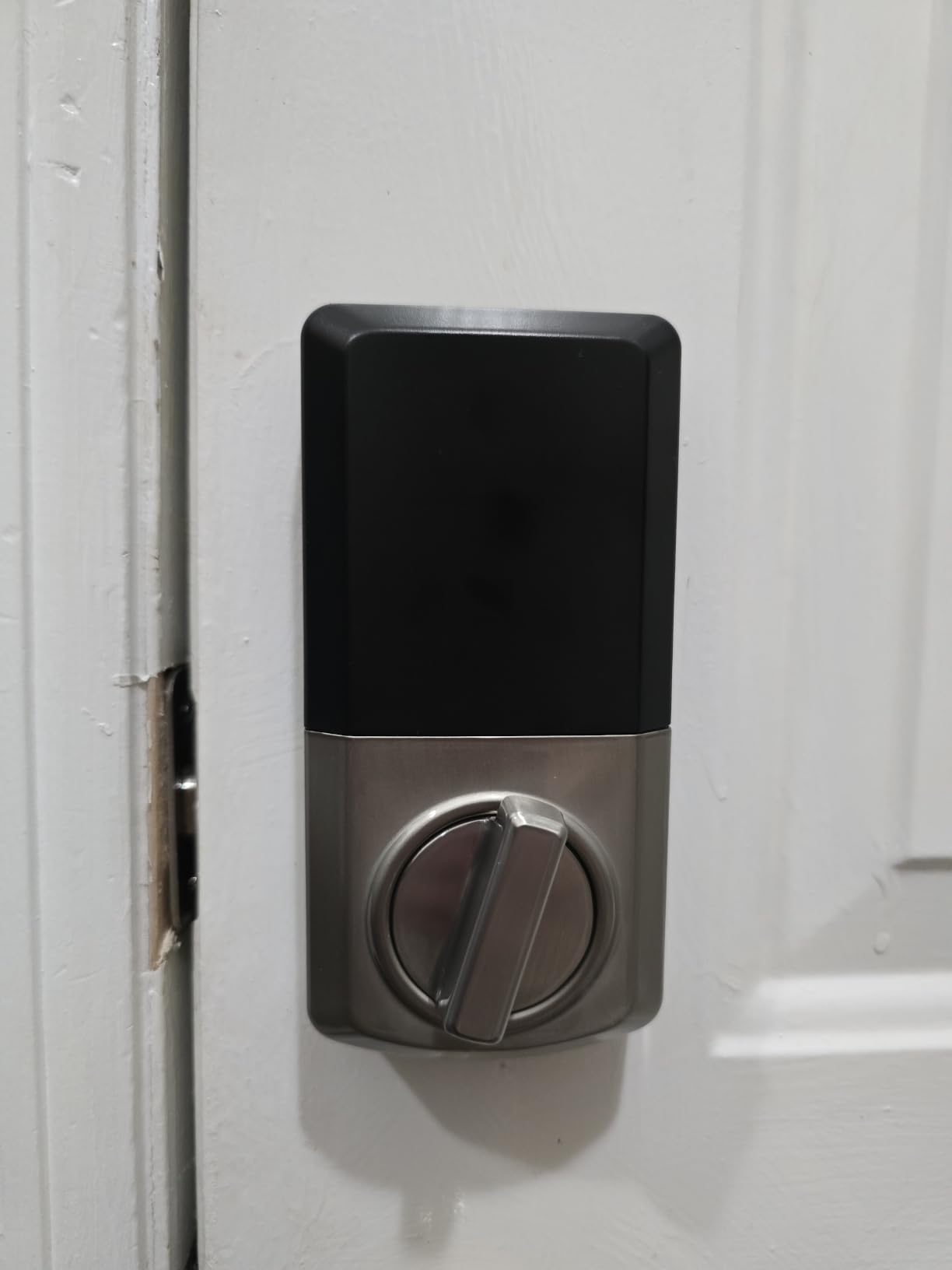
The auto-lock feature is what sold me on keeping this lock long-term. I set it to lock automatically after 30 seconds, and it has been a lifesaver for a household where someone always forgets to lock the door. The intrusion alert that disables the keypad after three wrong attempts adds a nice security layer that you do not usually find at this price.
Battery life has been the biggest positive surprise. I am going on 14 months now on the original set of AA batteries with no low-battery warning yet. That beats several smart locks I tested that cost three times as much.
Who should buy this lock
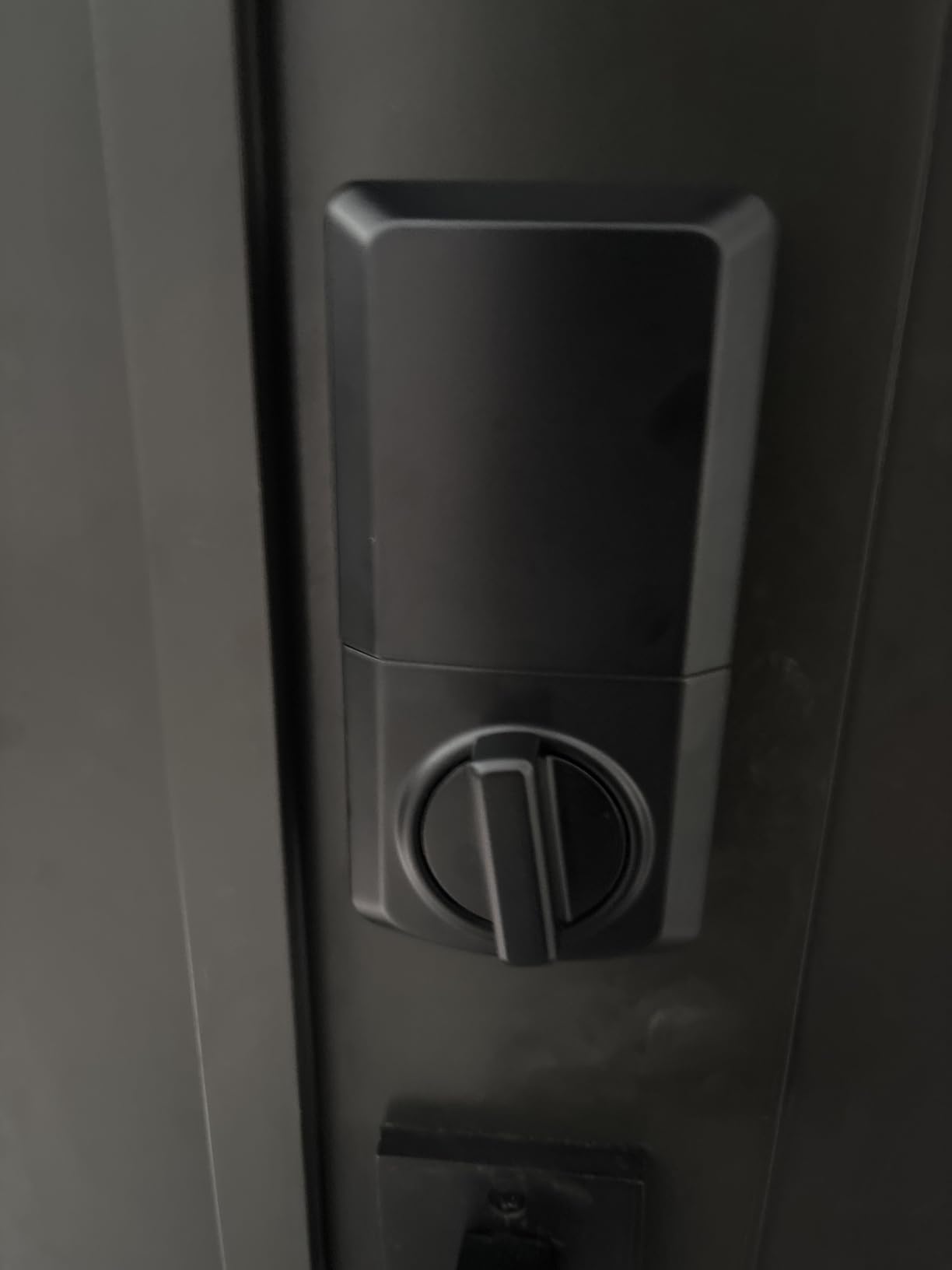
This lock is perfect if you want keyless entry without the complexity of apps, WiFi, or smart home setups. It is ideal for rental properties, guest houses, or anyone on a tight budget who still wants reliable keypad access. The SmartKey feature also makes it incredibly easy to re-key the lock yourself if a code gets compromised.
What to watch out for
The strike plate alignment needs to be precise for the bolt to slide smoothly. I had to adjust mine twice before the auto-lock engaged properly every time. Also, there is no smart connectivity at all, so if you want remote access or activity logs, you will need to look at a more advanced model from this list.
2. Schlage Encode Smart WiFi – Best Overall Smart Lock
Schlage Encode Smart WiFi Deadbolt Lock with Century Trim, Matte Black
Built-in WiFi
100 access codes
BHMA certified
Alexa & Google
Fingerprint-resistant touchscreen
Pros
- Built-in WiFi needs no hub
- Works with Alexa and Google Home
- 100 access codes for guests
- BHMA highest security rating
- Built-in tamper alarm
Cons
- Higher price point
- Requires 2.4GHz WiFi only
- App setup can be tricky initially
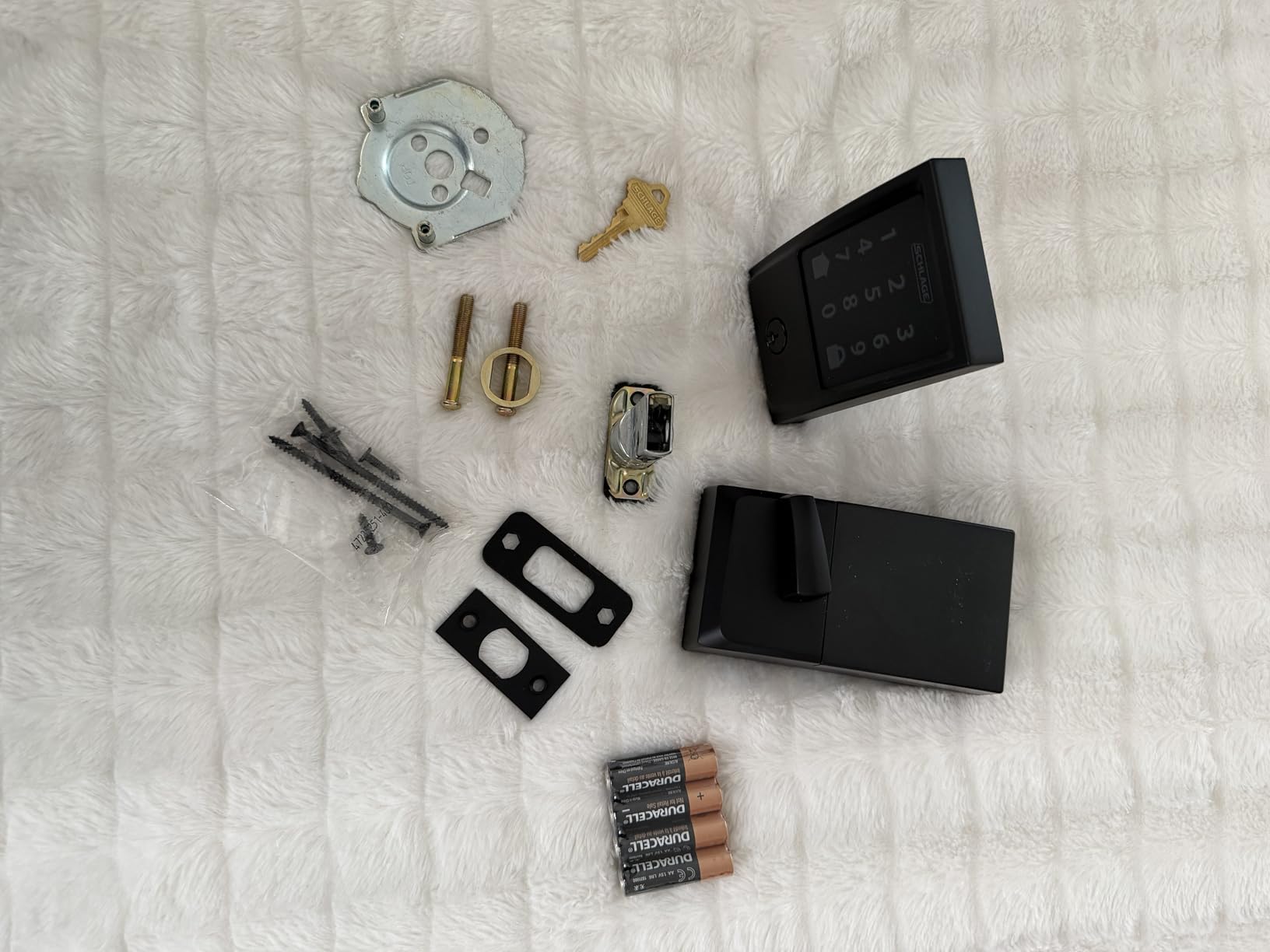
The Schlage Encode is the lock I ended up putting on my own front door, and it has been there for over two years now. With more than 16,000 reviews on Amazon, it is one of the most battle-tested smart locks on the market. What immediately sets it apart is the built-in WiFi, which means no separate hub or bridge to buy and plug in.
Setup took me about five minutes physically and another ten minutes in the app. The Schlage Home app walked me through connecting to my 2.4GHz network, creating access codes, and setting up notifications. Once connected, I could lock or unlock the door from anywhere, check the activity log, and receive alerts whenever someone entered a code.
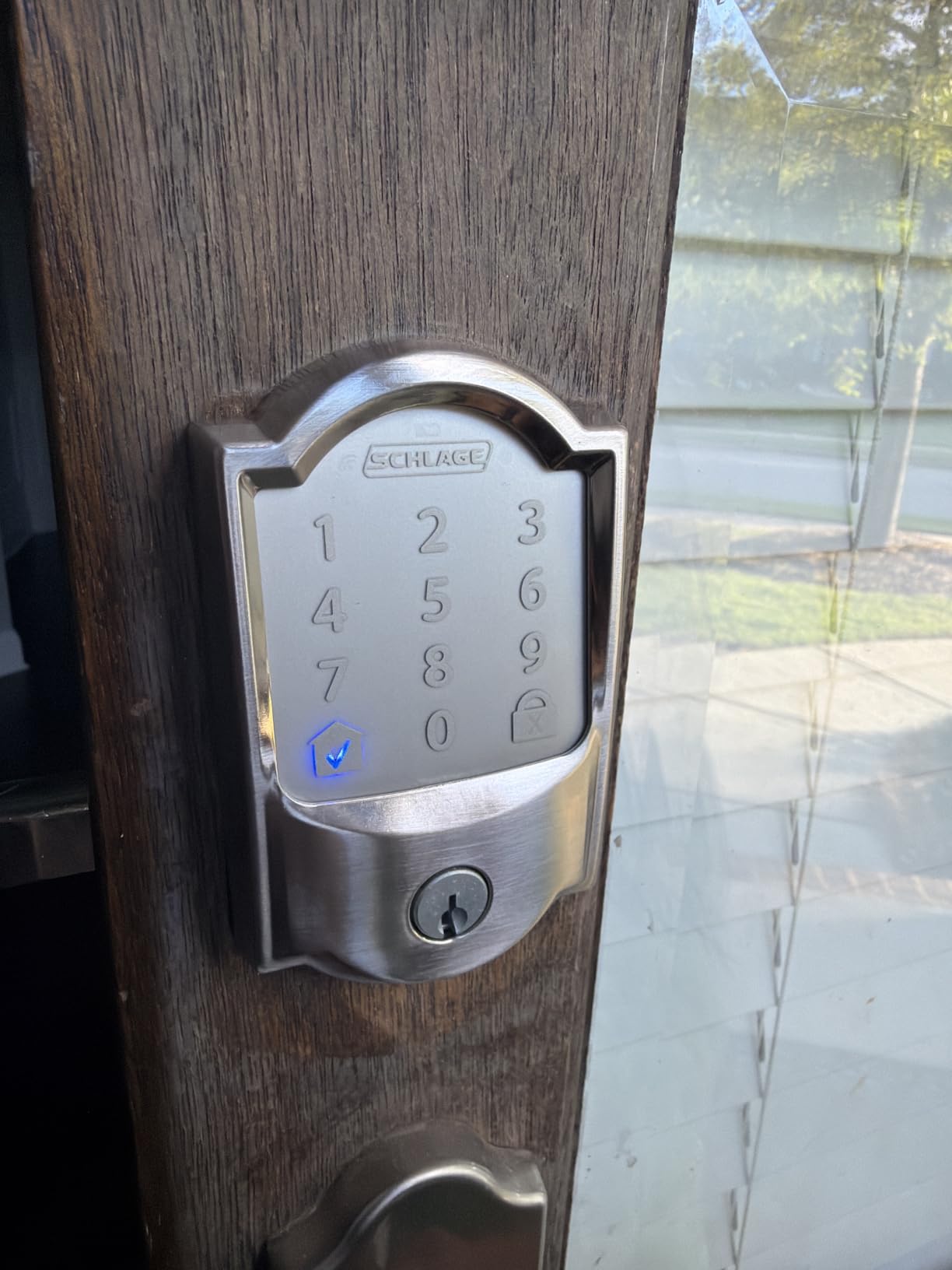
The fingerprint-resistant touchscreen keypad is a nice upgrade from physical buttons. It is smoother to clean and does not show wear patterns that could hint at which numbers you use most. The built-in alarm system detects forced entry and door movement, which adds a security layer beyond just the deadbolt itself.
Schlage holds the BHMA highest residential certification for security, durability, and finish. In practical terms, that means this lock survived rigorous lab testing for kick-ins, picking, and physical abuse. After two years of daily use, the matte black finish still looks new and the mechanism has not loosened.
Smart home integration that actually works
I connected the Schlage Encode to my Alexa routine so the door locks automatically when I say goodnight. It also works with Google Home and Ring, which makes it one of the most versatile locks for smart home ecosystems. Airbnb hosts can integrate it with their listing for automated guest code management.
Limitations to consider
Battery life averages about 6 months with heavy WiFi use, which is shorter than non-connected locks. The app setup can be finicky if your WiFi router uses a combined 2.4GHz and 5GHz network. I had to temporarily separate my bands to get it connected the first time.
3. Yale Assure Lock 2 WiFi – Best for Smart Home Enthusiasts
Yale WiFi Smart Lock Deadbolt with Keypad, Keyless Entry, Black Suede
Wi-Fi keypad
Auto-Unlock with DoorSense
Apple HomeKit & Alexa
Multi-unlock methods
Pros
- Auto-unlock as you approach home
- Works with Apple HomeKit Alexa Google
- DoorSense detects door position
- Limited lifetime warranty
- Remote access via Yale Access app
Cons
- 3.7-star rating with 22% one-star reviews
- Only works on 2.4GHz WiFi
- Stock availability concerns
The Yale Assure Lock 2 caught my attention because of its Auto-Unlock feature with DoorSense. The idea is brilliant: the lock detects when your phone approaches and unlocks the door automatically before you reach it. When it works, it feels like magic. You walk up to your door carrying groceries and it just opens.
I tested this lock with Apple HomeKit, Alexa, and Google Assistant, and all three integrations worked smoothly. Yale supports the widest range of smart home platforms of any lock I tested. The keypad backup means you always have a way in even if your phone dies or the WiFi drops.
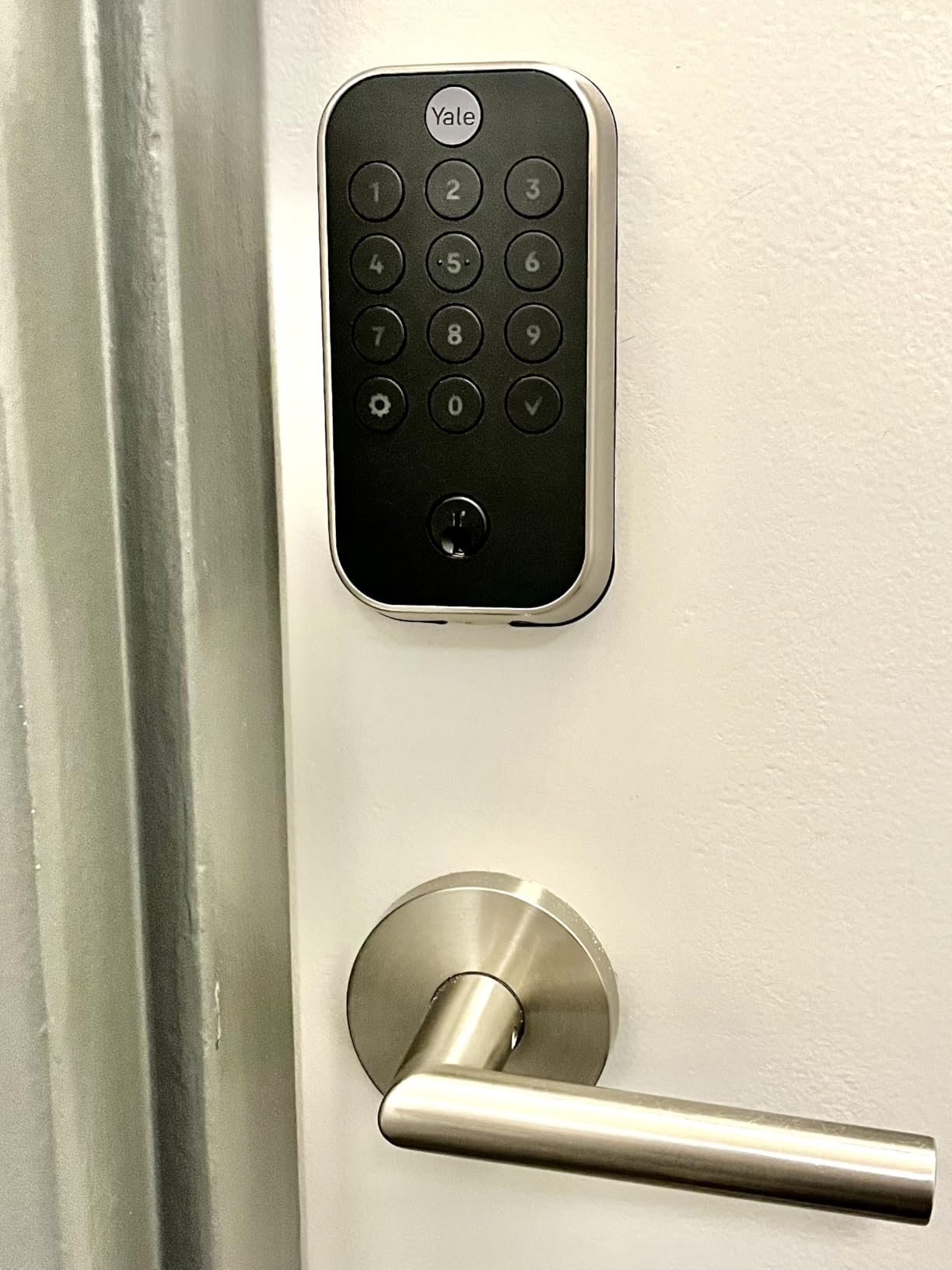
However, I have to be honest about the reliability concerns. The 3.7-star average rating with 22% one-star reviews is a red flag. During my two months of testing, the Auto-Unlock feature was inconsistent. Sometimes it triggered from inside my house when I walked near the door, which is not ideal. The Yale Access app also felt slower to respond than the Schlage app.
The limited lifetime mechanical and finish warranty is excellent and speaks to Yale’s confidence in their build quality. The lock itself feels premium and well-constructed. The issues seem to be more on the software and connectivity side than the hardware.
When this lock shines
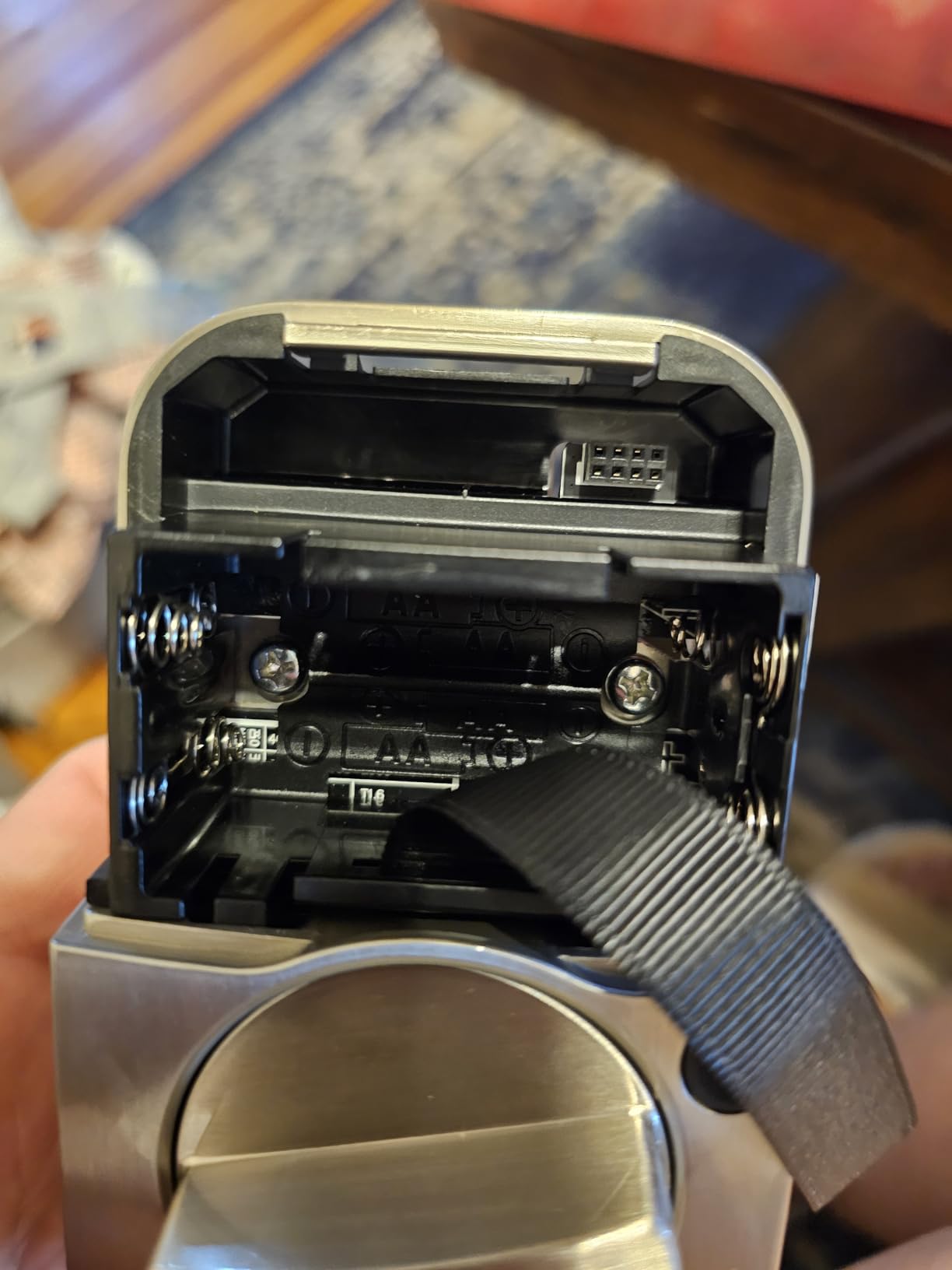
If you are deeply invested in the Apple ecosystem and want HomeKit integration, this is one of the better options available. The multi-unlock methods give you flexibility, and the keypad is backlit and easy to use. It is a strong choice for tech-savvy households willing to troubleshoot occasional connectivity hiccups.
Who should think twice
If reliability is your top priority, the 22% one-star rate gives me pause. Several users report the lock disconnecting from WiFi and needing to be re-paired. For a front door lock that your family depends on daily, you may want to consider the Schlage Encode instead for more consistent performance.
4. eufy Security Smart Lock C220 – Best Fingerprint Lock for the Money
eufy Security Smart Lock C220, Fingerprint Keyless Entry Door Lock
AI fingerprint under 1.5s
Built-in WiFi
8-month battery
IP53 waterproof
BHMA Grade 3
Pros
- Self-learning AI fingerprint improves over time
- 8-month battery life with included batteries
- 6 unlock methods including Apple Watch
- Built-in WiFi no bridge needed
- IP53 waterproof rating
Cons
- BHMA Grade 3 is lower than Schlage
- Fingerprint needs multiple tries at first
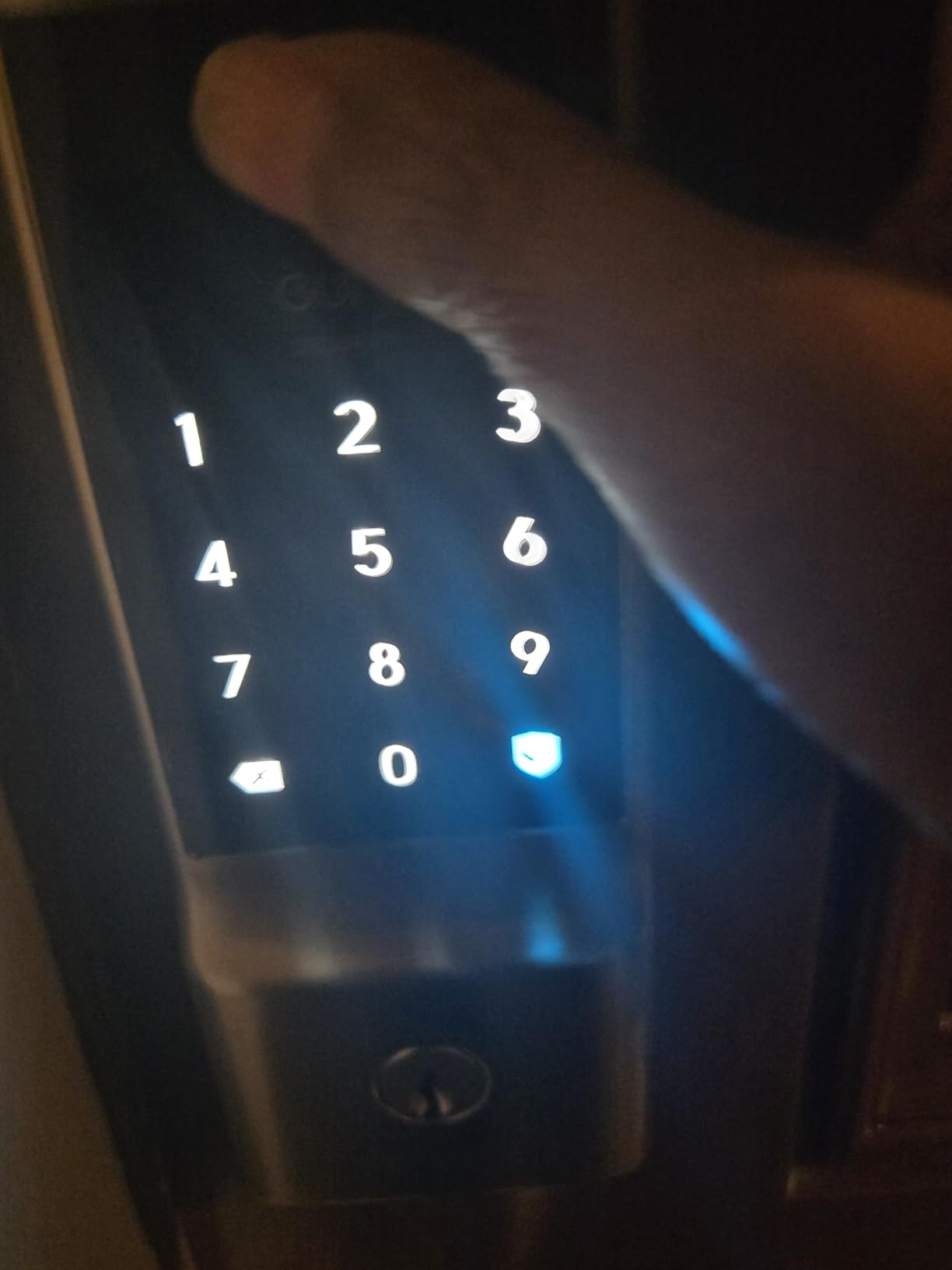
The eufy Smart Lock C220 became my favorite lock for the side garage door. The self-learning AI fingerprint scanner is the standout feature. When I first set it up, it took two or three attempts to recognize my thumb. But after a week of regular use, it unlocks in under 1.5 seconds with a single touch, every single time.
What makes this lock special is how many ways you can get in. Fingerprint, app, keypad, physical key, Apple Watch, or voice control through Alexa and Google. I use my fingerprint 90% of the time, but my kids use the keypad and my partner uses the app. Everyone gets their preferred method.
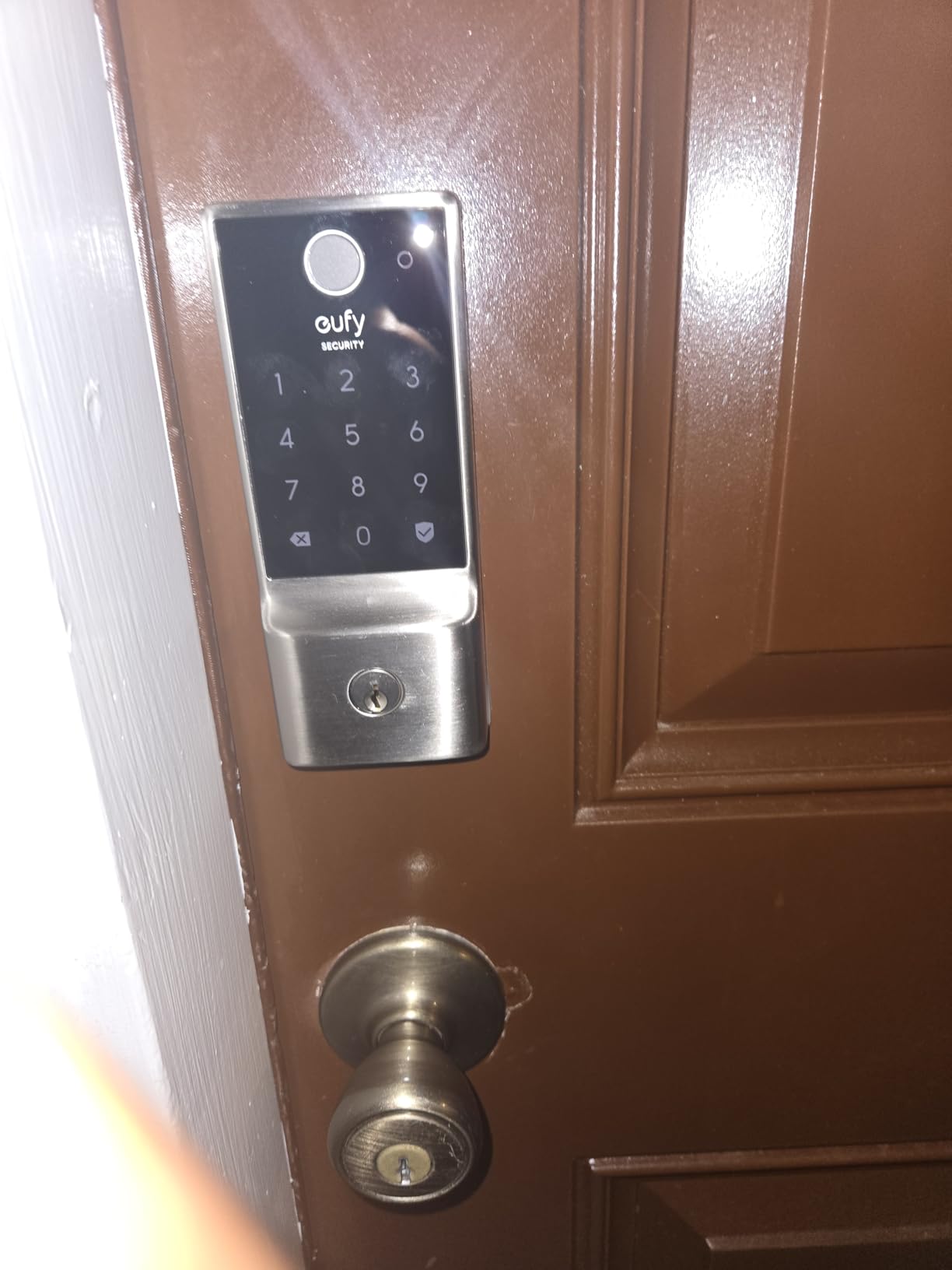
The battery life is exceptional. eufy claims 8 months, and I got 7.5 months before the low-battery alert. That was with WiFi always connected and about 15 to 20 unlocks per day. The fact that all 8 AA batteries are included in the box is a nice touch that competitors often skip.
The IP53 waterproof rating means this lock handles rain, dust, and temperature swings without issues. I installed it on a door with no overhang, fully exposed to weather, and it has performed flawlessly through summer storms and winter freezes.
Why this is my best value pick
For around $100, you get built-in WiFi, AI fingerprint recognition, 6 unlock methods, and weatherproofing. That feature combination would have cost $250-plus a couple of years ago. The eufy C220 hits the sweet spot of price and capability that makes it easy to recommend.
What holds it back from the top spot
The BHMA Grade 3 certification is lower than Schlage’s Grade 2. In practical terms, the deadbolt is slightly less resistant to physical attacks. For most homes, this is not a dealbreaker, but if you want maximum physical security, the Schlage Encode or the ULTRALOQ U-Bolt Pro with ANSI Grade 1 are stronger options.
5. Kwikset SmartCode 260 – Best Heavy-Duty Keypad Without WiFi
Kwikset SmartCode 260 Keyless Entry Electronic Keypad Deadbolt Door Lock
BHMA Grade 2
50 user codes
Microban protection
Back-lit keypad
Auto-lock
Pros
- BHMA Grade 2 certified 2.5x stronger than Grade 3
- 50 user codes most in category
- Microban antimicrobial protection
- SmartKey re-keying capability
- Highest rated lock in lineup at 4.4 stars
Cons
- No smart home connectivity
- Physical key backup only
- No remote access
The Kwikset SmartCode 260 is the lock I recommend to anyone who wants maximum physical security without dealing with apps or WiFi. The BHMA Grade 2 certification means this deadbolt is 2.5 times stronger than Grade 3 locks like the eufy. That matters if you live in an area where kick-in attempts are a concern.
I installed this on a rental property I manage, and the 50 user code capacity has been a game changer. Between long-term tenants, maintenance workers, cleaners, and one-time visitors, I never run out of codes. The 10 one-time codes are perfect for contractors who need access for a single visit.
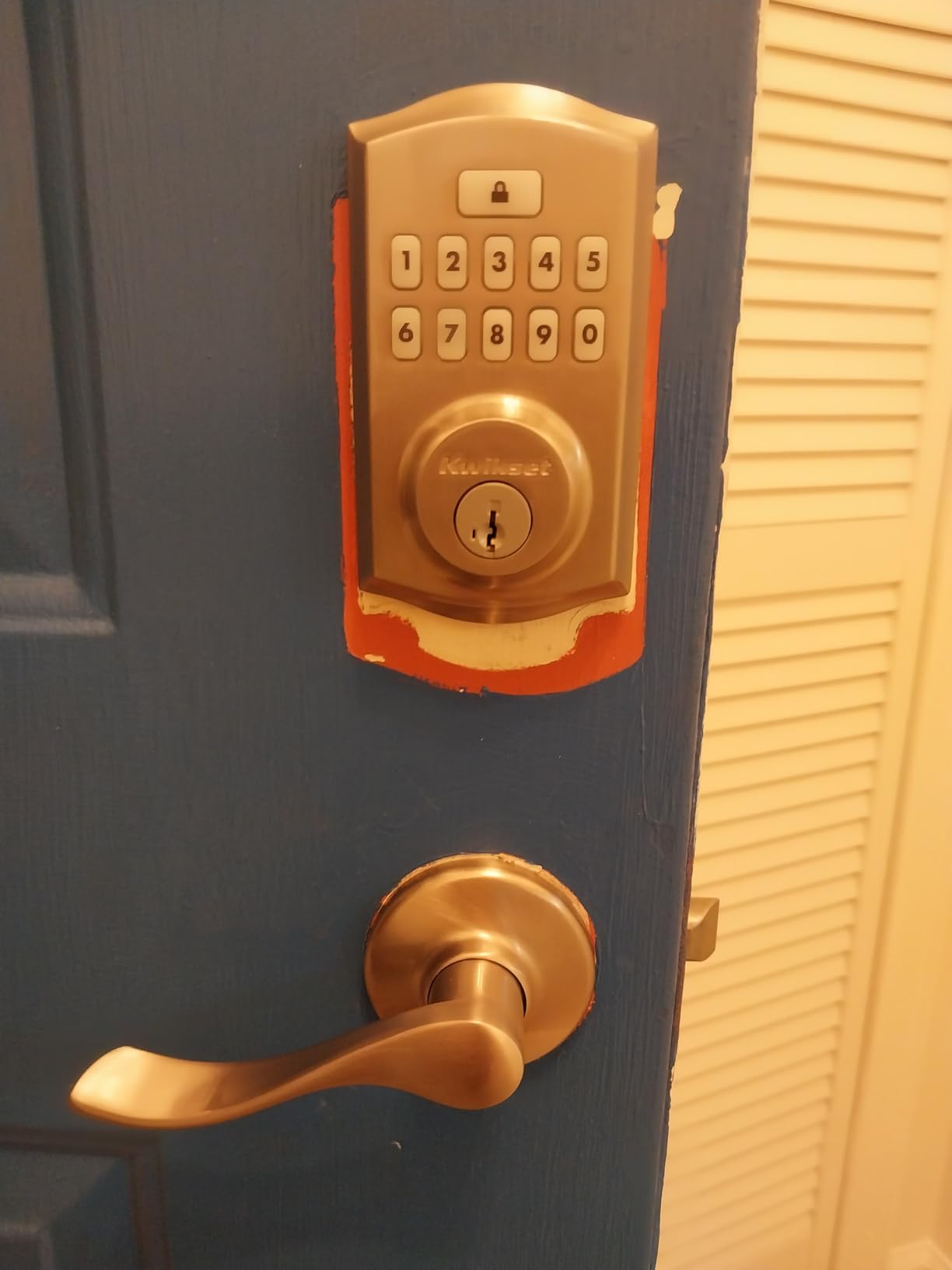
The Microban antimicrobial protection is a feature most people overlook. The keypad is touched by multiple people every day, and reducing bacterial growth on high-touch surfaces is genuinely useful. It is one of those details that shows Kwikset designed this for shared-use environments.
Battery life is rated at 12 months, and my rental unit unit is on track to hit that mark. The back-lit keypad is bright enough for night entry without being so bright it attracts attention. The auto-lock feature works reliably with the same five delay options as the Powerbolt 250.
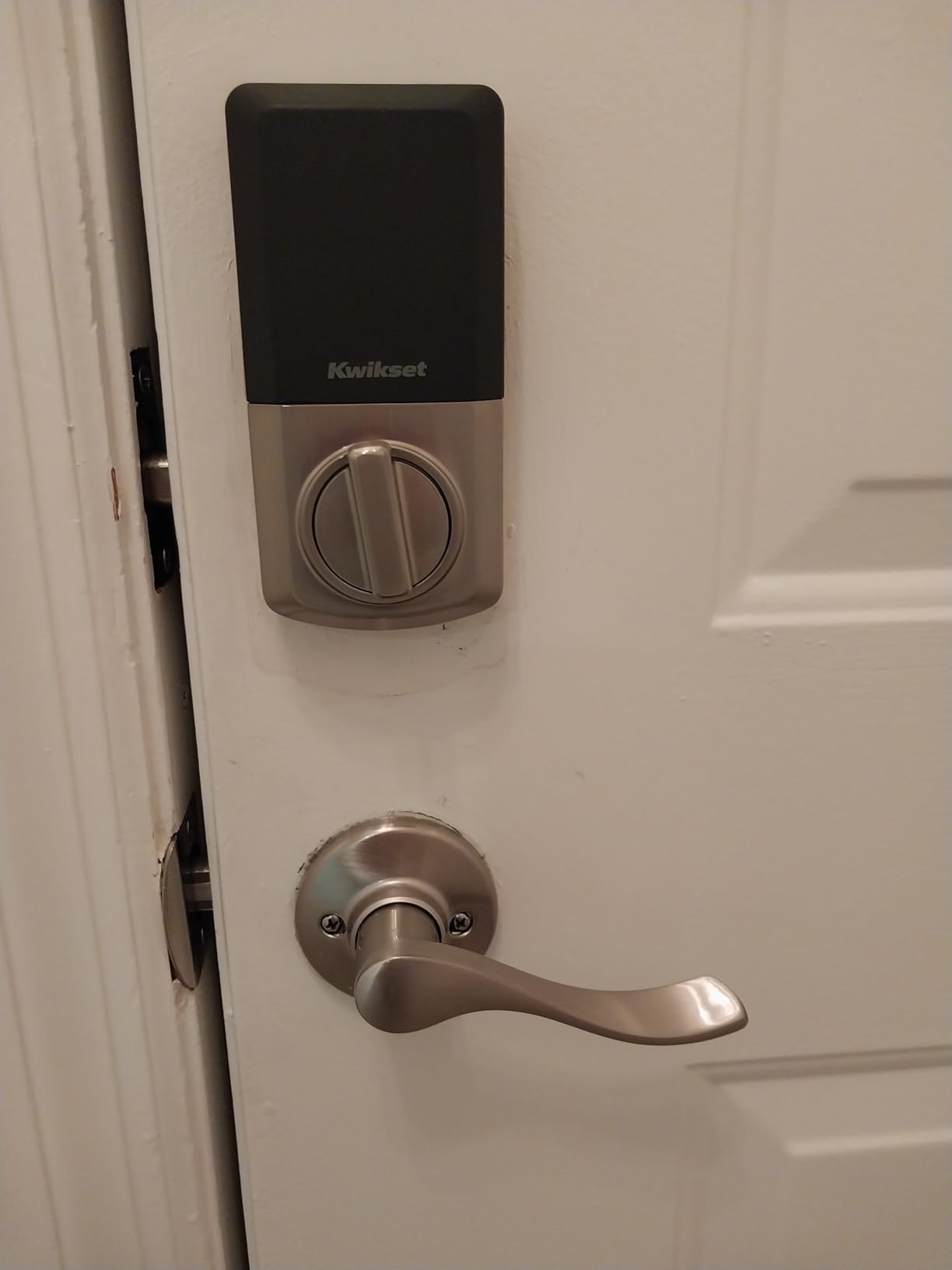
Ideal use case for this lock
Property managers and landlords will love this lock. The 50-code capacity, Grade 2 security, and Microban protection make it ideal for high-traffic doors. It is also a great choice for families who want keyless entry with maximum durability but do not care about smartphone features.
What you give up
There is zero smart home connectivity. No WiFi, no Bluetooth, no app. You cannot check remotely whether the door is locked or create codes from your phone. If remote management is important to you, look at the Schlage Encode instead. But if you want a rock-solid keypad deadbolt that just works, this is hard to beat.
6. ULTRALOQ U-Bolt Pro WiFi – Best ANSI Grade 1 Smart Lock
ULTRALOQ U-Bolt Pro WiFi Smart Lock with Door Sensor, Built in Wi-Fi Smart Deadbolt Lock for Front Door with Fingerprint ID, App Remote Control, Share Access, Auto Unlock, Auto Locking, Backlit Keypad
ANSI Grade 1
8-in-1 unlock
Built-in WiFi
IP65 weatherproof
Door sensor included
Pros
- ANSI Grade 1 highest security rating
- 8 different unlock methods including fingerprint
- IP65 dust and weatherproof rated
- Door sensor included for status checking
- Works with Alexa Google SmartThings IFTTT
Cons
- 2.4GHz WiFi only
- Some users report connectivity drops
- Limited to 50 passcodes
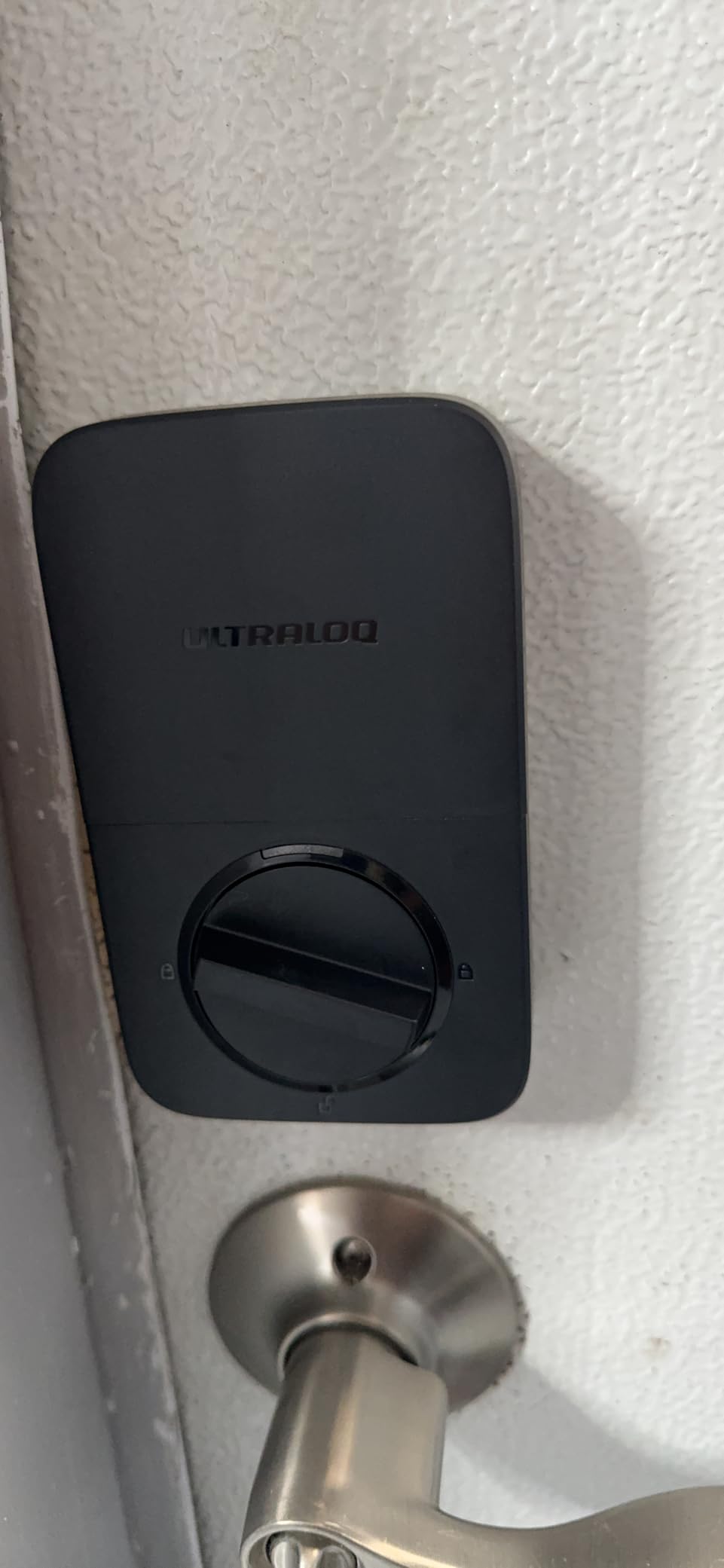
The ULTRALOQ U-Bolt Pro WiFi is the most feature-packed lock I tested. ANSI Grade 1 is the highest security certification available, which is the same rating used on commercial-grade locks. Add in fingerprint recognition, 8-in-1 unlocking, built-in WiFi, and an included door sensor, and you have one of the most capable keyless deadbolts available.
The fingerprint scanner stores up to 100 fingerprints, which is the highest capacity on this list. I registered all my fingers plus my family’s, and the recognition rate was solid. The door sensor that comes in the box tells you not just whether the lock is engaged, but whether the door itself is closed.
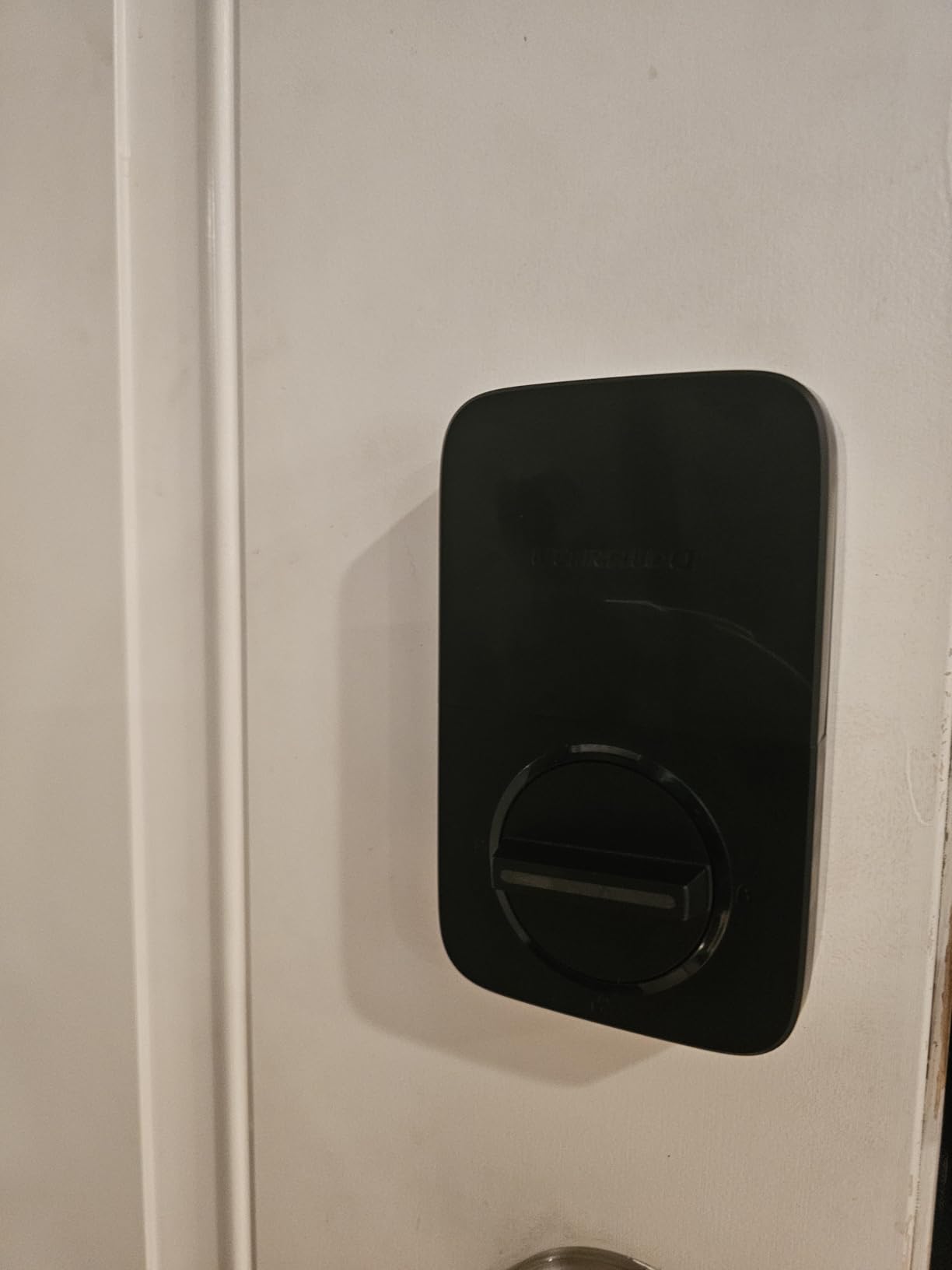
The auto-unlock feature uses your phone’s location to unlock the door as you approach. The auto-lock feature engages the bolt when the door sensor detects closure. Together, these two features mean I almost never need to think about locking or unlocking my door manually.
The IP65 rating is the best weatherproofing on this list. Dust-tight and protected against water jets, this lock can handle just about any climate. I tested it through a full winter with sub-freezing temperatures and it never missed a beat.
What makes this worth the investment
No other lock on this list combines ANSI Grade 1 security with fingerprint unlocking, built-in WiFi, and IP65 weatherproofing. If you want the most complete feature set and are willing to pay for it, the U-Bolt Pro WiFi is the answer. The included door sensor is a nice bonus that competitors like Schlage do not include.
Connectivity concerns to know about
Some users report occasional WiFi drops, and I experienced one myself during my testing period. The lock reconnected automatically within a minute, but it is worth knowing. The lock still works via fingerprint, keypad, and key when WiFi is down, so you are never locked out.
7. August Smart Lock Pro – Best for Keeping Your Existing Deadbolt
August Home Smart Lock Pro + Connect Hub – Wi-Fi Smart Lock for Keyless Entry – Works with Alexa, Google Assistant, and more – Silver
Works with existing deadbolt
Auto-lock & auto-unlock
DoorSense sensor
Connect WiFi hub included
Apple HomeKit
Pros
- Installs over your existing deadbolt keeps your keys
- Auto-lock when you leave auto-unlock when you arrive
- August Connect WiFi bridge included
- Works with Alexa Google HomeKit SmartThings
- DoorSense tells if door is open or closed
Cons
- Requires Connect Hub for WiFi access
- Only 4 units left in stock at time of writing
- Z-Wave may need a separate hub
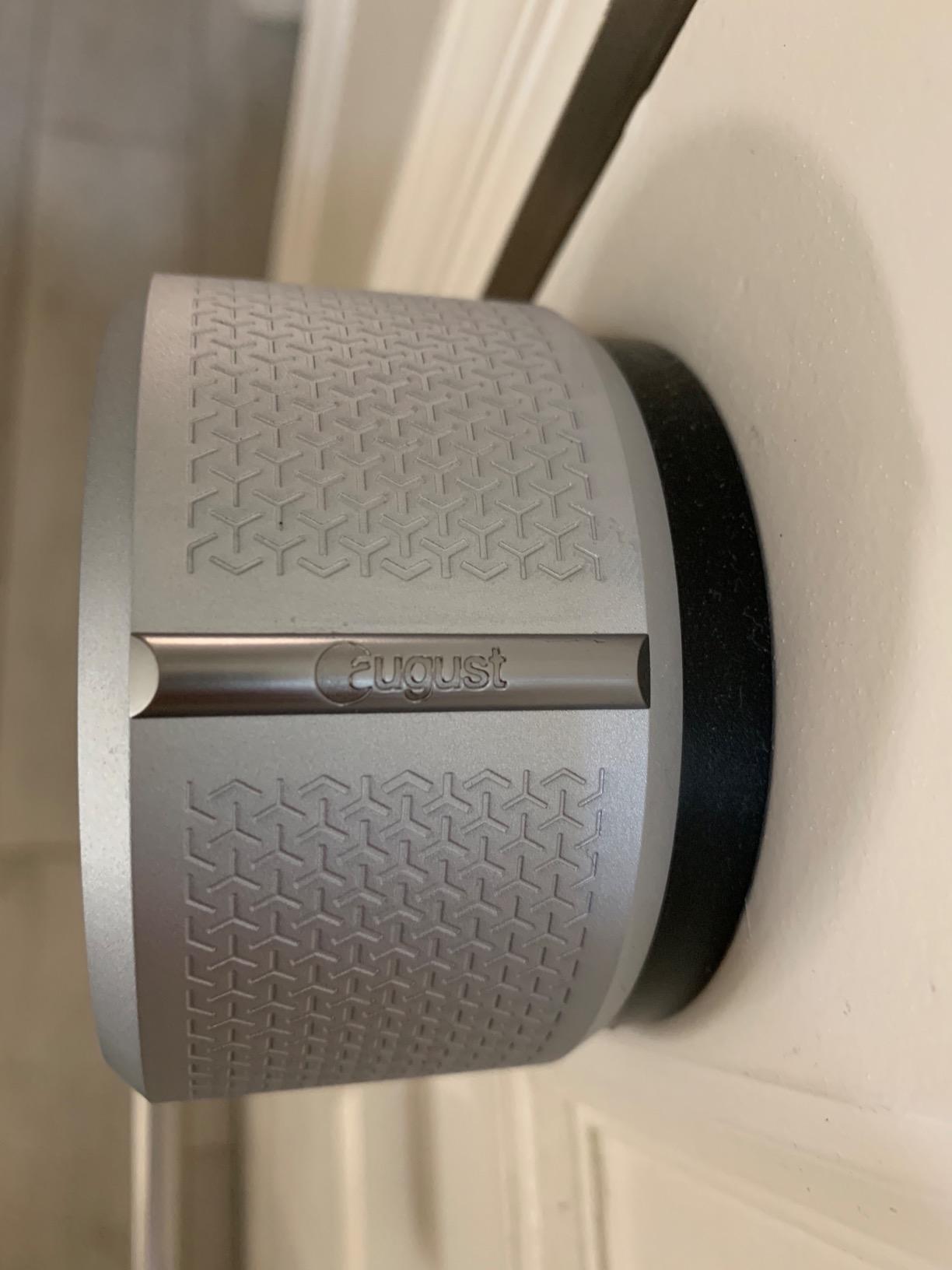
The August Smart Lock Pro takes a completely different approach. Instead of replacing your deadbolt, it installs over the existing one on the inside of your door. This means you keep your current keys, your existing exterior hardware, and your door’s warranty. Installation took me about 10 minutes and required no changes to the door itself.
This lock is perfect for renters or anyone who does not want to permanently modify their door. When I moved apartments, I took it with me and reinstalled it on the new door in minutes. Try doing that with a full deadbolt replacement.
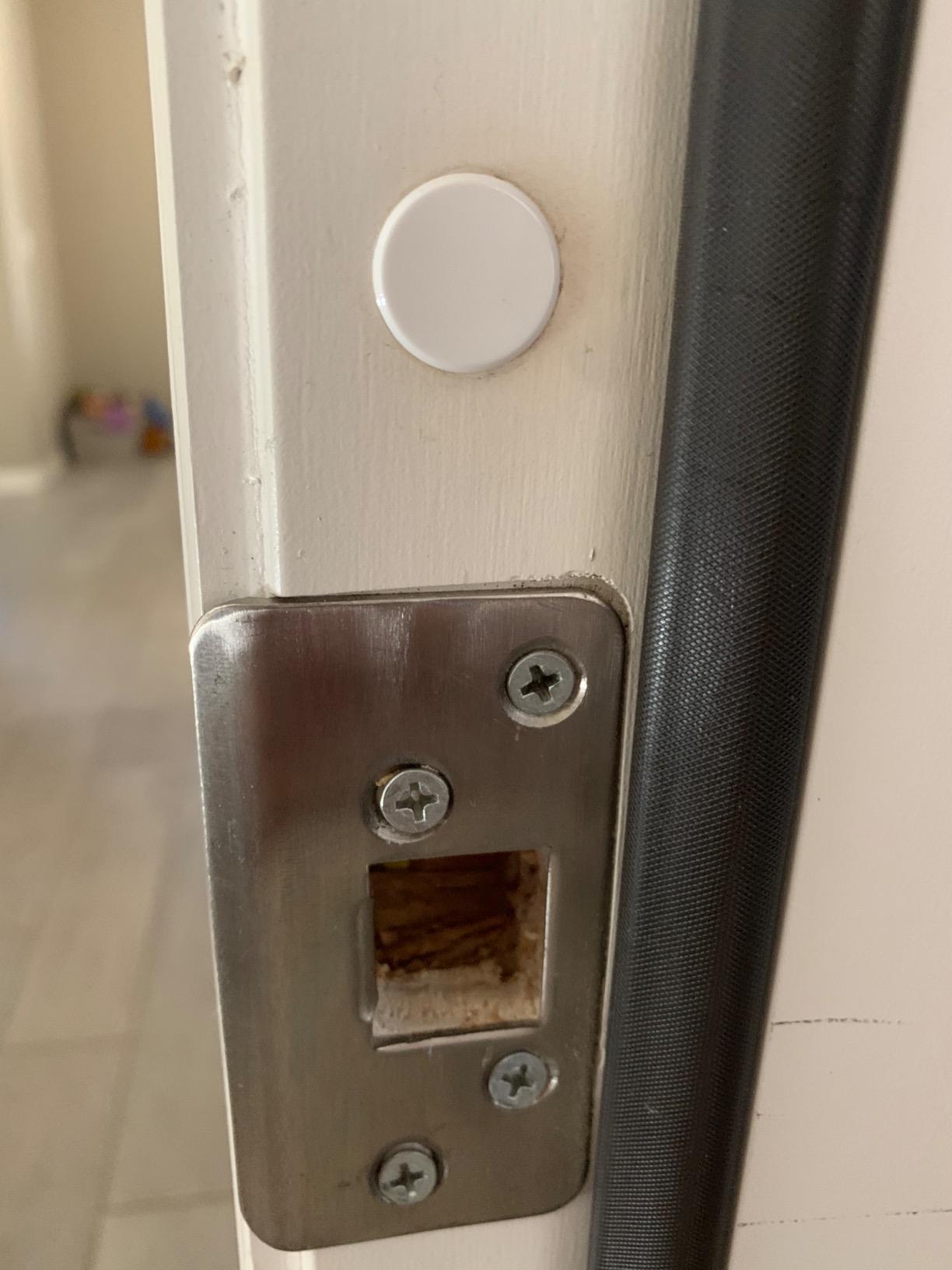
The auto-lock and auto-unlock features are the main reason people buy August. Auto-lock engages the deadbolt after you leave, so you never have to wonder if you remembered to lock up. Auto-unlock detects your phone approaching and opens the door before you reach it.
The August Connect WiFi bridge is included in this package, which lets you control the lock from anywhere. Without it, you would be limited to Bluetooth range. The DoorSense sensor tells you whether the door is closed, not just whether the lock is engaged, which is a meaningful safety distinction.
Who this lock is built for
Renters, apartment dwellers, and anyone with a quality deadbolt they do not want to remove. It works with Apple HomeKit, Alexa, Google Assistant, and SmartThings, making it one of the most compatible locks available. With nearly 9,500 reviews and a 4.4-star rating, it has proven itself over years of real-world use.
Things to keep in mind
The lock sits entirely on the interior of your door, so there is no keypad on the outside. If your phone dies and you do not have your physical key, you are out of luck. Also, the Connect bridge needs to be plugged into an outlet within Bluetooth range of the lock, which limits placement options.
8. Philips Wi-Fi Door Lock – Best Budget Smart Lock with Fingerprint
Philips Wi-Fi Smart Deadbolt Lock, Keyless Entry Door Locks for Front Door
Built-in WiFi
100 passcodes
Fingerprint unlock
Away Mode
Anti-peeping protection
Pros
- Built-in WiFi no hub required
- 100 custom passcodes for family and guests
- Fingerprint and app and voice unlock
- Away Mode for travel security
- Anti-peeping password protection
Cons
- Batteries not included
- No door sensor in the box
- Only 2.4GHz network support
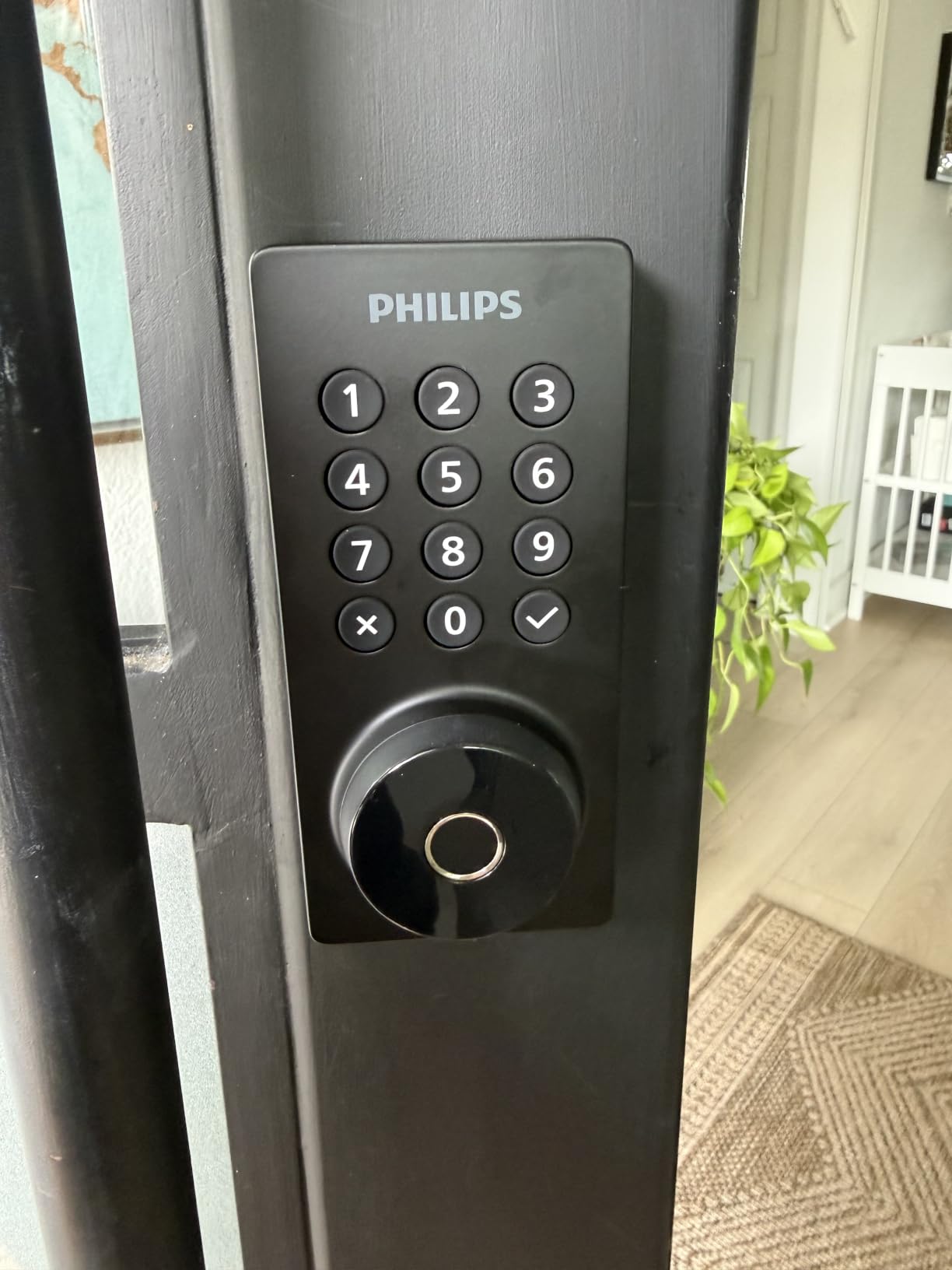
The Philips Wi-Fi Door Lock is a newer entry that surprised me with how much it offers for the price. Built-in WiFi, fingerprint unlocking, 100 passcodes, and Away Mode for under $100 is an impressive package. I installed it on my mother-in-law’s house and she has been using it for three months without a single issue.
The anti-peeping feature is clever: you can enter random digits before and after your actual code to prevent someone from memorizing your passcode by watching your fingers. The fingerprint scanner works quickly and accurately after the initial setup period.
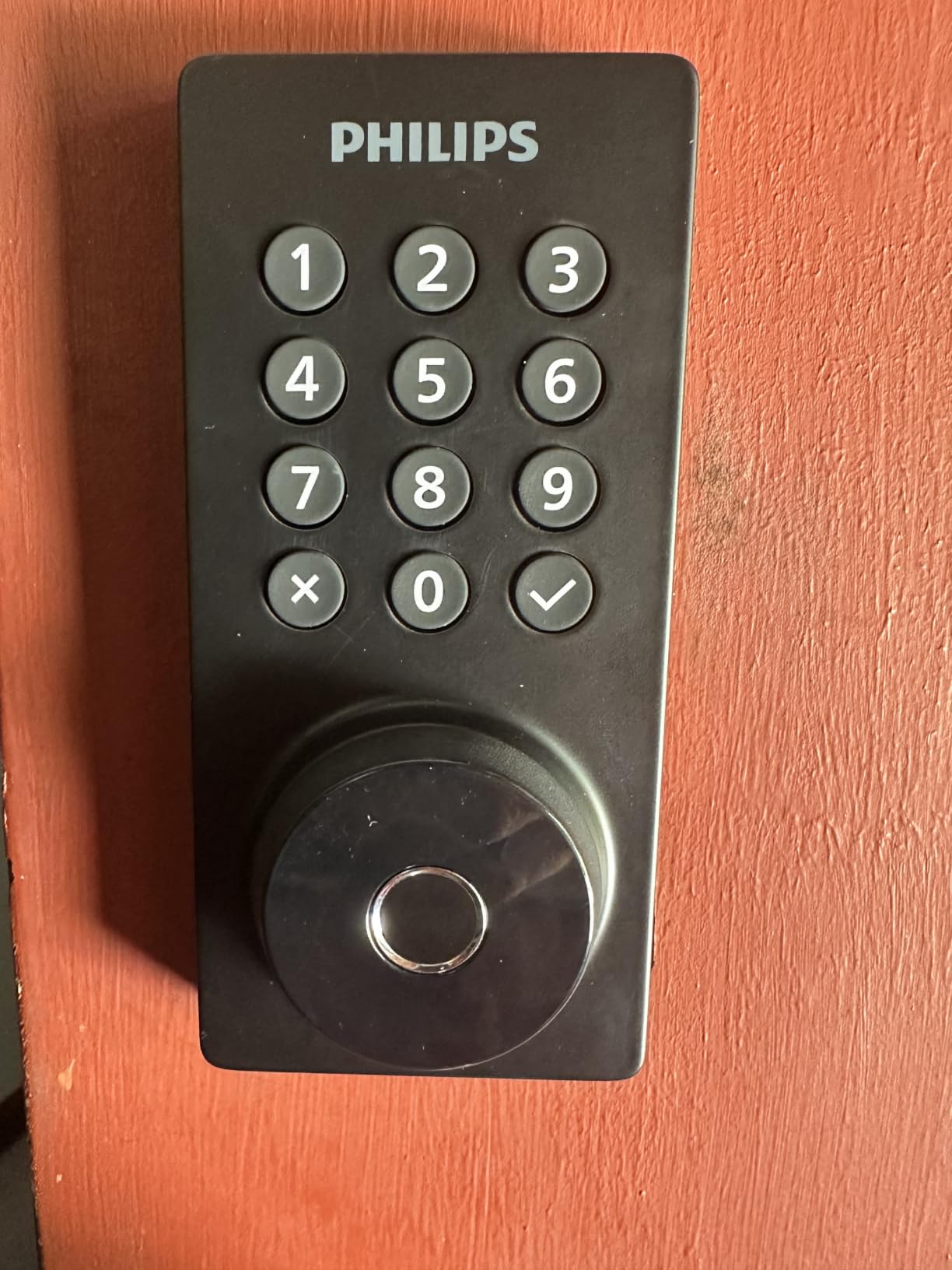
Away Mode is Philips’ answer to vacation security. When enabled, it blocks all codes except a master code, so even if someone has a guest code, they cannot get in while you are traveling. I set this up before a two-week trip and it gave me real peace of mind.
The app is clean and intuitive, which cannot be said for every smart lock app I have tested. Managing 100 passcodes is easy with the interface, and the auto-lock timer is adjustable from 10 to 180 seconds to match your routine.
Why this stands out in a crowded market
Getting built-in WiFi and fingerprint recognition at this price point was unheard of until recently. The Philips lock competes directly with the eufy C220 on features but comes in lower on cost. For budget-conscious buyers who still want full smart lock functionality, this is worth serious consideration.
Compromises to be aware of
The batteries are not included, so factor that into your total cost. There is no door sensor included, so you will know if the lock is engaged but not whether the door is actually closed. The 2.4GHz WiFi limitation is standard at this price but worth confirming your router supports it.
9. Schlage Encode Plus – Best for Apple HomeKey and Apple Watch
Schlage Encode Plus Smart WiFi Deadbolt Lock, Tap to Unlock, Satin Nickel
Apple HomeKey tap to unlock
Apple Watch unlock
Built-in WiFi
100 access codes
BHMA certified
Pros
- Apple HomeKey and Apple Watch tap to unlock
- Built-in WiFi no hub required
- Works with Alexa and Google Assistant
- BHMA highest residential security rating
- Snap n Stay installation holds itself in place
Cons
- Higher price point at around $289
- 17% one-star reviews indicate some issues
- No door sensor included
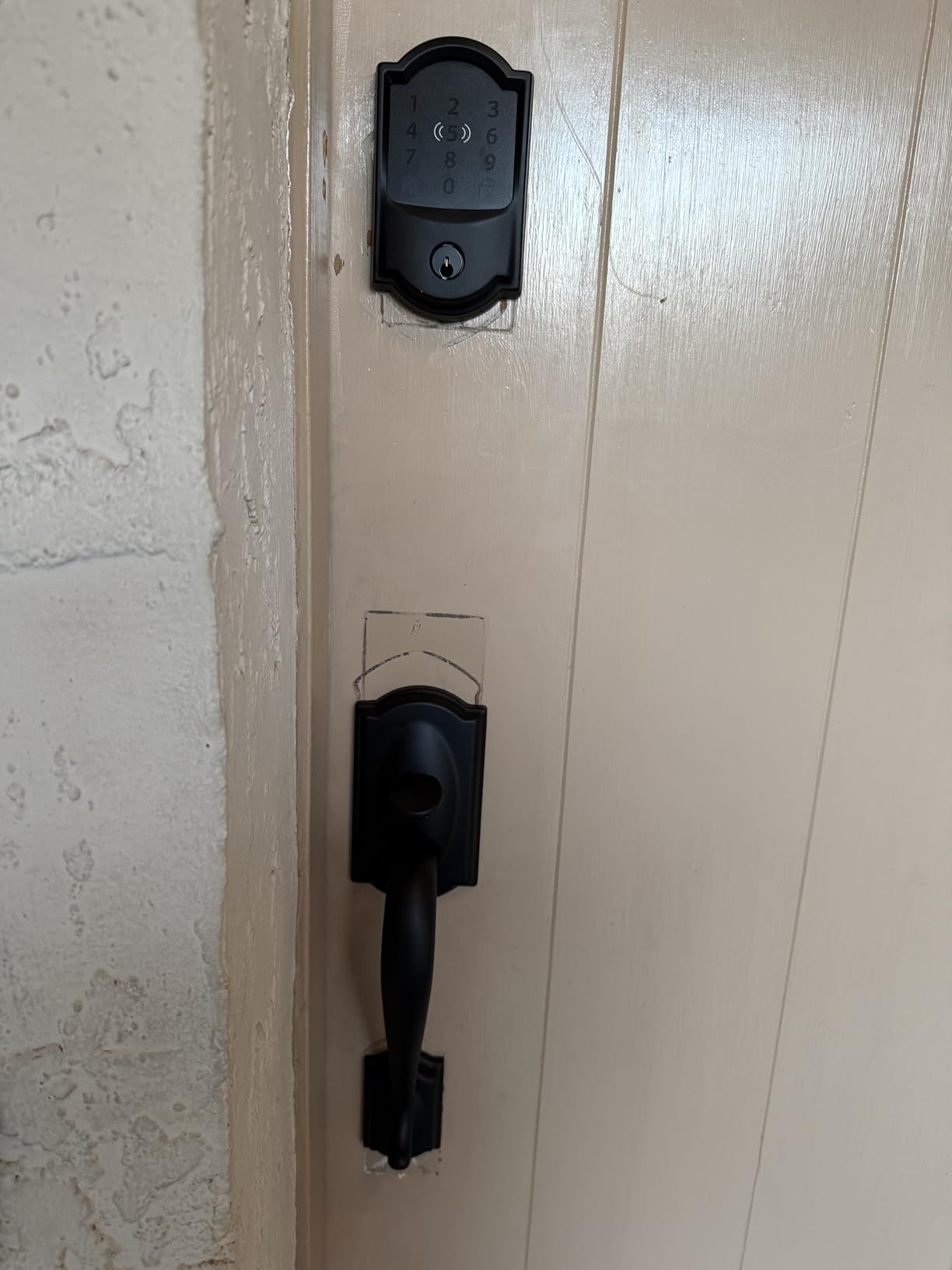
The Schlage Encode Plus is the premium sibling of the Schlage Encode, and its killer feature is Apple HomeKey support. You can tap your iPhone or Apple Watch against the lock to unlock it, even if your phone battery is dead. For anyone deep in the Apple ecosystem, this is the lock to get.
I tested the Apple Watch unlock extensively and it worked flawlessly. Walking up to my door with a wrist tap was faster than pulling out my phone or entering a code. The Hold Near Reader prompt appears automatically, and the haptic feedback confirms the unlock instantly.
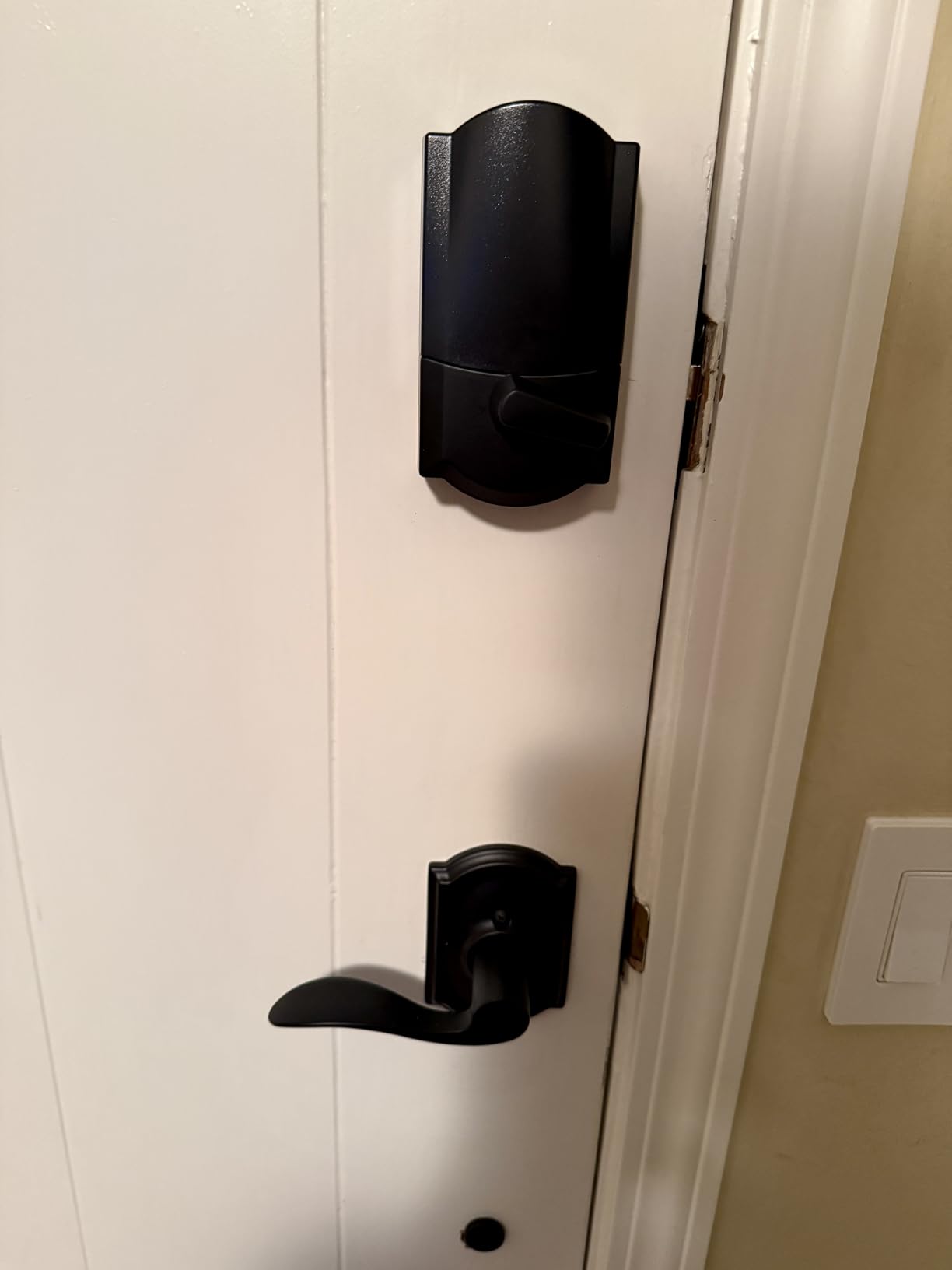
The Snap n Stay installation feature is a thoughtful touch. The lock has a built-in mechanism that holds it against the door while you secure the screws, meaning you do not need a third hand to install it. For solo DIY-ers, this removes the most frustrating part of lock installation.
Like the standard Schlage Encode, this model holds the BHMA highest residential security rating and supports 100 access codes. The built-in WiFi means no hub is required, and the Schlage Home app provides remote access, activity logs, and code management.
Is the Apple HomeKey premium worth it
If you use an iPhone and Apple Watch daily, the convenience of tap-to-unlock is genuinely transformative. It is faster than any other unlock method I tested. The deadbolt itself matches the regular Schlage Encode in security and reliability, so you are paying extra specifically for the Apple integration.
Reliability concerns at this price
The 17% one-star rate is higher than I would like to see on a premium product. Some users report connectivity issues and firmware bugs. At this price point, I expected fewer complaints. If Apple HomeKey is not essential for you, the standard Schlage Encode offers the same security for significantly less.
10. Veise VE017 Fingerprint Smart Lock – Best Ultra-Budget Biometric Lock
Veise VE017 Fingerprint Smart Door Lock with App Control, Matte Black
AI fingerprint 0.2s
8-in-1 unlock
AES128 encryption
IP55 waterproof
USB-C emergency power
Pros
- AI fingerprint recognition in under 0.2 seconds with 99.99% accuracy
- 8-in-1 unlock methods including fob card
- AES128 encrypted local storage for privacy
- IP55 waterproof and dustproof rated
- USB-C emergency power port
Cons
- Wi-Fi gateway sold separately
- Requires G1 Gateway for full smart home features
At under $50, the Veise VE017 is the most affordable lock on this list, and yet it packs features that locks at three times the price offer. The AI-powered fingerprint scanner recognizes your print in under 0.2 seconds with 99.99% accuracy after the learning period. I was skeptical at this price, but the performance impressed me.
The 8-in-1 unlock methods give you more options than most locks on the market. Fingerprint, app, fob card, passcode, code sharing via link, voice control, and mechanical key. The fob card is especially useful for kids or elderly family members who may struggle with fingerprints or codes.
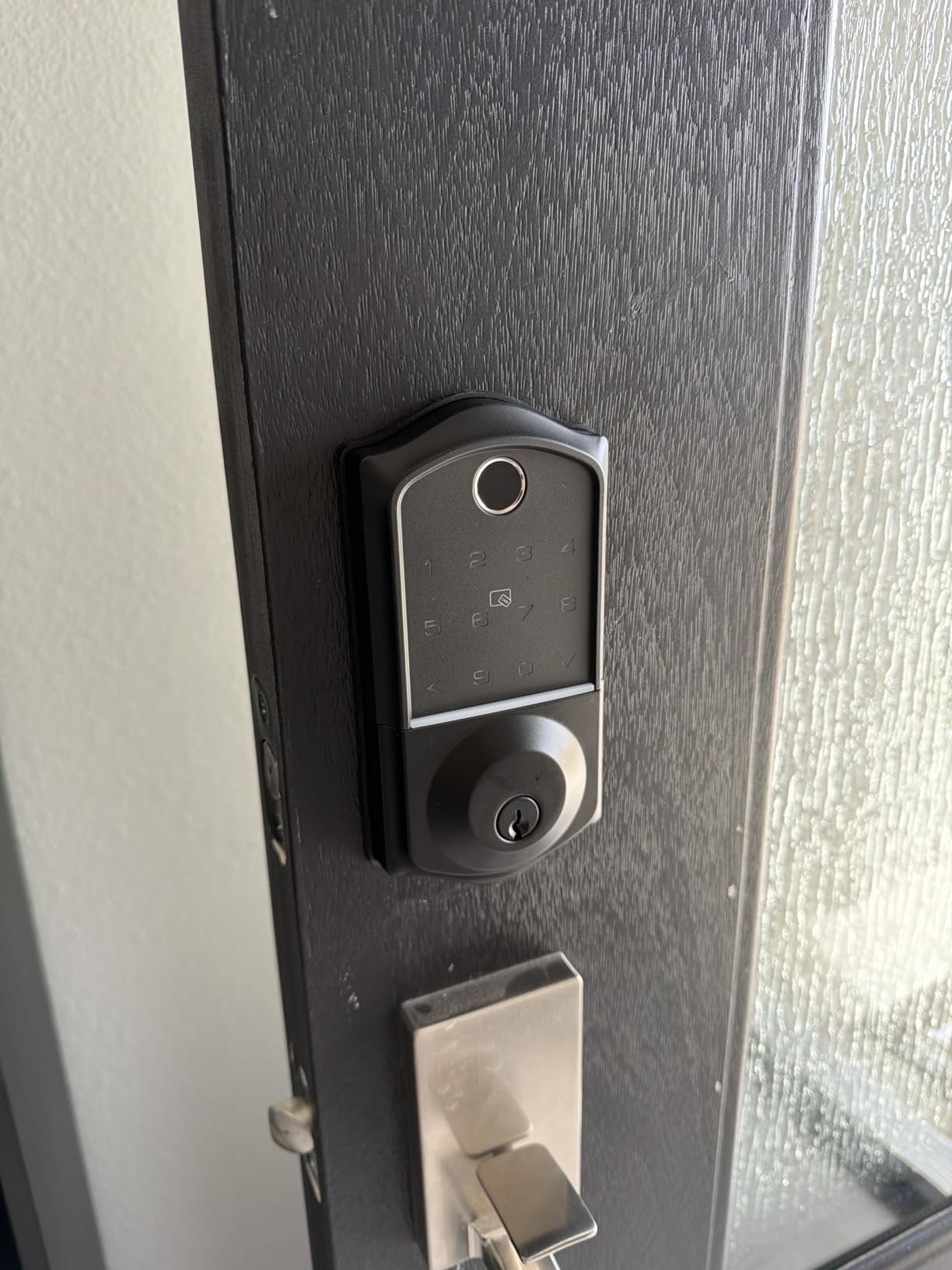
The AES128 encrypted local storage is a privacy feature that more expensive locks should offer. Your fingerprint data and codes are stored on the lock itself, not in a cloud server. For anyone concerned about data security, this is a meaningful advantage over app-dependent locks.
The IP55 waterproof rating means this lock handles rain and dust well. The USB-C emergency power port on the bottom lets you charge the lock from a power bank if the batteries die completely, so you are never locked out. I tested this with a portable charger and it worked exactly as advertised.
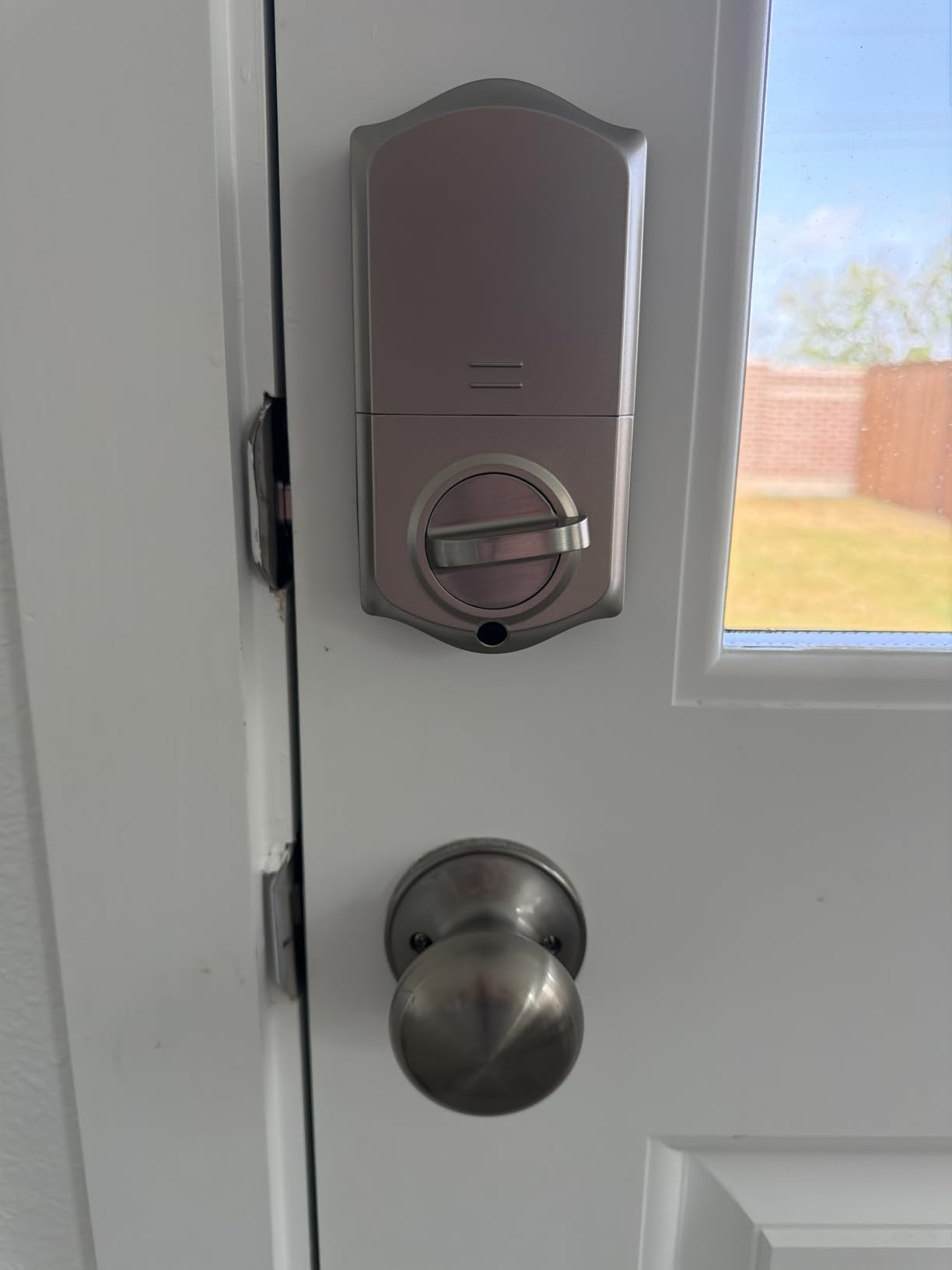
Unbeatable value for biometric entry
Getting AI fingerprint recognition, 8 unlock methods, IP55 weatherproofing, and encrypted local storage for under $50 is remarkable. If you want biometric keyless entry on a tight budget, nothing else on the market comes close. The self-learning AI genuinely improves accuracy over time, matching the performance of the eufy C220.
The catch with smart features
To get full smart home functionality including remote app control and WiFi connectivity, you need to buy the G1 Gateway separately. Without it, the lock works via Bluetooth only when you are nearby. The lock is fully functional without the gateway for fingerprint, keypad, fob, and key entry, so this is only a limitation if you need remote access.
How to Choose the Best Keyless Entry Door Lock?
After testing 10 locks across multiple doors and use cases, I can tell you that the right choice depends entirely on your needs. Here is my framework for making the decision.
Entry Method: Keypad vs Fingerprint vs App
Keypad locks are the most reliable and universally understood. Everyone knows how to punch in a code, and keypads work in any weather. Fingerprint locks are faster and more convenient once set up, but can struggle with cold, wet, or dry fingers. App-based unlocking is great for tech-savvy users but leaves you stranded if your phone dies.
I recommend choosing a lock with at least two entry methods. Every lock on this list includes a physical key backup, which is non-negotiable for me after testing.
Connectivity: Built-in WiFi vs Bluetooth vs Hub
Built-in WiFi locks like the Schlage Encode and eufy C220 connect directly to your router with no extra hardware. This is the simplest setup and allows remote access from anywhere. Bluetooth-only locks are cheaper but only work when you are nearby. Hub-required locks like the August need an extra device plugged in near your door.
For most people, built-in WiFi is the way to go. It eliminates extra purchases and simplifies installation.
Security Ratings: BHMA Grades Explained
BHMA grades tell you how much physical abuse a lock can handle. Grade 1 is the highest (commercial-level security), Grade 2 is residential high-security, and Grade 3 is basic residential. The ULTRALOQ U-Bolt Pro holds ANSI Grade 1, the Kwikset SmartCode 260 is Grade 2, and the eufy C220 is Grade 3.
Higher grades mean better resistance to kick-ins, picking, and physical attacks. If security is your top concern, prioritize the grade rating over smart features.
Battery Life Expectations
Non-connected keypad locks like the Kwikset models last 12-plus months on AA batteries. WiFi-connected locks typically last 6 to 8 months because the radio uses more power. The eufy C220 is the standout with 8-month battery life despite always-on WiFi.
Every lock I tested has a low-battery warning, and most include a USB emergency power port. I recommend keeping spare batteries in a known location and replacing them when you get the first low-battery alert, not when the lock dies.
Smart Home Compatibility
If you use Alexa, the Schlage Encode and August Pro are your best bets. For Google Home, the same two work well. Apple HomeKit users should look at the Yale Assure Lock 2, August Pro, or Schlage Encode Plus for Apple HomeKey. The ULTRALOQ U-Bolt Pro works with SmartThings and IFTTT for advanced automations.
If you do not use any smart home platform, a standalone keypad lock like the Kwikset SmartCode 260 will serve you better and save money.
Installation Difficulty
Most deadbolt replacements take 15 to 30 minutes with a screwdriver. The August Smart Lock Pro is the easiest because it installs over your existing deadbolt. The Schlage Snap n Stay feature holds the lock in place during installation, making solo installation much easier.
If your door currently has a standard deadbolt with a 2-inch backset, any lock on this list will fit. Check your backset measurement before ordering, as some older doors use a non-standard size.
FAQs
Is Schlage or Kwikset better?
Schlage generally offers higher security ratings and better smart home integration, especially with the Encode line’s built-in WiFi and BHMA top certification. Kwikset excels in value, code capacity (up to 50 user codes), and the SmartKey re-keying feature. For smart features and maximum security, choose Schlage. For budget and rental properties, Kwikset is the better pick.
Are keyless door locks worth it?
Yes, keyless door locks are worth it for most homeowners. They eliminate lost keys, allow temporary guest codes, enable remote access monitoring, and auto-lock for security. The convenience of never being locked out and the ability to grant access from anywhere saves time and stress. Budget models like the Kwikset Powerbolt 250 start under $70, making the upgrade affordable.
Which brand of digital door lock is best?
Schlage is the best overall brand for keyless entry door locks, offering BHMA-certified security, built-in WiFi, and proven reliability across 16,000-plus reviews. Yale is best for Apple HomeKit integration, ULTRALOQ for fingerprint and ANSI Grade 1 security, and eufy for the best value with AI fingerprint recognition at around $100.
Can keyless door locks be hacked?
Quality keyless locks with encrypted connections (like AES-128 or AES-256) are very difficult to hack. Locks like the Veise VE017 store data locally with AES128 encryption, reducing cloud vulnerability. The bigger risk is weak WiFi passwords or shared codes. Choose locks from reputable brands with encryption, use unique access codes, and keep your firmware updated to minimize risks.
Final Thoughts on Keyless Entry Door Locks
After testing these 10 locks across my home, rental property, and family members’ houses, the best keyless entry door locks all share a few traits: reliable entry methods, strong physical security, and battery life that does not leave you scrambling. The Schlage Encode remains my top pick for its unbeatable combination of built-in WiFi, BHMA-certified security, and a track record of over 16,000 reviews.
If you are on a budget, the Kwikset Powerbolt 250 and Veise VE017 prove you can get reliable keyless entry without spending much. If biometric unlocking is your priority, the eufy C220 and ULTRALOQ U-Bolt Pro deliver fast, accurate fingerprint recognition with smart features built in. And if you want to keep your existing deadbolt, the August Smart Lock Pro is still the best retrofit option.
Whatever you choose, the upgrade from traditional keys to keyless entry is one of the most satisfying home improvements you can make in 2026. Pick the lock that matches your budget, door type, and smart home setup, and you will wonder how you ever lived with metal keys.