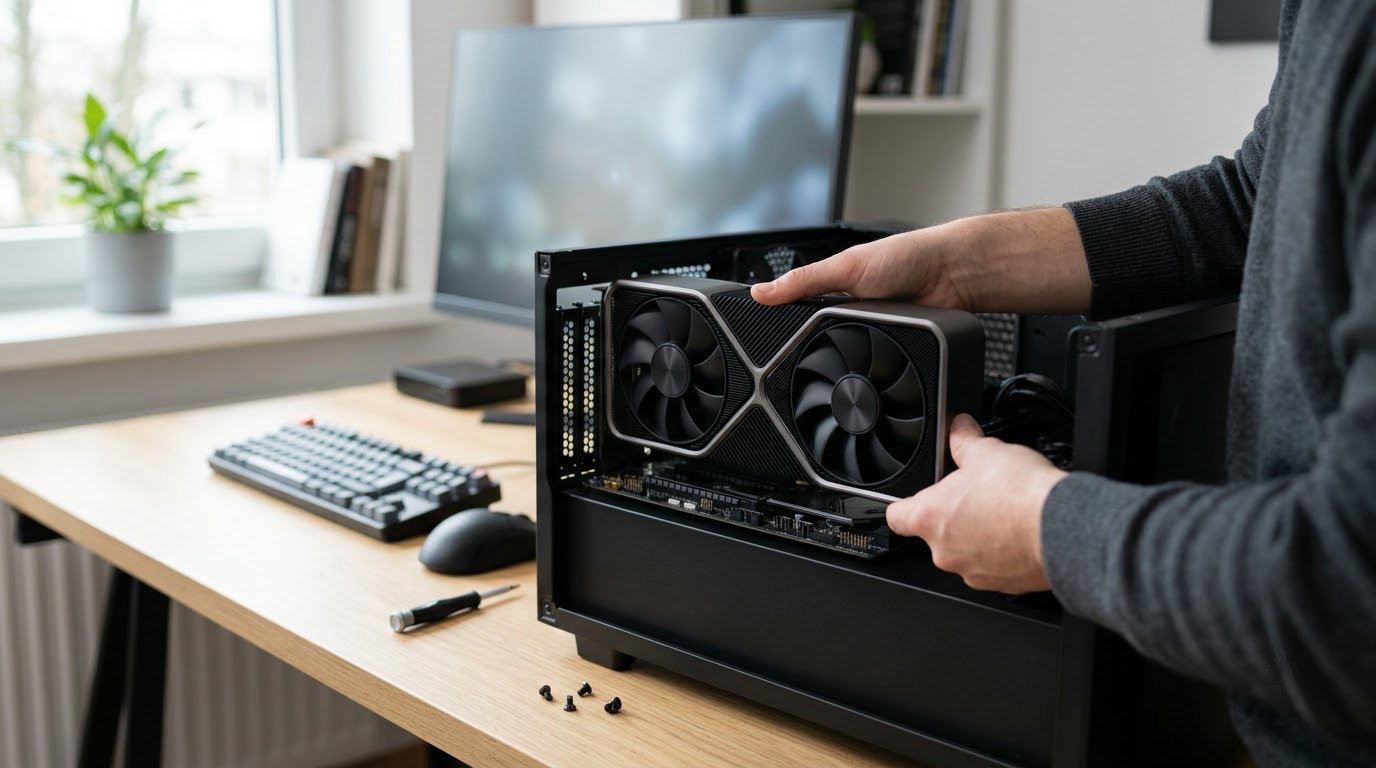
If you are building or upgrading a gaming PC during Prime Big Deal Days, the ASUS Dual RTX 3050 6GB is the card worth watching first: it carries the largest owner base in this list, stays cool and quiet in a small chassis, and needs almost nothing from a power supply. Two alternatives sit at the other end of the scale. The ASUS Dual RTX 5060 8GB is the current-generation pick for 1080p gaming, and the GIGABYTE RX 9070 XT Gaming OC is the one to look at if you play at 1440p or higher and want 16GB of memory. Amazon’s sale runs October 6-7, 2026, and every card below is one worth watching when those offers appear.
Ten cards follow, from a previous-generation bargain to a 16GB Radeon. None of them is a confirmed deal, because nothing on this page is a promise about what a card will cost during a 48-hour event. Use the buttons to see the current price, and read the buying guide before you commit.
Table of Contents
Our Top 3 Picks for Best Amazon Prime Big Deal Days Graphics Card Deals (October 2026)

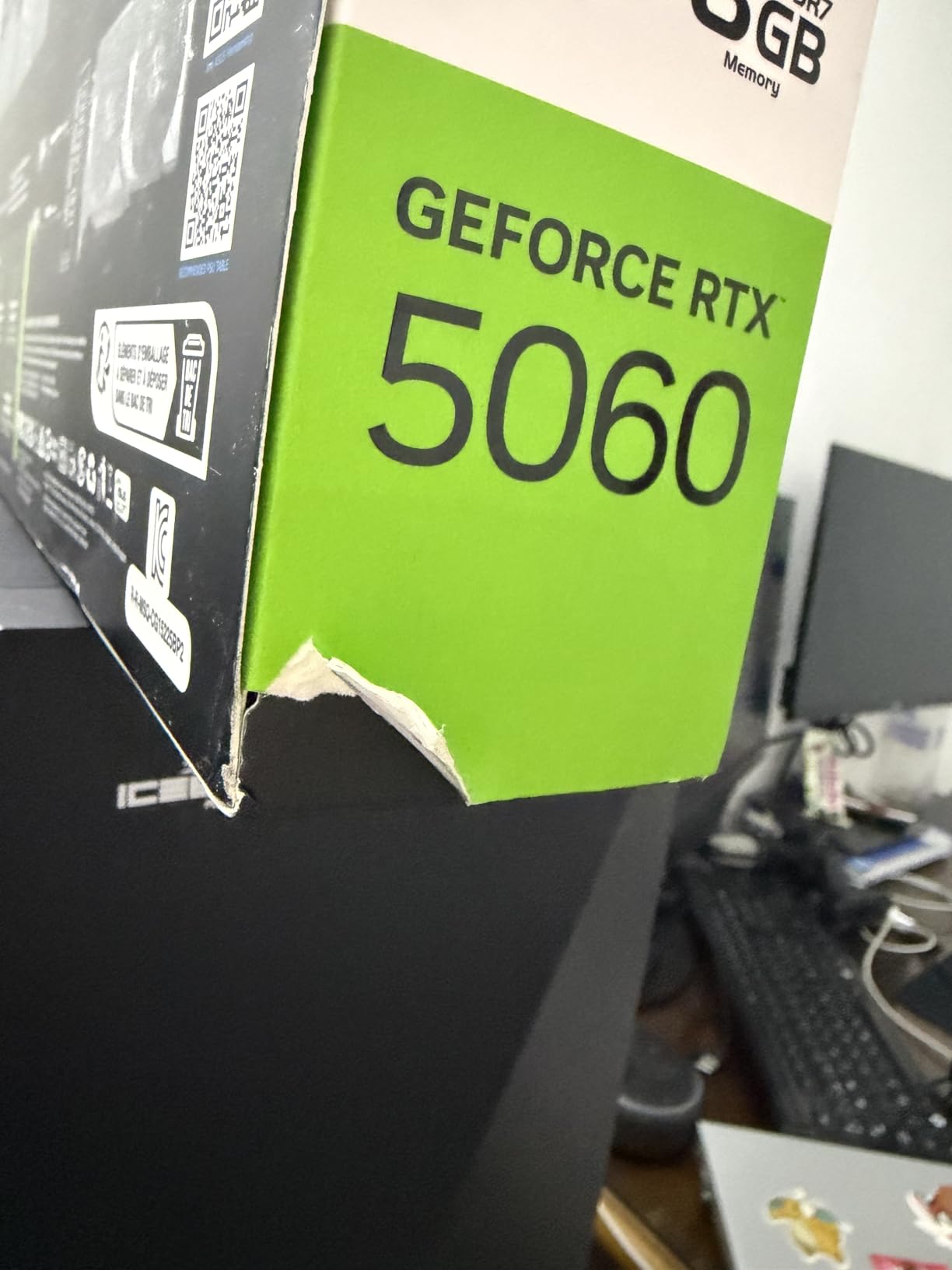
ASUS Dual RTX 5060 8GB
- Blackwell architecture with DLSS 4
- 8GB GDDR7 at 2535 MHz
- Roughly 150W power draw
Best Amazon Prime Big Deal Days Graphics Card Deals Compared
| Product | Specifications | Action |
|---|---|---|
 ASUS Dual RTX 3050 6GB ASUS Dual RTX 3050 6GB |
|
Check Deal Price |
| ASUS Dual RTX 5060 8GB |
|
Check Deal Price |
 GIGABYTE RX 9070 XT Gaming OC GIGABYTE RX 9070 XT Gaming OC |
|
Check Deal Price |
 GIGABYTE RTX 5060 WINDFORCE OC GIGABYTE RTX 5060 WINDFORCE OC |
|
Check Deal Price |
 ASUS Dual RTX 5060 Ti 16GB ASUS Dual RTX 5060 Ti 16GB |
|
Check Deal Price |
 ASRock RX 9060 XT Challenger 16GB ASRock RX 9060 XT Challenger 16GB |
|
Check Deal Price |
 XFX Speedster RX 7600 XFX Speedster RX 7600 |
|
Check Deal Price |
 ASRock RX 7600 Challenger 8GB ASRock RX 7600 Challenger 8GB |
|
Check Deal Price |
 ASRock Arc B570 Challenger 10GB ASRock Arc B570 Challenger 10GB |
|
Check Deal Price |
 MOUGOL RX 580 8GB MOUGOL RX 580 8GB |
|
Check Deal Price |
How We Chose
Every card here was compared on the specs that decide a GPU purchase: memory capacity and bus width, boost clock, cooler size and fan count, card length, power connectors and warranty. We also read the owner reviews and rating averages on Amazon listings, and checked them against the manufacturer model numbers. Specs and reviews were checked on October 2026.
1. ASUS Dual RTX 3050 6GB: Editor’s Choice for First Gaming PCs
ASUS Dual GeForce RTX 3050 6GB GDDR6 OC Edition Gaming Graphics Card
Memory: 6GB GDDR6
Clock: 1500 MHz
Fans: 2
Warranty: 3 years
Pros
- Compact two-slot design fits small chassis
- Stainless steel bracket and IP5X dust resistance
- Second-generation RT cores with DLSS support
- Dual axial-tech fans move plenty of air
Cons
- Only 6GB of VRAM holds back texture-heavy titles
- Older PCIe 4.0 interface and entry-level positioning
The safest card to put in a first gaming PC. With 1116 owner reviews behind it, this is the most thoroughly reported card in the list, and the specs are honest about what it is: a two-slot, dual-fan board measuring 7.9 inches long, running at 1500 MHz in OC mode and 1470 MHz by default.
Owners keep landing on the same two things. The cooler is quiet and the card stays cool, and the physical design simply fits where bigger cards will not. The 2-slot layout, the stainless steel bracket and the IP5X dust rating are the details people mention most often, and they matter more in a cramped case than a headline clock number does.
What you give up is memory. Six gigabytes of GDDR6 is enough for esports titles and older single-player games, but several reviews report that newer texture-heavy releases start to show it. Ampere’s second-generation RT cores and DLSS support soften that edge, since upscaling handles a lot of the resolution work.
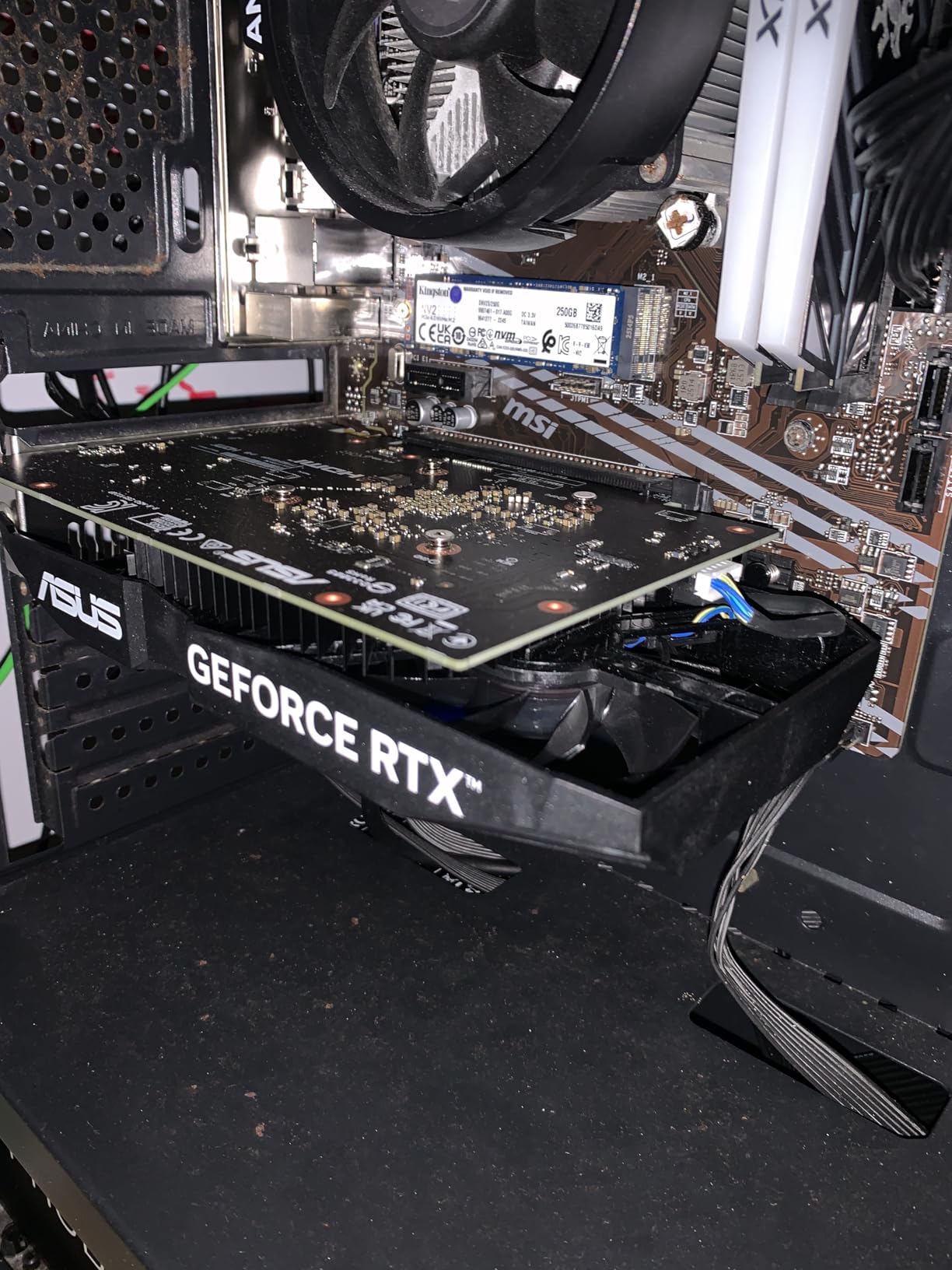
Compared with the ASUS Dual RTX 5060 8GB further down this list, you are giving up a full generation of hardware and 2GB of memory in exchange for a much smaller footprint and a lower power draw. For a prebuilt or a compact office-turned-gaming machine, that trade is usually worth making.
Think of a desktop that has been running integrated graphics for years, in a case with about eight inches of clearance behind the motherboard. This card fits where a triple-fan 16GB board would not, and it draws power from a single slot on most systems.
- 7.9 inch length and a two-slot cooler for tight builds
- Stainless steel bracket plus IP5X dust resistance
- Second-generation RT cores with DLSS upscaling
- Three-year warranty from ASUS
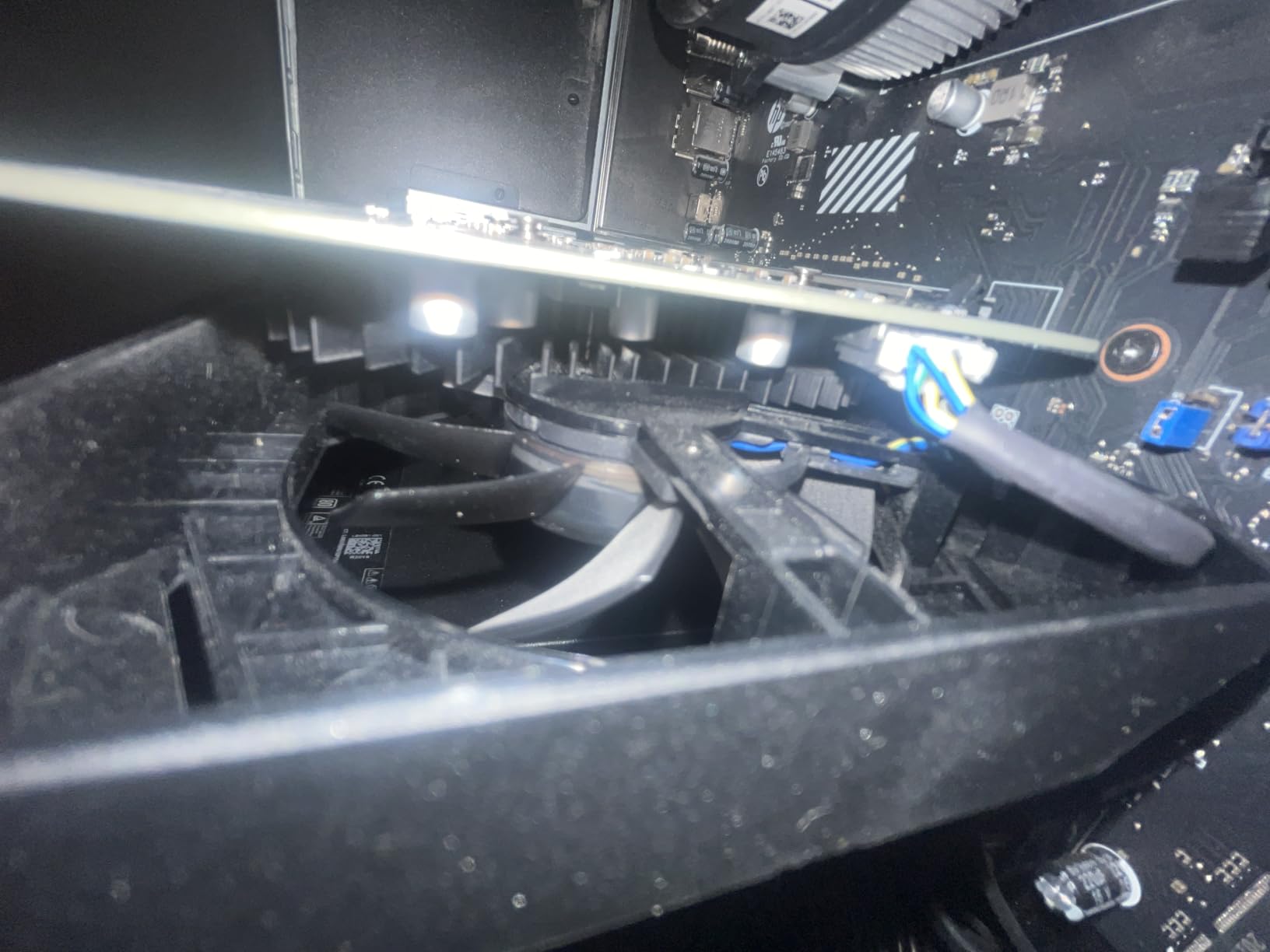
New texture-heavy releases and video encoding are the two things to think twice about here. If either matters, the ASRock RX 9060 XT Challenger 16GB or the ASUS Dual RTX 5060 Ti 16GB gives you memory headroom without a big jump in size. One practical note: check that your case has a free PCIe slot with room for a two-slot card, and that your power supply has a spare 6-pin or 8-pin lead.
2. ASUS Dual RTX 5060 8GB: Best Value
ASUS Dual NVIDIA GeForce RTX 5060 8GB GDDR7 OC Edition (PCIe 5.0, 8GB GDDR7, DLSS 4, HDMI 2.1b, DisplayPort 2.1b, 2.5-Slot Design, Axial-tech Fan Design, 0dB Technology), 3 Year Warranty
Memory: 8GB GDDR7
Clock: 2535 MHz
Fans: 2
Warranty: 3 years
Pros
- Strong 1080p raster performance
- About 150W so a modest power supply is enough
- GDDR7 on PCIe 5.0 for better memory latency
- Compact dual-fan design with 0dB idle
- DLSS and frame generation smooth out frame pacing
Cons
- 8GB of VRAM caps texture-heavy settings
- One owner reports audio crackle at high sampling rates
- Dual-fan cooler is not the quietest under sustained load
Owners treat this as the sensible current-generation upgrade, and the 4.7-star average across 561 reviews backs that up. The spec sheet is where the value shows: 623 AI TOPS, a 2565 MHz OC mode against 2535 MHz by default, and a 9-inch dual-fan body rated as SFF-ready.
Two details decide whether this is your card. Power draw sits around 150W, so you are not replacing your power supply, and the 0dB technology means the fans stop entirely when you are on a desktop. Several reviewers single out the clean, machined look as well; there is no RGB to configure.
The memory is the compromise, and reviewers say so plainly. Eight gigabytes of GDDR7 is faster than the previous generation’s memory, but heavy textures and high-refresh ray tracing still hit the ceiling. One owner also reported audio crackle at sampling rates of 44kHz and above, which is an isolated report rather than a pattern.
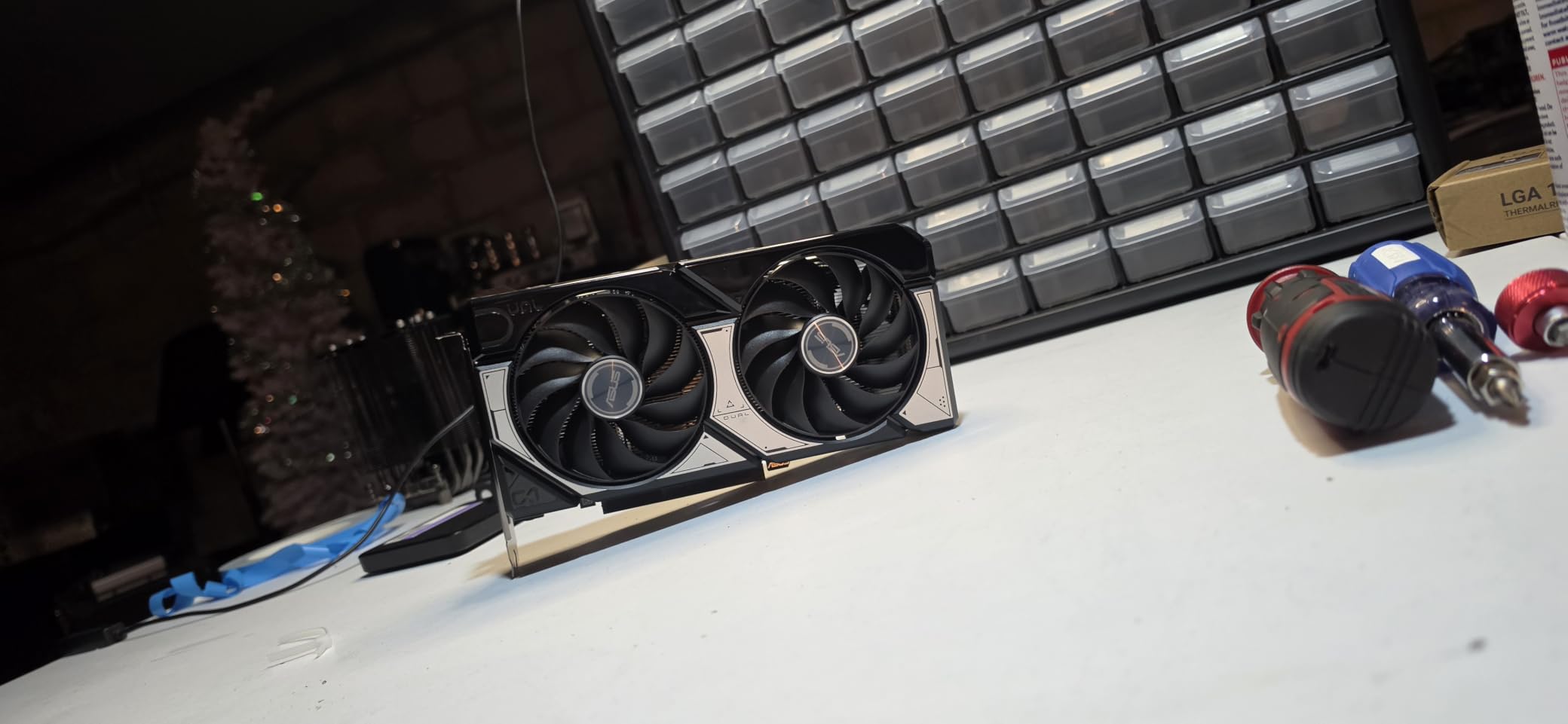
The GIGABYTE RTX 5060 WINDFORCE OC runs the same GPU and is 0.17 inch shorter, so pick between them on case clearance rather than speed. Against the ASUS Dual RTX 3050 6GB, this is the card to buy if you want to stay on current hardware for longer.
Picture a 1080p monitor at 144Hz, a mid-range six- or eight-core processor, and a power supply you would rather not replace. DLSS 4 and frame generation cover the gap when a new title runs heavier than expected.
Before you order, check your case for a 2.5-slot card and leave room for the power connector plus a centimetre of slack for the cable. DisplayPort 2.1b and HDMI 2.1b outputs support up to 7680×4320, so a multi-monitor desk setup is straightforward.
If your games lean on memory capacity rather than raw speed, the ASUS Dual RTX 5060 Ti 16GB is the step up. Otherwise this is the card most people should end up buying during the sale.
3. GIGABYTE RX 9070 XT Gaming OC: Premium Pick
GIGABYTE Radeon RX 9070 XT Gaming OC 16G Graphics Card, PCIe 5.0, 16GB GDDR6, GV-R9070XTGAMING OC-16GD Video Card
Memory: 16GB GDDR6
Clock: 3060 MHz
Fans: 3
Warranty: 3 years
Pros
- Strong performance-per-dollar at 1440p ultra and 4K
- 16GB clears the memory stutter older cards hit
- WINDFORCE cooling runs cool and quiet
- Three-fan design with an illuminated logo
- Drivers go in cleanly after a fresh install
Cons
- Three 8-pin power connectors complicate swaps
- Noticeably noisy under sustained full load
- Runs warmer than some other RX 9070 XT models
At the top of this list for raw 1440p and 4K capability, the RX 9070 XT Gaming OC pairs a 3060 MHz boost clock with 16GB of GDDR6. The WINDFORCE cooler with its Hawk fans and server-grade thermal gel is the part owners praise most.
Reported frame rates from owners land in the 160-240 range at 1440p with maxed settings, and one build in a living room was used as a 4K60 HTPC. The memory capacity is the quiet hero: 16GB is what removes the stutter and memory warnings that show up on lesser cards in current titles.
Owners are split on the physicals rather than the performance. The card needs three 8-pin power connectors, which is awkward if you are coming from a card with one or two, and it is 11.34 inches long. Several reviews also mention fan noise under sustained load and a slightly higher edge-to-junction temperature than other RX 9070 XT models.
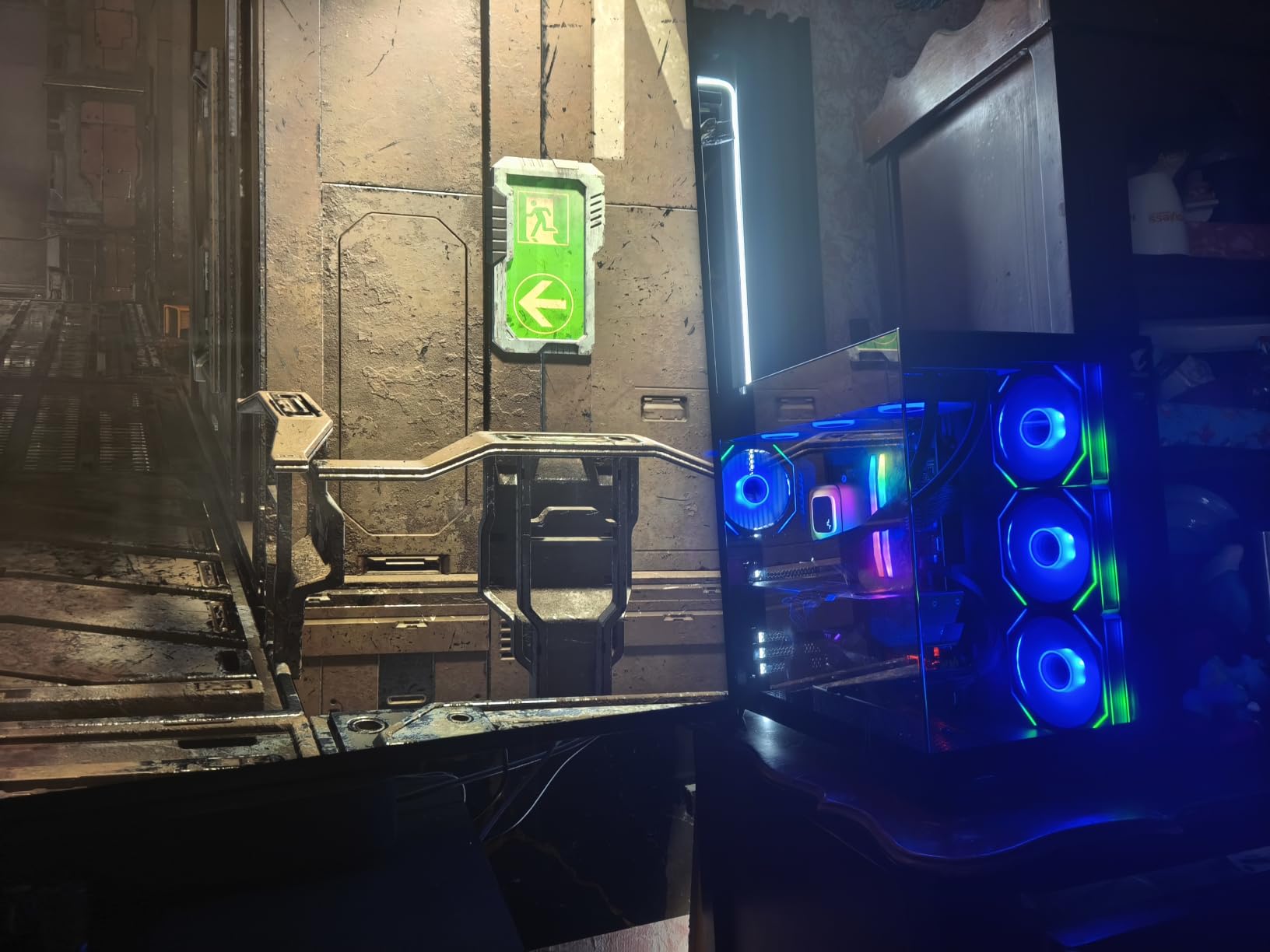
Where the ASUS Dual RTX 5060 8GB draws about 150W, this card is a different class of hardware, so expect a larger power supply and a roomier case. If your target is 1080p, the value calculation inverts completely: the ASRock RX 9060 XT Challenger 16GB gets you 16GB of memory at a much lower power draw and a shorter 9.8 inch body.
- 16GB GDDR6 for texture-heavy titles and 4K textures
- 3060 MHz boost clock with a three-fan WINDFORCE cooler
- Server-grade thermal conductive gel on the heatsink
- RGB lighting and an illuminated GIGABYTE logo
The 11.34-inch length is the other measurement worth taking now, along with the three power leads you will need at the same time. Count the cables from your power supply before the sale starts.
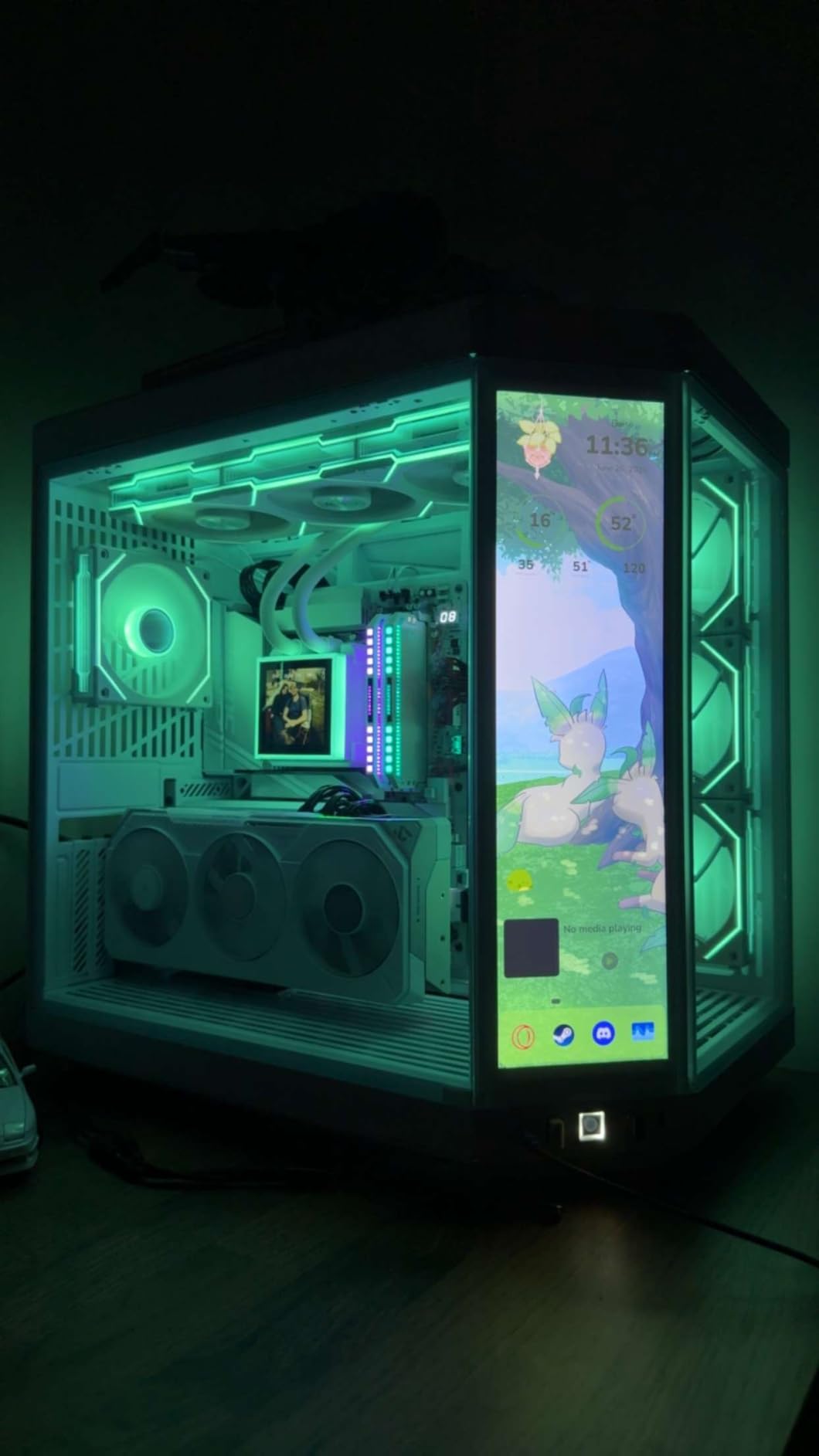
Neither a small case nor a modest power supply is a problem here, and a good price changes both. When the hardware is what you want, this is the strongest performer in the roundup.
4. GIGABYTE RTX 5060 WINDFORCE OC: Best for Compact Cases
GIGABYTE GeForce RTX 5060 WINDFORCE OC 8G Graphics Card, Cooling System, 8GB 128-bit GDDR7, PCIe 5.0, Manufactured by NVIDIA, DisplayPort & HDMI – Video Output Interface, GV-N5060WF2OC-8GD Video Card
Memory: 8GB GDDR7
Clock: 2512 MHz
Fans: 2
Warranty: 3 years
Pros
- Compact 7.83 inch dual-fan cooler suits small builds
- Blackwell architecture with DLSS 4 support
- 4.7-star average across more than 400 reviews
- 128-bit GDDR7 memory interface on PCIe 5.0
Cons
- 8GB of VRAM caps texture-heavy titles
- 128-bit memory bus is narrow versus competing cards
Short is the headline here. At 7.83 inches long, the WINDFORCE OC is the smallest card in this roundup, and it runs the same RTX 5060 silicon as the ASUS Dual model at a 2512 MHz boost clock. If your case has room for a short card and nothing else, the choice narrows fast.
Owners and reviewers are broadly positive, and the 4.7-star average across more than 400 reviews backs that up. The 8GB of GDDR7 runs on a 128-bit interface over PCIe 5.0, which is a current-generation memory setup in a frame that is easy to cool and easy to power.
The trade-off shows up in bandwidth rather than capacity. A 128-bit bus is narrow next to wider competitors, and 8GB is still 8GB. Reviews mention the same ceiling as the other 5060 cards: texture-heavy and ray-traced titles run out of headroom before the chip does.
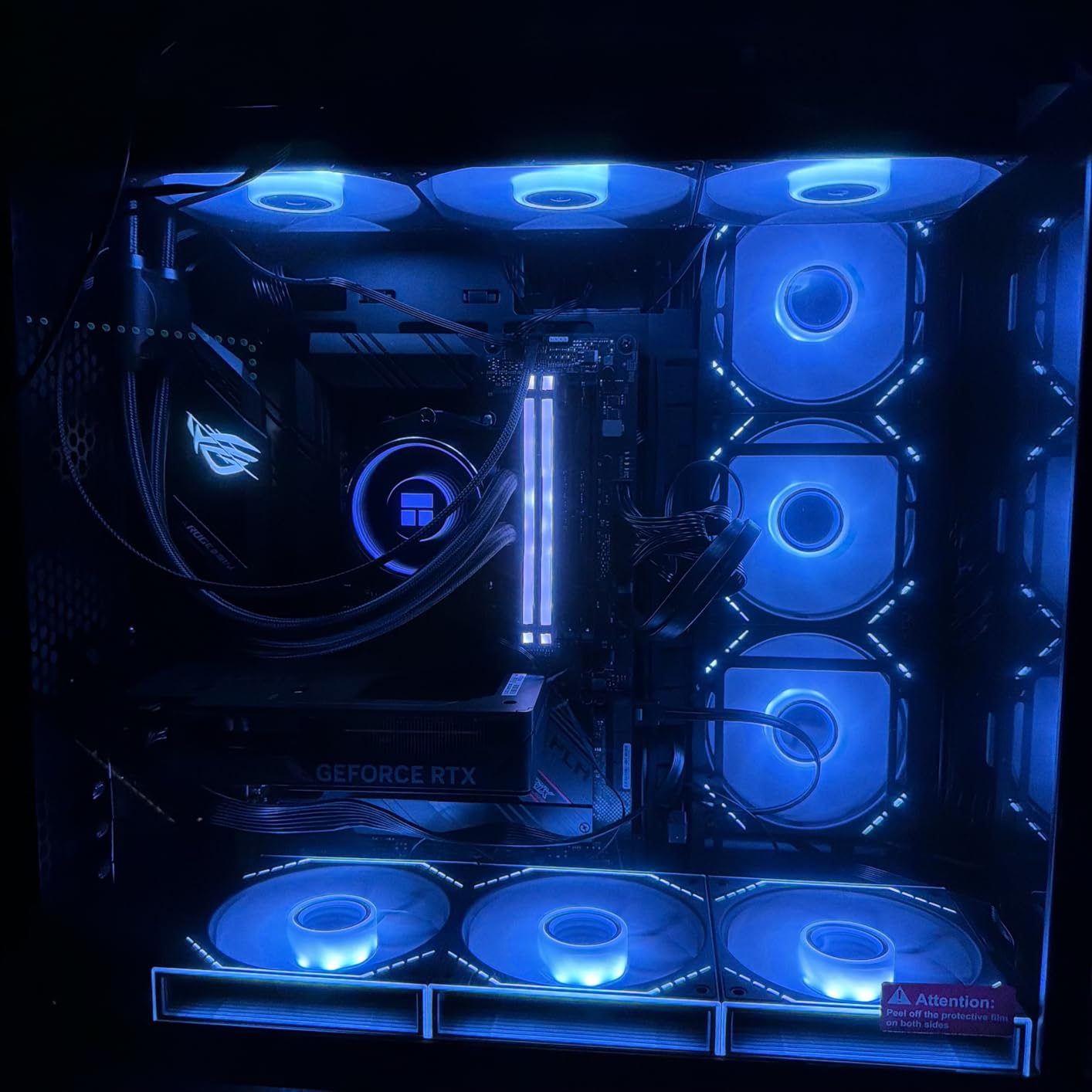
Compared with the ASUS Dual RTX 5060 8GB, the difference is 0.17 inch of length and roughly 23 MHz of clock. Neither will be visible in a game, so this is purely a clearance decision. Against the ASUS Dual RTX 3050 6GB, it is a full generation newer with 2GB more memory and a shorter body.
Think small-form-factor: a case or a mATX tower where a card with a 9-inch-plus body touches the front intake fans. This is one of the few cards here that fits those builds without a mod.
One detail owners mention: this listing does not list a weight figure, so if you are mounting the card on a riser, check the physical card yourself rather than assuming. A two-fan design like this is generally light, but the riser matters more than the number.
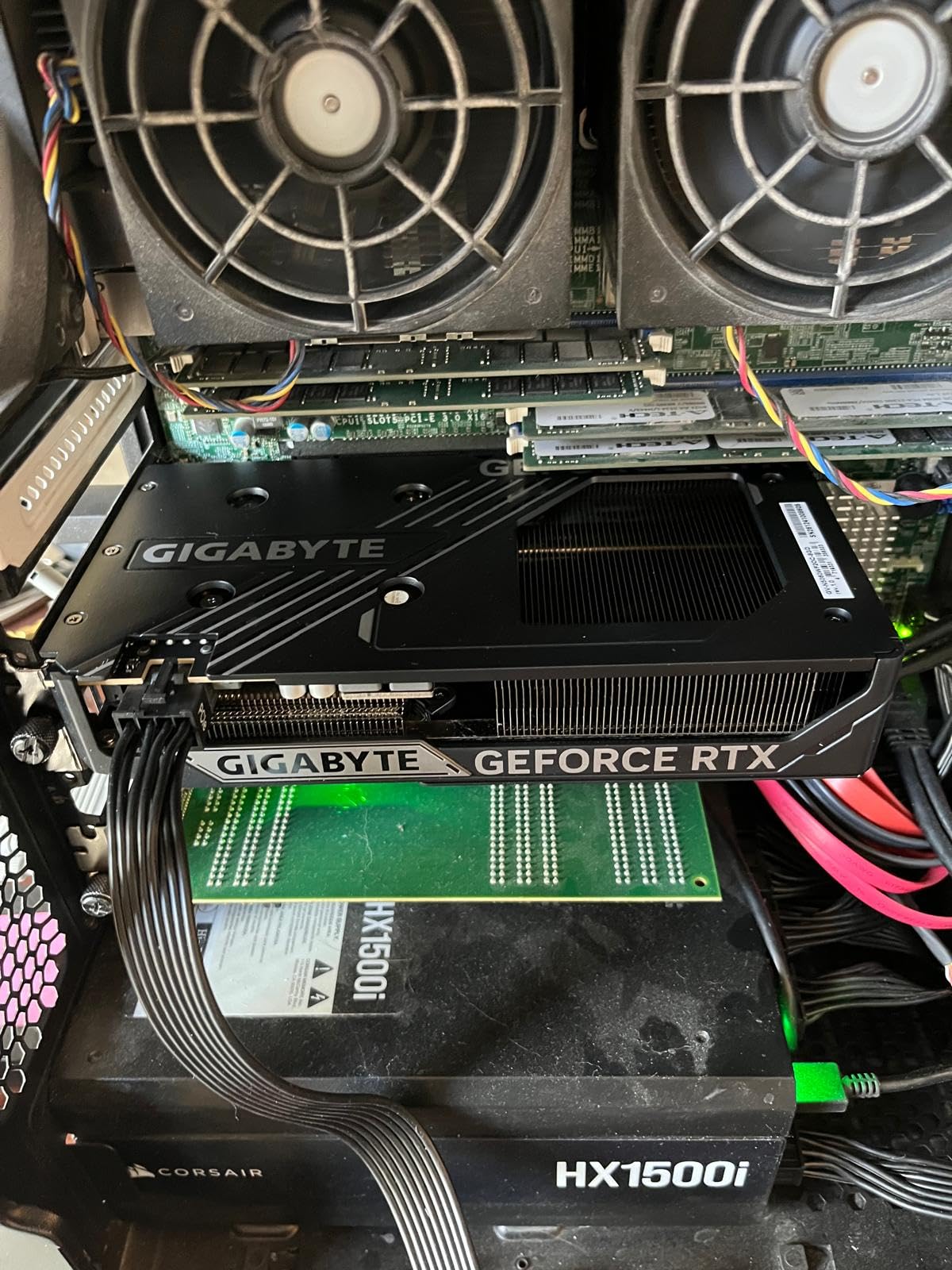
The cheapest route to 16GB of memory is the ASRock RX 9060 XT Challenger 16GB instead. Where clearance allows, this card is a tidy way to get current-generation features without a case rebuild.
5. ASUS Dual RTX 5060 Ti 16GB: Best for 1440p Ultra
ASUS Dual GeForce RTX 5060 Ti 16GB GDDR7 OC Edition Gaming Graphics Card
Memory: 16GB GDDR7
Clock: 2632 MHz
Fans: 2
Warranty: 3 years
Pros
- 16GB gives real headroom at 1440p and above
- Cool and quiet with low-60s temperatures under load
- Compact 9-inch 2.5-slot design suits small builds
- Modest 180W draw on a single 8-pin connector
- 448 GB/s memory bandwidth with GDDR7
Cons
- Factory overclock is only about 1% over stock
- 128-bit memory bus is narrow for this class
- Some older motherboards needed a BIOS update after install
This is the card for someone who wants Nvidia’s upscaling and frame generation at 1440p on high or ultra settings without stepping up to a much larger board. Sixteen gigabytes of GDDR7 across a 128-bit bus delivers 448 GB/s of bandwidth, and the boost clock runs to 2632 MHz in OC mode against 2602 MHz stock.
Owners rate the thermals highly, with temperatures in the low 60s under full load, and the 0dB technology plus dual BIOS toggle lets you switch between quiet and performance profiles. The dual ball fan bearings are rated for up to twice the life of sleeve bearings, which matters for a card expected to stay in a build for years.
Two things temper the enthusiasm. The factory overclock is around 30 MHz, roughly 1% over stock, so treat the OC label as cosmetic. And the memory bus is 128-bit, which is narrow for a card with this much memory attached.
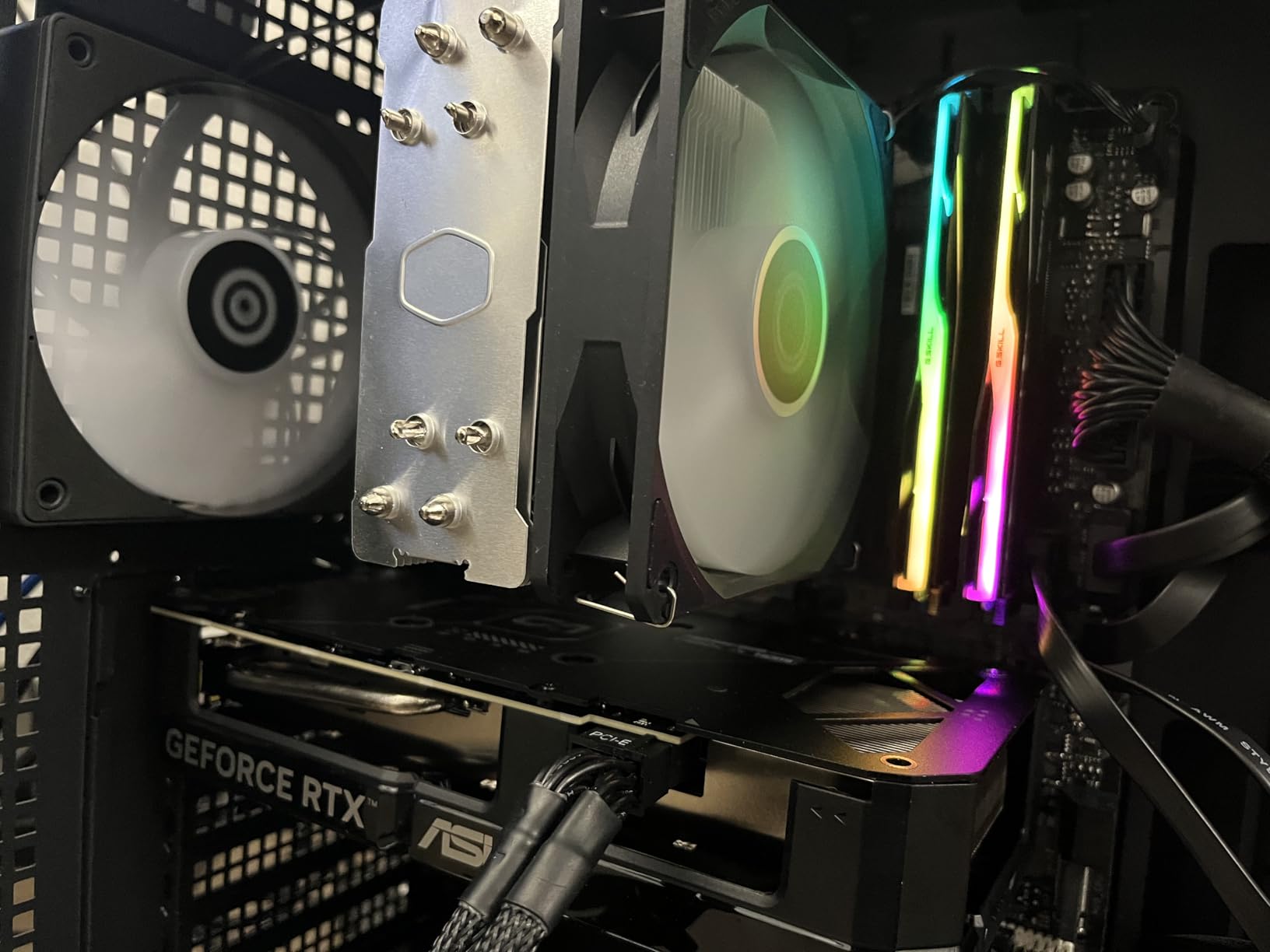
Compare it with the GIGABYTE RX 9070 XT Gaming OC and the choice is about power and size against ecosystem. This card runs at about 180W on a single 8-pin connector and fits in 9 inches; the Radeon needs three 8-pin leads and 11.34 inches of clearance but delivers more raw performance at 1440p and 4K.
The usual buyer here has a 1440p 165Hz monitor, ray tracing on medium to high, and a system they would rather not rebuild around a new power supply. Reviewers also mention manual overclocking adding around 10% once you tune it, which recovers what the factory OC leaves on the table.
One practical detail matters more than the rest: some buyers on older motherboards needed a firmware or BIOS update after installing the card, so check your board’s support list before the sale rather than after. Owners also repeatedly caution that current pricing for this tier sits far above the original manufacturer price, so compare against what you expected to pay, not against launch figures.
Memory headroom is what you are paying for here, and if 8GB already covers your settings the ASUS Dual RTX 5060 8GB is the cheaper way into the same generation. Otherwise, this is the Nvidia card to watch.
6. ASRock RX 9060 XT Challenger 16GB: Best for 1440p Value
ASRock Radeon RX 9060 XT Challenger 16GB OC, RDNA 4, 3290MHz Boost, 16GB GDDR6 128-bit, PCIe 5.0, Dual Fans, 0dB Silent, LED Indicator, DisplayPort 2.1a, HDMI 2.1b
Memory: 16GB GDDR6
Clock: 3290 MHz
Fans: 2
Warranty: 2 years
Pros
- Highest-rated card here at 4.8 stars
- 105-165 fps at 1440p on high or ultra
- Low-to-mid 60s temperatures under load
- Small 2-slot footprint where triple-fan cards will not fit
- 16GB also works for local AI models
Cons
- Dual-fan heatsink dissipates less heat than the premium triple-fan series
- Can bottleneck weaker CPUs especially when encoding
- Side LED indicator cannot be customised
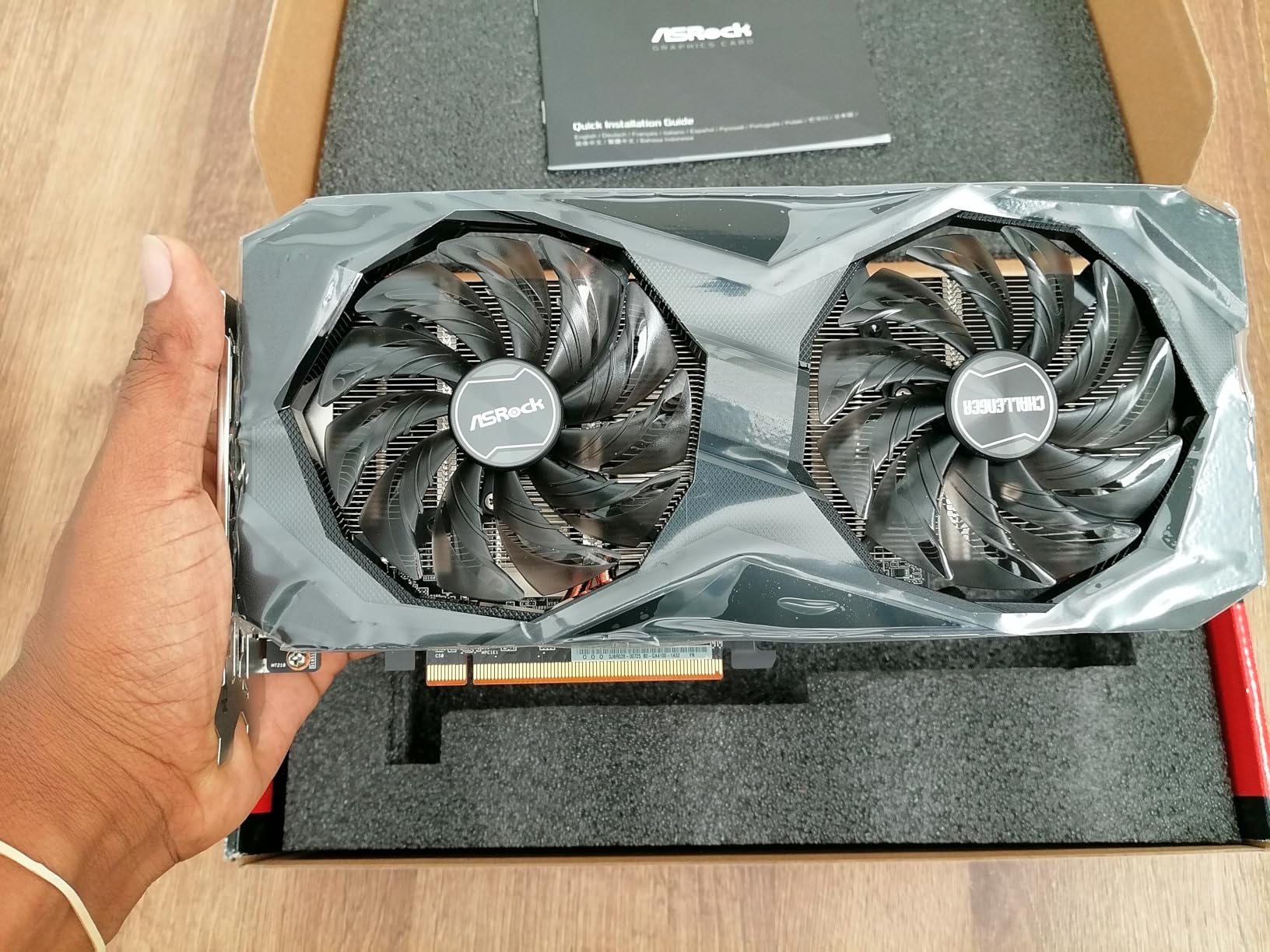
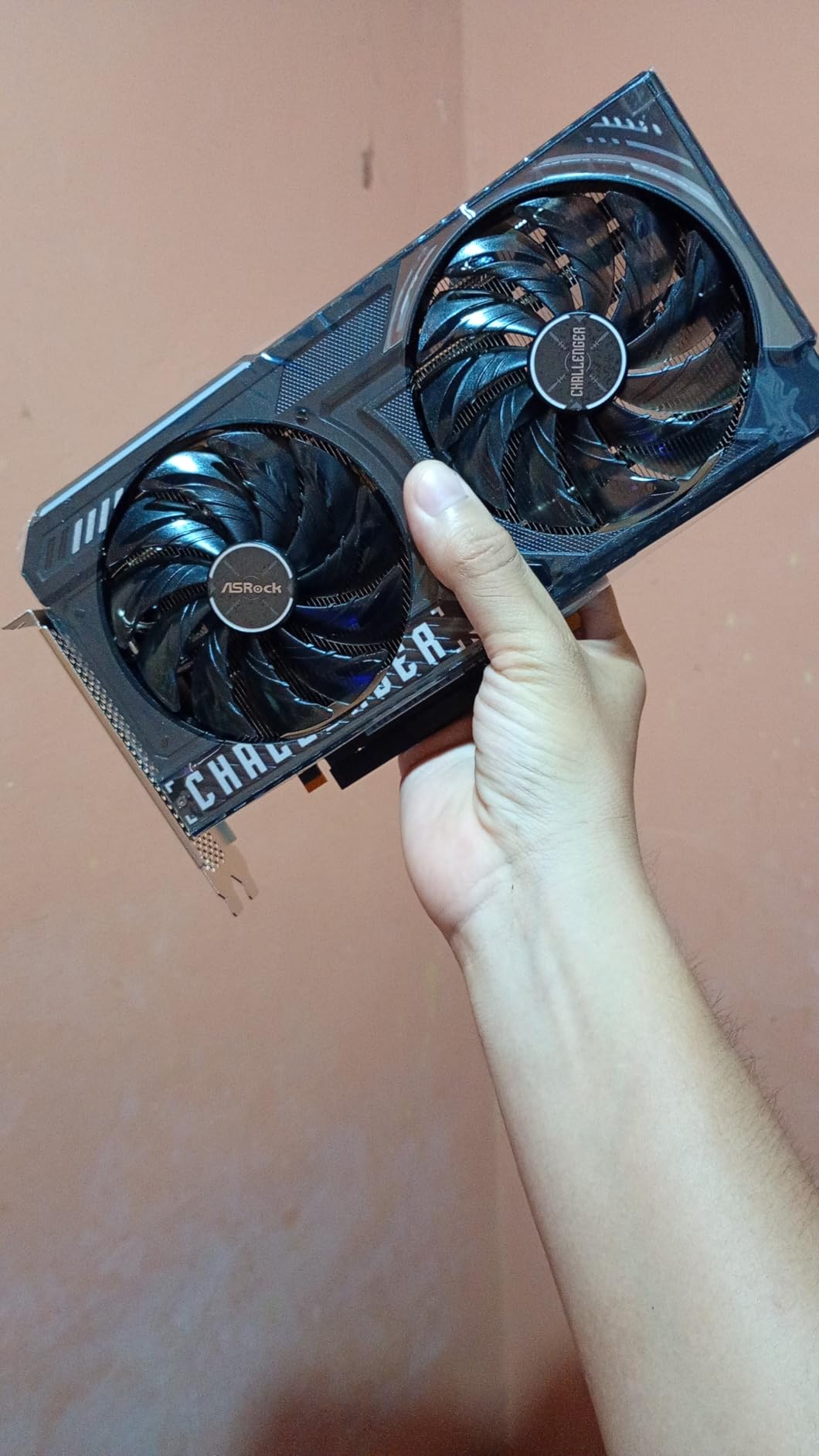
It holds the highest average rating in the roundup at 4.8 stars, and the spec sheet explains why: RDNA 4 with 32 compute units, third-generation ray tracing, second-generation AI accelerators, and a boost clock up to 3290 MHz with a 2700 MHz game clock.
Owners upgrading from an older card report 105-165 fps at 1440p on high or ultra settings, along with noticeably lower power draw and cooler operation than the card it replaced. Several buyers use the 16GB for local language models as well as gaming, which is a side benefit of the memory capacity.
The 2-slot, 249mm design is the quiet hero. A dual-fan card at this length fits cases where the GIGABYTE RX 9070 XT Gaming OC’s 11.34 inches will not, and the physical LED switch on the side turns the indicator off without software.
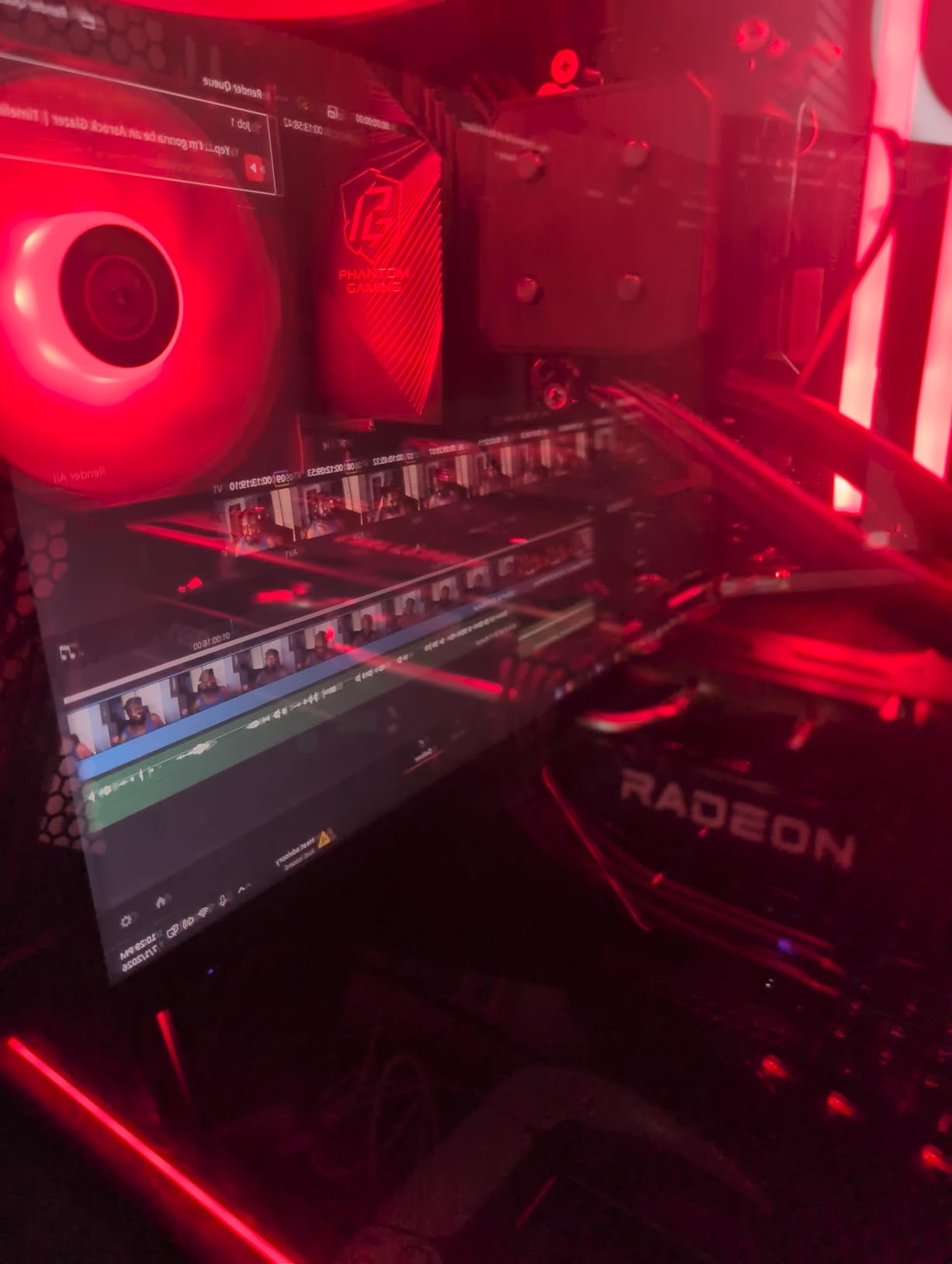
There is a genuine trade-off in the cooler. Reviews note the dual-fan heatsink sheds heat less well than ASRock’s larger triple-fan premium series, so give it decent case airflow. A few owners also report a CPU bottleneck on lower-mid-range processors, most visibly when video encoding shares the workload.
ASRock recommends a 550W power supply and the card uses a single 8-pin connector, which makes it one of the easiest 16GB options to power. That is a large step up from the GIGABYTE RX 9070 XT Gaming OC’s three-connector arrangement without needing a bigger PSU.
- 16GB GDDR6 at 20 Gbps on a 128-bit bus
- 3290 MHz boost and 2700 MHz game clock
- 2-slot 249mm body with a single 8-pin lead
- 0dB Silent operation and a physical LED switch
The two giveaways are the warranty term and the cooler size, since a 2-slot dual-fan board is what makes it fit where it does. Both are worth weighing if you keep a gaming PC for a long time.
Maximum 4K performance means stepping up to the GIGABYTE RX 9070 XT Gaming OC instead. For 1440p with 16GB, this is the strongest value in the roundup.
7. XFX Speedster RX 7600: Best for 1080p Upgrades
XFX Speedster SWFT210 Radeon RX 7600 Graphics Card with 8GB GDDR6 HDMI 3xDP, AMD RDNA 3 RX-76PSWFTFY
Memory: 8GB GDDR6
Clock: 2655 MHz
Fans: 2
Warranty: 3 years
Pros
- Affordable RDNA 3 option for 1080p gaming
- Dual-fan SWFT cooling handles thermals adequately
- HDMI plus three DisplayPort outputs
- Compact 9.49 inch length
Cons
- Only 8GB of VRAM on a 128-bit bus
- Older RDNA 3 architecture limits future headroom
- Lowest rating among the current-generation cards at 4.4 stars
There is no point pretending this is a new card. The RX 7600 is RDNA 3 generation, it carries 8GB of GDDR6 on a 128-bit bus, and it rates 4.4 stars across 520 reviews, the lowest average among the RDNA 3 and Blackwell parts here. What it does offer is a straightforward path into 1080p gaming with a boost clock up to 2655 MHz.
That 4.4 average is worth taking seriously. Reviews point to a 7% share of one-star ratings, a higher share than any other card here, so expect more mixed experiences than the RDNA 4 and Blackwell parts. Most of that is generational rather than a fault in the cooler.
The SWFT dual-fan cooling solution handles thermals adequately, and the 9.49 inch length is easy to accommodate. The output configuration is the underrated part: HDMI plus three DisplayPort connectors means a triple-monitor desk without adapters.

The ASRock RX 7600 Challenger 8GB covers the same GPU with a different cooler, a factory overclock to 2695 MHz and a 269.2mm length. Where the Speedster lists 3.0 in the technical details, the Challenger lists 10.6 inches overall, so measure if you are near the limit.
The typical use here is a 1080p monitor and a replacement for a card that has started to choke on modern titles, with a budget you would rather spend on a faster processor or more memory. At that resolution the gap between this and a 16GB card is mostly about texture quality, not frame rate.
Worth knowing before you commit: the AMD RX 7000 series interface and RDNA 3 architecture leave less headroom for future titles than the RDNA 4 cards in this roundup. If you expect to keep this four years or more, compare it against the ASRock RX 9060 XT Challenger 16GB before settling.

At 1440p and above this card runs out of road quickly, though its three-year warranty is one of the better ones here. Within its own class, it is a reasonable 1080p card to watch during the sale.
8. ASRock RX 7600 Challenger 8GB: Best for 550W Systems
ASRock Radeon RX 7600 Challenger 8GB OC, RDNA 3, 2695MHz Boost, 8GB GDDR6 128-bit, PCIe 4.0, Dual Fans, 0dB Silent, HDMI 2.1, DisplayPort 1.4
Memory: 8GB GDDR6
Clock: 2695 MHz
Fans: 2
Warranty: 3 years
Pros
- Strong 1080p performance with hardware ray tracing
- Factory overclock to 2695 MHz boost and 2280 MHz game clock
- Dual-fan 0dB Silent design stays quiet at low load
- Single 8-pin connector with a 550W recommended PSU
- Supports up to four displays at up to 8K
Cons
- 8GB of VRAM on a 128-bit bus limits modern titles
- PCIe 4.0 x8 interface is narrower than most rivals
- RDNA 3 is an older generation with less headroom
Measure twice here. ASRock recommends 550W, it draws from a single 8-pin connector, and the board measures 40.3mm thick in a 2-slot layout. It is among the least demanding cards in the roundup in watts, and the 4.6-star rating backs the build quality up.
Owners like the quiet behaviour. The dual-fan cooler uses 0dB Silent operation, so the fans stay stopped at low load, and the metal backplate with Super Alloy components adds rigidity to a card that weighs about two pounds.
The display options are unusually good for the class: three DisplayPort 1.4a connectors with DSC and one HDMI 2.1 with VRR, supporting up to four displays at up to 8K. For a multi-monitor office-and-gaming machine, that is a genuine advantage over cards with two outputs.
There is no escaping the generation. RDNA 3 with 32 compute units and 2048 stream processors, 8GB of GDDR6 at 18 Gbps, and a PCIe 4.0 x8 link that is narrower than almost everything else in this roundup. Reviews are clear that it holds its own at 1080p and falls behind the RDNA 4 cards beyond that.
Compared with the XFX Speedster RX 7600, the Challenger runs at a higher factory clock and lists a longer body, but it also carries a metal backplate and the same single-8-pin simplicity. Compared with the ASRock RX 9060 XT Challenger 16GB from the same maker, it is the older, cheaper option with half the memory.
Most buyers who want memory headroom or a newer architecture go for the RX 9060 XT Challenger 16GB instead. This one earns its place by asking the least of your build.
- 550W recommended PSU and a single 8-pin power lead
- Factory overclock at 2695 MHz boost and 2280 MHz game clock
- 0dB Silent dual-fan cooling with a metal backplate
- Three DisplayPort 1.4a with DSC plus HDMI 2.1 VRR
Its place in the roundup is narrow but real: a dependable 1080p card with unusually good display options and one of the lowest power demands on the list. If your build is power-limited, this is the one to put on the shortlist.
9. ASRock Arc B570 Challenger 10GB: Best for Creators
ASRock Intel Arc B570 Challenger 10GB OC GDDR6 Graphics Card, 2600 MHz GPU, 19 Gbps Memory, Dual Fan, Metal Backplate, HDMI 2.1a, DisplayPort 2.1, 0dB Cooling
Memory: 10GB GDDR6
Clock: 2600 MHz
Fans: 2
Warranty: 2 years
Pros
- Owners cite 75-100 fps at 1440p with XeSS 2
- 10GB on a 160-bit bus gives more bandwidth than 8GB rivals
- Very quiet and cool with dual axial fans and 0dB cooling
- Low power draw on a single 8-pin connector
- Dual media engines handle AV1 and HEVC
Cons
- Resizable BAR and sometimes 4G decoding must be enabled in BIOS
- A minority of owners report blue screen driver errors and streaming issues
- Needs a reasonably capable CPU
Intel’s Arc B570 is the odd one out, and the 10GB on a 160-bit bus is why. That bus width gives it more memory bandwidth than the 8GB 128-bit cards in this roundup, and owners cite 75-100 fps in games like Cyberpunk, Apex and Forza with XeSS 2 enabled. The 2600 MHz GPU clock and 19 Gbps memory speed back it up.
For content work the media engines matter more than the gaming numbers. Dual media engines handle AV1 and HEVC encode and decode, which is the practical advantage over several entries in this list. DisplayPort UHBR13.5 also drives a 4K display at 144Hz, and a metal backplate prevents sag on a card that weighs just under a kilogram.
Reviewers repeatedly call it underrated, and the 4.7-star average across 123 reviews supports that. It also runs cool and quiet, with dual striped axial fans and 0dB Silent Cooling drawing from a single 8-pin connector.
The setup caveat is the real one. Resizable BAR has to be enabled in the BIOS, and some boards also need 4G decoding turned on, or the card gives away a lot of its performance. A minority of owners also report blue screen driver errors and streaming or VRChat problems with wireless and virtual desktop setups.
CPU pairing matters as well. Reviews suggest a Ryzen 5 5500 is about the bare minimum, which is worth checking if your processor is on the older side. For a full look at the family, our guide to Intel Arc B580 gaming cards covers where this card sits in the range.
So who is this card best suited to? A streamer, editor or local-model hobbyist on a board where Resizable BAR is already enabled. That combination is where the 10GB and the AV1 encoders pay for themselves.
The list of things to check on a card like this is short: three DisplayPort 2.1 and one HDMI 2.1a cover a multi-monitor setup without adapters, but the listing does not give a length figure, so check the physical card against your case clearance before ordering.
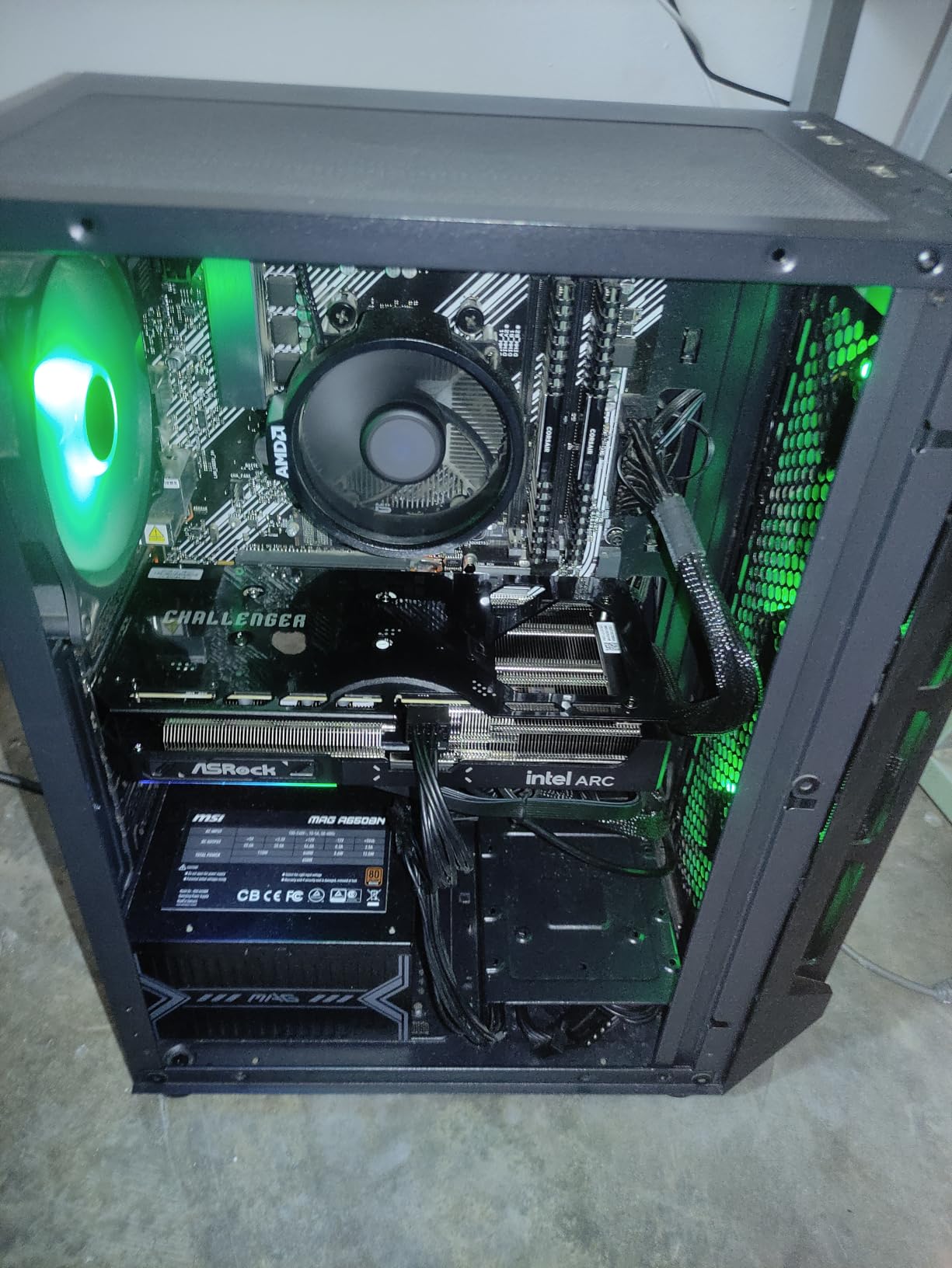
Skip it if you cannot enable Resizable BAR or you are on a very old platform; the ASRock RX 9060 XT Challenger 16GB is the safer buy. If your setup supports it, this is the most interesting card in the roundup for anyone who does more than play.
10. MOUGOL RX 580 8GB: Budget Pick
MOUGOL AMD Radeon RX 580 8GB GDDR5 Gaming Graphics Card, HDMI/DP/DVI Black
Memory: 8GB GDDR5
Clock: 1206 MHz
Fans: 2
Warranty: 1 year
Pros
- Lowest-cost route to 8GB of memory in this roundup
- HDMI and DisplayPort and DVI for three monitors
- Compact 240mm dual-fan design fits ATX and micro-ATX cases
- Supports DirectX 12 and Vulkan and OpenGL 4.6
Cons
- GDDR5 memory and a 1206 MHz clock are slow by modern standards
- One-year manufacturer warranty is the shortest here
- Lowest-rated card in the roundup at 4.2 stars
Budget pick means budget pick: this is the lowest-cost card here, and it exists to solve one problem, which is getting eight gigabytes of memory and three display outputs into a machine cheaply. The Radeon RX 580 carries 2048 stream processors on a 256-bit bus, which was respectable once and is dated now.
You can see the age in the numbers. GDDR5 memory, a 1206 MHz core clock and a PCIe 3.0 x16 interface place this firmly in the previous generation, and reviews are candid that newer games will show it. The 4.2-star average with an 11% one-star share is the lowest in the roundup, and with 543 reviews that is a meaningful sample.
What it still does well is physical. At 240 by 135 by 45mm, it fits standard ATX and micro-ATX cases without fuss, and the dual-fan cooler with heat pipes and intelligent fan control is enough to keep it steady. DirectX 12, Vulkan and OpenGL 4.6 support covers older titles and light content work.
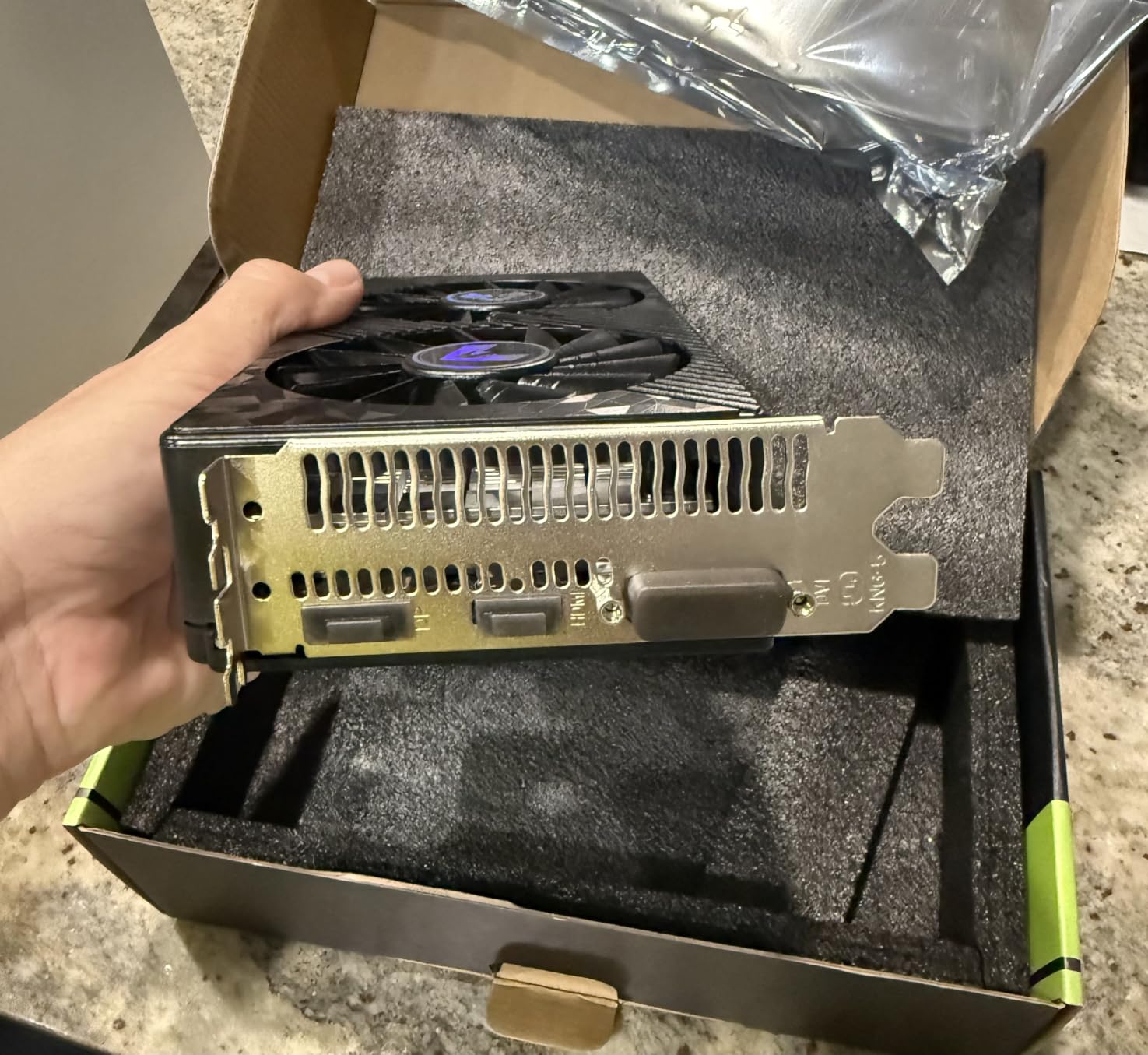
The warranty is the detail to weigh. One year from the manufacturer is half what ASUS and GIGABYTE offer on the cards above, and on a budget card that is a meaningful difference if something goes wrong in month fourteen.
A scenario: a family or office PC that came with integrated graphics, where the goal is three monitors and light gaming rather than competitive frame rates. Owners also use cards like this for older titles that predate modern VRAM requirements.
Compared with the XFX Speedster RX 7600, the RX 580 is a generation older and slower, but it costs considerably less and carries the same 8GB capacity. If you can absorb the RX 7600’s higher price, you get RDNA 3, a 2655 MHz boost clock and a three-year warranty instead.
The 240 by 135 by 45mm figures are worth checking against the listing’s own 4.4 by 1.7 inch dimension field, since the two do not match. Measure from the physical card rather than either number, and keep the DVI port in mind if you still own an older monitor.
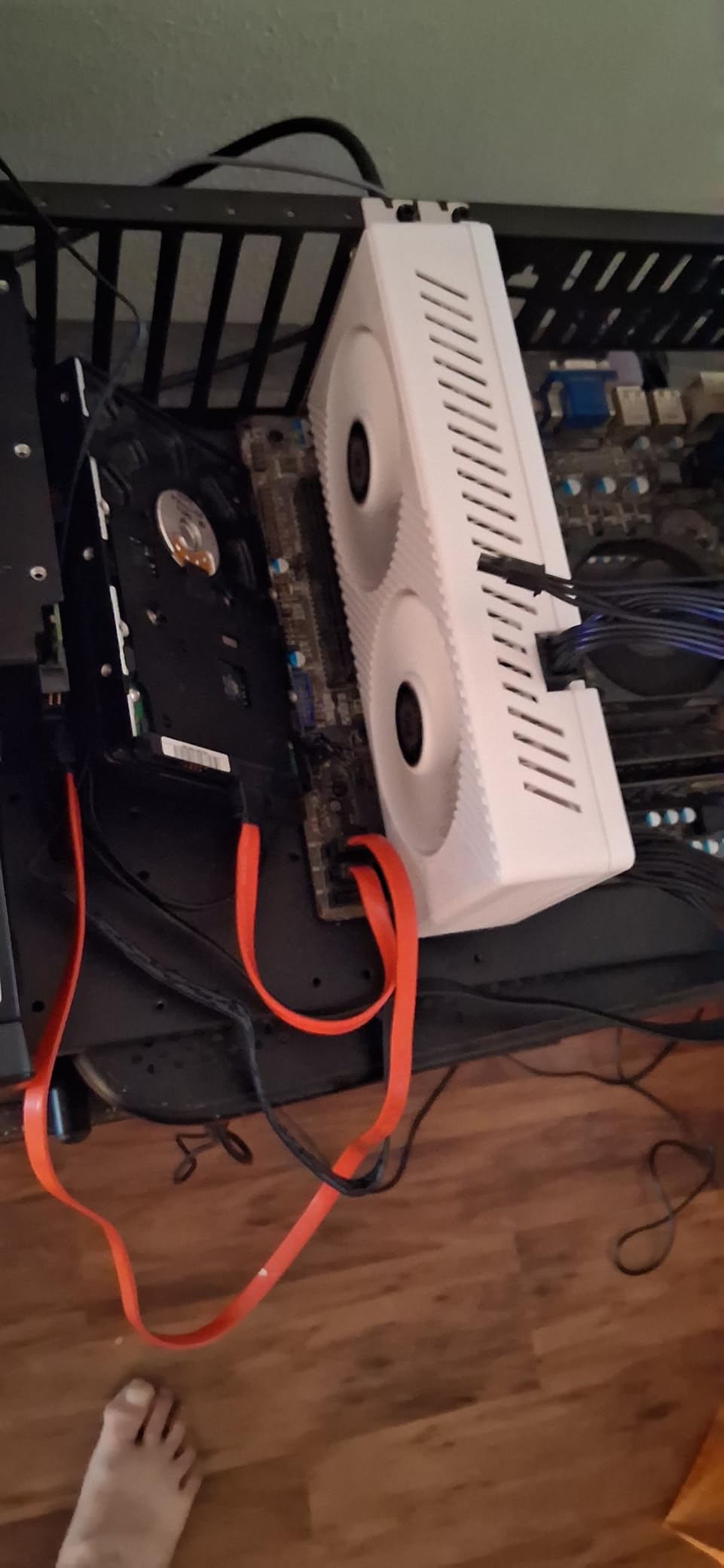
Competitive play and current releases are both out of reach here, though the XFX Speedster RX 7600 or the ASRock RX 7600 Challenger 8GB are worth the step up. For a low-cost first dedicated card, it does a narrow job well.
How to Choose Graphics Cards During Prime Big Deal Days
GPU Performance and Resolution
Match the card to the resolution you actually game at, not the resolution you could buy. A 1080p monitor at 60Hz is served comfortably by anything in the lower half of this list, while 1440p at 165Hz needs considerably more, and 4K is a different purchase again. If you have not settled on a screen yet, the resolution should drive the card choice, since the monitor is the harder thing to change later. It also helps to know who makes the silicon: our breakdown of graphics card brands covers how the three vendors approach upscaling and ray tracing differently.
Video Memory and Future-Proofing
Eight gigabytes is enough for 1080p and many 1440p settings; sixteen gigabytes is the sensible floor if you want headroom for texture-heavy titles, 4K, or creative work. Two of the cards here are 8GB on a 128-bit bus, which limits bandwidth as well as capacity, so memory type and bus width matter as much as the headline number. Think about how long you plan to keep the card rather than what you need this month, because memory capacity is the one spec that cannot be upgraded later.
PC Compatibility and Power
Three checks decide whether a card physically works in your build: length against case clearance, slot width against neighbouring slots, and the power connector against your supply. Add roughly half an inch to the stated length for the power cable’s bend. The cards here range from 7.83 inches to 11.34 inches, and the recommended power supplies run from 550W upward. If your supply is modest, our notes on budget gaming graphics cards cover the low-draw options in more detail.
Cooling, Noise and Thermals
Fan count and heatsink size predict how a card behaves in a sustained session. Dual-fan coolers run quiet and can struggle to shed heat at the limit, while three-fan designs hold temperatures down at the cost of more noise under load. Case airflow matters more than most buyers expect, and reports of higher temperatures on some cards usually trace back to a cramped chassis rather than a faulty cooler. If you are weighing a quieter card against a cooler one, our picks for NVIDIA budget graphics cards are worth a look before you commit.
Condition, Seller and Listing Details
Check who is selling before you check anything else. A card sold and fulfilled by Amazon carries a different return process from a marketplace listing, and the difference matters when a GPU arrives with an issue. Read the condition line carefully, confirm the warranty is the manufacturer’s rather than the seller’s, and check what is in the box, since some listings bundle cables and others do not. Model numbers on the listing should match the model in the product title, which is a quick way to catch a variant mismatch.
How to Shop Graphics Card Deals During the Sale
On a graphics card listing, verify four things: the exact GPU model and its suffix, the memory capacity, the card length and power connector, and whether the seller is Amazon or a marketplace trader. Board partner cards with the same GPU name can differ in cooler size and length, and 8GB and 16GB versions of the same card look almost identical in a thumbnail. Most offers during Prime Big Deal Days require a Prime membership, a free trial counts, and pricing changes through the event, so use the buttons on this page for the current figure rather than a number you read earlier. The sale runs October 6-7, 2026.
- Confirm the model number and memory capacity match the listing title
- Check whether Amazon or a marketplace seller is the seller of record
- Measure case clearance against the card length plus cable bend
- Verify the power connector and your supply’s recommended wattage
- Confirm new condition and the manufacturer’s warranty term
- Re-check the price at checkout, since it changes through the event
Frequently Asked Questions
Are Amazon Prime Big Deal Days graphics card deals actually good?
Some are, and the way to tell is to check the memory capacity, model number and card length before you look at the price. Prime Big Deal Days runs October 6-7, 2026, and most offers need a Prime membership, with a free trial counting. Because pricing shifts through the event, use the buttons here for the current figure rather than a number you noted earlier.
Do I need to be a Prime member to get these GPU deals?
Most offers during the event need a Prime membership, and a free trial counts toward it. Some cards are priced for everyone, but the member pricing is the part most people are shopping for, particularly on higher-capacity models. If you are only buying one card, a trial is enough to qualify without a long commitment.
How do I know an Amazon GPU price is a genuine low price?
Compare it against the same card’s recent history rather than a launch price, because current market prices sit well above original manufacturer figures. Check the model number and memory capacity first, since a cheaper 8GB card next to a 16GB one is not a like-for-like comparison. Cross-check against other retailers before you commit, and read the reviews for signs of a deal-specific surge. For the entry end of the market, our picks for u003ca href=u0022https://modelrec.com/best-graphics-cards-gpus-for-under-250-dollars/u0022u003elow-cost graphics cards on Amazonu003c/au003e are a useful second reference.
Should I buy a graphics card off Amazon?
It is fine, provided you check the seller of record before you pay. Cards sold and fulfilled by Amazon come with a straightforward return process, while marketplace listings vary by seller and by what warranty they honour. Buy from an established electronics retailer if you would rather not think about it, and treat any unusually cheap offer from a new seller as a reason to look elsewhere.
How much power supply do I need for these graphics cards?
The dual-fan cards in this list generally ask for a 550W supply on a single 8-pin connector, while larger multi-connector designs need a higher capacity unit and a case with room for the cable bend. Check the card’s recommended wattage rather than estimating from the chip. If your supply is old or unbranded, replace it rather than relying on the recommendation.
Is 8GB of VRAM enough for modern games?
For 1080p and many 1440p settings, 8GB is workable, especially with upscaling enabled. Texture-heavy new releases and anything at 4K are where 8GB starts to show, and cards with a 128-bit bus have less bandwidth to work with on top of that. If you keep a card for years, 16GB is the safer starting point.
Final Verdict: Best Amazon Prime Big Deal Days Graphics Card Deals
The ASUS Dual RTX 3050 6GB is the card worth watching first, and the most worthwhile pick on this list during Prime Big Deal Days: 1116 owner reviews, a two-slot body that fits almost anything, and a power draw that asks nothing of your supply. Buy it for a first gaming PC in a small chassis and skip it for texture-heavy new releases.
The budget-friendly alternative is the MOUGOL RX 580 8GB, the lowest-cost route to three display outputs and 8GB of memory on this list. Weigh the one-year warranty before you commit, and expect older hardware.
Buy the ASUS Dual RTX 5060 8GB for current-generation 1080p gaming, or the GIGABYTE RTX 5060 WINDFORCE OC when your case is short on clearance. The ASUS Dual RTX 5060 Ti 16GB is the pick for 1440p ultra on the Nvidia side, and the GIGABYTE RX 9070 XT Gaming OC for maximum 4K performance if your case and power supply can take it. The ASRock RX 9060 XT Challenger 16GB is the best-rated card here and the strongest 1440p value. For streaming and local AI work, the ASRock Arc B570 Challenger 10GB does things none of the others do, provided your BIOS has Resizable BAR enabled. The XFX Speedster RX 7600 and ASRock RX 7600 Challenger 8GB cover 1080p on a budget, with the Challenger easier to power at 550W.
Check the current price on each card, confirm the seller and the model number, and buy the one that fits your case and your games rather than the one with the biggest number attached to it.