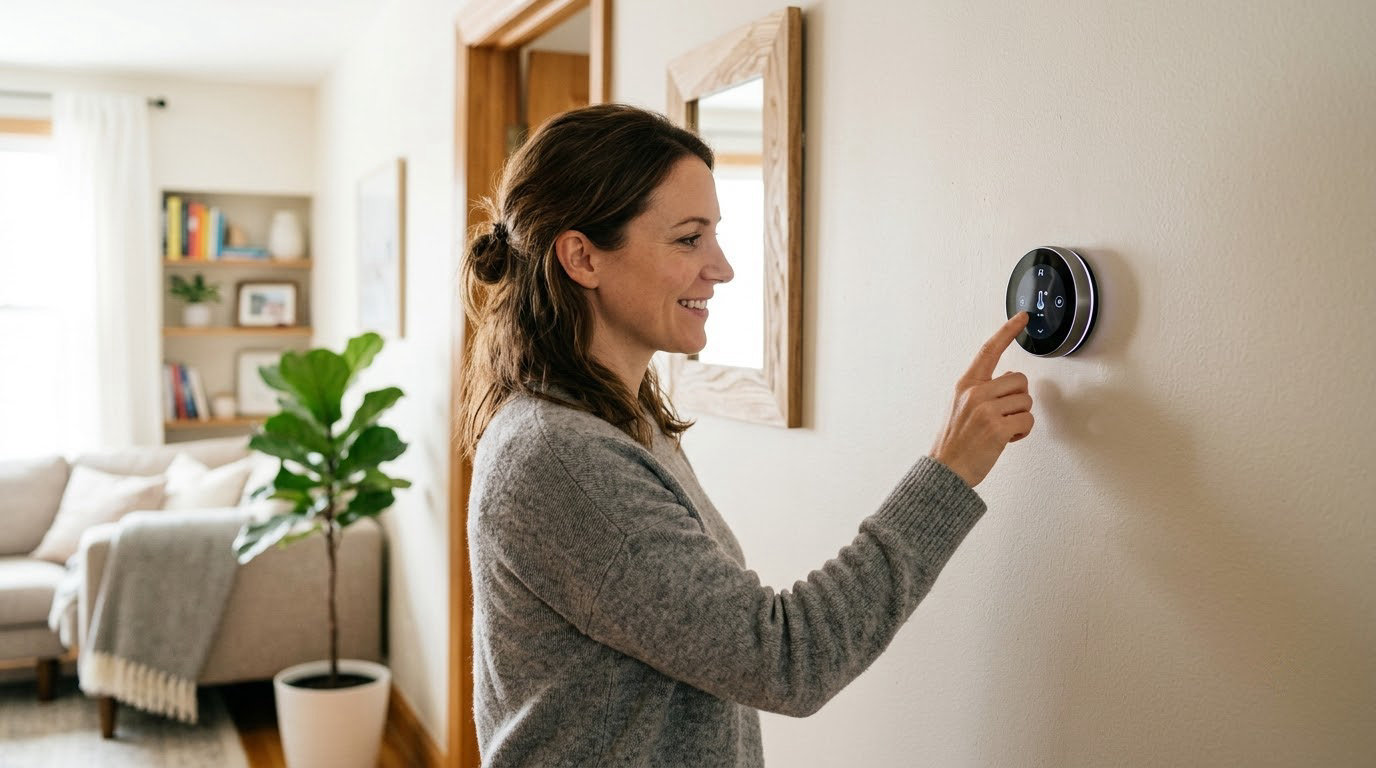
The Amazon Smart Thermostat leads our best Amazon Prime Big Deal Days smart thermostat deals because it does the two things that decide most purchases: guided install in the Alexa app and a C-wire-only rule that tells you quickly whether it will fit. For Google Home households, the Google Nest Thermostat is the pick, and the Sensi ST55 is the one to watch if scheduling depth and no-C-wire installs matter more than a color screen.
Prime Big Deal Days runs October 6-7, 2026, and offers across the event change hour by hour, so treat everything below as a shortlist to verify rather than a promise.
Table of Contents
Our Top 3 Picks for Best Amazon Prime Big Deal Days Smart Thermostat Deals

Amazon Smart Thermostat
- Alexa comfort zones
- Step-by-step install in the Alexa app
- C-wire required
- ENERGY STAR certified

Google Nest Thermostat
- Learning schedule and Eco
- Works without a C-wire in most homes
- Savings Finder energy reports
Best Amazon Prime Big Deal Days Smart Thermostat Deals Compared (2026)
| Product | Specifications | Action |
|---|---|---|
| Amazon Smart Thermostat |
|
Check Deal Price |
| Google Nest Thermostat |
|
Check Deal Price |
 Sensi ST55 Sensi ST55 |
|
Check Deal Price |
 Sensi Touch ST75 Sensi Touch ST75 |
|
Check Deal Price |
 Honeywell Smart Color Honeywell Smart Color |
|
Check Deal Price |
 ecobee SmartThermostat Premium ecobee SmartThermostat Premium |
|
Check Deal Price |
 ecobee Smart Thermostat Enhanced ecobee Smart Thermostat Enhanced |
|
Check Deal Price |
 Google Nest Learning 4th Gen Google Nest Learning 4th Gen |
|
Check Deal Price |
 Honeywell Lyric T6 Pro Honeywell Lyric T6 Pro |
|
Check Deal Price |
 Sensi Lite ST25 Sensi Lite ST25 |
|
Check Deal Price |
How We Chose
We compared the specs that decide whether a thermostat will work in a given house: C-wire and power needs, equipment compatibility, scheduling depth, sensor hardware, ecosystem support, warranty length, and the ratings and owner review counts on Amazon. We checked the data on October 2026 and used the product documentation rather than the sale framing to pick the order.
1. Amazon Smart Thermostat: Best for Alexa Homes
Amazon Smart Thermostat
Wi-Fi: built in
Voice control: yes
Install: DIY app guided
Pros
- Step-by-step install walkthrough in the Alexa app
- Comfort zones with select Alexa devices
- Home away and sleep schedules
- ENERGY STAR certified
- Rebate guidance emailed after purchase
Cons
- C-wire required so some older wiring is out
- Fewer features than premium models
- Heavily tied to the Alexa ecosystem
Buy the Amazon Smart Thermostat if your household already talks to Alexa every day and you would rather not read a wiring manual before you commit. The setup walkthrough happens inside the Alexa app, which removes most of the friction that makes people postpone a thermostat swap.
What stands out is the reach behind it. The unit is built on Honeywell Home thermostat technology, carries an ENERGY STAR certification, and ships with email guidance for local energy provider rebate programs after purchase. Comfort zones pair the thermostat with other Alexa devices, so a bedroom can run on a different schedule than the rest of the house without extra hardware.
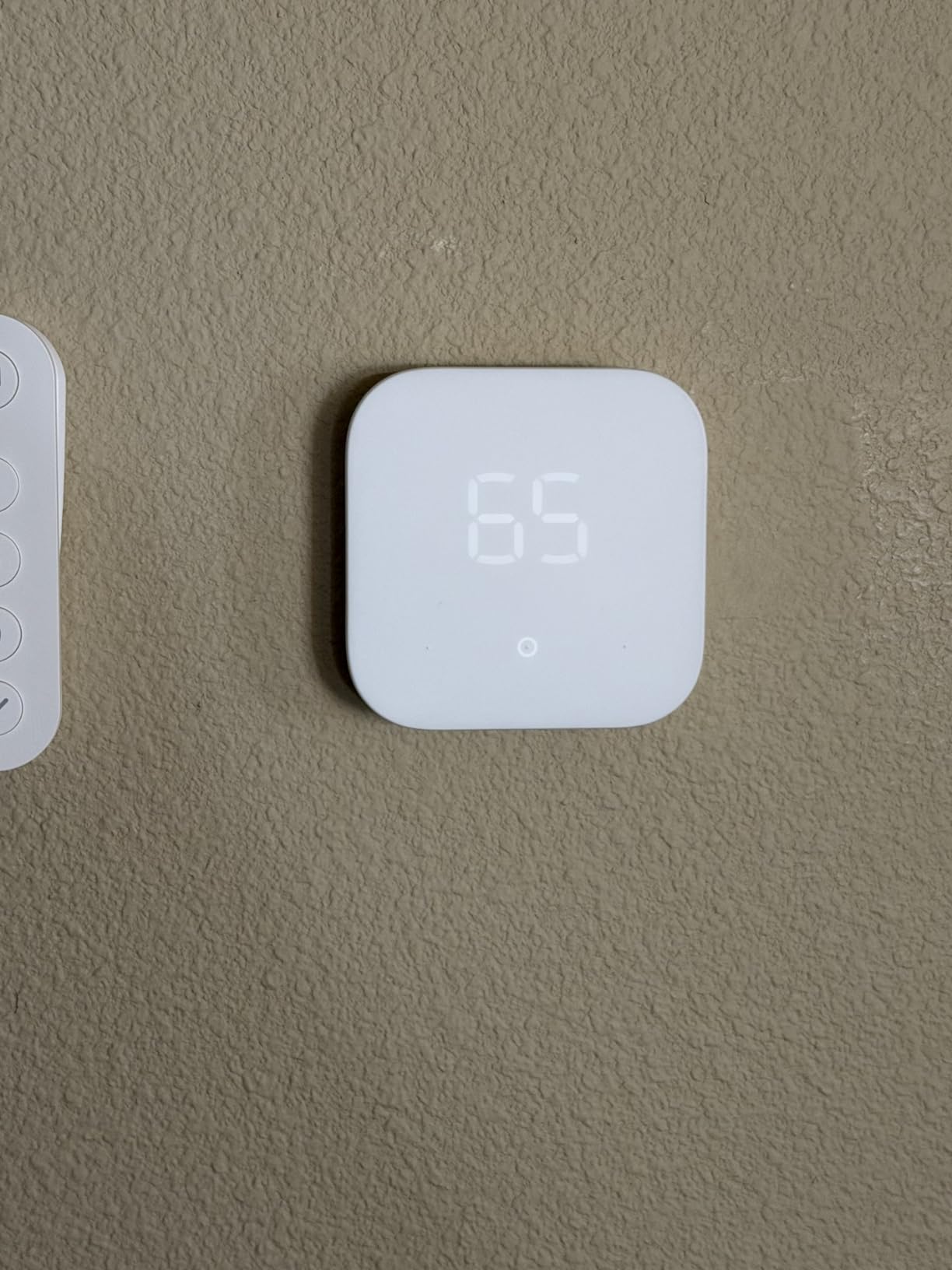
The trade-off owners report most often is the C-wire. If your wall has no C-wire, this model is simply out, and no amount of saving changes that. Reviewers also describe the feature set as basic next to models with a room sensor or a learning schedule.
Compared with the Google Nest Thermostat, the deciding difference is the ecosystem rather than the hardware. Nest wins the no-C-wire cases in most homes and works with all Matter-certified assistants, while this one asks for a C-wire and stays inside Alexa.
Reviewers report the app handles typical systems well, so the only thing left to check before ordering is your wire count at the current thermostat.
2. Google Nest Thermostat: Best for Google Home Users
Google Nest Thermostat
Wi-Fi: built in
Voice control: yes
Install: DIY app guided
Pros
- Works without a C-wire in most homes
- Learning schedule adapts to routine and occupancy
- Savings Finder suggests schedule tweaks
- ENERGY STAR certified
- HVAC monitoring alerts
Cons
- Box instructions are minimal
- Swiping the ring is not intuitive for everyone
- Needs a stable internet connection
Owners who want the thermostat to think for them tend to end up here. The Nest builds its own schedule from your routine, drops to an Eco temperature when the house is empty, and pushes suggestions through Savings Finder when your usage looks higher than it needs to be.
It is also the friendliest of the no-C-wire options in this list. The unit runs on two AAA batteries, works with most 24V systems, and pairs with Google Home, Google Assistant, and every Matter-certified voice assistant. Round hardware, a glossy finish, and a 1.07 inch LCD keep it understated on a hallway wall.

The friction is the software, not the wiring. Reviewers mention minimal instructions in the box, a long first-run setup flow, and a ring control that some people find unintuitive. Temperature accuracy comes up too, and past owners of earlier Nest hardware are cautious about ecosystem changes.
Where it beats the Amazon Smart Thermostat is flexibility: no C-wire needed, more scheduling intelligence, and broader voice support. Where it loses is hands-on control, since nearly every adjustment happens in the app rather than on the device.
Skip it if your heating system is outside the US and UK formats, since the listing flags those as unsupported without an adapter.
3. Sensi ST55: Best for Flexible Scheduling
Sensi ST55
Wi-Fi: built in
Voice control: yes
Install: DIY app guided
Pros
- Works on two-wire boiler systems without a C-wire
- Schedule can be copied and mixed per day
- Built-in level on the back plate
- Displays humidity
- Three year warranty
Cons
- High and low alert thresholds cannot be adjusted
- Wi-Fi registration can fail on some routers
- No battery backup
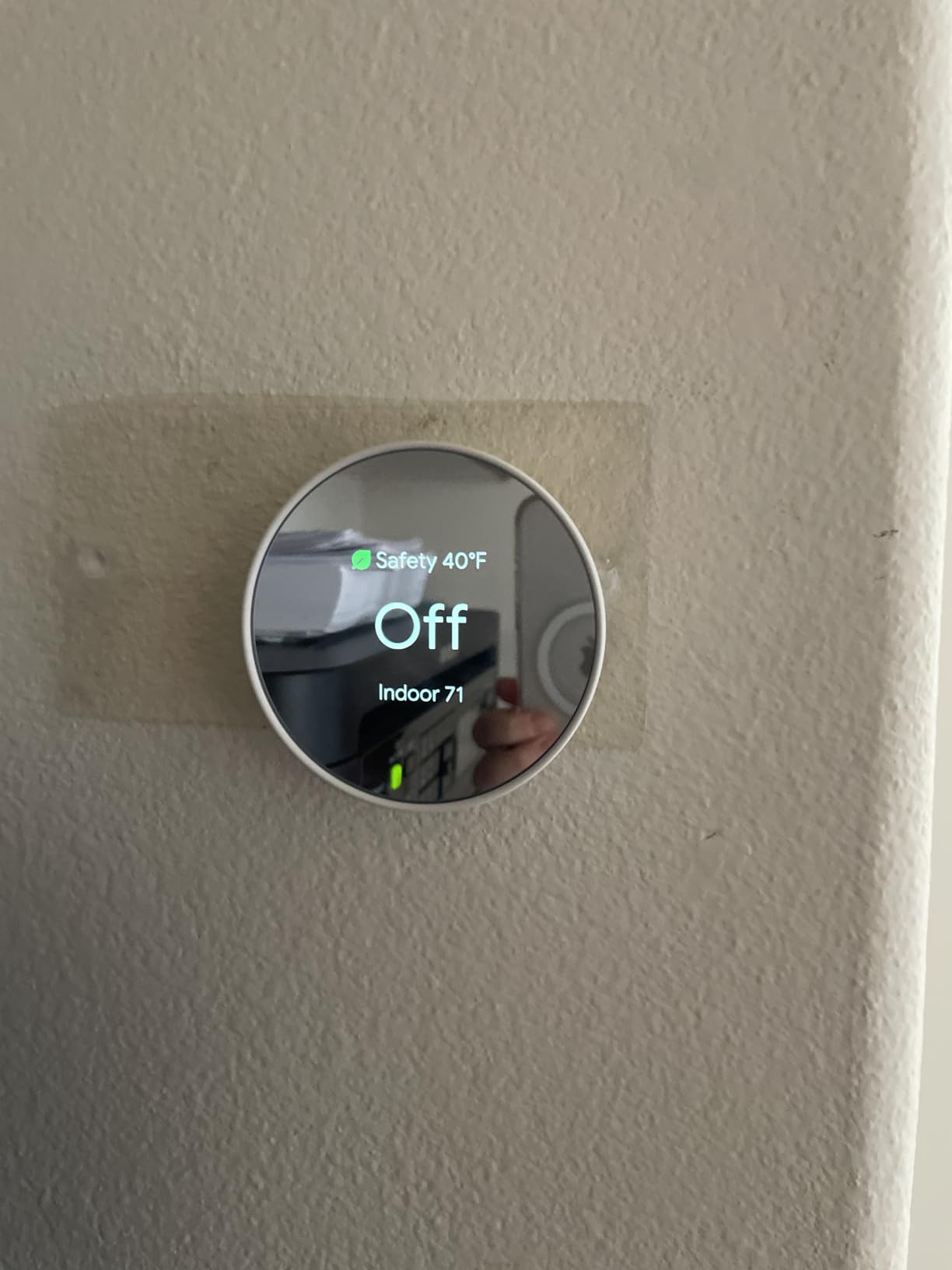
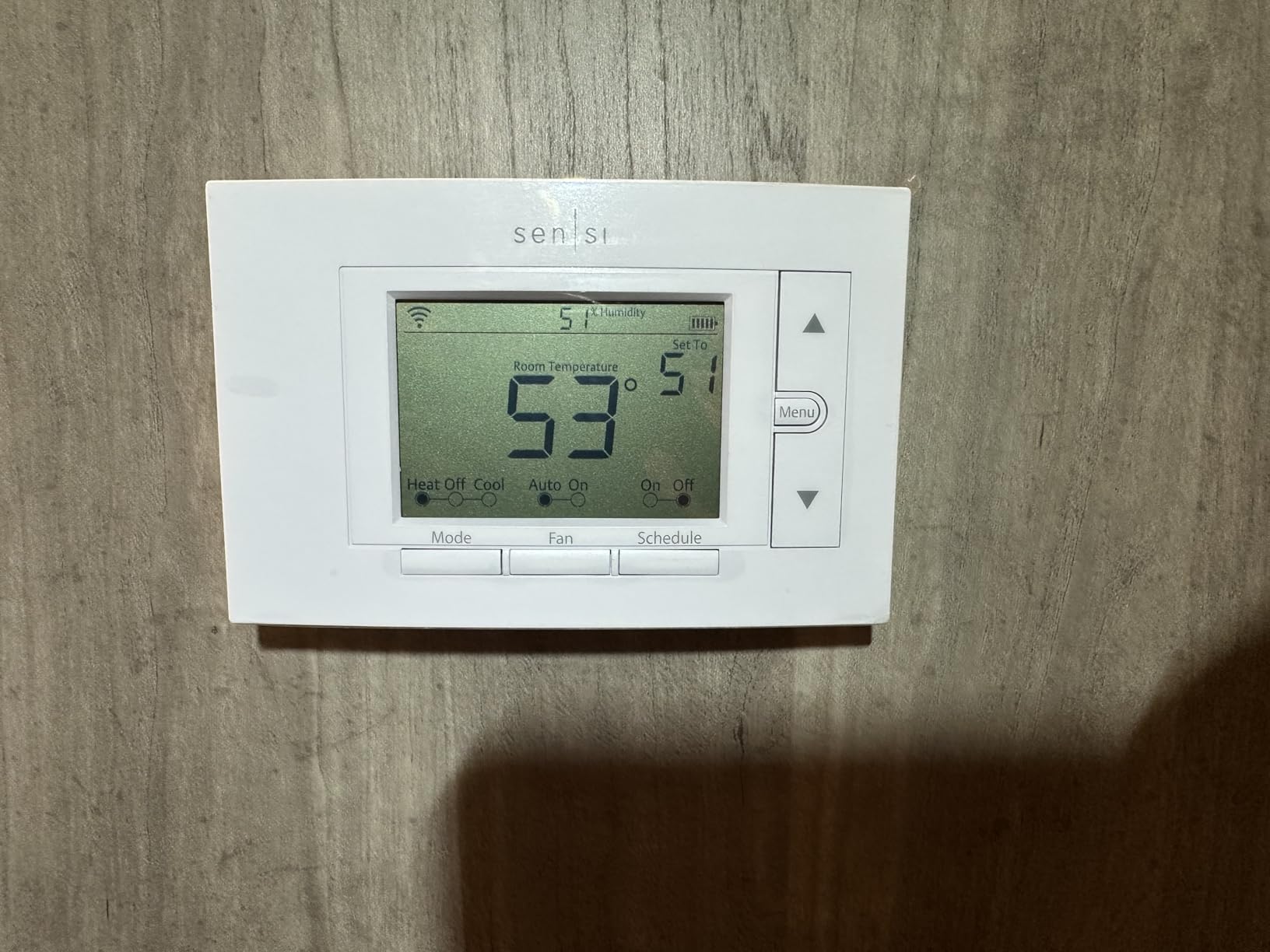
Owners of older two-wire boiler systems are the reason this one keeps selling. Multiple reviews confirm installation on systems with no common wire, which rules out the C-wire-only picks on this list. The Sensi ST55 covers air conditioners, boilers, furnaces, and heat pumps at 24V.
The scheduling app is the real argument here. You can copy a schedule and mix days together rather than rebuilding each one, and the thermostat shows humidity alongside temperature. A built-in level on the back plate sounds minor until you are mounting it alone on plasterboard.
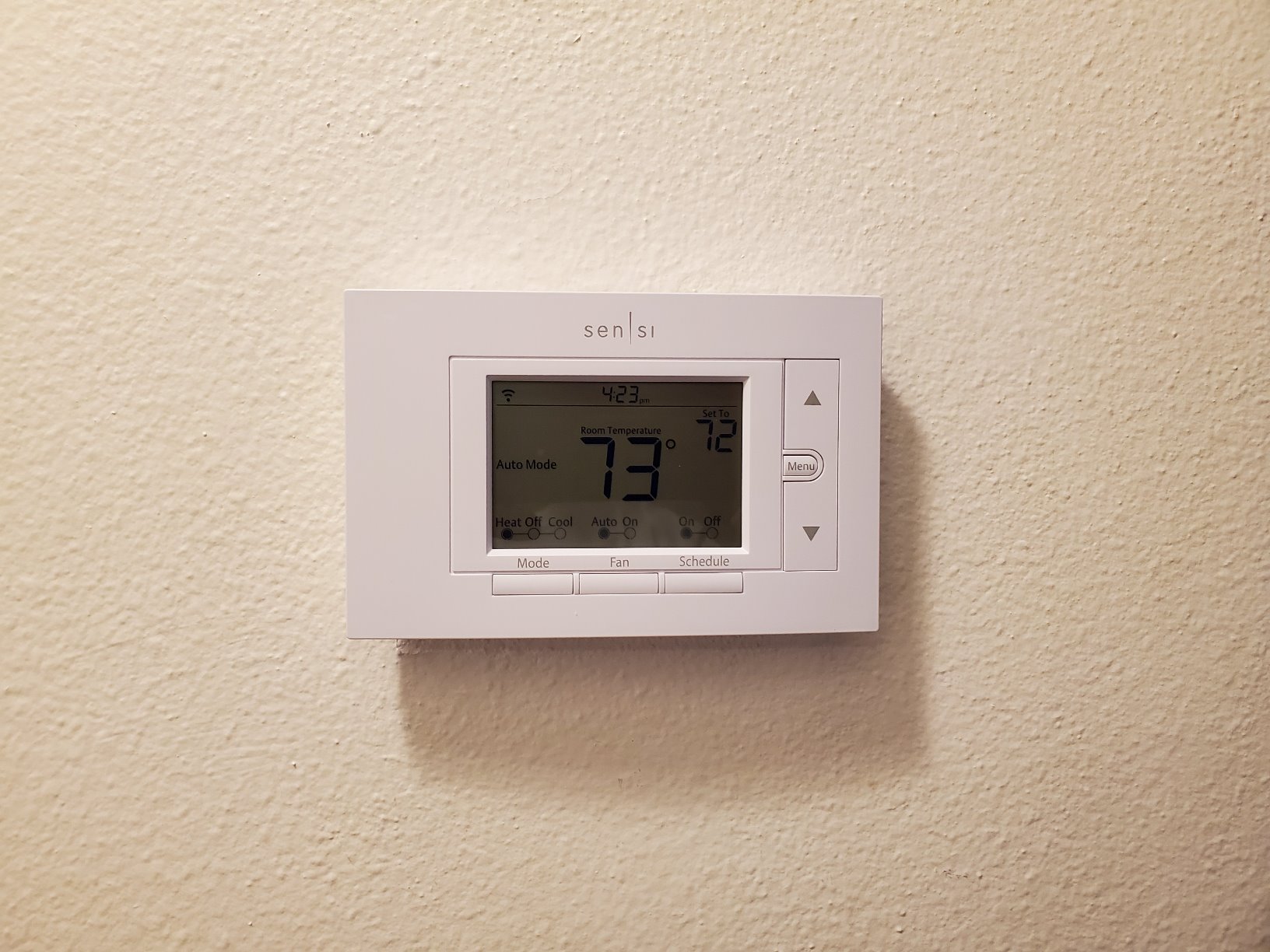
Skip it if you monitor a second home remotely and need your own alert thresholds, because the high, low, and humidity limits are fixed. Wi-Fi pairing also frustrates some owners on routers that combine bands under one name, and there is no battery backup, so a power cut stops the unit.
Against the Google Nest Thermostat, Sensi gives you on-device buttons and humidity while Nest gives you smarter automation. Against the Sensi Touch ST75, you trade a monochrome face for a cheaper body.
The traditional footprint means no wall patching when it goes up, and the listing states personal information is not sold to third parties.
4. Sensi Touch ST75: Best for Touchscreen Comfort
Sensi Touch ST75
Wi-Fi: built in
Voice control: yes
Install: DIY app guided
Pros
- Responsive 4.3 inch color touchscreen
- Built-in level and illuminated easy-click terminals
- ENERGY STAR certified
- Geofencing and auto changeover
- Three year warranty
Cons
- C-wire required with no battery backup
- Wi-Fi setup is finicky on single-band routers
- Registration limited to US and Canada timezones
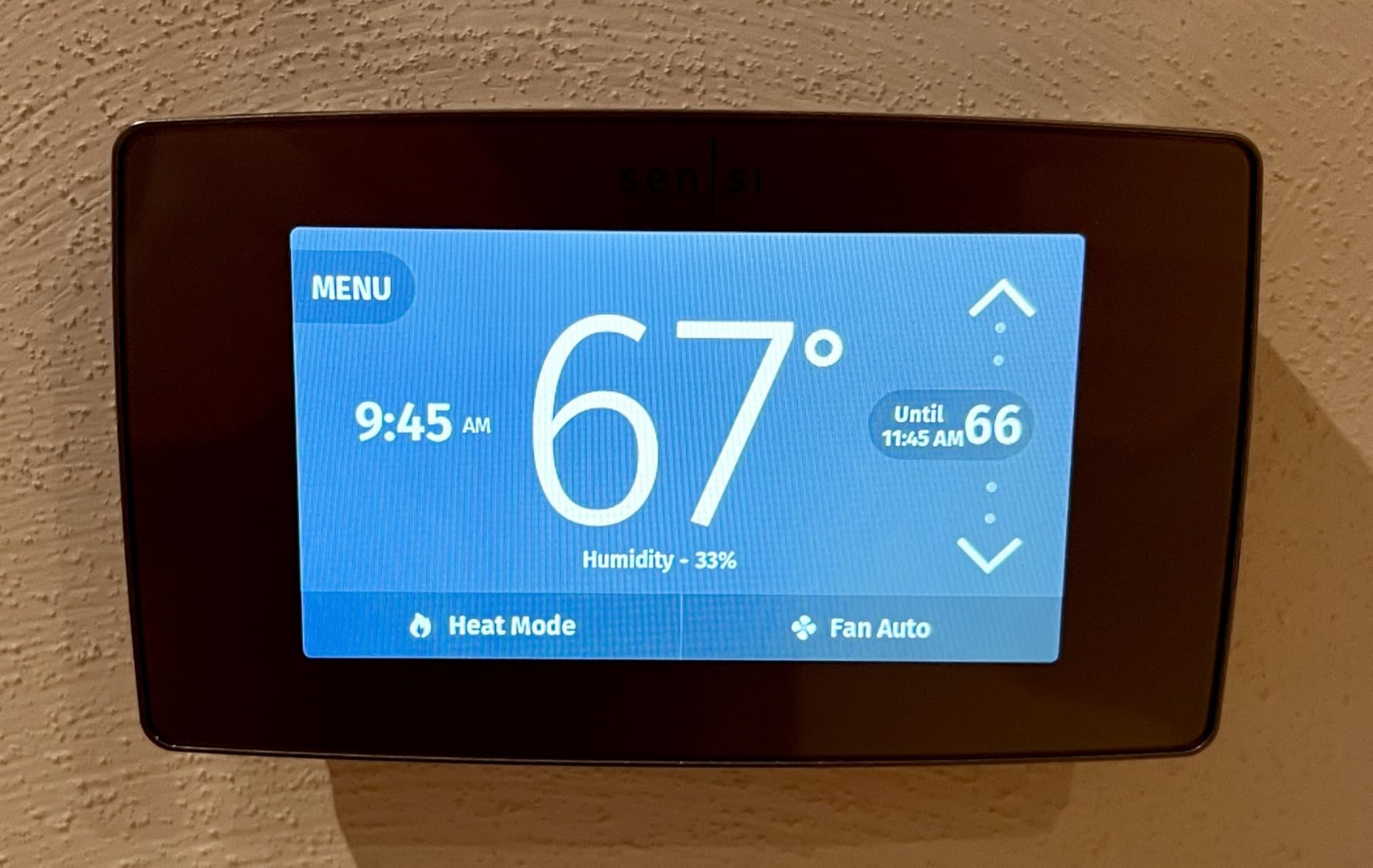
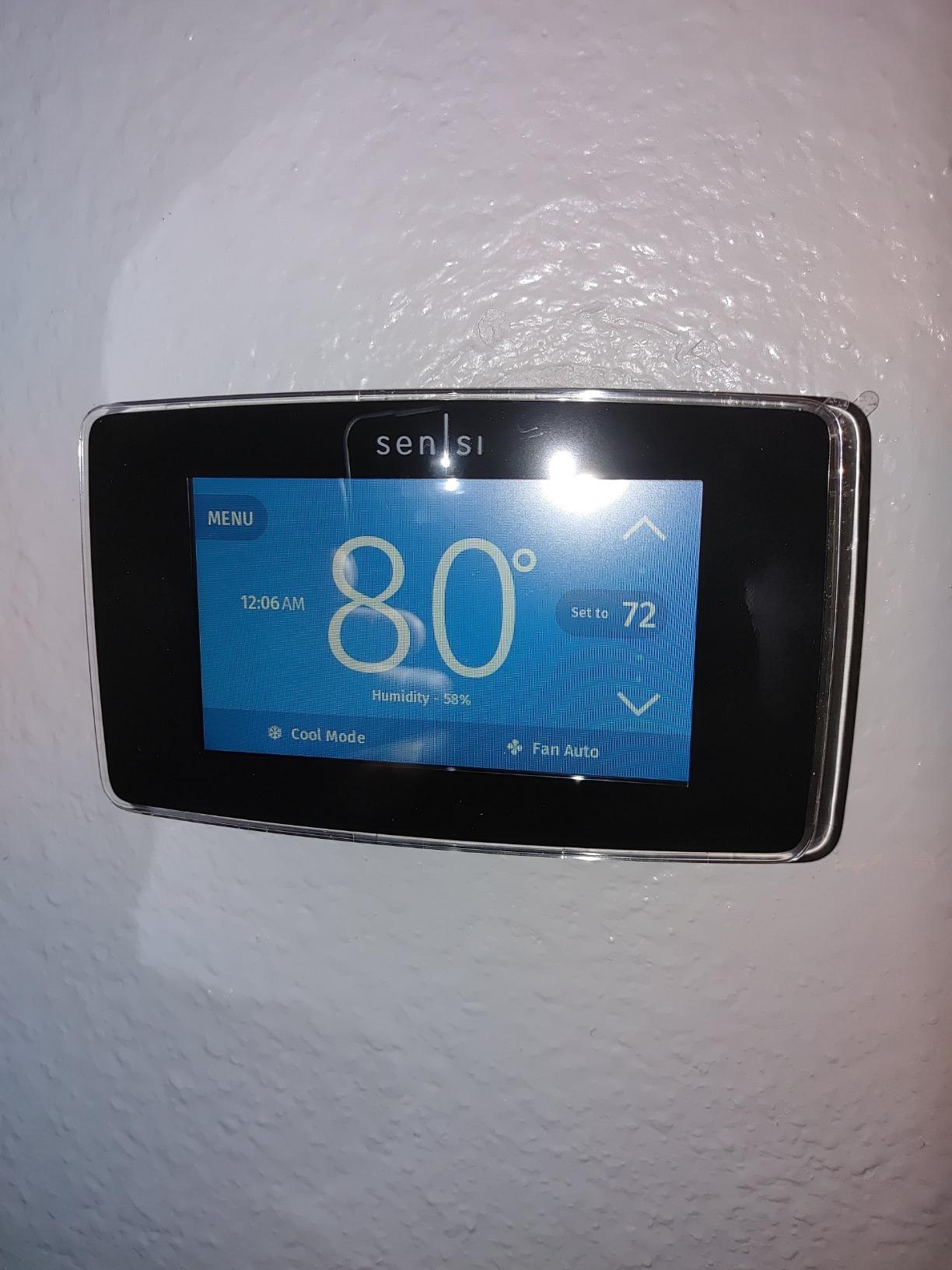
The Sensi Touch ST75 carries the highest average rating of the ten models here, and professional installers in the reviews treat it as a dependable choice. The color screen dims for night use and shifts color to show whether the system is heating or cooling, so the state of your house is readable from across a room.
Installation aids are unusually good. A built-in level, illuminated easy-click terminals, and wire stickers solve the three problems that stall most DIY swaps, and the app walks through the rest step by step. Geofencing and auto changeover handle the daily switch for you.
The C-wire rule is absolute here. No common wire means no battery backup compartment and no operation, which is the first thing to check. Reviewers also report needing a factory reset if the wireless connection is switched off and on again, and that Wi-Fi setup can stall on routers using a single smart-mode network name.
The Sensi ST55 handles a no-C-wire install with on-device buttons and a humidity reading; the ST75 handles a touchscreen with built-in level and easy-click terminals, at the cost of that no-C-wire option.
The display changes color as the system switches modes, which doubles as a quick visual check after any wiring change.
5. Honeywell Smart Color: Best for On-Screen Comfort Data
Honeywell Smart Color
Wi-Fi: built in
Voice control: yes
Install: DIY app guided
Pros
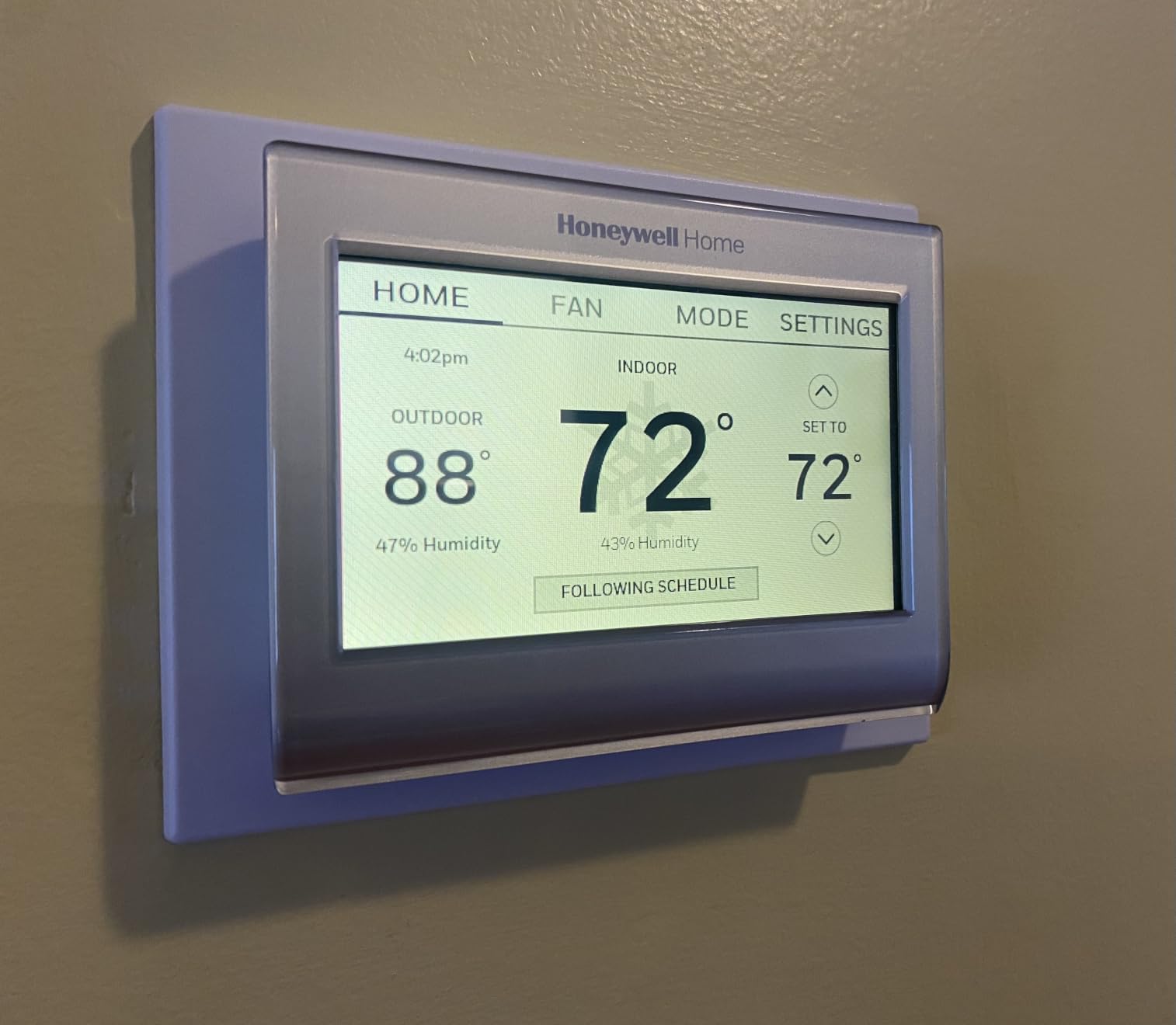
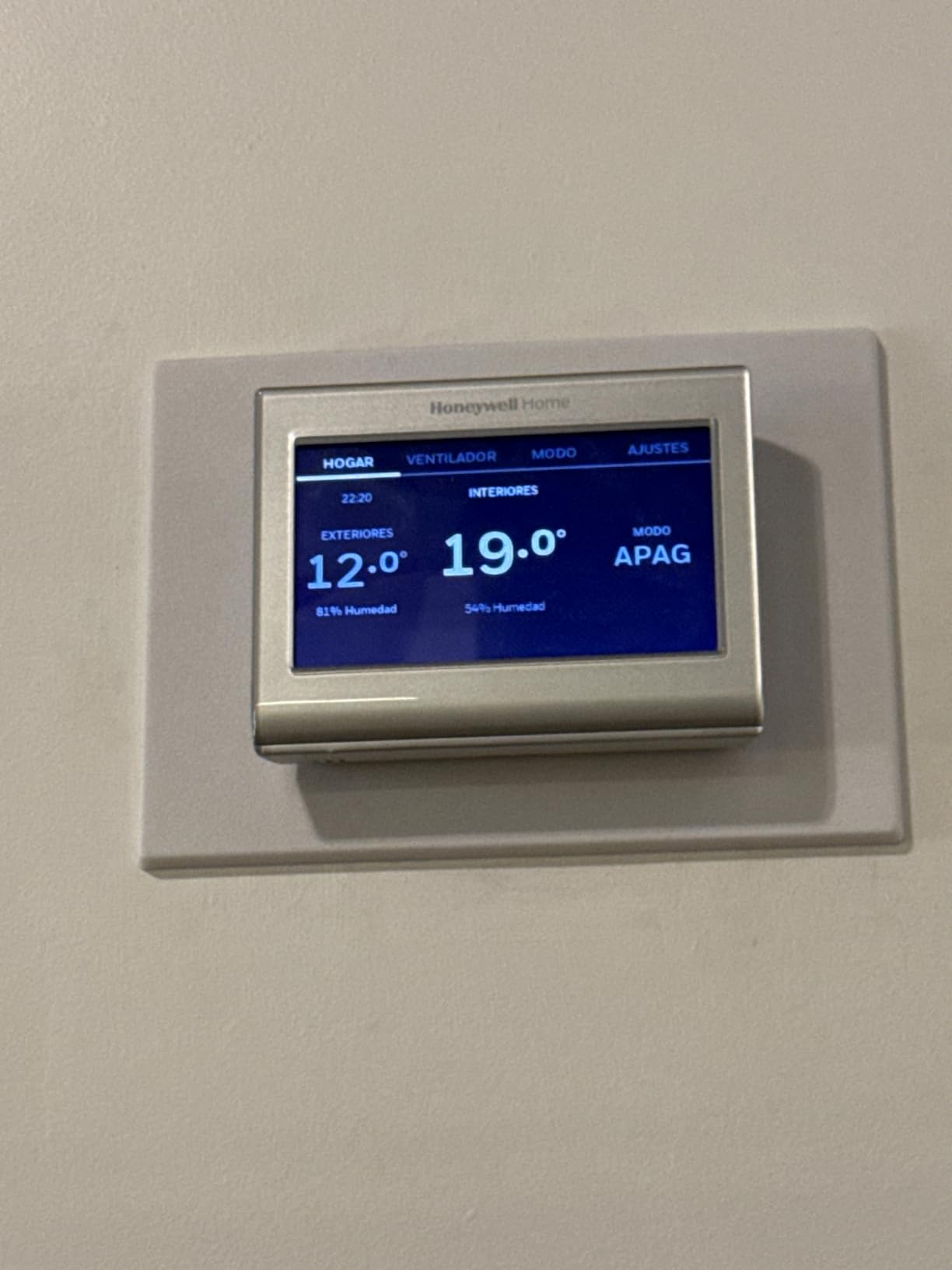
- Customizable high-definition color screen
- Shows indoor and outdoor temperature plus humidity
- ENERGY STAR certified with saving tips
- Supports Alexa Google Assistant Cortana and IFTTT
- Rebate lookup through the energy provider link
Cons
- C-wire power adapter needed in homes without one
- Not compatible with 120-240V electric baseboard heat
Honeywell built this one for people who like numbers on the wall. The high-definition color screen is customizable, and it puts indoor and outdoor temperature, humidity, and a daily forecast in front of you. Energy-saving tips and a rebate lookup through the energy provider link sit behind the same display.
Compatibility is the reason installers like it. It runs on forced air whether gas, oil, or electric, plus hot water and steam systems, and handles heat pumps with electric backup. Voice support covers Alexa, Google Assistant, Microsoft Cortana, and IFTTT, which is the widest assistant list in the group.
Two limits are worth knowing before you order. Homes without a C-wire need the power adapter, and heating-only oil furnace systems will not work unless a C-wire is present. Electric baseboard heat at 120-240V is outside what this thermostat can control, which rules it out for that setup entirely.
Where it differs from the Sensi Touch ST75 is equipment reach rather than interface. Both are touchscreens, but the Honeywell reaches steam and hot water systems where the Sensi model does not, and it draws on one AAA battery between C-wire power events.
The Honeywell Lyric T6 Pro covers you when your equipment runs more than two stages, while the Smart Color is the one to buy for information on the display.
6. ecobee SmartThermostat Premium: Best for Room-by-Room Comfort
ecobee SmartThermostat Premium
Wi-Fi: built in
Voice control: yes
Install: DIY app guided
Pros
- SmartSensor included for room-level control
- Radar occupancy sensing preheats and precools
- Built-in air quality monitor with filter reminders
- Smart speaker with Siri or Alexa
- Power Extender Kit included
Cons
- Highest cost in this group
- Siri needs an Apple home hub
- Security features need a subscription
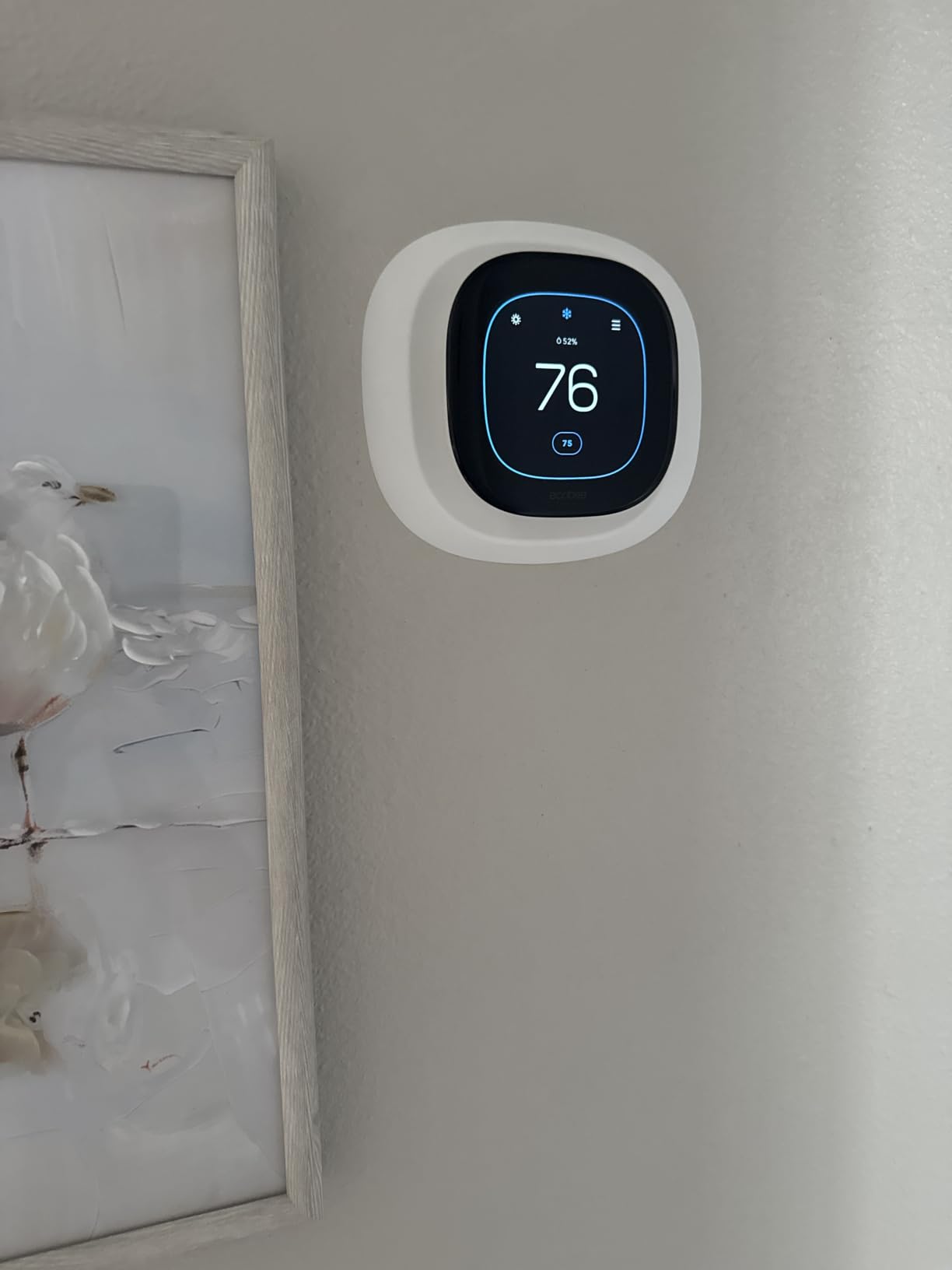
Most houses feel uneven because the hallway is not the room you sit in. The ecobee SmartThermostat Premium ships with a SmartSensor, and owners point to that accessory as the reason their upstairs stopped freezing while the downstairs stayed warm. Set the sensor in the room that matters and the thermostat follows it.
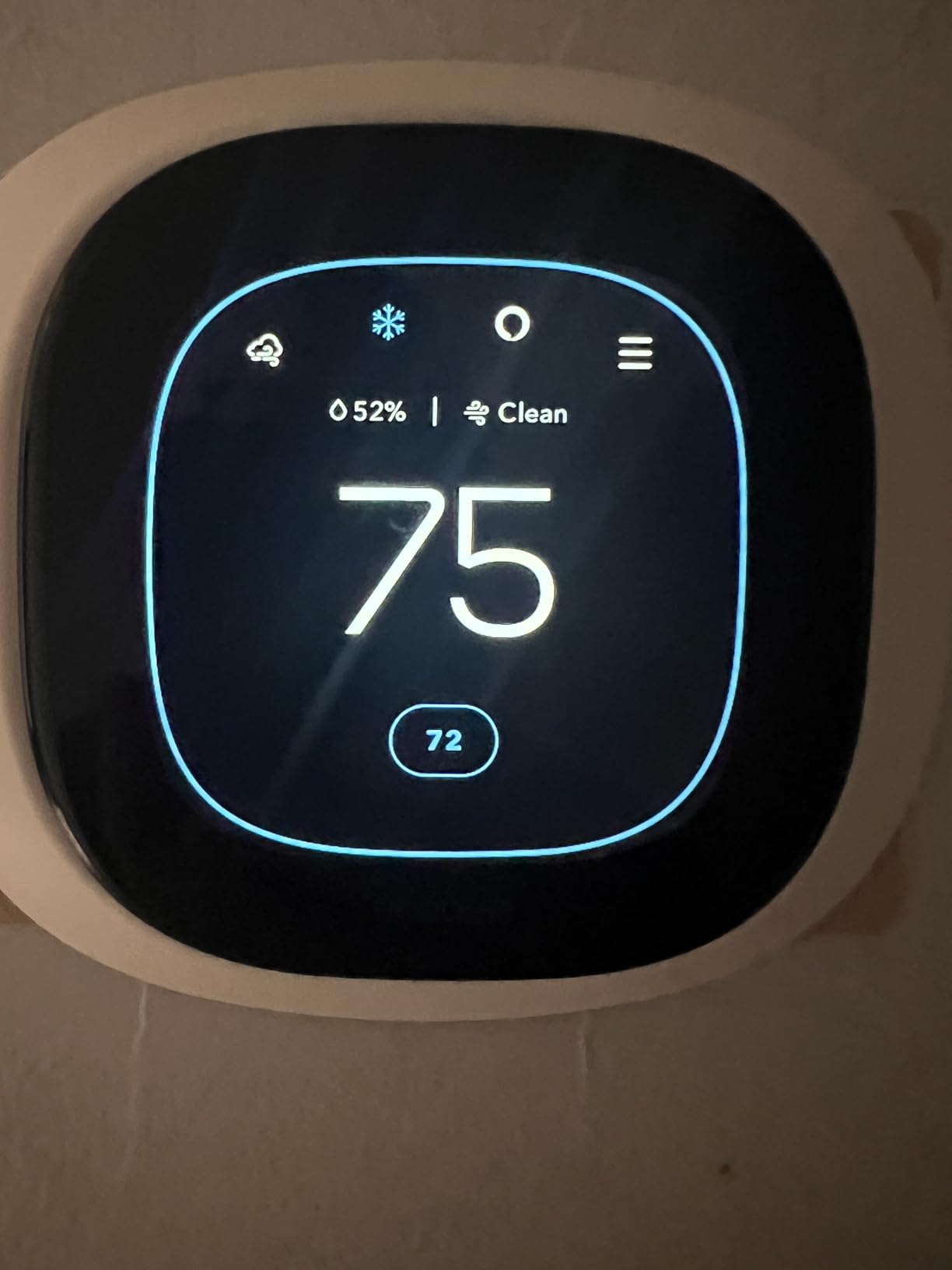
The rest of the hardware is a step above a standard smart thermostat. Radar occupancy sensing preheats and precools before you arrive, a built-in air quality monitor issues alerts and filter reminders, and the smart speaker runs Siri or Alexa. The Power Extender Kit and Trim Kit are in the box, and the listing claims compatibility with 95% of HVAC systems.
The catch is cost and dependency. It is the most expensive model on this list, and Siri needs an Apple home hub to do anything. Owners who want live front-door video also need a separate ecobee doorbell camera, and the security features sit behind a subscription, which is the part reviewers most want buyers to know before the deal ends.
Against the Google Nest Learning 4th Gen, both bundle a sensor, but the ecobee adds occupancy radar, air sensing, and a speaker. Against the ecobee Smart Thermostat Enhanced, the Premium is the one that includes the sensor and drops the add-on cost.
The bundled sensor is what makes this one worth a closer look in a two-story house, and it is the piece missing from the cheaper ecobee.
7. ecobee Smart Thermostat Enhanced: Best for Occupancy Control
ecobee Smart Thermostat Enhanced
Wi-Fi: built in
Voice control: yes
Install: DIY app guided
Pros
- Occupancy sensing handles preheat and precool
- eco+ uses routine weather and grid activity
- Power and Trim Kits included
- Works with Alexa Google HomeKit and SmartThings
- Remote control from phone tablet or Apple Watch
Cons
- SmartSensors sold separately
- Costs more than the entry-level ecobee
- No built-in speaker or air quality monitor
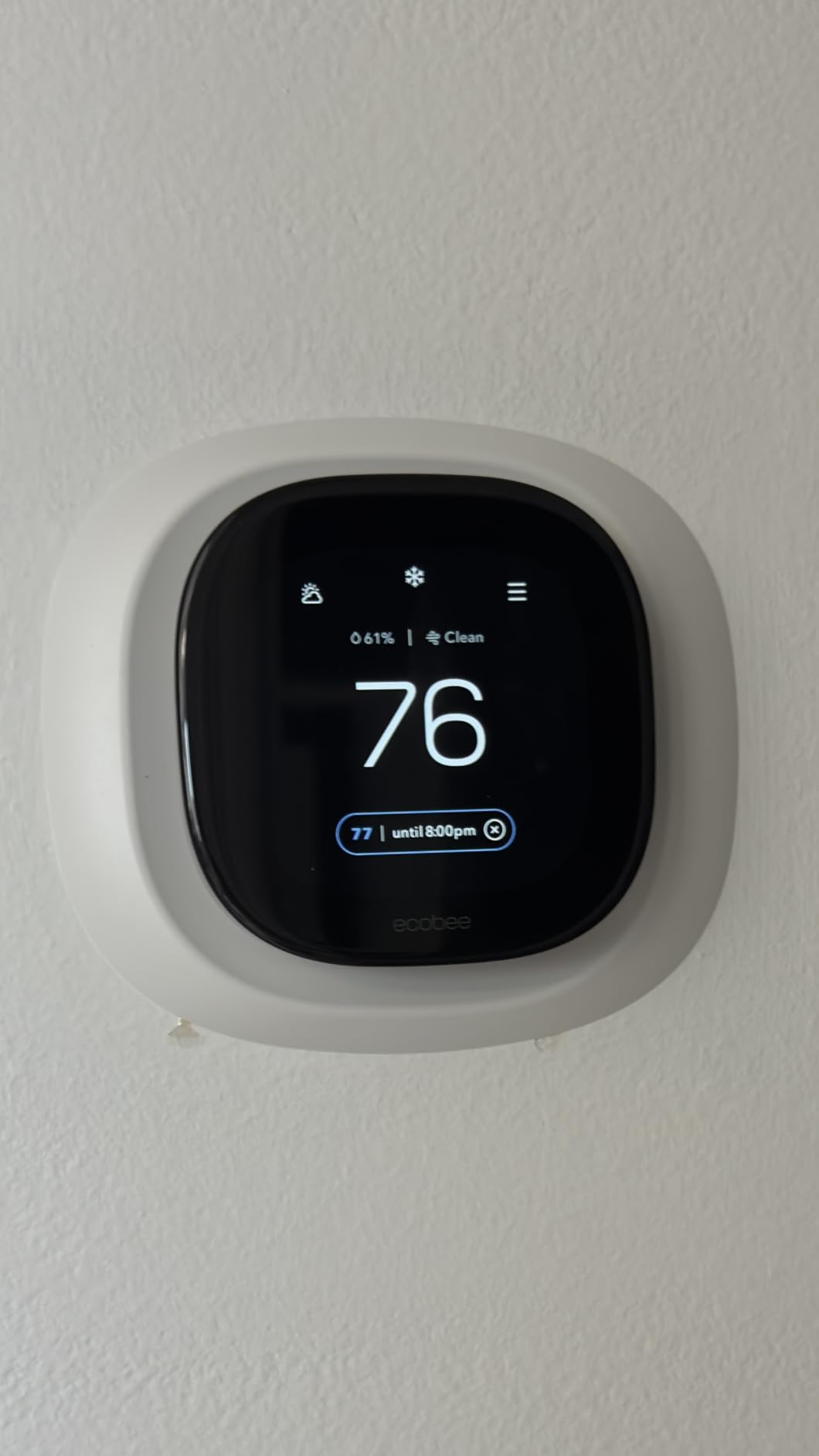
Pick this ecobee if you want the schedule to follow the household rather than a fixed clock. Built-in occupancy sensing handles the preheat and precool automatically, and eco+ looks at your routine, the weather, and grid activity to decide when to ease off.
It is the tidier of the two ecobee options for open-plan homes. Metal construction, a 4 inch display, and remote control from a smartphone, tablet, or Apple Watch all sit in a package with the Power Extender Kit and Trim Kit for a straightforward install. Compatibility covers 90% of HVAC systems.
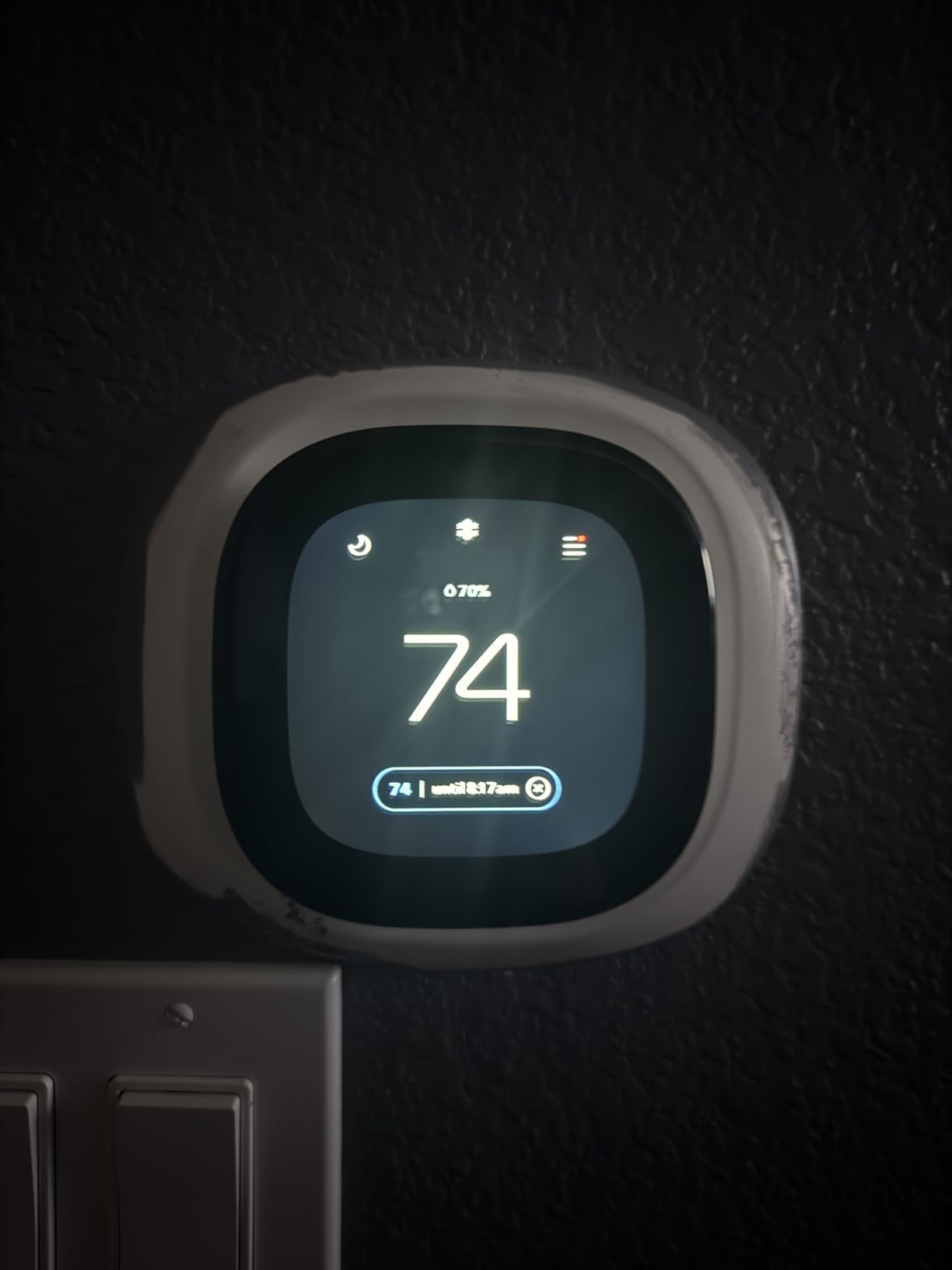
Room sensors are the gap. SmartSensors are sold separately here, so if your upstairs runs cold this model will not fix it on its own. Reviewers also note it sits above the entry-level ecobee without offering the Premium’s speaker and air sensing, which is a hard sell in a house that needs those specific features.
Set against the Sensi Touch ST75, the ecobee does more automatically and asks for more money. Set against the ecobee SmartThermostat Premium, you trade a cleaner design and occupancy behavior for included hardware and a bundled sensor.
The same Power Extender Kit that ships with the Premium is included here, so a missing C-wire does not rule the model out.
8. Google Nest Learning 4th Gen: Best for Automatic Scheduling
Google Nest Learning 4th Gen
Wi-Fi: built in
Voice control: yes
Install: DIY app guided
Pros
- Learning schedule builds itself from household patterns
- Display is 60 percent larger with Dynamic Farsight
- Second gen Nest Temperature Sensor included
- Adaptive Eco reads outdoor temperature
- Works with Alexa Siri and Google Assistant
Cons
- Backplate does not fit third generation Nest mounts
- May report no power on the R wire without a C-wire
- Not ENERGY STAR rated
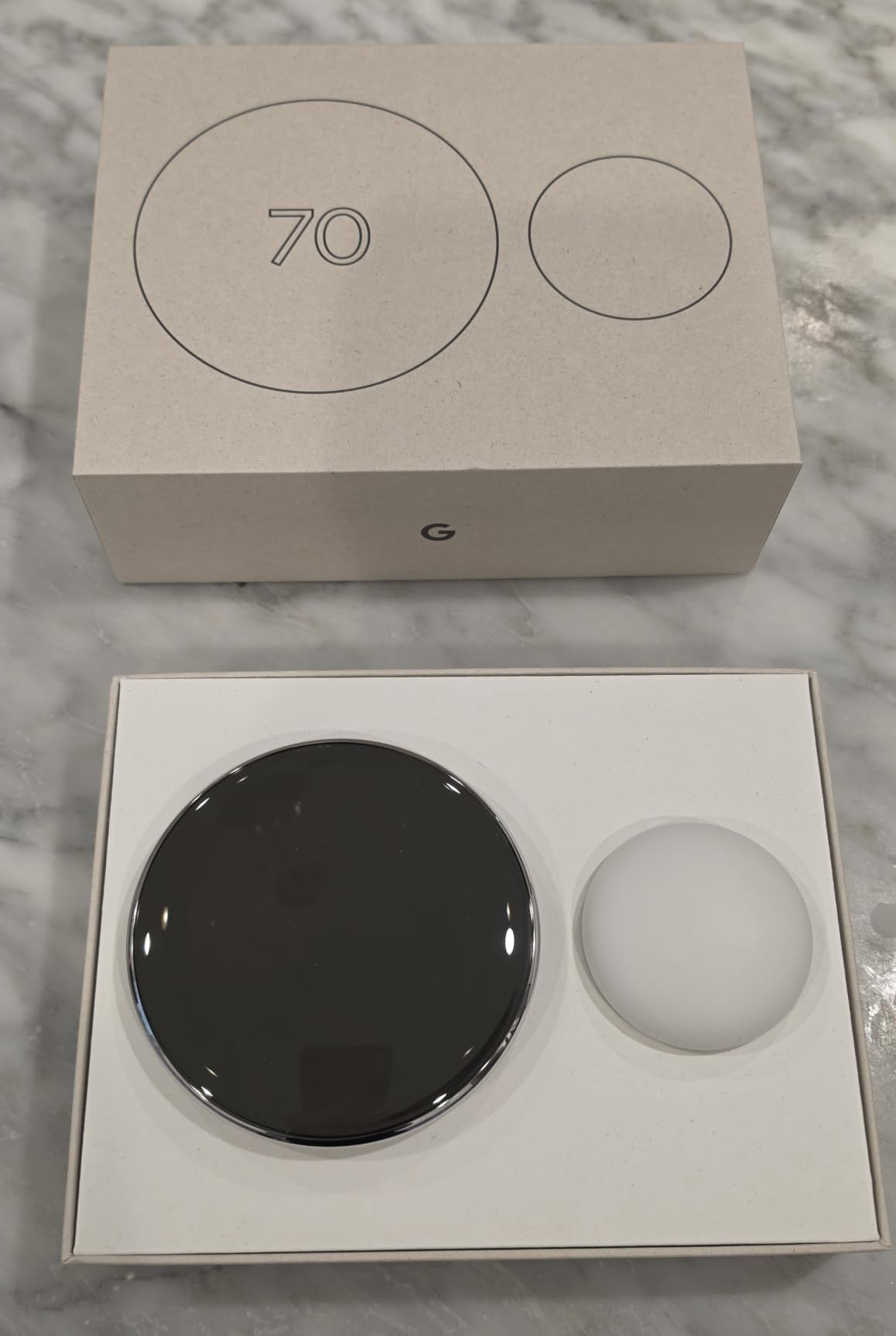
This bundle pairs the 4th generation Learning Thermostat with a second generation Nest Temperature Sensor, and that pairing is the point. Sensor groups let you tell the system which rooms matter, which is how owners fix the uneven heating that a hallway sensor alone cannot see.
The hardware improves on the older round Nest with a 60% larger display, Dynamic Farsight that reads across a room, and automatic brightness. Adaptive Eco now looks at outdoor temperature to pick a smarter away setting, and the listing states savings of up to 31% on heating and cooling. Aluminum body, precise dial, works with most 24V systems.
Owners report one setup problem worth taking seriously: some systems without a C-wire make the 4th generation report no power on the R wire and refuse installation, even where a 3rd generation Nest worked. The backplate also does not fit existing 3rd generation mounts, and the model is not ENERGY STAR rated, which can reduce rebate eligibility.
Against the Google Nest Thermostat, this one upgrades the hardware and adds sensors but takes on more risk on older wiring. Against the ecobee SmartThermostat Premium, the ecobee adds a speaker and air quality monitor, while the Nest keeps the learning behavior and the cleaner dial interface.
The minimalist interface takes extra steps for basic settings next to an arrow-button thermostat, so allow a few extra minutes during setup.
9. Honeywell Lyric T6 Pro: Best for Multi-Stage Equipment
Honeywell Lyric T6 Pro
Wi-Fi: built in
Voice control: yes
Install: DIY app guided
Pros
- Supports heat pumps up to 2 heat and 1 cool
- Supports conventional systems up to 2 heat and 2 cool
- Long-established Honeywell Lyric platform
- Wall mount installation
Cons
- Dated interface next to touchscreen options
- No humidity sensing or air quality features
- Runs on two AA batteries
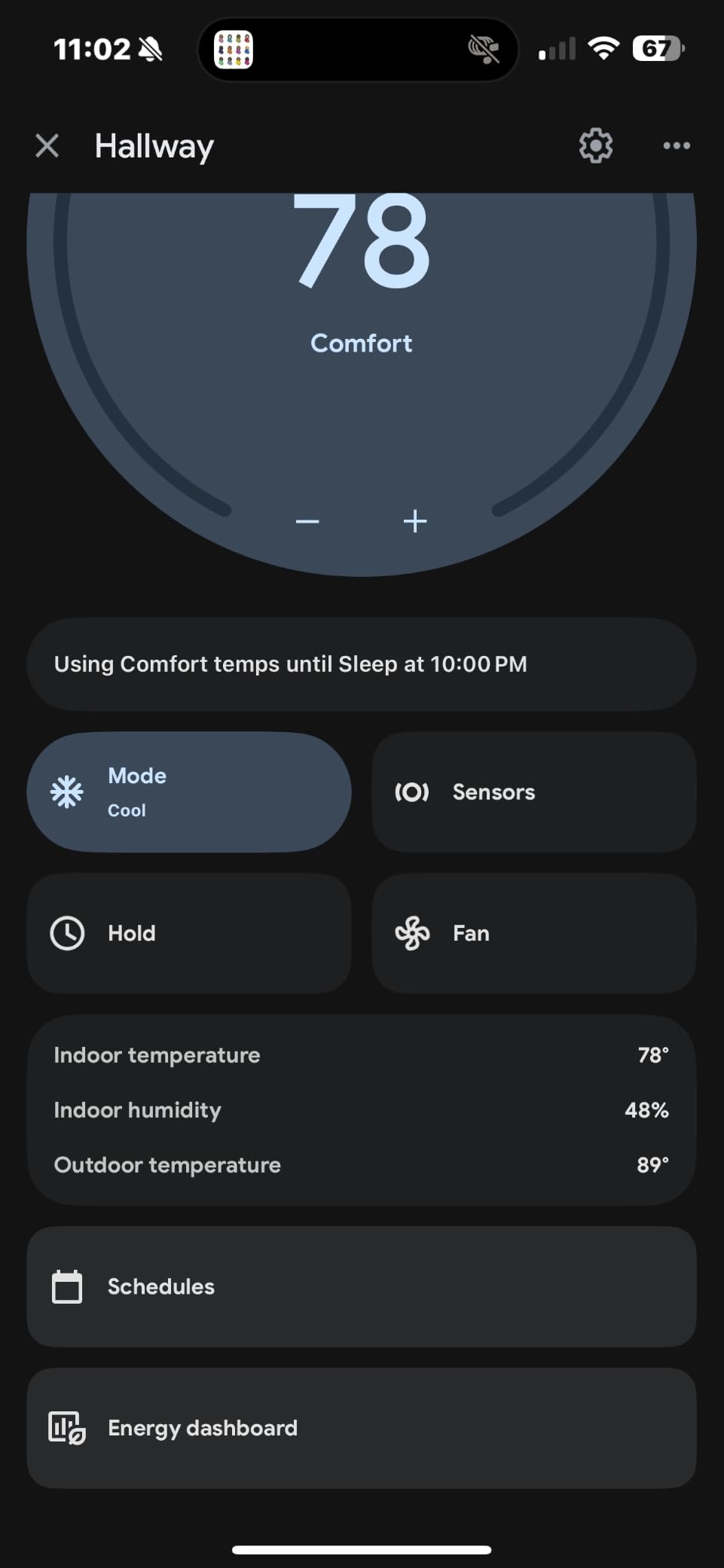
Most picks here stop at one stage of heat and one of cool. The Lyric T6 Pro goes further: up to 2 heat and 1 cool on a heat pump, and up to 2 heat and 2 cool on a conventional system. If your equipment runs a backup stage, that capability is the reason to look past the color screens.
The Lyric name carries weight on its own. It is a long-established Honeywell platform with steady aggregate ratings, and the unit runs on two AA batteries for a wall mount install, so it keeps working in a power cut.
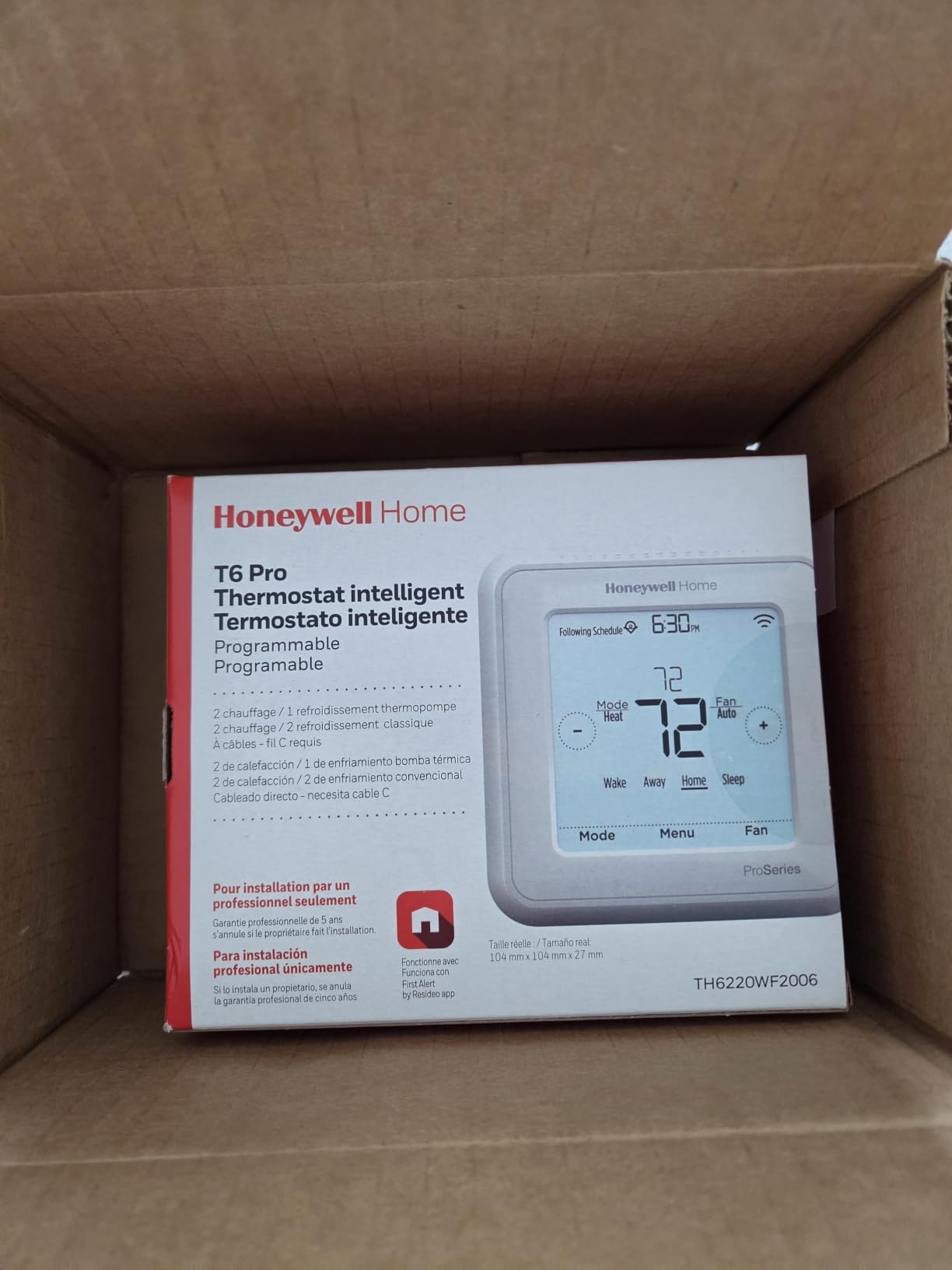
What you give up is interface and sensor depth. Reviewers describe the display as dated beside newer touchscreen options, and the listing carries no humidity sensing or air quality features. Multi-stage support buys you control of the equipment, not a better picture of the house.
Compare it with the Honeywell Smart Color, which wins on display, forecasts, and voice assistant coverage, and with the Sensi Touch ST75, which wins on the install experience. The T6 Pro is the pick when stages matter more than how the screen looks.
Good to know: the model is older, so the useful check before buying is whether your system actually needs more than two stages.
10. Sensi Lite ST25: Best for Simple Two-Wire Systems
Sensi Lite ST25
Wi-Fi: built in
Voice control: yes
Install: DIY app guided
Pros
- No C-wire needed on most systems
- App checks wire compatibility before purchase
- Large legible numerals on the display
- No subscription for core features
- Three year warranty
Cons
- Monochrome LCD instead of a color screen
- Some owners report Wi-Fi disconnections
- Battery contacts can be fragile
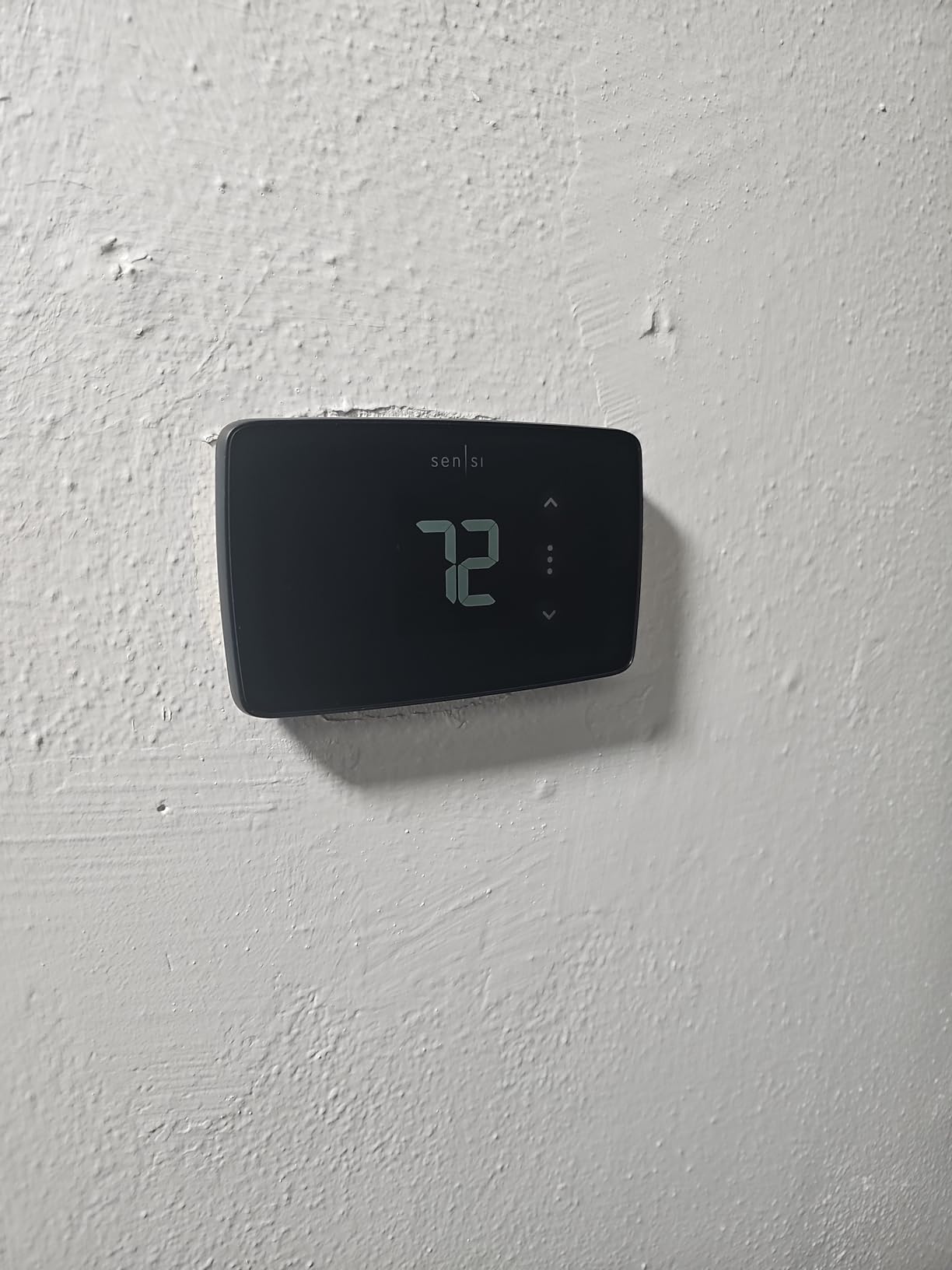
The Sensi Lite ST25 is the cheapest way onto this list and the most direct. Owners replacing a Nest that would not work with their system end up here, and the app can pre-check wire compatibility before you commit to anything. The display uses large numerals that read from across a room.
Core smart features are all present: flexible scheduling, geofencing, remote access, usage reports, and ENERGY STAR certification with an estimated 23% saving on HVAC energy. A C-wire is not required on most systems, though heat pump and heat/cool only setups do need one. Alexa, Google Assistant, and SmartThings are supported, with no subscription attached.
The compromises show up in reviews. It is a monochrome LCD where the Sensi Touch ST75 has a color touchscreen, and some owners report repeated Wi-Fi disconnects and pairing difficulty. The battery contacts are also called fragile, so expect some noise in the reviews.
Against the Sensi ST55, the Lite gives up the humidity display, the built-in level, and the per-day schedule copy, in exchange for a lower cost and battery flexibility. Against the Amazon Smart Thermostat, the Lite drops the C-wire requirement on most systems, which is the deciding factor in older houses.
Run the app wire check first. It takes a few minutes and settles the one question that ends most thermostat purchases before they start.
How to Choose Smart Thermostats During Prime Big Deal Days
Compatibility decides the purchase before features ever come into it. A thermostat that cannot be powered by your wiring is not a deal, and every listing here states its own requirements in a different place.
HVAC System and Wiring Compatibility
Look at the terminal behind your current thermostat before anything else. Most homes run a 24V low-voltage system, and models that list a C-wire as required are out unless you are willing to run one or add a power adapter. Where the listing says no C-wire is needed in most applications, read that as most, not all.
Check your equipment type too. The Honeywell Smart Color covers forced air, hot water, steam, and heat pumps with electric backup, and cannot control 120-240V electric baseboard heat. The Honeywell Lyric T6 Pro is the one to shortlist when your system runs more than two stages of heat or cool.
Heating and Cooling Scheduling
Decide whether you want to set a schedule or have one built for you. The Sensi ST55 lets you copy and mix schedules by day, which is the most control on this list. The Google Nest Thermostat and the Google Nest Learning 4th Gen build their own from your routine, with Eco and Adaptive Eco easing off when nobody is home.
For remote properties, alert thresholds matter more than they first appear. The Sensi ST55 cannot have its high, low, or humidity limits adjusted, so it suits a home you live in rather than one you watch remotely.
Smart Home and Utility Compatibility
Ecosystem support varies more than the logos suggest. The Amazon Smart Thermostat stays inside Alexa, while both ecobee models and the Nest Learning 4th Gen reach Apple HomeKit, Alexa, and Google Assistant. The Honeywell Smart Color adds Microsoft Cortana and IFTTT. If your household already runs devices from several brands, a hub that speaks to all of them helps, and our guide to smart hubs for mixed devices covers the current options. Buyers who want to keep heating data off cloud services entirely should look at Z-Wave thermostats for privacy instead, knowing those sit outside this list.
Rebates are worth checking before you buy rather than after. The Amazon Smart Thermostat and the Honeywell Smart Color both point to energy provider rebate programs, and ENERGY STAR certification on the Sensi and ecobee models improves your odds of qualifying. The Nest Learning 4th Gen is not ENERGY STAR rated, which can reduce eligibility.
Installation Setup and Ongoing Upkeep
Physical install aids decide whether a weekend job becomes an evening one. The Sensi ST55 and Sensi Touch ST75 include a built-in level, and the ST75 adds illuminated easy-click terminals and wire stickers. The ecobee models bundle a Power Extender Kit for homes without a C-wire.
After install, plan on app-based setup for every model, plus filter reminders and equipment alerts on the Sensi and ecobee units. The Nest Learning 4th Gen carries no ENERGY STAR rating and the ecobee Premium puts security features behind a subscription, so recurring costs are worth checking against the eventual price of the device rather than the event price.
How to Shop Smart Thermostat Deals During the Sale
Confirm the manufacturer and the exact model number on the listing before you buy. Part numbers such as RTH9600WF2022, ST55, ST75, ST25, EB-STATE6-01, and CE911542 identify the generation you are actually getting, and a few models ship in color or pack-size variants that hide inside the same page.
Check what is in the box, since mounting hardware, wire labels, and a power extender kit are not universal. Read who sells and who ships the unit, and whether the condition is new. Then run the manufacturer’s own compatibility check, because listings change during the event and a thermostat that fails at install is not worth the saving. Most offers need a Prime membership, a free trial counts, and prices shift through the two days.
A short checklist before you order:
- Count your thermostat wires and confirm a C-wire is present or not required for that model.
- Match the system type, including boiler, steam, heat pump, or baseboard, to the listing.
- Decide whether you want a schedule you set or one that learns, and whether a room sensor matters.
- Confirm the voice assistant you already use is supported, plus any hub requirements.
- Check rebate eligibility with your energy provider, and note the ENERGY STAR status of the model.
- Read the final cost of the device including any subscription or extra sensors, not just the event price.
Frequently Asked Questions
When do Amazon Prime Big Deal Days smart thermostat deals start?
Amazon Prime Big Deal Days runs October 6-7, 2026, and thermostat offers change through both days. Check the listing early in the event and again before the end, since the same model can carry different terms at different hours. Most offers need a Prime membership, and a free trial counts.
Do I need Prime membership to buy a smart thermostat during the sale?
Most offers during Prime Big Deal Days need a Prime membership, and a free trial counts toward it. Some thermostat listings still show a price without membership, but those are usually not the event offers. If you are not sure whether you qualify, the membership banner on the product page tells you before you check out.
Can I install a smart thermostat without a C-wire?
Several models on this list work without a C-wire, including the Google Nest Thermostat, the Sensi ST55, and the Sensi Lite ST25 on most systems. The Amazon Smart Thermostat and the Sensi Touch ST75 require one. The ecobee models include a Power Extender Kit as a fallback, and heat pump or heat and cool only setups on the Sensi Lite do need a C-wire.
Are smart thermostats compatible with Amazon Alexa and Google Home?
Yes, and all ten models here support at least one voice assistant. The Amazon Smart Thermostat is built for Alexa. The Sensi, ecobee, and Google Nest models support both Alexa and Google Assistant, and the Nest Thermostat also works with all Matter-certified voice assistants. The Honeywell Smart Color adds Microsoft Cortana and IFTTT.
How much can a smart thermostat save on energy bills?
Savings depend on your system, your schedule, and how consistently the thermostat is used, so treat published figures as guidance rather than a promise. Listings here state up to 31% for the Nest Learning 4th Gen, up to 26% for both ecobee models, and about 23% for the Sensi models. The Amazon Smart Thermostat cites an EPA estimate of average yearly savings for ENERGY STAR units.
What should I verify before buying a smart thermostat from Amazon?
Verify your system type, your thermostat wire count, and whether a C-wire is present, then confirm the exact model number and color variant on the listing. Check the box contents for mounting hardware and a power extender, read who sells and ships the unit, and confirm the condition is new. If you rely on rebates, check ENERGY STAR status and your provider’s rules first.
Final Verdict: Best Amazon Prime Big Deal Days Smart Thermostat Deals
Buy the Amazon Smart Thermostat, our Editor’s Choice, if your house already runs on Alexa and a C-wire is already in the wall. The guided install is the smoothest path from an old dial thermostat to app control, and rebate guidance comes with the purchase.
For a budget-friendly start, the Sensi Lite ST25 covers scheduling, geofencing, and app control without a subscription, and it skips the C-wire on most systems. For the best balance of features and value, the Sensi ST55, our Best Value pick, is the one with the scheduling app owners write about.
Then match the need: the Google Nest Thermostat for Google Home and learning schedules, the Sensi Touch ST75 for a color touchscreen and the easiest install aids, the Honeywell Smart Color for weather and humidity on the wall, and the Honeywell Lyric T6 Pro when your equipment runs more than two stages. Go to the ecobee SmartThermostat Premium for the included room sensor, the ecobee Smart Thermostat Enhanced for occupancy control without add-on sensors, and the Google Nest Learning 4th Gen for a bundled sensor with learning behavior.
Before you order any of them, count your wires and check your system type, then look at the live listing through the button to see the current offer during Prime Big Deal Days.