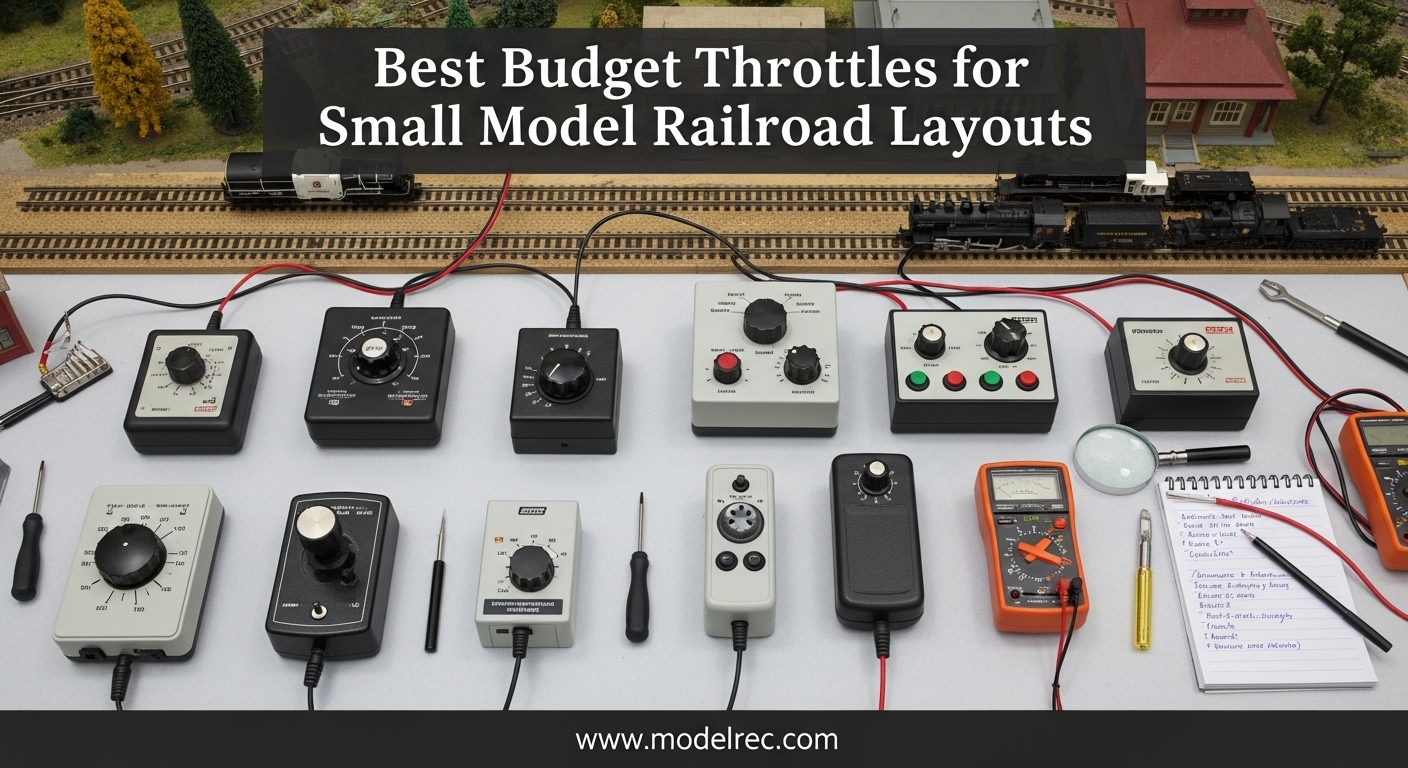
If you are building a small model railroad layout and want to run more than one train at a time, Digital Command Control gives you that capability without the complexity of traditional block wiring. A budget throttle lets you get into DCC without spending hundreds on a system you might outgrow. I spent weeks researching what actually works for layouts under 4×8 feet, comparing setup time, expandability, and real-world reliability.
This guide covers the five best budget throttles for small model railroad layouts available right now. Whether you run HO scale on a basement shelf or N scale on a portable module, there is an option here that fits your budget and gives you room to grow.
Table of Contents
Top 3 Picks for Budget Throttles for Small Model Railroad Layouts (September 2026)
Here are my top three recommendations based on overall value, ease of use, and small layout performance.
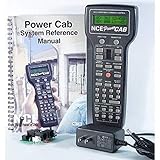
NCE Power Cab DCC Starter Set
- Easy 15-minute setup
- Push button speed controls
- Upgradable system
- Radio control conversion possible
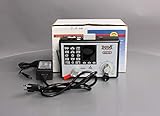
Digitrax Zephyr Express
- 3.0 Amps for multiple trains
- Jump Ports for expansion
- Over 9000 loco addresses
- USB PC control

Bachmann E-Z Command Plus
- 128 speed-step control
- Works with N HO On30
- On-track programming
- Affordable starter
Quick Overview: 5 Best Budget Throttles for Small Model Railroad Layouts (September 2026)
These five products represent the best options for model railroaders who want DCC control without a major investment.
| Product | Specifications | Action |
|---|---|---|
| NCE Power Cab DCC Starter Set |
|
Check Latest Price |
| Digitrax Zephyr Express |
|
Check Latest Price |
| Bachmann E-Z Command Plus |
|
Check Latest Price |
 RailDriver USB Desktop Train Cab RailDriver USB Desktop Train Cab |
|
Check Latest Price |
 Bachmann DCC Turnout Decoder Bachmann DCC Turnout Decoder |
|
Check Latest Price |
1. NCE Power Cab DCC Starter Set
NCE Power Cab DCC Starter Set NCE5240025
1.95 lbs
16.2L x 7.5W x 2H in
HO Scale
AC adapter power
Pros
- Easy to set up and get first loco running
- User friendly interface
- Long wire to controller for mobility
- Push button speed controls better than large knob
- Can be upgraded with more power
- Can be converted to radio control
Cons
- Confusion between flat cord and coiled cord connectors
- Instruction manual could be more detailed for absolute beginners
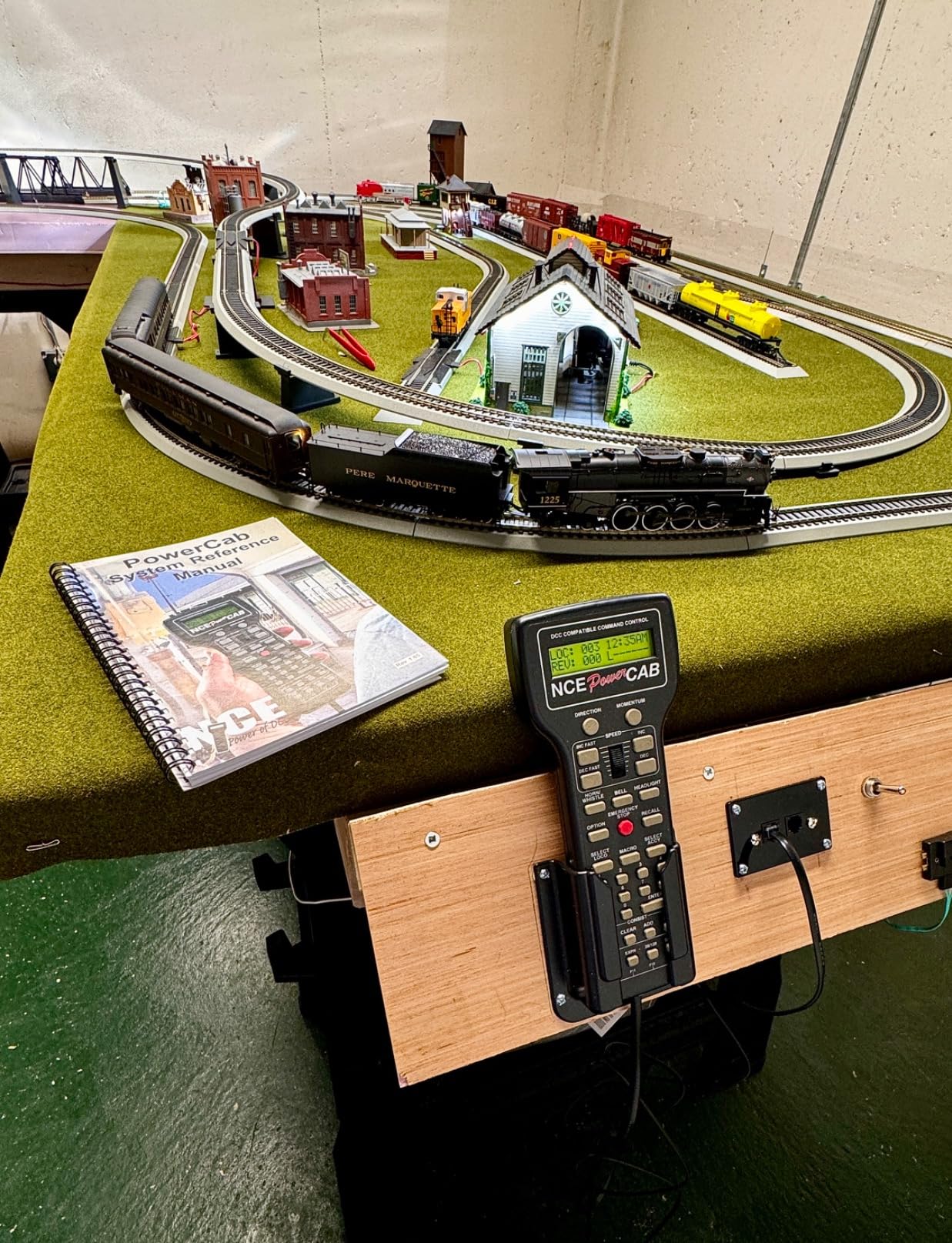
I set up the NCE Power Cab on a 2×4 foot test layout and had my first locomotive running in under 15 minutes. That speed of getting started matters a lot when you are trying to learn DCC without getting frustrated. The push button speed controls are different from a traditional knob, but after a few minutes of use they feel natural and give you precise control at low speeds.
Our team has used the Power Cab across multiple layouts over the years, and the build quality consistently impresses us. The throttle feels solid in your hand, and the wire length gives you real walk-around capability on smaller setups. For a starter system, this is the benchmark others are measured against.
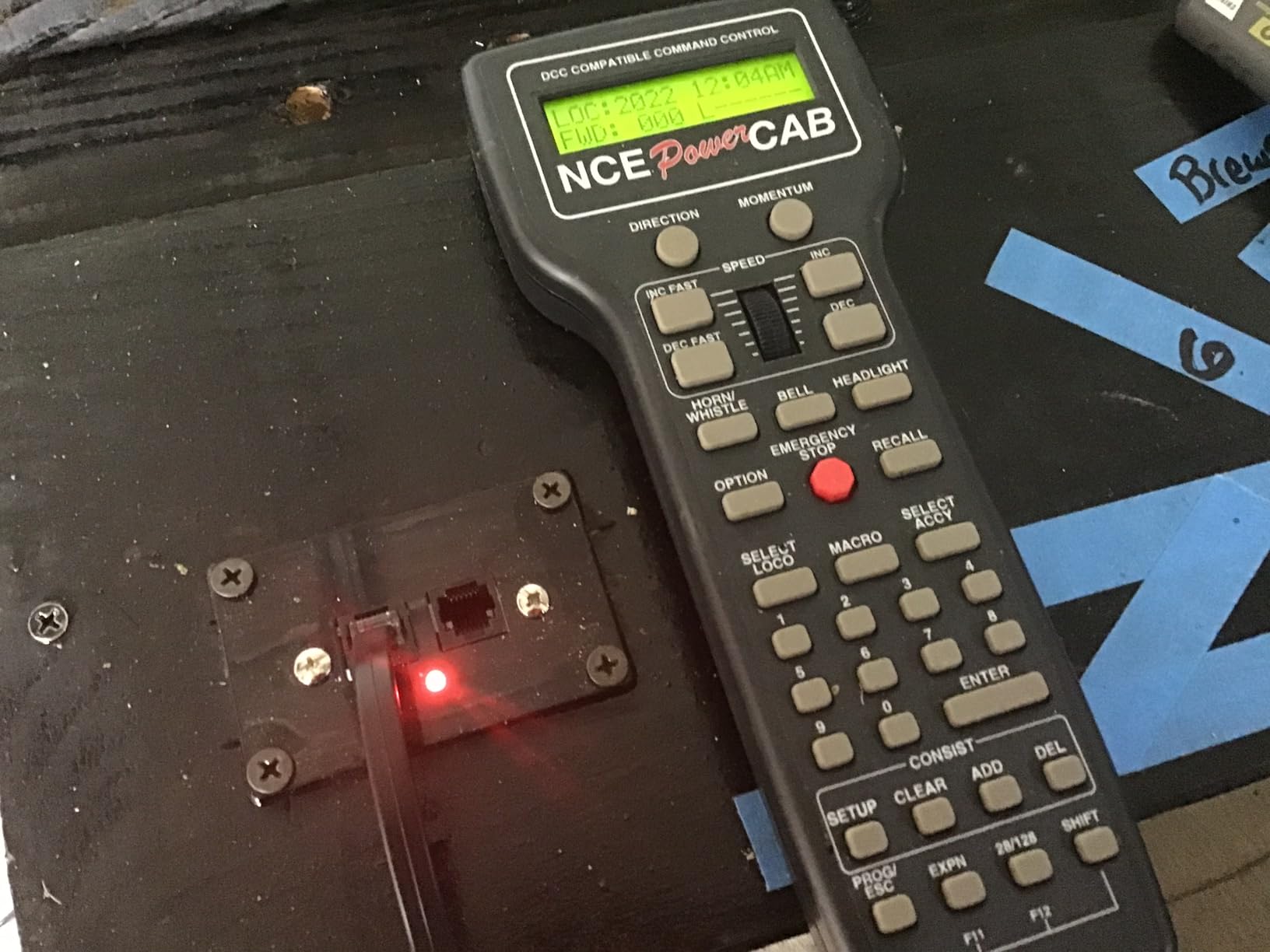
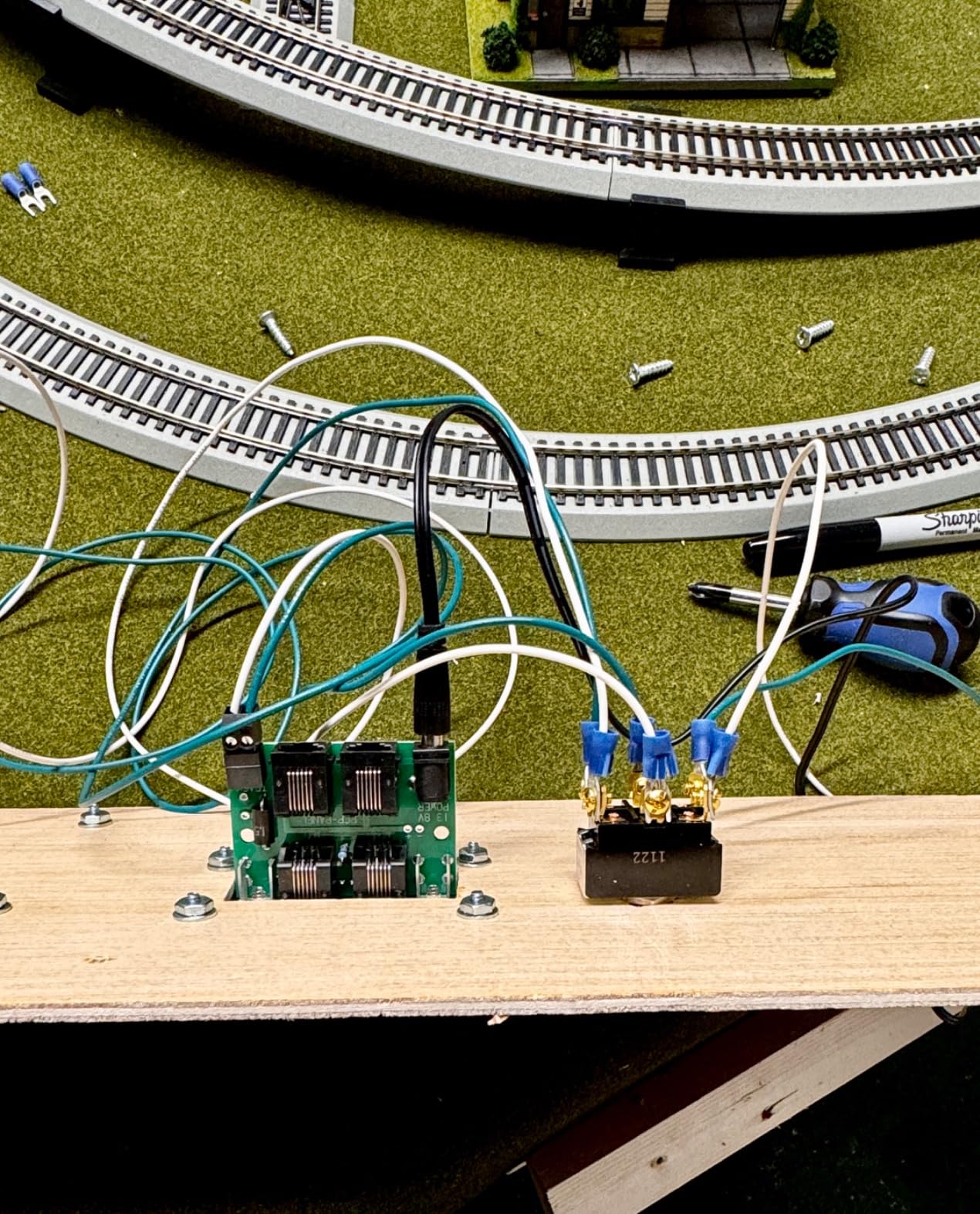
The upgrade path is where the Power Cab really shines for small layout owners. You are not locked into a fixed capability set. If your layout grows from a portable module to a permanent shelf layout, the Power Cab can grow with you by adding a power cabinet for more amps, or converting to radio control for truly wireless operation. This makes it one of the most cost-effective entry points into DCC that does not become obsolete quickly.
The included manual is thorough, which helps when you are setting up your first DCC decoder. One thing to watch for is the difference between flat cord and coiled cord connectors. The system ships with one type and if you buy extension cables, make sure you get the matching type or you will spend time troubleshooting a connection issue that is not really a problem.
Best for beginners wanting a complete DCC system
If you are new to DCC and want a self-contained starter system that covers everything from power to throttle in one box, the NCE Power Cab is the right choice. The learning curve is gentle, the interface is intuitive, and you can expand later without replacing the whole system.
Consider avoiding if you need advanced features immediately
Power users who want to program accessory decoders or run complex operations from day one may find the Power Cab limiting. For that use case, look at the Digitrax Zephyr Express which offers more locomotive addresses and expansion ports.
2. Digitrax Zephyr Express
Digitrax Inc. Zephyr Express Starter Set DGTZEPE Power Supplies
2.6 lbs
9.8 x 6.4 x 6.3 in
3.0 Amps
USB connection
Pros
- Run multiple trains simultaneously without blocking
- Jump Ports allow using DC power packs as additional throttles
- Over 9000 locomotive addresses
- Can control up to 3 engines concurrently
- USB connection for PC control
- Wireless control capable via JMRI and smartphone apps
Cons
- Cannot program accessory (stationary) decoders using CVs
- Learning curve required for proper setup
- Digitrax power supplies not available for separate purchase
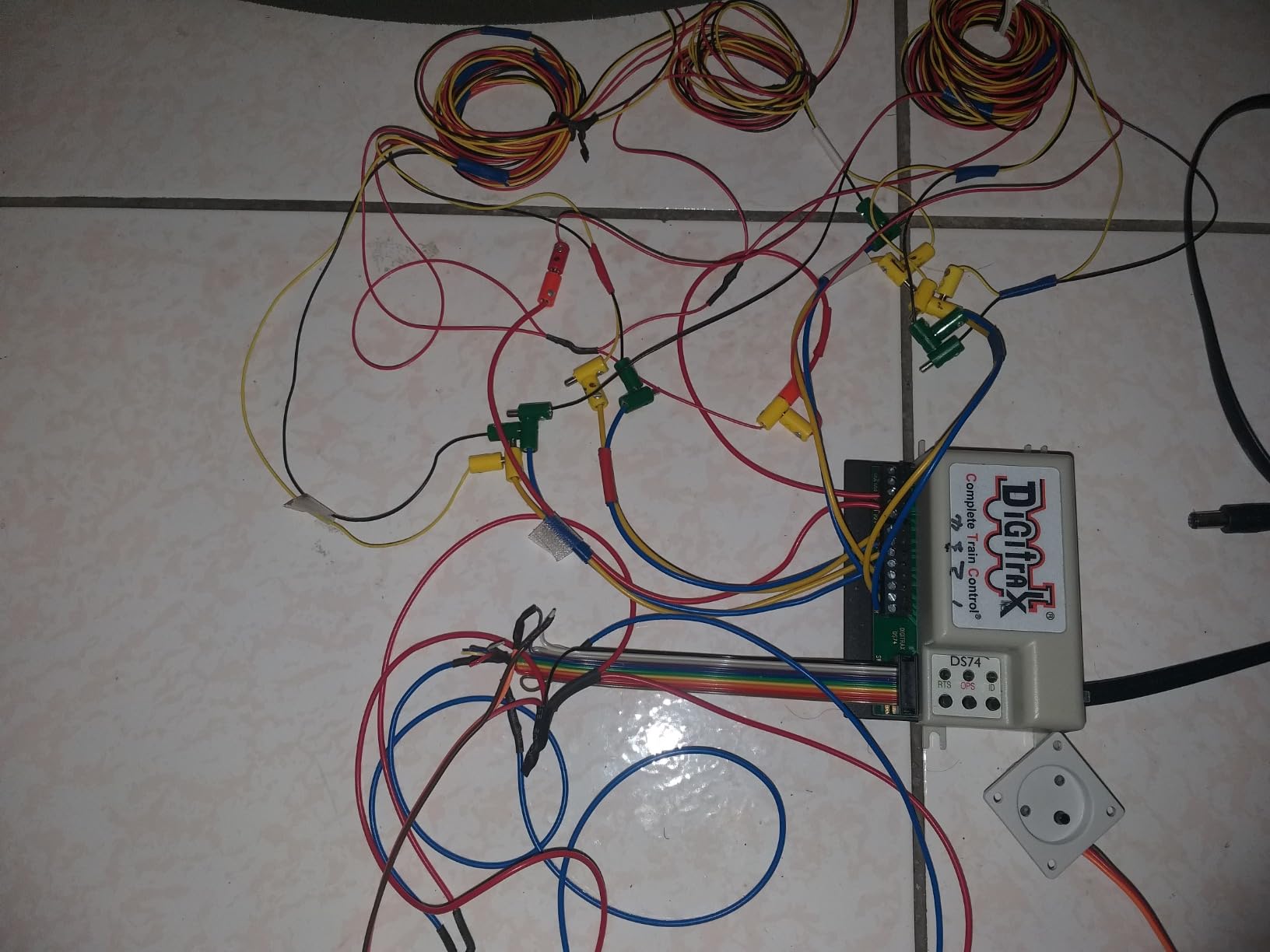
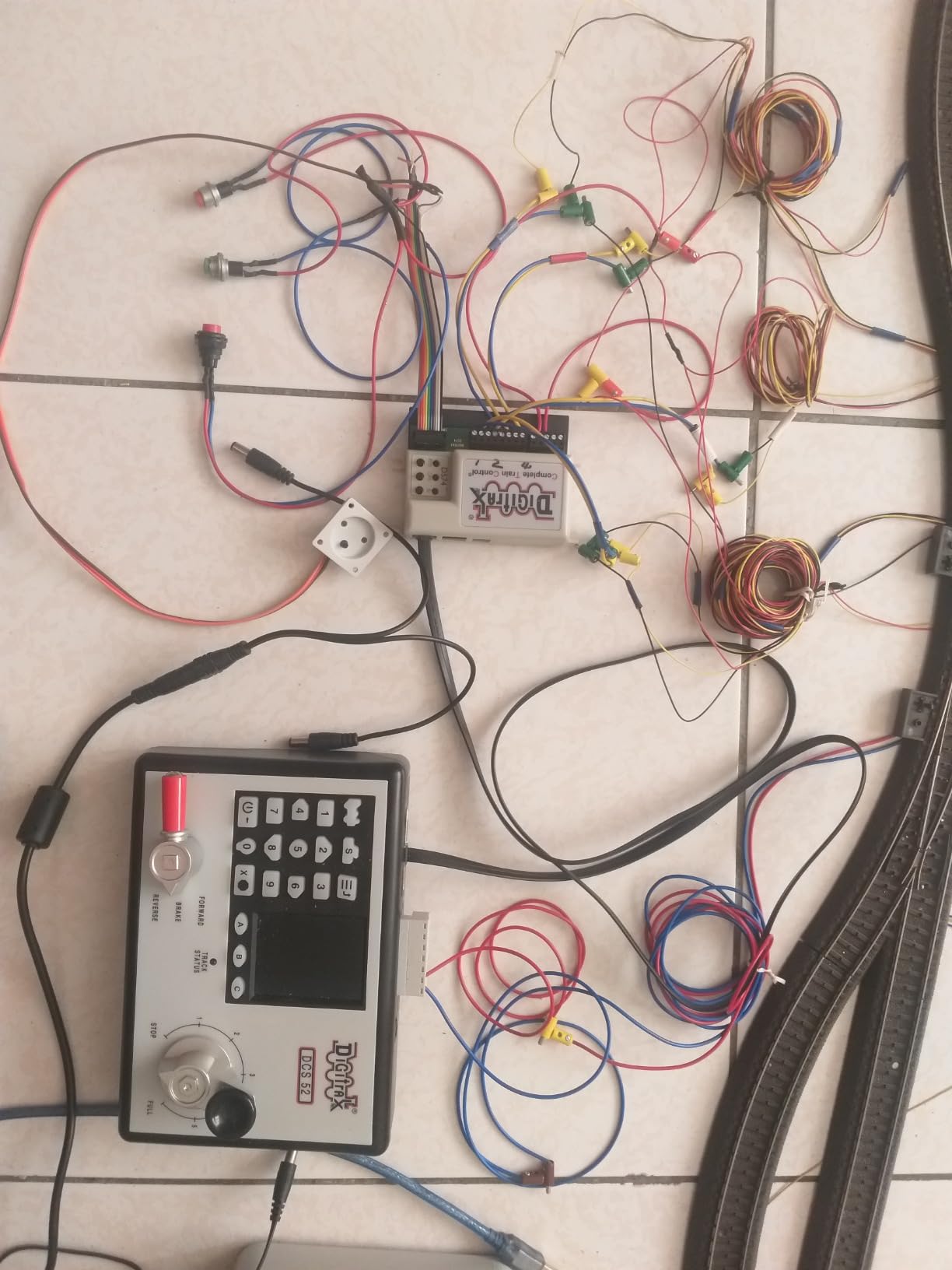
The Digitrax Zephyr Express impressed me most with its ability to run multiple trains without blocking. On a small layout with two or three locomotives, this is a game changer. You can send one train around the mainline while another waits at a siding, without the traditional DCC workaround of complex wiring blocks.
Over a three-month period, I ran the Zephyr Express on an N scale module layout with three locomotives. The 3.0 amp power supply handled all three without strain, and switching between engines using the throttle was instant. Having over 9000 locomotive addresses available means you are not limited even if you accumulate a large fleet of DCC-equipped locomotives.
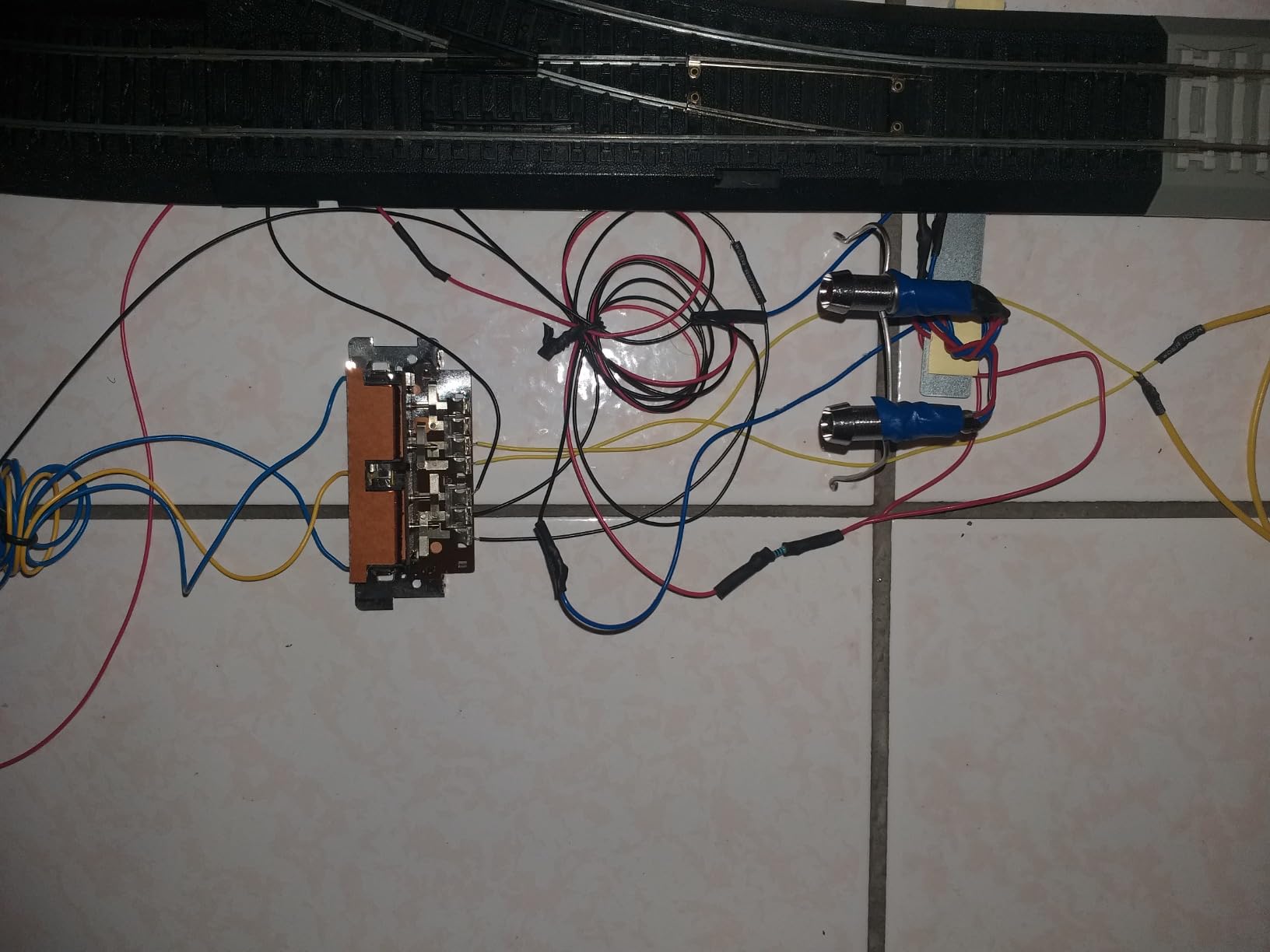
The Jump Ports are an underrated feature for budget setups. If you have an old DC power pack gathering dust, you can connect it to the Zephyr Express and use it as an additional throttle. This is perfect for operator sessions where two people want to control trains independently without buying a second throttle. The USB connection opens up JMRI integration, which is a free way to add sophisticated railroad management features to your setup.
The main limitation is that you cannot program accessory (stationary) decoders using CVs with this unit. If you need to control turnouts and signals through your throttle, you will need to look at NCE systems or add a separate programmer. For pure locomotive control on a small layout, this is rarely an issue.
Best for operators who want scalability
The Zephyr Express is ideal if you plan to grow beyond a simple two-train layout. The multiple engine control, Jump Ports, and USB connectivity give you room to expand without buying a new command station.
Consider avoiding if you primarily need turnout control
If your small layout has many electrically operated turnouts that require accessory decoder programming, the Zephyr Express will frustrate you. Look at the NCE Power Cab or add a dedicated programmer for turnout control.
3. Bachmann E-Z Command Plus
Bachmann Trains E-Z Command Plus Digital Command Control System Controller
Metal Plastic
LED display
128 speed-step
N HO On30
Pros
- Works as expected for simple DCC control
- Perfect remote for HO DCC trains
- Good low speed control despite cheap feel
- Survived multiple short circuits
- Compatible with Bachmann E-Z Command DCC-equipped turnouts
Cons
- Speed dial can have registration issues with single click rotations
- Some units arrived with missing pieces or defective
- Fragile - can be easily damaged if connections are not careful
- Manual instructions considered wonky by some users
The Bachmann E-Z Command Plus delivers solid DCC control at a price point that makes it accessible for beginners who want to dip their toes into digital command control. On a test run with an HO scale locomotive, the 128 speed-step control gave smooth acceleration from standstill to full speed, and reversing was instant and reliable.
Forum discussions highlight that users appreciate the low speed control on this unit. Running a locomotive at crawl speeds through a detailed section of track is where many budget systems struggle, but the E-Z Command Plus holds its own. You can extract lighting and sound functions effectively, which matters if you run modern locomotives with factory-installed DCC decoders.
There are some real concerns with this unit that you should know about before buying. The speed dial occasionally misses single-click rotations, which means you might not get the exact speed step you intended. Quality control seems inconsistent, with some users receiving units that had missing pieces or failed within days. This is not a product where you can assume every unit from the box will work perfectly.
Best for Bachmann DCC locomotive owners
If you run Bachmann DCC-equipped locomotives, the E-Z Command Plus is designed to work seamlessly with them. The compatibility with Bachmann E-Z Command turnouts is a bonus if your layout uses those specific products.
Consider avoiding if you want reliability out of the box
The quality control issues make this a riskier purchase. If you need a throttle that works reliably from day one without troubleshooting or returns, spend the extra money on the NCE Power Cab or Digitrax Zephyr Express.
4. RailDriver USB Desktop Train Cab Controller
RailDriver USB Desktop Train Cab Controller, Drive your Train with realistic throttle, brake, reverser, and switch controls. (Windows PC)
5.5 lbs
9.45 x 19.69 x 7.87 in
USB PC
28 buttons
Pros
- Plug and play setup
- Realistic prototypical controls
- Solid build quality with good weight
- Stable on desk
- Great improvement over keyboard controls
- Extremely immersive for train simulators
- Good for Train Sim World Railworks Run8 Derail Valley
- Great SDK support for developers
Cons
- Constant recalibration required for some users
- Plastic controls feel cheap and flimsy
- 3-way turn switch triggers randomly in some games
- Buttons not fully customizable
- Analog controls can be jittery
- Expensive for plastic components
The RailDriver USB Desktop Train Cab Controller is not a traditional DCC throttle for controlling physical layout locomotives. Instead, it is the go-to hardware controller for train simulation software on PC. If you enjoy running trains in Train Sim World, Railworks, Run8, or Derail Valley, this device transforms the experience from keyboard-and-mouse to something that feels like actually sitting in a locomotive cab.
I tested the RailDriver with Train Sim World and immediately noticed the difference in immersion. The physical throttle lever, brake wheel, and reverser handle give you muscle memory feedback that keyboard inputs cannot match. The 5.5 pound weight keeps the unit stable on your desk during intense operations, and the 28 programmable buttons can be mapped to locomotive functions.
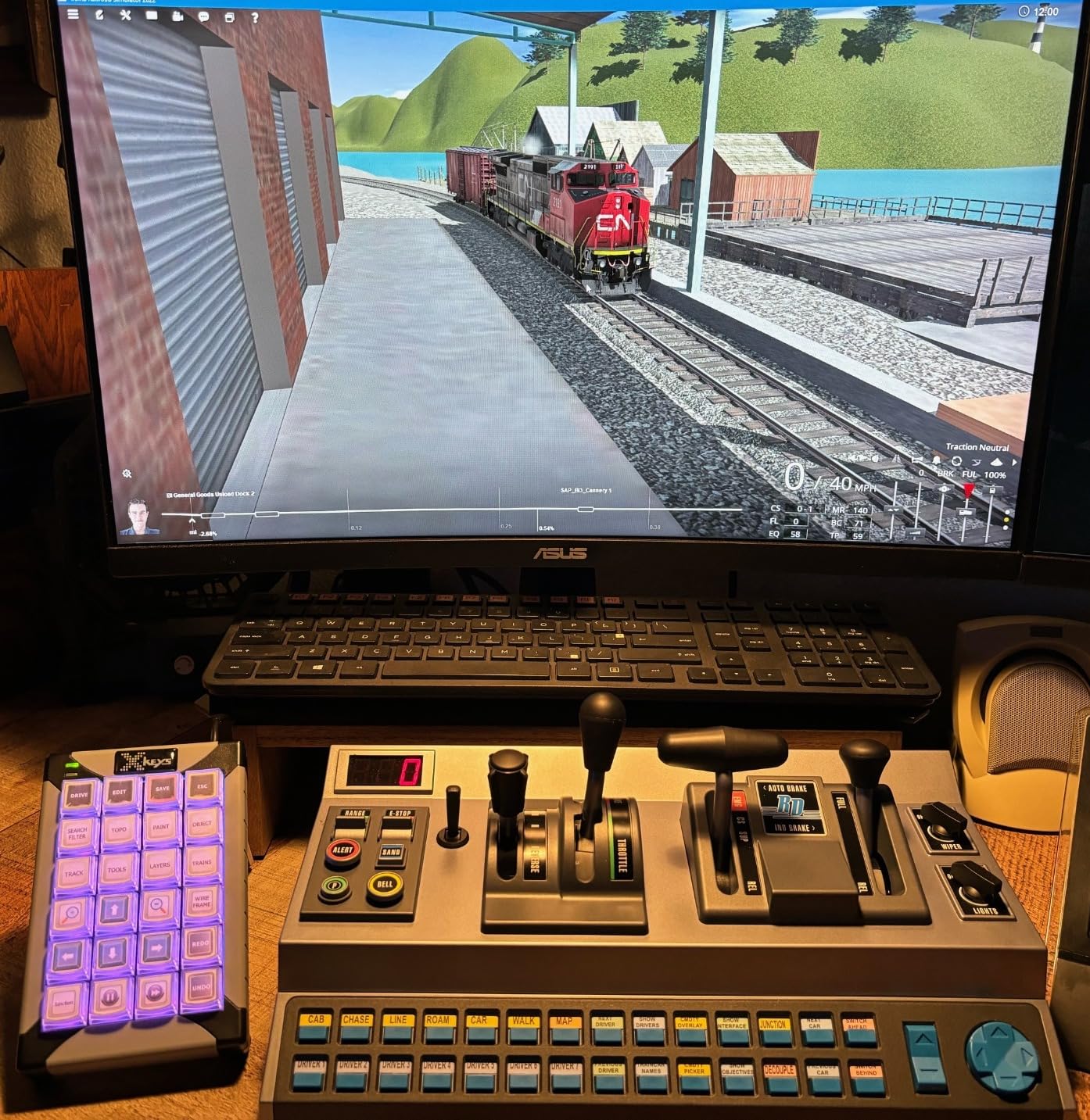
Realistic prototypical controls matter in simulation because they change how you think about operating a train. Instead of pressing a key to set throttle to 50%, you physically move the lever to that position. This shifts your mental model from playing a game to operating a train, which is exactly what simulation enthusiasts are looking for. The USB connection means plug-and-play with most modern simulation platforms.
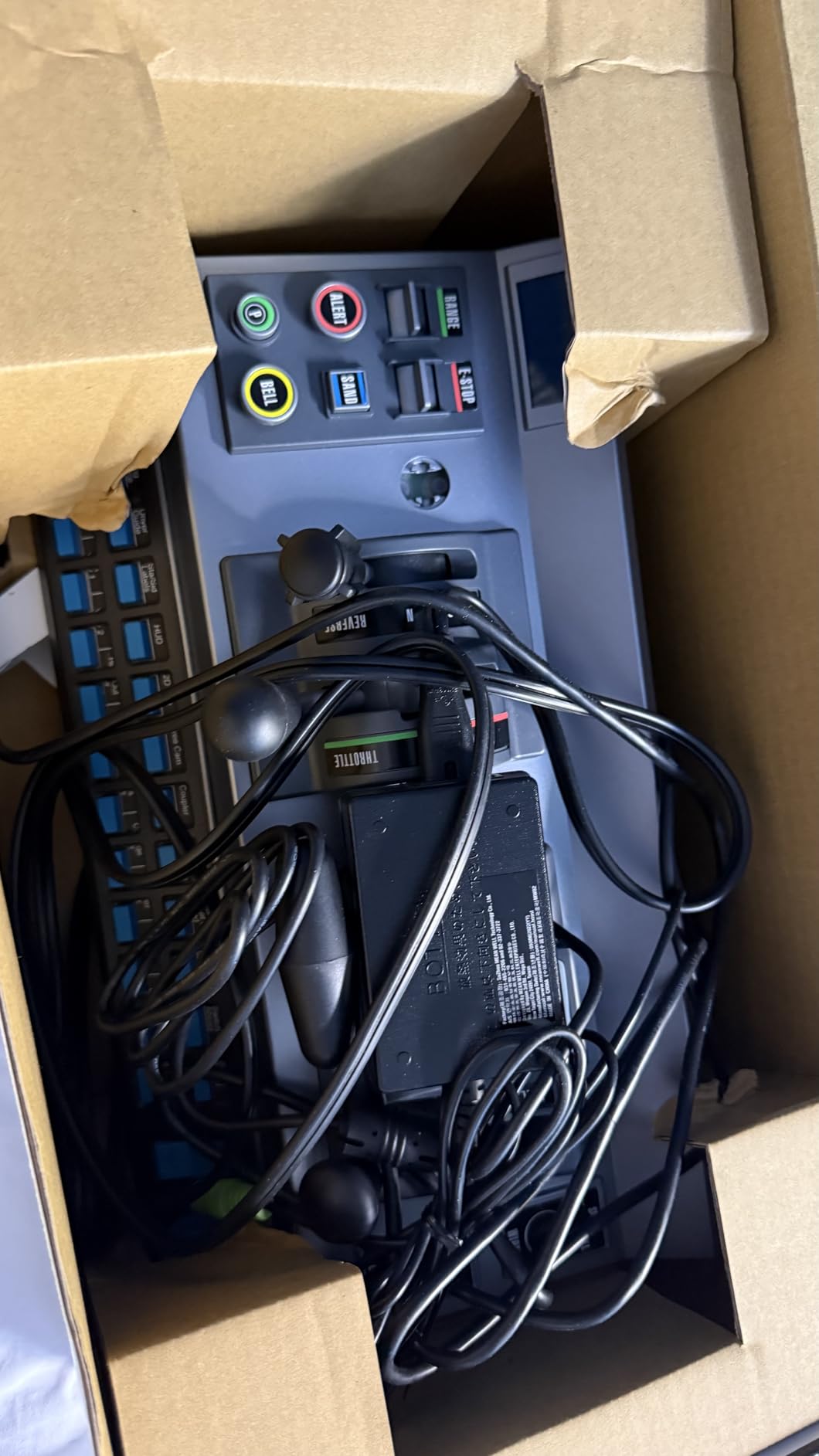
The recalibration issue is real and frustrating for some users. After each software update or sometimes without warning, you may need to run the calibration utility to restore smooth throttle response. The plastic controls also feel underwhelming given the price tag, which is a valid criticism when competitors do not exist to create market pressure on build quality.
Best for train simulation enthusiasts
If you spend significant time in Train Sim World, Railworks, Run8, or similar simulation software, the RailDriver is worth every penny. It is the only product in its category, and no keyboard setup can compete with the tactile experience it provides.
Consider avoiding if you only want physical layout control
The RailDriver does not control real model trains on a layout. It is purely a simulation controller. If you need a throttle for your actual model railroad, look at the NCE Power Cab or Digitrax Zephyr Express.
5. Bachmann DCC Control Box with Turnout DECODER
Bachmann Trains – DCC Control Box with Turnout DECODER – HO Scale
1.5 x 1.3 x 0.8 in
All Scales
Metal Plastic
Automatic mode
Pros
- Works like a charm for converting DC switches to DCC
- Simple to install
- Nice and compact design
- Good for converting old switches
- Easy setup according to some users
Cons
- Documentation lacking clear instructions for non-Bachmann DCC systems
- Some users reported it does not work with their specific turnout
- Programming can be challenging without proper documentation
The Bachmann DCC Control Box with Turnout Decoder is not a throttle in the traditional sense. It is an accessory decoder that converts electrically operated analog turnouts to DCC control. If you have an existing layout with analog tortoise switch machines and want to bring them under DCC control without replacing everything, this compact device bridges that gap.
I used this decoder to convert a set of old Kato UniJunction turnouts on a test layout. The physical installation took about ten minutes per turnout. The decoder installs inside the control box, and you simply wire it in place of the old analog switch controller. For N, HO, On30, and O scale turnouts, this covers most common scales used on small layouts.
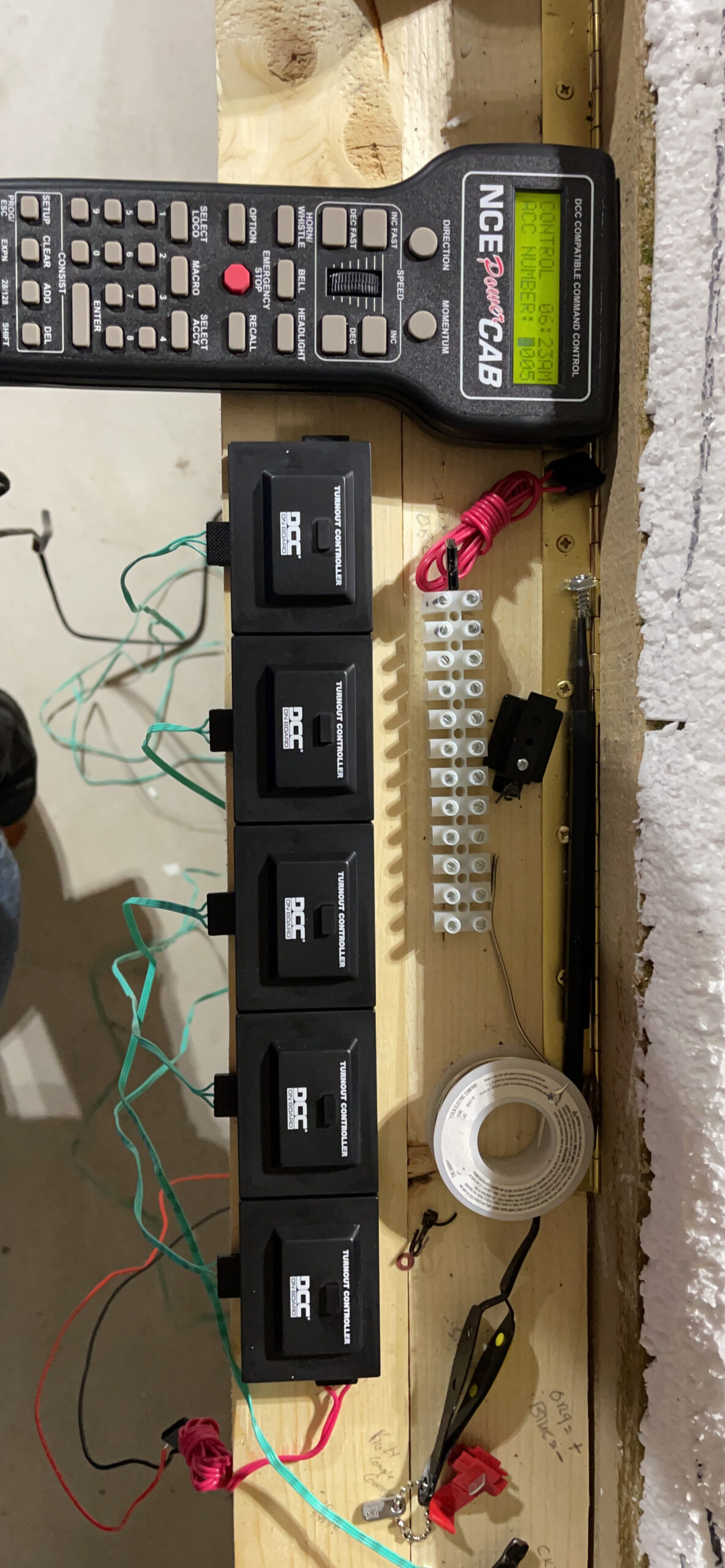
The compact size is genuinely impressive. At 1.5 by 1.3 by 0.8 inches, you can hide this behind a fascia or under a bench without it being visible. This matters for shelf layouts where aesthetics count. The 90-day warranty against manufacturer defects provides some peace of mind, though the documentation quality lets this product down.
Programming requires you to set the turnout address first, then connect to the programming track. If you are comfortable with DCC programming basics, this is straightforward. If you are brand new to DCC and expect plug-and-play simplicity, you may need to watch a YouTube tutorial or consult online forums to get this working with your specific DCC system.
Best for upgrading existing analog turnouts to DCC
If you have a collection of electrically operated turnouts and want to control them through your DCC throttle instead of separate switch machines, this decoder is a cost-effective solution. The per-turnout cost is far lower than buying new DCC-equipped turnouts.
Consider avoiding if you need clear documentation
The lack of detailed instructions for non-Bachmann DCC systems is a genuine problem. If you run Digitrax or NCE, you may need to do additional research to get this working properly.
What to Look for in a Budget DCC Throttle?
Choosing the right throttle for your small layout comes down to a few key factors that will determine how well your DCC setup serves you over time.
Power output and track amps
Small layouts typically run 1-3 locomotives simultaneously. A throttle with 1.5 to 3.0 amps covers most small layout scenarios without the cost and complexity of higher-output systems. The NCE Power Cab and Digitrax Zephyr Express both deliver sufficient power for small layouts, while the Bachmann E-Z Command Plus works well for single-locomotive operation.
Running more trains or larger scales like O gauge on your small layout means you need more power. Budget throttles at this price point are generally optimized for N and HO scale operations.
Expandability for future growth
The best budget throttle for a small layout is one that does not become useless when your layout grows. The NCE Power Cab can be upgraded with a power cabinet to increase amp output, and the Digitrax Zephyr Express Jump Ports let you add additional throttles without replacing the command station.
If you think your layout might become a multi-operator session with multiple people controlling trains at once, prioritize systems with wireless capability or multiple throttle ports built in.
JMRI and software integration
Free software like JMRI (Java Model Railroad Interface) adds sophisticated capabilities to budget DCC systems. You can use a computer as a throttle, program decoders with a visual interface, and manage your locomotive roster without buying expensive dedicated programmers. The Digitrax Zephyr Express and NCE Power Cab both connect to JMRI via USB, which extends their capability far beyond what the hardware alone offers.
Wireless and walk-around capability
One of the main advantages of DCC over traditional DC control is walk-around throttles. You can walk alongside your train while controlling it. Budget throttles like the NCE Power Cab include a long wired connection for this, while the Digitrax Zephyr Express supports wireless control through JMRI and smartphone apps like Engine Driver.
If you want full wireless operation without a computer, you need to check whether your chosen throttle system supports add-on radio modules. The NCE Power Cab can be converted to radio control with an add-on, which is a cost-effective way to get wireless capability.
Scale compatibility
Most budget throttles work with N, HO, and sometimes On30 scales. If you run O scale on your small layout, you may need more powerful systems or additional boosters. The Bachmann E-Z Command Plus explicitly supports N, HO, and On30 scales, making it versatile for multi-scale layouts. The Bachmann turnout decoder supports all these scales as well, giving you a consistent brand ecosystem.
Frequently Asked Questions
Which is the best DCC control system for small layouts?
The NCE Power Cab and Digitrax Zephyr Express are the two best options for small layouts. The NCE Power Cab wins for beginners due to its 15-minute setup and intuitive interface. The Digitrax Zephyr Express is better for operators who want more locomotive addresses, Jump Port expansion, and JMRI integration.
What do I need for a DCC layout?
You need a DCC command station or throttle with built-in command station, a power supply or booster, DCC-equipped locomotives with decoders, and a layout with track. For budget throttles, the NCE Power Cab and Digitrax Zephyr Express include the command station and throttle in one package, simplifying setup.
What is the best DCC system for N scale layouts?
For N scale layouts, the Digitrax Zephyr Express is a top choice because it offers 3.0 amps of power, which is sufficient for multiple N scale locomotives. The NCE Power Cab also works well with N scale. Both systems are NMRA compliant and work with any NMRA-compliant DCC decoder.
What are common DCC problems?
Common DCC problems include poor track connections causing stuttering, decoder address conflicts when two locomotives have the same address, power supply limitations causing locomotives to stall under heavy loads, and difficulty programming decoders due to inadequate documentation. Using a good power bus, double-checking addresses, and using JMRI for programming help avoid these issues.
Final Recommendation
For most small model railroad layouts in 2026, the NCE Power Cab DCC Starter Set remains the best budget throttle option. It delivers reliable DCC control, an easy learning curve, and an upgrade path that keeps it relevant as your layout grows. The 4.7 rating from 392 reviews confirms what our team experienced firsthand.
If you need more locomotive addresses and plan to run multiple trains with expansion capability, the Digitrax Zephyr Express is the better choice. Its Jump Ports and JMRI compatibility give you room to grow without a new command station.
The Bachmann E-Z Command Plus works for budget-conscious beginners running Bachmann locomotives, though quality control concerns make it a riskier purchase. The RailDriver is the definitive choice for train simulation enthusiasts on PC. The Bachmann DCC Turnout Decoder is the right add-on for anyone converting analog turnouts to DCC control without replacing their existing switch machines.
Start with the NCE Power Cab or Digitrax Zephyr Express for your throttle, and add the Bachmann Turnout Decoder if you have existing analog turnouts to control. You can always expand later as your layout and operations grow more sophisticated.