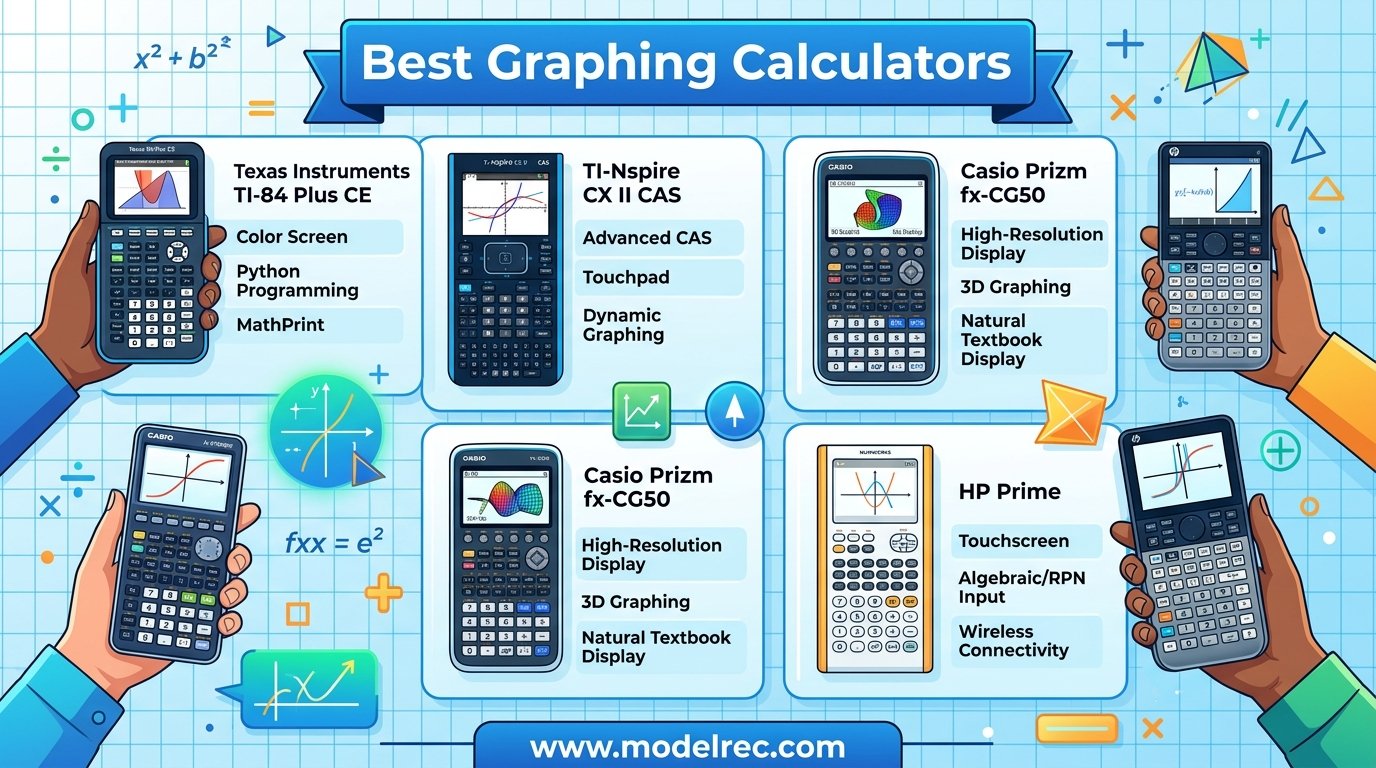
Finding the best graphing calculators for 2026 can feel overwhelming with so many models on the market. Our team spent weeks comparing Texas Instruments, Casio, HP, and newer brands to figure out which calculators actually deliver for students and professionals.
Whether you need a calculator approved for the SAT and ACT, a CAS-enabled powerhouse for college engineering, or a budget option for high school algebra, we tested the options that matter. The right choice depends on your math level, exam requirements, and how much you want to spend.
We reviewed 10 of the most popular graphing calculators available right now, analyzing everything from display quality and battery life to Python programming support and standardized test approval. One thing we noticed right away is that the gap between budget and premium models has narrowed, with brands like Casio and NumWorks offering serious competition to Texas Instruments.
Before we get into the reviews, let us clear up one common source of confusion. CAS stands for Computer Algebra System, and calculators with CAS can solve equations symbolically rather than just numerically. That sounds great, but CAS calculators are banned on the ACT. They are allowed on AP exams and many college courses, so your exam schedule should drive this decision.
Table of Contents
Top 3 Picks for Graphing Calculators

TI-84 Plus CE Color Graphing Calculator
- Full-color backlit display
- Rechargeable battery
- SAT ACT AP IB approved
- MathPrint feature

NumWorks Graphing Calculator
- Open-source software
- MicroPython support
- USB-C charging
- Intuitive interface

Casio fx-9750GIII Graphing Calculator
- Python programming
- Natural Textbook Display
- Exam-approved AP SAT ACT IB
- Affordable price
10 Best Graphing Calculators in 2026
1. Texas Instruments TI-84 Plus CE – Best Overall Color Graphing Calculator
Texas Instruments TI-84 Plus CE Color Graphing Calculator, Black
3.2 inch color LCD
Rechargeable battery
SAT ACT AP IB approved
7.04 ounces
MathPrint feature
Pros
- Color screen enhances graphing experience
- Rechargeable battery saves money
- Lightweight slim design
- Approved for SAT ACT AP and IB exams
- Fast and smooth performance
Cons
- Higher price point
- Takes time to learn all functions
- Some menus confusing for new users
After testing the TI-84 Plus CE across algebra, calculus, and statistics coursework, it became clear why this is the most recommended graphing calculator in American schools. The full-color backlit display makes graphs instantly readable, and the 3.2-inch screen gives you enough room to work without constant zooming.
Our team particularly appreciated the rechargeable battery during extended study sessions. A single charge lasted us about two weeks of regular use, which means no more scrambling for AAA batteries before an exam. The included USB cable makes charging and data transfer straightforward.
The MathPrint feature is a standout for students who want to see stacked fractions and exponents exactly as they appear in textbooks. It removes the guesswork from inputting complex expressions and reduces errors on homework and tests.
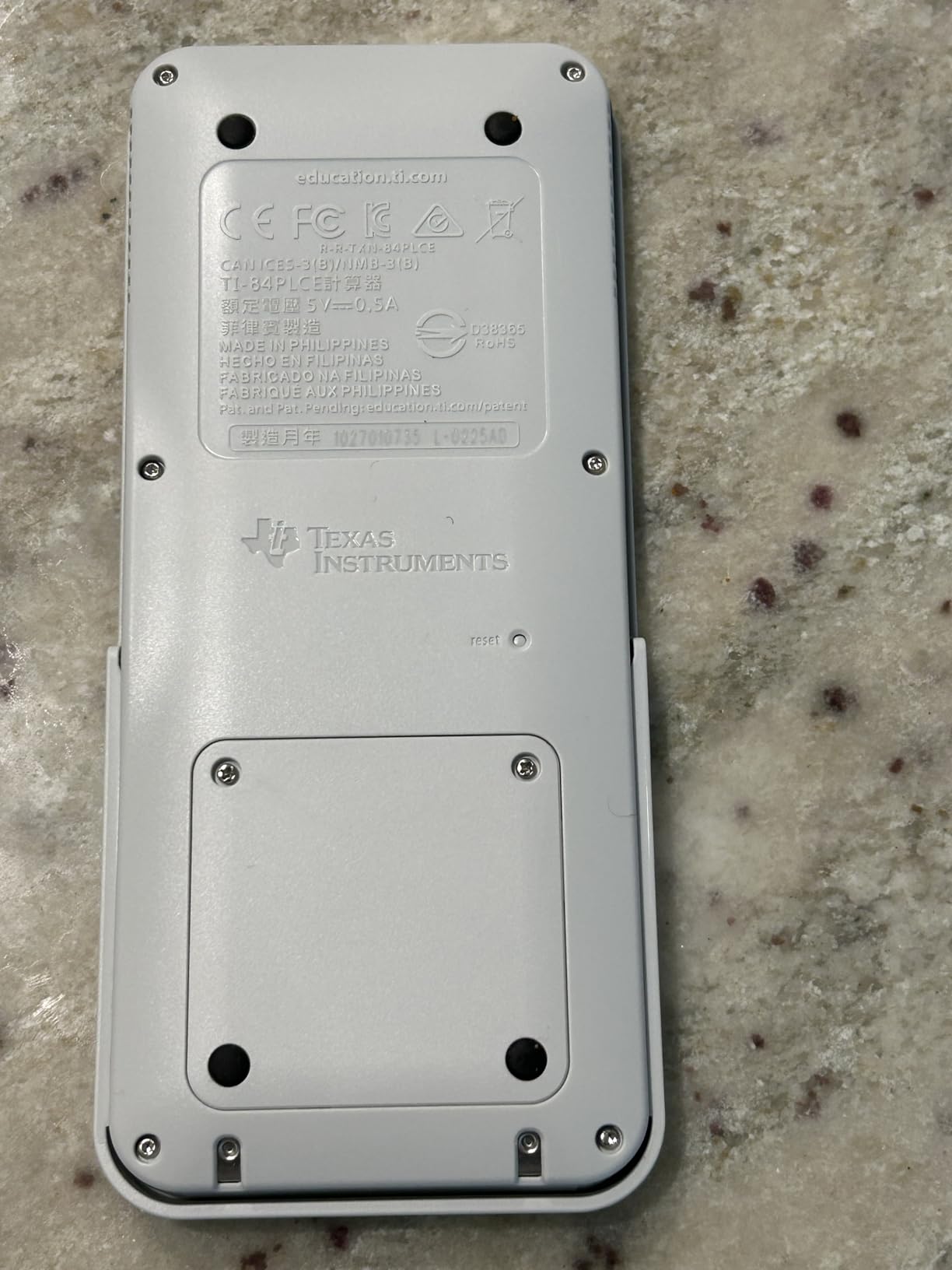
On the technical side, the TI-84 Plus CE comes preloaded with a suite of apps and images that cover geometry, statistics, and finance. The fourteen interactive zoom features and seven different graph styles let you differentiate between multiple functions on the same screen.
Split-screen options in both horizontal and vertical orientations are available, which we found genuinely useful for comparing a graph with its corresponding table of values. This is one of those features you do not appreciate until you use it during a timed exam.
The main drawbacks are the learning curve and the price. With nearly 30,000 reviews and a 4.7-star average rating, users consistently mention that it takes time to master all the functions. Some menus can be confusing for first-time users, but once you learn the layout, everything becomes second nature.
For whom its good
The TI-84 Plus CE is ideal for high school students taking algebra through calculus, college students in introductory STEM courses, and anyone who needs a calculator approved across all major standardized tests. If your teacher uses a TI-84 in class, this model guarantees compatibility with demonstrations and instructions.
It is also the safest choice if you are unsure what math courses you will take in the future. The universal acceptance and massive library of online tutorials mean you will never be stuck without resources.
For whom its bad
This calculator may be overkill for students who only need basic graphing for a single semester. The price point is higher than budget alternatives, and the extensive feature set can feel overwhelming if you only need to plot simple functions.
Engineering students who need 3D graphing or symbolic computation should look at the TI-Nspire CX II CAS instead, since the TI-84 Plus CE lacks those advanced capabilities.
2. Texas Instruments TI-84 Evo – Best Modern Upgrade with USB-C

TI-84 Evo Graphing Calculator Texas Instruments, White
2.8 inch LCD
USB-C charging
Python support
3x faster processor
Icon-based home screen
Pros
- Icon-based home screen is modern and intuitive
- USB-C charging is convenient
- 50% larger graphing display area
- 3x faster processor
- Python programming support
Cons
- Overpriced compared to TI-84 Plus CE
- Button positions changed disrupting muscle memory
- TI Connect CE software does not support Evo yet
- Artificial speed limit on graphing commands
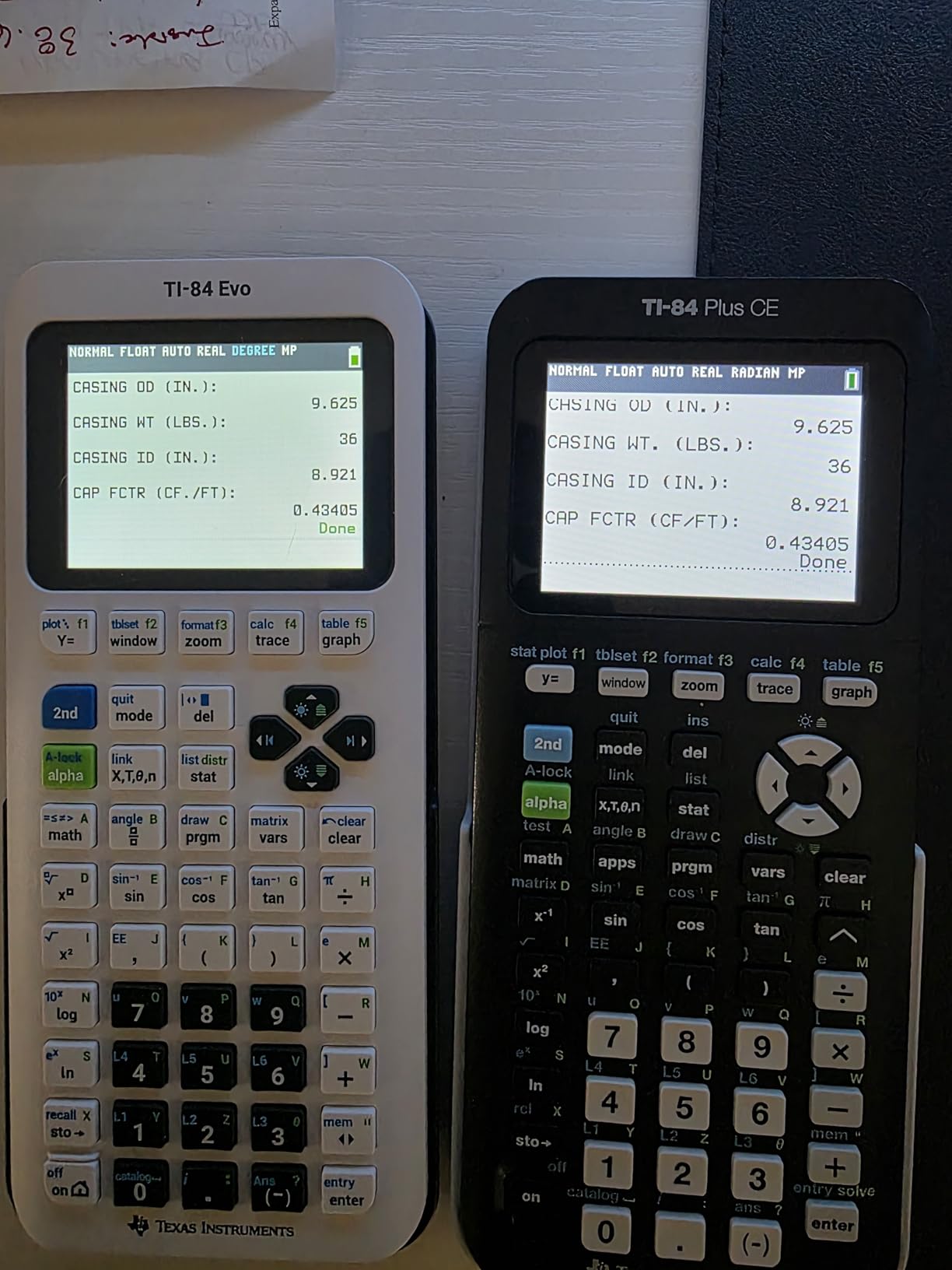
The TI-84 Evo is Texas Instruments’ answer to years of requests for a modernized calculator. Our team was immediately drawn to the icon-based home screen, which feels like a massive upgrade from the text-based menus of previous TI-84 models. Navigation is faster and more intuitive, especially for students coming from smartphone interfaces.
USB-C charging is the feature that drew the most attention during our testing. In 2026, it feels archaic to carry a proprietary charging cable, and the Evo finally fixes that. The rechargeable lithium-ion battery holds a charge well and tops up quickly through any standard USB-C port.
The 3x faster processor is noticeable when graphing complex functions and running programs. We also appreciated the 50 percent larger graphing display area compared to the TI-84 Plus CE, which makes it easier to interpret detailed graphs during coursework.
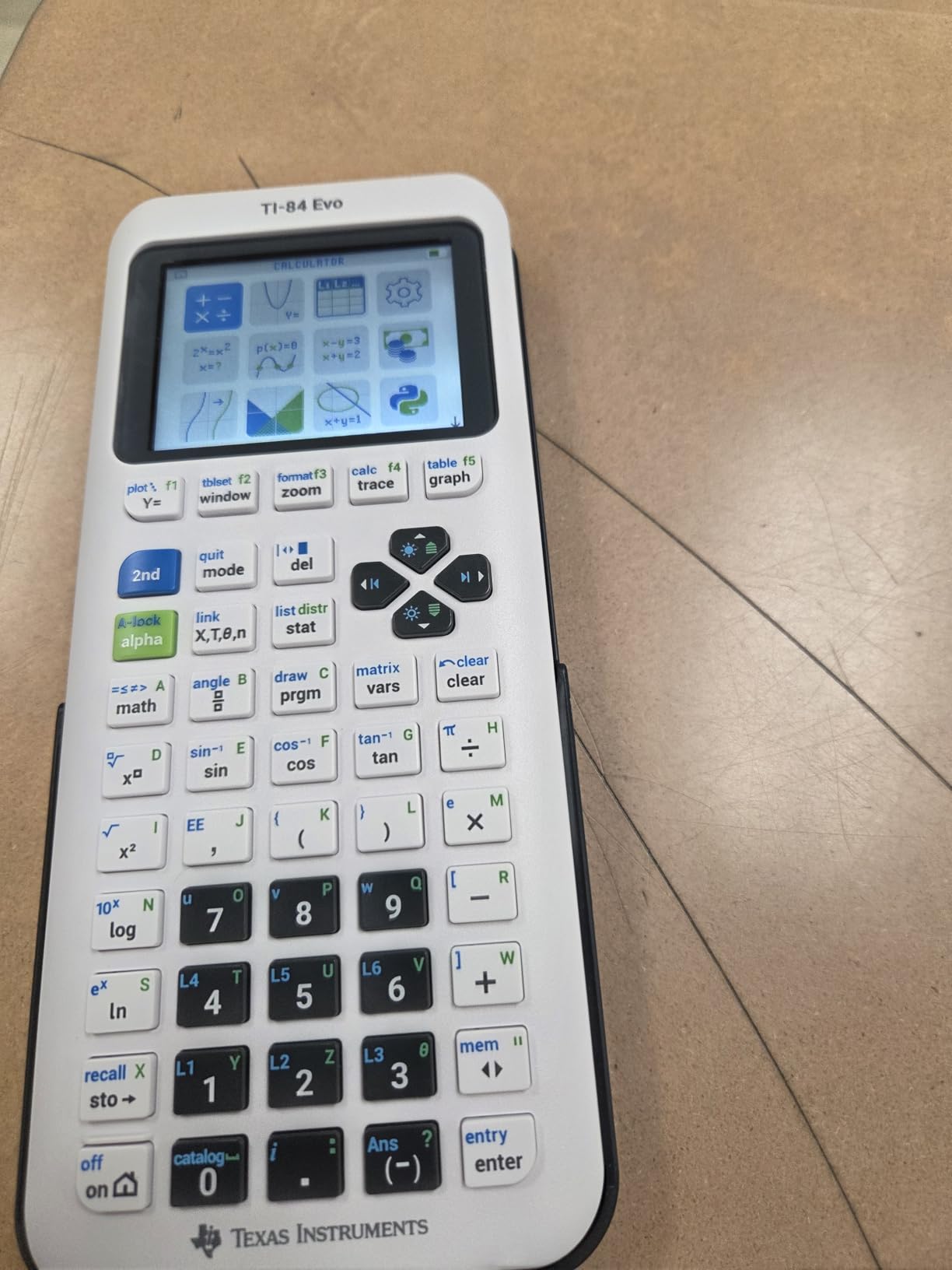
Python programming support is built in, with a sandboxed runtime that lets students write and execute Python code directly on the device. This is a meaningful addition for STEM students who want to learn programming alongside math.
However, the Evo has drawn criticism for some questionable design choices. Texas Instruments removed the APPS button that long-time users rely on, and some key positions have shifted. The artificial speed limit on graphing and TI-BASIC commands frustrated several power users in our testing.
The biggest concern is that TI Connect CE software does not yet support the Evo. If you rely on desktop connectivity for transferring files or updating firmware, you will need to use the online-based emulator instead.
For whom its good
The TI-84 Evo is a strong choice for students who want a modern interface and USB-C charging but still need the familiarity of the TI-84 ecosystem. If you are buying your first graphing calculator and do not have muscle memory from older models, the icon-based navigation feels natural.
It is also appealing for students interested in Python programming, since the built-in sandboxed runtime makes it easy to experiment with code during math class.
For whom its bad
If you already own a TI-84 Plus CE, the Evo is not a necessary upgrade. The feature improvements are real but incremental, and the higher price is hard to justify when the Plus CE remains widely supported.
Long-time TI-84 users who depend on the APPS button or specific key layouts will find the transition disruptive. Power users who push the calculator to its limits may also be frustrated by the artificial speed limit on graphing commands.
3. Texas Instruments TI-84 Plus – Best Classic Graphing Calculator

Texas Instruments TI-84 Plus Graphics Calculator, Black 320 x 240 pixels (2.8″ diagonal)
3 inch LCD screen
USB connectivity
Cabri Jr. geometry preloaded
SAT ACT approved
0.95 pounds
Pros
- Classic reliable standard in schools
- Approved for SAT ACT and AP exams
- Preloaded apps including Cabri Jr.
- USB connectivity for transfers
- Split-screen functionality
Cons
- Screen resolution appears dated
- Bigger and bulkier than newer models
- Not backlit on all models
- Steep learning curve with pull-down menus
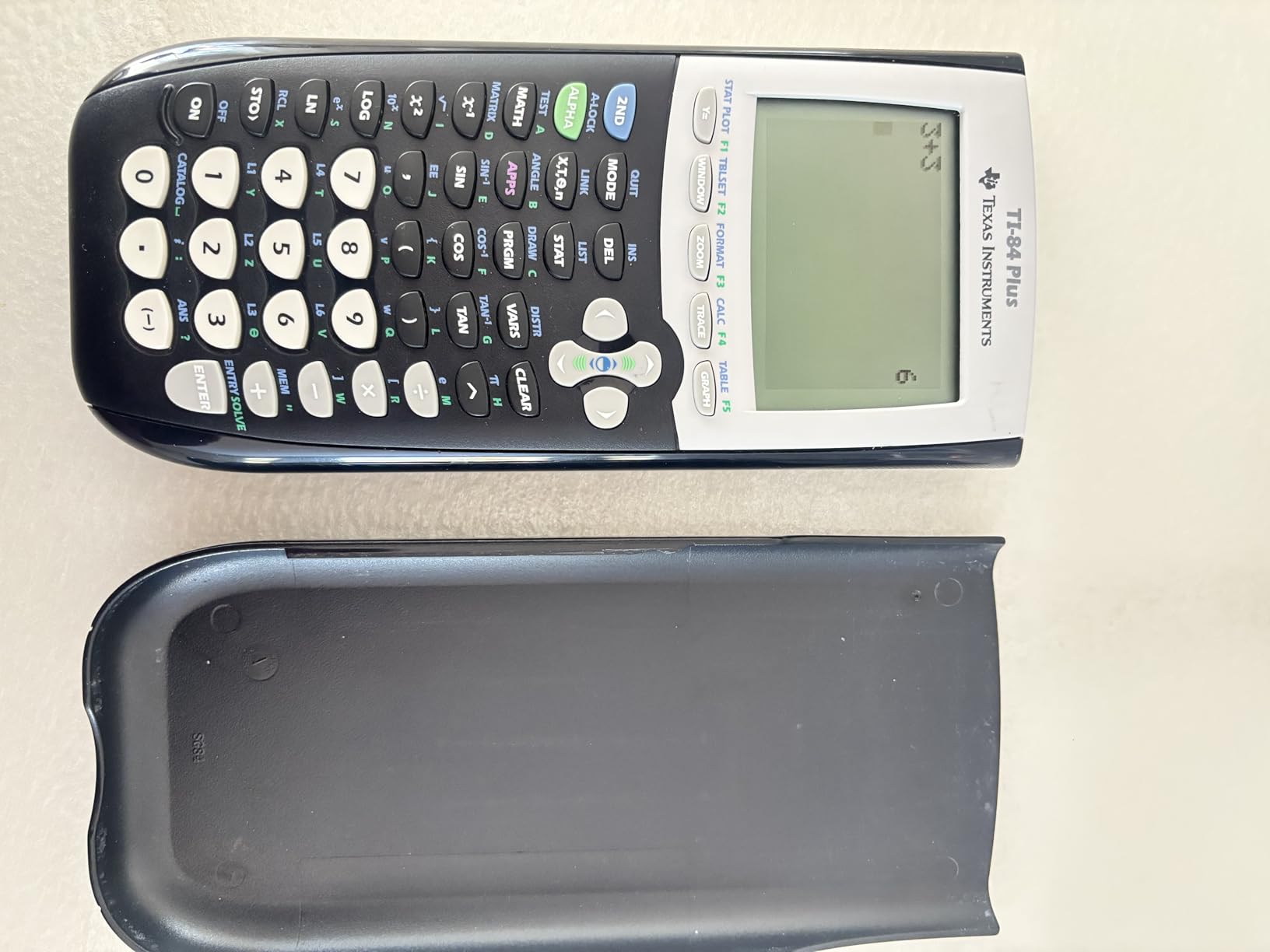
The TI-84 Plus is the calculator that defined a generation of math education, and it still holds up surprisingly well. Our team tested it alongside newer models and found that for core graphing functionality, it does everything you need without the premium price tag of color-screen alternatives.
What makes this calculator enduringly popular is its universal familiarity. Walk into any math classroom in America and the teacher likely uses a TI-84 Plus for demonstrations. That means you can follow along with instructions without translating button sequences from a different model.
The preloaded software is genuinely useful. Cabri Jr. interactive geometry software lets you explore geometric constructions, and the pull-down display menus give access to advanced statistical and financial functions. You can define, save, graph, and analyze up to ten functions simultaneously.
On the technical side, the TI-84 Plus offers 2.5x faster performance than the TI-83 Plus and three times the memory. It includes an I/O port for communication with other TI products and a USB port for computer connectivity.
The main drawback is the dated screen. Compared to the color displays on the TI-84 Plus CE or the TI-Nspire CX II, the monochrome LCD feels like a step back. The pixel resolution is lower, which can make distinguishing between multiple graphed functions more difficult.
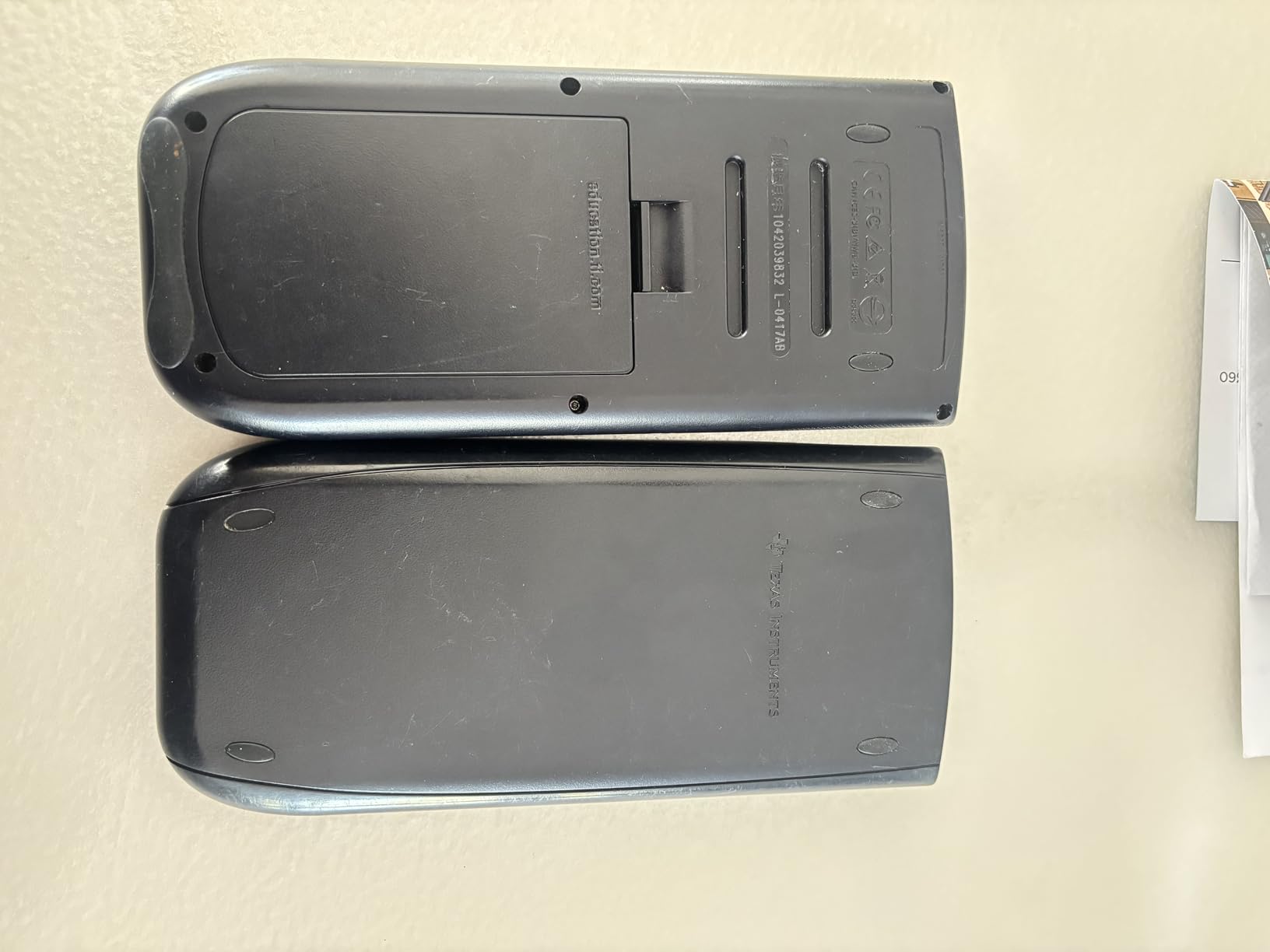
At 0.95 pounds, it is also noticeably bulkier than the slimmer CE model. Some units lack backlighting, which can be an issue in dimly lit exam rooms. Despite these limitations, the durability and reliability are unmatched.
For whom its good
The TI-84 Plus is perfect for students who want a proven, reliable calculator at a reasonable price. If your school standardizes on TI-84 models and you do not need a color screen, this is the safest investment you can make.
It is also an excellent choice for parents buying a calculator that will last through multiple children. The durability and timeless design mean it can serve a family for years.
For whom its bad
Students who prioritize visual clarity should consider the TI-84 Plus CE instead. The monochrome screen is functional but noticeably inferior when working with complex, overlapping graphs or color-coded data sets.
Anyone who needs the latest features like Python programming, USB-C charging, or an icon-based interface will find the TI-84 Plus too basic for modern expectations.
4. Texas Instruments TI-Nspire CX II CAS – Best for College and Engineering

Texas Instruments TI-Nspire CX II CAS Color Graphing Calculator with Student Software (PC/Mac)
3.5 inch color LCD
CAS functionality
3D graphing
Rechargeable battery up to 2 weeks
Student software included
Pros
- Computer Algebra System solves equations symbolically
- 3D graphing for multivariable calculus
- Rechargeable battery lasts up to two weeks
- Includes student software for PC and Mac
- Excellent for engineering and advanced math
Cons
- CAS banned on SAT and ACT exams
- Steep learning curve for beginners
- Not compatible with Chrome OS for included software
- Expensive relative to simpler models
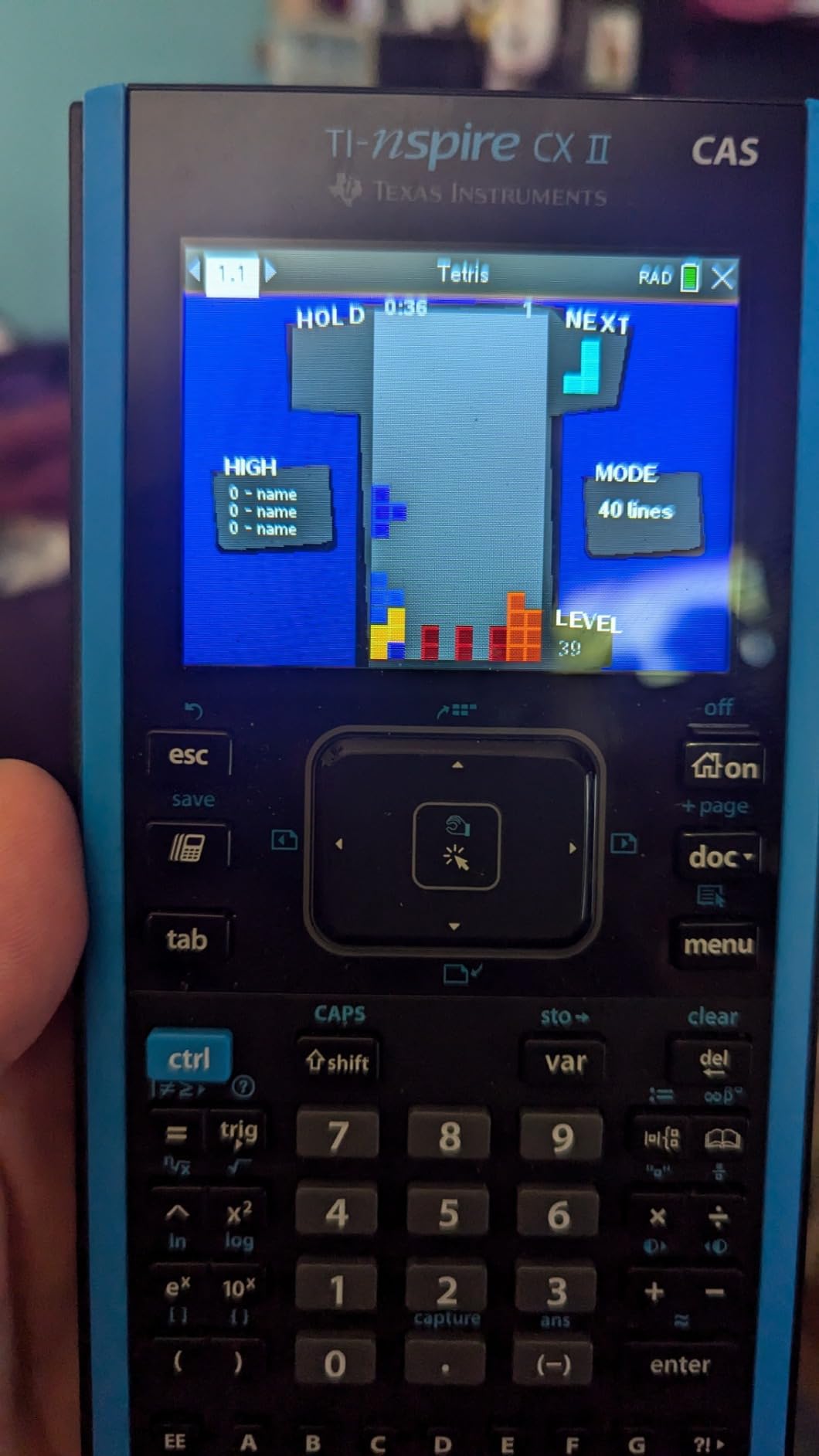
The TI-Nspire CX II CAS is the calculator we recommend when students ask us which model can handle serious college-level mathematics. The Computer Algebra System can solve polynomial equations, factor expressions, and perform symbolic computation that goes far beyond what non-CAS calculators offer.
During our testing, we used the CAS to work through multivariable calculus problems, and the 3D graphing capability was invaluable. Being able to visualize surfaces and contours in three dimensions adds a layer of understanding that flat graphs simply cannot provide.
The included TI-Nspire CX Student Software for PC and Mac extends the calculator’s functionality to your computer. This is particularly useful for homework sessions where you want a larger screen and keyboard for complex work.
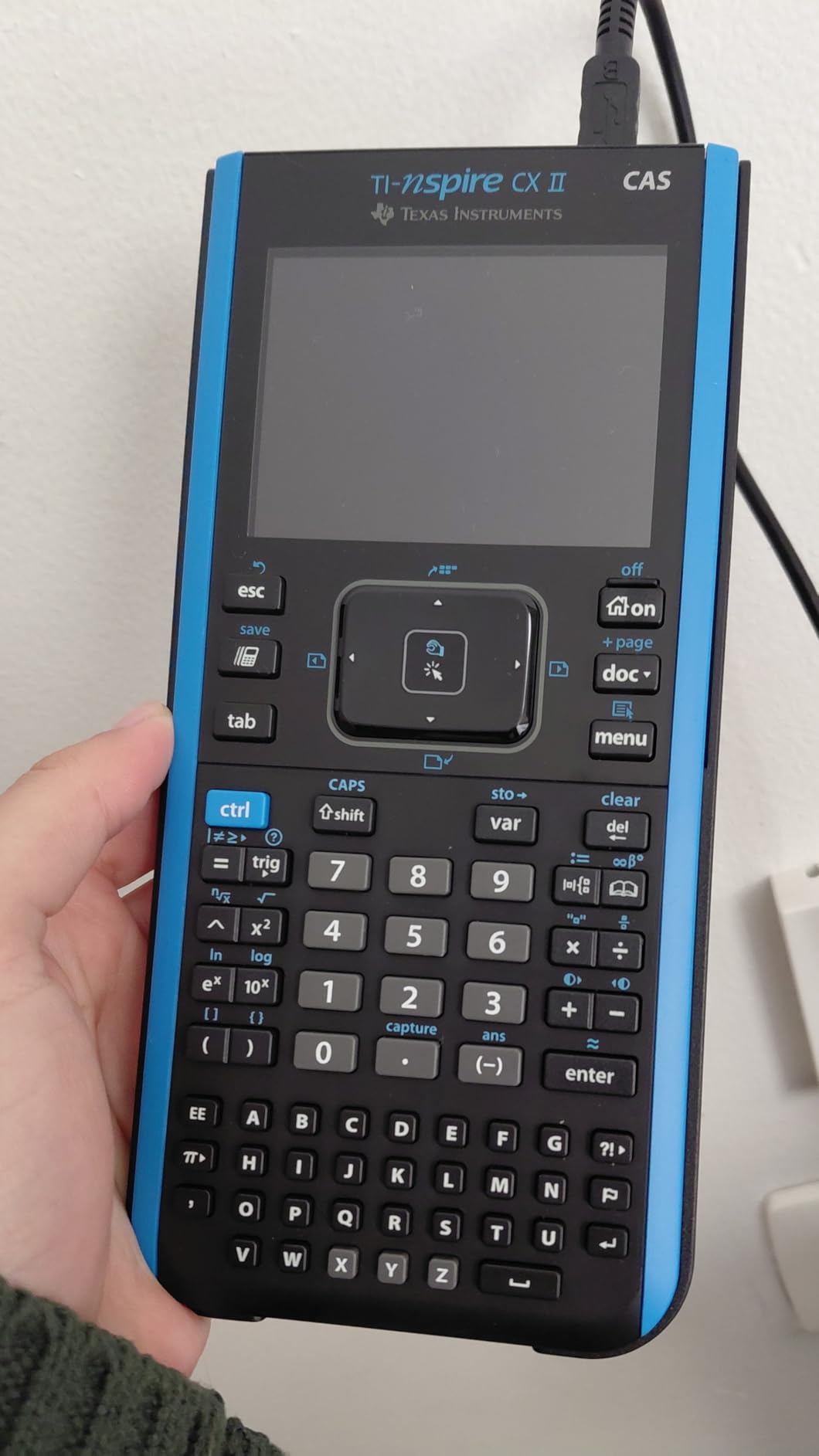
Technical specifications include a 16-bit color display at 320 x 240 pixels with 125 DPI resolution. The touchpad navigation takes some getting used to but becomes intuitive after a few days of regular use. The rechargeable battery genuinely lasted us two weeks on a single charge.
The document system allows you to organize calculations across multiple pages, similar to a digital notebook. This feature shines during long problem sets where you need to reference earlier work without losing your place.
The critical caveat is that CAS calculators are banned on the SAT and ACT. If you need a calculator primarily for standardized testing, this is not the right choice. It is approved for AP exams and college coursework where CAS is permitted.
For whom its good
The TI-Nspire CX II CAS is ideal for engineering students, math majors, and anyone taking multivariable calculus, linear algebra, or differential equations. The symbolic computation capabilities save enormous amounts of time on complex problem sets.
It is also excellent for AP Calculus and AP Statistics exams, where CAS functionality is permitted and gives you a significant advantage on symbolic manipulation problems.
For whom its bad
If you are taking the SAT or ACT, do not buy this calculator. The CAS functionality makes it prohibited on those exams, and you would need to purchase a separate non-CAS calculator for test day.
Beginners who have never used an advanced graphing calculator may find the interface and menu system overwhelming. The learning curve is steeper than the TI-84 series, and the touchpad can be overly sensitive during precise input.
5. NumWorks Graphing Calculator – Best Modern Alternative
NumWorks Graphing Calculator
2.8 inch color LCD
USB-C charging
MicroPython shell
Open-source software
220 grams
Pros
- Most intuitive interface on the market
- Open-source software with regular updates
- MicroPython programming support
- USB-C charging
- Battery lasts several weeks
Cons
- Only linear regression available
- Buttons can feel mushy
- Secondary function labels hard to read
- No finance application
- Limited third-party accessories
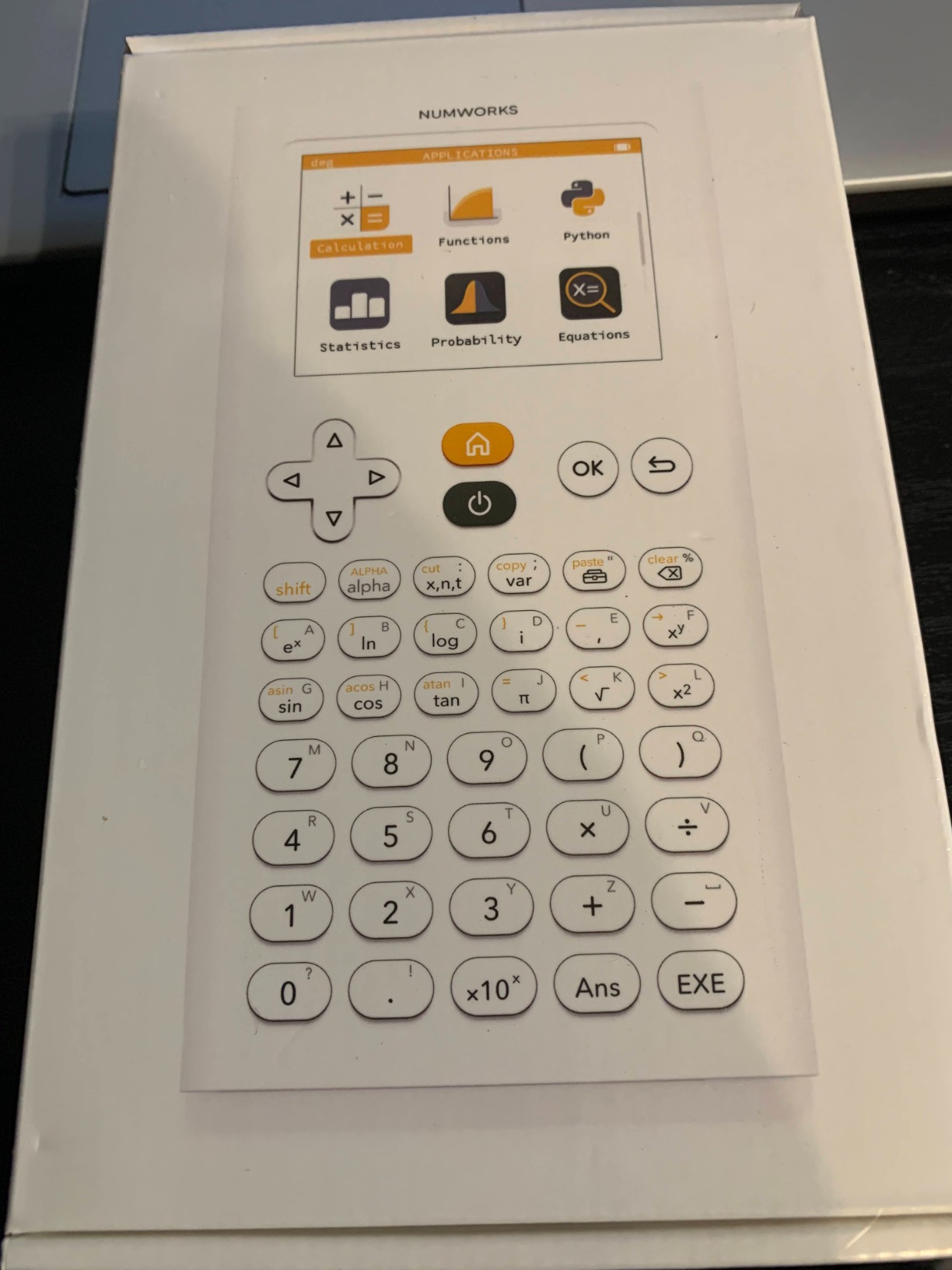
The NumWorks calculator is the most refreshing graphing calculator we tested. From the moment we turned it on, the app-based interface felt like using a modern smartphone rather than a piece of legacy technology. Every function has its own dedicated app, which eliminates the menu-diving that plagues other calculators.
Our team was impressed by the open-source approach. The software receives frequent updates based on community feedback, and you can update the calculator through any web browser without downloading proprietary software. This is a stark contrast to the closed ecosystems of TI and Casio.
USB-C charging is included, and the battery genuinely lasted us several weeks of regular use. The bright, clear color screen has adjustable brightness that adapts well to different lighting conditions.
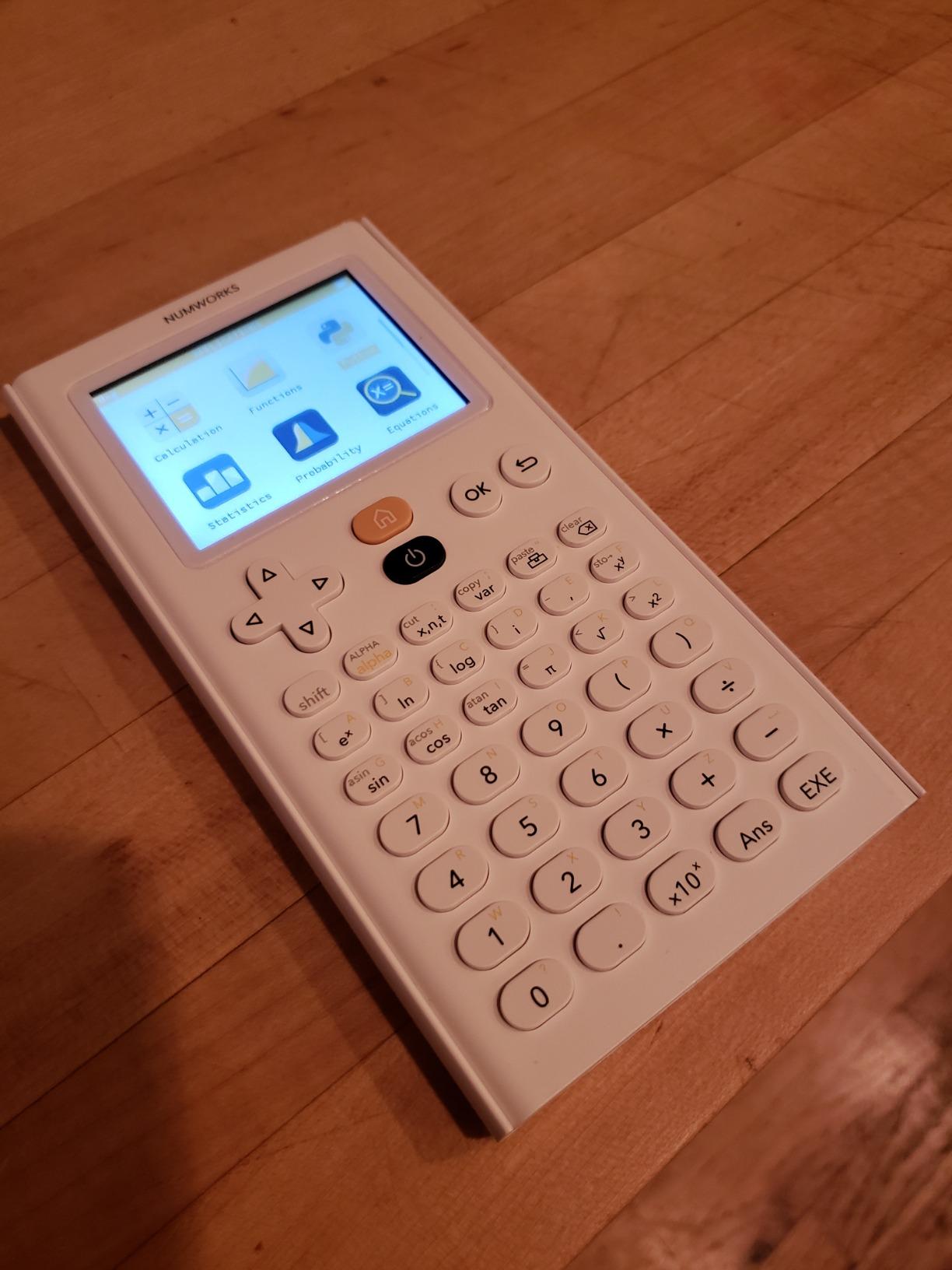
The MicroPython shell is one of the best programming experiences available on a graphing calculator. Students can write and run Python code directly on the device, making it a genuine tool for computer science coursework alongside math classes.
The main limitations are in statistical regression. The NumWorks only supports linear regression, which means students who need quadratic, exponential, or logarithmic regression models will be disappointed. This is a significant gap for statistics courses.
The buttons have a somewhat mushy feel compared to the crisp, tactile feedback of TI calculators. The secondary function labels are printed in yellow on white, which can be hard to read in certain lighting conditions.
For whom its good
The NumWorks is perfect for students who value simplicity and modern design. If you want a calculator that works intuitively from day one without reading a manual, this is your best option. It is approved for SAT and AP exams, making it suitable for most high school students.
Students interested in Python programming will appreciate the MicroPython shell and the open-source community that actively develops new features and improvements.
For whom its bad
Statistics students who need advanced regression types beyond linear should avoid the NumWorks. The limitation is significant enough that it could affect your coursework in AP Statistics or college-level stats classes.
If your teacher exclusively uses TI calculators for demonstrations, the NumWorks interface will be different enough to cause some friction when following along with in-class instructions.
6. Casio fx-9750GIII – Best Budget Graphing Calculator
Casio fx-9750GIII Graphing Calculator, Python Programming, Black
Natural Textbook Display
Python programming
4 AAA batteries
Exam-approved AP SAT ACT IB
7.5 ounces
Pros
- Natural Textbook Display shows expressions as in textbooks
- Python programming support
- Exam-approved for AP SAT ACT and IB
- Half the price of TI-84 with comparable features
- Excellent battery life
Cons
- No CAS mode
- Graphing speed is slow and resolution poor
- Limited vector calculations
- Steep learning curve for new users
The Casio fx-9750GIII is the calculator we recommend when budget is the primary concern. At roughly half the price of a TI-84 Plus CE, it offers comparable functionality that covers the vast majority of high school and college math requirements.
The Natural Textbook Display is one of our favorite features. Expressions appear exactly as they do in textbooks, which reduces input errors and makes it easier to verify that you have entered the correct formula. The F1-F6 menu keys provide quick access to commonly used functions.
Python programming support is a surprising inclusion at this price point. Students can write and execute Python programs directly on the calculator, which adds programming capability without paying premium prices.
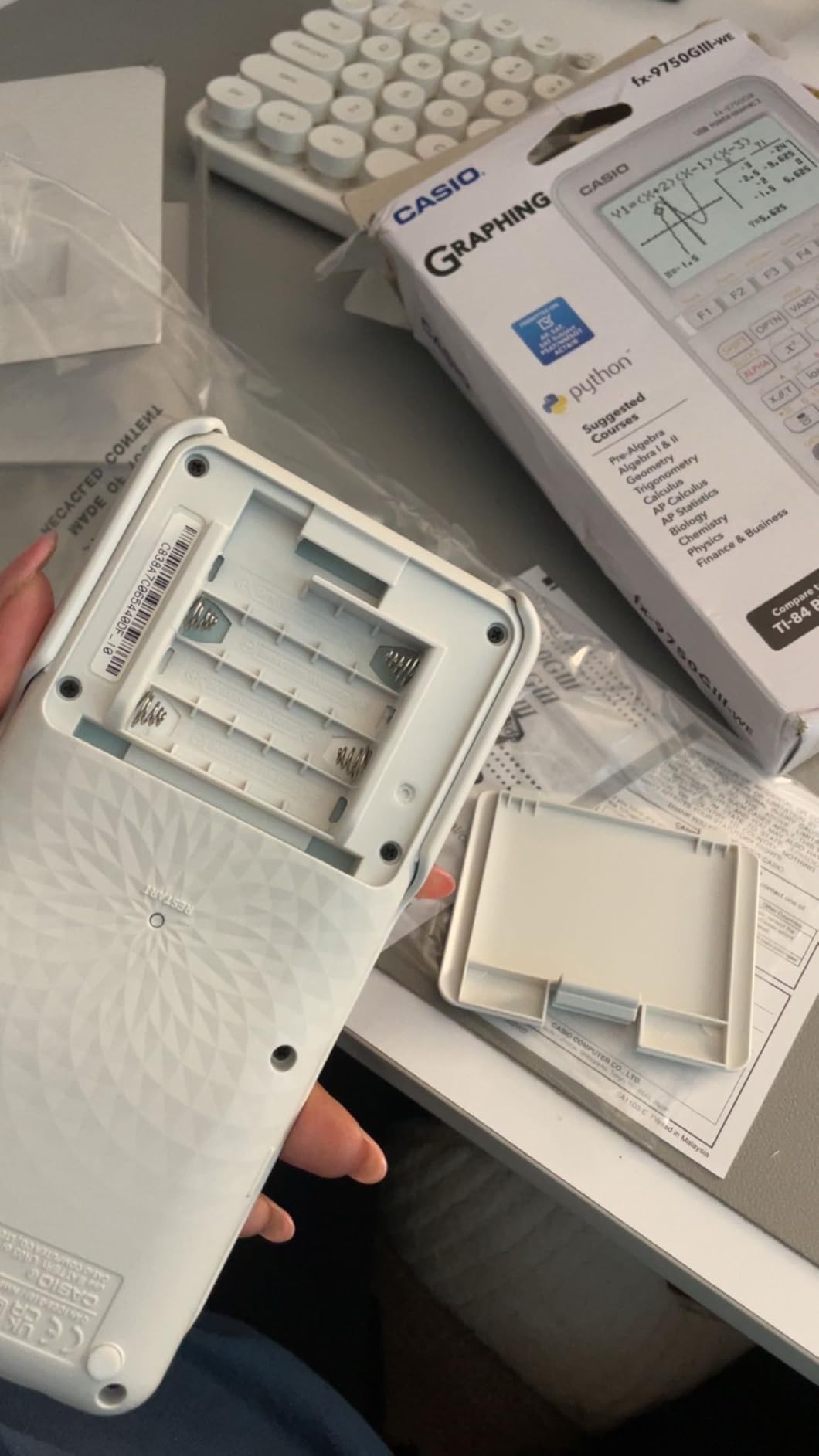
On the technical side, the fx-9750GIII handles graph plotting, vectors, probability distributions, spreadsheets, integrals, and complex matrix operations. The 4 AAA batteries provide excellent battery life that easily outlasts rechargeable models on long trips or during exam seasons.
The main weakness is graphing performance. Compared to TI models, the graphing capabilities feel slow and the screen resolution is noticeably lower. Plotting multiple complex functions can be tedious, and the visual quality does not match color-display competitors.
There is no CAS mode, which means the calculator cannot perform symbolic computation. For most high school courses this is not an issue, but college engineering students may find this limiting.

For whom its good
The Casio fx-9750GIII is ideal for budget-conscious students who need a solid, exam-approved graphing calculator without breaking the bank. If you are taking algebra, geometry, pre-calculus, or introductory statistics, this calculator covers all the bases.
It is also an excellent backup calculator. Many students keep one as a spare in case their primary calculator runs out of battery or malfunctions before an important exam.
For whom its bad
Students who prioritize graphing visual quality should look elsewhere. The slow graphing speed and low screen resolution become frustrating when working with complex, multi-function graphs in calculus or advanced mathematics.
Anyone who needs CAS functionality for college engineering or advanced mathematics courses will need to upgrade to a CAS-enabled model like the TI-Nspire CX II CAS.
7. Texas Instruments TI-Nspire CX II – Best Non-CAS Advanced Calculator

Texas Instruments TI-Nspire CX II Color Graphing Calculator with Student Software (PC/Mac) White 3.54 x 7.48
2.83 inch color LCD
Python coding support
Rechargeable battery
Student software included
SAT ACT AP approved
Pros
- Bright high-resolution color display
- Python coding support
- Rechargeable battery lasts days between charges
- Comes with student software
- Fast graphing compared to TI-84 Plus
- Approved for SAT ACT and AP exams
Cons
- Steep learning curve for new users
- Higher price than basic graphing calculators
- Student software could be more user-friendly
- Some durability concerns after extended use
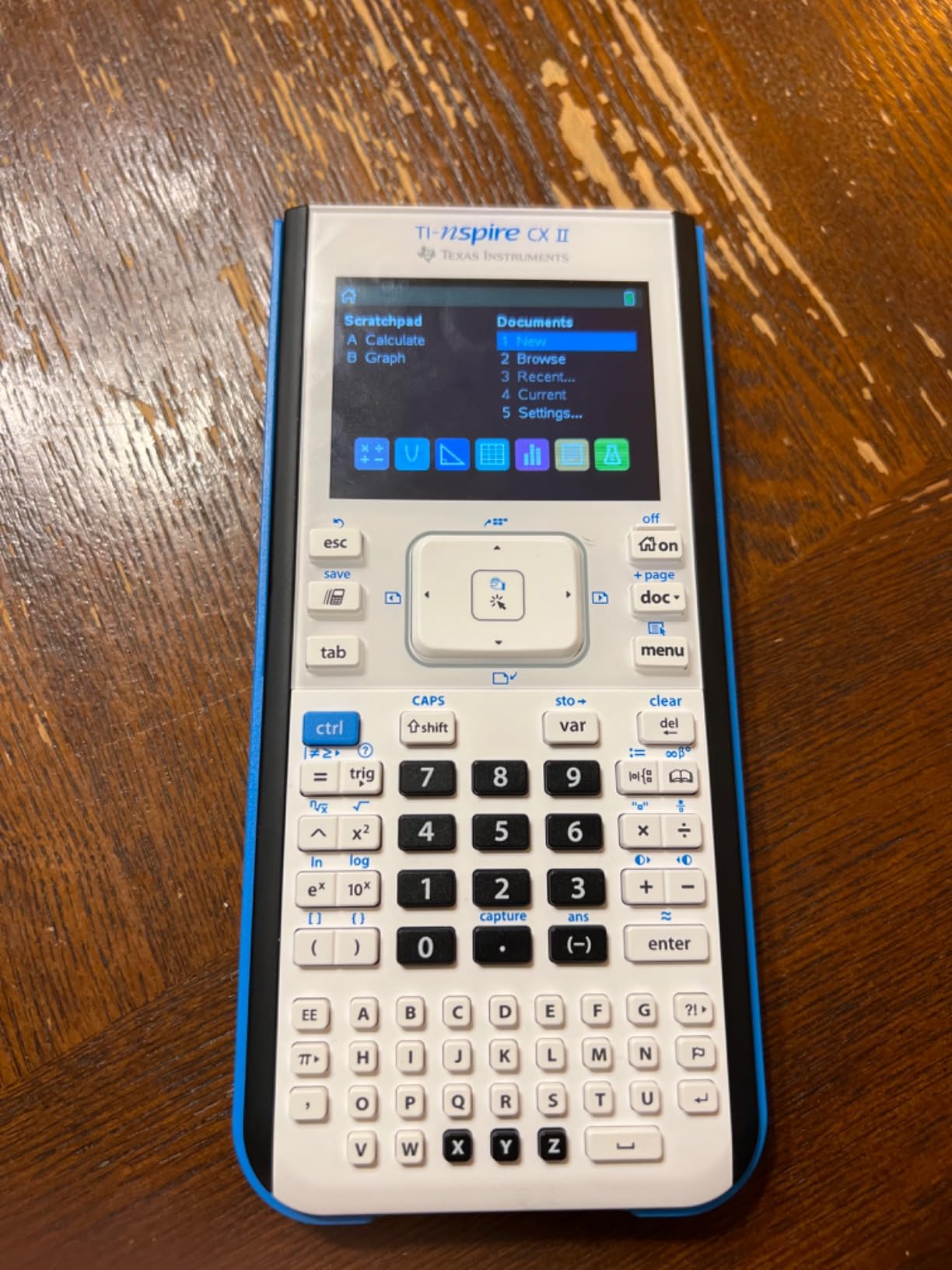
The TI-Nspire CX II (non-CAS version) is the calculator we recommend for students who want the power of the Nspire platform without the exam restrictions that come with CAS. Because it lacks symbolic computation, this model is approved for SAT, ACT, and AP exams.
Our team found the color display to be noticeably brighter and sharper than the TI-84 series. Graphing is faster, and the document system allows you to organize calculations across multiple pages like a digital notebook. This is particularly useful during long problem sets.
Python coding support is built in, which makes this calculator suitable for students who want to combine math and programming coursework. The trackpad navigation takes adjustment but offers precise cursor control once you get the hang of it.
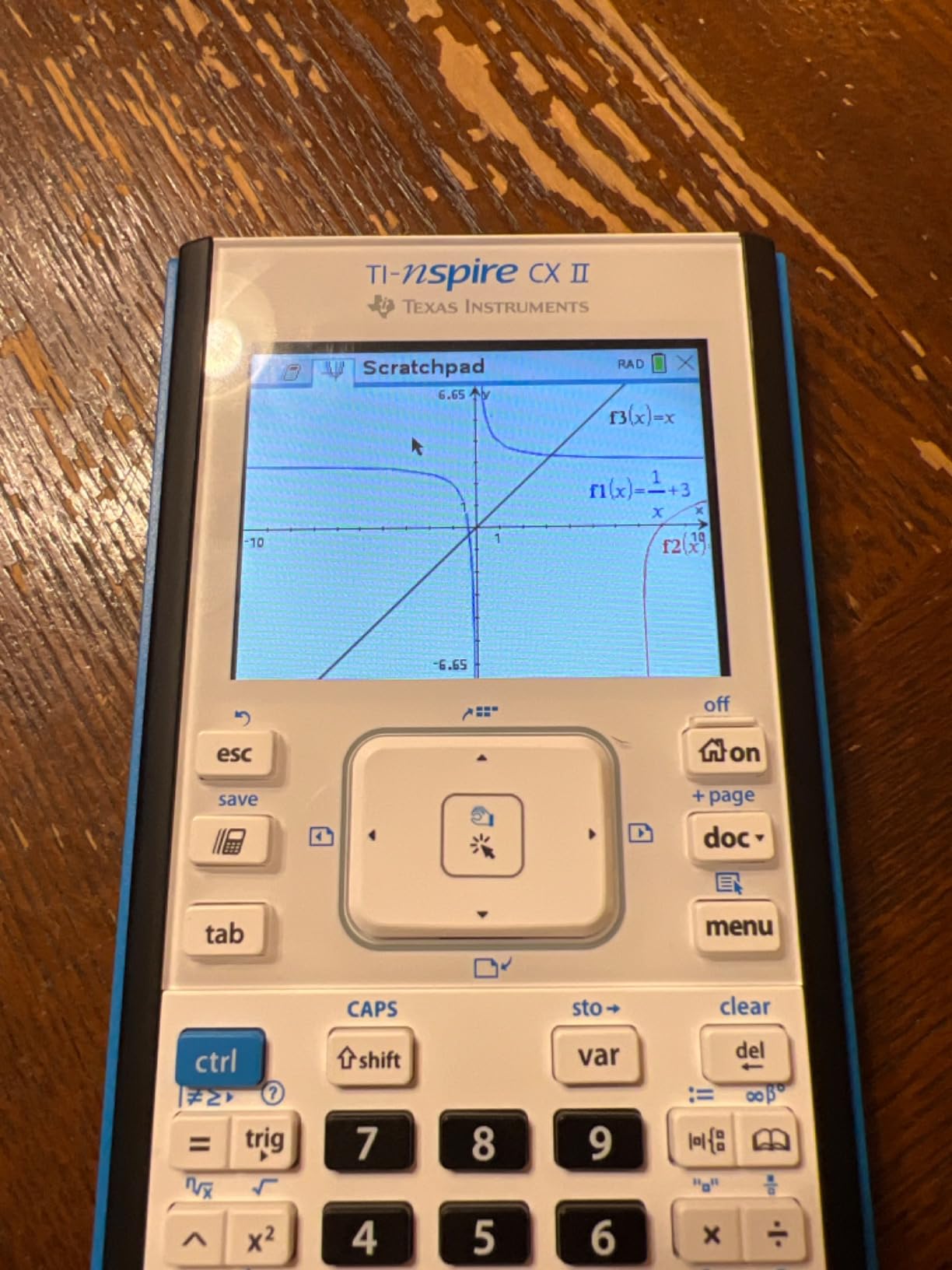
The included student software for PC and Mac mirrors the calculator interface on your computer screen. We found this useful for homework sessions where a full keyboard and larger display made data entry faster.
The rechargeable battery lasted us several days between charges during intensive use, though not quite the two weeks we got from the CAS version. The higher price point is the main barrier, but the feature set justifies the cost for serious students.
Some users have reported durability issues after extended use, particularly with the trackpad and buttons. While our testing did not reveal these problems in the short term, it is worth considering if you plan to use the calculator for multiple years.
For whom its good
The TI-Nspire CX II is ideal for high-achieving students who need an advanced calculator approved for all major standardized tests. If you want the Nspire platform’s power but cannot use CAS on your exams, this is the model to get.
Students who appreciate the document system and Python coding will find this calculator supports a wider range of academic work than the TI-84 series.
For whom its bad
Students on a tight budget should consider the TI-84 Plus CE or Casio fx-9750GIII instead. The Nspire CX II is significantly more expensive and the learning curve is steeper than TI-84 models.
If your school or teacher exclusively uses TI-84 calculators, the different interface and menu structure of the Nspire may create unnecessary friction when following along with classroom demonstrations.
8. Texas Instruments TI-83 Plus – Best for Basic Graphing Needs

TI-83 Plus Graphing Calculator
3 inch monochrome LCD
24KB RAM 160KB Flash
SAT PSAT ACT AP IB approved
8.96 ounces
USB compatible
Pros
- Reliable and consistent performance
- Standard for high school and college math
- Widely accepted for all exams
- Durable construction
- Excellent battery life
- Great price for functionality
Cons
- Basic feel compared to newer models
- Limited advanced features for some college courses
- Requires special cable for file transfer
- Cannot perform derivatives
- Steep learning curve without a guide
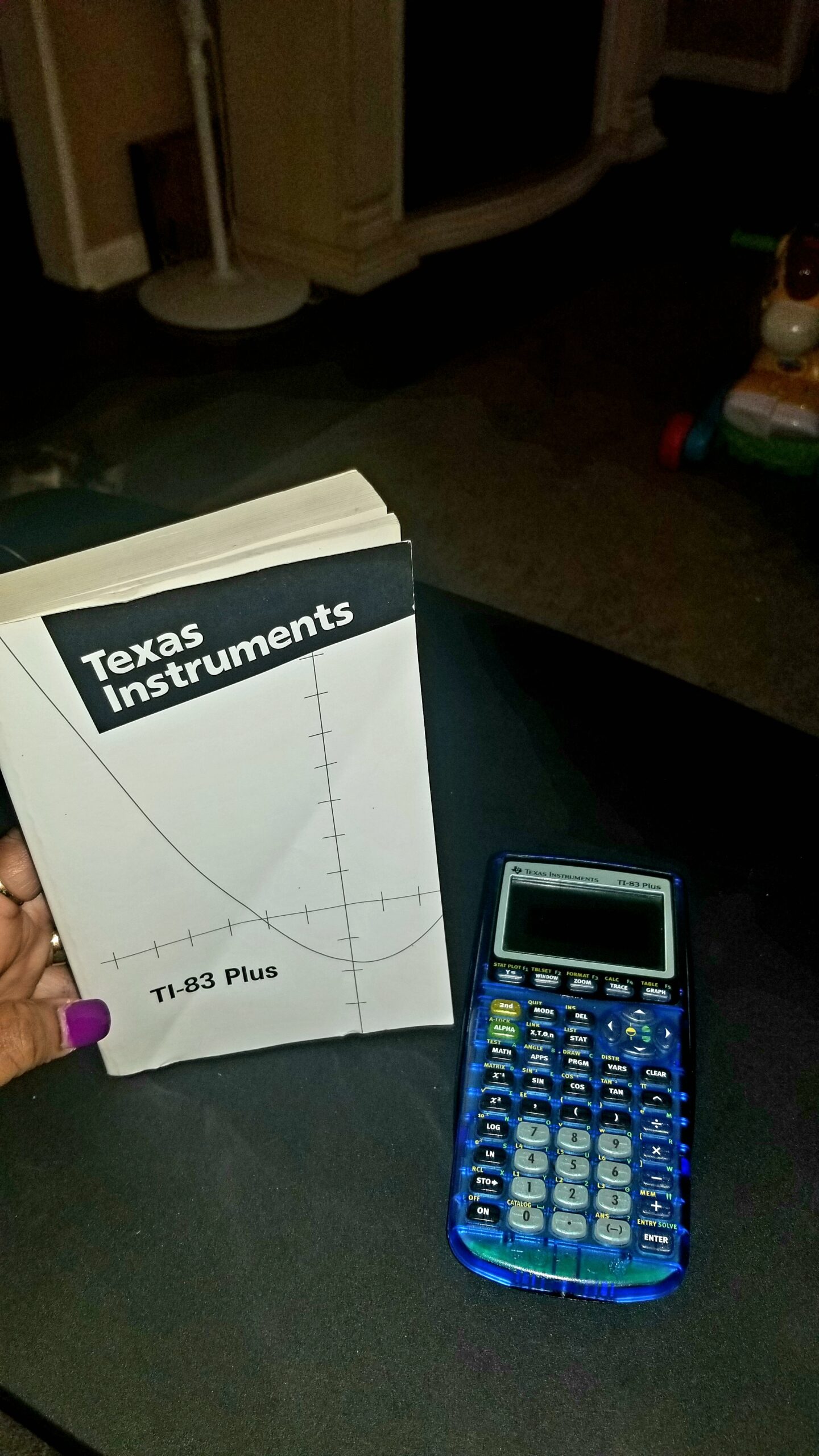
The TI-83 Plus is the predecessor to the TI-84 Plus and remains a viable option for students who need basic graphing functionality at an affordable price. Our team tested it for standard algebra and pre-calculus work, and it handled everything we threw at it without issue.
What stands out about the TI-83 Plus is its sheer durability. Many of these calculators have been in service for over a decade and still function perfectly. The build quality is exceptional, and the battery life is outstanding.
The 64 x 96 pixel display is monochrome and lower resolution than modern calculators, but it is perfectly adequate for plotting functions and viewing tables. The interface is familiar to anyone who has used a TI calculator before.
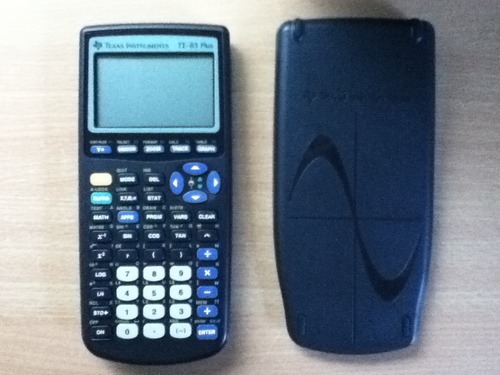
Technically, the TI-83 Plus includes 24KB of RAM and 160KB of Flash ROM memory. It can graph recursively-defined sequences, perform TVM and cash flow calculations, and handle complex numbers. It is approved for SAT, PSAT, ACT, AP, IB, and Praxis exams.
The main limitations are the lack of derivative computation and the dated hardware. The file transfer requires a special cable that is sold separately, and the learning curve can be steep without a good guide or teacher support.
For basic coursework, however, the TI-83 Plus does everything most students need. The affordable price and proven reliability make it an excellent value proposition.
For whom its good
The TI-83 Plus is ideal for students taking introductory algebra, geometry, or statistics who do not need advanced features. If you are on a tight budget and want a calculator that will last for years, this is a solid choice.
It is also a good option for students whose teachers specifically use the TI-83 Plus for classroom demonstrations and want exact compatibility.
For whom its bad
College students in calculus, engineering, or advanced STEM courses should look at newer models. The TI-83 Plus cannot compute derivatives, and the limited memory and processing power make it unsuitable for complex problem sets.
Anyone who wants a color display, rechargeable battery, or modern interface will find the TI-83 Plus too basic for their needs.
9. iPepul Scientific Graphing Calculator – Best Ultra-Budget Option

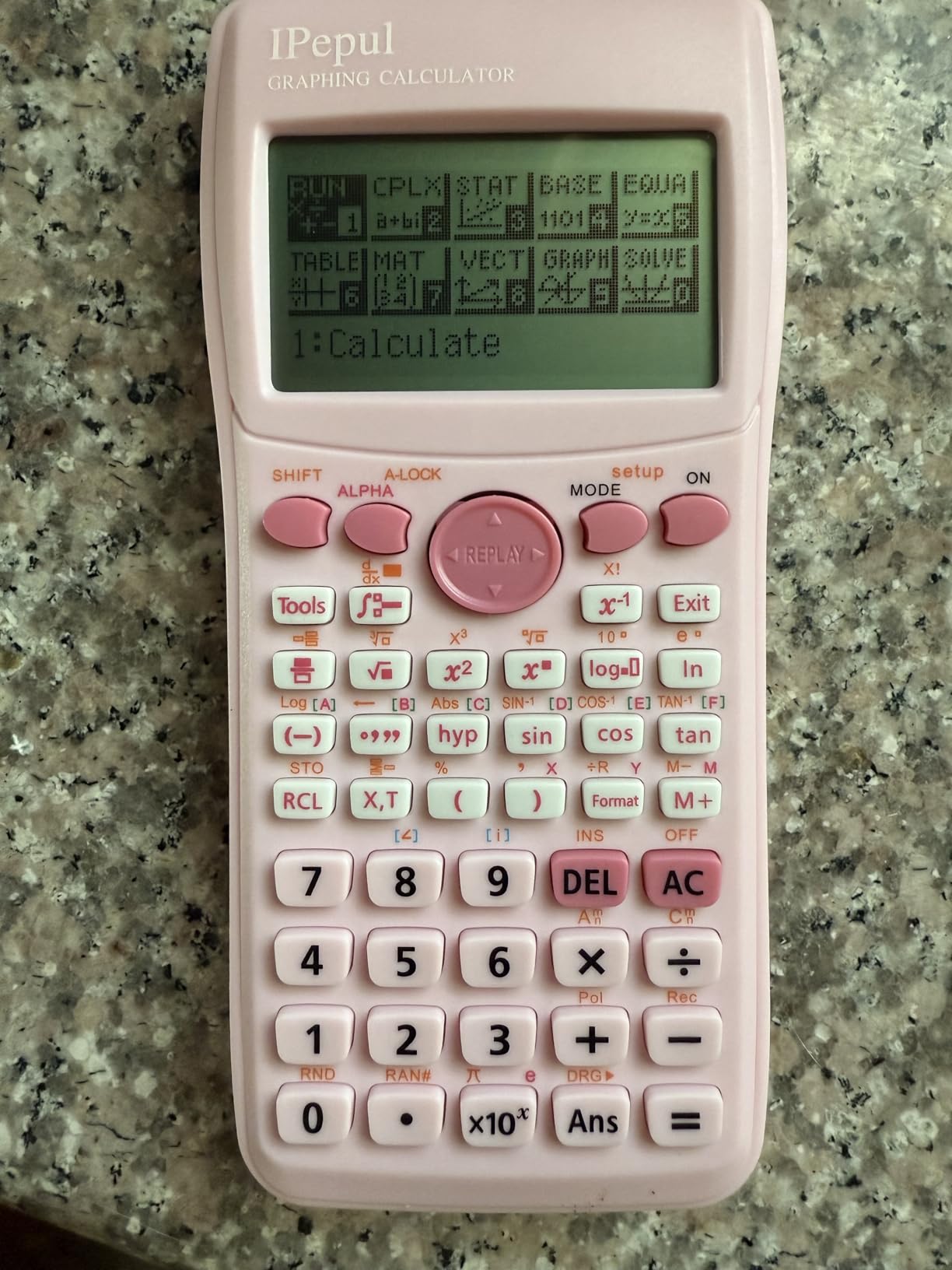
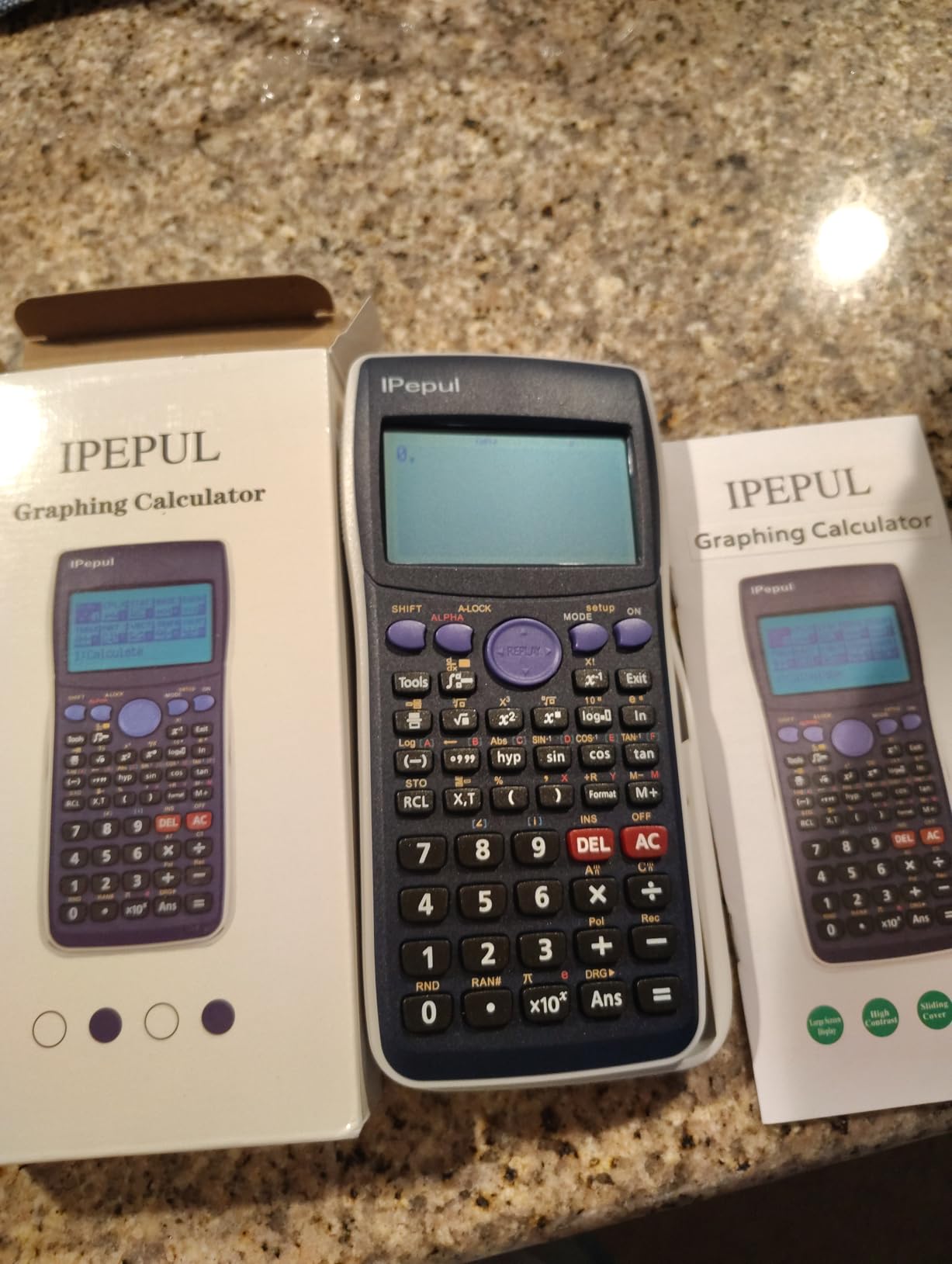
Graphing Calculator,IPepul Scientific Calculators 10 Modes /4 Graphing Functions,Desktop Math Calculator for College Students,School Supplies for Middle High School Teachers Office(Pink)
2.86 inch LCD
10 function modes
4 graphing functions
4 AAA batteries
128x64 display
Pros
- Great value for the price
- 10 different function modes
- High-resolution display
- Lightweight and portable
- Good for middle school through college
- Energy-saving auto shut-off
Cons
- Not as deep graphing capability as TI or Casio
- Different syntax from major brands
- Instructions can be confusing
- Limited advanced engineering features
The iPepul graphing calculator is the most affordable option on our list, and we wanted to see whether a sub-$50 calculator could genuinely compete with the major brands. The short answer is that it covers the basics well, with some understandable compromises.
Our team was pleasantly surprised by the 10 built-in function modes, which include Calculate, Complex, Statistics, Base-N, Equation, Table, Matrix, Vector, Graphic, and G-Solve. That is a comprehensive feature set for the price point.
The 128×64 high-resolution display is adequate for plotting graphs and viewing calculations. The four graphing functions cover Cartesian, Conic Curve, Polar, and Parametric modes, which handles most standard graphing needs.
The lightweight and portable design makes it easy to carry in a backpack without adding noticeable weight. The auto power-off feature after 6 minutes of inactivity helps preserve battery life during long school days.
The main limitation is that the graphing capability is not as deep as what you get from TI or Casio calculators. Complex, multi-function graphing can be slow, and the screen does not match the visual quality of color-display models.
The syntax and menu structure differ from TI and Casio, which means students who are used to those brands will need time to adjust. The included instructions can be confusing, so plan to spend some time learning the interface.
For whom its good
The iPepul calculator is ideal for middle school and early high school students who need a basic graphing calculator for introductory coursework. If budget is the primary concern and you need something functional without premium features, this fits the bill.
It is also a good choice as a secondary or backup calculator for students who already have a primary device but want a spare for emergencies.
For whom its bad
College students and anyone taking advanced mathematics should invest in a more capable calculator. The limited graphing depth and lack of advanced features will become frustrating quickly in calculus, engineering, or upper-level statistics courses.
Students whose teachers use TI or Casio calculators exclusively may struggle with the different syntax and menu structure, which can cause confusion when following classroom demonstrations.
10. Casio fx-CG100 ClassWiz – Best for 3D Graphing and Python

Casio fx-CG100 ClassWiz Color Graphing Calculator, 3D Graph, Python
3.7 inch color LCD
65000+ colors
3D graphing
MicroPython
Exam Mode
4 AAA batteries
Pros
- Large high-resolution backlit color display with 65000+ colors
- 3D graphing capabilities
- MicroPython programming integration
- Exam Mode for secure testing
- Intuitive tab-based menu layout
- Natural Textbook Display
Cons
- Newer model with limited review count
- Higher price point
- Learning curve for transitioning from scientific calculators
The Casio fx-CG100 ClassWiz is one of the newest entries in the graphing calculator market, and it combines features from Casio’s scientific and graphing calculator lines into a single device. Our team was impressed by how much functionality Casio has packed into this model.
The standout feature is 3D graphing, which lets you visualize spheres, cylinders, planes, and other three-dimensional objects. This is particularly valuable for multivariable calculus and geometry coursework, and it is a feature usually reserved for more expensive TI models.
The 65,000+ color display is the best screen we tested outside of a touchscreen model. The 3.7-inch backlit display offers excellent clarity and color reproduction, making it easy to distinguish between multiple graphed functions and data sets.

MicroPython integration gives students a capable programming environment directly on the calculator. The Exam Mode built into the home screen ensures compliance with standardized test requirements, and the calculator is approved for AP, SAT, PSAT, and ACT exams.
The tab-based menu layout is intuitive and modern, similar to what we loved about the NumWorks interface. The Natural Textbook Display shows expressions exactly as they appear in textbooks, reducing input errors.
The main concern is that this is a newer model with a limited number of reviews so far. While early adopters have praised it highly, the long-term reliability and community support do not yet match what TI calculators offer. The higher price point also puts it in direct competition with the TI-Nspire CX II CAS.
For whom its good
The Casio fx-CG100 ClassWiz is ideal for students who want 3D graphing and Python programming without the CAS restrictions of the TI-Nspire CX II CAS. It is approved for all major standardized tests, making it a versatile choice for both high school and college.
Students upgrading from a scientific calculator will appreciate the intuitive tab-based interface and the combination of scientific and graphing capabilities in one device.
For whom its bad
Students who need the massive community support and tutorial ecosystem of TI calculators may find the Casio fx-CG100 lacking. With fewer users, troubleshooting help and third-party programs are harder to find.
Budget-conscious buyers should consider the Casio fx-9750GIII instead, which offers many of the same core features at a significantly lower price point.
How to Choose the Best Graphing Calculator in 2026?
Choosing from the best graphing calculators comes down to five key factors. Our team has broken down each one to help you make the right decision for your specific situation.
CAS vs Non-CAS: Know Your Exam Requirements
This is the single most important decision you will make. A CAS calculator can solve equations symbolically, factor polynomials, and perform operations that non-CAS calculators cannot. However, CAS calculators are explicitly banned on the ACT.
The SAT allows CAS calculators, and AP exams permit them as well. College courses typically allow CAS unless the professor specifically prohibits it. If you are taking the ACT, you must choose a non-CAS calculator. The TI-Nspire CX II CAS is our top CAS pick, while the TI-84 Plus CE is the best non-CAS option.
Standardized Test Approval
Every calculator on our list is approved for at least some standardized tests, but the specifics vary. The TI-84 Plus CE, TI-84 Evo, Casio fx-9750GIII, and Casio fx-CG100 ClassWiz are approved across SAT, ACT, AP, and IB exams. The TI-Nspire CX II CAS is approved for AP but banned on SAT and ACT due to its CAS functionality.
Always verify the current approval list on the College Board and ACT websites before test day. Policies can change, and using a prohibited calculator can invalidate your score.
Display Quality and Screen Size
Color displays have become standard on premium calculators, and they genuinely improve the graphing experience. The ability to distinguish between multiple functions by color makes complex graphs much easier to interpret. Screen sizes range from 2.8 inches on the NumWorks and TI-84 Evo to 3.7 inches on the Casio fx-CG100 ClassWiz.
If you frequently work with overlapping graphs or color-coded data sets, prioritize a color display with good resolution. The Casio fx-CG100 and TI-Nspire CX II series offer the best screen quality in our testing.
Battery Life and Charging
Battery options fall into two categories: rechargeable lithium-ion and disposable AAA batteries. Rechargeable models like the TI-84 Plus CE, TI-Nspire CX II, and NumWorks offer convenience and long-term cost savings. The TI-84 Evo and NumWorks both include USB-C charging, which is the most modern standard.
Disposable battery models like the Casio fx-9750GIII and TI-83 Plus offer excellent battery life and eliminate charging anxiety. If you are going on a long trip or have limited access to charging, AAA-powered models provide peace of mind.
Price and Value
Graphing calculators range from under $40 for the iPepul to over $125 for the TI-Nspire CX II CAS. The sweet spot for value is the $68 to $110 range, where you get color displays, rechargeable batteries, and full exam approval without paying for features you may never use.
The Casio fx-9750GIII is our top budget pick at roughly half the price of a TI-84 Plus CE. The NumWorks offers the best overall value when you factor in the open-source software, USB-C charging, and modern interface.
Python Programming Support
Python has become a differentiator in 2026. The TI-84 Evo, NumWorks, Casio fx-9750GIII, TI-Nspire CX II, and Casio fx-CG100 ClassWiz all offer Python programming. This feature is increasingly relevant for STEM students who want to learn programming alongside mathematics.
If computer science coursework is part of your academic plan, choosing a Python-enabled calculator gives you a head start on coding fundamentals without needing a separate device.
FAQs
Is there a better calculator than TI-84?
The TI-84 Plus CE remains the most popular and widely supported graphing calculator, but alternatives like the NumWorks offer a more modern interface with USB-C charging and open-source software. The TI-Nspire CX II CAS provides significantly more advanced functionality for college-level math, though its CAS features are banned on the ACT. For budget-conscious buyers, the Casio fx-9750GIII offers comparable features at roughly half the price.
Is TI-84 or TI-89 better?
The TI-89 Titanium offers a Computer Algebra System that the TI-84 lacks, making it better for engineering and advanced college mathematics. However, the TI-84 series is approved for all major standardized tests including the ACT, while the TI-89 is banned on the ACT due to its CAS functionality. For high school students, the TI-84 is the safer and more universally supported choice.
Is TI-84 Plus or CE better?
The TI-84 Plus CE is better for most students because it features a full-color backlit display, a rechargeable battery, and a slimmer lightweight design. The TI-84 Plus has a monochrome screen and uses disposable batteries but offers the same core functionality at a similar price. If color graphs and rechargeable power matter to you, the CE is the clear winner.
What is the best graphing calculator of all time?
The Texas Instruments TI-84 Plus CE is widely considered the best graphing calculator of all time due to its universal exam approval, massive user community, extensive tutorial library, and proven reliability. It has been the standard in American classrooms for years and continues to dominate sales charts in 2026.
Which graphing calculators are allowed on the ACT?
The ACT prohibits calculators with Computer Algebra System (CAS) functionality. Approved calculators include the TI-84 Plus CE, TI-84 Plus, TI-83 Plus, Casio fx-9750GIII, Casio fx-CG100 ClassWiz, and NumWorks. The TI-Nspire CX II CAS and TI-89 Titanium are banned because they can perform symbolic computation. Always check the official ACT calculator policy before test day.
Conclusion
After testing all 10 models, our top recommendation for the best graphing calculators in 2026 is the TI-84 Plus CE for its unmatched combination of color display, rechargeable battery, universal exam approval, and massive support ecosystem. The NumWorks is our best value pick for students who want a modern interface with USB-C charging and open-source software.
For college engineering students, the TI-Nspire CX II CAS delivers the advanced functionality you need for multivariable calculus and symbolic computation. Budget-conscious buyers should look at the Casio fx-9750GIII, which covers the essentials at roughly half the cost of premium TI models.
Whatever your math level or budget, one of these calculators will serve you well through high school, college, and beyond. Pick the one that matches your exam requirements and coursework, and you will have a reliable tool for years to come.