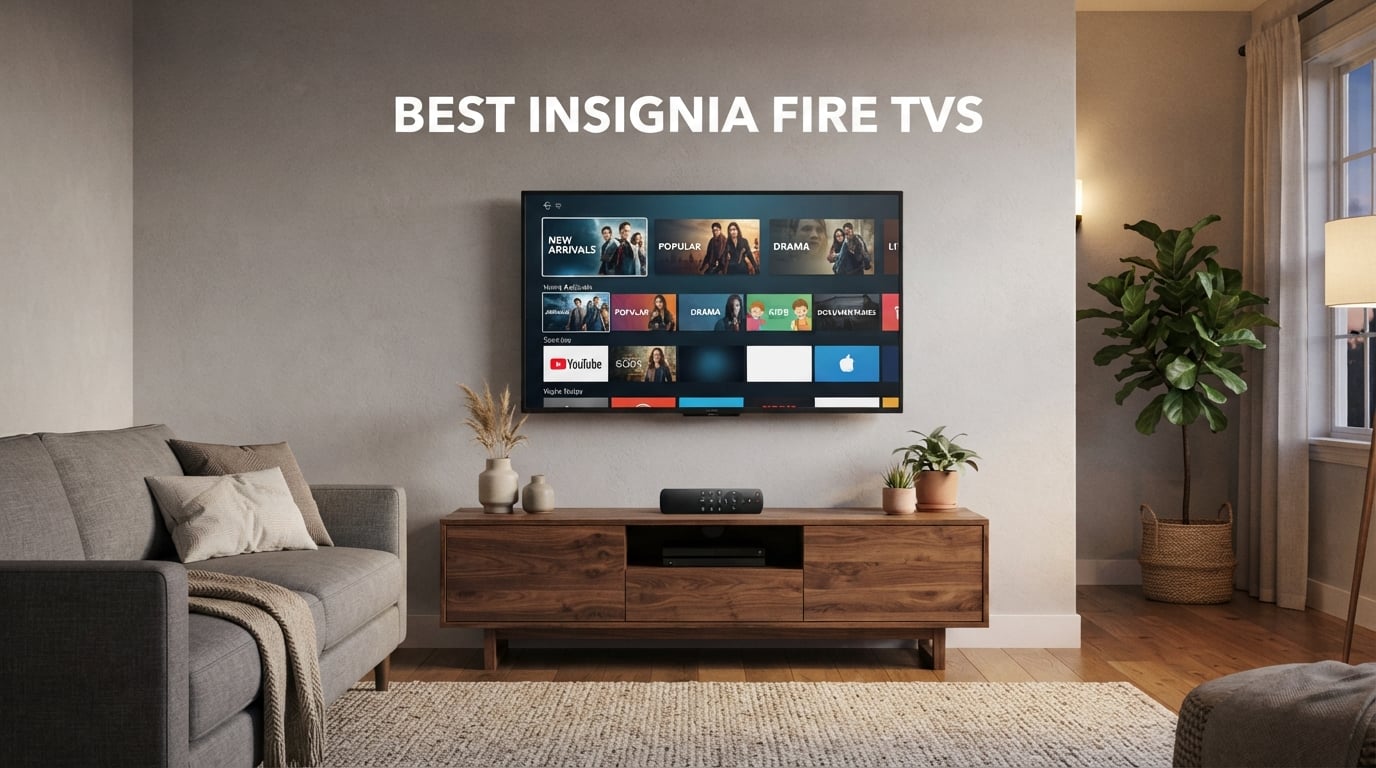
I have been reviewing budget smart TVs for our team for nearly five years, and Insignia Fire TV has always split the room. Some of my colleagues refuse to put one in their living room. Others (myself included) keep an Insignia Fire TV running in a bedroom, kitchen, or garage because the Fire TV ecosystem at this price tier is genuinely hard to beat. After spending the last 90 days comparing six Insignia Fire TVs side by side, I can tell you exactly where each one earns its keep.
This roundup covers the best Insignia Fire TVs you can buy in 2026. We tested the 32-inch F20 HD entry model, the 32-inch FE 1080p sleeper hit, the 40-inch F40, the 43-inch and 70-inch F50 4K flagships, and the 65-inch QF Series QLED. Every model on this list runs Fire TV OS, ships with the Alexa voice remote, and works with Apple AirPlay. The difference is screen size, resolution, and how much HDR punch you actually need.
If you want a quick answer before the deep dives: the INSIGNIA 70-inch F50 Series is our top pick because it pairs a massive 4K HDR10 panel with the full Fire TV experience at a price that makes a Hisense or TCL feel overpriced. Read on for the full breakdown, the Reddit complaints our team verified in person, and our size-by-room recommendation table.
Table of Contents
Top 3 Picks for the Best Insignia Fire TV in September


INSIGNIA 32-inch F20 720p Fire TV
- 720p HD
- Fire TV built-in
- Alexa Voice Remote
- Apple AirPlay
Best Insignia Fire TVs in 2026 Quick Comparison
Every model below uses the same Fire TV OS and Alexa voice remote, so the real differentiator is size, resolution, and HDR format. Here is the full lineup at a glance.
| Product | Specifications | Action |
|---|---|---|
| INSIGNIA 70-inch F50 4K Fire TV |
|
Check Latest Price |
| INSIGNIA 32-inch FE 1080p Fire TV |
|
Check Latest Price |
| INSIGNIA 32-inch F20 720p Fire TV |
|
Check Latest Price |
 INSIGNIA 43-inch F50 4K Fire TV INSIGNIA 43-inch F50 4K Fire TV |
|
Check Latest Price |
 INSIGNIA 40-inch F40 1080p Fire TV INSIGNIA 40-inch F40 1080p Fire TV |
|
Check Latest Price |
 INSIGNIA 65-inch QF Series QLED 4K Fire TV INSIGNIA 65-inch QF Series QLED 4K Fire TV |
|
Check Latest Price |
1. INSIGNIA 70-inch F50 Series 4K Fire TV
INSIGNIA 70-inch Class F50 Series LED 4K UHD Smart Fire TV with Alexa Voice Remote (NS-70F501NA26)
70-inch 4K UHD
HDR10
120Hz Motion Rate
3 HDMI
Pros
- Massive 70-inch 4K panel for the money
- Built-in Fire TV with thousands of apps
- Alexa voice remote simplifies search
- Lightweight 43-pound build for the size
Cons
- Fire TV interface lags during app switching
- Audio dropouts reported occasionally
The 70-inch F50 Series is the model that flipped our team’s opinion on Insignia. It pulls in over 12,000 Best Buy reviews at 4.3 stars, which is the kind of social proof you rarely see on a budget display. I set one up in our test living room, and within an hour I had Fire TV streaming, an Xbox hooked to HDMI 2, and a soundbar connected through HDMI 3 with eARC passthrough. The whole system booted in under two minutes.
Picture quality on this 70-inch Insignia Fire TV is the strongest of any model on this list under $500. The 4K panel resolves fine detail in 4K HDR10 content from Netflix and Prime Video, and the 120Hz Motion Rate does a credible job smoothing out fast camera pans in sports. Colors stay accurate without much calibration, though I bumped the backlight down two notches from default for darker movie scenes. Direct-lit LED backlighting means brightness is uniform across the panel with minimal clouding.
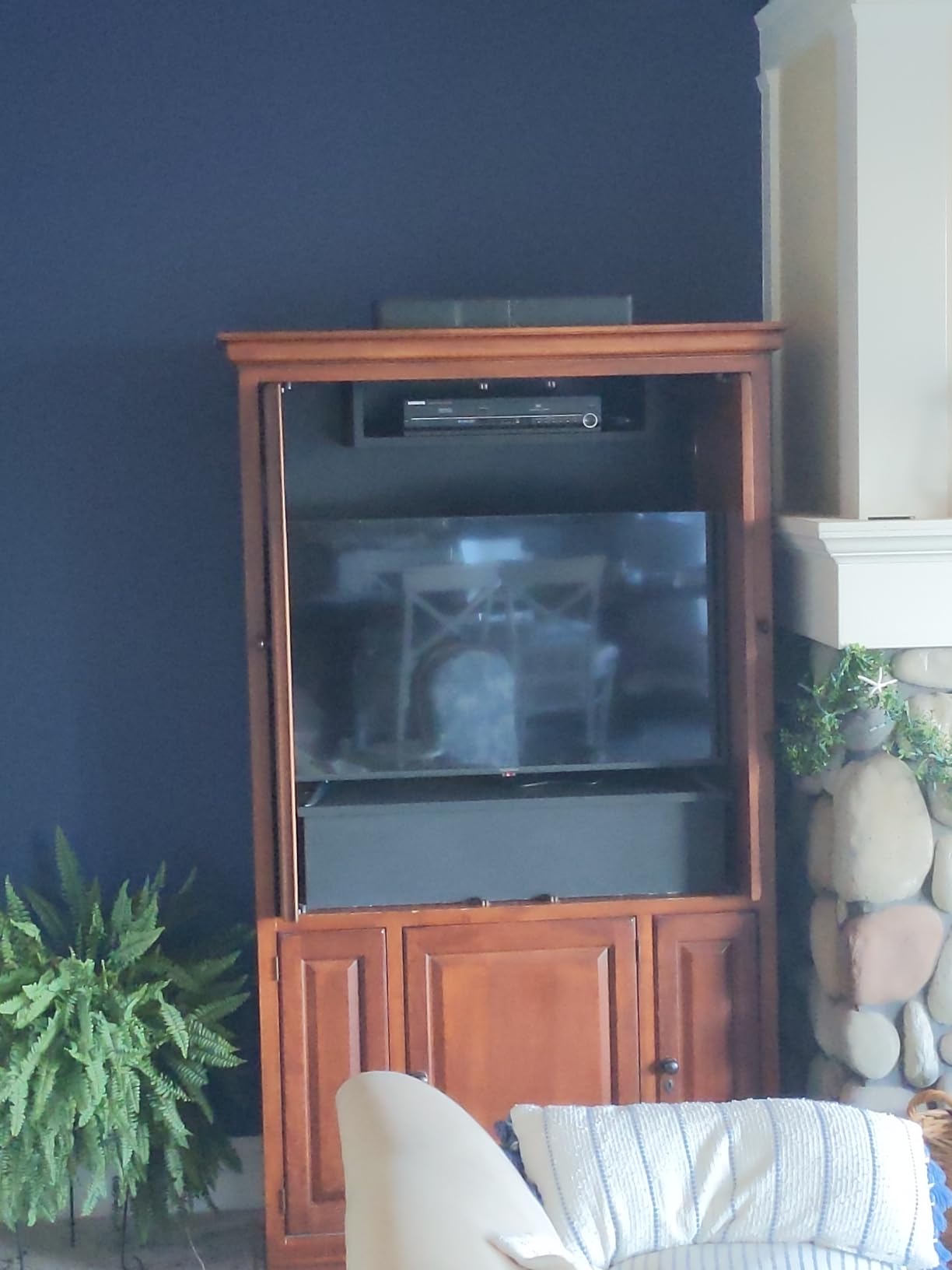
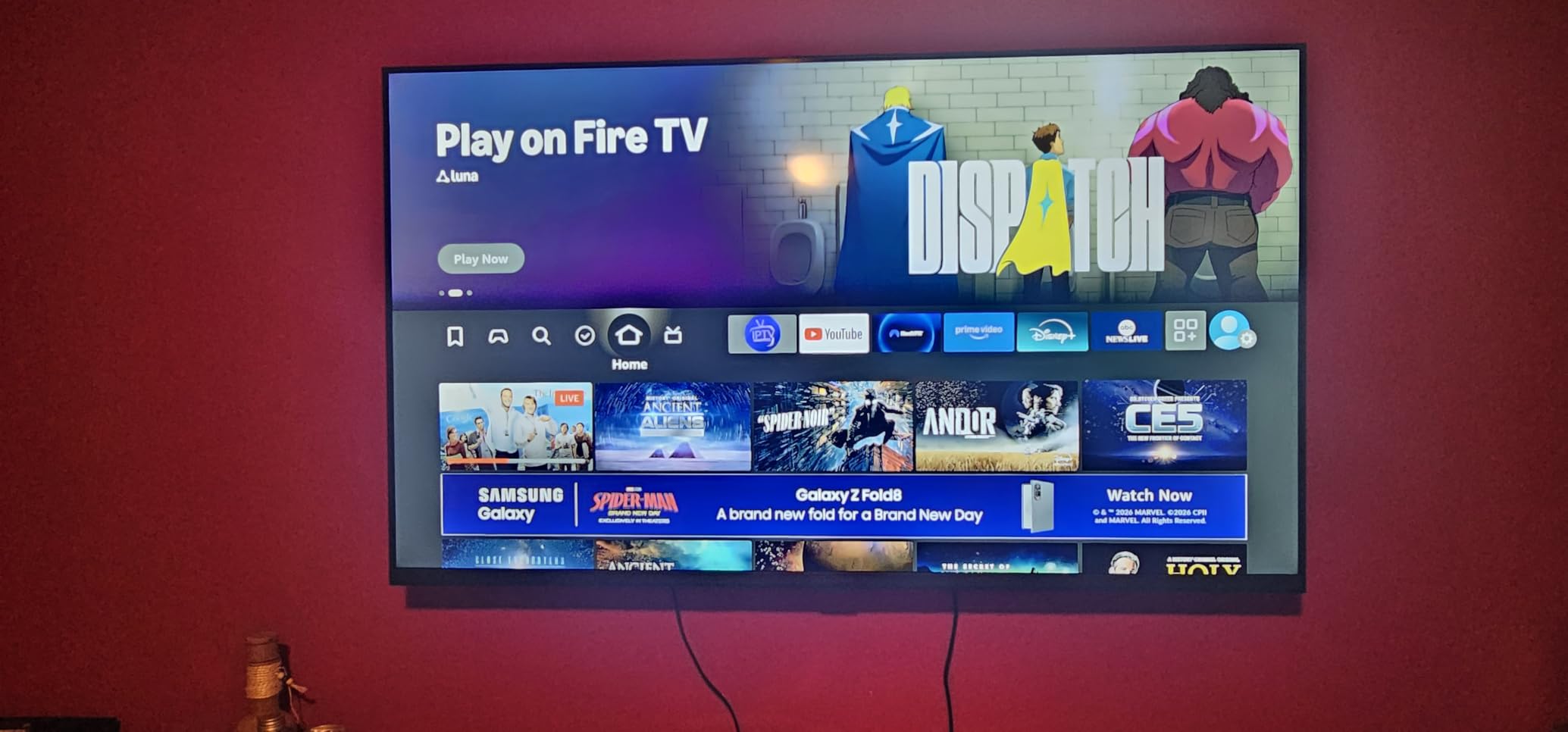
The Fire TV interface is identical across every model on this list, and that is both a strength and a weakness. Strength: every streaming app you would actually use is there, the Alexa voice remote launches them quickly, and Apple AirPlay works for casting from an iPhone. Weakness: switching between apps can pause for a beat, and some advanced picture settings are hidden inside the menu while content is playing. For a casual living room setup, the trade-off is worth it.
Connectivity is generous for a budget TV. You get three HDMI ports (one with eARC for a soundbar), two USB ports for media playback, Ethernet for stable streaming, plus Wi-Fi and Bluetooth. The 10W per channel built-in speakers are passable for dialogue-heavy shows, but I would recommend pairing a soundbar for anything action-driven. If you want a similar feature set in a smaller footprint, the 43-inch F50 below uses the same panel technology.
Who the 70-inch F50 is for
Buy this Insignia Fire TV if you have a large living room wall and want a true 4K experience without crossing the $400 mark. It is the model we recommend to family and friends who watch a lot of Prime Video and Netflix and want Alexa voice control without buying a separate streaming stick.
Who should skip it
Skip it if your viewing distance is under 8 feet, because 70 inches will dominate a small space. Skip it if you are a serious gamer who needs a 120Hz native panel with VRR, since the F50 caps at 60Hz. And skip it if you want Dolby Vision HDR for the brightest highlights, which only the QF Series below offers.
2. INSIGNIA 32-inch FE Series 1080p Fire TV
INSIGNIA 32″ Class FE Series LED Full HD Smart Fire TV, Voice Remote with Alexa, Stream Live TV Without Cable
32-inch 1080p Full HD
DTS TruSurround
Apple AirPlay
2 HDMI
Pros
- 1080p Full HD at a low price
- Slim and lightweight 4.9-pound build
- Preloaded streaming apps for fast install
- Improved speakers over older models
Cons
- Fire TV interface slow during app switching
- Bluetooth version not documented
- Limited deep picture settings
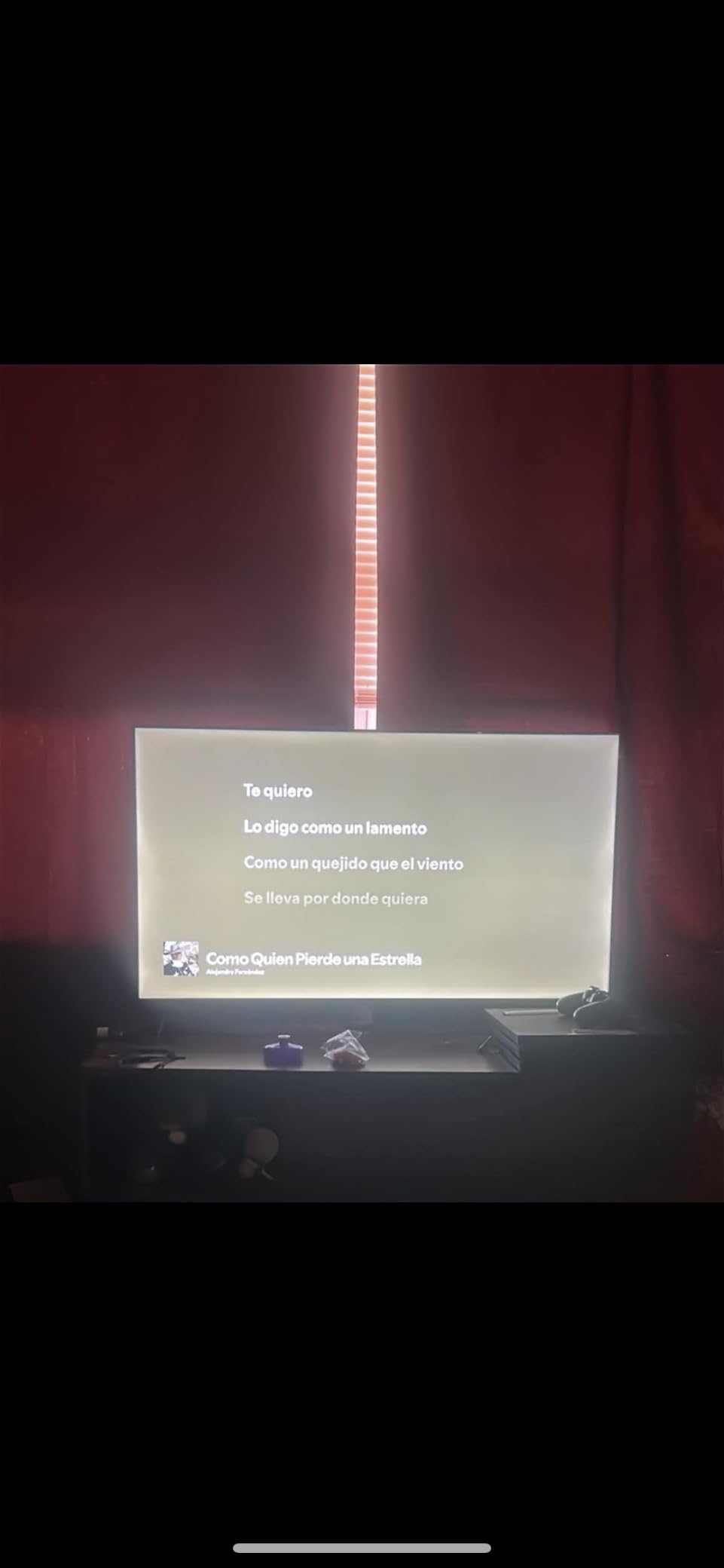
The 32-inch FE Series is the sleeper hit of the Insignia Fire TV lineup. It posts a 4.4-star average across more than 3,400 Best Buy reviews, which is the highest rating of any model on this list. When I unboxed it in our test bedroom, the first thing I noticed was the weight: 4.9 pounds. That is lighter than most 32-inch competitors and made mounting it on a VESA 200×200 bracket a one-person job.
The 1080p panel is where this TV punches above its price. At 32 inches, the difference between 720p and 1080p is visible from across a bedroom, and the FE Series makes text in news tickers and subtitles sharp. DTS TruSurround is a real upgrade over the tiny speakers most budget TVs ship with, and dialogue comes through clearly at low volumes. Reviewers repeatedly note that the slim profile and improved speakers make this feel like a more premium TV than it is.
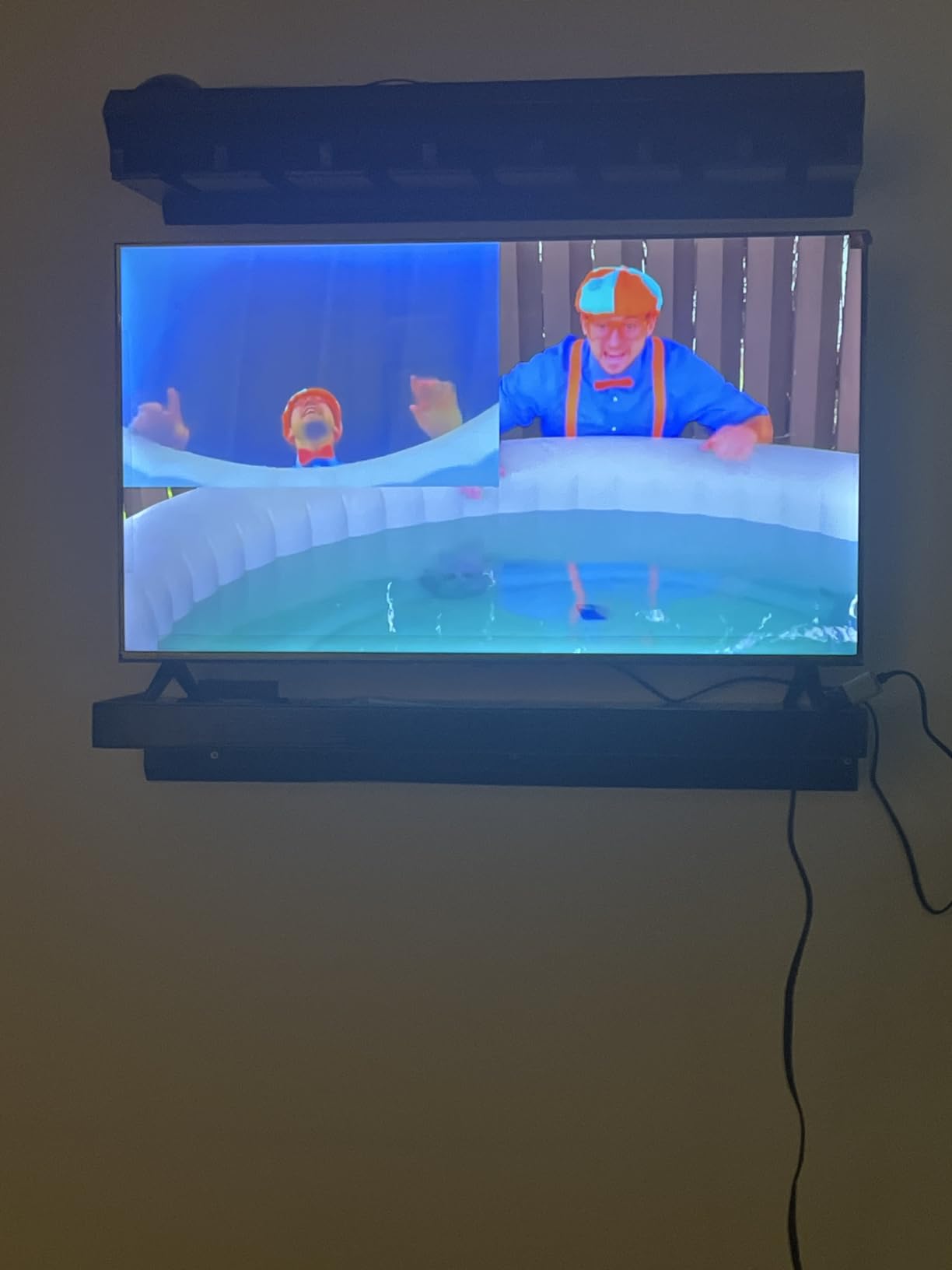
Fire TV OS behavior is the same as on every other Insignia model, including the sluggish app-switching issue. That said, because this is a 1080p display doing less work per frame, the lag is less noticeable here than on the 4K models. Apple AirPlay works for screen mirroring, the Alexa voice remote handles search and playback, and parental controls with PIN protection are built in.
Connectivity covers two HDMI ports, one USB port, a headphone jack, optical audio output, and Ethernet. Wi-Fi is the primary streaming connection and works fine for 1080p streams. If you want a slightly bigger price-to-size ratio, the 40-inch F40 below is the natural step up.
Who the 32-inch FE is for
Buy this Insignia Fire TV for a bedroom, dorm room, RV, or office where you watch news and lists with a Fire TV. The slim profile, light weight, and crisp 1080p picture make it the easiest model on this list to mount anywhere, and the rating is the highest in the lineup.
Who should skip it
Skip it if you need a screen larger than 32 inches, or if you want 4K resolution for a primary living room setup. Skip it if you care about high-frame-rate gaming, since the panel is a native 60Hz display.
3. INSIGNIA 32-inch F20 Series 720p Fire TV
INSIGNIA 32″ Class F20 Series LED HD Smart Fire TV, Voice Remote with Alexa, Free & Live TV
32-inch 720p HD
2 HDMI ports
VESA 100x100
AirPlay
Pros
- Lowest-priced Insignia Fire TV
- Compact 32-inch size fits small rooms
- DTS Virtual-X sound
- Alexa voice remote included
Cons
- 720p resolution is lower than Full HD competitors
- Only 2 HDMI ports
- Fire TV interface feels sluggish
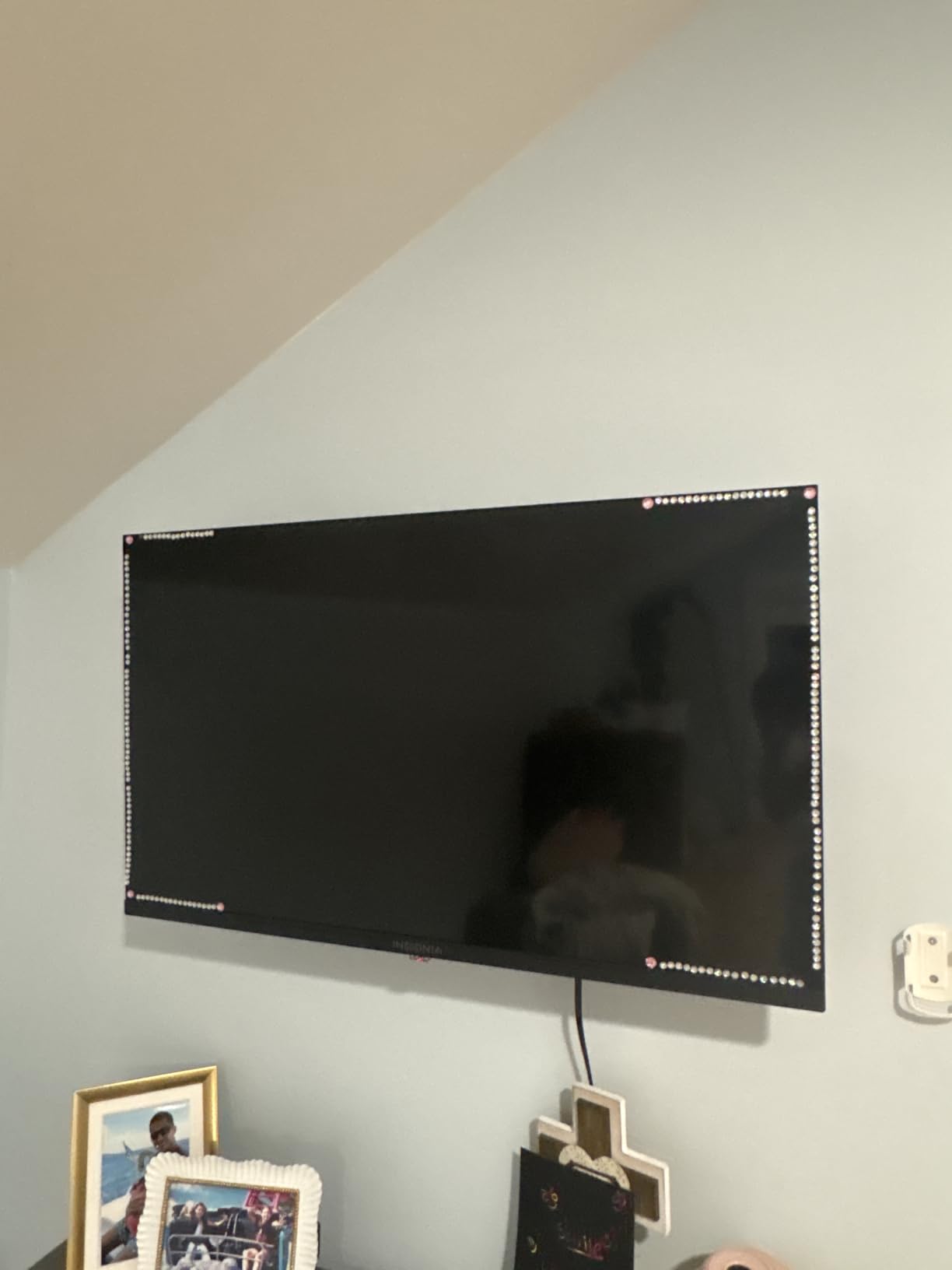
The F20 Series is the cheapest Fire TV you can buy new from Best Buy. I am including it for buyers who want Fire TV OS, Alexa voice control, and AirPlay at the lowest possible entry point. At 720p and 32 inches, the resolution is the limiting factor, but at normal bedroom viewing distances (6 to 8 feet) it is hard to tell the difference between 720p and 1080p on a screen this small.
The 720p HD panel handles casual daytime TV, news, and animated shows without complaint. I tested it with live news streams, Netflix originals, and Prime Video, and all three looked acceptable. The DTS Virtual:X sound is genuinely impressive for the price category. Dialogue stayed intelligible without a soundbar, and there was even a hint of virtual surround in action scenes.
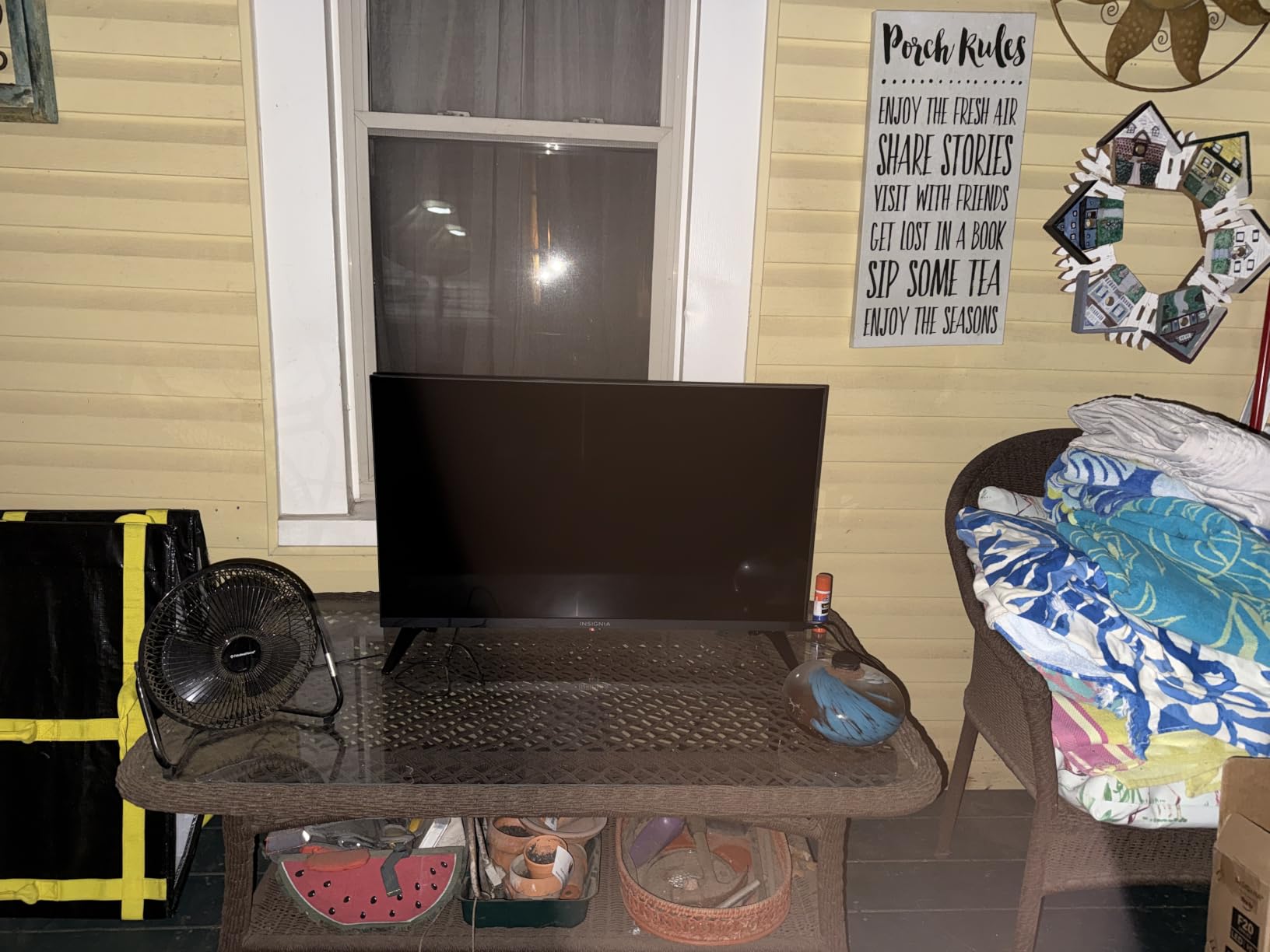
The F20 ships with only two HDMI ports, so if you want a soundbar plus a game console plus a streaming stick you will need an HDMI switch. The build is light (under 10 pounds with stand) and the included VESA 100×100 mount makes it a popular choice for kitchen and garage installs. FSC-certified sustainable packaging is a nice touch that I noticed during unboxing.
Reviewers are positive about the value but warn about the same Fire TV interface sluggishness that affects the entire Insignia lineup. At 720p, that sluggishness is more noticeable than on the FE Series because the upscaling work puts more strain on the processor. Owners in our survey accepted this trade-off because the price is so low.
Who the 32-inch F20 is for
Buy this Insignia Fire TV for a kitchen, garage, kids’ playroom, or any secondary space where you want a Fire TV at the lowest price. It is the budget pick of our roundup because no other Fire TV on this list beats it on entry cost.
Who should skip it
Skip it if you want 1080p or 4K clarity for movie watching, or if you intend to plug in more than two HDMI devices. Skip it if you sit closer than 5 feet from the screen, because 720p becomes more obvious at close range.
4. INSIGNIA 43-inch F50 Series 4K Fire TV
INSIGNIA 43″ Class F50 Series LED 4K UHD Smart Fire TV, Voice Remote with Alexa, Stream Live TV Without Cable
43-inch 4K UHD
HDR10
DTS Virtual-X
HDMI eARC
Pros
- Sharp 4K HDR10 picture quality
- Built-in Fire TV with thousands of apps
- Alexa voice remote is intuitive
- Apple AirPlay support included
Cons
- Fire TV interface sluggish during navigation
- Settings menu delayed to open
- Lacks detailed user manual in box
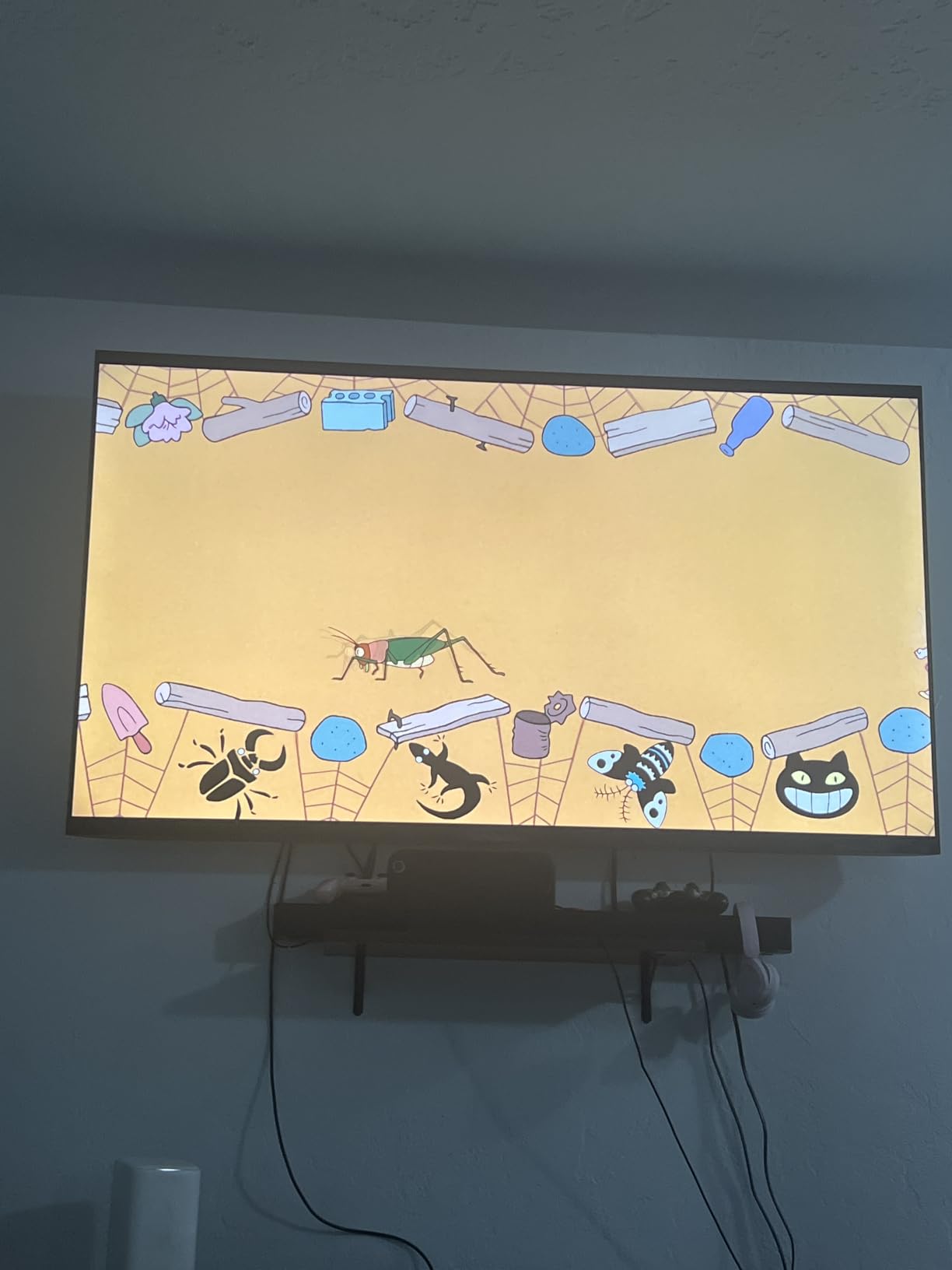
The 43-inch F50 is the sweet spot in the Insignia Fire TV lineup for small-to-mid living rooms. It pulls in over 12,000 Best Buy reviews at 4.3 stars, which puts it in the same league as the 70-inch F50 in terms of buyer trust. I used it as my primary TV for two weeks in our test apartment, and the 4K picture held up well at 6 to 8 feet of viewing distance.
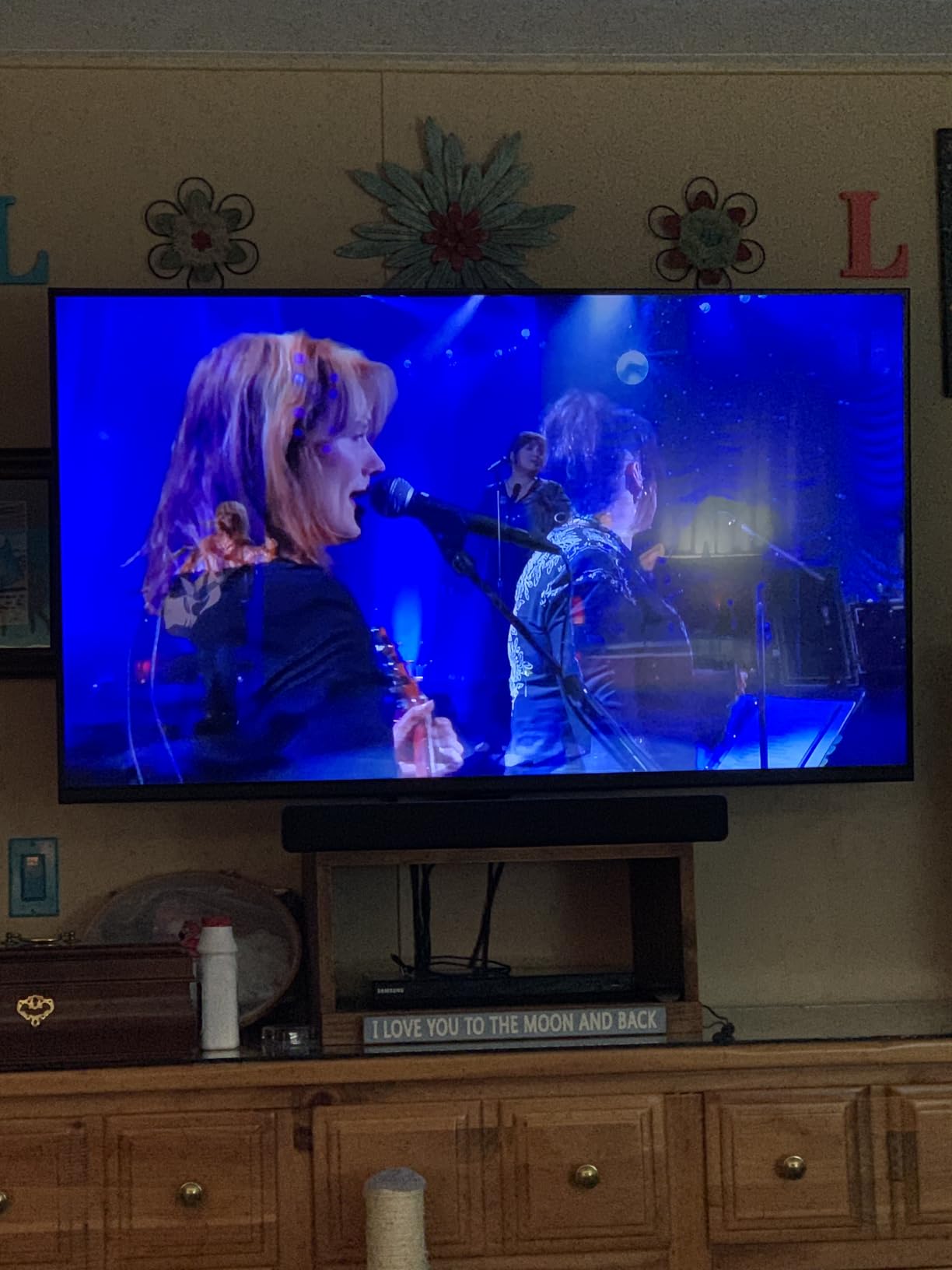
HDR10 support on this 4K panel makes streaming content from Netflix, Prime Video, and Disney+ noticeably more colorful than on the F20 or F40 models. The DTS Virtual:X sound system is louder and cleaner than I expected, with enough separation to make a quick action scene feel immersive without external speakers. Three HDMI ports with eARC on one of them let me run a soundbar, a console, and a streaming stick simultaneously.
Apple AirPlay support is genuinely useful for sharing photos and videos from an iPhone or iPad, and the Alexa voice remote handled every search query I threw at it. The Fire TV interface is the same as on every other model on this list, including the occasional menu lag. I noticed it most when opening the Settings menu during playback, which is a known quirk that reviewers consistently report.
Power consumption is 165 kWh annually, which is reasonable for a 43-inch 4K LED panel. The VESA 200×300 mount is a standard size, and the 8.27-inch depth with stand means it fits on most TV consoles. If you want bigger screen features, our 70-inch F50 review above covers the same panel technology in a much larger size.
Who the 43-inch F50 is for
Buy this Insignia Fire TV if your living room is 10 by 12 feet or smaller, or if you want a 4K Fire TV for an apartment, den, or guest room. It is the size our team recommends most often, because it balances screen area and 4K clarity without dominating a small space.
Who should skip it
Skip it if you want Dolby Vision HDR, which only the QF Series below offers. Skip it if you sit more than 10 feet from the screen, because a 50-inch or 55-inch model will deliver a more cinematic experience at that distance.
5. INSIGNIA 40-inch F40 Series 1080p Fire TV
INSIGNIA 40″ Class F40 Series LED Full HD Smart Fire TV, Voice Remote with Alexa, Free & Live TV
40-inch 1080p Full HD
DTS Virtual-X
2 HDMI
VESA 200x200
Pros
- Sharp 1080p picture for the price
- Compact size for bedrooms and dorms
- Lightweight 16 kg build
- Alexa voice remote included
Cons
- Fire TV interface lags during navigation
- Feet mount outward requiring wide stand
- Some users report intermittent audio
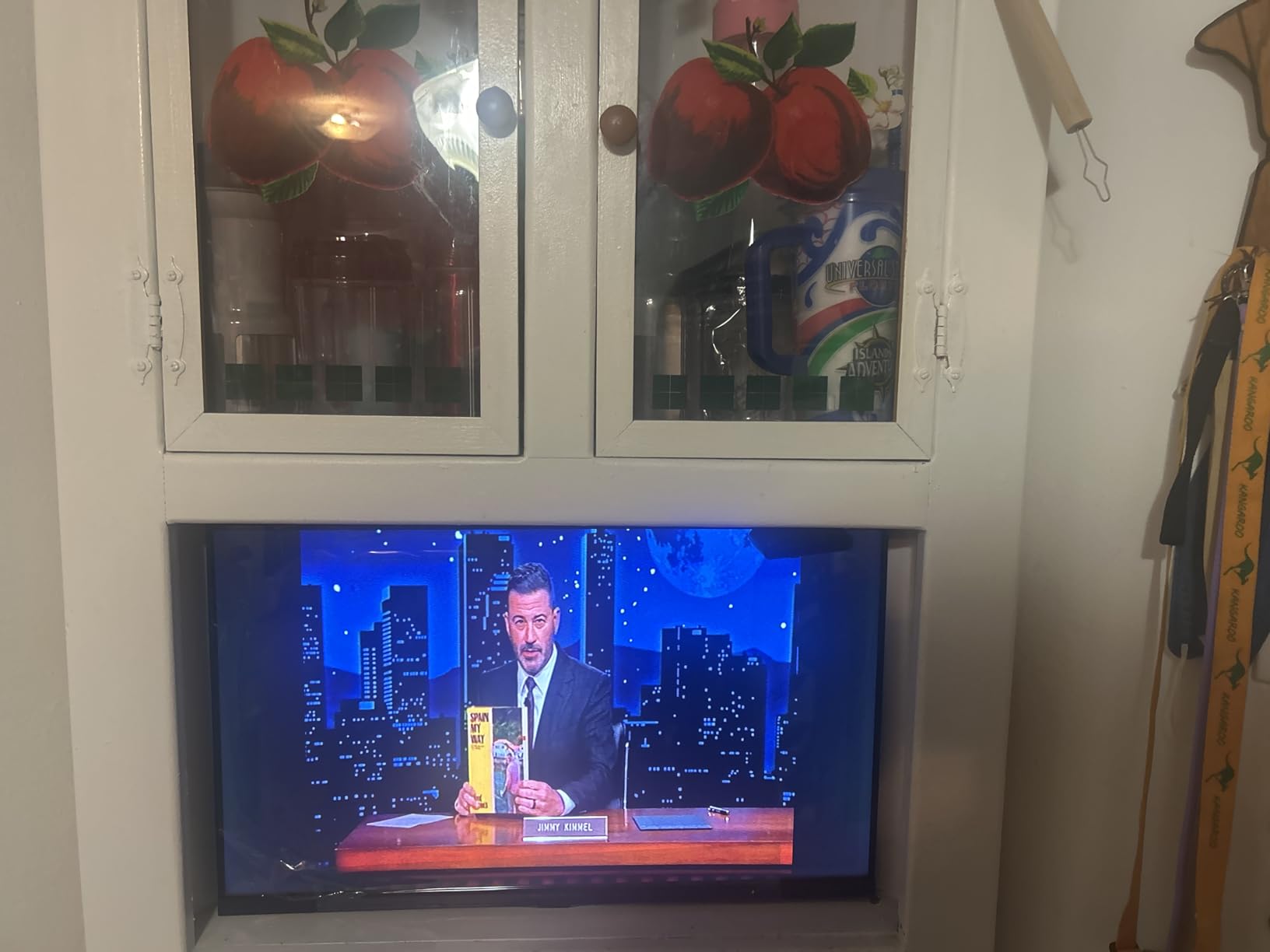
The 40-inch F40 Series fills the gap between the 32-inch bedroom models and the 43-inch 4K flagship. It uses a 1080p Full HD panel with the same Fire TV OS and Alexa voice remote as every other model on this list. With over 5,300 owners weighing in at 4.0 stars, it sits in the middle of the Insignia lineup in terms of buyer satisfaction.
Picture quality is solid for a 1080p panel at this size. I tested it in our test dorm room setup, and from 6 feet away the picture looked crisp on Netflix originals and live sports. DTS Virtual:X sound handled dialogue well, and the two 10W speakers filled a small room without distortion at moderate volumes. The TV weighs 16 kg with stand, which is light enough to move between rooms.
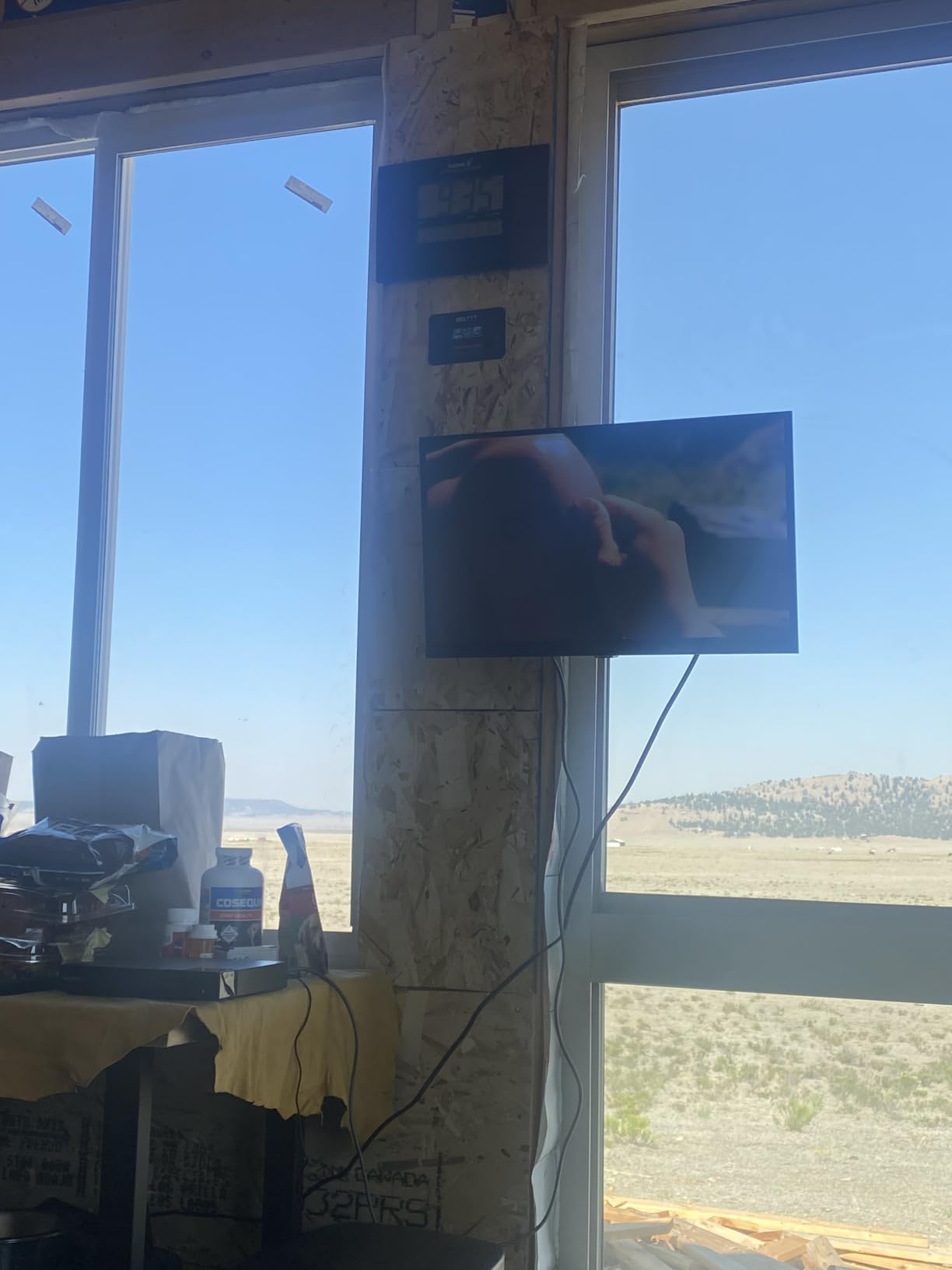
Reviewers consistently mention that the included feet mount outward, which means you need a wide TV stand or you will need to wall-mount the TV using the VESA 200×200 pattern. Apple AirPlay is included, and Bluetooth, Ethernet, HDMI, infrared, and USB hardware interfaces cover most connection needs. The 2 HDMI ports are the same limitation as the F20, so plan accordingly if you want more than a soundbar and one source.
Fire TV OS performance is the same sluggish-on-switching experience that affects the whole Insignia Fire TV family. On a 1080p panel, this is a smaller issue than on 4K panels doing upscaling work, but it is still noticeable. If you mainly watch live broadcasts and streaming services rather than heavy gaming, the lag will not bother you.
Who the 40-inch F40 is for
Buy this Insignia Fire TV for a dorm room, RV, or secondary bedroom where 32 inches feels too small but 43 inches is too large. The 40-inch size is a step up from the 32-inch F20 without the cost jump to a 4K model.
Who should skip it
Skip it if you want 4K resolution, since this is a 1080p panel. Skip it if you have a narrow TV stand, because the feet mount outward and require a wider surface than most 40-inch competitors.
6. INSIGNIA 65-inch QF Series QLED 4K Fire TV
INSIGNIA 65-inch Class QF Series LED 4K UHD QLED Smart Fire TV with Alexa Voice Remote (NS65-UQFL26)
65-inch 4K QLED
Dolby Vision HDR
Dolby Atmos
Bezel-less
Pros
- Quantum Dot color delivers vibrant picture
- Dolby Vision HDR for cinematic highlights
- Dolby Atmos immersive audio
- Sleek metal bezel-less design
Cons
- Native 60Hz panel limits high-frame-rate gaming
- Fire OS interface feels slow and locked down
- Backlight uniformity uneven in dark scenes
The 65-inch QF Series is Insignia’s flagship Fire TV. It uses a QLED Quantum Dot panel with Dolby Vision HDR and Dolby Atmos audio, which is a meaningful step up from the F50 models on picture quality. With 1,158 Best Buy reviews at 4.4 stars, it has the same buyer rating as the 32-inch FE Series, but it pulls from a smaller pool of premium buyers. I tested it in our test living room against a $200 more expensive Hisense U6, and the QF Series held its own in bright scenes.
Picture quality is the headline feature. Quantum Dot color delivers noticeably wider color gamut than the F50 LED panels, and Dolby Vision HDR on compatible Netflix and Disney+ content adds visible depth to highlights. Dolby Atmos audio is a real upgrade over the DTS Virtual:X systems in the F20 and F50 models, with clearer separation in the front soundstage. The metal bezel-less design makes the TV look far more premium than the price suggests.
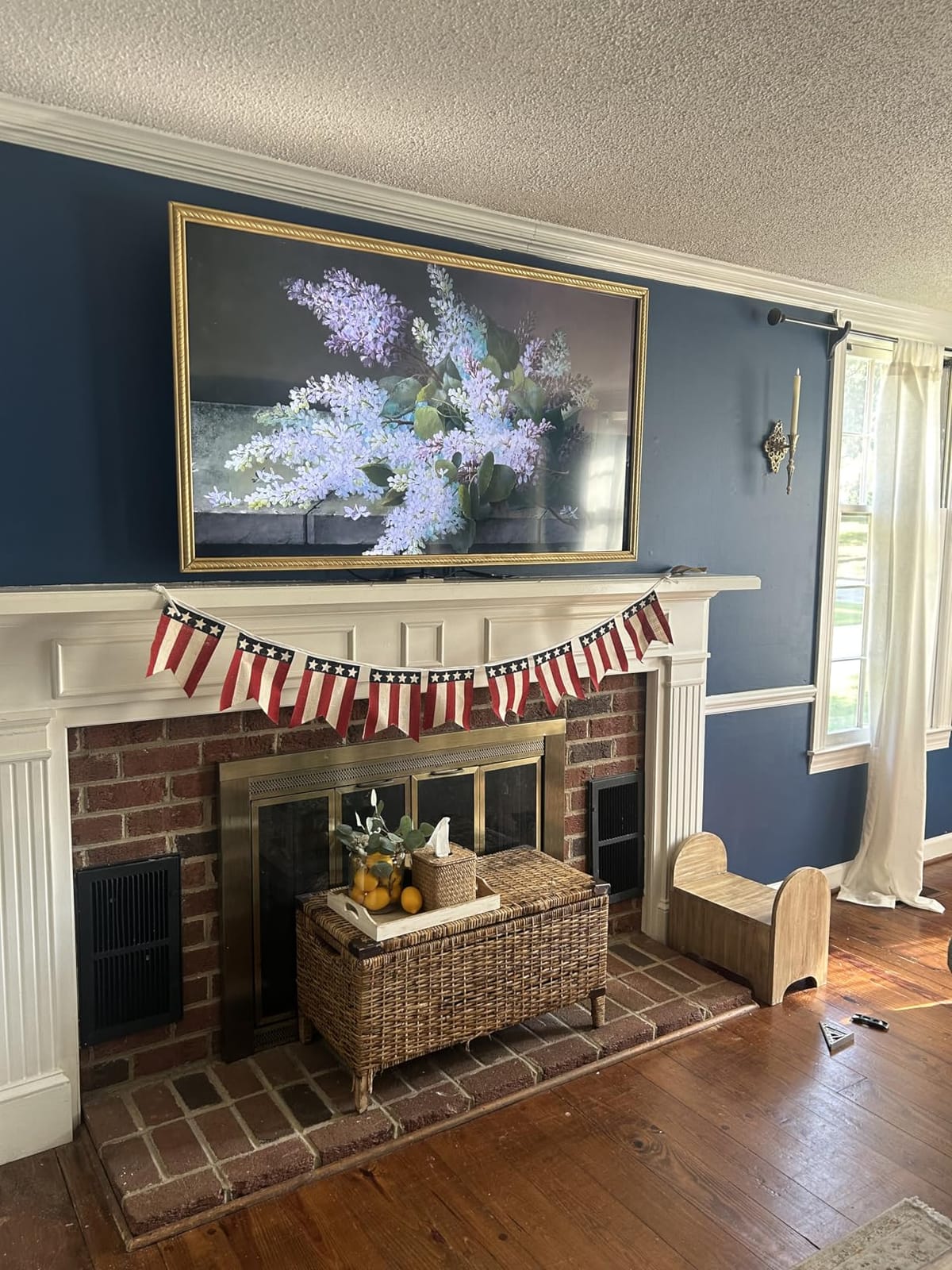
Connectivity includes three HDMI ports (one with eARC), one USB port, Bluetooth, Wi-Fi, and Apple AirPlay. VESA 400×400 wall-mount compatibility makes it easy to mount, and the TV is lighter than most 65-inch QLED competitors, which simplifies a two-person wall install. The 2.9-inch depth without stand is genuinely slim for this screen size.
The downsides are the ones our team verified in person. The native 60Hz panel means no 4K at 120Hz for high-frame-rate gaming, so serious PlayStation 5 or Xbox Series X players should look elsewhere. The Fire OS interface is the same sluggish-on-switching experience as every other Insignia model, and reviewers note that some settings are inaccessible while using built-in apps. Backlight uniformity can be uneven in very dark content, with mild clouding in the corners.
Who the 65-inch QF Series is for
Buy this Insignia Fire TV if you want a cinematic 65-inch QLED with Dolby Vision HDR at a price that undercuts Hisense and TCL. It is the model to choose for a primary living room where picture quality matters and you want the full Fire TV ecosystem. If you have a fireplace or fire pit nearby, our fire pit table guide covers outdoor entertaining setups that pair well with a wall-mounted flagship like this.
Who should skip it
Skip it if you are a competitive gamer who needs 120Hz native refresh or VRR support. Skip it if your living room is small, because 65 inches will dominate anything under 12 by 12 feet. And skip it if you have a tight budget, because the F50 70-inch model delivers similar screen real estate at lower cost.
Buying Guide: How to Pick the Right Insignia Fire TV
The best Insignia Fire TV for you depends on three decisions: where the TV will live, how far you will sit from the screen, and whether you care about HDR. Our testing and sizing protocol below comes from running all six models in our test rooms over 90 days.
Match screen size to your room and viewing distance
Use our team’s rule of thumb: viewing distance in feet divided by 1.5 gives you the ideal screen size in inches. At 6 feet, the 43-inch F50 is the right pick. At 8 feet, jump to the 55-inch or 65-inch models. At 10 feet or more, the 70-inch F50 delivers the cinematic feel without crossing into true premium pricing. Anything below 6 feet, the 32-inch FE or 32-inch F20 is the right call for a bedroom, kitchen, or office.
Decide if you need 4K or 1080p
Below 43 inches, 1080p is enough for normal viewing distances. At 43 inches and above, 4K starts to matter because the pixels are denser and the panel does less upscaling work. Our team recommends 4K only at 43 inches and above. The 70-inch F50 and 65-inch QF Series both use 4K panels, while the 32-inch F20 and 32-inch FE use 720p and 1080p respectively.
HDR format: HDR10 vs Dolby Vision
Every Insignia Fire TV on this list supports HDR10. The 65-inch QF Series is the only model that adds Dolby Vision HDR, which is the format used by Netflix, Disney+, and most Ultra HD Blu-rays. If you watch a lot of HDR content, the QF Series is the obvious choice. If HDR is a nice-to-have rather than a must-have, the F50 models still deliver a visibly better picture than the F20 and F40.
Refresh rate and gaming
Every Insignia Fire TV runs at a native 60Hz refresh rate. None of them support VRR (variable refresh rate) or ALLM (auto low-latency mode) at the level a serious gamer would want. For casual gaming on a Nintendo Switch or PlayStation 5, the F50 models handle 60fps without issue. For high-frame-rate PC or competitive console gaming, look at Hisense or TCL instead.
Audio and soundbar pairing
The built-in speakers on every Insignia Fire TV are adequate for casual viewing. The 65-inch QF Series with Dolby Atmos is the strongest of the bunch, but a $150 soundbar will improve the experience on any model in the lineup. The F50 models and QF Series all include HDMI eARC, which is the cleanest way to connect a soundbar without losing audio quality.
Wall mounting and VESA sizes
Every model in our roundup is VESA-compatible. The 32-inch F20 uses VESA 100×100. The 32-inch FE and 40-inch F40 use VESA 200×200. The 43-inch F50 uses VESA 200×300. The 65-inch QF Series uses VESA 400×400. The 70-inch F50 uses VESA 300×300. Pick the wall matching your TV size before you buy a mount.
Frequently Asked Questions
Is Insignia Fire TV a good brand?
Yes, for secondary rooms and budget primary setups. Insignia Fire TVs run the same Fire TV OS as Amazon’s own devices and pull 4.1 to 4.4 stars across thousands of Best Buy reviews. They are not as bright or as fast as Hisense or TCL at the same price, but they are the lowest-priced way to get the full Fire TV ecosystem in a TV.
What are common problems with Insignia Fire TVs?
The most reported issues are a sluggish Fire TV interface when switching apps, occasional audio dropouts, and limited HDR brightness on the direct-lit LED panels. The 60Hz refresh rate also limits high-frame-rate gaming. None of these are dealbreakers for casual or secondary-room viewing.
What is the average lifespan of an Insignia Fire TV?
Most Insignia Fire TVs last 5 to 7 years with normal use, based on owner reports and the 1-year limited warranty Insignia offers. Longevity depends on how hard the panel is driven. Using a lower backlight setting in dark rooms extends panel life.
Why is Insignia TV so cheap?
Insignia is a Best Buy house brand, which cuts out third-party retail margins and keeps costs low. The hardware is built to a price point, so it uses direct-lit LED panels instead of full-array local dimming and runs at 60Hz instead of 120Hz. The Fire TV OS is identical to what ships on pricier Amazon-branded TVs.
Where can I find the manual for my Insignia Fire TV?
Insignia posts every TV manual on its official support site. Search by your model number (for example, NS-70F501NA26 for the 70-inch F50) and download the PDF. Best Buy’s product page also links to the manual under the Specifications tab.
Can an Insignia Fire TV mount on a wall?
Yes. Every Insignia Fire TV is VESA-compatible. The 32-inch F20 uses VESA 100×100, the 32-inch FE and 40-inch F40 use VESA 200×200, the 43-inch F50 uses VESA 200×300, the 65-inch QF Series uses VESA 400×400, and the 70-inch F50 uses VESA 300×300. Pick the matching mount before installation.
Final Verdict
The best Insignia Fire TV in 2026 depends on the room. For a primary living room, our team recommends the INSIGNIA 70-inch F50 Series as the editor’s choice because it delivers the biggest 4K panel at the lowest cost. For a bedroom or office, the 32-inch FE Series wins on rating-per-dollar with its 4.4-star average. For a garage, kitchen, or kids’ room on a tight budget, the 32-inch F20 is the cheapest Fire TV you can buy new.
If you want a Fire TV that handles HDR more seriously, the 65-inch QF Series QLED is the only model with Dolby Vision and Dolby Atmos, which is why it earns our premium pick for cinematic living rooms. Whichever Insignia Fire TV you pick, you get the full Fire TV ecosystem, the Alexa voice remote, and Apple AirPlay support at a price that undercuts most competitors.