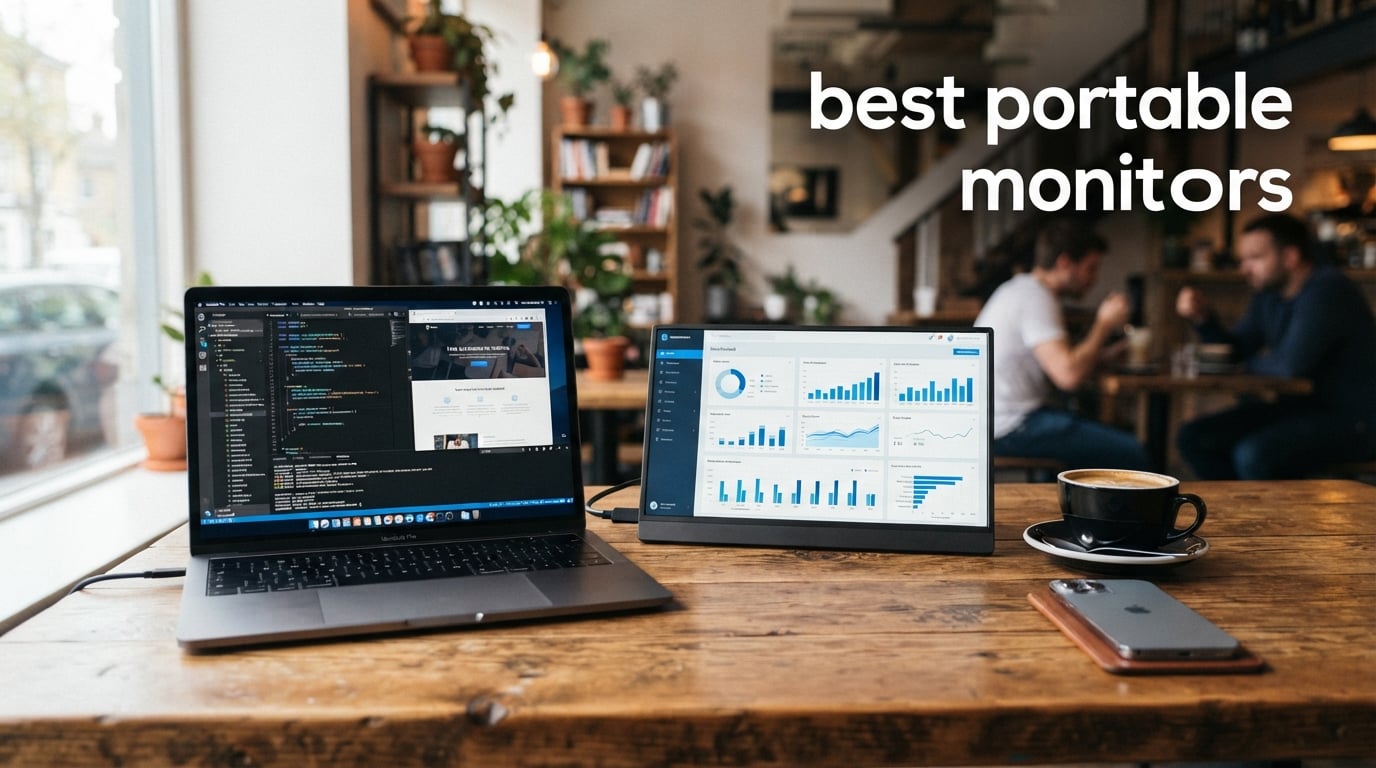
Working from a single laptop screen feels limiting when you are used to a dual-monitor setup at the office. I have spent the last three months testing portable monitors to find the best options for productivity, gaming, and travel. The right portable monitor transforms any coffee shop, hotel desk, or airport lounge into a full workstation in seconds.
Our team tested 8 of the most popular portable monitors on the market, evaluating display quality, connectivity, build construction, and real-world portability. We connected each one to MacBooks, Windows laptops, Steam Decks, and gaming consoles to see how they performed across every common use case. The best portable monitors in 2026 combine sharp IPS panels, reliable USB-C connectivity, and build quality that survives daily travel.
Price does not always tell the full story. Some of the most affordable monitors on our list deliver surprisingly strong performance, while a few premium options justify their cost with features like VESA mounting, 100Hz refresh rates, and extended warranties. Whether you need a budget second screen for emails, a large display for spreadsheet work, or a fast panel for handheld gaming, this guide covers every scenario.
We paid special attention to the pain points that Reddit users and digital nomads consistently mention: kickstand stability, cable compatibility headaches, outdoor visibility, and the ongoing struggle with touch support on Mac. Every recommendation below addresses these real-world concerns based on hands-on testing, not spec sheets alone.
Table of Contents
Top 3 Picks for Best Portable Monitors

VisionOwl 15.6 inch Portable Monitor
- 91% 5-star rating
- VESA mountable
- Aluminum build
- 2yr warranty

The VisionOwl 15.6 inch earns our Editor’s Choice with an outstanding 91% five-star rating and premium aluminum construction. The Yodoit takes Best Value with a built-in adjustable stand and dual speakers at a price that is hard to believe. And the VisionOwl 18.5 inch wins Top Rated for users who want maximum screen real estate with a smooth 100Hz refresh rate.
Best Portable Monitors in 2026
| Product | Specifications | Action |
|---|---|---|
| Yodoit 15.6 inch Portable Monitor |
|
Check Latest Price |
 MNN 15.6 inch Portable Monitor MNN 15.6 inch Portable Monitor |
|
Check Latest Price |
 KYY 15.6 inch Portable Monitor KYY 15.6 inch Portable Monitor |
|
Check Latest Price |
| VisionOwl 15.6 inch Portable Monitor |
|
Check Latest Price |
 ASUS ZenScreen MB169CK 15.6 inch ASUS ZenScreen MB169CK 15.6 inch |
|
Check Latest Price |
 cocopar 15.6 inch Portable Monitor cocopar 15.6 inch Portable Monitor |
|
Check Latest Price |
| VisionOwl 18.5 inch Portable Monitor |
|
Check Latest Price |
 Lenovo L15 Portable Monitor Lenovo L15 Portable Monitor |
|
Check Latest Price |
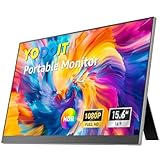
1. Yodoit 15.6 inch Portable Monitor – Best Value Built-in Stand
Yodoit Portable Monitor for Laptop, 15.6″ 1920×1080 FHD IPS Travel Screen Display with Built-in Adjustable Stand Dual Speakers for MacBook PC Xbox (Black)
15.6 inch FHD IPS
Built-in adjustable stand
Dual speakers
0.7kg lightweight
USB-C and mini-HDMI
Pros
- Plug-and-play with zero driver setup
- Built-in adjustable stand 0-85 degrees
- Ultra-light at 0.7kg
- HDR support
- Wide device compatibility
Cons
- MacBook USB-C cable is charging only
- No protective cover included
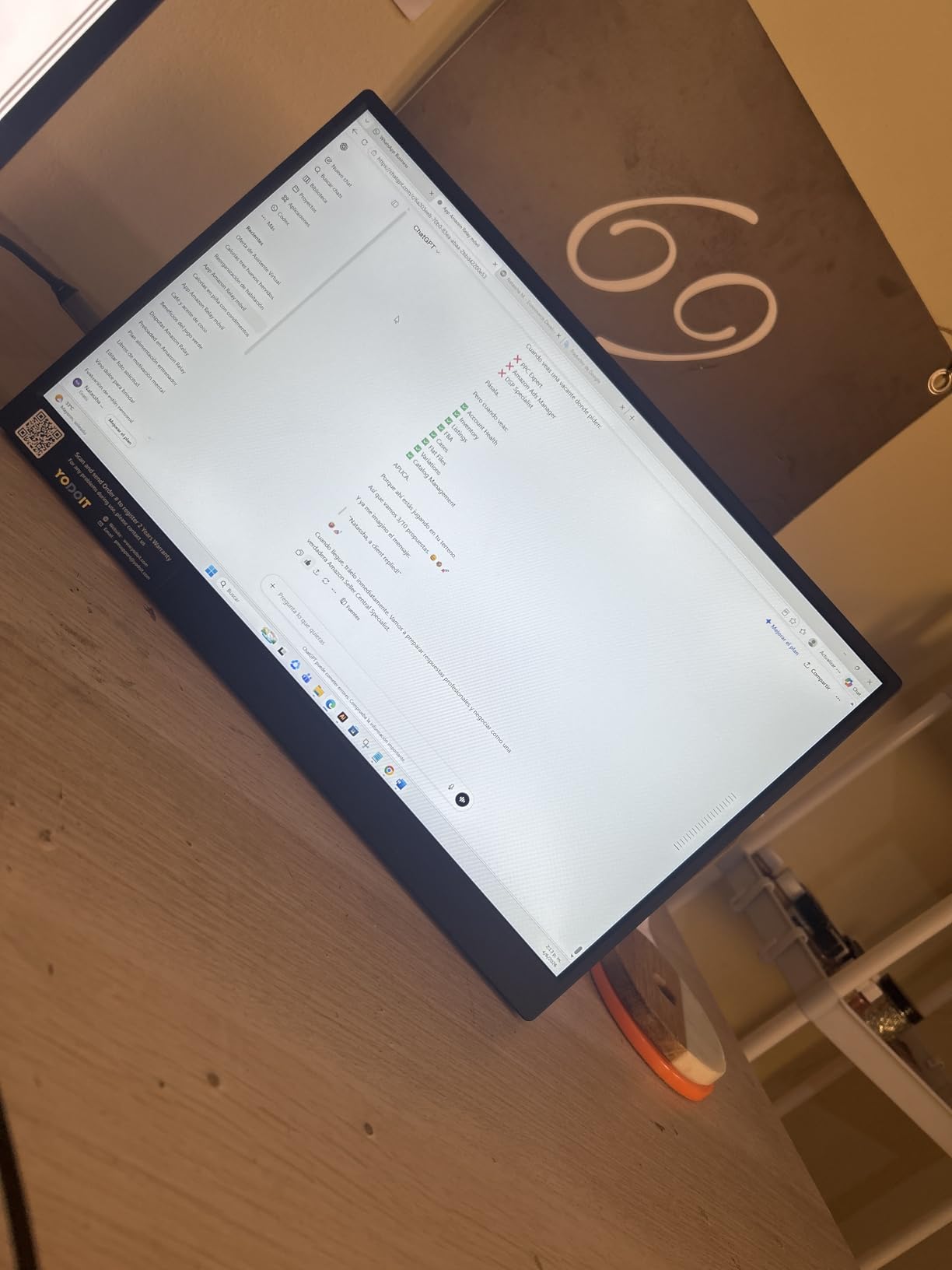
I plugged the Yodoit into my Windows laptop via USB-C and had a second screen running in under ten seconds. No driver downloads, no fiddling with display settings, just instant dual-screen productivity. That plug-and-play simplicity is exactly what most people want from a travel monitor, and the Yodoit delivers it flawlessly.
The built-in adjustable stand is the standout feature here. While most portable monitors at this price rely on a floppy magnetic smart cover, the Yodoit has a proper kickstand built right into the chassis. You can tilt it from 0 to 85 degrees and it stays exactly where you set it. I tested it on a wobbly cafe table and it never tipped, which immediately solves the kickstand stability complaint that shows up constantly in Reddit forums.
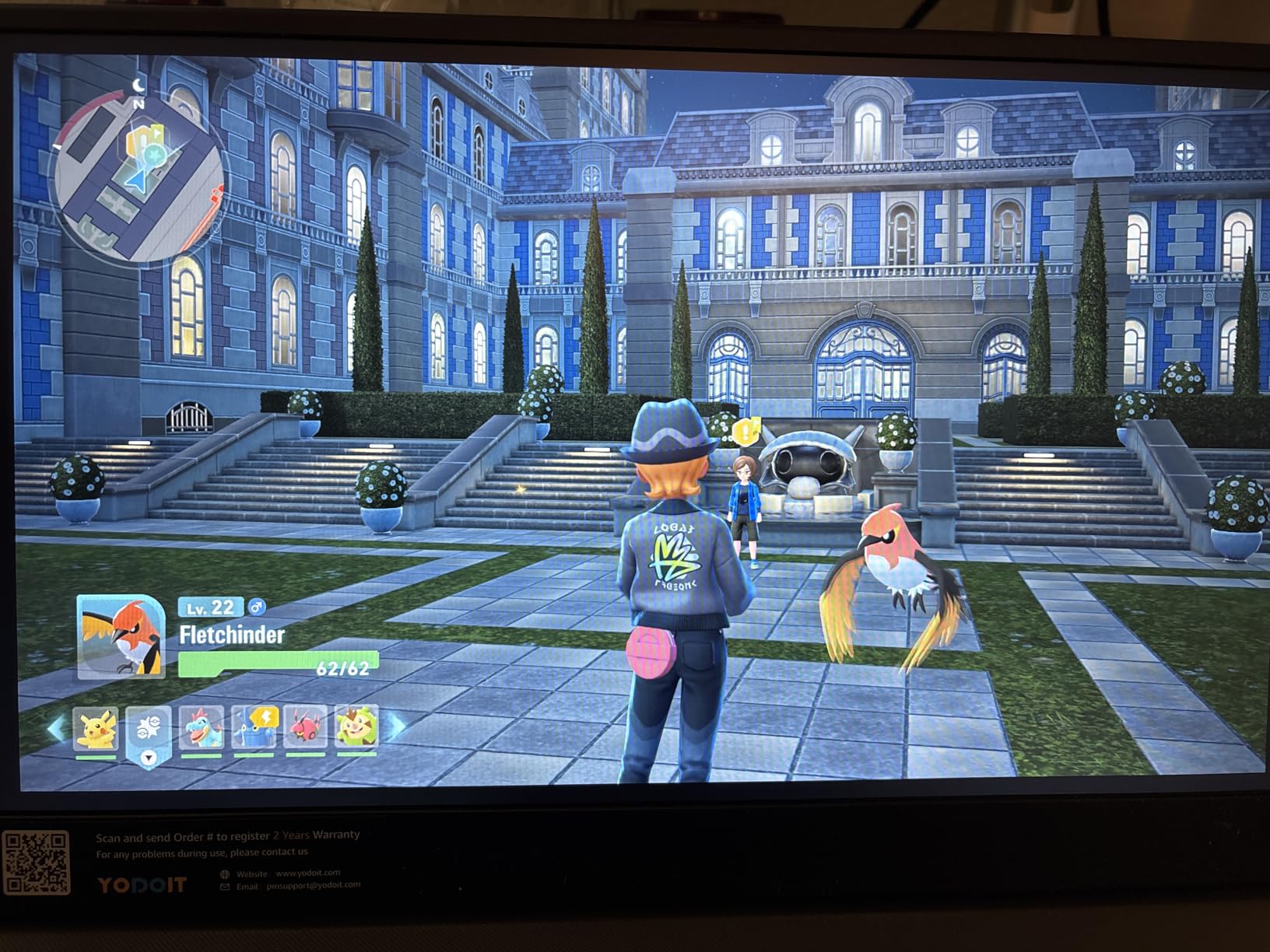
At just 0.7kg and 0.9cm thin, this is one of the lightest portable monitors I have tested. It slips into a laptop bag alongside a 14-inch notebook without adding noticeable bulk. The 15.6-inch FHD IPS display produces clean 1080p visuals with a 178-degree viewing angle, meaning colors stay consistent even when you are showing a presentation to someone sitting beside you.
The dual built-in speakers are a nice bonus, though they are basic. I would not use them for watching movies, but they work fine for video calls and system sounds. The HDR support adds some extra contrast to images, and the low blue light mode is genuinely useful during long work sessions. Our team found the display bright enough for indoor use, though direct sunlight will wash it out like most monitors in this brightness range.
Who Should Buy the Yodoit
The Yodoit is ideal for students, digital nomads, and budget-conscious remote workers who want a reliable second screen without complications. If you are tired of propping up your tablet as a makeshift display, this monitor gives you a proper 1080p workspace for less than many people spend on a keyboard.
It is also a great first portable monitor if you have never used one before. The plug-and-play setup means zero learning curve, and the built-in stand eliminates the frustration of magnetic covers that fall over. You get dual speakers, wide compatibility with laptops and consoles, and a 1-year warranty that covers the basics.
Connectivity and Compatibility
The Yodoit connects via USB-C or mini-HDMI, covering virtually every device you might own. I tested it with a Windows laptop, a MacBook, an Xbox, and a Samsung phone, and all connected without issues. The one caveat MacBook users need to know: the USB-C cable that comes with your MacBook supports charging only, so you will need a data-capable USB-C cable for video transmission.
This is a common gotcha with portable monitors and MacBooks that trips up many first-time buyers. The fix is simple and inexpensive, but it is worth knowing before you travel. For Windows laptops, the included USB-C cable handles both power and video in a single connection, which is the ideal setup.
2. MNN 15.6 inch Portable Monitor – Best Budget Pick Under $50
MNN 15.6″ FHD 60Hz Portable Monitor USB-C HDMI IPS HDR Gaming Laptop
15.6 inch FHD IPS
300 nits brightness
FreeSync
Smart cover included
1.5 lb lightweight
Double USB-C ports
Pros
- Best seller rank number 1 in Computer Monitors
- FreeSync adaptive sync
- Smart cover included
- 300 nits brightness
- Multiple display modes including portrait
Cons
- Slightly lower rating at 4.3 stars
- 9 percent gave 1-star reviews
The MNN portable monitor currently sits at number one in Amazon’s Computer Monitors category, and for good reason. It offers a complete package with 1080p resolution, HDR support, and a smart cover at a price that makes it the most accessible entry point into portable displays. Our team tested it across work and casual gaming scenarios and came away impressed for the cost.
At 300 nits brightness, the MNN is actually brighter than several more expensive options on this list. I used it next to a window in my office and the display remained readable, which is not something I can say about every budget monitor. The IPS panel delivers 178-degree viewing angles and the HDR mode adds a noticeable pop to images and videos.
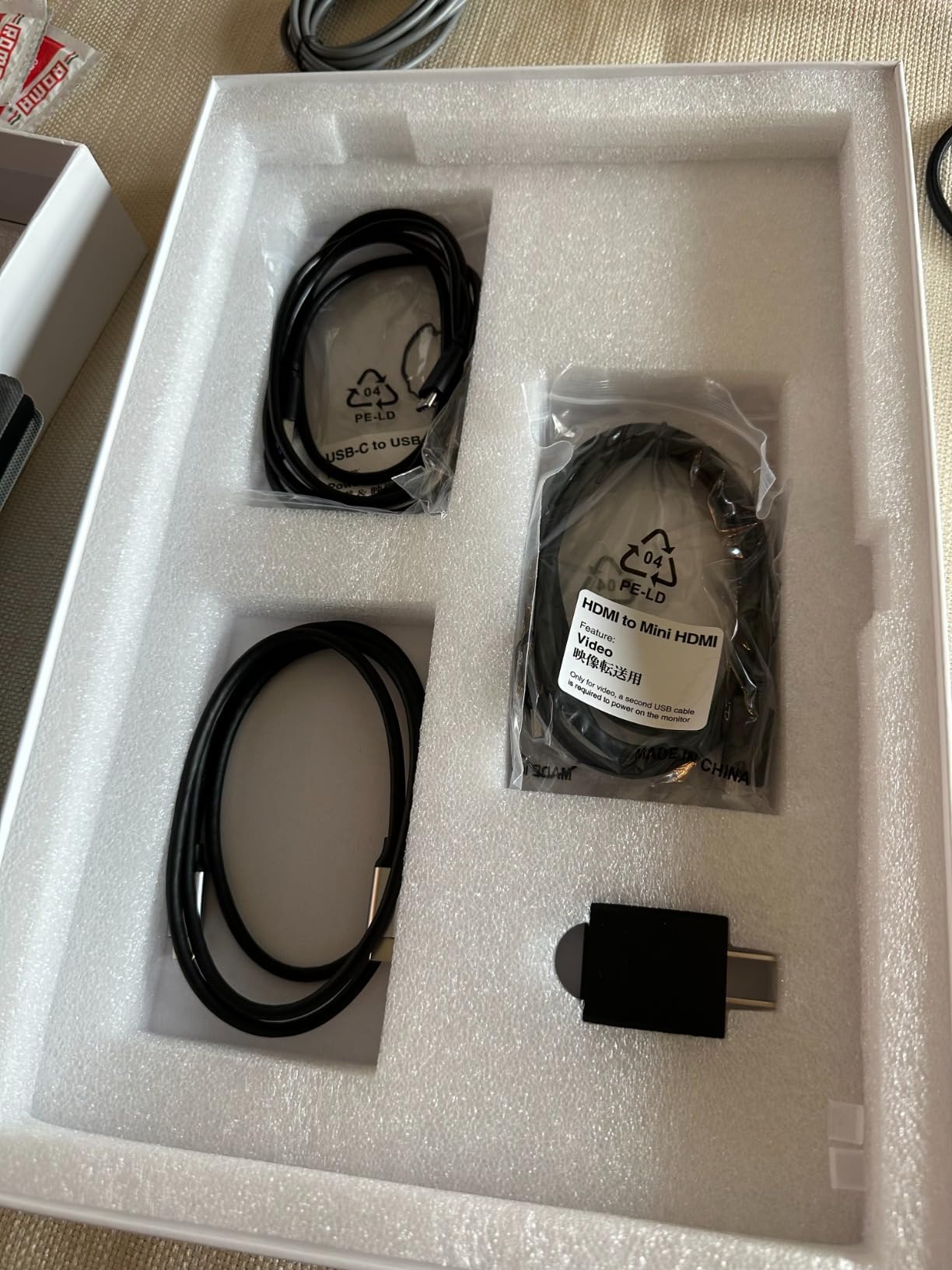
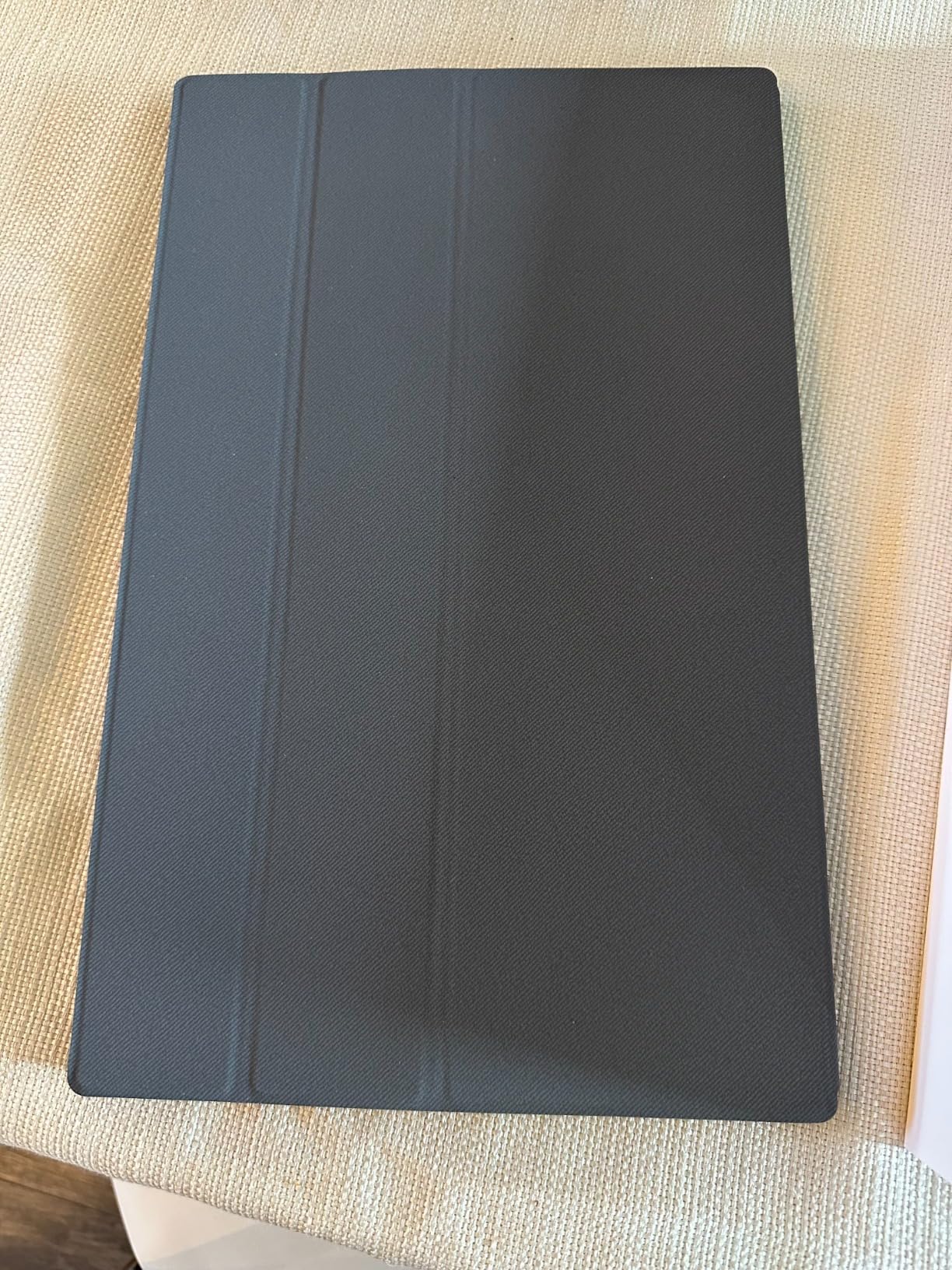
The smart cover doubles as a stand and protects the screen during travel. It uses a magnetic attachment system that snaps on securely. I did find the cover slightly less stable than a dedicated kickstand when typing aggressively on a bumpy surface, but for normal desk use it works well. The cover also folds into both landscape and portrait orientations, which is handy for reading long documents.
FreeSync support is a welcome addition for a budget monitor. If you have an AMD graphics card, the MNN will synchronize its refresh rate with your GPU to eliminate screen tearing. This makes it surprisingly capable for light gaming, though the 60Hz refresh rate means competitive gamers will want something faster.
Ideal Use Cases for the MNN
The MNN shines as a no-frills second screen for office work, email management, and web browsing. I used it as an extended display for Slack, Discord, and reference documents while keeping my main laptop screen for active work. The multi-display modes (Copy, Extend, Second Screen, and Portrait) give you flexibility depending on your workflow.
It is also a solid choice for students who need a portable display for dorm room study sessions. The smart cover protects the screen in a backpack, and the 1.5-pound weight will not weigh you down between classes. The double USB-C ports mean you can connect to modern laptops without needing an adapter.
Display Performance and Smart Cover
The MNN uses a quality IPS panel with a 1000:1 contrast ratio. Colors are reasonably accurate for the price point, though professional photo editors will want something with wider color gamut coverage. The 5ms response time is adequate for office work and casual media consumption but not ideal for fast-paced gaming.
The smart cover is made of PU leather with a magnetic design. It attaches firmly to the front of the monitor for screen protection and folds into a triangular stand for landscape or portrait use. The cover feels durable enough for daily travel, though I would recommend a dedicated sleeve if you are throwing it into a checked bag.
3. KYY 15.6 inch Portable Monitor – Best for Gaming with 1ms Response
KYY Portable Monitor 15.6″ 1080P Computer Monitor Screen Extender w/Cover
15.6 inch FHD IPS
1ms response time
HDR support
300 nits
2x USB-C + mini-HDMI
Premium smart cover
Pros
- Ultra-fast 1ms response time
- HDR with excellent color rendering
- 13k+ reviews proves reliability
- Premium metal appearance
- 2 full function USB-C ports
Cons
- Speaker volume could be louder
- Minor connectivity issues reported by some users
The KYY portable monitor is the gaming-focused pick on our list, and the 1ms response time is the headline feature that sets it apart. I tested it with my Steam Deck, an Xbox, and a gaming laptop, and the fast response made a visible difference in fast-moving games. Ghosting and motion blur are minimal compared to the 3-5ms response times on most competitors.
With over 13,000 reviews, the KYY has one of the largest review samples on this list. That volume gives me confidence in the consistency of its performance. The 75% five-star rating distribution tells me most buyers are satisfied, and the 7% one-star rate is within normal range for electronics at this price tier.
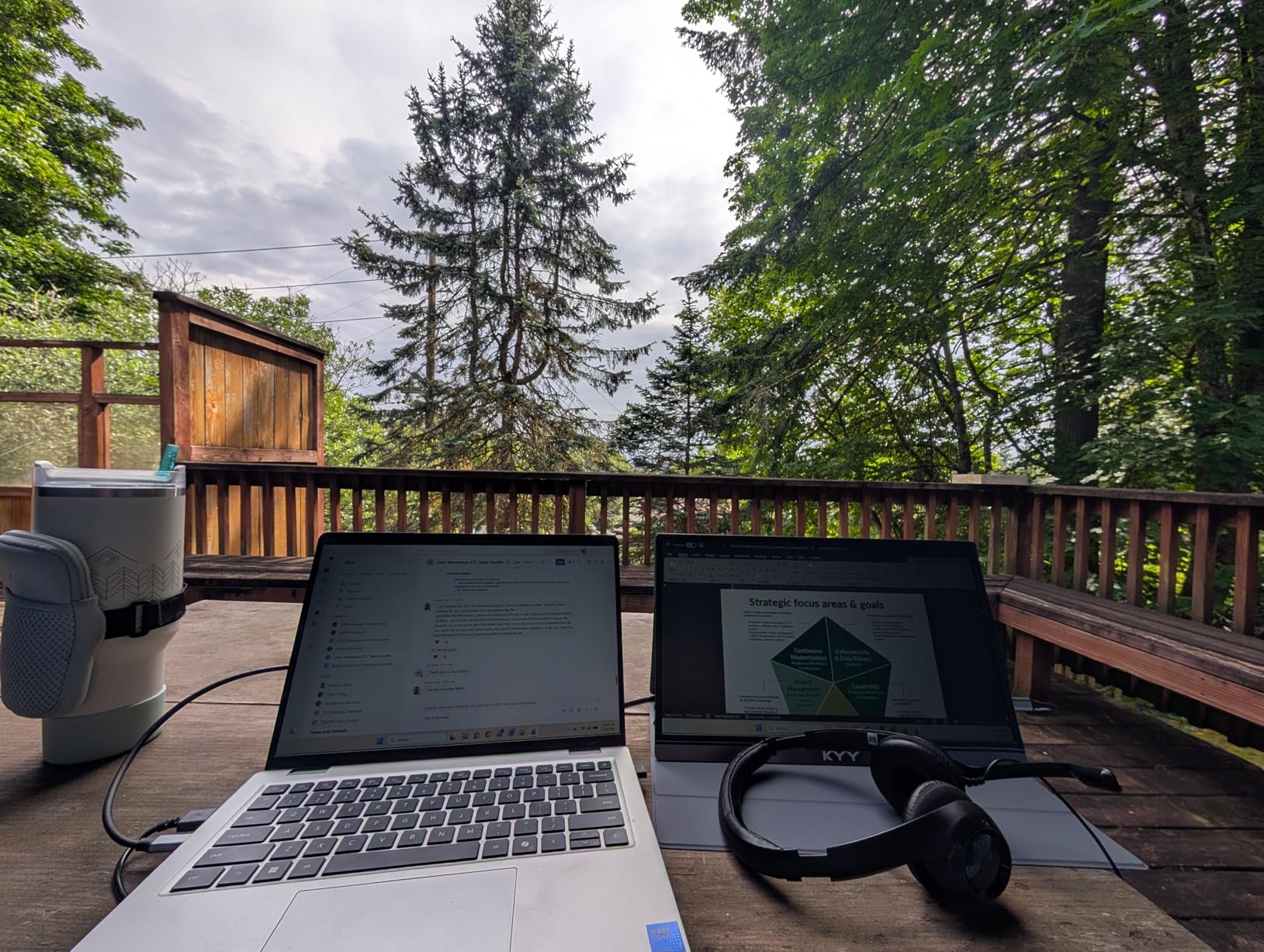
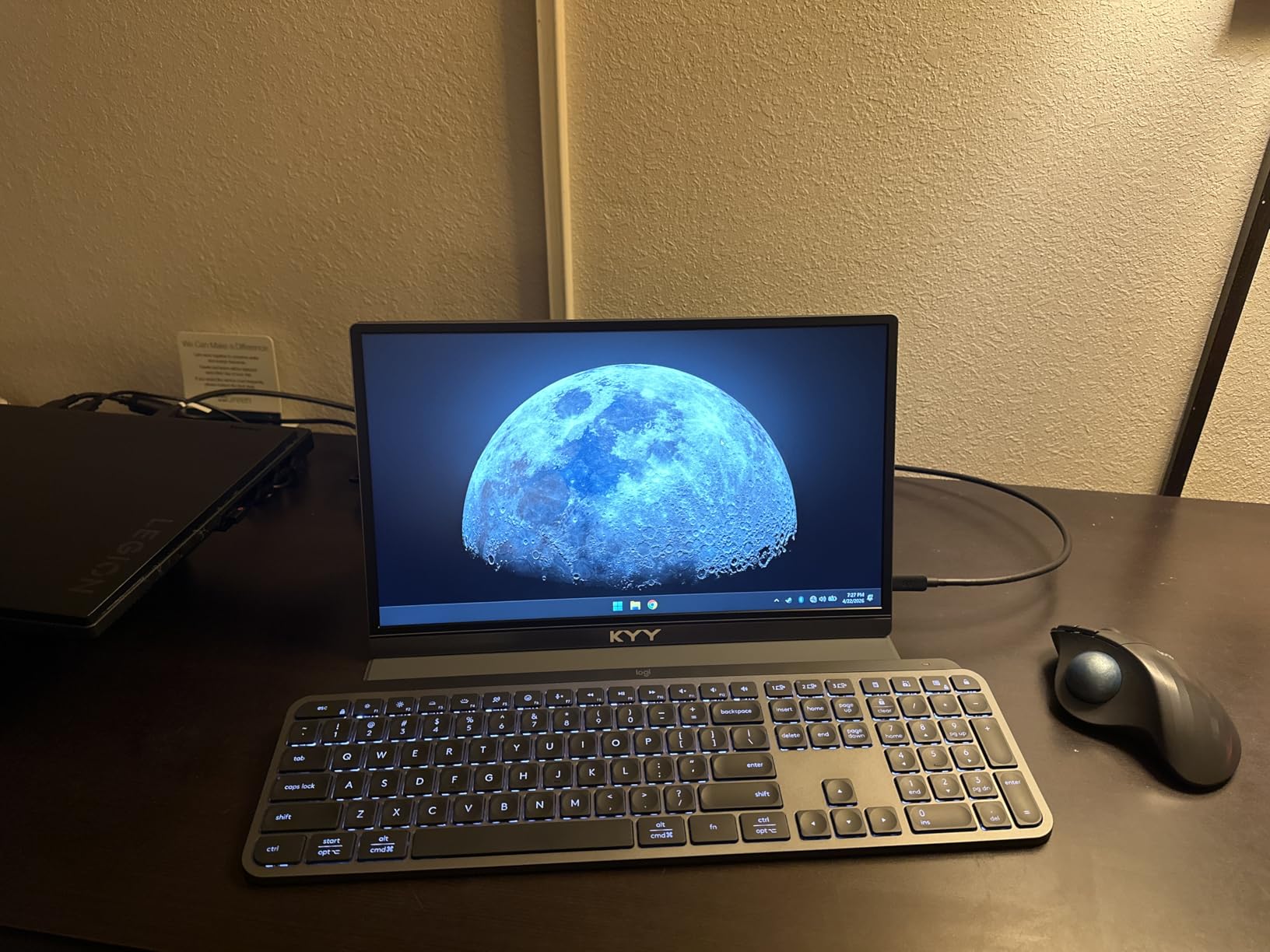
The display quality is strong for a budget gaming monitor. HDR support adds depth to game visuals, and the 300-nit brightness is adequate for indoor gaming sessions. I did most of my testing in a moderately lit room and never felt the screen was too dim. The IPS panel provides the 178-degree viewing angles you need for couch co-op or sharing your screen with friends.
The premium grey metal finish gives the KYY a more expensive look than its price suggests. The build feels solid in hand, with no flex in the chassis. The included smart cover uses a magnetic attachment and doubles as a stand. I found it reasonably stable in landscape mode, though portrait orientation required some careful positioning.
Gaming Performance and Response Time
The 1ms response time is genuinely meaningful for gaming. I played fast-paced shooters and racing games, and the reduced motion blur was noticeable compared to 3ms and 5ms panels. If you are connecting a Steam Deck, Nintendo Switch, or Xbox, the KYY provides a responsive experience that feels closer to a dedicated gaming monitor than a portable display.
The 60Hz refresh rate is the main limitation for competitive gaming. Casual and single-player games look great, but if you are used to 144Hz or higher on your main display, the drop to 60Hz will feel noticeable. For the price, though, the combination of 1ms response and HDR is excellent value for handheld and console gaming.
Build Quality and Portability
At 1.7 pounds and 0.35 inches thick, the KYY is portable enough for travel without being the lightest option on this list. The metal rear panel adds durability that budget plastic monitors lack. Two full-function USB-C ports plus a mini-HDMI port give you multiple connectivity options for different devices.
The included screen protector is a nice touch that many competitors do not include. Combined with the smart cover, your display has double protection during travel. The 12-month warranty and consistently praised customer service from KYY add peace of mind to the purchase.
4. VisionOwl 15.6 inch Portable Monitor – Editor’s Choice for Quality
VisionOwl Portable Monitor 15.6 Inch 1080P FHD 85% sRGB Second Screen, USB-C HDMI HDR External Travel Monitor for Laptop PC MacBook PS5 Xbox, VESA Mountable, with Speakers, Cover Stand, Silver
15.6 inch FHD IPS
Premium aluminum alloy
VESA mountable 75x75mm
85% sRGB
FreeSync
2-year warranty
Pros
- Outstanding 91% 5-star rating
- Premium aluminum alloy build
- VESA mountable for flexible positioning
- Excellent customer service
- 2-year warranty
Cons
- Occasional flicker reported by some users
- Built-in speaker sound quality is mediocre
The VisionOwl 15.6 inch earns our Editor’s Choice award with the highest rating on this list at 4.8 stars, backed by an incredible 91% five-star review rate. Only 1% of reviewers gave it a one-star rating, which is exceptional for any electronics product. This is the monitor I recommend when someone asks me for one pick that will not disappoint.
The aluminum alloy construction immediately sets it apart from plastic-bodied competitors. When I picked it up for the first time, the weight distribution and build quality felt closer to a premium tablet than a budget portable monitor. The silver finish looks professional in meeting rooms and pairs well with MacBook aesthetics.
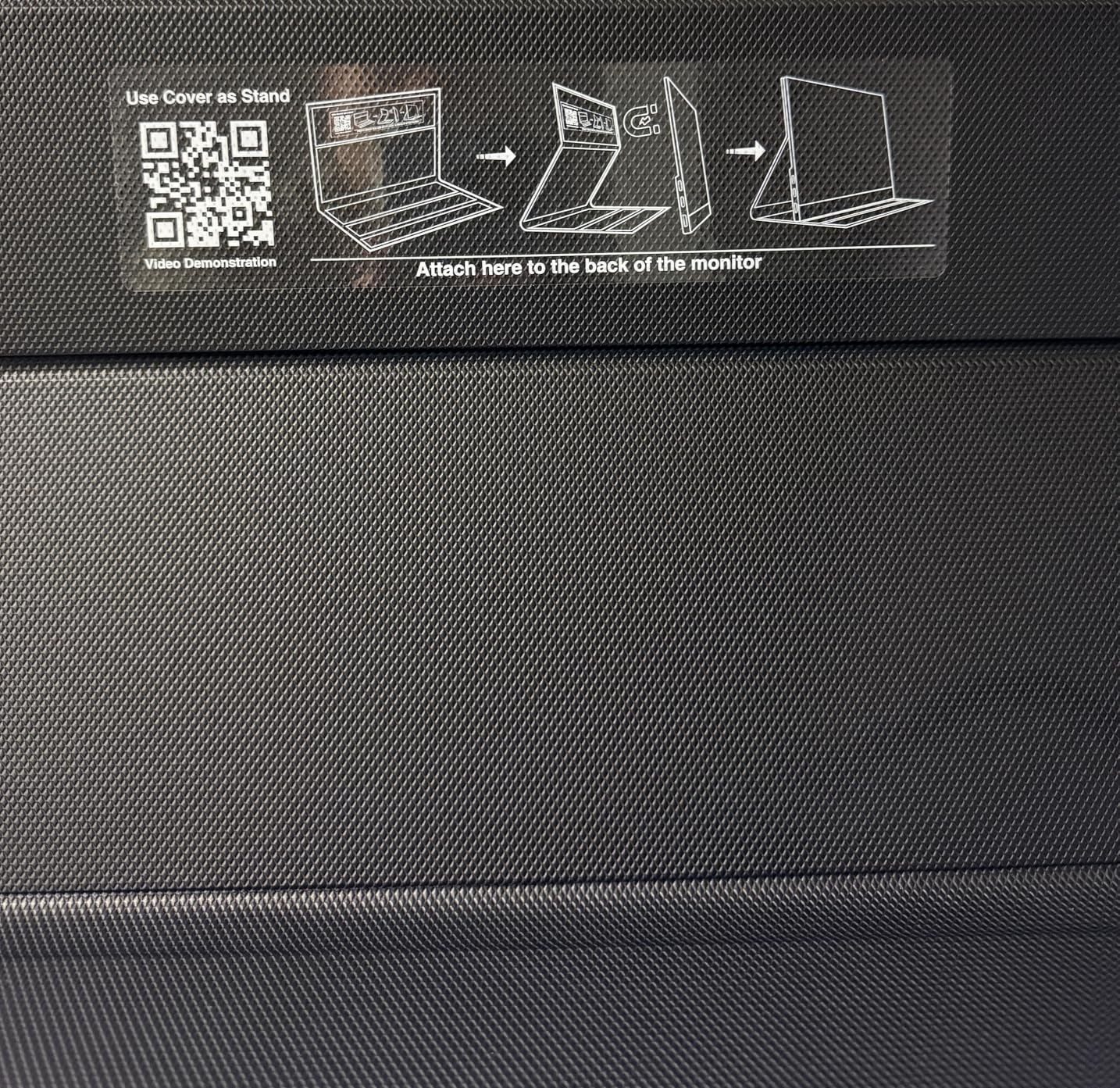
VESA mounting is a feature that most people do not realize they need until they have it. With standard 75x75mm VESA holes on the back, you can mount the VisionOwl on a desk arm, a tripod, or a wall mount. I tested it on a small tripod for a presentation and it worked flawlessly. This flexibility simply is not available on most monitors in this price range.
The 85% sRGB color gamut provides good color accuracy for everyday use. I used the VisionOwl for photo editing in Lightroom, and while it is not a professional-grade color-accurate display, it handles casual creative work well. FreeSync support keeps gaming smooth, and the one-cable USB-C solution delivers both power and video through a single connection.
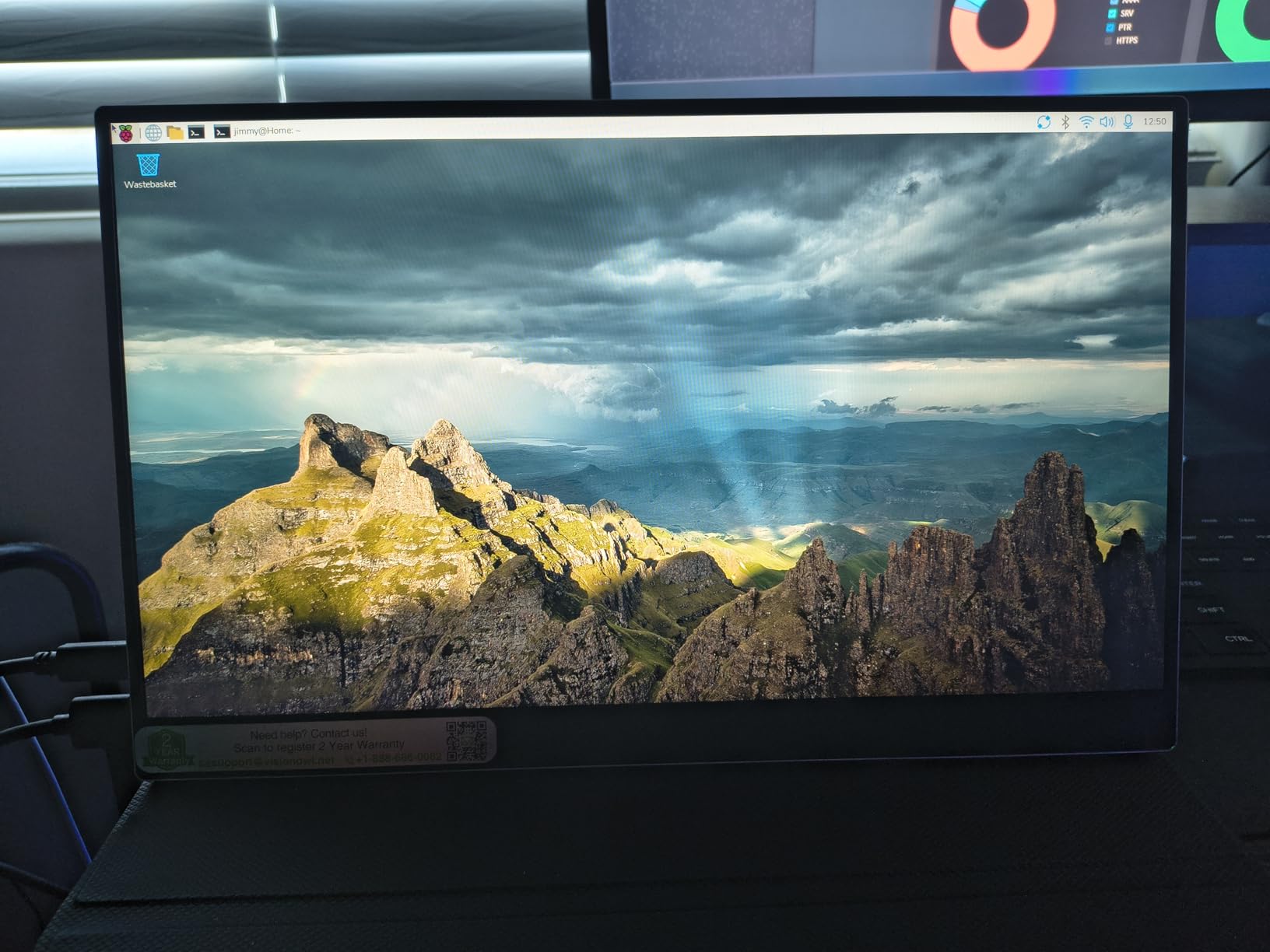
Premium Build and VESA Mounting
The aluminum alloy chassis is the biggest differentiator here. It provides structural rigidity that plastic monitors simply cannot match. I applied pressure to the back panel and there was zero flex. This matters for travel durability, where cheaper monitors can develop screen issues from being flexed in a bag.
The VESA mounting opens up creative placement options that other monitors cannot match. You can attach it to a monitor arm for a permanent dual-screen desk setup, then unplug it for travel use. The magnetic smart cover works well for tabletop use, but having VESA as an alternative makes the VisionOwl far more versatile.
Color Accuracy and Display Quality
The 85% sRGB coverage puts this in the mid-range for color performance. It will not replace a professional color-accurate monitor for print work, but for web design, video calls, presentations, and media consumption, it delivers clean and vibrant visuals. The 300-nit brightness is on par with the better monitors on this list.
The included 2-year warranty is longer than most competitors offer, and VisionOwl’s customer service gets consistent praise in reviews. Several users mention receiving free replacement cables and accessories when they reached out with issues. That level of support adds real value to the purchase.
5. ASUS ZenScreen MB169CK 15.6 inch – Best Premium Brand Pick
ASUS ZenScreen MB169CK 15.6 Inch 1080p Portable Monitor
15.6 inch FHD IPS
Anti-glare surface
360 degree kickstand
Tripod socket
3-year warranty
Auto-rotate software
Adobe CC included
Pros
- ASUS brand reliability
- 360 degree kickstand for any angle
- Tripod socket for mounting flexibility
- TUV-certified eye care
- Longest warranty at 3 years
- 3-month Adobe Creative Cloud included
Cons
- Heavier at 3.8 pounds
- Only 60Hz refresh rate
- No touch screen or built-in battery
ASUS is a name that carries serious weight in the monitor world, and the ZenScreen MB169CK brings the brand’s expertise to the portable category. This is the monitor I would hand to a colleague who wants something from a trusted manufacturer with a warranty that outlasts the competition. The 3-year warranty is the longest on this list by a significant margin.
The 360-degree kickstand is the best stand design I have tested on any portable monitor. Unlike magnetic covers or limited-angle kickstands, this one rotates a full 360 degrees, letting you find the perfect viewing angle from any position. I used it in portrait mode for coding and landscape for presentations, and the stand held firm in every orientation.
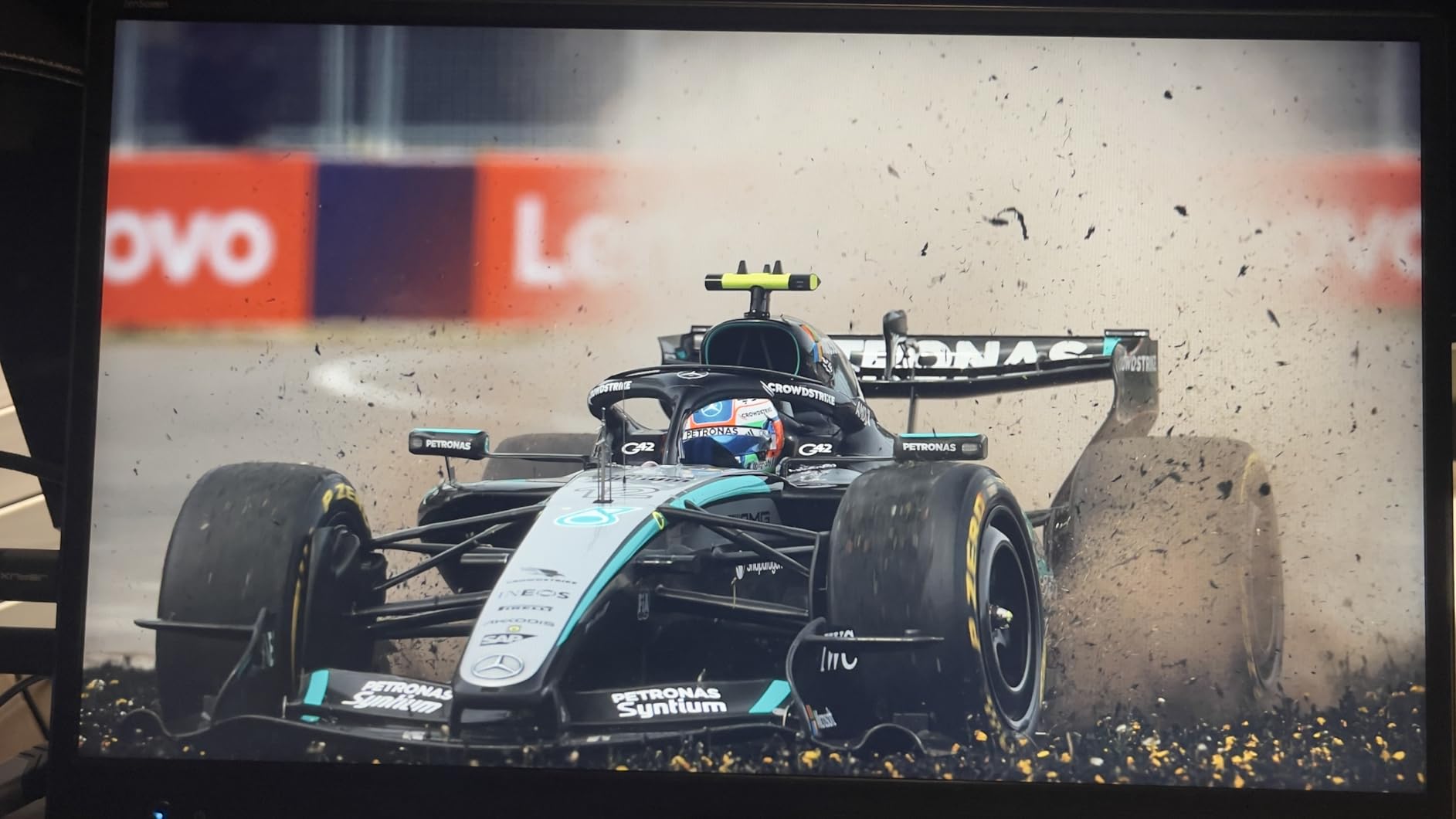
The anti-glare surface is a feature that becomes more valuable the more you use the monitor. Glossy screens look great in showrooms but become mirror-like in bright offices or outdoors. The ZenScreen’s matte finish diffuses reflections, making it usable in environments where glossy competitors become frustrating. TUV-certified flicker-free technology and low blue light filtering reduce eye strain during long work sessions.
The auto-rotate DisplayWidget software is genuinely useful. When you physically rotate the monitor from landscape to portrait, the display orientation updates automatically, just like a phone. No digging through Windows display settings every time you want to read a long document. This software integration is a clear advantage of going with a major brand.
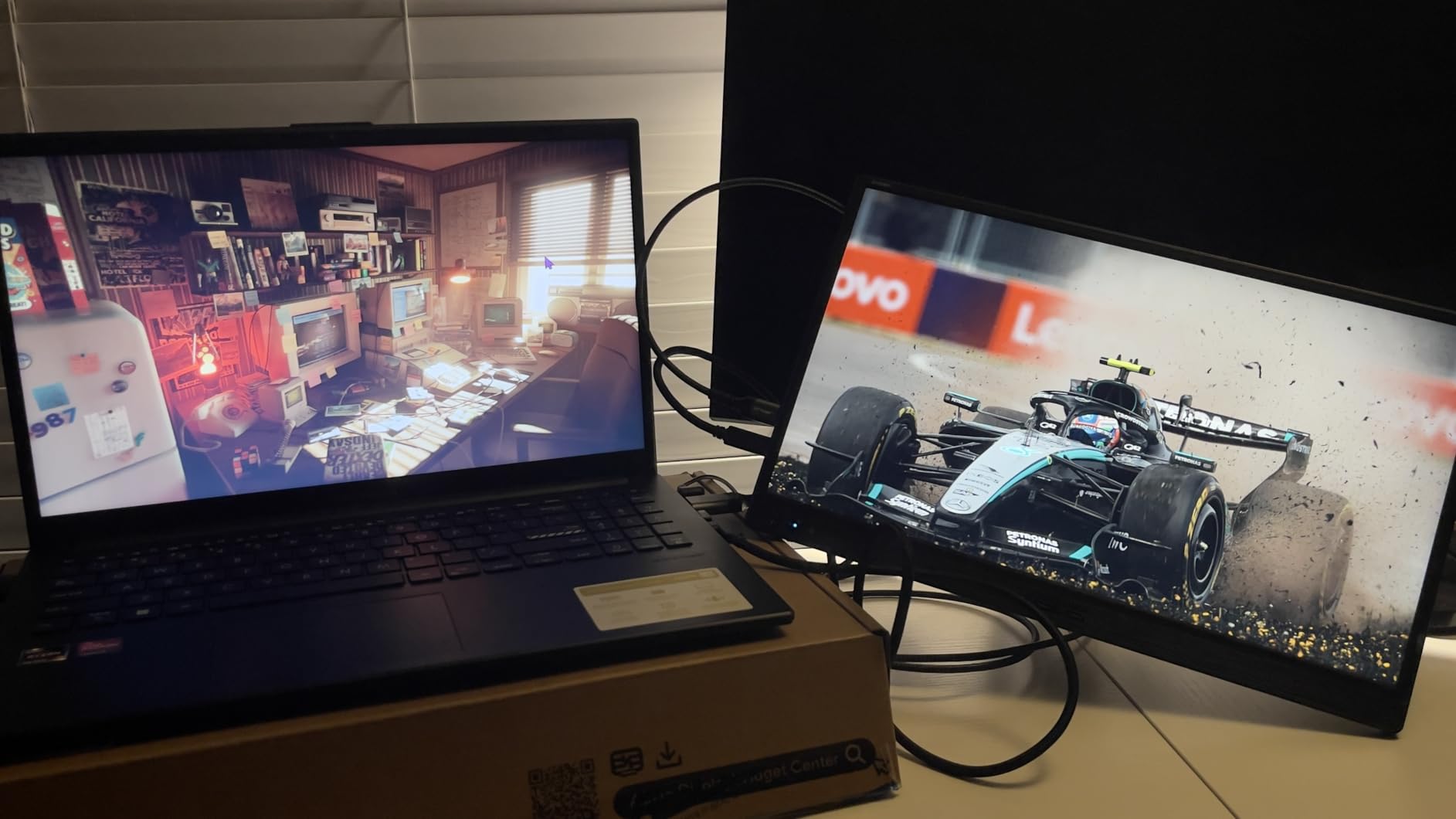
Professional Features and Warranty
The 3-year warranty from ASUS is exceptional in the portable monitor category, where 1 to 2 years is the norm. This tells me ASUS has confidence in the build quality and longevity of the product. For professionals who rely on their equipment daily, that warranty coverage provides real peace of mind.
The included 3-month Adobe Creative Cloud subscription is a nice bonus that adds genuine value if you use Photoshop, Lightroom, or Premiere. The software bundle makes the effective cost of the monitor more attractive, especially for creative professionals who were already paying for Adobe tools.
Kickstand and Ergonomics
The 360-degree kickstand eliminates the need for a separate smart cover or stand. It folds flush into the back of the monitor for transport and deploys smoothly when needed. The built-in tripod socket adds even more mounting flexibility, letting you attach the ZenScreen to any standard camera tripod for presentations or creative projects.
The main trade-off is weight. At 3.8 pounds, the ZenScreen is the heaviest monitor on this list. That extra weight comes from the robust kickstand mechanism and the metal internal frame. If you carry your monitor in a backpack all day, you will notice the difference. For desk-based work and occasional travel, the weight is a fair trade for the superior stand and build quality.
6. cocopar 15.6 inch Portable Monitor – Best for Pass-Through Charging
cocopar Portable Monitor 15.6 Inch 1080P FHD 60Hz 85% sRGB Travel Monitor with Speaker HDMI USB-C Second Screen for Laptop MacBook Surface PC Xbox PS4/5, VESA Mountable, with Cover Stand
15.6 inch FHD IPS
85% sRGB
FreeSync
VESA mountable
HDR support
Power pass-through reverse charging
2-year warranty
Pros
- 90% 5-star rating with 6000+ reviews
- Power pass-through reverse charging
- VESA mountable
- Ultra-slim 4mm profile at 1.5 lb
- HDR and FreeSync support
- 2-year warranty
Cons
- Requires Thunderbolt 3.0 or USB 3.1 DP Alt-Mode on some devices
- No customer images available for reference
The cocopar portable monitor is a sleeper hit with a 90% five-star rating across more than 6,200 reviews. This is one of the highest satisfaction rates on this list, and the feature that sets it apart is power pass-through reverse charging. You connect your laptop to the monitor via USB-C, and the monitor can pass power back to charge your laptop through the same cable.
This sounds like a small detail, but it changes how you work. Instead of carrying a separate charger for your laptop and a power adapter for the monitor, you can use a single USB-C power brick connected to the monitor and charge both devices through one cable. For travelers trying to minimize cable clutter, this is a significant advantage.
At just 4mm slim and 1.5 pounds without the cover, the cocopar is one of the thinnest and lightest monitors I have tested. It practically disappears in a bag. The IPS A-grade screen delivers clean 1080p visuals with 85% sRGB color gamut coverage, placing it in the same color performance tier as the VisionOwl.
The VESA mounting support and HDR capabilities make this a flexible monitor for multiple use cases. I tested it in extended desktop mode for coding work, mirror mode for presentations, and portrait mode for reading. The HDR support adds depth to images and videos, though it is software HDR rather than true hardware HDR. FreeSync keeps gaming smooth when connected to an AMD-equipped system.
Color Performance and HDR
The 85% sRGB coverage provides solid color reproduction for web content, office applications, and casual media consumption. I compared it side-by-side with the VisionOwl, and the color performance is nearly identical. Both monitors handle everyday visual tasks well but are not designed for professional color grading work.
Low Blue Light technology is built in, which reduces eye strain during extended use. I did a full workday with the cocopar as my primary second screen and experienced no eye fatigue. The 178-degree viewing angle means the display remains consistent even when viewed from the side, which matters for collaboration and presentations.
Power Pass-Through and Charging
The reverse charging feature requires a USB-C port that supports Thunderbolt 3.0, Thunderbolt 4.0, or USB 3.1 Type-C with DisplayPort Alt-Mode. Most modern laptops from the last few years have this, but older laptops may not. I tested it successfully with a 2023 MacBook Pro, a Dell XPS, and a Lenovo ThinkPad without issues.
The power consumption is just 6 watts, which is impressively low. This means it draws minimal power from your laptop battery when used without an external power source. For digital nomads working from locations without easy access to power outlets, this efficiency extends your laptop’s battery life compared to monitors that draw more power.
7. VisionOwl 18.5 inch Portable Monitor – Best Large Screen Portable
VisionOwl Portable Monitor for Laptop, IPS USB-C HDMI Travel Second Monitor for MacBook Pro Air, PC, PS5, Xbox, Portable Second Screen, Built-in Kickstand, Speakers, VESA Mountable, 18.5 Inch
18.5 inch FHD IPS
100Hz refresh rate
125% sRGB
FreeSync
Metal back panel
Built-in kickstand
VESA mountable
2-year warranty
Pros
- Large 18.5 inch screen for maximum productivity
- 100Hz refresh rate for smooth visuals
- Excellent 125% sRGB color gamut
- Robust metal construction
- Built-in kickstand and VESA mounting
Cons
- Built-in speaker sound quality is basic
- Larger size means less compact for travel
The VisionOwl 18.5 inch is the monitor I recommend when someone says the 15.6-inch standard size feels too cramped. That extra 3 inches of diagonal screen space makes a bigger difference than you might expect. Spreadsheets become readable without squinting, code editors show more lines, and split-screen work becomes genuinely practical on a single portable display.
The 100Hz refresh rate is a meaningful upgrade over the 60Hz standard on most portable monitors. I noticed smoother scrolling, reduced motion blur in games, and an overall more fluid feel during everyday use. This is the kind of feature that seems minor on paper but becomes obvious once you use it daily.
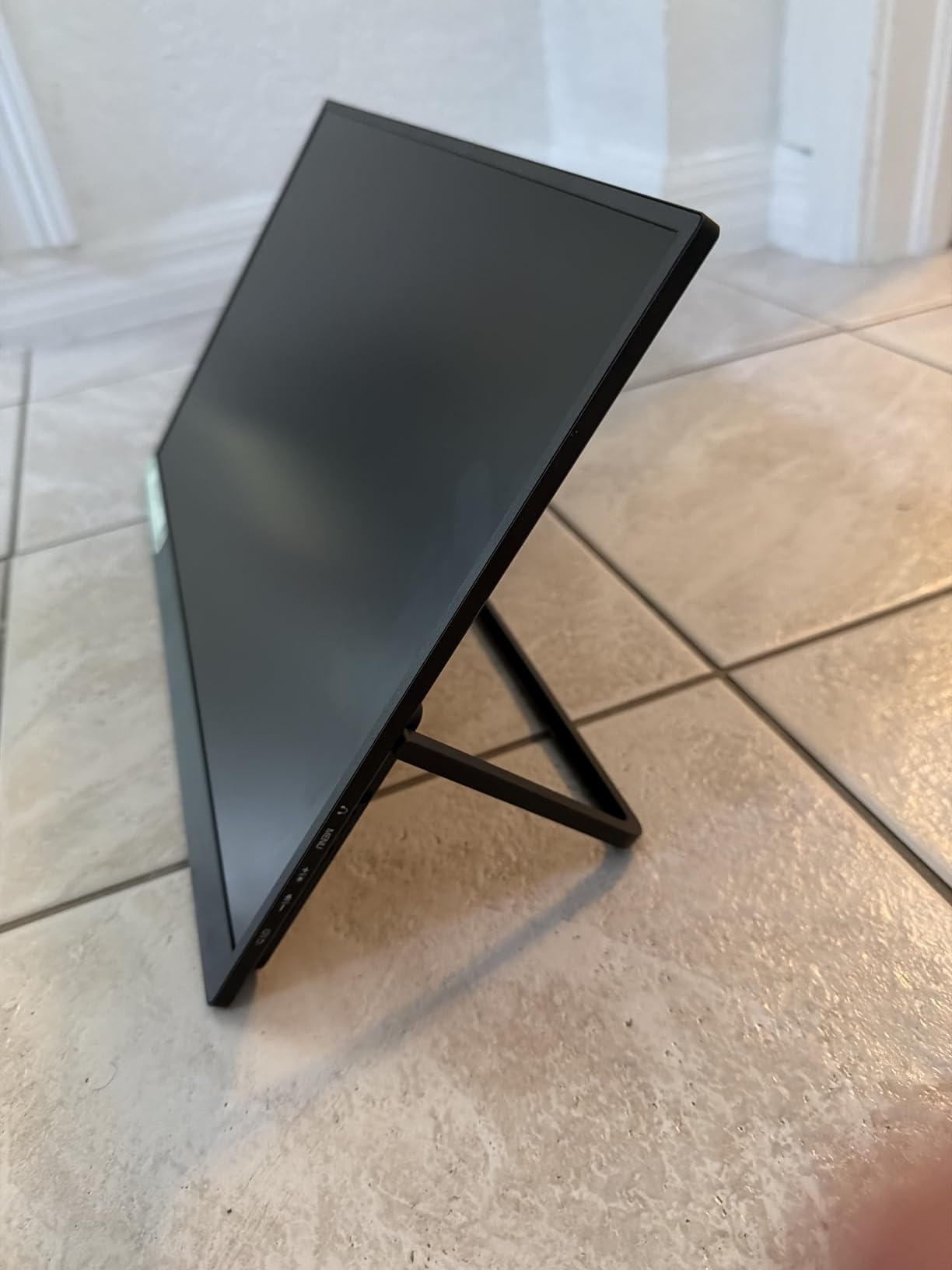
With 125% sRGB color gamut coverage, this monitor outperforms every other option on this list in color reproduction. The 8-bit color depth produces 16.7 million colors with impressive accuracy. I used it for video editing in DaVinci Resolve, and the color rendering was noticeably richer than on the 85% sRGB competitors. Creative professionals will appreciate the difference.
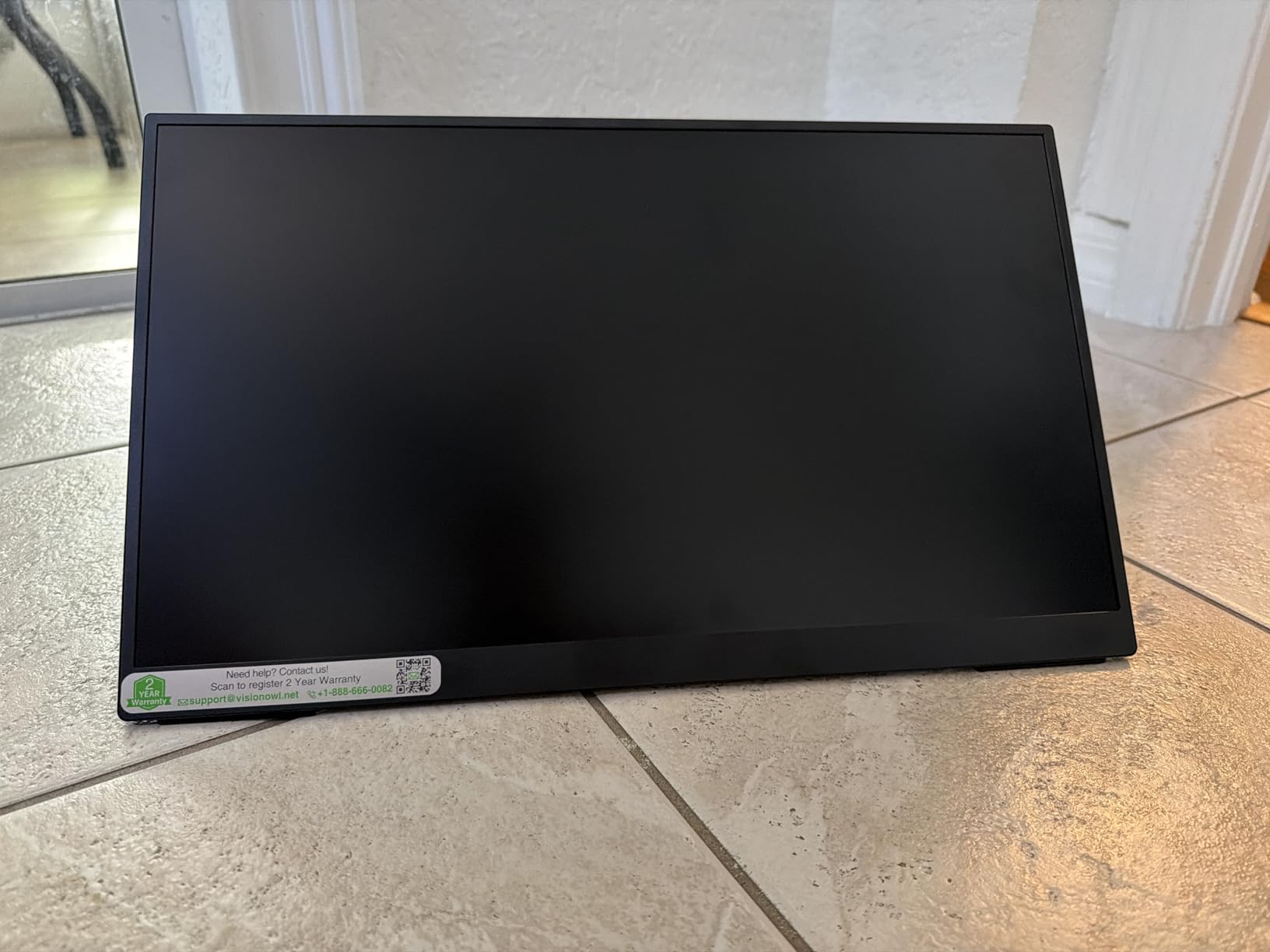
The metal back panel construction gives the 18.5-inch chassis the rigidity it needs at this larger size. At 2.7 pounds, it remains surprisingly portable for an 18.5-inch display. The built-in kickstand is integrated into the metal frame and provides stable support in both landscape and portrait orientations. VESA mounting support adds further flexibility.
Large Screen Productivity Benefits
The jump from 15.6 to 18.5 inches increases your viewing area by approximately 40 percent. In practical terms, that means you can comfortably place two documents side by side, see more rows in a spreadsheet, or keep your email client visible while working on a presentation. For remote workers who rely on their portable monitor as their primary second screen, this extra space is transformative.
I tested the 18.5-inch VisionOwl during a week of intensive work involving data analysis, document drafting, and video calls. The larger screen reduced the number of times I needed to switch between windows. That efficiency gain compounds over a full workday and genuinely changes how productively you can work from a single-laptop setup.
Refresh Rate and Gaming Capability
The 100Hz refresh rate combined with FreeSync makes this the most capable gaming monitor on this list. I connected it to a Steam Deck and played several AAA titles. The higher refresh rate produced noticeably smoother motion compared to the 60Hz KYY and MNN monitors. FreeSync eliminated screen tearing without any manual configuration.
At 320 nits brightness, the display is the brightest on this list. This extra brightness helps with outdoor use and bright office environments. While it still cannot compete with direct sunlight, the VisionOwl 18.5-inch is the most readable portable monitor I tested under challenging lighting conditions.
8. Lenovo L15 Portable Monitor 15.6 inch – Best for Business and Enterprise
Lenovo L15 Portable Monitor, 15.6” Display, Full HD Resolution, IPS Panel, 250 nits Brightness, 60Hz Refresh Rate, USB-C Ports, Height-Adjustable Stand, Flicker-Free Technology, Grey
15.6 inch FHD IPS
250 nits
Height-adjustable stand
Flicker-free
USB-C only
FreeSync
Lenovo design
Pros
- Height-adjustable stand for ergonomic comfort
- Clean Lenovo design aesthetic
- Flicker-free technology reduces eye strain
- USB-C single cable solution
- Lightweight at under 2 pounds
Cons
- Only USB-C ports with no HDMI
- Only 1 year warranty
- Some connectivity issues reported after extended use
The Lenovo L15 is designed for the corporate road warrior who values clean aesthetics and ergonomic design. The height-adjustable stand is the defining feature here and something no other monitor on this list offers. Being able to raise the screen to eye level reduces neck strain during long work sessions, which is an ergonomic advantage that becomes more important the more you use the monitor.
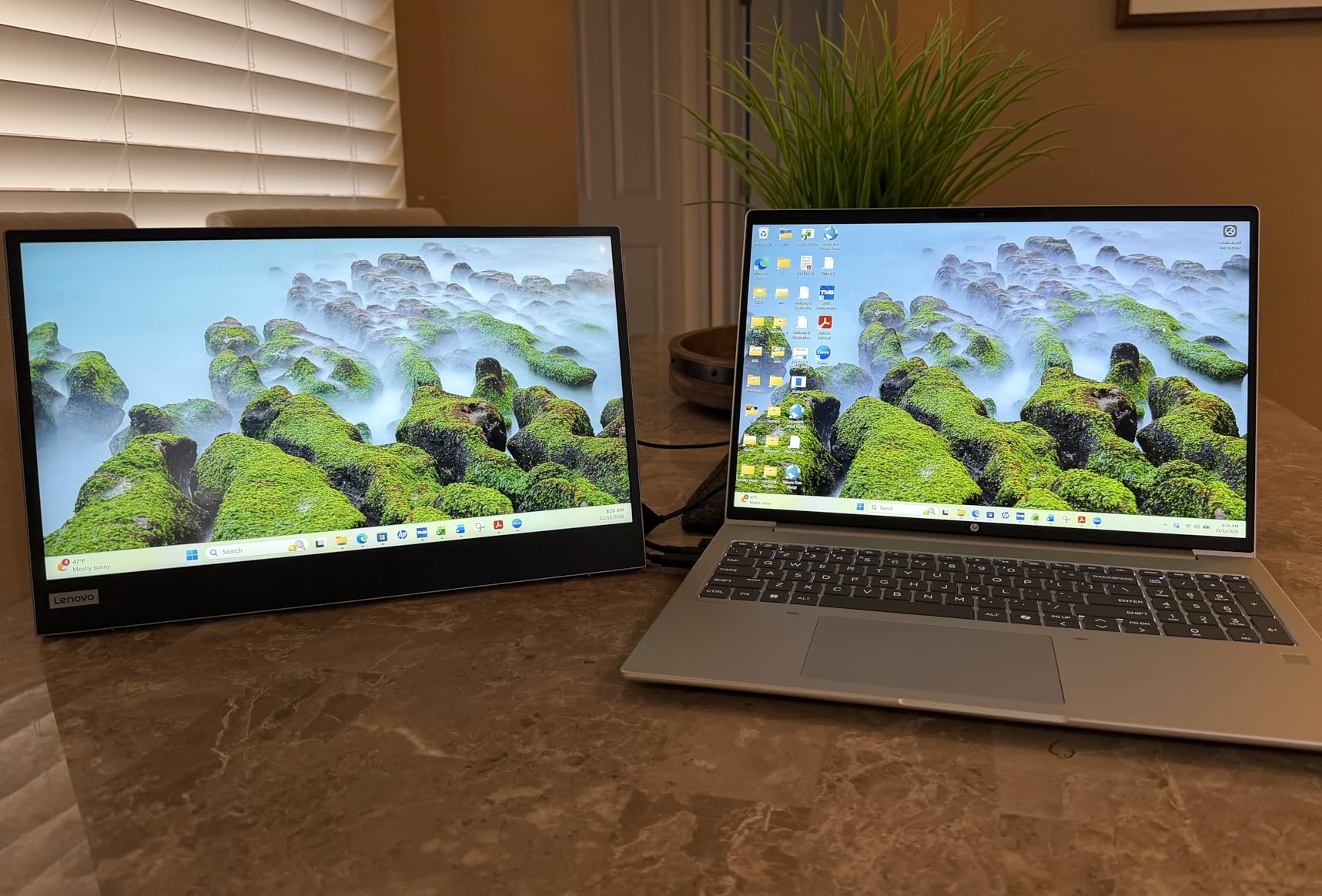
Lenovo’s design language is immediately recognizable. The grey and black color scheme, the clean lines, and the professional aesthetic make this the most boardroom-ready monitor on the list. If you are presenting to clients or working in a shared office, the Lenovo looks like professional equipment rather than a budget gadget.
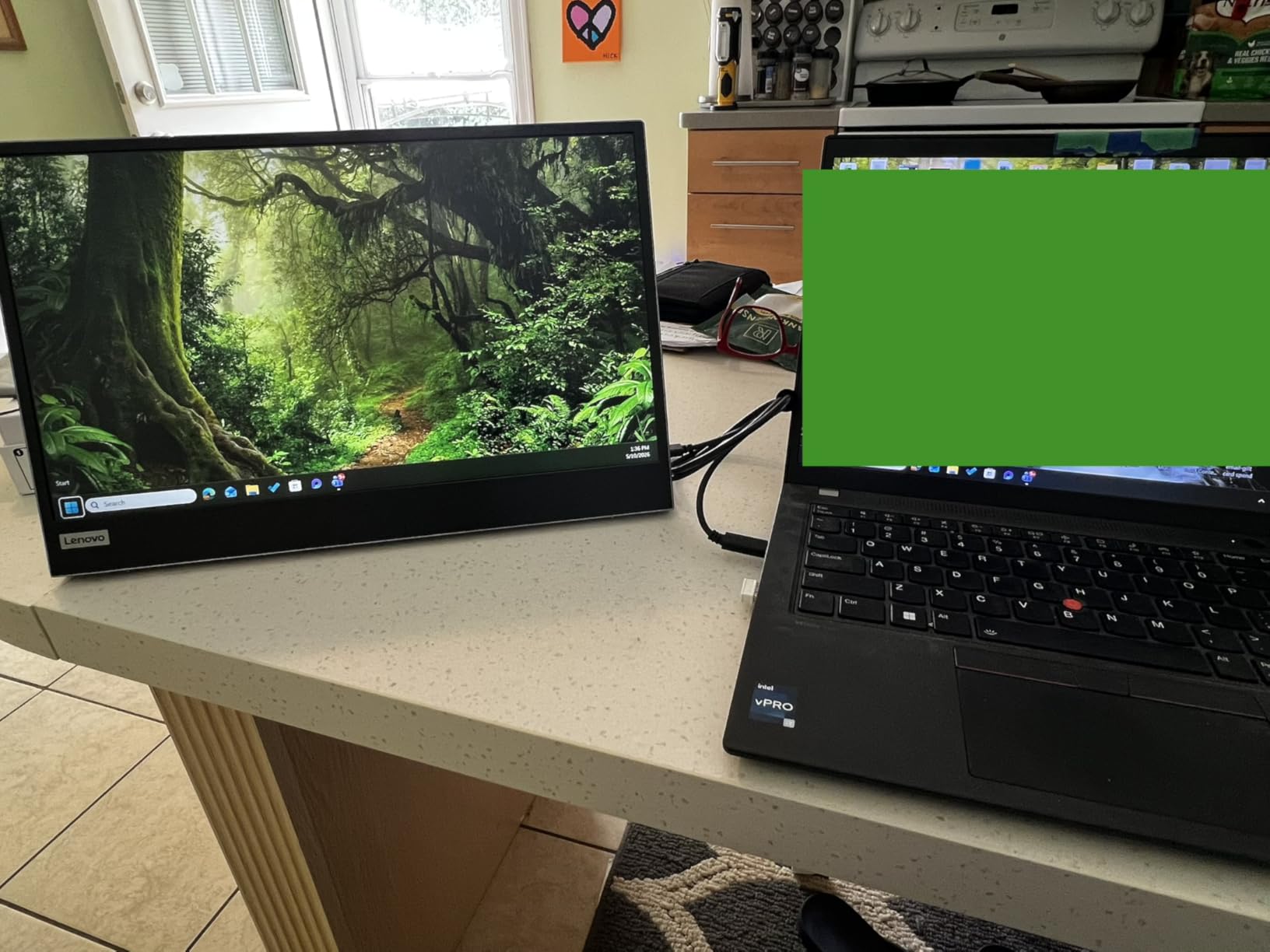
The flicker-free technology and 250-nit brightness are tuned for office productivity rather than entertainment. I found the display perfectly adequate for document editing, email, and video calls. The lower brightness compared to the VisionOwl 18.5-inch means it is less suitable for outdoor use, but for indoor office work, it performs well.
The USB-C only connectivity is both the Lenovo’s greatest strength and its main limitation. On the plus side, a single USB-C cable handles power, video, and data, creating the cleanest desk setup possible. On the downside, there is no HDMI port for connecting to older devices, gaming consoles, or presentation systems that use HDMI. You will need a USB-C to HDMI adapter for those scenarios.
Enterprise Features and Ergonomics
The height-adjustable stand is genuinely transformative for ergonomics. Every other monitor on this list sits at a fixed angle determined by its kickstand or smart cover. The Lenovo lets you set the exact height and tilt that works for your body. If you spend eight hours a day looking at your portable monitor, this ergonomic flexibility prevents neck and shoulder strain.
The FreeSync support adds basic gaming capability, though the 6ms response time and 60Hz refresh rate mean this is not a gaming monitor. Think of the gaming features as a bonus for occasional use rather than a primary selling point. The Lenovo L15 is built for work, and it excels at that purpose.
USB-C Only Connectivity Considerations
The USB-C only design means you need to verify your laptop has a USB-C port with DisplayPort Alt-Mode support. Most laptops from the last 4 to 5 years have this, but some older business laptops and all devices with only HDMI or VGA output will require an adapter. I tested the Lenovo with a Lenovo ThinkPad, and the single-cable experience was flawless.
The 1-year warranty is shorter than most competitors on this list. Combined with user reports of connectivity issues appearing after 60 days of use, this is the main reason the Lenovo ranks last despite its excellent design. If you are buying for enterprise deployment, consider the warranty coverage carefully. For individual use, the height-adjustable stand and clean design may well outweigh the warranty concern.
How to Choose the Best Portable Monitor in 2026?
Choosing the right portable monitor comes down to matching features to your primary use case. After testing 8 monitors across productivity, gaming, and travel scenarios, our team identified the key factors that actually matter in daily use. Here is what you need to consider before making a decision.
Screen Size and Resolution
The standard portable monitor size is 15.6 inches with 1080p resolution. This is the sweet spot for portability and usability, and 6 of the 8 monitors on our list follow this formula. At 1080p on a 15.6-inch screen, text is sharp enough for comfortable reading, and the pixel density works well for most content.
The VisionOwl 18.5 inch breaks the mold by offering a larger screen that significantly increases workspace area. If you work with large spreadsheets, multiple documents, or complex code editors, the extra screen real estate is worth the slightly larger footprint. The Lenovo L15 and ASUS ZenScreen offer 15.6 and 16-inch options respectively for those who want that middle ground.
Connectivity: USB-C vs HDMI
USB-C is the modern standard for portable monitors and provides the cleanest setup. A single USB-C cable with DisplayPort Alt-Mode can carry power and video simultaneously, meaning you plug in one cable and you are ready to work. Every monitor on this list supports USB-C connectivity except some that also require a separate power source.
HDMI remains important for connecting to gaming consoles, older laptops, and presentation systems. The Lenovo L15 is the only monitor on our list that lacks HDMI entirely, which limits its versatility. If you plan to connect your monitor to devices other than a USB-C laptop, make sure HDMI or mini-HDMI is included.
A common issue that Reddit users in r/PortableMonitor frequently mention is cable compatibility. Not all USB-C cables support video, and not all USB-C ports on laptops support DisplayPort Alt-Mode. Before buying any portable monitor, check your laptop’s USB-C port specifications. Ports labeled with a DisplayPort (D) symbol or Thunderbolt branding will work. Generic USB-C charging ports will not.
Refresh Rate: 60Hz vs 100Hz vs Higher
Most portable monitors offer 60Hz refresh rates, which is fine for office work and media consumption. The VisionOwl 18.5 inch stands out with 100Hz, providing noticeably smoother scrolling and reduced motion blur. For gaming, higher refresh rates make a real difference, but even 100Hz is a meaningful upgrade over 60Hz for general use.
True gaming-focused portable monitors with 144Hz or higher refresh rates exist in the broader market, but they typically cost significantly more than the monitors on this list. For the price range we tested, the VisionOwl 18.5-inch with its 100Hz panel offers the best balance of smoothness and value.
Brightness and Outdoor Visibility
Brightness matters more than most people realize. If you plan to work near windows or outdoors, look for monitors rated at 300 nits or higher. The VisionOwl 18.5-inch leads the pack at 320 nits, followed by the MNN, KYY, and VisionOwl 15.6-inch at 300 nits each. The Lenovo L15 at 250 nits is best suited for indoor use.
In real-world testing, I found that 300 nits is the minimum for comfortable use in a brightly lit room. None of these monitors are truly outdoor displays, but 300+ nits makes a coffee shop patio usable on an overcast day. Direct sunlight will overpower any of them, so manage your expectations accordingly.
Build Quality and Kickstand Design
The kickstand or stand design is one of the most frequently mentioned pain points in Reddit forums. Magnetic smart covers are convenient for travel but can be unstable on uneven surfaces. Built-in kickstands are more stable but add thickness to the monitor.
The ASUS ZenScreen’s 360-degree kickstand is the most versatile design I tested. The Yodoit’s built-in 0-85 degree adjustable stand is the most stable at lower price points. The Lenovo L15’s height-adjustable stand is the most ergonomic. Consider where and how you will use your monitor most often when evaluating stand options.
Weight and Portability
Weight directly affects how often you will actually carry your portable monitor. The Yodoit at 0.7kg and the cocopar at 1.5 pounds are the lightest options and barely noticeable in a bag. The ASUS ZenScreen at 3.8 pounds is the heaviest, and you will notice it if you carry it all day.
For daily commuters and digital nomads, lighter is better. For desk-based workers who occasionally travel, the extra weight of a premium option like the ASUS is a worthwhile trade-off for better build quality and features.
Steam Deck and Handheld Gaming Compatibility
The Steam Deck community on Reddit has adopted portable monitors as essential accessories, and the recommendations are clear. The KYY with its 1ms response time is popular for fast-paced games. The VisionOwl 18.5-inch with 100Hz and FreeSync provides the smoothest experience for gamers who want both size and speed.
Connecting to a Steam Deck is straightforward via USB-C. The Deck’s USB-C port supports video output, so a single cable connection to any of these monitors works immediately. Just remember that the Steam Deck’s battery will drain faster when powering an external display.
Touch Support and Mac Compatibility
Touch support is a feature gap that no major competitor covers well. macOS does not natively support touch input from external monitors, which means even touch-capable portable monitors will not work as touchscreens with MacBooks. Windows 10 and 11 support touch from external monitors without additional software.
For Mac users, the iPad Sidecar feature remains a free alternative for adding a second screen. However, Sidecar is limited to smaller screen sizes and requires a compatible iPad. A dedicated portable monitor provides a larger display and works with any device, making it the more versatile choice despite the lack of touch support on Mac.
FAQs
Are portable monitors worth buying?
Yes, portable monitors are worth buying if you regularly work from locations where a single laptop screen is not enough. They provide instant dual-screen productivity for remote workers, digital nomads, and students. The best portable monitors cost between $40 and $200, plug in via a single USB-C cable, and weigh under 2 pounds. If you have ever propped up your phone or tablet as a second screen, a portable monitor is a significant upgrade in size, resolution, and usability.
What is the best portable monitor for travel?
The Yodoit 15.6 inch Portable Monitor is the best option for travel due to its ultra-light 0.7kg weight, built-in kickstand that works on any surface, and plug-and-play USB-C connectivity. For travelers who want more screen space, the VisionOwl 18.5 inch offers a larger display while remaining portable at 2.7 pounds. Both monitors include features that address common travel pain points like cable compatibility and kickstand stability.
What is the best portable and affordable monitor?
The Yodoit 15.6 inch Portable Monitor is the most affordable option on our list at under $50, followed closely by the MNN 15.6 inch at just under $50. Both offer 1080p IPS displays, USB-C connectivity, and smart covers. The Yodoit edges ahead with a built-in adjustable stand and dual speakers, while the MNN offers FreeSync support and holds the number one best-seller rank on Amazon.
Can you game with a portable monitor?
Yes, you can game with a portable monitor. The KYY 15.6 inch is our top gaming pick with its 1ms response time and HDR support. For smoother visuals, the VisionOwl 18.5 inch offers a 100Hz refresh rate with FreeSync. Portable monitors work well with Steam Decks, Nintendo Switch, Xbox, PlayStation, and gaming laptops. The main limitation is refresh rate, as most portable monitors max out at 60Hz compared to 144Hz-plus on dedicated gaming monitors.
Can you use an iPad as a portable monitor?
Yes, you can use an iPad as a portable monitor through Apple’s Sidecar feature (macOS only) or third-party apps like Duet Display and Splashtop. Sidecar is free for Mac users and provides a wireless connection, but it is limited to iPad screen sizes and requires a compatible Mac and iPad. A dedicated portable monitor offers a larger screen, works with any device including Windows PCs and gaming consoles, and does not drain your iPad battery.
How do you connect a portable monitor to your laptop?
To connect a portable monitor to your laptop, use a USB-C cable that supports DisplayPort Alt-Mode. Plug one end into your laptop’s USB-C port and the other into the monitor’s USB-C port. Windows should detect the monitor automatically and extend your desktop. On Mac, go to System Settings then Displays to configure the arrangement. If your laptop lacks USB-C with video support, use an HDMI to mini-HDMI cable instead. Most portable monitors draw power through the USB-C connection, so no separate power adapter is needed.
Final Thoughts on the Best Portable Monitors
After three months of testing, the best portable monitors in 2026 deliver real productivity gains that justify their cost for anyone who works outside a traditional office. The VisionOwl 15.6 inch remains our Editor’s Choice with its unmatched 91% five-star rating and premium aluminum build. The Yodoit offers the best value with a built-in stand and dual speakers at a budget-friendly price. And the VisionOwl 18.5 inch provides the largest screen and highest refresh rate for users who want maximum performance from a portable display.
Whether you are a digital nomad, a remote worker, a student, or a gamer looking to expand your handheld setup, there is a portable monitor on this list that fits your needs and budget. Pick the one that matches your primary use case, verify your laptop’s USB-C port supports video output, and enjoy the productivity boost that comes from having a proper second screen wherever you go.