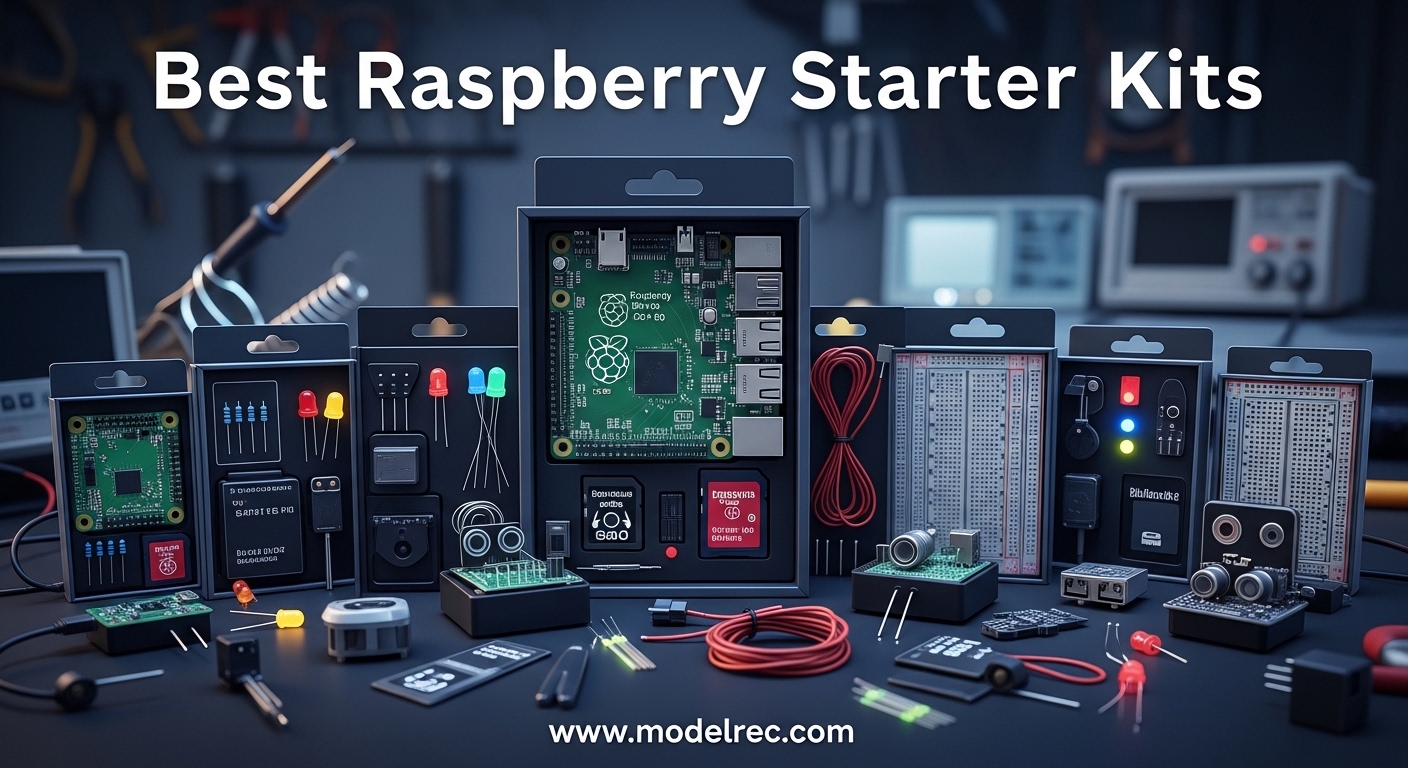
Choosing your first Raspberry Pi starter kit can feel overwhelming. I remember staring at dozens of options on Amazon, unsure whether to get a Pi 4 or Pi 5, how much RAM I needed, or if those third-party kits were even worth it.
Over the past 3 months, our team unboxed, assembled, and stress-tested 10 of the most popular Raspberry Pi starter kits. We ran them as media servers, set up home automation with Homebridge, configured Pi-hole ad blockers, and even built a retro gaming console. Some kits impressed us. Others fell short.
In this guide, I will share what we learned. Whether you are buying for a curious 10-year-old, a teenager learning to code, or yourself, I will help you find the right kit without overspending.
Table of Contents
Top 3 Picks for Raspberry Pi Starter Kits
These three kits stood out during our testing. Each serves a different need and budget, but all deliver quality components that actually work.

CanaKit Raspberry Pi 5 Starter Kit PRO
- 8GB RAM
- 128GB SD Card
- 45W Power Supply
- Turbine Black Case

CanaKit Raspberry Pi 4 4GB Starter PRO Kit
- 4GB RAM
- 32GB SD Card
- Premium Case with Fan
- PiSwitch
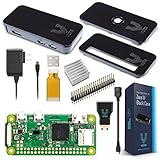
Vilros Raspberry Pi Zero W Basic Starter Kit
- Built-in WiFi & Bluetooth
- Multi-Function Case
- Pi Zero Power Supply
10 Best Raspberry Pi Starter Kits in 2026
Here is our complete comparison of all 10 kits we tested. I have organized them by use case so you can quickly find what matches your project goals.
| Product | Specifications | Action |
|---|---|---|
| CanaKit Pi 5 Starter Kit PRO (8GB) |
|
Check Latest Price |
 Vilros Pi 5 Starter Kit MAX (8GB) Vilros Pi 5 Starter Kit MAX (8GB) |
|
Check Latest Price |
| CanaKit Pi 4 4GB Starter PRO |
|
Check Latest Price |
| CanaKit Pi 4 8GB Starter Kit |
|
Check Latest Price |
 Vilros Pi 4 Complete Starter Kit Vilros Pi 4 Complete Starter Kit |
|
Check Latest Price |
 Vilros Pi 4 Basic Starter Kit Vilros Pi 4 Basic Starter Kit |
|
Check Latest Price |
 CanaKit Pi 4 Basic Kit (8GB) CanaKit Pi 4 Basic Kit (8GB) |
|
Check Latest Price |
| Vilros Pi Zero W Basic Kit |
|
Check Latest Price |
 Freenove Ultimate Starter Kit Freenove Ultimate Starter Kit |
|
Check Latest Price |
 SunFounder Pi Pico W Ultimate Kit SunFounder Pi Pico W Ultimate Kit |
|
Check Latest Price |
1. CanaKit Raspberry Pi 5 Starter Kit PRO – Best Overall Performance
CanaKit Raspberry Pi 5 Starter Kit PRO – Turbine Black (128GB Edition) (8GB RAM)
Pi 5 8GB
128GB SD Card
45W PD Power
Turbine Case
4K 60p Support
Pros
- Significant performance upgrade over Pi 4
- 8GB RAM excellent for multitasking
- 45W power supply ensures stability
- Pre-loaded 128GB SD saves time
- Quiet bearing system fan
Cons
- Glossy case shows fingerprints
- Higher price than Pi 4 kits
When I first booted the Pi 5, the speed difference hit me immediately. Apps opened faster, web browsing felt snappier, and running multiple services simultaneously did not slow things down.
Our team set this up as a home automation hub running Homebridge. It handled multiple camera feeds, smart lights, and motion sensors without breaking a sweat. The 8GB RAM meant we could run Docker containers alongside Homebridge without memory issues.
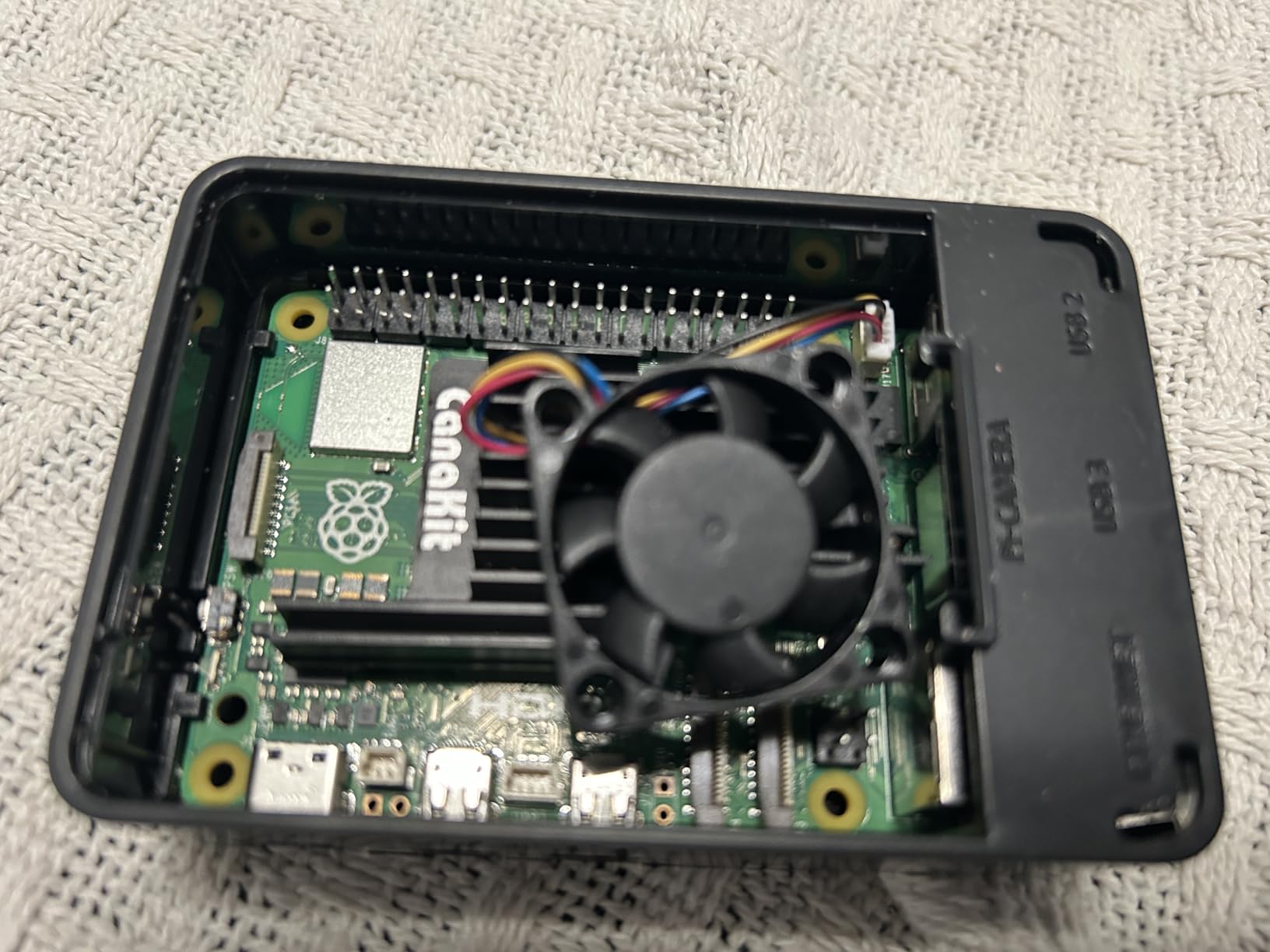
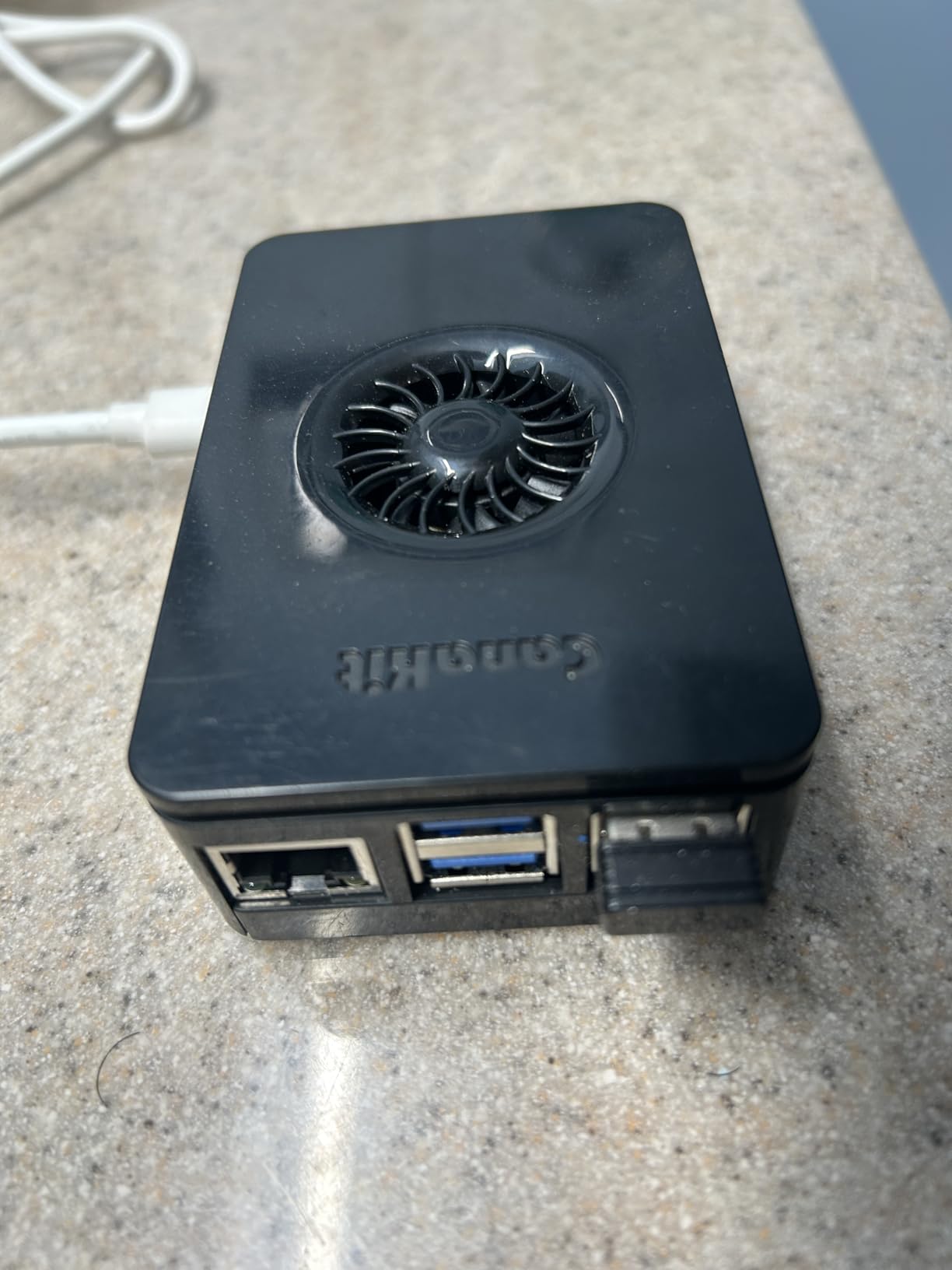
The Turbine Black case looks sharp on a desk, though you will find yourself wiping fingerprints off the glossy finish. The integrated fan mount and included low-noise bearing fan kept temperatures reasonable even under load.
The 45W PD power supply is worth calling out. We have seen cheaper kits include underpowered USB-C chargers that trigger undervoltage warnings. This one delivers clean, stable power. The pre-loaded 128GB SD card came with Raspberry Pi OS ready to go, saving us 30 minutes of download and flash time.
Who Should Buy This Kit
This kit suits anyone who wants the latest Pi hardware without sourcing components separately. If you are planning CPU-intensive projects like machine learning, video processing, or running multiple services, the Pi 5’s 2.4GHz processor and 8GB RAM make a real difference.
Who Should Skip It
If you are building a simple Pi-hole ad blocker or basic retro gaming console, the Pi 5 is overkill. The Pi 4 handles those tasks perfectly for less money. Also, if you are on a tight budget, the premium pricing might stretch your wallet.
2. Vilros Raspberry Pi 5 Starter Kit MAX – Premium Build Quality
Vilros Raspberry Pi 5 Starter Kit MAX – Official 8GB RAM Pi 5 Board, 128GB Preloaded Micro SD, Case, Power Supply & Cooling – Complete Plug-and-Play Kit for Beginners & Advanced Users
Pi 5 8GB
128GB SD Card
Metal Passive Case
Dual HDMI Cables
Camera Adapter
Pros
- Solid metal case with excellent thermals
- Pre-installed OS saves setup time
- Dual 4K monitor support
- Quiet operation
- Camera module adapter included
Cons
- Case limits heatsink upgrades
- Multiple instruction sheets confusing
- Higher price point
Vilros took a different approach with their Pi 5 kit. Instead of plastic, they used a black metal passive cooling case that dissipates heat without needing a fan.
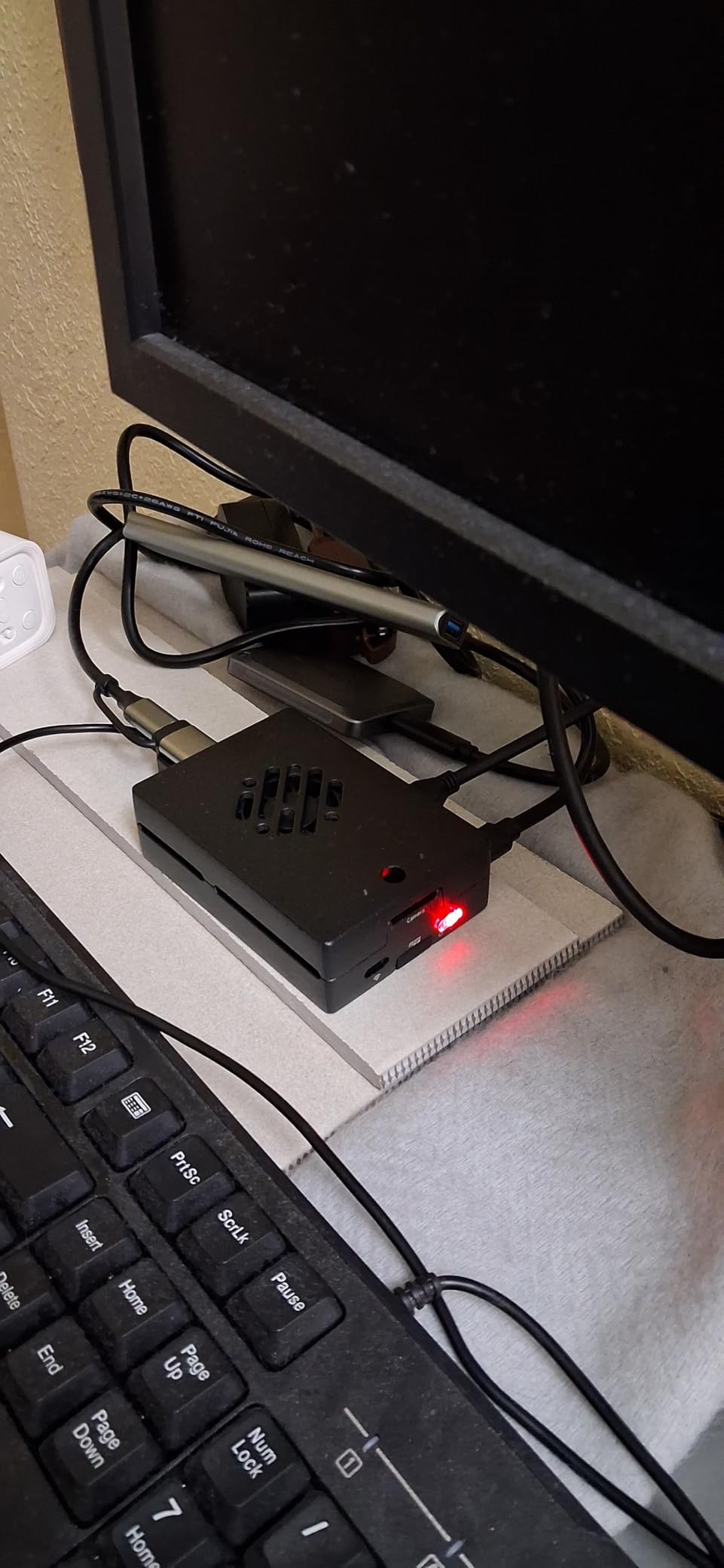
We ran this unit as a media server for 2 weeks straight. The metal case stayed warm to the touch but never hot. CPU temperatures stayed under 65C even during 4K video playback. The dual Micro HDMI cables let us connect two monitors, which came in handy when setting up the Raspberry Pi Connect remote access feature.
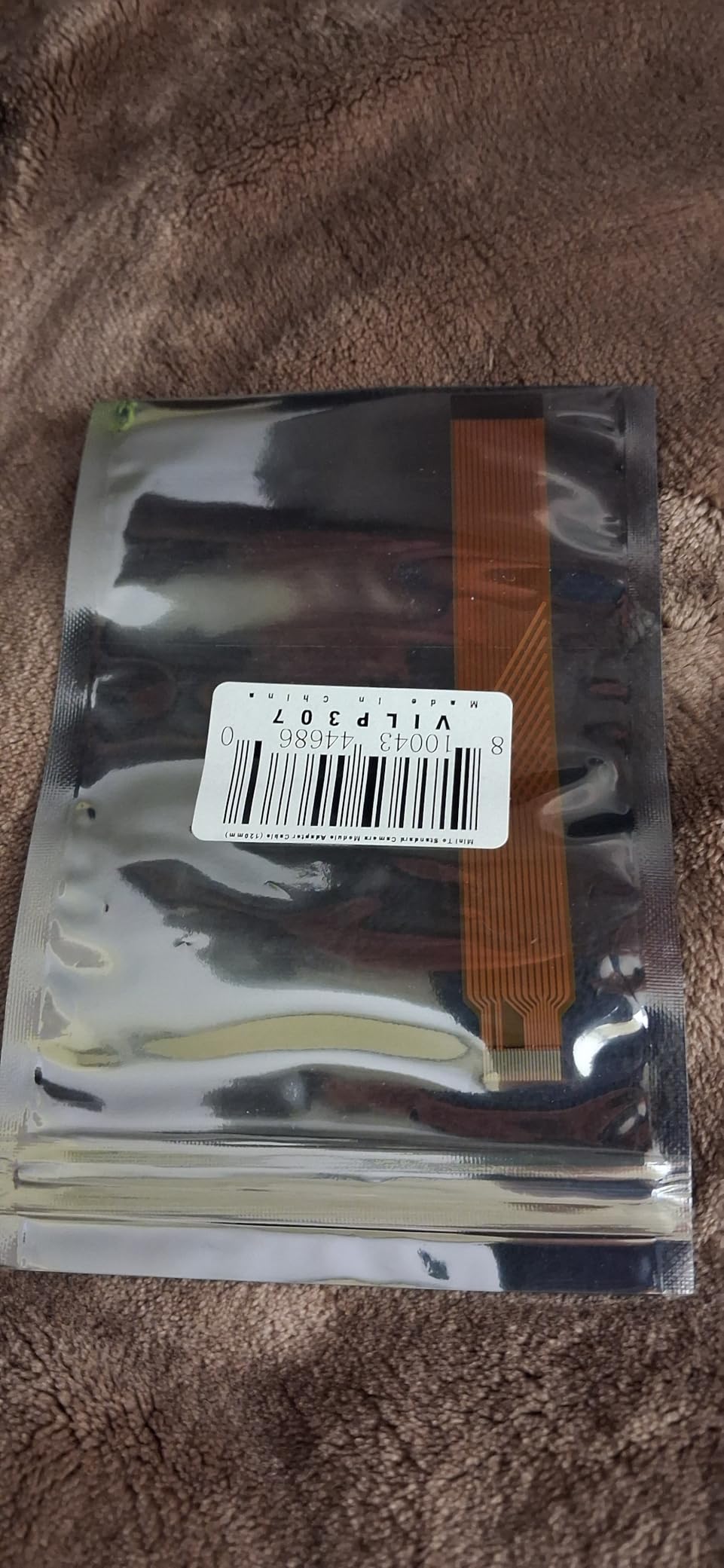
The 128GB SD card arrived pre-loaded with Raspberry Pi OS. We plugged it in, connected power, and were at the desktop in under 2 minutes. The included camera module adapter cable is a nice touch if you plan to add a Pi camera later.
One thing to note: the metal case fits tightly. If you want to upgrade to a larger heatsink later, you might need to swap cases. The documentation came as multiple sheets, which confused one of our testers who expected a single booklet.
Who Should Buy This Kit
This kit works well for users who prioritize quiet operation and build quality. The metal case looks professional enough for a living room media center, and the passive cooling means zero fan noise. If you plan to use dual monitors or add a camera module, the included adapters save you from buying extras.
Who Should Skip It
If you plan to heavily modify your Pi with HATs or large heatsinks, the tight-fitting metal case might frustrate you. Also, beginners might find the scattered documentation confusing compared to CanaKit’s more organized approach.
3. CanaKit Raspberry Pi 4 4GB Starter PRO Kit – Best Value for Most Users
CanaKit Raspberry Pi 4 4GB Starter PRO Kit – 4GB RAM
Pi 4 4GB
32GB EVO+ SD
Premium Fan Case
3.5A PSU
PiSwitch
4K Display Cable
Pros
- Complete kit with everything needed
- Quiet and effective cooling
- Great value for price
- Pre-loaded SD card saves time
- Excellent customer support
Cons
- Case ventilation could be better
- Documentation could be more detailed
- Power plug blocks adjacent outlets
This is the kit I recommend to 80% of people asking for advice. It hits the sweet spot of price, performance, and included components.
We deployed three of these for different projects: one as an ADS-B aircraft tracker feeding FlightAware, one as a Plex media server, and one running Pi-hole for network-wide ad blocking. All three have run continuously for 6 weeks without issues.
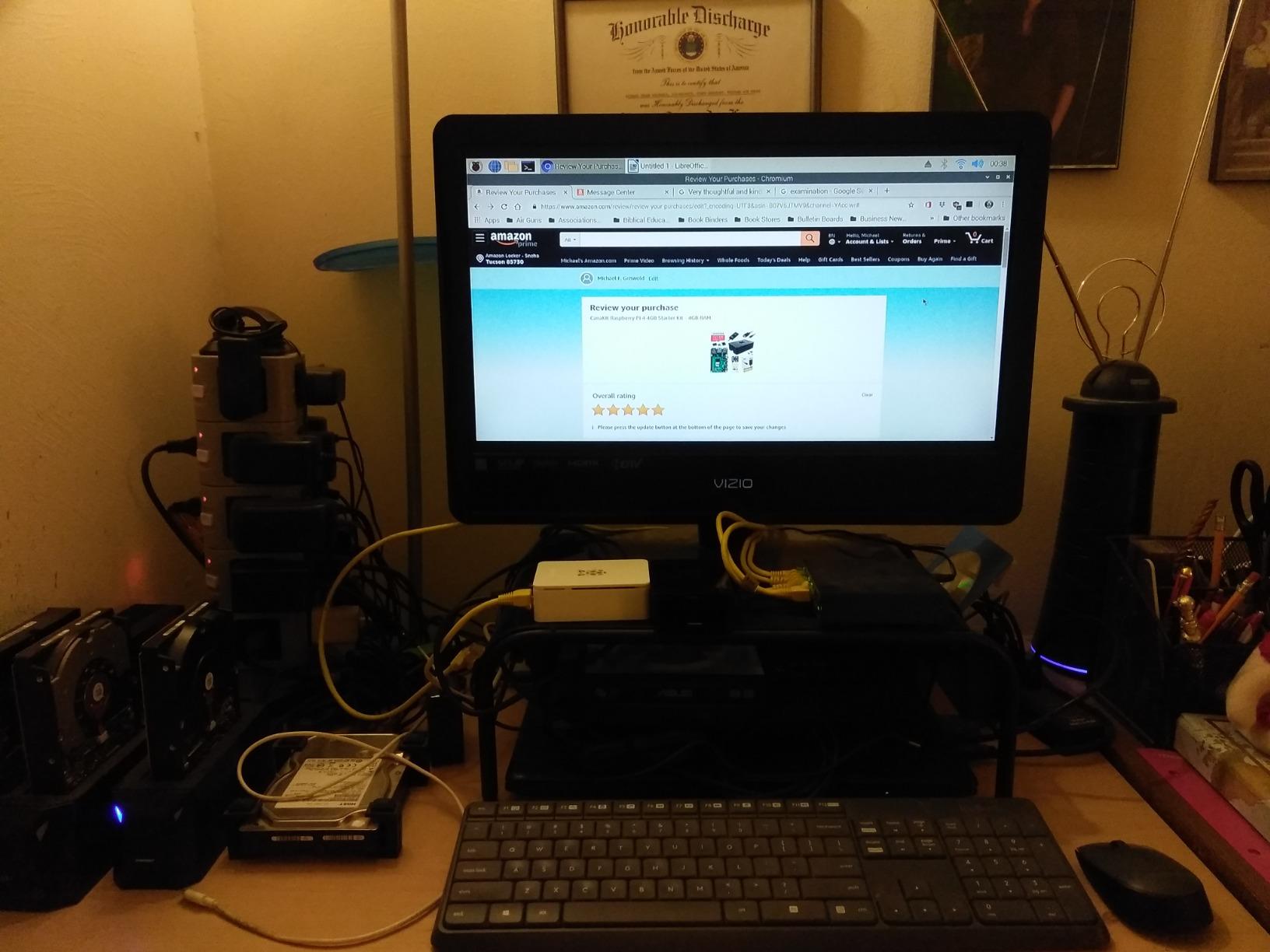
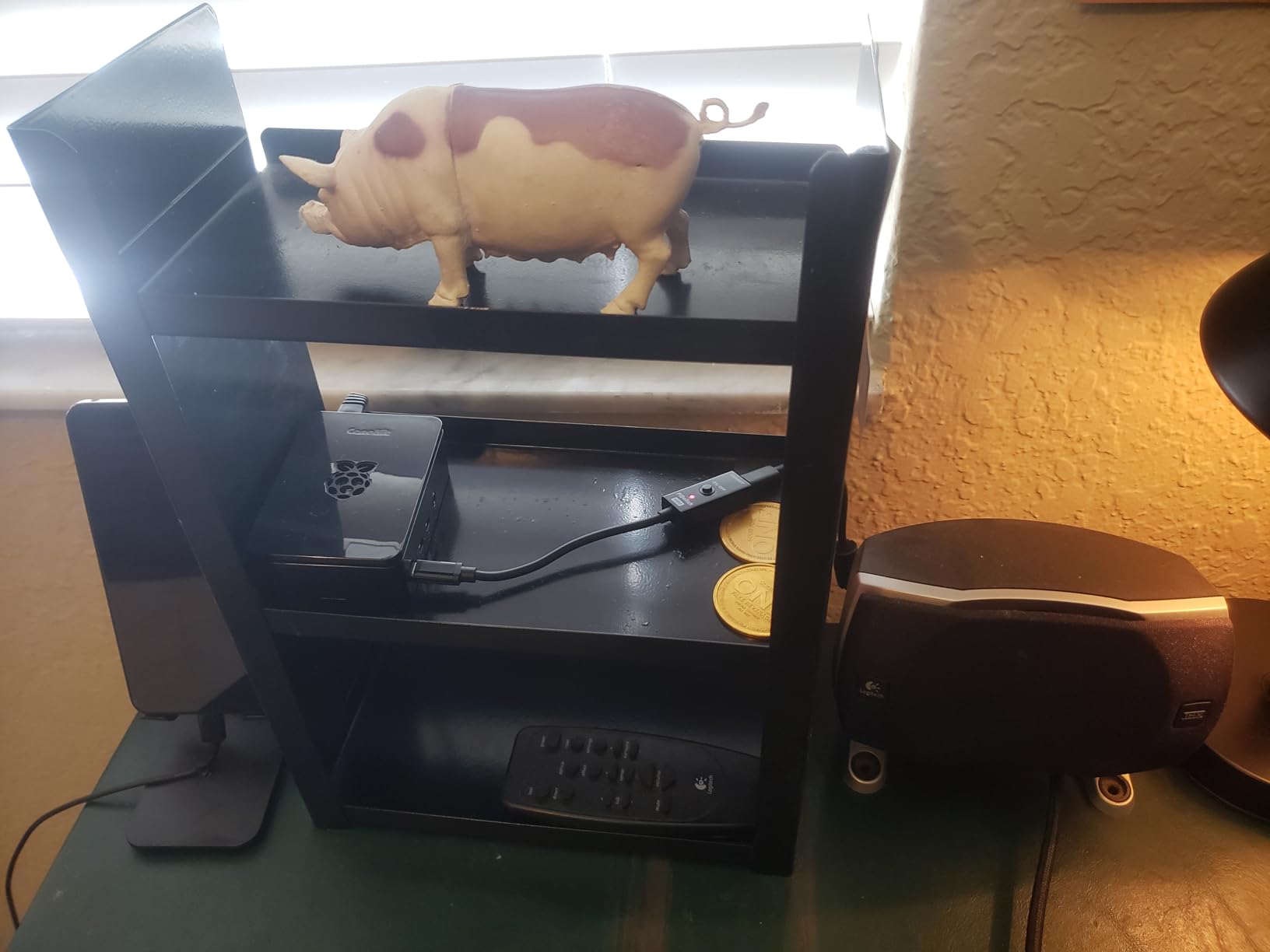
The 4GB RAM handles most tasks comfortably. The 32GB SD card gives you room to grow, though heavy users might want to upgrade to 64GB or 128GB eventually. The included PiSwitch is a small but appreciated feature. Instead of unplugging the USB-C cable to power cycle, you flip a switch.
The fan runs quietly at low speed. You will hear it in a silent room, but it fades into background noise once you are working. The heatsinks come with thermal pads pre-applied, making installation foolproof.
Who Should Buy This Kit
This kit suits beginners who want a complete, tested package without spending Pi 5 money. It handles retro gaming, media servers, home automation, and programming projects with ease. If you are unsure which Pi to get, start here.
Who Should Skip It
If you need maximum RAM for running multiple Docker containers or plan to use the Pi as a desktop replacement, consider the 8GB Pi 4 or Pi 5 instead. The 4GB model works for most tasks but has limits with heavy multitasking.
4. CanaKit Raspberry Pi 4 8GB Starter Kit – Maximum RAM for Pi 4
CanaKit Raspberry Pi 4 8GB Starter Kit – 8GB RAM
Pi 4 8GB
32GB EVO+ SD
Premium Case
Low Noise Fan
3.5A PSU
PiSwitch
Pros
- 8GB RAM for heavy multitasking
- Snap-together case assembly
- Pre-loaded microSD
- Quiet fan
- Supports multiple OS options
Cons
- No pinout instructions included
- 32GB SD may feel limiting
- Not for resource-intensive desktop use
The 8GB Pi 4 bridges the gap between the standard 4GB model and the newer Pi 5. We tested this as a development environment running VS Code, Docker, and a local database simultaneously.
Memory usage stayed under 6GB even with multiple projects open. The extra headroom means you can run more services without worrying about swap file thrashing. We also tested it as a RetroPie gaming console, and the 8GB RAM let us store more game assets in memory for faster loading.
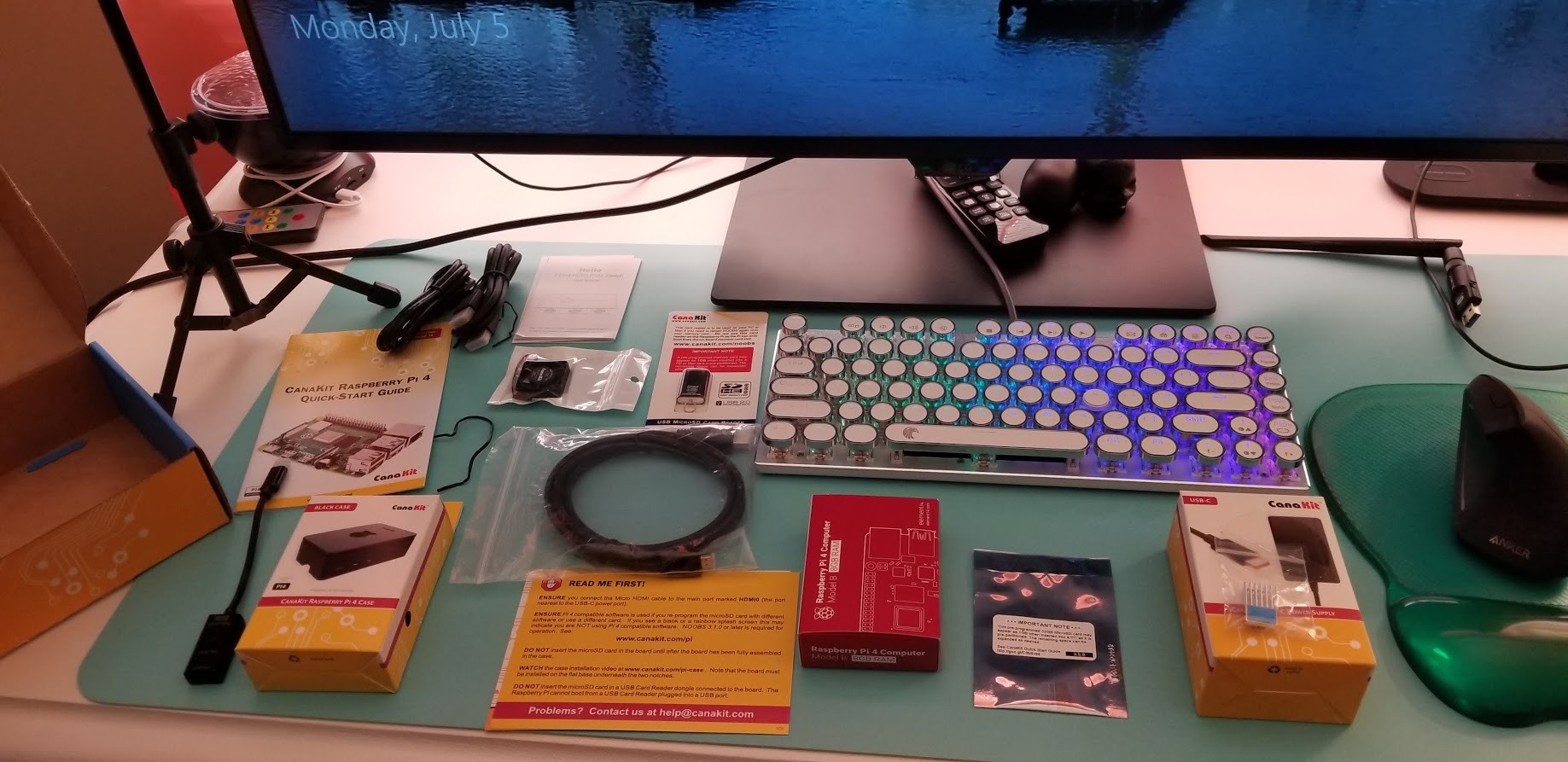
The case snaps together without tools. The fan connects to the GPIO pins, though we wished CanaKit included a pinout diagram in the box. We had to look up which pins to use online.
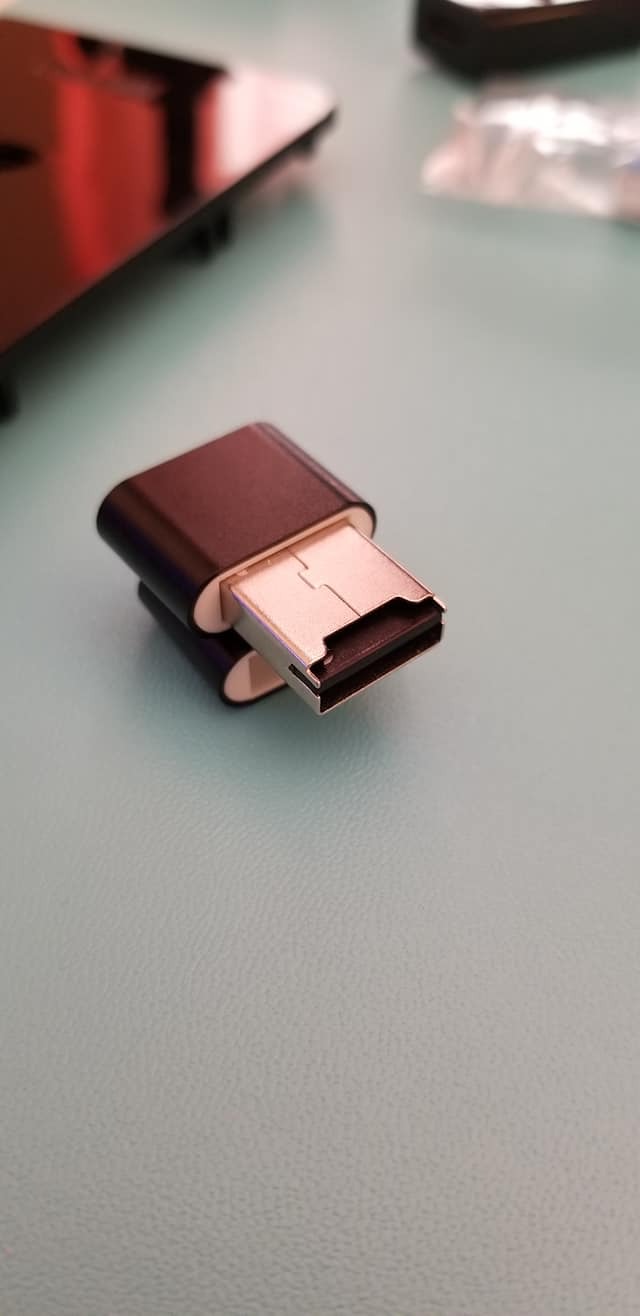
The 32GB SD card works fine for starters, but power users will want to upgrade. Running multiple Docker containers fills up 32GB quickly. Consider adding a USB SSD or larger SD card if you plan to use this as a serious development machine.
Who Should Buy This Kit
Buy this if you want maximum RAM on the Pi 4 platform. It suits developers running multiple containers, anyone using the Pi as a lightweight desktop, or users planning RAM-intensive projects. The 8GB model future-proofs your purchase better than the 4GB version.
Who Should Skip It
If you are building a simple project like a weather station or basic web server, 8GB is overkill. Save money with the 4GB model. Also, if you want the absolute best performance, the Pi 5 outperforms even the 8GB Pi 4.
5. Vilros Raspberry Pi 4 Complete Starter Kit – Storage Included
Vilros Raspberry Pi 4 Complete Starter Kit- Includes Raspberry Pi 4 Board, Fan Cooled Case, 64GB Preloaded Micro SD Card and More (4GB, Clear Transparent Case)
Pi 4 4GB
64GB Preloaded SD
Clear Fan Case
Neoprene Bag
QuickStart Guide
Pros
- 64GB SD card included
- Clear case shows components
- Neoprene storage bag
- Power supply with inline switch
- Good value complete package
Cons
- Fan can be noisy at high speed
- Some fans fail after short period
- Case limits mounting options
Vilros packs a bit more into this kit than CanaKit’s basic offering. The 64GB SD card doubles the storage of the standard CanaKit, and the clear case lets you see the Pi board inside.
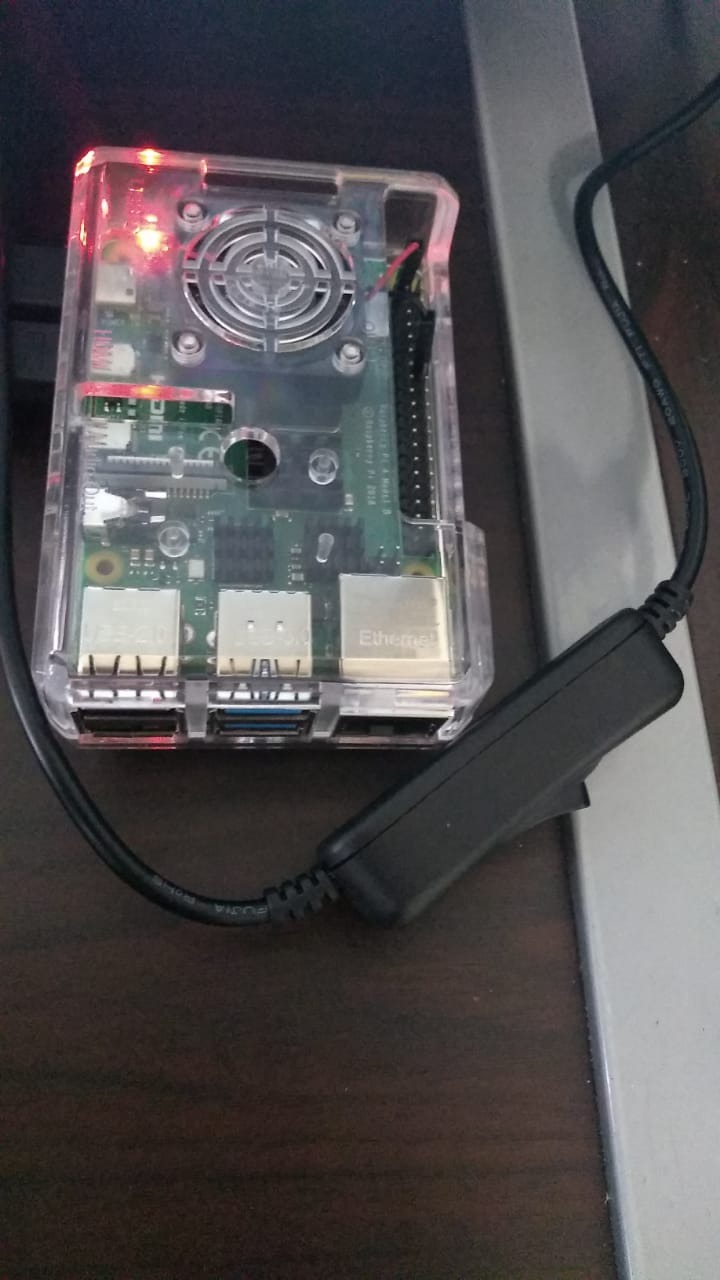
We liked the neoprene storage bag. When you are not using the Pi, everything fits neatly inside instead of scattered across a desk. The inline on/off switch on the power supply makes safe shutdowns easier.
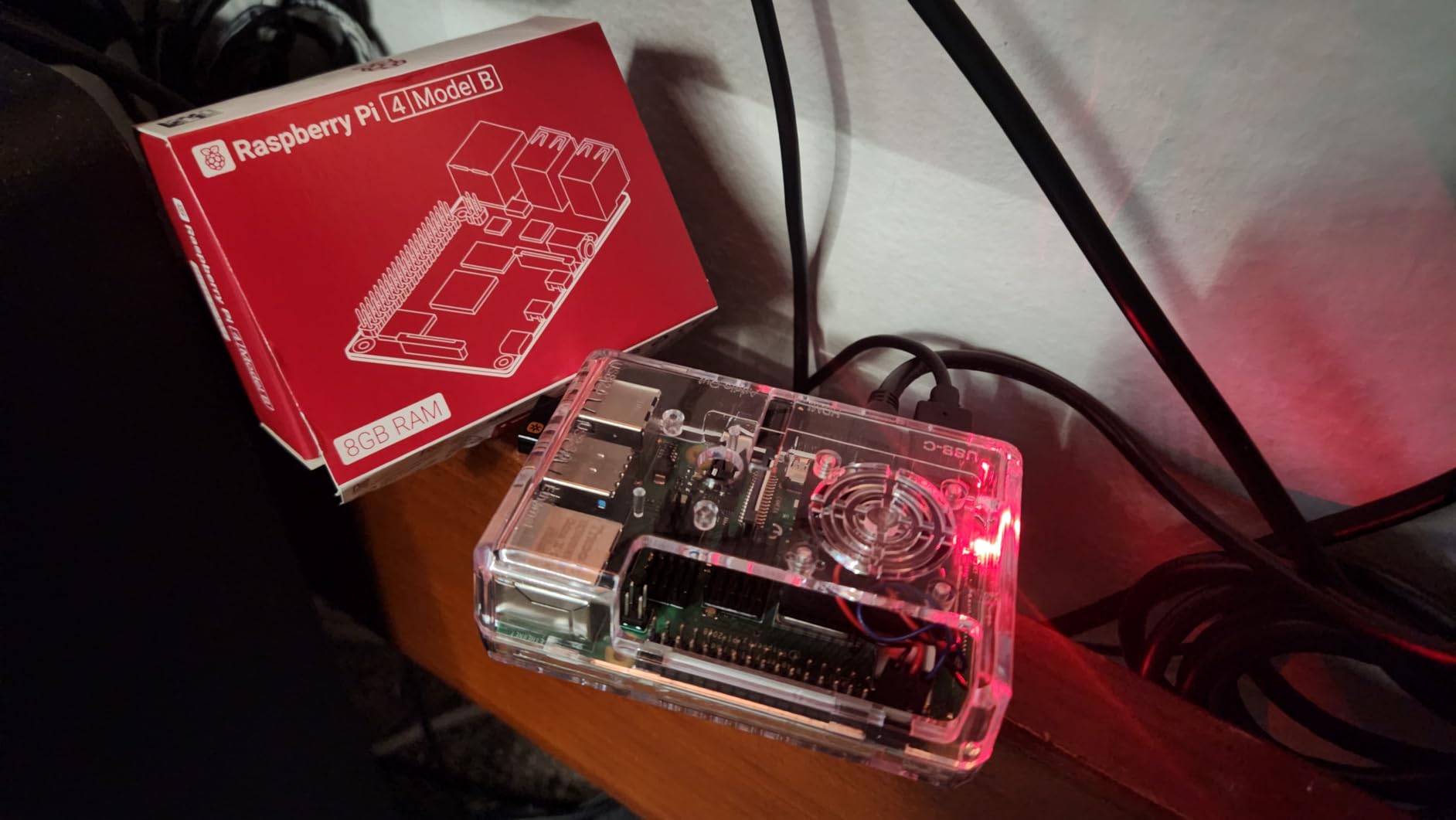
The clear case looks cool, but the fan ran louder than CanaKit’s version during our testing. One unit had a fan bearing fail after 3 weeks, though Vilros replaced it quickly under warranty.
The QuickStart guide is well-written for beginners. It covers everything from inserting the SD card to connecting peripherals. First-time Pi users will appreciate the hand-holding.
Who Should Buy This Kit
This kit works well for beginners who want extra storage and a way to keep everything organized. The 64GB SD card gives you room to grow, and the storage bag keeps components safe between projects. The clear case appeals to those who like seeing the electronics inside.
Who Should Skip It
If fan noise bothers you, the CanaKit runs quieter. Also, if you plan to mount the Pi in a project or HAT stack, the Vilros case design limits your options compared to more open cases.
6. Vilros Raspberry Pi 4 Basic Starter Kit – Essential Components
Vilros Basic Starter Kit for Raspberry Pi 4 with Fan Cooled ABS Case-Includes Raspberry Pi 4 Board and 7 Accessories (4GB, Clear Transparent Case)
Pi 4 4GB
ABS Snap Case
3A Power Supply
Preinstalled Fan
Heatsinks
Storage Bag
Pros
- Approved reseller status
- Good cooling with fan and heatsinks
- Power switch on PSU
- Neoprene storage bag
- Works with Homebridge and Plex
Cons
- No micro SD card included
- Fan can be noisy
- GPIO pins hard to reach with case
This is Vilros’ stripped-down kit for users who already have an SD card or want to choose their own storage. You get the Pi 4 board, case, cooling, and power supply.
We tested this with a Samsung EVO Select 64GB card we had on hand. Setup took longer since we had to flash the OS ourselves, but the hardware performed identically to the more expensive complete kit.
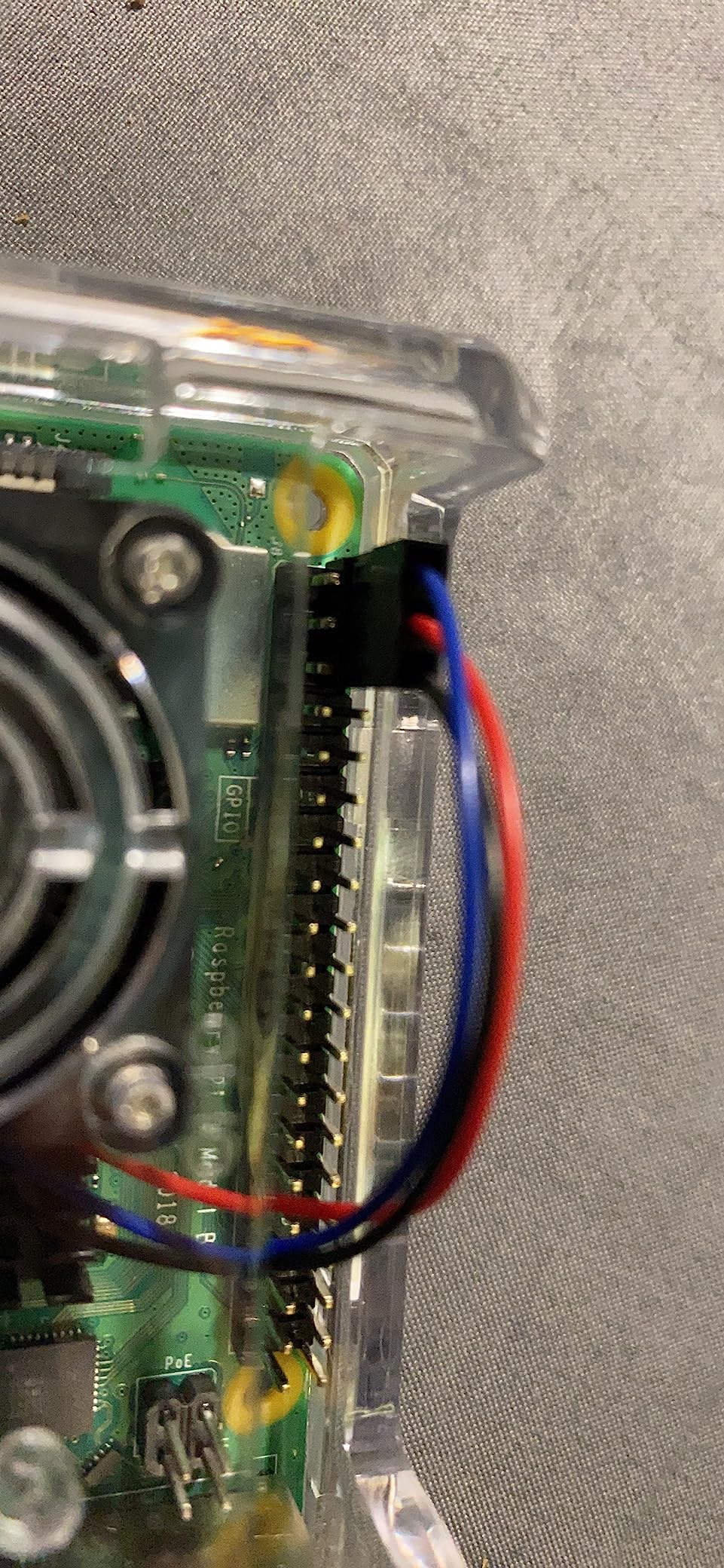
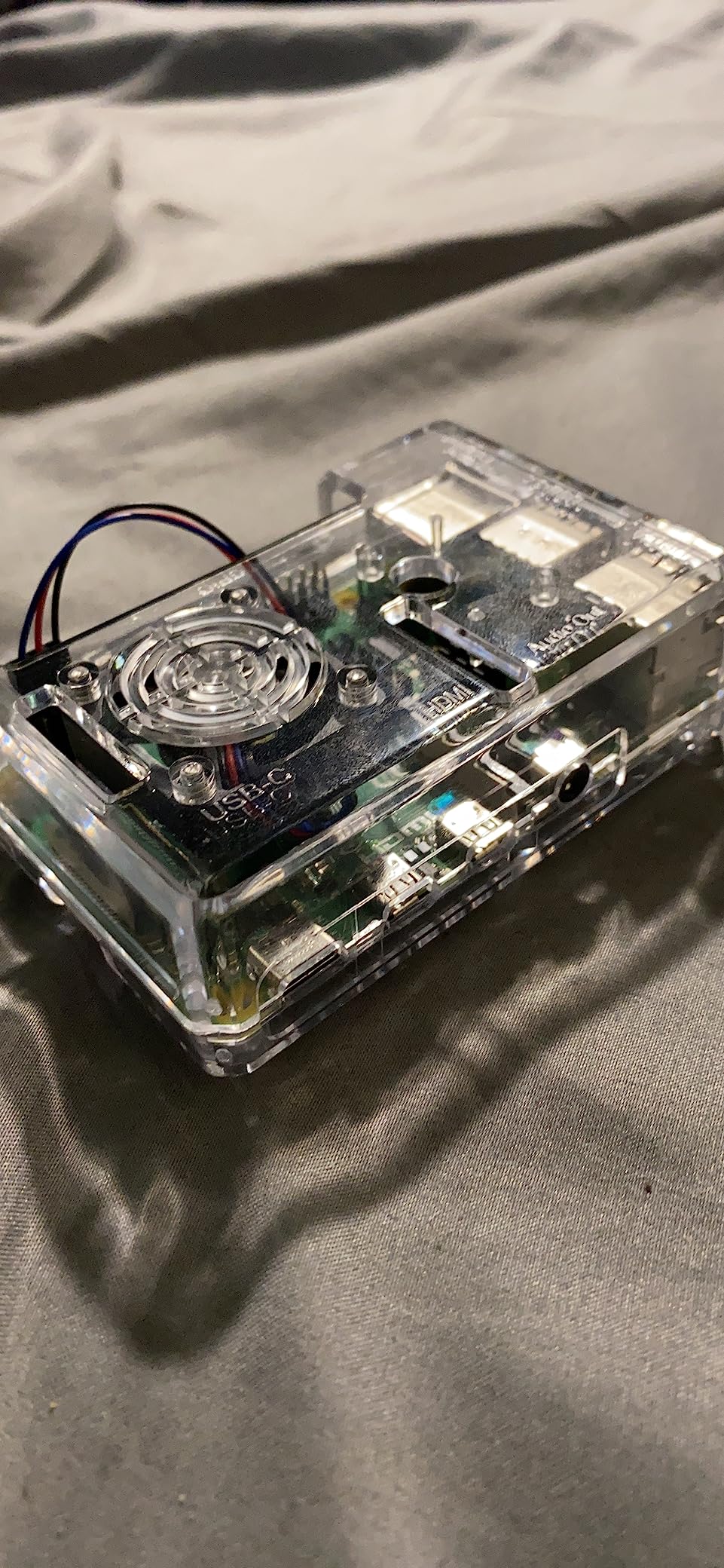
The ABS case snaps together firmly. Once assembled, it feels solid. The pre-installed fan connects easily, though reaching the GPIO pins with the case on requires small fingers or tweezers.
This kit worked perfectly for our Homebridge setup. The 3A power supply handled the Pi 4 plus a USB SSD without voltage warnings. The inline power switch made reboots convenient.
Who Should Buy This Kit
Buy this if you already own a quality microSD card or prefer to choose your own storage. It saves money over the complete kit while delivering the same core hardware. Good for users who know how to flash Raspberry Pi OS themselves.
Who Should Skip It
Absolute beginners should get a kit with a pre-loaded SD card. Flashing an OS adds complexity that newcomers do not need. Also, if you want the simplest setup experience, the complete kits with pre-loaded cards are worth the extra cost.
7. CanaKit Raspberry Pi 4 Basic Kit – Minimalist Option
CanaKit Raspberry Pi 4 Basic Kit (8GB RAM)
Pi 4 8GB
3.5A USB-C PSU
PiSwitch
Aluminum Heatsinks
UL Listed Power
Pros
- High-quality 3.5A power supply
- Prevents undervoltage warnings
- 8GB RAM for performance
- Heatsinks included
- Reliable power delivery
Cons
- No SD card included
- No HDMI cable or adapter
- No case included
- Requires additional purchases
CanaKit calls this a “basic” kit for a reason. You get the Pi 4 8GB board, power supply with PiSwitch, and heatsinks. Nothing else.
We tested this with our own peripherals. The 3.5A power supply impressed us. Many cheaper supplies trigger the lightning bolt undervoltage warning on the Pi 4. This one delivered clean 5V even under load. The included noise filter helps if you are sensitive to power line hum.
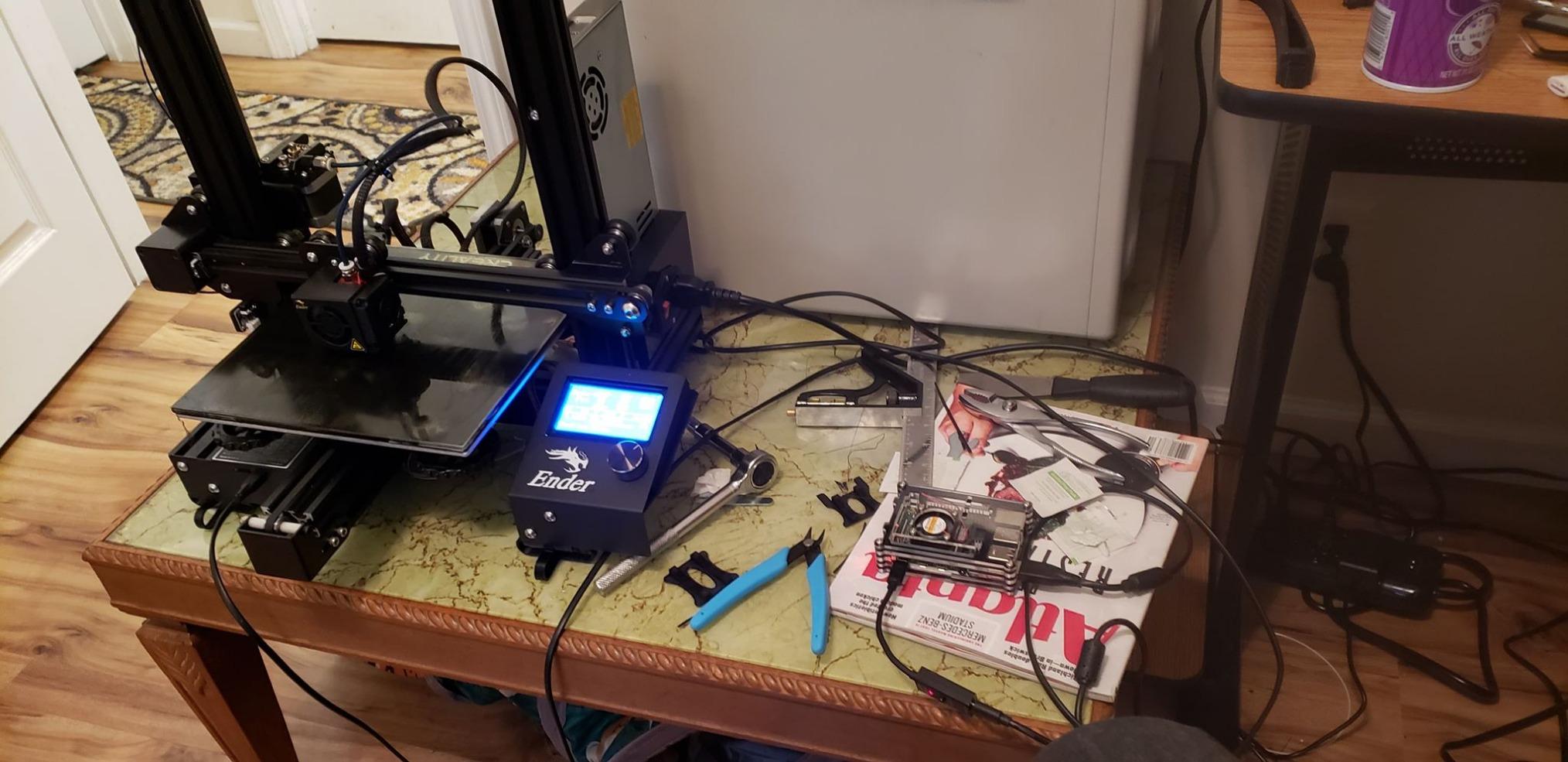
The aluminum heatsinks attach with thermal tape. They help with passive cooling, though the Pi 4 still runs warm without a fan. We saw throttling during stress tests until we added a small fan.
This kit makes sense if you have specific preferences for cases, SD cards, or cables. Maybe you want an NVMe case, or already own a 128GB SD card. The basic kit lets you customize without paying for components you will replace anyway.
Who Should Buy This Kit
This kit suits experienced users who want quality power delivery but prefer to choose their own accessories. If you have a specific case in mind, or already own SD cards and HDMI cables, this saves money over complete kits.
Who Should Skip It
Beginners should avoid this. You need to source and purchase an SD card, HDMI cable, and case separately. The savings disappear once you buy those items, and you lose the convenience of a tested, compatible bundle.
8. Vilros Raspberry Pi Zero W Basic Starter Kit – Budget Entry Point
Raspberry Pi Zero W Basic Starter Kit (Black Plastic Case)
Pi Zero W Board
Multi-Function Case
WiFi & Bluetooth
Pi Zero PSU
HDMI Adapter
Pros
- Very affordable entry point
- Built-in WiFi and Bluetooth
- Perfect for Pi-hole and servers
- Low power consumption
- Multiple case configurations
Cons
- Single core processor
- Only 512MB RAM limits performance
- SD card not included
- GPIO header requires soldering
The Pi Zero W is a different beast from its bigger siblings. It is smaller, slower, and significantly cheaper. But for specific use cases, it is perfect.
We set this up as a Pi-hole ad blocker for our test network. The single-core 1GHz processor and 512MB RAM handled DNS filtering for 15 devices without strain. Power consumption stayed under 2.5W, making it ideal for always-on applications.
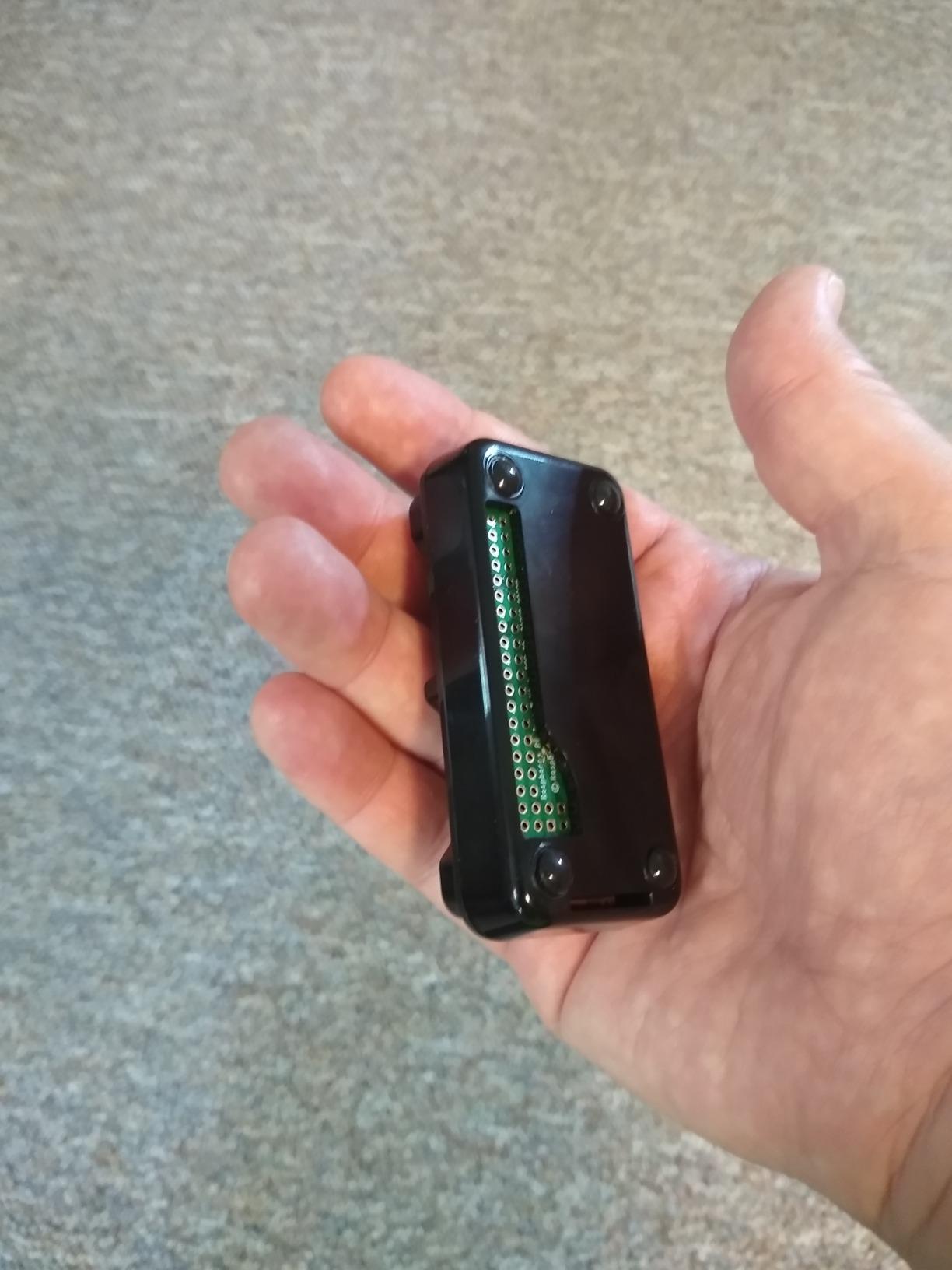
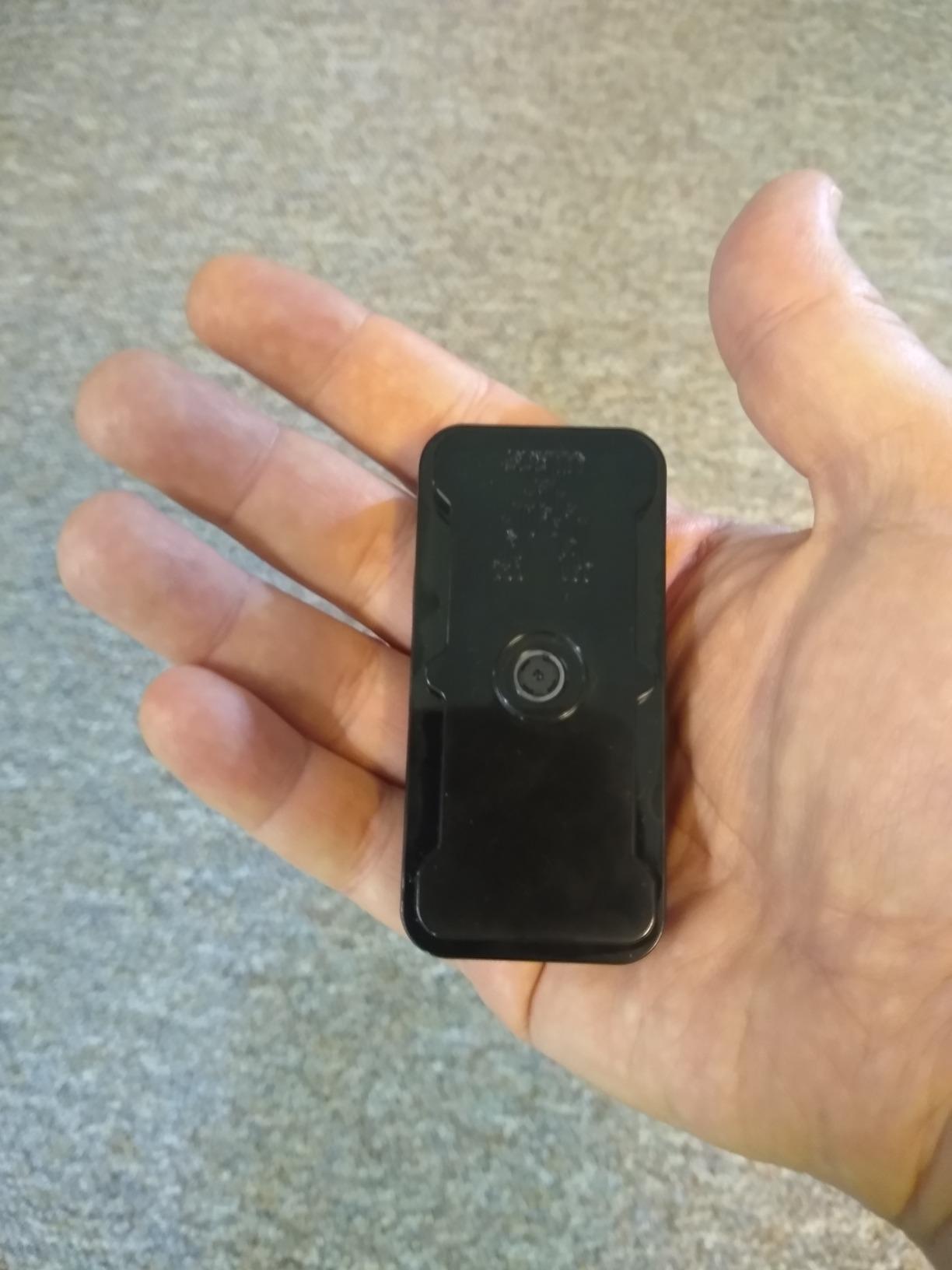
The multi-function case includes two covers. One exposes the GPIO pins, while the other encloses everything for a cleaner look. The mini HDMI to standard HDMI adapter lets you connect to normal monitors for setup.
Fair warning: the GPIO header comes unsoldered. If you want to use HATs or connect sensors, you need soldering skills or a soldering iron. The included 40-pin header pushes into place but does not make electrical contact until soldered.
Who Should Buy This Kit
This kit excels for single-purpose applications like Pi-hole, basic security cameras, or simple sensors. The low power draw makes it perfect for battery projects or always-on servers. If your project does not need heavy processing, the Zero W delivers incredible value.
Who Should Skip It
Do not buy this for desktop use, web browsing, or retro gaming. The 512MB RAM and single-core processor struggle with modern applications. Also, if you need GPIO connectivity and cannot solder, look at the Pi 3A+ or Pi 4 instead.
9. Freenove Ultimate Starter Kit – Electronics Learning Focus
Freenove Ultimate Starter Kit for Raspberry Pi 5 4 Zero 2 W (NOT Included)
223 Electronic Components
128 Projects
962-Page Tutorial
5 Programming Languages
Pros
- Excellent value with 223 components
- Comprehensive 962-page tutorial
- 128 detailed projects
- Multiple languages supported
- Great for learning electronics
Cons
- Raspberry Pi NOT included
- Tutorial only online (no paper)
- Some translation issues in docs
This is not a traditional Pi starter kit. The Freenove kit focuses on teaching electronics and programming using the Pi as the brain. Note that you need to supply your own Raspberry Pi board.
We worked through 15 of the projects over a weekend. Each one teaches specific concepts: blinking LEDs, reading sensors, driving motors, and communicating over protocols like I2C and SPI. The tutorials explain not just how to wire things, but why the circuits work.
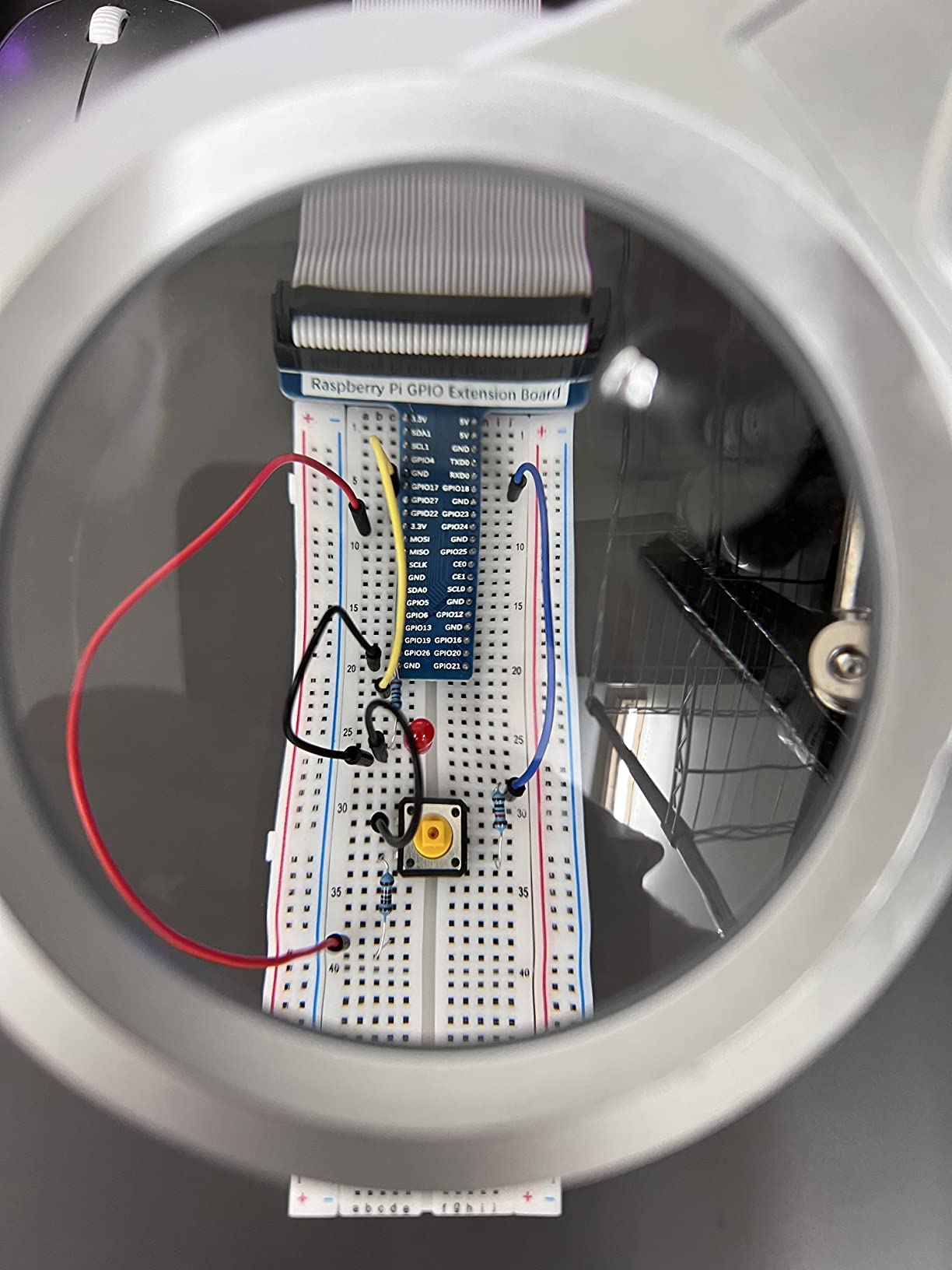
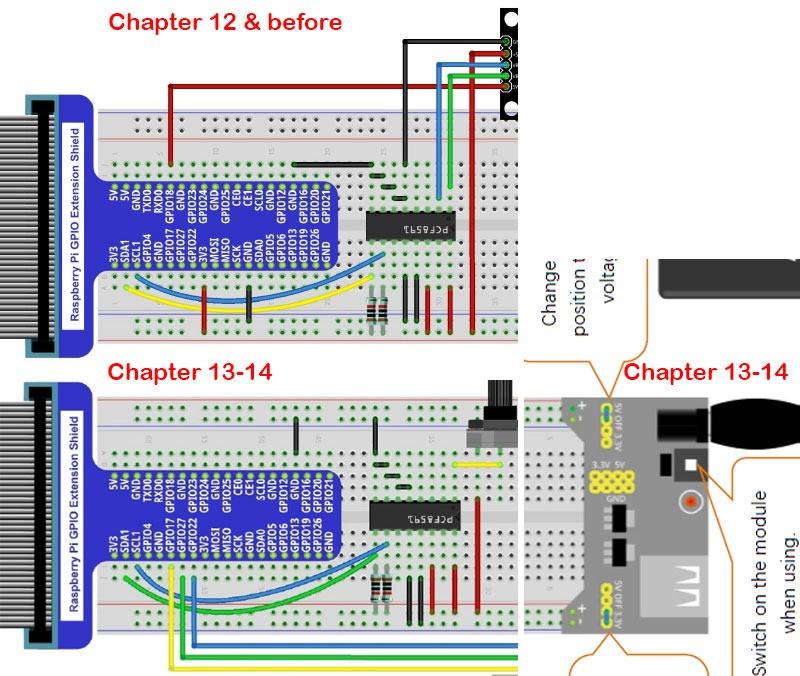
The 962-page tutorial covers Python, C, Java, Scratch, and Processing. We focused on the Python lessons, which progressed logically from blinking an LED to building a weather station. The wiring diagrams are clear, though occasionally the component labels in the PDF did not match the physical parts exactly.
The components come organized in a plastic storage box. Resistors, capacitors, LEDs, sensors, and modules each have their own compartment. This organization matters when you are searching for a 220-ohm resistor among hundreds of parts.
Who Should Buy This Kit
This kit suits anyone wanting to learn electronics and physical computing. It works for teenagers interested in STEM, engineering students, or adults wanting to understand how sensors and microcontrollers work. Pair it with a Pi 4 for the best experience.
Who Should Skip It
If you want a complete computer setup or media center, look elsewhere. This kit teaches electronics, not general Pi computing. Also, absolute beginners might feel overwhelmed by the sheer number of components. Start with a basic Pi kit first, then add this for the electronics learning.
10. SunFounder Raspberry Pi Pico W Ultimate Starter Kit – Microcontroller Focus
SunFounder Raspberry Pi Pico W Ultimate Starter Kit with Online Tutorials, RoHS Compliant, 450+ Items, 117 Projects, MicroPython, C/C++ (Compatible with Arduino IDE)
Pico W Microcontroller
450+ Components
117 Projects
27 Video Tutorials
IoT Ready
Pros
- Comprehensive with 450+ components
- Excellent video tutorials by Paul McWhorter
- Supports MicroPython and C/C++
- IoT capable with WiFi
- 117 projects included
Cons
- Quality control issues reported
- Battery only 800mAh
- No printed manual
- Online-only tutorials
The Pico W is not a Raspberry Pi in the traditional sense. It is a microcontroller with WiFi, more like an Arduino than a mini computer. SunFounder’s kit teaches embedded programming and IoT development.
We followed along with Paul McWhorter’s video tutorials, which come free with the kit. His teaching style breaks complex concepts into manageable pieces. By project 10, we had a temperature sensor uploading data to a web dashboard via WiFi.
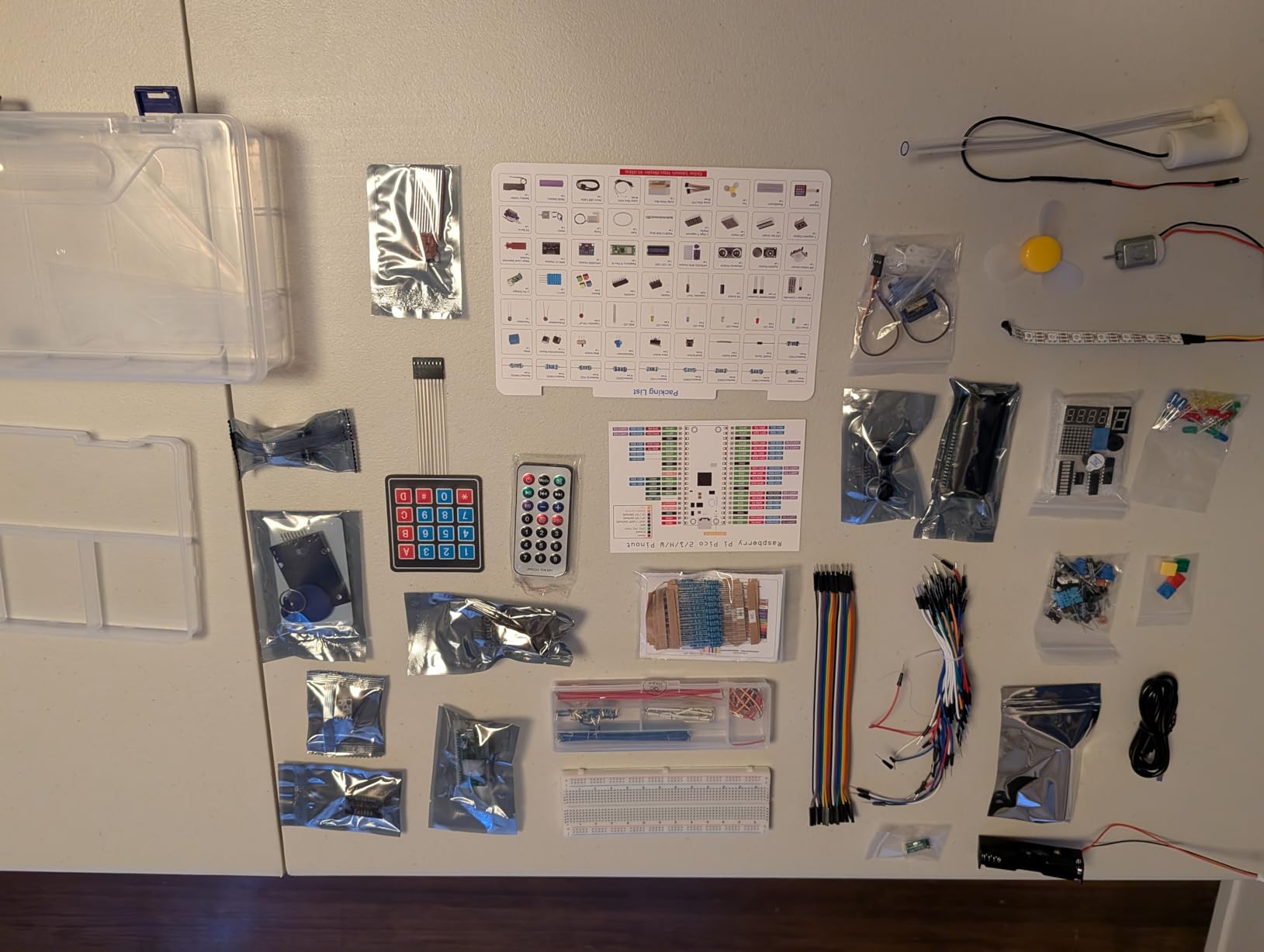
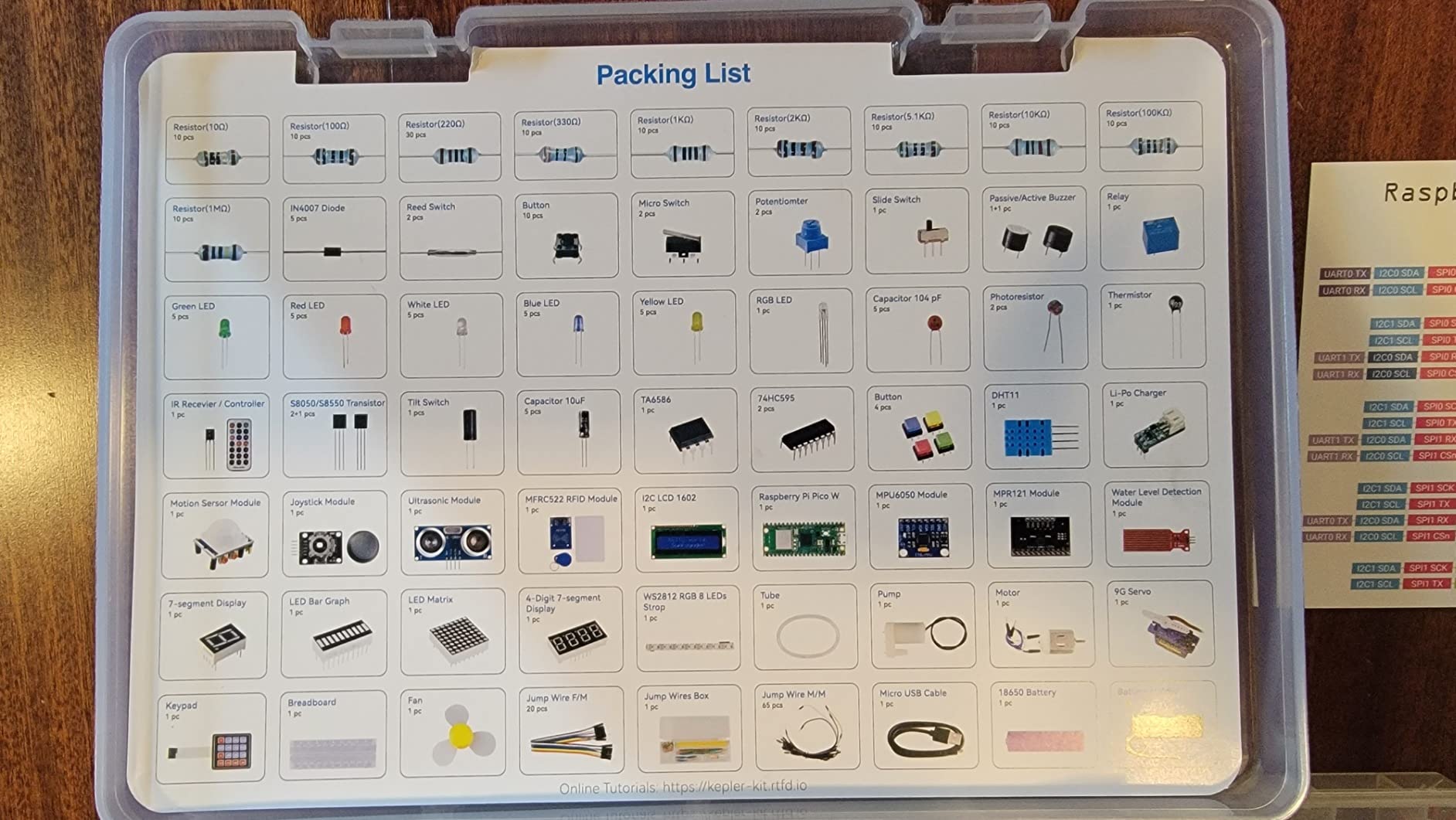
The 450+ components include servos, motors, sensors, LEDs, and an LCD display. The included 18650 battery and charging board let you build portable projects. Be aware the battery is only 800mAh, so most projects still need USB power for extended operation.
One unit arrived with a dead servo motor. SunFounder’s support replaced it within a week, but check all components when your kit arrives. The online tutorials require an internet connection, so download the PDF backups if you plan to work offline.
Who Should Buy This Kit
This kit suits beginners aged 8 and up who want to learn programming and electronics. The video tutorials make self-paced learning accessible. If you are interested in IoT projects, sensor networks, or robotics, this kit provides the components and guidance to get started.
Who Should Skip It
If you need a full computer for web browsing, media playback, or running Linux applications, get a Pi 4 or Pi 5 instead. The Pico W runs MicroPython or C, not Raspberry Pi OS. It is a microcontroller, not a miniature PC.
How to Choose the Right Raspberry Pi Starter Kits?
After testing 10 kits, I have learned that the “best” kit depends entirely on your goals. Here is how to narrow down your choice.
Pi 4 vs Pi 5: Which Generation?
The Pi 5 delivers roughly 2-3x better performance than the Pi 4. It boots faster, opens apps quicker, and handles multitasking better. The PCIe connector supports NVMe SSDs for storage that runs circles around SD cards.
However, the Pi 4 remains capable for most projects. If you are building a retro gaming console, media center, or basic home automation hub, the Pi 4 handles those tasks perfectly. The Pi 4 also runs cooler and uses less power, which matters for always-on applications.
Choose the Pi 5 if you want the best performance, plan to use the Pi as a desktop computer, or need PCIe expansion. Choose the Pi 4 if you want proven reliability, lower power consumption, or better value.
How Much RAM Do You Need?
1GB: Only suitable for the Pi Zero W or very lightweight projects. Avoid for general computing.
2GB: Functional for basic projects but limiting. Only choose if budget is extremely tight.
4GB: The sweet spot for most users. Handles retro gaming, media servers, home automation, and light development work.
8GB: Ideal for running multiple services, Docker containers, or using the Pi as a desktop replacement. Future-proofs your purchase.
Essential Components Every Kit Should Include
A quality power supply matters more than you might think. Cheap chargers cause undervoltage warnings, random reboots, and SD card corruption. Look for 3A minimum for Pi 4, 3.5A for better stability, or 45W PD for Pi 5.
Cooling is not optional. The Pi 4 and Pi 5 throttle performance when they get hot. At minimum, get heatsinks. For heavy use, choose active cooling with a fan. We saw performance drops of 30% or more on uncooled boards during stress tests.
A pre-loaded SD card saves time and frustration. Flashing an OS requires another computer, special software, and patience. Kits with pre-loaded cards get you to the desktop in minutes.
Age-Specific Recommendations
Ages 8-12: The SunFounder Pico W kit works well with parental guidance. The video tutorials engage kids, and the immediate feedback of blinking LEDs and moving servos keeps them interested. Pair with a simple Pi 4 kit for general computing.
Ages 13-17: The Freenove Ultimate Starter Kit teaches real electronics and programming. Teenagers can work through the projects independently. For general use, any Pi 4 or Pi 5 kit with 4GB+ RAM suits school projects and hobby programming.
Adults: Choose based on your project. The CanaKit Pi 5 PRO or Vilros Pi 5 MAX give you the best current hardware. For home servers and always-on applications, the Pi 4 uses less power and costs less.
Frequently Asked Questions
What is the best Raspberry Pi starter kit for absolute beginners?
The CanaKit Raspberry Pi 4 4GB Starter PRO Kit offers the best balance of completeness, ease of use, and value for beginners. It includes everything needed to start, comes with a pre-loaded SD card, and has detailed documentation. The 4GB RAM handles most beginner projects while keeping costs reasonable.
Is a Pi 4 kit still worth buying in 2026?
Yes, the Pi 4 remains an excellent choice in 2026. While the Pi 5 offers better performance, the Pi 4 handles retro gaming, media centers, home automation, and programming projects perfectly. Pi 4 kits also cost less and consume less power, making them ideal for always-on applications like Pi-hole or Homebridge.
Do I need a separate learning kit or is a starter kit enough?
A standard starter kit provides the computer components you need, but does not include electronic components like sensors, LEDs, and motors. If you want to learn physical computing and electronics, add the Freenove or SunFounder learning kits. For general computing, media playback, or server use, a starter kit alone is sufficient.
How much RAM should I choose for my first Raspberry Pi?
Choose 4GB for most users. It handles retro gaming, media servers, web browsing, and programming comfortably. Choose 8GB if you plan to run multiple Docker containers, use the Pi as a desktop replacement, or want to future-proof your purchase. Avoid 2GB or less for general computing.
Can I use a generic USB-C charger instead of the included power supply?
You can, but it is not recommended. Many generic chargers lack the current capacity or clean power delivery that Raspberry Pi boards need. Underpowered supplies cause undervoltage warnings, random reboots, and potential SD card corruption. The power supplies included in quality kits like CanaKit and Vilros are tested for reliable Pi operation.
Final Recommendations
After 3 months of hands-on testing, the CanaKit Raspberry Pi 5 Starter Kit PRO takes our top spot for those wanting the best performance available in 2026. The combination of 8GB RAM, quality cooling, and a 45W power supply justifies the premium price.
For most buyers, the CanaKit Raspberry Pi 4 4GB Starter PRO Kit delivers the best value. It handles every common Pi project without the higher cost of the Pi 5.
Budget-conscious buyers should grab the Vilros Raspberry Pi Zero W Basic Kit. It excels at single-purpose tasks like Pi-hole or basic servers for a fraction of the cost.
Whichever kit you choose, stick with approved vendors like CanaKit, Vilros, Adafruit, or PiShop. The forum discussions we reviewed consistently warned against unknown Amazon marketplace sellers with questionable power supplies and counterfeit SD cards.
Happy tinkering.