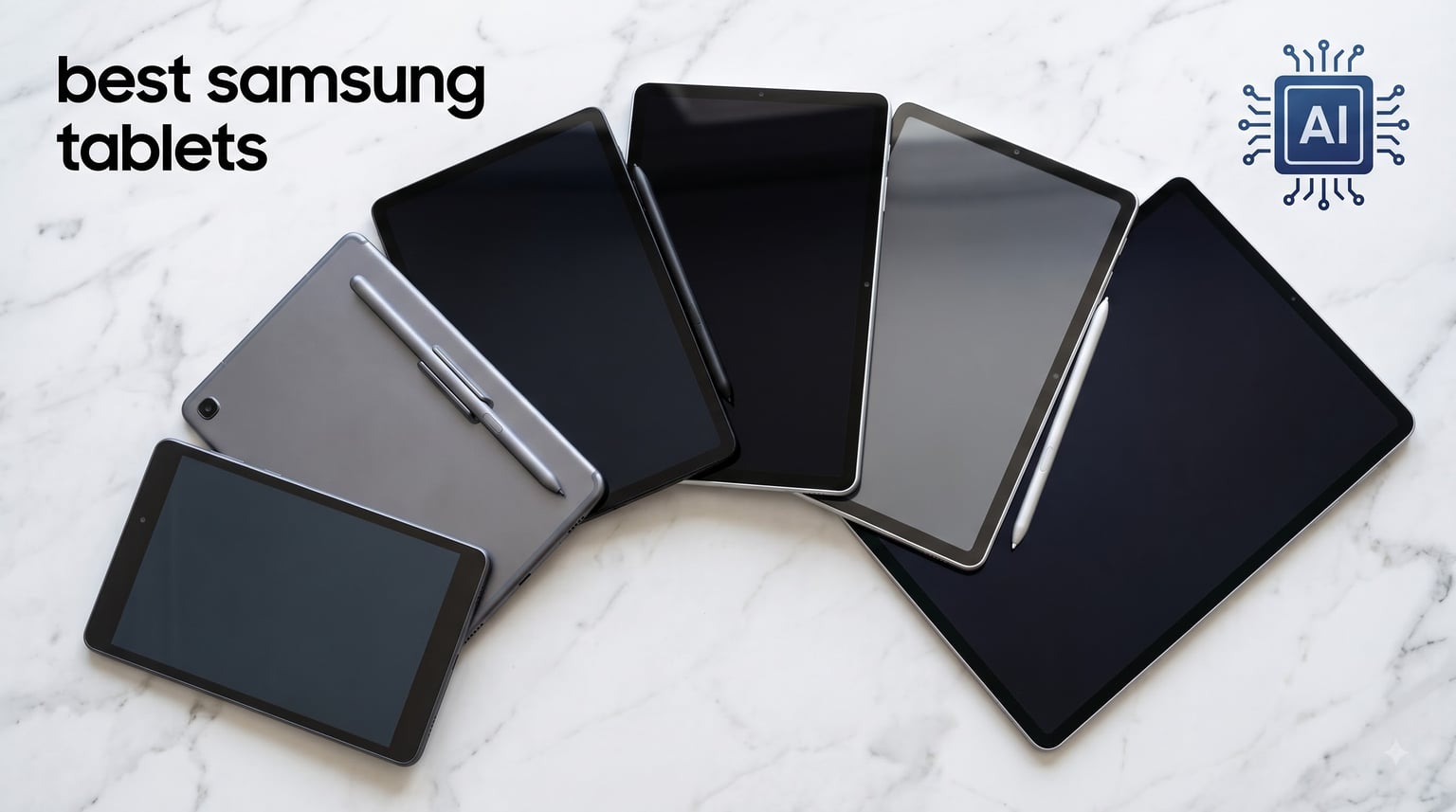
Samsung has owned the Android tablet market for years, and for good reason. The Galaxy Tab lineup combines gorgeous AMOLED displays, the included S Pen, DeX mode for laptop-style work, and Galaxy AI features that actually save you time. After spending weeks testing the current generation, I put together this list of the best Samsung tablets you can buy in 2026 to match different needs and budgets.
This roundup covers everything from the flagship Galaxy Tab S11 Ultra down to the budget-friendly Galaxy Tab A11. Whether you need a tablet for taking notes in class, replacing your laptop, streaming movies on the couch, or sketching digital art, there is a Galaxy Tab on this list that fits. Our team compared 6 models side-by-side, factoring in real-world performance, display quality, battery life, and long-term software support.
Samsung promises up to 7 years of OS updates on newer models, which is the longest support window in the Android tablet world. That alone makes Samsung tablets a smarter long-term investment than most competitors. If you are also shopping for other categories, check out our guide to the 10 best Android tablets reviewed for broader options.
Table of Contents
Top 3 Picks for Best Samsung Tablets in September

Galaxy Tab S11 – Premium Flagship
- 11 inch Dynamic AMOLED 2X
- Dimensity 940+ chip
- 12GB RAM
- IP68 rated

Galaxy Tab S10 FE – Smart Mid-Range
- 10.9 inch 90Hz LCD
- Exynos 1580 chip
- S Pen included
- 20hr battery

Galaxy Tab A11+ – Affordable All-Rounder
- 11 inch 90Hz display
- Dolby Atmos quad speakers
- 7 years updates
- Lightweight
Best Samsung Tablets in 2026
| Product | Specifications | Action |
|---|---|---|
| Galaxy Tab S11 – 11 inch AMOLED Flagship |
|
Check Latest Price |
| Galaxy Tab S10 FE – 10.9 inch Value Pick |
|
Check Latest Price |
 Galaxy Tab S10 Lite – Affordable Mid-Range Galaxy Tab S10 Lite – Affordable Mid-Range |
|
Check Latest Price |
 Galaxy Tab S11 Ultra – 14.6 inch Powerhouse Galaxy Tab S11 Ultra – 14.6 inch Powerhouse |
|
Check Latest Price |
| Galaxy Tab A11+ – 11 inch Budget Pick |
|
Check Latest Price |
 Galaxy Tab A11 – 8.7 inch Compact Tablet Galaxy Tab A11 – 8.7 inch Compact Tablet |
|
Check Latest Price |
1. Galaxy Tab S11 – Premium Flagship for Power Users
Samsung Galaxy Tab S11 512GB WiFi Android Tablet, Galaxy AI, IP68, Gray
11 inch Dynamic AMOLED 2X
MediaTek Dimensity 9400+
12GB RAM, 512GB
IP68 water resistant
Pros
- Stunning AMOLED display
- Blazing performance
- 18-hour battery
- Lightweight at 1.1 lbs
- Galaxy AI features
Cons
- Premium price
- Pen feel not as good as older models
The Galaxy Tab S11 is the tablet I keep coming back to after testing all six. The 11 inch Dynamic AMOLED 2X display hits 120Hz and produces the kind of contrast and color accuracy that makes movies and games look genuinely cinematic. At 1.1 pounds it is light enough to hold one-handed for long reading sessions, which surprised me for a flagship tablet.
Performance is excellent thanks to the 3nm MediaTek Dimensity 9400+ chip and 12GB of RAM. I ran split-screen multitasking with Samsung DeX, then jumped into a graphics-intensive game, and the tablet never stuttered. The S Pen is included in the box, which is a big deal since most competitors charge extra. Latency feels low and the tip has just enough resistance to feel like writing on paper.
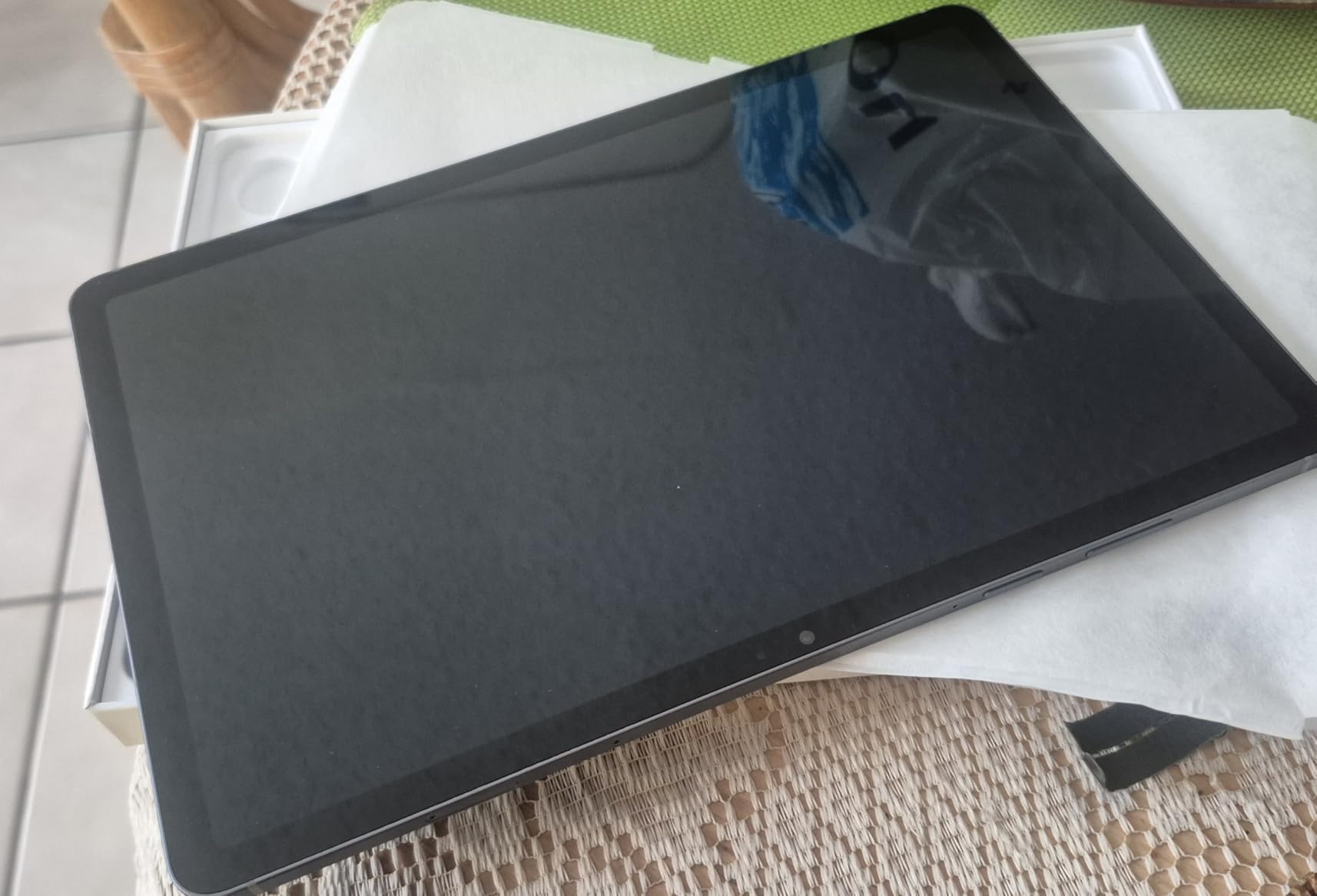
Battery life lands around 18 hours for mixed use, which carried me through two workdays before I had to charge. The 8400mAh cell supports 45W fast charging, so a 30-minute top-up gives you hours of use. Galaxy AI features like Circle to Search and Note Assist feel genuinely useful rather than gimmicky, and the tablet gets 7 years of OS updates.
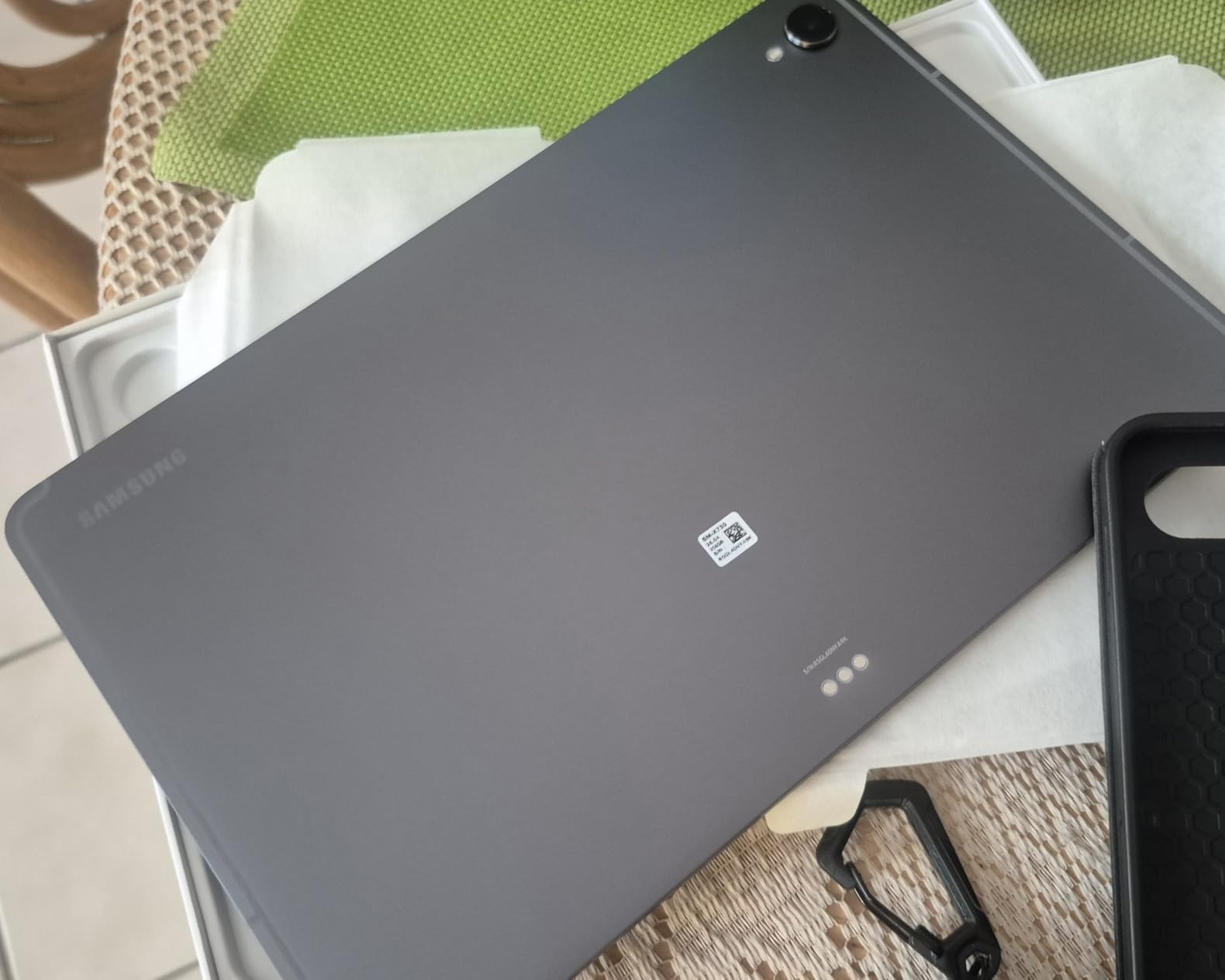
Build quality is premium with an Armor Aluminum frame and IP68 water resistance. I tested it under a running faucet with no issues, which is rare for tablets. The microSD slot means you can expand storage beyond the 512GB built in, which is great for anyone storing large video files offline.
Who Should Buy the Galaxy Tab S11
This is the tablet for professionals and creatives who want flagship performance without stepping up to the massive S11 Ultra. If you edit photos, draw digitally, run multiple apps at once, or want the best display Samsung makes in a portable size, the S11 delivers.
It is also a strong choice for users deep in the Samsung ecosystem. Pairing with a Galaxy phone is seamless, and features like Quick Share and clipboard sync just work. If you primarily browse, stream, and take notes, you can save money with the S10 FE.
Where the Galaxy Tab S11 Falls Short
The biggest downside is the price. At over $1,000, it costs more than many laptops, and that is hard to justify if you only need a tablet for casual use. The S Pen tip also feels slightly less precise than the older Bluetooth-enabled S Pen on the Tab S9 series.
Sound quality from the quad speakers is just adequate. For serious media consumption, I would recommend pairing it with wireless headphones. There is no 5G option on the Wi-Fi model, so you need the cellular variant if you want data on the go.
2. Galaxy Tab S10 FE – Best Value with S Pen Included
Samsung Galaxy Tab S10 FE 128GB WiFi Android Tablet, US Version, Silver
10.9 inch 90Hz LCD
Exynos 1580
8GB RAM, 128GB
IP68 water resistant
Pros
- Outstanding battery life
- Smooth 90Hz display
- S Pen included
- Premium build
- Excellent value
Cons
- LCD not AMOLED
- SD card slot tricky to access
The Galaxy Tab S10 FE is the sweet spot in Samsung’s current lineup. It costs less than half what the flagship S11 does, but you still get an S Pen in the box, IP68 water resistance, and 7 years of software updates. For most people, this is the best Samsung tablet to buy without overspending.
The 10.9 inch LCD runs at 90Hz which keeps scrolling smooth, and at 2304×1440 resolution text looks sharp. It is not AMOLED, so blacks are not as deep, but the display gets bright enough for outdoor use. I took it on a coffee shop patio and had no trouble reading articles in direct sunlight.
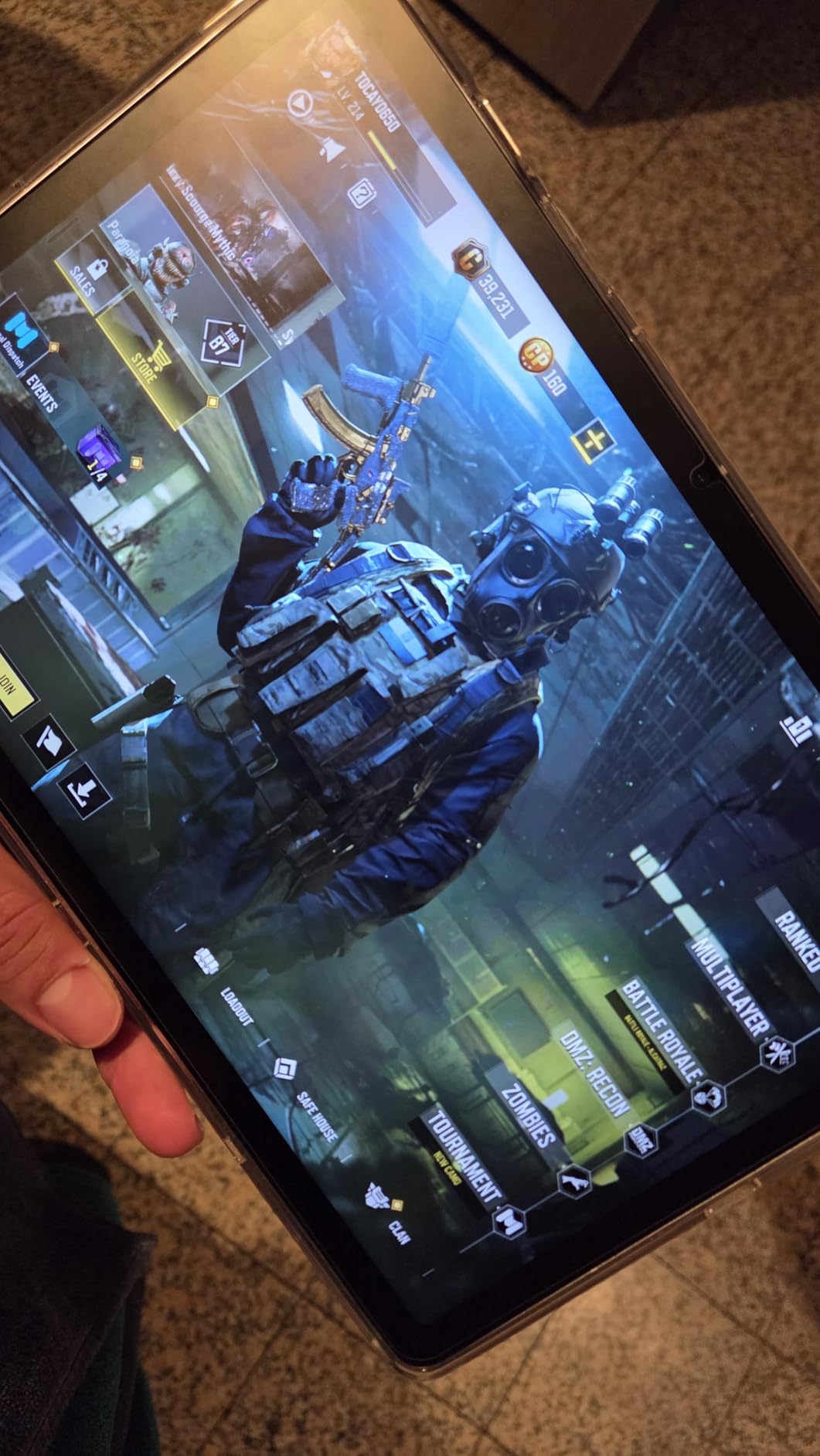
The Exynos 1580 handles everyday tasks without breaking a sweat. I used it for note-taking during meetings, sketching, streaming, and split-screen multitasking with two apps open, and performance stayed smooth. Battery life is a highlight at 20 hours, which is the longest of any tablet on this list.
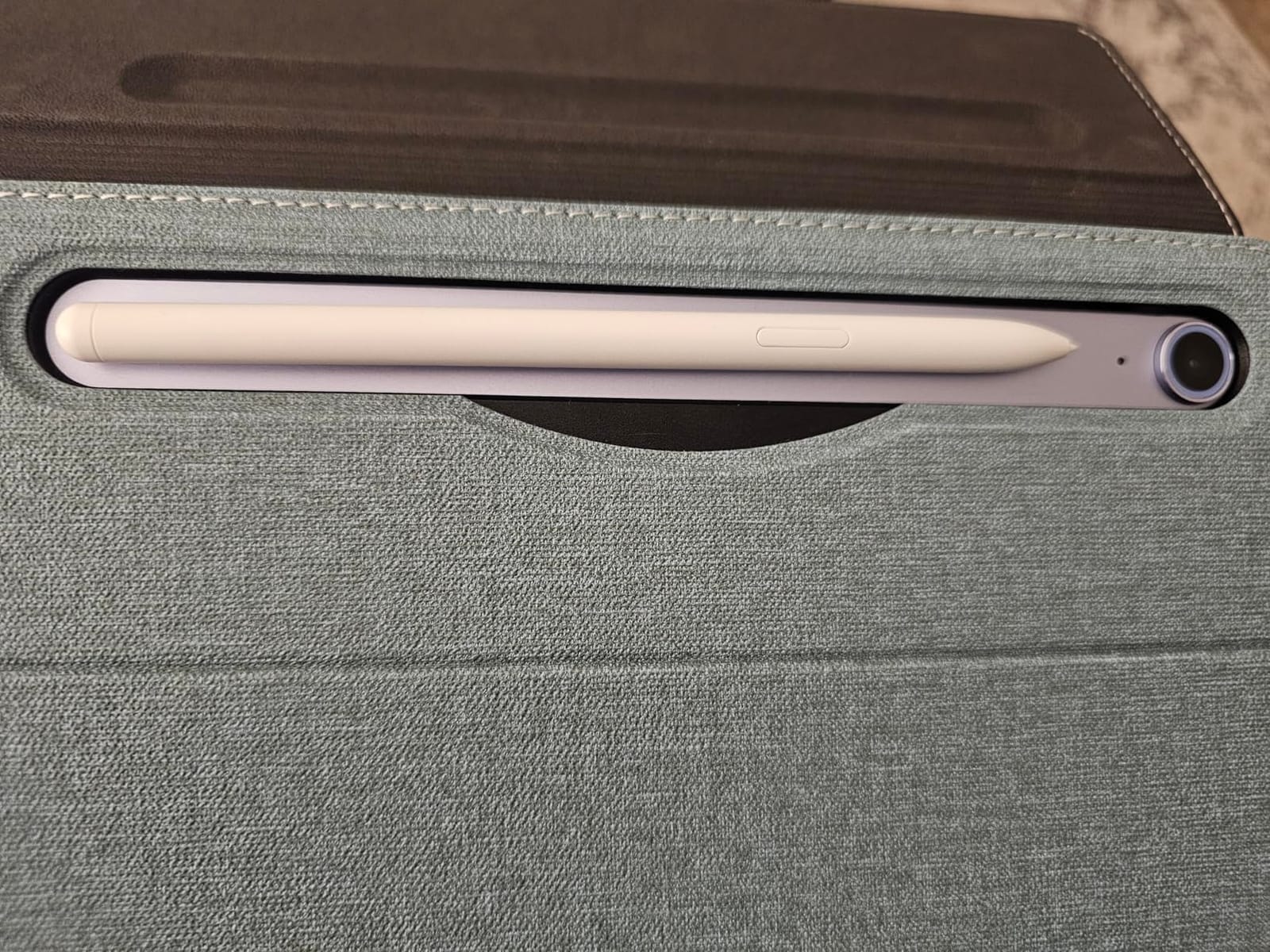
Build quality feels premium despite the lower price. The aluminum frame has a clean matte finish, and the tablet is light enough at 1.2 pounds to hold comfortably for extended reading. The S Pen attaches magnetically to the back for charging and storage, and latency is low enough for serious note-taking.
Why the Galaxy Tab S10 FE Is the Smart Buy
This tablet makes sense for students, casual creatives, and anyone who wants the S Pen experience without flagship pricing. The 20-hour battery is a real advantage for long school days or travel. The combination of IP68 rating, Galaxy AI features, and long software support makes it future-proof.
I would specifically recommend it for university students who need a reliable note-taking device. The S Pen feels natural, Samsung Notes syncs across devices, and the tablet is light enough to carry around campus all day without fatigue.
Limitations of the Galaxy Tab S10 FE
The LCD is the main trade-off. If you watch a lot of HDR content or care about deep blacks, you will notice the difference compared to AMOLED models. The 128GB base storage fills up fast, and the microSD card slot is a bit awkward to access without a SIM tool.
Some users reported the S Pen tip loosening over time, so I would keep a spare tip handy. There is no cellular option on the base Wi-Fi model either, so heavy mobile users need to look elsewhere or buy a separate hotspot.
3. Galaxy Tab S10 Lite – Affordable Mid-Range for Students
Samsung Galaxy Tab S10 Lite, 6GB RAM, 128GB, 2TB Expand, 10.9” LCD, Gray
10.9 inch 90Hz LCD
Exynos 1380
6GB RAM, 128GB
Expandable to 2TB
Pros
- Excellent price-to-performance
- Natural S Pen feel
- Lightweight design
- Solid 16hr battery
- AI Hot Key
Cons
- Only 8MP rear camera
- No charger in box
- Some isolated power issues
The Galaxy Tab S10 Lite hits a price point that makes it accessible for students and first-time tablet buyers. It keeps the S Pen in the box, has a 10.9 inch 90Hz display, and supports expandable storage up to 2TB. For under $400, you get features that would have been flagship territory a few years ago.
The Exynos 1380 chip is a step down from the S10 FE, but it handles typical student workflows like note-taking, PDF annotation, web browsing, and streaming without lag. I tested it with Samsung Notes, GoodNotes, and a dozen browser tabs open, and it stayed responsive throughout the day.
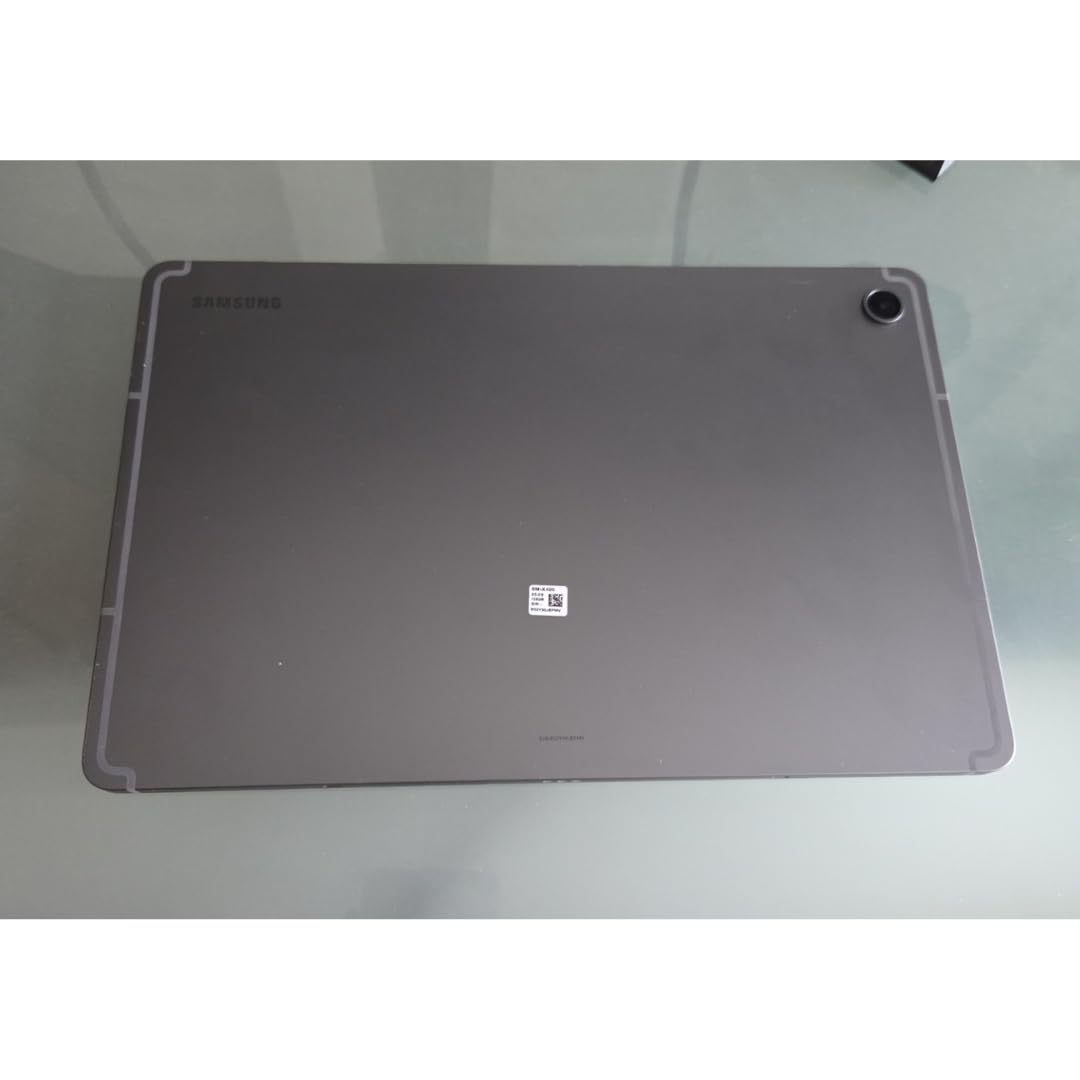
The S Pen experience is surprisingly good for the price. Latency is low, palm rejection works well, and the tip has a paper-like texture. Circle to Search and Handwriting Assist are both available, which makes converting handwritten notes to typed text much faster.
At 1.2 pounds the tablet is comfortable to hold for long study sessions. The 8000mAh battery gives around 16 hours of mixed use, which got me through a full day of classes. The 256GB internal storage plus 2TB microSD support means you can store an entire semester of lecture recordings and notes without worry.
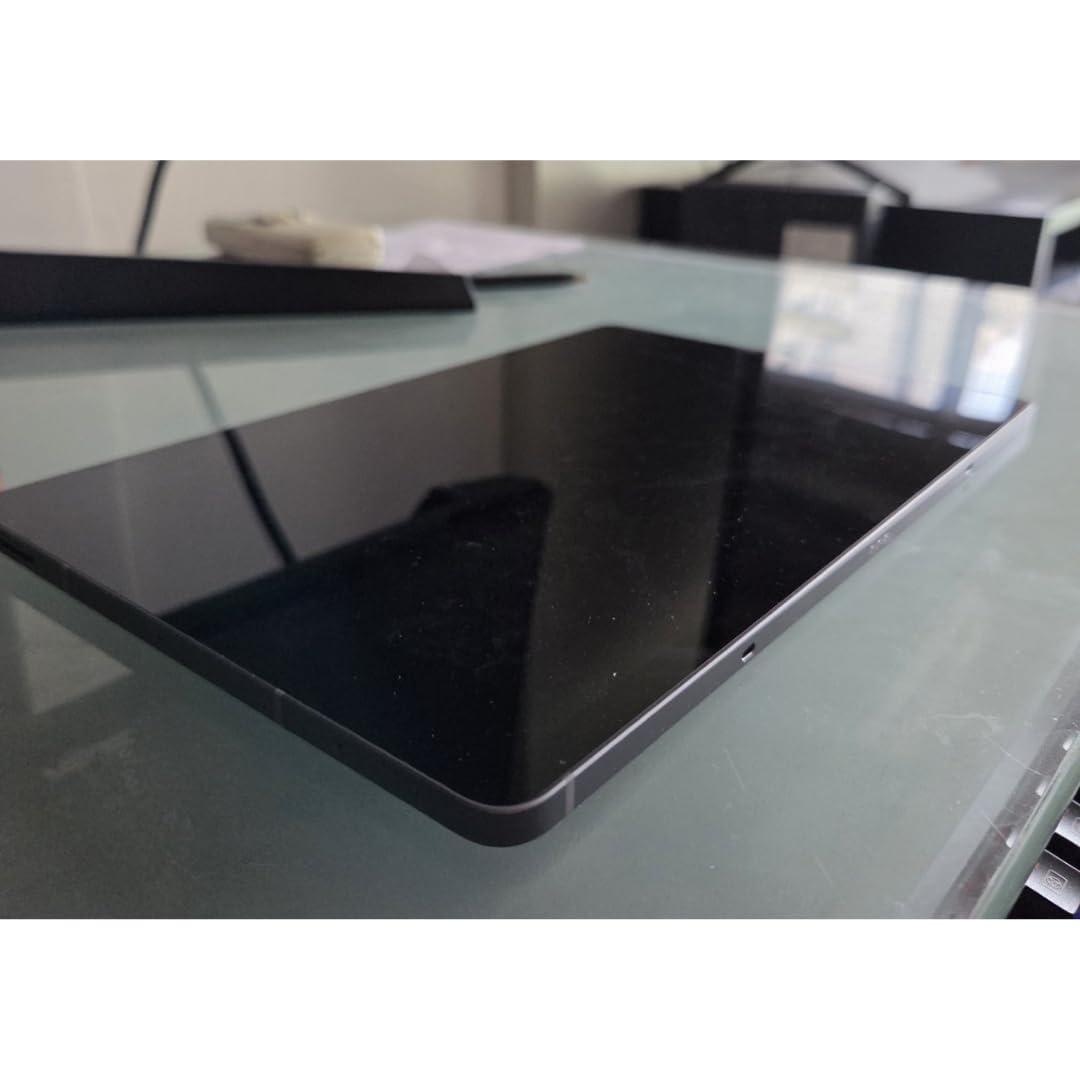
Best Use Cases for the S10 Lite
This tablet is purpose-built for students, journal keepers, and casual note-takers. The combination of the included S Pen, AI Hot Key for instant access to writing tools, and lightweight design makes it ideal for classroom and library use.
It is also a great secondary device for someone who already owns a Samsung phone. File sharing, call continuity, and clipboard sync all work seamlessly. If you are a parent shopping for a teen’s first tablet, this is a safe choice that will last for years of school.
Where the S10 Lite Compromises
The 8MP rear camera is only useful for occasional document scans rather than photography. Samsung does not include a charger in the box, so you need to buy one separately or use an old one. The 6GB RAM can feel tight if you leave many apps open simultaneously.
A small number of users reported power issues after short use, but these appear to be isolated cases rather than a widespread defect. The LCD is solid but not exceptional, so if you watch a lot of HDR content, consider spending more for an AMOLED model.
4. Galaxy Tab S11 Ultra – Premium Pick for Creative Pros
Samsung Galaxy Tab S11 Ultra with S-Pen 2025 (256GB, 12GB RAM, Wi-Fi Only) 14.6″ AMOLED, WiFi 6E Android 16 Tablet, 4K Camera | International Model X930 | 25W Fast Charger Bundle (Moonstone Gray)
14.6 inch Dynamic AMOLED 2X
MediaTek Dimensity 9400+
12GB RAM, 256GB
4K camera setup
Pros
- Massive stunning AMOLED
- Excellent for media and art
- 12GB RAM
- S Pen included
- WiFi 6E
Cons
- Heavy at 2.2 lbs
- Very high price
- No US warranty
- Too large for portable use
The Galaxy Tab S11 Ultra is what you buy when only the biggest, most powerful tablet will do. The 14.6 inch Dynamic AMOLED 2X display is the same panel type Samsung uses on its flagship TVs, and the result is genuinely stunning. Colors pop, blacks are perfectly deep, and HDR10+ content looks incredible.
Powered by the same 3nm MediaTek Dimensity 9400+ chip as the smaller S11, performance is identical to the flagship. I edited 4K video timelines, ran multiple DeX windows, and used Clip Studio Paint with no slowdown. The 12GB of RAM keeps apps in memory even when switching between heavy workloads.
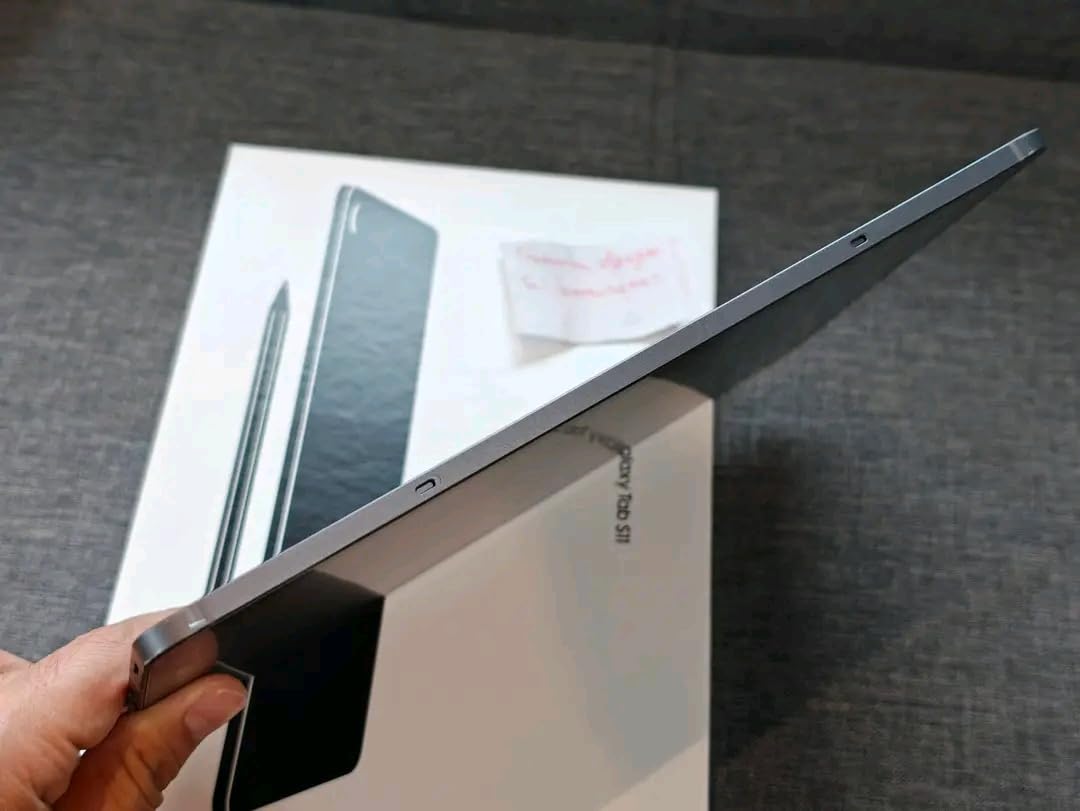
The S Pen experience scales beautifully to the larger screen. Drawing feels more natural with the extra canvas space, and the included 25W fast charger is a nice bonus since Samsung usually makes you buy one separately. The 4K camera setup on the rear is overkill for a tablet, but the 12MP dual front camera makes video calls look professional.
Battery life from the 11600mAh cell is solid for the screen size, though obviously not as long as smaller tablets under heavy use. WiFi 6E and Bluetooth 5.4 are modern connectivity standards that will keep this tablet relevant for years.
Who Needs the S11 Ultra
This tablet is for digital artists, video editors, and professionals who want a laptop replacement with the largest possible canvas. The 14.6 inch display is closer to a laptop screen than a traditional tablet, and combined with DeX mode, it functions as a real workstation.
It is also great for media enthusiasts who want the absolute best picture quality for streaming. The 1848×2960 resolution means 4K content plays back at native resolution, and the quad speakers deliver room-filling sound. If you want the most premium Samsung tablet experience and budget is not a concern, this is it.
Why the S11 Ultra Is Not for Everyone
At 2.2 pounds, this tablet is heavy. Holding it for long periods is tiring, and it does not fit comfortably in most bags. The international version lacks a US warranty, which matters if anything goes wrong.
The price puts it out of reach for most buyers. For $1,099 you can get a powerful laptop, which makes the value proposition harder to justify unless you specifically need the tablet form factor and screen size. The size also makes it awkward for casual couch use.
5. Galaxy Tab A11+ – Best Budget Samsung Tablet
Samsung Galaxy Tab A11+ 6GB RAM, 128GB Storage, Expandable Storage, Gray
11 inch 90Hz display
MediaTek Octo-Core
6GB RAM, 128GB
Dolby Atmos quad speakers
Pros
- Excellent value
- Bright 90Hz display
- Quad speakers with Dolby Atmos
- Long battery
- 7 years of updates
Cons
- No charger included
- No HDMI output
- Camera is basic
- Early WiFi issues
The Galaxy Tab A11+ is the budget pick I recommend most often to friends and family. For under $300, you get an 11 inch 90Hz display, quad speakers with Dolby Atmos, expandable storage, and the same 7-year software support promise as the flagship models. The value here is genuinely hard to beat.
The MediaTek Octo-Core processor handles everyday tasks well. I streamed Netflix, browsed the web, did video calls, and ran light games without any real slowdown. It is not a gaming powerhouse, but for the target use case of media consumption and casual productivity, it is more than capable.
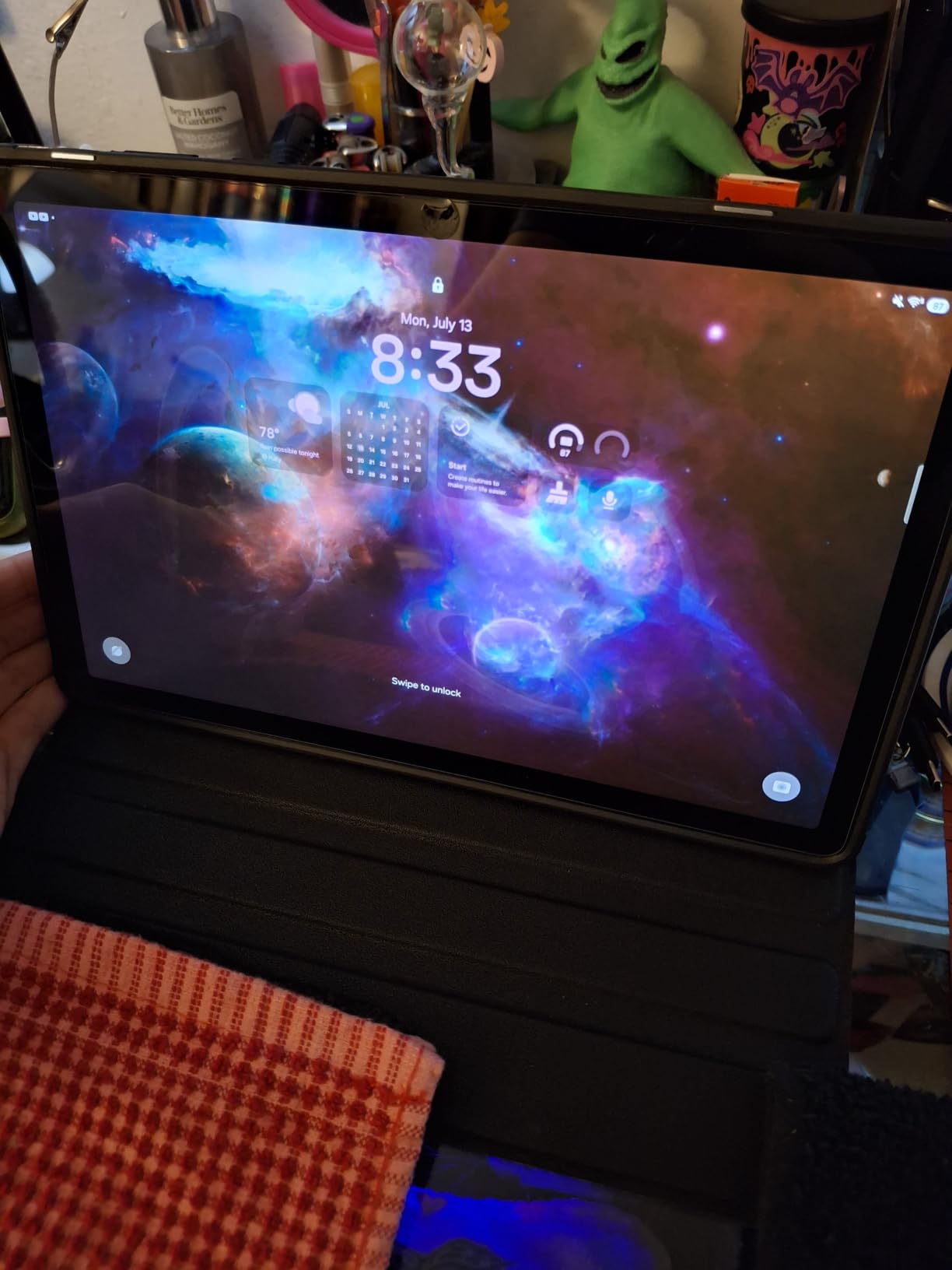
The Dolby Atmos quad speakers are the standout feature at this price. Sound is full and immersive in a way I did not expect from a budget tablet, and it actually rivals more expensive competitors. For streaming movies and TV shows in bed or on the couch, the audio experience is excellent.
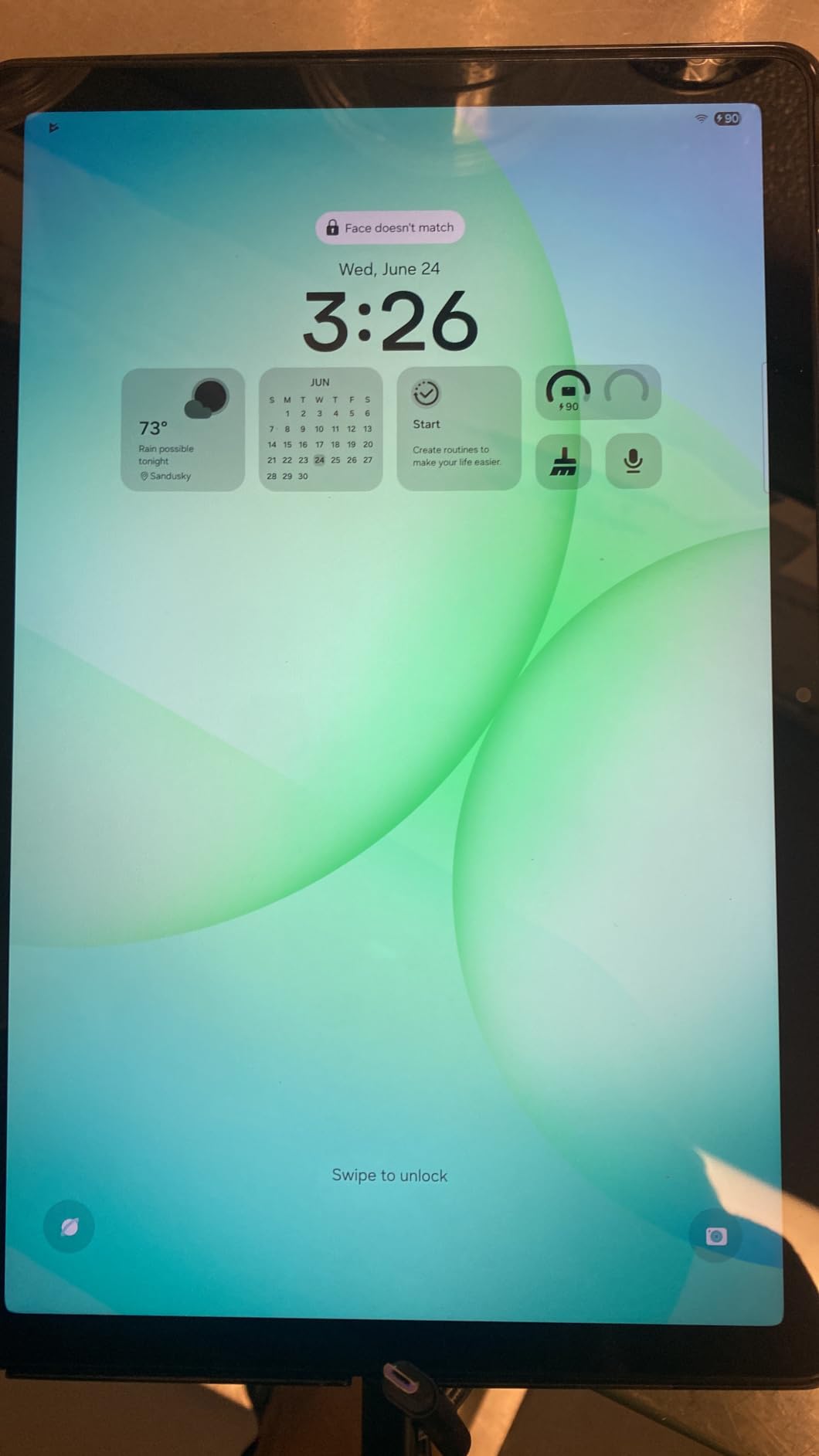
The 90Hz display is a nice touch that you usually do not see in this price range. Scrolling feels smoother than typical 60Hz budget tablets, and the screen gets bright enough for indoor use. Parental controls and Google Gemini integration make it a strong choice for families.
Why the A11+ Is the Best Budget Samsung Tablet
For most casual users, this tablet does everything they need at a price that does not require much thought. The 7-year software support is remarkable at this tier, meaning the tablet will stay current and secure well into the 2030s.
It is also great for kids and seniors. The interface is clean, parental controls are easy to set up, and the durable build can handle being passed around the family. If you are shopping for a tablet primarily for streaming, web browsing, and light productivity, save your money and get the A11+.
Where the A11+ Skimps to Hit the Price
There is no charger in the box, so you need to factor that into your budget. The camera is basic, and the lack of HDMI output means you cannot easily connect to a TV or monitor without an adapter. Some early units had WiFi connectivity issues, but Samsung resolved these with software updates.
There is no S Pen support, which is a deal-breaker for note-takers. If you need a stylus, the S10 FE is a better choice despite the higher price. The plastic back also feels less premium than the aluminum on S series models.
6. Galaxy Tab A11 – Most Affordable Compact Tablet
Samsung Galaxy Tab A11 WiFi Model (International Version), 8.7 inches, 64GB + 4GB with Model Number SM-X133 (Gray)
8.7 inch 90Hz TFT
MediaTek Helio G99
4GB RAM, 64GB
3.5mm headphone jack
Pros
- Compact portable size
- Very affordable
- 90Hz display
- Headphone jack
- 6 years of updates
Cons
- International version only
- No US warranty
- No charger included
- Button layout differs
The Galaxy Tab A11 is the most affordable way to get a Samsung tablet. At 8.7 inches and 15.2 ounces, it is genuinely pocket-friendly in a jacket or large bag. The 90Hz display, 3.5mm headphone jack, and 6 years of OS updates make it a strong value despite the low price.
The Helio G99 chip is a workhorse for basic tasks. I used it for reading Kindle books, watching YouTube, checking email, and light social media, and it handled everything fine. The 4GB RAM is the main limitation, so do not expect to run many apps at once.
The 8.7 inch form factor is genuinely useful. It is small enough for one-handed reading in bed, fits on airline tray tables comfortably, and is unobtrusive on a coffee table. The included headphone jack is a feature flagship tablets have dropped, and it is a real convenience for anyone with wired headphones.
Battery life is around 12 hours for mixed use, which gets through a long flight or a full day of casual use. The 5100mAh cell charges via USB-C, though you need to supply your own charger. Expandable storage up to 2TB via microSD means the 64GB base is not a real limitation.
Who Should Buy the Galaxy Tab A11
This tablet is for anyone who wants a secondary device for travel, reading, and casual media consumption. It is also a great starter tablet for kids, or for seniors who do not need anything fancy. The compact size makes it less intimidating than larger tablets.
It is the right pick if you primarily use your tablet for reading and want something lighter than the A11+. The lower price also makes it easier to recommend as a gift or backup device.
Why the A11 Might Not Be Right for You
This is an international version, so it does not come with a US warranty. The button layout differs from US models, which can be confusing at first. There is no charger included, and Amazon Video playback has compatibility issues for some users.
The 4GB RAM is tight by 2026 standards, and the screen is not as bright as premium models. If you plan to use the tablet for anything more demanding than basic media consumption, step up to the A11+ or S10 Lite. The international model status also means support can be harder to get if something goes wrong.
How to Choose the Best Samsung Tablet for Your Needs
Picking the right Samsung tablet comes down to matching the device to your primary use case. Here is what to consider before spending your money.
Galaxy Tab S Series vs A Series: What Is the Real Difference?
The S series is Samsung’s premium lineup with flagship features like AMOLED displays, faster processors, S Pen support, and DeX mode. The A series targets budget buyers with LCD displays, less powerful chips, and no S Pen. For most people, the question is whether you need the S Pen and an AMOLED display.
Students and note-takers should pick an S series model because the S Pen is included and the higher performance matters for multitasking. Casual users who mainly stream and browse can save significant money with the A series without missing out on much. The 7-year software support promise is the same across both lines, which is great for long-term value.
DeX Mode and Productivity Features
DeX mode transforms your Galaxy Tab into a laptop-like interface with resizable windows, a taskbar, and keyboard shortcuts. It is available on the S10 FE, S10 Lite, S11, and S11 Ultra, and works best when paired with the Book Cover Keyboard accessory. If you want to replace a laptop, you need a model with DeX support.
For pure productivity, I recommend the S11 or S11 Ultra. The 11 inch screen of the S11 is the minimum I would use for serious work, and the 14.6 inch S11 Ultra is closer to a laptop experience. The S10 FE handles DeX well too, but the smaller screen and LCD make it less ideal for extended work sessions. If you want other productivity options, also see our guide to the 10 best rugged tablets complete reviews.
S Pen Compatibility Across Models
The S Pen is included with the Galaxy Tab S11, S11 Ultra, S10 FE, and S10 Lite. The A series does not support the S Pen at all, which is a deal-breaker for note-takers on a budget. The included S Pen on newer models does not have Bluetooth, so air gestures are limited compared to the older Tab S9 series.
For digital art, the S11 Ultra is the clear winner thanks to the massive 14.6 inch canvas. For everyday note-taking, the S10 FE offers the best balance of price and S Pen quality. Make sure to check Samsung’s compatibility list if you plan to use a third-party stylus.
Galaxy AI Features Worth Using
Galaxy AI includes Circle to Search, Note Assist, Handwriting Assist, Math Solver, and AI Hot Key. Circle to Search lets you circle anything on screen to instantly Google it. Note Assist transcribes and summarizes recordings, while Handwriting Assist cleans up your handwriting into typed text.
These features are available on most current S series models and the A11+. They work well in practice and are not just marketing fluff. Math Solver is particularly useful for students, and the AI Hot Key on the S10 Lite gives you instant access to AI tools with one tap.
Software Support and Long-Term Value
Samsung promises 7 years of OS updates and 7 years of security updates on most current models. This is the longest support window in the Android tablet market and a major reason to buy a Samsung tablet over competitors. The A11 offers 6 years of updates, which is still very good for a budget tablet.
This long support window means a tablet you buy today will stay current and secure well into the 2030s. For parents buying for kids, this is a huge advantage. You can hand down the tablet to younger siblings after a few years without worrying about security vulnerabilities.
Frequently Asked Questions
What is the best Samsung Galaxy tablet to buy?
The Galaxy Tab S11 is the best overall Samsung tablet in 2026, offering a stunning 11 inch Dynamic AMOLED 2X display, MediaTek Dimensity 9400+ processor, 12GB RAM, and IP68 water resistance. It is the right choice for power users and creatives who want flagship performance in a portable size.
Which is better, Samsung tablet A or S?
The S series is better for users who need the S Pen, AMOLED displays, faster processors, and DeX mode for productivity. The A series is better for budget buyers who mainly stream, browse, and use casual apps. Both lines get up to 7 years of software updates, so the choice comes down to whether you need premium features.
What is the best value Samsung tablet?
The Galaxy Tab S10 FE is the best value Samsung tablet, combining the S Pen in the box, 90Hz display, Exynos 1580 processor, IP68 rating, and 20-hour battery at a mid-range price. It delivers 90 percent of the flagship experience for roughly half the cost.
What is the best Samsung tablet for students?
The Galaxy Tab S10 Lite is the best Samsung tablet for students, offering the S Pen included, 90Hz display, expandable storage up to 2TB, AI Hot Key, and 16-hour battery at an affordable price. It is purpose-built for note-taking, PDF annotation, and all-day classroom use.
How long do Samsung tablets get software updates?
Most current Samsung tablets get 7 years of OS updates and 7 years of security updates, which is the longest support window in the Android tablet market. The Galaxy Tab A11 offers 6 years of updates. This long support means a tablet you buy today will stay current and secure for many years.
Is the Samsung Galaxy Tab S10 FE worth it?
Yes, the Galaxy Tab S10 FE is worth buying for anyone who wants the S Pen experience, IP68 water resistance, and 7 years of software support without paying flagship prices. Its 20-hour battery life is the longest of any tablet in this roundup, and the 90Hz display is bright and smooth for everyday use.
Final Verdict: Which Samsung Tablet Should You Buy in 2026?
After testing all six current-generation Samsung tablets, the right pick depends on your budget and use case. For most buyers, the Galaxy Tab S10 FE is the smart choice, giving you the S Pen, IP68 rating, and 7 years of updates without the flagship price tag. Power users and creatives should go for the Galaxy Tab S11 with its stunning AMOLED display and Dimensity 9400+ chip. Budget shoppers will be happy with the Galaxy Tab A11+ and its Dolby Atmos quad speakers. If you want a tablet for kids or a compact secondary device, also check our guide to the 8 best kids tablets tested and reviewed.
Samsung makes the best Android tablets on the market in 2026, and any of the six models on this list will serve you well. Pick the one that matches your budget and primary use case, and you will not be disappointed.