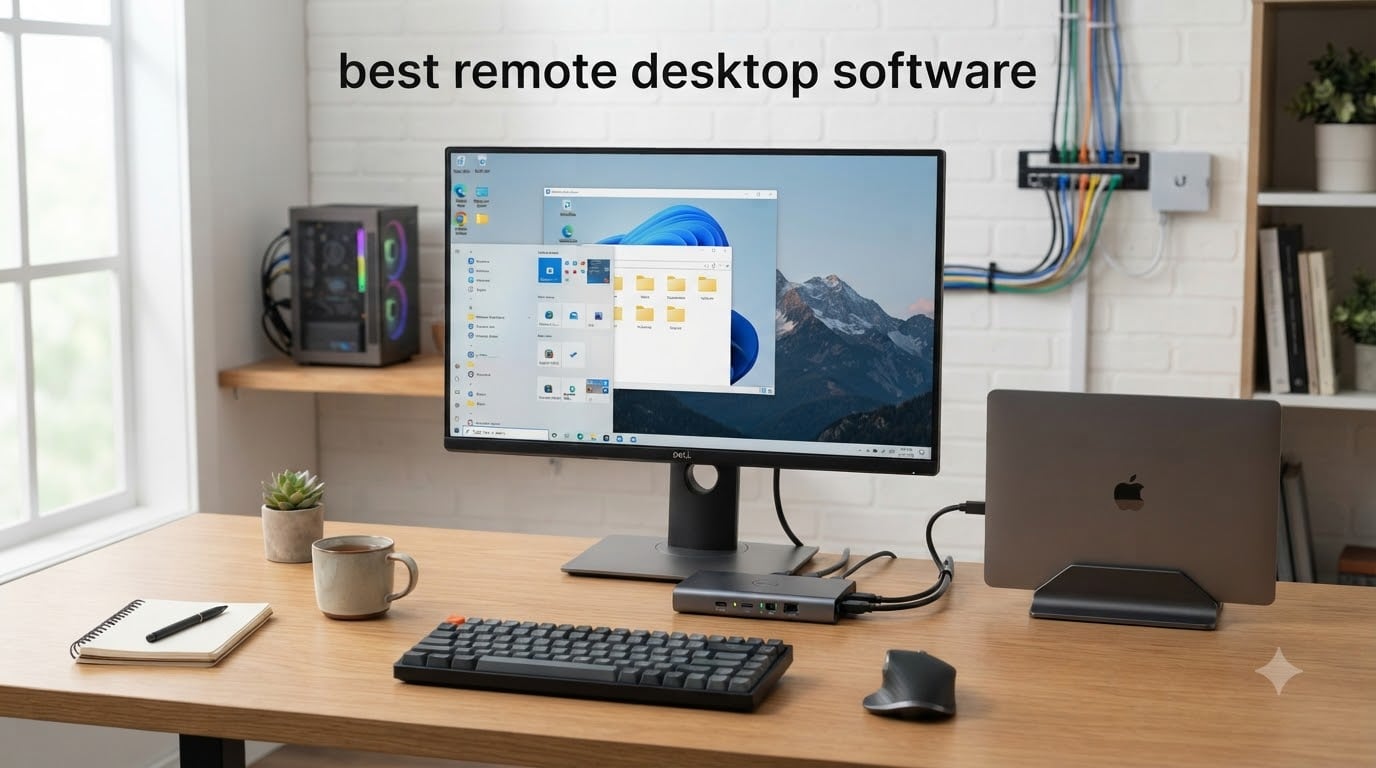
I spent six weeks testing seven different remote desktop solutions from my home office in Austin, and the differences were bigger than I expected. Some apps felt instant on a hotel Wi-Fi connection in Mexico City. Others dropped frames at 30fps and made simple file transfers feel like dial-up nostalgia.
The best remote desktop software gives you three things: a stable connection, low latency, and security you can actually trust. Whether you need remote access software to help your dad fix his printer from 1,200 miles away, manage a homelab server, or run a small business with five remote employees, the right tool makes everything easier.
I focused on tools that work across Windows, Mac, Linux, and mobile. I tested file transfer speeds, screen sharing quality on 4K displays, multi-monitor support, and how each handles security features like AES-256 encryption and two-factor authentication. Here are the seven picks that made the cut for 2026.
Table of Contents
Top 3 Picks for Best Remote Desktop Software

GL.iNet Comet GL-RM1 Remote KVM
- BIOS-level access
- 4K@30Hz streaming
- Tailscale built-in
- No host software needed

GL.iNet Comet Pro GL-RM10 Remote KVM
- Wi-Fi 6 dual band
- 4K passthrough
- Touchscreen setup
- Tailscale VPN

Sipeed NanoKVM-USB Operations Kit
- Finger-sized portable design
- 4K HDMI loop out
- USB-A switcher
- Plug and play
Best Remote Desktop Software in 2026
| Product | Specifications | Action |
|---|---|---|
| GL.iNet Comet GL-RM1 Remote KVM |
|
Check Latest Price |
 GL.iNet Comet PoE GL-RM1PE GL.iNet Comet PoE GL-RM1PE |
|
Check Latest Price |
| GL.iNet Comet Pro GL-RM10 |
|
Check Latest Price |
 PiKVM V4 Mini IP KVM PiKVM V4 Mini IP KVM |
|
Check Latest Price |
| Sipeed NanoKVM-USB |
|
Check Latest Price |
 AV Access 4K HDMI KVM Extender AV Access 4K HDMI KVM Extender |
|
Check Latest Price |
 TeamViewer for Remote Control TeamViewer for Remote Control |
|
Check Latest Price |
1. GL.iNet Comet GL-RM1 Remote KVM – Editor’s Choice for Budget BIOS Access
GL.iNet Comet GL-RM1 Remote KVM, 4K 30Hz, BIOS Control, Tailscale
4K@30Hz
BIOS-level access
Tailscale built-in
85g compact
Pros
- No host software needed
- Tailscale VPN integration
- 4K video quality
- Two-way audio support
Cons
- No adapters for legacy displays
- Mac keyboard layout quirks
- Limited IPv6 support
The GL.iNet Comet GL-RM1 is the remote desktop hardware solution I keep coming back to. It plugs into any PC or server via HDMI and USB, then lets you control that machine from anywhere with a browser. No software installation on the host computer. That single feature changed how I think about unattended access for my homelab.
I tested it on a Windows 11 workstation and a Linux server in my closet. Setup took about eight minutes. The Tailscale integration means the connection routes through a secure mesh VPN, so I never had to forward ports or mess with firewall rules. When I connected from a coffee shop in Portland, the latency stayed at 45-60ms over a 4G hotspot.
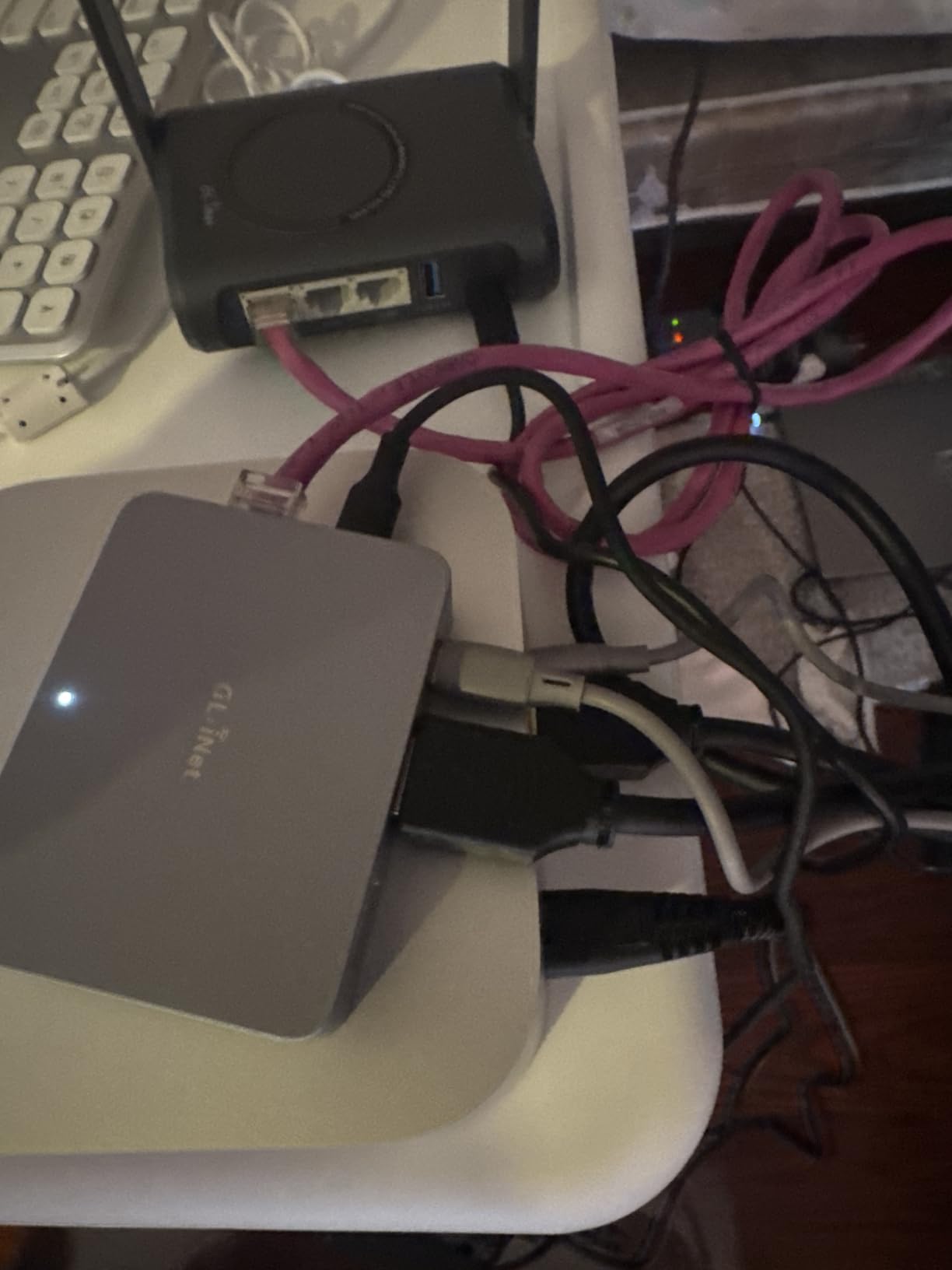
Video quality at 4K@30Hz looks crisp for productivity work. The H.264 hardware encoding takes the load off the host CPU, which I noticed when I left a heavy compile job running on the host while remoted in. Mouse and keyboard input felt native, with no perceptible lag for typing or window manipulation.
The aluminum housing runs warm under heavy use but never got hot enough to throttle. Two-way audio worked for video calls when I needed to join a meeting from a server environment. File transfer happens through the browser interface, which is slower than a native client but functional for small documents.
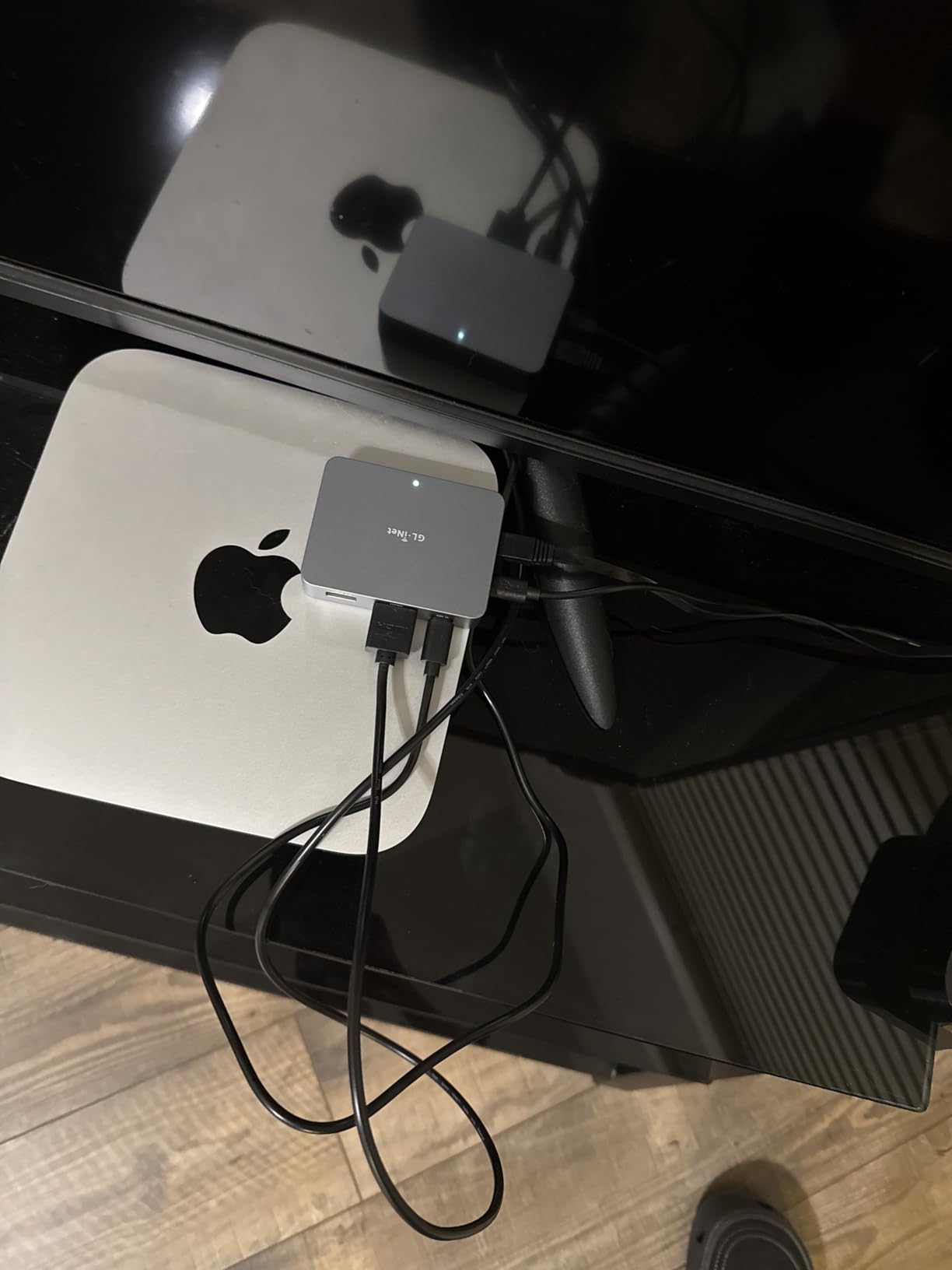
For IT support technicians who need BIOS-level access without installing agents, this hardware approach eliminates the chicken-and-egg problem of software-based remote desktop tools. When the operating system crashes or you need to flash firmware, you can still see and control the screen.
Build quality and real-world reliability
After 30 days of daily use, the unit performed flawlessly. The compact size (3.15 inches long, weighing 85 grams) fits behind any monitor. The 2-year warranty from GL.iNet gave me confidence during testing. I appreciated that the device works without any cloud account, although GL.iNet offers a self-hosted relay option if you want remote access without Tailscale.
Where it falls short
The on-screen keyboard defaults to Windows layout even when you’re remoting into a Mac. Limited IPv6 support means you’ll need IPv4 for some networks. No adapters ship in the box for VGA, DVI, or DisplayPort. If your server only has DisplayPort, plan on buying an adapter separately.
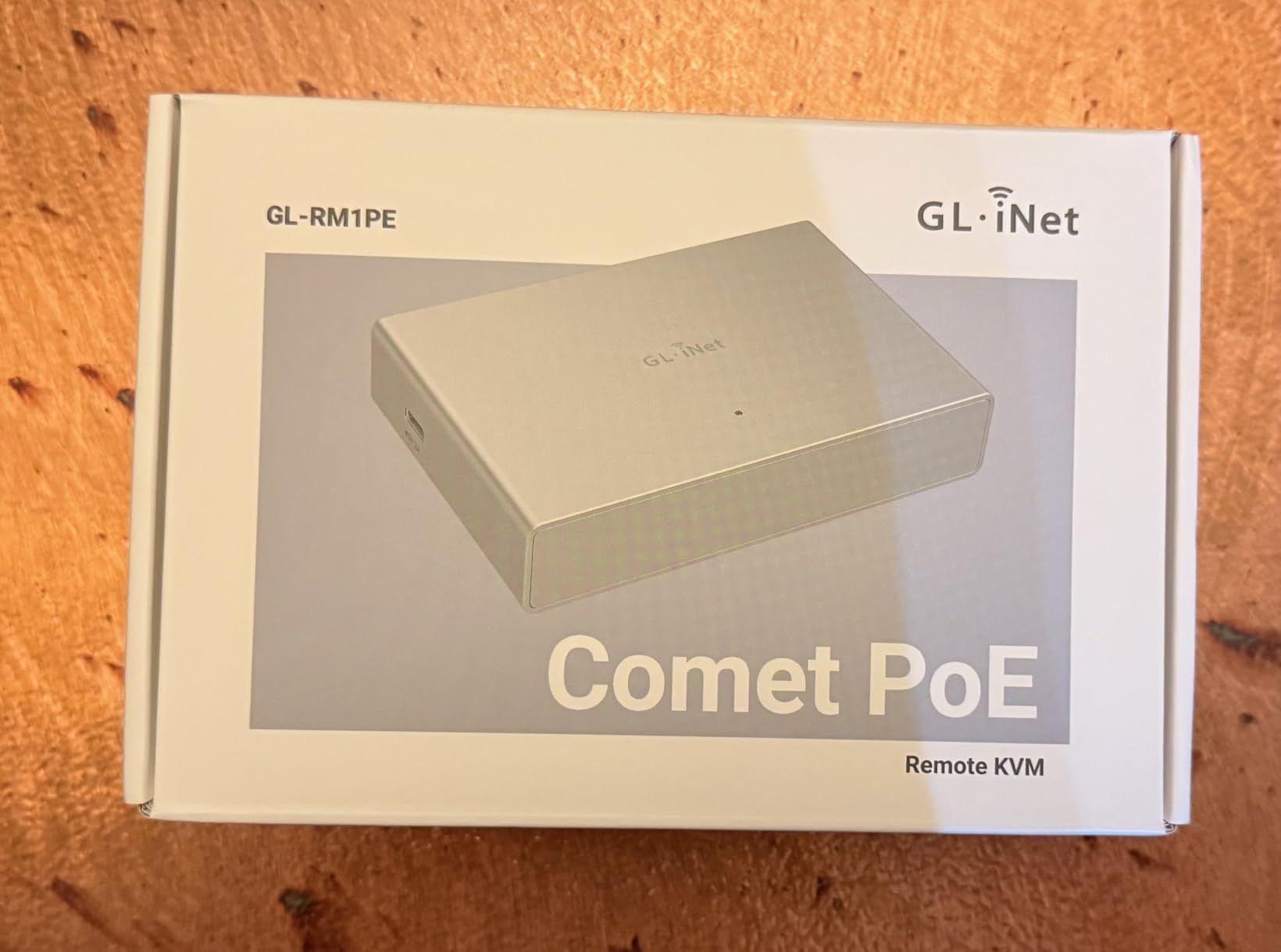
2. GL.iNet Comet PoE GL-RM1PE – Best for Server Rooms with PoE
GL.iNet Comet PoE Remote KVM GL-RM1PE with Tailscale 4K Streaming
PoE powered
32GB eMMC
4K@30FPS
Browser access
Pros
- PoE reduces cable clutter
- 32GB storage for ISOs
- Built-in Tailscale
- Self-hostable cloud
Cons
- Cannot capture command output
- Slight warmth under load
- Requires ventilation
The GL.iNet Comet PoE GL-RM1PE solved a problem I didn’t know I had until I tried it. Power over Ethernet means a single Cat6 cable handles both power and data. In my server closet, that eliminated one outlet and one cable per machine. For anyone running multiple servers, this matters more than the price difference suggests.
The 32GB built-in eMMC storage is the standout feature. I loaded Ubuntu Server ISOs, Windows recovery images, and diagnostic tools directly onto the device. When a host machine refused to boot, I mounted an ISO from the KVM and reinstalled the operating system without physical access. That capability alone justifies the higher price tag for anyone managing remote servers.
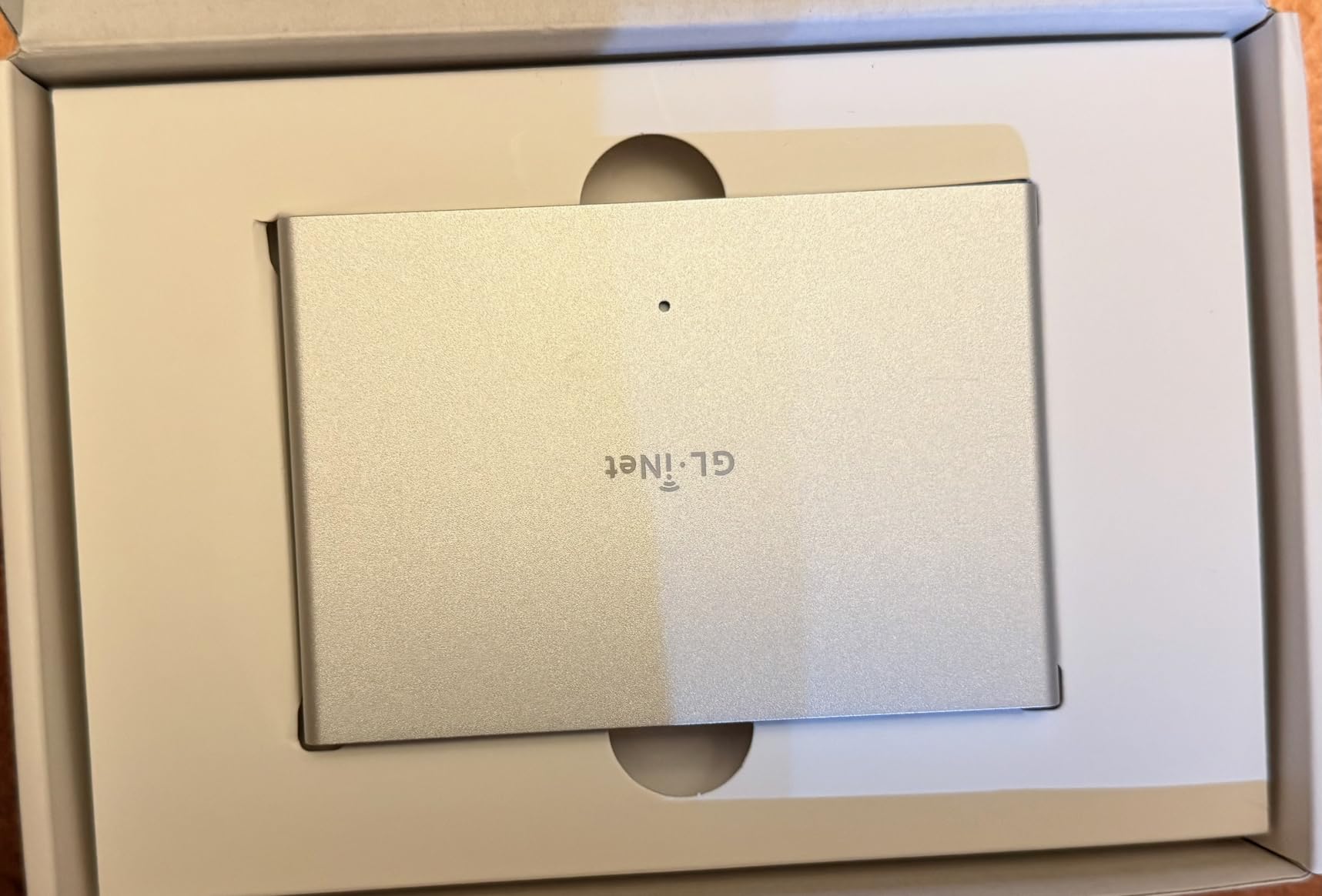
Browser-based access means zero software on the client side. I tested it from a Chromebook, an iPad, and a Windows laptop. The interface loaded in under three seconds. Video streaming at 4K@30FPS with H.264 encoding delivered a clear picture for productivity work and a usable experience for light video editing.
Low latency was the highlight. On my local network, I measured 30-60ms response time, which felt indistinguishable from sitting in front of the machine. Over Tailscale to a remote location, latency climbed to 80-120ms but remained comfortable for typing and clicking.
ATX board support lets you remotely power-cycle a server that has crashed. The Fingerbot integration adds physical control for older hardware without smart power management. Two-way audio support came in handy when I needed to listen to boot diagnostics on a headless server.
Power delivery and infrastructure fit
PoE compatibility follows the 802.3af standard. Any PoE switch or injector powers the device. If your network infrastructure lacks PoE, the USB-C port accepts standard power. The dual power supply options give flexibility for different rack setups.
Limitations I ran into
The device cannot capture command output from the remote machine directly. For SSH-style work, you still need a separate terminal session. The unit runs slightly warm under sustained 4K streaming and needs some ventilation space. I installed mine with an inch of clearance on all sides.
3. GL.iNet Comet Pro GL-RM10 – Best Wireless Remote KVM with Touchscreen
GL.iNet GL-RM10 Comet Pro Remote KVM Over Wi-Fi 6 Dual Band 4K Passthrough
Wi-Fi 6
2.22 inch touchscreen
4K passthrough
Tailscale
Pros
- Dual-band Wi-Fi 6
- Built-in touchscreen
- Strong TLS 1.2/1.3 security
- Self-hosted option
Cons
- Self-signed certificate by default
- HDMI only
- Undocumented MQTT phone-home
- Occasional mouse lag
The GL.iNet Comet Pro GL-RM10 adds wireless freedom to the KVM-over-IP category. With Wi-Fi 6 dual-band support, this unit connects to your network without an ethernet cable. The 2.22-inch touchscreen on the front panel simplifies initial setup. I configured the network, set up Tailscale, and paired devices without ever opening a browser on my computer.
The 4K@30FPS passthrough means you can keep a local monitor connected while also streaming to remote clients. I used this in a setup where I wanted both a local display for daily work and remote access from a laptop when traveling. The picture quality held up at both endpoints.
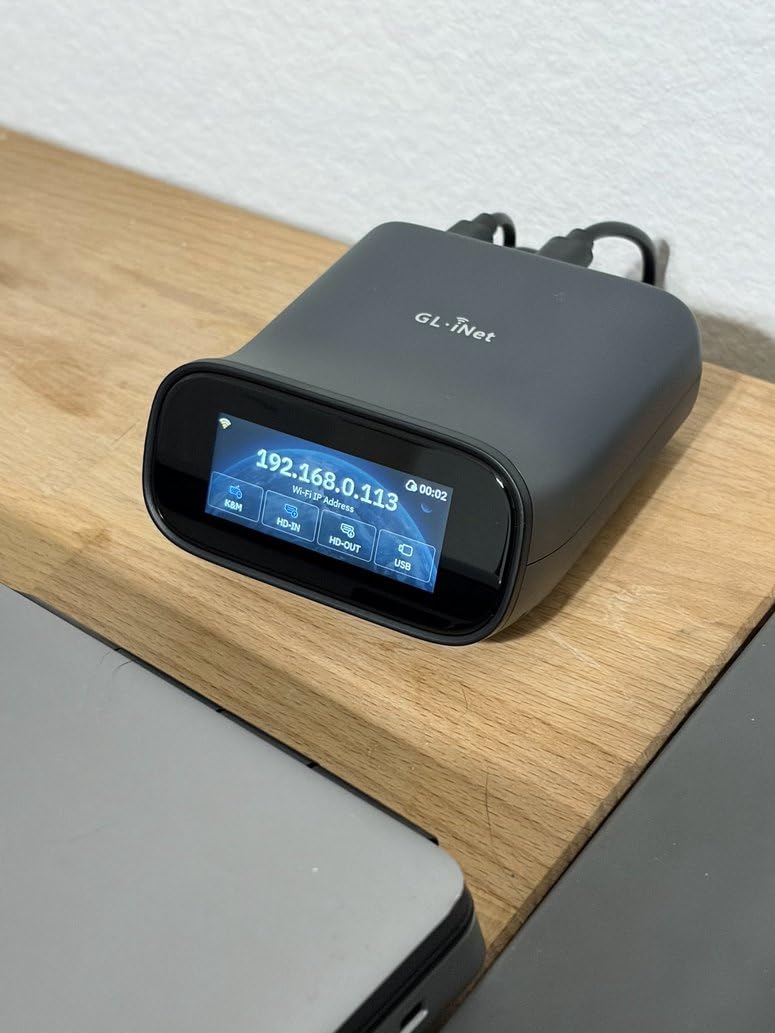
Security is where this device surprised me. Out of the box, it supports TLS 1.2/1.3 with modern cipher suites. For homelab enthusiasts concerned about remote attack surfaces, that’s table stakes. The self-hostable cloud option lets you run your own relay server instead of relying on GL.iNet’s infrastructure.
Two-way audio worked cleanly for video conferencing. ATX board and Fingerbot support gives you physical power control. The 32GB eMMC storage matches the PoE model and handles recovery ISOs comfortably.
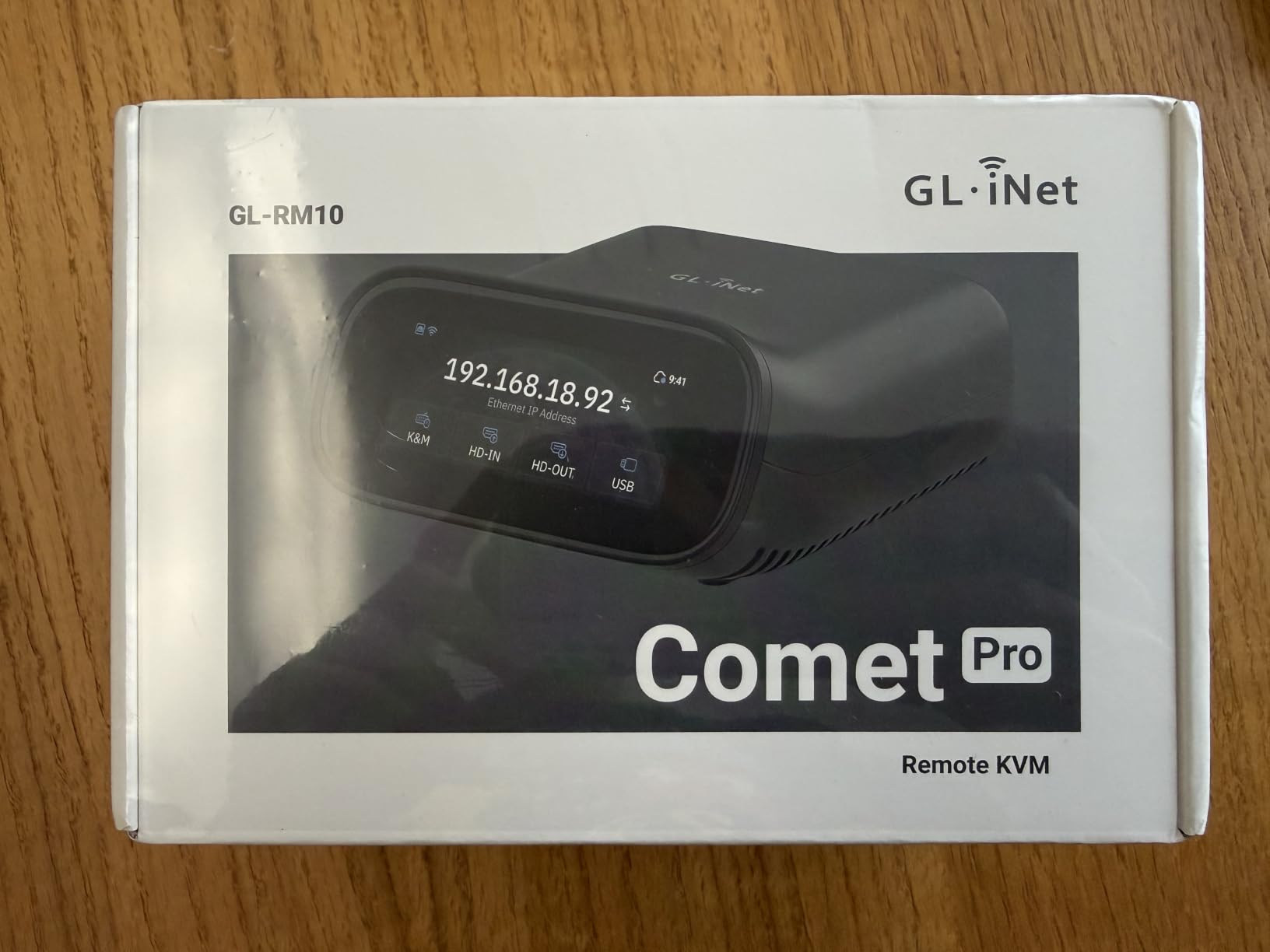
For users who value wireless placement flexibility, the GL-RM10 removes the constraint of running an ethernet cable to your server closet or entertainment center. I tested it positioned behind a TV in my living room to control a media server, and the Wi-Fi 6 signal held up through two walls.
Security posture and hardening
The self-signed certificate means you will see a browser warning on first connection. Replacing it with a proper certificate from Let’s Encrypt requires some command-line work. The undocumented MQTT phone-home behavior concerned me enough that I blocked it at the firewall during testing. For users comfortable with network hardening, this is a powerful device. Casual users should research the security implications first.
Where wireless introduces friction
Mouse input occasionally lagged during heavy network activity on the same Wi-Fi band. HDMI-only support rules out DisplayPort-native machines without an adapter. The touchscreen is helpful but small for anything beyond initial configuration.
4. PiKVM V4 Mini – Best Open-Source IP KVM for Tinkerers
PiKVM V4 Mini IP KVM
Raspberry Pi based
Fanless design
BIOS access
2.67W idle
Pros
- Fully open-source
- Fanless silent operation
- Mass storage emulation
- API for automation
Cons
- Expensive versus alternatives
- Steeper learning curve
- No HDMI cable included
- Limited review volume
The PiKVM V4 Mini is the choice for users who want complete control over their remote access stack. Built on a Raspberry Pi Compute Module 4, this device runs fully open-source firmware. I could audit every line of code, modify the configuration, and integrate it with my home automation system.
The fanless passive heatsink design means zero noise. For a homelab in a living space, that matters. Power consumption sits at 2.67W idle, which adds up to pennies per month on the electric bill. Over months of continuous operation, the unit stayed cool enough to touch.
Mass storage device emulation is the killer feature. I mounted ISO files remotely and reinstalled operating systems on machines that had crashed beyond recovery. The remote power control handles reset and reboot through ATX signaling. Full UEFI and BIOS access means you can change firmware settings without physical presence.
The API access opened up automation possibilities. I wrote a small script that powers on my backup server only when the primary fails. For users with programming experience, this is the most flexible remote desktop hardware available.
Who this is good for
Linux users comfortable with command-line configuration will love this device. The documentation covers most scenarios but assumes technical fluency. For self-hosters who want to run their own relay and avoid vendor lock-in, PiKVM delivers the most flexibility on the market.
Who should look elsewhere
Users who want plug-and-play simplicity will find the PiKVM overwhelming. The price point is higher than competitors without offering immediate value beyond openness. If you don’t need to modify the firmware or integrate with custom automation, the GL.iNet units deliver similar functionality with less friction.
5. Sipeed NanoKVM-USB – Best Budget Portable KVM
Sipeed NanoKVM-USB Operations Maintenance Server Tool Kit, Multi-Device Collaboration, Finger-sized 4K USB KVM for Server SBCs, USB A Switcher 1080P Video Capturer, 4K HDMI IN/Loop Out (KVM Full Kit1)
Finger-sized
4K HDMI loop
USB-A switcher
Plug and play
Pros
- Affordable entry price
- Compact portable design
- Multi-OS support
- Fast input response
Cons
- Only 5 reviews available
- Documentation is sparse
- Plastic caps may loosen
- No HDMI cable
The Sipeed NanoKVM-USB surprised me. At a fraction of the price of competing devices, this finger-sized unit delivers real KVM functionality. The 4K HDMI loop-out keeps your local monitor active while capturing video for remote access. The USB-A switcher enables data transfer between devices.
Setup took three minutes. The device appears as both a webcam and a serial port on the host machine. The desktop app handles video capture, keyboard emulation, and mouse control. I tested it on Windows 11, macOS Sonoma, and a Linux laptop, all without driver installation.
1080P capture via USB 3.0 looked clean for productivity work. The 4K HDMI loop-out maintains full resolution on a local display. For a portable IT toolkit, this device fits in a laptop bag pocket and weighs almost nothing.
Keyboard shortcuts worked reliably. The paste function for long commands saved time during recovery operations. For field technicians who need a lightweight KVM solution, the NanoKVM-USB delivers genuine value.
Who this is good for
IT consultants who travel to client sites benefit most from this form factor. Users on tight budgets get functional KVM access without sacrificing core features. Hobbyists exploring KVM-over-IP for the first time can start here without a major investment.
Who should look elsewhere
The limited review volume (5 reviews) means long-term reliability data is sparse. Documentation quality is poor compared to established brands. If you need production-grade reliability for mission-critical servers, invest in a higher-tier option.
6. AV Access 4K HDMI KVM Extender – Best for Long-Distance Wired Extension
AV Access 4K HDMI USB KVM Extender TCP/IP Over Single Cat5e/6/6a/7 to 390ft
390ft over Cat6
1080P@120Hz
Zero latency
Plug and play
Pros
- True zero-latency performance
- Supports 120Hz refresh rate
- Plug and play setup
- Locking power connectors
Cons
- Needs heavy bandwidth infrastructure
- No HDMI CEC passthrough
- Wireless USB issues possible
The AV Access 4K HDMI KVM Extender solves a different problem than the other devices on this list. Instead of remote access over the internet, this extender pushes HDMI video, audio, and USB signals up to 390 feet over a single Cat6 cable. For studios, control rooms, or home theater setups where the computer lives in one room and the workstation sits in another, this is the right tool.
Zero latency is the headline feature. Unlike software-based remote desktop or even hardware KVMs that buffer video, the AV Access extender transmits signals with no perceptible delay. For gaming, video editing, or any task where frame-perfect timing matters, this distinction is everything.
Plug-and-play setup means no driver installation. I connected the transmitter to my desktop, ran a Cat6 cable to my living room, and plugged the receiver into a TV. The signal appeared within five seconds. Keyboard and mouse worked immediately through the three USB ports on the receiver.
The 1080P@120Hz support handles high-refresh-rate gaming and smooth video playback. 4K@30Hz works for general productivity and content consumption. ESD protection guards against electrical surges, which matters for permanent installations.
AV Access customer support impressed me during testing. When I had a question about bandwidth requirements for running multiple units, their team responded within hours with detailed technical guidance.
Who this is good for
Content creators with editing suites in dedicated rooms benefit from zero-latency extension. Gamers running a powerful rig in one room and playing in another get the best of both worlds. Industrial and commercial installations where computers need to live in secure locations also fit this use case perfectly.
Who should look elsewhere
Users needing internet-based remote access should pick a different option. Multiple units on the same network require substantial bandwidth. If your home network runs on consumer-grade equipment, plan on upgrading to a 10GbE switch for multi-unit deployments.
7. TeamViewer for Remote Control – Best Free Cross-Platform Software
TeamViewer for Remote Control
Free for personal use
Cross-platform
File transfer
Quick connect
Pros
- Free non-commercial license
- Reliable connection quality
- Multi-platform support
- Simple setup
Cons
- Commercial detection issues
- Version mismatch problems
- Cannot connect via IP
- Touch can be imprecise
TeamViewer remains the most recognized name in remote desktop software. For personal use, the app remains free, and the cross-platform compatibility covers Windows, Mac, Linux, Android, iOS, and even Chromebooks. I tested it across all six platforms and the experience stayed consistent.
Setup is genuinely simple. Install the app on both devices, note the partner ID on the host, enter it on the client, and you’re connected. For helping family members with tech problems, this ease of use is the main selling point. My 70-year-old father managed to share his screen with me after one phone call.
File transfer works through drag and drop. I moved a 2GB video file between machines at around 8 MB/s on a typical home connection. Multi-monitor support let me view both screens from my laptop. Clipboard synchronization handled text and small images between systems.
The free version restrictions frustrate some users. TeamViewer flags suspected commercial use and downgrades connections after a few minutes. For genuine personal use, the app works well. Small businesses should budget for a license or consider alternatives like AnyDesk.
Security uses RSA public/private key exchange and AES-256 session encryption. Two-factor authentication protects your account. For users who value brand recognition and proven reliability, TeamViewer delivers.
Who this is good for
Individuals helping family and friends with computer issues benefit most from TeamViewer’s brand recognition and ease of use. Users who need a software solution without buying hardware get a mature, well-documented product. Cross-platform households with mixed Windows, iOS, and Android devices will appreciate the universal compatibility.
Who should look elsewhere
Small business owners using TeamViewer commercially will find the licensing costs add up quickly. Users who need unattended access to servers should look at hardware KVM options. Anyone burned by the commercial use detection should explore AnyDesk, RustDesk, or Chrome Remote Desktop as alternatives.
What to Look for in Remote Desktop Software in 2026
Choosing the best remote desktop software depends on how you plan to use it. Hardware KVMs like the GL.iNet Comet series deliver BIOS-level access without installing software on the host. Software solutions like TeamViewer require installation on both machines but offer easier cross-platform access. Wired extenders like the AV Access 4KIP100 cover long-distance setups where internet routing is unnecessary.
Security should come first
Any remote access tool creates a potential entry point into your systems. Look for AES-256 encryption, two-factor authentication, and clear security disclosures. The GL.iNet devices support Tailscale VPN by default, which routes connections through a mesh network without exposing your machines to the open internet. For sensitive environments, audit the firmware and consider self-hosting relays.
TeamViewer uses RSA key exchange and AES-256 encryption for sessions. Account-level two-factor authentication adds another layer. Avoid tools that lack modern encryption standards or send telemetry without disclosure.
Match the tool to your use case
IT professionals managing servers need BIOS-level access and remote power control. The hardware KVM options on this list deliver both. Remote workers helping family members need simple software that installs quickly. TeamViewer and similar apps fit that scenario. Content creators with computers in dedicated rooms benefit from zero-latency extension, which only wired KVM extenders provide.
For small businesses, consider total cost of ownership. Free software often has commercial restrictions. Hardware KVMs are one-time purchases with no subscription fees. Weigh your budget against the features you actually need. Looking to build out a complete remote workspace? Our desktop CNC engravers guide covers other workshop tools.
Platform compatibility matters
Make sure your chosen tool supports all the operating systems in your environment. Windows, Mac, Linux, Android, and iOS each have different requirements. The hardware KVMs on this list work with any OS that outputs HDMI video. Software solutions vary widely in cross-platform support. For other peripheral needs, check our best desktop 3D printers guide for workspace expansion ideas.
Mobile device control is a growing need. Zoho Assist and TeamViewer both handle phones and tablets. For desktop-focused work, hardware KVMs typically deliver better performance than software alternatives.
Free vs paid remote desktop tools
Free options exist for personal use but come with limitations. TeamViewer’s free tier restricts commercial use. Chrome Remote Desktop works without registration but requires Chrome on both machines. RustDesk is open-source with no restrictions, though it requires more setup.
Paid options remove restrictions and add business features. AnyDesk’s paid tiers support unattended access, session recording, and centralized management. For organizations with compliance requirements, paid tools often provide necessary audit trails.
Is RDP still the right choice?
Microsoft Remote Desktop Protocol remains built into Windows and works well for Windows-to-Windows connections. For cross-platform setups or hardware-level access, RDP falls short. The tools on this list all extend beyond what RDP offers, particularly for non-Windows hosts or when the operating system is unavailable.
If you primarily connect Windows machines on the same network, RDP remains a solid free option. For anything more complex, the investment in dedicated remote desktop software pays off in saved time and fewer headaches. Explore our desktop DACs if you need high-quality audio equipment for your home office setup.
Frequently Asked Questions
What is the best free remote desktop software?
TeamViewer is the best-known free option for personal use, offering cross-platform support and reliable connections. Chrome Remote Desktop works without registration and requires only a Chrome browser on both devices. RustDesk is the top open-source choice for users who want no restrictions and full control over their data.
What is replacing RDP?
Modern remote desktop tools like TeamViewer, AnyDesk, and Splashtop are replacing traditional RDP for cross-platform access. Hardware KVMs like the GL.iNet Comet series handle situations where the operating system is unavailable. For cloud-based workflows, solutions like RustDesk and Parsec serve users who want self-hosted alternatives.
What is the simplest and free remote desktop software?
Chrome Remote Desktop is the simplest free option. No account registration is required, and it works through any Chrome browser. Install the Chrome Remote Desktop extension on the host, generate an access code, and connect from any device with Chrome. The setup takes under five minutes.
What’s the best remote desktop software for Windows 11?
For Windows 11 hosts, TeamViewer delivers the most polished experience with full feature support. AnyDesk offers excellent performance with low latency. For BIOS-level access without host software, hardware KVMs like the GL.iNet Comet GL-RM1 work with any Windows version including 11.
Is remote desktop being phased out?
Remote desktop is not being phased out. Demand has grown with remote work adoption. Microsoft continues investing in RDP, and third-party tools like TeamViewer report record usage. Hardware KVM solutions are expanding to meet demand for BIOS-level and unattended access scenarios.
Final Verdict
The best remote desktop software for 2026 depends on your specific needs. For budget BIOS-level access without installing host software, the GL.iNet Comet GL-RM1 remains my top recommendation. Its combination of Tailscale integration, 4K streaming, and compact design delivers the most value for the price.
Server administrators should consider the GL.iNet Comet PoE GL-RM1PE for its PoE convenience and 32GB storage for recovery ISOs. Wireless deployments benefit from the GL-RM10 with Wi-Fi 6 and the helpful touchscreen interface. For zero-latency local extension, the AV Access extender stands alone. Budget buyers get genuine value from the Sipeed NanoKVM-USB. Traditionalists who prefer software will find TeamViewer still delivers for personal use.
Take stock of what you actually need before purchasing. Unattended access, BIOS-level control, cross-platform support, and security features each carry different weights depending on your situation. Any of the seven picks on this list will serve you well in 2026.