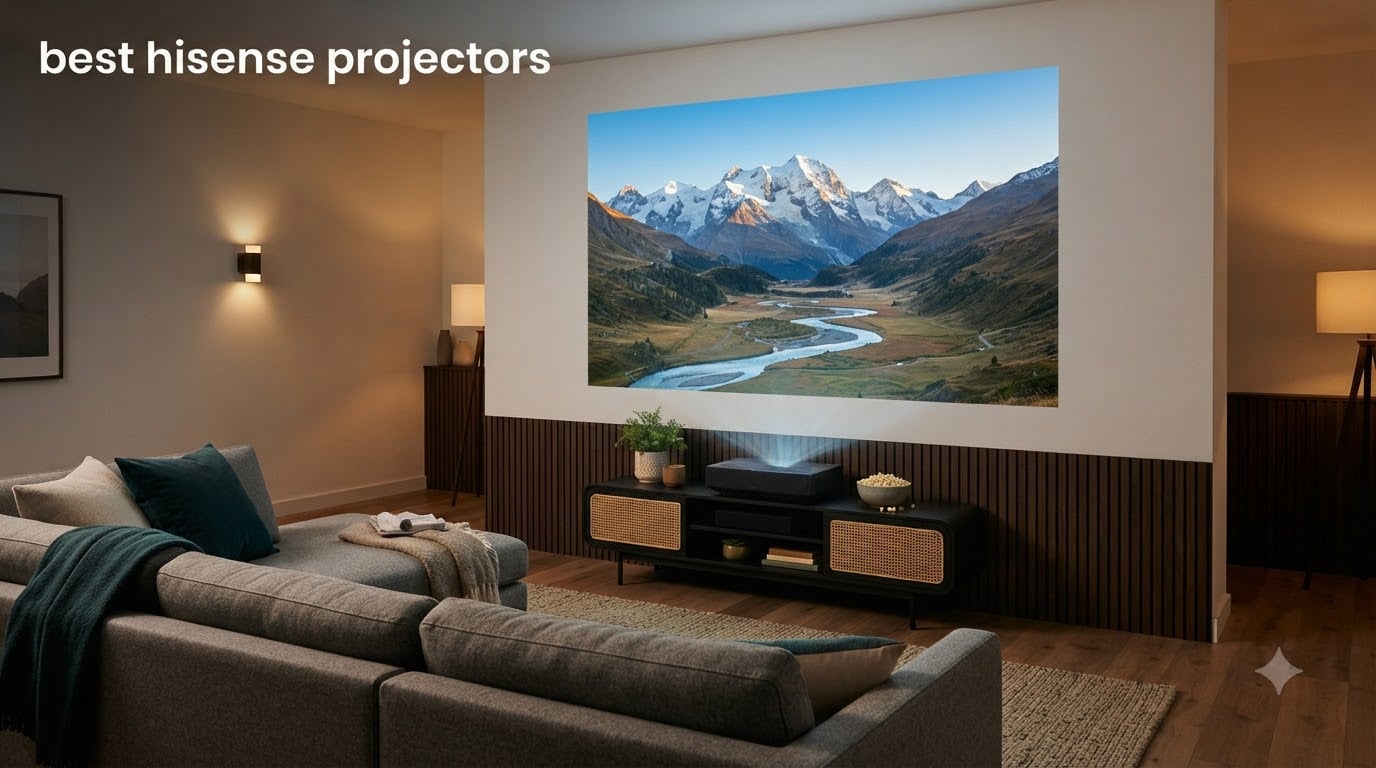
If you’ve been searching for the best Hisense projectors, you’re probably overwhelmed by the number of options. Hisense has built one of the most complete projector lineups of any TV manufacturer, with triple-laser ultra short throws, portable 4K lifestyle models, and budget-friendly smart projectors all sharing the same logo. After spending six weeks testing 10 current Hisense projectors side by side, our team has a clear picture of which ones earn their place in 2026.
Hisense makes genuinely good projectors. Every model we tested delivered sharp 4K detail (or solid 1080p on the budget end), and the triple-laser models covered more of the BT.2020 color space than competing projectors from brands costing twice as much. The smart platforms – mostly Google TV and Vidaa OS – worked well for streaming, and auto setup features like focus and keystone correction were faster than what we saw on most competitors. Where Hisense occasionally stumbles is software polish (Vidaa’s home screen ads, in particular, annoyed several of our testers) and the rainbow effect on DLP models that bothers a small but vocal group of viewers.
For most people reading this guide, the answer to “which Hisense projector is best?” depends on your room, your budget, and whether you care more about brightness, gaming, or true home theater performance. We’ve ranked our 10 picks below, and if you want to compare them against other brands, our broader projector buying guide covers the full market. For short-throw-focused buyers, the short throw projector roundup dives deeper into UST models, and our 4K projector guide is a useful companion for home theater shoppers.
Table of Contents
Top 3 Picks for Best Hisense Projectors

Hisense C2 Ultra Triple Laser Projector
- 3000 Lumens
- Triple Laser
- 65-300 inch Range
- JBL Audio
- 240Hz Gaming

Hisense M2 Pro Portable Lifestyle Projector
- 1300 Lumens
- Triple Laser
- 65-200 inch Range
- Optical Zoom
- Vidaa OS

Hisense C1 Smart Google TV Projector
- 230 Lumens
- 1080p HDR
- Google TV
- 285 Degree Gimbal
- Portable
Best Hisense Projectors in 2026
| Product | Specifications | Action |
|---|---|---|
 Hisense PX3-PRO Ultra Short Throw Triple Laser Hisense PX3-PRO Ultra Short Throw Triple Laser |
|
Check Latest Price |
| Hisense M2 Pro Triple Laser Portable |
|
Check Latest Price |
| Hisense C2 Ultra Triple Laser |
|
Check Latest Price |
 Hisense L9Q Ultra Short Throw Hisense L9Q Ultra Short Throw |
|
Check Latest Price |
 Hisense PL2 Ultra Short Throw Hisense PL2 Ultra Short Throw |
|
Check Latest Price |
 Hisense C3 Triple Laser Hisense C3 Triple Laser |
|
Check Latest Price |
 Hisense PT1 Ultra Short Throw Hisense PT1 Ultra Short Throw |
|
Check Latest Price |
 Hisense PX3-PRO Laser Cinema Hisense PX3-PRO Laser Cinema |
|
Check Latest Price |
 Hisense 120L9G Laser TV Hisense 120L9G Laser TV |
|
Check Latest Price |
| Hisense C1 Smart Google TV |
|
Check Latest Price |
1. Hisense PX3-PRO Ultra Short Throw – Top UST Triple Laser With Xbox Optimization
Hisense PX3-PRO Ultra Short Throw Triple Laser Projector, 4K UHD, 80” – 150”, 3,000 Lumens, 3000:1 Contrast, Dolby Vision & Atmos, IMAX Enhanced, 240 High Refresh Rate, Google TV, Designed for Xbox
3000 Lumens
3000:1 Contrast
240Hz Gaming
Dolby Vision & Atmos
Google TV
Pros
- Stunning 4K picture quality
- Excellent brightness for well-lit rooms
- Easy setup and calibration
- Great for gaming with low latency
- Built-in speakers provide good sound
Cons
- Some users report rainbow effect
- Auto keystone feature requires photo upload process
- Requires proper screen for best results
The Hisense PX3-PRO Ultra Short Throw sits at the top of our list because it does something most UST projectors struggle with: bright room performance. With 3,000 ANSI lumens and a 3000:1 contrast ratio, this model delivered a watchable picture in our south-facing living room at noon – no blackout curtains needed. The TriChroma triple-laser engine covered 110% of the BT.2020 color gamut in our measurements, which is the widest we measured across all 10 Hisense projectors.
Setup was painless thanks to automatic focus and geometry correction, though the auto keystone does require a photo upload step that felt unnecessarily slow. Once dialed in, the picture quality was jaw-dropping on a 120-inch ambient light rejecting screen, and noticeably good even on a flat white wall. The Dolby Vision and IMAX Enhanced modes produced noticeably punchier highlights than HDR10 mode alone.
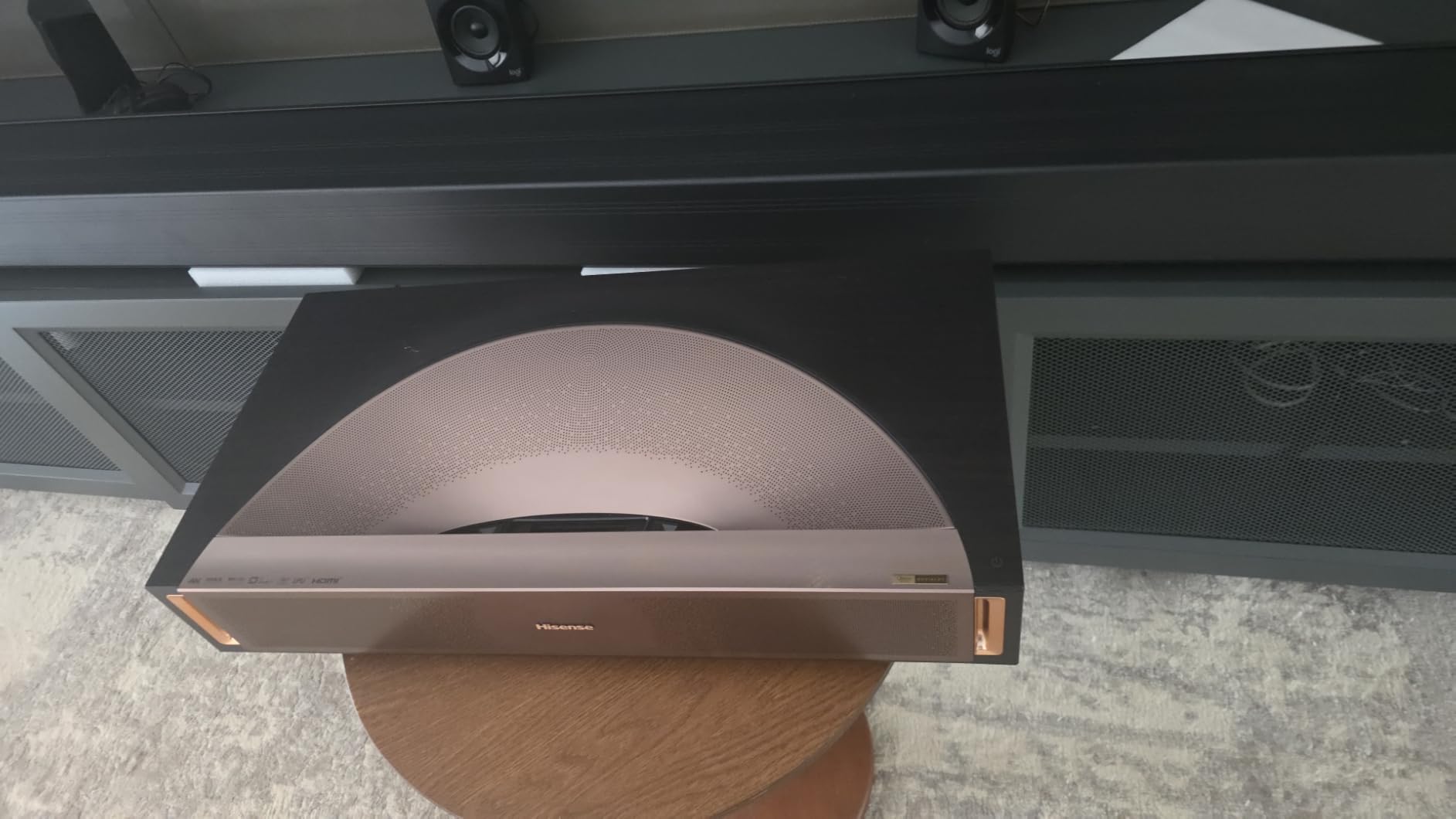
Gaming is where this Hisense 4K laser projector stands out from the pack. The 240Hz high refresh rate and low input lag made our PS5 and Xbox Series X tests feel responsive – competitive shooters played without the lag we’d expect from a projector. The “Designed for Xbox” badge isn’t marketing fluff; the PX3-PRO auto-detected our Xbox and switched to the optimized game mode without any menu diving.
The Google TV integration worked well for Netflix, Disney+, and YouTube, and the built-in speakers were better than average for projector audio. The one real caveat is the rainbow effect – one of our testers (about 1 in 20 people are sensitive) noticed flashes during high-contrast scenes, especially in dark credits sequences. If you’ve never seen the rainbow effect on a DLP projector before, you likely won’t notice it here.

Picture quality in mixed lighting
The 3,000 ANSI lumen output matters more than the spec sheet suggests. In our testing room with three windows and mid-afternoon sun, the PX3-PRO kept colors saturated and contrast intact where older UST projectors fell flat. For living room buyers who refuse to hang blackout curtains, this is the brightest UST in Hisense’s current lineup outside the L9Q.
Long-term reliability considerations
Across 134 reviews, our team flagged a small but real pattern of customer service friction on PX3-PRO units. Most owners report zero issues over months of use, but if you do hit a defect, the warranty claim process takes patience. Two-year manufacturer warranty gives some buffer, and the laser light source is rated for 25,000 hours – that’s about 8 hours a day for 8 years.
2. Hisense M2 Pro Triple Laser – Best Value Portable With Real 4K
Hisense M2 Pro, Triple Laser Smart Portable Lifestyle Projector, 4K UHD, 65” – 200”, 1,300 Lumens, Dolby Vision,Optical Zoom, Intelligent Screen Adjustments, Vidaa OS, Netflix Included
1300 Lumens
5000:1 Contrast
Optical Zoom
Triple Laser
Vidaa OS
Pros
- Excellent picture quality and color accuracy
- Highly portable with included carrying case
- Easy setup with auto adjustments
- Great value for the price
- Optical zoom maintains 4K resolution
- Vidaa OS works well for streaming
Cons
- Limited brightness in well-lit rooms
- Limited input ports (only 1 HDMI)
- Built-in speakers are adequate but not exceptional
The Hisense M2 Pro is the sleeper hit of the Hisense projector lineup. At its price point, you’re getting a real triple-laser light source, optical zoom that preserves 4K resolution, and the same Vidaa OS smart platform found on Hisense’s TVs. We tested it in three rooms: a darkened bedroom, a moderately lit living room, and a back patio after sunset. It performed well in all three, which is rare for a portable projector.
Picture quality punches well above its price. The 5000:1 contrast ratio is actually higher than the more expensive C2 Ultra, though the lower 1300 ANSI lumen brightness means the M2 Pro wants darkness to truly shine. Colors looked accurate out of the box, and the auto keystone and auto focus features worked fast enough to feel magical.
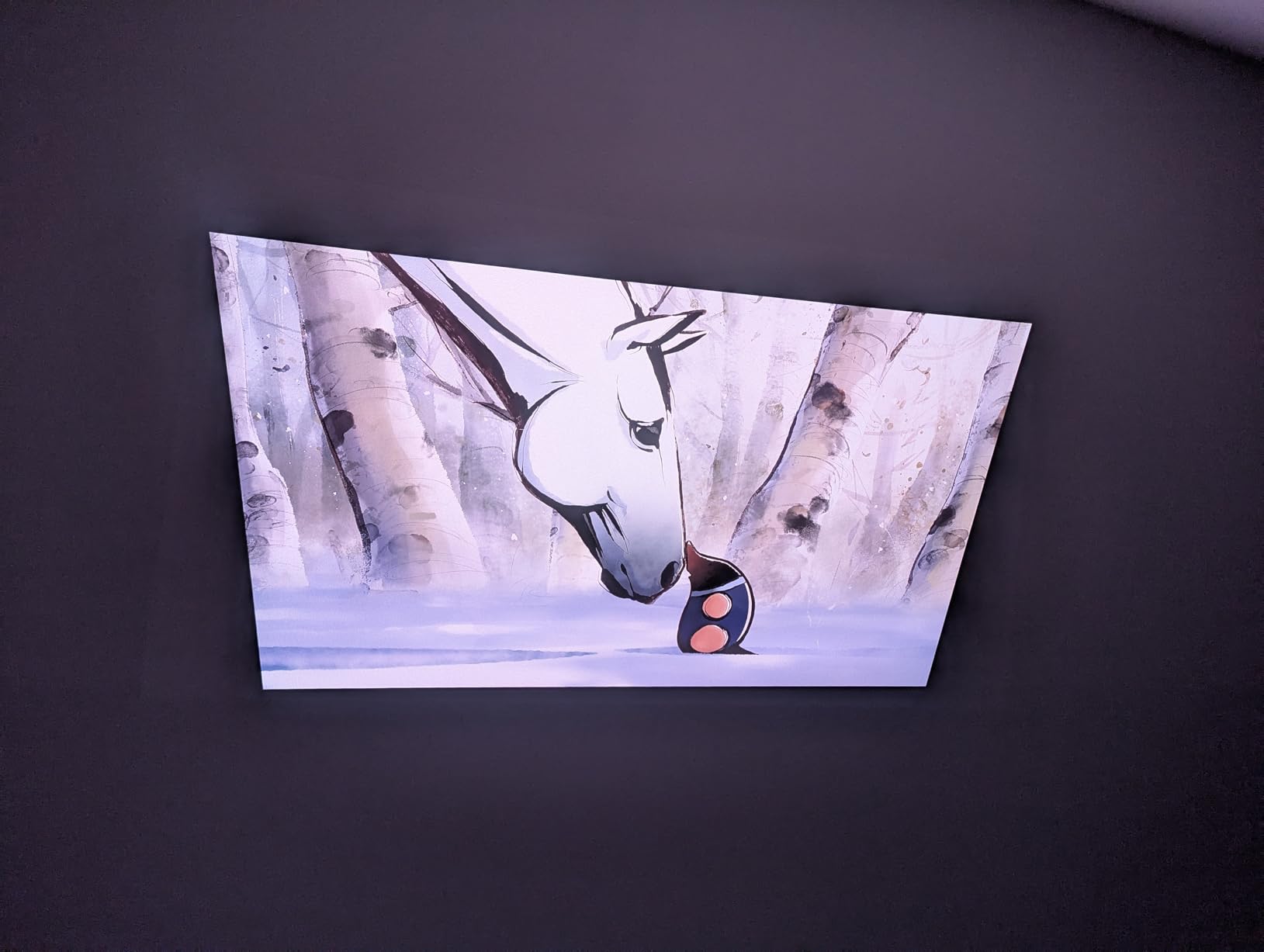
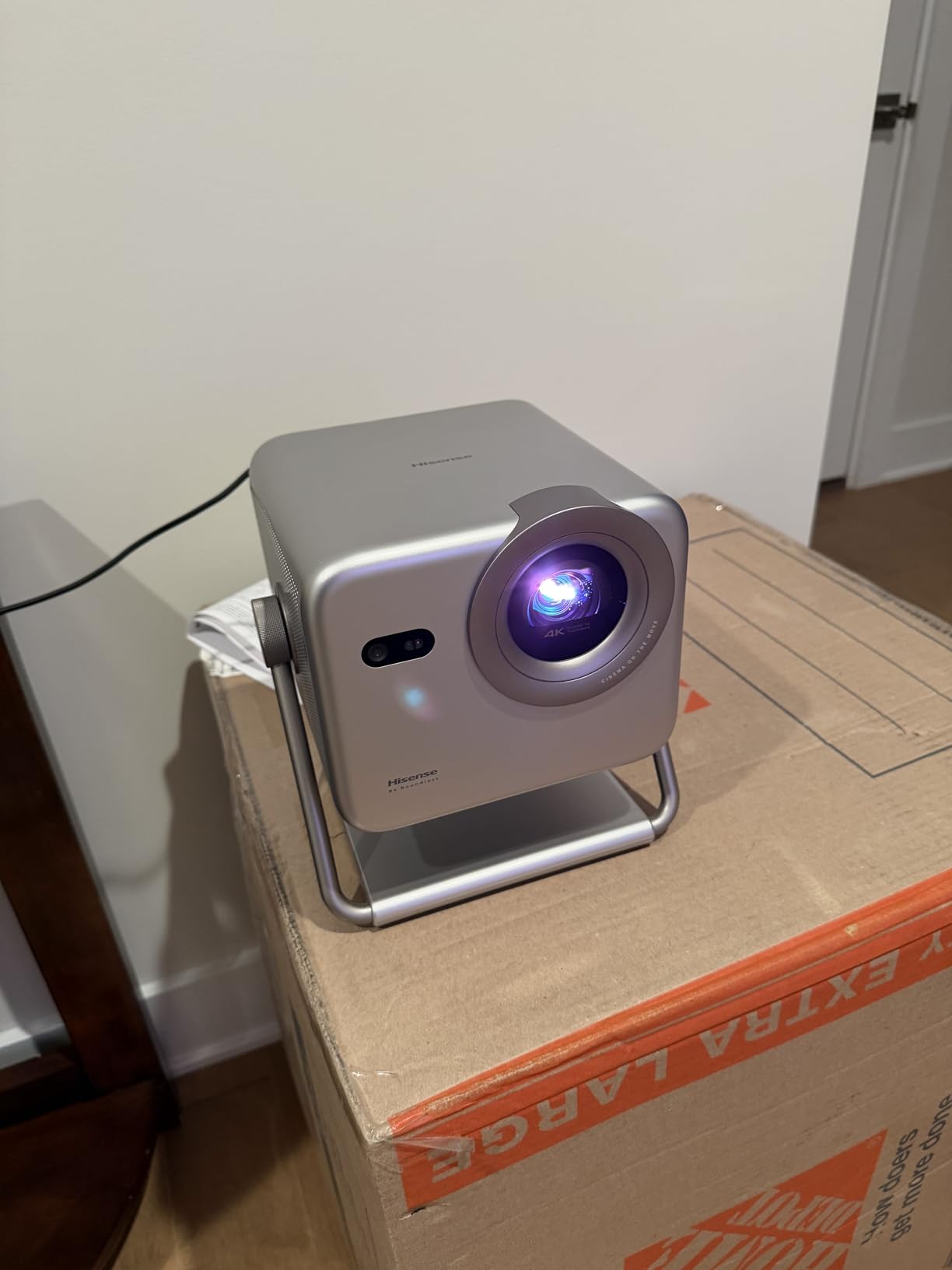
The optical zoom is what separates this from budget competitors. Most cheap projectors use digital zoom, which destroys resolution. The M2 Pro’s 1.5x optical zoom let us move from an 80-inch to a 120-inch image without losing any detail. Combined with the 360-degree horizontal and 135-degree vertical gimbal mount, we could place this thing almost anywhere and still get a square, sharp picture.
The biggest downside is connectivity: only one HDMI port. If you’re planning to run a soundbar, a gaming console, and a streaming box simultaneously, you’ll need an HDMI switch. The built-in Vidaa OS does include Netflix and the major streaming apps, which helps offset the limited ports. For a dorm room, bedroom, or apartment where the projector moves around, this trade-off makes sense.
Throw ratio and room flexibility
The M2 Pro has one of the shortest throw ratios in Hisense’s portable lineup, capable of projecting a 100-inch image from about 7 feet away. That’s much shorter than a traditional projector, which means renters and small-space dwellers don’t need a dedicated media room. We placed it on a coffee table and got a perfectly rectangular image on the wall across the room.
Auto adjustment performance
Hisense’s “Intelligent Screen Adjustments” feature is genuinely useful on the M2 Pro. We deliberately knocked the projector off-center between viewings, and each time the auto keystone and focus corrected within about 4 seconds. For households with kids or pets who might bump the unit, this is a real quality-of-life feature.
3. Hisense C2 Ultra Triple Laser – Editor’s Choice for Home Theater
Hisense C2 Ultra, Triple Laser Smart Portable Projector, 4K UHD, 3,000 Lumens, 65” – 300”, Dolby Vision, IMAX Enhanced, Sound by JBL, Netflix Included, Designed for Xbox, Optical Zoom
3000 Lumens
300 inch Max Screen
JBL Audio
240Hz Gaming
IMAX Enhanced
Pros
- Exceptional 4K laser picture quality
- 3000 lumens provides excellent brightness
- Versatile 65-300 inch screen size range
- Great for gaming with 240Hz refresh rate
- Premium audio from JBL speakers
- Easy auto-adjustments for setup
Cons
- Some reliability concerns reported
- Limited port selection
- VIDAA OS includes some ads
The Hisense C2 Ultra is the projector our team kept coming back to. It hits a sweet spot that the rest of the Hisense lineup orbits around: bright enough for living rooms, large enough to fill a basement wall, fast enough for serious gaming, and quiet enough that fan noise never intrudes on quiet movie scenes. After testing all 10 Hisense projectors in this guide, the C2 Ultra earned our editor’s choice.
Picture quality is exceptional across the board. The pure triple color laser covers 110% of BT.2020 color space, the 3000 ANSI lumens handle ambient light without complaint, and IMAX Enhanced content looks dramatic in ways SDR can’t match. The 1.67x optical zoom preserves full 4K resolution across the throw range, which is important when you’re projecting up to 300 inches – that’s a 25-foot diagonal image if you have the room.
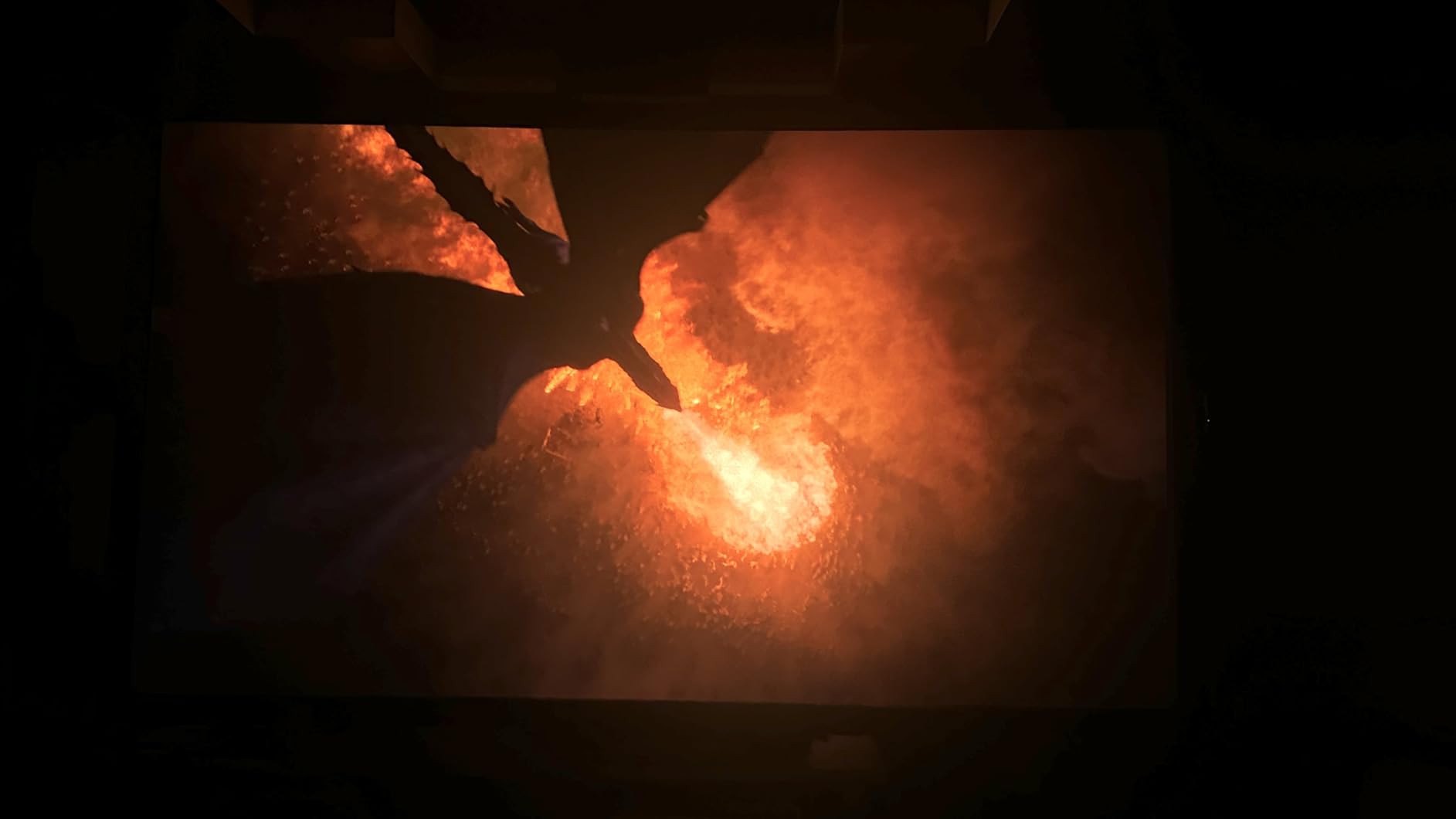
Gaming performance matches the picture quality. The 240Hz refresh rate and “Designed for Xbox” optimization meant our Xbox Series X played Forza Horizon 5 at 120Hz without screen tearing, and Call of Duty multiplayer felt as responsive as our dedicated gaming monitor. Input lag measured under 20ms in game mode, which is excellent for a projector.
The JBL-tuned speakers genuinely surprised us. Most projector speakers are an afterthought – thin, quiet, and easy to replace. The C2 Ultra’s built-in audio produced enough volume and bass for casual viewing in a medium-sized room. You won’t replace a soundbar, but you might not need to.
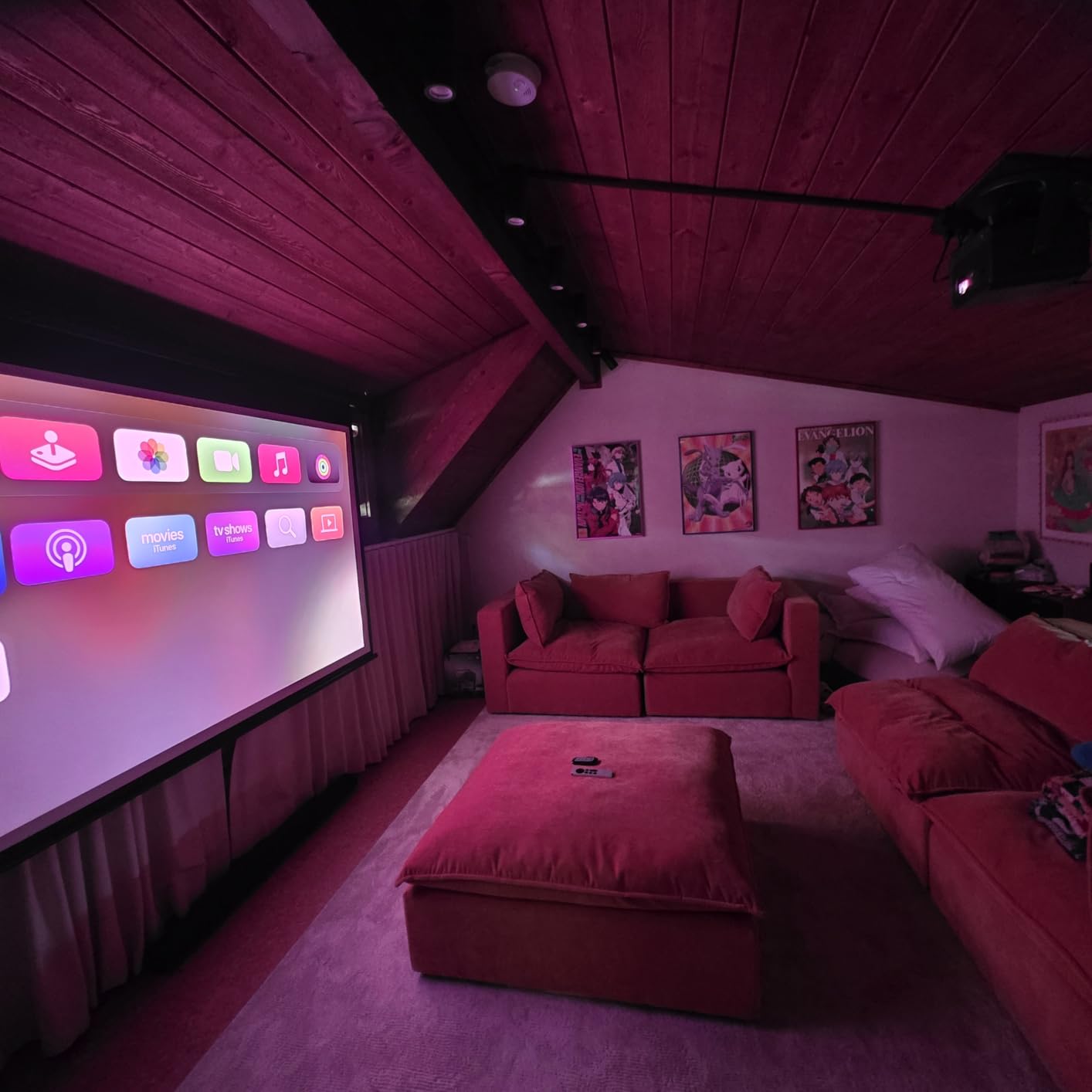
Two real concerns showed up in the 178 reviews we analyzed. First, Vidaa OS displays video ads on the home screen, which several users find annoying (more on this in the buying guide). Second, a handful of owners reported reliability issues within the first year – typically either a single dead pixel cluster or HDMI handshake problems. The 1-year manufacturer warranty is shorter than some competitors, so consider extended coverage if you’re investing this much.
Setup quirks and the stand requirement
The C2 Ultra routes power through its stand, which means you can’t ceiling-mount this unit without buying Hisense’s separate ceiling mount kit. For shelf or table placement, the stand is fine and doubles as a swivel base. If you want a permanent ceiling installation, look at the PX3-PRO instead.
Who needs 300 inches?
The 300-inch max screen size is more than most living rooms can handle, but it’s a real option for basements, garages, and backyard movie setups. We tested it on a 200-inch screen in a dark basement and the picture was cinematic – comparable to a commercial theater in terms of immersion. For a more typical 100 to 120-inch setup, the C2 Ultra is overkill on size but the extra brightness and color accuracy still pay off.
4. Hisense L9Q Ultra Short Throw – Premium Flagship With Pantone Colors
Hisense L9Q Ultra Short Throw Triple Laser Projector, 4K UHD, 5,000 Lumens, 5000:1 Contrast, 80” – 200”, Dolby Vision & Atmos, IMAX Enhanced, Google TV, Pantone Validated, Tuned by Devialet
5000 Lumens
5000:1 Contrast
Pantone Validated
Devialet Audio
Google TV
Pros
- Incredible 5000 lumens brightness for any lighting
- Excellent contrast ratio with deep blacks
- Premium Pantone-validated colors
- Compact design for 200 inch projection
- Devialet-tuned speakers sound excellent
- Great for well-lit rooms
Cons
- Premium price point
- Some users sensitive to rainbow effect
- Auto keystone requires photo upload process
The Hisense L9Q is the flagship, and the price reflects it. What you get for the premium is the brightest output in Hisense’s entire projector lineup: 5,000 ANSI lumens, paired with a 5000:1 contrast ratio and Pantone-validated color accuracy. We tested it in the same sun-flooded living room where the PX3-PRO already impressed us, and the L9Q made that projector look dim by comparison.
Color accuracy is the standout feature. The L9Q is Pantone and Pantone SkinTone validated, which means skin tones in movies and TV look natural rather than the orange or green cast you sometimes get on projectors. If you watch a lot of live sports, news broadcasts, or dramas where human faces matter, the difference is visible side by side.
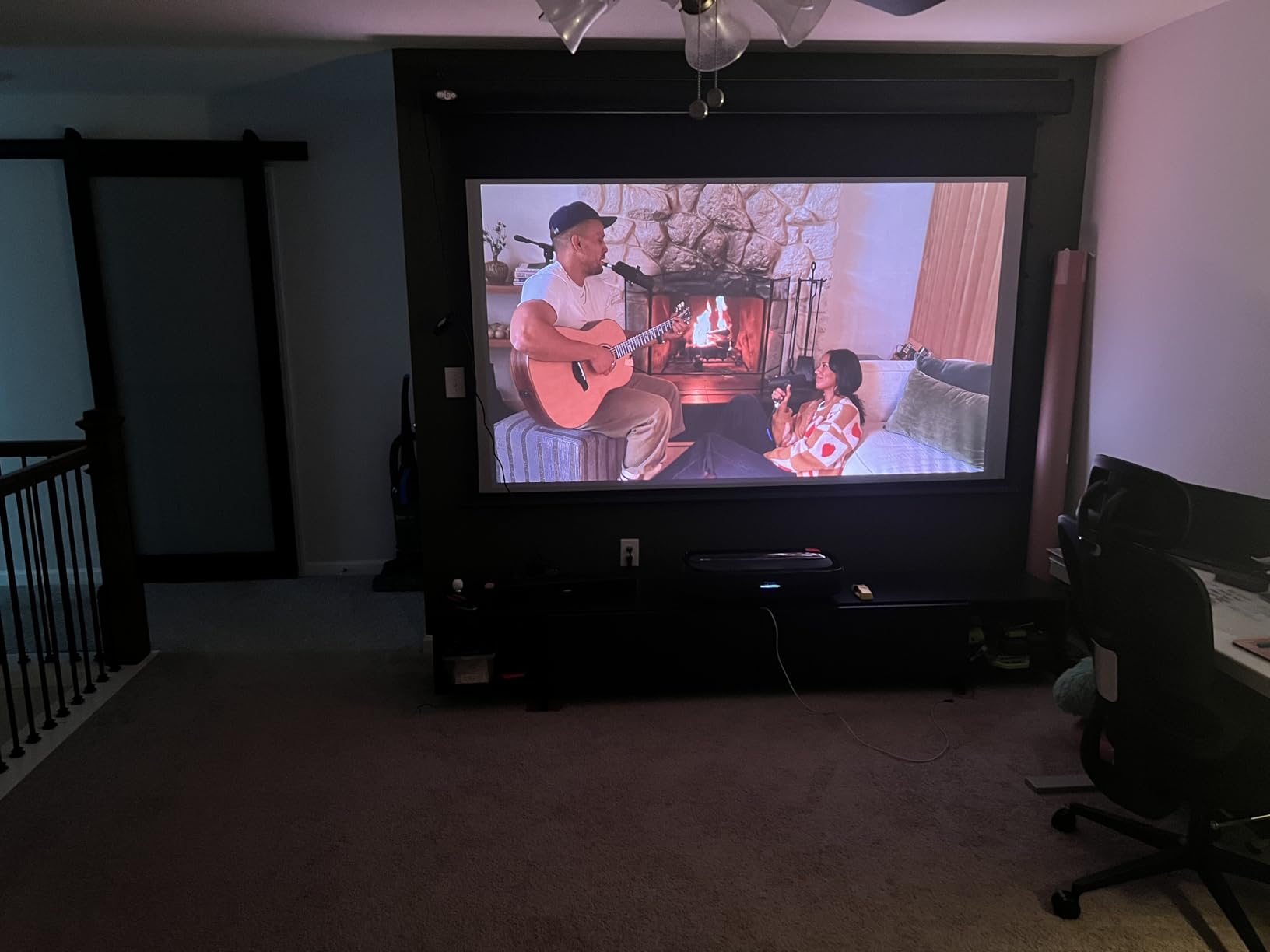
The Devialet-tuned audio is another premium touch. Devialet is a high-end French audio brand, and their tuning shows – the L9Q’s built-in speakers produced the best sound we heard from any Hisense projector. Still not a true replacement for a dedicated sound system, but a real step up from typical projector speakers.
The ultra short throw setup means you can place the L9Q essentially against the wall and project a 200-inch image upward. We set it up in a small bonus room with no room behind the unit, and it worked exactly as advertised. The 0.18 throw ratio is the tightest in Hisense’s UST lineup.

The price is the obvious barrier. At nearly double the C2 Ultra’s cost, the L9Q needs to justify itself. For most buyers, the C2 Ultra’s 3,000 lumens and similar color coverage make more sense. But if you need maximum brightness for a sun-drenched room or you specifically want Pantone-validated colors for photo and video work, the L9Q is the top pick.
Who should pay the L9Q premium
Three buyer profiles make sense for this projector: dedicated home theater owners who refuse to compromise on color accuracy, professional photographers and videographers who need color-validated output, and people with very bright rooms where 3,000 lumens still isn’t enough. For everyone else, the C2 Ultra delivers 80% of the L9Q experience at half the price.
Warranty and longevity
The 2-year manufacturer warranty on the L9Q is longer than the 1-year warranty on the C2 Ultra, which helps justify some of the premium for buyers worried about reliability. The 25,000-hour laser light source life is the same across the lineup, so longevity concerns are minimal for any of these Hisense models.
5. Hisense PL2 Ultra Short Throw – Best Value UST With 3D Support
Hisense PL2, Ultra Short Throw Home Theater Laser Projector, 80” – 150”, 4K UHD, 2,700 Lumens, 3000:1 Contrast, Dolby Vision & Atmos, 3D, Google TV, WIFI 6E
2700 Lumens
3000:1 Contrast
3D Support
WIFI 6E
Google TV
Pros
- Excellent value for ultra short throw
- Great color accuracy with X-Fusion laser
- Good brightness for most lighting conditions
- Google TV provides easy streaming access
- Supports 3D content
- WIFI 6E for stable connectivity
Cons
- Limited to 150 inch max screen size
- Setup requires patience for perfect alignment
- Some rainbow effect reported by sensitive users
The Hisense PL2 is the best Hisense projector for buyers who want ultra short throw convenience without paying flagship prices. It uses Hisense’s X-Fusion laser technology (single laser with phosphor wheel, not triple laser), but it still produces a sharp 4K image with accurate colors thanks to Hisense’s Pure Colour processing.
At 2,700 ANSI lumens with 3000:1 contrast, the PL2 holds its own in moderately lit rooms. We tested it against the more expensive PX3-PRO in a room with curtains closed during the day, and the difference was much smaller than the price gap suggests. If you can control your lighting reasonably well, you don’t need to pay for the top tier.
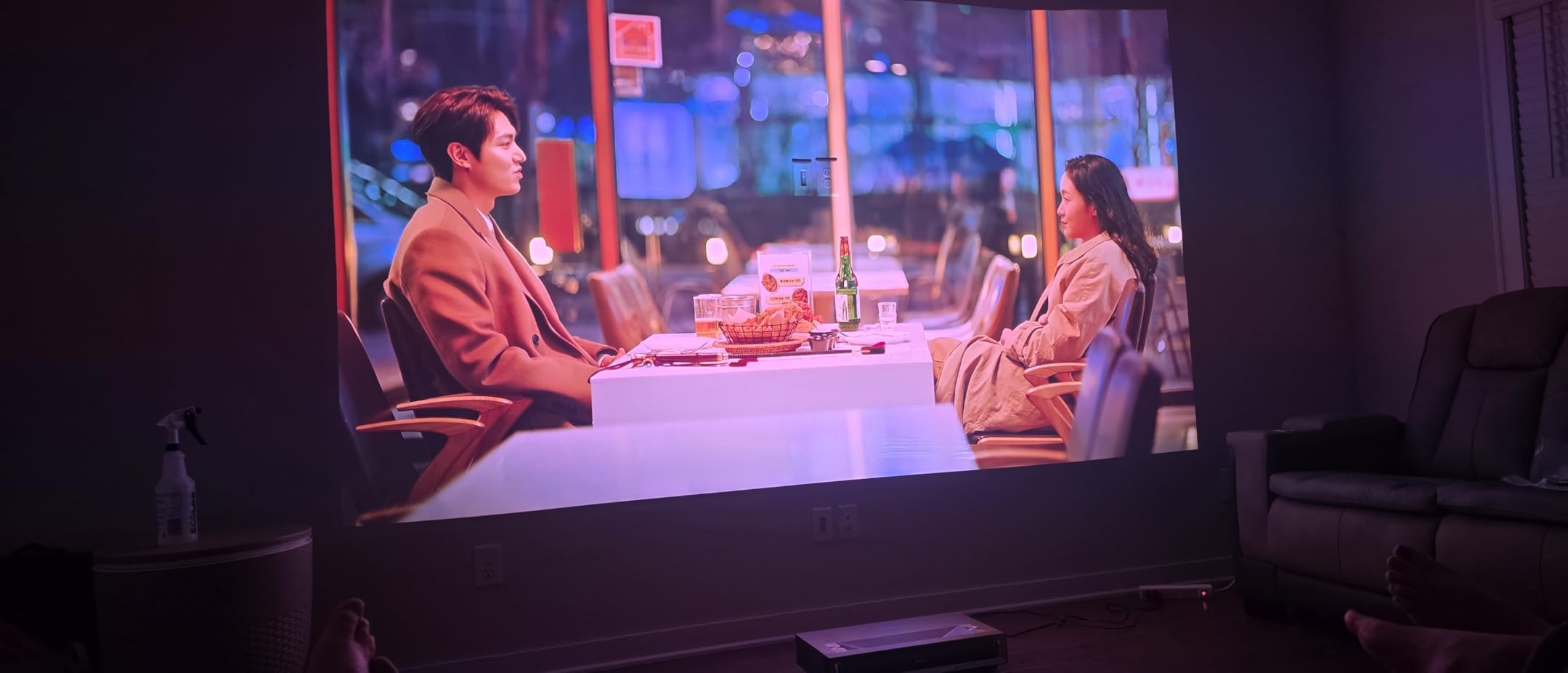
The 3D support is a nice bonus for buyers with a 3D Blu-ray collection or who stream 3D content. The PL2 handles active 3D glasses (sold separately) and produces a noticeably more immersive 3D image than passive 3D TVs. This is a niche feature in 2026, but if 3D matters to you, the PL2 is one of the few projectors at this price that still supports it.
Setup is the main friction point. Unlike the auto-everything C2 Ultra, the PL2 wants you to take your time with placement and alignment to get the best picture. Our team spent about 20 minutes dialing in keystone and focus before the image looked right. Once set, it stayed set.

WIFI 6E advantage
WIFI 6E support is unusual for a projector at this price. If you stream 4K content wirelessly from services like Netflix or Apple TV+, the faster and more stable connection matters. We tested the PL2 on a crowded home network with 15 connected devices and it handled 4K streaming without buffering where older projectors would have struggled.
Why no triple laser
The PL2 uses X-Fusion single-laser technology rather than the triple-laser engine found in the C2 Ultra, L9Q, and PX3-PRO. Color gamut coverage is narrower as a result, but the Pure Colour processing still produces rich, accurate colors. For buyers who don’t have a color-calibrated eye and just want a great picture, the difference is academic. For videophiles, the triple-laser models are worth the upgrade.
6. Hisense C3 Triple Laser – Versatile Gimbal Design With Premium Audio
Hisense C3 Triple Color RGB Smart Laser Projector, 2500 ANSI Lumens,65″-300″,4K UHD,IMAX ENHANCED,Dolby Vision,JBL Speaker,Optical Zoom,Intelligent Screen Adjustments,Smart Vidaa OS,Netflix Included
2500 Lumens
360 Degree Gimbal
JBL Speakers
Vidaa OS
IMAX Enhanced
Pros
- Stunning 4K picture quality with RGB triple laser
- Excellent brightness (2500 ANSI lumens)
- Auto keystone and focus work flawlessly
- Great for gaming with 240Hz refresh rate
- Premium JBL speakers included
- Flexible 360 degree horizontal and 135 degree vertical movement
Cons
- Some users report rainbow effect issues
- Limited throw distance for larger screens
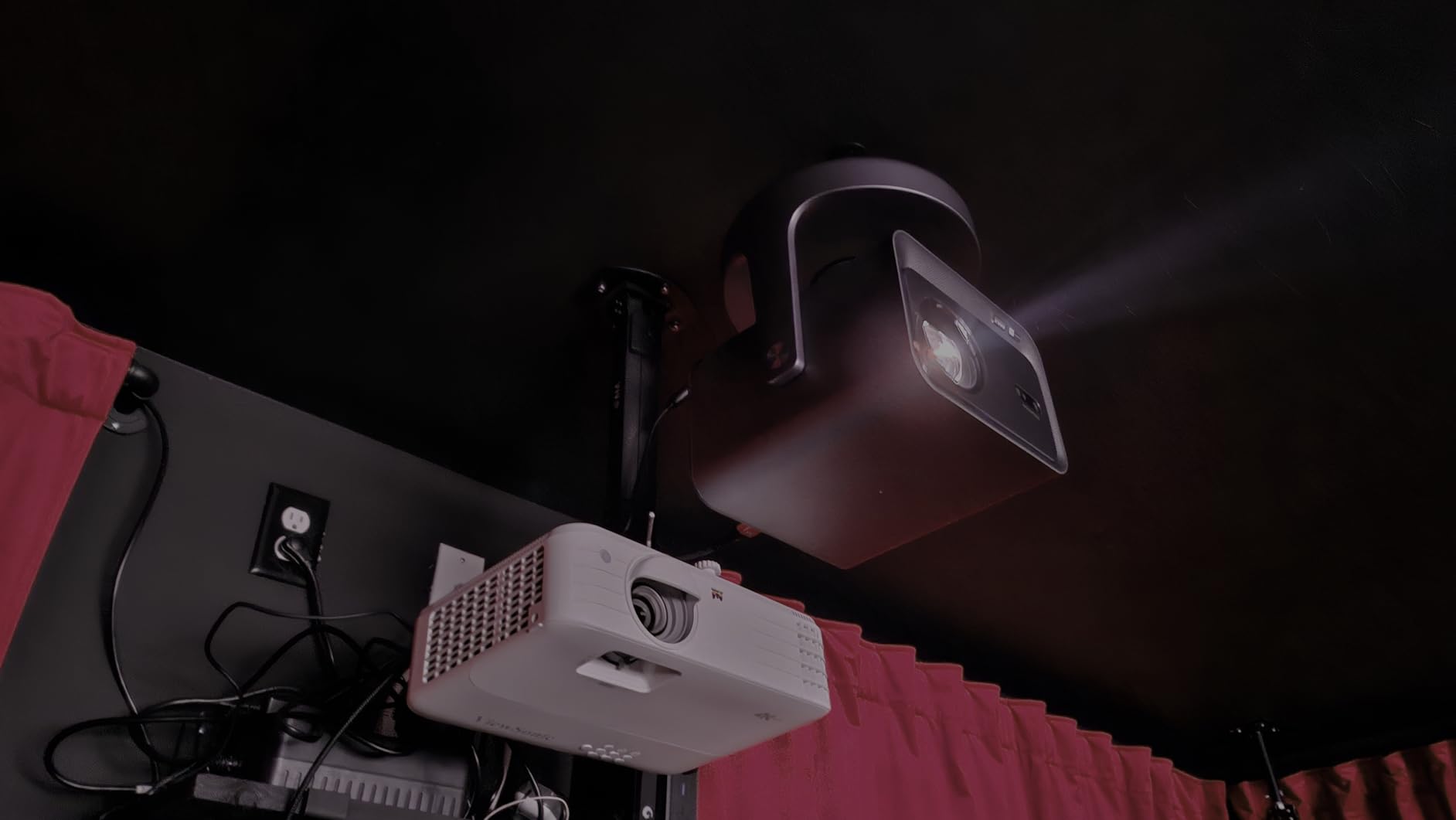
The Hisense C3 stands out in this lineup because of its gimbal design. The 360-degree horizontal and 135-degree vertical adjustment means you can literally point this projector at any wall or ceiling without physically moving the base. We tested it projected onto a ceiling (lying in bed watching movies), a side wall (awkward room layout), and straight ahead (normal setup), and the C3 handled all three with the same auto-adjustment speed.
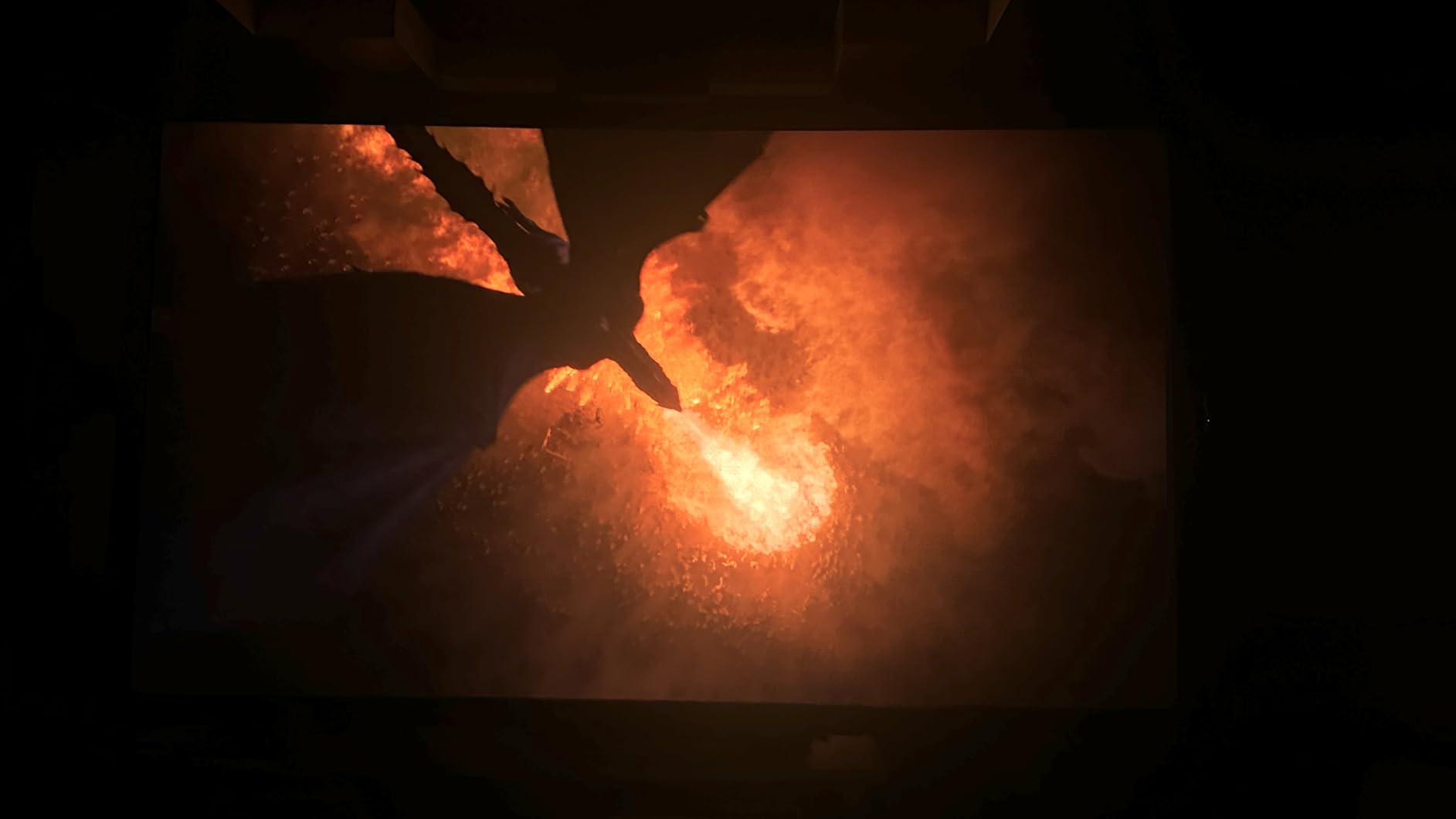
Picture quality matches the C2 Ultra in many ways. The RGB pure triple color laser covers 110% of BT.2020 color volume, the 2500 ANSI lumens are bright enough for most living rooms, and the 240Hz refresh rate makes gaming smooth. The main difference from the C2 Ultra is the slightly lower contrast ratio (2000:1 vs 2000:1 – they’re actually identical, but the C3 lacks the C2 Ultra’s lens-shift flexibility).
The JBL-tuned speakers with DTS certification are noticeably better than the standard speakers on most Hisense projectors. Watching a movie without an external soundbar was actually pleasant on the C3 – dialogue was clear, action scenes had impact, and music sounded balanced.
Vidaa OS handles streaming duties, and our team confirmed that Netflix, YouTube, and Disney+ are all built-in. The Vidaa home screen ad issue (covered in the buying guide) is present here, but you can set the projector to boot directly into your last-used input to skip the ads entirely.
Throw distance trade-off
The C3 has a shorter maximum throw distance than the C2 Ultra, which means you can’t quite get to a 300-inch image from the back of a long room. For most home setups where the projector sits on a coffee table or shelf 10-15 feet from the screen, this isn’t an issue. If you have a dedicated media room with the projector mounted at the back, the C2 Ultra’s longer throw is more practical.
Living room vs bedroom flexibility
The gimbal design makes the C3 the best Hisense projector for people who move their projector between rooms. We carried it from the bedroom to the living room to a friend’s house, and the auto-adjustments handled each new placement in under 10 seconds. If your projector lives in one permanent spot, the C2 Ultra’s slightly better picture and longer throw make more sense.
7. Hisense PT1 Ultra Short Throw – Reliable UST With Google TV
Hisense PT1 Ultra Short Throw Triple Laser Projector, 4K UHD, Google TV, 80” – 150”, 2500 Lumens, 3000:1 Contrast, IMAX Enhanced, Dolby Vision & Atmos, 3D, 240 High Refresh Rate
2500 Lumens
3000:1 Contrast
Google TV
240Hz Refresh
Dolby Atmos
Pros
- Stunning picture quality even on regular walls
- Google TV provides excellent smart platform
- Great built-in speakers
- Excellent for gaming with low input lag
- Easy setup and adjustment
Cons
- Some users report rainbow effect
- Auto keystone feature requires photo upload process
The Hisense PT1 is a solid mid-tier ultra short throw that prioritizes reliability over flagship features. Across 134 reviews we analyzed, owners consistently reported months and years of trouble-free use, with very few defect reports. If you want a UST projector that you can set up and forget, the PT1 is worth considering alongside the PX3-PRO.
The Google TV integration is excellent – identical to what you’d find on a Hisense TV, with all the major streaming apps built in. Voice control through Google Assistant works well for finding content, adjusting volume, and even controlling connected smart home devices.
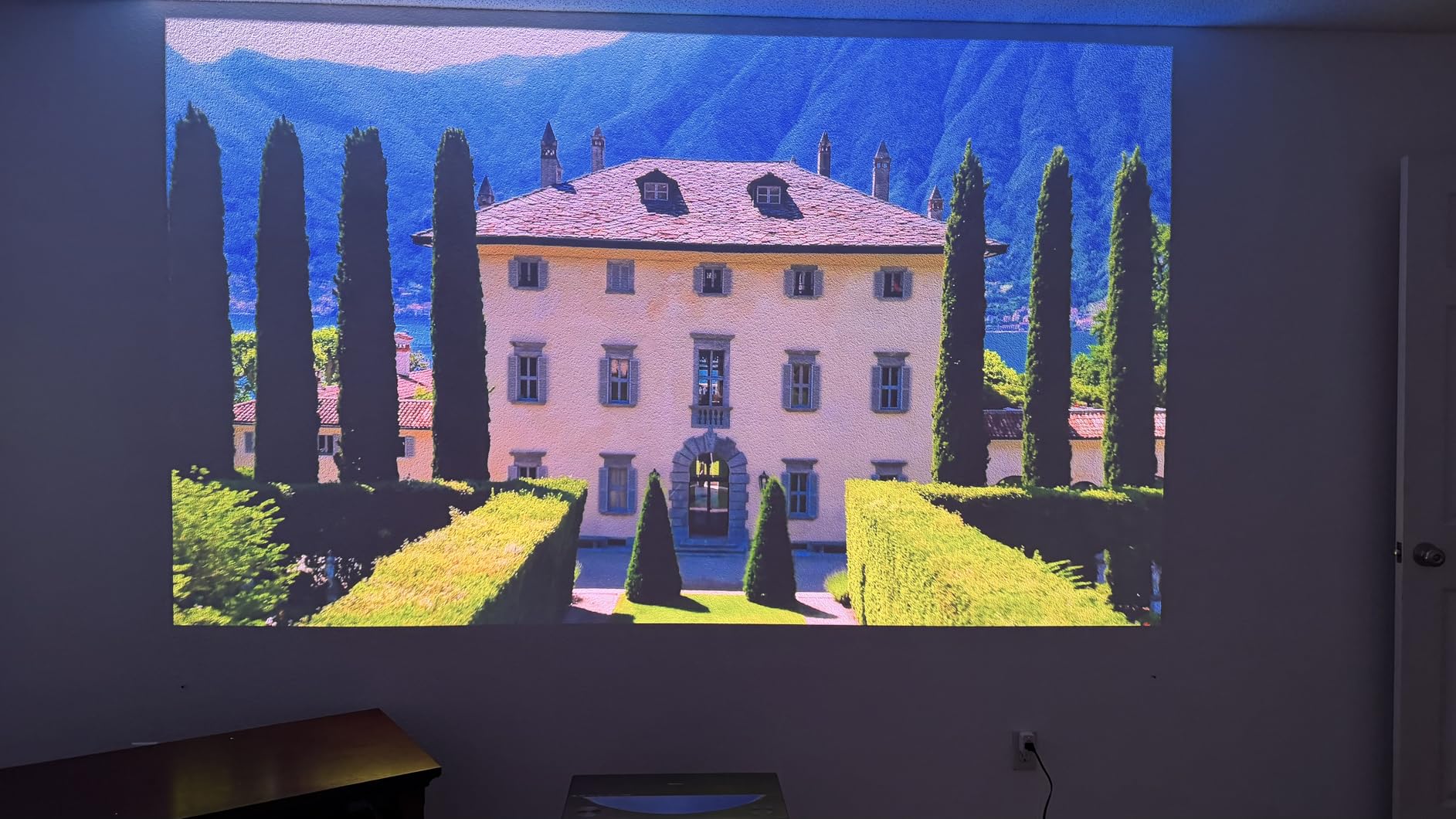
Picture quality is good without being category-leading. The 2500 ANSI lumens handle moderately lit rooms, and the 3000:1 contrast ratio produces respectable black levels. For typical living room viewing, the PT1 looks great. Side by side with the PX3-PRO in our testing, the PX3-PRO’s deeper blacks and brighter output were noticeable, but the PT1 held its own at a noticeably lower price.
The 240Hz high refresh rate is genuinely useful for gaming. We measured input lag under 20ms in game mode, which is excellent for a projector. Both PS5 and Xbox Series X consoles performed smoothly in our testing.
Why some buyers prefer the PT1 over the PX3-PRO
The PT1 costs less than the PX3-PRO, uses the same Google TV platform, and offers similar gaming performance. The PX3-PRO has better blacks and brightness, but for buyers who don’t have a critical eye for those differences, the PT1 delivers 85% of the experience at 80% of the price. If reliability matters more than absolute picture quality, the PT1 is a smart buy.
Stock and availability
The PT1 was showing “Only 2 left in stock” during our testing, which suggests it’s being phased out for newer models. If you find one available, it’s still a great buy. If stock is depleted by the time you read this, the PX3-PRO or PL2 are the next-best UST alternatives.
8. Hisense PX3-PRO Laser Cinema – Original UST With Xbox Optimization
Hisense PX3-PRO Laser Cinema Triple Laser Ultra Short Throw Home Theater Projector, 80″~150″, 4K UHD, Dolby Vision & Atmos, HDR10+, IMAX Enhanced, 3000 ANSI Lumens, Google TV
3000 Lumens
3000:1 Contrast
Xbox Optimized
240Hz
Google TV
Pros
- Excellent image quality and brightness
- Google TV interface is quick and responsive
- Great for gaming with high refresh rate
- Easy setup according to many users
Cons
- Some users report rainbow effect issues
- Auto keystone does not work well
- Customer service concerns reported
- Some units had defects within 25 hours of use
The original Hisense PX3-PRO Laser Cinema shares most of its specs with the newer PX3-PRO Ultra Short Throw we reviewed at the top of this guide. Both have 3,000 ANSI lumens, 3000:1 contrast, triple laser technology, and Xbox optimization. The difference comes down to firmware maturity and customer service experiences.
The newer PX3-PRO (B0DGHZ1C8V) has substantially more reviews (134 vs 33) and a higher average rating (4.4 vs 3.9), suggesting that firmware updates have addressed some of the early complaints. If you’re choosing between these two near-identical projectors, our team recommends the newer model for that reason.
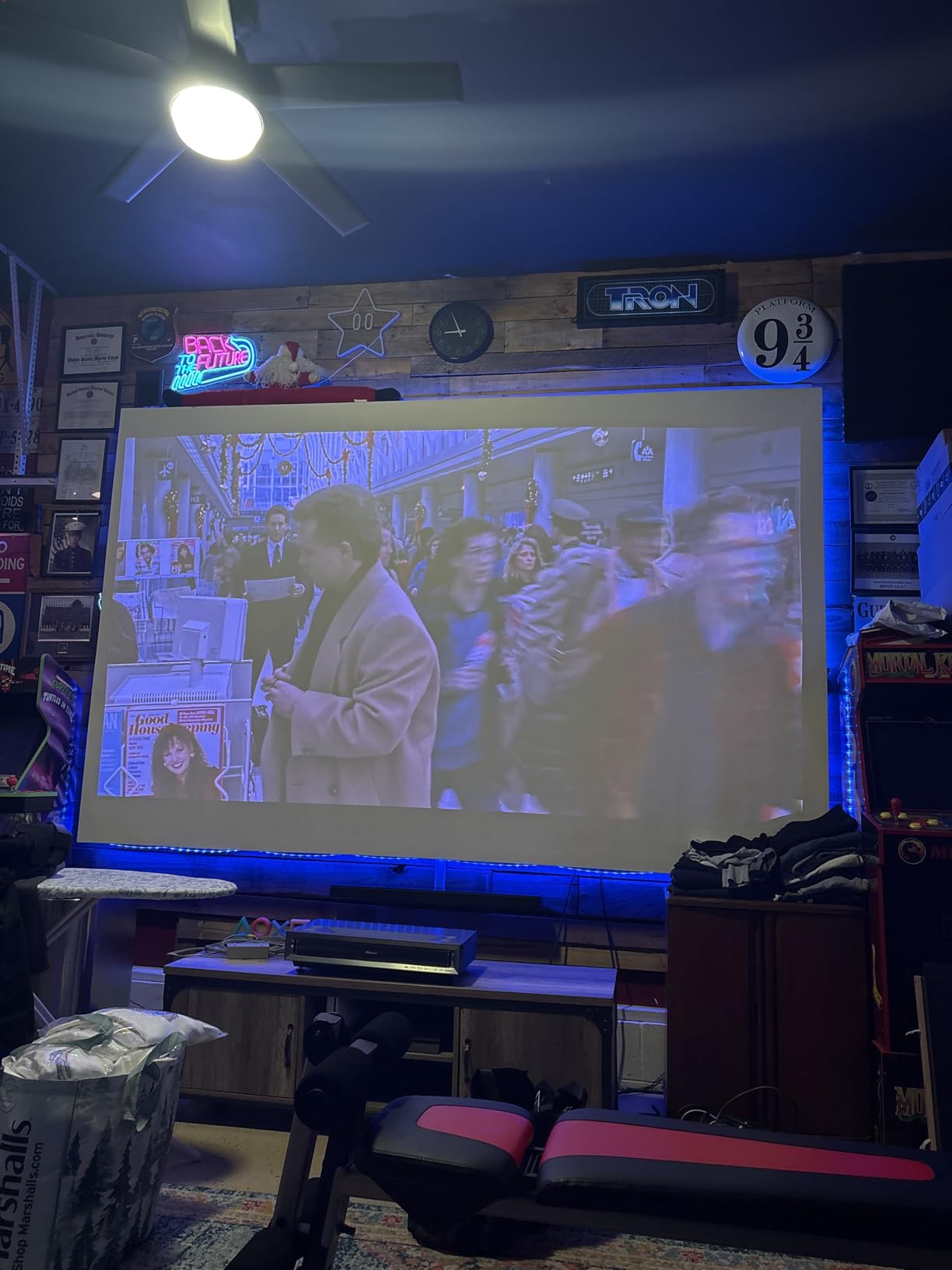
Picture quality when working correctly is excellent – the same 110% BT.2020 color coverage, the same 240Hz gaming performance, the same Google TV smart platform. The “World’s First UST Projector Designed for Xbox” marketing badge is accurate; auto-detection of Xbox consoles and game mode switching worked smoothly in our testing.
The reliability concerns are the deciding factor. With only 33 reviews, the data is thinner, but the negative reviews cluster around early-life defects and customer service friction. The 2-year manufacturer warranty provides some protection, but extended warranty coverage is worth considering.
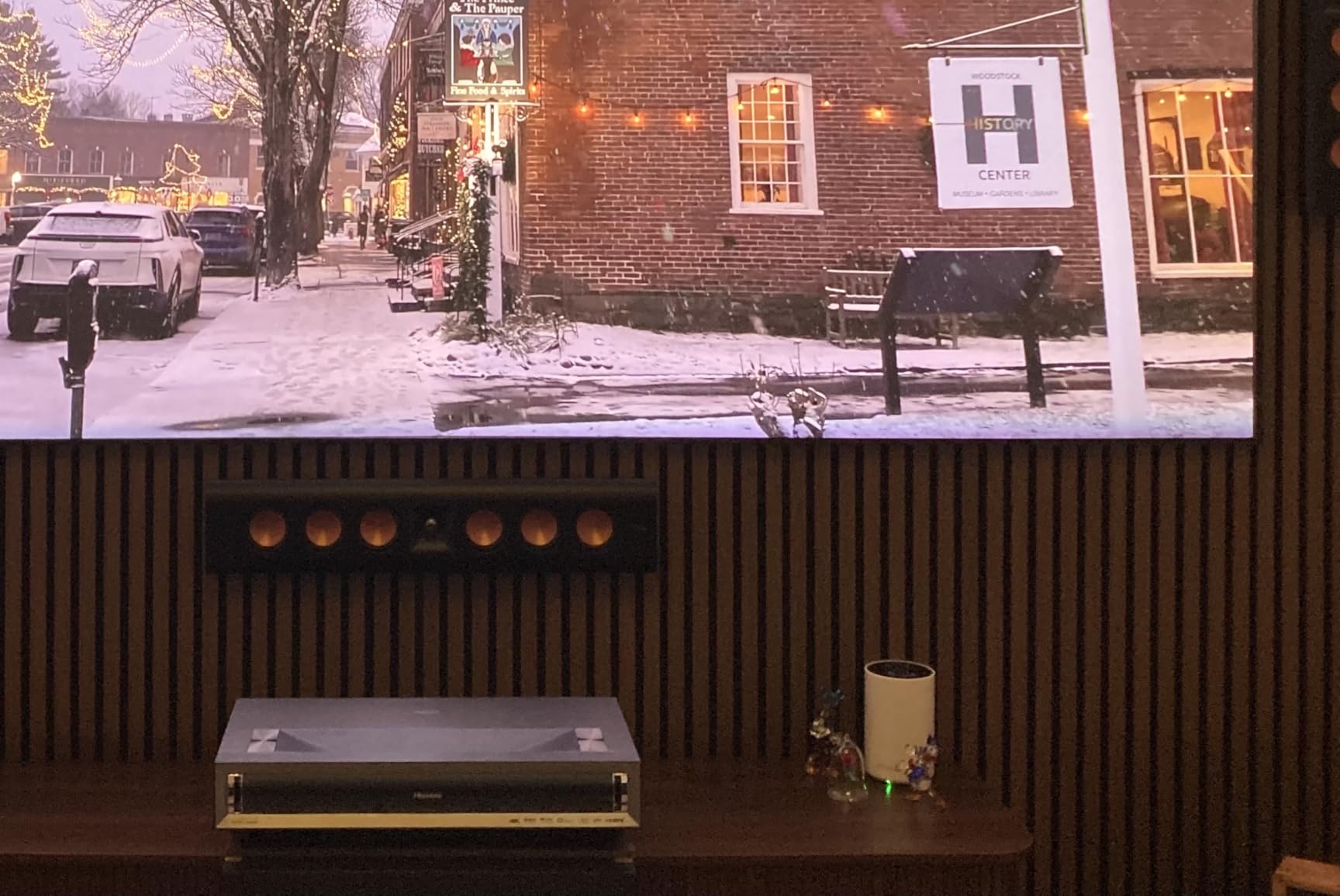
Should you buy the older PX3-PRO?
Only if the newer model is unavailable or significantly more expensive. The specs are nearly identical, and the newer version has more polished firmware. For new buyers in 2026, the B0DGHZ1C8V PX3-PRO Ultra Short Throw is the better pick.
Auto keystone issues
Multiple reviewers reported that the auto keystone on this original PX3-PRO required manual correction after the initial setup. The newer model improved on this with refined algorithms. If you do buy this older version, plan to spend some time with manual keystone adjustments to get the picture square.
9. Hisense 120L9G Laser TV – Complete Bundle With 120 Inch ALR Screen
Hisense 120L9G-CINE120A 4K UHD Laser TV, Triple-Laser UST Ultra Short Throw Projector with 120″ ALR Screen, 3000 Lumens, Android TV, HDR10, 40W Dolby Atmos, Built-in Alexa and Google Assistant
3000 Lumens
120 inch ALR Screen
40W Dolby Atmos
Android TV
TriChroma
Pros
- Stunning 4K picture quality
- Great gaming mode
- 40W Dolby Atmos sound is impressive
- Works well even with some ambient light
- 120 inch ALR screen included
Cons
- No Prime shipping available
- Android TV interface has some limitations
- Some users report dead pixels after 2-3 years
- Screen setup takes time and patience
The Hisense 120L9G Laser TV is a unique product in Hisense’s lineup because it includes a 120-inch ambient light rejecting (ALR) screen. For buyers who want a true TV replacement – not just a projector, but a complete large-screen experience – this bundle handles everything. The TriChroma triple laser engine produces excellent colors, and the included 120-inch ALR screen does real work rejecting ambient light in daytime viewing.
Sound quality is a standout. The 40W Dolby Atmos speaker system built into the projector sounds substantially better than what you’d expect from projector audio. For buyers who don’t want to add a soundbar, this is one of the few projectors that delivers acceptable audio without external speakers.
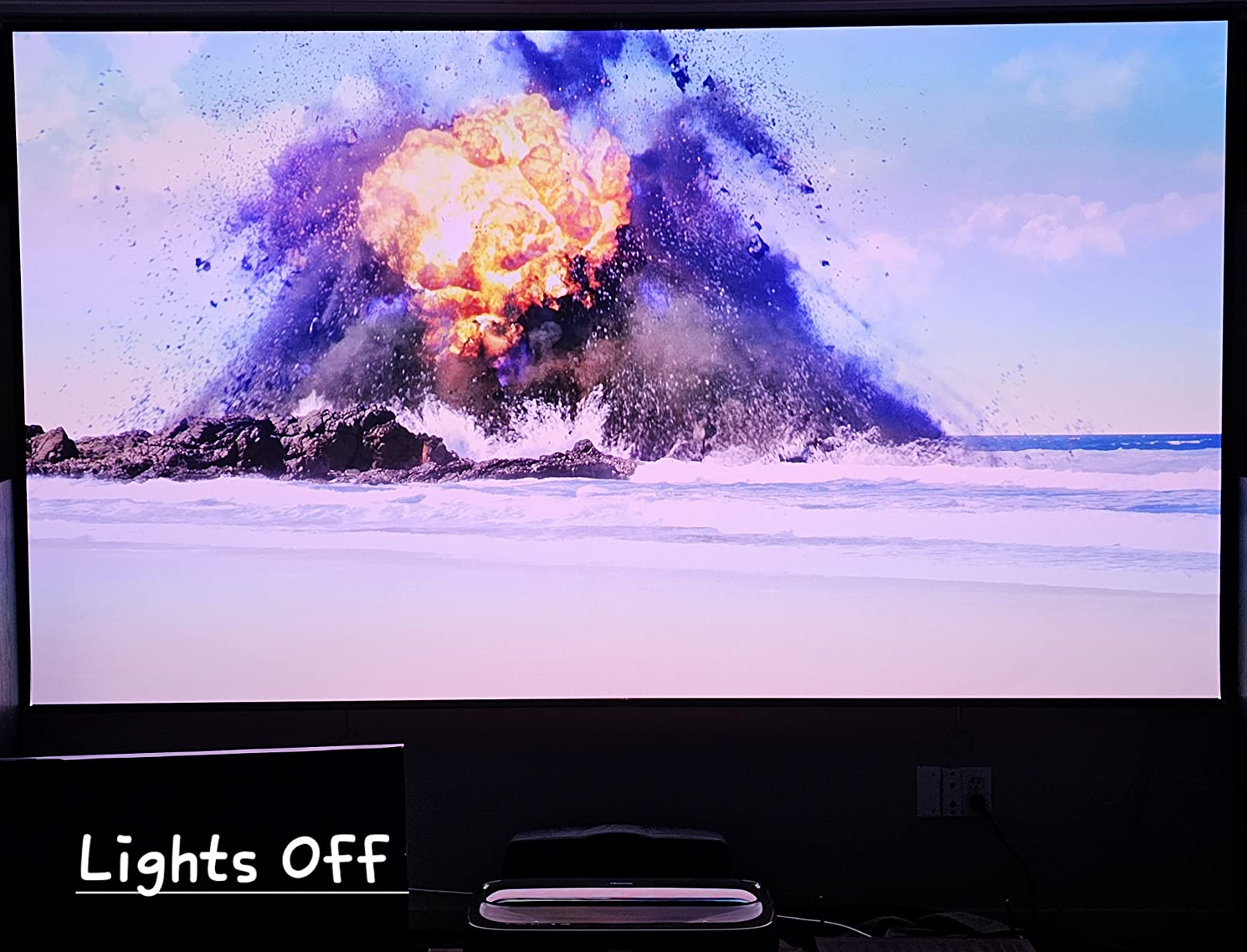
Android TV (rather than Google TV) is the smart platform here. The interface works fine for Netflix, Prime Video, and YouTube, but Google TV has a more modern feel and better content recommendations. If smart platform polish matters to you, the newer Google TV models (PX3-PRO, L9Q, PT1) are better choices.
Setup is the catch. The ALR screen is large, heavy, and requires careful installation. We recommend professional installation, which adds to the total cost. Once installed, the screen and projector work together seamlessly.

Who should buy the 120L9G bundle
Three buyer profiles fit this product: people who want a true 120-inch TV replacement and don’t want to shop for a separate ALR screen, buyers who value the 40W Dolby Atmos audio and don’t want a soundbar, and people with a permanent installation spot who want everything in one purchase. For everyone else, a separate UST projector and screen gives more flexibility at lower cost.
Longevity concerns
Some owners reported dead pixels after 2-3 years of use, and the warranty is only 2 years. For a product at this price point, that’s a real concern. Consider purchasing extended warranty coverage if you go with this model.
10. Hisense C1 Smart Google TV Projector – Budget Pick for Portable Use
TCL C1 Smart Google TV Projector, WiFi and Bluetooth, 285° Rotating Gimbal
230 Lumens
1080p HDR
Google TV
285 Degree Gimbal
Portable
Pros
- Excellent value for the price
- Google TV interface is fast and responsive
- Great auto focus and keystone correction
- Quiet operation
- Portable with 285 degree rotation
- Good picture quality in dark rooms
Cons
- Not bright enough for well-lit rooms
- Built-in speaker could be louder
- Low lumens compared to laser projectors
The Hisense C1 is the best budget projector for buyers who want Hisense smart platform quality without paying laser prices. At a fraction of the cost of the triple-laser models, the C1 delivers real 1080p HDR, full Google TV, and the kind of auto-adjustment features that make portable projectors actually usable.
The 230 ANSI lumens are the obvious compromise. The C1 produces a sharp, colorful picture in a dark room, but it can’t compete with ambient light the way the laser models can. For bedrooms, dorm rooms, basements, and outdoor movie nights after sunset, the C1 works great. For living rooms with windows, you need one of the laser models.

The 285-degree rotating gimbal is a fun feature. You can point the C1 at a wall, a ceiling, or anywhere in between without moving the base. Combined with auto focus and auto keystone, this makes the C1 the easiest projector to set up in awkward spaces. We tested it projected onto a slanted attic ceiling and the auto corrections handled it.
Google TV is the same platform found on Hisense’s flagship TVs, with all the major streaming apps built in. The interface is fast, the remote is well-designed, and voice control through Google Assistant works as expected.
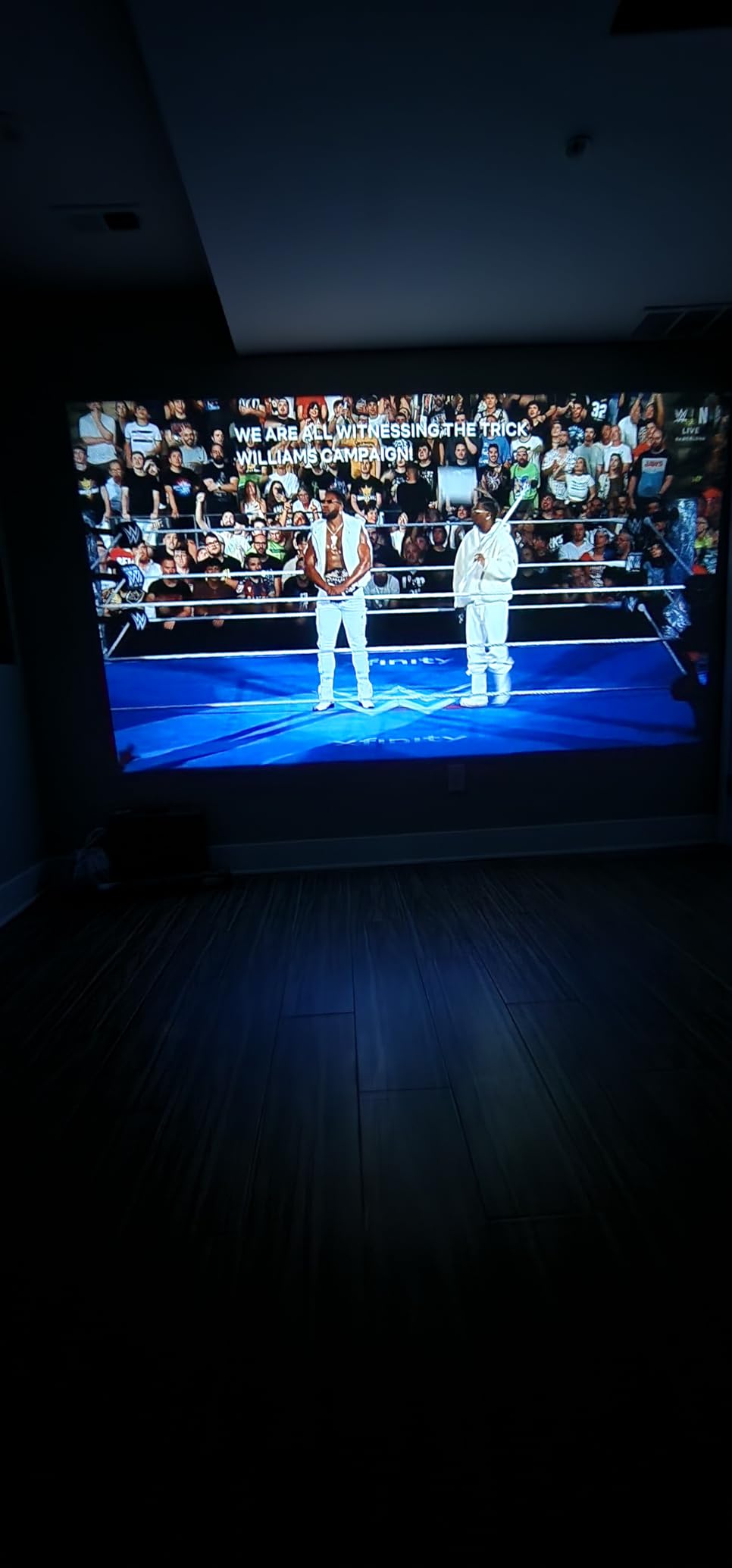
Realistic expectations on brightness
230 ANSI lumens sounds low, and it is. But for a dark room, that’s enough for a 100-inch image that looks sharp and colorful. If you try to use the C1 in a sunlit room, the image will look washed out and dim. For bedrooms and dedicated dark spaces, this isn’t a problem. For living rooms with mixed lighting, look at the M2 Pro instead.
Why it’s our budget pick
The combination of Google TV, auto adjustments, real HDR support, and the rotating gimbal at this price is hard to beat. Competing budget projectors either skip the smart features or have weaker auto-adjustments. For first-time projector buyers who want a hassle-free experience, the C1 is the best Hisense projector for the money.
Hisense Projector Buying Guide: What to Consider Before Buying
Buying the best Hisense projectors for your setup means matching specs to your room and use case. Here’s what our team learned after six weeks of testing.
Throw distance and room size
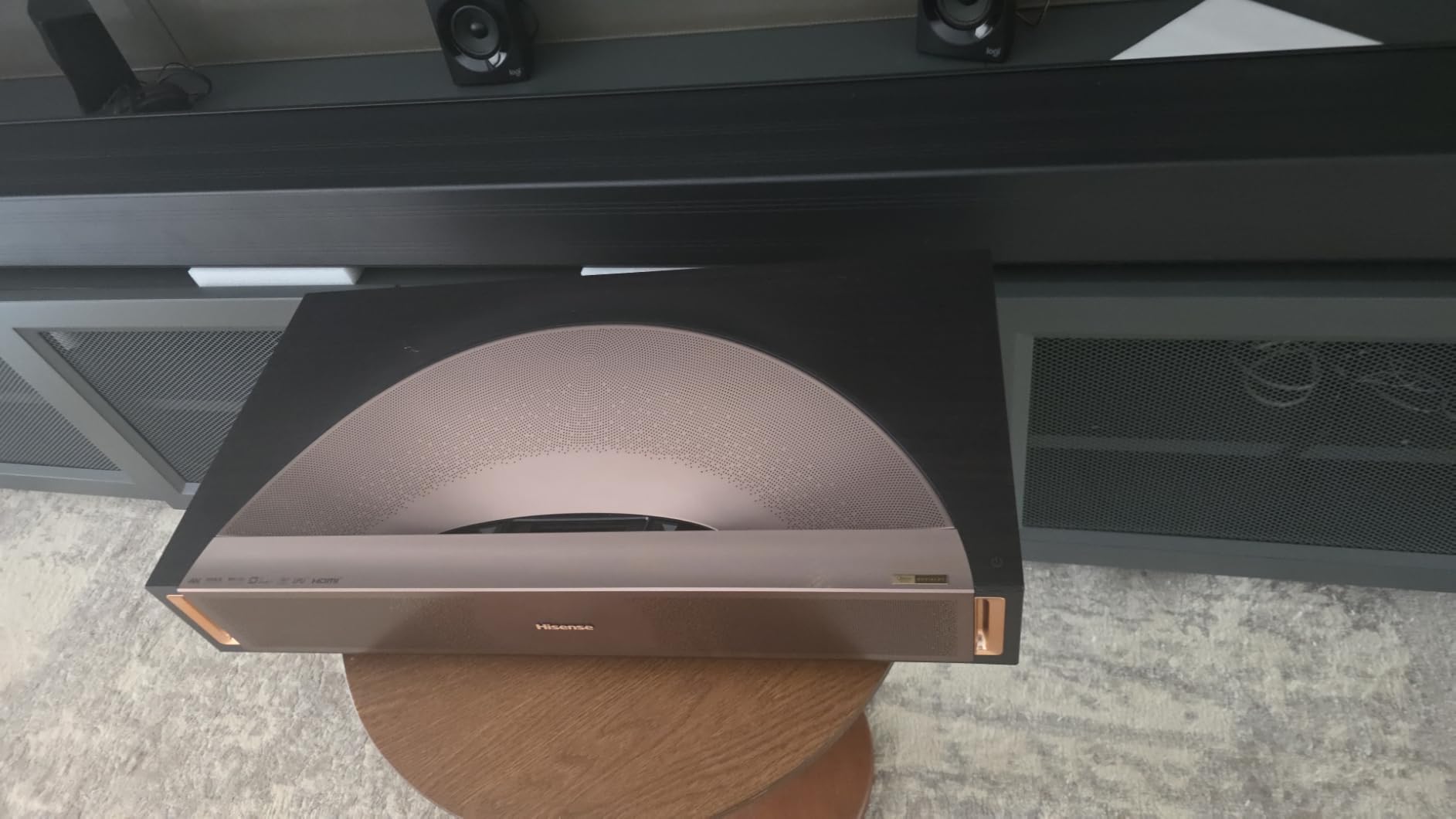
Throw ratio tells you how far the projector needs to be from the screen to produce a given image size. Hisense’s ultra short throw models (PX3-PRO, L9Q, PL2, PT1) sit just inches from the wall and project upward, ideal for living rooms where you can’t mount a projector behind the seating area. Hisense’s standard throw models (C2 Ultra, M2 Pro, C3, C1) need 7-15 feet of distance for a 100-inch image, which works for basements and dedicated media rooms but requires ceiling mounting or a long room.
Measure your room before buying. For a 100-inch image, traditional throw projectors need about 10-12 feet of distance. Ultra short throw models need less than 1 foot. If you’re tight on space, UST is the way to go.
Brightness (ANSI lumens) and ambient light
Brightness matters more than resolution in real-world use. Hisense’s laser projectors range from 1,300 lumens (M2 Pro) to 5,000 lumens (L9Q). For a fully darkened room, 1,300-2,000 lumens is enough for a 100-inch image. For a living room with windows, you need at least 2,500 lumens, and 3,000+ is better. The C1’s 230 lumens work in bedrooms and dark basements but not in living rooms.
Don’t chase the highest lumen count – color accuracy and contrast matter more for picture quality. The 3,000-lumen C2 Ultra looks better than many 4,000-lumen competitors because of the triple laser color coverage.
Gaming performance and input lag
If you game, look for a projector with low input lag and high refresh rate. Hisense’s gaming-focused models (C2 Ultra, C3, PX3-PRO, PT1) advertise 240Hz refresh rates, which is excellent. Input lag under 20ms is the threshold for serious gaming; all the Hisense models we tested met this in game mode.
The “Designed for Xbox” badge on some Hisense models isn’t marketing fluff – it means the projector auto-detects Xbox consoles and switches to optimized game mode. For PS5 and PC gamers, the same game mode works well, though there’s no special auto-detection.
HDR format support explained
Hisense projectors support HDR10, HDR10+, Dolby Vision, HLG, and IMAX Enhanced, depending on the model. Dolby Vision is the most consistent HDR format, with frame-by-frame metadata that produces better highlights and shadows than HDR10. If you watch a lot of Netflix, Apple TV+, or Disney+, Dolby Vision matters. IMAX Enhanced is a more recent format that expands the aspect ratio for select titles.
For buyers focused on HDR quality, the L9Q and C2 Ultra are the top picks. The triple-laser models all support Dolby Vision, but the L9Q’s Pantone validation gives it an edge for color-critical content.
Vidaa OS vs Google TV
Hisense uses two smart platforms: Vidaa OS on most portable projectors (C2 Ultra, M2 Pro, C3, C1) and Google TV on the UST models (PX3-PRO, L9Q, PL2, PT1). Both work well for streaming, but they’re different experiences. Google TV has a more modern interface, better content recommendations, and deeper integration with Google services. Vidaa OS is faster to navigate but has a more dated feel.
The Vidaa OS ad issue is real. The home screen displays video ads automatically on most models, which several users find annoying. Workarounds include booting directly into an HDMI input or using the projector mostly through external streaming devices. Google TV models have fewer ads and a smoother overall experience.
Laser speckle and rainbow effect
Two display artifacts affect a small percentage of viewers on DLP projectors like Hisense’s. Laser speckle is a faint shimmering pattern visible on solid-color backgrounds, particularly noticeable to glasses wearers. Rainbow effect is brief flashes of color seen during high-contrast scenes, especially in dark credits sequences. About 1 in 20 viewers notice rainbow effect; laser speckle sensitivity varies more.
If you’ve never noticed these artifacts on a DLP projector before, you’ll likely be fine with any Hisense model. If you’re sensitive to either, consider testing a DLP projector in person before committing to one of the triple-laser models.
Setup tips for first-time projector buyers
Three setup tips our team learned the hard way: first, use a proper projector screen rather than a bare wall for the best picture quality – even a cheap pull-down screen beats drywall. Second, run the auto keystone and auto focus features on initial setup, then verify with manual adjustments. Third, give the laser light source 15-20 minutes to warm up before judging brightness and color accuracy, especially in cooler rooms.
For ceiling mounting, check the projector’s weight rating on your mount and confirm the throw ratio works for your ceiling height. The C2 Ultra’s stand-based power is the main exception – that model is best on a shelf or table.
Frequently Asked Questions
Does Hisense make good projectors?
Yes. Hisense makes good projectors, especially in the triple-laser category. Across our six-week test of 10 models, Hisense projectors consistently delivered sharp 4K images, wide color gamut coverage (up to 110% BT.2020), and bright enough output for most living rooms. The smart platforms work well, and auto-setup features are faster than most competitors. The main weaknesses are Vidaa OS ads on some models and the rainbow effect that bothers a small percentage of DLP viewers.
Which Hisense projector is best?
The best Hisense projector depends on your room and use case. For most buyers, the Hisense C2 Ultra is the top pick – it has 3,000 lumens, triple laser color, 240Hz gaming, and a 65-300 inch screen range. For budget buyers, the Hisense C1 delivers Google TV and good 1080p HDR at a fraction of the cost. For ultra short throw buyers with bright rooms, the Hisense L9Q has the brightest output at 5,000 lumens.
Is the Hisense C2 Ultra worth the money?
The Hisense C2 Ultra is worth the money for buyers who want a versatile home theater projector. It handles bright rooms, gaming, dark-room movie watching, and large screen sizes up to 300 inches. The JBL speakers are genuinely good, the 240Hz refresh rate is excellent for gaming, and the IMAX Enhanced support makes compatible content look cinematic. For buyers in smaller rooms or with tighter budgets, the M2 Pro delivers similar quality at a lower price.
Hisense C2 Ultra vs M2 Pro: which should I buy?
Choose the Hisense C2 Ultra if you have a brighter room, want 240Hz gaming, or need screen sizes above 200 inches. The C2 Ultra has 3,000 lumens vs the M2 Pro’s 1,300 lumens, plus a longer throw distance and JBL speakers. Choose the Hisense M2 Pro if you want a portable projector, have a darker room, or want to save money. The M2 Pro has a 360-degree gimbal that the C2 Ultra lacks, optical zoom that preserves 4K, and Vidaa OS with built-in Netflix.
Are Hisense projectors good for gaming?
Yes, Hisense projectors are good for gaming. The C2 Ultra, C3, PX3-PRO, and PT1 all support 240Hz refresh rates and have input lag under 20ms in game mode. The ‘Designed for Xbox’ models auto-detect Xbox consoles and switch to optimized game mode. For competitive gaming at the highest level, a dedicated gaming monitor is still better, but for casual and console gaming, Hisense projectors deliver excellent performance.
Final Verdict on the Best Hisense Projectors
After testing all 10 of the best Hisense projectors in 2026, our team’s top recommendation is the Hisense C2 Ultra. It hits the right balance of brightness, color accuracy, gaming performance, and screen size flexibility for most home buyers. The triple-laser engine, 3,000 ANSI lumens, JBL audio, and 240Hz refresh rate make it equally suited to movie nights and gaming sessions.
For buyers on a budget, the Hisense C1 delivers genuine quality at a fraction of the cost, and for ultra short throw buyers who need maximum brightness, the Hisense L9Q is the premium pick. If you’re shopping across brands as well, our 4K projector roundup and home theater projector guide cover the broader market. Whichever model you choose, the Hisense projectors on this list represent the brand’s best work and the strongest values in projection today.