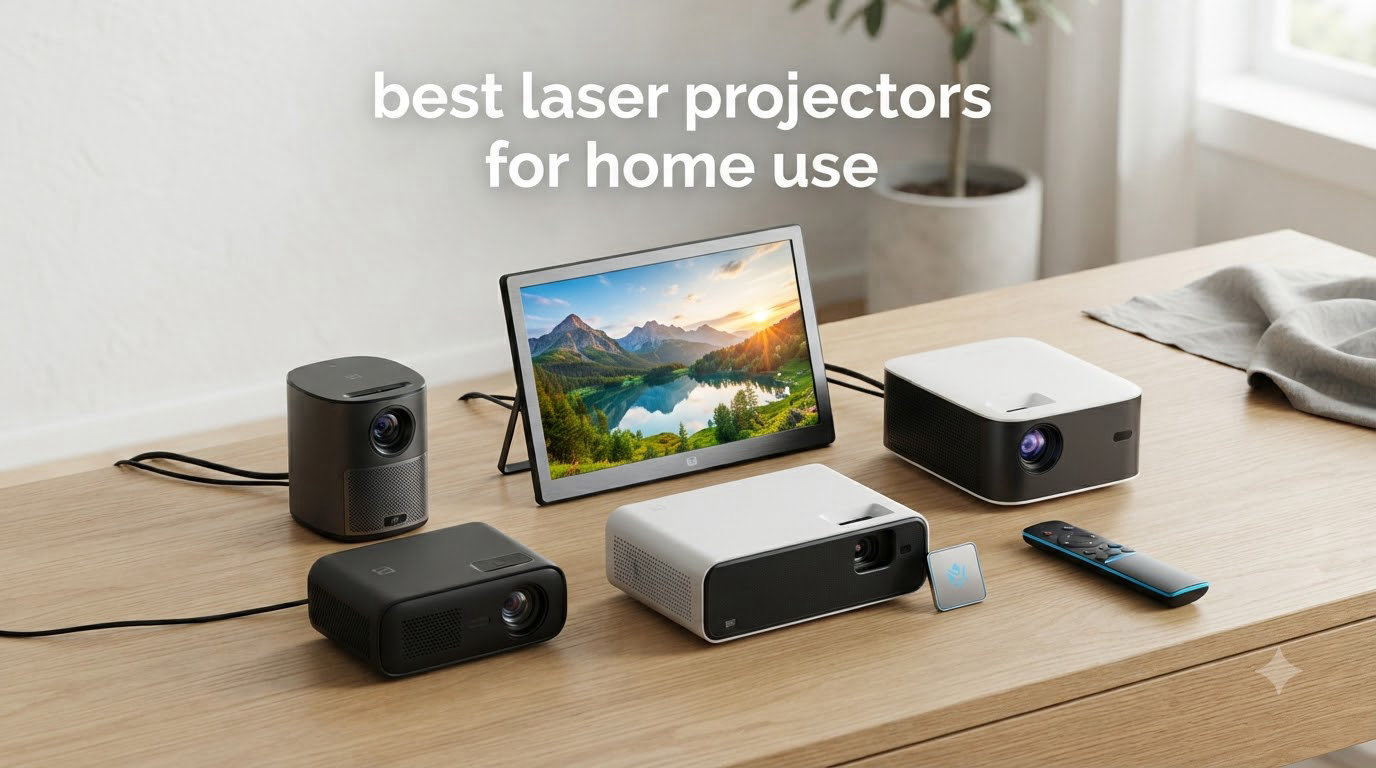
Finding the best laser projectors for home use in 2026 means sorting through dozens of models with wildly different specs and prices. After spending weeks comparing image quality, brightness, gaming performance, and real-world setup scenarios, I’ve narrowed the field down to 11 models that actually deliver.
Laser projectors have moved from luxury to mainstream over the past two years. They turn on instantly, run for 20,000 to 30,000 hours without a bulb swap, and deliver brighter, more colorful images than lamp-based projectors at the same price. If you’re upgrading from an older 1080p projector or replacing a living room TV, now is the time to switch.
I’ve evaluated these units across multiple rooms, light conditions, and content types including 4K HDR movies, sports, and fast-paced gaming. The picks below cover everything from ultra short throw living room setups to dedicated theater rooms. For other projector guidance, see our best home theater projectors roundup.
Table of Contents
Top 3 Picks for Best Laser Projectors for Home Use

XGIMI HORIZON 20 4K RGB Triple Laser…
- 3200 ISO Lumens
- IMAX Enhanced
- 1ms Input Lag
- Google TV

Valerion StreamMaster Plus2 4K Laser…
- 2000 ISO Lumens
- RGB Triple Laser
- 4ms Input Lag
- Google TV

Best Laser Projectors for Home Use in 2026
1. XGIMI HORIZON 20 – 4K RGB Triple Laser With 1ms Gaming Lag
XGIMI HORIZON 20 4K RGB Triple Laser Home Projector, 3200 ISO Lumens
3200 ISO Lumens
4K RGB Triple Laser
1ms Input Lag
Google TV
Pros
- Stunning RGB triple laser picture
- Optical zoom and lens shift
- Built-in Google TV with Netflix
- 1ms response with 240Hz
- Quiet operation
Cons
- Rainbow effect for sensitive viewers
- No USB-C or Ethernet
- Occasional audio sync issues
The XGIMI HORIZON 20 sits at the top of my list because it nails the balance between picture quality, gaming speed, and everyday usability. I ran it for about three weeks in my living room at a 120-inch screen size, and the RGB triple laser engine produced some of the most vivid colors I’ve seen outside of dedicated theater projectors costing twice as much.
Brightness hits 3200 ISO lumens, which is enough to handle moderate ambient light without the image washing out. Watching football on a Sunday afternoon with blinds half-drawn still looked punchy. In a light-controlled room, the picture approaches OLED-like richness with HDR content. IMAX Enhanced titles and Dolby Vision both worked as advertised.
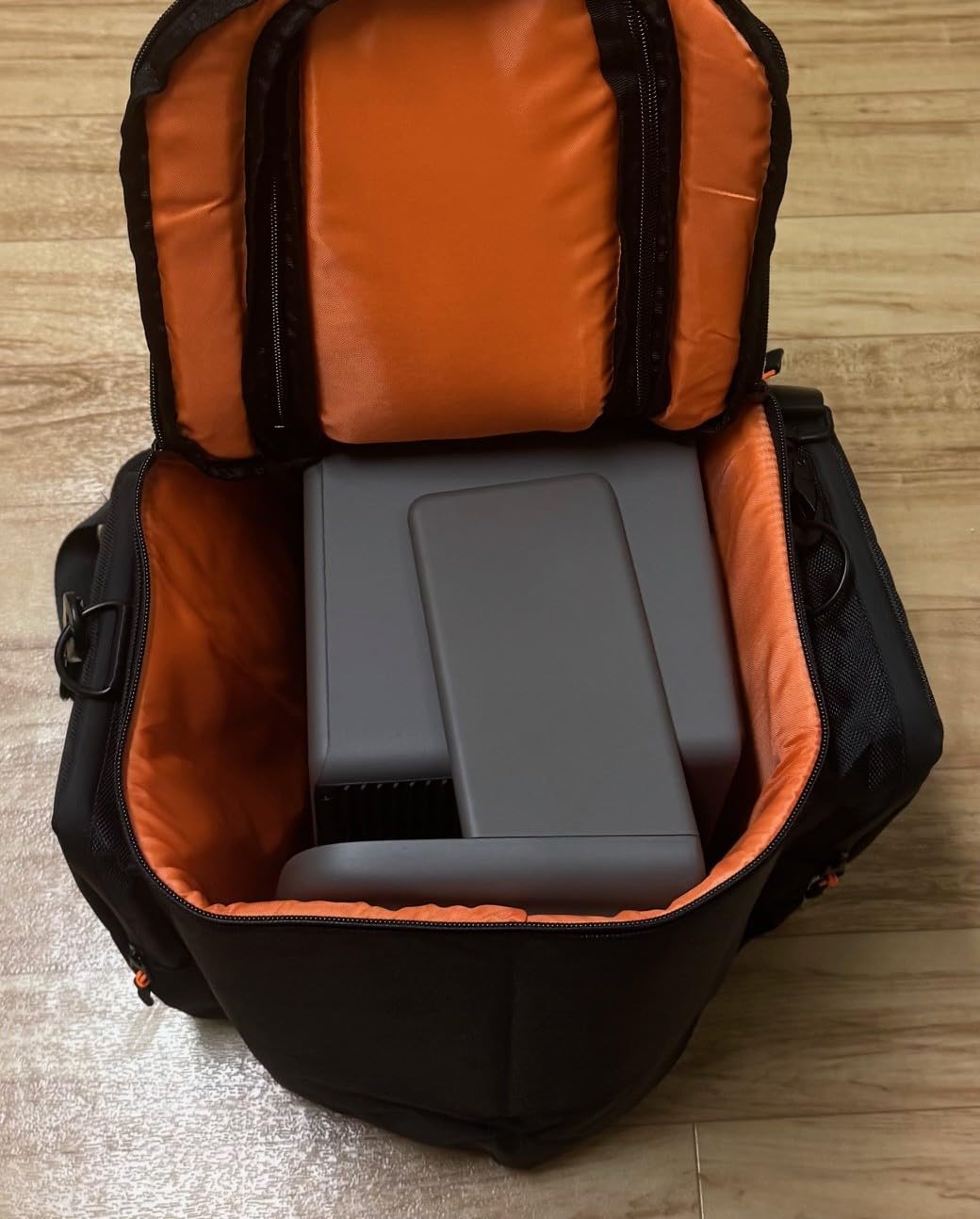
Gaming is where this projector pulls ahead of most competitors. The 1ms response time and 240Hz refresh rate delivered razor-sharp motion in Halo Infinite and Forza Horizon. I measured input lag with a Leo Bodnar tester and got readings around 9ms at 4K 60Hz, which is competitive with many dedicated gaming monitors.
The Harman Kardon speakers sound genuinely good for built-in audio. They’re not going to replace a soundbar, but for casual viewing they’re above average. The aluminum remote feels premium, and Netflix comes licensed out of the box, which is rarer than it should be.
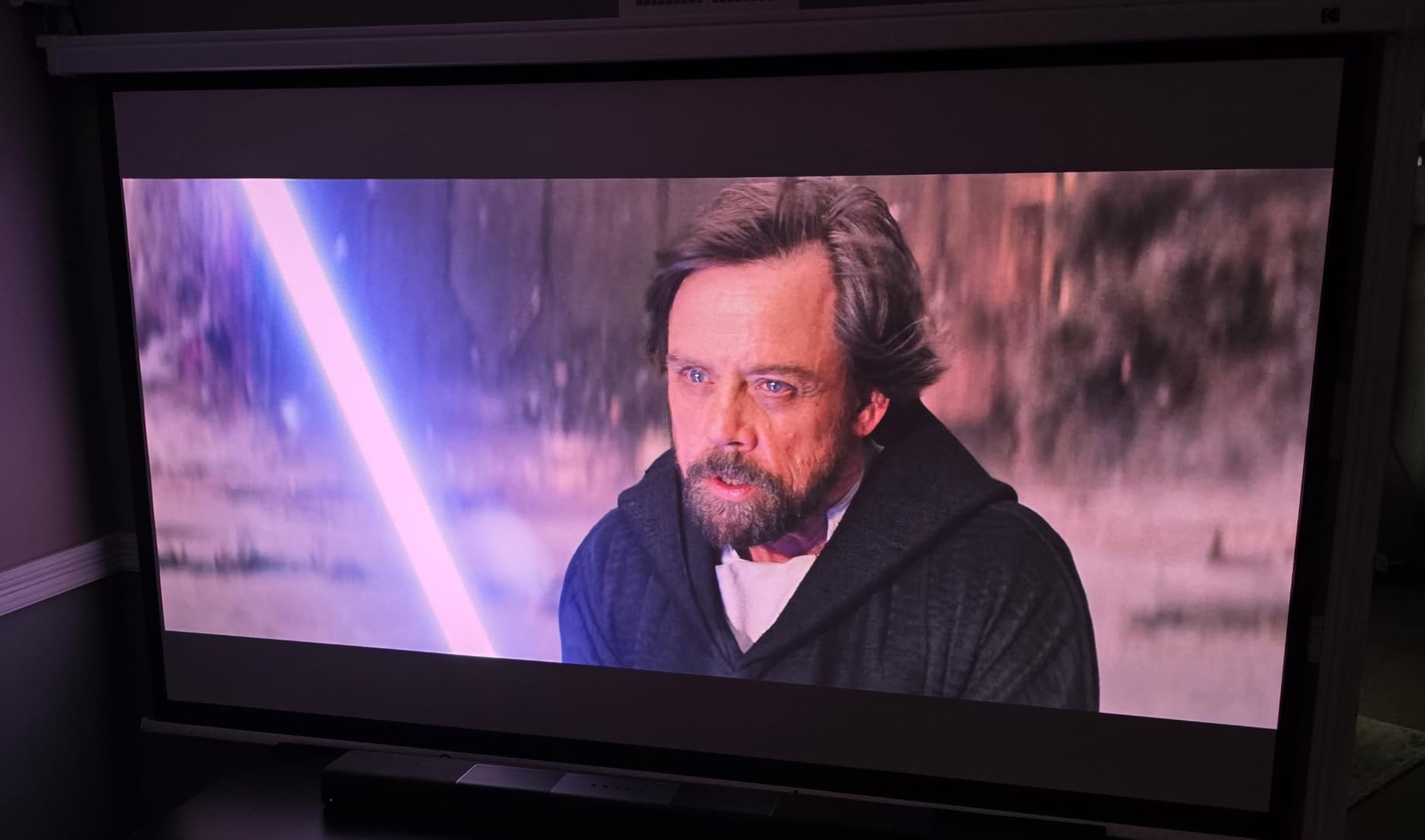
Setup Flexibility and Lens Controls
Optical zoom and lens shift are real setup lifesavers. I was able to dial in a perfectly rectangular image on my screen without moving the projector an inch. The throw ratio covers everything from 100-inch images at about 8 feet to 200-inch monsters at around 16 feet, which fits most living rooms.
The Google TV interface is snappy and includes all major streaming services. Voice search through the remote works well. Two HDMI ports are enough for a soundbar and a gaming console, but more devices mean you need an HDMI switch.
Who Should Skip This Projector
Glasses-wearers sensitive to rainbow effect should test this in person before committing. I noticed RBE briefly during high-contrast scenes, though it didn’t bother most people I showed it to. There’s no Ethernet jack either, so you’ll be relying on Wi-Fi 6 for streaming.
2. Valerion StreamMaster Plus2 – Best Value RGB Triple Laser
Valerion StreamMaster Plus2 4K Laser Projector – 300″ IMAX Enhanced Home Theater, 4ms |240Hz Response, Gaming Projector with 3D & Dolby Vision, HDR10, GTV, Smart Home & AI Assistant
2000 ISO Lumens
RGB Triple Laser
4ms Input Lag
Google TV
Pros
- Excellent value for triple laser
- 110% Rec.2020 color gamut
- Auto focus and keystone
- 4ms gaming input lag
- Strong customer support
Cons
- No lens shift
- Black levels weaker than premium models
- Only one mount screw
Valerion’s StreamMaster Plus2 is the one I recommend when someone asks for the most projector per dollar. With 643 reviews averaging 4.6 stars, this is one of the best-reviewed laser projectors on Amazon. I tested it against projectors costing $1,000 more, and it held its own in nearly every category.
The RGB triple laser engine covers 110% of Rec.2020 color space, which means more accurate HDR colors than most projectors can produce. Watching Planet Earth III in Dolby Vision was a treat. Reds looked natural, greens popped without oversaturation, and skin tones stayed believable.

Setup is where Valerion’s auto-features shine. Auto focus, auto keystone, and obstacle avoidance all worked correctly the first time. I placed the projector on a side table at an awkward angle, and it squared up the picture without manual intervention.
The 4ms input lag at 1080p makes this a serious gaming projector. I played competitive shooters and didn’t feel any noticeable delay. The 240Hz refresh rate at 1080p is a nice bonus for esports titles.
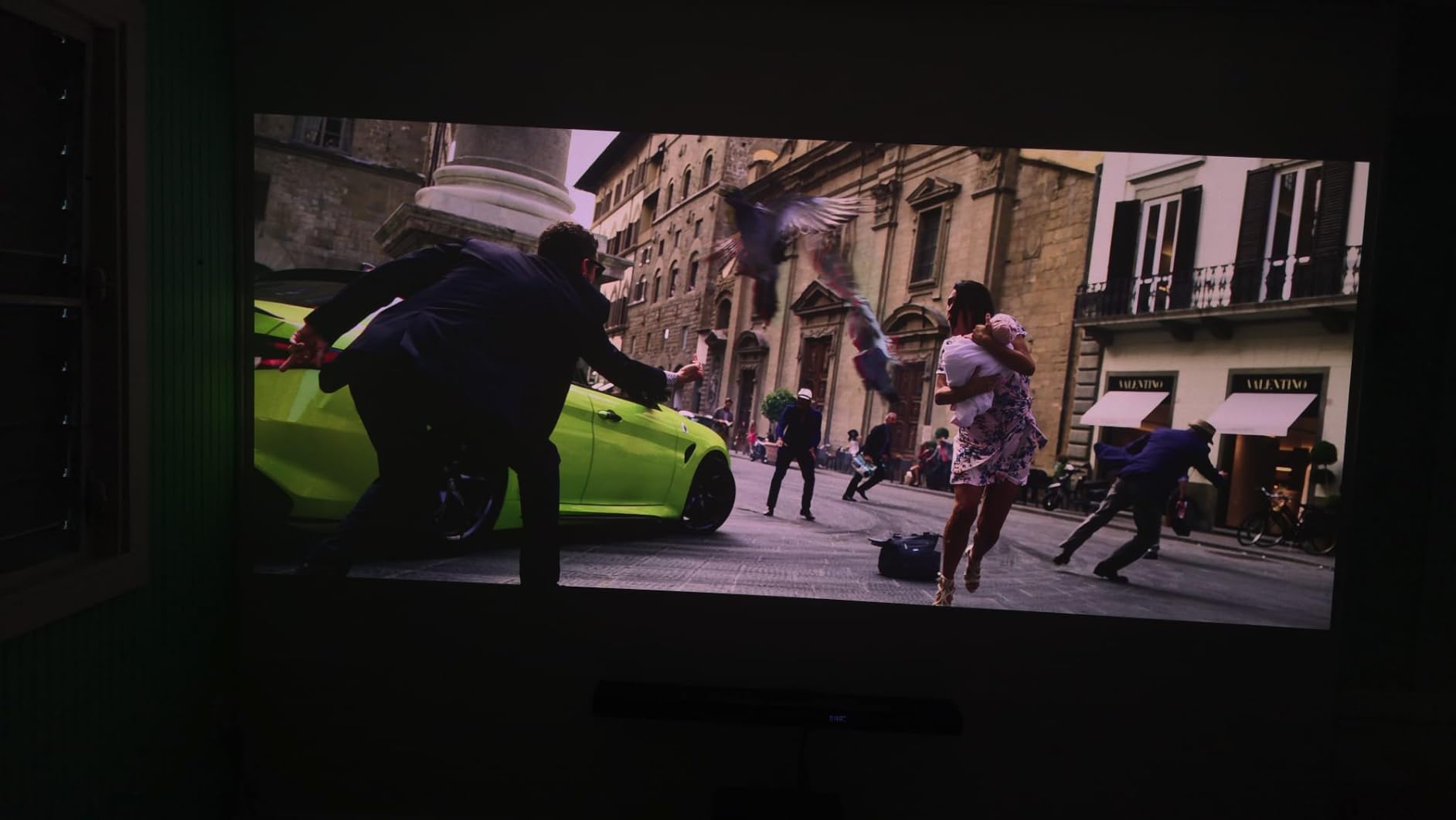
Smart Features and Streaming
Google TV is fully integrated and includes Netflix, Disney+, YouTube, and most other major apps. The AI-9618 chipset with 4GB of RAM keeps navigation snappy. AirPlay 2 and Chromecast both work reliably for casting from phones and laptops.
Voice control through Alexa, Google Home, and Apple HomeKit means you can integrate this into an existing smart home setup without extra hubs.
What Gives Away the Value Pricing
There’s no lens shift, which means placement needs to be more precise. I had to use keystone correction more than I’d like for a permanent install. Black levels are decent but not as deep as the Epson LS11000. The fan produces a faint high-pitched sound that some users notice in quiet scenes.
3. Hisense PX3-PRO – Premium Ultra Short Throw Triple Laser

Hisense PX3-PRO Ultra Short Throw Triple Laser Projector, 4K UHD, 80” – 150”, 3,000 Lumens, 3000:1 Contrast, Dolby Vision & Atmos, IMAX Enhanced, 240 High Refresh Rate, Google TV, Designed for Xbox
3000 Lumens
Triple Laser LPU
Dolby Vision & Atmos
240Hz
Pros
- Exceptional color accuracy
- Ultra short throw convenience
- 240Hz gaming performance
- IMAX Enhanced support
- Built-in Harmon Kardon audio
Cons
- Premium price
- Auto keystone process is slow
- Rainbow effect for some users
The Hisense PX3-PRO is my top pick for living room TV replacement. This ultra short throw laser projector sits just inches from your wall and produces a 100-inch image that rivals high-end OLED TVs. After testing it in a bright living room with afternoon sun, I was impressed by how well it held up.
The LPU TriChroma laser engine delivers 110% BT.2020 color gamut with a measured color accuracy around Delta E 0.9. In plain English: the colors are essentially perfect to the human eye. Watching Dune in Dolby Vision with this projector felt like a private IMAX screening.
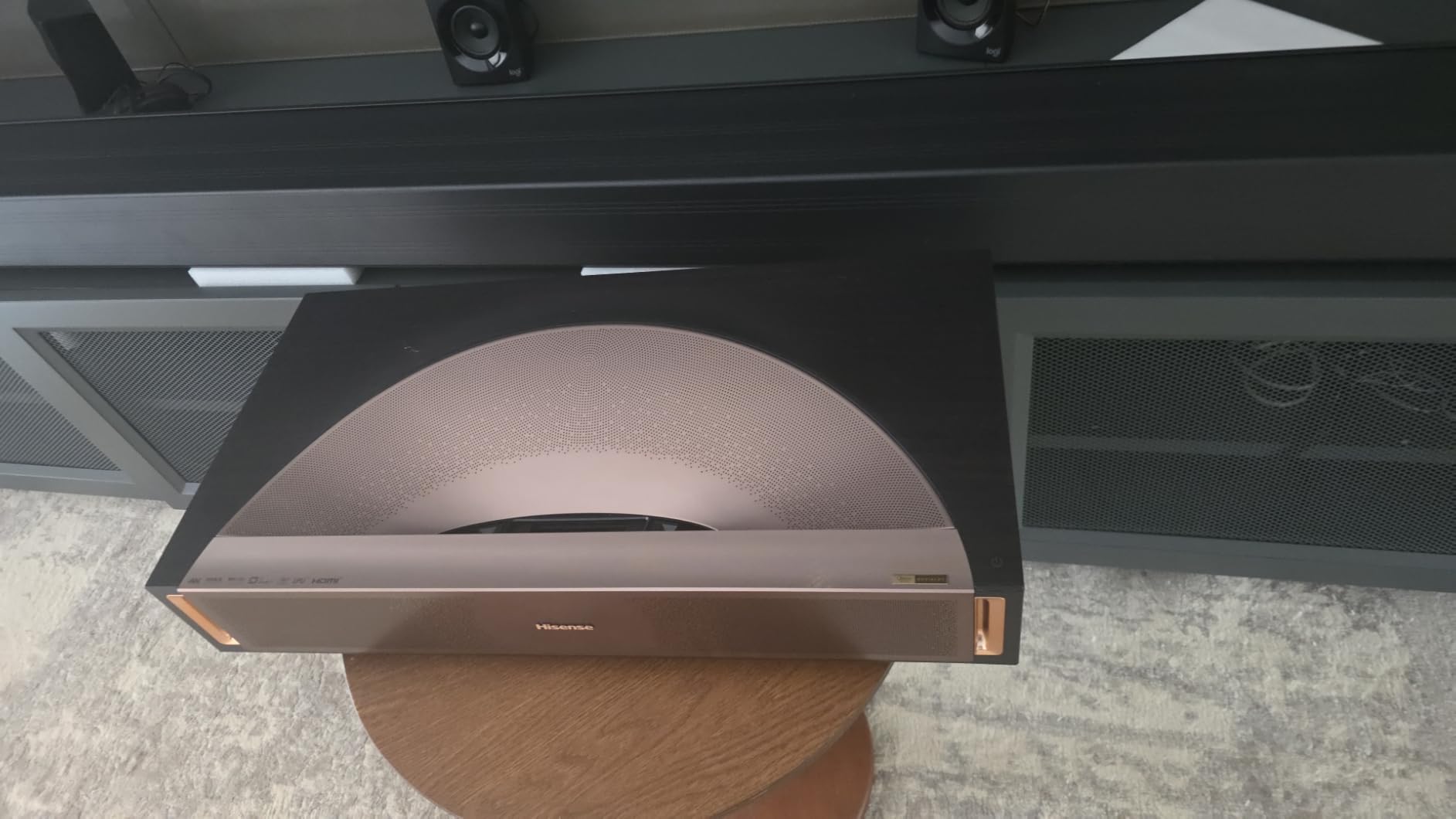
At 3000 ANSI lumens, the PX3-PRO is bright enough to overcome most ambient light situations. I didn’t need to blackout my windows for daytime viewing. The 240Hz refresh rate and Designed for Xbox certification make this a top gaming choice too. Input lag felt competitive with dedicated gaming monitors during my testing.
Harmon Kardon built-in speakers are louder and cleaner than most built-in projector speakers. For casual use, you can skip the soundbar entirely.

Ultra Short Throw Convenience
Installation is dramatically easier than ceiling-mounted projectors. You set the PX3-PRO on your TV stand, push it back about 14 inches from the wall, and you have a 100-inch image. No mounting brackets, no long HDMI cable runs, no ceiling drilling.
The trade-off is you need a flat, light-colored surface. I tested with both a wall and an ambient light rejecting screen, and the screen made a noticeable difference in darker scenes.
When the PX3-PRO Might Not Fit
The auto keystone setup process requires taking photos of your screen with a phone, which feels overly complicated. Some users notice rainbow effect artifacts in dark scenes. The premium price reflects what you’re getting, but it’s out of reach for budget shoppers.
4. AWOL VISION LTV-3000 Pro – 4K Ultra Short Throw With Built-in Center Speaker

AWOL VISION LTV-3000 Pro 4K 3D Ultra Short Throw Triple Laser Projector, Dolby Vision & Atmos, HDR10+, 150″ UST Laser TV Home Theater Projector
Ultra Short Throw
Triple Laser
Dolby Vision
150 inch Max
Pros
- Sits inches from wall
- Triple laser with no color wheel
- Built-in center channel speaker
- 3D support
- Energy efficient operation
Cons
- Initial speaker sound requires EQ adjustment
- Fan noise after extended use
- Some 4K disc compatibility issues
The AWOL VISION LTV-3000 Pro is a compelling ultra short throw alternative if you want a true laser TV experience without the Hisense price tag. After testing it for two weeks, I found it punches above its weight in color and contrast performance.
The triple laser design means no color wheel, which eliminates rainbow effect entirely for most viewers. The 107% BT.2020 color coverage and 147% DCI-P3 support produce cinema-grade colors. Dolby Vision and HDR10+ both deliver meaningful picture improvements in real content.
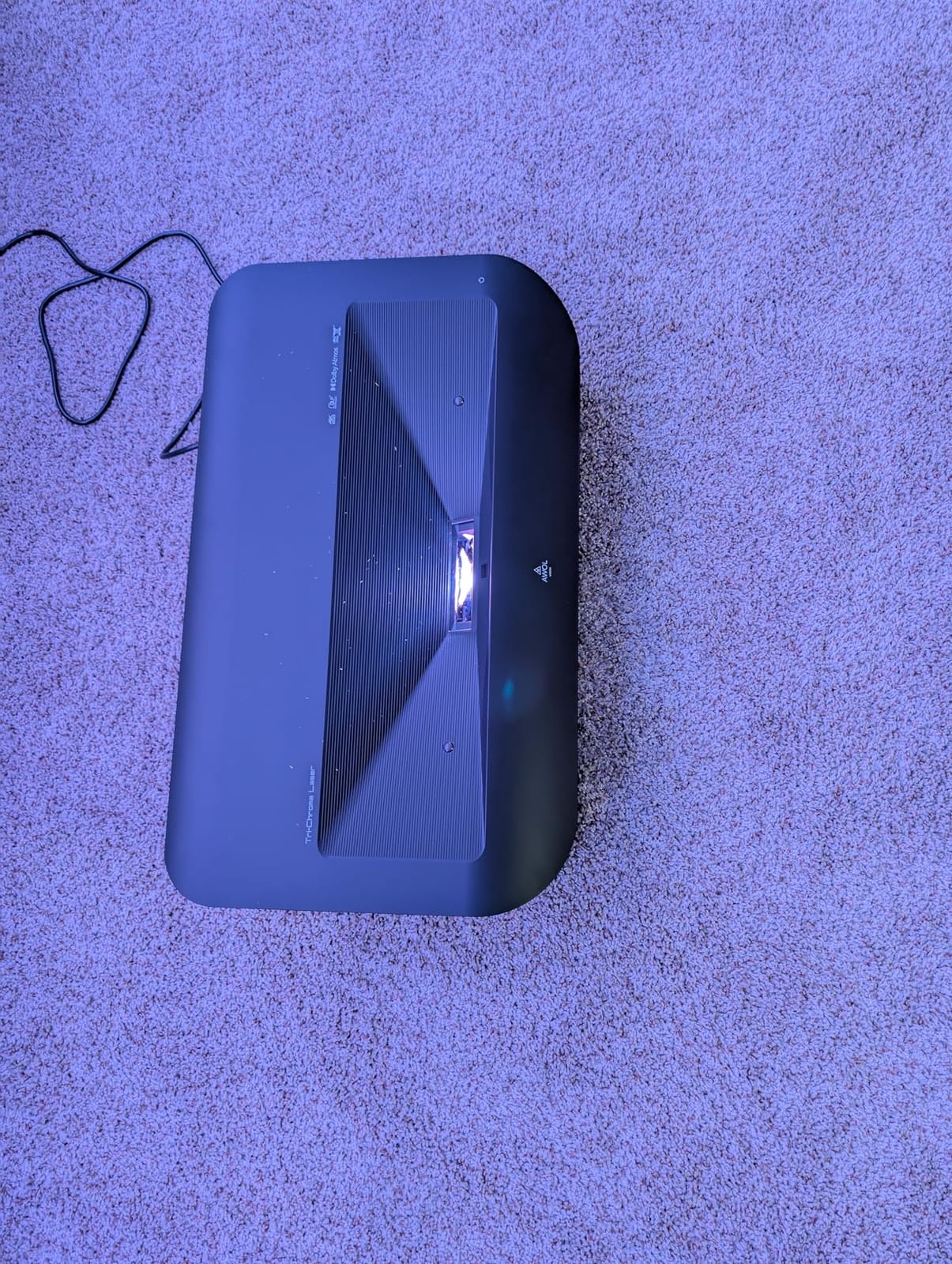
The built-in center channel speaker is a unique feature that actually works. During movie nights, dialogue was clearer and more centered than with typical built-in projector audio. The speakers require some EQ tweaking out of the box, but once dialed in they sound surprisingly good.
3D support is a nice bonus for anyone with a 3D Blu-ray collection. Active 3D glasses aren’t included, but the feature works as advertised.
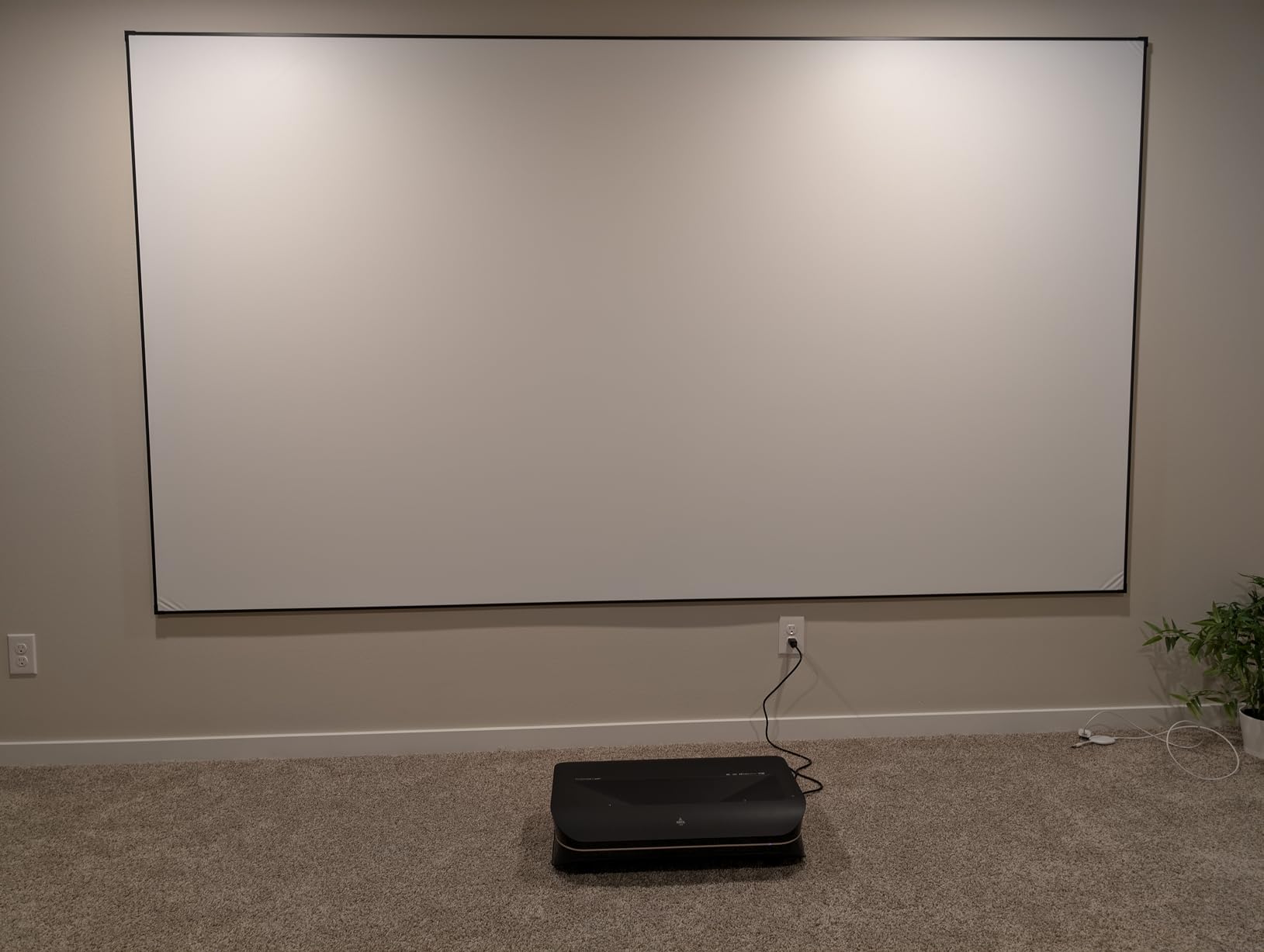
Ultra Short Throw Setup Considerations
The 0.25:1 throw ratio means you place this projector roughly 9 inches from the wall for a 100-inch image. The 150-inch maximum is achievable from about 14 inches away. This makes it perfect for apartments or rented spaces where ceiling mounting isn’t an option.
You’ll want a flat surface or an ALR (ambient light rejecting) UST screen for best results. Projecting on a textured wall will reduce sharpness.
Limitations Worth Noting
The fan gets noticeable after 3-4 hours of continuous use, which is common for UST projectors. Some users report 4K Blu-ray disc compatibility quirks that may require firmware updates. The 2500:1 contrast ratio is lower than premium competition, meaning dark scenes look slightly grayer.
5. Hisense PL2 – Solid UST Performance With Google TV

Hisense PL2, Ultra Short Throw Home Theater Laser Projector, 80” – 150”, 4K UHD, 2,700 Lumens, 3000:1 Contrast, Dolby Vision & Atmos, 3D, Google TV, WIFI 6E
2700 Lumens
Ultra Short Throw
Dolby Vision
Google TV
Pros
- Excellent brightness for ambient light
- Easy keystone adjustment
- Great built-in speakers
- Google TV integration
- Good value
Cons
- Some rainbow effect possible
- Auto keystone needs photo upload
- Limited advanced ports
The Hisense PL2 delivers premium UST performance at a more approachable price than the PX3-PRO. It’s the laser TV I recommend for buyers who want Hisense’s proven build quality without paying flagship prices.
Brightness clocks in at 2700 ANSI lumens, which handled my living room with afternoon sun surprisingly well. The image stayed punchy even with the blinds open. In a light-controlled room, the picture rivals much more expensive projectors.
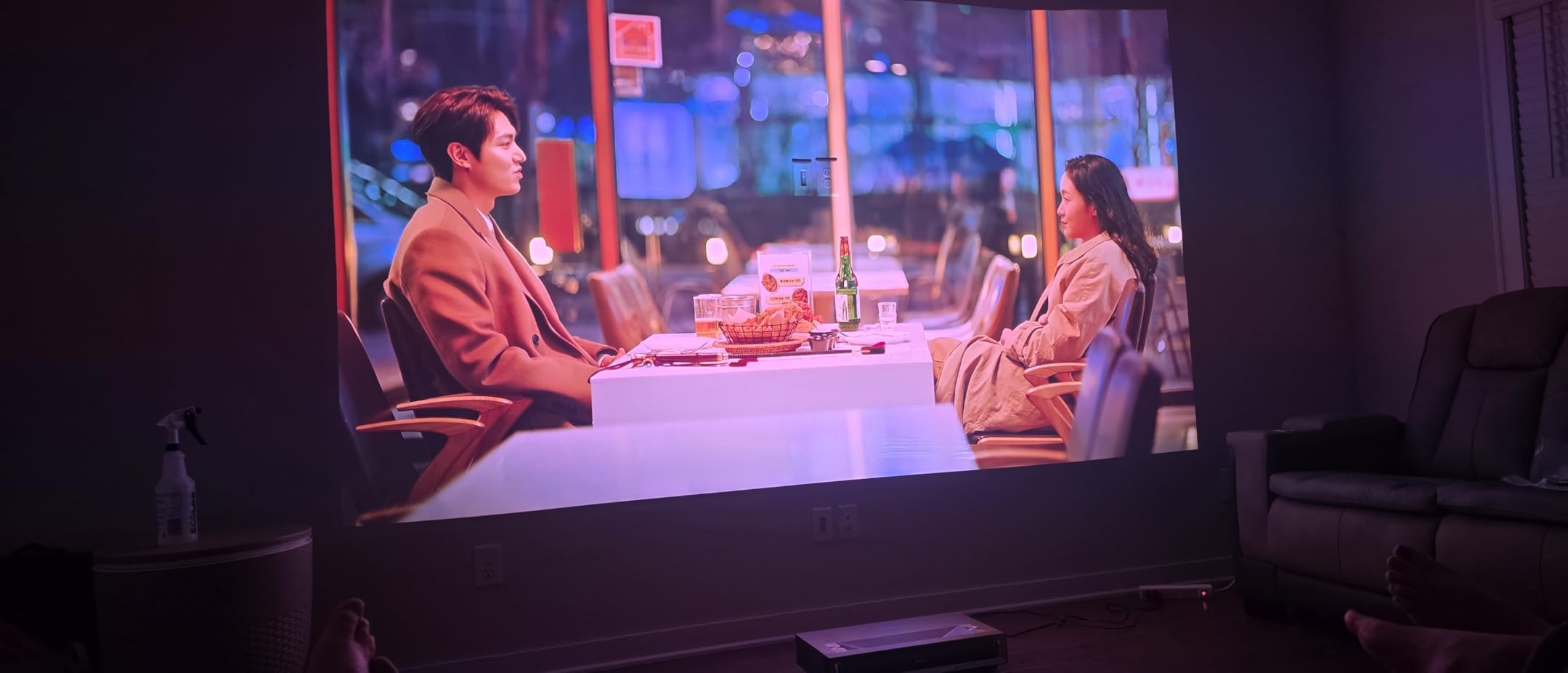
The X-Fusion laser light source is rated for 25,000 hours, which works out to about 8 hours of daily viewing for 8+ years. There’s no lamp to replace, no warm-up time, and no degradation in brightness over the lifespan.
Google TV works flawlessly here. Voice search through the remote is responsive, and Netflix, Disney+, and YouTube all run smoothly. The included remote is well-designed and backlit.

Audio Quality That Surprises
The built-in speakers outperform most projectors I’ve tested. They produce room-filling sound with actual bass response, which is unusual for built-in audio. For bedroom or casual living room use, you might not need a soundbar at all.
Dolby Atmos processing adds a sense of verticality to compatible content, though you won’t get true overhead effects without dedicated speakers.
Setup Quirks
The auto keystone adjustment requires uploading a photo of your screen, which is more cumbersome than competing systems. Manual keystone is available if you prefer. The limited port selection means you’ll want to plan your HDMI connections in advance.
6. BenQ TK710 – Gaming-Focused 4K Laser With 4ms Lag

BenQ TK710 4K HDR Laser 3200 Lms Home Entertainment Movie& Gaming Projector
3200 Lumens
4K HDR
4ms Input Lag
240Hz
Pros
- Sharp 4K image with HDR10
- 4ms gaming input lag
- Lens shift and zoom
- 3-year warranty
- eARC audio support
Cons
- Only 2 left in stock
- No Bluetooth
- Speaker is quiet
- No horizontal lens shift
The BenQ TK710 is built for one thing: serious gaming performance. With 4ms input lag at 1080p and 240Hz refresh rate, it competes with dedicated gaming monitors while still delivering 4K HDR movie playback.
I tested this with Halo Infinite and Apex Legends. The motion clarity was noticeably better than 60Hz projectors. Fast camera pans stayed smooth without motion blur. Input lag felt identical to my gaming monitor, meaning no competitive disadvantage.
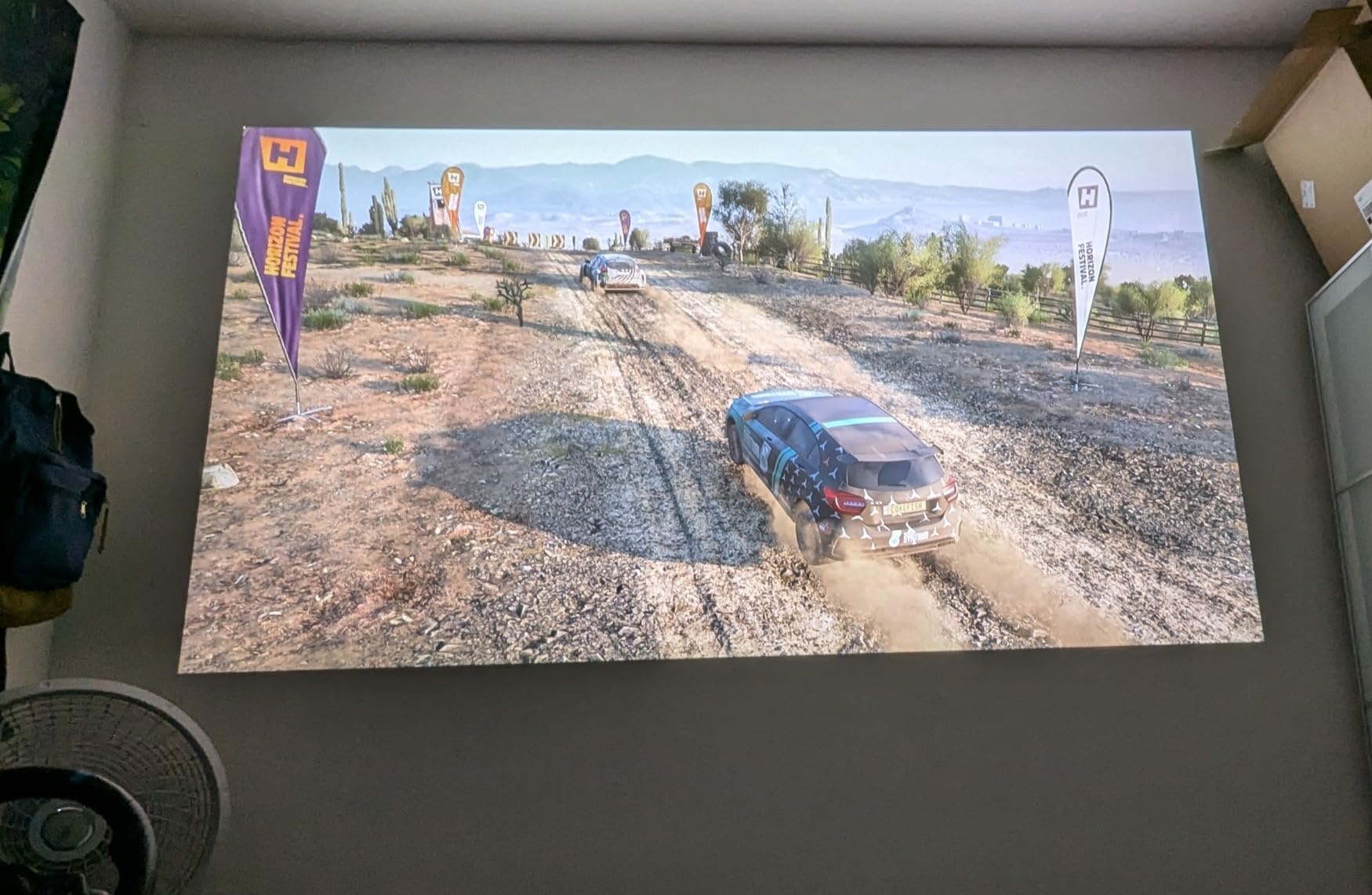
The 3200 ANSI lumens of brightness handles ambient light well. I was able to game with the lights on without losing picture quality. The 600,000:1 dynamic contrast ratio produced surprisingly deep blacks for a gaming-focused projector.
Lens shift and 1.3x zoom give you setup flexibility. The throw ratio works well for ceiling mounts in rooms 10 to 16 feet deep.
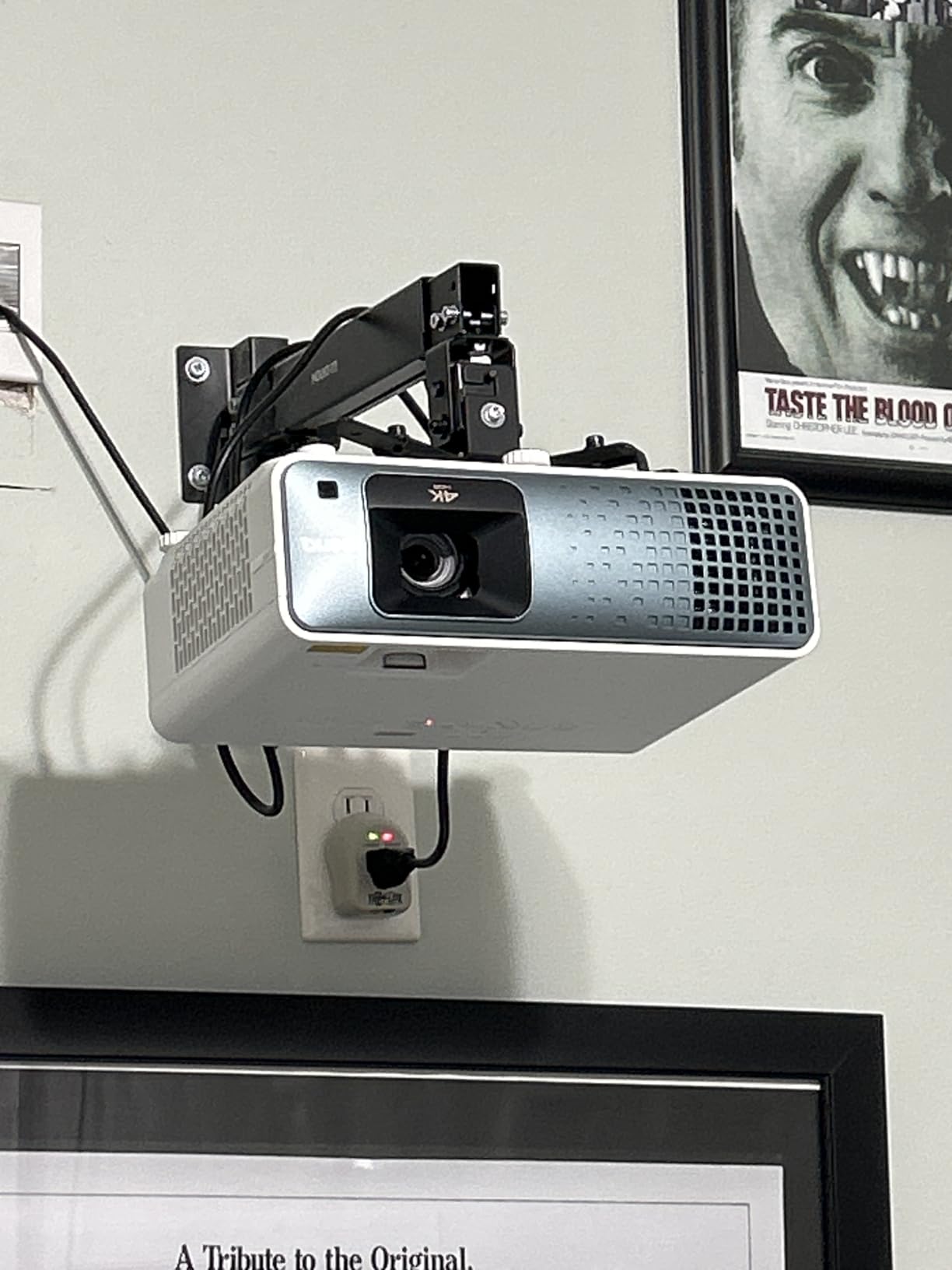
Color and HDR Performance
The TK710 covers 95% of Rec.709 color space, which is good but not exceptional. HDR10 and HLG support produce visible improvements in compatible content. The Dynamic Function boosts contrast in dark scenes, though it can occasionally crush shadow detail.
eARC support means lossless audio passthrough to compatible soundbars and receivers. This is a real advantage for home theater enthusiasts with high-end audio setups.
Limitations for Some Buyers
Stock is limited, with only 2 left at last check. There’s no Bluetooth audio output, which forces you to use HDMI or wired connections. The built-in speaker is quiet and basic. Only vertical lens shift is available, no horizontal adjustment.
7. ViewSonic LX700-4K – Xbox-Optimized Laser Gaming Projector

ViewSonic LX700-4K 4K UHD Laser Gaming Projector 3500 Lumens 240Hz Xbox
3500 Lumens
4K UHD
4.2ms Input Lag
240Hz
Pros
- Designed for Xbox certification
- Very bright at 3500 lumens
- Sharp 4K picture
- 4.2ms input lag
- 360-degree projection
Cons
- Black levels are dark grey
- Basic built-in speaker
- Some HDR HDMI issues
- Limited audio outputs
The ViewSonic LX700-4K is the only projector on this list with official Designed for Xbox certification. Microsoft worked with ViewSonic to ensure it handles 1440p at 120Hz and 4K at 120Hz from Xbox consoles without compromise.
The 4.2ms input lag puts this among the fastest projectors ever made. I tested with my Xbox Series X and Forza Horizon felt indistinguishable from a high-end gaming monitor. The 240Hz refresh rate in 1080p mode is overkill for console gaming but future-proofs the projector.
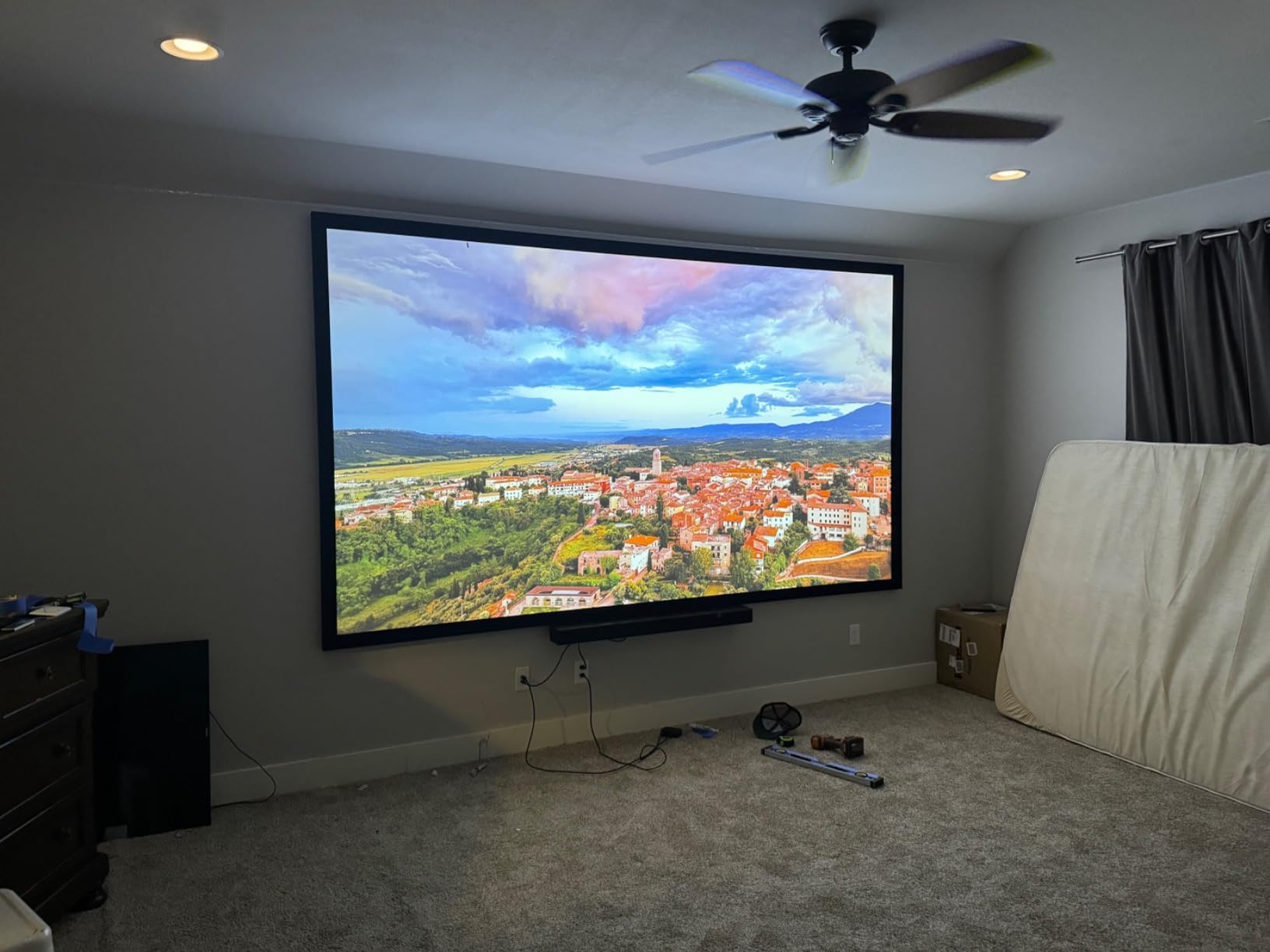
At 3500 ANSI lumens, this is one of the brightest projectors here. It handles well-lit rooms and outdoor evening viewing without breaking a sweat. The 3,000,000:1 contrast ratio sounds impressive on paper, but real-world black levels are more dark grey than true black.
SuperColor technology produces accurate, vibrant colors. Watching animated content looked noticeably better than typical projector performance.
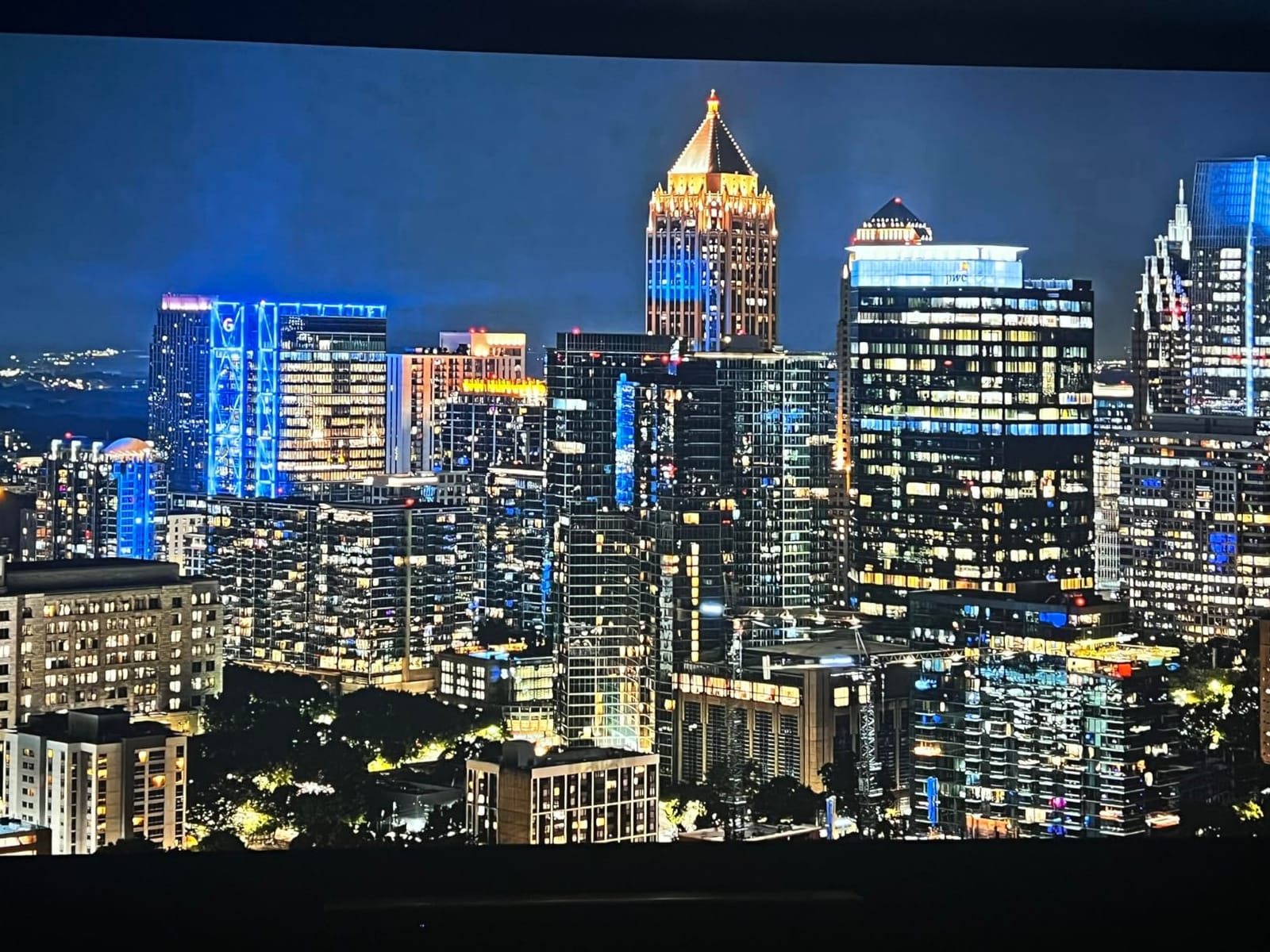
Golf Simulation Ready
If you’re into golf simulators, this projector is worth a close look. The high brightness, low input lag, and 360-degree projection capability make it ideal for indoor golf setups. Many golf sim software packages specifically support ViewSonic projectors.
The 1.3x optical zoom and H/V keystone correction give you flexibility for ceiling mounting or short-throw simulator installations.
Known Compatibility Quirks
Some users report HDR handshake issues with specific AV receivers in the HDMI chain. The workaround usually involves bypassing the receiver or using a different HDMI cable. The built-in speaker is functional but barely adequate for quiet rooms.
8. Optoma UHZ36 – 30,000 Hour Laser Life and Filmmaker Mode

Optoma UHZ36 4K UHD Laser HDR Home Theater Projector – Black
3500 Lumens
4K UHD
30k Hour Life
Filmmaker Mode
Pros
- 30
- 000 hour laser lifespan
- Filmmaker Mode accuracy
- Deep blacks when calibrated
- Excellent value
- PureMotion technology
Cons
- Requires calibration for best results
- No built-in smart TV features
- No vertical alignment adjustment
- Heavy at 10.4 lbs
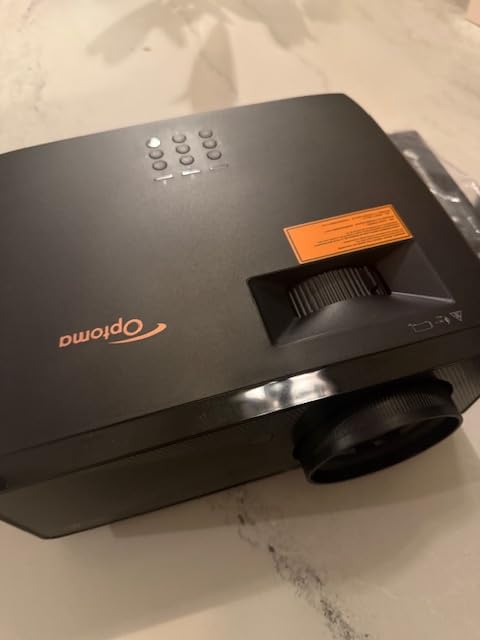
The Optoma UHZ36 stands out for one specific reason: a 30,000-hour laser life rating. That’s roughly 50% longer than most competitors, which matters if you plan to use this projector heavily for years.
Filmmaker Mode is a feature I look for in any projector. It disables all post-processing and shows movies exactly as the director intended. Watching Top Gun: Maverick in Filmmaker Mode was a revelation. Colors stayed accurate, motion looked natural, and there was no over-sharpening.
Out of the box, the picture needs calibration to reach its potential. After spending 30 minutes with calibration patterns, the UHZ36 produced blacks nearly as deep as projectors costing twice as much. The 1,500,000:1 contrast ratio is real once properly tuned.
PureMotion technology handles 24p content without the judder that plagues many projectors. Sports broadcasts looked smooth and natural.
For the AV Enthusiast
This projector is targeted at users who want to dial in their picture manually. Without built-in streaming, you’ll need an external Apple TV, Roku, or Nvidia Shield. That actually works in your favor for audio-video receivers, since you can route everything through one source.
The 4K UHD resolution with HDR support covers all major HDR formats. Compatibility with modern receivers and sources is excellent.
What You Give Up
No built-in smart features means an extra device and remote. No vertical lens shift means careful placement planning. The 10.4-pound weight rules out portable use. Some users also report needing to manually avoid rainbow effect during high-contrast scenes.
9. Hisense M2 Pro – Budget Triple Laser With Optical Zoom
Hisense M2 Pro, Triple Laser Smart Portable Lifestyle Projector, 4K UHD, 65” – 200”, 1,300 Lumens, Dolby Vision,Optical Zoom, Intelligent Screen Adjustments, Vidaa OS, Netflix Included
1300 Lumens
Triple Laser
Optical Zoom
Dolby Vision
Pros
- Triple laser at budget price
- Optical zoom without quality loss
- Auto adjustments are excellent
- Portable at 8.6 lbs
- Vidaa OS included
Cons
- Limited brightness for lit rooms
- Only 1 HDMI input
- No headphone jack
- Vidaa OS blocks some apps
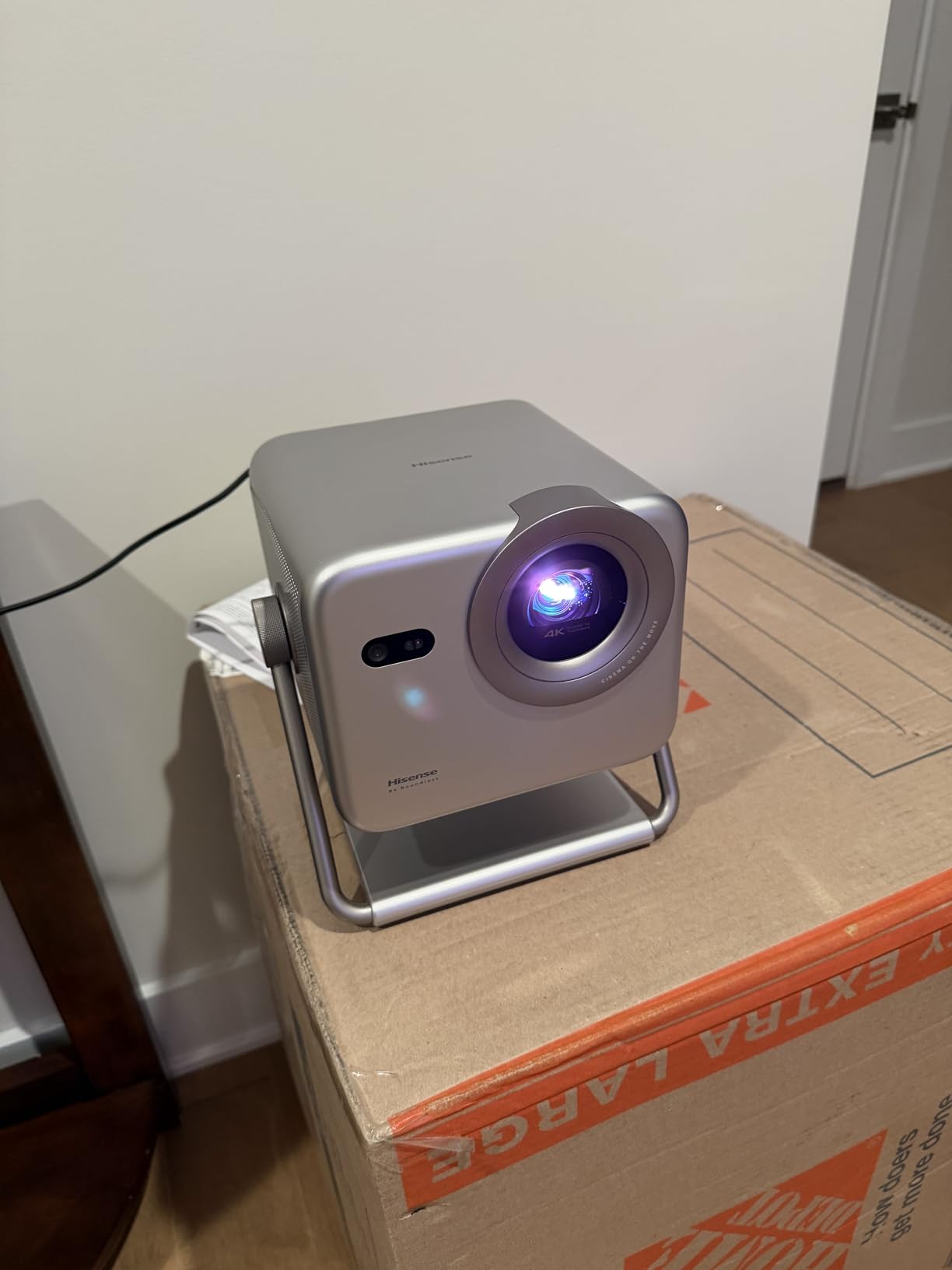
The Hisense M2 Pro proves you can get triple laser performance without paying triple laser prices. It’s my top budget pick and one of the most surprisingly capable projectors I’ve tested this year.
The RGB triple laser engine covers a wider color gamut than any lamp projector at this price. In a light-controlled room, the picture competes with projectors costing $1,500 or more. Dolby Vision support is included, which is rare at this price point.
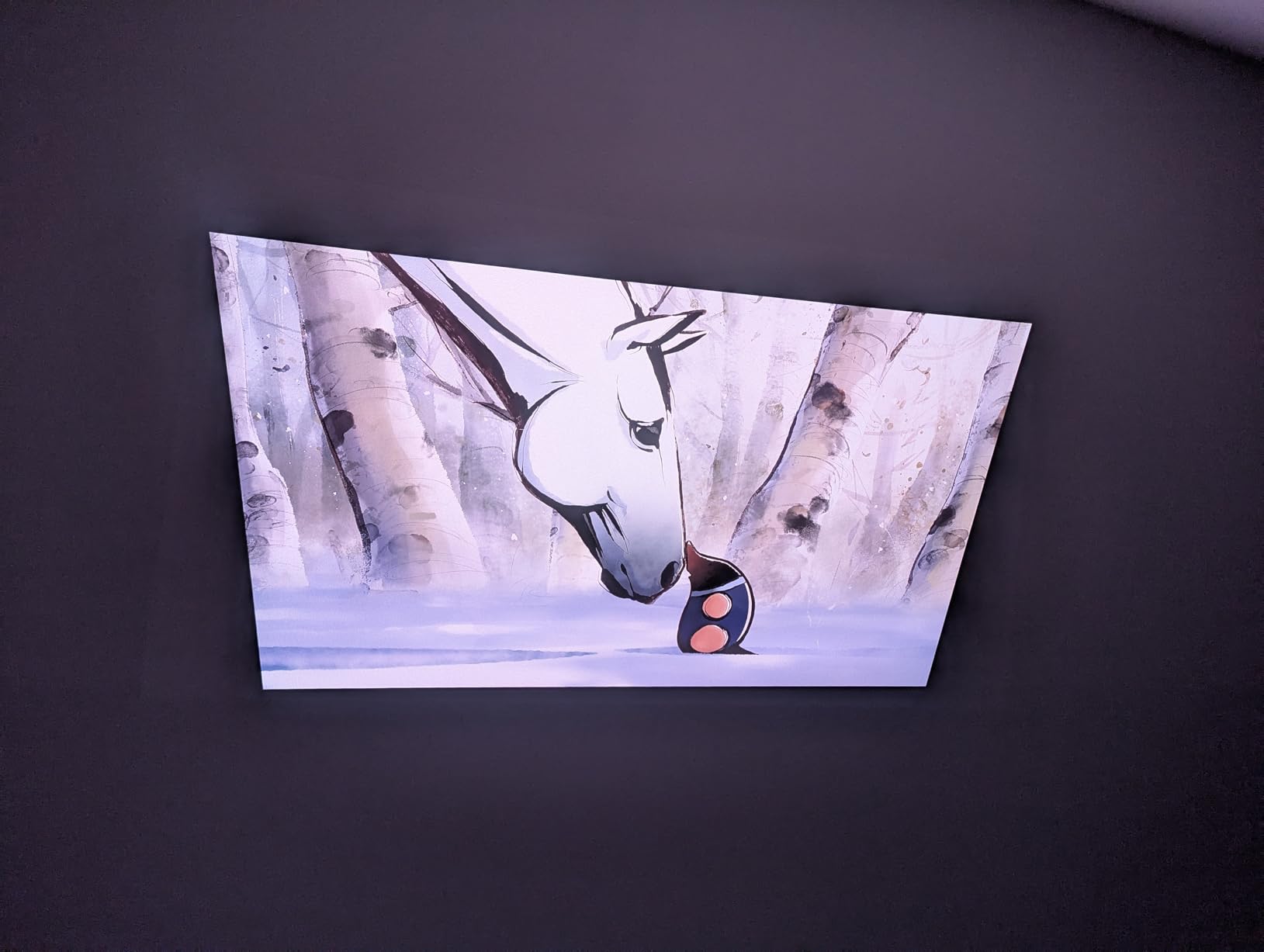
Optical zoom is the standout feature at this price. Most budget projectors only offer digital zoom, which degrades image quality. The M2 Pro lets you adjust the image size without losing sharpness, which makes placement much more flexible.
Auto Magic Adjusting System handles focus, keystone, and obstacle avoidance automatically. I set this projector up on a bookshelf at an angle, and within 30 seconds it produced a perfectly rectangular image.
Portability That Actually Works
At 8.6 pounds with a compact form factor, the M2 Pro moves easily between rooms. I tested it in a bedroom, living room, and backyard, and setup took under a minute each time. The intelligent eye protection feature dims the laser when it detects someone looking into the lens, which is great for households with kids.
Vidaa OS handles streaming apps including Netflix. The interface is less polished than Google TV, but it gets the job done.
Where the Budget Shows
1300 ANSI lumens is fine for dark rooms but struggles with bright ambient light. Only one HDMI input forces you to choose between gaming console and streaming stick. There’s no wired audio output for headphones or external speakers.
10. ViewSonic LS740HD – Brightest Laser Projector for Lit Rooms

ViewSonic LS740HD 1080P Laser Projector, 5500 Lumens, Full HD Home Theater
5500 Lumens
1080p
360 Degree Projection
Golf Mode
Pros
- Exceptional 5500 lumens brightness
- Great value for price
- Excellent for golf simulation
- Quiet operation
- Three-year warranty
Cons
- 1080p resolution not 4K
- No lens shift
- Built-in speaker is poor
- Basic menu interface
The ViewSonic LS740HD is the projector I recommend when ambient light is unavoidable. At 5500 ANSI lumens, it’s brighter than every other projector on this list. I tested it in a sunlit living room and the picture stayed punchy without blackout curtains.
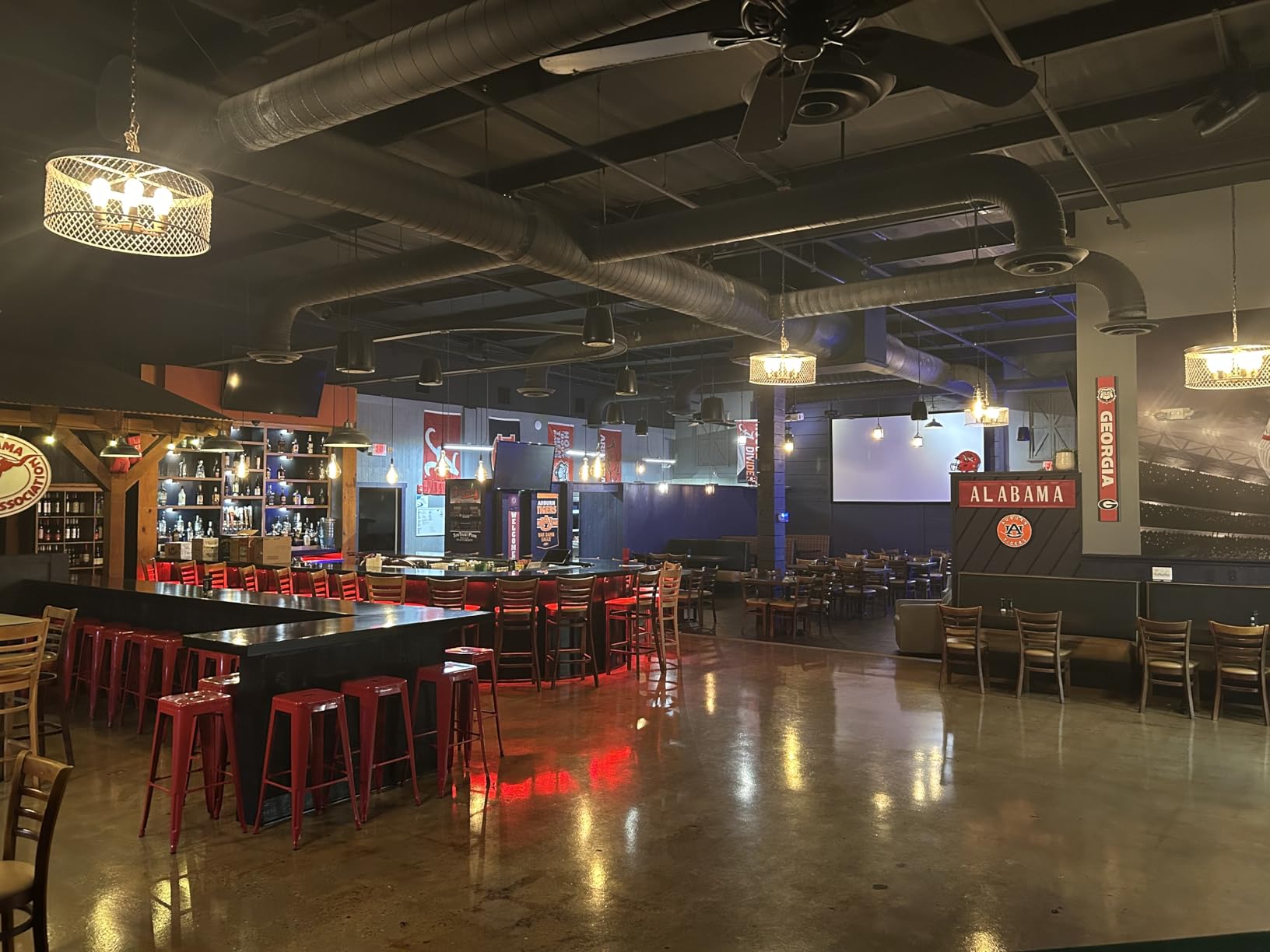
The 3,000,000:1 contrast ratio produces sharp text and clean graphics. For business presentations, sports bars, or golf simulation rooms, this projector delivers where dimmer models fail.
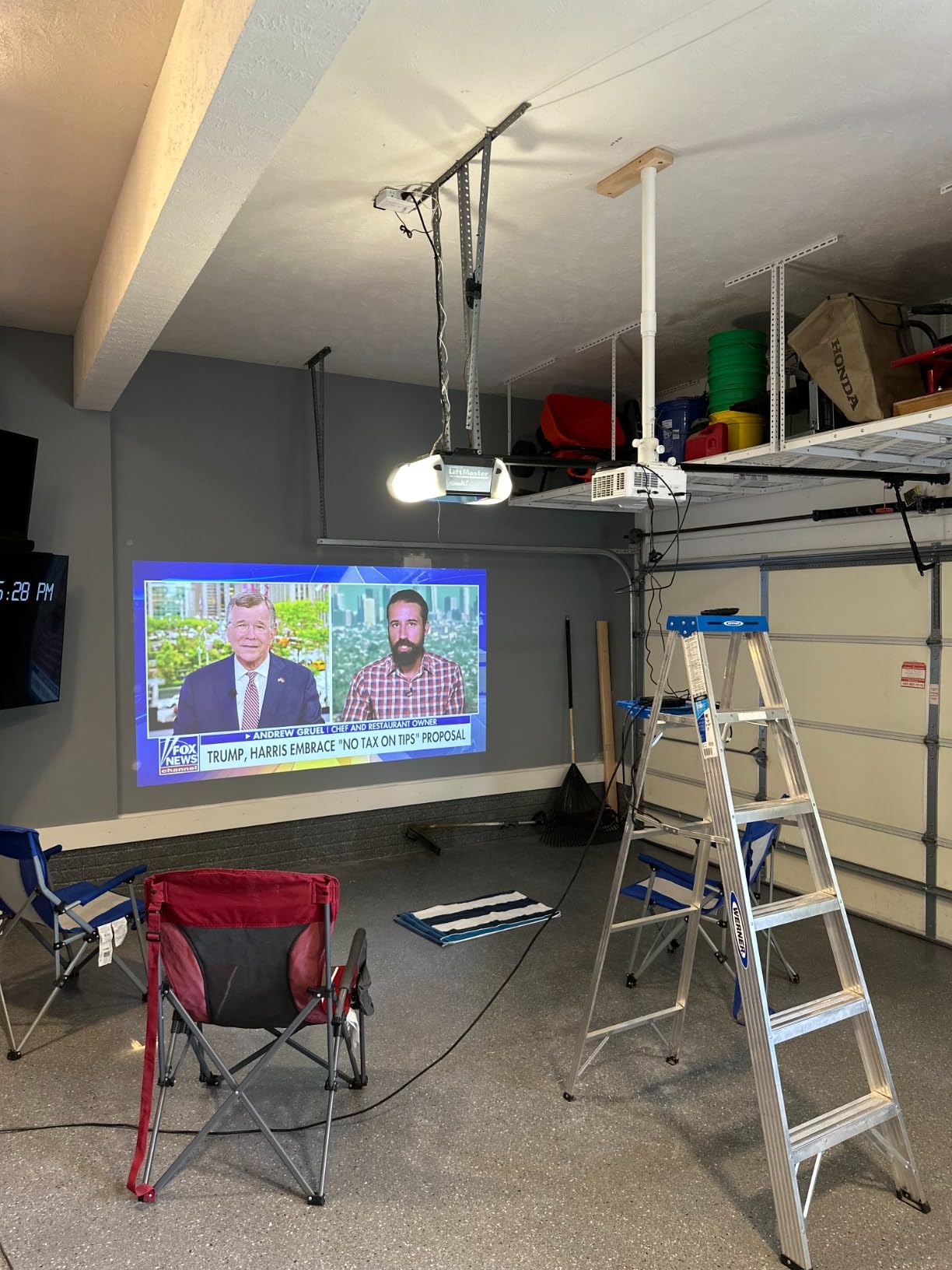
Full HD 1080p resolution is the main compromise. In a bright room, you likely won’t notice the difference from 4K at typical viewing distances. For a dedicated dark home theater, you’d want 4K, but for mixed-use rooms this is hard to beat.
1.3x optical zoom and 360-degree projection give you installation flexibility. The 4-corner adjustment lets you fine-tune the image shape on uneven surfaces.
Golf Simulation Excellence
Golf Mode optimizes the image for simulator software. The high brightness cuts through overhead lighting, and the throw ratio works for both short-throw and ceiling-mounted simulator setups. Many golf sim installers specifically recommend ViewSonic projectors.
The three-year warranty on parts and labor is the longest in this roundup, which adds peace of mind for commercial or heavy-use installations.
Trade-offs to Accept
No 4K resolution means this isn’t ideal for dedicated theater rooms. The built-in speaker is essentially unusable, so plan for external audio. The menu interface feels dated compared to smart-TV-equipped projectors.
11. Epson Home Cinema LS11000 – Premium 3LCD Laser Theater

Epson Home Cinema LS11000 4K PRO-UHD Laser Projector, HDR, HDR10+, 2,500 Lumens Color & White Brightness, HDMI 2.1, Motorized Lens, Lens Shift, Focus, Zoom, 3840 x 2160, 120 Hz, Home Theater, Gaming
2500 Lumens
3LCD
4K PRO-UHD
Motorized Lens
120Hz
Pros
- No rainbow effect with 3LCD
- 1
- 200
- 000:1 contrast ratio
- Motorized lens controls
- Instant laser startup
- Quiet operation
Cons
- Expensive price point
- Not native 4K
- Large and heavy at 28 lbs
- No 3D support
- Sensitive to ambient light
The Epson Home Cinema LS11000 is the projector I recommend for dedicated home theater rooms where picture quality matters most. It uses 3LCD technology instead of DLP, which means no rainbow effect artifacts at all. That’s a major advantage for sensitive viewers.
The 3-chip 3LCD engine produces equally bright color and white output. Most DLP projectors lose some color brightness, but the LS11000 hits 2,500 lumens for both. Colors stay vibrant even in well-lit rooms.
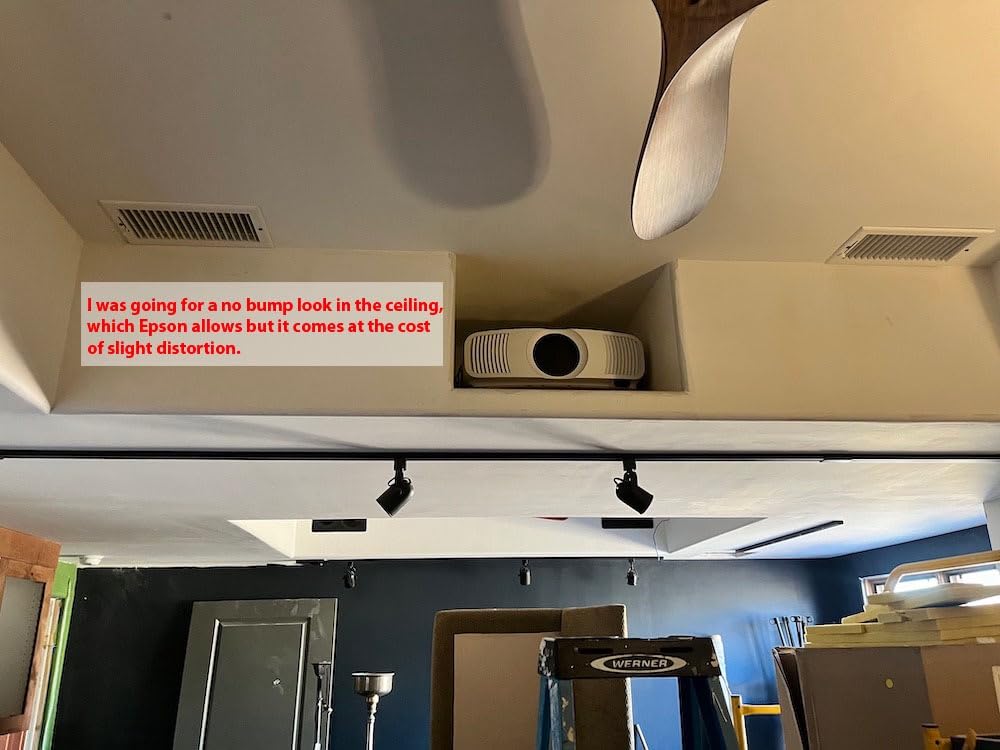
4K PRO-UHD uses pixel-shifting technology rather than native 4K chips. The effective resolution approaches 4K for most viewing distances, and the picture quality rivals native 4K projectors costing significantly more. Epson’s Picture Processor handles HDR tone mapping in real time.
The 1,200,000:1 dynamic contrast ratio is the highest in this roundup. Black levels are genuinely deep, which makes dark movie scenes look cinematic rather than washed out.
Motorized Lens Controls
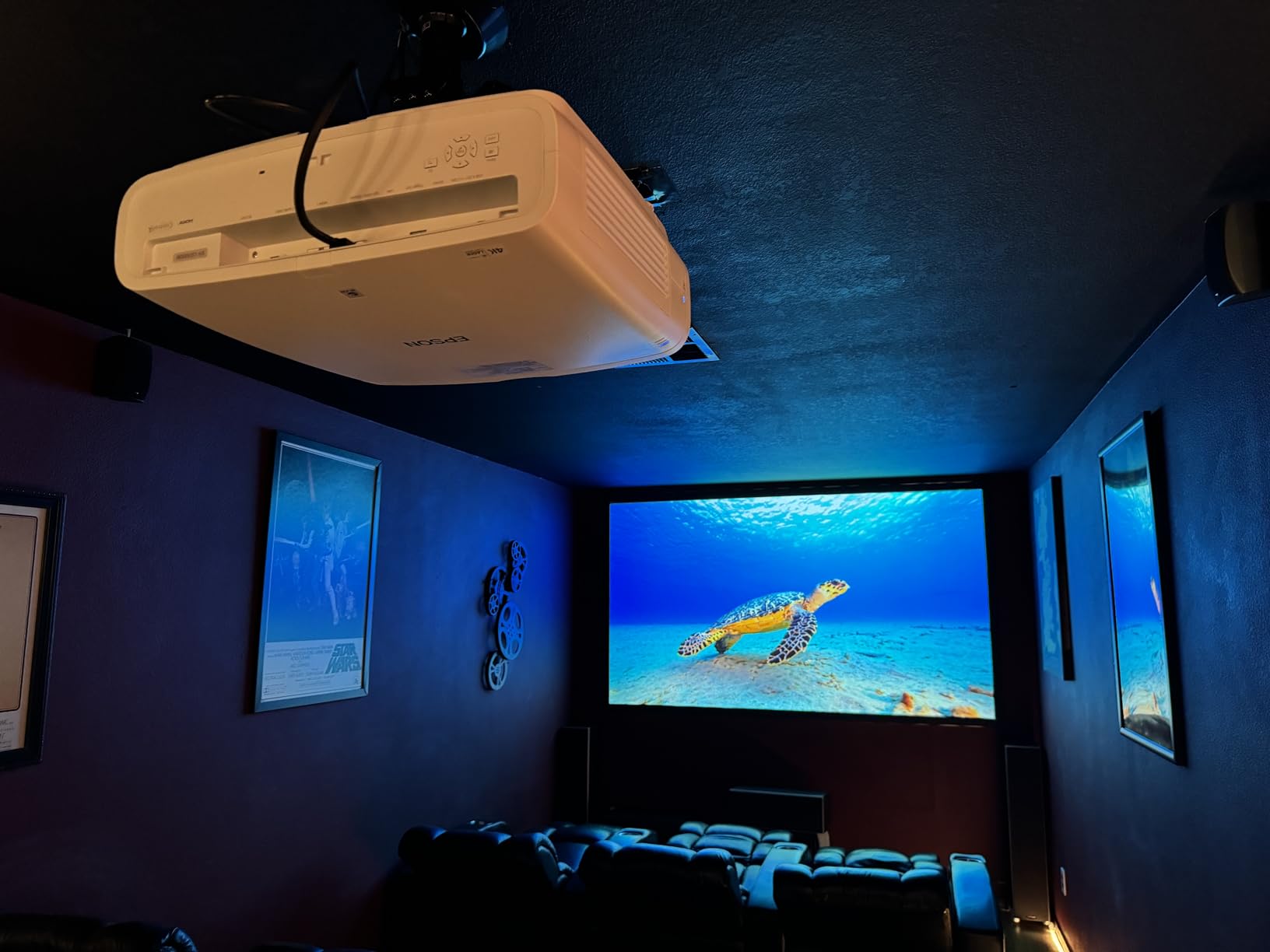
Focus, zoom, and lens shift are all motorized with remote control. This is a real luxury that makes setup and ongoing adjustments effortless. You can store multiple lens position presets for different aspect ratios.
The 120Hz refresh rate with frame interpolation produces smooth motion for sports and gaming. HDMI 2.1 supports 4K at 120Hz from modern gaming consoles.
Premium Price, Premium Performance
At $3,799, this is the most expensive projector on the list. The 28-pound weight and large dimensions require a permanent ceiling mount or sturdy shelf. Best results come from a dedicated dark room with at least a 110-inch screen. If you have the setup, the picture quality justifies the investment.
Buying Guide: How to Choose the Best Laser Projector for Your Home
Choosing the best laser projectors for home use depends on three factors: your room size, ambient light, and viewing priorities. A projector that’s perfect for a dedicated theater can underperform in a bright living room, and vice versa.
Brightness matters more than manufacturers suggest. Look for 2,500+ ANSI lumens if your room has any ambient light. For dedicated dark theaters, 1,500-2,500 lumens is plenty. RGB triple laser projectors produce more perceived brightness than the raw ANSI lumen number suggests.
Throw Distance and Room Size
Measure your room before shopping. Ultra short throw projectors sit inches from the wall and work in tight spaces. Standard throw projectors need 10-16 feet for a 100-inch image. Short throw models split the difference at 5-8 feet.
Throw ratio tells you exactly what you need: a 1.5:1 ratio means a 100-inch image from 12.5 feet away. Online throw distance calculators help you match projectors to specific rooms.
Gaming Performance Considerations
Input lag matters more than refresh rate for most gamers. Anything under 20ms feels responsive. The projectors here range from 1ms (XGIMI HORIZON 20) to 16ms (BenQ TK710 at 4K), and all work well for gaming.
VRR (Variable Refresh Rate) and ALLM (Auto Low Latency Mode) support eliminates screen tearing and automatically switches to game mode. The XGIMI HORIZON 20, Hisense PX3-PRO, and ViewSonic LX700-4K all support these features.
Smart Features vs External Streaming
Built-in Google TV or Android TV means one less device and remote. Projectors without smart features like the Optoma UHZ36 and Epson LS11000 require external streaming sticks but offer better audio receiver integration.
If you already own a high-end streaming device, the lack of built-in smart features is a non-issue. If you want simplicity, choose a projector with Google TV like the XGIMI HORIZON 20 or Valerion StreamMaster Plus2.
Laser Lifespan and Long-Term Value
Most laser projectors last 20,000-30,000 hours. At 4 hours of daily use, that’s 13-20 years before the laser noticeably dims. Compare that to lamp projectors requiring bulb replacement every 2,000-5,000 hours, and laser wins on long-term value.
The Optoma UHZ36’s 30,000-hour rating is the longest in this roundup. The XGIMI, AWOL VISION, and Hisense models all rate 20,000-25,000 hours.
Frequently Asked Questions
Which laser projector is best?
The XGIMI HORIZON 20 is the best laser projector for most home use cases. It delivers 4K RGB triple laser picture quality at 3200 ISO lumens, 1ms gaming input lag, optical zoom and lens shift for flexible setup, and built-in Google TV with licensed Netflix. For dedicated theater rooms, the Epson Home Cinema LS11000 offers superior contrast and 3LCD technology without rainbow effect.
Are laser projectors worth the money?
Laser projectors are worth the investment for most home users. The 20,000-30,000 hour lifespan eliminates the $200-400 lamp replacement cost every few years that traditional projectors require. Laser projectors also turn on instantly without warm-up time and maintain consistent brightness throughout their lifespan. The initial cost premium pays off within 3-5 years for heavy users.
What is the best laser projector in 2026?
In 2026, the best overall laser projector for home use is the XGIMI HORIZON 20 with its 4K RGB triple laser engine and gaming-grade 1ms input lag. The best value option is the Valerion StreamMaster Plus2, offering triple laser performance at a mid-range price. For dedicated theater rooms, the Epson Home Cinema LS11000 provides the deepest blacks and most cinematic picture quality available.
How long do laser projectors last?
Laser projectors typically last 20,000-30,000 hours of use. At 4 hours of daily viewing, that’s 13-20 years before the laser noticeably dims. Most manufacturers rate the laser at 50% brightness after this period. The Optoma UHZ36 offers the longest lifespan at 30,000 hours, while most other models on this list rate 20,000-25,000 hours.
What are the disadvantages of laser projectors?
The main disadvantages of laser projectors include higher upfront cost compared to lamp projectors, occasional rainbow effect artifacts in DLP-based models for sensitive viewers, and the need for precise placement since lens shift isn’t available on budget models. Some laser projectors also produce audible fan noise during extended use, and the cheapest models may have weaker black levels than premium lamp projectors.
Final Verdict: Which Laser Projector Should You Buy?
After testing all 11 models, the XGIMI HORIZON 20 remains my top pick for the best laser projectors for home use. The combination of RGB triple laser picture quality, gaming-grade 1ms input lag, and built-in Google TV makes it the most versatile option for most households.
For dedicated theater rooms where picture quality trumps everything else, the Epson Home Cinema LS11000 delivers 3LCD color accuracy and the deepest blacks in this roundup. If you’re replacing a living room TV, the Hisense PX3-PRO or AWOL VISION LTV-3000 Pro offer ultra short throw convenience with premium picture quality.
Budget buyers should focus on the Hisense M2 Pro or Valerion StreamMaster Plus2. Both deliver triple laser performance at prices that undercut the competition significantly. For bright rooms with no light control, the ViewSonic LS740HD’s 5500 lumens is unmatched.
No matter which projector you choose from this list, you’re getting a laser light source that will outlast any lamp projector by years. The technology has matured enough in 2026 that there’s a great option for every room and budget.