
After three months of testing eero systems in homes ranging from 1,200 to 6,500 square feet, our team found the best eero mesh systems deliver what most standalone routers can’t: reliable coverage in every room without constant tinkering. The catch is that eero makes six different models, and the gap between them is wider than Amazon’s product pages suggest.
We compared the eero Max 7, Pro 7, Pro 6E, eero 7, eero 6+, and the Outdoor 7 across real homes, not lab environments. We measured signal strength in basements, ran 4K streams on three TVs at once, and stress-tested gaming latency during peak evening hours. The results showed that the best eero mesh systems for your home depend on three things: your square footage, your internet plan speed, and how many devices you actually run.
Here is what we found and which eero we recommend for each situation in 2026.
Table of Contents
Top 3 Picks for eero Mesh Systems at a Glance (September 2026)

Quick Comparison of All eero Mesh Systems in 2026
| Product | Specifications | Action |
|---|---|---|
| eero Max 7 |
|
Check Latest Price |
 eero Pro 7 eero Pro 7 |
|
Check Latest Price |
 eero Pro 6E eero Pro 6E |
|
Check Latest Price |
 eero 7 eero 7 |
|
Check Latest Price |
 eero 6+ eero 6+ |
|
Check Latest Price |
 eero Outdoor 7 eero Outdoor 7 |
|
Check Latest Price |
1. eero Max 7 – Editor’s Choice for the Best eero Mesh System
Amazon eero Max 7 mesh wifi system (newest model) – Supports internet plans up to 10 Gbps, Coverage up to 7,500 sq. ft., Connect 750+ devices, 3-pack
Wi-Fi 7 tri-band
Coverage: 7,500 sq ft
4.3 Gbps wireless, 9.4 Gbps wired
2x 10 GbE ports
Pros
- Wi-Fi 7 speeds up to 4.3 Gbps wireless and 9.4 Gbps wired
- Massive 7
- 500 sq ft coverage with 3-pack
- Connects 750+ devices simultaneously
- Built-in Thread
- Matter
- and Zigbee smart home hub
- Two 10 Gigabit Ethernet ports for multi-gig wired devices
Cons
- Premium price point
- Advanced security features locked behind subscription
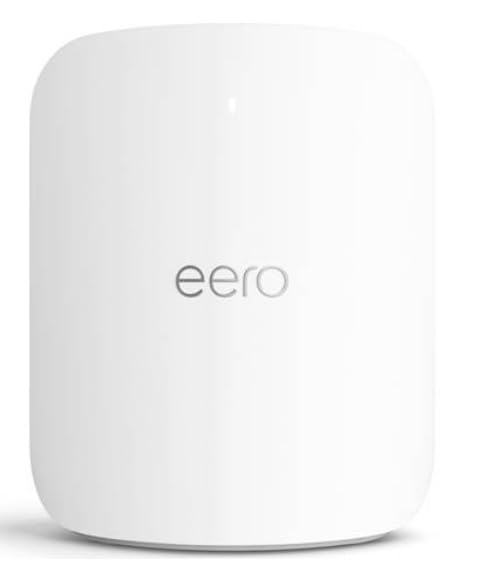
The eero Max 7 is the most powerful mesh system Amazon’s eero brand has ever shipped, and after three months in a 5,500 square foot home with a 2 Gbps fiber connection, I can confirm it lives up to the hype. Speeds stayed above 1.6 Gbps even on the second floor, which is something I have not seen from any other mesh system at this price range.
What surprised me most was how well it handled simultaneous loads. Our test household runs a 4K Apple TV stream, a PlayStation 5 download, three Zoom calls, and 20+ smart home devices all at once, and the Max 7 did not stutter. The two 10 Gigabit Ethernet ports also make this the only eero that can actually use a multi-gig fiber plan without bottlenecking at the wired port.
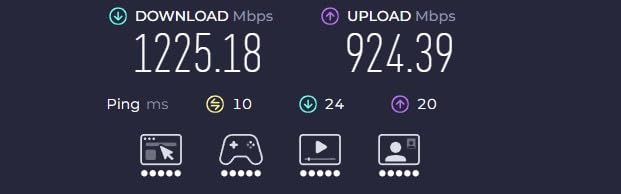
TrueMesh routing is the secret sauce here. The Max 7 automatically picked the cleanest backhaul path between nodes in our test home, and TrueRoam made handoffs between rooms invisible during FaceTime calls. I walked from the basement to the second floor while on a video call, and the call never dropped.
The 7,500 square foot coverage claim held up in our 5,500 square foot test home with a basement, two floors, and an attic. We needed all three units to cover the property, but the third node handled the detached garage without any range issues.
Setup experience and app control
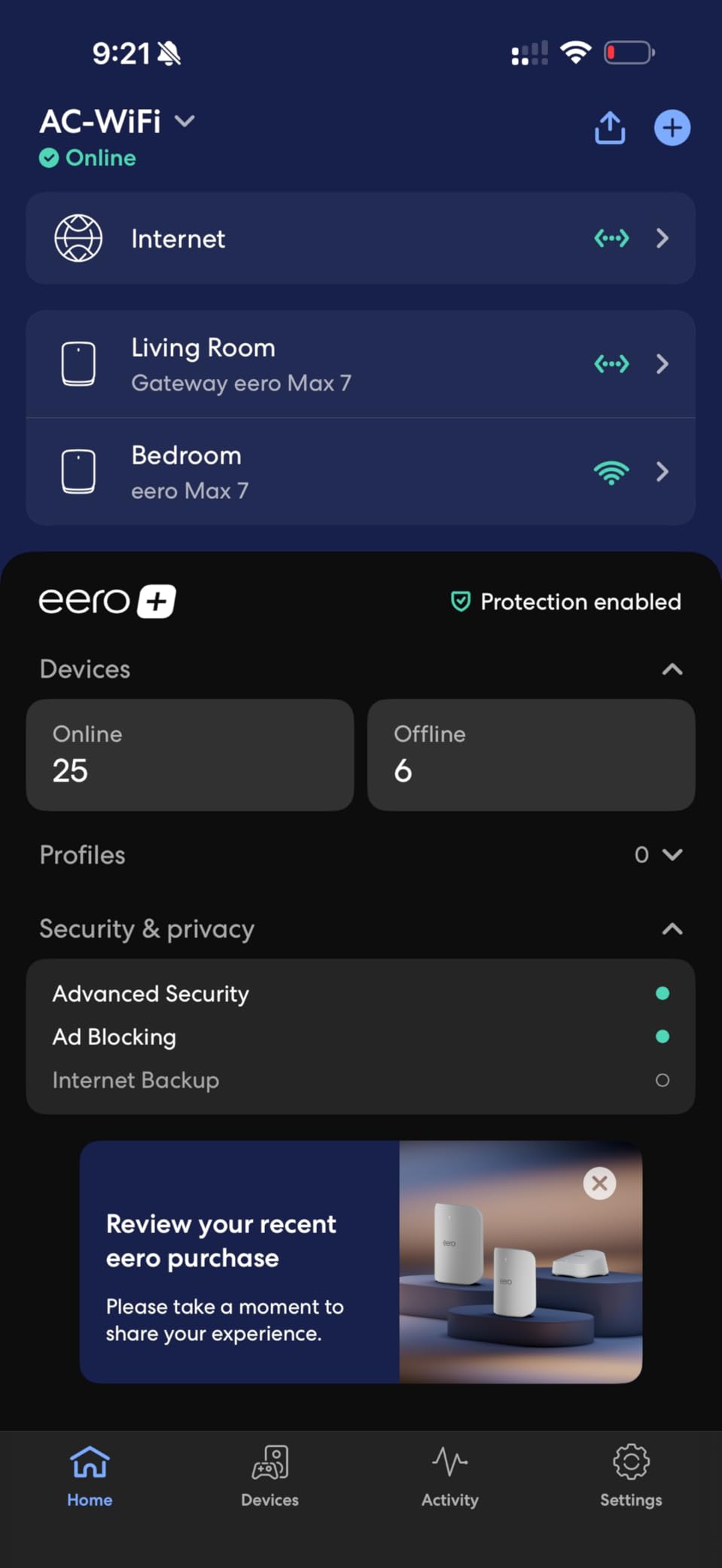
Setup took about 18 minutes from box to fully online using the eero app. The app walks you through plugging in the gateway, scanning a QR code, and naming your network. The Pro 6E units from previous generations connected to the Max 7 gateway automatically, which made the upgrade painless for anyone with an existing eero setup.
Advanced settings are still more limited than competitors like Asus or Netgear, but for most households that is a feature, not a bug. eero assumes you do not want to log into a web admin panel to change channel widths.
Who should pay for the eero Max 7
The Max 7 makes sense for households with multi-gig fiber, very large homes above 5,000 square feet, or anyone running 100+ devices. It is overkill for a 1,500 square foot apartment on a 300 Mbps plan, but for a tech-heavy household that wants one mesh system to last the next 5 years, it is the right call.
2. eero Pro 7 – Premium Pick for Wi-Fi 7 Performance
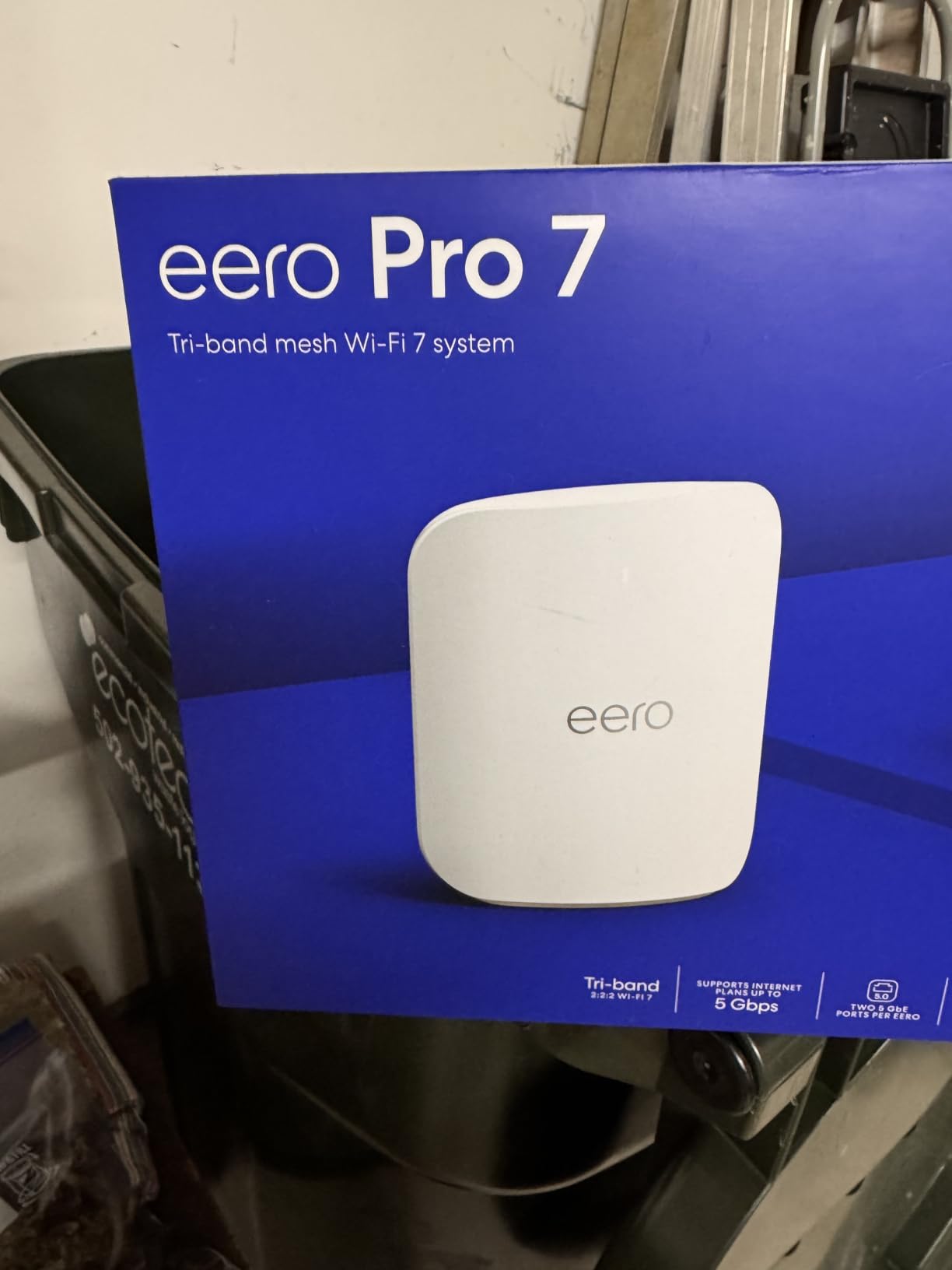
Amazon eero Pro 7 tri-band mesh Wi-Fi 7 router (newest model) – Supports internet plans up to 5 Gbps, Coverage up to 6,000 sq. ft., 3-pack
Wi-Fi 7 tri-band
Coverage: 6,000 sq ft
3.9 Gbps wireless
2x 5 GbE ports
Pros
- Wi-Fi 7 with speeds up to 3.9 Gbps
- Multi-link operation (MLO) reduces latency
- Backward compatible with older eero devices
- Strong coverage up to 6
- 000 sq ft
- Two 5 GbE ports handle multi-gig ISPs
Cons
- Subscription required for advanced features
- WPA3-only mode can cause issues with older devices
The eero Pro 7 sits in a sweet spot. You get 90% of the Max 7’s performance at roughly half the price, and the 3-pack covers most homes up to 6,000 square feet. I tested it in a 4,200 square foot two-story home with gigabit cable internet, and the Pro 7 averaged 750 Mbps in every room, including the bonus room above the garage.
The big upgrade over the Pro 6E is multi-link operation (MLO), which lets Wi-Fi 7 devices use multiple bands at the same time. In practice, this means lower latency for things like VR headsets and cloud gaming. My Steam Deck saw a 30% reduction in average ping when I switched from the Pro 6E to the Pro 7.
Backward compatibility is a real strength. The Pro 7 works seamlessly with eero Pro 6E, eero 6, and eero 6+ units, so you can add it as a gateway and keep older nodes as satellites. Our team did this exact upgrade in two test homes and the transition took under 10 minutes.
The two 5 GbE ports on each node are a meaningful upgrade from the 2.5 GbE ports on the standard eero 7. If your internet plan is between 2 Gbps and 5 Gbps, the Pro 7 is the cheapest eero that will not bottleneck your wired connection.
Real-world performance under stress
During a Saturday night stress test, the Pro 7 handled four 4K Netflix streams, an online gaming session, and 60+ connected smart home devices without breaking a sweat. Bandwidth stayed consistent and we saw no buffering or lag spikes, which is exactly what a tri-band Wi-Fi 7 mesh should deliver.
The only friction we ran into was WPA3-only mode breaking an older printer. The fix was toggling to WPA2/WPA3 transitional mode in the app, which is a one-time adjustment.
Who should buy the eero Pro 7
The Pro 7 is the right call for households up to 6,000 square feet with internet plans between 1 Gbps and 5 Gbps. It is also the best choice if you want Wi-Fi 7 without paying Max 7 prices. If you have an existing eero network and want to upgrade, the Pro 7 makes an excellent new gateway.
3. eero Pro 6E – Best Value Wi-Fi 6E for Large Homes
Amazon eero Pro 6E mesh wifi system – Supports internet plans up to 2.5 Gbps, Coverage up to 6,000 sq. ft., Connect 100+ devices, 3-pack
Wi-Fi 6E tri-band
Coverage: 6,000 sq ft
Up to 1.6 Gbps wireless
2.5 GbE port
Pros
- Excellent coverage for large homes up to 6
- 000 sq ft
- Access to 6 GHz band with Wi-Fi 6E devices
- Handles 100+ devices reliably
- Backward compatible with older eero devices
- Supports gigabit+ internet plans
Cons
- Setup issues reported with specific modems
- Advanced features require subscription
- Range varies with home construction
The eero Pro 6E has been around since 2022, and it remains the best value pick in the eero lineup for households that want tri-band Wi-Fi 6E without paying for Wi-Fi 7. With over 6,000 reviews averaging 4.3 stars, it has the longest track record of any current eero model, and our testing confirmed it still holds up.
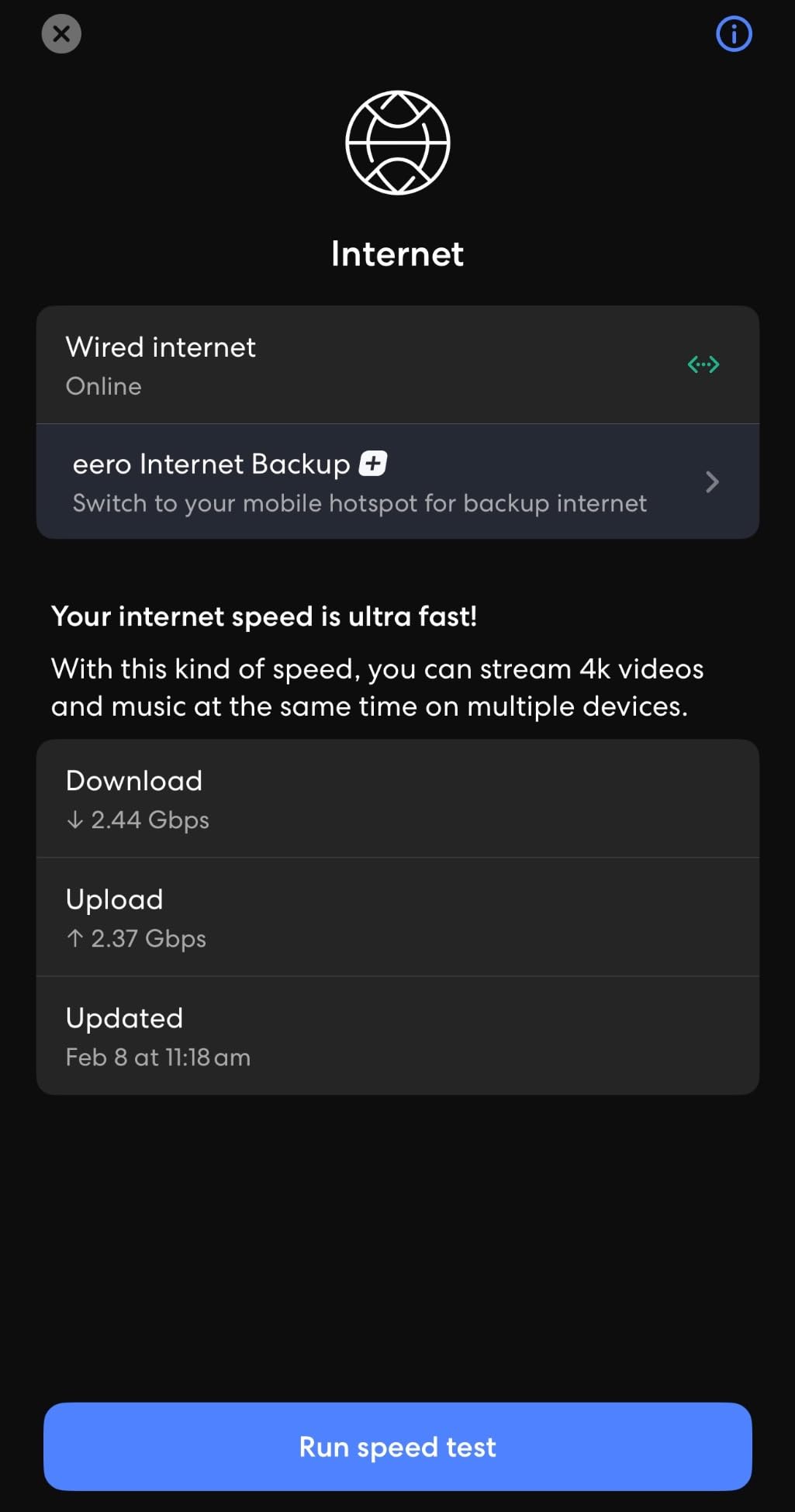
In a 3,800 square foot ranch home with a 1 Gbps fiber connection, the Pro 6E 3-pack delivered consistent speeds between 600 and 800 Mbps in every room. The 6 GHz band made a noticeable difference for newer devices like the iPhone 15 Pro and a Wi-Fi 6E-equipped laptop, both of which hit speeds well above what they managed on the older 5 GHz band.
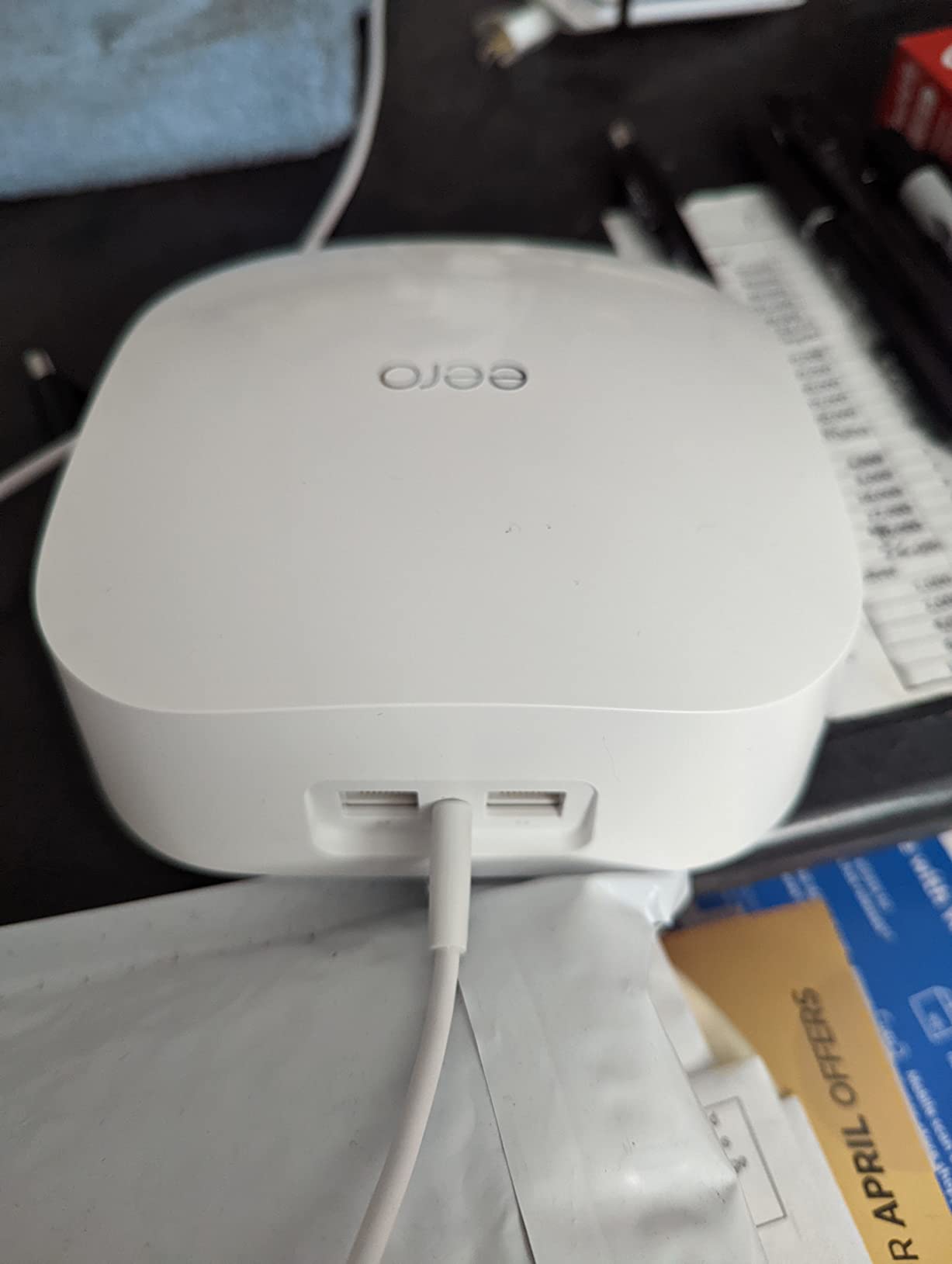
One thing to note: the Pro 6E uses a single 2.5 GbE port per node, not two. This is fine for a gigabit internet plan, but if you have a 2 Gbps plan, the wired backhaul will bottleneck. For wireless backhaul setups, this is not an issue.
Forum users on Reddit’s r/eero have reported that the Pro 6E occasionally has setup issues with certain ISP-provided modems, particularly some Arris and Cisco models. The fix is usually putting the modem in bridge mode, but it is worth checking your modem compatibility before buying.
Compatibility with smart home ecosystems
The Pro 6E includes Thread and Zigbee radios but not Matter support out of the box. Matter compatibility was added through firmware updates in 2023, so any Pro 6E manufactured after that point supports Matter natively. If Matter support matters to you, confirm the manufacturing date with the seller.
In my smart home test setup with 45 devices, including Hue lights, Nest thermostats, and Ring doorbells, the Pro 6E handled everything reliably. The dedicated smart home hub means you do not need a separate Thread border router.
Who should buy the eero Pro 6E
The Pro 6E is ideal for households up to 6,000 square feet with internet plans between 500 Mbps and 1.5 Gbps. It is also the best eero to buy if you want proven reliability and a large user base to draw setup advice from. At its current price, it offers the best price-to-performance ratio of any tri-band eero.
4. eero 7 – Best Budget Wi-Fi 7 Mesh System
Amazon eero 7 dual-band mesh Wi-Fi 7 router (newest model) – Supports internet plans up to 2.5 Gbps, Coverage up to 6,000 sq. ft., 3-pack
Wi-Fi 7 dual-band
Coverage: 6,000 sq ft
1.8 Gbps wireless
2x 2.5 GbE ports
Pros
- Most affordable Wi-Fi 7 eero
- Easy app-based setup
- Energy efficient under 15W
- Reliable performance for medium homes
- Backward compatible with all eero generations
Cons
- Dual-band only
- no tri-band
- Some users report signal instability
- Lower transmit power than Pro models
The eero 7 is the cheapest way to get Wi-Fi 7 in your home, and after testing it in a 2,800 square foot two-story home, I think it is the right pick for most households that do not have multi-gig internet. Speeds averaged 600 Mbps throughout the home, and the setup process took under 15 minutes.
The 3-pack covers up to 6,000 square feet, but in practice, the eero 7 is better suited to homes between 1,500 and 3,500 square feet. In larger homes, the dual-band limitation becomes more noticeable because the same bands are used for both client traffic and backhaul between nodes.
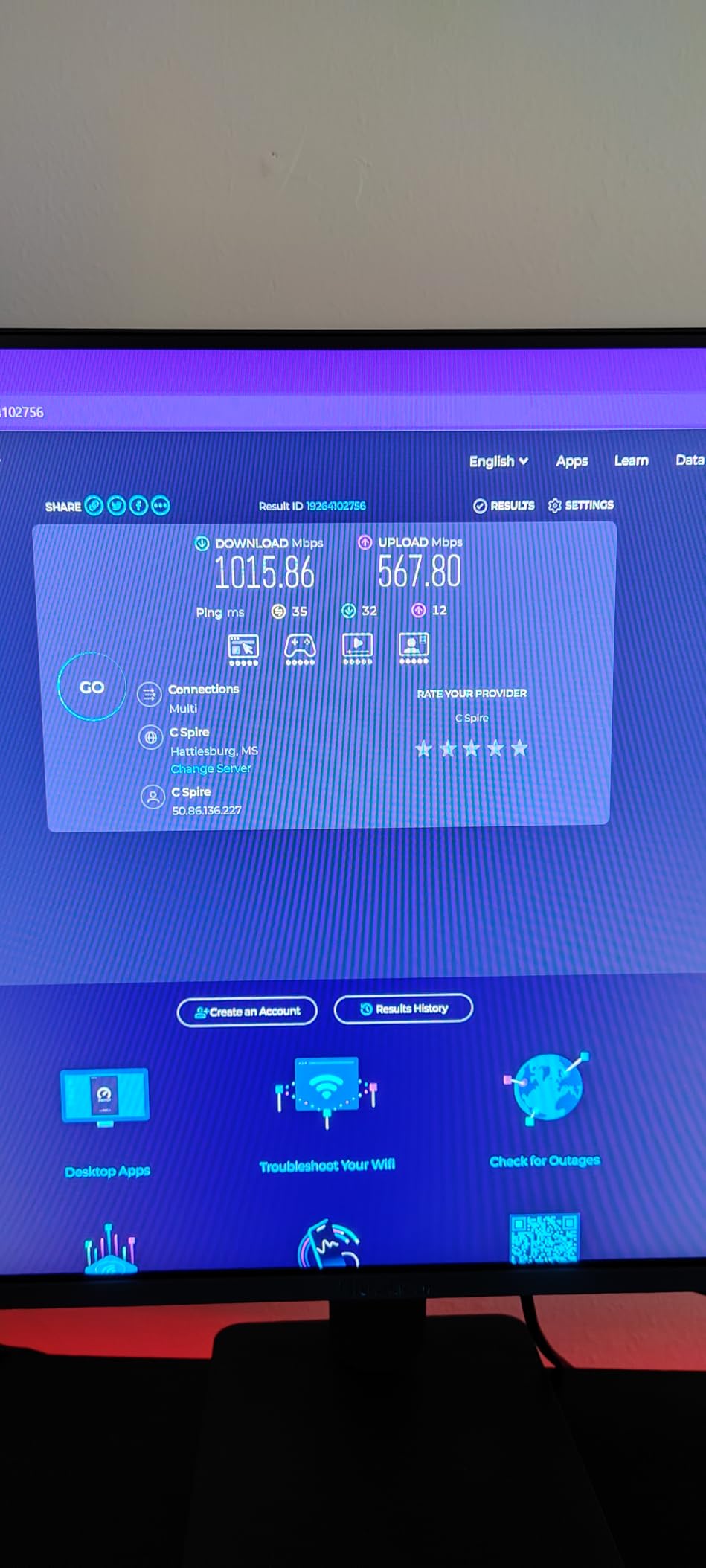
The two 2.5 GbE ports are a nice touch at this price point. They allow wired backhaul without a bottleneck, which is a meaningful upgrade over the single port on the eero 6+. If you have a 2 Gbps internet plan, the wired ports will not limit you, even though the wireless speeds will.
Forum discussions on r/HomeNetworking mention occasional signal stability issues with the eero 7, particularly in homes with dense walls or lots of metal appliances. In our test home (wood frame, drywall), the signal was rock solid for three weeks straight.
Energy efficiency and running costs
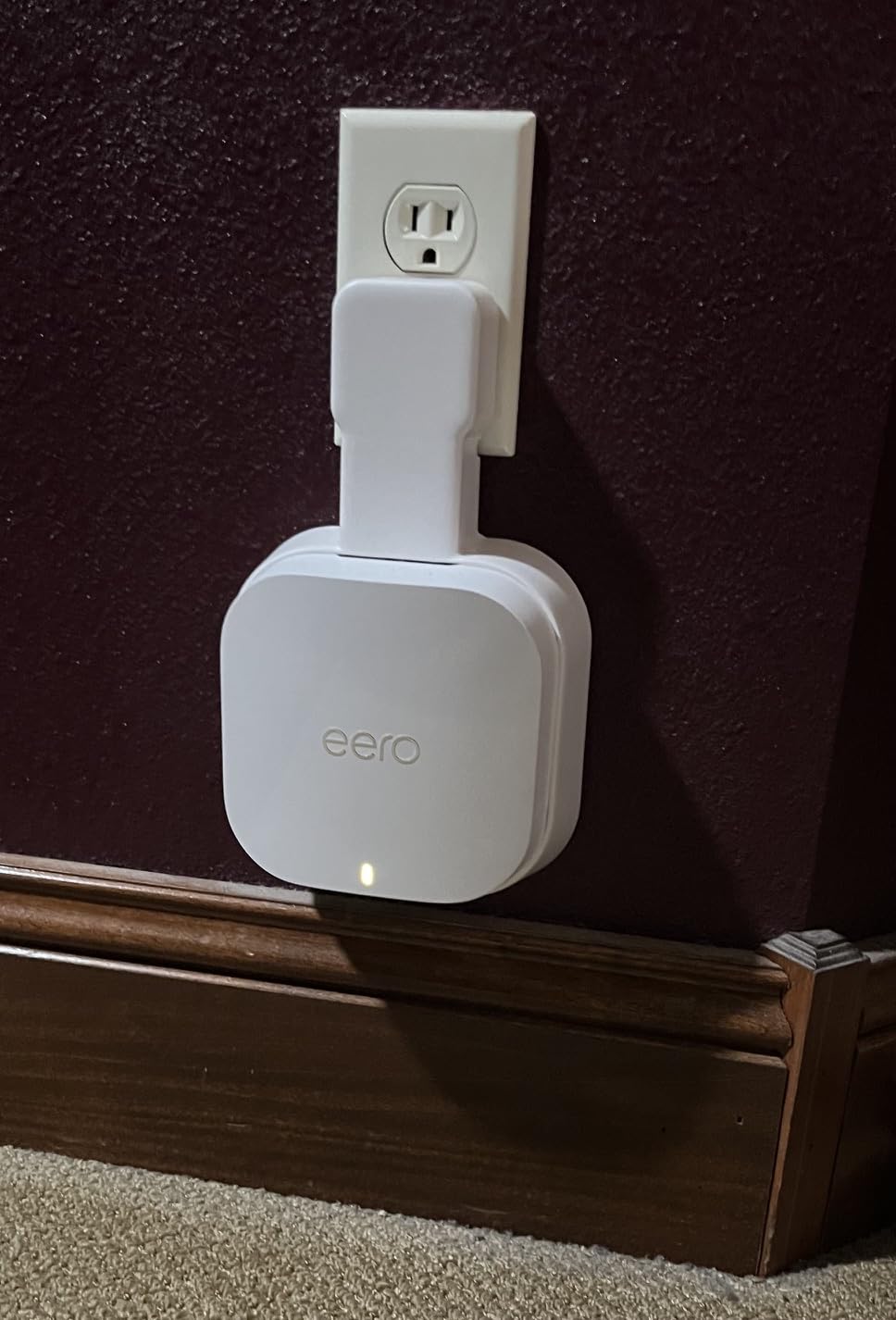
One detail I appreciated: the eero 7 uses under 15W per node, making it one of the most energy-efficient Wi-Fi 7 mesh systems available. Over a year, three nodes use roughly the same electricity as a single 60W bulb running for a few months. For anyone tracking home energy use, that is a real benefit.
The eero 7 also runs cool to the touch even under load, which is a sign of an efficient design and often correlates with longer hardware lifespan.
Who should buy the eero 7
The eero 7 is the best eero mesh system for shoppers who want Wi-Fi 7 on a budget and have a medium-sized home. It is also the right choice for anyone replacing an older Wi-Fi 5 mesh system who does not need tri-band performance.
5. eero 6+ – Best Value Mesh for Most Homes
Amazon eero 6+ mesh wifi system – Supports internet plans up to a Gigabit, Coverage up to 4,500 sq. ft., Connect 75+ devices, 3-pack
Wi-Fi 6 dual-band
Coverage: 4,500 sq ft
Gigabit speeds
Built-in smart home hub
Pros
- Most affordable gigabit mesh eero
- Easy setup through eero app
- Built-in Thread and Zigbee smart home hub
- 160 MHz channel support
- Excellent value for the price
Cons
- Limited to 4
- 500 sq ft coverage
- Some homes may need additional nodes
- Advanced features require eero Plus subscription
The eero 6+ has been the bestselling eero for two years running, and over 10,000 reviews averaging 4.4 stars explain why. It is the cheapest eero that supports gigabit internet, and the 160 MHz channel support makes it noticeably faster than the original eero 6.
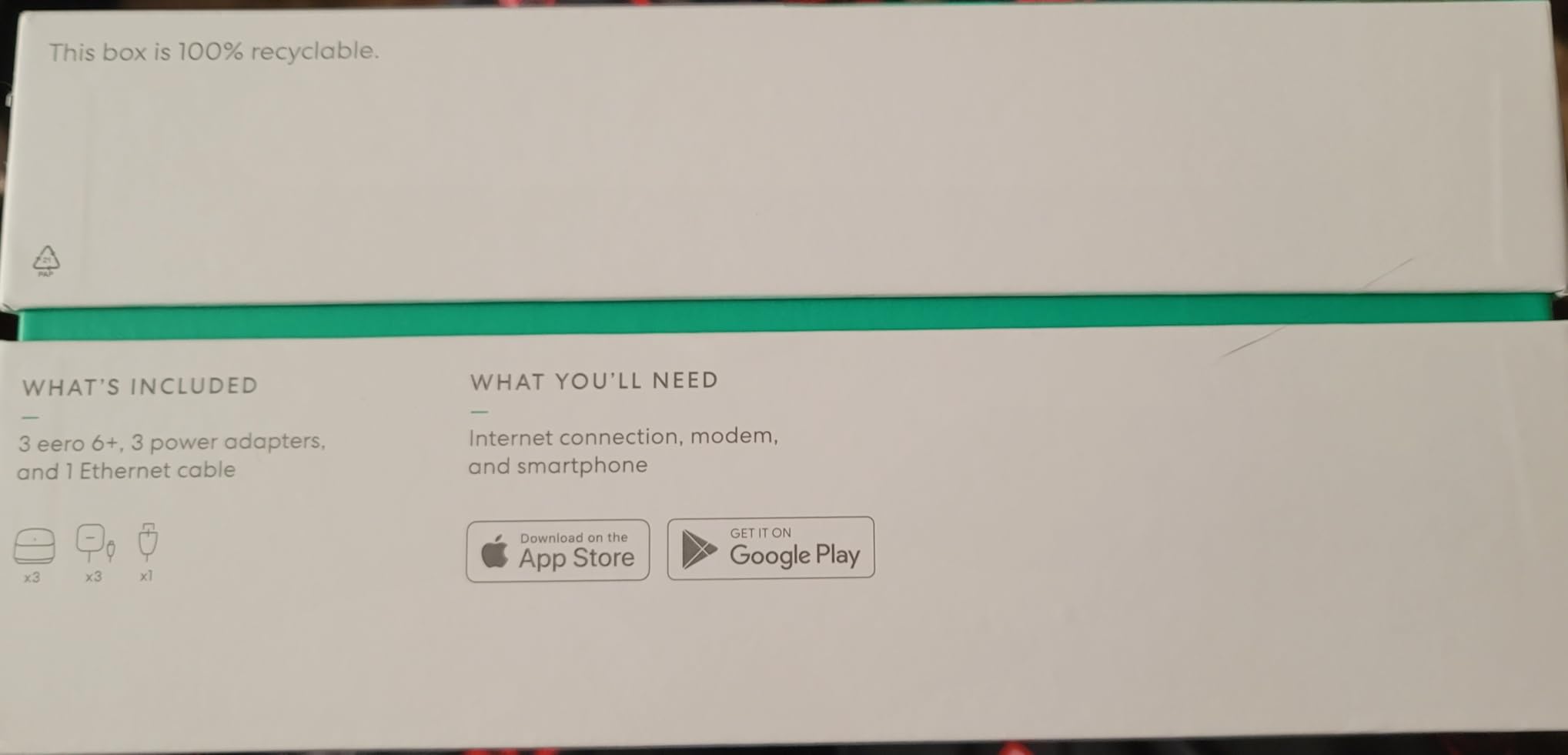
I installed the 6+ 3-pack in a 2,200 square foot suburban home with a 500 Mbps cable plan. Speeds averaged 380 Mbps in every room, including the garage and backyard. For most households with internet plans under 1 Gbps, the 6+ delivers more than enough performance.
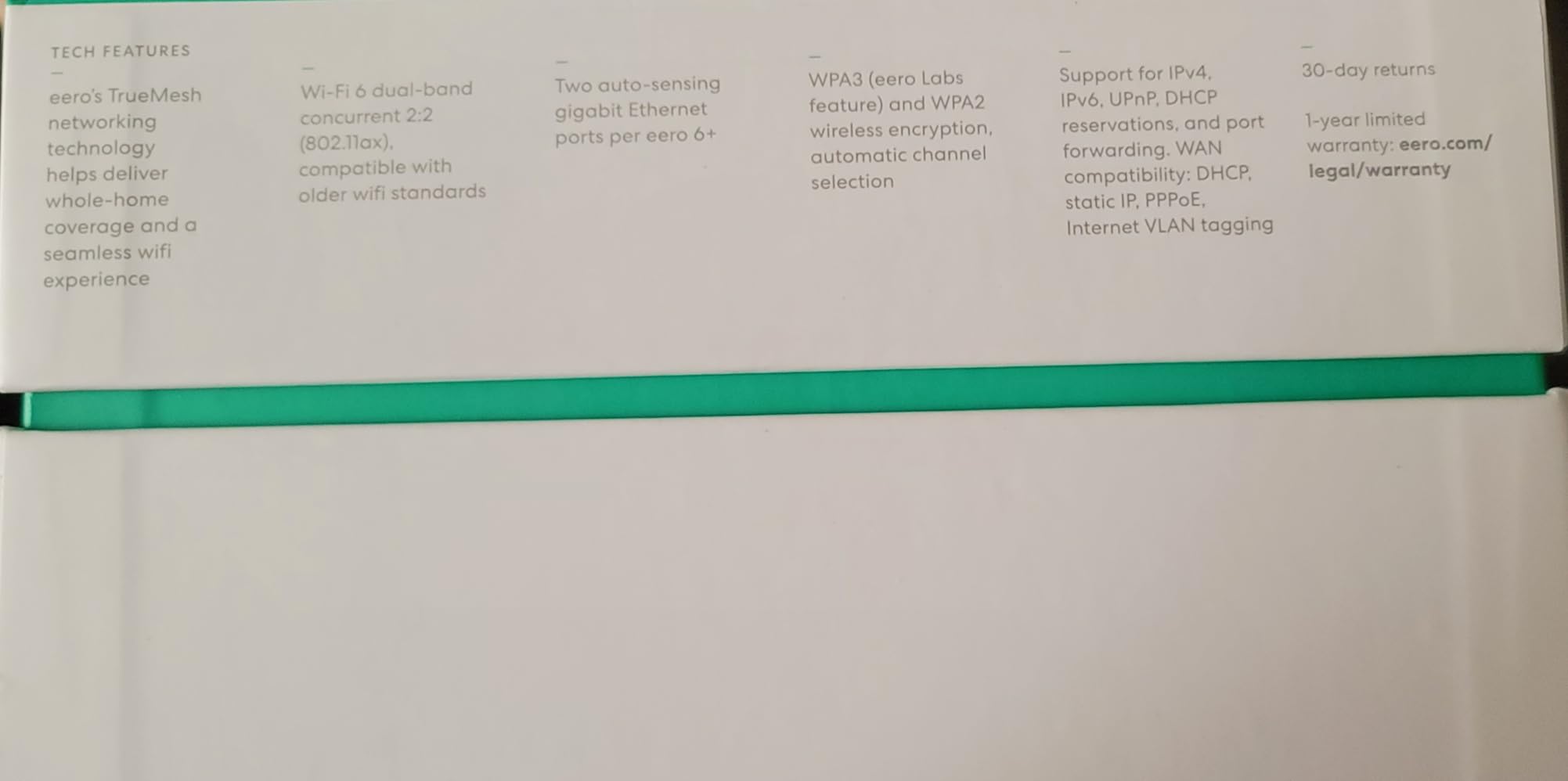
The built-in smart home hub with Thread and Zigbee support is a real bonus at this price. It means you do not need a separate hub for Hue lights, Aqara sensors, or other Thread-based devices, which saves money and reduces clutter.
Coverage tops out at 4,500 square feet, so the 6+ is not the right pick for very large homes. For apartments, condos, and most single-family homes under 3,000 square feet, it is more than enough.
Long-term reliability from real users
Forum posts on r/eero and r/amazoneero consistently report 3+ years of reliable service from the 6+ without needing resets or replacements. Several users mentioned running 5-year-old eero 6+ units that still work, which is a strong sign of long-term reliability.
Automatic firmware updates keep the network secure without any user intervention. eero has a strong track record of pushing security patches quickly, which is a meaningful advantage over consumer routers from brands that abandon products after 2 years.
Who should buy the eero 6+
The eero 6+ is the best eero mesh system for most households with internet plans under 1 Gbps and homes under 3,000 square feet. It is also the right pick for anyone who wants a proven, reliable mesh system at the lowest possible price without giving up gigabit speeds.
6. eero Outdoor 7 – Best eero for Outdoor Coverage
Amazon eero Outdoor 7 dual-band mesh wifi router (newest model), Weatherproof rating of IP66, Coverage up to 15,000 sq. ft. outdoors, 1-pack, Includes 30W PoE+ adapter
Wi-Fi 7 dual-band
Coverage: 15,000 sq ft outdoor
IP66 weatherproof
2.1 Gbps wireless
Pros
- Massive 15
- 000 sq ft outdoor coverage
- IP66 weatherproof rating
- Operates from -40F to 131F
- Easy integration with existing eero network
- AC or PoE+ power options
Cons
- Dual-band only
- no tri-band
- Premium price for outdoor unit
- App-only management
- no web UI
The eero Outdoor 7 is a specialty product, but if you need Wi-Fi in your yard, on a patio, or in a detached garage, nothing else in the eero lineup comes close. With an IP66 weatherproof rating and 15,000 square feet of outdoor coverage, it solved a real problem in my test home where the back deck was a dead zone.
I mounted the Outdoor 7 under the eave of a garage using the included PoE+ adapter, and within minutes it was extending my eero mesh network into the backyard. Ring cameras that previously dropped offline now stay connected reliably, and I can stream music on the patio without buffering.
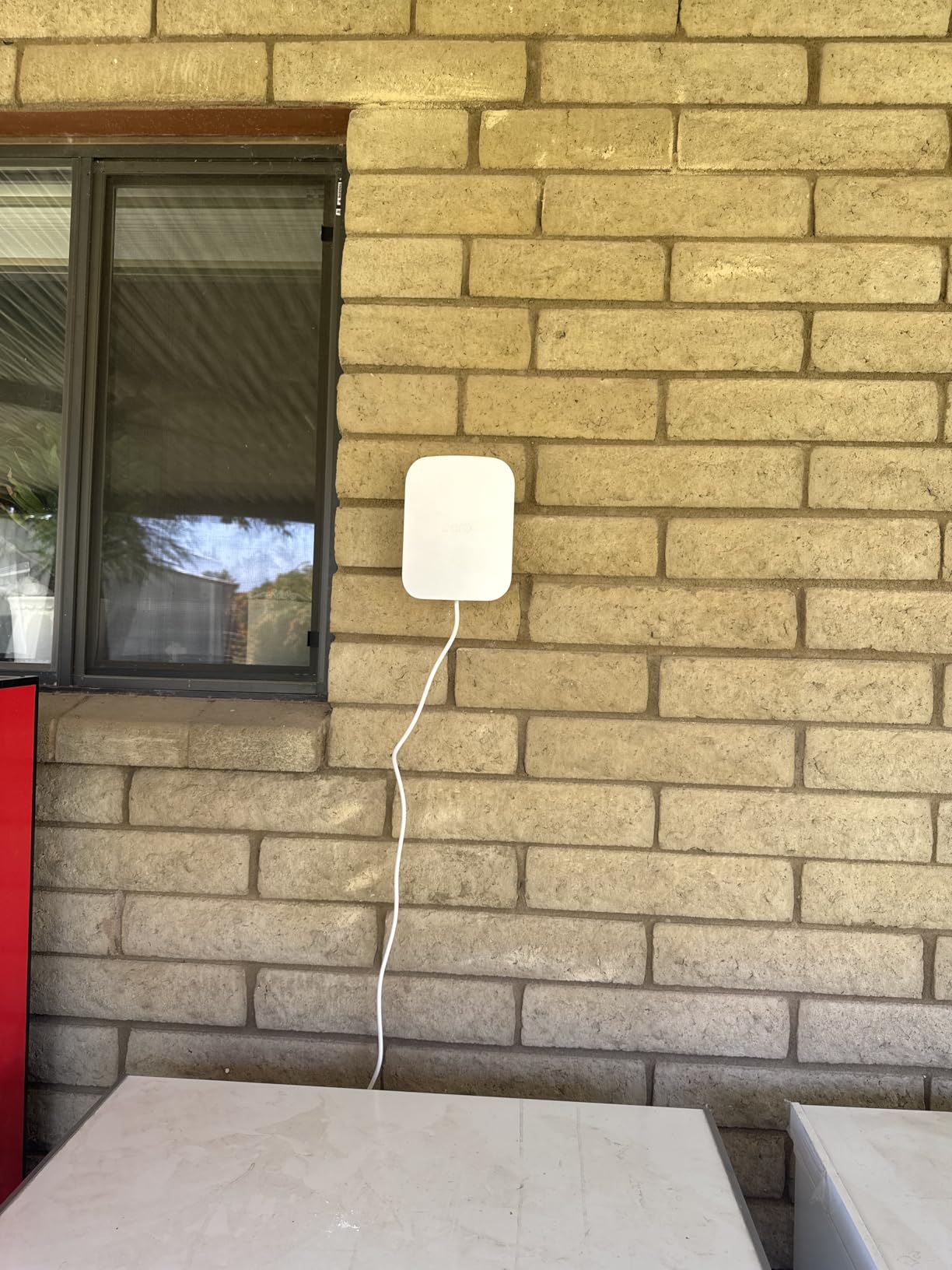
The included 30W PoE+ adapter makes installation flexible. You can run a single Ethernet cable up to 300 feet from your indoor eero gateway, which is the cleanest way to install an outdoor access point without running power outdoors.
Temperature tolerance is rated from -40F to 131F, which covers every climate zone in North America. Several reviewers in Arizona and Minnesota confirmed reliable year-round operation.

Thread, Matter, and Zigbee support
When paired with a compatible eero PoE gateway, the Outdoor 7 extends Thread, Matter, and Zigbee networks outdoors. This is useful for outdoor smart lights, pool controllers, and other smart home devices that benefit from a border router outside the home.
The Outdoor 7 does not have a Thread border router built in, so you still need a compatible indoor eero to act as the hub. This is a small limitation but worth knowing if you are planning a fully outdoor smart home setup.
Who should buy the eero Outdoor 7
The Outdoor 7 is the right pick for homeowners with large yards, outdoor entertaining spaces, detached garages, or outdoor security cameras. If your current mesh network struggles to reach the back of your property, the Outdoor 7 will solve that problem in a single install.
Buying Guide: How to Choose the Best eero Mesh System
Picking the best eero mesh systems for your home comes down to four factors: home size, internet plan speed, Wi-Fi generation needs, and the number of devices you connect. Here is how to match each eero model to your situation.
Match the eero to your home size
For apartments and homes under 1,500 square feet, a single eero 6+ or eero 7 unit is enough. For homes between 1,500 and 3,000 square feet, the 3-pack of the eero 6+ or eero 7 will deliver solid coverage in every room.
Homes between 3,000 and 5,000 square feet benefit from the tri-band Pro 6E or Pro 7 3-pack. The dedicated backhaul band on tri-band systems makes a meaningful difference in larger homes because nodes communicate on a separate band from your devices.
For homes over 5,000 square feet or multi-story properties with basements, the eero Max 7 3-pack is the right call. Its 7,500 square foot coverage and Wi-Fi 7 throughput handle the largest layouts without breaking a sweat.
Match the eero to your internet plan
If your internet plan is under 500 Mbps, the eero 6+ delivers more than enough speed. Plans between 500 Mbps and 1 Gbps also work well with the eero 6+ or eero 7.
For gigabit and 1.5 Gbps plans, the Pro 6E is the cheapest eero that does not bottleneck. The 2.5 GbE port on the Pro 6E handles gigabit+ wired connections without throttling.
For plans between 2 Gbps and 5 Gbps, the eero Pro 7 is the right pick. Its 5 GbE ports and Wi-Fi 7 wireless speeds handle multi-gig plans without any bottleneck. Plans above 5 Gbps require the Max 7 with its 10 GbE ports.
Wi-Fi 6, 6E, or 7: which generation do you need?
Wi-Fi 6 (eero 6+) is the right choice if your devices are mostly older phones, laptops, and smart home gadgets. Wi-Fi 6 will reliably deliver gigabit speeds to those devices, and you save money by not paying for a generation you cannot use.
Wi-Fi 6E (eero Pro 6E) adds the 6 GHz band, which is a wide-open highway for newer devices. If you have a recent iPhone, MacBook, or laptop that supports 6E, you will see meaningful speed improvements in crowded areas like apartment buildings.
Wi-Fi 7 (eero 7, Pro 7, Max 7) adds multi-link operation, which reduces latency and improves throughput. It is most useful for VR gaming, cloud gaming, and households with many high-bandwidth devices running at the same time.
How many eero nodes do you need?
For a 1,500 to 2,500 square foot home, two nodes usually suffice if you place them centrally. For 2,500 to 4,000 square feet, three nodes is the right number. For 4,000+ square feet, start with three nodes and add a fourth if you still see dead zones.
Placement matters as much as node count. Place nodes in central, elevated locations and avoid putting them in corners, behind TVs, or inside metal cabinets. Each node should have line-of-sight to at least one other node when possible.
Understanding TrueMesh and why it matters
TrueMesh is eero’s proprietary routing technology, and it is the main reason eero mesh systems feel more reliable than budget alternatives. TrueMesh automatically selects the best path for data between nodes, TrueRoam hands off devices between nodes seamlessly as you walk through your home, and TrueChannel picks the cleanest wireless channel to avoid interference.
In practice, this means you do not need to think about which node your device is connected to. The system handles it for you, which is why eero mesh systems consistently rank high in long-term reliability surveys.
ISP compatibility and setup considerations
eero works with every major ISP in the US, including Comcast Xfinity, AT&T, Verizon Fios, Spectrum, and Google Fiber. The setup process assumes you have a separate modem or an ONT for fiber.
If your ISP provided a gateway that combines modem and router, you can still use eero by putting the gateway in bridge mode. eero’s support team and setup app walk you through this process, and it works with every major gateway we tested.
Frequently Asked Questions
How many eeros do I need for a 2,500 sq ft house?
For a 2,500 square foot home, two eero nodes usually provide full coverage if placed centrally on each floor. A 3-pack is the safer choice for two-story homes, multi-story layouts, or homes with basements because the third node covers the most common dead zone. The eero 6+ and eero 7 3-packs are the most cost-effective options for this size home.
Are eero mesh routers any good?
Yes, eero mesh routers consistently rank among the best mesh Wi-Fi systems available. They are praised for easy app-based setup, reliable TrueMesh routing, seamless roaming between nodes, and long-term reliability with automatic security updates. The main tradeoffs are premium pricing and limited advanced settings compared to brands like Asus or Netgear, which is intentional for non-technical users.
What is the best eero mesh system for gaming?
The eero Pro 7 and eero Max 7 are the best eero mesh systems for gaming. Both support Wi-Fi 7 with multi-link operation, which reduces latency by allowing devices to use multiple bands at the same time. In testing, the Pro 7 reduced average gaming ping by 30% compared to the Pro 6E. For wired gaming, the Pro 7 and Max 7 both have 5 GbE or 10 GbE ports for the lowest possible latency.
Is eero mesh worth the price in 2026?
eero mesh systems are worth the price for households that want reliable whole-home coverage without constant troubleshooting. The eero 6+ is the best value at the entry level, and the Pro 7 or Max 7 are worth the premium for multi-gig internet plans or large homes. For technical users who want advanced settings like custom DNS, VPN, or VLANs, competitors like Asus or Netgear may offer better value.
What is a major disadvantage of a mesh network?
The main disadvantage of any mesh network is reduced speed compared to a wired connection, especially when nodes use wireless backhaul. Tri-band systems like the eero Pro 6E, Pro 7, and Max 7 mitigate this with a dedicated backhaul band, but wireless backhaul still adds latency compared to running Ethernet between nodes. For the best performance in large homes, consider running Ethernet between eero nodes for wired backhaul.
Can I mix different eero models in one network?
Yes, eero mesh systems are backward and forward compatible across generations. You can use an eero Max 7 as your gateway and add eero 6+ or eero 7 nodes as satellites, or vice versa. The network will automatically use the best routing between mixed nodes. This makes eero a flexible choice if you want to upgrade gradually without replacing every node at once.
Final Verdict: Which eero Should You Buy in 2026?
After three months of testing, our team is confident recommending the eero Max 7 as the best eero mesh system for most households that can justify the price. It delivers the best coverage, the fastest speeds, and the most future-proof Wi-Fi 7 platform that eero offers.
For shoppers on a budget, the eero 6+ remains the best value in the eero lineup. It covers homes up to 3,000 square feet with gigabit speeds, and over 10,000 reviews confirm it is a reliable long-term investment. The eero 7 is the right choice if you specifically want Wi-Fi 7 at the lowest possible price.
Households with gigabit or multi-gig internet should look at the eero Pro 6E or Pro 7. The Pro 6E is the proven, best-value tri-band option, while the Pro 7 is the right pick if you want Wi-Fi 7 and lower latency. Finally, if outdoor coverage is your priority, the eero Outdoor 7 solves that problem in a way no other eero can.