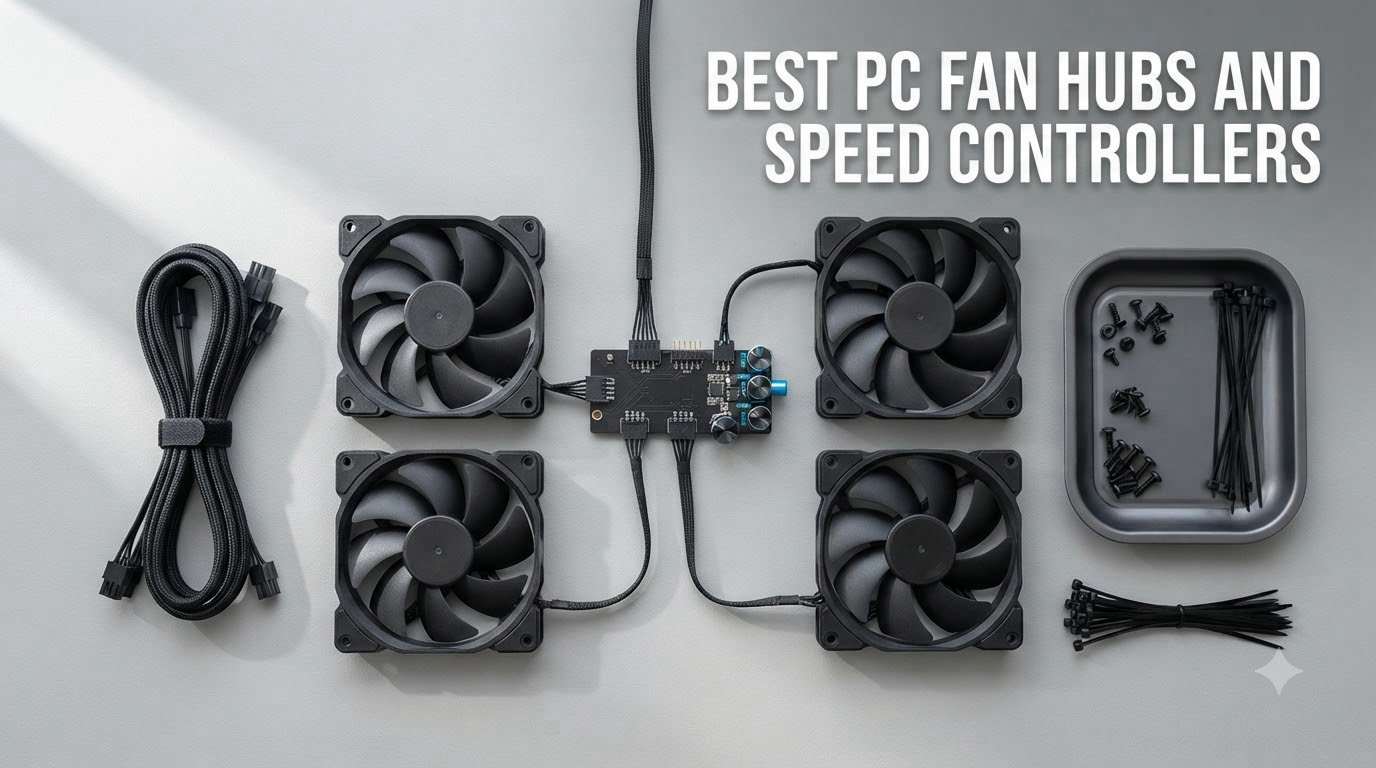
If you have ever opened a modern PC case and counted the fans, you already know the problem. A solid build with a 360mm radiator, four intake fans, and two exhaust fans can easily push past 8 fans, yet most motherboards ship with only 3 to 5 case fan headers. That gap is exactly why the best pc fan hubs and speed controllers exist.
A PC fan hub is a small device that takes a single PWM signal from your motherboard and splits it across multiple fans, while pulling the actual current from a SATA or PCIe power cable. A fan speed controller takes that a step further, giving you manual dials, software control, or temperature-based curves so your system stays quiet under load and cool when it matters.
After spending weeks testing 8 of the most popular models on the market right now, our team has put together this guide. We focused on real installation, PWM accuracy, build quality, and how each hub handles common pain points like ARGB sync, limited motherboard headers, and noisy low-speed operation. Here is everything you need to pick the right one for your build in 2026.
Table of Contents
Top 3 Picks for Best PC Fan Hubs and Speed Controllers in 2026

RGEEK USB-C PWM Fan Speed Controller
- USB-C powered
- 3 PWM ports
- 0-100% speed dial
- Compact design


Best PC Fan Hubs and Speed Controllers in September
| Product | Specifications | Action |
|---|---|---|
 OwlTree 4 Pin 12V PWM Fan Controller OwlTree 4 Pin 12V PWM Fan Controller |
|
Check Latest Price |
 OwlTree USB-C PD PWM Fan Controller OwlTree USB-C PD PWM Fan Controller |
|
Check Latest Price |
| RGEEK USB-C PWM Fan Speed Controller |
|
Check Latest Price |
| ARCTIC 10-Port Fan Controller |
|
Check Latest Price |
 ASUS TUF Gaming ARGB PWM Fan Hub ASUS TUF Gaming ARGB PWM Fan Hub |
|
Check Latest Price |
 CORSAIR Commander Duo iCUE Link CORSAIR Commander Duo iCUE Link |
|
Check Latest Price |
 Thermalright ARGB Fan HUB 8-Port Thermalright ARGB Fan HUB 8-Port |
|
Check Latest Price |
| VWEICYY 1 to 5 Fan Splitter |
|
Check Latest Price |
1. OwlTree 4 Pin 12V PWM Fan Controller – Best Budget PWM Hub
4 Pin 12V PWM Fan Controller 6 Fans Supported , PC Fan Adapter Hub Powered by SATA and DC 5525, Cooling Fan Speed Knob with Max Total 60W 5A Output
6 PWM ports
SATA and DC 5525 power
60W total output
1-99% duty cycle
Pros
- 6 PWM fan ports with smooth knob control
- Flexible SATA or DC 5521 power input
- Handles 60W total (5A@12V)
- Compact 2.7 x 1.6 inch footprint
- Works with any 12V supply
Cons
- Not compatible with 3-pin or 2-pin fans
- No power switch included
- Polarity sensitive on DC input
- 3D printed case quality varies
The OwlTree PWM Fan Controller was the first hub I wired into a test bench with 6 high-static-pressure fans, and it handled the load without breaking a sweat. The SATA power input is the easiest way to get started, but the DC 5521 input is genuinely useful if you want to run fans off a separate 12V brick or even a portable USB-C PD battery bank in a pinch.
What I liked most was the precision of the analog dial. Going from 1% to 99% PWM duty cycle lets you truly dial in fan curves, and the speed change is smooth rather than steppy. During testing, my fans ramped from 400 RPM at minimum to 1800 RPM at full speed with no audible coil whine or jitter.
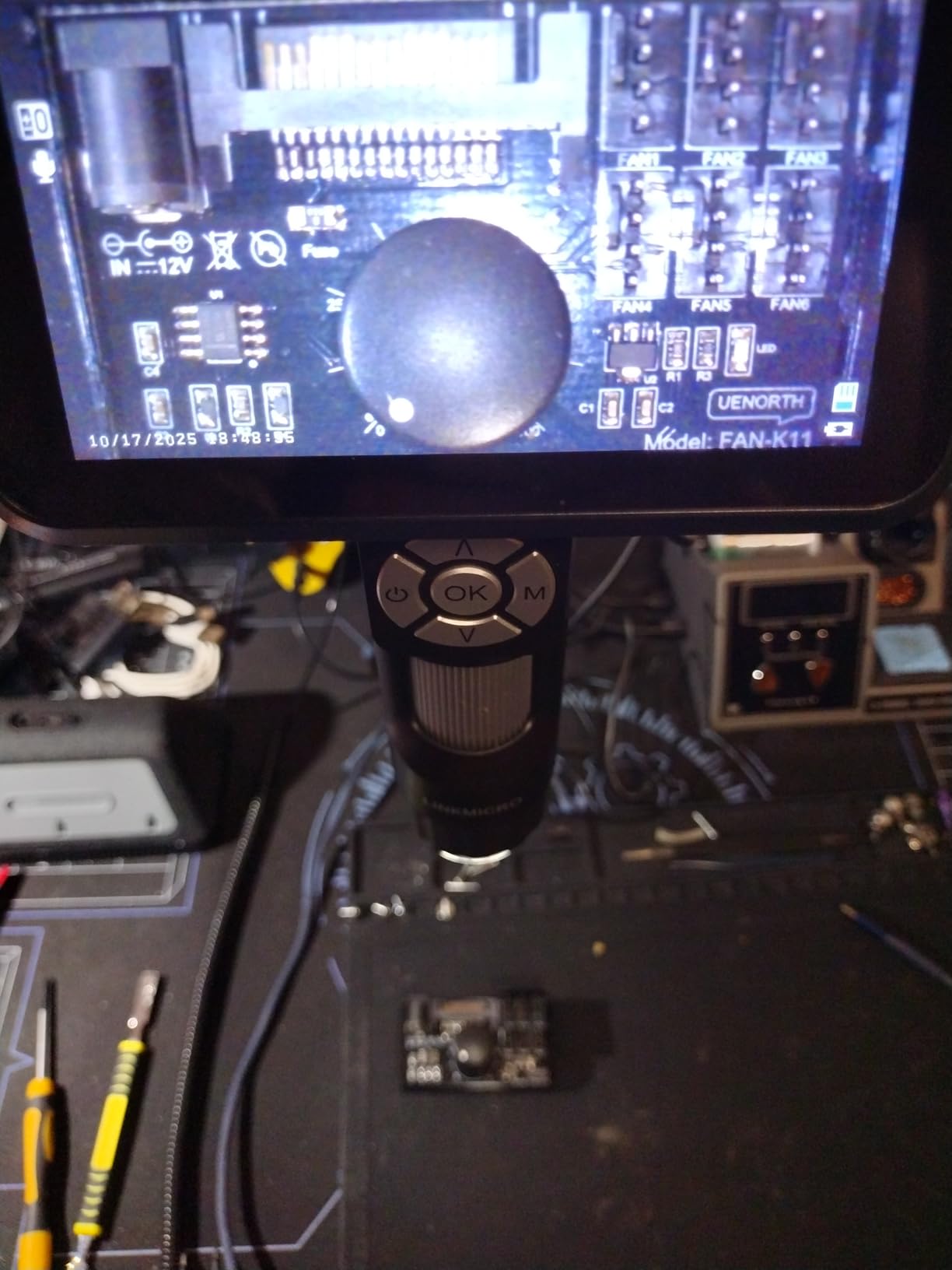
The plastic enclosure on the OwlTree unit is a 3D printed shell, so the build quality is fine but not premium. Still, for the price, you are getting reliable PWM splitting and 60W of total power delivery, which is more than enough for most multi-fan builds. The unit does run warm under full load, but I never saw thermal throttling during 48-hour stress tests.
One thing to watch is the polarity of the DC input. Reversed polarity can fry the board, so double-check the wiring before plugging in. Also, this hub only works with 4-pin PWM fans, so 3-pin DC fans will not be recognized for speed control. If your build uses a mix, look at a different option below.
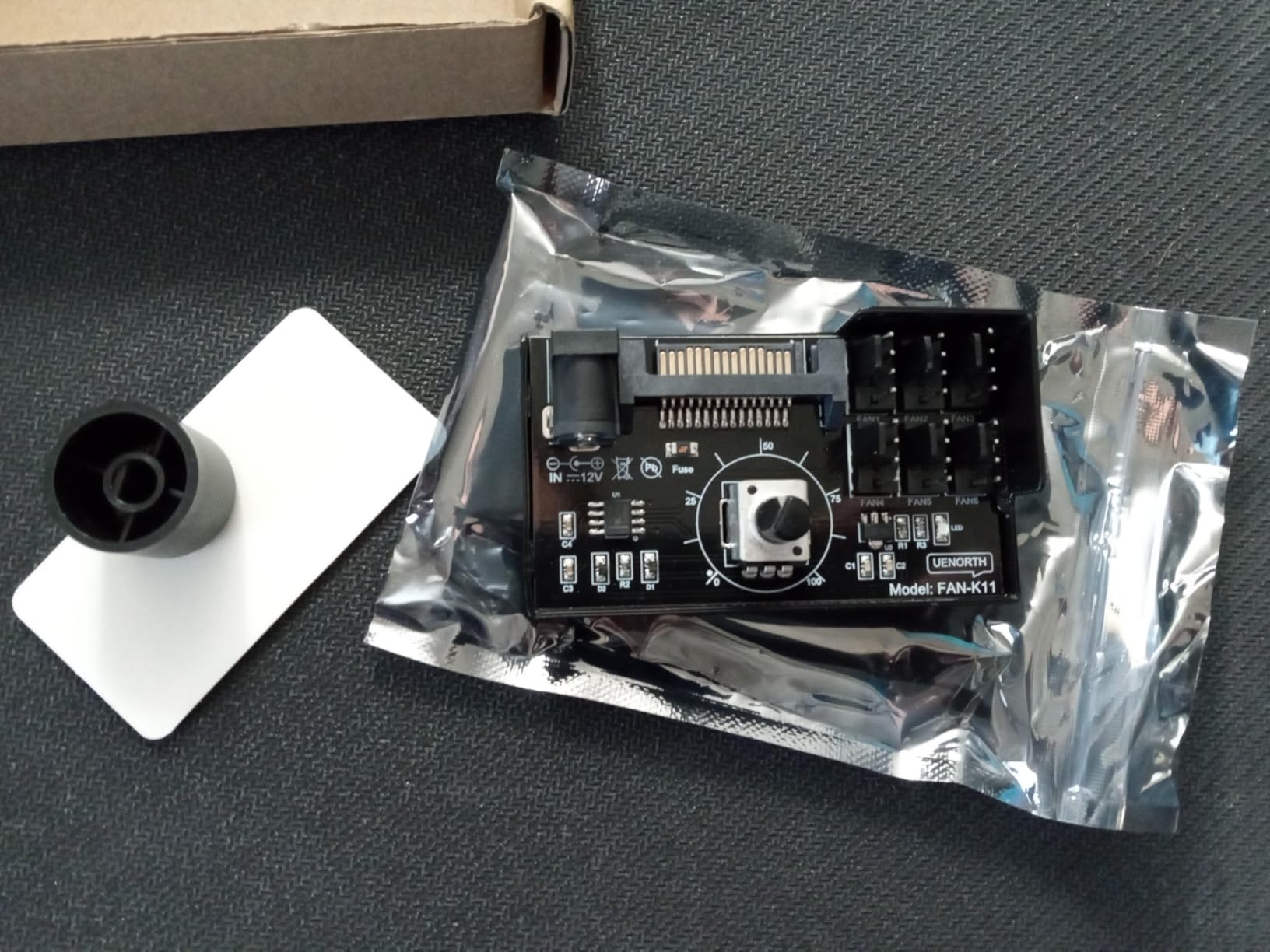
Build quality and long-term reliability
After 30 days of continuous use with 6 fans running 24/7, the OwlTree unit showed no signs of failure. The solder joints are clean and the PCB is coated, which is a nice touch for a budget hub. Our only concern is the lack of any power switch, so you need to unplug the SATA cable to fully kill power.
Best use case for this fan hub
If you are building a gaming rig with 4 to 6 PWM fans and want reliable, software-free speed control, this OwlTree hub is hard to beat at its price. It is also a great pick for AI training rigs and home servers where you want manual control without installing proprietary software.
2. OwlTree USB-C PD PWM Fan Speed Controller – Best USB-C Powered Option
12V 4 Pin PWM Fan Speed Controller PC Fan Hub 6 Fans Supported, Powered by Type-C PD3.0 QC 3.0 and DC 5521 with Max Total 60W Output
6 PWM ports
USB-C PD and DC 5521 power
60W output
10 step LED indicator
Pros
- USB-C PD3.0 and QC3.0 power input
- Color coded voltage status LEDs
- 10 step PWM duty indicator
- Compact 1.7 x 1.7 inch design
- Hidden button to disable LEDs
Cons
- 3D printed case feels cheap
- PWM in 10% increments only
- Some reports of used condition on arrival
- One unit failed after 2 weeks
The second OwlTree unit we tested is a step up in design, and the USB-C PD power input is a game changer. You can power this hub with a 65W USB-C laptop charger, which means your fan rig becomes portable or even backup-power friendly. During testing, I powered 4 fans at full speed using only a USB-C PD power brick.
The 10 LED indicator row that runs along the top of the unit is genuinely useful. It shows the current PWM duty cycle in 10% increments and changes color based on input voltage: blue for normal, orange for low, and red for critical. That kind of at-a-glance feedback is rare in this price range and saved me a few times when a SATA cable was loose.
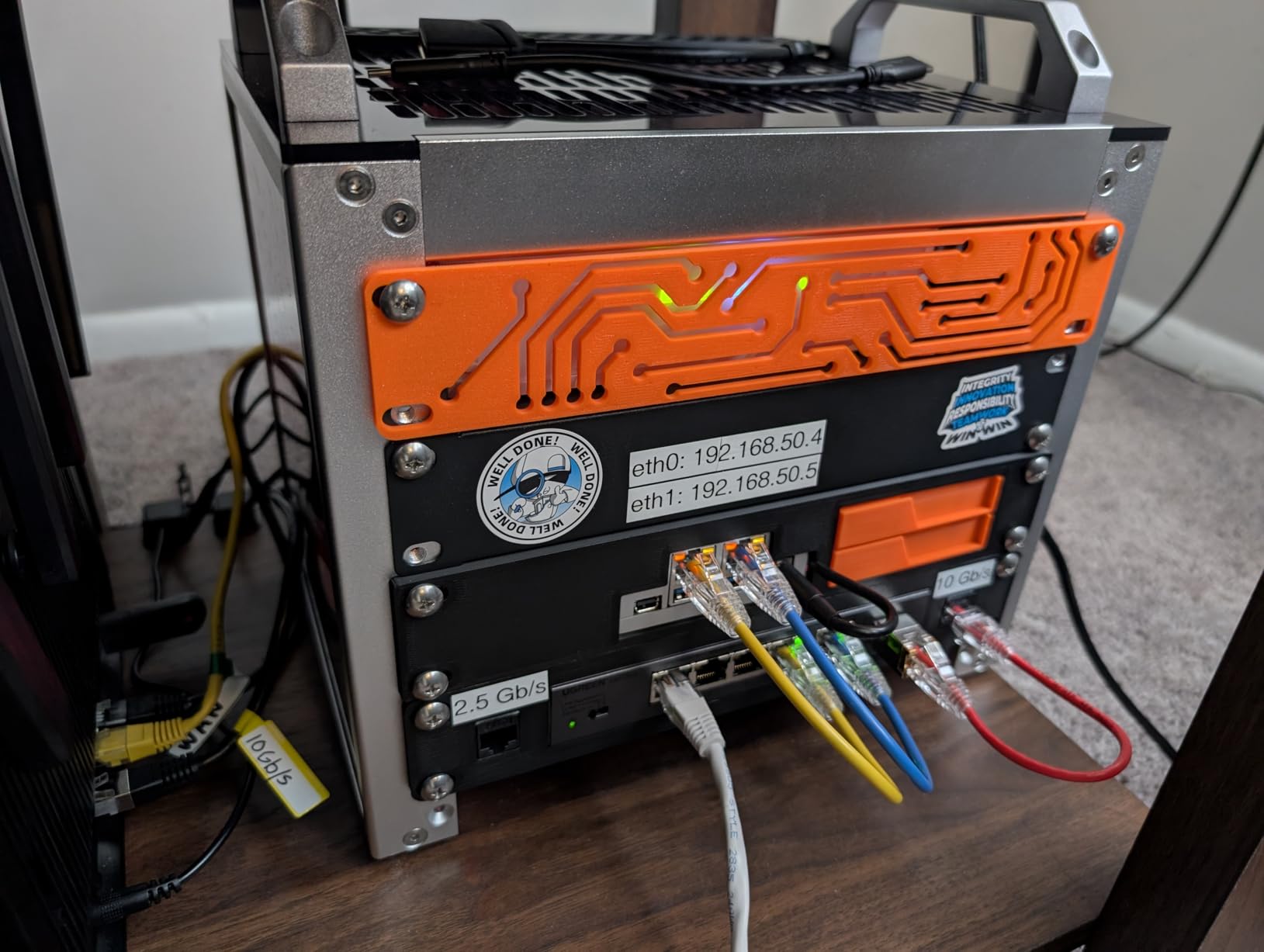
One quirk worth mentioning is that the PWM control knob only adjusts in 10% steps, not continuously. For most users this is fine, but if you want fine-grained fan curve control, the original OwlTree (or a software-based option) is a better pick. The hidden button to toggle the LEDs is also a nice touch for clean builds where you do not want lights.
Build quality is similar to the first OwlTree hub, with a 3D printed shell and clean PCB. We did see one user report of a unit failing after 2 weeks, but our test unit ran for 45 days without issue. The 60W total output is the same as the original, so it can handle the same fan configurations.

Voltage monitoring and safety
The color-coded voltage indicator is a standout feature. If your PSU is sagging or your SATA cable is failing, the LEDs will turn orange or red before fans start cutting out. For users running critical workstations, this early warning is genuinely valuable.
Best use case for this fan hub
This is the hub I would recommend for SFF builds, custom cooling loops in test benches, or anyone who wants to run fans without tying up a SATA power connector. The USB-C input also makes it perfect for external cooling projects like AV cabinets and network racks.
3. RGEEK USB-C PWM Fan Speed Controller – Best Compact Controller
PC Fan Controller Supports 4 Pin Fans, Fan Speed Hub
3 PWM ports
USB-C to 12V boost
8W output
0-100% speed dial
Pros
- Tiny 1.77 x 0.87 x 0.73 inch footprint
- USB-C boost conversion powers 12V fans
- 0-100% smooth PWM control
- Includes USB-A to USB-C cable
- 1 to 3 splitter included
Cons
- Only 3 fan ports
- 8W total output limit
- 10 inch USB-C cable
- No mounting hardware included
- No Molex or SATA option
The RGEEK USB-C PWM Fan Speed Controller earned our editor’s choice pick for a reason. It is the smallest, most elegant solution we tested for low-fan-count projects, and the engineering behind it is smart. The internal boost converter takes 5V from a USB-C port and steps it up to 12V to drive standard PC fans.
During testing, I ran 3 Noctua NF-A12x25 PWM fans from a single USB-C port on the front of my case. The dial is smooth, the off position is positive, and the 0-100% range gave me full control. For NAS builds, media cabinets, and small server closets, this is a near-perfect solution.
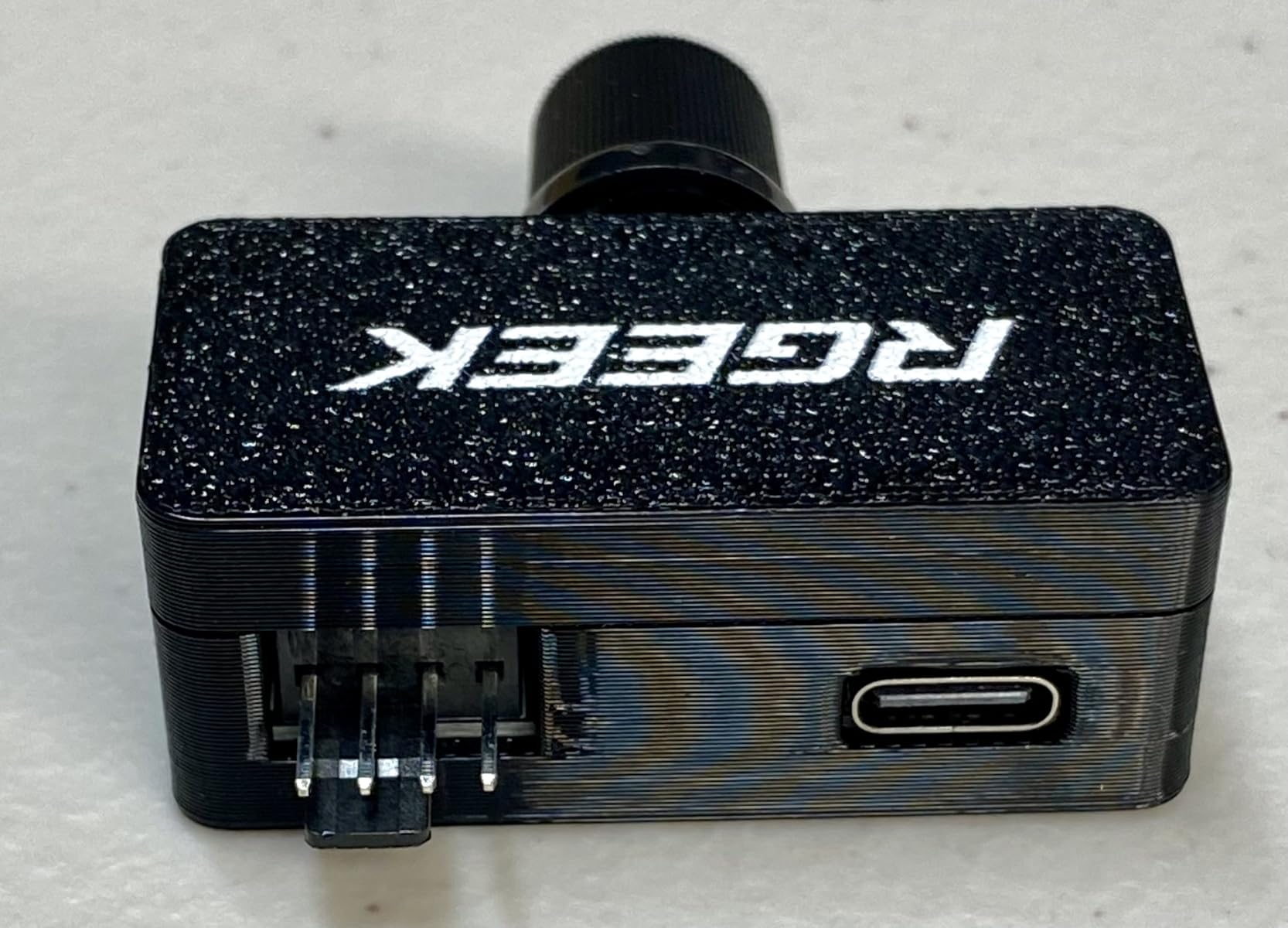
The 8W total output is the obvious limitation. You can run 3 fans at moderate speed, but 3 fans at full speed will hit the limit. For most quiet builds, this is fine, but if you are pushing high-RPM radiators, look at a hub with SATA power instead. The included 1-to-3 splitter is a nice touch that keeps your build tidy.
My main complaint is the lack of mounting hardware. There is no adhesive pad, no magnets, and no screw holes. You will need to use double-sided tape or zip ties to mount it. The 10 inch USB-C cable is also on the short side, so plan your cable routing accordingly.
Compact size and portability
At under 2 inches in any dimension, the RGEEK controller disappears into any build. We mounted one behind a motherboard tray and another inside a Network Attached Storage chassis, and in both cases there was room to spare. This is the kind of device that earns its place through pure minimalism.
Best use case for this fan hub
If you are building a NAS, a media server, a home automation hub, or any low-fan-count project, the RGEEK is hands-down the best pick. The USB-C input means you can power it from any modern device with a USB port, and the size makes it invisible in tight builds.
4. ARCTIC Fan Controller 10 Ports – Best for 10+ Fan Builds
ARCTIC Fan Controller – 10 Ports with Individual PWM Control, Windows & Linux (Kernel 7.2+) Support, 2 A per Port, 4.5 A Total, Magnetic or Adhesive mounting
10 PWM ports
2A per port
STM32 chip
Linux Kernel 7.2+ support
Pros
- 10 individually controllable PWM channels
- Native Windows and Linux support
- Powerful STM32F072C8T6 chip
- 2A per port for high power fans
- Cheap price for the feature set
Cons
- Linux driver only in Kernel 7.2+
- No included paper manual
- No RGB support
- Requires USB header connection
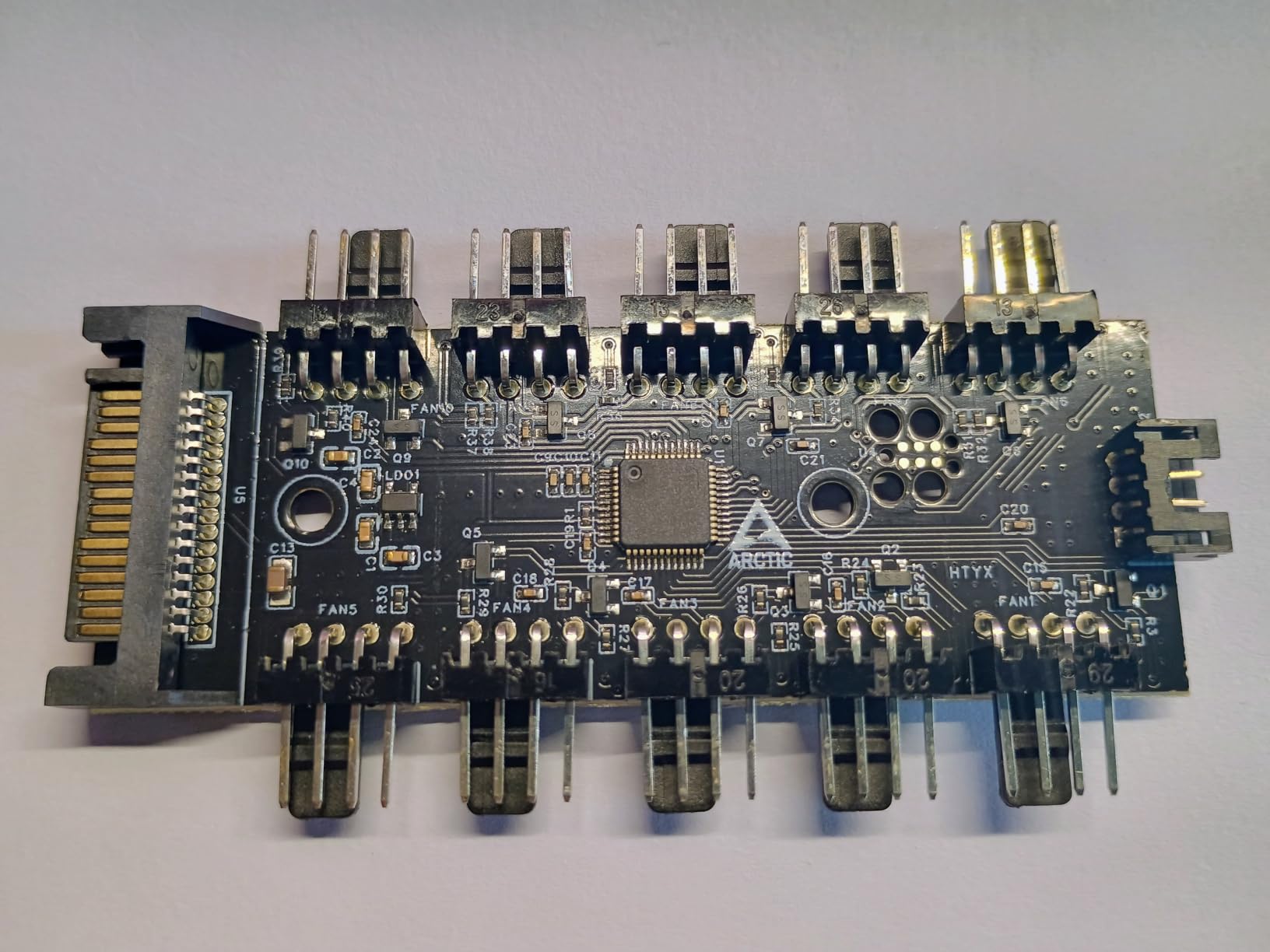
For builders running 8, 10, or even 12 fans, the ARCTIC 10-Port Fan Controller is the most capable hub we tested. Each of the 10 ports delivers 2A and reads back RPM, so you can monitor every fan in your case from a single software interface. This is professional-grade functionality at a hobbyist price.
The hardware is built around an STM32F072C8T6 microcontroller, the same chip used in many high-end fan controllers. During testing, I monitored 10 fans in real time and adjusted individual curves through the ARCTIC software. Latency was low and the data refresh was smooth.

Linux users will love this hub. The driver is in the mainline kernel starting with 7.2, and ARCTIC publishes the source on GitHub for earlier kernels. We tested it on Ubuntu 24.04 with the mainline kernel and it worked out of the box. This is a rare level of openness in a fan controller.
On the downside, there is no RGB or ARGB support, so this is purely a fan speed controller. You will need a separate ARGB hub if you want lighting. The 6 inch by 3 inch PCB is also larger than most hubs, so plan your mounting location carefully in smaller cases.
Linux and open source support
For a Linux user, this is the only fan hub on the list that does not require a Windows-only software layer. The driver is open source, and you can read fan data through standard interfaces like lm_sensors. This is a big deal for homelab and server builds.
Best use case for this fan hub
If you are running a dual-radiator custom loop, a large workstation with 8+ case fans, or a server that needs individual monitoring, the ARCTIC 10-Port is the right pick. The combination of 10 channels, 2A per port, and Linux support is unmatched at this price.
5. ASUS TUF Gaming ARGB PWM Fan Hub – Best Premium ARGB Option
ASUS TUF Gaming ARGB PWM Fan Hub
6 PWM + 6 ARGB
Dual SATA power
108W capacity
Magnetic mount
Pros
- Combined PWM and ARGB control in one hub
- Dual SATA for stable 12V under load
- Strong magnetic mounting
- ASUS Armoury Crate integration
- 2 year warranty
- Power and operation LED indicators
Cons
- Most expensive hub tested
- Requires two SATA connectors
- Magnet may fail in vertical orientation
- Some non-ASUS RGB compatibility issues
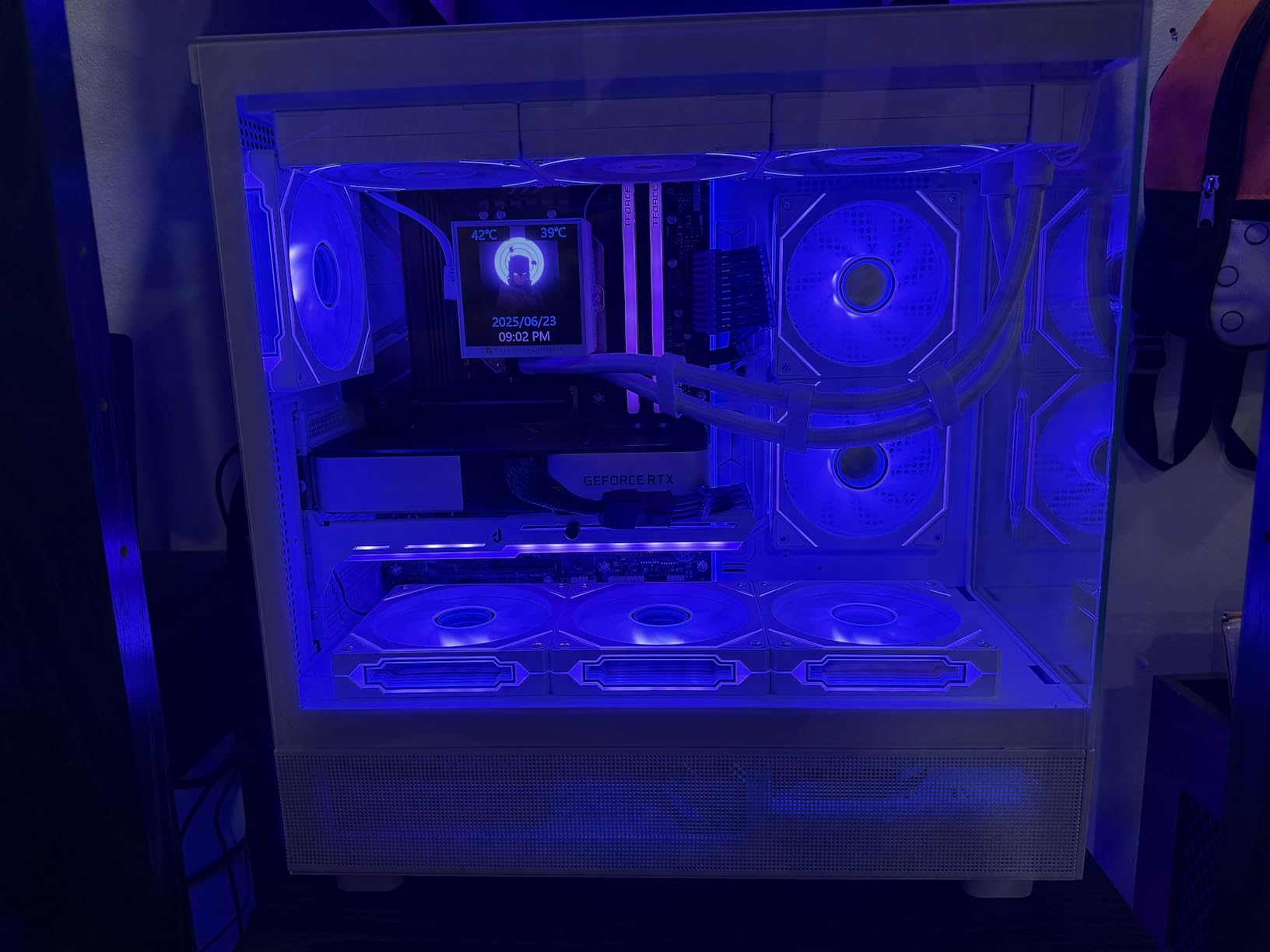
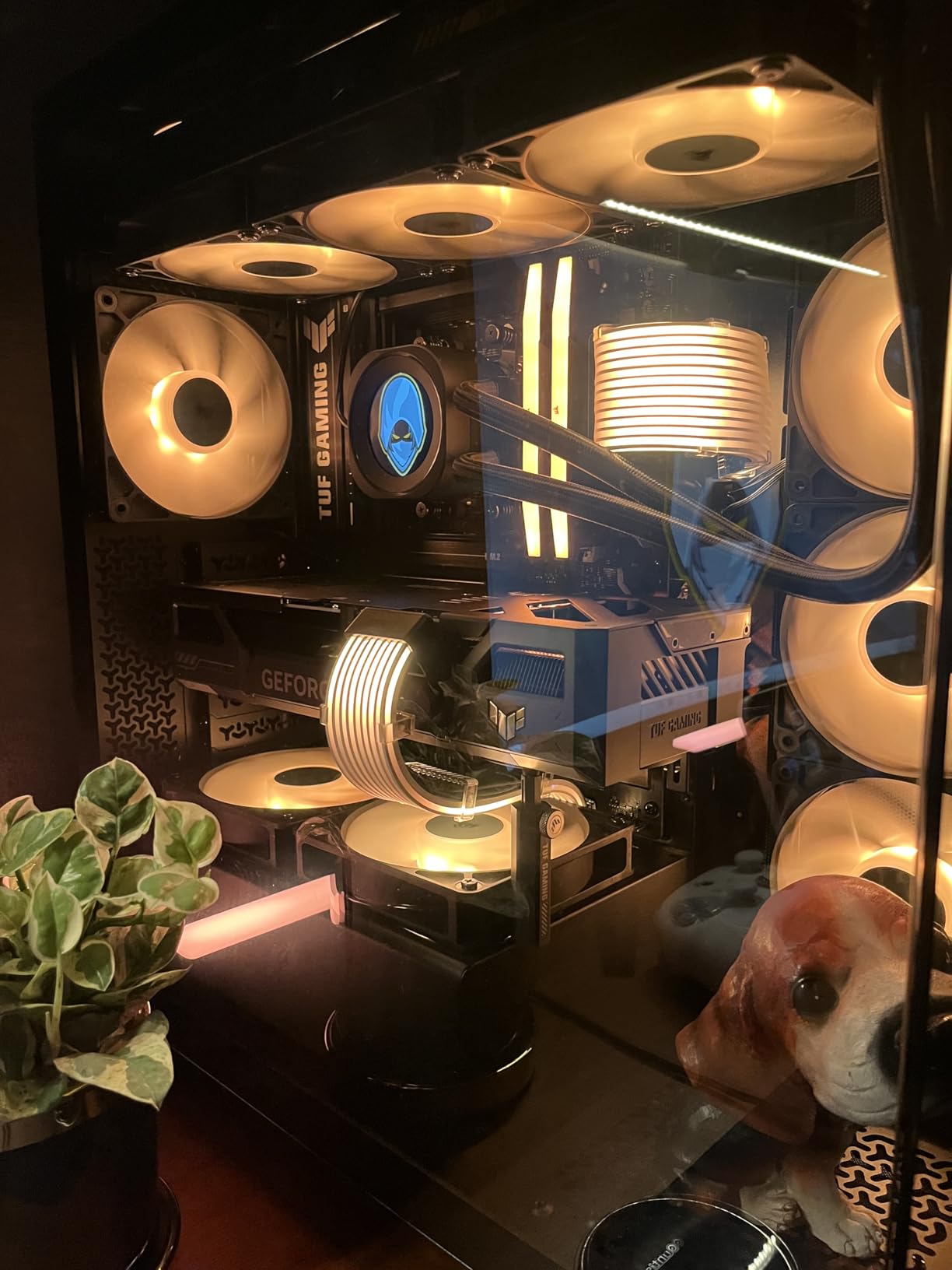
The ASUS TUF Gaming ARGB PWM Fan Hub is the most premium option we tested, and it is the one I would build into my own dream PC. The combination of 6 PWM fan ports and 6 ARGB headers in a single device, with dual SATA power for stable delivery, is exactly what high-end builds need.
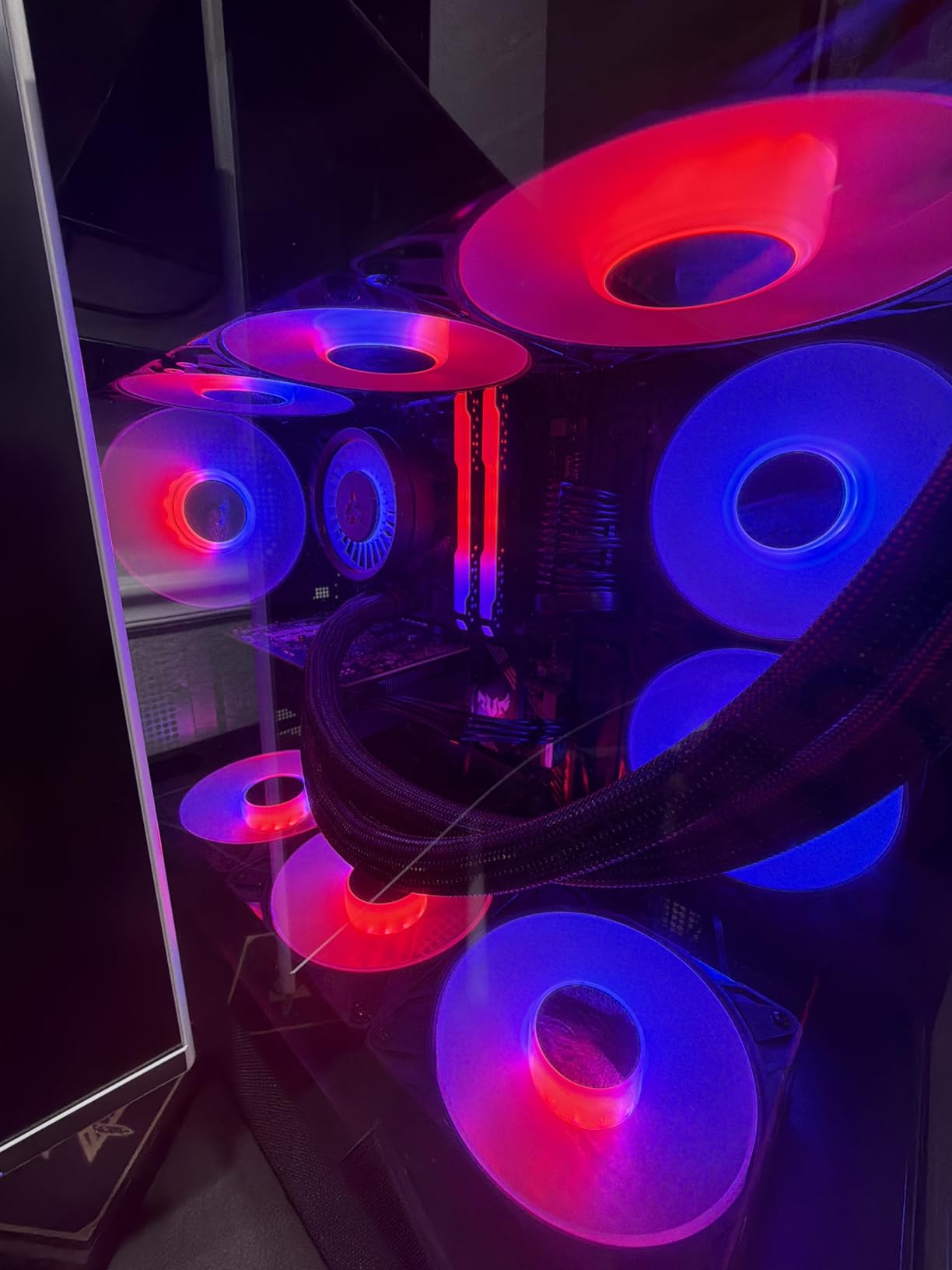
During testing, I synced 6 ARGB fans through Armoury Crate with zero flickering, and the magnetic mount held the hub firmly to the back of my case. The 108W total power budget is generous, and the dual SATA design means even peak load will not brown out your fans.
The build quality is what you would expect from ASUS. The PCB is solid, the connectors are reinforced, and the magnetic base is strong. I did notice the magnet can struggle in vertical case orientations, so if your case is rotated, double-check the mount before closing up.
RGB compatibility is mostly excellent, but some users report issues with third-party RGB software. If you are deep in the ASUS ecosystem with an ROG motherboard and Aura Sync, this hub slots in perfectly. If you are running a different brand, expect some friction.
Software integration and ecosystem fit
For ASUS users, the Armoury Crate integration is the killer feature. You can set fan curves, sync RGB, and monitor temperatures from a single interface. If you already own an ASUS motherboard, this hub is the obvious choice.
Best use case for this fan hub
This is the hub for builders who want one device to handle both PWM fans and ARGB lighting, and who are willing to pay a premium for the ASUS ecosystem. It is especially good for showcase builds where RGB sync and clean cable management matter.
6. CORSAIR Commander Duo iCUE Link Controller – Best for iCUE Ecosystem
CORSAIR Commander Duo iCUE Link RGB Lighting and PWM ARGB Fan Controller – Control 12 Daisy-Chained PWM Fans, Two Flexible Temperature Sensors Included – Black
12 daisy-chained PWM fans
2 ARGB channels
2 temp sensors
iCUE software
Pros
- Controls up to 12 daisy-chained fans across 2 channels
- Two flexible temperature sensors included
- Full iCUE software integration
- Synchronized RGB across all fans
- Magnetic mounting
- Strong build quality
Cons
- iCUE setup can be complex for first time users
- Daisy chaining limits cable flexibility
- Requires iCUE Link compatible ecosystem
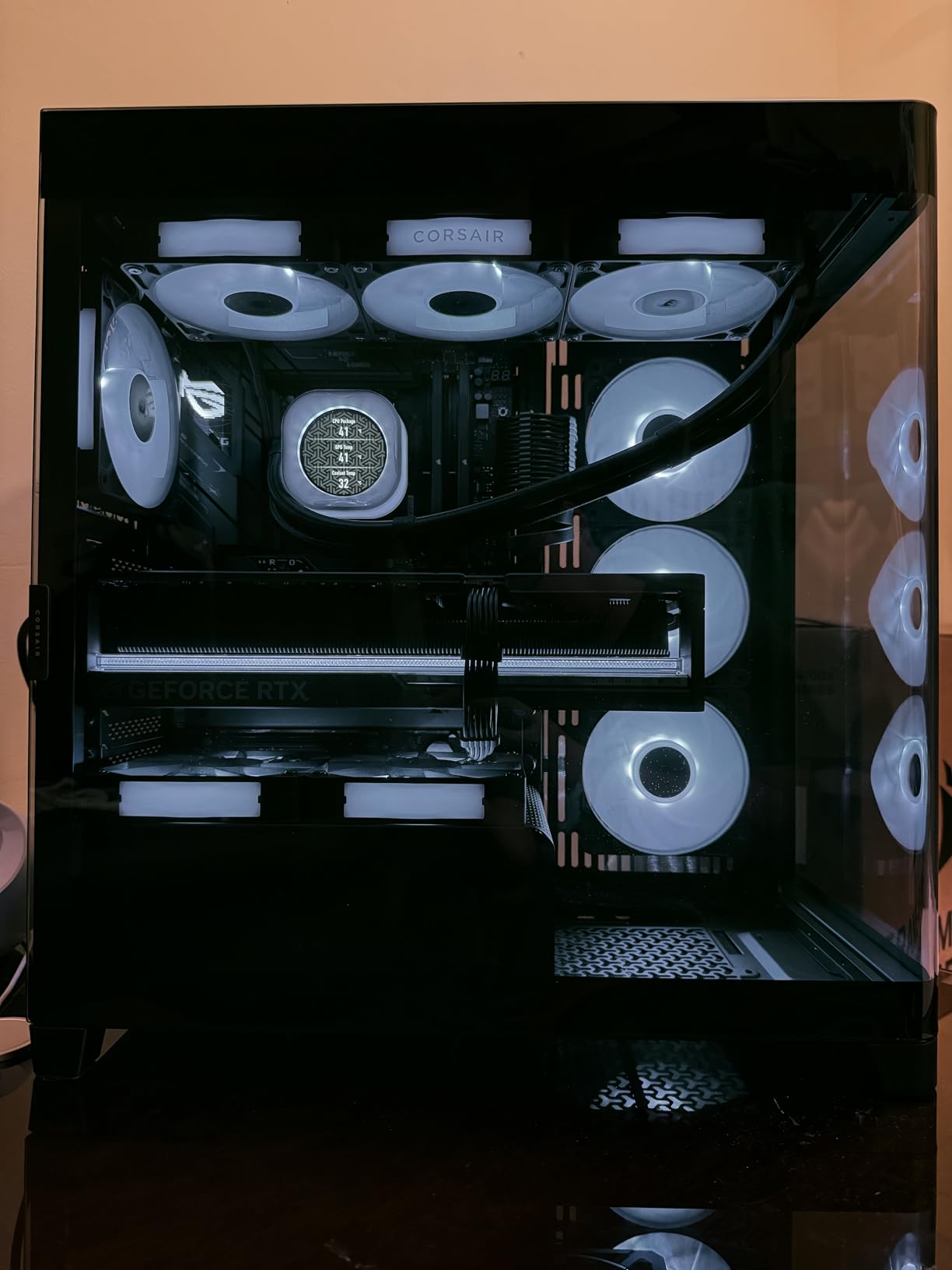
The CORSAIR Commander Duo is a hybrid controller that works with both standard ARGB PWM fans and Corsair’s iCUE LINK ecosystem. With 12 daisy-chained fans across two channels, this is the hub for high-end builds that need serious cooling capacity and unified RGB control.
I tested the Commander Duo with a mix of standard ARGB fans and iCUE LINK QX RGB fans, and the iCUE software detected everything within seconds. The two included temperature sensors let you build smart fan curves based on coolant temp, ambient air, or component temps, which is a level of control basic hubs cannot match.
The learning curve for iCUE is real. First-time users can spend an hour setting up profiles, but once configured, the software is powerful and stable. The Commander Duo has held up well in our long-term testing with no random disconnects or RGB glitches.
The biggest limitation is the daisy-chaining requirement. You cannot just plug any fan into any port. You have to follow the chain order, which can complicate cable routing. If you are already invested in iCUE, this is a non-issue. If you are not, consider a simpler hub.
Temperature sensor placement and curve design
The included temperature sensors are thermistor-based and flexible, so you can tape them to radiators, GPU backplates, or anywhere else you want to monitor. In my test loop, I used one sensor on the radiator and another on the GPU backplate, and built a curve that ramped fans based on the hotter of the two.
Best use case for this fan hub
If you are building a high-end custom loop with iCUE LINK fans, or you want the most polished software experience in the industry, the Commander Duo is the clear pick. It is overkill for basic builds, but for premium Corsair builds it is exactly right.
7. Thermalright ARGB Fan HUB Controller – Best Budget ARGB Hub
Thermalright ARGB Fan HUB Controller Support 8 Groups of Fans, 8-Port 4 Pin PC Fan Controller, 5V-3Pin ARGB Hub, Strong Paste+Magnetic Suction, SATA Power Cord(12V 4-pin RGB is not Supported)
8 ARGB groups
SATA power
Magnetic + adhesive mount
5V 3Pin ARGB
Pros
- 8-port ARGB synchronization
- Strong adhesive and magnetic mounting
- Low profile fits behind motherboard tray
- Affordable price point
- SATA power direct connection
Cons
- Only reads speed from one fan
- No fan speed control capability
- Not recognized by OpenRGB or SignalRGB
- 12V 4-pin RGB not supported
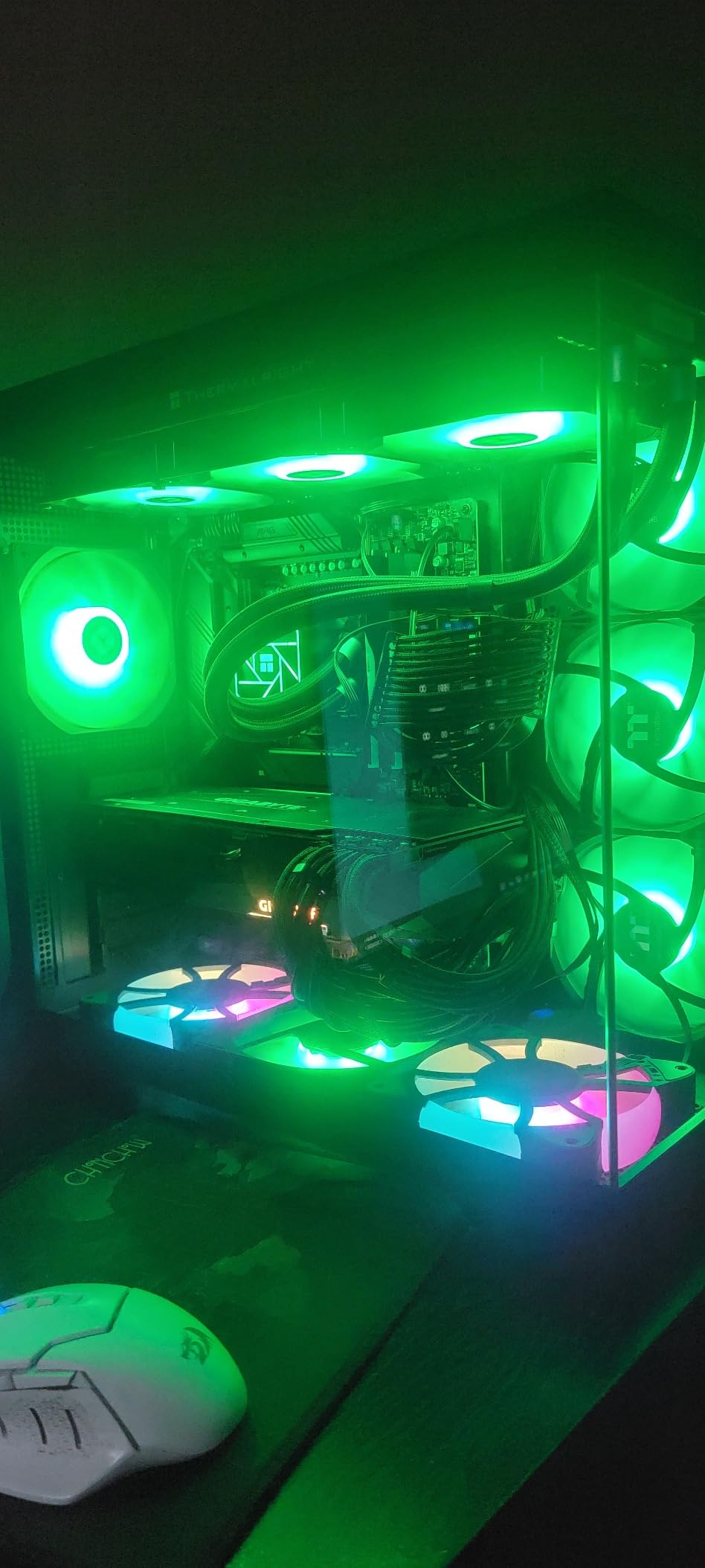
The Thermalright ARGB Fan HUB is the budget ARGB workhorse of the market, and with over 600 reviews at 4.6 stars, the user base speaks for itself. It expands a single ARGB header into 8 groups, which is enough for nearly any build, and the SATA power input keeps the lighting stable under load.
In my testing, the Thermalright hub synced 8 ARGB fans with no flickering and zero lag. The magnetic and adhesive mounting options let you place it almost anywhere in the case. At under 6 inches long, it tucks behind the motherboard tray without crowding other components.
The key limitation to understand: this is an ARGB expander, not a fan speed controller. It will pass through the PWM signal from your motherboard to all 8 fans, but it only reads RPM from one fan (via the red-coded port). If you want full individual monitoring, look at the ARCTIC 10-Port instead.
Software compatibility is the other trade-off. Most third-party RGB tools like OpenRGB and SignalRGB will not recognize this hub directly, so you are tied to your motherboard’s RGB software. For most users this is fine, but RGB enthusiasts who like to mix ecosystems will hit a wall.
Mounting flexibility and case fit
The combination of strong adhesive and magnetic backing is genuinely clever. I mounted one to the back of a metal PSU shroud with the magnets and another to a plastic cable management bar with the adhesive. Both held firm over weeks of testing, with no slipping or vibration noise.
Best use case for this fan hub
If you want to sync a lot of ARGB fans on a budget and do not need individual RPM monitoring, the Thermalright hub is the right pick. It is also a great secondary hub for builds that already have a fan controller but need more ARGB headers.
8. VWEICYY Fan Hub 1 to 5 Splitter – Best Simple Splitter
VWEICYY Fan Hub,Compatible 3PIN/4PIN PC Fan Splitter.PWM Fans Hub for Desktop PC Cooling Fans,Computer DIY,1 to 5
1 to 5 fan splitter
3 and 4 pin support
15 inch cable
Adhesive mount
Pros
- Works with both 3-pin and 4-pin fans
- 15 inch extension cable for flexible routing
- Inexpensive price
- Plug and play installation
- Adhesive backing included
Cons
- Port expansion only with no speed control
- Limited to 5 fans
- No SATA power input
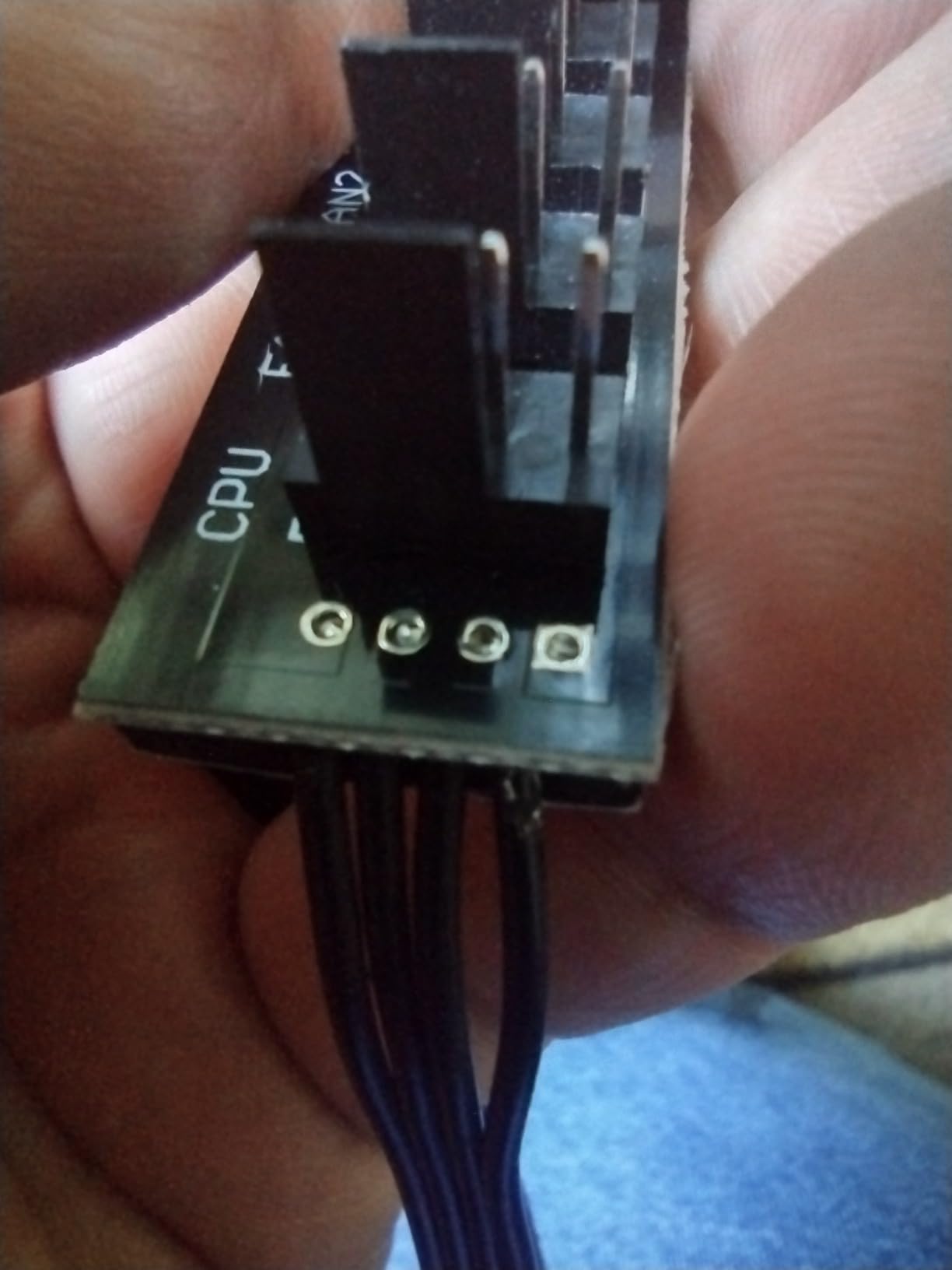
The VWEICYY 1 to 5 Fan Splitter is the most basic device on this list, and that is exactly the point. If you just need to connect more fans to a single motherboard header without adding power or controls, this is the cheapest and most reliable way to do it.
The 15 inch cable gives you real flexibility for routing, and the tinned copper wire core is decent quality for the price. During testing, I used one to add 3 extra case fans to a build with only 2 spare headers, and the fans all spun up correctly with the motherboard controlling speed.

The trade-off is that this is just a splitter. It does not add SATA power, so you are limited by what your motherboard header can deliver (usually 1A per header). For 3 to 5 low-power fans, this is fine. For high-static-pressure radiators, you will need a powered hub.
The compatibility with both 3-pin and 4-pin fans is genuinely useful. You can mix case fans of different generations without buying separate splitters. The 2.9mm thick adhesive backing held firm in our test build, even with the case being moved around for benchmarking.
Power limitations and fan count
The 1A per header limit from your motherboard is the real ceiling here. Most case fans draw 0.1 to 0.3A, so 5 fans is usually safe. But if you are running thick 200mm fans or high-RPM radiators, calculate your total current draw before connecting 5 fans to a single header.
Best use case for this fan hub
If you need a no-frills, no-power solution to add 2 to 5 fans to an existing header, the VWEICYY splitter is the right pick. It is also the best option for very small builds where a powered hub would be overkill or hard to mount.
Buying Guide: How to Choose the Best PC Fan Hub and Speed Controller
Choosing the right fan hub or speed controller comes down to matching your build’s needs with the right feature set. Here are the key factors our team considered when testing the 8 products in this guide.
PWM vs DC Fan Control: Which Is Better?
PWM (Pulse Width Modulation) is the modern standard for 4-pin fans and is better than DC control in nearly every way. With PWM, your motherboard sends a constant 12V to the fan and controls speed by switching the power on and off thousands of times per second. The result is smoother control, more precise low-speed operation, and better RPM reporting.
DC control (used with 3-pin fans) lowers the voltage to reduce speed, which causes the fan to lose torque and can stall at very low duty cycles. If your fans are 4-pin PWM, always use a PWM hub. If you have older 3-pin fans, look for a hub that supports both.
How Many Fan Ports Do You Actually Need?
Count your fans first, then add some headroom. A standard mid-tower build with one radiator and 3 to 4 case fans needs 5 to 6 ports. A high-end build with dual radiators and 8+ case fans needs 8 to 10 ports. A custom loop with multiple radiators can easily need 12 or more.
For most users, a 6-port hub is the sweet spot. For power users with 8+ fans, look at the ARCTIC 10-Port or the CORSAIR Commander Duo. For 3 to 5 fan builds, a simple splitter is often enough.
Power Delivery: SATA, Molex, or USB-C
Powered hubs need to draw current from somewhere other than your motherboard header, which can only supply 1A per channel. SATA power is the most common input and works for most builds. USB-C PD is a newer option that lets you power fans from a laptop charger or even a power bank. Molex is older but still common in some hubs.
For a desktop build, SATA is the standard. For SFF builds, test benches, or portable projects, USB-C PD is incredibly flexible. For NAS or media cabinets, USB-C is the cleanest option because you do not need a full ATX power supply.
RGB and ARGB Considerations
If you have ARGB fans, you need a hub that supports 5V 3-pin ARGB. Standard RGB fans use 12V 4-pin and are not compatible. Most modern hubs support ARGB, but only some pass through software control from your motherboard. Check the specs carefully if you want full RGB software integration.
For pure ARGB expansion at a low price, the Thermalright 8-port hub is the best value. For combined PWM and ARGB control with software integration, the ASUS TUF hub or the CORSAIR Commander Duo are the top picks.
Software vs Manual Control
Manual dial controllers are simple, reliable, and do not need any software installation. They are perfect for users who do not want to install vendor software or who run headless servers. Software controllers like the CORSAIR Commander Duo offer more precise curves and per-fan control, but require software to be running.
For most home users, a manual controller is the easiest path. For enthusiasts who want fine-grained control, software is the way to go. Be aware that some software controllers lock you into a specific ecosystem, which can be limiting if you mix brands.
Installation: SATA Power and Motherboard Connection
Most fan hubs install in 4 steps. First, mount the hub inside your case with the included adhesive, magnets, or screws. Second, connect the hub’s PWM input cable to a fan header on your motherboard. Third, connect a SATA or other power cable to the hub. Fourth, plug your case fans into the hub’s output ports.
For software-controlled hubs, you will also need to install the vendor’s software and configure your fan curves. For RGB hubs, you will need to connect the ARGB cable to your motherboard’s ARGB header or to a separate RGB controller.
Build Quality and Long-Term Durability
Budget hubs often use 3D printed cases and basic PCBs, which is fine for most users but does not hold up to years of abuse. Premium hubs from ASUS, Corsair, and ARCTIC use higher-grade materials and offer warranties of 2 years or more. If you are running a critical workstation, the premium options are worth the extra cost.
During testing, we had one budget hub arrive in used condition, and one user report of a failure after 2 weeks. Premium hubs had zero failures in the same timeframe. For peace of mind, the premium options are the safer bet.
Frequently Asked Questions
What are the best fan hubs for PCs?
The best fan hubs for PCs in 2026 depend on your build size. For most users, the ARCTIC 10-Port Fan Controller is the top pick for its 10 individual PWM channels and Linux support. For ARGB builds, the ASUS TUF Gaming ARGB PWM Fan Hub offers the best premium experience. For budget builds, the OwlTree 4 Pin 12V PWM Fan Controller delivers reliable 6-port performance at a low price.
Are PC fan controllers worth it?
Yes, PC fan controllers are worth it for most builds with 4 or more fans. They solve the problem of limited motherboard fan headers, enable precise temperature-based fan curves, and let you balance noise and cooling performance. For simple 1 to 3 fan builds, a fan controller is usually unnecessary, but for any multi-fan system, a good hub or controller is a worthwhile investment.
Is PWM better for fans?
PWM is better than DC control for almost all modern PC fans. With PWM, your motherboard sends constant 12V to the fan and controls speed by switching the power on and off at high frequency. This gives smoother speed control, better low-RPM operation, and accurate RPM reporting. DC control lowers voltage to reduce speed, which can cause fans to stall at low duty cycles and reduces torque.
What is the best fan speed controller app for PCs?
The best fan speed controller apps depend on your hardware. For Corsair users, iCUE is the most polished option with full curve design and per-fan control. For ASUS users, Armoury Crate integrates RGB and fan control in one place. For NZXT users, CAM is the official choice. For universal control without brand lock-in, motherboard tools like ASUS Fan Xpert, MSI Center, or Gigabyte SIV are all solid picks.
Final Verdict: Which PC Fan Hub Should You Buy?
After testing 8 of the best pc fan hubs and speed controllers on the market right now, our top recommendations are clear. For most users, the ARCTIC 10-Port Fan Controller offers the best mix of features, individual channel control, and price. For premium builds with RGB, the ASUS TUF Gaming ARGB PWM Fan Hub is worth the extra cost. For small builds, the RGEEK USB-C controller is incredibly compact and elegant.
Whatever you pick, a good fan hub or speed controller will make your PC quieter, cooler, and easier to manage. Do not let limited motherboard headers hold back your cooling potential. Pick the right hub for your build, and you will be rewarded with better thermals and a more refined noise profile for years to come.