
The MacBook Air M5 13-inch is the one to watch during Prime Big Deal Days in 2026. It pairs Apple’s newest chip with 16GB of memory, a 512GB SSD and a 2.71 pound body, so it covers almost every reason people reach for an Air without asking you to compromise on the parts that age badly.
Two other listings deserve a bookmark this week. The MacBook Air M5 15-inch gives you a much bigger screen and six speakers if you work at a desk all day, and the renewed MacBook Air M2 13-inch is the cheapest sensible way into the ecosystem. Amazon’s October event runs October 6-7, 2026, and prices move through it, so check each listing’s current price with the button below rather than trusting a number quoted anywhere online.
Table of Contents
Our Top 3 Picks for Best Amazon Prime Big Deal Days MacBook Air Deals (October 2026)



Best Amazon Prime Big Deal Days MacBook Air Deals Compared
| Product | Specifications | Action |
|---|---|---|
| MacBook Air M5 13-inch |
|
Check Deal Price |
| MacBook Air M5 15-inch |
|
Check Deal Price |
| MacBook Air M2 13-inch Renewed |
|
Check Deal Price |
 MacBook Air M2 15-inch Renewed MacBook Air M2 15-inch Renewed |
|
Check Deal Price |
 MacBook Air M3 13-inch Renewed MacBook Air M3 13-inch Renewed |
|
Check Deal Price |
 MacBook Air M1 13-inch Renewed MacBook Air M1 13-inch Renewed |
|
Check Deal Price |
How We Chose
We compared the specs that decide a purchase like this: chip generation, unified memory, SSD capacity, display size, weight, battery claims, port selection and warranty. Alongside those, we read owner reviews and ratings on Amazon for every listing, checked as of October 2026.
1. MacBook Air M5 13-inch: Editor’s Choice for Everyday Buying
Apple 2026 MacBook Air 13-inch Laptop with M5 chip: Built for AI, 13.6-inch Liquid Retina Display, 16GB Unified Memory, 512GB SSD, 12MP Center Stage Camera, Touch ID, Wi-Fi 7; Midnight
Display: 13.6-inch Liquid Retina
Memory: 16GB
Storage: 512GB SSD
Battery: up to 18 hr
Pros
- M5 chip handles dozens of tabs and heavy multitasking without slowing down
- 16GB and 512GB leave headroom for years of updates
- 2.71 pound aluminium body is easy to carry every day
- 12MP Center Stage camera works well for classes and calls
- Wi-Fi 7 and Bluetooth 6 through the N1 wireless chip
Cons
- Only two Thunderbolt 4 ports alongside MagSafe and a headphone jack
- 16GB unified memory cannot be upgraded later
The pick most worth watching during the sale. This is the configuration that leaves the least room for regret: the memory is double what the 8GB renewed models ship with, the storage is already at the point where you stop rationing files, and at 2.71 pounds it disappears in a bag.
Owners consistently single out three things. The M5 chip stays quick when a dozen browser tabs, a video call and a spreadsheet run at once. Battery life covers a full school or work day on one charge. And the 13.6-inch Liquid Retina panel renders a billion colors, which matters more than the headline resolution once you start editing photos.
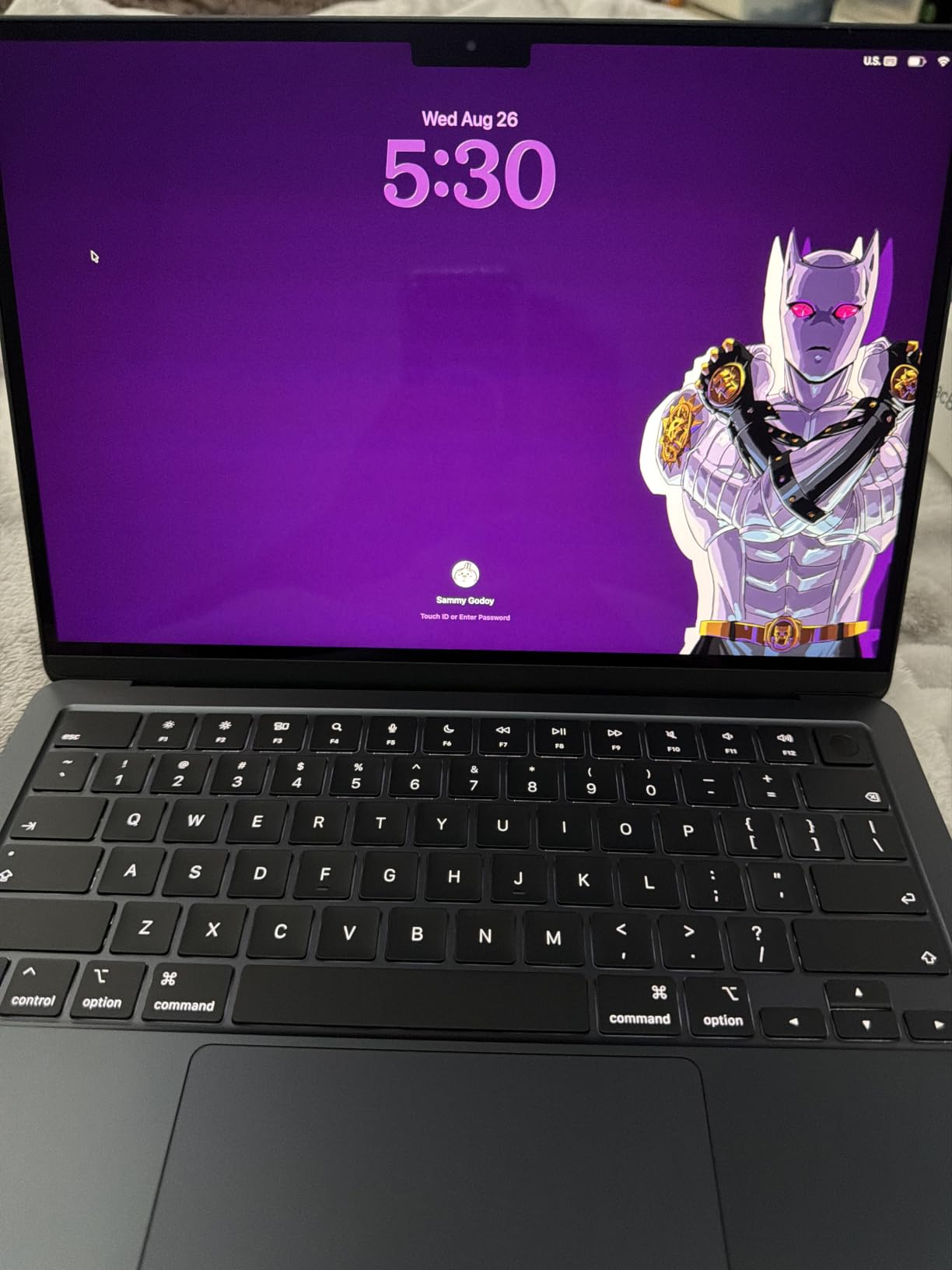
For someone moving from a Windows laptop, the Center Stage camera is the quiet winner. Desk View keeps you framed even when you type, and the three-mic array means other people hear you properly on a call from a kitchen table.
The trade-off owners mention is ports, not performance. Two Thunderbolt 4 ports, a MagSafe charger port and a headphone jack is the whole inventory, so if you regularly plug in an ethernet adapter, a card reader and two peripherals, budget for a hub. Our buying guide below covers which dock layouts pair well with this chassis.
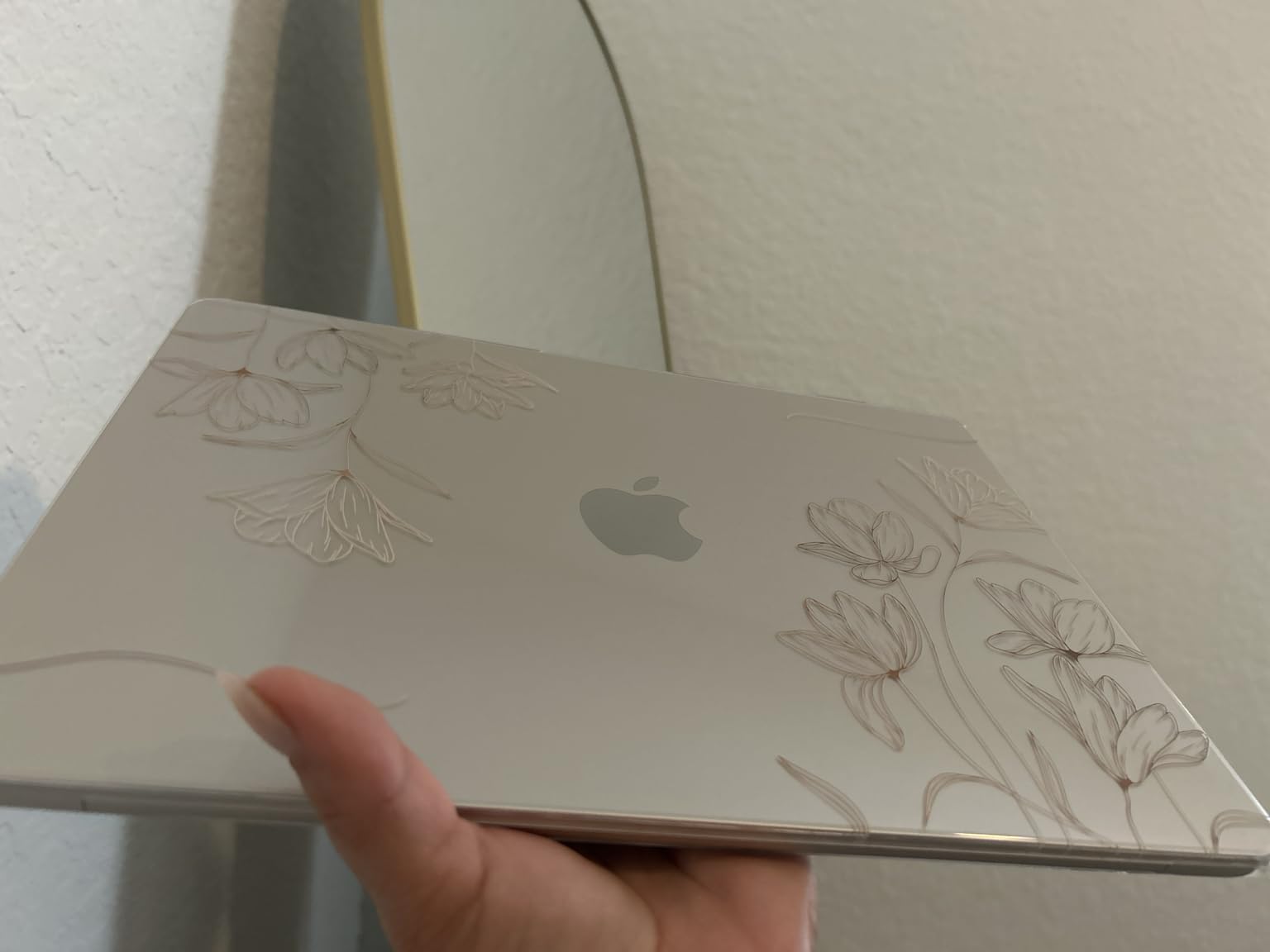
Two external displays are supported, which is unusual at this size and fine for most desk setups. Compared with the MacBook Air M5 15-inch, you give up screen area and the six-speaker system but gain almost 0.6 pounds and better portability. Compared with every renewed model below it, you also get the newest chip and a warranty that runs well past the 90 days a renewed unit carries.
One practical detail worth noting: this listing arrives as a complete new machine with the MagSafe cable in the box, so nothing extra needs buying before the first charge.
2. MacBook Air M5 15-inch: Best for Big Screens
Apple 2026 MacBook Air 15-inch Laptop with M5 chip: Built for AI, 15.3-inch Liquid Retina Display, 16GB Unified Memory, 512GB SSD, 12MP Center Stage Camera, Touch ID, Wi-Fi 7; Midnight
Display: 15.3-inch Liquid Retina
Memory: 16GB
Storage: 512GB SSD
Battery: up to 18 hr
Pros
- 15.3-inch panel gives real workspace without a bulky body
- Highest rating in the list at 4.8 stars
- Six-speaker system with Spatial Audio and Dolby Atmos
- Fanless so it stays silent under normal load
Cons
- Heavier than the 13-inch MacBook Air at 3.32 pounds
- Midnight finish shows fingerprints easily
Owners describe this as the sweet spot between the 13-inch Air and something much larger and more expensive. It carries the highest average rating of any MacBook Air in this roundup, and the reason shows up in the reviews: people bought it to get more screen, then stayed because the extra 0.6 pounds is not a burden.
The six-speaker system is the feature that gets mentioned second. Four speakers in the 13-inch model are fine; six with Spatial Audio turns the laptop into something you can watch a film on without reaching for a soundbar. For anyone working from a kitchen table or a hotel room, that matters more than it sounds.

Where it differs from the 13-inch M5 is physical. The body measures 9.35 by 0.45 by 13.4 inches against 8.46 by 0.44 by 11.97, and the extra width is what holds the larger panel and speaker array. If your machine spends its life on a desk, the trade is free. If it lives in a backpack on a train, it is not.
The main criticism in reviews concerns brightness rather than size. Owners describe the panel as dimmer than mini-LED-equipped Pro models, so outdoor reading and bright rooms are where this one loses ground.

Port selection is the same two Thunderbolt 4 ports plus MagSafe and a headphone jack, and up to two external displays are supported. If you plan to run the laptop alongside two large screens, it is worth picking your panels before the sale ends and the good choices thin out.
Compared with the MacBook Air M2 15-inch Renewed further down, you are paying for the newest chip, double the memory, double the storage and a new-machine warranty. Compared with the 13-inch M5, it is a straight swap of portability for workspace.
3. MacBook Air M2 13-inch Renewed: Best Value
Apple 2022 MacBook Air with Apple M2 Chip, 13-inch, 8GB RAM, 256GB SSD Storage, Midnight (Renewed)
Display: 13.6-inch Liquid Retina
Memory: 8GB
Storage: 256GB SSD
Battery: up to 18 hr
Pros
- Lowest cost route into a MacBook Air with the current screen size
- 2.7 pound body with the same 13.6-inch panel as newer models
- Bright Liquid Retina screen with P3 wide color
- All-aluminium unibody feels durable in the hand
- Strong owner satisfaction with condition and battery health
Cons
- Only 8GB of unified memory limits heavy multitasking headroom
- 256GB SSD storage is modest for large media libraries
Owners of this renewed 13-inch mostly report the same two things: the unit arrives in excellent condition, and the machine feels far faster than the specification sheet suggests. That is the whole argument for a renewed Air at a fraction of the new price.
The specification sheet is where the caution lives. 8GB of unified memory is fixed and cannot be upgraded, and 256GB of storage is tight once a photo library gets involved. If your work is documents, browsing, video calls and streaming, it is genuinely fine. If you keep dozens of browser tabs, large Adobe projects or local media servers, it is not.
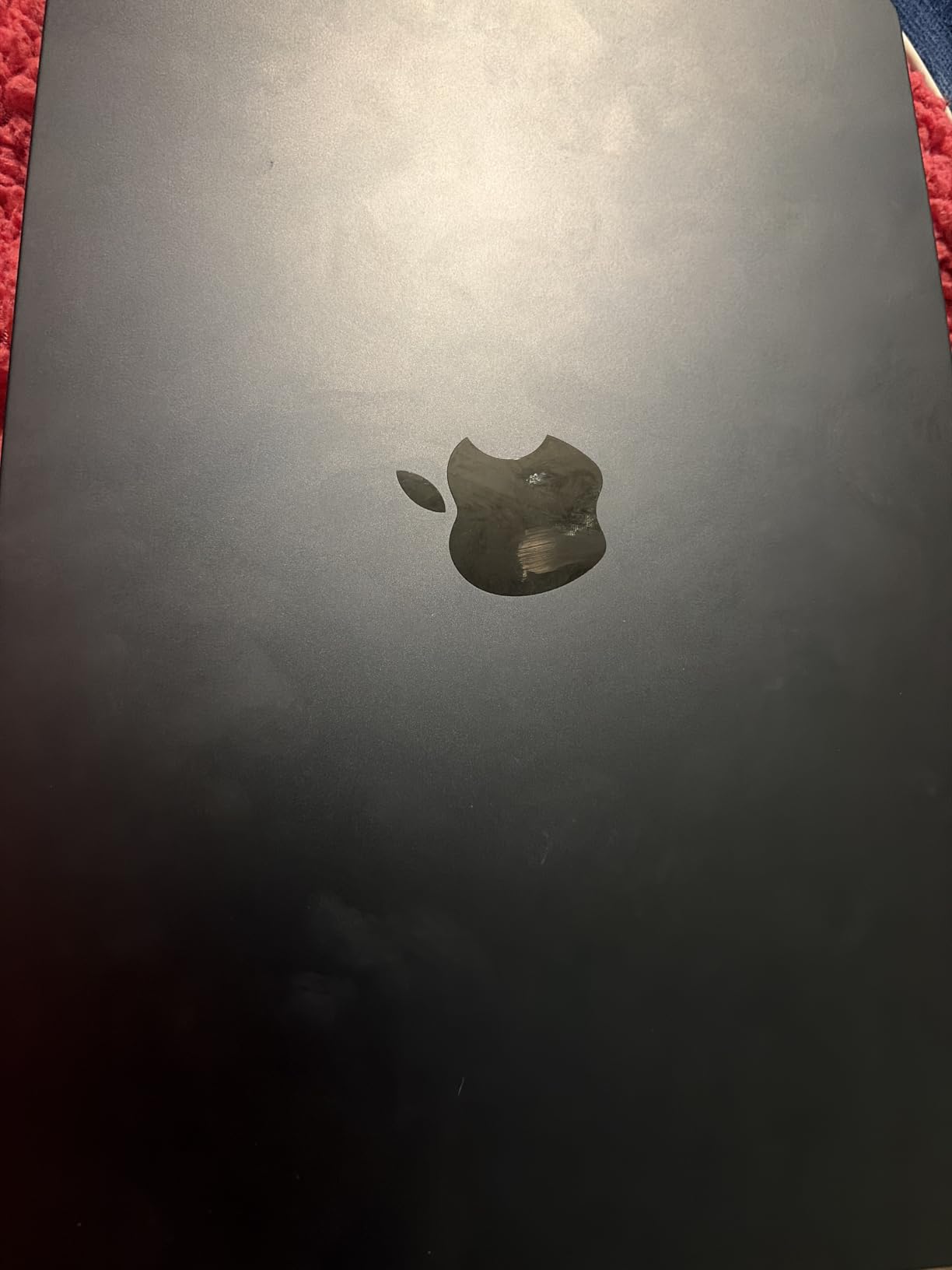
Renewed units are graded, not guaranteed identical, and that shows up in the reviews. Most buyers describe a clean machine with a healthy battery. A minority received units with scratches, dents or a lid that did not sit flush, which is the single biggest reason the one-star share sits noticeably above that of the new models.
The warranty is the honest caveat: a 90-day limited term, versus the standard one-year cover on a new machine. For a device you plan to keep for years, that difference matters more than the specification gap. Owners also point out that the fanless design slows under sustained heavy workloads, so long compiles and video exports are not its strength.
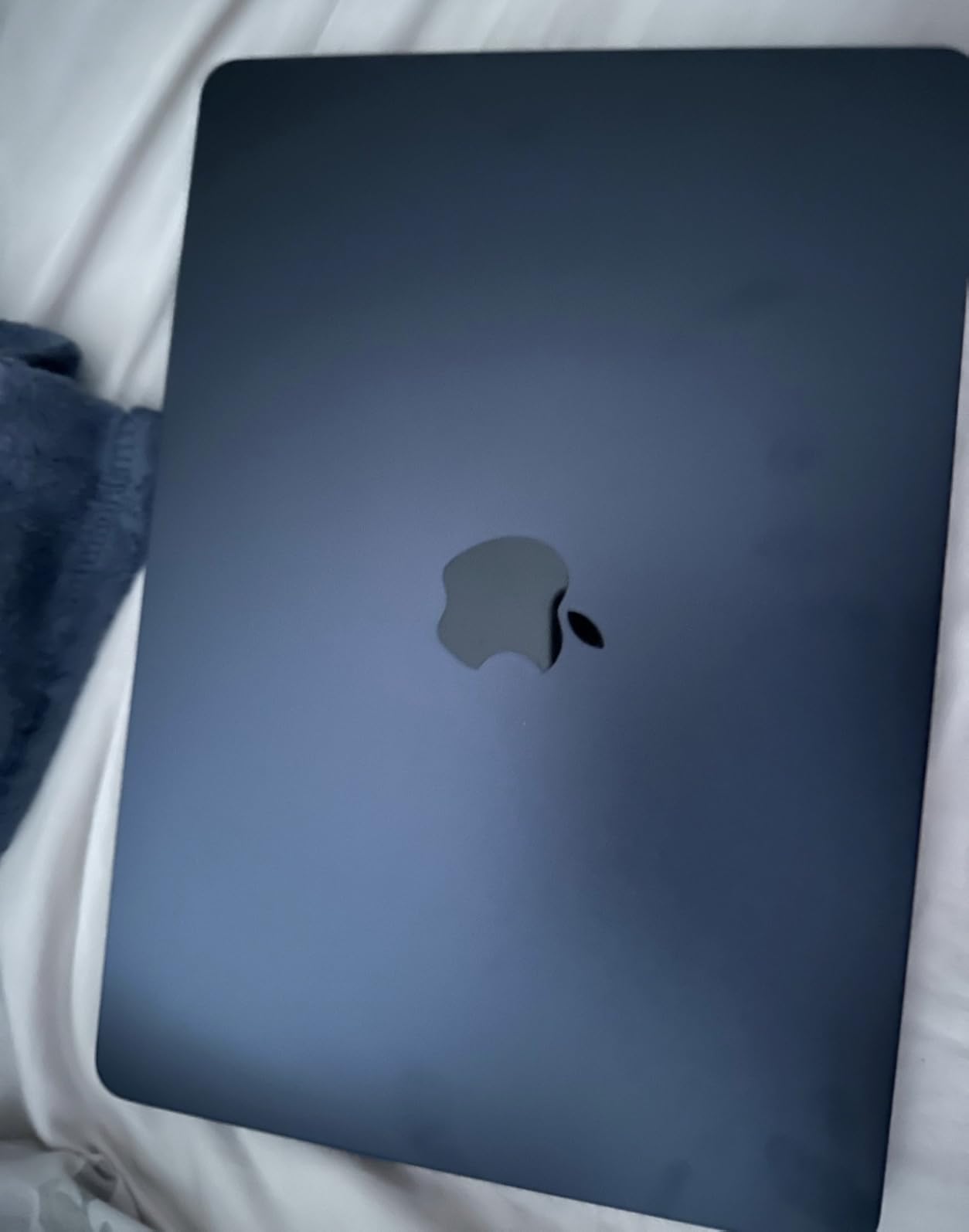
Skip this one if you need the newest chip, more than 8GB of memory or a long warranty. Compared with the MacBook Air M3 13-inch Renewed, the M2 gives up a generation of processing but gains the 13.6-inch Liquid Retina panel and an eight-core CPU that still feels quick. Compared with the renewed M1 13-inch, it is the better buy at any point where the gap is affordable.
One detail to keep in mind: this is an older battery pack than the new M5 machines carry, so expect a shorter working day than the claimed figure suggests.
4. MacBook Air M2 15-inch Renewed: Best for Shared Workspaces
2023 Apple MacBook Air with Apple M2 Chip with 8-Core CPU/10-Core GPU (15-inch, 8GB RAM, 256GB SSD Storage) (QWERTY English) Midnight (Renewed)
Display: 15.3-inch Liquid Retina
Memory: 8GB
Storage: 256GB SSD
Battery: up to 18 hr
Pros
- Completely silent fanless design suits libraries and quiet offices
- Big bright Liquid Retina screen for writing and spreadsheets
- Up to 18 hours of claimed battery life
- Many owners receive units that look new or still sealed
Cons
- 8GB unified memory and 256GB SSD are fixed and modest
- Some renewed units arrived with scratches dents or a bumpy lid
Buy this if noise is the constraint. The fanless design produces no fan noise at all, and several owners mention it as the reason they could work in a shared office or a study room where a spinning machine would have been a problem.
The screen is the other draw. At 2880×1864 with P3 wide color, it is a comfortable writing and spreadsheet surface, and at 3.3 pounds it still carries between meetings. Backlit Magic Keyboard with Touch ID comes standard, which is worth noting because the older M1 Air here has no Touch ID at all.
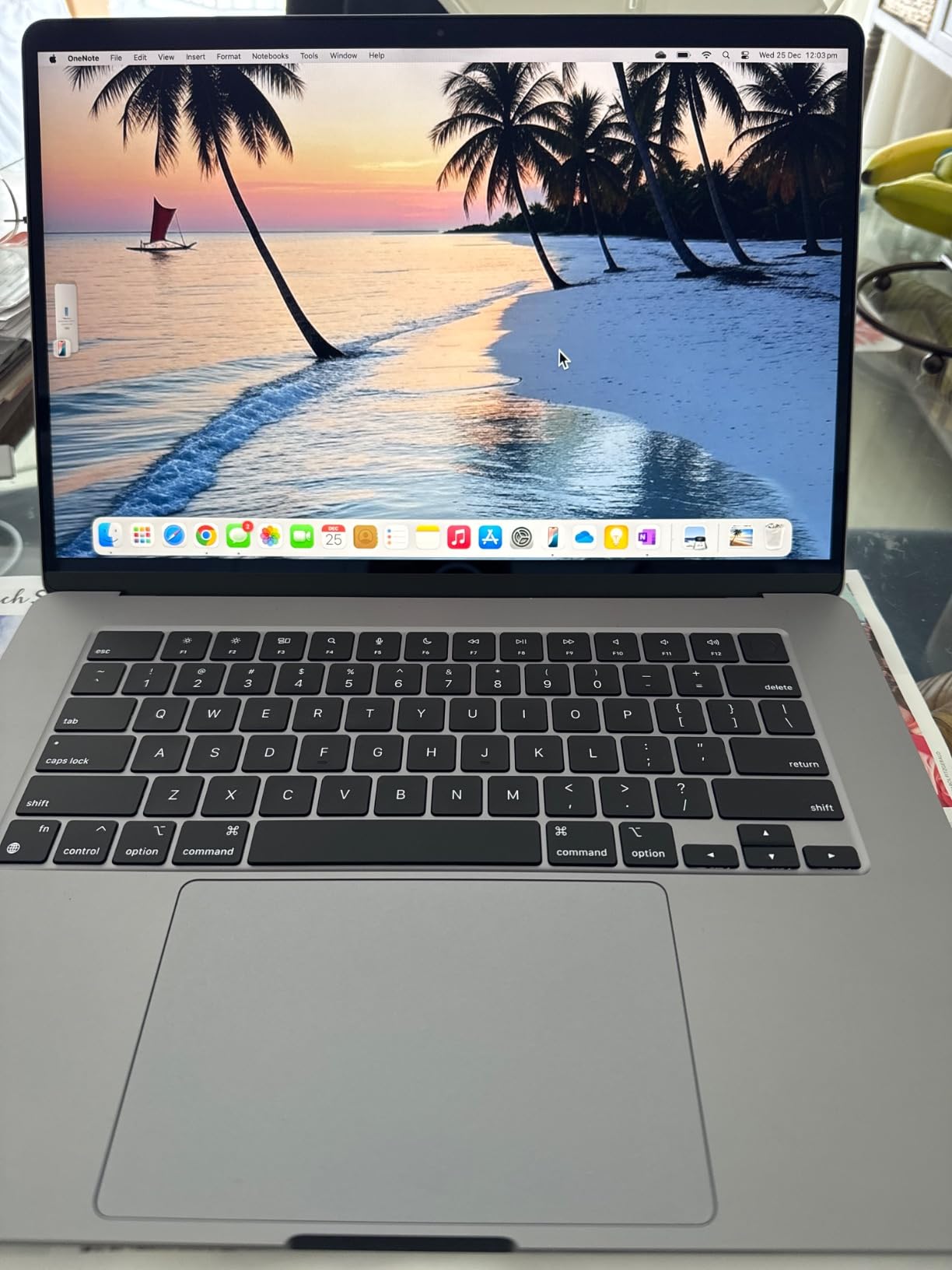
The variability is the risk. Reviews report a spread: many buyers received units that looked new or arrived in sealed original packaging, while others found scratches, dents or a bumpy lid. That spread is why the rating sits lower than the other 15-inch model here, and it is worth reading recent reviews before you commit.
There is also a fixed 8GB of unified memory and 256GB of storage, with no upgrade path. As with the renewed 13-inch M2, that ceiling decides whether this works for you. Light office and school use, yes. Sustained creative work, no.
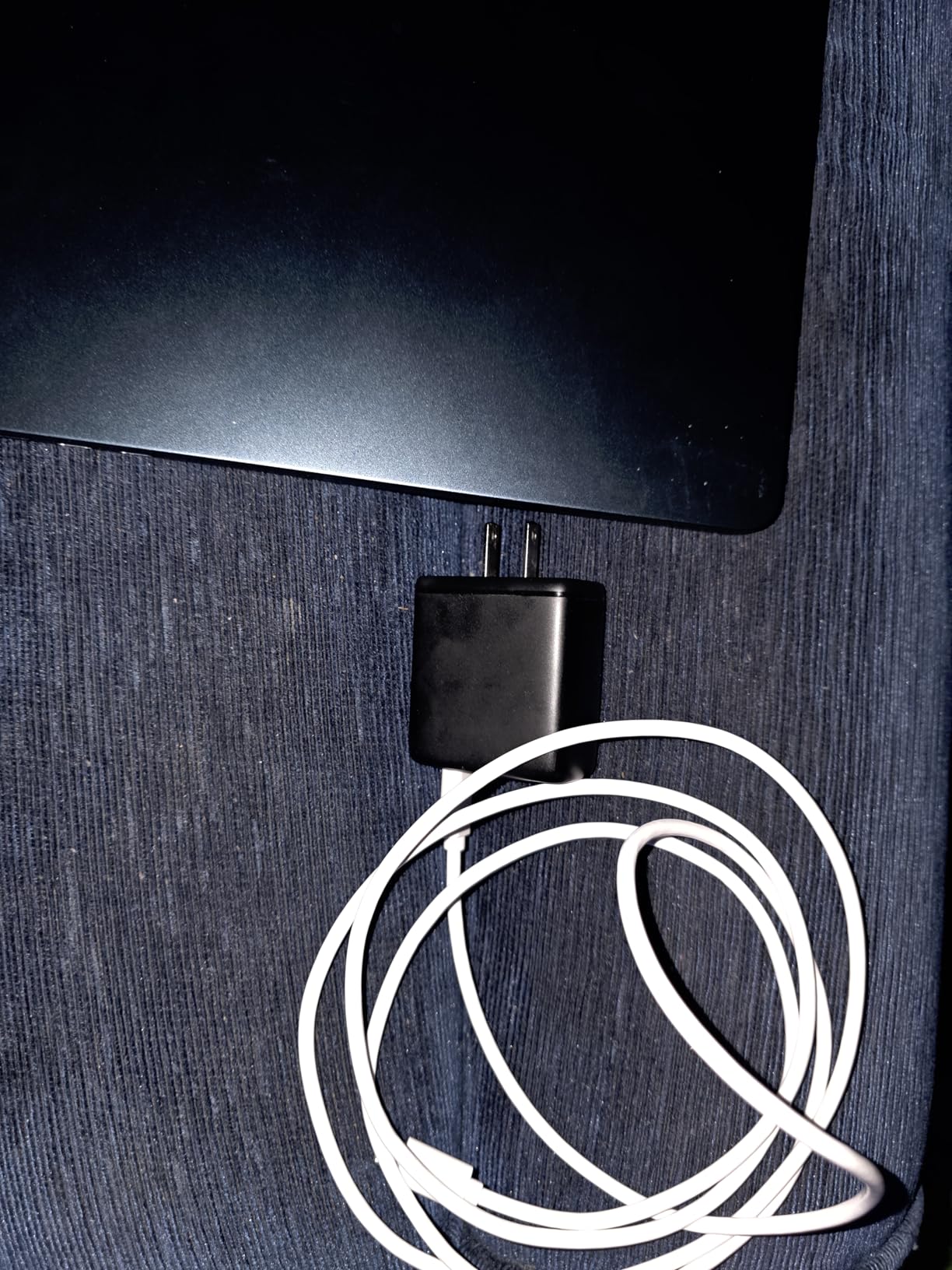
Compared with the MacBook Air M5 15-inch, you give up the newest chip and half the memory and storage, and in exchange you pick up a completely silent chassis at a lower entry point. Compared with the renewed 13-inch M2, it is the same chip in a larger body with a bigger battery.
Read the return policy before you order. Condition variance on a 15-inch machine is more visible than on a 13-inch one, and the 90-day limited warranty is your only recourse if something is wrong.
5. MacBook Air M3 13-inch Renewed: Best for Students
Apple MacBook Air with Apple M3 Chip, 13-inch, 8GB RAM, 256GB SSD Storage, Midnight (Renewed)
Display: 13.6-inch Liquid Retina
Memory: 8GB
Storage: 256GB SSD
Battery: up to 18 hr
Pros
- Recent-generation chip in a renewed unit
- Touch ID fingerprint reader
- All-day battery so the charger stays home
- 13.6-inch Liquid Retina display with a billion colors
- Superportable design under half an inch thin
Cons
- 8GB unified memory with no upgrade path
- 256GB SSD can fill up quickly with apps and media
A student buying one laptop for four years needs the machine to still feel current in year four. That is this listing’s argument: it pairs a recent-generation chip with the 13.6-inch Liquid Retina panel and a body under half an inch thin, which is the combination most students actually want.
The M3 chip delivers an eight-core CPU and eight-core GPU, and owners report smooth, quiet performance for coursework with plenty left over for lighter creative work. The 13.6-inch Liquid Retina display handles lectures, reading and spreadsheets without the smaller 13.3-inch panel that the M1 Air uses.
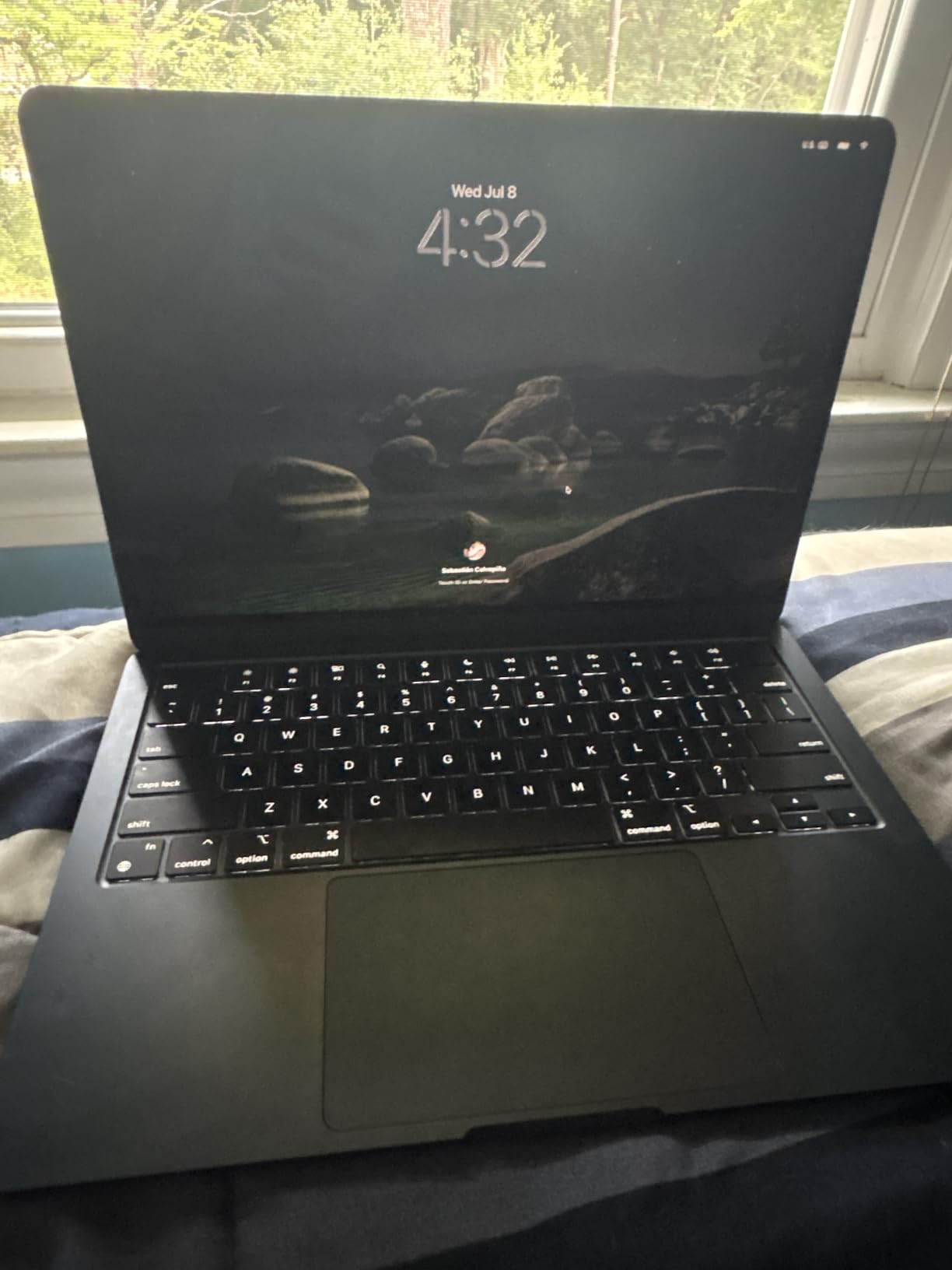
Battery is the second reason it suits students. Up to 18 hours of claimed battery life means a full day of classes and library sessions without hunting an outlet. Add Touch ID, which the renewed M1 Air here does not have at all, and daily logins stop being friction.
The ceiling is the same one that runs through every renewed Air in this list: 8GB of unified memory cannot be upgraded and 256GB fills up once a course starts downloading large files. If you are heading into engineering, video or data work, spend up on the 16GB new models instead.
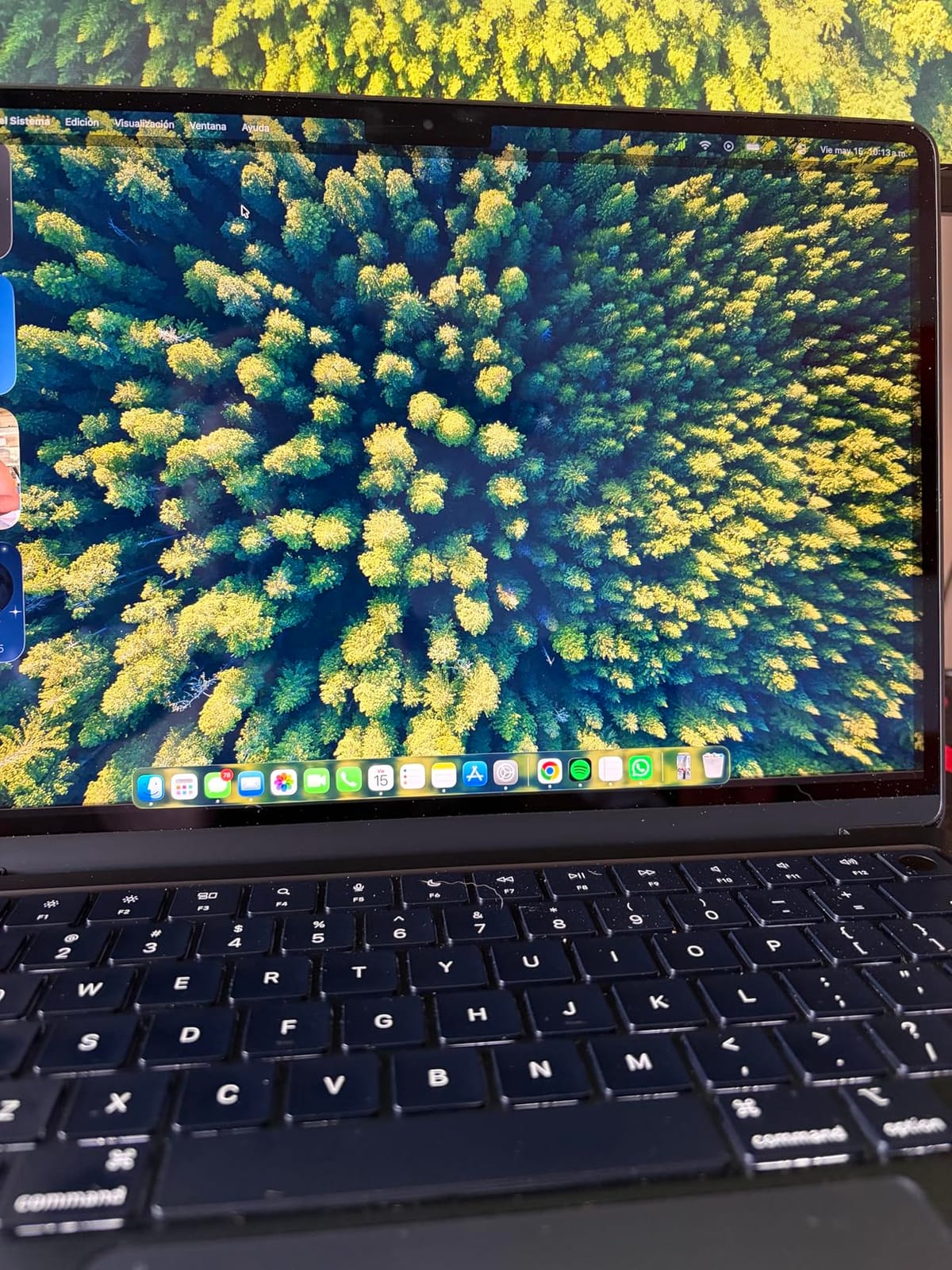
Against the renewed M2 13-inch, this is a generation newer with the same memory and storage, plus Touch ID. Against the new MacBook Air M5 13-inch, it costs considerably less while giving up two chip generations and the longer warranty. For a school machine on a fixed budget, that is a sensible middle.
Two things to check before you order: the memory and storage figures in the listing match what you planned, and the warranty length, which on a renewed unit runs 90 days rather than a full year. The condition notes in recent reviews are the better guide here than the overall rating.
6. MacBook Air M1 13-inch Renewed: Best on a Budget
Apple Late 2020 MacBook Air with Apple M1 Chip (13 inch, 8GB RAM, 256GB SSD) Silver (Renewed)
Display: 13.3-inch Retina LCD
Memory: 8GB
Storage: 256GB SSD
Battery: up to 18 hr
Pros
- Lowest price in this MacBook Air roundup by a wide margin
- 2541 reviews give the deepest owner feedback of any pick here
- M1 chip still handles browsing documents and light creative work
- Silent fanless operation with no overheating reported
Cons
- 8GB unified memory and 256GB SSD are the limits of the M1 Air platform
- 13.3-inch Retina display is smaller and less bright than newer Liquid Retina Air models
This is the pick for anyone who wants a MacBook Air and not much else: browsing, documents, classes, email and streaming. The M1 chip is an eight-core CPU with a seven-core GPU and a 16-core Neural Engine, and owners still describe it as fast and fluid for that work.
It also carries the most owner feedback of anything here, and that cuts both ways. Out of 2,541 reviews, plenty of buyers report units that look brand new with strong battery health, while the negative reviews concentrate on real limits: battery wear, minor scratches, and the occasional unit that arrives with a third-party charger instead of an original Apple adapter.
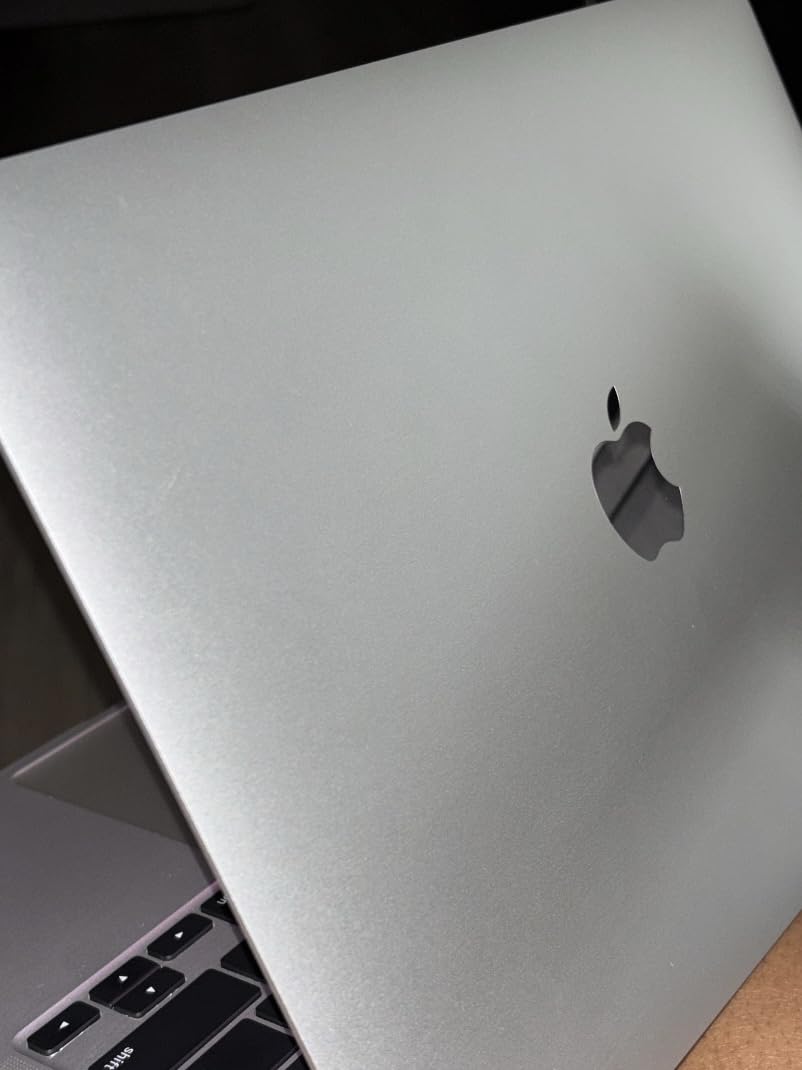
The 13.3-inch Retina LCD with P3 wide color is the oldest screen in the roundup. It is dimmer than the Liquid Retina panels on every newer model, and there is no Touch ID on this generation, so you are signing in with a password every time.
Two USB-C Thunderbolt ports, no MagSafe and no headphone jack means one port is usually taken by charging. If you travel with a bag full of cables, plan around it. The battery still claims up to 18 hours, though on an older cell expect to look for a charger sooner than on a renewed M2 or M3.
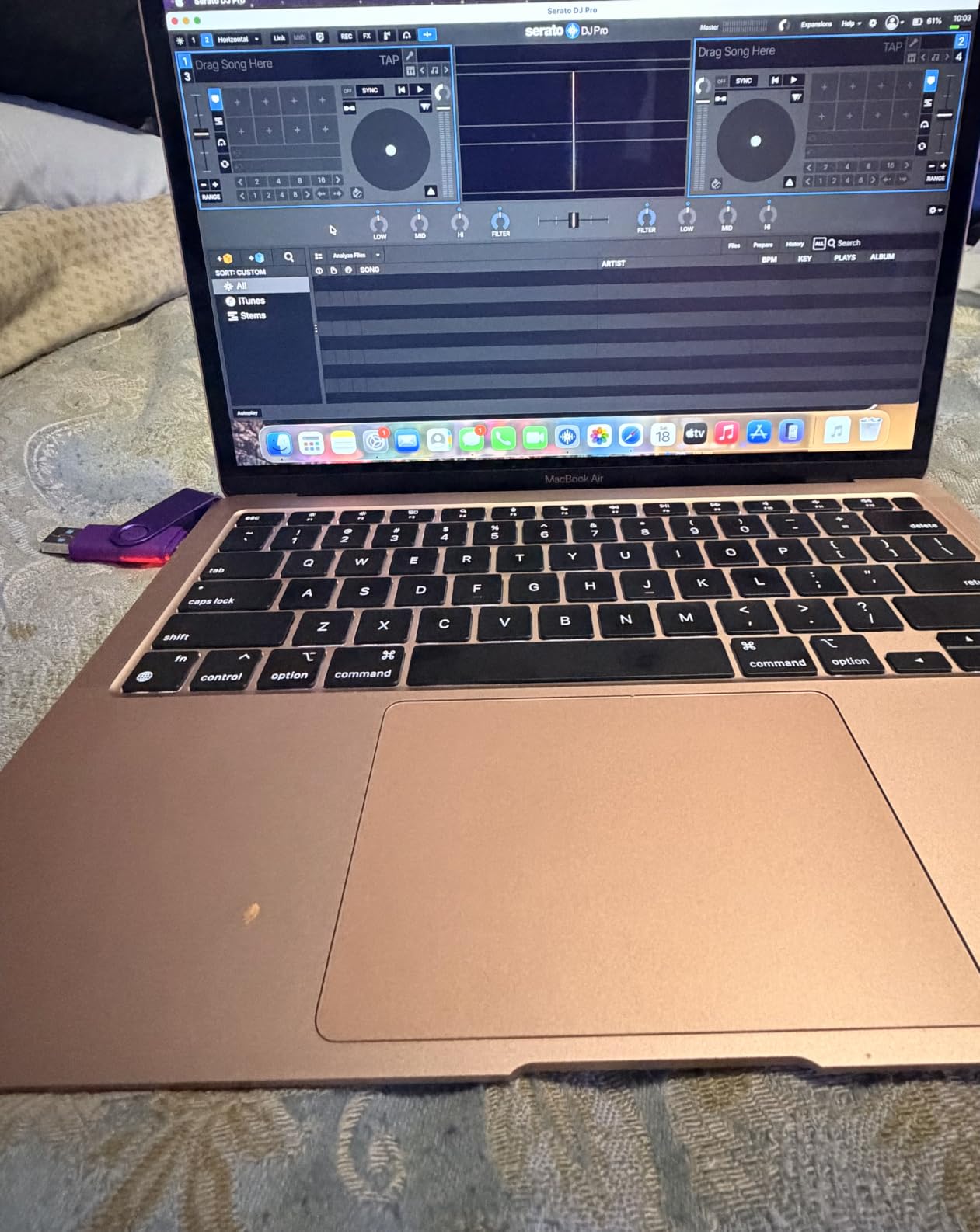
Compare it with the renewed M2 13-inch and the decision is simple: the M2 gives you a larger, brighter 13.6-inch Liquid Retina panel and a faster chip for a modest step up, while this one minimises the entry point. Check the keyboard layout field before ordering, since layouts vary between units.
Because this platform has been renewed and sold for years, the review pool spans very different batches of machines and the experiences spread wider than on any other pick here. Read the most recent reviews rather than relying on the rating alone.
How to Choose MacBook Airs During Prime Big Deal Days
Is 8GB of unified memory enough in 2026?
For documents, browsing, streaming and video calls, 8GB is workable. It is not enough for dozens of browser tabs alongside large creative apps, local builds or video editing, and the memory cannot be upgraded later. Aim for 16GB if you will keep the machine more than three years.
In this roundup, that points to the MacBook Air M5 13-inch or the MacBook Air M5 15-inch. The renewed 8GB models are the right call for a light, fixed workload on a fixed budget.
Which chip generation is worth paying more for?
Newer is better for longevity, not for speed on everyday tasks. An M2 still runs documents, browsing and light creative work smoothly, while the M5 adds newer wireless hardware and stronger performance headroom for on-device AI features.
Choose the M5 pair if you want the longest runway. Choose a renewed M3 or M2 if you want a smaller cheque and do not need the newest generation. The renewed M1 is the floor for very light use only.
Should I buy a 13-inch or 15-inch MacBook Air?
The 13-inch models weigh 2.71 pounds and 2.7 pounds; the 15-inch ones weigh 3.32 and 3.3 pounds. That half-pound is the difference between a laptop that lives in your bag and one that lives on a desk.
Choose the 15-inch for desk work, writing, spreadsheets and media, and note the six-speaker system on the new M5 15-inch. Choose the 13-inch for commuting, travel and small workspaces.
How much screen quality and external monitor support do I need?
Every current Liquid Retina panel renders a billion colors, while the older 13.3-inch LCD in the renewed M1 Air does not. All of the newer models support up to two external displays, which is worth weighing if you plan a desk setup.
If you intend to run the laptop alongside a larger panel, the current 13.6-inch and 15.3-inch sizes leave you with plenty of room to spare. Our picks for monitors for MacBook users go deeper on matching a screen to the laptop.
Do ports matter enough to change my choice?
They do. The new M5 models give you two Thunderbolt 4 ports, MagSafe and a headphone jack. The renewed M2 and M3 units match that layout. The renewed M1 Air has two USB-C Thunderbolt ports and no MagSafe, so charging occupies one of them permanently.
Regular dock users should factor in a hub. Our roundup of Thunderbolt docks for MacBooks covers the options that pair cleanly with this generation of ports.
Is a renewed MacBook Air a sensible buy during the sale?
Renewed units here carry a 90-day limited warranty and a graded condition, which is the trade for a lower entry point. Owner reviews are consistently positive on condition and battery health, with the recurring complaints being cosmetic marks and the fixed 8GB and 256GB configuration.
Renewed makes sense for a light workload on a limited budget. For anything you will rely on for four years of school or work, the new M5 models are the sounder purchase.
How to Shop MacBook Air Deals During the Sale
On a MacBook Air listing, read the model number in the technical details before anything else, because Amazon bundles several configurations under one product page. Confirm the chip generation, the unified memory figure and the SSD capacity all match what you planned, then check whether the machine is listed as new or renewed, who the seller is, and how long the warranty runs.
Most offers in this event need a Prime membership, with a free trial counting, and prices change through the two days.
Before you pay, confirm the following:
- The model number and memory figure match the configuration you intended to buy
- Unified memory is 16GB if you plan to keep the machine more than three years
- The listing is new or clearly graded renewed, and you have read the condition reviews
- The seller is Amazon rather than an unfamiliar reseller
- The warranty length matches your risk tolerance: one year on new, 90 days on renewed
Frequently Asked Questions
When does Amazon Prime Big Deal Days run?
Amazon Prime Big Deal Days runs October 6-7, 2026. It is Amazon’s autumn event and the fall counterpart to July’s Prime Day, running across two days. Offers and prices change through the event, so a listing checked on the first morning is not guaranteed to hold the same price on the second day.
Are Prime Big Deal Days MacBook Air deals actually worth waiting for?
Usually yes for anyone planning a purchase anyway, but the savings sit in a moderate band rather than a dramatic one. Because Apple itself does not discount Macs outside student, military and refurbished channels, every saving here comes from the retailer. Use the listing price at checkout as the real number and judge it against what you saw a few weeks earlier.
Do I need a Prime membership to buy a MacBook Air during the sale?
Most offers in this event are restricted to Prime members, and a free trial counts for the length of the trial. Some laptop deals occasionally run for everyone, so it is worth signing in before you compare prices, because the price a signed-in member sees can differ from the one an anonymous visitor sees.
How do I verify the MacBook Air model and configuration before buying?
Check the model number in the technical details, since Amazon bundles configurations under one listing. Confirm the chip generation, the unified memory figure and the SSD capacity match what you planned to buy, and whether the unit is sold as new or renewed. On a renewed machine the condition notes matter more than the overall rating.
Should I wait for a MacBook Air deal or buy a current model now?
If your current machine still does what you need, waiting costs nothing and the event lasts two days. If you need it for work or school, buy during the event or from an education channel, because those two routes are the only predictable moments when a new Air moves below its usual price. Do not buy a config you will outgrow within a year.
Can I compare the same MacBook Air configuration across different sellers?
Yes, and it is worth doing. Search the exact model number rather than a general term, because that removes the configuration ambiguity that makes two prices look comparable when they are not. Then compare the seller line, the warranty length and the return policy, since a renewed unit from a third-party seller carries different protection from one sold by Amazon.
Final Verdict: Best Amazon Prime Big Deal Days MacBook Air Deals
The MacBook Air M5 13-inch is the model worth watching most during Prime Big Deal Days. It carries the newest chip, 16GB of memory and 512GB of storage in a 2.71 pound body, and it is the one pick here that will not need replacing when a memory ceiling catches up with you. For a bigger screen and better sound at the same generation, take the MacBook Air M5 15-inch.
For a tighter budget, the renewed MacBook Air M2 13-inch is the budget-friendly alternative that still makes sense. The renewed MacBook Air M3 13-inch is the better student buy, with Touch ID and a more recent chip. Choose the renewed MacBook Air M2 15-inch when silence in a shared room matters more than memory. Pick the renewed MacBook Air M1 13-inch only if the lowest entry point matters most and your work is light.
Check the current price on each listing before you commit, sign in so any member pricing shows, and read the recent reviews on a renewed unit rather than relying on the rating alone.