
Ten compact PCs sit worth watching during Amazon’s October Prime event, and the Kamrui Pinova P2 comes out on top: it runs a Ryzen 3 7330U with two M.2 expansion slots, drives three 4K monitors and weighs 573 g, which is a rare combination in a 5-inch chassis.
The Acemagic K1 Gaming is the one to look at if light gaming matters, thanks to Radeon 680M graphics and 24GB of LPDDR5. If you would rather add memory later instead of living with whatever is soldered to the board, the Beelink SER3 has two DDR4 slots and a three-year warranty. Prime Big Deal Days runs October 6-7, 2026, and most offers need a Prime membership, though a free trial counts.
Table of Contents
Our Top 3 Picks for Best Amazon Prime Big Deal Days Mini PC Deals (October 2026)

Kamrui Pinova P2
- Ryzen 3 7330U 4C/8T
- 16GB LPDDR4X
- Triple 4K output
- Two M.2 expansion slots

Acemagic K1 Gaming
- Ryzen 7 7735HS 8C/16T
- 24GB LPDDR5
- Radeon 680M graphics
- Windows 11 Pro

Beelink SER3
- Ryzen 3 3200U 2C/4T
- 16GB DDR4 upgradable to 32GB
- 500GB PCIe 3.0 SSD
- 3-year warranty
The Pinova P2 takes the top slot on balance rather than on any single headline number. It is the only pick here that pairs a Zen 3 chip with two storage slots, a VESA mount in the box and a two-year manufacturer warranty at under 600 g.
The K1 Gaming carries the strongest integrated graphics in the group and the largest memory capacity, so it makes sense for anyone who wants a small box that can run more than a browser. The SER3 is the opposite bet: less power, but memory you can replace in two minutes with a screwdriver.
Best Amazon Prime Big Deal Days Mini PC Deals Compared
| Product | Specifications | Action |
|---|---|---|
| Kamrui Pinova P2 |
|
Check Deal Price |
| Acemagic K1 Gaming |
|
Check Deal Price |
| Beelink SER3 |
|
Check Deal Price |
 Bosgame E4 Air Bosgame E4 Air |
|
Check Deal Price |
 Bosgame E5 11 Pro Bosgame E5 11 Pro |
|
Check Deal Price |
 Kamrui Pinova P1 Kamrui Pinova P1 |
|
Check Deal Price |
 Bmax B3 Pro Bmax B3 Pro |
|
Check Deal Price |
 GMKtec G10 GMKtec G10 |
|
Check Deal Price |
 Bosgame E2 Air Bosgame E2 Air |
|
Check Deal Price |
 Acemagic K1 i5 Acemagic K1 i5 |
|
Check Deal Price |
Every row uses the same four fields so the columns line up. Use the current price button on each listing rather than any reference price, since those change through the event.
How We Chose
Each pick was compared on the specifications that decide how a mini PC handles real work: processor class and core count, memory type and whether it is soldered, storage expansion slots, display output and networking. Ratings and owner review themes from Amazon listings were read for each product, and the data was checked in October 2026.
1. Kamrui Pinova P2: Best Overall Mini PC Pick
Kamrui Pinova P2
CPU: Ryzen 3 7330U 4C/8T
RAM: 16GB LPDDR4X
Storage: 256GB M.2 SSD
Displays: 3 x 4K
Pros
- Triple 4K at 60Hz across HDMI plus DisplayPort plus USB-C
- Two M.2 slots for storage growth to 4TB
- 573 g chassis with VESA mount in the box
- Two-year manufacturer warranty
- Quiet under load
Cons
- Memory is soldered so it cannot be upgraded
- Entry 256GB drive leaves little headroom
- Vega-class graphics are no use for 3D gaming
The pick that makes the fewest compromises. The Ryzen 3 7330U is a 4-core, 8-thread Zen 3 part running at up to 4.3GHz on a 15W TDP, which is unusually efficient for the multi-core work it handles. Owners report smooth day-to-day multitasking, and the rating sits at 4.4 stars from 2040 reviews.
What sets it apart is storage. There are two M.2 2280 slots, one taking SATA or NVMe PCIe 3.0 and one taking SATA, so the 256GB drive that ships is a starting point rather than a ceiling. The graphics carry 6 compute units and reach about 1.8GHz, enough for 4K playback across three displays at 60Hz but nothing more ambitious.
For a home office with two or three monitors, the output configuration is the reason to pick it. HDMI 2.0, DisplayPort 1.4 and a USB-C port with DisplayPort Alt Mode all run simultaneously, and the 10Gbps Type-C port handles data at the same time. Gigabit LAN, dual-band WiFi and Bluetooth cover the networking side, and a VESA mount with screws ships in the box.
The trade-off owners mention most is that the 16GB of LPDDR4X sits on the board permanently at 3200 MT/s. If you want memory you can grow, look at the Beelink SER3 further down. Compared with the Acemagic K1 Gaming, the Pinova P2 is slower in games but smaller, lighter and easier on a desk.
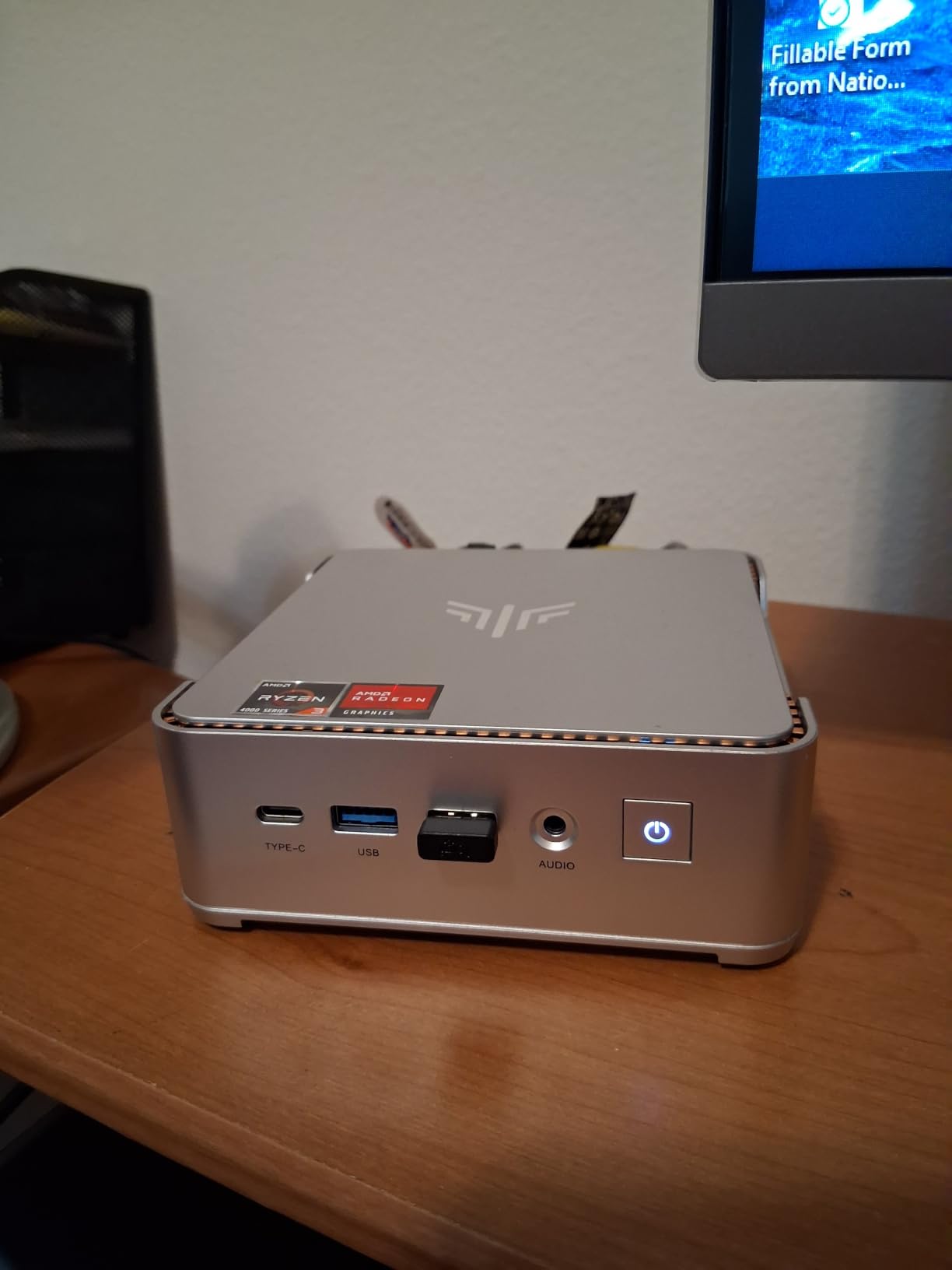
Good to know: the package includes an HDMI cable, the power adapter, a manual and the VESA bracket, so you are not hunting for a mounting plate. The chassis measures 5.05 by 5.05 by 1.73 inches.
2. Acemagic K1 Gaming: Best for Light Gaming
Acemagic K1 Gaming
CPU: Ryzen 7 7735HS 8C/16T
RAM: 24GB LPDDR5
Storage: 512GB M.2 SSD
Displays: 3 x 4K
Pros
- Radeon 680M is the strongest integrated graphics here
- 24GB LPDDR5 at 5500MT/s
- Second M.2 slot for storage to 4TB
- Windows 11 Pro preinstalled
- Dual-outlet cooling keeps the fan quiet
Cons
- LPDDR5 memory cannot be upgraded
- Graphics suit casual titles rather than 3D gaming
- Some owners report boot or drive problems
Buy this one if you want a small box that can run more than spreadsheets. The Ryzen 7 7735HS gives 8 cores and 16 threads with a 16MB cache and boost up to 4.75GHz, and the Radeon 680M is clocked at 2200MHz, the fastest integrated graphics in this roundup. Reviewers point to casual titles such as DOTA2 running on it without drama.
Memory is 24GB of LPDDR5 at 5500MT/s, which is the largest capacity here and does a lot of quiet work when you leave a dozen browser tabs open next to a video call. It is onboard, so treat that figure as final. Storage is better behaved: a 512GB M.2 drive with a second M.2 2280 slot for expansion up to 4TB.
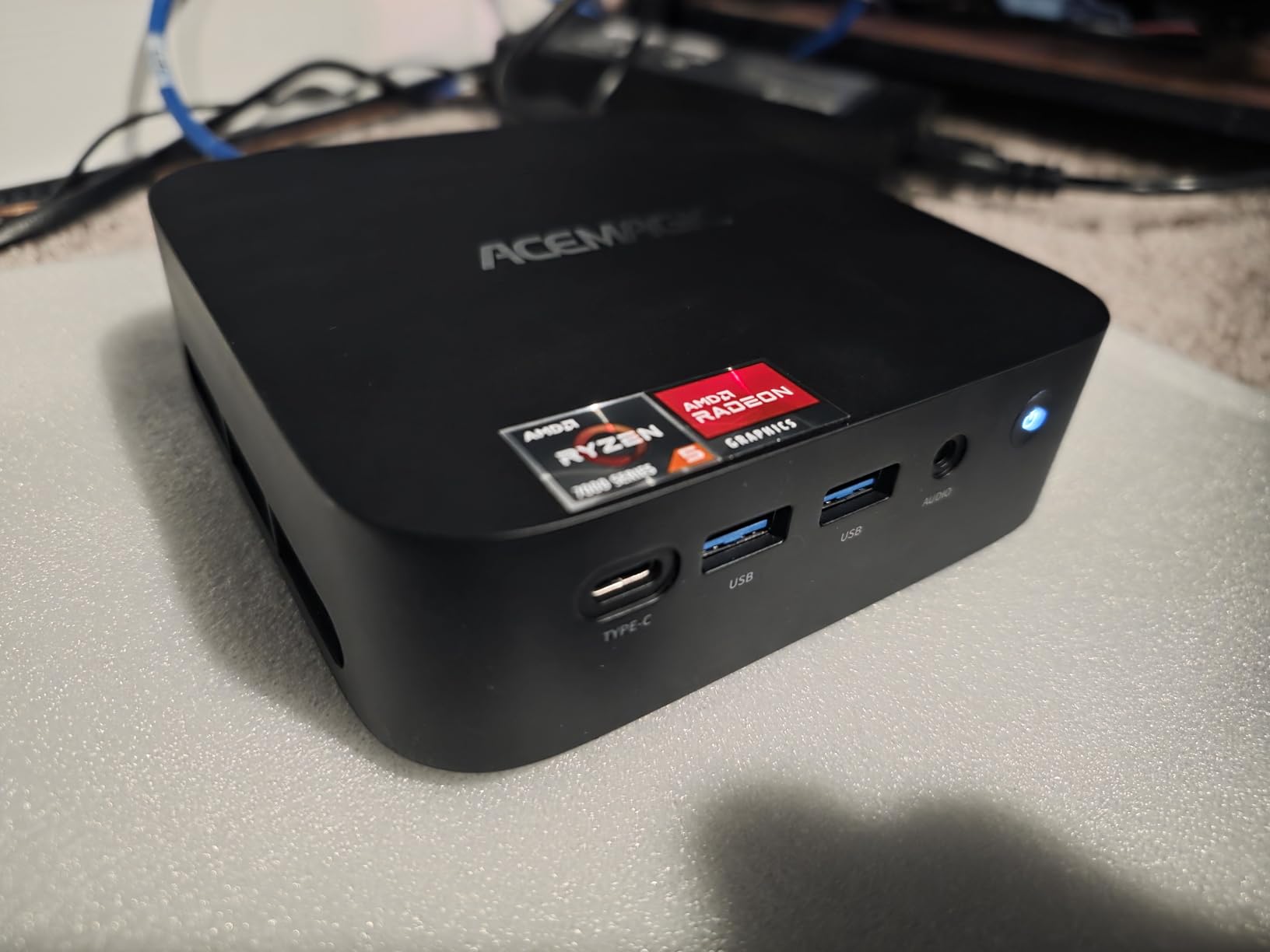
Owner feedback splits along predictable lines. The 5.3-inch chassis with dual-outlet cooling and a silent fan holds its performance through long sessions, and Windows 11 Pro is preinstalled with a VESA bracket in the box. The 9% one-star share centres on occasional storage or boot problems rather than on speed.
The Pinova P2 is the calmer of the two machines. This one runs games faster, draws 45 watts and leans harder on its cooling, which works on a desk where gaming is the point and paperwork is the side job.
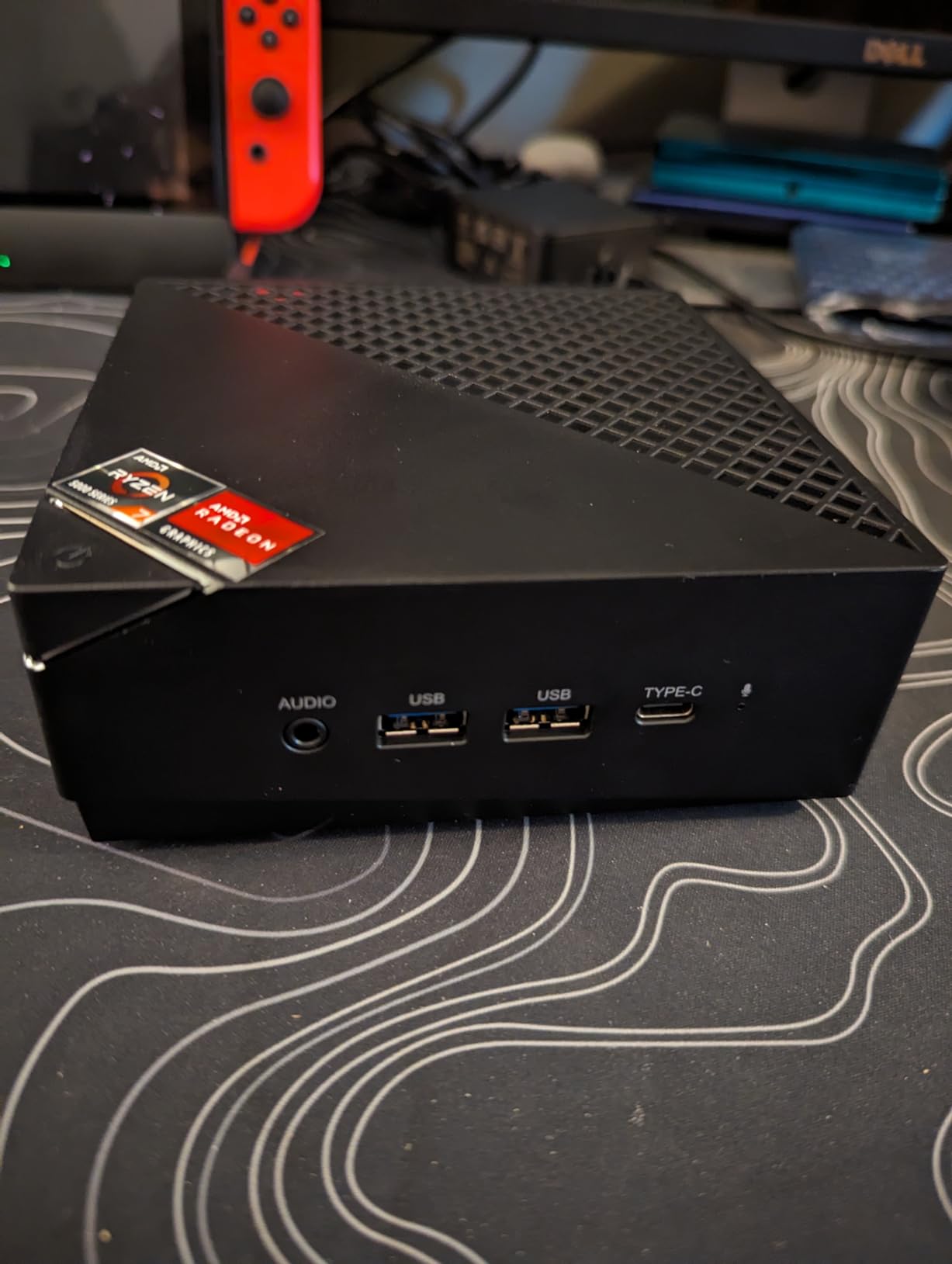
Three 4K displays run at once over HDMI, DisplayPort and Type-C, so the output count is real rather than a spec-sheet promise.
3. Beelink SER3: Best for Upgradeable Memory
Beelink SER3
CPU: Ryzen 3 3200U 2C/4T
RAM: 16GB DDR4
Storage: 500GB M.2 SSD
Displays: 2 x 4K
Pros
- Two DDR4 slots take memory to 32GB
- 500GB PCIe 3.0 drive as standard
- Four USB 3.2 ports for the money
- Three-year warranty with lifetime support
- Proven design with 1540 owner reviews
Cons
- Two-core chip struggles with heavy multitasking
- Dual display output only
- Vega 3 graphics are limited to 4K playback
Two memory slots and a three-year warranty are the reasons this one keeps showing up. The 16GB of DDR4 at 2400MHz runs across two upgradeable slots, so 32GB is a ten-minute job rather than a replacement purchase. Storage starts at 500GB on an M.2 PCIe 3.0 x4 2280 drive.
The processor is the weak point and owners say so plainly. The Ryzen 3 3200U is a 2-core, 4-thread 14nm part boosting to 3.5GHz, which is comfortable for browsing, documents and media but crowds once you stack heavy multitasking. Radeon Vega 3 handles 4K at 60Hz playback and little else.
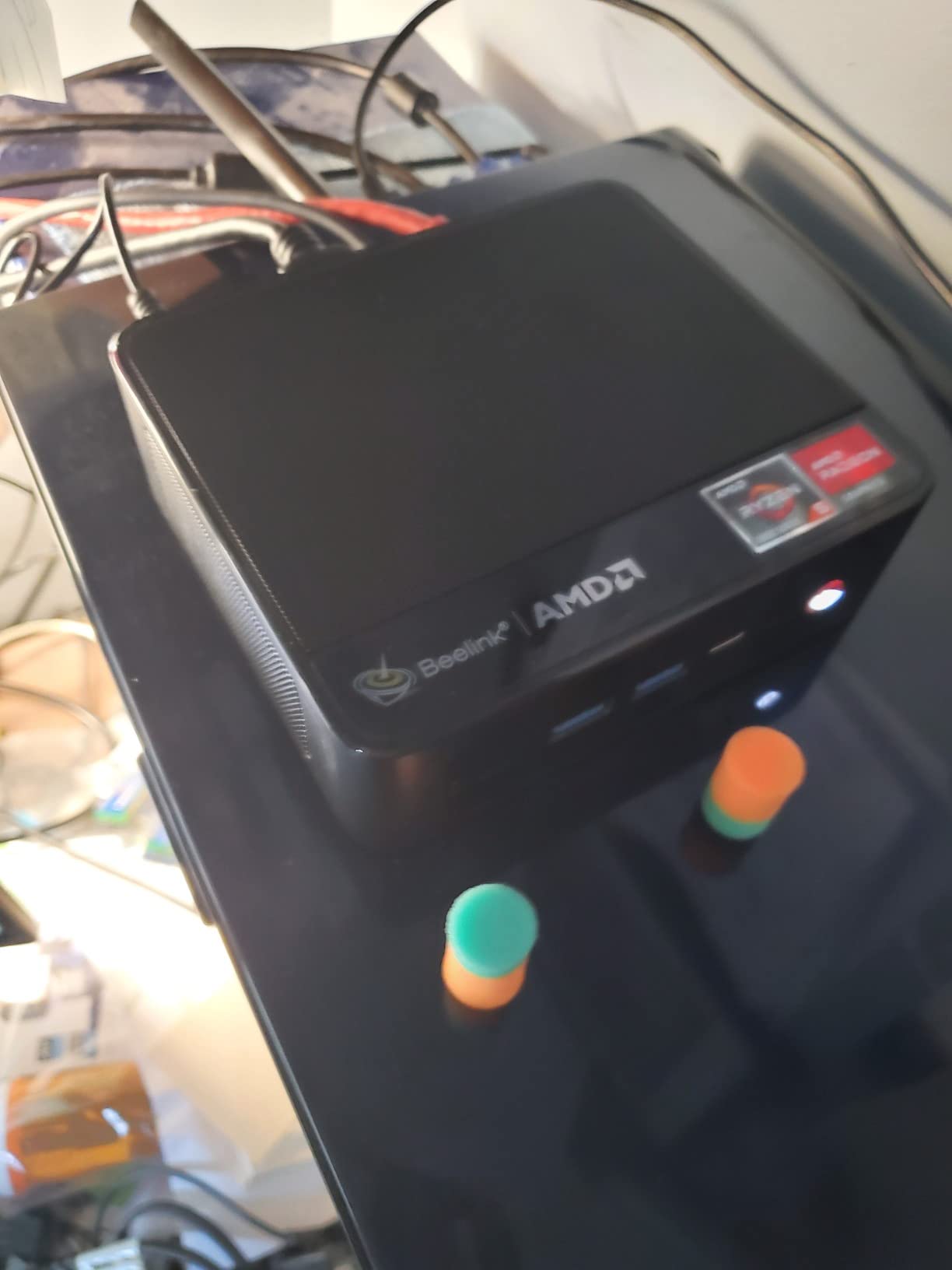
Compared with the GMKtec G10, which shares this processor family, the SER3 trades storage speed and port count for a longer warranty and a much larger owner base. If you want a quiet, plain office machine that a colleague can maintain, that is the more sensible of the two.
Networking is gigabit LAN with dual-band 802.11ac WiFi and Bluetooth, and the port list covers four USB 3.2 ports, two HDMI, an audio jack and a DC input. A large fan with dual heat-conduction tubes keeps it cool, though at 0.93 kg it is one of the heavier units in the roundup.
Skip it if: you need three displays. Dual HDMI is the limit here, and most of the newer picks here drive three.
4. Bosgame E4 Air: Best for Everyday Computing
Bosgame E4 Air
CPU: Ryzen 5 3500U 4C/8T
RAM: 8GB DDR4
Storage: 256GB SATA SSD
Displays: 3 x 4K
Pros
- Entry configuration that is easy to upgrade
- Four cores and eight threads at the entry level
- Dual Gigabit Ethernet is unusual here
- Both memory and storage upgradeable
- 1.2 lb chassis with triple 4K output
Cons
- 8GB of memory is thin for multitasking
- Included drive is SATA rather than NVMe
- Vega 8 graphics are no use for gaming
The most straightforward box in this roundup, and the spec sheet holds up better than the label suggests. A Ryzen 5 3500U gives 4 cores and 8 threads up to 3.7GHz with Radeon Vega 8, and the 8GB of DDR4 at 2666MHz expands to 32GB across its slots.
Two features stand out for the money. Dual Gigabit Ethernet RJ45 ports are the kind of thing you normally see on network hardware, and triple 4K monitor support runs over HDMI, DisplayPort and USB-C. Storage uses two slots with room to 4TB, though the 256GB drive included is SATA rather than NVMe, so expect slower transfers.
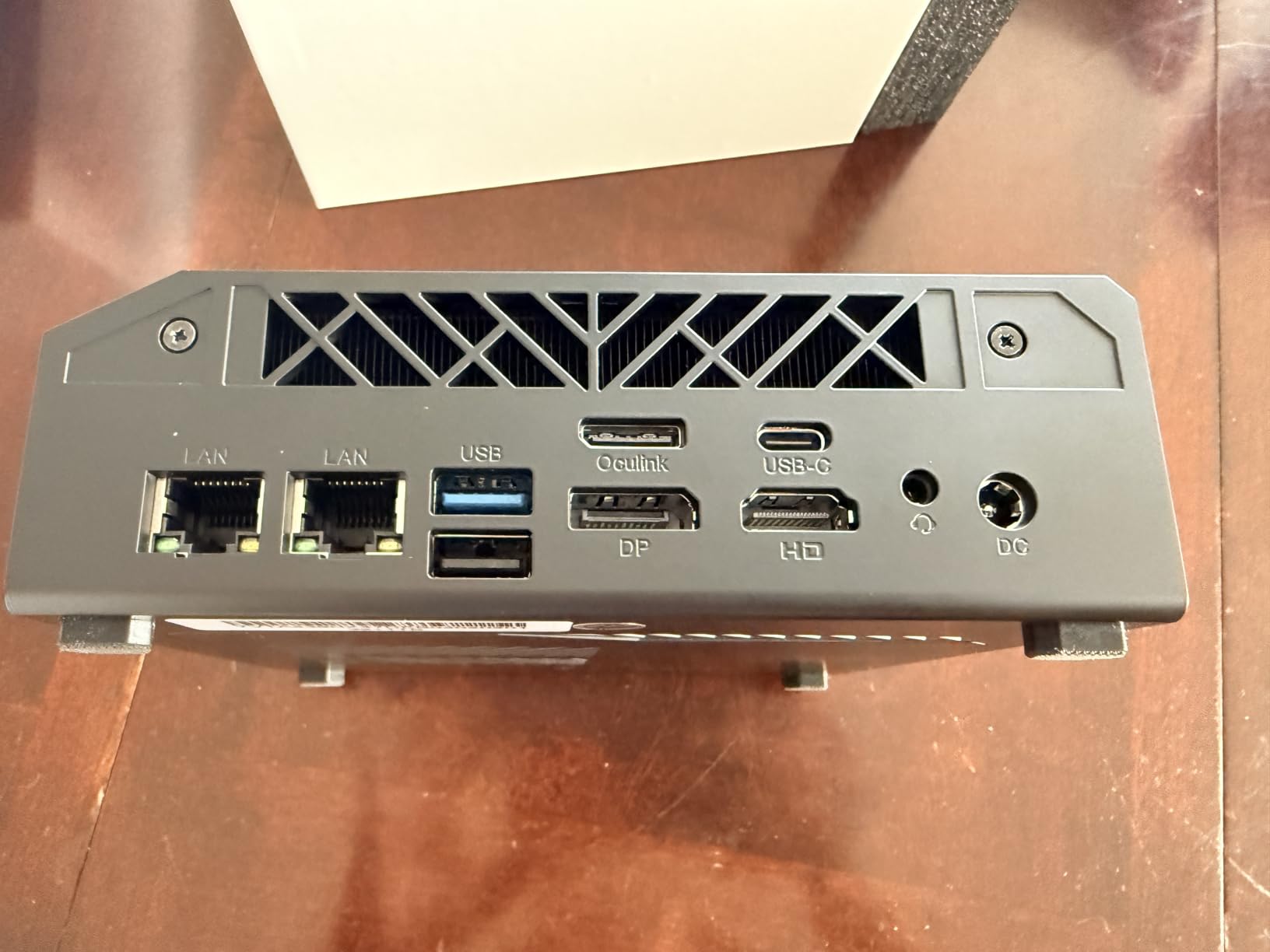
Owners use it for browsing, office work, media playback and light home-server duty, and reviewers single out the dual Ethernet ports for router and NAS experiments. The 11% one-star share points to assorted quality-control issues rather than one specific failure, so keep the return window in mind.
The GMKtec G10 later in this list runs the same processor with 16GB of dual-channel memory and a 512GB NVMe drive, and it is the better long-term machine of the two. The E4 Air gets you into a four-core box sooner and asks you to add memory and a faster drive later.
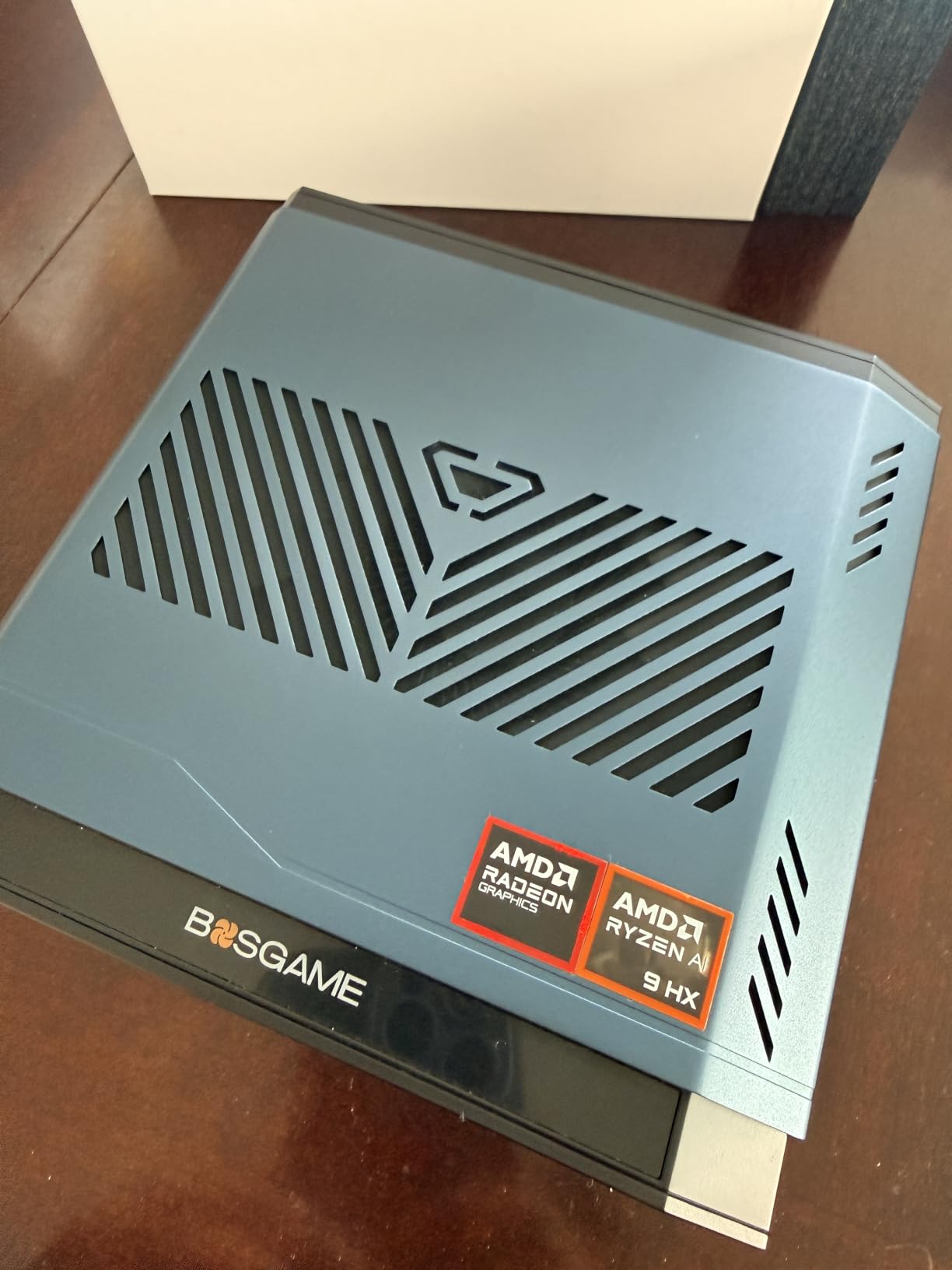
Good to know: the 5.1 by 5 by 1.8 inch chassis runs Windows 11 and Ubuntu or Linux, and carries a one-year whole-unit warranty with three years of parts cover.
5. Bosgame E5 11 Pro: Best for Network and Server Use
Bosgame E5 11 Pro
CPU: Ryzen 3 5300U 4C/8T
RAM: 8GB DDR4
Storage: 256GB M.2 SSD
Displays: 3 x 4K
Pros
- Dual 2.5GbE ports for firewall and NAS roles
- Dual SODIMM slots expand to 64GB
- Second M.2 NVMe slot avoids reinstalling Windows
- Under 25dB cooling with a VESA mount included
- Windows 11 Pro with no bloatware
Cons
- Only 8GB of RAM in the box despite dual-channel
- Integrated graphics are no use for gaming
- Lowest demand in this roundup
This is the pick for pfSense, OPNsense, a NAS box or anything that lives on the network full time. The Ryzen 3 5300U is a 4-core, 8-thread 7nm part boosting to 3.8GHz, and the pair of Realtek RTL8125 ports run at 2.5GbE each, which is quick enough to saturate most home internet lines and plenty for internal transfers.
Expansion is the other argument. Dual SODIMM slots take memory to 64GB, and the 256GB NVMe drive sits alongside a second internal M.2 2280 PCIe 3.0 slot for up to 2TB more, so you can add storage without reinstalling Windows. The full-function front Type-C carries 10Gbps data, DisplayPort video and PD 3.0 power delivery.
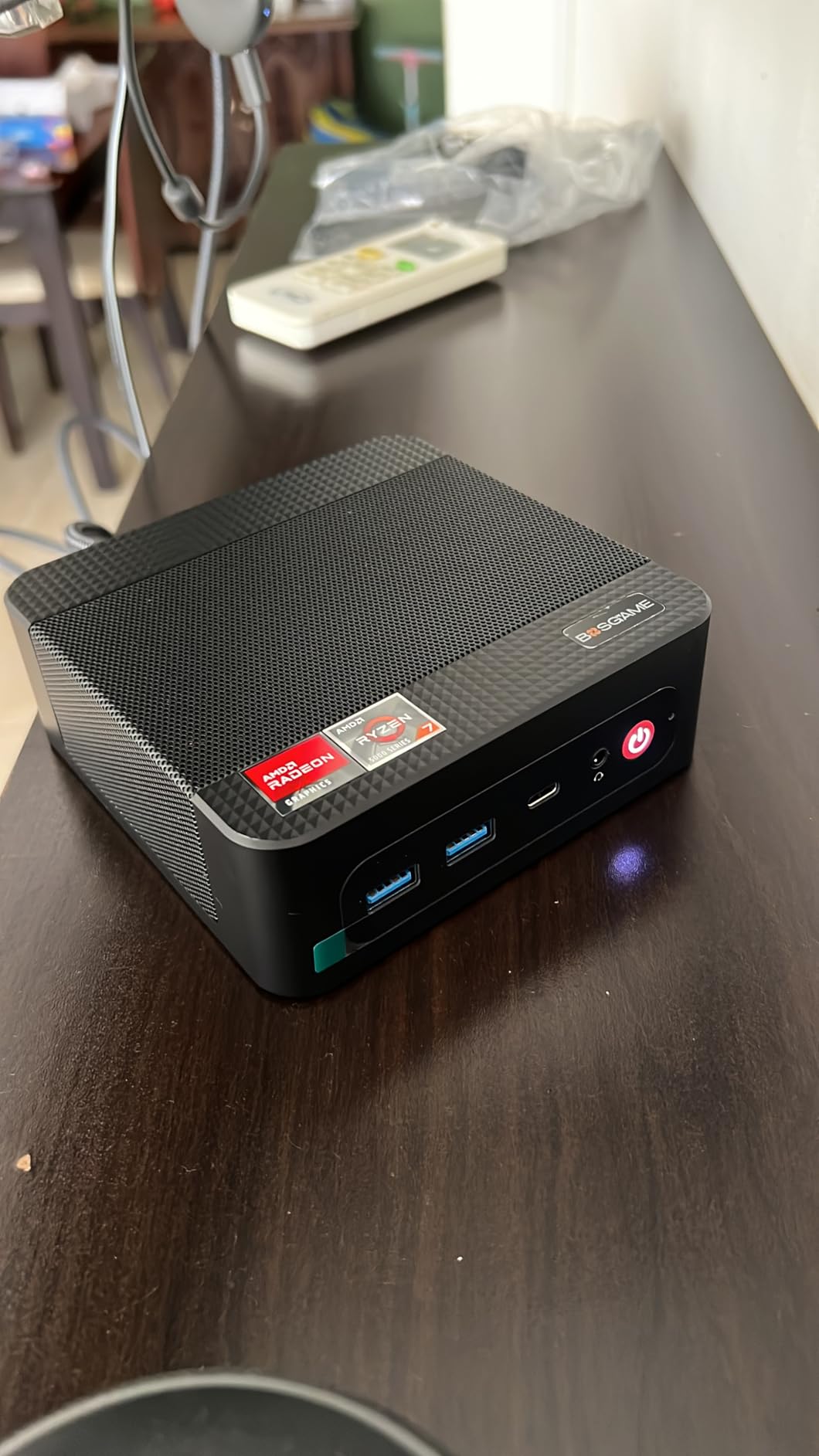
Owners report handling 30-plus browser tabs, large spreadsheets and video calls at once, helped by the headroom over N100 and N150 class chips. Cooling stays under 25dB with copper heat pipes, which matters in a room you also work in. Windows 11 Pro ships activated and clean.
The catch is the shipping configuration. Dual-channel is claimed, but 8GB arrives as the starting point, and this listing has the weakest demand of the ten, which tells you fewer buyers have found problems but also fewer have stress-tested it. The Acemagic K1 i5 is the alternative if raw core count matters more than network ports.
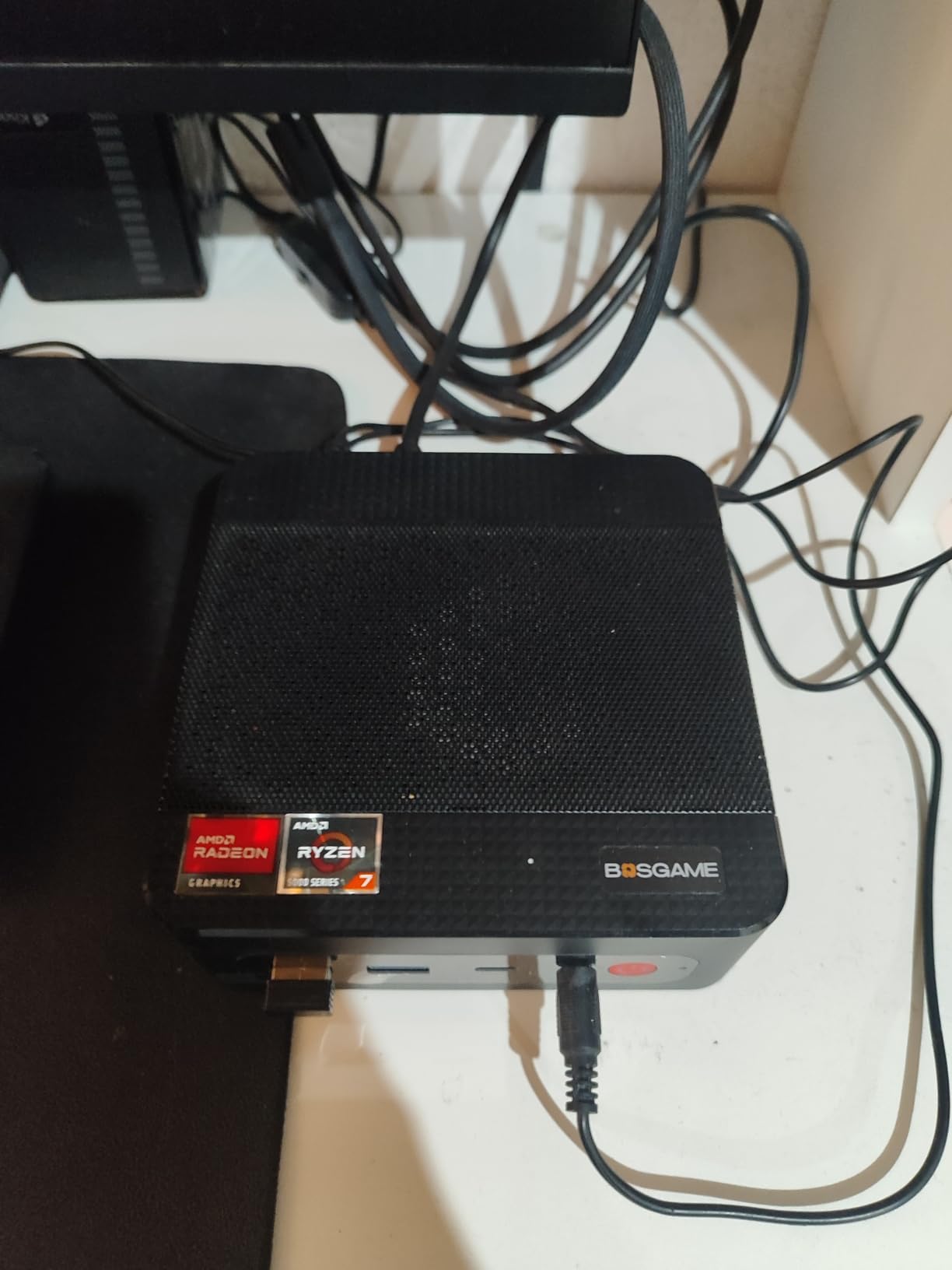
Good to know: triple 4K at 60Hz runs over HDMI 2.0, DisplayPort and Type-C, and the VESA mount is included.
6. Kamrui Pinova P1: Best for Business Desks
Kamrui Pinova P1
CPU: Ryzen R2544 4C/8T
RAM: 16GB DDR4
Storage: 256GB M.2 SSD
Displays: 3 x 4K
Pros
- Windows 11 Pro preinstalled and clean
- TPM 2.0 with Wake on LAN and auto power on
- Three simultaneous 4K outputs
- 0.62 kg chassis with a VESA bracket
- Fast boot times reported by owners
Cons
- Memory is soldered and single-channel
- Included M.2 drive is SATA not NVMe
- Analog audio output carries noticeable noise
Business features are the differentiator here. The Ryzen R2544 gives 4 cores and 8 threads up to 3.7GHz on a 28W TDP, and the listing lists TPM 2.0, Wake on LAN, PXE, RTC wake and auto power on, which is the set of features that matter when someone manages the machine remotely.
Windows 11 Pro is preinstalled and clean, with Linux support noted. Output covers three 4K displays at 60Hz through HDMI, DisplayPort and Type-C, and the 0.62 kg chassis is 60% smaller than the brand’s earlier AK1PLUS. A blue LED accent gives it a slightly different look on a desk.
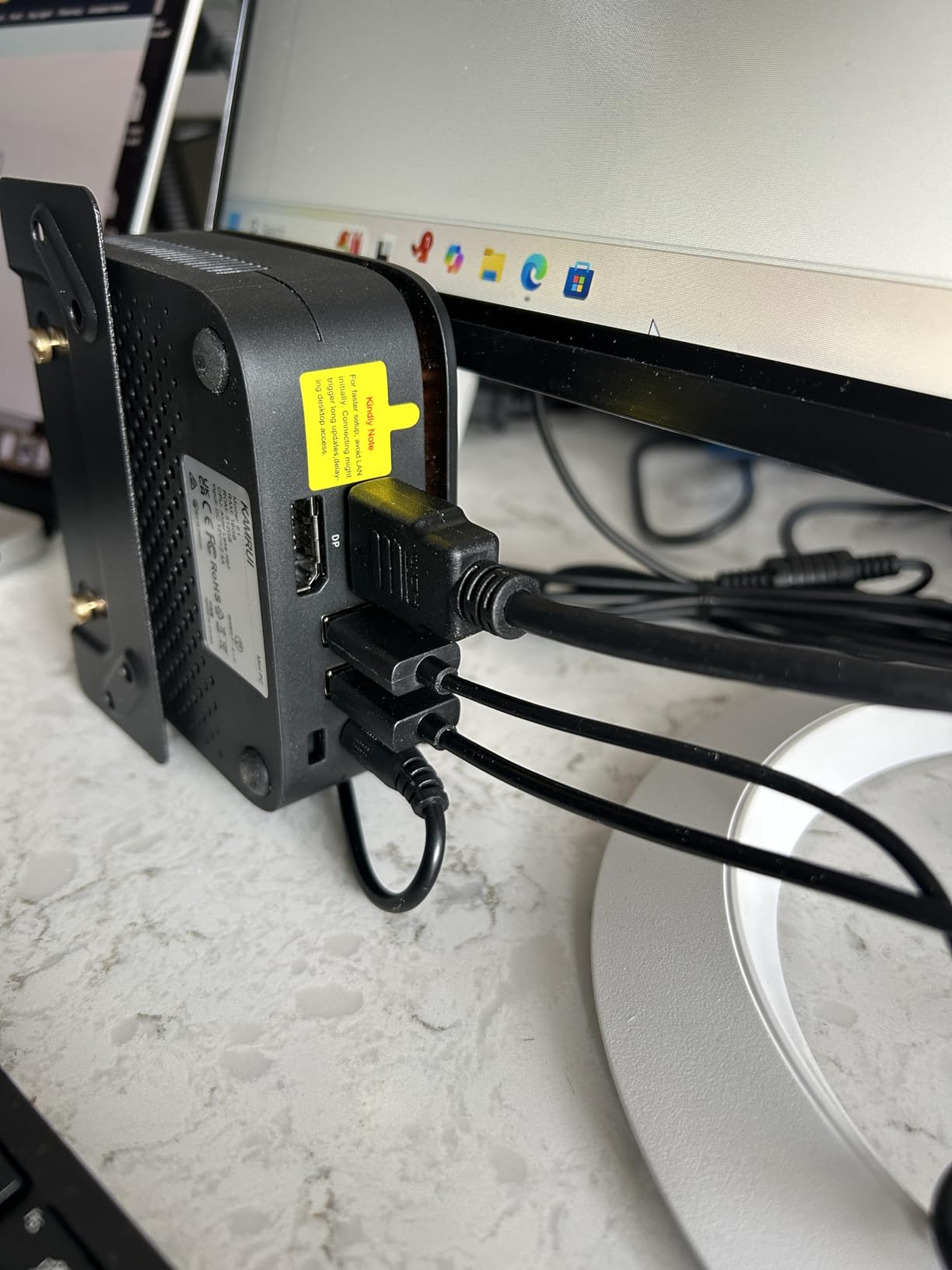
Owners describe fast boot times, a quiet fan and a case that does not run hot, and several compare it favourably to older small-form-factor desktops they were keeping alive. Three simultaneous 4K outputs come up often as the reason the box was bought.
Look at the specifications before you commit. The 16GB of DDR4 is single-channel and soldered, the included M.2 drive is SATA rather than NVMe, and the 3.5mm output picks up mouse and system noise. The Acemagic K1 i5 solves both the memory and storage limits for more money, and the Beelink SER3 lets you replace memory outright.
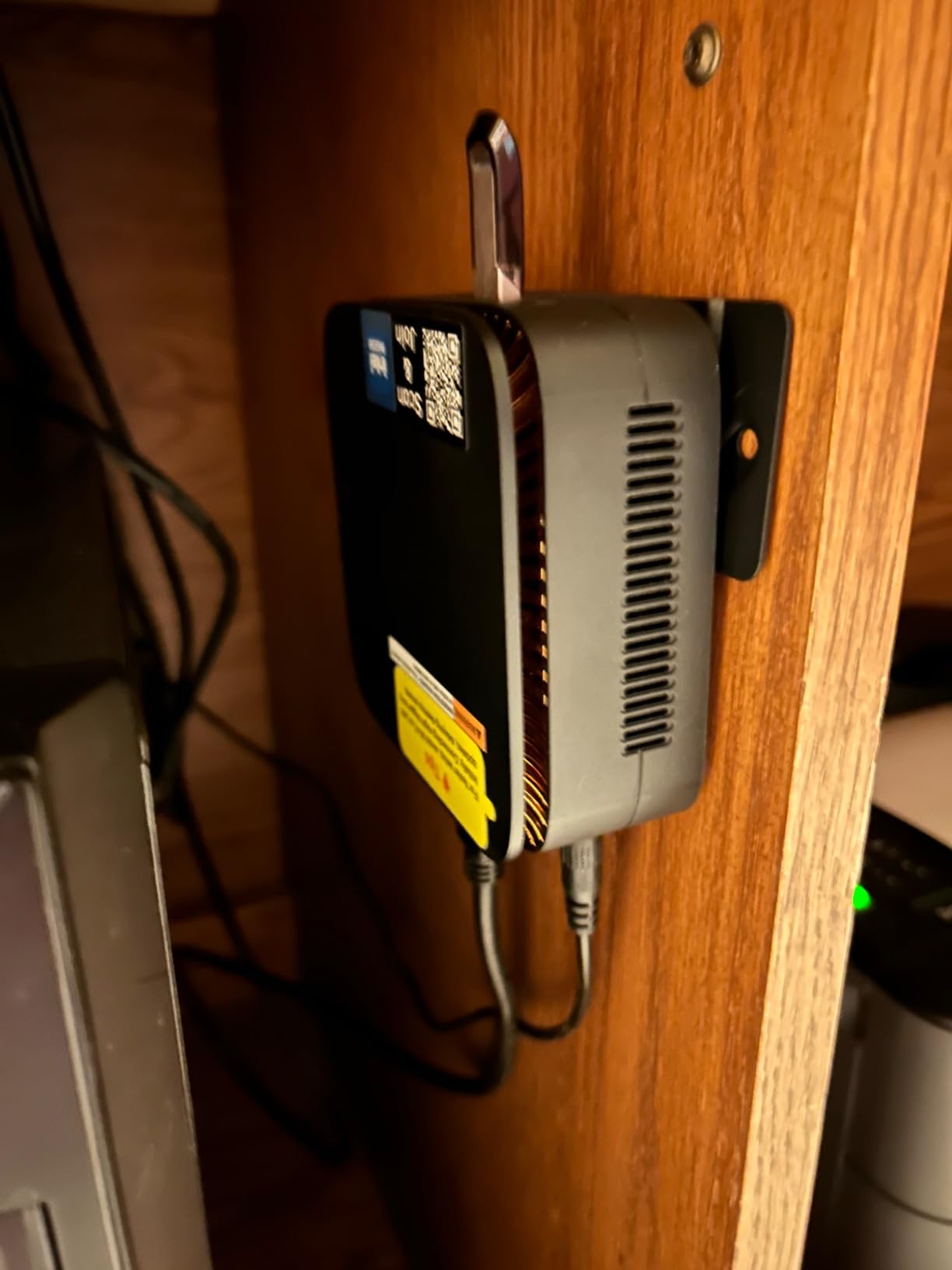
Where the P1 differs from the Pinova P2 is the balance. Manageability features are richer here, while graphics are a step down, since the Radeon graphics in this box run at 1400MHz with 6 CUs against roughly 1.8GHz on the P2.
7. Bmax B3 Pro: Best for Low-Power Use
Bmax B3 Pro
CPU: Intel N4500 2C/2T
RAM: 8GB DDR4
Storage: 256GB M.2 SSD
Displays: 2 x 4K
Pros
- Draws 6 watts for always-on use
- Dual M.2 slots take storage to 4TB
- Two simultaneous 4K displays over dual HDMI
- Light at 0.68 kg
- AV1 decoding for streaming
Cons
- Slowest processor in the roundout at 2 cores
- 8GB LPDDR4 is not user-upgradable
- Only one year of warranty cover
If the machine runs around the clock, power draw is the number that matters, and this one draws 6 watts. The Intel N4500 is a Jasper Lake part with 2 cores and 2 threads and 4MB of cache, bursting to 2.8GHz. That is the slowest processor here and the reason this is a specialist pick rather than a general one.
Where it holds up is media and signage. Dual HDMI 2.0 drives two simultaneous 4K displays at 60Hz, and the listing notes AV1 decoding, which helps with modern streaming formats. Two M.2 slots, one SATA and one NVMe, allow storage to grow to 4TB.
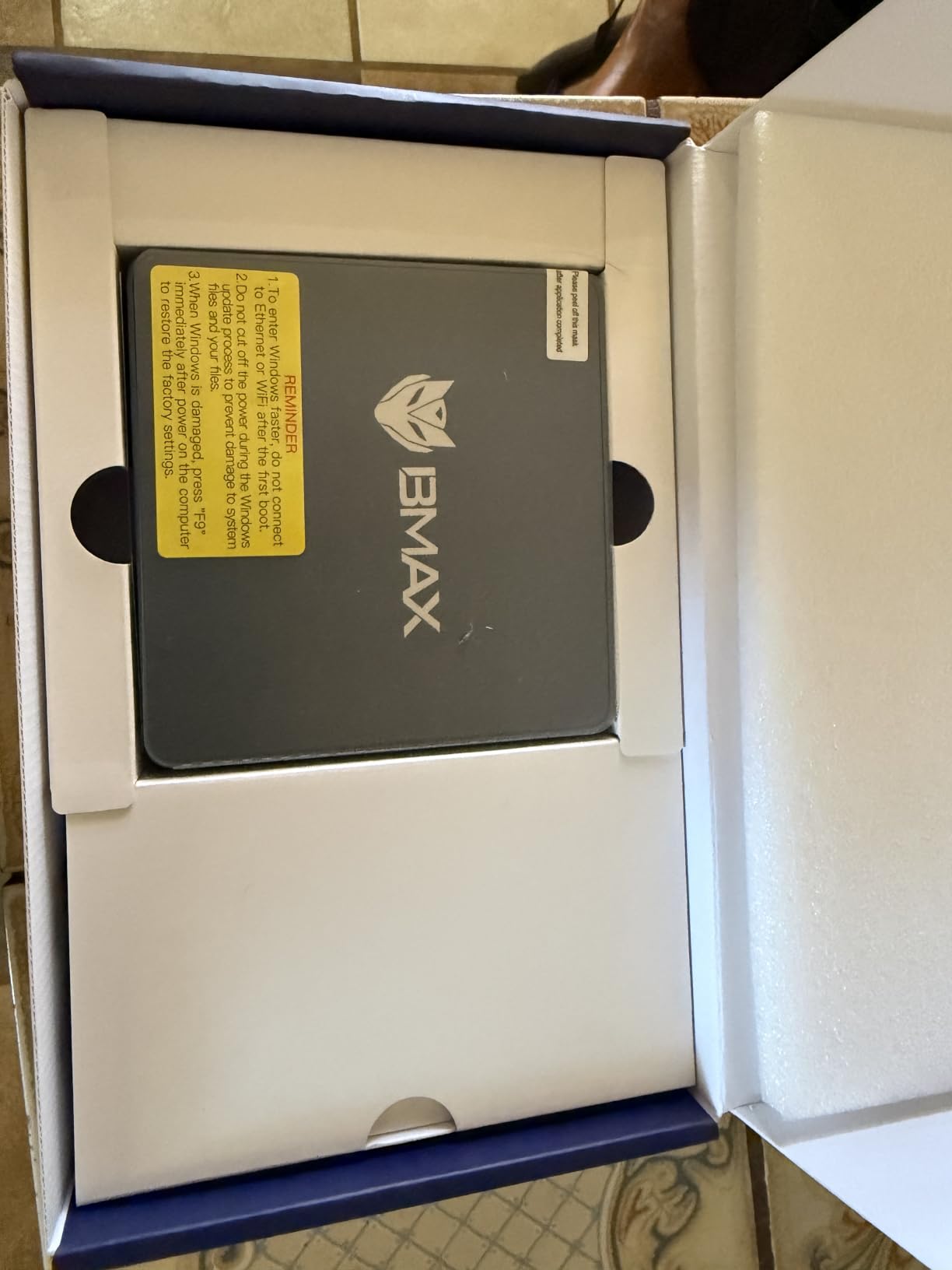
Owners use it as a low-cost office machine, a home business box and a home theater PC. Feedback is split on speed exactly as the specs suggest: adequate for routine tasks, clearly behind anything with four cores. The 11% one-star share reflects assorted defects, so check the unit early and keep the packaging.
Compared with the Bosgame E2 Air at a similar configuration, the Bmax adds AV1 decoding and a microSD slot, while the Bosgame E2 Air drives a third display over USB-C. Neither will run a heavy workload.
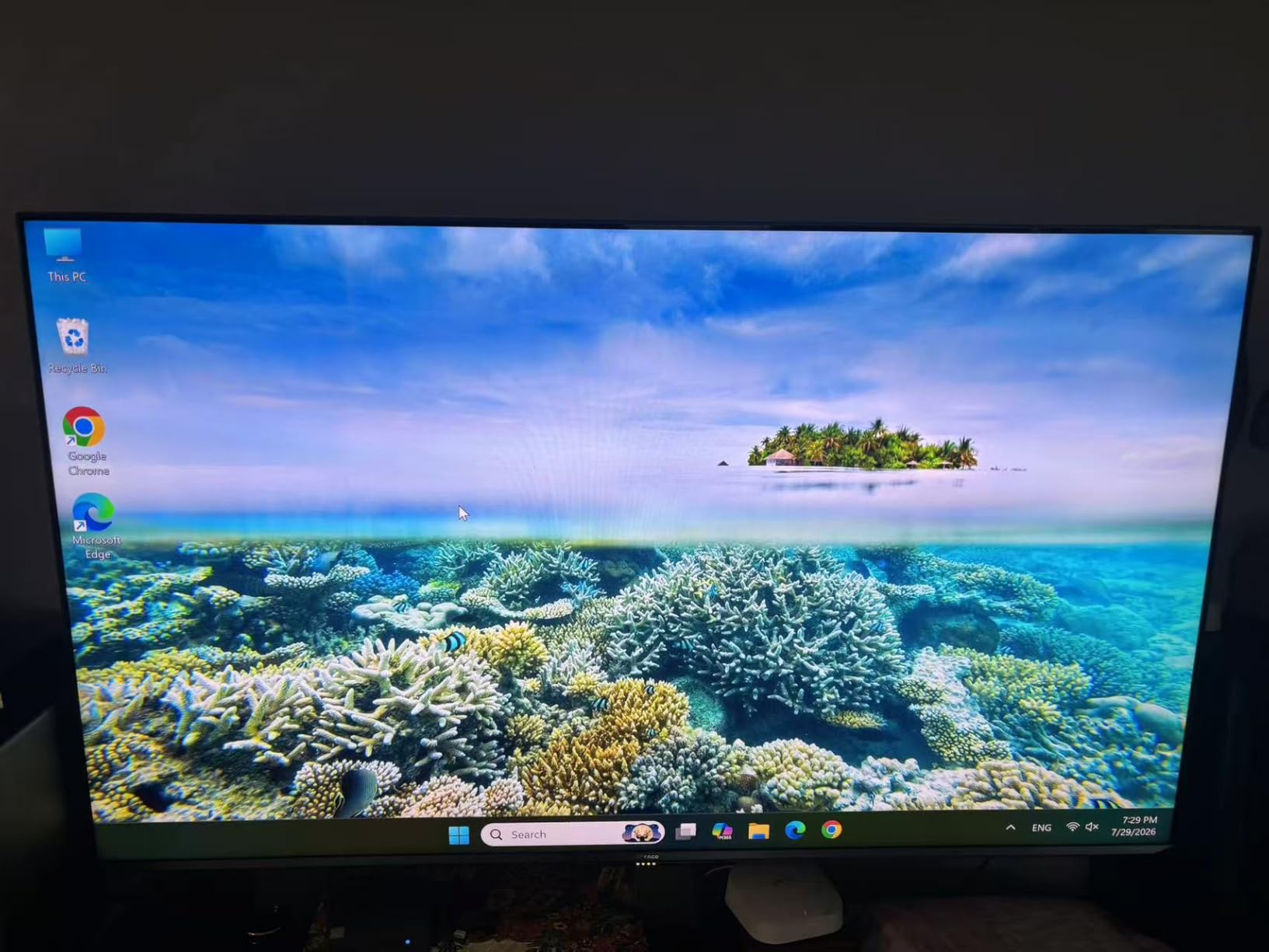
Connectivity is WiFi 5, Bluetooth 5.0 and gigabit Ethernet, and the weight is 0.68 kg. A 3.5mm audio jack sits on the list for the living-room use case.
8. GMKtec G10: Best for Compact Desks
GMKtec G10
CPU: Ryzen 5 3500U 4C/8T
RAM: 16GB DDR4
Storage: 512GB M.2 SSD
Displays: 3 x 4K
Pros
- Palm-sized 3.86 by 1.65 by 4.06 inch chassis
- 16GB true dual-channel DDR4 as standard
- 512GB PCIe 3.0 drive beats rival SATA drives
- 2.5GbE LAN for server and router roles
- VESA mount and Type-C power supply in the box
Cons
- Smallest review base in the roundup
- Only one year of warranty cover
- 18 percent of reviews sit at 3 stars or lower
The physical argument comes first here. At 3.86 by 1.65 by 4.06 inches the chassis is the most pocketable in this group, and it still carries a VESA mount plus a Type-C power supply in the box. Three 4K outputs at 60Hz run over HDMI 2.1, DisplayPort 1.4 and USB-C.
What you get for the size is unusually generous. The Ryzen 5 3500U provides 4 cores and 8 threads up to 3.7GHz, and it arrives with 16GB of true dual-channel DDR4 rather than a single stick, plus a 512GB M.2 PCIe 3.0 drive that is faster than the SATA storage several rivals ship. Two M.2 slots take the total to two 8TB drives.
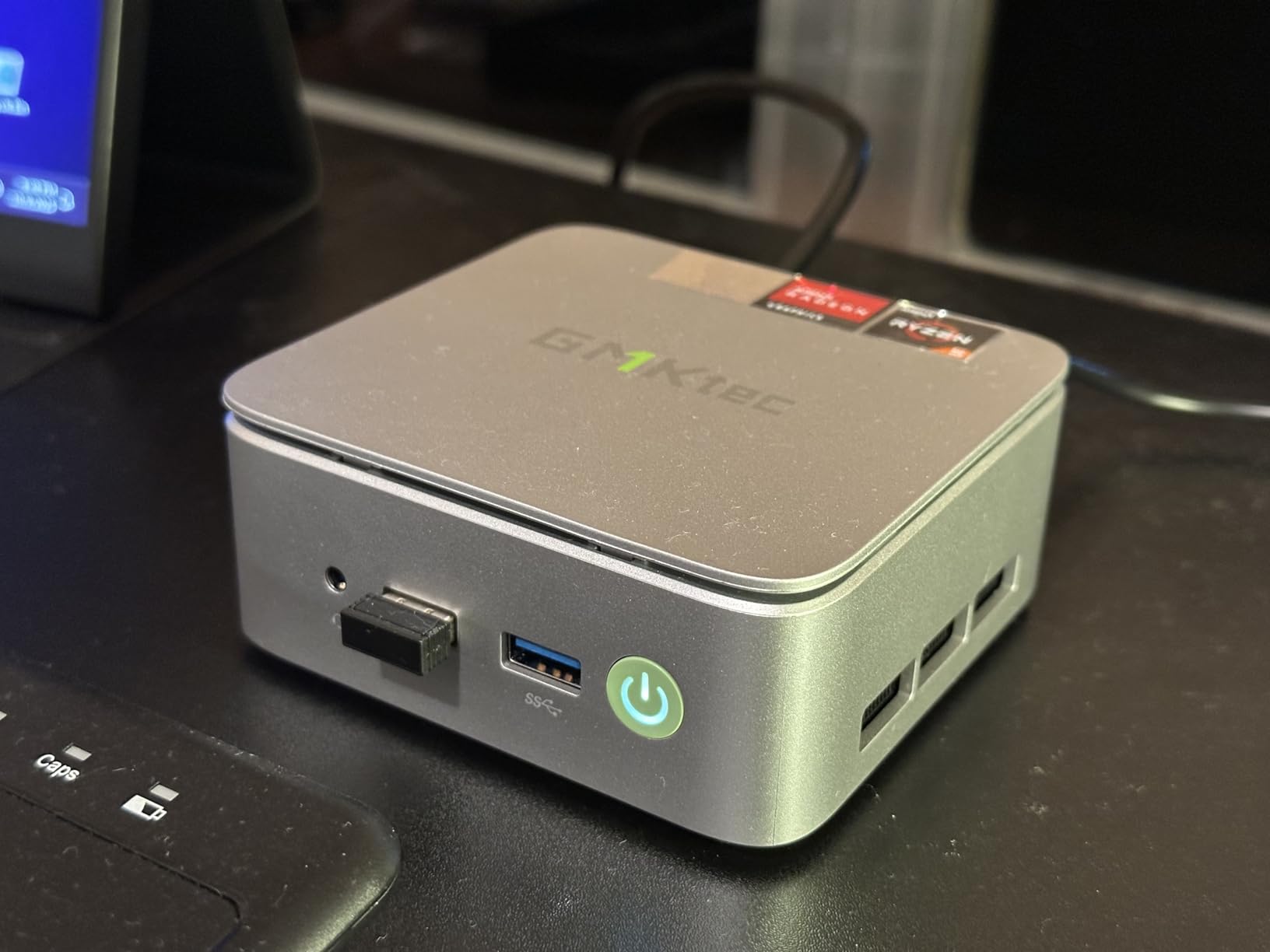
Reviewers respond most to the memory, the NVMe drive and the 2.5GbE port, which reviewers describe as unusual for a machine this small and useful for media servers and network appliances. Memory expands to 32GB according to the listing.
The honest caveat is the evidence. With 218 reviews this is the smallest feedback base here, and 18% of ratings sit at three stars or below, so real-world reliability is less established than for the Beelink SER3 or the Kamrui Pinova P2. The warranty is one year, the shortest in the lineup.
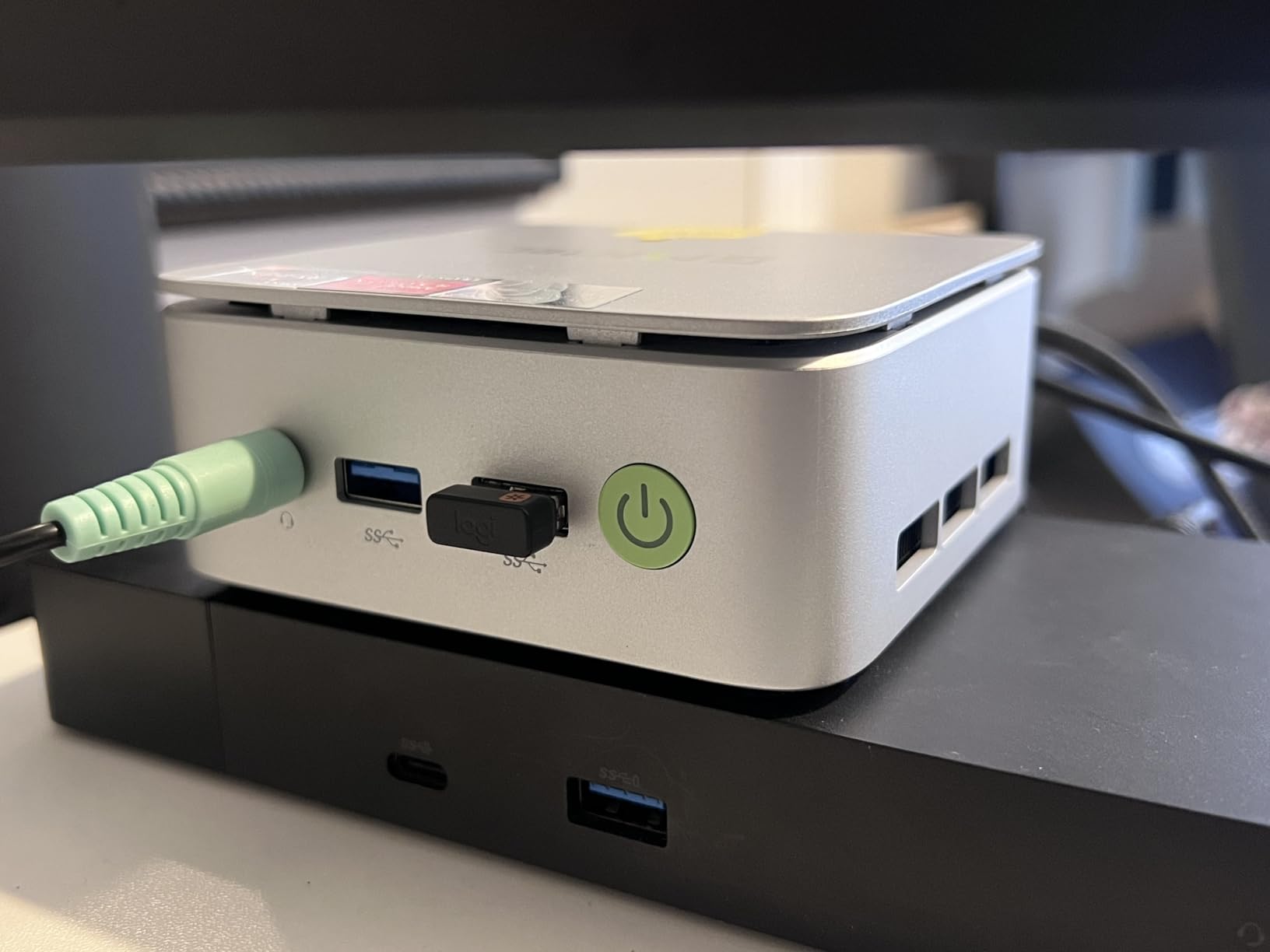
Skip it if: you want gaming. Radeon Vega 8 at 1200MHz is for desktop work and 4K playback, not 3D.
9. Bosgame E2 Air: Best for Signage and POS
Bosgame E2 Air
CPU: Ryzen 5 3501U 4C/8T
RAM: 8GB DDR4
Storage: 256GB SSD
Displays: 3 x 4K
Pros
- Dual HDMI 2.0 at 4K 60Hz plus USB-C for a third display
- TPM 2.0 with Wake on LAN and auto power on
- RAM expands to 32GB across dual SODIMM slots
- VESA mount and HDMI cable in the box
- Windows 11 Pro with Linux support
Cons
- 15 percent one-star rating is the highest here
- Only 8GB RAM and 256GB storage as built
- 3501U has weaker graphics than the 3500U
Unattended screens are the use case. The Ryzen 5 3501U gives 4 cores and 8 threads up to 3.7GHz with Radeon Vega 8, and the machine carries TPM 2.0, RTC wake, auto power on and Wake on LAN so it can recover from power cuts on its own. The brand lists classroom, reception desk, POS, conference room and digital signage duty as the intended roles.
Display output is two HDMI 2.0 ports at 4K 60Hz plus a USB-C port for a third monitor, which covers a menu board or a multi-panel sign. Memory sits in dual SODIMM slots and expands to 32GB, and the box includes an HDMI cable, a 19V power adapter, a guide and a VESA mount with screws.
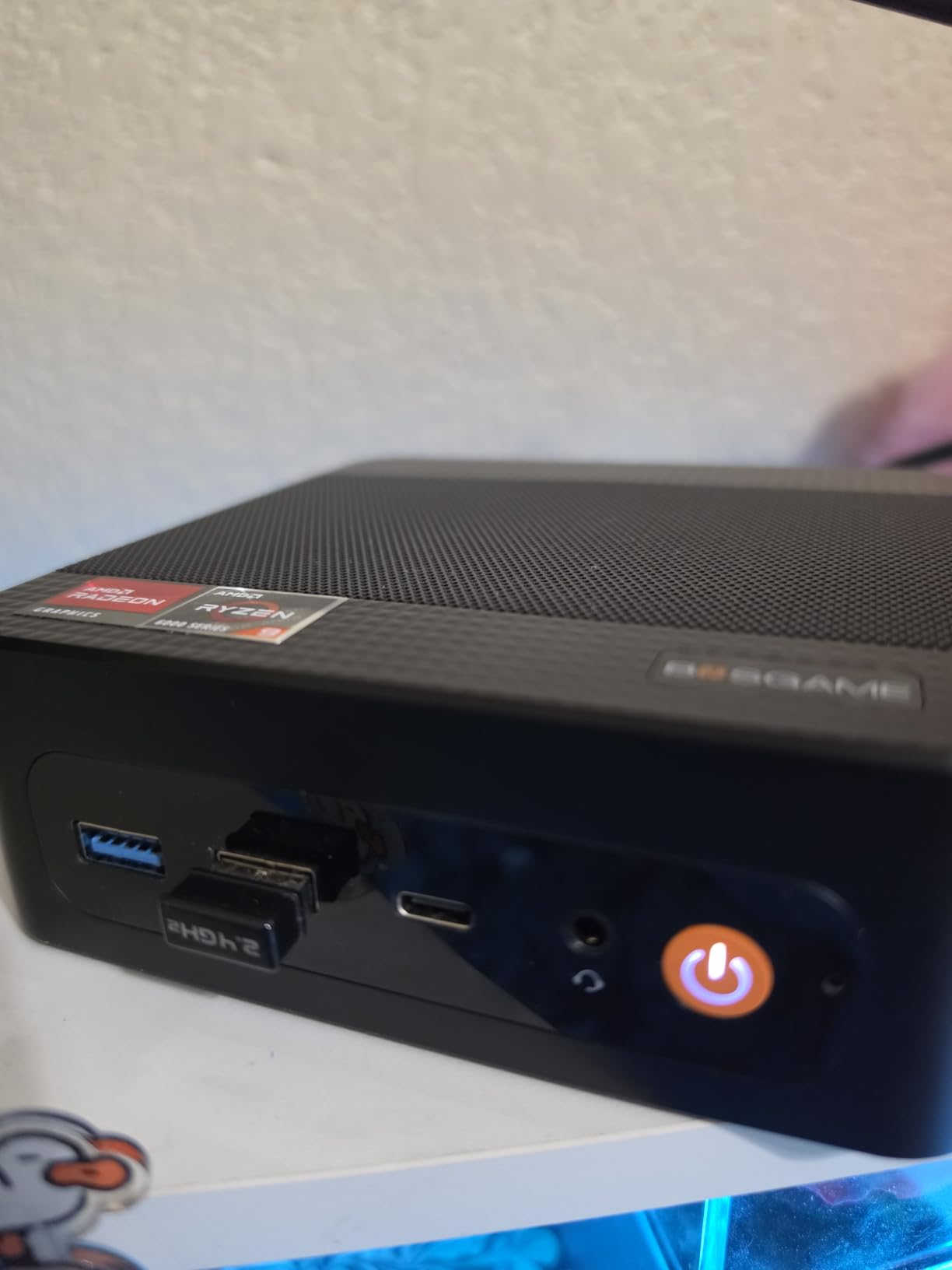
Where to be careful: this listing carries the lowest rating in the roundup at 4.1 stars, with 15% of reviews at one star, the highest share here. The pattern points at quality control and the modest 8GB and 256GB starting configuration rather than one specific widespread failure, but it is the pick to buy with a seller you trust and to test immediately.
A four-core Ryzen 5 3501U makes this the stronger of the two low-cost boxes, though the Bmax B3 Pro wins on AV1 decoding. For a sign that only plays video, either works. For anything with input, the memory here is the more useful upgrade path.
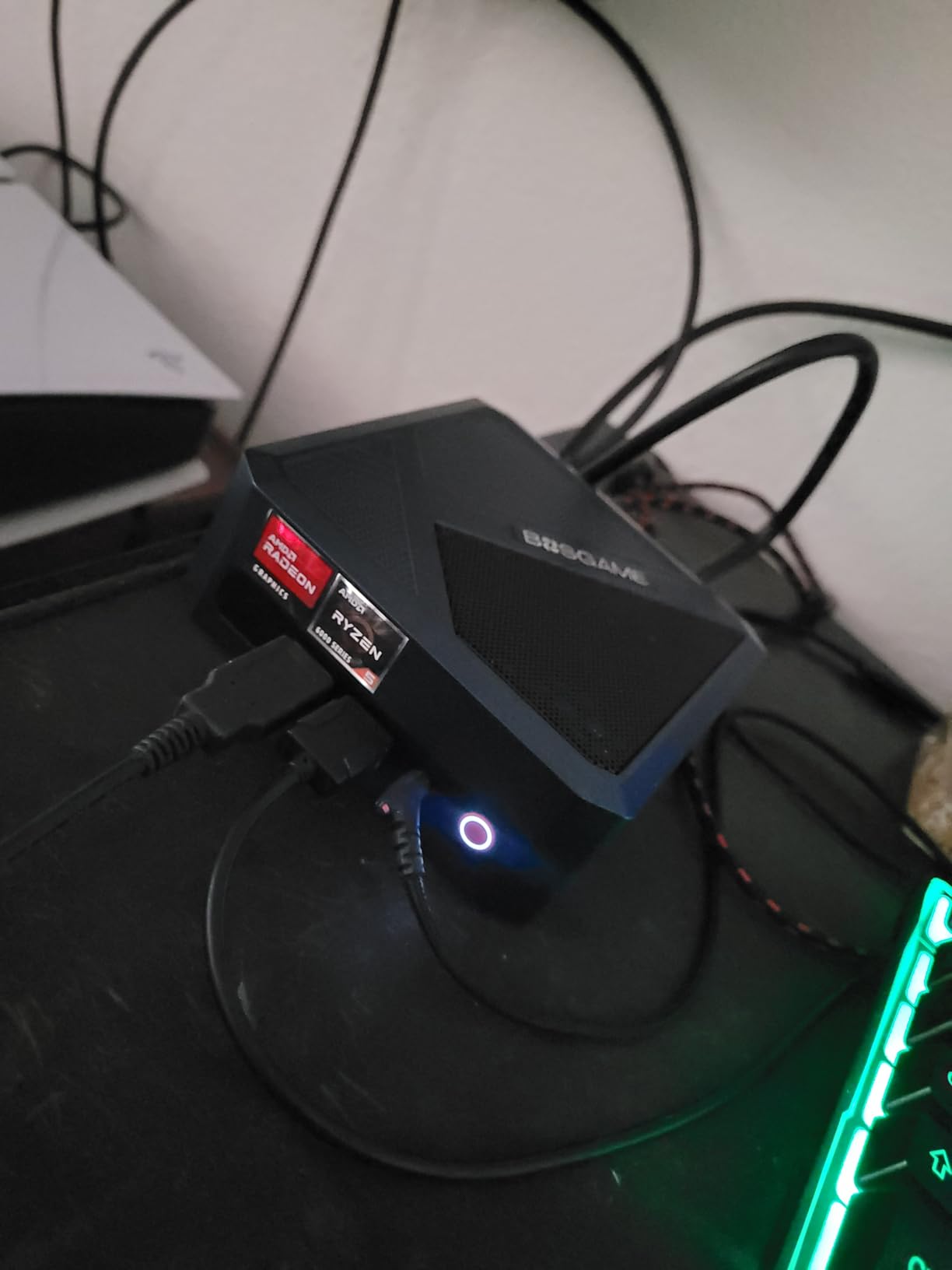
Windows 11 Pro is preinstalled, Ubuntu and Linux are supported, and the unit weighs 0.9 kg.
10. Acemagic K1 i5: Best for Heavy Multitasking
Acemagic K1 i5
CPU: Core i5-12600H 12C/16T
RAM: 16GB DDR4
Storage: 512GB PCIe SSD
Displays: 3 x 4K
Pros
- Twelve cores and sixteen threads is the most here
- Memory expands all the way to 64GB
- 512GB PCIe SSD plus a 2.5-inch bay for 4TB
- 4.5 stars with only 6 percent one-star reviews
- WiFi 6 and Bluetooth 5.2
Cons
- UHD Graphics 630 is dated for gaming
- 1.0Gbps LAN with no 2.5GbE
- Heaviest unit here at 1 kg
This is the multitasking pick, and the numbers explain why. The Intel Core i5-12600H runs 12 cores and 16 threads from a 2.7GHz base to 4.5GHz turbo, which is the highest core count of any processor in this roundup. Owners report smooth performance across many applications at once and reliable multi-monitor use.
Memory and storage are both open-ended. The 16GB of dual-channel DDR4 expands to 64GB, and the 512GB PCIe SSD shares the chassis with a 2.5-inch SSD bay for growth to 4TB. Three simultaneous 4K displays run over HDMI, DisplayPort and Type-C, with six USB ports filling out the rest.
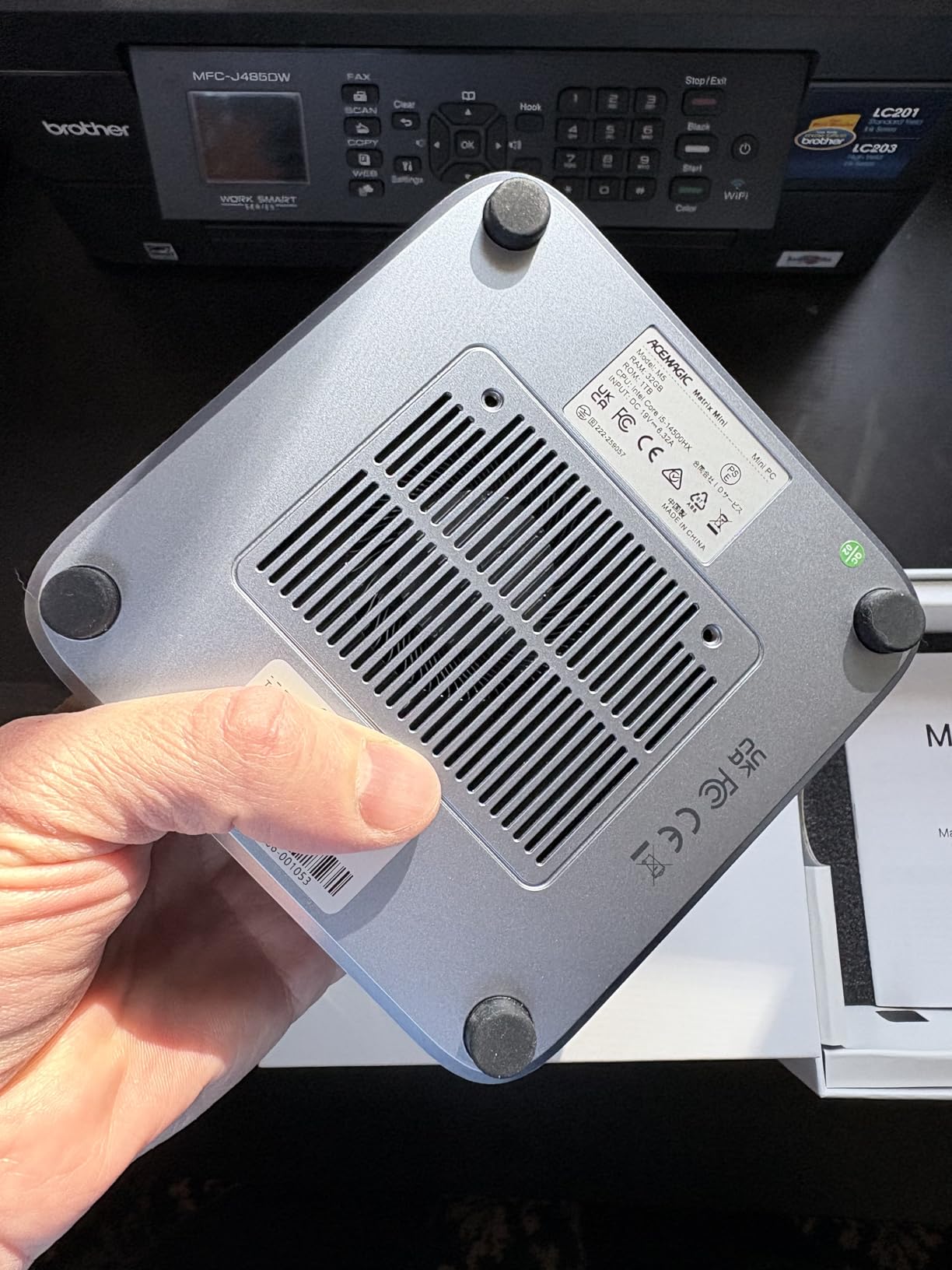
At 4.5 stars from 473 reviews, this has the highest average rating in the group, and only 6% of reviews sit at one star. Connectivity is a step ahead of most rivals with WiFi 6 and Bluetooth 5.2, and an active fan keeps it near-silent under load.
The reservations are honest ones. UHD Graphics 630 is an older integrated GPU and a poor choice for gaming, LAN is 1.0Gbps rather than 2.5GbE, and the warranty runs 12 months despite this being the most capable machine. At 1 kg it is also the heaviest here. If networking speed is your priority, the Bosgame E5 11 Pro takes that trade instead.
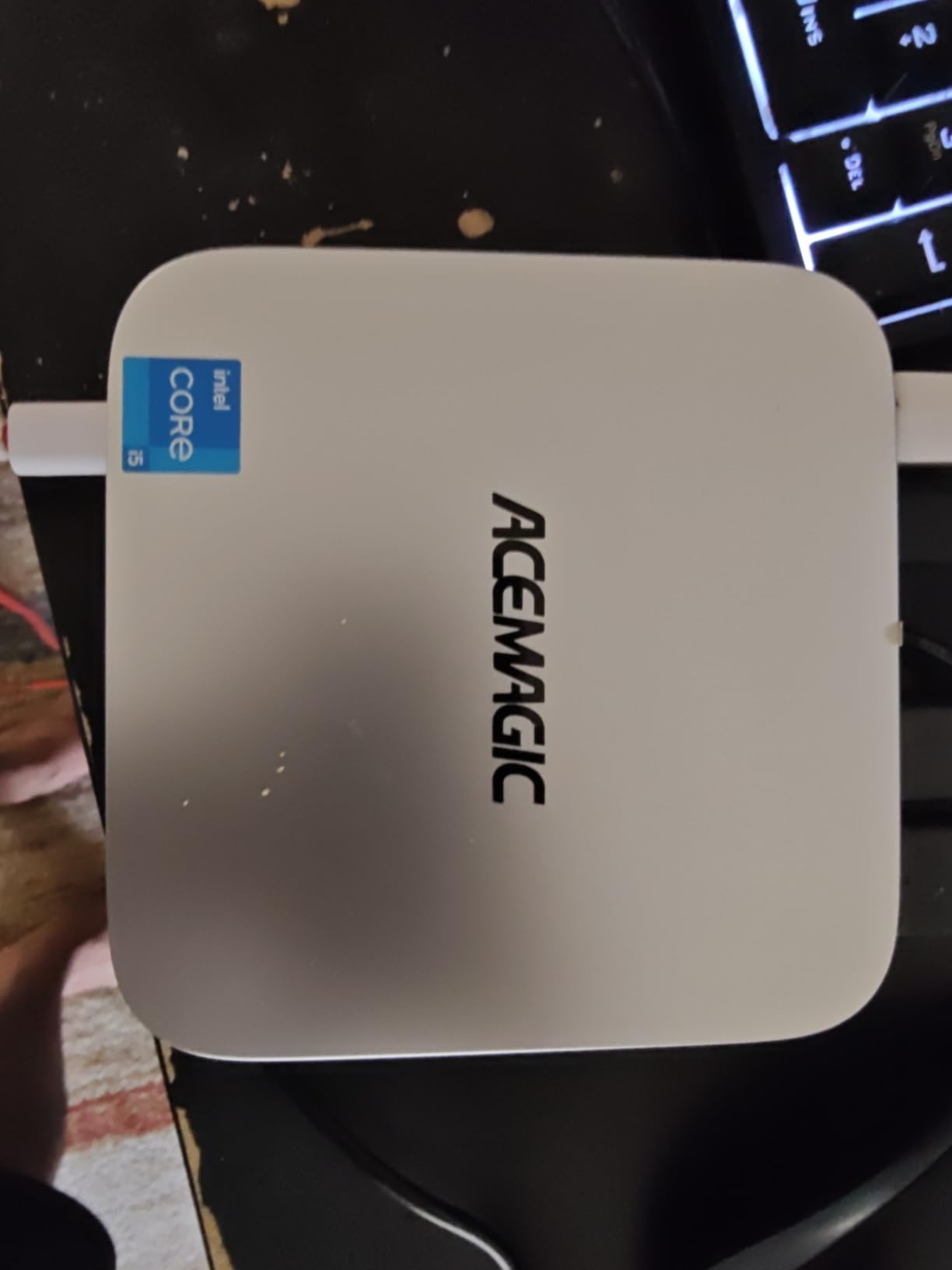
Compared with the Acemagic K1 Gaming higher up, the Ryzen part wins on graphics and the Intel part wins on cores, upgradeable memory and rating. Different jobs, different boxes.
How to Choose Mini PCs During Prime Big Deal Days
Processor Performance
Match the chip to the work. A 2-core part like the Intel N4500 handles browsing, documents and media playback. A 4-core, 8-thread Ryzen 3 or Ryzen 5 covers office work and light photo editing without breaking a sweat, and the Acemagic K1 Gaming’s 8-core Ryzen 7 adds room for light gaming.
Core count matters more than clock speed once you leave basic tasks behind, which is why the Acemagic K1 i5 leads this list on multitasking. If your work leans toward footage rather than documents, our guide to mini PCs for video editing covers where integrated graphics stops being enough.
Memory and Storage
Look at the type before the number. SODIMM slots in DDR4 mean you can raise memory later, so 16GB of upgradeable DDR4 can beat 16GB of soldered LPDDR4X. Soldered LPDDR5 on the Kamrui Pinova P2, the Acemagic K1 Gaming and the Bmax B3 Pro is final for the life of the machine.
Storage is easier to fix. Every pick here has at least one M.2 slot, and most have two. Check whether the included drive is NVMe or SATA, because the SATA drives on the Kamrui Pinova P1 and Bosgame E4 Air are noticeably slower than the PCIe drives on the GMKtec G10 and the Beelink SER3.
Connectivity and Ports
Count displays before anything else. Two HDMI ports cover a dual-monitor desk. Three 4K outputs across HDMI, DisplayPort and USB-C cover a trading desk or an editing suite, and most of the picks here can do it.
Network ports decide the homelab question. The Bosgame E5 11 Pro and the GMKtec G10 carry 2.5GbE, the Bosgame E4 Air has two gigabit ports, and the Acemagic K1 i5 stops at 1.0Gbps. For wireless, WiFi 6 appears on the Acemagic K1 i5 while most of the list is on WiFi 5.
Size Noise and Thermals
Footprint depends on the mounting plan. The GMKtec G10 at 3.86 by 1.65 by 4.06 inches hides behind a monitor, and most others sit near 5 inches square. Weigh it too, since the range runs from 573 g for the Kamrui Pinova P2 to 1 kg for the Acemagic K1 i5.
Noise matters in a bedroom or a study. The Bosgame E5 11 Pro is specified under 25dB and the Acemagic K1 Gaming and Kamrui Pinova P2 use silent-fan cooling designs, which is why they suit a desk in a shared room.
Operating System and Software Compatibility
Five picks here arrive with Windows 11 Pro: the Acemagic K1 Gaming, the Bosgame E5 11 Pro, the Kamrui Pinova P1, the Bmax B3 Pro and the Acemagic K1 i5. The Kamrui Pinova P2 listing describes a Pro-capable Windows install, so check what is licensed before you rely on business features.
Linux is supported on the Kamrui Pinova P1, the Bosgame E4 Air and the Bosgame E2 Air, which matters if you plan to run one as a home server. If you rely on a specific peripheral, a fingerprint reader or a particular audio interface, verify it against the port list rather than assuming.
How to Shop Mini PC Deals During the Sale
Check the model number in the listing title, not just the brand. Mini PC sellers reuse chassis names across chip generations, so a 3500U and a 3501U can appear under similar wording. Look for the processor model on the spec page, then confirm the memory type, the storage interface and what ships in the box.
Read who sells it. Some listings ship from the brand’s own store, others from a reseller, and the warranty route differs. Renewed or used units appear too, so check the condition line and the return window. Most offers need a Prime membership to see, and offers change through the event.
- Confirm the processor model number on the specification page, not the title.
- Check whether memory is SODIMM and upgradeable or soldered LPDDR.
- Verify the included drive is NVMe rather than SATA.
- Match the display outputs to the number of monitors you actually run.
- Note the warranty length and who the seller is before you pay.
- Use the price button on the listing to see the current figure, not a reference price.
Frequently Asked Questions
When does Amazon Prime Big Deal Days run in 2026?
Amazon Prime Big Deal Days runs October 6-7, 2026. The event is a two-day window, and mini PC offers often start appearing in the days before it opens. Check the current price on each listing during the window rather than earlier, because reference prices move as the event progresses.
Do I need a Prime membership to buy during Amazon Prime Big Deal Days?
Most offers need a Prime membership, and a free trial counts for the length of the sale. If you do not already have Prime, start the trial before the event opens so access is active when the mini PC deals go live, and set a reminder to cancel before the trial ends if you do not want to keep it.
Are Best Amazon Prime Big Deal Days Mini PC Deals usually available for every configuration?
No. Offers tend to cover selected configurations rather than every memory and storage option on a model, and the same listing can change partway through the event. The exact memory and drive you want may not be the one on offer, so read the specification page for the configuration you are about to buy and use the price button to confirm the current figure.
How much RAM should I look for in a mini PC for everyday use?
At least 16GB for browsing, documents, video calls and light multitasking in 2026, and 8GB only if the machine will run a browser and little else. Prefer DDR4 in SODIMM slots so you can raise it later. Soldered LPDDR memory cannot be upgraded later, so the amount it ships with is the amount you will keep.
Is a mini PC with a newer processor always better than one with more storage?
Not always. A newer chip helps most when your work is CPU-bound, such as compiling, rendering or heavy multitasking. For document work and media playback, extra storage is often the more useful upgrade, and a SATA drive can be replaced with an NVMe drive later in most cases. Judge each machine against the work you actually do.
What should I check before buying a mini PC deal?
Check the processor model number, whether memory is upgradeable or soldered, the storage interface, the number of display outputs, the warranty length and who the seller is. Then look at the current price on the listing rather than a reference price, and read recent owner reviews for quality-control patterns. Most offers also require an active Prime membership.
Final Verdict: Best Amazon Prime Big Deal Days Mini PC Deals
Buy the Kamrui Pinova P2 if you want the most balanced machine here: a Zen 3 chip, three 4K outputs, two M.2 slots and a two-year warranty in a 573 g box. It is the pick most worth watching during the sale.
Buy the Bosgame E4 Air if you are working to a tight budget and want four cores plus triple display output. Buy the Acemagic K1 Gaming if light gaming is the goal, since its Radeon 680M is the strongest integrated graphics in the group. Buy the Beelink SER3 when you want memory you can replace yourself and a three-year warranty behind it.
For a network box, the Bosgame E5 11 Pro takes the dual 2.5GbE ports. For an always-on media or signage machine, the Bmax B3 Pro and the Bosgame E2 Air both fit. For many applications open at once, the Acemagic K1 i5 has the core count to match.
Check the current price on each listing during the event window, and start a Prime trial if you do not have one.