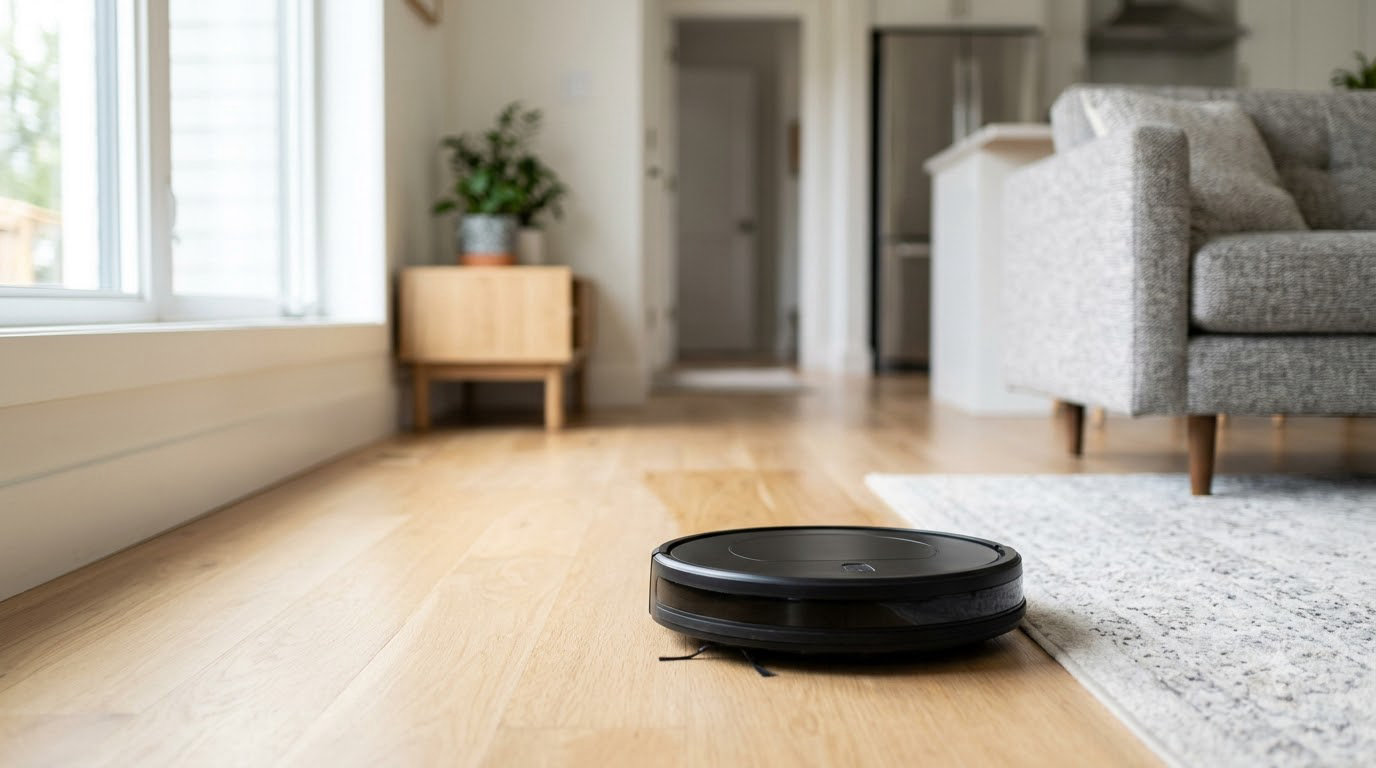
The eufy 11S MAX leads these picks because it is the most proven machine in the group, with close to 60,000 owner ratings behind it and a thin frame that slides under furniture most robots cannot enter. The iRobot Roomba 105 Combo is the smarter all-rounder if you want LiDAR mapping and a mop, and the Shark Matrix Plus earns its spot in homes with shedding pets.
Amazon Prime Big Deal Days runs October 6-7, 2026, and offers shift through the event, so this list is about which models are worth watching rather than which number appeared on a badge. Every robot below sits in the budget tier, and the button under each review shows the current price.
Table of Contents
Our Top 3 Picks for Prime Big Deal Days Robot Vacuum Deals Under $300


Roomba 105 Combo
- 75-day AutoEmpty dock
- ClearView LiDAR mapping
- Wet and dry cleaning
- Carpet avoidance while mopping

Shark Matrix Plus
- Self-cleaning brushroll
- 60-day bagless HEPA base
- Sonic mopping
- Matrix Clean grid pattern
Prime Big Deal Days Robot Vacuum Deals Under $300 Compared (2026)
| Product | Specifications | Action |
|---|---|---|
| eufy 11S MAX |
|
Check Deal Price |
| Roomba 105 Combo |
|
Check Deal Price |
| Shark Matrix Plus |
|
Check Deal Price |
 Roomba 105 Roomba 105 |
|
Check Deal Price |
 roborock Q7 M5+ roborock Q7 M5+ |
|
Check Deal Price |
 Shark AV2501S AI Ultra Shark AV2501S AI Ultra |
|
Check Deal Price |
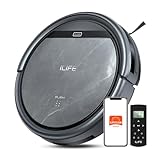
 ILIFE V2 ILIFE V2 |
|
Check Deal Price |
 roborock Q10 S5+ roborock Q10 S5+ |
|
Check Deal Price |
 Roomba 105 AutoEmpty Roomba 105 AutoEmpty |
|
Check Deal Price |
 ILIFE V5s Max ILIFE V5s Max |
|
Check Deal Price |
 Tikom L8000 Plus Tikom L8000 Plus |
|
Check Deal Price |
How We Chose
We compared suction figures, navigation type, runtime, dock behaviour, mopping systems, dimensions and warranty terms, then weighed those specs against the ratings and owner-review themes recorded for each listing. Every pick was checked against the same set of fields, and the data was reviewed in October 2026.
1. eufy 11S MAX: Best for Quiet Rooms and Low Furniture
eufy 11S MAX
Runtime: 100 min
Navigation: IR sensors
Dock: Charging only
Mop: No
Pros
- Slim 2.85 inch profile clears low furniture
- Quiet 55 dB run suits living rooms and bedrooms
- BoostIQ adapts suction in 1.5 seconds
Cons
- No app or Wi-Fi so no mapping or scheduling
- Single-side brush narrows edge reach
- No self-emptying dock so the bin empties by hand
The 11S MAX has been the budget default for years, and the reason is simple: it does the one job a robot vacuum does best, which is picking up what falls on the floor, without asking you to manage an app.
Buy this one if the house runs quiet. At 55 dB it sits closer to a microwave than to a hair dryer, so it can run while someone is working at a desk in the same room.
The 2.85 inch body is the real headline in a home full of low couches and bed frames. Most disc robots in this tier stand around 3.4 inches and simply never reach under those pieces of furniture.
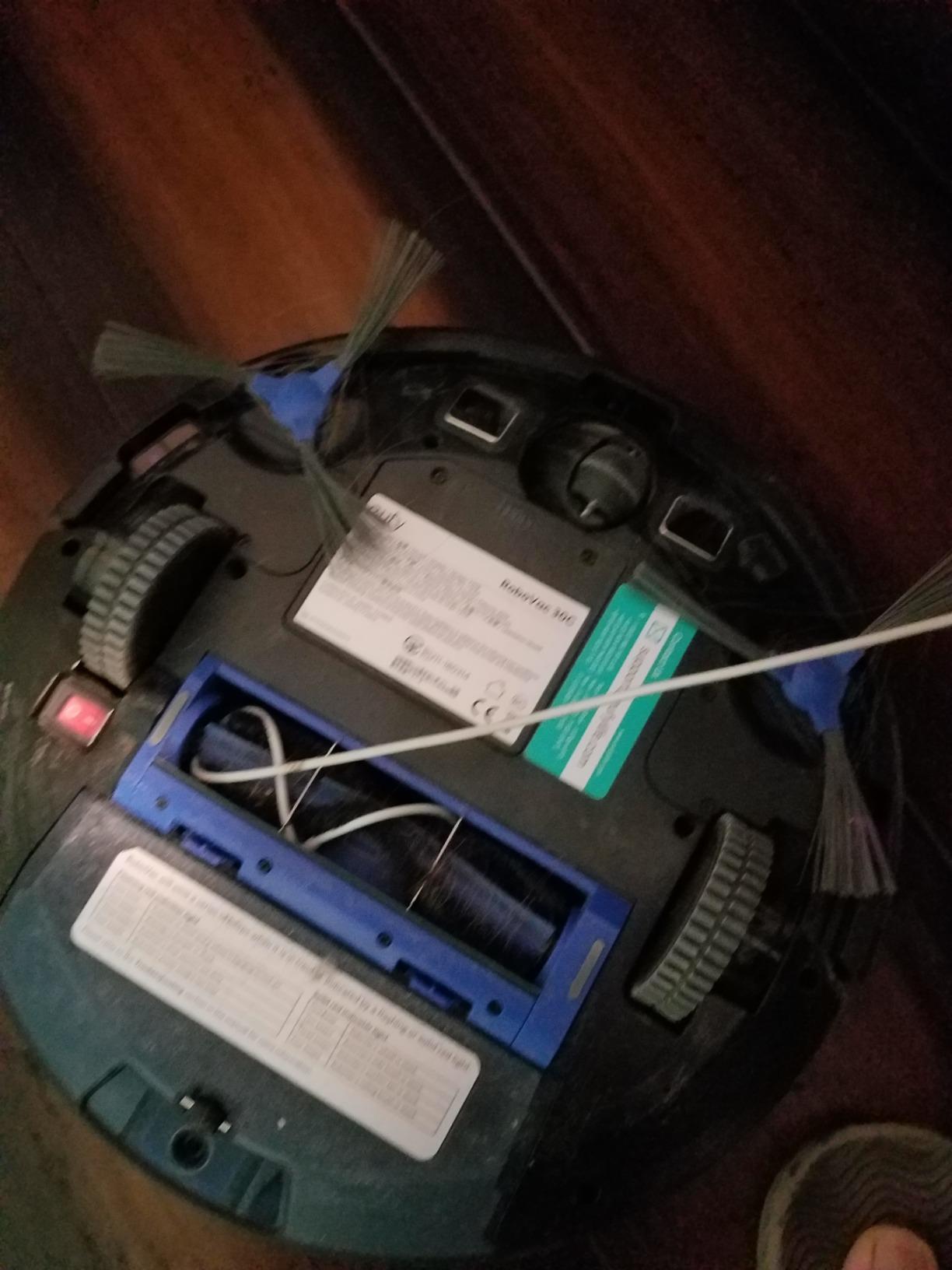
The trade here is everything mapped. There is no LiDAR, no room labels, no no-go zones and no schedule you can set from your phone. The remote has two cleaning modes and that is the whole interface.
Owners report the same trade in every review thread: it never gets stuck, it never needs help, and it never gets confused. It also never learns the shape of your home, so expect it to bump around a bit more than a mapping robot would.
Good to know: the single-side brush means edges along walls get a lighter pass than the middle of the room, so a quick pass with a stick vacuum along baseboards once a week keeps the finish looking right.
2. iRobot Roomba 105 Combo: Best for Wet and Dry Cleaning
Roomba 105 Combo
Runtime: 100 min
Navigation: ClearView LiDAR
Dock: 75-day AutoEmpty
Mop: Yes
Pros
- 75-day AutoEmpty dock traps 99% of allergens
- ClearView LiDAR mapping with route planning
- Detects carpet and avoids it while mopping
- SmartScrub micro-pump doubles scrubbing
- App button and voice control
Cons
- Setup needs a 2.4 GHz network
- 100 minute runtime is short for large homes
This is the pick for someone who wants a robot to handle both jobs in one machine and does not want to think about which mode to set. It vacuums, it mops and it empties its own bin for roughly two and a half months between bag changes.
Among these picks it holds the highest average rating, and the spec sheet explains why: LiDAR mapping, a self-emptying dock and a wet and dry system in one body, which no other robot in this group combines at this tier.
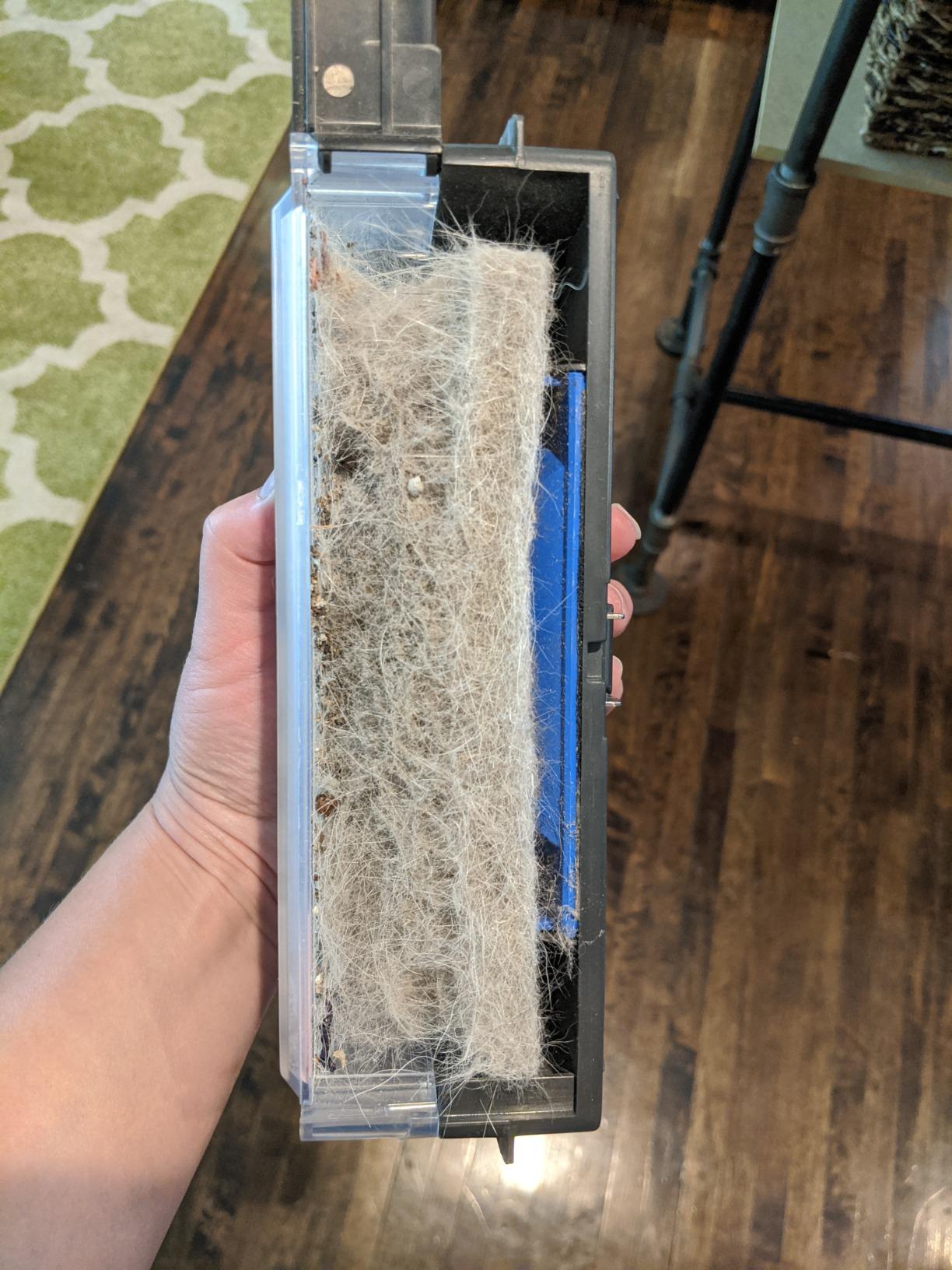
The detail most buyers care about is carpet detection during mopping. The 105 Combo notices carpet and lifts away from it, so you can run the combo mode across a mixed floor without ending up with damp rugs.
SmartScrub uses a micro-pump instead of a gravity-fed pad, which pushes water through the multifiber pad more evenly. It is still not a deep-scrub machine, but it handles daily kitchen film and dust well.
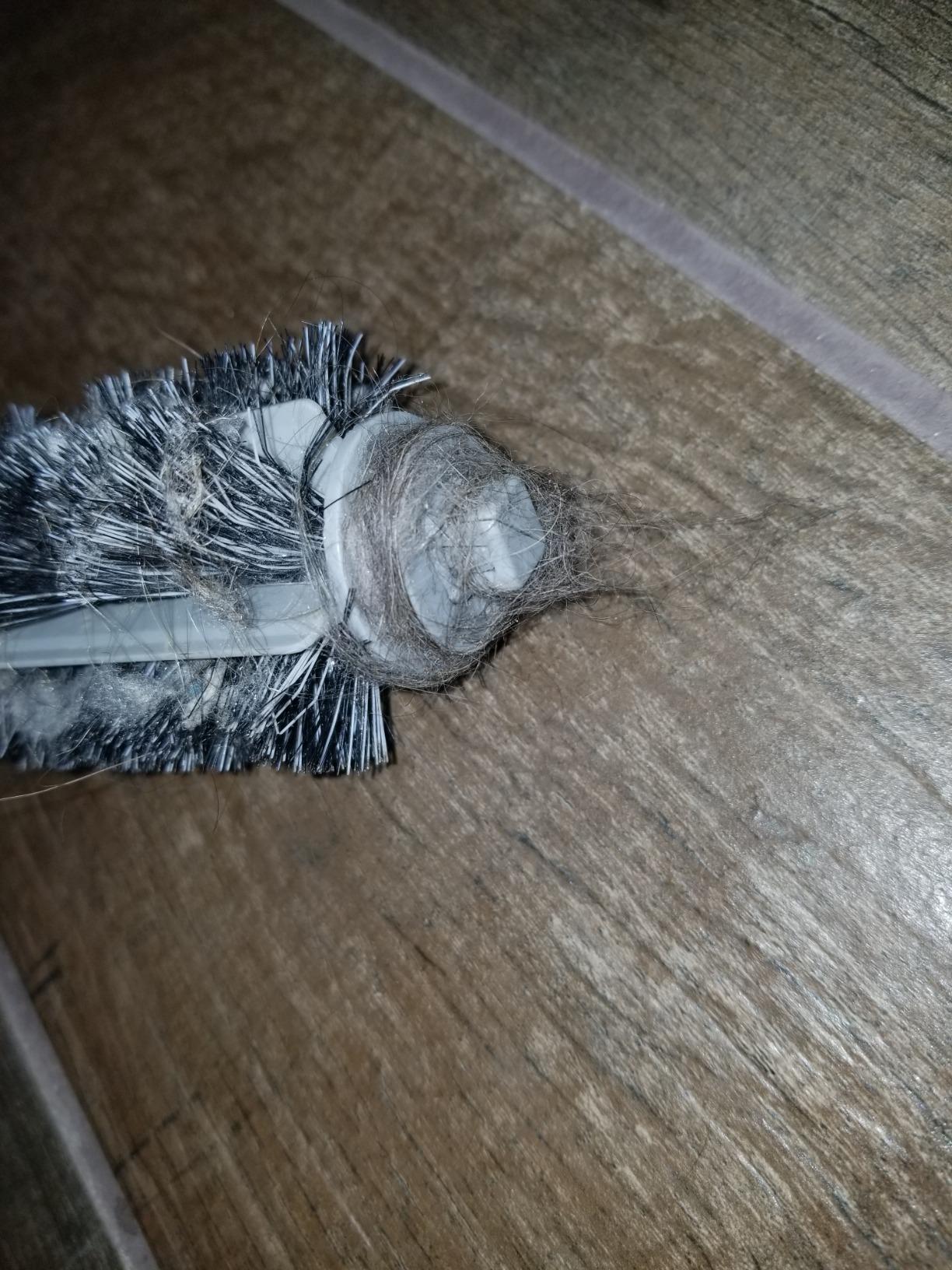
Skip it if you have a very large open plan. At 100 minutes of runtime it needs a recharge and resume more often than the Roomba 105 or the roborock Q7 M5+, and setup needs a 2.4 GHz network, which is a real limitation on newer routers.
3. Shark Matrix Plus: Best for Pet Hair and Carpet
Shark Matrix Plus
Runtime: 110 min
Navigation: 360-degree LiDAR
Dock: 60-day bagless base
Mop: Yes
Pros
- Matrix Clean grid pattern for carpet work
- Self-cleaning brushroll resists hair wrap
- Bagless HEPA base holds 60 days
- Sonic mopping at 100 scrubs per minute
Cons
- App mapping reported inconsistent after updates
- Unreliable around chair legs and low obstacles
Hair tangling on the brush roll is the complaint that comes up most often with budget robots, and the Matrix Plus is built specifically against it. The brushroll is self-cleaning, with comb-like teeth that pull wrapped strands off as it runs.
For carpet, the Matrix Clean grid pattern works in neat passes rather than random wandering, which means a single run covers more of the same carpet twice than a bump-and-turn machine would.
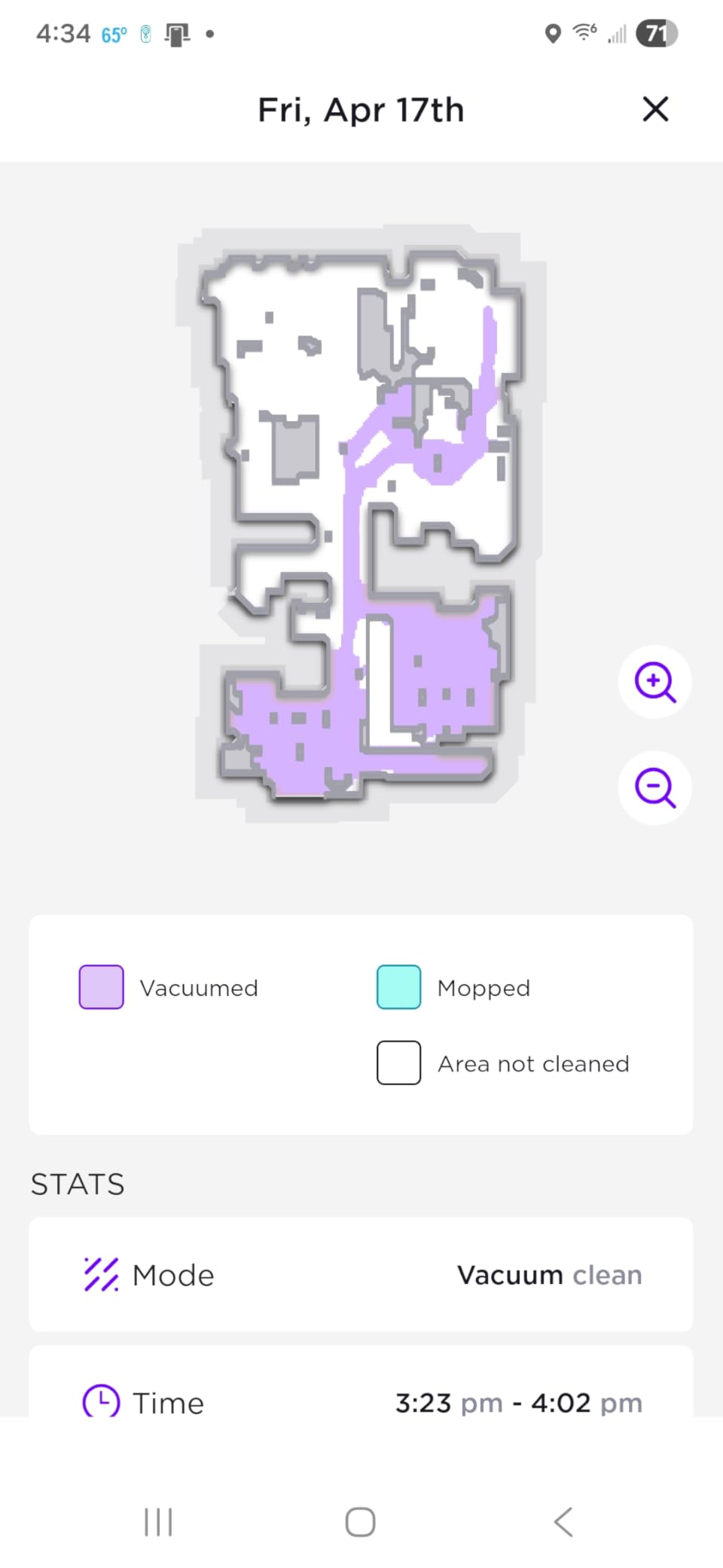
The bagless base is unusual at this tier and genuinely useful. Sixty days of capacity with HEPA filtration means no bags to buy, no bags to store and nothing to forget, which is one less recurring cost than the Roborock models.
Sonic mopping runs at 100 scrubs per minute and you can target a specific mop zone in the app, so the kitchen floor can get the attention while the bedroom gets a quick pass.
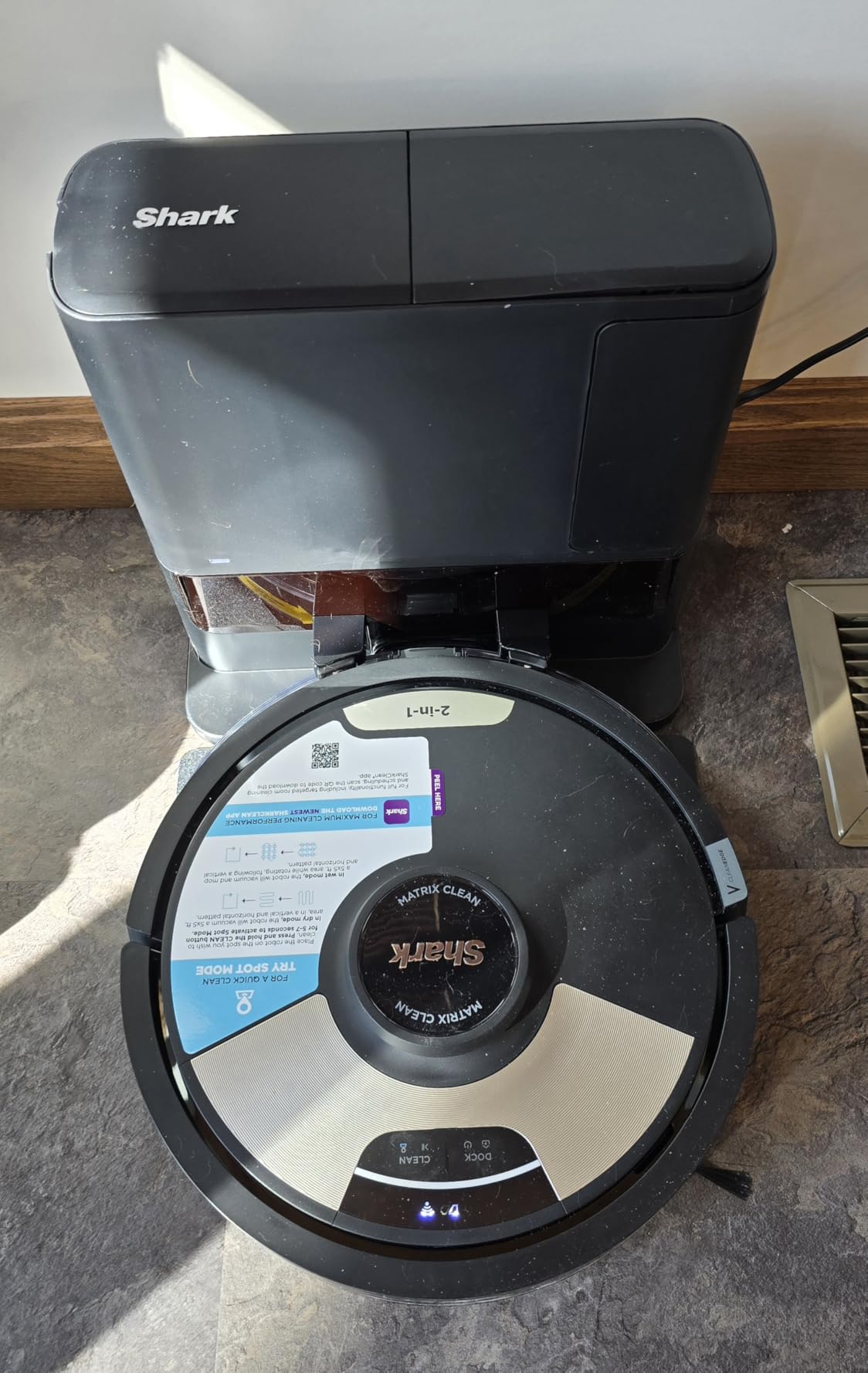
Owners split on the software. App mapping and room-specific cleaning have been reported as inconsistent across firmware updates, and navigation around chair legs and low objects is described as unreliable. Check the warranty length carefully before you commit, because a robot that leans on its app needs that app to keep working.
4. iRobot Roomba 105: Best for Large Open Floor Plans
Roomba 105
Runtime: 200 min
Navigation: ClearView LiDAR
Dock: Charging only
Mop: No
Pros
- 200 minute runtime covers big floor plans
- ClearView LiDAR cleans in neat rows
- Room targeting and keep-out zones
- Self-charging with recharge and resume
Cons
- No self-emptying dock so the bin empties by hand
- Cartridge filter rather than a washable one
- Setup needs a 2.4 GHz network
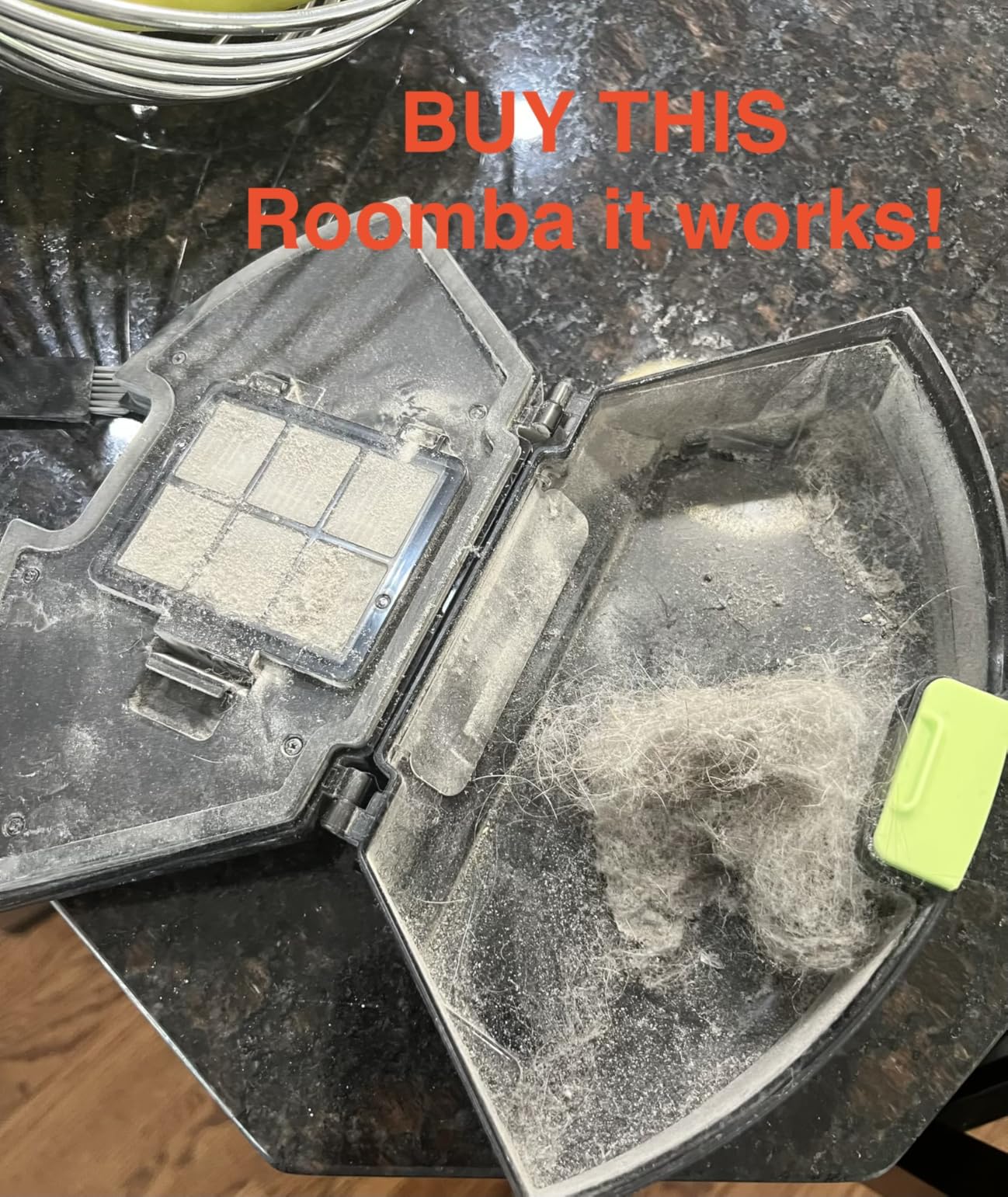
Runtime is the quiet hero of this one. At 200 minutes it runs twice as long as several machines in this list, which in a home over 2000 square feet is the difference between one pass and two.
The room targeting and keep-out zones matter more than they sound. You can tell it to clean the kitchen after dinner and tell it to stay off the area where the dog bowl sits.
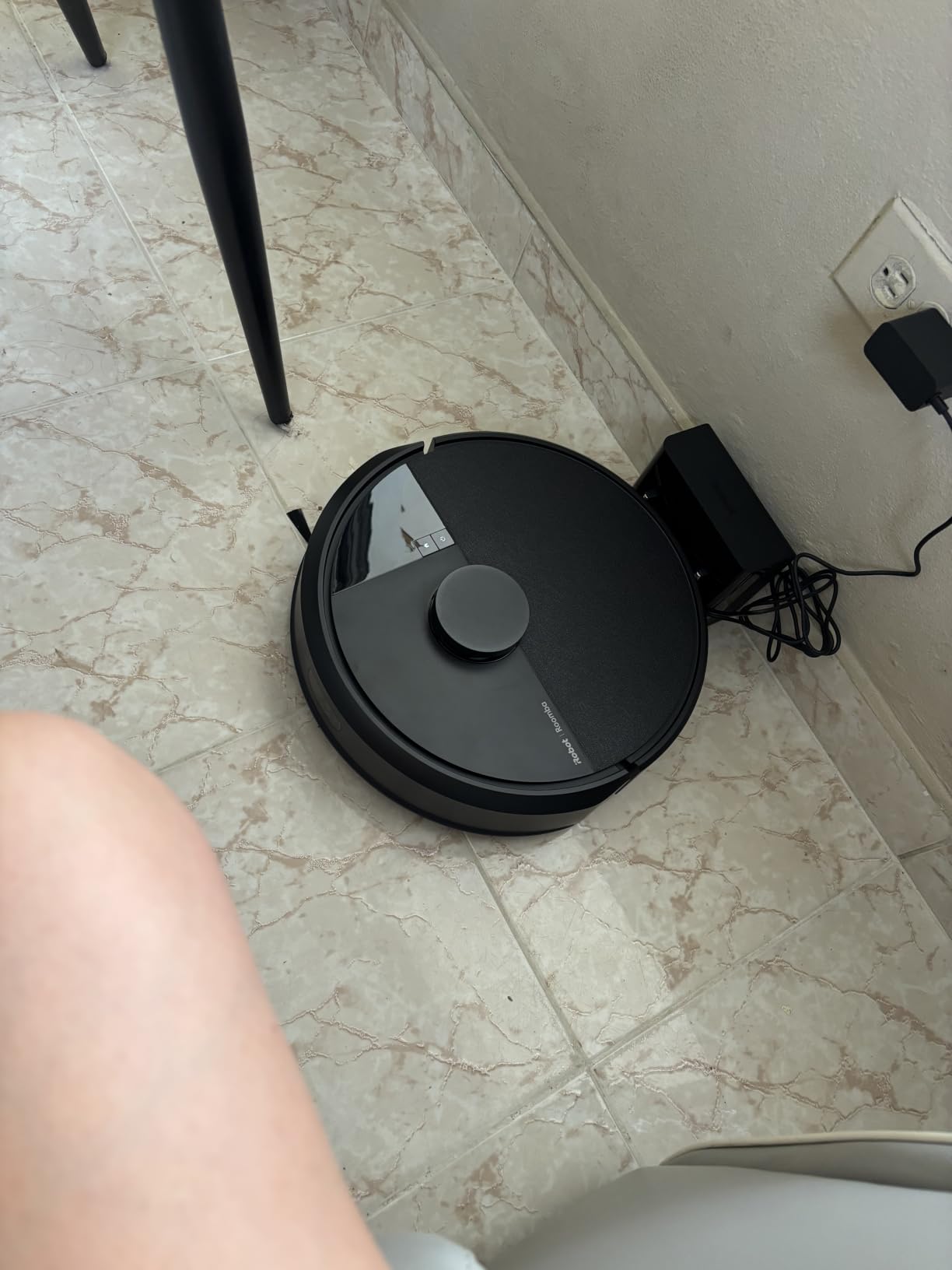
The Roomba 105 AutoEmpty runs the same cleaning hardware and adds the dock. This version gives that up for a smaller footprint and a lower outlay, and the bin itself is large enough to handle most days.
Owners like the combination of LiDAR navigation and long runtime at this price class. The complaint that shows up most is the cartridge filter, which needs replacing on a schedule and costs more over a few years than a washable filter would.
Good to know: this is a vacuum only. If your floors need mopping too, look at the Roomba 105 Combo or the roborock Q7 M5+ instead.
5. roborock Q7 M5+: Best for Mixed Flooring
roborock Q7 M5+
Runtime: 150 min
Navigation: PreciSense LiDAR
Dock: 7-9 week bag base
Mop: Yes
Pros
- 10000Pa HyperForce suction
- 2.7L sealed bag for 7 to 9 weeks
- Dual anti-tangle JawScrapers brushes
- Vacuum and mop in one pass with three water levels
- PreciSense LiDAR with no-go zones
Cons
- App works on 2.4 GHz networks only
- 65 dB is louder than the quieter picks
- 14% of reviews are one-star on mapping and tangling
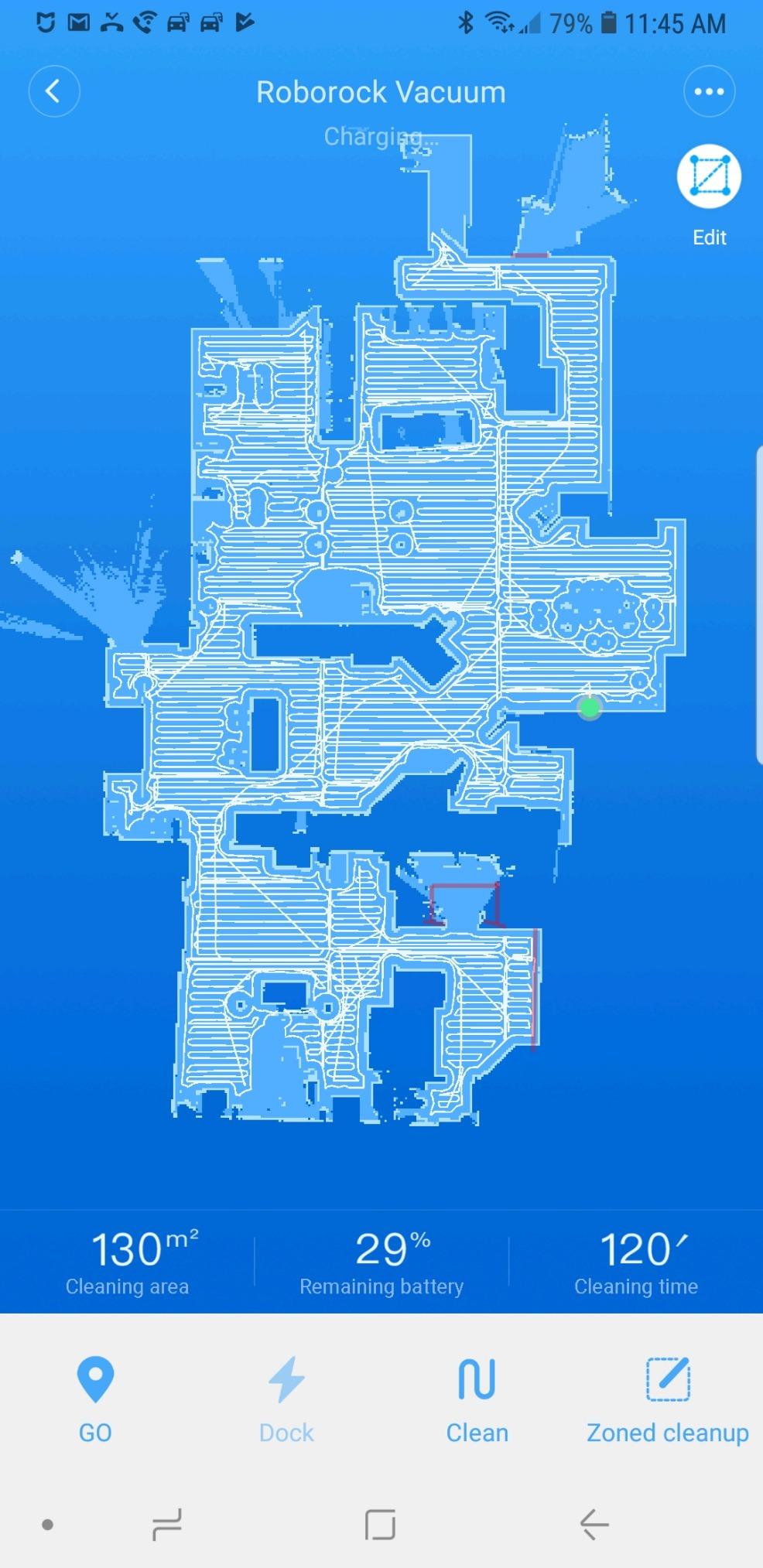
If your home has tile in the kitchen, carpet in the bedrooms and laminate in the hall, this is the one that handles the switch without ceremony. It vacuums and mops in the same pass with three water flow settings you can adjust per room.
Suction is the headline number: 10,000Pa, which sits well above what most of this group manages and helps on carpet and in crevices. Roborock pairs that with a dual anti-tangle system using JawScrapers combs on the main brush.
The dock is the quiet win. A 2.7L sealed bag gives seven to nine weeks between changes, so you are not walking to the dock every few days to empty a small bin, and the sealed bag keeps allergens inside the dock rather than in the room.
The Shark AV2501S AI Ultra fills a similar gap with a bagless base, which would save you the consumables, though Roborock’s mapping and app reliability tend to be steadier across firmware versions, so the two come out close.
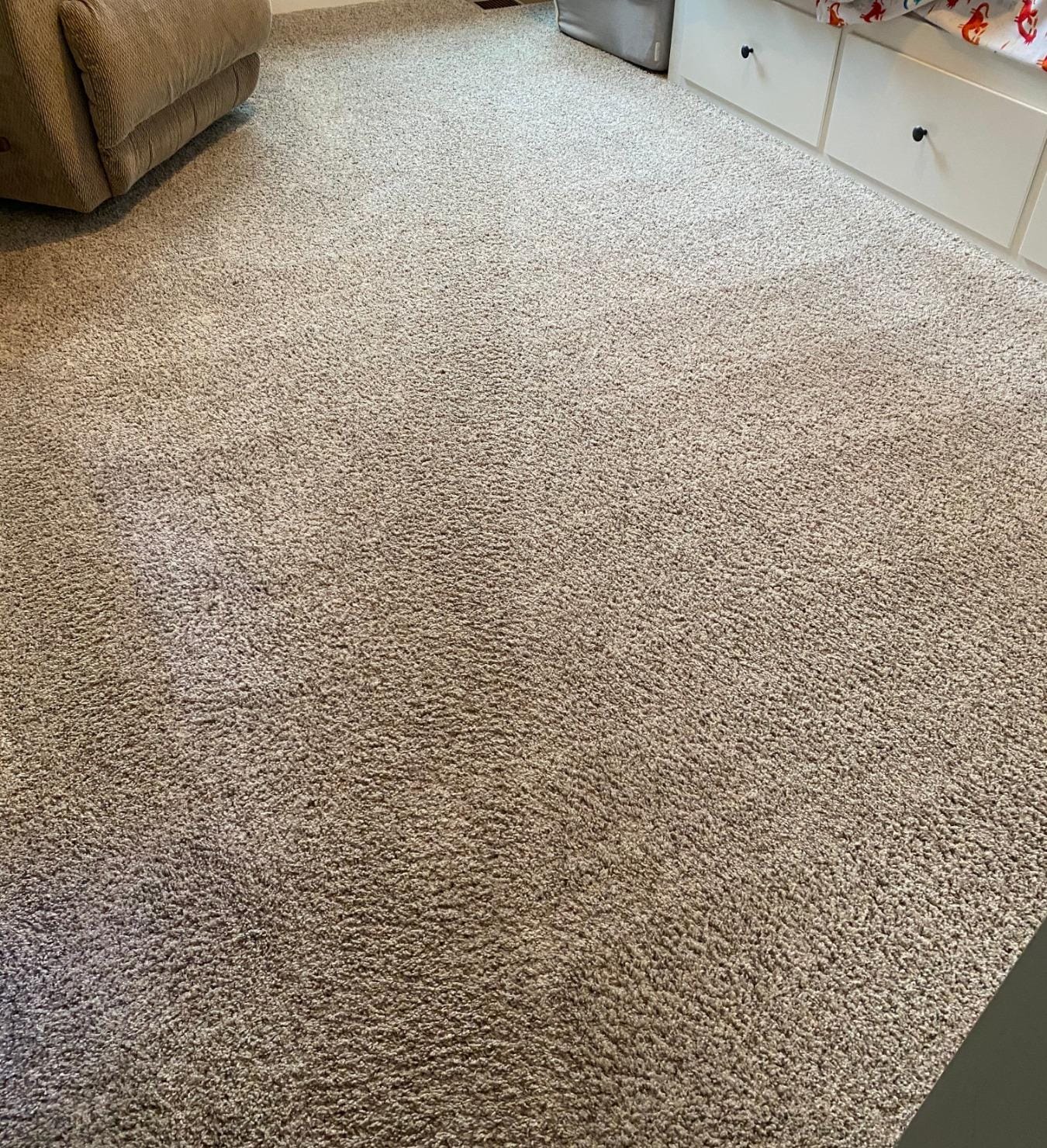
Owners also mention the noise level. At 65 dB this is one of the louder machines here, so it fits a daytime schedule better than a late-night one.
6. Shark AV2501S AI Ultra: Best for Low Upkeep
Shark AV2501S AI Ultra
Runtime: 120 min
Navigation: 360-degree LiDAR
Dock: 30-day bagless base
Mop: No
Pros
- Bagless 30-day self-emptying base
- True HEPA filtration captures 99.97% of particles
- 360 degree LiDAR maps day or night
- Self-cleaning brushroll for pet hair
Cons
- Mapping can take several runs to settle
- Cliff sensor false detections reported
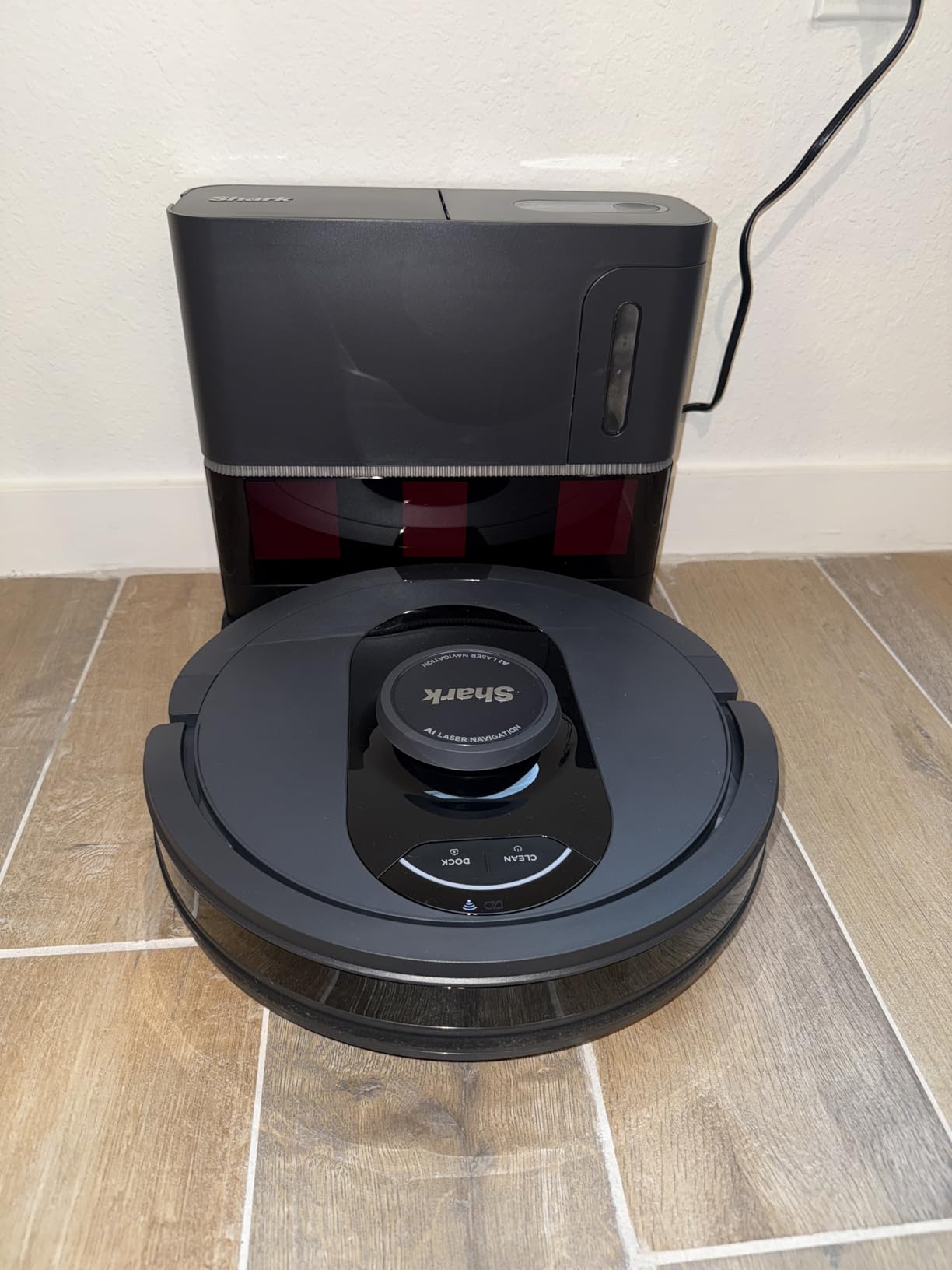
The appeal here is the absence of consumables. A bagless base holds about a month of debris and uses a true HEPA filter, so there are no replacement bags and no cartridges to keep in stock.
That makes it the pick for a household that wants a robot to just run without anyone managing spare parts, particularly in a home where nobody remembers to empty anything.
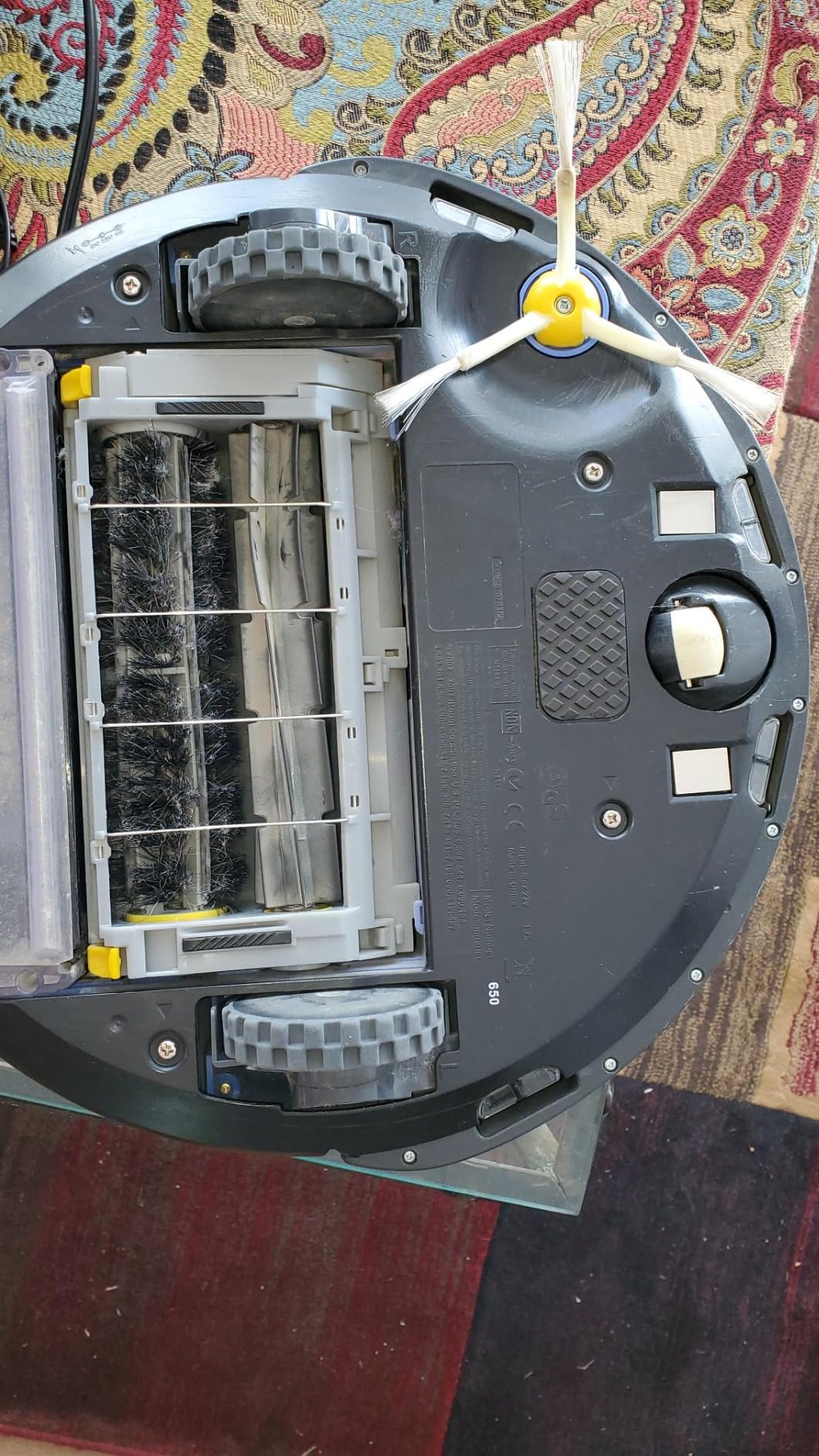
LiDAR vision maps in 360 degrees and works in the dark, so scheduling a night run through the app is realistic. Voice control through Alexa and Google Assistant is a small thing that most households end up preferring to the app.
Owners do report that the map takes a few runs to settle into an accurate floor plan, and that the cliff sensor occasionally reads a false ledge in homes with dark rugs or balcony thresholds. Both are known quirks of the platform rather than deal breakers.
Step up to the Roomba 105 instead if you want a much longer runtime on a single charge, though expect to keep firmware updates current and to give it a week of patience while the first map settles.
7. ILIFE V2: The Smallest Outlay on a Working Robot
ILIFE V2
Runtime: 120 min
Navigation: Infrared sensors
Dock: Charging only
Mop: No
Pros
- Tangle-free suction port for pet hair
- 2.99 inch profile for under-furniture cleaning
- 120 minute runtime with auto charging
- Infrared collision and drop sensors
Cons
- Remote control only with no app or mapping
- Sponge filter limits deep carpet work
- 69 dB is the loudest here
The ILIFE V2 is what happens when you remove every feature that is not picking up dust. There is no app, no mapping and no dock that empties anything, and it is still one of the more satisfying robots to own for a small flat.
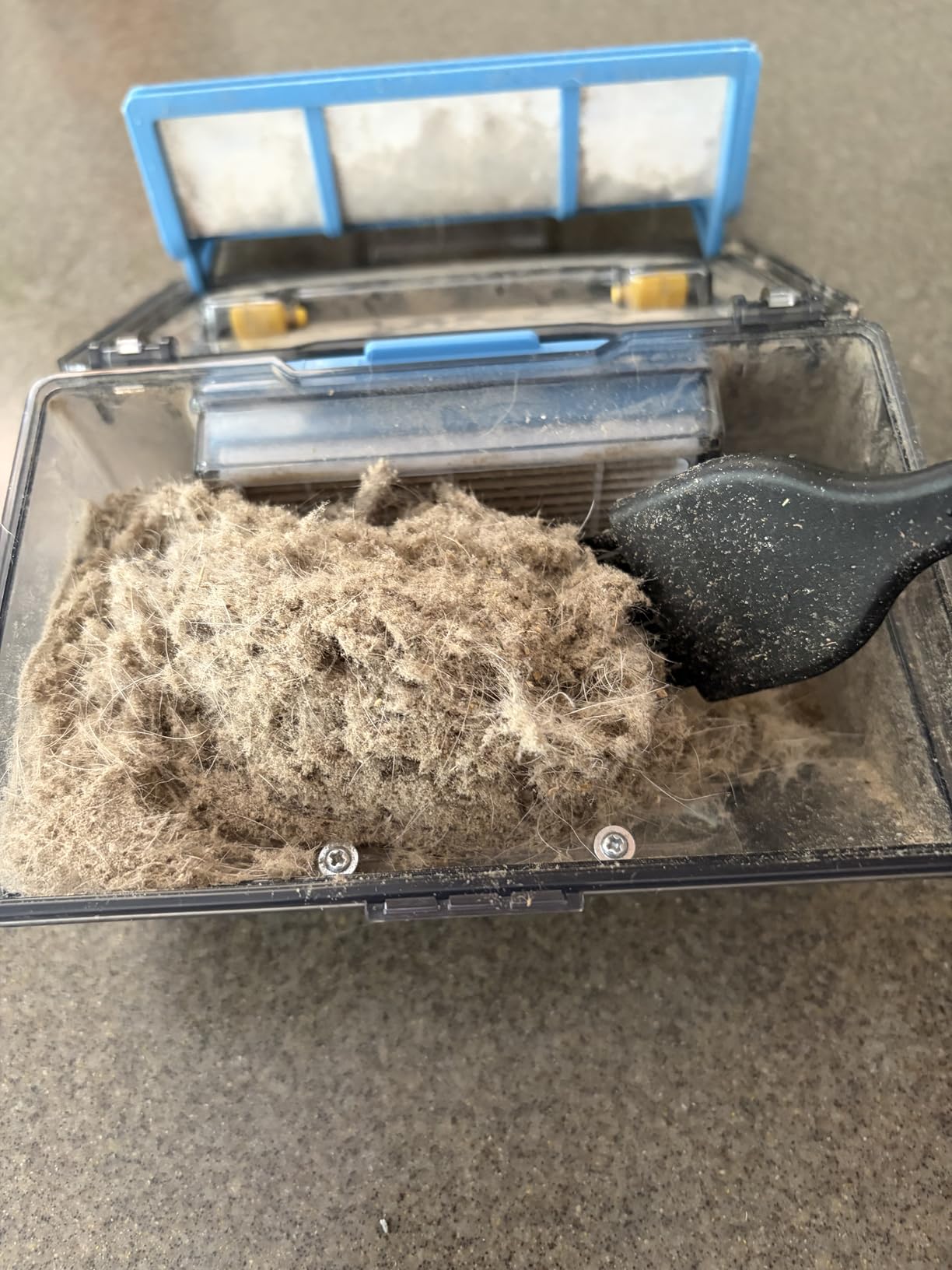
Its tangle-free suction port is aimed straight at pet owners. Instead of a brush roll that hair wraps around, the suction inlet is designed so fur goes into the bin rather than around a spindle.
Two cleaning modes on the remote, auto and spot, plus an edge mode are enough for a studio or a one-bedroom apartment. At 2.99 inches it fits under most beds and low sofas.
Owners rate it well for what it is and stop there. The sponge filter and basic navigation are the limits on carpet, and at 69 dB it is the loudest machine in this group, which matters if it shares a wall with a bedroom.
Good to know: the V5s Max adds an app and gyroscope routing for a similar outlay. That is the smarter version of the same idea if you want scheduling and better route planning.
8. roborock Q10 S5+: Best for Scrubbing Mopping
roborock Q10 S5+
Runtime: 150 min
Navigation: LiDAR and ReactiveTech
Dock: 70-day bag base
Mop: Yes
Pros
- VibraRise 2.0 scrubs up to 3000 times per minute
- Auto mop lift raises the pad over carpet
- 10000Pa suction
- 70-day self-emptying station
Cons
- App and voice features need 2.4 GHz Wi-Fi
- Dock footprint is larger than charging-only models
If mopping is the reason you want a robot rather than a vacuum alone, this is the most capable mopper in the group. The VibraRise 2.0 system scrubs up to 3000 times per minute against a pad a simpler model just drags.
The part that changes daily use is auto mop lifting. The pad rises when carpet is detected, so you can run one job across the whole floor and the rugs stay dry.
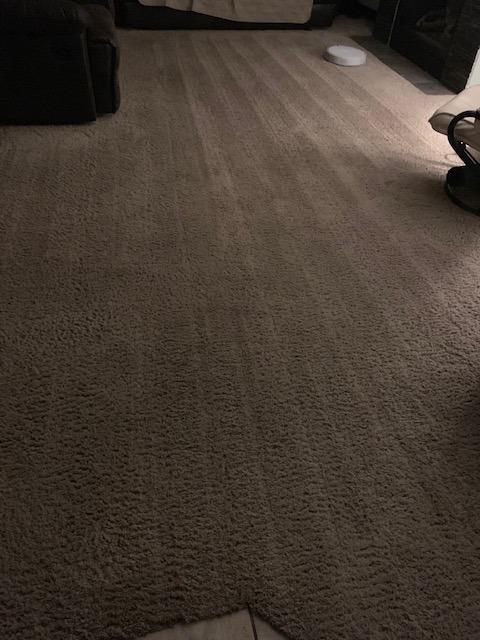
Obstacle avoidance is structured light rather than pure LiDAR alone, so cables and shoes on the floor are more likely to be recognised than on cheaper mapping models, though not as reliably as the best hardware.
The 70-day station means this runs roughly ten weeks before the bag needs changing. It is the largest dock in the lineup along with the Q7 M5+, which matters in a narrow utility area.
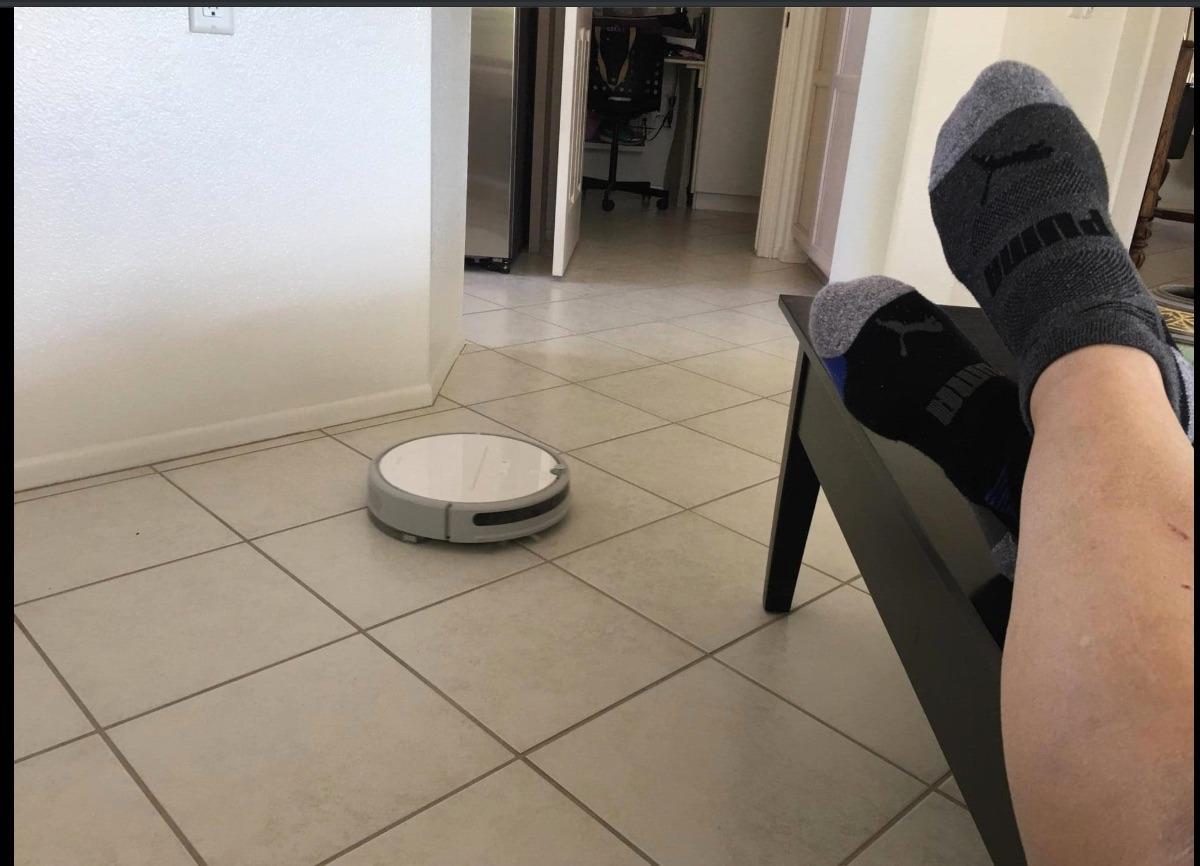
Owner reviews average out to an even 4.0, and the complaints that do show up centre on app behaviour and reliability rather than cleaning power, which is the usual pattern for a specification-dense machine.
9. iRobot Roomba 105 AutoEmpty: Best for Allergen Control
Roomba 105 AutoEmpty
Runtime: 200 min
Navigation: ClearView LiDAR
Dock: 75-day AutoEmpty
Mop: No
Pros
- 75-day bag traps 99% of allergens
- 200 minute runtime even with the dock
- ClearView LiDAR mapping
- Keep-out zones and fast spot cleaning
Cons
- Vacuum only with no mopping
- Setup needs a 2.4 GHz network
- Cartridge filter adds to upkeep
The reason to buy a self-emptying dock in a house with a hay fever sufferer is containment. Once the debris is in a sealed bag in the dock, it stays there rather than sitting in an open bin waiting for someone to empty it.
This model keeps the vacuum side only, which means the pad, mop plate and water tank are all absent, and what is left is a machine built to run often and not think about floors.
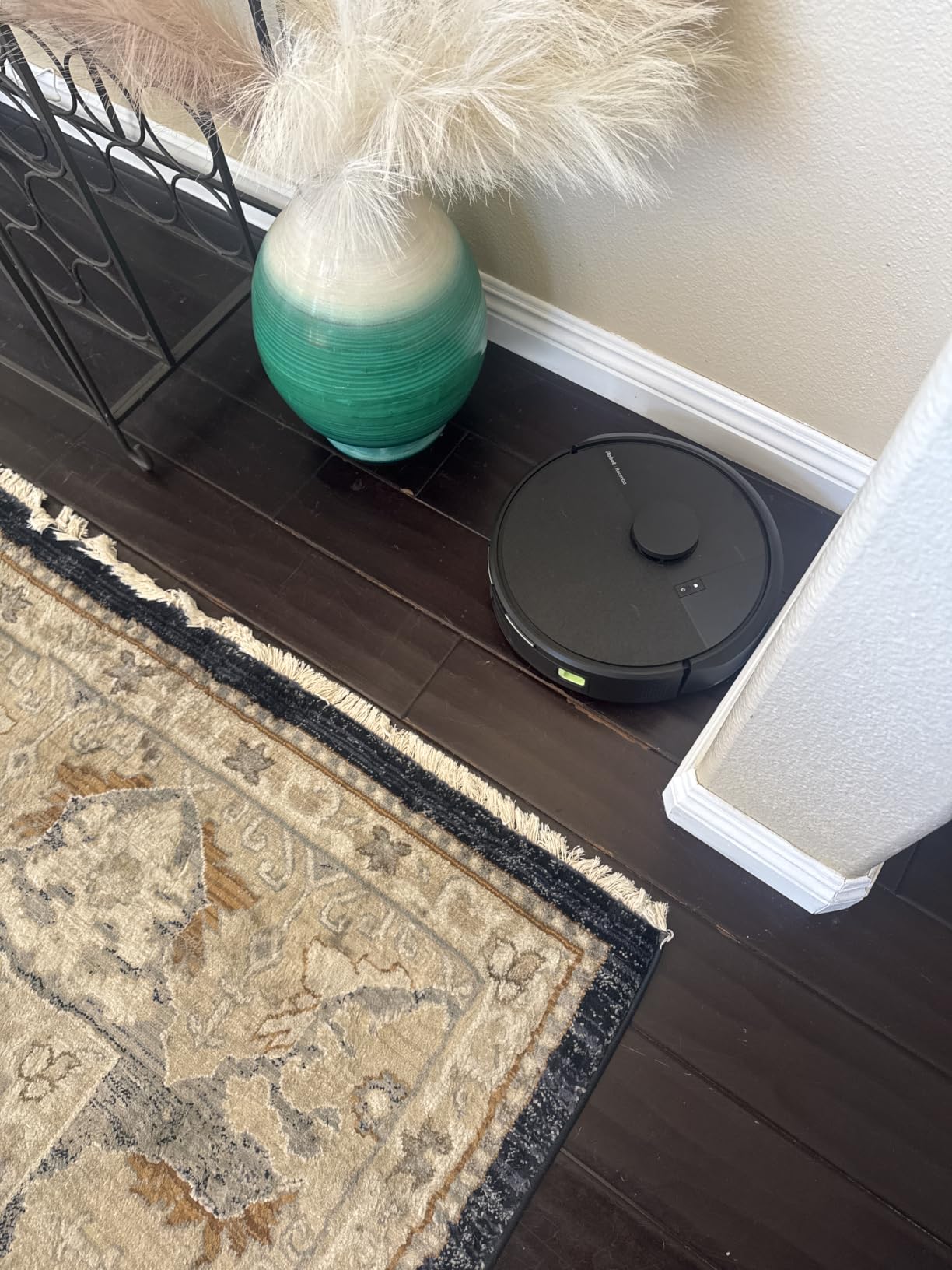
Two hundred minutes of runtime plus a dock is an unusual pairing at this tier. Most self-emptying robots in the budget bracket manage closer to half that before needing the charger.
Set the extra cost against the Roomba 105, which has the same vacuum hardware without a dock. Here you buy roughly two and a half months of not touching a bin, and for a household running a daily schedule that is the whole argument.
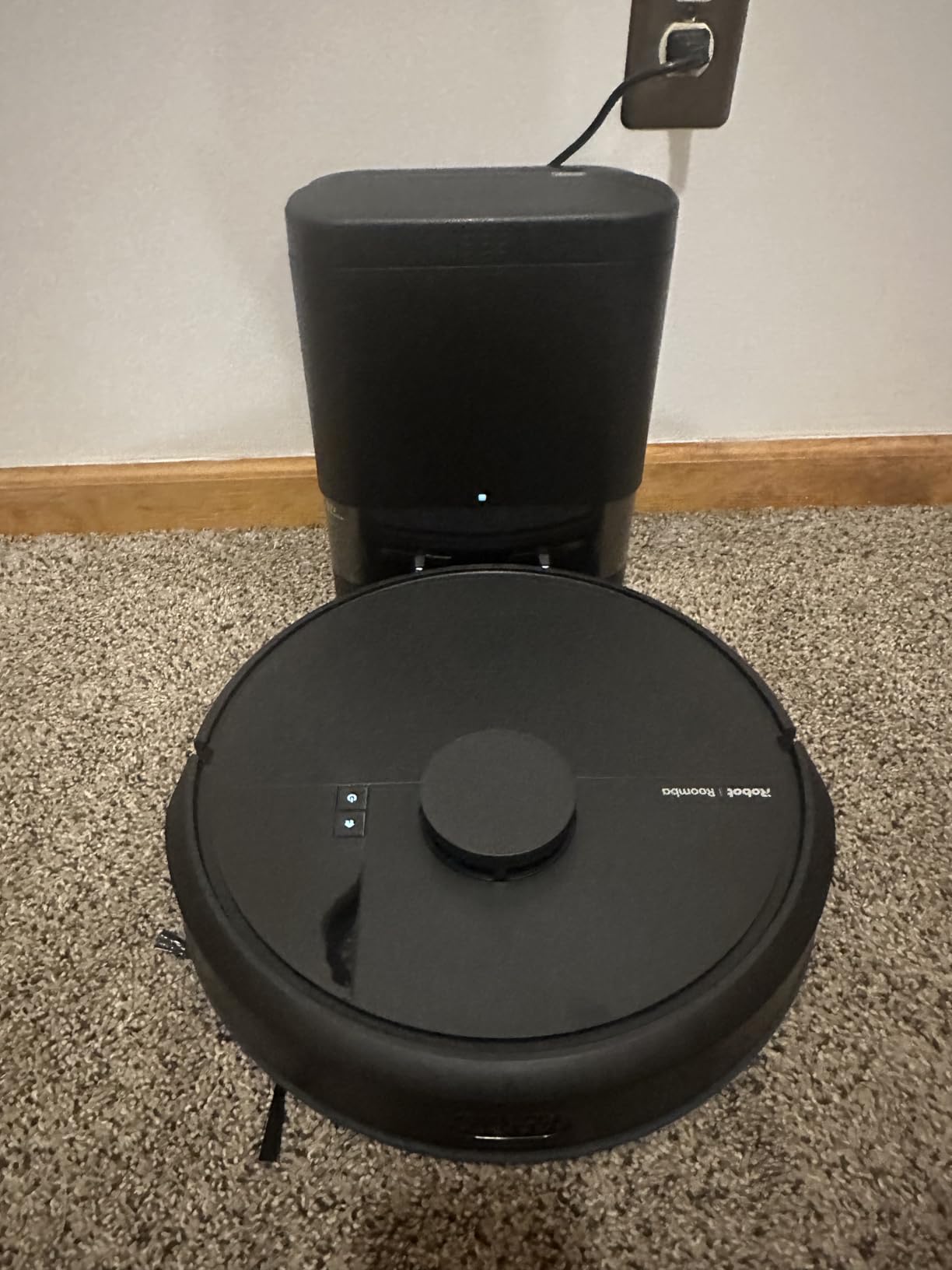
Owners like the mapped navigation and the long runtime, though durability comes up more often in the reviews than it does for the charging-only models. Setup needs a 2.4 GHz network, which is worth checking before you commit.
10. ILIFE V5s Max: Best for Apartments and Small Rooms
ILIFE V5s Max
Runtime: 100 min
Navigation: Gyroscope
Dock: Charging only
Mop: No
Pros
- 4000Pa suction in spot mode
- Gyroscope navigation for systematic routes
- App Alexa and remote scheduling
- Automatic return to the charging dock
Cons
- No mapping so no room labels or no-go zones
- Vacuum only with no mopping
- 2.4 GHz only for app and voice features
This is the pick when the goal is scheduled cleaning in a small place without buying into a mapping ecosystem. The gyroscope produces systematic routes rather than the random wandering of a pure sensor robot, which cuts down on the back-and-forth that wastes runtime.
Pet hair and crumbs are handled by up to 4000Pa in spot mode, and improved stuck recovery means it tends to find its way out of chair legs without intervention.
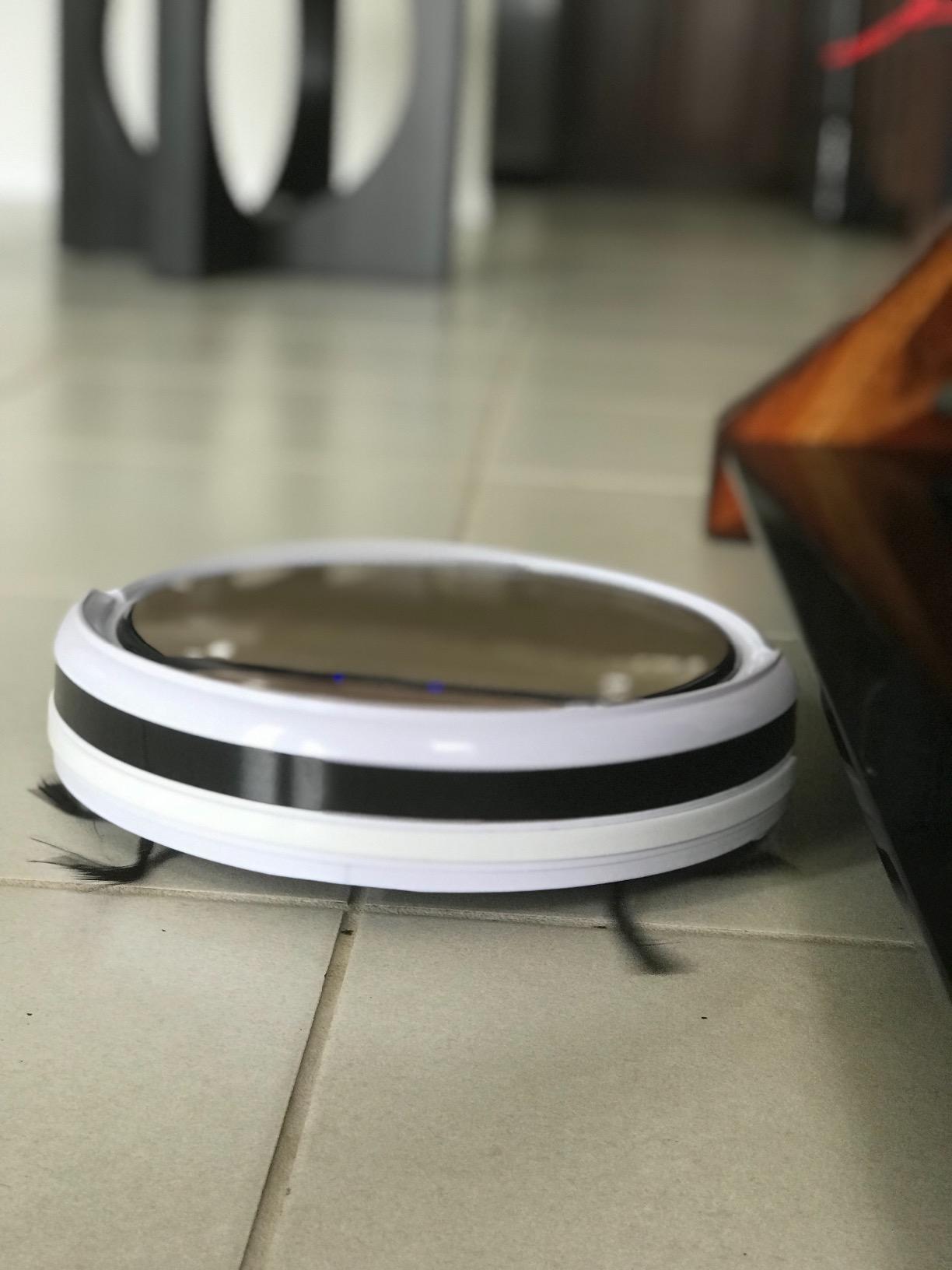
App, voice and remote control are all included, with scheduling for the times you are out. Owners most often mention that a daily schedule is the change they notice first, especially with a shedding pet.
The limit is that gyroscope navigation is not mapping. There are no room labels, no no-go zones and no multi-floor support, so a small flat with one level is the ideal match.
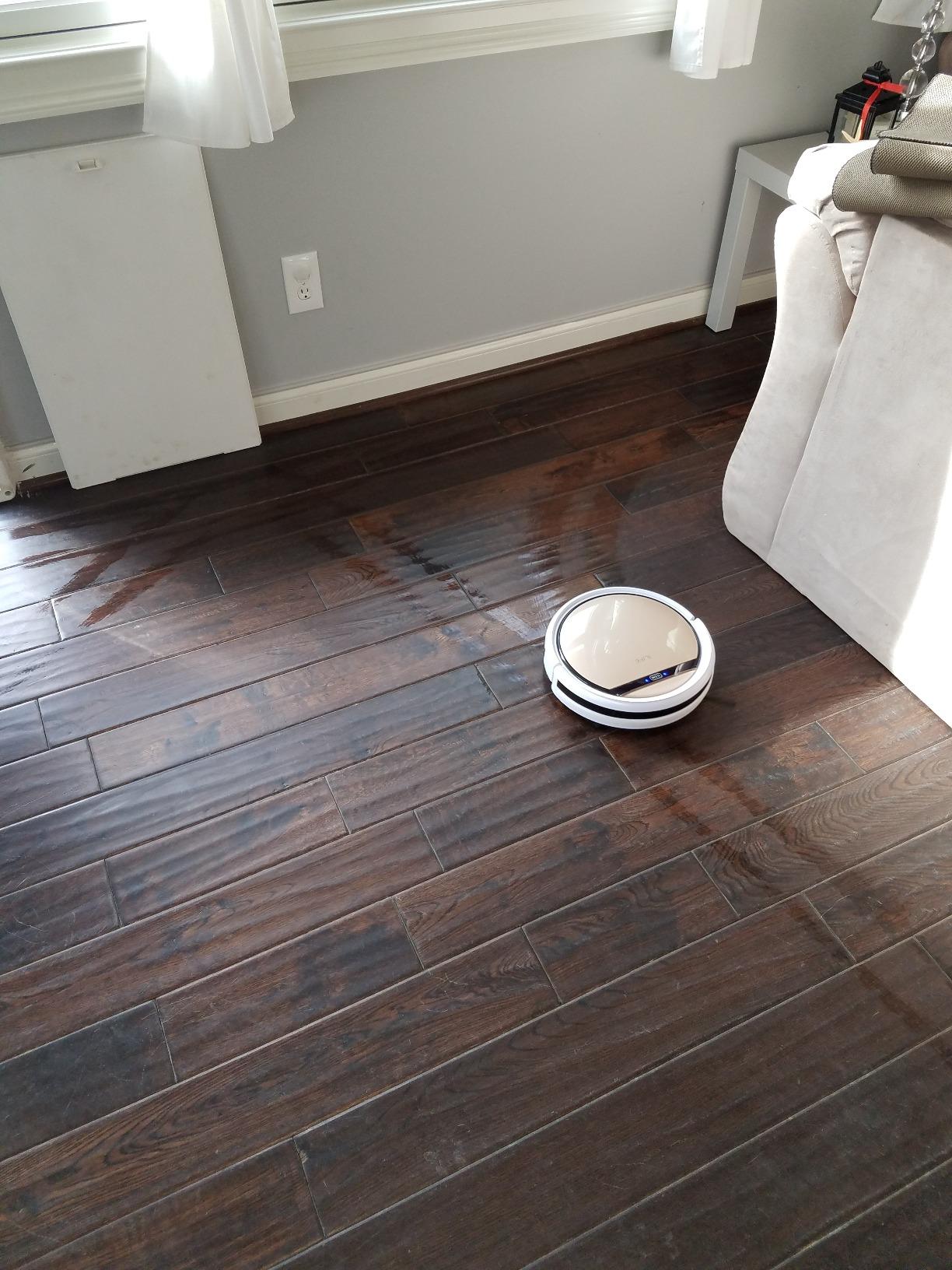
The ILIFE V2 is the same basic idea for less: same budget class, same one-button simplicity. This one adds routing and an app, and in a studio or a one-bedroom flat that is the version worth having.
11. Tikom L8000 Plus: Best for Dual-Band Wi-Fi
Tikom L8000 Plus
Runtime: 150 min
Navigation: 360-degree LiDAR
Dock: 90-day bag base
Mop: Yes
Pros
- 90-day self-emptying with a 3L bag
- 6000Pa suction with carpet auto-boost
- LiDAR maps up to five floors
- Works on 2.4 and 5 GHz networks
- Alexa control with no-go zones
Cons
- Mop holder must come off on carpet
- Review base of 592 is far thinner than the rest
Most of the mapped robots in this list want a 2.4 GHz network. This one works on both bands, which removes the single most common setup problem people hit with budget robot apps.
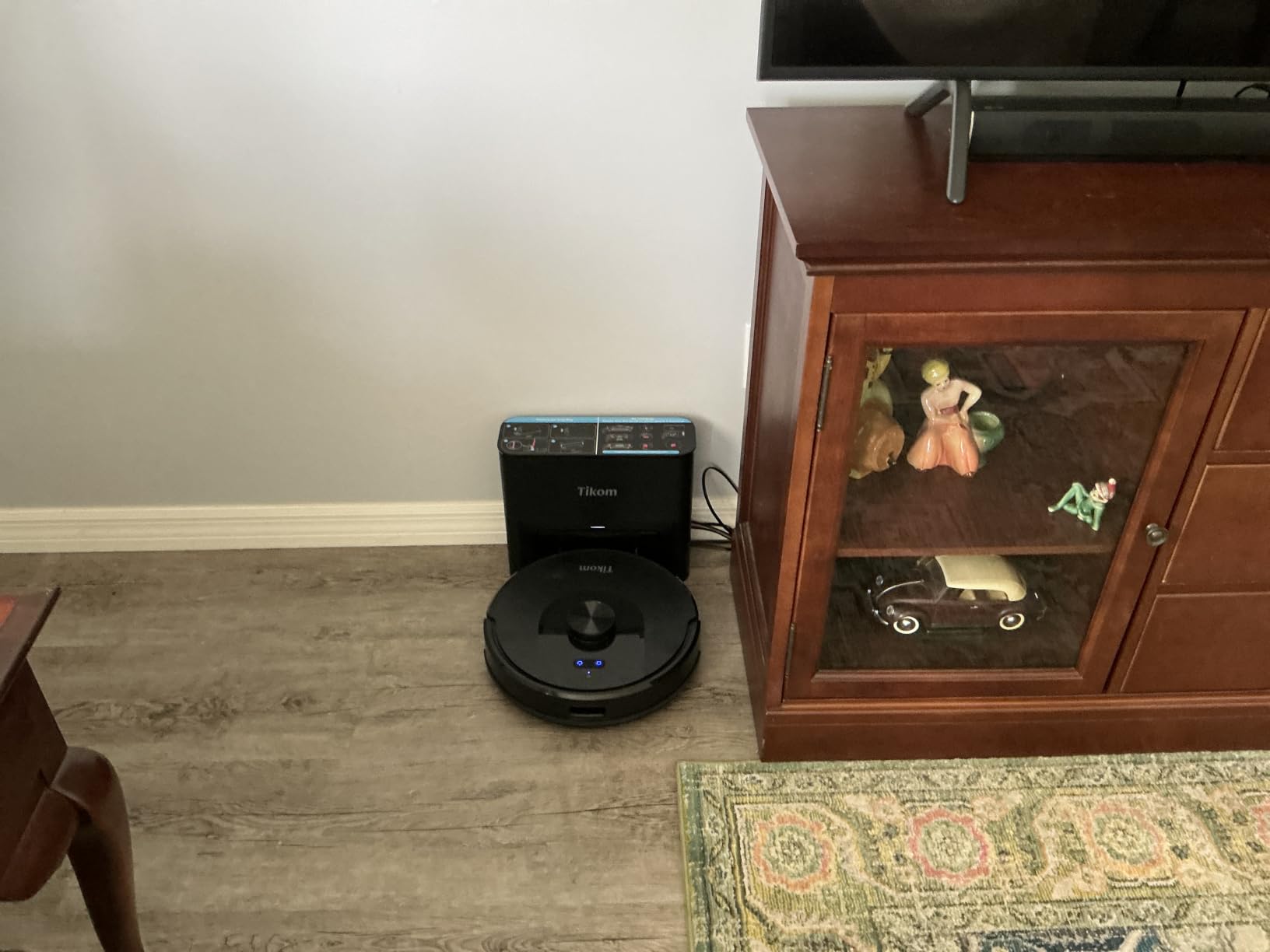
On paper it is the most generous specification here: a 3L bag rated at ninety days, 360-degree LiDAR with maps for up to five floors, and 6000Pa suction that boosts automatically on carpet.
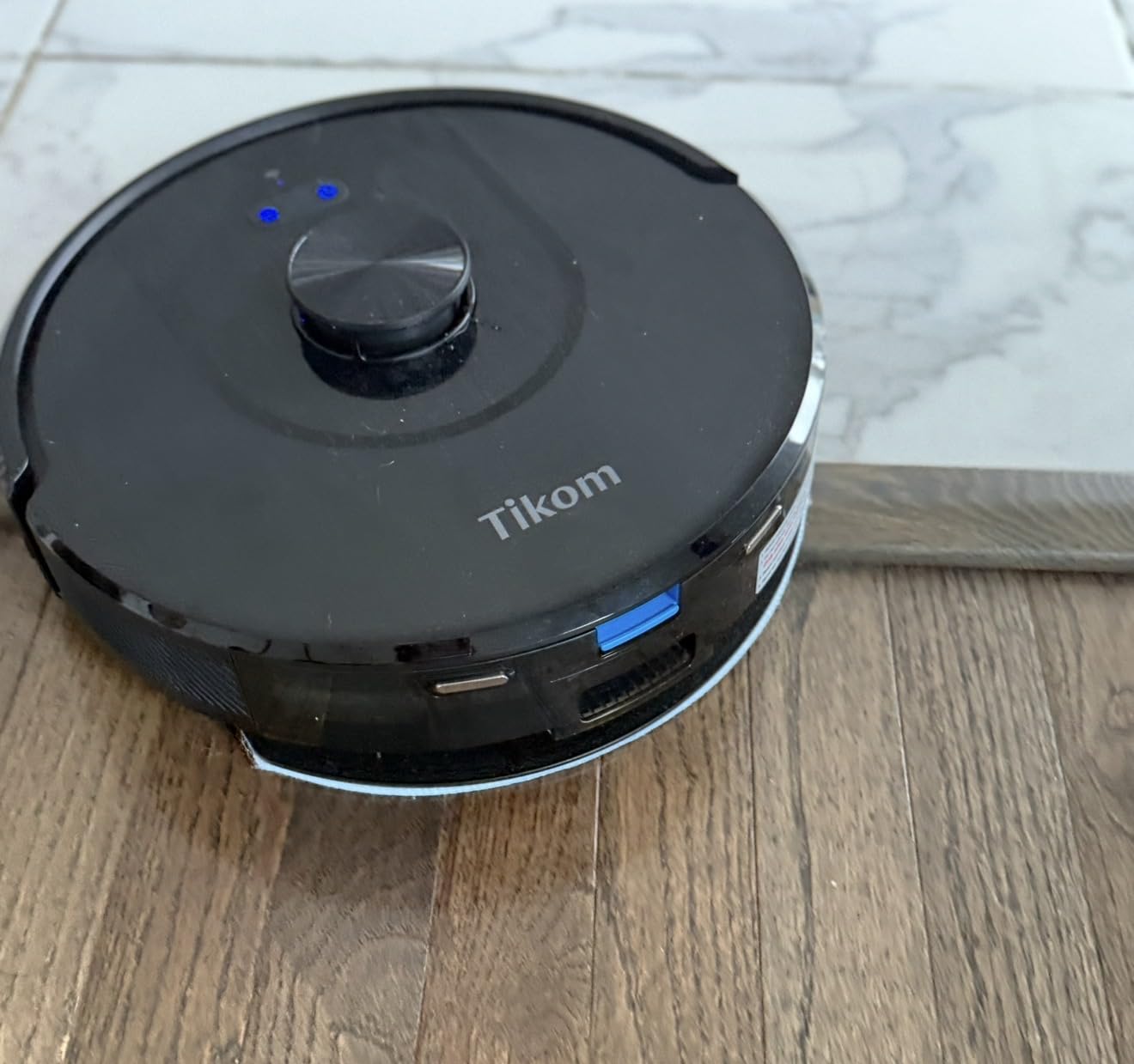
The caution is the review base. Its 4.5 average comes from a few hundred ratings rather than tens of thousands, so there is no long-term durability history to lean on the way there is for the eufy or the Roomba.
Mopping works in the same pass as vacuuming with three water flow settings, but the mop holder has to be removed or a no-go zone set on carpet, otherwise it leaves damp tracks.
The roborock Q7 M5+ offers a similar feature set, though on a brand with more established parts support. What you give up there is the dual-band Wi-Fi; what the Roomba 105 Combo offers instead is iRobot’s service network, which you trade for the longer emptying interval.
How to Choose Robot Vacuums During Prime Big Deal Days
Navigation and Mapping
LiDAR is the feature that separates these picks. It builds a floor plan, so the robot cleans in straight lines, honours room boundaries and can skip the room you are sitting in. Sensor-only machines like the eufy 11S MAX and ILIFE V2 bump around without a map, which is fine for open space but wastes time in a cluttered one.
If your home has pets, cables on the floor or a lot of furniture legs, obstacle avoidance matters as much as mapping. The roborock Q10 S5+ and Shark AV2501S AI Ultra both use structured light or LiDAR sensing to spot objects rather than ploughing into them. Budget for a floor clear of socks before the first run, whatever you buy.
Vacuuming and Mopping Performance
Suction figures in this range run from 4000Pa to 10,000Pa, and higher numbers help on carpet and in crevices rather than on bare floors where almost anything works. The roborock Q7 M5+ and Q10 S5+ sit at the top of that range.
Mopping splits into two camps: pads that are dragged for dust, and powered systems that scrub. For stain removal, our guide to robot vacuum and mop combos covers the hardware differences in more detail. The one detail worth checking here is carpet avoidance, because a robot that mops rugs leaves damp tracks every run.
Pet Hair and Allergen Control
Hair wrapping around the brush roll is the most common long-term complaint about budget robots, and it shortens the life of the motor if you never cut it away. Look for a self-cleaning or anti-tangle brush: the Shark Matrix Plus and the Shark AV2501S AI Ultra both use one, and the roborock models use a comb-style JawScrapers design.
For allergy households, the deciding factor is containment. A sealed bag in a self-emptying dock keeps collected dust out of the room entirely, which is why the Roomba 105 AutoEmpty and the Shark bagless base both make sense here. Our picks for robot vacuums for pet hair go further into brush design and filtration.
Battery Life and Home Coverage
Runtime in this group runs from 100 to 200 minutes, and the gap matters more than the number suggests. In a flat under 800 square feet almost anything finishes a run, while in a 2500 square foot open plan the 200-minute Roomba models finish in one pass and the 100-minute ones need a recharge and resume.
Floor type matters too. Mopping pads must stay wet on tile and must stay off carpet, so check the auto-lift or carpet detection feature rather than assuming it works. If you have laminate or engineered wood, our picks for vacuums for laminate floors explain what to watch for with moisture and suction settings.
App Control and Smart Features
Check the Wi-Fi band before you buy. Several models here, including both Roomba 105 variants and the roborock Q7 M5+ and Q10 S5+, need a 2.4 GHz network, which means an older router or a separate band enabled. The Tikom L8000 Plus is the one that handles 2.4 and 5 GHz together.
Once connected, look for room targeting, keep-out zones and scheduling rather than voice control. Scheduling is the feature owners mention most often as the change that made a robot stick, because it means cleaning happens whether anyone remembers to start it.
How to Shop Robot Vacuum Deals During the Sale
Read the listing closely during Prime Big Deal Days, because the same model number can appear as a bare unit, as a bundle with spare filters and bags, or as a renewed unit sold by a third party. Check what is in the box, who the seller is and whether the item is fulfilled by Amazon or by the seller, since that changes both the return route and the warranty handling.
Also check the model-year code before buying a previous-generation listing, and confirm the runtime and dock match what you are expecting. Most offers in this category need a Prime membership, with a free trial counting, and prices change through the event.
- Confirm the model number and generation code match the specs you read here.
- Check whether the listing is new, renewed or a bundle with spare parts.
- Look at who the seller is and whether the unit is fulfilled by Amazon.
- Confirm your Wi-Fi band works with the app before you commit.
- Factor in a year of filters or bags, not just the machine.
- Note the return window and warranty terms before the event ends.
Frequently Asked Questions
When does Amazon Prime Big Deal Days run in 2026?
Amazon Prime Big Deal Days runs October 6-7, 2026. Most offers in this category appear at the start of that window and change through it, so the useful time to compare is early, while the wider selection is still showing.
Do you need Amazon Prime to buy a robot vacuum during Prime Big Deal Days?
Most offers in the robot vacuum category need an active Prime membership, and a free trial counts toward that. A few lines run without Prime, but they are fewer and often narrower in choice, so check the Prime badge on each listing before you start comparing.
What should I look for in Prime Big Deal Days robot vacuum deals under $300?
Look at navigation type, dock behaviour, runtime and Wi-Fi band before anything else. Suction numbers vary widely between brands for less difference in real cleaning than manufacturers suggest, while the dock decides how often you have to touch the machine.
Is a robot vacuum with mopping better than a vacuum-only model?
A mopping robot is better if you have tile or laminate and want daily floors handled without a mop in your hand. A vacuum-only model is better if you have mostly carpet or already own a good mop, and it costs less and has fewer parts to maintain.
Can budget robot vacuums handle pet hair and medium-pile carpet?
Most models here pick up pet hair well on hard floors, and several use anti-tangle or self-cleaning brushrolls that suit shedding homes. Medium-pile carpet needs more suction, so the higher rated machines handle it better, though a robot vacuum is still a maintenance tool rather than a replacement for a deep clean.
How often do robot vacuum filters and brushes need cleaning?
Rinse washable filters every one to two weeks and clear hair off the brush roll every week or two in a home with pets. Bagless models need the base emptied when it is full, while bagged docks need a change roughly every two months depending on how much the robot collects.
Final Verdict: Prime Big Deal Days Robot Vacuum Deals Under $300
Buy the eufy 11S MAX if you want a robot that stays out of the way, runs quietly and slides under low furniture without an app to manage. It is the most proven pick here and the one most likely to still be running in three years.
Buy the iRobot Roomba 105 Combo if you want mapping and mopping in one machine with a dock that empties for seventy-five days. That is the most complete package in this group.
Buy the Shark Matrix Plus if pets are the reason you are shopping at all, and the roborock Q7 M5+ if your floors are mixed and you want one pass that vacuums and mops. Go with the ILIFE V2 for the smallest outlay, the Roomba 105 AutoEmpty for allergy containment, and the Tikom L8000 Plus if your router runs 5 GHz.
Check the current price and offer details on each listing before you buy, since these picks shift through the event.