
If you are shopping Dell hardware during Amazon’s Prime Big Deal Days sale, the Dell S2725QS 27 Monitor is the one to watch first. Its 27 inch 4K IPS panel runs at 120Hz, the stand adjusts four ways, and more than 1000 owner reviews back it up. The Dell SE2426H 24 Monitor is the cheaper way to add a sharp second screen, and the Dell 15.6 Core 3 Laptop covers everyday school and office work. Prime Big Deal Days runs October 6-7, 2026.
Table of Contents
Our Top 3 Picks for Best Amazon Prime Big Deal Days Dell Deals in 2026

Dell S2725QS 27 Monitor
- 27 inch 4K UHD IPS
- 120Hz refresh rate
- FreeSync Premium
- Height tilt swivel pivot stand
Two of the top three are monitors, which tells you something about how this roundup is built. Laptops and desktops cycle through model years slowly, so a good machine stays good for a while. Panels do not.
The S2725QS wins on the spec sheet and on owner feedback, and it is the pick we would put on a desk without hesitating. The SE2426H wins on rating, sitting at 4.7 out of 5 from 336 owners, and it is the lowest cost item we list. The 15.6 laptop is the value route when a screen is not what you are shopping for.
Best Amazon Prime Big Deal Days Dell Deals Compared
| Product | Specifications | Action |
|---|---|---|
| Dell S2725QS 27 Monitor |
|
Check Deal Price |
 Dell SE2426H 24 Monitor Dell SE2426H 24 Monitor |
|
Check Deal Price |
 Dell 15.6 Core 3 Laptop Dell 15.6 Core 3 Laptop |
|
Check Deal Price |
 Dell S2425HSM 24 Monitor Dell S2425HSM 24 Monitor |
|
Check Deal Price |
 Dell U2724D Monitor Dell U2724D Monitor |
|
Check Deal Price |
 Dell U2725QE Monitor Dell U2725QE Monitor |
|
Check Deal Price |
 Dell Inspiron 16 Plus 7640 Dell Inspiron 16 Plus 7640 |
|
Check Deal Price |
 Dell Inspiron 16 5645 Dell Inspiron 16 5645 |
|
Check Deal Price |
 Dell Core Ultra 7 Tower Dell Core Ultra 7 Tower |
|
Check Deal Price |
 Dell Core Ultra 5 Slim Desktop Dell Core Ultra 5 Slim Desktop |
|
Check Deal Price |
 Dell 27 All-in-One Dell 27 All-in-One |
|
Check Deal Price |
 Dell OptiPlex 7070 SFF Dell OptiPlex 7070 SFF |
|
Check Deal Price |
Note that only one product in this list is renewed hardware, and that only the 27 All-in-One includes a display built in. Everything else assumes you already own a screen, a keyboard and a mouse.
How We Chose
We compared the specifications that decide a purchase like this: panel type and resolution, refresh rate, port selection, memory and storage, processor generation and the warranty attached to each machine. Ratings and owner review counts on Amazon were checked for all twelve products in October 2026. These are spec and owner-feedback picks, not hands-on test results.
1. Dell S2725QS 27 Monitor: Editor’s Choice for Sharp 4K Work
Dell S2725QS 27 Monitor
Type: 4K monitor
Standout: 27 inch 4K IPS
Detail: 120Hz FreeSync
Warranty: 1-Year Exchange
Pros
- Very sharp 4K text at 27 inches
- 120Hz makes scrolling feel immediate
- Height tilt swivel and pivot adjustment
- 99 percent sRGB with 1500:1 contrast
Cons
- No USB-C port or built-in USB hub
- No 3.5mm audio out jack
- Slower pixel response causes ghosting in fast games
The best all-round Dell screen on this list, and the one to watch first during the sale.
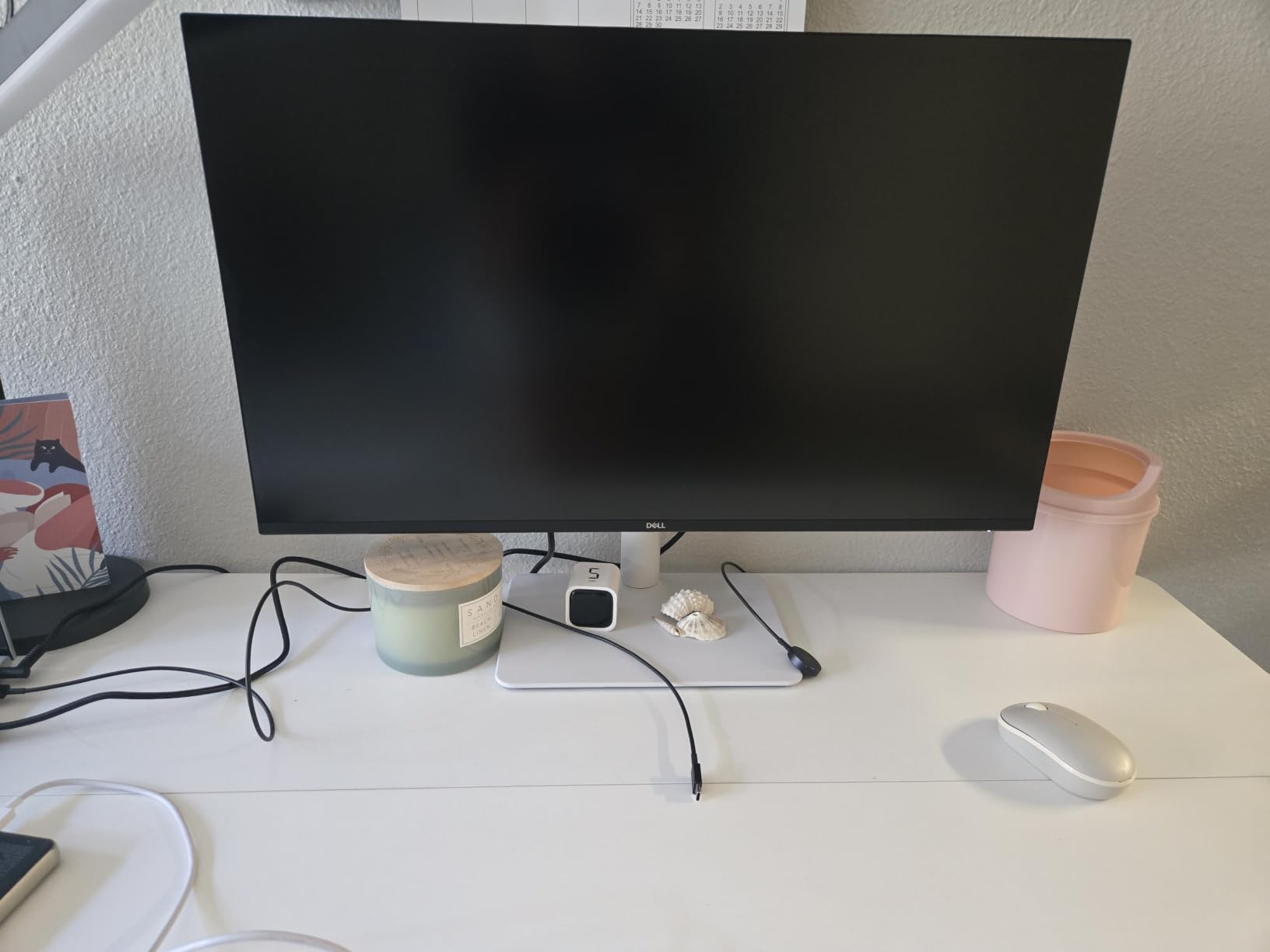
Everything that makes a monitor pleasant to live with is present here: a 27 inch 4K IPS panel at 350 nits brightness, 120Hz refresh, FreeSync Premium, 0.03ms response time and a stand that raises, tilts, swivels and pivots. Owners single out the text clarity and the stand out most often.

The 99 percent sRGB coverage and 1500:1 contrast ratio make it a good fit for a home office where documents and photos share the same panel. It draws 24.6 watts and comes with a 1-Year Advanced Exchange Service plus Premium Panel Exchange.
Two gaps matter if you are picky. There is no USB-C input, so a laptop means HDMI plus a separate power lead, and there is no 3.5mm audio out, so headphones need another route. The pixel response also produces visible ghosting in competitive shooters, which is why the Dell U2724D is the calmer choice for pure desktop work.
Compare it with the Dell SE2426H if you only need a second screen for email and documents. Pick the S2725QS when the main screen is where you spend the day.
2. Dell SE2426H 24 Monitor: Budget Pick for a Second Screen
Dell SE2426H 24 Monitor
Type: FHD monitor
Standout: 23.8 inch FHD IPS
Detail: 144Hz 1ms MPRT
Warranty: 1-Year Exchange
Pros
- Highest rated product in this roundup
- 144Hz refresh rate with 1ms MPRT
- 178 degree viewing angles
- TUV 3-star eye comfort rating
- Two HDMI ports
Cons
- Tilt adjustment only with no height or swivel
- No printed instructions in the box
- No built-in speakers
The cheapest way to add a proper screen, and the highest rated pick here.
At 4.7 out of 5 across 336 owner reviews, this is the strongest rating of the twelve. Owners describe it as a basic but well made display: clear colour with no distortion, quick plug-and-play setup and 144Hz motion that costs little to specify.
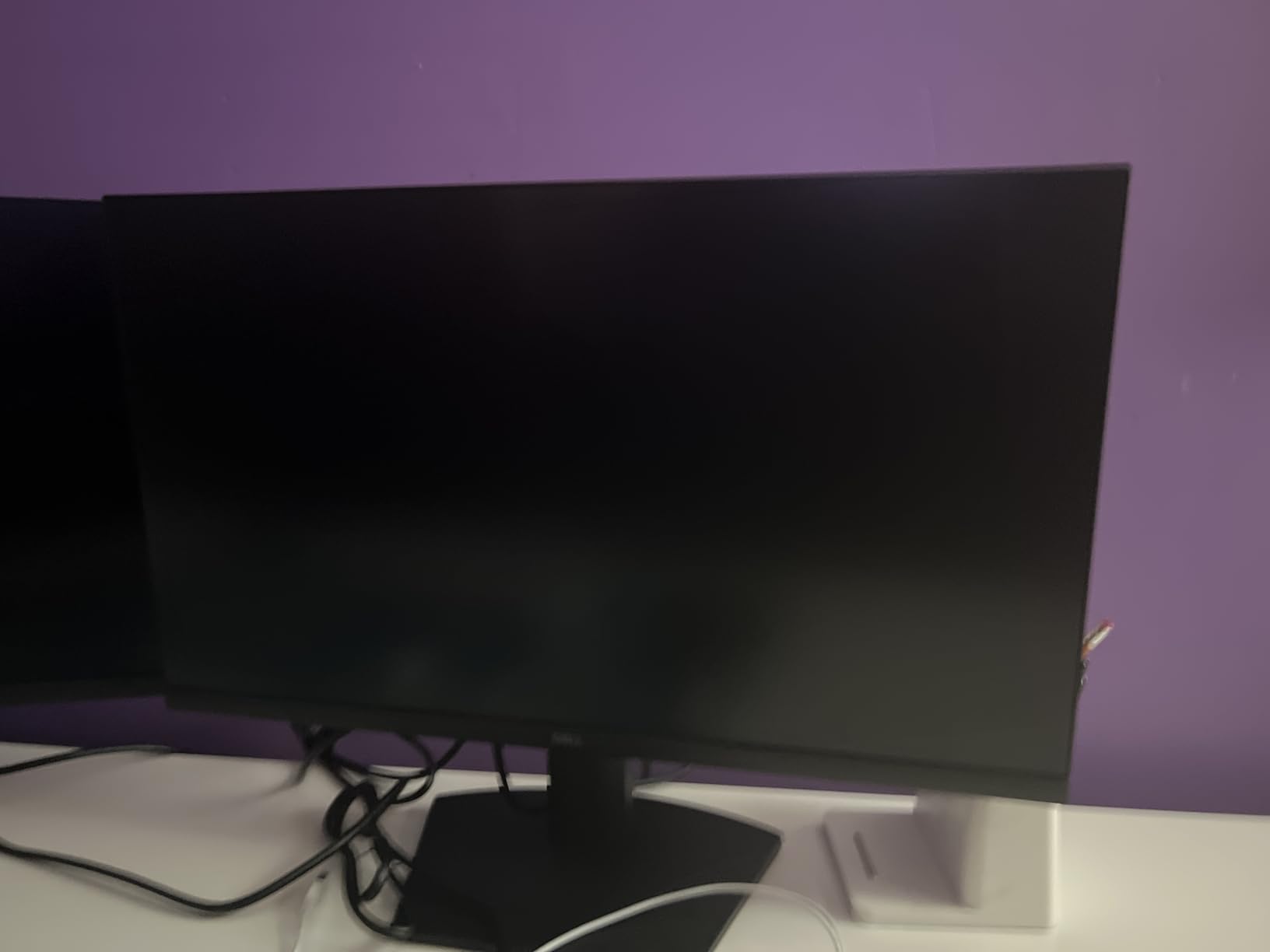
It suits a student desk or a laptop user who wants a second panel for reference material. TUV Rheinland 3-star eye comfort certification, 178 degree viewing angles and 13.3 watt power draw round out a practical package.
The stand is the compromise. Tilt is the only adjustment, so the panel sits at a fixed height, and there are no speakers. Owners also mention the box arrives without printed instructions. Where you want speakers and a full stand, the Dell S2425HSM covers it for a step up.
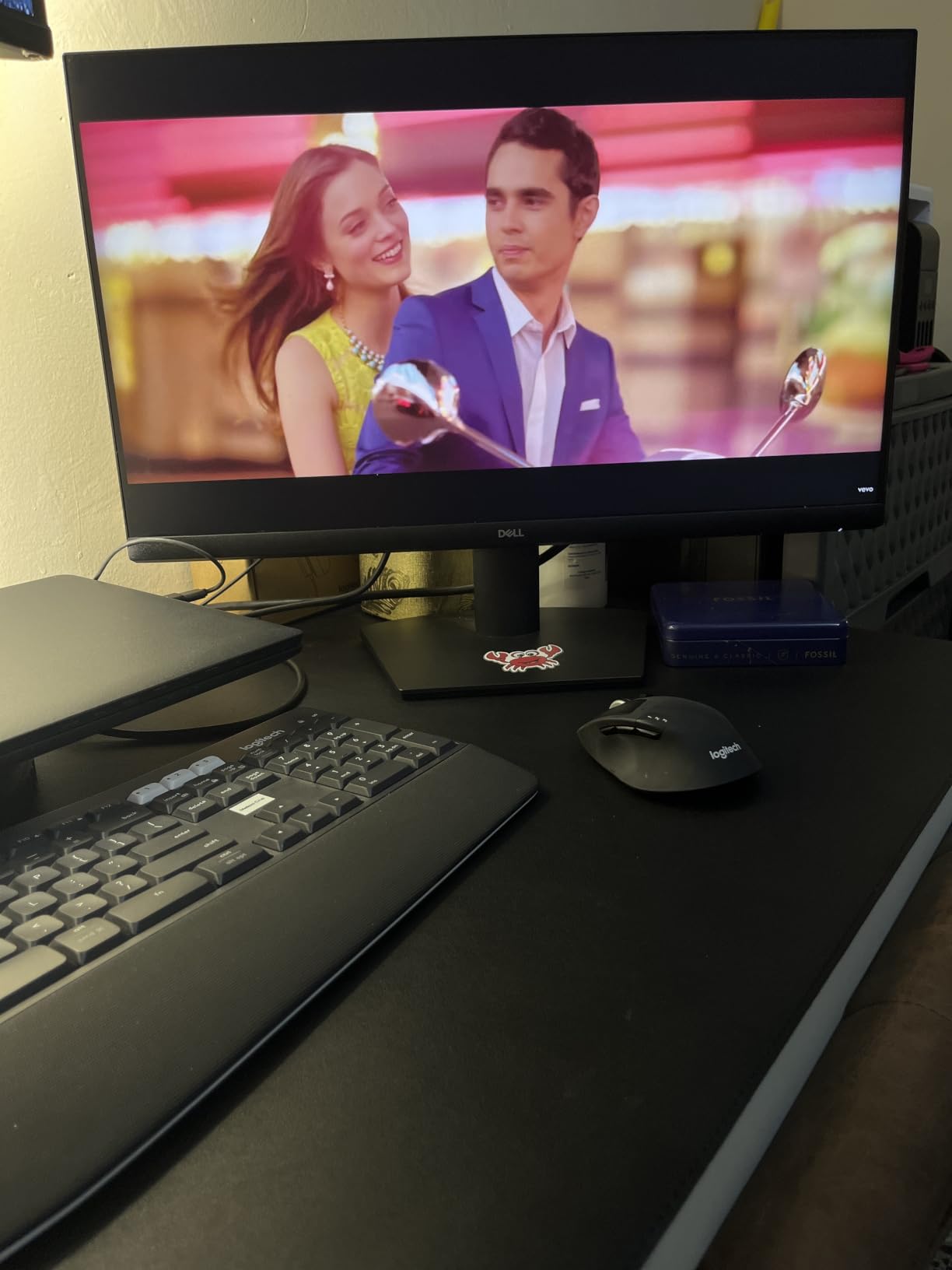
3. Dell 15.6 Core 3 Laptop: Best Value for School and Office Work
Dell 15.6 Core 3 Laptop
Type: 15.6 inch laptop
Standout: Intel Core 3 100U
Detail: 8GB and 512GB SSD
Warranty: 1-Year Onsite
Pros
- Comfortable full size keyboard with numeric keypad
- Intel Core 3 with 6 cores for everyday work
- Anti-glare 250 nit panel with ComfortView
- 41 watt-hour battery with Express Charge
- 1-Year Onsite Service after remote diagnosis
Cons
- 8GB DDR4 RAM is fixed and there is one memory slot
- Integrated graphics only
- Chassis is 0.75 inch thick and not travel light
The lowest cost full computer in the list, aimed at documents, browsing and coursework.
The Intel Core 3 100U is a 12th generation chip with 6 cores topping out at 4.7GHz, paired with 8GB of DDR4 memory and a 512GB SSD. That is enough for a browser with twenty tabs, a Word document and a video call, which is what most buyers here use it for.
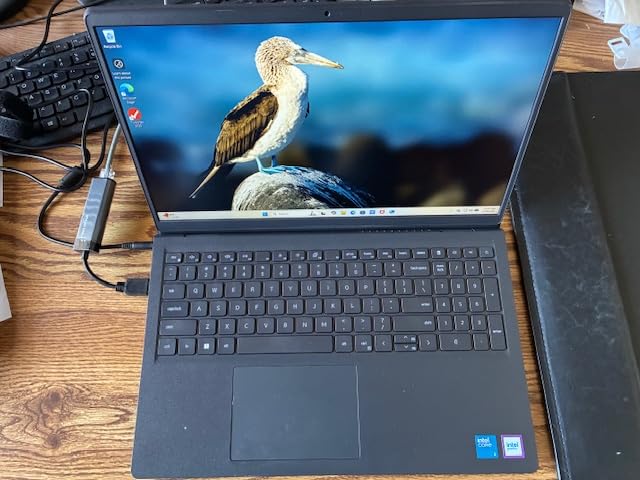
Owners praise the keypad with its separate numeric pad and calculator hotkey, plus the lifted hinges that give a better typing angle. Wi-Fi 6, Bluetooth 5.3, three USB ports and a 41 watt-hour battery complete the picture, and the machine weighs 4.2 pounds.
The memory is the thing to think about. 8GB is soldered in with a single slot, so there is no upgrade path when the machine ages. The 250 nit anti-glare panel is also dimmer than the Dell Inspiron 16 Plus 7640 screen, which is worth paying up for if you work in a bright room.
4. Dell S2425HSM 24 Monitor: Best for a Home Office Desk
Dell S2425HSM 24 Monitor
Type: FHD monitor
Standout: 23.8 inch FHD IPS
Detail: 144Hz dual 3W speakers
Warranty: 1-Year Exchange
Pros
- Integrated dual 3W speakers are clear for calls
- Height tilt swivel and pivot adjustment
- 144Hz with 1ms MPRT
- 99 percent sRGB with 1500:1 contrast
- On board joystick menu is easy to use
Cons
- No USB-C so a laptop cannot be charged from it
- Limited stand height range
- 1080p text looks soft at native scaling
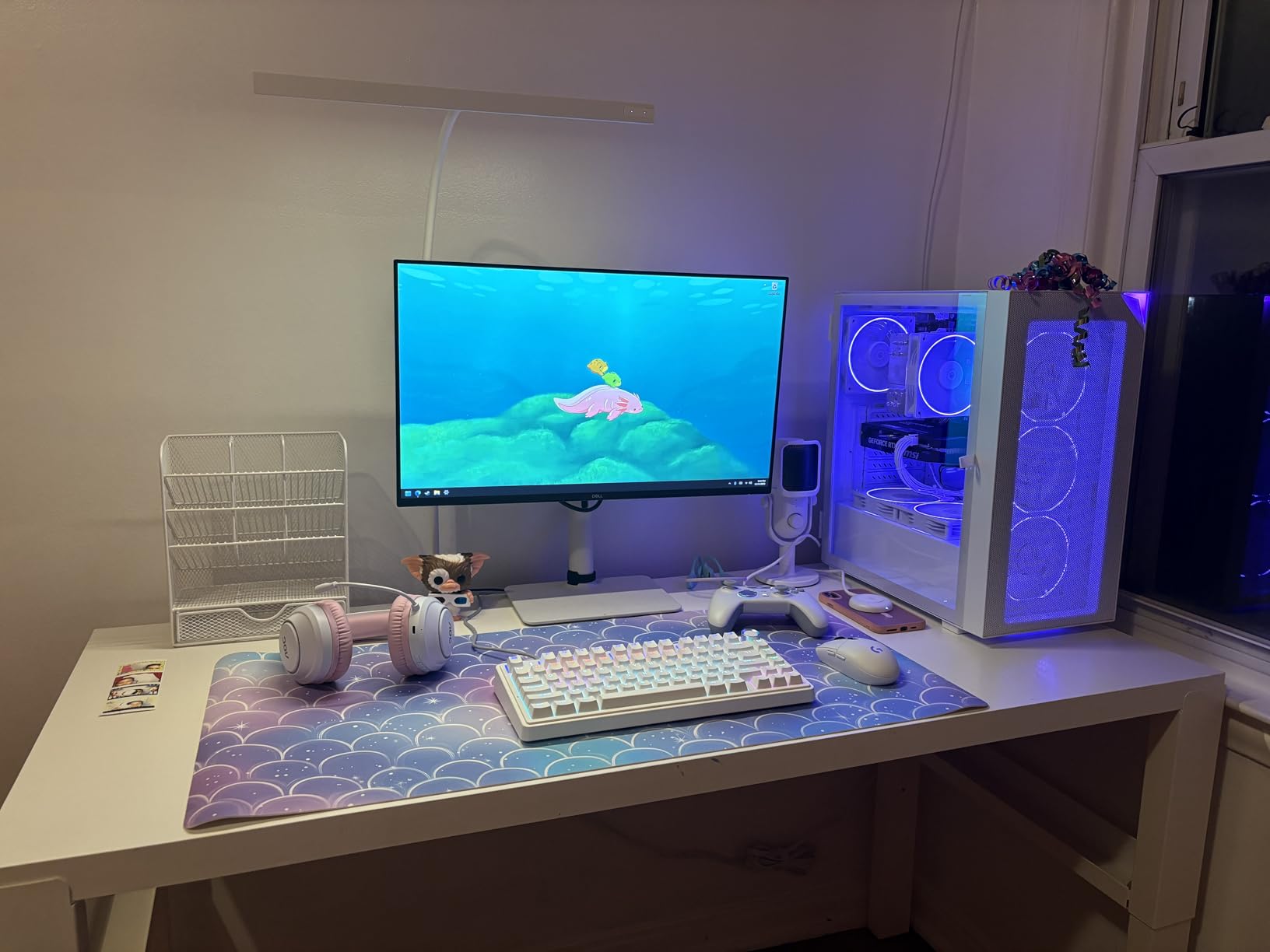
Owners call this the practical middle option between the bare-bones SE2426H and the pricier UltraSharp panels. You get a full adjustable stand, so it can sit at eye level without a riser, and two 3 watt speakers that owners say are loud and clear enough for a video call or some music while you work.
Colour is the quiet strength. 99 percent sRGB at 1500:1 contrast gives noticeably cleaner text and images than a typical budget panel, and the 4-star TUV eye comfort certification is a step above the SE2426H.
Skip it if you run a laptop on a stand, because there is no USB-C input to charge from or to pass video through. Two HDMI ports mean you will still need a power lead to the laptop. For a fixed desk computer, that is a minor inconvenience.
5. Dell U2724D Monitor: Best for Multitasking and Docks
Dell U2724D Monitor
Type: QHD monitor
Standout: 27 inch 2560x1440
Detail: 120Hz and 5 USB ports
Warranty: 3 year parts
Pros
- Exceptionally crisp QHD text and images
- Built in USB hub with USB 3.2 Gen 2120Hz refresh rate
- 100 percent sRGB colour coverage
- Ambient light sensor adjusts brightness automatically
Cons
- Included USB-C cable is only 1 meter
- Limited wide gamut coverage against pro reference panels
- No USB-C power delivery on this model
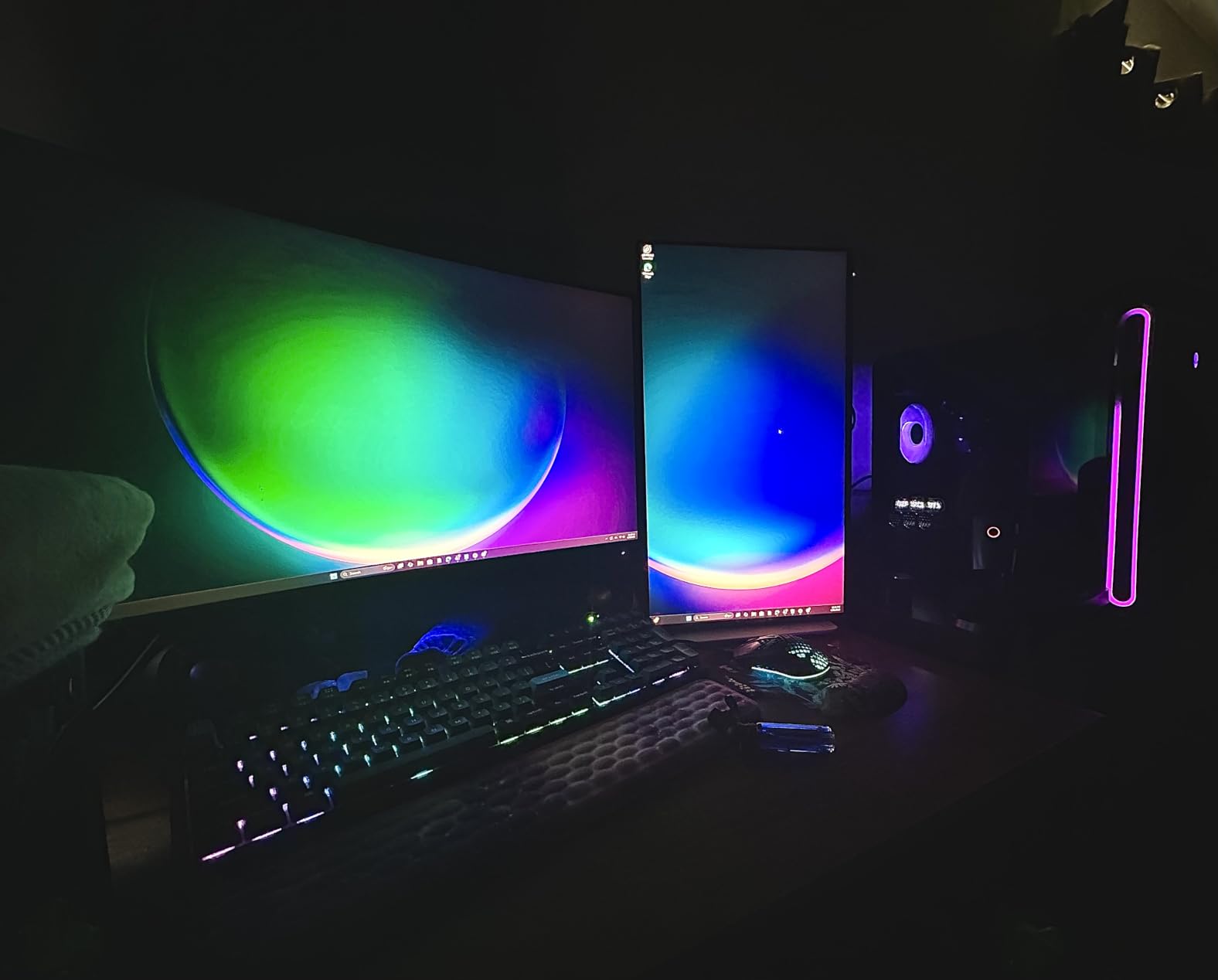
This is the one to buy if a single laptop or mini PC drives everything on your desk. It carries DisplayPort, HDMI and USB-C plus five USB ports, so peripherals plug into the monitor rather than the machine, and the supplied USB-C cable means you need only one wire to the computer for data and video.
The 27 inch 2560 x 1440 panel at 120Hz gives you far more usable desktop than a 1080p screen of the same size, which is where side-by-side documents start to pay off. A built-in ambient light sensor tunes brightness and colour temperature through the day.
Owners mention the display splits into two windows on its own when you connect over HDMI, which is a small convenience that becomes a habit. The practical warning is cable length: the 1 meter USB-C lead is short for a desk where the computer sits at a distance, so plan to buy a longer one. When colour accuracy for paid work matters, step up to the Dell U2725QE.
6. Dell U2725QE Monitor: Best for Photo and Design Work
Dell U2725QE Monitor
Type: 4K monitor
Standout: 27 inch IPS Black
Detail: Thunderbolt 4 at 140W
Warranty: 3-Year Exchange
Pros
- Factory calibrated with Delta E under 1.5
- 99 percent DCI-P3 coverage
- Thunderbolt 4 handles video data and 140W power on one cable
- 120Hz with 5ms response
- 8 USB ports with HDMI 2.1 and Ethernet
Cons
- Heavier chassis and stand than smaller 4K panels
- IPS Black contrast still trails OLED and MiniLED
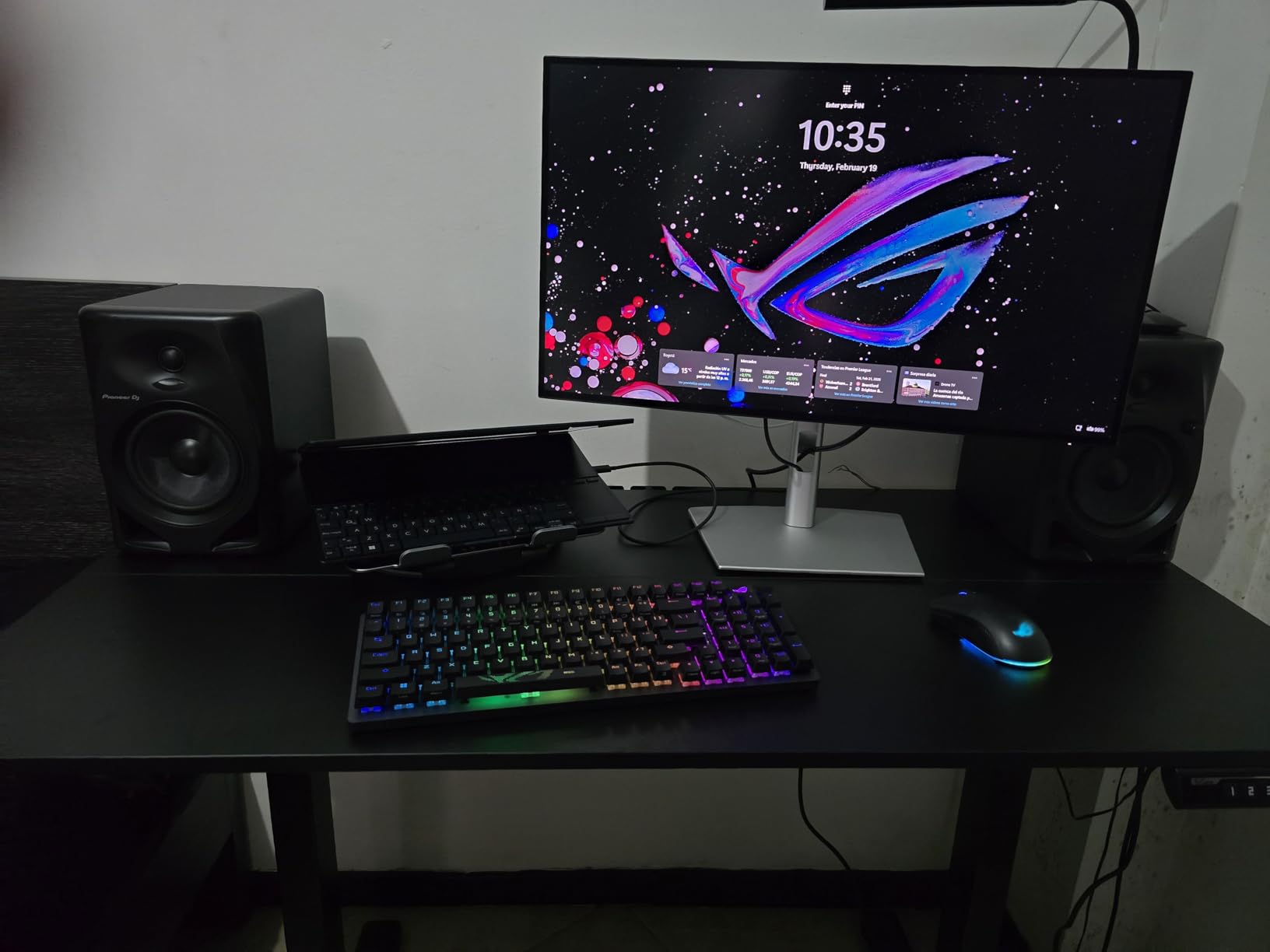
Colour accuracy is the whole argument here. The panel ships factory calibrated at 99 percent DCI-P3 with a Delta E under 1.5, which means what you edit on screen is close to what prints or exports. A 450 nit brightness rating is also the highest on this list, and G-Sync support covers the gaming side.
The Thunderbolt 4 hub is the other headline. One cable carries video, data and up to 140W of charging, and the port daisy chains two additional 4K monitors. For a laptop user moving between desk and sofa, that is a genuine one-cable setup.
Eight USB ports, HDMI 2.1, USB-A and Ethernet sit behind the panel alongside full height, tilt, swivel and pivot adjustment. Owners do raise the weight, since 21.4 pounds makes this the heaviest item in the list, and IPS Black contrast still does not reach OLED levels. Buyers who edit photos for a living tend to accept both.
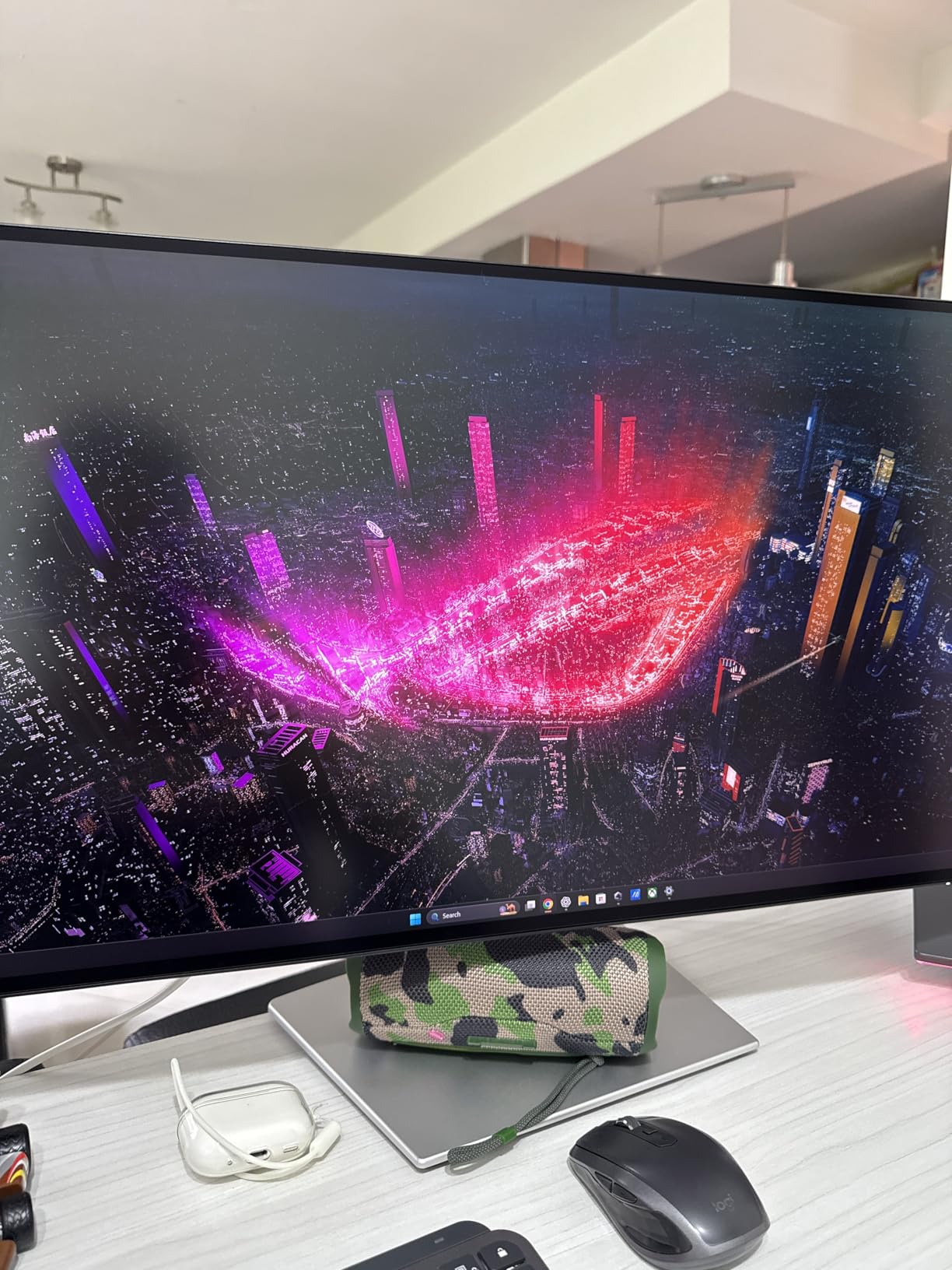
ComfortView Plus and the ambient light sensor adjust the panel through a long working day, and the InfinityEdge bezel on the sibling U2724D keeps the desk visually quiet. It is a large investment for a single screen, so weigh it against a fast desktop and a cheaper panel.
7. Dell Inspiron 16 Plus 7640: Best for Business Laptops
Dell Inspiron 16 Plus 7640
Type: 16 inch laptop
Standout: 2.5K 16:10 screen
Detail: Core i7 and 16GB
Warranty: 1-Year Onsite
Pros
- Sharp 2.5K 16:10 display at 120Hz
- Core i7-13620H with 10 cores for multitasking
- 16GB LPDDR5 and a 1TB SSD
- Backlit keyboard and trackpad feel premium
- Military grade testing and a hardware TPM
Cons
- Integrated graphics struggle at the default 2.5K 120Hz setting
- One USB-C port which the charger also uses
- Memory is soldered and cannot be upgraded
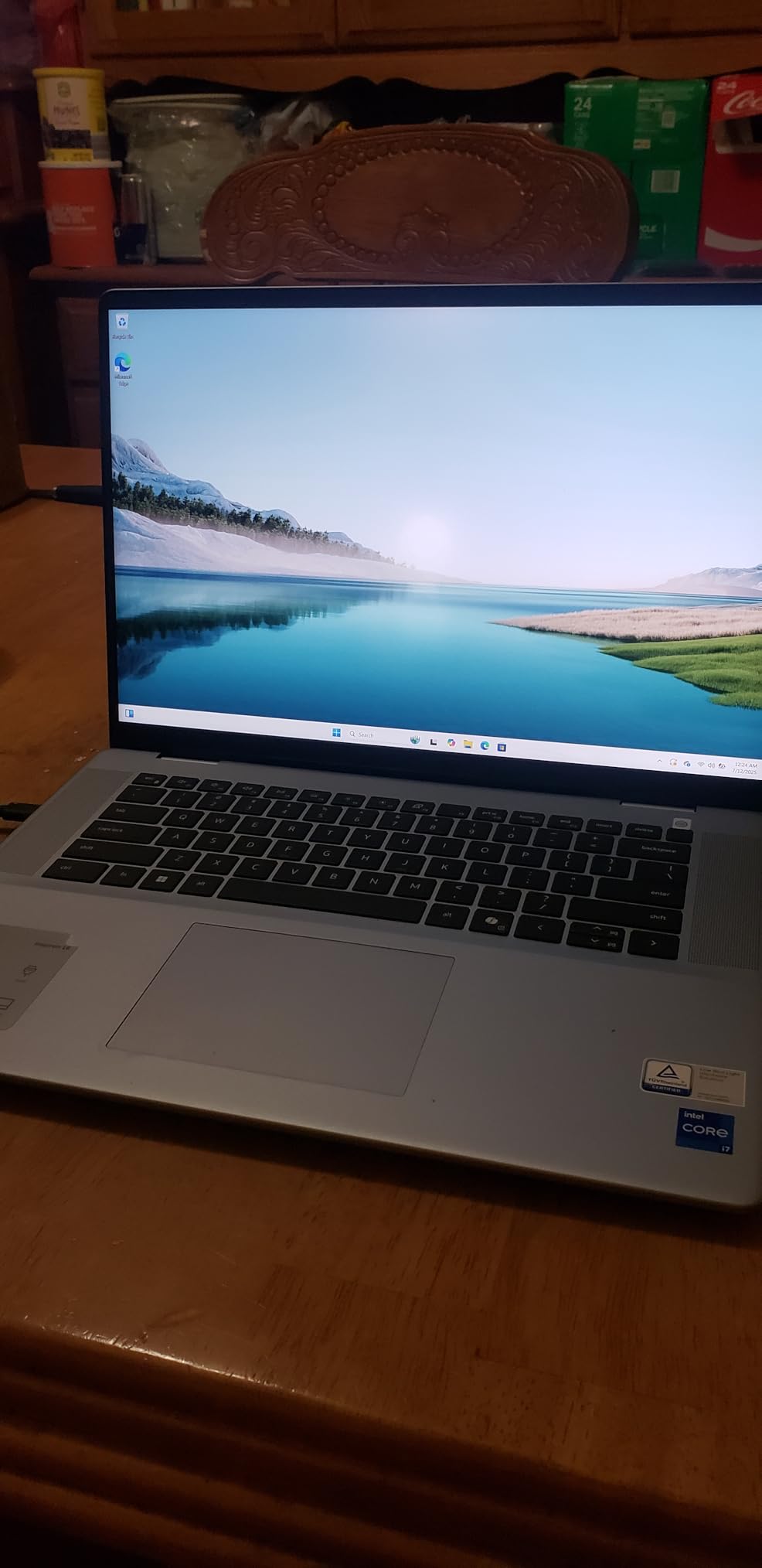
The 16:10 aspect ratio is the quiet advantage over a 16:9 laptop. At 2560 x 1600 you get more vertical room for a document and a spreadsheet side by side, and the 120Hz panel makes the difference obvious the moment you scroll.
Inside sits a 13th generation Core i7-13620H with 10 cores reaching 4.9GHz, 16GB of LPDDR5 at 4800MHz and a 1TB SSD. Owners describe performance as snappy for multitasking and content work, and the backlit keyboard and trackpad draw comparisons with machines costing far more.
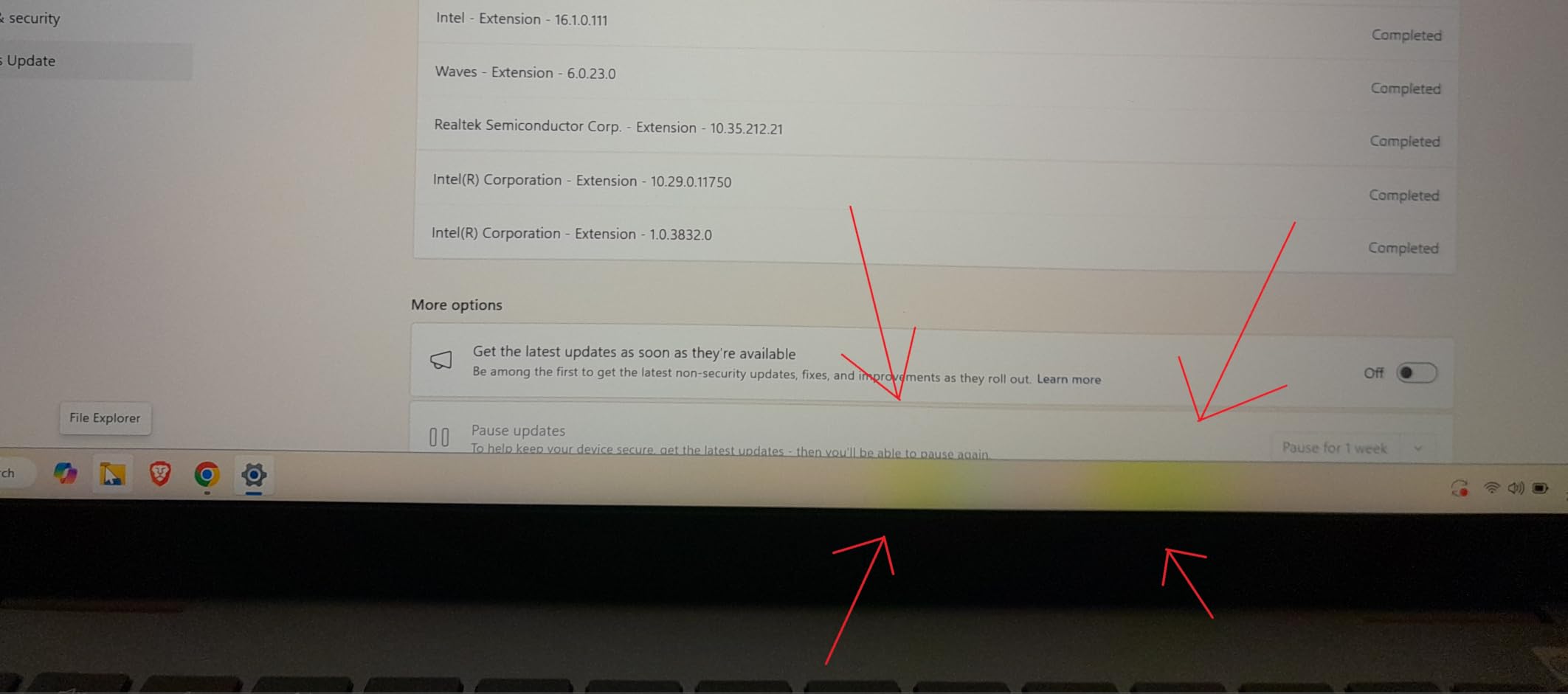
Two cautions. The Intel UHD graphics handle the default 2.5K 120Hz setting poorly, and owners report dropping the refresh rate fixes the choppiness. Port selection is also thin: one USB-C, which the power adapter uses, so a dock is worth budgeting for. The trade-off against the Dell 15.6 Core 3 Laptop is a much better screen for roughly double the spend.
Support is a real difference. You get 1 Year Onsite Service plus 6 Months Dell Migrate, which matters when the machine goes to a business user rather than a student.
8. Dell Inspiron 16 5645: Best for Buyers Who Plan to Upgrade
Dell Inspiron 16 5645
Type: 16 inch laptop
Standout: Ryzen 7-8840U with 8 cores
Detail: 16GB DDR5 and spare M.2
Warranty: 1-Year Onsite
Pros
- Ryzen 7-8840U is fast and responsive
- 16GB DDR5 can be raised to 32GB
- Fingerprint reader and backlit keyboard
- Screen stays readable in bright light
- Tool free access for memory and storage
Cons
- Only two USB-A ports and a single storage slot
- 60Hz FHD plus panel is modest for the size
- Some units report a flaky Wi-Fi 6E card
- Runs warm under sustained load
Where the Inspiron 16 Plus 7640 seals its memory shut, this one lets you in. The 16GB of DDR5 at 5600MHz can be raised to 32GB, and there is a spare M.2 slot for a second drive, both reachable through tool-free access. Owners who like the idea of buying once and extending later keep coming back to that.
The Ryzen 7-8840U has 8 cores reaching 5.1GHz and handles heavy multitasking well. A fingerprint reader, a backlit full size keyboard with a number pad, and a camera with a privacy shutter make it the more complete everyday machine on paper.
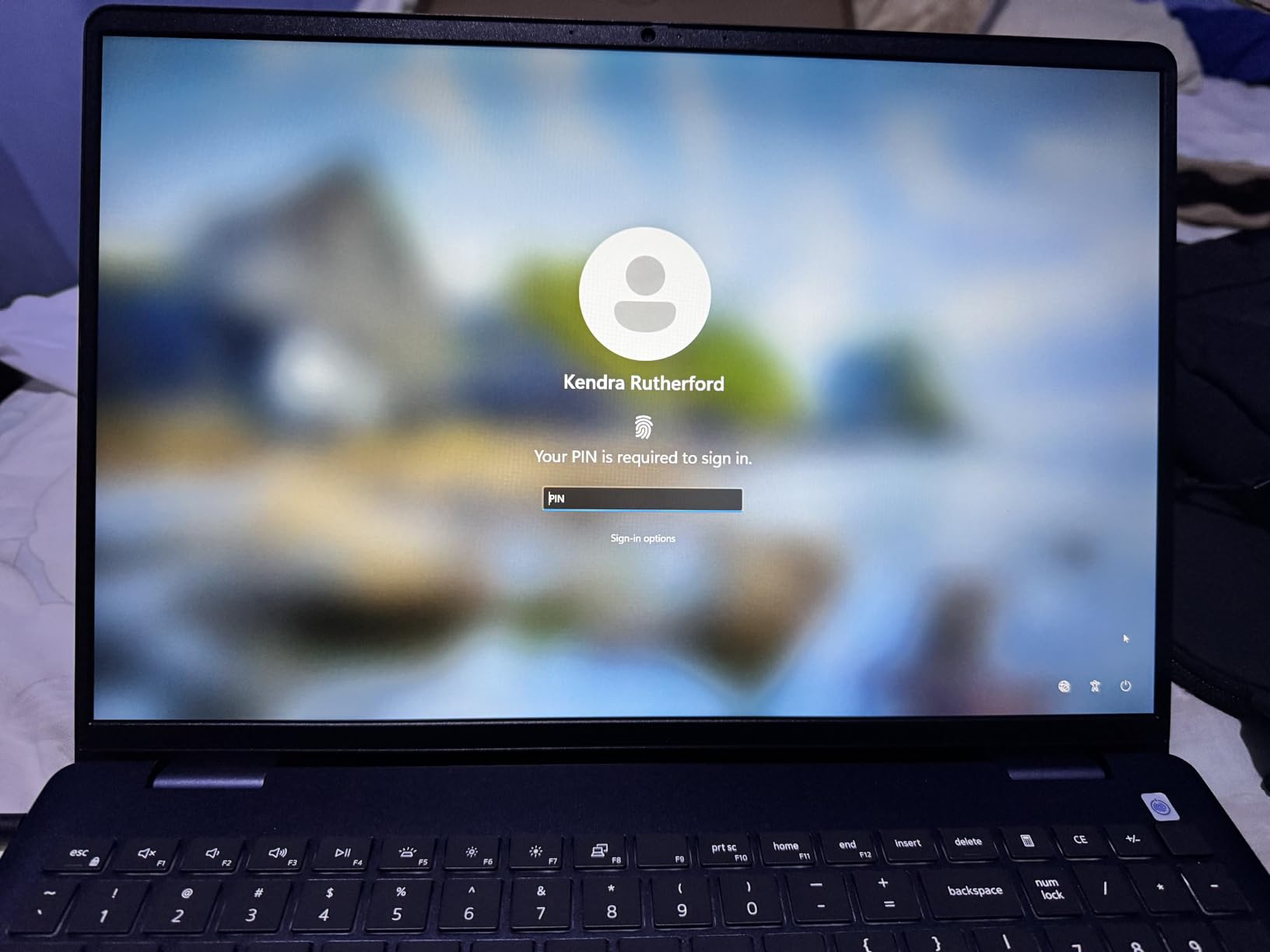
The display is the compromise. A 60Hz 1920 x 1200 panel looks fine indoors and stays readable in harsh sunlight, but it is a clear step down from the 2.5K 120Hz screen in the Inspiron 16 Plus 7640. Owners also mention a small group reporting a flaky Realtek Wi-Fi 6E card, plus heat and faster battery drain under sustained load.

9. Dell Core Ultra 7 Tower: Best for Multi-Monitor Work
Dell Core Ultra 7 Tower
Type: tower desktop
Standout: Core Ultra 7-265 with 20 cores
Detail: 32GB DDR5 and 1TB SSD
Warranty: Basic Onsite
Pros
- 20 core processor with built in AI
- 32GB DDR5 gives real multitasking headroom
- Drives up to four FHD or two 4K monitors
- Tool-less entry and removable side panel
- Hardware TPM and a recycled material chassis
Cons
- Only one memory slot available
- Integrated graphics rule out gaming
- Monitor keyboard and mouse sold separately
A fixed desk machine built for volume work. The Core Ultra 7-265 has 20 cores reaching 5.3GHz with a built-in AI engine, and 32GB of DDR5 at 5600MHz means large spreadsheets and many open applications coexist without stuttering. Owners describe it as fast and quiet.
Multi-monitor support is the standout. Through HDMI 2.1 and DisplayPort daisy chaining it drives up to four FHD displays or two 4K panels, which makes it a natural partner for the Dell U2724D if you are building a two-screen office.
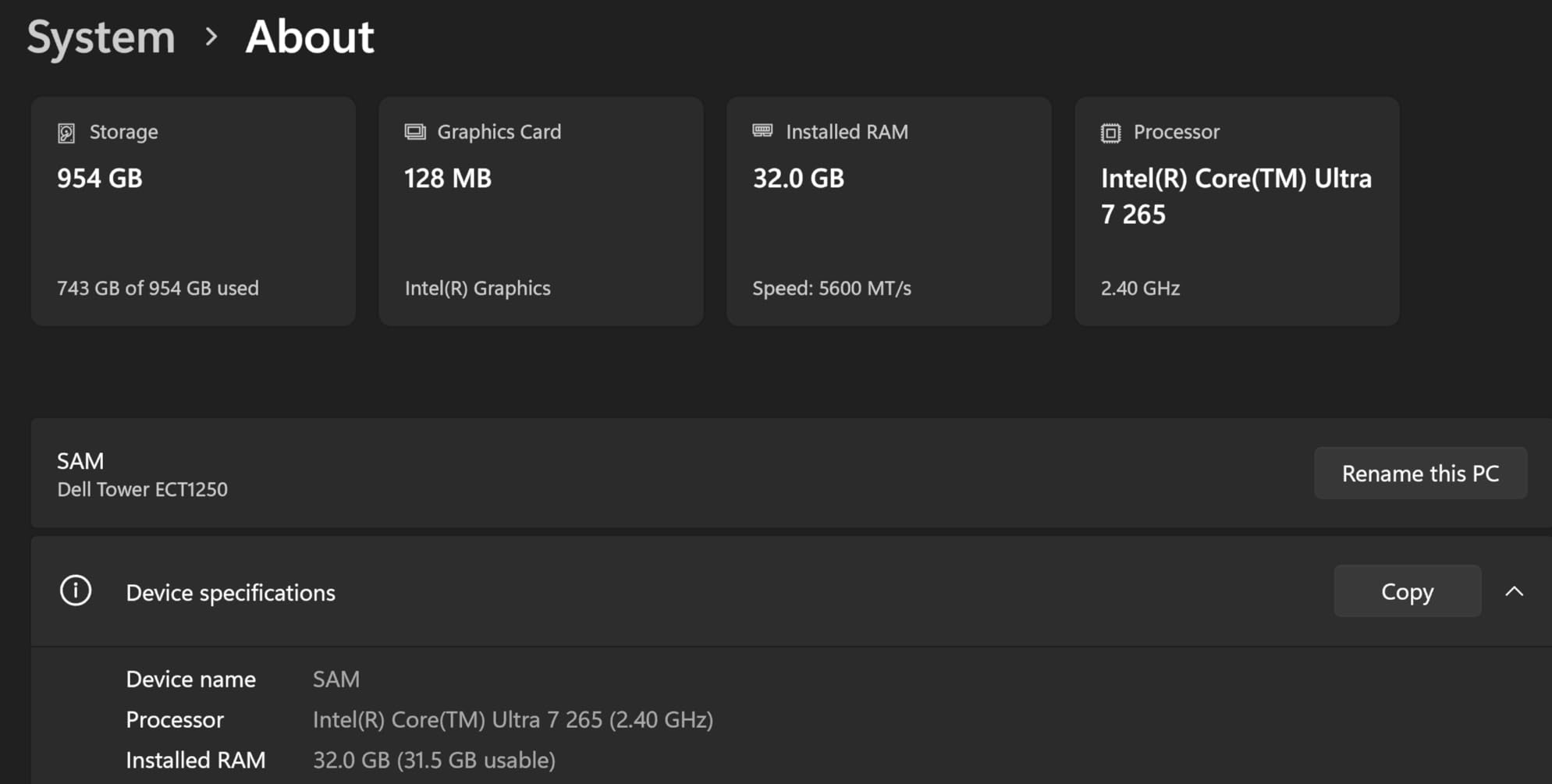
Serviceability is the other selling point. Tool-less entry and a removable side panel make memory or drive swaps straightforward, and a hardware TPM chip suits business deployment. The catch is that only one memory slot is available, so the 32GB is close to a ceiling. If you need a small footprint rather than upgrade headroom, the Dell Core Ultra 5 Slim Desktop is the alternative.
10. Dell Core Ultra 5 Slim Desktop: Best for Small Workspaces
Dell Core Ultra 5 Slim Desktop
Type: slim desktop
Standout: Core Ultra 5-225 with 10 cores
Detail: 16GB DDR5 and 512GB SSD
Warranty: 1-Year Onsite
Pros
- Compact 3.74 inch deep case for small desks
- 16GB DDR5 handles office work easily
- Eight USB ports plus SD card reader
- Keyboard and mouse included
- Tool-less entry for upgrades
Cons
- No rear audio jack so audio uses the front port
- No VGA output for legacy monitors
- 512GB SSD is modest for large files
This is the desktop to buy when desk space is the problem. At 3.74 inches deep it slides beside a monitor, and owners consistently rate it 4.6 out of 5 for being fast, quiet and easy to set up. The keyboard and mouse come in the box, which is rare at this level.
Under the cover is a Core Ultra 5-225 with 10 cores up to 4.9GHz and 16GB of DDR5. Owners say it is more than enough for spreadsheets, documents and browsing, and the eight USB ports plus an SD card reader are unusually generous for a compact case.
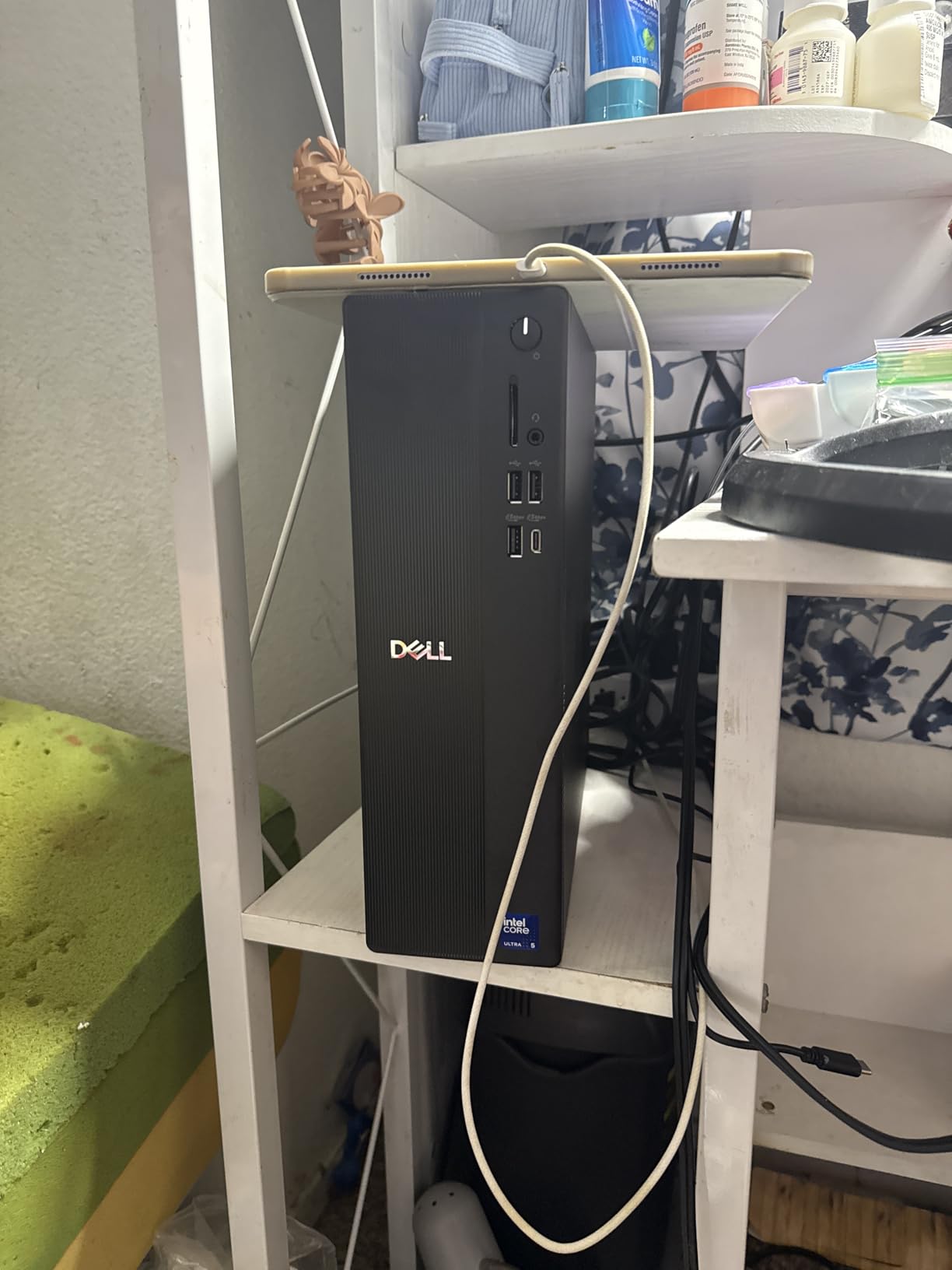
It also supports up to four FHD monitors or two 4K displays through DisplayPort 1.4a daisy chaining, and tool-less entry makes opening it painless. Two rough edges recur in reviews: there is no rear audio jack, so headphones use the front port, and older monitors sometimes need a driver update before they are recognised. For a lighter workload with more storage, the Dell Core Ultra 7 Tower adds cores and capacity.
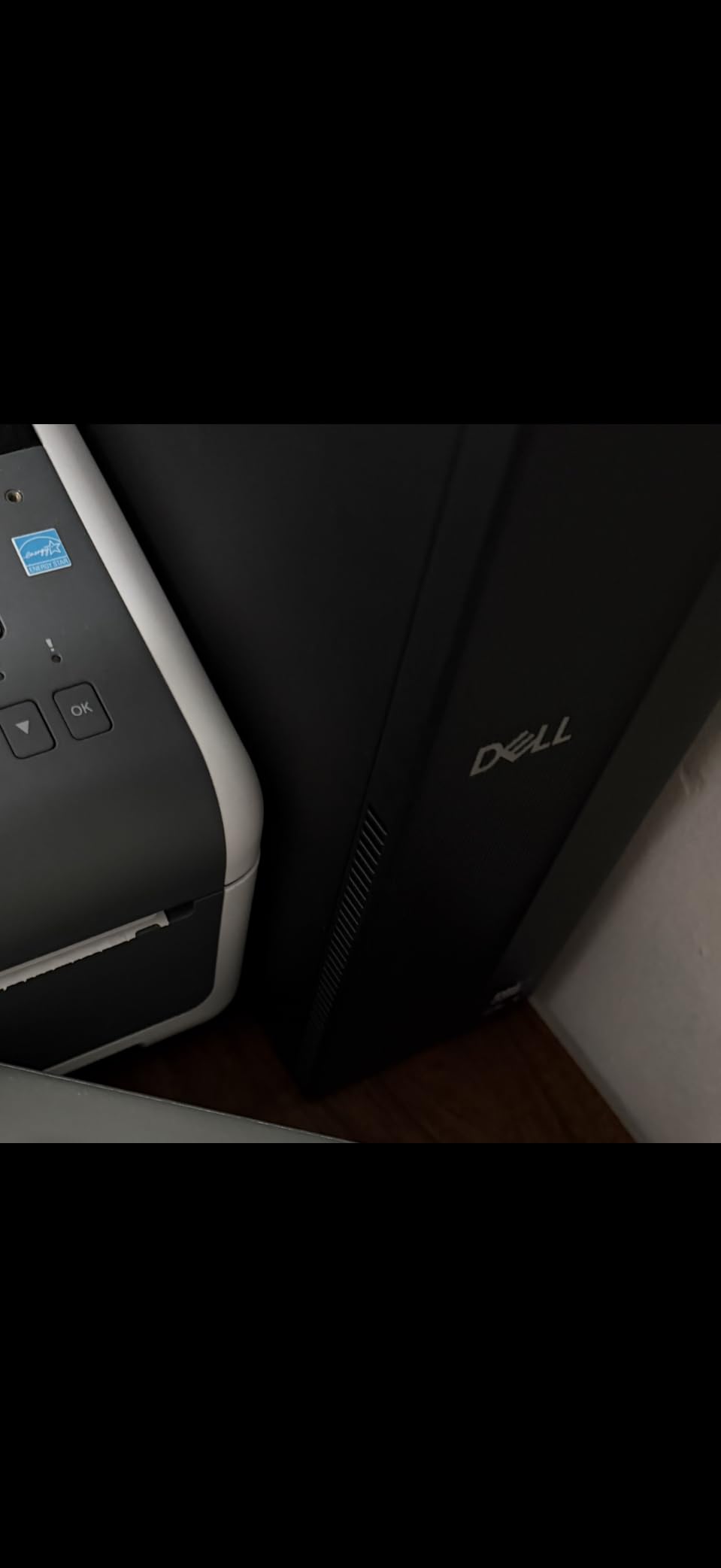
11. Dell 27 All-in-One: Best for a Clean Family Desk
Dell 27 All-in-One
Type: all-in-one
Standout: 27 inch FHD IPS panel
Detail: Core 5 120U and 16GB
Warranty: Basic Onsite
Pros
- Stand stores the keyboard to keep the desk clear
- FHD IPS panel with 99 percent sRGB and higher contrast
- Pop-up 5MP IR camera with HDR hides for privacy
- Dolby Atmos Bluetooth speakers
- Memory card reader and five USB ports
Cons
- 1920x1080 across 27 inches looks soft
- Fitted 16GB is not user expandable
- Non touch configuration
- Integrated graphics limit heavy work
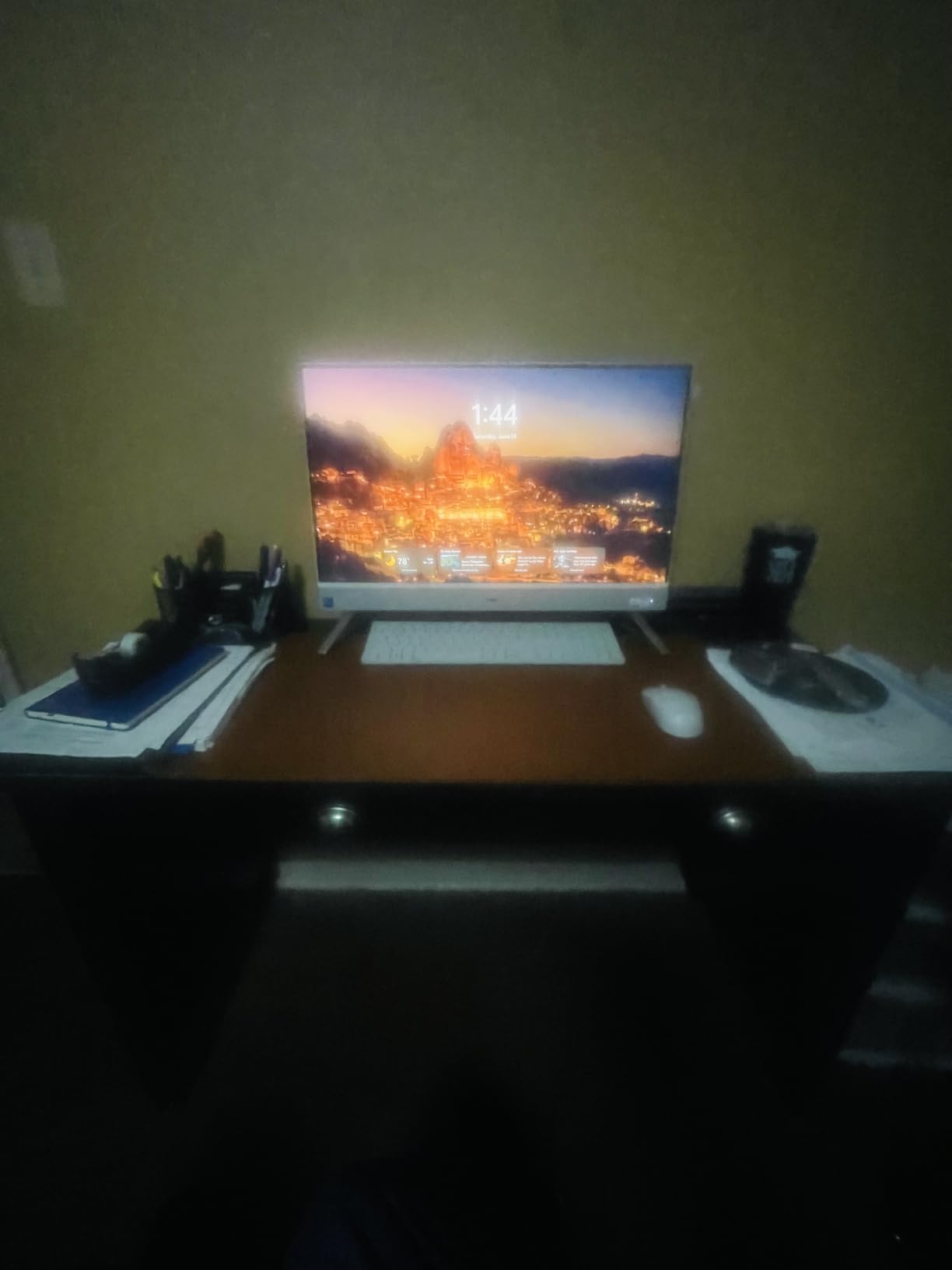
The point of an all-in-one is what disappears from the desk. Here it is the cables: the Core 5 120U, 16GB of DDR5 and a 1TB SSD all live behind the display, and the stand has a slot that swallows the keyboard when the machine is idle. Owners mention the tidy white chassis as often as the performance.
Two details set it apart from a monitor plus a small desktop. The 5MP plus IR camera is a pop-up unit that retracts into the top of the screen, so the privacy shutter problem disappears entirely, and the dual Bluetooth speakers carry Dolby Atmos spatial sound.
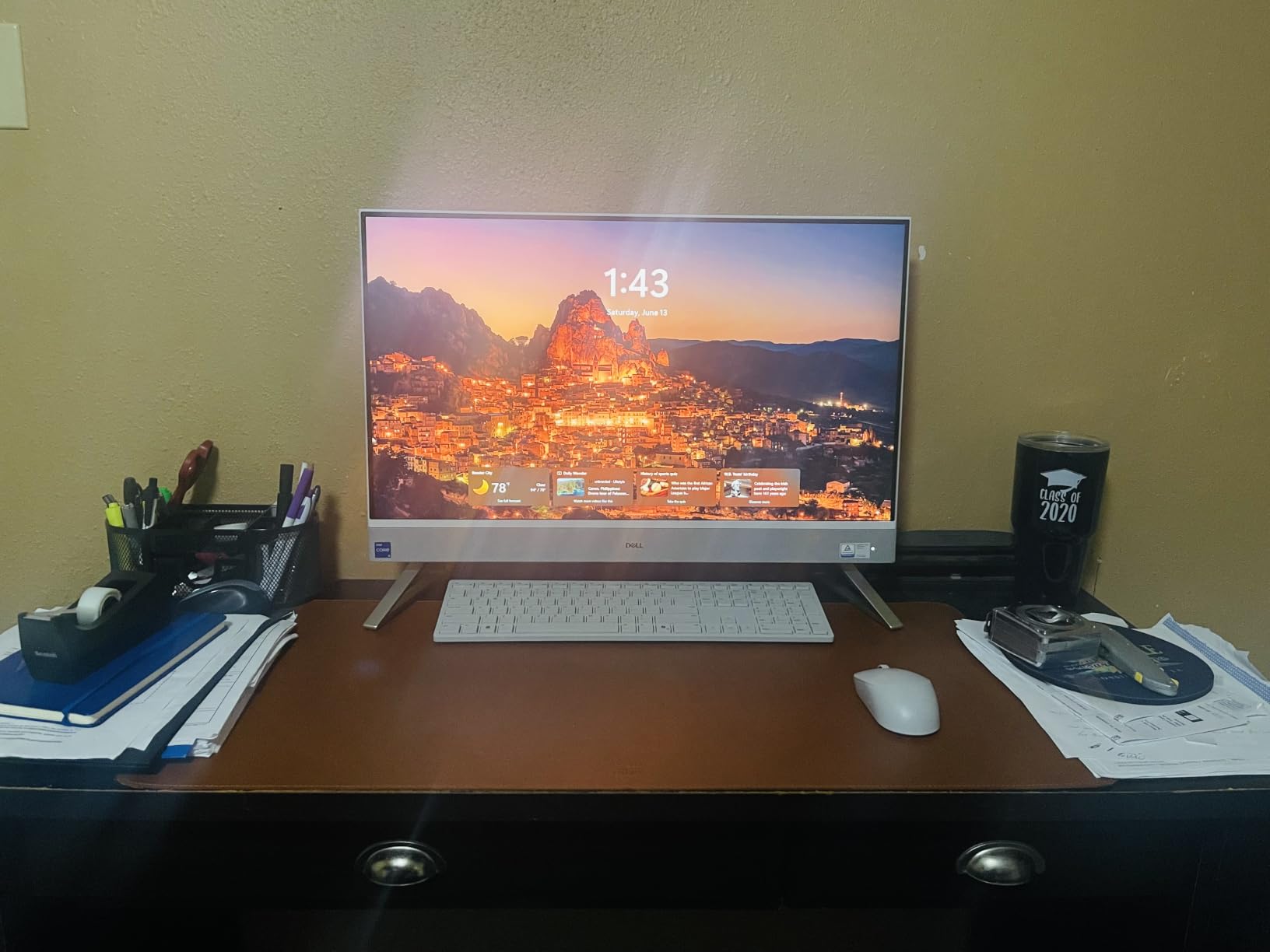
The screen is the compromise. A 1920 x 1080 panel stretched across 27 inches is softer than a 2.5K or 4K all-in-one, and the 16GB of memory is not user expandable. Still, for a family room, a child’s study desk or a second office, the cable-free setup is worth the trade. Pairing it with the Dell S2425HSM as a second screen is a common next step.
12. Dell OptiPlex 7070 SFF: Best for Refreshed Offices
Dell OptiPlex 7070 SFF
Type: renewed desktop
Standout: 9th Gen Core i7 with 8 cores
Detail: 32GB DDR4 and 1TB SSD
Warranty: 90 days
Pros
- Core i7-9700 with 8 cores up to 4.70GHz
- 32GB DDR4 across 4 slots expandable to 64GB
- New 1TB M.2 NVMe SSD for fast boot
- Clean Windows 11 Pro install without bloatware
- 80 Plus Platinum power supply and room to add a drive
Cons
- Bundled keyboard and mouse are low quality
- 90 day warranty is much shorter than new hardware
- Renewed units may show dust scuffs or a bent panel
- A small number fail to power on
This one is renewed hardware, and that changes how you should read the rating of 4.1 out of 5 from 579 reviews. Buyers treat it as a specification purchase: a 9th generation Core i7-9700 with 8 cores, 32GB of DDR4 across four memory slots expandable to 64GB, and a new 1TB M.2 NVMe SSD in an OptiPlex 7070 small form factor case.
Owners like the clean Windows 11 Pro install with no Dell extras, the 80 Plus Platinum power supply for machines that run all day, and the room to add a second drive. A DVD-RW drive and nine USB ports cover older peripherals.
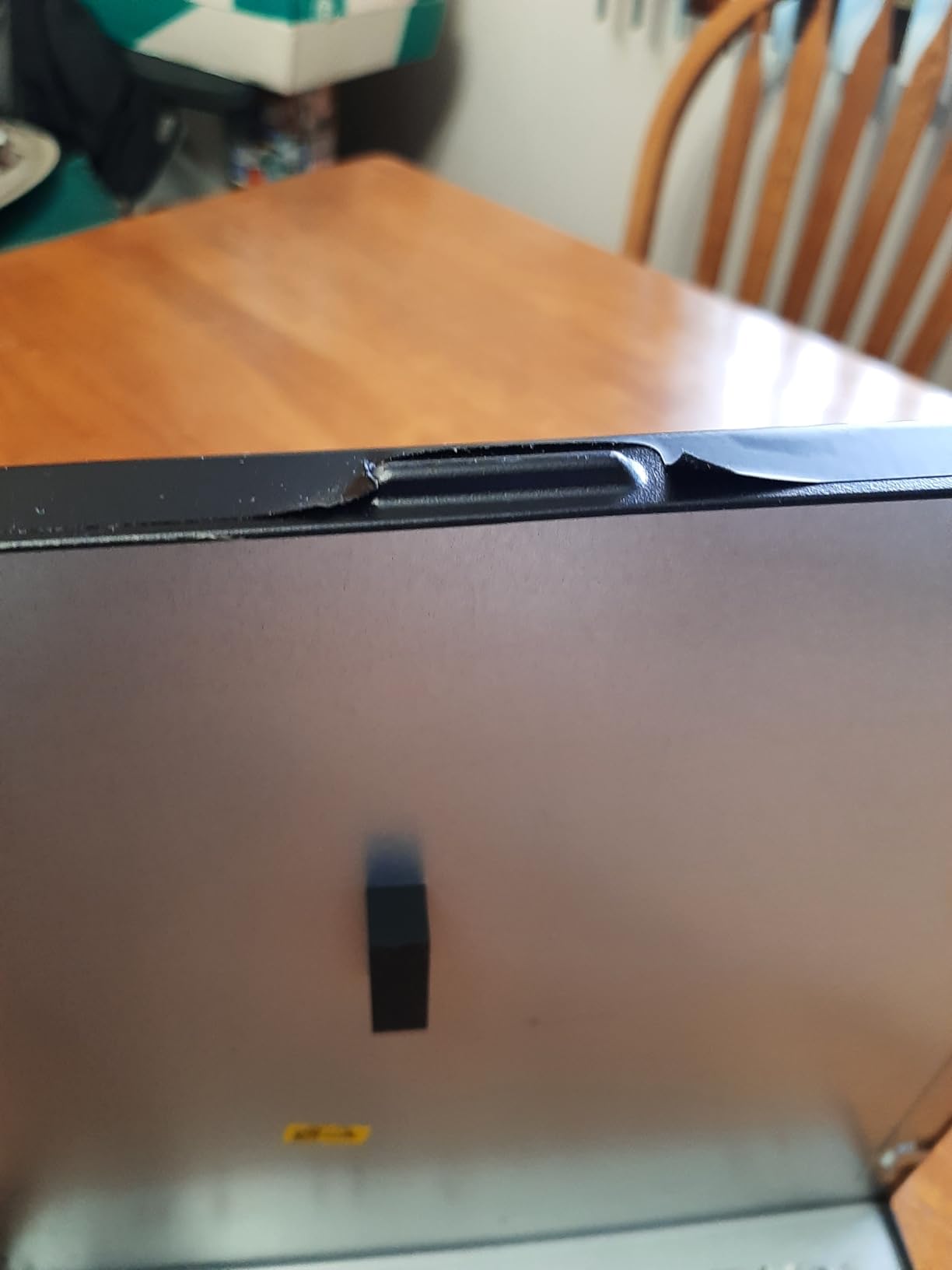
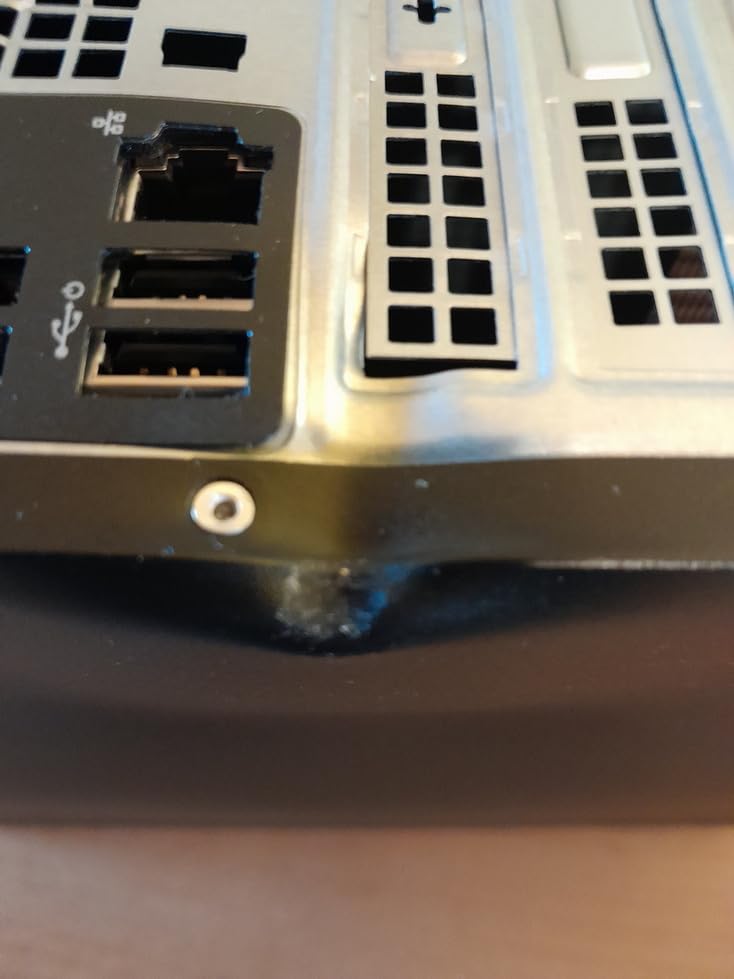
There are real risks. The bundled wireless keyboard and mouse are widely criticised and most owners replace them, the 90 day warranty is a fraction of new coverage, and renewed units can arrive with dust, scuffs or a bent back panel. A small number of buyers report machines that would not power on. Buy it for a spare office machine or a fleet refresh where failure is cheap to absorb, not for a machine that has to work every morning.
How to Choose Dell Deals During Prime Big Deal Days
How to Choose a Dell Laptop for Everyday Performance
Judge a Dell laptop on the processor generation, the memory and the panel together, because they rarely fail as a group. For browsing, documents and coursework, 8GB of RAM is workable; 16GB is the practical floor for anyone running a dozen tabs alongside a video call.
Check whether the memory is soldered. The Dell 15.6 Core 3 Laptop fixes its 8GB in place, while the Dell Inspiron 16 5645 can be taken to 32GB, which is a better position three years from now. Storage of 512GB suits documents and photos, while 1TB is the better buy if you keep large project files on the machine.
Screen brightness and refresh rate decide how the laptop feels on a desk. A 250 nit panel is fine indoors and dim in daylight, while a 2.5K 120Hz screen is the upgrade worth paying for. Battery capacity of 41 watt-hours suits a light day and 54 watt-hours suits a full one. If you are weighing Dell against a different brand entirely, our MacBook Air deals during Prime Big Deal Days cover the other side of that comparison.
How to Choose a Dell Desktop or All-in-One
Processor cores decide how much work runs at once. A Core Ultra 5 with 10 cores handles office applications comfortably, while a Core Ultra 7 with 20 cores and 32GB of memory suits heavy multitasking, large files and machines that stay on all day.
Look at the memory slots, not just the memory. Both desktops here run DDR5, but the Core Ultra 7 Tower has a single slot, so its 32GB is effectively the ceiling. The tool-less side panel on both models makes the check easy.
Multi-monitor support decides desk plans. Both desktops drive up to four FHD displays or two 4K panels through daisy chaining, which means one machine can serve a two-screen office. For an all-in-one, resolution matters more than cores: the Dell 27 All-in-One packs everything behind a 27 inch panel, and a soft 1080p image is the most common complaint owners report.
How to Choose a Dell Monitor for Your Desk
Match resolution to size and to how close you sit. 27 inches at 4K is the sweet spot for documents and photo work, 27 inches at QHD is the multitasking default, and 24 inches at 1080p suits a second screen or a small desk.
Refresh rate matters most for motion. 120Hz and above makes scrolling and window dragging feel immediate, and both 24 inch panels here reach 144Hz. Adaptive sync support such as FreeSync Premium on the Dell S2725QS or G-Sync on the Dell U2725QE keeps frames matched to your graphics output.
Ports decide how tidy the setup stays. A monitor with USB-C input and a built-in hub can carry video, data and charging on one cable, which is why the Dell U2724D and Dell U2725QE suit laptop users. Stand adjustment is the other everyday comfort factor: height, tilt, swivel and pivot beat tilt alone when you switch between sitting and standing. If your desk is really a games desk, the graphics card deals we track for Prime Big Deal Days matter as much as the panel.
How to Know a Dell Deal Is Worth Taking
Compare the offer against another retailer before you commit. Careful buyers cross-check the same laptop or monitor across Amazon, the manufacturer’s own store and other large retailers, and treat a price that only looks good in one place as unproven.
Check the warranty, because it changes what a deal is worth. New monitors here carry 1-Year Advanced Exchange or 3-Year Advanced Exchange plans, laptops add onsite service, and the renewed OptiPlex carries only 90 days. A deeper saving on a 90 day machine is a different proposition from a deeper saving on a new one.
Watch the model code. Dell reuses and renames lines between years, so a listing titled Dell Inspiron 16 can be a different machine from last year’s with the same name. Read the model number on the listing and compare that, not the marketing title.
How to Shop Dell Deals During Prime Big Deal Days
On each listing, check the processor and memory options first, since a deal page often shows several configurations of one model. Then confirm the screen size, the storage, whether the machine is new or renewed, what the box contains and who sells it. Popular configurations move to short lightning deal windows during the event, so a page you checked in the morning can change by the afternoon.
Most offers need a Prime membership, and a 30-day free trial counts if you are not already a member. Offers shift through the event rather than holding steady, so keep the model you want ready and check the listing more than once.
Before you check out, confirm these points:
- The exact processor, RAM and storage configuration in the box
- Screen size and resolution for laptops and monitors
- New or renewed condition and the warranty length
- Whether a monitor, keyboard, mouse or dock is included with a desktop
- The port selection, especially USB-C for a laptop-driven desk
- Whether the offer requires an active Prime membership
Frequently Asked Questions
When do Amazon Prime Big Deal Days Dell deals start?
Amazon Prime Big Deal Days runs October 6-7, 2026, and it is a two-day event. Most offers need an active Prime membership, and a 30-day free trial counts if you do not have one.
Do Dell monitors here connect to a laptop with a single cable?
Only the two UltraSharp panels take USB-C. The Dell U2725QE also sends up to 140W of power down that cable, while the U2724D carries data and video but no charging. The other three monitors use HDMI, so a laptop needs its own power lead.
Can I add more memory or storage later?
It depends on the model. The Dell Inspiron 16 5645 and the OptiPlex 7070 SFF both take more memory and have spare drive bays or slots. The Inspiron 16 Plus 7640 and the 15.6 Core 3 Laptop have soldered memory, so they cannot be expanded.
Are the picks in this list new or renewed hardware?
Only one is renewed: the Dell OptiPlex 7070 SFF, which is listed as renewed with a 90 day warranty. The other eleven are new machines covered by the manufacturer warranty, usually one to three years. Renewed units can show wear, and the shorter warranty changes what a saving is worth.
Final Verdict: Best Amazon Prime Big Deal Days Dell Deals
The Dell S2725QS 27 Monitor is the pick worth watching most during Amazon’s Prime Big Deal Days sale. Sharp 4K at 120Hz, a stand that adjusts four ways and more than 1000 owner reviews behind it make it the safest buy here for anyone who works at a desk.
Buy the Dell SE2426H 24 Monitor instead if you want the cheapest upgrade on this list or need a second screen next to a laptop. Buy the Dell 15.6 Core 3 Laptop when a computer is what you are shopping for rather than a screen, and treat its fixed 8GB of memory as the trade-off.
For specific needs, the Dell Inspiron 16 Plus 7640 covers business work with its 2.5K 120Hz display and onsite service, the Dell Core Ultra 5 Slim Desktop fits desks with no room to spare, the Dell 27 All-in-One keeps a family desk cable-free, and the Dell OptiPlex 7070 SFF is a specification-heavy refresh for spare office machines. Check the listing configuration and the warranty, then use the price button to see the current offer.