
If you are shopping a laptop during Prime Big Deal Days this 2026, the Acer Aspire 3 15 is the pick worth watching first. It is the most-reviewed machine in this roundup, and owners consistently point to the 15.6-inch Full HD display, the backlit keyboard and a 3.9-pound chassis that is easy to carry between classes and a kitchen table. Two alternatives serve different needs: the AKCHART 15.6 gives you more memory for browser work on a tight budget, and the Lenovo 14-inch Chromebook is the lightest carry here if everything you do happens in Chrome. The event runs October 6-7, 2026, and most offers need a Prime membership.
What follows is a list of ten laptops sorted by use case rather than by brand, with the specifications that actually separate them: processor, memory, storage, screen and weight. Prices on Amazon move through the event, so use the buttons to see the current number for each machine.
Table of Contents
Our Top 3 Picks for Best Amazon Prime Big Deal Days Laptop Deals

Acer Aspire 3 15
- Most-reviewed pick
- 15.6 inch Full HD IPS
- Backlit keyboard
- 3.9 lb chassis

AKCHART 15.6 AI Laptop
- 12GB DDR4 memory
- 256GB expandable SSD
- 7000mAh battery
- Office 365 included
Best Amazon Prime Big Deal Days Laptop Deals Compared (October 2026)
| Product | Specifications | Action |
|---|---|---|
| Acer Aspire 3 15 |
|
Check Deal Price |
| AKCHART 15.6 AI Laptop |
|
Check Deal Price |
 Lenovo 14 Chromebook Lenovo 14 Chromebook |
|
Check Deal Price |
 Apple MacBook Air 13 Apple MacBook Air 13 |
|
Check Deal Price |
 Dell Inspiron 15 3511 Dell Inspiron 15 3511 |
|
Check Deal Price |
 ASUS Chromebook Flip CX1 ASUS Chromebook Flip CX1 |
|
Check Deal Price |
 Acer Nitro V 16S Acer Nitro V 16S |
|
Check Deal Price |
 Lenovo Yoga 7i 16 Lenovo Yoga 7i 16 |
|
Check Deal Price |
 Dell Inspiron 3530 Dell Inspiron 3530 |
|
Check Deal Price |
 Lenovo IdeaPad 2-in-1 16 Lenovo IdeaPad 2-in-1 16 |
|
Check Deal Price |
How We Chose
We compared the specifications that decide whether a laptop is usable for a year or two: processor, memory, storage, screen, weight, battery claims and port selection. We also read the owner reviews on each listing, since the recurring complaints in reviews are usually more telling than the marketing bullets. All of it was checked in October 2026, before the sale begins.
1. Acer Aspire 3 15: Editor’s Choice Overall
Acer Aspire 3 15
Screen: 15.6 inch FHD IPS
Memory: 8GB LPDDR5
Storage: 128GB NVMe
CPU: Ryzen 3 7320U
Pros
- Light 3.9 lb chassis
- Sharp Full HD IPS matte display
- Backlit keyboard
- Acer PurifiedVoice for calls
Cons
- 8GB memory is soldered with no upgrade path
- 128GB storage is small
- Only two USB ports and one HDMI
The Acer Aspire 3 15 leads this list because it is the machine with the largest body of owner feedback behind it, and the feedback is unremarkable in the best way: people bought it for school or shared family use, and it does the job. The Ryzen 3 7320U is a four-core chip that handles documents, browsing, video calls and streaming without drama. Integrated Radeon graphics are shared memory, so this is not a gaming machine.
At 3.9 pounds with a 15.6-inch body, it is the middle ground between the 2.9-pound Lenovo Chromebook and the 6-pound Lenovo IdeaPad at the bottom of this list. Owners single out the matte Full HD IPS panel and the backlit keyboard, both of which matter more in practice than the processor generation.
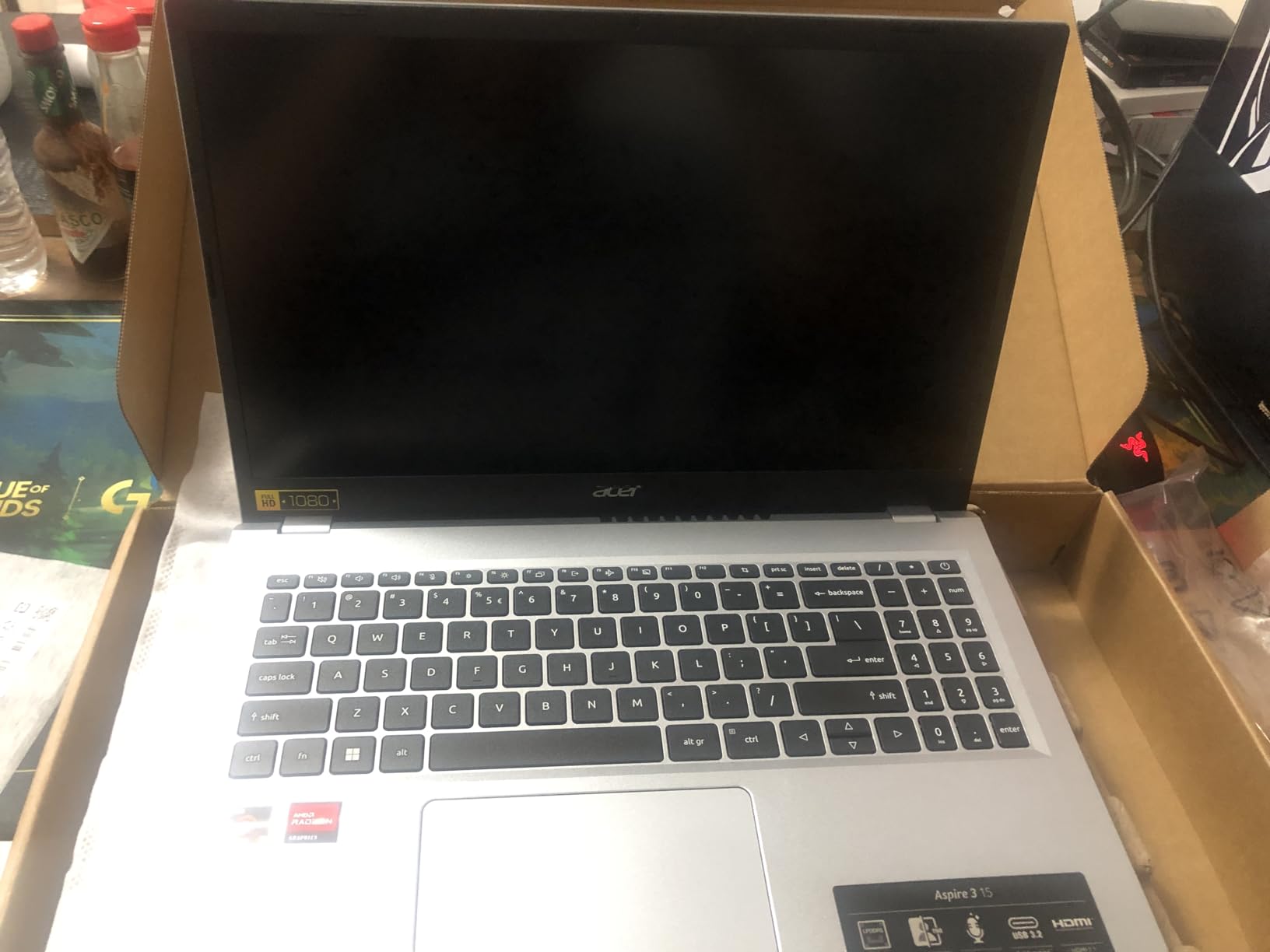
The honest limitation is memory. The 8GB of LPDDR5 is soldered to the board and the listing caps it at 8GB, so there is no upgrade later. The 128GB NVMe drive fills up quickly if you keep photo libraries or a large downloads folder on the machine. Buyers who need headroom should look at the AKCHART 15.6, which ships with 12GB of DDR4 and a 256GB drive that expands to 2TB.
- Four-core Ryzen 3 7320U rated up to 4.1 GHz
- 15.6-inch 1920×1080 IPS at 60 Hz with a matte finish
- 11 hour stated battery life from a 48 Wh cell
- Wi-Fi 6 and Bluetooth 5, with a 720p HD front camera
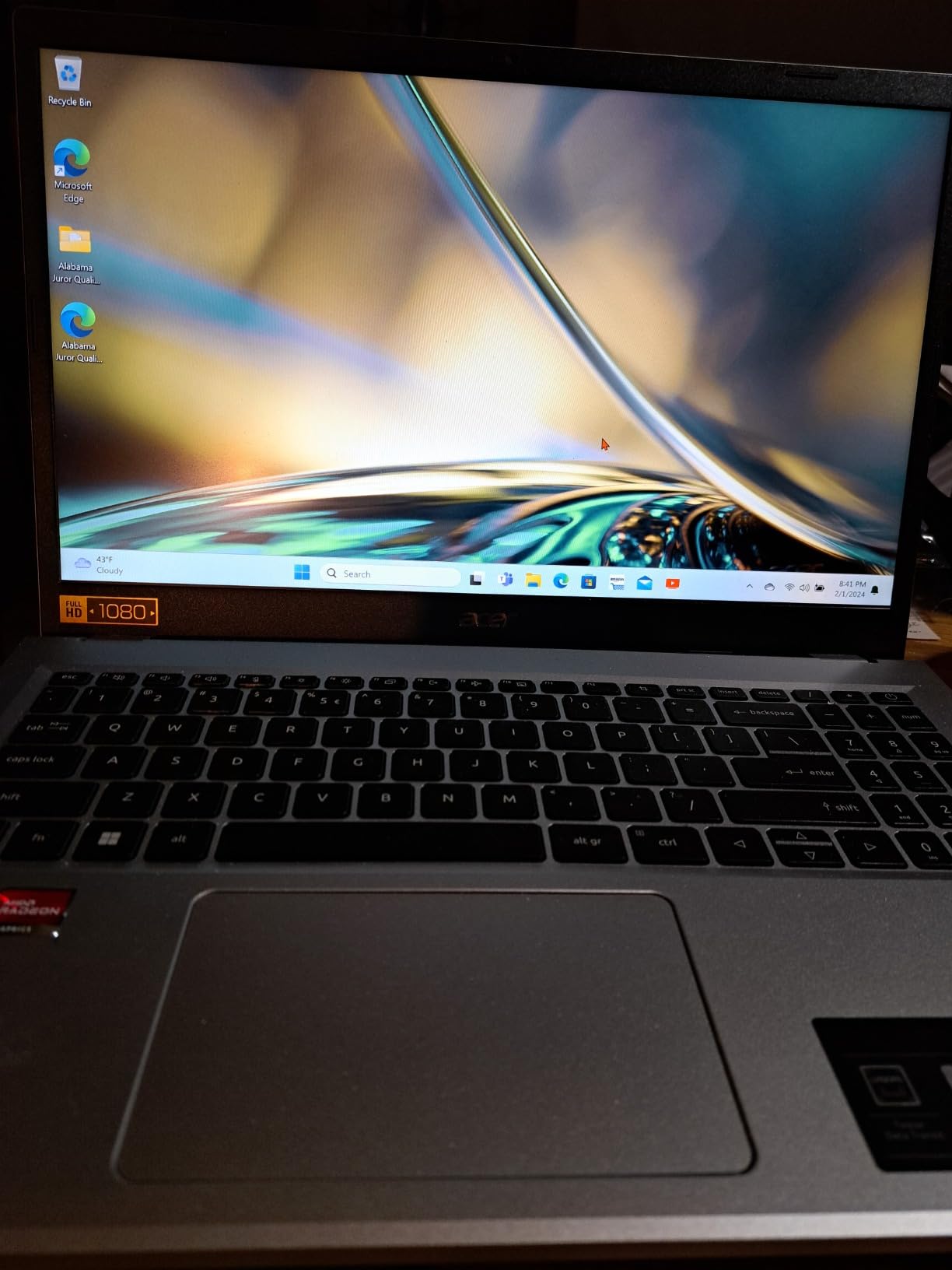
Ports are the other thing owners mention: two USB ports and one HDMI output is workable at a desk but thin if you plug in an external drive, a wired network or a second screen. The Acer PurifiedVoice noise reduction does help on video calls, which is a small quality-of-life win for anyone taking classes or meetings from the same room.
2. AKCHART 15.6 AI Laptop: Best Value on Memory
AKCHART 15.6 AI Laptop
Screen: 15.6 inch FHD IPS
Memory: 12GB DDR4
Storage: 256GB M.2 SSD
CPU: Celeron J4105
Pros
- 12GB memory is generous for the tier
- SSD expands to 2TB
- 7000mAh battery
- Office 365 included
Cons
- Celeron J4105 is an entry chip
- Wi-Fi 5 and Bluetooth 4.2 are dated
- No stated memory upgrade path
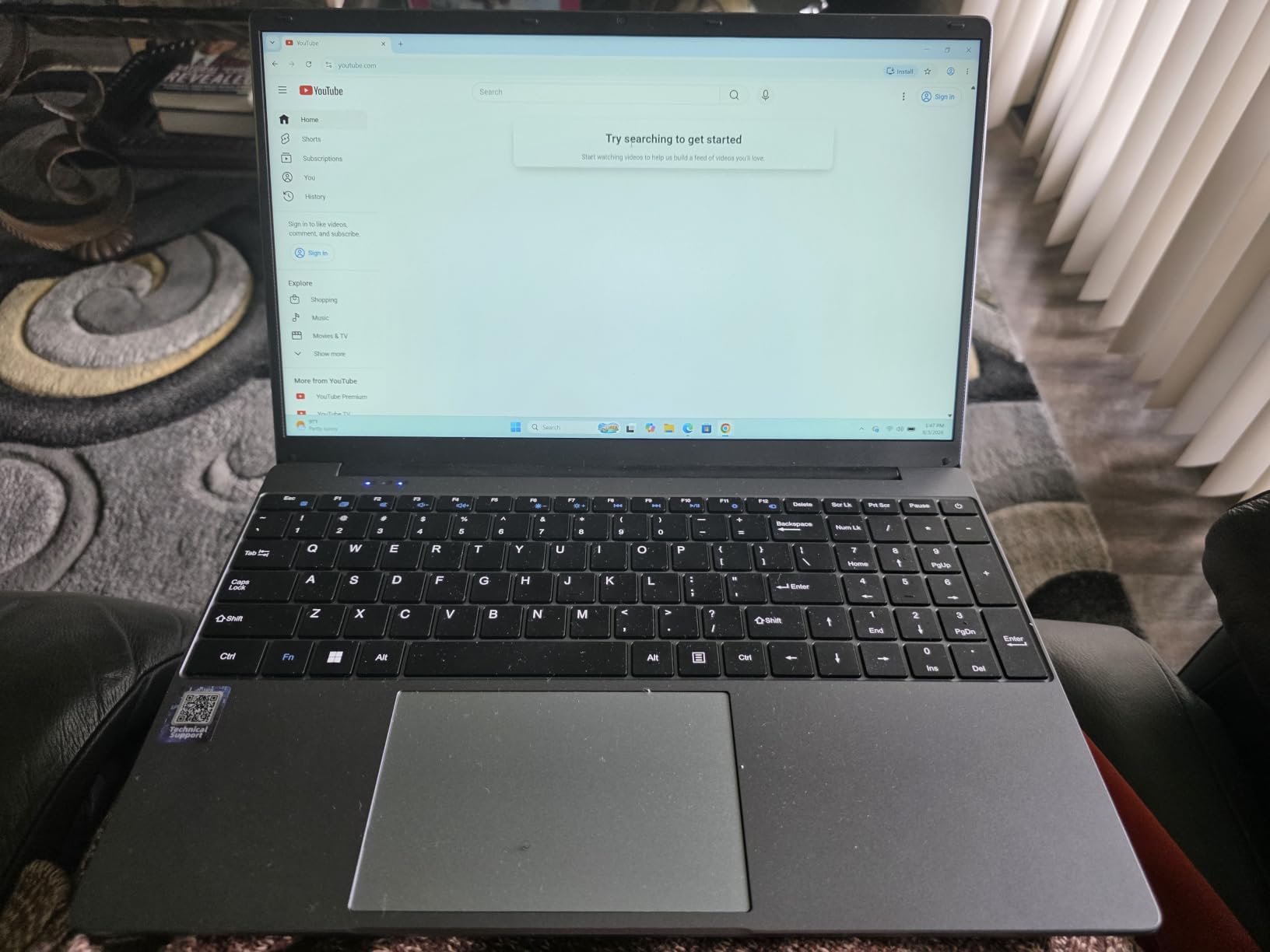
The AKCHART 15.6 stands out for one number: 12GB of DDR4 memory, which is more than most laptops in this roundup offer. When you keep twenty browser tabs, a video call and a spreadsheet open, memory is usually the first thing to run out, and this machine has more headroom than its rivals below it.
Storage is the second strength. The 256GB M.2 drive has room to expand to 2TB, and there is a card slot on top of that. Owners also like the 7000mAh battery and the 180-degree hinge, which lets the machine lie flat for a class presentation instead of being propped against a book.
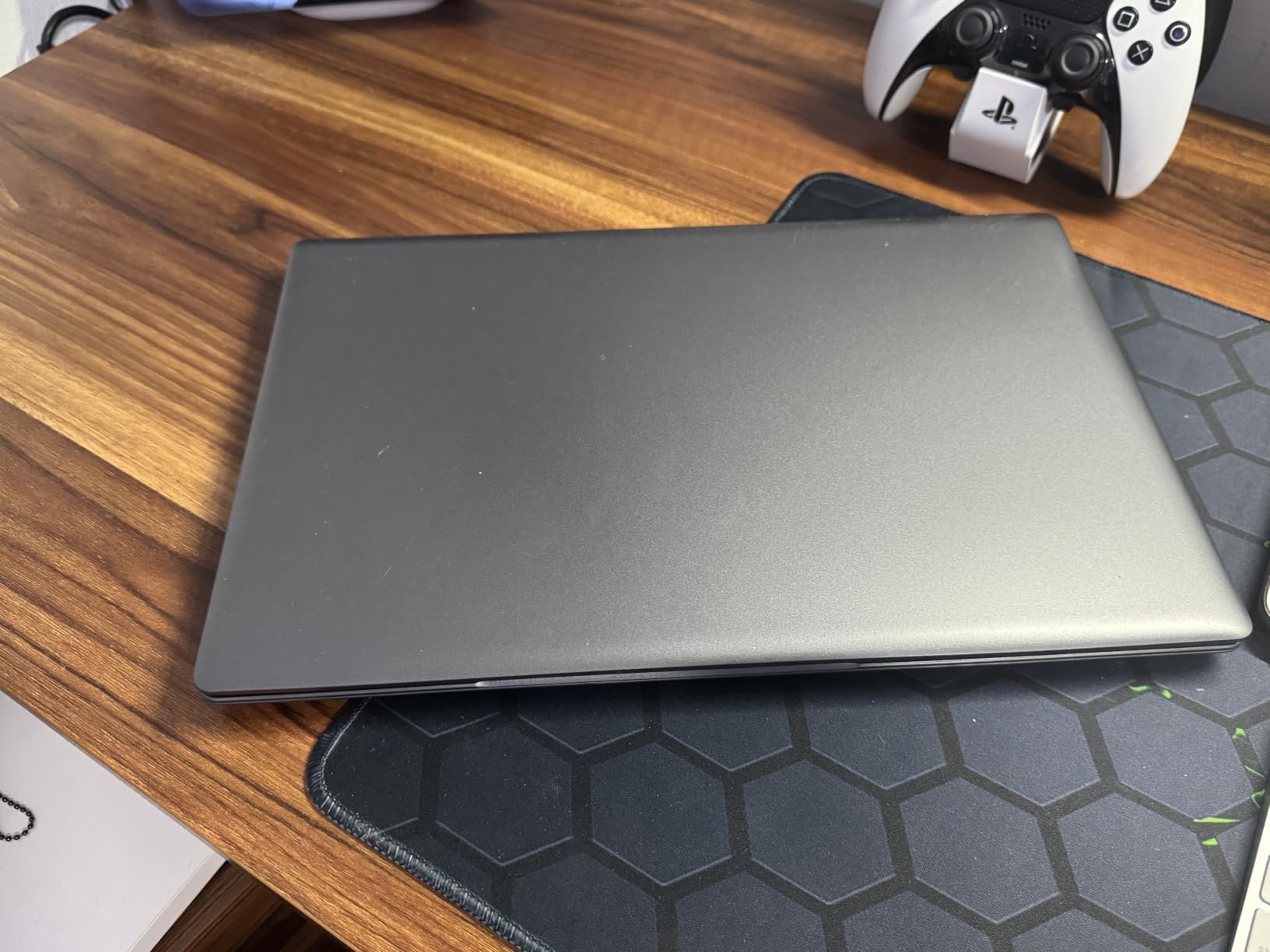
Speed is the compromise. The Intel Celeron J4105 is a four-core chip that runs at up to 2.5 GHz, and it is built for word processing, browsing and video rather than compiling code or editing a large project file. The Wi-Fi 5 radio and Bluetooth 4.2 are also a generation behind everything else here, so a newer router or a phone hotspot will negotiate the slower standard.
Compared with the Acer Aspire 3 15, the AKCHART gives up a newer processor and a backlit keyboard but gains memory, storage and a longer battery claim. Compared with the Dell Inspiron 15 3511, it is a similar screen size in a similar weight class with more memory and less processing headroom. Office 365 is included with the Windows 11 install, which saves a line of setup for a first Windows machine.
3. Lenovo 14 Chromebook: Budget Pick for Browser Work
Lenovo 14 Chromebook
Screen: 14 inch FHD touch IPS
Memory: 4GB DDR4
Storage: 64GB eMMC
CPU: Kompanio 520
Pros
- Lightest here at 2.9 lb
- 13.5 hour stated battery
- 14 inch FHD touchscreen
- Wi-Fi 6 and privacy shutter
Cons
- 4GB and 64GB is minimal
- Lag with many apps open
- Chrome OS only
- Some report a delayed touchpad
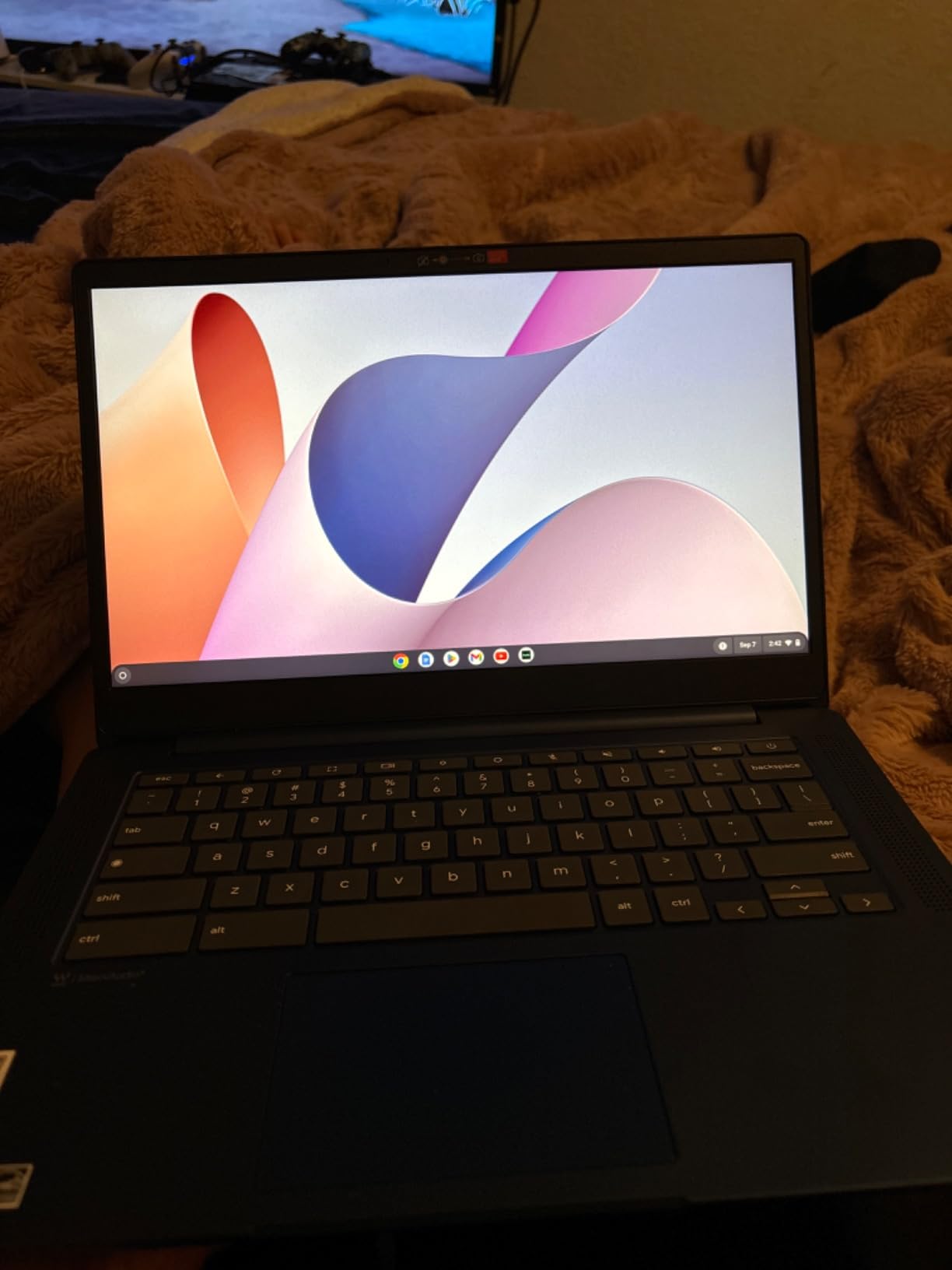
At 2.9 pounds, this is the machine to carry. The Lenovo 14-inch Chromebook weighs less than a hardback novel and runs a claimed 13.5 hours on a 47 Wh battery, which means a full school day of notes, browsing and streaming without a charger in the bag. Chrome OS boots quickly and signs in with a Google account, so setup takes a couple of minutes.
The MediaTek Kompanio 520 is an eight-core ARM chip built for exactly this: browser work, Docs, video calls and streaming. There is an available M.2 slot if you want more storage later, and a microSD reader for quick file transfer.
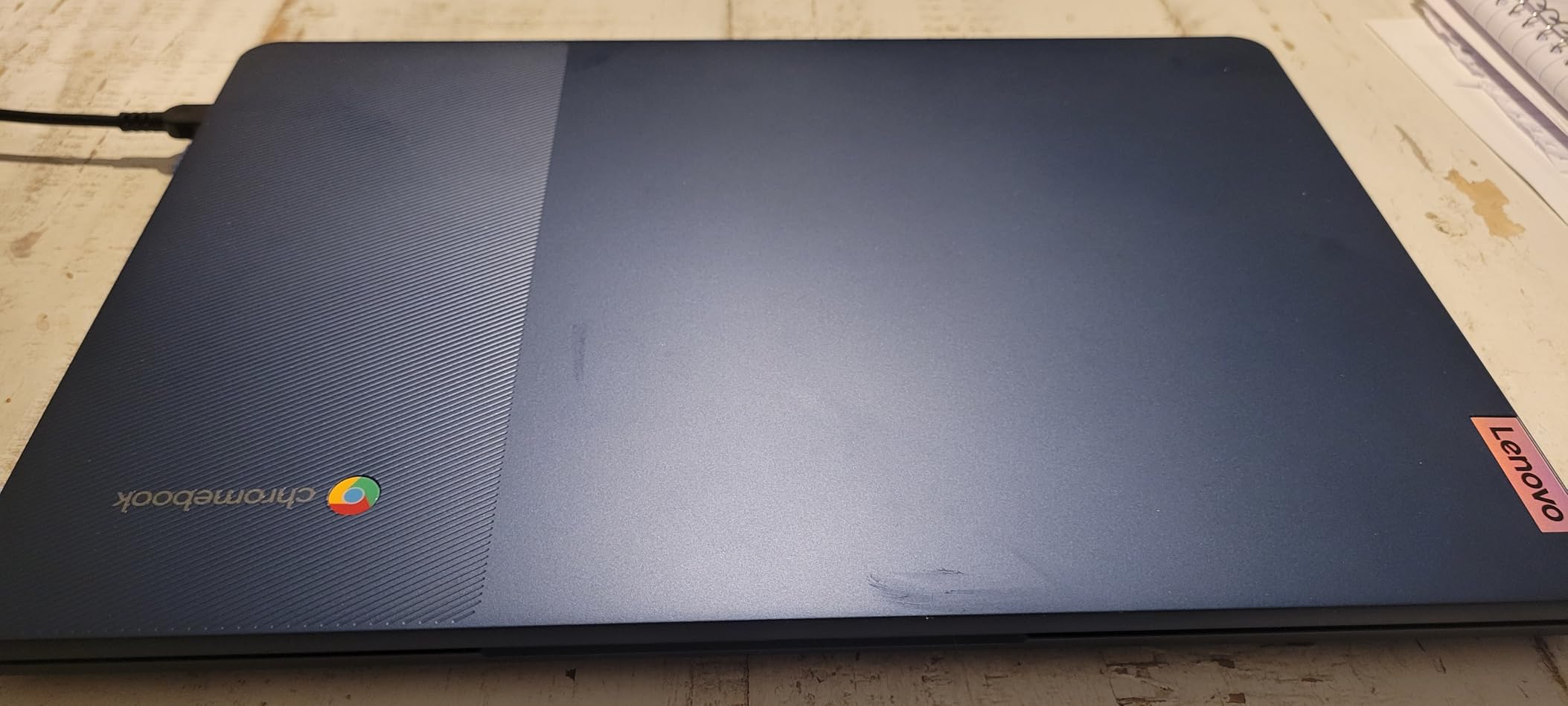
Where it runs out is memory and storage. 4GB of RAM and 64GB of eMMC is the smallest configuration here, and owners do report slowdown when several apps stay open at once. Several also mention a touchpad that feels delayed or drops finger movements, which is why a mouse in the bag is a sensible precaution. The caps key is replaced by a launcher button, so touch typists should try it before committing.
This is not a Windows machine and it cannot run desktop software like Excel or Adobe programs. If your work lives in a browser and a cloud office suite, that limitation rarely comes up. If you need Windows applications, the Dell Inspiron 3530 at number nine covers the same everyday ground with a 120Hz screen and a 512GB drive.
4. Apple MacBook Air 13: Top Rated for macOS Users
Apple MacBook Air 13
Screen: 13.6 inch Liquid Retina
Memory: 16GB unified
Storage: 512GB SSD
CPU: Apple M5
Pros
- Highest rated here at 4.7 stars
- Up to 18 hours of stated battery
- 2.71 lb portable body
- Touch ID and Wi-Fi 7
Cons
- 512GB may be tight for large media libraries
- Only two Thunderbolt 4 ports
- Apple ecosystem lock-in
The MacBook Air 13 has the highest rating of any laptop in this roundup, with 91% of buyers giving five stars. The M5 chip drives a 13.6-inch Liquid Retina display with a billion colours, and the 2.71-pound body is the second lightest here behind the Chromebook. It is the pick if your work already runs on macOS and you want the fewest compromises.
Battery is the headline number: up to 18 hours, which covers a full day without a charger. Two Thunderbolt 4 ports, MagSafe, a headphone jack, Wi-Fi 7 and Bluetooth 6 are the full complement, and Touch ID handles login. The 12MP Center Stage camera frames you properly on a call and can show the desk in front of you when you need to hold up a page.
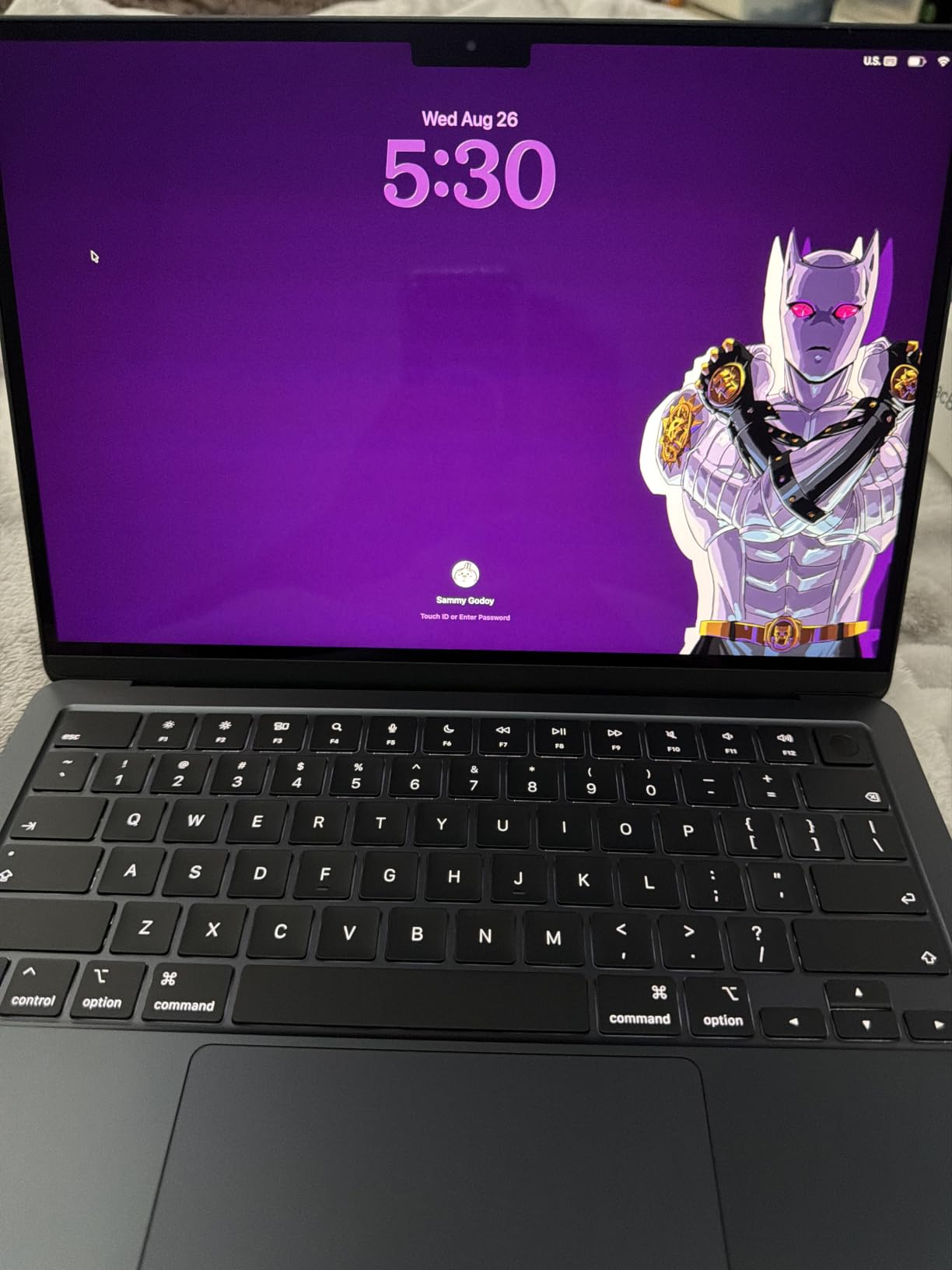
The reservations in reviews are consistent. 512GB fills quickly if you keep a large photo or video library, and two ports means carrying a dongle for anything beyond a second screen. There is also the usual Apple question: if your workflow depends on Windows-only software, this is the wrong shape of machine no matter how good it is.
Against the Lenovo Yoga 7i at number eight, both are portable touch machines with Windows-class flexibility, but only one runs macOS. Against the Windows picks further down, the difference is quieter hardware, longer battery life and a far higher rating, against a smaller port count and a much higher entry point. If you are still choosing between platforms, our buying guide covers the tradeoff.
5. Dell Inspiron 15 3511: Best for Touchscreen Work
Dell Inspiron 15 3511
Screen: 15.6 inch FHD touch
Memory: 12GB DDR4
Storage: 256GB NVMe SSD
CPU: Core i5-1035G1
Pros
- 12GB RAM across two slots
- SD card reader and dual USB 3.2
- Anti-glare FHD touchscreen
- Numeric keypad
Cons
- 10th gen processor is an older platform
- Wi-Fi 5 only
- 256GB is small at this level
The Dell Inspiron 15 3511 is the pick when a touchscreen matters more than processing power. The 15.6-inch anti-glare WVA touch panel is comfortable in a bright room and responds to a finger for scrolling, drawing or tapping through a document without a stylus.
Memory is the detail that sets it apart. The 12GB of DDR4 sits in two available slots, so this is one of the few laptops here you can actually upgrade later. Storage is a 256GB PCIe NVMe M.2 drive, and there is an SD card reader for moving photos and files without cables.

The trade-off is the processor. This is a 10th-generation Core i5 with four cores and eight threads, topping out at 3.6 GHz, and the platform cannot be upgraded. For documents, browsing, email and streaming that is genuinely fine. For video editing or running virtual machines, the Ryzen chips in the Lenovo models here are a better fit. The Wi-Fi 5 radio is the other old spec on the sheet.
At 3.7 pounds, it carries about the same as the Acer Aspire 3 15, and it is heavier than the ASUS Chromebook Flip but far more capable once you leave the browser. The port selection is the best of the budget Windows group here: two USB 3.2 ports, one USB 2.0, HDMI and an SD reader, plus a numeric keypad and MaxxAudio Pro speakers.
6. ASUS Chromebook Flip CX1: Best for School 2-in-1
ASUS Chromebook Flip CX1
Screen: 14 inch FHD touch
Memory: 8GB LPDDR4X
Storage: 128GB eMMC
CPU: Celeron N4500
Pros
- 360 degree hinge with four modes
- 8GB memory for a Chromebook
- MIL-STD 810H durability
- Up to 11 hours of battery
Cons
- Dual-core Celeron is entry level
- 128GB eMMC is limited
- Chrome OS only
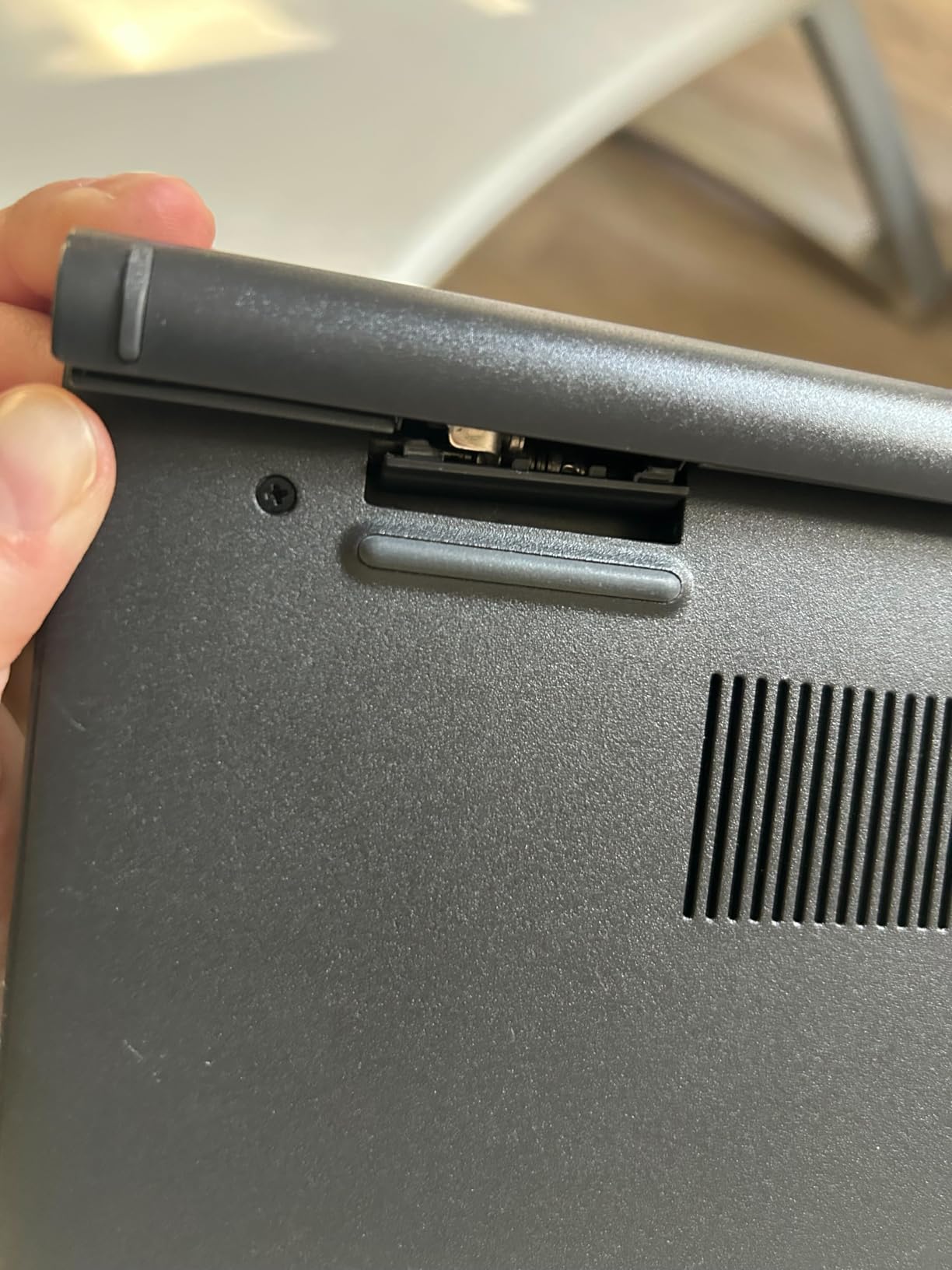
The Flip screen is the reason to buy this one. The 14-inch Full HD NanoEdge panel folds all the way around on a 360-degree hinge, so the same machine works as a laptop, a tablet, a tent for watching video and a stand for typing. Owners using it in tent mode as a second screen report it holds position well.
At 3.6 pounds with a 0.73-inch profile, it is light enough to move between a desk and a sofa, and it is built to MIL-STD 810H durability standards, which matters for a machine that goes in a backpack every day. Battery is claimed at up to 11 hours from a 50 Wh cell.
The specifications are modest. The Intel Celeron N4500 is a dual-core entry chip, 8GB of LPDDR4X is more memory than most Chromebooks carry and is the reason multitasking holds up better here than on the Lenovo 14 at number three, and 128GB of eMMC is on the small side. Chrome OS only means no desktop applications.
The bonus detail is the three-month Google One AI Premium trial with Gemini Advanced and 2TB of cloud storage, which covers a school term for a Chromebook that is otherwise mostly working from the cloud anyway. Compared with the Lenovo Chromebook, you trade some battery life and 2GB of screen size for the hinge, the extra memory and a full set of USB-C and USB-A ports.
7. Acer Nitro V 16S: Best for High Frame Rate Gaming
Acer Nitro V 16S
Screen: 16 inch WUXGA 180Hz
Memory: 32GB DDR5
Storage: 1TB Gen 4 SSD
CPU: Ryzen 7 260
Pros
- RTX 5060 with 8GB GDDR7
- 32GB DDR5 at 5600MHz
- 16 inch 180Hz 100 percent sRGB panel
- Second M.2 slot for expansion
Cons
- 4.6 lb weight
- 65 Wh battery is modest for a 16 inch
- Includes a sleeve rather than a hard case
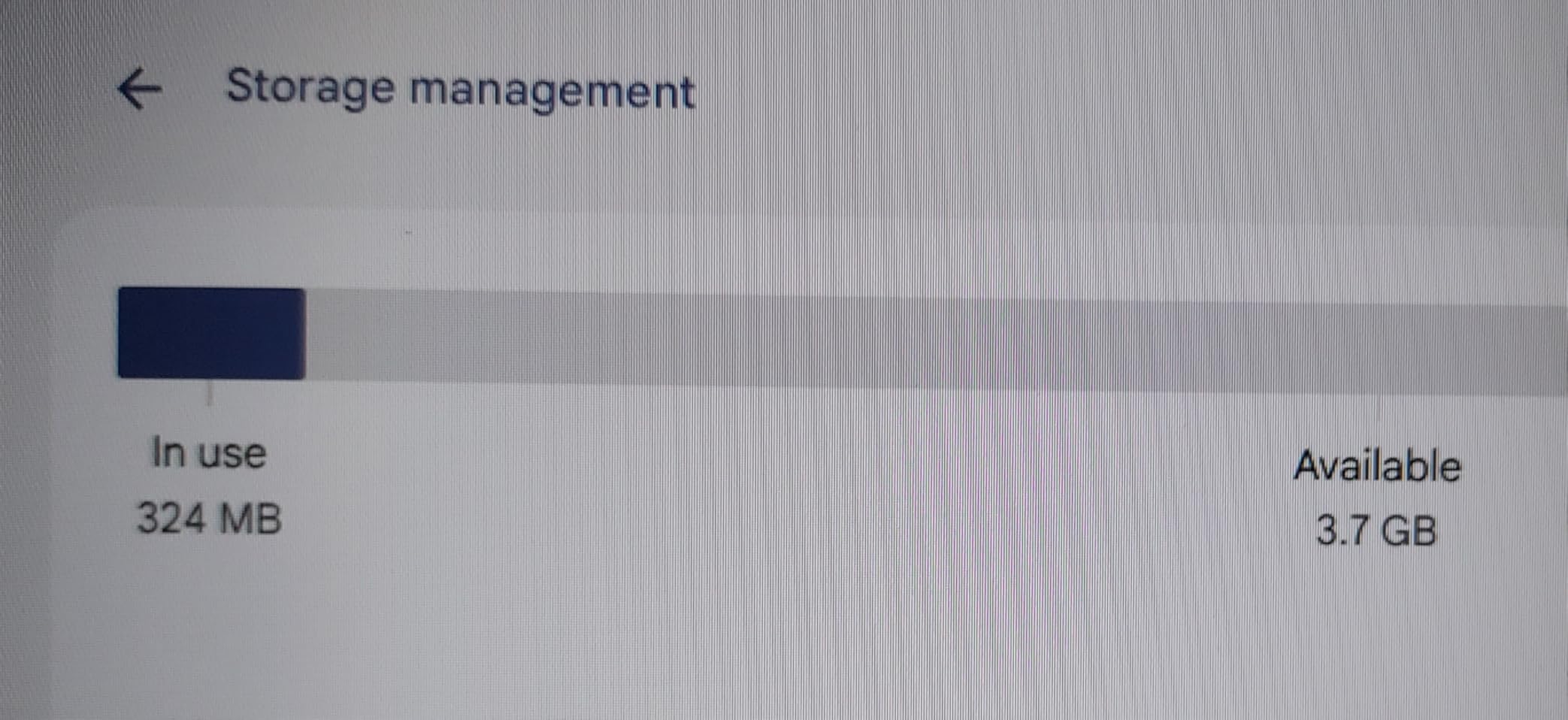
This is the only dedicated gaming machine in the list, and the only one with a discrete GPU. The GeForce RTX 5060 Laptop GPU carries 8GB of GDDR7 memory, Blackwell architecture, DLSS 4 frame generation and ray reconstruction, which is the difference between playable and not playable in current titles at higher settings.
The Ryzen 7 260 gives you eight cores and sixteen threads, and it pairs with 32GB of DDR5 memory at 5600MHz. That is enough memory to run a game while a browser, Discord and a video call stay open, and it is the same class of specification a creator would want. The 1TB PCIe Gen 4 drive has a second M.2 slot free when you outgrow it.
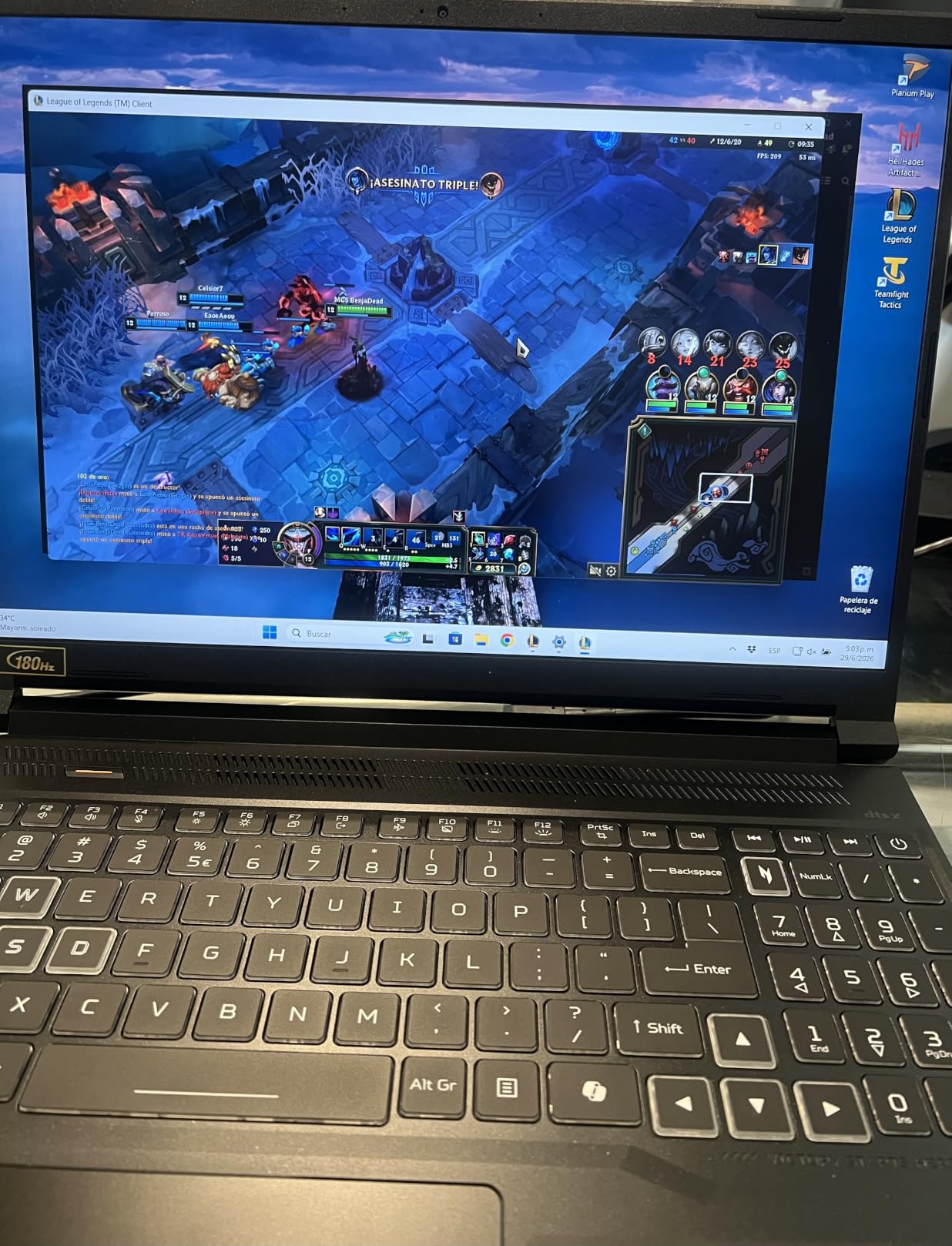
The screen is unusually good for the category: 16 inches of WUXGA at 1920×1200, 180Hz refresh and 100% sRGB coverage. A high refresh rate is easy to underestimate until you have played on a 60Hz panel, and the colour coverage means the same laptop handles photo and video work without a second machine.
Owners mention the same two trade-offs: at 4.6 pounds this is a heavy laptop, and a 65 Wh battery is modest for a 16-inch gaming rig, so it belongs beside a socket for long sessions. A protective sleeve is included rather than a hard shell. Against the MacBook Air 13, the comparison is simple: the Air wins on weight and battery by a wide margin and the Nitro wins on everything graphics related.
8. Lenovo Yoga 7i 16: Best for Business 2-in-1
Lenovo Yoga 7i 16
Screen: 16 inch 1920x1200 touch
Memory: 16GB DDR5
Storage: 1TB PCIe 4.0 SSD
CPU: Core Ultra 7 155U
Pros
- 4.7 stars with 83 percent five star share
- Windows 11 Pro
- Fingerprint reader and Gigabit LAN
- Premium build feel
Cons
- 4.6 lb weight for a 16 inch 2-in-1
- Speakers are average despite the branding
The Yoga 7i is the better business machine of the two large convertibles in this list, and it earns that on the details that matter at a desk. It comes with Windows 11 Pro, a fingerprint reader, a numeric keypad, Gigabit Ethernet and a backlit keyboard. The port selection is the best here: two USB-A, two USB-C, HDMI, a microSD reader and a headphone jack, so you can usually skip the dongle.
Inside is a 12-core Intel Core Ultra 7 155U with Turbo Boost up to 4.8 GHz, 16GB of DDR5 and a 1TB PCIe 4.0 drive. Owners running Microsoft Access, virtual machines and integrated development environments report smooth performance, and the 360-degree flip-and-fold works well in tent mode as a third display for a meeting.
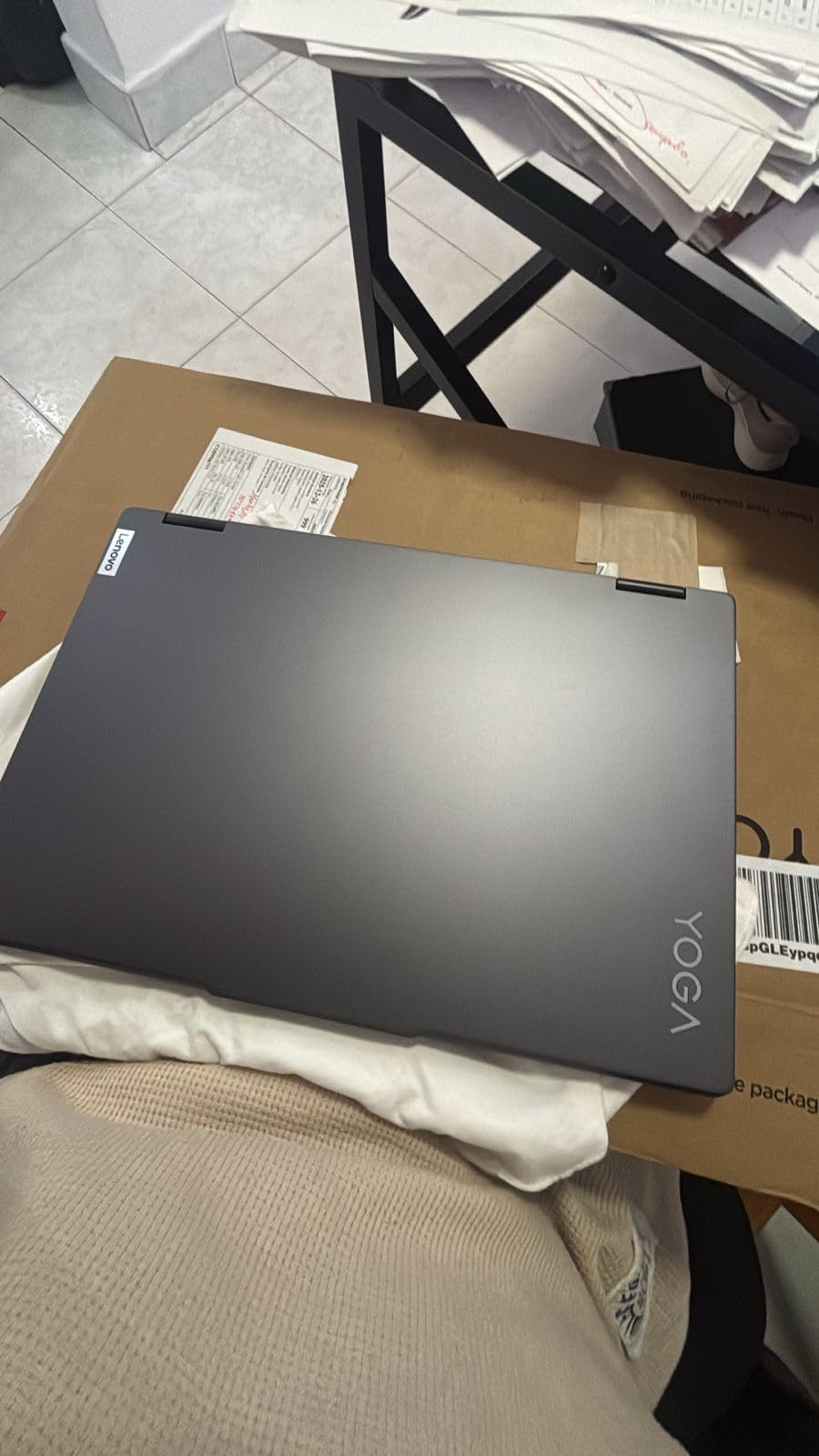
The 16-inch 1920×1200 IPS touchscreen runs at 300 nits with an LED backlight, which is bright enough for a room with overhead lighting but not a screen to use in direct sun. Battery life is reported as strong by owners, and the Wi-Fi 6E radio will negotiate with a modern router.
Two complaints recur. The speakers are average, whatever the Dolby Atmos label suggests, so a pair of headphones is worth carrying. And at 4.6 pounds the weight is heavier than buyers expect for a machine they thought of as a laptop rather than a small workstation. Compared with the Lenovo IdeaPad 2-in-1 at number ten, the Yoga 7i is the more finished machine: better speakers, an Ethernet port, a fingerprint reader and a higher rating on fewer reviews.
9. Dell Inspiron 3530: Best for Everyday Office
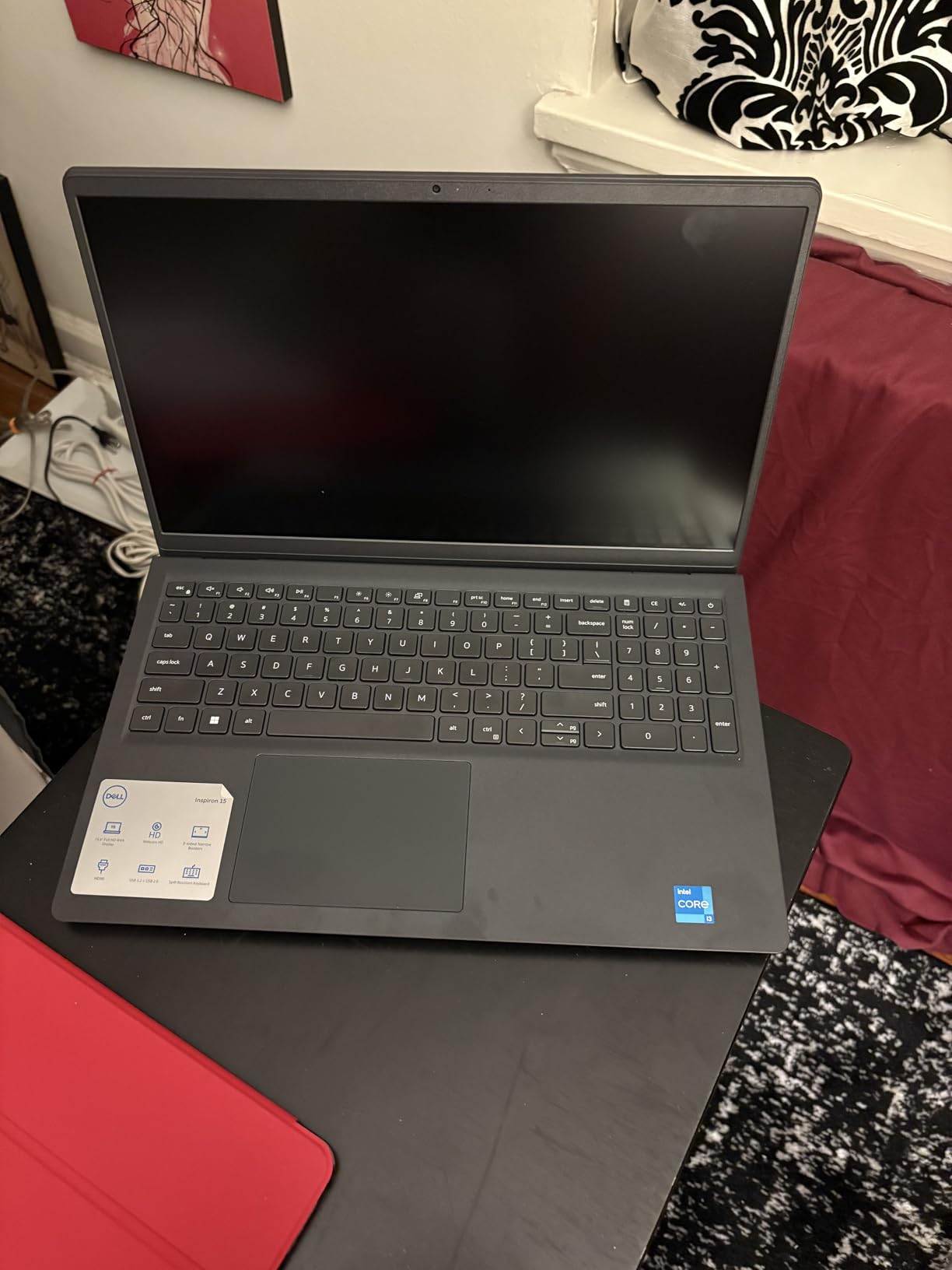
Dell Inspiron 3530
Screen: 15.6 inch FHD 120Hz
Memory: 8GB DDR4
Storage: 512GB SSD
CPU: Core i3-1305U
Pros
- 512GB SSD in this tier
- 120Hz anti-glare panel
- Quiet under load with many tabs
- Onsite hardware service included
Cons
- About 6 hours of stated battery
- Speakers are quiet
- Keyboard is small
- Some report touchpad or boot failures
The Inspiron 3530 is the version of a modern Windows laptop most people will recognise. A 13th-generation Core i3 with a 10MB cache running up to 4.5 GHz, 8GB of DDR4 in a single slot that can go to 16GB, and a 512GB SSD. That storage figure alone puts it ahead of most of the group, where 128GB and 256GB are common.
The screen is the quiet highlight: a 15.6-inch matte anti-glare panel at 120Hz, which is smoother than the 60Hz panels on the Aspire 3 and the Inspiron 3511. Owners also note it runs quietly with many tabs open, and the lift hinge gives it a typing angle. Dell includes one year of onsite hardware service after remote diagnosis, which is unusual value on a laptop this size.
What you give up is endurance. The stated battery figure is about 6 hours from a 41 Wh cell, which is a working day only if you are near a charger. The speakers are quiet, the keyboard is on the small side, and a minority of buyers report touchpad or boot failures that needed service. That is a real reliability flag, and Dell support resolved at least one reported case.
Between the two Dell Inspirons here, the 3530 is the current platform with 13th-generation silicon, Wi-Fi 6, Bluetooth 5.3 and twice the storage. The Inspiron 15 3511 at number five has a 10th-generation chip but more memory and a touchscreen. If you want a touch display, take the 3511; if you want storage and a faster processor, take the 3530.
10. Lenovo IdeaPad 2-in-1 16: Best for Programming
Lenovo IdeaPad 2-in-1 16
Screen: 16 inch FHD+ touch
Memory: 16GB LPDDR5
Storage: 1TB SSD
CPU: Ryzen 7 8845HS
Pros
- Eight cores and sixteen threads
- 16GB LPDDR5 with 1TB storage
- Good port selection
- Windows 11 Pro with fingerprint reader
Cons
- 6 lb weight
- 42 Wh battery lasts a few hours
- Some report a plain build and a non-glass screen
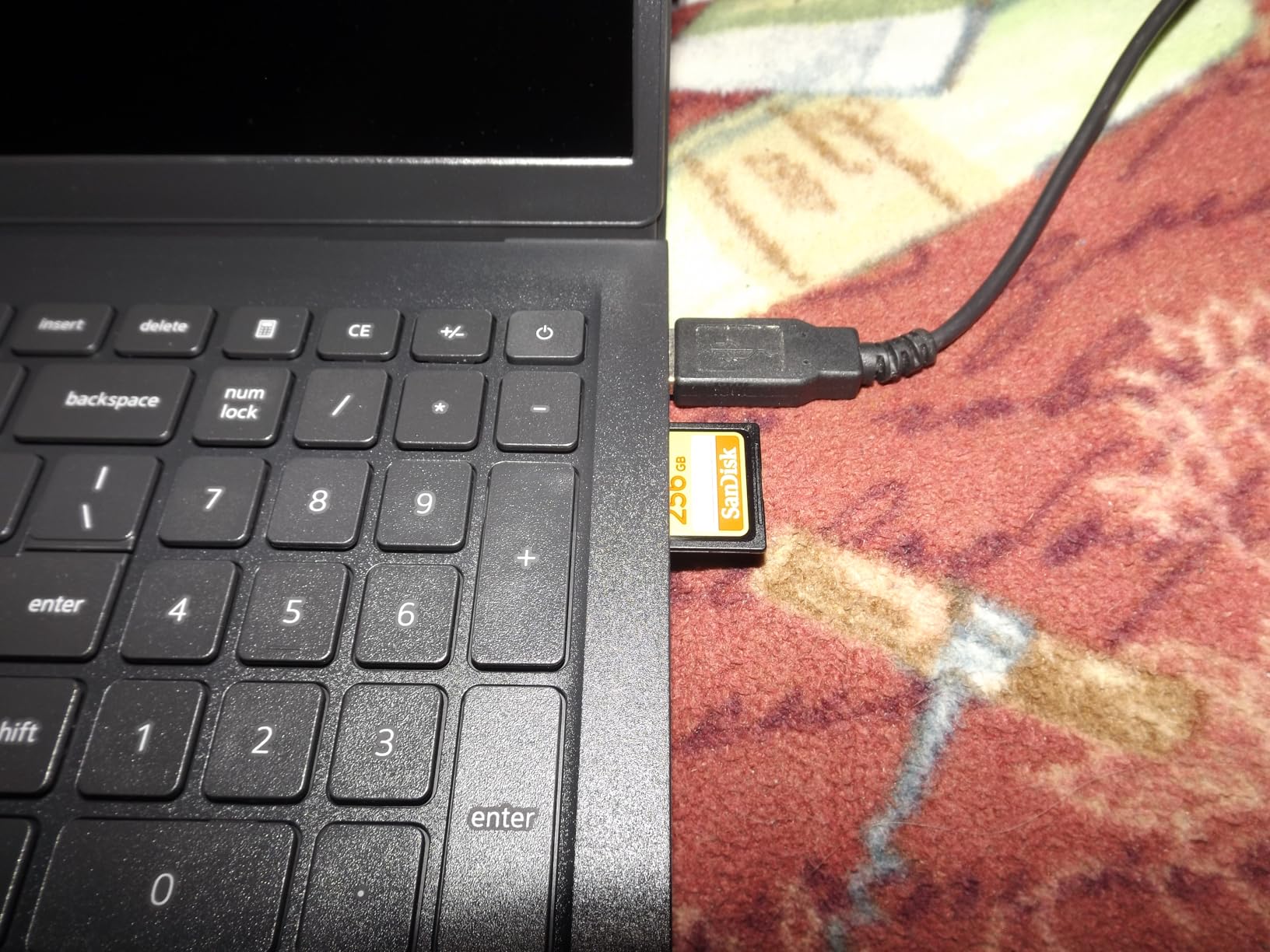
This is the pick for anyone writing code. The Ryzen 7 8845HS gives you eight cores and sixteen threads running up to 5.1 GHz with a 24MB cache, which is the kind of headroom that matters when a project build, a browser and a container are all running at once. Owners running virtual machines and integrated development environments report it keeps up without complaint.
Memory is generous: 16GB of LPDDR5 and a 1TB SSD. The 16-inch 1920×1200 touchscreen gives you room for an editor, a terminal and a browser side by side, and the 2-in-1 form factor folds it back when you want a big screen for reading documentation. Windows 11 Pro, a fingerprint reader, a camera privacy shutter and a backlit keyboard with numeric keypad round out an office-appropriate package.
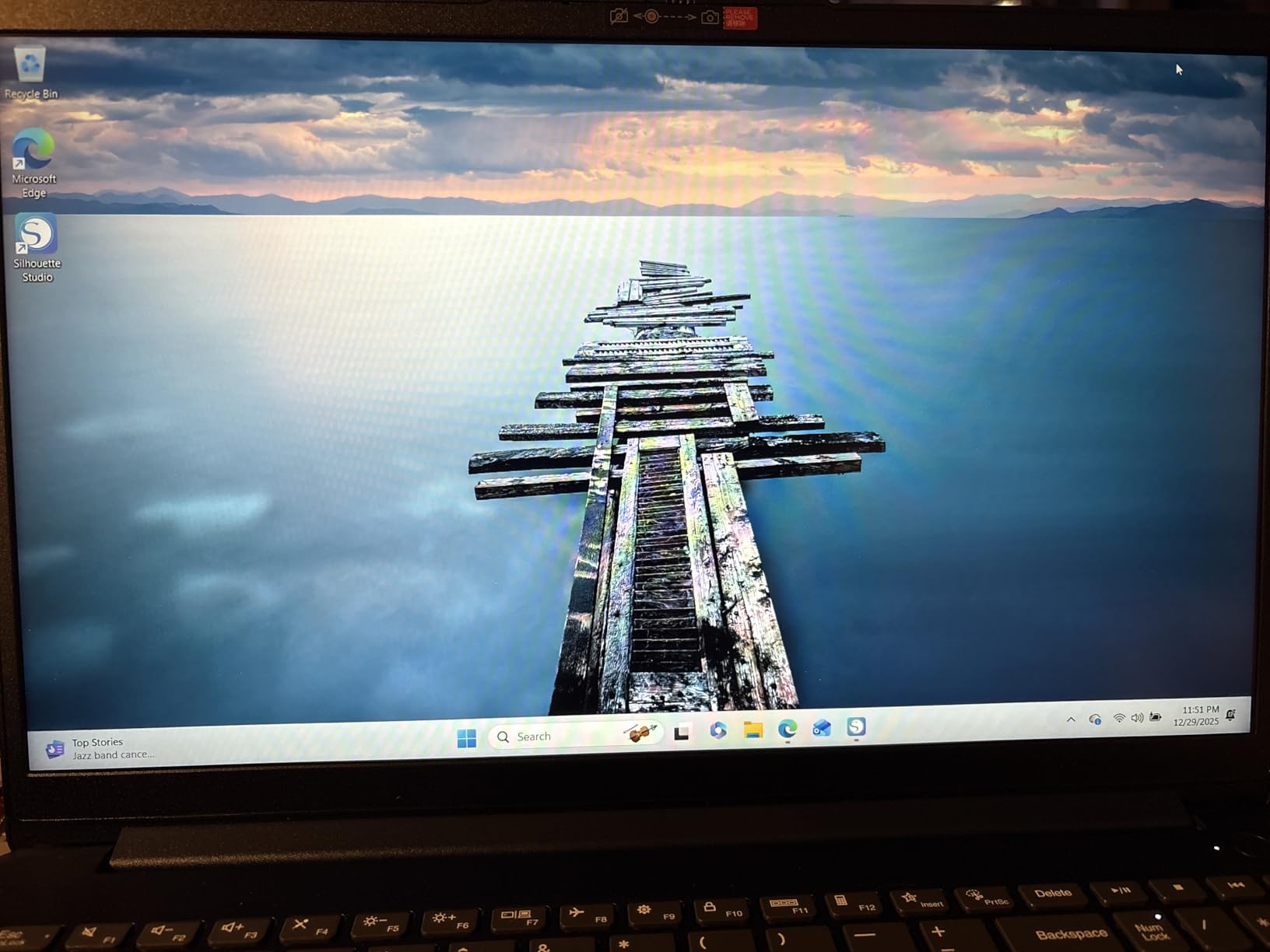
It is also the heaviest laptop here at 6 pounds, and that weight is a real constraint on a machine you might want to move between rooms. The 42 Wh battery lasts a few hours rather than a full day, and one owner felt the build was plain for the specification level. The screen is not glass, and a few machines arrive in a default user login state, so expect a factory reset during setup.
Against the Acer Nitro V 16S, this machine trades the RTX 5060 for a lighter CPU-only configuration at a lower entry point, with more ports than most convertibles. Against the Yoga 7i, you give up the Ethernet jack and the better speakers and gain a faster processor. Our guide to laptops for programming goes deeper on how core count and memory translate to real compile times.
How to Choose Laptops During Prime Big Deal Days
Processor and everyday performance
The processor decides how long the machine stays useful. For browsing, documents, streaming and video calls, a quad-core chip such as the Ryzen 3 7320U in the Aspire 3 15 or the Core i3-1305U in the Inspiron 3530 is enough. Anything you run longer than that, virtual machines, code, editing or gaming, wants eight cores, which is what the Ryzen 7 chips in the Nitro V 16S and the IdeaPad 2-in-1 16 provide. A 2020-generation chip like the Core i5-1035G1 in the Inspiron 15 3511 still works for office tasks but has no upgrade path.
Memory and storage configuration
Match memory to the number of things you keep open, not to the sticker. 4GB is the floor and is fine for a Chromebook doing one task at a time, as on the Lenovo 14. 8GB is the practical minimum for Windows, and 12GB or more gives you room for a browser, an office suite and a video call together, which is why the AKCHART 15.6 and the Inspiron 15 3511 stand out. Storage: 128GB fills in about a year of normal use, 256GB is workable, and 512GB or 1TB is the comfortable landing spot. Check whether memory is soldered or in a slot. The Aspire 3 15 and the AKCHART cannot be upgraded; the two Dell Inspirons can.
Parents buying a first machine for a child can read our picks for kids learning laptops before the sale opens.
Display quality and size
Size decides where you can use the machine, and panel type decides whether it is pleasant there. A 13.6-inch screen suits a desk and a café; 15.6 inches is the standard compromise for a home setup; 16 inches is what you want for a code editor, a timeline or a game. Full HD at 1920×1080 is the baseline here, and every laptop in this list meets it. Above that, the refresh rate is the difference you feel: 120Hz on the Inspiron 3530 and 180Hz on the Nitro V 16S scroll and animate noticeably more smoothly than the 60Hz panels on the Aspire 3 15 and the Inspiron 15 3511. Brightness ranges from 250 nits on the Lenovo 14 Chromebook to 300 nits on the Yoga 7i, which matters near a window. If your editing leans toward video, we have a separate guide to budget laptops for video editing.
Battery life, weight and connectivity
Mobility is a three-part question. Weight ranges from 2.9 pounds on the Lenovo 14 Chromebook to 6 pounds on the IdeaPad 2-in-1 16, and anything over 4.5 pounds is a desk-first machine. Stated battery figures run from about 6 hours on the Inspiron 3530 to 18 hours on the MacBook Air 13, though real use always lands below the claim. For connectivity, Wi-Fi 6 or better is the sensible floor and every machine here has it or better, except the AKCHART 15.6 and the Inspiron 15 3511 on Wi-Fi 5. Count ports too: two USB ports and an HDMI is fine at a fixed desk, and the Yoga 7i is the pick when you want Ethernet, card reader and four USB ports without adapters.
How to shop laptop deals during the sale
Check the exact model code before you click, not the marketing name. A listing can list a 15.6-inch screen on a 13.6-inch machine, so read the model number in the specifications rather than the title. Look for the processor generation, the memory amount and whether storage is expandable, and check whether the laptop is new or renewed. The most important box on the page is the one that names the seller: a marketplace seller adds warranty and return risk that a first-party listing does not. Most offers during Prime Big Deal Days also require a Prime membership, and prices change through the event, so check the listing again before you decide.
- Confirm the model number and screen size match the title
- Read who the seller is, and prefer a first-party listing
- Check memory upgradability and storage expansion options
- Look at the star rating and the count of ratings together
- Recheck the listing the morning the sale opens
Frequently Asked Questions
What are the Best Amazon Prime Big Deal Days Laptop deals in 2026?
The Acer Aspire 3 15 is the pick worth watching first, followed by the AKCHART 15.6 for more memory on a budget and the Lenovo 14-inch Chromebook for the lightest carry. Higher up the range, the MacBook Air 13 leads on rating and battery life, the Acer Nitro V 16S is the only dedicated gaming machine, and the Lenovo Yoga 7i 16 fits business work with Windows 11 Pro. Check each listing during the event, since pricing changes.
When does Amazon Prime Big Deal Days run and is Prime membership required?
Amazon Prime Big Deal Days runs October 6-7, 2026. Most laptop offers during the event require an active Prime membership, and a free trial counts for the duration of the sale. Some laptop deals appear before the event starts, so it is worth looking early, but the deepest pricing usually lands on the two days themselves.
Should I choose a Windows laptop or a MacBook?
Choose the MacBook Air 13 if your work already runs on macOS or you want the longest battery life and the highest rating here. Choose a Windows machine such as the Acer Aspire 3 15 or the Lenovo IdeaPad 2-in-1 16 if you depend on Windows-only software, gaming libraries or applications such as Microsoft Access. Chromebooks in this list run Chrome OS and are a third path, best for browser work.
Is a touchscreen laptop worth considering during a sale?
A touchscreen earns its place when you scroll long documents, pinch to zoom on images or fold the screen back into tent and tablet modes. The Dell Inspiron 15 3511 and the ASUS Chromebook Flip CX1 both pair a touch panel with useful hardware, while the Yoga 7i and the IdeaPad 2-in-1 add the foldable form. It matters less for keyboard-first work, where a trackpad and a sharper non-touch panel serve you better.
Can I upgrade the memory or storage after buying the laptop?
It depends on the model. The two Dell Inspiron laptops in this list have memory slots you can use, and the Nitro V 16S has a free M.2 storage slot. The Acer Aspire 3 15 and the AKCHART 15.6 have soldered memory with no upgrade path, though the AKCHART drive does expand. The Lenovo 14 Chromebook has an available M.2 slot. Check the specifications before you buy, because soldered memory cannot be changed later.
Does buying a laptop during a sale affect software support?
A sale changes the price, not the support window. Windows updates are tied to the hardware rather than the purchase, and Apple provides free system updates for years. The thing to check is the generation: an older platform such as the 10th-generation Core i5 in the Dell Inspiron 15 3511 will reach its end of feature support sooner than a current chip, so buying older hardware during a sale means a shorter useful life.
Final Verdict: Best Amazon Prime Big Deal Days Laptop Deals
Buy the Acer Aspire 3 15 if you want the safest all-round buy: the most owner feedback behind it, a sharp 15.6-inch Full HD panel, a backlit keyboard and a 3.9-pound body, with the understanding that its 8GB of memory and 128GB drive are fixed. Go for the Lenovo 14 Chromebook as the budget alternative if everything you do happens in Chrome and you want the lightest machine here.
The AKCHART 15.6 is the pick when memory matters more than processing power, and the Lenovo IdeaPad 2-in-1 16 for code, virtual machines and a large touch display. The MacBook Air 13 fits macOS users and long study days, the Lenovo Yoga 7i 16 handles business work with Windows 11 Pro and a fingerprint reader, and the Dell Inspiron 15 3511 covers office work that needs a touchscreen. For gaming, the Acer Nitro V 16S is the only dedicated GPU option, and the Dell Inspiron 3530 is the dependable everyday office machine with a 120Hz screen and a 512GB drive. Recheck each listing on the morning of the sale, confirm the model number and the seller, and use the button to see the current price.