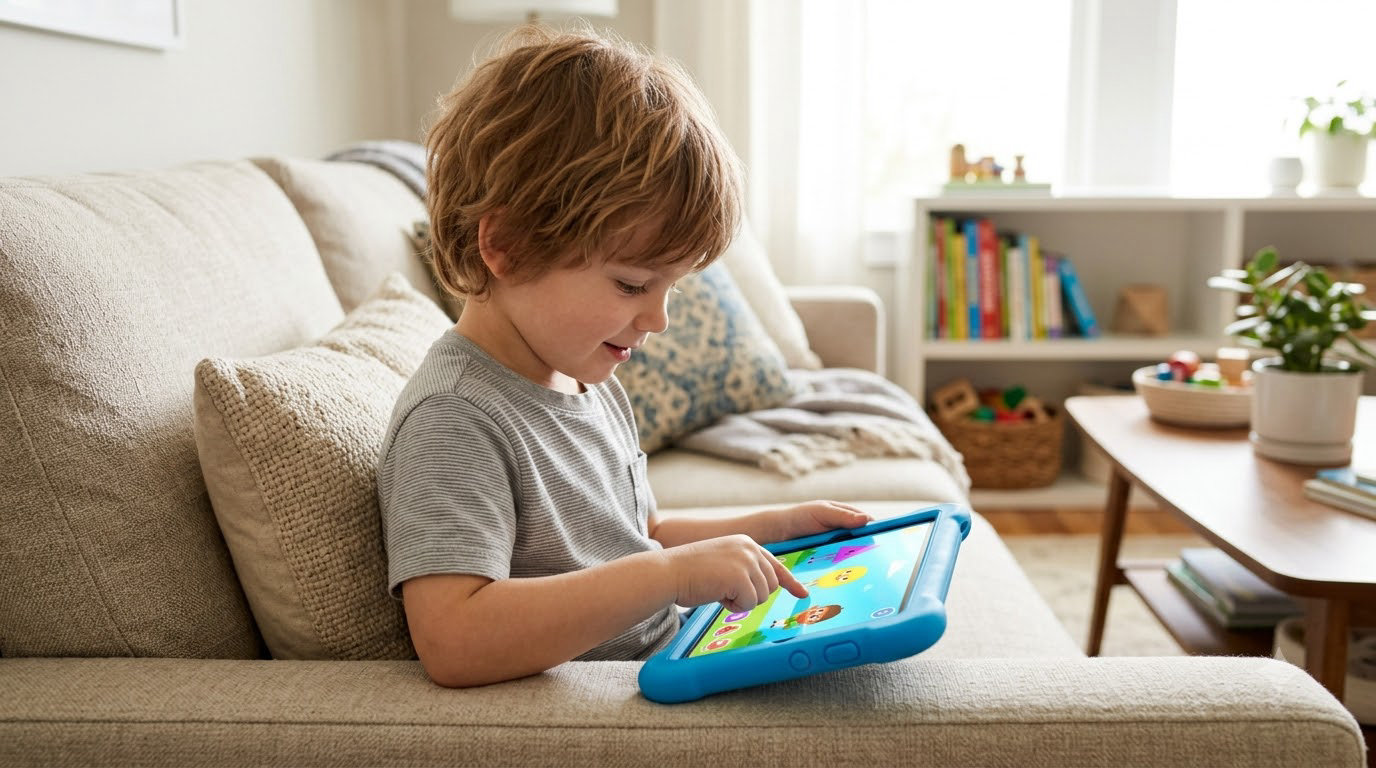
Amazon Fire 7 Kids leads the best Amazon Prime Big Deal Days kids tablet deals because it packs a kid-proof case, a two-year worry-free guarantee and a full year of Amazon Kids+ into the most straightforward tablet on this list, and it carries the largest review base of anything here at more than 20k ratings. The Fire HD 8 Kids is the grown-up sibling to watch if you want a bigger screen and more memory, and the Fire HD 8 Kids Pro is the one to watch for a child who is done being read to and wants to pick their own games.
Prime Big Deal Days runs October 6-7, 2026, and that is when these Fire models have historically drawn the most attention. Treat the picks below as the models to have open in a new tab, not as confirmed discounts, since the numbers move through the event and the strongest offers usually sit behind a Prime membership. A 30-day free trial counts if you are not a member yet.
Table of Contents
Our Top 3 Picks for Best Amazon Prime Big Deal Days Kids Tablet Deals in 2026

Fire 7 Kids
- 7 inch screen
- 16 GB with microSD expansion
- Kid-proof case and 2-year guarantee


Fire HD 8 Kids Pro
- Purchase approval controls
- Filtered browsing
- 13-hour battery in slim case
The Fire 7 Kids wins on evidence rather than on features. Its rating sits a touch below the two 8-inch models, but it has roughly four times the review count of either, which tells you far more about how it behaves in a real household after a year of use.
Neither of the other two loses anything important. The Fire HD 8 Kids adds screen real estate and memory, and the Pro version opens up a digital store so a child can buy and install games with your approval instead of asking you every time.
Best Amazon Prime Big Deal Days Kids Tablet Deals Compared
| Product | Specifications | Action |
|---|---|---|
| Fire 7 Kids |
|
Check Deal Price |
| Fire HD 8 Kids |
|
Check Deal Price |
| Fire HD 8 Kids Pro |
|
Check Deal Price |
 Fire HD 10 Kids Fire HD 10 Kids |
|
Check Deal Price |
 Kindle Kids Kindle Kids |
|
Check Deal Price |
 Kindle Paperwhite Kids Kindle Paperwhite Kids |
|
Check Deal Price |
 Kindle Colorsoft Kids Kindle Colorsoft Kids |
|
Check Deal Price |
 COLORROOM Kids Tablet COLORROOM Kids Tablet |
|
Check Deal Price |
 WXUNJA Kids Tablet WXUNJA Kids Tablet |
|
Check Deal Price |
 Galaxy Tab A9+ Galaxy Tab A9+ |
|
Check Deal Price |
This is a mixed list on purpose. Three Amazon tablets, three Amazon kids e-readers and four Android tablets do not compete for the same job, so read the Type column before the Standout column and you will not end up buying a reading device for a child who wants to play.
How We Chose
We compared the specifications that decide this purchase: screen size and resolution, memory, storage and expansion, battery, the parental control system and how much support the brand actually offers. Alongside that we read the owner reviews on each listing, paying attention to what people say after months of use rather than in the first week. The listings and ratings were checked in October 2026.
1. Fire 7 Kids: Editor’s Choice
Amazon Fire 7 Kids tablet, ages 3-7. Top-selling 7″ kids tablet on Amazon. Includes ad-free and exclusive content, easy parental controls, 10-hr battery, 16 GB, Blue
Type: kids tablet
Screen: 7 inch
Storage: 16 GB
Pros
- Small and light for small hands
- Kid-proof case survives repeated drops
- Parent dashboard with age filters and time limits
- Up to 10-hour battery
- Over 20k owner ratings to judge it by
Cons
- Usable storage is well under the stated 16 GB
- Time limits can be fiddly to set up
- Some owners report lag and a cluttered kids interface
Buy this one if your child is under seven and mostly watches, reads and plays the games Amazon Kids+ serves up without a search.
The 7-inch body is the whole argument. It is the easiest of every tablet here to hold in one hand, and for a four-year-old carrying it from the sofa to the car, that physical comfort matters more than a faster chip. Owners describe the included case as the reason their tablet survived years of being dropped, and storage expands through microSD when the built-in capacity fills.
Where parents push back, it is almost always in the same two places. Usable space after the system takes its share is meaningfully under the advertised 16 GB, and the time limits in the parent dashboard take a few tries to configure the way you want them. A minority of owners also mention lag and a kids interface that feels busier than it needs to be.
The Fire HD 8 Kids is the better device if your budget stretches to it, so the honest read on this one is that you are choosing size and price over everything else. Buy the Fire 7 Kids when the money saved goes into a screen protector and a second case instead, which is where most parents say the savings belong.
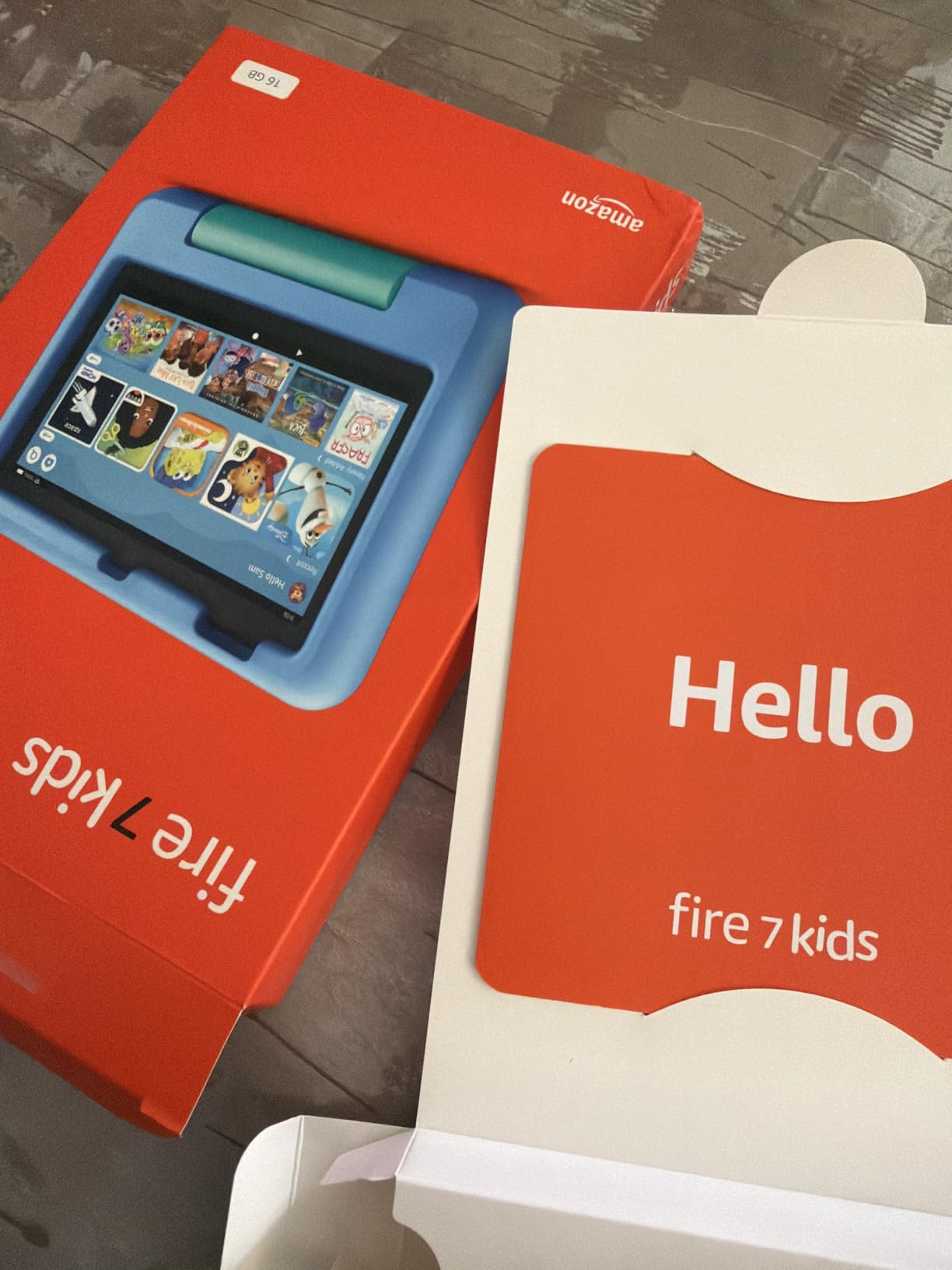
A practical detail worth knowing: the device ships with a year of Amazon Kids+ included. That trial is the reason a lot of families end up staying on this tablet, and it is also the reason some feel the offer looked smaller than expected once the renewal arrived on the account.
2. Fire HD 8 Kids: Best Value
Amazon Fire HD 8 Kids tablet, ages 3-7 | 4GB memory, includes ad-free and exclusive content, parental controls and 13-hr battery, 64GB, Blue, (2024 release)
Type: kids tablet
Screen: 8 inch HD
Storage: 64 GB
Pros
- 4 GB RAM keeps apps smooth
- 64 GB with 1 TB microSD expansion
- Up to 13-hour battery
- Case with stand and handle included
- Remote activity review from a phone
Cons
- No Google Play Store access
- Parental control menus take practice
- One owner reported faster battery drain after five months
Owners buying this model usually say the same thing: it is the first tablet in the list that does not feel like a compromise once the child starts asking for more than one game at a time.
Four gigabytes of memory and 64 GB of storage put it well ahead of the Fire 7 Kids on paper, and the 13-hour battery covers a long car journey or a full day at a grandparents house without a charger. The hexa-core processor and strengthened aluminosilicate glass are the 2024 refresh, and the review pattern suggests the refresh did what it was supposed to: owners talk about smooth performance where the previous generation was criticised for lag.
Good to know: the bundled Kid-Proof case doubles as a stand with a handle, and the box includes the power adapter and a USB-C cable. You are not hunting for a charger on day one.
Skip it if the child wants Roblox or a current Minecraft build, because Fire tablets do not reach the Google Play Store. For that conversation, look at the Fire HD 8 Kids Pro, which adds a digital store for approved purchases, or step up to a full Android tablet such as the COLORROOM Kids Tablet.
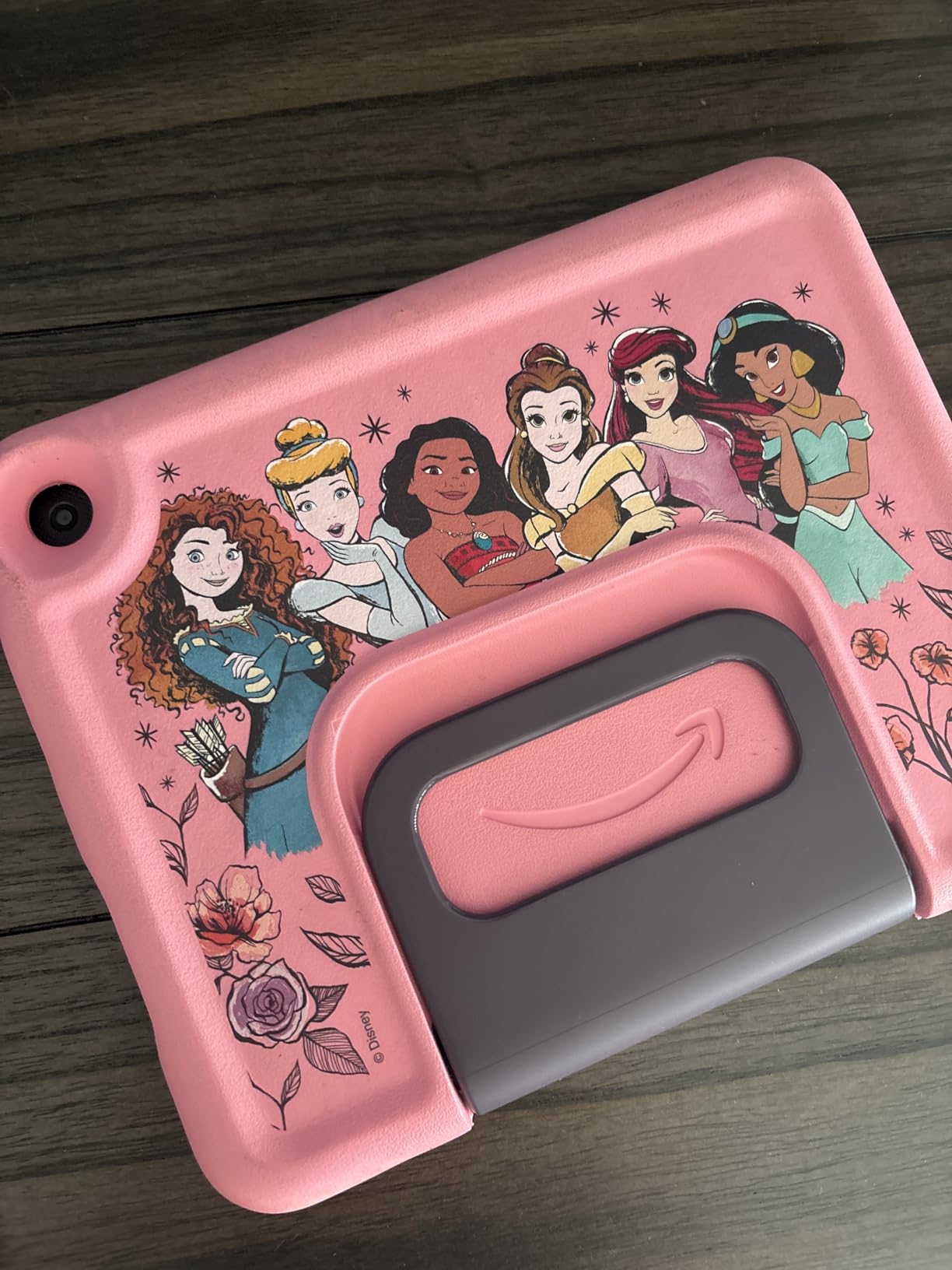
One isolated report describes battery life collapsing to a fraction of its early performance after about five months, which is worth flagging but is not a pattern in the reviews. The 4.6 average across more than 5k ratings is otherwise steady.
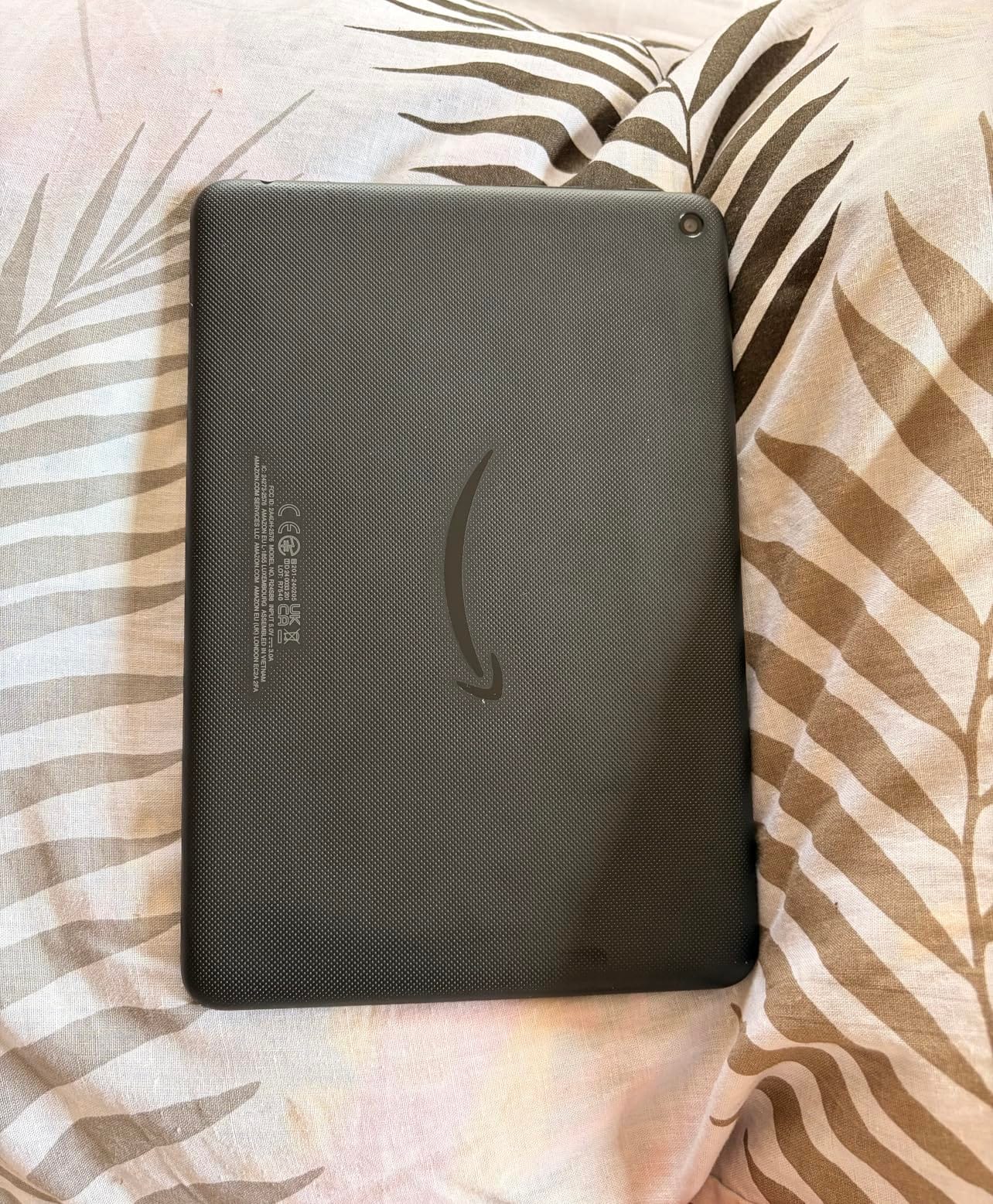
3. Fire HD 8 Kids Pro: Best for Ages 6 to 12
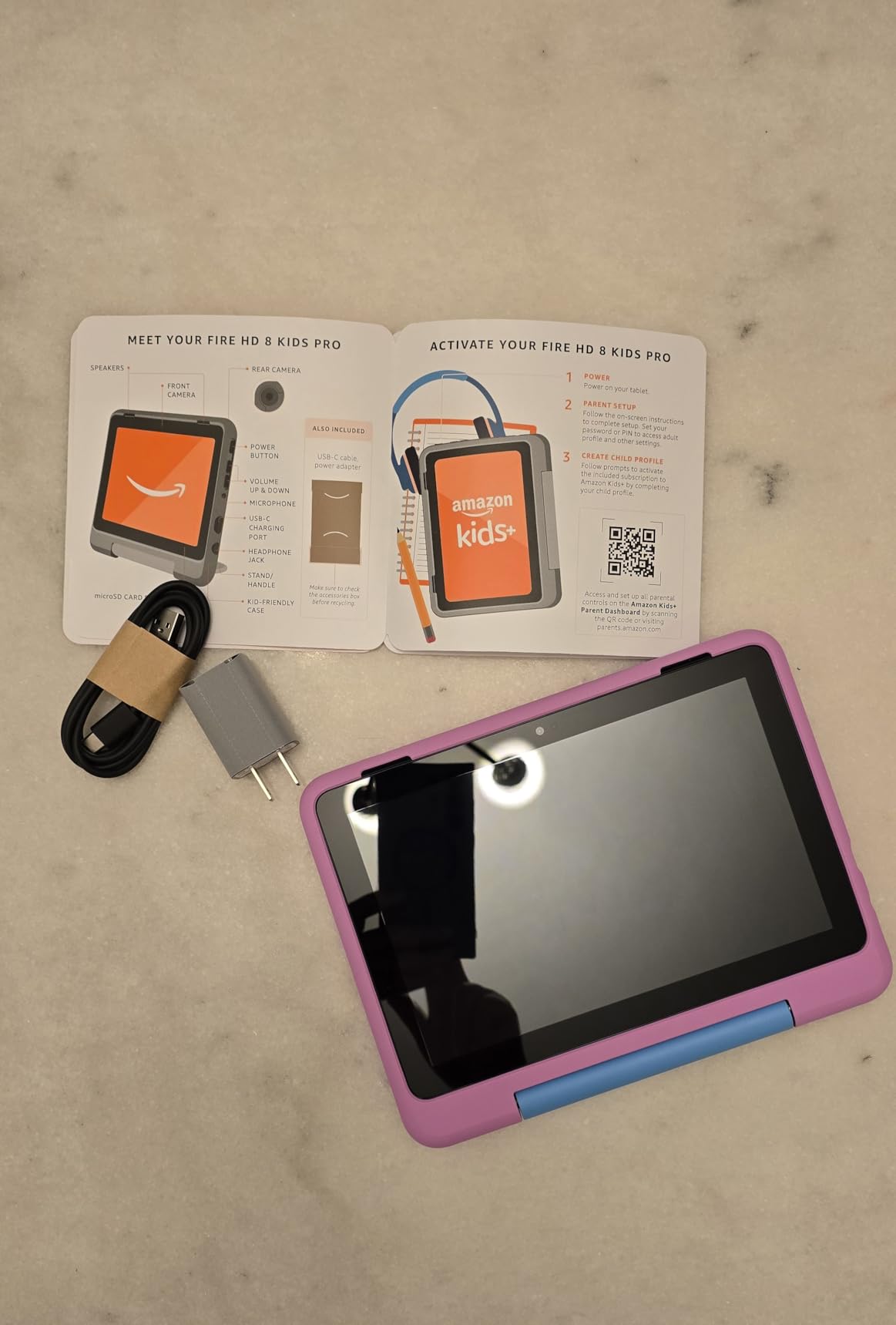
Amazon Fire HD 8 Kids Pro tablet, ages 6-12. Bright 8″ HD screen, includes ad-free content, parental controls, 13-hr battery, slim case for older kids, 64GB, Hello Teal, (2024 release)
Type: kids tablet
Screen: 8 inch HD
Storage: 64 GB
Pros
- Purchase approval lets kids install apps
- Filtered browsing with site blocking
- 13-hour battery for long outings
- Slim case suits older children
- Voice and video calls to approved contacts
Cons
- Parental controls need practice to set up fully
- One owner wanted YouTube Kids available
The Pro label confuses parents more than any other thing in this lineup, so here is the plain version: the hardware matches the Fire HD 8 Kids, and what you gain is a digital store where a child can buy and install apps, games and books with your approval rather than being blocked by the Amazon app store.
That is the entire difference, and for a 9-year-old it is the whole ballgame. The age label moves to 6 to 12 because the permission model suits an older child, and the case is slimmer and less bulky than the toddler handle case. Owners with two children in that range like that the same device works across both of them once profiles are set up.
Reports on the controls are strong, particularly for browsing filters and approving purchases remotely from a phone. Configuring them properly takes a pass or two, which most parents describe as a one-time cost rather than an ongoing frustration. Alexa-based calls to approved contacts get mentioned as a nice-to-have for staying in touch with family.
The only sensible reason to pay more here is the age. A four-year-old will never touch the store, so the standard Fire HD 8 Kids is the smarter buy, while a ten-year-old will ask for it every week and the Pro pays for itself in avoided arguments.
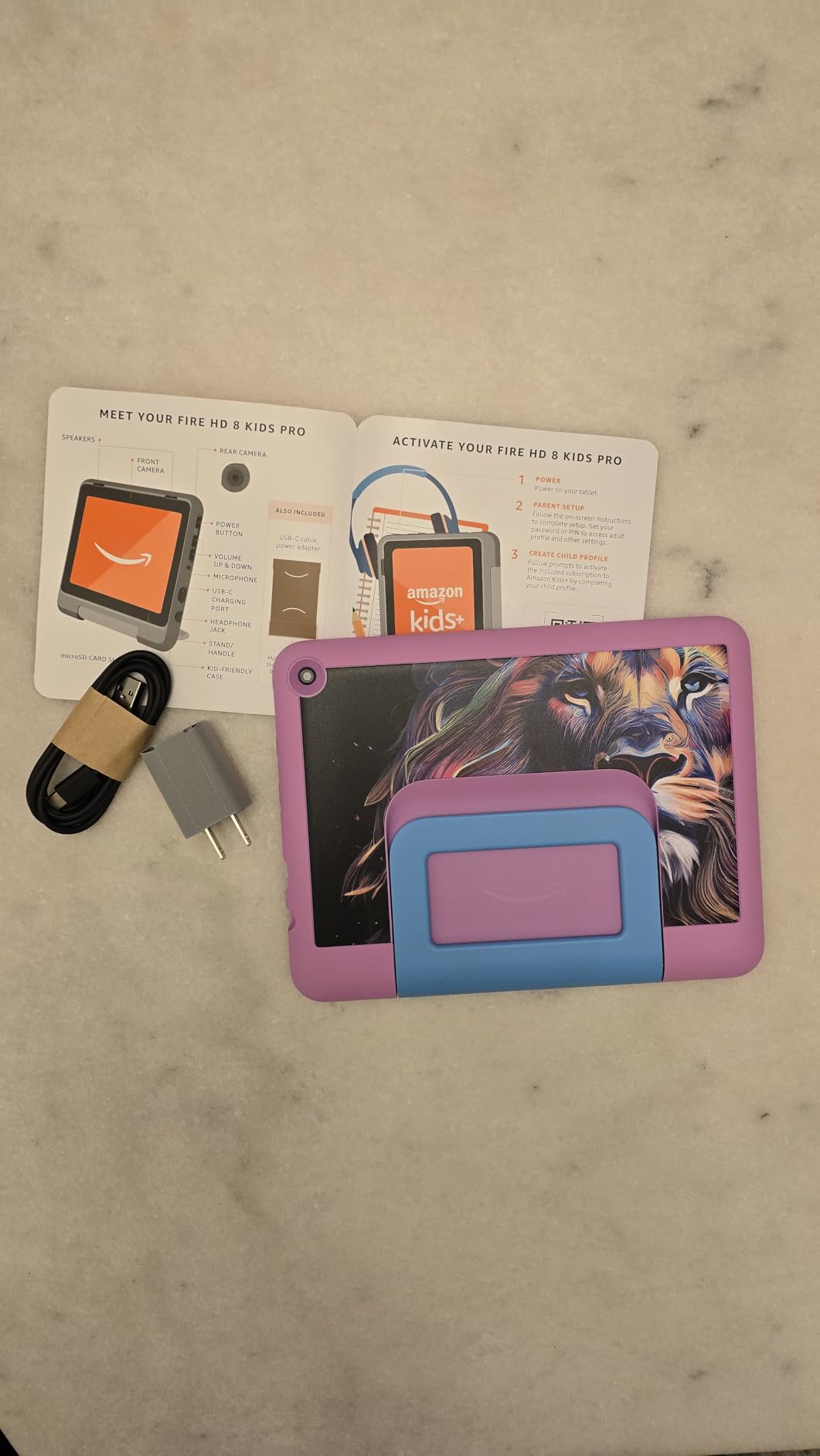
Several reviews mention the Pro replacing an older Fire tablet that had been losing battery quickly, which suggests this is also the natural upgrade point if your current device is three or four years old.
4. Fire HD 10 Kids: Best Big Screen
Amazon Fire HD 10 Kids tablet (newest model) ages 3-7 | Bright 10.1″ HD screen with included ad-free and exclusive content, robust parental controls, 13-hr battery, 32 GB, Disney Princess
Type: kids tablet
Screen: 10.1 inch 1080p
Storage: 32 GB
Pros
- Large 1080p screen for watching together
- Survives serious drops
- 13-hour battery
- Parental controls managed from a phone
- Age-adjustable content filters
Cons
- 32 GB is tight without a microSD card
- Kids interface can feel cluttered
- Textured case back does not hold stickers
Best for: two children sharing one tablet, or a child who is learning to read and wants large text and pictures in the same frame.
The 10.1-inch 1080p panel is the first screen in this list that holds up to a shared couch session without everyone leaning in. Owners single out the display as a clear step up, and the processor is 25 percent faster than the previous generation, which shows up in how quickly pages turn in story apps.
Durability is where this model genuinely separates itself. The reviews include accounts of tablets surviving drops from a car roof and, in one case, being run over. If your child is the kind who throws things when frustrated, that is not a hypothetical benefit.
The trade-off is storage. 32 GB sounds generous until the system takes its share and a handful of downloaded games go in, so budget for a microSD card from the start. The 32 GB figure is also lower than the 64 GB in both 8-inch models, which feels backwards until you remember the 10.1-inch screen does the heavy lifting here.
If you want the biggest screen in the Fire range and you already know your child is a reader, compare it against the Kindle Paperwhite Kids. The Paperwhite lasts far longer between charges and handles bath time and puddles, but it cannot show video.
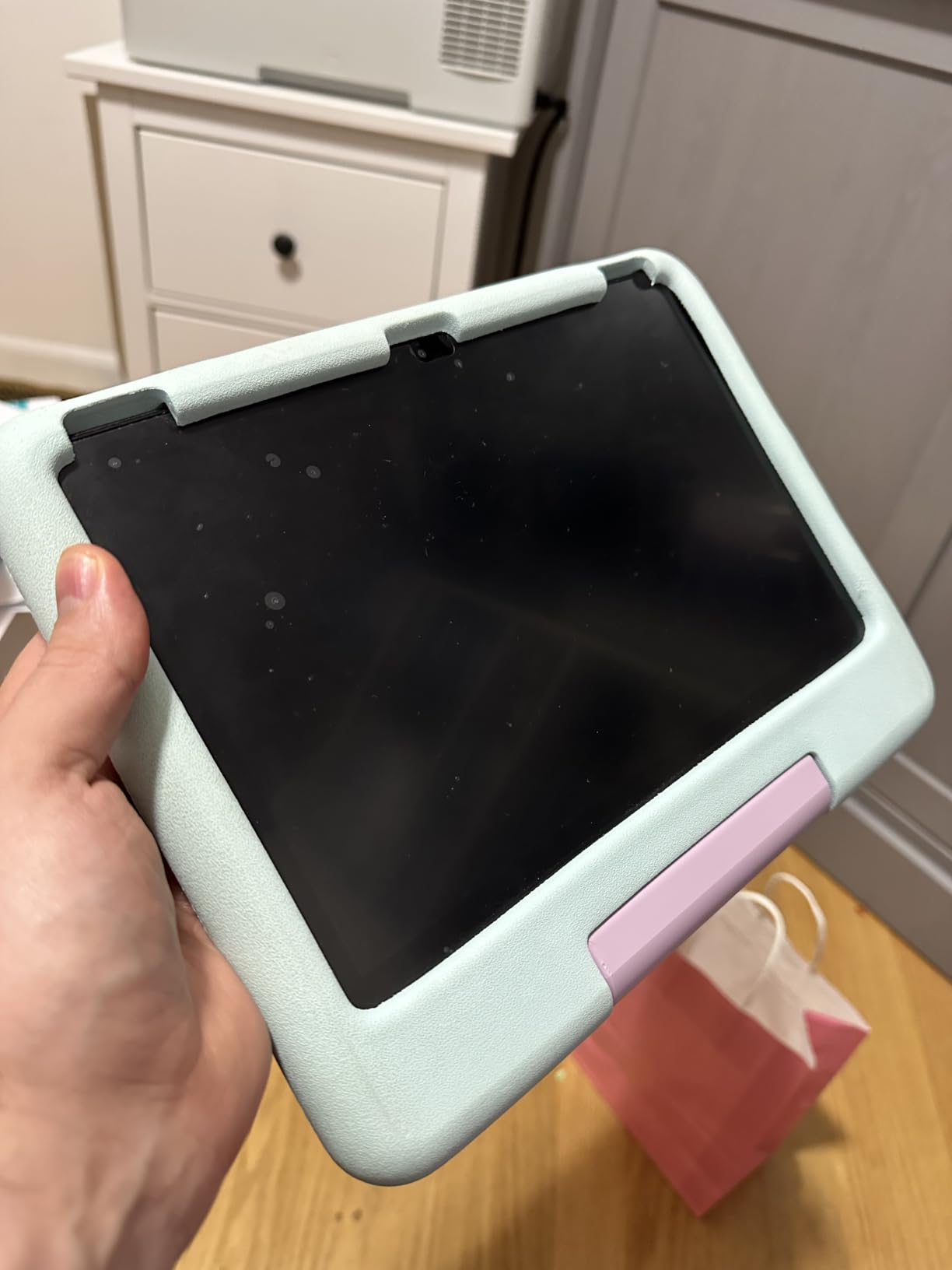
One cosmetic complaint comes up more than once: the textured back of the kid-proof case does not hold stickers, which matters more than it sounds to an eight-year-old. The Disney Princess and Mickey Mouse case designs are the other reason many parents buy this one.
5. Kindle Kids: Best for Reading
Amazon Kindle Kids 16GB (newest model) – If it breaks, we will replace it, includes ad-free books and cover, with glare-free display, faster page turns – Unicorn Valley
Type: kids e-reader
Screen: 6 inch glare-free
Storage: 16 GB
Pros
- No apps or video of any kind
- Up to 6 weeks per charge
- Glare-free screen good for bedtime reading
- Light enough for one-handed reading
- Cover included
Cons
- Page turns and interface can feel slow
- Library book sharing to a kids account is multi-step
Some children are not ready for a tablet at all, and this is the honest answer for them. There is no browser, no app store, no video and no games, so the only thing to do is read, and owners say that constraint is exactly what works.
Six weeks of battery per charge removes the charging argument entirely, which matters more with a reluctant reader who is holding the thing for two hours at a stretch. The 6-inch glare-free panel handles dim rooms better than most tablet screens, and the front light is 25 percent brighter than the earlier model.
The real frustration in the reviews is not the hardware, it is the software. Sharing a library loan down to a child account is a multi-step process that owners describe as error-prone, and some report titles simply never appearing on the device. If your plan depends on library books rather than purchased ones, test that flow first.
A first device for a child who reads does not have to be a tablet at all. The Kindle Kids gives you a screen you cannot video chat on and a battery you will forget exists, which is the more disciplined choice.
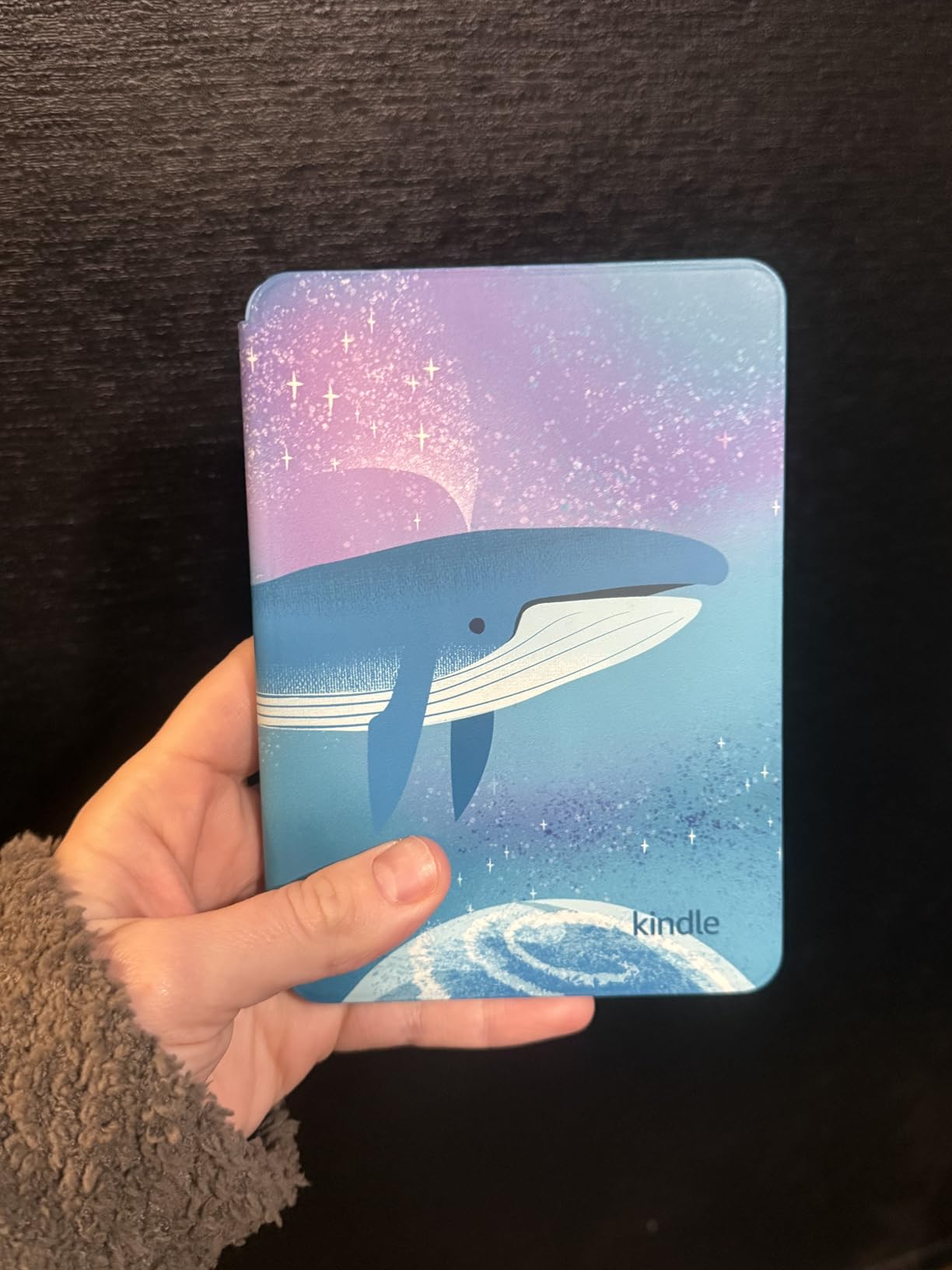
Good to know: the 2024 model ships with a kid-friendly cover, six months of Amazon Kids+ and the two-year guarantee, and comes in Space Whale, Ocean Explorer and Unicorn Valley finishes.
6. Kindle Paperwhite Kids: Best Waterproof Reader
Amazon Kindle Paperwhite Kids 16GB (newest model) – Larger 7″ glare-free display. Kids read an average of 1+ hour per day with Kindle – Diary of a Wimpy Kid
Type: kids e-reader
Screen: 7 inch glare-free
Storage: 16 GB
Pros
- Waterproof build for pools and beaches
- High-contrast display in sunlight and at night
- Adjustable warm light
- 25 percent faster page turns
- No notifications or apps to distract
Cons
- Adding books through the Parent Dashboard can loop
- Heavier than some buyers want
The step up from the Kindle Kids is the 7-inch next-generation Paperwhite display with a higher contrast ratio and a waterproof body, and for a reader who travels, that combination is worth more than any tablet in this list.
Waterproof is not a small thing with children. Pool decks, sand, bath-time-adjacent spills and camping trips are the situations where a tablet becomes a liability and an e-reader simply keeps working. The adjustable warm light is the other comfort feature, and it pairs with the glare-free panel for bedtime reading in a dark room.
Owners often note that their child reads noticeably longer sessions than before, which is the strongest argument for this device over any tablet. As with the smaller Kindle, the friction sits in the parent-side software: several reviews mention the book-adding flow in the Parent Dashboard looping and needing repeated attempts.
Long text and reference books are what this device is for. The Kindle Colorsoft Kids is the one for pictures, and if your reader is under seven the smaller Kindle Kids is lighter in the hand and probably the better first device.

Every interactive feature is traded away for battery life measured in weeks, and parents who have fought screen-time battles report that a device with nothing to install removes most of the argument.
7. Kindle Colorsoft Kids: Best for Graphic Novels
Amazon Kindle Colorsoft Kids 16 GB (newest model) – Lightweight, compact, and designed for reading—no apps, videos, or games. – with cover, Fantasy River
Type: kids e-reader
Screen: 7 inch color
Storage: 16 GB
Pros
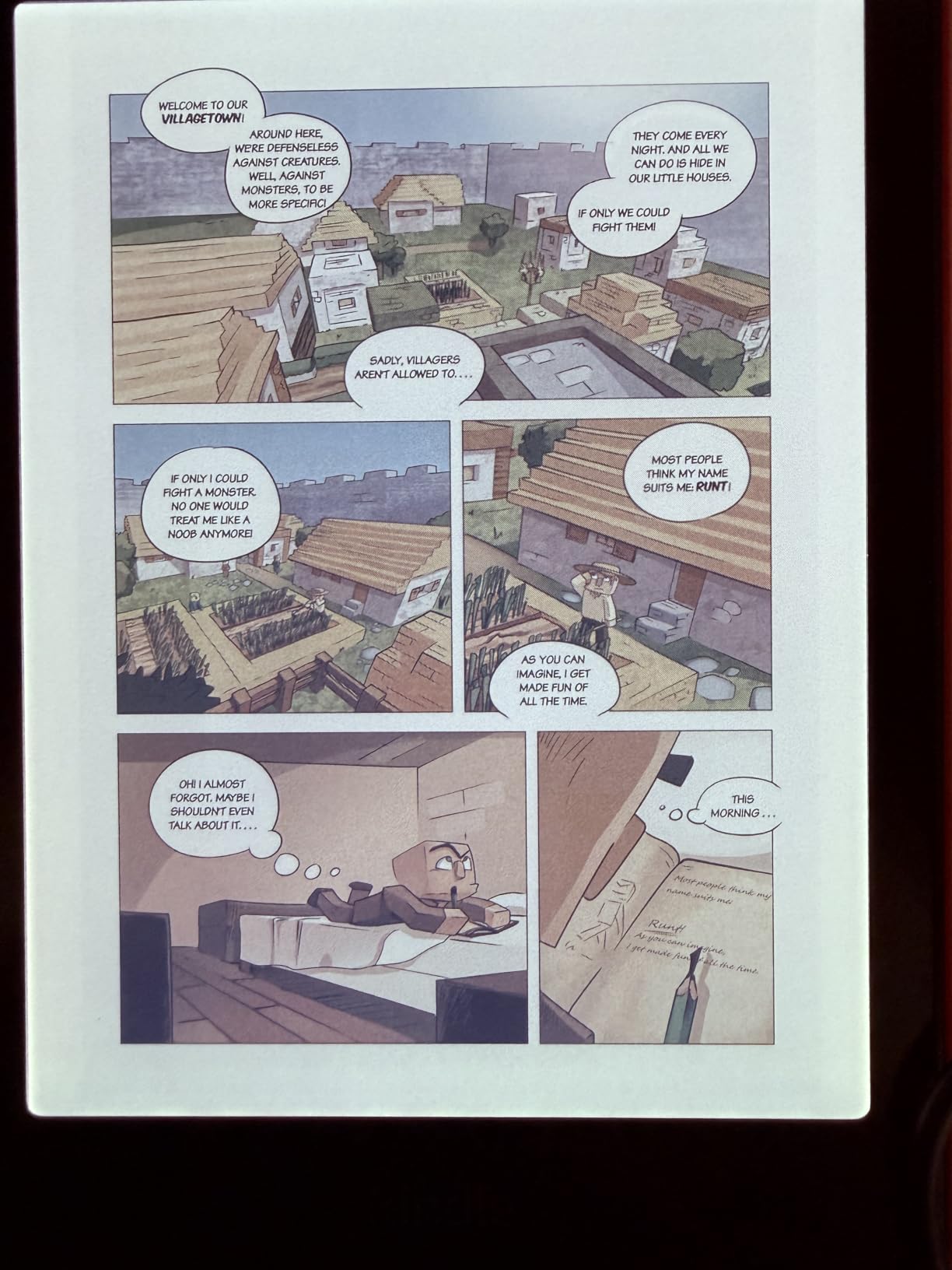
- Color display makes comics and illustrations vivid
- Paper-like ivory page tone
- Controls simple enough for young children
- 12 months of Amazon Kids+ included
- Waterproof
Cons
- Backlight cannot be fully off so battery drains faster
- Some units glitch to a white screen and need a restart
If the reading list is dominated by graphic novels, comics and picture books, a grayscale screen is the wrong tool and this is the fix.
The color display is optimized for illustrated reading rather than general tablet use, and reviewers single out the ivory page tone as more comfortable over a long session than the stark white of a normal screen. Controls are simple enough that a six-year-old navigates them without help, which is not true of most reading devices.
A full year of Amazon Kids+ is included here rather than the six months on the other two Kindle models, along with a cover and the two-year guarantee. That bundle matters if you are comparing what a year of kids content actually costs against the subscription once the trial ends.
Two limitations are worth weighing. The backlight cannot be switched off completely, so battery life does not reach the weeks the monochrome Kindles deliver. And a small number of owners report intermittent white-screen glitches that need a restart, along with a Kindle Unlimited approval flow that fails on repeat.
Reading comfort is where this device wins outright, and it loses on everything else. There is no video, no games and no apps, which is either the point or the dealbreaker depending on the child.
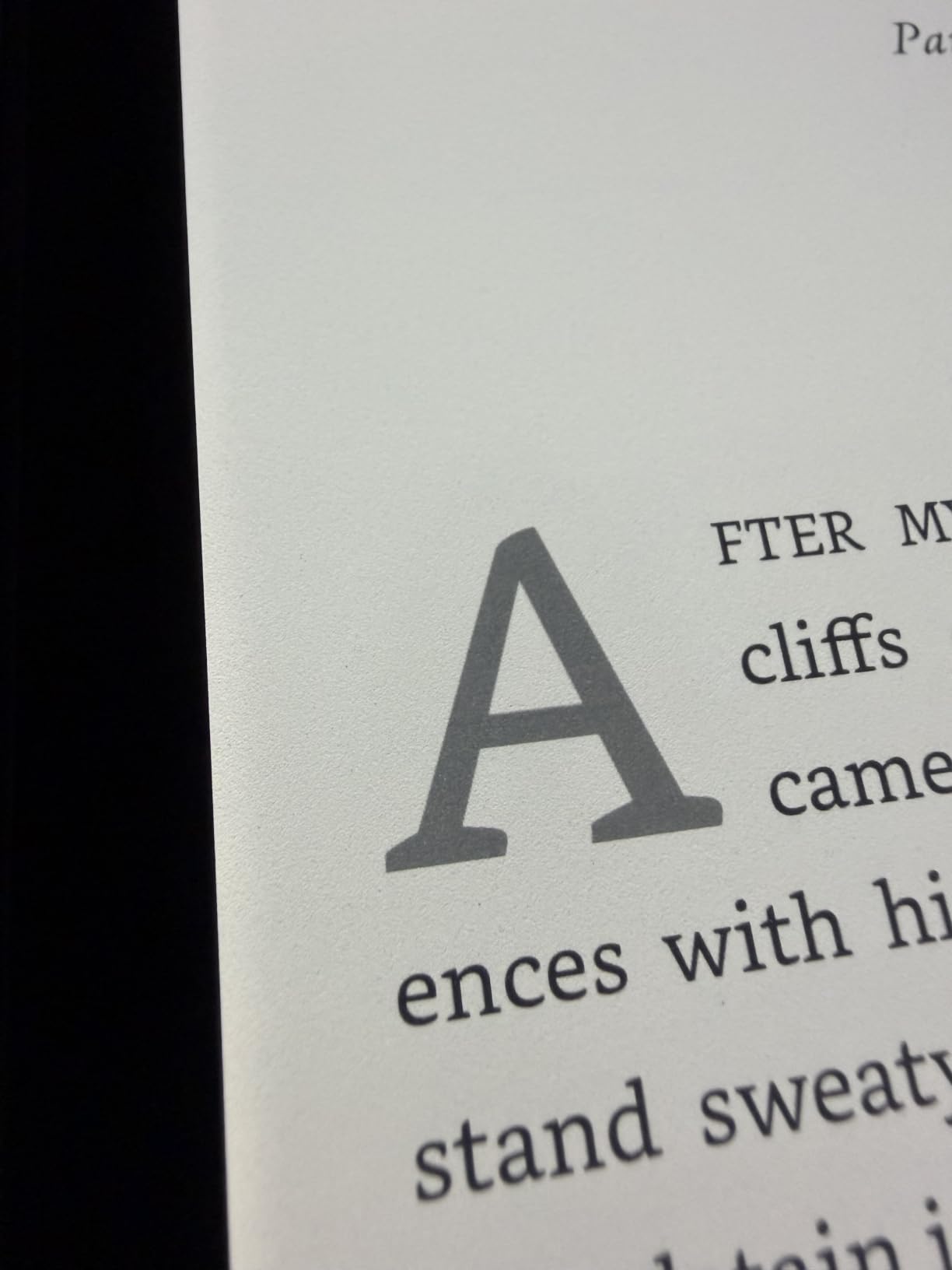
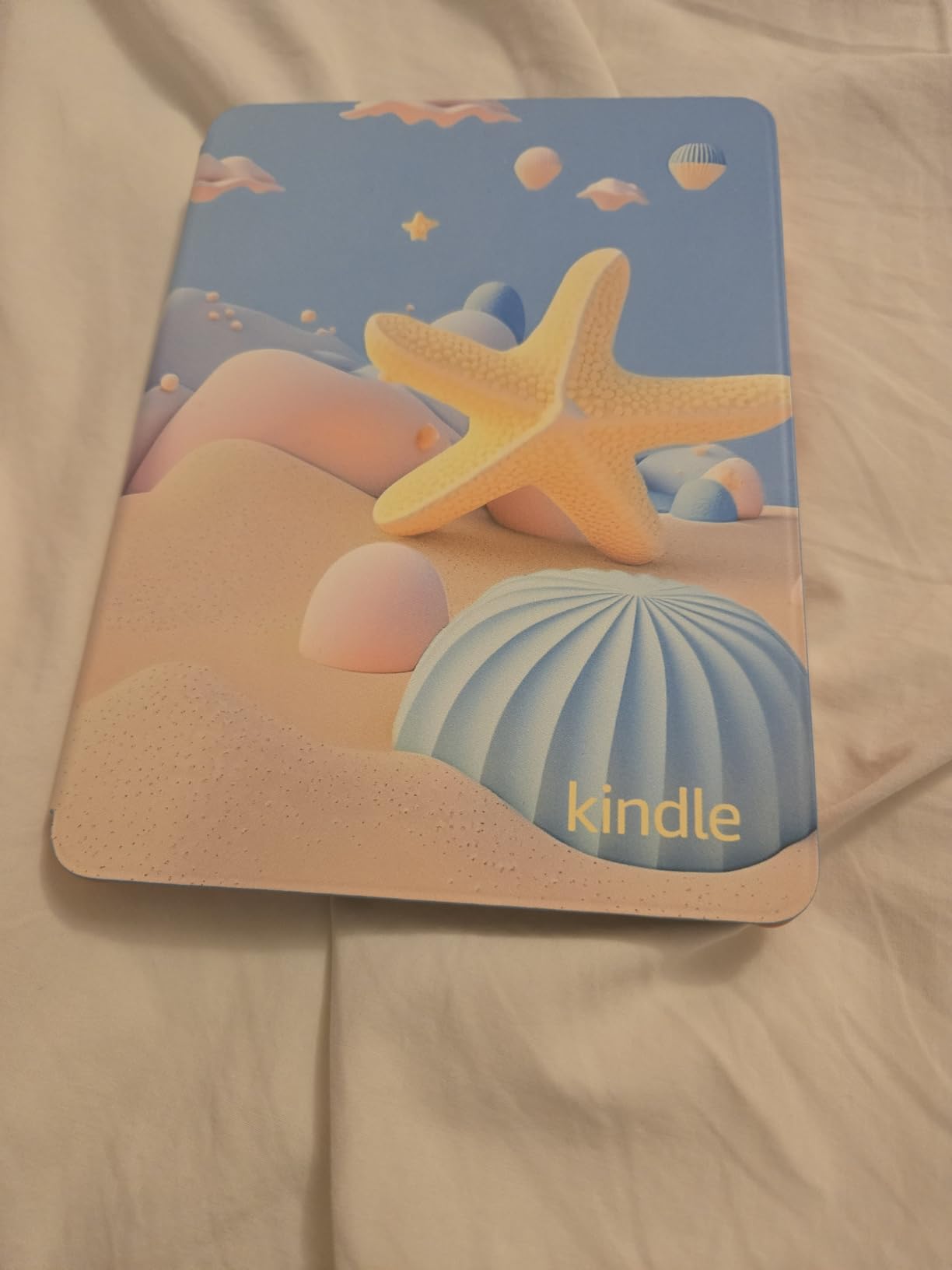
Several reviewers say they replaced an older kids Paperwhite with this specifically because of the move from black and white pages to color, and the cover styles include Harry Potter and Starlight Reading editions.
8. COLORROOM Kids Tablet: Best Full-Android Alternative
COLORROOM 2026 Upgraded Android 15 Tablet, 10inch Kids Tablet, Octa-core CPU, 10GB+64GB+1TB Expand Tablets for Kids with Kids Space, Parental Control, 6000mAh Big Battery,Touchscreen Tableta,Pink
Type: Android tablet
Screen: 10.1 inch
Storage: 64 GB
Pros
- Runs Android 15 with the full Play Store
- Google Kids Space pre-installed
- 6000mAh battery rated 8 to 12 hours
- 64 GB with microSD expansion
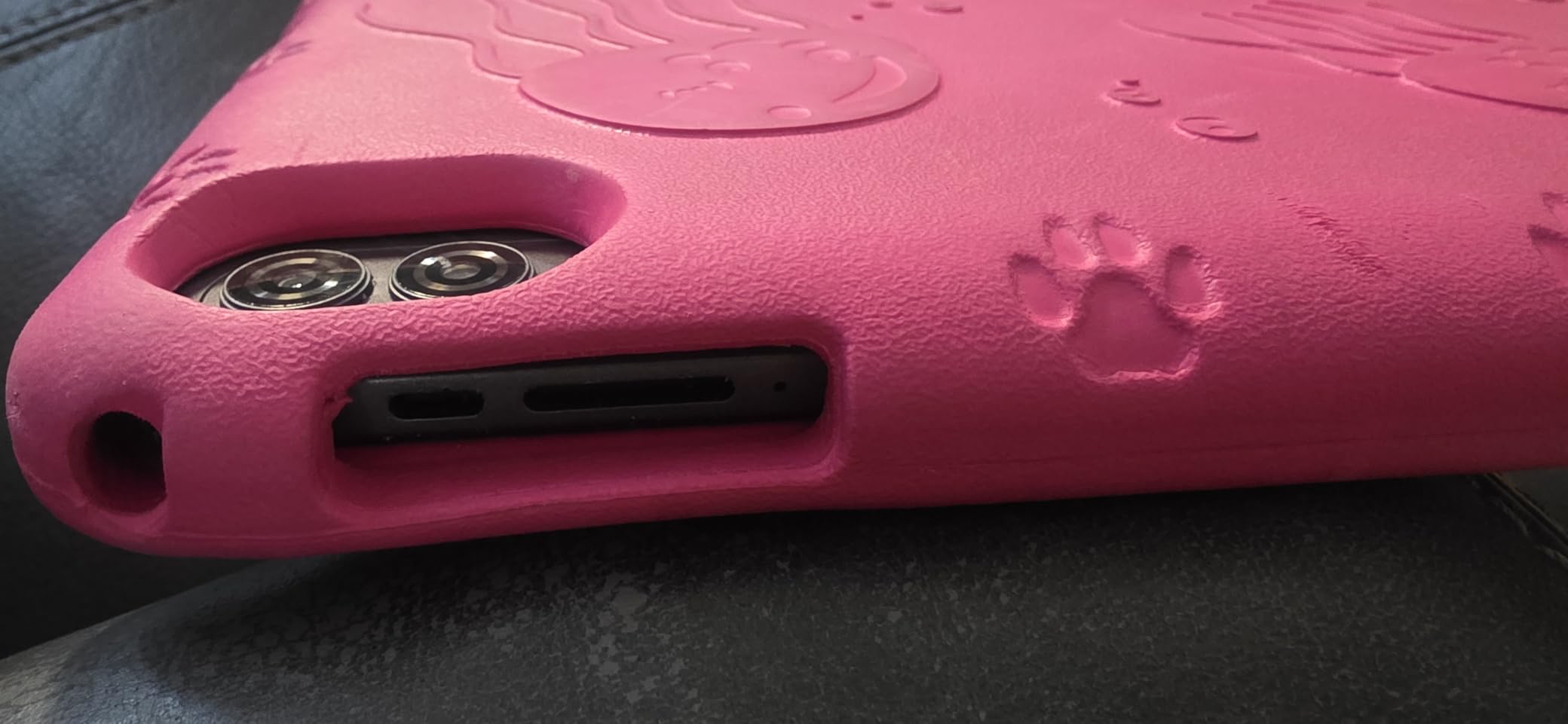
- Case included
Cons
- Rating profile weaker than the Fire line
- Generic brand with thinner support
This is the pick for a child whose specific game or school app is not on the Amazon app store. It runs Android 15, opens the Google Play Store and keeps 64 GB of internal storage with room to grow through microSD.
Google Kids Space comes pre-installed, which gives you a curated launcher for younger children while leaving the full Android system underneath for everything else. The 10.1-inch 1280×800 IPS panel runs at 60Hz, and the 6000mAh battery is rated by the manufacturer at 8 to 12 hours of use. Front and rear cameras, dual stereo speakers and a 3.5mm headphone jack round out a spec sheet that is longer than anything on the Fire side.
Be honest about the trade-off. The 4.2 average carries a higher share of one-star ratings than any of the Fire Kids models, and the brand does not have Amazon’s support network. Owners do single out responsive customer service and multiple free replacements, but that is brand-specific rather than a category guarantee.
What you trade for Play Store access is the built-in kid-case philosophy of the Fire HD 8 Kids Pro. Set against the Galaxy Tab A9+, the difference is the gap in outlay and a kids-focused software layer, which is why this is the model most parents should look at first outside the Fire range.
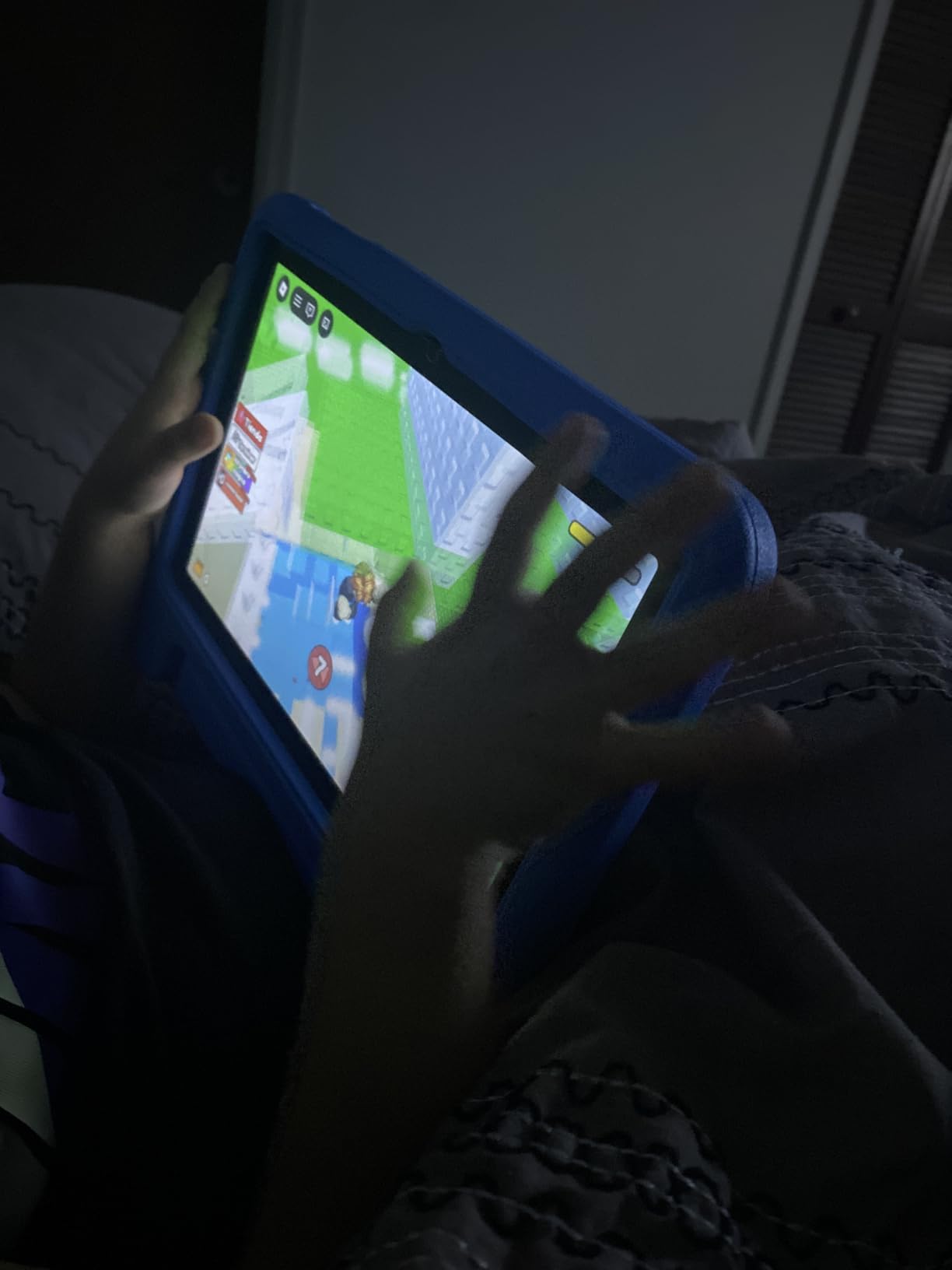
The model is listed as C30 with a Unisoc T606 octa-core processor, and the RAM figure of 10 GB is 4 GB of real memory plus 6 GB of virtual allocation. Keep that split in mind when you read spec sheets on this category.
9. WXUNJA Kids Tablet: Best Low-Cost Google Play Option
Android 15 Kids Tablet 10.1 Inch, Octa-Core Processor, Case Included,Pink
Type: Android tablet
Screen: 10.1 inch
Storage: 64 GB
Pros
- Full Google Play access for school apps
- 10.1-inch screen with eye-comfort mode
- Case with adjustable stand included
- 6000mAh battery with 18W fast charging
- Customer service praised for free replacements
Cons
- One owner reported the screen cracking on a short fall
- Some units rejected the parental PIN or failed to run YouTube Kids
- No stylus included
The most direct route into a full Android tablet with a 10.1-inch screen and complete Play Store access, and the review base is the thinnest of the ten products here at a little over 600 ratings.
The 1280×800 IPS touchscreen includes a blue-light reduction mode, which parents mention for evening use, and the silicone case has an adjustable stand. Charging is 18W over USB-C, microSD expansion reaches 1 TB, and there is wireless screen casting plus split screen. On paper, for a 10-inch Android device, the feature list is longer than it should be at this price.
The reason to hesitate is in the one-star column, which carries the highest share of one-star ratings in this list. One owner reports an internal screen cracking after a short fall onto carpet despite a case and protector, and others mention units that stopped accepting the parental PIN or would not run YouTube Kids. Those are not widespread patterns, but they are the failure modes that matter most in a child device.
The COLORROOM Kids Tablet sits a step above this one, with a longer review history and a brand name parents recognise. Against the Fire 7 Kids, the difference is the same family budget buying a far bigger screen and a device expected to stay useful longer, if the hardware holds up.
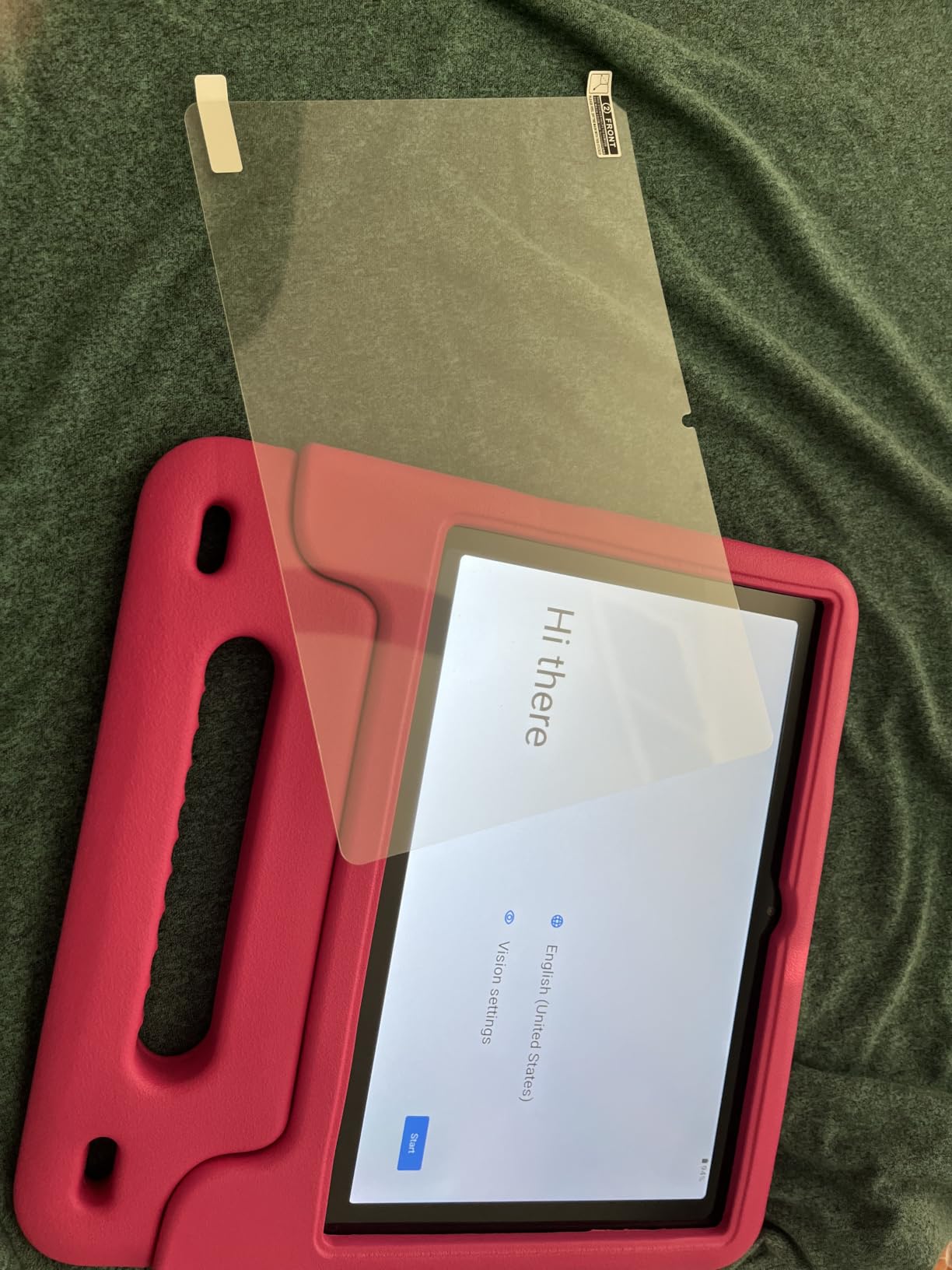
The RAM figure in the listing is 3 GB of real memory plus 18 GB of virtual allocation, which is worth knowing before you compare it to the Fire tablets on paper. Add a screen protector on day one; that is the one recurring complaint.
10. Galaxy Tab A9+: Best for Older Kids
SAMSUNG Galaxy Tab A9+ (128GB, 8GB) 11.0″ Android Wi-Fi Tablet, All Day Battery, Snapdragon 695 (6nm), International Model X210 (Graphite)
Type: Android tablet
Screen: 11 inch 90Hz
Storage: 128 GB
Pros
- 11-inch 90Hz 1920x1200 display
- 128 GB with 8 GB RAM
- 7040mAh battery for all-day use
- Four AKG speakers with Dolby Atmos
- Smooth with several apps open
Cons
- No built-in kids mode
- International model has no domestic warranty
- Forces Samsung account sign-in during setup
The most capable hardware in this list, and the one that requires the most work from you. There is no kids mode, no filtered child account and no replacement guarantee aimed at parents, so it suits a 12-year-old rather than a 5-year-old.
What you get is a Snapdragon 695 at 6nm, 8 GB of RAM, 128 GB of storage and an 11-inch 1920×1200 display running at 90Hz, which is the only high-refresh screen here. Four AKG speakers with Dolby Atmos, a fingerprint reader on the power key, dual cameras and a 7040mAh battery make it a general-purpose tablet that will comfortably outlast a Fire device in a household that keeps devices for four or five years.
Owners rate it as strong value for a large-screen Android tablet and repeatedly mention smooth handling of several apps at once. The recurring gripes are the forced Samsung account sign-in before you can use it, slow charging, and the warranty situation on this international model, which is covered by the seller’s return policy rather than a domestic manufacturer warranty.
Skip it if you want the Fire parent dashboard experience and buy it if you want Google Play plus a screen that will not be outdated next year. Our Samsung tablet reviews go deeper on where this model sits in the wider Samsung range.
The tablet weighs 408 g, which is light for an 11-inch device, and it has no SIM slot, so it is Wi-Fi only. That keeps the setup simple for a family that just wants streaming and games.
How to Choose Kids Tablets During Prime Big Deal Days
Age and developmental fit
Match the device to the child, not to the deal. Under seven usually means reading apps, video and a locked-down interface, which is the Fire 7 Kids or Fire HD 8 Kids territory, while 7 to 12 opens up the Pro digital store and full Google Play tablets.
For a teen, the Galaxy Tab A9+ is the one here that will still feel current in a few years. If a child already has a strong reading habit, a Kindle model can be a better first device than any tablet.
Parental controls and content boundaries
The Fire parent dashboard is the easiest of the systems here to set up, with age filters, time limits, bedtimes and remote activity review, and on the Pro models you also get purchase approval. Most reviewers say the limits work once configured, though several describe the setup as needing a couple of attempts.
The Android tablets in this list rely on Google Kids Space and standard family controls, which are capable but less automatic. Whatever you choose, remove open browser access on a young child’s profile, because that is the single control parents most often skip and the one most often regretted.
Performance for school and entertainment
Four gigabytes of memory is the practical floor for smooth use, and 64 GB of storage avoids constant cleanup, with microSD expansion available on every tablet here. For a child doing schoolwork, our guide to tablets for teachers covers the note-taking and stylus side in more detail.
For streaming, screen quality matters more than processing power, and a 90Hz 11-inch panel is the best video screen in this list. Our picks for tablets for Netflix set out how display and audio specs translate into a better watch.
Battery, durability and everyday handling
Battery claims are not comparable across these two product types. A kids tablet is measured in hours, typically 10 to 13, while the Kindle models are measured in weeks, up to six on the smallest one.
Every Amazon device in this list carries a two-year worry-free guarantee that replaces a broken unit, which is the main reason to stay inside that range. The Android tablets carry longer stated terms from less established brands, so a silicone case and a screen protector are the sensible additions. Plan on a microSD card for any tablet that ships with 32 GB.
How to Shop Kids Tablet Deals During the Sale
Check the model year in the title before you look at anything else, because the 2024 Fire HD 8 refreshes share a name with the models they replaced. Confirm the storage figure, since 16 GB, 32 GB, 64 GB and 128 GB versions of the same tablet all appear side by side. Read what is in the box, because the Kids Pro bundles list six months of Amazon Kids+ while the standard models list a year. Look at who the seller is: a marketplace listing can undercut Amazon direct but carries its own return terms and no manufacturer warranty. Most offers during Prime Big Deal Days need a Prime membership, and a free 30-day trial counts, so check that before you assume you cannot see the price.
- Confirm the storage capacity and whether a microSD card is included
- Check whether the seller is Amazon or a marketplace seller
- Verify how long the Amazon Kids+ trial runs on that specific model
- Confirm the model year so you are not buying a superseded generation
- Note that the two-year guarantee only covers devices sold by Amazon
- Add a screen protector and a case to the budget for any Android tablet
Frequently Asked Questions
When does Prime Big Deal Days run and do these kids tablet deals need Prime?
Prime Big Deal Days runs October 6-7, 2026. Most of the sharper Fire Kids pricing during the event is reserved for Prime members, and a 30-day free trial counts as membership, so you can sign up on the day and still qualify. Some offers apply to everyone, so check the listing before assuming you are shut out.
What is the best tablet for a 4 year old?
The Fire 7 Kids fits a 4-year-old best: the 7-inch body is easy for small hands, the included case survives drops, and the parent dashboard locks down content in a few minutes. If your budget stretches further, the Fire HD 8 Kids gives you a bigger screen and more memory. Add a screen protector either way.
Which kids tablet on this list has the best parental controls?
The Fire Kids models have the strongest built-in controls, with age filters, time limits, bedtimes and remote activity review from a phone, plus purchase approval on the Kids Pro versions. The Android tablets here rely on Google Kids Space and standard family controls, which work but take more manual setup.
Are the Fire Kids tablets worth buying during Prime Big Deal Days?
Yes for a child aged 3 to 7 on a firm budget, because the included case, two-year worry-free guarantee and bundled Amazon Kids+ trial are hard to match anywhere else. For an older child who needs specific apps or a device that stays useful for years, a full Android tablet is the better purchase.
Where can I find the best Amazon Prime Big Deal Days kids tablet deals?
Amazon during Prime Big Deal Days is the main source, and the Fire Kids models are listed most fully there. Compare any marketplace seller against Amazon direct before buying, since a marketplace listing can come with different return terms and no manufacturer warranty.
Final Verdict: Best Amazon Prime Big Deal Days Kids Tablet Deals
Buy the Fire 7 Kids if your child is under seven and the budget is tight, because the case, the two-year guarantee and the year of Amazon Kids+ make it the least risky first device. Buy the Fire HD 8 Kids if you can stretch a little further and want a bigger screen and 4 GB of memory, and step up to the Fire HD 8 Kids Pro when the child is old enough to want the digital store.
For a family that watches together, the Fire HD 10 Kids earns its place on screen size and toughness. If reading is the goal rather than apps, the Kindle Kids is the simplest distraction-free option, the Kindle Paperwhite Kids handles pools and trips, and the Kindle Colorsoft Kids covers graphic novels. Outside Amazon, the COLORROOM Kids Tablet gives you Google Play with a kids layer, the WXUNJA Kids Tablet is the budget Android route, and the Galaxy Tab A9+ is the one to buy for a teenager who will keep it for years.
Open the three top picks in separate tabs before the event starts, check whether your membership qualifies you, and put the difference into a case and a screen protector.