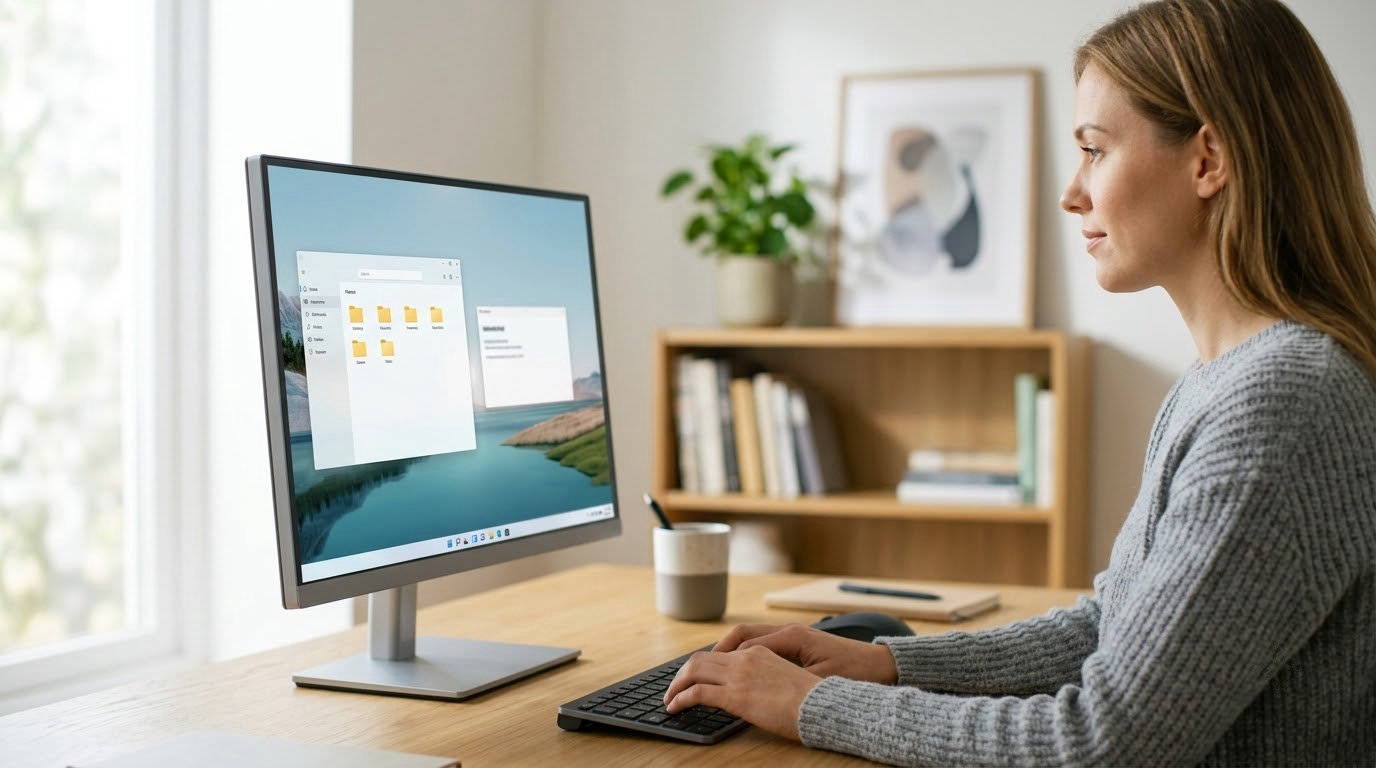
If you are watching monitor listings around Amazon’s Prime Big Deal Days sale, the Sceptre C248W is the one to keep an eye on first. A 24-inch 1800R curved VA panel, 98% sRGB color and 22k-plus owner reviews make it the sturdiest all-round pick here, and the specs read well for a desk that does office work by day and casual gaming at night. The SANSUI ES-G32C1F is the alternative for competitive players who care about refresh rate above almost anything else, and the Samsung S36GD suits anyone who wants a curved screen with everyday smoothness and nothing fussy attached.
Amazon’s Prime Big Deal Days sale runs October 6-7, 2026, and most offers need a Prime membership, though a free trial counts. Prices on these monitors move more than most electronics, so treat the list below as the models worth tracking rather than a set of confirmed discounts. Check the live listing before you commit.
Table of Contents
Our Top 3 Picks for Best Amazon Prime Big Deal Days Monitor Deals (October 2026)

Sceptre C248W
- 24 inch 1800R curved VA
- 1920x1080 at 75Hz
- 98% sRGB color
- Built-in speakers and VESA mount

SANSUI ES-G32C1F
- 32 inch 1500R curved panel
- 1920x1080 at 240Hz
- 1ms MPRT response
- FreeSync with DP 1.4

Samsung S36GD
- 27 inch 1800R curved display
- 1920x1080 at 100Hz
- 4ms response time
- TUV eye comfort mode
Best Amazon Prime Big Deal Days Monitor Deals Compared
| Product | Specifications | Action |
|---|---|---|
| Sceptre C248W |
|
Check Deal Price |
| SANSUI ES-G32C1F |
|
Check Deal Price |
| Samsung S36GD |
|
Check Deal Price |
 Sceptre E275W Sceptre E275W |
|
Check Deal Price |
 Philips 241V8LB Philips 241V8LB |
|
Check Deal Price |
 Acer KB272 G0bi Acer KB272 G0bi |
|
Check Deal Price |
 Samsung Odyssey G55C Samsung Odyssey G55C |
|
Check Deal Price |
 Samsung ViewFinity S50GC Samsung ViewFinity S50GC |
|
Check Deal Price |
 Dell S2725QS Dell S2725QS |
|
Check Deal Price |
 Dell SE2426H Dell SE2426H |
|
Check Deal Price |
How We Chose
Every monitor here was compared on the same fields: native resolution, panel type, refresh rate, response time, brightness, adaptive sync support, port selection, stand adjustment and warranty length. Owner reviews and star ratings on Amazon carried equal weight, since a spec sheet tells you nothing about how a screen behaves after six months of daily use. The listings and review data were checked in October 2026, and we update this list as the event nears.
1. Sceptre C248W: Editor’s Choice for Budget Desktops
Sceptre C248W
Size: 24 inch
Resolution: 1920x1080
Refresh: 75Hz
Panel: VA
Warranty: 1 year
Pros
- 1800R curve in an entry-level screen
- 98% sRGB color coverage
- Two HDMI ports plus VGA
- Built-in speakers save desk space
- VESA wall mount ready
Cons
- 75Hz is slow for competitive shooters
- Speakers are thin on bass
- Tilt-only stand
The number that sets this monitor apart is 22763 owner reviews at a 4.6 average. Very few screens in this bracket carry a review pool that deep, and that much history is a better warranty than any badge on the box.
Owners single out the 1800R curve as the thing they did not expect to like this much. Because the curve is gentle, it reads as a normal desktop monitor from across the room, but it pulls the edges of the picture slightly toward you during a film.
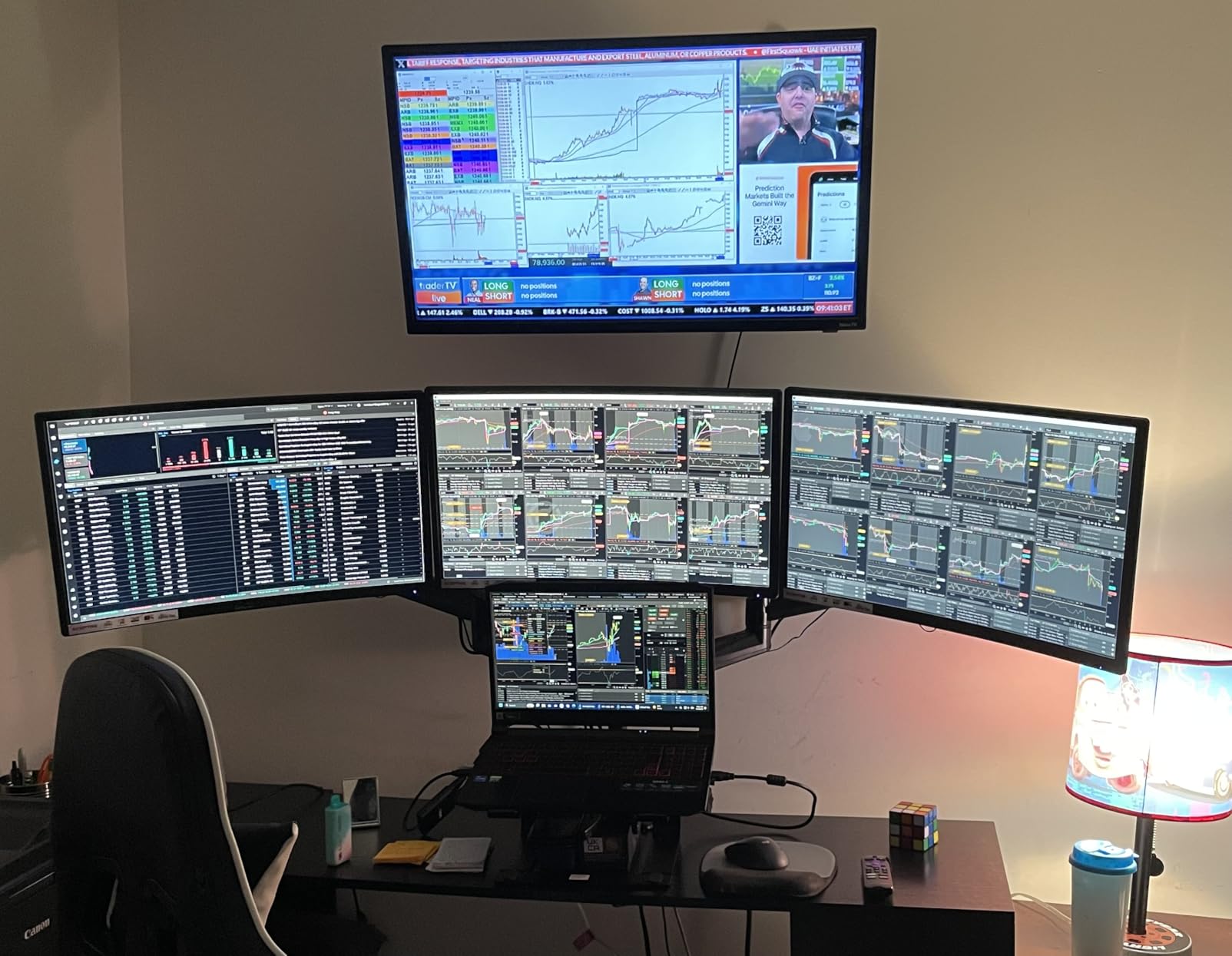
Two HDMI ports and a VGA input cover the common cases: a laptop over HDMI, a desktop tower over HDMI, and an older projector or capture card over VGA. The built-in speakers are genuinely useful for a dorm room where desk space is tight.
Owners also report that the monitor sometimes comes out of the box running at 60Hz over HDMI until 75Hz is enabled in the graphics control panel. Worth checking the moment you plug it in.
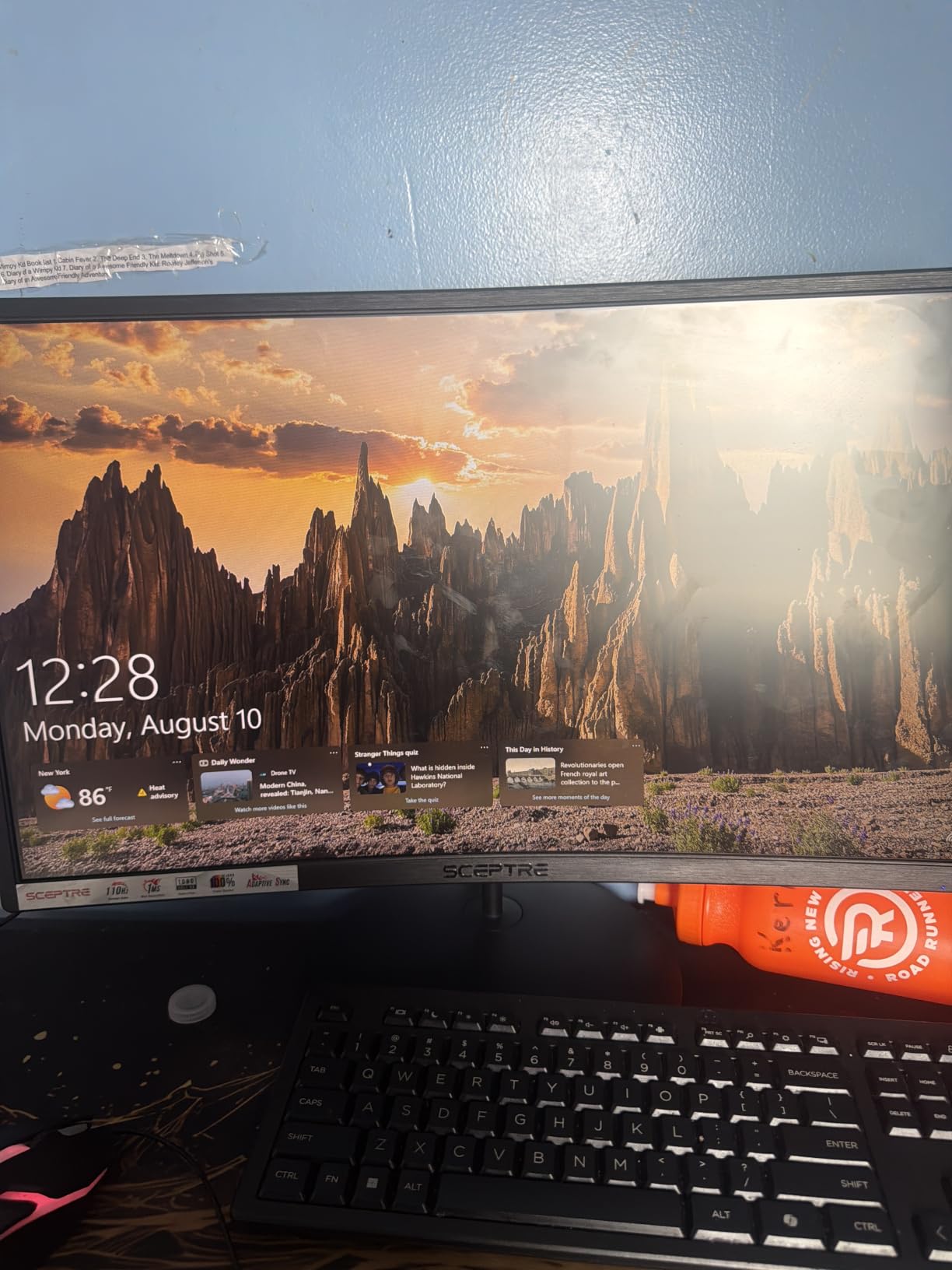
Compare it with the Sceptre E275W if you want a flat 27-inch panel with more inputs, or with the Philips 241V8LB if the four-year warranty matters more to you than the curve. The on-screen buttons are recessed and hard to locate by touch, which is the one thing several reviewers mention repeatedly.
2. SANSUI ES-G32C1F: Best for 240Hz Esports
SANSUI ES-G32C1F
Size: 32 inch
Resolution: 1920x1080
Refresh: 240Hz
Panel: LED
Warranty: 1 year
Pros
- 240Hz refresh with 1ms MPRT
- 1500R curve with 178 degree angles
- Both HDMI and DP 1.4 carry 240Hz
- 125% sRGB with HDR support
- DP cable included
Cons
- 1080p is modest on a 32 inch panel
- No built-in speakers
- Tilt-only stand
A 240Hz refresh rate on a 32-inch screen is an unusual combination, and that is the entire pitch. Competitive shooters and rhythm games care about how quickly a frame moves, not how many pixels it has, so this is the pick if you play shooters with a wired mouse on a desk.
The listing recommends a viewing distance of about 1.2 meters. That matters more than it sounds on a 32-inch display, because sitting closer to a full-HD panel makes the pixel structure obvious in a way it does not on a 27-inch model.
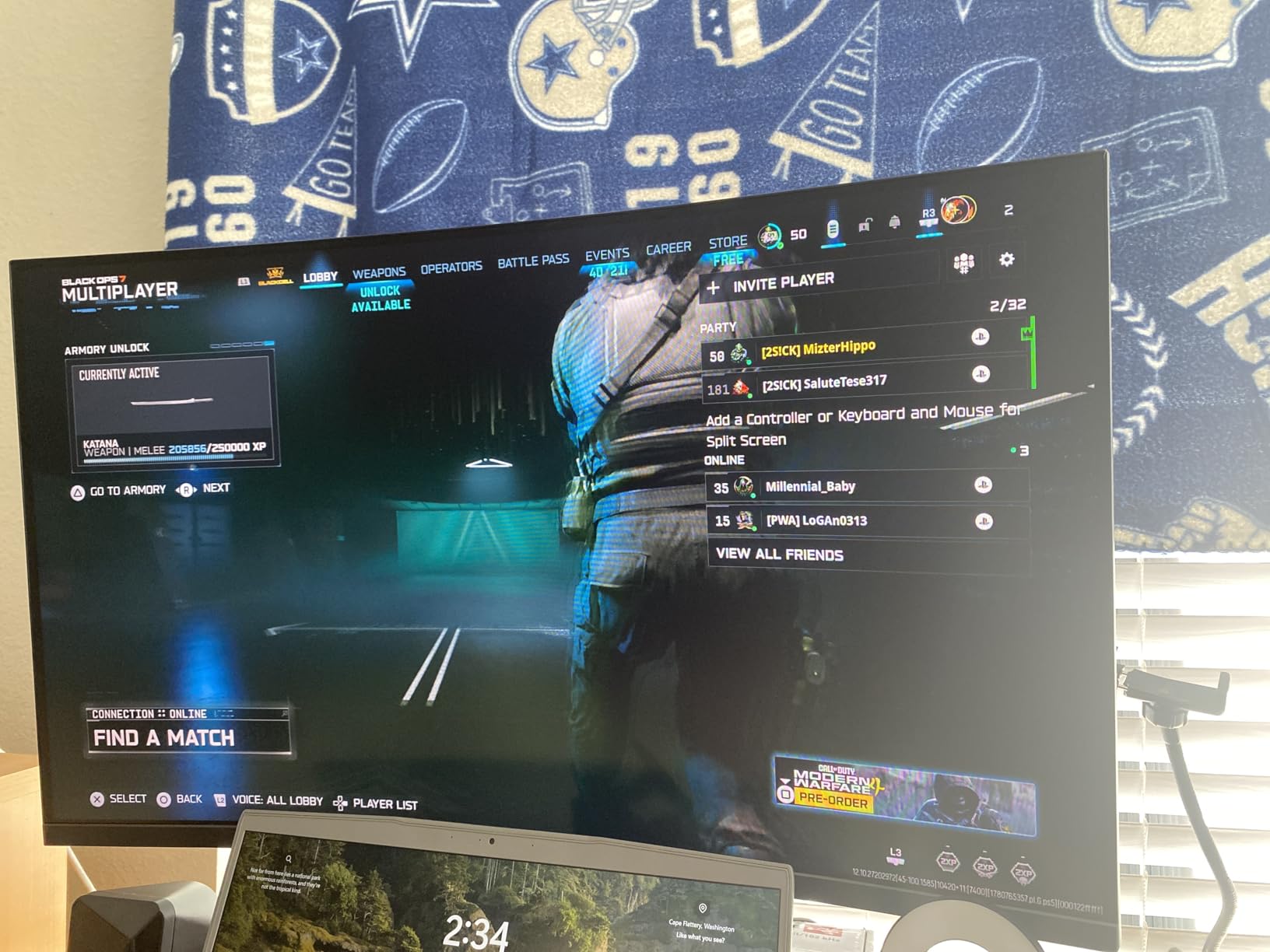
- 1ms MPRT response, measured on motion rather than a pixel transition
- 1500R curvature with 300 nits brightness and 3500:1 contrast
- Anti-flicker and low blue light modes built in
- 3.5mm headphone jack, since there are no speakers
Buyers highlight the unusual refresh rate for the money and the smoothness of the curve. The trade-off they name most often is resolution: 1920×1080 across 32 inches is fine for motion and soft for reading. Reviews do split on picture quality at this size, so temper expectations accordingly.
Good to know: the stand tilts from minus 5 to plus 15 degrees and nothing else. If you plan to raise the screen to eye level, budget for an arm. The Dell SE2426H covers the opposite need, a compact screen for a small desk rather than maximum speed.
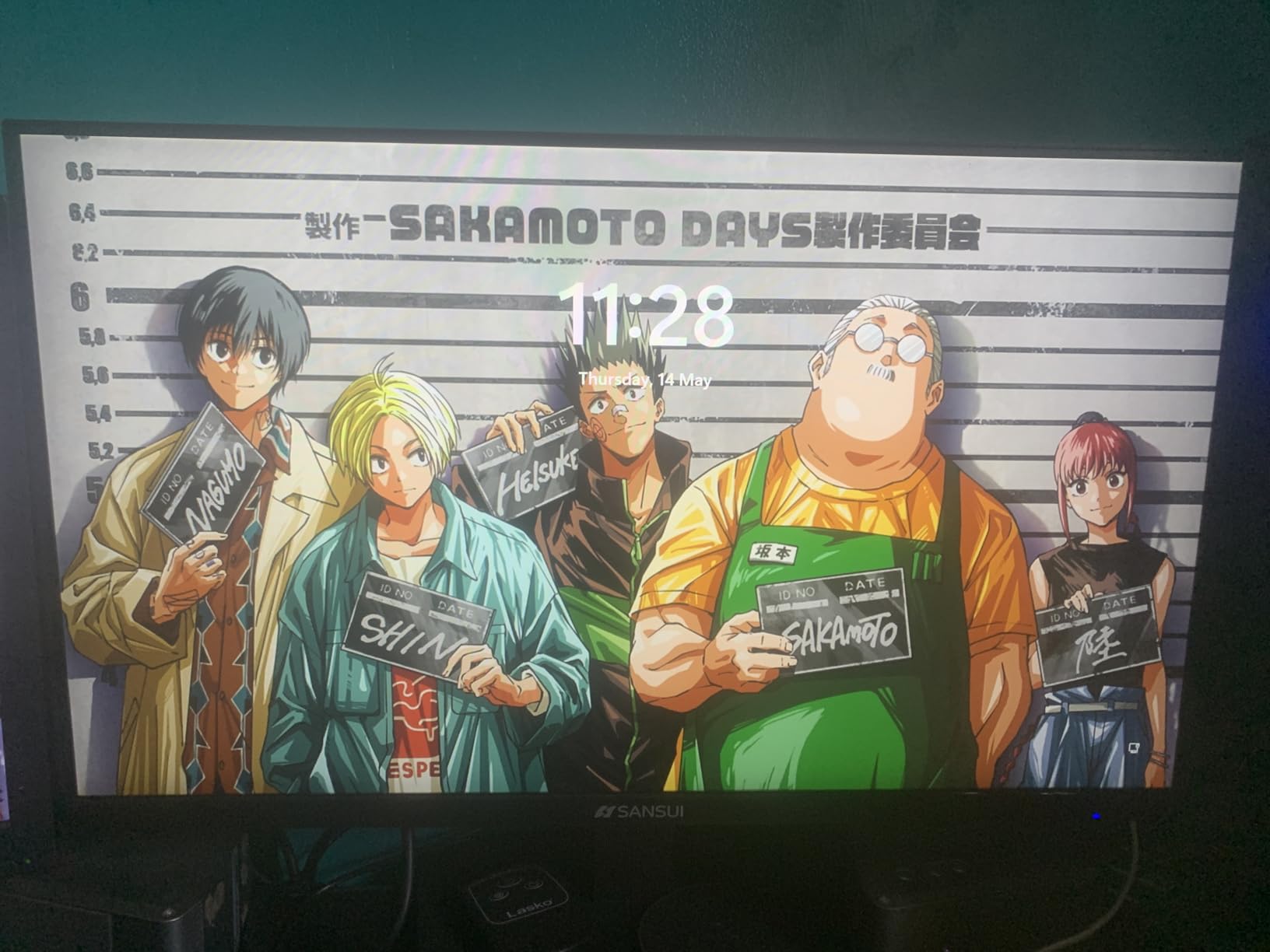
3. Samsung S36GD: Best Value Curved Screen
Samsung S36GD
Size: 27 inch
Resolution: 1920x1080
Refresh: 100Hz
Panel: LED
Warranty: 1 year
Pros
- 1800R curve widens the field of view
- 100Hz cuts motion blur
- Game Mode lifts dark-scene contrast
- TUV-certified blue light and flicker reduction
- Slim bezels in clean black
Cons
- 1080p is basic at 27 inches
- Tilt-only stand
- No built-in speakers
This is the one to pick if curved is the feature you actually want and nothing else on your list is negotiable. The 1800R curve is wider than the Sceptre C248W’s field of effect in the same 16:9 format, and the 100Hz refresh keeps scrolling and ordinary motion clean without costing you extra ports.
Eye comfort is the quiet strength. Samsung’s display carries TUV certification that limits blue light and screen flicker, which matters if you sit in front of it for a full workday rather than a gaming session.
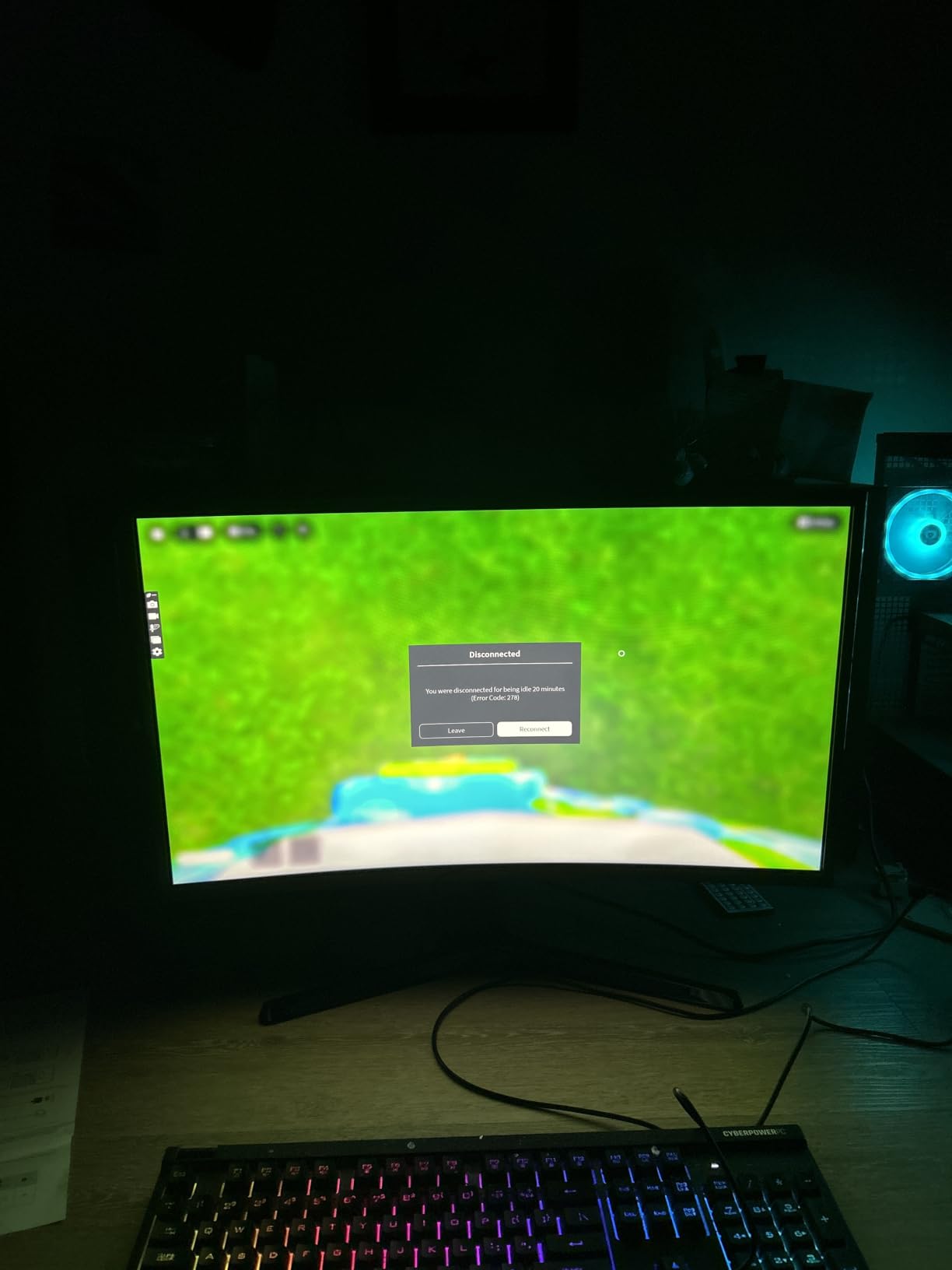
Game Mode raises contrast so enemies hiding in shadow become easier to spot. It is a small software feature with no measurable cost, and owners of darker games tend to mention it by name.
What you give up is audio and stand movement. There are no built-in speakers, and the stand tilts only. If your desk already has speakers and a monitor arm, neither gap registers. Skip it if you want laptop-and-console switching, since it offers one HDMI port and one VGA input rather than a modern port mix.
Compared with the Samsung Odyssey G55C, the S36GD gives up roughly 65Hz of refresh and all of its QHD pixel density. That is the right trade for browsing and spreadsheets, and the wrong one the moment a competitive game starts.
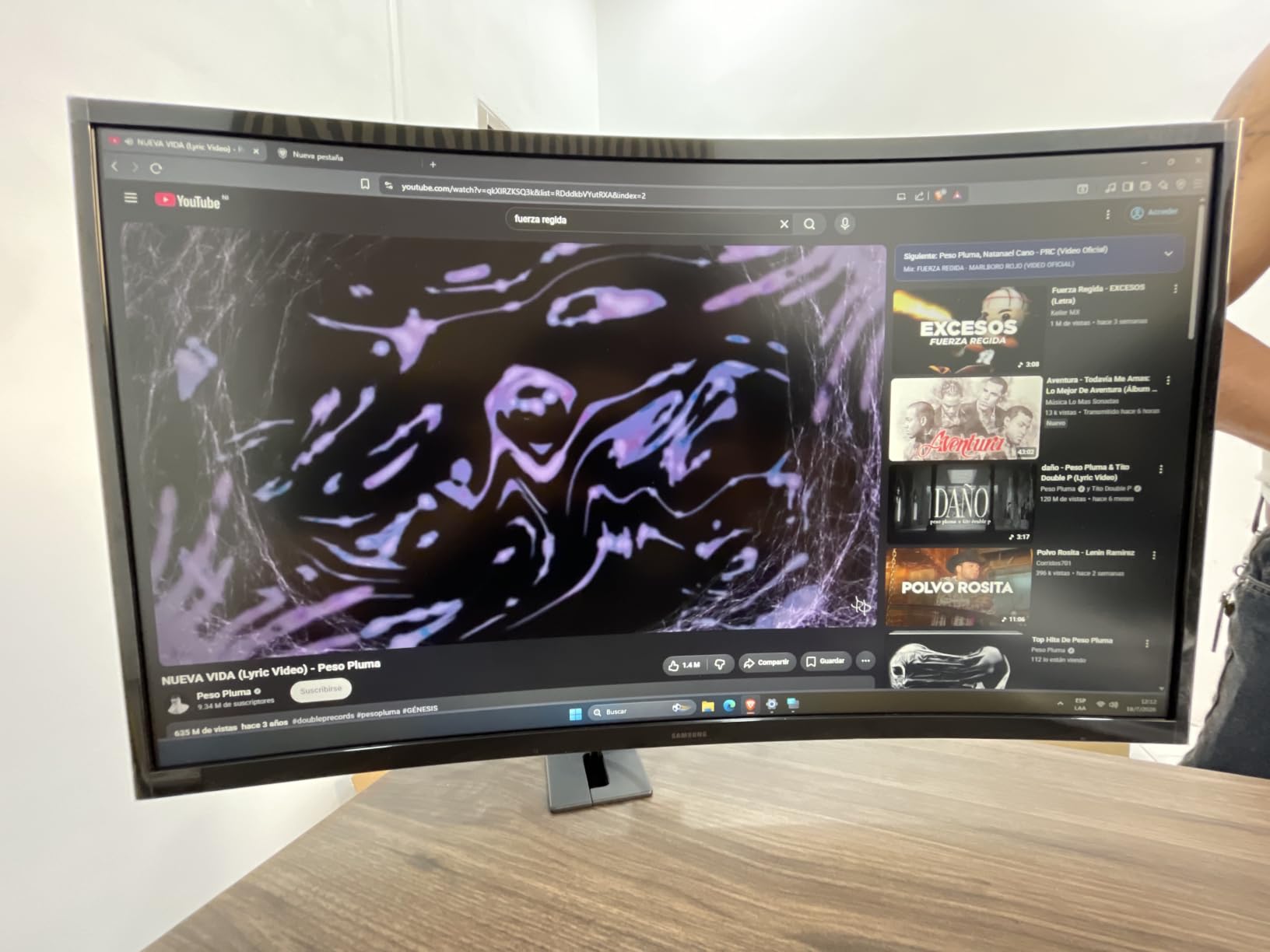
4. Sceptre E275W: Best for Multi-Device Desks
Sceptre E275W
Size: 27 inch
Resolution: 1920x1080
Refresh: 100Hz
Panel: LED
Warranty: 1 year
Pros
- Two HDMI ports plus one DisplayPort
- 100% sRGB with 100Hz motion
- 1ms response time
- Frameless three-sided bezel design
- Menu joystick navigation
Cons
- Speakers are tinny
- Stand does not rotate or raise
- No DisplayPort in older bundle listings
Three video inputs on a flat 27-inch panel is the reason to pick this one. A docked laptop, a console and a desktop can all be connected at once, and switching between them is a source change rather than a cable swap.
The frameless design is the other quiet win. Owners who run this as a second screen next to a laptop report that the thin bezel keeps the two panels looking like one continuous surface rather than two boxes with gaps.
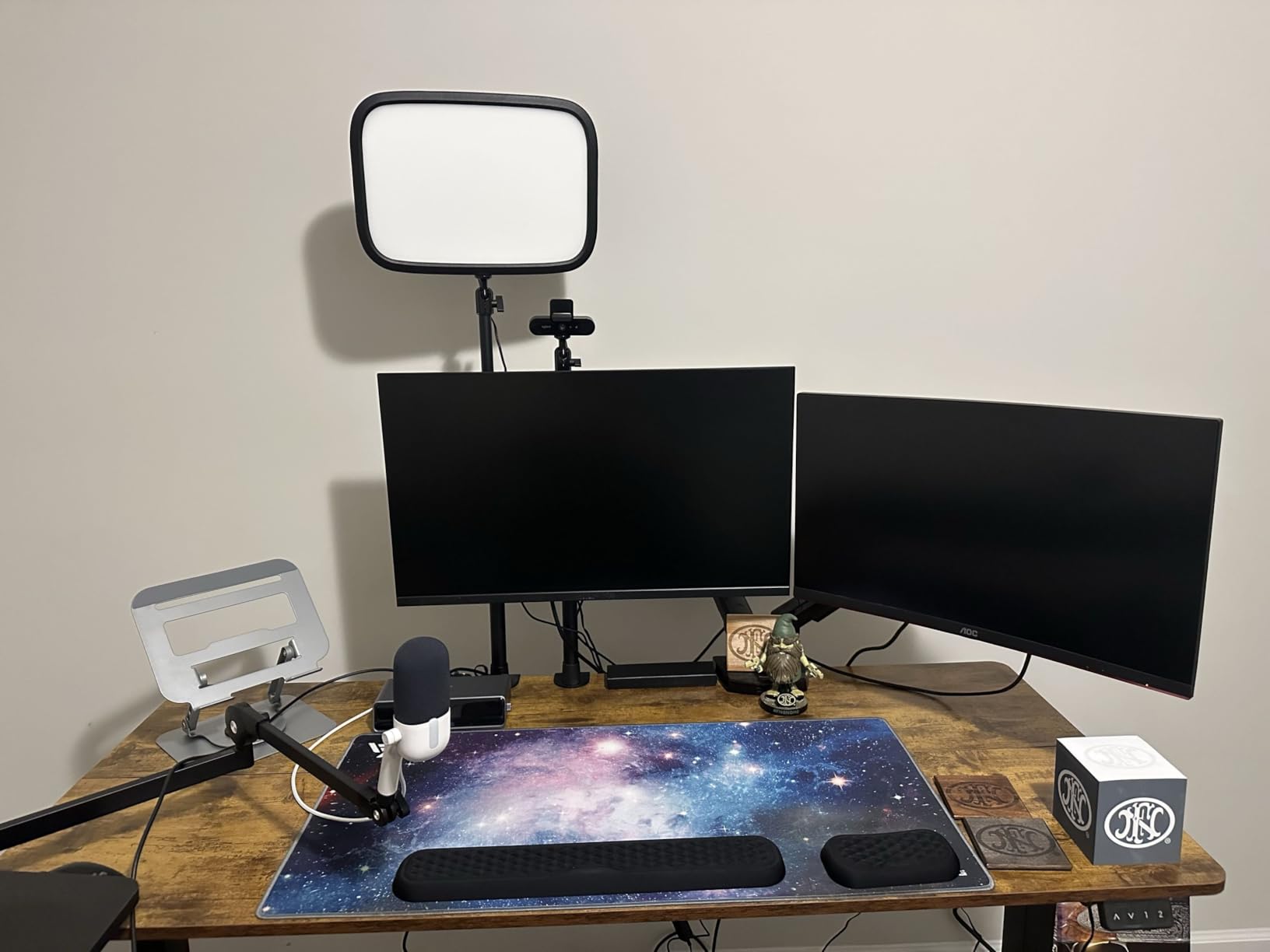
Color runs to 100% sRGB, which is a step up from the Sceptre C248W’s 98% and enough for photo viewing and general design work. It is not a color-accurate reference panel, and no screen at this size and price is.
Two gripes come up repeatedly in reviews. The built-in speakers are tinny with little bass, so plan on headphones or external audio. And the stand neither rotates nor raises, which pushes many owners toward a VESA arm. There are isolated reports of the control button becoming unreliable over time, so keep the menu joystick option in mind.
Skip it if you need height adjustment out of the box. The Dell S2725QS adjusts in four directions and costs considerably more.
5. Philips 241V8LB: Budget Pick
Philips 241V8LB
Size: 23.8 inch
Resolution: 1920x1080
Refresh: 100Hz
Panel: VA LCD
Warranty: 4 years
Pros
- Four-year parts and labor warranty
- VA contrast with crisp text
- Three-sided frameless design
- EasyRead mode for long documents
- Light and quick to assemble
Cons
- Tilt-only stand
- No speakers and no USB hub
- Plain feature set overall
The four-year parts and labor warranty is the headline here, and it is longer than the coverage on anything else in this roundup. On a work monitor that will sit on your desk for years, that is worth more than any single spec on the box.
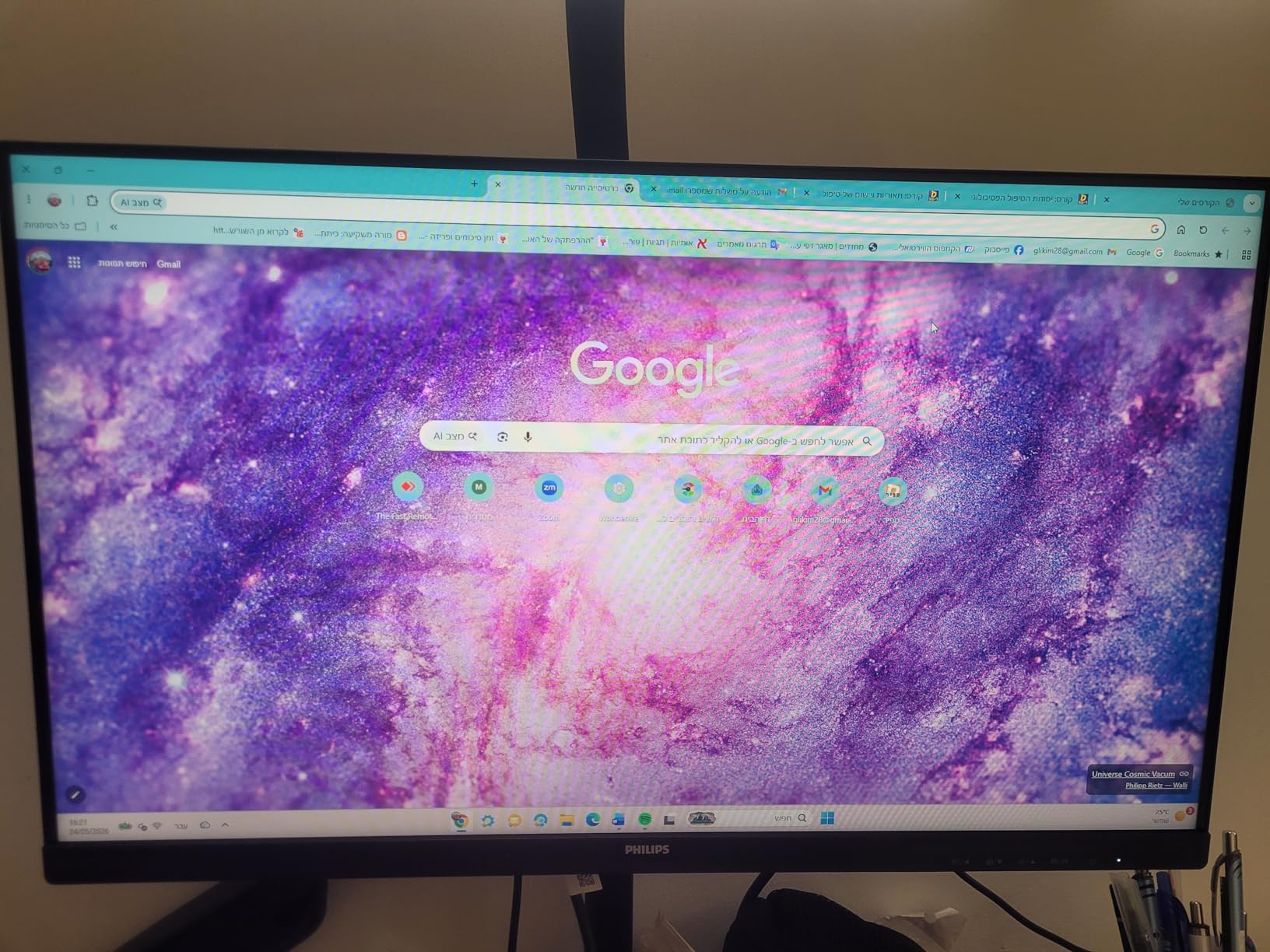
The VA panel produces 3000:1 contrast and 16.7 million colors, which gives you deeper blacks and clearer document text than a typical entry-level IPS screen. Buyers mention that it stays readable in a bright room, which matters in a home office that also doubles as a daytime workspace.
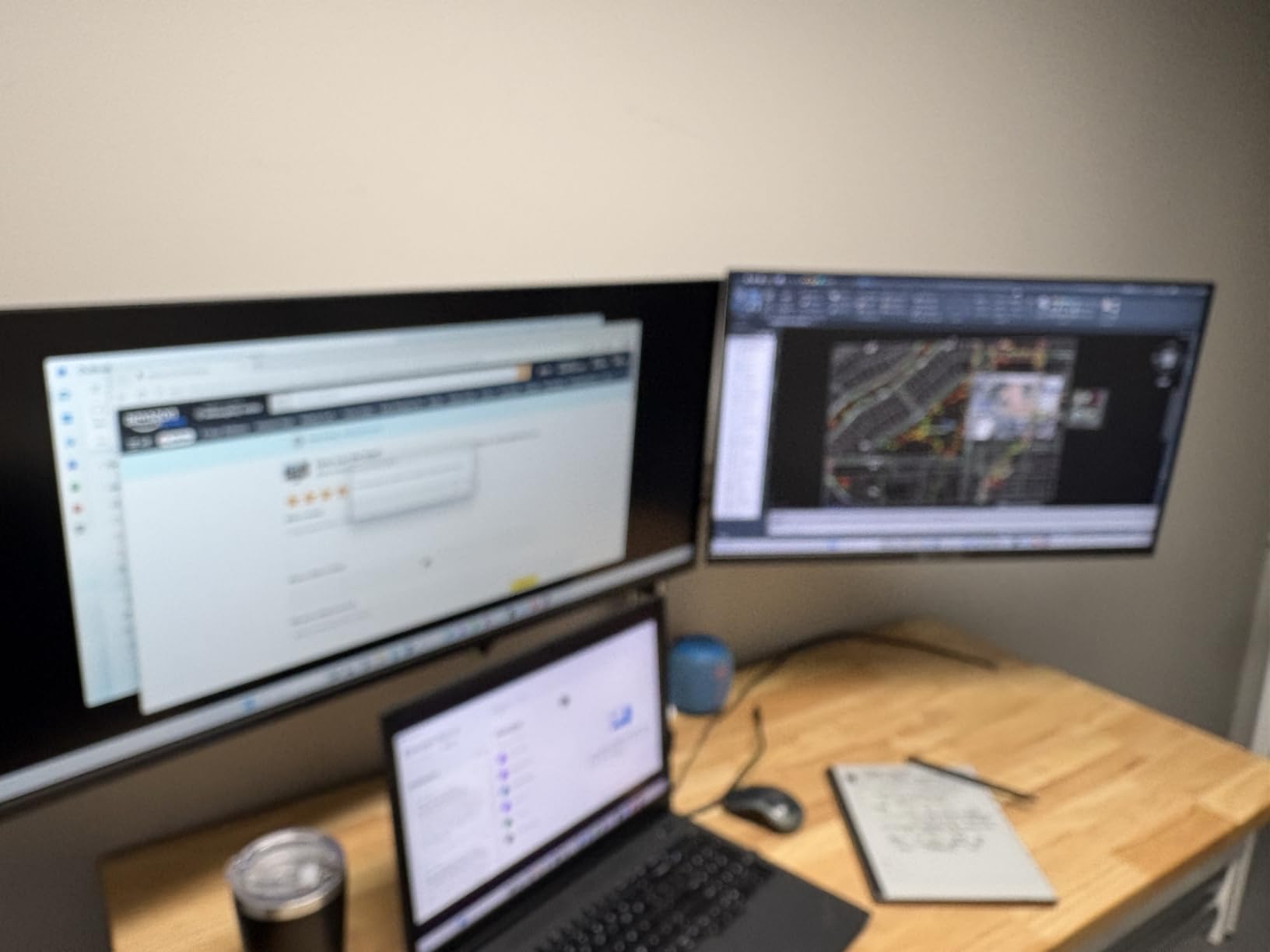
EasyRead mode is set for long documents and shifts the screen toward a paper-like appearance. Owners running this in a dual-monitor setup like the three-sided frameless design, since it keeps the bezels out of the way when two screens sit side by side.
What you give up is everything else. There are no speakers, no USB hub, no height or swivel adjustment, and the port selection is a single HDMI input. For a second display in an office this is more than enough; for a desk you sit at all day with a laptop, look at the Acer KB272 G0bi instead.
The contrast figure is the reason this behaves better with text than the Acer’s IPS panel, even though the Acer runs at 120Hz and carries a longer list of gaming features.
6. Acer KB272 G0bi: Best for Smooth IPS Gaming
Acer KB272 G0bi
Size: 27 inch
Resolution: 1920x1080
Refresh: 120Hz
Panel: IPS
Warranty: 3 years
Pros
- 120Hz refresh on an entry panel
- IPS color stays consistent off-axis
- 1ms VRB response
- FreeSync compatible
- Draws only 18 watts
Cons
- 1080p at 27 inches
- 250 nits is modest in a bright room
- Single HDMI port
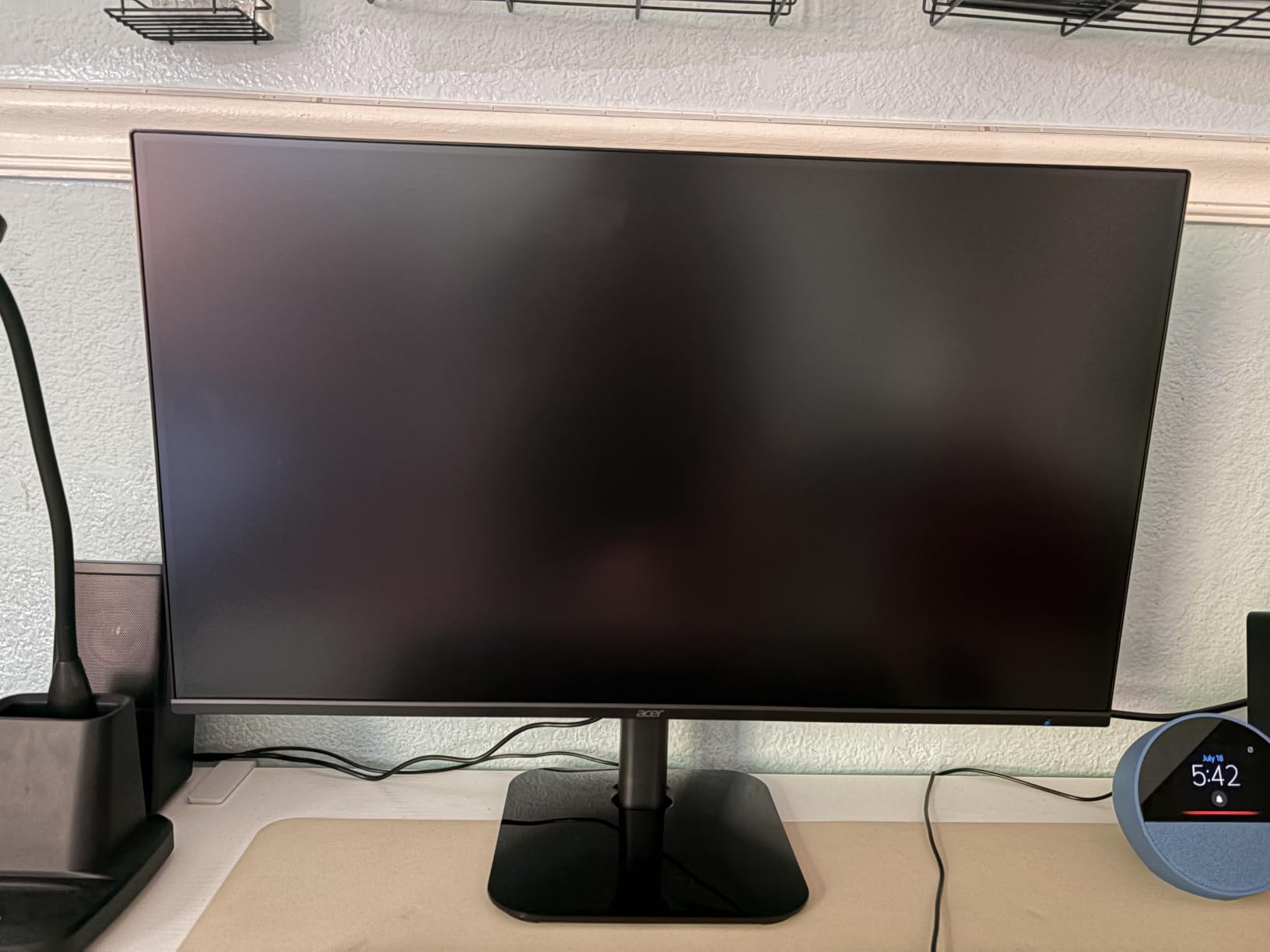
IPS is the differentiator. The panel holds color and contrast steady at wide viewing angles, so a monitor that sits slightly off to the side of your chair still looks right, which is not something every budget screen manages.
Buyers consistently point at the combination of a 120Hz refresh rate and an IPS panel at an entry-level price. That is 20Hz more than most of the Full HD screens in this list, and it is the difference you notice while scrolling as much as while gaming.
FreeSync compatibility matches the monitor refresh to your graphics card and cuts tearing without adding a fee or a proprietary module. Power draw is listed at 18 watts, the lowest of the larger panels here, which is a real saving on a monitor left on for ten hours a day.
The limits are honest ones. Full HD across 27 inches leaves visible pixel structure on text at normal desk distance, 250 nits of brightness struggles in a sunlit room, and there is a single HDMI port alongside the VGA input. Warranty coverage runs three years for parts and labor.
Compared with the Dell SE2426H, both are Dell-class entry screens with IPS and FreeSync, but the Acer is two inches larger at 120Hz with a three-year warranty, while the Dell runs at 144Hz on a smaller panel. Choose on desk depth and warranty, not on refresh rate alone.
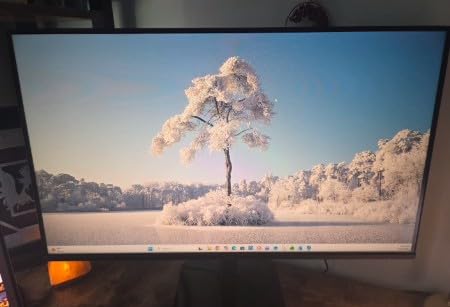
7. Samsung Odyssey G55C: Best for 1440P Gaming
Samsung Odyssey G55C
Size: 32 inch
Resolution: 2560x1440
Refresh: 165Hz
Panel: LED
Warranty: 1 year
Pros
- QHD sharpness at 165Hz
- 1ms MPRT motion
- 1000R curve fills peripheral vision
- HDR10 lifts dark scenes
- FreeSync with DP and HDMI
Cons
- Glossy finish catches room reflections
- Tilt-only stand
- 50 watt power draw
This is where the resolution jump starts to matter. QHD at 2560×1440 carries roughly 1.7 times the pixel density of Full HD, and the difference is obvious in game textures, in menus and in anything with fine text on screen.
The 1000R curve is tighter than the 1800R curves on the Sceptre C248W and the Samsung S36GD. On a 32-inch panel that means the sides of the picture wrap closer to your head, which deepens the sense of immersion in single-player games.
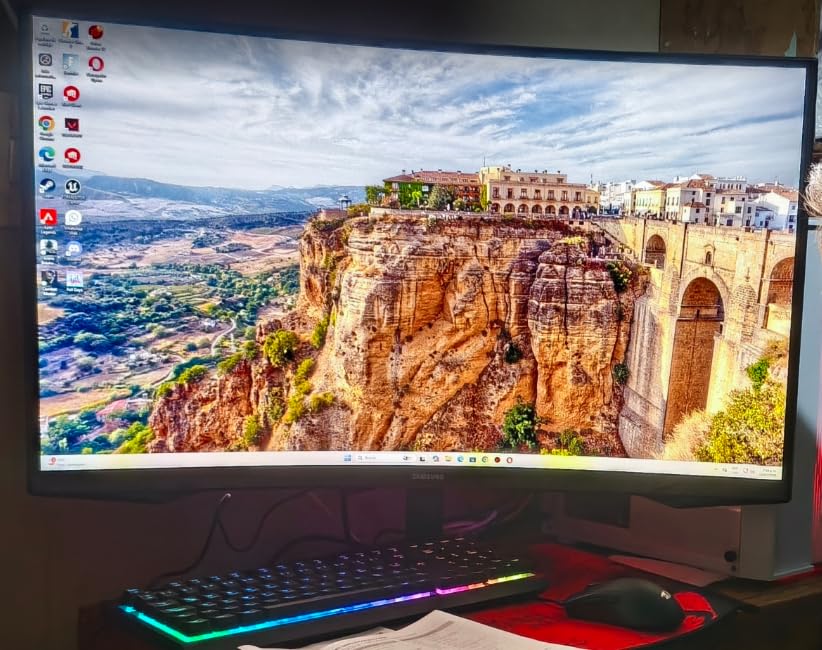
HDR10 support is listed, and owners are broadly positive about how it brings out color and shadow detail in dark scenes. Expect entry-level HDR rather than the bright, specular highlights a dedicated HDR display gives you.
The trade-off is a glossy finish that picks up reflections from a window or a lamp, plus a stand that tilts only and a power draw of 50 watts, the highest in this group. If your desk sits under a window, the matte Dell S2725QS avoids the reflection problem entirely.
None of the Full HD monitors here compete with this on sharpness at speed. If your graphics card can drive QHD at 165Hz, this is the pick; if it cannot, the same money buys a faster Full HD screen instead.
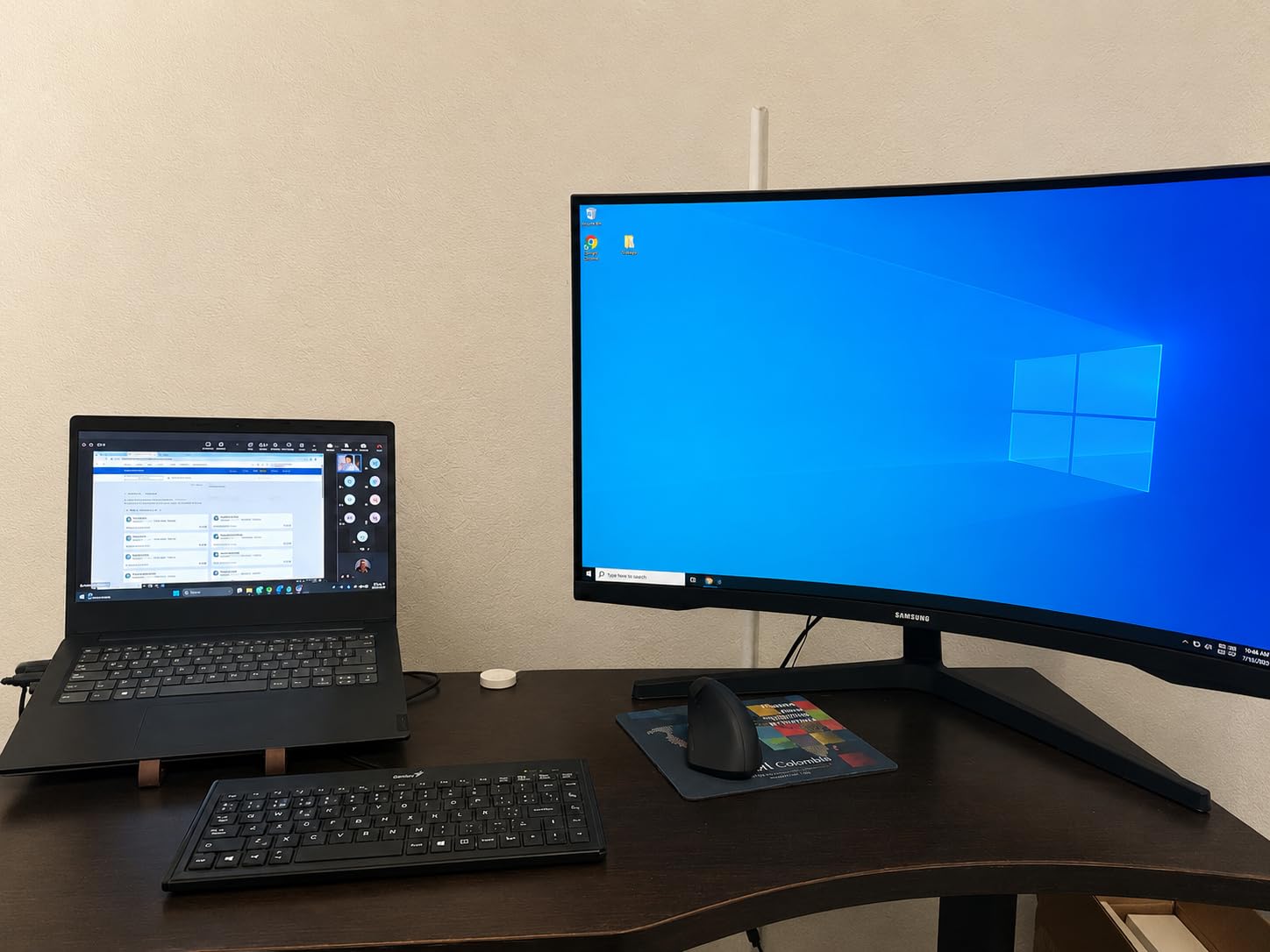
8. Samsung ViewFinity S50GC: Best for Ultrawide Multitasking
Samsung ViewFinity S50GC
Size: 34 inch
Resolution: 3440x1440
Refresh: 100Hz
Panel: LCD
Warranty: 1 year
Pros
- 21:9 width replaces a dual-monitor desk
- PIP and PBP show two sources natively
- Ambient light sensor adjusts brightness
- 300 nits with 3000:1 contrast
- Virtually bezel-free for dual setups
Cons
- VA color shifts off-axis
- Stand sits high with no height adjustment
- Entry-level HDR only
3440×1440 at 21:9 is the width to buy when you want one screen instead of two. Users running code editors, spreadsheets and communication windows side by side say the extra width replaces a dual-monitor setup and takes a second stand, second cable and second desk space off the list.
PIP and PBP both work at native resolution, so a laptop and a desktop can share the panel without one of them being shrunk into an unreadable corner. That is the feature that separates this from a very wide basic screen.
An ambient light sensor reads the room and adjusts brightness on its own, and Eye Saver Mode plus a flicker-free backlight handle the long-session comfort side. Brightness is listed at 300 nits against 3000:1 contrast, which is a good pairing for text-heavy work.
Owners report two recurring issues. The VA panel shifts color and contrast when you view it from an angle, so keep it square to your chair. And the included stand sits high, with no height adjustment, which pushes a lot of buyers toward an arm. Switching sources through the on-screen toggle also takes more clicks than it should.
For gaming at speed, the Samsung Odyssey G55C keeps more of its frame budget: 165Hz against 100Hz here, at a similar size and curve. This one wins on workspace, not frames.
9. Dell S2725QS: Best for 4K Desk Work
Dell S2725QS
Size: 27 inch
Resolution: 3840x2160
Refresh: 120Hz
Panel: IPS
Warranty: 1 year
Pros
- 4K text stays crisp at 27 inches
- 120Hz with FreeSync Premium
- Stand adjusts height tilt swivel and pivot
- 350 nits with 99% sRGB
- ComfortView Plus cuts blue light
Cons
- No USB-C and no audio out jack
- Basic HDR
- Default brightness runs high
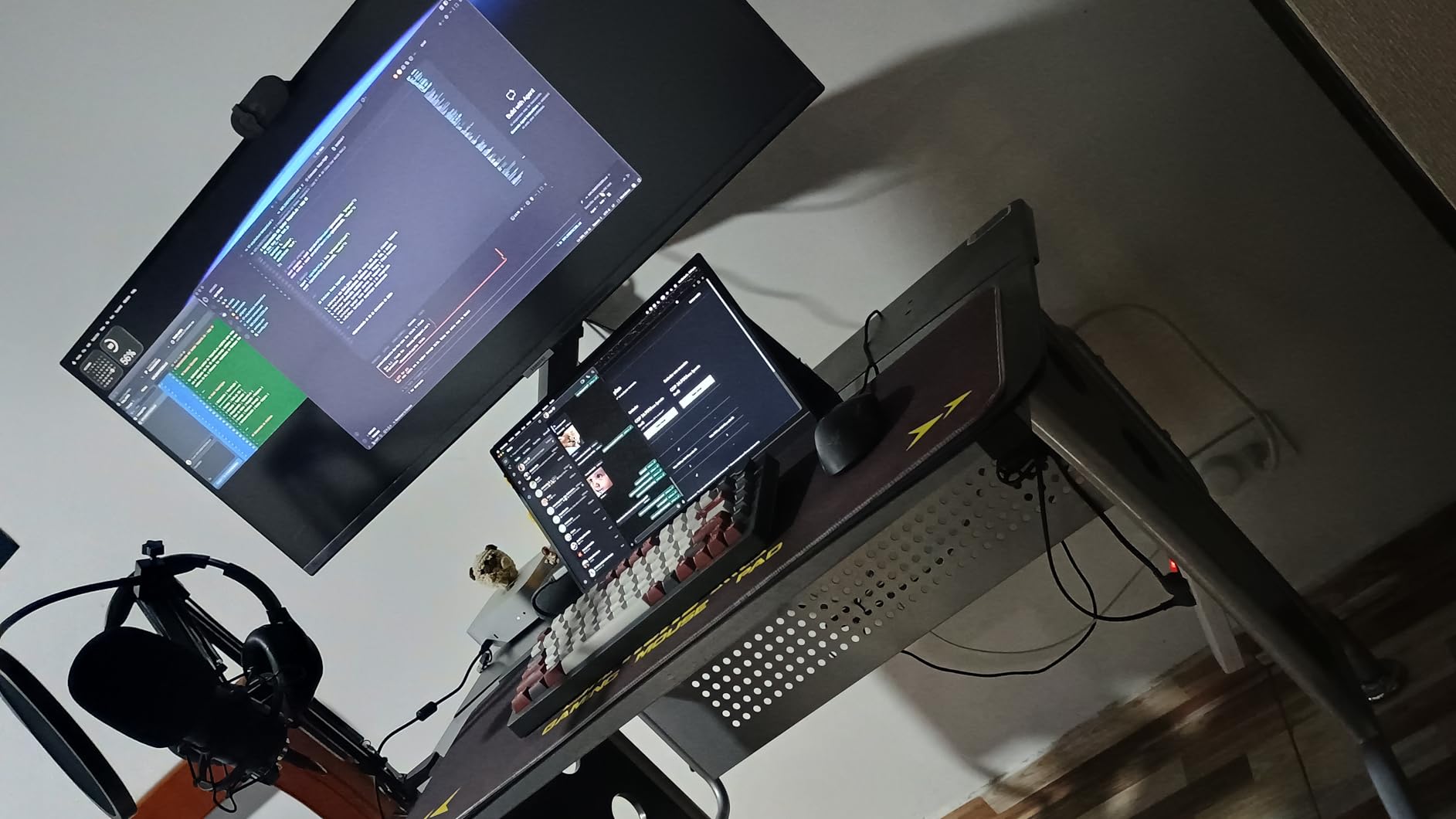
The only 4K panel in this roundup, and the reason is simple: 3840×2160 on 27 inches puts roughly 163 pixels per inch, which is where interface text finally stops looking soft. Reviewers treat this as the entry point into 4K and stop upgrading for years.
The stand is the quiet overachiever. Height, tilt, swivel and pivot all adjust, so you can set the top of the screen at eye level without buying an arm, and the panel stays square to your face even when you turn your chair.

Brightness is listed at 350 nits, the highest in this group, with 1500:1 contrast and 99% sRGB coverage. Owners report the default brightness runs high and often needs a manual adjustment on first setup, which is a one-minute fix rather than a real flaw.
Two gaps to plan around. There is no USB-C port and no built-in USB hub, so a laptop user is carrying a dongle, and there is no 3.5mm audio output jack, so headphones mean reaching behind the monitor or the PC. If a single-cable setup matters to you, read our guide to gaming monitors with USB-C before settling.
Hitting the full 120Hz needs a PC and graphics card that can drive 4K at that rate, and reviewers note some ghosting in competitive first-person shooters where response speed matters more than clarity.
10. Dell SE2426H: Best for Compact Desks
Dell SE2426H
Size: 23.8 inch
Resolution: 1920x1080
Refresh: 144Hz
Panel: IPS
Warranty: 1 year
Pros
- Highest owner rating in this list at 4.7
- 144Hz on a 23.8 inch IPS panel
- 300 nits brightness
- TUV 3-star eye comfort rating
- 13.3 watt power draw
Cons
- 1000:1 contrast is low for IPS
- Tilt adjustment only
- Printed instructions are very small
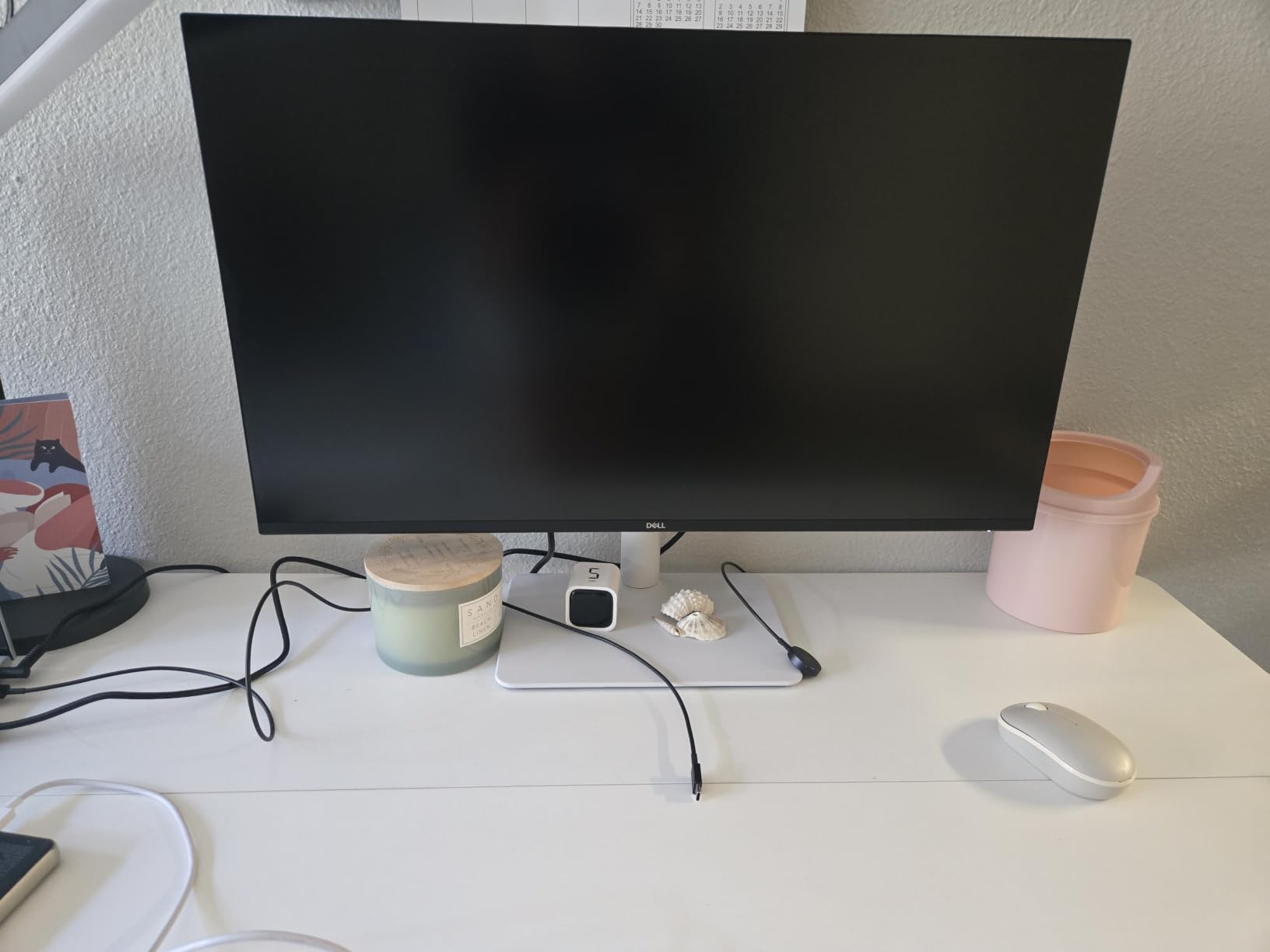
A 4.7 average across 336 reviews is the highest owner rating of any monitor here, though the pool is much younger than the Sceptre C248W’s 22k-plus. Owners describe crisp color, quick installation and a panel that simply works, and the 144Hz rate sits well above what this size and price class usually delivers.
At 23.8 inches it fits where a 27-inch screen does not. Dorm rooms, small home offices and shared desks are the obvious homes for it, and the 13.3-watt power draw is the lowest figure on this list.
The trade-offs are all small. A 1000:1 contrast ratio is on the low side for IPS, so dark scenes look flatter than on the Philips 241V8LB’s VA panel. The stand tilts only, and the printed safety and warranty sheet is genuinely hard to read, which is where checking the model number on the listing matters.
One buyer reported an on-screen language prompt that was difficult to clear without help. It is an isolated report, but it is the kind of thing a cheap stand-in desk could turn into a half-hour of troubleshooting.
Compared with the Sceptre C248W, the Dell runs a flat IPS at 144Hz with a much smaller review pool, while the Sceptre gives you a curve, speakers and a far longer owner history. The Dell is the newer, cleaner everyday screen; the Sceptre is the safer, cheaper first upgrade.
How to Choose Monitors During Prime Big Deal Days
Resolution and Screen Size
Full HD at 1920×1080 is the right call up to about 24 inches and workable at 27, though pixel structure becomes visible on small text at normal desk distance. QHD at 2560×1440 is the sweet spot for 27 to 32 inch gaming screens, and the 3440×1440 ultrawide format only makes sense if you are replacing two physical monitors with one. For 4K, stay at 27 inches, where you get roughly 163 pixels per inch without the viewing distance problems a 32-inch 4K panel brings.
Pick the Samsung Odyssey G55C for QHD, the Samsung ViewFinity S50GC if the goal is one wide screen instead of two, and the Dell S2725QS when text sharpness drives your work.
Panel Type and Motion Performance
VA panels give you the deepest blacks and highest contrast, which suits documents and dark rooms, at the cost of slower pixel transitions and some color shift when you view from the side. IPS panels hold color steady at wide angles and are the safer choice for an off-axis desk, but their blacks are weaker. Refresh rate decides how much motion smoothness you actually see: 75Hz is the floor, 100Hz is a visible step up, and 120Hz or more matters most in competitive shooters.
The Sceptre C248W and Samsung S36GD use curved VA panels, the Acer KB272 G0bi and Dell SE2426H are IPS, and the SANSUI ES-G32C1F takes the motion win with 240Hz.
Color Accuracy and Brightness
Color gamut figures above 95% sRGB cover ordinary web, office and photo viewing. Brightness is the number that decides whether you can use the screen near a window: 220 to 250 nits is workable in a normal room but washes out in direct daylight, while 300 nits and up handles a bright office. For any real color grading or editing work, look past the spec sheet to a dedicated roundup such as our picks for 4K monitors for video editing.
Among these, the Dell S2725QS leads on brightness at 350 nits, and the Sceptre E275W and Acer KB272 G0bi give you the most consistent color off-axis.
Connectivity and Desk Flexibility
Count inputs before you look at anything else. Two HDMI ports plus a DisplayPort, as on the Sceptre E275W, let a laptop, a console and a desktop live on one panel. For an ultrawide you want PIP and PBP at native resolution, which is what the Samsung ViewFinity S50GC provides. USB-C with power delivery lets a single cable carry video, data and charging, and none of the monitors in this list offer it.
On ergonomics, the Dell S2725QS is the only one here with a stand that adjusts in four directions. Every other model tilts only, so check the depth of your desk before buying a larger panel.
How to Shop Monitor Deals During the Sale
Check four things on the listing before you buy. First, the model number, because monitor listings often bundle several sizes and refresh rates under one title and the deal may only cover one of them. Second, the condition, since renewed and open-box units surface during the event and are often mixed into the same page. Third, who sells and who ships it, because a marketplace seller undercutting a sold-by-Amazon offer carries different return terms. Fourth, what is in the box, since cables and stands are sometimes swapped between bundles.
Monitor prices also move before a sale, so a large percentage against a list price does not automatically mean a good offer. Use the listing’s price history to see the range over the last 30 and 90 days, and treat the lowest price in 30 days badge as the most honest signal on the page. Most offers on this kind of hardware need a Prime membership, and prices change through the event, so check the live listing when the sale opens on October 6-7, 2026.
- Match the resolution to your desk depth and your graphics card, not to the discount size
- Confirm the exact model number and screen size inside the deal listing
- Read the price history and the lowest price in 30 days badge before deciding
- Check whether the offer ships from Amazon or a marketplace seller
- Confirm the condition is new if that is what you are paying for
- Confirm stand adjustment, since most screens in this range tilt only
Frequently Asked Questions
When does Amazon Prime Big Deal Days take place in 2026?
Amazon Prime Big Deal Days runs October 6-7, 2026, across computers and accessories. Most monitor offers on this list run during that window, and prices typically return to normal afterward. Have your Prime membership or free trial ready before it opens.
Do you need a Prime membership to buy a monitor during Prime Big Deal Days?
Most offers during the event require a Prime membership, and a free trial counts for the length of the trial. A small number of monitors are open to everyone, but they are usually shallower offers. Check the Prime badge on the listing before you plan your cart.
How do I know if a monitor deal is actually worth watching?
Look at the listing price history rather than the percentage. If the current price sits at or below the lowest price in the last 30 days, the offer is real. A quarter off an inflated list price can be an ordinary price, and a modest cut on a model that rarely drops can be the better buy.
Should I buy an OLED monitor during Prime Big Deal Days?
None of the monitors in this roundup use an OLED panel, and that is worth knowing before you shop. OLED delivers the best contrast and response times but carries burn-in risk over years. If you want it, buy during the sale only if the burn-in warranty on the specific model runs three years or more.
What monitor specifications matter most for gaming?
Refresh rate and response time come first, then resolution that your graphics card can actually drive. For competitive play, aim for 120Hz or more and a response time under 1ms. For single-player gaming, QHD at 165Hz, as on the Samsung Odyssey G55C, is the more balanced target.
How can I confirm that two monitor listings are the same model?
Compare the model number printed on the listing rather than the title. Retailers bundle the same monitor with different stands, cables and sizes, so two pages can share a headline and differ on screen size or refresh rate. The model number in the specifications section settles it.
Final Verdict: Best Amazon Prime Big Deal Days Monitor Deals
Buy the Sceptre C248W if you want the safest all-round choice during the sale: a curved 24-inch panel, 98% sRGB, built-in speakers and the deepest owner history of any monitor here. For the lowest outlay on something dependable, the Philips 241V8LB adds four years of parts and labor coverage and better contrast than most screens at its size.
Pick the SANSUI ES-G32C1F for competitive shooters, where 240Hz matters more than resolution. The Samsung S36GD is the curved everyday screen, and the Sceptre E275W fits desks where a laptop, a console and a desktop all need to share one panel. The Acer KB272 G0bi is the smooth IPS option with a three-year warranty, and the Dell SE2426H gives you 144Hz in the smallest footprint on this list.
For sharper screens, the Samsung Odyssey G55C handles QHD gaming, the Samsung ViewFinity S50GC replaces a dual-monitor desk with one ultrawide, and the Dell S2725QS is the pick for 4K documents with a stand that adjusts in four directions. Check the live listing and the current offer when the sale opens, and confirm the model number before you order.