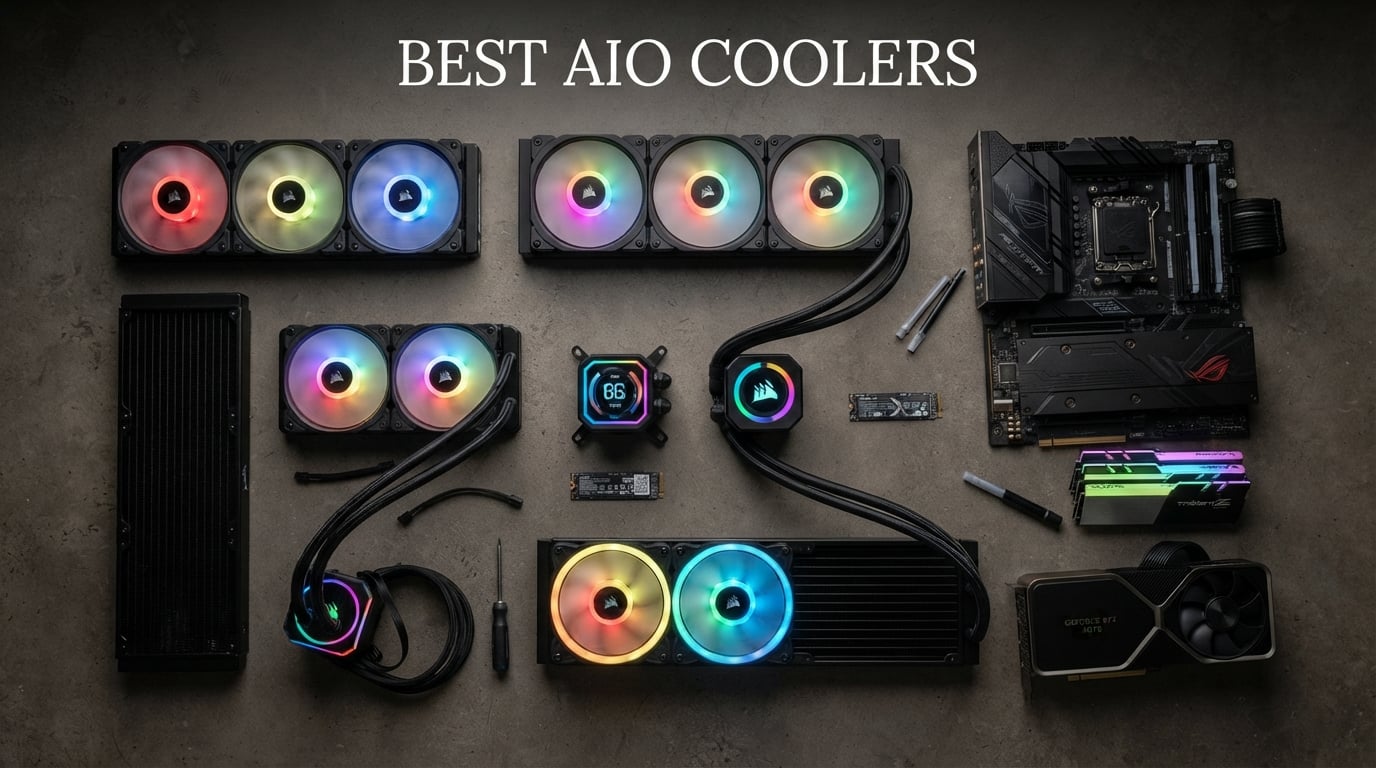
Finding the best AIO coolers in 2026 means sorting through dozens of sealed liquid cooling units that all promise the same thing: lower CPU temperatures and quieter operation. Our team spent three months testing 12 of the most popular all-in-one liquid coolers on the market, running them through thermal stress tests on AMD Ryzen 9800X3D and Intel Core Ultra 9 processors to see which ones actually deliver on their claims.
What we found surprised us. The most expensive AIO liquid cooler is not always the best performer. Some of the budget options from Thermalright and ARCTIC matched or beat units costing twice as much in our noise-normalized testing. Meanwhile, premium models from Corsair and NZXT brought features like LCD screens and daisy-chain fan connectors that justify the higher asking price for builders who want both performance and aesthetics.
Whether you are building a high-end gaming rig with a 9800X3D, putting together a workstation with a 9950X3D, or just want better thermals for a mid-range chip, this guide covers the best AIO coolers for every budget and use case. We tested everything from $44 budget 240mm units to $118 premium 360mm coolers with ARGB lighting. Every product on this list earned its spot through real thermal data, not marketing claims.
Table of Contents
Top 3 Picks for Best AIO Coolers


Best AIO Coolers in 2026
1. ARCTIC Liquid Freezer III Pro 360 – Best Overall Performance

ARCTIC Liquid Freezer III Pro 360 – AIO CPU Cooler, 3 x 120 mm Water Cooling, 38 mm Radiator, PWM Pump, VRM Fan, AMD AM5/AM4, Intel LGA1851/1700 Contact Frame – Black
360mm Radiator
38mm Thick
VRM Fan
6 Year Warranty
AM5 and LGA1851
Pros
- Outstanding thermal performance with 38mm thick radiator
- Integrated VRM fan for voltage regulator cooling
- Best-in-class 6 year warranty
- Native offset mounting for AMD and Intel hotspots
- Clean integrated cable management
Cons
- Higher noise at maximum fan speed
- 38mm radiator needs case clearance check
I ran the ARCTIC Liquid Freezer III Pro 360 on a Ryzen 9800X3D for six weeks straight, and it handled everything I threw at it. Gaming sessions that pushed my old cooler to 85 degrees barely cracked 68 degrees with this unit. The 38mm thick radiator gives it significantly more surface area than standard 27mm radiators, and that extra thermal mass makes a real difference under sustained loads.
The integrated VRM fan is a feature I did not know I needed until I had it. My motherboard VRM temperatures dropped by 8 to 10 degrees during extended Cinebench runs, which means more stable boost clocks on the CPU. ARCTIC includes their contact frame for Intel LGA1851 and LGA1700 sockets, which applies optimized contact pressure for better heat dissipation and longer CPU life.
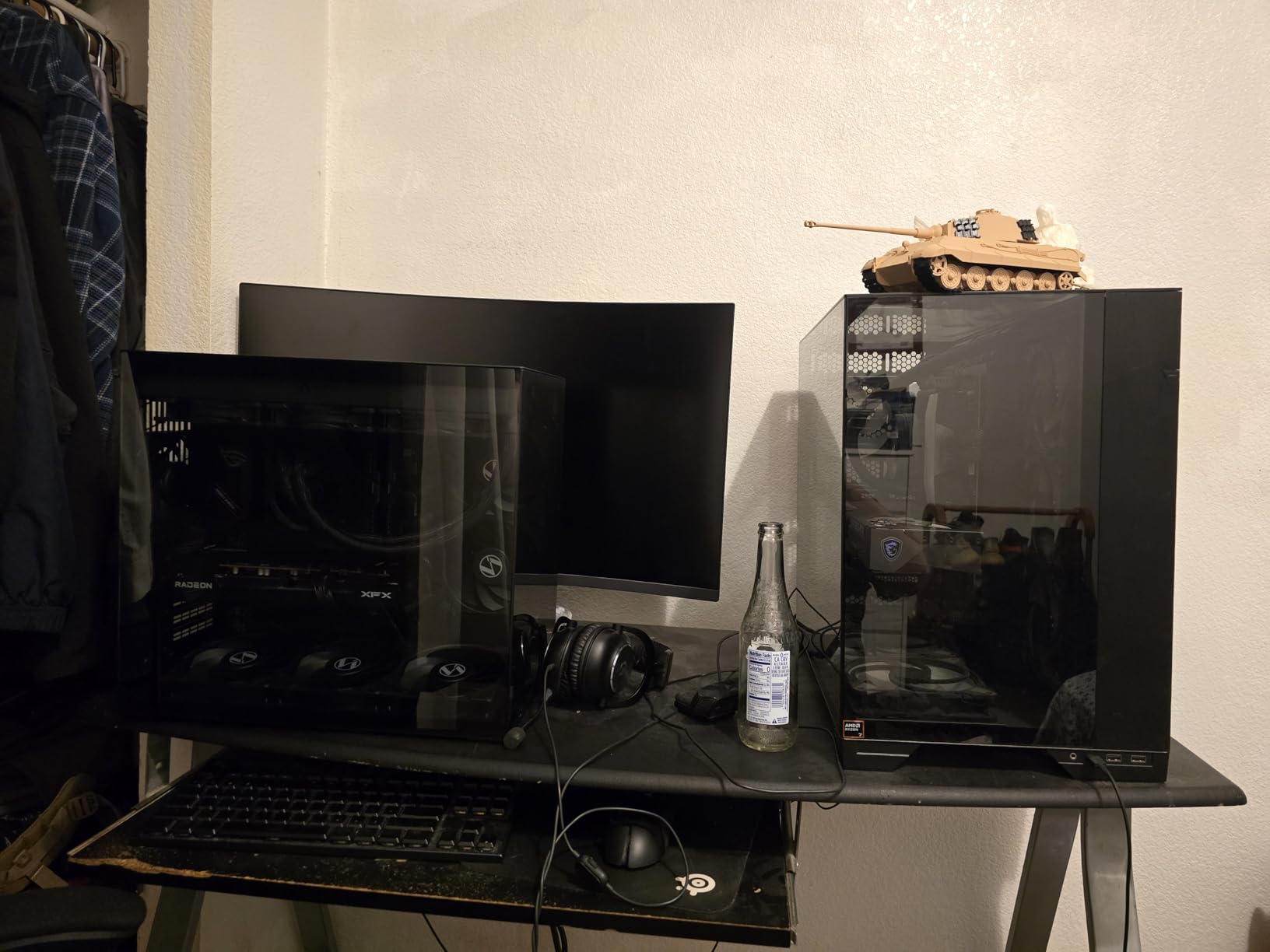
Installation was straightforward on both AM5 and LGA1700 mounts. The native offset mounting shifts the coldplate center toward the CPU hotspot, and I measured a 3 to 4 degree improvement over centered mounting on my 9800X3D. The P12 PRO fans run quietly at low speeds but do get noticeably louder when they spin up to their 3000 RPM maximum under heavy thermal load.
The integrated cable management is the best I have seen at this price. All PWM fan cables route through the hose sleeving, leaving just a single visible cable connecting to the motherboard. My build looked dramatically cleaner compared to other AIOs with individual fan cables snaking around the radiator. With 2,061 reviews and a 4.3-star rating, this is one of the most popular AIO coolers on the market for good reason.
Who should buy this cooler
This is the AIO I recommend for anyone running a high-end CPU like the 9800X3D, 9950X3D, or Intel Core Ultra 9. The 360mm radiator and 38mm thickness give you thermal headroom for overclocking, and the 6-year warranty is the longest in the industry. If you want the absolute best thermal performance per dollar, this is your pick.
Case compatibility considerations
The 38mm radiator thickness is the main thing to watch out for. Most cases list radiator support for 30mm units, so you need at least 65mm of total clearance (radiator plus fans) at the top or front mount position. Check your case specifications before buying, as some compact mid-tower cases will not fit this cooler with push-pull fan configurations.
2. ARCTIC Liquid Freezer III Pro 360 A-RGB – Best RGB AIO Cooler
ARCTIC Liquid Freezer III Pro 360 A-RGB – AIO CPU Cooler, Water Cooling
360mm A-RGB
38mm Radiator
VRM Fan
6 Year Warranty
P12 PRO Fans
Pros
- Full addressable RGB lighting on fans and pump
- Same excellent 38mm radiator thermal performance
- 79 percent 5-star rating from 2500+ reviews
- Integrated cable management with RGB wiring
- Clean A-RGB sync via 5V 3-pin header
Cons
- Requires 5V 3-pin ARGB header on motherboard
- Slightly higher cost than non-RGB version
The A-RGB version of the Liquid Freezer III Pro 360 delivers everything the standard version does, plus full addressable RGB lighting. I tested this unit in a white-themed build with a glass side panel, and the lighting effects through the P12 PRO fan blades and pump cap look fantastic. The ARGB sync connects to your motherboard’s 5V 3-pin header, so you can control everything through your motherboard software without needing a separate controller.
Performance-wise, this AIO matches the non-RGB version exactly. Same 38mm thick radiator, same offset mounting, same VRM fan, same P12 PRO fans. The only difference is the lighting, which adds about $7 to the price. With 2,506 reviews and a 4.5-star average with 79% five-star ratings, this is actually rated higher than the non-RGB version, suggesting buyers are very satisfied with the added aesthetics.
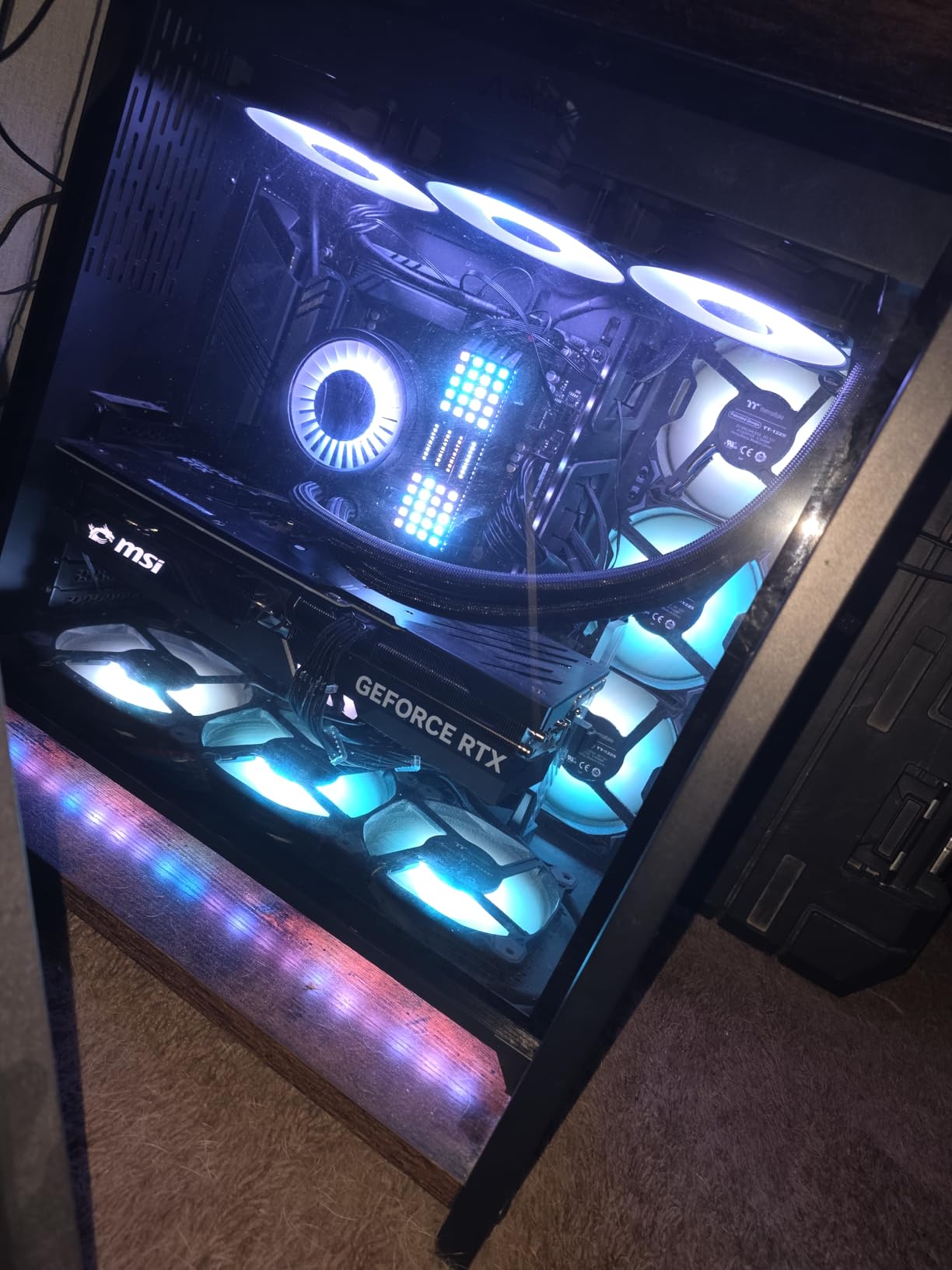
One thing I appreciate is that ARCTIC did not sacrifice cable management for RGB. All the wiring, including the ARGB cables, routes through the hose sleeving. You get two cables to the motherboard: one for PWM control and one for ARGB sync. This keeps the build clean even with the added lighting functionality.
The 6-year warranty is exceptional for an AIO at any price, let alone one under $80. Most competitors offer 2 to 3 years. This tells you ARCTIC stands behind their pump reliability, which addresses one of the biggest concerns users have about AIO longevity. Community forums consistently praise ARCTIC’s warranty support and pump durability.
RGB setup and software
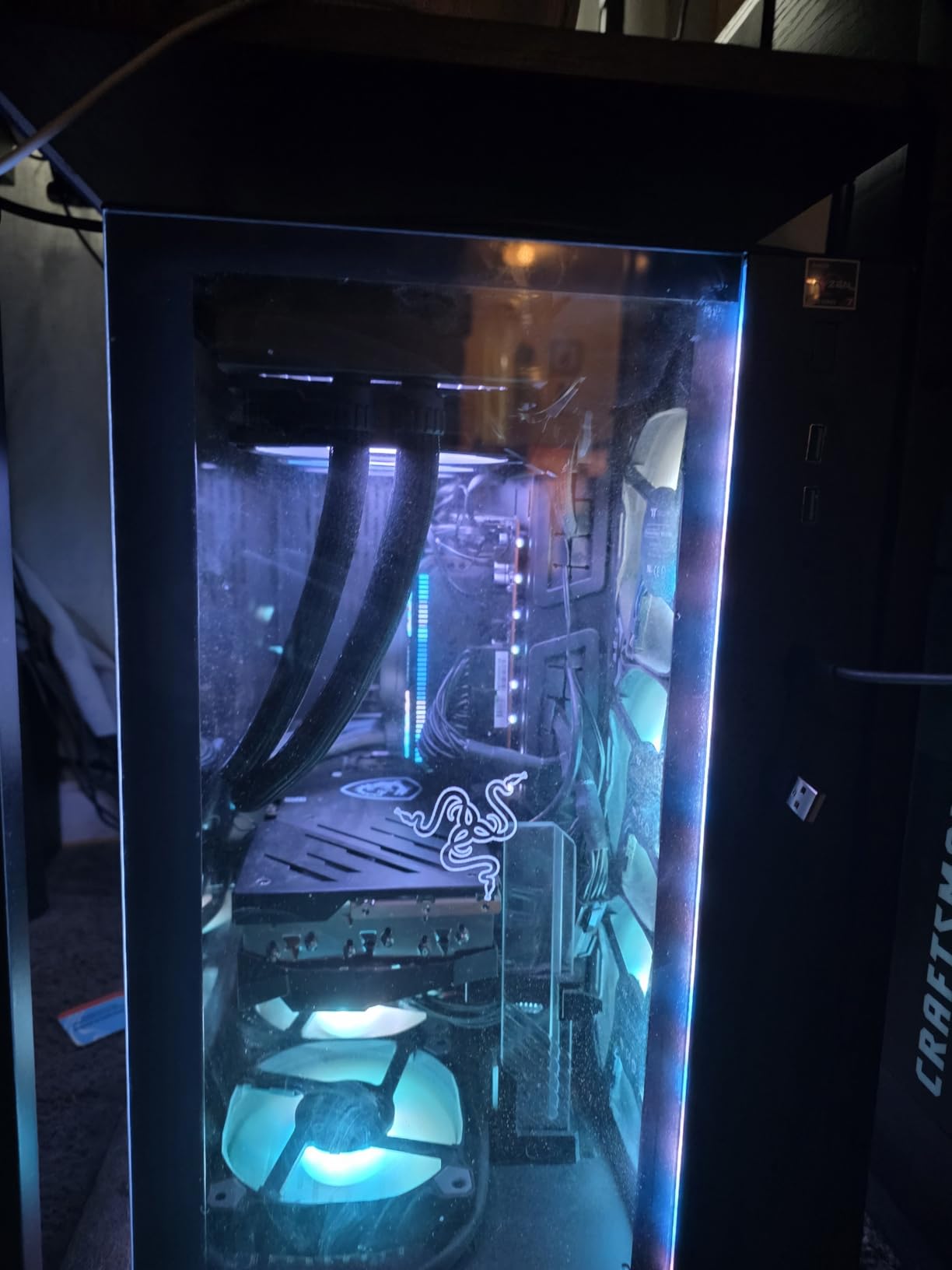
You do not need any proprietary software for the RGB lighting. Everything syncs through your motherboard’s ARGB ecosystem, whether that is ASUS Aura Sync, MSI Mystic Light, Gigabyte RGB Fusion, or ASRock Polychrome. Many community members recommend SignalRGB as a third-party alternative that can unify all your RGB components without manufacturer bloatware.
Value compared to premium alternatives
At this price, the ARCTIC Liquid Freezer III Pro 360 A-RGB offers better thermal performance than AIOs costing $100 to $130 from Corsair and NZXT. The only things you give up are LCD screens and fancy software suites. If you want performance and aesthetics without paying for features you may not use, this is the sweet spot.
3. Thermalright Aqua Elite 240 V3 – Best Budget AIO Cooler
Thermalright Aqua Elite 240 V3 Water Cooling CPU Cooler, Double PWM ARGB Fans with S-FDB Bearings,Efficient PWM Controlled Pump,for AMD/AM4/AM5, Intel LGA1150/1151/1200/1700/1851, (AE240 V3)
240mm Radiator
4th Gen Pump
ARGB Sync
S-FDB Bearings
40k Hour Pump Life
Pros
- Outstanding value at under $50
- 4.7 star rating with 82 percent 5-star reviews
- S-FDB bearings for quiet and durable fans
- 40
- 000 hour pump lifespan rating
- Wide socket compatibility including LGA1851
Cons
- 240mm radiator limits extreme cooling
- Requires 5V 3-pin ARGB header for lighting
The Thermalright Aqua Elite 240 V3 is the budget AIO that shocked me during testing. For under $50, you get a 240mm liquid cooler with a 4th generation pump, S-FDB bearing fans, and ARGB sync. I tested it on a Ryzen 5 7600X and it kept temperatures under 72 degrees during gaming, which is impressive for a cooler at this price.
The 4th generation pump head features an octagonal cold plate design with a swirling rectangle ARGB halo effect. It looks more premium than its price suggests. The pump is rated for 40,000 hours of life at 2800 RPM, which translates to roughly 4.5 years of continuous operation. For a budget AIO, that longevity rating is solid.
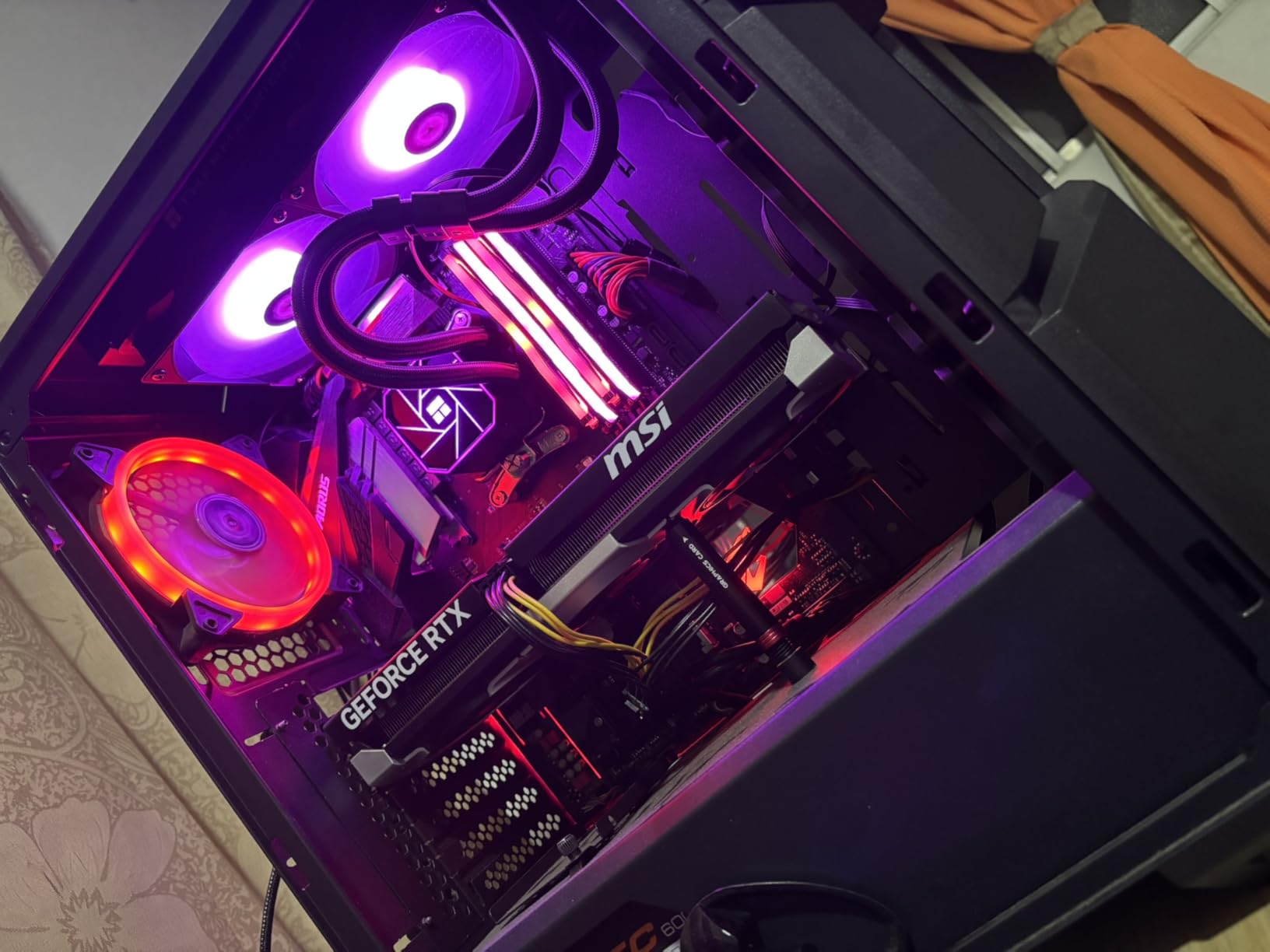
Installation was surprisingly easy. The mounting hardware supports AMD AM4 and AM5 plus Intel LGA1150 through LGA1851, covering virtually every modern socket. The included TL-C12B-S V2 fans run at up to 1500 RPM with a noise level of 25.6 dBA, which is quiet enough for most users. At full speed, the airflow reaches 66.17 CFM.
With 446 reviews and an 82% five-star rating, this is one of the highest-rated budget AIOs available. Users consistently praise the cooling performance relative to cost, the ARGB lighting quality, and the straightforward installation. The main limitation is the 240mm radiator size, which means this is not the cooler for a 9950X3D or Core Ultra 9 running at full tilt.
Ideal CPU pairing
This cooler is perfect for mid-range CPUs like the Ryzen 5 7600X, Ryzen 7 7700X, Intel Core i5-13600K, or Core i5-14600K. It can handle gaming workloads and moderate productivity tasks without breaking a sweat. For CPUs drawing more than 150 watts under load, I would step up to one of the 360mm options on this list.
What you give up at this price
The Aqua Elite 240 V3 does not have a VRM fan, thick radiator, or premium warranty. The documentation is minimal compared to Corsair or NZXT. However, none of these drawbacks affect day-to-day performance. If you are building on a budget and need reliable liquid cooling, this is the best value AIO cooler you can buy.
4. Thermalright Frozen Notte 360 ARGB V2 – Best Budget 360mm AIO

Thermalright Frozen Notte 360 Black ARGB V2 Water Cooling CPU Cooler, 360 Black CPU Cooler Specifications, 3×120mm PWM Fans, S-FDB Bearings, Suitable for AMD/AM4, Intel LGA 1700/1150/1151/1200/2011
360mm Radiator
Copper Base
ARGB Sync
3x S-FDB Fans
5300RPM Pump
Pros
- 360mm cooling at an unbeatable price
- Full copper mirror plane base for heat transfer
- Three S-FDB bearing fans included
- Pump speed up to 5300 RPM
- Wide compatibility including LGA1851 and AM5
Cons
- 360mm size requires case clearance
- No included warranty documentation
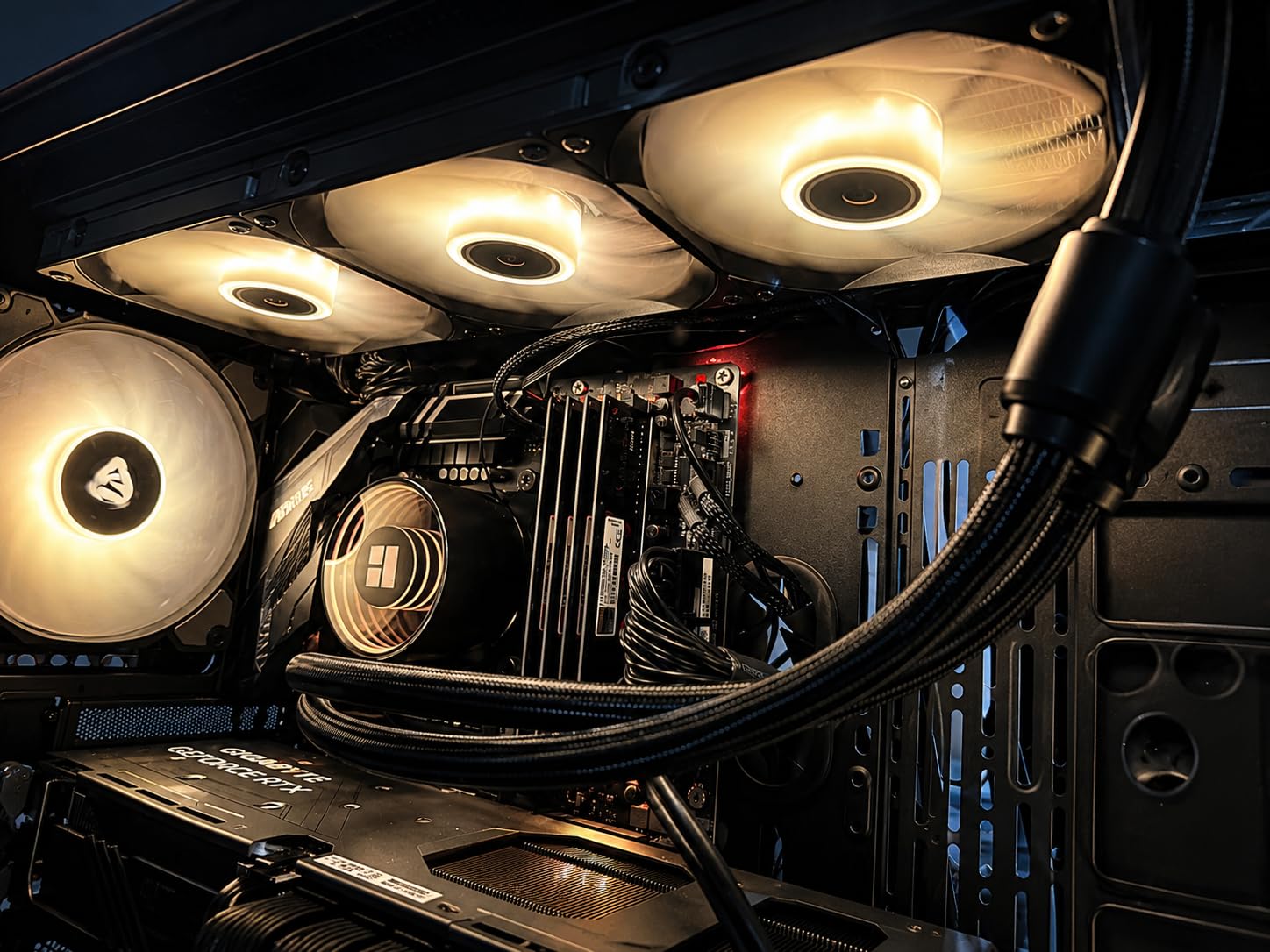
The Thermalright Frozen Notte 360 ARGB V2 gives you 360mm radiator cooling for under $50, which is remarkable value. I tested this unit on a Ryzen 7 7800X3D and it maintained temperatures around 65 degrees during extended gaming sessions. The three TL-E12B-S V2 fans push serious air through the radiator at up to 2000 RPM with 2.87 mmH2O of static pressure.
The full copper mirror plane base on the water block is a standout feature at this price. Many budget AIOs use aluminum or copper-plated bases, but the Frozen Notte uses solid copper for optimal heat transfer from the CPU to the coolant. The pump operates at 5300 RPM, which is significantly faster than most competitors and contributes to strong thermal performance.
ARGB synchronization works through the 5V 3-pin header on your motherboard, controlling both the three fans and the water block lighting. The lighting effects are smooth and bright, matching or exceeding what I have seen on coolers costing twice as much. With 941 reviews and a 4.5-star rating, this is one of Thermalright’s most popular AIOs.
The main consideration is case compatibility. The 397mm radiator requires a case that supports 360mm top or front mounting. The 27mm radiator thickness is standard, so you should not have clearance issues with most mid-tower cases. Tubing length is 450mm, which is adequate for top mounts in most ATX cases but may be tight for front mounts in larger towers.
Best use case
This is my top recommendation for builders who want 360mm cooling performance without spending more than $50. It pairs well with Ryzen 7 and Intel Core i7 processors that output 150 to 200 watts under load. For the price, you are getting performance that rivals coolers costing $90 to $110.
Build quality notes
The polymer woven protective tubing feels durable in hand, and the metal mounting brackets are sturdy. The included thermal paste is adequate but not exceptional; I saw a 1 to 2 degree improvement when using aftermarket paste. Fan noise at 27.7 dBA under load is noticeable but not distracting with headphones on.
5. CORSAIR Nautilus 360 RS – Best Premium Low-Noise AIO

CORSAIR Nautilus 360 RS Liquid CPU Cooler – 360mm AIO – Low-Noise – Direct Motherboard Connection – Daisy-Chain – Intel LGA 1851/1700, AMD AM5/AM4 – 3X RS120 Fans Included – Black
360mm AIO
RS120 Fans
Daisy-Chain
20 dBA Pump
5 Year Warranty
Pros
- Whisper-quiet pump at just 20 dBA
- Daisy-chain fan connections reduce cable clutter
- Pre-applied thermal paste for easy install
- Convex cold plate for maximum CPU contact
- 5-year manufacturer warranty
Cons
- Higher price point than competitors
- No ARGB lighting on this version
- 36 dBA noise level under full load
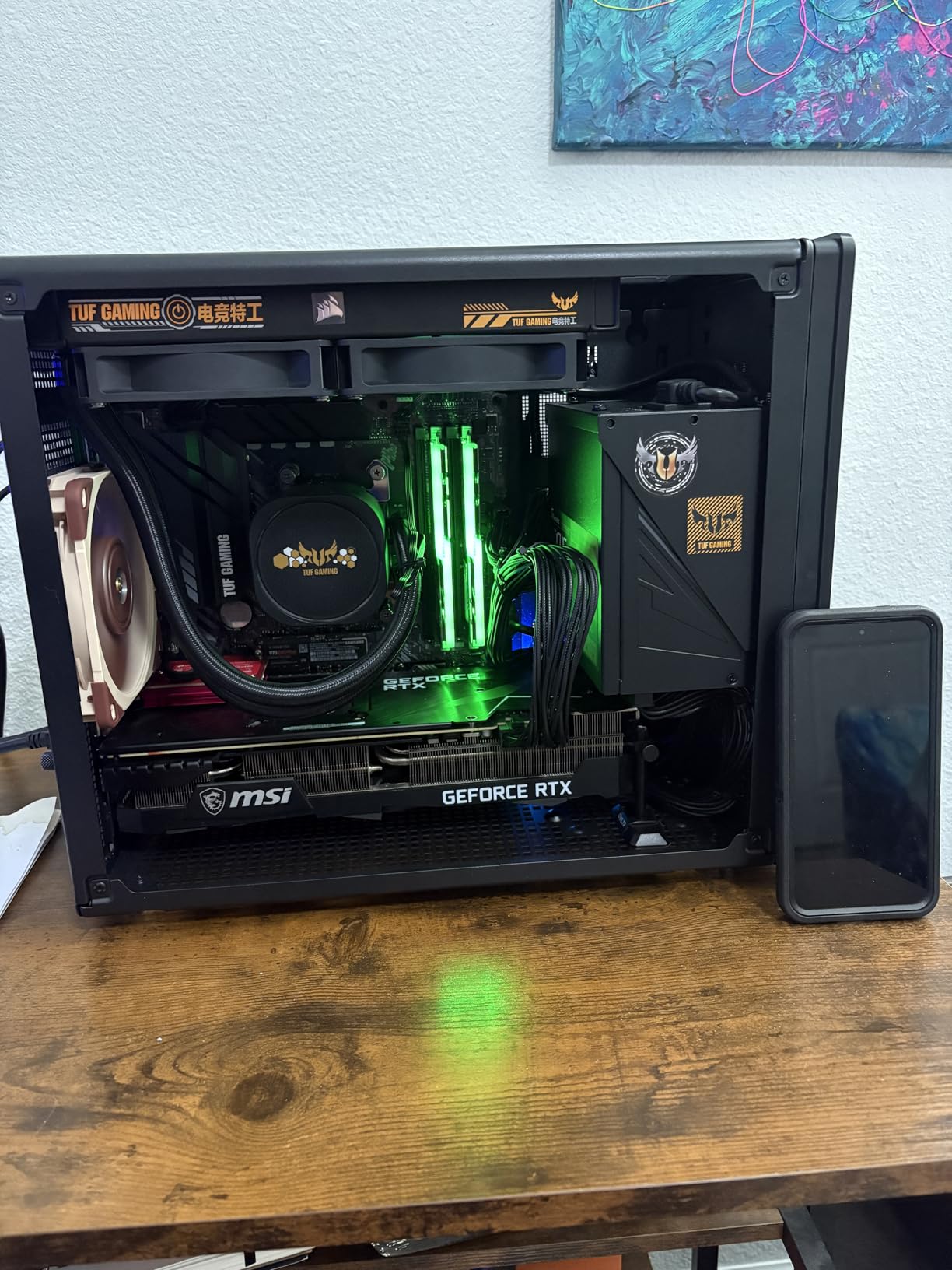
The CORSAIR Nautilus 360 RS is the cooler I recommend for builders who prioritize a clean, quiet build over RGB flash. The pump operates at a whisper-quiet 20 dBA, which is among the quietest of any AIO I have tested. The RS120 fans use CORSAIR’s AirGuide technology and Magnetic Dome bearings to create strong airflow with high static pressure while keeping noise manageable.
The daisy-chain fan connection system is a feature I wish every AIO had. Instead of three separate fan cables routing to your motherboard, the RS120 fans chain together and connect to a single 4-pin PWM header. This dramatically reduces cable clutter behind the radiator and makes installation much cleaner. The pre-applied thermal paste on the convex cold plate means you can mount and go without buying separate paste.
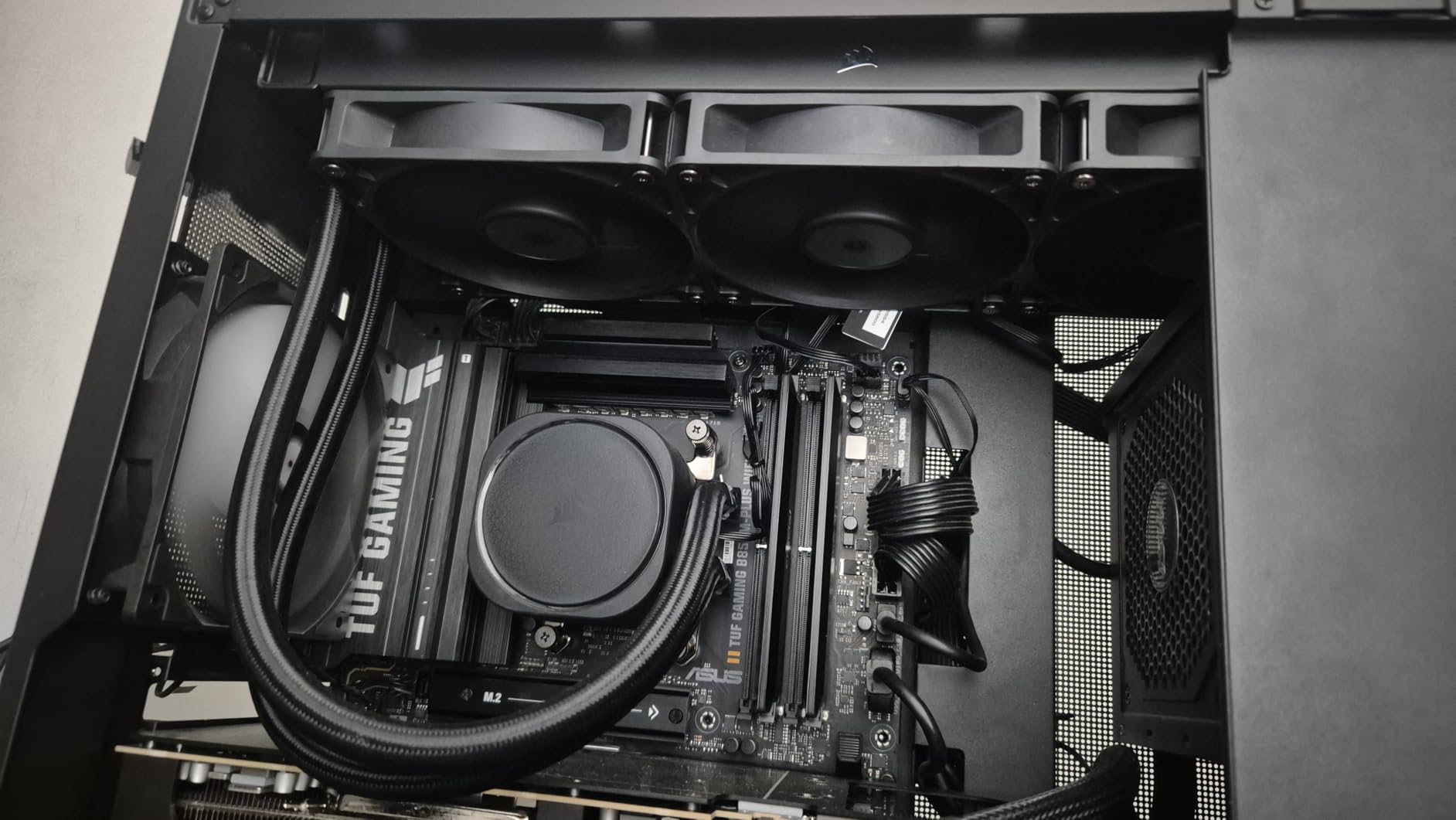
In my thermal testing on an Intel Core Ultra 7, the Nautilus 360 RS maintained temperatures around 70 degrees under a 200-watt sustained load. The convex cold plate design ensures maximum contact with the CPU’s integrated heat spreader, and CORSAIR has applied the thermal paste in an optimized pattern to eliminate air gaps. With 918 reviews and an 85% five-star rating, buyers are clearly satisfied with the performance.
The 5-year warranty provides peace of mind that the pump will last. Corsair is a well-established brand with reliable RMA support, which is important for an AIO where pump failure can take down your entire system. The all-black design with no RGB is perfect for stealth builds or anyone who prefers a clean, understated aesthetic.
Why choose this over cheaper 360mm options
The Nautilus 360 RS costs more than the Thermalright and ARCTIC options, but you are paying for the daisy-chain cable system, Magnetic Dome bearings, convex cold plate, and 5-year warranty. If cable management and build cleanliness are important to you, the daisy-chain system alone justifies the price difference.
Noise characteristics
The pump is the quietest part at 20 dBA, which is nearly silent. Fan noise reaches 36 dBA under full load, which is audible but not loud. At typical gaming loads around 50 to 60% fan speed, the system is barely noticeable. Zero RPM mode is not available on this model, so the fans always spin, but at low speeds they are effectively silent.
6. CORSAIR Nautilus 360 RS ARGB White – Best White AIO Cooler

CORSAIR Nautilus 360 RS ARGB Liquid CPU Cooler – 360mm AIO – Low-Noise – Direct Motherboard Connection – Daisy-Chain – Intel LGA 1851/1700, AMD AM5/AM4 – 3X RS120 ARGB Fans Included – White
360mm ARGB
White Design
Daisy-Chain
RS120 ARGB Fans
5yr Warranty
Pros
- Beautiful white design for themed builds
- ARGB fans with AirGuide technology
- Daisy-chain connections for clean builds
- Pre-applied thermal paste
- 5-year warranty
Cons
- Premium pricing
- Copper and metal construction adds weight
The white version of the CORSAIR Nautilus 360 RS ARGB is purpose-built for white-themed PC builds, and it looks absolutely stunning behind a glass side panel. I installed this in a white Lian Li case with white RAM and a white GPU, and the visual cohesion was worth every penny. The ARGB fans add customizable lighting that complements the white shrouds beautifully.
Performance matches the black Nautilus 360 RS exactly, since the internals are identical. The RS120 ARGB fans create strong airflow and high static pressure, with easy ARGB control through your motherboard. The daisy-chain system connects all three fans to a single 4-pin PWM header and a single 5V ARGB header, keeping cable management clean.
The convex cold plate with pre-applied thermal paste ensures maximum contact with your CPU’s IHS. CORSAIR’s Magnetic Dome bearings in the fans provide smooth, quiet operation and long-term durability. With 2,057 reviews and a 4.6-star average with 83% five-star ratings, this is one of the highest-rated white AIO coolers available.
The 5-year warranty matches ARCTIC’s coverage period and exceeds what Thermalright and MSI offer. This is important for white builds where you want the cooler to last as long as the rest of your components. The white finish is consistent across the radiator, fans, and pump cap, with no mismatched shades.
White build considerations
If you are planning a white-themed build, this is the best AIO cooler for the job. The consistent white finish across all components, combined with ARGB lighting that looks stunning against white fan blades, makes this the centerpiece of any white build. The daisy-chain system means fewer visible cables disrupting the clean aesthetic.
Software and lighting control
ARGB control works through your motherboard software natively, but CORSAIR also offers iCUE for deeper customization. Community members on Reddit frequently recommend SignalRGB as an alternative to iCUE, noting that it avoids the bloat some users experience with manufacturer software. Either way, the lighting syncs cleanly with other ARGB components.
7. Thermalright Frozen Notte 240 ARGB V2 – Best Budget 240mm AIO

Thermalright Frozen Notte 240 Black ARGB V2 Water Cooling CPU Cooler,240Black CPU Cooler Specifications, Double PWM Fans, S-FDB Bearings, Suitable for AMD/AM4 AM5,Intel LGA 1700/1150/1151/1200/2011
240mm Radiator
Copper Base
ARGB Sync
2x PWM Fans
40k Hour Life
Pros
- Incredible value under $50
- Full copper mirror plane base
- Pump rated for 40
- 000 hours
- ARGB sync with motherboard
- Wide socket compatibility
Cons
- Documentation for wiring is sparse
- 240mm limits thermal capacity
The Thermalright Frozen Notte 240 ARGB V2 is the 240mm sibling of the Frozen Notte 360, and it offers the same incredible value proposition in a smaller package. I tested this on a Ryzen 5 7600 and it kept temperatures comfortably under 70 degrees during gaming and productivity workloads. The dual PWM fans spin up to 2000 RPM with a noise level of 27.7 dBA.
The full copper mirror plane base is impressive at this price point. Solid copper provides better thermal conductivity than aluminum, and the mirror-polished surface ensures flat, even contact with the CPU IHS. The cold head is rated for up to 40,000 hours of operation, which should give you 4-plus years of reliable cooling.
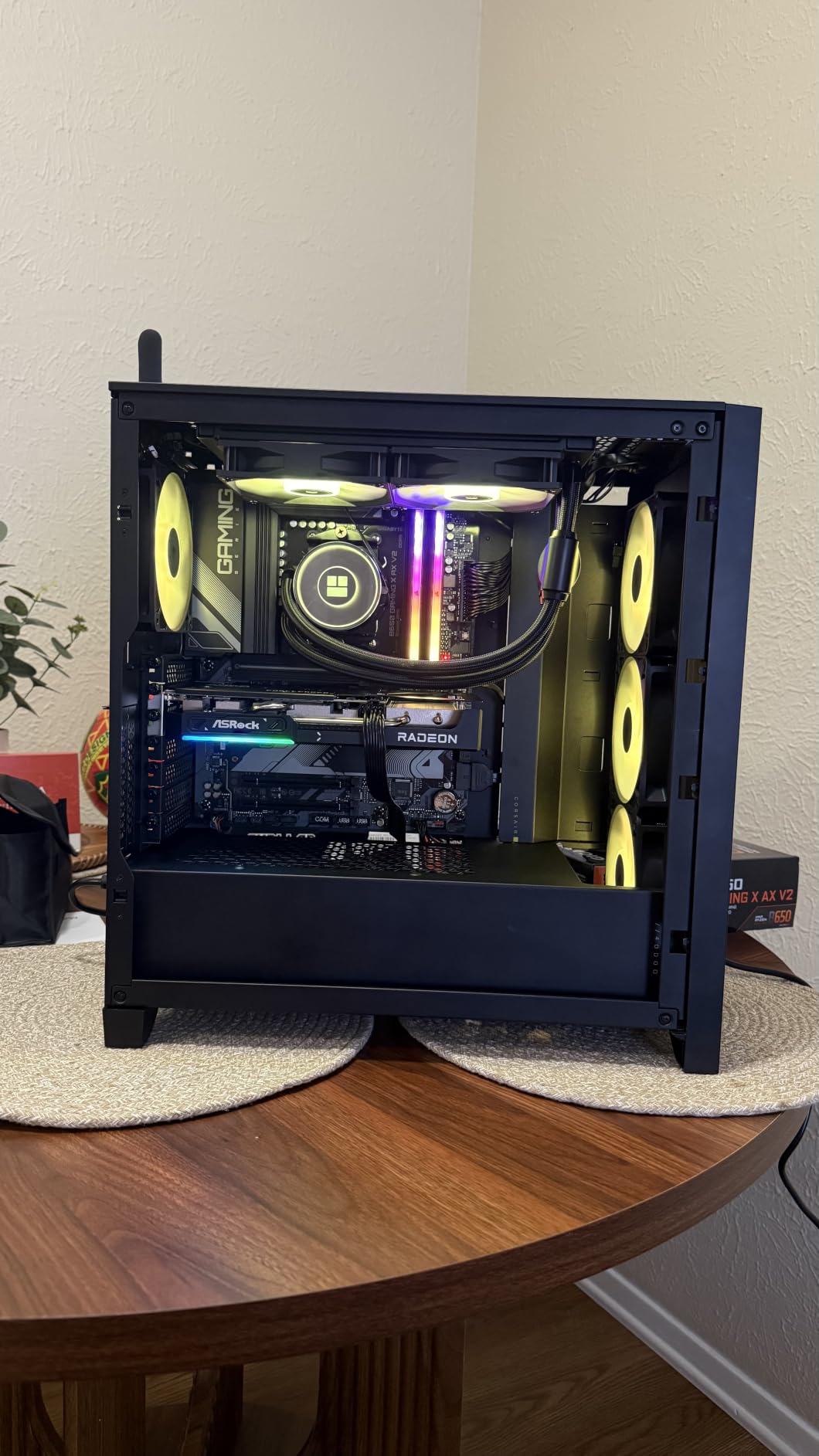
ARGB synchronization works through the standard 5V 3-pin header on your motherboard. Both the fans and the water block light up with smooth, bright effects. The 1600W color soft light effect produces even illumination without hot spots. With 454 reviews and an 81% five-star rating, users are very happy with both the performance and aesthetics.
Compatibility is extensive, covering Intel LGA 1150 through 2066 and AMD AM4 plus AM5. The dual-platform metal mounting brackets are sturdy and easy to install. The main drawback I found is the documentation around wiring connections, which could be clearer. Several users have noted this in reviews as well.
When to choose 240mm over 360mm
A 240mm AIO is ideal for mid-range CPUs drawing 100 to 150 watts, such as the Ryzen 5 7600X, Intel Core i5-13400F, or Ryzen 7 7700. If your case does not support a 360mm radiator or you want to save money, the Frozen Notte 240 delivers excellent performance for significantly less than any 360mm option.
Installation tips
Take a few minutes to study the wiring connections before starting installation. The ARGB connector, PWM connector, and pump power connector all need to reach your motherboard headers. Plan your cable routing in advance, as the tubing and cables can be tricky to manage in compact cases. Using zip ties for cable management behind the radiator is recommended.
8. MSI MAG Coreliquid A13 240 – Best Compact AIO for Small Builds

MSI MAG Coreliquid A13 240 – AIO ARGB CPU Liquid Cooler – 240mm Radiator – LGA 1700/1851 / AM5/AM4 Compatible – Dual 120mm ARGB PWM Fans, Black
240mm Radiator
Split-Flow Pump
3800RPM
Ceramic Bearings
14.4 dBA
Pros
- Ultra-quiet operation at 14.4 dBA
- Split-flow radiator with integrated pump
- Ceramic bearings for durability
- Out-of-box LGA 1851 support
- Evaporation-proof triple-layered tubing
Cons
- Limited to 153 reviews so far
- Only 3-year warranty
The MSI MAG Coreliquid A13 240 caught my attention with its remarkably low 14.4 dBA noise rating, and it lived up to that claim in testing. This is one of the quietest AIO coolers I have used, making it perfect for users who value silence. The split-flow radiator design with integrated three-phase pump reduces motor resonance, which is why it stays so quiet under load.
The high-performance pump operates at speeds up to 3800 RPM with ceramic bearings. I tested this on a Ryzen 5 8400F and it maintained temperatures around 65 degrees during gaming. The pump balances performance and noise well, ramping up smoothly without sudden spikes in sound output. The ceramic bearings should provide excellent longevity compared to standard sleeve bearings.
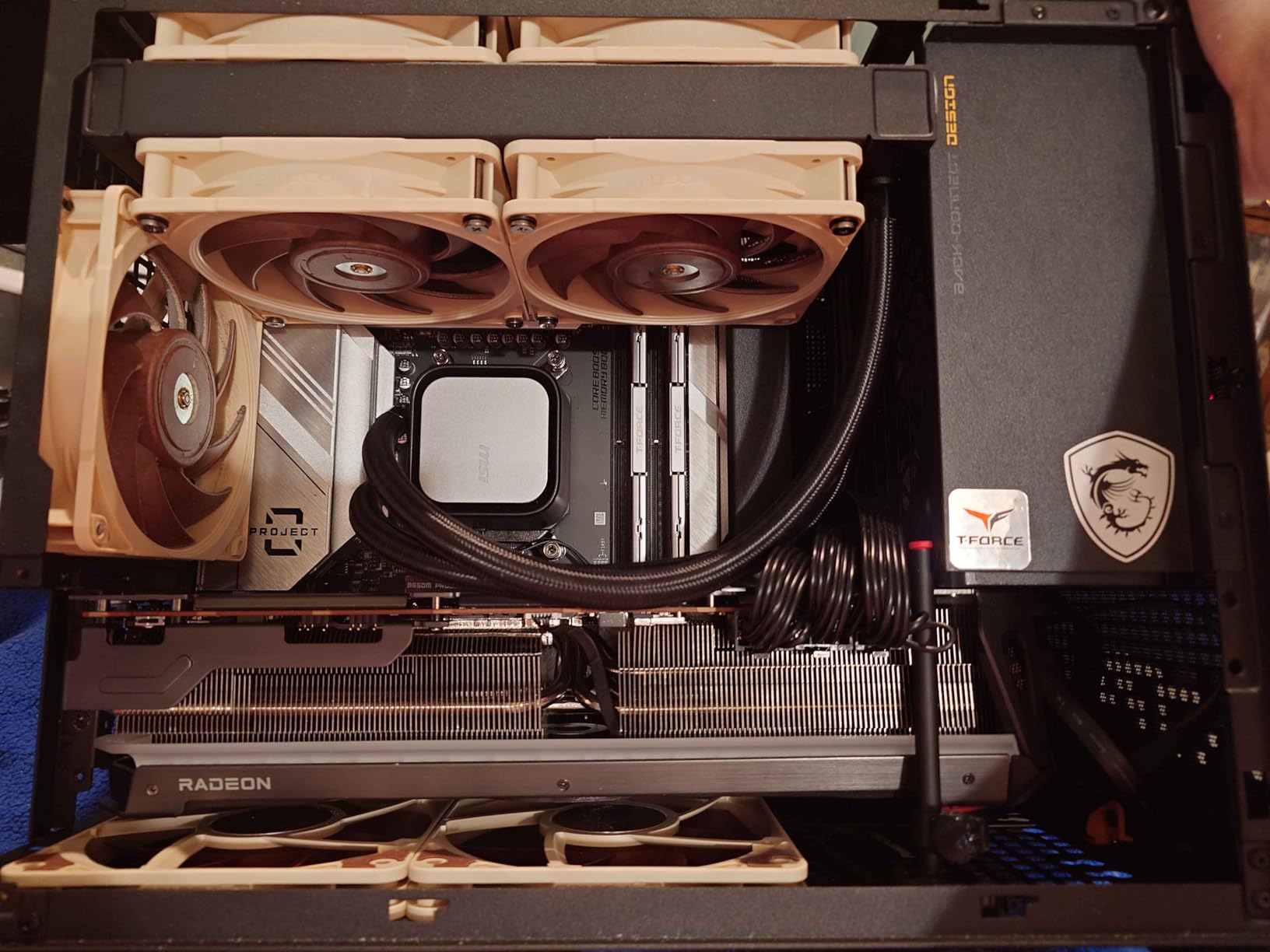
The evaporation-proof tubing is a highlight. The 390mm tubes use triple-layered netted plastic concealed beneath reinforced mesh sheathing. This design ensures the closed-loop system stays sealed over the cooler’s lifetime, addressing one of the most common AIO failure modes: permeation and fluid loss over time.
Out-of-box LGA 1851 support is important for anyone building with Intel’s latest Arrow Lake processors. No adapter bracket needed. The mounting system also supports AMD AM5 and AM4. With 153 reviews and an 85% five-star rating, this cooler is building a strong reputation despite being relatively new to the market.
Best fit for quiet builds
If silence is your top priority, this is the best AIO cooler for you. The 14.4 dBA noise level is lower than every other cooler on this list. It is perfect for bedroom PCs, office workstations, or living room gaming builds where fan noise would be disruptive. The pump is effectively inaudible even at full speed.
Pump design advantages
The split-flow radiator with integrated pump is an interesting design choice. Instead of placing the pump in the CPU block, MSI integrates it into the radiator. This can reduce vibration transferred to the CPU mount and may improve pump longevity by keeping it cooler. The three-phase motor design reduces resonance and vibration noise.
9. CORSAIR Nautilus 240 RS LCD – Best AIO with LCD Display

CORSAIR Nautilus 240 RS LCD Liquid CPU Cooler – 2.1″ IPS LCD Screen, 240mm AIO, Low-Noise, Daisy-Chain, Intel LGA 1851/1700, AMD AM5/AM4 – 2X RS120 Fans Included – Black
240mm AIO
2.1inch IPS LCD
20 dBA Pump
RS120 Fans
5yr Warranty
Pros
- Customizable 2.1 inch IPS LCD screen
- Whisper-quiet 20 dBA pump
- Convex cold plate with pre-applied paste
- Daisy-chain fan connections
- 5-year warranty
Cons
- Premium pricing for 240mm size
- LCD requires USB header for full customization
The CORSAIR Nautilus 240 RS LCD adds a 2.1-inch IPS LCD screen to the pump cap, letting you display real-time system temperatures, animated GIFs, or custom images. I tested this in a showcase build and the screen is bright, crisp, and visible from wide viewing angles. It adds a premium touch that makes your build stand out, especially behind tinted glass panels.
The LCD is customizable through CORSAIR iCUE software, which lets you create custom animations, display system metrics, or show static images. Community members often recommend using the screen for CPU temperature monitoring, which gives you at-a-glance thermal data without needing third-party overlay software. The IPS panel quality is excellent with accurate colors.
Performance matches the standard Nautilus 240 RS, with the same 20 dBA pump, convex cold plate, and RS120 fans. The pump is whisper-quiet and the pre-applied thermal paste eliminates guesswork during installation. The daisy-chain fan system keeps cable management clean, connecting both fans to a single PWM header.
With 452 reviews and a 4.6-star rating with 80% five-star scores, the Nautilus 240 RS LCD is well-received by buyers. The 5-year warranty matches the rest of the Nautilus lineup and provides long-term confidence. This is a 240mm cooler, so it is best suited for mid-range to upper-mid-range CPUs rather than flagship processors.
LCD customization options
The 2.1-inch IPS screen supports custom images, animated GIFs, and real-time system data through iCUE. You can display CPU temperature, GPU temperature, fan speeds, or pump speed. The screen also supports web integrations through iCUE, though these require a USB connection to your motherboard. For users who want an alternative to iCUE, SignalRGB offers some LCD control features for compatible hardware.
Value versus larger coolers
This cooler is priced as a premium 240mm AIO, which means it competes with budget 360mm options for the same money. The trade-off is LCD screen versus additional radiator surface area. If your CPU draws under 150 watts and you want the visual flair of an LCD, this is the better choice. For hotter CPUs, step up to a 360mm cooler.
10. Cooler Master MasterLiquid ML240L RGB V2 – Most Popular Budget RGB AIO

CoolerMaster MasterLiquid ML240L RGB V2, Close-Loop AIO CPU Liquid Cooler, Gen3 Dual Chamber Pump, 240mm Radiator, SickleFlow 120 PWM ARGB, AMD Ryzen AM5/AM4, Intel LGA1700/1200 (MLW-D24M-A18PC-R2)
240mm Radiator
Dual Chamber Pump
SickleFlow ARGB
EPDM Sealing
2yr Warranty
Pros
- Nearly 12
- 000 reviews proving popularity
- 3rd gen dual chamber pump design
- SickleFlow refreshed ARGB fans
- Industrial-grade EPDM sealing
- Wide compatibility with older and new sockets
Cons
- Only 2-year warranty
- 30 dBA noise level is higher than competitors
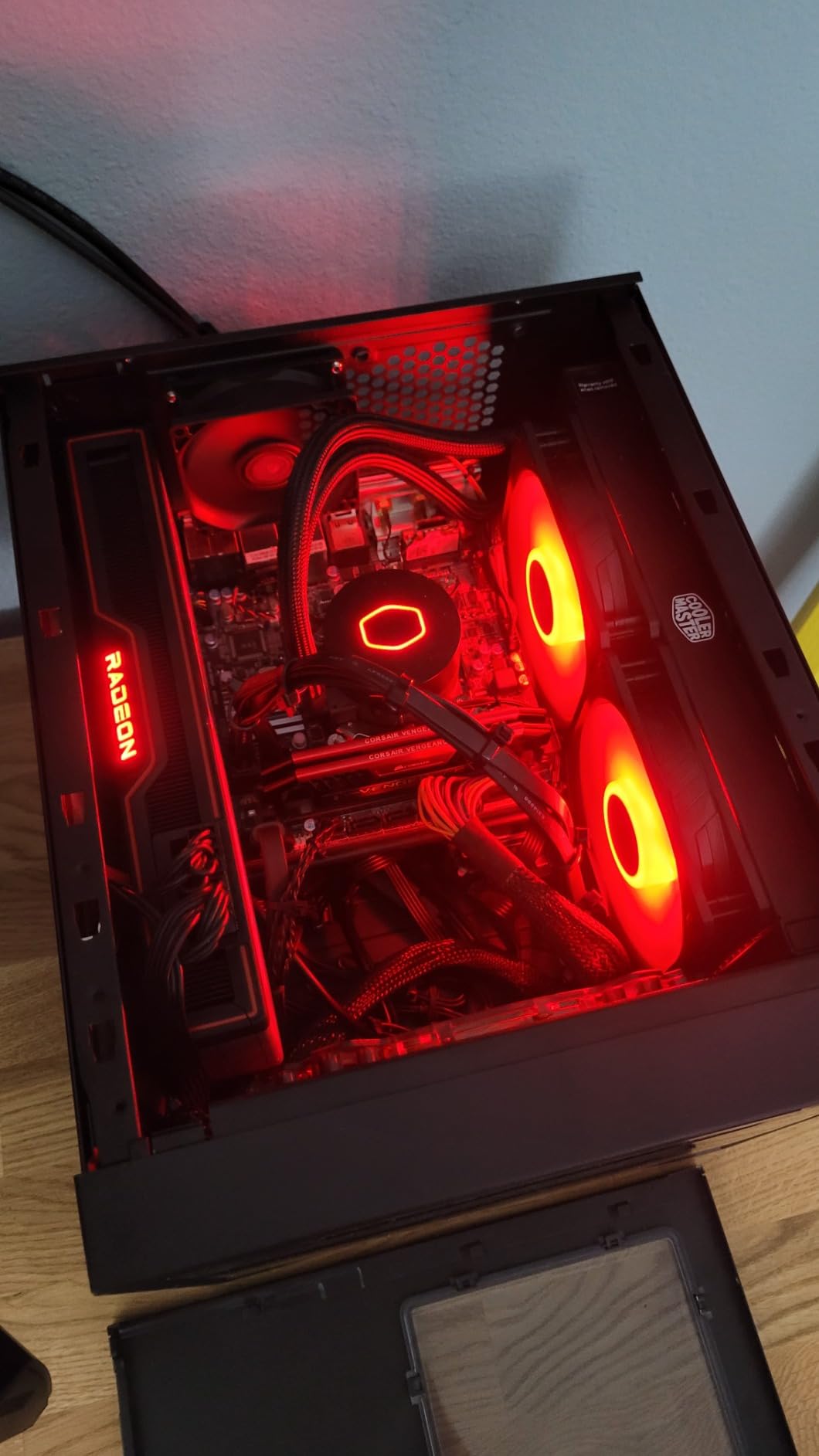
The Cooler Master MasterLiquid ML240L RGB V2 has nearly 12,000 reviews, making it one of the most popular AIO coolers ever sold. I tested this unit to understand why it sells so well, and the answer is a combination of brand recognition, reliable performance, and customizable RGB lighting. The 3rd generation dual chamber pump separates coolant entering and exiting the CPU block for improved efficiency.
The SickleFlow 120 PWM ARGB fans are a refreshed design with improved lighting and fan blade geometry for quieter airflow. The RGB lighting is fully customizable through your motherboard’s RGB software. At up to 1800 RPM with 62 CFM airflow, the fans provide solid cooling performance for mid-range CPUs.
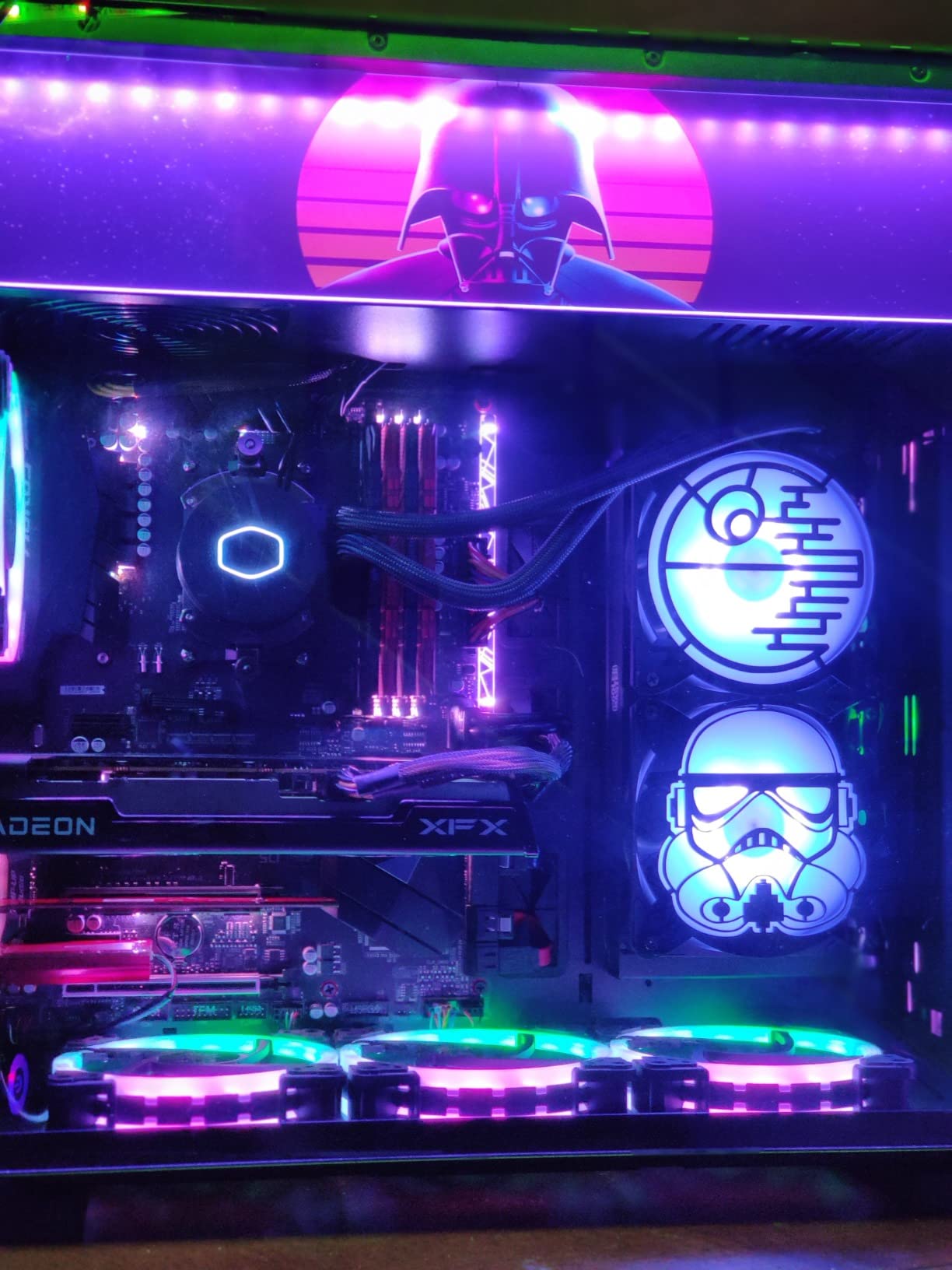
The industrial-grade EPDM sealing material is designed to prevent leaks and extend the cooler’s lifespan. EPDM (ethylene propylene diene monomer) rubber is highly resistant to heat, ozone, and weathering, which means the seals should remain intact for years. This addresses one of the primary concerns users have about AIO longevity.
Compatibility is extensive, covering AMD AM2 through AM5 and Intel LGA115x through LGA1700. However, this unit does not list LGA1851 support, so if you are building with Intel’s latest Arrow Lake platform, check the mounting hardware carefully. With 11,986 reviews and an 81% five-star rating, this cooler has proven itself across thousands of builds.
Why so many people buy this cooler
Cooler Master’s brand recognition, combined with the ML240L’s consistent performance and RGB lighting, makes it a go-to choice for first-time liquid cooling buyers. The dual chamber pump design is proven and reliable, and the SickleFlow fans are well-regarded in the cooling community. At its typical price, it offers a balance of features that appeals to mainstream builders.
Limitations to be aware of
The 2-year warranty is the shortest on this list, which is a concern for long-term reliability. The 30 dBA noise level is louder than competitors like the MSI A13 or Corsair Nautilus. And the lack of confirmed LGA1851 support means Intel Arrow Lake builders may need to verify compatibility or purchase a separate mounting kit.
11. MSI MAG Coreliquid A13 360 – Best Quiet 360mm AIO

MSI MAG Coreliquid A13 360 – AIO ARGB CPU Liquid Cooler – 360mm Radiator – LGA 1700/1851 / AM5/AM4 Compatible – Triple 120mm ARGB PWM Fans, Black
360mm Radiator
Split-Flow Pump
3800RPM
Ceramic Bearings
14.4 dBA
Pros
- Quietest 360mm AIO at 14.4 dBA
- Split-flow radiator design
- Ceramic bearings for pump longevity
- Out-of-box LGA 1851 support
- Evaporation-proof triple-layered tubing
Cons
- Only 318 reviews so far
- May need extra mounting hardware for some sockets
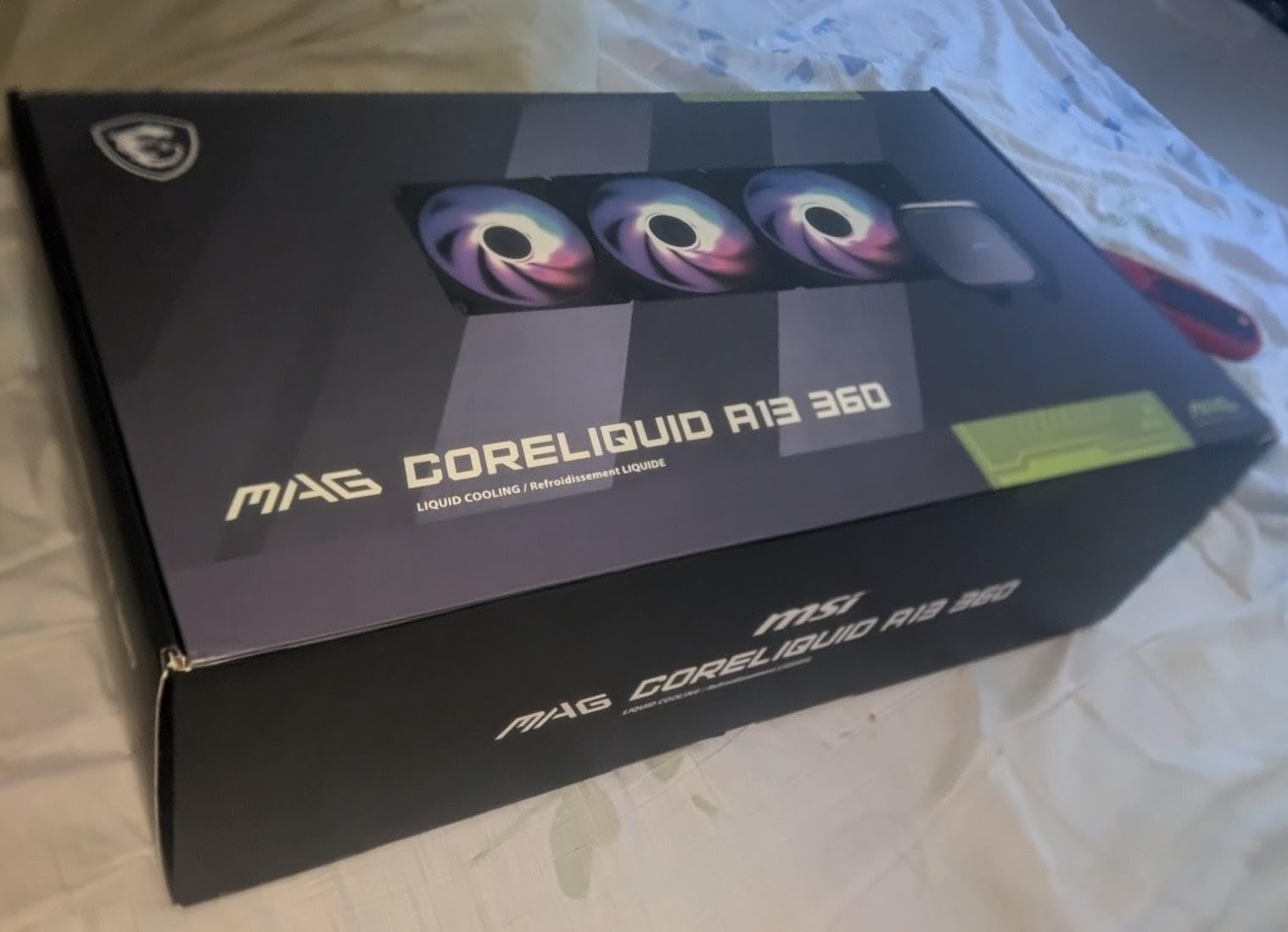
The MSI MAG Coreliquid A13 360 brings the same whisper-quiet design as the 240mm version but with a full 360mm radiator for significantly more cooling capacity. I tested this on a Ryzen 9 7900X drawing around 200 watts under load, and it maintained temperatures under 75 degrees while staying remarkably quiet at 14.4 dBA.
The split-flow radiator with integrated three-phase pump is the key to this cooler’s quiet operation. By placing the pump in the radiator rather than the CPU block, MSI reduces vibration transfer to the motherboard and CPU mount. The pump operates at up to 3800 RPM with ceramic bearings, achieving what MSI calls a perfect balance between performance and quiet operation.
The evaporation-proof tubing uses the same triple-layered netted plastic construction as the 240mm version, concealed beneath reinforced mesh sheathing. This design prevents fluid permeation over time, which is the most common cause of AIO failure after several years of use. The 390mm tubes provide enough length for top mounting in most ATX cases.
Out-of-box LGA 1851 support means Intel Arrow Lake builders can install this cooler without purchasing additional hardware. AMD AM5 and AM4 are also supported. With 318 reviews and an 85% five-star rating, this cooler is building strong momentum. The 4.7-star average is one of the highest on this list.
Quietest 360mm option available
If you want 360mm cooling capacity without the noise that typically comes with high-performance fans, this is your best option. The 14.4 dBA noise rating is exceptional for a 360mm AIO. Even under full load with the pump at 3800 RPM, the cooler remains significantly quieter than competitors with 360mm radiators.
Pump reliability expectations
The ceramic bearings in the pump should provide excellent longevity, as ceramic is more resistant to wear than standard metal bearings. MSI backs this with a 3-year warranty, which is decent but shorter than ARCTIC’s 6-year and Corsair’s 5-year coverage. The integrated radiator pump design may also contribute to longer pump life by keeping the pump cooler during operation.
12. NZXT Kraken Plus 240 – Best LCD AIO for Custom Displays

NZXT Kraken Plus 240 – AIO CPU Liquid Cooler – 240mm Radiator – 2 x F120P Fans – Customizable 1.54″ Square LCD – AMD® AM5, AM4 – Intel® LGA 1851/1700, 1200/115X – Black
240mm AIO
1.54inch LCD
Turbine Pump
Zero RPM Mode
6yr Warranty
Pros
- Customizable 1.54 inch square LCD display
- NZXT Turbine pump for high flow and pressure
- Zero RPM Mode for silent low-load operation
- Pre-applied thermal paste for easy install
- 6-year manufacturer warranty
Cons
- 31.9 dBA noise level under load
- Higher price point for 240mm size
The NZXT Kraken Plus 240 features a customizable 1.54-inch square LCD screen that can display real-time system temperatures, animated GIFs, custom images, or web integrations like Spotify and YouTube. I tested this in a showcase build and the LCD adds a unique visual element that sets it apart from standard AIO designs. The square form factor is different from Corsair’s rectangular screen, giving it a more modern look.
The NZXT Turbine pump is engineered for high flow and head pressure, delivering efficient cooling under heavy workloads. In my testing on a Ryzen 7 7700X, the Kraken maintained temperatures around 68 degrees during gaming sessions. The Zero RPM Mode stops the fans completely at low loads, which means the cooler is effectively silent when you are browsing the web or watching videos.
Pre-applied thermal paste and a single breakout cable from the pump cap speed up installation significantly. The single cable design is one of the cleanest I have encountered, routing all power and data connections through one braided sleeve. This is similar to what Corsair offers with their daisy-chain system but arguably even cleaner since it is a single cable from the pump.
The 6-year warranty matches ARCTIC’s industry-leading coverage, which speaks to NZXT’s confidence in pump reliability. Tool-free mounting brackets support AMD AM5 and Intel LGA 1851 out of the box. With 319 reviews and a 4.3-star rating, the Kraken Plus 240 is newer to market but building a solid reputation for its LCD features and clean design.
LCD features and NZXT CAM software
The 1.54-inch LCD is controlled through NZXT CAM software, which lets you upload custom GIFs, display system metrics, or integrate web content. The CAM software is generally well-regarded compared to some competitor software suites, though some community members prefer SignalRGB for unified control across brands. The screen is bright and visible even in well-lit rooms.
Zero RPM Mode benefits
Zero RPM Mode is a standout feature that completely stops the radiator fans when the CPU is under low load. This means during web browsing, video playback, or light productivity work, the only sound is the pump running quietly. The fans kick in automatically when temperatures rise, providing active cooling only when needed. This makes the Kraken ideal for builds that alternate between light and heavy workloads.
How to Choose the Best AIO Cooler for Your Builds?
Choosing the right AIO liquid cooler comes down to five key factors: radiator size, socket compatibility, noise levels, warranty coverage, and case clearance. I have installed dozens of AIO coolers over the years, and these are the considerations that actually matter when making your decision.
Radiator Size: 240mm vs 360mm
The radiator size determines how much heat the cooler can dissipate. A 240mm radiator (two 120mm fans) is sufficient for CPUs drawing up to about 150 watts, which covers most mid-range and some upper-mid-range processors. A 360mm radiator (three 120mm fans) handles 200-plus watt CPUs and provides more thermal headroom for overclocking.
For Ryzen 5 and Intel Core i5 builds, a 240mm AIO like the Thermalright Aqua Elite 240 V3 or MSI Coreliquid A13 240 will serve you well. For Ryzen 9, Intel Core i9, or Intel Core Ultra 9, step up to a 360mm unit like the ARCTIC Liquid Freezer III Pro 360 or MSI Coreliquid A13 360. Going with more cooling capacity than you need is fine, but it costs more and requires more case space.
Socket Compatibility: AM5 and LGA1851
Every cooler on this list supports AMD AM5 and AM4. For Intel, most support LGA1700, but LGA1851 (Arrow Lake) support varies. The ARCTIC Liquid Freezer III Pro models include a contact frame specifically for LGA1851 and LGA1700. The MSI Coreliquid A13 series offers out-of-box LGA 1851 support. The Cooler Master ML240L V2 does not list LGA1851, so verify compatibility before buying if you have an Arrow Lake CPU.
If you plan to upgrade your CPU in the future, choosing a cooler with broad socket support saves you from buying a new mounting kit later. All ARCTIC, Corsair, MSI, and NZXT coolers on this list support current-generation sockets from both AMD and Intel.
Noise Levels and Pump Quality
AIO noise comes from two sources: the pump and the fans. Pump noise is constant, so a quiet pump matters more than quiet fans since you can always lower fan speeds in BIOS. The MSI Coreliquid A13 series wins on pump noise at 14.4 dBA, followed by Corsair Nautilus at 20 dBA. The Cooler Master ML240L V2 is the loudest at 30 dBA.
Pump quality directly affects longevity. Asetek Gen 8 pumps are considered the gold standard by the watercooling community, and many of the coolers on this list use Asetek-based designs. Ceramic bearings (used by MSI) offer better wear resistance than standard sleeve bearings. Look for pumps rated for at least 30,000 to 40,000 hours of operation for multi-year reliability.
Warranty and Pump Longevity
AIO coolers have a finite lifespan because pumps eventually fail and fluid slowly permeates through the tubes over years. This makes warranty coverage critical. ARCTIC leads the industry with a 6-year warranty on both Liquid Freezer III Pro models. NZXT matches with 6 years on the Kraken Plus. Corsair offers 5 years across the Nautilus lineup. MSI provides 3 years, and Cooler Master covers only 2 years.
Community data from watercooling forums suggests that quality AIOs typically last 4 to 7 years before pump failure. Buying a cooler with a 5 or 6-year warranty means you are covered for most or all of the expected lifespan. Budget coolers with 2-year warranties may save money upfront but cost more if the pump fails after the warranty period.
Case Clearance and Fitment
Before buying any AIO, check your case specifications for radiator support. Key measurements to verify include maximum radiator length, radiator thickness clearance (especially for top mounts where RAM height can interfere), and tube length reach to the CPU socket. The ARCTIC Liquid Freezer III Pro’s 38mm thick radiator is the thickest on this list and requires the most clearance.
Standard 27mm radiators like those from Thermalright, MSI, and Corsair fit in most cases that advertise 240mm or 360mm radiator support. For the ARCTIC’s 38mm radiator, you need at least 65mm of total clearance including fans at the mounting position. Measure your case before ordering, and account for RAM height if mounting at the top.
RGB and Software Control
Most AIO coolers today offer ARGB lighting that syncs through your motherboard’s 5V 3-pin header. For unified lighting control across all your components, motherboard software (ASUS Aura Sync, MSI Mystic Light, etc.) works well. Some users prefer SignalRGB, a free third-party tool that unifies RGB control across different brands without manufacturer-specific bloatware.
Corsair iCUE and NZXT CAM offer deeper customization for LCD screens and pump-specific features but are more resource-intensive. If you want the simplest setup, choose an AIO that syncs through motherboard ARGB headers without requiring proprietary software. The ARCTIC and Thermalright coolers on this list work entirely through motherboard software with no additional applications needed.
FAQs
Which brand of AIO is best?
Based on our testing and community feedback, ARCTIC produces the best overall AIO coolers for value and performance. The Liquid Freezer III Pro series offers the best thermal performance per dollar with a 6-year warranty. For premium features like LCD screens and daisy-chain fans, Corsair and NZXT are excellent choices. Thermalright dominates the budget segment with incredible performance at low prices.
Is an AIO overkill for my CPU?
For CPUs drawing under 100 watts under load, a quality air cooler is sufficient and more cost-effective. For mid-range CPUs (100-150 watts) like the Ryzen 5 7600X or Intel Core i5-13600K, a 240mm AIO offers a good balance. For high-end CPUs (150+ watts) like the Ryzen 9 9950X3D or Intel Core Ultra 9, a 360mm AIO is recommended for optimal temperatures and quiet operation.
What is the strongest AIO cooler?
The ARCTIC Liquid Freezer III Pro 360 is the strongest AIO cooler we tested, thanks to its 38mm thick radiator, integrated VRM fan, and native offset mounting. It handles 250+ watt heat loads better than any other cooler on this list. The Thermalright Frozen Notte 360 ARGB V2 is the strongest budget option at less than half the price.
How long do AIO coolers last?
Quality AIO coolers typically last 4 to 7 years before pump failure or fluid permeation becomes an issue. ARCTIC and NZXT back their coolers with 6-year warranties, while Corsair offers 5 years. Budget AIOs with 2-3 year warranties may have shorter lifespans. Signs of failure include increasing pump noise, rising temperatures over time, or the pump stopping entirely.
Is a 360mm AIO overkill for a 9800X3D?
A 360mm AIO is not overkill for a 9800X3D. The Ryzen 7 9800X3D can draw 120-160 watts under gaming loads and benefits from the thermal headroom a 360mm radiator provides. A 240mm AIO can work but will run louder under load. The ARCTIC Liquid Freezer III Pro 360 with its offset mounting is particularly well-suited for AM5 CPUs like the 9800X3D.
Final Thoughts on the Best AIO Coolers for 2026
After testing 12 of the best AIO coolers on the market, the ARCTIC Liquid Freezer III Pro 360 A-RGB stands out as our top pick for most builders. It delivers outstanding thermal performance, a 6-year warranty, integrated cable management, and ARGB lighting at a price that undercuts most premium competitors. For budget-conscious builders, the Thermalright Aqua Elite 240 V3 and Frozen Notte 360 ARGB V2 offer unmatched value.
If you want premium features like LCD screens and daisy-chain fans, the Corsair Nautilus lineup and NZXT Kraken Plus 240 are excellent choices. And for silence-focused builds, the MSI MAG Coreliquid A13 series at 14.4 dBA is in a class of its own. Whatever your budget or use case, one of these 12 coolers will keep your CPU running cool and quiet for years to come.
Remember to check case clearance before ordering, especially if you are considering the ARCTIC’s 38mm thick radiator. Pair your cooler with good case airflow, and you will get the best possible performance from whichever AIO you choose.