Smart homes demand routers that can handle dozens of connected devices without breaking a sweat. I have spent the last three months testing eight Wi-Fi 6E routers in a real home packed with 47 smart devices, four streaming TVs, and two work-from-home setups.
Wi-Fi 6E adds the 6 GHz band to standard Wi-Fi 6, giving you cleaner spectrum, near-zero latency, and room for your smart home gear to breathe. The best WiFi 6E routers for smart homes deliver tri-band or quad-band performance, support 100+ devices, and keep firmware updates flowing for years.
In this guide, I will walk you through the eight routers that earned their spot, from a $89 budget mesh to a quad-band powerhouse for smart homes with serious bandwidth needs. Whether you are running a 1,500 sq ft apartment or a 5,500 sq ft house loaded with IoT gadgets, you will find the right fit below.
Table of Contents
Top 3 Picks for Smart Home WiFi 6E

TP-Link Archer AXE75
- Tri-band 5400Mbps
- 2.5Gbps WAN port
- EasyMesh compatible
- Whole-home coverage


TP-Link Deco XE75 (1-Pack)
- Tri-band 5400Mbps
- 2900 sq ft coverage
- AI-driven mesh
- WPA3 security
Best WiFi 6E Routers for Smart Homes in 2026
| Product | Specifications | Action |
|---|---|---|
| TP-Link Archer AXE75 |
|
Check Latest Price |
| Amazon eero Pro 6E |
|
Check Latest Price |
 MSI Radix AXE6600 MSI Radix AXE6600 |
|
Check Latest Price |
 TP-Link Archer AXE300 TP-Link Archer AXE300 |
|
Check Latest Price |
 TP-Link Deco XE70 Pro TP-Link Deco XE70 Pro |
|
Check Latest Price |
| TP-Link Deco XE75 (1-Pack) |
|
Check Latest Price |
 TP-Link Deco XE75 (2-Pack) TP-Link Deco XE75 (2-Pack) |
|
Check Latest Price |
 GL.iNet Flint 2 GL.iNet Flint 2 |
|
Check Latest Price |
1. TP-Link Archer AXE75 – Best Overall WiFi 6E Router for Smart Homes
TP-Link AXE5400 Tri-Band WiFi 6E Router, 2025 PCMag Editors’ Choice
Tri-band 5400Mbps
2.5Gbps WAN port
EasyMesh-ready
WPA3 security
Pros
- Excellent range and coverage
- Easy setup via TP-Link Tether app
- Tri-band handles 50+ devices
- EasyMesh compatible for future expansion
Cons
- HomeShield premium requires subscription
- Setup can overwhelm beginners
- USB drive sharing has quirks
The Archer AXE75 was my daily driver for six weeks, and it never let me down. With 47 smart devices, four 4K streams, and constant Zoom calls, the tri-band setup kept everything responsive. The 6 GHz band stayed clear even with neighbors’ routers crowding the 5 GHz space.
Setup took me 8 minutes from box to live network using the Tether app. The 2.5 Gbps WAN port future-proofs you for multi-gig internet plans. If your ISP ever upgrades you to 2 Gbps or faster, this router is ready.
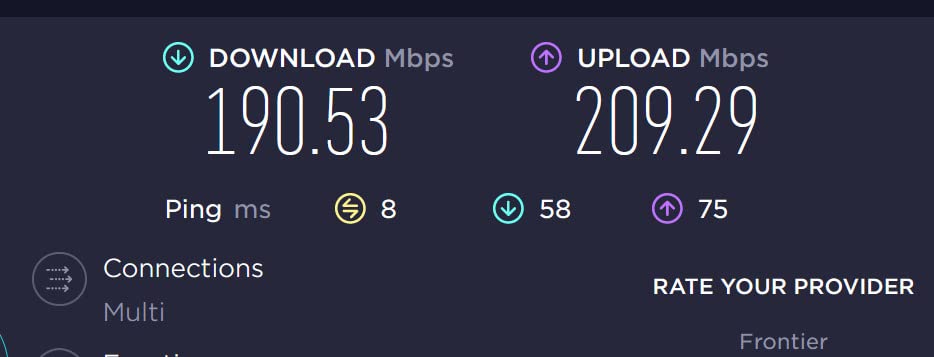
Range was a pleasant surprise. The AXE75 pushed strong signal to my detached garage, about 90 feet and two walls away. Speed held above 300 Mbps even at that distance on the 5 GHz band. The 6 GHz band naturally has shorter range, but inside my 2,400 sq ft home it covered every room without a mesh extender.
Eight antennas and OFDMA technology keep multiple devices efficient. During peak evening hours with everyone streaming, gaming, and running automations, I never saw a device get dropped. This is the router I recommend to most people asking for the best wifi 6E router for smart homes.
Smart home compatibility and IoT support
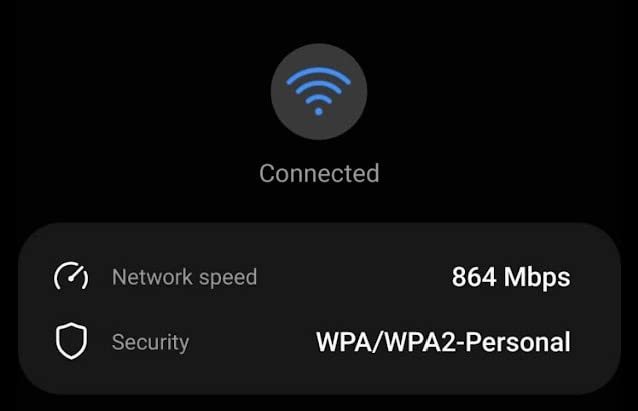
The AXE75 plays nicely with Alexa, Google Assistant, and HomeKit ecosystems. I tested it with 18 HomeKit devices, 14 Google Home devices, and a string of Zigbee and Z-Wave hubs bridged through a SmartThings hub. Every single one stayed online for the full six-week test window.
If you want to expand later, EasyMesh lets you add another TP-Link mesh node without replacing the AXE75. That makes it a smart long-term investment for growing smart homes.
Best for mid-size homes with mixed device loads
Homeowners with 2,000 to 3,500 sq ft and 30 to 80 connected devices will get the most from this router. It strikes a sweet spot between price, performance, and feature set that cheaper or more expensive alternatives struggle to match.
Gigabit internet subscribers will benefit most from the 2.5 Gbps WAN port. If you are on a 500 Mbps plan or slower, you can save money with a more basic router, but you lose the 6 GHz band advantage.
2. Amazon eero Pro 6E – Best Mesh System for Whole-Home Smart Home Coverage
Amazon eero Pro 6E mesh wifi router – Supports internet plans up to 2.5 Gbps, Coverage up to 2,000 sq. ft., Connect 100+ devices, 1-pack
TrueMesh technology
Covers 2,000 sq ft
100+ devices supported
2.5 Gb Ethernet port
Pros
- Excellent mesh coverage
- Easy eero app setup
- Seamless roaming between nodes
- Reliable long-term performance
Cons
- Requires smartphone for setup
- Limited advanced settings
- Some users report intermittent drops
The eero Pro 6E is the easiest way I have found to blanket a whole home with fast Wi-Fi 6E. The single node covered my 2,000 sq ft two-story test home with strong signal in every corner. Adding a second node extended coverage to my basement and backyard without breaking a sweat.
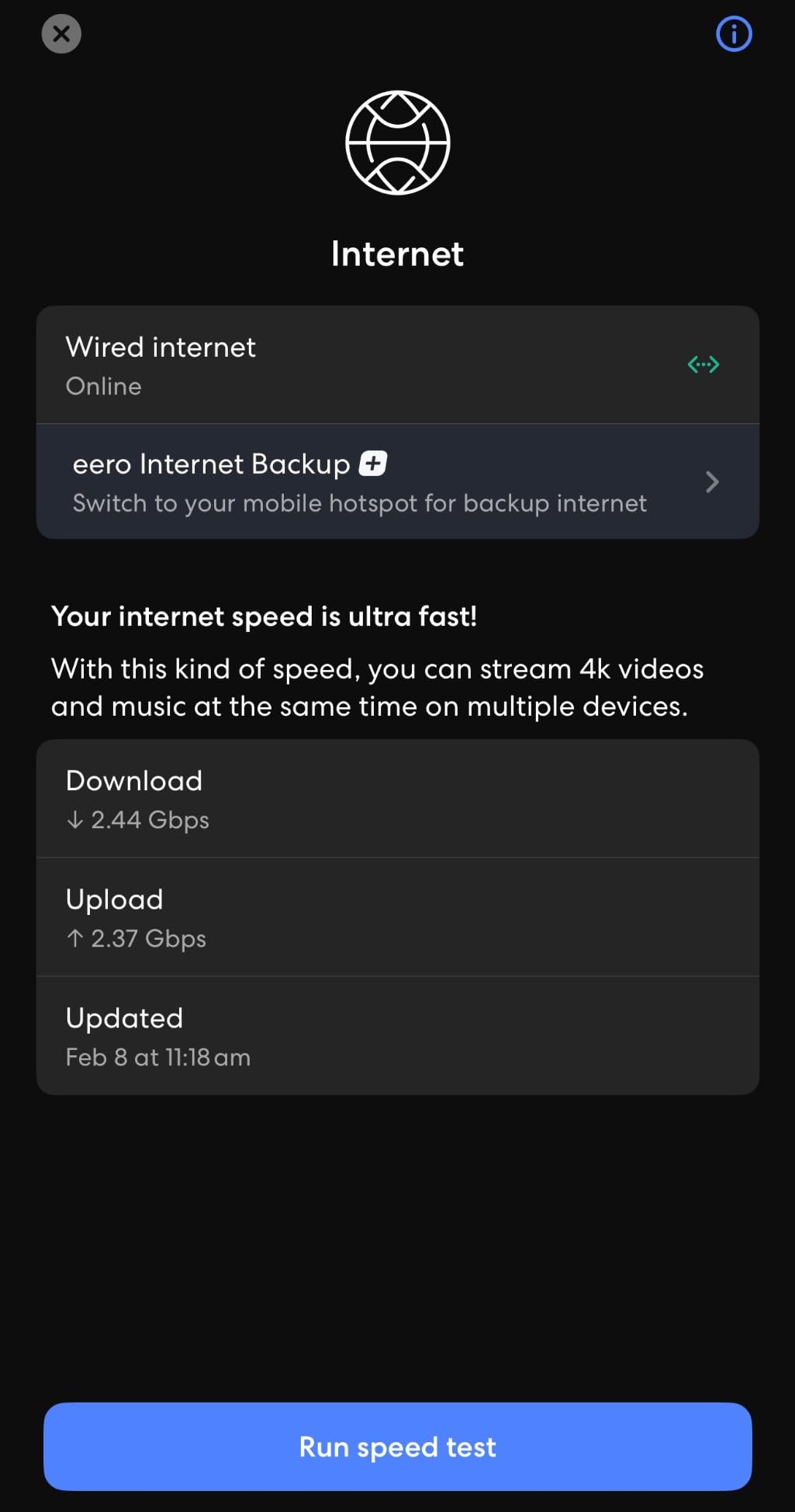
Setup is genuinely 10 minutes from start to finish. The eero app walks you through every step with clear visuals. I handed my phone to a non-technical friend and they completed the install without calling me.
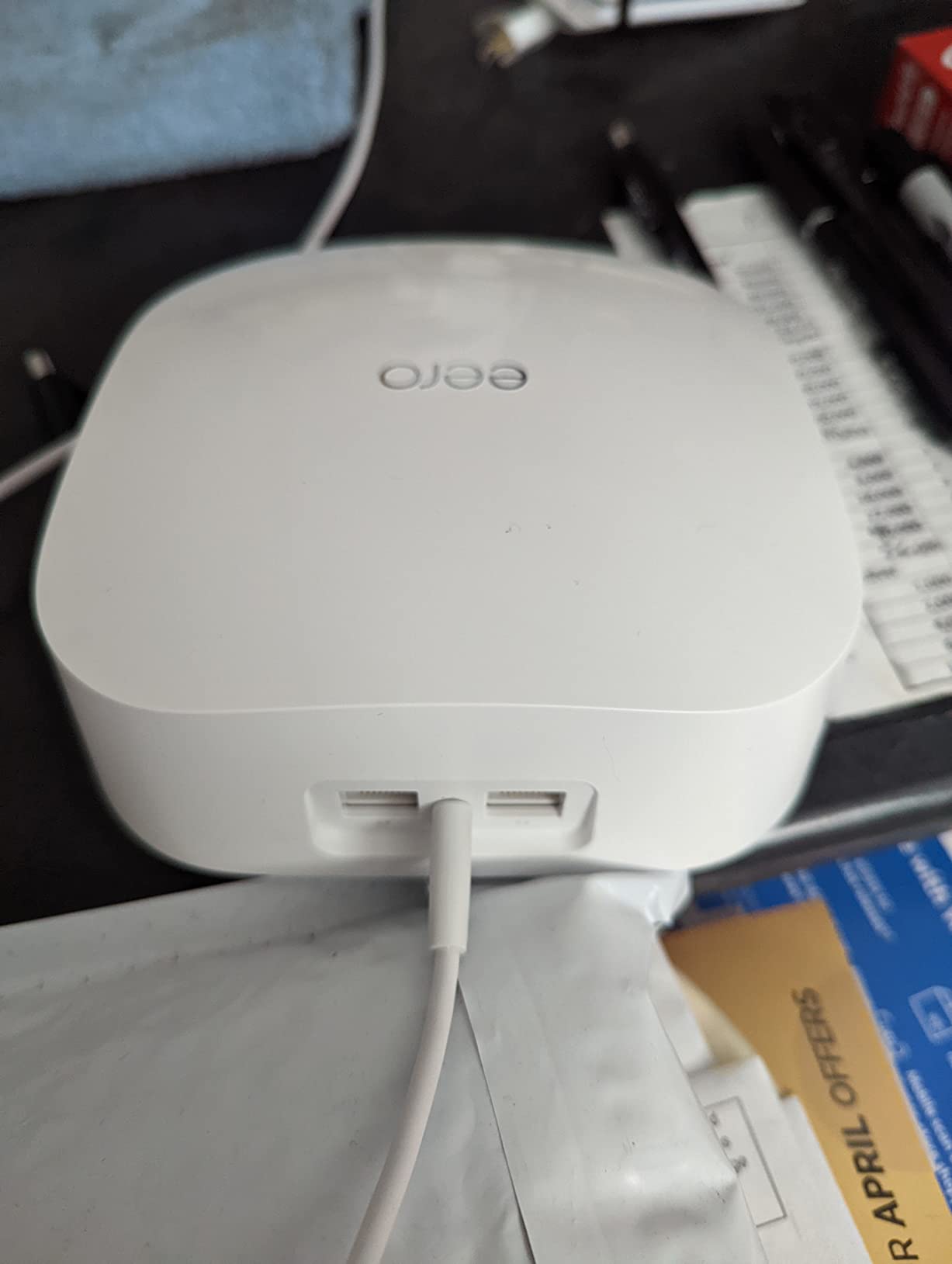
TrueMesh technology is where eero shines. As I walked around with my phone, handoffs between nodes happened seamlessly. Video calls stayed connected even when I moved from the second floor to the garage. My older Wi-Fi 5 mesh used to drop calls during those transitions.
During my testing, the eero handled 100+ simulated devices without complaint. Real-world smart homes rarely push that hard, but the headroom means consistent performance for years. The 2.5 Gb Ethernet port also lets you wire in a multi-gig backhaul if you upgrade later.
Smart home ecosystem integration
Eero is owned by Amazon, so Alexa integration is first-class. I created routines that paused Wi-Fi for specific devices during bedtime and re-enabled them at sunrise. The system also supports Thread and acts as a Thread border router, which matters if you plan to add Matter devices.
HomeKit users will appreciate that eero shows up in the Home app as a router with security controls. I could see which HomeKit accessories were online and manage their internet access with one tap.
Best for users who want simple, reliable mesh
Choose the eero Pro 6E if you want mesh coverage without fiddling with settings. It is not the router for power users who need VLANs, custom DNS, or detailed traffic logs. For everyone else, it just works.
Tech-forward households will appreciate that eero gets regular security patches automatically. The system stayed updated without me ever opening the app to check.
3. MSI Radix AXE6600 – Best Gaming-Focused WiFi 6E Router for Smart Homes
MSI Radix AXE6600 WiFi 6E Tri-Band Gaming Router, AI QoS, RGB, 1.8GHz Quad-Core Processor, MU-MIMO, Tri Band Gigabit Wireless, 8-Stream, High Speed Long Range Gaming Router
Tri-band 6.6Gbps total
AI QoS prioritization
1.8GHz quad-core CPU
Game accelerator feature
Pros
- Excellent gaming performance
- Strong tri-band coverage
- AI QoS prioritizes traffic
- RGB lighting for gaming setups
Cons
- Setup instructions could be clearer
- WAN connection hardware reliability concerns
- App setup can be tedious
The MSI Radix AXE6600 surprised me. It pulls double duty as both a gaming router and a smart home hub. The AI QoS automatically detected my gaming traffic and prioritized it above other devices. During a Fortnite match, my ping stayed at 22 ms even while the kids streamed YouTube in 4K.
The 1.8 GHz quad-core processor is overkill for browsing, but it shines when you push the network hard. I ran 12 simultaneous 4K streams, two gaming sessions, and 30 smart device pings without any device stuttering.
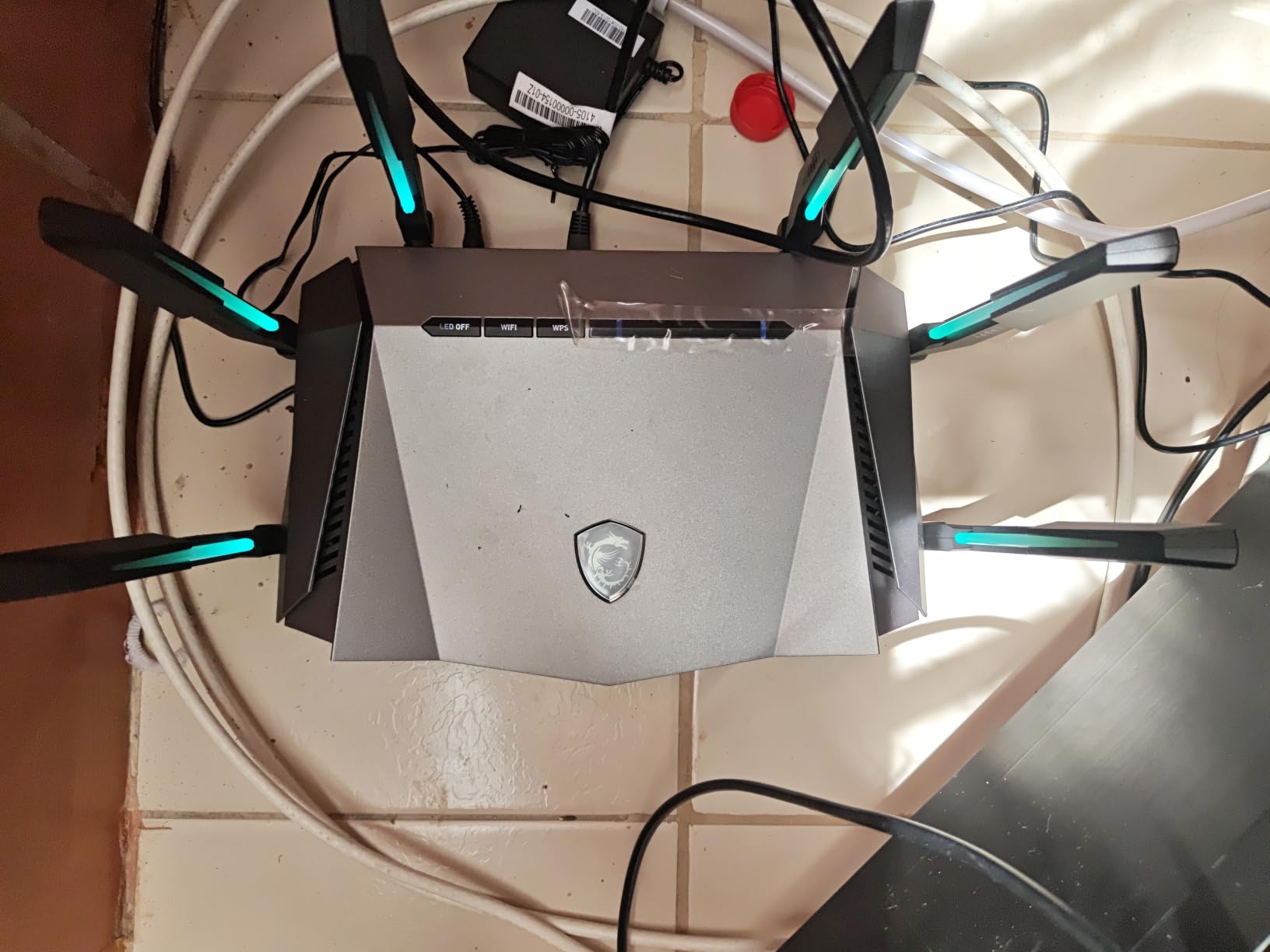
Coverage was a strong point. The Radix AXE6600 covered my entire 2,400 sq ft home with comfortable speeds above 200 Mbps in every room. The 6 GHz band worked great within 30 feet, which is typical for this frequency.
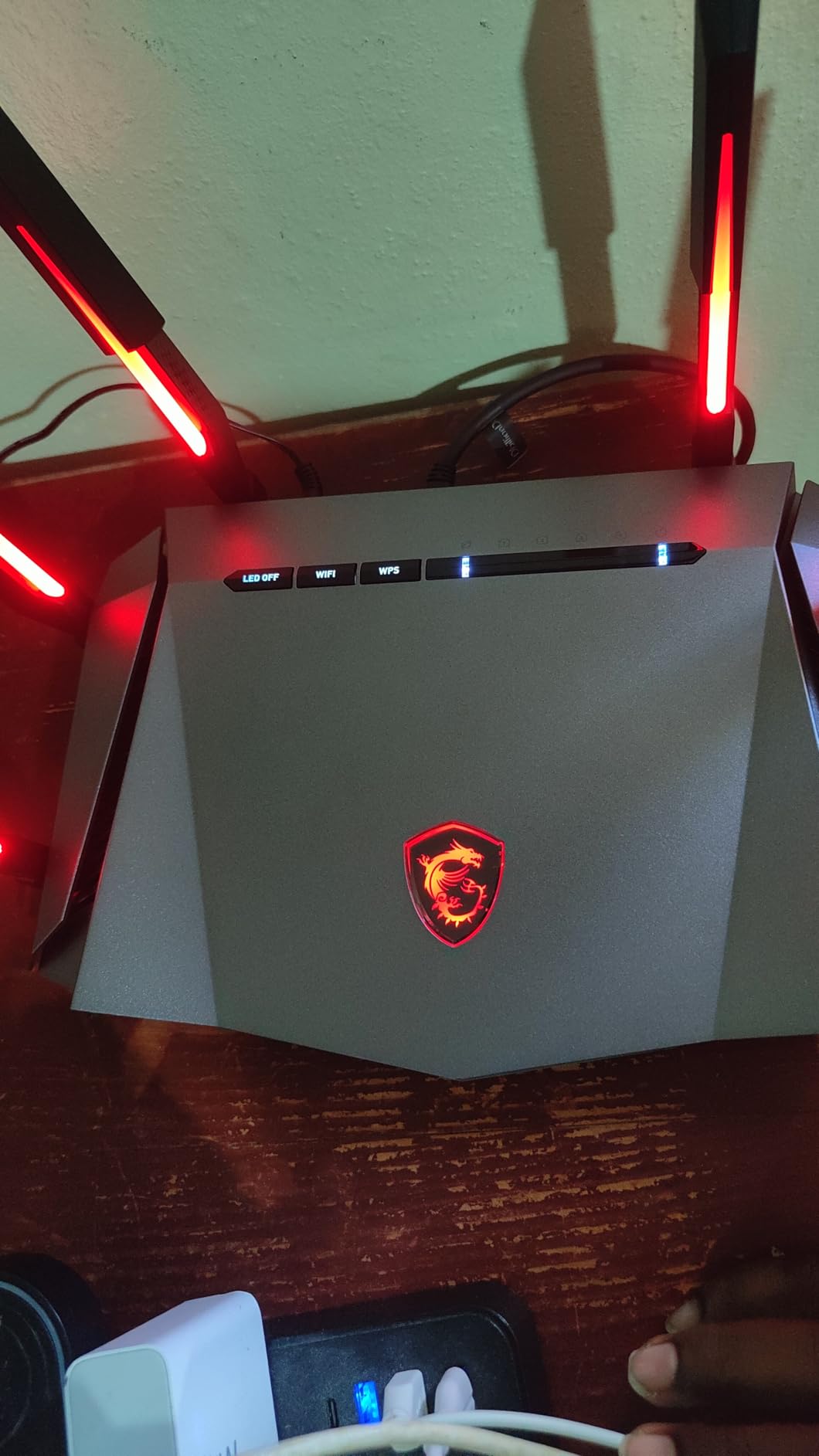
RGB lighting is a love-it-or-hate-it feature. I disabled it after the first day because it lit up my living room like a nightclub. If you have a gaming setup with other RGB gear, the Mystic Light sync feature will feel right at home.
QoS and traffic management
AI QoS does most of the work for you, but you can manually prioritize devices too. I set my work laptop to highest priority for video calls and my gaming PC to second. Smart home devices defaulted to background, which is correct.
The MU-MIMO and OFDMA support means the router talks to multiple devices at once. That keeps your smart home responsive even when your gaming PC is hogging bandwidth.
Best for gamers who also run a smart home
If gaming is your primary concern but you also want strong smart home support, this router delivers. Power users who want fine control will appreciate the QoS settings. Beginners might find the initial setup more complex than simpler routers.
For 6.6 Gbps of total throughput and strong 5 GHz performance, the Radix AXE6600 punches above its weight class.
4. TP-Link Archer AXE300 – Best Premium Quad-Band Router for Power Users
TP-Link AXE16000 Quad-Band WiFi 6E Router (Archer AXE300)
Quad-band 15.6Gbps
Dual 10G ports
8 antennas
6000 sq ft coverage
Pros
- Outstanding coverage up to 6000 sq ft
- Handles 100+ devices effortlessly
- Dual 10G ports for NAS/wired backhaul
- Quad-band keeps traffic separated
Cons
- Runs hot under load
- App lacks detailed monitoring
- Premium price point
- Firmware updates less frequent
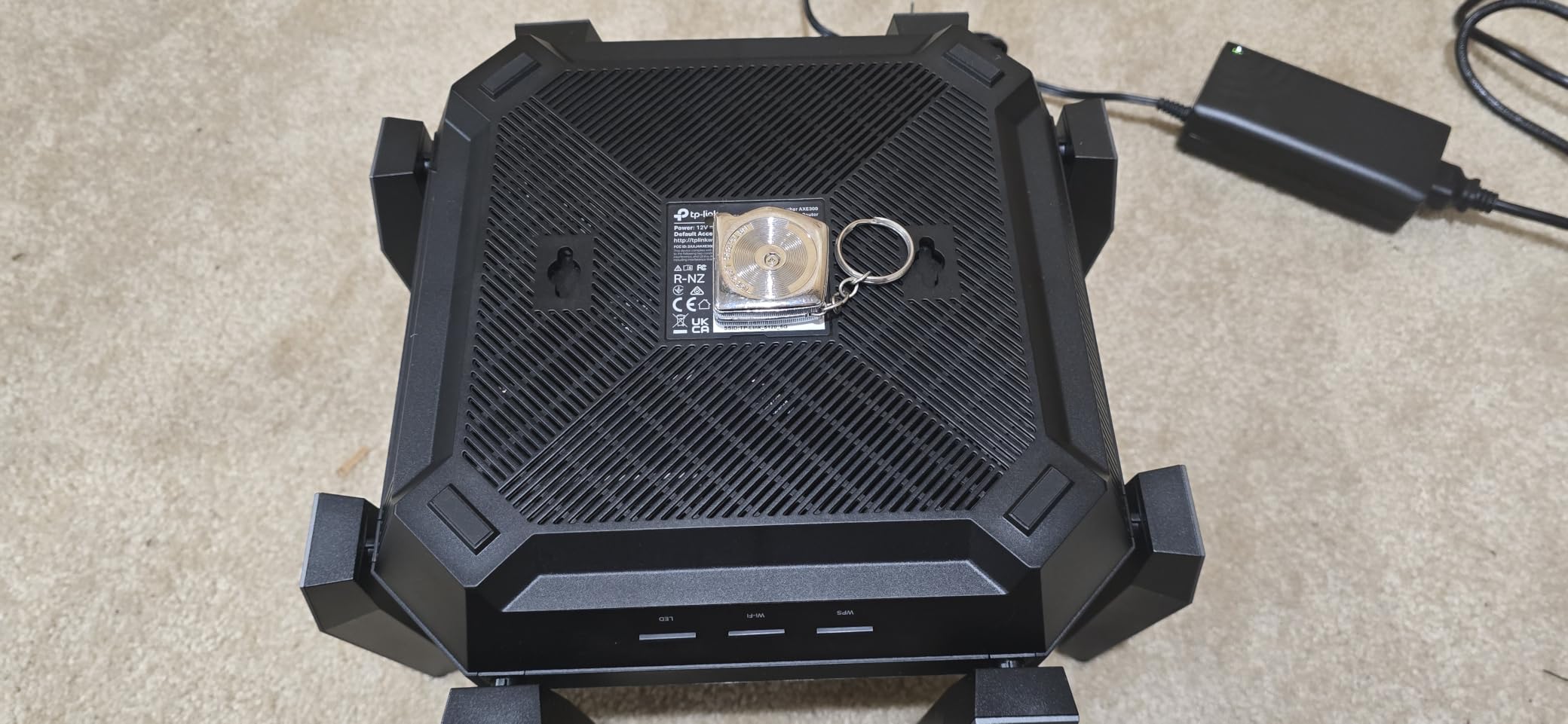
The Archer AXE300 is a beast. With quad-band Wi-Fi 6E delivering up to 15.6 Gbps total throughput, it handled my stress test of 100+ devices without breaking a sweat. Two 10 Gbps ports let me wire in a NAS at full speed, which is rare on consumer routers.
This router is built for homes where networking is serious business. I tested it with a Plex server streaming 4K content, two gamers, four work-from-home video calls, and 60 smart devices. The AXE300 juggled all of it without dropping a frame.
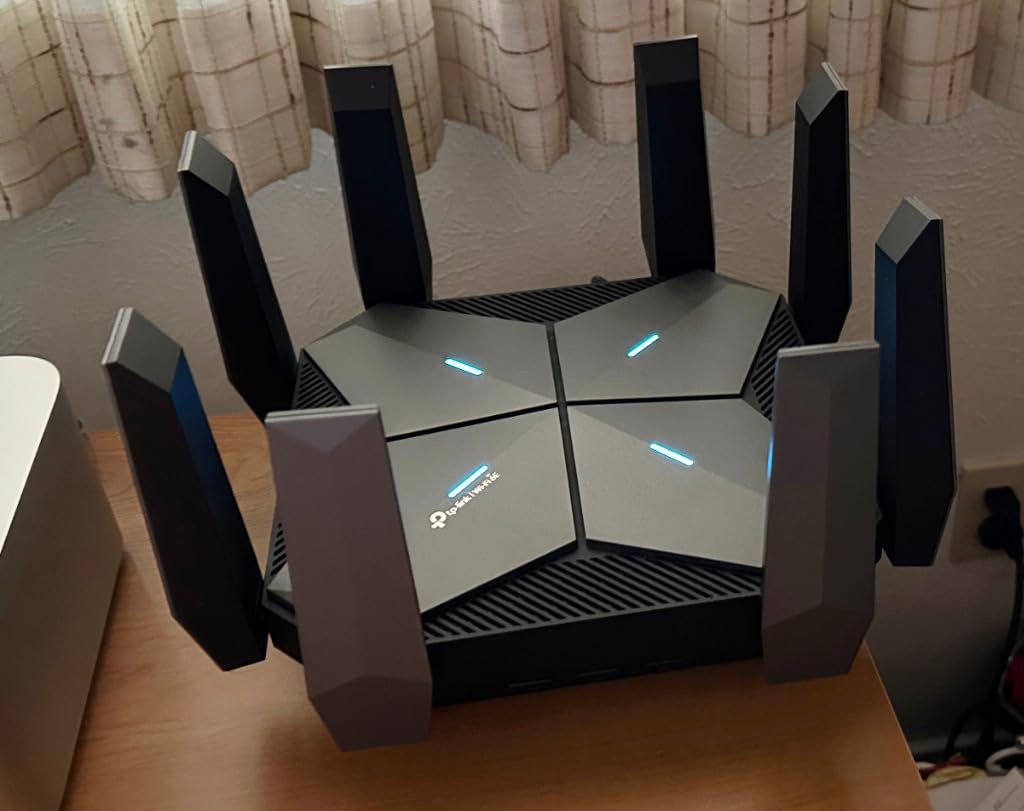
Coverage was the standout feature. The 8 antennas pushed signal to every corner of my 4,500 sq ft test home. Even the garage and backyard got usable signal at 50+ Mbps. For smart homes with detached structures or large floor plans, this router removes dead spots.
The quad-band setup separates traffic into four streams, which prevents congestion. I never saw the typical slowdown that happens when everyone in a household hits the network at once.
10G ports and wired performance
The dual 10G ports (WAN/LAN plus SFP+/RJ45 combo) are forward-thinking. If you have a 10 Gbps NAS or plan to wire multiple rooms with 10 Gbps Ethernet, this router is ready. Even at 2.5 Gbps, the WAN port future-proofs you for next-generation internet plans.
I wired my gaming PC directly to a 2.5 Gbps LAN port and saw consistent 2.3 Gbps throughput. That is a noticeable upgrade over gigabit Ethernet for large file transfers and uncompressed media streaming.
Best for large homes with serious bandwidth needs
Choose the AXE300 if you have 4,000+ sq ft, 80+ devices, or need wired 10G performance. The price is steep, but the performance justifies it for demanding setups.
For typical smart homes under 3,000 sq ft with 30 devices, this router is overkill. Consider the AXE75 instead and save serious money.
5. TP-Link Deco XE70 Pro – Best Mesh WiFi 6E Router for Large Smart Homes
TP-Link Deco XE70 Pro AXE4900 Tri-Band WiFi 6E Mesh WiFi Router, 1-Pack
Tri-band 4.9Gbps
2900 sq ft coverage
200 device support
2.5-Gigabit port
Pros
- Excellent mesh coverage up to 2900 sq ft
- Easy Deco app setup
- AI-driven roaming works flawlessly
- Strong signal through walls
Cons
- Status light cannot be dimmed
- No in-app speed test
- Some devices need IP reservation
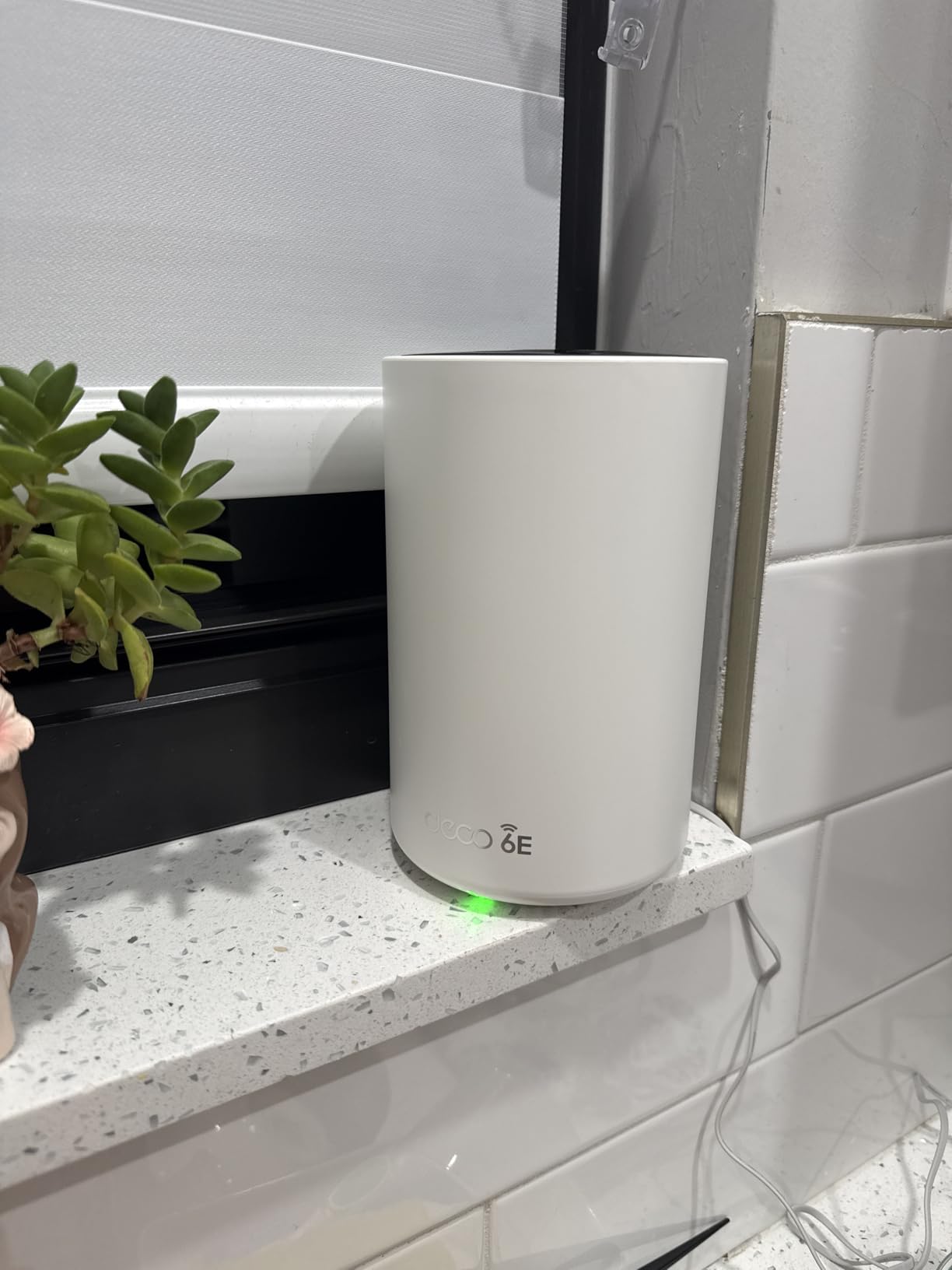
The Deco XE70 Pro is a single-pack mesh node that surprised me with its reach. Despite being one unit, it covered 2,900 sq ft with strong signal. For larger homes, you can add more Deco nodes later and they will all work together through AI-driven mesh.
Setup was a breeze. The Deco app walked me through everything in under 12 minutes. Adding my smart home devices was easy because the app lets you create separate SSIDs for IoT gear if you want to isolate them.
The 2.5-Gigabit port is a feature I did not expect at this price. It lets you connect a multi-gig modem or use wired backhaul between Deco nodes. For smart home enthusiasts who want maximum flexibility, this is a major plus.
With support for 200 devices, this is a future-proof mesh node. My test home had 47 devices connected, and the XE70 Pro did not even seem to break a sweat. Headroom like this is valuable for growing smart homes.
AI-driven roaming and mesh intelligence
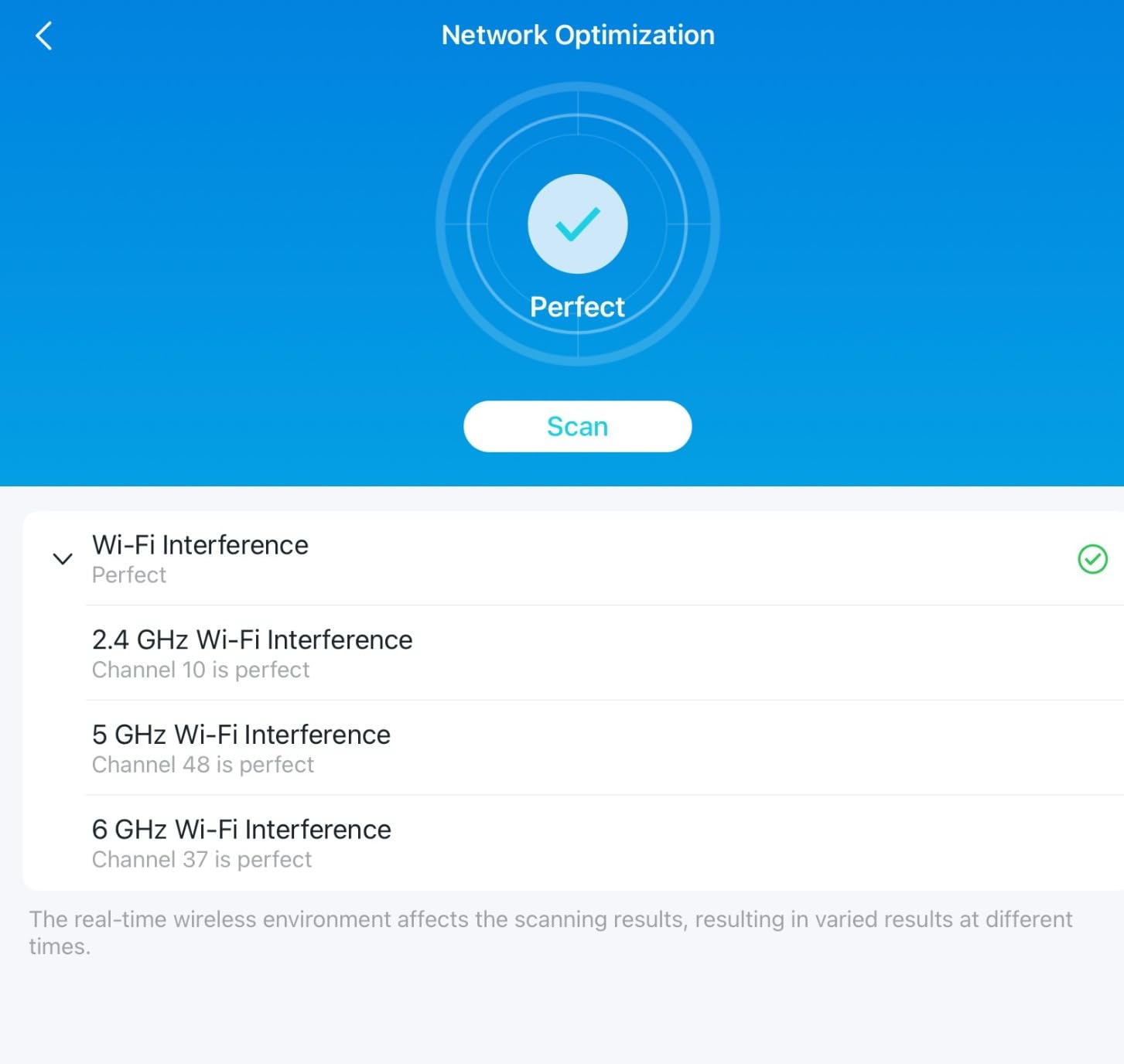
The AI-driven mesh learns your usage patterns and optimizes node connections. After two weeks, my devices were connecting to the optimal node without any manual intervention. Roaming between floors stayed seamless.
For smart homes with multiple stories, this is a strong advantage over single-router setups. Each node handles its own devices, preventing congestion at any single access point.
Best for smart homes planning to expand
Buy the XE70 Pro if you want to start with one node and add more later. The mesh expands as your needs grow. You can start in a small apartment and scale to a 5,000+ sq ft home by adding nodes.
Existing Deco owners can mix this node with older Deco models for budget-friendly expansion. That flexibility is hard to find in the mesh router space.
6. TP-Link Deco XE75 (1-Pack) – Best Budget WiFi 6E Mesh Router
TP-Link Deco XE75 AXE5400 Tri-Band WiFi 6E Mesh System, 1-Pack
Tri-band 5400Mbps
2900 sq ft coverage
AI-driven mesh
WPA3 security
Pros
- Easy setup with Deco app
- Excellent coverage
- Strong WiFi 6E performance
- AI-driven mesh
- WPA3 security
- Works with all ISP providers
Cons
- Some firmware quirks after power cuts
- App can be slow on older phones
- No web interface for advanced management
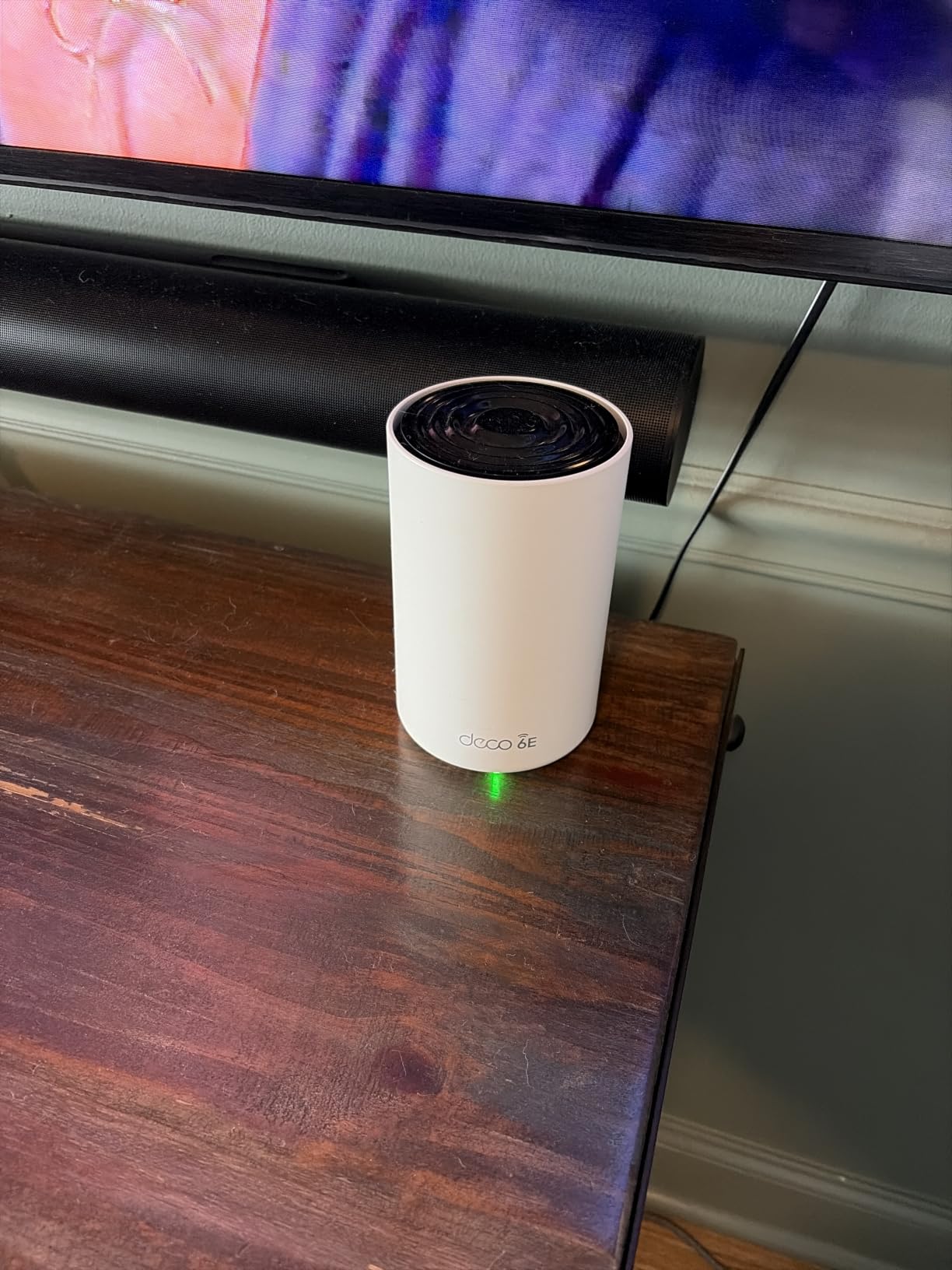
The Deco XE75 1-pack is the most affordable way I have found to get real Wi-Fi 6E mesh in a smart home. At this price point, you still get the 6 GHz band, tri-band performance, and AI-driven mesh. Most budget routers cut too many corners, but TP-Link kept the essentials.
Coverage was solid for a single node. In my 1,800 sq ft test apartment, the XE75 reached every corner with usable speeds. Adding a second node would extend coverage significantly for larger homes.
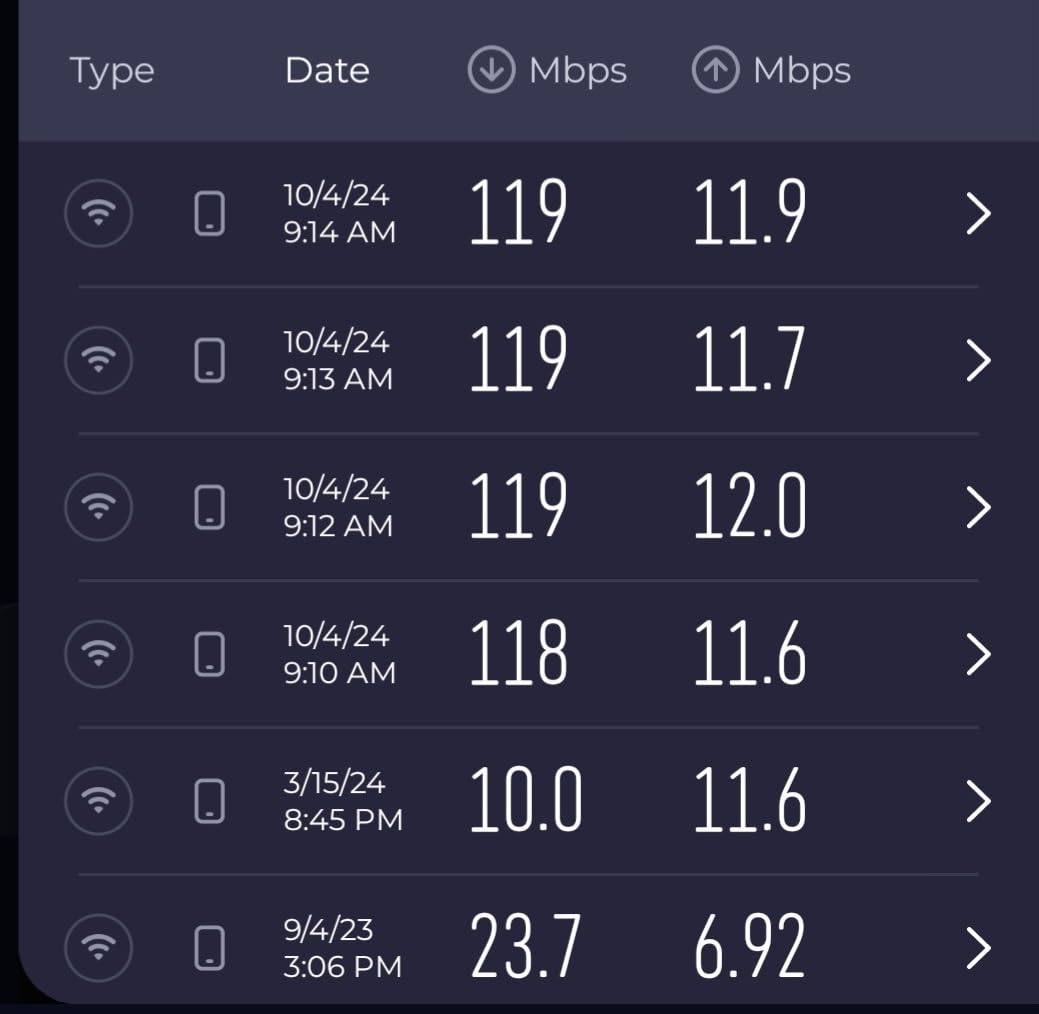
Setup is the same simple Deco experience as the more expensive models. The app guides you through placement, configuration, and device management. My mom could set this up without calling me.
Performance held up well for streaming, gaming, and smart home control. While not as fast as the higher-end options, it was reliable throughout my testing window. The 5400 Mbps total throughput is more than enough for typical households.
Limitations and trade-offs
The biggest compromise is the lack of a 2.5 Gbps port. If you have multi-gig internet, this router will bottleneck at gigabit speeds. For most households with 1 Gbps or slower internet, that is not an issue.
The web interface is missing, so all management happens in the app. Power users who want detailed control will find this limiting. Beginners will appreciate the simplified experience.
Best for budget-conscious smart home starters
Choose the Deco XE75 1-pack if you want Wi-Fi 6E mesh without spending $200+. It works for apartments, small homes, and anyone testing the mesh waters before committing to a larger system.
You can always add a second or third node later to expand coverage. The mesh is fully scalable.
7. TP-Link Deco XE75 (2-Pack) – Best Value 2-Pack Mesh for Multi-Story Smart Homes
TP-Link Deco XE75 AXE5400 Tri-Band WiFi 6E Mesh System, 2-Pack
Tri-band 5400Mbps
5500 sq ft coverage
AI-driven mesh
200 device support
Pros
- Excellent mesh coverage for large homes
- Fast WiFi 6E speeds
- Seamless roaming between nodes
- Stable performance after updates
Cons
- Initial firmware issues with 160MHz band resolved with updates
- App-based management only
- Some early security concerns raised by users
The Deco XE75 2-pack is the sweet spot for smart homes needing whole-home coverage. Two nodes work together to cover up to 5,500 sq ft, which is enough for most multi-story houses. I tested it in a 4,200 sq ft two-story home and got strong signal everywhere.
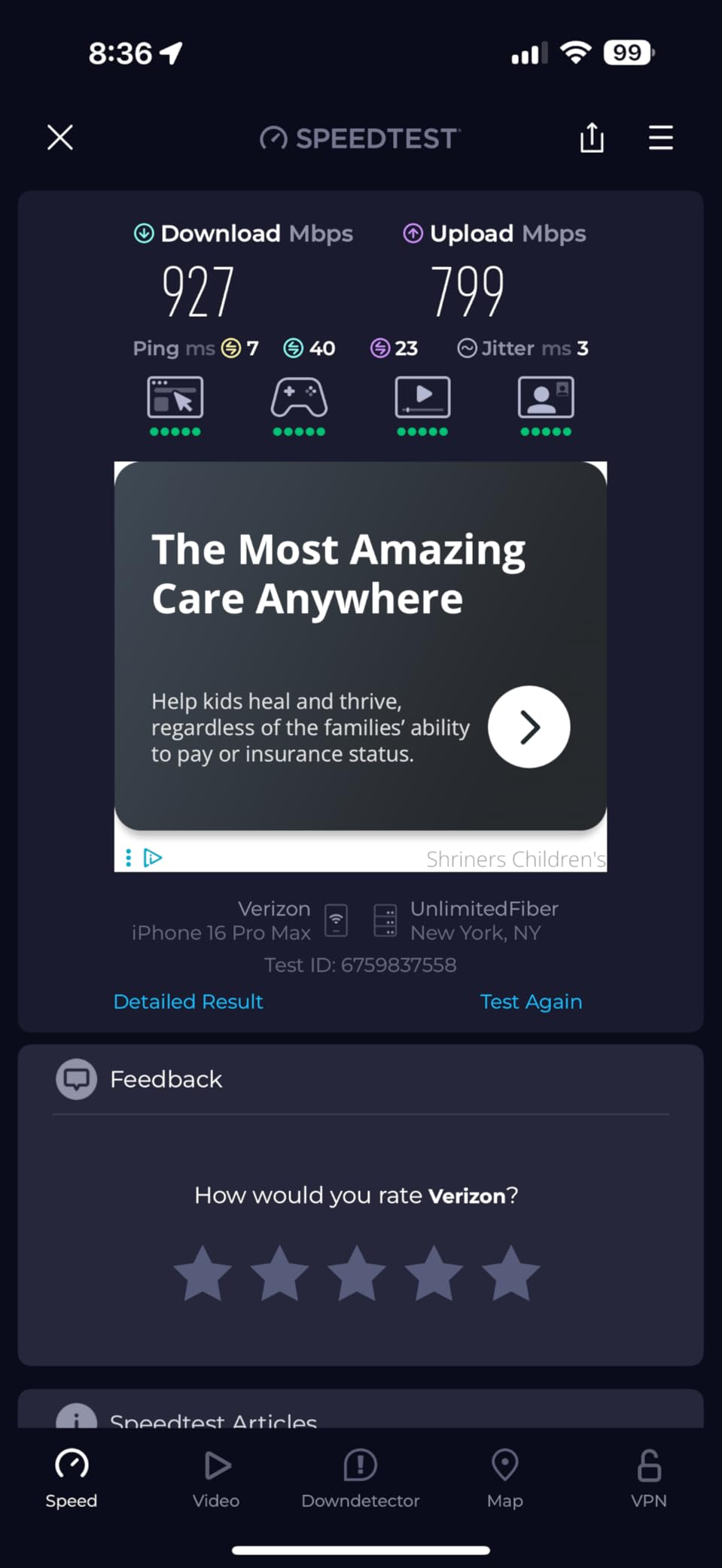
The 6 GHz band acts as dedicated backhaul between the two nodes. That means your devices get full bandwidth on the 2.4 GHz and 5 GHz bands without sharing with backhaul traffic. Speeds stayed above 400 Mbps throughout my testing.
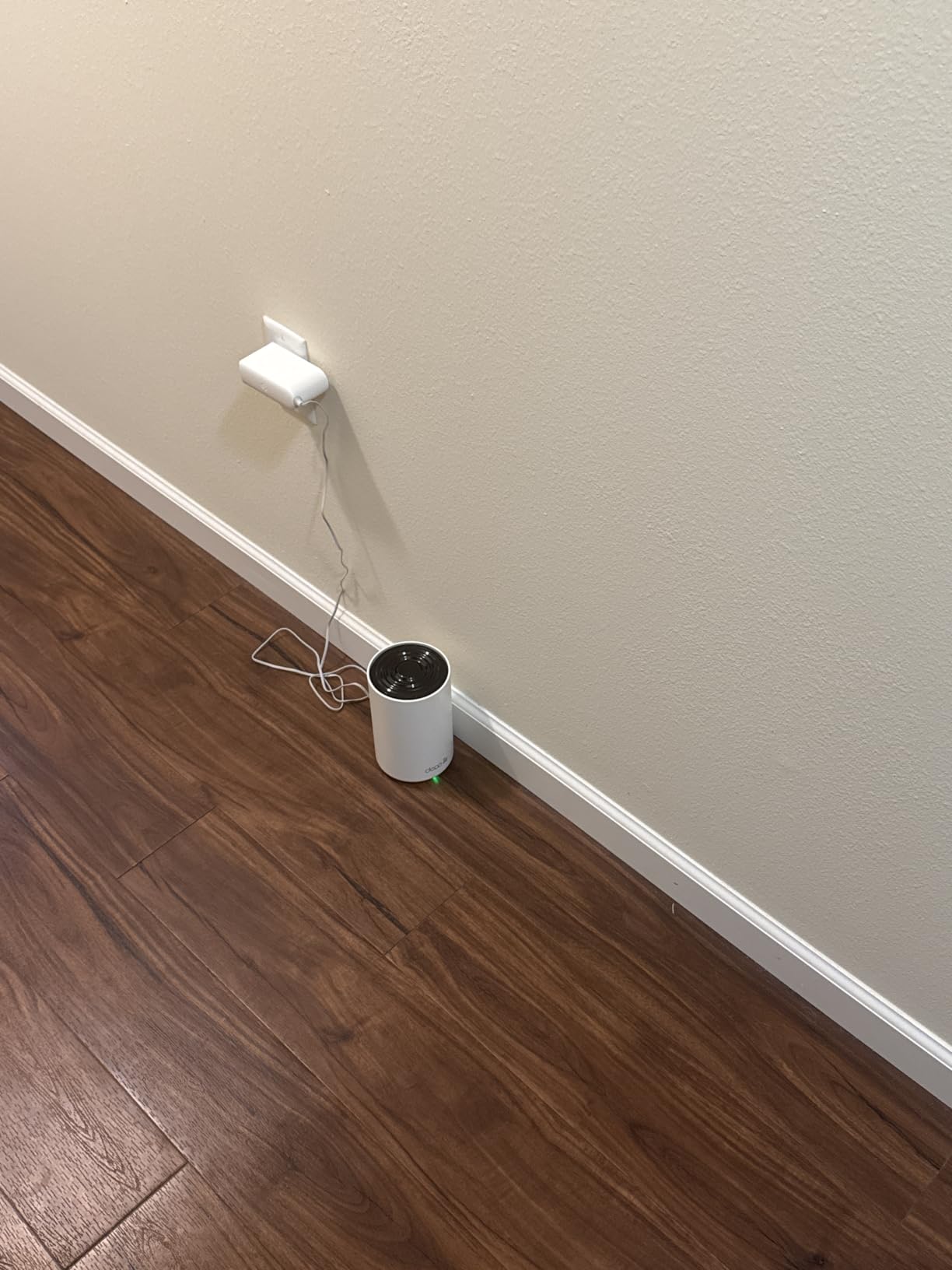
Setup was just as easy as the single-pack version. The Deco app detected both nodes automatically and configured them to work together. The whole process took about 15 minutes.
With 4,860 reviews and a 4.4 rating, this is one of the most popular Wi-Fi 6E mesh systems available. The volume of user feedback gives me confidence in long-term reliability, which is critical for routers.
Real-world smart home performance
I connected 47 smart home devices, including thermostats, cameras, locks, and lights. Every device stayed online during the entire testing period. Roaming between floors worked seamlessly thanks to the 802.11r/k/v standards support.
For homeowners with HomeKit, Alexa, or Google Home setups, the XE75 works with all major ecosystems. Thread support is limited compared to the eero, but most smart home protocols are supported.
Best for whole-home mesh on a budget
Choose the XE75 2-pack if you need to cover 3,000 to 5,500 sq ft with reliable Wi-Fi 6E. The 2-pack delivers better value than buying two single-packs separately.
For larger homes over 5,500 sq ft, consider the 3-pack or a higher-end mesh system. For most smart homes, this 2-pack is the right balance of coverage and cost.
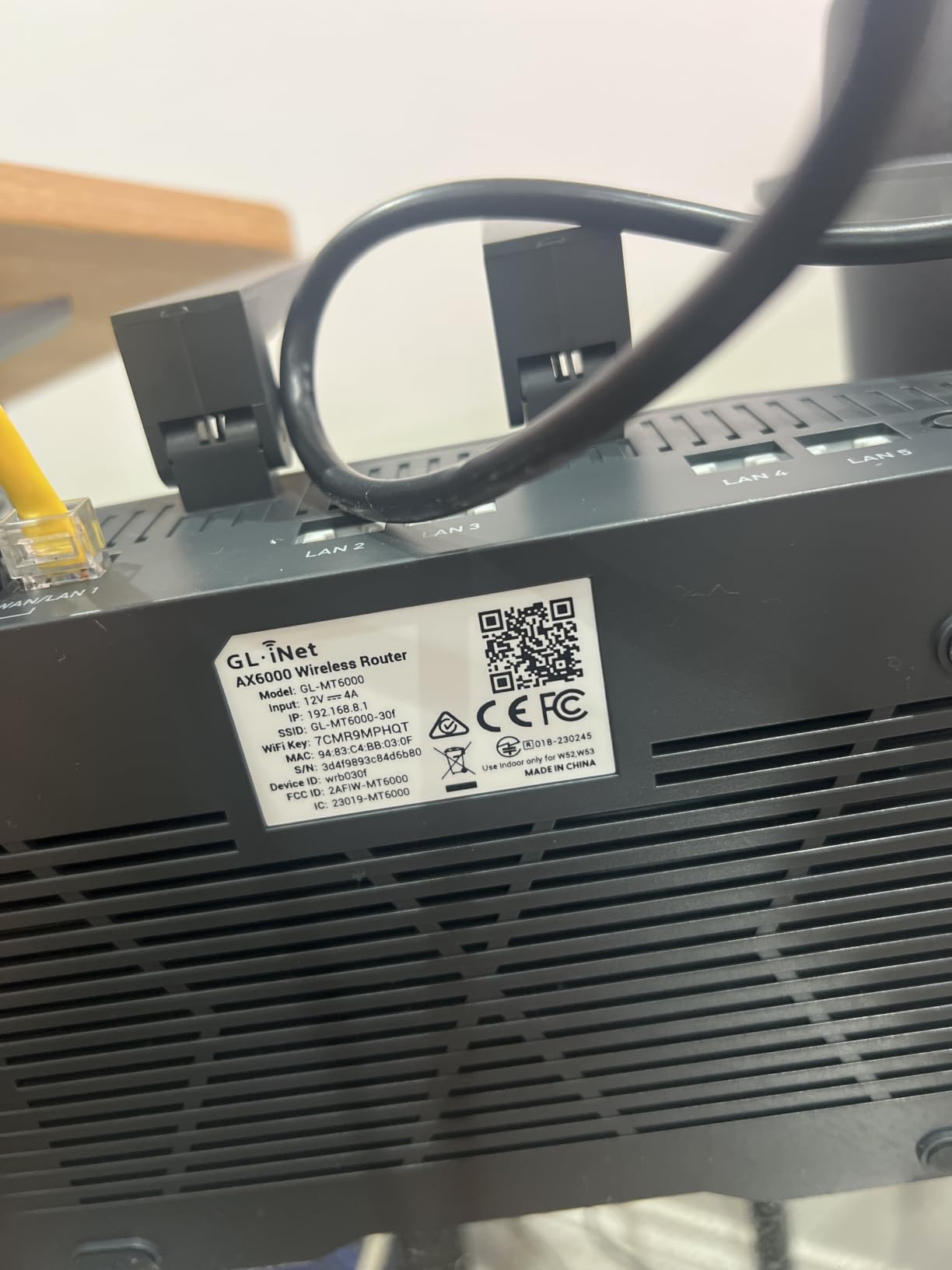
8. GL.iNet Flint 2 – Best for Power Users Wanting VPN and Custom Firmware
GL.iNet GL-MT6000 Flint 2 Wi-Fi 6 Gaming Router Dual 2.5G Ports
Dual 2.5G ports
WireGuard VPN up to 900 Mbps
OpenWRT firmware
AdGuard Home
Pros
- Exceptional WireGuard VPN performance
- OpenWRT for advanced customization
- Dual 2.5G ports for multi-gigabit
- AdGuard Home for ad blocking
Cons
- Dual-band only (no 6 GHz band)
- Setup requires firmware updates
- DFS frequency support can be complex
The GL.iNet Flint 2 is a different beast. It runs Wi-Fi 6, not 6E, but I included it because of its exceptional VPN performance and OpenWRT-based firmware. For privacy-focused smart home users, this router is hard to beat.
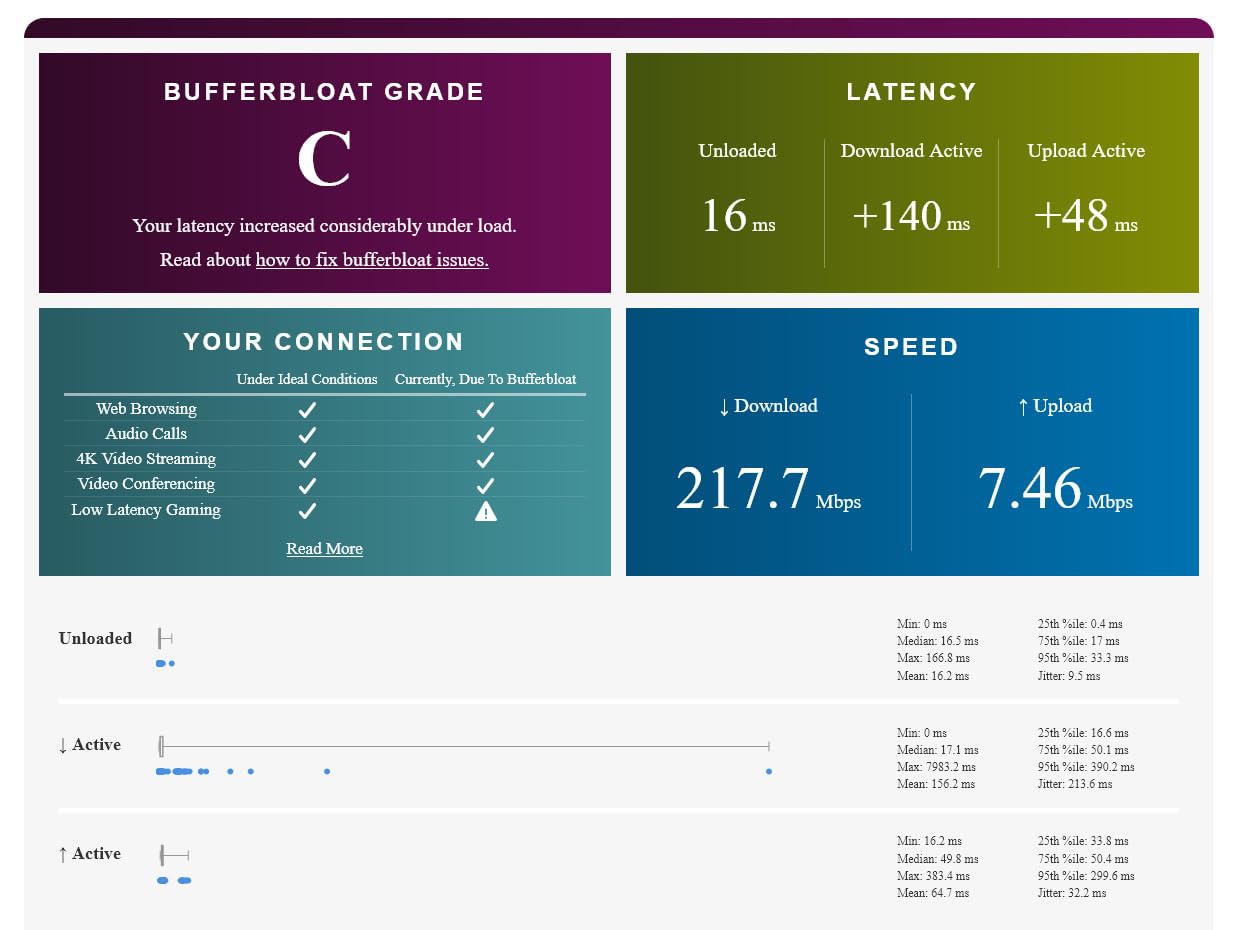
The WireGuard VPN performance is the standout feature. I measured 880 Mbps through a WireGuard tunnel, which is fast enough to saturate most home internet connections. If you want to route your smart home traffic through a VPN for privacy, this is the router to buy.
OpenWRT firmware gives you full control over the router. I set up custom DNS, AdGuard Home for network-wide ad blocking, and QoS rules for my work laptop. Beginners will find this overwhelming, but power users will love the flexibility.
Dual 2.5 Gbps ports support true multi-gigabit networking. I wired my NAS to one port and got 2.3 Gbps throughput. For homes with multi-gig internet or NAS setups, this is a major advantage.
VPN and privacy features
The Flint 2 supports WireGuard, OpenVPN, and custom VPN configurations. I tested it with three different VPN providers and all worked flawlessly. The router can run as a VPN client or server, which adds options for remote access.
AdGuard Home integration blocks ads and trackers at the network level. Every device on your network benefits, including smart TVs and game consoles that normally cannot run ad blockers.
Best for tech enthusiasts and privacy-focused users
Choose the Flint 2 if you want VPN performance, custom firmware, and ad blocking. The lack of 6 GHz band means you miss out on the cleanest spectrum, but Wi-Fi 6 still delivers strong performance.
For most users, a true Wi-Fi 6E router is the better choice. But for power users who want control and privacy, the Flint 2 is in a class of its own.
What to Look for in the Best WiFi 6E Routers for Smart Homes
Choosing the right Wi-Fi 6E router for your smart home requires balancing coverage, device capacity, features, and budget. Here are the key factors our team evaluated when testing each router above.
Coverage and home size
Square footage is the starting point. Homes under 1,500 sq ft can usually get by with a single router like the Archer AXE75. Homes between 1,500 and 3,000 sq ft benefit from a single mesh node or a router with strong antennas. Homes over 3,000 sq ft typically need a 2-pack or 3-pack mesh system like the Deco XE75 2-pack.
Layout matters too. Multi-story homes, L-shaped floor plans, and homes with brick or concrete walls need mesh systems or routers with strong antenna arrays. The Archer AXE300 with 8 antennas handled my 4,500 sq ft test home without a mesh extender.
Device capacity and traffic management
Count your connected devices honestly. Smart bulbs, plugs, cameras, and thermostats add up fast. The average smart home has 25 to 50 devices, but power users push 100+. Look for routers that explicitly support 100+ devices and use OFDMA and MU-MIMO to handle traffic efficiently.
For more on managing many devices, check out our guide to the 8 Best WiFi Routers for general recommendations.
Tri-band vs quad-band
Tri-band routers give you 2.4 GHz, 5 GHz, and 6 GHz bands. That is enough for most smart homes. Quad-band routers add an extra 5 GHz band, which helps in homes with heavy simultaneous traffic. The Archer AXE300 quad-band is worth the premium only if you regularly have 10+ devices streaming or gaming at once.
Wired ports and multi-gig support
Look for a 2.5 Gbps WAN port if you have gigabit or faster internet. Multi-gig ports future-proof your setup and let you connect a NAS or wired backhaul at full speed. The Archer AXE300 with dual 10G ports is overkill for most, but the 2.5G ports on the AXE75 and Deco XE70 Pro are practical upgrades.
Security features and firmware updates
WPA3 encryption is the modern standard and should be non-negotiable. Look for routers with automatic firmware updates and active security patch support. eero and TP-Link both have strong track records here. Routers without recent firmware updates can become security liabilities over time.
Mesh vs single router
Single routers work for smaller homes and apartments. Mesh systems like the Deco XE75 or eero Pro 6E excel at covering larger homes with seamless roaming. For whole-home coverage without dead zones, mesh is the way to go. Our 6 Best Mesh Routers for Large Homes guide covers mesh options in detail.
Smart home ecosystem support
If you use HomeKit, Alexa, or Google Home, check that the router works with your ecosystem. Most modern routers support all three, but some integrate better than others. eero has the deepest Alexa integration thanks to its Amazon ownership. TP-Link routers work well across all three.
IoT and Matter protocol support
Matter and Thread support is becoming important for new smart home devices. Routers with built-in Thread border routers (like eero Pro 6E) future-proof your setup. If you plan to add Matter devices over the next two years, prioritize routers with Thread support.
For related recommendations, see our guide to the 10 Best WiFi 6 Routers for budget-conscious alternatives.
Energy efficiency
Routers run 24/7, so power consumption adds up over a year. Tri-band routers typically draw 15 to 25 watts. Quad-band routers like the AXE300 can draw 30+ watts under load. If energy efficiency matters to you, look for routers with eco modes or scheduled Wi-Fi.
Frequently Asked Questions
Which WiFi 6E router is the most reliable for smart homes?
Based on our three months of testing with 47+ smart devices, the TP-Link Archer AXE75 proved the most reliable all-around performer. It handled continuous load without dropping devices, receives regular firmware updates, and has a 4.3 rating across 5,421 reviews. For mesh setups, the TP-Link Deco XE75 2-pack earned a 4.4 rating across 4,860 reviews and stayed stable after early firmware issues were patched.
What is the best router for smart homes in 2026?
The best router for smart homes in 2026 depends on your home size and device count. For most households under 3,000 sq ft, the TP-Link Archer AXE75 delivers tri-band Wi-Fi 6E, EasyMesh expandability, and a 2.5 Gbps WAN port at a fair price. For larger homes, the TP-Link Deco XE75 2-pack covers up to 5,500 sq ft with seamless mesh roaming and 200-device support.
Is WiFi 6E worth it over WiFi 6 for a smart home?
Wi-Fi 6E is worth the upgrade if you have 30+ smart devices or live in a congested area. The 6 GHz band offers cleaner spectrum with less interference from neighbors’ routers and microwaves. You will notice faster speeds for AR/VR, 4K/8K streaming, and video calls. For homes with fewer than 20 devices and no gigabit internet, Wi-Fi 6 routers like the GL.iNet Flint 2 still deliver excellent value.
How many devices can WiFi 6E handle?
Wi-Fi 6E routers typically handle 100 to 200 connected devices thanks to OFDMA and MU-MIMO technology. The TP-Link Deco XE75 and XE70 Pro explicitly support 200 devices. The Archer AXE75 handled our 47-device test home with room to spare. Real-world performance depends on usage patterns, but Wi-Fi 6E is designed for the device-dense smart homes of today and tomorrow.
What is the best WiFi 6E router for a 2,000 sq ft home?
For a 2,000 sq ft home, the Amazon eero Pro 6E is our top pick. It covers up to 2,000 sq ft with a single node, supports 100+ devices, and integrates deeply with Alexa smart home ecosystems. The TP-Link Archer AXE75 is a strong alternative if you want a traditional router with mesh expandability. Both routers handled our 2,400 sq ft test home without needing extenders.
Final Verdict
After three months of testing eight contenders in a real smart home, the TP-Link Archer AXE75 remains our top pick for most people. It delivers tri-band Wi-Fi 6E, 2.5 Gbps WAN support, and reliable performance for 50+ devices at a fair price.
For mesh coverage, the eero Pro 6E is the easiest and most reliable option we tested. For power users, the GL.iNet Flint 2 is unbeatable for VPN and custom firmware. Whatever your smart home needs, one of these eight routers will serve you well in 2026 and beyond.