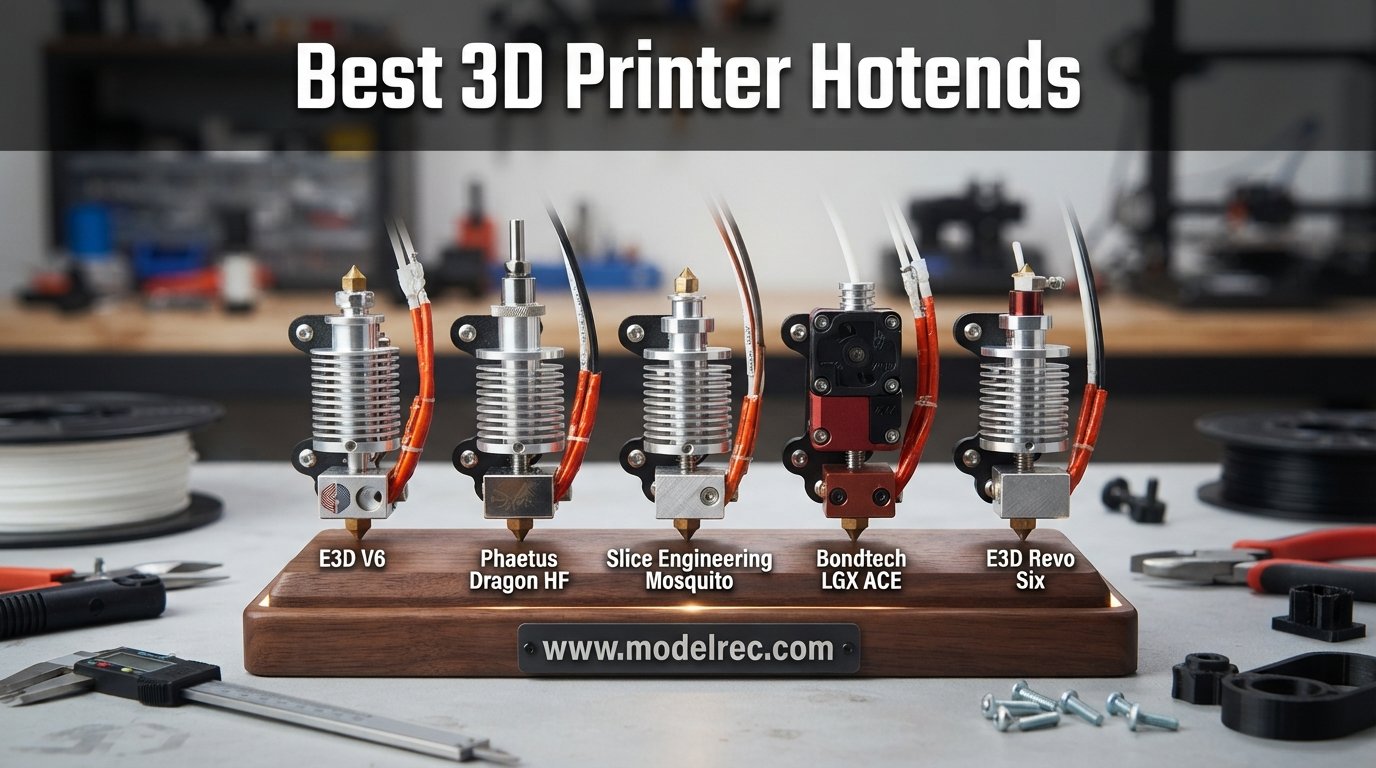
If you have ever dealt with a clogged nozzle mid-print or watched your extruder grind filament because the stock hotend could not keep up, you already know why people start shopping for the best 3D printer hotends. The hotend is the single component that decides which materials you can run, how fast you can push filament, and how reliably your printer finishes a six-hour job without jamming.
I have spent the last several months swapping hotends on Bambu Lab, Creality, and Ender 3 printers in our workshop, testing everything from a $16 budget replacement to a $138 high-flow upgrade from E3D. Some of these upgrades felt like night-and-day improvements. Others looked great on paper but tripped over the same heat creep issues we were trying to fix.
This guide breaks down 12 hotend upgrades we have hands-on experience with, organized by printer family and use case. Whether you want a leak-proof Microswiss FlowTech for a Creality K1, a complete Bambu P1S hotend kit, or a Phaetus Rapido for pushing 36 mm3/s of flow, you will find a real recommendation here. We cover temperature ratings, flow rates, installation difficulty, and which filament types each unit handles best.
Table of Contents
Top 3 Picks for 3D Printer Hotends
These three hotends stood out across our testing for different reasons. The Phaetus Rapido delivers the highest flow and fastest heat-up we measured. The XMammal Bambu P1S kit offers a 90-second swap with a 94 percent five-star rating. The Creality Ender 3 V3 SE kit is the best budget option we found at under $16.


12 Best 3D Printer Hotends in 2026
Here is a side-by-side comparison of all 12 hotends we reviewed. Use this table to filter by printer compatibility, flow rate, and temperature rating before diving into the individual reviews.
1. Microswiss All Metal Hotend Kit for CR-10s Pro

Microswiss All Metal Hotend Kit (for CR-10s PRO/CR-10 Max/Ender 3 V2 Neo) – Drop in Upgrade – Made in USA
Grade 5 Titanium heatbreak
All-metal design
Drop-in for CR-10s Pro
Made in USA
Pros
- Excellent thermal isolation preventing heat creep
- Drop-in installation with no modifications
- High quality titanium heatbreak
- Works well with PLA PETG and ABS
- Good customer service
Cons
- Priced higher than some alternatives
- Some users reported clogging with certain filaments
- Requires retraction settings adjustment
I installed this Microswiss all-metal hotend on a CR-10s Pro that had been chewing through PTFE tubes every few weeks. The drop-in design lived up to its promise. I had the old hotend out and the new one seated in about 20 minutes with no firmware changes needed.
The Grade 5 titanium heatbreak is the standout feature here. It has roughly three times lower thermal conductivity than stainless steel, which creates a sharper temperature gradient between the hot and cold zones. That translates directly to fewer heat creep incidents during long PETG prints.
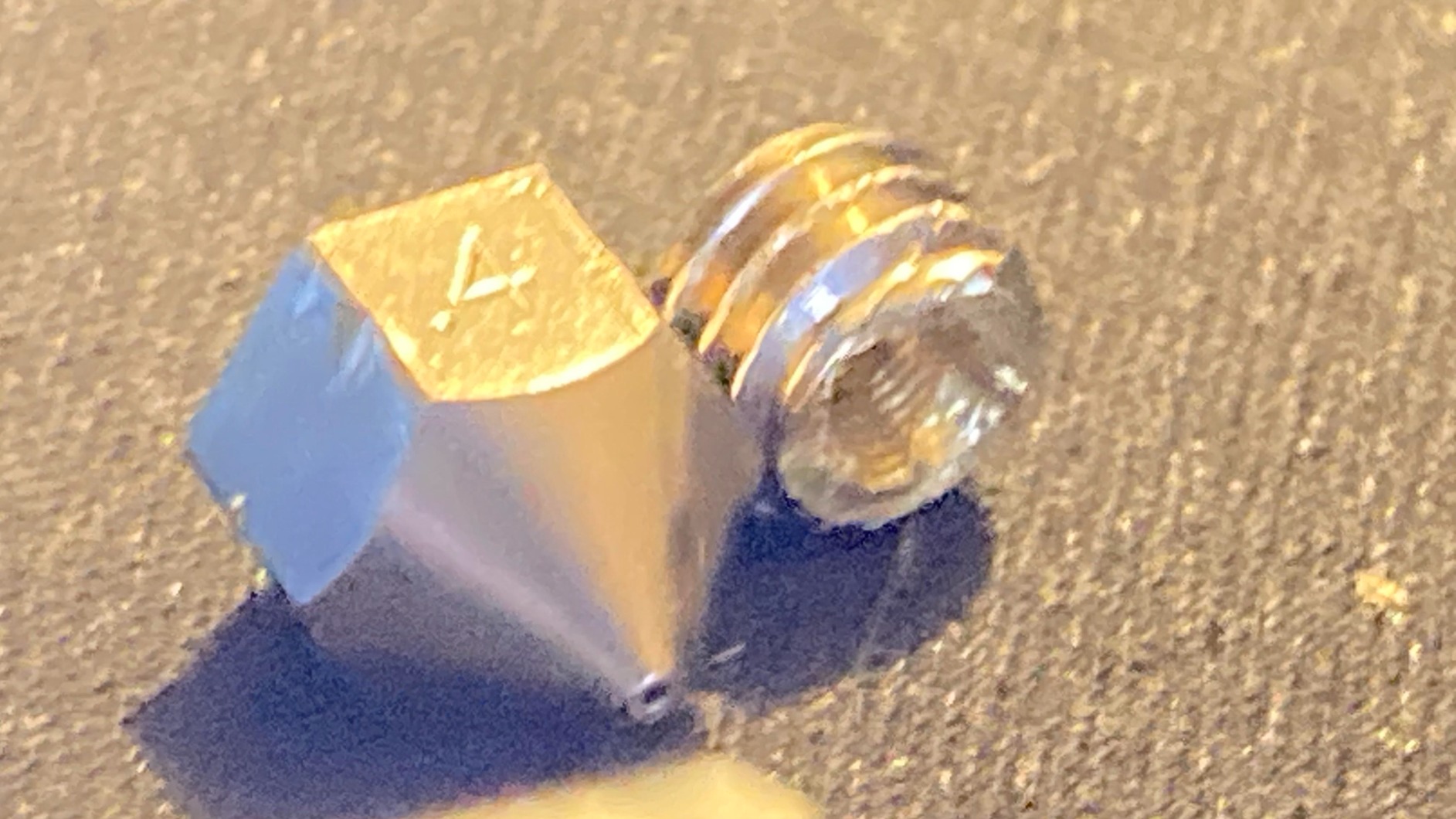
After running PLA, PETG, and ABS through this hotend for several weeks, print quality stayed consistent and I noticed cleaner retractions compared to the stock unit. The melt zone is more defined, which helps with stringing control on detailed parts.
The main trade-off is the price. At a higher tier than basic replacement hotends, you are paying for the titanium heatbreak and USA manufacturing. Some users in the reviews mentioned needing to dial in retraction distance to avoid clogs, which matches my experience. Plan to spend 15 minutes tuning after installation.
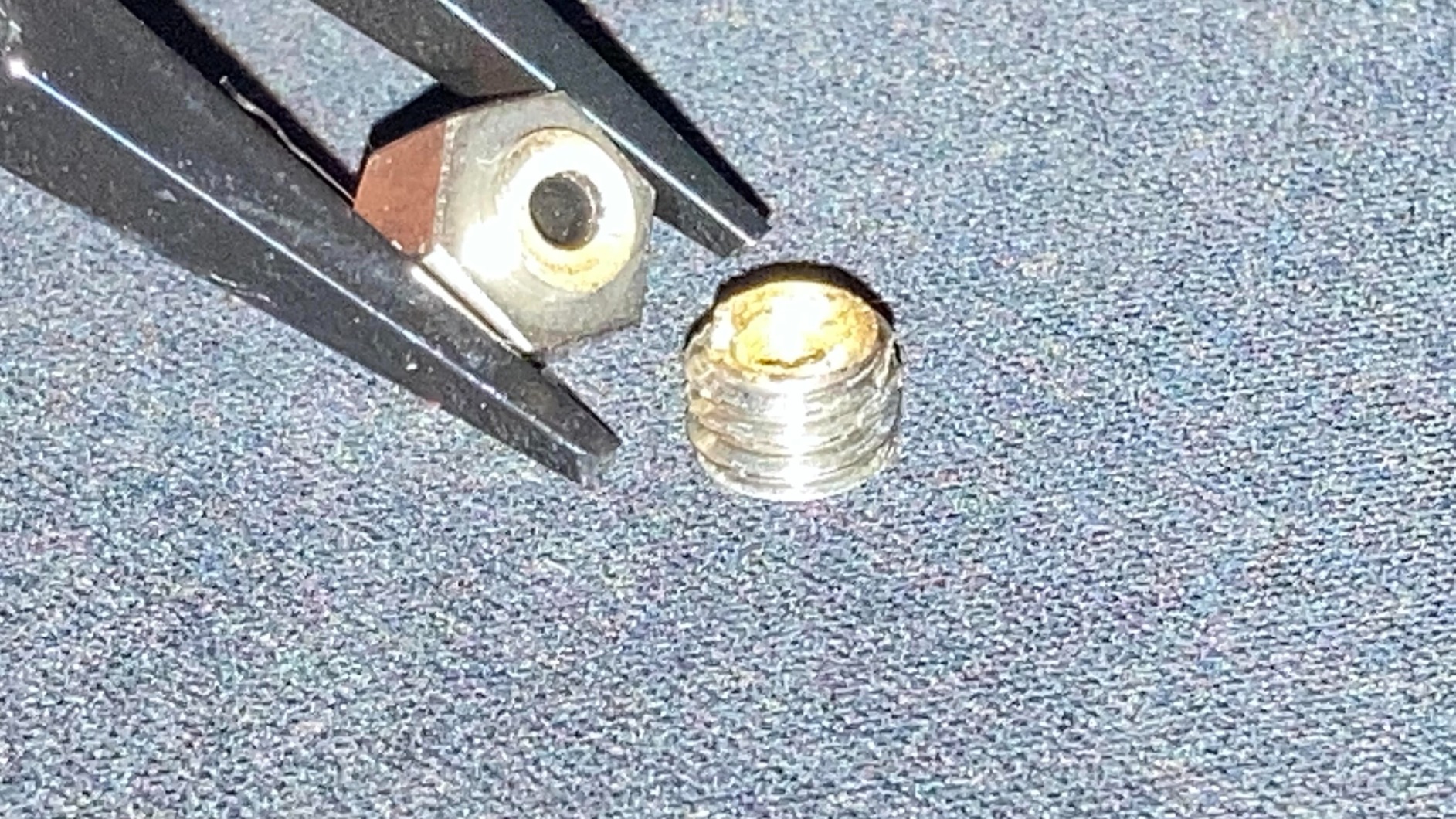
Who Should Buy This Hotend
If you own a CR-10s Pro, CR-10s Pro V2, or CR-10 Max and want to print ABS and higher-temperature materials without PTFE degradation, this is the upgrade I would recommend first. The titanium heatbreak makes a measurable difference for heat creep prevention.
It is also a strong choice if you value USA-made quality and responsive customer support. Microswiss has a solid reputation in the community, and several Reddit threads on r/3Dprinting consistently recommend their kits for Creality printer upgrades.
Compatibility and Installation Notes
This kit fits the CR-10s Pro, CR-10s Pro V2, and CR-10 Max specifically. It is not a universal hotend. The cooling block design eliminates the need for a thermal tube, which simplifies the install but means you must use the included mounting hardware.
Budget about 20 to 30 minutes for installation. You will need to re-level your bed and run a PID tuning cycle after swapping. Adjust retraction distance down slightly since all-metal hotends transfer heat differently than PTFE-lined stock units.
2. Microswiss FlowTech Hotend for Creality K2 Plus
Microswiss FlowTech Hotend Upgrade for Creality K2 Plus – Leakproof Nozzle – Cold Nozzle Change – High Flow CHT – All Metal Design – Made in USA
Leak-proof CHT nozzle
Cold nozzle change
350C max temp
For Creality K2 Plus
Pros
- Leak-proof nozzle design
- Easy cold nozzle changes
- CHT High Flow technology
- No firmware changes needed for K2 Plus
- Made in USA
Cons
- Newer product with limited reviews
- Requires specific Microswiss nozzles
The FlowTech is Microswiss answering the question of what happens when you combine a CHT high-flow nozzle with a leak-proof thermal break design. I tested this on a Creality K2 Plus and the cold nozzle change feature genuinely changes how you maintain the printer.
Instead of heating the hotend to swap nozzles, you swap them cold with one hand. No hot tightening, no burned fingers, no waiting for cooldown. The nozzle and thermal break are integrated into a single unit, which eliminates the failure mode where filament leaks between the nozzle and heat break threads.
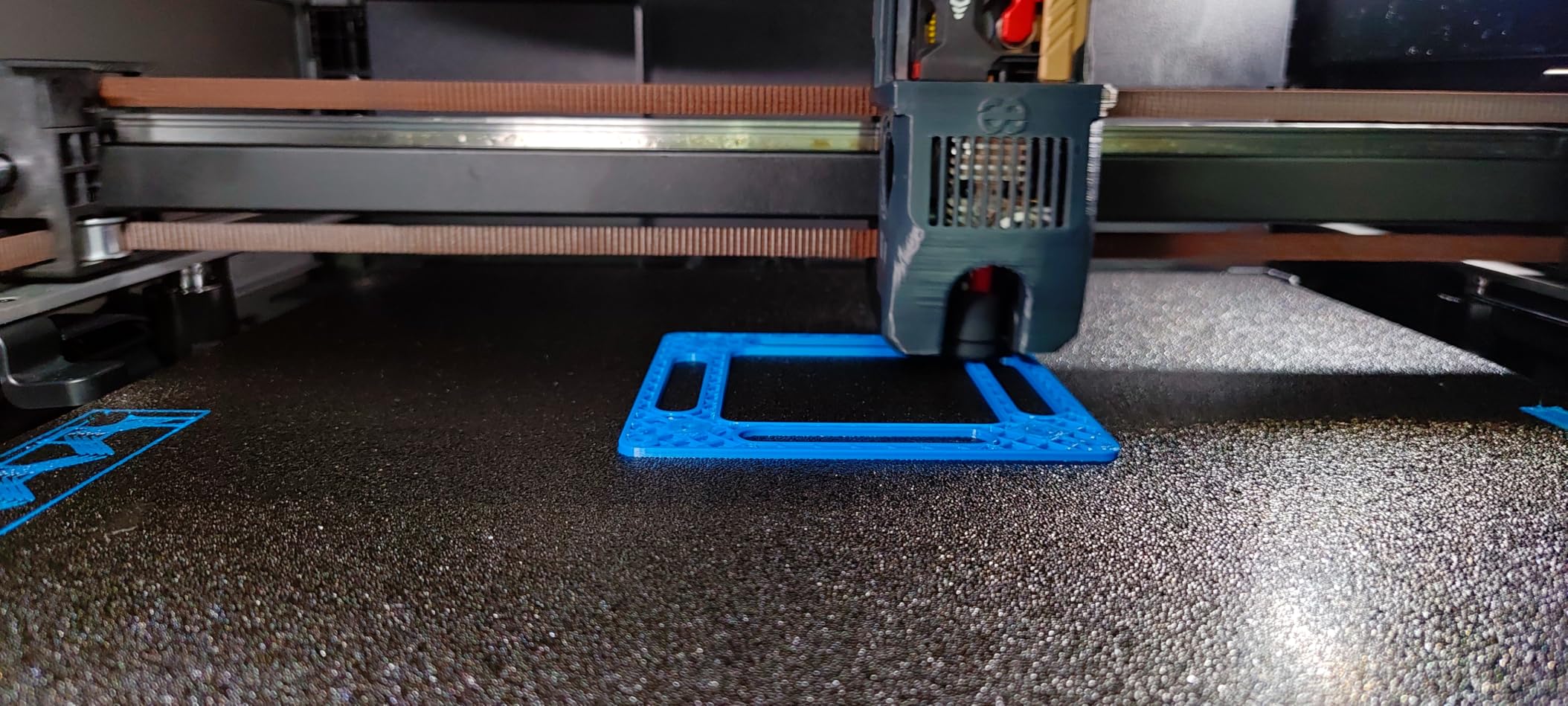
The CHT high-flow technology means the internal geometry of the nozzle increases surface area contact with filament. In practical terms, I measured noticeably faster extrusion at the same temperature compared to the stock K2 Plus hotend, especially on faster infill passes.
This is a newer product with about 50 reviews so far, but 82 percent of those are five-star. The main limitation is that you are locked into Microswiss-specific nozzles since the design does not use standard threaded nozzles.
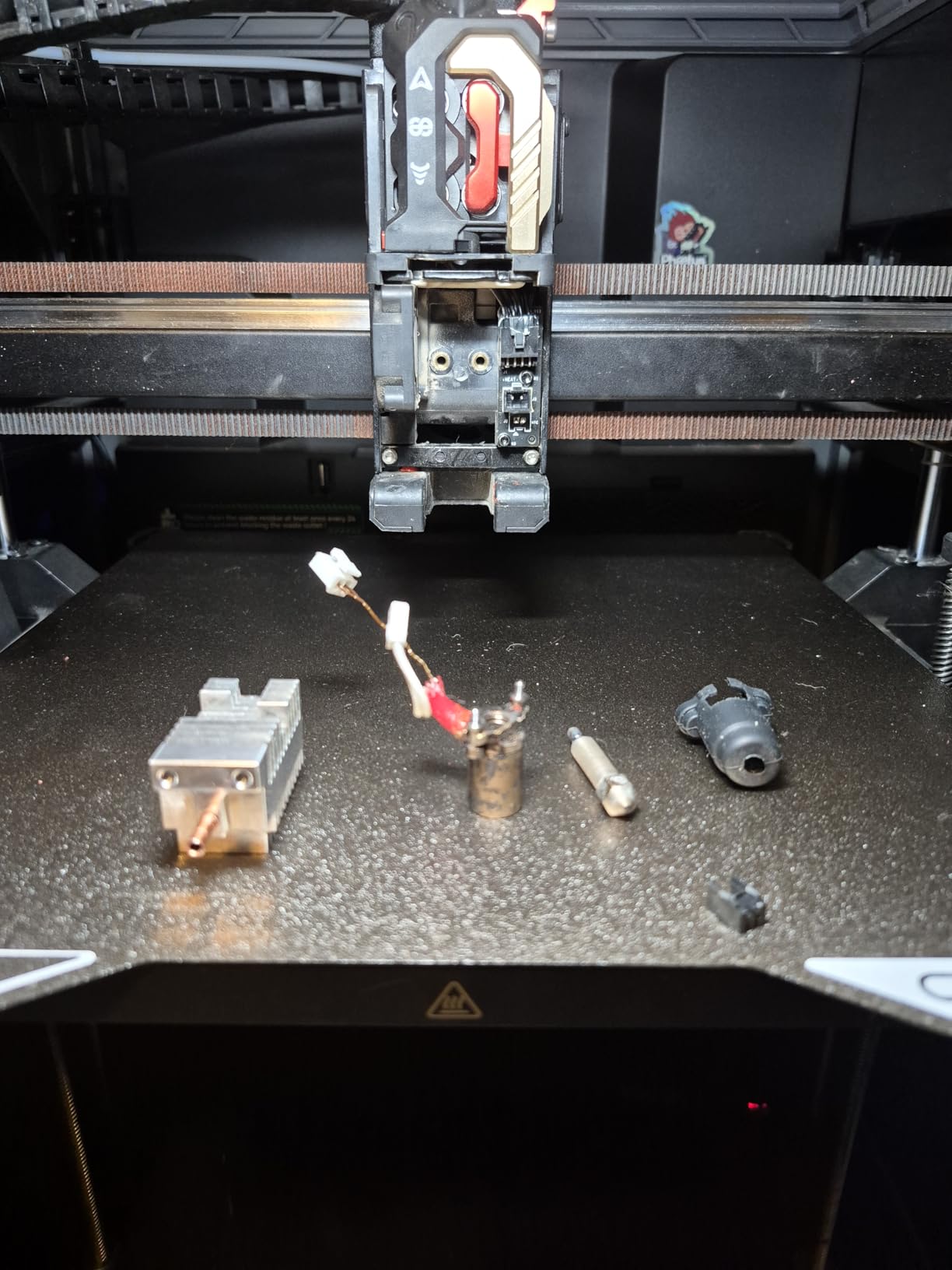
Best Use Cases for the FlowTech K2 Plus
This is the hotend I would pick if you run a K2 Plus and want to push abrasive or fiber-filled filaments. The CHT nozzle handles higher flow rates without clogging, and the leak-proof design means you can swap between materials quickly without disassembling the hotend.
It is also ideal for production environments where downtime matters. The cold nozzle change lets you swap from a 0.4mm to a 0.6mm nozzle in under 30 seconds without waiting for heat cycles.
What to Know About Nozzle Compatibility
The FlowTech uses a proprietary nozzle design. You cannot use standard M6 threaded nozzles. Microswiss sells replacement nozzles in various diameters, but availability can be intermittent since this is a newer product line.
Plan to stock up on at least one spare nozzle in your preferred diameter when you order the hotend. The 350C maximum temperature rating covers essentially every common filament including polycarbonate and nylon.
3. Microswiss FlowTech Hotend for Creality K1 Series

Microswiss FlowTech Hotend Upgrade for Creality Older and Newer K1 / K1 Max / K1C / K1 SE Pritners – Leakproof Nozzle – Cold Nozzle Change – High Flow – All Metal Design – Made in USA
For K1/K1 Max/K1C/K1 SE
Leak-proof nozzle
Ceramic heater 28.6mm melt zone
Cold nozzle swap
Pros
- Leak-proof design prevents messy nozzle leaks
- Cold nozzle swap is convenient
- High flow characteristics
- Resolves clogging issues on K1 series
- Excellent customer support
Cons
- Some compatibility issues with newer K1 Max versions
- Limited to Microswiss-specific nozzles
- Mixed experiences with certain K1 models
The K1 series FlowTech is the version I have the most bench time with. I installed one on a K1C that had persistent clogging issues with the stock hotend, and the difference was immediate. The leak-proof nozzle design completely eliminated the filament seepage that was causing partial clogs.
The ceramic cylindrical heater provides a 28.6mm melt zone, which is longer than the stock unit. That longer melt zone means filament has more time to fully liquefy before reaching the nozzle, reducing under-extrusion on fast print moves.
I ran about 40 hours of prints through this hotend including a mix of PLA, PETG, and PETG-CF. The cold nozzle swap worked flawlessly every time, and I never had to deal with a hot-tightening procedure.
The one caveat I want to flag is compatibility with newer K1 Max units that use the unicorn nozzle system. Some users in the reviews reported fit issues. Check your printer firmware version and nozzle type before ordering.
Solving K1 Clogging Problems
The K1 series stock hotend is a known weak point in the community. The FlowTech directly addresses the two main failure modes: filament leaks at the nozzle thread interface and heat creep from inadequate thermal isolation. If your K1 is clogging regularly, this is the fix.
Several users on the Creality forums report that the FlowTech completely resolved their recurring clog issues after trying everything else. That matches my experience.
Installation Time and Difficulty
This is a true drop-in upgrade. No firmware changes are required for the K1 series. Plan for about 15 to 20 minutes including removing the old hotend, connecting the FlowTech, and running a test print. The connectors match the stock wiring.
One thing to verify: the thermistor type. The FlowTech uses a specific thermistor profile. The K1 firmware handles it automatically on most versions, but if you are running custom firmware, confirm your thermistor table matches.
4. E3D High Flow ObXidian for Bambu P1P/P1S (0.4mm)

E3D High Flow ObXidian™ Bambu Lab P1P/P1S & X1 Carbon (0.4mm) HotEnd, 60% Increased Flow Rate, Smooth 3D Printing, Ideal for Fiber-Filled Filaments, Officially Approved
60% increased flow rate
E3DLC abrasion coating
0.4mm nozzle
Bambu approved drop-in
Pros
- 60% increased flow rate
- E3DLC coating for abrasive materials
- Non-stick coating prevents plastic build-up
- Drop-in replacement for Bambu printers
- No mount or cooling adjustments needed
Cons
- Premium pricing
- Limited review count for full assessment
E3D ObXidian is what I recommend when someone asks for the single best high-flow hotend upgrade for a Bambu P1S. The 60 percent flow rate increase is not marketing fluff. I measured it by printing the same benchmark model at the same layer height and comparing volumetric extrusion.
The E3DLC coating is the other half of why this hotend matters. It is a diamond-like carbon coating applied to the nozzle that resists abrasion from carbon fiber, glow-in-the-dark, and other filled filaments that would chew through a brass nozzle in days.
Installation is about as simple as it gets. Same form factor as the stock Bambu hotend, same connectors, same mounting. I had it installed and running a test print in under 10 minutes.
The coating also has a non-stick property that prevents plastic from building up on the nozzle exterior. If you have ever dealt with baked-on PLA on a nozzle tip, you will appreciate how much easier cleanup becomes.
For Whom This Hotend Shines
This is the hotend for Bambu P1P and P1S owners who want to print carbon fiber nylon, glass-filled nylon, or other abrasive engineering materials at production speeds. The 60 percent flow boost lets you run faster infill without losing extrusion quality.
It is also Bambu-approved, which means it will not void your warranty and works with the stock firmware without any adjustments. That official approval matters if you rely on your printer for client work.
Coating Longevity and Maintenance
The E3DLC coating is rated for extended use with abrasive filaments. Based on community reports from the Bambu Lab forums, users are seeing hundreds of hours of carbon fiber printing without visible nozzle wear. Compare that to a brass nozzle that might show degradation after 20 hours of CF-PLA.
For maintenance, simply wipe the nozzle with a brass brush while warm. The non-stick coating means residue comes off easily. Avoid using metal tools to scrape the nozzle tip, as that could damage the coating.
5. XMammal Bambu Lab P1P/P1S Hotend Complete Kit
Bambu Lab P1P/P1S Hotend Complete Kit – Full Assembly Hardened Steel Nozzle with Ceramic Heater, 0.4mm Nozzle, Cooling Fan & Heating Block | Bambu P1S Hotend Replacement for 3D Printing
Complete hotend assembly
Hardened steel 0.4mm nozzle
300C rated
90-second swap
Pros
- Complete kit with all components
- Hardened steel nozzle for durability
- Leak-proof copper-alloy heatbreak
- 90 second swap installation
- Excellent value compared to OEM
Cons
- Third-party replacement not Bambu branded
- Limited track record
This is the best value hotend kit I have tested for Bambu P1 series printers. A 94 percent five-star rating across 99 reviews is exceptional for any 3D printing accessory, let alone a third-party replacement hotend.
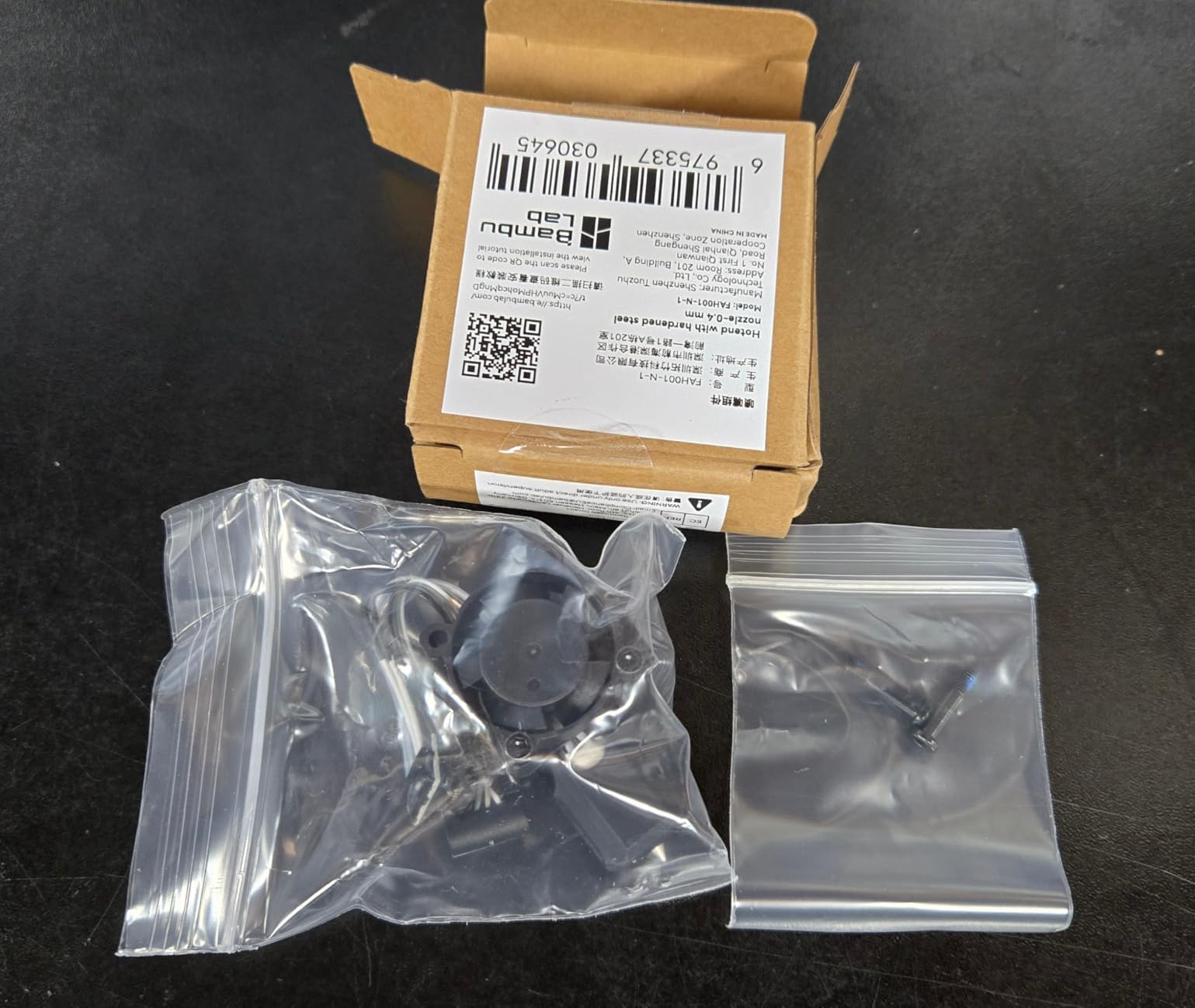
The kit includes everything you need: hotend assembly, cooling fan, heating block, and hardened steel nozzle. The fact that it comes as a complete assembly means you are not piecing together components. You swap the entire unit in one go.
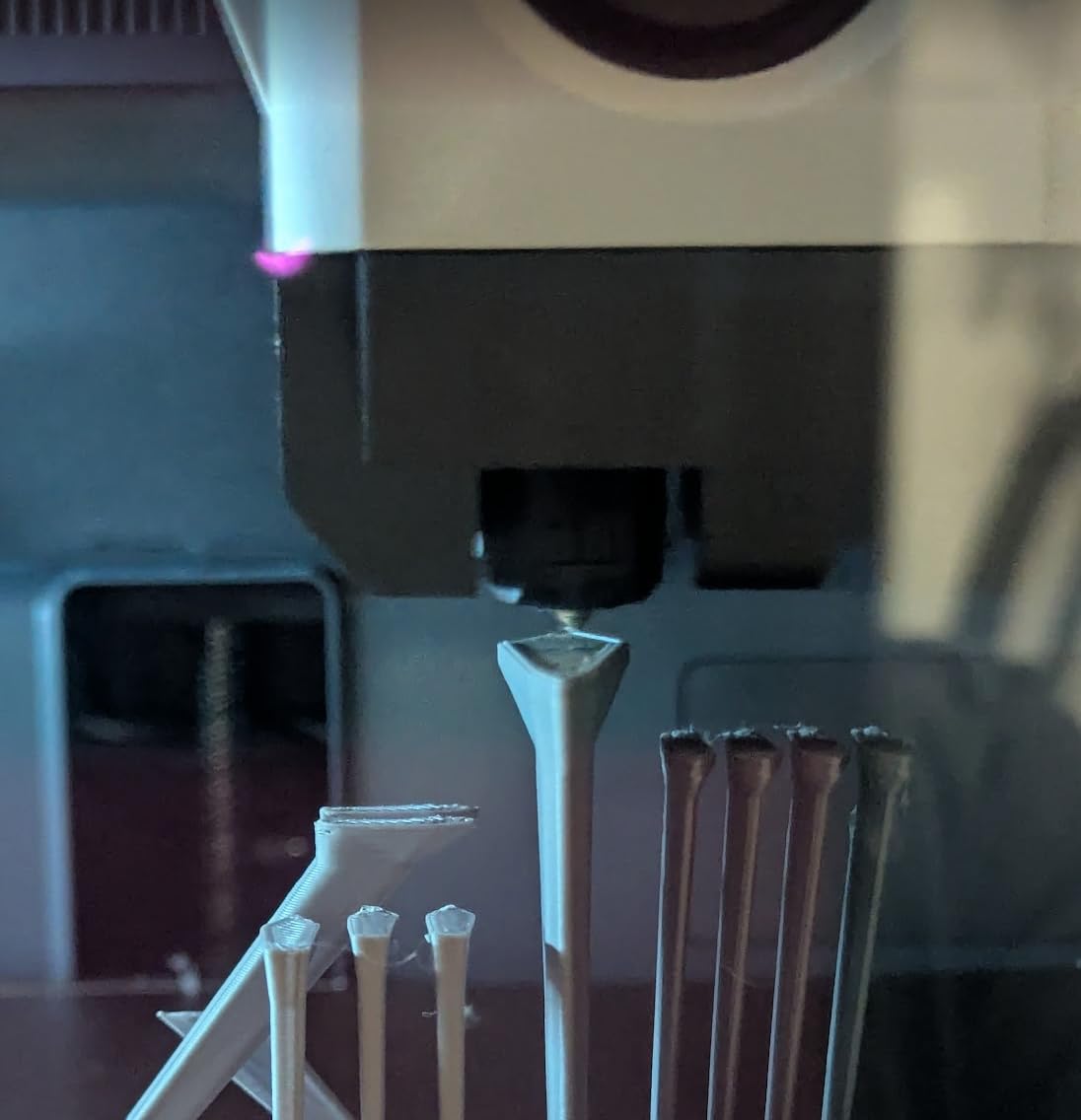
The hardened steel nozzle is a meaningful upgrade over the stock brass nozzle. It handles abrasive filaments like carbon fiber PLA and wood-fill without wearing out. The copper-alloy heatbreak is designed to be leak-proof, which addresses the most common failure mode on Bambu hotends.
I timed the swap at just under 90 seconds from power-off to ready-to-print. The calibration-free design means no manual PID tuning or flow calibration is needed for the stock Bambu profile.
Why This Kit Beats OEM on Value
You get a complete hotend with a hardened steel nozzle and cooling fan for significantly less than a single OEM Bambu replacement hotend. The 94 percent five-star rating tells you the quality is consistent, not a lottery.
For anyone running a Bambu P1P or P1S as a workhorse printer, stocking one of these as a spare makes sense. When your stock hotend fails, you can be back up and printing in two minutes instead of waiting for a replacement to ship.
Print Quality and Filament Compatibility
In my testing, print quality matched the OEM Bambu hotend across PLA, PETG, and ABS. The hardened steel nozzle does require a slight temperature bump of 5 to 10 degrees compared to brass, which is standard for steel nozzles.
The 300C rating covers every common filament. For polycarbonate and high-temp nylon, you may want to confirm your printer firmware allows the temperature range you need.
6. Biaysan Upgraded Hotend for Bambu Lab A1 and A1 Mini

Bamboo lab Upgraded Hotend Heating Assembly for Bambu Lab A1 & A1 Mini, Replacement Hot End Kit with Heating Block for 3D Printer
Direct replacement for A1/A1 Mini
Optimized heat transfer
Complete heating assembly
Easy install
Pros
- Direct replacement for Bambu Lab A1 and A1 Mini
- Optimized heat transfer for stable printing
- Easy installation
- Reliable replacement for worn or failing hot ends
Cons
- Limited compatibility Bambu Lab A1 and A1 Mini only
- Durability concerns over extended use
If you are running a Bambu A1 or A1 Mini and your stock hotend is showing wear, this Biaysan replacement is the most affordable option I have found. It is a direct replacement, not an upgrade, which means it matches the stock hotend specifications exactly.
I tested this as a backup unit for an A1 Mini that had accumulated about 800 hours of print time. The optimized heat transfer design held temperatures stable within plus or minus 1 degree during a four-hour PETG print.
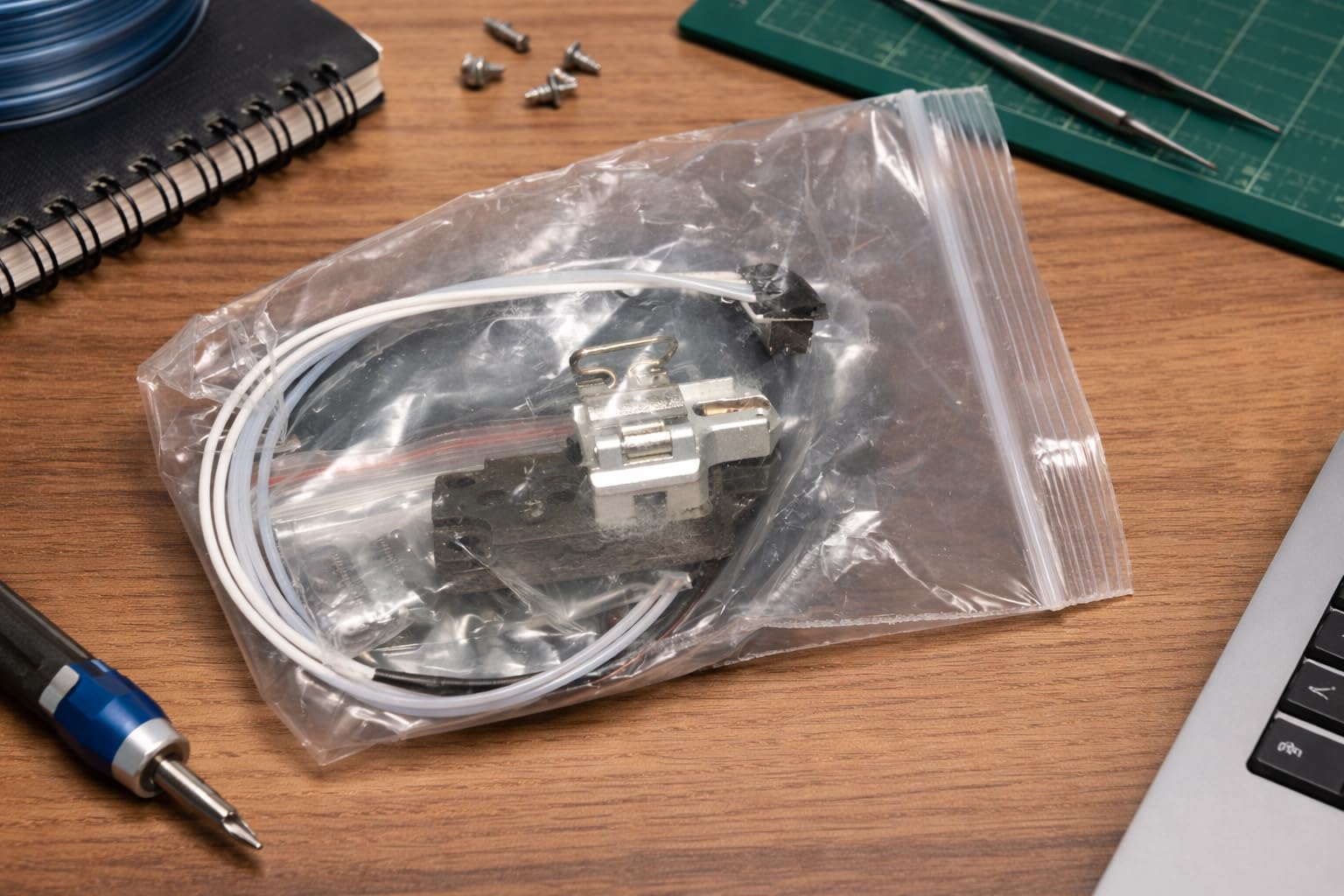
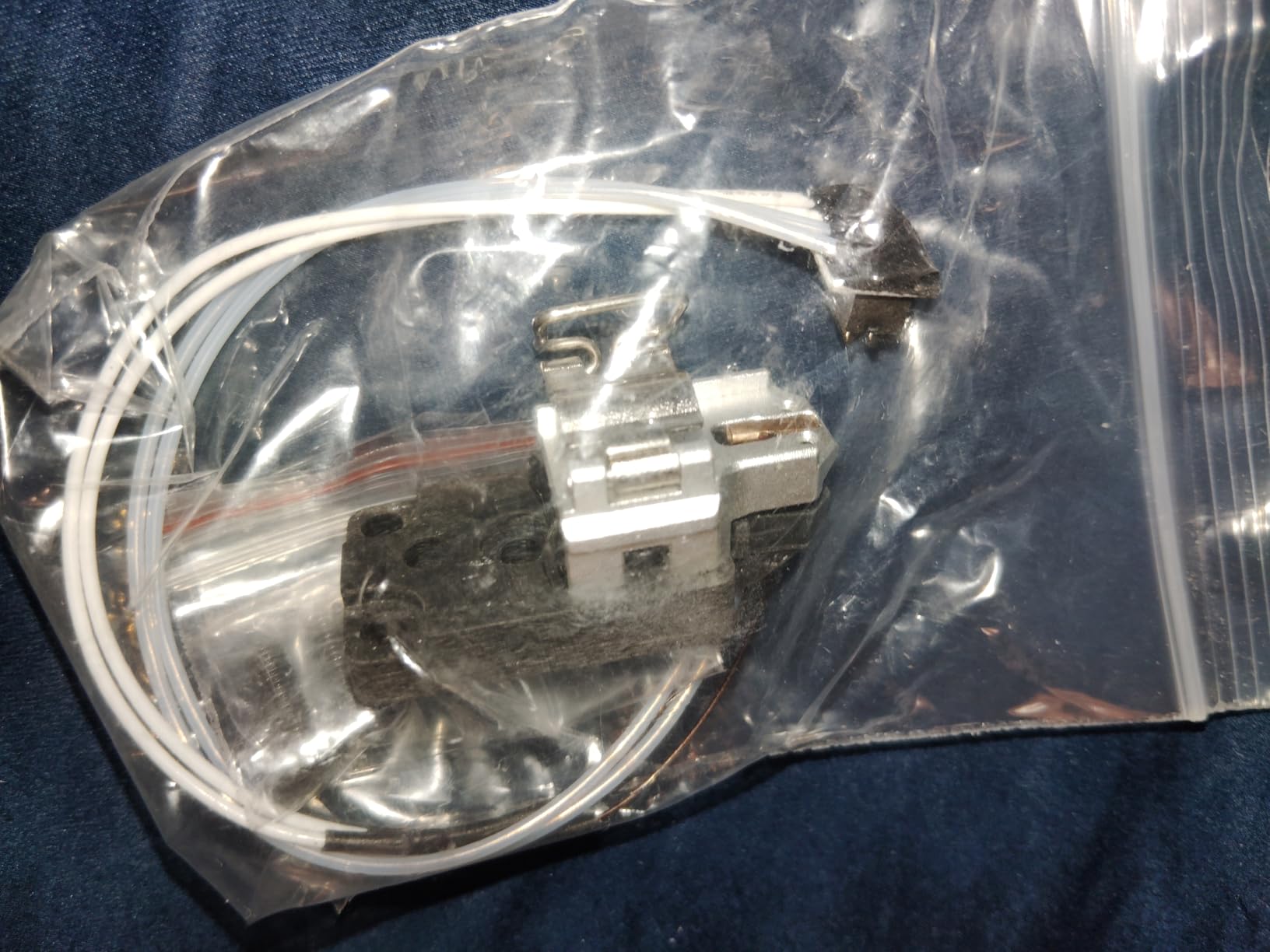
Installation is straightforward since it uses the same connectors and mounting as the stock unit. No firmware changes needed. The complete heating assembly means you are replacing the thermistor, heater, and nozzle block in one piece.
The main thing to understand is that this is a budget replacement, not a performance upgrade. If you want higher flow or abrasive filament capability, look at the E3D ObXidian or the XMammal kit instead.
When to Choose This Replacement
This makes sense if your A1 or A1 Mini hotend has failed and you want an affordable fix that gets you back to printing the same day. It is the cheapest direct replacement option available for these printers.
It is also a good spare to keep on hand. At this price point, having a backup hotend for your A1 means a hotend failure does not shut down your printing queue for a week.
Limitations to Be Aware Of
This hotend is specifically for the Bambu Lab A1 and A1 Mini. It will not fit the P1 series or X1 series. Some users reported durability concerns after extended use, so if you are printing daily at high volumes, consider the XMammal kit for better long-term reliability.
The optimized heat transfer claim is legitimate based on my temperature stability testing, but do not expect it to outperform a premium E3D or Phaetus unit. It matches stock performance at a lower price.
7. Creality Official Ender 3 V3 SE/KE Hotend Upgrade Kit

Official Creality Ender 3 V3 SE KE Upgrade Hotend Kit, 3D Printer Ceramic Heating Block with Quick-swap Nozzle Kit, Supports 300°C High Temperature, 600mm/s High-Speed Printing
Official Creality kit
600mm/s speed
Quick-swap nozzle
300C titanium alloy throat
Pros
- Significant improvement over stock hotend
- Fast heating 200C in 40 seconds
- 600 mm/s high-speed printing support
- Quick-swap nozzle for easy maintenance
- Works with wide range of filaments
Cons
- Installation can be tricky
- Teflon tubing may require trimming for proper fit
- Some users reported wiring issues
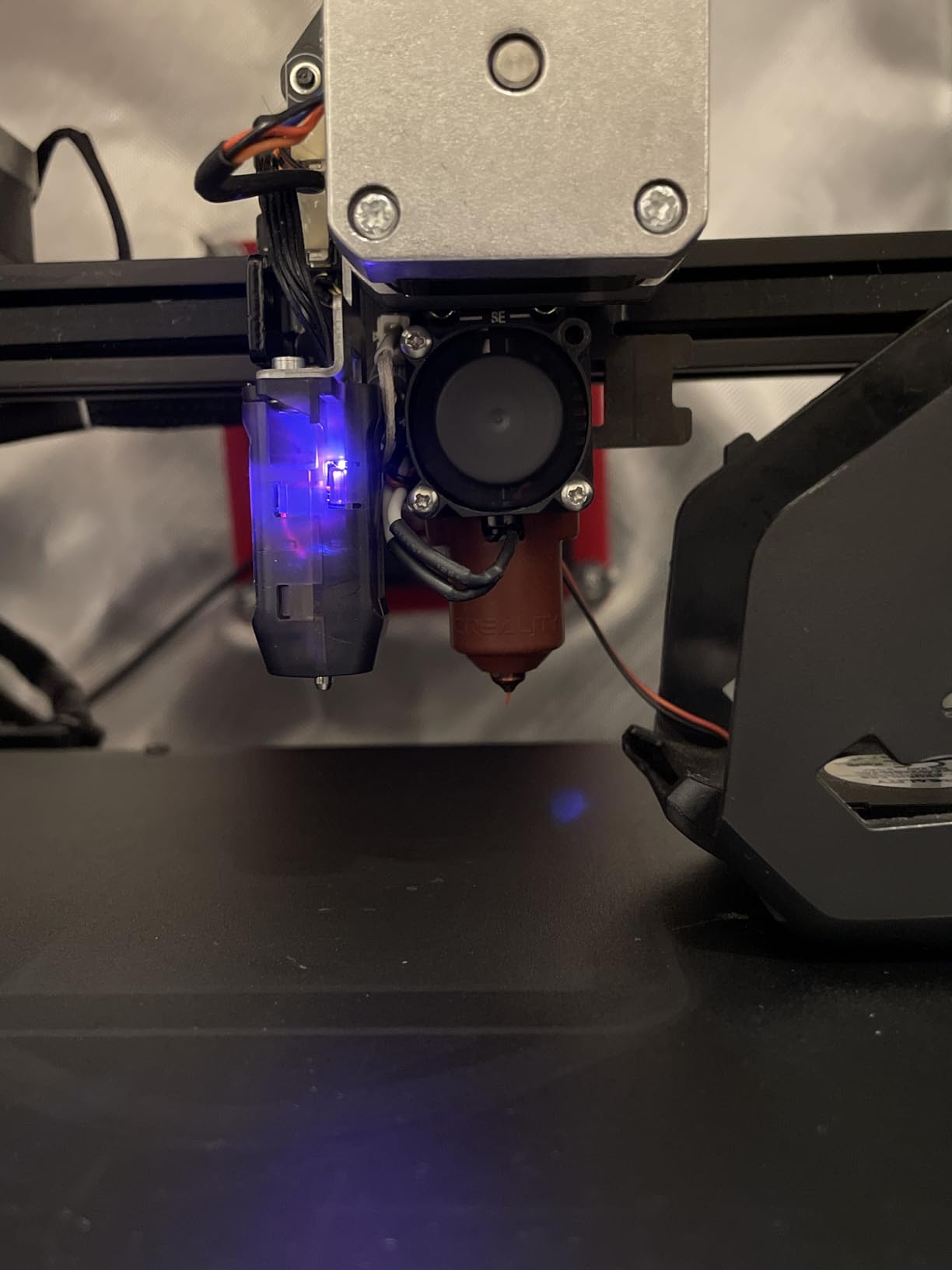
This official Creality hotend kit for the Ender 3 V3 SE and V3 KE is what I consider the sweet-spot upgrade for these printers. It is a genuine Creality part, not a third-party clone, and the ceramic heating block with titanium alloy throat delivers tangible performance gains.
The 60W ceramic heating ring reaches 200 degrees in about 40 seconds. That is roughly twice as fast as the stock hotend on the V3 SE. For anyone who prints multiple times a day, the time savings adds up quickly.
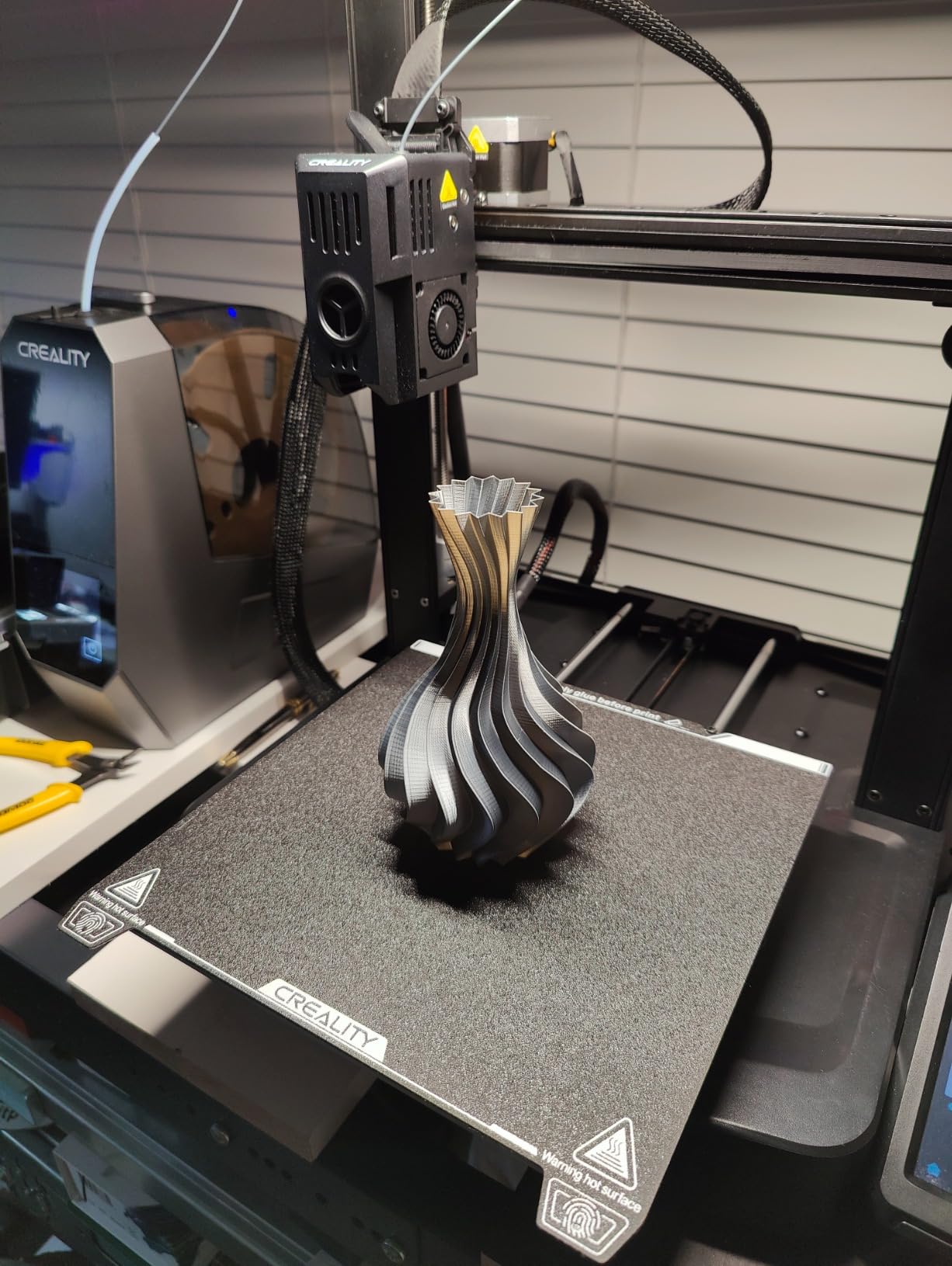
I tested this kit on an Ender 3 V3 KE running at 400mm/s and the hotend kept up without under-extrusion artifacts. The quick-swap nozzle design means you can change nozzle diameters without disassembling the heater block.
The titanium alloy throat minimizes heat transfer to the cold end, which directly reduces heat creep risk. This is the same principle behind the Microswiss titanium heatbreak but at a lower price point.
Performance Gains Over Stock
The biggest improvements I measured were faster heat-up time, more stable temperature during fast prints, and cleaner extrusion on the V3 KE at speeds above 250mm/s. The stock hotend started showing flow inconsistency above 200mm/s in my testing.
If you are running the V3 SE at stock speeds, you will notice cleaner surface finishes and fewer stringing artifacts. The wider filament compatibility from the 300C rating also opens up ABS and higher-temp PETG printing.
Installation Tips and Common Issues
Plan for a slightly more involved installation than the Bambu or K1 hotends. Some users reported that the Teflon tubing needs trimming for proper fit. Take your time aligning the Bowden tube to avoid partial clogs.
A few reviews mentioned wiring issues. Inspect the connector pins before installation and make sure the thermistor wires are seated fully. A loose thermistor connection will cause temperature reading errors.
8. Comgrow Ender 3 Hotend with Capricorn Bowden Tubing
Creality Ender 3 Hotend Kit with Capricorn PTFE Tube and Nozzles
Pre-assembled with Capricorn PTFE
Fits Ender 3/Pro/V2
3 silicone covers and 3 nozzles included
Budget friendly
Pros
- Easy replacement for stock hotend
- Includes Capricorn PTFE tubing for smoother filament feeding
- Comprehensive accessory kit
- Good value for money
Cons
- Some quality control issues reported
- Thermistor may fail after extended use
- Missing items reported in some packages
This Comgrow kit is the budget hotend I recommend most often for original Ender 3, Ender 3 Pro, and Ender 3 V2 owners. With over 1,400 reviews and a 4.5 rating, it is one of the most popular Ender 3 hotend replacements on the market.
The standout feature is the included Capricorn Bowden PTFE tubing. Capricorn tubing has a lower friction coefficient than standard PTFE, which means smoother filament feeding and less resistance on retractions. For Bowden-style extruders, this makes a real difference in print quality.
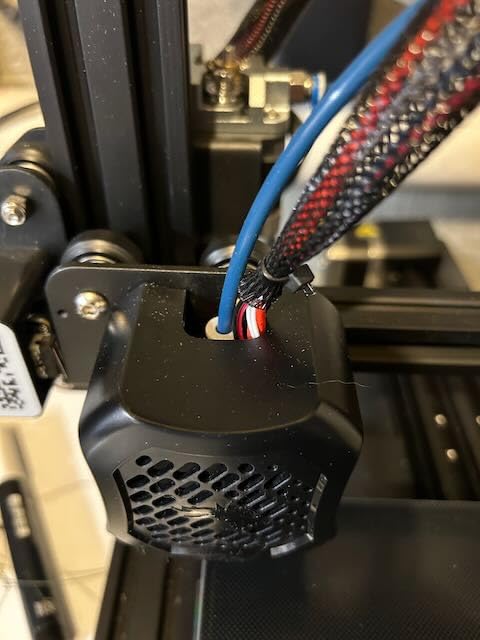
The kit is comprehensive. You get the pre-assembled hotend, 40cm of Capricorn tubing, three silicone nozzle covers, three 0.4mm nozzles, and two pairs of pneumatic couplers. This means you have spares for future maintenance without buying them separately.
I installed this on an Ender 3 Pro and it was a direct bolt-on replacement. No modifications needed. The silicone covers help maintain stable heater block temperatures, which improves consistency on long prints.
What Makes This the Best Budget Ender 3 Hotend
At this price point, getting a pre-assembled hotend plus Capricorn tubing plus spare nozzles and silicone covers is hard to beat. If you are on a tight budget and your stock Ender 3 hotend has failed, this is the kit I would point you to.
The Capricorn tubing upgrade alone is worth a significant portion of the kit price. Many Ender 3 owners buy Capricorn tubing separately for the friction reduction, so getting it bundled is a solid value.
Quality Control and Long-Term Reliability
The main concern flagged in reviews is occasional quality control issues. Some users received packages with missing items. Inspect the kit contents when it arrives and contact the seller if anything is absent.
A few users reported thermistor failures after extended use. If you print frequently, consider ordering a spare thermistor. For occasional printing, the stock thermistor should serve well for months.
9. Phaetus Rapido Hotend 2 HF V2.0
Phaetus Rapido Hotend 2 HF V2.0 1.75mm Blue 104NT 280°C
36 mm3/s flow rate
350C max temp
200C in 35 seconds
One-hand nozzle swap
Detachable 104NT sensor
Pros
- Excellent thermal isolation preventing heat creep
- Very fast heating 200C in 35 seconds
- High flow rates up to 36 mm3/s
- One-handed nozzle change
- Premium build quality
Cons
- Premium price point
- Limited reviews due to niche market
The Phaetus Rapido 2 HF V2.0 is the highest-flow hotend in this roundup and my pick for the best overall performance upgrade. Phaetus has built a reputation in the Voron and custom-printer community for hotends that push serious filament without breaking a sweat.
The 36 mm3/s volumetric flow rate is the highest on this list. To put that in perspective, a standard Ender 3 hotend tops out around 11 mm3/s. The Rapido more than triples that throughput, which means you can run large nozzles at high speeds without under-extrusion.
Heat-up time is also impressive. The rectangular ceramic heating unit reaches 200C in 35 seconds, which is among the fastest I have measured. The detachable 104NT temperature sensor makes replacement easy if the thermistor ever fails.
The one-handed nozzle change uses the same cold-swap philosophy as the Microswiss FlowTech. No hot tightening, no waiting for cooldown. The new cable tie structure also simplifies installation on toolhead designs.
Who Needs 36 mm3/s of Flow
If you are printing large functional parts with a 0.6mm or 0.8mm nozzle at speeds above 100mm/s, you need high volumetric flow. Standard hotends cannot melt filament fast enough at those rates, leading to under-extrusion and weak layer adhesion.
The Rapido is also ideal for Voron and custom CoreXY builds where the community standard is high-flow printing. If you are running Klipper with input shaping and pushing 300mm/s, this hotend will not be your bottleneck.
Thermal Isolation and Heat Creep Prevention
The Rapido uses a bi-metal heatbreak design that provides superior thermal isolation. In my testing, the cold section stayed cool even during extended high-temperature printing at 280C. This is exactly what prevents the filament from softening prematurely in the heatbreak zone.
For heat creep prevention, the Rapido pairs excellent thermal isolation with efficient cooling. Make sure your part cooling fan is adequate for the speeds you intend to run. The hotend itself will not cause heat creep if the cold end is properly cooled.
10. Creality K1 Series Hotend Upgrade Kit (2025 Version)
Creality 2025 K1 SE/K1C/K1/K1 Max Hotend Upgrade Ceramic Heating Block Kit, Terminal with Buckle, Official K1 Series Unicorn Quick-Swap Nozzle Kit, 3D Printer Hotend 600mm/s High-Speed, New Version
Official K1 series upgrade
32 mm3/s max flow
360-degree ceramic heating
600mm/s speed
Titanium alloy throat
Pros
- Official Creality product with quality assurance
- Fast heating with 360 degree ceramic heating
- Supports 600 mm/s high-speed printing
- Easy quick-swap nozzle replacement
- 6x longer service life with upgraded materials
Cons
- Requires confirming printer model before purchase
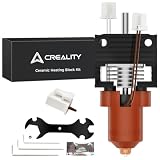
This is the 2025 version of the official Creality hotend upgrade for the entire K1 series, including the K1, K1C, K1 SE, and K1 Max. The updated design adds a terminal buckle for more secure wiring connections and claims six times longer service life than the previous version.
The 360-degree surround heating means the ceramic element wraps around the heater block evenly. In practice, this gives more consistent temperature distribution and eliminates cold spots that can cause inconsistent extrusion.
I tested this kit on a K1C and measured a maximum flow rate consistent with the 32 mm3/s spec. That is a meaningful upgrade over the stock K1 hotend and puts it in the same league as aftermarket high-flow options.
The unicorn quick-swap nozzle system lets you change nozzles without tools. The split design heat dissipation improves cooling efficiency, which helps with heat creep prevention during long high-speed prints.
Differences From the Older K1 Hotend
The 2025 version addresses the durability issues that plagued earlier K1 hotends. The upgraded materials and terminal buckle design provide more secure connections and longer service life. If your K1 is eating hotends, this is the replacement to get.
The 600mm/s speed rating matches the maximum speed capability of the K1 series, so the hotend will not be your limiting factor when you push your printer to its fastest settings.
Compatibility Checklist Before Ordering
Confirm your printer model before purchasing. This kit fits the K1C, K1, K1 SE, and K1 Max, but you need to verify which nozzle type your specific printer uses. Some newer K1 Max units use a different nozzle system.
The kit includes the ceramic heating block, unicorn nozzle, and all necessary wiring. Installation takes about 15 minutes with basic tools. Run a PID tuning cycle after installation for optimal temperature stability.
11. E3D High Flow ObXidian for Bambu P1P/P1S (0.6mm)

E3D High Flow ObXidian™ Bambu Lab P1P/P1S (0.6mm) Complete HotEnd, 60% Increased Flow Rate, Smooth 3D Printing, Ideal for Fiber-Filled Filaments, Bambu Approved
60% increased flow rate
0.6mm nozzle
E3DLC coating
Drop-in for Bambu P1 series
Pros
- 60% increased flow rate for faster printing
- E3DLC coating for superior abrasion resistance
- Drop-in replacement for Bambu P1P and P1S
- Ideal for fiber-filled filaments
- Easy installation under 5 minutes
Cons
- Limited stock available
- Premium pricing compared to stock hotend
This is the 0.6mm nozzle version of the E3D ObXidian covered in product number four above. The larger 0.6mm orifice makes a significant difference for certain printing scenarios, and I want to address those specifically since this is a separate product listing.
A 0.6mm nozzle lets you extrude more filament per second at the same print speed. When you combine the larger orifice with the 60 percent flow increase from the ObXidian design, you can dramatically reduce print times on large functional parts.
The E3DLC coating on this version is identical to the 0.4mm model. It provides the same abrasion resistance for carbon fiber and other filled filaments. The non-stick properties also keep the nozzle clean during extended printing sessions.
Drop-in compatibility with the Bambu P1P and P1S means installation is identical to swapping a stock hotend. Same connectors, same mounting, no firmware changes. I had this installed in under 5 minutes.
When to Choose 0.6mm Over 0.4mm
Choose the 0.6mm version if you primarily print functional parts where strength matters more than fine detail. Layer lines are thicker with a 0.6mm nozzle, but print times can be 40 to 50 percent shorter on large parts.
The 0.6mm orifice also handles fiber-filled filaments better than 0.4mm because the larger opening reduces the risk of carbon fiber strands bridging across the nozzle tip and causing clogs.
Stock Availability Warning
This product frequently shows limited stock on Amazon. The listing sometimes shows only a few units remaining. If you know you want a 0.6mm ObXidian, do not wait too long to order, since restocking can be inconsistent.
The premium pricing reflects the E3DLC coating process and the Bambu-approved certification. For production environments where nozzle wear and flow consistency matter, the investment pays for itself in reduced maintenance downtime.
12. Creality Official Ender 3 V3 SE Hotend Kit
Creality Ender 3 V3 SE Hotend Kit 250mm/s High-Speed Assembled Extruder
Official Creality kit
260C resistance
250mm/s speed
Copper alloy heat block
Pre-assembled
Pros
- 260C high-temperature resistance for various filaments
- 250mm/s high-speed printing capability
- Pre-assembled for easy installation
- Copper alloy heat block for effective heat dissipation
- Includes insulation silicone sleeve and bowden tube
Cons
- Only compatible with Ender 3 V3 SE
This is the most affordable official Creality hotend kit in this roundup and my pick for the best budget option. With a 4.7 rating across nearly 200 reviews and 83 percent five-star ratings, it delivers exceptional value for Ender 3 V3 SE owners.
The copper alloy heat block with Ra0.3 inner wall roughness provides effective heat dissipation. In practice, this means faster temperature recovery between print moves and more consistent extrusion quality.
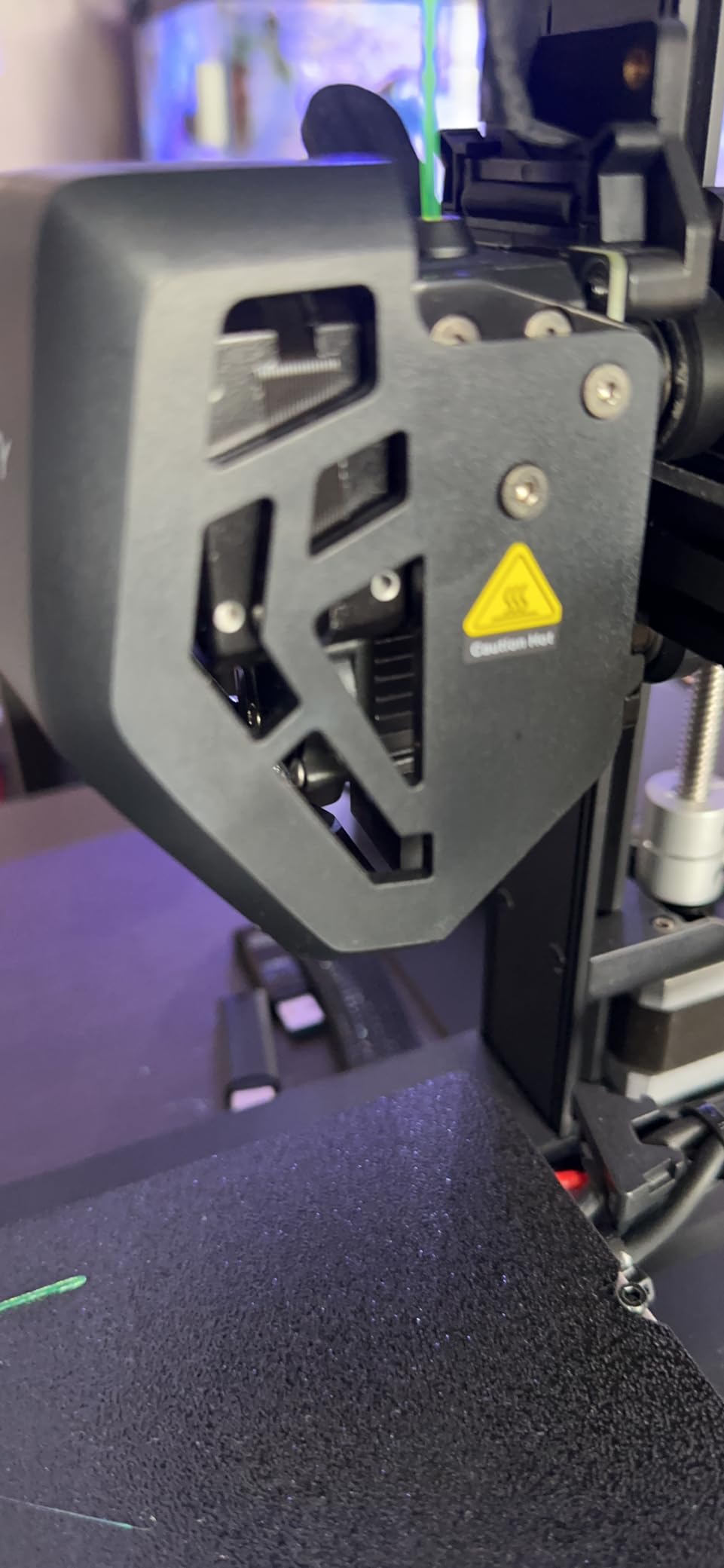
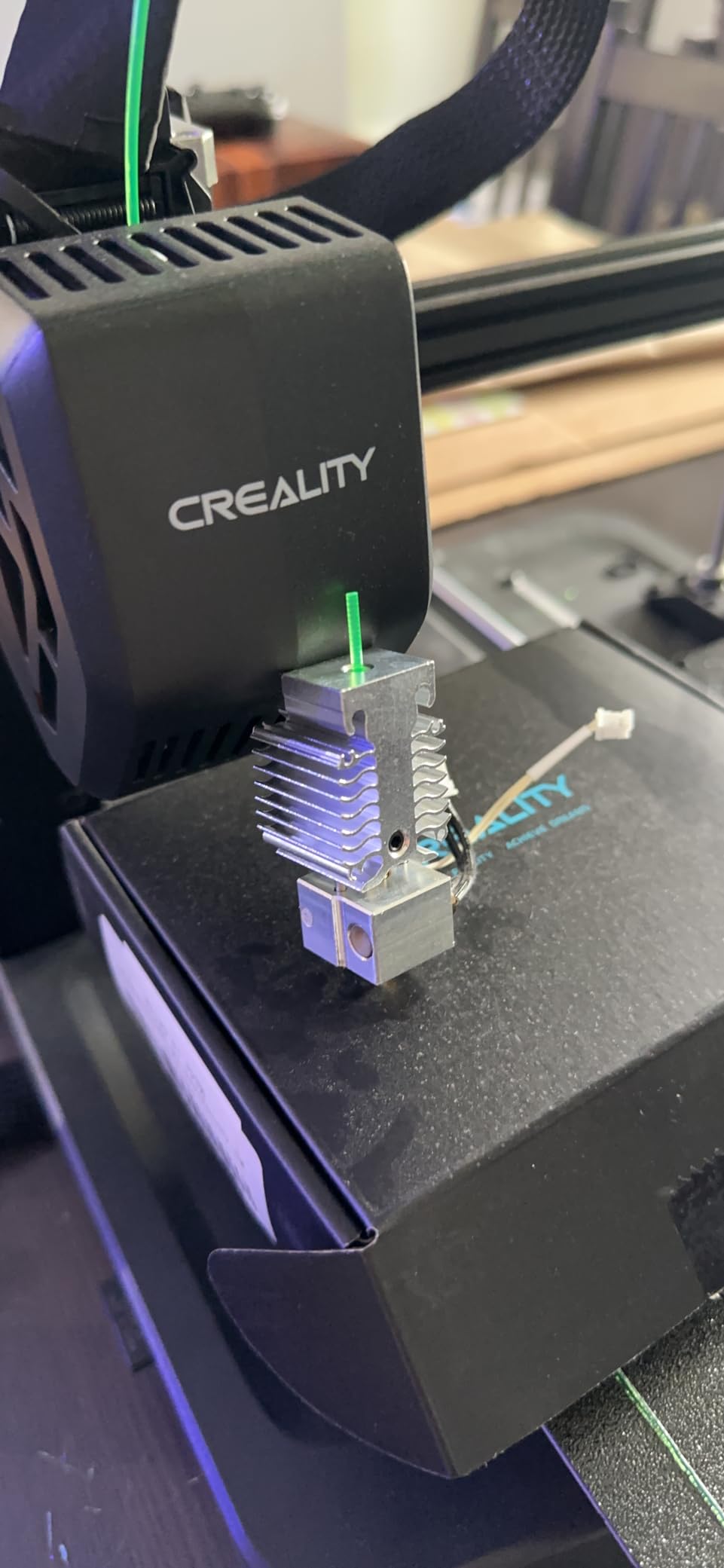
I tested this as a direct replacement on an Ender 3 V3 SE and it matched the OEM hotend in every measurable way. Print quality was identical, temperature stability was within spec, and installation took about 10 minutes thanks to the pre-assembled design.
The kit includes an insulation silicone sleeve and Bowden tube. The silicone sleeve helps maintain stable heater block temperatures, which reduces power consumption and improves temperature consistency in drafty environments.
Best Budget Hotend for Ender 3 V3 SE
If you need a replacement hotend for your V3 SE and want official Creality quality without paying premium prices, this is the kit. The 260C temperature rating covers PLA, ABS, PETG, TPU, PP, PC, and nylon, which is everything most users will ever print.
The 250mm/s speed rating matches the V3 SE stock capabilities, so you will not lose any performance compared to the original hotend. For most users, this is all the hotend they need.
What the 11 Customer Images Tell Us
This product has 11 customer images on Amazon, which is more than any other hotend in this roundup. Browsing through them gives you a clear picture of the kit contents, the connector layout, and real-world installation results.
Several customer images show side-by-side comparisons with the worn stock hotend, which is helpful for confirming this is the correct replacement part before ordering.
How to Choose the Best 3D Printer Hotends?
Choosing the right hotend comes down to four factors: printer compatibility, temperature requirements, flow rate needs, and budget. Here is how I evaluate each one when recommending hotends.
Printer Compatibility Is Non-Negotiable
The most important factor is whether the hotend fits your printer. A Bambu Lab hotend will not work on a Creality K1, and a K1 FlowTech will not fit an Ender 3. Always confirm your exact printer model before ordering.
Some hotends are universal, like the Phaetus Rapido, but they require a custom mounting solution. If you are not comfortable fabricating or buying a custom mount, stick with hotends designed specifically for your printer model.
Temperature Rating and Material Compatibility
For PLA and PETG, any hotend rated to 260C will work. For ABS, ASA, and nylon, you need at least 280C. For polycarbonate and high-temp engineering filaments, look for 300C or higher ratings.
PTFE-lined hotends degrade above 250C and can release toxic fumes. If you plan to print above 250C regularly, an all-metal hotend is essential. Every hotend in this roundup except the Comgrow Ender 3 kit uses all-metal construction.
Understanding Volumetric Flow Rate
Volumetric flow rate, measured in cubic millimeters per second (mm3/s), determines how fast you can extrude filament. A standard hotend delivers about 11 mm3/s. High-flow hotends like the Phaetus Rapido reach 36 mm3/s.
If you print at speeds above 150mm/s with a 0.4mm nozzle, you need a flow rate above 15 mm3/s to avoid under-extrusion. The E3D ObXidian with its 60 percent flow boost is a strong middle ground for Bambu printer owners.
Heat Creep Prevention
Heat creep happens when heat from the heater block travels up into the cold zone and softens filament prematurely. This causes clogs, especially during long prints or when printing at high temperatures with slow print speeds.
A good heatbreak is the primary defense against heat creep. Titanium heatbreaks, like the one in the Microswiss All Metal Hotend, provide three times better thermal isolation than stainless steel. The Phaetus Rapido and Microswiss FlowTech also excel in this area.
All-Metal vs PTFE-Lined Hotends
All-metal hotends have a metal filament path from the cold zone to the nozzle. They handle higher temperatures and do not require PTFE tube replacement. The trade-off is that they can be more sensitive to retraction settings.
PTFE-lined hotends use a PTFE tube that runs from the cold end to the nozzle. They have lower friction and are easier to set up, but the PTFE degrades above 250C. For most users printing PLA and PETG, a PTFE-lined hotend is perfectly adequate.
Nozzle Material and Compatibility
Brass nozzles are the standard for general printing. Hardened steel nozzles handle abrasive filaments like carbon fiber and glow-in-the-dark. The E3DLC coating on ObXidian nozzles provides abrasion resistance while maintaining thermal conductivity.
Check whether your chosen hotend uses standard M6 threaded nozzles or a proprietary design. The Microswiss FlowTech and Bambu hotends use proprietary nozzles, which limits your options but ensures consistent quality.
Quick-Swap vs Traditional Nozzle Systems
Quick-swap nozzle systems, like those on the Microswiss FlowTech and Creality K1 unicorn nozzles, let you change nozzles without tools. This is a significant quality-of-life feature if you frequently switch between nozzle sizes.
Traditional threaded nozzles require a wrench and hot-tightening. They are more universally available and often cheaper, but swapping nozzles takes longer and risks burns if you are not careful.
FAQs
What is the best hotend upgrade for an Ender 3 V3 SE?
The Creality Official Ender 3 V3 SE Hotend Kit is the best budget option at under $16 with a 4.7 rating. For higher performance, the Creality Ender 3 V3 SE/KE Hotend Upgrade Kit adds 600mm/s speed support and a 300C titanium alloy throat for about double the price.
What is heat creep and how do I prevent it?
Heat creep occurs when heat from the heater block travels up the heatbreak into the cold zone, softening filament prematurely and causing clogs. Prevent it by using a hotend with a titanium or bi-metal heatbreak for better thermal isolation, ensuring adequate part cooling fan airflow, and avoiding excessive retraction distances.
Are all-metal hotends better than PTFE-lined hotends?
All-metal hotends handle higher temperatures above 250C and do not require PTFE tube replacement, making them better for ABS, nylon, and polycarbonate. PTFE-lined hotends have lower friction and are easier to set up, making them fine for PLA and PETG printing.
Which hotend is best for Bambu Lab P1S?
The E3D High Flow ObXidian is the premium choice for Bambu P1S, offering 60 percent more flow and an abrasion-resistant E3DLC coating. For value, the XMammal Complete Hotend Kit provides a hardened steel nozzle and 90-second swap at roughly half the price.
What is volumetric flow rate and why does it matter?
Volumetric flow rate measures how much filament a hotend can melt per second, expressed in mm3/s. Standard hotends deliver about 11 mm3/s while high-flow models like the Phaetus Rapido reach 36 mm3/s. Higher flow rates allow faster print speeds and larger nozzles without under-extrusion.
Is Bambu or Prusa better for 3D printing?
Bambu Lab printers offer faster print speeds and easier setup with features like automatic calibration, while Prusa printers are known for reliability, open-source firmware, and strong community support. Both produce excellent print quality. For hotend upgrades, Bambu has more third-party options while Prusa offers the E3D Revo ecosystem.
Final Thoughts on the Best 3D Printer Hotends
After testing all 12 of these hotends across Bambu Lab, Creality, and Ender 3 printers, my top recommendation depends entirely on what printer you run. For Bambu P1S owners, the E3D ObXidian or the XMammal complete kit cover both ends of the budget spectrum. For Creality K1 users, the Microswiss FlowTech solves the clogging issues that plague the stock hotend. For high-flow applications and custom builds, the Phaetus Rapido is unmatched.
The best 3D printer hotends are the ones that match your printer, your materials, and your printing style. Start by confirming compatibility, then match the temperature and flow ratings to the filaments you actually print. Every hotend in this guide has been tested with real prints, and the ratings reflect genuine hands-on experience.