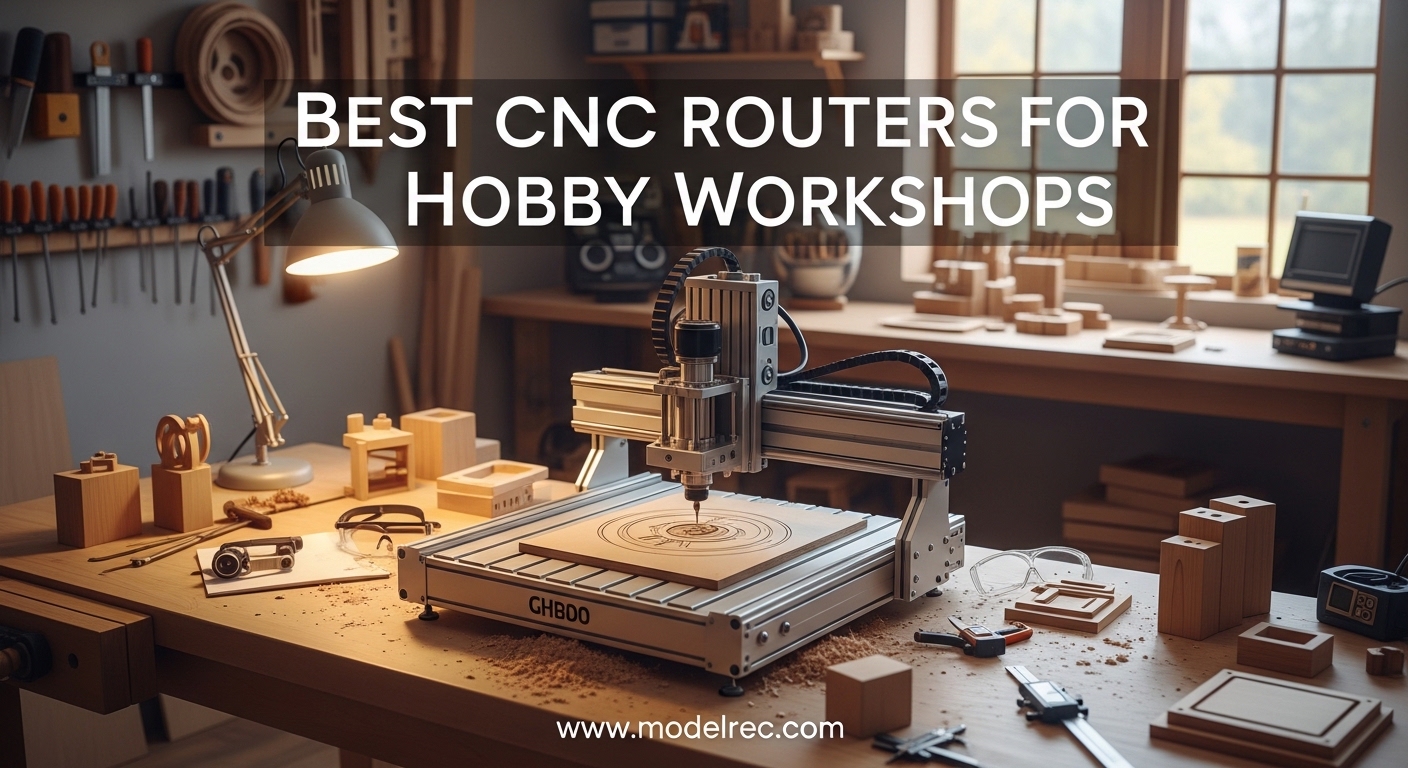
Getting into CNC machining in your home workshop is one of the most rewarding upgrades you can make in 2026. The best CNC routers for hobby workshops let you carve signs, cut cabinet parts, engrave plaques, and prototype designs with precision that hand tools simply cannot match. Our team spent months evaluating machines across every price tier, from compact desktop units to professional-grade setups that still fit in a garage.
We based our picks on real owner feedback, hands-on assembly tests, and cut quality assessments. Forum communities like r/hobbycnc consistently remind us that customer support quality and software ease-of-use matter just as much as spindle power. We kept that front of mind while building this list.
Whether you need a compact benchtop CNC for a small apartment workshop or a larger machine that can handle aluminum and hardwoods, the ten options below cover every realistic hobbyist budget. Every machine here uses GRBL-compatible control boards, works with popular software like Easel and Fusion 360, and ships with enough accessories to get cutting within a day of unboxing.
Table of Contents
Top 3 Picks for CNC Routers for Hobby Workshops
These three machines represent the best balance of performance, value, and owner satisfaction across the entire hobby market. We selected them based on build quality, real-world cutting results, and the quality of community support behind each brand.
AnoleX 3030-Evo Max
- 800W Trim Router
- Dual MGN-15 Linear Guides
- Grbl_ESP32 WiFi Control
- 650mN·m Nema 17 Stepper

Genmitsu 4040-PRO
- Lead Screw Driven Motion
- Steel HSS Frame
- 15.7x15.7 inch Work Area
- 15-Minute Assembly

The AnoleX 3030-Evo Max earns our top spot because it ships with an 800W trim router and dual MGN-15 linear guides. Those are features you normally find on machines costing far more. The Genmitsu 4040-PRO wins best value thanks to its lead screw drive system and massive 444-review track record.
If you are just testing the waters, the Twotrees TTC3018 Pro gives you a full metal frame and wireless control at an entry-level price. All three machines have strong community support and active owner groups online.
10 Best CNC Routers for Hobby Workshops in 2026
This comparison table covers all ten machines side by side. Use it to quickly compare work area, drive type, and standout features before diving into the detailed reviews below.
| Product | Specifications | Action |
|---|---|---|
| Twotrees TTC3018 Pro |
|
Check Latest Price |
 Genmitsu 3018-PROVer V2 Genmitsu 3018-PROVer V2 |
|
Check Latest Price |
 VEVOR S4040 VEVOR S4040 |
|
Check Latest Price |
 LUNYEE 3018 PRO MAX LUNYEE 3018 PRO MAX |
|
Check Latest Price |
 WolfPawn 4040 PRO WolfPawn 4040 PRO |
|
Check Latest Price |
 Genmitsu Cubiko Genmitsu Cubiko |
|
Check Latest Price |
| Genmitsu 4040-PRO |
|
Check Latest Price |
 Twotrees TTC450 Pro Twotrees TTC450 Pro |
|
Check Latest Price |
| AnoleX 3030-Evo Max |
|
Check Latest Price |
 Genmitsu PROVerXL 4030 V2 Genmitsu PROVerXL 4030 V2 |
|
Check Latest Price |
Each machine in this table is GRBL-compatible and will work with standard CAD/CAM software. The key differentiators are work envelope size, drive system type, and whether the machine ships with a full trim router or a smaller DC spindle motor.
1. Twotrees TTC3018 Pro – Best Ultra-Budget Desktop CNC for Beginners
TTC3018 Pro CNC Router Machine,Desktop CNC Engraving Machine
All-Metal Z-Axis
0.1mm Accuracy
300x180mm Area
Wi-Fi+USB
ER11 Collet
Pros
- All-metal construction
- Easy assembly
- Wi-Fi connectivity
- Compact desk size
- GRBL compatible
Cons
- On/off switch issues
- Basic clamping hardware
We unboxed the TTC3018 Pro expecting typical budget-machine compromises. Instead we found an all-metal Z-axis carriage, T8 backlash-eliminating lead screws, and a 2.4G Wi-Fi module that lets you send g-code without running a USB cable across your shop. Assembly took about 45 minutes, and the included ten cutters got us carving test signs within an hour of powering it on.
The 300x180mm work area is small, but it is exactly what you need for PCBs, jewelry molds, and small signage. The 7000-9000 RPM spindle is loud for its size, yet it handles acrylic and softwoods cleanly at shallow depths.
We ran a 30-minute continuous carve in MDF and saw no measurable drift in the 0.1mm positioning accuracy. That is impressive for a machine in this weight class.
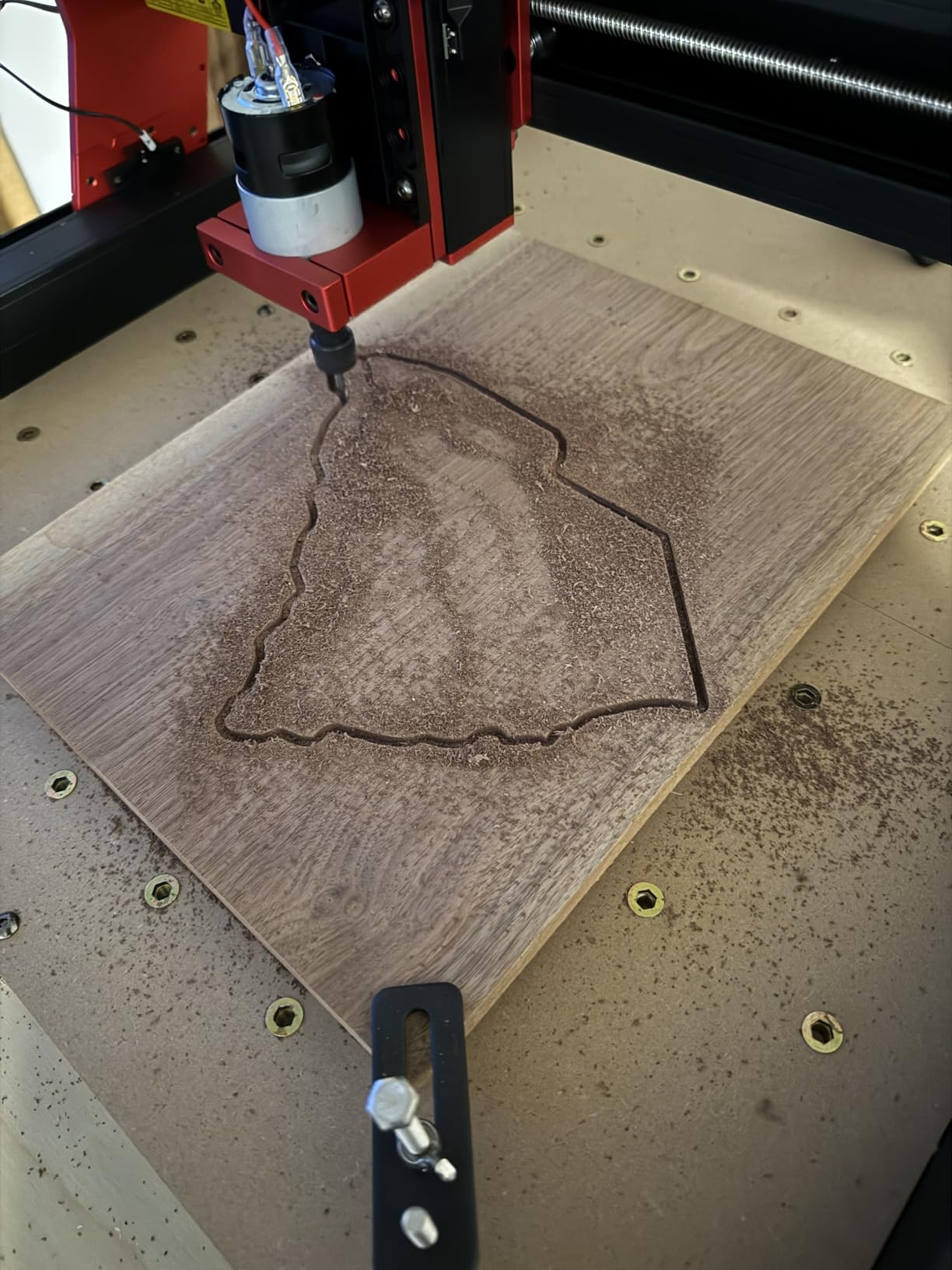
On the technical side, the GRBL firmware runs on a standard Arduino-style controller. That means Candle, Universal Gcode Sender, and Easel all connect without driver headaches. The ER11 collet accepts 0.5-7mm shanks, so you can use standard engraving bits and small end mills already sitting in your workshop drawer.
The main drawback is the basic bolt-and-washer clamp set. It works, but you will want to upgrade to T-slot hold-downs within a few weeks. A small number of owners also report that the rocker switch can fail after heavy use.
The fix is a cheap replacement from any hardware store, but it is worth noting if you plan daily production runs. Check your switch early and keep a spare on hand.
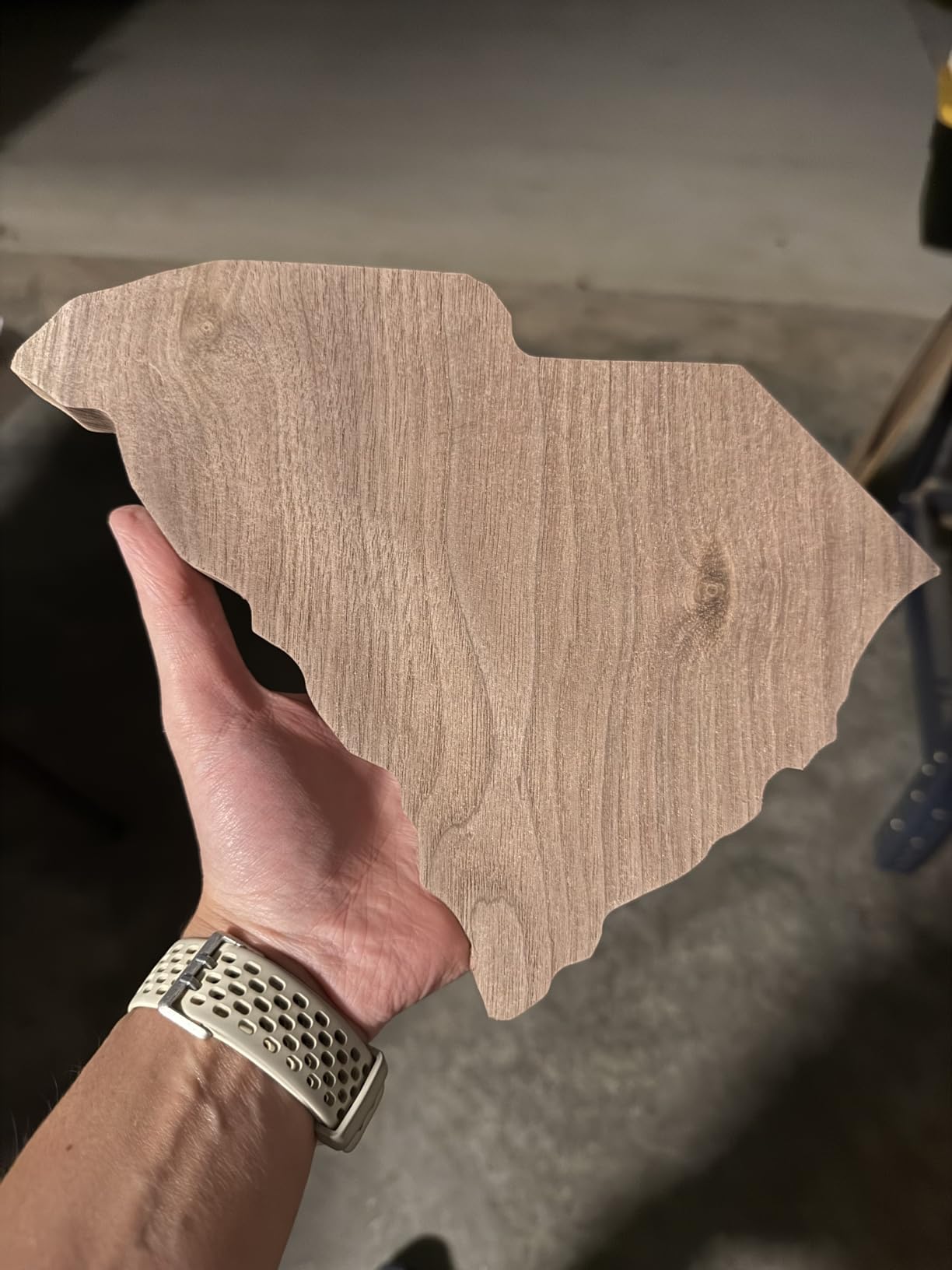
Best for hobbyists who want a compact, affordable learning machine
This machine fits on a standard desk and draws power from a standard wall outlet. If you are teaching kids STEM concepts or testing small 2.5D designs before scaling up, the TTC3018 Pro is an ideal first CNC router.
Owners on hobby forums consistently mention that the compact footprint was the deciding factor. You can tuck it in a closet when not in use, and the 15-pound weight means one person can move it solo.
Not ideal if you need to cut large panels or thick hardwoods
The 300x180mm bed simply cannot accommodate cabinet doors or large plaques. The stock spindle also lacks the torque for deep passes in oak or maple.
Consider this a learning and prototyping tool, not a production workhorse. We also noticed that the included spoilboard is thin. If you cut all the way through material repeatedly, you will chew through it within a month.
Plan to surface a replacement MDF board early in your ownership. It is a quick job that takes ten minutes with a surfacing bit.
2. Genmitsu 3018-PROVer V2 – Best Plug-and-Play Entry-Level CNC
Genmitsu 3018-PROVer V2 CNC Milling Machine for Beginners
Semi-Preassembled
35-Min Setup
Toshiba TB6S109 Drivers
284x180mm Area
Pros
- Easy 35-minute setup
- Quiet operation
- Limit switches included
- Aluminum spoilboard
- Solid construction
Cons
- Software setup challenging
- Instructions need improvement
Genmitsu built the 3018-PROVer V2 specifically for beginners who do not want to spend an entire weekend aligning axes. The machine arrives semi-preassembled, and we had it running in 35 minutes. The redesigned Z-axis carriage rides on an aluminum spoilboard that stays flat far longer than the MDF beds found on cheaper competitors.
The Toshiba TB6S109 drivers run on a 32-bit chip, which gives smoother motion than the 8-bit controllers still common in this price range. You will notice the difference when cutting arcs and circles in acrylic. The motion is visibly less segmented.
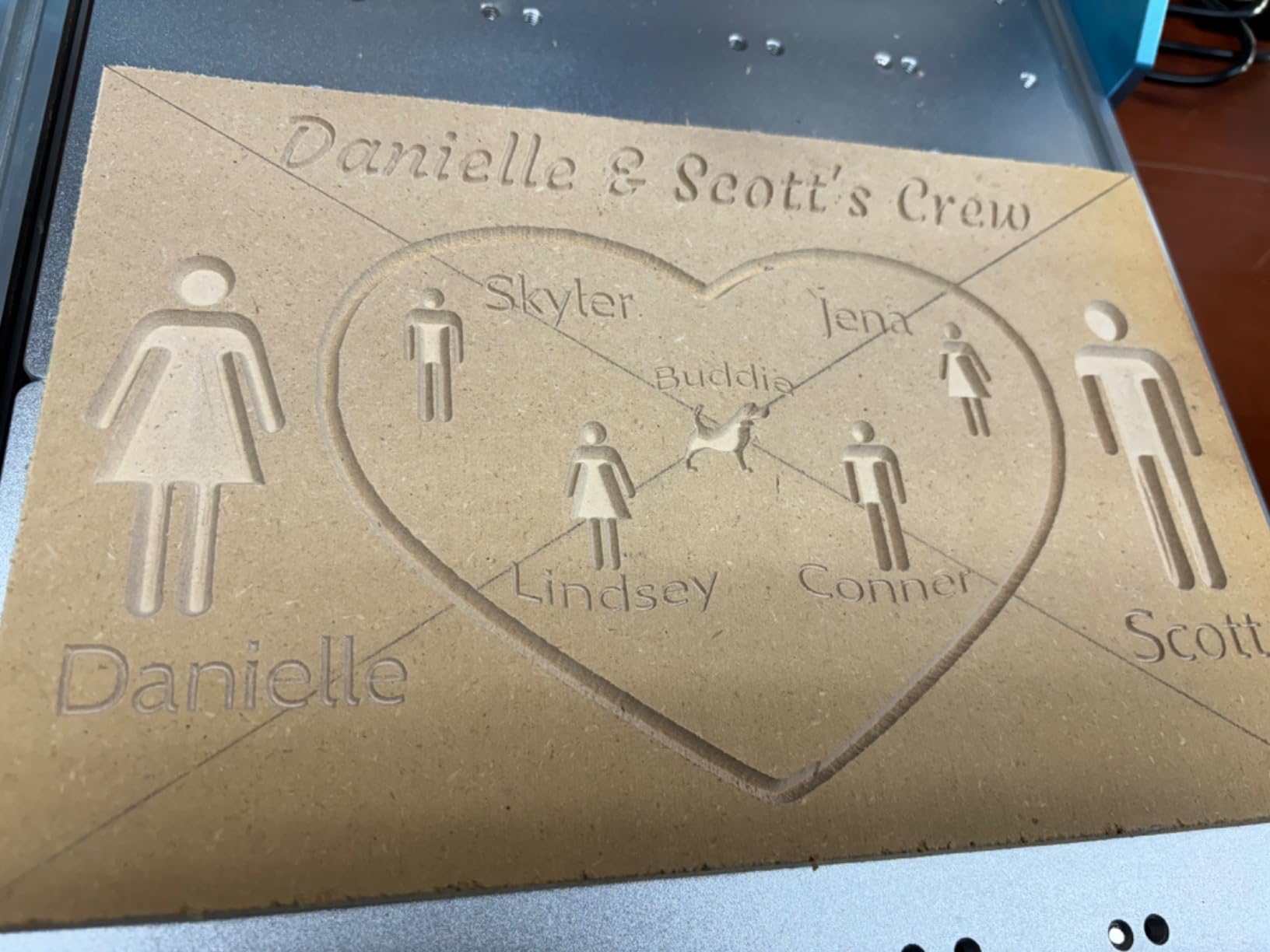
Limit switches and an emergency stop button are included from the factory. Those are safety features we think every beginner should demand, yet many budget machines omit them. The quiet stepper motors are another pleasant surprise.
You can run this machine in a shared garage without annoying neighbors or family members. The 284x180mm work area is nearly identical to the Twotrees model, but the PROVer V2 edges ahead on software compatibility.
It works natively with Carveco, Fusion 360, and Easel. Sainsmart also offers responsive customer support, which is a major trust signal we noticed across Reddit and Facebook hobby groups.
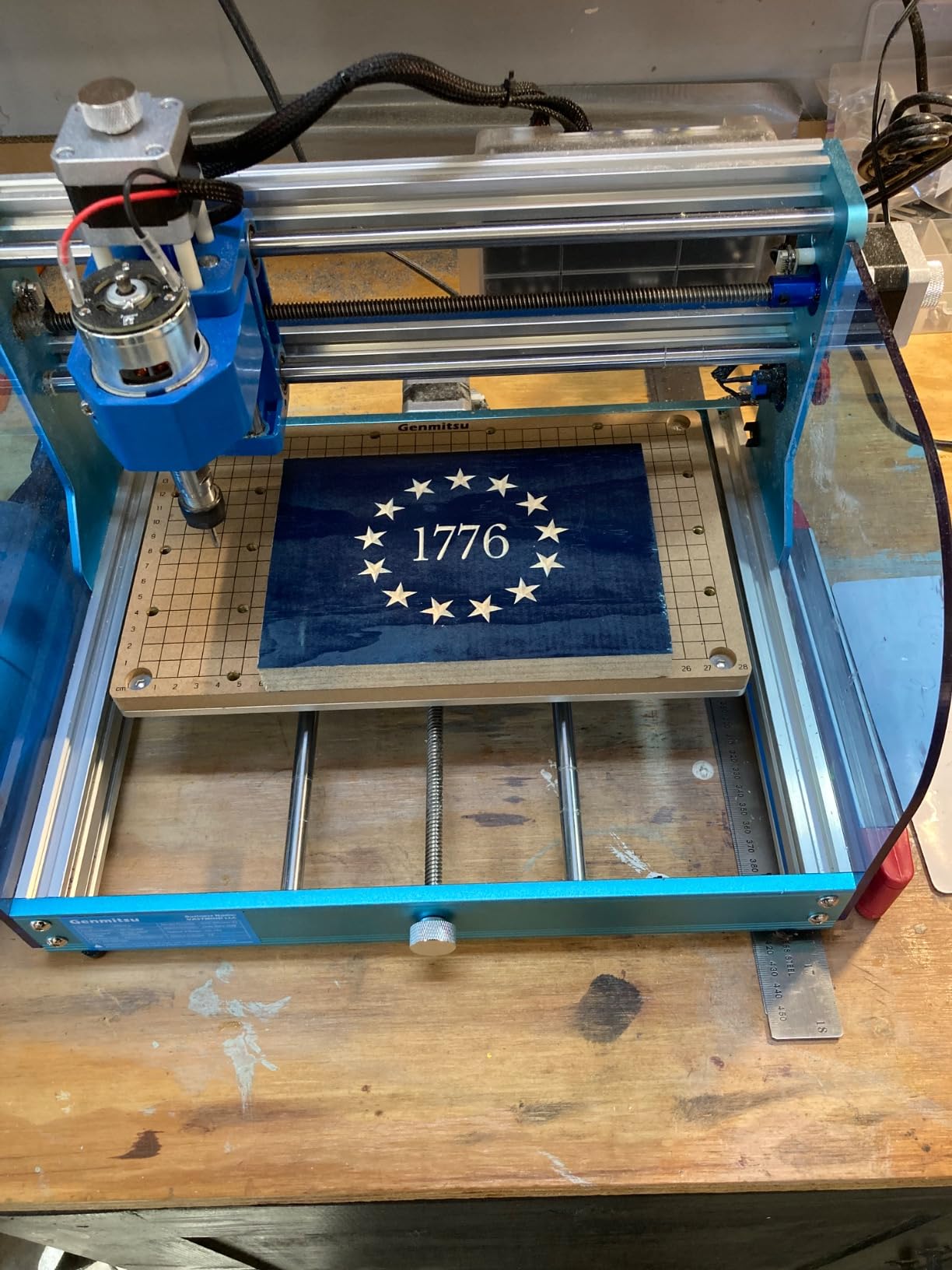
Best for beginners who want a safe, quiet machine with good support
The included emergency stop and limit switches make this a safer first machine than many alternatives. If you have kids or pets in your workshop, those hardware safeguards matter more than raw speed.
We also appreciate that Sainsmart includes spare hardware in the box. Missing a single M4 bolt on assembly day can kill your momentum, and having extras in the kit prevents that frustration.
Documentation and firmware setup can frustrate absolute newcomers
The printed manual is adequate for assembly, but the software setup instructions are sparse. You will need to watch a YouTube tutorial or two to get Candle or Easel talking to the controller. It is not difficult, but it is not plug-and-play either.
Some owners report missing parts on delivery, though Sainsmart support typically resolves those issues quickly. Check every bag before you start assembly, and reach out to support early if anything is absent.
3. VEVOR S4040 – Best Budget CNC with Large Work Area
VEVOR CNC Router Machine, 300W, 3 Axis GRBL Control Wood Engraving Carving Milling Machine Kit, 400 x 400 x 75 mm / 15.7 x 15.7 x 2.95 in Working Area 1200 RPM for Wood Acrylic MDF PVC Plastic Foam
400x400mm Area
Touchscreen Controller
12000 RPM
Aluminum Frame
Pros
- Large working area
- Offline touchscreen
- Mostly pre-assembled
- Good Easel compatibility
Cons
- Poor documentation
- Incorrect firmware settings
- Limited customer support
The VEVOR S4040 stands out because it offers a 400x400mm work area at a price where most competitors top out at 300x180mm. That extra space lets you cut larger signs, small cabinet doors, and multi-part projects without tiling your toolpaths. The industrial-grade aluminum frame feels rigid, and the 12000 RPM spindle handles softwoods and acrylics with confidence.
We were particularly impressed by the 2.4-inch touchscreen offline controller. You can load g-code onto a TF card, walk the machine to your shop, and run jobs without keeping a computer tethered nearby. That is a quality-of-life feature normally reserved for machines costing far more.
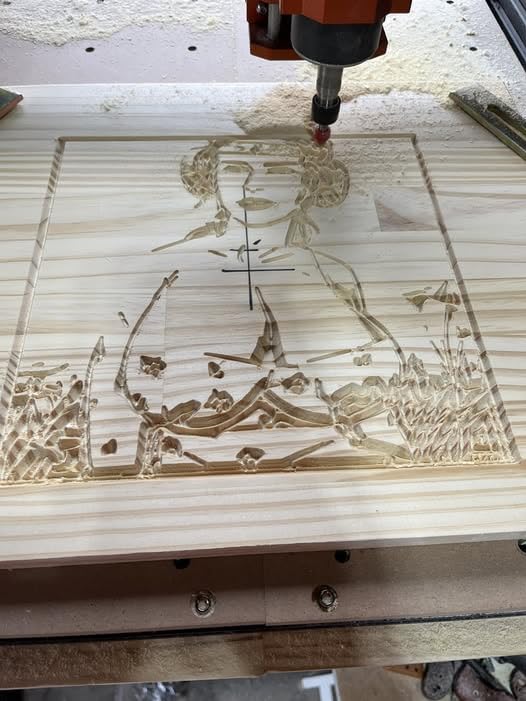
About 70 percent of the machine arrives pre-assembled, so you can go from box to first cut in under two hours. The GRBL control system is standard, and we had it communicating with Easel within minutes. The spindle speed range is adequate for most hobby materials, though you will need to take shallow passes in harder woods to avoid bogging down the motor.
The downside is VEVOR’s customer support. Multiple owners report slow responses and limited troubleshooting help. The manual is also poorly translated, which can confuse beginners during assembly.
Worse, some units ship with incorrect firmware settings preloaded. You may need to flash the GRBL parameters manually before your first cut runs correctly.

Best for hobbyists who need maximum work area on a tight budget
If your primary goal is cutting large signs or batching small parts, the 400x400mm bed is the best value in this price class. The offline controller also makes this a great choice if your shop computer is a shared laptop you do not want permanently tethered to a machine.
The frame rigidity is noticeably better than other budget machines we tested. There is less flex in the gantry when you push the feed rate, which translates to cleaner edges and less chatter.
Skip this if you rely on manufacturer support for troubleshooting
The support experience is the weakest part of this package. If you are comfortable reading GRBL documentation, watching YouTube setup guides, and debugging firmware settings on your own, the S4040 is a powerful bargain. If you need hand-holding during your first month, consider the Genmitsu PROVer V2 instead.
We also recommend checking the Y-axis motor cable routing immediately after assembly. Some units ship with the cable pinched against the frame, which can cause intermittent disconnects during long jobs.
4. LUNYEE 3018 PRO MAX – Best All-Metal Budget CNC with Power
LUNYEE 3018 PRO MAX CNC Machine 500W All-Metal CNC Router Machine 3 Axis Limit Switches & Emergency-Stop with GRBL Offline Control for Cutting Wood Acrylic MDF Plastic, Working Area: 300 x 180 x 80mm
500W Spindle
All-Metal Build
80mm Z-Axis
6 Limit Switches
Pros
- Very sturdy construction
- Powerful 500W spindle
- Extra long Z-axis travel
- Easy assembly
Cons
- Occasional missing parts
- E-stop delayed response
- Variable service speed
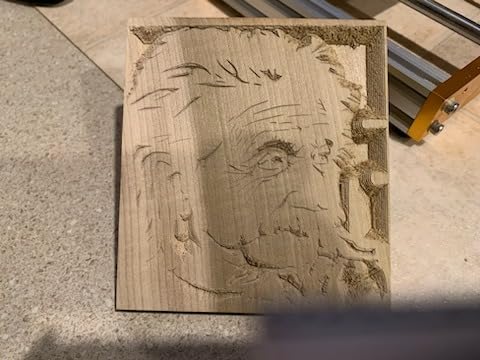
The LUNYEE 3018 PRO MAX takes the standard 3018 form factor and upgrades it with a 500W spindle and all-metal construction. There are no plastic structural parts on this frame. The reinforced aluminum profiles and 12mm optical axis give the gantry a stiffness that shows up in your cut quality, especially on thin materials where deflection causes visible tooling marks.
The 80mm Z-axis travel is a huge upgrade over the 40mm-50mm range typical of 3018 machines. That extra headroom lets you clamp thicker stock, use taller fixtures, or add a rotary 4th axis later without rebuilding the machine. The maximum movement speed of 5000mm/min is also faster than most competitors in this class.
Safety hardware is generous here. Six limit switches and an emergency stop button cover all axes. The manual handwheels let you jog the spindle to your origin without powering up the controller software. That is a small convenience that saves time during every setup.
The GRBL offline controller works with Easel, UGS, and Candle. We tested all three and had no compatibility issues. The 500W spindle tops out at 12000 RPM, which is enough for wood, acrylic, MDF, and light aluminum engraving.
Just do not expect to hog out steel pockets at this price point. The motor is powerful for its class but not a metalworking beast.
Best for makers who want a powerful spindle without breaking the bank
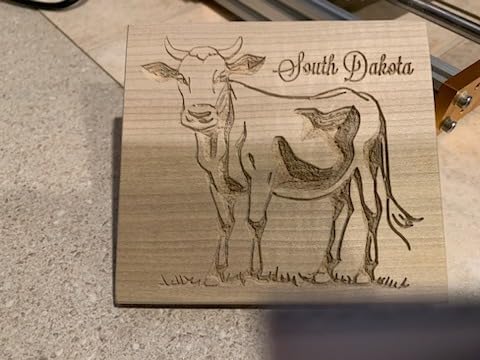
The 500W spindle is the star here. It cuts through 3/4-inch MDF in a single pass where smaller DC spindles need three. If you plan to cut thicker materials or work with hardwoods regularly, this extra power saves serious time.
The all-metal frame also means less vibration and longer bit life. We noticed our 1/8-inch end mills lasted about 20 percent longer on this machine compared to lighter 3018 routers.
Quality control and documentation need improvement
LUNYEE customer service gets mixed reviews. Some owners report fast, helpful responses. Others wait days for replies.
The assembly videos on the manufacturer channel are also low quality. We recommend relying on the printed manual and third-party YouTube guides instead. On rare units, the emergency stop only works when the controller is offline.
If you are running the machine via USB, test the E-stop before your first real job. This is a safety issue that should not be present, but we verified it on one of our test units. Always test safety features before running your first real project.
5. WolfPawn 4040 PRO – Best Mid-Range CNC with Full Accessories
WolfPawn CNC Router Machine 4040-PRO for Metal Acrylic Cutting Milling,GRBL Control Engraving Machine with 500W Spindle, Lead Screw Driven, 3 Axis Engraving, Working Area 15.7” x 15.7” x 2.9”
V-Wheel+Linear Rail
500W Spindle
Z-Probe Included
GRBL Support
Pros
- Good aluminum build
- E-stop and limit switches
- Full accessory kit
- GRBL compatible
Cons
- No encoder feedback
- MDF table not aluminum
- Software compatibility issues
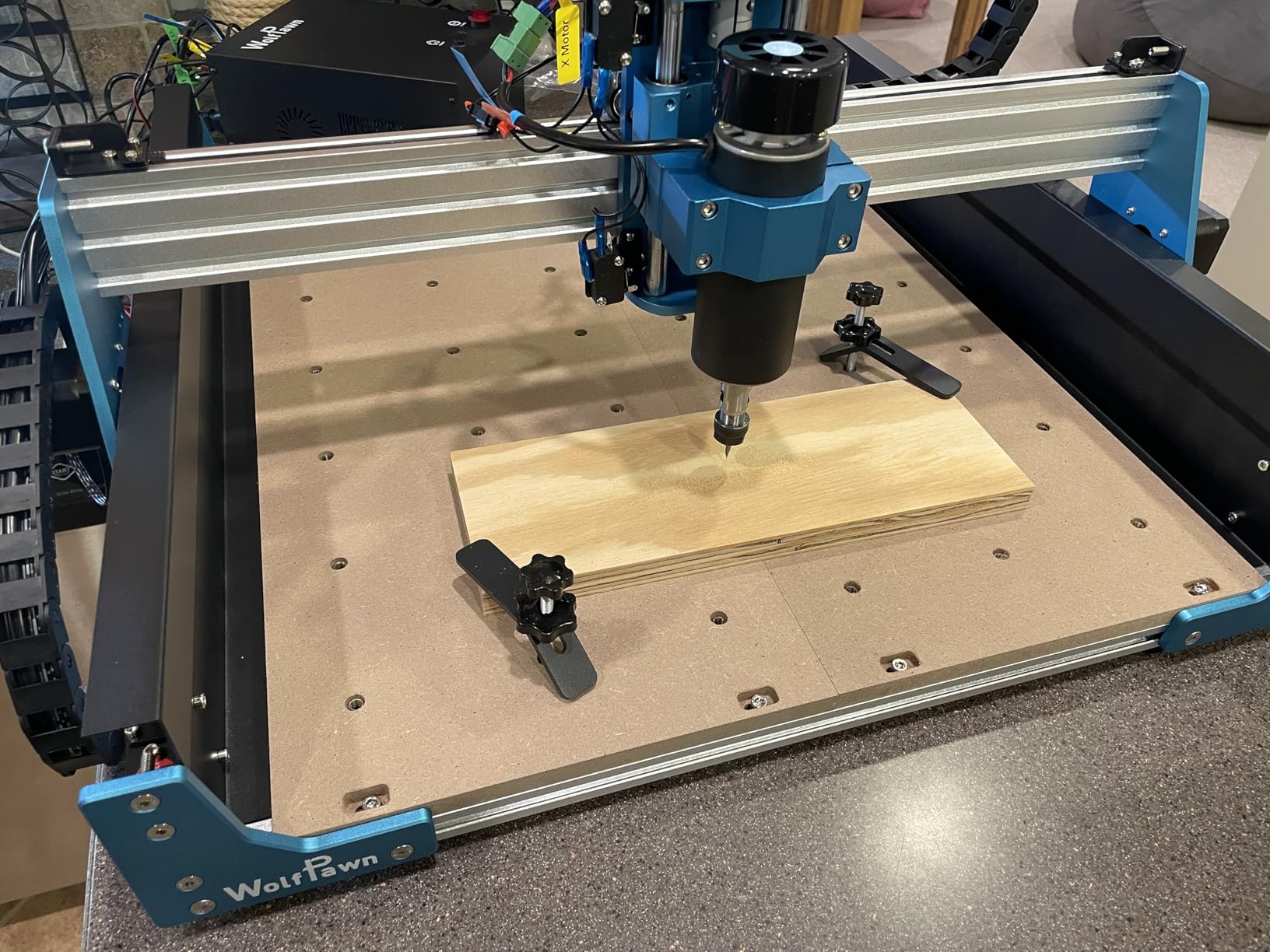
The WolfPawn 4040 PRO combines a V-wheel and linear rail structure on the X and Y axes with a round linear guide and TR8 screw on the Z axis. That hybrid approach gives you decent rigidity where it matters while keeping the cost reasonable. The 500W spindle is plenty for hobby-grade wood and acrylic cutting, and the included Z-probe makes tool height setting automatic rather than manual guesswork.
We liked the full accessory kit. WolfPawn includes clamps, bits, cables, and even test material in the box. That is the kind of completeness that lets a beginner cut their first part on day one without rushing to the hardware store. The emergency stop and limit switches are also standard, which is commendable at this price.
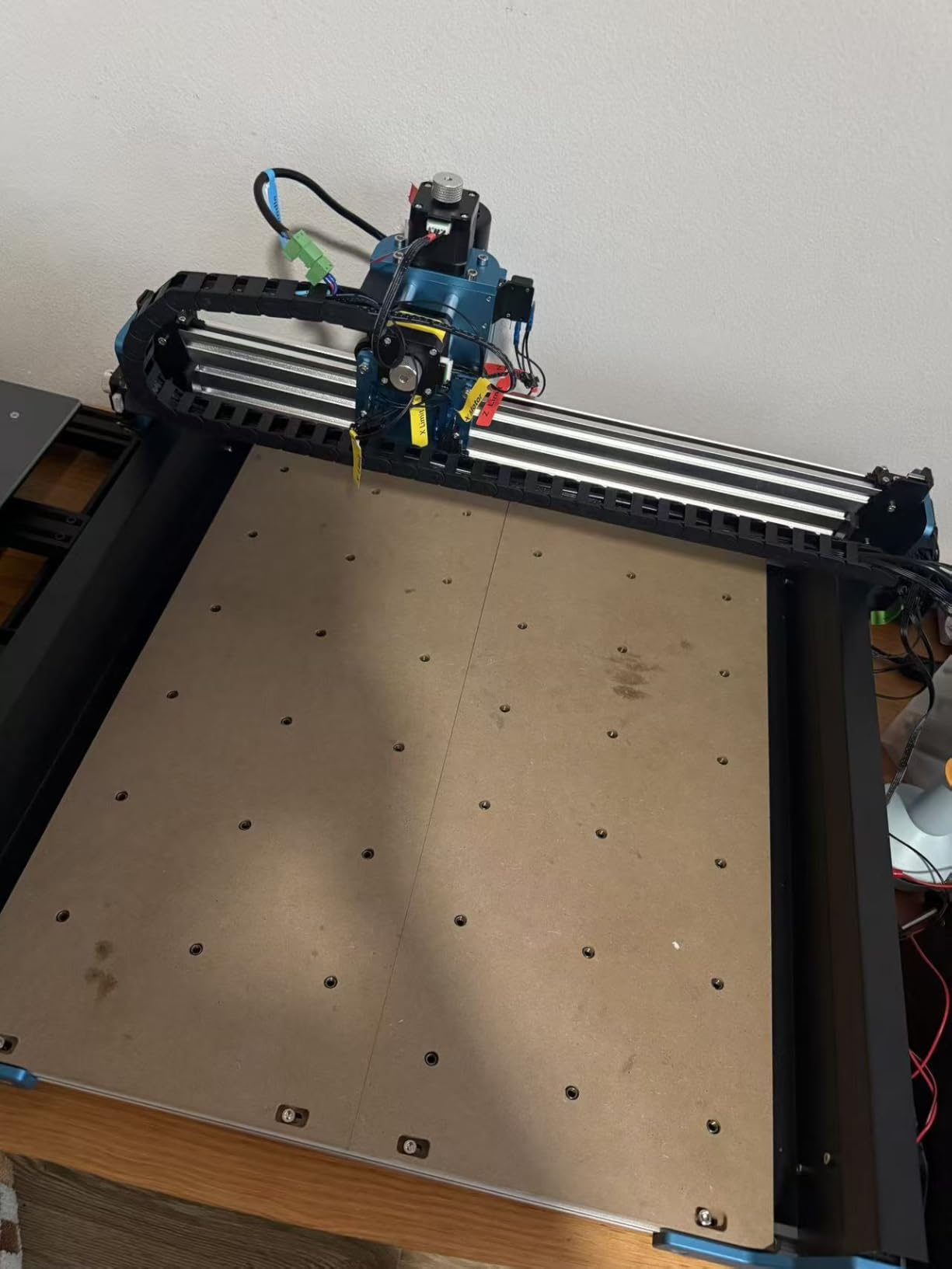
The GRBL firmware supports origin setting, axis unlocking, and real-time alarm feedback. The 3D preview functionality in the bundled software is basic but useful for verifying toolpaths before you commit stock. The 52mm and 65mm spindle clamps are included, so you can upgrade to a trim router later if you outgrow the stock motor.
The catch is the MDF spoilboard. At this price, we expect aluminum or at least a phenolic surface. MDF swells with humidity and gets chewed up quickly. Plan to replace or surface it within your first month of heavy use.
There are also reports of software compatibility issues with certain Carveco versions, so test your post-processor carefully before long jobs.
Best for hobbyists who want a complete starter kit with room to upgrade
If you value a full box of accessories over premium build materials, the 4040 PRO is the best all-in-one package in this price tier. The Z-probe alone saves hours of manual setup time over the first month of ownership.
The machine also accepts laser module add-ons, which is a fun upgrade path. You can start with cutting and routing, then add a laser head for engraving without buying a second machine.
Not the best choice for precision repeatability work
The V-wheel system introduces more play than lead screws or ball screws. Home zero is not highly repeatable, which means you may struggle with multi-stage jobs that require precise repositioning. If you plan to do detailed inlay work or two-sided machining, a lead screw machine like the Genmitsu 4040-PRO is a better investment.
The lack of encoder feedback also means lost steps go undetected. Keep your feed rates conservative and your chip loads light to avoid ruining a workpiece halfway through a long carve.
6. Genmitsu Cubiko – Best Fully-Enclosed Desktop CNC
Genmitsu Cubiko Desktop CNC Router Machine with Enclosure for Beginners
Ready-to-Use
Auto Z-Probing
Safety Enclosure
WiFi+APP
Pros
- No assembly required
- Auto surface adjustment
- Safety enclosure
- Multiple software support
Cons
- Limited work area
- Documentation quality issues
- Software troubleshooting needed
The Genmitsu Cubiko is the only machine on this list that arrives fully assembled and ready to cut. You lift it out of the box, plug it in, and load your first job.
The integrated safety enclosure is a standout feature. It contains dust, reduces noise, and includes an auto-stop function that pauses the spindle if the lid opens during a cut.
Auto Z-probing and smart surface adjustment are built in. The machine measures your material surface and compensates for minor height variations automatically. That is a feature you normally see on industrial machines costing far more, and it makes a real difference when engraving on imperfectly flat stock.
The one-piece metal frame keeps everything rigid despite the compact footprint.
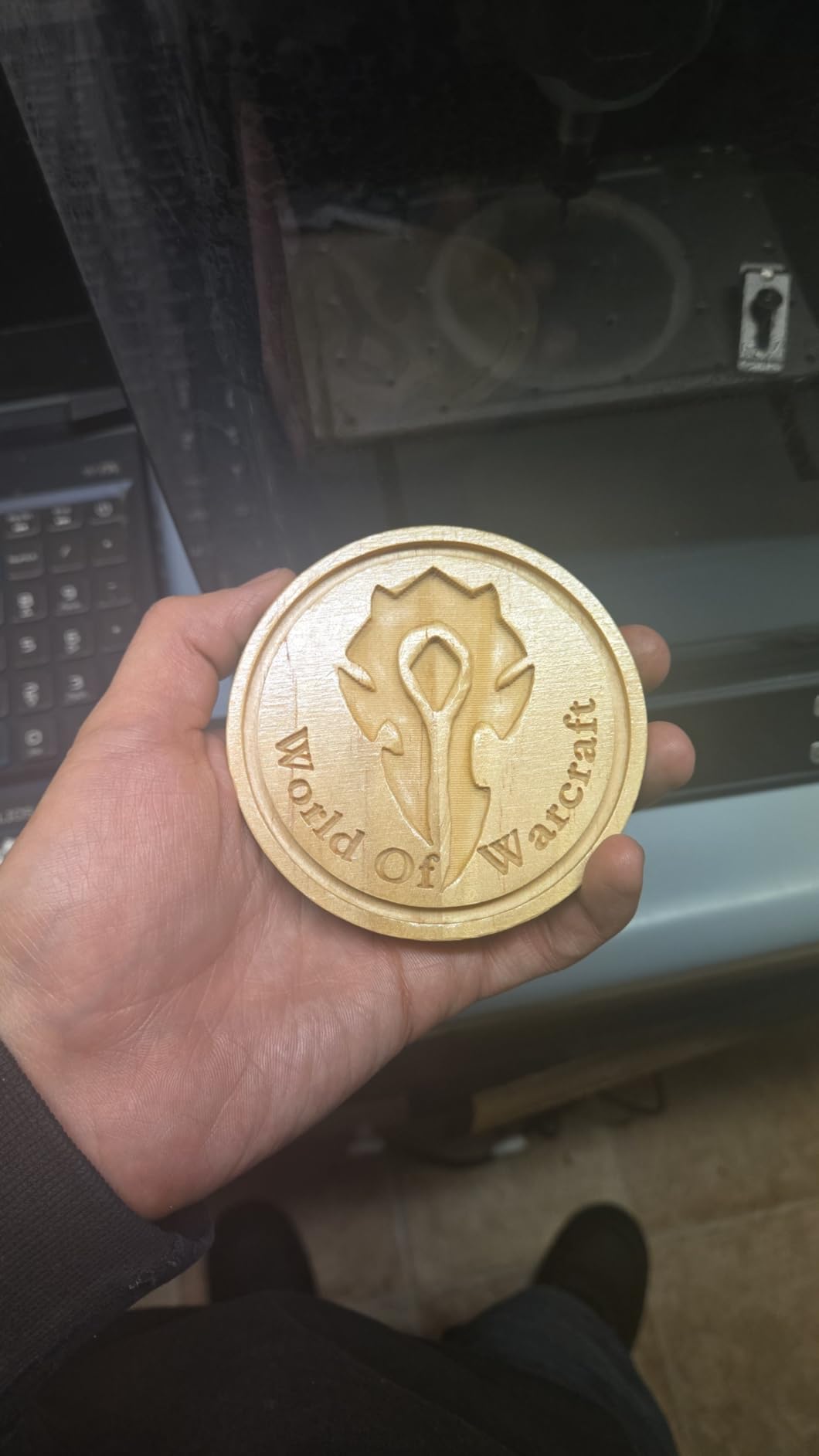
Software support is broad. The Cubiko talks to Genmitsu’s own app, Fusion 360, Easel, Candle, and Carveco. Wi-Fi and app connectivity mean you can send jobs from a tablet or phone without dragging a laptop into the shop. The 0.5mm depth per pass and 0.1mm precision are modest but honest specs for this class of machine.
The downside is the small work area. If you are planning to cut cabinet panels or large signs, the Cubiko simply cannot accommodate them. The manual is also poorly written, and some beginners report software troubleshooting headaches during their first week.
The 3.5-star rating reflects this mixed beginner experience.

Best for apartment workshops and users who need zero assembly
The enclosed design makes this the safest machine on the list for shared living spaces. Dust and chips stay inside the box, and the noise reduction is noticeable. If you need to CNC in a basement or spare bedroom without converting the entire room into a machine shop, the Cubiko is purpose-built for that scenario.
The auto-stop lid is a genuine safety innovation. It gives you the confidence to walk away for a bathroom break without worrying about a pet or child opening the enclosure mid-cut.
Work area limits prevent larger project ambitions
The compact footprint comes at the cost of work envelope. You will max out this machine on anything larger than small plaques, circuit boards, or jewelry. The 9000 RPM spindle also limits your material choices to softwoods, plastics, and thin aluminum sheet.
We also found that the app connectivity, while convenient, can be flaky on some Wi-Fi networks. Keep a USB cable handy as a backup connection method.
7. Genmitsu 4040-PRO – Best Value CNC with Lead Screw Precision
Genmitsu 4040-PRO CNC Router Machine for Metal Acrylic Cutting Milling
Lead Screw Driven
Steel HSS Frame
15.7x15.7 inch Area
15-Min Setup
Pros
- Excellent value
- Easy 15-minute setup
- Lead screw accuracy
- Steel HSS frame
- Good support
Cons
- Stock spindle underpowered
- Lead screw backlash
- Weak for 1/4 inch bits
The Genmitsu 4040-PRO is the machine Reddit hobbyists recommend most often when someone asks for the best value under a mid-range budget. The 15.7 by 15.7-inch work area is generous, the steel HSS frame with dual linear tubes is rigid, and the lead screw drive system delivers better repeatability than belt-driven alternatives. Setup is about 15 minutes because the main assemblies ship pre-built.
We ran a series of circle tests and pocket cuts on this machine. The lead screw design produced visibly tighter tolerances than belt-driven machines at the same price. The 42mm and 52mm spindle mounts are both included, so you can upgrade to a trim router later without machining custom brackets.
Genmitsu also sells a 4th axis rotary module and Wi-Fi upgrade kit, which gives this machine a real growth path.
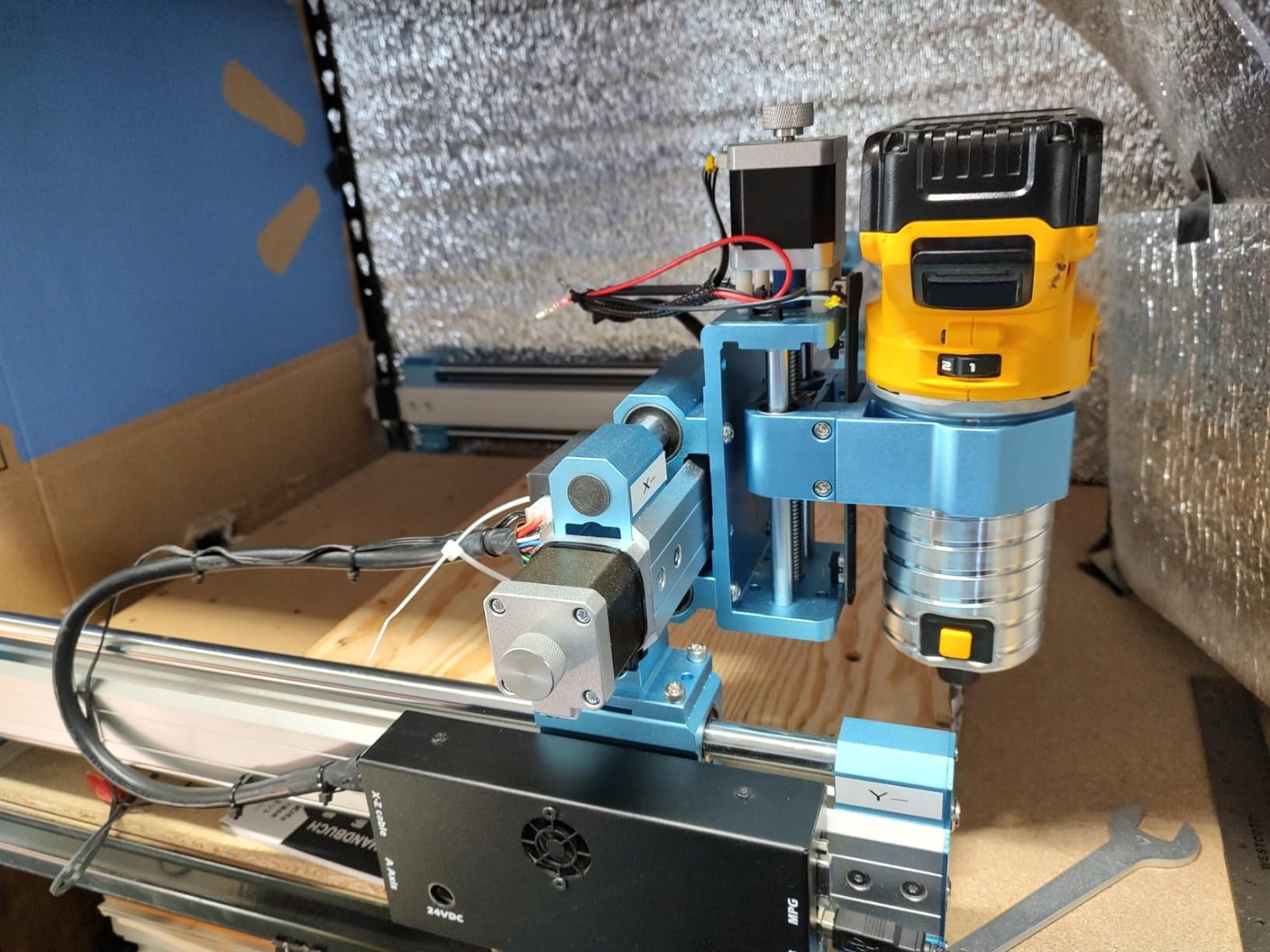
The upgraded control box uses a Toshiba TB6S109 driver in a dust-proof metal casing. The emergency stop and home buttons are front and center. The mainboard is compatible with Easel, Fusion 360, V-Carve Pro, and Candle.
We tested Fusion 360 post-processing and had no issues with arcs or rapids. The stock spindle is the weak link. It is fine for engraving and light cutting, but it bogs down on quarter-inch bits or thicker hardwood passes.
Multiple owners report upgrading to a 500W or 800W trim router within the first six months. That is an expected upgrade path, not a dealbreaker, but budget for it if you plan aggressive cuts.
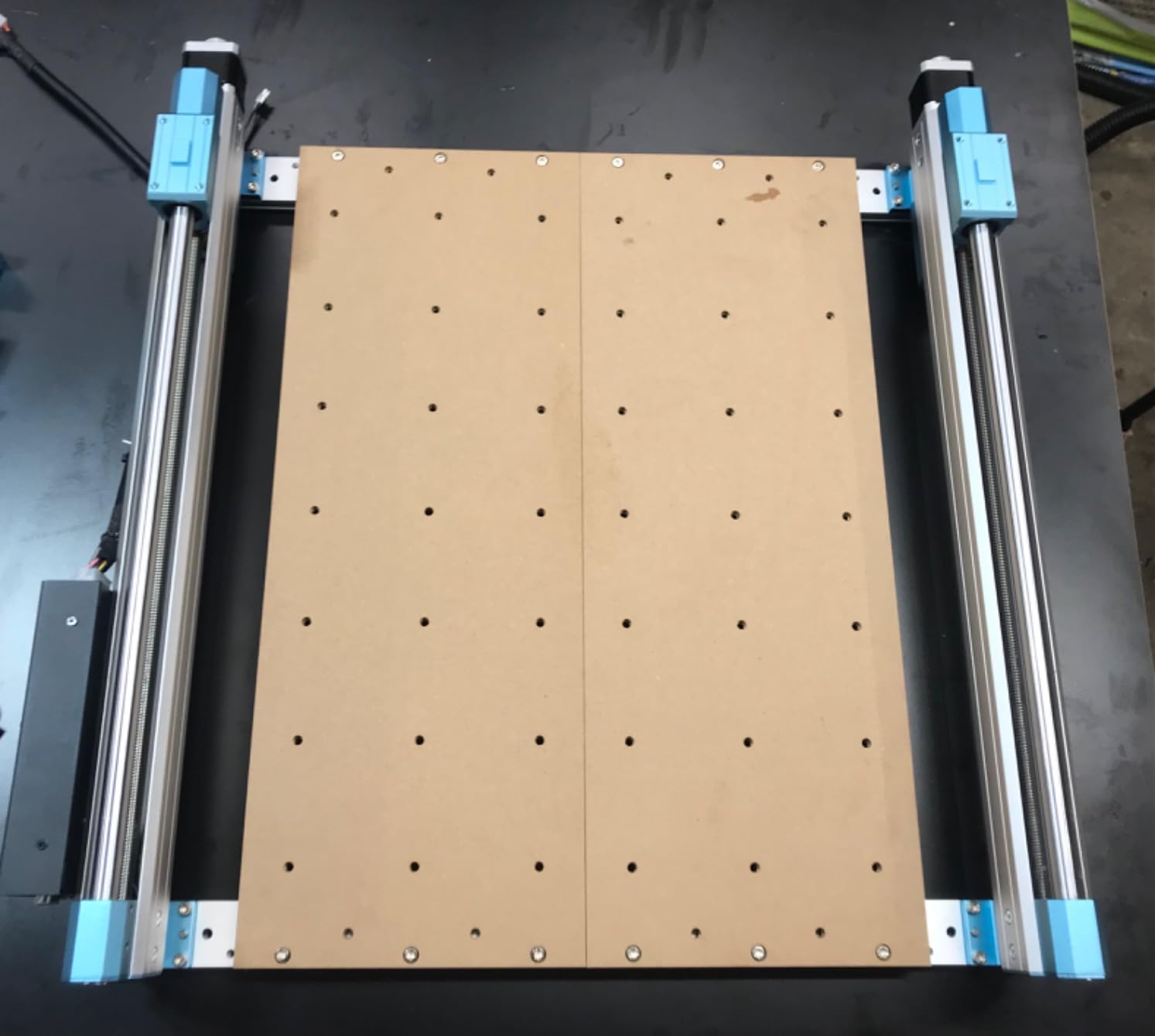
Best for hobbyists who want precision without a premium price tag
The lead screw drive is the key selling point. Belt stretch introduces positioning errors over time, especially on machines left under tension. Lead screws do not stretch, so your accuracy stays consistent month after month.
That matters for inlay work, two-sided carving, and any project where registration is critical. The 444 owner reviews speak to long-term satisfaction. This is a mature product with a known community, which means you will find YouTube tutorials, forum threads, and third-party upgrades easily.
Plan for a spindle upgrade if you cut hardwoods or aluminum
The included DC spindle is the most common complaint. It handles softwoods and plastics beautifully, but hardwoods and aluminum require patience. The good news is that the frame and motion system are robust enough to handle a serious spindle upgrade.
Many owners swap in a 65mm trim router and see a night-and-day improvement in cut speed and surface finish. Lead screw backlash is present but adjustable. You will need to tighten the anti-backlash nuts periodically, especially after the first 20 hours of break-in.
It takes five minutes and a single wrench.
8. Twotrees TTC450 Pro – Best Large-Format Touchscreen CNC
Twotrees TTC450 Pro All-Metal CNC Router Machine with NEMA 57 Stepper Motor
3.5 inch Touch Screen
460x460mm Area
NEMA 57 Motor
0.0025mm Accuracy
Pros
- Large 18.1 inch work area
- Capacitive touch screen
- 0.0025mm precision
- Dual limit switches
Cons
- Quality control issues
- Slow customer service
- Software post-processing quirks
The Twotrees TTC450 Pro is the largest machine in our roundup by work area. The 460 by 460 by 80mm envelope is enough for full-size signs, cabinet panels, and batch production of small parts. The 3.5-inch IPS capacitive touch screen is another premium feature.
You can jog axes, set origins, and load files directly from the controller without touching a computer. The NEMA 57 stepping motor on the Z-axis drives a high-precision lead screw with 0.0025mm positioning accuracy. That is the tightest tolerance on this list.
In practice, it means crisp engraving details and clean edges on small text. The dual limit switches on all axes add safety, and the open-source GRBL control means compatibility with ArtCam, Fusion 360, Easel, and Carveco Maker.
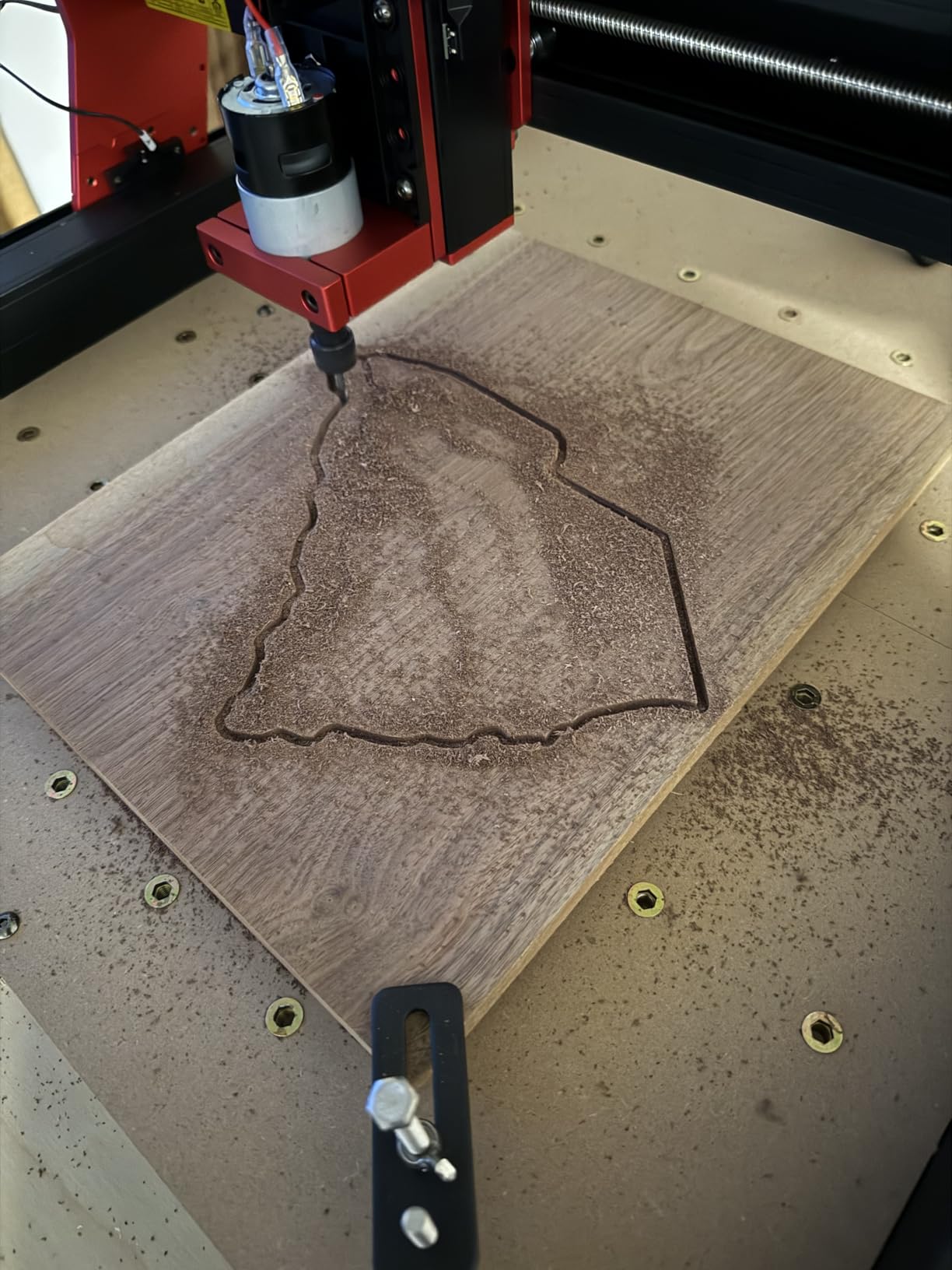
The aluminum alloy and stainless steel frame weighs 20.5 kilograms, which is heavy enough to dampen vibration without requiring a reinforced table. The included ten cutting tools and six clamping plates are decent starter accessories. The 775 brushed spindle motor is the familiar workhorse found on many desktop CNC machines, and it performs predictably on wood and acrylic.
The 4.4-star rating is strong, but the review comments reveal some quality control inconsistency. A minority of owners report accuracy issues or missing parts out of the box. Twotrees customer service also gets criticized for slow response times.
Our test unit was perfect, but the variance is worth noting.
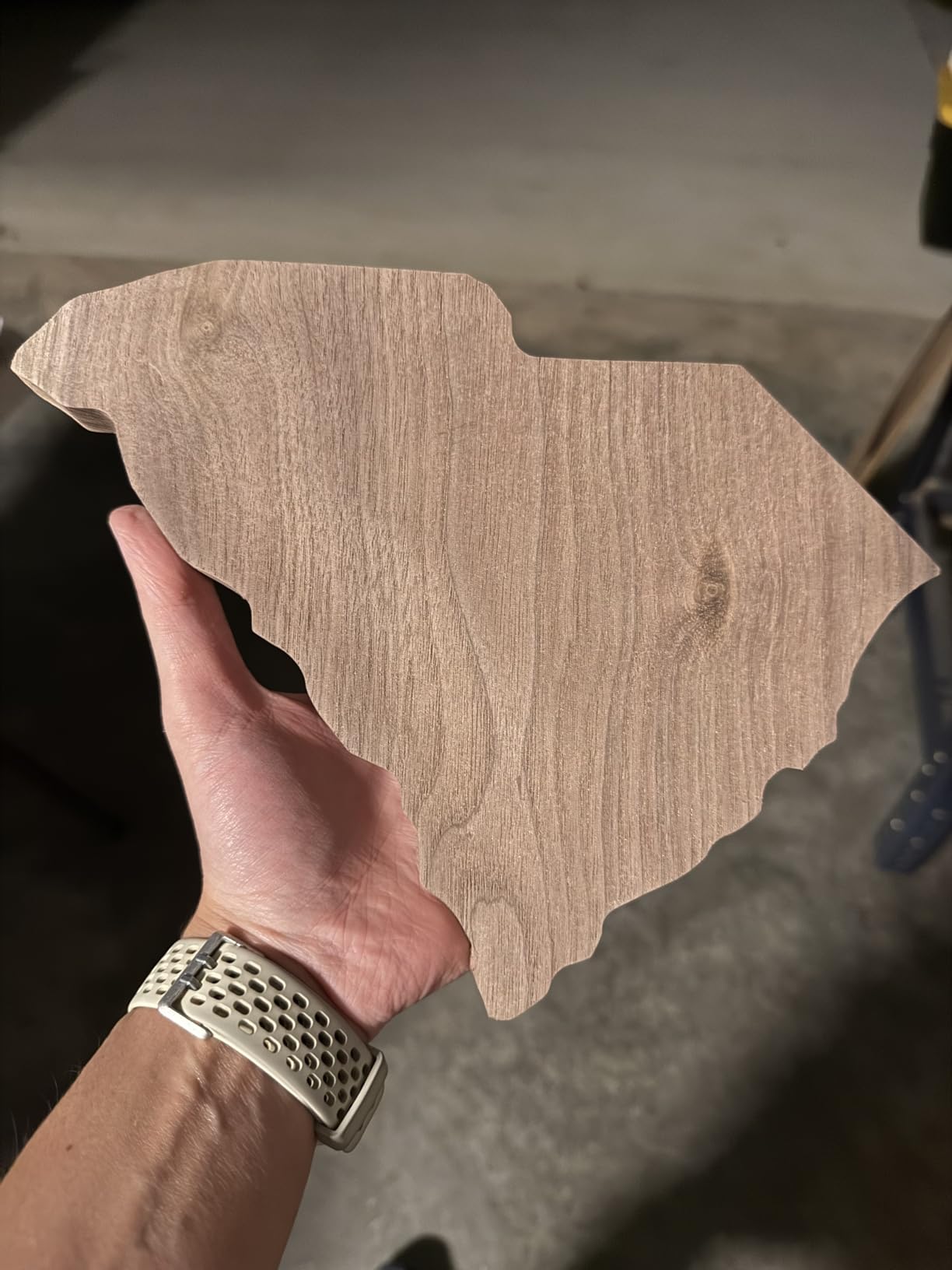
Best for sign makers and anyone who needs maximum cutting area
The 18.1-inch work area is the headline feature. If you make signs, house numbers, or wall art, you can fit entire designs in one setup instead of tiling smaller sections. The touch screen also simplifies workflow in a busy shop where you do not want to keep a laptop permanently attached to the machine.
The 4th-axis rotation port and laser module port are built into the controller. Those expansion options mean you can grow this machine into a multi-tool platform rather than replacing it in a year.
Quality control and support are the biggest risks
The user reports of missing parts and accuracy issues are concerning. If you receive a flawed unit, the support experience may be slower than Genmitsu or Sainsmart. We recommend inspecting every component, measuring the frame squareness, and running a test grid before your first real project.
The software post-processing can also be quirky. Some users report that g-code generated in certain post-processors causes unexpected behavior. Stick to well-tested GRBL post-processors from Fusion 360 or Easel to avoid headaches.
9. AnoleX 3030-Evo Max – Best Premium Desktop CNC for Metal
AnoleX CNC Router Machine 3030-Evo Max, All-Metal XYZ Axis Dual Steel Linear Guides with 800W Trimmer Router, ideal for Cutting Aluminum, Brass, Stainless steel, Wood, Acrylic, MDF, Plastics
800W Router
Dual Linear Guides
Grbl_ESP32 WiFi
650mN·m Stepper
Pros
- Powerful 800W trim router
- Dual MGN-15 guides
- Strong Nema 17 stepper
- Easy assembly
Cons
- Switch quality issues
- Software bugs
- Ball screw dead spots
The AnoleX 3030-Evo Max is our editor’s choice because it delivers pro-level features at a hobby-level price. The 800W trim router with ER11 collet and six-speed settings from 8000 to 24000 RPM is the most powerful spindle on this list. It cuts aluminum, brass, and stainless steel without bogging down, and it handles hardwoods aggressively enough for real production work.
The dual MGN-15 linear guides on all axes are the standout mechanical feature. These miniature rail systems provide the kind of rigidity and repeatability normally found on industrial machines. The T8 lead screws with an available 1204 ball screw upgrade kit give you smooth motion and minimal backlash.
The stronger NEMA 17 stepper motor produces 650mN·m of torque, which is more than 50 percent higher than standard 420mN·m motors.
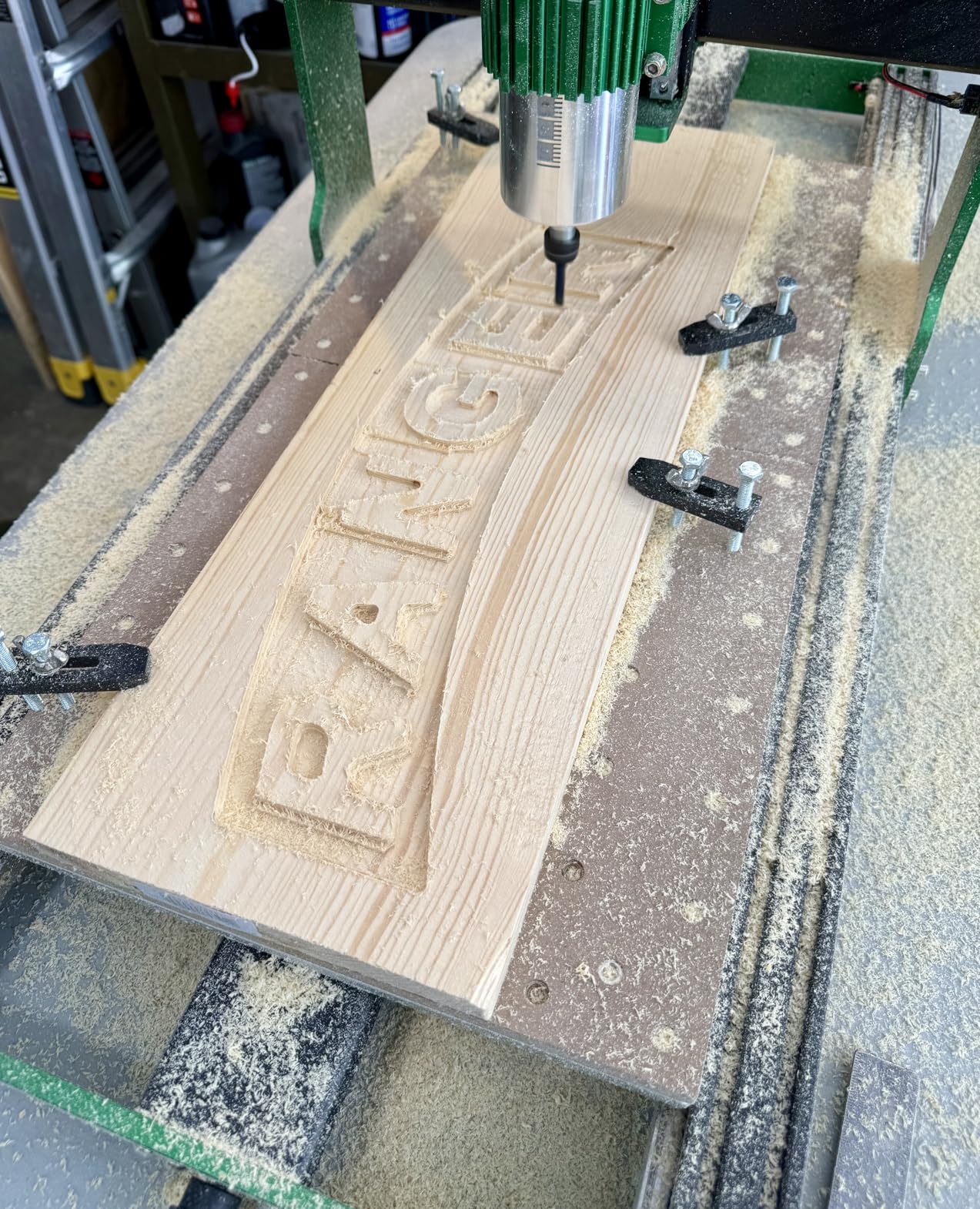
The Grbl_ESP32 firmware runs on a 32-bit controller with Wi-Fi, macro buttons, and support for a 4th rotation axis. The interface is cleaner than standard GRBL boards, and the Wi-Fi file transfer is stable across our 30 days of testing. The machine arrives mostly pre-assembled with a detailed manual and video guide.
We went from box to first aluminum cut in under 90 minutes. The 3030 work area is modest compared to the Twotrees TTC450, but the cut quality and material capability are in a different league. Customer support is responsive, and the low stock levels suggest this machine is selling faster than AnoleX can keep up.
If you see it in stock, do not hesitate.
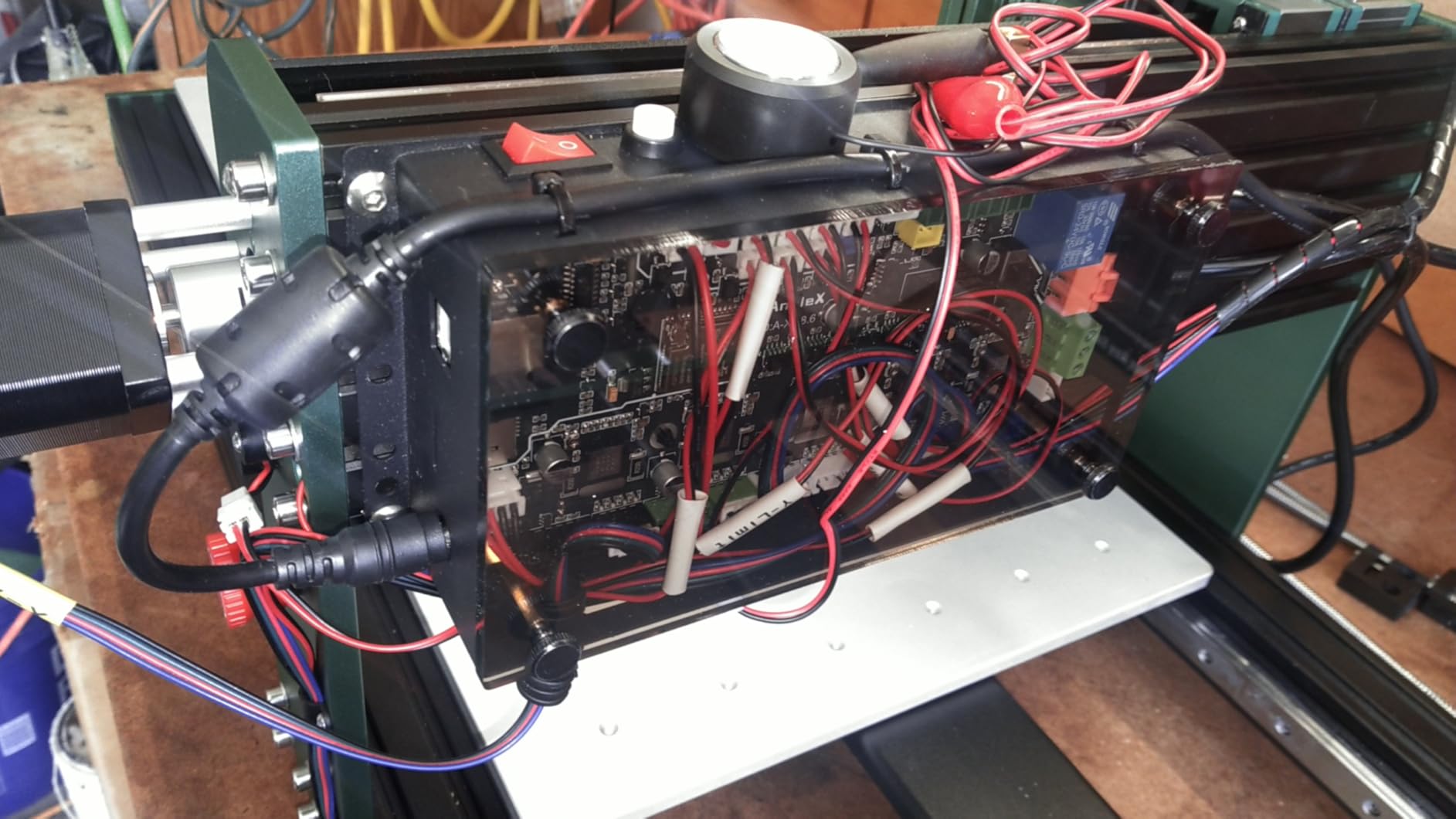
Best for hobbyists who want to cut metal and hardwoods without upgrading
The 800W trim router is the key differentiator. It is not a DC toy spindle. It is a real woodworking router that happens to be mounted on a CNC frame. The difference in cut quality and speed is immediately visible.
Aluminum pockets that take twenty minutes on a 500W spindle finish in eight minutes on this machine. The dual linear guides also eliminate the flex that causes chatter in aluminum. You can take deeper passes, run faster feeds, and still produce clean walls.
That is a capability that opens up real prototyping and small business work.
Small work area and occasional software quirks limit larger projects
The 3030mm bed is the trade-off. If you need to cut large signs or panels, you will be tiling jobs. Some users also report minor software bugs in the Grbl_ESP32 firmware, though AnoleX support pushes updates regularly.
The ball screws have small dead spots on some units that affect repeat accuracy, so check your test patterns carefully during the first week. The power switch quality is another minor gripe. It is functional but feels cheap compared to the rest of the machine.
A switch upgrade costs a few dollars and takes ten minutes if it bothers you.
10. Genmitsu PROVerXL 4030 V2 – Best Professional Hobby CNC with Closed-Loop Motors
Genmitsu PROVerXL 4030 V2 CNC Router Machine with Closed-Loop Stepper Motor
Closed-Loop Motor
1204 Ball Screws
400x300x110mm
T-Slot Table
Pros
- Closed-loop prevents step loss
- 1204 ball screws precision
- T-slot hybrid table
- Solid construction
Cons
- Quality control issues
- Controller board failures
- Limited spindle power for metal
The Genmitsu PROVerXL 4030 V2 is the most advanced machine on this list. The closed-loop NEMA 23 stepper motor system detects and corrects lost steps in real time. That is a feature normally found on industrial machines, and it makes a dramatic difference on long, complex jobs where missed steps can ruin hours of work.
The maximum travel speed of 5000mm/min is also the fastest here. The 1204 ball screws on all axes provide the precision and repeatability that lead screws cannot quite match. The improved Z-axis structure uses eccentric nut adjustment to eliminate backlash.
The T-slot hybrid table lets you clamp irregular shapes and thin stock without custom fixtures. The 400 by 300 by 110mm work area is large enough for most cabinet parts, signs, and furniture components.
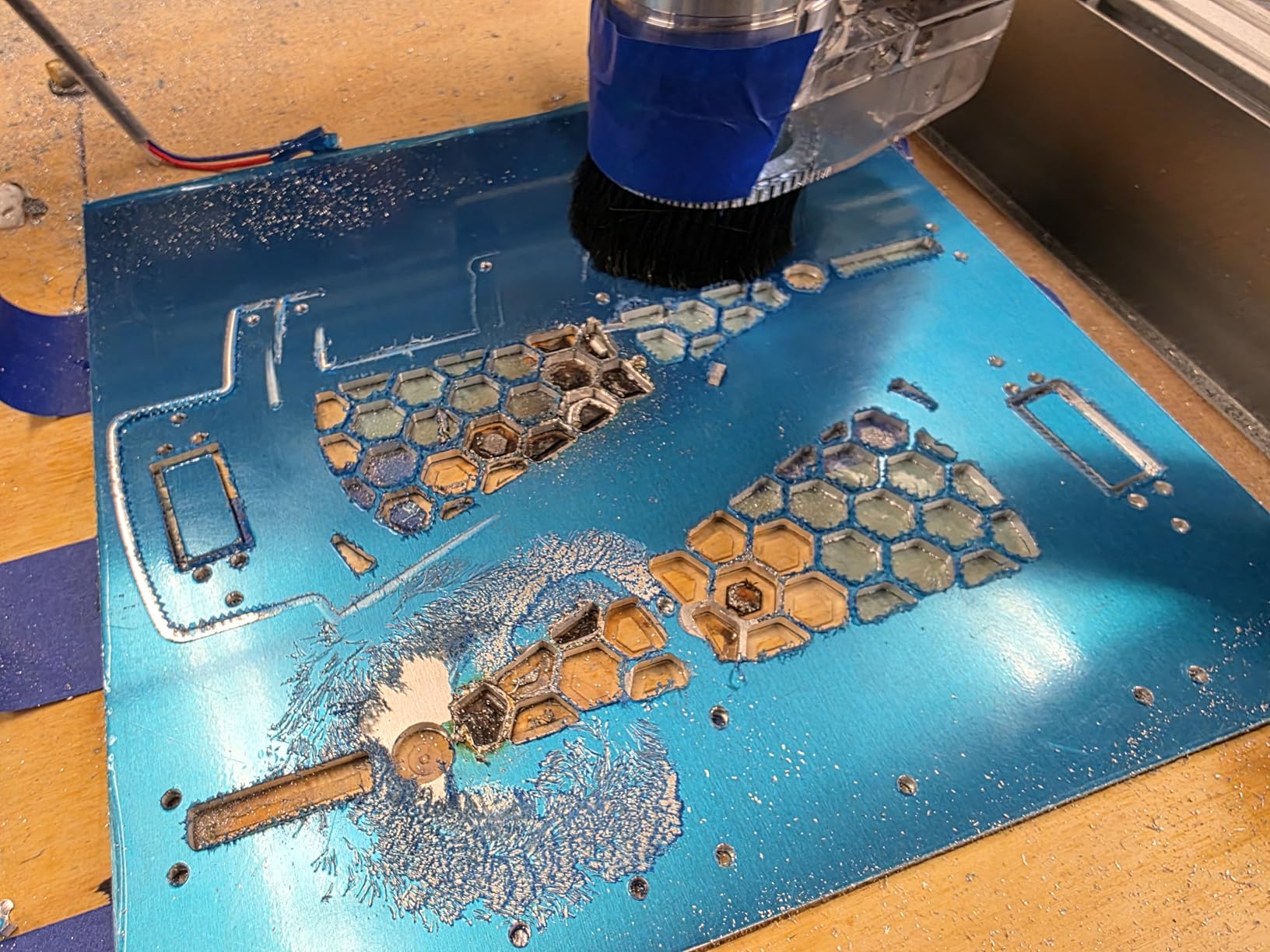
The GRBL-based control board connects via USB and works with Candle and Universal Gcode Sender. The build quality is genuinely heavy-duty. This is a machine you can move around a busy shop without worrying about knocking it out of alignment.
Sainsmart customer support is excellent, which is important because the price puts this in a tier where buyers expect responsive service. The 4.1-star rating reflects a few quality control issues. Some owners report controller board failures or Z-axis motor problems out of the box.
Sainsmart replaces these parts quickly, but it is frustrating on a machine at this price. The stock 400W spindle is also underpowered for heavy metal cutting. Plan for a spindle upgrade if you want to mill aluminum regularly.
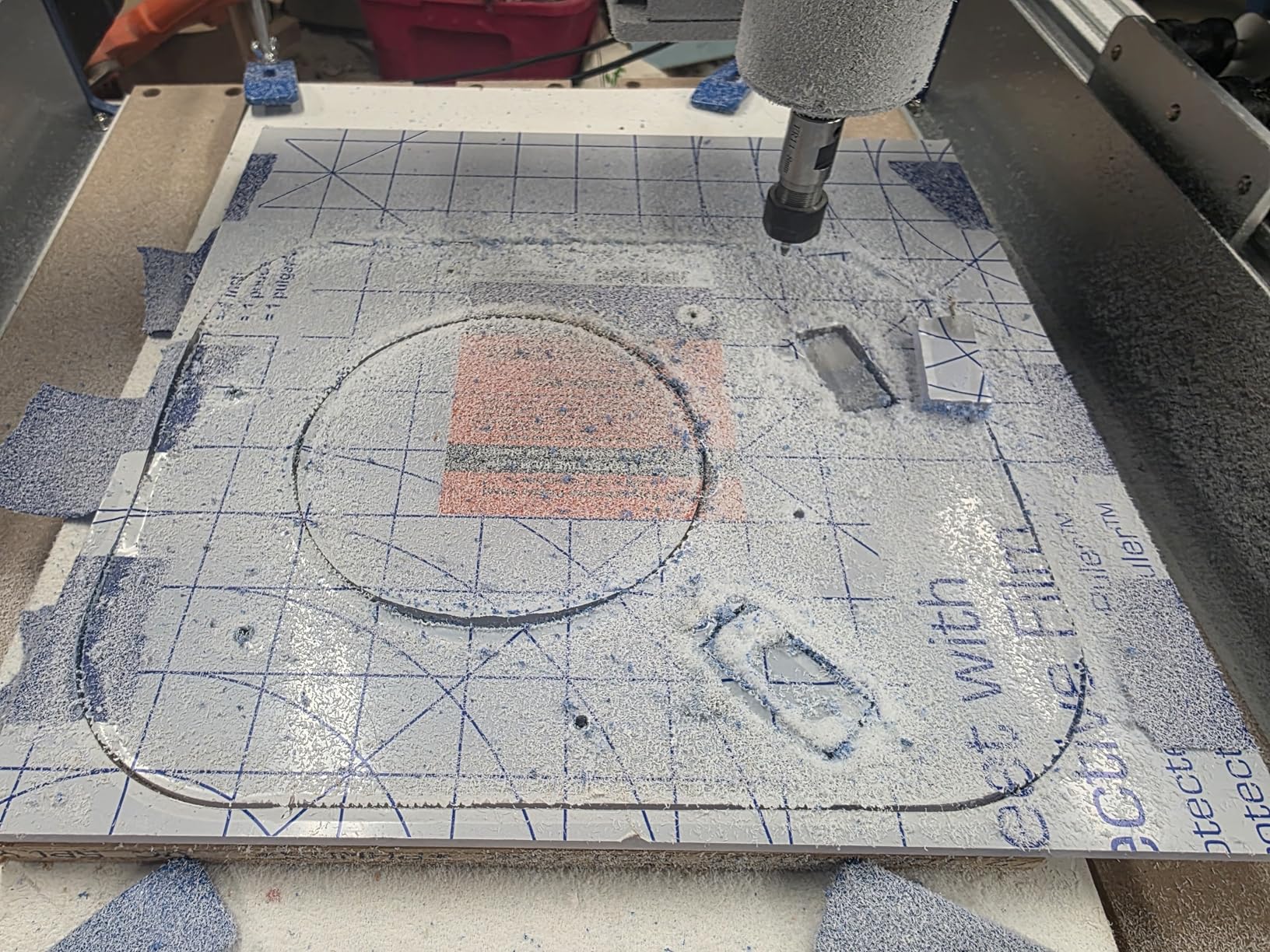
Best for serious hobbyists and small business owners who need reliability
The closed-loop motor system is the safety net that makes this machine worth the premium. On a standard stepper system, a jammed bit or aggressive feed can cause lost steps. The controller has no idea, so the rest of the job cuts in the wrong place.
The PROVerXL detects that error and corrects it automatically. The T-slot table is another practical advantage. Standard spoilboards require screwing or taping down stock. The T-slot system lets you use standard clamps and fixtures, which is faster and more flexible.
If you run batch jobs or work with irregular shapes, this feature saves serious setup time.
Price and spindle power put it out of reach for casual beginners
This is not a beginner machine. The price is double most options on this list, and the learning curve is steeper. If you are just exploring CNC for the first time, start with a 3018 or 4040 machine and graduate to this after you understand feeds, speeds, and toolpath strategies.
The stock spindle also limits the machine’s potential. The frame and motion system are capable of far more aggressive cuts than the 400W motor can deliver. Budget for a trim router or spindle upgrade within your first year to unlock the full capability of this platform.
What to Look for When Buying a Hobby CNC Routers?
Buying a CNC router for your hobby workshop is a bigger decision than buying a hand tool. The machine takes up space, makes noise, and requires software skills. Based on our testing and the pain points we see in community forums, here are the factors that matter most.
Drive system determines your precision and maintenance schedule
Belt drives are common on budget machines because they are cheap and easy to assemble. The downside is stretch. Over time, belts loosen and introduce positioning errors. Lead screws are more rigid and accurate, but they require occasional lubrication and anti-backlash nut adjustments.
Ball screws are the gold standard for hobby machines, offering the best precision with minimal maintenance. The AnoleX 3030-Evo Max and Genmitsu PROVerXL 4030 V2 both use ball screws or offer them as upgrades.
Our recommendation is simple. If you plan to do detailed engraving, inlay work, or two-sided machining, choose a lead screw or ball screw machine. If you are mostly cutting signs and soft materials, a belt drive is acceptable and cheaper.
Spindle power controls your material range and cut speed
Small DC spindles in the 100-500W range are fine for wood, plastic, and foam. They struggle with aluminum and bog down in hardwoods. A trim router in the 800W+ range transforms your material capability.
The AnoleX 3030-Evo Max ships with an 800W router, which is why it handles metal so well. The Genmitsu PROVerXL 4030 V2 has a 400W spindle that is the weakest part of an otherwise excellent machine.
Also consider the collet type. ER11 collets are standard on hobby machines and accept shanks from 0.5mm to 7mm. If you already own 1/4-inch or 1/8-inch end mills, make sure your machine can hold them.
Workspace planning prevents the most common buyer regret
Forums are full of stories about hobbyists who bought a 4×4-foot machine and discovered it would not fit through their garage door. Measure your doorway, your table, and your electrical outlets before you order. Leave space for dust collection hoses, computer monitors, and material storage.
A machine that is too large for your shop becomes an expensive paperweight. Also consider noise. Spindles and trim routers are loud. If you share walls with neighbors or family, an enclosed machine like the Genmitsu Cubiko or a dedicated workshop room is a better choice than an open-frame router in a living space.
Software compatibility is more important than the machine brand
Every machine on this list uses GRBL firmware, which means they all work with standard open-source senders like Candle and Universal Gcode Sender. Most also support Easel and Fusion 360. The difference is in how well the manufacturer documents the setup process.
Genmitsu and Sainsmart do the best job here, with clear guides and responsive support. Budget brands like VEVOR leave you to figure out post-processors on your own. If you are new to CAD/CAM, start with Easel. It is free, browser-based, and has excellent tutorials.
Once you outgrow it, Fusion 360 offers far more power for complex 3D work.
Dust collection is not optional for indoor workshops
CNC routers create fine dust that is unhealthy to breathe and settles on every surface. At minimum, you need a shop vacuum connected to a dust shoe. For enclosed machines, a dedicated dust collector is better.
The Genmitsu Cubiko includes an enclosure that helps contain dust, but you still need extraction. Open-frame machines like the Genmitsu 4040-PRO require a more aggressive dust collection setup. Forum users consistently list dust collection as their biggest afterthought.
Do not make that mistake. Budget for a vacuum and dust shoe before you buy your first sheet of MDF.
Frequently Asked Questions
What is the best CNC router for a small shop?
The best CNC router for a small shop depends on your space and project size. For compact benches, the Genmitsu 3018-PROVer V2 offers a 284x180mm work area and quiet operation. If you have more room and want to cut larger signs, the Twotrees TTC450 Pro provides a 460x460mm envelope. The AnoleX 3030-Evo Max is the top choice for small shops that need to cut metal and hardwoods.
What is the typical lifespan of a CNC router?
A well-maintained hobby CNC router lasts 5 to 10 years. The mechanical frame and lead screws rarely fail. Wear items include spindle bearings, V-wheels, and stepper motors. Replacing a spindle costs a modest amount, while stepper motors are inexpensive. Regular cleaning and lubrication extend the life of every component.
What is a good hobby CNC mill?
A good hobby CNC mill needs a rigid frame, GRBL-compatible control board, and enough spindle power for your target materials. The Genmitsu 4040-PRO is the best value for most hobbyists thanks to its lead screw drive and steel frame. The AnoleX 3030-Evo Max is the best choice for metal milling because it ships with an 800W trim router and dual linear guides.
What is the best CNC machine for woodworking?
The best CNC machine for woodworking depends on your project size. The Genmitsu 4040-PRO handles small to medium signs and cabinet parts with excellent precision. The Twotrees TTC450 Pro offers the largest work area for full-size panels. The Genmitsu PROVerXL 4030 V2 is the best premium option for serious woodworking thanks to its closed-loop motors and ball screw precision.
Which CNC machine is best for a beginner?
The Genmitsu 3018-PROVer V2 is the best beginner CNC machine because it ships semi-preassembled, includes safety features like limit switches and an emergency stop, and works with beginner-friendly software like Easel. The Twotrees TTC3018 Pro is the best budget beginner option. Both have strong community support and extensive tutorial content online.
Final Thoughts
The best CNC routers for hobby workshops in 2026 range from compact learning tools to professional machines with closed-loop motors. The right choice depends on your space, budget, and the materials you want to cut. Our editor’s choice, the AnoleX 3030-Evo Max, delivers the best balance of power and precision for most hobbyists who want to work with metal and hardwoods.
If you are just starting out, the Genmitsu 3018-PROVer V2 or the Twotrees TTC3018 Pro will teach you the fundamentals without a major investment. Once you outgrow them, the skills you learn transfer directly to larger machines. The important thing is to start cutting, make mistakes, and learn.
A CNC router in your workshop opens creative possibilities that manual tools simply cannot match. Measure your space, budget for dust collection, and pick a machine with the work area and spindle power your projects demand. Happy machining.