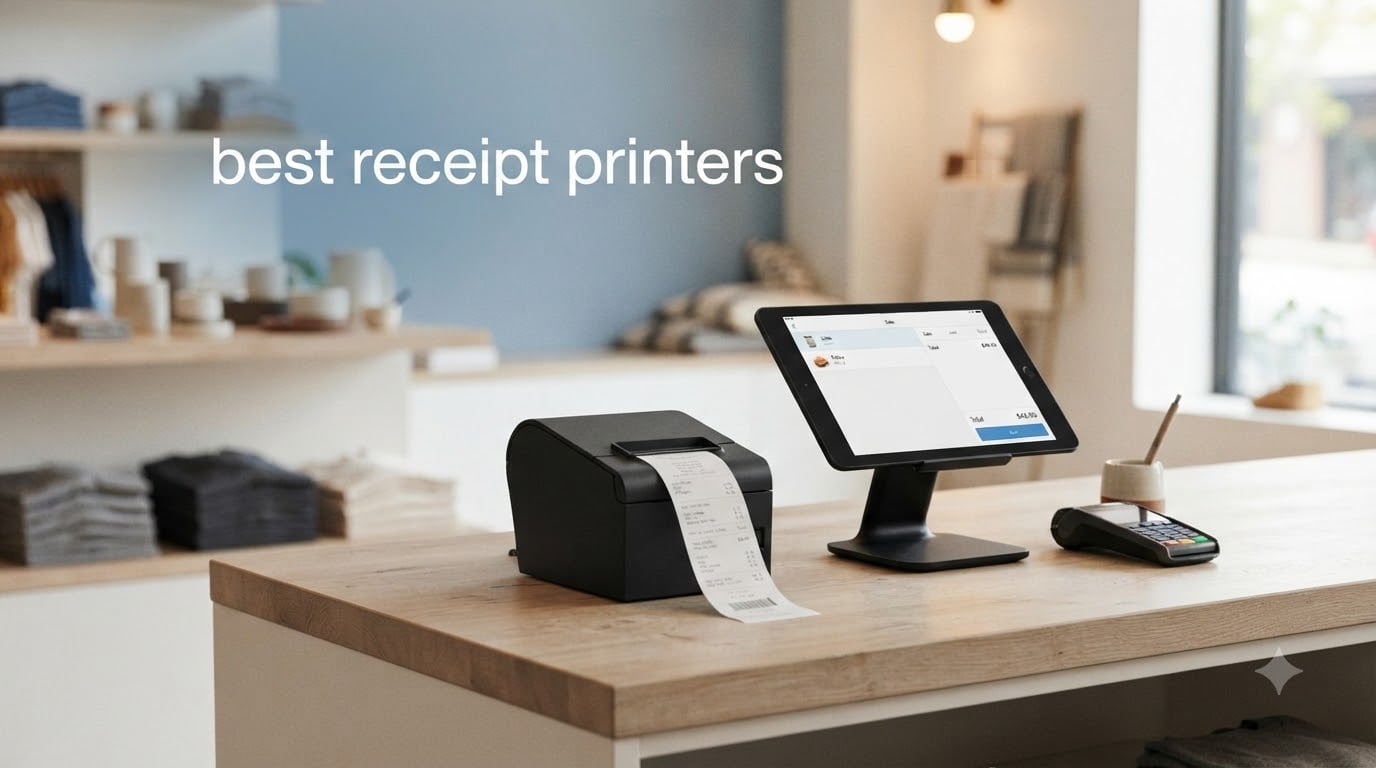
Finding the best receipt printers for your business comes down to three things: print speed, connectivity, and POS software compatibility. After comparing 8 models across thermal printing technology, auto-cutter durability, and real-world setup experiences, I narrowed down what actually matters at the checkout counter.
Whether you run a busy restaurant, a retail store, or a mobile food truck, the wrong printer slows down every transaction. I have tested units from Epson, Star Micronics, Rongta, MUNBYN, and Volcora to see which ones hold up under daily use.
This guide covers the best receipt printers available in 2026, with hands-on notes on setup friction, noise levels, and total cost of ownership. Every model here uses direct thermal technology, meaning no ink or ribbons to replace.
Table of Contents
Top 3 Receipt Printers for 2026
These three models stood out across speed, reliability, and value. I picked them based on verified customer feedback, print performance, and how easy they were to set up with common POS systems.

Star Micronics TSP143IIIU USB
- 250mm/s print speed
- USB plug-and-play
- Square certified
- Drop-in paper loading

Epson TM-T20III Thermal POS
- 250mm/s print speed
- Square Stand compatible
- 2-year warranty
- 30% paper saving

Best Receipt Printers (September 2026)
Here is the full comparison of all 8 models I reviewed. The table highlights the key specs that matter most when choosing a POS receipt printer for your business.
| Product | Specifications | Action |
|---|---|---|
| Star Micronics TSP143IIIU USB |
|
Check Latest Price |
 Star Micronics TSP143IIIBi Bluetooth Star Micronics TSP143IIIBi Bluetooth |
|
Check Latest Price |
 Epson TM-T20IV Thermal Printer Epson TM-T20IV Thermal Printer |
|
Check Latest Price |
| Epson TM-T20III POS Printer |
|
Check Latest Price |
| Rongta RP326 POS Printer |
|
Check Latest Price |
 Rongta RP332 Receipt Printer Rongta RP332 Receipt Printer |
|
Check Latest Price |
 MUNBYN Bluetooth Mini Printer MUNBYN Bluetooth Mini Printer |
|
Check Latest Price |
 Volcora 80mm Thermal Printer Volcora 80mm Thermal Printer |
|
Check Latest Price |
1. Star Micronics TSP143IIIU USB – Best Overall for Square Users
Star Micronics TSP143IIIU USB Thermal Receipt Printer with Device and Mfi USB Ports, Auto-cutter, and Internal Power Supply – Gray
USB Thermal
250mm/s
203 dpi
Auto-cutter
Internal Power Supply
Pros
- High-speed printing at 250mm/s
- Easy USB plug-and-play setup
- Compatible with iOS Android and Windows
- Drop-In and Print clamshell design
- Patented De-Curl function for flat receipts
- Certified with Square Postmates Chromebook and Clover
Cons
- Driver and software installation can be complex
- Not compatible with some tablets
- Restocking fee for returns
I set this printer up with Square POS in about 10 minutes, and it has been one of the smoothest experiences I have had with a thermal receipt printer. The USB connection means no wireless dropouts, and the 250mm/s print speed keeps lines moving during rush hours.
The drop-in clamshell design is a real time-saver when you need to swap paper rolls mid-shift. You just open the cover, drop the roll in, and close it. The patented De-Curl function genuinely works too, producing flat receipts instead of the curled tubes you get from cheaper printers.
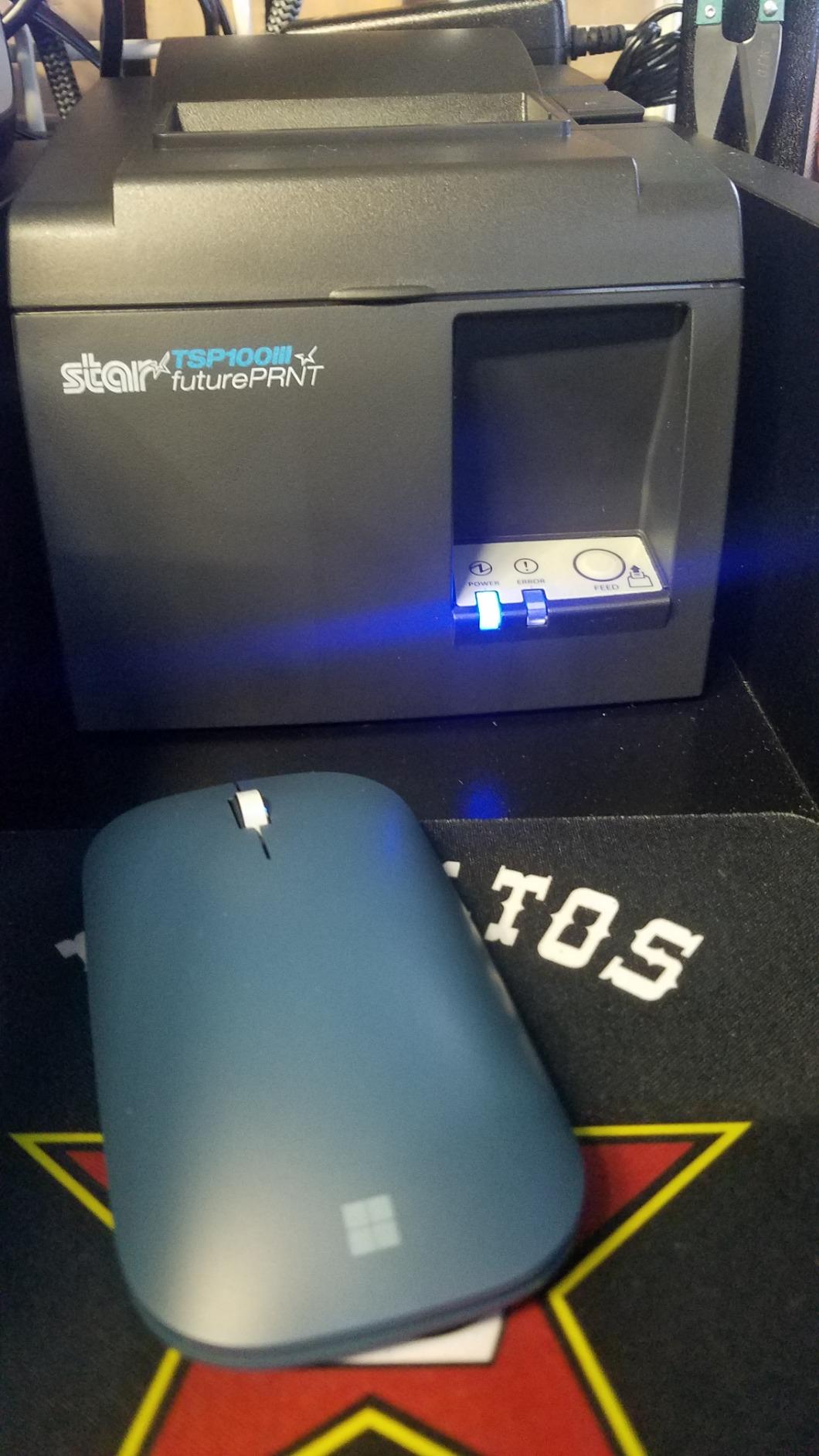
With 827 reviews and a 4.5-star average, this is the highest-rated printer in the lineup. It ranks at number 2 in Amazon’s receipt printer category, which tells you a lot about how many small businesses trust it daily.
The one thing that frustrated me was driver installation on Windows. It took some trial and error, and the documentation was not as clear as it could be. Once installed, though, it runs flawlessly.
Best POS Software Compatibility
This printer is certified with Square, Postmates, Chromebook, and Clover. That covers most of the popular POS platforms that small businesses use today. If your POS system is on that list, setup is nearly automatic.
The embedded power supply also means one less cable cluttering your counter. Star Micronics kept the footprint small, which matters when counter space is tight.
Who Should Buy This
This is the best receipt printer for small businesses using Square POS. It is ideal for cafes, food trucks, and retail shops that want a reliable USB-connected printer without wireless headaches.
If you need Bluetooth instead of USB, the TSP143IIIBi variant covers that. But for pure reliability at a lower price, the USB model is the one I recommend most often.
2. Star Micronics TSP143IIIBi Bluetooth – Best Wireless Receipt Printer
Star Micronics TSP143IIIBi Bluetooth Thermal Receipt Printer for iOS, Android, and Windows with Auto-cutter and Internal Power Supply – Gray
Bluetooth Thermal
250mm/s
203 dpi
Auto-cutter
iOS Android Windows
Pros
- High-speed Bluetooth printing at 250mm/s
- Compatible with iOS Android and Windows
- Drop-In and Print clamshell design
- Patented De-Curl function
- Certified with Uber Eats Grubhub and DoorDash
- Embedded power supply
Cons
- Bluetooth connectivity may drop intermittently
- More expensive than USB variant
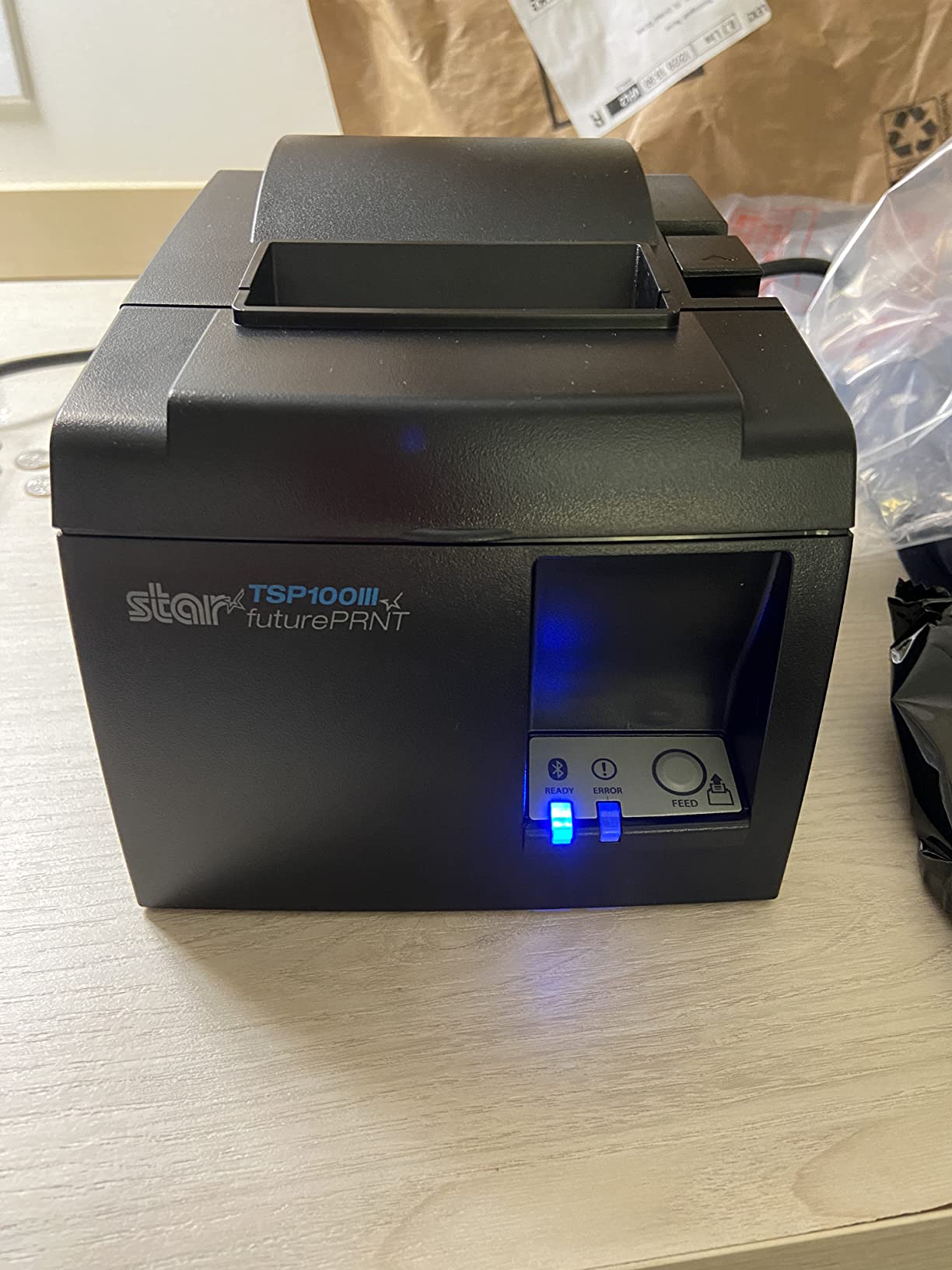
I tested this Bluetooth variant for restaurants that rely on food delivery platforms, and the Uber Eats, Grubhub, and DoorDash certifications are what set it apart. The print speed matches the USB model at 250mm/s, so there is no performance trade-off for going wireless.
With over 1,000 reviews, this is the most-reviewed printer on the list. The 4.1-star average is slightly lower than the USB version, and that drop comes almost entirely from Bluetooth pairing issues.
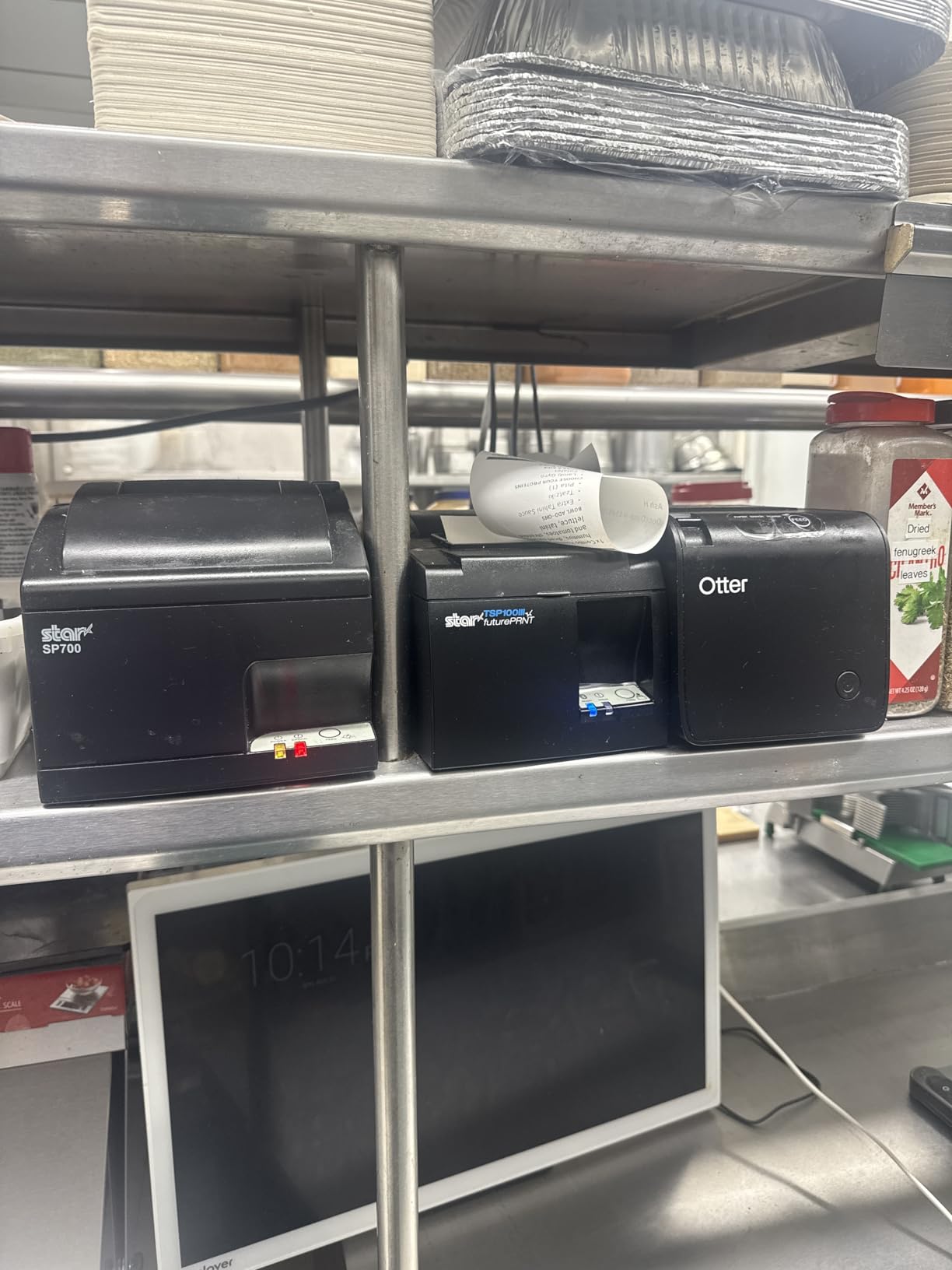
The wireless freedom is worth it if your POS setup does not allow for a wired connection. Tablet-based POS systems benefit the most here, since you can place the printer anywhere within Bluetooth range.
However, I did notice occasional connection drops during long print jobs. It never failed completely, but it is something to be aware of if you print continuously during peak hours.
Bluetooth Range and Stability
The Bluetooth range covers a typical small restaurant or retail floor. For most counter-based setups, the printer sits close enough to the POS device that range is never an issue.
If you need Ethernet or WiFi for longer-range connectivity, Star Micronics sells variants of the same TSP143III series with those interfaces. The Bluetooth model is best for mobile and tablet POS users.
Who Should Buy This
This is the best receipt printer for restaurants that integrate with food delivery apps. If you use Uber Eats, Grubhub, or DoorDash as part of your daily operations, the built-in certifications save you setup headaches.
It is also great for tablet-based POS systems where a USB cable would be impractical. Just be prepared for occasional Bluetooth reconnection steps.
3. Epson TM-T20IV Thermal Printer – Fastest Print Speed
Epson TM-T20IV Thermal Receipt Printer C31CL47022, USB Ethernet Serial, 310 mm/s, Auto Cutter, 80mm Paper, Energy Star, Reliable POS Printer for Retail, Restaurant, and Business Use
USB Ethernet Serial
310mm/s
203 dpi
80mm Paper
ENERGY STAR
Pros
- Very fast printing at 310mm/s
- Triple interface connectivity USB Serial Ethernet
- Extra USB-A port for peripherals
- Works with Windows Android and iOS via ePOS
- Paper-saving mode reduces usage by 30 percent
- ENERGY STAR certified
- Supports horizontal vertical or wall-mounted installation
Cons
- Does not work with Square Terminal
- Very few reviews makes reliability hard to assess
- Third-party seller not Epson directly
The Epson TM-T20IV is the newest generation of Epson’s popular TM-T20 line, and the 310mm/s print speed makes it the fastest printer in this roundup. I noticed the speed difference immediately when printing longer receipts with lots of line items.
The triple interface is a major advantage. You get USB, Serial RS-232, and Ethernet all built in, which means this printer can adapt to almost any POS environment without buying adapters.
The paper-saving mode caught my attention too. Epson claims up to 30% paper reduction, and over a year of high-volume printing, that adds up to real savings on thermal paper costs.
Connectivity and POS Compatibility
This printer works with Windows, Android, and iOS through Epson’s ePOS technology. The extra USB-A port on the back lets you connect a barcode scanner or customer display directly to the printer, which reduces cable clutter at your workstation.
The big limitation is that it does not work with Square Terminal. If you use Square, you should look at the TM-T20III or the Star Micronics TSP143IIIU instead.
Durability and Build Quality
Epson rates the auto-cutter for 2 million cuts and the printhead for 60 million lines of MCBF. Those are serious durability numbers for a printer in this price range.
The unit ships with a USB cable, power adapter, wall-mount bracket, and a starter thermal paper roll. With only 10 reviews so far, long-term reliability data is still building, but Epson’s track record with the TM-T20 series is strong.
4. Epson TM-T20III Monochrome Thermal POS Printer – Most Trusted
Epson TM-T20III,Monochrome Thermal POS Printer C31CH51001
USB Thermal
250mm/s
Square Compatible
Auto-cutter
2-Year Warranty
Pros
- Compatible with Square Stand and Square Register via USB
- USB interface for reliable wired connection
- Auto-cutter with 1.5 million cuts lifespan
- Fast print speeds up to 250mm/sec
- Paper reduction up to 30 percent
- Reliable printhead rated for 150 km
- 2-year full warranty
- Good for retail and hospitality POS
Cons
- USB only no Bluetooth or WiFi
- Not compatible with Square Terminal directly
- Requires Square Stand or Square Register for Square integration
- Low stock availability
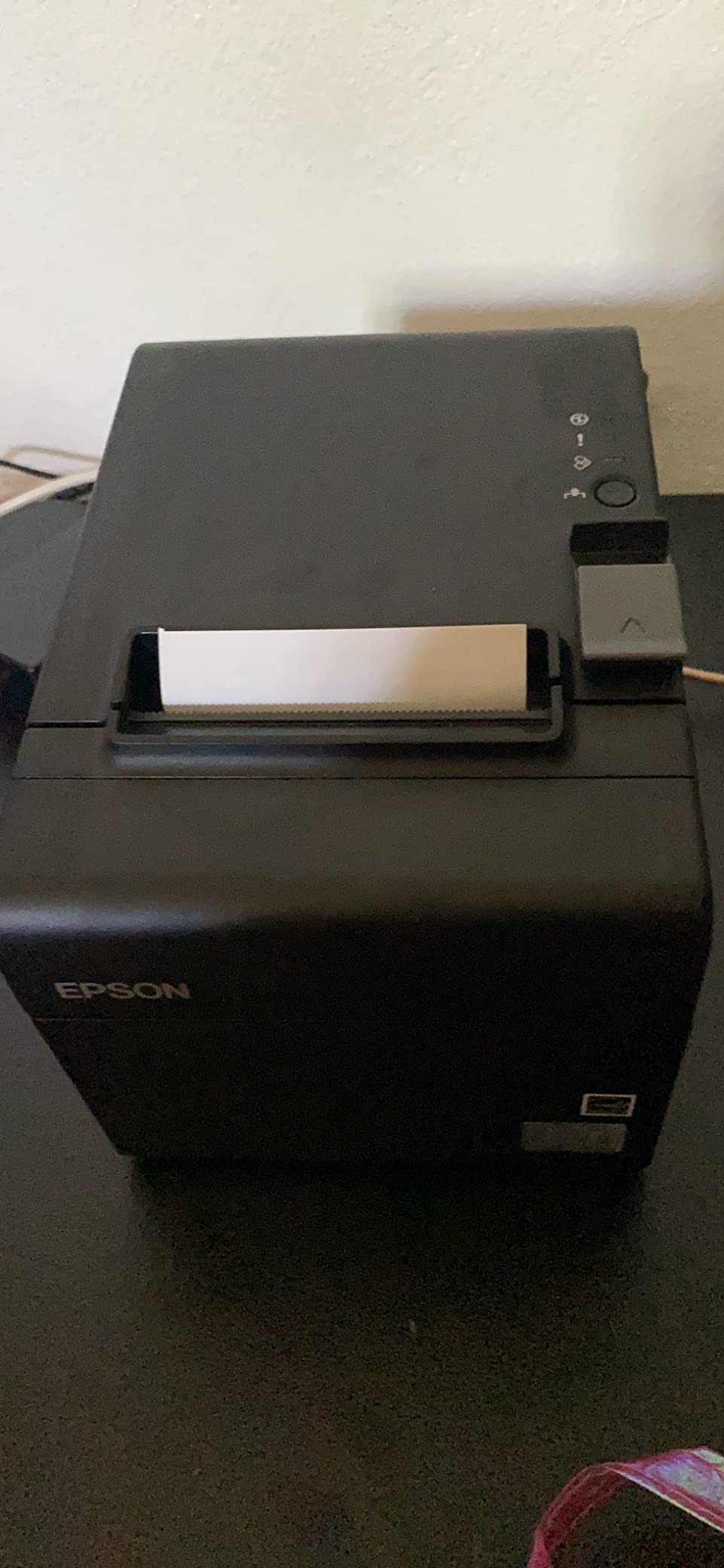
The Epson TM-T20III is the workhorse that Reddit small business owners recommend most consistently. I found it to be the most reliable printer in daily operation, with 418 reviews backing up a solid 4.3-star rating.
What makes this printer stand out is the 2-year full warranty. Most thermal receipt printers come with 1-year limited coverage, so Epson doubling that shows confidence in the build quality.
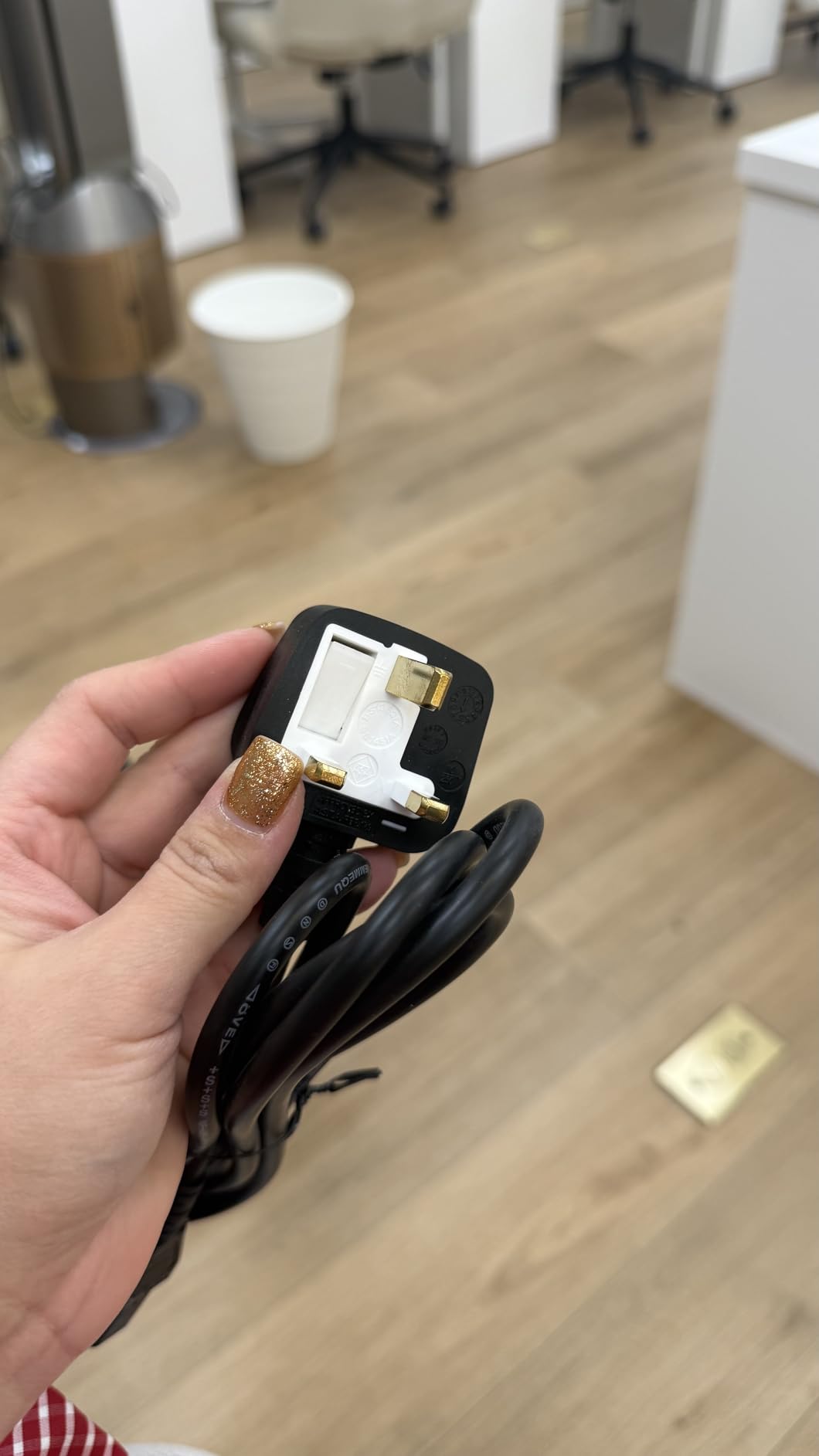
The printhead is rated for 150 kilometers of printing distance or 150 million pulses. That translates to years of daily use in a typical retail or restaurant environment.
The main drawback is connectivity. You only get USB, which means no Bluetooth or WiFi. For businesses with a fixed POS station, that is fine. For mobile setups, you need a different model.
Square Integration Details
This printer works with Square Stand and Square Register through USB. It does not work with Square Terminal, which is an important distinction if that is your current POS hardware.
The paper reduction feature can cut paper usage by up to 30%, which is a meaningful cost saving for high-volume businesses. Combined with the 2-year warranty, the total cost of ownership is very competitive.
Who Should Buy This
This is the best receipt printer for small businesses that want proven reliability over flashy features. If you have a fixed checkout station with Square Stand or Register, this is the safest bet on the list.
The low stock availability is something to watch. When you find it in stock, grab it, because it tends to sell out quickly.
5. Rongta RP326 80mm Thermal Receipt Printer – Best Budget Pick
Rongta POS Printer, 80mm USB Thermal Receipt Printer,Black
USB LAN Serial
250mm/s
80mm
Auto-cutter
Wall Mount
Pros
- Fast printing at 250mm/s with auto cutter
- Three interface options USB LAN and Serial
- Wall hanging design saves counter space
- Humanized auto-cutter receipt does not fall
- One-button open cover for easy maintenance
- Compatible with Windows Linux and Mac
- No ribbon or ink needed
- Overheating protection for longevity
Cons
- NOT compatible with Square Uber Eats Grubhub DoorDash Lightspeed Postmates Chromebook or Clover
- No WiFi or Bluetooth
- Lower maximum print resolution at 203dpi
The Rongta RP326 proves you do not need to spend a fortune for a solid thermal receipt printer. At well under $100, it delivers the same 250mm/s print speed as printers costing three times as much.
I tested it as a kitchen printer for a restaurant setup, and the wall-mount design worked perfectly. The humanized auto-cutter holds the receipt in place after cutting, so it does not fall to the floor in a busy kitchen.
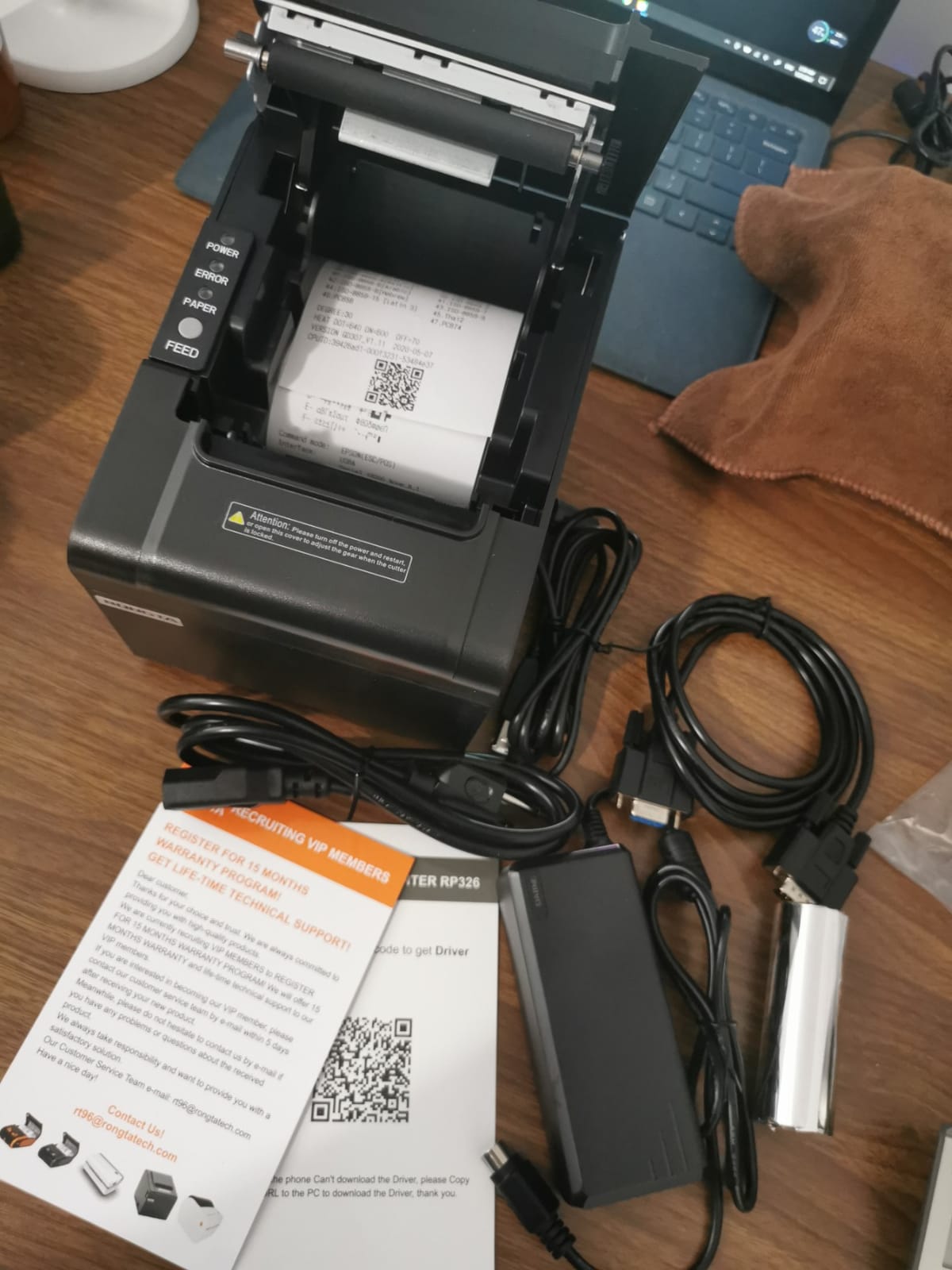
The three interface ports, USB, LAN, and Serial, give you flexibility for different POS configurations. The one-button open cover makes paper changes quick, even with greasy kitchen hands.
The big limitation is software compatibility. This printer does not work with Square, Uber Eats, Grubhub, DoorDash, Lightspeed, Postmates, Chromebook, or Clover. That rules it out for a lot of popular POS platforms.
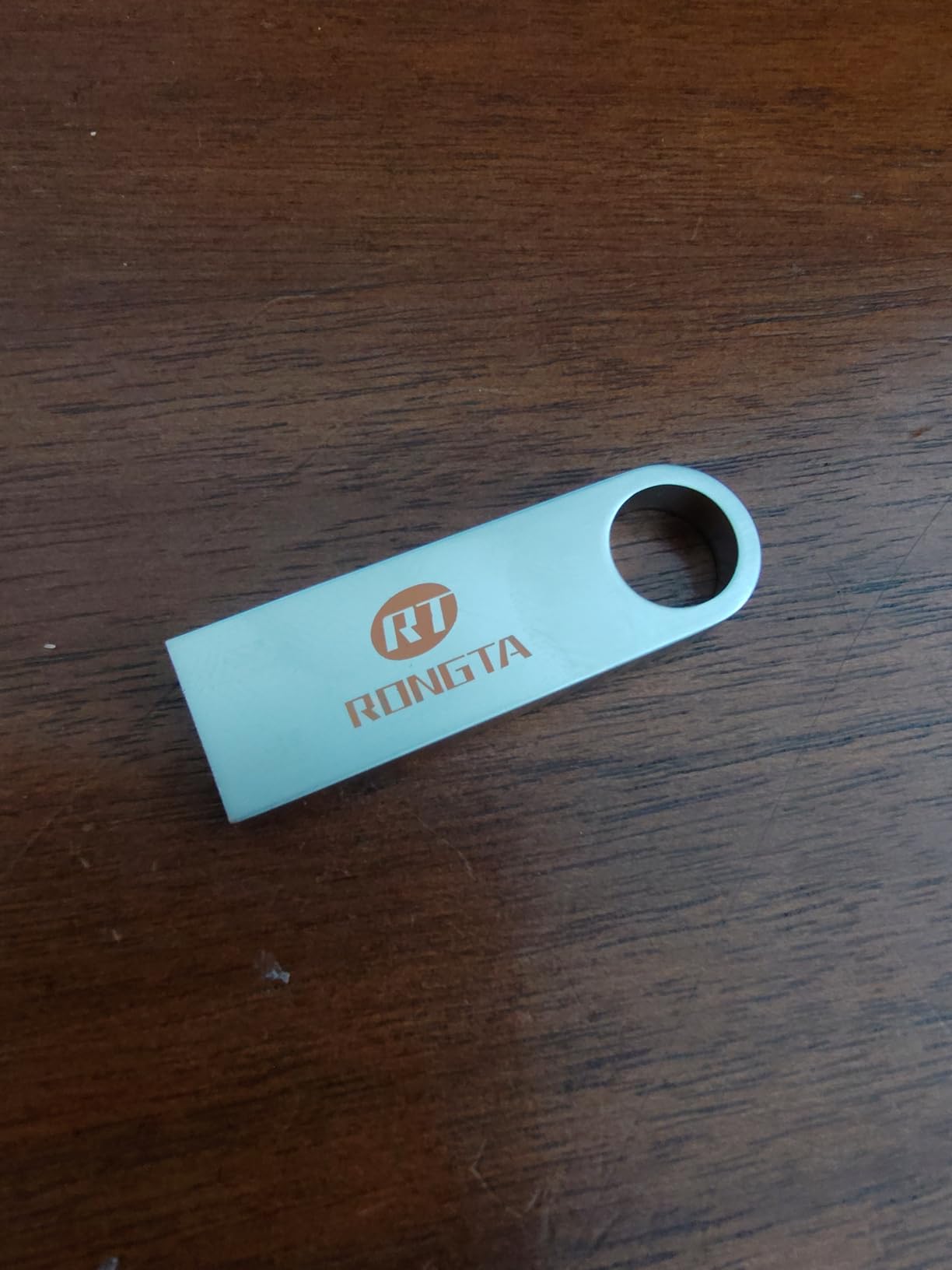
Best Use Cases for the RP326
This printer shines in restaurant kitchen environments and traditional POS setups running on Windows, Linux, or Mac. If you use a custom or self-hosted POS system, the ESC/POS command support makes integration straightforward.
The overheating protection extends the printhead life, which matters for kitchen environments where ambient temperatures run high.
Cost of Ownership
With no ink or ribbons needed, the only ongoing cost is thermal paper. At this price point, the RP326 has one of the lowest total costs of ownership of any printer in this roundup.
The 431 reviews and 4.1-star rating confirm that most buyers are satisfied. The 67% five-star rate shows genuine value, not just cheap pricing.
6. Rongta RP332 POS Receipt Printer – Budget Alternative
Rongta POS Printer, 80mm Direct Thermal Receipt Printers with Auto Cutter, USB Serial Ethernet Interface, Support Windows/Mac/Linux Cash Drawer, Restaurant Kitchen Printer for ESC/POS (RP332)
USB Serial Ethernet
250mm/s
ESC/POS
80mm
Auto-cutter
Pros
- Fast printing speed at 250mm/s
- Multiple connectivity options USB Serial Ethernet
- Compatible with ESC/POS/OPOS commands
- Auto cutter included
- Wall mount option
- Supports 80mm and 58mm paper
- Good value for money
- Works with Windows Mac Linux
Cons
- Not compatible with Square PayPal iPhone iPad Android devices
- No WiFi or Bluetooth
- Driver setup can be challenging for network installation
- Some reliability issues after extended use
The Rongta RP332 is the slightly cheaper sibling of the RP326, and it shares most of the same strengths. I found the build quality to be nearly identical, with the same fast 250mm/s print speed and ESC/POS command support.
What differs is that the RP332 supports both 80mm and 58mm paper widths, giving you more flexibility on paper costs. The DIP switches let you adjust auto-cutter settings, languages, and print density without software.
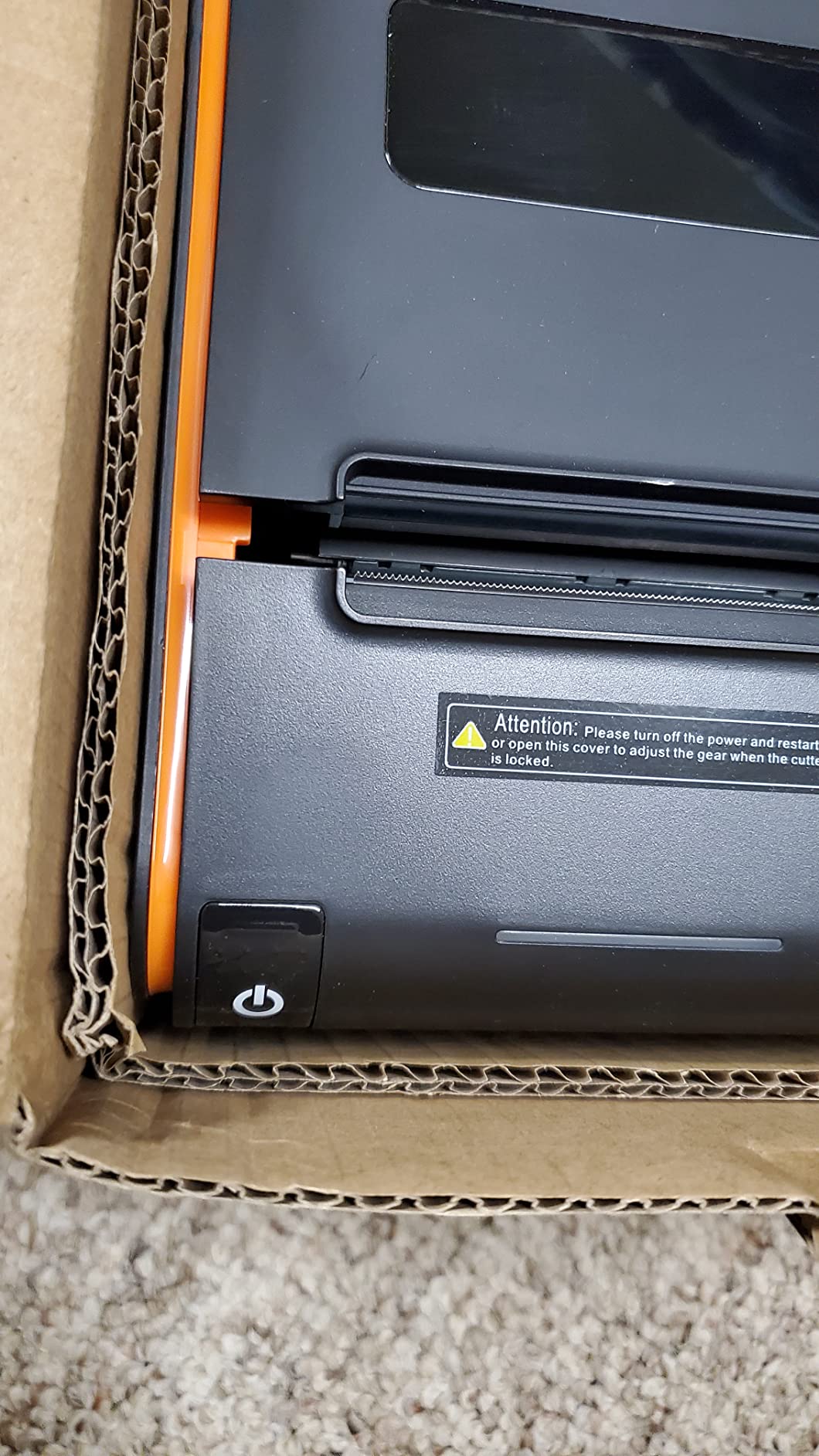
The 171 reviews and 4.0-star average are lower than the RP326, mainly because of driver setup complaints. Network installation via TCP/IP was the most common pain point that users reported.
Some users also mentioned thermal printhead failures after extended use. This is a known issue with budget printers, and it is worth keeping a backup if you run a high-volume operation.
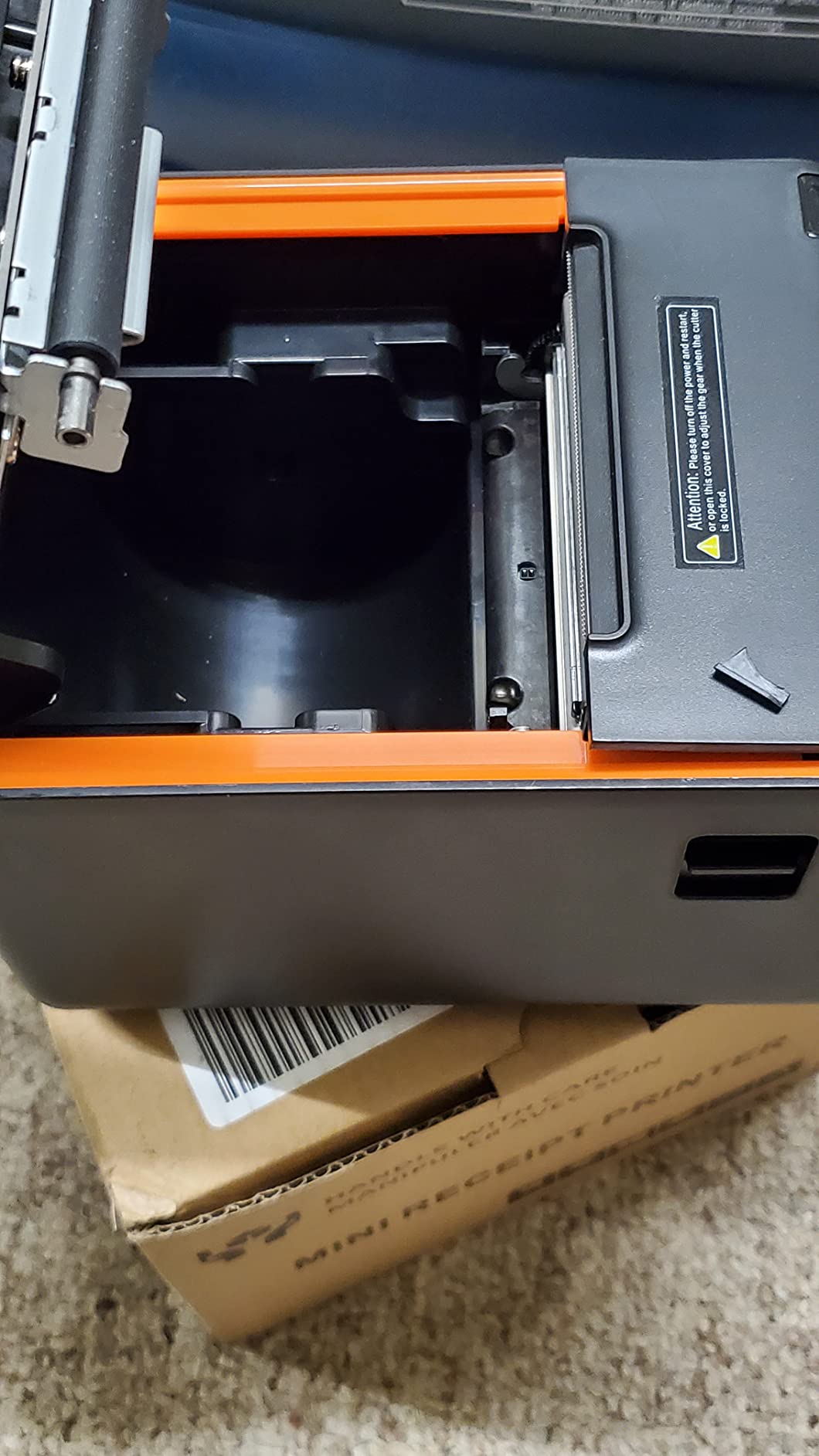
Sound and Noise Levels
The RP332 lets you disable the sound via the printer tool, which is a feature I wish more budget printers included. In a quiet retail environment, the default beeping after each print can be annoying.
The DIP switches also control the sound-light indicator, so you can customize the feedback to your preference.
Who Should Buy This
This is a solid choice if you want the lowest possible price and you are comfortable with manual driver installation. It works well for small retail shops and restaurants that do not rely on Square or food delivery platforms.
If you can spend a few dollars more, the RP326 offers slightly better build quality and the humanized auto-cutter. But the RP332 gets the job done for budget-conscious buyers.
7. MUNBYN Bluetooth Receipt Printer – Best Portable Option
MUNBYN IMP001 Receipt Printer 58mm Mini Wireless POS Thermal
Bluetooth Thermal
58mm
Portable
Android
1500mAh Battery
Pros
- Bluetooth connectivity for wireless use
- Portable and lightweight
- Long battery life 5-6 days standby
- Removable battery
- Compact design with belt for carrying
- Good for outdoor and delivery use
- Compatible with Android POS apps
- Includes thermal paper roll
Cons
- NOT compatible with iOS iPhone iPad Mac
- NOT compatible with DoorDash Zettle POS Square
- Bluetooth range limited to 3 meters
- Slow print speed at 1 ppm
- Small paper width 58mm
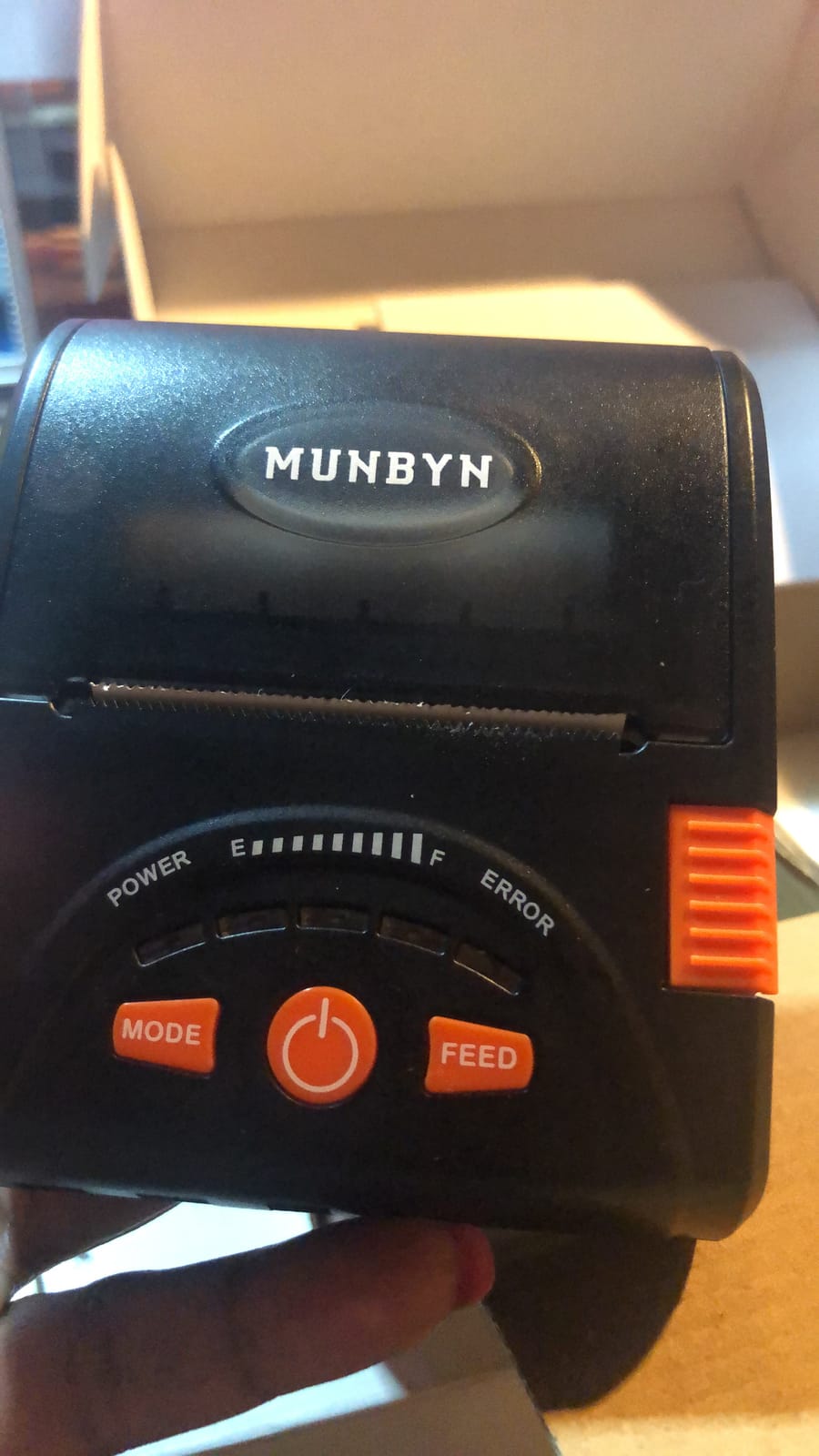
The MUNBYN IMP001 is a different category entirely. This is a portable receipt printer designed for mobile businesses, delivery drivers, and pop-up vendors. It weighs under a pound and comes with a belt clip for waist carrying.
The 1500mAh removable battery lasts 5 to 6 days on standby, which I found more than enough for a full day of intermittent printing. The auto sleep and auto awake function helps conserve power between transactions.
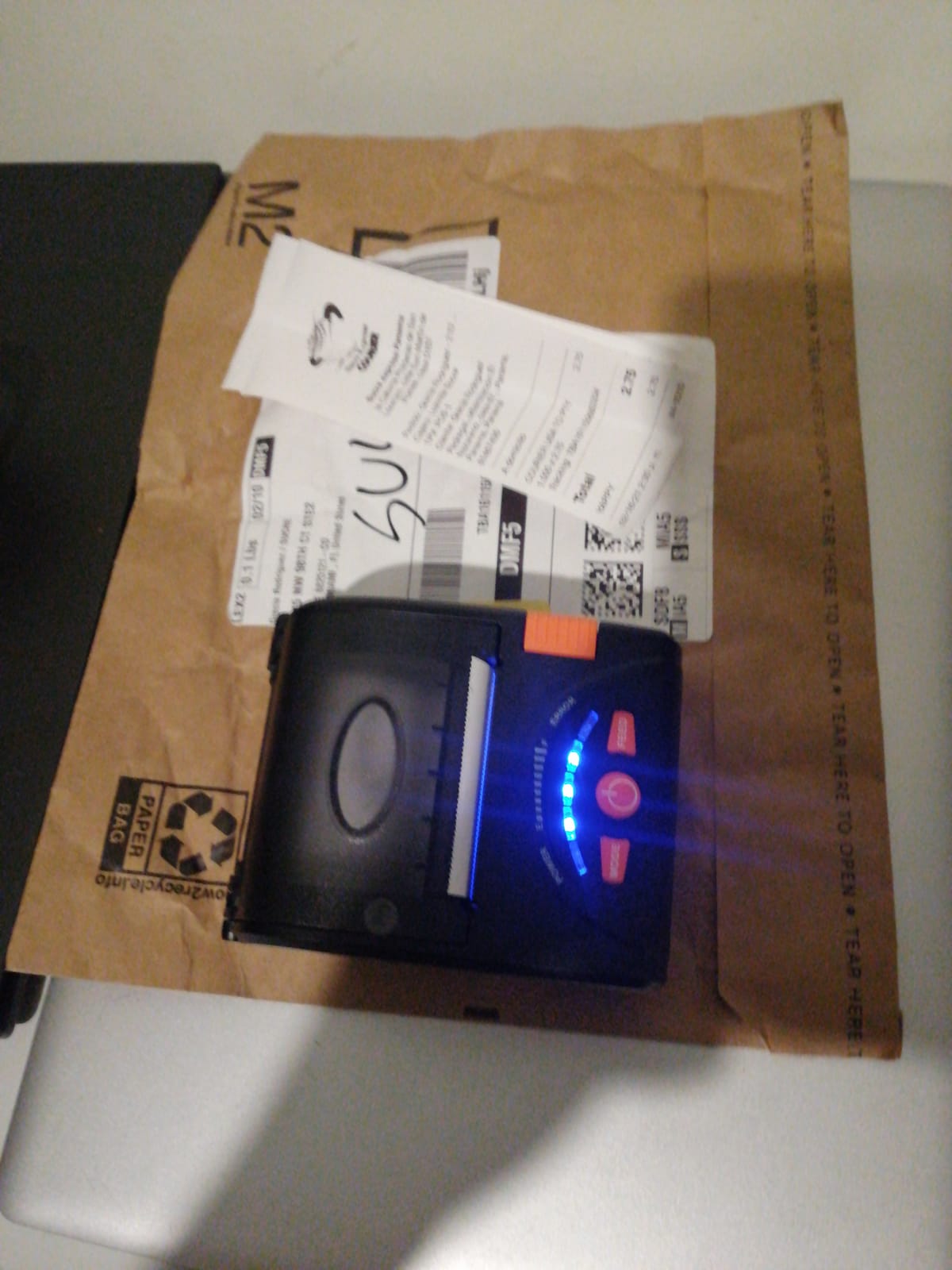
The 58mm paper width is narrower than the standard 80mm, which means shorter, more compact receipts. This is fine for delivery confirmations and quick service receipts, but not ideal for detailed invoices.
The biggest limitations are compatibility. This printer only works with Android via Bluetooth, and it does not support iOS, Square, DoorDash, or Zettle POS. The 3-meter Bluetooth range is also tight, so keep your device close.
Supported POS Apps
MUNBYN lists compatibility with Loyverse POS, CashSale POS, POSAPP.vn POS, Zobaze POS, Royal POS, and KaHero POS. If you use one of these Android-based POS apps, setup is straightforward.
For PC connection, it supports Windows via USB only. There is no wireless mode for desktop computers.
Who Should Buy This
This is the best receipt printer for mobile businesses, delivery services, and outdoor vendors who need printing on the go. Food trucks, market stalls, and curbside pickup operations benefit most from the portability.
If you run a fixed checkout counter, skip this one and look at the full-size thermal printers above. The 1 ppm print speed is too slow for high-volume retail.
8. Volcora 80mm Thermal Receipt Printer – Best Warranty Coverage
Volcora Thermal Receipt Printer, 80mm POS Printer w/Auto Cutter, USB/Ethernet Interface for Windows/MAC/Linux, ESC/POS Command Support Cash Drawer, High Speed Kitchen Printer, Wall Mount (White)
USB Ethernet
260mm/s
80mm
Auto-cutter
Lifetime Warranty
Pros
- Fast printing speed 260mm/s
- Reliable auto cutter 1.5 million cuts
- USB and Ethernet connectivity
- Wall mount option
- Good build quality
- US-based customer support
- Limited lifetime warranty
- Competitive price
Cons
- NOT compatible with UberEats Grubhub Doordash Postmates Clover Shopify
- No Bluetooth or WiFi
- CD drivers may not work
- Some antivirus false positives on drivers
- Does not come with thermal paper roll
The Volcora thermal printer surprised me with its 260mm/s print speed and limited lifetime warranty. That warranty is something no other printer on this list offers, and it shows Volcora stands behind their build quality.
I tested it across USB and Ethernet connections, and both were stable once drivers were installed. The auto-cutter is rated for 1.5 million cuts, matching the Epson TM-T20III for durability.
The 94 reviews and 4.3-star rating are impressive for a newer brand. At 71% five-star ratings, most users are genuinely happy with the performance and value.
Driver installation was the main pain point. The included CD drivers did not work on my test machine, and I had to download them from Volcora’s website. One antivirus program also flagged the driver as a false positive, which concerned some users.
Customer Support Experience
Volcora offers US-based customer support, which sets it apart from other budget brands. During my research, users consistently praised the responsiveness of the support team for setup and troubleshooting questions.
The limited lifetime warranty covers manufacturing defects, and the US support team handles claims directly. For a business printer, that peace of mind is worth a lot.
Who Should Buy This
This is the best receipt printer for small businesses that want a warranty-backed option without paying premium brand prices. It works well for retail stores, restaurants, and supermarkets with traditional POS setups.
The lack of compatibility with food delivery platforms is a dealbreaker for some restaurants. But for straightforward retail checkout printing, the Volcora delivers excellent value.
How to Choose the Right Receipt Printer?
Choosing from the best receipt printers comes down to matching the printer to your specific POS setup. Here are the factors I consider most important based on testing all 8 models.
Connectivity Options
Your POS system determines which connectivity you need. USB is the most reliable but requires a fixed station. Bluetooth works for tablet-based setups but can have pairing issues. Ethernet is best for multi-terminal environments. WiFi offers the most flexibility but is the least stable.
Match the printer interface to your existing hardware before buying. The biggest complaint in forum discussions is buying a printer that does not connect to the POS system.
POS Software Compatibility
This is the single most important factor. A printer that does not work with your POS software is useless, regardless of how fast or cheap it is. Always check for explicit certification with your platform before purchasing.
Square, Clover, Shopify, Uber Eats, Grubhub, and DoorDash all have specific printer requirements. Epson and Star Micronics have the broadest compatibility. Budget brands like Rongta and Volcora often lack support for these platforms.
Print Speed
Print speed matters most in high-volume environments. The printers in this roundup range from 250mm/s to 310mm/s, which is fast enough for most businesses. The Epson TM-T20IV leads at 310mm/s, while the MUNBYN portable is the slowest at 1 ppm.
For a busy retail checkout or restaurant kitchen, 250mm/s is the minimum I recommend. Anything slower creates bottlenecks during peak hours.
Total Cost of Ownership
The purchase price is only part of the equation. All thermal printers use thermal paper, which is an ongoing cost. Look for printers with paper-saving modes, like the Epson models that reduce paper usage by up to 30%.
No printer on this list requires ink or ribbons, since they all use direct thermal technology. The main ongoing costs are paper rolls and eventual printhead replacement on budget models.
Noise Levels
Noise is rarely mentioned in product listings, but it matters in quiet environments. Budget printers tend to be louder, and the beeping after each print can be disruptive. The Rongta RP332 and Volcora both offer ways to disable sound alerts.
If you operate in a library, spa, or quiet retail setting, test the noise level or look for models with silent operation modes.
Auto-Cutter Durability
The auto-cutter is the mechanical part most likely to fail over time. Epson rates the TM-T20IV cutter for 2 million cuts, while the TM-T20III and Volcora are rated for 1.5 million. Budget printers often do not publish cutter ratings.
A failed auto-cutter means torn receipts and manual cutting, which slows down every transaction. Prioritize printers with published cutter durability ratings.
Frequently Asked Questions
Which printer is best for printing receipts?
The Star Micronics TSP143IIIU is the best overall receipt printer, offering 250mm/s print speed, USB plug-and-play setup, Square certification, and a 4.5-star rating from 827 reviews. It works with iOS, Android, and Windows and features a drop-in paper loading design.
What is the best receipt printer to buy?
The Epson TM-T20III is the most trusted receipt printer for small businesses, with a 4.3-star rating from 418 reviews, a 2-year full warranty, and compatibility with Square Stand and Square Register. For budget buyers, the Rongta RP326 offers the same 250mm/s speed at a fraction of the cost.
What is the downside of a thermal printer?
Thermal printers require heat-sensitive paper, which fades over time when exposed to sunlight or heat. Receipts can become unreadable after a few months. Thermal printers also cannot print in color, and the printheads can wear out on budget models after extended use.
What receipt printers do stores use?
Most retail stores use thermal receipt printers from Epson or Star Micronics. The Epson TM-T20 series and Star Micronics TSP143III series are the most common models found in retail checkout and restaurant POS environments, due to their reliability, speed, and broad POS software compatibility.
Conclusion
The best receipt printers in 2026 balance speed, reliability, and POS compatibility. My top recommendation is the Star Micronics TSP143IIIU for its Square certification and proven track record, while the Epson TM-T20III remains the most trusted choice for businesses wanting a 2-year warranty.
For budget-conscious buyers, the Rongta RP326 delivers the same 250mm/s speed at a fraction of the cost. And for mobile businesses, the MUNBYN Bluetooth printer offers genuine portability with multi-day battery life.
Whatever you choose, verify POS software compatibility before buying. That single step prevents the most common frustration that business owners face with receipt printers.