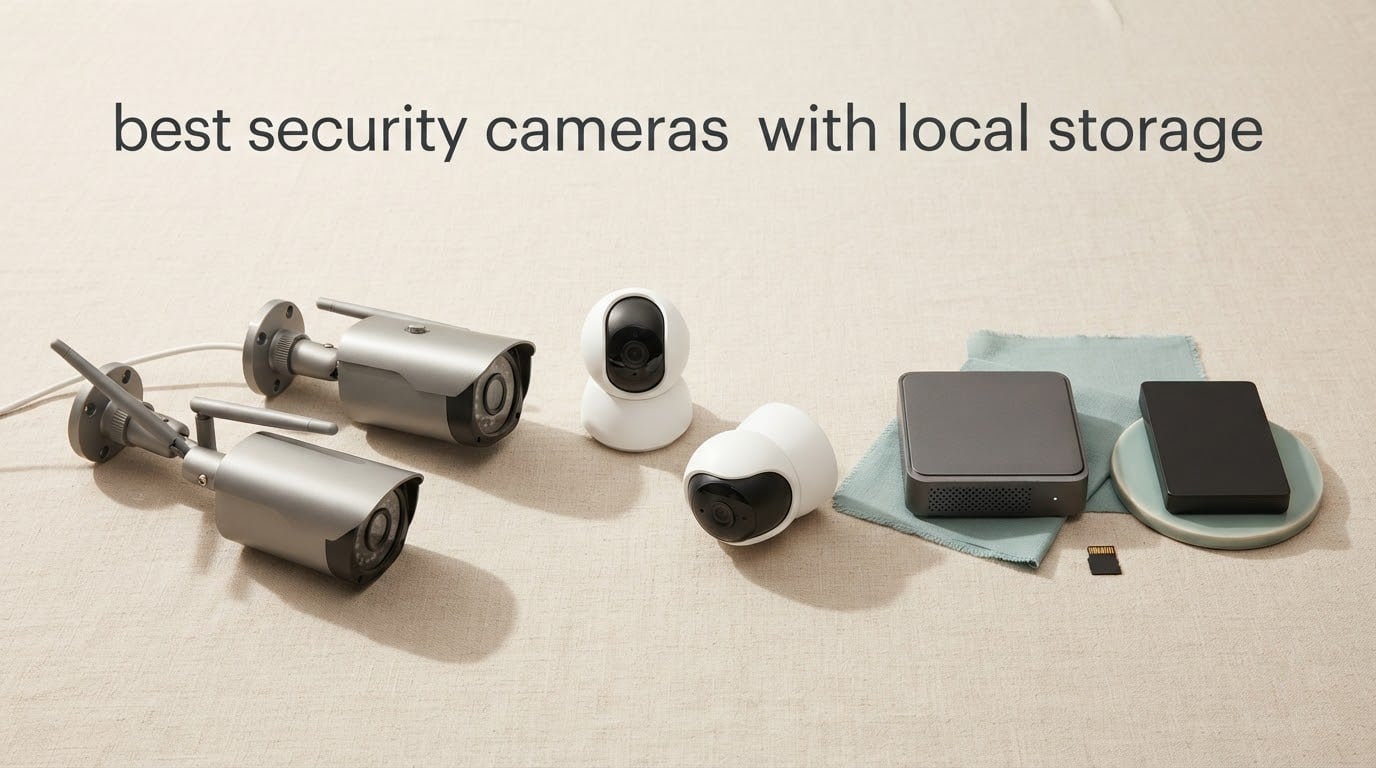
The best security cameras with local storage write your footage to something you own: a microSD card in the camera, a hard drive in a hub or NVR, or a drive on your network. Nothing is uploaded to a vendor’s servers, and there is no monthly plan to pay for after the purchase. That single decision removes the two things most people dislike about home cameras: the recurring fee and the idea that strangers could reach a live feed of their house.
We compared 12 cameras that record locally, and they are not close to equal. Some hold 512GB on a card, some come with a terabyte already installed, and a few claim “no subscription” while quietly gating the AI features that make a camera worth owning. The differences show up most clearly at night, where the gap between a cheap starlight sensor and a real IR or color sensor is the difference between identifying a face and guessing at a shape.
This guide covers the storage architecture first, because choosing between a card, a hub and an NVR decides almost everything else. It also covers retention math, what happens when a card fills, which AI detection runs on the device instead of in the cloud, and how to keep a camera network away from the public internet. For people still choosing a category, our guides to the best indoor security cameras and best outdoor security cameras cover the non-storage factors in more depth.
Table of Contents
What Local Storage on a Security Camera Actually Means
A security camera with local storage records video to a device inside your home instead of uploading it to the manufacturer’s cloud. That device is usually a microSD card inside the camera body, a hard drive inside a hub or NVR, or storage on a NAS you run yourself. Recordings loop and overwrite when they fill, and you review them in the vendor app, a desktop client, or a self-hosted platform.
The reasons people move off cloud storage are consistent, and they come up constantly in home security forums:
No monthly fee. You pay for the camera and the card once, not every month for the life of the device.
Privacy. Footage never leaves your house, so there is no third-party server holding a record of your front door.
Outage tolerance. Most of these cameras keep recording to the card even when your internet connection drops.
Faster retrieval. Scrubbing back through a card or a local NVR is immediate, with no buffering on someone else’s infrastructure.
Longer retention. A hub or drive holds weeks of footage; a free cloud tier usually holds a day or two.
One caveat belongs here rather than in a footnote: “local storage” does not automatically mean “local AI.” Several cameras record to a card while still sending detection events to a server, and a few gate the useful object classes behind a paid plan. We flag that explicitly for every pick below.
Top 3 Picks for Best Cameras With Local Storage in 2026

Tapo C101 1080P Indoor Cam
- microSD up to 512GB
- 1080P at 15fps
- 117-degree view
- IR night vision to 30 feet

Tapo C211 2K Pan Tilt 2-Pack
- 2K video
- 360-degree pan
- Two cameras per pack
- microSD up to 512GB

ZEEPORTE Solar 2K Pan Tilt Cam
- Solar plus 5200mAh battery
- 355-degree pan
- IP65
- microSD up to 256GB
Best Security Cameras With Local Storage in September
| Product | Specifications | Action |
|---|---|---|
| Tapo C101 Indoor Camera |
|
Check Latest Price |
 Reolink E1 4MP Indoor Camera Reolink E1 4MP Indoor Camera |
|
Check Latest Price |
| Tapo C211 2K Pan Tilt 2-Pack |
|
Check Latest Price |
 Ring Indoor Cam Ring Indoor Cam |
|
Check Latest Price |
 Wyze Cam v4 2.5K Wyze Cam v4 2.5K |
|
Check Latest Price |
| ZEEPORTE Solar 2K Pan Tilt |
|
Check Latest Price |
 Tapo MagCam C425 2K+ Tapo MagCam C425 2K+ |
|
Check Latest Price |
 eufyCam S350 4K Dual Lens eufyCam S350 4K Dual Lens |
|
Check Latest Price |
 Reolink E1 Outdoor Pro 4K Reolink E1 Outdoor Pro 4K |
|
Check Latest Price |
 eufyCam 3 S330 Solar Add-On eufyCam 3 S330 Solar Add-On |
|
Check Latest Price |
 Gianteye 2K Solar 4-Pack Gianteye 2K Solar 4-Pack |
|
Check Latest Price |
 Hiseeu 4K NVR 4-Camera Kit Hiseeu 4K NVR 4-Camera Kit |
|
Check Latest Price |
How We Picked These Cameras
Every camera here was checked against the same six criteria, and each requirement is drawn from the product specifications and owner feedback rather than marketing copy.
Real local recording. The camera must write to a microSD card, a built-in drive, a hub or an NVR. A cloud-only camera with no local medium was excluded from the picks, and the one such model in the set appears below as an explicit skip.
No forced subscription for core recording. Continuous or event recording to local storage works without a paid plan. Features gated behind a subscription are noted, not hidden.
Stated capacity and honest limits. We used the maximum card capacity each manufacturer lists, and we note where reviewers report that larger cards work in practice beyond the official figure.
Night performance as a first-class spec. Every pick has a published night vision range, and we call out color night vision where the sensor supports it.
Power and weather matched to placement. Indoor mains units are separated from battery and solar units, and outdoor picks carry a published IP rating.
Volume of owner feedback. A product with a thin review history is a risk regardless of its specification sheet, so we weight products with thousands of reviews more heavily.
We did not measure frame quality ourselves. Our verdicts combine the published specifications with the patterns that appear repeatedly across owner reviews, which is where the practical details live: SD cards that need reformatting, firmware that stops recognizing a card, motion detection that fires on moving trees.
1. Tapo C101 1080P Indoor Camera – The Best All-Round Local Storage Pick
Tapo 1080P Indoor Security Camera, Baby Monitor, Dog Camera, C101
microSD up to 512GB,1080P at 15fps,117-degree field of view,IR night vision to 30 feet
Pros
- No-subscription local microSD storage up to 512GB
- Clear 1080P image with a 117-degree field of view
- Night vision reaches about 30 feet indoors
- Two-way audio plus a built-in siren
- Quick app setup with motion and baby-cry alerts
Cons
- Fixed view with no pan or tilt
- 1080p only with no optical zoom
- Mains-powered so it drops out during a power cut
- Some buyers report over-sensitive person detection
The Tapo C101 is the first camera I hand to anyone who says they want local storage and does not want to research it. It writes to a microSD card up to 512GB, it has no subscription layer, and the whole setup takes a couple of minutes in the Tapo app. For a nursery, a home office or a room where you want to know what happened an hour ago, that covers the requirement list.
The picture is 1080p at 15 frames per second across a 117-degree field of view. Fifteen frames per second is enough to identify a person and read what they are wearing, which is the actual job, and it is also why the file sizes stay manageable on a card. Night vision runs about 30 feet on infrared, which covers a bedroom or a small office comfortably.
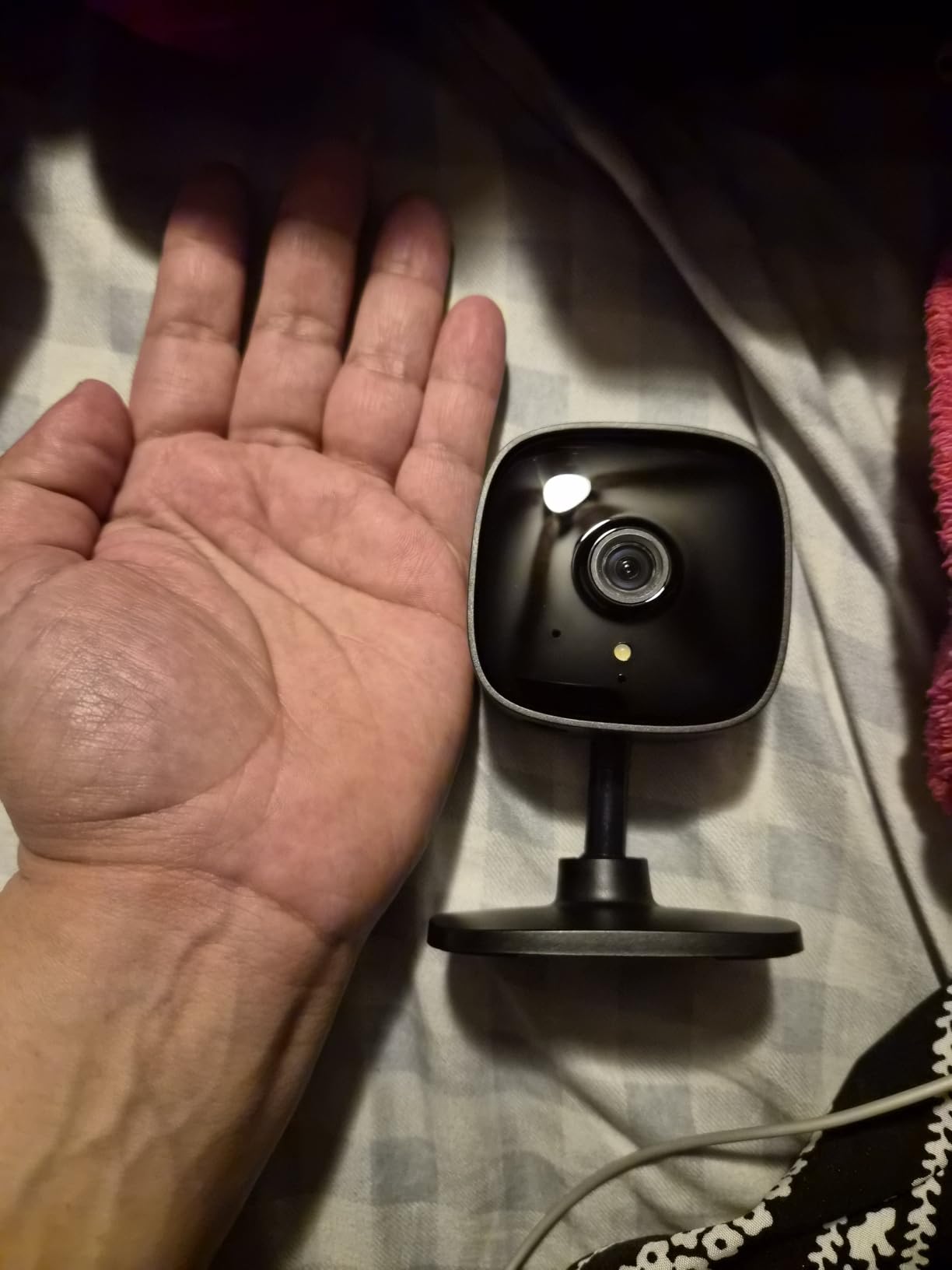
What you give up is movement. The lens is fixed with no pan or tilt, so the view is whatever the mount is pointed at on installation day. There is no optical zoom either, so a face across the room is a face you can see but not one you can crop into. Neither of those matters in a small room, and both of them matter in a large one.
Two details in owner reviews are worth repeating. The camera is mains-powered, so a power cut ends recording until the outlet is back, which matters if you are relying on it as your only record of a break-in. Several buyers also report that person detection is aggressive enough to fire on cars outside a window or on trees moving in the wind, and the fix is narrowing the detection zone in the app.
Is 512GB enough for a single indoor camera?
For most rooms, yes. With one camera recording events rather than a continuous stream, 512GB holds weeks of history on this model rather than days. The limiting factor is not the card; it is whether you set it to continuous or motion-only recording, which changes retention dramatically.
Owners who needed more reached for a hub instead of a larger card. That is the right move when you run several cameras or want a searchable timeline instead of a single camera’s folder of clips.
Where this camera will disappoint you
If you need to follow a subject across a room, the fixed lens is a real ceiling. There is no tracking and no motorized movement, so the camera sees exactly one cone of the room forever.
If your Wi-Fi mesh only offers a 5GHz network, expect setup friction. The listed connectivity is 2.4GHz, which is normal for this class but worth knowing before you mount it.
2. Reolink E1 4MP Indoor Camera – Best Local Storage Options Under One Roof
REOLINK 4MP 2K Indoor Camera E1, Plug-in WiFi 6 Security Camera
microSD up to 512GB plus NVR or Home Hub,4MP at 20fps,355-degree pan with tracking,IR night vision to 40 feet
Pros
- 355-degree pan with motion auto-tracking
- Local microSD up to 512GB or Reolink NVR or Home Hub
- Cry detection alerts and two-way talk
- Free app with no subscription and multi-user sharing
Cons
- No RTSP or ONVIF support
- 2.4GHz Wi-Fi only despite the Wi-Fi 6 label
- Streaming bitrate low enough that quality falls below 2K in some conditions
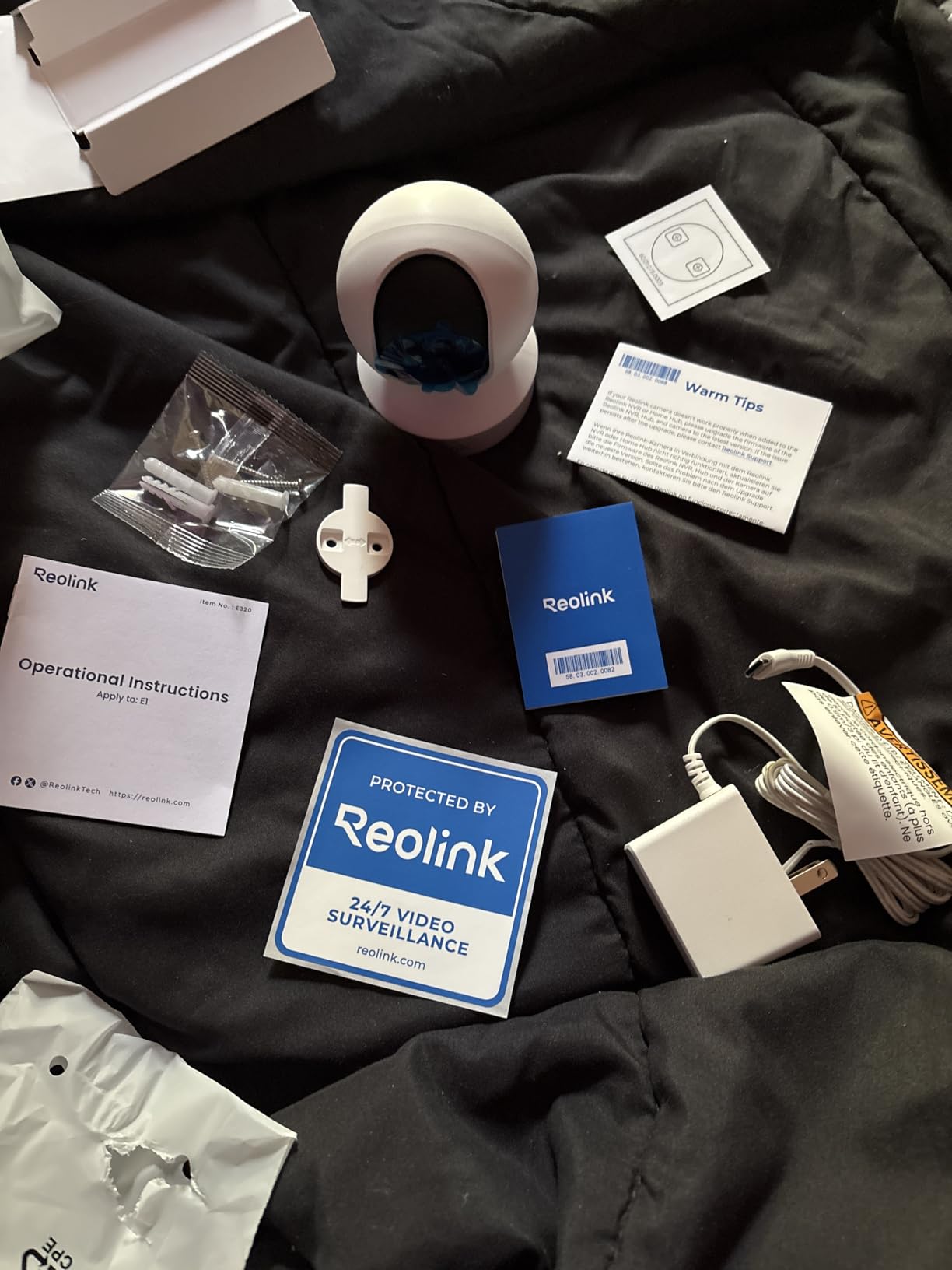
The Reolink E1 is the pick if you want more than a card. It records to a microSD card up to 512GB, to a Reolink NVR, or to a Reolink Home Hub, which means you can start with one camera and add a hub later when the second and third camera arrive. That flexibility is the reason it appears on so many self-hosting recommendations.
Video is 4MP at 20 frames per second with an 80-degree field of view, and the unit pans a full 355 degrees with motion auto-tracking. Cry detection and two-way talk make it usable as a baby monitor, which is the single most common use owners describe. Night vision reaches 40 feet on infrared, the longest stated indoor range among the indoor picks here.
The limitation that matters most for advanced setups is the absence of RTSP and ONVIF. That means the camera will not appear in Home Assistant, Frigate, Blue Iris or any other third-party recorder, and it is the reason many self-hosters skip this model. If you plan to stay inside the Reolink app, it is not an issue at all.
The 2.4GHz-only radio is a second, smaller limitation, and the Wi-Fi 6 label on the box does not change that. Owners also report a tail of units that fail to reconnect after a router or network change, so give it a static DHCP reservation if you can.

Should you buy the card or wait for a hub?
Buy the card first. A single camera on a 512GB card gives you everything a hub would give you for one feed, and the app review experience is good enough day to day.
Move to a hub at the third or fourth camera, or as soon as you want one timeline across rooms. The hub also centralizes the footage somewhere you can back up in a single place.
Where this camera will disappoint you
Self-hosters will be disappointed immediately. No RTSP and no ONVIF means the camera is locked to the vendor app and its hub, and there is no supported way to point it at your own server.
Picture quality is a step below what the 4MP label suggests in dim conditions, because the streaming bitrate is modest. In bright rooms it looks good; in a dim room it looks softer than a 2K camera that pushes more data.
3. Tapo C211 2K Pan Tilt Camera 2-Pack – Best Value for Two Rooms
Tapo 2K Pan Tilt Security Camera for Baby Monitor, Dog Camera,C211(2-Pack)
2K video,360-degree pan and 114-degree tilt,microSD up to 512GB,Two cameras in the pack
Pros
- Two cameras in one pack
- 360-degree horizontal pan with 114-degree vertical tilt
- Sharp 2K image that picks out faces and pets
- Local microSD recording up to 512GB with no subscription
- Saveable preset viewing positions
Cons
- Wired power only so each camera needs a nearby outlet
- 2.4GHz Wi-Fi only
- microSD card not included
- Continuous audio can stop when the app is backgrounded
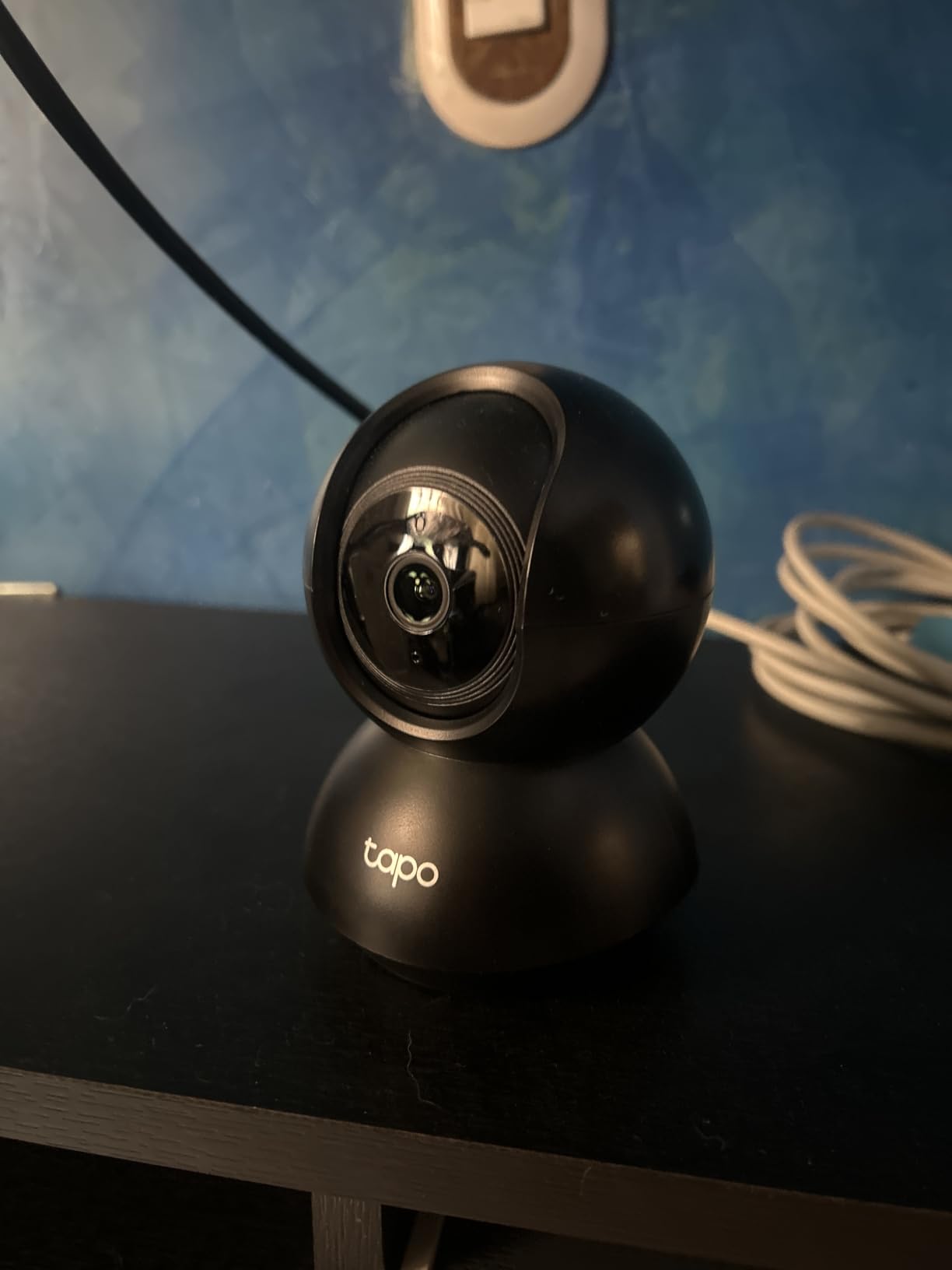
Two cameras, 2K sensors, and a full 360-degree pan in one pack. The Tapo C211 two-pack is a complete local-storage setup for a duplex or a two-room apartment without touching a hub, and at a 4.5-star average across more than 22000 reviews it is one of the most consistent performers we reviewed.
Each unit pans 360 degrees horizontally and tilts 114 degrees vertically, with saveable preset positions, so you can point one at the door and one at the window and jump between them. The 2K resolution is a real step up from 1080p when you are trying to identify someone at the edge of the frame.
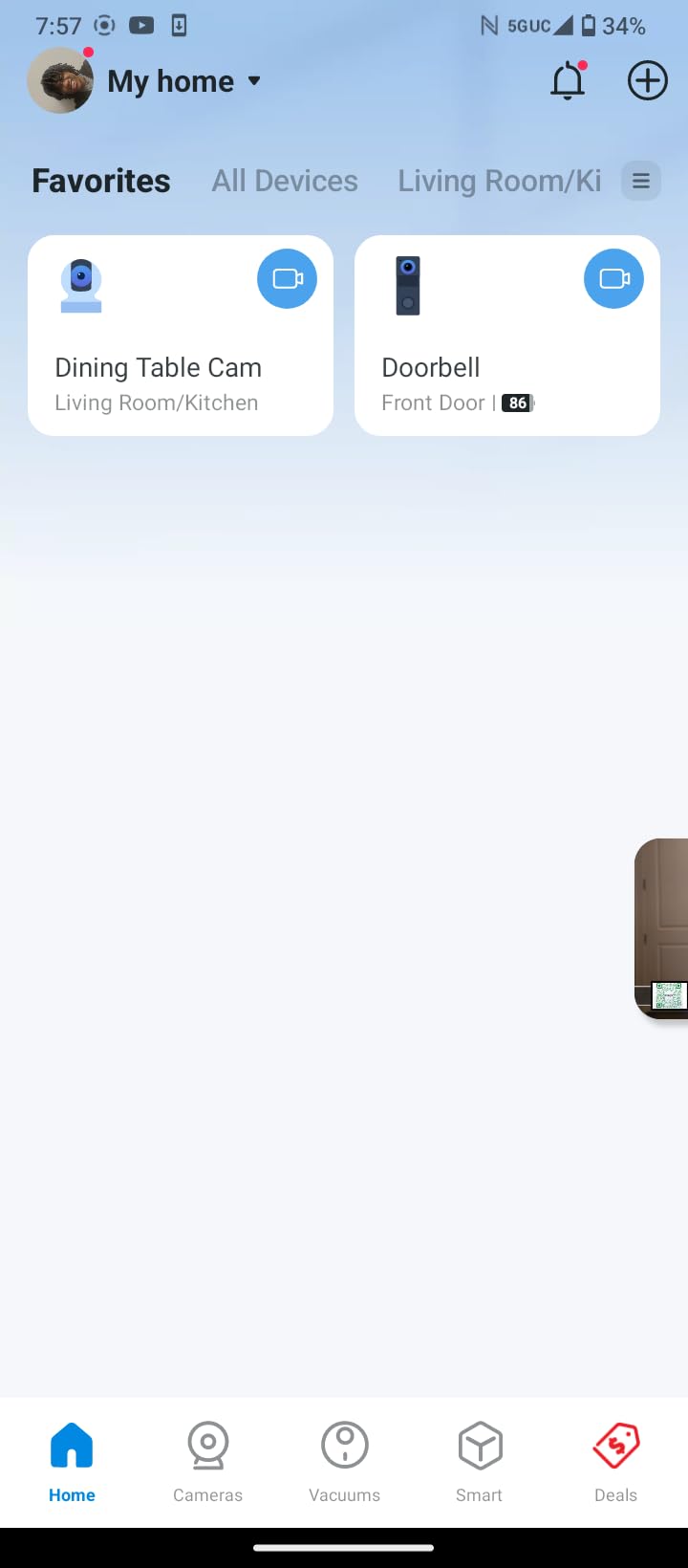
Motion, person and baby-cry detection all work without a subscription, and footage goes to a microSD card up to 512GB in each camera. The app handles both units together, and Alexa and Google Assistant both work for voice commands and live view.
Two things catch people out. The microSD card is not included, so budget for two of them plus a card reader. And both cameras are mains-powered, which means a nearby outlet in each location, and a power cut ends recording on both.
Do you need a hub for a two-camera setup?
No. Two cameras with their own 512GB cards will hold more total footage than a small hub, and each card is independent, so one failing card does not take out both feeds.
A hub only earns its place when you want a single timeline, one login for the household, or storage that is not tied to individual camera bodies.
Where this camera will disappoint you
The 2.4GHz-only radio rules out routers that have disabled the 2.4GHz band, which is increasingly common on newer mesh systems. Check before you buy.
Some owners report that continuous audio monitoring stops when the app is backgrounded on certain setups. If live two-way audio is essential to how you use it, test it early rather than at the moment you need it.
4. Ring Indoor Cam – The One We Would Skip for Local Storage
Ring Indoor Cam (newest model) — Home or business security in 1080p HD video, Black
1080p HD with Color Night Vision,Manual privacy cover over lens and mic,Plug-in power only,Clip playback needs Ring Protect
Pros
- Highest customer rating in this group at 4.7 stars
- Clear 1080p day and night video
- Very quick setup and an easy app
- Physical privacy cover for camera and microphone
- Two-way talk for checking on pets and family
Cons
- No microSD slot so recorded playback needs a paid subscription
- Plug-in power with a fixed view and no pan or tilt
- Motion detection is sensitive out of the box
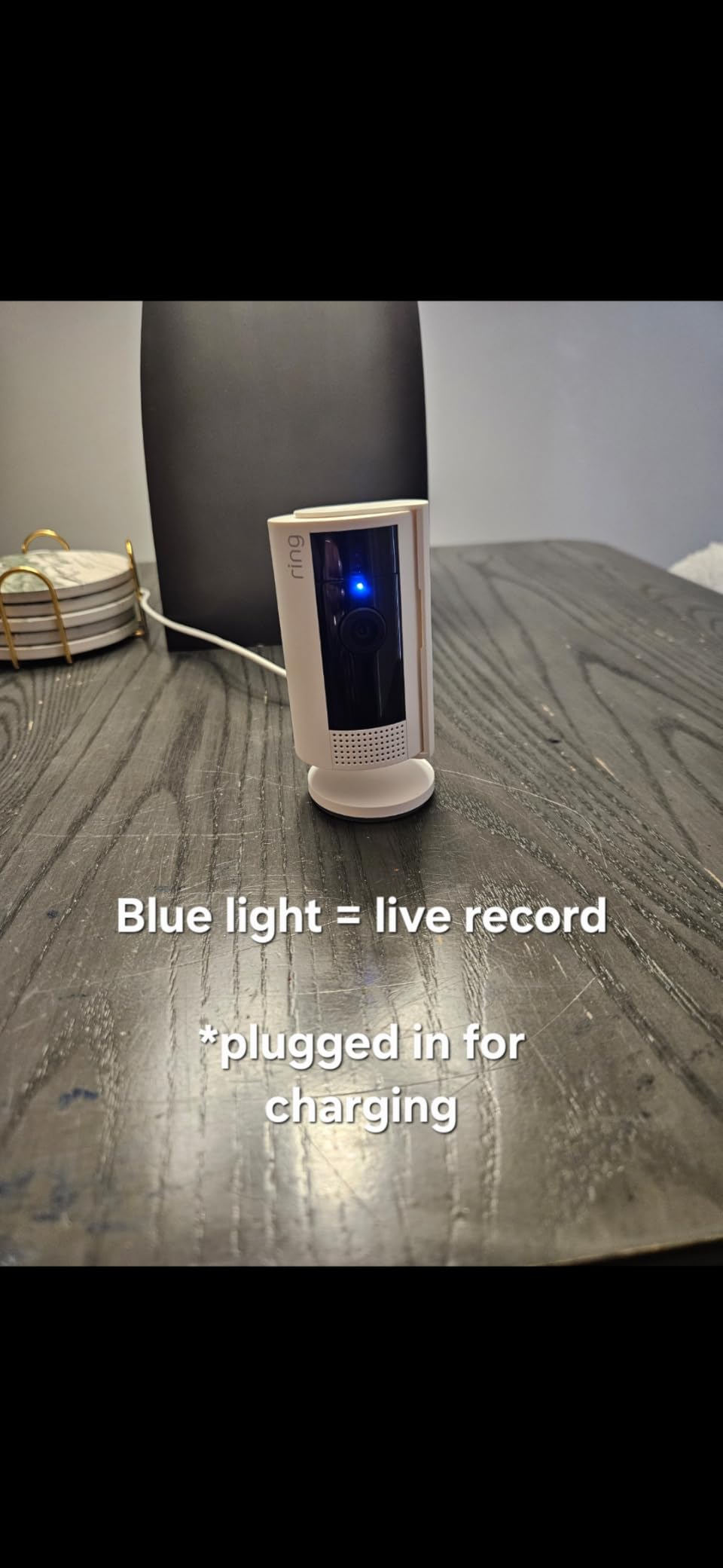
This camera has the highest rating and the largest review base of anything in this guide, which is exactly why we are including it as a skip. It has no microSD slot and no local storage option of any kind. Reviewing recorded footage beyond live view requires a paid Ring Protect plan, so it does not answer the question this article exists to answer.
The hardware itself is good. You get 1080p HD video with color night vision, advanced pre-roll that captures a few seconds before a motion event, configurable coverage areas, and a manual privacy cover that physically blocks both the lens and the microphone. Setup is quick and owners consistently single out the app as one of the easiest to navigate in this class.
We would still note that color night vision on a 1080p sensor, combined with a physical privacy shutter, is a combination none of the local-storage picks here match. If you need a camera that looks good in a dark hallway and you are willing to pay for storage, the trade is defensible. It is simply not this article’s brief.
Motion detection is sensitive out of the box, which is a tuning issue rather than a fault. The fixed view and plug-in-only power are the same limitations as several cheaper picks, so the premium buys the app and the privacy cover, not the camera.
Can the Ring Indoor Cam record to a card at all?
No. There is no microSD slot and no local storage medium in the unit. Live view works without a subscription; anything you want to keep and review later is behind Ring Protect.
If you already own Ring cameras elsewhere in the house, this may be a deliberate ecosystem decision. For anyone shopping specifically for local storage, pick from the other eleven.
Where this camera will disappoint you
It disappoints anyone whose main goal was avoiding a monthly fee. That is a structural feature of the product, not a setting you can change.
It also disappoints anyone who wants to move the camera later. A fixed view plus plug-in-only power means the placement is permanent once the cable route is decided.
5. Wyze Cam v4 2.5K – Best Color Night Vision With Local Storage
WYZE Cam v4 (Latest Model), 2.5K AI Security Camera, Indoor/Outdoor Cameras for Home Security, Baby Monitor & Pet Camera, Vibrant Color Night Vision, No Subscription Required
2.5K QHD at 2560x1440,microSD up to 512GB,IP65 rated from -4F to 113F,Starlight sensor with 72-lumen spotlight
Pros
- 2.5K QHD with a 120-degree field of view
- Starlight sensor plus spotlight for color night vision
- IP65 rated for indoor and outdoor use from -4F to 113F
- On-device AI separates people packages pets and vehicles
- 512GB local microSD with no subscription required
Cons
- 2.4GHz Wi-Fi only and not 5GHz compatible
- Corded power so no battery or solar option
- Cloud features still need the optional Wyze Cam Plus plan
- Plastic build feels cheap to some buyers
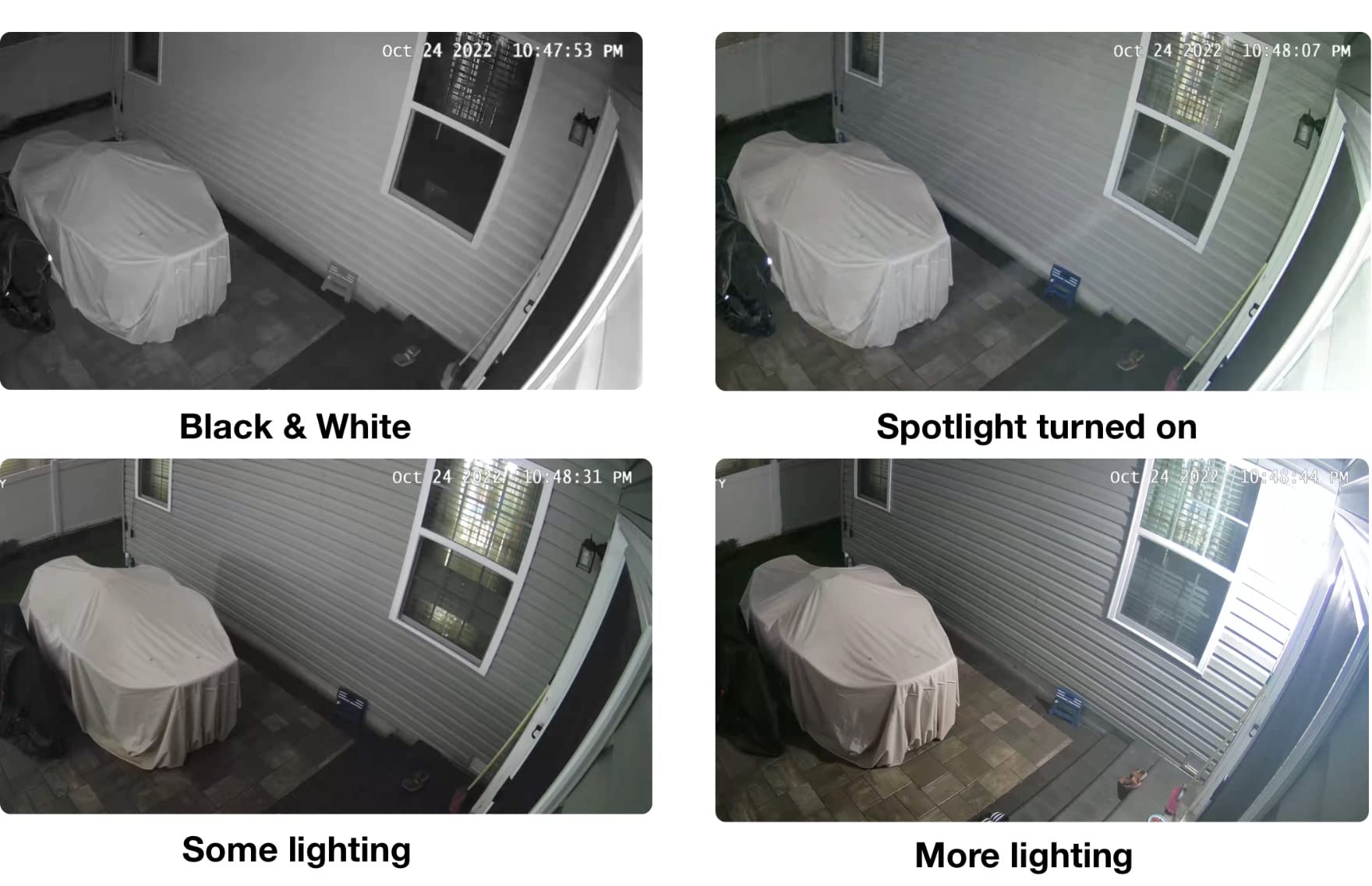
Most cameras switch to monochrome infrared the moment light drops. The Wyze Cam v4 does not, because a starlight sensor plus a 72-lumen motion-activated spotlight lets it hold color through the night. If the footage is going to be used as evidence, color is worth more than another increment of resolution, and this is the pick that delivers it.
Video is 2.5K QHD at 2560 by 1440 and 20 frames per second across a 120-degree field of view. The camera is IP65 rated and rated for -4F to 113F, so the same unit works on a covered porch, in a garage, or in a nursery without a second purchase.
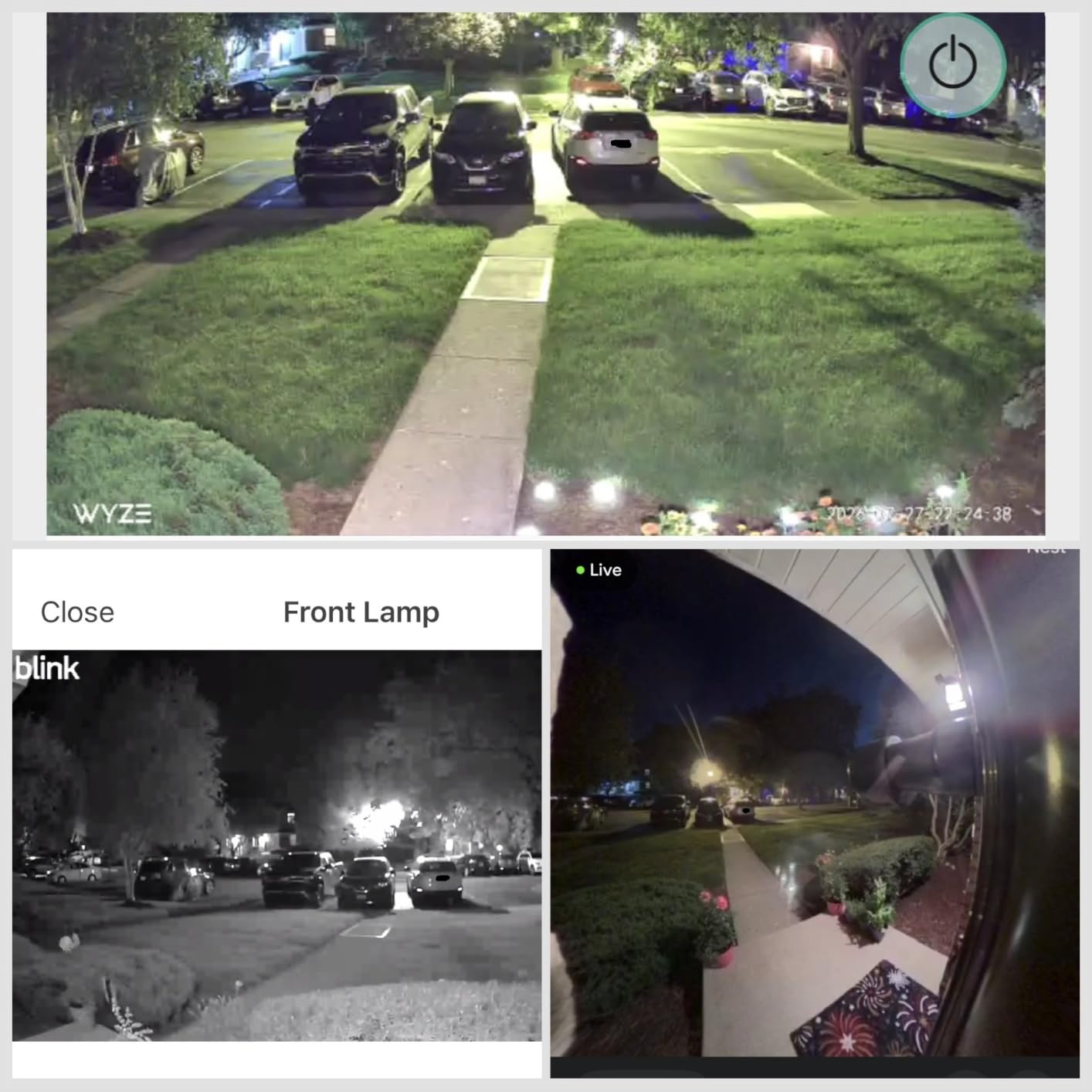
On-device AI separates people, packages, pets and vehicles without a subscription, and the recording itself goes to a microSD card up to 512GB. The optional Wyze Cam Plus plan still exists for cloud storage and extended AI features, but nothing in the core local setup requires it.
Night vision range is listed at 100 feet on infrared, the longest stated range among the single-camera picks here, though the useful color range is naturally much shorter and depends on the spotlight. There is also a 100 dB siren and two-way audio for deterrence, which matters more than most people expect for a driveway camera.
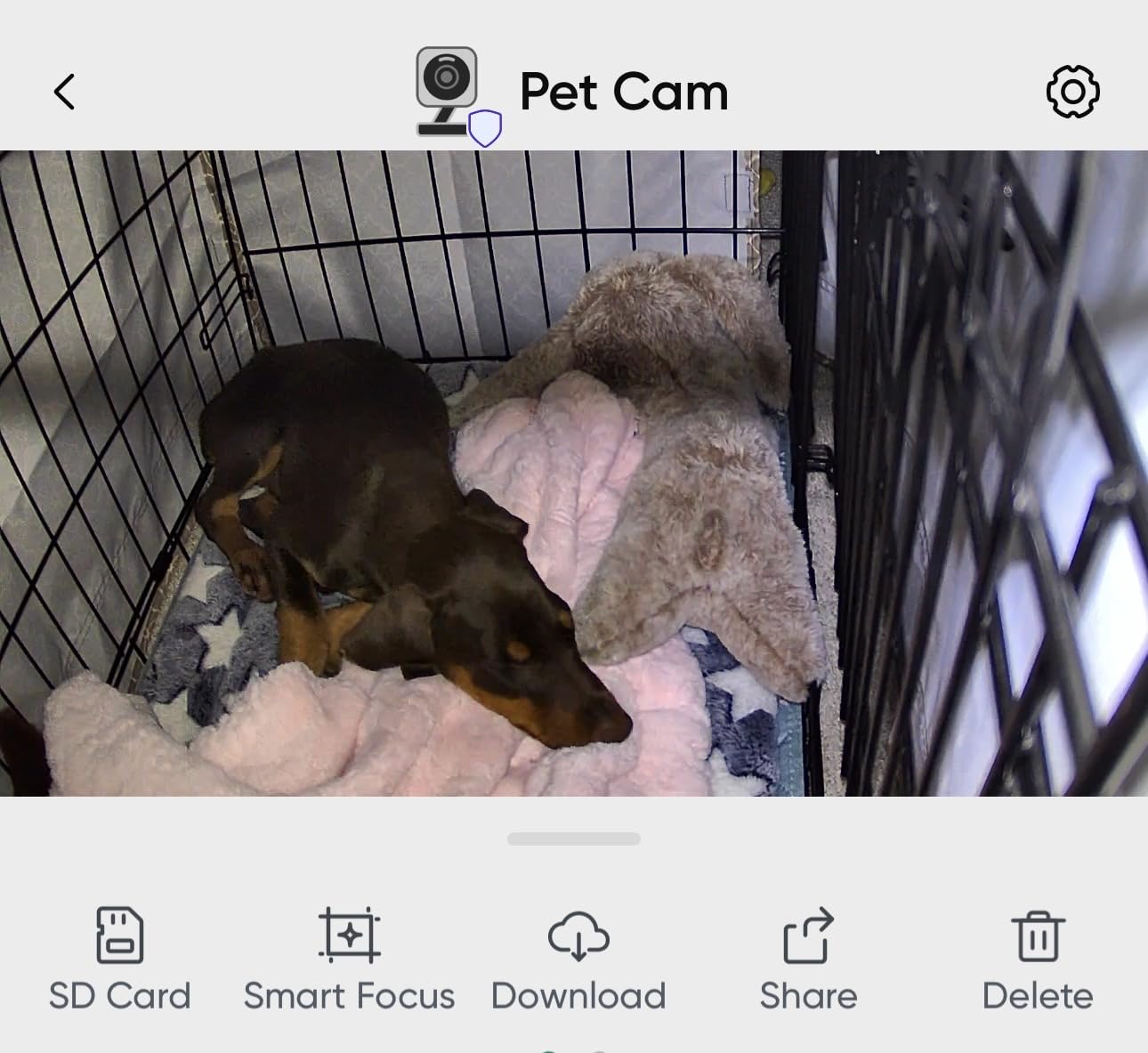
Can a 2.5K camera run 24/7 recording on a card?
Yes, and this is one of the few picks in the guide where that is realistic on a single card. The on-device detection means you can filter events before they consume card space, which is what makes a high-resolution continuous stream survivable.
Expect a 512GB card to be the practical ceiling for length of history, and expect that length to shorten in 24/7 mode compared with motion-only recording.
Where this camera will disappoint you
It will disappoint anyone whose router has 2.4GHz turned off. The unit is 2.4GHz only and not 5GHz compatible, which is a genuine problem on some newer mesh systems.
It is corded, so there is no battery or solar version, and the plastic construction is the first thing reviewers single out. Neither matters for a mounted indoor or covered-outdoor position.
6. ZEEPORTE Solar 2K Pan Tilt Camera – Best Budget Wire-Free Outdoor Pick
Solar Security Cameras Wireless Outdoor, 2K Pan/Tilt 360° View Solar/Battery Powered WiFi Cameras for Home Security with AI Motion Detection, Spotlight, 2-Way Audio, Siren, IP65, SD/Cloud Storage
2K at 2304x1296,5200mAh battery with 2W solar panel,microSD up to 256GB,355-degree pan and 120-degree tilt
Pros
- Affordable solar 2K pan and tilt coverage
- 5200mAh battery plus a 2W panel for wire-free mounting
- AI motion detection with instant app notifications
- microSD up to 256GB plus free 7-day rolling cloud storage
- IP65 with two-way talk and a siren
Cons
- Event recording only with no 24/7 capture or motion tracking
- 2.4GHz Wi-Fi only
- Package recognition and extended cloud memory need a subscription
- Starlight night vision range is a modest 33 feet
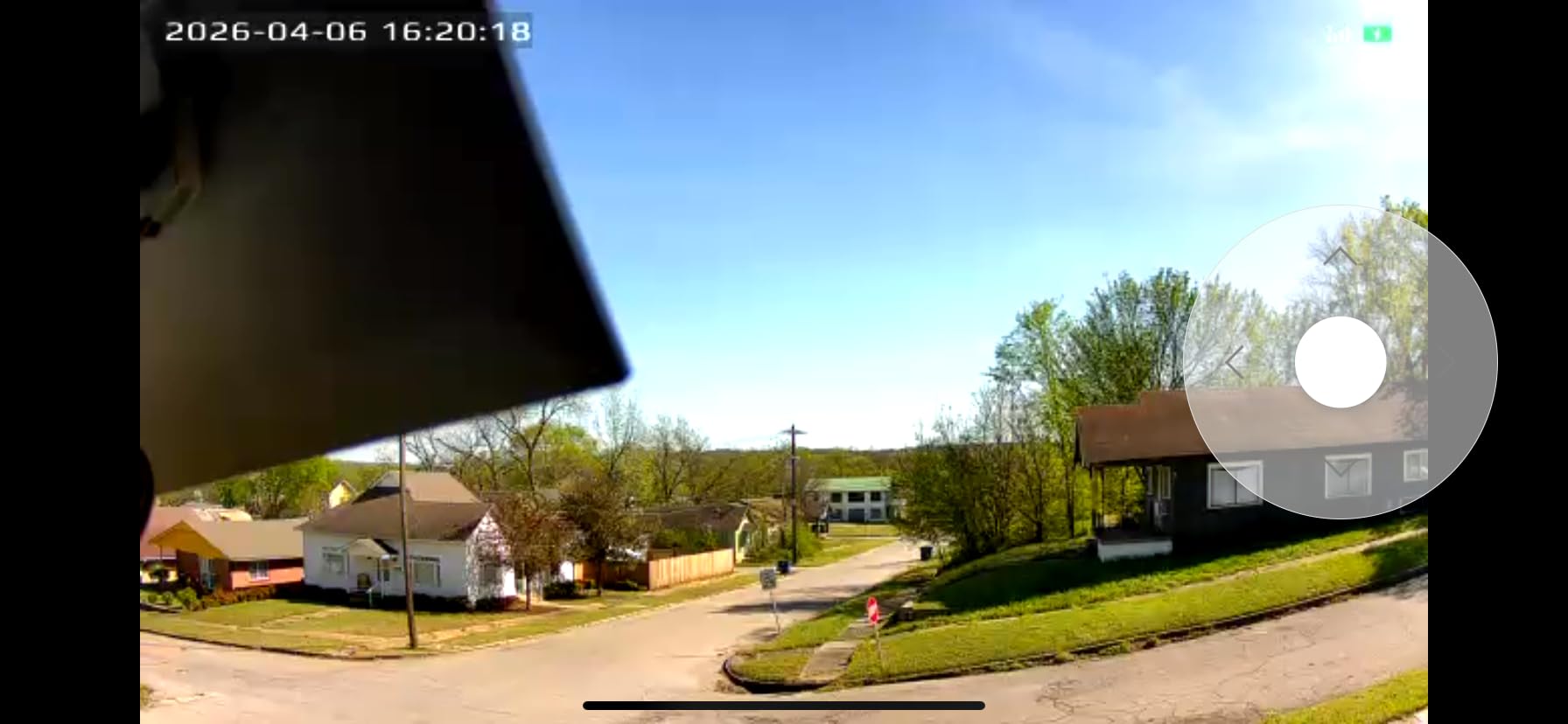
If the constraint is “no wiring, no hub, no subscription, no premium tier,” this camera answers all four. A 2W solar panel charges a 5200mAh battery, the body is IP65, and a microSD card up to 256GB records locally. It mounts with a screw, rotates 355 degrees horizontally and 120 degrees vertically, and needs no cable run.
Video is 2K at 2304 by 1296, with AI detection for people, vehicles and pets, a two-way talk microphone, an audible siren and an LED flash. A free 7-day rolling cloud tier exists for people who want a backup copy without a subscription.
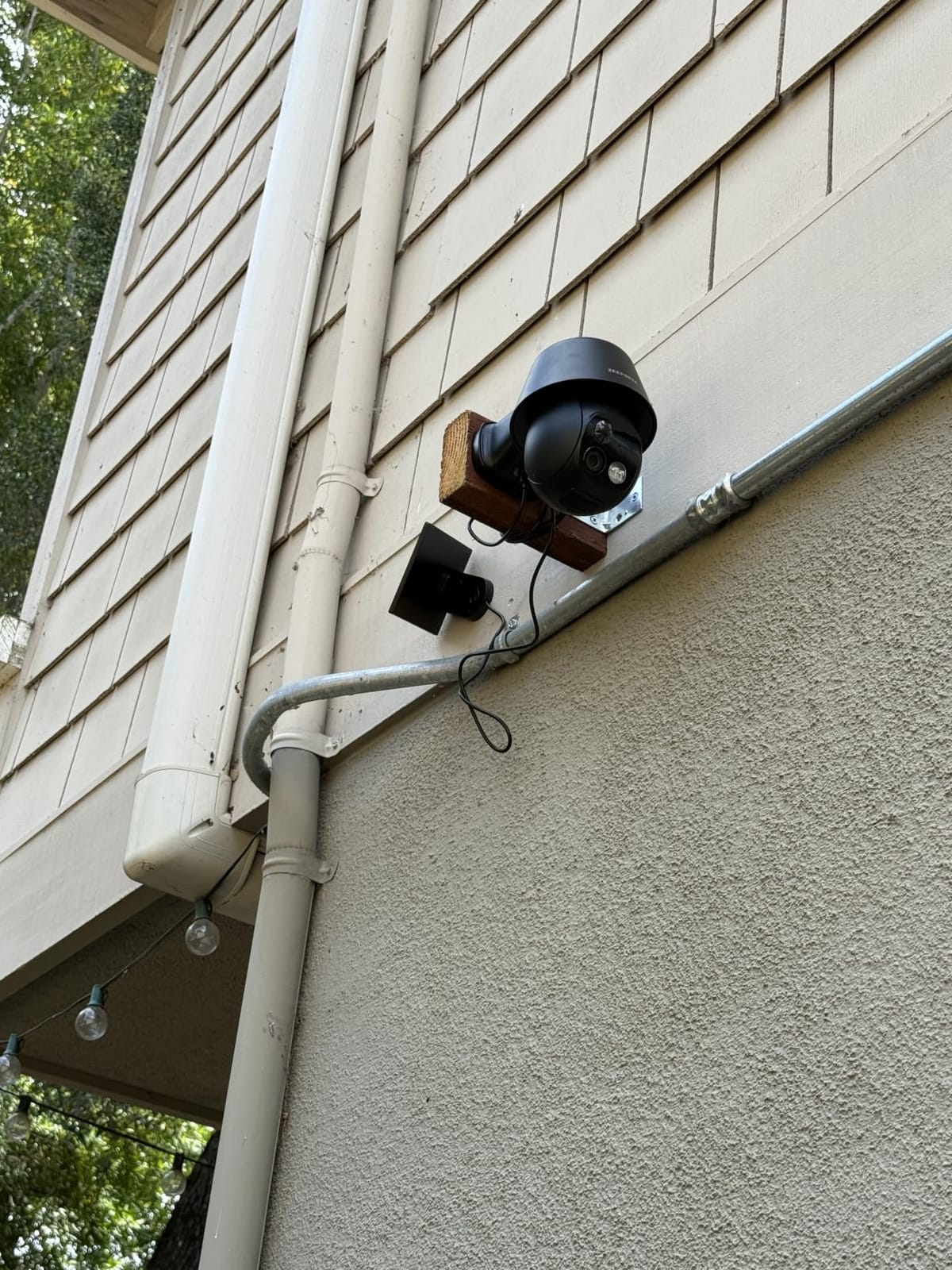
There is one important limitation that changes what this camera is for. It records events only. There is no 24/7 continuous recording and no motion tracking, so if you need a complete record of a window, this is not the tool.
Package recognition is gated behind a subscription, as is extended cloud memory. The core detection classes and the local card are not. Starlight night vision reaches a modest 33 feet, so this is a porch, driveway and yard camera rather than a long-range one.
How long does a 256GB card hold on this camera?
Because it records events rather than a continuous stream, a 256GB card can hold a useful amount of history on a low-traffic spot. The limiting factor becomes how often the camera sees movement, which in a driveway can be several times an hour.
If you need a predictable number of days rather than a rough estimate, a wired 24/7 camera or an NVR kit will serve you better.
Where this camera will disappoint you
Anyone who wants complete coverage will be disappointed by the absence of continuous recording. Event-only capture means the camera can miss the start of something.
It is 2.4GHz only, and at 0.88 kg it is also one of the heavier single units here for a screw-in outdoor mount, which matters on a soft soffit or a thin fascia board.
7. Tapo MagCam C425 2K+ – Best Backyard and Driveway Camera
Tapo MagCam 2K+ Security Camera Wireless Outdoor, Battery Powered, C425
2K QHD with a 142-degree field of view,10000mAh battery rated up to 300 days,microSD up to 512GB,IP66 with starlight color night vision
Pros
- Magnetic base makes install and repositioning quick
- 2K QHD with license-plate detail and a 142-degree field of view
- 10000mAh battery for long intervals between charges
- Free person vehicle and pet detection with no subscription
- Full-color starlight night vision with built-in spotlight
Cons
- Battery cameras lag a few seconds behind real time and cannot record continuously
- No pre-roll so events are captured only after motion
- Battery is not user-replaceable
- Some owners hit Wi-Fi reconnection and pet-detection issues
The C425 is the outdoor pick for people who care about identification. A 142-degree field of view at 2K QHD is wide enough to cover a driveway or a back patio while still holding license-plate detail, and the built-in spotlight drives full-color night vision rather than the usual infrared black and white.
Local recording goes to a microSD card up to 512GB with no subscription attached, and person, vehicle, pet and sound detection are all included at no cost. The IP66 rating covers the weather conditions that matter outdoors, and a 10000mAh battery is rated for up to 300 days per charge.
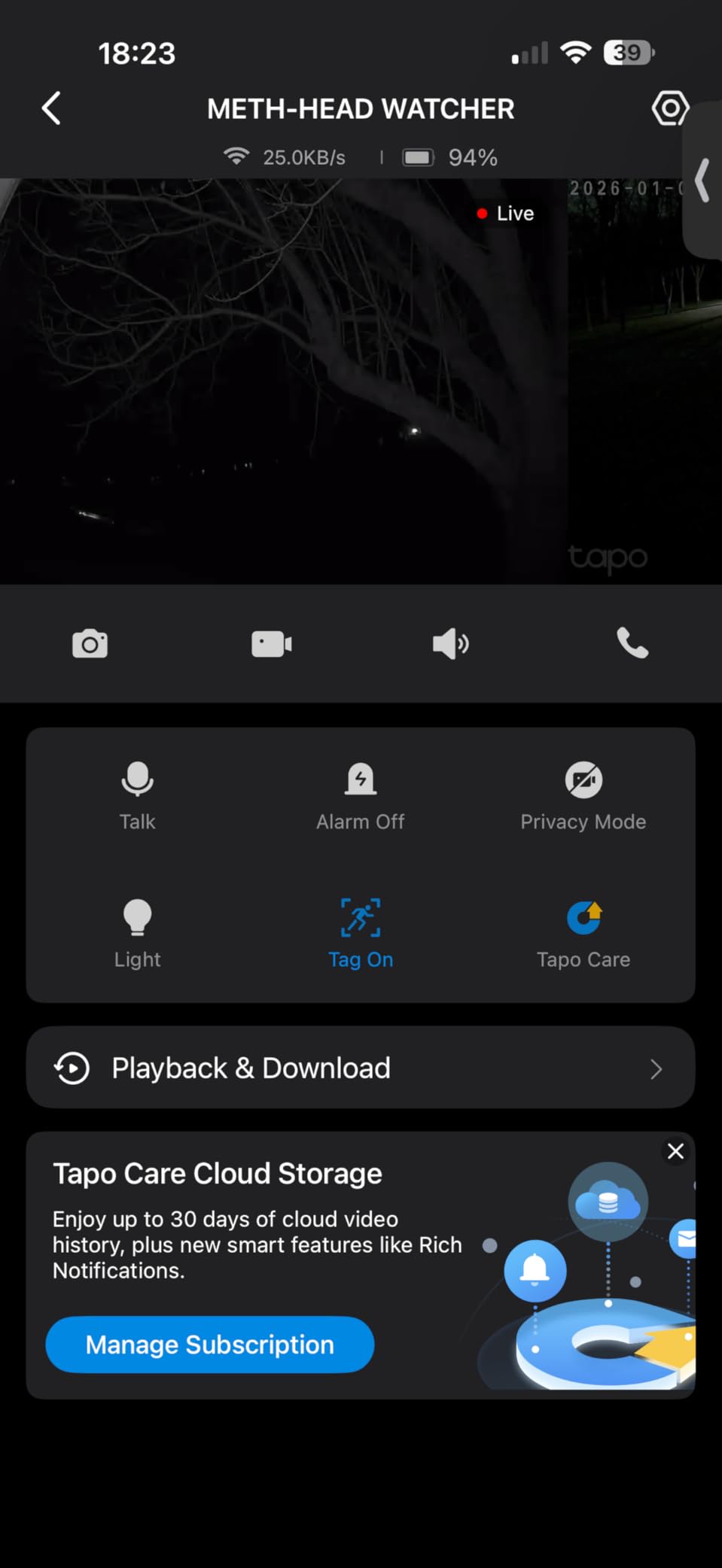
The magnetic base is the detail owners mention most. Installation takes minutes, and repositioning after a few weeks of testing coverage is trivial, which is not true of screw-fixed competitors. An optional Tapo A200 solar panel is sold separately for locations that get regular sun.
Being a battery camera brings the usual trade-offs. It lags a few seconds behind real time, it cannot record continuously, and there is no pre-roll, so an event is only captured after motion is detected. The battery is also not user-replaceable, which is the point at which a 300-day claim stops being as comforting as it sounds.
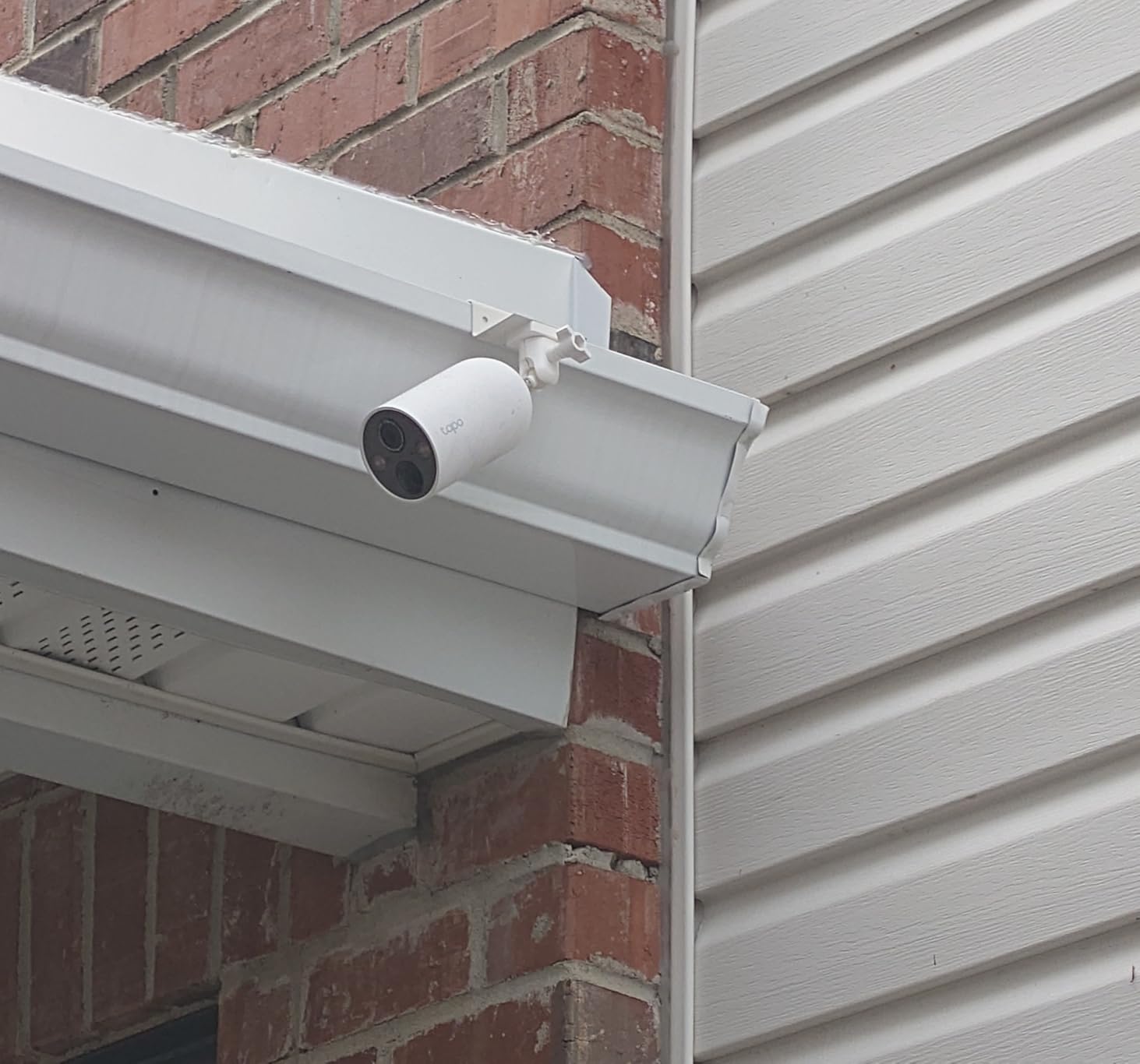
Should you buy the solar panel add-on?
If the camera faces open sky with regular direct sun, yes. The battery is not user-replaceable, so a panel is the only way to avoid recurring service visits on a high or hard-to-reach mount.
If the camera sits under a deep eave or in partial shade, plan on manual charges instead. A panel that never reaches full output is worse than no panel, because it creates the impression of maintenance you are not actually getting.
Where this camera will disappoint you
It will disappoint anyone who needs a guaranteed record rather than a best-effort one. The delay, the missing pre-roll and the lack of continuous recording are inherent to battery operation, not firmware gaps.
A small share of owners also report Wi-Fi reconnection problems and pet-detection misses. The detection itself is free, which is rare in this class, so the reliability is worth testing before you rely on it.
8. eufyCam S350 4K Dual Lens – Best 4K Indoor Camera With Local Storage
eufy Security 4K Indoor Cam S350, No Subscription, Dual Cameras, 8× Zoom
Dual 4K wide and 2K telephoto lenses,8x hybrid zoom,Local microSD with no subscription,Night vision to 32 feet
Pros
- Dual lenses show the whole room and close detail at once
- Accurate auto-tracking with tap-to-center and presets
- Local microSD storage with no subscription
- Strong night vision that stays usable in the dark
- Dual-band 2.4GHz and 5GHz Wi-Fi support
Cons
- Priced well above comparable single-lens indoor cameras
- SD card slot is awkward to reach until the lens tilts up
- Some owners report recurring card reformat and firmware recognition issues
- No HomeKit support and HomeBase 3 pairing can be slow
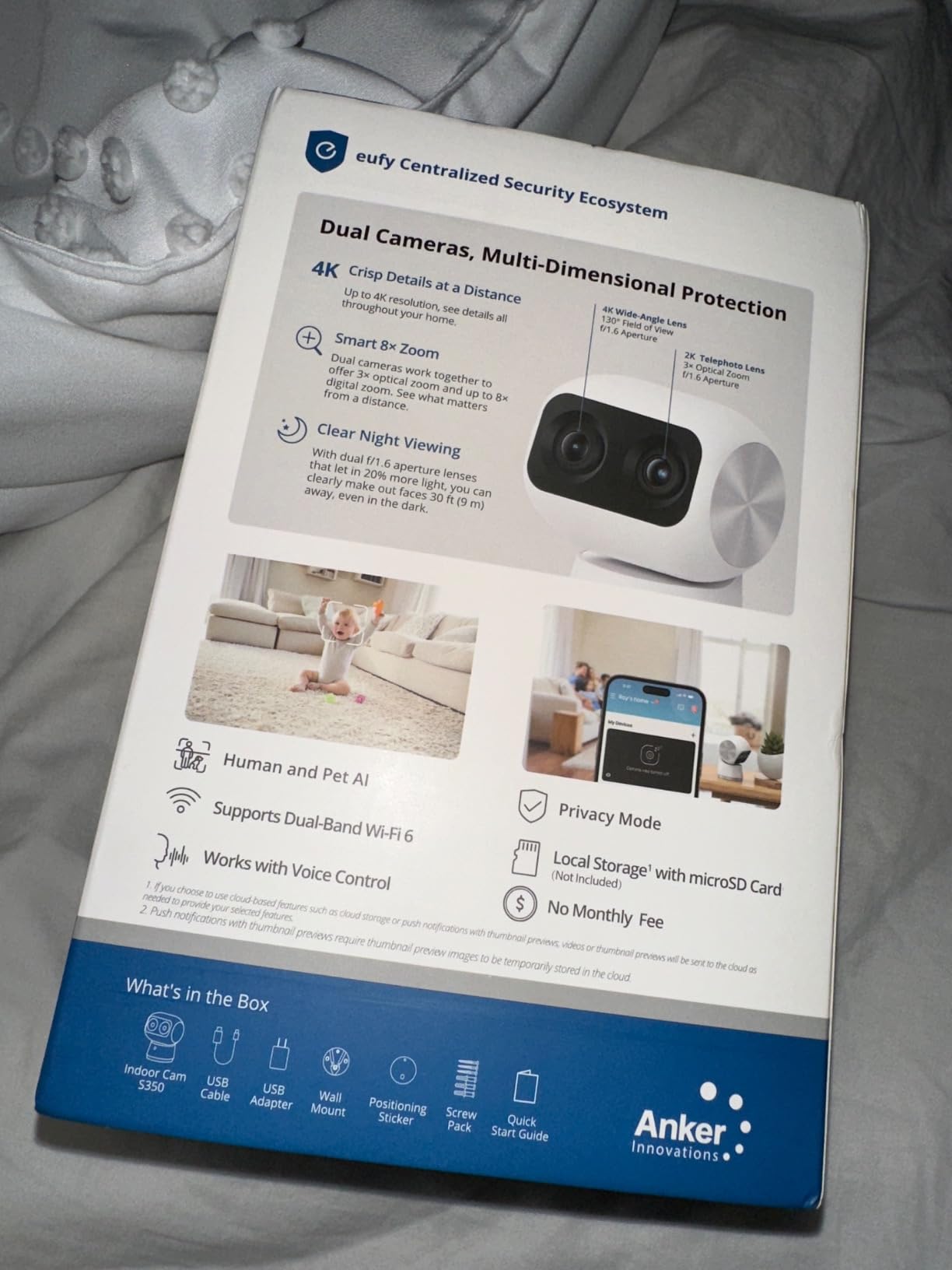
The S350 solves the problem every indoor camera has: one lens cannot be both wide and close. It carries a 4K wide-angle lens and a 2K telephoto lens at the same time, and the app shows both feeds on one screen, so you keep the room in view while still being able to zoom 8x into a face, a document or a package.
Auto-tracking with tap-to-center and saved auto-zoom presets is the feature owners highlight, and at 30 frames per second the motion is smooth rather than stuttering. Night vision reaches 32 feet, and unlike several picks here it supports both 2.4GHz and 5GHz Wi-Fi.
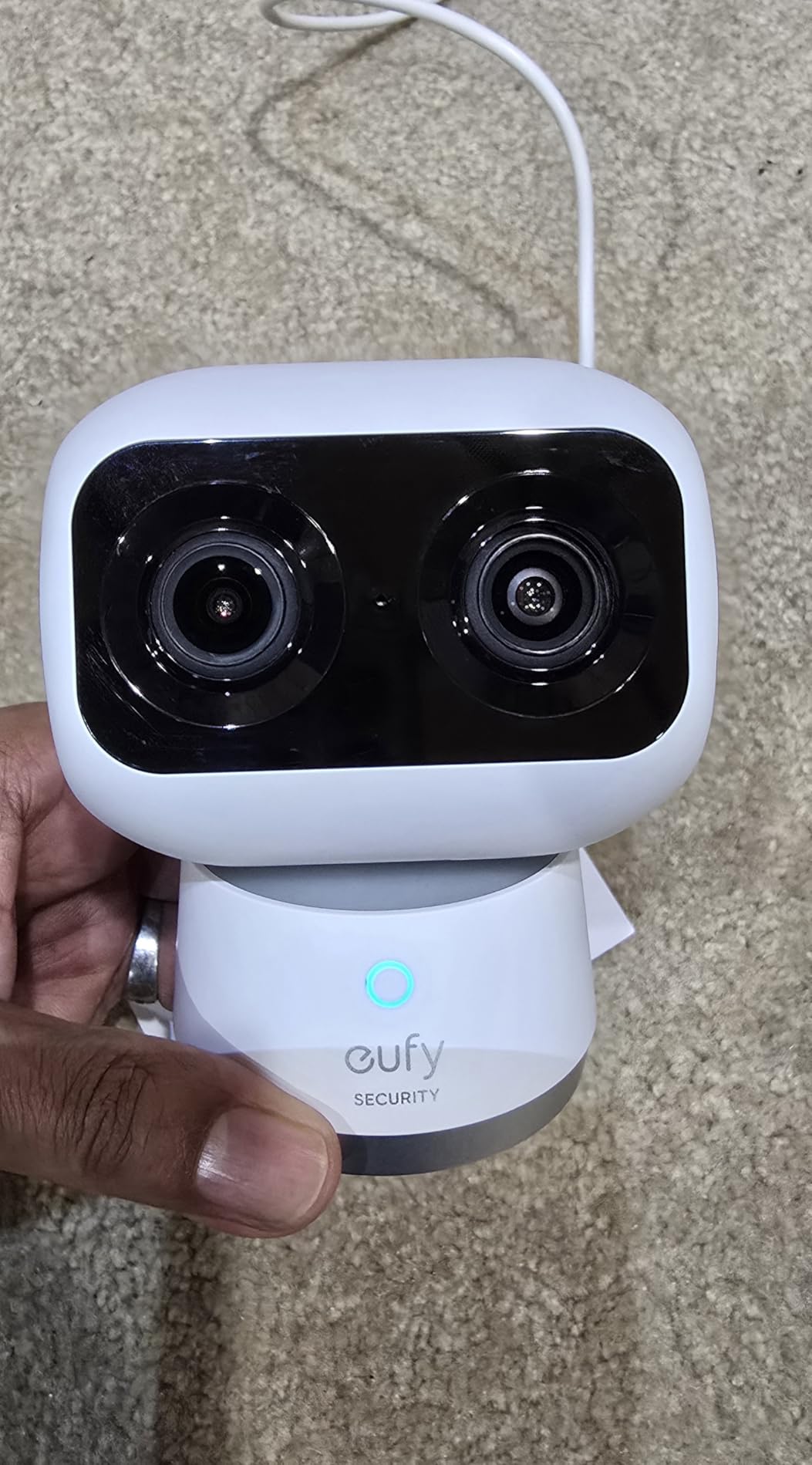
Storage is local microSD with no subscription, and the camera also works with a HomeBase 3 hub for whole-home setups. It does not work with HomeBase 2, and HomeKit is not supported, which narrows the smart-home options compared with the price suggests.
The most important caveat in owner reviews is firmware related. A recurring group of reports describes SD cards being reformatted and stored video being wiped after a firmware update, and the card slot itself sits in an awkward spot that requires tilting the lens up to reach. Back up anything you care about.
Is the dual-lens design worth the premium?
It depends on the room. In an open-plan living space, a hallway, or anywhere you need both context and detail, having two lenses at once is a genuine step up and removes the usual trade between a wide view and a zoomed one.
In a small bedroom, a single 2K pan-tilt camera covers the same ground for far less money. Judge it by the size of the space, not by the specification list.
Where this camera will disappoint you
HomeKit users will be disappointed, and anyone building a mixed-ecosystem smart home will find the hub pairing slow the first time. The camera does its job well inside the eufy app.
Owners who treat SD storage as an archive will be disappointed by the reformat reports. Treat the card as a rolling buffer and copy anything important off it.
9. Reolink E1 Outdoor Pro 4K PTZ – Best Local Storage Pick With Real Optical Zoom
REOLINK E1 Outdoor Pro 4K PTZ Outdoor Security Camera WiFi Plug-in Power
4K with 3x optical zoom,355-degree pan and 50-degree tilt,microSD up to 512GB or NVR or Home Hub,IP65 with a 2-year warranty
Pros
- Real 3x optical zoom on a PTZ camera
- Wi-Fi 6 with dual-band 2.4GHz and 5GHz support
- No-subscription local storage via microSD NVR or Home Hub
- 355-degree pan and 50-degree tilt with auto-tracking
- IP65 weatherproofing and a 2-year warranty
Cons
- Rubber SD card cover sits on the ball and can snag during panning
- PTZ motor uses plastic gearing which some buyers see as a longevity risk
- Bitrate tops out around 5 Mbps
- Reolink app is inconsistent across Windows phone and tablet
Most pan-tilt cameras at this level use digital zoom, which crops pixels and looks soft the moment you magnify. The E1 Outdoor Pro has a genuine 3x optical zoom, so you can point at a gate, a path or a driveway and pull detail without losing sharpness. That is a hardware difference no app setting can replace.
It records 4K at 8 megapixels effective resolution, pans 355 degrees and tilts 50 degrees, and tracks people, vehicles and animals automatically. Local storage runs to a microSD card up to 512GB, a Reolink NVR, or a Home Hub, with no subscription on any of them.

This is also the only pick here combining 4K with dual-band Wi-Fi 6 on 2.4GHz and 5GHz, and it carries a 2-year warranty rather than the single year common in this class. Reolink’s customer support is praised repeatedly in reviews, which matters when a camera lives outside.
Two design details are worth knowing before installation. The rubber SD card cover sits on the articulating ball and can catch while panning, and the PTZ motor uses plastic gearing, which some buyers see as a longevity risk on a unit designed to move. Mount it upside down outdoors for better waterproofing, as the manufacturer instructs.
Is a PTZ camera better than a fixed one outdoors?
For a wide yard, gate, or driveway, yes, because one unit replaces two fixed cameras and the tracking keeps the subject in frame without a second install.
For a fixed sightline like a door or a window, a fixed camera is simpler, cheaper to run, and has no moving parts to wear out. Use PTZ where the area is wide.
Where this camera will disappoint you
Anyone expecting 4K sharpness will be disappointed by the roughly 5 Mbps bitrate ceiling. The sensor and the optical zoom are the strengths here, not the streaming quality.
Multi-device households will find the app experience uneven, with owners reporting differences between the Windows client, the Android phone app and the tablet app. Test the platform you actually use.
10. eufyCam 3 S330 Solar Add-On Camera – Best Solar Power With Built-In Storage
eufy Security eufyCam S330 (eufyCam 3), Add-On Camera, 4K Solar
4K Starlight sensor,Integrated solar panel,16GB built-in storage expandable to 16TB,IP65 metal housing
Pros
- Integrated solar panel gives genuinely long-lasting outdoor power
- 4K Starlight night vision holds up in low light
- 16GB built-in local storage expandable to 16TB with no monthly fee
- Advanced encryption keeps footage on-device
- BionicMind AI facial recognition tells family from strangers
Cons
- Add-on unit so it needs an existing eufyCam 3 base system
- Expansion hard drive sold separately
- Needs about 2 hours of direct daily sunlight to stay powered
- Motion-only alerts with no person or vehicle classification
The S330 is the pick for anyone who wants a camera with storage built in rather than a card slot. It carries 16GB of internal flash storage and accepts a portable hard drive for expansion up to 16TB, so footage never passes through a vendor server. There is no monthly fee at any storage size.
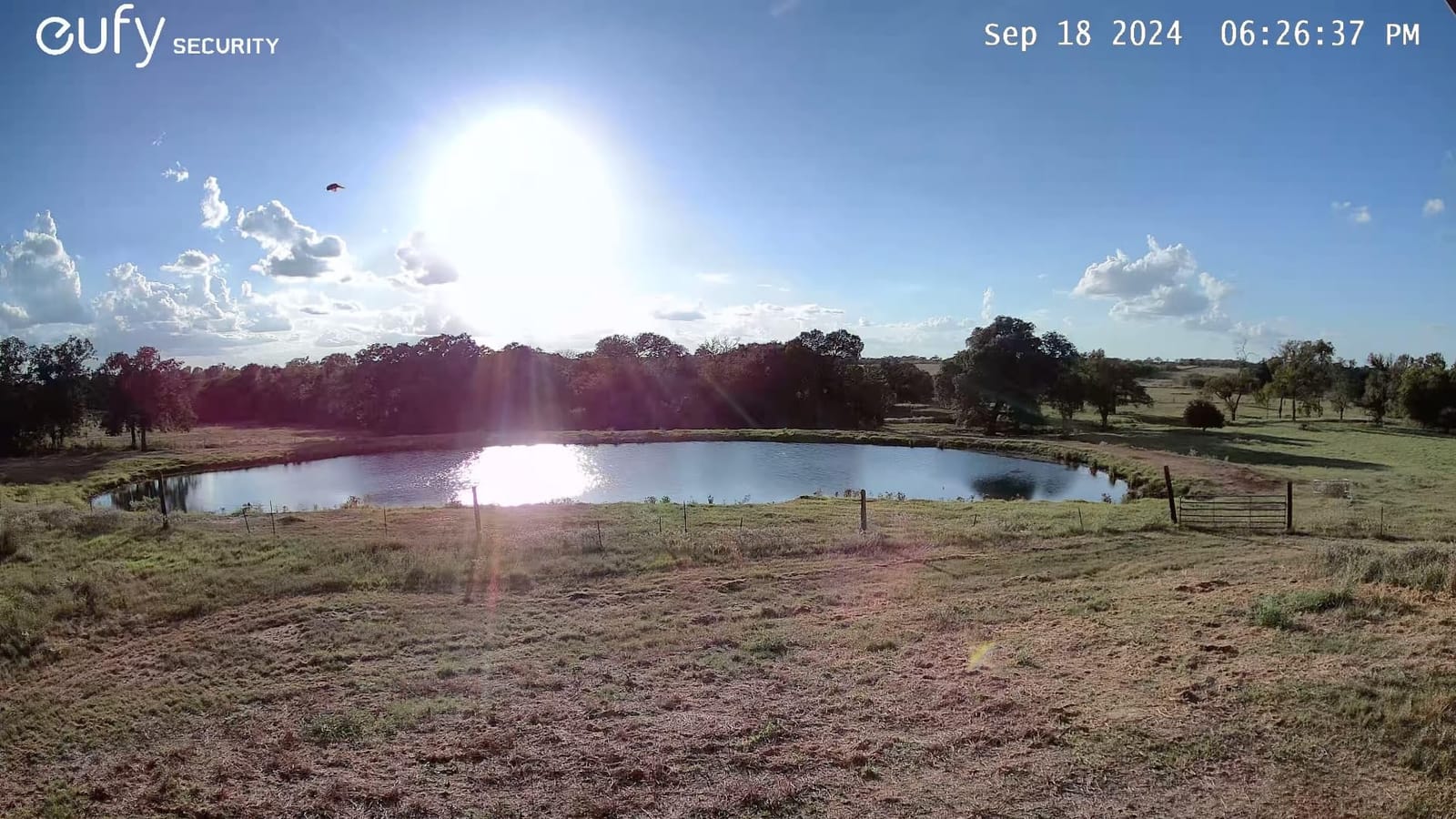
The 4K sensor uses a starlight photosensitive sensor for low-light color, and the integrated solar panel is designed for roughly two hours of direct sunlight per day. The housing is metal and IP65 rated, and BionicMind AI can distinguish familiar faces from strangers.
There is a structural condition on this listing: it is an add-on camera for an existing eufyCam 3 system. It is a strong expansion unit for a household that already runs that base, and a poor standalone purchase. The expansion drive is sold separately.
Alert type is motion only, with no person or vehicle classification, so every movement in frame generates a notification. That is fine on a quiet back garden and noisy on a street-facing wall, and it is the one place where this camera is behind the Tapo and Reolink picks.
Is built-in storage better than a microSD card?
For capacity and privacy, yes. A 16TB ceiling on local expansion is far beyond any single card, and the footage never touches a removable device that can be lost or stolen.
For flexibility, no. A card is cheap to replace and easy to move between cameras, while this unit is tied to the eufyCam 3 system and the drive that expands it.
Where this camera will disappoint you
It will disappoint anyone buying it as a first camera. Without an existing eufyCam 3 base system, this is not a standalone purchase.
It will also disappoint anyone mounting it somewhere that does not get two hours of direct sun daily. The solar panel is the power source, so shade turns a maintenance-free camera into a camera you have to check.
11. Gianteye 2K Solar 4-Pack – Best Whole-Home Coverage in One Purchase
2K Security Camera System, 5GHz&2.4GHz WiFi Solar Wireless Cameras for Home Security, Wire-free Installation, AI Detection, Two-way Audio, Mobile alerts, SD/Cloud Storage, Color Night Vision, 4 Packs
Four 2K solar cameras,microSD recording with no forced subscription,328 foot starlight night vision,IP65 with a 2-year warranty
Pros
- Four-camera pack covers a lot of ground in one purchase
- Dual-band 2.4GHz and 5GHz Wi-Fi
- Detachable solar panel plus backup battery for cloudy days
- 360-degree pan tilt and zoom from the app
- Local microSD recording with no forced cloud subscription
Cons
- 2K resolution trails the 4K options in this set
- Human detection only with no vehicle or package classification
- No person tracking and the card is not included
Four cameras, four solar panels, four mounting brackets, and a 2-year manufacturer warranty in a single box. For a house with a front door, a driveway, a back garden and a garage, this is the simplest way to get wire-free local recording everywhere at once without a hub.
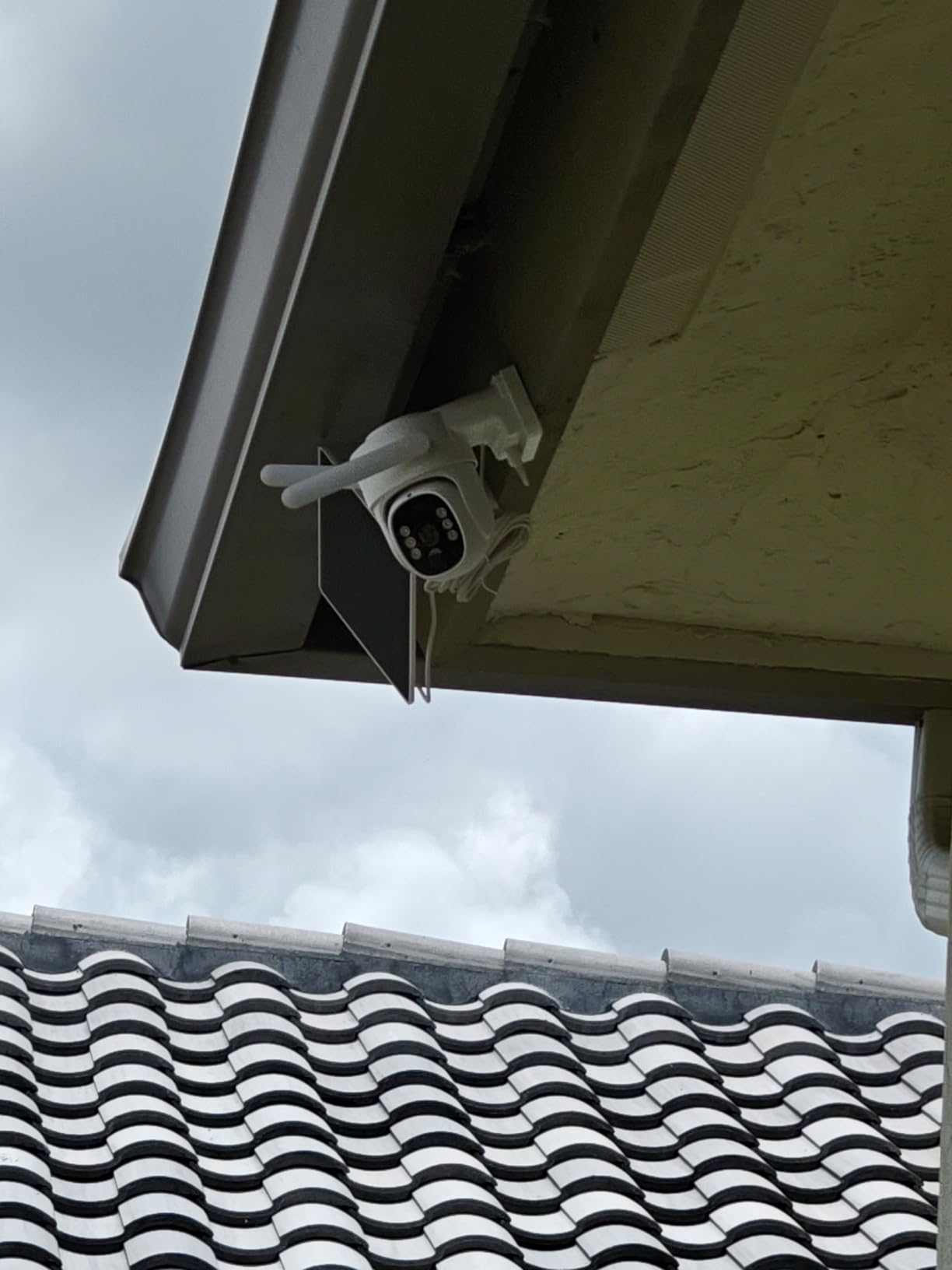
Each unit records 2K with color night vision from a smart spotlight, a listed starlight night vision range of 328 feet, 360-degree pan, tilt and zoom, and IP65 weather resistance. Dual-band 2.4GHz and 5GHz Wi-Fi on every camera is unusual in a solar pack and avoids the 2.4GHz bottleneck that constrains several other picks here.
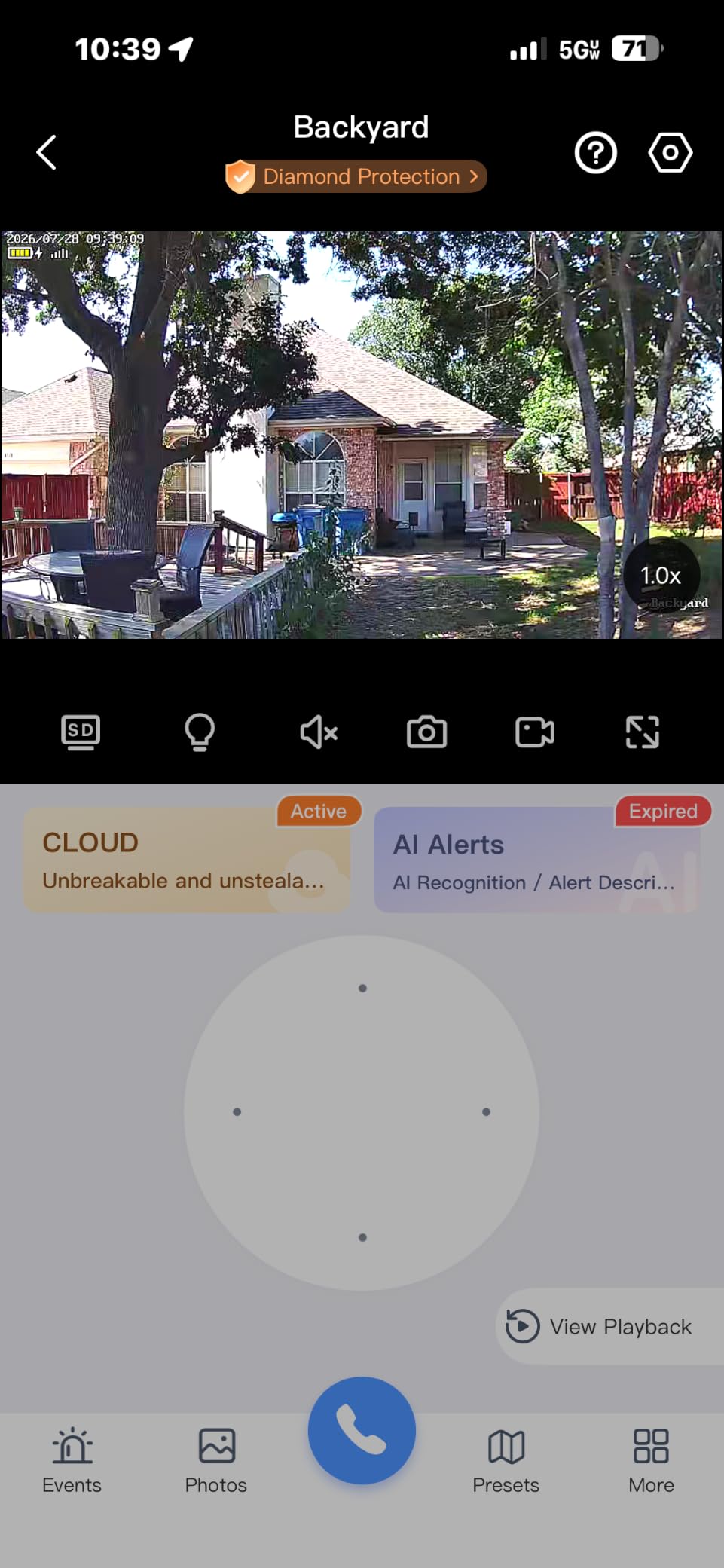
The detachable solar panel plus a backup battery is the smart part. The panel can be repositioned to catch better sun without moving the camera, and the battery covers the cloudy stretches that would otherwise end recording.
Detection is human-only, with no vehicle or package classification, and there is no person tracking, so the camera stays pointed where you aimed it. The microSD card is not included for any of the four. Owners also report the app and SmartThings integration needing work, so budget time for setup.
Is four cameras too many to manage without a hub?
No, as long as each camera has its own card. Four independent cards give you more total storage and more redundancy than a single hub drive, because one failing card costs you one feed instead of four.
The trade is that you review footage camera by camera in the app rather than on one combined timeline. That is a workflow difference, not a capability gap.
Where this camera will disappoint you
Anyone who needs to identify a vehicle or a package will be disappointed by human-only detection at any resolution. The 2K sensor is also a step below the 4K picks in this list for fine detail.
Anyone hoping for smart-home integration will be disappointed too. It works with Alexa, but the app and SmartThings experience is the most common source of complaints in reviews.
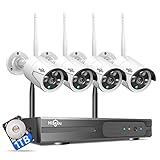
12. Hiseeu 4K NVR 4-Camera Kit – Best for Genuine 24/7 Recording
Hiseeu [24/7 Recording Home Security Camera System, No Subscription, 4K NVR with 4pcs 3MP Corded Plug-in Powered Outdoor Bullet Cameras, 2.4G/5G Wireless WiFi Connection, 1TB HDD, Night Vision, IP66
4K NVR with a 1TB drive pre-installed,Four 3MP IP66 bullet cameras,H.265+ encoding,About 45 days of 24/7 recording
Pros
- 1TB drive pre-installed for about 45 days of 24/7 footage with no monthly fee
- Four cameras plus a 4K NVR in one box expandable to 16 channels
- H.265+ encoding keeps bandwidth low on poor connections
- Works locally with optional remote app viewing
- IP66 cameras rated from -13F to 122F
Cons
- Cameras are 3MP while the NVR is 4K so recording resolution is capped
- One-way audio only with no two-way talk
- Fixed bullet cameras with no pan or tilt
- No ball-joint mounts so aiming is fiddly
- The NVR interface is less intuitive than cloud apps
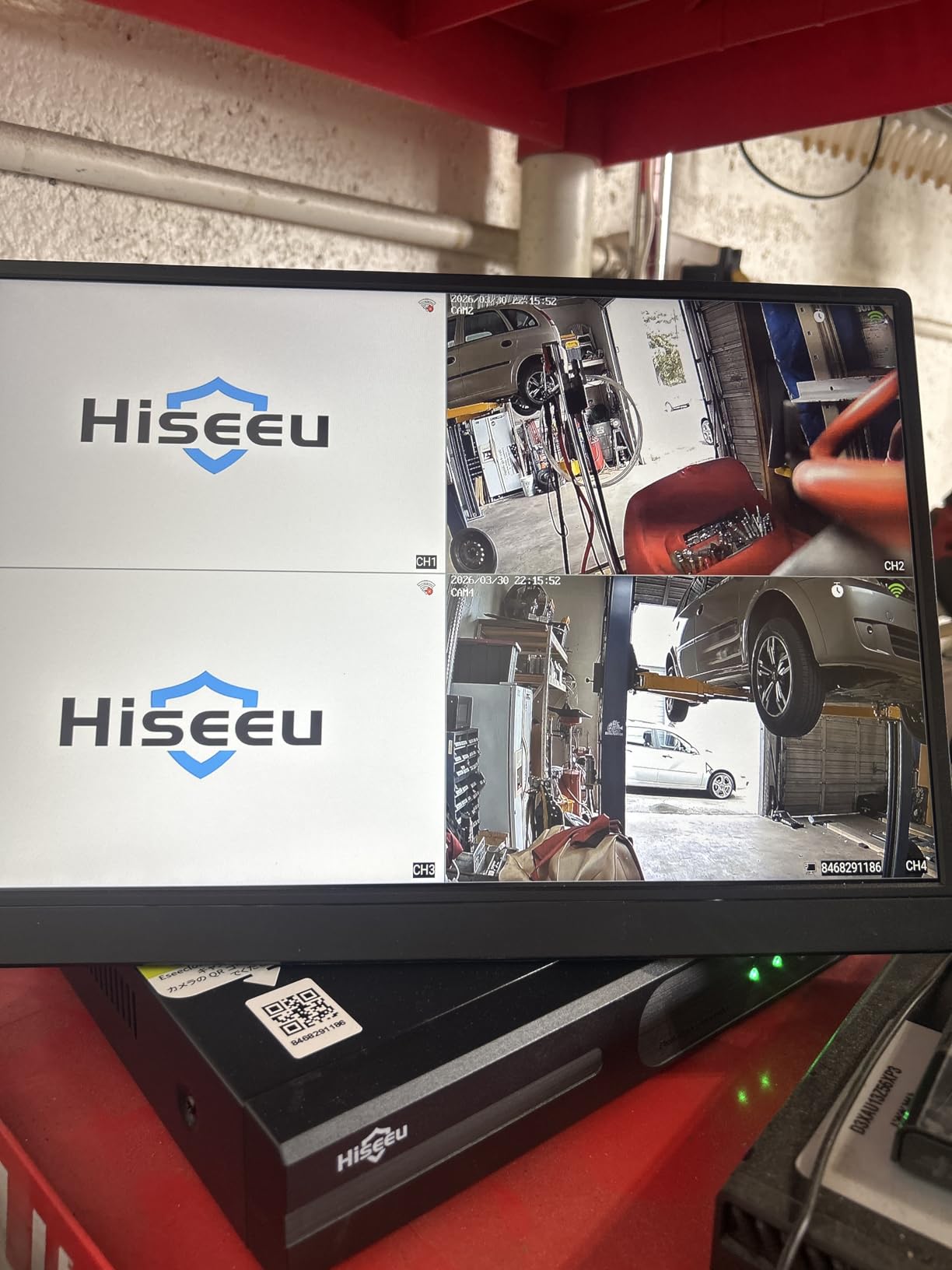
If your requirement is a complete, unbroken record, this is the only pick in the guide that delivers it without caveats. The NVR comes with a 1TB hard drive already installed, and the manufacturer rates that at roughly 45 days of 24/7 continuous recording across four cameras, with no monthly fee attached to any of it.
The NVR itself is 4K and expandable to 16 channels, with H.265+ encoding that the manufacturer rates at about 50 percent bandwidth reduction versus H.264. That matters in real terms: it is what allows remote viewing over a weak connection. Recording modes include 24/7 continuous, motion-triggered, or custom schedules.
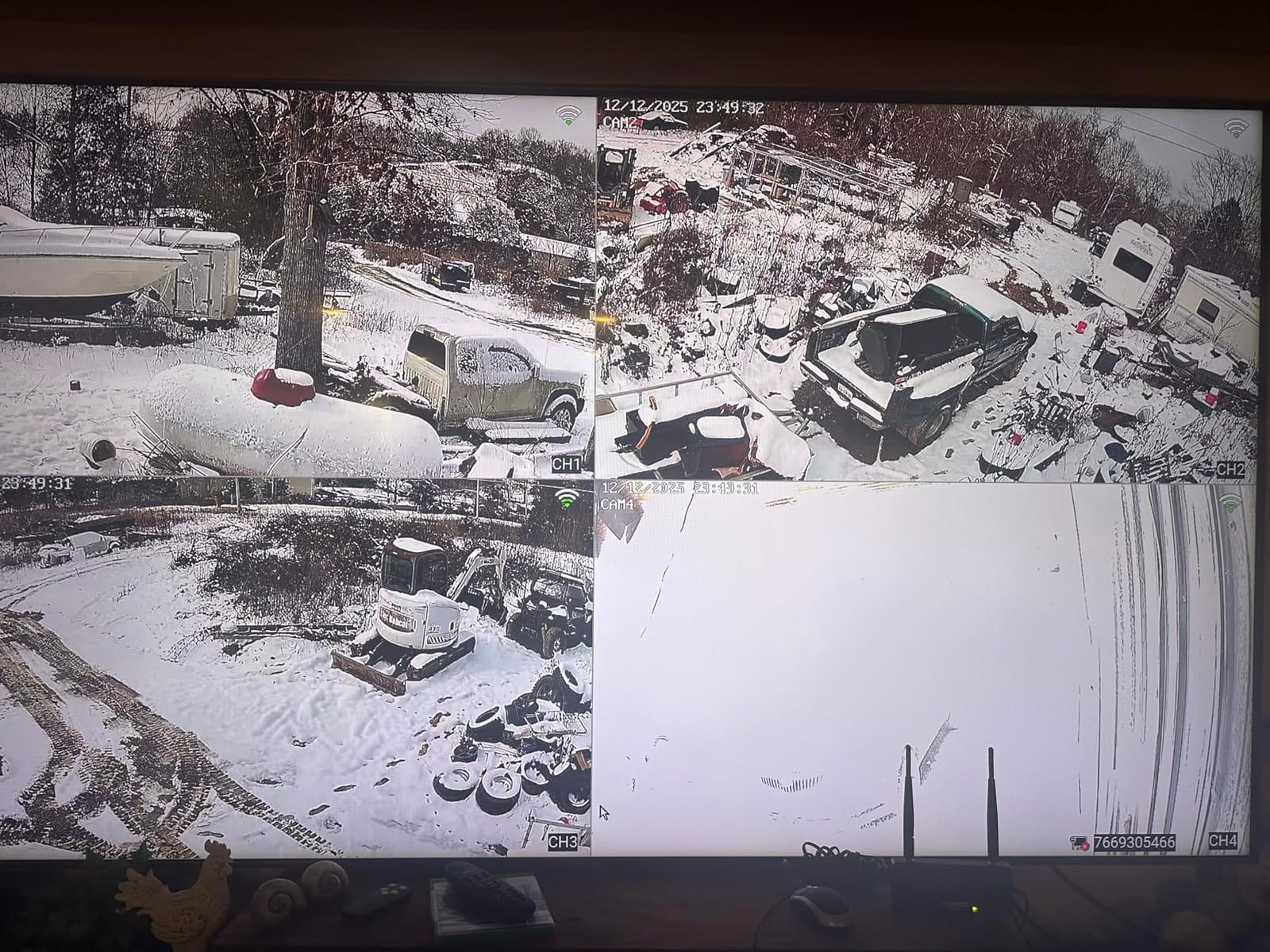
The four cameras are 3MP bullet units on corded plug-in power, IP66 rated and specified from -13F to 122F. AI human detection filters out pets and shadows, and the system works locally without Wi-Fi, with dual-band remote viewing through the app as an option rather than a requirement.
The mismatch to be aware of is that the NVR is 4K and the cameras are 3MP, so your recording resolution is capped by the cameras no matter what the recorder supports. Audio is one-way listen-in only, there is no pan or tilt, and the mounts are fixed rather than ball joints, so aiming takes more patience at install time.
Is 45 days of 24/7 recording realistic?
It is the manufacturer’s figure for a pre-installed 1TB drive across four cameras at their encoding settings, and the practical answer depends on scene activity and how many channels you actually record.
Treat it as a planning number rather than a promise. If you add channels, raise bitrate, or record at maximum quality on every channel, expect the window to shorten.
Where this camera will disappoint you
Anyone who wants to talk back will be disappointed by one-way audio. There is no two-way talk on any camera in the kit, which is a genuine gap for a front door.
Anyone expecting a mobile-first app will be disappointed by the NVR interface, which reviewers describe as less intuitive than cloud-based apps. The payoff is that nothing depends on a vendor’s servers being available.
Local vs Cloud Storage: Which One Should You Pick
Local and cloud storage solve the same problem in different ways, and the honest answer is that they trade against each other on three specific dimensions: privacy, ongoing cost, and convenience during an outage.
Local storage wins decisively on cost and privacy. You own the drive, no vendor holds your footage, and nothing is billed monthly. Cloud wins on convenience: remote access from anywhere, shared clips with a link, and multi-user permissions that most local systems still handle clumsily.
The place where the difference actually bites is an outage. A camera that writes to a card or an NVR keeps recording when your internet drops, and keeps doing it when the vendor has an incident. A cloud-only camera stops being useful to you at the exact moment something happened.
For most households the right answer is local storage with cloud disabled or left optional, and the picks above are all built for that. The exception is shared or multi-site monitoring, where remote access to a person who is not on your network is the whole requirement.
How Much Video Fits on a microSD Card
Retention is the question people ask most in forums, and the answer is not as variable as it sounds. Bitrate, resolution, frame rate, and how many hours a day the camera actually records all move the number, and the single biggest factor is whether you record continuously or only on events.
Use these as planning ranges rather than exact figures, and expect your own result to differ with scene complexity. A driveway with cars passing burns far more storage than a quiet hallway.
128GB card: around 10 to 14 days of continuous recording on a single 1080p camera, or several weeks of event-only recording on a low-traffic camera.
256GB card: around 20 to 28 days of continuous 1080p, or a similar span at 2K with more aggressive compression.
512GB card: roughly 40 to 55 days of continuous 1080p, or a shorter window at 2.5K or 4K with 24/7 recording enabled.
1TB NVR drive: the Hiseeu kit above is rated at about 45 days of 24/7 recording across four cameras.
Two habits extend retention more than any setting. Recording on events with on-device detection instead of continuous capture multiplies the days you get, and a 256GB or 512GB card in a high-bitrate camera is the same as a smaller card at lower quality.
On the capacity question that comes up constantly in forums: some manufacturers officially cap their apps at 256GB while owners report that 512GB cards work in practice. Treat any card larger than the official maximum as unofficial, and check that the camera still recognises footage from it after a restart before you rely on it.
What Happens When Storage Fills: Loop Recording Explained
Almost every camera in this guide loop-records: when the card or drive is full, the oldest footage is overwritten by the newest. This surprises people, because nothing prompts you and nothing is deleted visibly.
The practical consequence is that an incident from three weeks ago may simply be gone. If you need to keep an event, the action is the same on every one of these systems: open the clip in the app and export or share it, or copy the file off the card.
Do that the day it happens, not the week you remember it. Several owners across home security forums describe discovering the footage had already been overwritten at exactly the point they needed it, and that is the single most avoidable loss in this whole category.
A few systems add an alarm or a recording lock when storage runs low. Do not rely on it. Setting a calendar reminder to review notable events is more reliable than any firmware feature.
On-Device AI Detection vs Cloud AI Detection
This is the detail most competitor articles get wrong, and it is the difference between “no subscription” being real and being partial.
On-device detection runs on the camera itself. The Wyze Cam v4 separates people, packages, pets and vehicles locally, and the Tapo C425 includes person, vehicle, pet and sound detection with no subscription at all. The Reolink E1 Outdoor Pro tracks people, vehicles and animals on the device.
Cloud detection means the video or a thumbnail leaves your house and the classification happens on a server. That is cheaper for the manufacturer, which is why free tiers often include only the basic motion event, and it is why a subscription can unlock classes the hardware could have run locally.
The practical test when reading any camera’s claims: does the local, no-subscription tier give you the detection classes you actually want? If you only need person alerts, almost everything here passes. If you need vehicle and package classification for a driveway, the C425 and the Wyze Cam v4 do it free, and the ZEEPORTE camera does not.
On-device detection also has a side benefit: if the camera cannot reach the internet, the classification keeps working. That is not true of cloud-dependent detection, which is why some cameras become motion-only the moment your connection drops.
How to Keep Your Cameras Secure and Offline
The fear that drives most searches for local storage is that someone reaches a camera feed. Local storage helps, but it is not sufficient on its own. These are the steps that actually change the risk profile.
Change the default credentials immediately. Every camera ships with a known default login. Change it before the camera is on your network permanently.
Disable UPnP on your router. Automatic port forwarding is how most consumer cameras become reachable from the internet without anyone choosing that.
Put cameras on a guest network or VLAN. A separate network segment means a compromised camera cannot reach your computers, NAS or NAS backup drives.
Enable a local-only or offline mode where the app offers it. This blocks outbound traffic entirely. The trade is losing remote viewing from outside the house.
Firmware updates on a schedule. Several owners in reviews lost stored footage to an unexpected reformat after an update, so update deliberately, not automatically, and copy anything important off the card first.
Use app-level two-factor authentication. Free on every platform in this guide, and it blocks the most common account-takeover path.
On the self-hosting side, the same logic applies. If you run your own recorder, a VLAN for the cameras and a separate VLAN for the recorder keeps a compromised camera from reaching everything else on the network, and gives you somewhere to put a firewall rule that blocks outbound traffic.
Buying Guide for Cameras With Local Storage
Before choosing a model, decide four things. How many cameras, what power is available at each location, how much history you need to keep, and whether anyone outside your household needs to view the feed.
Camera count and storage architecture. One to three cameras work fine on individual cards. Beyond that, a hub or NVR earns its cost because it gives you a single timeline, one place to back up, and storage that scales with hard drives rather than card sizes. Our guide to PTZ security cameras is worth a read if you want pan and tilt coverage per unit.
Power. Mains power gives you continuous recording and no lag. Battery gives you wire-free installs but event-only capture, a few seconds of delay, and no pre-roll. Solar is the only option that removes the recharge problem entirely, and the best solar security cameras breakdown covers that tier in more depth.
Retention. Decide how many days of history matter. Multiply by the number of cameras before choosing a card size, and remember that continuous recording shortens that window fast. If your site has no internet at all, or you need monitoring that does not depend on a vendor, an alternative connectivity path is worth considering alongside local storage.
Night vision. A listed range in feet is a maximum under ideal conditions. Color night vision depends on a starlight sensor and a light source, and it usually only looks good within a fraction of the stated infrared range. If identification matters, treat the sensor type as more important than the range number.
Wireless band and smart home. 2.4GHz-only cameras are common and stable, but a growing number of routers now ship with 2.4GHz disabled. Dual-band units avoid the problem entirely. Check your ecosystem needs too, since HomeKit support is still absent from some otherwise capable picks here.
Frequently Asked Questions
What is the best home security camera system with local storage?
For most households, the Tapo C101 is the best starting point: it records to a microSD card up to 512GB with no subscription and has a 4.4-star rating across more than 28000 reviews. For continuous 24/7 recording across multiple cameras, the Hiseeu 4K NVR kit is the stronger choice, with a pre-installed 1TB drive rated at about 45 days of footage and no monthly fee.
What are the best security cameras for home with storage?
The strongest local-storage options span three tiers. Indoor: the Tapo C101 and the Tapo C211 2K two-pack. Outdoor and wire-free: the Tapo MagCam C425 and the ZEEPORTE solar 2K pan-tilt. Whole-home: the Gianteye four-camera solar pack and the Hiseeu 4K NVR kit, which is the only option here with genuine 24/7 continuous recording.
Which is better for my security camera, local or cloud storage?
Local storage is better for privacy and cost: no monthly fee, and no third-party server holding your footage. Cloud is better for convenience: remote access from anywhere and easy link sharing. The decisive practical difference is outages. A camera writing to a card or NVR keeps recording when your internet drops or a vendor has an incident, while a cloud-only camera becomes useless at the worst moment.
What is the best security camera without a monthly fee?
The Tapo C101 is our pick: 1080P at 15fps, a 117-degree field of view, infrared night vision to 30 feet, and a microSD slot up to 512GB with no subscription attached. The Tapo C211 2K two-pack is the better option if you want two rooms covered, and the Hiseeu NVR kit is better if you need continuous 24/7 recording across four cameras.
What are some security cameras that don’t require cloud storage?
Eleven of the twelve cameras in this guide record entirely to storage you own: the Tapo C101, the Reolink E1, the Tapo C211 two-pack, the Wyze Cam v4, the ZEEPORTE solar camera, the Tapo MagCam C425, the eufyCam S350, the Reolink E1 Outdoor Pro, the eufyCam 3 S330, the Gianteye four-pack, and the Hiseeu NVR kit. The Ring Indoor Cam is the exception, with no microSD slot and playback behind a paid plan.
What is the best security camera system for a residential property?
For a residential property with several outdoor points to cover, the Hiseeu 4K NVR kit is the best fit. It includes four IP66 cameras, a 1TB drive already installed for roughly 45 days of 24/7 footage, H.265+ encoding for efficient remote viewing, and expansion to 16 channels. If you cannot run power and cable to each location, the Gianteye solar four-pack is the alternative.
Final Verdict: The Best Security Cameras With Local Storage
After comparing 12 cameras, the best security cameras with local storage come down to what you are covering. For one room, the Tapo C101 is the pick: 512GB of card storage, no subscription, and a 4.4-star average across more than 28000 reviews. For two rooms, step up to the Tapo C211 2K two-pack, which is the best value in the guide.
For outdoors, the Tapo MagCam C425 is the strongest all-rounder with 2K clarity, color night vision, free vehicle and pet detection and a 512GB card. If you cannot run a cable, the ZEEPORTE solar camera or the Gianteye four-pack covers ground without wiring, accepting event-only recording as the trade. If identification at distance is the goal, the Reolink E1 Outdoor Pro is the only pick here with real optical zoom.
For whole-home coverage and genuine 24/7 recording, the Hiseeu NVR kit is the answer, and the eufyCam 3 S330 is the pick when solar power and built-in expandable storage matter more than standalone flexibility. Whichever you choose, add the card if it is sold separately, export incident clips the day they happen, and put the cameras on a separate network segment. That last step costs nothing and does more for your privacy than any feature on any spec sheet.