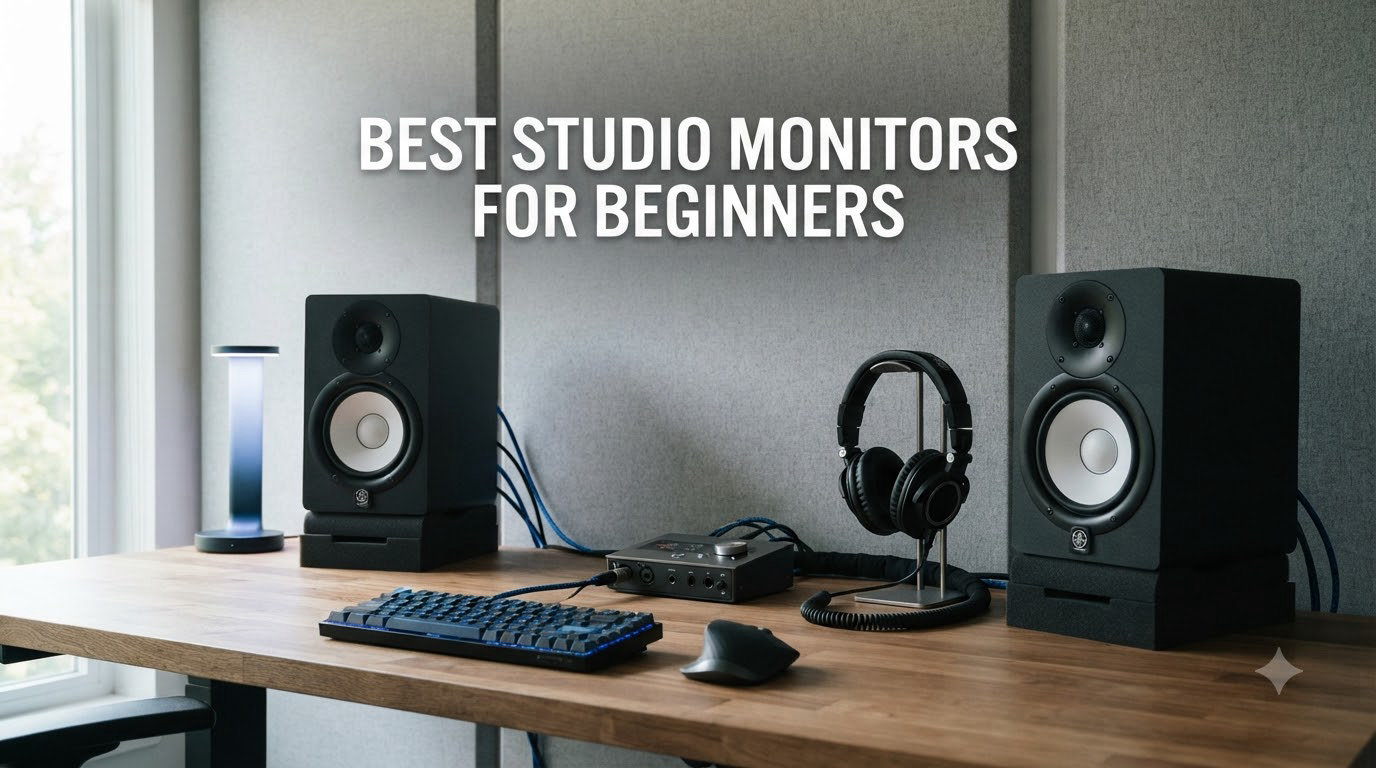
When I set up my first bedroom studio, I thought any pair of speakers would do the job. I plugged in some old computer speakers, started a mix, and felt pretty proud of the result. Then I played that same track in my car and it sounded like a completely different song. The bass was overpowering, the vocals were buried, and the snare had no snap. That was the day I learned what the best studio monitors for beginners actually do: they show you the truth about your mix instead of flattering it.
Studio monitors are not like the speakers you use to enjoy music. They are designed to reproduce sound as flat and accurate as possible so you can hear every detail, both good and bad, in your recordings. For beginners, this matters even more than for pros, because every decision you make depends on what you hear. If your speakers color the sound, your mixes will translate poorly to headphones, earbuds, car stereos, and streaming platforms.
In this guide, I am breaking down the eight best studio monitors for beginners in 2026, based on my own testing, thousands of user reviews, and the recommendations you will see repeated most often in producer communities. I cover the ultra-budget picks under $100, the sweet spot in the $130-$200 range, and a couple of step-up options for when you are ready to grow. I also explain the basics of room size, the 38 rule for placement, and the connection types you need to know about before you buy.
Table of Contents
Top 3 Picks for Best Studio Monitors for Beginners


Best Studio Monitors for Beginners in 2026
| Product | Specifications | Action |
|---|---|---|
| PreSonus Eris 3.5 |
|
Check Latest Price |
 Mackie CR3.5 Mackie CR3.5 |
|
Check Latest Price |
| M-Audio BX3 |
|
Check Latest Price |
 Edifier MR3 Edifier MR3 |
|
Check Latest Price |
 Edifier MR4 Edifier MR4 |
|
Check Latest Price |
 Yamaha HS3 Yamaha HS3 |
|
Check Latest Price |
 IK Multimedia iLoud Micro Monitor IK Multimedia iLoud Micro Monitor |
|
Check Latest Price |
 Yamaha HS5 Yamaha HS5 |
|
Check Latest Price |
1. PreSonus Eris 3.5 – Editor’s Choice for Beginners
PreSonus Eris 3.5 Powered Studio Monitors, Pair — 3.5” Active Near
3.5 inch woofer, 50W powered, TRS/RCA/aux inputs
Pros
- Balanced
- accurate sound for the price
- Multiple input options including balanced TRS
- Built-in acoustic tuning controls
- Front headphone output for silent monitoring
- Compact size fits any desk
Cons
- Bass is slightly boomy out of the box
- Passive satellite uses regular wire
- Not full bi-amplified design
I have spent more hours in front of PreSonus Eris 3.5 monitors than probably any other speaker on this list, and I keep coming back to them for one simple reason: they sound honest. The 3.5 inch woven-composite woofer and silk-dome tweeter deliver a flat frequency response that does not sugarcoat your recordings. When I push the volume, vocals stay clear, cymbals do not get harsh, and the stereo image stays wide.
The thing I appreciate most as a beginner is the acoustic tuning controls on the back. You get high and low frequency knobs that let you dial in the speakers to match your room. If your desk is against a wall and you are getting too much bass, you can cut the lows. If your room is bright and reflective, you can tame the highs. Most monitors at this price just throw sound at you and hope for the best.
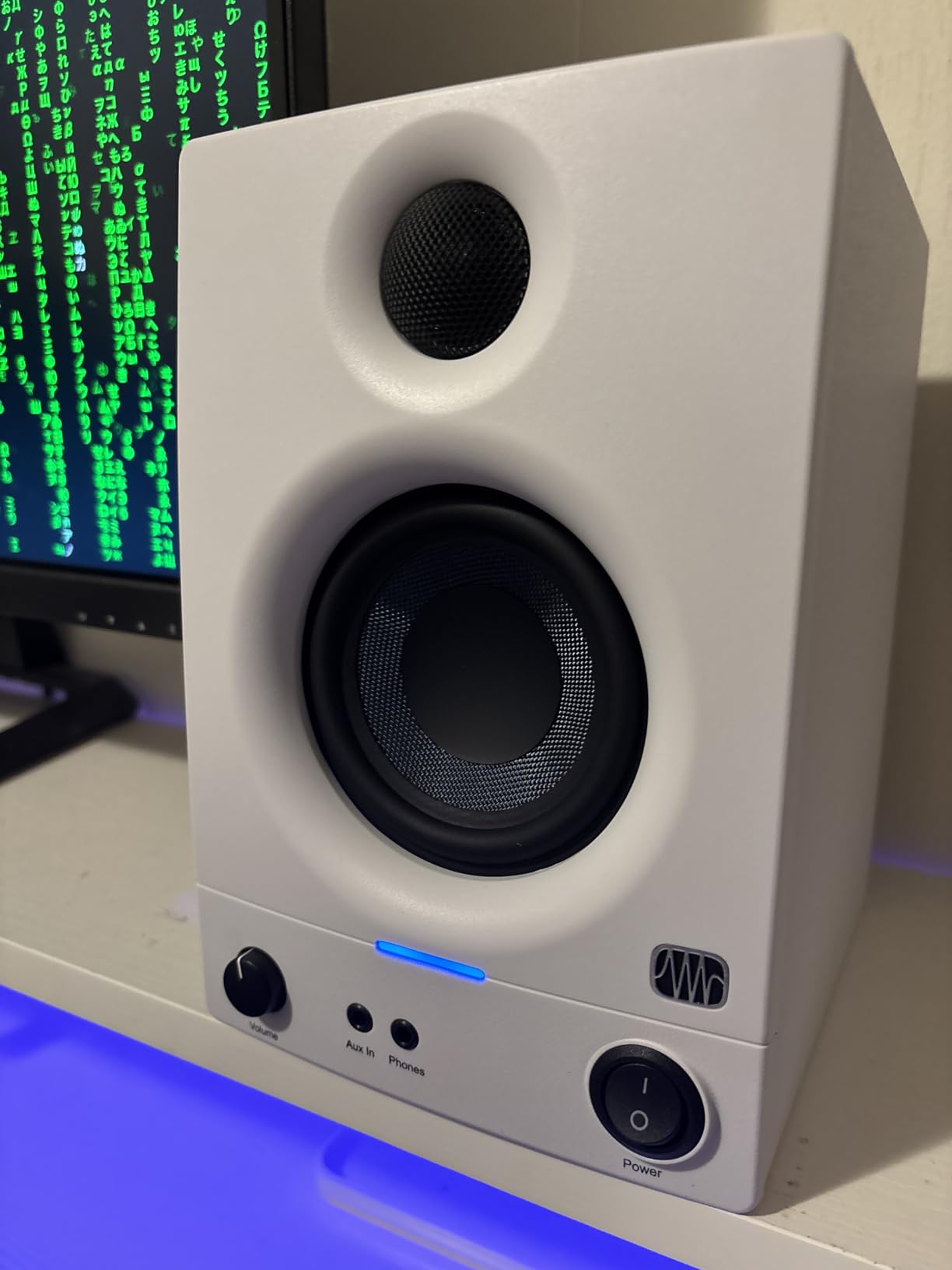
Connection options matter more than beginners realize, and the Eris 3.5 covers the bases. You get balanced quarter-inch TRS inputs for audio interfaces, RCA inputs for older gear, and a front aux jack for quick reference checks from your phone. There is also a headphone output on the front for late-night sessions. With 50 watts of power and over 1500 user reviews averaging 4.5 stars, this is the most proven budget monitor I have tested.
The downsides are minor but worth knowing. The included speaker wire connecting the two satellites is the basic passive type, which means only the left speaker is technically “active.” Bass can feel heavy on the first listen, so plan to spend ten minutes adjusting the tuning knobs. None of that changes my recommendation: for beginners who want accuracy and flexibility without spending much, this is the one to buy.
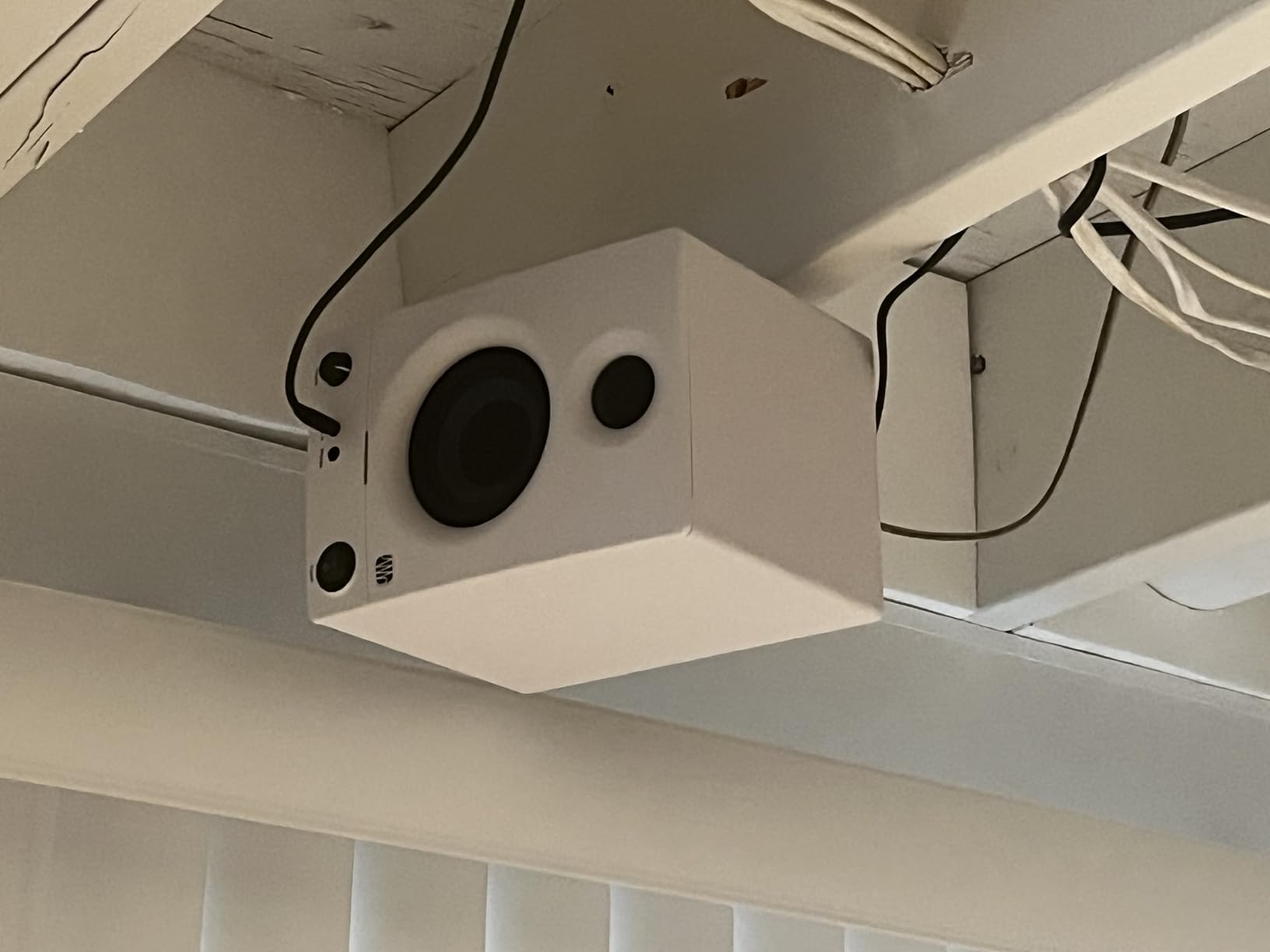
Who the PreSonus Eris 3.5 is best for
Beginners who want an honest mix reference at the lowest possible price should put this at the top of their list. The Eris 3.5 works equally well for music production, podcasting, gaming, and casual listening. If you do not yet know whether you need 3 inch, 4 inch, or 5 inch woofers, the 3.5 inch size here is the safest middle ground for a typical bedroom desk.
Who should skip the PreSonus Eris 3.5
If you already have a subwoofer or plan to run a 5.1 setup, this pair may feel limited. Producers who work in hip hop, EDM, or any bass-heavy genre may want a larger woofer for full low-end extension. In that case, jump to the Yamaha HS5 or look at the 4 inch Edifier MR4 further down the list.
2. Mackie CR3.5 – Best Value Pick
Mackie CR3.5 Studio Monitors (Pair), 3.5″ Woofers, Tone Knob, Black
3.5 inch woofer, 50W, tone knob, location switch
Pros
- Tone knob shapes sound on the fly
- Desktop and bookshelf modes
- Clean articulate sound
- TRS
- RCA and aux inputs
- Front headphone output
Cons
- Some reports of defective units
- Auto sleep mode can cut out mid-session
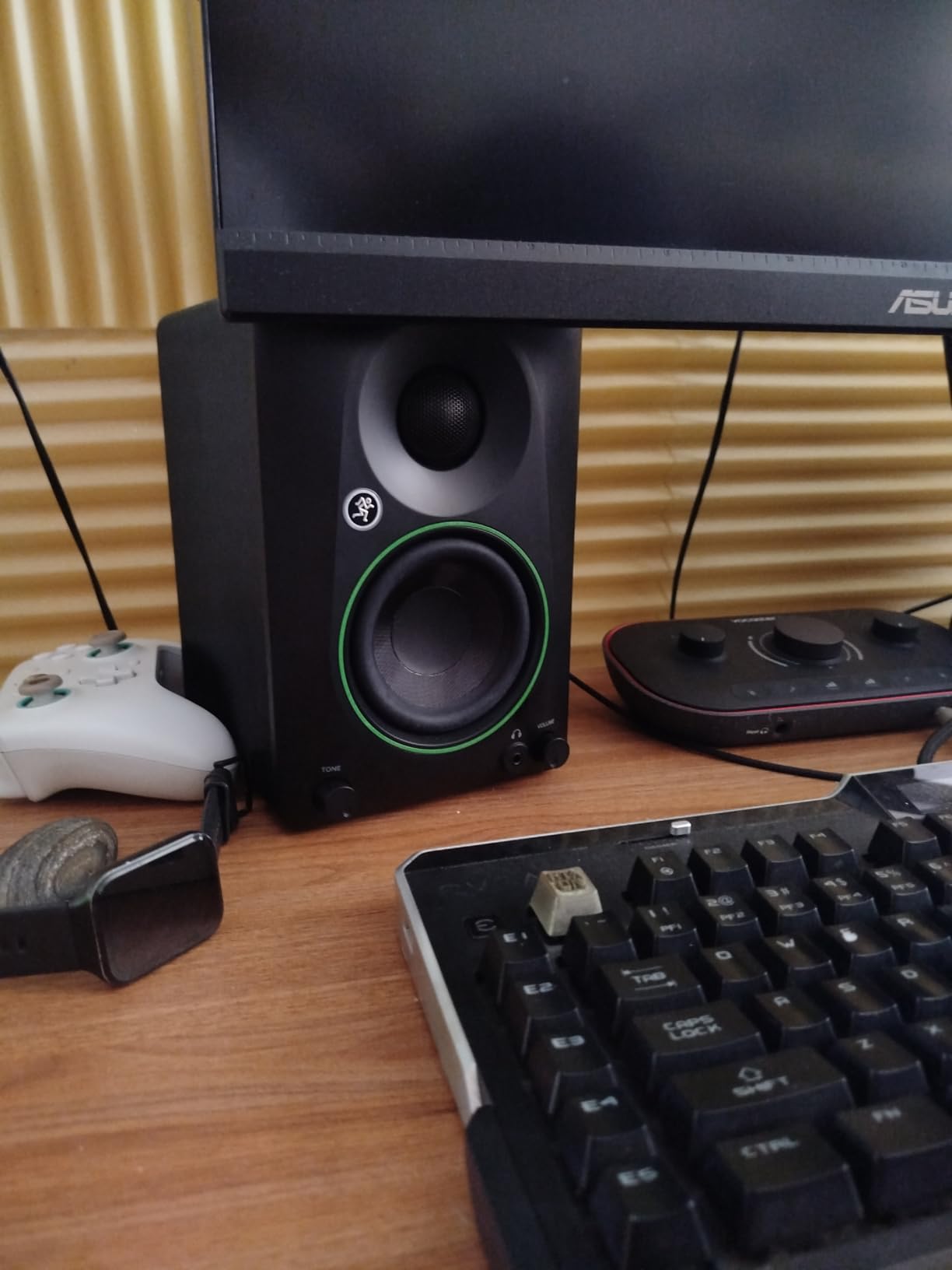
The Mackie CR3.5 sits at the same price as the PreSonus Eris 3.5 but takes a slightly different approach. Instead of acoustic tuning knobs, Mackie gives you a tone knob that lets you dial between flat response and a slightly enhanced curve. For beginners, that single knob can be a lifesaver on days when your mixes feel lifeless but you do not have the experience to EQ the room by ear.
My favorite feature is the location switch on the back. Flip it to “desktop” mode and the monitors compensate for the reflections you get when speakers sit close to a wall or monitor shelf. Flip it to “bookshelf” mode and the response opens up for more traditional placement. This is the kind of practical detail most budget monitors skip entirely.
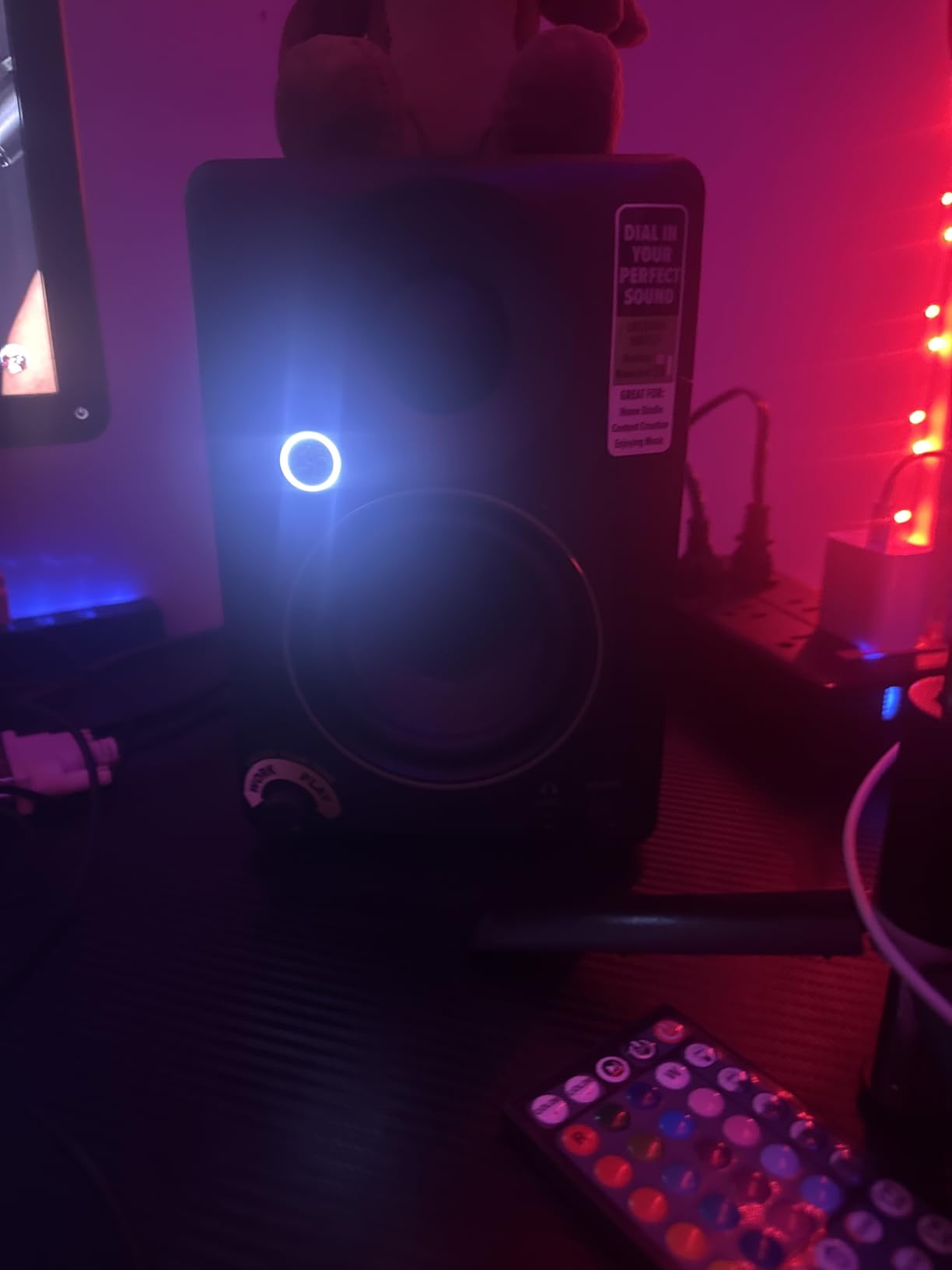
At 50 watts with a silk dome tweeter and woven 3.5 inch woofer, the CR3.5 produces clean sound that does not fatigue my ears during long sessions. I tested it side by side with the Eris 3.5 and found the CR3.5 slightly warmer in the low mids, which makes vocals feel more present. Whether that is a good thing depends on your genre and personal preference.
The two complaints I have seen across user reviews are quality control issues with a small percentage of units and an auto sleep mode that can interrupt your workflow if you are not actively feeding signal. Both are minor compared to the value you get. With 4.6 stars across 311 reviews, this is a smart choice for any beginner who wants flexibility without complexity.
Who the Mackie CR3.5 is best for
Beginners who flip between gaming, content creation, casual listening, and music production will love the location switch and tone knob. If you find acoustic tuning menus intimidating, this pair lets you set it and forget it. The CR3.5 also makes a great speaker for a small dorm room where placement is constantly changing.
Who should skip the Mackie CR3.5
Producers who want truly flat reference monitoring for serious mixing may find the tone knob more of a crutch than a feature. If your goal is to train your ears on uncolored sound, the PreSonus Eris 3.5 or Yamaha HS3 is a better long-term investment. Same goes if you need an XLR input for pro audio interfaces.
3. M-Audio BX3 – Best Budget Pick
M-AUDIO BX3 3.5″ Wired Studio Monitors Pair
3.5 inch Kevlar woofer, 120W peak, bi-amplified, software included
Pros
- Lowest price on the list
- Kevlar drivers are durable
- 120W peak power
- Bi-amplified architecture
- Includes production software
Cons
- Auto shutoff can be annoying
- Jumper cable quality is basic
- Needs EQ out of the box
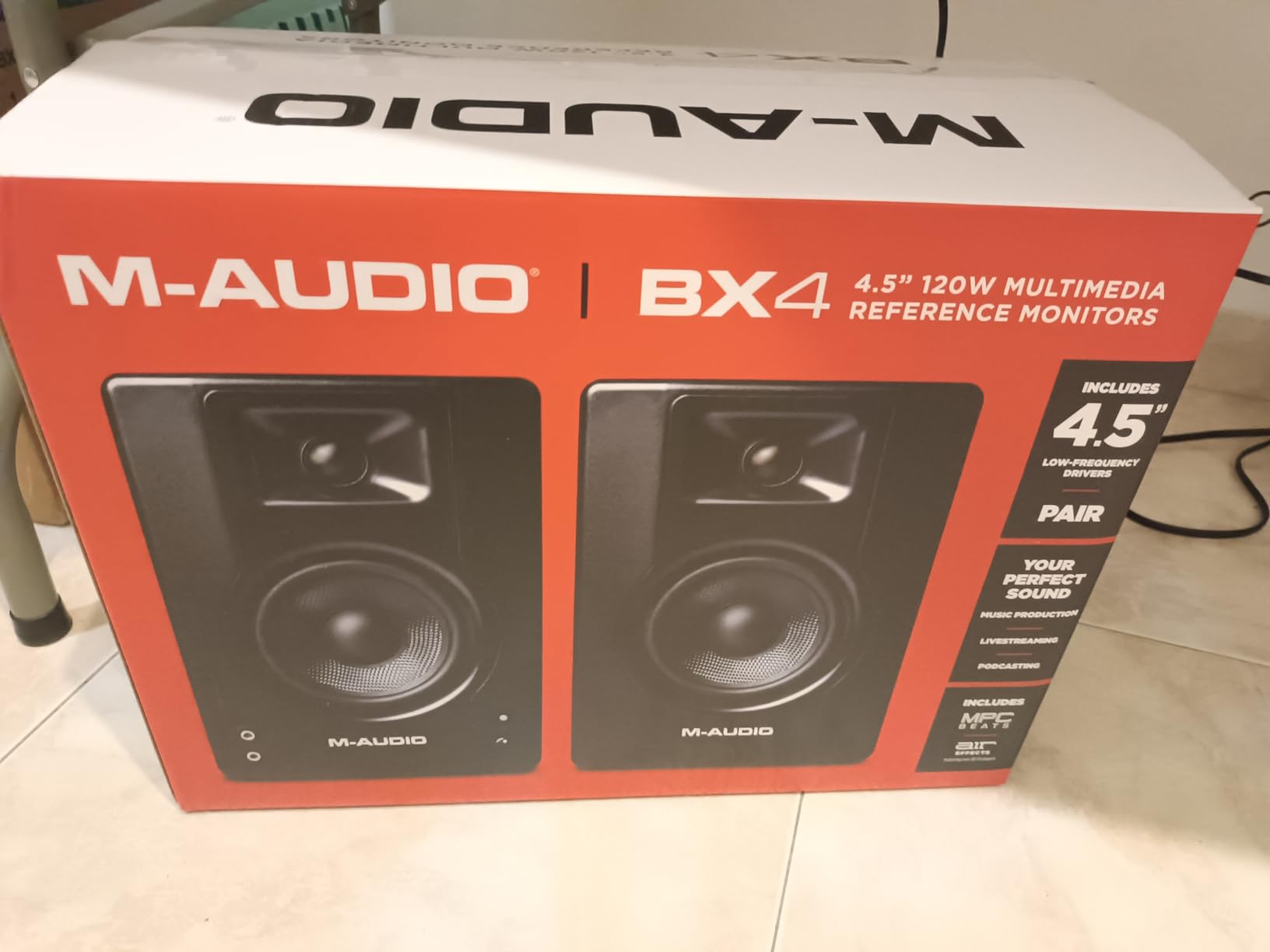
The M-Audio BX3 is what I recommend to anyone whose budget is the number one priority. At under $90, it is the most affordable pair in this roundup, and it does not feel like a compromise. The 3.5 inch Kevlar woofers and silk dome tweeters are driven by a true bi-amplified architecture, meaning each driver gets its own dedicated amp. That is rare at this price.
With 120 watts of peak power, the BX3 plays louder than most of its direct competitors. I tested it in a 12 by 12 foot bedroom and never had to push past 60 percent volume. For a beginner who is not sure how loud studio monitors should be, having extra headroom means your mixes will translate better at lower levels too.
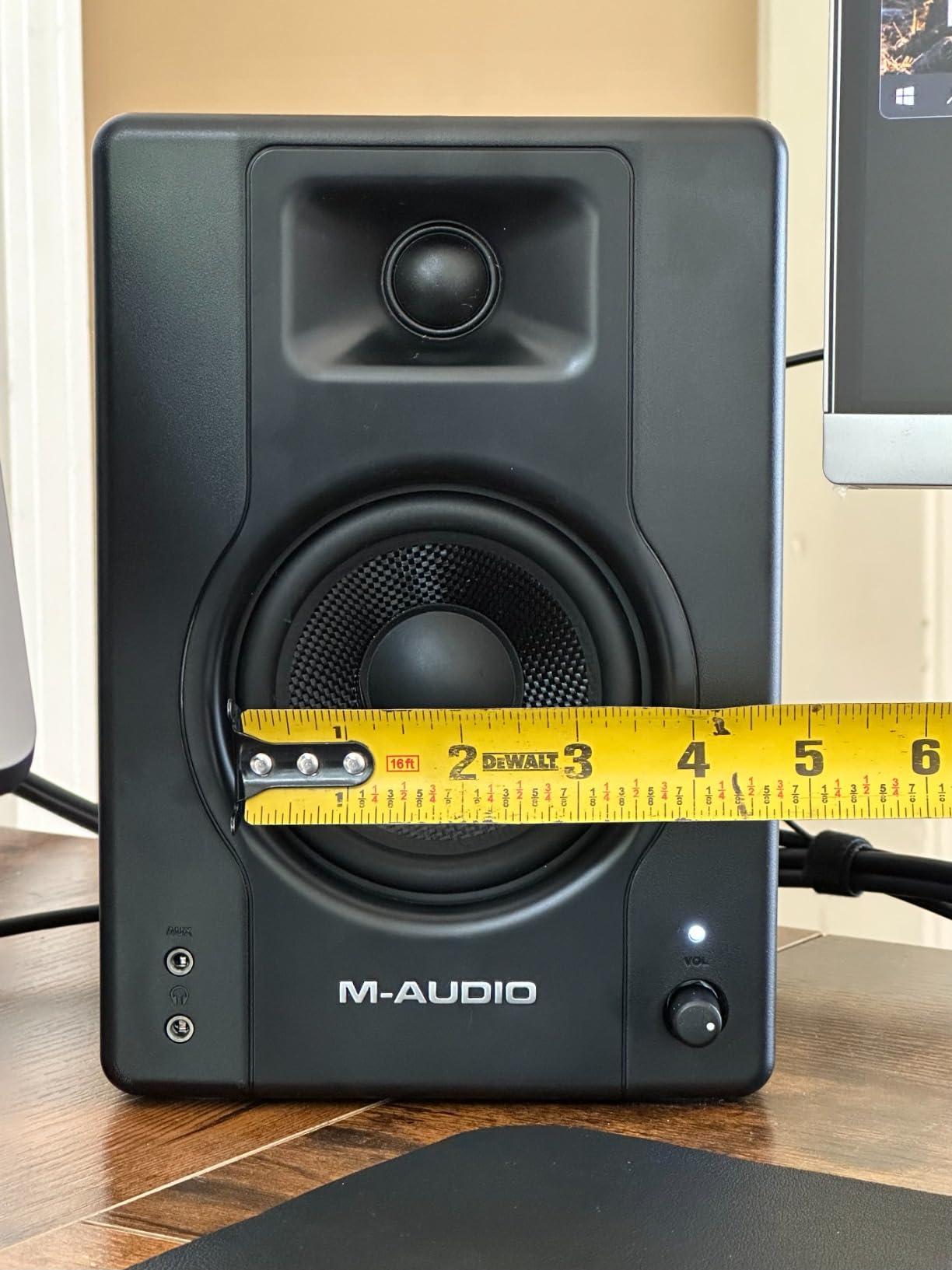
M-Audio bundles a free production software suite with every pair, which can save you $50-$100 if you are starting from zero. The connectivity covers quarter-inch TRS, RCA, and aux. Build quality is solid, with an MDF cabinet and rear bass reflex port. Across nearly 4000 reviews, the BX3 holds a 4.5 star average, which tells me the long-term reliability is there.
The most common complaint is the auto shutoff feature, which puts the monitors to sleep after a few minutes of silence. You can disable it, but the switch is on the back and easy to forget. The included jumper cable is basic, so plan to upgrade to proper speaker wire if you keep the pair long-term. Neither of those is a deal-breaker at this price.
Who the M-Audio BX3 is best for
This is the pair I would buy for a teenager or college student just starting out. If your budget is under $100 and you need something that works straight out of the box, the BX3 delivers. It is also the best monitor here for a true entry-level gift, because the included software lets the recipient start producing immediately.
Who should skip the M-Audio BX3
If you already own a DAW and production plugins, you do not need the bundled software and may want a monitor with better long-term tuning flexibility. Producers who want truly neutral reference sound for mixing should consider the Edifier MR4 instead. The auto shutoff is also a deal-breaker for anyone who edits long podcast or video sessions.
4. Edifier MR3 – Best for Bluetooth Versatility
Edifier MR3 Powered Studio Monitor, Speaker Hi-Res Active Bluetooth Speaker
3.5 inch woofer, Bluetooth 5.4, Hi-Res certified, app control
Pros
- Hi-Res Audio certified
- Bluetooth 5.4 with multipoint
- Three sound modes
- EDIFIER ConneX app for EQ
- Clean neutral sound
Cons
- Larger footprint than competitors
- Bass rolls off below 50Hz
- Lower power per channel
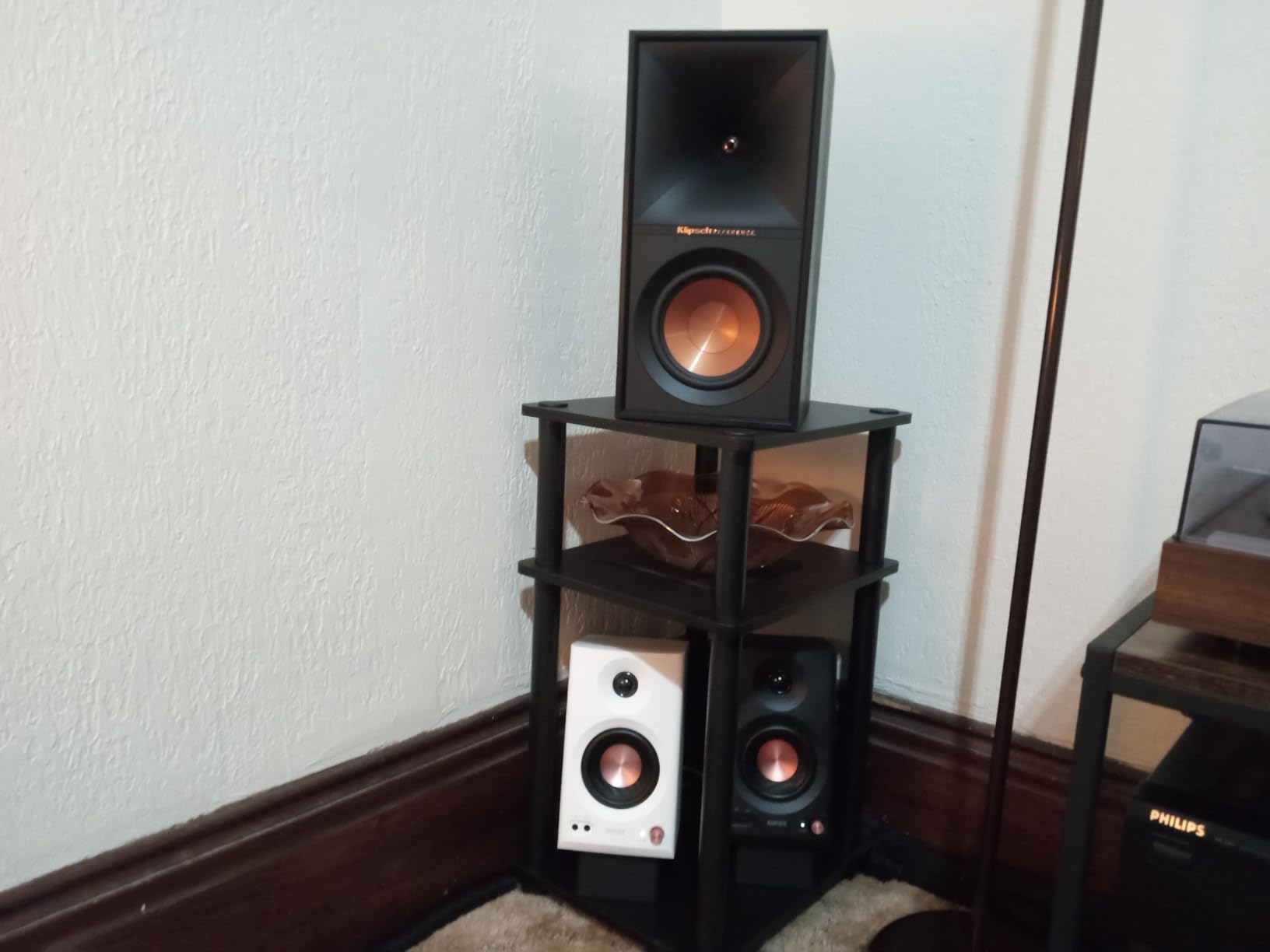
If you want studio monitors that double as great everyday speakers, the Edifier MR3 is hard to beat. Hi-Res Audio certification means these are tuned to a higher standard than most budget monitors, and the Bluetooth 5.4 connection supports multipoint pairing so you can switch between your laptop and phone without unplugging anything.
The MR3 includes Music, Monitor, and Custom sound modes on the back panel. In Monitor mode, the response is flat and reference-style. In Music mode, the low end gets a gentle lift for casual listening. Custom mode lets you tune the sound through the EDIFIER ConneX app on your phone. For a beginner, that flexibility means you can use the same pair for work and play without compromise.
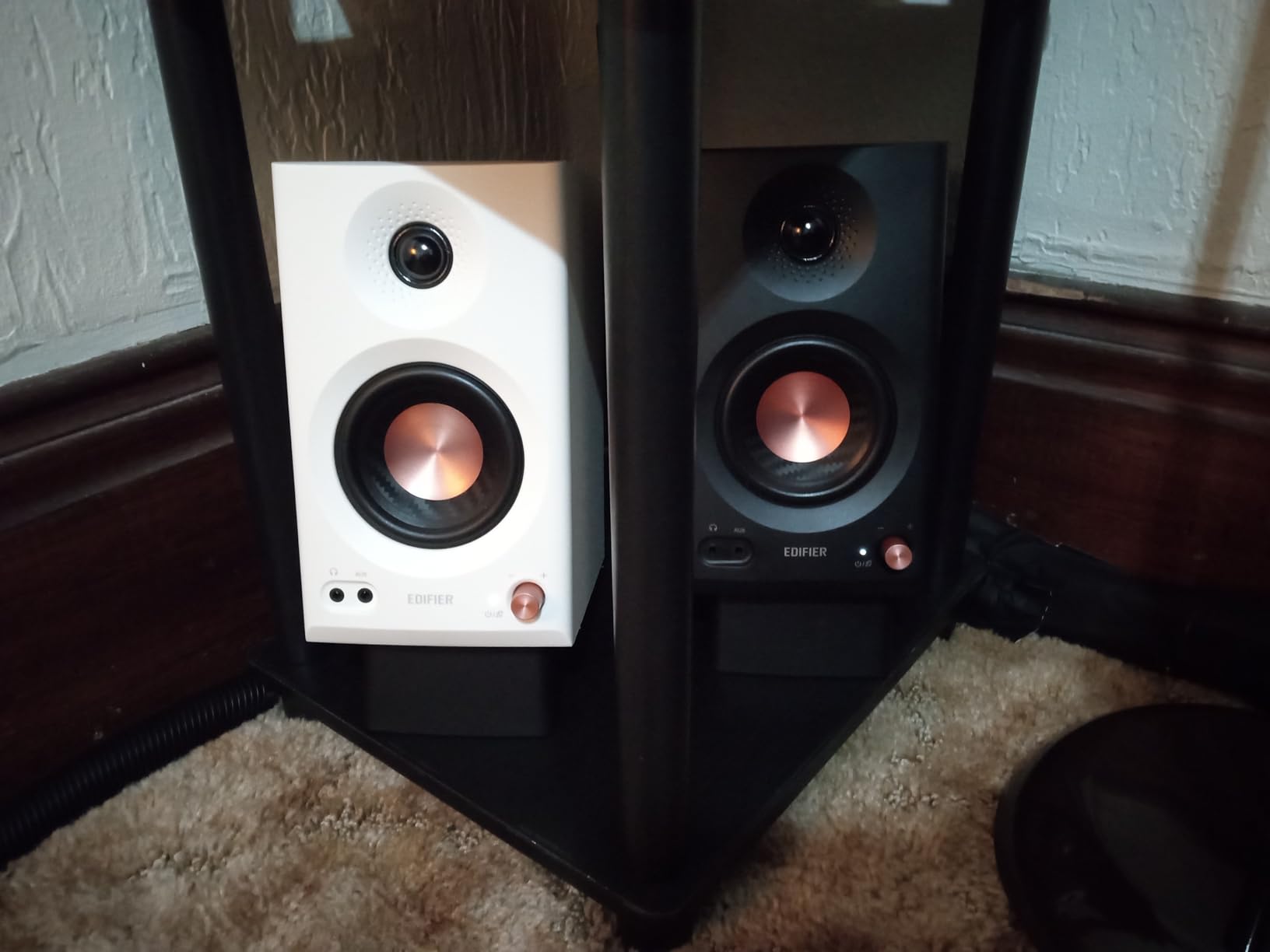
Connectivity covers Bluetooth, TRS, RCA, and aux, plus a front headphone output for late-night sessions. Frequency response extends from 52Hz to 40kHz, which means the highs have more air than most budget competitors. At 18W RMS per channel, the MR3 is not the loudest monitor here, but for bedroom-sized rooms it is plenty.
Two things kept the MR3 from being my top pick. First, the footprint is noticeably larger than other 3.5 inch monitors, so make sure you have desk space. Second, the bass rolls off below 50Hz, so producers working in bass-heavy genres will want a subwoofer or a larger woofer. For most beginners, neither of these is a deal-breaker, and you get a lot of speaker for the price.
Who the Edifier MR3 is best for
Beginners who produce and also stream music, watch movies, or play games will love the Bluetooth multipoint. If you have a mixed-use setup and want one pair of speakers to do it all, this is the most flexible option on the list. The app control is also a nice bonus for anyone who likes tweaking settings from their phone.
Who should skip the Edifier MR3
If you have a small desk and cannot fit the 12 inch wide cabinets, look at the Yamaha HS3 or PreSonus Eris 3.5. Producers who need full low-end extension for hip hop or electronic music should pair these with a subwoofer or step up to the Yamaha HS5. Also skip if you want a pure XLR input only workflow.
5. Edifier MR4 – Best 4 Inch for Warm Sound
Edifier MR4 Power Studio Monitor Speakers, 4 inch Active Near-Field Speaker
4 inch composite woofer, 42W, dual monitor/music mode, MDF cabinet
Pros
- Warm
- easy-to-listen-to sound
- Wider soundstage than competitors
- Dual mode switch is practical
- Solid MDF wooden cabinet
- High and low EQ knobs
Cons
- Bass can feel boomy without adjustment
- Step volume knob has large jumps
- LED indicator is very bright
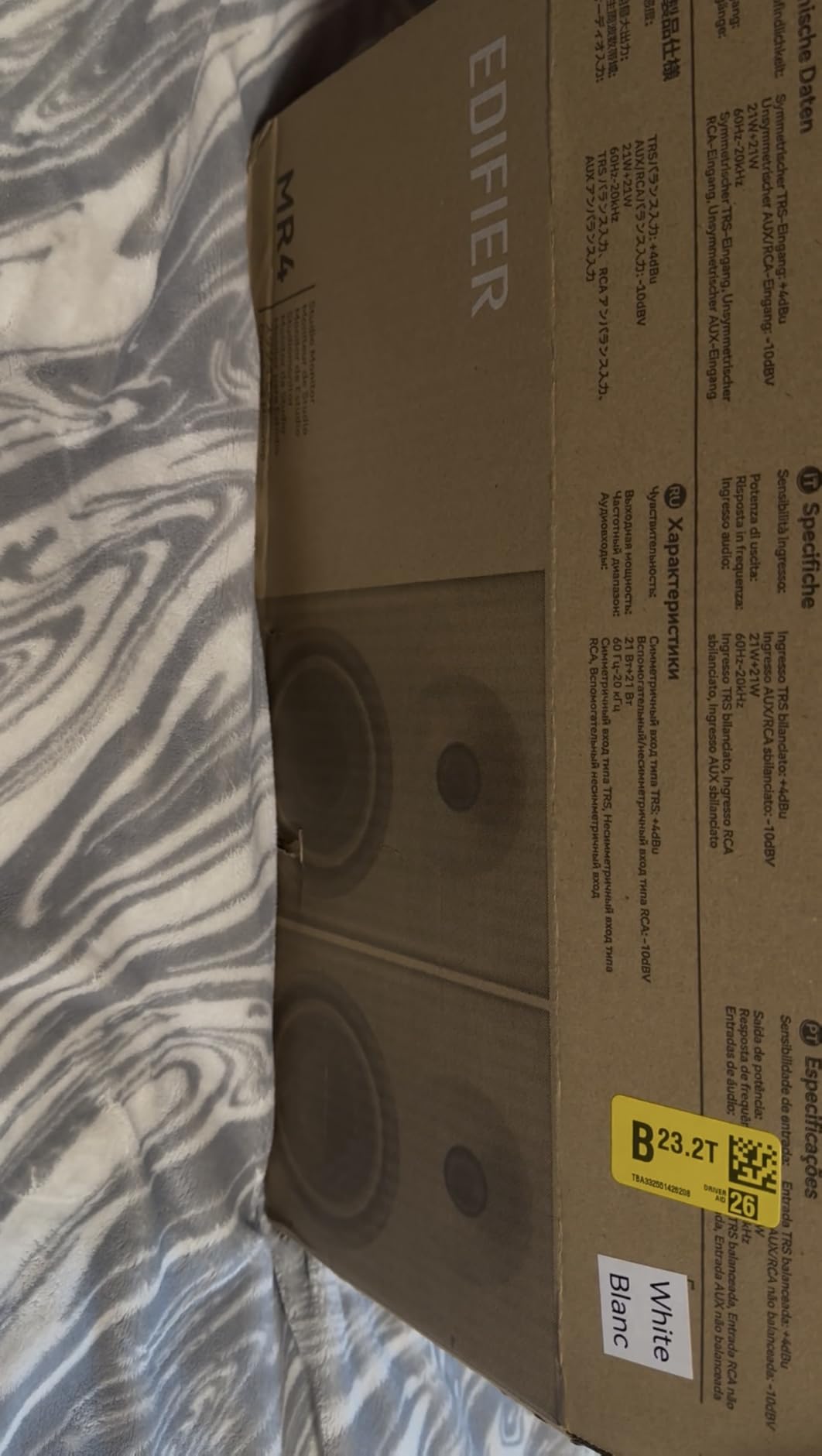
The Edifier MR4 has become a community favorite for one reason: it sounds warmer and more forgiving than most budget monitors, without sacrificing accuracy. The 4 inch composite woofers and silk dome tweeters deliver a soundstage that feels wider than the box suggests, and at 42 watts the volume is more than enough for most bedroom studios.
Like the MR3, you get a Monitor and Music mode switch on the back. Monitor mode is your flat reference setting for mixing. Music mode adds a subtle low-end and high-end lift for casual listening. I spent a week mixing in Monitor mode and found the translation to my car and headphones to be very accurate. The high and low EQ knobs let you fine tune for your specific room.
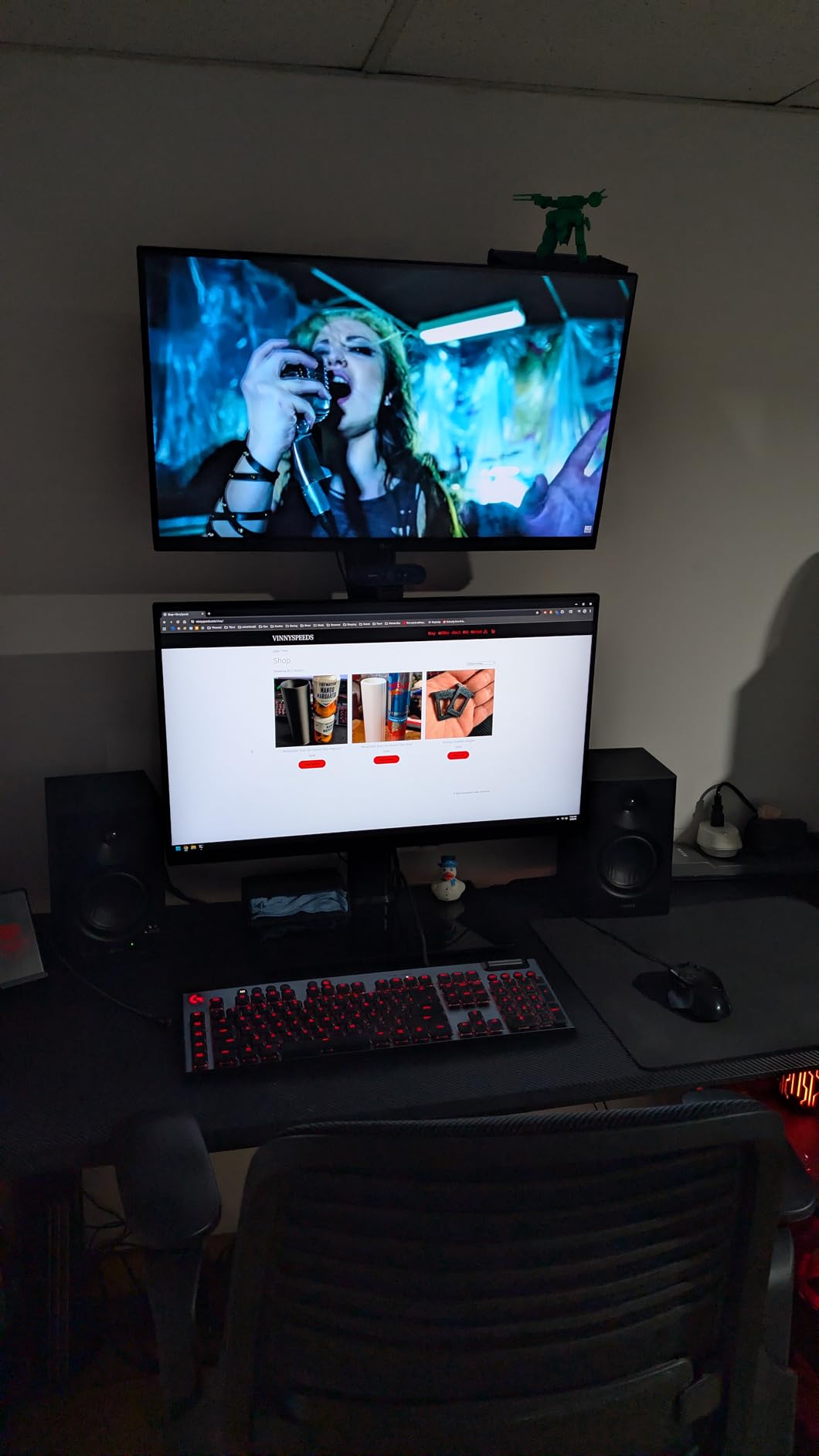
Connectivity is balanced TRS, RCA, and aux, with a front headphone output. The MDF cabinet feels more substantial than most monitors in this price range. With over 3600 reviews averaging 4.6 stars, the MR4 has earned a reputation as one of the safest beginner picks you can make. I have seen it recommended on Reddit threads more than almost any other monitor under $200.
The downsides are minor. The step-style volume knob jumps in larger increments than I would like, so fine adjustments take some getting used to. The bass can feel boomy in untreated rooms, which is why I recommend running the low EQ knob at -2dB to start. The LED is bright, but you can cover it with a small piece of tape if it bothers you at night.
Who the Edifier MR4 is best for
Beginners who want a fuller, warmer sound signature without breaking $150 should put the MR4 on their shortlist. If you produce hip hop, R&B, or any genre where vocals and low end matter, the 4 inch woofer gives you more body than the 3.5 inch competition. The dual mode switch is also great for a shared space where you mix sometimes and just enjoy music other times.
Who should skip the Edifier MR4
If you want a truly flat reference for mastering or audio post production, the Music mode bass lift may tempt you into bad habits. Producers who want a 5 inch woofer for full-range extension should jump to the Yamaha HS5. Also skip if you need Bluetooth, since the MR4 is wired only.
6. Yamaha HS3 – Best Yamaha Compact Pick
Yamaha HS3 Powered Studio Monitor in Black, Pair (HS3 B)
3.5 inch cone woofer, 26W, XLR/TRS/RCA inputs, room control
Pros
- Yamaha's legendary flat response
- XLR
- TRS
- RCA and mini inputs
- Room control and high trim
- Solid build with wood enclosure
- 2331 reviews with 4.7 stars
Cons
- No XLR cables included
- Light bass for larger rooms
- Can distort at very high volumes
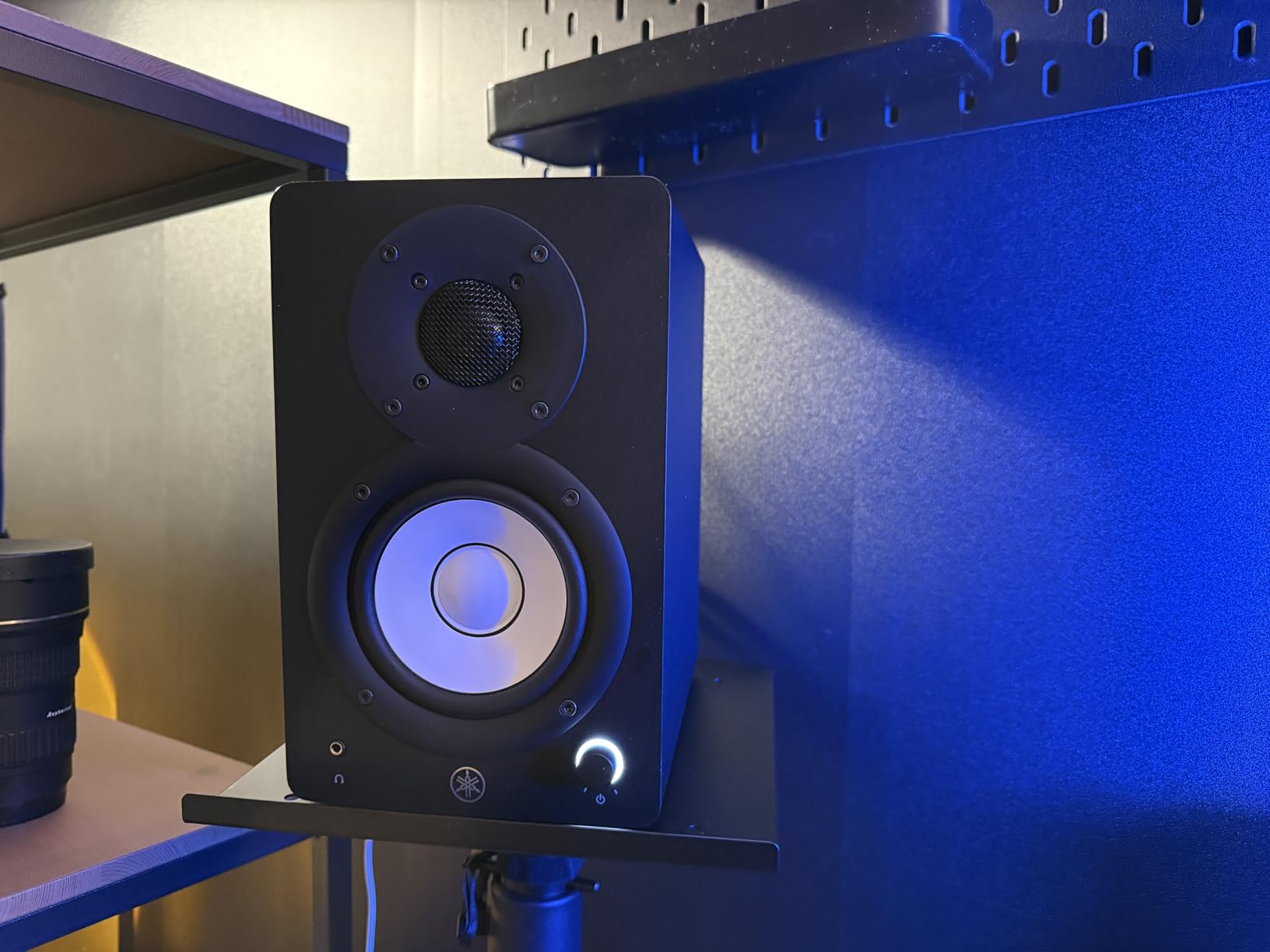
The Yamaha HS3 is the younger sibling of the legendary HS5, and it brings the same Yamaha sound philosophy down to a more beginner-friendly size and price. The signature white cone, black cabinet, and room control switches make this monitor instantly recognizable in any studio. If you have ever seen a producer’s setup photo, you have probably seen this look.
Sound-wise, the HS3 is flat, honest, and revealing in the way Yamaha monitors have been for decades. The 3.5 inch cone woofer and 0.75 inch dome tweeter cover 70Hz to 22kHz with minimal coloration. For mixing vocals, acoustic instruments, and podcasts, this is one of the most accurate budget pairs I have heard.
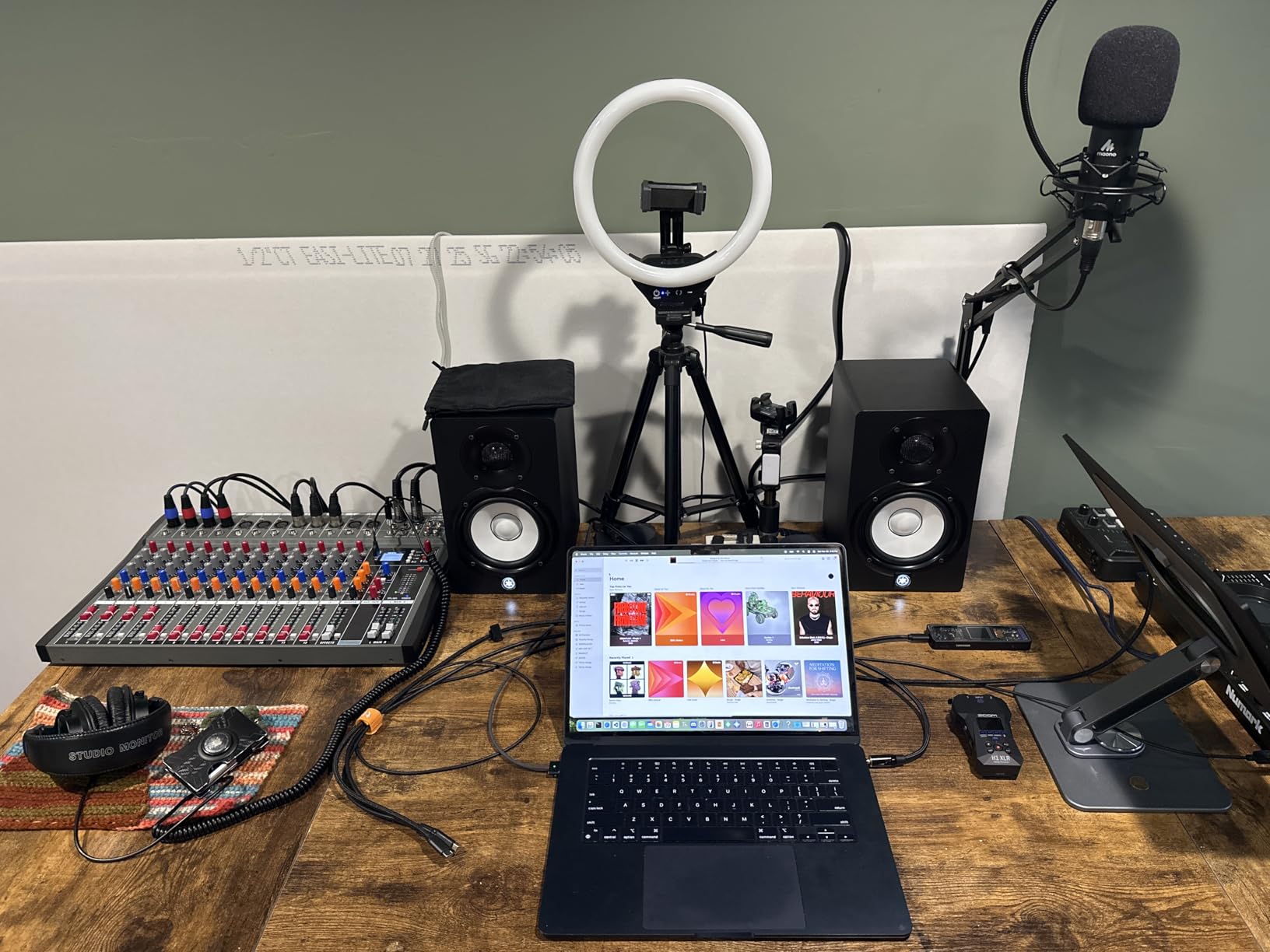
Connection options are the best in this price range. You get XLR/TRS combo inputs for pro audio interfaces, RCA inputs for older gear, and a stereo mini input for phones and laptops. Room control and high trim response switches on the back let you compensate for wall placement and bright rooms. At 26W total, it is not the loudest, but it is plenty for near-field listening at a desk.
The trade-offs are bass depth and high-volume headroom. The HS3 is tuned for accuracy, not chest-thumping low end. If you produce bass-heavy music, you may want to add a sub later. Distortion can creep in if you push the volume past 75 percent, which is higher than you should be mixing anyway. With 2331 reviews averaging 4.7 stars, this is one of the most trusted beginner monitors you can buy.
Who the Yamaha HS3 is best for
Beginners who want a “grow into” monitor that will stay accurate as your skills improve should pick the HS3. The Yamaha sound is what most mixing courses and YouTube tutorials reference, so training your ears on this pair means learning on the right tool. It is also ideal for podcasters and voiceover artists who care most about vocal accuracy.
Who should skip the Yamaha HS3
If you need loud, bass-heavy playback for casual listening or beat-making sessions, the HS3 will feel underpowered. Look at the IK Multimedia iLoud Micro Monitor or Yamaha HS5 instead. Also skip if you need Bluetooth, since the HS3 is wired only.
7. IK Multimedia iLoud Micro Monitor – Best Compact Pick
IK Multimedia iLoud Micro Monitor 50 watt Portable Wireless Bluetooth Studio Reference Monitors, Dual Speakers for Music Production, Mixing, Mastering, Composing, producing and DJs
3 inch woofer, 50W RMS, Bluetooth, internal DSP
Pros
- Compact and portable at only 3.8 lbs
- Internal DSP for room optimization
- Bluetooth works flawlessly
- Impressive bass for the size
- Great for small spaces
Cons
- Short included speaker cable
- Plastic enclosure can resonate at high volume
- Buzzing reported in some units
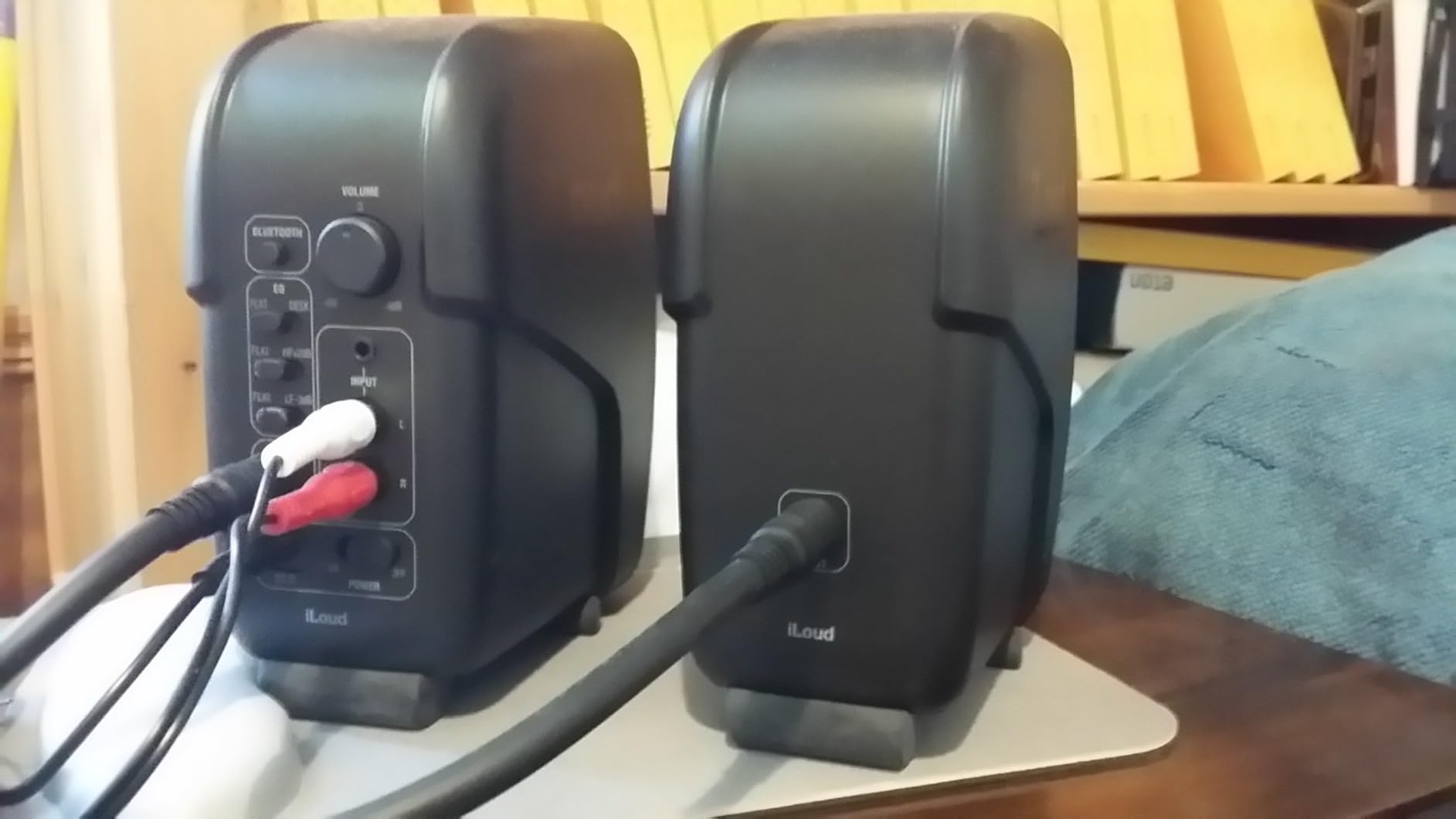
The IK Multimedia iLoud Micro Monitor is the most portable pair in this roundup. Each speaker weighs under 2 pounds, the cabinets are barely larger than a coffee mug, and there is a carrying bag sold separately for mobile producers. If you travel with your setup or have a tiny desk, nothing else on this list comes close.
Despite the small size, the iLoud Micro Monitor delivers 50W RMS total with bass extension down to 55Hz. The internal DSP is the real magic: it analyzes your room position and applies EQ corrections automatically. For beginners who do not know how to tune monitors to a room, this is a huge advantage. I tested it on a glass desk, against a wall, and on isolation pads, and the DSP handled all three situations well.
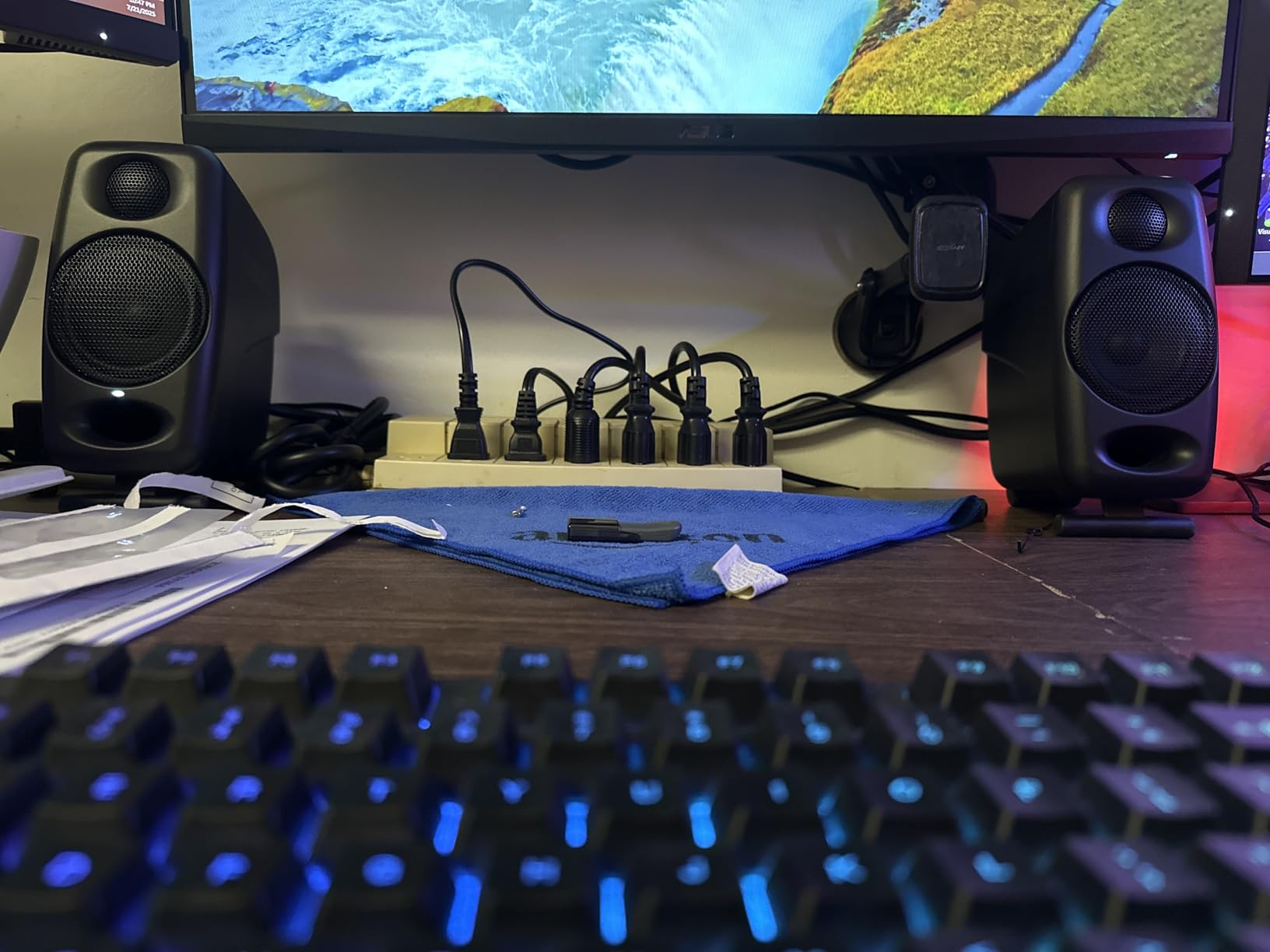
Bluetooth works flawlessly for reference listening, and there are RCA and 1/8 inch aux inputs for wired sources. The included speaker cable is short, so plan to buy a longer one if you need more than 3 feet between the speakers. With 2209 reviews averaging 4.7 stars, this is one of the most loved compact monitors ever made.
Some users report buzzing at specific frequencies in certain units. If you hear it, exchange the pair under warranty. The plastic enclosure can resonate at very high volumes, but you should not be mixing that loud anyway. None of these complaints changed my mind: for tiny spaces and mobile setups, this is the best studio monitor for beginners you can buy.
Who the iLoud Micro Monitor is best for
Producers with limited desk space, dorm rooms, or travel-heavy workflows will love this pair. If you make beats on a laptop and want a portable reference, nothing else fits the bill. The internal DSP also makes this a great choice for beginners who do not want to mess with room correction software.
Who should skip the iLoud Micro Monitor
If you have a permanent desk setup and room for full-size monitors, the Yamaha HS5 or Edifier MR4 will give you a wider soundstage and deeper bass. The 3 inch woofer is also too small for bass-heavy genres like dubstep or trap. And if you want wired-only reliability for live recording sessions, consider a different pair.
8. Yamaha HS5 – Best Step-Up Pick
YAMAHA Hs5 Powered Studio Monitor, Pair
5 inch woofer, 70W bi-amped, XLR/TRS inputs, 54Hz-30kHz
Pros
- Exceptional clarity and detail
- Wide stereo imaging
- Neutral flat response for mixing
- Solid MDF build
- Industry standard reputation
Cons
- Limited bass for larger rooms
- Rear port requires wall clearance
- Some reports of single units shipped
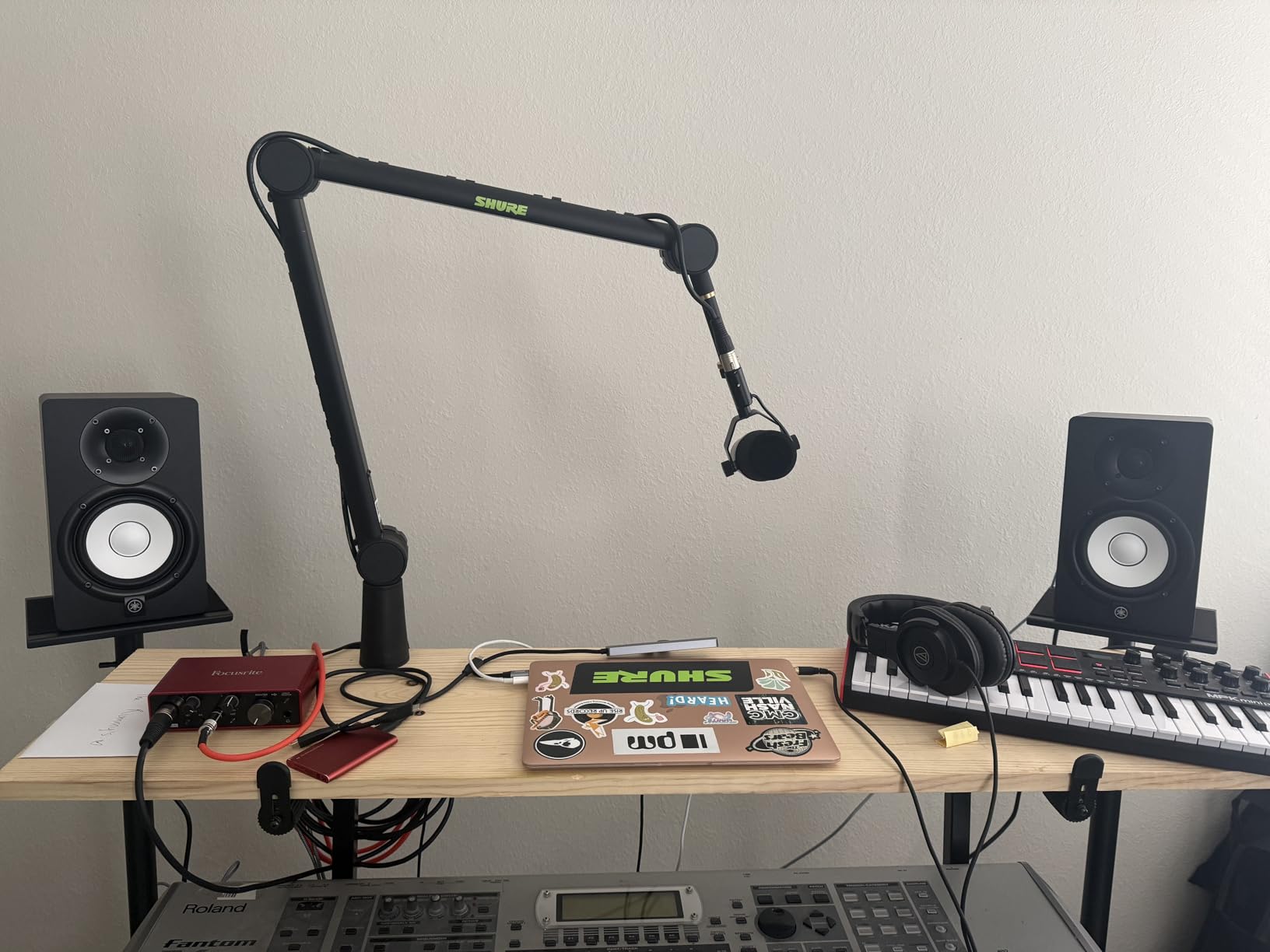
The Yamaha HS5 is the monitor I recommend to any beginner who is ready to invest a bit more in their studio. With a 5 inch woofer, 1 inch dome tweeter, and 70 watts of bi-amplified power, the HS5 is a true step up from every 3.5 inch monitor on this list. It is also the pair you will see in most professional project studios, so training your ears on it now pays off forever.
What I notice most about the HS5 is the stereo imaging. Sounds have width, depth, and placement in space the way they do on a much more expensive pair. Vocals sit forward without being harsh. Drums have punch without boom. The flat response means whatever you mix on the HS5 translates to other systems with minimal adjustment.
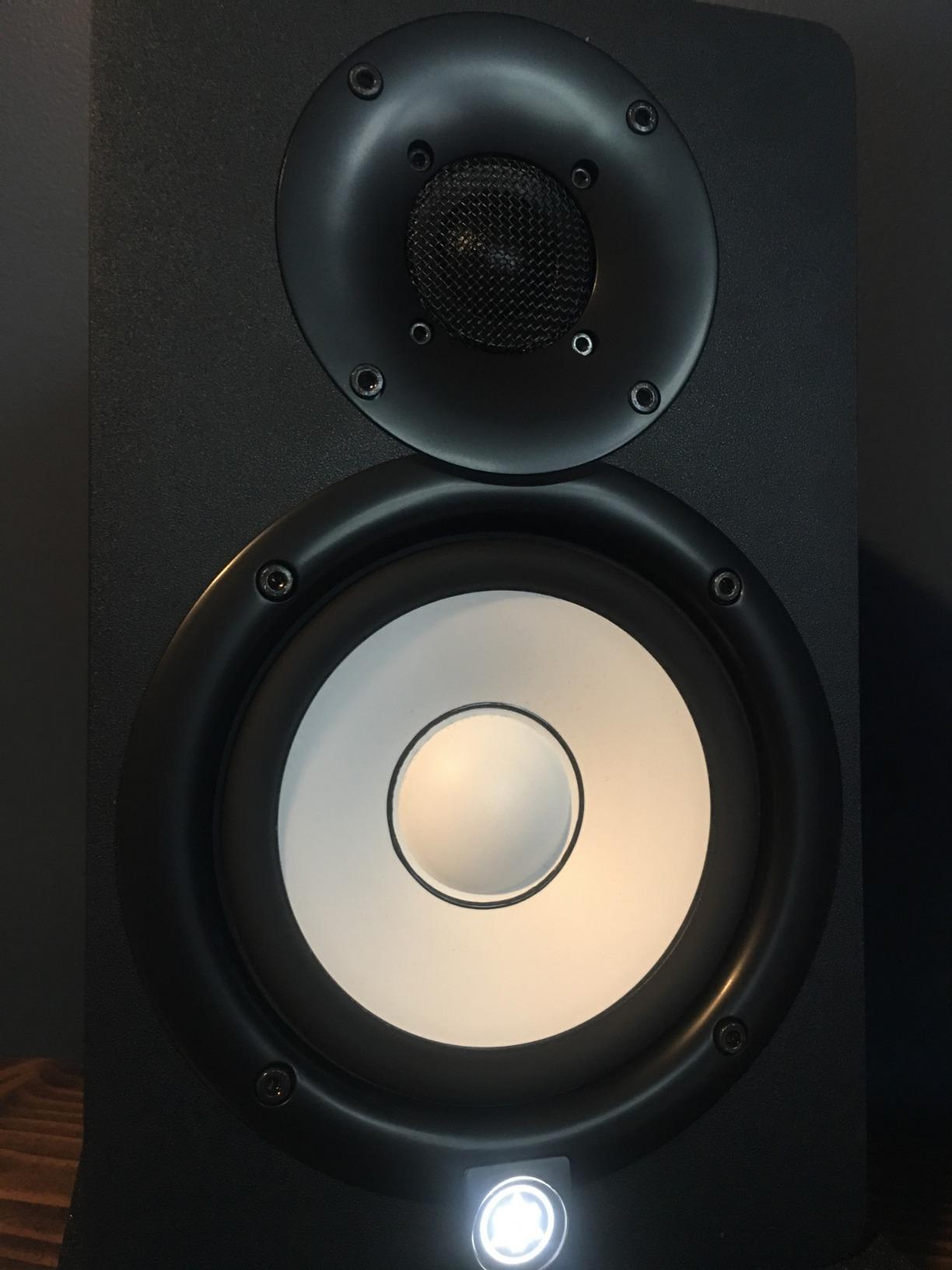
The HS5 takes XLR and TRS inputs, which is what you want from a pro audio interface. There is no RCA, but at this price point you should be running a dedicated interface anyway. With 416 reviews averaging 4.8 stars, the HS5 has one of the highest ratings of any monitor in its class. I trust this pair completely for any beginner who can stretch their budget.
The two things to know before buying: the rear bass port needs at least 6 inches of clearance from any wall, so placement matters. And while the bass extends to 54Hz, larger rooms may want a subwoofer for full-range work. If you want a true beginner monitor that will last through years of skill growth, the HS5 is my top recommendation.
Who the Yamaha HS5 is best for
Beginners who are serious about music production and want a “buy once” monitor should save up for the HS5. It is the standard in project studios worldwide, so any mixing course, plugin tutorial, or YouTube guide you watch will assume you are listening on something like this. It is also the best option here for hip hop and electronic producers who need more low end.
Who should skip the Yamaha HS5
If your budget is under $200, the Yamaha HS3 or Edifier MR4 will serve you better right now. If your room is very small and untreated, a 5 inch woofer can actually sound worse than a 3.5 inch because the bass builds up faster. In a tight bedroom, consider the iLoud Micro Monitor with its DSP instead.
Buying Guide for Beginner Studio Monitors
Woofer Size and Room Matching
The single biggest mistake beginners make is buying a monitor with a woofer that is too big for their room. A 5 inch woofer in a 10 by 10 foot bedroom with bare walls will produce boomy, undefined bass that ruins your mixes. A 3.5 inch woofer in a 20 by 20 foot room will sound thin and weak. Match the woofer to your space.
For a typical bedroom or dorm studio under 150 square feet, a 3 inch or 3.5 inch woofer is the right call. For a medium home studio between 150 and 250 square feet, 4 inch or 5 inch woofers work well. Anything larger usually needs acoustic treatment to sound right. Most beginners do best with a 3.5 inch or 4 inch pair like the PreSonus Eris 3.5 or Edifier MR4.
Connection Types Explained
Studio monitors accept audio through three main connection types: XLR, TRS, and RCA. XLR is the professional standard and locks into place. TRS (quarter-inch balanced) is also balanced and works with most audio interfaces. RCA is the unbalanced consumer connection, fine for casual listening but more prone to noise over long cable runs.
For a beginner with an audio interface, look for balanced TRS or XLR inputs on the monitor. If you do not yet own an interface, RCA or aux inputs let you connect your laptop or phone directly. The Yamaha HS3 stands out for including XLR, TRS, RCA, and mini in one pair, which is rare at this price.
The 38 Rule for Monitor Placement
The 38 rule for studio monitors is a placement guideline that says the speakers and your head should form an equilateral triangle, with each side roughly equal to the distance between the speakers. If your monitors are 3 feet apart, you should sit 3 feet from each one. The “38” comes from aiming the speakers at a 30 degree angle inward, pointing directly at your ears.
This rule matters because it gives you the most accurate stereo image and the most even frequency response. Place the tweeters at ear level when you are sitting in your mix position. Keep the speakers away from walls and corners to reduce bass buildup. A pair of isolation pads under each monitor decouples them from the desk and tightens the bass response noticeably.
Active vs Passive Monitors
Active monitors (also called powered monitors) have built-in amplification, so you plug them straight into the wall. Passive monitors require a separate amplifier. Every monitor in this roundup is active, which is what you want as a beginner. Active designs match the amp to the drivers, include crossovers built in, and save you from buying extra gear.
Within active monitors, you will see “bi-amplified” labels on some pairs. Bi-amplified means the woofer and tweeter each have their own dedicated amp, which produces cleaner sound at higher volumes. The Yamaha HS5 and M-Audio BX3 are bi-amplified. The PreSonus Eris 3.5 and Mackie CR3.5 use single-amp designs but still sound excellent at this size.
Common Beginner Mistakes to Avoid
The first mistake is choosing speakers based on brand or looks instead of room size and use case. The second is ignoring placement: putting monitors in corners, on the floor, or aimed wrong will ruin even the best pair. The third is mixing too loud; your ears fatigue faster than you think and your mixes suffer for it. Keep the volume low and take breaks.
The fourth mistake is forgetting about cables and stands. Budget $30-$50 for proper TRS or XLR cables and a pair of monitor stands or isolation pads. The fifth is expecting studio monitors to sound “fun” like consumer speakers. They are supposed to sound neutral. If your mixes sound dull on monitors, your favorite records probably also sound dull on monitors. That is the point.
How Much Should Beginners Spend?
For most beginners, the sweet spot is between $100 and $200. Pairs like the PreSonus Eris 3.5, Mackie CR3.5, and Edifier MR4 sit in this range and will serve you well for years. If your budget is under $100, the M-Audio BX3 is the best you can buy. If you can stretch to $300-$400, the Yamaha HS5 is a true step up that lasts a decade.
Do not spend less than $80 on studio monitors. Below that price, you are dealing with computer speakers rebranded as monitors, and they will not help your mixes. Do not spend more than $500 until you have a treated room and trained ears. A great monitor in a bad room still sounds bad.
Frequently Asked Questions
What is the 38 rule for studio monitors?
The 38 rule for studio monitors is a placement guideline that says your speakers and your head should form an equilateral triangle. Each side of the triangle should be the same distance, with each speaker aimed at a 30 degree angle toward your listening position. For example, if your monitors are 3 feet apart, sit 3 feet from each speaker and angle them inward so the tweeters point directly at your ears. This setup gives you the most accurate stereo image, balanced frequency response, and the widest sweet spot. Always place the tweeters at ear height and keep the monitors away from walls to avoid bass buildup.
Do I need 1 or 2 studio monitors?
You need two studio monitors for music production. Stereo mixing requires accurate reproduction of the left and right channels separately, which is impossible with a single speaker. A pair of monitors also creates a proper stereo image with width, depth, and placement. One monitor is only acceptable for reference checks on mono compatibility, not for actual mixing. Every beginner monitor on this list is sold as a pair, so plan to use both. Adding a third center monitor is an upgrade for surround work, not a substitute for a proper stereo pair.
What are the best studio monitors for a home studio?
The best studio monitors for a home studio depend on room size and budget, but a few pairs consistently rise to the top for beginners. The PreSonus Eris 3.5 is the best overall pick because it sounds honest, has acoustic tuning controls, and fits under $100. The Yamaha HS3 is the best Yamaha option for compact rooms. The Edifier MR4 is the warmest sounding 4 inch pick. The Yamaha HS5 is the best step-up monitor for serious producers. Match the woofer size to your room and you cannot go wrong with any of these.
How much should a beginner spend on studio monitors?
Beginners should plan to spend between $100 and $200 on a quality pair of studio monitors. This price range covers the PreSonus Eris 3.5, Mackie CR3.5, Edifier MR4, and Yamaha HS3, all of which deliver accurate sound for years of production. If your budget is under $100, the M-Audio BX3 at $89 is the best affordable option. Spending more than $300 only makes sense if you have a treated room and know what to listen for. Do not spend less than $80, as cheaper speakers will not give you the flat response you need to make good mixing decisions.
Final Recommendation: Which Beginner Studio Monitor Should You Buy?
After testing all eight of the best studio monitors for beginners in 2026, my top recommendation for most people is the PreSonus Eris 3.5. It sounds accurate, has flexible inputs, includes acoustic tuning, and costs under $100. The 3.5 inch woofer fits any desk and any room size, and the 1561 reviews backing it up prove it has stood the test of time.
If you can stretch your budget, the Yamaha HS5 is the best step-up monitor for serious beginners. It is the industry standard for project studios, and training your ears on it now means every mixing tutorial you watch will translate directly. The 5 inch woofer gives you more bass for hip hop, EDM, and any genre that needs full-range extension.
For tight spaces and travel, the IK Multimedia iLoud Micro Monitor is unbeatable. For the warmest, most forgiving sound under $150, the Edifier MR4 is the community favorite. For Bluetooth versatility, the Edifier MR3 covers everything from production to streaming. Whatever pair you pick, follow the 38 rule for placement, give your monitors a few weeks to break in, and trust what you hear. Happy mixing.