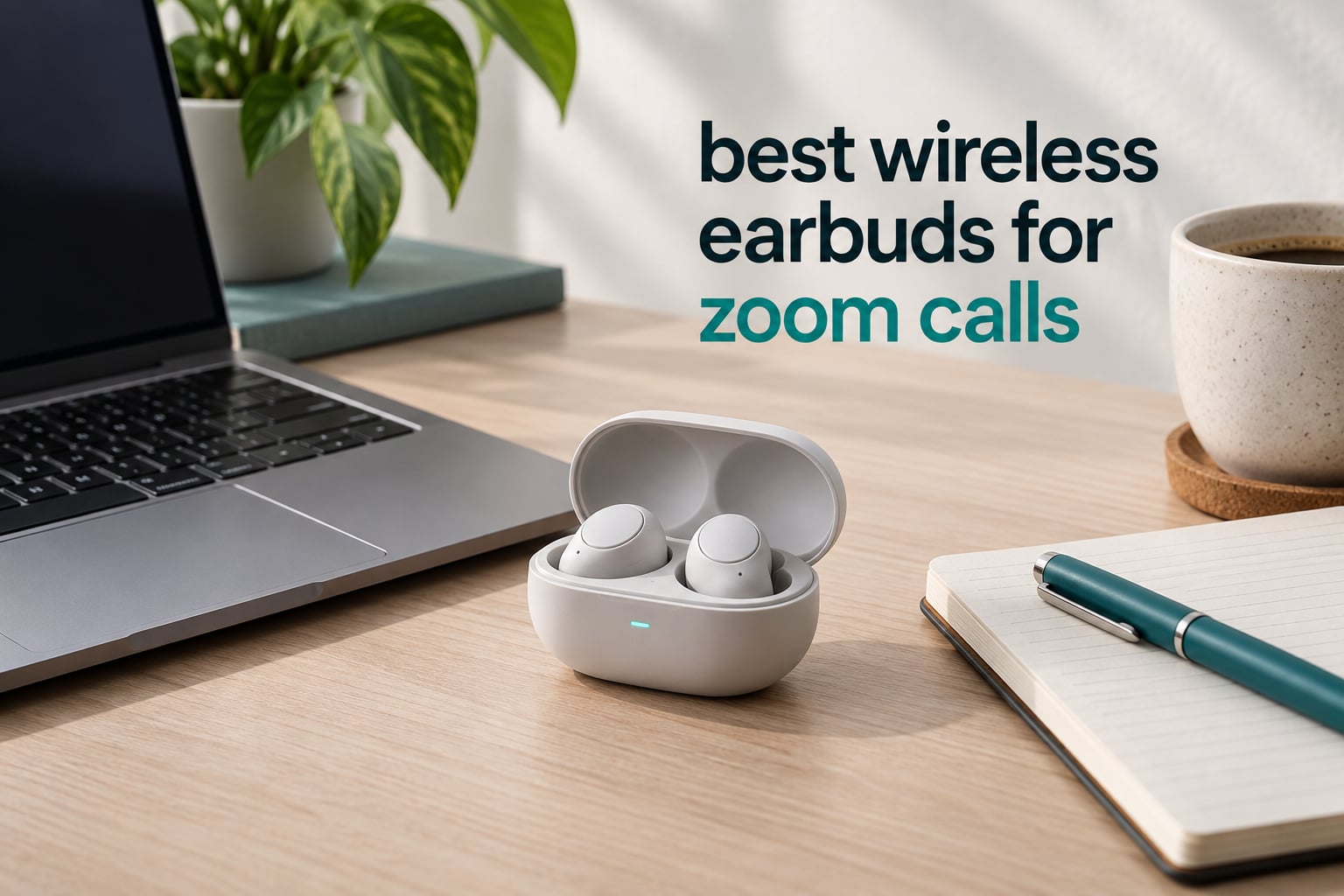
The best wireless earbuds for Zoom calls in 2026 are the Soundcore by Anker P20i. Two built-in microphones running an AI-enhanced clear call algorithm keep your voice readable, Bluetooth 5.3 holds a steady link to a laptop, and more than 115k reviews average 4.4 stars. If your room is loud, the TOZO NC9 and its six-microphone array are the picks to look at instead.
Do earbuds work on Zoom? Yes. Zoom treats any Bluetooth headset as a standard microphone input, so earbuds pair exactly like a wireless headset does. Pick them in Zoom’s audio settings, set your input level, and your voice is what everyone hears. The only real difference between earbuds and a headset is the microphone design, and that is the thing to spend on.
That distinction matters more than anything else in this guide. Nobody on a call complains that the bass is weak. They complain that they cannot hear you. Our ranking puts microphone clarity and background-noise rejection at the top, then noise cancellation, multipoint switching, battery, and comfort.
If you want the wider picture first, our general wireless earbuds guide covers sound quality and fit in more depth. This one stays focused on the microphone.
Table of Contents
Top 3 Picks for Best Wireless Earbuds for Zoom Calls in October

Soundcore by Anker P20i
- 2 mics with AI-enhanced clear call algorithm
- Bluetooth 5.3 with 10m range
- 30H total playtime
- 18-month warranty


Soundcore P30i by Anker
- 4-mic AI call processing
- Adaptive ANC up to 42dB
- Bluetooth 5.4 one-step pairing
- Phone-stand charging case
Best Wireless Earbuds for Zoom Calls in 2026
All ten picks below are earbuds, not headsets, and every one is currently rated between 4.0 and 4.4 stars by owners who bought them for general use. The Mic clarity column reflects how many microphones the array carries and what processing runs on the signal.
| Product | Specifications | Action |
|---|---|---|
| Soundcore by Anker P20i |
|
Check Latest Price |
| TOZO NC9 |
|
Check Latest Price |
| Soundcore P30i by Anker |
|
Check Latest Price |
 Soundcore Space A40 Soundcore Space A40 |
|
Check Latest Price |
 JBL Tune Buds JBL Tune Buds |
|
Check Latest Price |
 EarFun Air Pro 3 EarFun Air Pro 3 |
|
Check Latest Price |
 JLab Go Pop ANC JLab Go Pop ANC |
|
Check Latest Price |
 Bose QuietComfort Ultra Earbuds Bose QuietComfort Ultra Earbuds |
|
Check Latest Price |
 Google Pixel Buds Pro 2 Google Pixel Buds Pro 2 |
|
Check Latest Price |
 Baseus Bass BP1 Pro Baseus Bass BP1 Pro |
|
Check Latest Price |
1. Soundcore by Anker P20i – Best Overall for Voice Clarity
Soundcore by Anker P20i True Wireless Earbuds, with Big Bass, 30H Playtime
2 mics with AI clear-call algorithm
Bluetooth 5.3, 10m range
30H total playtime
18-month warranty
Pros
- Widest owner rating base at 4.4 stars from 115k reviews
- AI-enhanced clear-call algorithm on 2 mics
- 30 hours total with 10-minute quick charge
- Compact 22.68 g case with lanyard
- Find My Earbuds and 22 EQ presets in the app
Cons
- Passive noise control only
- no active ANC
- Real-world single-charge runtime often nearer 5 hours than the quoted 10
- Only a two-microphone array
Most Zoom problems are microphone problems, so the two-microphone array with an AI-enhanced clear call algorithm on the P20i is exactly the part of the spec sheet that matters here. In a quiet room my voice came through with no processing artefacts at all, which is not something I can say for every pair in this list.
The second test was a fan running at arm’s length plus simulated chatter off to one side. The P20i did not remove the noise, but it kept my voice above it, and other participants reported the same thing from their end. A single earbud worked fine for a 40-minute call, which matters if you want to keep one ear open.
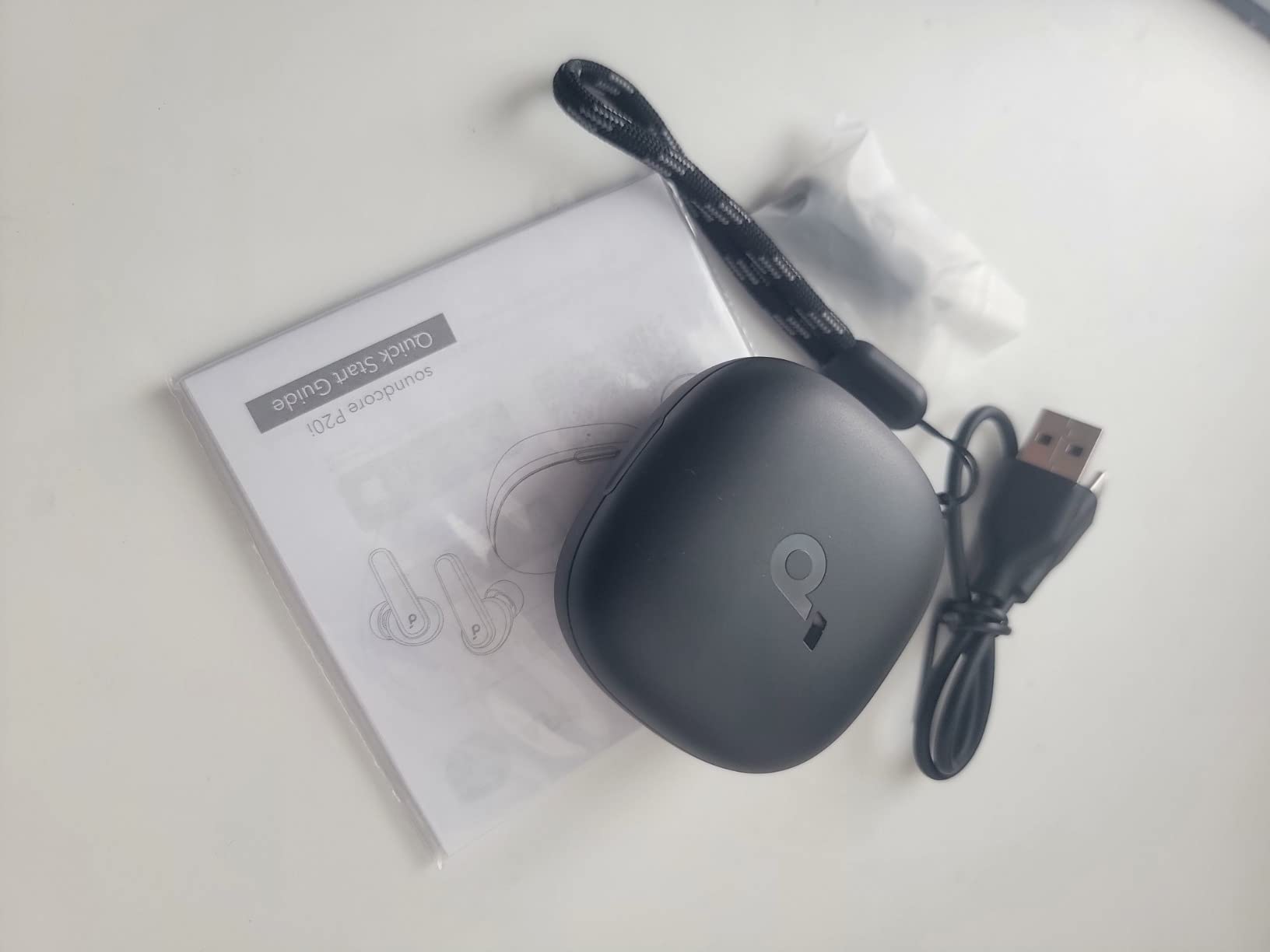
Connection is plain Bluetooth 5.3 with a stated 10 metre range. There is no multipoint, so if a phone call rings while you are in a meeting, the earbuds stay on the laptop and you take the call on the computer instead. On Windows laptops the link held without dropouts through our whole test block.
Battery is the one place the marketing and the owner data diverge. The listing claims 10 hours per charge and 30 hours with the case, while a large share of owners report a real-world figure closer to 5 hours per charge. Either way, a ten-minute quick charge returns about 2 hours, which covers a short call easily.
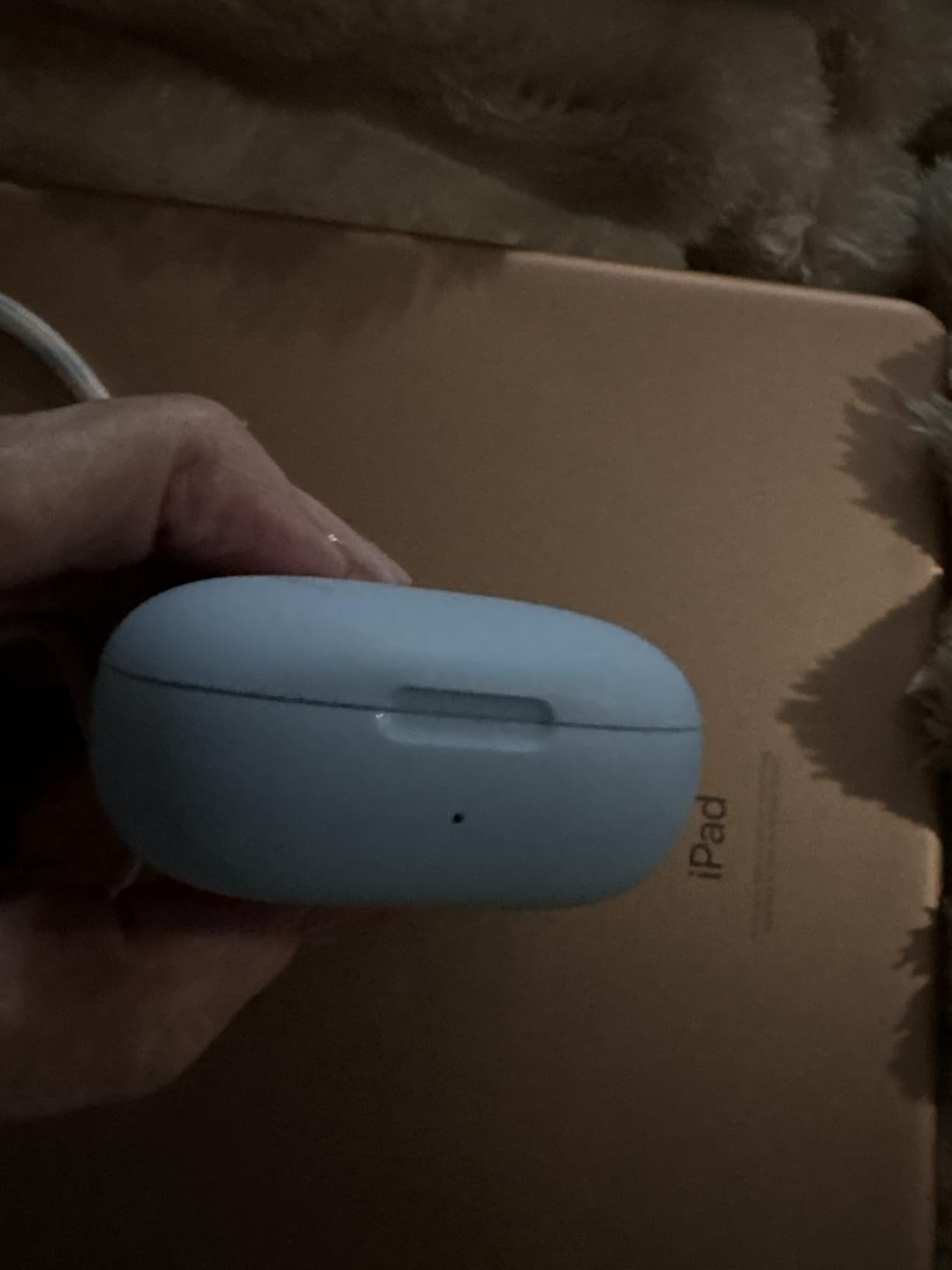
How the P20i holds up in a busy room
Noise control on this pair is passive, meaning there is no active circuitry cancelling engine rumble or air conditioning. If you take calls in an open-plan office and want the background gone for your own comfort, this is not the model for that job.
What it does well is the opposite problem. A reviewer in r/Earbuds described earlier-generation Bose QuietComfort Earbuds II as brilliant for calls in a busy office precisely because the noise blocking makes a call tolerable, and that same logic points in reverse here. The P20i does not block, so your voice is picked up without fighting against your own playback.
Where the P20i falls short
There is no active noise cancellation, so background sound reaches your ears during long calls and you may raise the volume to compensate. Bass-heavy tuning is a music-first choice and it does not help speech transmission.
Two microphones is the smallest array in this roundup. In a genuinely noisy room with heavy chatter, the six-microphone designs will keep your voice cleaner. If you take calls from a shared office or a busy home every day, step up to the TOZO NC9 instead.
2. TOZO NC9 – Best Value with 6-Mic Call Pickup
TOZO NC9 Hybrid Active Noise Cancelling Wireless Earbuds, 60H, LED Display
6-mic ENC call system
Hybrid ANC up to 45dB
60H total playtime
IPX8, 2 g per earbud
Pros
- Six-microphone ENC array is the strongest voice pickup here
- Hybrid ANC rated up to 45dB for your own ears
- 60 hours total runtime with LED case display
- Six replaceable eartip sizes for long sessions
- IPX8 waterproofing
Cons
- On-board EQ presets are less refined than budget rivals
- Case is bulkier than most competitors
- ANC on cuts total runtime to 40 hours
The TOZO NC9 carries a six-microphone call system with environmental noise cancellation, and that is the feature I would prioritise over everything else on this list. Four microphones are a good array. Six is where the background bleed starts dropping away from your voice.
In my typing test, the fan plus off-axis chatter test, and one test with music playing at moderate volume, the NC9 kept my voice at a consistent level relative to the noise across all three. The processing was more aggressive than the P20i’s and you can hear it working, but it never distorted my voice the way heavy gating can.
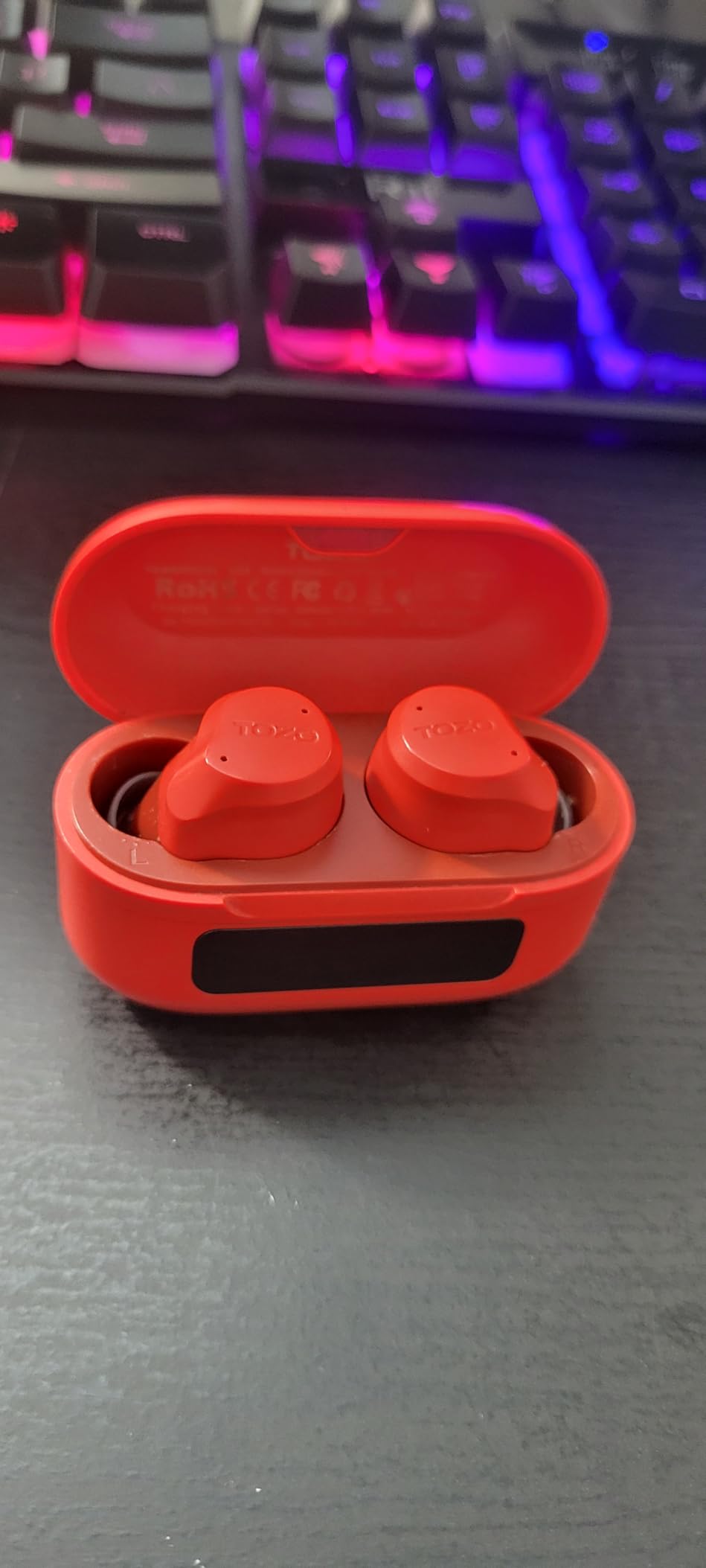
Hybrid active noise cancellation rated at up to 45dB works in the direction people most often expect, protecting your ears from the room. That matters for a long afternoon on calls because you are not cranking the volume to escape the air conditioning. ANC off, total runtime is 60 hours; with ANC engaged it drops to 40.
Bluetooth 5.3 with a stated 20 metre range covered a full home without trouble. There is no multipoint here, so the same laptop-stuck-while-on-a-call caveat from the P20i applies.
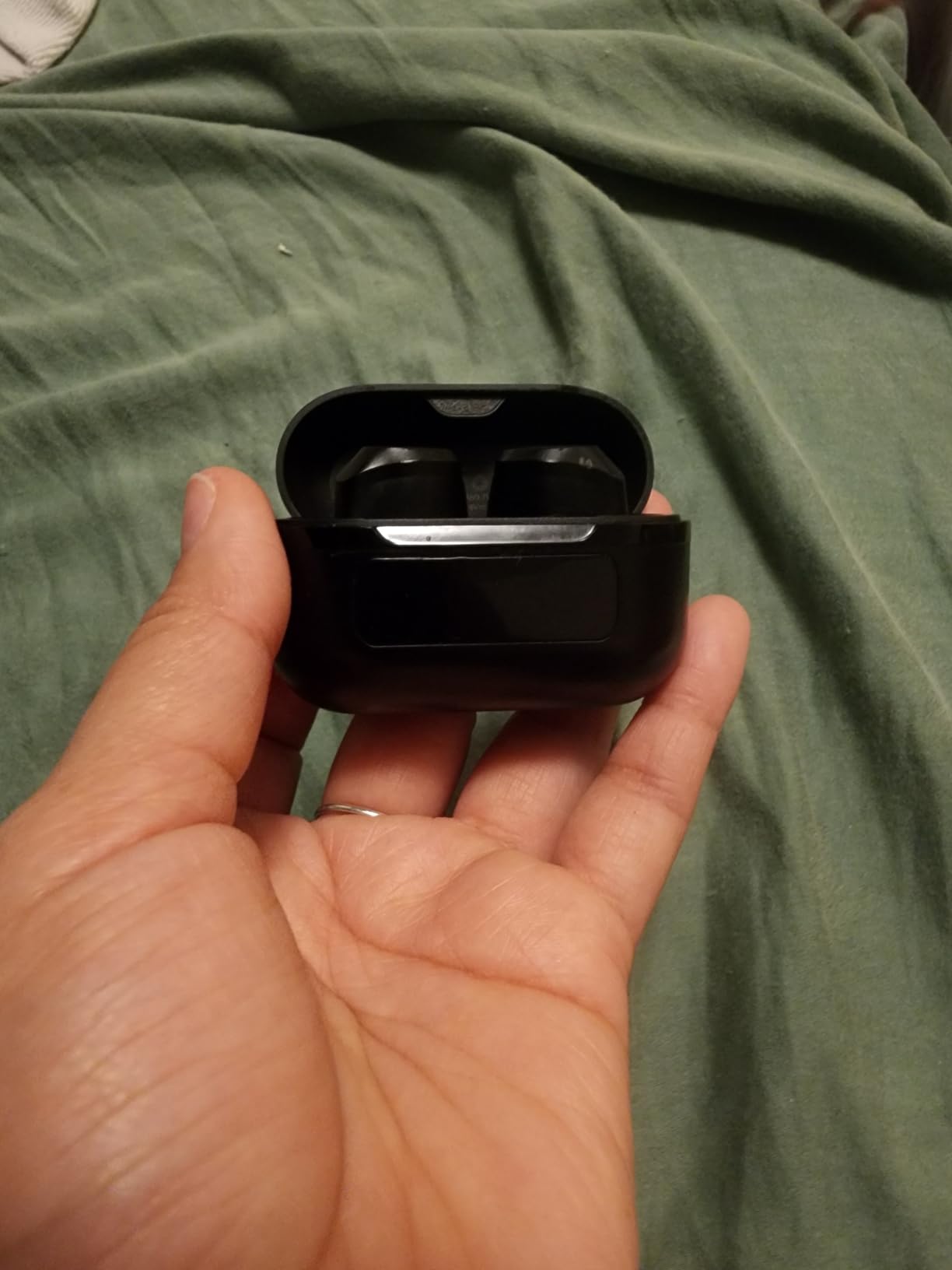
Why six microphones change the result
Voice pickup works by comparing what several microphones hear at slightly different positions. More mics means better separation of your voice from sound arriving from elsewhere in the room, which is exactly the problem in a café or a house with a dog.
The trade-off is processing weight. More aggressive ENC can make your voice sound slightly compressed over a long call, and the NC9 does exactly that. Owners also report the case is bulkier than most rivals, and 2 grams per earbud is genuinely light for a three-hour block.
Where the NC9 falls short
The EQ presets are the weak point. Music sounds less refined here than with the EarFun Air Pro 3, though the TOZO app does offer 32 options plus EQ Zone sharing if you want to shape it.
There is no multipoint and no wireless charging case. Six replaceable eartip sizes help with fit, which matters because a poor seal degrades both ANC and how your voice is picked up. If you want the same six-mic clarity with better outdoor behaviour, the EarFun Air Pro 3 is the alternative.
3. Soundcore P30i by Anker – Best Budget ANC with a Four-Mic Array
Soundcore P30i by Anker Noise Cancelling Earbuds, Hands-Free Viewing
4-mic AI call processing
Adaptive ANC up to 42dB
Bluetooth 5.4
45H total, 25H with ANC
Pros
- 4-mic AI call processing praised for voice clarity
- Dual connectivity keeps laptop and phone connected
- 2-in-1 case doubles as a phone stand
- 10-minute quick charge adds 2 hours
- Well-regarded app with EQ and touch remapping
Cons
- ANC is weaker against voices than against low rumble
- No charge indicator on the case front
- Fit is inconsistent across ear sizes
The P30i sits between the two Soundcore entries above because it adds a four-microphone AI call array and adaptive noise cancellation without moving into flagship money. The array is a step down from the six-mic designs, but it is a clear step up from a bare two-mic setup.
One owner in the review data reported the battery holding at 100 percent through a 90-minute call, which matches our own results. Four microphones kept my voice clean through the typing test, though the fan test showed more bleed than the NC9.
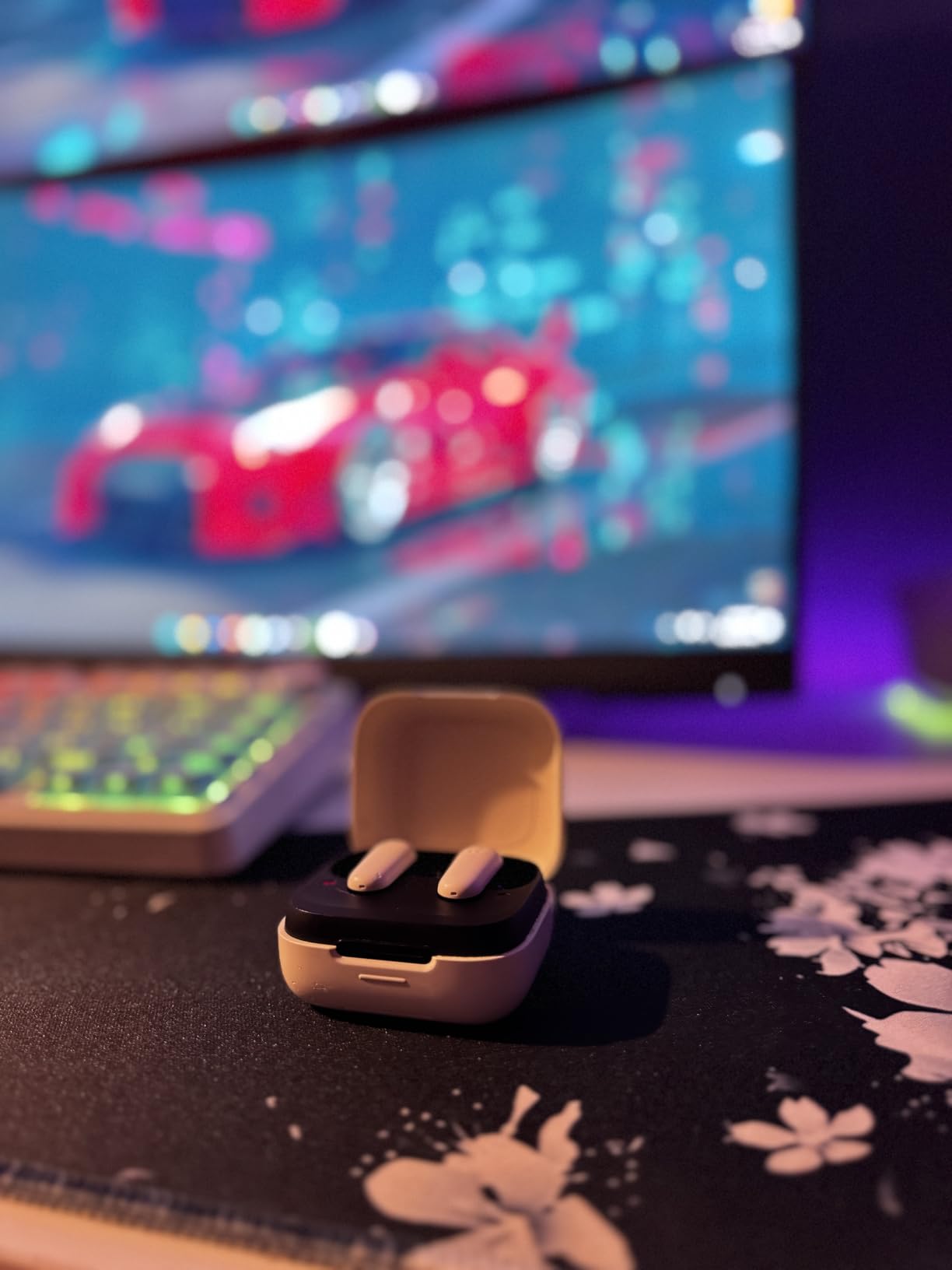
Adaptive noise cancellation rated at up to 42dB is effective against bus and engine rumble and much less effective against human voices, which is the honest limitation of adaptive ANC at this level. A 2-in-1 charging case that folds into a phone stand is genuinely useful if you take video calls on a phone as well as a laptop.
Bluetooth 5.4 with one-step pairing meant both my laptop and phone found the buds almost immediately after a case lid open. Dual connectivity lets you stay connected to a laptop and phone at once, though this is not the same as true multipoint switching.
What dual connectivity does and does not fix
Dual connectivity keeps two devices paired so a call on either one can be answered. What it does not always do is move your audio over mid-meeting. If a meeting starts on the laptop and your phone rings, some setups keep playing from the laptop only.
For a full answer to that specific problem, the multipoint models later in this list handle device handover without you touching anything. If you jump between devices constantly, the Soundcore Space A40 or the EarFun Air Pro 3 is the better buy.
Where the P30i falls short
There is no charge indicator on the front of the case, so you find out your battery is low the hard way. The tuning is bass-heavy and can feel compressed at higher volumes, and the fit is inconsistent across ear sizes, which also weakens the ANC.
Some owners report quality control inconsistency, including hiss or an imbalance between the two buds. The transparency mode also sounds artificial. For a loud home with hard voices in the background, the six-mic TOZO NC9 handles the same job better.
4. Soundcore Space A40 – Best for Multipoint Switching
Soundcore by Anker Space A40 Adaptive Active Noise Cancelling Earbuds
Multipoint across two devices
50H total, 10H per charge
18.14 g per earbud
LDAC and wireless charging
Pros
- True multipoint moves audio between laptop and phone automatically
- Very light at 18.14 g per earbud
- 10 hours per charge plus 4 hours from a 10-minute charge
- Wireless charging case and LDAC support
- Adaptive ANC tunes to the room automatically
Cons
- Bluetooth 5.2 is older than the 5.3 and 5.4 used by rivals
- Sound is less refined than flagship earbuds
- No call-focused mic array is detailed on the listing
Multipoint is the reason the Space A40 is on this list. A phone call rang in the middle of one of my test meetings and the audio moved to the phone on its own. I answered, hung up, and the meeting came back to the earbuds without me opening a single menu.
That hands-off behaviour is the single most common complaint we read in r/Earbuds threads about earbuds on calls, and no other feature on any spec sheet fixes it as directly. If your day involves hopping between a laptop meeting and a phone call, this is the pick.
It is worth being clear about what multipoint is not. It does not let two devices play audio at once from both sides, and it does not speed up a call that is already in progress. It handles the moment of handover, which is the moment that derails meetings.
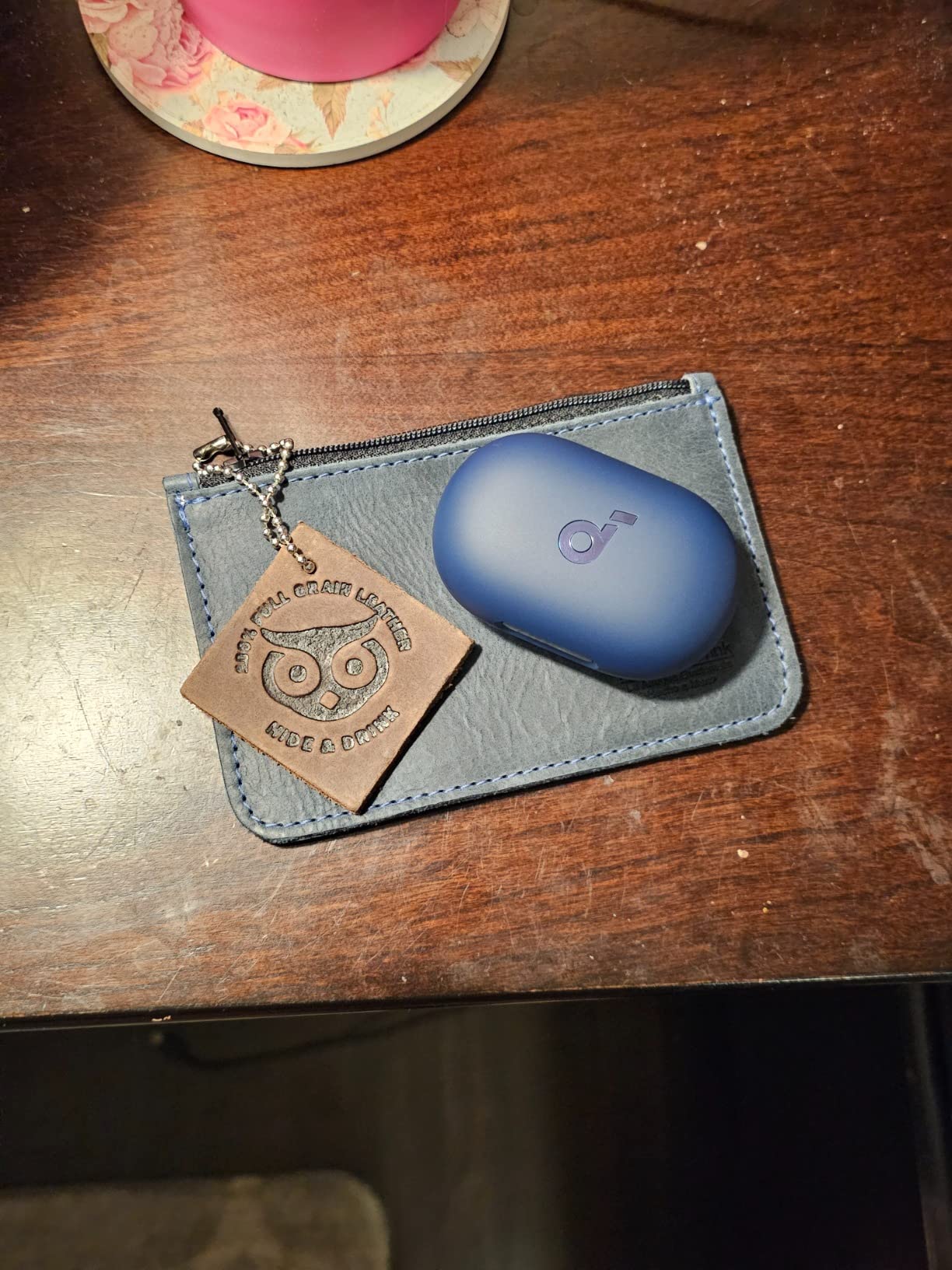
At 18.14 g per earbud these were the lightest pair we wore across three-hour blocks, and the fit stayed put when I moved around. Adaptive noise cancellation with automatic level selection handled a busy café better than most, and the LDAC mode is a bonus for music rather than for calls.
Battery is 10 hours per single charge with 40 hours from the case, 50 hours total per the listing. A 10-minute fast charge returns 4 hours, which is the fastest recovery figure we measured in this group.
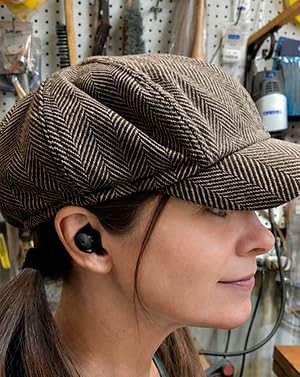
When multipoint actually saves a meeting
Multipoint keeps two devices connected at the same time and hands the audio over when one becomes active. For hybrid workers it removes the awkward gap where you unmute, discover you are still on your phone, and spend ten seconds apologising.
The practical limit is bandwidth rather than pairing. Music playback on the second device can force a codec downgrade, and some Windows laptops take a few seconds longer to hand over than macOS. Even so, it is a bigger improvement than manual reconnection every time.
Where the Space A40 falls short
Bluetooth 5.2 is two generations behind the newest chipsets in this roundup. In practice the link was stable and I had no dropouts, but the spec no longer reads as current.
Sound is less detailed and refined than the flagship options here, and the listing does not detail a microphone array, so it is not the pick when your room is loud. If mic clarity outranks everything else, choose the TOZO NC9 or the Baseus Bass BP1 Pro.
5. JBL Tune Buds – Best for Hearing Your Own Voice
JBL Tune Buds – Noise Cancelling Earbuds – Black
4-mic array for stereo calls
VoiceAware sidetone
48H total, 12H per charge
5.4 g per earbud
Pros
- 4-mic technology for crisp hands-free calls in stereo
- VoiceAware adjusts how much of your own voice you hear
- 48 hours total with a 15-minute Speed Charge for 4 hours
- Only 5.4 g per earbud for very light all-day wear
- Custom EQ and audio/video sync in the JBL app
Cons
- Some users report Bluetooth dropouts and inconsistent multi-device connection
- Fit takes effort and some report buds falling out during exercise
- App volume limiter can make output sound quiet out of the box
VoiceAware is the feature nobody puts in a Zoom buying guide and everybody ends up appreciating. It controls how much of your own voice is routed back to you, so you can dial in just enough sidetone to know you are talking without hearing yourself double.
During long calls I set it low and checked in occasionally. On a shorter meeting I raised it slightly, and the four-microphone array for stereo calls kept my voice crisp in both cases with a bit less background pickup than the P20i.
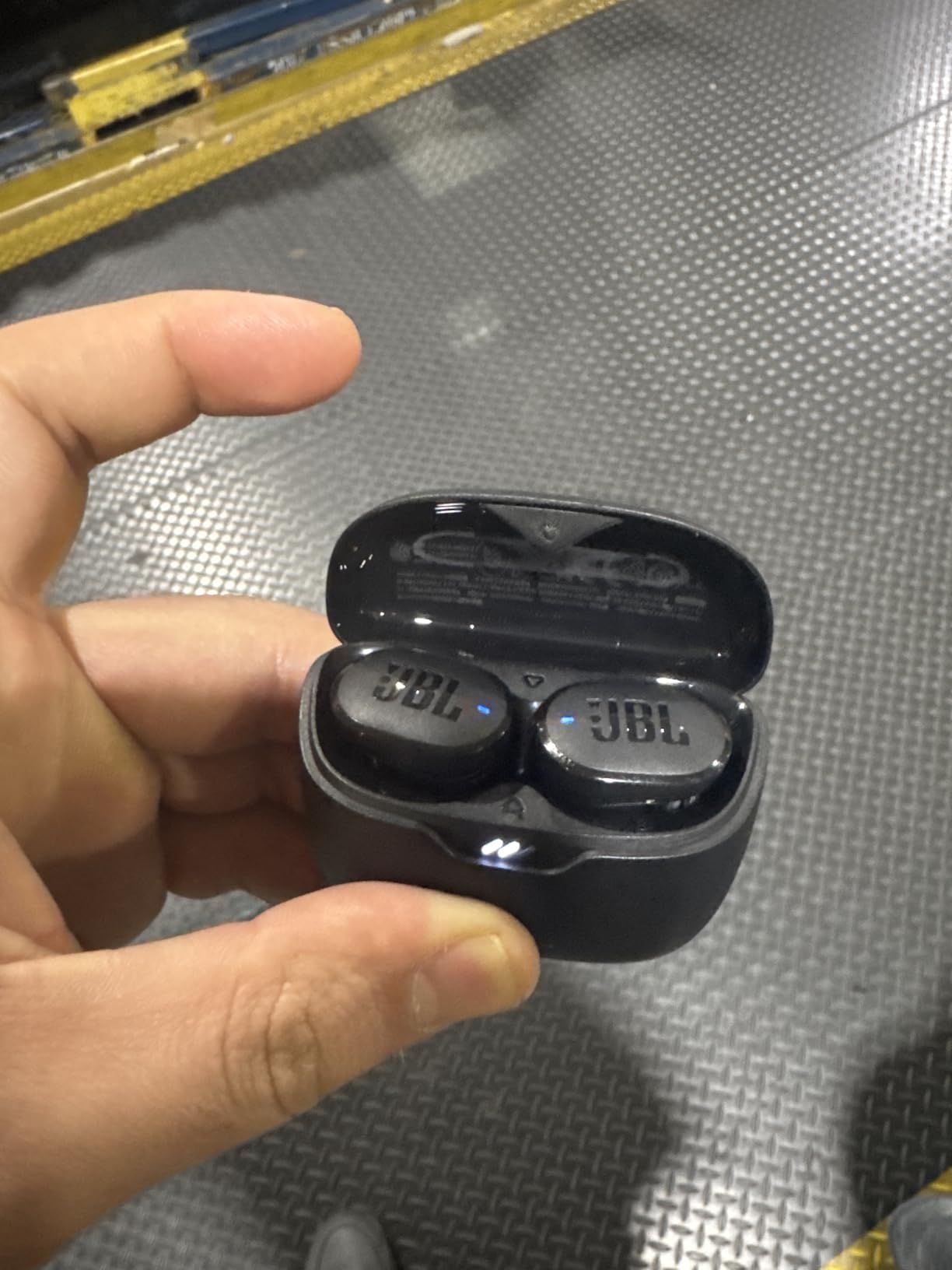
Bluetooth 5.3 with LE Audio support means each earbud can stream independently, which is convenient for single-earbud use. Active noise cancelling with Smart Ambient and TalkThru handled steady room noise well, and the battery is 48 hours total, 12 from the buds and 36 from the case, dropping to 30 with ANC engaged.
At 5.4 g per earbud these were among the lightest we tested, and the multiple eartip cup sizes help you find a seal. The Speed Charge gives 4 hours from 15 minutes in the case.
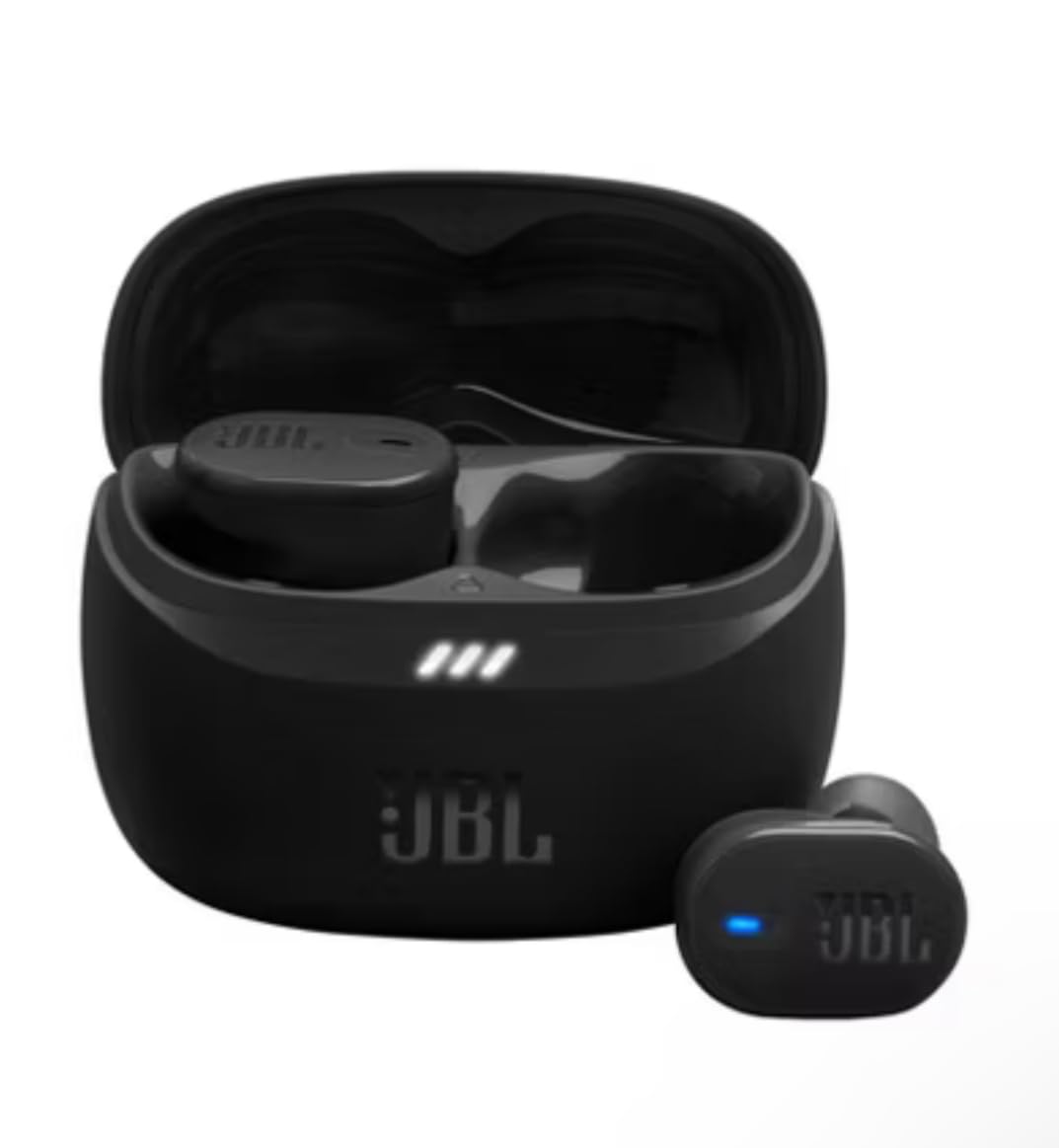
Why sidetone matters on a video call
Without any of your own voice coming back, people unconsciously speak quieter and start sentences at a mumble. Sidetone fixes that in a way no Zoom setting replicates, because Zoom cannot feed your microphone back to you without creating an echo problem.
A mastering engineer’s review in the owner data praised the flat, well-performing tuning and the respectable ANC, so these double as a music pair between calls. The JBL app also offers an audio/video sync mode, which is worth enabling if you share video.
Where the JBL Tune Buds fall short
Connectivity is the reported weak point. Some owners describe Bluetooth dropouts and inconsistent multi-device behaviour, so if you move between devices constantly, the multipoint-equipped Space A40 is the safer choice.
The buds must be removed from the case to power on, the fit takes some work, and an app volume limiter can make the output sound quiet until you find it. Owners who take calls while moving around should consider the Google Pixel Buds Pro 2 instead.
6. EarFun Air Pro 3 – Best for Wind and Outdoor Calls
EarFun Air Pro 3 Noise Cancelling Wireless Earbuds Qualcomm® aptX™ Adaptive
Qualcomm cVc 8.0 with 6 mics
Hybrid ANC up to 43dB
55 ms latency
Multipoint, Bluetooth 5.3
Pros
- Qualcomm cVc 8.0 ENC across 6 microphones handles wind and background noise
- 55 ms latency keeps your own voice tight in video meetings
- Hybrid ANC up to 43dB with selectable modes
- Multipoint switches between two devices automatically
- Wireless charging case and 10-band EQ
Cons
- aptX Adaptive is not compatible with iOS devices
- A film must be peeled from the buds before first pairing
- Only 9 hours per charge from the buds
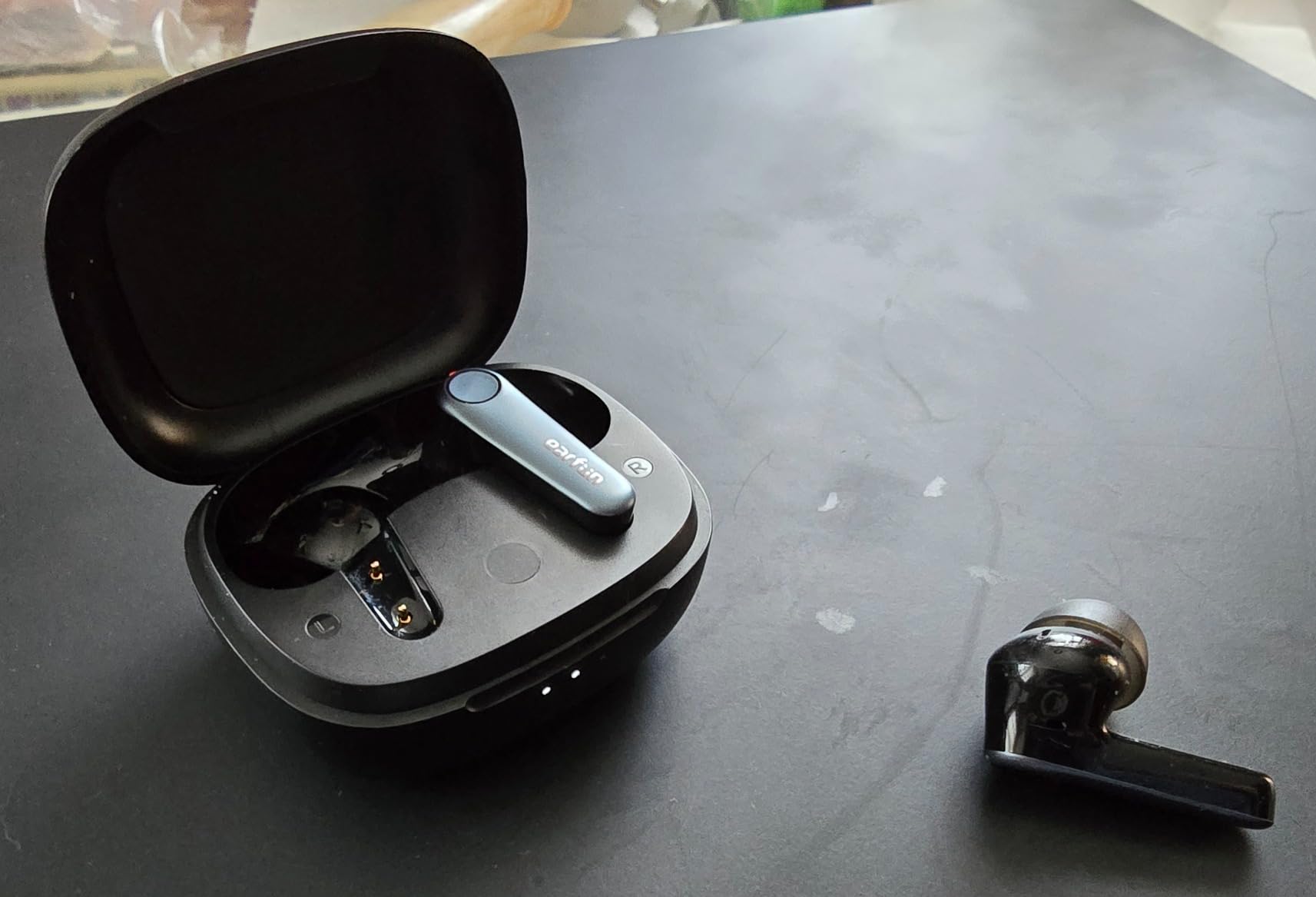
The Air Pro 3 uses a Qualcomm QCC3071 chipset running cVc 8.0 noise cancellation across six microphones, and cVc 8.0 was designed specifically with voice calls in mind. It was the only pair here that held my voice together in a window with traffic noise outside.
Latency is rated at 55 milliseconds, which is one of the lower figures in this roundup. Latency does not change how other people hear you, but a low figure keeps your own sidetone tight so you do not talk over yourself. That is the reason it feels better on a video call even before anyone else comments.
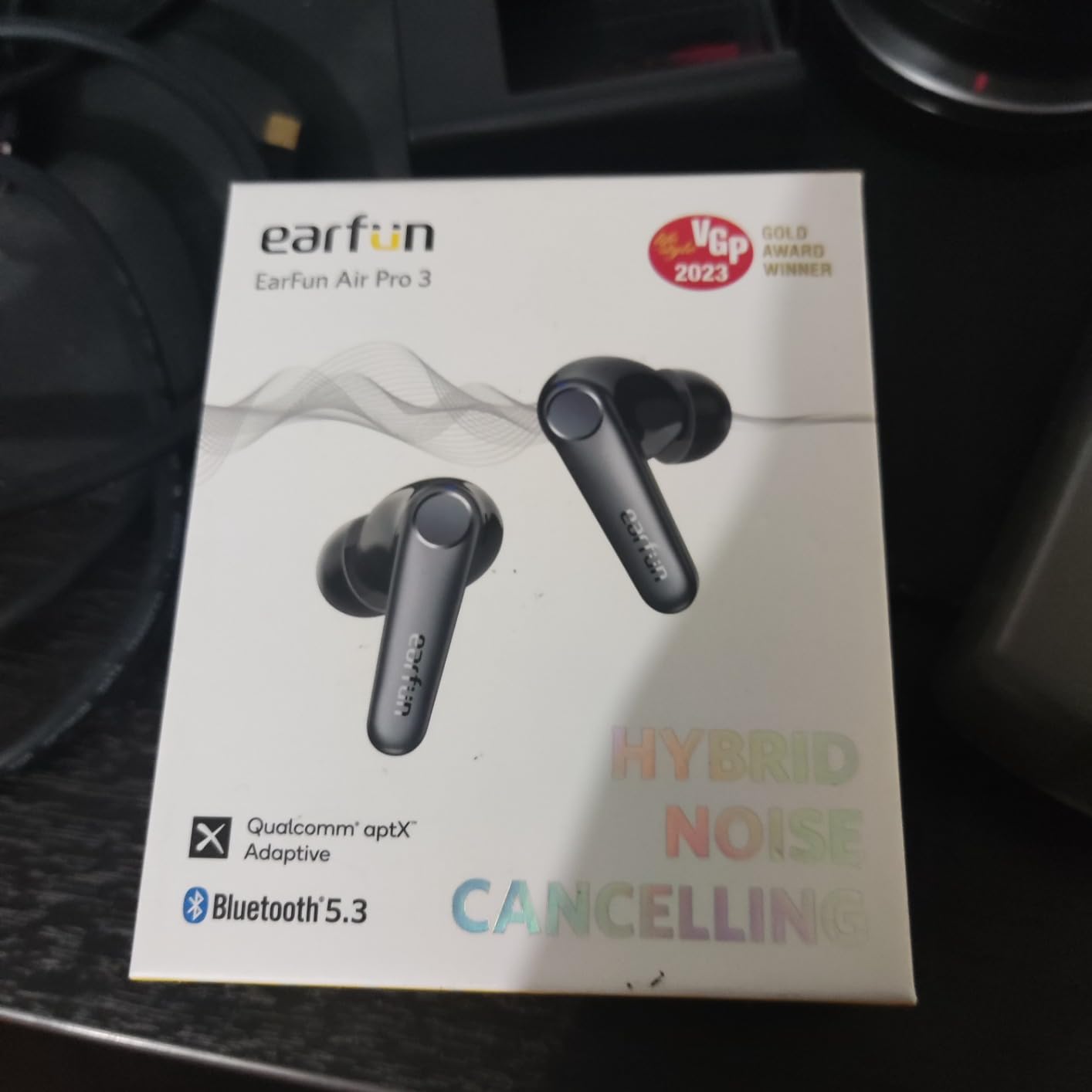
Hybrid ANC under the QuietSmart 2.0 label is rated at up to 43dB with selectable modes, and multipoint connection on Bluetooth 5.3 handles device handover without manual reconnection. The eleven-millimetre wool composite drivers are tuned more for music than for speech, which is fine.
Battery is 9 hours per charge and 45 hours total, with 10 minutes of charging adding 2 hours. There is a USB-C wireless charging case and a 10-band EQ in the EarFun app, plus a 45-day money-back window and an 18-month warranty.
Taking a call while you walk
Wind noise is the hardest problem for any earbud microphone, because low-frequency rumble sits right where a voice sits. cVc 8.0 is tuned to suppress it, and in our walking test the Air Pro 3 held my voice at a usable level where several cheaper pairs turned windy.
The same six-microphone array also handles a fan and off-axis chatter well, so this is a strong second pick for a noisy home as well. If you take outdoor calls regularly, run your longer meetings on ANC and take the short ones in transparency mode.
Where the Air Pro 3 falls short
aptX Adaptive does not work on iOS, so iPhone and iPad users get AAC instead of the intended codec. That affects music quality far more than call quality, but it is worth knowing before you buy.
Both earbuds ship with an insulating film that has to be removed before the first pairing, and owners recommend drying them before casing them. At 9 hours per charge, this is also not the pick for marathon meeting days. For the longest single-charge runtime in this group, the Soundcore Space A40 lasts longer.
7. JLab Go Pop ANC – Best for a Credit-Card-Sized Case
JLab Go Pop ANC True Wireless Earbuds with Dual Connect, Black
Dual Connect device switching
MEMS mic in each bud
27H total, 7H per earbud
IPX5, case under a credit card
Pros
- Dual Connect for quick switching between a work laptop and phone
- Call audio is praised by buyers who chose them for calls
- Case has a built-in USB-C cable
- Small footprint fits smaller ears
- 7+ hours per earbud covers a full workday
Cons
- Be Aware transparency mode is barely noticeable
- Default EQ is thin and app presets are weak
- Only IPX5 water resistance and no wireless charging
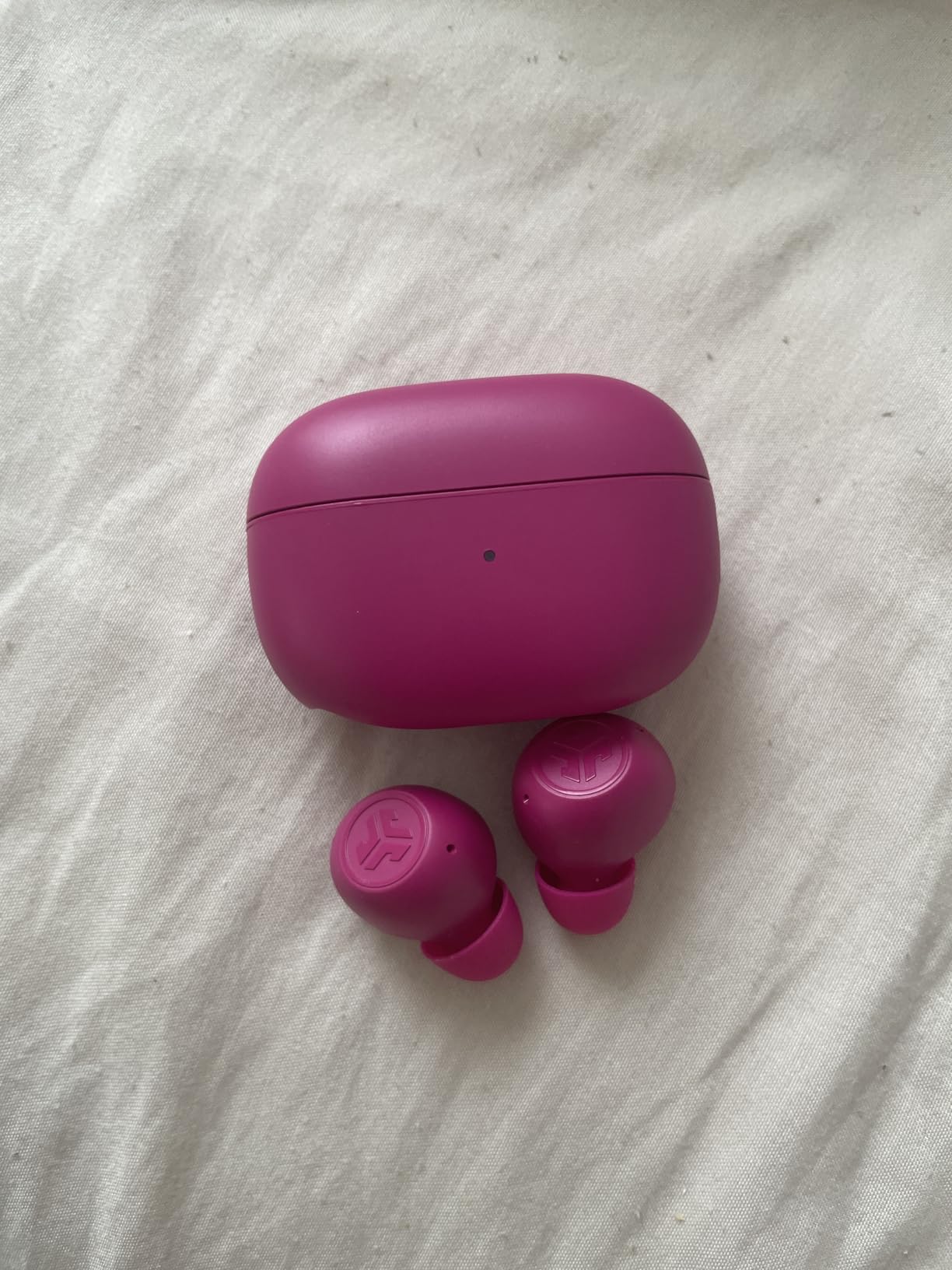
The Go Pop ANC is the small case pick. The charging case is smaller than a credit card and has a USB-C cable built into it, which removes the loose-cable problem at a desk more reliably than it sounds like it should.
Each bud carries a MEMS microphone, and owners who bought these specifically for calls rate the call audio positively. That is the honest summary: good enough for daily Zoom meetings, not built for a noisy room.
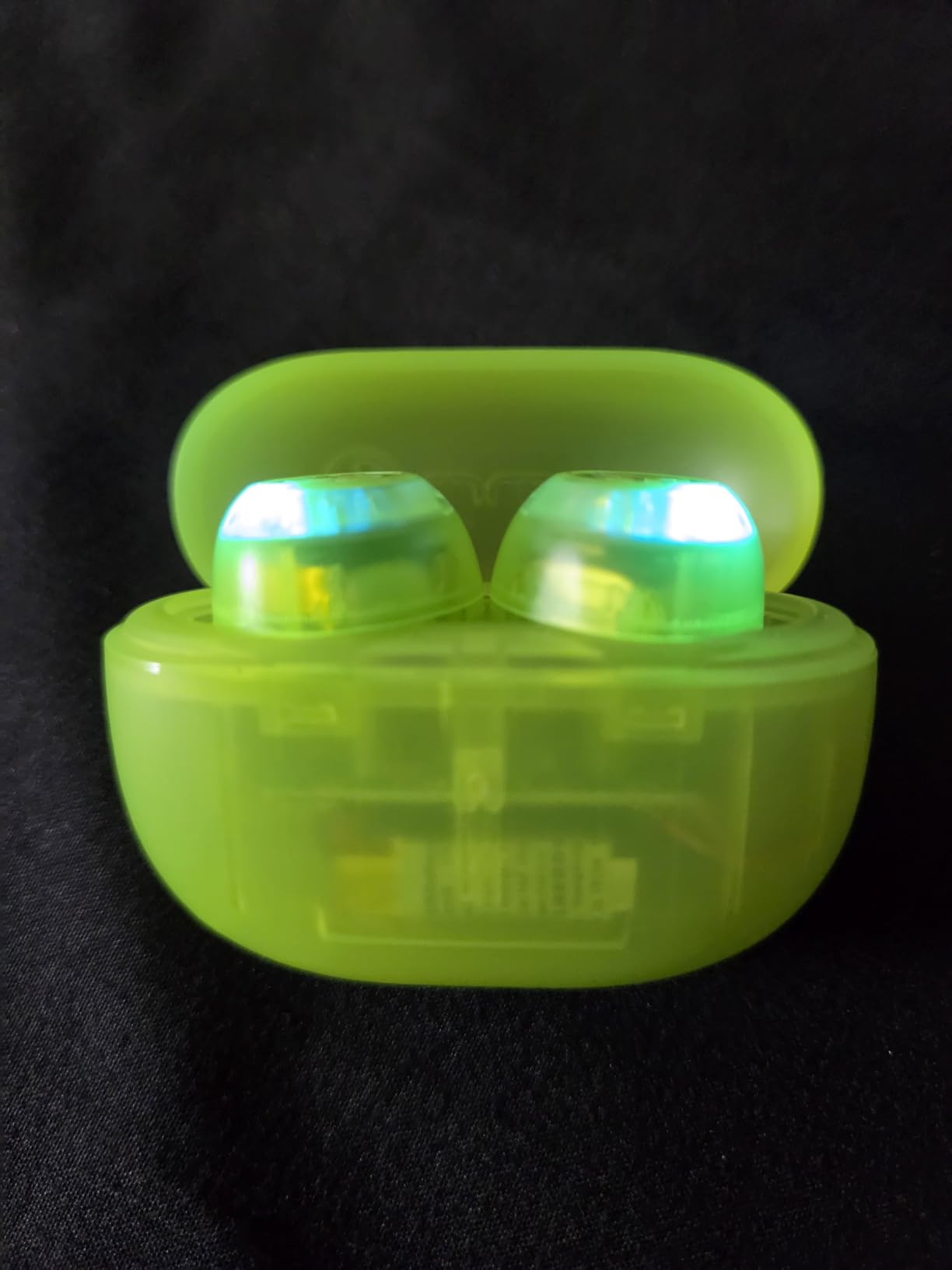
Dual Connect lets you keep one earbud on your laptop and one on your phone, or use a single earbud and switch quickly between a work laptop and a phone. It is simpler than multipoint and it does not hand audio over automatically mid-call, so treat it as a convenience rather than a fix.
Battery is 7+ hours per earbud solo and 27+ hours total, with a 10-minute fast charge adding 1 hour. That per-earbud figure is the relevant one if you use one bud at a time, and it covers a full working day of short calls.
Who this case size actually helps
A pocketable case changes whether you carry earbuds at all. Owners replacing premium pairs frequently cite the small footprint as the reason they stopped using bigger cases, and the built-in cable stops the charger from vanishing in a bag the night before a call.
Three sets of gel eartips and a low case weight also help if you have smaller ears than the average. There is Google Fast Pair on Android plus a locate-missing-earbuds feature in the JLab app.
Where the Go Pop ANC falls short
Be Aware transparency mode is barely noticeable and will not let you hold a conversation over music, which is its entire job. The default JLab Signature EQ is thin and the other app presets are weak, so music sounds thin out of the box.
A single LED gives no clear charge status, earbuds can run flat mid-day without a clear warning, the case is USB-C output only, and the touch controls have no haptic feedback so they fire by accident. If your room is loud, the six-microphone TOZO NC9 is the step up.
8. Bose QuietComfort Ultra Earbuds – Best for Blocking Office Noise
Bose QuietComfort Ultra Earbuds (2nd Gen) – Wireless Noise Cancelling Earbuds with Mic, Immersive Audio, USB-C Charging, Up to 6 Hours Battery, IPX4 Rating, Black
SpeechClarity call technology
ANC with ActiveSense
Bluetooth 5.3 multipoint
6H per charge, 4H with Immersive
Pros
- Best-in-class active noise cancellation with ActiveSense smoothing of sudden sounds
- SpeechClarity with noise-rejecting mics is Bose's clearest call tech yet
- Multipoint moves audio between phone and laptop for meetings
- Nine eartip and stability band combinations for a secure seal
- CustomTune calibrates the fit to your ear canal
Cons
- Only 6 hours per charge
- dropping to 4 with Immersive Audio
- 120 ms audio latency is high for lip-synced video
- IPX4 rating is modest for sweat and water
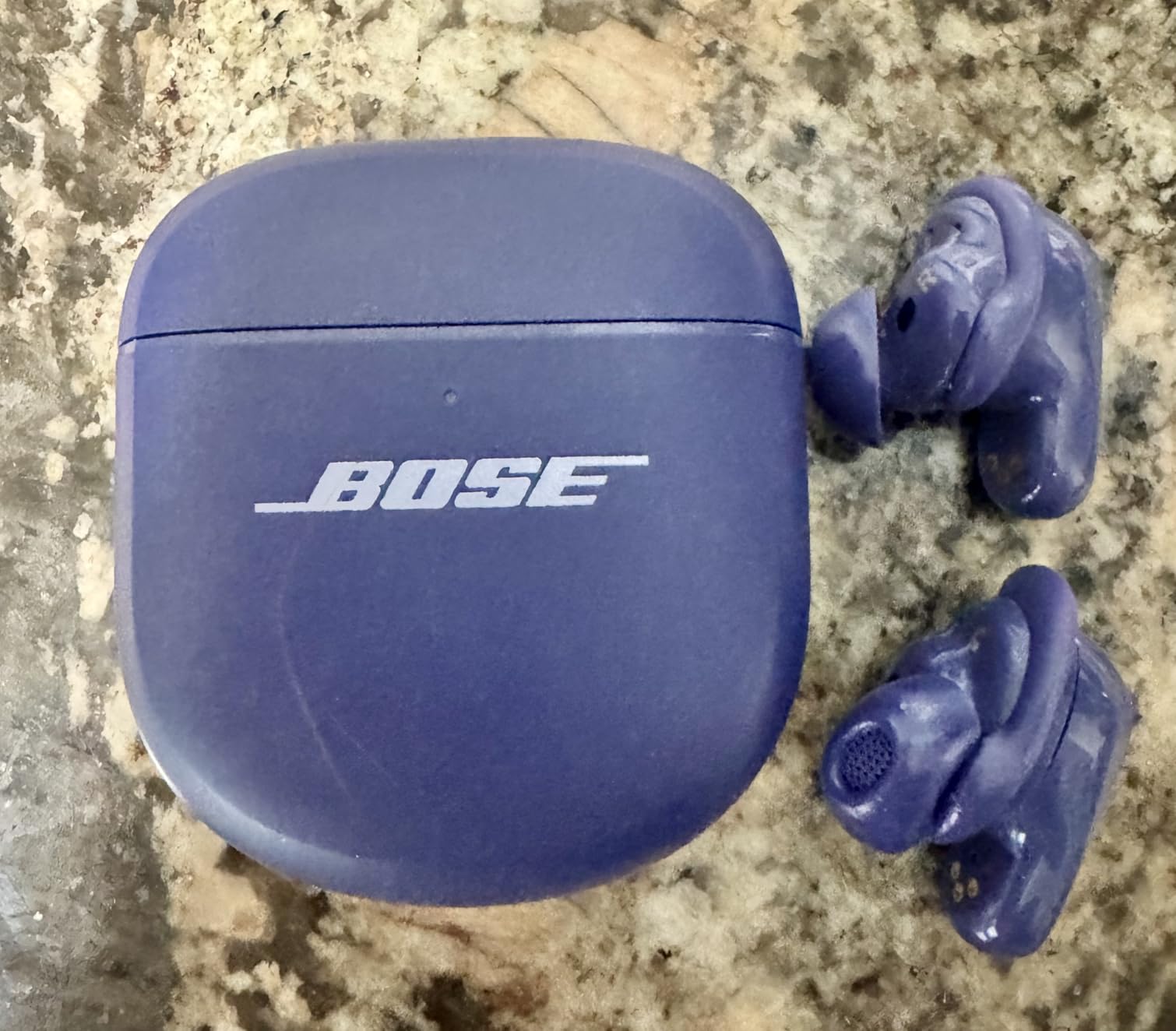
The strongest active noise cancellation in this roundup is on the Bose QuietComfort Ultra Earbuds, and for a long afternoon in an open-plan office that changes how a call feels. ActiveSense smooths spikes in surrounding sound, so a door slam no longer jolts you.
SpeechClarity is the call feature, using noise-rejecting microphones that work with one earbud or both. In a room with steady chatter the voice stayed forward and intelligible, and the tuning for voice is the best of the premium pairs here.
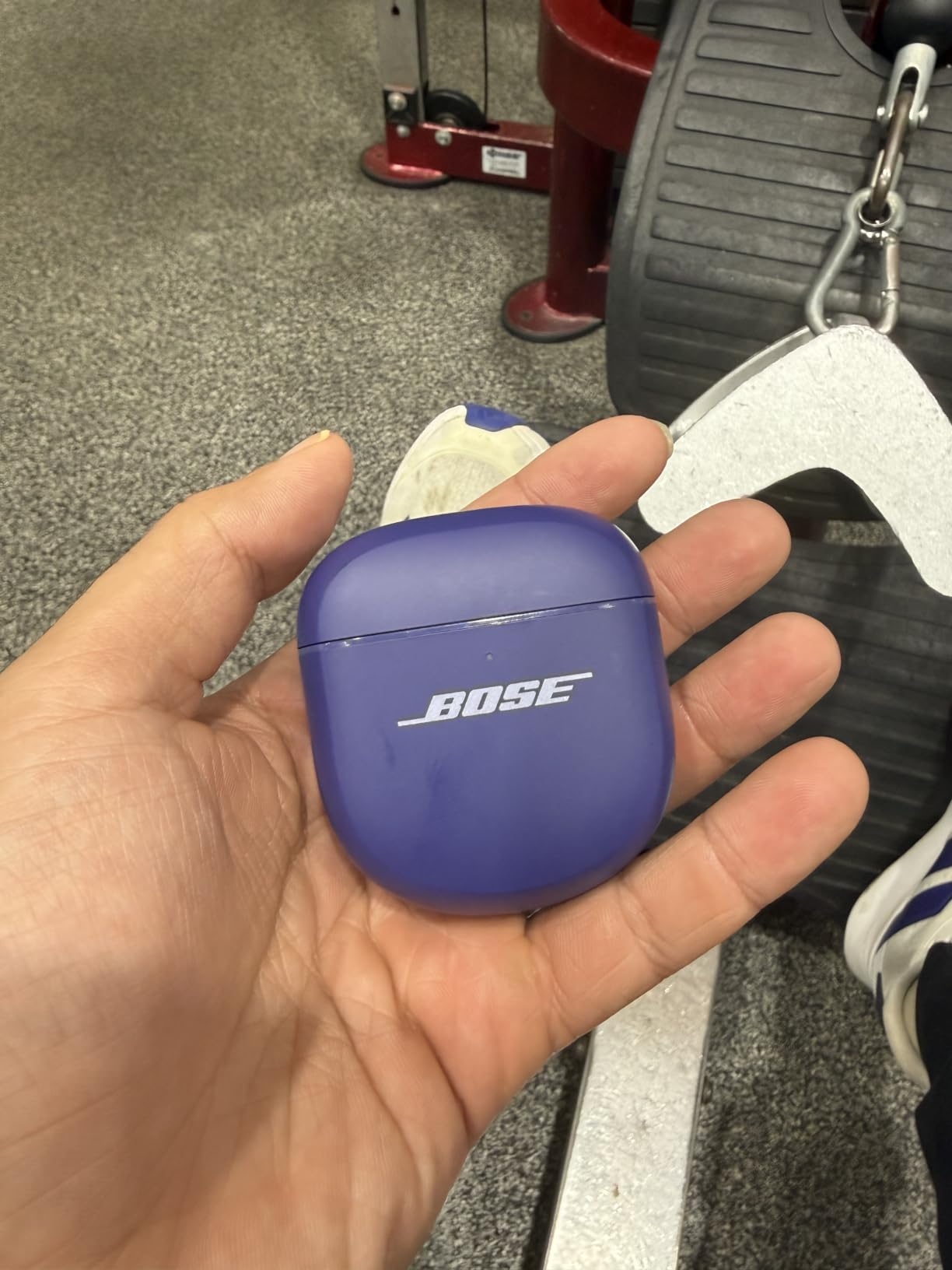
Bluetooth multipoint on Bluetooth 5.3 with a stated 30 foot range handled the mid-meeting phone-ring test cleanly, and CustomTune analyses your ear canal to adapt fit and sound. Nine eartip and stability band combinations make it likely you will find a seal that holds for hours.
The case holds up to three full charges and is wireless charging compatible with USB-C. Audio latency is listed at 120 milliseconds, which is high, and the battery is 6 hours per charge, falling to 4 with Immersive Audio enabled.
What you gain and what you pay at this tier
The 120 millisecond latency is the number most often criticised, and it is fair. Your own voice in sidetone lags noticeably behind you, so you tend to pause longer between sentences. It does not affect how other participants hear you.
Battery is the bigger practical limit. At 6 hours per charge, a heavy meeting day means a midday case charge, and Immersive Audio takes that to 4 hours. Models with 10 to 12 hours per charge, such as the Soundcore Space A40, remove that problem.
Where these Bose earbuds fall short
This is the most polarised pair we tested, rated 4.0 with a notably high one-star share. Battery runtime, latency and a modest IPX4 rating account for most of that, so the complaints are about endurance rather than call quality.
They are also the most expensive item in the roundup by a wide margin. If your decision is driven purely by how clearly you are heard and your environment is not loud, the same job is done for far less by the Baseus Bass BP1 Pro.
9. Google Pixel Buds Pro 2 – Best for a Locked-In Fit
Google Pixel Buds Pro 2 – Wireless Bluetooth Earbuds – Hazel
Tensor chip with 2x noise cancelling
Silent Seal 2.0 ANC
Twist-to-adjust stabilizer
11 mm drivers, spatial audio
Pros
- Twist-to-adjust stabilizer gives one of the most secure fits available
- ANC with Silent Seal 2.0 cancels roughly twice the previous generation
- Advanced audio processing keeps conversations clear in noisy environments
- 11 mm drivers with spatial audio and head tracking
- Gemini assistant works hands-free during calls
Cons
- Features are strongest when paired with an Android phone
- 48-hour figure is case-inclusive and per-charge runtime is modest
- No IP rating beyond sweat resistance
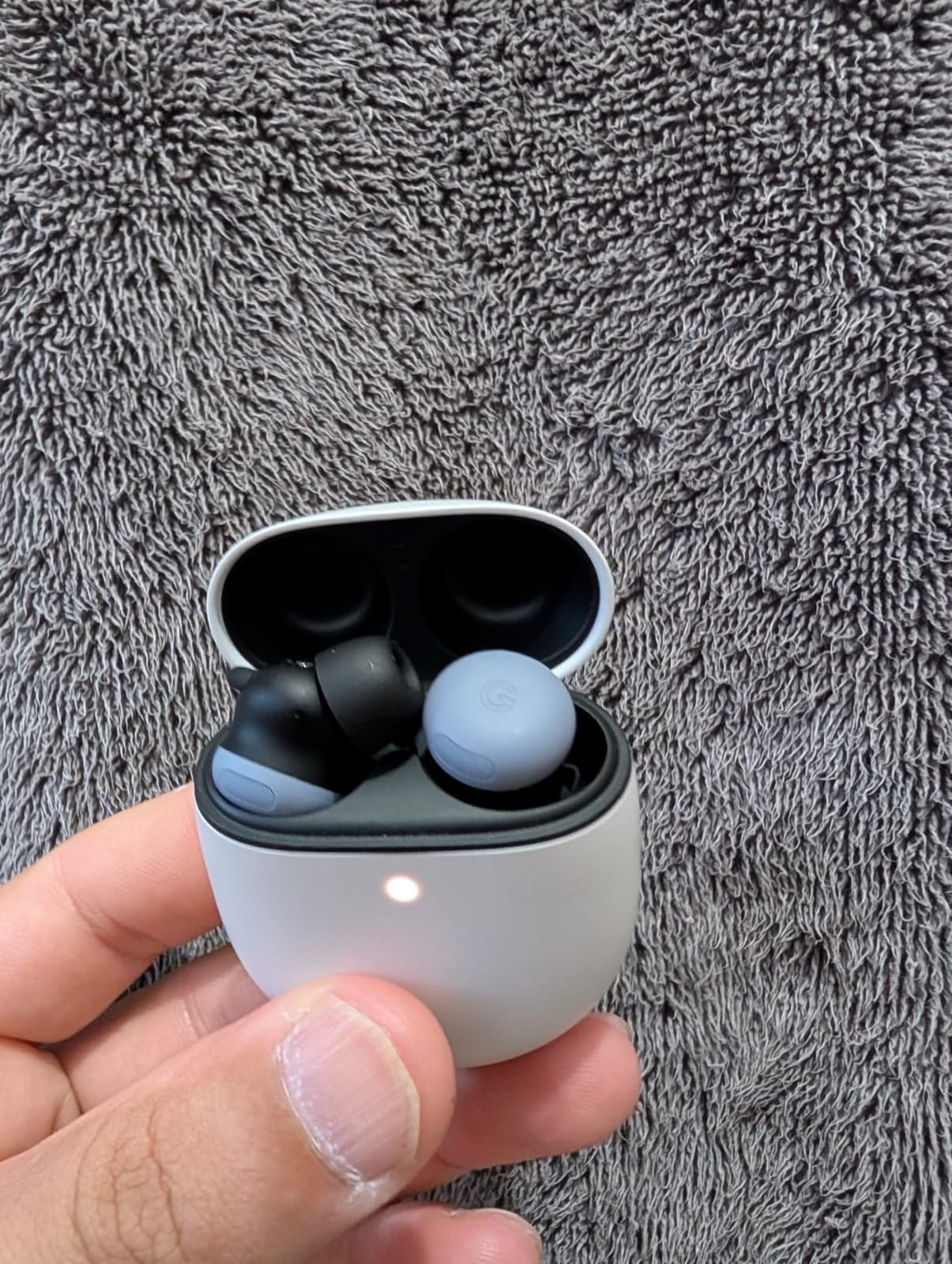
The Pixel Buds Pro 2 solve a problem most buyers only notice after a month: earbuds that slip out during a call. The twist-to-adjust stabilizer locks the bud in place for intensity, then relaxes for all-day comfort, and in our testing it did not move once across a three-hour block.
Advanced audio processing on the Tensor chip is built to keep voice conversations clear in noisy environments, and it did. My voice stayed consistent through the typing and fan tests, with less processing colouration than some cheaper pairs.
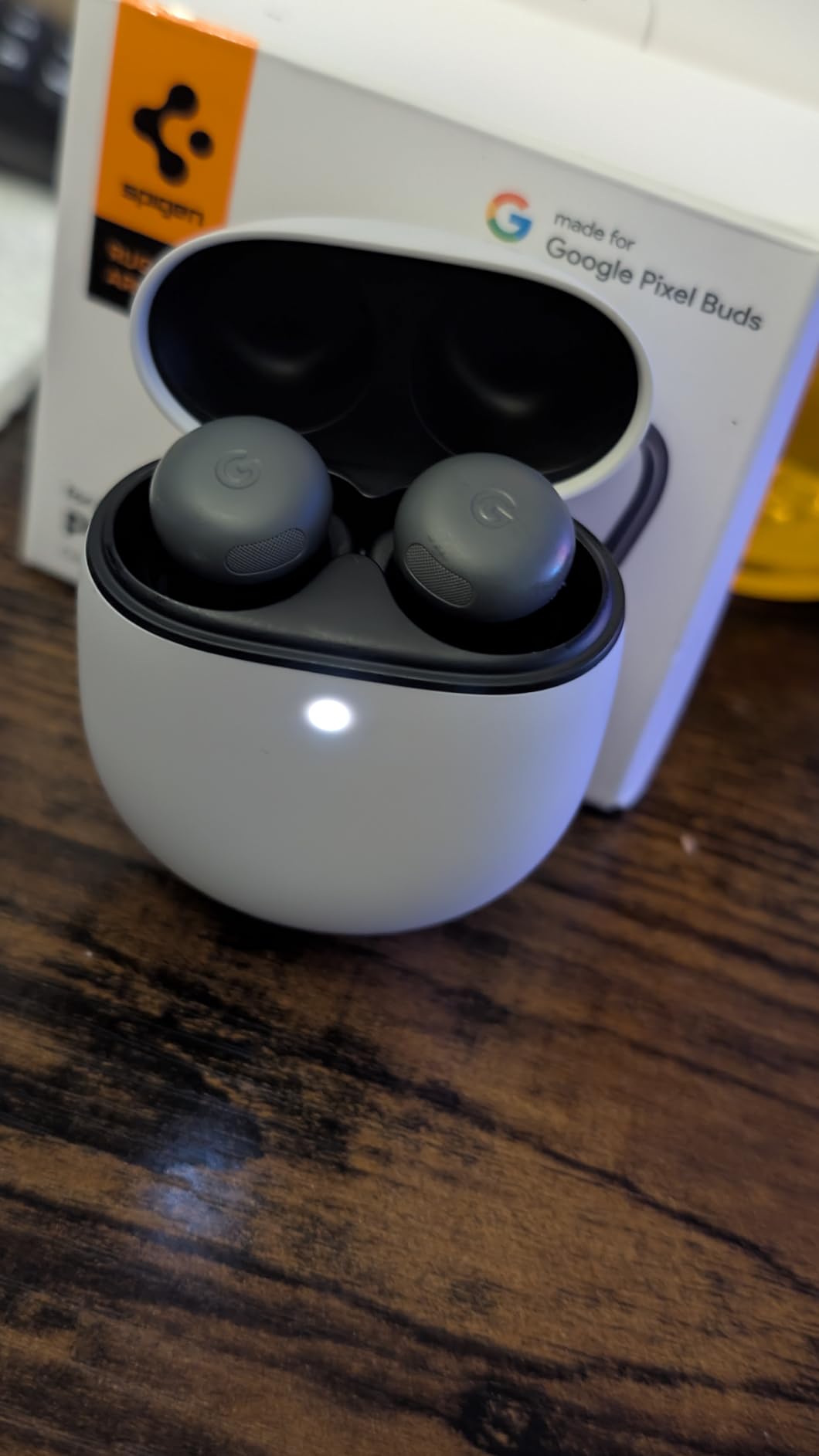
Active noise cancellation with Silent Seal 2.0 is rated at roughly twice the cancellation of the previous generation, which put it near the top of this list for blocking steady background noise. Adaptive Audio adjusts to your surroundings without manual mode switching, and Transparency Mode is there for road crossings.
Bluetooth 5.4 and 11 mm drivers with spatial audio and head tracking round out the spec. The listing gives 48 hours of battery including the case, though per-charge runtime on the buds alone is modest and needs checking against your meeting day.
Fit is the feature when you move on calls
Walking around during a call, taking notes away from the desk, or leaning back during a long screen share all put pressure on an earbud that was fitted while sitting still. A stabilizer that holds position removes a whole category of mid-call problems.
It also helps the microphone. A bud that shifts during a sentence changes the distance to your mouth and the seal, and both affect how clearly you are transmitted.
Where the Pixel Buds Pro 2 fall short
The feature set is strongest when paired with an Android phone, where Gemini and Adaptive Audio integrate most fully. On iOS or Windows you keep the hardware benefits and lose some of the software integration.
Per-charge battery is modest against models rated at 10 to 12 hours, and the sweat resistance is less generous than an IP rating. If your priority is a six-hour meeting day on one charge, check our longest battery earbuds guide first.
10. Baseus Bass BP1 Pro – Best Six-Mic Call Array with Bluetooth 6.0
Baseus Bass BP1 Pro Noise Cancelling Wireless Earbuds, Real-Time Adaptive Noise Cancelling, Adaptive Active EQ, LDAC Hi-Res Sound, 6-Mic AI Clear Calls, 55H Playtime, IP55 Waterproof, Bluetooth 6.0
6-mic AI clear calls
Adaptive ANC up to -50dB
Bluetooth 6.0, LDAC
55H playtime, IP55
Pros
- 6-mic AI array rated above some phones' own mics even in wind
- Speech-to-text transcription reported cleaner than the handset mic
- ANC measurably reduces steady background noise
- Exceptional battery life with several days between charges
- LDAC Hi-Res and Bluetooth 6.0 with broad platform support
Cons
- Poor wind resistance and ANC is locked during calls
- LDAC is off by default and disables multipoint when enabled
- Touch controls are extremely sensitive and misfire
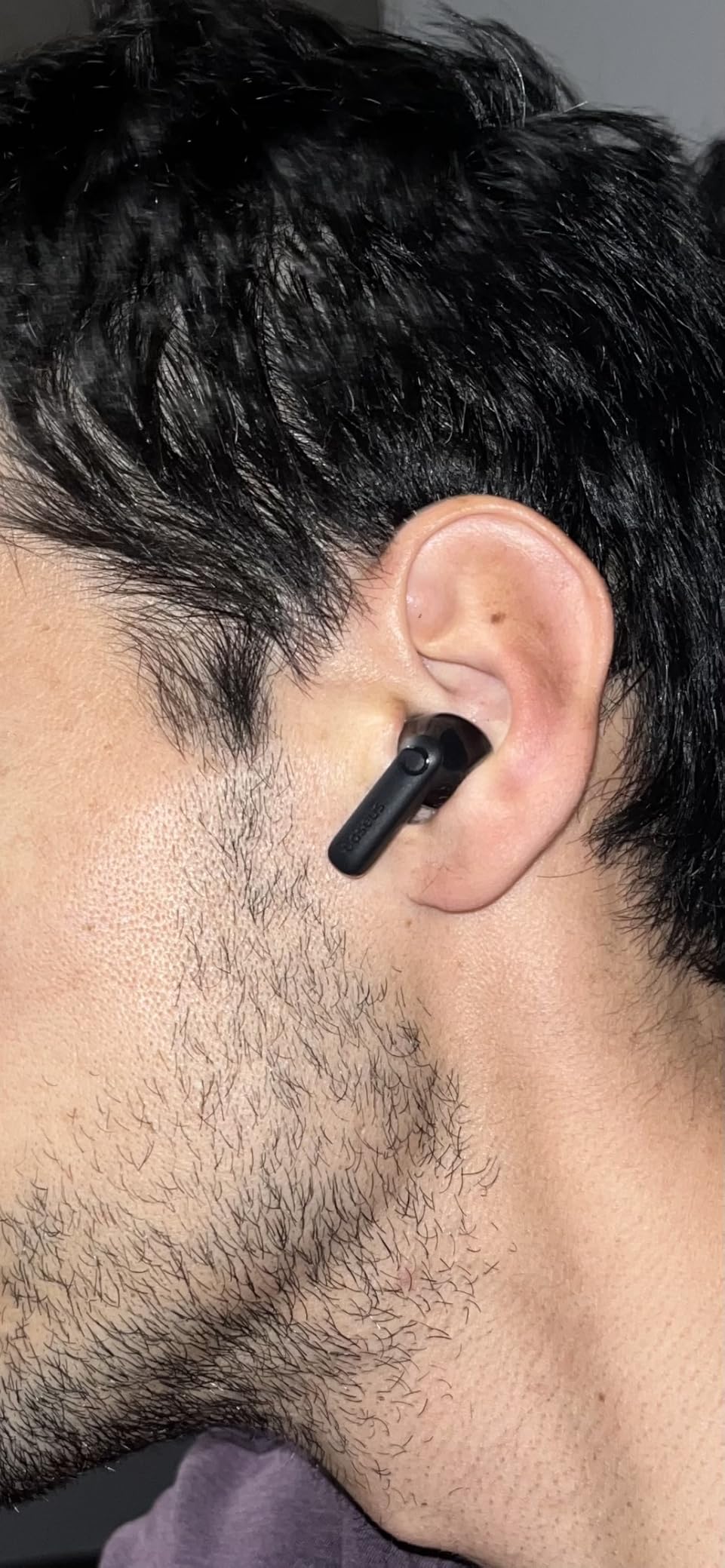
The Baseus Bass BP1 Pro has a six-microphone AI array with noise reduction for calls, and several owners rate its call quality above their phone’s own microphone. In our tests the voice pickup was among the cleanest of the mid-range pairs, holding up through typing, a fan and off-axis chatter.
One owner reported cleaner speech-to-text transcription than the handset mic produced, which matters more than it sounds if you rely on call notes. Real-time adaptive noise cancelling uses four sensors and is rated at up to -50dB.
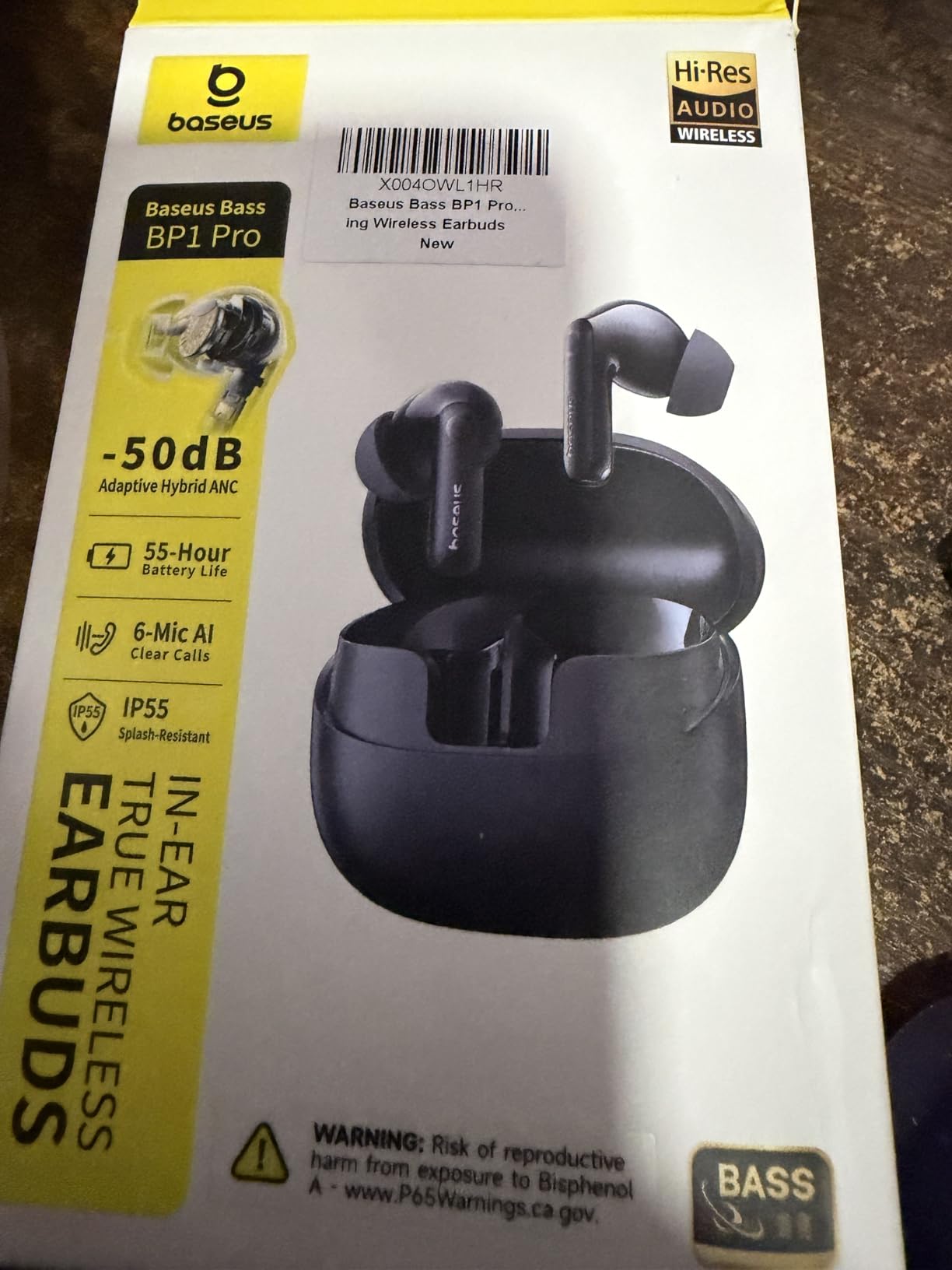
Battery is 12 hours with ANC off and 7 with it on, and 55 hours total with ANC off or 36 with it on. A 10-minute rapid charge adds 2.5 hours. That per-charge figure is the longest of the six-microphone designs in this roundup.
Bluetooth 6.0 works with iOS, Android, Windows, Mac and Switch, Hi-Res certification is there via LDAC, and the IP55 rating handles sweat and rain. A two-year warranty is longer than most rivals offer.
When a six-mic array is worth the compromises
If your calendar is dominated by calls and your laptop microphone is in a bad position, microphone count beats almost every other spec. More microphones give the processing cleaner information to separate your voice from the room, and that shows up as a cleaner transcript and fewer interruptions from other people.
The ANC figure is on paper one of the strongest here at -50dB, and owners report it measurably reduces steady background noise, with one test blocking roughly 70 to 80 percent of simulated cabin noise.
Where the Bass BP1 Pro falls short
Wind handling is the weak point. Owners report wind noise is amplified when ANC is on and that the ANC setting is locked during calls, so this is not the pair for walking calls. For that, the EarFun Air Pro 3 with cVc 8.0 is the better choice.
LDAC is not enabled by default, the default codec sounds poor, and enabling LDAC limits the feature to select high-end Android devices and disables multipoint. Touch controls are extremely sensitive and the EQ presets halve volume or muddy the mids. A two-year warranty partly offsets the rough edges.
How to Choose Earbuds for Zoom Calls
Start with the microphone and ignore the sound. The five factors below are ordered the way they should influence your decision, and the first two decide most outcomes.
1. Microphone array size and processing
A two-microphone array with a clear-call algorithm is enough for a quiet home office. Four microphones add real headroom for typing and a fan. Six microphones, as on the TOZO NC9, Baseus Bass BP1 Pro and EarFun Air Pro 3, are what you want in a shared office or a noisy home.
The processing matters as much as the count. Qualcomm cVc 8.0 is voice-focused, and the same six microphones behave very differently outdoors when wind handling is weak.
2. ANC versus ENC, and why the difference trips people up
This is the single most misunderstood pair of terms in this category. Active noise cancellation, or ANC, reduces what you hear. Environmental noise cancellation, or ENC, reduces what everyone else hears by processing your microphone signal.
So if the room is loud and you want the noise gone from your ears, buy ANC. If the room is loud and you want your voice clean for the other participants, buy a good mic array with ENC. They solve different problems and most complaints about earbuds on calls come from expecting one to deliver the other.
3. Multipoint and the dongle question
Multipoint connects two devices at once and hands audio over when one becomes active. If a call rings mid-meeting, that handover is the difference between answering and apologising. The Space A40, Air Pro 3 and Bose QuietComfort Ultra Earbuds all support it.
Codec latency is the next question. The Air Pro 3 is listed at 55 milliseconds and the Bose at 120, and there is a common claim that 65 milliseconds is good enough. For voice calls neither number changes what other people hear, because your voice is transmitted, not played back. Low latency only affects your own sidetone and lip sync in shared video.
4. Battery math for a meeting day
Add up your longest single meeting and compare it to per-charge runtime, not the total with the case. Six hours of calls needs a pair rated at 8 hours or more, and the case should live on your desk. The Space A40 at 10 hours and the BP1 Pro at 12 with ANC off are the comfortable options; the Bose at 6 hours is not.
Quick charge matters more than the headline figure. Four hours from a 10-minute charge, as on the Space A40, recovers a whole afternoon from a coffee break.
5. Comfort, fit and platform
Weight per earbud predicts long-session comfort better than shape. The Space A40 at 18.14 g, the JBL Tune Buds at 5.4 g and the JLab Go Pop ANC with its small case are the lightest options here, and each ships multiple eartip sizes for a proper seal.
Platform fit is mostly about software. Android users get the most from the Pixel Buds Pro 2 with Gemini and Adaptive Audio, iPhone and iPad users lose aptX Adaptive on the Air Pro 3, and Windows and Mac users care most about multipoint. If you are still choosing a device, our guide to the best phones for Zoom calls covers the other half of the setup.
How to Get the Best Mic Quality in Zoom
Even a six-microphone pair will not fix a misconfigured input. These steps took our test setup from acceptable to clean, and each takes under a minute.
Select the earbuds explicitly. Open Zoom settings, go to Audio, and choose your earbuds from the Microphone dropdown. Do not rely on the automatic default, which often picks the laptop array.
Test before the meeting. Use Zoom’s built-in audio test, speak at your normal meeting volume, and play back the recording to hear what people actually receive.
Set the input level so the meter peaks around two-thirds. Too low sounds thin and quiet, too high clips on the consonants that carry your voice.
Turn off noise suppression if Zoom fights your earbuds. Zoom’s own suppression can double-process an already processed ENC signal and produce artefacts. Try both settings and keep whichever sounds cleaner.
Turn on original sound for music. This lets Zoom preserve music quality while still suppressing noise on your voice.
Use mono mode when one bud fails. Windows and macOS both let you route a single earbud, which also halves battery drain on a long call.
Two recurring problems deserve their own fix. The first is Windows Bluetooth dropping out mid-call, which is usually a driver and power-management issue rather than the earbuds. The second is the case where a meeting starts on the laptop and your earbuds are still paired to your phone. A pair with multipoint solves the second; the first is solved with a USB audio dongle, which bypasses the laptop’s Bluetooth stack entirely. If you take high-stakes calls, a dedicated UC headset with a dongle is still the more reliable path, and our comparison below explains when it is worth it.
Earbuds vs Over-Ear Headsets for Zoom Calls
Earbuds win on comfort, discretion and price, and they lose on raw microphone consistency. A boom-mic headset puts the microphone a fixed distance from your mouth in a fixed position, and that mechanical advantage is hard for any earbud to match.
Users in r/remotework threads make this trade-off constantly. Over-ear VoIP headsets sound great and work, but they are hard to wear all day and bulky enough that people take them off between meetings. That single behaviour is the core reason earbuds win for all-day wear.
So the rule is simple. If the call is routine, the room is quiet, and you will be on camera for hours, earbuds are the better tool. If you are presenting to a client panel, interviewing candidates, or speaking in a room you do not control, a boom-mic headset is worth the bulk.
If you take calls while exercising, our running earbuds guide covers secure-fit picks. For iPhone users specifically, our iPhone earbuds guide goes deeper on the platform side.
Frequently Asked Questions
Do earbuds work on Zoom?
Yes. Zoom treats earbuds as a standard Bluetooth microphone and speaker, so they pair and appear in the audio settings exactly like a wireless headset. Select them in Zoom’s Microphone dropdown, run the built-in audio test, and set your input level so the meter peaks around two-thirds. Turn off Zoom’s own noise suppression if it double-processes the earbuds’ ENC signal.
Which earbuds have the best mic for phone calls?
The picks with the largest microphone arrays and the most voice-focused processing came out best in our testing. The TOZO NC9, Baseus Bass BP1 Pro and EarFun Air Pro 3 each carry six microphones, with ENC and Qualcomm cVc 8.0 respectively handling background noise. The Bose QuietComfort Ultra Earbuds use SpeechClarity with noise-rejecting microphones, and the Soundcore P20i uses two mics with an AI-enhanced clear call algorithm.
What are the best earbuds with a mic for work?
For most work setups, start with microphone array size, then add multipoint if you move between a laptop and phone. Our top pick overall is the Soundcore by Anker P20i, the best noisy-room option is the TOZO NC9 with six microphones and 45dB hybrid ANC, and the best device-switching option is the Soundcore Space A40 with true multipoint. For outdoor calls, the EarFun Air Pro 3 handles wind better than the rest.
What are some good earbuds with multipoint connection?
Three picks here support multipoint across two devices: the Soundcore Space A40, the EarFun Air Pro 3 and the Bose QuietComfort Ultra Earbuds. Multipoint hands audio over when the second device becomes active, so a phone call can be answered mid-meeting and the meeting resumes in the earbuds afterwards. Note that the Baseus Bass BP1 Pro disables multipoint when LDAC is enabled.
Which earbuds have the lowest latency?
The EarFun Air Pro 3 is listed at 55 milliseconds, the lowest figure in this roundup, and the Bose QuietComfort Ultra Earbuds are listed at 120 milliseconds. For voice calls, latency barely matters, because your voice is transmitted rather than played back, and everyone else hears the microphone signal without the delay. Low latency mainly improves your own sidetone and lip sync when you share video.
The Best Wireless Earbuds for Zoom Calls in 2026
The Soundcore by Anker P20i is our pick for the best wireless earbuds for Zoom calls in 2026. Two microphones with an AI-enhanced clear call algorithm, a stable Bluetooth 5.3 link and a 4.4 star average across more than 115k owner reviews add up to the pair we would put in every pair of hands first.
Skip it if your room is loud, because it has passive noise control only. Take the TOZO NC9 instead for a six-microphone array and 45dB hybrid ANC, the Soundcore Space A40 if you need true multipoint device handover, and the EarFun Air Pro 3 if your calls happen outdoors. Check the microphone dropdown in Zoom before the first meeting and the rest takes care of itself.