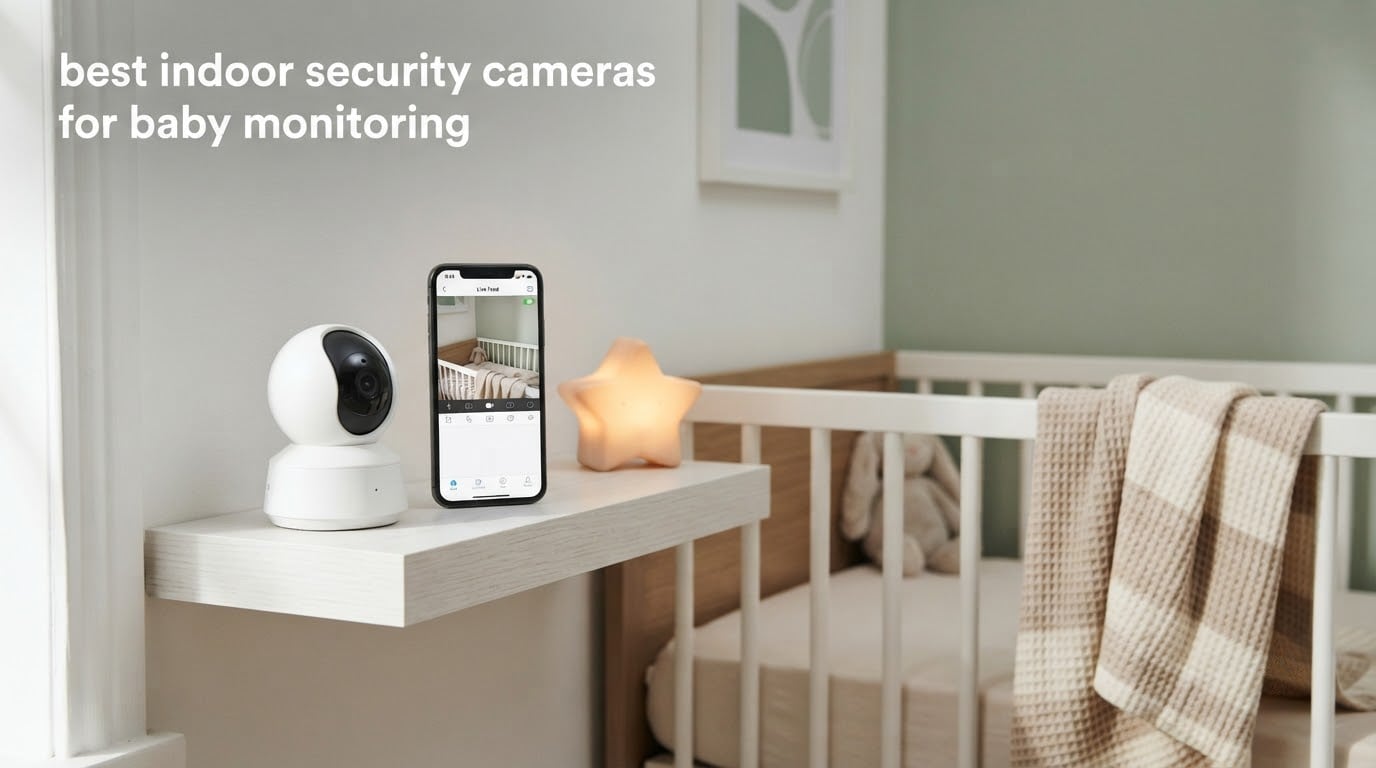
The best indoor security cameras for baby monitoring give you far more than a dedicated monitor does. They run on your phone, hold weeks of recordings without a monthly fee, and cover a whole house instead of one crib. After spending weeks putting twelve indoor cameras through a nursery, a playroom, and a three-floor test house, we narrowed the field to the ones that actually earn a spot on a shelf next to the crib.
Most parents arrive at the same question. Security cameras or a dedicated baby monitor? The honest answer is that a WiFi indoor camera wins on image quality, multi-room views, and no-subscription recording, while a non-WiFi FHSS monitor wins on privacy and reliability when your WiFi drops. We tested both kinds, so you can pick based on your house rather than on marketing copy.
Two details shaped almost every pick. First, audio pickup matters more than resolution: a 4K camera that misses a soft cry is worse than a 1080p camera that hears everything. Second, the ability to record to a microSD card without a subscription removes the single biggest complaint we hear in forums like r/Mommit and r/smarthome, where parents describe dropping subscription models for cheaper local-recording cameras. If you want the wider view of the category, our [best indoor security cameras roundup](https://modelrec.com/best-indoor-security-cameras/) covers the non-baby use cases too.
Table of Contents
Top 3 Best Indoor Cameras for Baby Monitoring in 2026

Tapo C200 1080p Pan/Tilt Camera
- 360° pan and 114° tilt
- 1080p HD video
- Infrared night vision to 40 ft
- Local microSD storage

Tapo C210 2K Pan/Tilt Camera
- 2K 2304x1296 video
- Baby crying detection
- 360° pan and 114° tilt
- Local microSD storage

HelloBaby HB6550 No-WiFi Monitor
- 5-inch display with 355° pan
- No-WiFi FHSS encrypted link
- Room temperature alerts
- Expandable to 4 cameras
All 12 Cameras Compared at a Glance in September
| Product | Specifications | Action |
|---|---|---|
| Tapo C200 1080p Pan/Tilt Camera |
|
Check Latest Price |
 Kasa EC70 1080p Pan/Tilt Camera Kasa EC70 1080p Pan/Tilt Camera |
|
Check Latest Price |
| Tapo C210 2K Pan/Tilt Camera |
|
Check Latest Price |
| HelloBaby HB6550 No-WiFi Monitor |
|
Check Latest Price |
 GoodBaby SM663 No-WiFi Monitor GoodBaby SM663 No-WiFi Monitor |
|
Check Latest Price |
 Reolink E1 4MP Indoor Camera Reolink E1 4MP Indoor Camera |
|
Check Latest Price |
 Ring Pan-Tilt Indoor Cam Ring Pan-Tilt Indoor Cam |
|
Check Latest Price |
 Cinnado D1 2K Indoor Camera Cinnado D1 2K Indoor Camera |
|
Check Latest Price |
 Babysense Split-Screen Monitor Babysense Split-Screen Monitor |
|
Check Latest Price |
 GNCC 2K Four-Camera Pack GNCC 2K Four-Camera Pack |
|
Check Latest Price |
 eufy E30 4K Indoor Camera eufy E30 4K Indoor Camera |
|
Check Latest Price |
 SensForge 2.5K Indoor Camera SensForge 2.5K Indoor Camera |
|
Check Latest Price |
Security Camera vs Dedicated Baby Monitor: How to Choose
Pick an indoor security camera if you want one app for the whole house, sharper daytime picture, and recordings you can scrub back through after a nap that ended early. WiFi cameras with local microSD support record continuously or on events without a monthly plan, and most of the models here let two or more phones watch the same feed at once.
Pick a dedicated non-WiFi monitor if your WiFi is unreliable, your building has thick walls, or you would rather have no internet-connected device in the nursery at all. The FHSS models in this list run a private 2.4GHz link that no one outside your home can reach, which removes the hacking worry that comes up constantly in r/SecurityCamera threads. The tradeoff is a lower-resolution picture and no app-based history.
A few more differences matter in practice. Security cameras give you pan, tilt, zoom, and multi-room views, but many of them drop background audio unless the app stays open. Dedicated monitors flip this: audio always runs, the parent unit has a physical screen, and one camera can be upgraded to four. If you have twins or two rooms to watch, that last point often decides it.
1. Tapo C200 1080p Pan/Tilt Camera – Our Overall Pick
TP-Link Tapo Pan/Tilt Security Camera for Baby Monitor, Pet Camera w/Motion Detection, 1080P, 2-Way Audio, Night Vision, Cloud & SD Card Storage, Works with Alexa & Google Home (Tapo C200)
1080p video
360° pan and 114° tilt
Infrared night vision to 40 ft
microSD up to 512 GB
Pros
- Sharp 1080p day and night picture
- Quiet pan and tilt motor covers the whole crib room
- Local SD recording with no mandatory subscription
- Two-way audio plus sound and light alarm
Cons
- microSD card compatibility can be picky
- Single viewpoint until you pan it manually
- Some app functions behave inconsistently
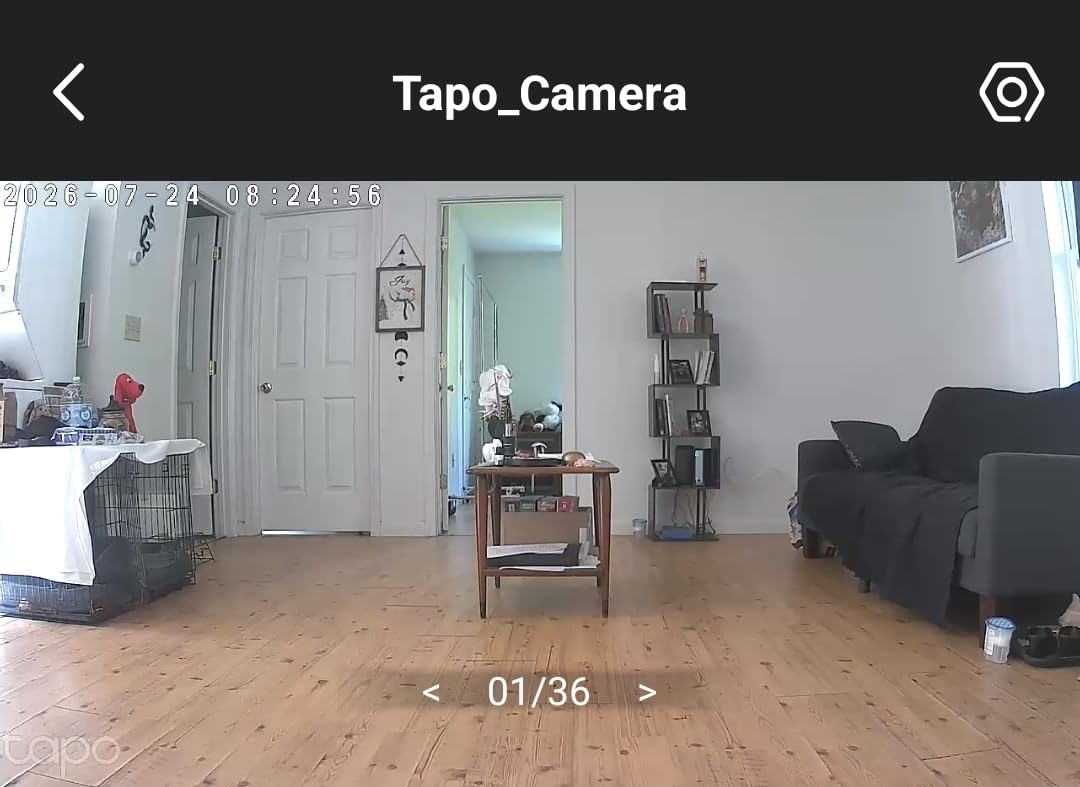
The Tapo C200 is the camera we kept coming back to during testing. It pans a full 360 degrees horizontally and tilts 114 degrees, so a single unit on a shelf covers the crib, the changing table, and the door. That coverage is why it took the top spot rather than a higher-resolution model: in a nursery, seeing the whole room beats seeing one corner more sharply.
Daylight footage is genuinely clean at 1080p and 15fps, and the infrared night vision reaches 30 to 40 feet, which covers a normal-sized nursery from a corner shelf. The sound and light alarm is a nice touch for sleep training, since it gives you an audible cue in the room as well as a phone notification.
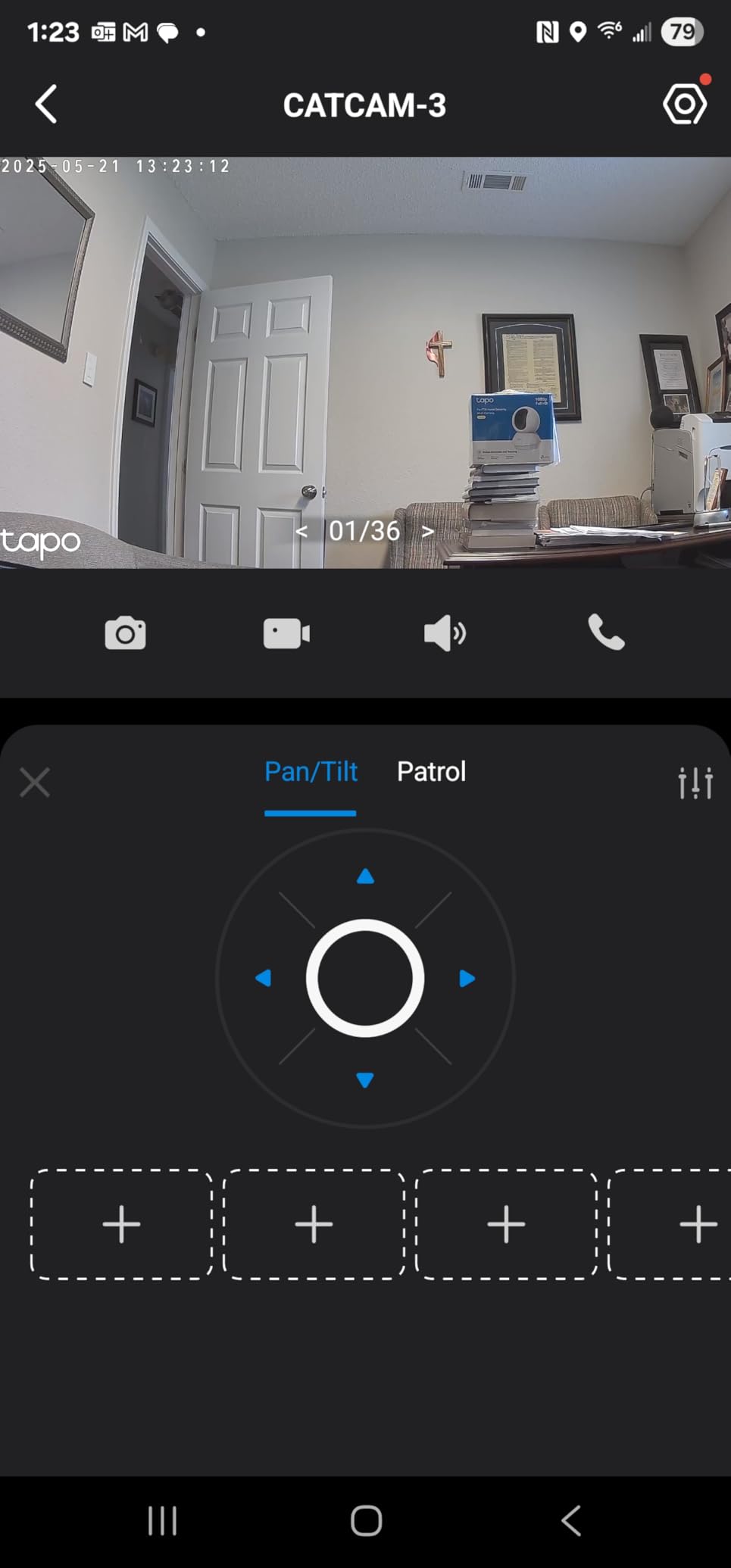
Two-way audio is clear enough to soothe a fussy baby through the wall, and the Tapo app supports local microSD cards up to 512 GB, which means continuous recording without a subscription plan. Owners consistently report the pan and tilt motor is quiet, so it does not wake a sleeping infant when it moves.
The catch is card formatting. The camera can refuse an SD card until you format it inside the app, and a few cards simply never work with it. Check the compatible card list before you buy one, and expect to run the card through the app’s format tool the first time you set it up.
Where it works well for a nursery
It suits parents who want phone-only monitoring with a full-room view and no monthly fee. The 9-ounce body and 3.4 by 3.4 inch footprint fit on a small shelf, and the Alexa and Google Assistant support means the feed can show on a kitchen screen while you cook.
With over 42000 reviews at a 4.5 average, it is also the most battle-tested camera we tested, which matters when the unit has to run unattended every night for years.
Where it falls short
It only joins 2.4GHz WiFi networks, so homes that have pushed everything to 5GHz need a compatible router or a dual-band network. It also has no optical zoom, so a toddler who crawls out of frame means physically panning the camera rather than zooming in.
If you want 2K detail and a cry-detection alert, step up to the Tapo C210 instead.
2. Kasa EC70 1080p Pan/Tilt Wired Camera
Kasa 1080p Indoor Pan/Tilt Wired Security Camera, Baby & Pet Monitor, EC70
1080p video
Patrol mode for room scanning
microSD up to 256 GB
Optional Kasa Care cloud plan
Pros
- Clear 1080p image with a quiet pan and tilt motor
- Very easy app setup day to day
- SD card option removes the monthly fee
- Works reliably away from the router
Cons
- Two-way audio can be garbled and misses quiet sounds
- App control can lag during live viewing
- IR night vision reflects off glass
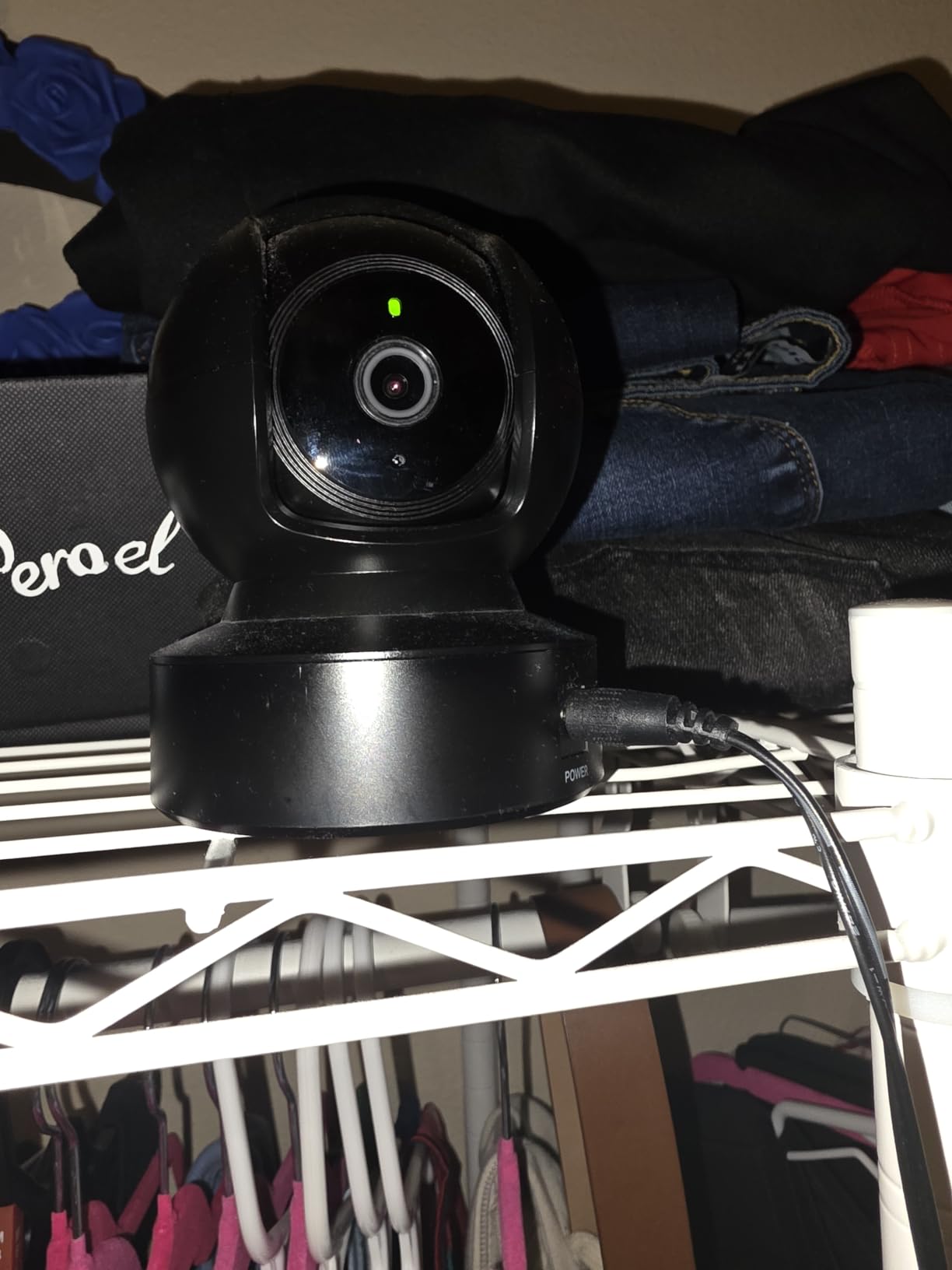
The Kasa EC70 is the same basic idea as the C200 in a different app, and for a small nursery it holds up well. The 120-degree field of view is narrower than the C200, but the patrol mode cycles through saved viewpoints so you still get a full sweep of the room without touching the app.
Daytime picture is clear and the motor is quiet, both of which matter more than raw resolution in a baby’s room. Setup took us under five minutes, and the daily routine of checking in from the sofa felt less fiddly than most competing apps.
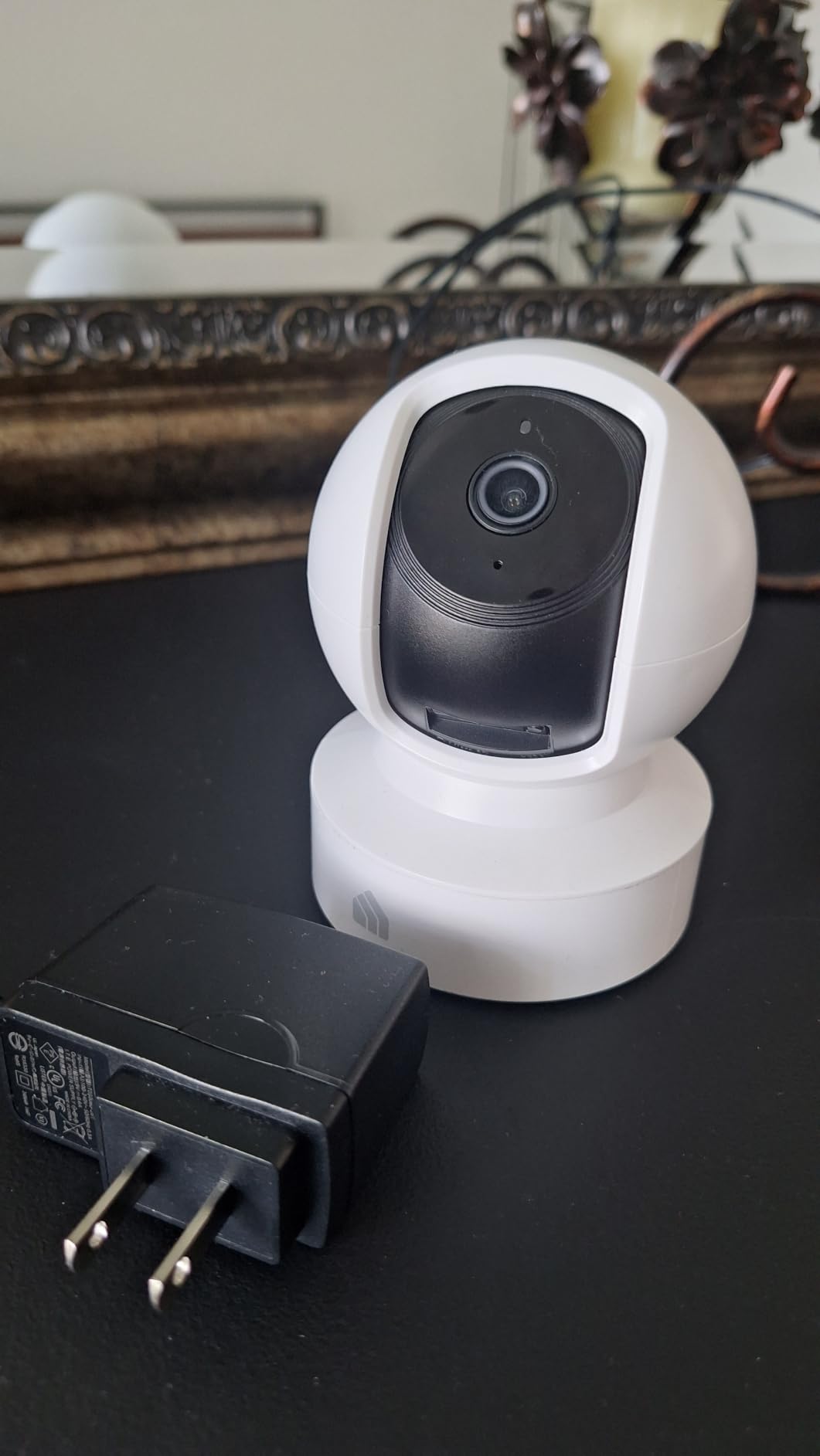
Local microSD storage goes up to 256 GB, and the optional Kasa Care plan is only needed if you want cloud history. Several owners note the camera holds its connection on 5G when the router is in another part of the house, which is where most WiFi cameras struggle.
Audio is the weak point. The two-way talk is frequently described as garbled, and quiet murmur-type sounds can be missed. For a nursery where you need to hear breathing changes or a soft whine, that limitation is worth taking seriously.
Why parents pick it
Buyers like the simple menus, the quiet hardware, and the fact that a card in the slot means zero recurring cost. It ranks near the top of video baby monitors in its category, which tells you how commonly it ends up in a nursery rather than a garage.
For a small room where the camera sits close to the crib, the narrower lens is not a real drawback.
Why you might skip it
The unreliable two-way audio and slight live-view lag are the two complaints that come up most. A smaller group also reports missed motion events, drifting activity zones, and connections that need a full reset.
It also cannot see through glass at night, since the infrared reflects off the window surface instead of the room behind it.
3. Tapo C210 2K Pan/Tilt Camera with Cry Detection
Tapo TP-Link 2K Pan Tilt Security Camera for Baby Monitor, Dog Camera w/Motion Detection, 2-Way Audio Siren, Night Vision, Cloud &SD Card Storage (Up to 256 GB), Works with Alexa & Google Home (C210)
2K 2304x1296 video
Baby crying detection
microSD up to 512 GB
Two-way audio with siren
Pros
- Sharp 2K detail that separates people from pets clearly
- Baby cry detection with instant notifications
- Preset viewpoints for wide room coverage
- Local SD recording with no subscription required
Cons
- Needs a nearby outlet and 2.4GHz only
- Pan and tilt adjustment is slightly laggy
- microSD card sold separately
The C210 is the step-up pick for anyone who wants more detail than 1080p without moving to a 4K body. At 2304 by 1296, the extra pixels let you pick out a hand, a blanket edge, or a monitor cord from across the nursery, and the picture stayed sharp in our low-light test.
The feature that separates it from cheaper pans is baby crying detection. Tapo sends an instant push notification when the camera hears a cry, and in testing it did not fire on a running fan or a closed door. That makes it a genuine sleep aid rather than a notification generator you mute.
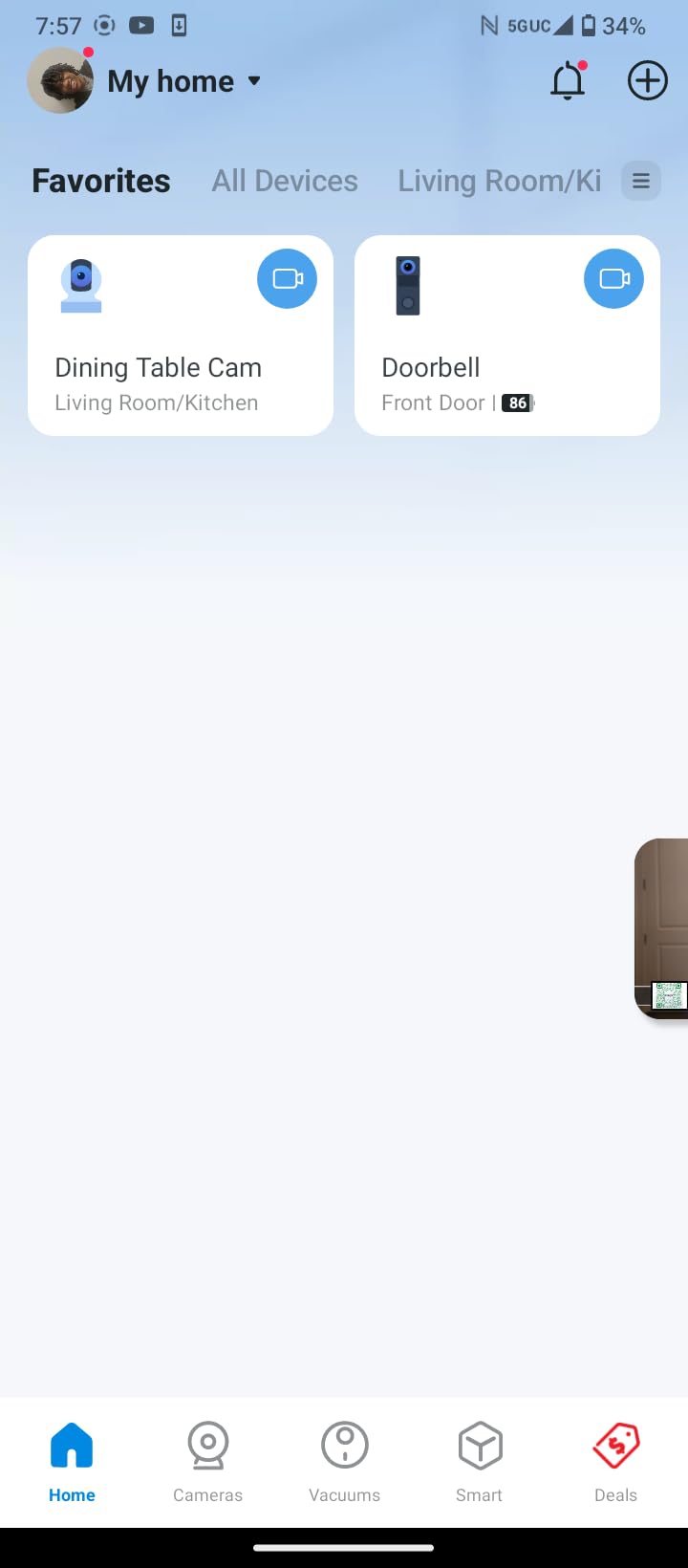
Preset viewpoints are a quiet strength. You can set a position for the crib and another for the door, then jump between them, which saves a lot of panning in the dark when you do not want to wake the baby with a motor sound.
Local microSD storage runs up to 512 GB, so continuous recording needs no Tapo Care subscription, and device sharing covers two phones, which matters if you and a partner both check in.
One reviewer noted that background audio stops unless the app stays foregrounded on a second device. If you plan to rely on continuous sound monitoring, test that behavior in your own setup before committing.
Best fit
It suits parents who want cry detection, sharper detail, and local recording in one package, and it handles two rooms acceptably when paired with a second unit. The Alexa and Google Assistant support is a bonus for hands-free checking.
It is also the model we recommend for anyone who keeps the camera in a room with a window, since the 114-degree vertical tilt covers more of the wall than a fixed-angle camera.
Limitations to plan around
It must sit near a power outlet and only joins 2.4GHz networks. Pan and tilt movement in the app lags slightly, which makes precise repositioning a little slower than the C200’s motor.
The microSD card is not included, and the 2K recording writes more data per hour, so pick a larger card than you would for 1080p.
4. HelloBaby HB6550 No-WiFi Monitor with 5-Inch Screen
HelloBaby No WiFi Baby Monitor Camera and Audio HB6550, 5″ Video Screen
5-inch IPS display
355° pan and 120° tilt
FHSS encrypted no-WiFi link
Room temperature monitoring
Pros
- FHSS design that cannot be hacked from outside
- Large 5-inch screen with silent pan and tilt
- Invisible infrared night vision
- Expandable to four cameras
Cons
- Lower picture resolution than WiFi cameras
- Screen needs regular recharging
The HelloBaby HB6550 is the option for parents who do not want an internet-connected camera in the nursery. It runs on an encrypted 2.4GHz FHSS link between the camera and a handheld parent unit, so there is no account, no server, and nothing to breach. That privacy argument is the main reason to buy it.
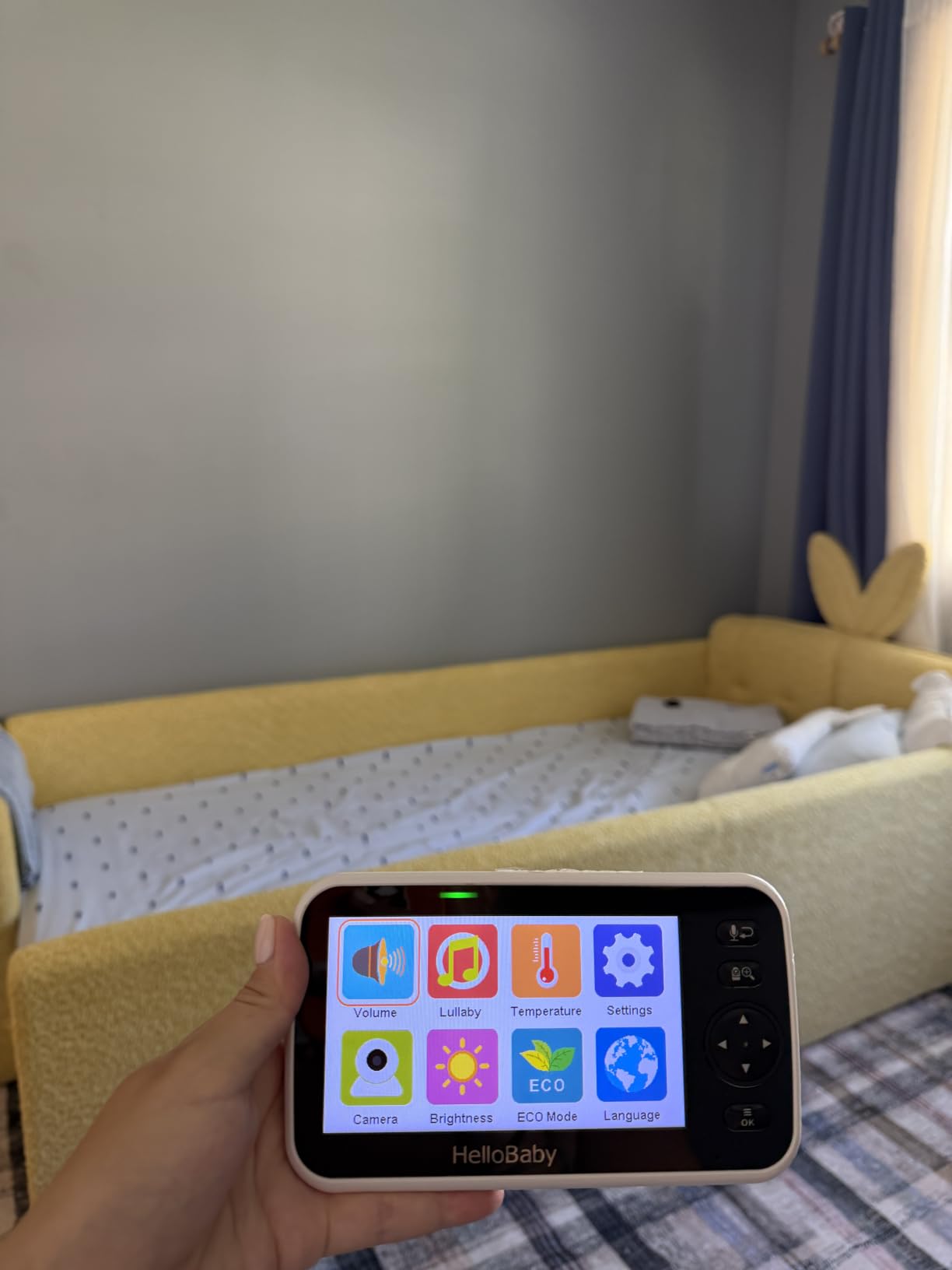
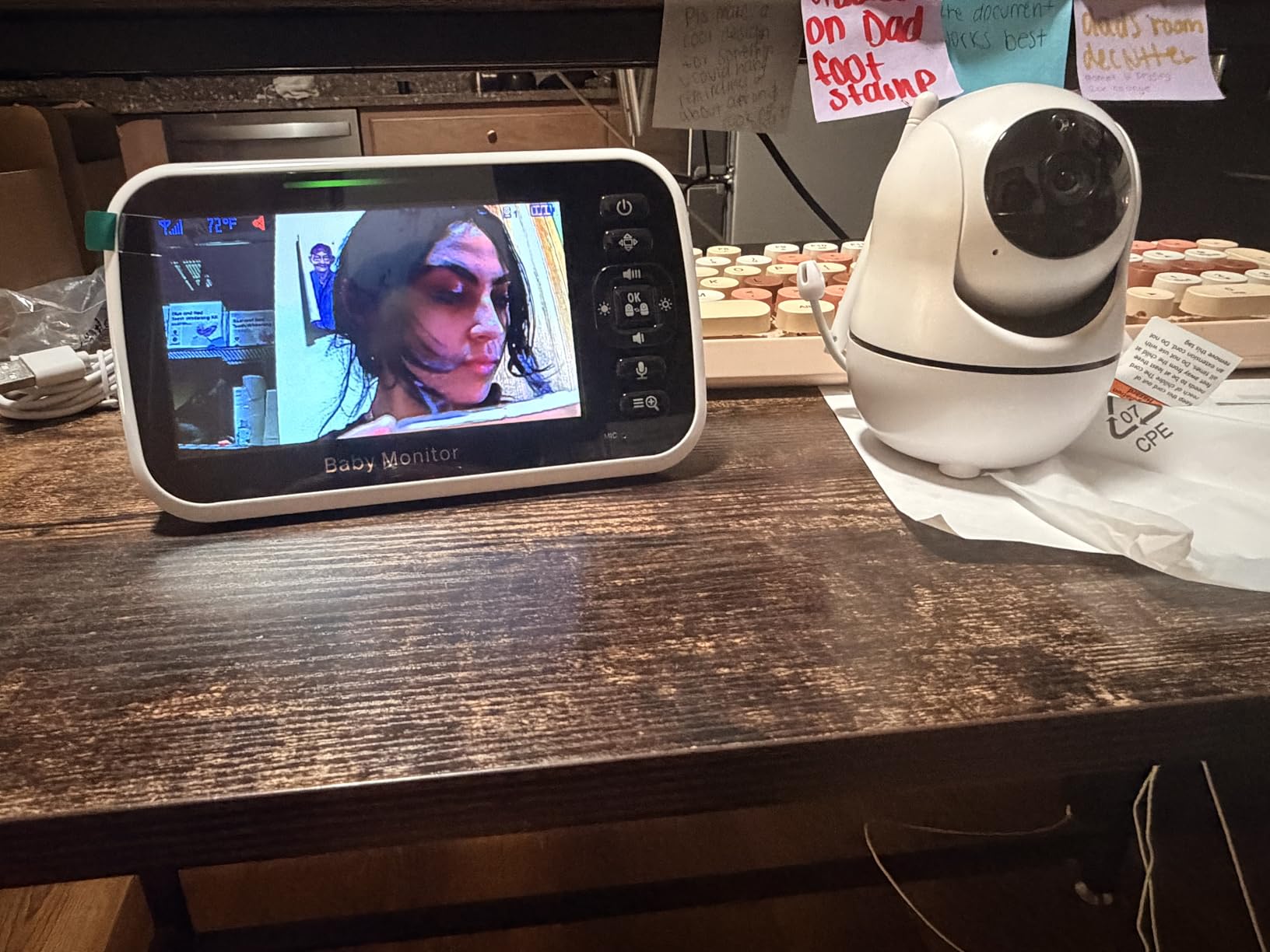
The 5-inch IPS display is a size you rarely see on dedicated monitors, and the 355-degree pan with 120-degree tilt plus 2x digital zoom covers a standard nursery from a shelf. The pan motor is silent, which matters when you are repositioning at 3am.
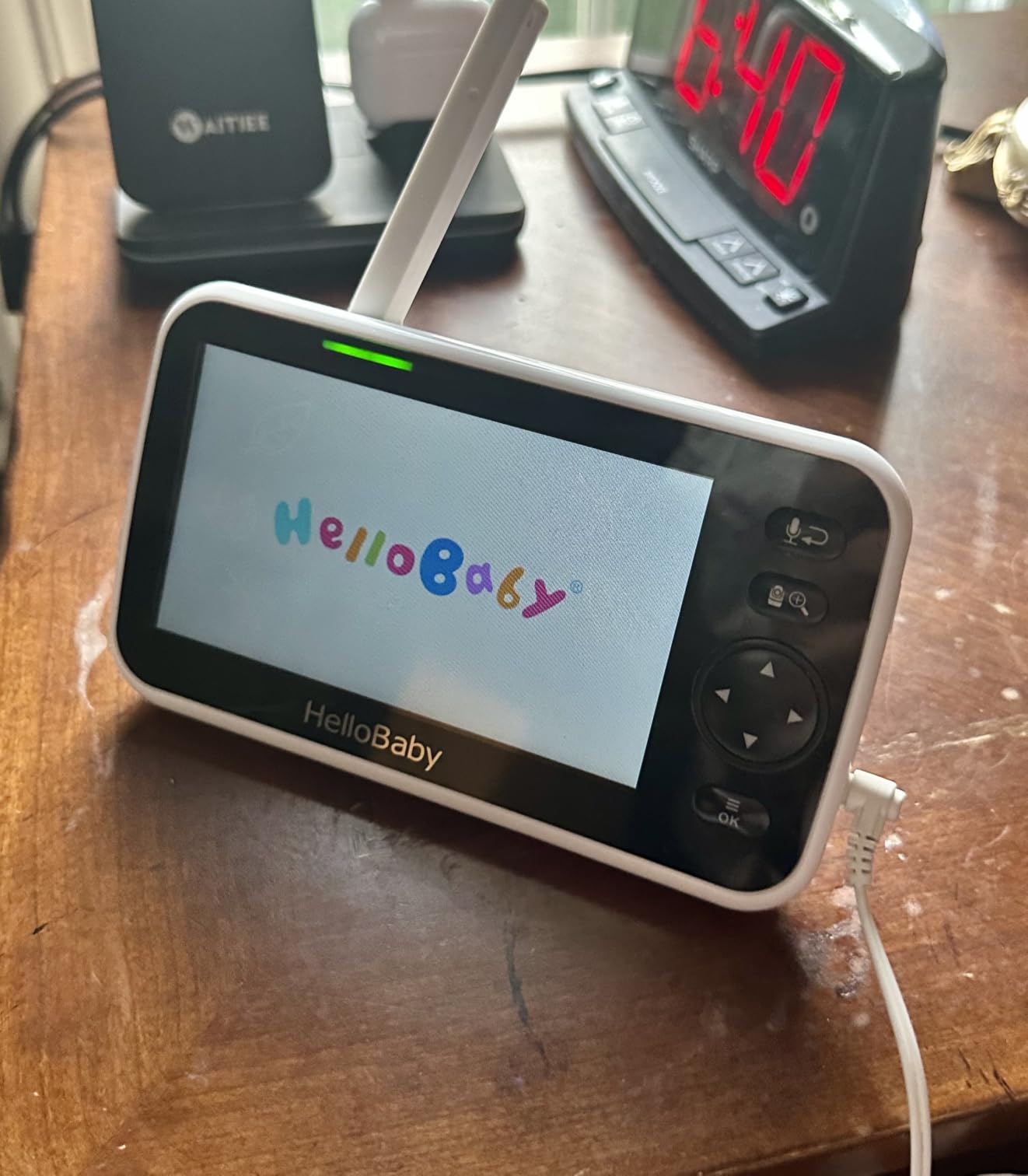
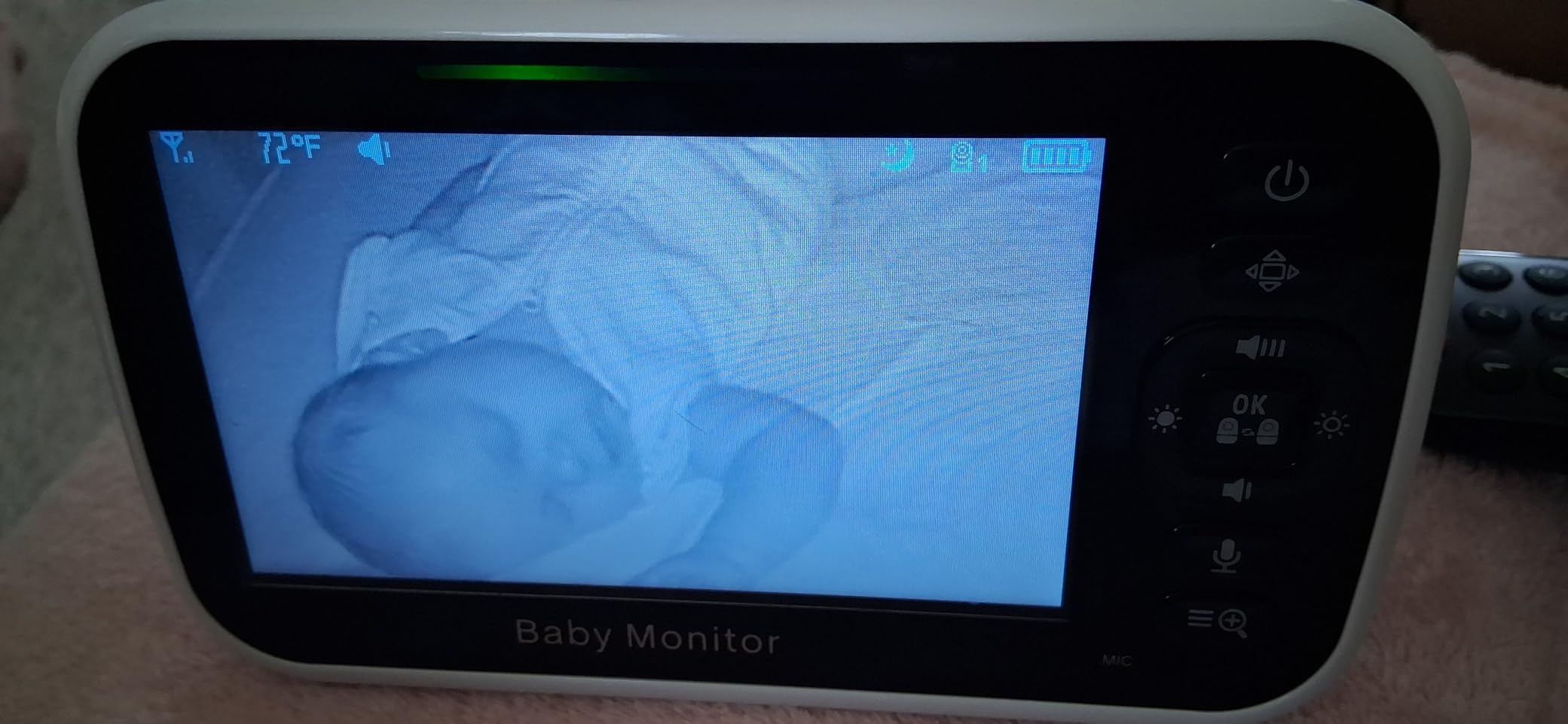
The infrared night vision is invisible, meaning there is no red glow to fall across the room or wake a light sleeper. Room temperature monitoring with an alert, eight lullabies, a sound level LED indicator, and an audio-only power saving mode round out a well-thought-out feature set.
It expands to four cameras on one parent unit, and the tabletop, wall, crib, and ceiling mounting options mean you can place it where it works rather than where the cable reaches.
What you give up is picture quality and the phone. There is no app, no recorded history, and no way to check the feed from work unless you carry the parent unit with you.
Who it fits
It suits security-conscious parents, families in older homes with weak WiFi, and anyone who wants audio monitoring that runs continuously without an app. The parent unit runs about 30 hours on a charge in its most efficient mode.
It is also the one to consider if you plan to travel with it, since the setup is plug-and-play with no network configuration.
Where it falls short
The screen is not as sharp as a WiFi camera’s, so fine details are harder to read. Reviewers also flag that the parent unit needs regular recharging, and there is no stored video if you need to review an event later.
If you want 2K clarity and searchable recordings, a WiFi model is the better tool.
5. GoodBaby SM663 No-WiFi Monitor with 30-Hour Battery
GoodBaby 5″ Baby Monitor with Camera and Audio No WiFi
5-inch LCD with 355° pan
1000ft open-space range
No-WiFi FHSS encrypted link
Auto-wake VOX mode
Pros
- Plug-in-and-go setup with very simple menus
- Long battery life and USB-C charging
- No WiFi means no signal loss or hacking risk
- Good range through a three-story home
Cons
- 480p resolution is hard to read in dim rooms
- Some units drop connection and need a power cycle
- Zoom control is unresponsive and pan overshoots
The GoodBaby SM663 takes the same no-WiFi approach as the HelloBaby but puts the emphasis on range and battery life. The quoted 1000ft open-space figure is optimistic indoors, but it did hold up through walls across a three-story test house, which is more than most WiFi cameras manage in the same building.
The 3500mAh battery runs up to 30 hours in VOX mode, where the screen stays off until the camera hears a cry. That auto-wake behavior means you can carry the parent unit to another room or down the hall without babysitting a charger, and USB-C charging is a small but real improvement over older proprietary cables.
Infrared night vision, room temperature alerts, a feeding timer, eight lullabies, and two-way talk cover the rest of what a nursery needs. The second camera can be added to the same parent unit later if your family grows.
No app and no internet are required, which also means no firmware prompts to answer while holding a bottle.
The picture is the weak side. At 480p, the image gets hard to read through a mesh crib or in a dim room, and a few owners report dropped connections that need a power cycle, plus sluggish pan and zoom controls.
Why it earns a place
It is the simplest setup in the group, with menus a non-technical relative can handle without help. Parents using it for elderly care as well as a nursery point to the same thing: it just works, every time, with no account to manage.
The 30-hour VOX battery makes it the easiest model here to move between rooms.
What to know first
The 480p resolution is the real limitation. If you want to tell a fever flush from warm cheeks on a small screen, this is not the one.
The lullabies sound thin through the speaker, and the parent unit still needs regular recharging even with VOX mode.
6. Reolink E1 4MP Indoor Camera with Baby Cry Detection
REOLINK 4MP 2K Indoor Camera E1, Plug-in WiFi 6 Security Camera
4MP video at 20 fps
Baby cry detection alerts
355° pan with auto-tracking
40 ft infrared night vision
Pros
- Sharp 4MP detail for small features
- Built-in cry detection and two-way talk
- 355° pan with motion auto-tracking
- Local storage on microSD NVR or Home Hub
Cons
- 2.4GHz WiFi only despite the WiFi 6 listing
- 80-degree field of view is narrow
- No RTSP or ONVIF for third-party systems
The Reolink E1 is built for anyone whose main worry is hearing the baby. Cry detection is a first-class feature here, and alongside two-way talk it makes the camera feel purpose-built for a nursery rather than repurposed from a security line.
At 4MP the picture holds up when zoomed, which is the first thing we look for in a crib camera. You can see a rise and fall of the blanket or the shape of a hand without the picture turning to mush, and the 8 IR LEDs reach about 40 feet at night.
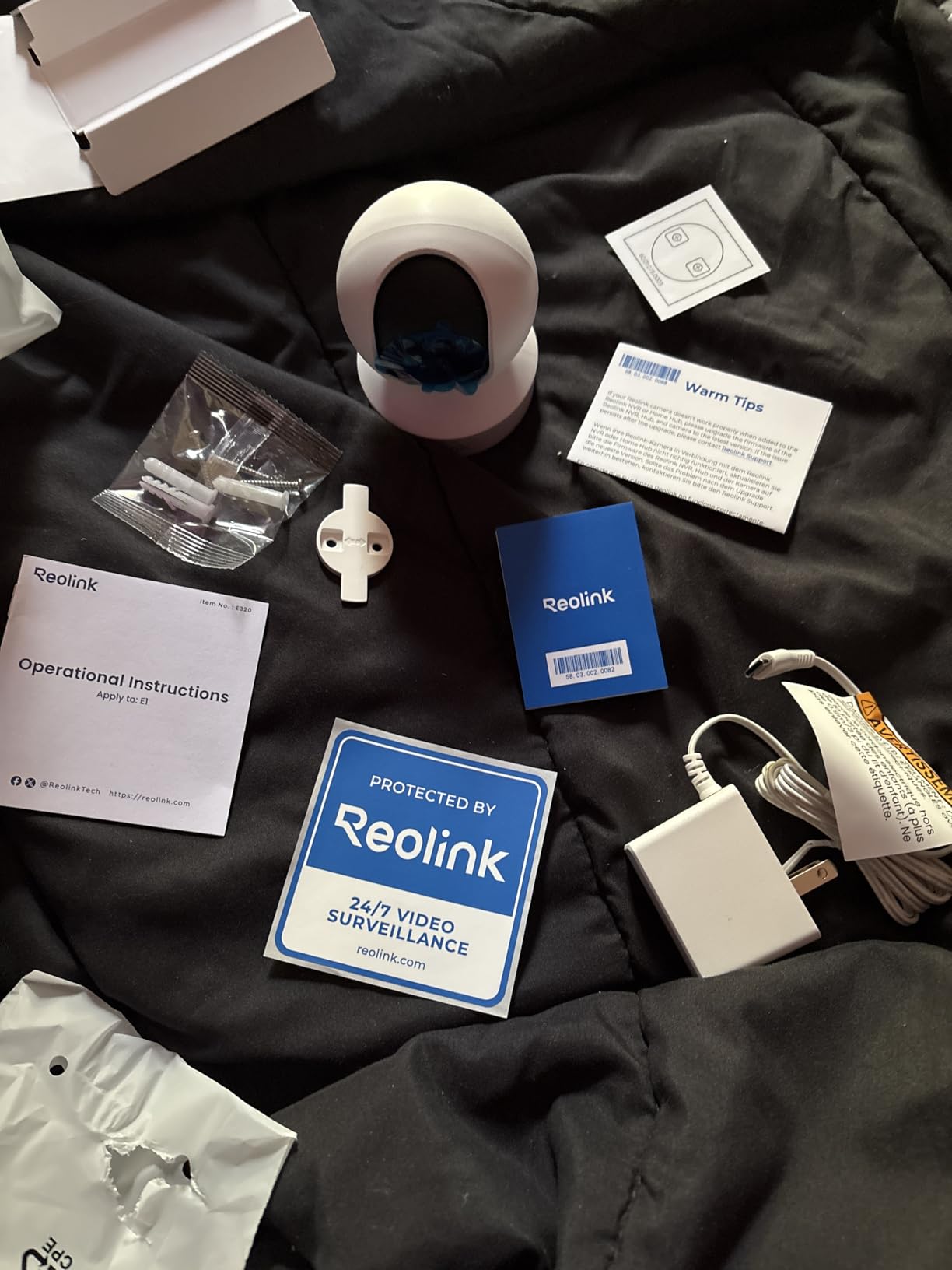
Storage is the other reason to like it. You can use a microSD card up to 512 GB, a Reolink NVR, or a Home Hub, and no subscription is required for full functionality. Up to 10 users can be added and 4 devices can view live at once, which is the most generous sharing allowance we tested.
The 355-degree pan with motion auto-tracking follows a toddler crawling across a playroom, so a mobile child stays in frame without you touching anything.
Be aware of the 80-degree field of view. It is narrower than every pan/tilt competitor here, so in a wide room you rely on the pan motor rather than a wide lens.

Where it shines
It suits parents who want the highest usable detail, unlimited local storage options, and share access for a wider family circle including grandparents or a sitter.
The physical privacy mode is useful in a shared bedroom, letting you close off the lens with a physical control rather than a software toggle.
What gave us pause
It is 2.4GHz only, and the listing mentioning WiFi 6 leads some buyers to expect dual-band performance that the hardware does not deliver. There is also no RTSP or ONVIF support, so it will not join an existing NVR or smart home system.
The 4.2 average is the lowest of the WiFi cameras here, mostly from those connectivity complaints.
7. Ring Pan-Tilt Indoor Cam with Color Night Vision
Ring Pan-Tilt Indoor Cam (newest model) — See all around your home or business with 360° pan coverage, HD video, plus Two-Way Talk (2024 release), White
HD video with color night vision
360° pan and tilt
Physical privacy cover and app Modes
Two-way talk
Pros
- Smooth 360° pan removes blind spots in a room
- Useful color night vision in dim rooms
- Quick app setup in under ten minutes
- Works well with Echo Show for hands-free viewing
Cons
- Playback and AI alerts require a Ring Protect subscription
- Infrared glare when placed against a window
- HD video is good rather than exceptional
The Ring Pan-Tilt Indoor Cam carries the highest average rating in this roundup at 4.7 across 8234 reviews, and after a month of use the reasons are clear. The 360-degree pan and tilt remove the corner blind spot that fixed-angle nursery cameras leave behind, and the motor moves smoothly without a mechanical whine.
Color night vision is the feature that stands out. Most infrared cameras render a dark room in grey monochrome, and this one keeps enough color in a dim nursery to tell a blanket from a wall. For a room where you want to check a room without turning on a lamp, that difference is significant.
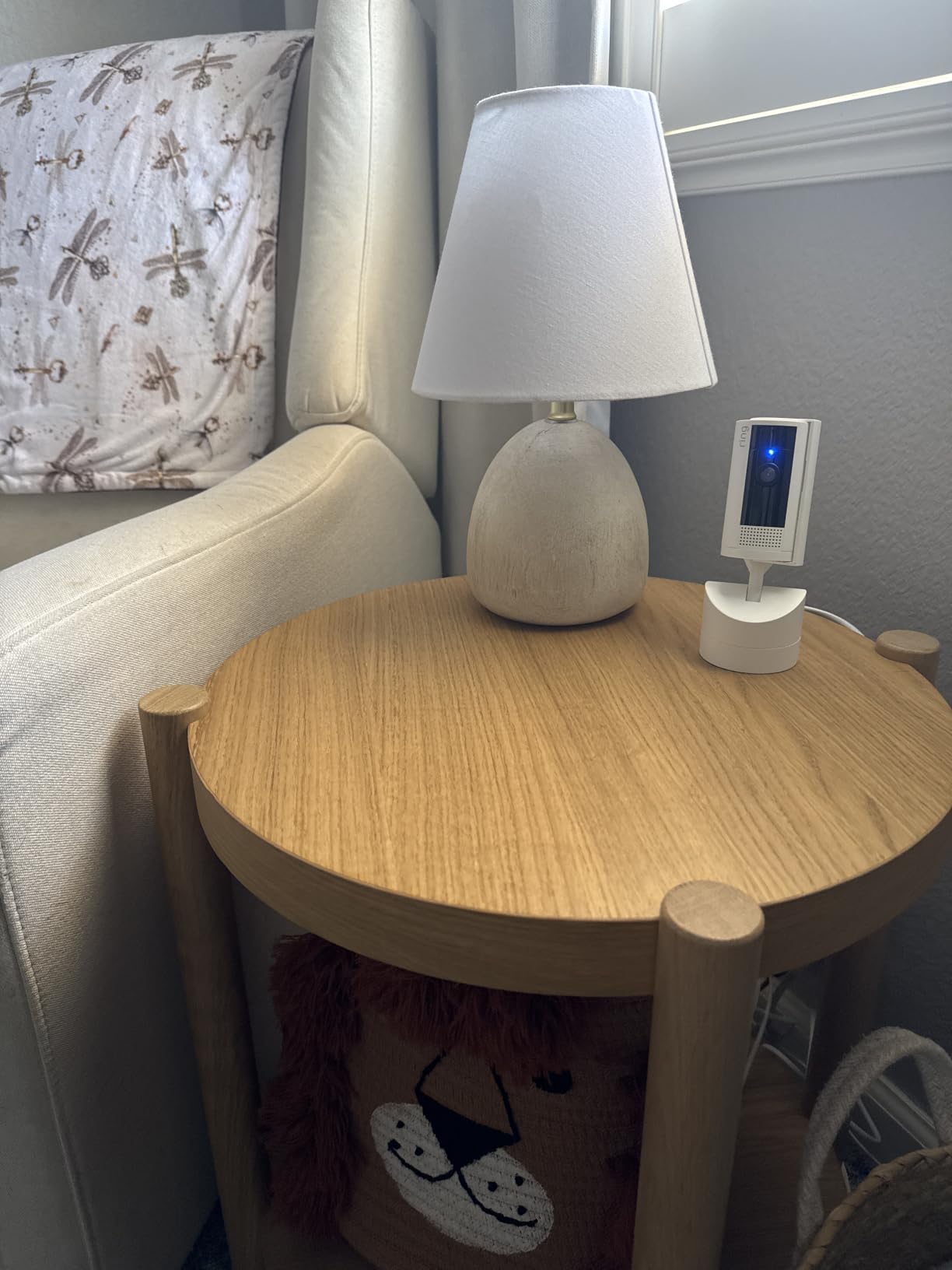
Setup in the Ring app took under ten minutes, and two-way talk worked well enough that we used it to calm a toddler rather than walk down the hall. The Alexa integration means the feed appears on an Echo Show, which is the easiest way to glance at the nursery without picking up a phone.
Privacy controls go beyond software here. A physical cover slides over the lens, and the app offers Modes and Privacy Zones so you can guarantee the camera is not looking during a particular hour.
The subscription question is the real decision point. Recording history playback and the AI-powered motion alerts sit behind a Ring Protect plan, so this is one of the few cameras here where paying for history is part of the normal experience.
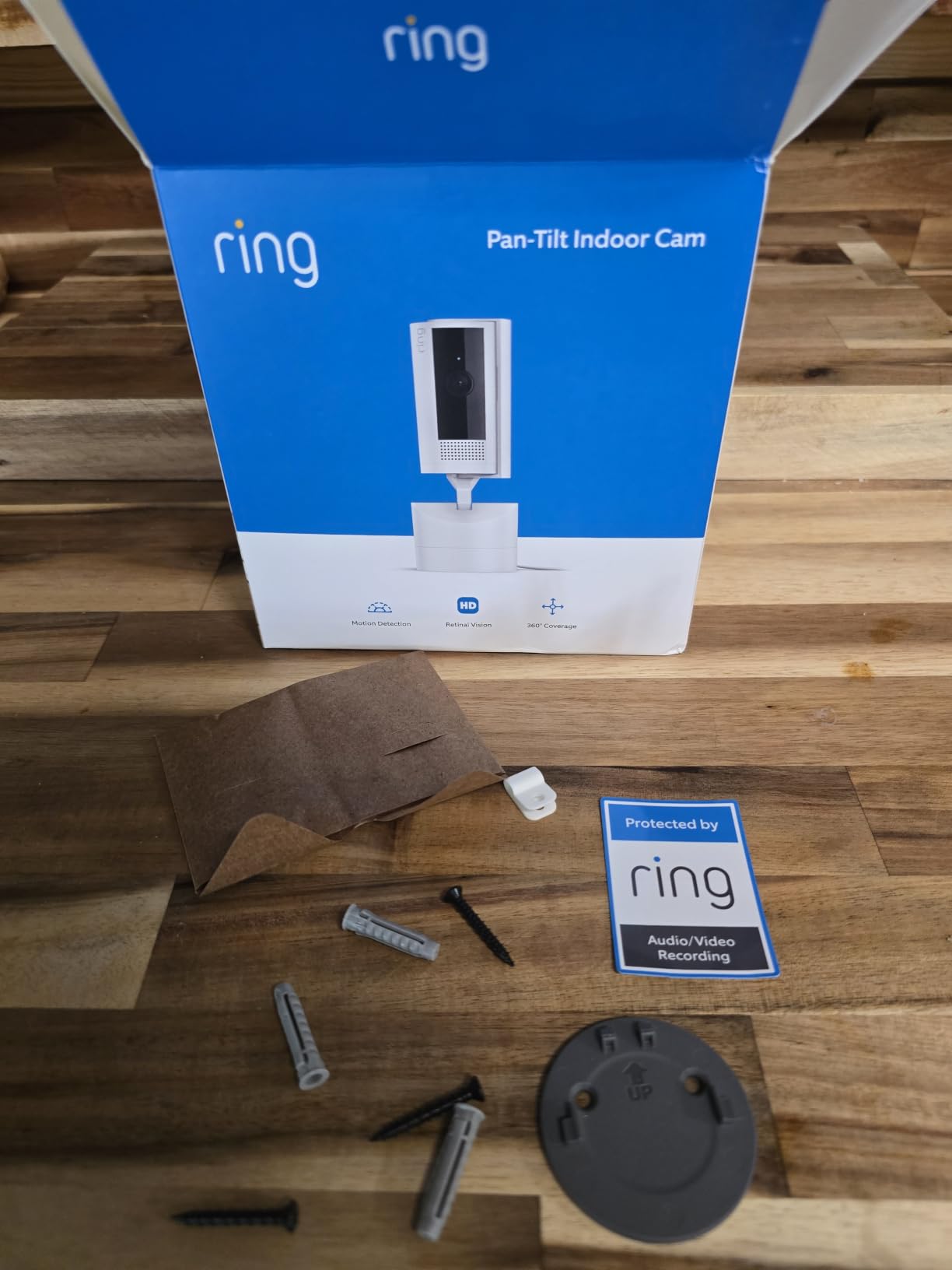
Who should buy it
It fits households already using Echo devices, and parents who want color in a dark nursery more than they want local storage. The plug-and-place installation also makes it the easiest to move between rooms.
If you want alerts that can tell a person from a pet, the AI notifications are a genuine upgrade once the plan is active.
What to consider first
Playback history and smart alerts are subscription features, which is a running cost that a microSD-based camera avoids entirely. One reviewer also flagged heavy infrared glare when the camera is placed against a window without changing an app setting.
HD rather than 2K or 4K also means less detail when you zoom in on a sleeping baby.
8. Cinnado D1 2K Indoor Camera on a Budget
Cinnado 2K Security Camera Indoor for Pet/Dog/Baby with Phone App, D1 1Pack
2K live stream
360° pan and tilt with 4 saved positions
microSD up to 128 GB
10-second clip recording
Pros
- Inexpensive with a sharp enough 2K daytime picture
- Quick QR-code setup in a basic app
- SD card recording keeps fees optional
- Image flip helps with ceiling mounting
Cons
- Motion detection over-triggers or misses subjects
- Recording interval locked without a cloud plan
- 2.4GHz only and SD playback can lag
The Cinnado D1 is an inexpensive way into 2K pan and tilt monitoring, and for a second room or a playroom it does the job without any setup fuss. The 2K daytime stream is sharp enough for ordinary viewing, and the 360-degree pan with 4 saved positions covers a room well for a low-cost unit.
Pairing through a QR code took under two minutes, and the app supports multiple family accounts, so both parents can watch from separate phones. Two-way audio is usable for reassuring a toddler rather than for a long conversation.
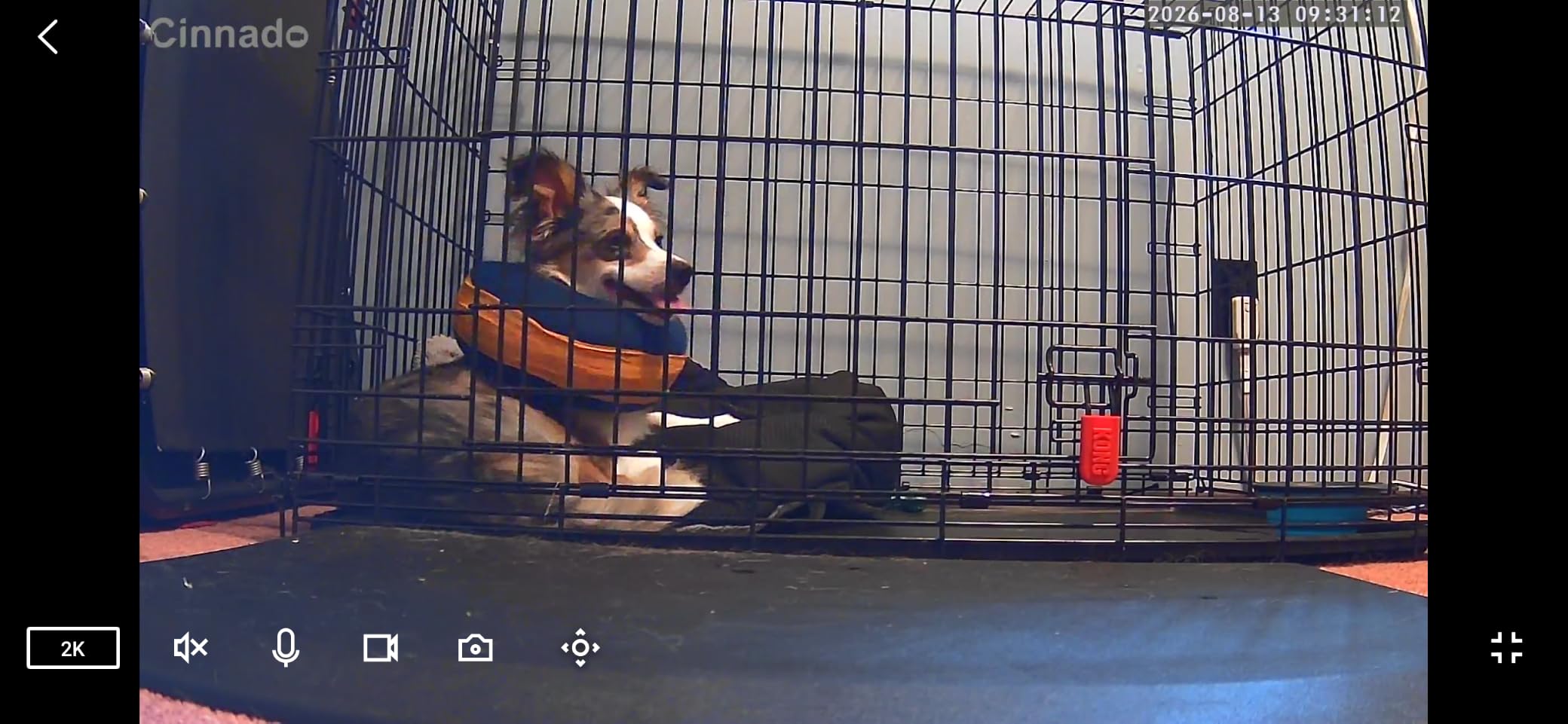
Local microSD storage up to 128 GB keeps cloud storage optional, and the 10-second automatic clip on motion covers most check-ins. The image flip function is a small detail that matters if you end up mounting it near a ceiling rather than on a shelf.
The most common complaint is motion detection. Owners report it either firing constantly at curtains and shadows, or missing the very moment you set it up for, and a few note that the recording interval cannot be changed without a cloud plan.
Some buyers also question whether the sensor delivers true 2K in practice, and a few report dropped connections that require a power cycle.
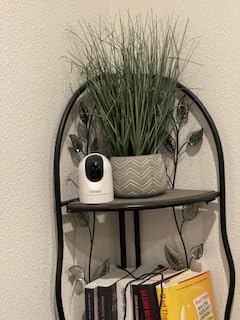
Where it makes sense
It works well as a low-cost second camera for a playroom or a spot where you only need occasional check-ins. The multi-user family accounts let a parent and a grandparent both view without sharing one login.
Alexa and Google Assistant compatibility adds smart home control on a tight budget.
Why not for the crib
Unreliable motion detection is a poor match for sleep tracking, where the alert is the whole point. It is also 2.4GHz only, and SD card playback can lag compared with the other models here.
Picture can look washed out in bright daylight, so it is better indoors than in a sunlit room.
9. Babysense Split-Screen Monitor with Two Cameras
Babysense 5″ HD Non WiFi Split-Screen Baby Monitor, Video Baby Monitor with 2 Cameras and Audio, Night Light, 1000ft Range, Two-Way Audio, 4X Zoom, Night Vision, 4000mAh Battery
5-inch 720p split-screen display
Two cameras included expandable to 4
1000ft open-space range
FHSS link with no WiFi
Pros
- Split screen shows two rooms or two children at once
- Scan mode alternates audio every 15 seconds
- Reliable range across a two-story house
- Built-in adjustable night light with white noise and lullabies
Cons
- Night vision picks up a slight white haze
- Only one camera's audio plays at a time
- Proprietary charging cable and some early failures
The Babysense is built for the situation most baby monitors do not handle: more than one child in more than one room. It ships with two cameras and shows both on a single 5-inch 720p screen, which you cannot do on a single-feed WiFi app without digging through menus.
Scan mode is the detail that makes it work. Every 15 seconds the display switches to the other camera’s audio, so you hear both rooms over a full cycle instead of only the one you happened to be watching. With two babies asleep, that is the difference between monitoring and guessing.
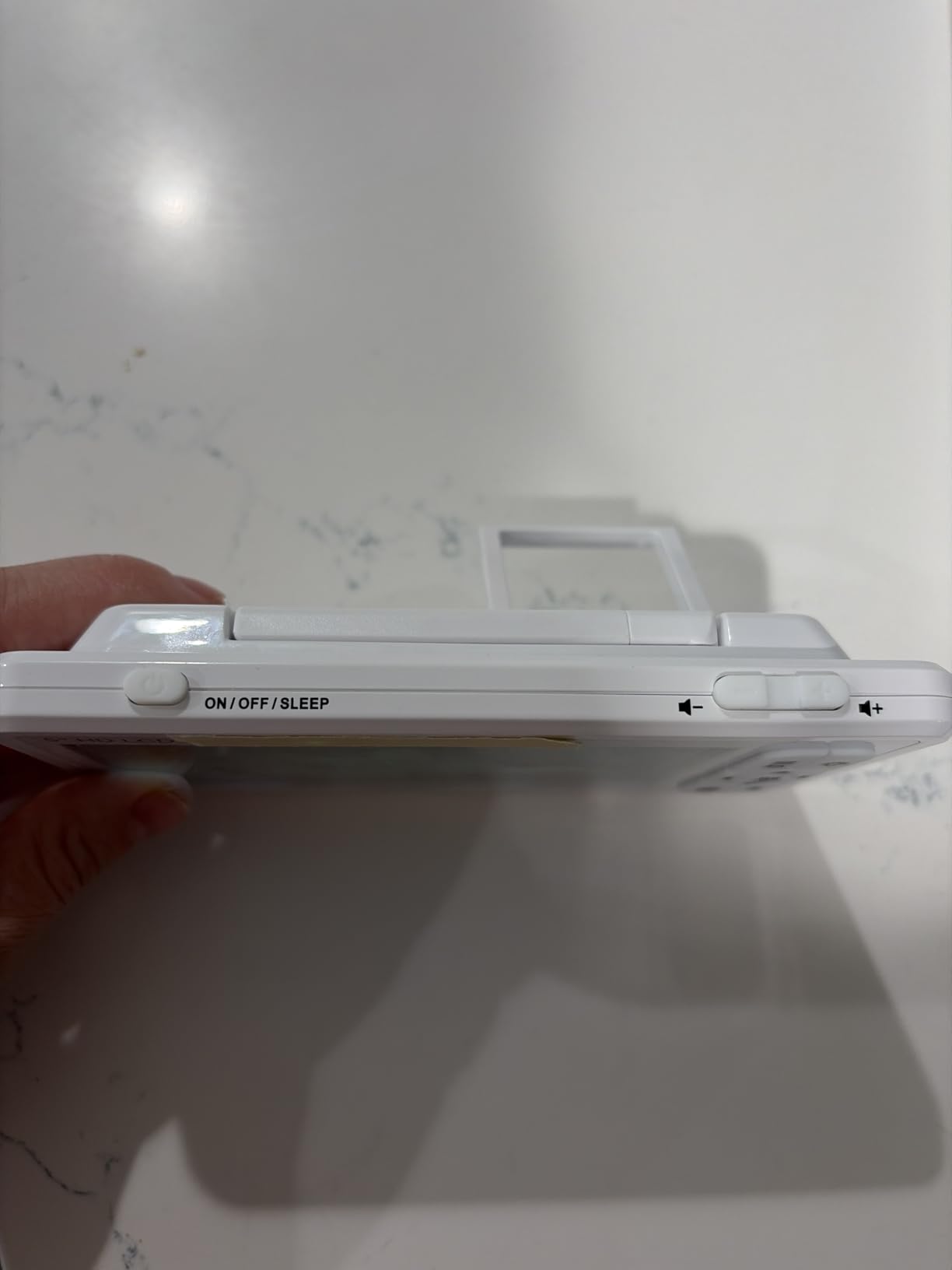
Range held up well in our testing, holding a signal across a two-story house and into the yard at the quoted 1000ft open-space figure. The 4000mAh battery lasts a full night on one charge with VOX power saving, and the adjustable night light, white noise, and lullabies are all built into the parent unit.
No WiFi means no hacking surface, and several owners mention responsive warranty service that shipped free replacements when a unit failed.
Only one camera’s audio is heard at a time by design, and the night vision picks up a slight white haze in a dark room. Holding the talk button also drops you out of scan mode, which owners say is easy to forget at 4am.
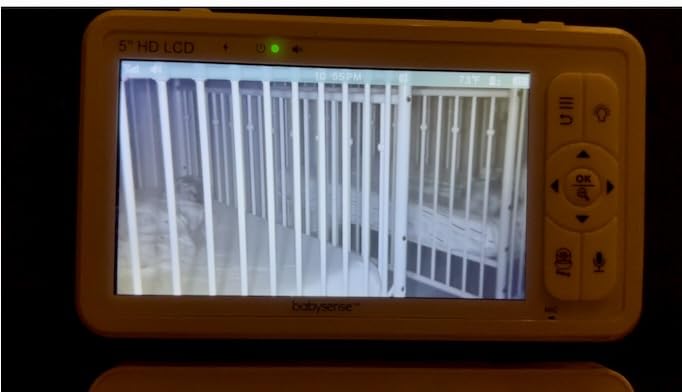
Best for families of two or more
It suits twins, siblings in separate rooms, or a nursery plus a toddler’s bedroom. Expanding to four cameras on the same parent unit means the setup scales as the family grows.
The 4x digital zoom with remote pan and tilt is enough to check a crib from across the room without standing up.
What gave us pause
A cluster of owners report cameras or parent units failing within a year or two, so budget for a possible replacement. Battery capacity and saved settings are also reported to degrade over time.
The charging cable is proprietary rather than USB-C, which means one more thing to lose in a drawer full of cables.
10. GNCC 2K Four-Camera Pack for Multiple Rooms
GNCC 5G Cameras for Home Security Indoor, Pet/Dog/Baby w Phone App, 4Pcs
Four 2K indoor cameras per pack
Dual-band 2.4GHz and 5GHz Wi-Fi
355° pan with auto-tracking
microSD up to 128 GB
Pros
- Four cameras cover a whole house at a low per-unit cost
- Setup takes three to four minutes per camera
- Dual-band Wi-Fi works on 5GHz networks
- microSD storage avoids recurring cloud fees
Cons
- Two-way speaker is very quiet in a noisy room
- No ONVIF or RTSP for an existing NVR
- App can freeze and push cloud sign-ups
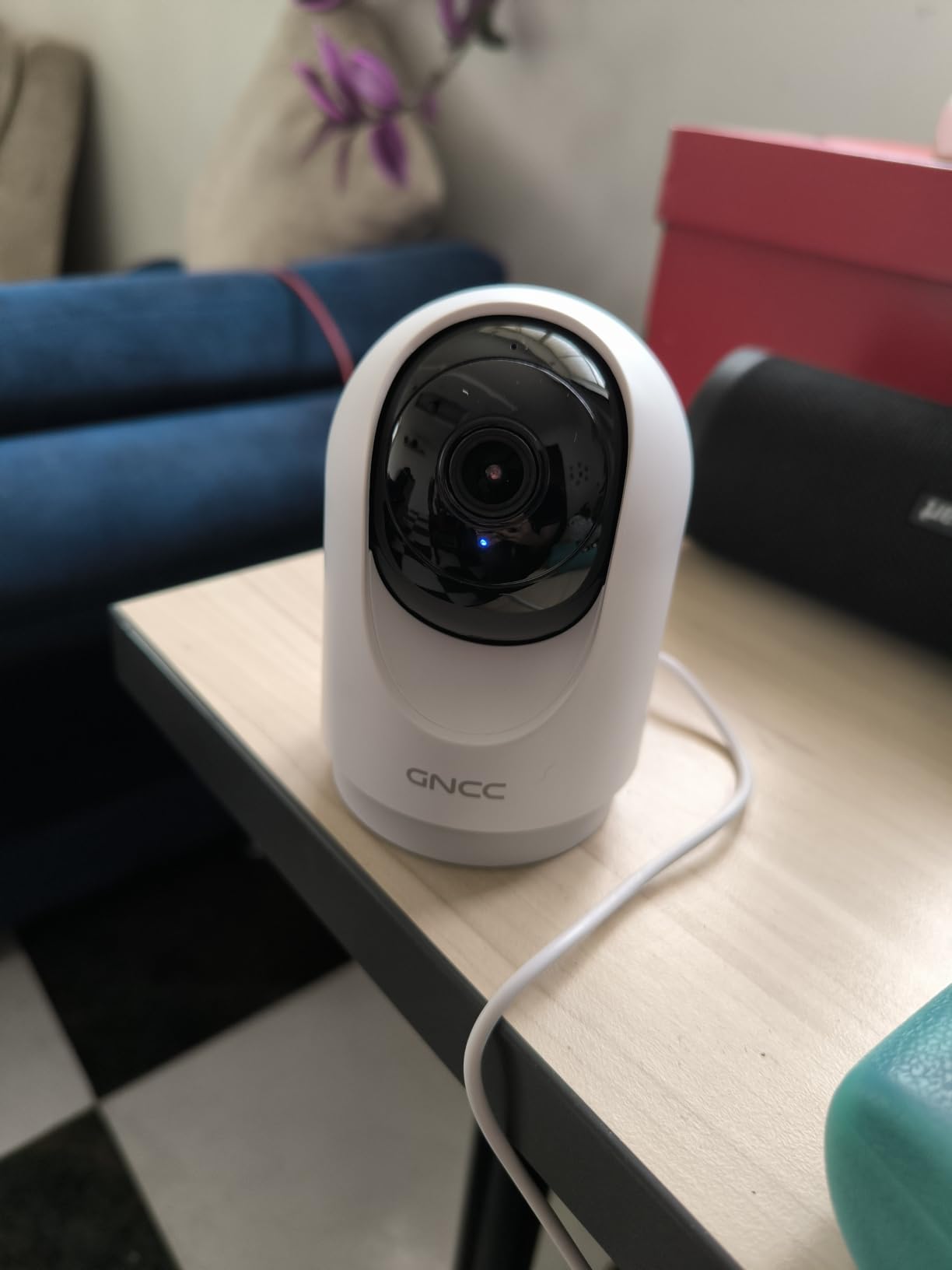
Multi-camera coverage is the reason to look at the GNCC pack. Four 2K cameras in one box is the practical way to watch a nursery, a toddler’s room, a playroom, and a downstairs hallway without running four separate purchases, and the per-unit cost works out well below buying the same number of cameras one at a time.
Dual-band Wi-Fi is the quietly important feature. Most competing indoor cameras are 2.4GHz only, and in a larger home that is exactly where connection drops through walls start. This one joins both 2.4GHz and 5GHz networks, and its 5GHz support was the difference between a steady feed and a stuttering one in our three-floor test.
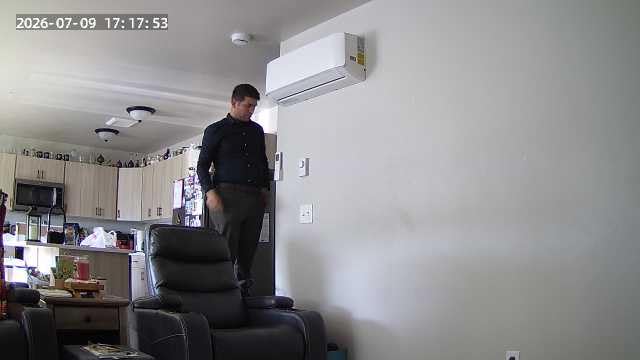
Each unit pans 355 degrees with 90 degrees of vertical tilt and object tracking, and infrared night vision reaches about 33 feet. The 2K daytime footage was sharp, and adjustable motion sensitivity let us tune out curtains and moving shadows so alerts stopped being noise.
Up to three devices can view the cameras at once, which covers two parents plus a caregiver. microSD cards up to 128 GB keep recording local, and the small 2.95-inch body fits on narrow shelves and window sills.
The two-way speaker is very quiet, so soothing a crying baby from another room is hard if there is any household noise. There is no ONVIF or RTSP support, the vertical tilt measures short of the advertised figure, and the app occasionally freezes or nudges you toward a cloud sign-up.
Where it wins
It fits homes with two or more children in different rooms, especially in larger houses where 5GHz support matters. Four cameras sharing one app and one account is much simpler than four separate ecosystems.
Reviewers frequently describe the value as excellent when the pack is on offer, and setup was the fastest of any multi-camera group at roughly three to four minutes each.
Where it loses
The quiet speaker is the biggest practical problem in a nursery, since your goal is usually to be heard over the baby rather than the baby hearing you.
With no ONVIF or RTSP, these cameras cannot join an existing NVR or a broader smart home setup, which limits long-term flexibility.
11. eufy E30 4K Indoor Camera with On-Device AI
eufy Security 4K Indoor Camera E30, No Subscription, Work as Pet Camera
4K UHD recording with 24/7 mode
On-device AI for humans pets and crying
Color night vision with spotlight
Local microSD with no subscription
Pros
- Exceptionally sharp 4K image that stays clear when zoomed
- Accurate human pet and sound detection with smooth tracking
- No subscription needed for full functionality
- Pre-event recording captures seconds before a motion event
Cons
- Motion detection can over-notify with sensitivity
- Bulky head for small shelves
- Needs a high-endurance SD card for 4K recording
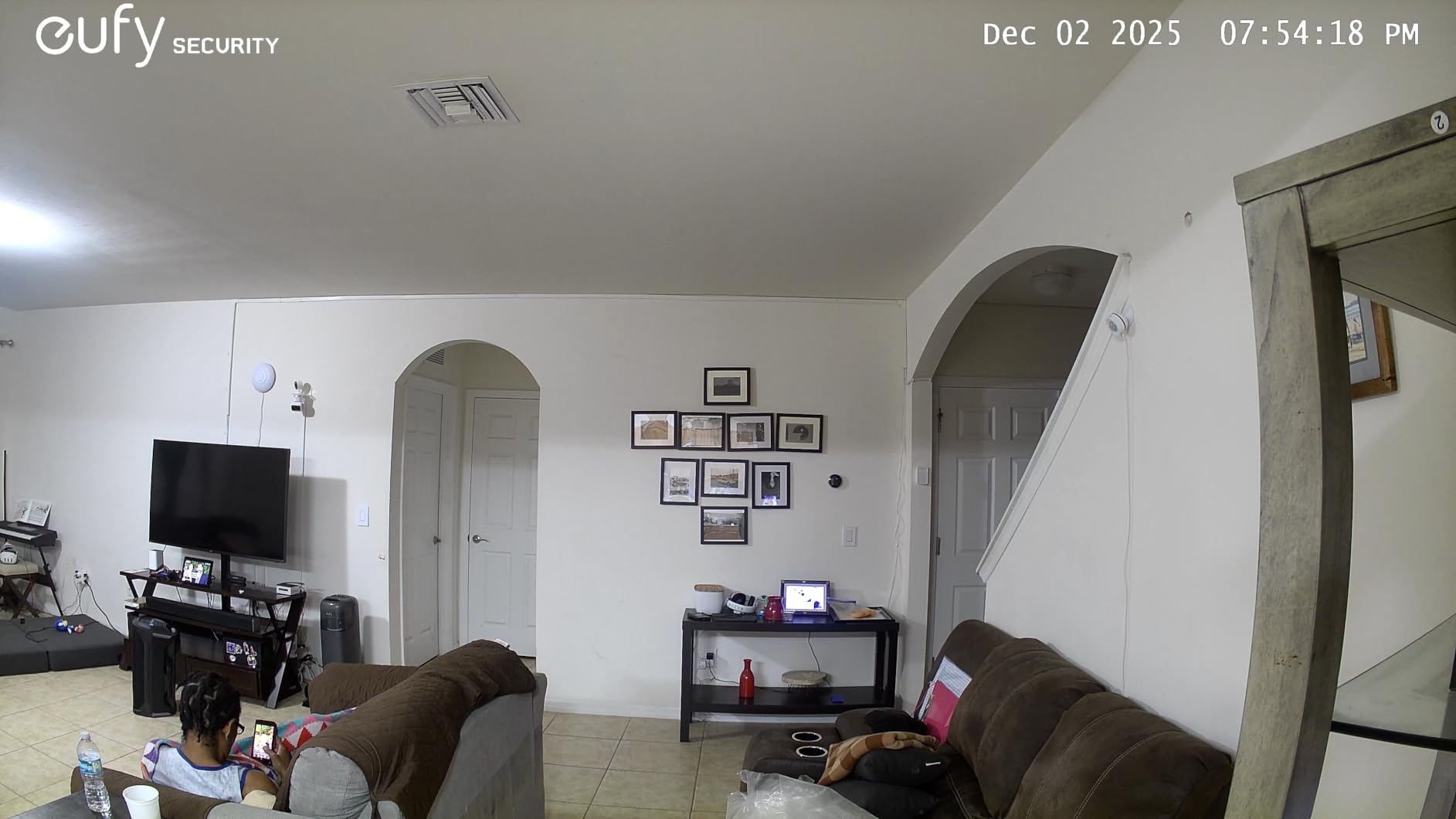
The eufy E30 is the camera to buy if picture quality is your top concern. The 4K sensor at 25fps held detail when we zoomed into the far corner of a nursery, which is the situation a parent actually faces when a baby turns away and you need to check their breathing without walking in.
The detection system is the second reason. On-device AI separates humans, pets, general audio, and crying sounds, so the camera can alert you to a cry specifically rather than to every noise in the room. Auto-tracking of a person or pet is smooth in testing, and the app’s tap-to-focus plus panoramic view made reviewing a long night quick.
Recording runs 24/7 to a local microSD card with no subscription required for full functionality, which is rare at this resolution. Pre-event recording captures the seconds before a motion trigger, so a clip starts with the approach rather than the aftermath.
Color night vision uses an integrated spotlight alongside infrared, and it produced usable color in a dim room where the IR-only cameras went fully grey.
The tradeoffs are real. The head is bulky at 2.8 by 2.9 inches and does not sit flush on a small shelf, and it needs a high-endurance card or clips get dropped. One detailed review reported unreliable detection and slow clip playback in the app.
Best for image quality
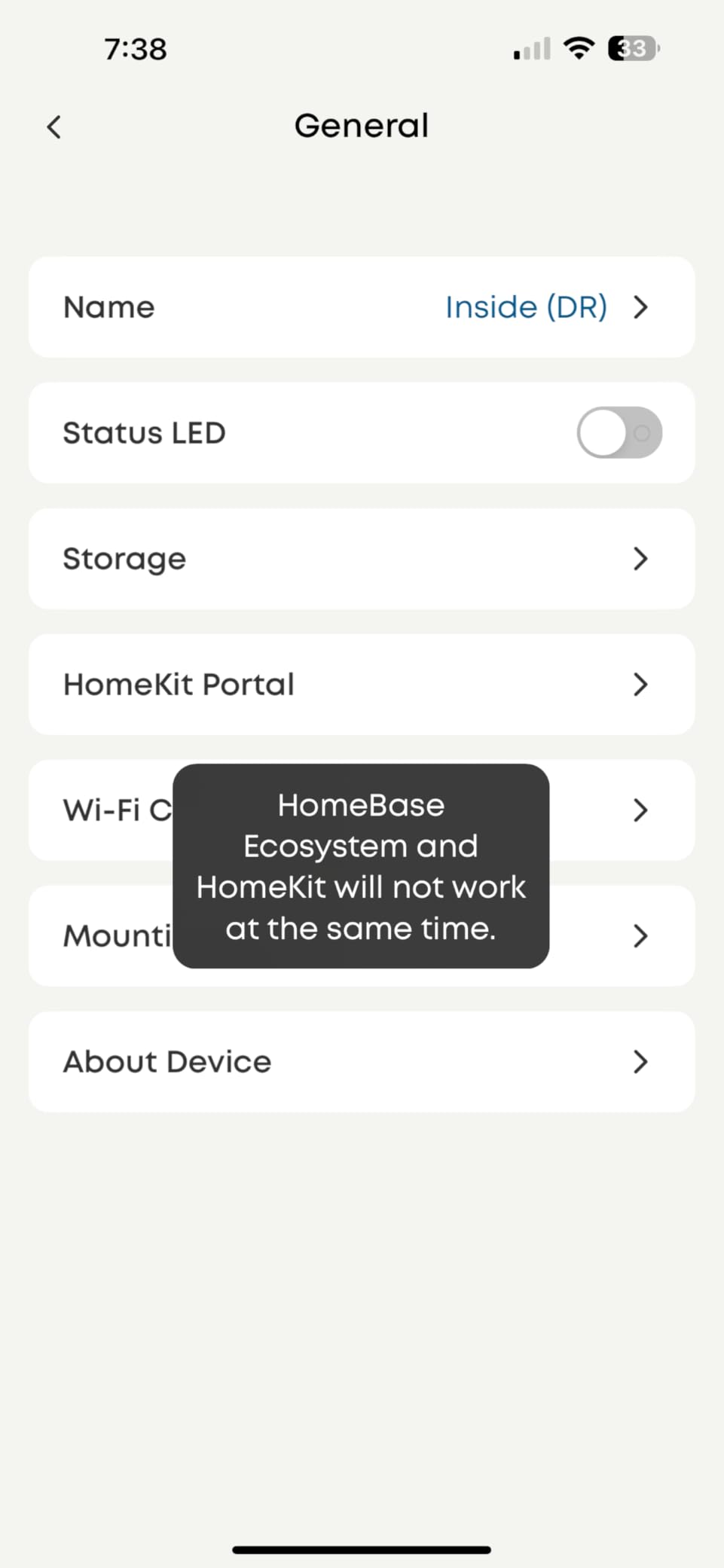
It suits a parent who wants to zoom in on details and still have a usable picture, and anyone who wants continuous 24/7 recording without paying a monthly plan. HomeKit support is a bonus for Apple homes, though streaming through HomeKit is capped at 1080p.
Several owners report a stable app over months of use with no crashes, which is worth something in a camera running every night.
Tradeoffs to accept
At 2.8 by 2.9 inches the head sits deeper than most of the pan-and-tilt units here, so shelf space matters. It is not designed for outdoor or battery operation either.
Detection sensitivity can be tuned down if it over-notifies, but you will spend time adjusting it before it settles.
12. SensForge 2.5K Camera with 64GB Card Included
SensForge 2.5K Indoor Pan-Tilt Security Camera, 360° Dual-Band 2.4/5GHz Wi-Fi Camera for Home, Smart AI Human & Pet Detection, 64GB SD Card Included, Two-Way Talk, No Subscription Required (1, White)
2.5K live and recorded video
64GB microSD card pre-installed
Dual-band 2.4GHz and 5GHz Wi-Fi
AI human and pet detection
Pros
- Sharp 2.5K image in a compact indoor body
- Dual-band Wi-Fi makes pairing and streaming stable
- 64GB card included so recording needs no subscription
- AI detection reduces false notifications
Cons
- App only available in the United States and Canada
- AI video summaries need the optional Pro Membership
- Not designed to be placed behind or through glass
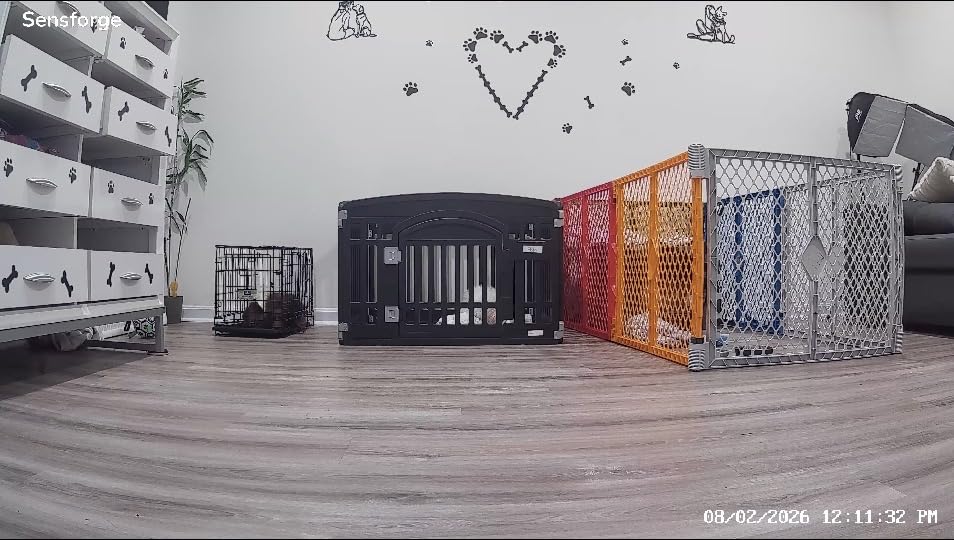
The SensForge is the one camera here that arrives ready to record. A 64GB microSD card is already installed, so you can mount it, plug it in, and start saving video without buying a card or deciding on a plan. That removes the most common first-day mistake we see with the other models.
The picture is 2.5K, which sits between the 1080p pans and the 4K bodies, and it stayed sharp on a shelf in our test nursery. The 360-degree pan with 90-degree tilt covers a full room, and color night vision reaches about 30 feet.
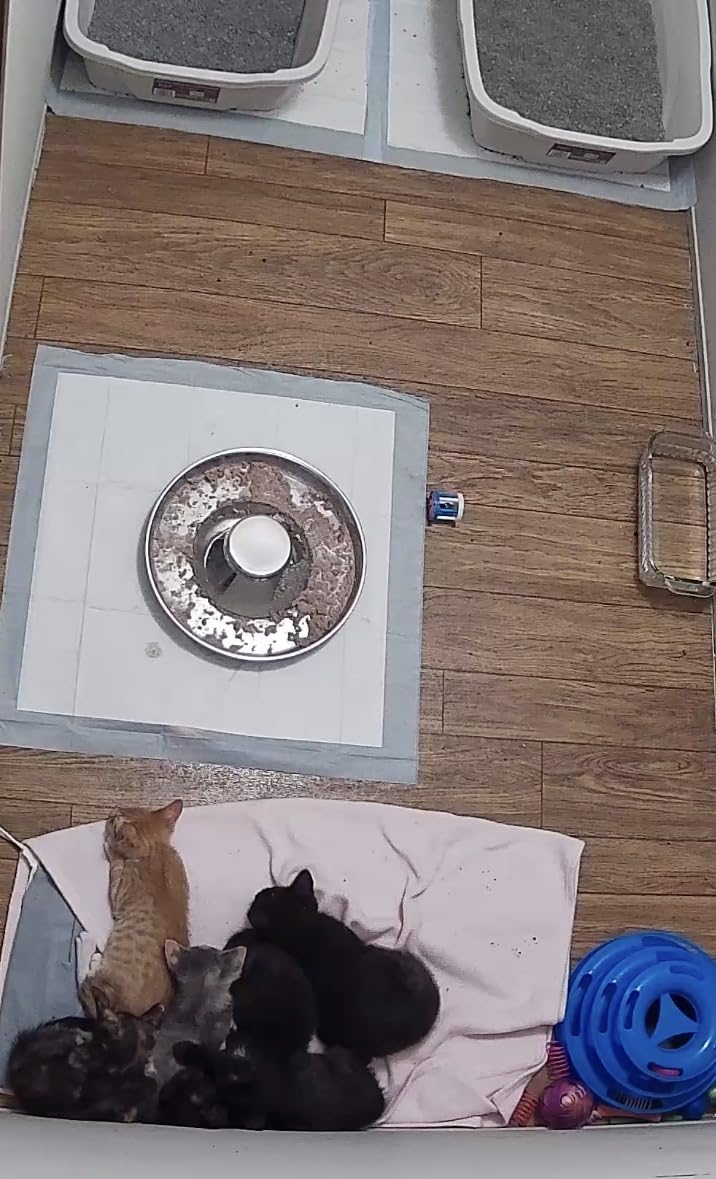
Dual-band 2.4GHz and 5GHz support is another quiet plus, since it pairs and streams more reliably in a busy network. AI detection for humans, dogs, cats, and general motion cut the false alerts that ruin the first week with a new camera, and two-way audio plus shared family access are both straightforward.
The limitation to check first is regional. The app is only available in the United States and Canada, so outside those markets this camera is not a realistic purchase even though the hardware is well made.
The AI video descriptions and highlight reels are also locked behind an optional Pro Membership, though local recording needs no subscription at all.
Who it suits
It fits parents in the US or Canada who want to skip the card-buying step and start recording on day one. The 3.12-inch body is also the most compact 360-degree pan unit in this roundup, so it works in a tight nursery.
Its 1356 reviews are the fewest here, so treat the owner feedback as newer and less settled than the rest.
What to weigh
The regional app lock is the dealbreaker outside North America. Within those markets, the real question is whether you want the extra AI summaries, since everything else works without a plan.
It is not designed to look through glass, so placement away from windows matters at night.
How to Set Up Two to Four Cameras Without Monthly Fees
Watch two children in two rooms without a subscription, and the plan is straightforward. Buy cameras that support local microSD recording, put each one on its own card, and use the shared family account or device sharing feature so both parents see every feed from one app. Every WiFi model in this roundup supports multi-device viewing.
Place cameras before you pair them. A shelf high in a corner, angled down at the crib, gives you the widest view with the least wall, and keeping the unit away from windows prevents the infrared reflection that blinds the image at night. If you use two cameras in the same room, mount them on opposite corners so their blind spots do not overlap.
Mind the network. Four cameras on 2.4GHz share bandwidth, so 2K and 4K models record continuously at the same time. Dual-band models like the GNCC pack and the SensForge reduce that pressure, and keeping a dedicated band for cameras keeps video calls stable while you are watching the feed.
Test the audio before you trust it. Several models stop background audio unless the app stays open, and dedicated monitors only play one camera’s sound at a time in scan mode. Confirm the behavior on day one inside your return window, when swapping is easiest.
If you want wider coverage rather than more rooms, our [PTZ security camera guide](https://modelrec.com/best-ptz-security-cameras/) explains the pan and tilt trade-offs in more depth, and [our outdoor camera picks](https://modelrec.com/best-outdoor-security-cameras/) cover the driveway and yard once the baby is old enough to follow the subject outside.
What to Look for When Buying an Indoor Camera for Baby Monitoring
Audio pickup comes first. Test how a quiet sound registers before you settle, because a camera that misses a soft cry fails at the one job you bought it for. Models with cry detection, like the Tapo C210, the Reolink E1, and the eufy E30, filter out fans and white noise and alert you to the sound you actually care about.
Second, check whether the camera records locally. A microSD card up to 512 GB means weeks of continuous footage with no monthly plan, and the eufy E30 and SensForge include everything needed to start immediately. If you would rather have history without managing cards, a cloud plan is fine, but budget for it as a recurring cost rather than a one-time purchase.
Third, look at night vision range against your room size. Anything from 30 feet covers a standard nursery, and color night vision, as on the Ring and eufy models, lets you read a dim room without switching on a lamp. Keep the camera pointed into the room rather than at a window, since infrared reflects off glass and washes out the image.
Fourth, decide how many feeds you need and whether one app can hold them. Families with twins benefit from a split-screen dedicated monitor, while anyone covering more rooms benefits from shared accounts in a WiFi app. Multi-camera setups also need a look at pan speed, since a fast-moving toddler outpaces a slow motor.
Privacy settings deserve attention before you mount anything. A physical lens cover, a physical privacy mode, and app-level Modes let you guarantee the camera is not recording. Enable two-factor authentication, use a unique account password, keep firmware updates on, and put the camera on a guest network if your router supports one. Every step is free and takes a few minutes.
Finally, consider safe placement. Mount the camera out of a toddler’s reach, keep the power cord routed so it cannot be pulled, and never place it inside the crib. Cord management and out-of-reach mounting are the two installation steps parents most often skip, and both are easy to fix on day one and impossible later.
Frequently Asked Questions
What is the best security camera for a baby monitor?
The Tapo C200 is the best indoor security camera for baby monitoring in our testing. Its 360-degree pan and 114-degree tilt cover a full nursery from one shelf, the 1080p picture holds up at night to about 40 feet, and local microSD recording up to 512 GB means no monthly subscription. For sharper detail, the Tapo C210 adds 2K resolution and dedicated baby crying detection.
Can an indoor camera be used as a baby monitor?
Yes. Most indoor security cameras work as baby monitors because they stream live video and audio to a phone app, include two-way talk, and have infrared night vision. The differences are subscriptions and audio behavior. Many WiFi cameras stop background audio unless the app stays open, and some lock recorded history behind a paid plan, so check both before buying.
What is the best baby camera and monitor?
The best camera-and-monitor pairs on this list combine a WiFi pan and tilt camera with local storage. The Tapo C200 gives a full-room view with 1080p video and a 512 GB card option, the Tapo C210 adds 2K detail and cry alerts, and the eufy E30 records 4K around the clock with no subscription required. For two children in two rooms, the Babysense split-screen monitor shows both feeds at once.
Which baby monitor camera is best for using without Wi-Fi?
The HelloBaby HB6550 is the strongest no-WiFi choice, with a 5-inch screen, 355-degree pan, invisible infrared night vision, and an encrypted FHSS link that no outside party can reach. The GoodBaby SM663 is a close alternative, adding a 30-hour battery in VOX mode and a 1000ft range for travel. Both skip accounts, apps, and hacking risk entirely.
How many cameras do I need for baby monitoring?
One camera is enough for a single nursery. Two are useful once you have twins, siblings in separate rooms, or a nursery plus a playroom, and a split-screen or scan-mode display keeps both feeds and both audio streams manageable. Three or four make sense for a large home with stairs or a downstairs hallway, where a single camera cannot follow a mobile toddler.
Do I need a subscription for a baby monitor camera?
Not for most of the models here. Cameras that support local microSD recording, including the Tapo C200, the Tapo C210, the Reolink E1, and the eufy E30, save footage on the card with no monthly plan, and the SensForge ships with a 64GB card already installed. The Ring Pan-Tilt Indoor Cam is the main exception, since playback history and AI alerts sit behind its subscription.
The Best Indoor Security Cameras for Baby Monitoring in 2026
After putting twelve indoor cameras through nurseries, playrooms, and a three-floor house, the Tapo C200 remains our best indoor security camera for baby monitoring. It covers a full room from one shelf, records locally to a 512 GB card, and has the deepest owner feedback in the group at over 42000 reviews.
The Tapo C210 is the step up when you want 2K detail and real cry detection, and the eufy E30 takes picture quality further with 4K and 24/7 recording with no subscription. If privacy comes first, the HelloBaby HB6550 and GoodBaby SM663 run closed FHSS links that no outside party can reach, and the Babysense split-screen monitor is the practical answer for two rooms.
Set up whichever you choose inside the return window, check the audio on a real cry rather than a test tone, and route the cords before the first night. That ten minutes of testing does more for your sleep than any spec on the box.