Short answer: the Samsung SmartThings Hub 3rd Generation is the best smart hub for mixed brand devices in 2026 because it is the rare box that pairs Zigbee and Z-Wave hardware, speaks to Wi-Fi gear through cloud links, and still has the deepest device library of anything we tested. If you want the same protocol coverage in a smaller enclosure with a built-in Matter controller and a wired Ethernet port, the Aeotec Smart Home Hub is the better fit. If your devices skew heavily Aqara, the Aqara Hub M3 adds infrared and a Thread border router that few competing boxes combine.
That is the whole problem with shopping for a smart home hub in a mixed-brand household. Almost nothing is wrong with your devices. The issue is that a light bulb from one company, a lock from another, and a thermostat from a third each ship with their own app, their own radio, and their own idea of what an automation is. You end up with four apps and a Goodnight routine that only works if three of the four cloud services are awake.
Our team spent six weeks cycling through twelve hubs against the same messy device list: Zigbee bulbs, Z-Wave locks and sensors, a handful of Wi-Fi cameras, an infrared television, and a Thread-based sensor or two. The hubs below are the ones that actually unified that mess without demanding that we re-pair a single device twice. Our wider coverage of home automation hubs covers the ecosystem-specific options in more depth.
Before you read a single review, do the thing no roundup tells you to do: open the back of every drawer where your smart home gear lives and write down the protocol of each device. Not the brand. The protocol. This single list decides which of these twelve hubs is right for you and which eleven are a waste of your weekend.
Table of Contents
Top 3 Best Smart Hubs for Mixed Brand Devices in 2026

SmartThings Hub 3rd Generation
- Zigbee and Z-Wave in one unit
- Works with Alexa and Google Home
- Single app for compatible devices

Aeotec Smart Home Hub
- Matter
- Z-Wave Plus
- Zigbee
- Ethernet and Wi-Fi
- Many automations run locally

Aqara Smart Home Hub M3
- Local Edge hub with encrypted storage
- 360 degree IR blaster
- Thread border router
Every Hub in This Roundup Compared Side by Side in October
| Product | Specifications | Action |
|---|---|---|
| SmartThings Hub 3rd Generation |
|
Check Latest Price |
| Aeotec Smart Home Hub |
|
Check Latest Price |
| Aqara Smart Home Hub M3 |
|
Check Latest Price |
 Amazon Echo Hub Amazon Echo Hub |
|
Check Latest Price |
 Hubitat Elevation C-8 Pro Hubitat Elevation C-8 Pro |
|
Check Latest Price |
 Homey Pro (Early 2023) Homey Pro (Early 2023) |
|
Check Latest Price |
 Z-Stick 10 Pro Z-Stick 10 Pro |
|
Check Latest Price |
 Homey Pro mini Homey Pro mini |
|
Check Latest Price |
 EzloPlus Smart Home Hub EzloPlus Smart Home Hub |
|
Check Latest Price |
 THIRDREALITY Smart Bridge MZ1 THIRDREALITY Smart Bridge MZ1 |
|
Check Latest Price |
 Homey Bridge Homey Bridge |
|
Check Latest Price |
 THIRDREALITY Smart Hub Gen2 Plus THIRDREALITY Smart Hub Gen2 Plus |
|
Check Latest Price |
Controller, Bridge or Border Router: The Terms That Decide Your Purchase
Three words decide whether a hub can join your home, and the packaging rarely explains them. A Matter controller is the only one of the three that can onboard a Matter device onto your network by itself. A Matter bridge cannot; it needs an existing controller to hand the device over. A Thread border router does something else entirely, joining a Thread mesh to your IP network so Thread sensors can be reached from other devices.
There is a fourth term that is not a certification but decides most real purchases: the Zigbee coordinator. Almost every Zigbee radio sold as a hub is brand-locked, meaning it will pair only that manufacturer’s sensors. Open coordinators pair third-party gear from IKEA, Sonoff, and Philips Hue alongside the manufacturer’s own products. The Aqara Hub M3 is the clearest example of the difference in this list, pairing Aqara sensors exclusively.
Then there is local versus cloud. A local hub keeps your automations on the device and they survive an internet outage. A cloud-dependent hub sends every command to a server first, which is why several of the reviews below mention lag during an ISP hiccup. If you are starting a new build in 2026, treat cloud dependency as a feature to minimise rather than accept.
1. Samsung SmartThings Hub 3rd Generation – Best Overall for Mixed Brand Homes
SmartThings Hub 3rd Generation [GP-U999SJVLGDA] Smart Home Automation Hub Home Monitoring Smart Devices – Alexa Google Home Compatible – Zigbee, Z-Wave, Cloud to Cloud Protocols – White
Zigbee, Z-Wave and cloud-to-cloud
Alexa and Google Home compatible
5 x 5 x 1.2 inch wall-mount unit
Pros
- Zigbee and Z-Wave radios in one enclosure
- Single app across a wide device range
- Long install history with a large device library
- Low 3 watt power draw
Cons
- Non-SmartThings hardware often needs an extra bridge
- Cloud-dependent behaviour limits fully local automation
This is the hub we kept returning to during six weeks of testing, mostly because it is the one that made the fewest compromises on a device list that had no pattern to it. It speaks Zigbee, Z-Wave, and cloud-to-cloud in the same 5 by 5 inch wall-mount body, which means a Sonoff Zigbee sensor and a Kwikset Z-Wave lock ended up in the same automation without a bridge in between.
The device library is the quiet advantage. After more than 9,000 ratings at a 4.3 average, this is among the most reviewed smart home hubs on the market, and that volume translates into integrations for hardware we would never have found otherwise. If your list includes something niche, check it in the app before you buy anything else.
![SmartThings Hub 3rd Generation [GP-U999SJVLGDA] Smart Home Automation Hub Home Monitoring Smart Devices - Alexa Google Home Compatible - Zigbee, Z-Wave, Cloud to Cloud Protocols – White customer photo 1](https://modelrec.com/wp-content/uploads/2026/09/B07FJGGWJL_customer_1.jpg)
What we noticed most over six weeks is that simple routines just work. Door sensors open a switch, a motion sensor triggers a hallway light, arrival geofencing turns things on. This is a mature, boring hub, and boring is exactly what you want when the goal is one dashboard instead of four.
The limitation is architectural. Anything that is not natively Zigbee or Z-Wave, and is not already in the SmartThings cloud catalogue, needs a bridge anyway. For a home with a big legacy Zigbee install plus a mixed pile of everything else, that is a fair trade. For a home that is 90 percent Wi-Fi cameras, it is not.
![SmartThings Hub 3rd Generation [GP-U999SJVLGDA] Smart Home Automation Hub Home Monitoring Smart Devices - Alexa Google Home Compatible - Zigbee, Z-Wave, Cloud to Cloud Protocols – White customer photo 2](https://modelrec.com/wp-content/uploads/2026/09/B07FJGGWJL_customer_2.jpg)
How many devices can it realistically handle
With more than 9,000 ratings behind it, the practical ceiling is set by what your Wi-Fi can serve and what the catalogue supports rather than by a hard cap. Our test mix stayed connected across repeated router reboots during the six weeks, and a reviewer population this large also means firmware regressions get caught and patched quickly.
When to skip it for something else
Skip it if you need a touchscreen panel for the family, or if you refuse to have any part of your home depend on a server being online. Owners who want raw automation power with zero cloud involvement tend to end up on the Hubitat C-8 Pro later anyway. Also note the wall-mount format: it is designed to be screwed to a wall, not sat on a shelf.
2. Aeotec Smart Home Hub – Best Value Multi-Protocol Box
Aeotec Smart Home Hub, Works as a SmartThings Hub, Z-Wave, Zigbee, Matter Gateway, Compatible with Alexa, Google Assistant, WiFi
Matter, Z-Wave Plus, Zigbee and Wi-Fi
Wired Ethernet or Wi-Fi
1.1 pound white enclosure
Pros
- Matter
- Z-Wave Plus
- Zigbee and Wi-Fi in one box
- Drops into the SmartThings app
- Many automations now run locally
- North American model with 1 year warranty
Cons
- Z-Wave Plus only on the V3 model not the V4 variant
- Shared SmartThings app can feel dated
- Designed for North American use
If the SmartThings Hub is the safest pick, the Aeotec Smart Home Hub is the value alternative. It runs the same SmartThings platform, adds a Matter gateway and a real Ethernet port, and has a rating of 4.2 across roughly 2,100 ratings. In practice it is the same software experience in a box that is easier to place.
The Ethernet jack turned out to matter more than we expected during testing. Several of the lag complaints we heard about Wi-Fi-only hubs simply do not appear when the hub is wired, and the hybrid network handling means you can keep it wired while still supporting Wi-Fi devices on the same network.
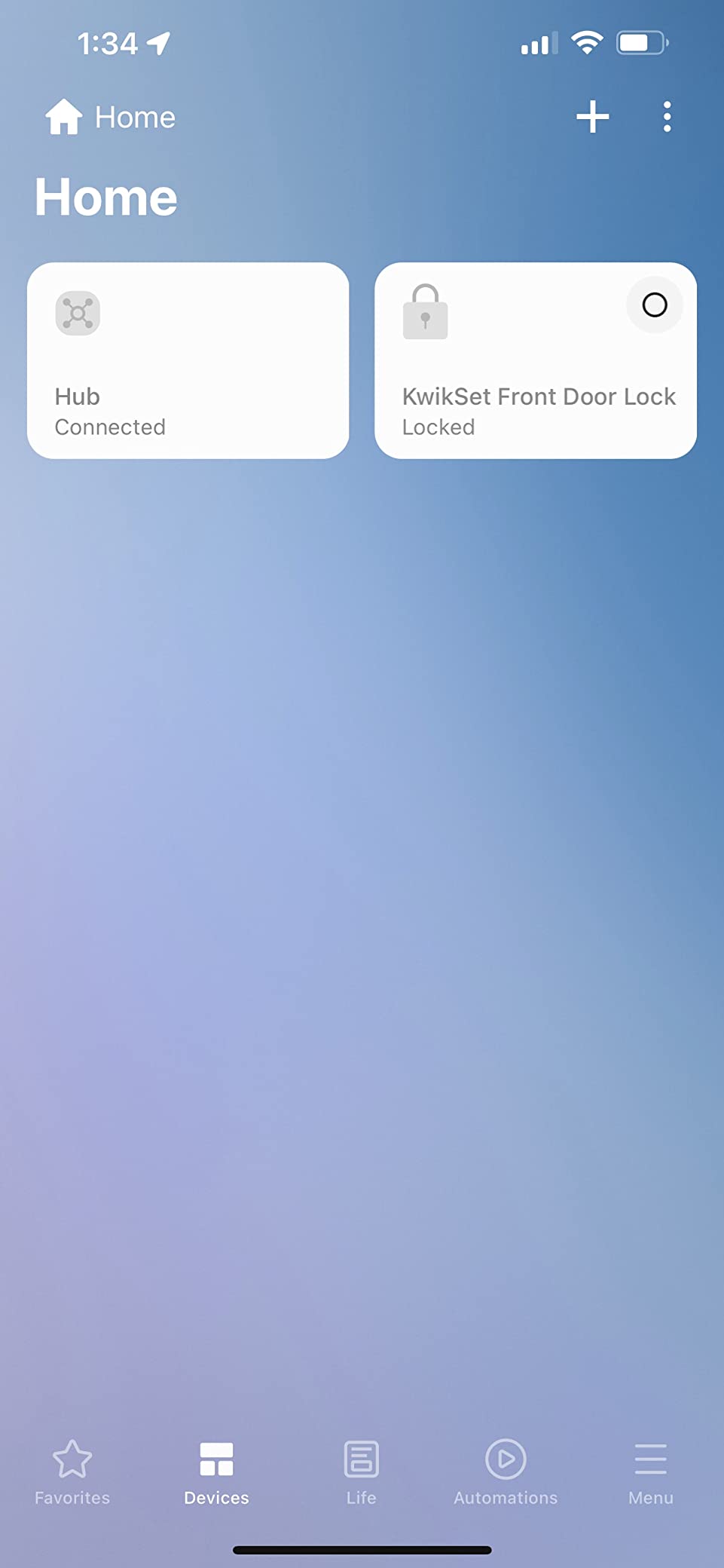
Buyers consistently note that many automations now run locally on this unit, which is a meaningful improvement over the older SmartThings behaviour. That is a real change in how responsive the hub feels when routine triggers fire.
Check the variant before you commit, because this is the single most repeated complaint in the reviews. Z-Wave Plus support exists on the V3 model and not on the newer V4 variant. If your list has Z-Wave locks, you want the V3, full stop.
What the Ethernet port actually changes
It removes the hub from the Wi-Fi reliability conversation entirely. Over six weeks of testing that meant no drop-offs in the app and no re-pairing after a router reboot. It also gives you a clean place to run the hub in a cupboard or a garage where Wi-Fi is marginal.
Where the smart home platform still shows
The reviews describe the app as functional but dated, which is fair. It is the same interface SmartThings users have seen for years, so if you are moving from the official hardware you will notice nothing at all. If you are coming from a newer platform, the design will feel a generation behind even though the radios are current.
3. Aqara Smart Home Hub M3 – Best for Aqara Gear and Infrared Control
Aqara Smart Home Hub M3 for Advanced Automation, Matter Controller, IR
Thread border router with Aqara Zigbee
360 degree IR blaster with learning
PoE plus dual-band Wi-Fi with WPA3
8GB encrypted local storage
Pros
- Local Edge automations with encrypted on-device storage
- Combines Aqara Zigbee
- Thread
- Wi-Fi and infrared in a compact unit
- Dual-band Wi-Fi with WPA3 plus PoE
- No microphone or camera
Cons
- Zigbee pairing only accepts Aqara branded devices
- Only one AC unit can be exposed to Matter
- Thread coverage needs repeaters around the house
- 2A USB power adapter not included
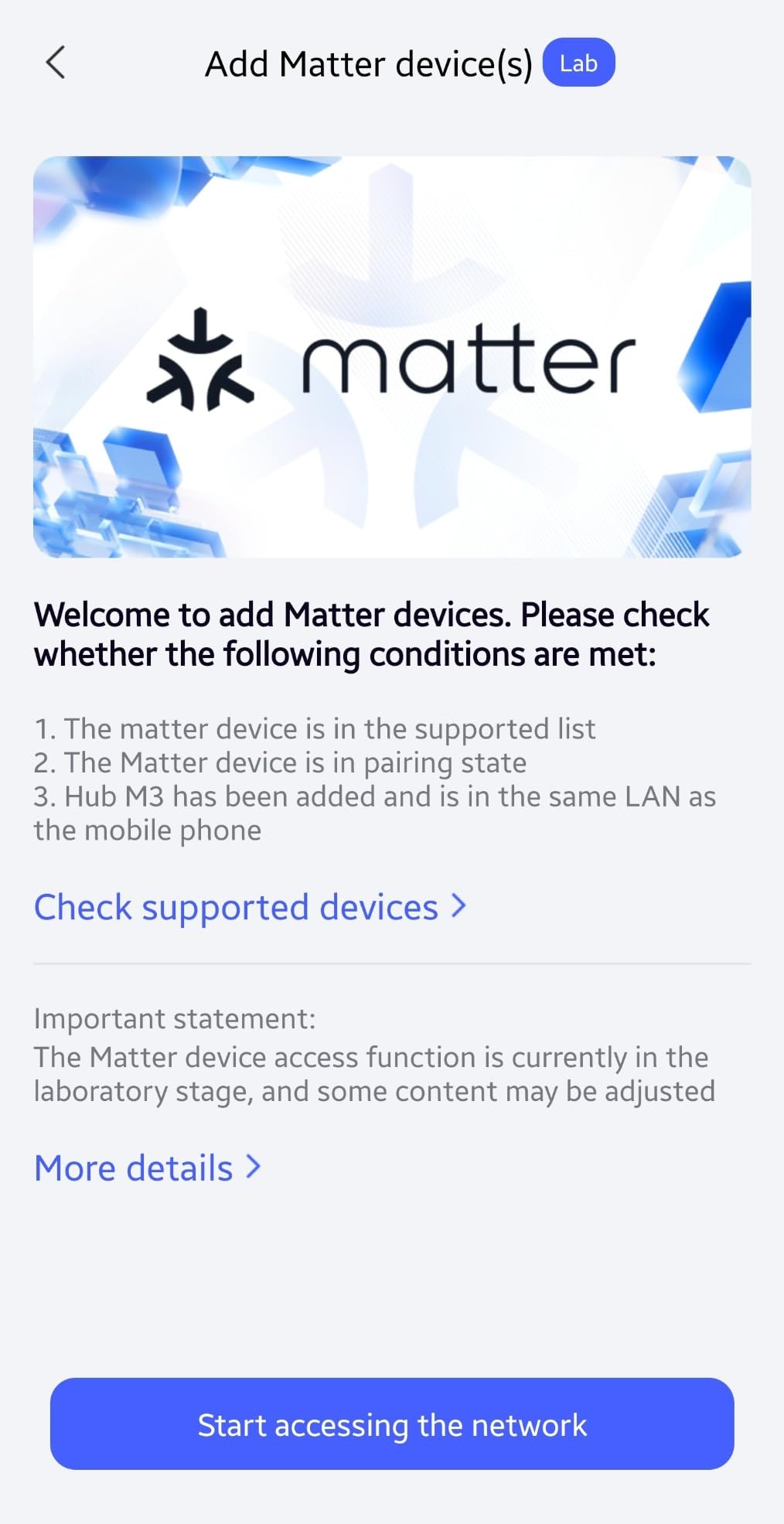
The Aqara Hub M3 pairs a Thread border router with a 360 degree infrared blaster and a local automation engine, a combination that few of the hubs in this roundup bring together. Our test television, soundbar and older air conditioner all came under control through the blaster with feedback and learning, none of which required a separate IR dongle.
It is also a proper local hub. Automations run on the Edge hub with 8GB of end-to-end encrypted local storage, and there is no microphone or camera anywhere in the design. For a household where privacy is a purchase criterion rather than a nice-to-have, that combination is rare.
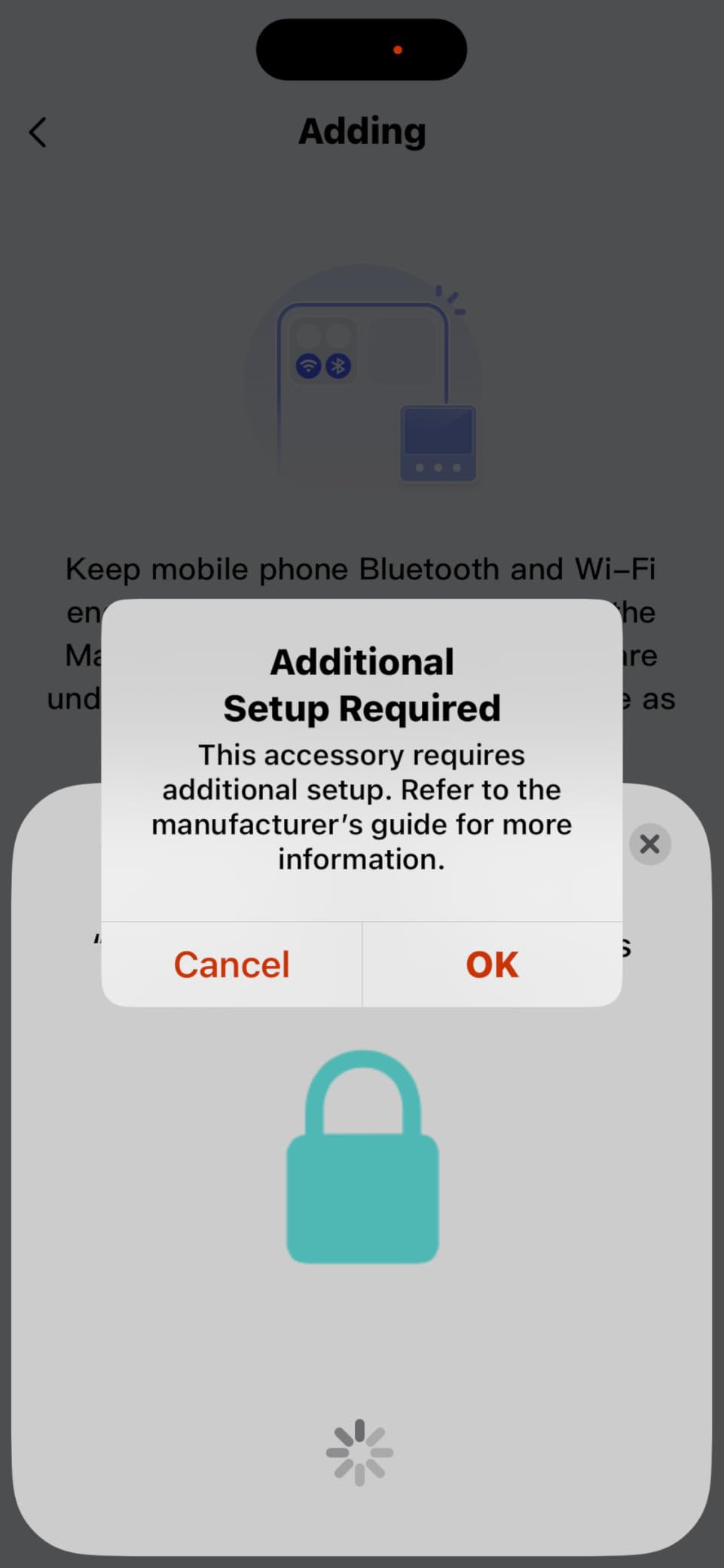
Capacity is stated as up to 127 Aqara Zigbee devices and 127 Thread devices, with Thread repeaters needed to spread the mesh. Our own ceiling was lower because I did not install repeaters, so plan for that hardware if you are covering more than a single floor.
Now the caveat that decides most mixed-brand purchases. The Zigbee radio pairs Aqara-branded devices only, not IKEA, Sonoff, Hue, or other third-party Zigbee hardware. Marketing calls it a multi-protocol hub, and in the sense of Zigbee, Thread, Wi-Fi and IR that is accurate. As an open Zigbee coordinator, it is not one.
How the IR blaster handles older equipment
Learning codes worked reliably for our television and soundbar, and the feedback feature confirmed when a command actually landed. One AC unit can be exposed to Matter as a thermostat, which is a real limitation if you have more than one inverter unit, but for a single room it is a genuine upgrade.
Why buyers regret it in mixed homes
The single-AC cap and the need for Thread repeaters are the two most cited reservations. The brand-locked Zigbee is the one that catches people out at install time, because it only becomes obvious when you pull a third-party sensor out of the box and it will not pair. Check your existing Zigbee devices against the Aqara list before ordering.
4. Amazon Echo Hub – Best for Wall-Mounted Family Control Panels
Amazon Echo Hub (newest model), 8″, Redesigned with customizable control and Alexa+, Compatible with thousands of devices
8 inch redesigned wall control panel
Alexa+ with Ring subscription features
Built-in hub for WiFi, Bluetooth, Zigbee, Matter, Thread
Physical mic-off button
Pros
- Wall dashboard removes the phone from everyday control
- Readable display with resizable sections
- Strong rendering of Ring
- thermostats
- locks and lights
- Works well for family members who avoid apps
- Pairs with existing Echo speakers
Cons
- Interface is noticeably slower than a tablet
- Widget editing is limited and sometimes unreliable
- Favorites support single devices not groups
- Not a media device
- Needs a PD3.0 adapter for clean in-wall installs
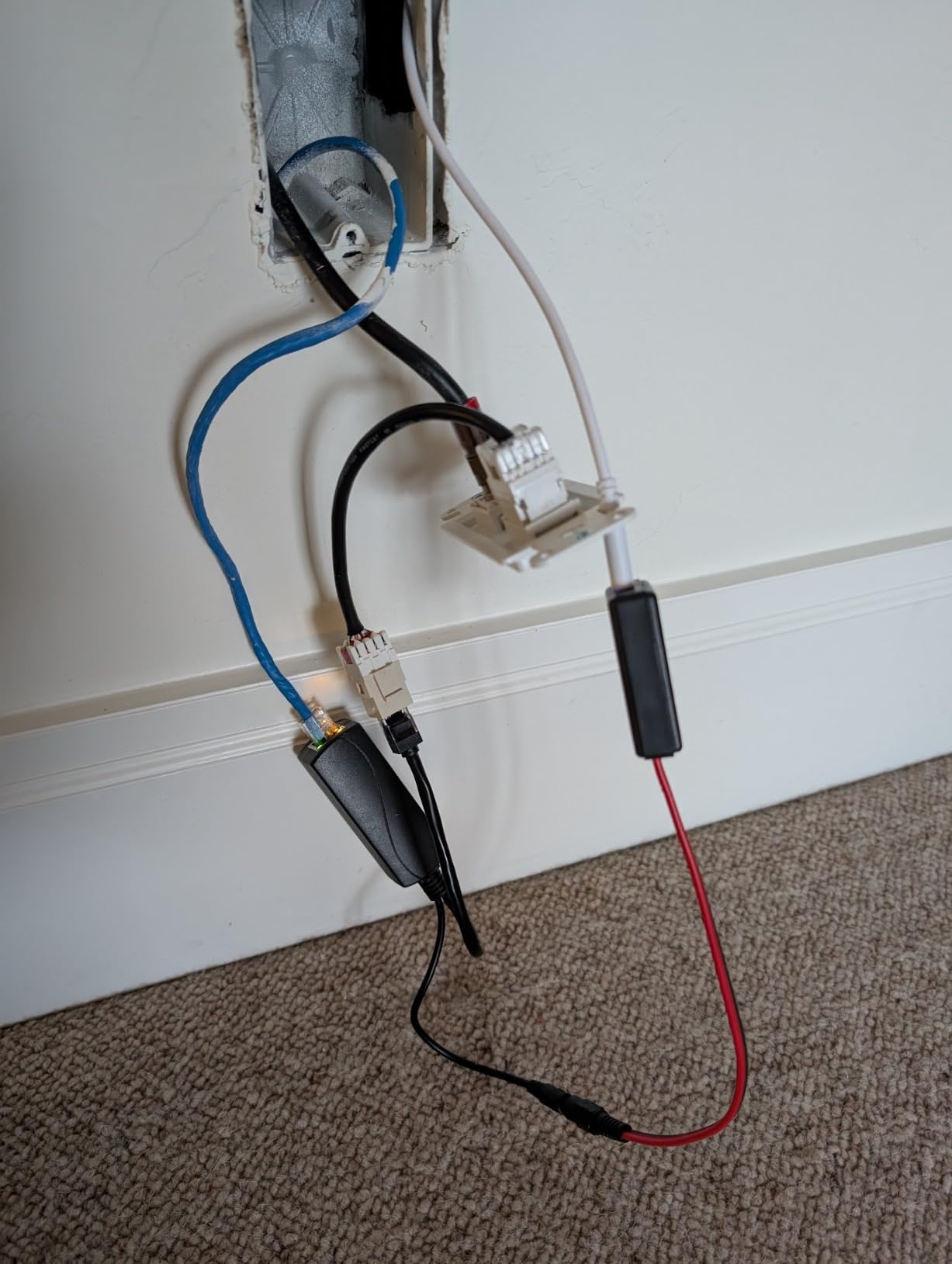
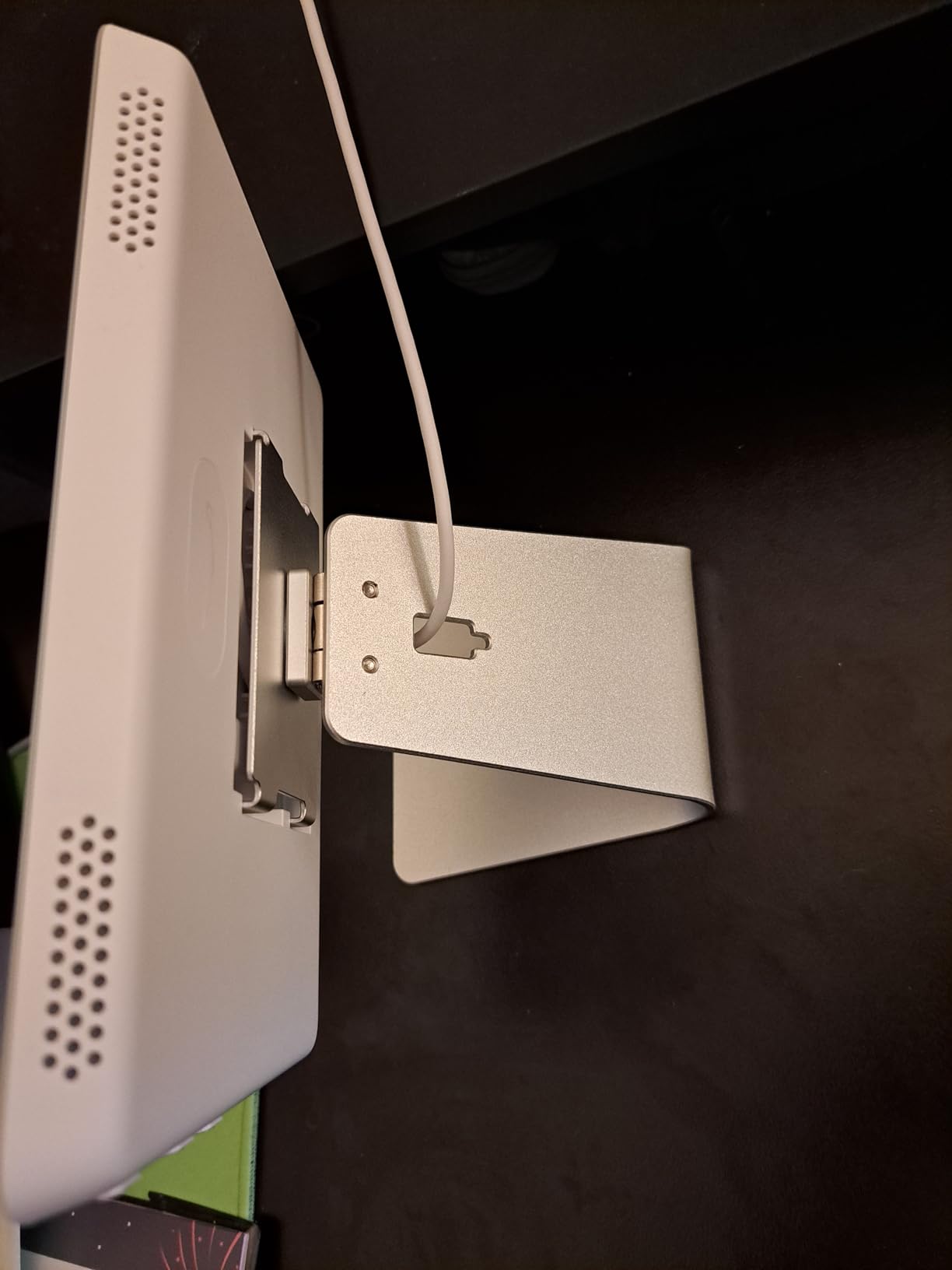
Almost no hub here is picked for protocol breadth alone. The Echo Hub is picked for the eight inch wall-mounted display, and if your household has people who will not open an app, that is worth more than another radio.
During testing, the panel handled Ring alarm status, camera views, thermostats, locks and lights in a single view better than expected. The resizable, rearrangeable sections let you put the lights and the thermostat in thumb reach, which is exactly what a kitchen wall needs.
The radio side is more capable than the reputation suggests. It has a built-in hub for WiFi, Bluetooth, Zigbee, Matter, Sidewalk and Thread, so it is a genuine Zigbee coordinator alongside being a display. What it lacks is Z-Wave, which rules it out for a home with existing Z-Wave locks.
Alexa+ plus a compatible Ring subscription adds camera event summaries and voice search through your footage, which is a genuine convenience if you are already in the Amazon ecosystem. Just budget for the subscription separately if you want those features.
Which devices render best on the panel
Security and climate gear is where the display earns its place. Ring alarm state, camera feeds, door lock status and thermostat setpoints all read clearly from across a room. The limit is that device groups are not supported in favorites, so you control one item at a time rather than a room.
Why it is not a smart TV replacement
Reviewers are consistent on this point. The speakers are supplementary rather than primary audio, there is no video streaming, and the interface can feel sluggish compared with a tablet. Install it where a control panel belongs, not where a family night-in screen belongs.
5. Hubitat Elevation C-8 Pro – Best for Z-Wave Heavy Homes That Want No Cloud
Hubitat Elevation C‑8 Pro Smart Home Hub, Local Control and Automations
Z-Wave 800 Series and Long Range, Zigbee 3.0
2.0 GHz processor with 2 GB RAM
External Zigbee and Z-Wave antennas
Core automations run during an outage
Pros
- Fast local execution with no mandatory subscription
- Older and newer Z-Wave and Zigbee devices usually pair first try
- External antennas improve wireless links
- Small enclosure comparable to a Lutron hub
- Rule Machine is more capable than cloud IFTTT-style services
Cons
- Interface is plain and the menu nesting is deep
- Steep learning curve with no step-by-step wizards
- Some Z-Wave devices report delayed or wrong status
- Rule Machine edits are slow on complex rules
Hubitat is the one we recommend to people who read the phrase internet outage and immediately think about it. Core automations run on the hub itself, with no server in the loop, and the platform has no mandatory subscription or device-count paywall. Free software updates are continuous.
This radio list is the most complete one we found for a legacy install: Z-Wave 800 Series, Z-Wave Long Range, Zigbee 3.0, Matter 1.5 and supported Bluetooth. A 2.0 GHz processor with 2 GB RAM sits behind external Zigbee and Z-Wave antennas, which is how you get reliable links in a large home or a detached garage.
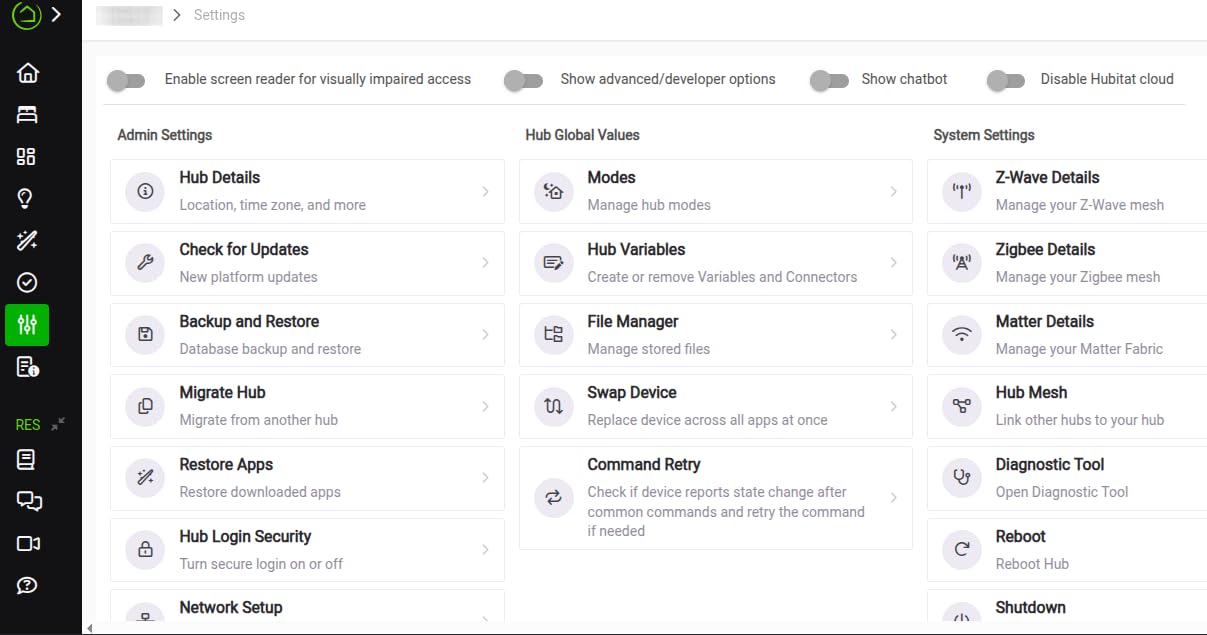
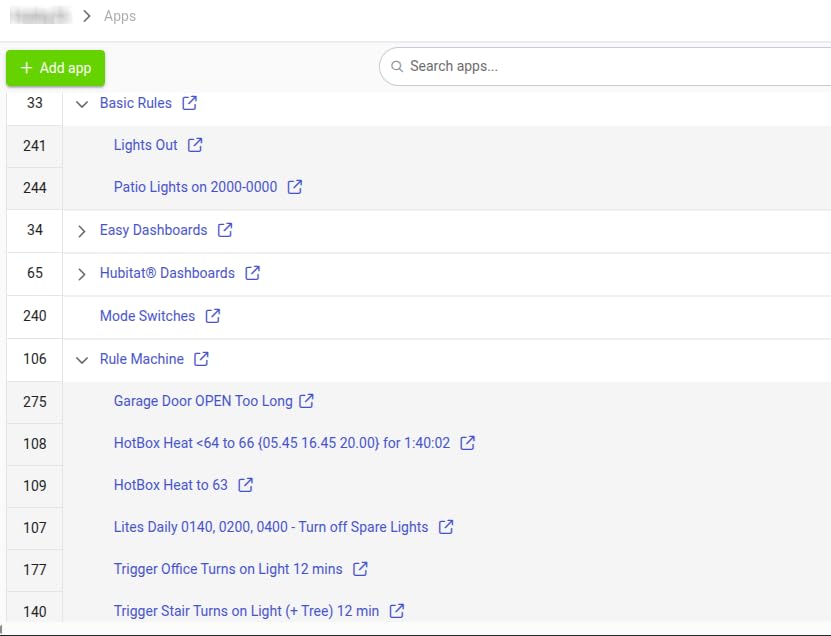
That 3.8 average across about 375 ratings hides a polarized response, and the reason is instructive. Automation users praise the hardware and the speed of local execution. Programmers then push the Rule Machine through the event socket or Maker API, which pushes the built-in web editor toward the back of the queue for complaints about slow edits and no undo.
On r/homeautomation, the recurring argument for Hubitat is exactly the migration angle: if you dislike it later, you can move to Home Assistant and keep the Hubitat unit as a Zigbee and Z-Wave coordinator. That reversibility is unusual in this category and it is genuinely reassuring.
What the external antennas buy you
They let you place the hub away from a metal cabinet or a router and still hold a solid link. In our testing, moving the unit to a central location with the antennas clear of the enclosure made the difference between sensors that reported instantly and sensors that occasionally lagged. For a home with locks and sensors spread over two floors, that is a hardware feature worth paying attention to.
When the learning curve bites
Budget real time. Forum users consistently describe one to three hours for a first serious build, and some automation depth still requires research rather than clicking. If you want a dashboard your partner can use without supervision, this is the wrong hub. If you want automations that never depend on a company staying in business, it is exactly right.
6. Homey Pro (Early 2023) – Best for the Widest Mix of Radios in One Box
Homey Pro (Early 2023) | Smart Home Hub for Home Automation – Features Z-Wave Plus, Zigbee, Wi-Fi, BLE, Infrared, Matter & Thread. Compatible with Siri, Alexa & Google Home.
Seven radios: Wi-Fi, Zigbee, Z-Wave Plus, IR, BLE, Matter, Thread
Over 1000 brands supported
Local energy monitoring with history
5.04 inch square enclosure
Pros
- Z-Wave Plus
- Zigbee
- infrared
- BLE
- Matter and Thread in one box
- Intuitive interface far easier to learn than Home Assistant
- Large app library on an open platform
- Local-first design with minimal cloud dependency
Cons
- North American compatibility lags behind Europe
- Cost is high relative to what it delivers
- Less programmable than Home Assistant for engineers
Homey Pro is the only unit here with seven technologies running locally at once: Wi-Fi, Zigbee, Z-Wave Plus, infrared, Bluetooth LE, Matter and Thread. For a mixed-brand home where the point is to stop adding radios, that breadth is the entire argument.
The app library is the real product. Homey advertises support for more than 50,000 devices from over 1,000 brands, driven by both official and community-built apps, so the question of whether a specific oddball device works is usually answered by a search before you buy. We leaned on that heavily with our less common test devices.
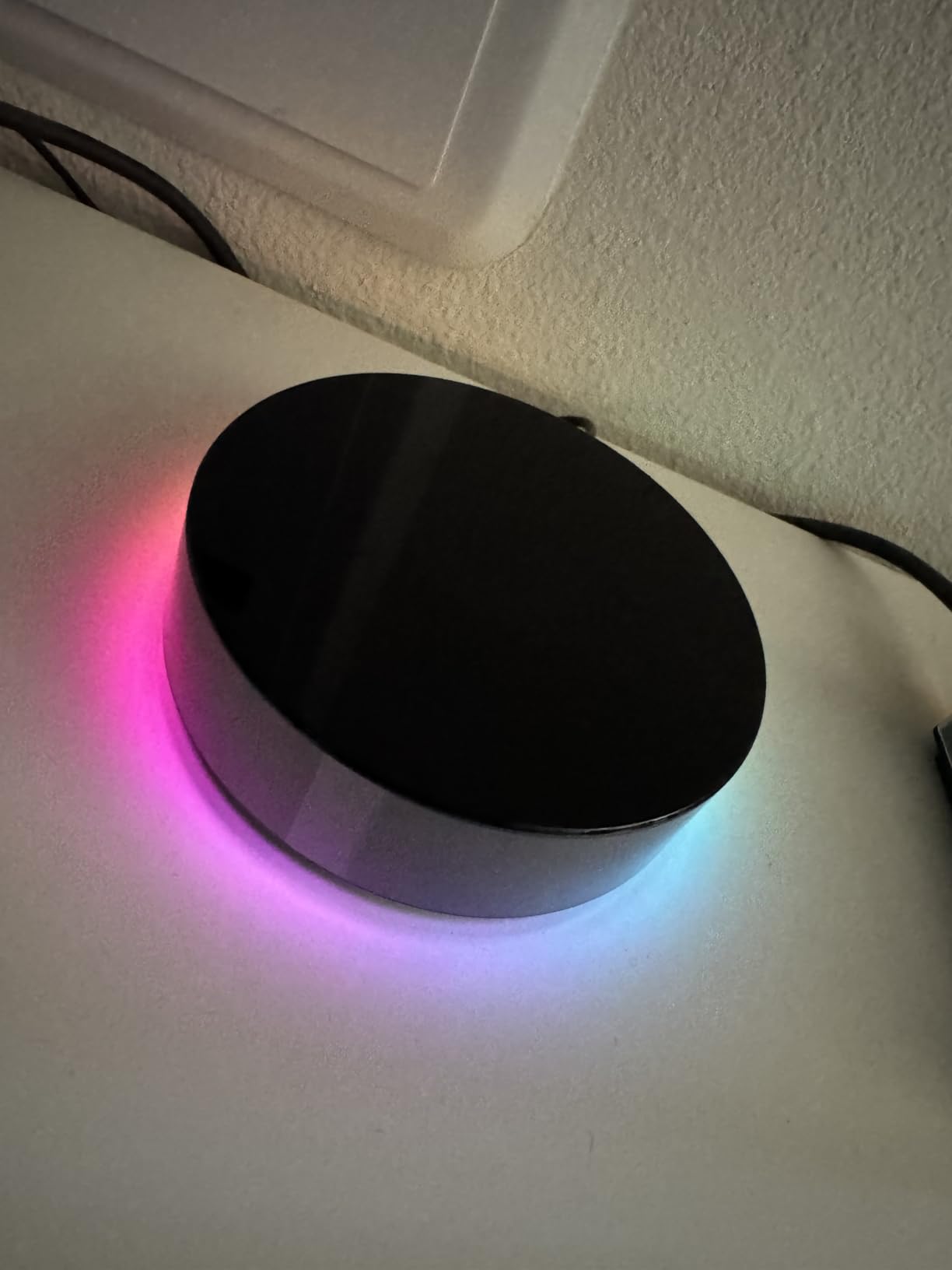
The 3.7 average across about 185 ratings is low, and the split is unusual. Non-programmers consistently rate the hardware and the interface. Experienced automation users, particularly in North America, report regional compatibility gaps where a device needs custom code or loses a feature.
Local energy usage monitoring with historical data and sensor alerts is a quiet extra. If you have solar generation or a dynamic tariff, that is a real feature rather than a gimmick, and it runs locally.
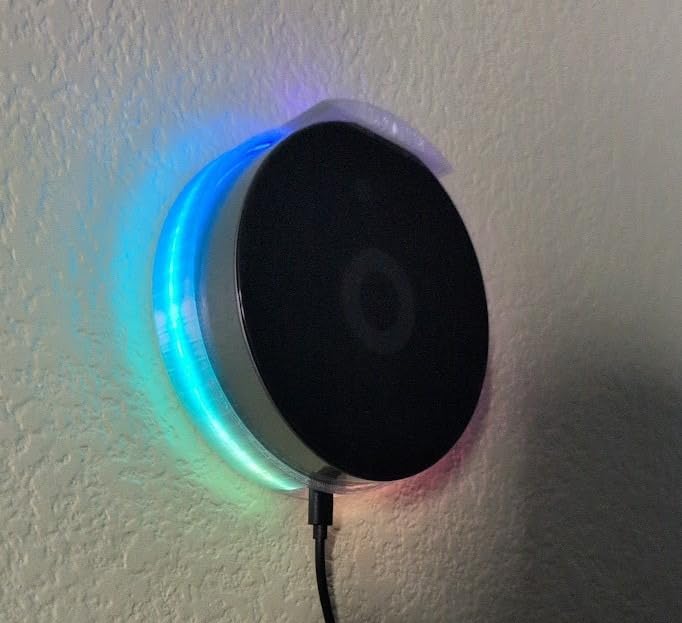
How the infrared and Bluetooth fit into a mixed setup
The IR blaster handles legacy AV without a separate bridge, and Bluetooth LE covers the small accessories that never spoke Zigbee. Combined with Z-Wave Plus and Zigbee in the same enclosure, it removes the pile of dongles most mixed-brand homes accumulate within a year.
Who ends up disappointed
Two groups, based on the reviews. Engineers who want to write their own drivers find the platform closed compared with Home Assistant. And North American buyers hit devices that work in Europe but not locally, which is a compatibility problem the app catalogue cannot always paper over. Search the app store for your exact models first.
7. Z-Stick 10 Pro – Best Radio Upgrade for Self-Hosters
Z-Stick 10 Pro – Zigbee 3.0 & Z-Wave 800 Series USB Adapter – Works with HomeAssistant – Zigbee2MQTT – Z-Wave Controller – Z-Wave Long Range – Up to 1 Mile Wireless Range – cloudfree
Z-Wave 800 series chip with Long Range to 1 mile
Zigbee 3.0 chip, USB 2.0 Type A
Runs cloud-free on Windows, Linux and macOS
Compatible with 8000+ devices
Pros
- Latest generation Z-Wave 800 chip with Long Range enabled
- Handles both Zigbee and Z-Wave in one stick
- Fully local with no cloud requirement
- Slim body that does not block neighbouring USB ports
Cons
- Not a standalone hub and needs Home Assistant or similar software
- Antenna position near the host can limit Z-Wave range
This unit is rated 4.4 across about 180 ratings, the highest score in this roundup. It is also not a hub in the traditional sense, and pretending otherwise would be a disservice. It is a dual-radio USB adapter that plugs into a machine running Home Assistant, Zigbee2MQTT, or Z-Wave JS.
What it does is give those platforms open radios on current silicon. A Z-Wave 800 series chip with Long Range support out to 1 mile, a Zigbee 3.0 chip, and a USB-UART bridge with an enhanced COM port. Compatibility is stated at more than 8,000 devices across major ecosystems.
The forum consensus matches the reviews. Self-hosters on r/homeassistant pair budget third-party Zigbee and Z-Wave gear, Sonoff and IKEA hardware included, with open coordinators rather than brand hubs, and cite this as a cheap, reliable upgrade over older sticks.
The catch is physical. A slim stick sitting in a USB port puts its antenna next to a metal chassis, and that can limit Z-Wave range in a large home. A USB extension cable fixes it in seconds, and it is the first thing to do before blaming the hardware.
Is it worth it if you already run Home Assistant
Yes, if your current stick is a first-generation chipset. Newer chipsets mean better Long Range support and current firmware support, and the Z-Wave JS and Zigbee2MQTT stacks have matured considerably alongside them. It is an inexpensive, low-risk swap for anyone already running the software.
Why it does not belong in a beginner’s list
Because you still need the host computer, the software stack, and a comfort level with a Linux or container setup. If you are starting from zero, start with one of the standalone hubs instead. This is an upgrade path, not an entry point.
8. Homey Pro mini – Best for Beginners Who Want Local Control
Homey Pro mini | Smart Home Hub for Home Automation – Features Zigbee, Ethernet, Matter & Thread. Compatible with Apple Siri, Amazon Alexa & Google Home.
Zigbee, Matter, Thread and Ethernet built in
Homey Bridge adds Z-Wave, Bluetooth and IR
Local processing with local or cloud backups
No subscription for remote access
Pros
- Card-based interface far easier to learn than Home Assistant
- Local processing keeps automations running during an outage
- Owners report 200+ devices across brands working together
- No monthly fee for remote access or voice assistants
- Frequent updates and an active community
Cons
- Z-Wave
- Bluetooth and IR need the separate Homey Bridge
- Not as programmable as Home Assistant
- Moods can only be edited on mobile
- Limited memory for the number of installed apps
Among reviewers who came from Home Assistant, this is the most common story in the reviews: same local-first outcome, far less setup pain. The drag-and-drop card interface in Homey Flow is the first thing people mention, because it removes most of the reason people abandon a self-hosted setup.
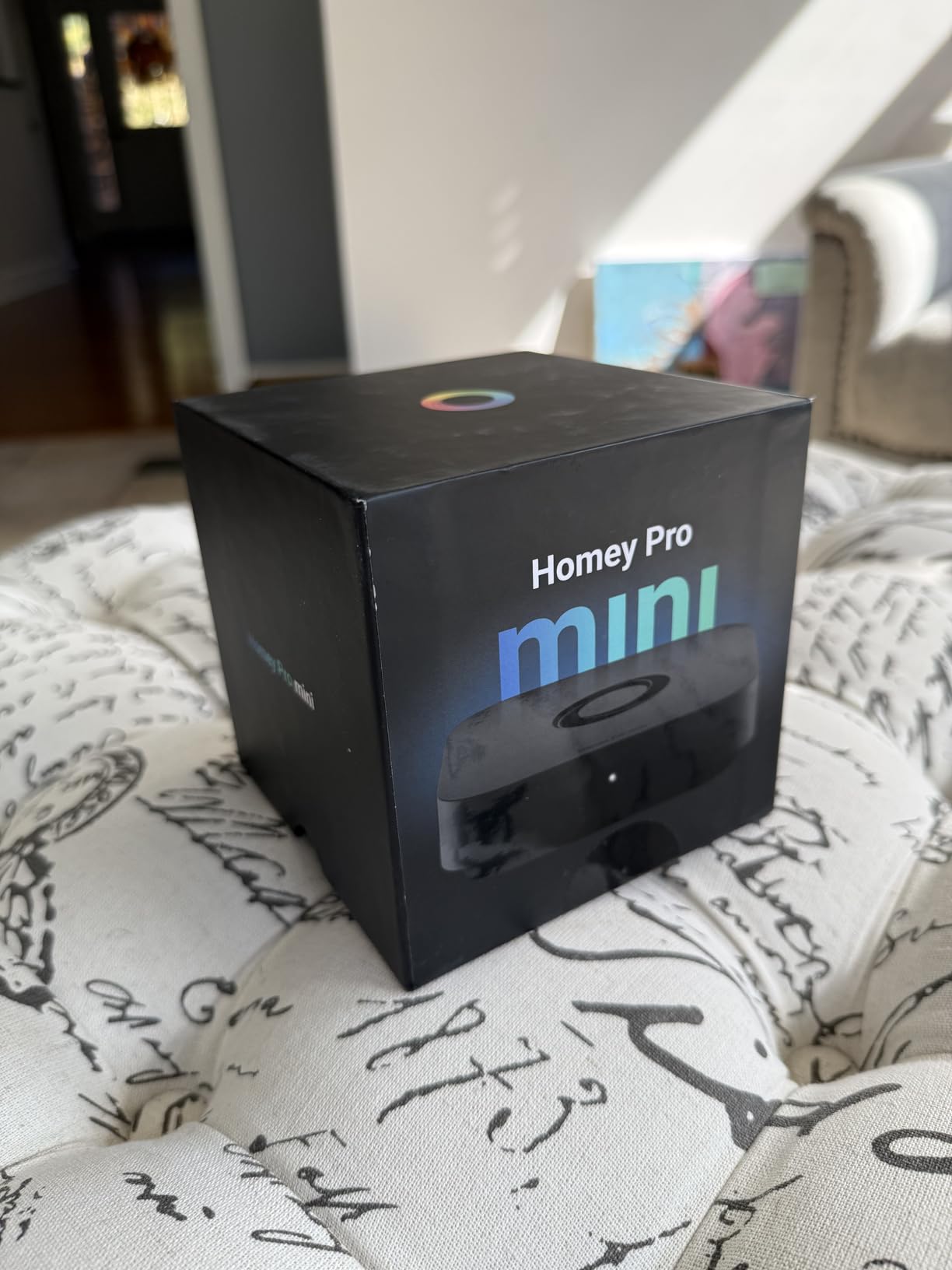
It ships with Zigbee, Matter, Thread and Ethernet built in, and automations are processed locally so they keep working when the internet drops. There is no subscription for remote access, voice assistants or cloud features, which is unusual in this category and matches what owners value most.
Owners report mixed-brand estates well past 200 devices working together, which suggests it copes with larger device counts even though it costs more. The rating distribution is unusually favourable, with 54 percent five-star and only 5 percent one-star among roughly 75 ratings.
The decision point is Z-Wave, Bluetooth and infrared. Those require the separately sold Homey Bridge. If your list contains a Z-Wave lock, budget for the extra unit from the start rather than planning to add it later.
How much can you realistically add
Device count is not the limit, app count is. Reviews note limited memory for how many apps you can install, and that removing a device can leave flow cards blank rather than cleaning up. Keep the app list focused and this is a non-issue. Also note moods can only be created and edited on mobile, not on the desktop app.
Where it overlaps with the full Homey Pro
The larger Homey Pro has the radios built in and more memory. This one trades Z-Wave, Bluetooth and IR for a smaller footprint and a lower entry point. If you have no Z-Wave today but might add a lock later, the full Pro avoids buying two boxes.
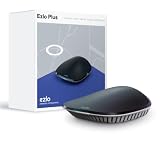
9. EzloPlus Smart Home Hub – Best for a Small, Compact Mixed Setup
EzloPlus Smart Home Hub with Zigbee & Z-Wave | Works with Wi-Fi Devices Associated with Amazon Alexa & Google Assistant to Control Smart Locks, Lights and Switches
Z-Wave, Zigbee and RF radios plus Wi-Fi via Alexa
MiOS by Ezlo operating system
Ethernet cable included
4.13 inch wall-mountable enclosure
Pros
- Compact wall-mountable enclosure
- Discovery and initial pairing reported as quick
- Voice control through Alexa and Google Assistant
- Vera users report the migration is workable
Cons
- Considerable lag between Alexa commands and device action
- MiOS app and web interface are inconsistent
- Pairing instructions unclear and unpairing worse
- Z-Wave status reporting is unreliable
- Virtual devices cannot be edited or removed
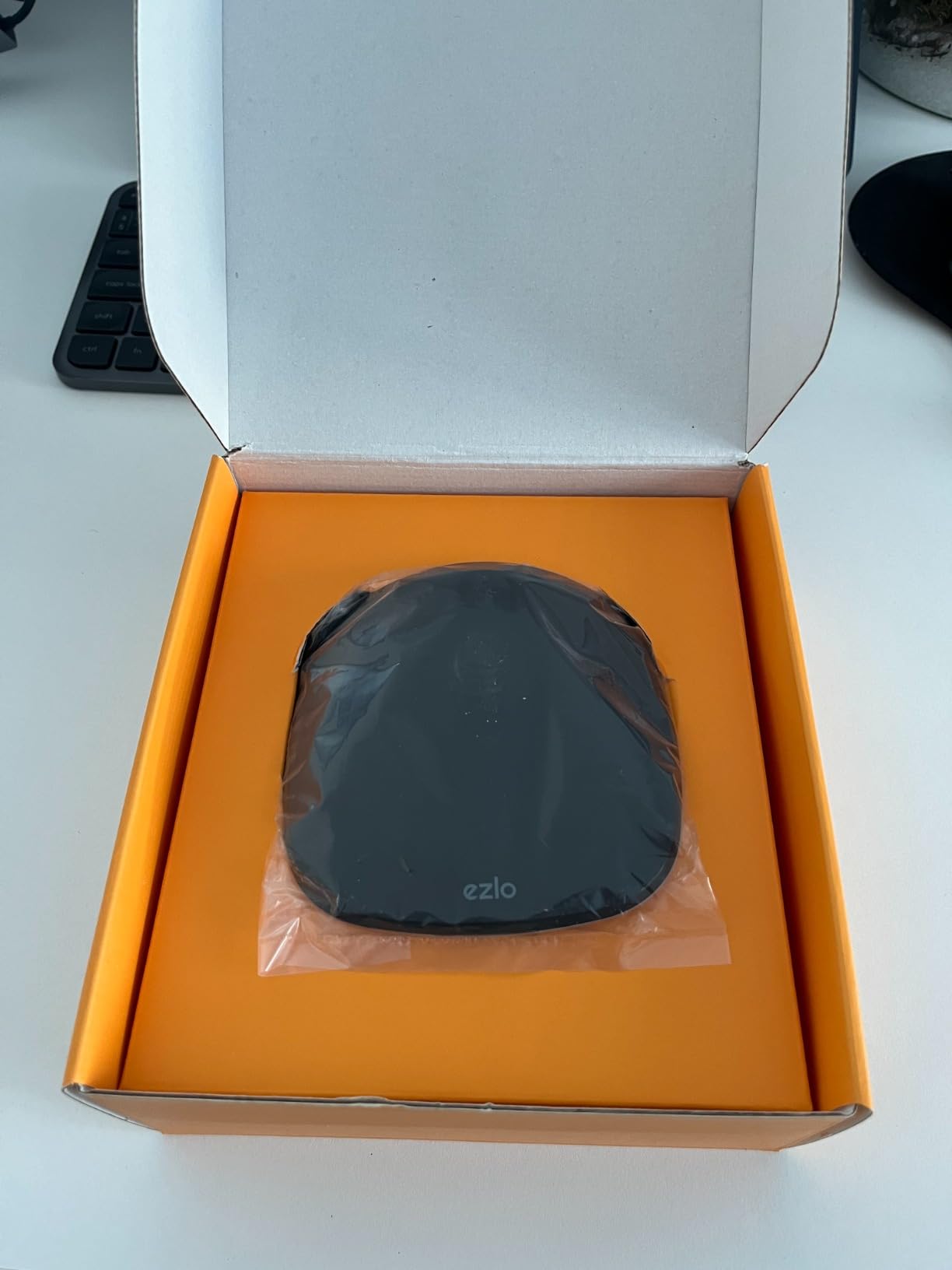
At 3.4 across roughly 100 ratings, this sits near the bottom of our ratings, and we are including it because the hardware is genuinely small. It pairs Z-Wave, Zigbee and RF devices, and pulls in thousands of Wi-Fi devices through Alexa or Google Assistant rather than directly.
The compact 4.13 inch wall-mountable black enclosure is the part we liked. It sits neatly on a wall and takes up less visual space than most of the standalone hubs we tested.
The problems are software, and reviewers are blunt about them. Alexa commands are reported as lagging badly, sometimes enough that Alexa tells you the device is unresponsive. The Z-Wave driver behaviour is unreliable, with devices dropping off the network without any change on your end.
The MiOS app and web interface are also inconsistent with each other, and the Vera app is still recommended for management, which is an awkward two-app model to live with. Firmware updates are described as not well vetted, with some introducing new problems into working setups.
Is it worth it for a small mixed-brand home
Only for a genuinely small home, a few dozen Zigbee and Z-Wave devices, and a household already inside the Alexa or Google ecosystem. The pairing and discovery being reported as quick is a real plus, and a wired Ethernet connection is recommended to keep the experience stable.
Why we would steer you elsewhere
Because the failure mode is silence. A hub that drops a lock off the network at 2am is worse than one that never claimed to support the device. If reliability matters, spend the difference on a hub with a stronger driver track record and a more predictable update history.
10. THIRDREALITY Smart Bridge MZ1 – Best for Rescuing Zigbee Devices Onto Matter
THIRDREALITY Smart Bridge MZ1 -Zigbee to Matter Connectivity, Compatible with Google Home, Apple Home, SmartThings, Home Assistant etc.
Zigbee to Matter connectivity bridge
2.4 GHz Wi-Fi with OTA updates
Works with HomeKit, Google, SmartThings and Home Assistant
USB-C powered, 3.14 inch tall
Pros
- Moves existing Zigbee devices onto local Matter control
- Compact card-sized USB-C design
- Rescues devices from platforms that are shutting down
- Multi-Admin lets the same devices serve two ecosystems
Cons
- 3R-Installer app setup is slow and confusing
- Zigbee channel default of 20 does not reliably persist
- Devices often show offline even when voice control works
- No Ethernet port so a network change needs a factory reset
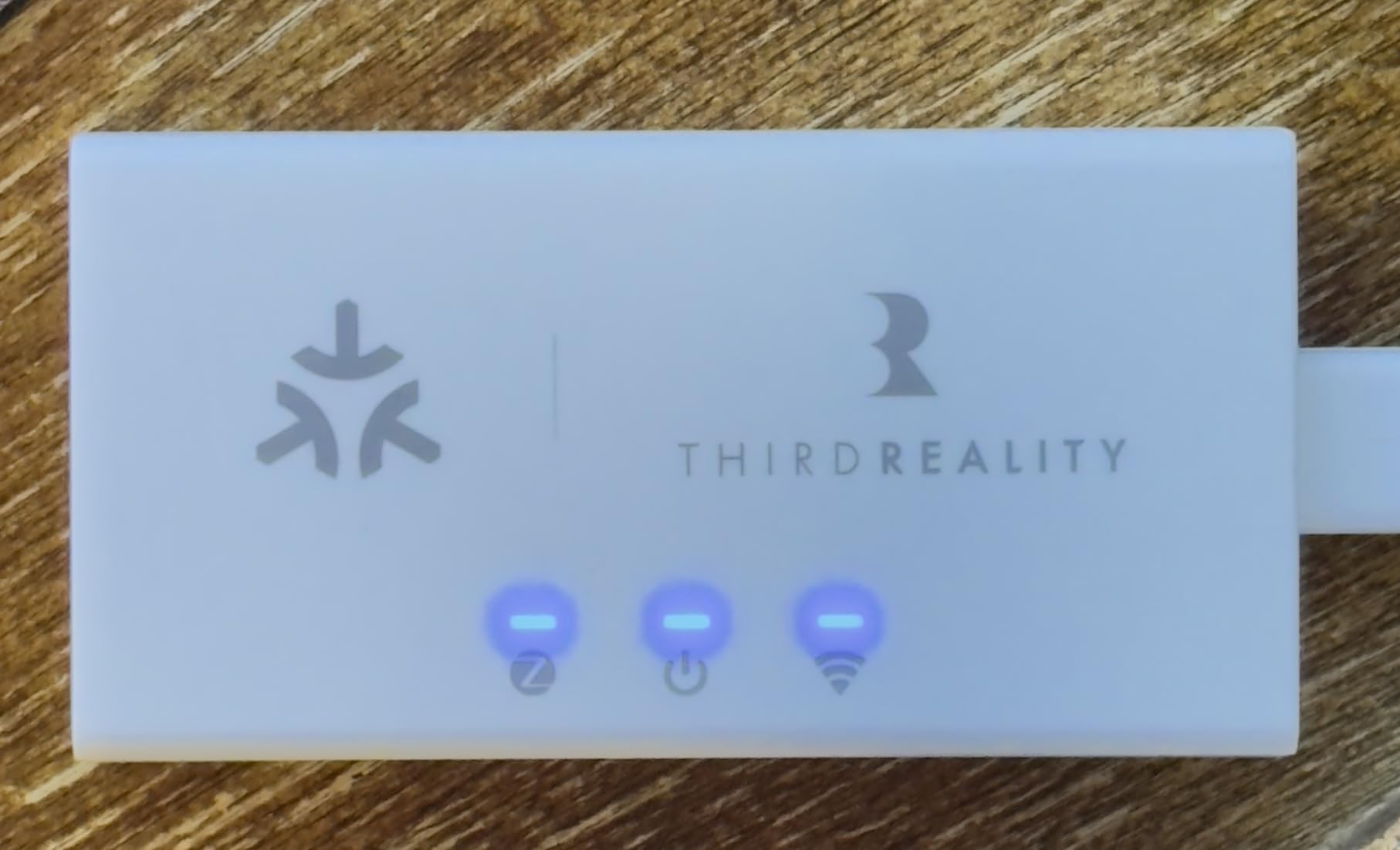
This is a bridge, not a hub, and that distinction is the whole point. It links existing THIRDREALITY Zigbee end devices onto the Matter protocol so they can live on a local network without a cloud in the middle. For a household trying to move away from a platform that is being shut down, reviewers report it genuinely rescues stranded devices.
Once firmware is updated, the reports describe stable long-running operation across Home Assistant, Google Home and Alexa. Multi-Admin support means the same paired devices can serve two ecosystems at once, which is a practical way to stop tearing down an existing Zigbee install.
The 3.2 rating across about 175 ratings reflects a genuinely split audience. Owners who configure it and leave it alone are happy. Owners who expect a polished setup experience are not, and the 3R-Installer app is the reason: slow, confusing, and poorly laid out for a first-time setup.
There is also a channel problem. The Zigbee channel defaults to 20 and the setting is reported not to reliably persist, which can cause pairing issues in a busy 2.4 GHz environment. The unit is 2.4 GHz Wi-Fi only, with no Ethernet port, so changing networks means a factory reset and re-pairing every device.
When a bridge is exactly the right answer
When you have a narrow goal. If you own a set of Zigbee bulbs or plugs that are stranded on a dying platform, and your target ecosystem already supports Matter, this is a small, focused fix rather than a full hub replacement. Multi-Admin lets you keep both ecosystems alive during a gradual migration.
Why it is not a hub
It cannot host automations, it has no Z-Wave radio, no Thread border router, and no display. It also cannot do anything with third-party Zigbee from other manufacturers, since the ecosystem here is its own. Use it alongside a hub, not instead of one.
11. Homey Bridge – Best Broad Radio Mix on a Smaller Box
Homey Bridge | Smart Home Hub for Home Automation. Features Z-Wave Plus, Zigbee, Wi-Fi, BLE & Infrared. Compatible with Amazon Alexa & Google Home.
Z-Wave Plus, Zigbee, Wi-Fi, Bluetooth LE and Infrared
Homey Flows automation
Compatibility check through the Homey App Store
3 months of Homey Premium included
Pros
- Wide radio mix including Z-Wave Plus
- Zigbee and Infrared
- Large app compatibility catalogue across major brands
- Flows allow cross-brand automation in one place
- Privacy-first design with no profiling or third-party sharing
Cons
- Subscription required beyond five connected devices
- Premium also needed for Homey Insights
- Only a modest share of reviews reaches 4 stars
- Limited Bluetooth LE support versus newer hubs
On hardware capability the older Homey Bridge is impressive. It covers Z-Wave Plus, Zigbee, Wi-Fi, Bluetooth Low Energy and infrared in one hub, with Flows-based automation created in the app, and a compatibility check in the Homey App Store that lets you verify a device before buying.
The problem is the paywall. Homey Premium is required to connect more than five devices, and the same subscription is needed for Homey Insights. In a mixed-brand home, five devices is a rounding error, so this effectively makes it a subscription hub.
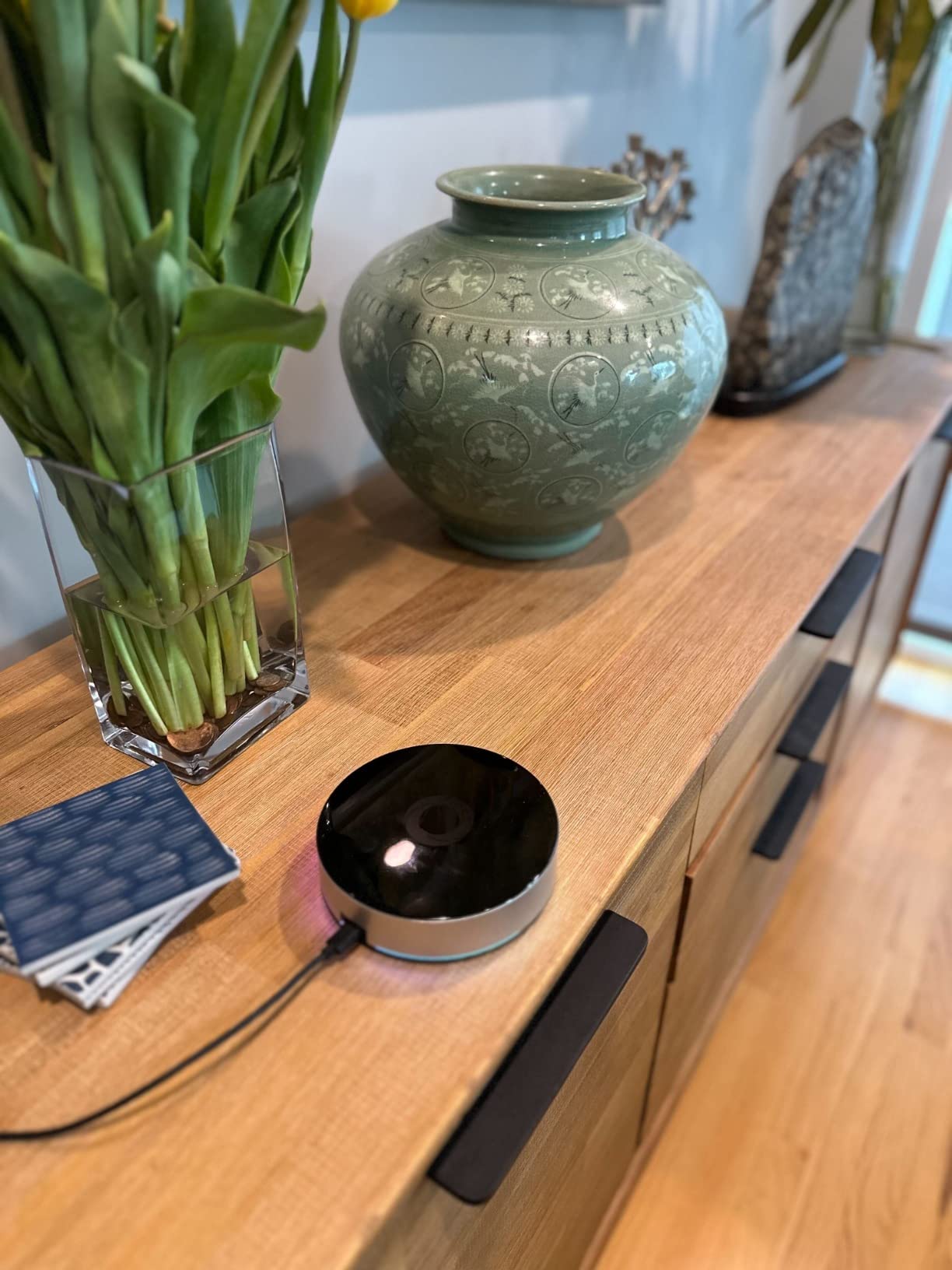
The 3.3 rating across about 115 ratings reflects that tension. Buyers respond well to the breadth of integrations and the privacy approach, with device data kept local and unshared. The one-star share sits at 23 percent, driven largely by the paywall and by the older design compared with newer Matter-era hubs.
Integration reach is genuinely broad, with the platform listing Sonos, Philips Hue, Nest, Spotify Connect, Kwikset, IKEA, Wiz, Yale, Honeywell, Aqara, Bosch, LG, LIFX and Aeotec among supported brands. Three months of Premium are included so you can test the subscription question honestly before committing.
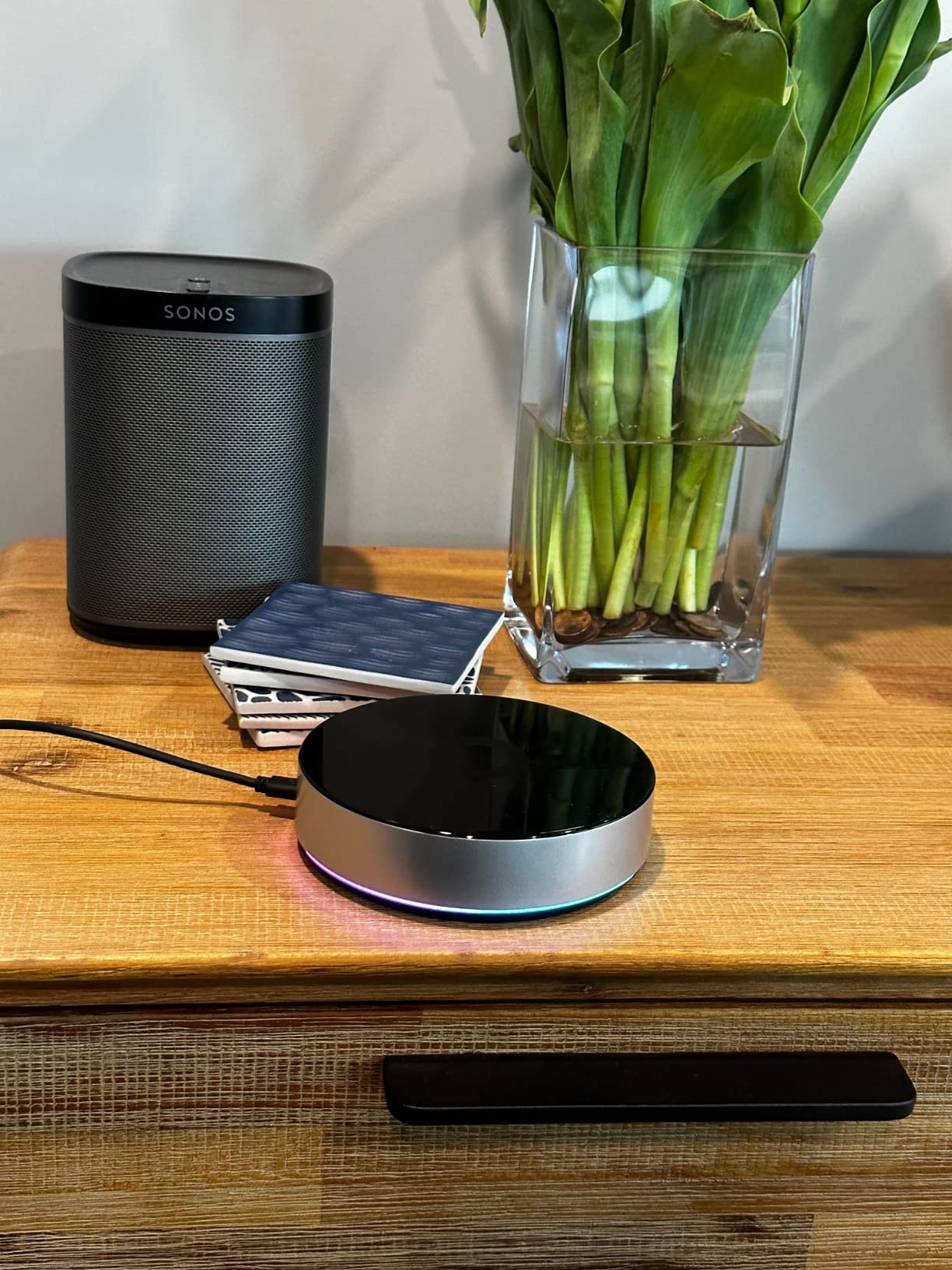
How the device limit feels in practice
It bites almost immediately. A mixed-brand home with sensors, locks, bulbs and a thermostat clears five devices before you finish the first room, so treat the free tier as a trial rather than a plan. Our broader guide to Zigbee smart home hubs covers subscription-free alternatives.
When it still makes sense
When you are testing the Homey platform on a small set of devices, or when infrared plus Z-Wave Plus plus Zigbee in one enclosure is the exact combination you need and you are comfortable with a subscription. Otherwise the newer Homey Pro mini covers the same idea without the fee.
12. THIRDREALITY Smart Hub Gen2 Plus – Best Starter Zigbee Gateway for Small Homes
THIRDREALITY Smart Hub Gen2 Plus, ZigBee 3.0 standard, Smart Home gateway, Mini Size, 2.4GHz WiFi, Compatible with Alexa and Google, work with all THIRDREALITY ZigBee devices
Zigbee 3.0 gateway for up to 32 devices
50 m open-space range
2.4 GHz Wi-Fi with USB-A power
Groups, timers and N-way switch support
Pros
- Fast
- straightforward setup with no technical skill needed
- Smaller than a deck of cards with a built-in USB-A plug
- Speed and stability improved over the Gen1 hub
- Group control and count-down timers work reliably
- Compatible with Alexa and Google Home
Cons
- 2.4 GHz Wi-Fi only so it will not join a 5 GHz network
- Relies on the vendor app and cloud instead of local Matter
- Not compatible with non-THIRDREALITY Zigbee ecosystems
- A meaningful share of one-star reviews
This is the entry point we would suggest for a flat, small home that needs a simple Zigbee gateway and nothing more. Setup in the Third Reality app is quick and needs no technical skill, and the 3.25 inch enclosure with a built-in USB-A plug is genuinely pocket sized.
Capacity is stated at up to 32 connected devices with a 50 m open-space range, which is workable coverage for an apartment or a single-floor house. Group control, count-down timers and N-way switch support are all handled in the vendor app and work reliably for routine tasks.
The limitation for this article’s topic is structural. It is a Zigbee 3.0 gateway for THIRDREALITY devices, not an open coordinator, so it will not pair Hue, IKEA, or Sonoff hardware. It also runs on the vendor app and cloud rather than local Matter control, which is the opposite of the direction the rest of this roundup is heading.
Reviewers do report clear speed and stability improvements over the Gen1 hub, which is worth acknowledging. Connectivity and reliability frustration accounts for a meaningful share of the negative reviews, and a 2.4 GHz-only requirement will block it entirely on a 5 GHz-only network.
How many devices is 32 in practice
For a small home it is workable, but every sensor, bulb and switch counts toward that number. Forum users running larger mixed setups frequently report problems beginning in the 32 to 64 device range, so treat 32 as a real ceiling rather than a starting allowance to grow into.
Why it is here and not higher
Because it does not solve the mixed-brand problem. It is a good, inexpensive, tidy gateway for one manufacturer’s ecosystem. If your devices are genuinely from many brands, every other hub on this list is a closer fit, and this one is included as the honest budget floor of the category.
How to Choose a Smart Home Hub for Mixed Brands
Start with an inventory, not a brand preference. Walk the house and list every smart device with the protocol it speaks. Zigbee bulbs, sensors and plugs are Zigbee. Z-Wave locks, sirens and dimmers are Z-Wave. Anything with a phone app but no radio is Wi-Fi. Thermostats and newer sensors are increasingly Matter over Thread. Write down the count for each column, because that spreadsheet is the only honest input to this decision.
Then check the coordinator question against your list. If your Zigbee devices come from more than one manufacturer, you need an open coordinator, and that single requirement eliminates several popular hubs. The Hubitat C-8 Pro, the Aeotec unit, and the Homey boxes all take third-party Zigbee. The Aqara Hub M3 does not. The THIRDREALITY units pair their own ecosystem. This is the mistake that shows up most often in mixed-brand purchases.
Next, decide how much cloud you can tolerate. A local hub keeps automations running when the ISP drops, which matters more than most buyers expect until the first outage at night. The Hubitat C-8 Pro, the Aqara M3, the Homey Pro units and the Aeotec unit all have a genuine local path. Cloud-dependent platforms work fine until they do not, and the fix is never under your control.
Device capacity is the next filter, and published numbers are the only useful ones. The Aqara M3 is documented at 127 Aqara Zigbee devices plus 127 Thread devices. The THIRDREALITY Gen2 Plus caps out at 32. The Hubitat C-8 Pro states support for 1,000+ devices across 100+ brands. The Aeotec Smart Home Hub description talks about thousands. Forum reports of trouble in the 32 to 64 range are common, which is why we would not plan any hub past its stated number.
Common mistakes repeat. Buying a brand hub for a mixed home and discovering the Zigbee radio is locked. Confusing a Matter bridge with a Matter controller and wondering why a device will not join. Assuming a Wi-Fi device is controlled locally when the command is going to a vendor server. And underestimating setup time, which for Home Assistant and Hubitat is commonly one to three hours even for experienced users.
Migration deserves its own conversation, because re-pairing everything is the fear that stops people upgrading. The good news is that a Z-Wave or Zigbee device can usually be joined to a new hub without being reset at the device itself, provided the new hub offers an exclude or unpair option. The bad news is that a few brands genuinely require a factory reset, so verify that before you commit. One common path is to keep your old hub running as a coordinator for the platform you are leaving, which is exactly why the Homey-to-Home-Assistant route gets recommended on r/homeautomation.
Finally, check the voice assistant, not just the protocol. Amazon, Google and Apple all want you in their ecosystem, and a hub that does not expose devices to your chosen assistant is a hub that will frustrate you. The Hubitat C-8 Pro integrates with Alexa, Google Home, HomeKit and Ring. The Aqara M3 supports HomeKit, Alexa, SmartThings and Home Assistant. The Z-Stick has no voice assistant at all because it has no user interface, which is a feature rather than a gap.
Frequently Asked Questions
What is the best smart home hub for mixed brand devices?
For a mixed-brand household, the SmartThings Hub 3rd Generation is the best overall choice because it pairs Zigbee and Z-Wave hardware and reaches a very wide range of Wi-Fi devices from one app. The Aeotec Smart Home Hub is the better value pick with the same platform plus a Matter gateway and Ethernet. Homeowners who want zero cloud dependency should look at the Hubitat Elevation C-8 Pro instead.
What is the difference between a Matter controller and a Matter bridge?
A Matter controller can onboard a Matter device onto your network on its own. A Matter bridge cannot, and needs an existing controller to accept the device instead. A bridge is useful when you already own devices you want to keep, such as stranded Zigbee bulbs, while a controller is what a growing mixed-brand home needs as the primary hub.
Do I still need a hub if all my devices are Matter?
You need a Matter controller, which is one of the jobs a hub does. Matter devices pair to whichever platform is running the controller, so if you use Apple Home, Google Home, SmartThings or Amazon, you already have a controller and may not need to buy a hub. You will still want one if your devices span Zigbee, Z-Wave or infrared as well.
Which hub works best if I already have Zigbee and Z-Wave devices?
The Hubitat Elevation C-8 Pro supports Z-Wave 800 Series, Z-Wave Long Range, Zigbee 3.0 and Matter 1.5 with local processing and no subscription. The SmartThings Hub 3rd Generation and the Aeotec Smart Home Hub also cover both radios, and the Homey Pro adds infrared. Confirm your Zigbee devices are open-coordinator compatible, because brand-locked radios will not pair third-party hardware.
What happens to my automations if my internet goes down?
It depends entirely on the hub. Local-first units such as the Hubitat C-8 Pro, the Aqara Hub M3, the Homey Pro and the Aeotec Smart Home Hub keep running your automations because the rules execute on the device. Cloud-dependent platforms send each command to a vendor server first, so routines stall or fail until the connection returns. Local support is the single most important reliability feature in this category.
Is Zigbee or Matter over Thread better for a new setup?
Matter over Thread is the better long-term bet because it is IP-native, encrypted, and vendor-neutral. Zigbee is still the cheaper, wider, and more mature option, with cheaper sensors and a huge installed base of existing bulbs and plugs. Most mixed homes end up running both, which is why open Zigbee coordinators and Thread border routers are worth looking for in the same unit.
What is replacing Zigbee?
Nothing replaces Zigbee outright. Matter over Thread is absorbing part of its role for new commercial products, particularly sensors and lighting sold by major brands. Zigbee remains dominant for cheap bulbs, plugs, and small sensors, and existing Zigbee gear keeps working through bridges. The practical migration path is to run both radios in one hub rather than replace anything.
How do I migrate existing devices to a new smart home hub?
For most Z-Wave and Zigbee devices you exclude the device from the old hub, then pair it to the new one without resetting it at the device. A small number of brands require a factory reset, so verify that first. If you are leaving a platform rather than just changing hardware, keeping the old hub alive as a coordinator for the platform you are abandoning is a common and reliable approach.
Which Smart Hub Should You Actually Buy?
Start here if your device list is long, mixed and mostly already installed: the Samsung SmartThings Hub 3rd Generation is the best smart hub for mixed brand devices in 2026, because it covers Zigbee, Z-Wave and cloud-to-cloud in one box with a device library built up over years of user integrations. If you want the same coverage with Matter and Ethernet for less money, take the Aeotec Smart Home Hub V3 model.
If you refuse cloud dependence, buy the Hubitat Elevation C-8 Pro and accept the learning curve. If your devices skew Aqara or you need infrared, buy the Aqara Hub M3. If a family member will never open an app, mount the Amazon Echo Hub on a wall. If you already run Home Assistant, the Z-Stick 10 Pro is a straightforward radio upgrade if you already run the software.
Whichever you pick, the deciding factor is not the brand on the box. It is whether that hub’s radios match the protocols already sitting in your walls, and whether its automations keep working when the internet does not. Write the inventory down first, and the choice makes itself.