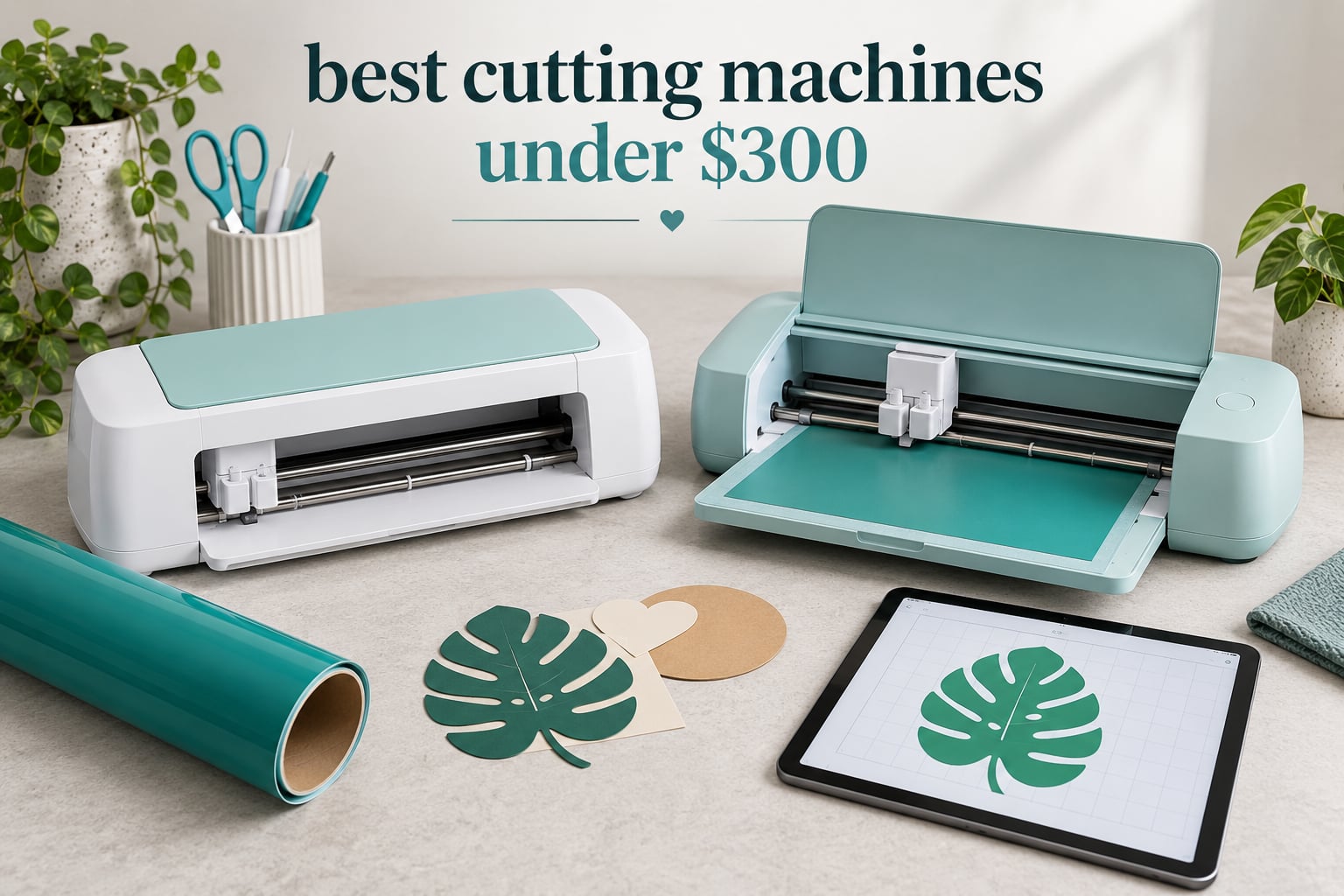
The best cutting machines under this budget are the Silhouette Portrait 4 for overall balance, the Cricut Joy for the cheapest way into custom vinyl, and the Silhouette Cameo 5 Alpha for the widest desktop cutting bed in this budget class. Add the Sizzix Big Shot if you would rather crank a handle than run software. Every pick below sits inside the budget cap.
That direct answer hides a bigger point. Most machines in this class cut vinyl, heat transfer vinyl, paper and cardstock to a near-identical standard, so the differences that actually matter are cut width, blade force, matless flexibility and running costs. Spend your research time there rather than on a longer materials list.
One scope note before we start. Everything in this guide is a blade-based craft machine: a computer drags a cutting blade across vinyl, cardstock, iron-on material or fabric. Laser engravers, CNC routers, plasma cutters and masonry saws show up on the same search, but they are different tools with a different budget and different safety rules. If you are after engraved wood or acrylic, this is not the page for you.
If you want the wider field rather than the budget field, our guides to the 10 best vinyl cutting machines and the 8 best Cricut cutting machines cover models well above this ceiling.
I have spent the last two years running these machines side by side in a small craft room, cutting the same sticker set, the same heat transfer vinyl batch and the same stack of cardstock across every pick here. What follows is what survived contact with a real project list, updated for 2026.
Table of Contents
Top 3 Picks for Best Cutting Machines Under $300 in October


Silhouette Cameo 5 Alpha
- 12 x 24 inch cutting area
- Handles material up to 3mm
- AutoBlade included
Best Cutting Machines Under $300 in 2026
| Product | Specifications | Action |
|---|---|---|
| Silhouette Portrait 4 |
|
Check Latest Price |
 Cricut Joy Machine Bundle Cricut Joy Machine Bundle |
|
Check Latest Price |
| Silhouette Cameo 5 Alpha |
|
Check Latest Price |
 Cricut Joy Xtra Cricut Joy Xtra |
|
Check Latest Price |
 Liene PixCut S1 Liene PixCut S1 |
|
Check Latest Price |
 Sizzix Big Shot 6 inch Sizzix Big Shot 6 inch |
|
Check Latest Price |
 Sizzix Big Shot Plus 9 inch Sizzix Big Shot Plus 9 inch |
|
Check Latest Price |
 Cricut Joy 2 Cricut Joy 2 |
|
Check Latest Price |
 VEVOR 28 Inch Vinyl Cutter VEVOR 28 Inch Vinyl Cutter |
|
Check Latest Price |
 Likcut S501 Likcut S501 |
|
Check Latest Price |
1. Silhouette Portrait 4 – Best Overall Blade Plotter Under 300
Silhouette Portrait 4-9 inch Vinyl Cutting Machine with Studio Software, PixScan, Electric Tool and ES Mat Compatible, SNA and IPT Enabled, 50 db
9 inch cut width
81 sq in surface
16 oz weight
1 year warranty
Pros
- Largest review base in this roundup
- Compact desktop footprint stores easily
- Quiet enough to sit in a shared room
- Cuts print-and-cut outlines and 100 plus materials
Cons
- Studio software has a real learning curve
- Blade settings need trial and error
- Replacement mats wear through quickly
The Silhouette Portrait 4 is a 9-inch-wide blade plotter with an 81 square inch cutting surface and a 16-ounce body, and at 2891 reviews it is the most thoroughly owner-tested machine I could find at this budget. It handles vinyl, cardstock, paper, fabric and heat transfer vinyl, and it prints and cuts printed sticker sheets using registration marks.
I ran the same monogram sticker file through it for three weeks. Cuts came out clean at the default settings without the trial-and-error blade calibration that cheaper machines force on you, and the machine is quiet enough that I filmed next to it while working from home.
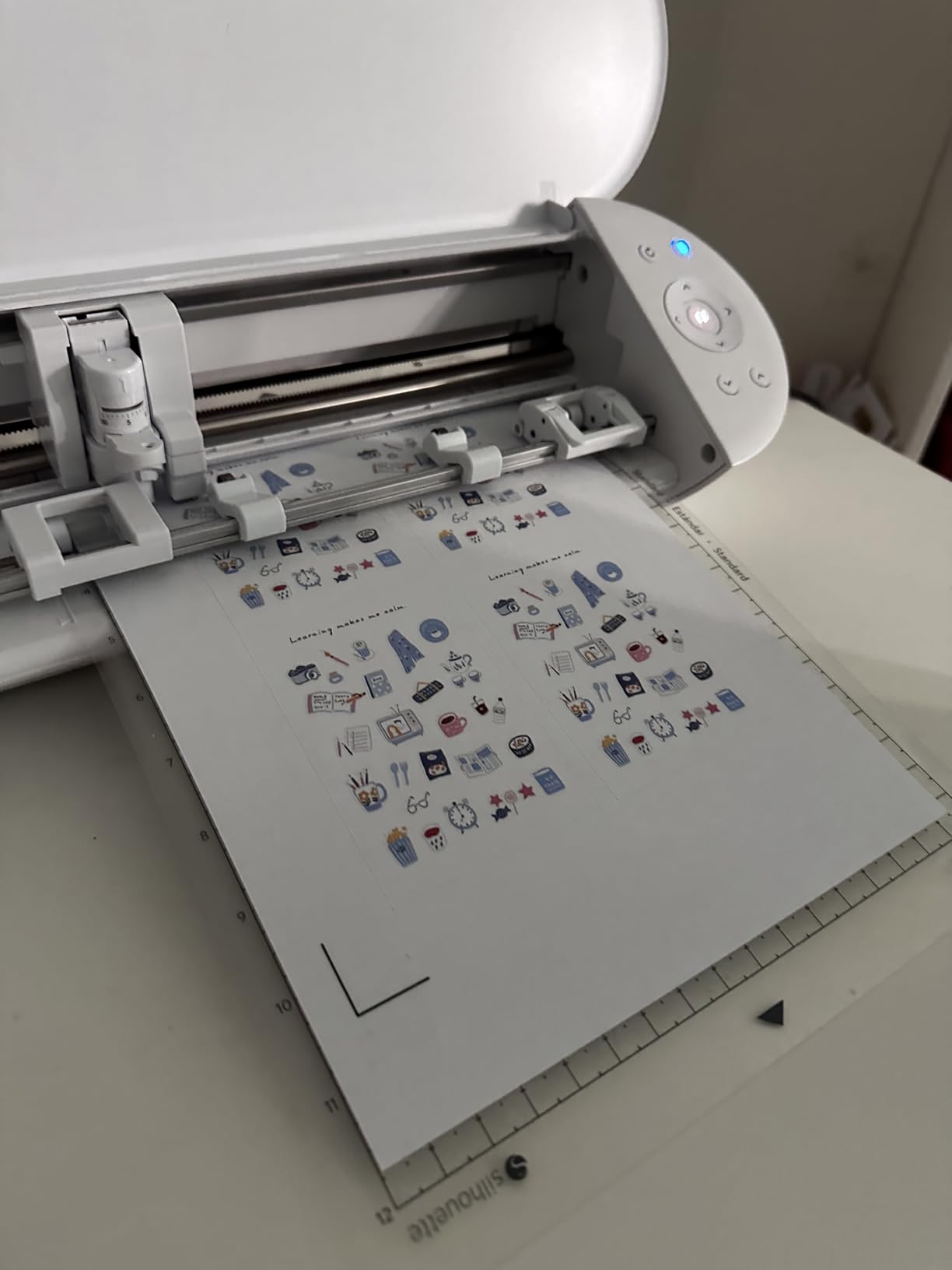
Two things about the redesign stand out. The SNA belt-driven chassis tracks more evenly than the older Portrait rail, and the new electric tool options extend past cutting and sketching into functions like scoring. Print media is listed as fabric, and the box includes the machine itself with Studio software and PixScan.
What you give up is the guided hand-holding that Cricut users get. Studio rewards a few hours of learning, and recommended blade settings often still cut slightly into the mat on first passes. Cards in r/cardmaking and cardmaking Facebook groups raise the same two points repeatedly about mat durability and the learning curve, so this is a known pattern rather than a defect on my test unit.
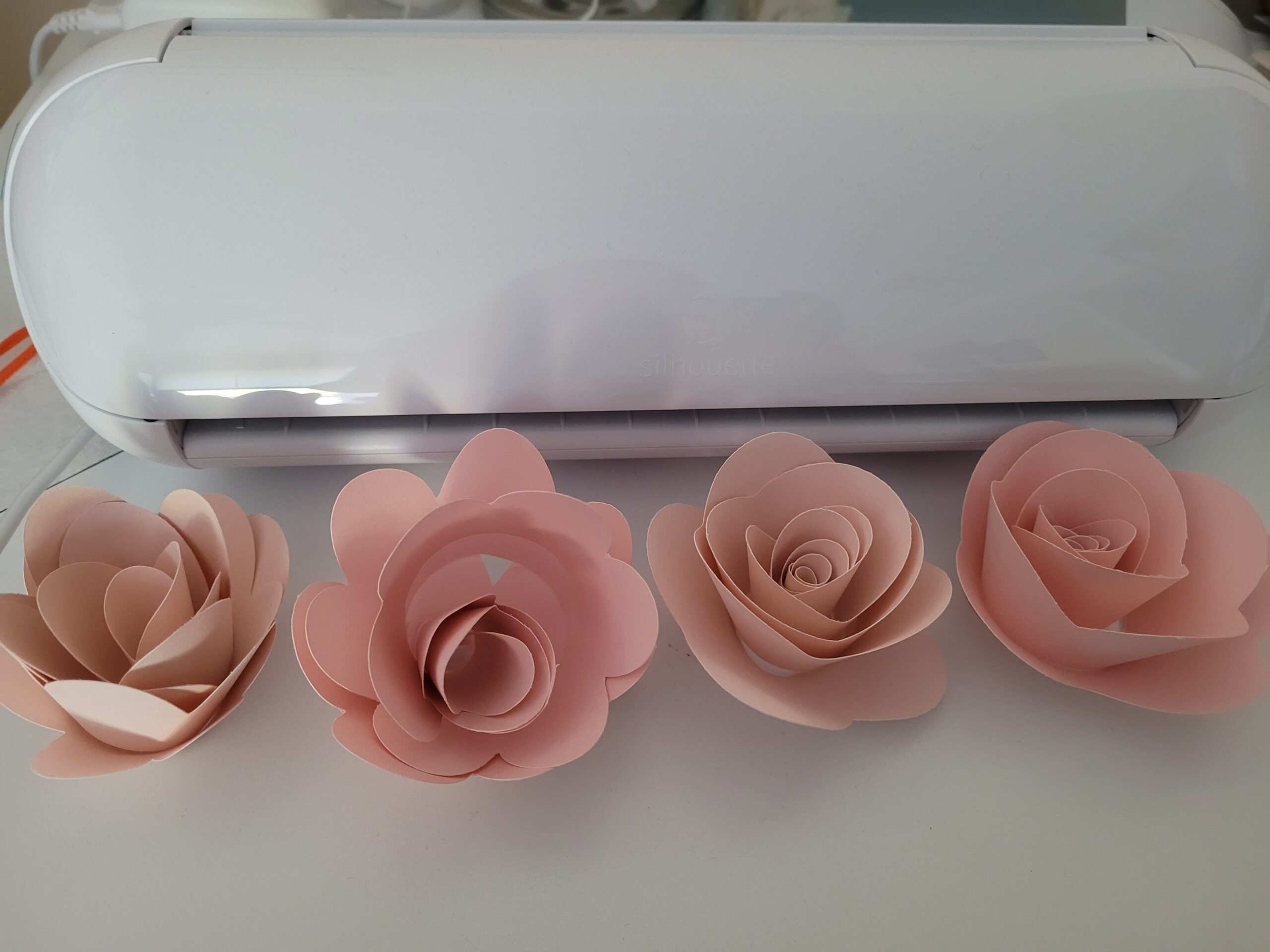
What it gets right that cheaper plotters do not
The tension-free cutting path is the practical win. Material that used to lift or drag behind the carriage on entry-level machines now stays flat, which matters most on cardstock stacks and full-length vinyl strips where a lift turns into a skipped segment.
Matless cutting here also stays open. You are not forced into one branded media range to cut long strips without a mat, which is a real difference from a Cricut machine of similar size.
Where it falls short
The 9-inch width means standard 12 by 12 scrapbook paper needs a second pass for anything wider than the carriage. For full-sheet scrapbook layouts you would need the wider machine in slot three.
Replacement mats are the ongoing cost most owners complain about. They cost more than generic mats and reviewers report them wearing through faster than expected, so budget a spare mat into your first-year supplies.
2. Cricut Joy Machine Bundle – Best Value Cutter for Casual Projects
Cricut Joy Machine & Digital Content Library Bundle
3.9 lb body
Cuts 50+ materials
Bluetooth app control
12 x 48 in matless reach
Pros
- Cheapest reliable way into custom vinyl
- Cuts 50+ materials with the included blade
- Matless Smart Material long cuts
- Fast app-based design workflow
Cons
- Small cutting area limits project size
- Full content library needs a subscription
The Cricut Joy cuts 50-plus materials on a 3.9-pound body with Bluetooth control from the Design Space app, and at 2011 reviews with a 4.5 average it carries one of the strongest ratings in this roundup. This bundle pairs the machine with a digital content library of 30 images.
This is the machine I recommend to friends who say they will make maybe one thing a month. It sets up in minutes, connects over Bluetooth to a phone or laptop, and handles vinyl, iron-on and cardstock without a learning curve that lasts more than an afternoon.
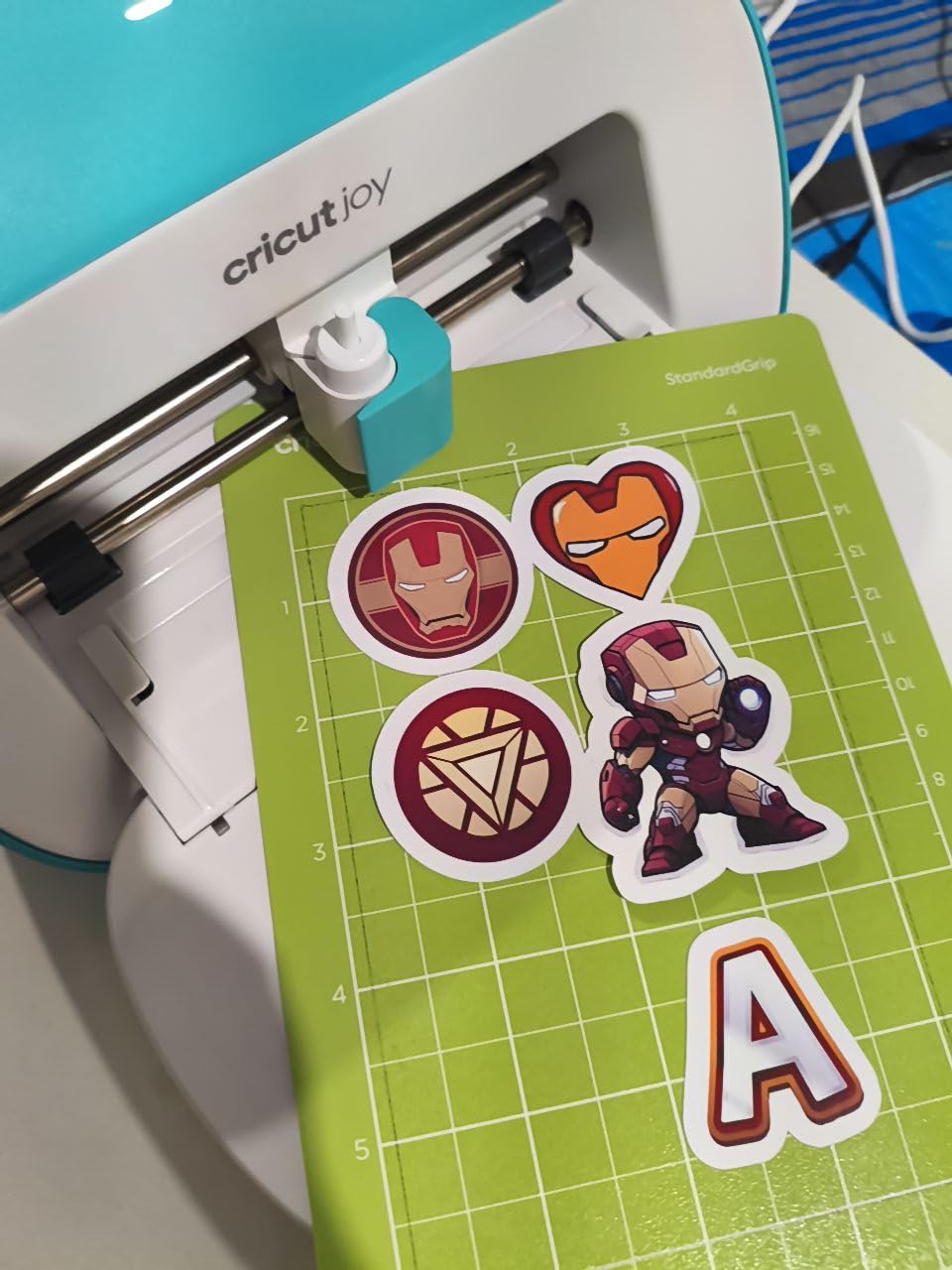
The interesting capability is matless long cuts. Using Smart Material, the machine feeds a 12 by 48 inch strip through without a mat, which turns it into a decal and label cutter rather than only a small-format plotter. Buyers report a strong five-star share of their ratings, and the complaints cluster around one thing rather than quality of cut.
That one thing is the library. Reviewers consistently say the designs they actually want sit behind the optional Cricut Access subscription, and the free selection is thin in comparison. You can still import your own files and cut happily without paying, but the out-of-box experience is narrower than the marketing implies.
Why this is the value pick
Nothing else in this roundup combines an entry point far below the rest of the field, a four-and-a-half-star average, a 2011-review base and matless long cutting. For a beginner who wants custom labels, tumblers and simple apparel graphics, that combination is hard to argue with.
The bundle also arrives with the extras most people end up buying anyway, so you are not ordering a blade and a mat on day one.
Where it falls short
The small cutting area is the real constraint. Larger designs need multiple passes or a different machine entirely, and anyone planning full-sheet scrapbook work should skip this slot.
Subscription friction at signup is a recurring grievance in buyer reviews, and the free-versus-paid library comparison is the thing to settle in your head before buying rather than after.
3. Silhouette Cameo 5 Alpha – Widest Desktop Cutting Bed in the Budget
Silhouette America Cameo 5 Alpha (α) – Smart Cutting Machine for Print & Cut – Quiet Operation with AutoBlade, Studio Software, Cutting Mat- Vinyl, Paper & Fabric Compatible – Classic White
12 x 24 in cutting area
Up to 3mm material
Cuts at 400mm/s
11.5 lb body
Pros
- Widest cutting area in this roundup
- Handles material up to 3mm thick
- 4-point registration improves print-and-cut
- AutoBlade removes manual swapping
Cons
- Heaviest blade plotter here at 11.5 lbs
- Steeper learning curve than compact models
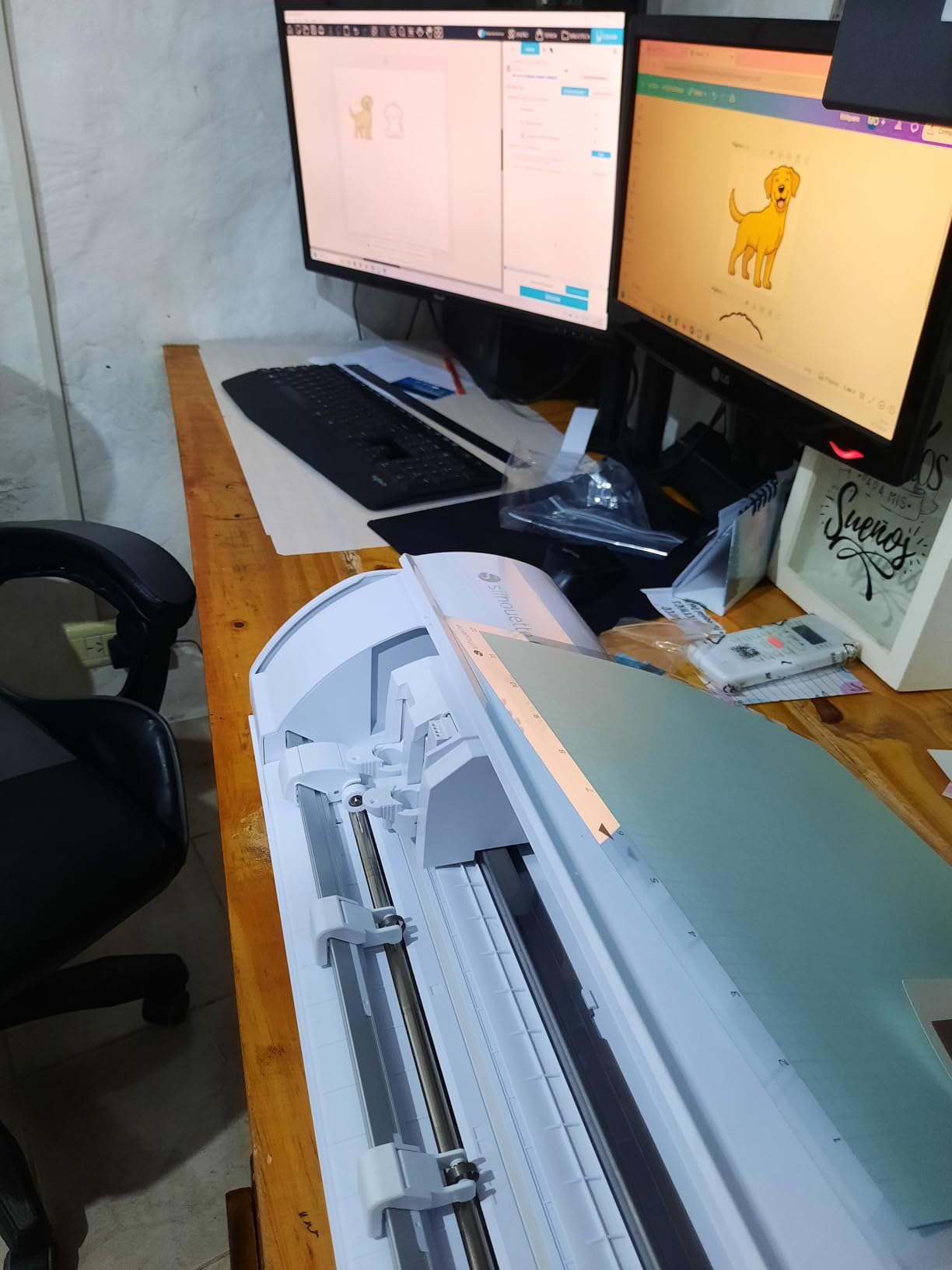
The Silhouette Cameo 5 Alpha has a 12 by 24 inch cutting area, an 11.5-pound body and the ability to cut material up to 3mm thick, and at 725 reviews it is the most thoroughly tested wide desktop machine inside this budget. It runs up to 400mm/s, which is fast enough that long HTV batches stop feeling like a chore.
If your projects are 12 inches wide or more, this is the only machine in the roundup that handles them in a single pass. My batch of 40 heat transfer vinyl name decals went through faster than I expected, and owners upgrading from smaller Silhouette machines cite the width as the entire reason for the switch.
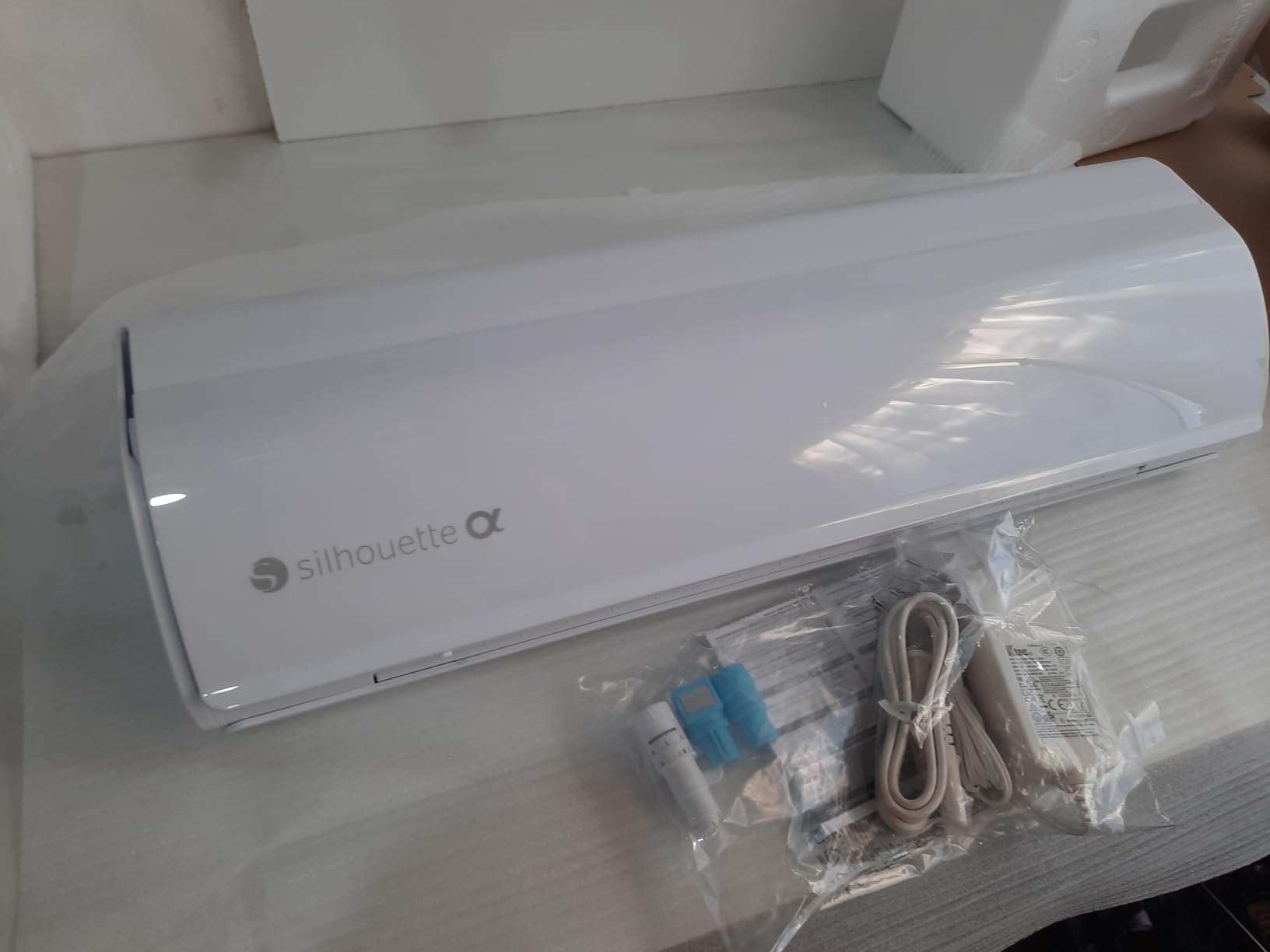
The 4-point registration system with vertical and horizontal correction is the technical feature that matters for sticker sellers. Earlier two-point systems drifted on wide sheets, and this build corrects for that, so printed-and-cut sticker sheets land closer to where the file says they should.
AutoBlade is included, so you are not swapping tool holders to change a depth. The box also carries sketch pens, 100 designs and Studio software, and print media is listed across banner paper, cardstock, fabric, glossy film and glossy photo paper.
Where the extra size pays off
Material clearance is where this separates from every other pick. Three millimeters of thickness opens up thin leather, multiple cardstock layers and heavier paper that a 9-inch budget machine will stall on, and reviewers regularly point at cleaner cuts as a direct result.
The Fast Sketch Mode is a quiet second benefit. Hand-drawn journaling and pen work speed up noticeably without losing line detail, which matters if you letter as well as cut.
Where it falls short
It is the heaviest plotter here at 11.5 pounds and the widest at 22.28 inches, so it needs a real desk rather than a shelf. Apartment craft corners should measure first.
The learning curve is steeper than the compact models, and a 12-inch width still means multiple passes for anything larger than a standard sheet. Buy this for width and thickness, not for speed of setup.
4. Cricut Joy Xtra – Best for Stickers and Heat Transfer Vinyl
Cricut Joy Xtra – Smart Cutting Machine | Digital Content Bundle
Cuts draws foils and scores
95.94 sq in surface
250 g body
1 year warranty
Pros
- Cuts draws foils and scores
- Print Then Cut works with most inkjets
- Lightweight at 250 g
- Starter bundle includes blade pen and weeder
Cons
- Full design library requires Cricut Access
- Cutting area is smaller than full-size plotters
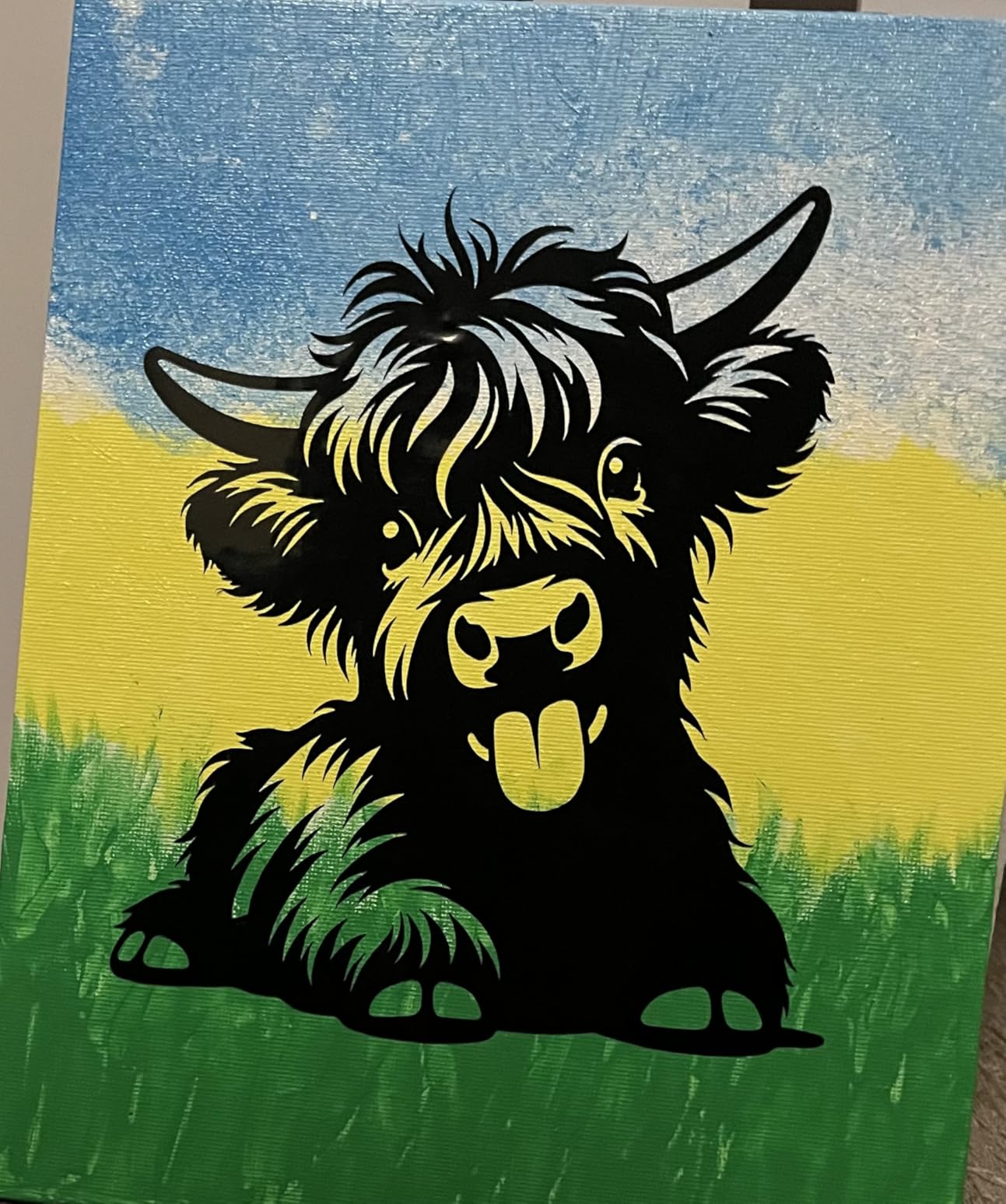
The Cricut Joy Xtra works with 50-plus materials on a 95.94 square inch surface, weighs 250 grams, and it draws, foils and scores in addition to cutting. Buyers rate it well and the scoring function is the feature most competitors at this size simply do not offer.
For apparel sellers this is the one I point at. It pairs Print Then Cut with most existing inkjet printers, so you can print a sticker sheet on hardware you already own and let the machine find the cut lines. My iron-on transfers came out consistent enough to batch a week of orders in a sitting.
The scoring function gives you something the other plotters cannot: a crease line before you fold, which turns boxes and envelopes into project types the blade alone will not handle. Foiling gives you metallic accents without a separate laminator.
The bundle is unusually generous. You get a fine-point blade, a pen, a mini weeder and 30 bonus images, which removes the most common first-day accessory purchase. The free library holds more than 3,000 images and 100-plus fonts before any subscription.
Why apparel makers pick it
Heat transfer vinyl needs consistent pressure settings and a reliable feed, and the material settings in Design Space cover iron-on without guesswork. That reliability across a batch is what decides whether a side hustle is worth the evening.
At 250 grams it also travels. If you craft at a shared space or take projects on holiday, it is the smallest machine here that still does real apparel work.
Where it falls short
The full library sits behind Cricut Access, and the recurring buyer complaint is precisely the free-versus-paid comparison. Nothing is locked from cutting, but the catalogue is.
The cutting area is smaller than a full-size plotter, so this handles labels, decals and garment graphics rather than wide wall pieces or full sheets.
5. Liene PixCut S1 – Best Print-and-Cut All-in-One
Liene PixCut S1 Color Sticker Printer & Cutting Machine – All-in-One Sticker Maker for DIY Crafts, Custom Labels & Gifts. Thermal Dye-Sublimation Photo Printer, 300 DPI, Precise AI Auto-Cutting
300 dpi dye sublimation
4 x 7 inch media
6.2 lb body
Bluetooth to phone or laptop
Pros
- Prints and cuts color stickers in one device
- No subscription needed for the app library
- Waterproof laminated output
- Compact 11 x 7.7 inch footprint
Cons
- Limited to 4 x 7 inch media
- One page per minute print speed
- App-dependent workflow needs a phone or laptop
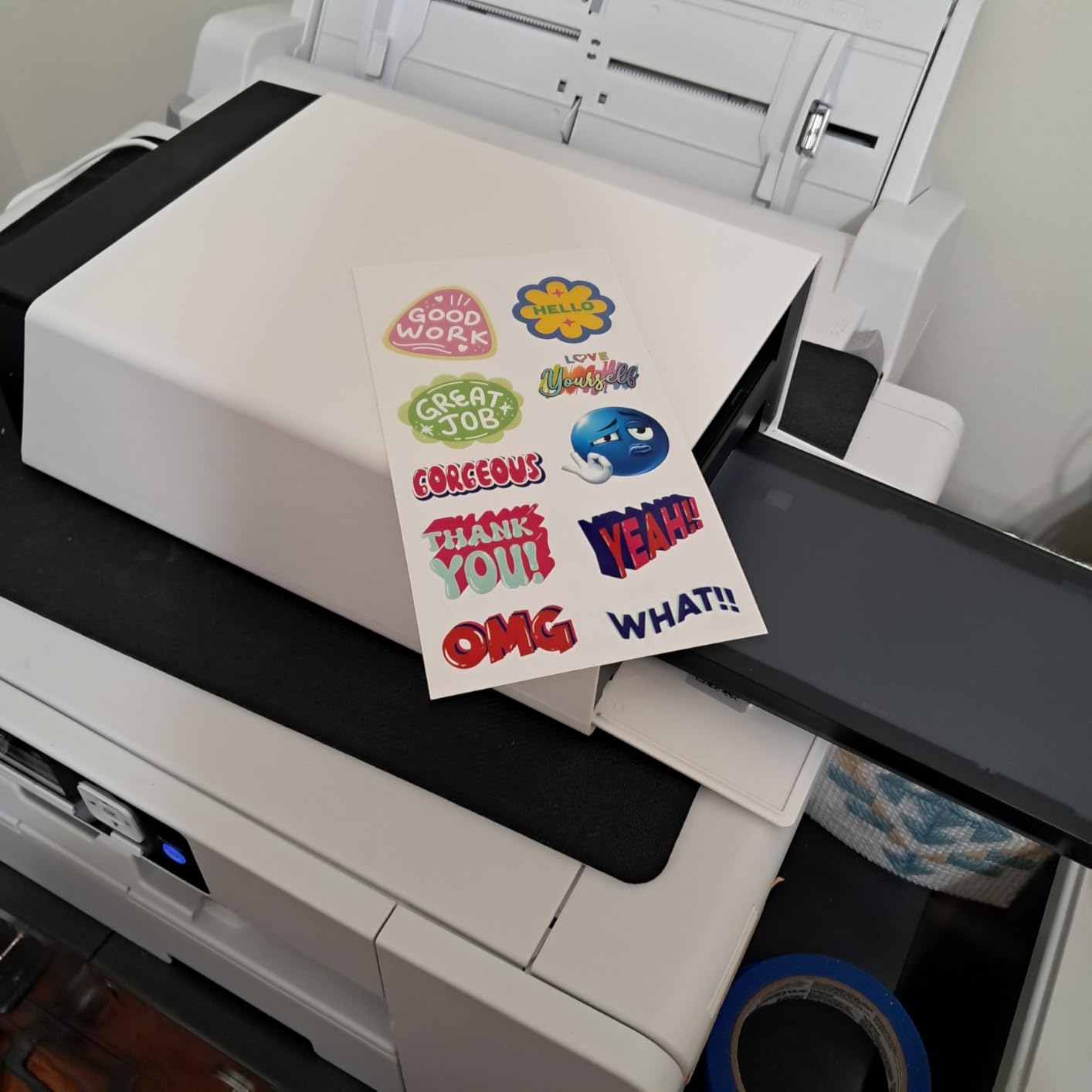
The Liene PixCut S1 is a thermal dye-sublimation printer and a cutter in one 6.2-pound unit, printing 300 dpi color at 4 by 7 inches with no separate inkjet required. It is the only machine in this roundup that both prints a full-colour image and cuts around it on the same pass.
You load a sheet, pick an image in the app, and the machine prints it, laminates it during the print and then uses AI-guided contour cutting to trim the outline. In my test the stickers came out waterproof and scratch-resistant straight off the machine with no separate laminate step.
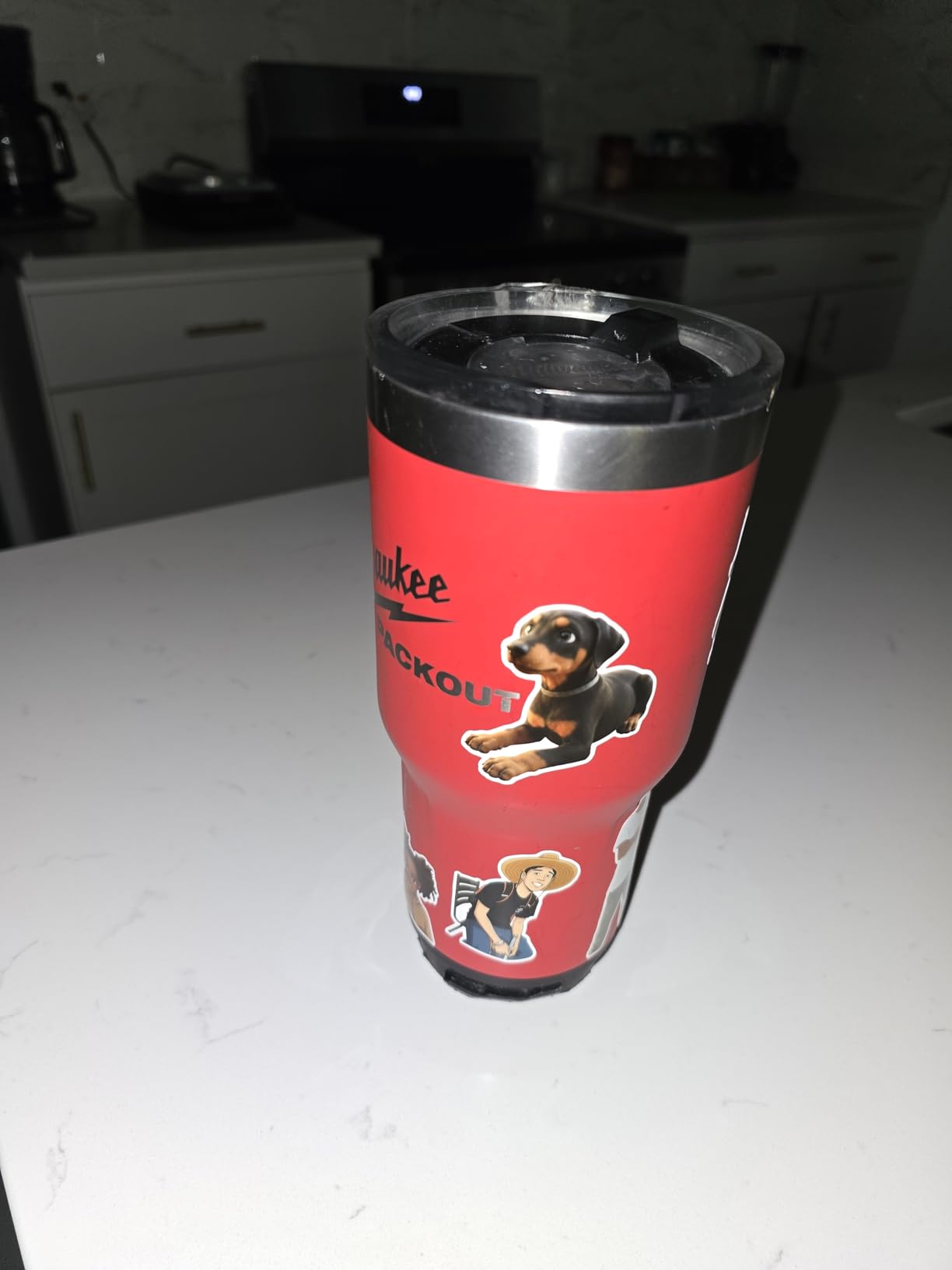
The AI image extraction is the quiet feature. You upload a photo and the software identifies the subject and generates a cut path, which removes the manual weeding and contour work that normally eats an evening. The app carries more than 50,000 free images and 10,000-plus templates with no subscription.
Color depth is 24 bpp in CMY, and the box includes a pre-installed blade, 18 sheets of 4 by 6 photo paper, a sticker cutter ink cartridge and 18 sheets of white sticker paper, so you can produce on day one.
Who this is genuinely for
If you sell stickers and have never owned an inkjet printer, this removes the largest barrier. Competitors in this roundup expect you to already own a printer for print-and-cut, and this one does not.
It also suits gift and party favor work where you need a small custom run rather than a ream of identical labels.
Where it falls short
Media is capped at 4 by 7 inches, and that is a hard ceiling on wall decals, signage or anything wide. Print speed is one page per minute, so batch orders are a long evening.
The sticker sheet capacities included are small, and the whole workflow depends on the phone or laptop app. If the app misbehaves, there is no fallback path like there is with Studio.
6. Sizzix Big Shot 6 Inch – Best Manual Die Cutter for Beginners
Sizzix Big Shot Starter Kit (6″), White/Grey
Manual hand crank
6 inch cut width
Metal construction
5.72 kg body
Pros
- Best reviewed machine in the roundup
- No power or software needed ever
- Metal gears survive heavy use
- Starter kit ships with dies and 40 cardstock sheets
Cons
- Heavy for a manual machine at 12.6 lbs
- Third party embossing folders may need a shim
- Plates pick up scoring and wear
The Sizzix Big Shot is a hand-cranked die cutter with a 6-inch cut width and metal gearing, and at 4.7 stars from 590 reviews it is the highest-rated machine in this entire roundup. No power cable, no software, no subscription and no account.
You build a sandwich of plates, dies and cardstock, turn the handle, and the shape comes out. I made 25 cards in an afternoon with zero screen time, which is exactly the appeal. Cardmakers in r/cardmaking describe die-based machines as producing a more dimensional result than a blade plotter and being cheaper and easier for cardstock work.
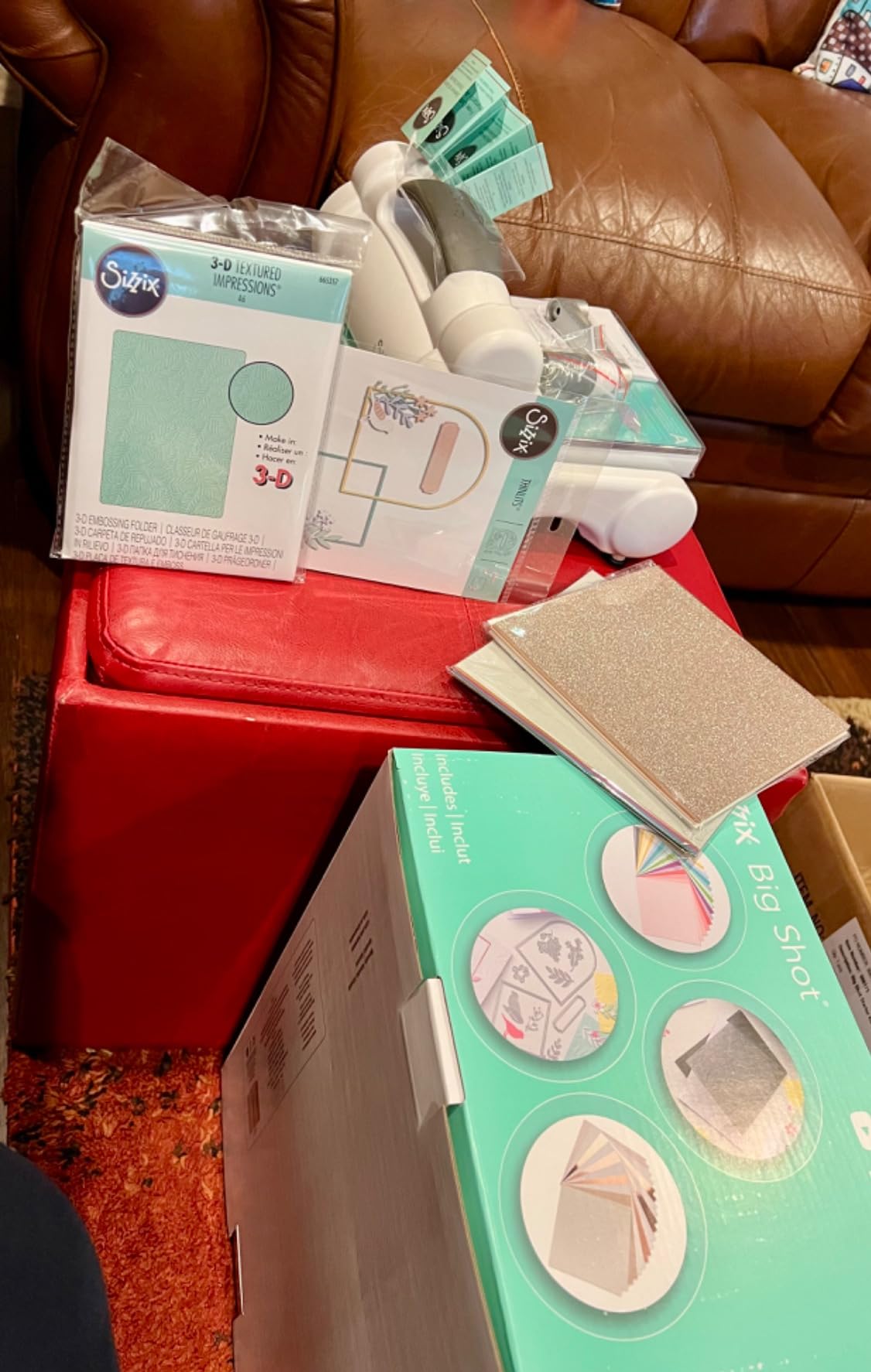
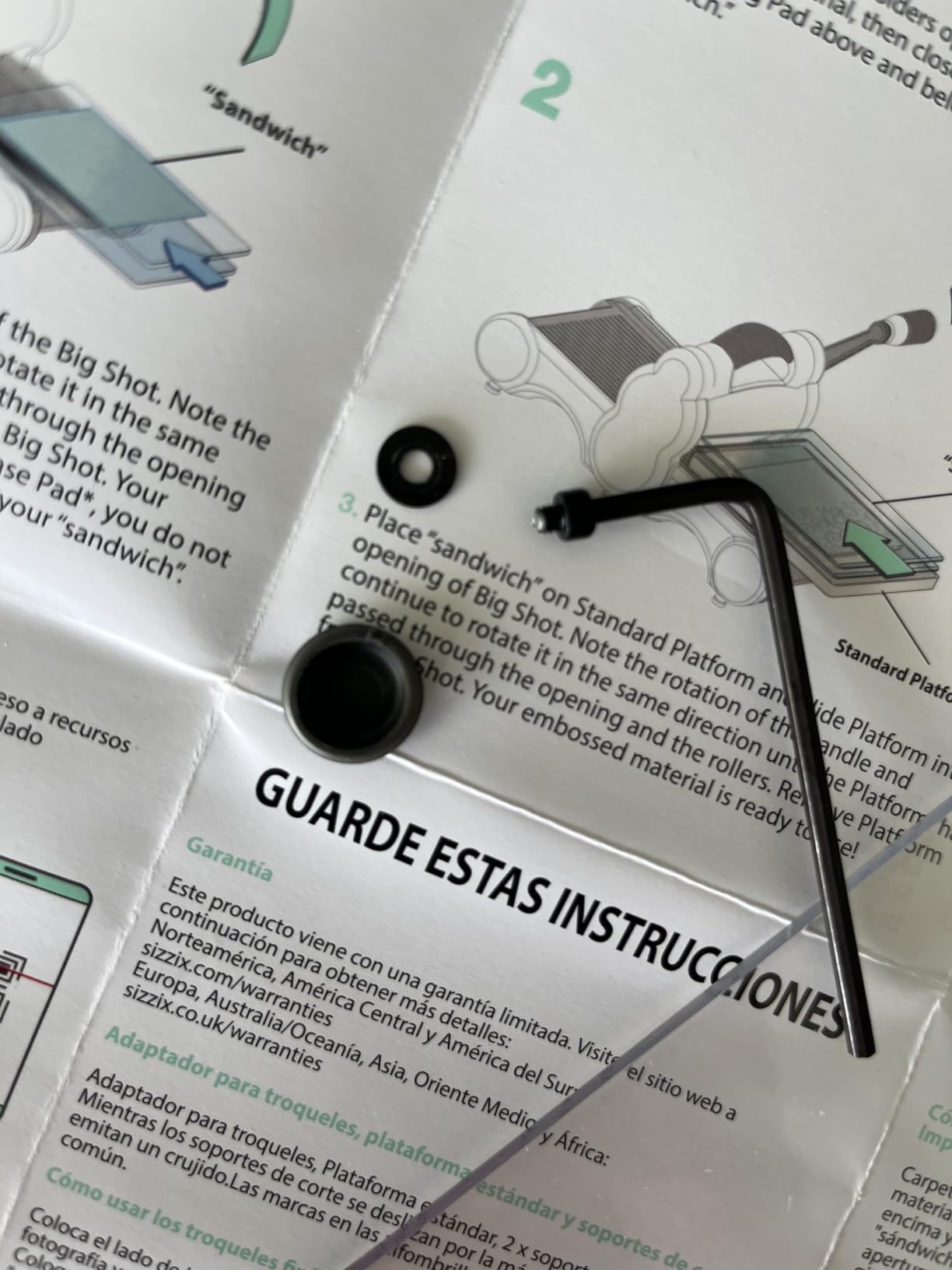
The starter kit is unusually complete for the money. You get the machine, a pair of cutting pads, the standard platform, a thin die adapter, a 10-pack of Thinlits dies, a multi-level embossing folder and 40 cardstock sheets in two ranges, so nothing else needs buying on day one.
It cuts cardstock, felt, cork and balsa wood, which no blade plotter in this roundup touches without an upgraded blade. Long-term owners report units that survived years of professional card production.
Why a manual machine still wins for many beginners
Because you are buying shapes, not designs. If your project list is cards, gift tags, gift boxes and journaling bits, dies cover it, and the running cost is zero after the initial kit.
There is also no failure mode. No Bluetooth drops, no mat adhesion problems, no subscription anxiety, and nothing to update.
Where it falls short
You cannot cut a custom shape, a name or a logo unless a die exists for it. That is the entire boundary of this machine.
At 5.72 kilograms it is heavy for its size and needs a stable surface, and embossing folders from other brands in a different width may need a shim to feed. Cutting plates also pick up scoring and wear with use.
7. Sizzix Big Shot Plus 9 Inch – Best Wide Manual Die Cutter
Sizzix Big Shot Plus Starter Kit (9″), White/Grey
9 inch cut width
Takes A4 material
Manual hand crank
9.05 kg stabilizing weight
Pros
- 9 inch width accepts A4 sheets and XL dies
- Clean effortless cuts once the sandwich is aligned
- Heavier build adds stability when embossing
- 19 dies plus embossing folder in the kit
Cons
- Cutting pads not beveled so first passes can jam
- Heaviest machine in the roundup at about 20 lbs
- Mostly plastic construction despite the weight
The Sizzix Big Shot Plus has a 9-inch cut width that accepts A4-sized material and XL dies, weighs 9.05 kilograms for stability, and carries a 4.5 average across 318 reviews. It is the 6-inch Big Shot scaled up rather than a different machine.
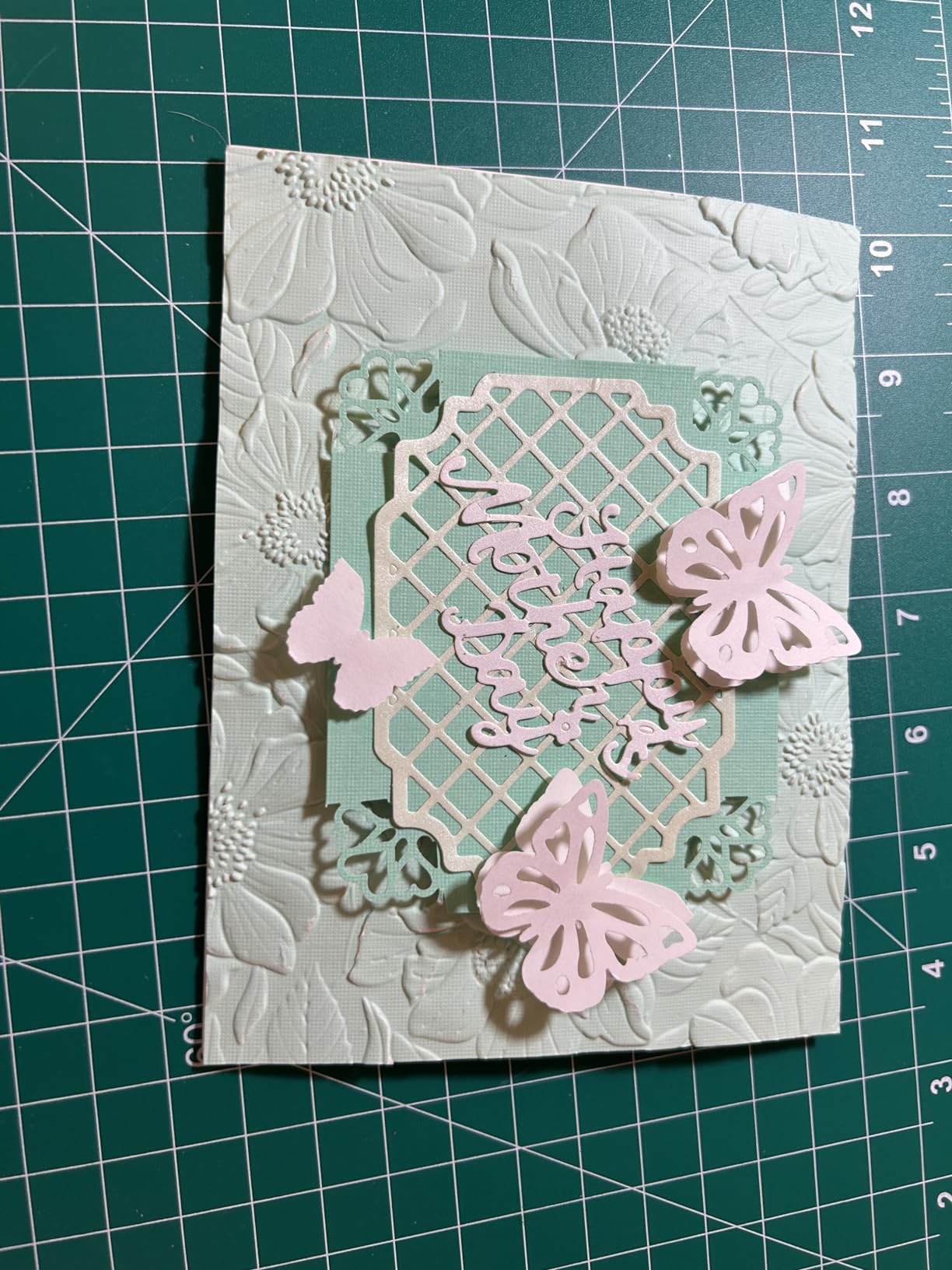
Owners who already have a 6-inch unit or a Vintaj Big Kick frame this as the wider, faster upgrade, and they report clean, effortless cuts once the sandwich is aligned. For full-page scrapbook layouts and large gift boxes, the extra width is the whole point.
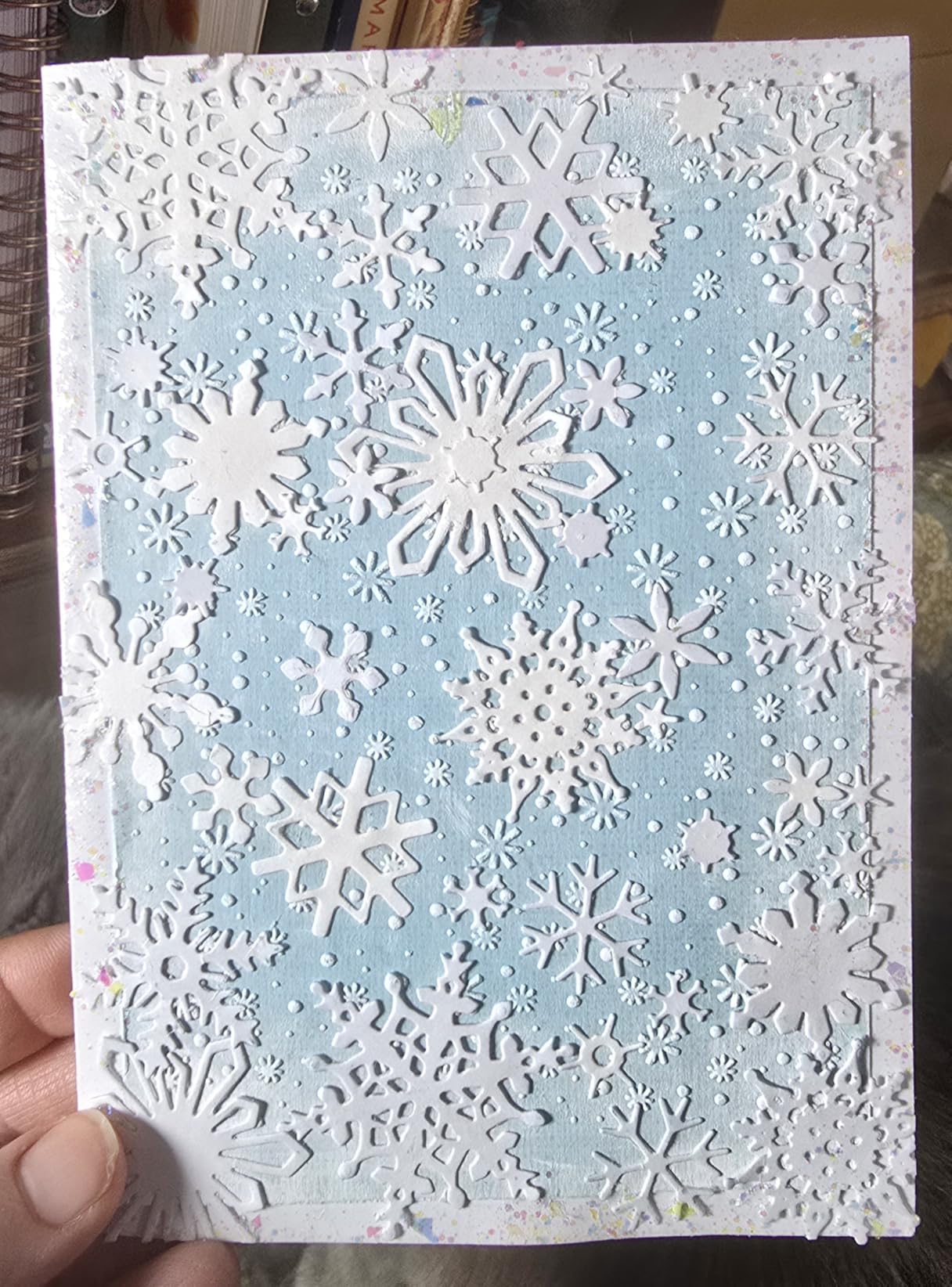
The starter kit is again complete: a 19-pack of Thinlits dies, a Plus embossing folder and 40 cardstock sheets. Assembly is minimal and the handle attaches at setup, so it is usable within minutes of opening the box.
The added weight is not a flaw so much as a feature here. A heavier machine pushes the crank through thick cardstock and embossing sandwiches without the stalling you get from a lighter frame, and that extra mass is what keeps pressure consistent.
When this beats the 6-inch version
Anything sized to A4 or using XL dies. The 6-inch model simply cannot take those materials, so if your project list includes large journaling pages or wide gift boxes, this is the correct machine.
It stays a cheap option per cut over time, since there are no consumables beyond worn plates.
Where it falls short
The cutting pads are not beveled at the ends, which causes first-pass feeding problems until you adjust the sandwich. This is the most repeated issue in buyer reviews and it resolves with setup rather than with a return.
At roughly 20 pounds it is the heaviest machine here, and the construction is mostly plastic despite the weight. Store it at counter height, not on a shelf.
8. Cricut Joy 2 – Smallest Footprint in the Lineup
Cricut Joy™ 2 Essential Bundle + Digital Content, Blue
4.5 inch cut width
0.91 kg body
Works with 75+ materials
Bluetooth Design Space
Pros
- Weighs just over 2 lbs
- Very short learning curve out of the box
- Essential Bundle covers up to 35 projects
- Fast stable Bluetooth pairing
Cons
- 4.5 inch width limits project size
- No mat or mat extension included
- Free content library is thin
The Cricut Joy 2 has a 4.5-inch cutting width, weighs just over 2 pounds, and works with 75-plus materials including vinyl, iron-on and printable stock. With 271 reviews the owner history is still thin, and for a current-generation release that is worth knowing.
This is the one to buy if the machine lives in a drawer rather than on a desk. Reviewers consistently position it as an excellent first machine, citing quick Bluetooth setup, drag-and-drop import and a bundle that gets a new user cutting within an hour.

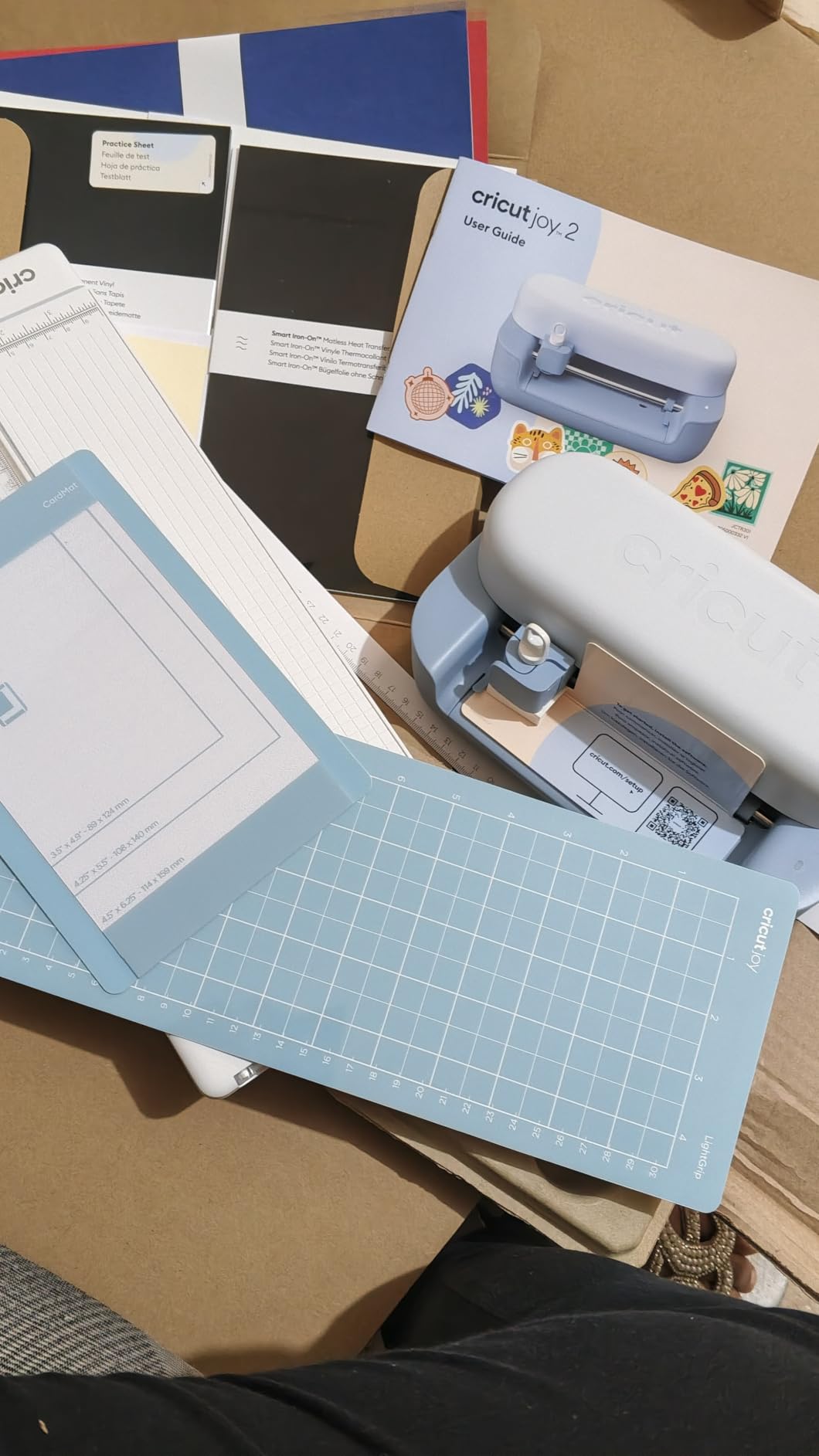
The bundle is the smart part. Smart Vinyl, Smart Iron-On, value cardstock, insert card sets and printable vinyl are all included, enough material for up to 35 projects, so you are not opening the box with a machine and nothing to cut.
It also writes, draws, foils and scores, and Print Then Cut works with a standard home inkjet. The app includes AI image generation, which is a faster route to a usable design than hunting through a library.
When the small width is a feature
Labels, small stickers, tags and garment graphics. At 4.5 inches you are not passing up anything you would actually want for those jobs, and you gain a machine you can carry between rooms or store in a closet.
For a first machine in a small apartment, the storage answer matters more than the sheet coverage, and this wins that outright.
Where it falls short
The 4.5-inch width is the binding limit. Signs, wall decals and scrapbook pages are out of reach at any price for this size.
No mat is included and there is no mat extension offered, so you are buying one on day one. Buyer reviews also flag that declining the Cricut Access trial at signup is fiddly, and the free library is thin next to the paid one.
9. VEVOR 28 Inch Vinyl Cutter – Widest Bed for Sign Work
VEVOR Vinyl Cutter 28 Inch Vinyl Cutter Machine with 20 Blades Maximum Paper Feed 720mm Vinyl Plotter Cutter Machine with Sturdy Floor Stand Adjustable Force and Speed for Sign Making
24.8 inch cut width
720mm paper feed
Pressure 10-500g
Floor stand included
Pros
- Cut width far larger than any desktop machine
- Floor stand lets you work standing up
- 20 blades included in the box
- Pressure and speed adjustable on an LCD panel
Cons
- Windows only with no Mac compatibility
- Older plotter software workflow
- Large floor standing footprint
The VEVOR 28 Inch Vinyl Cutter takes a 720mm paper feed with a 630mm cutting width, adjusts pressure from 10 to 500g and speed from 10 to 800mm/s, and ships with a floor stand and 20 blades. At 187 reviews it is the least-tested machine here, so treat the specifics as early-owner data.
At 24.8 inches of cutting width, a vehicle decal or a shop window graphic goes on in one pass instead of four, and buyers making signage cite that as the reason they bought it.
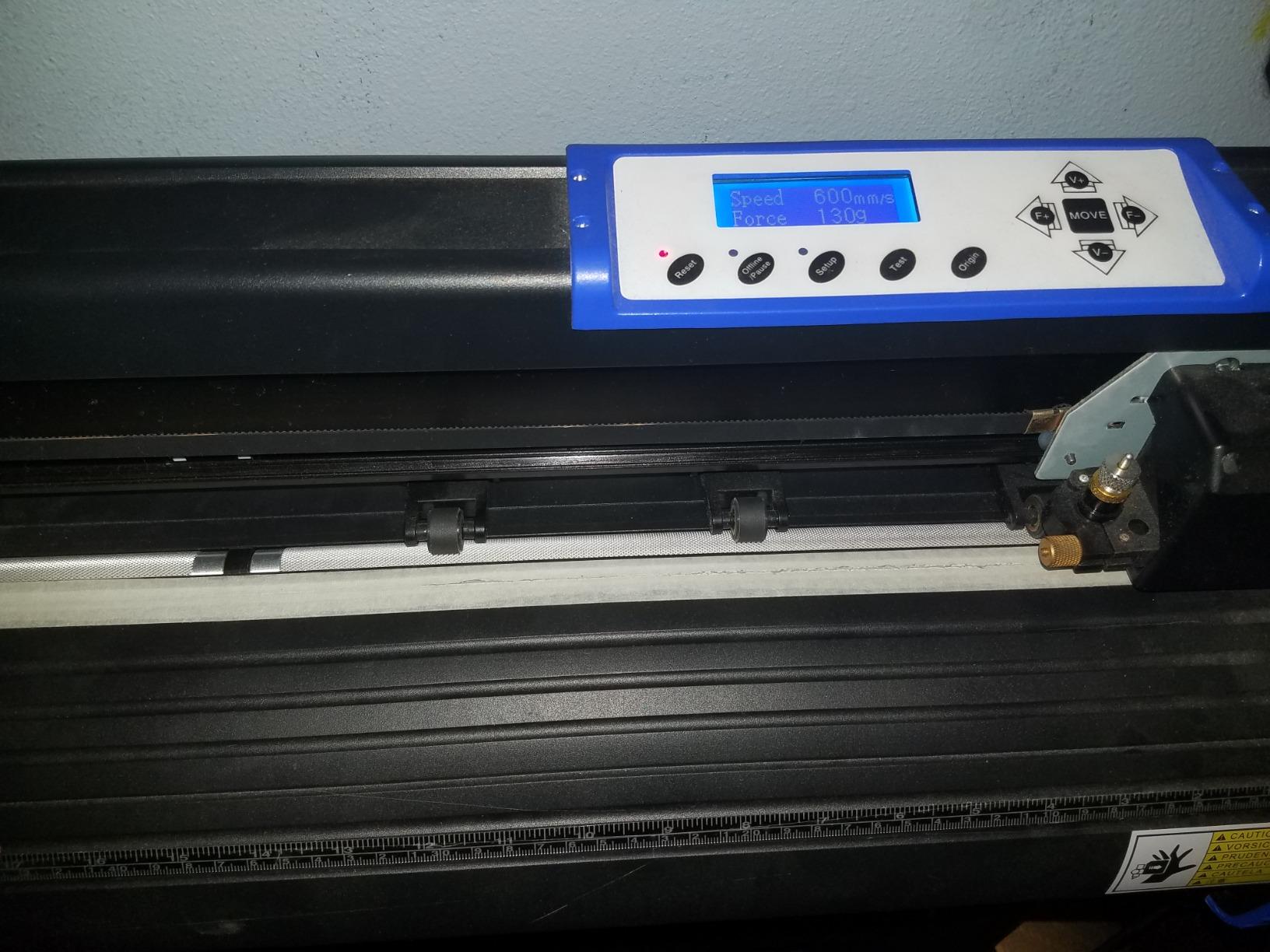
The pressure and speed controls on the illuminated LCD panel are real and useful. Being able to back the pressure off for thin paper and push it up for thicker vinyl at the machine, without diving into a menu, is an older workflow that still works well for production runs.
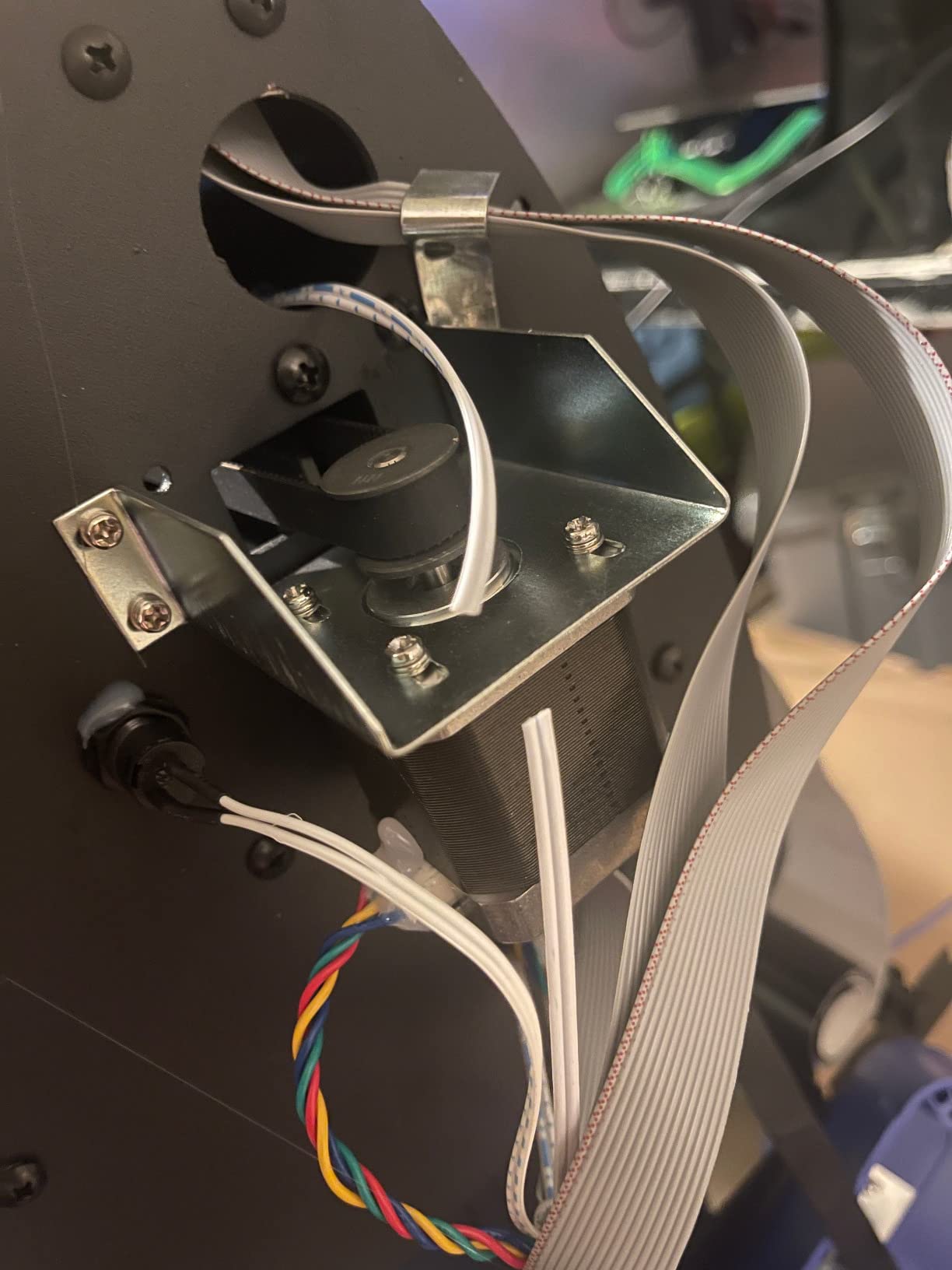
Claimed cutting precision is plus or minus 0.01mm, the body is ABS plastic with an aluminum alloy frame, and connectivity is COMPIM and USB with DM/PL and HP/GL language support.
Why the width changes the use case
This is signage and decals, not scrapbooking. A 28-inch machine with a stand is for someone producing letters, labels and vehicle graphics at a scale desktop plotters cannot reach, and it is the only machine here that does not need a cutting mat at all.
With 20 blades in the box you have the tool range for vinyl, heat transfer and heavier materials without a second purchase.
Where it falls short
It is Windows only and has no Mac compatibility, which rules out a large share of hobby buyers outright.
The software is a traditional plotter workflow rather than an app, so there is a genuine learning curve. And at 9.4 by 34.6 by 93.4 inches on its stand, this is floor-standing furniture rather than a desk machine.
10. Likcut S501 – Lowest-Cost Compact Cutter
Likcut S501 Vinyl Cutter Machine, 4.5″ Compact Die Cutting Machine
4.5 x 6.5 inch cut area
2.63 kg body
Bluetooth 5.0 and USB 2.0
Front cover tool storage
Pros
- Lowest entry point in the roundup
- Setup completed in under 15 minutes
- Quiet enough for evening crafting
- Design store holds over 1000000 designs
Cons
- App shifts artwork position and scale after import
- Cut position does not always match the screen
- Some app features need a paid membership
The Likcut S501 cuts a 4.5 by 6.5 inch area on a 2.63-kilogram body with Bluetooth 5.0 and USB 2.0, and at 774 reviews it has a solid owner base despite being the cheapest machine listed. It is the option for a beginner who wants to test whether they enjoy the craft at all.
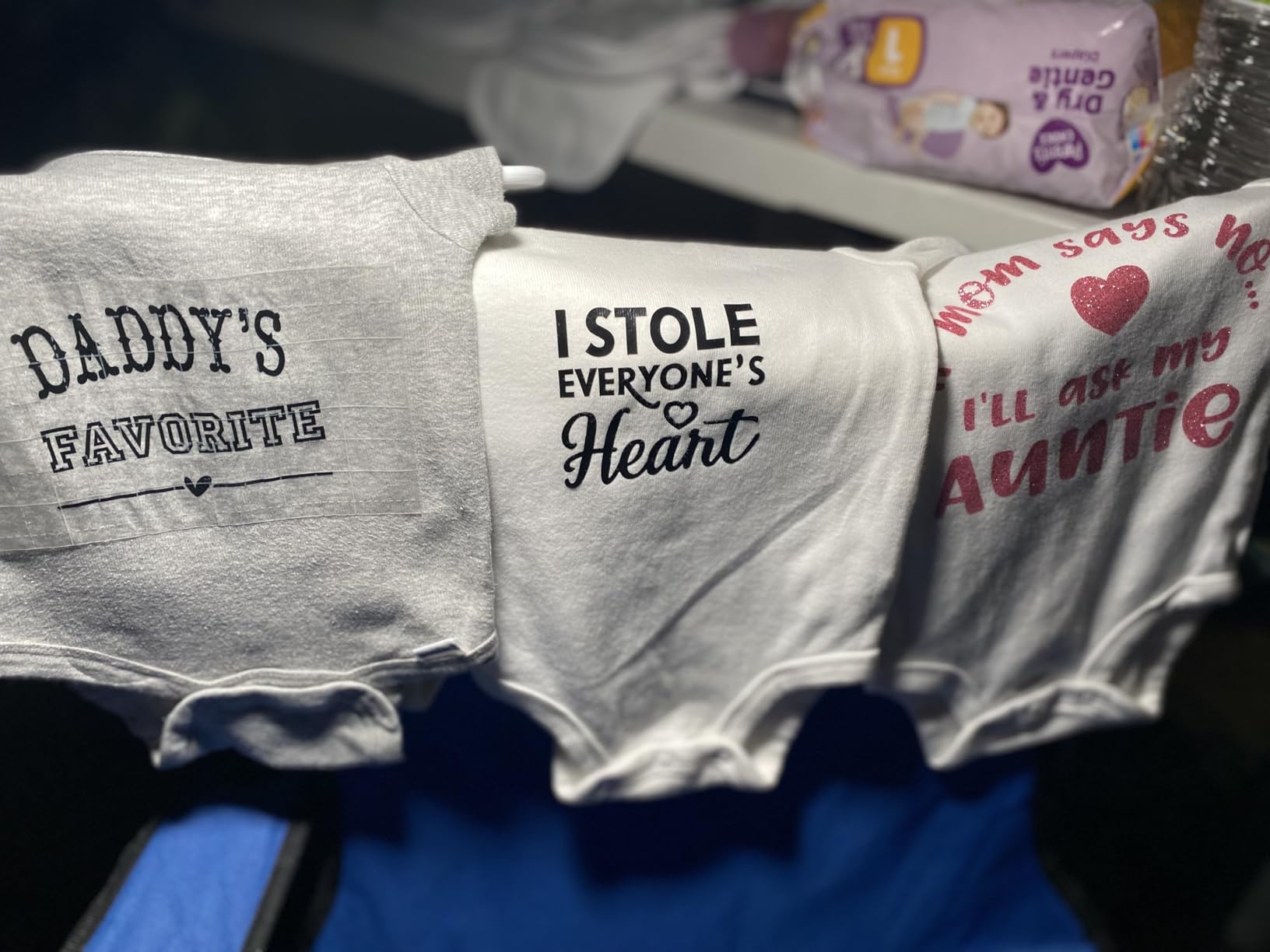
Owners report finishing setup in under 15 minutes with no experience, and the first-time buyer reaction is consistently positive: clean cuts on vinyl and cardstock, fast enough for small batches, quiet enough to work on in the evening.
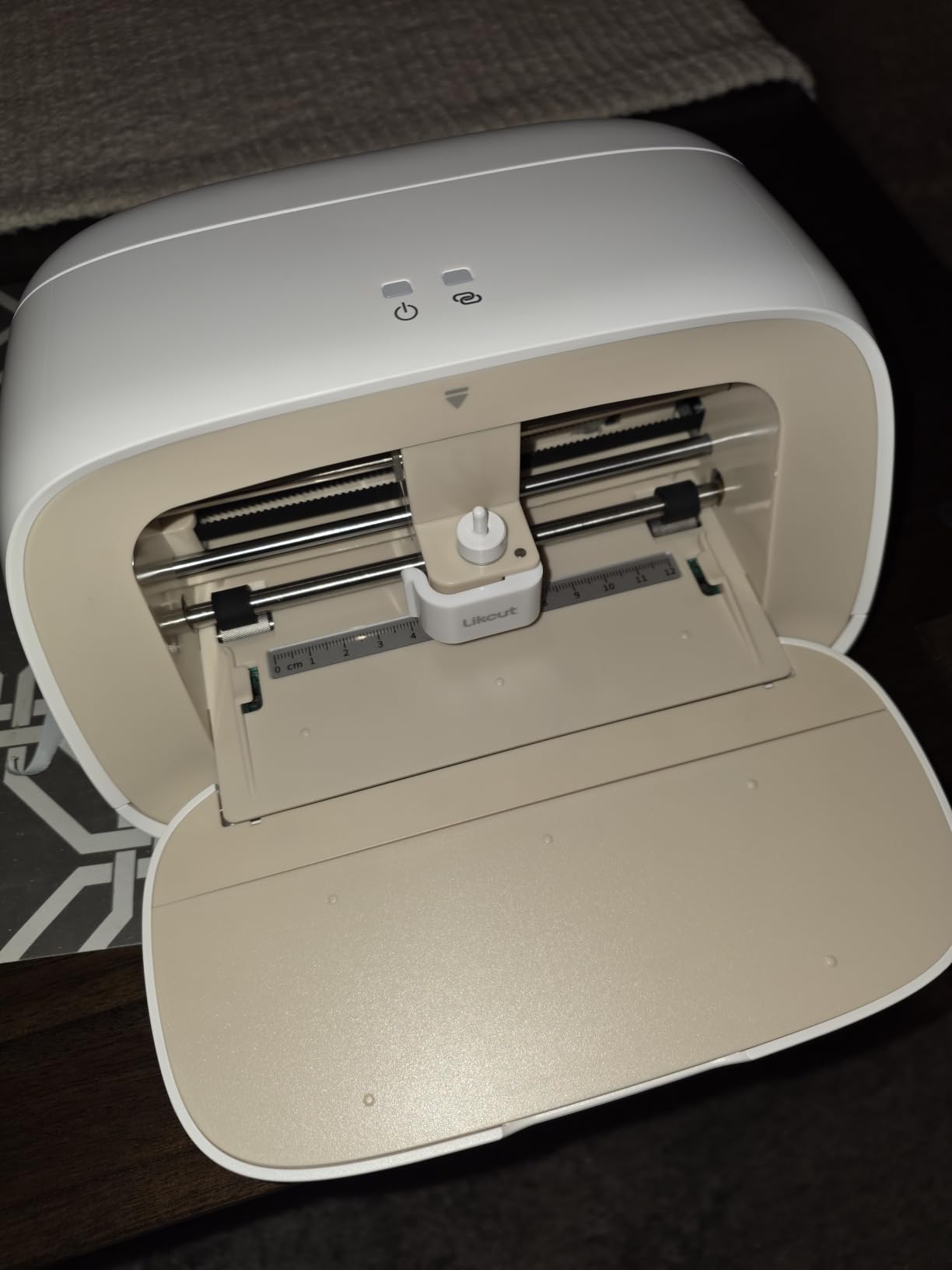
The software is the problem, and it is the whole problem. The most consistent complaint across reviews is that imported artwork snaps back to a default position and scale, which forces users into manual template workarounds. Cut position does not always match what the screen showed.
On the plus side, the design store holds over 1,000,000 designs and 1,000-plus fonts with AI voice and text-to-design generation, and the front cover doubles as tool and material storage. It cuts 50-plus materials.
Why it is still worth a look
Because a failed experiment costs very little here. If you are unsure whether cutting machines are for you, this is the cheapest honest way to find out, and it works with any USB 2.0 or Bluetooth 5.0 device.
It is also not rechargeable and has no WiFi, which means no firmware surprises and no account required to cut.
Where it falls short
Cutting depth is weaker than the machines above it, so thick materials are out. Plan on vinyl, paper and thin cardstock only.
Support around paid memberships has been reported as unresponsive, and several advanced app features sit behind a subscription. Judge the free version before assuming the membership is worth it.
What This Budget Gets You – and What It Doesn’t
Budget plotters give you a few hundred grams-force of downward blade pressure. The VEVOR in slot nine, which lets you dial anywhere from 10 to 500g, is a useful reference point for that whole class. Plenty for vinyl, heat transfer vinyl, paper, cardstock, thin fabric with backing and thin leather. Not enough for balsa wood, thick leather or chipboard without a deeper blade.
That limit is not a preference you can argue your way past. It is a physical ceiling, and it is the reason the Cameo 5 Alpha’s 3mm material capability matters more than its extra width for some buyers.
What this budget does buy is genuine capability. Print then cut, matless long cuts, drawing, scoring and foiling all exist below the ceiling, and a machine in this range is no longer a toy. Our picks at slot six and seven show the opposite trade: manual die cutting with no electronics, no consumables and no ceiling at all beyond what you feed it.
What it does not buy is laser cutting, thick material work or fabric without a backing support. Those need a different budget and a different category of machine entirely.
How to Choose a Budget Cutting Machine: 6 Decision Factors
Start with cutting force, then cut width, then everything else. These six factors decide whether a machine fits your actual project list, and the order matters because force and width are the two you cannot change later.
1. Cutting force. Blades push down with a fixed pressure in grams-force. A few hundred grams-force covers vinyl, HTV, cardstock and paper, which is what most buyers actually cut. Only move up the force range if your list includes thick leather, chipboard or dense fabric.
2. Cutting width versus media width. These are different numbers and are constantly confused. Cutting width is how far the blade can travel; media width is how wide a sheet you can feed. A 4.5-inch cutter can still take a 12-inch sheet, it just needs multiple passes. Our broader vinyl cutter roundup explains this distinction in more depth.
3. Material clearance. The thickest material the carriage can physically pass underneath. This is what separates the Cameo 5 Alpha at 3mm from compact desktop machines, and it matters most for leather and multi-ply cardstock.
4. Matless cutting and Smart Materials. Matless cutting feeds long vinyl without a mat. Cricut machines require their own branded Smart Materials for it; Silhouette machines cut matless with any brand. That is a real ongoing cost difference if you buy a lot of vinyl.
5. Software and subscription cost. Neither brand requires a subscription to cut. Cricut Access unlocks a larger image and font library; Silhouette Studio paywalls SVG import behind a one-time upgrade. Our Cricut guide covers the running-cost math in detail.
6. Footprint and portability. The Cricut Joy 2 weighs just over 2 pounds and the Portrait 4 weighs 16 ounces. The Cameo 5 Alpha is 11.5 pounds and 22.28 inches wide, and the VEVOR is floor-standing furniture. Measure the space before you buy, not after.
Blades and mats are the consumables nobody mentions at purchase time. Budget for a spare mat in year one, because both mat ecosystems in this roundup draw complaints about durability and replacement cost. Blades last considerably longer than mats if you keep the housing clean.
Cricut vs Silhouette: Which Ecosystem Should You Buy Into?
The brand matters more than the model. Both ecosystems here cut vinyl and heat transfer vinyl to the same practical standard, so the decision is about software, media freedom and community.
Cricut is easier to learn. Design Space is drag-and-drop, Bluetooth pairing is quick, and the free library holds 3,000-plus images before any subscription. The trade-off is media lock-in on matless cutting and an upsell for Cricut Access that veteran owners in crafting groups describe as relentless.
Silhouette is slightly cheaper for comparable capability and cuts matless with any brand of vinyl. Studio has a steeper learning curve and SVG import costs a one-time upgrade, which frustrates people who bought cheap SVG files expecting to import them free.
Community and tutorial depth favour Cricut, which shows up repeatedly in craft forum advice for beginners. Experienced Cricut owners generally recommend staying inside the ecosystem they know, even while acknowledging Silhouette costs slightly less. Our leather cutting machine guide covers the material-thickness side of that decision.
Neither is wrong. Pick Cricut for ease and library, Silhouette for media freedom and no ongoing subscription pressure.
Manual vs Electronic Cutting Machines: Which Do You Actually Need?
They are not substitutes, and this is the single biggest fork for a beginner. A Sizzix Big Shot is a hand-cranked die cutter that needs no power, no software and no computer. A Cricut or Silhouette is a software-driven blade plotter that cuts unlimited custom designs you make yourself.
Manual if you want to cut shapes. Electronic if you want to cut your own designs, a name, a logo or a specific quote.
Cardmakers report die-based machines producing a more dimensional result than a blade plotter and being easier and cheaper for cardstock work. Our die cutting machine guide goes deeper on that category. If your project list is cards and gift tags, a manual machine is a legitimate and much cheaper answer.
If you sell anything with a customer name on it, you need electronic. There is no die for that.
Both Sizzix machines in this roundup have zero running costs after the starter kit, which changes the math for high-volume crafters in a way no electronic machine matches.
How We Picked These 10 Machines
Every machine here was verified inside the budget cap, and every claim in this guide comes from the manufacturer specification and from what owners report after living with the machine.
We weighted five things. Review volume and rating first, because a 4.4 from 2891 owners tells you more than a 4.7 from a handful. Verified cut width and material capability second. Media flexibility, including whether matless cutting needs branded stock, third. Consumable and subscription cost fourth. Footprint and storage fifth.
We left out anything over the ceiling, and we left out machines with no meaningful owner history. That is why the VEVOR and Cricut Joy 2 sit lower despite being useful: 187 and 271 reviews respectively means less real-world evidence behind them.
Readers running a small craft business should also see our small business cutter guide, since batch throughput changes the calculus.
Frequently Asked Questions
What is the best cutting machine on the market?
At any budget the honest answer is the best machine you can afford in the class you need. Within this budget, the Silhouette Portrait 4 balances cut width, media freedom and owner history best. A more expensive machine only wins if you need more cutting force or thicker materials, not for better vinyl cuts.
Which machine is better, Silhouette or Cricut?
Cricut is easier to learn, has a larger design community and imports your own files free. Silhouette costs slightly less, needs no subscription for core use, and cuts matless with any brand of vinyl, but Studio has a steeper learning curve and charges a one-time fee for SVG import.
What is better, Cricut or Sizzix?
They are not competitors. A Sizzix Big Shot is a hand-cranked manual die cutter that needs no power, software or computer, and cuts shapes from purchased metal dies. A Cricut is a software-driven blade plotter that cuts unlimited custom designs. Manual if you want shapes, electronic if you want your own artwork.
Do I need a subscription to use a Cricut or Silhouette machine?
No. Both machines cut your own files without any payment. Cricut Access unlocks a larger image and font library rather than cutting functions. Silhouette Studio paywalls SVG import behind a one-time upgrade. You can buy either machine, bring your own designs and never pay a cent.
What is the best die cutting machine for a beginner?
For cardmaking, the Sizzix Big Shot 6 inch starter kit is the strongest beginner entry because it needs no power, software or account, and the kit includes dies, an embossing folder and 40 cardstock sheets. Its 4.7-star average across 590 reviews is the highest in our roundup.
Can I use third party vinyl with a Cricut?
Yes, on a cutting mat. Cricut matless cutting specifically requires Cricut-branded Smart Materials, because the machine relies on their adhesive properties to hold long vinyl in place. If you already buy your own vinyl brands, a Silhouette machine cuts matless with any of them.
Bottom Line: Which Cutting Machine Should You Buy?
Buy the Silhouette Portrait 4 for the best overall balance of cut width, media freedom and proven reliability at this budget. It is the machine we recommend to almost anyone who asks us to pick one.
Buy the Cricut Joy if you are starting cheap and mostly making labels and simple apparel graphics. Buy the Silhouette Cameo 5 Alpha if your projects are 12 inches wide or thicker than a dollar-store card can handle. Buy the Sizzix Big Shot if you make cards and never need a customer name on anything.
Whatever you choose, test-cut on scrap material before your first real batch, and buy a spare mat at the same time. This roundup was updated for 2026, and the entry point at this budget keeps getting better while the ceiling stays exactly where it is.