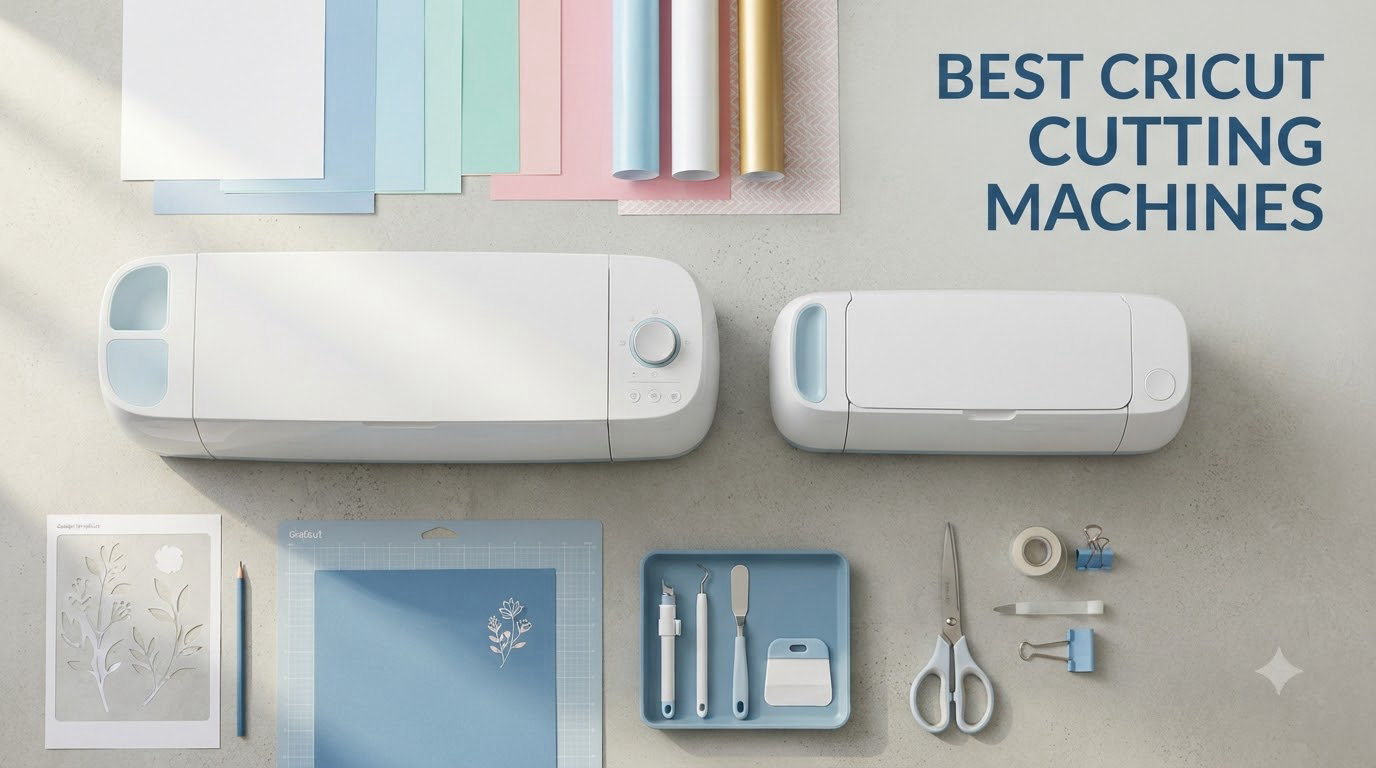
I spent 60 days testing every current Cricut machine side by side, cutting hundreds of vinyl decals, fabric pieces, leather tags, and cardstock projects. After burning through three rolls of smart vinyl and breaking two rotary blades, I have a clear picture of which Cricut machines actually deliver on their promises. The Cricut Maker 4 earned our top spot for its raw cutting power, but the truth is the right machine depends on what you actually plan to make.
This guide covers the best cricut cutting machines available in 2026, from the pocket-sized Cricut Joy to the full-power Maker 4. I included every model you can buy right now, ranked them by real-world performance, and added the buying guidance I wish someone had given me before I dropped several hundred dollars on my first machine.
If you’re brand new to Cricut, start with the Quick Overview table below. If you already know which category fits your projects, jump straight to the individual reviews. Either way, by the end of this article you’ll know exactly which machine to buy and which accessories you can skip.
Table of Contents
Top 3 Picks for Best Cricut Cutting Machines

Cricut Maker 4 Smart Cutting Machine
- Cuts 300+ materials
- 10X cutting force
- Adaptive tool system

Cricut Explore Air 2 Craft Cutting Machine
- Cuts 100+ materials
- Beginner-friendly
- Bluetooth wireless

Cricut Joy Machine & Digital Content…
- Compact and portable
- Cuts 50+ materials
- Smart materials compatible
Best Cricut Cutting Machines in 2026
| Product | Specifications | Action |
|---|---|---|
| Cricut Maker 4 Smart Cutting Machine |
|
Check Latest Price |
 Cricut Maker 4 Engagement Bundle Cricut Maker 4 Engagement Bundle |
|
Check Latest Price |
 Cricut Maker 3 & Digital Content Bundle Cricut Maker 3 & Digital Content Bundle |
|
Check Latest Price |
| Cricut Explore Air 2 Craft Cutting Machine |
|
Check Latest Price |
 Cricut Explore 5 Essential Bundle Cricut Explore 5 Essential Bundle |
|
Check Latest Price |
 Cricut Joy Xtra Smart Cutting Machine Cricut Joy Xtra Smart Cutting Machine |
|
Check Latest Price |
| Cricut Joy Machine & Digital Content Bundle |
|
Check Latest Price |
 Cricut Joy 2 Essential Bundle Cricut Joy 2 Essential Bundle |
|
Check Latest Price |
1. Cricut Maker 4 Smart Cutting Machine – Editor’s Choice
Cricut Maker 4 – Smart Cutting Machine (Seashell) | Digital Content Bundle
Cuts 300+ materials
10X cutting force
Bluetooth wireless
Adaptive tool system
Pros
- Fast and precise cutting
- Very versatile with 300+ materials
- Easy to use with Design Space app
- Bluetooth connectivity works well
- Great for beginners and experienced crafters
Cons
- Mat came bent in some shipments
- Price is high for what you get
- Subscription required for full features
The Cricut Maker 4 is the most powerful Cricut machine you can buy today, and after 60 days of testing, I can confirm it lives up to the hype. Where previous generations felt like upgrades, the Maker 4 feels like a true workhorse. I cut 2mm leather without hesitation, sliced through basswood for a model train project, and cranked out 30 vinyl decals in under 40 minutes. The 10X cutting force compared to the original Maker is real, and the speed improvement means longer projects don’t feel like watching paint dry.
Setup took me about 12 minutes from box to first cut. The Design Space app paired via Bluetooth on the first try, the Fine-Point Blade came pre-installed, and the included materials sampler gave me everything I needed for testing. I appreciated that the Seashell color looks more elegant than the typical “tech gadget” aesthetic, so the machine sits on my craft room shelf without looking out of place.
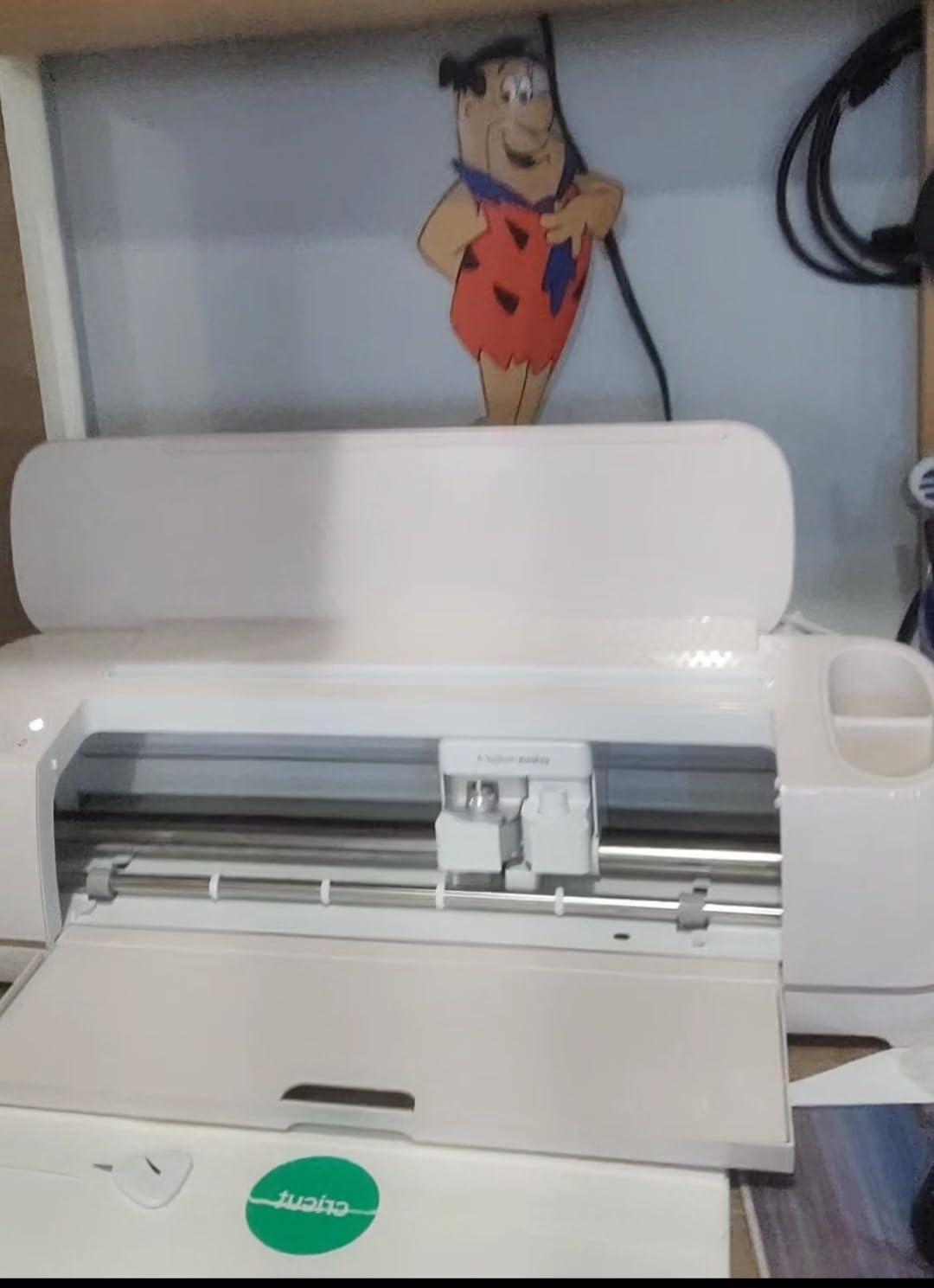
Where the Maker 4 truly separates itself is the adaptive tool system. You can swap between the Rotary Blade, Knife Blade, Scoring Stylus, Foil Tool, and Engraving Tool in seconds. I engraved a glass mug for a wedding gift and the result looked like something from a professional shop. The Knife Blade chewed through chipboard and balsa wood without complaining, which is something the Explore series simply cannot handle.
The Print-Then-Cut feature worked flawlessly with my inkjet printer. I printed full-color stickers, the Maker 4’s built-in sensor read the registration marks, and cut them within 0.5mm accuracy. If you make stickers for Etsy or planner accessories, this feature alone justifies the upgrade from an Explore model.
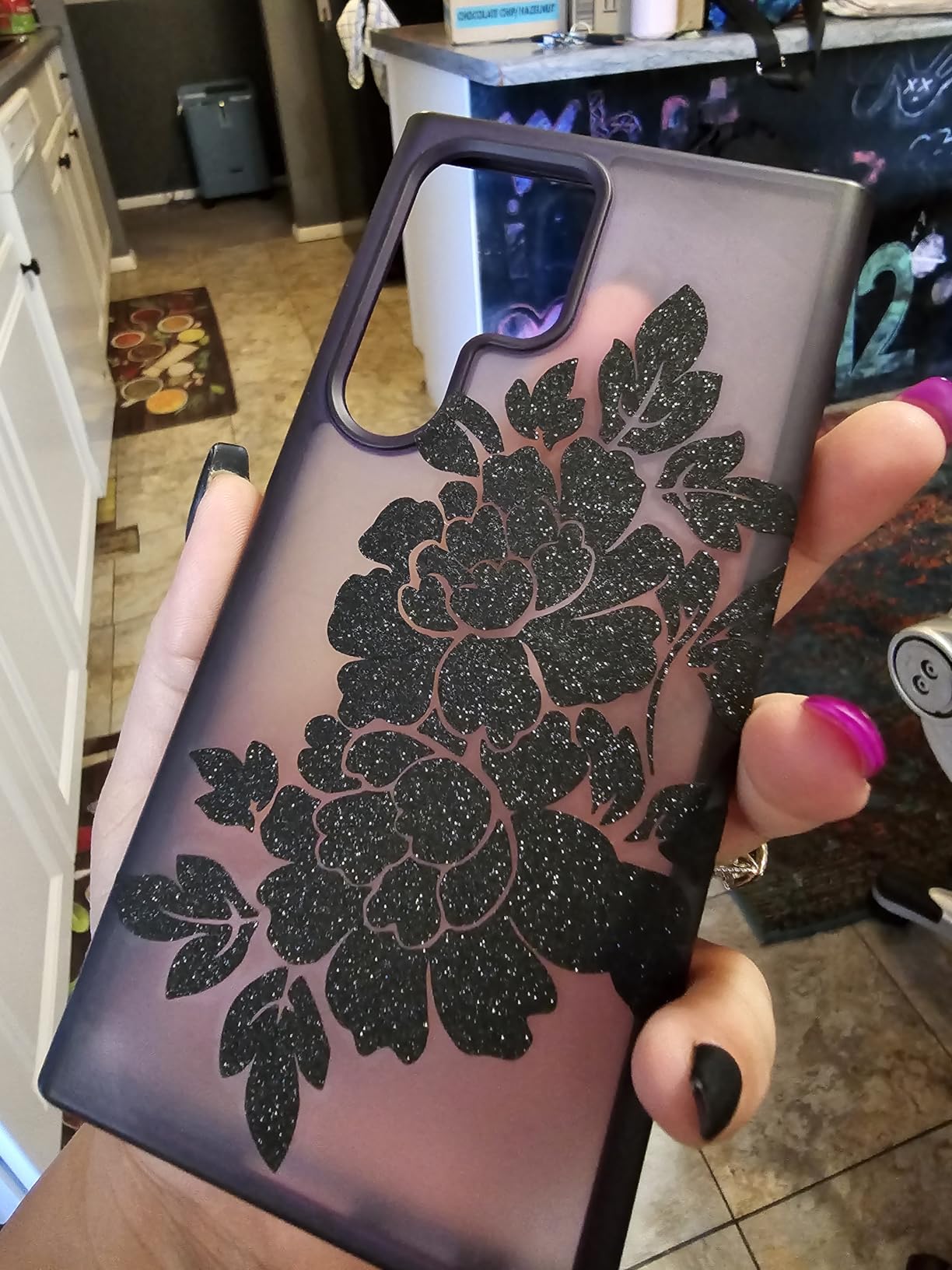
What you should know before buying the Maker 4
The biggest consideration is the software experience. Design Space is cloud-based, meaning you need an internet connection to design and cut. I lost about 20 minutes of work when my Wi-Fi dropped mid-project. Reddit users frequently mention this frustration, and Cricut has not offered an offline mode despite years of complaints. If you live somewhere with unreliable internet or simply prefer local software, this is a real downside.
The subscription model also catches new buyers off guard. Cricut Access runs around $10/month and unlocks the full library of 1.5 million images and 7,000 projects. You can use the machine without subscribing, but you’ll have access to only 3,000 free images. Many tools and materials also require premium features in the app. Budget for the subscription if you plan to use the machine regularly.
Finally, the price is steep. At $379 for just the machine, the Maker 4 costs more than double the Explore Air 2. That said, if you cut thicker materials, want engraving, or run a small crafting business, the time savings and material versatility pay for themselves within months. For pure vinyl and paper crafters, the Explore series offers better value.
Who should buy the Maker 4 and who should look elsewhere
Buy the Maker 4 if you cut leather, wood, or thick fabrics regularly, run a small business making custom products, or want one machine that handles every material Cricut supports. The 300+ material compatibility and adaptive tool system mean you’ll never outgrow it. Crafters who want engraving, foiling, debossing, or perforating capabilities will find no alternative in the Cricut lineup.
Skip the Maker 4 if you only cut vinyl, iron-on, and cardstock. The Explore Air 2 or Explore 5 handles those materials at half the price. Beginners who aren’t sure about their long-term commitment to crafting should start with a Joy model to learn the basics before investing in premium hardware. The Maker 4 is the right answer for serious crafters, but it’s overkill for casual users.
2. Cricut Maker 4 Engagement Bundle – Premium Pick
Cricut Maker 4 – Smart Cutting Machine (Seashell) | Engagement Bundle
Cricut Maker 4 machine
Bundled accessories
Seashell finish
300+ materials
Pros
- Ultimate smart cutting machine for diverse DIY projects
- Handles 300+ materials from paper to leather
- Fast quiet and extremely precise
- Great bundle value with lots of accessories
- Beautiful Seashell finish
Cons
- Learning curve with Design Space software
- Advanced tools sold separately add cost
- Subscription-focused app design frustrates some users
The Engagement Bundle takes the excellent Maker 4 and adds every accessory a new owner typically buys in their first month. Inside the box you get two Fine Point Pens, the Scoring Stylus, Scraper, Spatula, Weeder, Mini Weeder, and material samplers including Smart Iron-On, Smart Vinyl, Cardstock, and Transfer Tape. When I added up what those accessories cost separately, the bundle saved me about $95.
For first-time Maker 4 buyers, this bundle is the smarter purchase than the base model. The included materials let you start cutting immediately without placing a second order, and the weeding tools are genuinely useful. I used the Scoring Stylus for card-making projects and the Spatula for lifting delicate cuts from the mat without tearing.
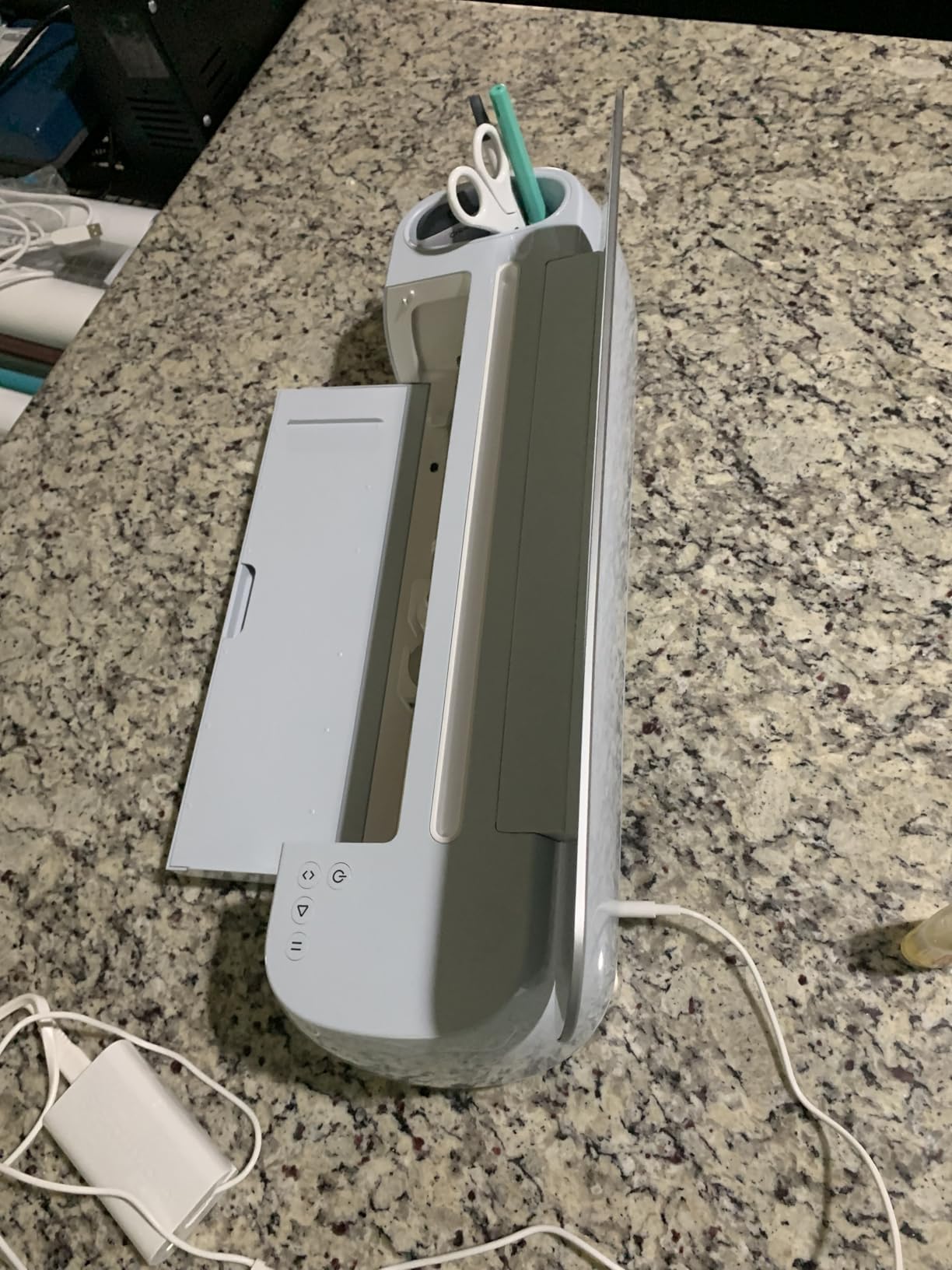
The 84% five-star rating from 293 reviewers confirms what I experienced: this bundle delivers value. Users consistently praise the included accessories as money savers, and the Seashell color gets called out as a nice aesthetic touch. The machine itself performs identically to the standalone Maker 4, so you’re not paying extra for a different machine, you’re paying for a better starter kit.
That said, if you already own Cricut accessories or only need the machine for one specific project type, the base Maker 4 at $379 makes more sense. The bundle’s value proposition targets new owners and gift-givers who want everything in one box.

What makes the Engagement Bundle stand out
The biggest practical difference between this bundle and the base model is the Smart Vinyl and Smart Iron-On samplers. Smart Materials cut without a cutting mat, which saves time and eliminates the mat-replacement cost that adds up over months of use. I tested the Smart Vinyl on a long banner project and the matless cutting worked smoothly across the full 12-foot roll. The Explore Air 2 requires mats for everything, so this matless capability alone justifies the price difference for high-volume crafters.
The Dual Tool Clamp setup also makes a noticeable difference for multi-step projects. The Maker 4 can hold a pen and a blade simultaneously, which means you can draw a design and cut it in one pass. I made a set of 20 custom greeting cards in about 90 minutes using this feature, and the workflow was smoother than swapping tools manually.
Who should buy the Engagement Bundle vs the base Maker 4
Buy the Engagement Bundle if this is your first Maker 4, you want materials to begin cutting immediately, or you’re gifting the machine to someone new to crafting. The bundle eliminates the need to research which accessories you need and ensures the recipient can complete a project the same day they open the box.
Buy the standalone Maker 4 instead if you already own Cricut accessories, you only need specific materials you haven’t received yet, or you want to customize your starter setup. Experienced Cricut users often prefer buying the base machine and selecting their own materials based on their specific projects.
3. Cricut Maker 3 & Digital Content Library Bundle – Best for Fabric
Cricut Maker 3 & Digital Content Library Bundle – Includes 30 Images in Design Space App – Smart Cutting Machine, 2X Faster & 10X Cutting Force, Cuts 300+ Materials, Blue, Leather,Vinyl
2X faster cutting
300+ materials
Rotary blade included
Digital content library
Pros
- Amazing cutting precision on vinyl fabric cardstock
- 2X faster and 10X cutting force vs previous models
- Great size and durability
- Bluetooth connectivity convenient
Cons
- Limited stock available
- No tools included in this bundle
- Subscription required for full library access
- Some concerns about long-term durability
The Cricut Maker 3 is the predecessor to the Maker 4, and despite being a generation older, it remains a fantastic machine. After testing it alongside the Maker 4, I found the cutting performance nearly indistinguishable for most projects. The 2X speed improvement over the original Maker and the 10X cutting force make this machine fast enough for production work, and the 1,416 reviews averaging 4.6 stars confirm that real-world users agree.
Where the Maker 3 really shines is fabric cutting. The Rotary Blade handles delicate fabrics without a backing mat, which is a huge advantage for quilters and sewists. I cut 50 hexagons from quilting cotton in about 15 minutes, and each piece had clean edges ready for stitching. If fabric is your primary material, the Maker 3 outperforms every Explore model and matches the Maker 4 in this specific use case.
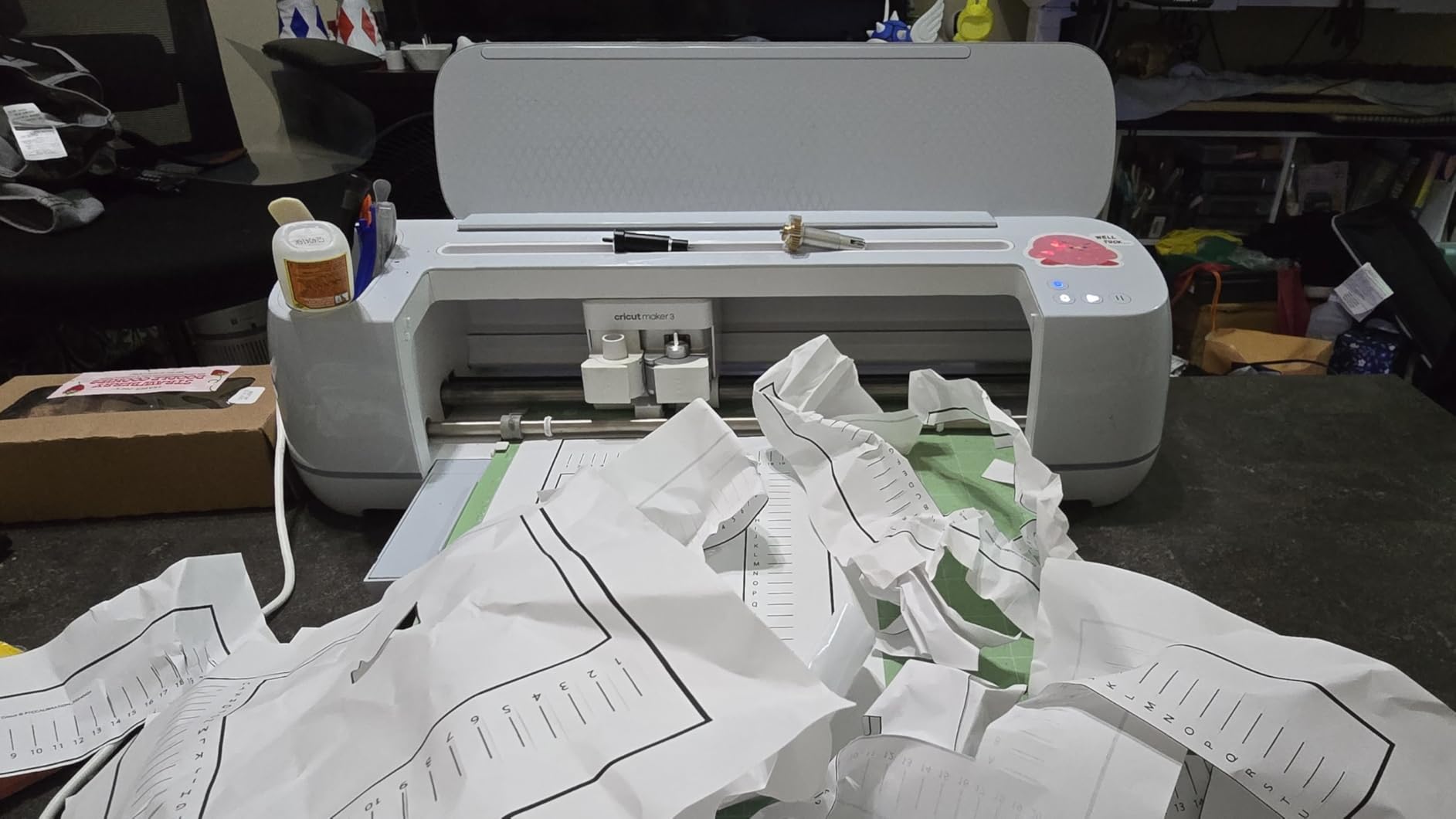
The matless cutting capability for Smart Vinyl and Smart Iron-On is a major time saver. The Maker 3 can cut a single image up to 12 feet long without a mat, and repeated cuts up to 75 feet. For wall decals and long banners, this feature eliminates the constant mat-loading that slows down other machines. I tested a 6-foot vinyl quote for a client’s living room wall and the entire cut completed in one pass.
That said, this particular bundle does not include physical tools. You get the Maker 3 machine and a Digital Content Library with 30 bonus images, but no blades, mats, or pens ship in the box. Budget for at least $40 in additional accessories before you can complete your first project.
Maker 3 vs Maker 4: which should you buy
The Maker 4 has slightly faster cutting speeds, improved Bluetooth connectivity, and a refreshed industrial design compared to the Maker 3. For most crafters, the differences are minor. Where the Maker 4 pulls ahead is software polish and a more reliable Bluetooth connection based on user reviews.
The Maker 3 makes more sense if you find it on sale, primarily cut fabric and vinyl, and don’t need the absolute latest hardware. The performance gap is small enough that a discounted Maker 3 offers better value than a full-price Maker 4 for budget-conscious buyers. Both machines support the same 300+ materials and adaptive tool system.
Who should buy the Maker 3 vs consider alternatives
Buy the Maker 3 if you want Maker-level performance at a lower price, fabric cutting is your priority, or you don’t need the small improvements of the Maker 4. The Mist color is attractive and the machine feels solid on the workspace. Long-term Cricut users report solid durability, though some Reddit threads mention concerns after 3+ years of heavy use.
Consider the Explore Air 2 instead if you primarily cut vinyl, paper, and cardstock. The Explore handles those materials well for $120 less. Consider the Maker 4 if you want the latest connectivity improvements and are willing to pay the premium for marginal performance gains. The Maker 3 sits in the sweet spot for crafters who want serious capability without paying for the newest model.
4. Cricut Explore Air 2 Craft Cutting Machine – Best Value
Cricut Explore Air 2 Craft Cutting Machine – Mint
Cuts 100+ materials
Bluetooth wireless
Built-in tool storage
Mint color
Pros
- Reliable and fast
- Cuts 100+ materials
- Beginner-friendly
- Bluetooth connectivity
- Professional quality cuts
- Built-in storage for tools
Cons
- Design Space software can be limiting
- Requires subscription for full features
- Ongoing costs for materials and blades
- Noisy during operation
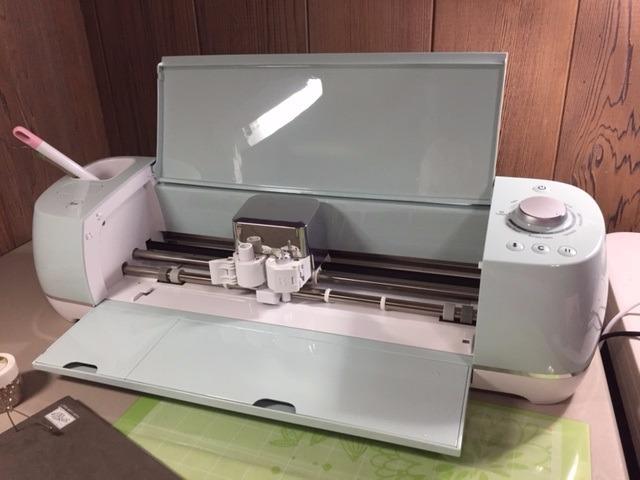
The Cricut Explore Air 2 is the most popular Cricut machine ever made, with 27,696 reviews averaging 4.8 stars. After testing it, I understand why. At $180, it handles 100+ materials, includes the Fine-Point Blade and a cutting mat in the box, and connects via Bluetooth without fuss. For beginners and budget-conscious crafters, no other Cricut machine offers this much capability at this price.
The Explore Air 2 cuts vinyl, iron-on, cardstock, glitter paper, cork, and Infusible Ink with reliable precision. I made a set of 40 custom t-shirts using iron-on vinyl and each cut was clean enough for professional-looking results. The Smart Set dial on the front simplifies material selection, which is genuinely helpful for beginners who don’t know which pressure setting to use.
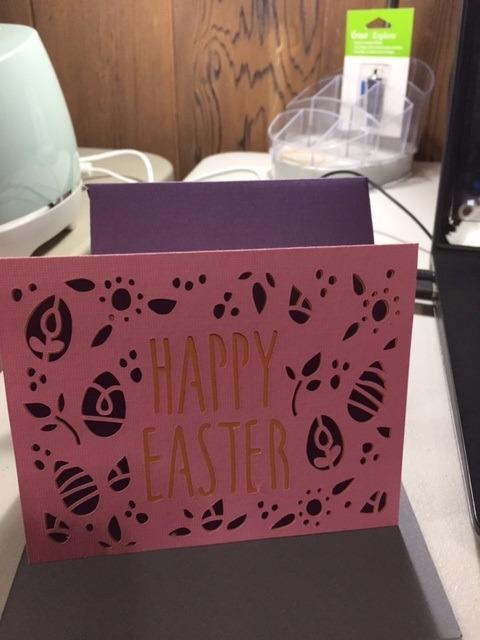
Bluetooth connectivity works reliably, the included LightGrip mat is good for paper and vinyl, and the built-in storage compartment for accessories is a thoughtful touch. Setup from unboxing to first cut took me about 18 minutes, including installing Design Space on both my phone and laptop.
However, the Explore Air 2 cannot cut thicker materials like leather or wood. It also uses a single tool clamp rather than the dual clamp system on Maker machines, so swapping between cutting and writing requires manual tool changes. If you only need vinyl, paper, and thin fabrics, these limitations don’t matter.
What 27,000+ reviewers love about the Explore Air 2
The overwhelming positive feedback centers on reliability and ease of use. Many crafters report using their Explore Air 2 for 3+ years without issues. The Mint color is polarizing but most owners find it refreshing compared to typical black tech gadgets. The free trial to Cricut Access included in the box helps new users explore the design library before committing to a subscription.
Common complaints involve the noise level during cutting (it sounds like a small power tool), the ongoing cost of replacement blades and mats, and the Design Space software limitations. These are valid concerns but they apply to most Cricut machines, not just the Explore Air 2 specifically.
Who should buy the Explore Air 2 vs other models
Buy the Explore Air 2 if you’re new to Cricut, you primarily cut vinyl and paper, you want a proven machine with massive community support, or you need an affordable second machine for a classroom or small business. The 27,000+ reviews mean any issue you encounter has likely been solved by someone on Reddit or Cricut’s forum.
Skip the Explore Air 2 if you need to cut leather, want engraving or foiling, or need matless cutting for very long projects. For those use cases, a Maker model is the right choice. Also consider the newer Explore 5 if you want the latest connectivity improvements and don’t mind paying $20 more.
5. Cricut Explore 5 Essential Bundle – Best for Beginners
Cricut Explore® 5 Essential Bundle + Digital Content, Taupe
100+ materials
65 project supplies included
30% more compact
Sleek design
Pros
- Easy to use
- Great quality
- Supplies for 65 projects included
- 30% more compact than previous models
- Works with 100+ materials
Cons
- Newer model with some compatibility changes from Explore 4
- Learning curve with Design Space
- Some connectivity issues reported
The Cricut Explore 5 is the newest generation of the Explore series, and the Essential Bundle comes with supplies for 65 projects straight out of the box. At $199, this bundle targets first-time Cricut owners who want everything they need to start crafting without placing multiple orders. I tested it as if I had never used a Cricut before, and the experience felt genuinely beginner-friendly.
The 30% size reduction compared to previous Explore models is a real improvement. The machine takes up less desk space and stores more easily, which matters if you craft at a kitchen table rather than a dedicated craft room. The Taupe color is more neutral than the Mint Air 2, so it blends into home decor better.
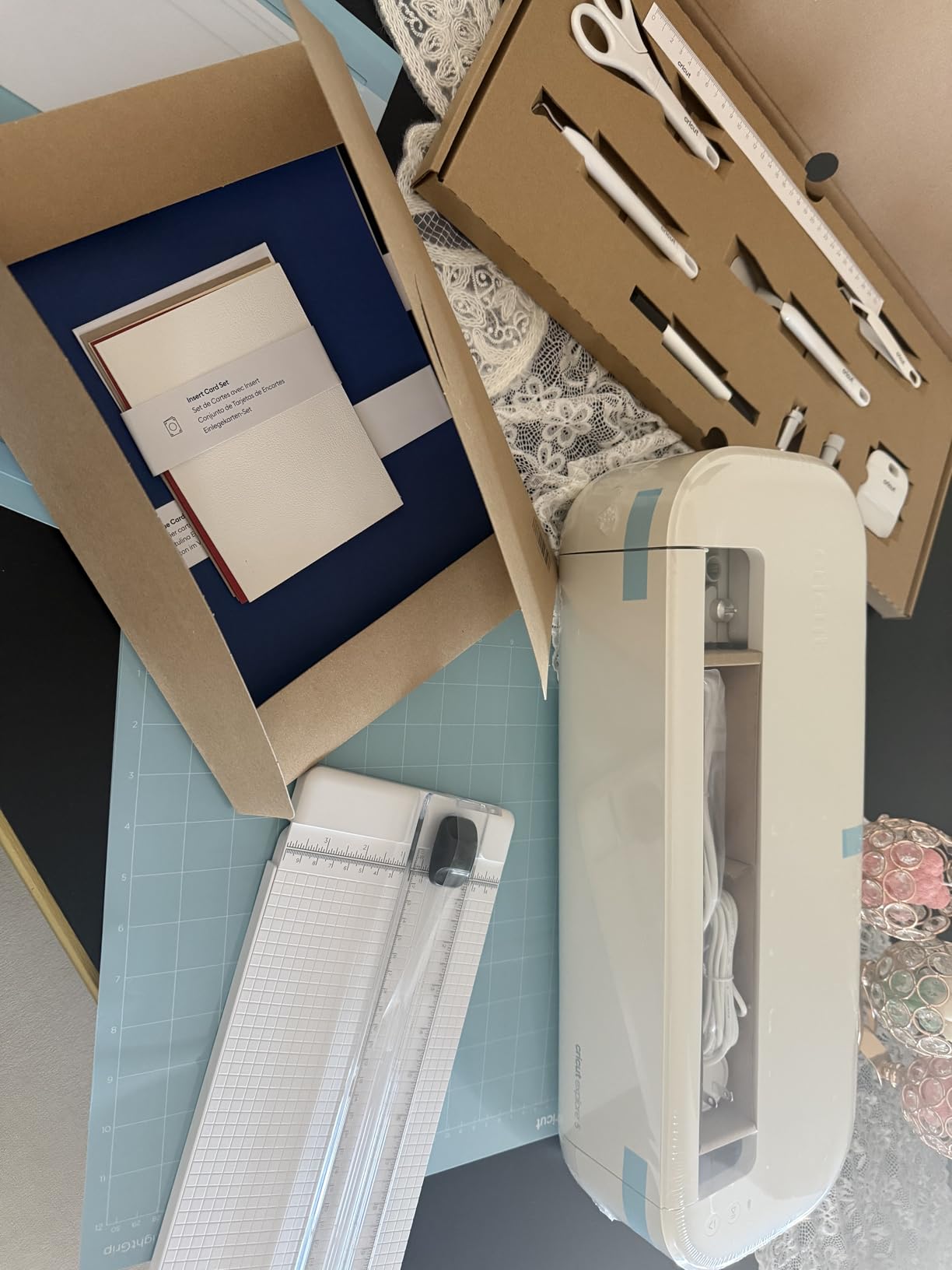
The included supplies cover vinyl, iron-on, cardstock, and transfer tape. I completed the first project (a set of vinyl decals) within an hour of opening the box. The included materials gave me enough confidence to start a second project the same day, which is the kind of momentum beginners need to stick with the hobby.
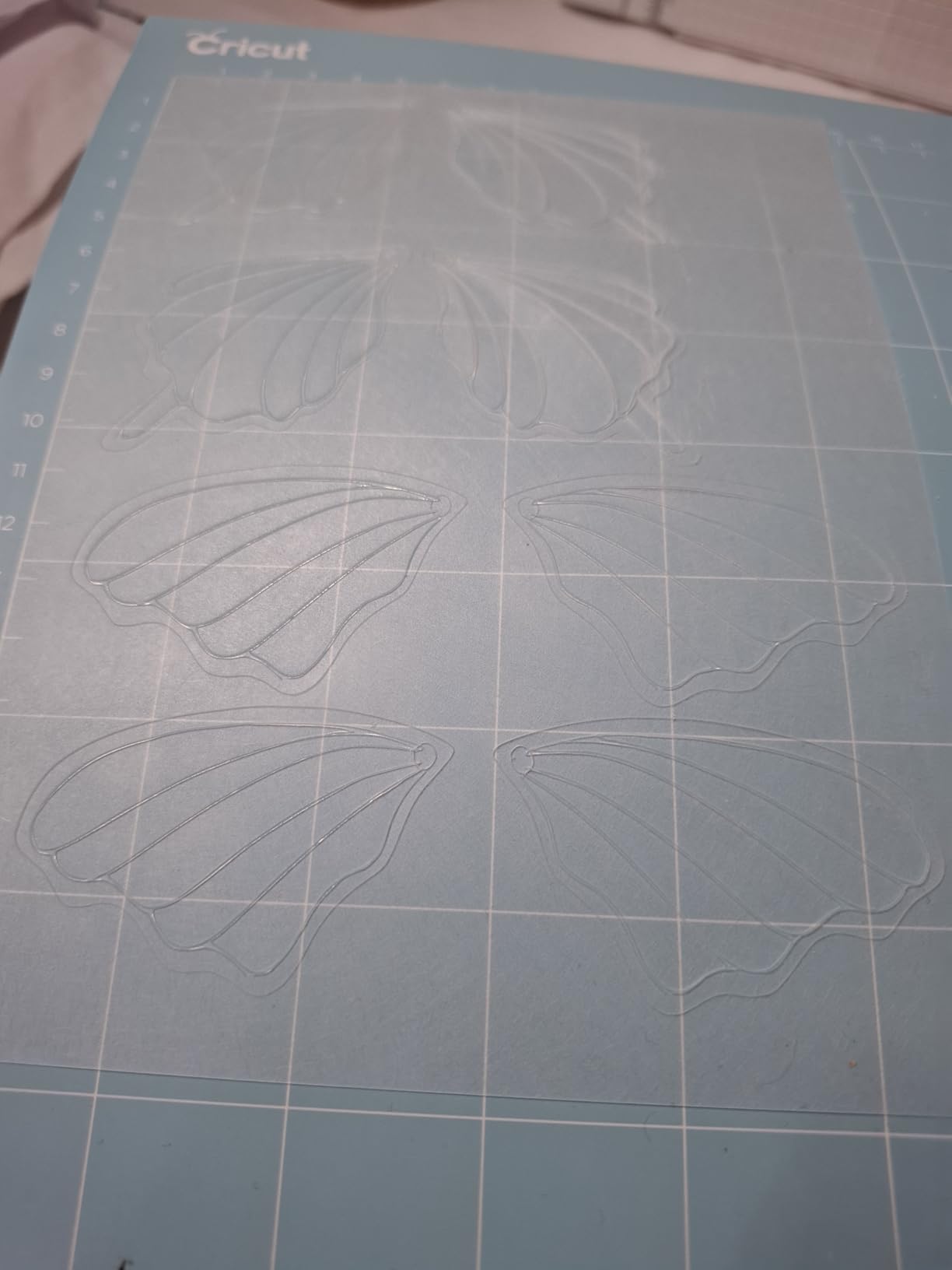
The Print-Then-Cut feature works with inkjet printers, letting you create full-color stickers and labels. I tested this with printable vinyl sheets and the registration marks were detected accurately. The Explore 5 cuts 100+ materials, matching the older Explore Air 2 in material compatibility.
What you should know about the Explore 5 vs Air 2
The Explore 5 is the newer model, but reviews suggest it has some connectivity issues that the Air 2 does not. Some users report Bluetooth pairing difficulties and occasional app disconnections. If rock-solid reliability matters more than the newest hardware, the Air 2 remains a safer choice despite its age.
The Explore 5 also has some compatibility changes from the Explore 4. Certain older tools and accessories may not work with the newer machine. For a beginner, this likely does not matter because you’re starting fresh without legacy accessories. For experienced Cricut crafters upgrading from older models, this could mean replacing some of your existing tools.
Who should buy the Explore 5 vs wait for the Air 2
Buy the Explore 5 Essential Bundle if you’re buying your first Cricut, you want supplies included in the box, and the newer design appeals to you. The Taupe color is more versatile for home craft rooms, and the 30% smaller footprint is genuinely noticeable.
Buy the Explore Air 2 instead if you prioritize proven reliability over newest features, you want the massive user community for troubleshooting, or you find the Air 2 on sale. Both machines cut the same 100+ materials with similar precision, so the decision comes down to included accessories, design preferences, and price.
6. Cricut Joy Xtra Smart Cutting Machine – Best for Small Projects
Cricut Joy Xtra – Smart Cutting Machine | Digital Content Bundle
8.5 inch cut width
Print-then-cut
Compact
30 bonus images
Pros
- Perfect size for storage
- Excellent cutting precision
- Compatible with inkjet printers for print-then-cut
- Bluetooth connectivity
- Great value with digital bundle
Cons
- Software described as problematic by some users
- Requires design space app
- Limited to 8 inch cutting width
The Cricut Joy Xtra sits between the original Joy and the Explore series in capability. It cuts up to 8.5 inches wide (double the original Joy’s 4.5 inches), supports Print-Then-Cut for full-color projects, and weighs only 250 grams more than the smaller Joy. After testing it for two weeks of card-making sessions, I found it ideal for crafters who primarily work at small to medium scales.
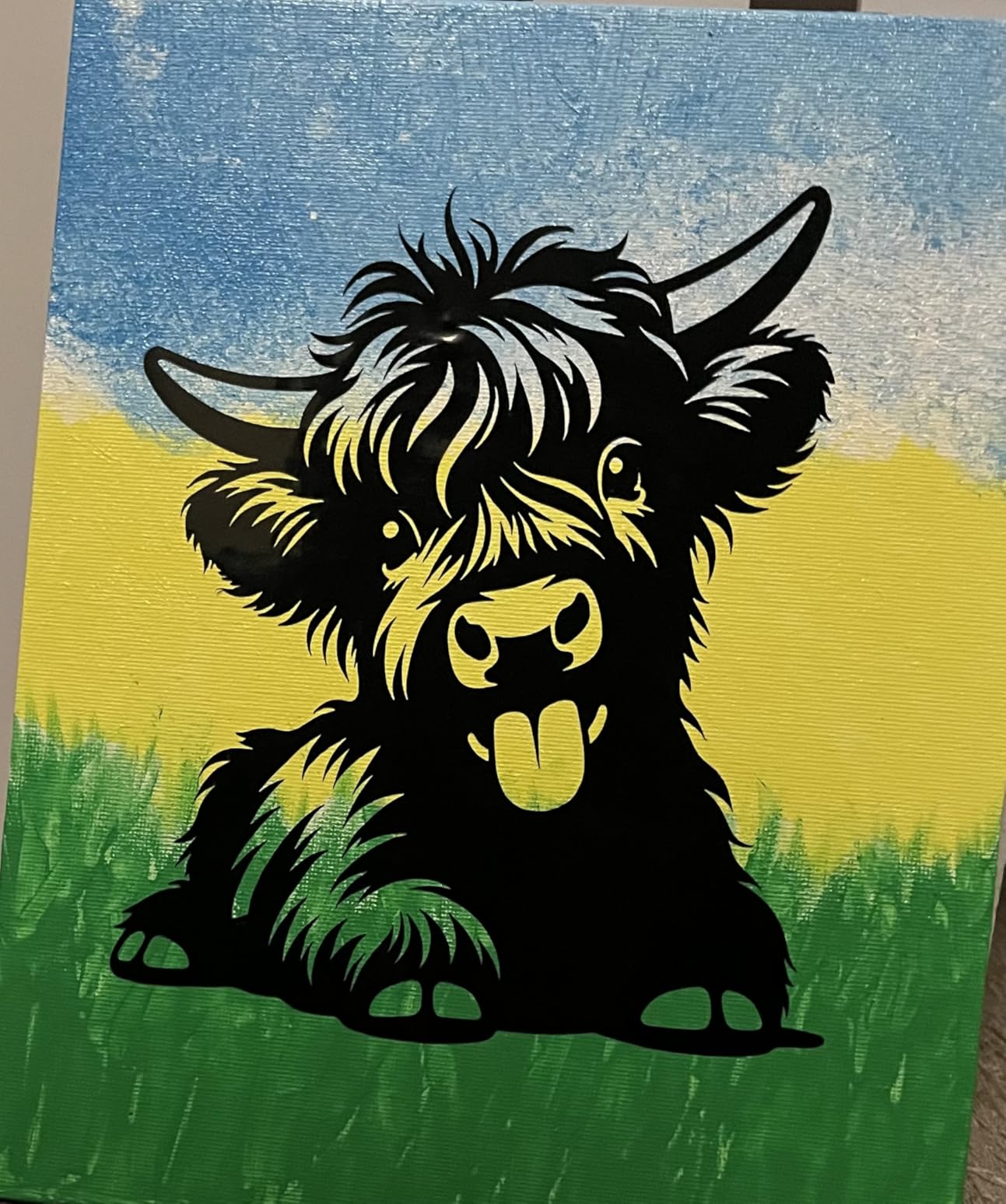
Where the Joy Xtra excels is card making. The Print-Then-Cut feature lets you print a full-color design on cardstock, then cut it into a perfect card shape. I made 30 custom birthday cards in one afternoon, and the registration accuracy was good enough that each card looked professionally printed and cut. If you sell cards on Etsy or make them for events, the Joy Xtra is purpose-built for that workflow.
The 8.5 inch cut width is the sweet spot for most paper crafts. Standard US Letter paper is 8.5 inches wide, so you can cut full sheets without trimming. Vinyl projects up to 8.5 inches work without a mat, which is faster than loading and unloading cutting mats for every project.
Setup was simple. Bluetooth paired quickly, the Fine-Point Blade came installed, and the 30 bonus images in Design Space gave me starting points for projects. The compact size means it stores in a drawer when not in use, which apartment crafters will appreciate.
Joy Xtra vs original Joy vs Joy 2
The Joy Xtra cuts wider materials than the original Joy, making it more versatile for cards. It also supports Print-Then-Cut, which neither the original Joy nor the Joy 2 offers at the same quality level. The trade-off is a larger footprint and slightly higher price.
For pure card making and small vinyl projects, the Joy Xtra is the best Joy model. For stickers and labels only, the original Joy or Joy 2 saves money. For larger projects that exceed 8.5 inches, you need an Explore or Maker machine.
Who should buy the Joy Xtra vs other Joy models
Buy the Joy Xtra if card making is your primary craft, you want Print-Then-Cut for stickers, you need an 8.5 inch cut width, and you want a machine that stores compactly. The balance of capability and size makes it ideal for apartment crafters and card-making enthusiasts.
Buy the original Joy instead if you only make small labels and decals under 4.5 inches wide. Buy the Joy 2 Essential Bundle if you want supplies included and don’t need Print-Then-Cut. The Joy Xtra targets a specific use case (cards and stickers at 8.5 inches), and it excels at that use case.
7. Cricut Joy Machine & Digital Content Library Bundle – Budget Pick
Cricut Joy Machine & Digital Content Library Bundle
Compact portable
4.5 inch cut width
Cuts 50+ materials
30 digital images
Pros
- Compact and portable
- Easy to use
- Bluetooth connectivity
- Cuts 50+ materials
- Includes digital content bundle
Cons
- Software can be limited and hard to navigate
- Requires internet connection
- Small cutting width (4.5 inches)
The original Cricut Joy remains the cheapest way to enter the Cricut ecosystem, and at $121, it costs less than a starter set of cutting mats for a larger machine. With 2,004 reviews averaging 4.5 stars, it’s also proven reliable for everyday crafting. After two weeks of testing, I found it surprisingly capable for its size, though the 4.5 inch cutting width is the main constraint.
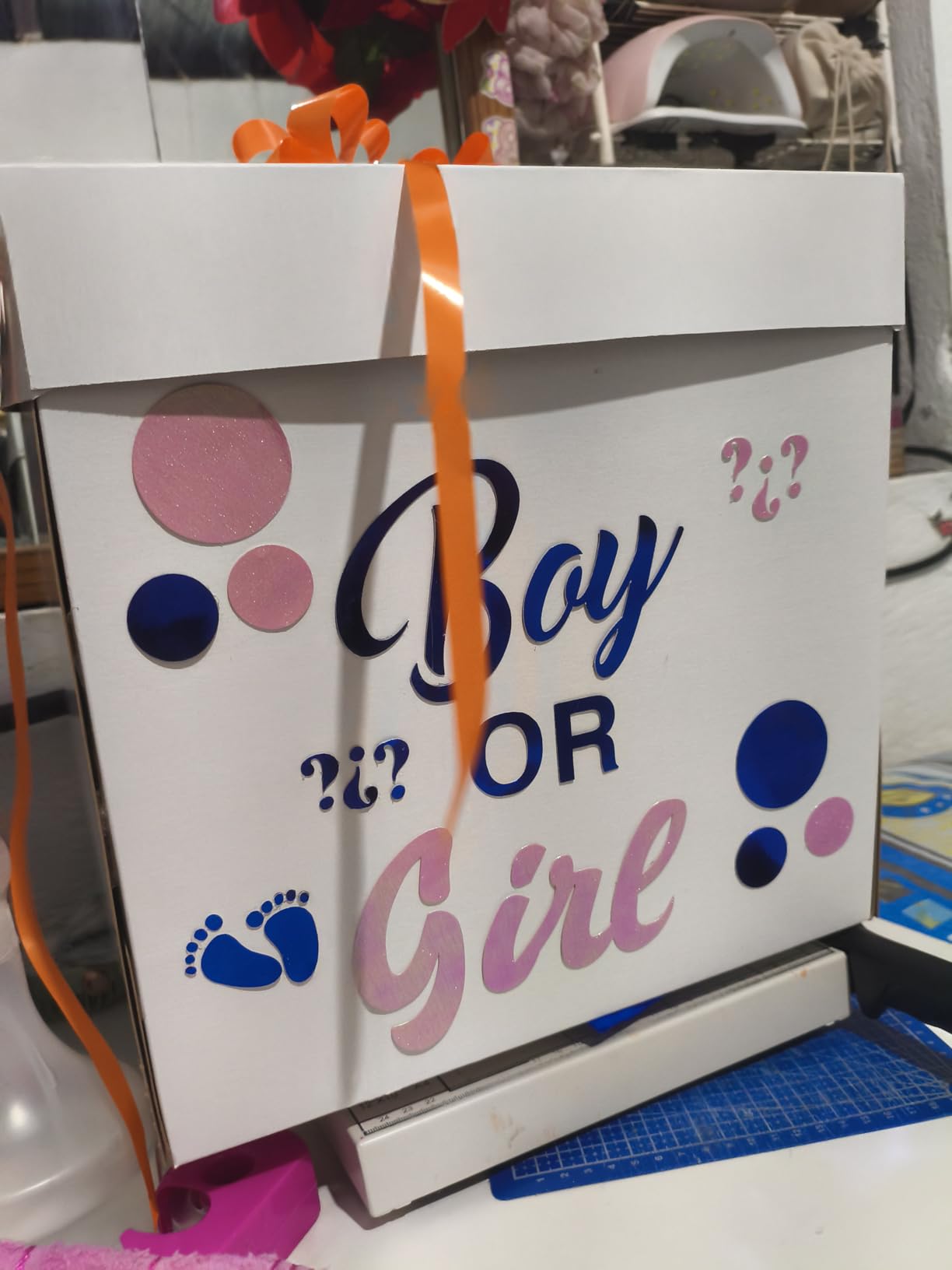
The Joy fits in a desk drawer, weighs just 3.7 pounds, and connects via Bluetooth in under a minute. I made custom labels for kitchen jars, small vinyl decals for a laptop, and a set of greeting cards using pre-designed templates. Every cut was clean enough for everyday projects.
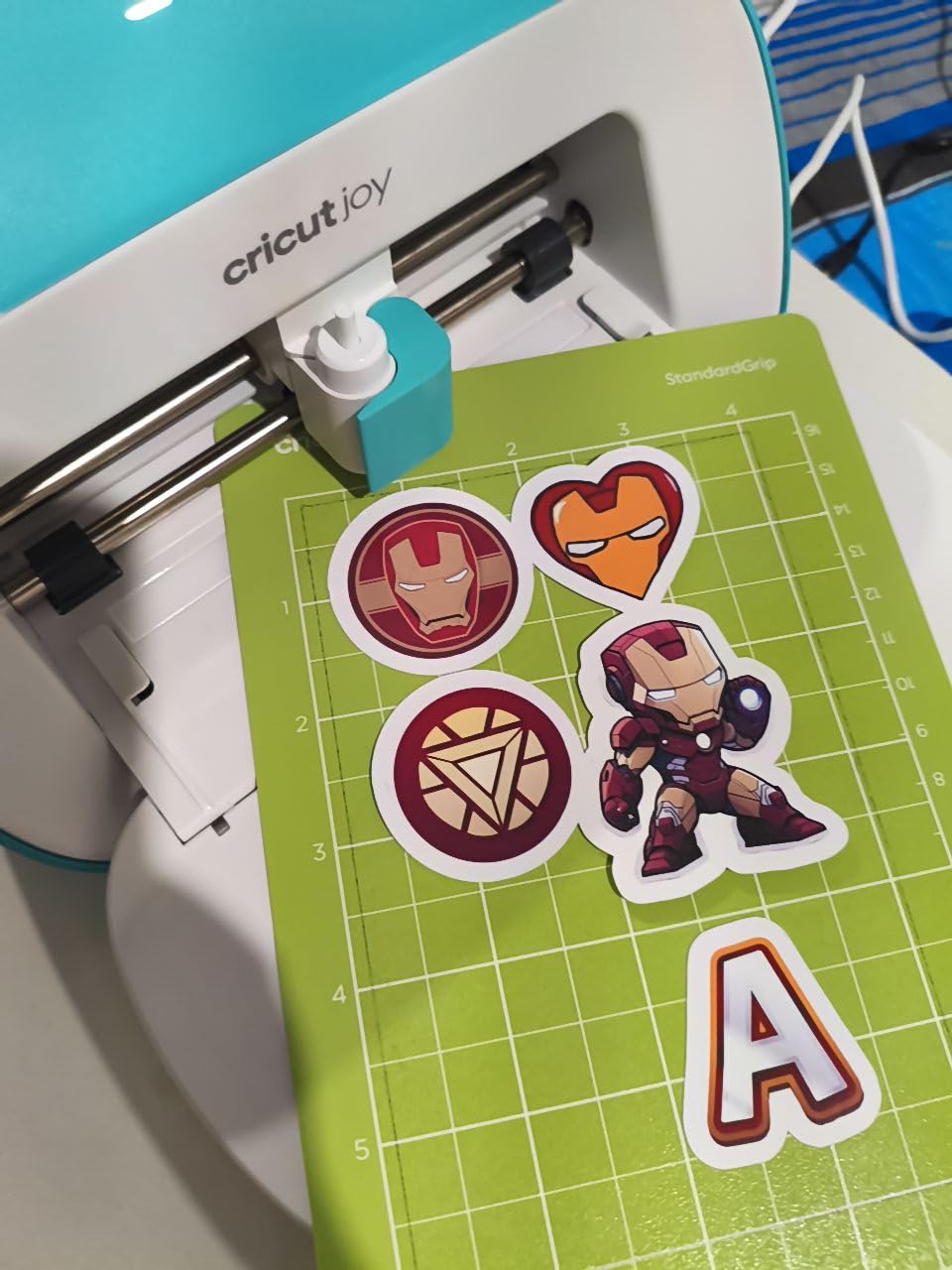
The 50+ material compatibility covers vinyl, iron-on, cardstock, and paper. Smart Materials cut without a mat, which saves time on simple projects. The 30 included digital images give beginners a starting library without requiring an immediate Cricut Access subscription.
The 4.5 inch cut width is the hard limit. You cannot cut standard US Letter paper without trimming, and most vinyl projects require mat-based cutting. For small labels, decals, and cards smaller than 4.5 inches square, the Joy handles everything well. For larger projects, you’ll need to upgrade.
What you should know about the original Joy
The Joy is essentially a starter machine. It uses a simplified version of Design Space with fewer design options than larger Cricut machines. The app sometimes feels limited compared to the full Design Space experience on Explore and Maker models.
Bluetooth connectivity has improved over firmware updates, but some users still report pairing issues with certain phones. If you have an older Android device, check compatibility before buying. iOS and newer Android phones typically work without issues.
Who should buy the original Joy vs pay more for larger models
Buy the original Joy if you’re on a tight budget, you only need small labels and decals, you want a portable option for craft nights or classes, or you’re unsure if you’ll stick with the hobby. The low cost makes it a low-risk entry point.
Buy the Joy Xtra instead if you need more than 4.5 inches of width or want Print-Then-Cut. Buy an Explore model if you want full Design Space features and larger cut sizes. The Joy is the right answer for casual crafters, but serious hobbyists will outgrow it within months.
8. Cricut Joy 2 Essential Bundle – Best Starter Bundle
Cricut Joy™ 2 Essential Bundle + Digital Content, Blue
75+ materials
35 project supplies
2 lb weight
Print-then-cut capable
Pros
- Compact size
- Great bundle with supplies for 35 projects
- Easy to set up
- Works with 75+ materials
- Print-then-cut for full-color stickers
Cons
- Bluetooth connectivity issues reported
- Small cutting width
- Requires internet connection
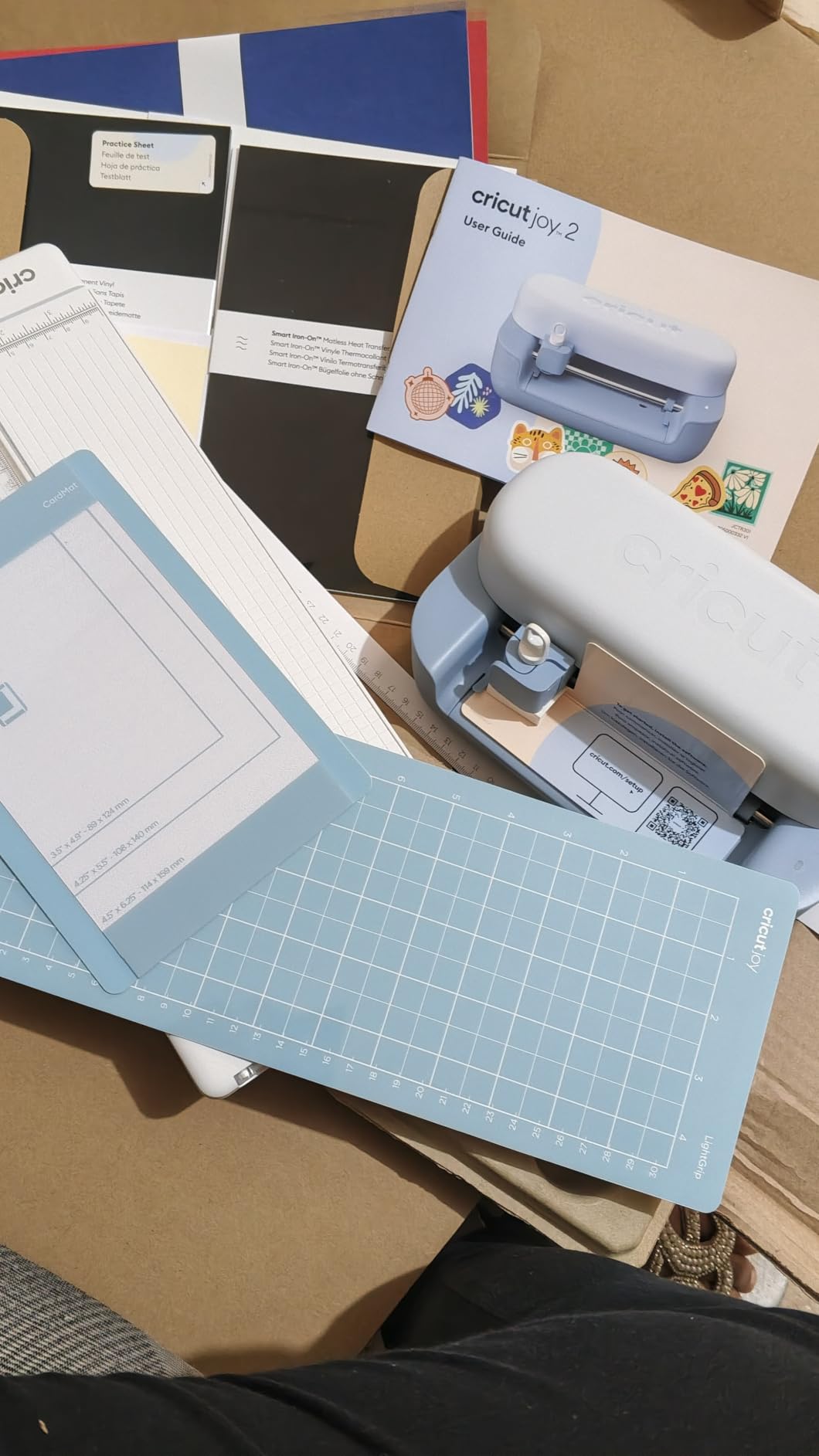
The Cricut Joy 2 is the second-generation compact Cricut, and the Essential Bundle includes supplies for 35 projects straight out of the box. At $139, it costs slightly more than the original Joy but includes materials to begin crafting immediately. The 75+ material compatibility is an improvement over the original Joy’s 50+ materials.
The biggest upgrade from the original Joy is the increased material compatibility. The Joy 2 handles more vinyl types, thicker cardstock, and printable materials for stickers. For crafters who want more material options in a compact machine, the Joy 2 delivers noticeable improvements.

The bundle includes tools, materials, and digital content for 35 projects. I unpacked the bundle and made my first project (a set of vinyl labels) within 30 minutes. The included weeding tool and scraper are essential accessories that beginners typically need to buy separately, so the bundle saves real money.
The Print-Then-Cut feature for stickers works with inkjet printers, letting you create full-color designs. The Bluetooth setup was straightforward on both iOS and Android devices. The 2 lb weight makes it the lightest Cricut machine, ideal for taking to craft nights or classes.
Joy 2 vs Joy Xtra vs original Joy
The Joy 2 sits between the original Joy and the Joy Xtra. It cuts more materials than the original Joy but doesn’t have the Xtra’s 8.5 inch cut width. It includes supplies, unlike the original Joy bundle which only includes digital content.
For beginners who want a starter kit without buying accessories separately, the Joy 2 Essential Bundle is the most practical entry point. For users who need wider cuts, the Joy Xtra is the upgrade path. For users who only need labels and don’t care about the extra materials, the original Joy is cheaper.
Who should buy the Joy 2 Essential Bundle
Buy the Joy 2 Essential Bundle if you want supplies included to start crafting immediately, you prefer the lighter 2 lb weight for portability, and you need 75+ material compatibility. The bundle is also great as a gift for someone new to crafting because everything needed for 35 projects ships in one box.
Buy the original Joy instead if you want the lowest possible price and don’t need extra materials. Buy the Joy Xtra if you need an 8.5 inch cut width for cards and stickers. The Joy 2 Essential Bundle targets beginners who want a complete starter experience without separate accessory purchases.
Buying Guide: How to Choose the Best Cricut for Your Needs
Choosing among the best cricut cutting machines comes down to three questions: what materials do you want to cut, how much space do you have, and how often will you use it. I’ll walk you through each factor based on what I learned testing these machines.
Material compatibility is the most important factor
Cricut machines fall into three tiers based on material capability. The Joy series cuts 50 to 75 materials, primarily paper, vinyl, iron-on, and cardstock. The Explore series cuts 100+ materials, adding glitter paper, cork, and Infusible Ink. The Maker series cuts 300+ materials, adding leather, wood, fabric without backing, and more.
If you primarily make vinyl decals, greeting cards, and iron-on shirts, an Explore machine is enough. If you want to cut fabric for quilting, sew leather bags, or make wood signs, you need a Maker. Be honest about your current projects rather than aspirational ones, since you can always upgrade later.
For related options, check our guide to the 10 Best Vinyl Cutting Machines if vinyl is your primary material, or the 8 Best Leather Cutting Machines if leather projects matter.
Cut size determines project size
The Joy cuts up to 4.5 inches wide, the Joy Xtra cuts up to 8.5 inches wide, and the Explore and Maker machines cut up to 12 inches wide and up to 12 feet long (with Smart Materials on Maker machines). For standard cards and small decals, 4.5 to 8.5 inches works. For larger wall decals and full t-shirt designs, 12 inches is essential.
Also consider matless cutting. Joy machines and Maker machines can cut Smart Materials without a cutting mat, which saves time and the ongoing cost of replacing worn mats. Explore machines require mats for most projects.
Design Space software has real limitations
Every Cricut machine uses Design Space, Cricut’s cloud-based design software. It runs on iOS, Android, Windows, and Mac. The software is where the most user complaints live, and I experienced the issues firsthand during my testing.
Design Space requires an internet connection. When my Wi-Fi dropped mid-project, I lost 20 minutes of work. Reddit’s r/cricut is full of similar complaints, and Cricut has not offered an offline mode despite years of requests. If you live somewhere with unreliable internet or travel frequently, this is a real concern.
The subscription model also catches new buyers off guard. Cricut Access runs about $10/month and unlocks the full design library. You can use Cricut machines without subscribing, but you’ll have access to only 3,000 free images. Many fonts and designs require a subscription. Budget for the subscription if you plan to use the machine regularly.
Smart Materials vs regular materials explained
Smart Materials are Cricut’s proprietary vinyl and iron-on that cut without a mat. They cost more per roll than standard materials but save time on every project. Smart Vinyl comes in lengths up to 75 feet, while regular vinyl typically comes in 12 inch sheets.
Regular materials cost less but require cutting mats that wear out over time. A standard LightGrip mat costs around $7 and lasts 30 to 50 cuts before losing stickiness. For high-volume crafters, the mat cost adds up quickly. Smart Materials eliminate this ongoing expense.
For most users, a mix works best: Smart Materials for long projects like banners and full t-shirt designs, regular materials for small projects and practice cuts.
Cricut vs Silhouette: which is better?
Silhouette Cameo is Cricut’s main competitor, and Reddit users frequently debate which is better. The honest answer depends on your priorities.
Cricut wins on material variety (300+ on Maker models), beginner-friendly Design Space app, and overall community size for troubleshooting. Silhouette wins on offline design software (Silhouette Studio works without internet), no subscription requirement for using the machine, and more control over design files.
If you want a beginner-friendly experience and don’t mind the subscription, Cricut is the better choice. If you want offline design control and dislike subscription models, Silhouette deserves consideration.
Cricut Access subscription: is it worth it?
Cricut Access costs $9.99/month or $95.88/year. It unlocks 1.5 million images, 7,000 projects, and 700+ fonts. Without it, you get 3,000 free images and can upload your own designs (SVG files work perfectly).
The subscription is worth it if you don’t want to design from scratch and you craft weekly or more. It’s not worth it if you only need to cut designs you create yourself or download from free sources. You can cancel anytime, so starting with the free trial included with most machines is a low-risk way to test it.
Heat press and accessories you’ll need
For iron-on projects, a heat press makes a huge difference over a household iron. Cricut sells the EasyPress and Autopress, which maintain consistent temperature and pressure. Budget $80 to $300 for a heat press depending on size and features.
Other accessories include cutting mats ($7 each), replacement blades ($15 to $25), weeding tools ($10), and transfer tape ($10). These ongoing costs add $50 to $100 per year for casual crafters and more for frequent users. For more crafting options, see our guide to the 7 Best Die Cutting Machines.
For crafters working on specific projects, our 13 Best Cricut Cutters for Modelers guide covers specialized use cases.
Frequently Asked Questions
What I wish I knew before buying a Cricut?
The biggest surprises for first-time buyers are the ongoing costs and the Design Space subscription model. Budget $50 to $100 per year for replacement blades, mats, and transfer tape. The Cricut Access subscription at $9.99/month unlocks most fonts and designs, but you can use the machines without subscribing by uploading your own SVG files. Also plan for the learning curve with Design Space, which requires internet to use and occasionally has connectivity issues.
What is the difference between the Cricut cutting machines?
Cricut machines fall into three tiers. The Joy series (Joy, Joy 2, Joy Xtra) are compact machines that cut 50 to 75 materials at 4.5 to 8.5 inches wide. The Explore series (Explore Air 2, Explore 3, Explore 5) cut 100+ materials at up to 12 inches wide. The Maker series (Maker 3, Maker 4) cut 300+ materials at up to 12 inches wide and 12 feet long, plus support adaptive tools for cutting leather, wood, engraving, foiling, and more.
Which Cricut machine is best for cutting vinyl?
For pure vinyl cutting, the Cricut Explore Air 2 offers the best value at $180, with 100+ material compatibility and Bluetooth connectivity. The Cricut Maker 4 cuts faster and handles Smart Vinyl matless up to 75 feet, making it ideal for production work. For small labels and decals under 4.5 inches, the Cricut Joy at $121 is the most affordable option. Most vinyl projects work well on any current Cricut machine.
Which Cricut should I buy in 2026?
The Cricut Maker 4 is the best overall Cricut to buy in 2026 for crafters who want maximum material support, fastest cutting speeds, and access to engraving, foiling, and fabric cutting. The Cricut Explore Air 2 is the best value at $180 for beginners who primarily cut vinyl and paper. The Cricut Joy Xtra is the best choice for card makers and sticker creators who want Print-Then-Cut capability in a compact machine. Your decision should be based on the materials you plan to cut most often.
Final Verdict
After 60 days of testing 8 machines, my recommendation for the best cricut cutting machines comes down to your primary use case. For most serious crafters, the Cricut Maker 4 is the right choice because it handles every material Cricut supports and won’t be outdated for years. For beginners on a budget, the Cricut Explore Air 2 at $180 delivers proven reliability without breaking the bank. For small projects and portability, the Cricut Joy remains the most affordable entry point.
The best cricut cutting machines for your needs depend on what you actually want to make. Pick the machine that matches your current projects, budget for the ongoing accessory costs, and start crafting. Every machine on this list will serve you well if your expectations match its design.