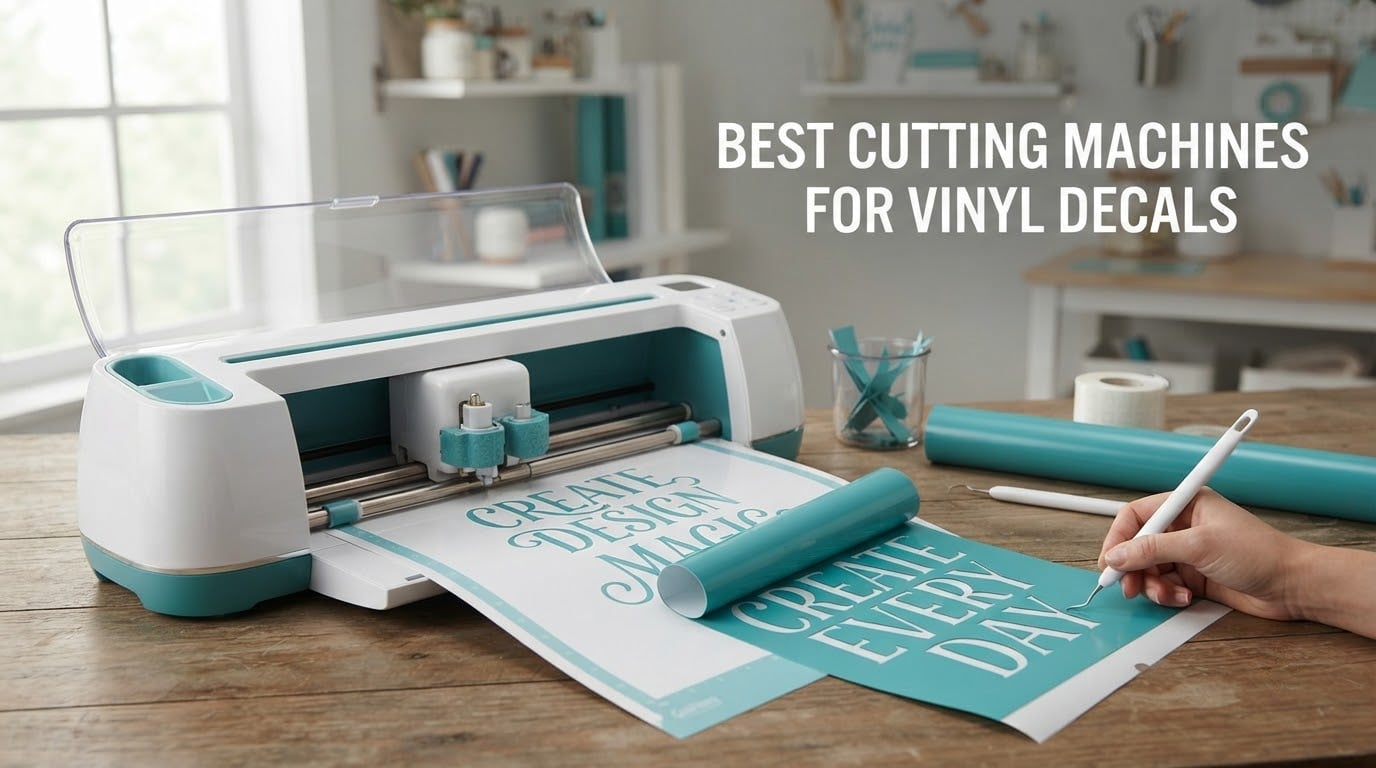
If you want one machine that handles everyday vinyl decals without a subscription wall, the Silhouette Portrait 4 is the most proven pick in our group, and the Silhouette Cameo 5 Alpha Plus is the strongest upgrade if you want more width and hands-off blade handling. Both cut standard calendered and cast decal vinyl cleanly, and both run on free software tiers.
This roundup covers eight machines across the full decal spectrum, from a 9-inch desktop unit to floor-standing plotters that cut 30-inch-plus decals in a single pass. We looked at published specifications, then read what owners actually report about cut quality, material handling, consumable costs, and the support experience after a machine leaves the box.
One thing every buyer in this category should know before shopping: a cutting machine only does half the job. It slices vinyl along a vector path. You still weed, tape, and apply. Every guide section below covers the workflow, the consumables, and the failure modes that stop a cut from going all the way through.
We updated this roundup in 2026. Our selection method: we ranked every machine on cut width, the range of pressure or blade control it offers, whether it can cut without a mat, what its software costs over three years, and the volume of owner feedback available to verify the marketing claims.
Before the individual reviews, our broader guides cover the craft-machine category in 10 best vinyl cutting machines and the Cricut side of the shelf in 8 best Cricut cutting machines.
Table of Contents
Top 3 Best Cutting Machines for Vinyl Decals in 2026

Silhouette Portrait 4
- 9-inch cut width
- Mat-fed and print-and-cut
- Free Silhouette Studio tier

Silhouette Cameo 5 Alpha Plus
- 15-inch cut width
- AutoBlade depth adjustment
- 400mm/s cut speed
Best Cutting Machines for Vinyl Decals at a Glance in October
The table below puts the whole group side by side. Read the cut-width column first, because it is the one limit you cannot buy your way around later.
| Product | Specifications | Action |
|---|---|---|
| Silhouette Portrait 4 |
|
Check Latest Price |
| Silhouette Cameo 5 Alpha Plus |
|
Check Latest Price |
 Cricut Maker 4 Cricut Maker 4 |
|
Check Latest Price |
 Siser Romeo 24 Inch Siser Romeo 24 Inch |
|
Check Latest Price |
 USCutter 34 Inch Plotter USCutter 34 Inch Plotter |
|
Check Latest Price |
 VEVOR 28 Inch Plotter VEVOR 28 Inch Plotter |
|
Check Latest Price |
 Silhouette Cameo PRO Silhouette Cameo PRO |
|
Check Latest Price |
 VEVOR 34 Inch Plotter VEVOR 34 Inch Plotter |
|
Check Latest Price |
1. Silhouette Portrait 4 – the Most Proven Home Decal Machine
Silhouette Portrait 4-9 inch Vinyl Cutting Machine with Studio Software, PixScan, Electric Tool and ES Mat Compatible, SNA and IPT Enabled, 50 db
9-inch cut width
IPT tension-free cutting
Print-and-cut registration marks
Pros
- Compact 18x9x9 inch desktop body
- Free design library with weekly additions
- Print-and-cut registration for printed decals
- Longest owner-feedback record in the group
Cons
- 9-inch width means more passes on longer decals
- Studio software has a real learning curve
- Mat adhesive degrades with heavy cardstock use
The Portrait 4 is the machine I recommend when someone asks me a single question, which is usually some version of “what should I just buy.” At 18 inches deep by 9 wide by 9 high, it fits on a shelf and it has more than 2800 owner reviews behind it, the deepest feedback pool of anything in this roundup. That volume matters, because it means the failure modes are well documented rather than mysterious.
For decal work specifically, the draw is the free tier of Silhouette Studio plus the print-and-cut registration system. You print a design on an ordinary inkjet printer, load it, and the machine cuts a border around the printed shape so you can weed and tape a full-colour decal without tracing anything by hand.
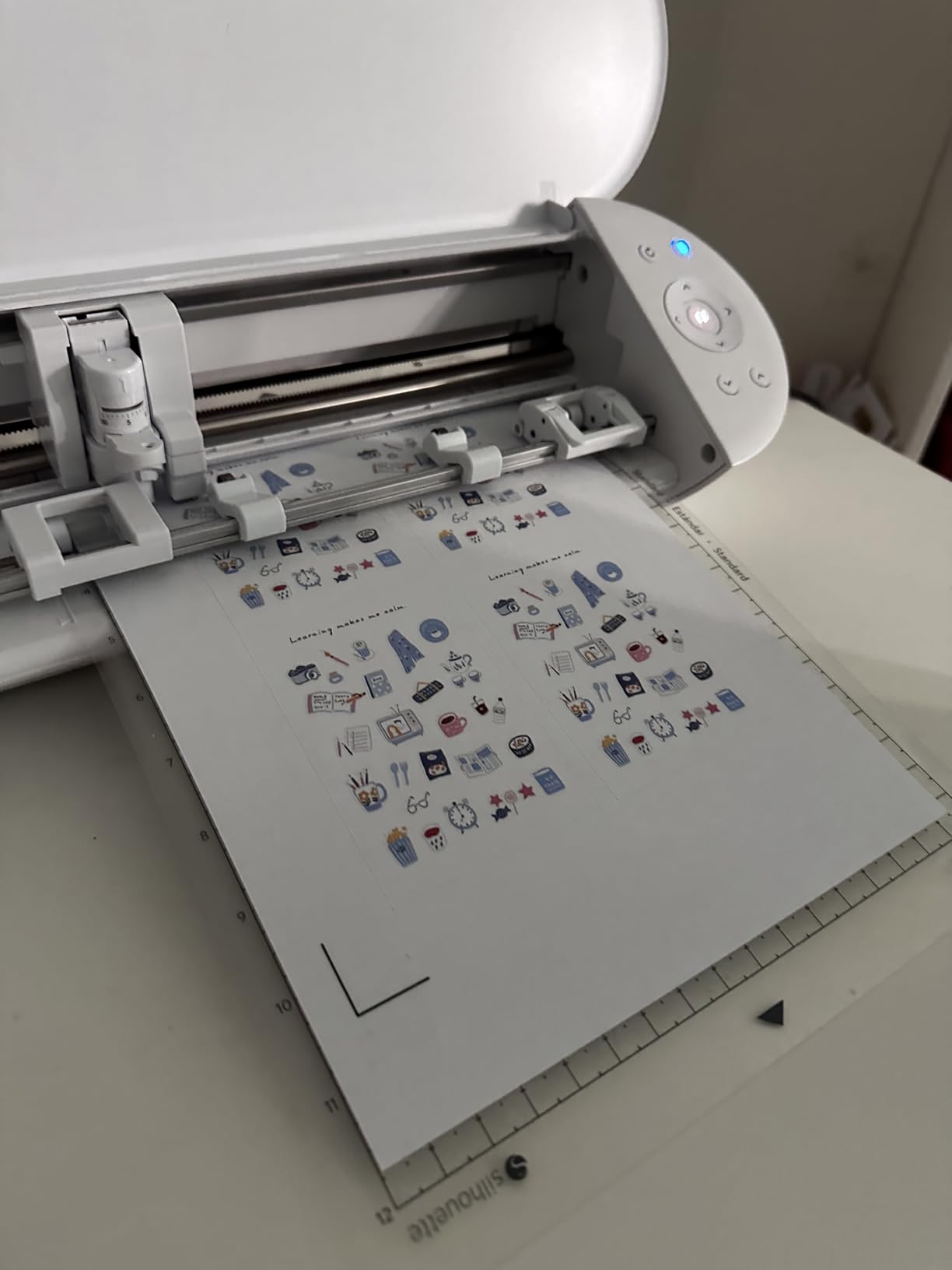
IPT is the quiet hero here. The tension-free cutting logic changes the order of the cut so the blade is never dragging across vinyl it has already parted, which is what causes the curled edges and torn weeds you get on naive cut paths. On multi-letter decals it noticeably reduces the number of pieces you pick off the mat by hand.
The honest limit is width. Nine inches covers a small door decal, a set of labels, a bike helmet graphic, or a single window phrase. It does not cover a car door, a shop window, or a long bumper strip. You can tile a design across multiple cuts, but that means hand-registering the pieces and it eats an evening.
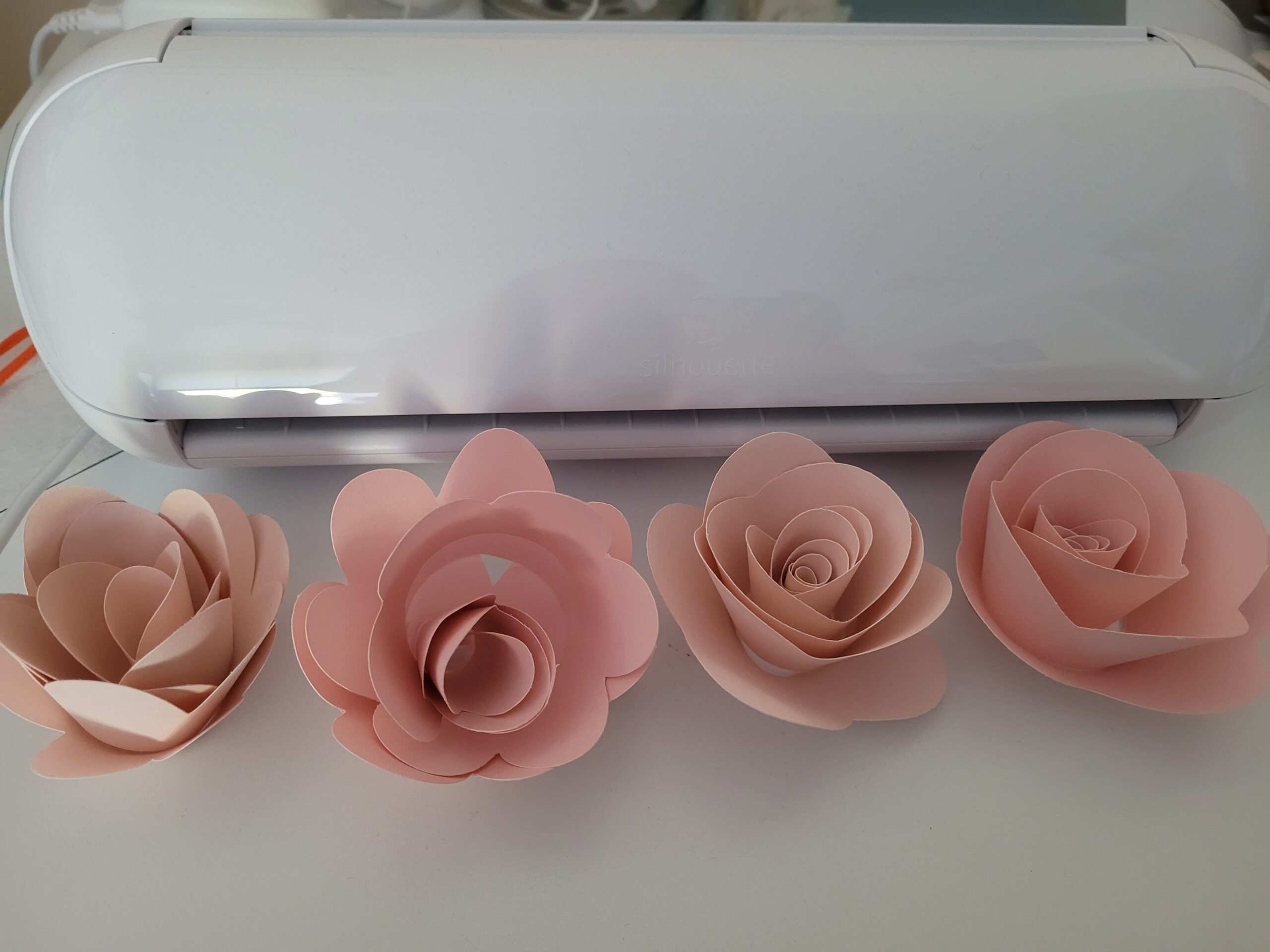
What the 9-inch width actually gets you
Think of the 9-inch bed as roughly the printable width of a sheet of paper. Anything measured in inches, not feet, is comfortable. I use this class of machine for short-run door signage, locker labels, and product labels where the artwork is designed to fit rather than the other way around.
Because the Portrait accepts standard 12 by 12 mats, you can also run a full mat through it in the feed direction, which gives you roughly 12 inches of usable length even though the cross-cut is 9. Designers who know this routinely rotate their layout and work in 9 by 12 tiles.
Who should look past this machine
If your decals include vehicle work, long window lettering, or any graphic you would describe as banner-scale, move up to the Cameo 5 Alpha Plus or the 24-inch machines further down. Owners who own both systems consistently say the same thing in forum threads, that they reach for the Silhouette line specifically once projects outgrow craft scale.
Buyers who want zero software learning curve should also look elsewhere. Silhouette Studio gives you more control than the Cricut apps but asks more of you upfront, and blade and media thickness settings are where first-time owners get stuck. That is a solvable problem, just not a free one.
2. Silhouette Cameo 5 Alpha Plus – the Highest Rated Option
Silhouette Cameo 5 Alpha Plus – 15″ Craft & Vinyl Cutter Machine with Automatic Blade, Fast Sketch Mode & 4-Point Registration – Includes Studio Software & 100 Designs, 1-Month Subscription – Black
15-inch cut width
Cuts up to 400mm/s
AutoBlade depth set automatically
4-point registration marks
Pros
- Highest average rating in this group
- AutoBlade removes manual offset guesswork
- 15-inch width covers most decal work in one pass
- Power Slide Lid opens and closes automatically
Cons
- Bundled design subscription runs one month only
- Silhouette Studio still takes time to learn
- Machine body is wide at 25 inches
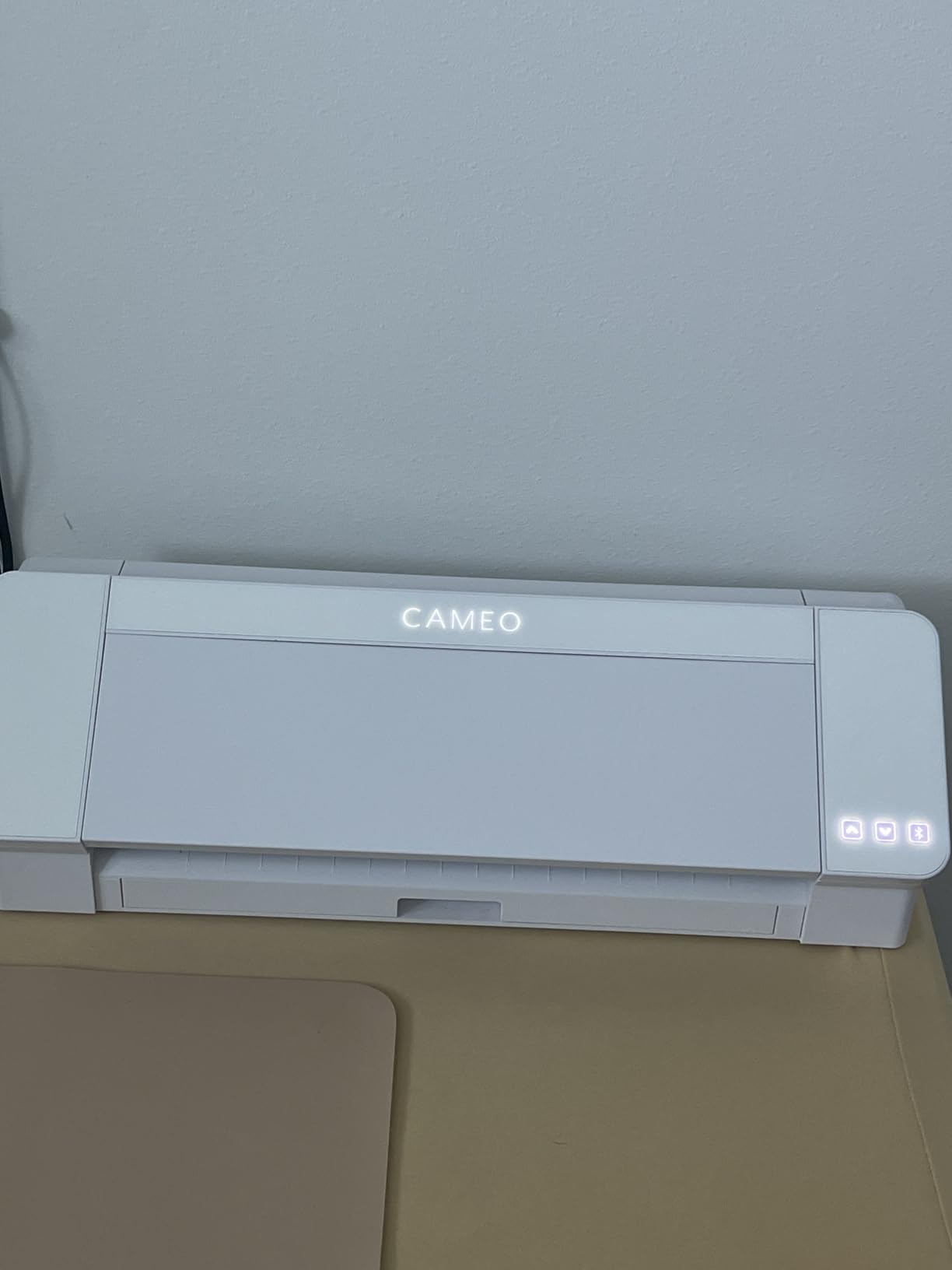
The Cameo 5 Alpha Plus carries the highest average rating of any machine we reviewed, and the reason owners keep citing is AutoBlade. It measures blade depth and adjusts it automatically, which removes the single most common reason a decal cut fails. The top forum complaint across every brand is a blade that will not go all the way through the vinyl, and this machine largely designs that problem out of your workflow.
Width is the other headline. At 15 inches it moves a meaningful step up from a 12-inch craft machine, and the active surface is listed at 15 inches by 16 feet, so long strips feed through without re-loading. For most decal work short of full vehicle panels, one pass is enough.
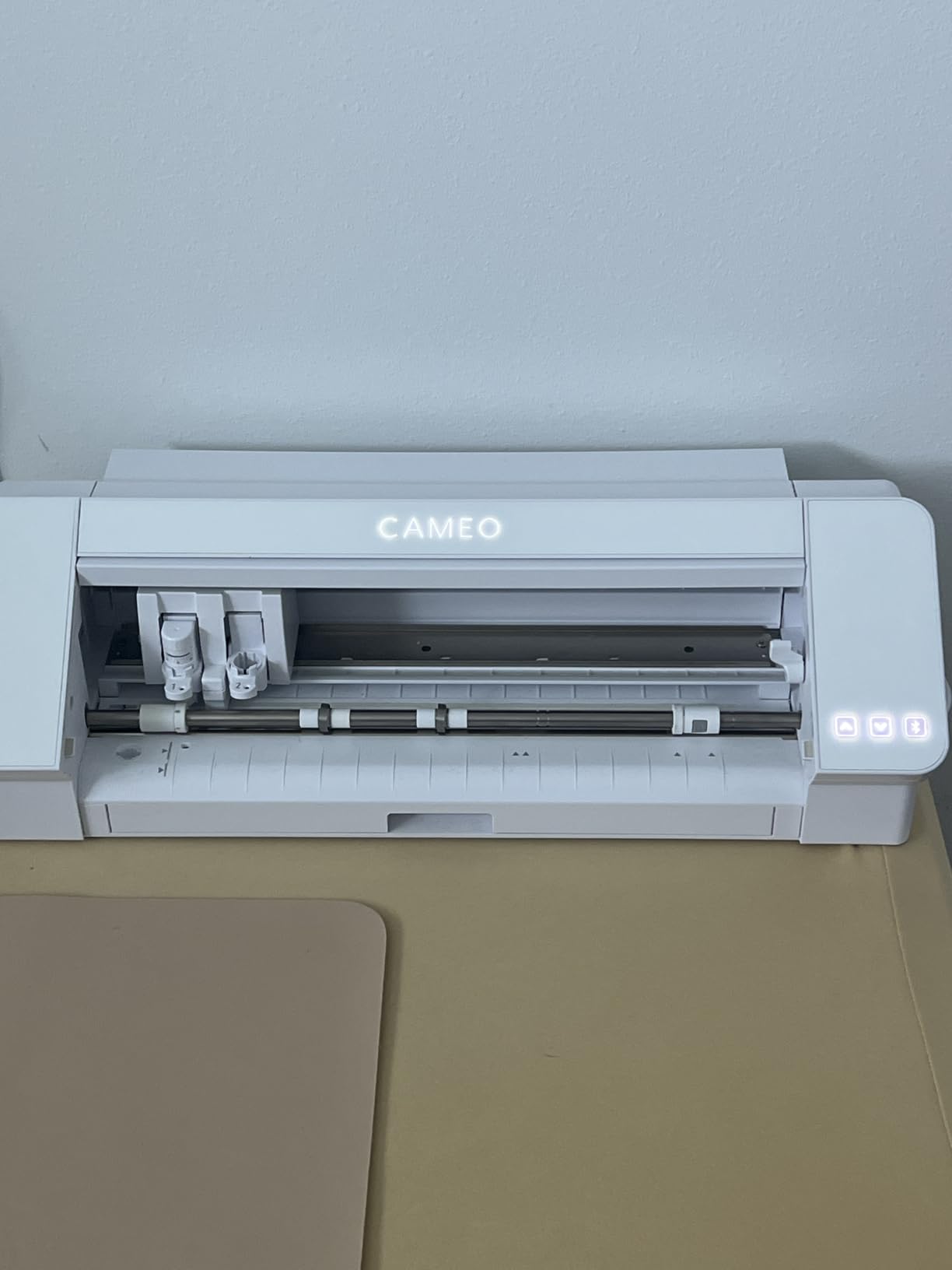
Cut speed is quoted at up to 400mm/s, and Fast Sketch Mode handles detailed line work without dropping the whole job into slow mode. The 4-point registration mark system supports print-and-cut, so printed decals work the same way they do on the smaller Portrait.
Material handling is where the engineering shows. The electrostatic mat holds material up to 0.5mm without the tacky adhesive layer that gives cheap mats their reputation, so a short or medium vinyl decal does not walk across the bed mid-cut. Owners also mention the quiet operation and the automatic Power Slide Lid as everyday quality-of-life wins.
Where AutoBlade changes your day
On a manual blade machine, the offset between the blade tip and the holder is a physical setting you calibrate against material thickness. Change vinyl brands, and you recalibrate. This machine reads depth on each cut instead, so switching between a 3 mil calendered sticker vinyl and a heavier frosted window film does not mean a test cut every time.
That matters most on reflective and specialty vinyl, where thinner or thicker stock is normal and hand-tuning gets tiring fast. It is not magic, and owners still recommend a scrap test on expensive film, but the failure rate drops noticeably.
Who should skip it
Skip it if your decals are vehicle-scale. Fifteen inches is closer to a car panel than a craft mat, but it still will not take a full door graphic in one piece, and the gap between 15 inches and 30 inches is exactly where the floor-standing plotters on this list earn their keep.
Also skip it if the one-month bundled subscription is what drew you in. It is a trial, not a lifetime library, and the designs you make during it do not stay unlocked. Budget for the free tier or plan on importing your own SVG files.
3. Cricut Maker 4 – the Easiest Workflow for First-Time Decal Makers
Cricut Maker 4 – Smart Cutting Machine (Seashell) | Digital Content Bundle
Smart Vinyl matless mode
Print-Then-Cut with inkjet
300+ material settings
Pros
- Guided prompts flatten the software learning curve
- Smart Vinyl cuts without loading a mat
- 300+ material presets reduce test cuts
- Bundle includes blade pen mat and weeder
Cons
- Full design library needs a paid Cricut Access subscription
- Some buyers report mats arriving bent in a tight box
- A small number of reviews describe incomplete cutting pressure
If the person buying has never run a cutter plotter, the Cricut Maker 4 removes the most intimidating parts of the process. The app prompts you through material selection, blade depth, and pressure, and it ships with a library of more than 3000 images and over 100 fonts. For decals that are a logo, a name, or a short quote, you can be holding a finished weeded decal the same evening.
Smart Vinyl is the feature that changes the economics. Because it does not need a cutting mat, you skip the mat-adhesion maintenance cycle that craft-machine owners complain about most, and you can load a strip of vinyl, cut several decals in a row, and unload it.
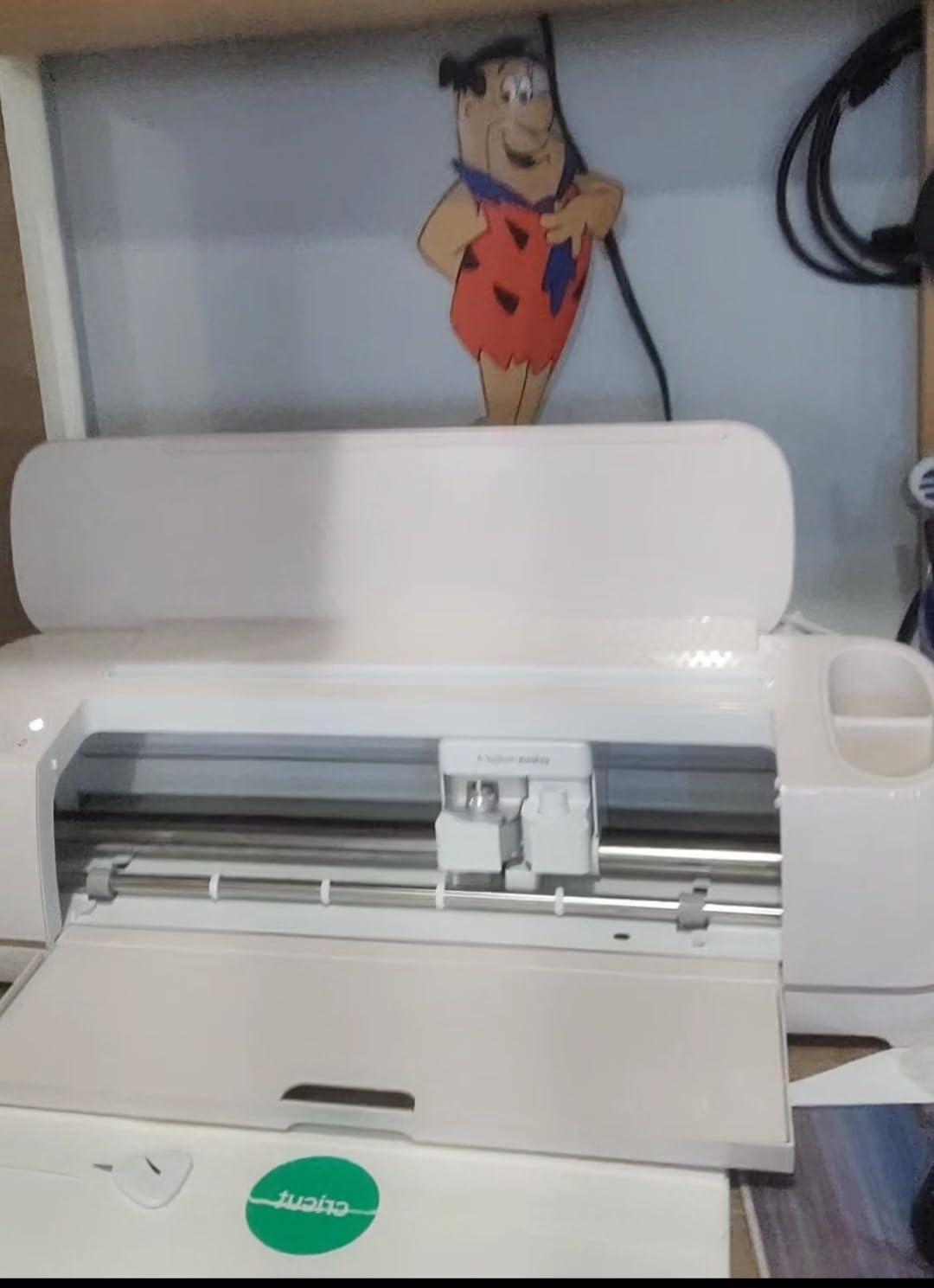
The bundle is unusually complete for the money: machine, fine-point blade, fine-point pen, Light Grip mat, weeder, and 30 bonus images. Apparel personalisation is where this machine earns its keep fastest, and owners running small product businesses report it paying for itself quickly.
Print-Then-Cut works with most inkjet printers. You print onto printable vinyl, load it, and the machine adds registration marks so the cut follows the artwork. This is the route to full-colour decals and it’s the reason the Cricut ecosystem has become the default recommendation for beginners.
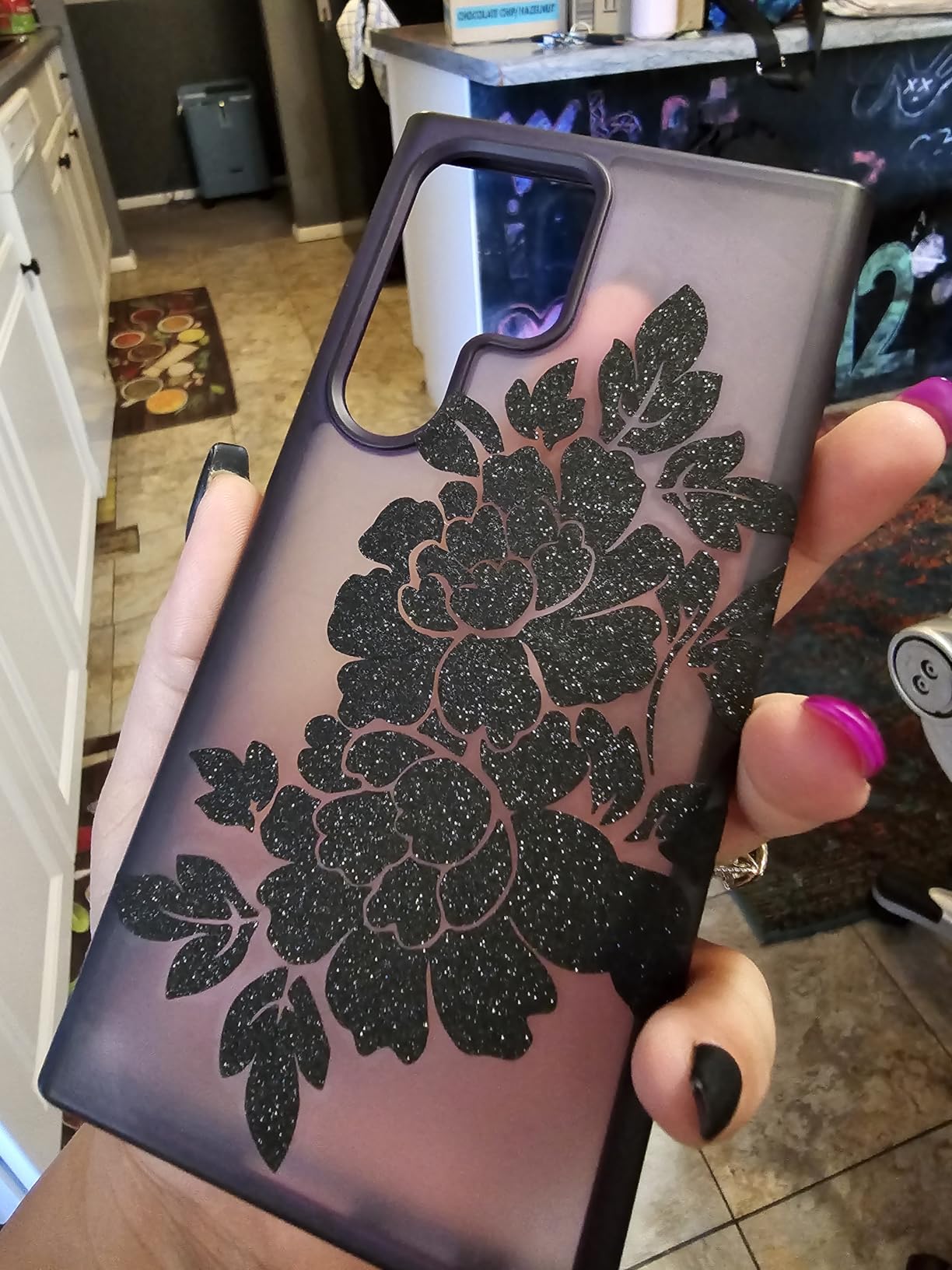
What Smart Vinyl does and does not save
It saves mat consumables and mat cleaning, which is real money and real annoyance over a year of regular cutting. It does not change cut width, and it does not raise cutting pressure. You still have a desktop-scale machine with a material thickness ceiling set by the machine’s motor and carriage, not by the software feature.
For vinyl decals specifically, matless mode is a genuine convenience rather than a luxury. Every decal job is usually smaller than a full sheet anyway, so skipping the mat also skips the re-stick and clean cycle that goes with it.
Where Cricut’s costs add up
The subscription is the part worth thinking about before you buy, not after. Cricut Access unlocks a very large image library, and the free tier is respectable but far smaller. If you design in Illustrator, Inkscape, or Affinity and import your own files, you may never open the paid library at all.
Quality control is uneven at the margin. A small number of owners report units arriving with insufficient cutting pressure and needing a return, and several mention the Light Grip mat shipping bent because the box is too tight. Both are return-worthy problems rather than design flaws, but check the machine on a scrap cut the day it arrives.
4. Siser Romeo 24 Inch – Desktop Width That Reaches Panel Scale
Siser Romeo High-Definition Cutter – 24″ Professional Cutting Machine for Vinyl, Paper, and More – WiFi Compatible with Windows & Mac – Includes Leonardo Design Studio Software, Roll Holder Accessory
24-inch cut area
Matless cutting supported
WiFi with Windows and Mac
Touch-screen interface
Pros
- 24-inch width on a desktop footprint
- Cuts up to 60 percent faster than traditional desktop plotters
- Works matless and with the included 12x12 mat
- Preloaded Siser HTV and EasyPSV settings
Cons
- Costs more than consumer craft machines
- Leonardo Design Studio is a less established ecosystem
- WiFi and Bluetooth pairing takes some setup effort
The Romeo is the interesting middle of this list. It is built by Siser, a materials maker rather than a craft brand, and the machine is configured around apparel first: heat transfer vinyl and printed-and-cut vinyl with preinstalled settings for the company’s own materials. But the 24-inch cutting area makes it a legitimate decal machine too.
That width is the point. At 24 inches you can take a full door decal, a long window phrase, or most motorcycle and car trim graphics in a single pass without tiling. It is the smallest machine here that genuinely changes what kind of decal job you can quote for.
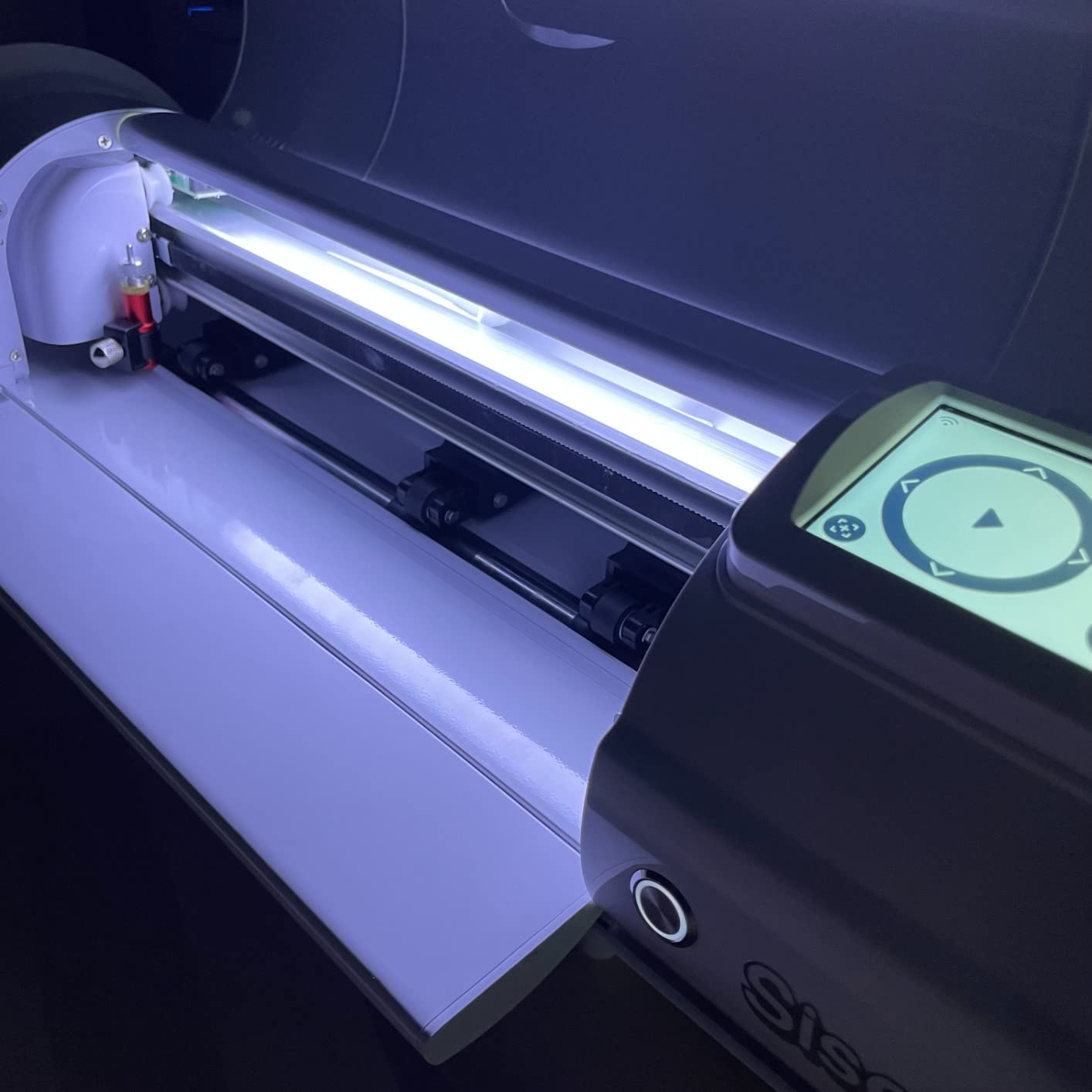
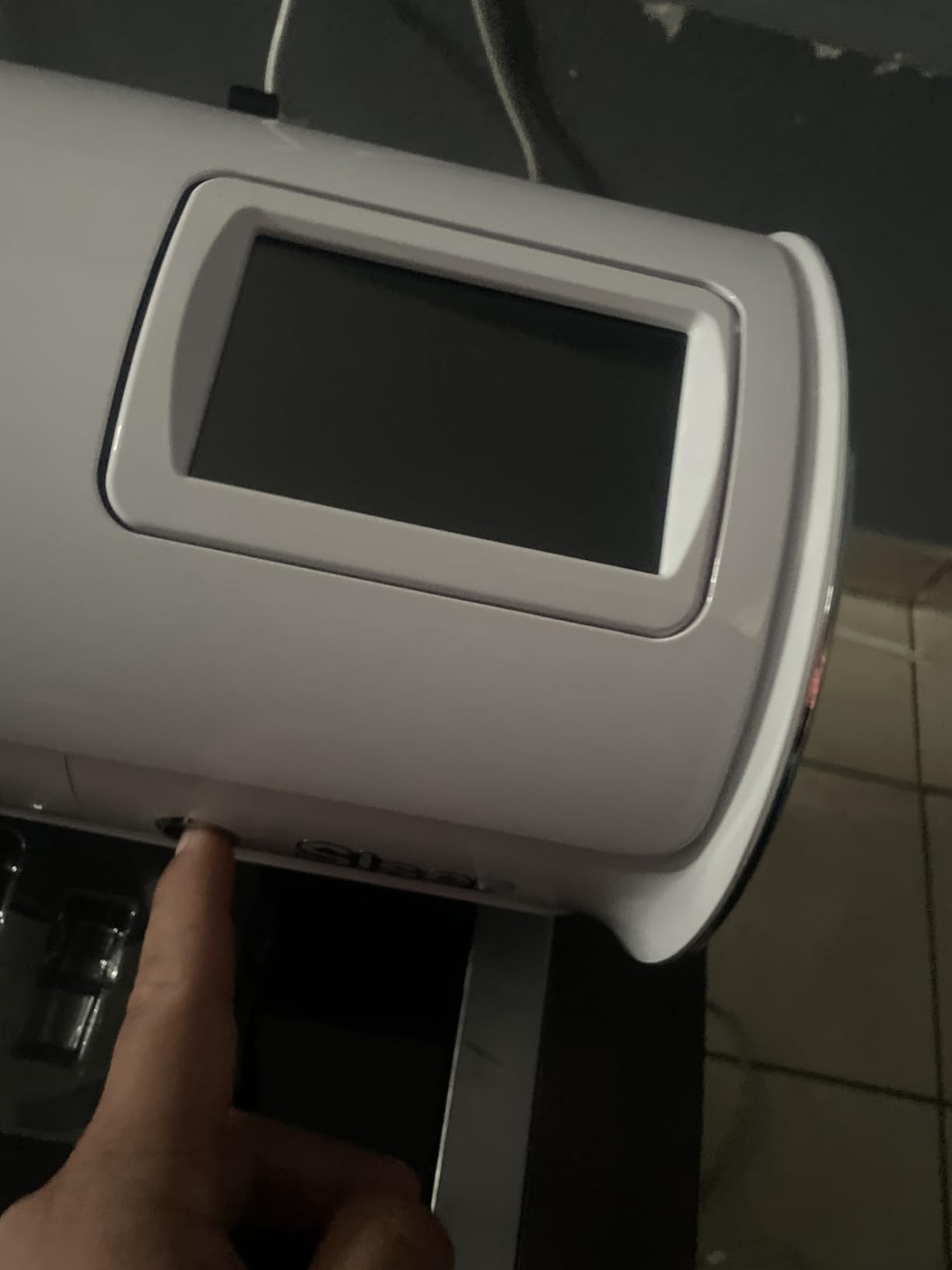
It runs matless, which is unusual at this width, and it ships with a 12 by 12 Light Tack mat for the jobs that need one. The open workspace design means material feeds through without a deep throat, and adjustable pinch rollers plus variable grit rollers handle both thin film and heavier stock.
Owners describe the motor as fast and quiet, and the quoted claim is up to 60 percent faster cutting than traditional desktop plotters. WiFi works with both Windows and Mac, which sidesteps the compatibility wall that catches a lot of plotter buyers out.
When 24 inches pays for itself
It pays off when your decal is measured in feet rather than inches. Full-length door graphics, shop fascia lettering, vehicle stripe packages, and trailer decals all stop being a tiling exercise. If your designs are all under a foot wide, you are paying for width you will not use.
The touch-screen interface is also worth noting. Plotters in this category usually mean navigating a laptop, and having controls on the machine removes a step from every job. That matters when you are running production rather than crafting one-off pieces.
Who should look elsewhere
The software is the weak point. Leonardo Design Studio is less established than Silhouette Studio or Cricut Design Space, with fewer community tutorials and fewer third-party fixes. If you are not already comfortable with vector software, expect a slower first month than with either of the bigger ecosystems.
Second, the owner base is smaller at 244 reviews. That is not a quality signal either way, but it does mean fewer owners have documented the edge cases. For a big-ticket production purchase, buy it from a seller who will stand behind returns.
5. USCutter 34 Inch Plotter – a Sign Shop Workhorse
USCutter 34-inch Vinyl Cutter Plotter with Stand and VinylMaster Cut Software, Free US-Based Technical & Lifetime Phone Support
34-inch feed, 30-inch cut
Three adjustable pinch rollers
Free VinylMaster software
Pros
- 30-inch cut width handles vehicle and signage decals
- Rolls out of the box with minimal calibration
- VinylMaster is forgiving for non-designers
- Stand and free software included in the box
Cons
- Dated feature set with no cut presets or media polling
- Feed motors struggle with very large rolls
- VinylMaster lacks cleanup tools newer software has
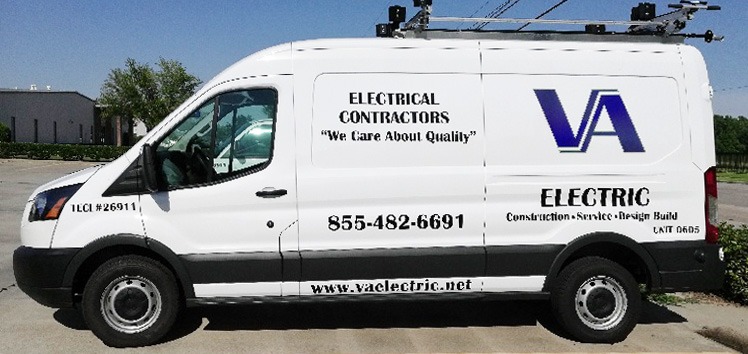
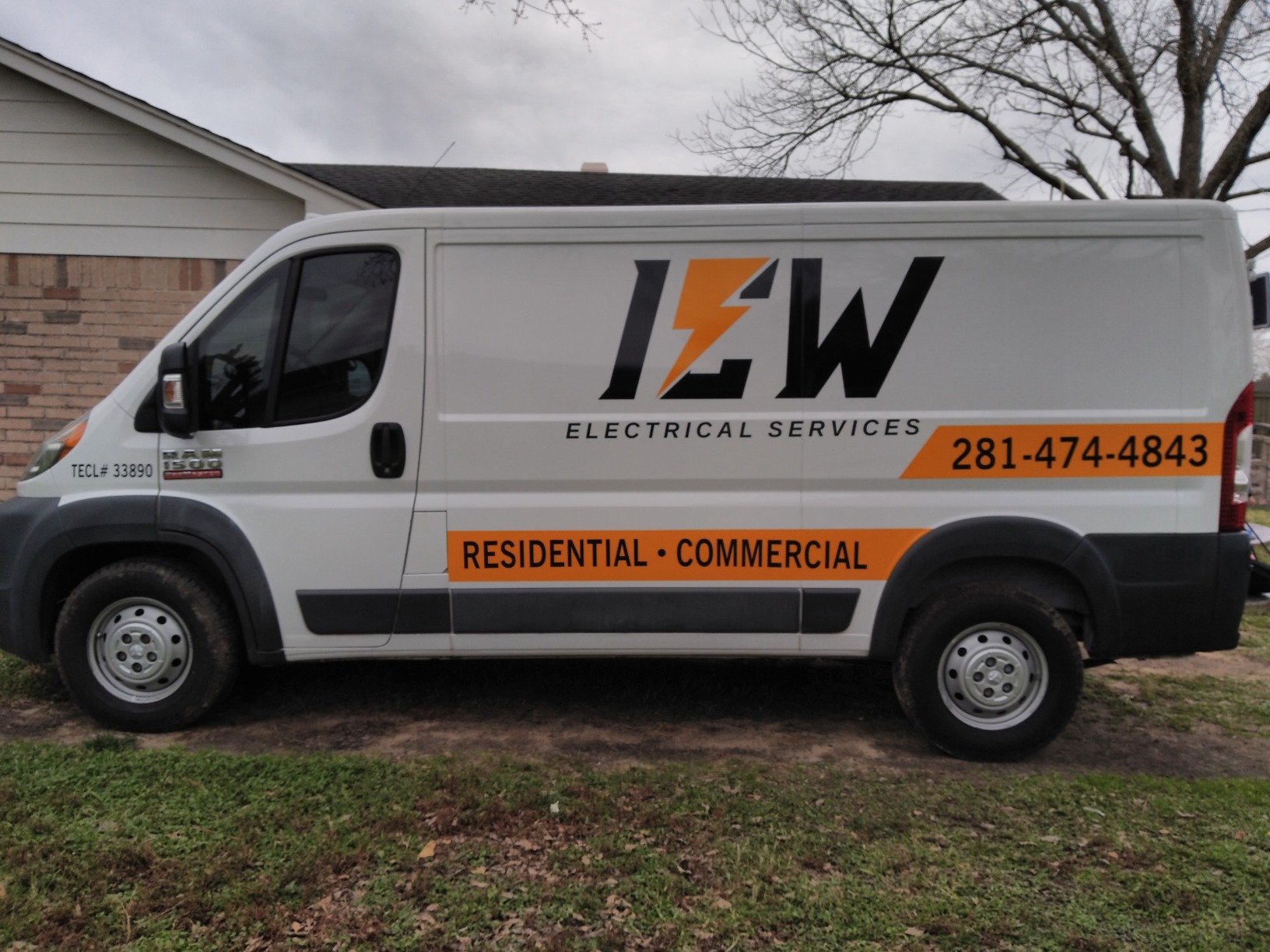
This is the machine a working sign shop actually runs. A 34-inch feed width and a 30-inch cutting width means a full car door decal, a long banner strip, or a run of window graphics goes through in one pass with no tiling. Owners running paid decal work repeatedly report it producing clean output quickly and earning back its cost on early jobs.
It is also the least fussy to commission. Three fully adjustable pinch rollers, a ball-bearing dual roller feed system, and adjustable cutting speed and pressure mean it cuts reliably straight out of the box with minimal calibration. For a machine you switch on at 7am and forget about, that predictability beats a feature list.
The included VinylMaster Cut software comes with vectorizing built in, which matters for shop work where a customer hands you a PDF. Free lifetime US-based phone support is unusual in this category and genuinely useful when a job is on the line and the manual is not helping.
The floor stand is in the box, which removes the most common surprise on first delivery of a machine this size. At 47 pounds it is not a portable device and is not meant to be one.
What shop owners actually like
It is a machine you can hand to a new employee. The control surface is straightforward, VinylMaster is described by owners as friendly to people who are not designers, and the machine does not need a calibration ritual after every blade change to behave. In production, that predictability is the feature you pay for.
There is also a support argument. Lifetime US-based phone support is a real line to a human who knows the machine, and owner feedback repeatedly treats it as a deciding factor. For a business that depends on the machine, that is worth more than a polished mobile app.
The limits you should accept up front
The feature set is dated by design. There are no cut presets, no automatic origin setting, and no media-length polling, so long jobs need more manual setup than a modern machine requires. If you routinely run 100-foot banners, you will feel that friction.
Feed motors are the other known issue. Owners with very large rolls report accuracy errors, and a smaller number of reviews describe inconsistent cut depth or jagged curves. Test on your actual vinyl stock before committing to a large production run, and keep a spare blade on hand. If you need the widest bed with the newest workflow, look at the VEVOR 34 inch instead.
6. VEVOR 28 Inch Plotter – the Budget Route to Wide Decals
VEVOR Vinyl Cutter 28 Inch Vinyl Cutter Machine with 20 Blades Maximum Paper Feed 720mm Vinyl Plotter Cutter Machine with Sturdy Floor Stand Adjustable Force and Speed for Sign Making
24.8-inch maximum cut width
Pressure 10-500g
Speed 10-800mm/s
20 blades and stand included
Pros
- Wide cut width for a budget-tier plotter
- 20 blades plus a stand in the same bundle
- Fine 0.01mm cutting precision figure
- Illuminated LCD with a large control panel
Cons
- Windows only and unusable on Mac
- Manual operation with no automated tool handling
- ABS plastic and aluminum build feels basic
The practical case for this machine is width per unit of money. A maximum cutting width of 24.8 inches on a floor-standing plotter, bundled with 20 blades and a sturdy stand, is an unusual amount of capability at the entry level of the category. For a first sign or decal job, it removes the ceiling that stops a craft machine from taking real work.
Control is granular for a manual plotter. Cutting pressure adjusts from 10 to 500 grams and speed from 10 to 800mm/s, and the illuminated LCD with a large control panel means you set values on the machine rather than hunting through menus. That range is what lets you dial into thin cast film or thicker specialty stock.
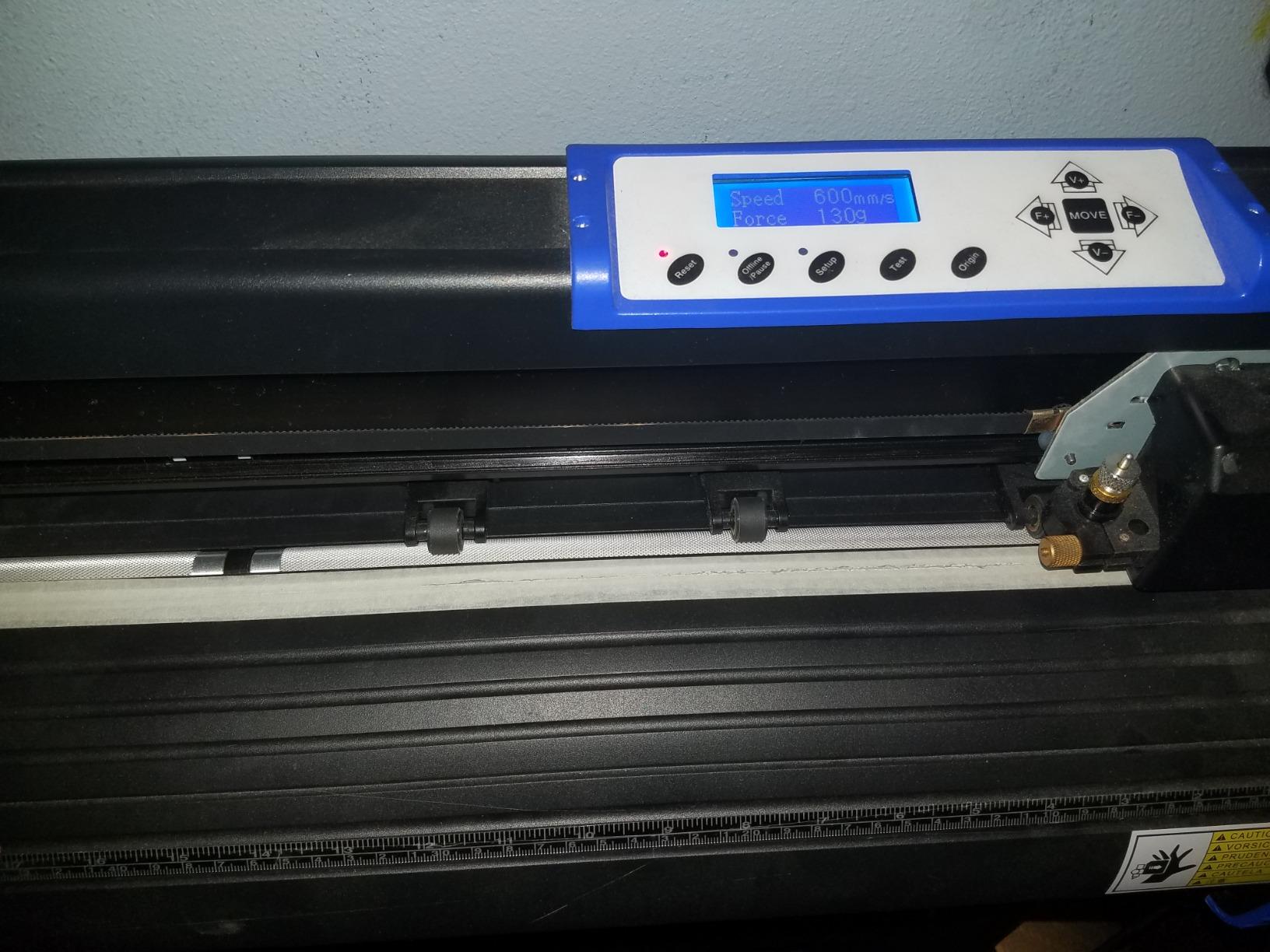
Quoted cutting precision is plus or minus 0.01mm, which is a specification figure rather than a measured result, but it is consistent across this manufacturer’s plotters and it tells you the carriage and feed system are precision-built even if the housing is not.
Connectivity is the old-school kind and that cuts both ways. COMPIM and USB interfaces with DM/PL and HP/GL language support means it drops into older sign-shop workflows without fuss. It also means there is no modern wireless anything and no Mac support.
Best first plotter for sign and decal work
This is a sensible first machine for someone moving from crafting to paid sign or decal work without a large budget. You get a wide bed, real pressure and speed control, and a machine that takes roll media rather than 12-inch sheets. That combination changes which jobs you can accept.
Owners generally treat it as value-oriented rather than premium, and the included accessories genuinely reduce the setup bill. Twenty blades means you will not be hunting for spares in the first month, and the stand is the piece most first-time plotter buyers forget to budget for.
Where it will frustrate you
Windows only is the limitation buyers mention most often. If you work on a Mac, this machine is simply not usable, with no workaround short of a virtual machine that may not drive its serial interface reliably. Check your operating system before anything else.
Manual operation and a plastic-and-aluminum build also mean constant adjustment. Expect to spend time on pinch roller tension and blade depth for every material change, the way you would on any old plotter. It is honest equipment at an honest level, not a machine you set up once and forget.
7. Silhouette Cameo PRO – Two Tools in One Pass
Silhouette Cameo PRO
24-inch maximum cut width
Dual-powered two-tool carriage
Built-in roll feeder
Pros
- 24-inch bed takes large signs and banners
- Carriage runs two tools at the same time
- Roll feeder simplifies long material runs
- Handles vinyl leather and paper well once dialled in
Cons
- Lowest average rating in this group at 4.1
- Registration can slip on heavyweight bristol
- Some owners report homing and AutoBlade depth issues
- Noticeably louder than consumer craft cutters
The Cameo PRO sits in an awkward spot, and I would rather explain why than hide it. It has real advantages, including a 24-inch cut width that is among the largest available in this form factor, a dual-powered carriage that runs two tools simultaneously, and a built-in roll feeder with a cross cutter that removes a lot of the friction from long jobs.
Owners upgrading from an older Cameo generally appreciate the width, the steady long cuts, and the speed. The heat pen and embossing tool expand it well beyond decals into foil and embossing, and the dual-tool carriage lets you cut and sketch in the same pass rather than running the file twice.
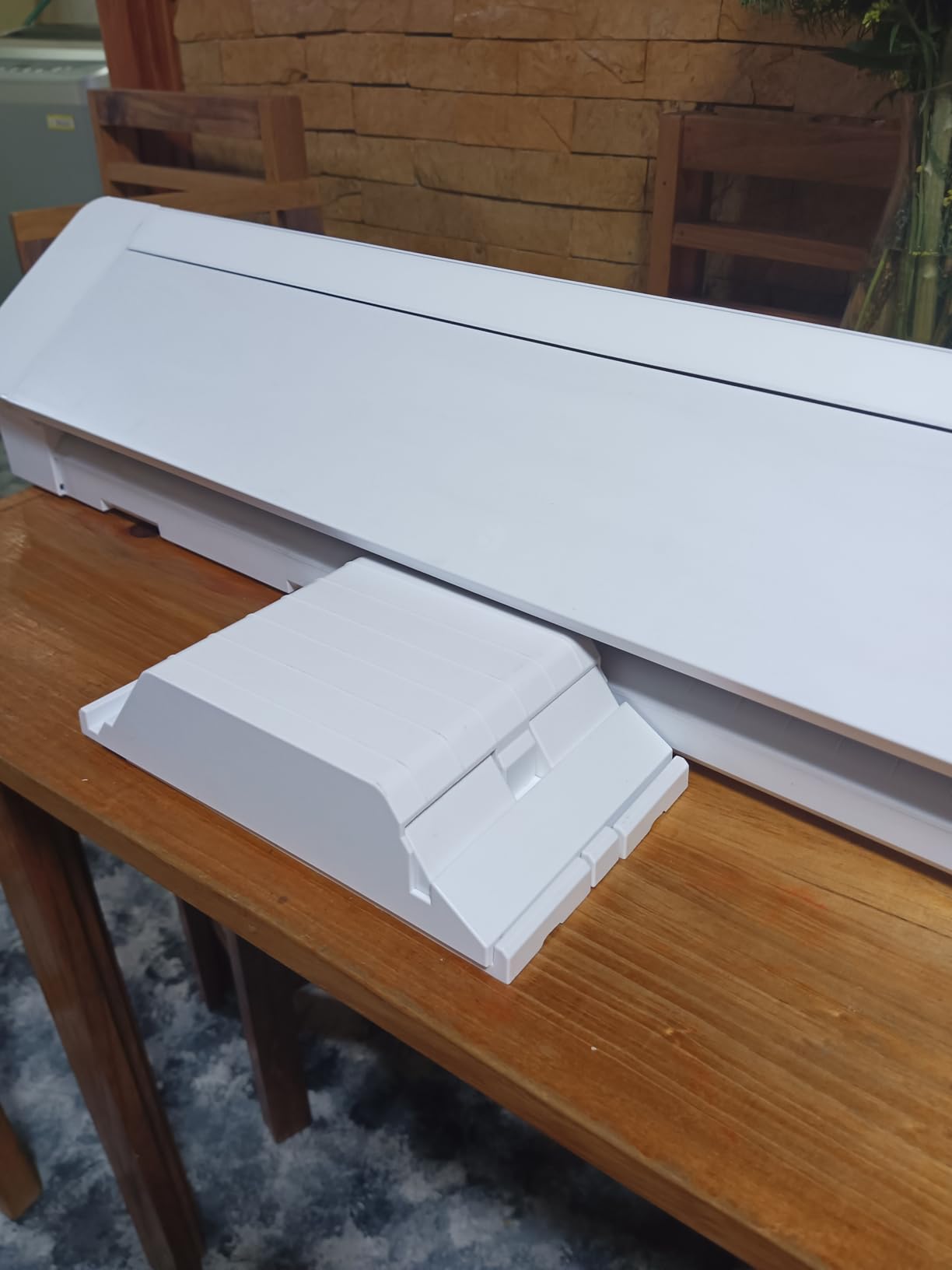
Auxiliary rollers stabilise cuts up to 60 feet, which addresses a genuine weakness of narrow-bed machines on long material. Reduced noise compared with earlier Silhouette models makes it more usable in a shared studio.
Those are real strengths, but at 4.1 average it has the lowest rating in our group, and the negative reviews concentrate rather than spread out. Registration slippage on heavyweight bristl, homing and loading faults, and AutoBlade depth problems are the recurring themes.
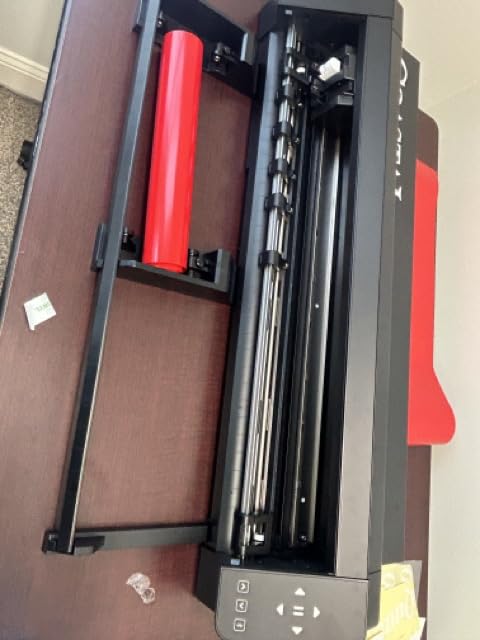
Choose it for the second tool, not just the width
The dual-tool carriage is the reason to pick this machine. If your workflow genuinely needs two operations in one pass, such as cutting while sketching registration lines or running a blade alongside a pen, nothing else at a 24-inch width does that as directly. For plain single-tool vinyl cutting, a simpler machine does the same job with fewer variables.
The 24-inch bed also makes it a real option for shop signage. Sign-shop owners upgrading from a smaller Cameo cite the bed and the long-cut stability as the concrete improvements, and the built-in roll feeder means fewer manual re-feeds on a long banner run.
Where it falls short
The roller-to-width ratio is the technical worry. Two small pinch rollers trying to hold heavy material evenly across a 24-inch bed is a physics problem, and it shows up as registration drift on thick stock. If your decal vinyl is heavy or textured rather than a clean 3 mil film, test that specific material first.
Owners also report Bluetooth pairing to desktop Macs being unreliable until re-paired, and the software carries the same steep learning curve as the rest of the Silhouette line. With more reviews behind it than the Siser Romeo but the lowest average rating here, I would treat this as a specialist pick: excellent if you need dual tools, unremarkable otherwise.
8. VEVOR 34 Inch Plotter – the Widest Cut in the Group
VEVOR Vinyl Cutter Machine 34 inches Bundle Manual Vinyl Plotter Cutter
30.7-inch maximum cut width
Pressure 20-500g
Backlit LCD with hand control
Pros
- Widest cut width available in this roundup
- 30.7-inch bed handles full decals and banners without tiling
- Pressure and speed ranges adjust broadly
- Imports SVG and PDF plus installed fonts
Cons
- Manual workflow with Windows-only USB/COM connection
- Software arrives as an activation code not a normal installer
- Highest one-star share of the machines reviewed
- Basic plastic and aluminum construction
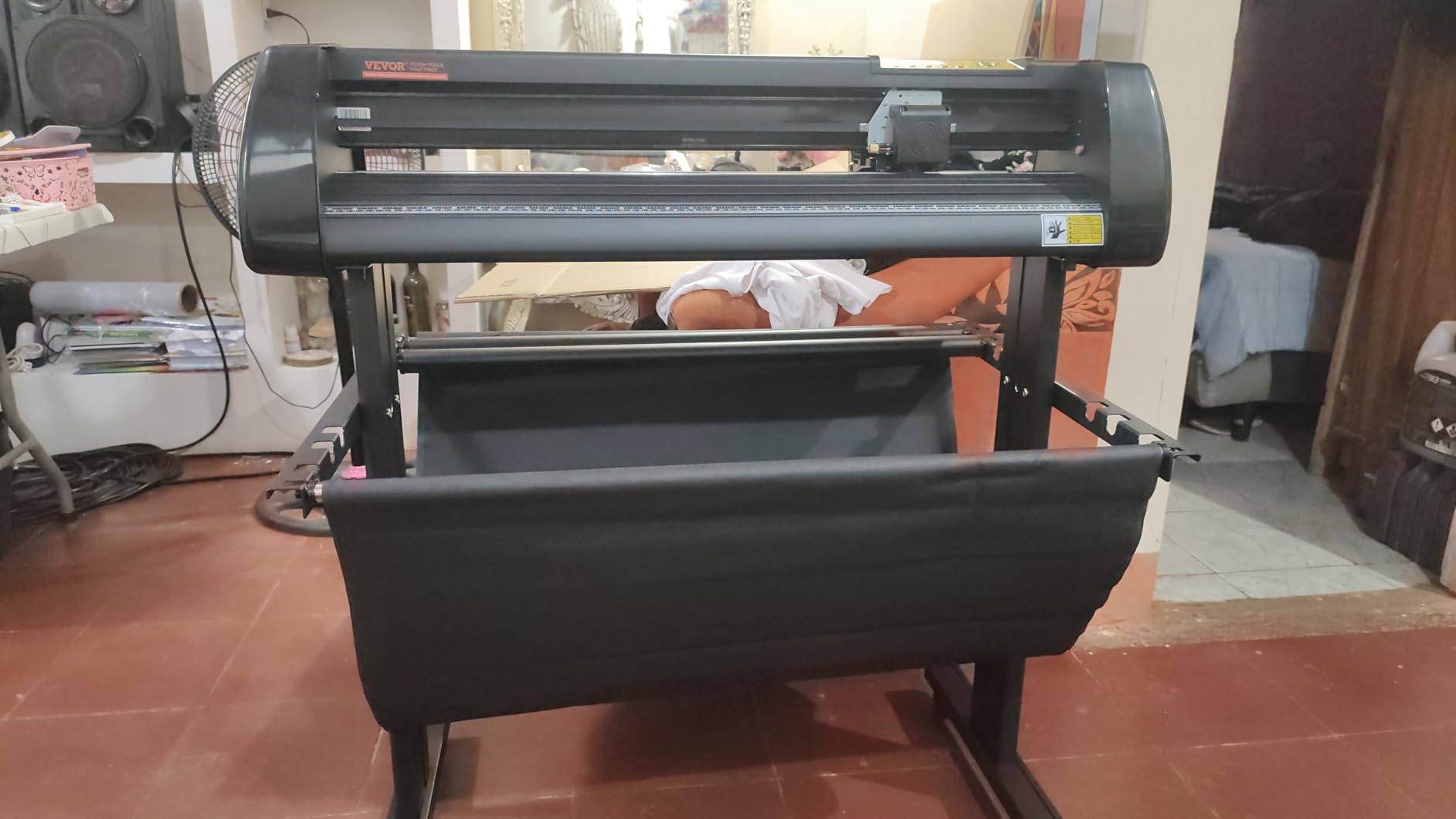
This is the widest cutting bed in the group at 30.7 inches, and for pure decal scale that is the number that matters. If your work includes full-length vehicle panels, door graphics, or long window bands that must not be tiled, this machine takes them in one pass.
Paper feed reaches 34.3 inches, pressure adjusts from 20 to 500 grams, and speed from 20 to 800mm/s. Double spring pinch rollers with a roughened steel feed roller keep vinyl tracking on longer runs, and the backlit LCD with a remote hand control makes manual setup quick from a standing position.
On the file side it imports SVG and PDF directly and can use installed fonts including dingbat sets, so you are not forced through a proprietary vectorising step for simple text decals. That is a genuine convenience for lettering work.
Owners cite the width and the precision figures as the reasons they bought it, and the hand control plus backlit display make the manual workflow less punishing than it could be. For large-format sign and label work it does the job it is sold for.
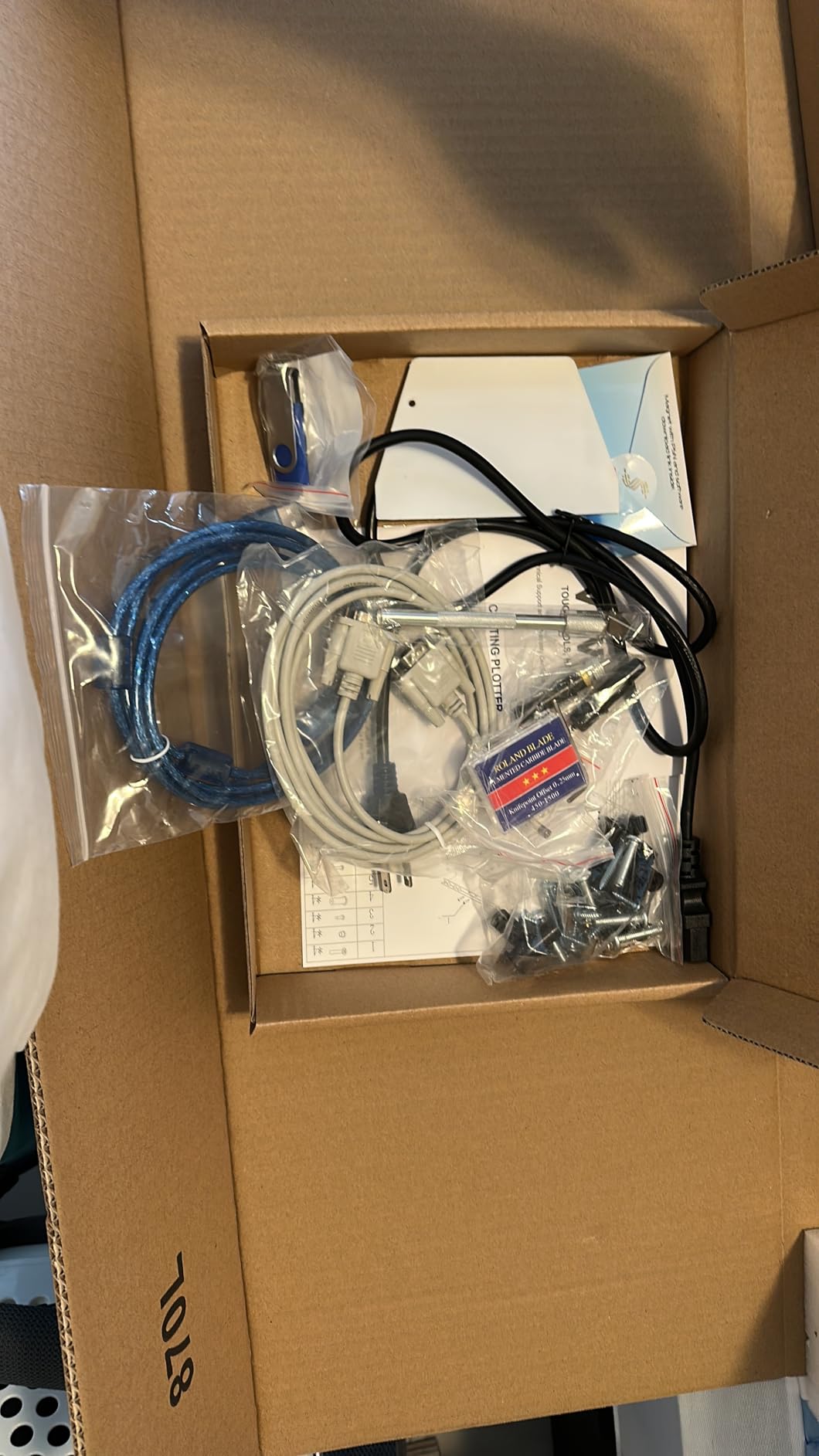
When the extra 0.7 inches matters
Against the USCutter 34 inch, the practical difference is less than the headline suggests. Both sit around 30 inches of cut width, both feed roughly 34-inch media, and both use manual pinch roller control. Choose on software, support, and build rather than on the last fraction of an inch.
Where this one does stand out is file handling. Direct SVG and PDF import with font access means lettering and logo decals go from file to cut path with less friction, which matters more on a wide-format workflow where you are producing lots of different short jobs.
The honest drawbacks
It carries the highest one-star share of the machines we reviewed, at 15%, and the rating sits at 4.1. The complaints cluster around workflow: manual operation, a Windows-only USB and COM connection, and software delivered through an activation code and printed download instructions rather than a normal installer.
Build is basic ABS plastic and aluminum alloy. That is fine for a machine that lives on a stand in a shop, and it is where the cost saving comes from. If you need something you can carry between events or share with a partner who works on a Mac, this is the wrong pick.
How to Choose a Cutting Machine for Vinyl Decals
Measure your decal before you measure the machine
Cut width is the one specification you cannot work around. Add the width of your largest decal to a half-inch of margin, and buy above that number. A 9-inch machine cannot be upgraded into a 24-inch machine, while a slightly larger machine simply means you design in a more comfortable space.
For vehicle work, count the real panel. A car door is well beyond anything on this list except the two 30-inch plotters, and even then a full wrap is a multi-piece job. If your decals are all measured in inches, a 12 to 15 inch craft machine is enough and you will save on floor space and learning time.
Our wider die cutting machine guide covers the different mechanism if you are weighing blades against dies for thicker material, and our leather cutting machine roundup goes deeper on heavy stock with blade wear implications.
Mat-fed versus matless, and what it costs
Mat-fed machines hold vinyl on an adhesive-backed cutting mat. That means one mat holds one sheet of material, and if the adhesive dries out or picks up debris, your decal lifts unevenly and walks during the cut. Owners describe a routine of peeling, cleaning, and re-sticking that never fully goes away.
Matless machines pinch the material directly, or use an electrostatic surface, and skip the mat entirely. The broader vinyl cutter comparison we published covers this in more depth, but the short version is that matless operation pays off fastest if you cut many decals smaller than a full sheet, which is most decal work.
Pressure control and what your vinyl actually needs
Cutting force is measured in grams of force, and the useful framing is by material rather than by machine. Thin calendered sticker vinyl, the most common decal stock, sits at the easy end. Cast vinyl, which stretches around curves and is what you want for vehicles and windows, is tougher. Reflective, chrome, and heavy specialty films are harder still and need the top of the range.
That is why the adjustable pressure plotters in this list let you set force on the machine. A craft machine with a blade offset and a material settings library handles the easy and middle ranges well. If your business model depends on reflective or chrome decals, buy for pressure range and buy a commercial blade.
Software, print-and-cut, and the subscription question
Print-and-cut is the feature that makes full-colour decals possible on a machine with no print capability in it. The machine prints registration marks or senses printed marks, then cuts a contour around your artwork. All of the Silhouette and Cricut machines here support it, and it needs a regular inkjet printer plus printable vinyl.
Subscriptions are the most resented line item in this category, and the honest framing is simple. Import your own SVG, DXF, or AI files and you can run entirely on free tiers. Want a large ready-made image library instead, and you pay a recurring fee. Decide which side of that line you are on before you buy, not after.
Consumables and blade life
A blade is a consumable, not a permanent part. Blade life depends on how many cuts you make and how abrasive your vinyl is, and reflective and specialty films chew through blades faster than smooth cast film. Budget for replacements and keep a spare.
Mats, blade housings, weeding tools, and transfer tape are the rest of the running cost. None of these are expensive individually, but a shop cutting daily adds up, and mat waste is the line item that quietly pushes craft-machine owners toward matless operation.
Cricut versus Silhouette, directly
Cricut wins on guided onboarding. The app prompts, the material presets, and the bundled images mean a beginner gets a clean first decal without reading a manual. Silhouette wins on control, width, and free-software depth, which is why owners who grow past crafting tend to end up there.
On nesting there is a genuine functional difference. Cricut lays out a full sheet automatically, which is convenient when you trust the result. Silhouette Designer and the business tier let you place cuts manually, which is what production runs need when you are optimising a specific sheet. Forum consensus is consistent on this split and consistent on the recommendation: Silhouette for larger projects.
Troubleshooting: Why a Vinyl Cutter Stops Cutting Through
This is the single most common complaint across every brand and forum we reviewed, so it gets its own section. Work down the list in order, because the first cause is right most of the time.
Blade depth is set too shallow. Run the machine’s blade offset or depth test on a scrap of the exact vinyl you are cutting. Thickness varies between brands, and a setting tuned for one stock will not slice another.
The blade is dull or the wrong type. A worn blade pushes rather than cuts and leaves a curled or torn edge. Standard blades suit calendered and cast film; reflective, chrome, and textured films need a specialist blade.
The material is not gripping. A dirty or dried-out cutting mat, or a loose pinch roller on a plotter, lets the vinyl shift mid-cut so the path never closes. Clean the mat, re-stick it, or increase roller tension.
Cut force or pressure is too low. On manual plotters this is a number on the control panel. Increase pressure a step at a time rather than jumping to the maximum, which will drag the vinyl and distort curves.
The cut path has unnecessary nodes. Over-clocked or auto-generated paths leave tiny direction changes the blade cannot follow cleanly. Simplify the path, and cut sharp corners in small sequential segments instead of one jump.
The blade housing is misaligned. If test cuts drift consistently to one side, the holder is not seated square. Re-seat the housing rather than compensating with more force.
Two more issues come up constantly. If the cut finishes but the shapes have not joined, the machine is losing steps during the move, which points to tension or a software-generated path rather than the blade. And if the material walks consistently regardless of roller adjustment, a blade that is too deep or too shallow is dragging it, so return to the depth test before touching the rollers again.
If you also cut fabric or leather, our leather cutting machine guide covers why servo motors are preferred on thick stock, since stepper motors burn out sooner under that load.
Frequently Asked Questions
What is the best cutting machine for vinyl decals?
For most home and small-business decal makers, the Silhouette Portrait 4 is the safest default because it runs free software tiers and has the largest owner-feedback base in the group. The Silhouette Cameo 5 Alpha Plus is the stronger pick if you want a 15-inch bed and automatic blade depth, and a 24 to 34 inch plotter is the only realistic route to vehicle-scale decals.
Which Cricut machine is best for making vinyl decals?
The Cricut Maker 4 is the one to choose for decals. Its Smart Vinyl mode cuts without a mat, Print-Then-Cut handles full-colour printed decals with most inkjet printers, and the guided material presets remove most of the trial-and-error learning curve for beginners.
Is Cricut or Silhouette better for stickers and decals?
Silhouette is better once projects outgrow craft scale. It offers wider cut areas, a manual nesting option that production runs need, and a full free software tier. Cricut is easier for a first decal because the app guides material, pressure, and blade settings automatically.
Why is my vinyl cutter not cutting all the way through the vinyl?
The cause is almost always blade depth or a dull blade. Run a depth test on a scrap of the exact vinyl you are using, then replace the blade if it is worn. If the cut is partial rather than absent, check that the material is gripping properly and that cut pressure is not set too low.
Can a Cricut or craft machine cut car decals?
Only in tiles. A 12 to 15 inch craft bed physically cannot take a full car door or wrap panel in one pass, so the design has to be split into overlapping sections that are taped and applied together. Single-pass vehicle decals need a 24 to 34 inch plotter.
For window and wall graphics specifically, our 3D wall decal guide covers the finish options worth considering once your cuts are clean.
Final Verdict on the Best Cutting Machines for Vinyl Decals
The Silhouette Portrait 4 is our pick for the best cutting machines for vinyl decals overall, because it combines a proven 9-inch cut width, free software tiers, print-and-cut, and the deepest pool of owner feedback we could verify. It is the machine we would hand someone who asked us to choose for them.
Move up to the Cameo 5 Alpha Plus when you need a 15-inch bed and would rather the machine set its own blade depth. Move sideways to the Cricut Maker 4 when onboarding a complete beginner matters more than software control. When decals reach 24 inches and up, the Siser Romeo, the USCutter 34 inch, and the VEVOR plotters open jobs that no craft machine can take.
Measure your largest decal, test a scrap of your actual vinyl before committing to a production run, and remember that the cut is only step one. Weeding, transfer tape, and application decide whether the decal looks professional on the door.