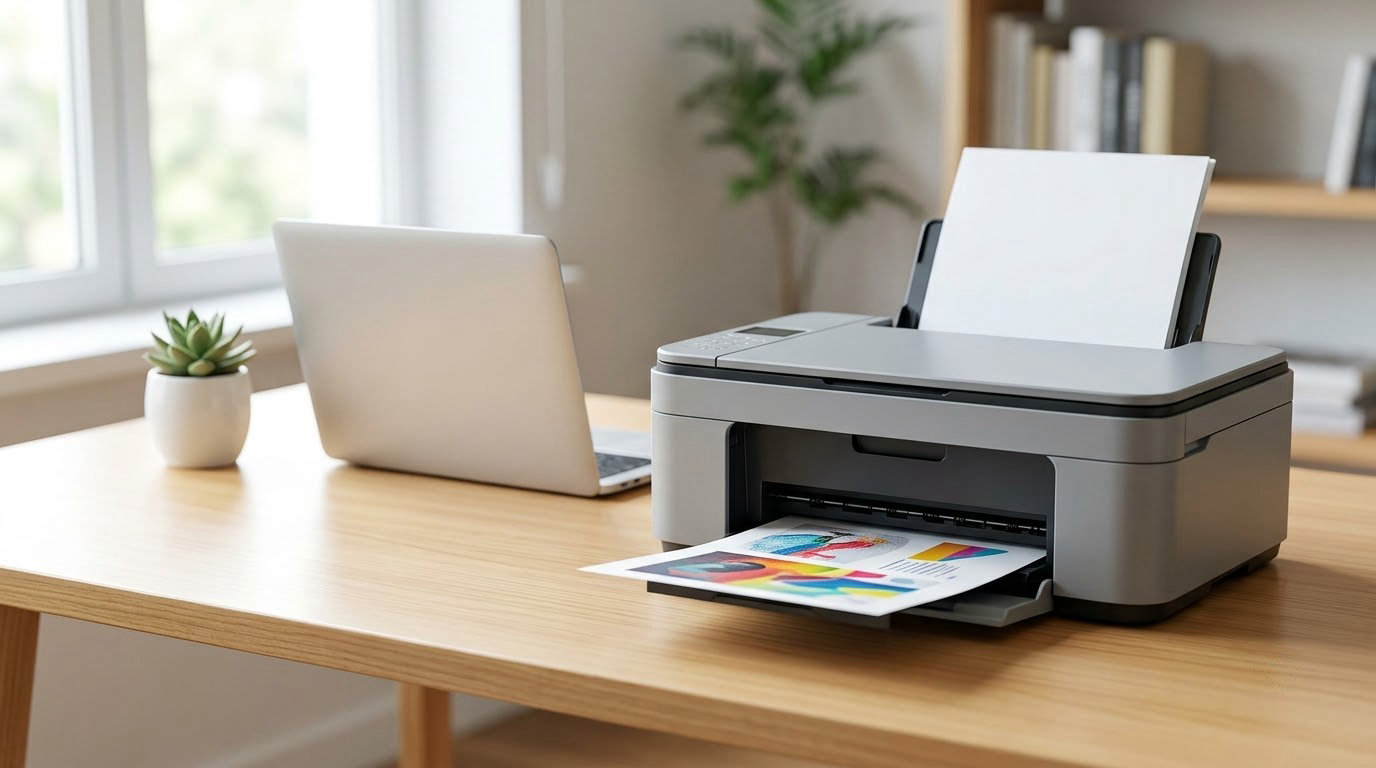
The printer worth watching most this sale is the Epson EcoTank ET-2800, a refillable-ink all-in-one that prints color at a running cost most cartridge machines never reach. Owners rank it among the most reviewed in its category, and the ink bottle system is the reason: one set of bottles covers thousands of pages. Two alternatives suit different rooms. The Canon MegaTank G3270 goes higher on page yield, and the Brother DCP-L2640DW is the pick when every page is black and white.
Amazon’s Prime Big Deal Days run October 6-7, 2026, and most offers need a Prime membership, which a free trial covers. Offers change through the event, so treat everything below as the models worth watching rather than a promise about any single day’s number.
Table of Contents
Our Top 3 Picks for Best Amazon Prime Big Deal Days Printer Deals

Epson EcoTank ET-2800
- Refillable ink tanks
- Up to 4500 black pages per ink set
- Wireless and USB
- Flatbed scanner

Canon MegaTank G3270
- Refillable ink tanks
- Up to 6000 black and white pages per set
- Wireless print copy and scan
- 1.35 inch LCD

Brother DCP-L2640DW
- 36 ppm monochrome output
- Automatic duplex printing
- 50-page document feeder
- Dual-band Wi-Fi
Best Amazon Prime Big Deal Days Printer Deals Compared (2026)
| Product | Specifications | Action |
|---|---|---|
| Epson EcoTank ET-2800 |
|
Check Deal Price |
| Canon MegaTank G3270 |
|
Check Deal Price |
| Brother DCP-L2640DW |
|
Check Deal Price |
 Canon PIXMA TS3720 Canon PIXMA TS3720 |
|
Check Deal Price |
 Brother HL-L2460DW Brother HL-L2460DW |
|
Check Deal Price |
 Brother HL-L2405W Brother HL-L2405W |
|
Check Deal Price |
 Canon PIXMA TS6520 Canon PIXMA TS6520 |
|
Check Deal Price |
 HP LaserJet M209dw HP LaserJet M209dw |
|
Check Deal Price |
 Canon PIXMA TS7720 Canon PIXMA TS7720 |
|
Check Deal Price |
 Brother MFC-L2820DW Brother MFC-L2820DW |
|
Check Deal Price |
 HP LaserJet Pro 3001dw HP LaserJet Pro 3001dw |
|
Check Deal Price |
 HP LaserJet Pro MFP 3101sdw HP LaserJet Pro MFP 3101sdw |
|
Check Deal Price |
How We Chose
Every printer here was compared on the same fields: printer type, print speed, resolution, paper capacity, duplex support, connectivity, weight and warranty, plus the owner reviews and ratings on the Amazon listing. Ink yield and cartridge cost per page carried extra weight, since that is what decides the bill after the first month. All figures were checked on October 2026.
1. Epson EcoTank ET-2800: Editor’s Choice for the Lowest Ink Bill
Epson EcoTank ET-2800 Wireless Color All-in-One Supertank Printer – Black
Type: Color ink tank
Standout: 4500 pages per set
Warranty: 1 year
Weight: 11.4 lb
Pros
- Very low cost per page on refillable ink
- Up to 2 years of ink in the box
- Flatbed scanner and copier built in
- Wireless and USB both standard
Cons
- No automatic duplex printing
- Small 100-sheet paper tray
- Four-color setup with a basic photo gamut
This is the pick to buy if your ink bill has ever made you wince. Epson bottles ink directly into tanks rather than into sealed cartridges, and the listing puts page yield at up to 4500 black and 7500 color pages per ink set. Owners consistently call out the running cost as the reason they bought it, and roughly 90 cartridges’ worth of waste is avoided along the way.
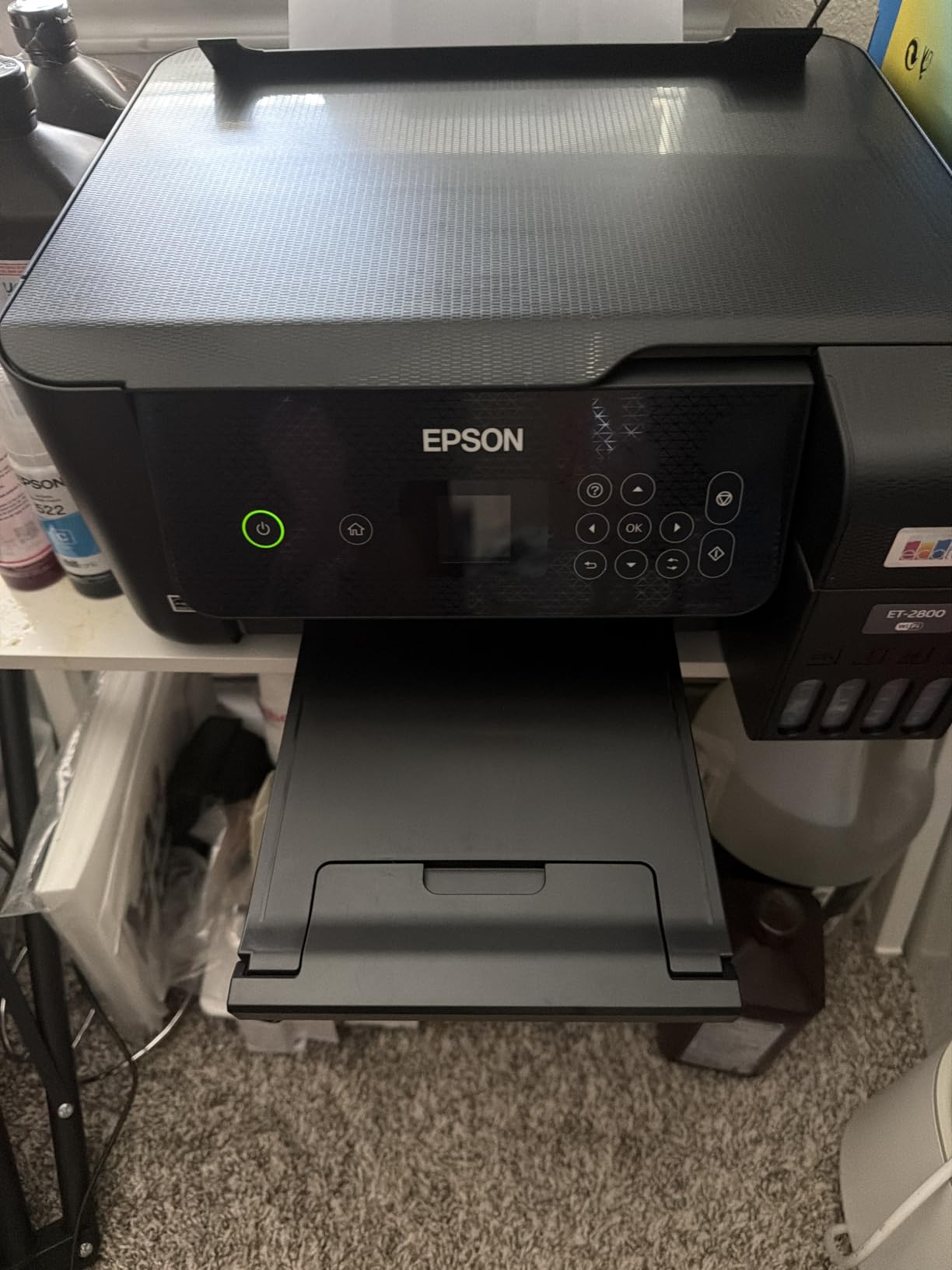
What it will not do is flip the paper. The ET-2800 is simplex only, so a two-sided contract comes out of the same tray twice and you turn the stack by hand. Output speed is 10 pages per minute in black and 5 in color, which is fine for homework and a few shipping labels but slow for a stack of fifty pages. The 100-sheet tray is the other limit; anyone printing a monthly report will refill it often.
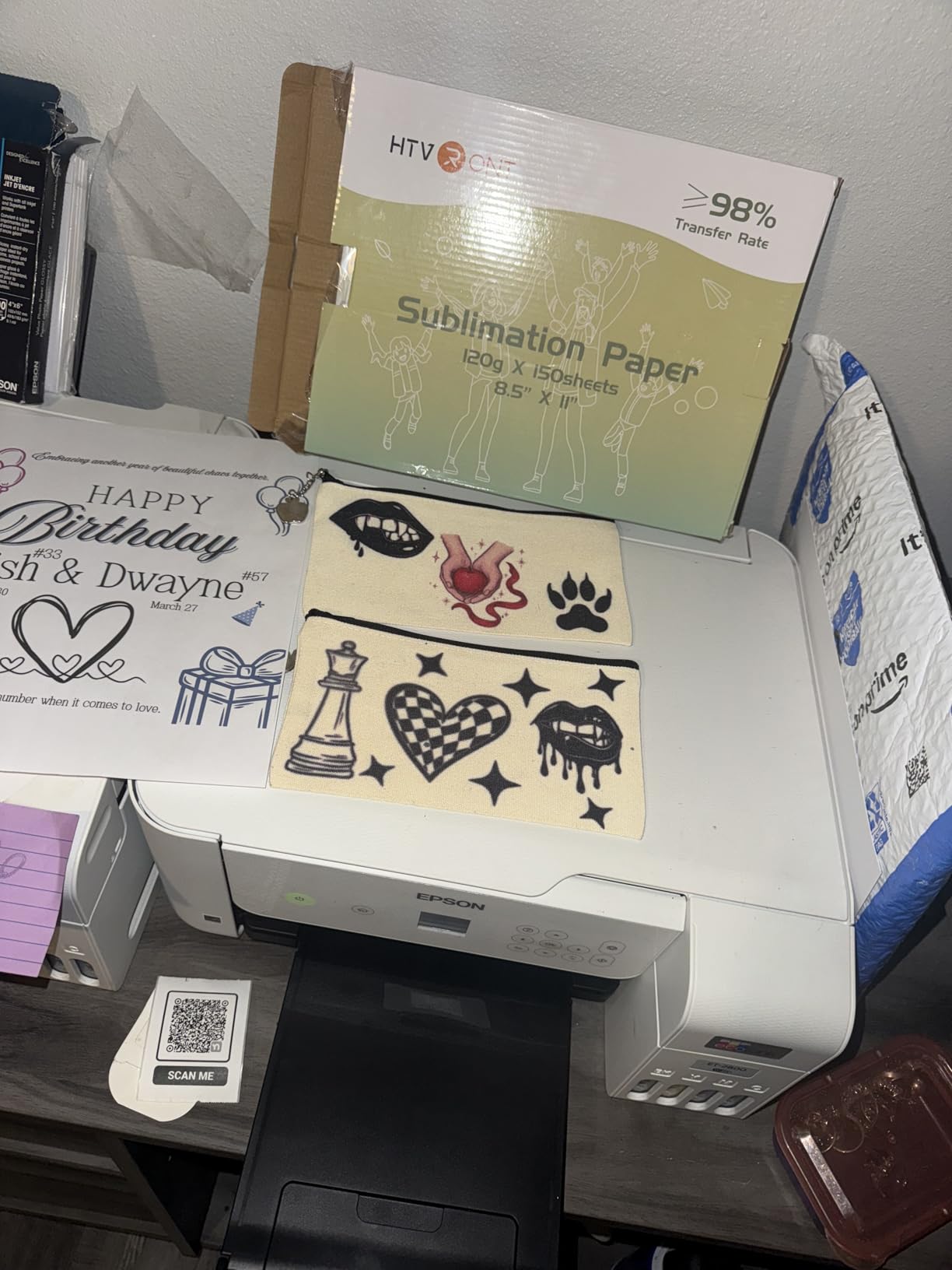
Compare it with the Canon MegaTank G3270, the runner-up here. That machine claims more black-and-white yield per ink set, 6000 pages against 4500, and adds a backlit display, but the EcoTank carries a far larger base of owner reviews, which usually means a better-read set of long-term complaints. Between the two refillable machines, the ET-2800 is the safer all-round buy for a family, and the G3270 is the one to look at when black-and-white volume comes first.
One practical warning. Ink tank printers are built for regular use, and owners who leave one sitting for months report clogged heads. If you print a few return labels in the summer and nothing until Christmas, spend a moment on a cartridge machine or a laser instead.
2. Canon MegaTank G3270: Best Value for High-Volume Color
Canon MegaTank G3270 All-in-One Wireless Color Printer
Type: Color ink tank
Standout: 6000 b/w pages per set
Warranty: 1 year
Weight: 13.2 lb
Pros
- Highest page yield in this list per ink set
- Print copy and scan in one body
- Canon PRINT app support
- Backlit LCD for standalone use
Cons
- Single-sided printing only
- Small 1.35 inch LCD
- Heavier and wider than most home all-in-ones
Where the EcoTank stops at 4500 black pages per ink set, Canon quotes up to 6000 black-and-white and 7700 color pages. For a household that prints every week, that gap is the whole argument. Owners describe the ink economics as the reason they stayed with the machine, and Canon rates the unit Energy Star and EPEAT qualified.
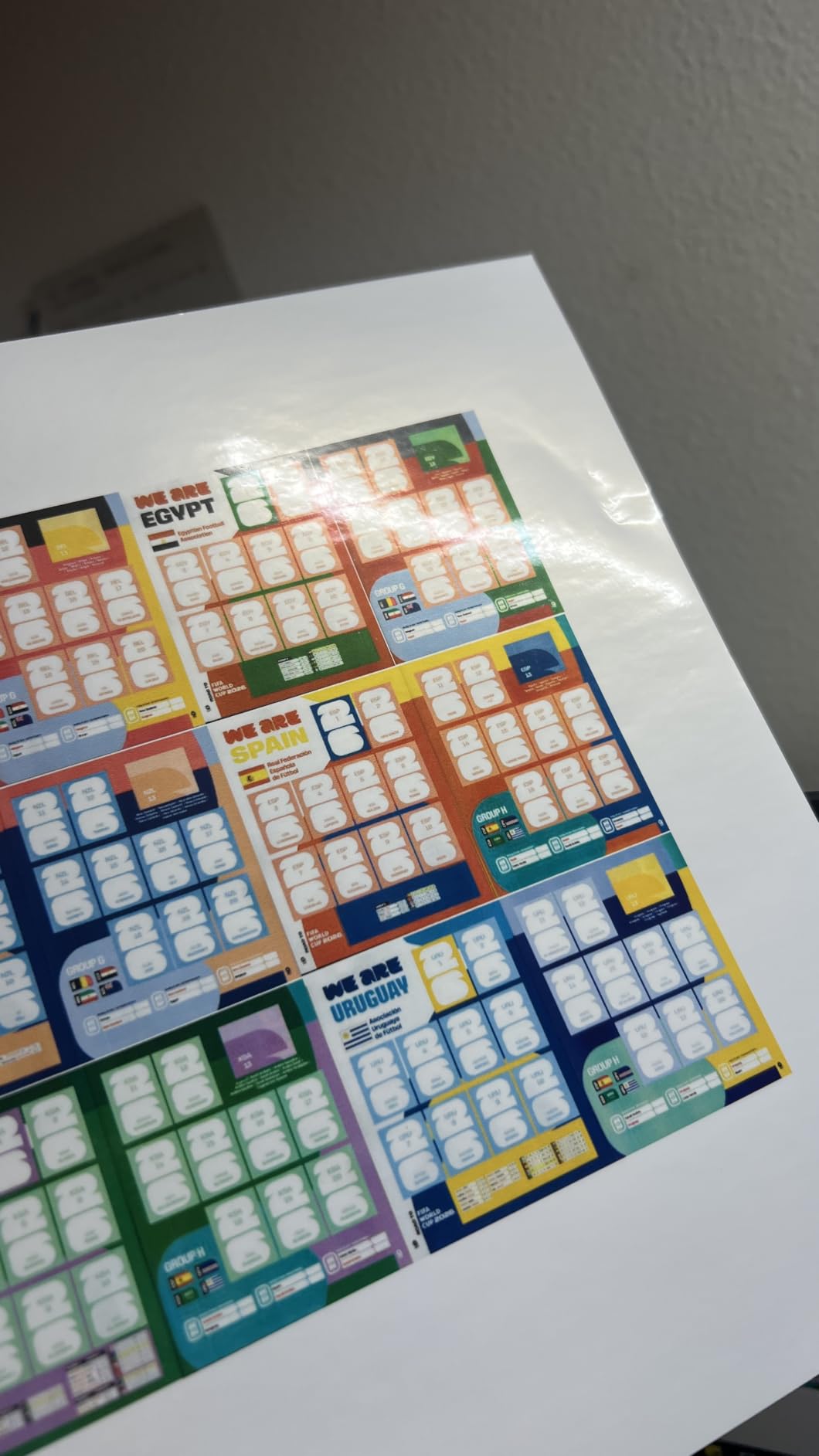
Speed sits slightly above the EcoTank at 11 pages per minute in black and 6 in color. Like the Epson, it prints single-sided only. The 1.35-inch backlit LCD is small enough to miss on a busy desk, but it is a real display rather than a row of blinking buttons, and it shows ink levels without opening an app.
It is also the biggest machine in this group of home all-in-ones at 21.9 inches deep and 13.2 pounds. Measure the shelf before the sale rather than after, especially if the printer lives in a cabinet. Anyone who wants color and two-sided printing in one budget body should skip this and read about the Canon PIXMA TS6520 further down, which does duplex and is lighter on paper.
Owners rank it near the top of the ink tank category and the reviews are consistent about one thing: no automatic duplex is the complaint that comes up most. If two-sided output is not on your list, that stops mattering.
3. Brother DCP-L2640DW: Best for Monochrome Document Work
Brother DCP-L2640DW Wireless Compact Monochrome Multi-Function Printer, Copy, Scan, Duplex, Mobile Printing
Type: Mono laser 3-in-1
Standout: 36 ppm and auto duplex
Warranty: 1 year
Weight: 25 lb
Pros
- 36 ppm output with automatic duplex
- 50-sheet document feeder for scanning
- Ethernet USB and dual-band Wi-Fi
- Sharp 1200 x 1200 dpi text
Cons
- Monochrome only with no color
- Network setup and default password steps are fiddly
- Scan-to-PDF workflow reported to hang
Nothing in the color half of this list touches 36 pages per minute, and the DCP-L2640DW flips the paper itself. Text comes out at 1200 x 1200 dpi, the 250-sheet tray is twice the size of the inkjet models here, and a 50-page document feeder handles a stack of signed forms without you standing over the glass. The flatbed scanner copies to 600 x 600 dpi.
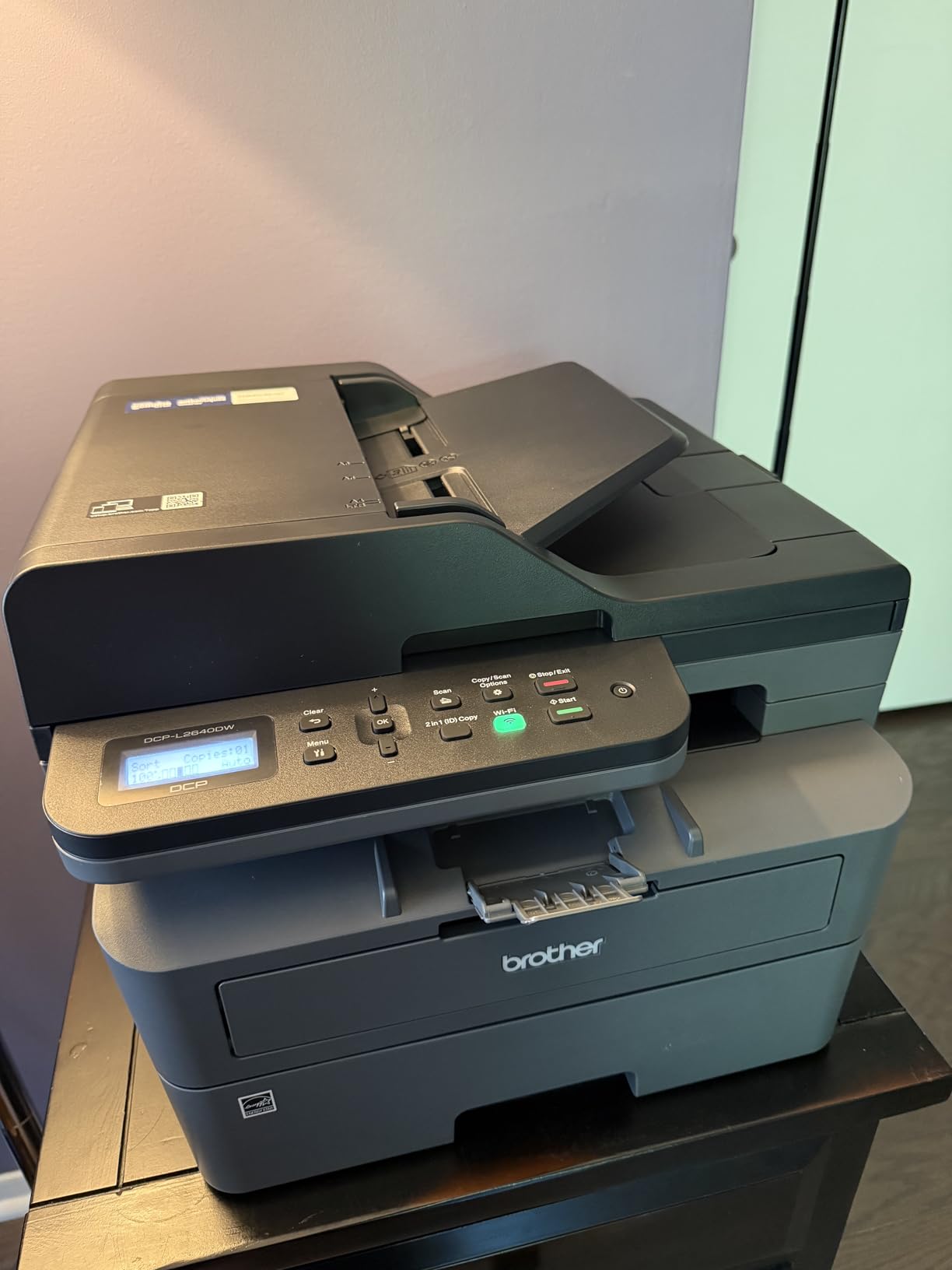
It weighs 25 pounds and prints no color at all. That is the trade: a heavier box, toner instead of ink, and output that is faster and cheaper per page the more you print. Reviews note it works with Linux as well as Windows and macOS, which matters if you run a mixed office.
Setup is the part owners complain about most. Brother’s registration flow asks you to type a default password from the back of the machine, and the control menus are simple enough that you press and hold to confirm anything. A few reviews also report the scan-to-PDF save step hanging and needing a restart, so test that on day one if your workflow depends on it. Compared with the HP LaserJet Pro MFP 3101sdw, which pairs a similar feeder with faster paper handling and a smoother wireless story, the DCP is the cheaper way into the same workflow.
For anyone comparing this against the EcoTank ET-2800, the decision is simple. Color, or nothing but black text? Color means ink. Nothing but black means this one.
4. Canon PIXMA TS3720: Budget Pick for Occasional Printing
Canon PIXMA TS3720 Wireless All-in-One Printer for Basic Home Printing, White
Type: Color inkjet all-in-one
Standout: Dual-band Wi-Fi and USB
Warranty: 1 year
Weight: 8.7 lb
Pros
- Lowest purchase cost in this list
- Lightest body at 8.7 lb
- Print copy and scan for small spaces
- AirPrint and Mopria support
Cons
- Slowest speeds here at 7.7 ppm black
- Small 60-sheet paper capacity
- Cartridge ink runs expensive per page
This is the one to buy for a kitchen shelf, a dorm room or a corner of a rental apartment. At 8.7 pounds and 5.8 inches tall it is the smallest machine in the list, and the setup is designed to be finished without a computer at all. Canon bundles AirPrint, Mopria and Chromebook support, so a phone can drive it once the dual-band wireless is joined.
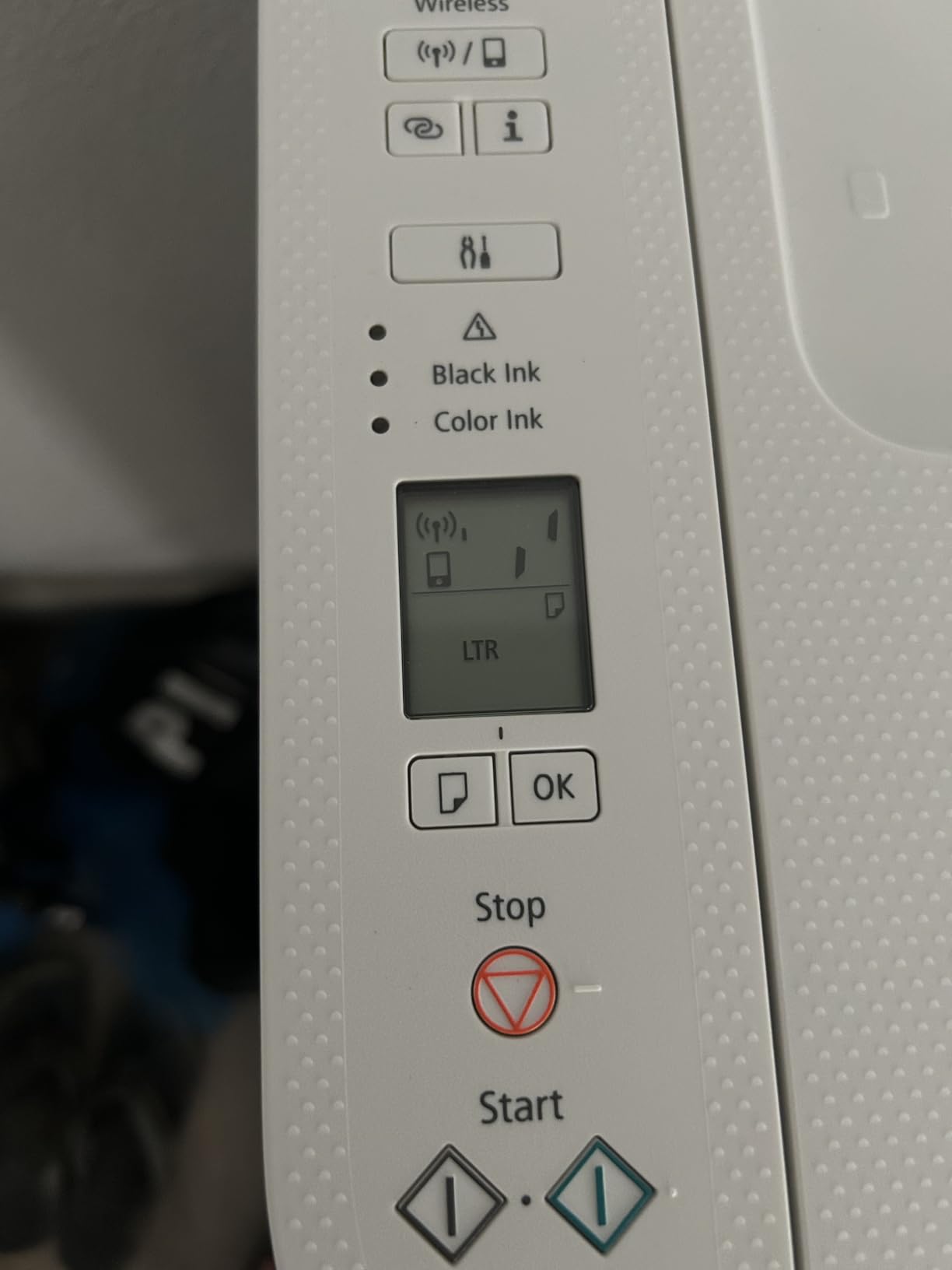
What you give up is speed and ink economics. Seven point seven pages per minute in black and 4 in color is the slowest pair of numbers here, and the 60-sheet tray is the smallest. Two cartridges do all the work, one black and one tri-color, which is simple to refill and the most expensive ink per page of any model on this list. Owners say so plainly in the reviews.

Borderless photos up to 5 by 7 inches are possible, including square formats, which is a nice touch for cards. Against the Canon PIXMA TS6520, the step up buys automatic duplex, a faster 14 pages per minute in black and a three-year warranty instead of one. If you print a few labels a month and nothing else, though, the TS3720 already covers the job and keeps the money in your pocket.
5. Brother HL-L2460DW: Best for High-Volume Duplex Work
Brother HL-L2460DW Wireless Compact Monochrome Laser Printer with Duplex, Mobile Printing, Black & White Output | Includes Refresh Subscription Trial(1), Works with Alexa
Type: Mono laser print only
Standout: 36 ppm and auto duplex
Warranty: 1 year
Weight: 15.6 lb
Pros
- Automatic duplex halves the paper used
- 36 ppm with first page in under 9 seconds
- 250-sheet tray plus a manual feed slot
- Weighs 15.6 lb for a laser printer
Cons
- Print only with no scanner or copier
- Wi-Fi entry on the small display is slow
- Deep sleep can drop the wireless link
Two-sided printing is where the money hides. A duplex machine prints both sides of a sheet, so a 40-page report costs 20 sheets instead of 40, and this Brother handles that automatically at 36 pages per minute with the first page out in about 8.5 seconds. The 250-sheet tray has a manual feed slot behind it for envelopes and labels, which is what a small warehouse or a home business shipping orders needs.
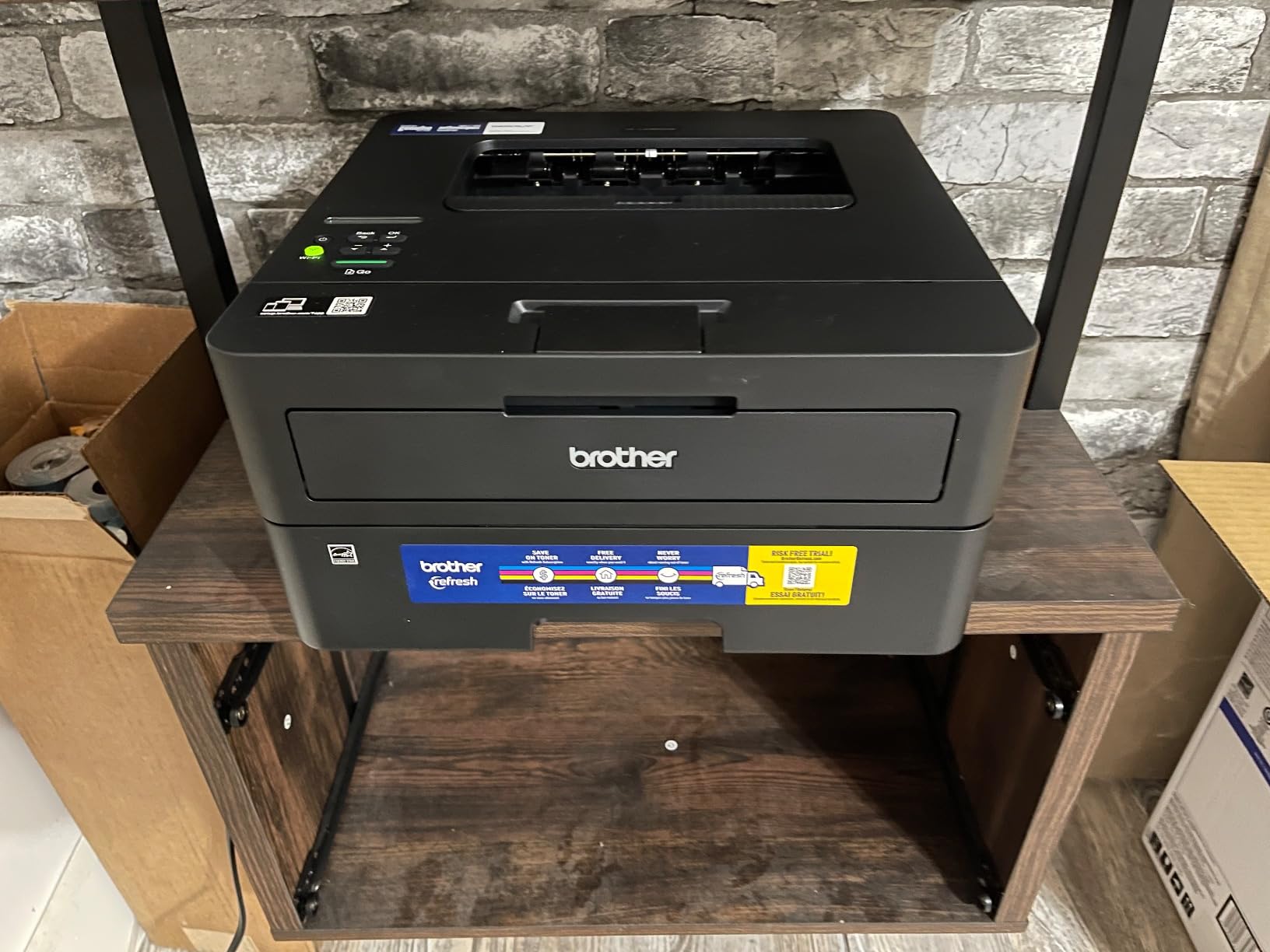
It prints and does nothing else. No scanner, no copier, no fax, and no color. Owners who buy it for what it is report reliable output across Windows, macOS and Linux, and the machine is lighter than most of the other lasers here at 15.6 pounds.
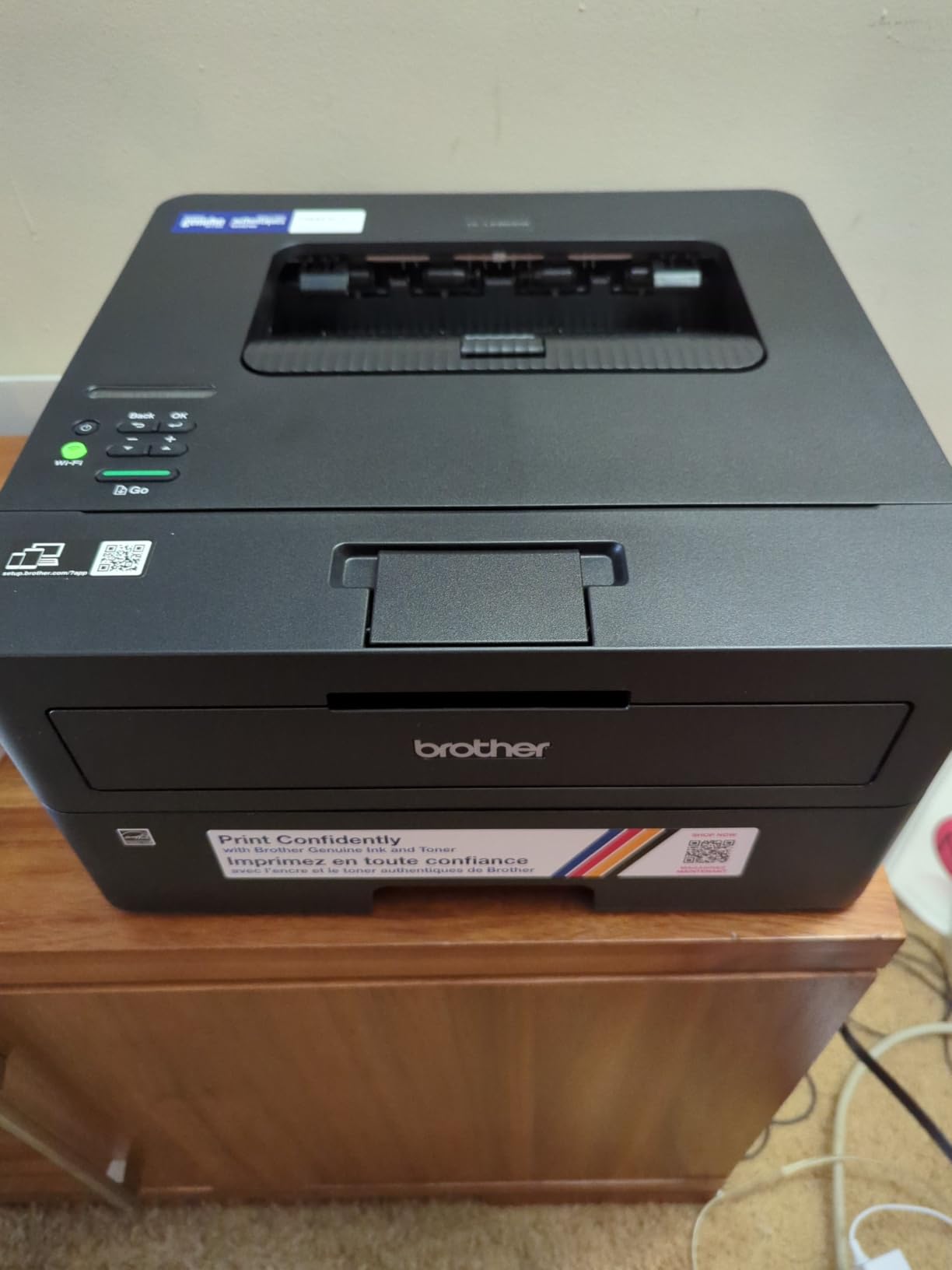
Two gripes recur. Entering a wireless password on the small onscreen display is slow, and deep sleep mode cannot be switched off, which on some mesh networks means reconnecting the printer by hand. If you already have a flatbed scanner on the desk, that second problem matters less. The Brother MFC-L2820DW adds a 50-page feeder and a touchscreen to the same engine, and the Brother DCP-L2640DW adds a scanner with the same duplex speed, so this is the bare-bones option among three good ones.
6. Brother HL-L2405W: Best for the Cleanest Software Install
Brother HL-L2405W Wireless Compact Monochrome Laser Printer with Mobile Printing, Black & White Output | Includes Refresh Subscription Trial(1), Works with Alexa
Type: Mono laser print only
Standout: 30 ppm and 250-sheet tray
Warranty: 1 year
Weight: 15.1 lb
Pros
- Clean install with no forced software or agreements
- 30 ppm with crisp text
- Manual feed slot for envelopes and labels
- Works with phones and tablets after setup
Cons
- Manual duplex only with no automatic option
- Print only with no scanner
- QR-code first Wi-Fi setup is tedious
Owners mention the software install more than any other single thing about this printer, and the word they use is clean. No bundled bloatware, no registration wall, no agreement to click through. For a Windows user who just wants the thing to print, that is worth more than a feature on the spec sheet.
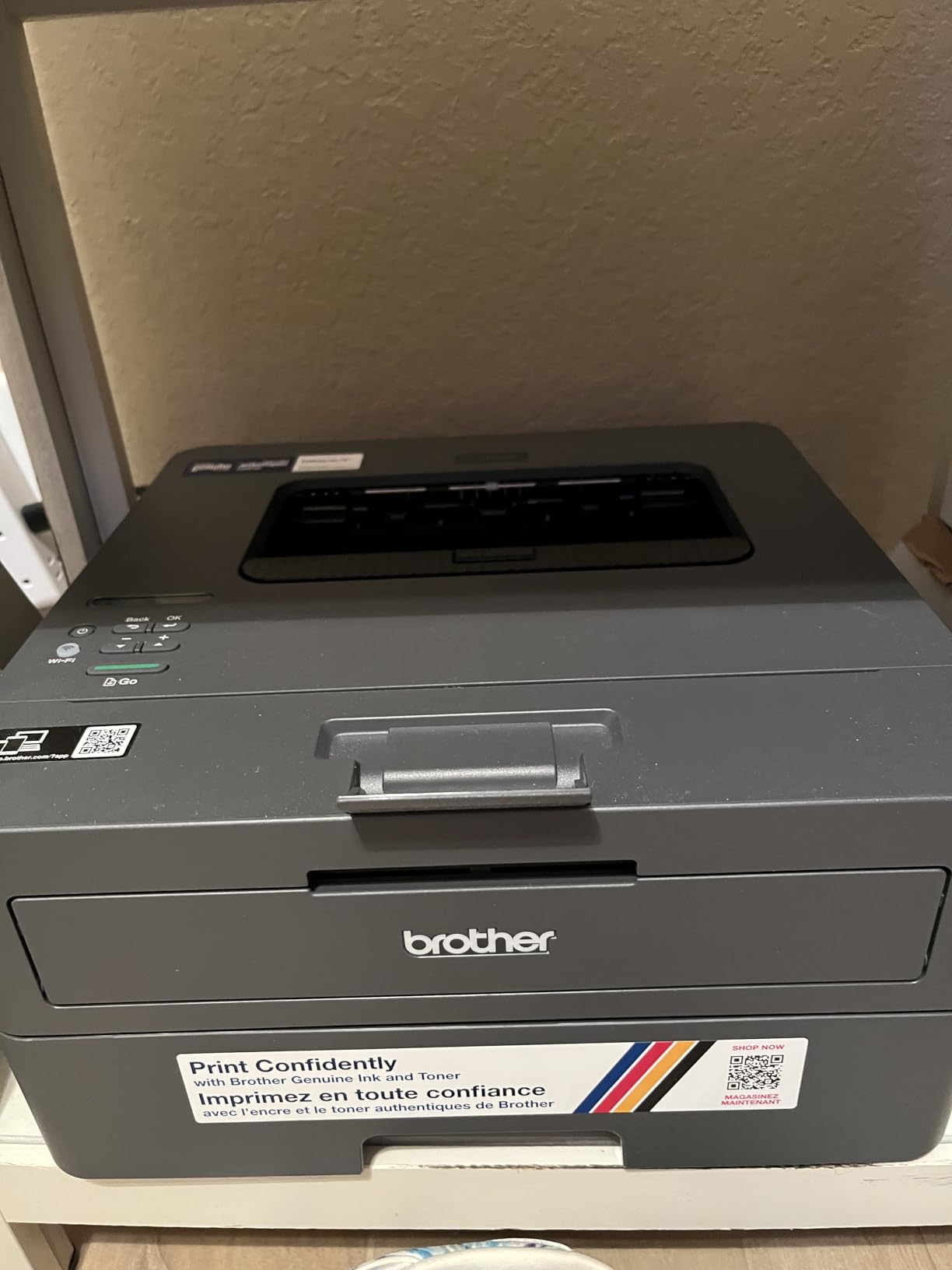
Output is 30 pages per minute in black at 1200 x 1200 dpi, with a 250-sheet tray and a manual feed slot. Dual-band wireless is built in alongside local USB, and the Brother Mobile Connect app handles printing from a phone. The toner is the same TN830 and TN830XL family used by the rest of the Brother lineup here, which makes restocking simple if you already own one.
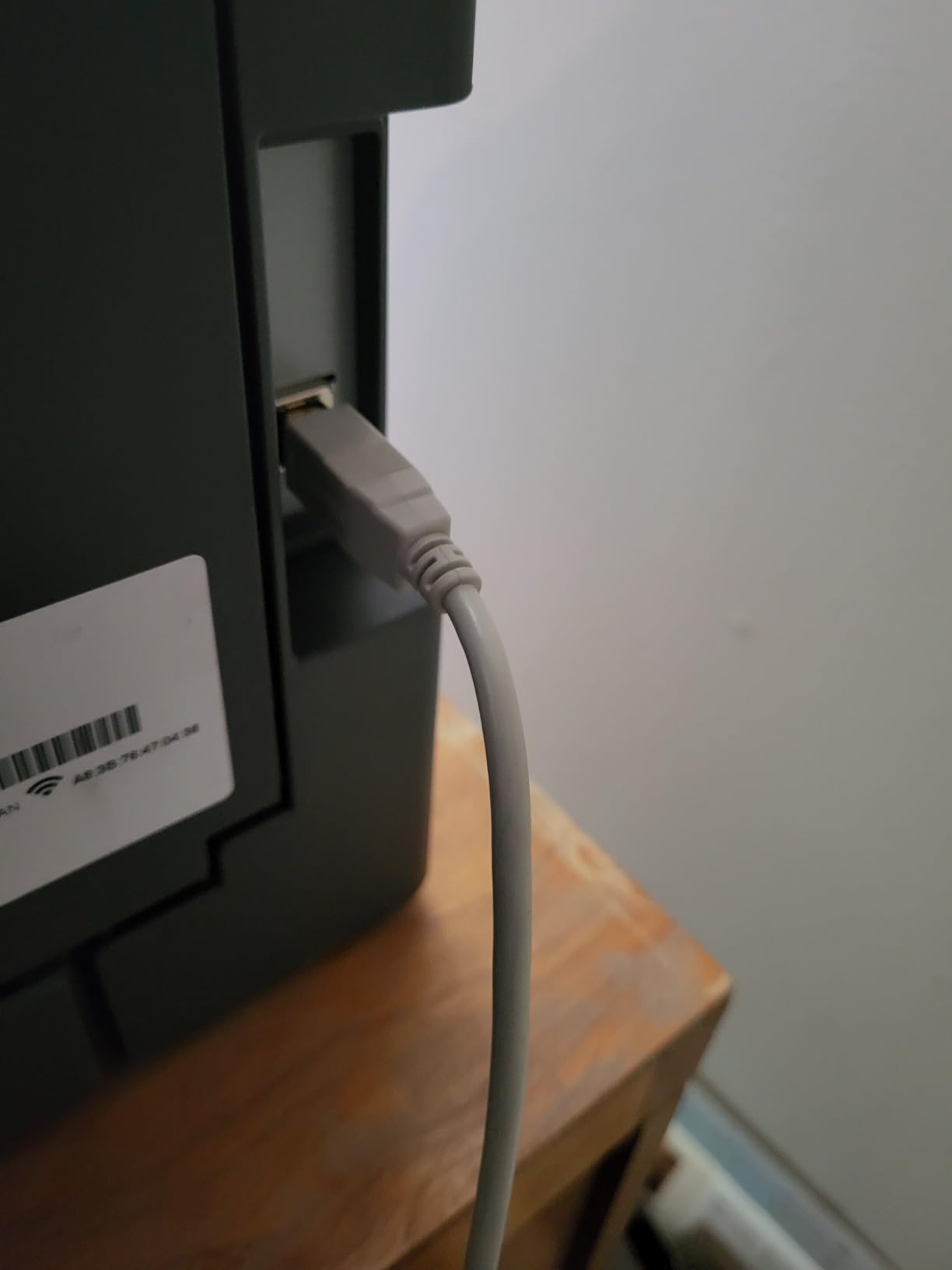
Duplex is manual on this one. You load the stack, tell the machine to print the backs, and turn the paper over yourself. That is the single biggest gap between this and the Brother HL-L2460DW, which sits at the same 36 pages per minute with automatic duplex. Some owners also report the machine occasionally printing the last page first, and toner save mode not sticking between sessions. Deep sleep can knock the wireless off on certain mesh networks, the same complaint as the model above.
Pick it when software friction is your biggest worry and you do not need two-sided printing. Otherwise, spend the difference on the automatic version.
7. Canon PIXMA TS6520: Best for Color with Automatic Duplex
Canon PIXMA TS6520 Wireless Color Inkjet Printer, Duplex Printing, Copier/Scanner, 1.42″ OLED Display, Compact, White
Type: Color inkjet all-in-one
Standout: Auto duplex plus OLED
Warranty: 3 years
Weight: 15.4 lb
Pros
- Automatic two-sided printing with color output
- Refillable PG-295 and CL-286 ink tanks
- 1.42 inch OLED shows ink status
- 3-year warranty is the longest here
Cons
- Paper capacity listed as a single sheet
- Limited to Letter size media
- Heavier than the other Canon PIXMA models
Color plus automatic duplex in one body is what separates this from every other sub-laptop-sized machine in the list, and the specs back the reviews on that point. It runs at 14 pages per minute in black and 9 in color, faster than any other Canon inkjet here, and the first page lands in about 7.5 seconds. Borderless output runs up to 8.5 by 11 inches.
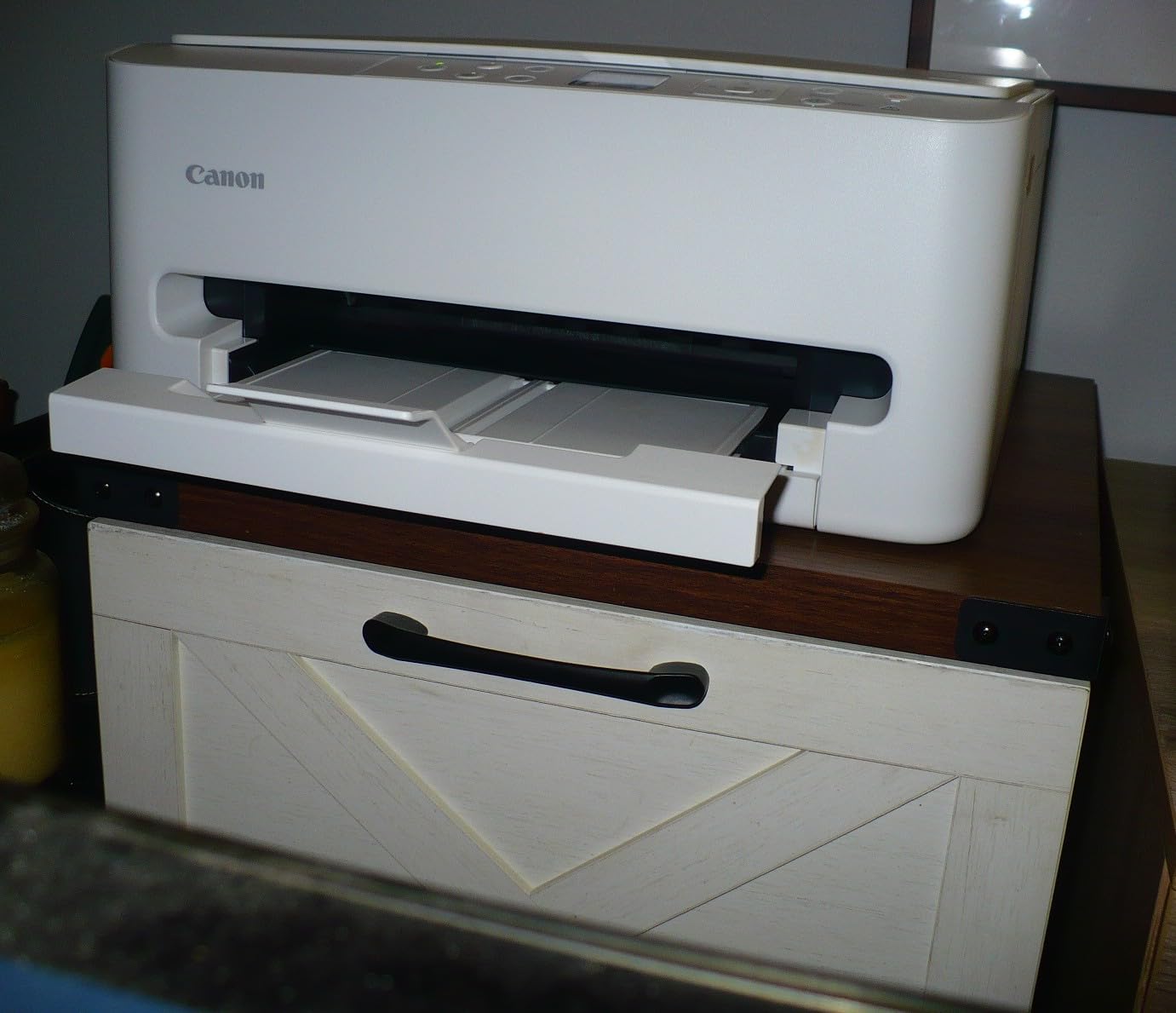
The 1.42-inch monochrome OLED shows ink levels and status at a glance, which saves opening an app every time you want to know whether the black tank is nearly empty. The three-year manufacturer warranty is the longest of anything in this roundup by two years.
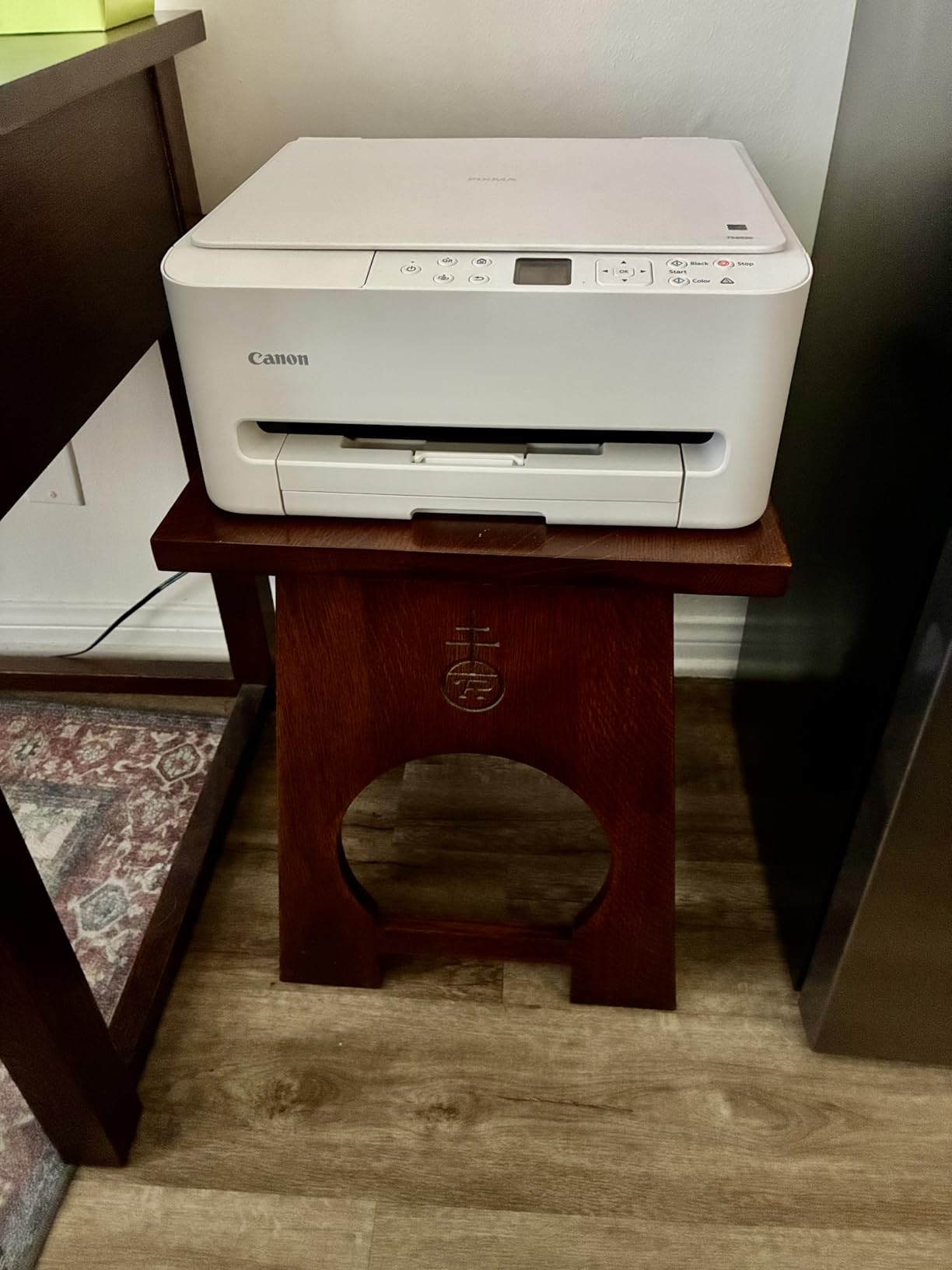
Two things temper that. The paper capacity is listed as a single sheet, and maximum media size stops at Letter, so legal and larger documents are out. The refillable PG-295 and CL-286 tanks help over the long run, but there are only two of them to maintain, which means color quality leans on a single tri-color unit. Owners still rate it the highest of the Canon models in this group at 4.2 stars.
Read it next to the Canon PIXMA TS7720, which adds a 2.7-inch touchscreen and a second paper tray. The TS6520 is the better value for anyone who mainly prints documents and the occasional color page.
8. HP LaserJet M209dw: Best for a Tight Desk
HP LaserJet M209dw Wireless Printer, Print, Fast speeds, Easy Setup, Mobile Printing, Best-for-Small Teams, Instant Ink Eligible
Type: Mono laser print only
Standout: 19 ipm two-sided
Warranty: 1 year
Weight: 11.2 lb
Pros
- Smallest and lightest monochrome laser here
- Fastest two-sided output at 19 ipm
- Dual-band Wi-Fi with self-reset
- Includes a roughly 700-page starter cartridge
Cons
- Monochrome only with no scanning
- Wireless setup can fail and force USB
- Some owners report repeated restarts after errors
At 11.2 pounds and 11 inches deep, this is the smallest monochrome laser of the group, and it still manages automatic two-sided output at 19 pages per minute, the fastest two-sided figure any model here lists. Single-sided speed is 30 pages per minute. A 150-sheet tray is smaller than the 250-sheet trays on the Brother machines, which is the price of the footprint.
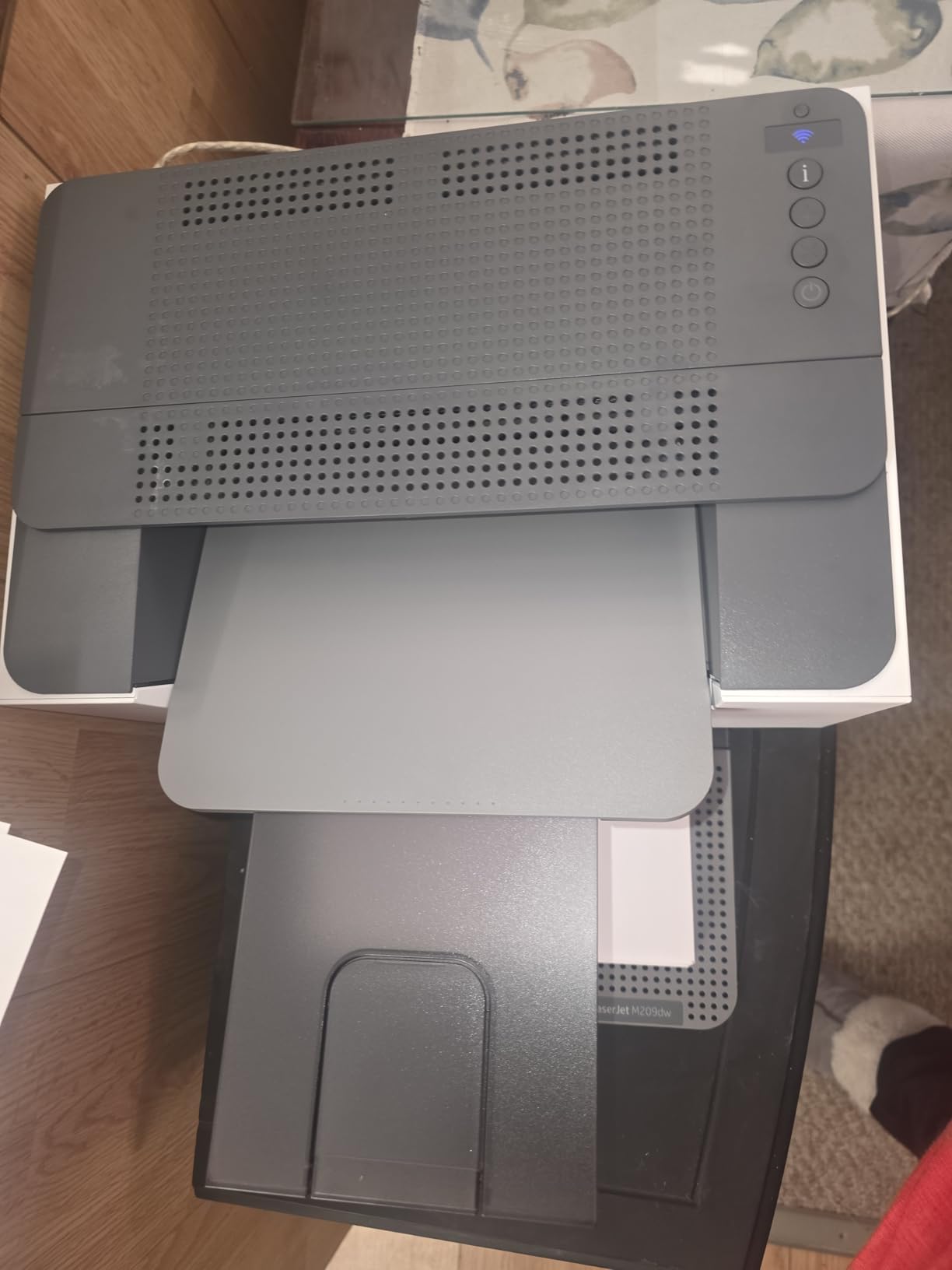
Setup runs through the HP app without needing a computer, and the dual-band wireless includes a self-reset that detects and clears most connection hiccups on its own. Built-in security features are on by default, which matters more if the printer sits on a shared office network.
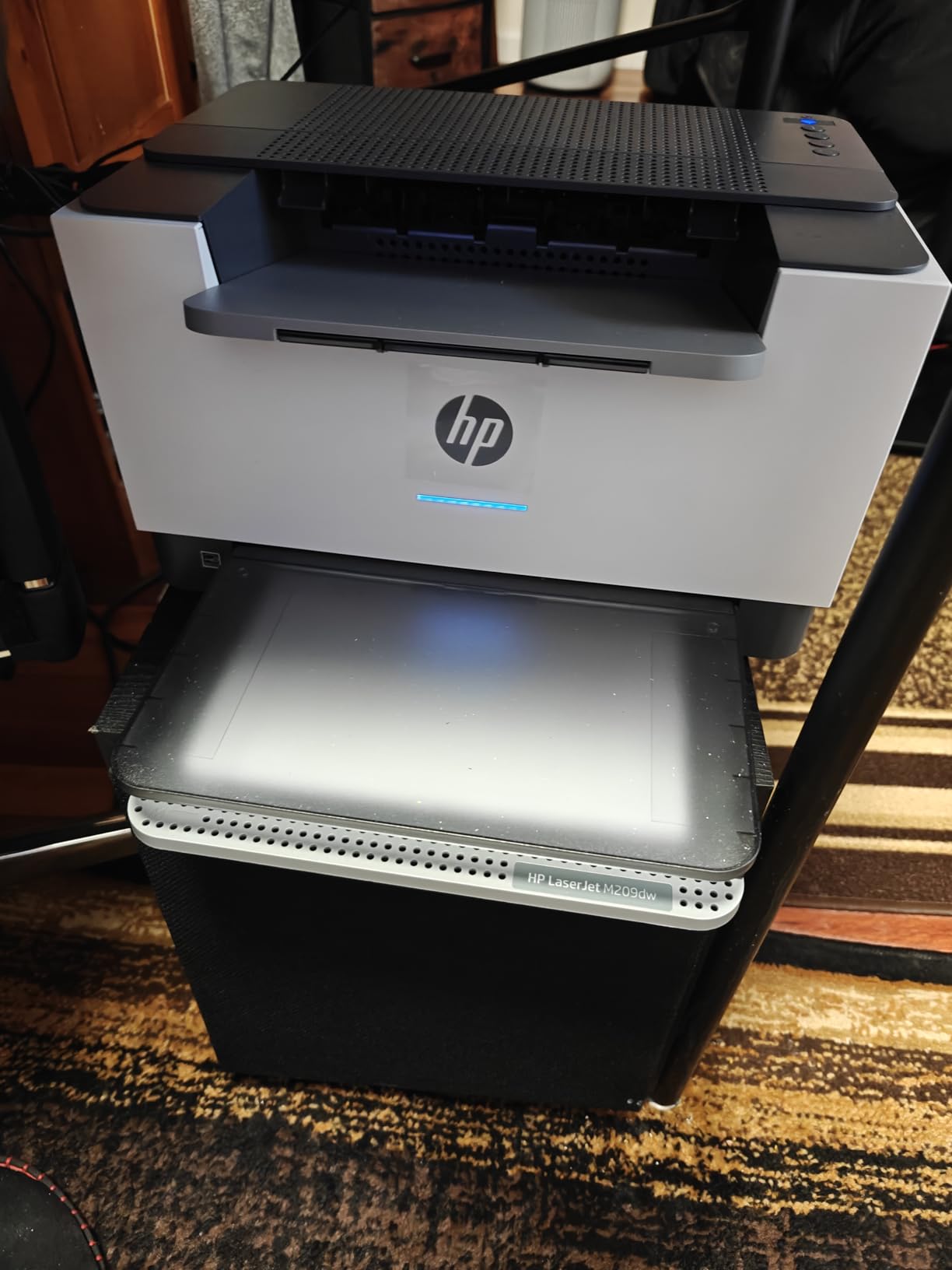
Owners are split on reliability after that good start. Wireless dropouts force some to fall back on the USB or Ethernet port, several mention restarting the machine after error messages, and one review reports a unit failing after about two months of light use, with HP support asking for long troubleshooting sessions first. Compare that with the HP LaserJet Pro MFP 3101sdw, which rates higher at 4.5 stars and adds a 50-page document feeder, though it is a much larger box. A starter cartridge of roughly 700 pages is in the box, so you are not printing blank pages on day one.
9. Canon PIXMA TS7720: Best for Photo and Color Projects
Canon PIXMA TS7720 Wireless All-in-One Color Inkjet Printer – Print, Copy, Scan – Auto Duplex, 15/10 PPM, 2.7” Touchscreen, Compact Home Photo Printer with Easy Setup
Type: Color inkjet all-in-one
Standout: 2.7 inch touchscreen
Warranty: 1 year
Weight: 13.8 lb
Pros
- Fastest Canon inkjet here at 15 ppm black
- 2.7 inch touchscreen for standalone control
- Two paper trays for photo and document sizes
- Borderless photo printing
Cons
- Cartridge ink costs more per page than tanks
- No legal size and no document feeder
- Bigger than the cheaper PIXMA models
For scrapbooking, cards and anything that needs a screen to set up, this is the Canon to look at. The 2.7-inch touchscreen handles settings without an app, and the second paper tray is the reason: one feed for plain documents, one for glossy photo paper, 4 by 6, 5 by 7, 7 by 10 and square sizes. Output runs at 15 pages per minute in black and 10 in color, the quickest Canon inkjet in the roundup.
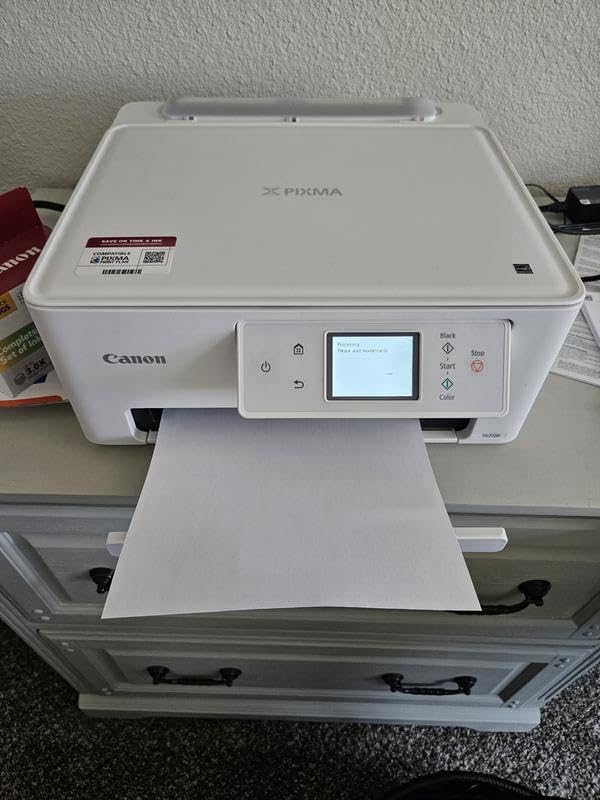
Automatic duplex is included, and the 200-sheet output tray means long photo jobs do not stall. Copy and scan resolution both reach 1200 by 1200 dpi. Owners consistently describe it as a step up from the entry PIXMA models without jumping to laser pricing.
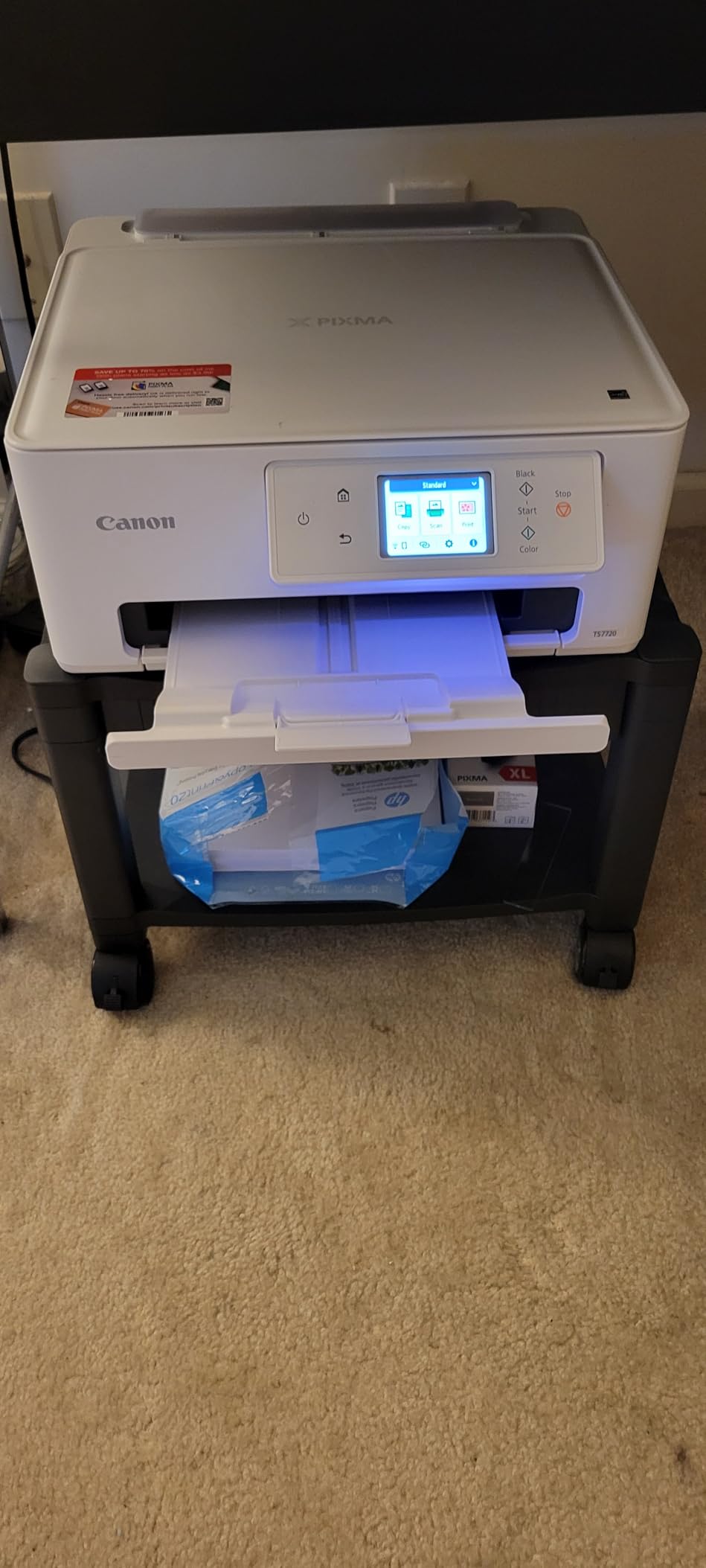
The catch is the ink. Two cartridges, a pigment black and a color unit, run a higher cost per page than any of the refillable tank machines in this list, and a scrapbooker who prints constantly will feel that quickly. Maximum media size is 8.5 by 11 inches, so legal is out, and the base configuration has no document feeder. If you mostly print documents, the Canon PIXMA TS6520 does the same job with a smaller screen and a longer warranty for less money.
10. Brother MFC-L2820DW: Best for Small Offices Needing Fax
Brother MFC-L2820DW Wireless Compact Monochrome All-in-One Laser Printer with Copy, Scan and Fax, Duplex, Black & White | Includes Refresh Subscription Trial(1), Works with Alexa
Type: Mono laser 4-in-1
Standout: 50-page ADF
Warranty: 1 year
Weight: 22.5 lb
Pros
- Print copy scan and fax in one machine
- 2.7 inch touchscreen with cloud apps
- Quiet operation with no recurring jams
- Setup works across Windows Linux and mobile
Cons
- No duplex scanning through the feeder
- Wireless can drop and need daily recovery
- Paper jams clear from the rear
Fax is the reason this one exists, and in 2026 it is still a real requirement for a lot of small offices. Print, copy, scan and fax sit in a single 22.5-pound body, with a 50-page document feeder, a 250-sheet tray and automatic duplex on the print path. The 2.7-inch touchscreen adds print-from and scan-to apps for Google Drive, Dropbox, Evernote and OneNote.
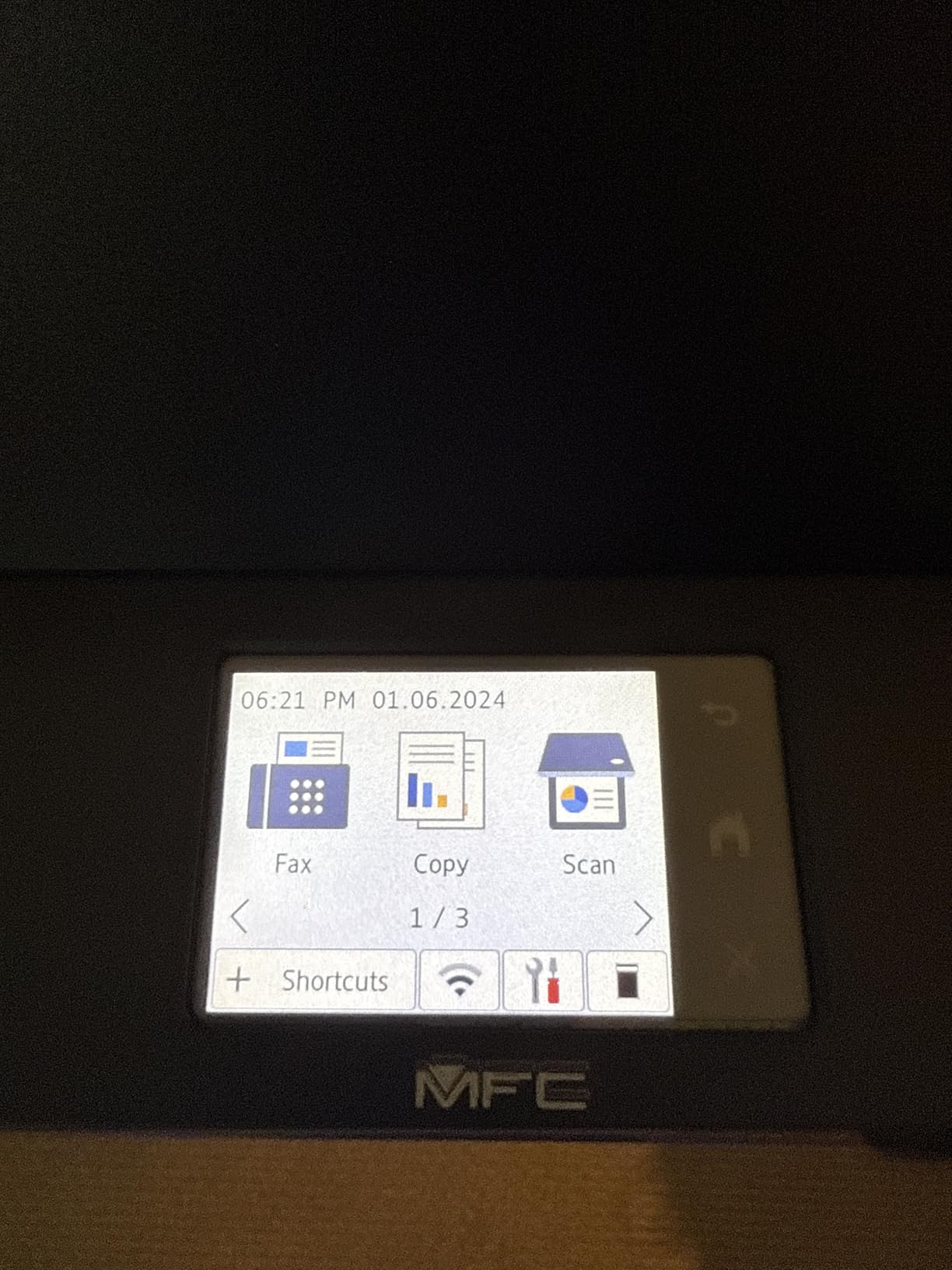
It holds the highest rating in this group at 4.3 stars. Output reaches 34 pages per minute with a first page in about 8.5 seconds, and scanning runs at 23.6 pages per minute in black. Owners call out quiet operation, no repeat jams, and a setup that went smoothly across Windows, Linux, Android and iOS.
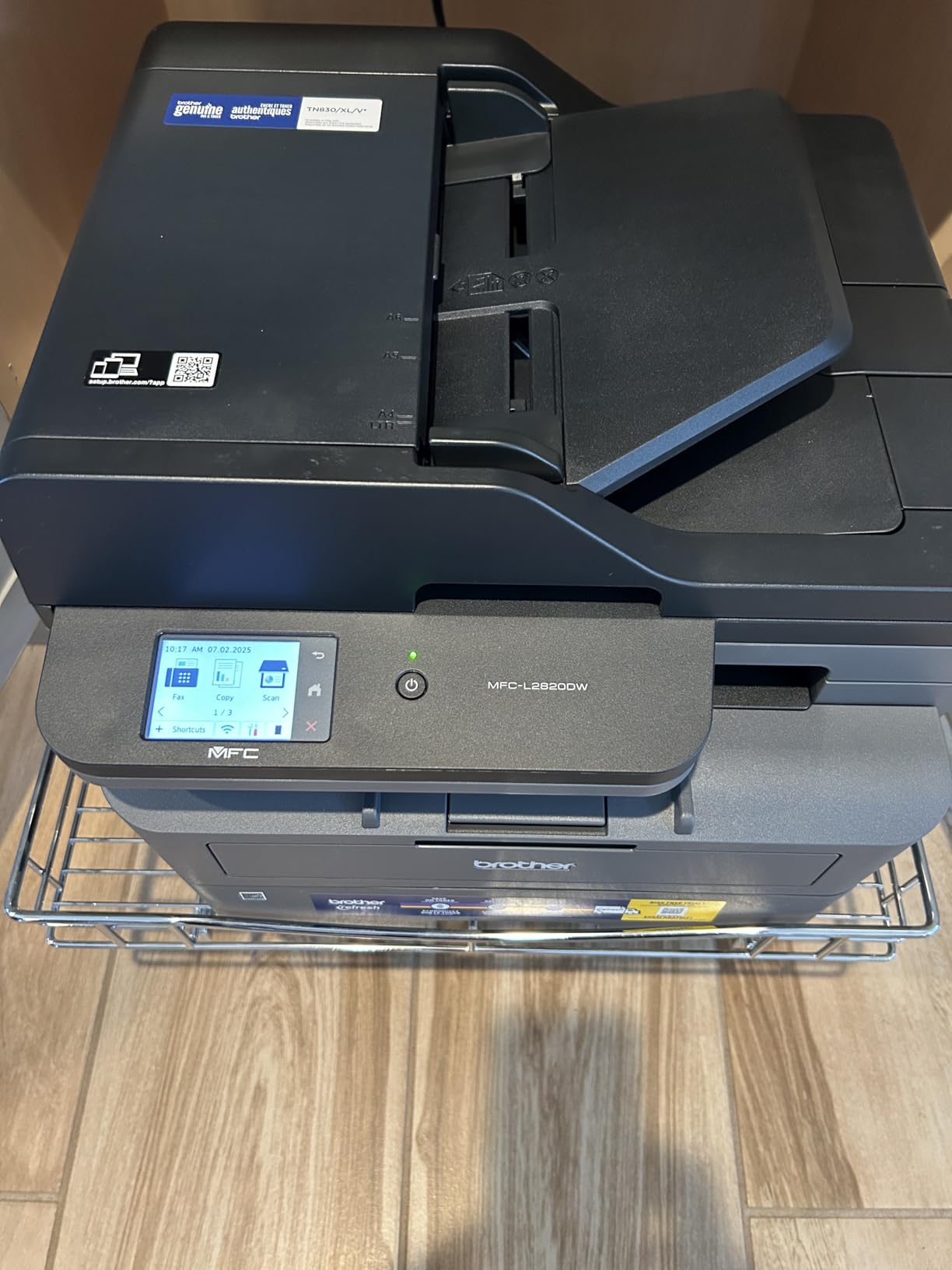
Two practical issues. The document feeder does not scan both sides, so a duplex job still needs a trip to the flatbed. And the paper path clears jams from the back of the machine, which is awkward if you have pushed it flush against a wall, so leave a few inches of clearance. Owners also report the wireless connection dropping and needing manual recovery each morning, and the display backlight not staying lit. Against the Brother DCP-L2640DW, this costs more and adds the fax and touchscreen; if nobody in the office sends a fax, the DCP does the same printing for less.
11. HP LaserJet Pro 3001dw: Best for Locked-Down Office Printing
HP Laserjet Pro 3001dw Wireless Black & White Printer, Best-for-Office (3G65OF)
Type: Mono laser print only
Standout: 35 ppm and Wolf Pro
Warranty: 1 year
Weight: 16.1 lb
Pros
- 35 ppm with automatic duplex
- HP Wolf Pro Security settings
- Works with AirPrint Android and Chromebook
- 6.6 second first page
Cons
- Works only with HP chipped cartridges
- Wireless can drop on mesh networks
- Print only with a single 250-sheet tray
This is the pick when the printer joins a managed network rather than a home. HP Wolf Pro Security ships with configurable settings, Bluetooth is included alongside Ethernet, USB and dual-band Wi-Fi, and the listing states it works with Microsoft and Mac, AirPrint, Android and Chromebook. Print speed is 35 pages per minute with a first page in roughly 6.6 seconds, the quickest first-page figure among the print-only lasers here.
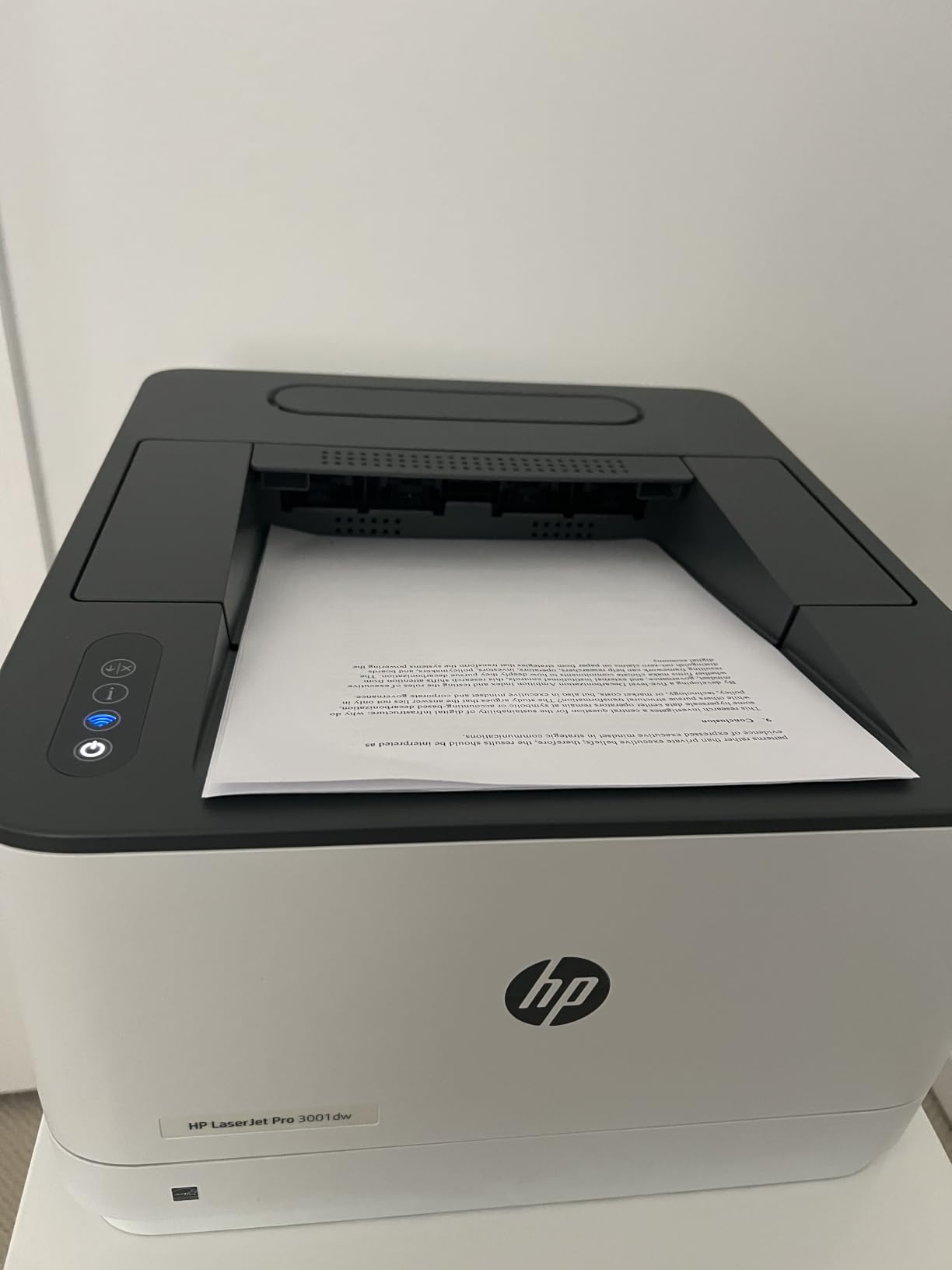
Owners like the sharp black-and-white output and report that network setup is generally quick. For high-volume monochrome work, toner runs cheaper per page than ink, and automatic duplex halves the paper.
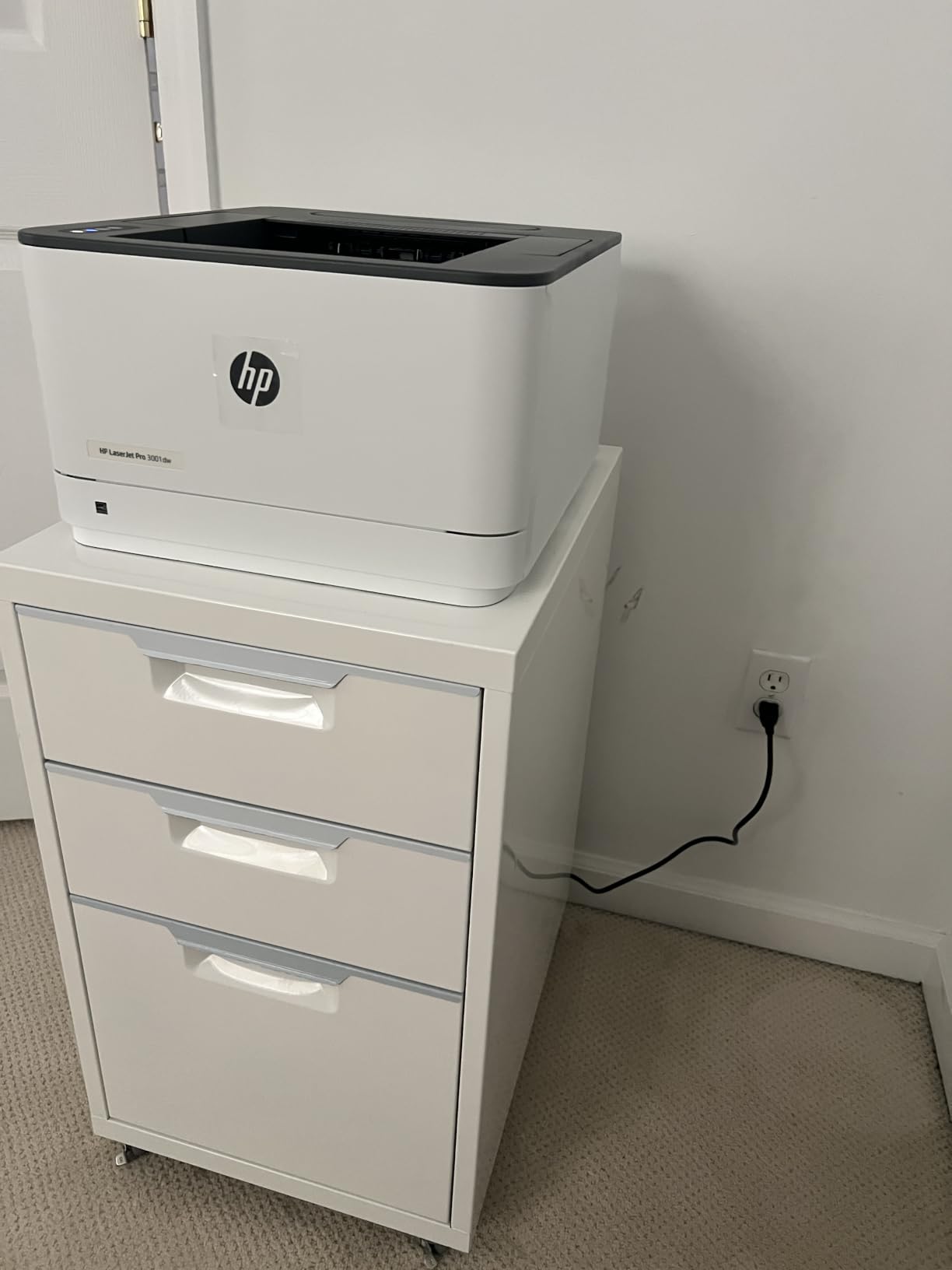
There is one hard limit that shows up in the technical details and in reviews: the machine works only with cartridges carrying original HP chips or circuitry. Aftermarket toner gets blocked, which closes off the usual way of cutting running costs on an HP laser. The 5-star share of reviews sits at 64 percent with 14 percent at 1 star, higher than the other HP models here, and the wireless dropouts on mesh networks are the repeated theme. If the office already runs Brother machines, the Brother HL-L2460DW avoids the cartridge lock and prints at 36 pages per minute.
12. HP LaserJet Pro MFP 3101sdw: Best for Scanning and Copying Speed
HP LaserJet Pro MFP 3101sdw Wireless Black and White All-in-One Laser Printer, Office Printer, Duplex, Best-for-Small Teams (9D2X4F)
Type: Mono laser all-in-one
Standout: 40 ppm and 50-page ADF
Warranty: 1 year
Weight: 23.1 lb
Pros
- 40 ppm is the fastest print speed here
- Highest rating in the group at 4.5 stars
- 50-page feeder plus flatbed scanner
- Self-healing wireless reconnects on its own
Cons
- Requires HP chipped toner cartridges
- Lightweight build and a flexible paper tray
- Occasional tray errors during setup
At 40 pages per minute this is the fastest machine in the list, with automatic duplex, a 50-page document feeder and a flatbed scanner in the same 23.1-pound body. The first page arrives in about 7 seconds, print and copy resolution reach 1200 by 1200 dpi, and a single run of copies goes up to 999. The 250-sheet input tray matches the 250-sheet output capacity, so long jobs do not need a mid-run empty.
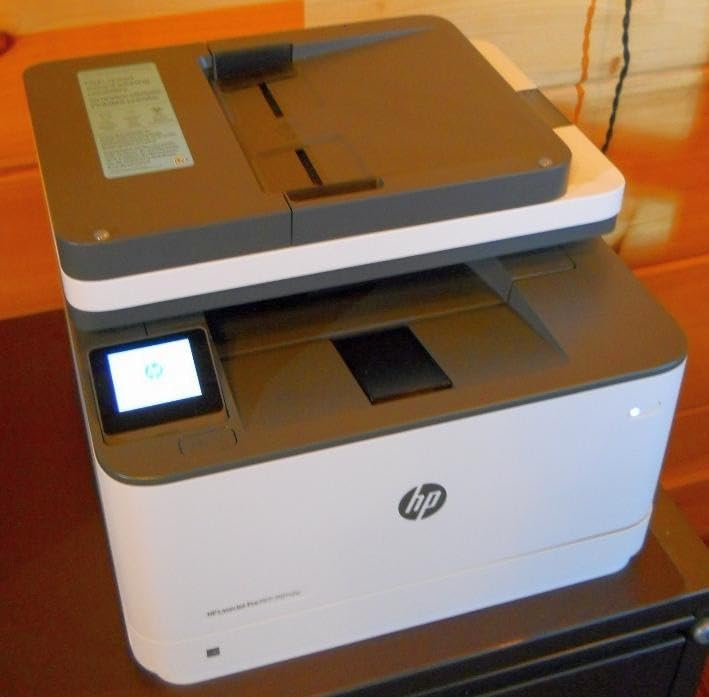
It also holds the highest rating of anything here at 4.5 stars, with 77 percent of reviews at 5 stars. Owners describe the setup as intuitive, the wireless as dependable and self-reconnecting, and the machine as quiet for something that prints at that speed. Cloud and mobile printing run through AirPrint, Mopria and Print Anywhere.
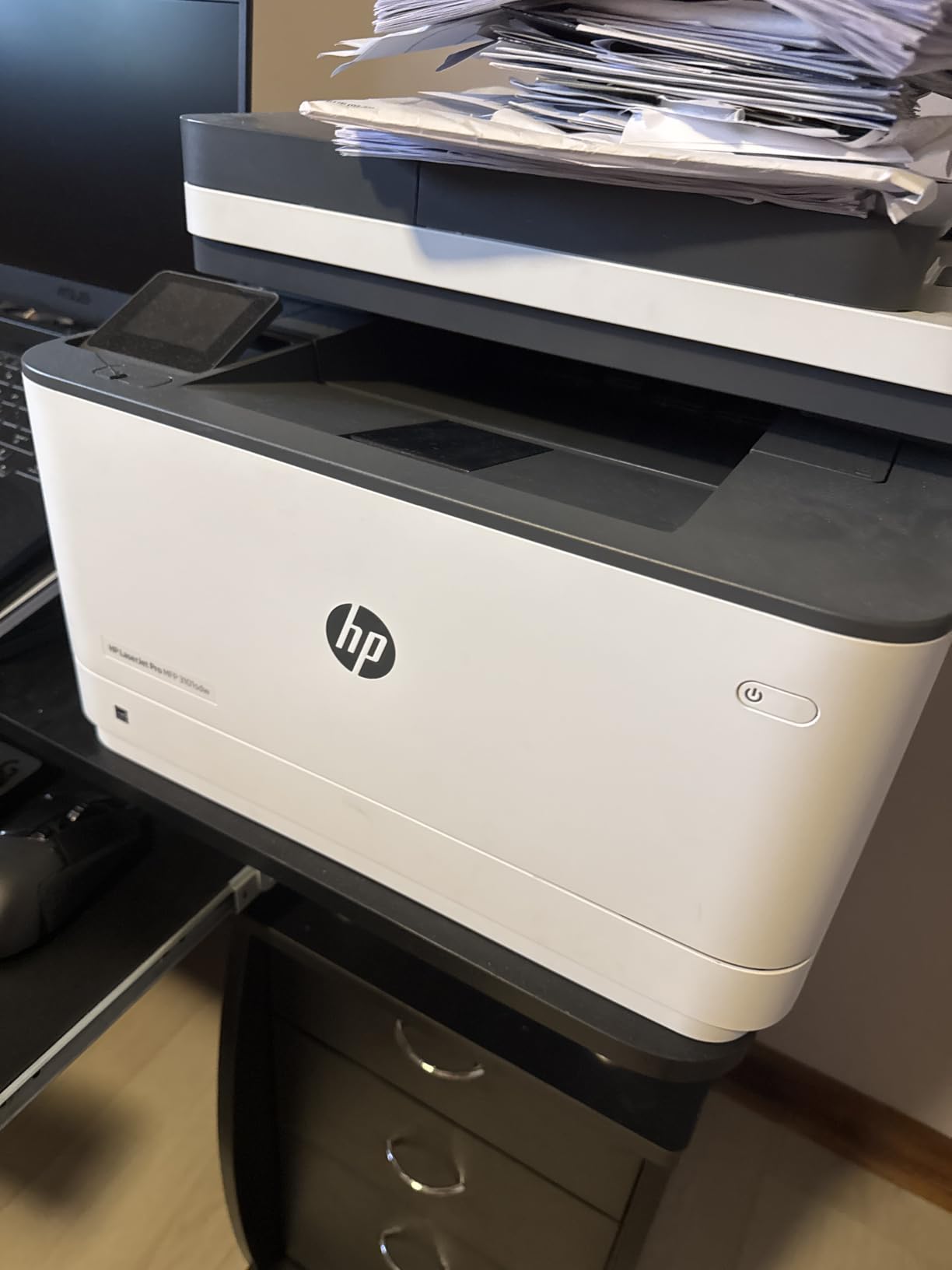
HP’s cartridge lock applies here as well, since the unit works only with cartridges containing HP chips or circuitry, and owners buying aftermarket toner find it refused. A minority mention a paper tray that flexes when handled, occasional no-paper errors during first setup, and jams when the feeder is overloaded. The Brother MFC-L2820DW is the alternative when toner flexibility matters more than raw speed, since it uses the TN830 family and adds fax at a similar 34 pages per minute.
How to Choose Printers During Prime Big Deal Days
A printer deal is only a good deal if the machine suits the volume and the ink. Work through these five questions before you look at any offer.
Which Printer Type Fits Your Printing Needs?
Start with monthly volume, not with features. Under about 100 pages a month, a cartridge inkjet such as the Canon PIXMA TS3720 costs the least to own and will not dry out between uses. Between 100 and 500 pages, a refillable tank model like the Epson EcoTank ET-2800 or Canon MegaTank G3270 is where running cost stops hurting. Above 500 pages of black text, a monochrome laser such as the Brother DCP-L2640DW or HP LaserJet Pro MFP 3101sdw wins on speed and cost per page.
Color changes the answer. If any part of the week is color, you need color, and that rules out every monochrome laser in this list. Specialty formats are a different question again: for fabric and coated panels, read about dye sublimation photo printers, and for filament and nylon parts, enclosed 3D printers rather than a paper machine.
How Much Print Quality Do You Need?
Normal documents, receipts and return labels do not need much. Anything at 1200 x 1200 dpi produces clean text, and 4800 x 1200 dpi is the standard for the color inkjets here and is more than enough for forms. The Epson EcoTank ET-2800 is the outlier at 5760 by 1440 dpi, which matters only if you print your own photos.
For photo work, check the borderless maximum size and whether there is a second tray for glossy stock. The Canon PIXMA TS7720 and TS6520 handle borderless output up to 8.5 by 11 inches. If you want prints in your hand within minutes, instant photo printers are a separate category and skip ink cost entirely.
What Are the Real Ownership Costs?
The sticker price is the smallest number you will pay. Ink or toner, paper and electricity follow. Refillable tank machines publish page yields per ink set, which makes the maths easy: the EcoTank ET-2800 covers up to 4500 black and 7500 color pages, and the MegaTank G3270 covers up to 6000 black and 7700 color. Cartridge machines give no such figure, which is why their ink per page runs higher.
Automatic duplex halves paper use on every long job, so treat it as a running cost saving rather than a luxury. Then check the subscription angle. Some models ship with a trial of a cartridge plan; decline the enrollment prompt at setup, print one test page, and remove the plan card so the printer defaults to standard cartridges. Brother and Epson models here run on standard toner and ink, and the two HP lasers require genuine HP chipped cartridges, which fixes your toner cost for the life of the machine.
Which Connectivity and Compatibility Features Matter?
Every model here has Wi-Fi and USB, and all but one list dual-band 2.4 and 5 GHz support, which is what stops a printer from dropping off a modern mesh network. Anything registered for the network, like the Brother DCP-L2640DW, makes that band support worth insisting on.
Check mobile support next. AirPrint and Mopria cover iPhone, Android and Chromebook printing, and the Brother Mobile Connect, Canon PRINT and HP apps all add remote management and ink level checks. For shared machines that print food packaging, cakes or edible signage, the drivers and workflow rules are different enough that our guide to edible ink printer systems is the better read. Linux support is worth confirming if your office is not all Windows or Mac.
How to Shop Printer Deals During the Sale
Check the exact model number before you compare anything, since the same family ships in a cartridge version and a tank version with very different ink costs. Look at what is in the box, because some bundles add starter cartridges and some do not, and confirm the condition is new rather than renewed. Read who the seller is, and prefer a listing fulfilled and sold by Amazon itself over a marketplace seller during a big sale, since warranty support is easier. Most offers need a Prime membership, which a free 30-day trial covers, and prices move through the event, so check the model again on the day you plan to buy.
- Match the model number to the printer type you decided on
- Check the ink or toner system before the price, never after
- Confirm the box contents and whether ink is included
- Prefer a seller that is Amazon itself
- Decline any cartridge subscription enrollment at setup
- Recheck the offer on the day, since it can change mid-event
Frequently Asked Questions
When do Best Amazon Prime Big Deal Days Printer Deals start?
Amazon’s Prime Big Deal Days runs October 6-7, 2026, a 48-hour window. Printer offers often appear as early-access deals in the week before, and most need a Prime membership, which a free 30-day trial covers. Offers change through the event.
Can I buy a printer without ink?
Yes, most inkjet and laser printers ship with a small starter cartridge or toner that covers a few hundred pages, which is enough to run alignment and test prints. The refillable tank models in this list are the exception, because they often arrive with full bottles included. Always read the box contents line before you buy.
Is an ink tank printer better for regular home use?
For most homes that print every week, yes. The Epson EcoTank ET-2800 and Canon MegaTank G3270 hold thousands of pages per ink set, which drops the cost per page well below any cartridge model. The catch is regular use: ink tank heads can clog if the machine sits unused for months, so they suit frequent printers, not seasonal ones.
Is 2400 x 1200 dpi good enough for normal documents?
Yes, and most people never need more. That resolution gives sharp text on contracts, invoices and return labels at close reading distance. The machines here run 1200 x 1200 dpi for laser text and 4800 x 1200 dpi for color inkjet work, which covers photos and graphics as well as documents.
Can a wireless printer work without a Wi-Fi router?
Direct wireless lets a printer create its own network so a phone or laptop can print without a home router, but it is a one-device-at-a-time setup and it stops the moment you go back to the main network. For a router-based setup, every model here supports dual-band Wi-Fi. Brother models need you to type in the default password from a label before the network will accept them.
Should I choose a printer with automatic duplex printing?
Choose it if you print anything longer than a page. Automatic duplex prints both sides of a sheet without you turning the stack over, which halves paper use and saves time on contracts and reports. The Brother HL-L2460DW, DCP-L2640DW and MFC-L2820DW, the HP LaserJet models and the Canon PIXMA TS6520 and TS7720 all have it.
Final Verdict: Best Amazon Prime Big Deal Days Printer Deals
Buy the Epson EcoTank ET-2800 if you print color most weeks and care about the ink bill, and keep the Canon MegaTank G3270 in mind as the alternative with more page yield per set. For a budget-friendly choice, the Canon PIXMA TS3720 is the least expensive machine here and the easiest to fit in a small room. Pure black-and-white volume belongs to the Brother DCP-L2640DW, and the HP LaserJet Pro MFP 3101sdw is the fastest with the highest rating in the group. The HP LaserJet M209dw covers a tight desk, the Canon PIXMA TS6520 gives color with automatic duplex and a three-year warranty, the Canon PIXMA TS7720 handles photo work, the Brother HL-L2460DW and HL-L2405W cover duplex and simple installs, the Brother MFC-L2820DW adds fax, and the HP LaserJet Pro 3001dw suits a managed network. Compare the live offers on the day, check the model number and the ink system before anything else, and use the buttons above to see the current price.