
A gaming laptop deal is only useful when you can read the exact configuration on the listing, and that is where the MSI Katana 15 leads this roundup. It is the only RTX 4070 machine here, it carries more owner reviews (394) than anything else we compared, and both the memory and a second storage slot are things you can reach yourself.
The Acer Nitro V 15 has the cleanest rating in the group, and the Acer Nitro V 16S is the pick when 32 GB of memory and a 16-inch screen matter more than GPU tier. Prime Big Deal Days runs October 6-7, 2026, and offers shift through the event, so these are the configurations worth watching rather than prices anyone can promise.
Table of Contents
Our Top 3 Picks for Best Amazon Prime Big Deal Days Gaming Laptop Deals (October 2026)

MSI Katana 15
- RTX 4070 with 8 GB
- Replaceable DDR5 and a second M.2 slot
- 15.6 inch 1080p at 144 Hz
- Largest owner review sample here

Acer Nitro V 15
- RTX 4050 with 6 GB
- 16 GB DDR5 in two slots to 32 GB
- 15.6 inch IPS at 165 Hz
- 4.7 lb chassis

Acer Nitro V 16S
- RTX 5060 with 8 GB GDDR7
- 32 GB DDR5-5600 as standard
- 16 inch WUXGA at 180 Hz
- 4.6 lb chassis
Best Amazon Prime Big Deal Days Gaming Laptop Deals Compared
| Product | Specifications | Action |
|---|---|---|
| MSI Katana 15 |
|
Check Deal Price |
| Acer Nitro V 15 |
|
Check Deal Price |
| Acer Nitro V 16S |
|
Check Deal Price |
 ASUS TUF Gaming F16 ASUS TUF Gaming F16 |
|
Check Deal Price |
 ASUS ROG Strix G16 ASUS ROG Strix G16 |
|
Check Deal Price |
 ASUS TUF Gaming A16 ASUS TUF Gaming A16 |
|
Check Deal Price |
 MSI Thin 15 MSI Thin 15 |
|
Check Deal Price |
 Lenovo Legion 5i Lenovo Legion 5i |
|
Check Deal Price |
 Lenovo Legion Pro 7i Lenovo Legion Pro 7i |
|
Check Deal Price |
 Acer Predator Helios Neo 16 Acer Predator Helios Neo 16 |
|
Check Deal Price |
How We Chose
We compared the specifications that decide how a gaming laptop actually plays: the GPU and its VRAM, the memory and whether it can grow, display size and refresh rate, cooling, battery and weight. Ratings and owner review counts on each Amazon listing did the rest, because owner reviews are where battery life, fan noise and port problems show up first. Everything here was checked on October 2026.
1. MSI Katana 15: Editor’s Choice for Verified 1440p Headroom
MSI Katana 15
GPU: RTX 4070 8 GB
CPU: Core i7-13620H
Display: 15.6 inch 1080p 144 Hz
RAM: 16 GB
Storage: 1 TB
Pros
- Only RTX 4070 laptop here
- Replaceable DDR5 up to 64 GB
- Second M.2 slot
- 394 owner reviews
- Thunderbolt 4 and gigabit Ethernet
Cons
- Roughly 1 to 1.5 hours of gaming unplugged
- Noisy fans under load
- Charging port reported loose
The pick to watch if you want 1440p headroom without carrying a 16-inch machine.
The RTX 4070 with 8 GB of GDDR6 is the reason this one leads. Owners report well over 60 fps at max settings in demanding titles on a 13th Gen Core i7-13620H that runs to 4.9 GHz across 10 cores, and Cooler Boost 5 holds CPU and GPU in the 60-75C range under sustained gaming load.
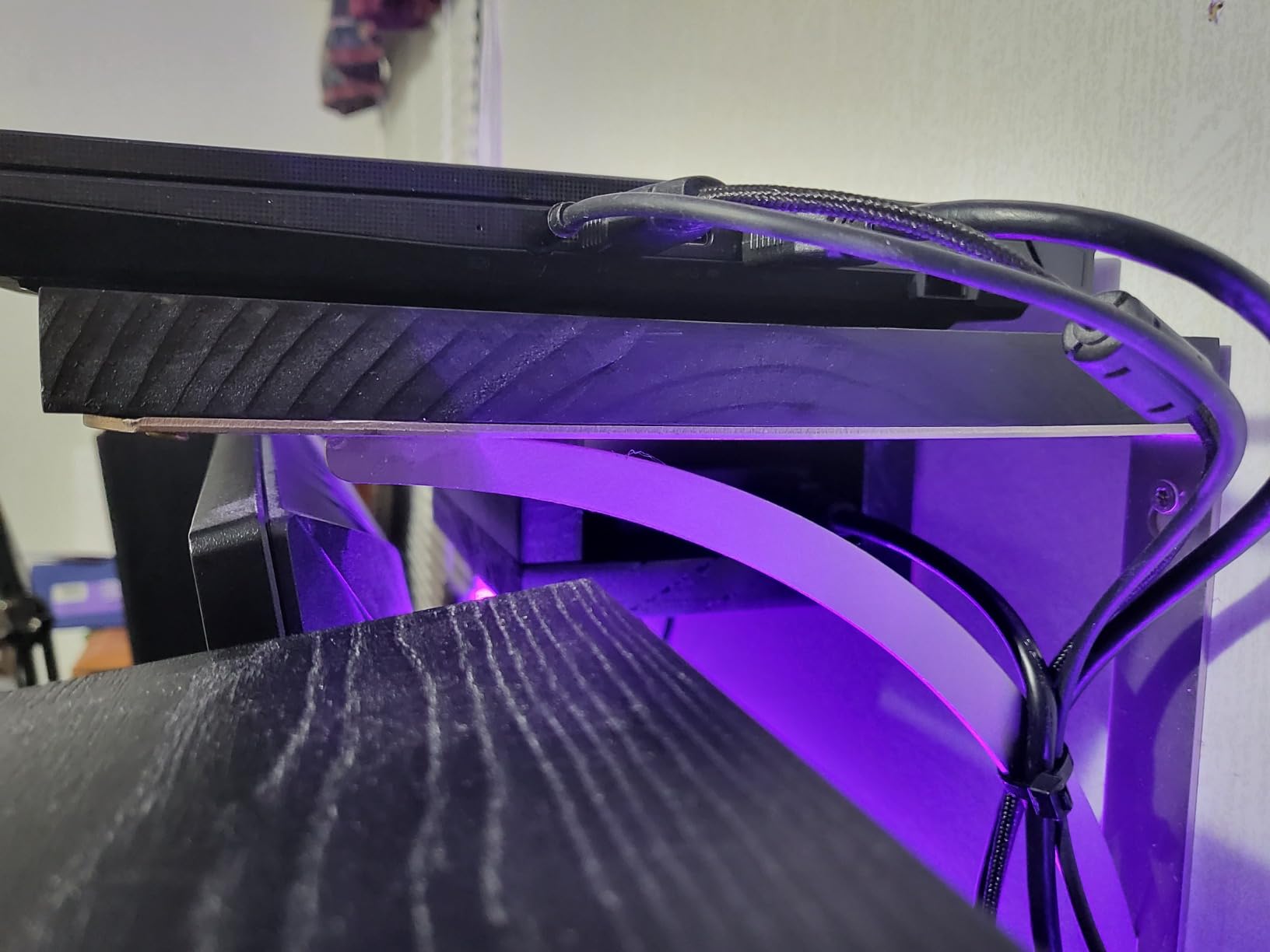
Upgradability is the quiet bonus. The 16 GB of DDR5 sits in replaceable modules with a 64 GB ceiling, and there is a second M.2 slot for another drive, though it arrives without a mounting bracket and MSI will send one on request.
Between a lecture and a late session, the 15.6-inch 144 Hz panel does its job and the 7.6 lb body is a lot easier to move than a 16-inch. What you give up: a 53.5 Wh battery that owners say delivers roughly 1 to 1.5 hours of gaming unplugged, and fans that reach close to PlayStation volume under load.
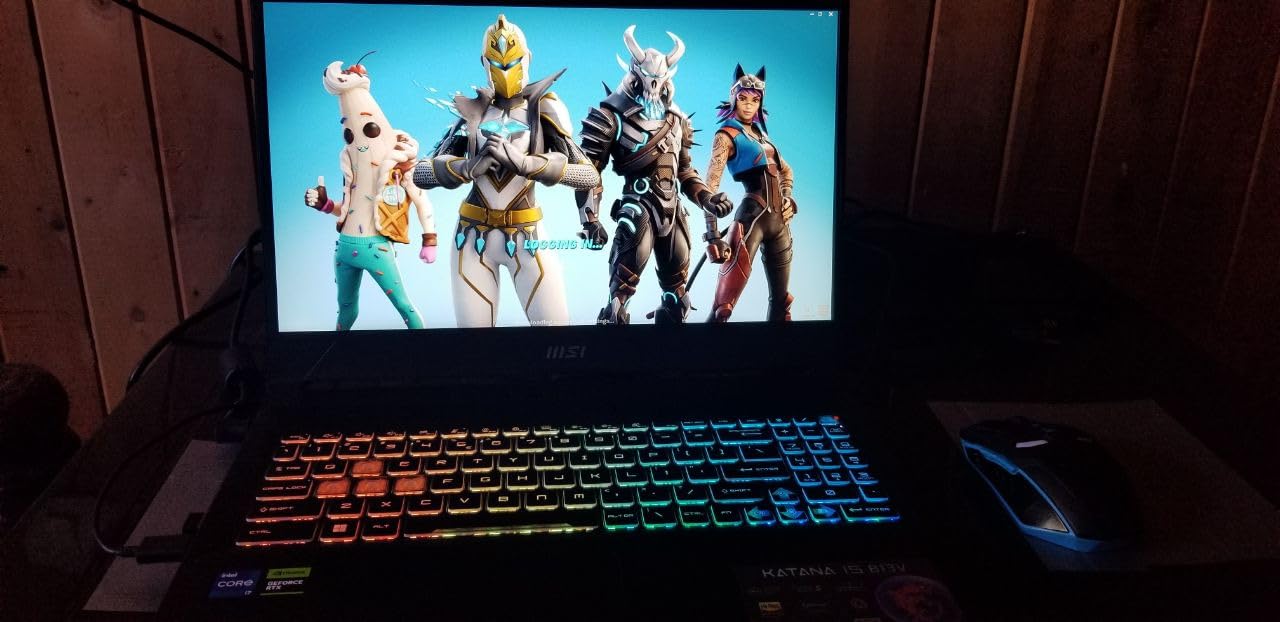
Compared with the Acer Nitro V 15, the choice is graphics against portability. The Nitro is lighter at 4.7 lb and better rated, but it pairs that chassis with an RTX 4050 and 6 GB of VRAM, so texture-heavy releases are where the Katana pulls ahead.
Good to know: several reviews flag a loose charging port on the left edge of the chassis. If you buy during the sale, check it before you travel.
2. Acer Nitro V 15: Top Rated for Value and Upgradability
Acer Nitro V 15
GPU: RTX 4050 6 GB
CPU: Core i7-13620H
Display: 15.6 inch IPS 165 Hz
RAM: 16 GB
Storage: 1 TB
Pros
- 4.6 stars from 366 reviews
- 165 Hz matte IPS panel
- 4.7 lb with numeric keypad
- Two DDR5 slots to 32 GB
- 1 TB PCIe Gen 4 SSD
Cons
- 6 GB of VRAM on the RTX 4050
- 32 GB memory ceiling
- 1080p only
The cleanest rating in the roundup, on a review base large enough to trust.
At 4.6 stars from 366 reviews with 83 percent five-star, this is the one owners recommend most consistently. The Core i7-13620H and RTX 4050 with 194 AI TOPS and DLSS 3.5 cover 1080p play comfortably, and the 165 Hz matte IPS panel is a step above the 144 Hz screens most of this list ships with.
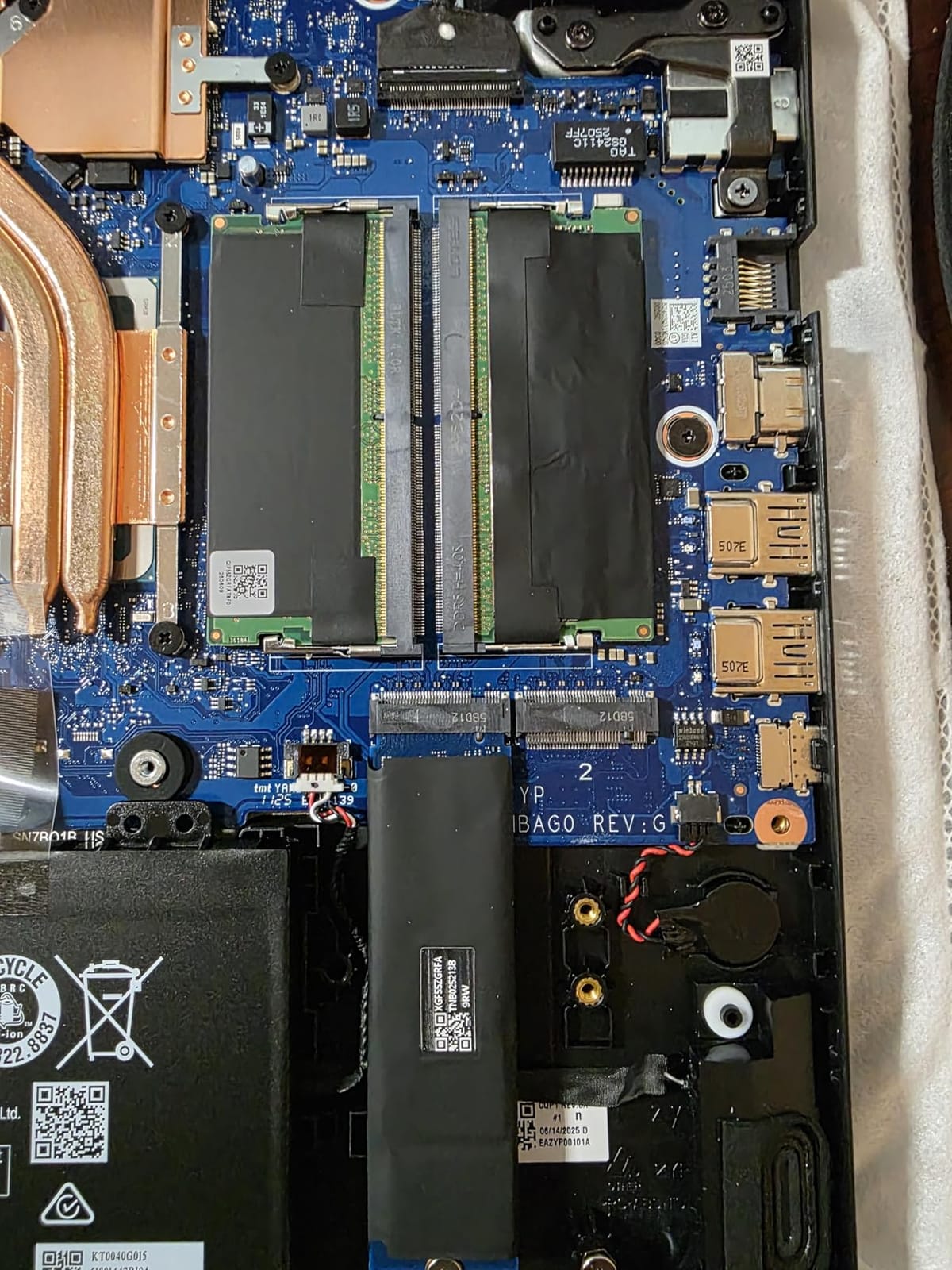
Two DDR5 SODIMM slots make the memory upgrade painless, which is unusual in a thin 15-inch. A full numeric keypad, a backlit keyboard and a 4.7 lb weight mean it doubles as a daily machine, and the 57 Wh battery carries a stated five hours of general use.
Owners are candid about the ceiling: 6 GB of VRAM on the RTX 4050 does not stretch as far as the 8 GB in the MSI Katana 15, memory stops at 32 GB, and there is no higher-resolution Nitro V 15 panel to swap toward. For 1080p esports and a broad library, none of that bites.
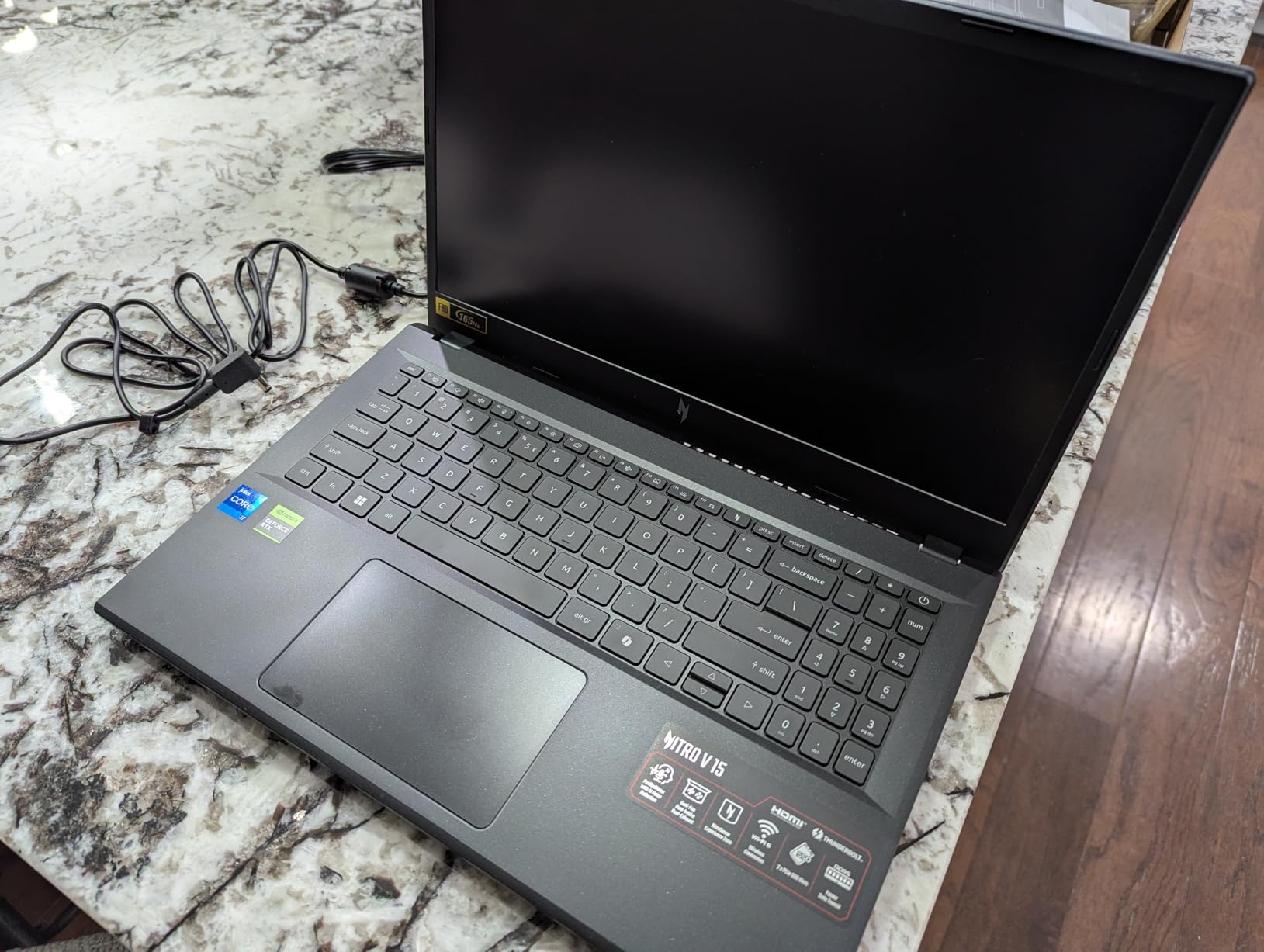
Skip it if your games are built for high-resolution texture streaming and you want the screen to match. In that case the Acer Nitro V 16S gives you 32 GB and a larger canvas in the same broad bracket.
3. Acer Nitro V 16S: Best for Big-Screen Gaming
Acer Nitro V 16S
GPU: RTX 5060 8 GB
CPU: Ryzen 7 260
Display: 16 inch WUXGA 180 Hz
RAM: 32 GB
Storage: 1 TB
Pros
- 32 GB DDR5-5600 as standard
- RTX 5060 with 8 GB GDDR7 and DLSS 4
- 16 inch 180 Hz at 100 percent sRGB
- 4.6 lb chassis
- Spare M.2 slot
Cons
- Memory already at the 32 GB ceiling
- WUXGA rather than 2.5K
- Entry-level Zen 5 processor
The pick when memory and screen real estate matter more than the last GPU tier.
32 GB of DDR5-5600 as standard is the headline here, and it arrives already at the 32 GB ceiling, so treat the configuration as finished rather than expandable. The RTX 5060 brings 8 GB of GDDR7 and DLSS 4 with multi-frame generation into a price band where most rivals still ship 6 GB cards.
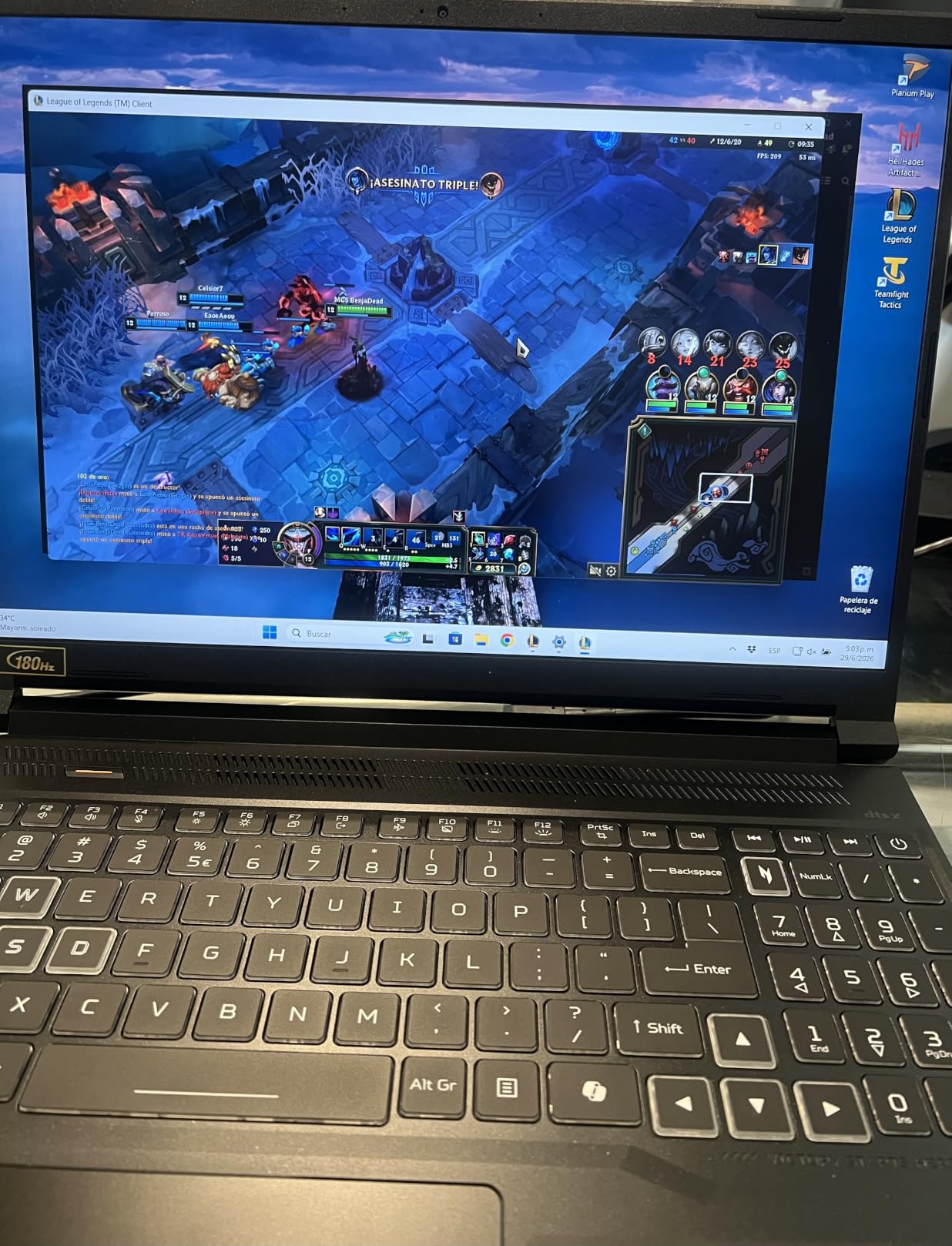
The 16-inch WUXGA panel runs at 180 Hz with 100 percent sRGB coverage, which makes it equally useful for editing as for play. At 4.6 lb it is one of the lighter 16-inch bodies in this roundup, and a second M.2 slot plus a bundled sleeve round out a tidy package.
The Ryzen 7 260 is an entry-point part with 8 cores rather than a high-end HX chip, so CPU-heavy work trails the Core Ultra 9 machines. Reviews also note the 1920×1200 resolution sits below the 2.5K panels found at similar prices elsewhere.
Compared with the Lenovo Legion 5i, you trade an OLED panel for more memory and a larger frame. If your sessions run a browser, a capture tool and a game at once, the 32 GB here is the reason to pick this one.
4. ASUS TUF Gaming F16: Best for Durability
ASUS TUF Gaming F16
GPU: RTX 4050 at 115W
CPU: Core 5 210H
Display: 16 inch FHD+ 144 Hz
RAM: 16 GB
Storage: 512 GB
Pros
- Full 115W power on the RTX 4050
- MIL-STD-810H tested chassis
- Quiet Arc Flow cooling
- 16:10 panel with 100 percent sRGB
Cons
- Only 512 GB of storage
- 16 GB is the stated maximum
- Core 5 210H is a lower-tier chip
The sturdiest chassis in the list, with the GPU given room to breathe.
Most slim 16-inch gaming laptops throttle the card to save heat and thickness. This one runs the RTX 4050 at a full 115W with Advanced Optimus, and the Arc Flow fans, four exhaust vents, five heat pipes and an anti-dust filter keep it quiet for the class.
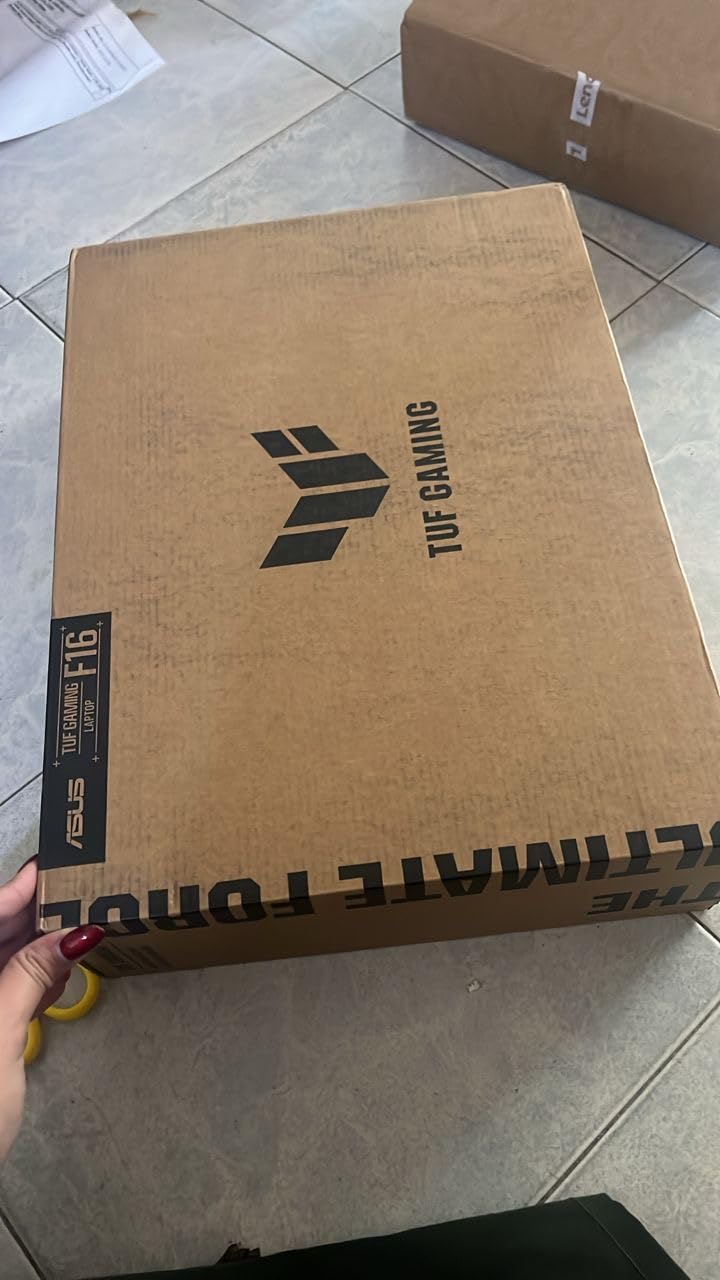
The MIL-STD-810H tested chassis is the real differentiator if the laptop lives in a rucksack. Owners also like the 16:10 FHD+ panel at 144 Hz with 100 percent sRGB and Adaptive-Sync, which handles motion better than a 16:9 screen of the same height.
Three things pull the other way. 512 GB of storage is tight for a modern library, 16 GB of memory is the stated maximum, and the Core 5 210H sits below the i7 and Core Ultra 9 chips in the rest of this roundup.
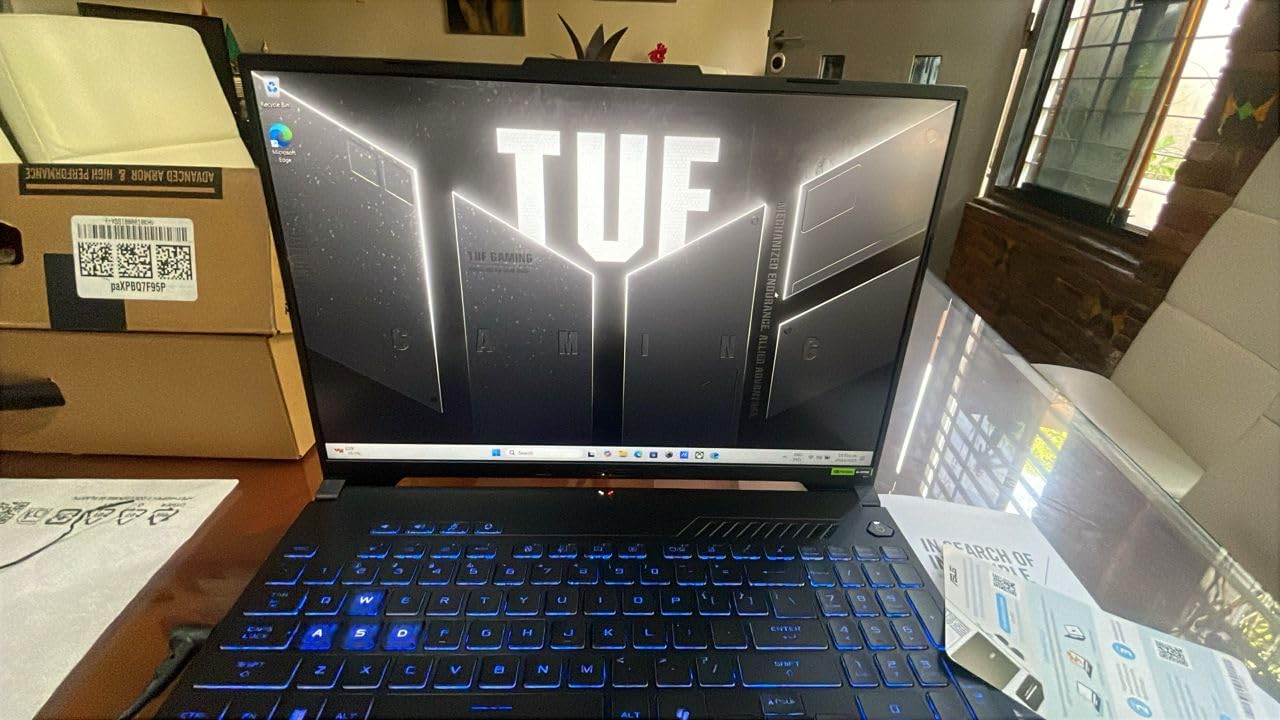
Good to know: a sibling F16 configuration with the RTX 5060 exists, so if 6 GB of VRAM decides the deal, compare that model before settling.
5. ASUS ROG Strix G16: Most Versatile for 2.5K and 240 Hz
ASUS ROG Strix G16
GPU: RTX 5070 Ti
CPU: Ultra 9 275HX
Display: 16 inch 2.5K 240 Hz
RAM: 32 GB
Storage: 1 TB
Pros
- 2.5K 240Hz panel with 3ms response
- Ultra 9 275HX with RTX 5070 Ti
- Vapour chamber and liquid metal cooling
- 90 Wh battery and Wi-Fi 7
- Stealth Mode disables lighting
Cons
- 1 TB of storage is modest here
- 32 GB is the listed maximum
- 5.8 lb is heavy for daily commuting
The sharpest panel and the strongest CPU and GPU pairing in the roundup.
The 16-inch ROG Nebula display runs at 2560×1600 and 240 Hz with 3ms response, 500 nits and new ACR anti-glare film. Behind it sit the 24-core Core Ultra 9 275HX and the RTX 5070 Ti, a combination reviewers describe as genuine high-end silicon rather than a downgraded tier.
Cooling is the quiet story: an end-to-end vapour chamber, tri-fan design and Conductonaut liquid metal on the chipset. The 90 Wh battery, Wi-Fi 7, Thunderbolt 4 and an SD card reader make it usable away from a desk, and Stealth Mode kills the full-surround RGB bar when you need to look professional.
The trade-offs are honest ones. 1 TB of storage is modest at this level, memory is listed at a 32 GB maximum, and 5.8 lb plus a large power brick means it stays home more than it travels.
Compared with the Acer Predator Helios Neo 16, the ROG wins on display response and includes more memory, while the Predator carries 12 GB of VRAM against this machine’s unspecified figure. Either way, only buy this one if your games reward a 2.5K frame.
6. ASUS TUF Gaming A16: Best for Memory Headroom
ASUS TUF Gaming A16
GPU: RTX 4050 6 GB
CPU: Ryzen 7 7445HS
Display: 16 inch FHD+ 144 Hz
RAM: 16 GB
Storage: 512 GB
Pros
- 4.5 stars from 170 reviews
- Memory expands to 64 GB
- Ryzen 7 7445HS CPU
- 16 inch 144 Hz IPS with numeric keypad
- One-year manufacturer warranty
Cons
- 512 GB is a small drive
- 6 GB of VRAM on the RTX 4050
- 7 lb is heavy for a 16 inch
The budget machine you can still grow in three years.
Most laptops in this price bracket solder 16 GB down and stop. The TUF A16 supports up to 64 GB, which means a cheap memory upgrade now keeps it viable for heavier titles later. The Ryzen 7 7445HS adds 6 cores boosting to 4.7 GHz for the CPU side of gaming.

The 4.5-star rating across 170 reviews is strong for the money, and the 16-inch FHD+ IPS panel at 144 Hz with anti-glare handling is a solid middle ground between the 1080p crowd and the OLED machines.
What you accept is a 512 GB SSD, 6 GB of VRAM on the RTX 4050 and a 51 Wh battery. At 7 lb this is one of the heavier 16-inch bodies in the list, which is odd next to the memory flexibility.

One detail worth catching before you buy: the listing headline says 145 Hz while the specification data says 144 Hz. Small thing, but it tells you how the configuration pages are generated, so verify the panel in the full spec list.
7. MSI Thin 15: Budget Pick for the Cheapest RTX 4050 Route
MSI Thin 15
GPU: RTX 4050 6 GB
CPU: Core i7-12650H
Display: 15.6 inch 1080p 144 Hz
RAM: 16 GB
Storage: 512 GB
Pros
- Entry point in this roundup
- Thin 15.6 inch chassis
- Memory upgradeable to 64 GB
- Wi-Fi 6E and Bluetooth 5.3
Cons
- Oldest processor here at 12th Gen
- Glossy 1080p screen reflects
- 512 GB for a modern library
How to get discrete RTX 4050 graphics for the least money in this group.
Nothing else here carries this combination at the entry level, and this machine still holds a Core i7 label, 16 GB of memory across two slots that reach 64 GB, and a 144 Hz panel. Buyers treat it as the entry ticket rather than the destination, which is a fair read of a 12th Gen processor.
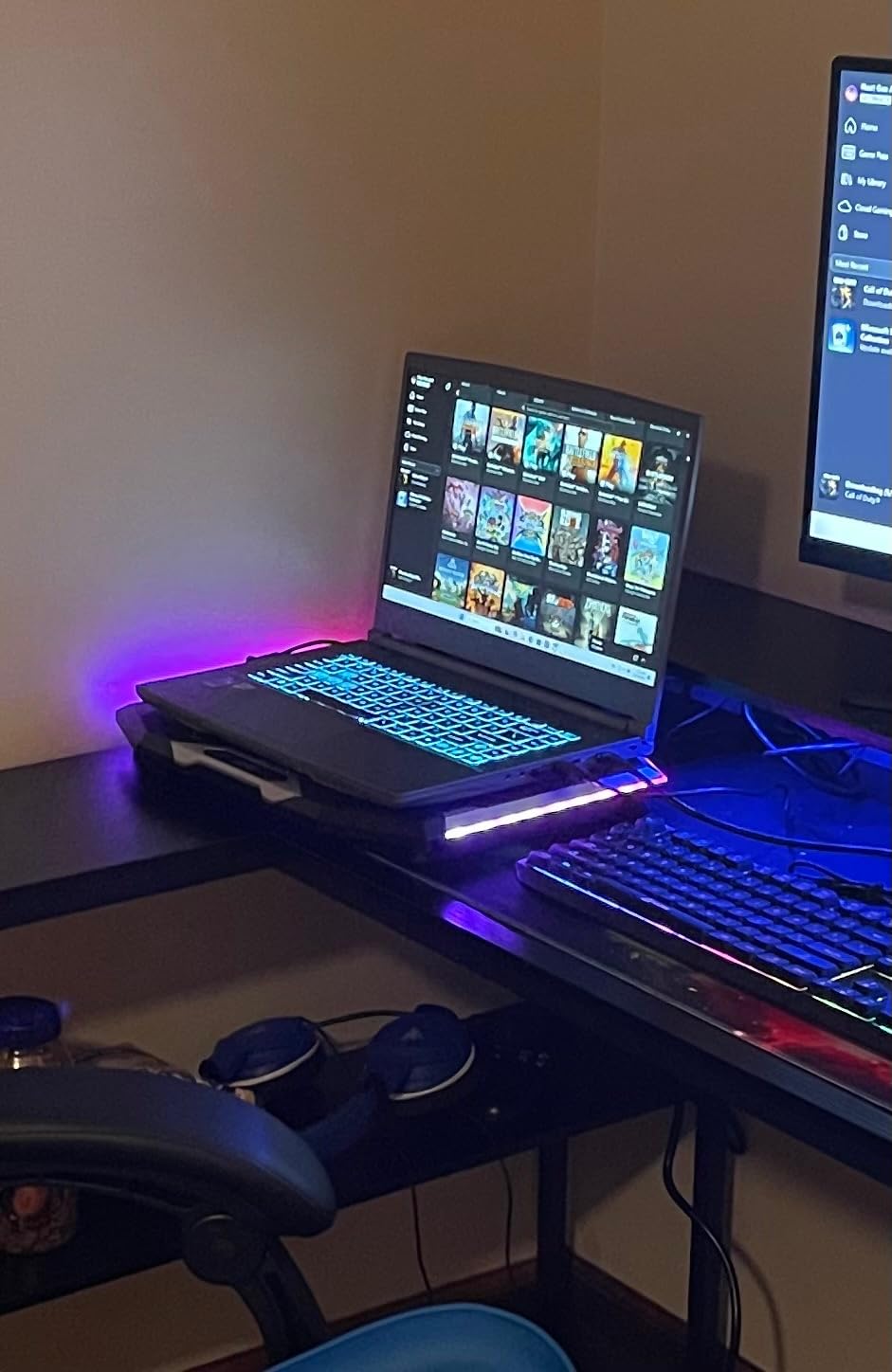
The chassis is thin and light relative to other 15-inch gaming laptops, and MSI Intelligent Technology handles automatic tuning so you are not adjusting power profiles by hand. Wi-Fi 6E and Bluetooth 5.3 are newer than the Wi-Fi 6 on most rivals here.
The glossy 1920×1080 screen is the part people mention most, since it reflects a room badly under overhead light. The 512 GB drive fills quickly with a modern library, and the Core i7-12650H is the oldest chip in the lineup.
Compared with the Acer Nitro V 15, you give up a matte 165 Hz panel, a 1 TB drive and a lighter frame. For esports titles and a library you already own, that trade is reasonable.
8. Lenovo Legion 5i: Best for an OLED Panel
Lenovo Legion 5i
GPU: RTX 5070
CPU: Core i7-14700HX
Display: 15 inch OLED 165 Hz
RAM: 16 GB
Storage: 1 TB
Pros
- 2.5K PureSight OLED at 165 Hz
- Only 4.4 lb with an RTX 5070
- 80 Wh battery with fast charging
- Quiet Coldfront cooling
- Three months of PC Game Pass
Cons
- 16 GB is light at this level
- OLED can burn in
- No Thunderbolt port
The best display-to-weight balance of any laptop here.
A 2.5K WQXGA PureSight OLED at 165 Hz and 500 nits sounds like a 16-inch machine, and it is not. The Legion 5i weighs 4.4 lb with a Core i7-14700HX and an RTX 5070 with 8 GB of GDDR7, which is the lightest frame carrying that much power in the roundup.
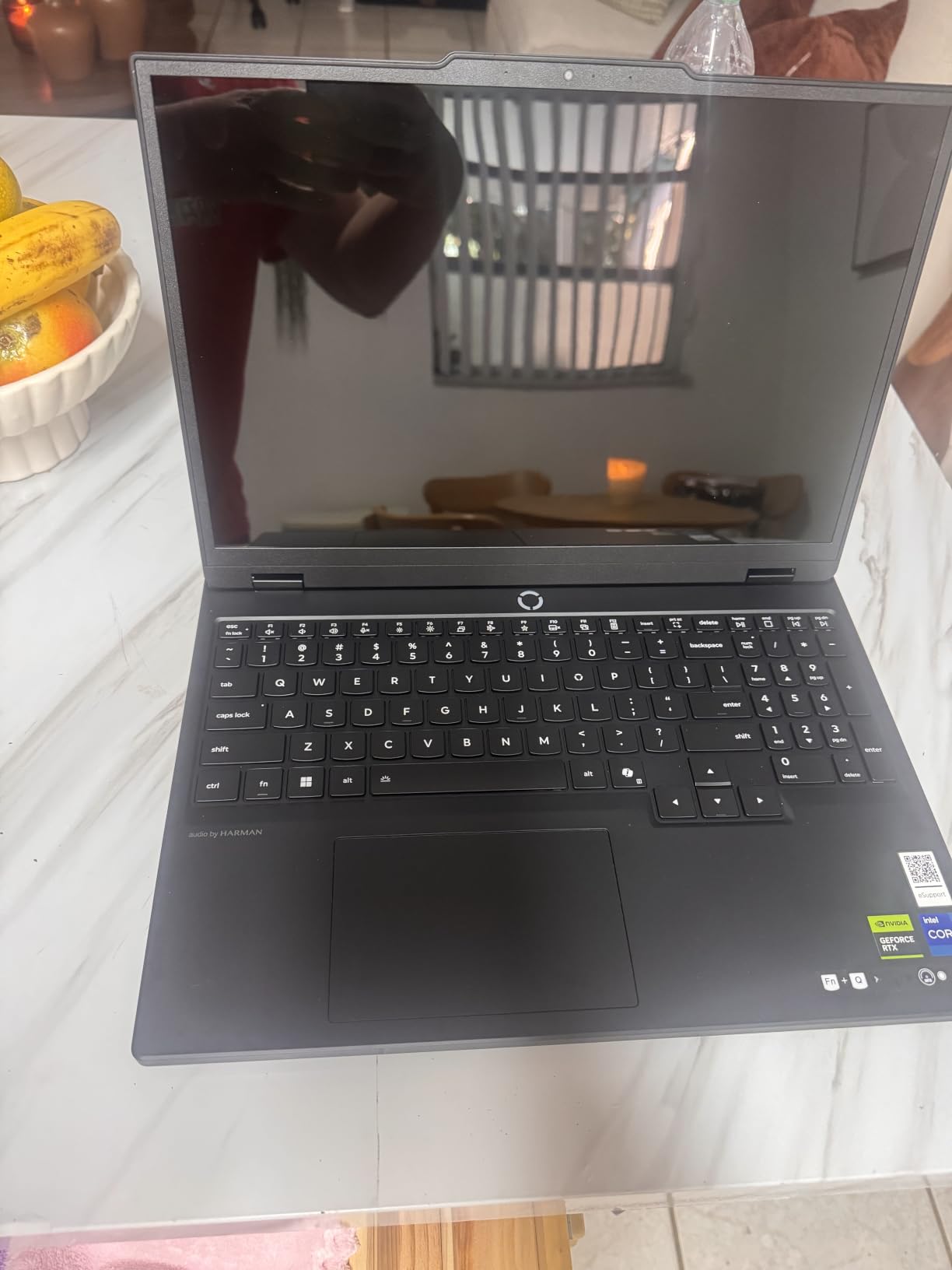
The 80 Wh battery carries a stated nine hours, and USB-C fast charging takes it from zero to 70 percent in under 30 minutes. Legion Coldfront: Hyper cooling with stealth fans is quiet enough that owners rarely mention it, which is its own kind of compliment.
Two things to weigh. 16 GB of memory is modest beside the 32 GB rivals at this level, and the memory does accept more, up to 64 GB. OLED panels can also show burn-in with long periods of static content like a docked desktop or a spreadsheet held open all day.
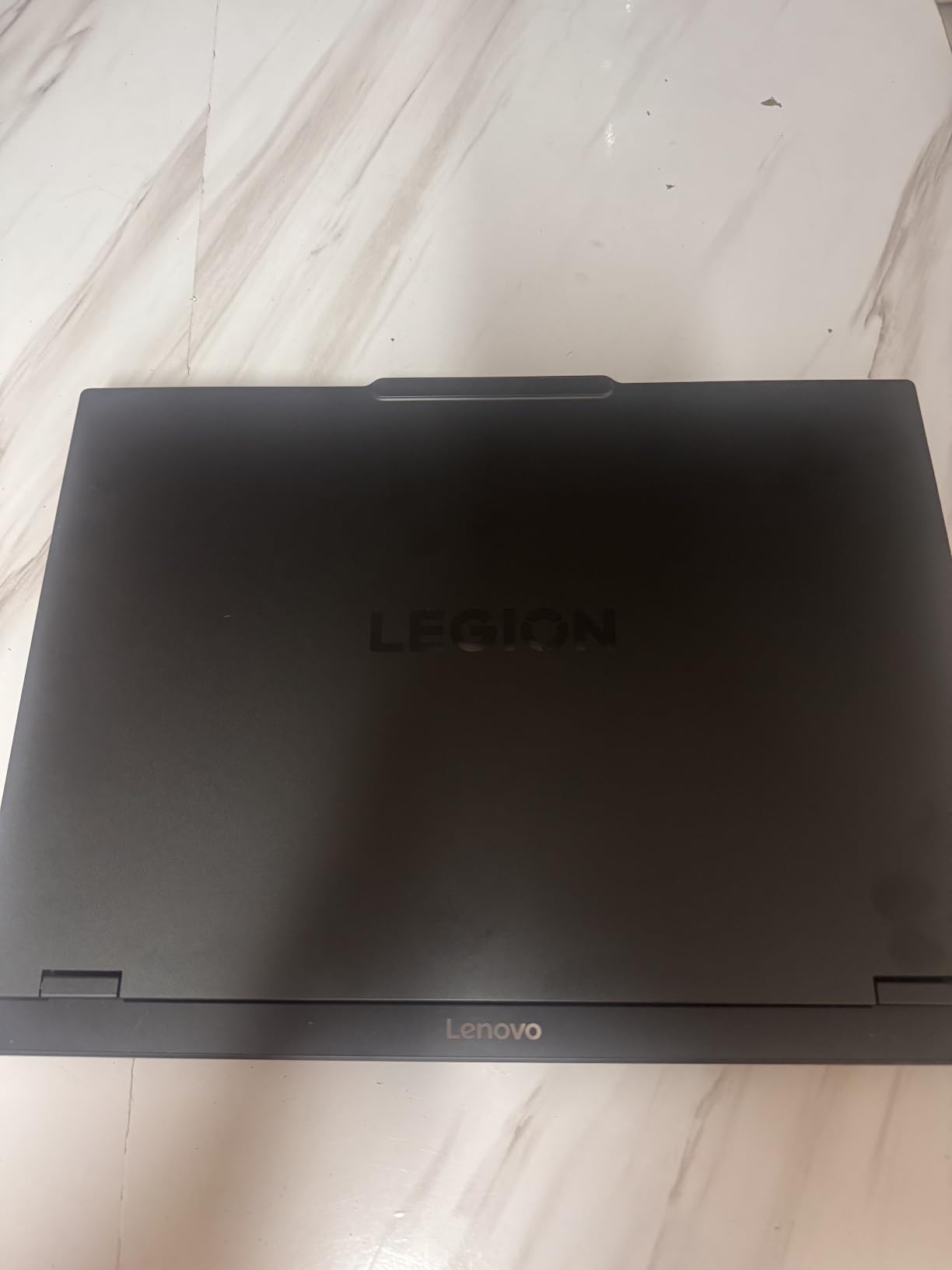
Good to know: three months of PC Game Pass including EA Play come pre-installed, and a microSD reader is included. There is no Thunderbolt, so external displays run over USB-C and HDMI.
9. Lenovo Legion Pro 7i: Best for Top-Tier Graphics
Lenovo Legion Pro 7i
GPU: RTX 5080 16 GB
CPU: Ultra 9 275HX
Display: 16 inch OLED 240 Hz
RAM: 64 GB
Storage: 2 TB
Pros
- RTX 5080 at 175W with 16 GB
- 64 GB DDR5-6400 to 96 GB
- 2 TB as a matched Gen4 pair
- 16 inch 240 Hz HDR OLED
- Windows 11 Pro included
Cons
- Heaviest machine here at 4.92 kg
- Only 59 reviews to judge by
- Glossy OLED needs careful handling
The only laptop here that needs no compromises, and a desk to live on.
The RTX 5080 runs at 175W with 16 GB of GDDR7 and 1334 AI TOPS, which is a different class of hardware from everything else in this roundup. Around it sit the 24-core Core Ultra 9 275HX, 64 GB of DDR5-6400 CSODIMM expandable to 96 GB, and 2 TB supplied as a matched pair of 1 TB Gen4 TLC drives with both slots free.
The 16-inch WQXGA OLED covers 2560×1600 at 240 Hz and 500 nits with 100 percent DCI-P3, DisplayHDR True Black 1000, Dolby Vision and G-SYNC. A 5.0MP camera, per-key RGB, a 400W adapter and Windows 11 Pro with a year of Legion Ultimate Support complete the package.
Its 4.92 kg weight is more than double the Katana 15, so this is a desktop replacement rather than a portable. The 99.99 Wh battery carries a stated six and a half hours, which is realistic for light work and poor for gaming unplugged.
On evidence, 59 reviews is the smallest sample in the roundup, though the distribution is unusually clean at 78 percent five-star and 2 percent one-star. If the offers during the sale ever bring this configuration into reach, the hardware underneath is not in question.
10. Acer Predator Helios Neo 16: Best for High-Refresh Play
Acer Predator Helios Neo 16
GPU: RTX 5070 Ti 12 GB
CPU: Ultra 9 275HX
Display: 16 inch 2.5K 240 Hz
RAM: 16 GB
Storage: 1 TB
Pros
- 12 GB of VRAM on the RTX 5070 Ti
- 16 inch 2.5K at 240 Hz with G-SYNC
- Core Ultra 9 275HX
- Metal lid with little keyboard flex
- 90 Wh battery and 5 Gb Ethernet
Cons
- Fans get loud under turbo
- Around 2 hours of general battery use
- Pre-installed bloatware
Fastest frame in the roundup for competitive shooters, if the noise does not bother you.
Owners report around 17,600 in Time Spy and well over 100 fps in Battlefield 6 and Modern Warfare 3 with DLSS, and the 16-inch 16:10 WQXGA panel runs at 2560×1600 and 240 Hz with 3ms overdrive, 500 nits, G-SYNC and Advanced Optimus. The 12 GB of VRAM on the RTX 5070 Ti gives texture-heavy titles room the 8 GB cards here do not.
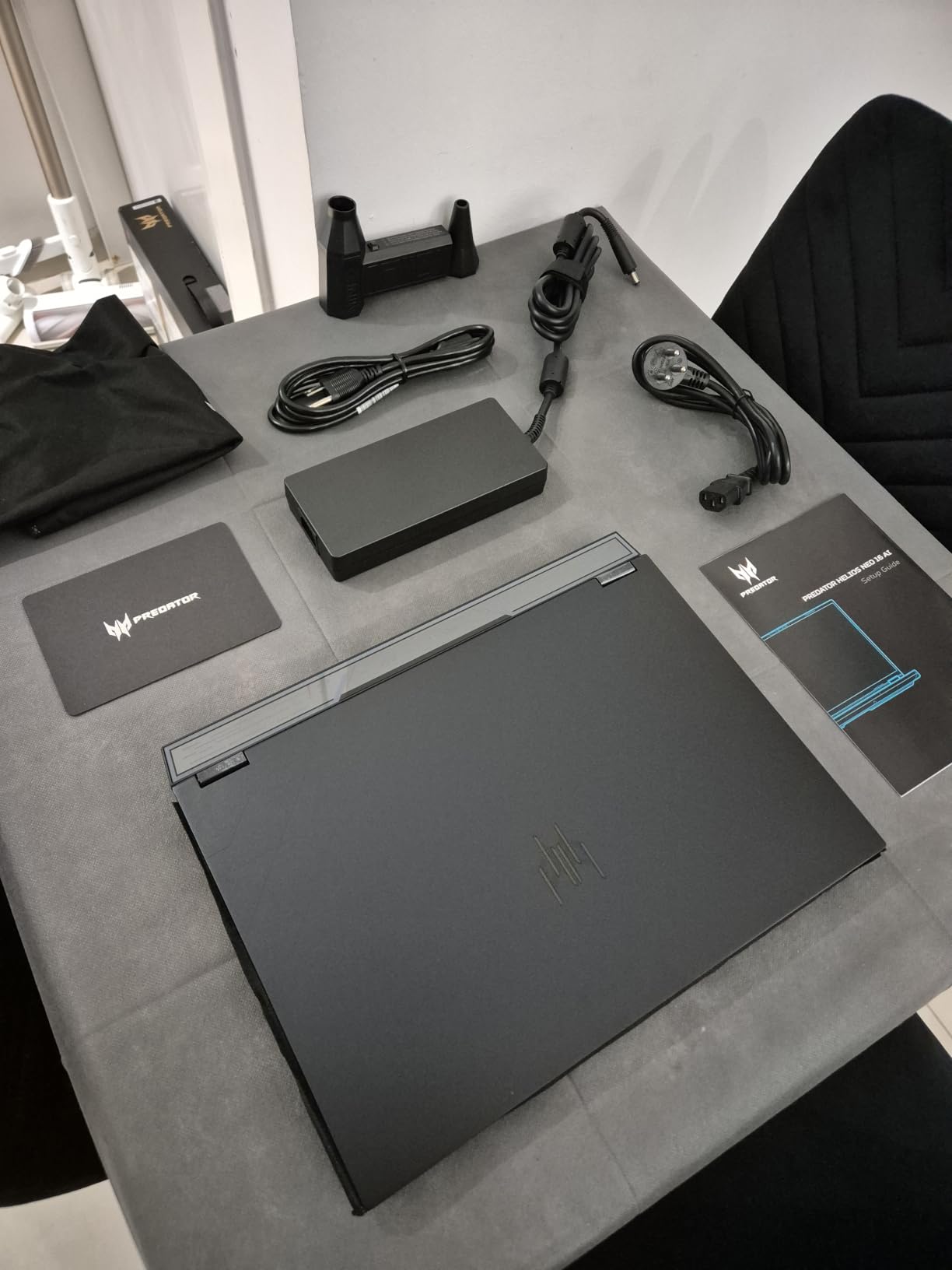
Build quality holds up too: a metal lid, little keyboard flex, 5th Gen Aeroblade 3D fans, a 90 Wh battery, 5 Gigabit Ethernet and Killer Wi-Fi 6E. Rear-mounted USB-C, power and HDMI ports keep the desk tidy.
Its 4.1 rating is the lowest here, and the reviews explain why. It ships with 2 x 8 GB CSODIMM, so 32 GB is the practical requirement for modern gaming. Fans get loud under turbo or sustained load, battery life is around two hours of general use, and some owners do a clean Windows install to clear the pre-installed software.
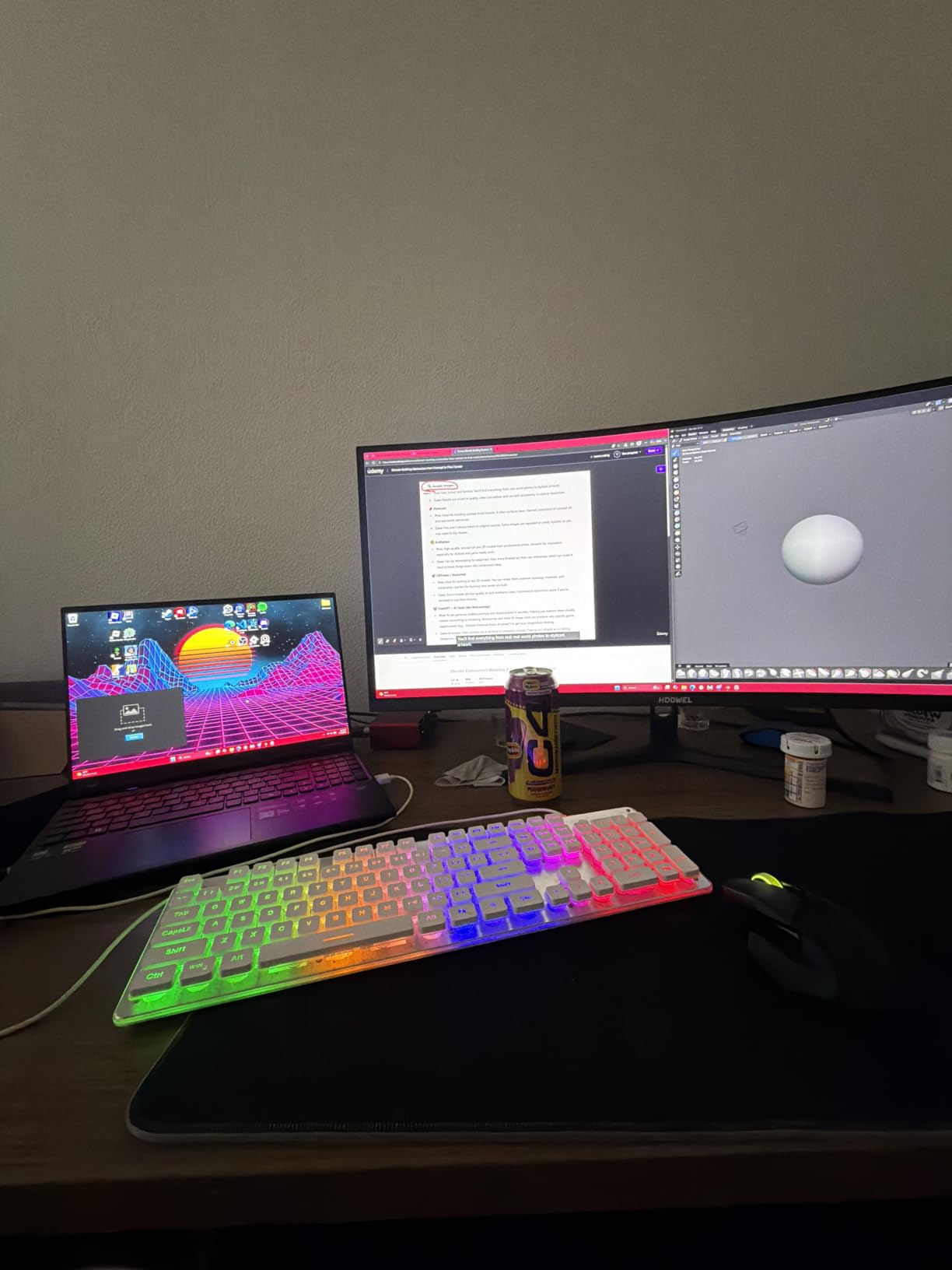
Skip it if you are sensitive to fan noise or want a machine that survives a work day away from a socket. The ASUS ROG Strix G16 pairs 32 GB with an equally fast panel and cooling owners describe as quiet.
How to Choose Gaming Laptops During Prime Big Deal Days
Graphics Performance and GPU Choices
Read the RTX number as a resolution budget rather than a speed. A card with 6 GB of VRAM such as the RTX 4050 is a 1080p machine and stays inside its comfort zone at ultra settings, while 8 GB parts handle 1440p and 12 to 16 GB parts open up 2.5K with ray tracing.
Watch the power limit as closely as the model name, because a laptop GPU at 115W performs very differently from the same chip at a lower wattage. If you are also shopping graphics card deals during the sale, remember that a desktop card is a poor comparison for a laptop chip sharing its name.
Display Size Resolution and Refresh Rate
Fifteen-inch panels stay portable and mostly ship at 1920×1080, while 16-inch bodies move to 16:10 at 1920×1200 or 2.5K. Refresh rate matters most in competitive play, and our picks for gaming laptops for Fortnite lean on 165 Hz and above because fast movement is the whole point of the genre.
A 240 Hz screen is wasted on a GPU that cannot feed it. Match the two, and treat an OLED panel as a quality upgrade for single-player and media rather than a frame-rate upgrade.
Memory Storage and Upgradeability
Set a floor at 16 GB of DDR5 for ordinary gaming and 32 GB if you keep a browser, a voice app and a game running together. Storage starts at 512 GB and 1 TB is the better buy once modern installs and video capture are involved.
Check whether memory sits in slots and whether an M.2 bay is free, because a capped machine cannot grow. Our i9 laptops compared guide covers the processor side, where Core Ultra 9 and Ryzen AI 9 chips sit above the entry-point parts used in several picks here.
Battery Life Weight and Everyday Portability
Weight is the number you feel daily: 4.4 to 4.7 lb machines move between a backpack and a lecture hall, while 6 lb and above stays on a desk. Gaming laptops are still weak unplugged, and several picks here manage around two hours of general use away from the charger.
Screen size drives a lot of that weight, so a 16-inch OLED and a 15-inch 1080p laptop are not comparable on carry comfort alone. Keyboard feel and a numeric keypad matter more if the machine doubles as a work computer.
Thermals Performance Consistency and Headroom
A peak benchmark score means little if the machine throttles after twenty minutes. Vapour chambers, heat pipe counts and the stated power limits predict sustained performance better than any single chart, and quiet fans usually mean a system that is not being asked to do everything at once.
This matters most in long sessions rather than short bursts. If you play gaming laptops for sim racing or flight sims, the difference between stable and throttled frame rates shows up over an hour, not over a lap.
How to Shop Gaming Laptop Deals During the Sale
Match the model code on the listing to the specification table, not the headline, because the same machine name covers a dozen GPU and memory variants. Confirm the screen size, refresh rate, RAM and SSD figures in the full spec block, read what the bundle includes, and check whether the offer is new, renewed or sold by a marketplace seller rather than Amazon. Comparing the same configuration on a couple of other retailers tells you quickly whether the event price is real. Most offers need a Prime membership, and the prices move through the event.
- Match the model code, GPU, memory and storage against the specification list before you compare anything
- Check whether the memory is in slots and whether a second M.2 bay is free
- Treat 6 GB of VRAM as a 1080p ceiling and 12 GB or more as the 2.5K tier
- Verify the panel size, resolution and refresh rate in the spec block, not the title
- Note the weight and battery figures, since both decide whether the laptop is a daily machine
- Recheck the price on the day you buy, because configurations change during the event
Frequently Asked Questions
When does Amazon Prime Big Deal Days take place in 2026?
Prime Big Deal Days runs October 6-7, 2026, and most offers need a Prime membership, though a free trial counts. Gaming laptops make up a small share of the deal list compared with TVs and appliances, so it pays to know your exact model code before the window opens rather than browsing on the day.
Does a gaming laptop need 32 GB of RAM for modern games?
No. 16 GB of DDR5 still handles most modern games, and 32 GB is the comfortable target if you keep a browser, a voice app and a game running at once. What matters more is whether the memory can grow, so check the slot count and the maximum rather than the number printed on the sticker.
Is a 1440p gaming laptop with a 165 Hz display worth the added cost?
Only when the graphics can feed it. A 1440p panel at 165 Hz pairs well with a card carrying 8 GB or more of VRAM, which is what makes the Lenovo Legion 5i combination work. Match the same screen to a 6 GB card and you will often fall under 60 fps, so the refresh rate goes unused.
Should I buy a gaming laptop with a dedicated GPU if I only play esports games?
A dedicated GPU still earns its place, because esports titles lean on the processor and benefit from the extra power headroom. An RTX 4050 laptop handles competitive shooters at 165 Hz comfortably and keeps the rest of your library playable. A flagship card is where the value disappears, not the idea of a discrete GPU.
What is the best source of truth for Best Amazon Prime Big Deal Days Gaming Laptop Deals?
The listing itself, read line by line. Match the model code, GPU, memory and storage against a specification table, then compare the price with what the same configuration sells for elsewhere. Owner reviews on that same listing are the second check, because they describe what the machine actually does once it arrives.
Final Verdict: Best Amazon Prime Big Deal Days Gaming Laptop Deals
Watch the MSI Katana 15 first. It is the only RTX 4070 machine in this roundup, it has the largest owner review base to check it against, and its memory and storage are both upgradeable.
If budget is the first filter, the MSI Thin 15 is the entry route to discrete RTX 4050 graphics here. For the best rating, the Acer Nitro V 15 pairs a light 4.7 lb frame with a 165 Hz matte panel and two memory slots. The Acer Nitro V 16S is the choice when 32 GB and a large 16-inch screen matter most, and the ASUS TUF Gaming F16 is the one built to survive a bag.
The ASUS TUF Gaming A16 is the expandable budget option, the ASUS ROG Strix G16 is the premium pick for 2.5K at 240 Hz, the Lenovo Legion 5i is the one for an OLED panel you can carry, the Acer Predator Helios Neo 16 is the fastest for competitive shooters, and the Lenovo Legion Pro 7i is the desktop replacement for buyers who want no compromises.
Check the configuration against the table above, then use the buttons to see the current price for the exact model code.