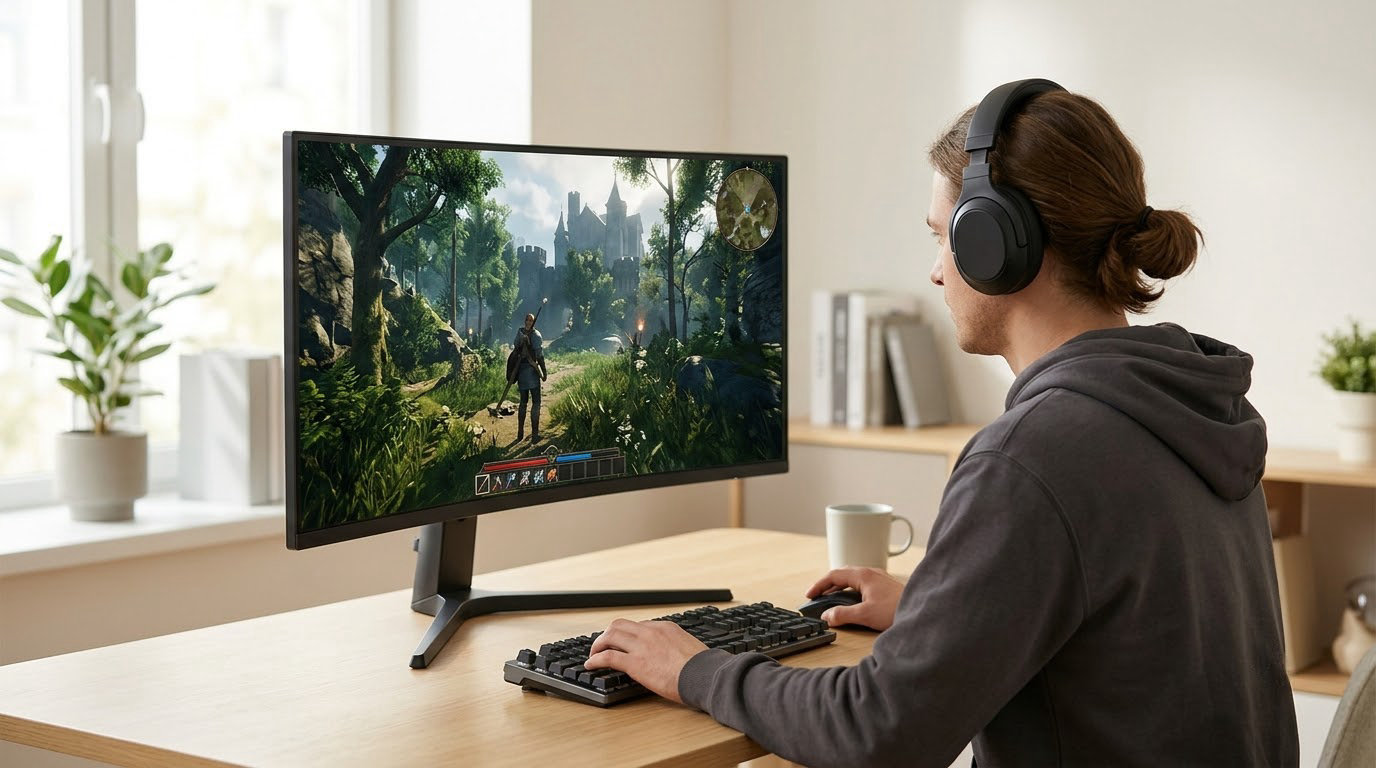
The displays below are the ones worth shortlisting this October, and the Acer KB272 G0bi leads them: a 27-inch IPS panel, 1ms response, FreeSync and a three-year warranty, rated 4.6 across more than 2000 owner reviews. The Samsung Odyssey G3 is the pick for competitive shooters who want 180Hz and a fully adjustable stand, and the SANSUI ES-G27C1Q is the pick for buyers who want 1440p pixels and a 200Hz ceiling on the same screen.
Every model here is a live Amazon listing with owner ratings we could read, not a speculative discount. Prime Big Deal Days runs October 6-7, 2026, so check the current price on the listing rather than trusting a number written here.
Table of Contents
Our Top 3 Picks for Best Amazon Prime Big Deal Days Gaming Monitor Deals in 2026
The Editor’s Choice goes to the Acer because it is the least complicated way to move from a 60Hz office panel to a proper gaming display without overthinking panel types or port layouts. More than 2100 owner reviews at 4.6 is a well-tested panel, and the three-year parts and labor warranty outlasts what most rivals in the same class offer.
Budget for competitive shooters should go to the Samsung Odyssey G3, where 180Hz, Black Equalizer and Virtual Aim Point do the work of a far more expensive panel. Value buyers get 1440p at 200Hz with the SANSUI ES-G27C1Q, a 2560×1440 curved screen carrying more owner reviews than any other pick here.
Best Amazon Prime Big Deal Days Gaming Monitor Deals Compared
| Product | Specifications | Action |
|---|---|---|
 Acer KB272 G0bi Acer KB272 G0bi |
|
Check Deal Price |
 Samsung Odyssey G3 Samsung Odyssey G3 |
|
Check Deal Price |
 SANSUI ES-G27C1Q SANSUI ES-G27C1Q |
|
Check Deal Price |
 Z-Edge UG27Q Z-Edge UG27Q |
|
Check Deal Price |
 Acer Nitro KG271U Acer Nitro KG271U |
|
Check Deal Price |
 Acer Nitro XV271U Acer Nitro XV271U |
|
Check Deal Price |
 Samsung Odyssey G55C Samsung Odyssey G55C |
|
Check Deal Price |
 ASUS TUF VG27AQ3A ASUS TUF VG27AQ3A |
|
Check Deal Price |
 SANSUI ES-G34C5 SANSUI ES-G34C5 |
|
Check Deal Price |
 LG UltraGear 27GS60QC LG UltraGear 27GS60QC |
|
Check Deal Price |
One column worth reading twice is the sync row. Almost every listing here is a FreeSync panel, the Acer Nitro XV271U adds FreeSync Premium, and the ASUS TUF VG27AQ3A is G-Sync compatible as well, which changes what you can pair them with. The resolution column splits the list cleanly: two 1080p models, six at 2560×1440, one 3440×1440 ultrawide and one 32-inch screen, and the refresh figures run from 120Hz to 200Hz.
How We Chose
We compared the specifications that decide how a gaming monitor feels in daily use: panel type, resolution, refresh rate, response time, adaptive sync support, port selection and stand adjustment. Alongside those, we read the owner rating and review volume behind each listing, because a 4.5 from a few hundred buyers tells you less than a 4.4 from several thousand. Warranty length came up too, since it ranges from one year to three across these ten. Data was checked on October 2026.
1. Acer KB272 G0bi: Editors’ Choice for First-Time Buyers
Acer KB272 G0bi
Panel: IPS
Size: 27 inch
Resolution: 1920x1080
Refresh: 120Hz
Response: 1ms
Pros
- Entry point to high-refresh gaming
- IPS panel gives wide angles and accurate color
- 1ms response keeps motion clean
- FreeSync cuts screen tearing
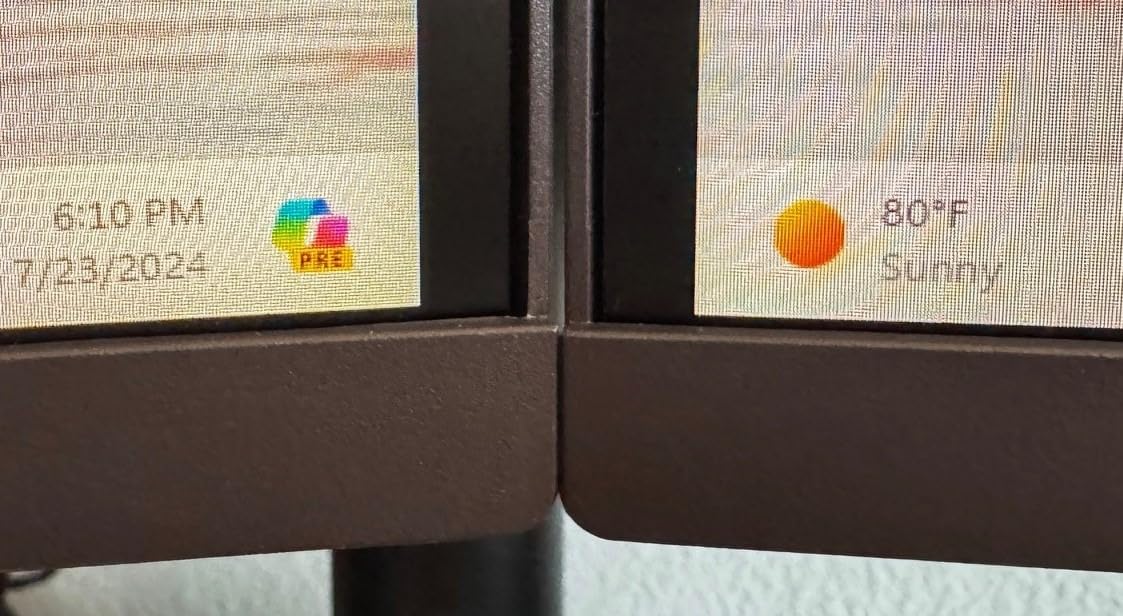
- Slim bezels suit dual-monitor setups
Cons
- 1080p limits screen real estate for multitasking
- No built-in speakers
- Stand offers tilt adjustment only
Skip it if: you need more than 1080p, or you expect a warranty longer than three years of parts and labor.
The KB272 G0bi is a plain 27-inch IPS screen that does the fundamentals without asking you to learn a new vocabulary. A 120Hz ceiling, 1ms response and FreeSync together cover the three things that make a cheap panel feel cheap: judder, smeared motion and screen tearing. The matte finish also means it holds up in a room with a window behind you, which glossy panels on this list do not.
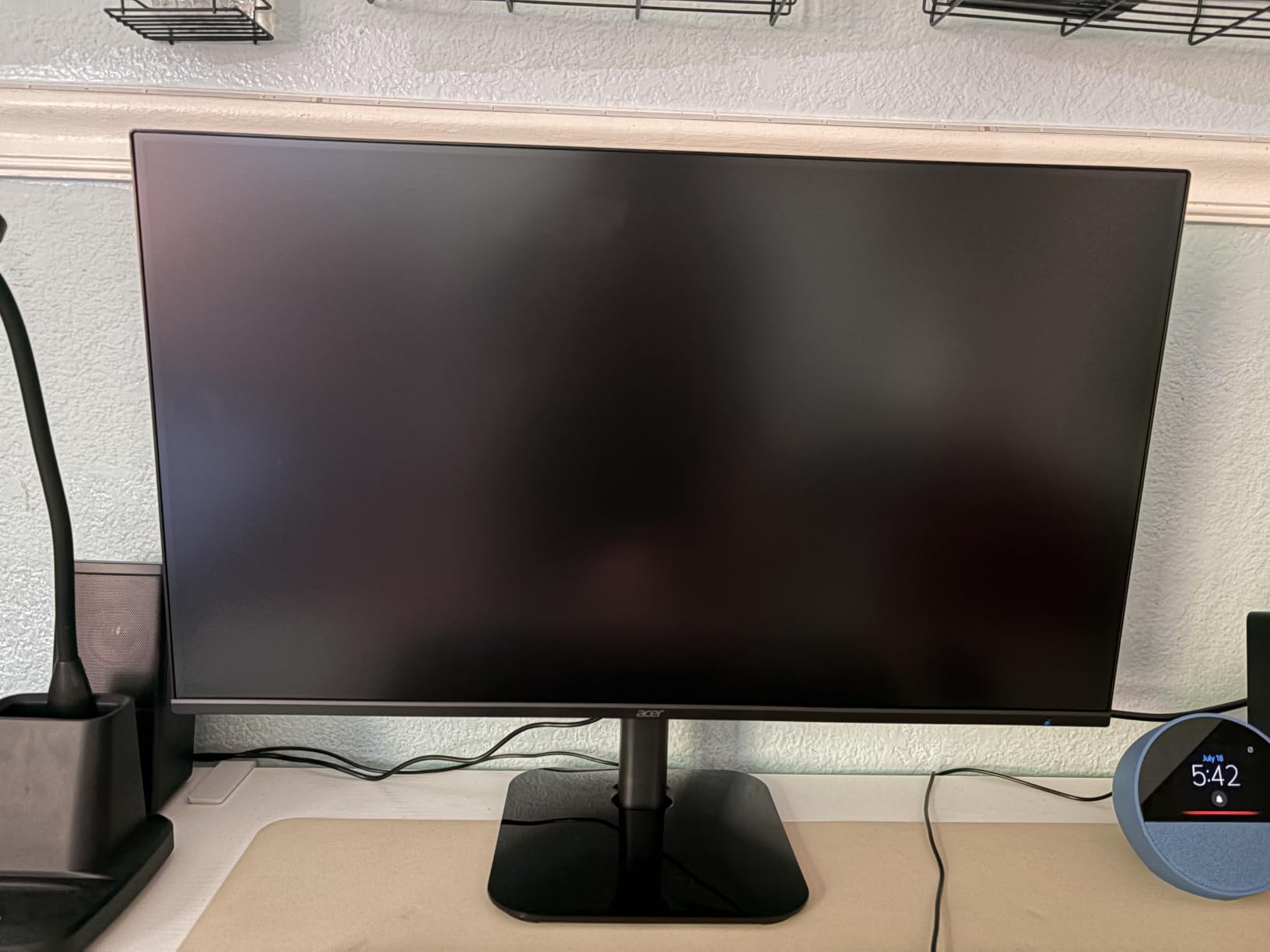
What stands out is the warranty rather than the spec sheet. Acer lists three years of parts and labor, which is double the one-year cover on the Samsung and LG models in this roundup, and that matters on an IPS panel where backlight bleed is occasionally an argument at purchase.
- 250 nits brightness and a matte finish for a normally lit room
- HDMI and VGA connectivity, with a single HDMI port
- Wall-mount ready and roughly 11 lb, light enough for a basic monitor arm
- 99% sRGB color coverage, accurate out of the box for sRGB work
Owners report setup takes minutes and colors look accurate once the default picture mode is untouched. The recurring limit is screen real estate: at 1920×1080 on a 27-inch panel, a browser window and a game side by side is a squeeze. Owners also mention no built-in speakers and a tilt-only stand, so budget for a separate arm and real audio if those matter to you.
Set the Samsung Odyssey G3 against this one: the Acer gives up 60Hz of refresh rate and the adjustable stand, and gets an IPS panel with wider viewing angles plus double the warranty. Against the SANSUI ES-G27C1Q, it costs you the 1440p resolution entirely. Pick the Acer when you want the simplest possible entry and a long warranty, and look at the Acer Nitro XV271U when you plan to sit at the desk for years.
2. Samsung Odyssey G3: Best for Competitive FPS
Samsung Odyssey G3
Panel: LED
Size: 27 inch
Resolution: 1920x1080
Refresh: 180Hz
Response: 1ms
Pros
- 180Hz with 1ms MPRT for very smooth motion
- FreeSync keeps frame rate and GPU in sync
- Black Equalizer lifts detail in dark scenes
- Virtual Aim Point adds a crosshair
- Fully adjustable stand with height swivel pivot and tilt
Cons
- 1080p only on a 27 inch panel
- No built-in speakers
- Just one HDMI port
Best for: competitive shooters who want the highest refresh rate in this roundup without moving up a resolution.
Where the Acer stops at 120Hz, the Odyssey G3 runs to 180Hz with 1ms MPRT, a 50 percent higher ceiling for competitive shooters. That headroom matters more on a fast esports title than extra resolution does, because frame rates there climb quickly.
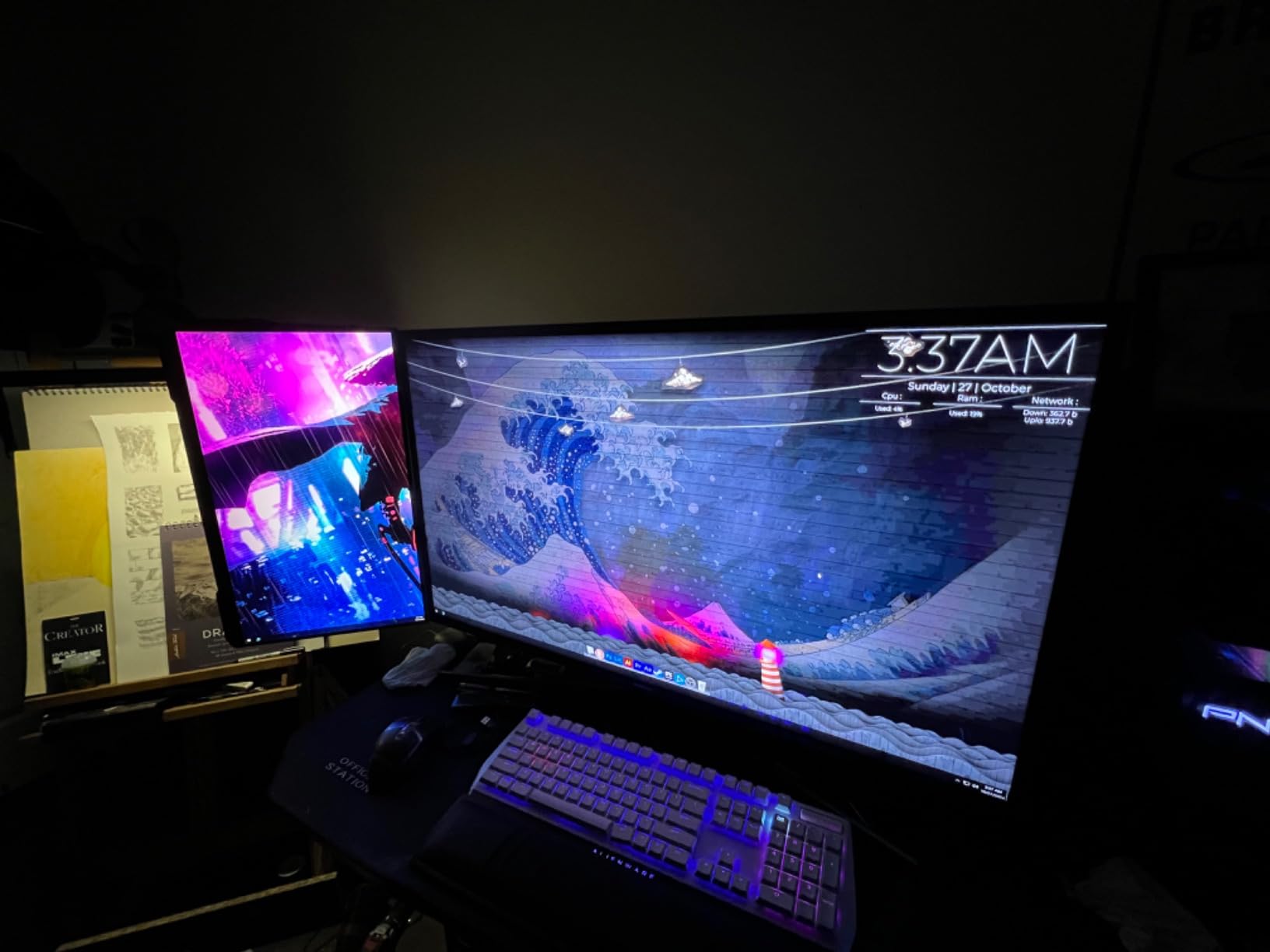
The gaming features are unusually good for the class. Black Equalizer raises brightness in shadowed areas so enemies stop hiding, and Virtual Aim Point draws a crosshair if your shooter does not offer one. Eye Saver Mode handles the long-session flicker question.
- Height, swivel, pivot and tilt adjustment on the stand
- Three-sided borderless design for clean dual-monitor setups
- DisplayPort and HDMI, with DP cable and HDMI cable in the box
- 250 cd/m2 brightness, 3000:1 contrast, 178-degree viewing angle
Trade-offs reported by owners: the 1080p resolution on a 27-inch panel is the single most repeated complaint, and there are no built-in speakers. Only one HDMI port means a console and a PC need careful cable planning, and Samsung’s cover here is one year against the Acer’s three.
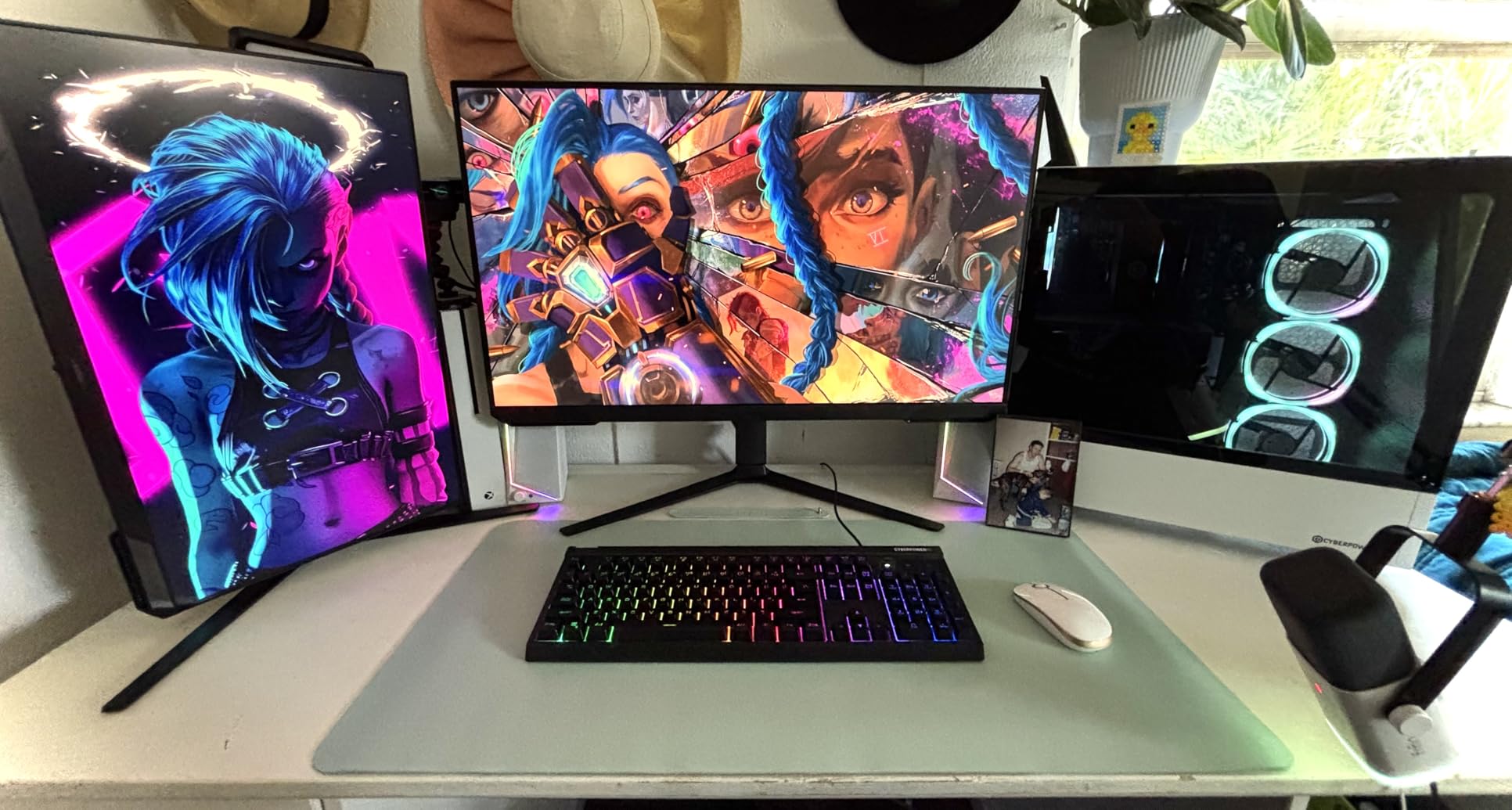
Against the SANSUI ES-G27C1Q, the Samsung trades pixel density for refresh rate and gives you a stand you can actually position. Against the Acer KB272 G0bi, it is the better buy for shooters and the worse buy for anyone who wants a second window open beside the game.
3. SANSUI ES-G27C1Q: Best Value at 1440p
SANSUI ES-G27C1Q
Panel: LED
Size: 27 inch
Resolution: 2560x1440
Refresh: 200Hz
Response: 1ms
Pros
- QHD 2560x1440 resolution at an accessible price
- 200Hz with 1ms MPRT
- 5000:1 contrast for deep blacks
- 90% DCI-P3 and 120% sRGB coverage
- Dual HDMI and dual DisplayPort inputs
Cons
- No built-in speakers
- Tilt-only stand with no height or swivel
- Modest rather than premium HDR
Value pick: 1440p at 200Hz on a 1500R curve, backed by 7696 owner reviews at 4.5.
Seven thousand-plus owner reviews at 4.5 gives this more real-world evidence than anything else here, and the spec combination is unusual: 2560×1440 at up to 200Hz on a 1500R curve, with a 5000:1 contrast ratio behind it. A curve is usually the trade you make when you give up something from a flat panel, and this one keeps a high refresh rate.
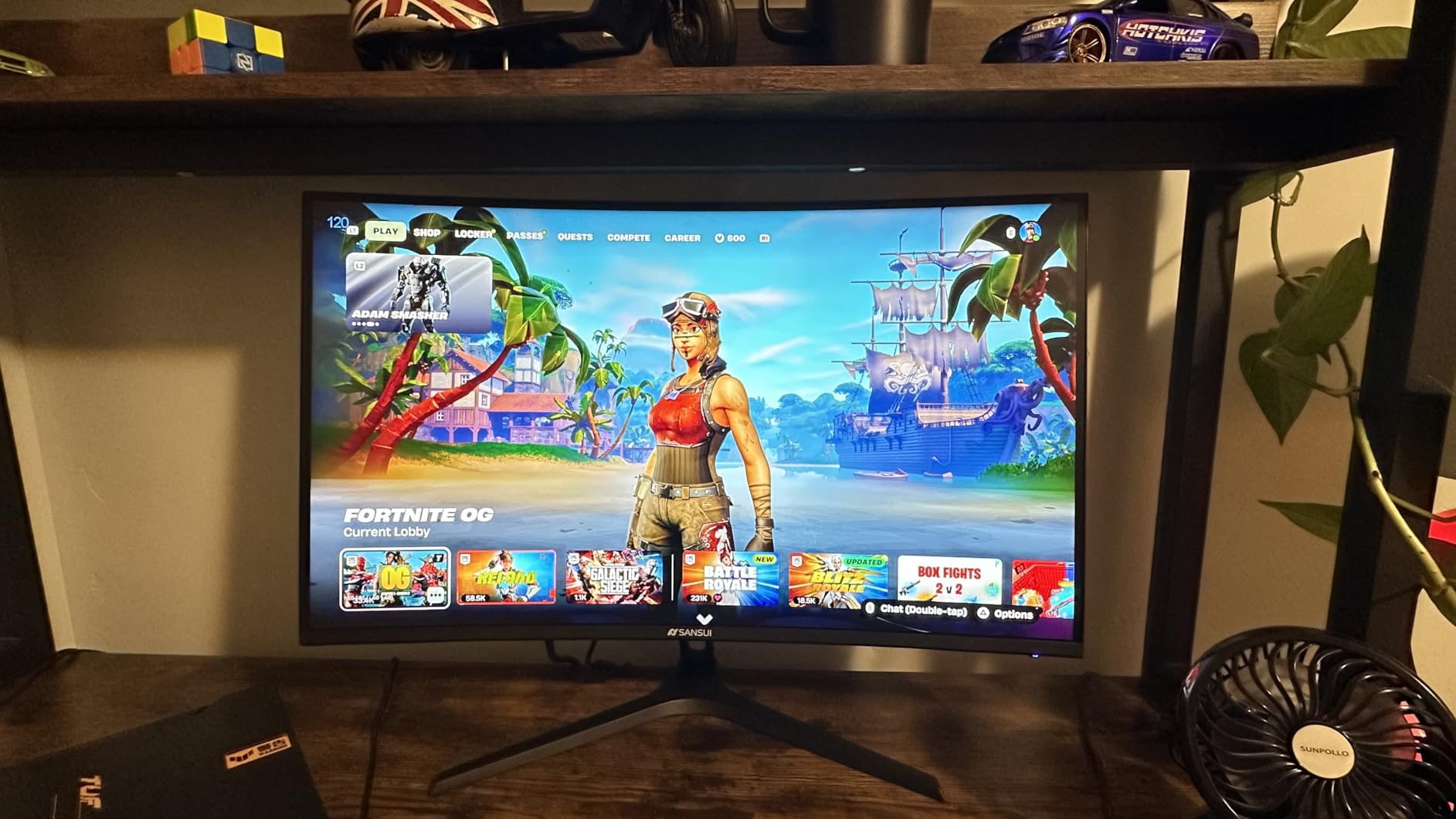
- 5000:1 contrast, deeper blacks than the 1000:1 IPS options
- 300 nits brightness and a matte finish
- 2x HDMI 2.0 up to 144Hz and 2x DisplayPort 1.4 up to 200Hz
- Earphone out, Kensington lock, VESA 100x100mm
- Crosshair, timer and shadow booster tools in the on-screen menu
What stands out for anyone who also works on the screen: 90% DCI-P3 and 120% sRGB coverage hold up for video and photo editing, and the 2560×1440 canvas fits a spreadsheet beside a game window without shrinking either.
Owners report the picture wants a little attention in the first ten minutes. Sharpness and brightness settings are the most common adjustment mentioned in reviews, and the absence of speakers is a near-universal note. The stand tilts and nothing more, so this is a monitor-arm candidate from day one. Support is a 30-day money-back window with lifetime technical support rather than a multi-year parts warranty.
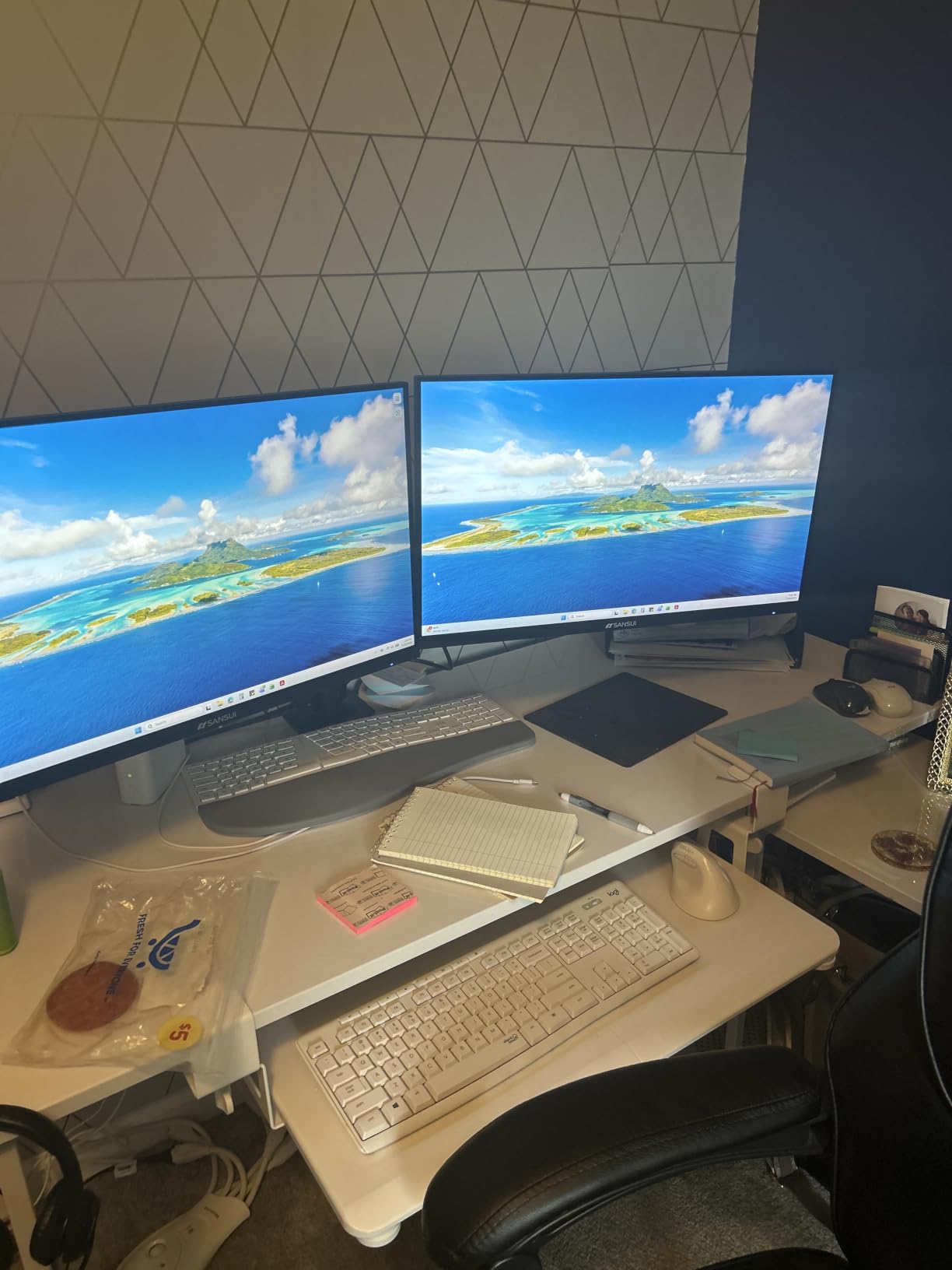
For a first 1440p gaming panel, this is an unusual amount of resolution and refresh rate to find on one curved screen. If you need a stand that raises and swivels, the Acer Nitro XV271U is the alternative; if you want 21:9 instead of 16:9, step up to the SANSUI ES-G34C5.
4. Z-Edge UG27Q: Budget Pick for Curved 1440p
Z-Edge UG27Q
Panel: VA
Size: 27 inch
Resolution: 2560x1440
Refresh: 165Hz
Response: 1ms
Pros
- QHD resolution with 165Hz for the money
- 1500R curve widens the field of view
- 3000:1 contrast renders deep blacks
- Flicker-free with a low blue light filter
- Three-sided frameless design with VESA mounting
Cons
- VA panel can smear blacks on fast scrolling in dark scenes
- Stand offers limited adjustment
- Some units need color and sharpness tuning after setup
Good to know: a VA panel is the right call only if you value black level and contrast over motion consistency, and the 4.3 rating here is the price of that choice.
The UG27Q is a straight value play: 2560×1440 on a 1500R VA curve at 165Hz. It shares a resolution and refresh rate with the Acer Nitro KG271U, so the real decision is panel philosophy. VA gives darker blacks and more contrast; IPS gives wider viewing angles and cleaner motion.
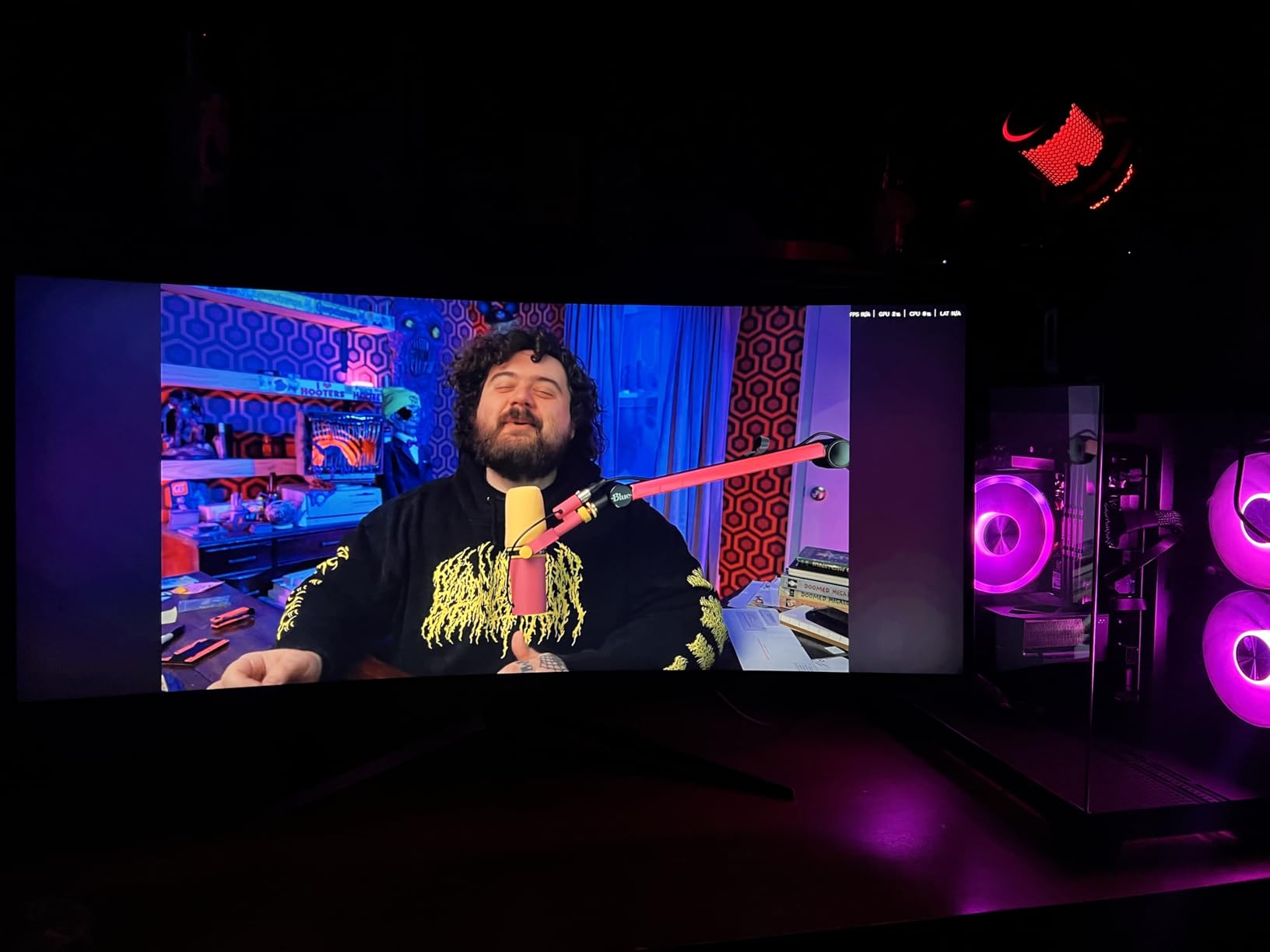
Owners who game in dark, atmospheric titles tend to like the contrast, and the 130% sRGB figure gives it some headroom for general desktop work too. Reviewers also single out the three-sided frameless design and the 100x100mm VESA pattern, which makes a two-monitor or ultrawide-style layout straightforward.
- 165Hz over DisplayPort and 144Hz over HDMI
- 300 cd/m2 brightness with a matte anti-glare finish
- Flicker-free operation and a low blue light filter
- 2x HDMI and DisplayPort connectivity, DP cable included
- Two-year manufacturer warranty
The main trade-off owners report is dark smearing. On a VA panel, fast scrolling in dark scenes can trail visibly, and several reviews mention adjusting color and sharpness after setup. The stand’s limited adjustment is the other recurring note.
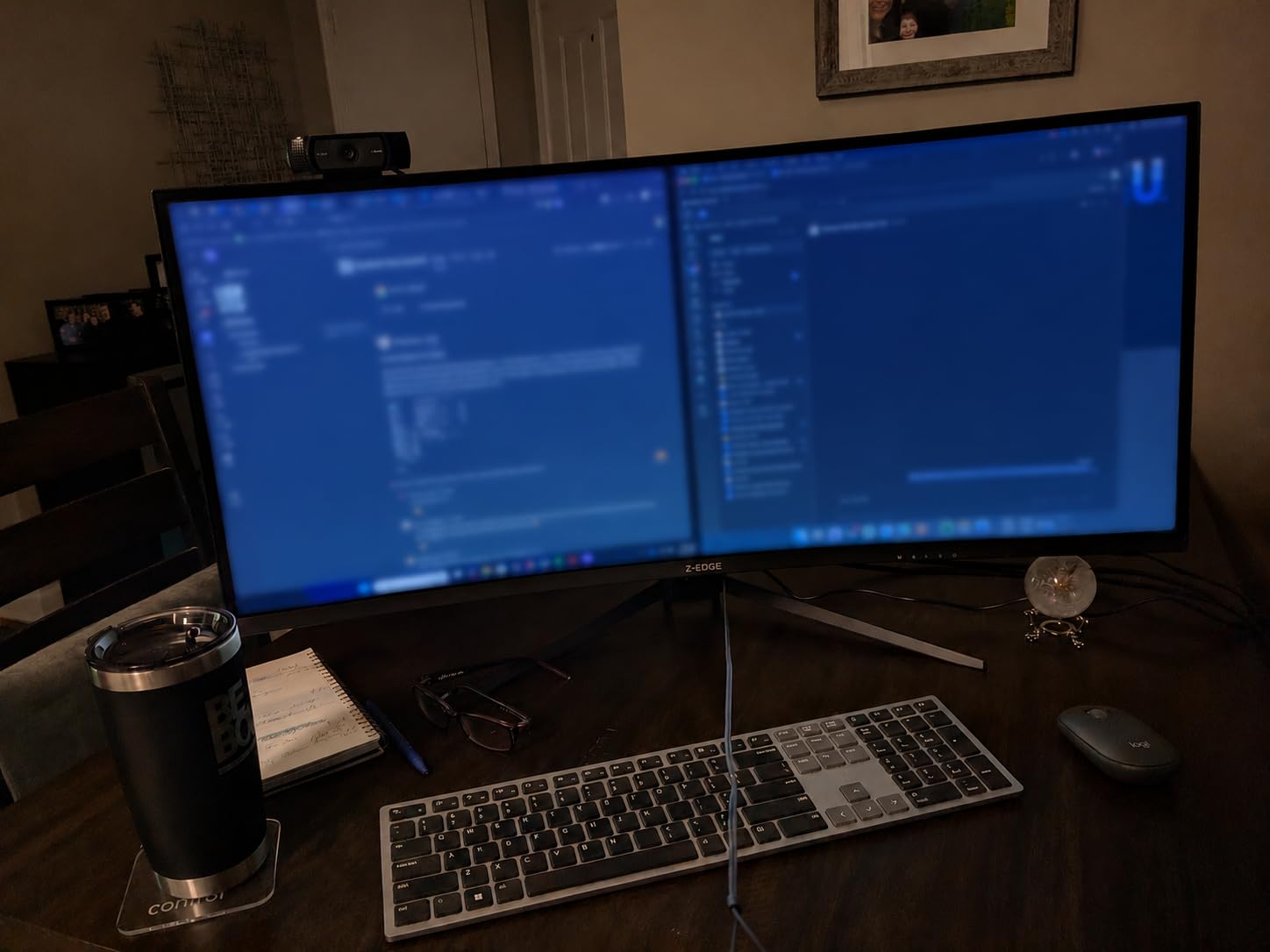
Set the Z-Edge against the SANSUI ES-G27C1Q: both are curved 1440p panels, and the Z-Edge runs at a lower refresh rate while the SANSUI adds deeper contrast, more inputs and a far larger review base. If motion clarity matters more to you than black level, take the Acer Nitro KG271U instead.
5. Acer Nitro KG271U: Best for Photo and Video Work
Acer Nitro KG271U
Panel: IPS
Size: 27 inch
Resolution: 2560x1440
Refresh: 180Hz
Response: 0.5ms
Pros
- Up to 180Hz with 0.5ms GTG response
- DCI-P3 95% coverage suits photo and video work
- IPS panel gives wide angles and no flickering
- Zero-frame design frees up screen space
- HDR10 support and built-in speakers
Cons
- Flimsy stand with no height adjustment
- Built-in speakers are weak with little bass
- HDMI caps at 144Hz against 180Hz over DisplayPort
Best for: one screen that does gaming, photo and video work without a second display.
The KG271U N3bmiipx is the pick if the same screen does double duty. Its 95% DCI-P3 coverage sits at the wide end of what this roundup offers, which is what you want for grading and photo work, and the IPS panel delivers consistent color from off-center without washing out.
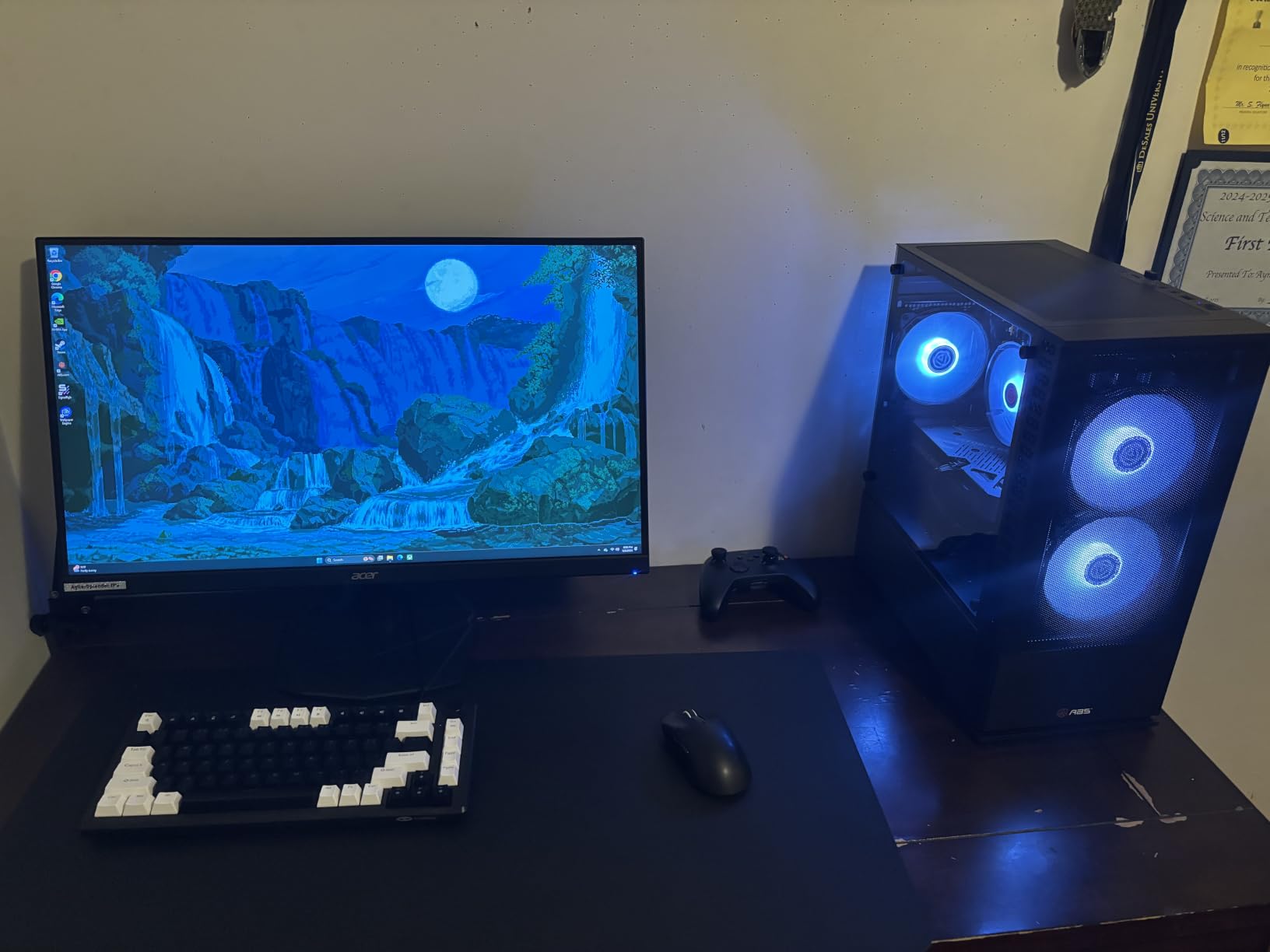
Response is listed at 0.5ms GTG, which only one other model in the roundup matches under better conditions, and owners report smooth 180Hz motion with very low input lag. The zero-frame design keeps the bezel out of the way, and several reviewers run dual-monitor setups on arms with this model.
- HDR10 support at a price tier where it is uncommon
- Built-in speakers, unusual at this spec level
- 2x HDMI plus DisplayPort, with a DisplayPort cable in the box
- 250 cd/m2 brightness, matte finish, 1000:1 contrast
- Three-year parts and labor warranty
Owners flag the stand most often. It is flimsy with no height adjustment, so if you sit tall or want the panel at eye level, plan on an arm. The onboard speakers have weak bass and the HDR brightness is not separately adjustable, which some reviewers find limiting. High overdrive settings produce visible overshoot, so leave the gaming mode a notch down from maximum.
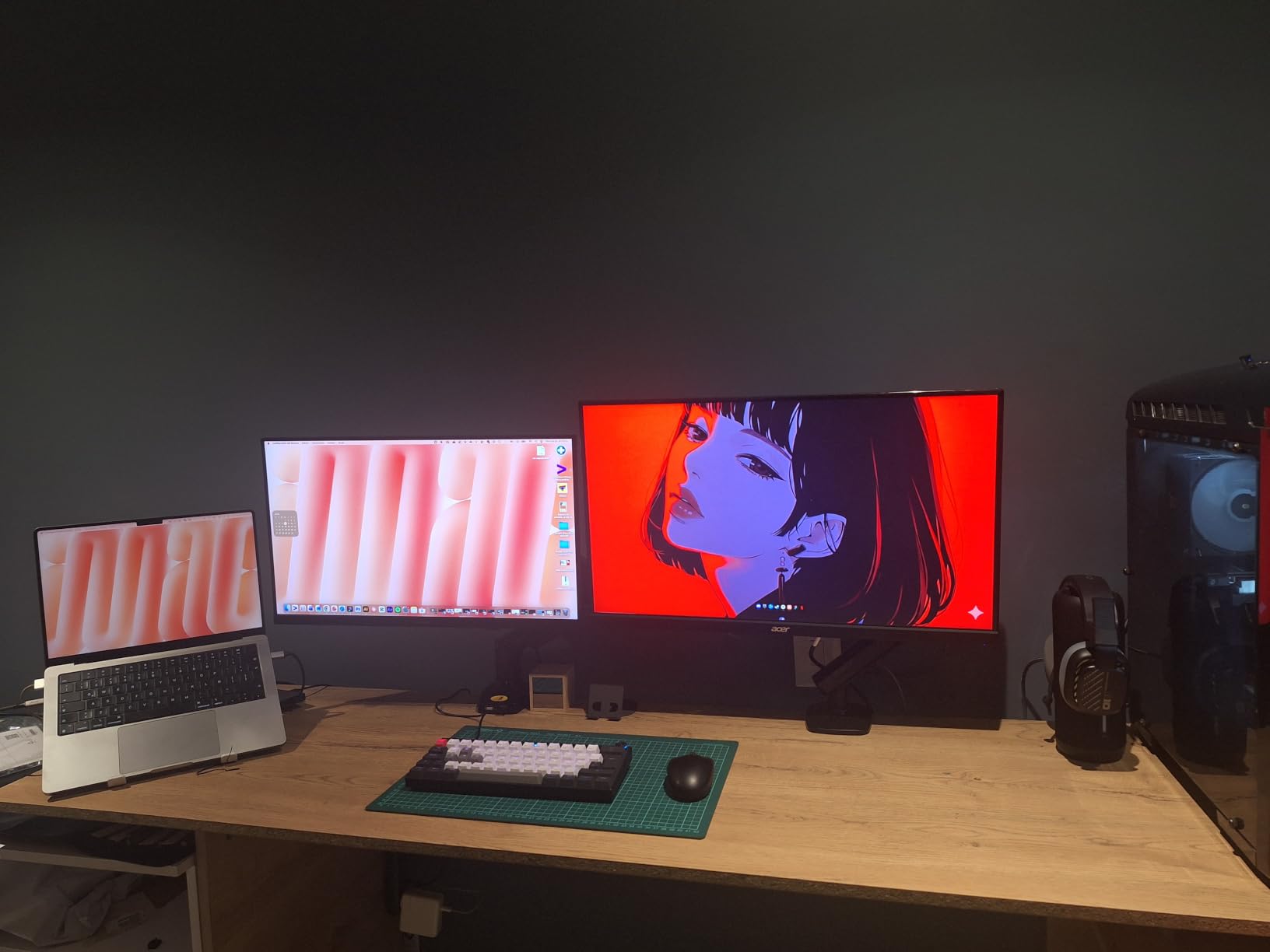
Against the Acer Nitro XV271U, you give up the adjustable stand and FreeSync Premium certification for better stated color coverage. The LG UltraGear 27GS60QC is the alternative if you want 0.5ms traded for 1ms and 95% DCI-P3 traded for 99% sRGB on a curved panel.
6. Acer Nitro XV271U: Best All-Rounder
Acer Nitro XV271U
Panel: Fast IPS
Size: 27 inch
Resolution: 2560x1440
Refresh: 180Hz
Response: 1ms
Pros
- Sharp WQHD Fast IPS panel with good color out of the box
- 180Hz over DisplayPort with no ghosting
- Full ergonomic stand with height swivel pivot and tilt
- Both HDMI and DisplayPort cables included
- Easy joystick menu with per-user modes
Cons
- Built-in speakers sound muffled and tinny
- Only one DisplayPort for people running two PCs
- Modest HDR peak brightness
Pick this one if you want 1440p at 27 inches without a stand compromise, and you plan to keep the panel for years.
The Nitro XV271U M3bmiiprx is the one to buy when you do not want to compromise. It is a 27-inch 2560×1440 Fast IPS panel at 180Hz with 1ms G-to-G response, rated down to 0.5ms in the best case, and the stand adjusts in four directions, a combination that is hard to find elsewhere at 27 inches.
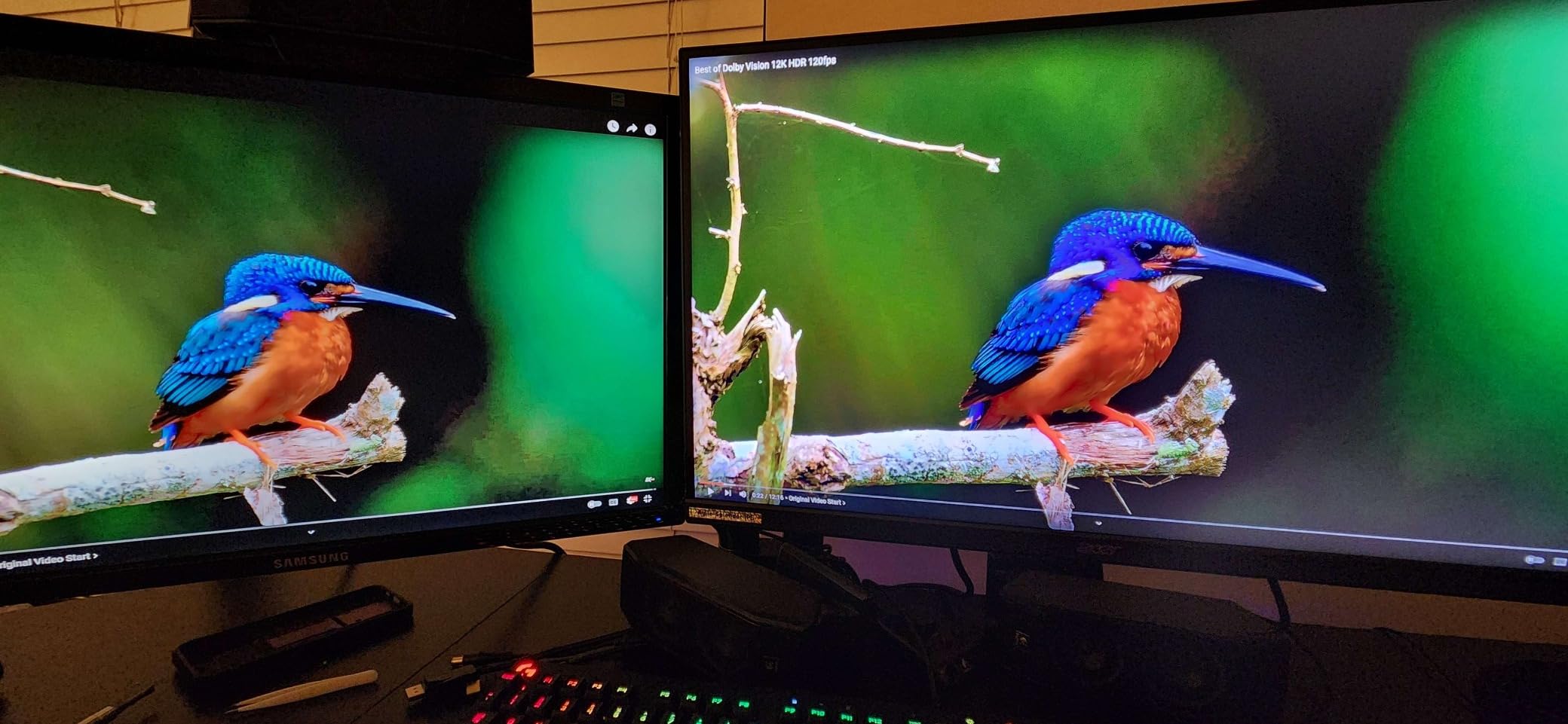
Owners with long-term setups describe the color accuracy and viewing angles as the standout strengths, and the joystick on-screen menu with per-user profiles is easier to live with than buried buttons. Flicker-free operation and low dimming presets are handled through Acer VisionCare, and the 0.23mm pixel pitch is one of the finer values in the roundup, which is why text stays legible in a code editor or a wiki page.
- FreeSync Premium certification rather than basic FreeSync
- 2x HDMI 2.0, 1x DisplayPort 1.2 and audio out
- VESA 100x100mm, tilt from minus 5 to 25 degrees, 4.7 inch height range
- Two 2-watt speakers, thin bezels for dual-monitor work
- Three-year parts and labor warranty
The trade-off owners report: the 2-watt speakers are muffled and tinny, and there is only one DisplayPort, so a two-PC setup needs an adapter or a hub. Some units report light backlight bleed in a lower corner against deep black, and HDR peak brightness is modest next to a premium HDR panel.
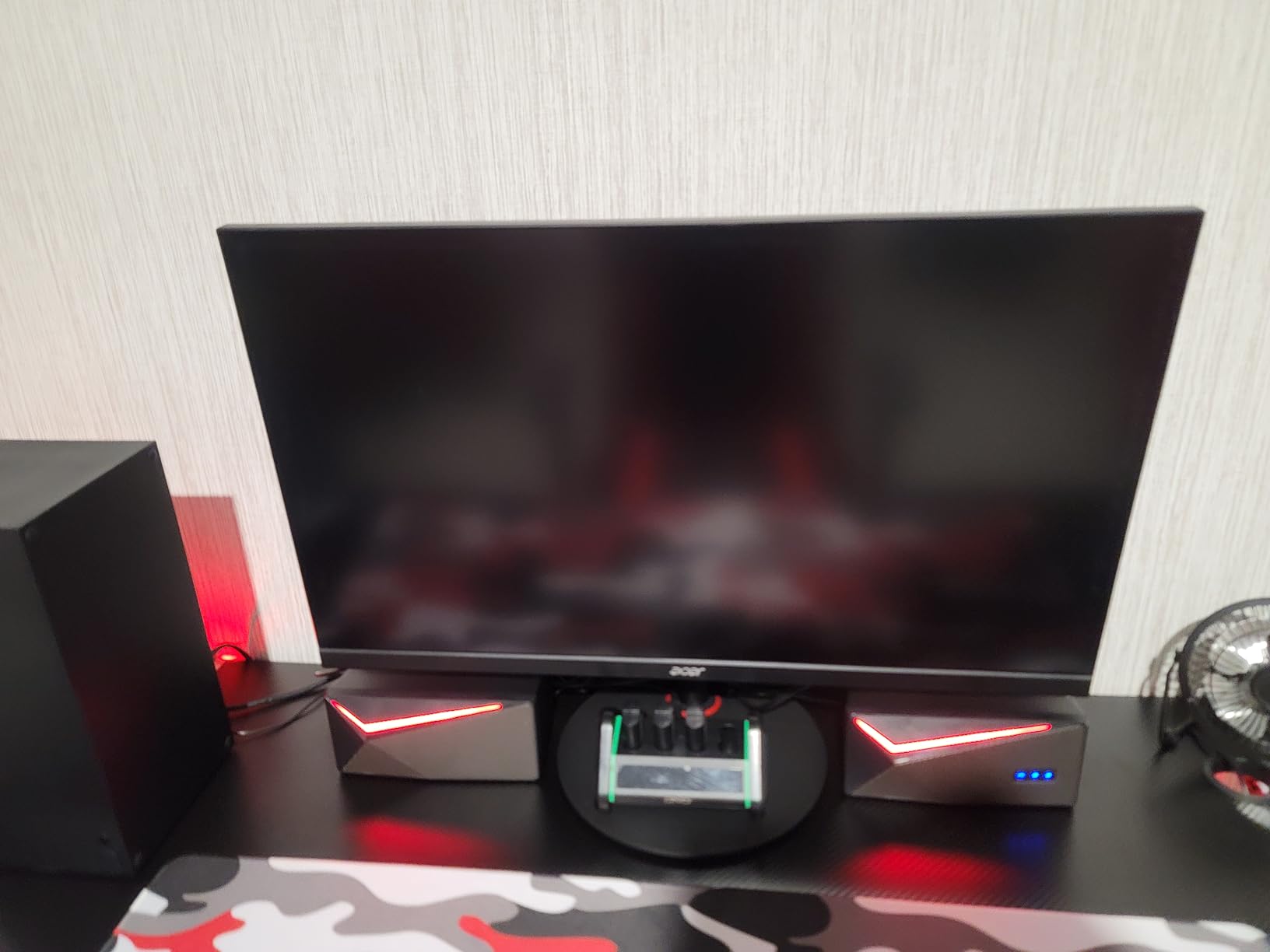
The closest alternative is the ASUS TUF VG27AQ3A, which adds G-Sync compatibility and ELMB Sync but gives up the adjustable stand. If your desk is small or you move the monitor often, this Acer is the safer long-term buy.
7. Samsung Odyssey G55C: Best for a 32-Inch Wrap
Samsung Odyssey G55C
Panel: LED
Size: 32 inch
Resolution: 2560x1440
Refresh: 165Hz
Response: 1ms
Pros
- 32 inch QHD panel with far more room than 1080p
- 1000R curve fills peripheral vision
- 165Hz with 1ms MPRT for smooth low-blur motion
- FreeSync reduces screen tearing
- HDR10 with 300 cd/m2 brightness
Cons
- Only one HDMI port
- Tilt-only stand with no height or swivel
- No built-in speakers
Best for: a desk deep enough for a 32-inch panel, and players who want screen real estate over raw refresh rate.
Thirty-two inches and 2560×1440 give you roughly 1.7 times the pixels of a 27-inch 1080p panel, and the 1000R curve pulls the edges of the screen around you rather than sitting flat like the Acer and ASUS models.
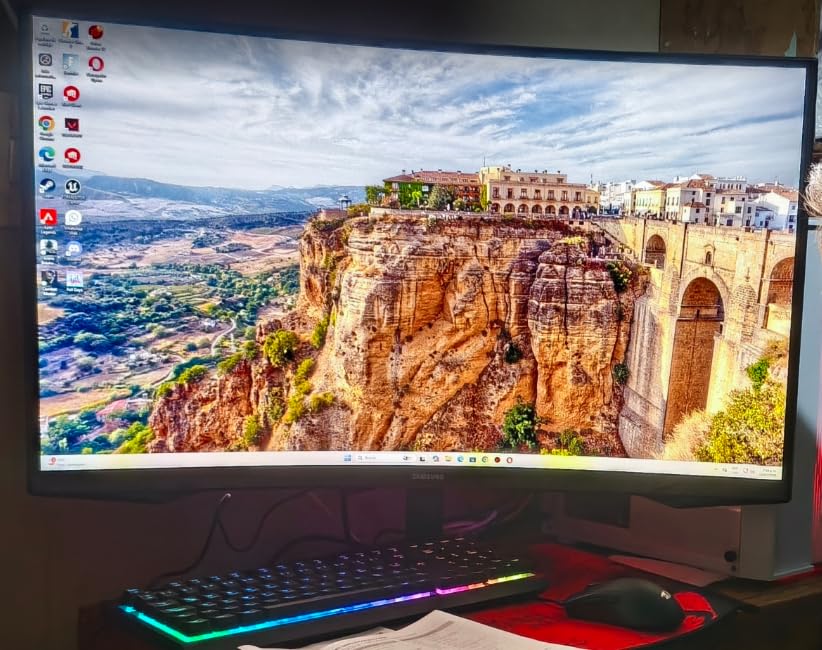
Owners rate the immersion highly and like that 165Hz with 1ms MPRT keeps motion smooth on a panel this large. HDR10 is supported at 300 cd/m2, and Eye Saver Mode handles long sessions.
- 32 inches, 16:9, 0.27mm pixel pitch, 178-degree viewing angle
- DisplayPort and HDMI connectivity with a DP cord in the box
- 2500:1 contrast, wall-mount ready
- Roughly 11.5 lb and about 28 inches wide
The trade-offs are physical as much as electronic. It is 28 inches wide before the stand, so measure your desk and check clearance behind you, because the curve means you sit closer to the sides than a flat panel allows. Owners also mention the tilt-only stand, a single HDMI port, no built-in speakers and a contrast ratio that is modest for a curved panel, plus the fact that the 50-watt power draw is the highest in this list.
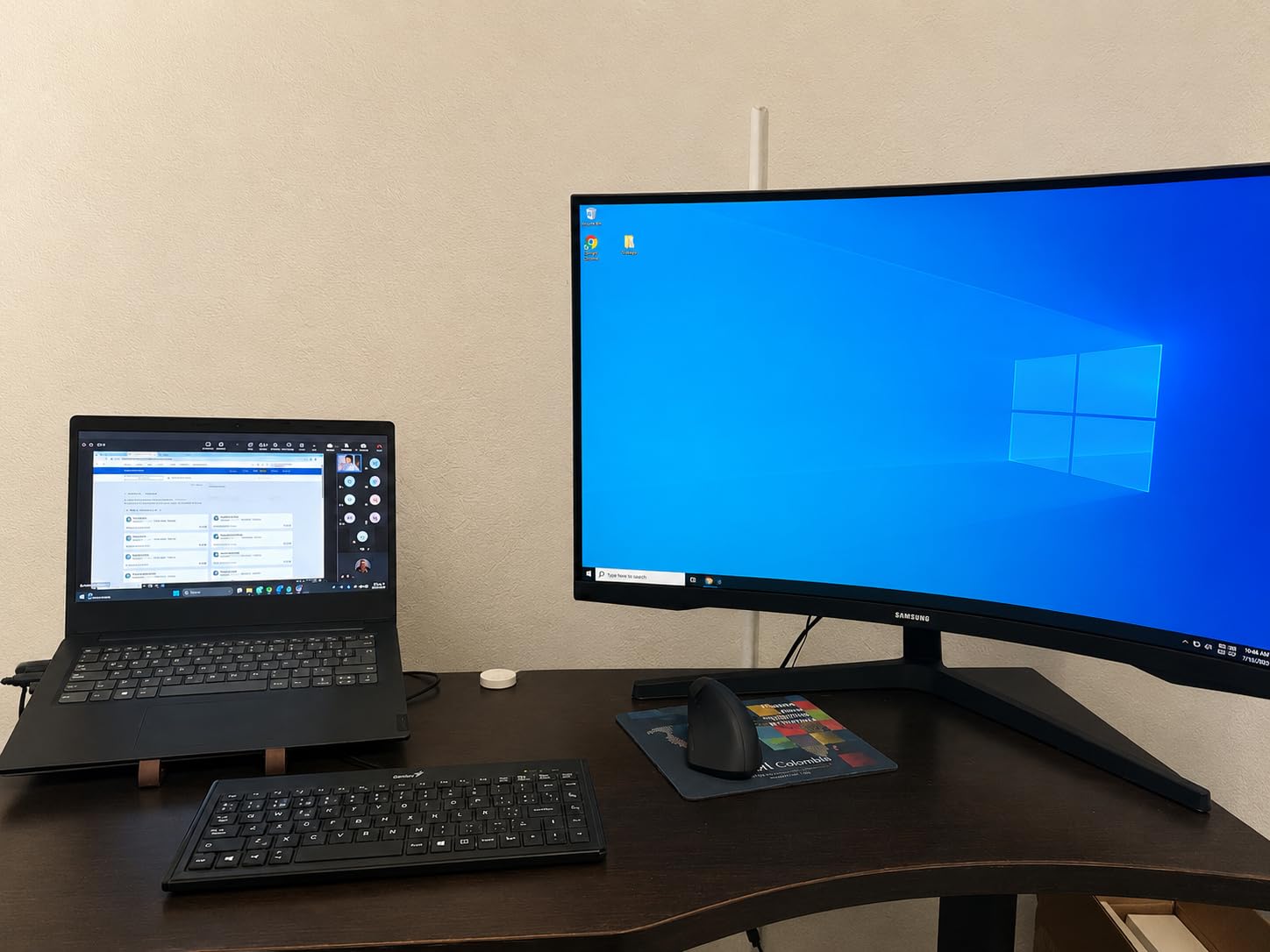
Compared with the LG UltraGear 27GS60QC, the Samsung is bigger and lacks the connectivity count. If 32 inches does not fit your desk, the SANSUI ES-G34C5 gives you a wider 21:9 canvas instead, and if you would rather have more pixels per inch than more inches, the Acer Nitro KG271U is the 27-inch answer.
8. ASUS TUF VG27AQ3A: Best for G-Sync Users
ASUS TUF VG27AQ3A
Panel: Fast IPS
Size: 27 inch
Resolution: 2560x1440
Refresh: 180Hz
Response: 1ms
Pros
- Works with both NVIDIA G-Sync and AMD FreeSync Premium
- ELMB Sync reduces ghosting and tearing together
- Fast IPS with 1ms response and 130% sRGB coverage
- 180Hz with minimal input delay
- Built-in gaming presets for racing FPS sRGB and MOBA
Cons
- Built-in speakers are quiet and tinny
- Stand has no height adjustment and no vertical rotation
- Minor color temperature variance between samples
An NVIDIA card is the reason to look here, and blur handling comes along in the same box.
Most monitors on this list advertise FreeSync, which works with AMD cards and generally with NVIDIA hardware too. The TUF VG27AQ3A is explicit about both: G-Sync Compatible alongside FreeSync Premium and VESA AdaptiveSync, with variable refresh enabled by default.
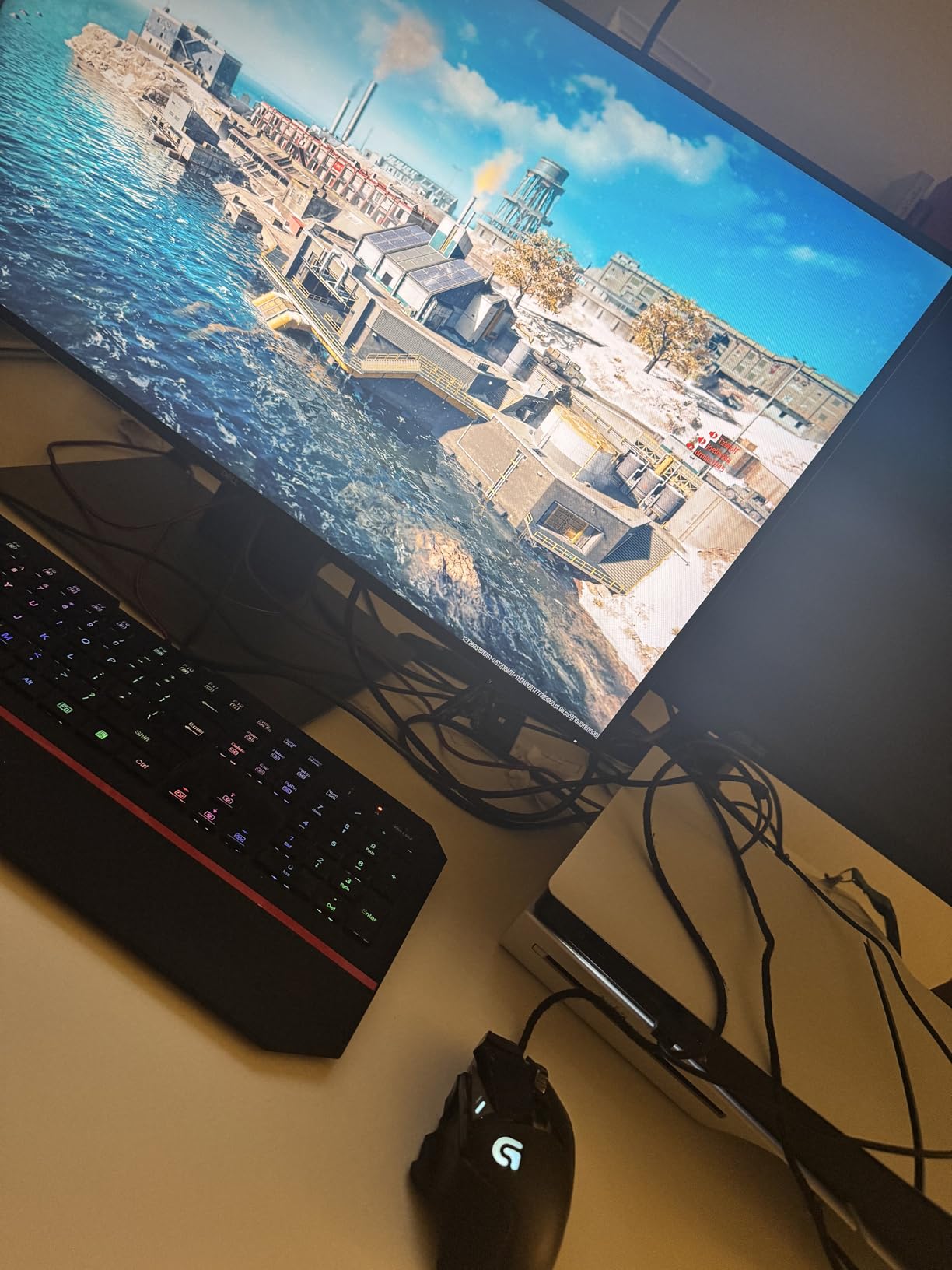
ELMB Sync is the feature competitive players notice. It targets ghosting and tearing at the same time, which matters on a 180Hz Fast IPS panel where a moving crosshair can leave a faint trail at low overdrive settings.
- Two DisplayPort and two HDMI connections, easy VESA mounting at 100x100mm
- 130% sRGB coverage with HDR-10 support
- Gaming presets for racing, FPS, sRGB and MOBA, plus a blue light filter
- DisplayPort cable, power adapter, an L-shaped screwdriver and a warranty card in the box
- Three-year warranty
Owners across mixed AMD and NVIDIA systems report VRR working without manual setup, and the build holds up when several sit side by side. ELMB Sync and the gaming presets are the parts enthusiasts notice first; the 1ms GTG figure is what keeps a fast crosshair readable. The most repeated complaint is the built-in audio, which is quiet and tinny. The stand has no height adjustment and cannot rotate to vertical, so a tall desk or a monitor arm is likely. Some reviewers also note slight color temperature differences between units.
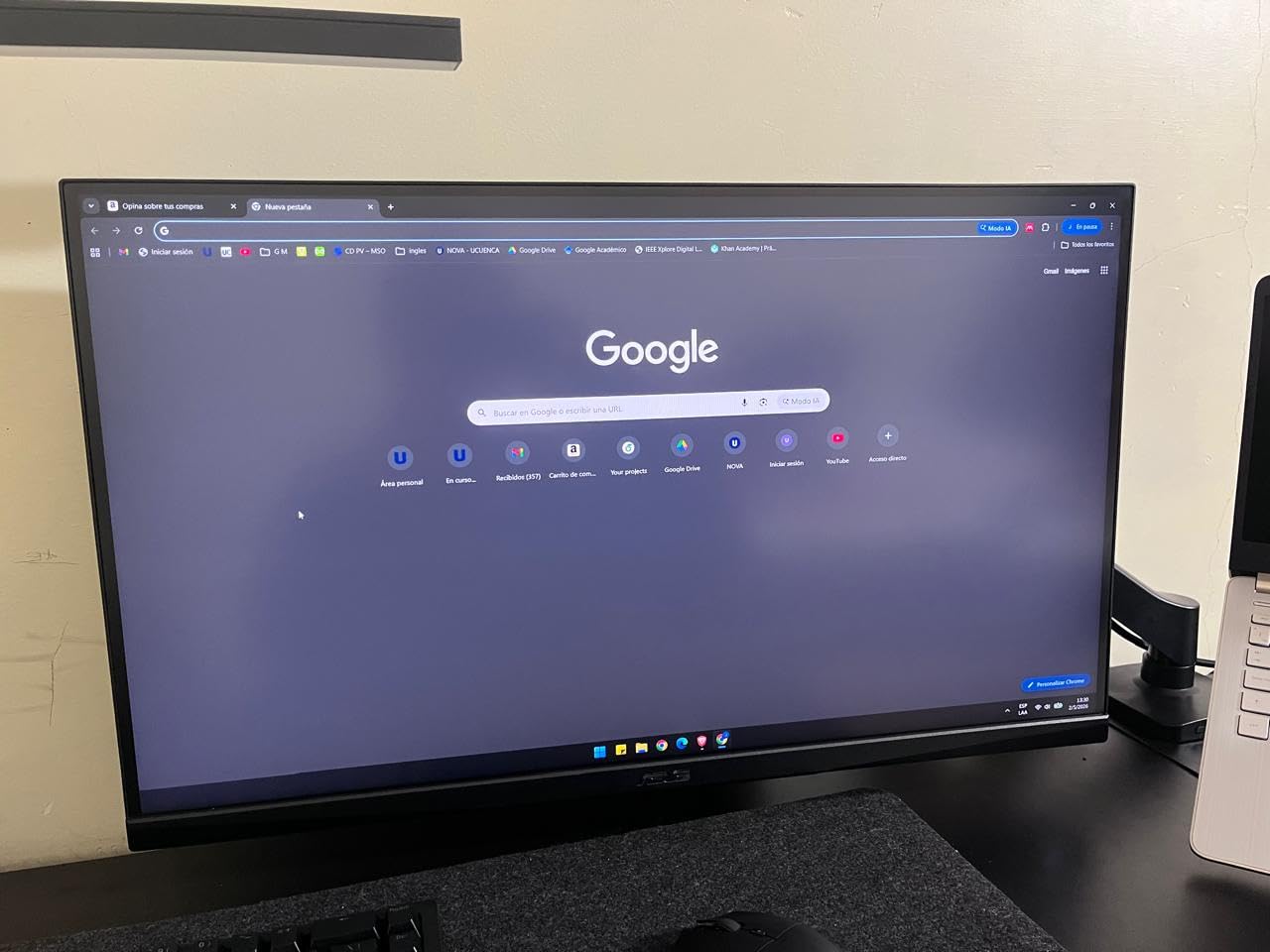
Against the Acer Nitro XV271U, the ASUS wins on sync certification and blur handling and loses on stand adjustment and DisplayPort count. If you are on an NVIDIA card, this is the safer buy; if you care more about where the panel sits, take the Acer.
9. SANSUI ES-G34C5: Best for Ultrawide
SANSUI ES-G34C5
Panel: VA
Size: 34 inch
Resolution: 3440x1440
Refresh: 200Hz
Response: 1ms
Pros
- 3440x1440 ultrawide running at 200Hz
- Crosshair and sniper scope aid aim
- Large canvas for multitasking and multiple windows
- PIP and PBP for dual-device workflows
- HDMI 2.1 and DisplayPort 1.4 inputs
Cons
- No built-in speakers so audio needs external gear
- HDMI may not reach 200Hz on every device
- Tilt-only stand with no height adjustment
Desk depth first: 3440×1440 at 200Hz needs room, and this is the only 21:9 panel in the roundup.
This is the widest screen in the roundup and the only 21:9 model. At 3440×1440 on a 1500R curve, it puts about a third more horizontal pixels than a 27-inch 16:9 panel on your desk, and it still runs to 200Hz.
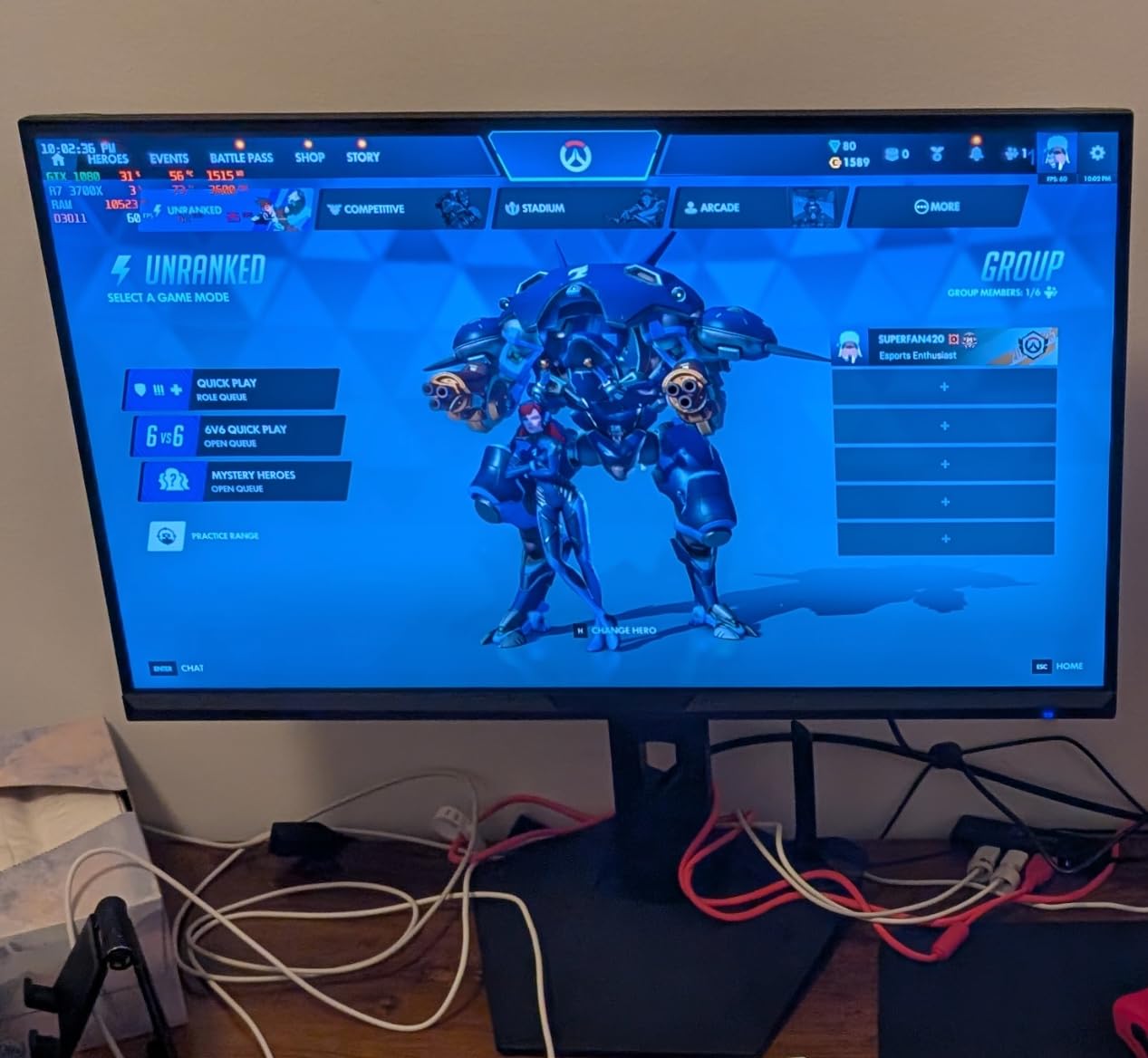
The toolset leans toward shooters. There is an AI crosshair, a sniper scope for pinning aim on distant targets, night vision for dark scenes, and PIP and PBP so you can run a console and a PC side by side on one screen. Color coverage is listed at 96% DCI-P3 and 131% sRGB at 300 cd with 3000:1 contrast.
- DisplayPort 1.4 up to 200Hz and 2x HDMI 2.1 up to 200Hz
- Earphone out, with no built-in speakers
- VESA 100x100mm mounting and a Kensington lock
- Anti-glare coating, blue light filter and anti-flicker
- About 32 inches wide, so check desk depth first
Owners call the desk real estate hard to beat, and the 96% DCI-P3 figure puts the color closer to the ultrawide end of this list than a VA panel usually sits. The same reviews raise the same limits: no speakers, a tilt-only stand, and HDMI that may not reach the advertised rate on every device.
A capable GPU or console is genuinely needed to drive 3440×1440 at 200Hz, and the deep curve plus wide bezels take a few days to get used to. Anyone splitting the screen for work can read our guide to ultrawide monitors for multitasking before committing.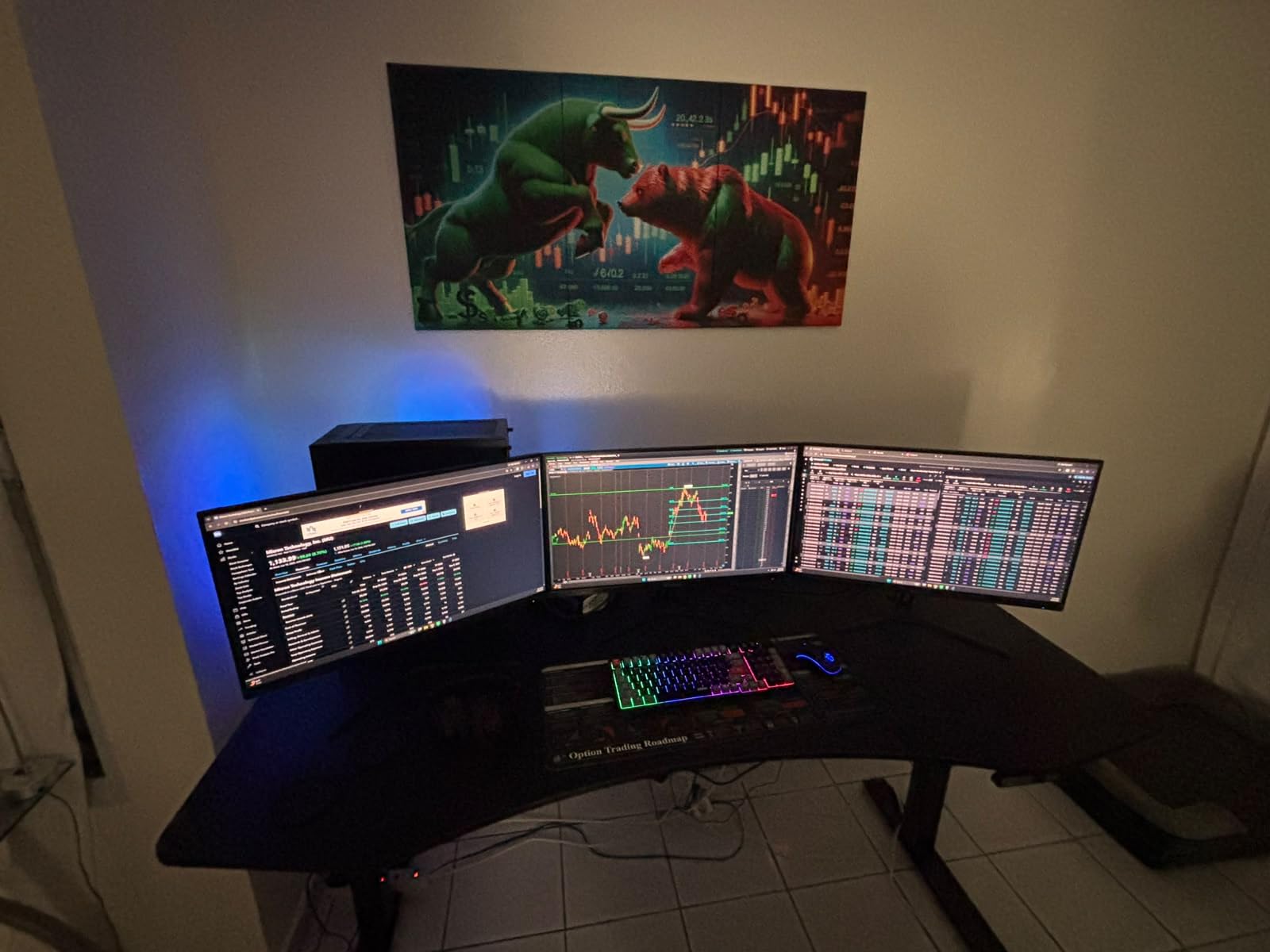
Set this one against the Samsung Odyssey G55C before you commit: the SANSUI is wider but shorter and runs faster, while a desk under about 30 inches deep will suit the 32-inch Samsung more comfortably. If you would rather stay 16:9, the Acer Nitro XV271U is the all-round pick.
10. LG UltraGear 27GS60QC: Best for Laptops and Consoles
LG UltraGear 27GS60QC
Panel: LCD
Size: 27 inch
Resolution: 2560x1440
Refresh: 180Hz
Response: 1ms
Pros
- QHD at 180Hz with 1ms GTG response
- 1000R curve creates a noticeable wraparound
- Two HDMI ports plus DisplayPort for console and PC
- Black Stabilizer and Dynamic Action Sync aid aim
- 99% sRGB with HDR10 support
Cons
- No built-in speakers
- Automatic brightness adjustment cannot be disabled
- Rear-facing ports stop a flush wall mount
Hookup first: two HDMI ports and one DisplayPort, which is what makes console and laptop sharing painless.
Two HDMI ports and one DisplayPort is the most useful port layout for a mixed setup here. Owners running a console alongside a laptop report that the monitor sustains 144Hz reliably through HDMI, even with a KVM switch in the chain, and reviews frequently note zero dead pixels on arrival across several units.
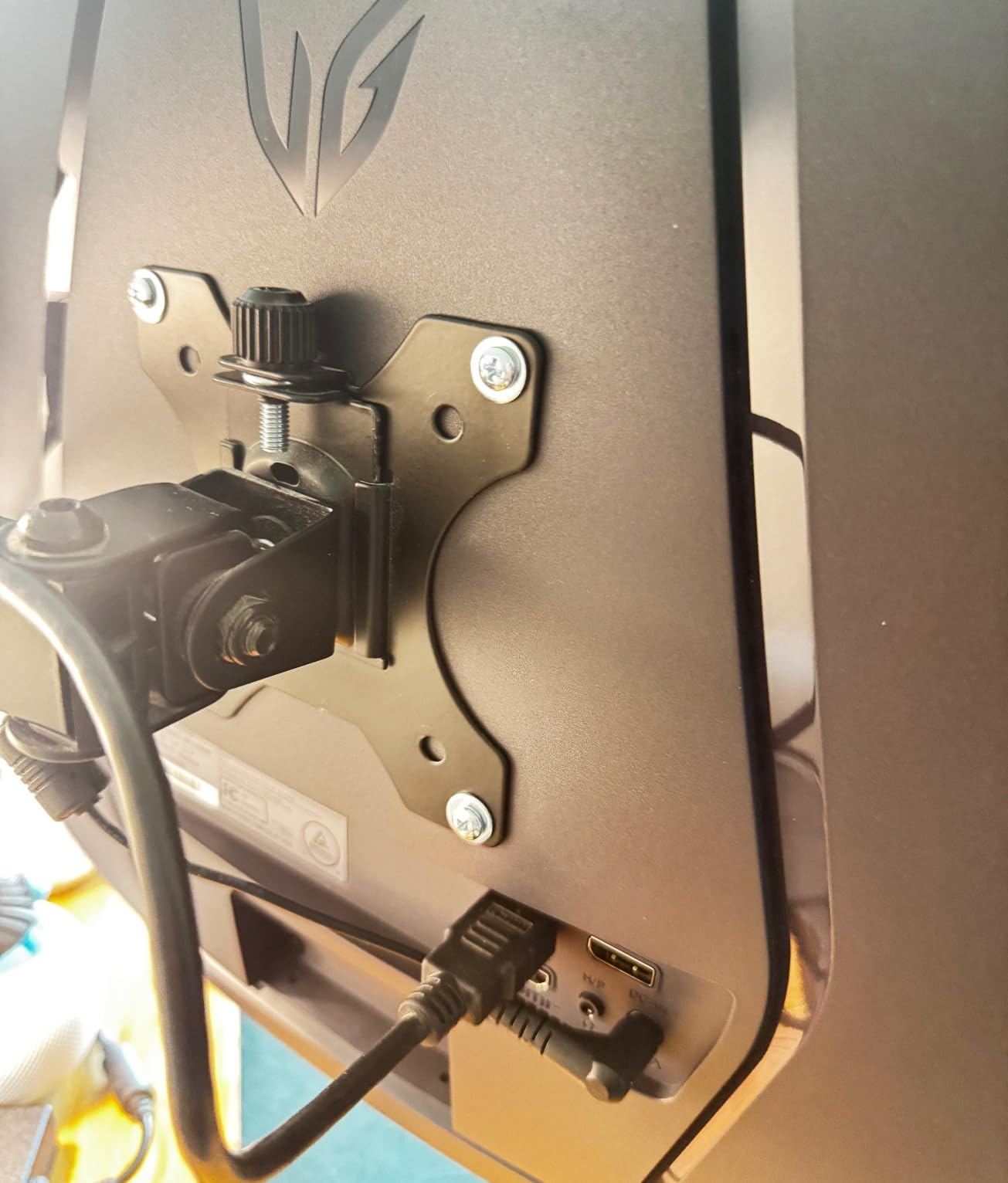
The gaming tools are practical: Black Stabilizer lifts shadow detail, Dynamic Action Sync helps in dark scenes, and there is a crosshair plus an FPS counter in the on-screen menu, alongside Gamer, FPS and RTS picture modes. It draws 19 watts, among the lowest here, and owners report it running cool over long sessions. The 178-degree viewing angle also makes it a workable choice when a second person leans in to watch.
- 27-inch 2560×1440 on a 1000R curve, three-side virtually borderless design
- 1ms GtG response with FreeSync and Dynamic Action Sync
- HDR10 with a 99% sRGB color gamut
- Headphone out, wall-mount capable, 178-degree viewing angle
- Gamer, FPS and RTS picture modes
Two owner complaints are worth knowing before you order. The automatic brightness adjustment cannot be turned off and lags on transitions, which some reviewers find distracting. The rear-facing port layout also means it cannot sit flush against a wall, so plan for a small gap. There are no built-in speakers, and the 1000R curve is very noticeable at the top and bottom edges on a 27-inch panel. If you want one cable for power, video and peripherals instead of a small port array, our picks for gaming monitors with USB-C cover that route.
Against the Samsung Odyssey G3, the LG trades 60Hz of refresh rate for 1440p pixels, HDR10 and a second HDMI port. Against the Acer Nitro KG271U it has the same resolution and refresh rate, but a curve in place of a flat IPS panel and no built-in speakers.
How to Choose Gaming Monitors During Prime Big Deal Days
Panel Size and Resolution
Resolution decides how much you can fit on screen, and screen size decides whether that resolution is comfortable at arm’s length. For competitive play and a desk under about 24 inches deep, 1920×1080 at 27 inches is a proven pairing. For most people, 2560×1440 at 27 inches is the sweet spot, and six of these ten picks deliver 2560×1440. Only reach for 3440×1440 on a 34 inch, or 32-inch 16:9, after measuring your desk depth and your viewing distance. If you want a deeper look at the resolution tiers, our guide to the best 1440p gaming monitors covers the trade-offs in detail.
Refresh Rate and Response Time
Refresh rate is the ceiling your frames hit, and response time is how fast the panel changes. Practical thresholds: 120Hz is a clear improvement over 60Hz, 165Hz to 180Hz is where competitive play feels its difference, and anything above that helps most in fast single-player action. Treat response figures carefully. A 1ms MPRT rating depends on an overdrive setting, and several owners of the Acer Nitro KG271U report visible overshoot at the highest overdrive step. Look for a stated GTG figure alongside any MPRT claim.
Adaptive Sync and GPU Compatibility
Variable refresh rate is what stops tearing when your frame rate sits below your panel ceiling. Almost every listing here is a FreeSync panel, the Acer Nitro XV271U adds FreeSync Premium, and the ASUS TUF VG27AQ3A is G-Sync compatible as well, so it pairs with NVIDIA cards without guesswork. Before buying, confirm your card and your port: DisplayPort is the safe route for high refresh rates on PC, while the HDMI inputs on the LG UltraGear 27GS60QC and the SANSUI ES-G34C5 are there for consoles and laptops. If you are upgrading the graphics card at the same time, our picks for graphics card deals during the sale are worth reading first, because a faster card raises the refresh rate you can actually use.
Panel Type, HDR, and Gaming Features
IPS gives the widest viewing angles and the most consistent motion, which is why four picks here use it. VA gives deeper blacks and higher contrast ratios, which suits dark single-player games, at the cost of possible dark smearing. Most of these list brightness between 250 and 300 nits, which is fine for a normally lit room but modest for HDR in a bright one, and the ASUS TUF VG27AQ3A is quoted in lumens rather than nits. On-screen tools are worth more than they sound: Black Equalizer on the Samsung Odyssey G3 and Black Stabilizer on the LG both brighten shadows so enemies stop disappearing, and the crosshair options on both SANSUI panels save you hunting through game menus. None of the ten has a USB-C hub, so plan cables or read our USB-C monitor guide.
How to Shop Gaming Monitor Deals During the Sale
Check the model number on the listing, not just the marketing name, because several brands run near-identical panels under similar names. Confirm the size, the resolution, the panel type and the maximum refresh rate over DisplayPort, since HDMI ceilings are often lower. Read what is in the box, because two of these listings include a DisplayPort cable and several do not. Make sure it is new rather than renewed, check who sells and ships it, and confirm the warranty length, which ranges from one year to three across this list. Most offers during Prime Big Deal Days require a Prime membership, and prices move through the event.
A short checklist before you buy anything on this list:
- Match the panel size to your desk depth and your viewing distance
- Check the refresh ceiling over the port you will actually use
- Confirm FreeSync or G-Sync compatibility with your graphics card
- Verify the warranty length, from one year to three across these picks
- Check what is in the box before ordering extra cables
- Look at the current price on the listing, since offers change through the event
Frequently Asked Questions
When is Amazon Prime Big Deal Days 2026, and do I need Prime to buy?
Prime Big Deal Days runs October 6-7, 2026. Most offers on gaming monitors during the event require a Prime membership, and a free trial counts. Deals on displays are among the deeper ones in the October sale because monitors are a high-ticket electronics category with heavy turnover.
Are Amazon Prime Big Deal Days gaming monitor deals worth waiting for?
Often, yes, but check the model rather than the discount. A large percentage off a padded list price is not a real saving, so compare the current price against what the same model has sold for. The picks on this list were chosen on owner ratings, review volume and specifications rather than on the size of the advertised cut.
Should I buy a 1440p or 1080p gaming monitor?
Buy 1440p if your desk takes a 27-inch screen and you play anything with interface detail, open a browser beside the game, or edit photos. Stay with 1080p for a small desk, a laptop-driven setup or a strict budget, and pair it with a higher refresh rate. At 27 inches, 1440p also gives noticeably cleaner text.
Is a 200Hz monitor worth it if my GPU cannot push that many frames?
Only if your games already reach that frame rate. A higher refresh rate does not create frames, so on a mid-range card a 180Hz 1440p panel will not look much different from a 144Hz one. Variable refresh keeps motion smooth below the ceiling, and the 120Hz Acer KB272 G0bi is a sensible pairing for weaker hardware.
How do I check that a gaming monitor supports my graphics card or console?
Look for FreeSync for AMD cards, and G-Sync Compatible if you run NVIDIA, since only the ASUS TUF VG27AQ3A lists both. Use DisplayPort for high refresh rates on PC, and the HDMI ports for consoles and laptops. For a PS5 or Xbox Series X, 2560×1440 at 120Hz or above is a safe target.
What time of year do gaming monitors go on sale?
October, during Prime Big Deal Days, is the deepest window for gaming monitors, with the event running October 6-7, 2026. The July Prime Day event offers a smaller selection, and Black Friday in November brings a second chance at the same models. Monitor deals also tend to carry over for a few days after an event closes, but not always.
Final Verdict: Best Amazon Prime Big Deal Days Gaming Monitor Deals
Buy the Acer KB272 G0bi if you want the Editors’ Choice: a 27-inch IPS panel, 120Hz, 1ms response and a three-year warranty, with 2134 owner reviews behind it at a 4.6 rating. The Samsung Odyssey G3 is the choice for competitive shooters who want 180Hz, Black Equalizer and a stand that adjusts in four directions. The SANSUI ES-G27C1Q is the value pick, giving 1440p at 200Hz with dual DisplayPort and HDMI inputs and a much larger review base than anything else here.
Creative work belongs on the Acer Nitro KG271U, which pairs 95% DCI-P3 coverage with 0.5ms response, and the Acer Nitro XV271U is the pick that leaves the fewest compromises at 27 inches. If your desk is deep and you want one screen instead of two, the SANSUI ES-G34C5 gives a 3440×1440 ultrawide at 200Hz, while the Samsung Odyssey G55C is the gentler step up to 32 inches. NVIDIA card in hand, the ASUS TUF VG27AQ3A is the one that lists G-Sync compatibility, and the LG UltraGear 27GS60QC is the easiest hookup for a laptop and a console together. The Z-Edge UG27Q is the route to a curved 1440p VA panel. Check the current price on each listing before you commit, and pick the one whose panel type and stand suit your desk.