
If you only look at one Amazon device during Prime Big Deal Days, make it the Echo Dot. It carries the highest owner rating of any pick here, packs a mesh Wi-Fi extender into a speaker small enough for a bedside table, and works as the starting point for a whole Alexa home. The Echo Show 5 covers the kitchen-counter crowd, and the Fire TV Stick 4K Plus is the cheapest way to rescue a television that still works fine. Amazon’s Prime Big Deal Days sale runs October 6-7, 2026, and most of these offers need a Prime membership.
Everything below is a device worth watching rather than an offer you can count on. Sale pricing moves through the window, so use the buttons to see the current figure and the details sections to see who each pick actually suits.
Table of Contents
Our Top 3 Picks for Best Amazon Prime Big Deal Days Amazon Device Deals

Amazon Echo Dot
- eero built-in mesh Wi-Fi
- Built for Alexa+
- Motion and temperature sensors


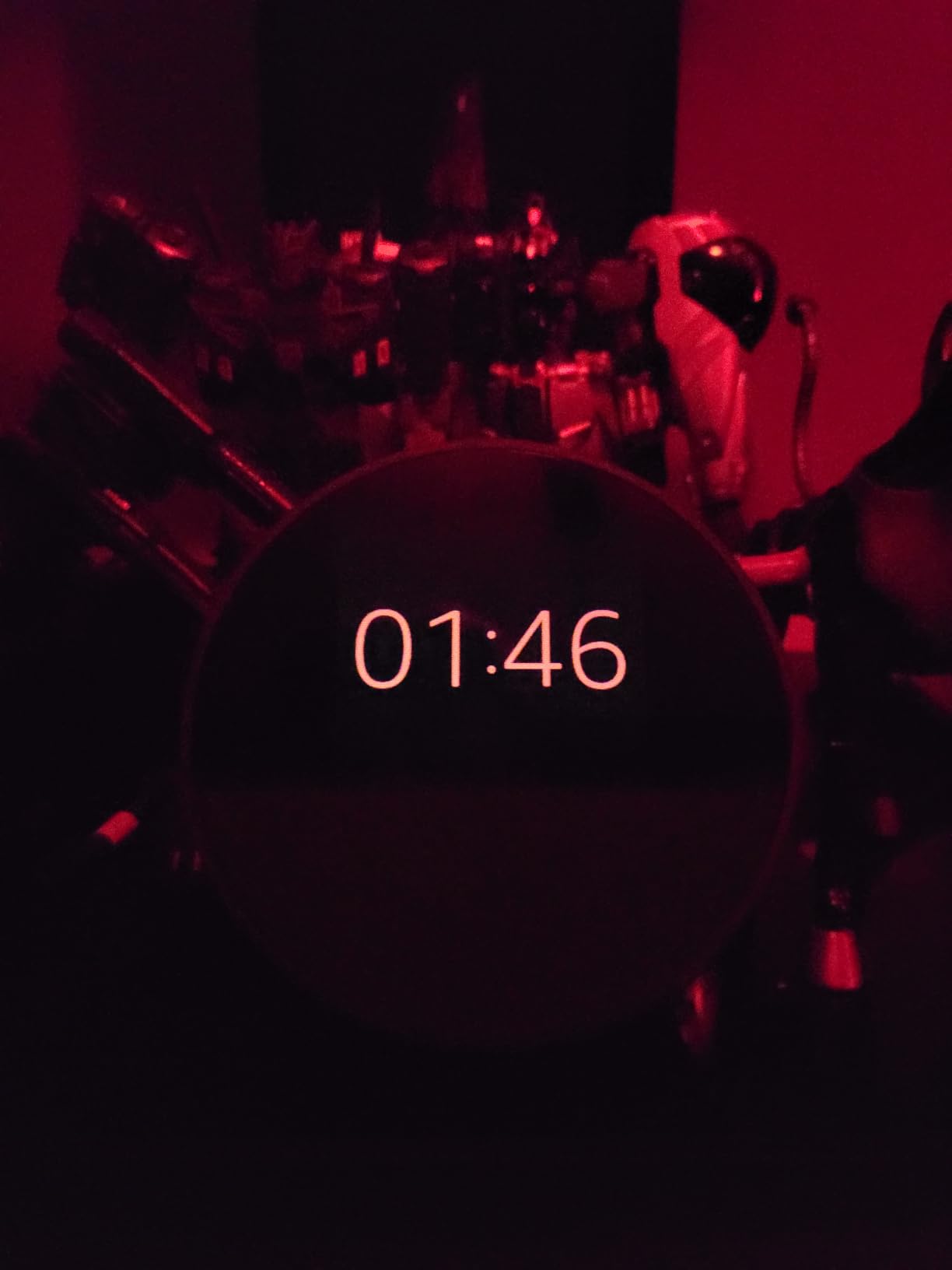
Amazon Echo Spot
- Customizable clock face
- eero built-in mesh Wi-Fi
- Made from 36 percent recycled material
Best Amazon Prime Big Deal Days Amazon Device Deals Compared (2026)
| Product | Specifications | Action |
|---|---|---|
| Amazon Echo Dot |
|
Check Deal Price |
| Amazon Echo Show 5 |
|
Check Deal Price |
| Amazon Echo Spot |
|
Check Deal Price |
 Fire TV Stick 4K Plus Fire TV Stick 4K Plus |
|
Check Deal Price |
 Fire TV Stick 4K Max Fire TV Stick 4K Max |
|
Check Deal Price |
 Amazon Fire TV Cube Amazon Fire TV Cube |
|
Check Deal Price |
 Amazon Fire HD 10 Amazon Fire HD 10 |
|
Check Deal Price |
 Kindle Paperwhite 16GB Kindle Paperwhite 16GB |
|
Check Deal Price |
 Amazon Kindle 16GB Amazon Kindle 16GB |
|
Check Deal Price |
 Ring Battery Doorbell Ring Battery Doorbell |
|
Check Deal Price |
How We Chose
We compared the specs that decide these purchases: display size, storage, wireless standard, video coverage, battery claims and what ships in the box. Then we read the owner reviews and ratings on Amazon, weighted toward the recurring complaints rather than the single most extreme story. The details were checked in October 2026.
1. Amazon Echo Dot: Best All-Round First Device
Amazon Echo Dot (newest model) – Vibrant sounding speaker, Designed for Alexa+, Great for bedrooms, dining rooms and offices, Charcoal
Type: Echo speaker
Standout: eero built-in, 1000 sq ft extra Wi-Fi
Rating: 4.7 stars
Pros
- Highest owner rating in this list
- Compact body fits a nightstand or desk
- Built-in motion and indoor temperature sensors trigger routines
- Mic off button for privacy
Cons
- Compact body limits bass against larger Echo speakers
- Owners report repeating the wake word before a command registers
Best for: anyone starting an Alexa home with one device and a small apartment or first bedroom.
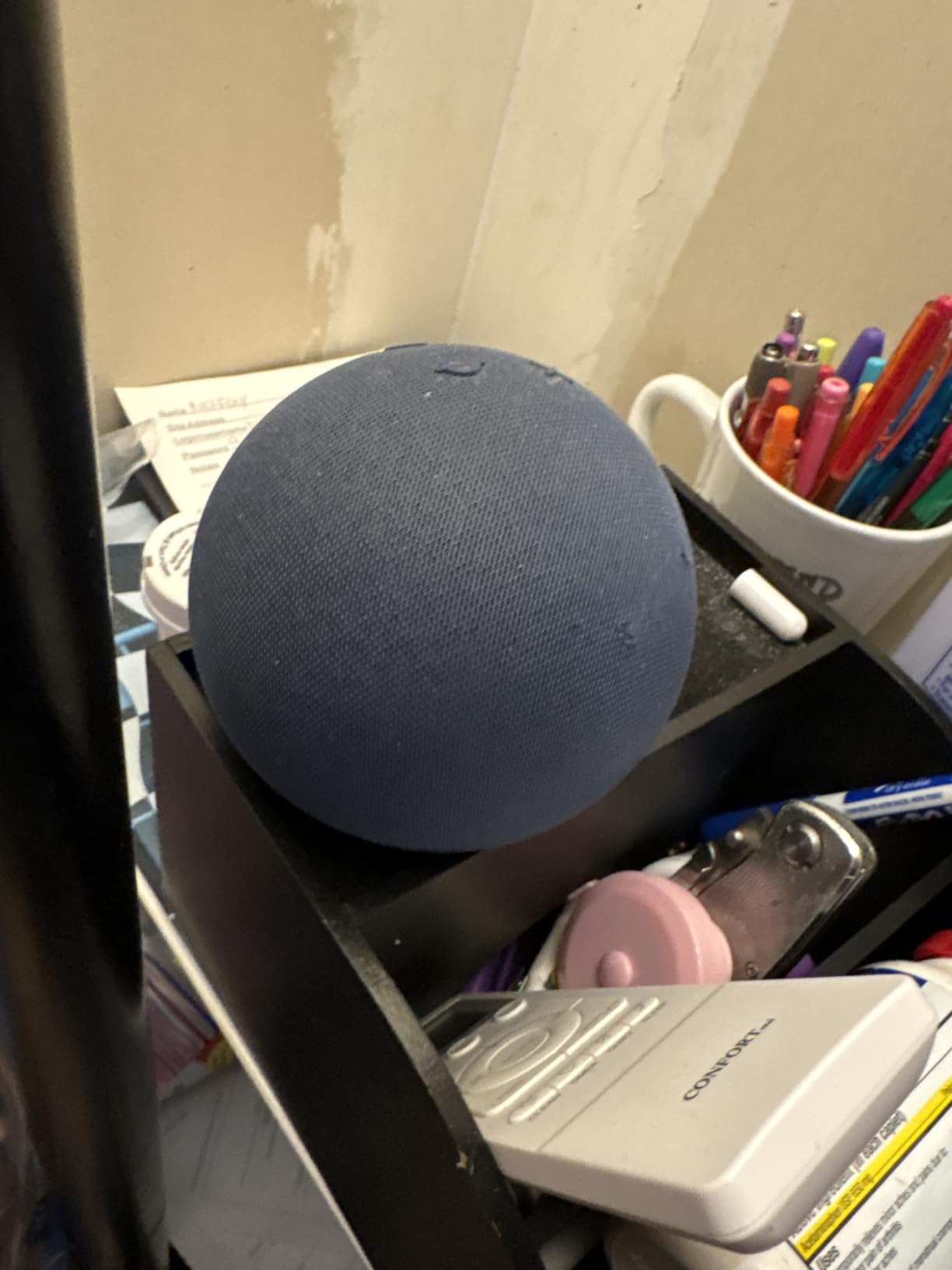
The number that separates this Echo from the others is not sound, it is the eero mesh Wi-Fi extender built into the base. Amazon states it adds up to 1,000 square feet of coverage to an existing eero network, which quietly turns a speaker into a networking tool. In a house where the far bedroom drops a call, that is worth more than another half-inch of driver size.
Owners also lean on the built-in motion and indoor temperature sensors, which let a routine fire when someone walks past or when the bedroom gets warm. That is the feature that makes the Dot feel like a home hub rather than a Bluetooth speaker with a microphone.
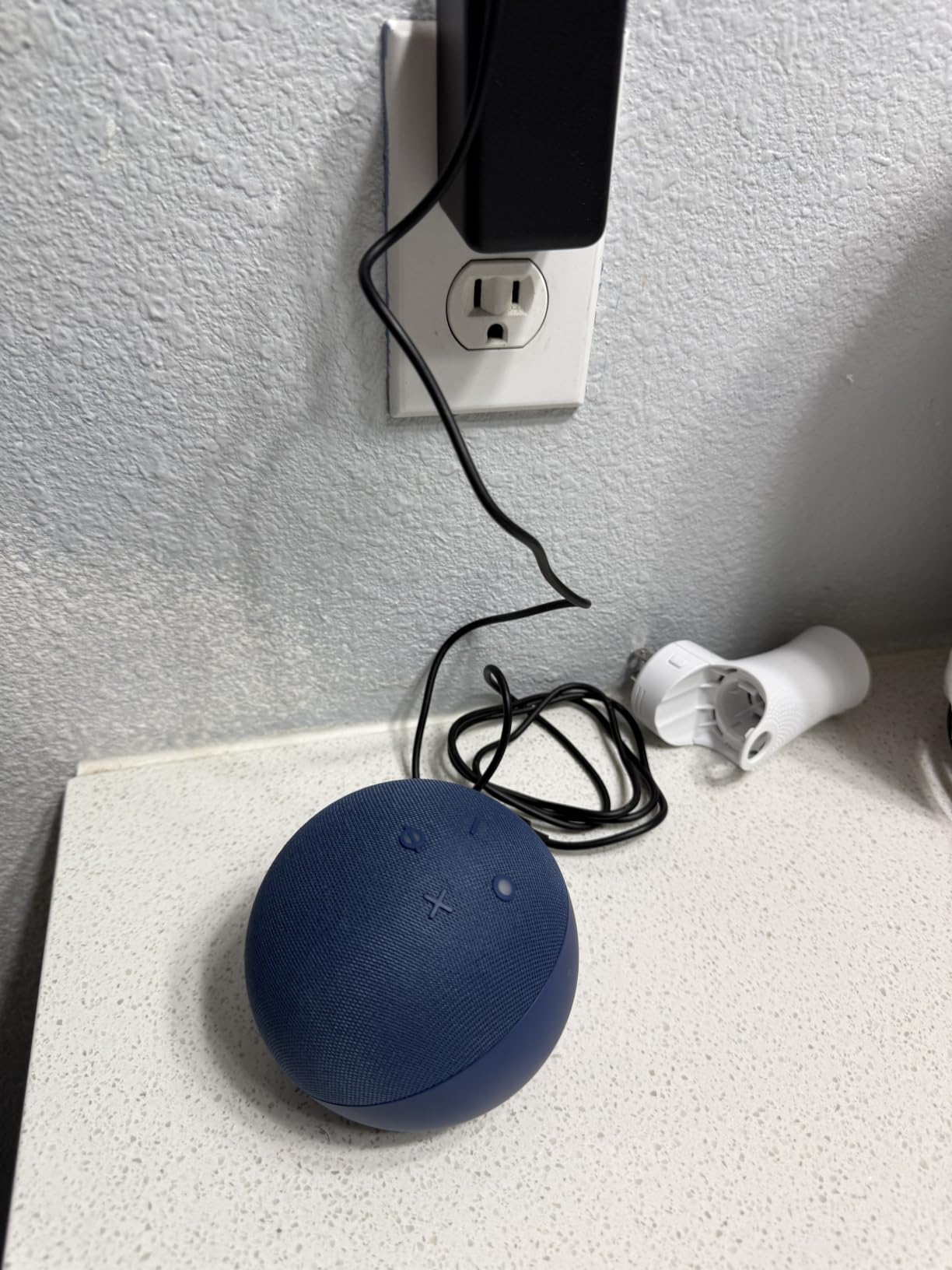
The compromise owners mention most is bass. In a small room the Dot sounds full, but anyone expecting stereo weight will notice the ceiling. The other recurring note is voice recognition: several reviews describe repeating the wake word before a command registers, usually in a room with a television on.
The Dot has no screen at all, and that is what separates it from both displays in this list. You gain sound and a body you can tuck onto a shelf, and you give up anything glanceable.
Pair it with a Fire TV and the same Alexa account turns it into a home theatre system, which is a free upgrade over the stick alone.
2. Amazon Echo Show 5: Best for Kitchen Counters
Amazon Echo Show 5 (newest model), Smart display, Designed for Alexa+, 2x the bass and clearer sound, Charcoal
Type: Echo smart display
Standout: 5.5 inch screen, 2 MP camera
Rating: 4.2 stars
Pros
- Screen works well on a counter or nightstand
- Clearer vocals and deeper bass than earlier Echo Show models
- Touchscreen handy for timers and recipes
- Unlimited cloud photo storage for Prime members
Cons
- Lowest average rating here at 4.2
- Some owners report freezing and Wi-Fi drop-outs
- Timers sometimes acknowledged but not set
Owners who treat this as a kitchen helper tend to love it: the 5.5 inch display shows a timer, the weather, a recipe step or a rotating photo slideshow without anyone touching the speaker. The 2 MP front camera is also how you check a compatible video doorbell without opening an app on your phone.
The honest caveat sits in the ratings. At 4.2 stars with 12 percent one-star reviews, this is the weakest-scoring device in the set, and the complaints cluster around firmware rather than hardware. Buyers describe screens freezing on camera views, Wi-Fi dropping out, and timers that Alexa acknowledges but never actually sets.
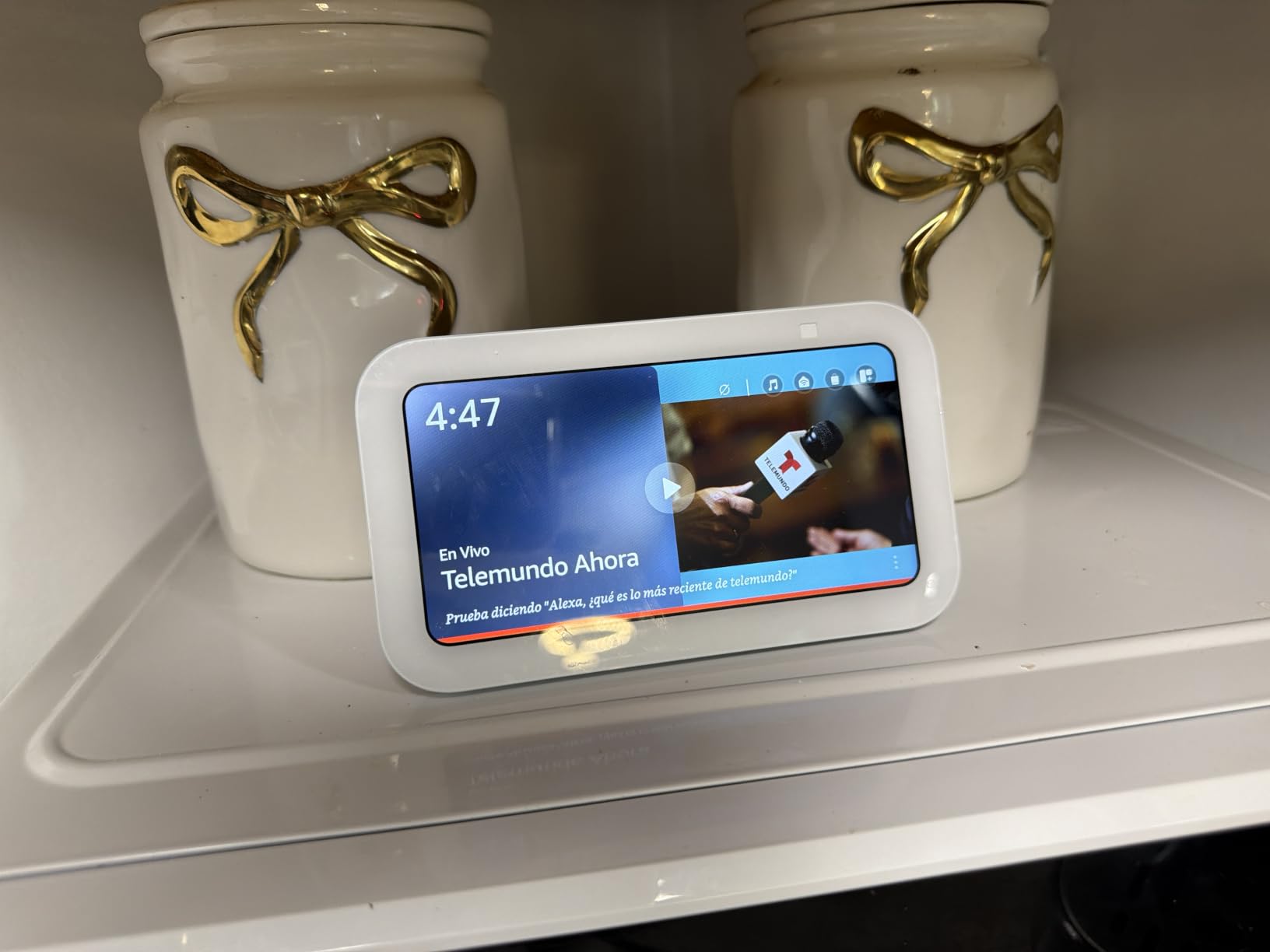
Anyone already running several Echo devices should pass on this one. Owners in multi-speaker homes report the display answering from the wrong room, which turns a five-second request into a thirty-second conversation. One device in one room, the Show 5 is genuinely useful. Five devices, it is a headache.
Screen real estate is where the Spot gives ground: the Show 5 shows more at a glance and carries a better camera, in a body that costs more and takes more counter space. What you get in return here is glanceable information without giving up the Echo Dot’s clean, screenless simplicity.
The fabric is 100 percent post-consumer recycled yarn and the aluminum is recycled, and a physical camera shutter sits beside the mic and camera off button. Those details matter more in a kitchen or a bedroom than in a living room, where nobody stands close enough to notice them.

3. Amazon Echo Spot: Best for Nightstands
Amazon Echo Spot (newest model), Great for nightstands, offices and kitchens, Smart alarm clock, Designed for Alexa+, Black
Type: Compact smart display
Standout: Customizable clock, 1000 sq ft Wi-Fi
Rating: 4.5 stars
Pros
- Clock display with no ad interruptions
- Customizable faces and colors
- Enough volume and bass for background music
- Fast setup and reliable Alexa response
Cons
- Small screen uses only part of the front face
- Touchscreen sometimes needs firm presses
- Feature set narrower than larger Echo Show models
Buy the Spot when the job is replacing an alarm clock. That is the framing owners use, and the customisable clock faces are the reason: no ads, no spinning menus, just the time and whatever you chose to display. A wake-up routine can start with music and a gradual light change, which is a nicer way to start a shift than a buzzer.
It carries the same eero built-in extender as the Echo Dot, so a nightstand placement can also patch a weak signal in a bedroom at the end of the house. Made from 36 percent recycled materials, it comes in Black, Glacier White and Ocean Blue, as singles or 2-packs.
Owners report sound quality punching above the size, with clear vocals and enough bass for background music in a bedroom or office. The criticism is concentrated on touch: the small square screen occupies only part of the front face, and the Home and Library targets can need a hard press, with the occasional tap registering as a multi-page jump.
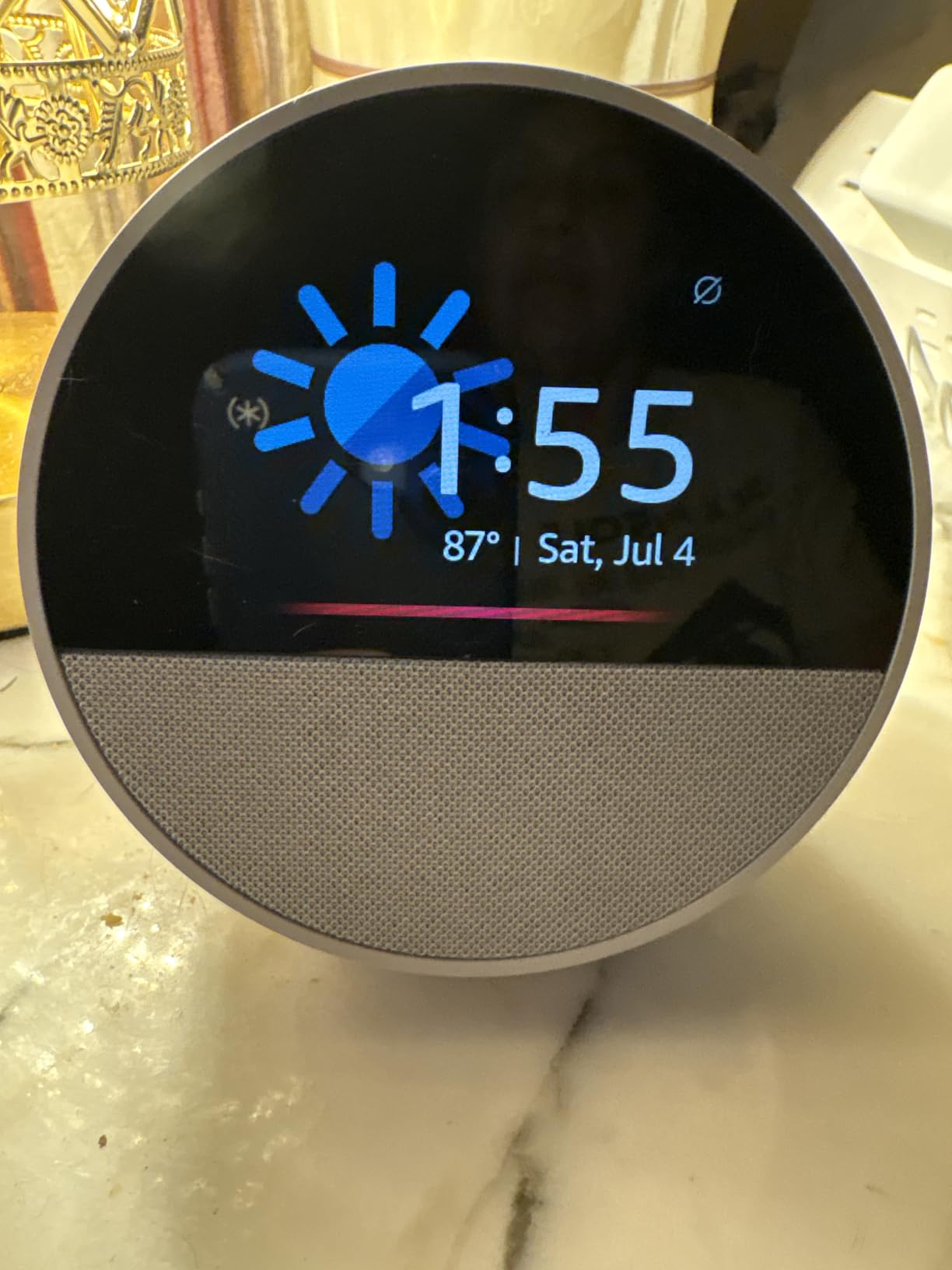
The small square screen is also what keeps the Spot on a narrow list of uses. Owners consider the feature set tight next to the bigger Show displays, so treat it as a bedside device rather than a hub, and it works best as the only voice device in a room.
The Spot’s argument is that a bedside device should do a few things quietly and get out of the way: show the time, run the alarm, play audio. Shoppers who wanted a recipe panel or a photo frame moved up to the Show 5. The owners who kept the Spot, by and large, stopped mentioning the small screen after the first week.
One practical note before you commit: if the room is loud and the Spot has to compete with a fan or a television, the Dot’s larger speaker serves the voice side better. The Spot wins on glanceable time, not on filling a room with sound.
4. Fire TV Stick 4K Plus: The Cheapest Way to Fix a TV
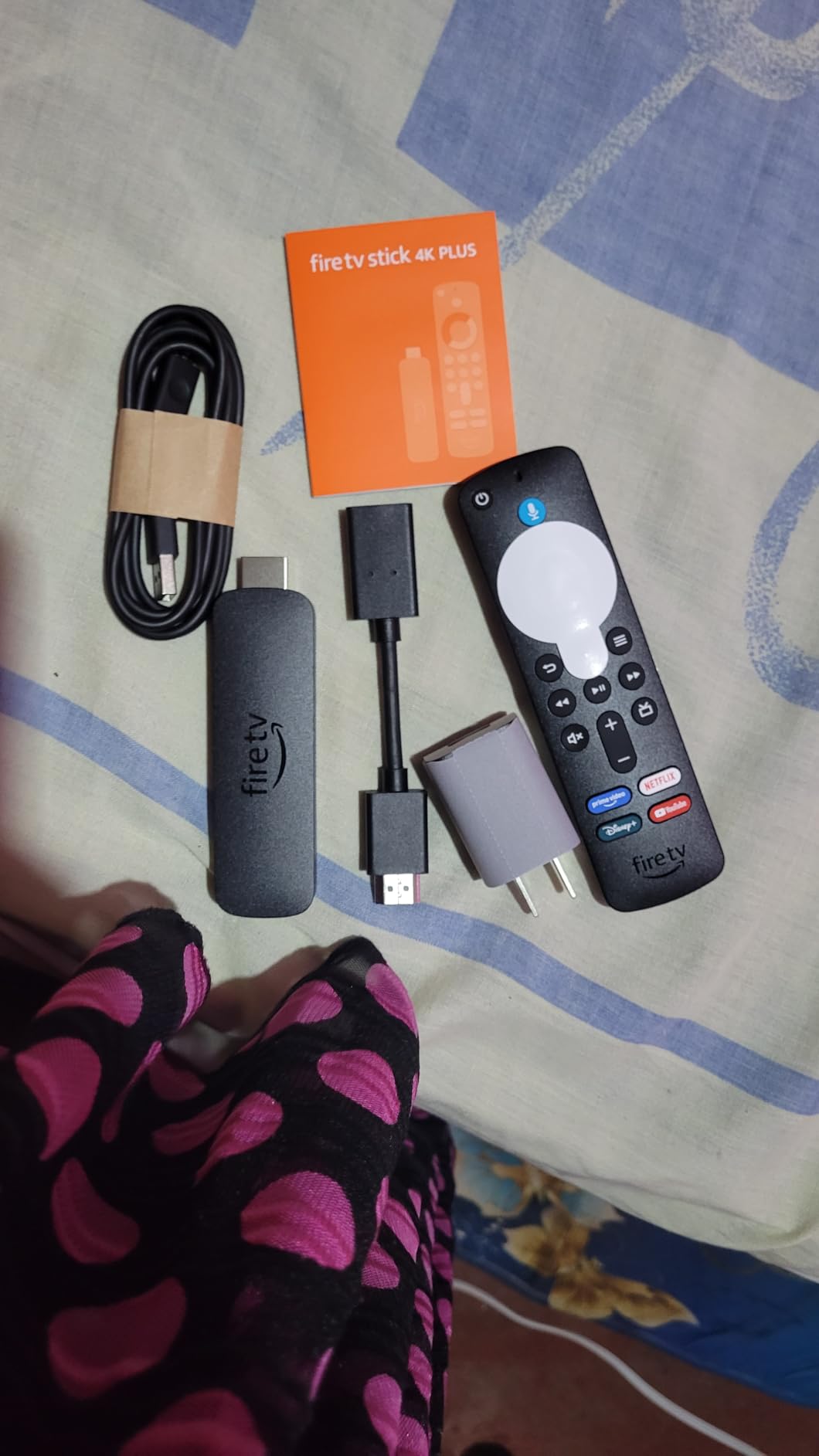
Amazon Fire TV Stick 4K Plus with AI-powered Fire TV Search, Wi-Fi 6, stream hundreds of thousands of movies and shows, free & live TV, find shows faster with Alexa+
Type: Streaming stick
Standout: Wi-Fi 6, Dolby Vision and Atmos
Rating: 4.6 stars
Pros
- Cheapest device in this list
- Revives older televisions that still work
- Wi-Fi 6 holds 4K steady on busy networks
- Alexa Voice Remote controls TV power and volume
Cons
- Storage is half that of the 4K Max
- One owner reported the remote power and volume buttons did not work
- Occasional audio glitches on isolated titles
This is the value pick of the list, and the reason is straightforward. Owners overwhelmingly buy it to replace an aging streaming stick or to add 4K to a television that still works perfectly, and they keep the old set instead of replacing it.
Wi-Fi 6 support is the practical upgrade over older sticks, and it matters more than the chip speed on a household where a laptop, two phones and a game console are all on the same router. Picture quality covers Dolby Vision, HDR10+ and Dolby Atmos, so a decent television gets the full benefit.
The AI-powered Fire TV search is the feature reviewers praise second. Finding a title by describing it beats scrolling category rows, and it is the difference owners mention most when they explain why the stick feels faster than the device it replaced.
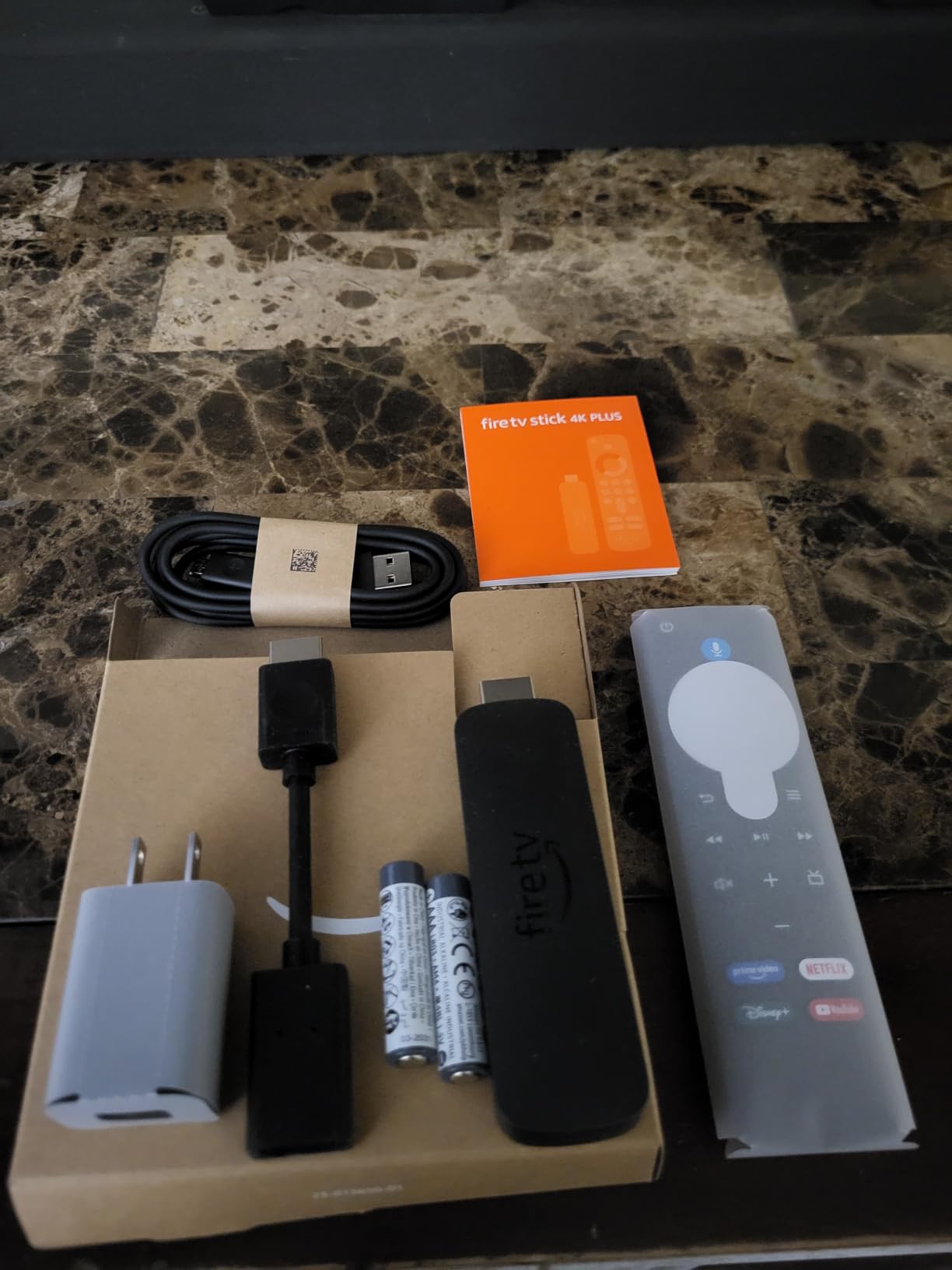
Two honest limits. Storage is half that of the 4K Max, which matters once you start installing games, and cloud gaming through Xbox Game Pass and Luna needs a subscription and a controller sold separately. A single owner also reported that the remote’s power and volume controls did not work, leaving them with two remotes on the coffee table.
Unless you install a lot of apps, the 4K Max is the one to skip, because the extra storage buys a casual viewer nothing. Against the Fire TV Cube, this is a fraction of the physical space and none of the built-in speakers.
The free and live TV apps on this device, including Prime Video, Tubi and Pluto TV, cover a lot of ground before you pay for anything.
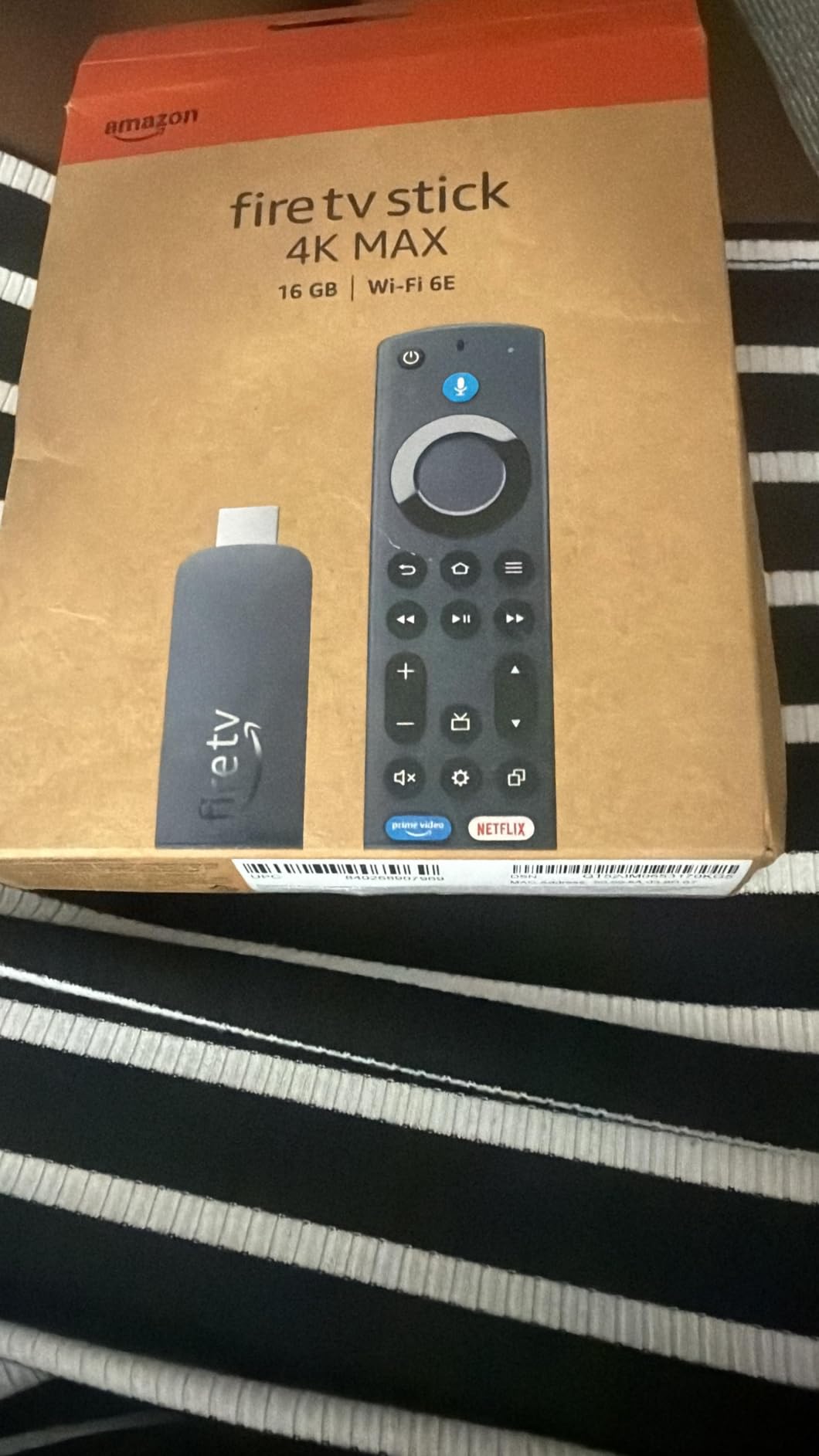
5. Fire TV Stick 4K Max: Best When You Install a Lot
Amazon Fire TV Stick 4K Max (newest model), streaming device, with AI-powered Fire TV Search, supports Wi-Fi 6E, free & live TV without cable or satellite, find shows faster with Alexa+
Type: Streaming stick
Standout: 16 GB storage, Wi-Fi 6E
Rating: 4.6 stars
Pros
- 16 GB is double the storage of the 4K Plus
- Faster processor gives quick app starts
- Wi-Fi 6E steadies 4K on crowded networks
- Remote adds recents and live TV channel buttons
Cons
- Costs more than the 4K Plus for gains casual viewers may not notice
- Cloud gaming subscriptions still sold separately
The whole argument for the Max is storage and headroom. At 16 GB it holds double what the 4K Plus holds, and the faster processor shows up in app start times on a television that is a few years old. Buyers who came from an older streaming box notice that immediately.
Wi-Fi 6E support is the other reason to step up, particularly in a house with a mesh network and a lot of connected hardware. The remote also gets recents and dedicated live TV channel buttons, which is a small daily convenience that adds up.
Ratings sit level with the 4K Plus at 4.6, which tells you this is a device that performs predictably rather than one that changes the category. Reviewers describe it as a step-up rather than a leap.
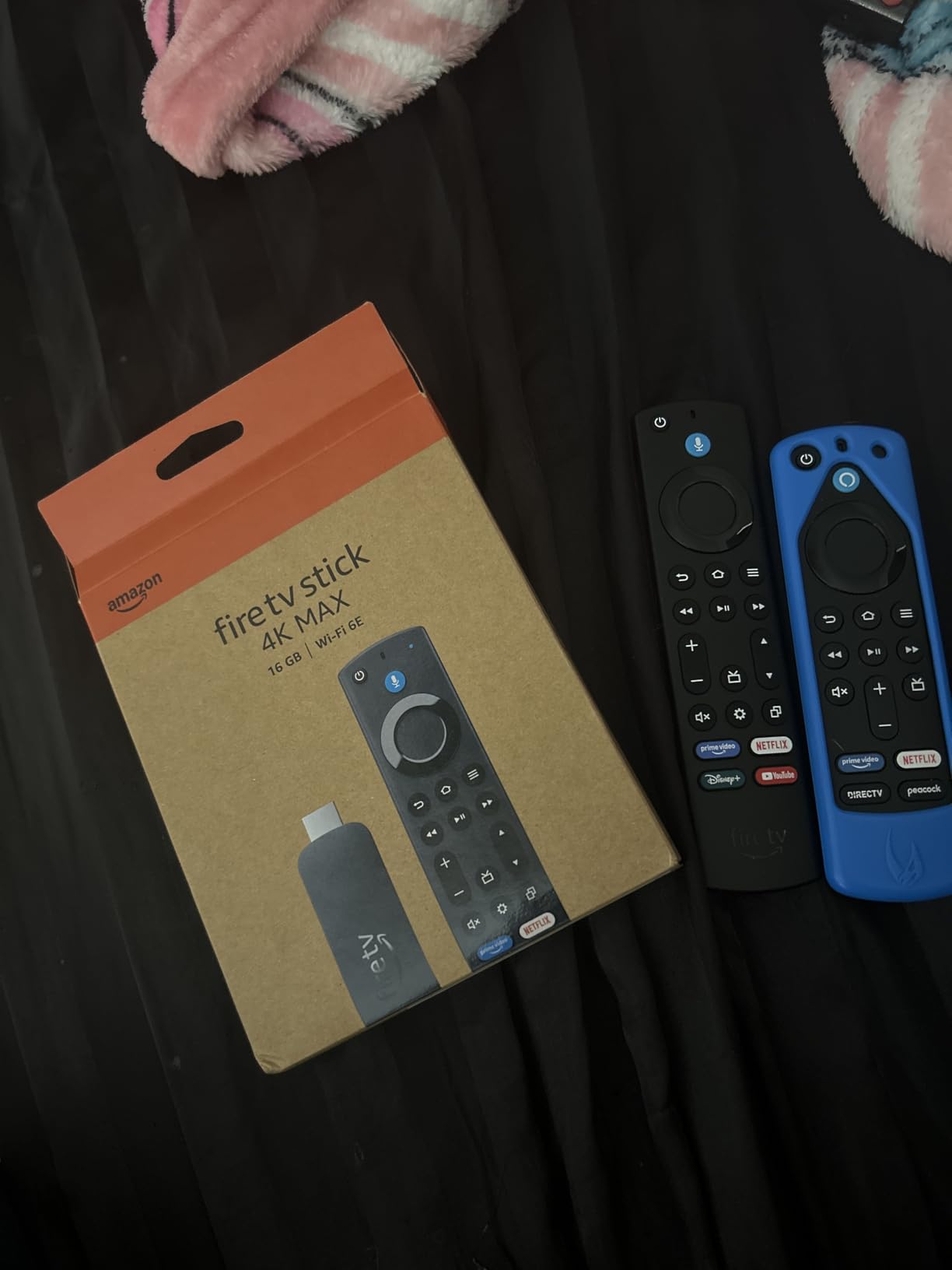
The Fire TV Ambient Experience screensaver, with more than 2,000 pieces of museum-quality art and photography, is a nice touch for a television that sits showing a menu when nothing is playing. Consider it the reason to buy this instead of the cheaper stick, alongside the storage.
Skip it if you watch four apps and nothing else. The extra storage buys you nothing there, and the honest owner review pattern is that casual viewers do not notice the difference.
One detail worth checking first: Amazon Luna is free with a Prime membership, but the game subscriptions themselves are separate, so treat the gaming line as an add-on rather than a reason.
6. Amazon Fire TV Cube: Best for Hands-Free Control
Amazon Fire TV Cube, with AI-powered Fire TV Search, Hands-free streaming device, find shows faster with Alexa+, Wi-Fi 6E, 4K Ultra HD
Type: Set-top box
Standout: Built-in mic and speakers, 2X 4K Max
Rating: 4.4 stars
Pros
- Fastest Fire TV player with an octa-core chip
- Hands-free Alexa from across the room
- First streaming player with Wi-Fi 6E
- On-screen Ring camera live view and video calls
Cons
- By far the largest footprint of the Fire TV options
- Microphone disconnect switch but a full box to place
- Lower rating than the sticks at 4.4
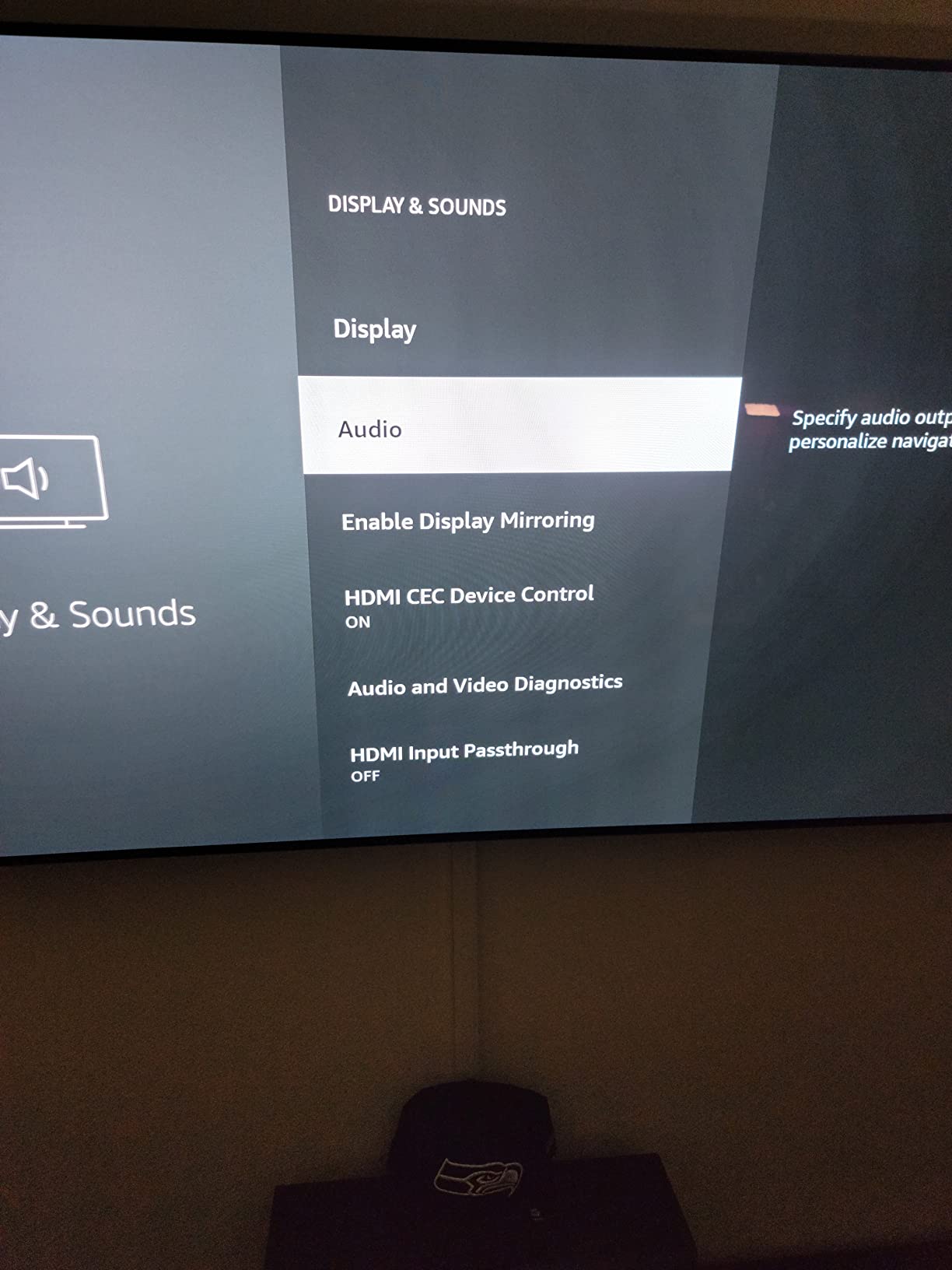
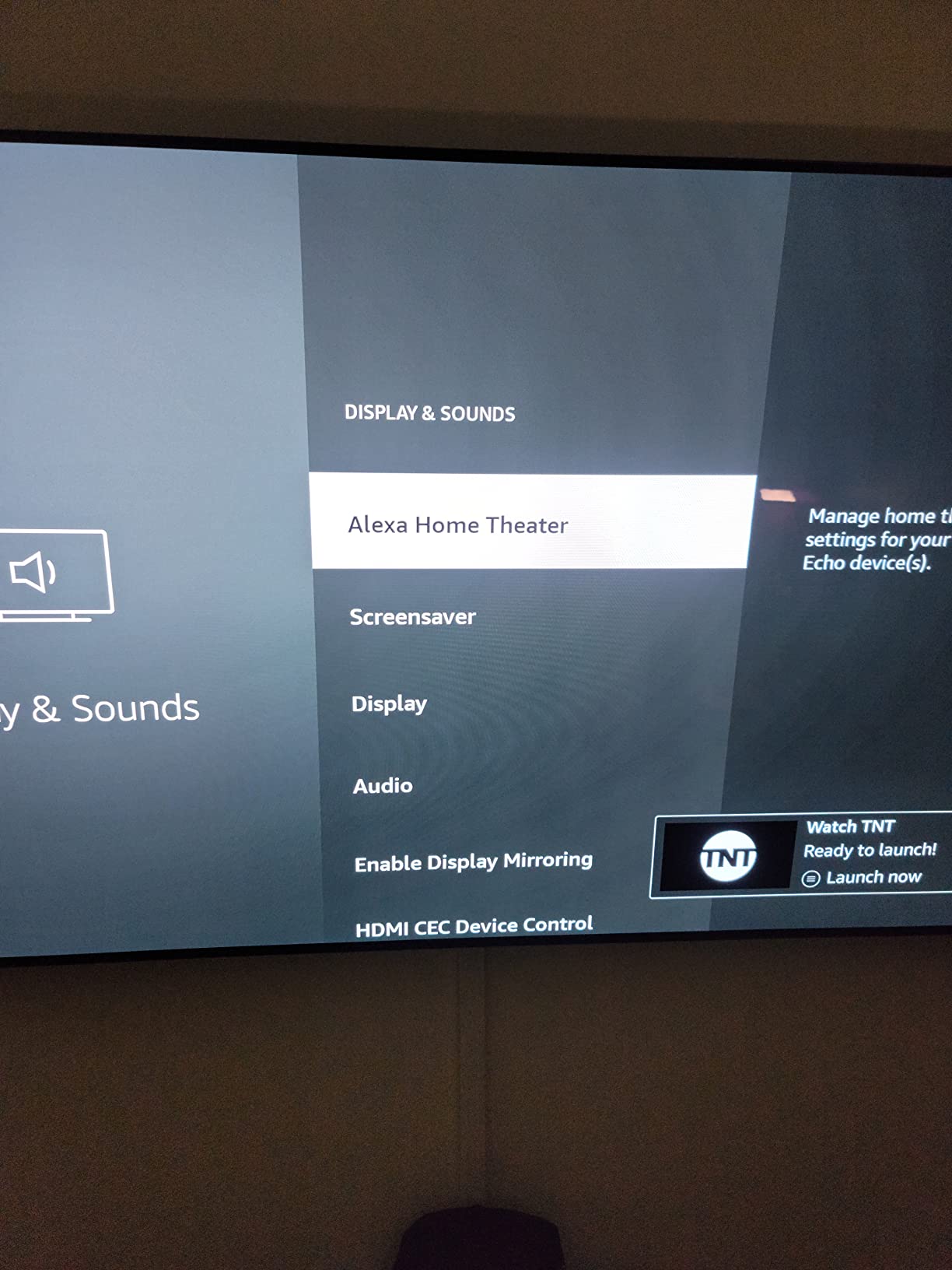
The Cube is the only option here that removes the remote from the equation. Built-in speakers and a microphone mean you can change the volume, ask for a show or check the front door from the sofa, which is the whole reason Amazon built the box shape. There is an off button that electronically disconnects the microphones, not just mutes them.
On processing it is the fastest Fire TV player available, with an octa-core chip Amazon states is twice as powerful as the 4K Max. The screen also doubles as a smart home panel, with Ring camera live view and video calls built into the interface.
Owners accept the trade because the capability is genuinely different. This is the enthusiast and living-room-audio option, and the box also switches cleanly between streaming, a cable box, a game console and a webcam.
The catch is physical. The Cube is the largest install in this list and needs a shelf or a cabinet slot, and its 4.4 rating comes with a 7 percent one-star share, higher than the sticks. Buyers who wanted a dongle and got a set-top box are the source of most of that.
The 4K Max is what a shopper pays for when they want storage headroom and a faster chip. Here you are buying the audio hardware, the always-listening microphone and raw speed instead, not a better picture. On a small television in a bedroom, a stick is still the correct answer.
The picture still tops out at 4K Ultra HD with Dolby Vision, HDR and Dolby Atmos, so a set-top box does not buy you a better image. It buys you control.
7. Amazon Fire HD 10: Best for Kids and Couch Streaming
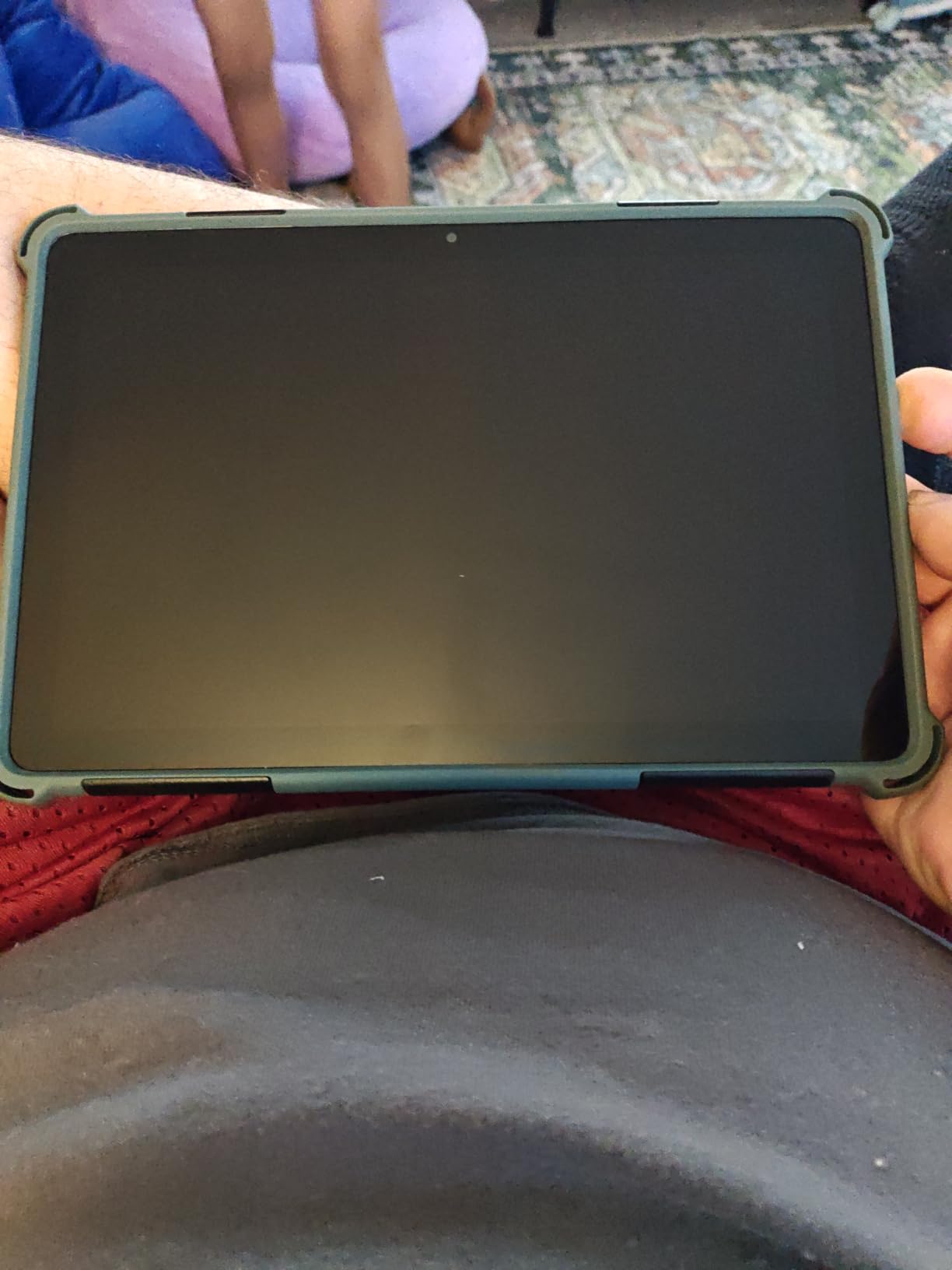
Amazon Fire HD 10 tablet, built for relaxation, 10.1″ vibrant Full HD screen, octa-core processor, 4 GB RAM, 32 GB, Black
Type: Fire tablet
Standout: 10.1 inch 1080p, 4 GB RAM, 32 GB
Rating: 4.5 stars
Pros
- Bright 1080p screen for reading video and games
- 25 percent faster than the previous generation
- Durable glass rated 2.7x the Galaxy Tab A8 in a tumble test
- Amazon Kids+ controls work well for school-age children
Cons
- Fire OS app catalog is limited and Google Play is not supported
- Reported battery life falls short of the stated 13 hours
- No case included and the USB-C cable is short
The Fire HD 10 is the pick for a household that already lives inside Amazon, and the reviews are blunt about why. Parents use the Amazon Kids+ controls, kids watch on the couch, and the same tablet handles recipes in the kitchen. Setup is usually under five minutes, and owners report no slowdown after software updates.
The display is the reason it holds up. A 10.1 inch 1080p Full HD panel with an octa-core chip and 4 GB of RAM handles video, reading and light games without complaint, and Amazon states the strengthened aluminosilicate glass is 2.7 times as durable as the Samsung Galaxy Tab A8 from 2022 in a tumble test. That durability claim is why it appears in garages and on trips in owner photos.
Storage is 32 GB, expandable to 1 TB via microSD sold separately. If you are a heavy app installer, note that the tablet is available in 64 GB too, and older Fire keyboard cases still fit, which saves accessory spending.

For a shared tablet the real question is how many things run at once. Four GB of RAM is enough to keep a lesson on screen while a video call runs behind it, and the octa-core chip is why setup usually finishes before the kids lose interest. Past that ceiling the limits are software rather than silicon, because Fire OS decides which apps exist at all.
Skip it if anyone in the house needs Google Play. The app catalog is restricted, Amazon bloatware cannot be fully removed, and no case is included. Battery life is the most contested spec on the whole list: Amazon states 13 hours, while several reviewers report closer to one and a half to two hours per charge.
The Made for Amazon Stylus Pen registers 4096 levels of pressure but is sold separately, so budget for it if the tablet is for drawing or handwriting. Against a Kindle, this is a much better screen for video and a far worse one for a book read in bed.
8. Kindle Paperwhite 16GB: Best for Night and Pool Reading
Amazon Kindle Paperwhite 16GB (newest model) – 20% faster, with new 7″ glare-free display and weeks of battery life – Black
Type: E-reader
Standout: 7 inch display, up to 12 weeks
Rating: 4.6 stars
Pros
- 25 percent faster page turns with much less input lag
- Front light adjusts from white to amber for night reading
- Up to 12 weeks of battery on one USB-C charge
- Waterproof and readable in full sunlight
Cons
- No app support so third-party readers must be sideloaded
- Power button sits on the bottom edge
- Black and white only
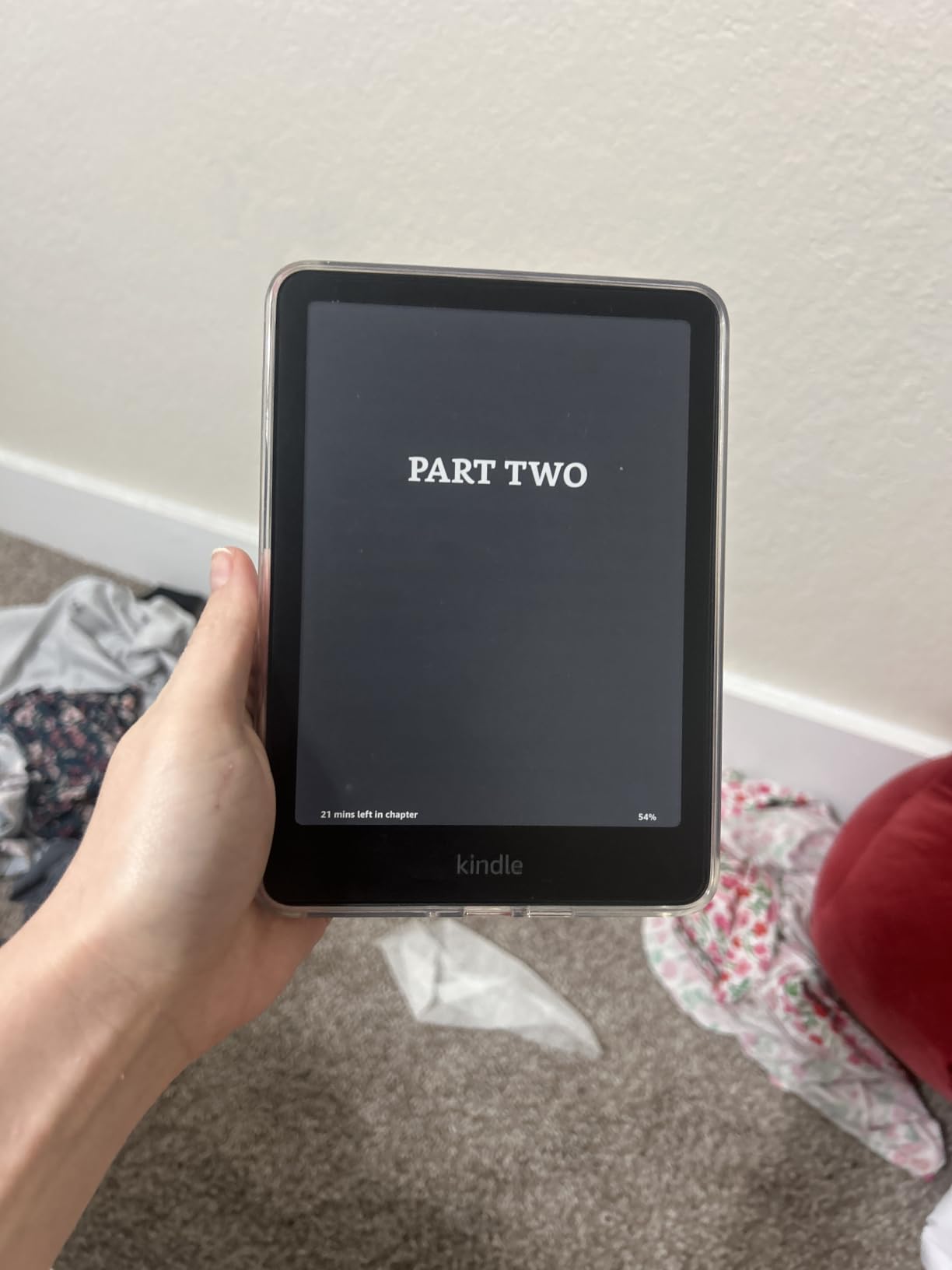
The warm front light is the reason most people choose the Paperwhite over the cheaper base Kindle, and the reviews agree. Owners who read at night describe the shift from white to amber as the feature they would not give up, and up to 12 weeks of battery on a single USB-C charge means a trip rarely involves a charger.
Owners upgrading from a 2018 Paperwhite describe this generation as the point where e-ink stopped feeling dated: 25 percent faster page turns, a higher contrast ratio, and an evenly lit screen with no yellowing band reported. The 7 inch glare-free panel is readable in direct sunlight, and the waterproof build handles a poolside or bathside accident.
At 16 GB it holds thousands of books, and the Kindle Store carries more than 15 million titles. For a reader who is not tied to one store, that is a real consideration: there is no app support, so library readers like Libby have to be sideloaded from a phone.
The trade-offs owners name are minor and consistent. The power button sits on the bottom edge and can be brushed accidentally while holding the device, and colour display is a separate and more expensive model.
Between the two e-readers in this list, the Paperwhite wins every spec that matters at night. It is bigger at 7 inches, it warms the front light toward amber, and it survives a drop in a bath or a poolside table. A Kindle is a better book; this is the better device.
9. Amazon Kindle 16GB: Best for One-Handed Reading
Amazon Kindle 16 GB (newest model) – Lightest and most compact Kindle, now with faster page turns, and higher contrast ratio, for an enhanced reading experience – Black
Type: E-reader
Standout: 158 g body, 6 weeks per charge
Rating: 4.5 stars
Pros
- Lightest and most compact Kindle at 158 g
- Faster page turns and higher contrast than before
- Up to 6 weeks of battery on one charge
- Matcha finish is a non-generic alternative to black
Cons
- No warm front light unlike the Paperwhite
- Not waterproof
- Back plastic scratches without a sleeve
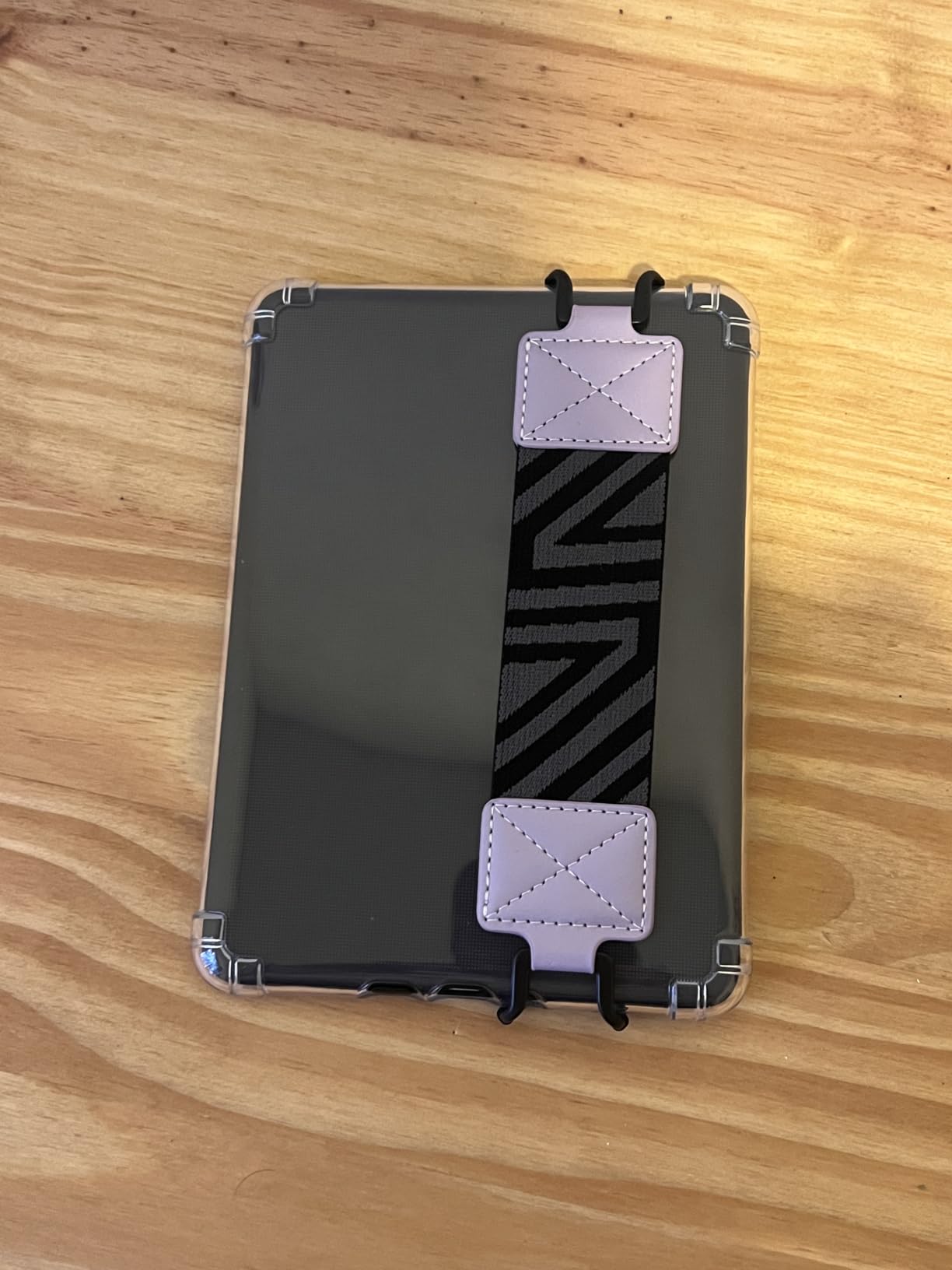
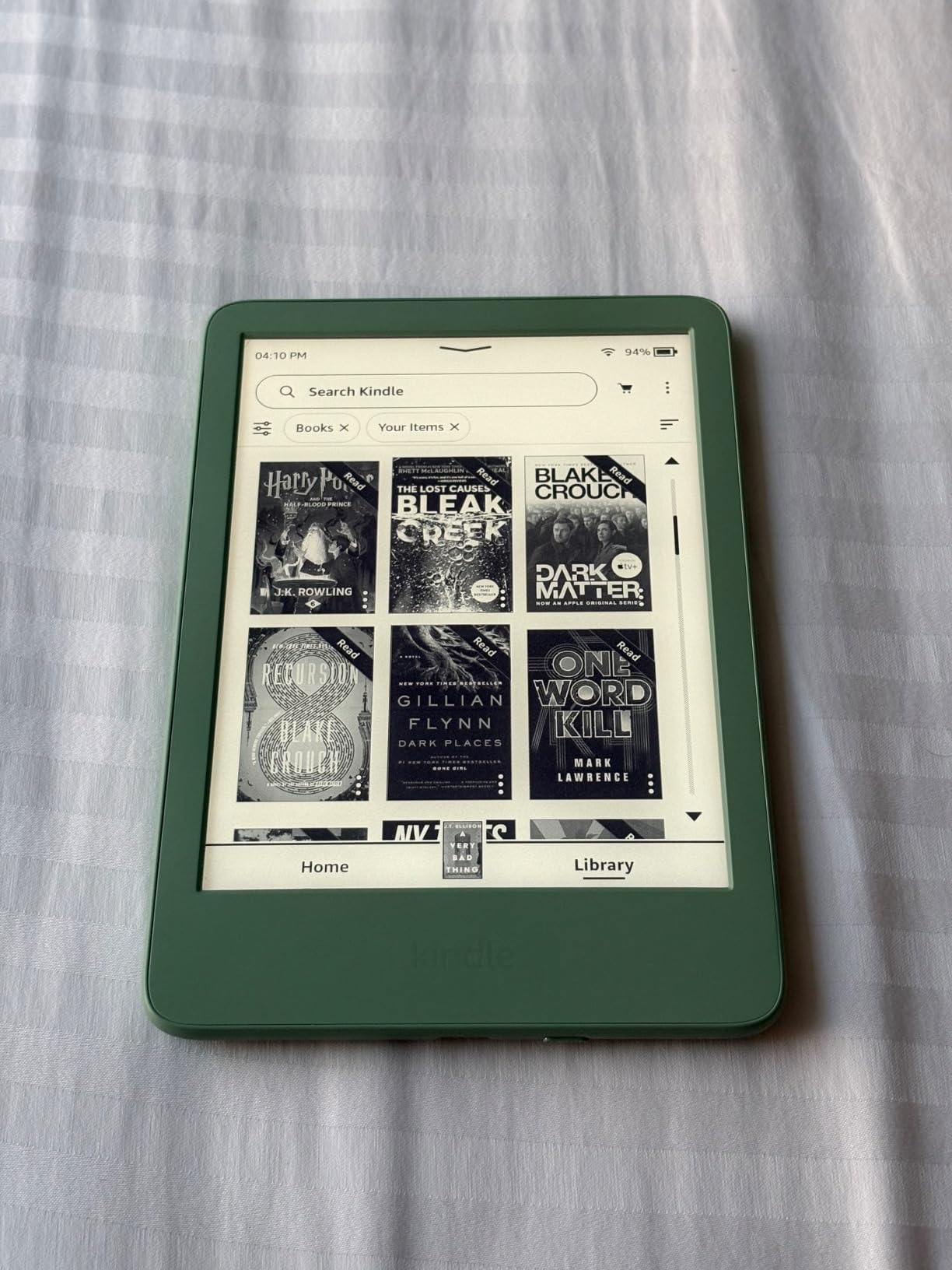
At 158 grams, this is the Kindle for people who read in a specific way: one-handed, in bed, for an hour at a time. The 6 inch glare-free panel is smaller than the Paperwhite’s 7 inch screen, and the front light runs 25 percent brighter at maximum than the previous generation. Battery life is up to six weeks on a charge, and several owners report charging once a month or less.
Owners also like the physical details. USB-C charging and a clicky power button that resists accidental presses are small upgrades over older Kindles, and the Matcha finish gives a gift something other than another black rectangle.
What you give up is on the list too. There is no warm front light, so night readers lose the feature that makes the Paperwhite the more popular buy. The device is not waterproof, and the back plastic scratches easily without a sleeve or case.
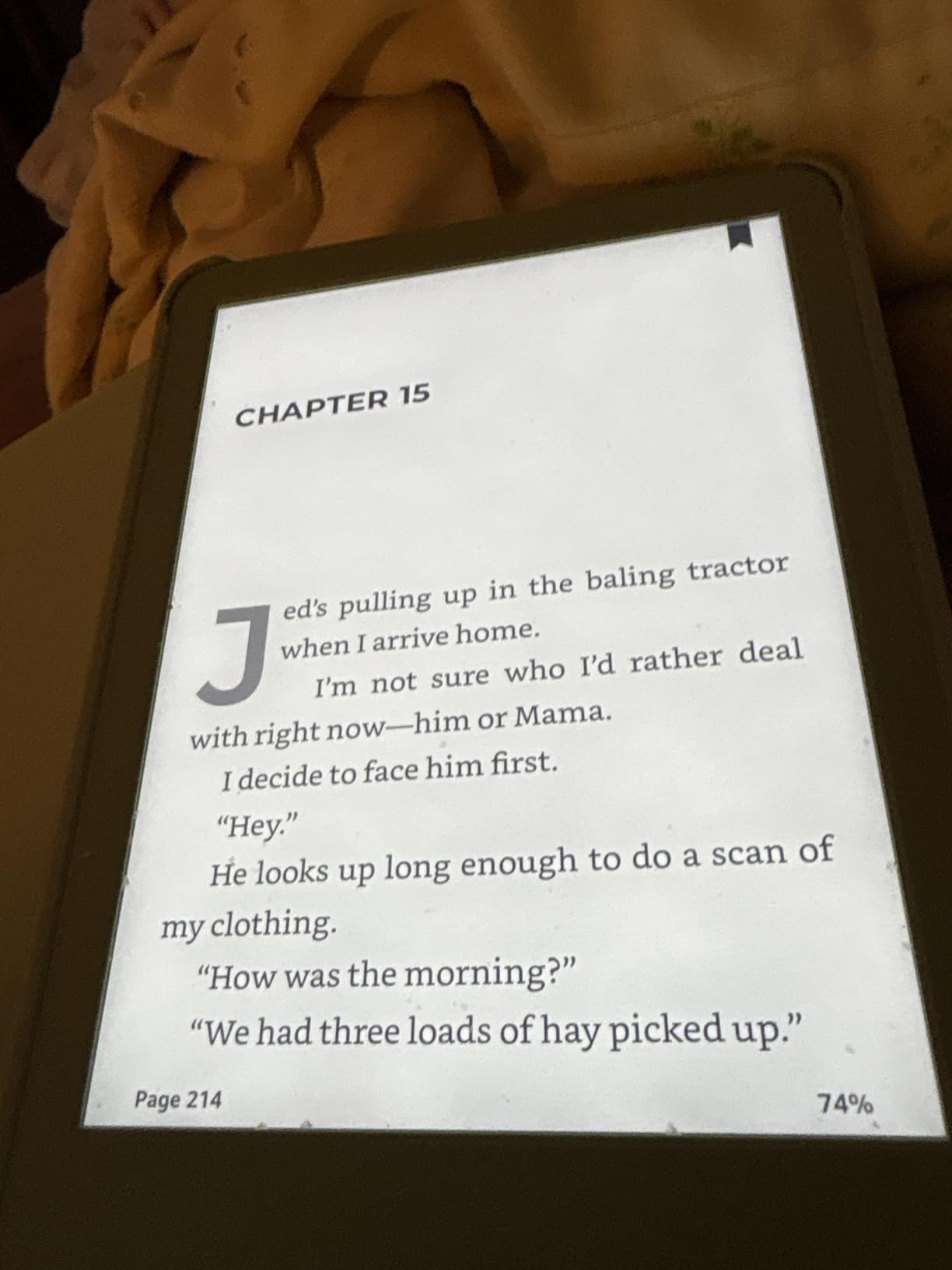
There are no hardware page-turn buttons and no tilt detection for upside-down landscape reading, which trips up readers used to physical buttons. Some users also report needing firm presses to reach Home or Library, the same touch friction Echo display owners describe. Kindle Unlimited opens more than 4 million titles and thousands of audiobooks, and a recycled shell makes this the greener-looking of the two Kindles.
Its shell is built with 75 percent recycled plastics and 90 percent recycled magnesium, with fully recyclable packaging, if that matters to how you shop. Between this and the Paperwhite, the decision is warm light and water against weight and price. Against a phone, this is the Kindle that will not distract you, and 16 GB holds thousands of books.
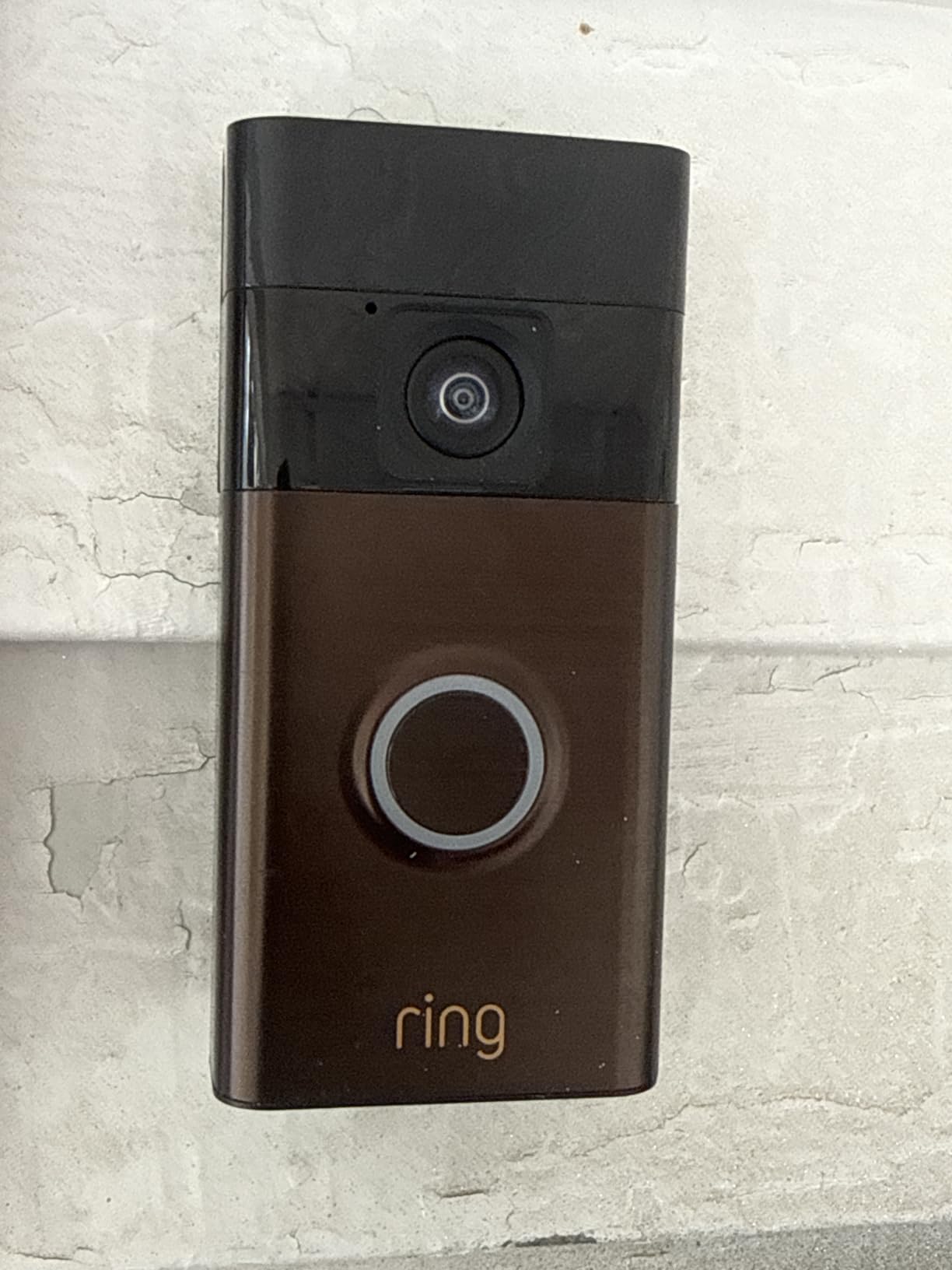
10. Ring Battery Doorbell: Best for Front Door Coverage
Ring Battery Doorbell, Home or business security with Head-to-Toe video, Live View with Two-Way Talk, and Motion Detection & Alerts, Satin Nickel
Type: Video doorbell
Standout: Head-to-Toe view, two-way talk
Rating: 4.5 stars
Pros
- Head-to-Toe view gives 66 percent more vertical coverage
- Two-way talk works reliably from away
- Self-installs without a professional
- Months of battery between charges
Cons
- Ring Protect subscription needed for video history and Smart Alerts
- Default motion frequency setting misses events
- Cold weather can stop solar-assisted units charging
Head-to-Toe video is the reason to pick this over an older doorbell. Amazon states it gives 66 percent more vertical coverage than the prior version, which means the camera sees from a visitor’s face down to the porch step and the delivery spot. That is where packages actually end up.
The battery detaches from the wall to charge over USB-C, and owners report months between charges in moderate weather. Install is genuinely a weekend-afternoon job: charge it, click it into place, and connect from the phone. The app is the most-used part of the product, and most reviews say it works.
It also ties into the Echo picks above. Custom notifications land on an Echo Dot and live video appears on an Echo Show, which makes this the natural add-on if the Echo Dot is your starting device.
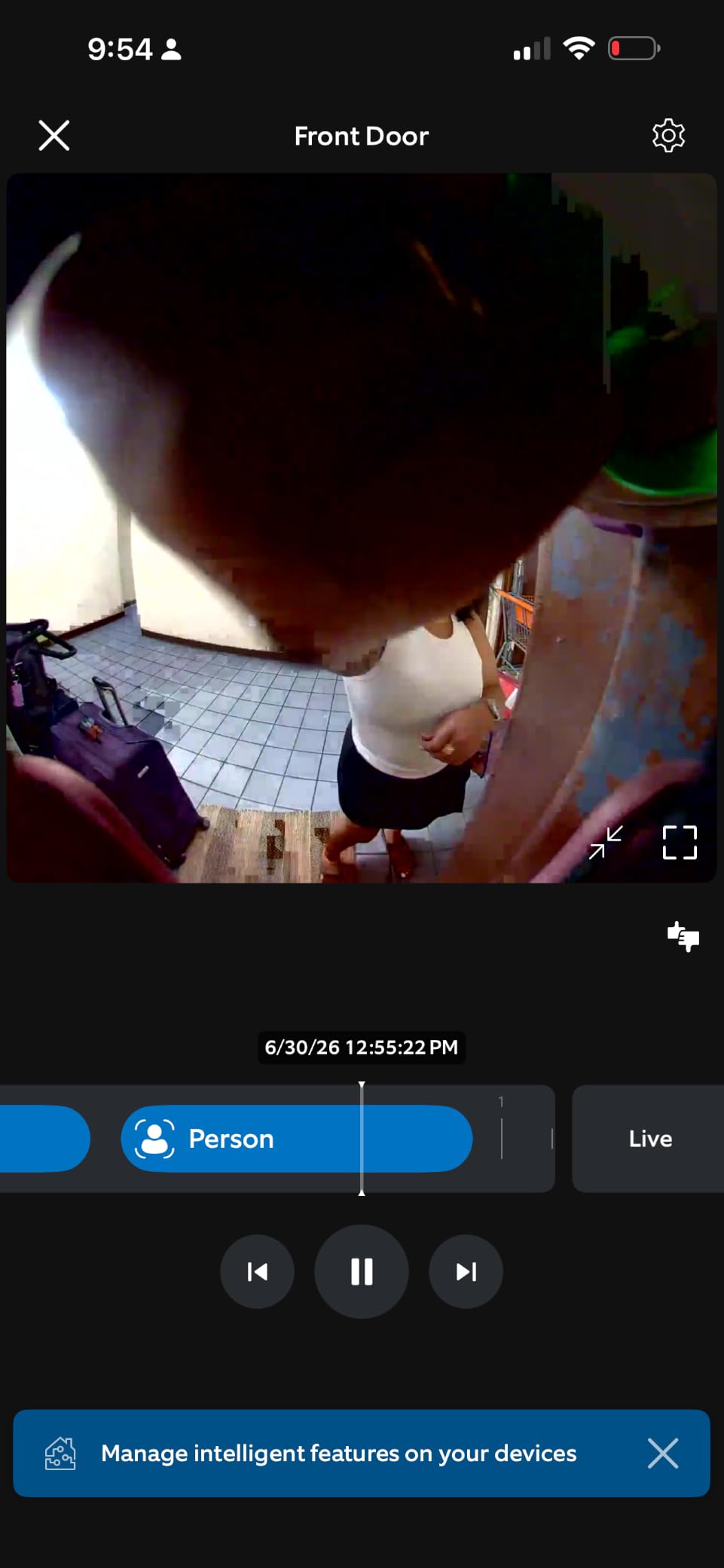
The friction is software, not hardware. Video history and the Smart Alerts that distinguish a person from a package require a Ring Protect subscription, and the free tier is limited to live view. Owners also find motion sensitivity hard to tune: either it triggers on passing cars, or it misses people on the steps.
The most useful advice in the reviews is to set Motion Frequency to Frequently and to tune the detection zones, because the default Regularly setting can miss real visitors. A small number of doorbells also stopped responding and stopped charging in below-freezing temperatures when relying on solar recharge, and Ring’s support replaced those under warranty.
Two-way audio is the feature people lean on hardest after the first month, and owners say it stays reliable even when they are hundreds of miles from home.
How to Choose Amazon Devices During Prime Big Deal Days
How to Match a Device to Your Needs
Start with the room, not the spec sheet. A nightstand, a kitchen counter, a television and a front door each want different hardware, and the Echo Dot, Echo Show 5 and Echo Spot are the same voice assistant in three bodies. Pick the one that fits the surface and the noise level of the space, then ignore the rest.
Check Compatibility Before Buying
Two checks save most returns. First, the Echo Dot and Echo Spot add up to 1,000 square feet of coverage only to an existing eero network, so in a house with another router mesh that promise does nothing for you. Second, Fire TV devices assume you already have streaming subscriptions; the free and live TV apps on both sticks cover a lot, but not everything you currently pay for.
Compare Performance and Features
Ignore marketing adjectives and read the numbers that change daily use. For streaming sticks, storage and wireless standard matter: 16 GB and Wi-Fi 6E on the 4K Max against half that storage and Wi-Fi 6 on the 4K Plus. For the Fire HD 10, the 4 GB of RAM and 10.1 inch 1080p panel define what it can do. For e-readers, battery weeks and the presence of a warm light are the real split.
Consider Size, Storage and Accessories
Physical fit is the most-often-missed detail. The Fire TV Cube needs a shelf or cabinet slot while the sticks hide behind a television. The Fire HD 10 ships without a case and with a short USB-C cable, and the Kindle base scratches without a sleeve. Budget for those accessories before the event, because accessory pricing is its own rabbit hole during a sale.
Evaluate Condition and Seller Details
Look at who is selling and how the item is fulfilled, not just the listing. Amazon’s own first-party hardware carries Amazon’s returns and warranty; a marketplace seller on the same page does not, and shoppers repeatedly report low-quality third-party listings mixed in with genuine first-party offers. Renewed units are a separate condition with different terms, and the Fire OS lock screen ads and the Ring subscription terms both change how the product feels day to day.
How to Shop Amazon Device Deals During the Sale
On this kind of listing, check the model generation in the title, because Amazon refreshes Fire TV hardware and Echo bodies on its own schedule and an older generation can sit under a similar name. Read the variant line for colour and pack size, then read what is in the box, since bundles change which cable and adapter ship. Note whether the seller is Amazon or a marketplace shop, and whether the unit is new or renewed. Most offers need a Prime membership to unlock, and the free trial counts, so sign in first. Then check the button price rather than trusting a headline, and re-check it later in the window.
- Match the device to a room before you compare anything else.
- Confirm the eero network claim applies if you want the Wi-Fi extender.
- Compare storage and wireless standard, not adjectives.
- Check the box contents and whether a case or cable is included.
- Confirm the seller is Amazon and whether the condition is new or renewed.
- Sign in with a Prime membership first, then read the current price on the button.
Frequently Asked Questions
When does Amazon Prime Big Deal Days run in 2026?
Amazon Prime Big Deal Days runs October 6-7, 2026. It is Amazon’s October sale event, and it replaces the spring Prime Day window. Offers open at the start of October 6 and close at the end of October 7, and prices return to regular listings afterward.
Do I need Prime membership to use the best Amazon Prime Big Deal Days Amazon Device Deals?
Most offers in the sale require an active Prime membership. Amazon offers a 30-day free trial, and signing up with the trial counts as membership for the event. If you cancel before the trial ends, you are not charged, and you keep the device you bought during the window.
Can Amazon device offers change during Prime Big Deal Days?
Yes. Prices and availability shift through the two-day window, and the same listing can change several times in a day. The buttons on this page show the current figure rather than a promise, so check them again before you buy and again before the window closes.
Should I wait for a device deal or buy when I need it?
If you need the device now, buy it when you need it and check the price first. Waiting can stretch out longer than people expect, and popular Echo and Fire TV models are the ones most likely to be unavailable once the window opens. Check the button today and again during the event.
How do I compare Amazon device listings with different sellers?
Check the seller line and the fulfilled-by line on each listing. A first-party Amazon listing carries Amazon’s returns and warranty, while a marketplace seller on the same product page does not. Also read the condition, the variant and what is included in the box, since those differ between otherwise identical listings.
Which Amazon device families get the most attention during the sale?
Echo speakers and displays, Fire tablets and Kindles are the families most often featured during the October event, with Fire TV sticks and Blink or Ring hardware appearing regularly. First-party hardware also tends to carry the clearest offer terms, because Amazon handles the returns and the warranty.
Final Verdict: Best Amazon Prime Big Deal Days Amazon Device Deals
Buy the Amazon Echo Dot if you are starting a smart home, because it has the strongest rating here and the built-in eero extender does double duty. Buy the Fire TV Stick 4K Plus if your budget is small and the goal is a working 4K television, and the Amazon Kindle 16GB if the gift is for a light sleeper who reads in bed. Add the Amazon Echo Show 5 for a kitchen counter that needs a timer and a recipe, or the Echo Spot for a bedside clock. The Kindle Paperwhite 16GB suits anyone who reads at night or near water, the Fire TV Stick 4K Max suits an app-heavy household, the Fire TV Cube suits a living room where you never want to touch a remote, the Fire HD 10 suits a family with kids, and the Ring Battery Doorbell suits a front door that needs watching. Then open the buttons, sign in with a Prime membership, and check the current price before the window closes on October 7.