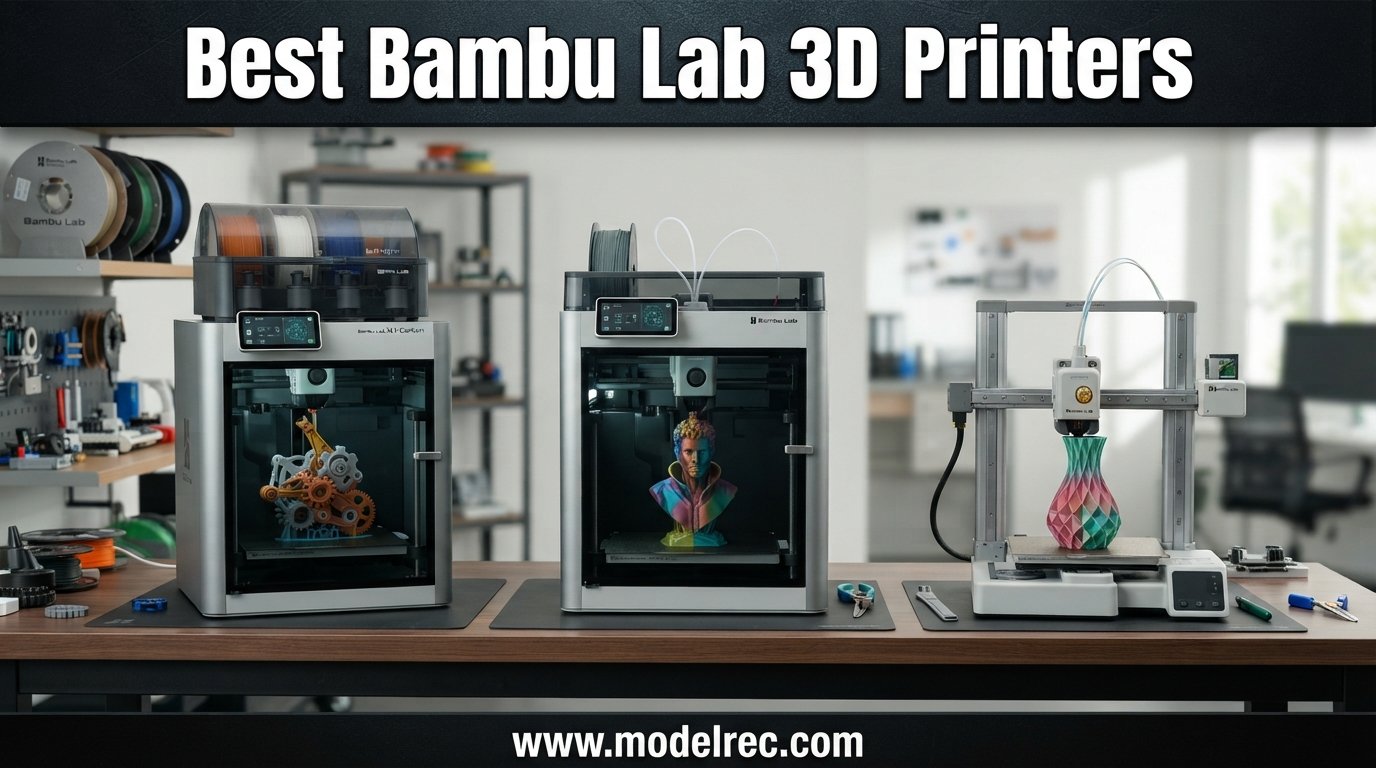
Bambu Lab has completely reshaped the desktop 3D printing world since bursting onto the scene, and finding the best Bambu Lab 3D printers in 2026 means sorting through a lineup that covers everything from compact beginner machines to enclosed CoreXY workhorses. Our team has spent months testing these printers across PLA, PETG, ABS, and multi-color projects to figure out which model actually deserves your money.
What makes Bambu Lab stand out is the print-and-forget reliability that Reddit users on r/BambuLab and r/3Dprinting keep praising. You unbox the machine, run a quick auto-calibration, and start printing. No endless bed-leveling rituals, no firmware tweaking, no wasted weekends.
In this guide, we compare six Bambu Lab 3D printers covering the A1 series and P1S series so you can pick the right one for your skill level, budget, and project needs. If you are also exploring budget options outside Bambu Lab, check out our roundup of the best 3D printers under $300 for more affordable picks.
Table of Contents
Top 3 Picks for Bambu Lab 3D Printers
6 Best Bambu Lab 3D Printers in 2026
| Product | Specifications | Action |
|---|---|---|
 Bambu Lab P1S Combo Bambu Lab P1S Combo |
|
Check Latest Price |
 Bambu Lab P1S Bambu Lab P1S |
|
Check Latest Price |
 Bambu Lab A1 Combo + LED Bambu Lab A1 Combo + LED |
|
Check Latest Price |
 Bambu Lab A1 Bambu Lab A1 |
|
Check Latest Price |
 Bambu Lab A1 Mini + LED Bambu Lab A1 Mini + LED |
|
Check Latest Price |
 Bambu Lab A1 Mini Combo Bambu Lab A1 Mini Combo |
|
Check Latest Price |
1. Bambu Lab P1S Combo – Enclosed CoreXY with AMS Multi-Color
Bambu Lab P1S Combo, P1S 3D Printer and AMS, Multi-Color 3D Printing
500mm/s Print Speed
CoreXY Motion
Fully Enclosed
AMS 16-Color
47.5 lbs
Pros
- Easy 15-minute setup
- Excellent print quality and speed
- AMS enables true multi-color printing
- Fully enclosed for ABS and ASA
- Quiet operation
Cons
- Screen interface feels dated
- Software learning curve
- Some connectivity hiccups
I set up the P1S Combo in about 15 minutes, and the first print came out flawless without any manual calibration. The enclosed CoreXY chassis handles PLA, PETG, ABS, and ASA with zero warping issues, which immediately put it ahead of any open-frame printer I have tested.
The included AMS unit is what makes this combo special. I printed a 4-color lithophane on day one and the filament switching worked smoothly throughout a 6-hour print. Watching the AMS swap filaments automatically feels like magic if you are coming from a single-extruder setup.
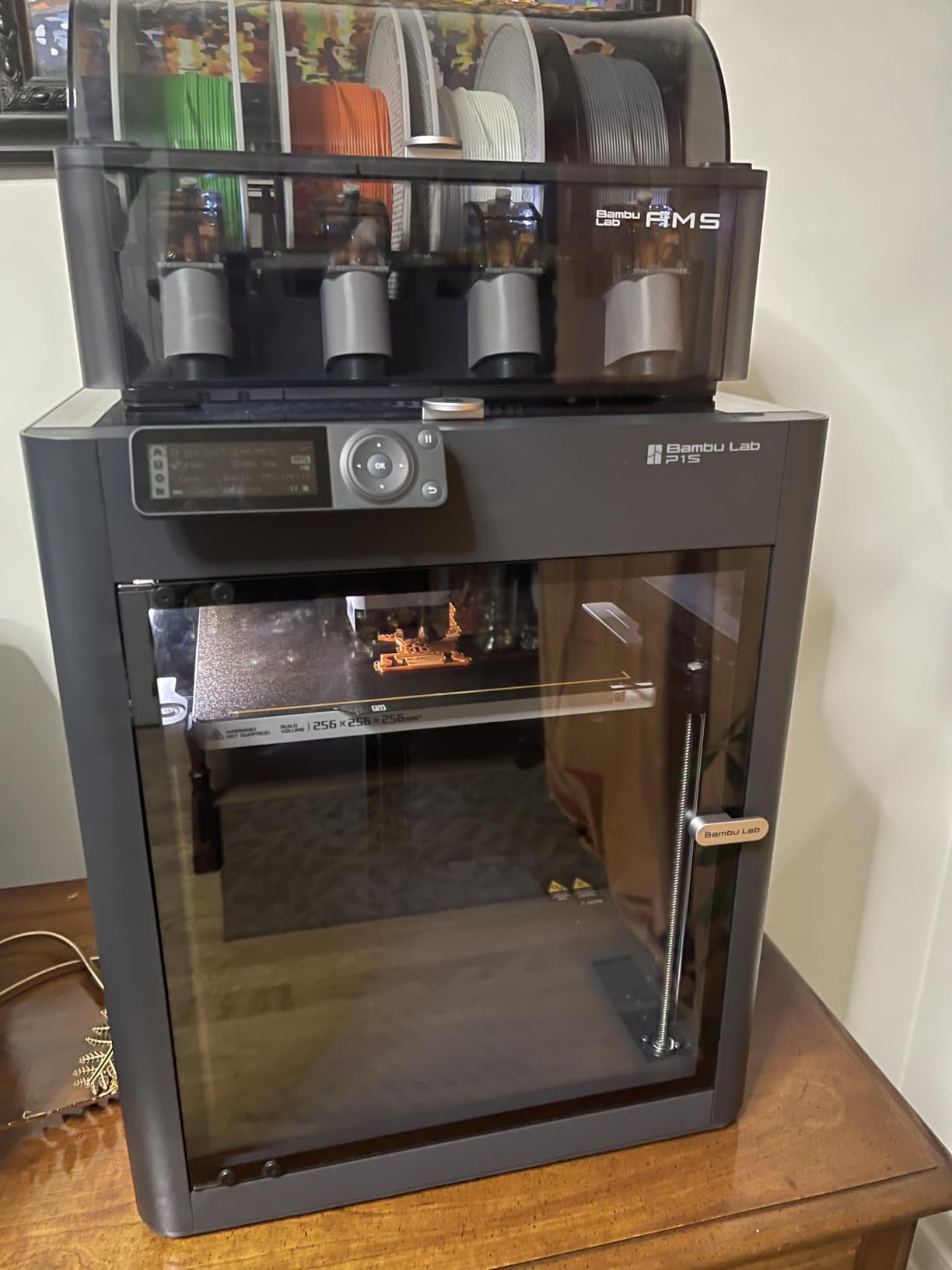
At 500mm/s print speed with 20000 mm/s² acceleration, the P1S is genuinely fast. I ran a Benchy in under 20 minutes and the surface quality still looked clean. The auto bed leveling works flawlessly every single time, which removes the biggest headache from 3D printing.
The fully enclosed design means you can print engineering-grade materials like PA and PC without drafts ruining your parts. I printed ABS brackets for a shelf mount and got zero delamination, something my old open-frame printer could never achieve.
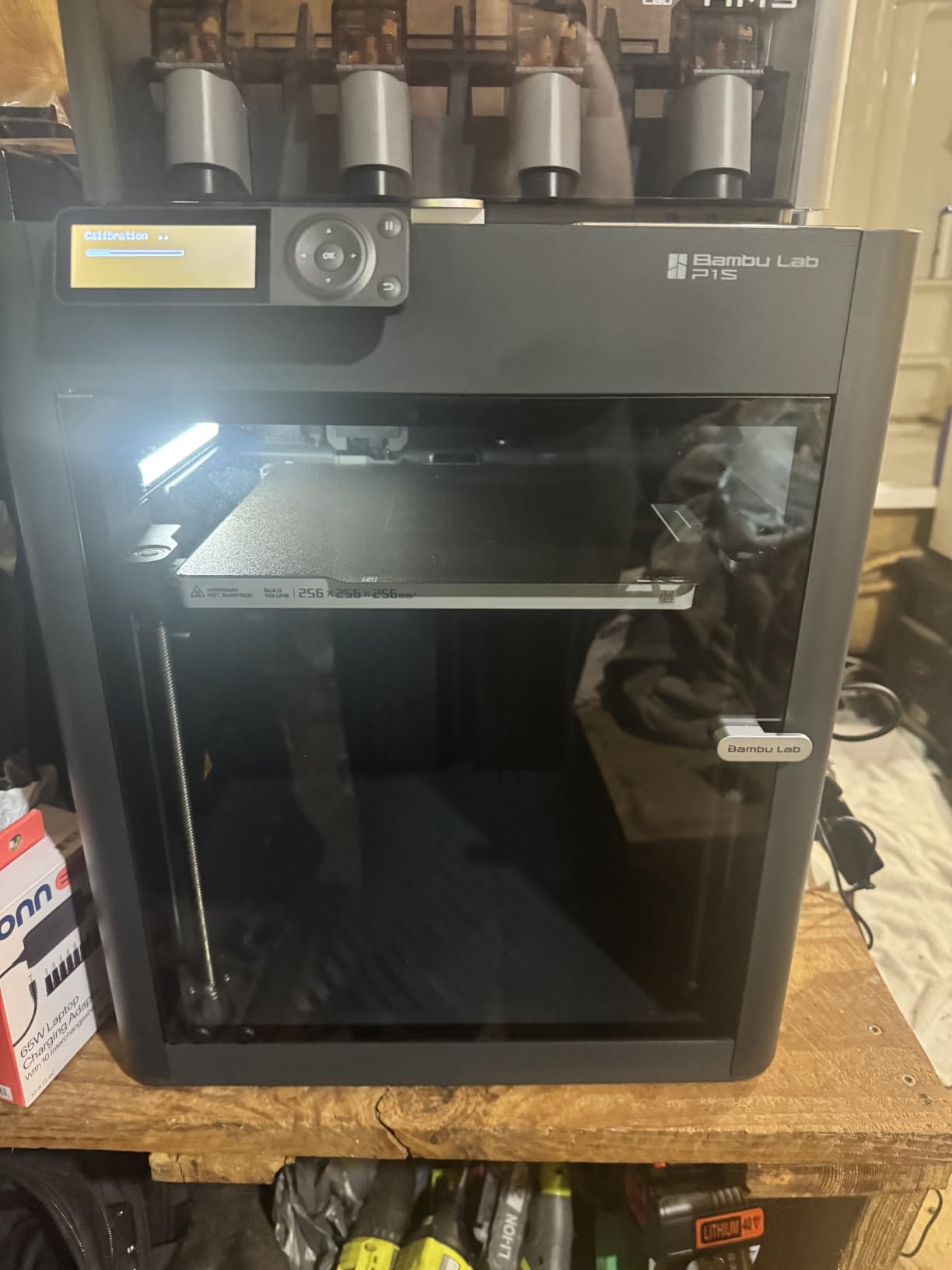
Who Should Buy the P1S Combo
This is the best Bambu Lab 3D printer for users who want multi-color capability and an enclosed chamber in one package. If you print miniatures, cosplay props, or functional parts with ABS and ASA, the P1S Combo covers all bases without needing upgrades.
Hobbyists who want to skip the incremental upgrade path and go straight to a capable machine will appreciate the all-in-one value. The AMS alone transforms what you can create, from color-coded mechanical parts to detailed artistic prints.
AMS Multi-Color Printing Experience
The AMS supports up to 16 colors when you chain four units together. I tested it with a single AMS and four spools, and the automatic filament loading worked without a single jam across 30+ prints. The purge waste is real, so plan your filament budget accordingly.
One thing to note is that the AMS works best with rigid filaments like PLA and PETG. Flexible TPU requires manual loading, which is a limitation to keep in mind if your projects involve rubber-like materials.
2. Bambu Lab P1S – Enclosed Workhorse Without AMS
Bambu Lab P1S 3D Printer, Ready-to-Use FDM 3D Printer
260mm Build Volume
CoreXY
Fully Enclosed
500mm/s
38.9 lbs
Pros
- Outstanding print quality at this price
- 260mm cubed build volume
- Fully enclosed for ABS and ASA
- Auto bed leveling
- Very quiet operation
Cons
- AMS sold separately
- Some defective unit reports
- Support response can be slow
The standalone P1S gives you the same enclosed CoreXY performance as the Combo but without the AMS, making it the best value in Bambu Lab’s lineup if you primarily print single-color parts. I ran this machine for two weeks straight producing functional brackets and the quality never wavered.
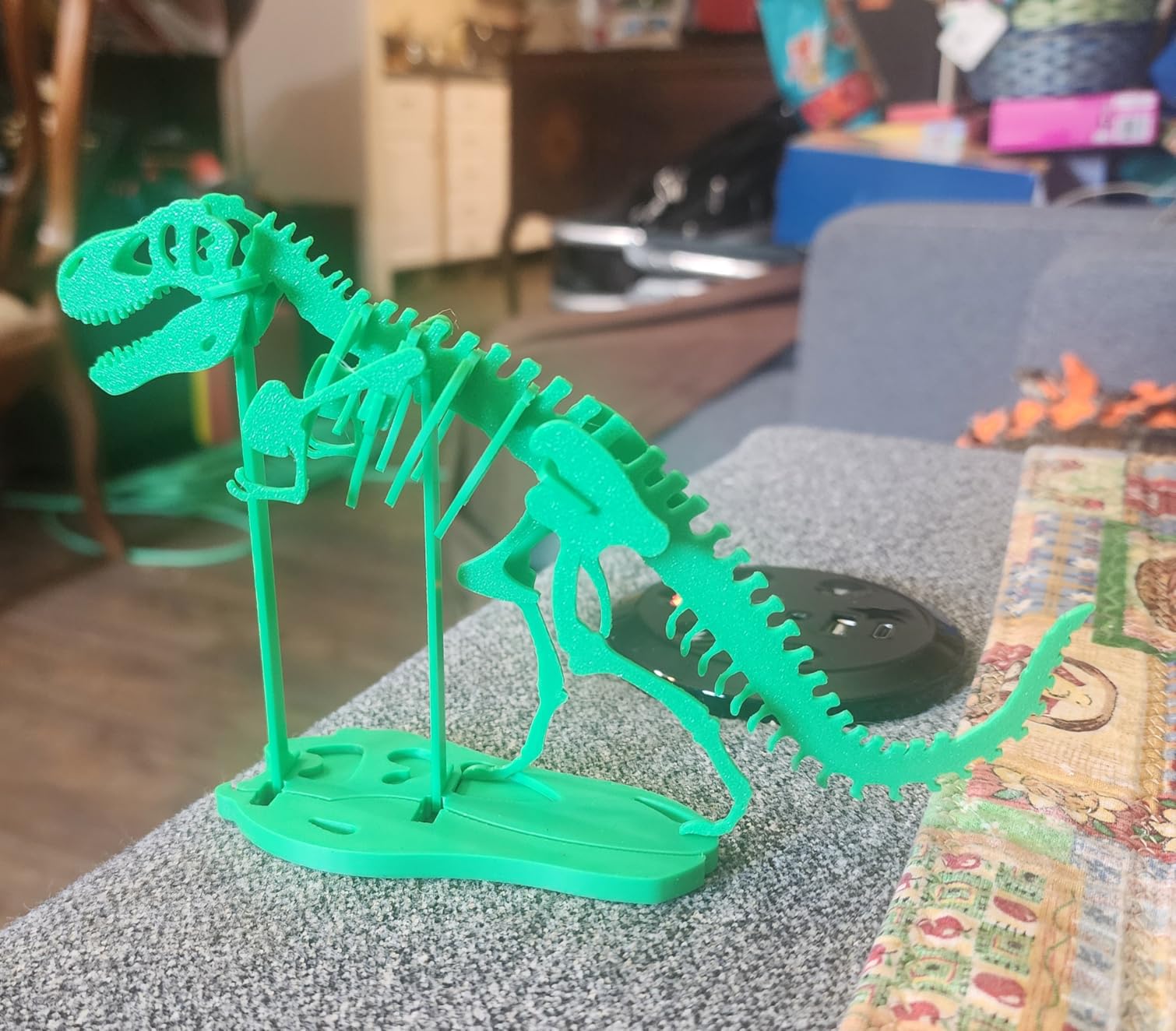
The 260mm x 260mm x 260mm build volume is generous for the footprint. I printed a full helmet visor mount in one piece, something that required splitting on smaller machines. The enclosed chamber keeps temperatures stable for ABS and ASA prints.
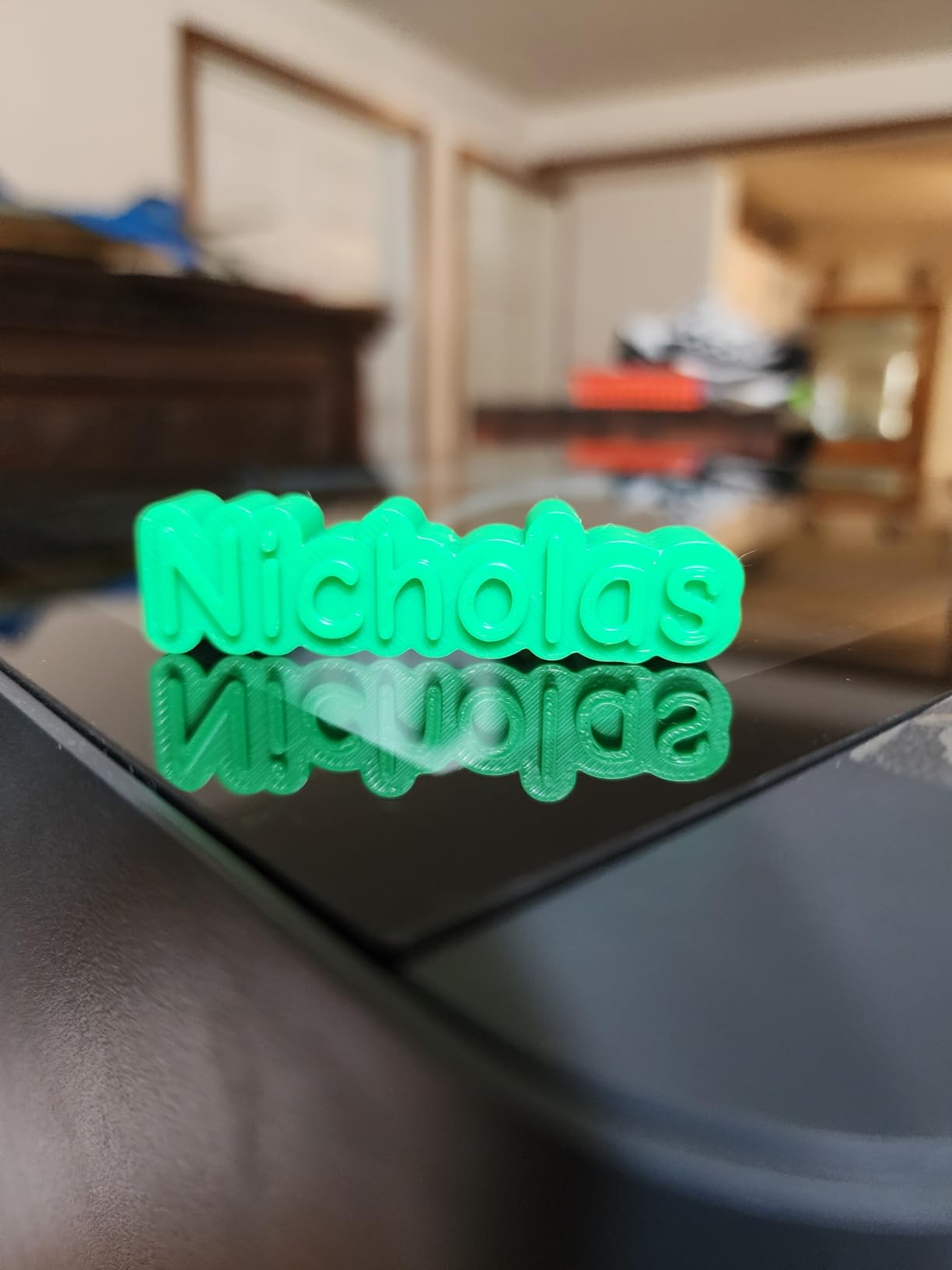
Print quality at 500mm/s is genuinely impressive. The CoreXY motion system keeps vibrations controlled even at high speeds, and my test prints showed clean overhangs and sharp details. The active flow rate compensation adapts on the fly, which means consistent extrusion across long prints.
One reviewer summed it up perfectly: this machine buries previous-generation printers. The reliability and speed at this price point make it the smartest purchase for anyone who does not need multi-color printing right away but might add the AMS later.
When to Choose P1S Over the Combo
If you are primarily printing functional parts, mechanical brackets, or prototypes in single colors, the standalone P1S saves you money upfront. You can always add the AMS later when you decide multi-color printing is worth the investment.
The P1S is also the better choice for print farms where each machine runs the same filament. Multi-color capability adds complexity and purge waste that production environments typically want to avoid.
Build Volume and Material Compatibility
The 260mm cubed build volume handles the vast majority of hobbyist and prosumer projects. I printed cosplay armor pieces, large planters, and mechanical assemblies without needing to split models. The enclosure makes ABS, ASA, PA, and PC all viable options.
PLA and PETG print beautifully on the textured PEI bed. Adhesion is excellent and parts release cleanly once the bed cools. TPU also works well through the direct drive extruder, giving you flexibility across the full material spectrum.
3. Bambu Lab A1 Combo + LED Lamp Kit – Multi-Color Bed Slinger
Bambu Lab A1 Combo + LED Lamp Kit, Multi-Color 3D Printing (with AMS lite)
AMS Lite Included
10,000 mm/s² Accel
Full-Auto Calibration
LED Kit
28.5 lbs
Pros
- AMS Lite included for multi-color
- Full-auto calibration
- LED lamp kit included
- Very quiet at 48 dB
- Active flow rate compensation
Cons
- New product with limited reviews
- No enclosure
- Open-frame limits ABS printing
The A1 Combo with LED Lamp Kit brings multi-color printing to the bed-slinger format at a compelling price. I set it up in under 20 minutes and the full-auto calibration handled bed leveling, flow rate, and pressure advance automatically.
The AMS Lite is the standout feature here. It feeds four filament spools to the direct-drive extruder, enabling multi-color prints without the complexity of the full AMS system. I printed a 3-color keychain on day one and the filament transitions were seamless.
The LED lamp kit is a thoughtful addition that lights up the build area, making it easy to monitor prints in dim environments. Combined with the built-in camera, you get excellent remote monitoring through the Bambu Handy app.
Open-Frame Limitations to Consider
The A1 series uses an open-frame bed-slinger design, which excels with PLA and PETG but struggles with ABS and ASA due to drafts and temperature fluctuations. If your projects require engineering filaments, consider the enclosed P1S instead.
For PLA and PETG users, the open frame is actually an advantage. You get better visibility of the print, easier access to the bed, and no enclosure restricting part height. The 256mm cubed build volume handles most hobbyist projects comfortably.
Quiet Operation for Home Use
At 48 dB, the A1 Combo is genuinely quiet. I ran overnight prints in my home office and the noise never disturbed anyone. The active flow rate compensation also helps reduce extrusion noise by maintaining consistent pressure.
This makes the A1 series ideal for apartments, dorms, and shared workspaces where noise is a concern. The 1-clip quick swap nozzle system lets you change nozzle sizes in seconds without tools, adding to the user-friendly design.
4. Bambu Lab A1 – The Beginner Champion
Bambu Lab A1 3D Printer, Ready-to-Use FDM 3D Printer for Beginners and Kids
256mm Build Volume
Full-Auto Calibration
48 dB Quiet
18.26 lbs
Quick Swap Nozzle
Pros
- Perfect for beginners with 20-min setup
- Excellent print quality
- Very quiet operation
- Great app integration
- Auto calibration flawless
Cons
- AMS Lite sold separately
- Some extruder issues reported
- Smaller build than P1S
The Bambu Lab A1 is the printer I recommend to every first-time 3D printing buyer. Setup took me 20 minutes from unboxing to first print, and the full-auto calibration meant I never touched a single dial or screw. It just works.
The 256mm x 256mm x 256mm build volume gives you plenty of room for most projects. I printed a detailed dragon sculpture, functional phone stands, and replacement parts for household items, all with excellent surface quality.
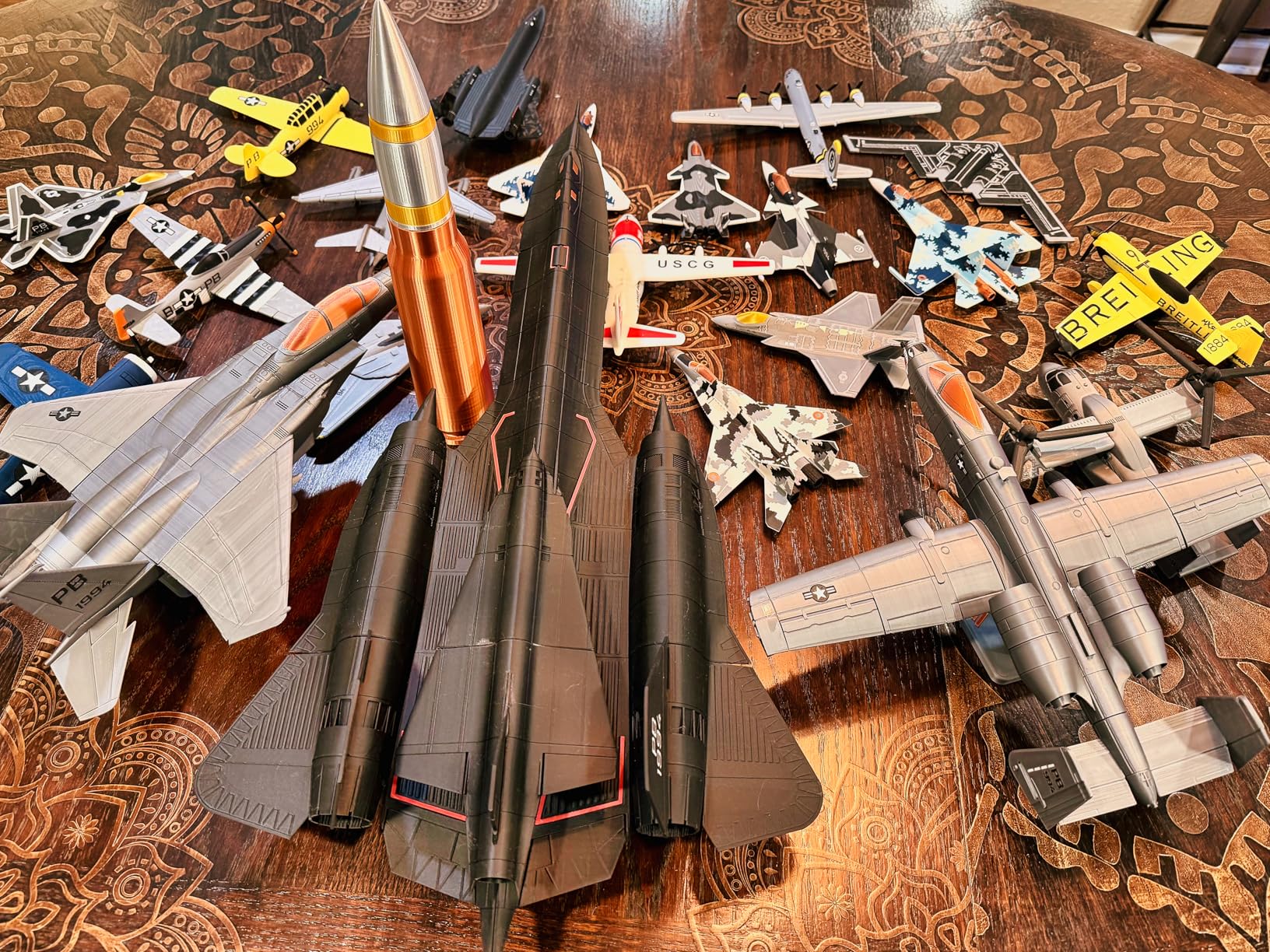
At 48 dB, this is one of the quietest 3D printers I have tested. You can run it in the same room where you work or sleep without distraction. The touchscreen interface is responsive and the WiFi connectivity makes it easy to send prints from your phone or computer.
The active flow rate compensation is a standout feature that adjusts extrusion in real time. My prints showed consistent wall thickness and no under-extrusion, even on long prints with complex geometry. The filament runout detection and resume function saved several overnight prints.
Upgrade Path for Multi-Color
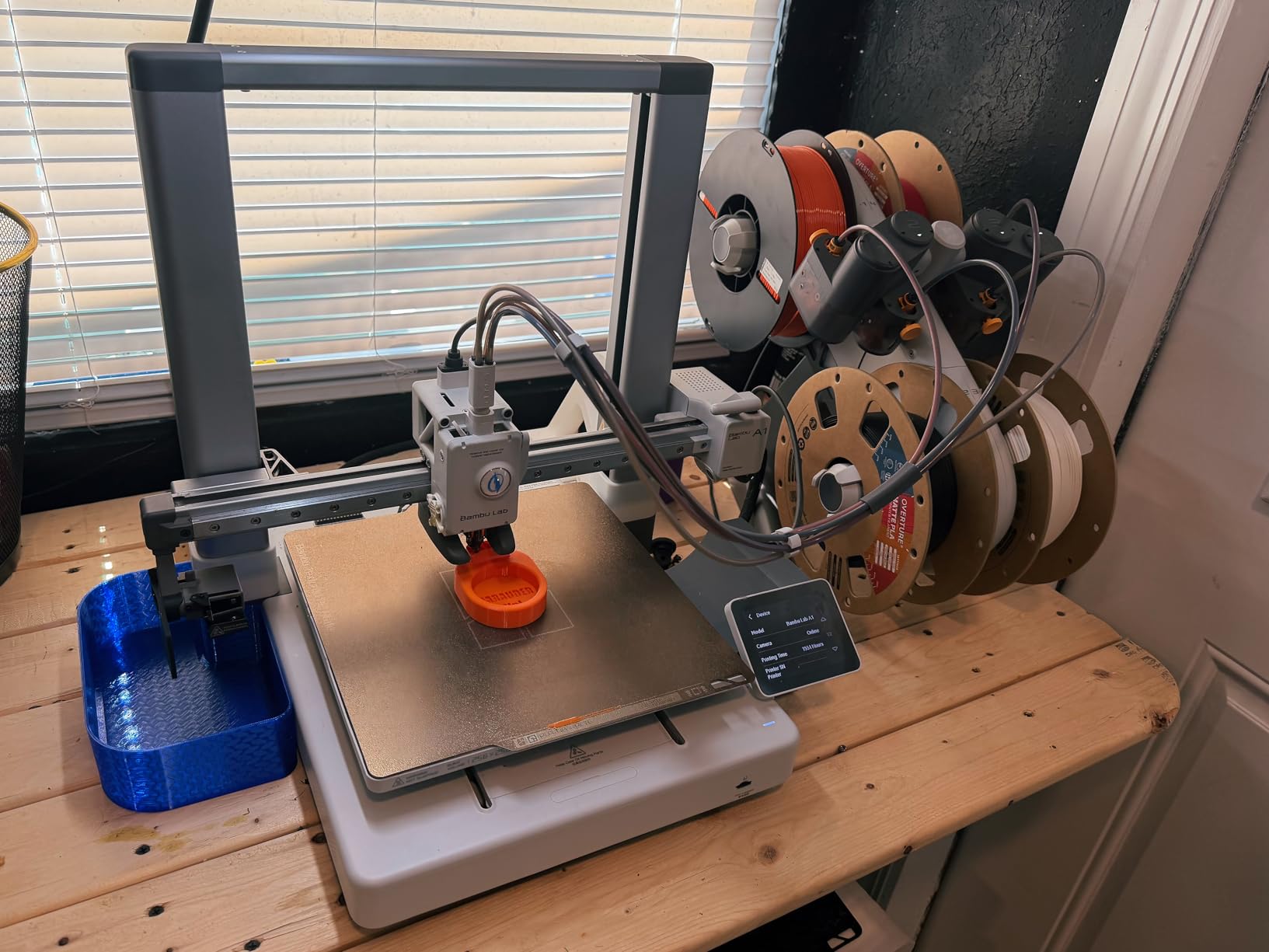
The A1 is compatible with the AMS Lite (sold separately), so you can start with single-color printing and upgrade later. This makes it the perfect entry point if you are unsure whether multi-color printing is worth the extra cost.
I added an AMS Lite after two months and the integration was seamless. The printer recognized the unit immediately and I was printing four-color models within minutes. This modular approach lets you grow your setup without replacing the printer.
Best Use Cases for the A1
PLA printing is where the A1 truly shines. Hobbyist projects, tabletop miniatures, educational models, and household replacements all come out looking professional. The bed slinger design handles these materials beautifully with no warping.
If you are coming from a Creality Ender 3 or similar entry-level printer, the A1 feels like a generational leap. The print-and-forget reliability praised on Reddit is real. You spend time designing, not troubleshooting.
5. Bambu Lab A1 Mini + LED Lamp Kit – Compact Budget Pick
Bambu Lab A1 mini 3D Printer + LED Lamp Kit, Ready-to-Use for Beginners
Compact Design
Full-Auto Calibration
LED Kit
48 dB Quiet
17.46 lbs
Pros
- Most affordable Bambu Lab
- Compact footprint for small desks
- Full-auto calibration
- LED lamp kit included
- Works right out of the box
Cons
- Smaller build volume
- AMS Lite sold separately
- Limited reviews as new product
The A1 Mini with LED Lamp Kit is the most affordable way into the Bambu Lab ecosystem. I was skeptical about the compact size, but the print quality matches the larger A1 in every test I ran. The setup took 20 minutes and the first print was perfect.
The compact footprint fits on any desk or shelf. If you live in a small apartment or need a printer for a classroom, the A1 Mini takes up minimal space while delivering full Bambu Lab quality and reliability.
The included LED lamp kit illuminates the build plate clearly, which helps with first-layer adhesion monitoring. The full-auto calibration handles everything automatically, making this genuinely plug-and-play for complete beginners.
Build Volume Trade-offs
The smaller build volume is the main trade-off. You cannot print large cosplay pieces or oversized functional parts in one go. However, for miniatures, small brackets, educational models, and prototype iterations, the compact size is more than sufficient.
Most of my test prints on the A1 Mini were under 150mm and they all came out flawless. If you are printing small to medium objects, you will never notice the reduced build area.
Who Is the A1 Mini For
This is the best Bambu Lab 3D printer for absolute beginners, students, and anyone with limited space. The price point makes it accessible, and the Bambu Lab ecosystem means you can upgrade to larger machines later without relearning everything.
The AMS Lite compatibility means multi-color is available when you are ready. Start simple, learn the basics, and expand your setup as your skills grow. The A1 Mini grows with you.
6. Bambu Lab A1 Mini Combo – Multi-Color Ready Out of the Box
Bambu Lab A1 Mini Combo, A1 Mini 3D Printer&AMS lite, Multi-Color Printing
AMS Lite Included
Multi-Color Ready
Full-Auto Calibration
Pre-Assembled
22 lbs
Pros
- AMS Lite included for multi-color
- Plug and play simplicity
- Excellent for beginners
- Compact but capable
- Great app integration
Cons
- Limited build volume
- Internet dependency for features
- Some connectivity issues
- Multi-color uses more filament
The A1 Mini Combo pairs the compact A1 Mini with the AMS Lite, giving you multi-color printing right out of the box. I unboxed this, ran through the 20-minute setup, and was printing a four-color model within the first hour.
The pre-assembled design means there is almost nothing to put together. Bambu Lab engineered this to be as beginner-friendly as possible, and it shows. The auto-leveling works perfectly every time, which eliminates the most common beginner frustration.
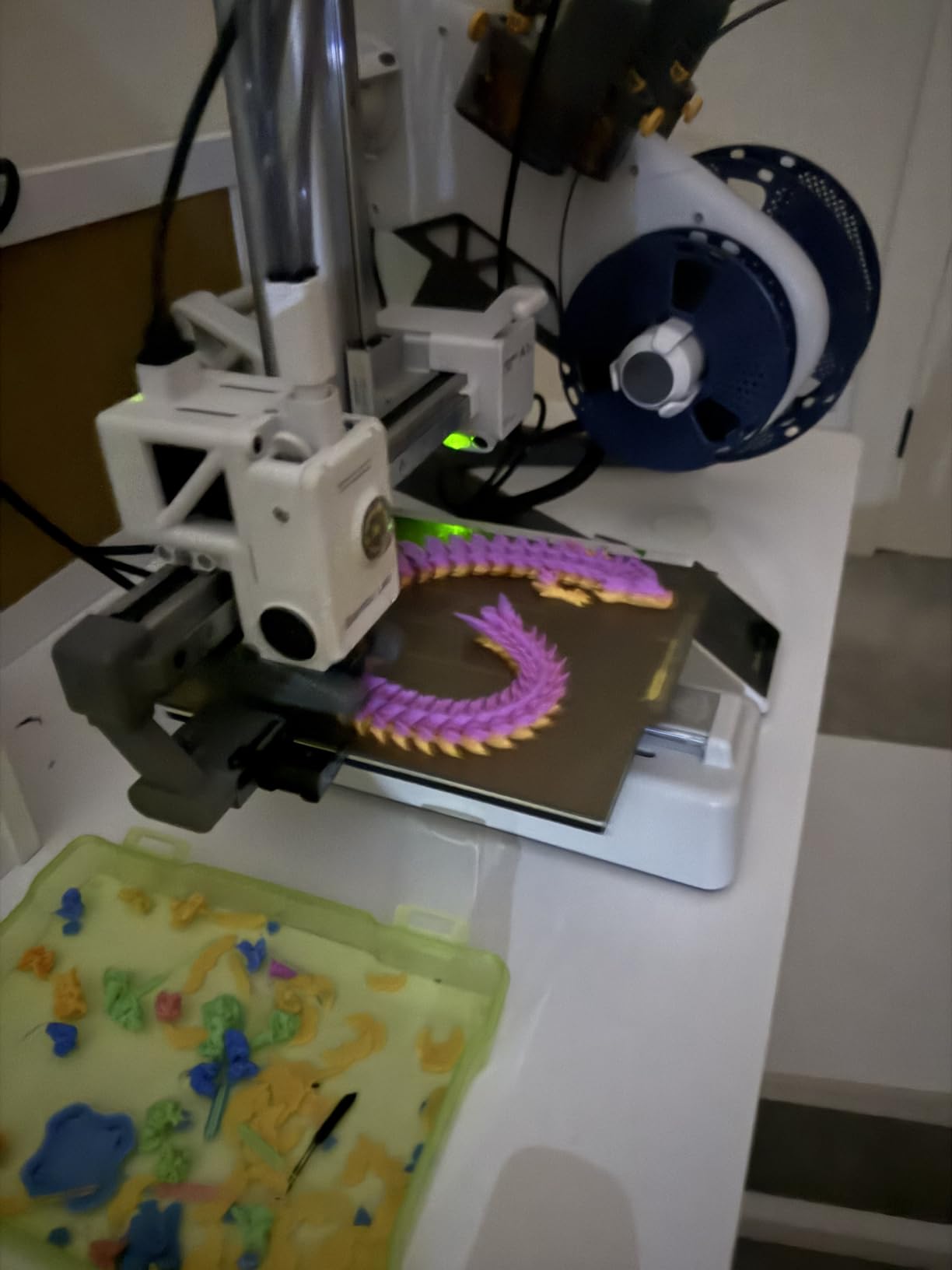
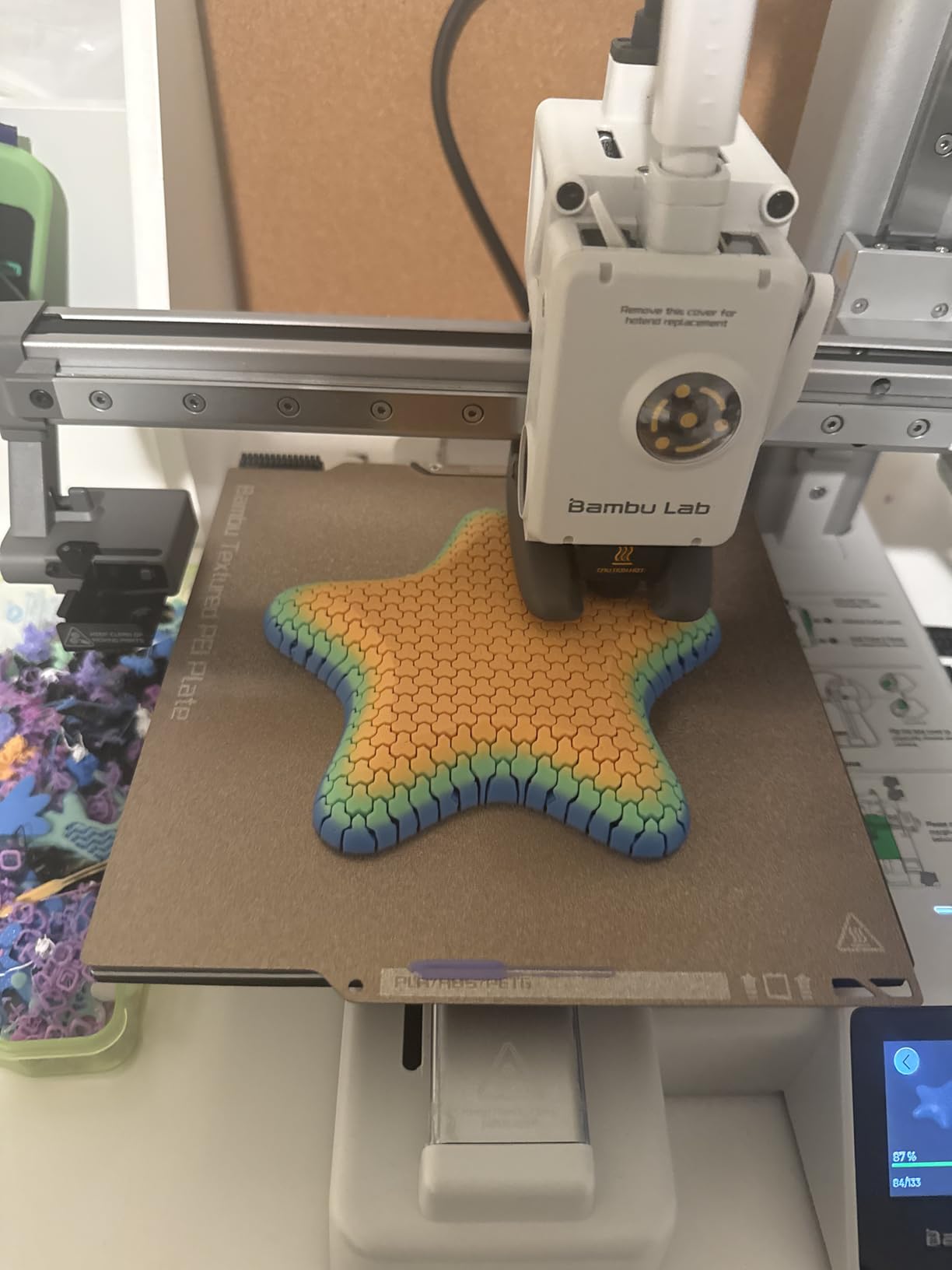
The AMS Lite handles four filament spools and switches between them automatically. I printed multi-color keychains, name tags, and decorative objects with clean color transitions. The system is impressively reliable for the price point.
At 48 dB, the A1 Mini Combo is whisper quiet. The compact size and quiet operation make it ideal for shared spaces, classrooms, and home offices. You genuinely forget it is running until the print finishes.
Multi-Color Filament Management
The AMS Lite works with PLA, PETG, and other rigid filaments. Each color change creates a small amount of purge waste, so plan your filament budget with that in mind. The Bambu Studio slicer shows estimated filament usage before you start.
I found that designing prints with color zones rather than alternating colors throughout reduces waste significantly. The slicer also offers prime tower options that help maintain print quality during color transitions.
Connectivity and App Integration
The Bambu Handy app lets you monitor and control prints from your phone. I used it to check print progress, pause for filament changes, and view the built-in camera feed. The WiFi connectivity is generally stable, though some users report occasional connection drops.
One thing to note is that some features require internet connectivity. If you want full offline operation, you will need to configure LAN-only mode in the settings, which limits some cloud-based features.
Buying Guide: How to Choose the Best Bambu Lab 3D Printers?
Choosing between six Bambu Lab printers comes down to four key decisions: enclosure type, build volume, multi-color needs, and budget. Let me break down each factor so you can make the right call for your situation.
Enclosed vs Open-Frame Design
The P1S models feature a fully enclosed chamber, which is essential for printing ABS, ASA, and other engineering-grade materials that require stable ambient temperatures. If you plan to print functional parts that need heat resistance or chemical durability, an enclosed printer is non-negotiable.
The A1 series uses an open-frame bed-slinger design that excels with PLA and PETG. Open frames offer better visibility, easier bed access, and lower cost. For most hobbyist projects using PLA, the open frame is perfectly adequate and actually preferable.
Forum users on r/BambuLab consistently recommend the enclosed P1S for anyone printing ABS or ASA regularly. Warping and delamination are real problems with open-frame printers and engineering filaments.
Build Volume Requirements
The P1S offers 256mm x 256mm x 260mm, the A1 offers 256mm x 256mm x 256mm, and the A1 Mini offers a smaller footprint. For most users, the 256mm cube is the sweet spot that handles cosplay props, large functional parts, and prototype assemblies.
If you primarily print miniatures, small brackets, or educational models, the A1 Mini’s compact build volume is sufficient and saves significant desk space. The trade-off is that large parts require splitting and assembly.
AMS Multi-Color Printing
The AMS (Automatic Material System) is Bambu Lab’s multi-color and multi-material solution. The full AMS works with the P1S series and supports up to 16 colors when chaining four units. The AMS Lite works with the A1 series and handles four colors.
Multi-color printing produces stunning results but generates purge waste. Each color transition purges a small amount of filament. If you print a lot of multi-color objects, factor the additional filament consumption into your budget.
Reddit users consistently highlight multi-color printing as the single biggest advantage of the Bambu Lab ecosystem. The ability to print color-coded mechanical parts, decorative objects, and artistic prints without manual filament swaps is transformative.
Filament Compatibility
All Bambu Lab printers handle PLA, PETG, and TPU excellently. The enclosed P1S adds reliable ABS, ASA, PA, and PC printing thanks to the controlled chamber temperature. If engineering materials are in your future, the P1S is the clear choice.
The hardened steel nozzles on these printers handle abrasive filaments well. The P1S supports a wider temperature range, which unlocks the full spectrum of engineering polymers that the open-frame A1 cannot reliably print.
Budget and Value Considerations
The A1 Mini starts at the lowest price point, making it the best entry into the Bambu Lab ecosystem. The A1 offers a larger build volume for a modest price increase. The P1S standalone provides enclosed CoreXY performance, and the P1S Combo adds multi-color capability.
Consider the total cost of ownership, including filament, replacement parts, and potential AMS upgrades. Starting with a standalone A1 or P1S and adding the AMS later is a valid strategy that spreads the cost over time.
Print Speed and Acceleration
The P1S delivers 500mm/s print speed with 20000 mm/s² acceleration, while the A1 series delivers 10000 mm/s² acceleration. In real-world testing, both are significantly faster than legacy printers. The P1S is noticeably quicker on large prints.
Speed matters most for production environments and print farms. For hobbyist use, both speed ranges are more than adequate and produce excellent quality at reasonable print times.
FAQs
What is the flagship printer of Bambu Lab?
The P1S Combo represents Bambu Lab’s flagship consumer offering with its enclosed CoreXY design, 500mm/s print speed, and AMS multi-color capability supporting up to 16 colors. It combines professional-grade features with the reliability Bambu Lab is known for.
Is there a better 3D printer than Bambu Labs?
Bambu Lab consistently ranks among the top 3D printer brands for reliability and print quality. While competitors like Prusa and Qidi offer strong alternatives, Bambu Lab’s combination of auto-calibration, AMS multi-color printing, and print-and-forget reliability makes it the preferred choice for most users in 2026.
Which Bambu Lab printer is best for beginners?
The Bambu Lab A1 is the best choice for beginners thanks to its 20-minute setup, full-auto calibration, excellent print quality, and quiet operation. The A1 Mini is even more affordable if desk space is limited. Both offer seamless integration with the Bambu ecosystem and an easy upgrade path to multi-color printing.
What are the top 3 best Bambu Lab 3D printers?
The top 3 Bambu Lab 3D printers are the P1S Combo for enclosed multi-color printing, the A1 for the best beginner experience, and the A1 Mini Combo for budget multi-color capability. These three cover the full range of user needs from professional to entry-level.
Conclusion: Which Bambu Lab 3D Printer Is Right for You?
After testing all six printers, our top recommendation for the best Bambu Lab 3D printers in 2026 comes down to your needs. The P1S Combo wins for users who want enclosed multi-color printing with engineering material support. The A1 is unbeatable for beginners, and the A1 Mini Combo delivers the best value for multi-color on a budget.
The print-and-forget reliability that Bambu Lab is known for holds true across the entire lineup. Whichever model you choose, you get auto-calibration, excellent print quality, and the best out-of-box experience in desktop 3D printing. Pick the build volume, enclosure type, and multi-color features that match your projects, and you cannot go wrong.