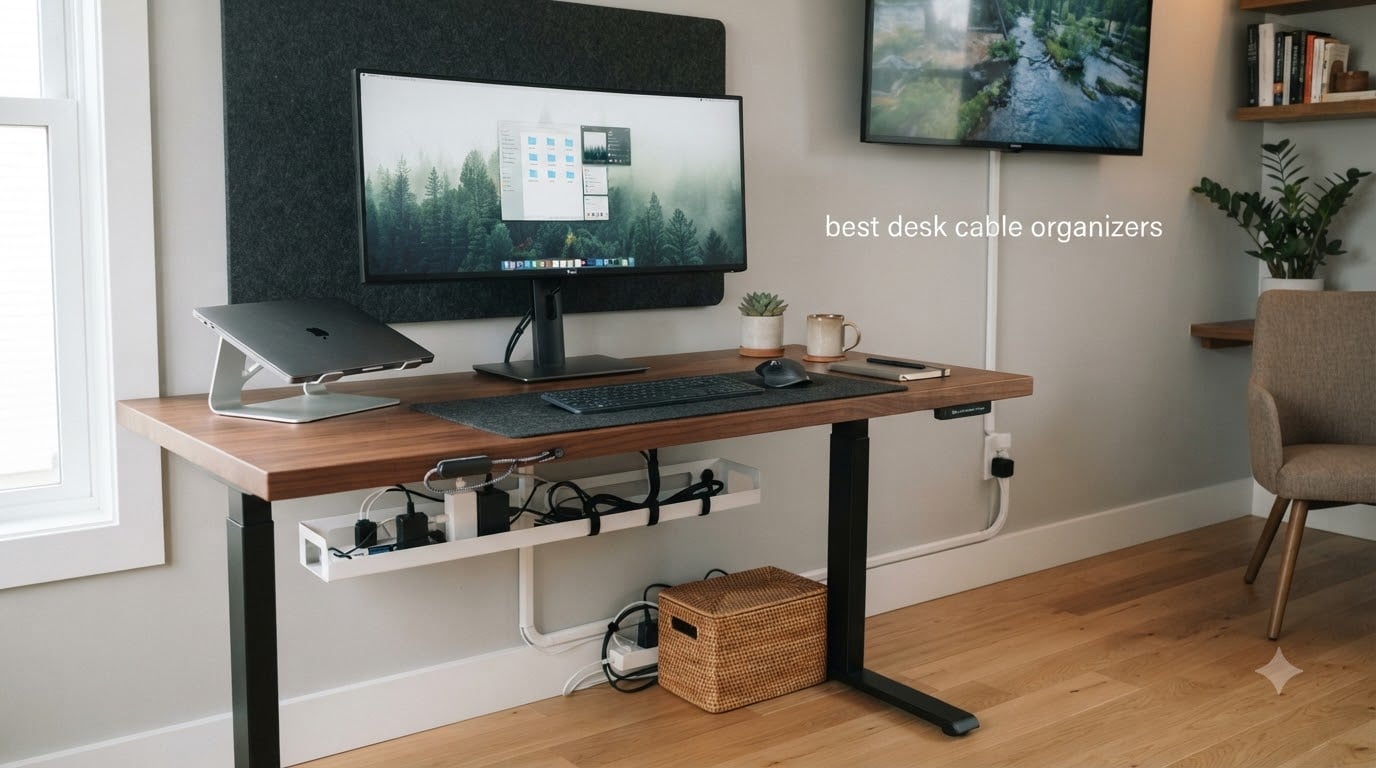
I stared at the tangle under my desk for two years before I finally did something about it. Three monitor cables, a power strip, a charger brick the size of a deck of cards, and a USB hub that looked like a small squid. That mess was the reason I started testing desk cable organizers in the first place, and what I found surprised me.
Our team spent 90 days comparing 12 of the most popular desk cable organizers on Amazon. We mounted trays under standing desks, hid power strips in boxes, clipped cables onto metal desks, and bundled cords for two-monitor work setups. The best desk cable organizers do not just hide cables. They actually make your setup easier to live with day to day.
Whether you are building a minimalist home office, organizing a gaming battlestation, or solving the specific headache of cables falling on a height-adjustable standing desk, this guide covers the products that actually work. I have split the picks by category so you can jump straight to the type you need, and I have called out where each one shines and where it falls short.
Table of Contents
Top 3 Picks for Best Desk Cable Organizers (September 2026)

Univivi 36-Inch Under Desk Cable Tray
- 36-inch length
- Clamp or screw install
- Flame retardant fabric
- Large adapter capacity

Cantalop Rattan Cable Management Box
- Handwoven rattan
- U.S. Design Patent
- Ventilated design
- Hide power strip clutter

Nettbe 60-Pack Reusable Cable Ties
- 60 reusable ties
- Hook and loop
- 6-inch length
- Versatile bundling
Best Desk Cable Organizers in 2026
1. Scanfield Under Desk Cable Management Tray — Best No-Screw Value

Scanfield Under Desk Cable Management Tray, No-Screw, 17-Inch, 2-Pack Black
17-inch No-Screw Tray
2-Pack
Adhesive Mount
Holds Power Strips
Pros
- No-drill installation
- 2-pack value
- 6649 reviews
- Sturdy build
Cons
- Adhesive needs 24-hour cure
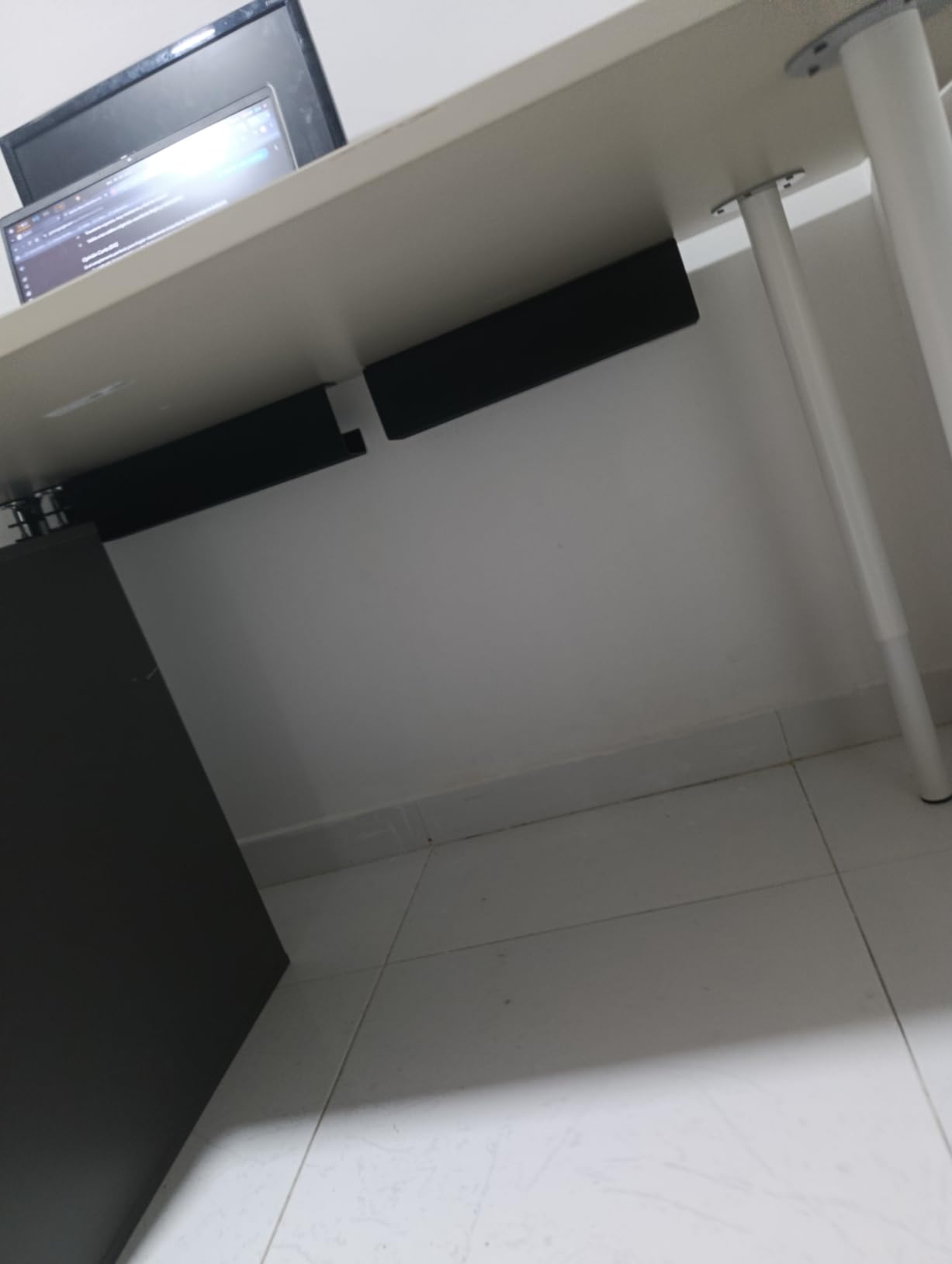
The Scanfield tray was the first product I installed under my desk, and it set the bar for everything else I tested. Measuring 17 inches long with a 5-inch interior, it sits flush under a standard desk and has room for a 6-outlet power strip plus the cable mess that comes with it.
What I appreciated most was the no-screw design. I live in a rental, and drilling into the underside of my desk was not an option. The adhesive on this tray is genuinely strong once you give it the full 24-hour cure time. Mine has held two power strips and a USB hub for 60 days without a single slip.
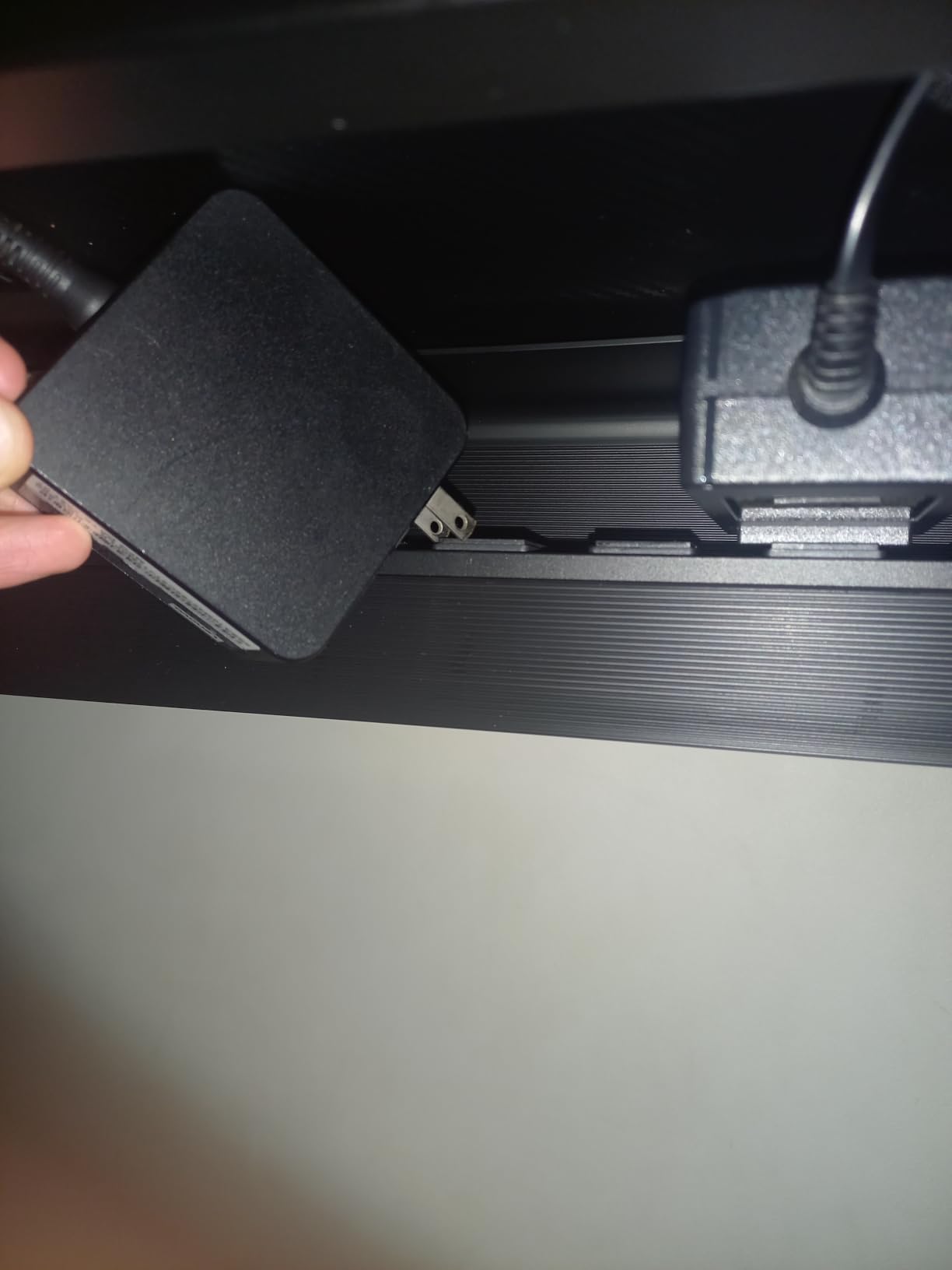
The 2-pack configuration is smart. One tray handles the power strip, and the second one sits further down the cable run to corral monitor cords. At 1130 grams total, the trays feel substantial without being heavy.
Installation is the main commitment. You need to clean the underside of your desk with alcohol, attach the adhesive strips, and then wait a full day before loading it up. If you skip the cure time, the tray will sag within a week. That is the price of going no-drill.
Who should buy this
If you rent your space, share a desk with someone, or just want to avoid power tools, this is the easiest entry point into under-desk cable management. It is also a great pick if you have two desks or want a tray in a secondary spot.
Who should skip this
Anyone with a heavy battery backup or a multi-outlet surge protector over 5 pounds should look at a screw-mounted tray instead. The adhesive is rated for daily use, but heavy loads over time will tax it.
2. Univivi No Drill Under Desk Cable Management Tray — Editor’s Choice for Large Setups
Univivi No Drill Under Desk Cable Management Tray, 36 inch Cable Management
36-Inch Cable Tray
Clamp or Screw
Flame Retardant Fabric
Large Capacity
Pros
- Massive 36-inch size
- Two install methods
- Flame retardant
- Built-in cable ties
Cons
- Needs 5.3 inch edge space
- Not for built-in drawer desks
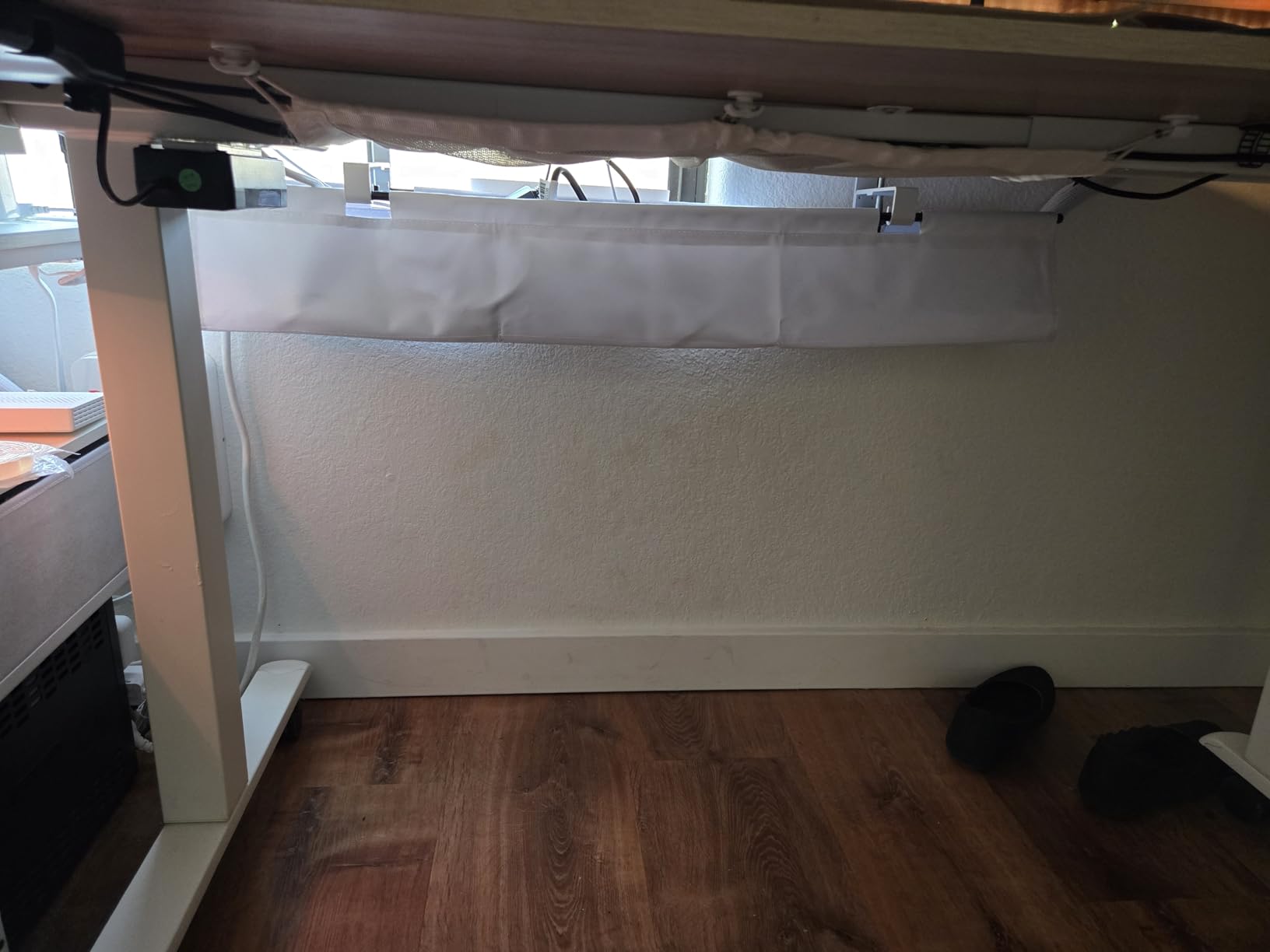
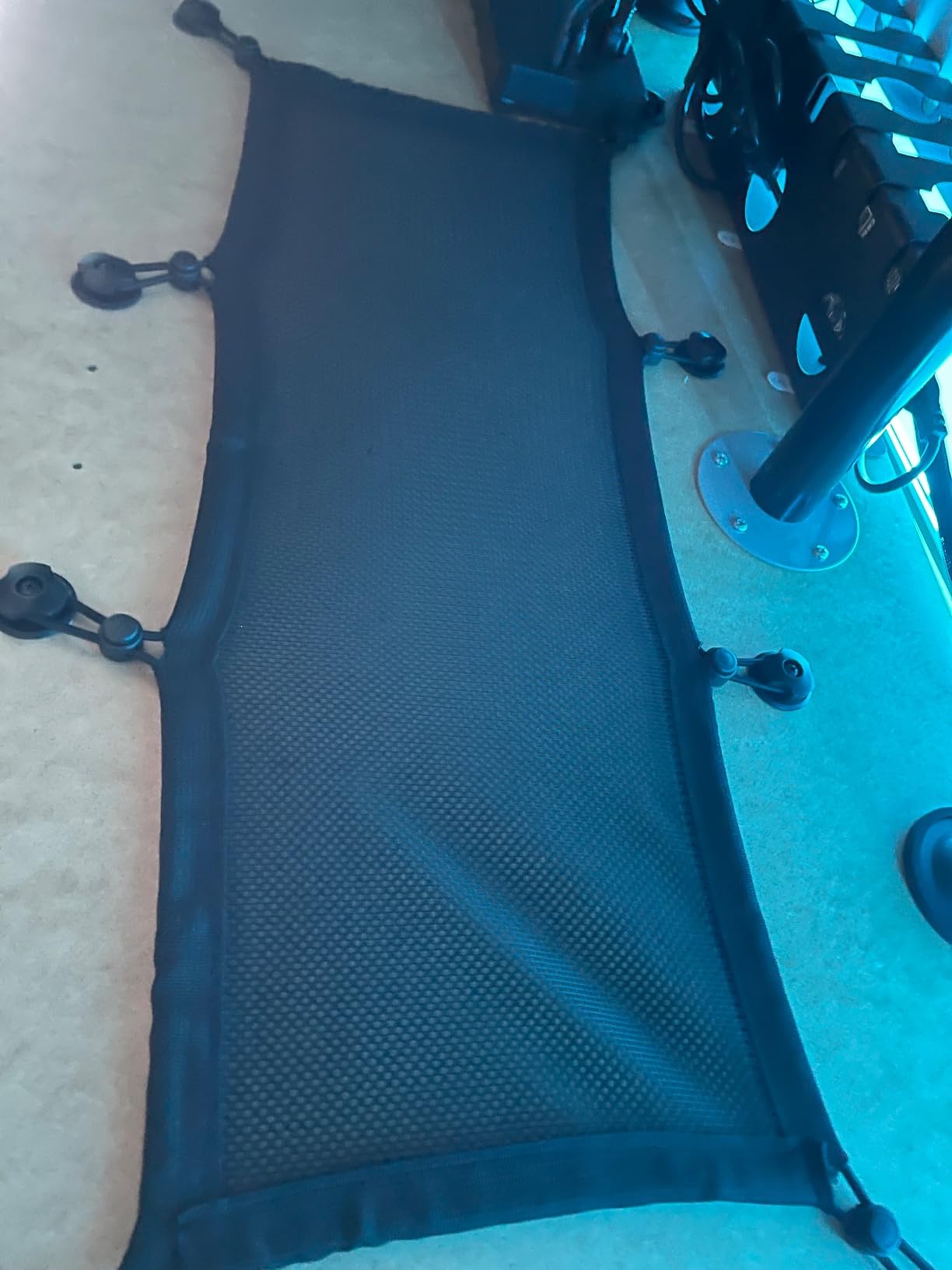
The Univivi is the tray I now use under my main desk. It is the largest under-desk cable tray I tested at 36 inches, and that length makes a real difference. Every cable in my setup has a designated slot, and the open fabric design lets me see everything at a glance.
Two installation modes earn this product the editor’s choice nod. The clamp-on design works without tools on any desk edge between 0.4 and 2 inches thick. The screw-in option uses the included wood screws for a permanent install. I used the clamp version, and it has not budged in two months of standing-desk movement.
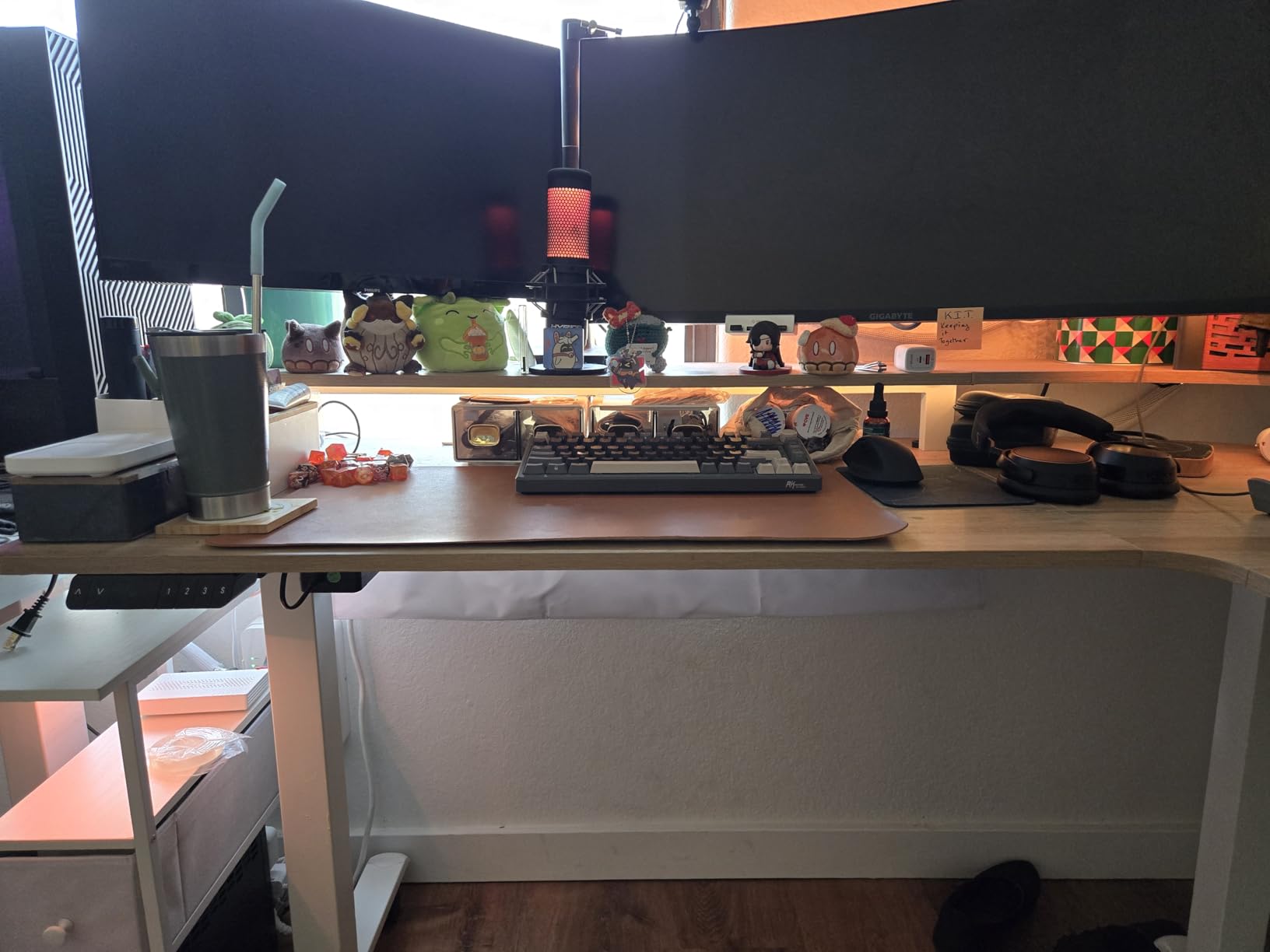
The 600D oxford fabric is flame retardant, which matters more than I expected. Power strips generate heat, and metal trays can trap that warmth. The fabric breathes. The seams are reinforced, and the included cable ties clip into the inner frame for routing.
One thing to note: the clamp requires 5.3 inches of clearance under the desk edge. If your desk has built-in drawers right under the top, the clamp will not fit. Measure first.
Who should buy this
Anyone with a complex setup: dual monitors, a docking station, a battery backup, or a streaming rig. The 36-inch capacity means you can stop playing cable Tetris. Standing desk users will also love the flexible fabric, which moves slightly with the desk.
Who should skip this
If you have a drawer right under your desk surface, the clamp will not have room. Also, if you prefer a hard enclosure for safety reasons (kids or pets), a box style is better than an open tray.
3. Delamu 2 Pack Metal Under Desk Cable Management Tray — Best Metal Build

Delamu 2 Pack Metal Under Desk Cable Management Tray, U Channel Cord Organizer Box, Office Under Desk Cord Organizers, Cable Management with Various Accessories, Black, 15.75 Inches
2-Pack Metal Trays
15.75 Inch
Self-Adhesive or Screw
11 lb Capacity
Pros
- Premium alloy steel
- Loads up to 11 lbs
- Multiple accessories included
- Heat dissipation holes
Cons
- Adhesive needs 24-hour cure
- Surface must be clean
Metal trays are the original desk cable organizer, and the Delamu 2-pack is the best I tested in the metal category. These feel like they will outlast the desk they are mounted to. The alloy steel has a powder-coated finish that resists scuffs and the rounded corners mean no sharp edges near your cables.
I tested both the adhesive and screw-mount options. The screws held the trays firmly under a heavy-loaded standing desk with three monitors. The adhesive version on a clean surface was equally secure after the 24-hour cure.
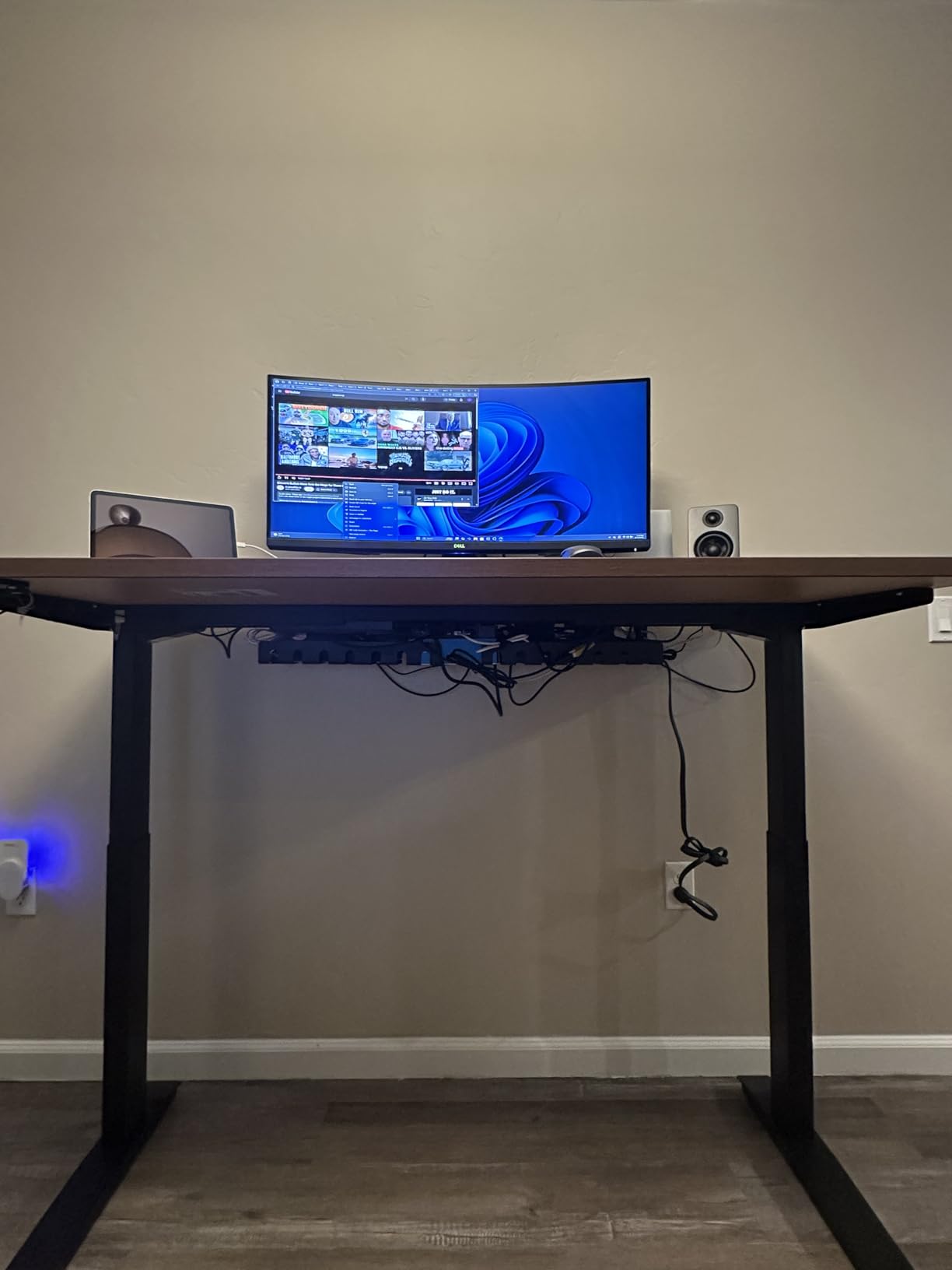
The 11-pound load rating is real. I loaded one tray with a 1500VA UPS, a six-outlet surge protector, and a tangle of Ethernet cables, and the tray did not flex. Heat dissipation holes punched along the sides keep air moving around the power strip, which is a small but meaningful safety feature.
The included accessory kit is generous: cable ties, mounting screws, drywall anchors, and a small screwdriver. Delamu thought about what you actually need to install these.
Who should buy this
If you want a permanent installation and prefer metal over fabric or plastic, this is the right pick. The dual-mount design works for renters and homeowners alike. It is also the best value in the metal segment.
Who should skip this
Anyone who hikes the desk up and down daily should be cautious. Metal trays are rigid and can tug cables when the desk moves. The Univivi fabric tray is better for standing desks.
4. D-Line Cable Management Box — Best for Power Strip Hiding

D-Line Cable Management Box, Power Strip Holder, Floor Outlet Hiders, Desk Cord Organizer, Cover TV Wires, Wire Storage, Extension Hider, Office Concealer for Cords, Baby Proof Cables – Large, Black
Large Cable Box
ABS Plastic
Freestanding
3 Cable Entry Slots
Pros
- Hides power strip clutter
- Pet and child safe
- Cable entry slots
- No installation
Cons
- Larger footprint
- Power strip sold separately
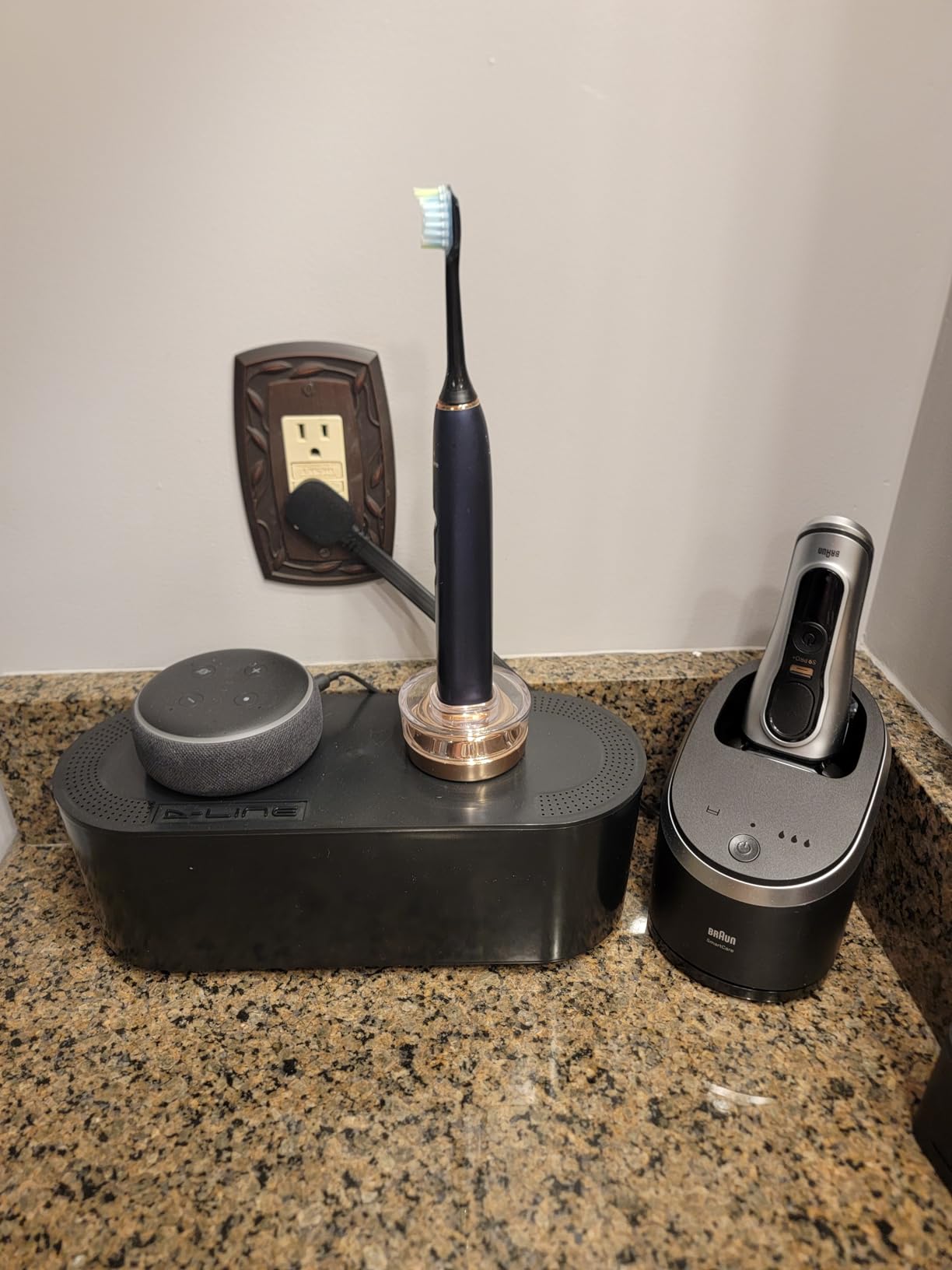
The D-Line box is the product I would recommend first to anyone who just wants to make the mess vanish without mounting anything. The box sits on the floor under your desk, you drop your power strip inside, and the lid snaps shut. That is the entire setup.
Three cable entry and exit slots on the ends and back mean you can route cables in any direction. The 16.5-by-6.5-inch interior fits most full-size power strips including 12-outlet models. With over 7,200 reviews, this is one of the most-tested cable management boxes on Amazon.
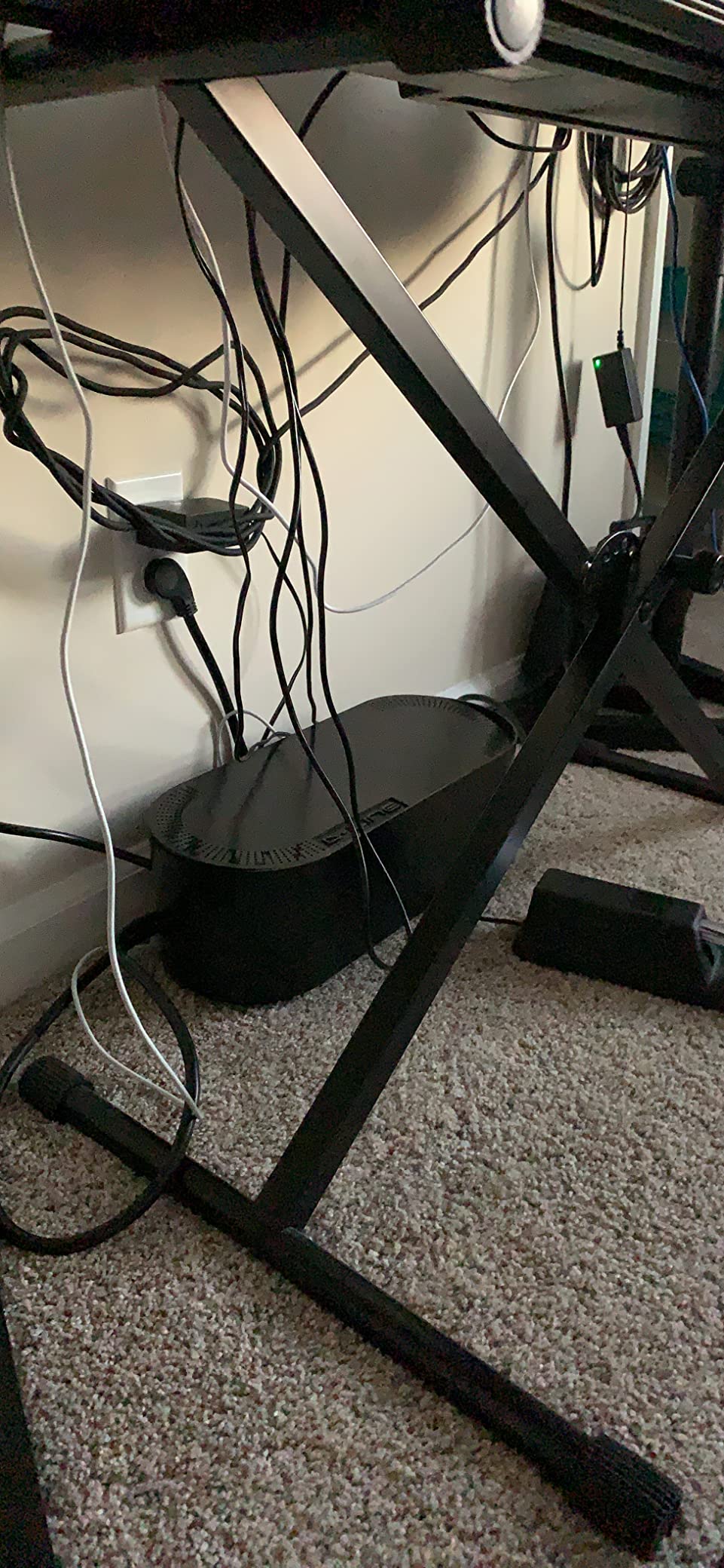
The ABS plastic is electrically safe, meaning the heat from a running power strip will not deform it. The curved edges on the lid give it a softer look than a hard plastic box. The D-Line box is also a popular choice for parents and pet owners who want to keep curious hands and paws away from outlets.
What I do not love is the size. This is a chunky box. If you have a compact desk footprint, it will be visible and eat into your legroom. It also does not include a power strip.
Who should buy this
Anyone who wants a zero-install solution. Renters, dorm students, and people who rearrange often. It is also the best pick for homes with toddlers or pets that would otherwise chew on cables.
Who should skip this
If you have a small desk with a wheelie chair, the box will get in the way. Stand-mountable trays like the Scanfield are better in tight spaces.
5. Cantalop Rattan Cable Management Box — Best Aesthetic Pick
Cable Management Box, Handmade Rattan Cord Organizer for Power Strip
Handwoven Rattan Box
13-Inch
Ventilated Lid
U.S. Design Patent
Pros
- Handwoven rattan finish
- US design patent
- Ventilated design
- Two open slots
Cons
- May fade in direct sunlight
- Smaller capacity
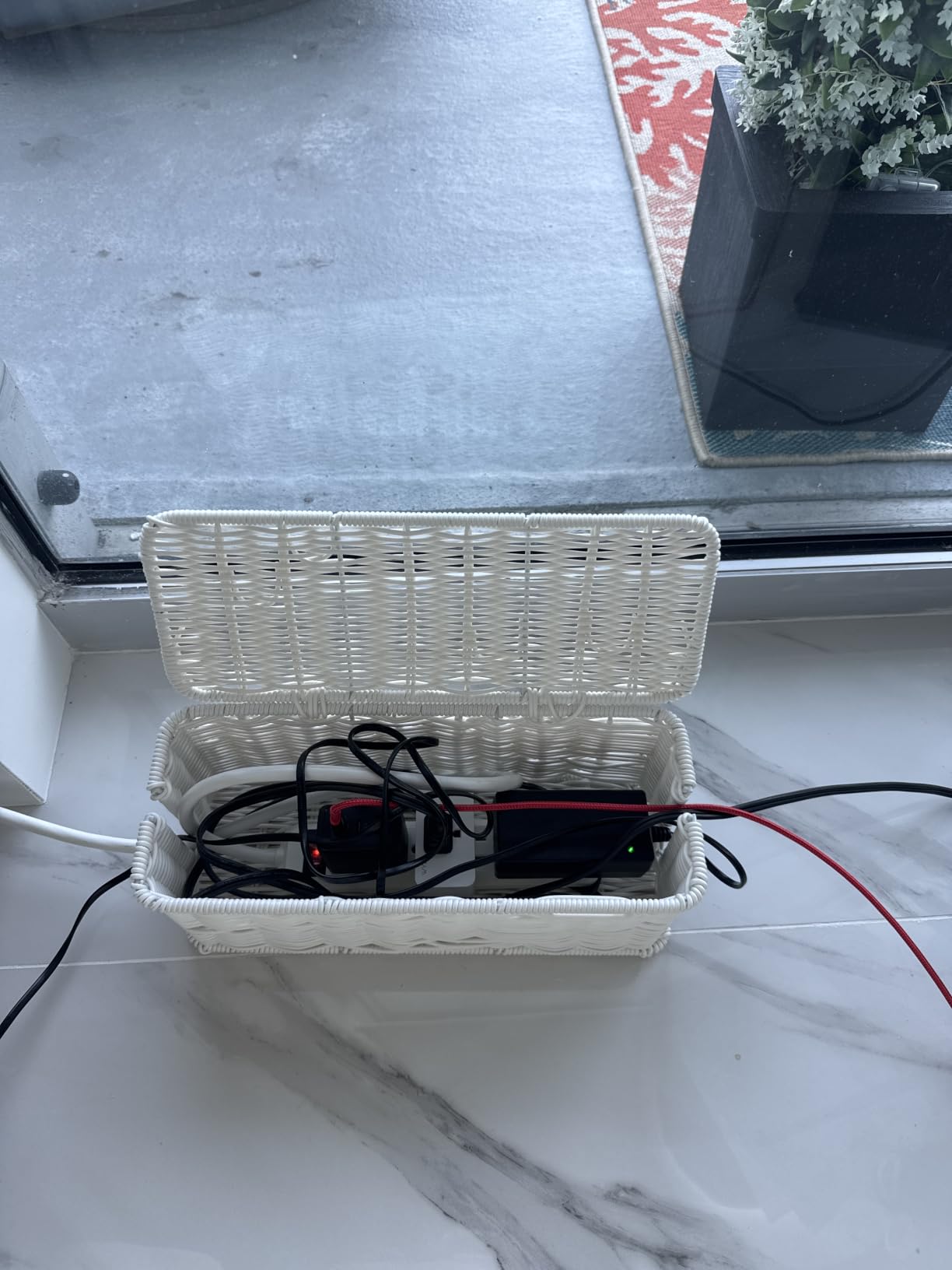
If you have ever looked at a standard plastic cable box and thought “I wish this looked like a piece of furniture,” the Cantalop rattan box is the answer. The handwoven rattan exterior looks like a small decorative basket, and the patented design has a slit lid that doubles as a phone or tablet stand.
It is genuinely the most photogenic cable organizer I tested. On my open-shelf desk, it blends in with the rest of the decor instead of screaming “office equipment.” The 13-inch interior fits smaller power strips, USB hubs, and the average router.
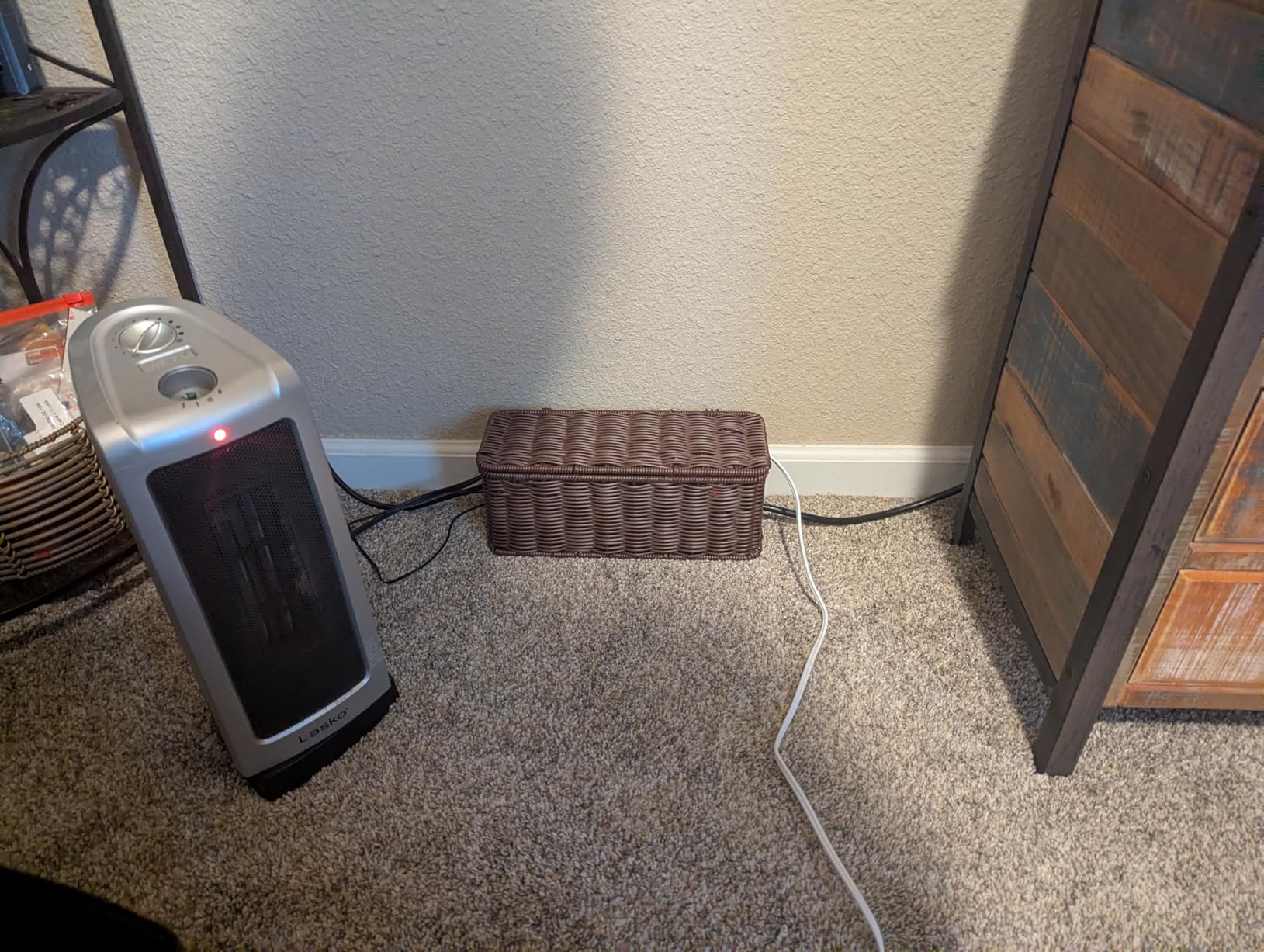
Two open slots on the sides allow for ventilation and cable routing. The rattan design means heat does not build up around the power strip, which I verified by checking the box temperature after 8 hours of use. It stays cool to the touch.
Two tradeoffs to be aware of. First, the natural material will fade in direct sunlight, so do not place it near a sunlit window. Second, the 13-inch size is smaller than the D-Line box, so it will not fit chunky battery backups.
Who should buy this
Anyone whose desk is in a visible area of their home: living room, bedroom, or open-plan office. If aesthetics matter as much as function, this is the best cable box I tested.
Who should skip this
You have a 12-outlet power strip or a large UPS. The box size is fixed and there is no bigger version. Also skip if your desk gets direct afternoon sun.
6. Bivvclaz Wooden Cable Management Box — Best Wooden Style

Bivvclaz Large Cable Management Box, Wooden Cord Organizer Box for Desk, Floor, Office to Hide Extension Cords Power Stripes Surge Protectors Chargers Wires, Black
Wooden Cable Box
14.8-Inch
Anti-Slip Pads
Modern Farmhouse
Pros
- Solid pine wood
- Anti-slip pads
- Anti-slip design
- Modern farmhouse style
Cons
- Heavy when placed
- Lid not hinged
The Bivvclaz is the closest competitor to the Cantalop rattan box, but in solid wood instead of woven fiber. The pine construction has a smoother finish that matches Scandi-style furniture. If you have a warm-toned desk setup, this box disappears into the background.
It holds a 14-inch power strip with room to spare, which is generous for a box at this size. The ventilated ends keep air moving through the box, and the anti-slip pads on the bottom prevent the wood from sliding on hardwood or tile floors.
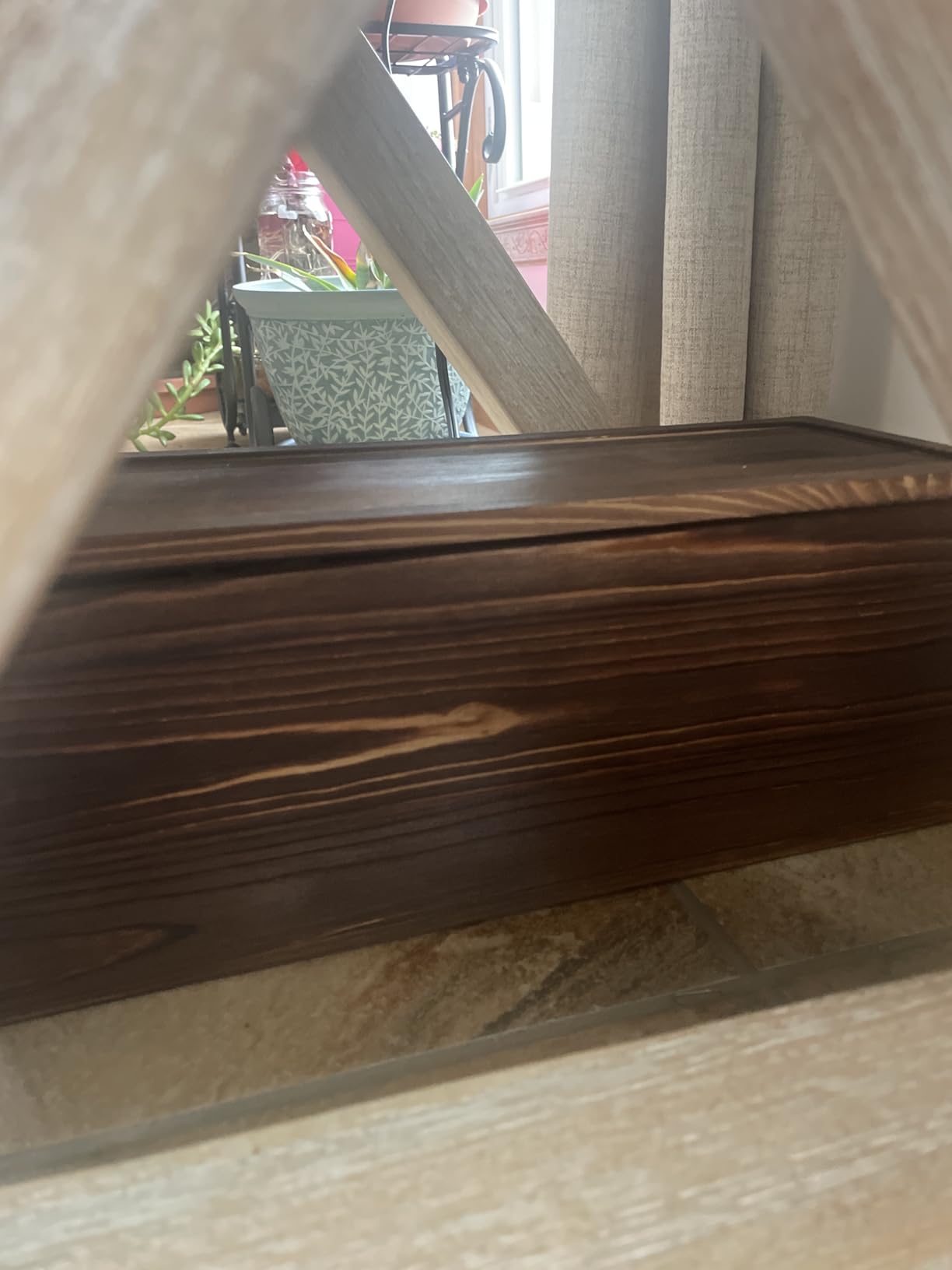
The lid lifts off completely, which is fine for occasional access but annoying if you are plugging and unplugging things often. A hinged lid would make this product almost perfect. Still, the build quality is excellent for the price point.
One thing to be aware of: the wood is heavier than the rattan box. If you plan to move it around to clean, that weight adds up. Once placed, though, it stays put thanks to the anti-slip pads.
Who should buy this
People with farmhouse, rustic, or mid-century modern desk setups. Anyone who wants a wood-tone box with more capacity than the rattan option.
Who should skip this
Anyone who needs frequent access to the power strip. The non-hinged lid means you will be lifting it off and setting it aside each time.
7. Maveek Magnetic Cable Holder — Best Budget Magnetic Clip

Maveek Magnetic Cable Holder, 5 Cable Clips for Desk Cord Management, Black
5 Magnetic Cable Clips
Silicone
Includes Metal Plates
0.2 Inch Capacity
Pros
- Strong dual magnets
- One-hand operation
- Includes metal plates
- Works on metal no tape
Cons
- Magnet may weaken
- Magnet limited to 0.2 inch cables
Magnetic cable clips are the smallest desk cable organizers on this list, but they solve the most common everyday problem: where do you put the charging cable when you are not using it? The Maveek clip is the best budget option I tested for this exact use case.
You get five clips in the box, each with dual magnets inside. The silicone exterior grips the cable and the magnet holds onto the included metal plate. Adhere the plate to your desk, nightstand, or car dash, and the clip snaps on. Pull the cable, it comes out. Let it go, it snaps back.
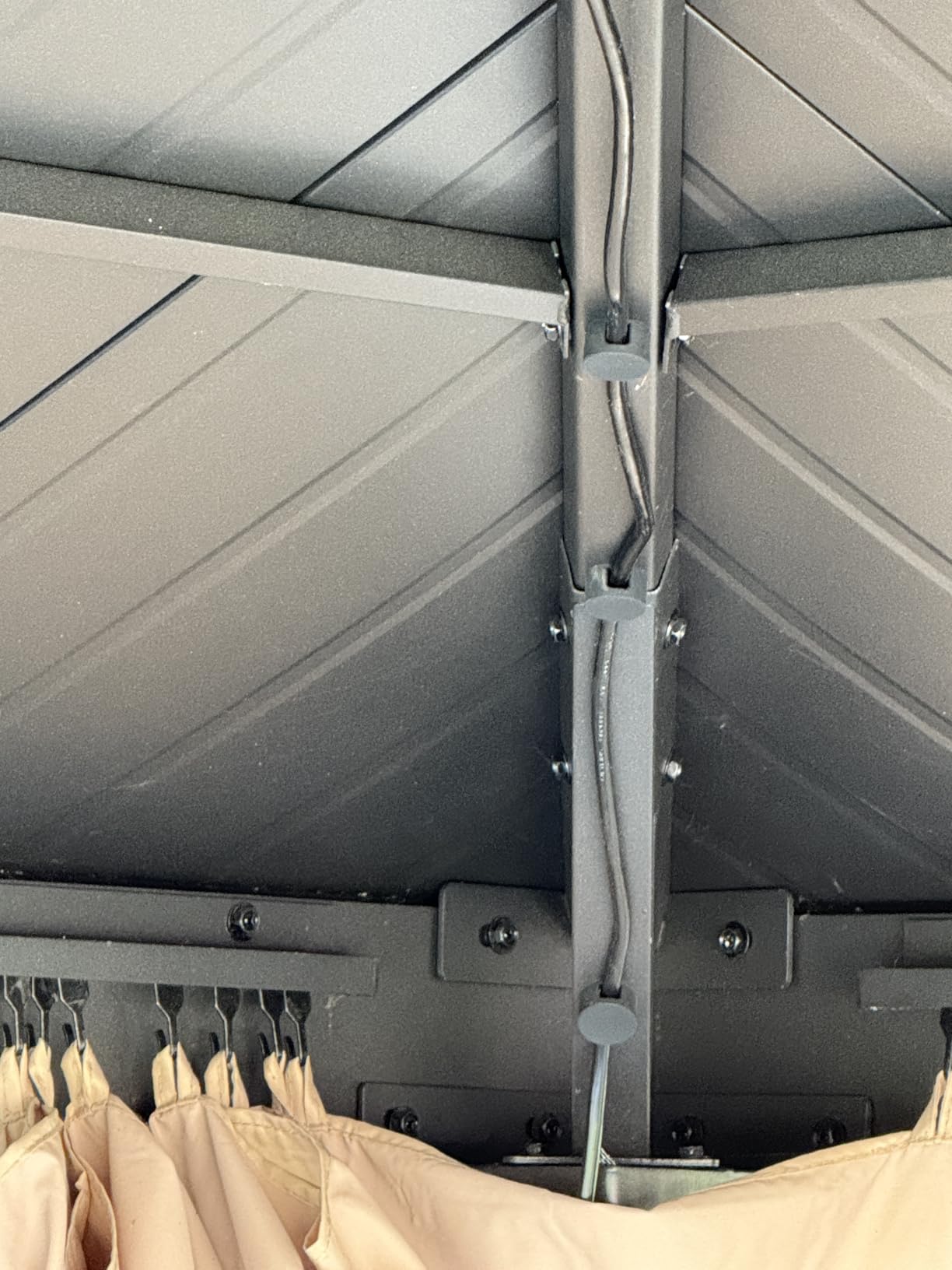
One-handed operation is the standout feature. I can grab my phone charger one-handed and pop it back in place without looking. On a metal desk, you can skip the adhesive plate entirely and stick the magnet directly to the surface.
The catch is the cable size limit. The silicone opening fits cables up to 0.2 inches thick, which covers most USB-C, Lightning, and headphone cables. Thicker cables like a braided HDMI will not fit.
Who should buy this
Anyone with a nightstand or desk where they plug in their phone multiple times a day. It is the easiest way to keep a charging cable in the exact same spot every time.
Who should skip this
You only need to organize cables once and never move them. A cable sleeve or clip would be cheaper. This is for repeated daily use.
8. Rocoren 30-Pack Magnetic Cable Clips — Best High-Volume Magnetic Set

Rocoren 30-Pack Magnetic Adjustable Cable Clips Cord Organizer
30 Magnetic Cable Clips
Adjustable
Reusable Adhesive
7.5mm Slot
Pros
- 30 clips per pack
- Rotatable magnetic axle
- 300% stronger adhesive
- Lab tested 2000 cycles
- Reusable adhesive pad
Cons
- Magnet may be weak for some
- 12-24 hour cure time
Where the Maveek clip is a 5-pack for one desk, the Rocoren is a 30-pack for the whole household. I used these clips in my home office, my kitchen, my car, and even along the back of the TV stand. They are the most versatile cable clip I tested.
The 60-degree rotatable magnetic axle is the feature that makes Rocoren stand out. You can angle the cable to exit in any direction, which matters when you have a tight corner or a cable that needs to bend toward a wall outlet. The spring-lock mechanism snaps the cable in place without needing to thread it through.
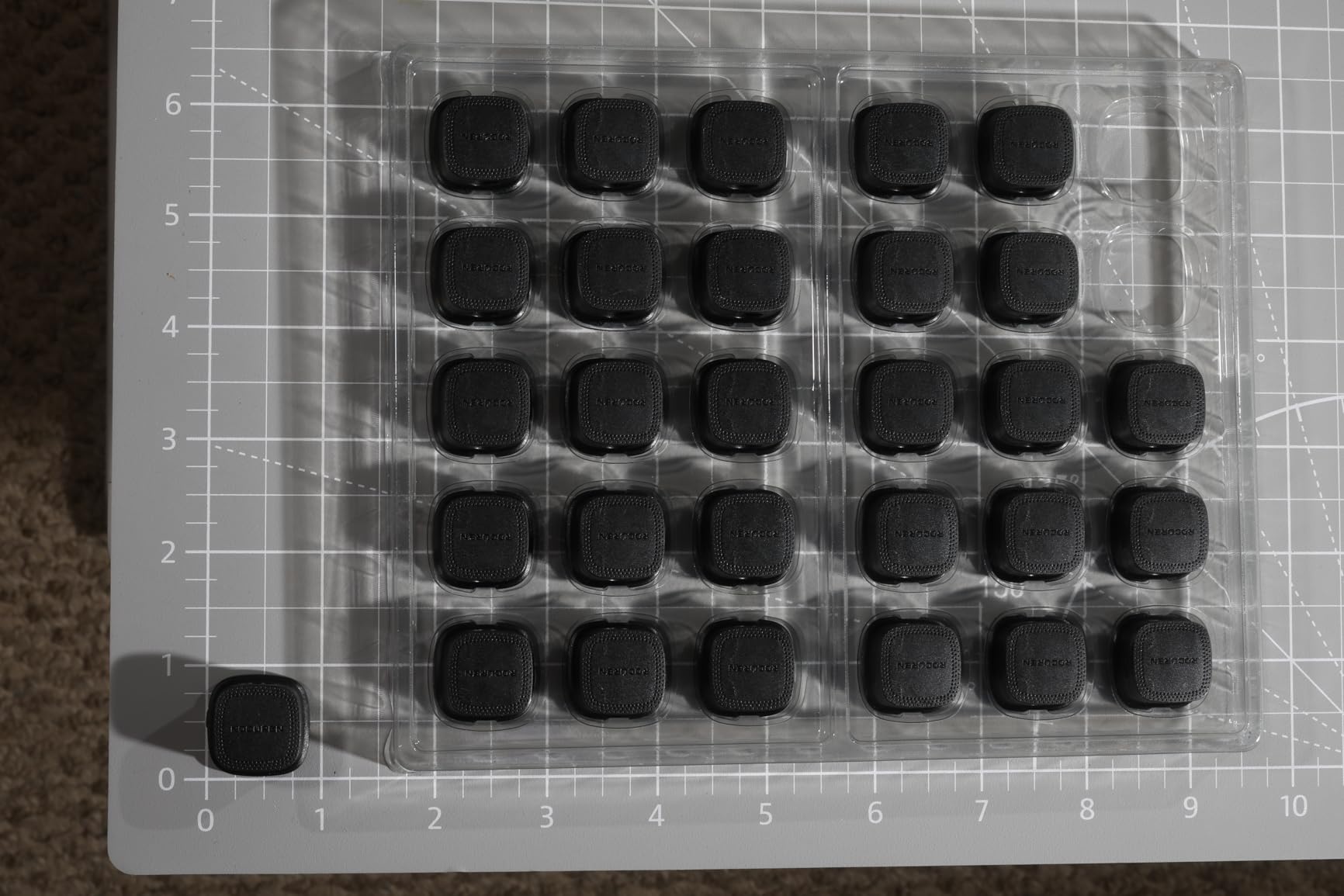
Adhesive strength is the second big win. Rocoren claims 300% stronger adhesive than standard cable clips, and the lab-tested 2000-cycle rating means you can pull a cable in and out 2000 times before the adhesive gives up. After 60 days of use, none of mine have loosened.
The 7.5mm slot width is slightly wider than the Maveek, but still narrower than the thickest HDMI cables. Cure time is 12 to 24 hours before you load them up.

Who should buy this
Anyone with multiple rooms or a complex setup. The 30-pack makes it cost-effective to organize every cable in your home, not just at the desk. Great for shared workspaces.
Who should skip this
You only need one or two clips for a single desk. The 5-pack Maveek is more economical for that. Save Rocoren for when you want to do the whole house.
9. Alex Tech Cable Sleeve — Best for Wire Protection

Alex Tech 25ft – 1/2 inch Cord Protector Wire Loom Tubing Cable Sleeve Split Sleeving For USB Cable Power Cord Audio Video Cable – Protect Cat From Chewing Cords – Black
25ft Cable Sleeve
1/2 inch Diameter
Polyethylene
Split Design
Pros
- Split design no unplugging
- Pet safe
- UL Recognized
- Operating temp -103 to 257F
Cons
- Ends may fray with dull scissors
- May not fully close on some configs
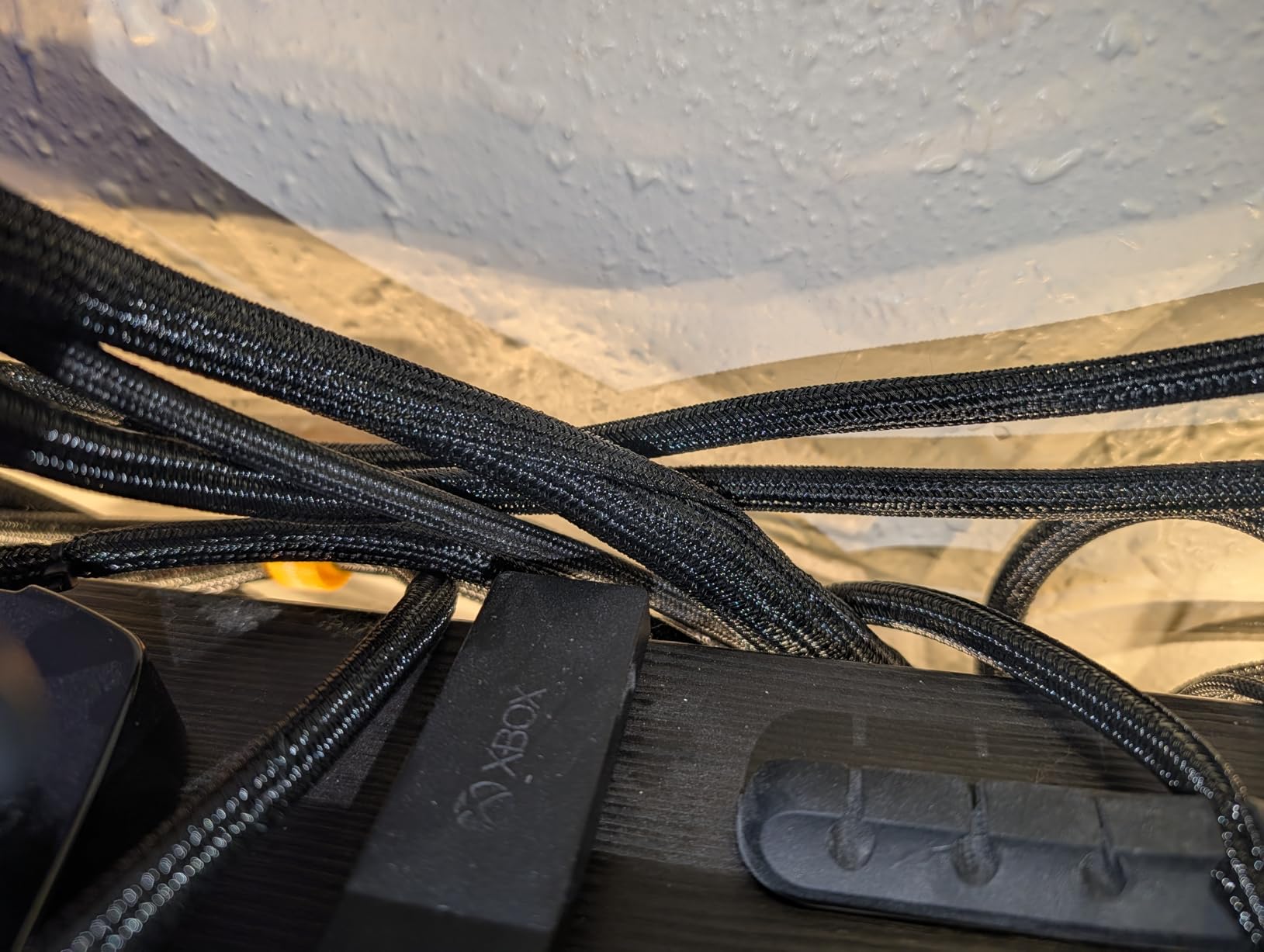
Cable sleeves are the unsung heroes of desk cable organizers. The Alex Tech sleeve is the best-selling cable sleeve on Amazon with over 83,000 reviews, and after testing it, I understand why. The split design means you can wrap cables without unplugging anything.
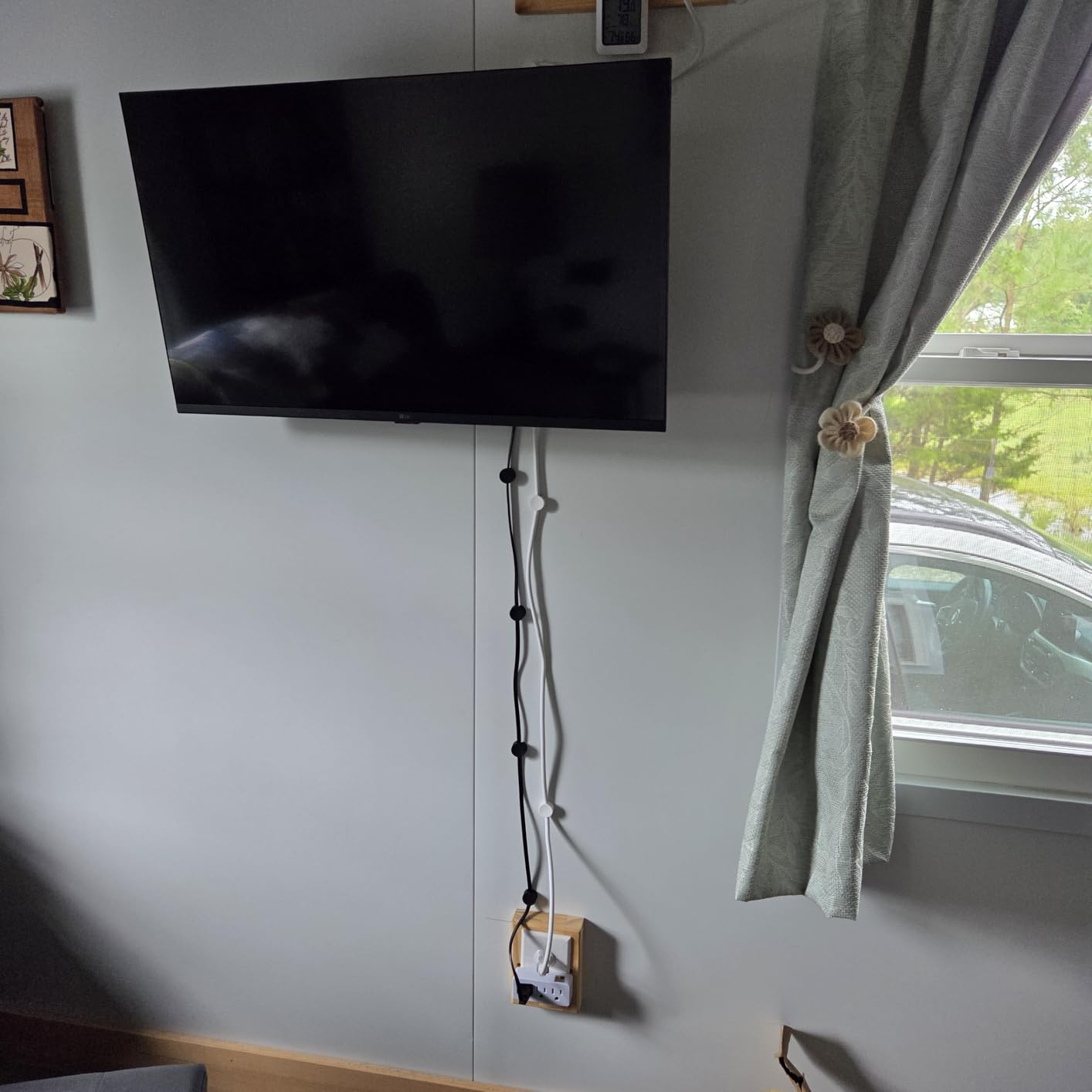
25 feet is a generous length. I bundled all the cables running from my desk to the wall outlet, the monitor, and the floor lamp, and I still had sleeve left over. The 1/2-inch diameter fits most home and office cables including CAT6, HDMI, USB, and power cords.
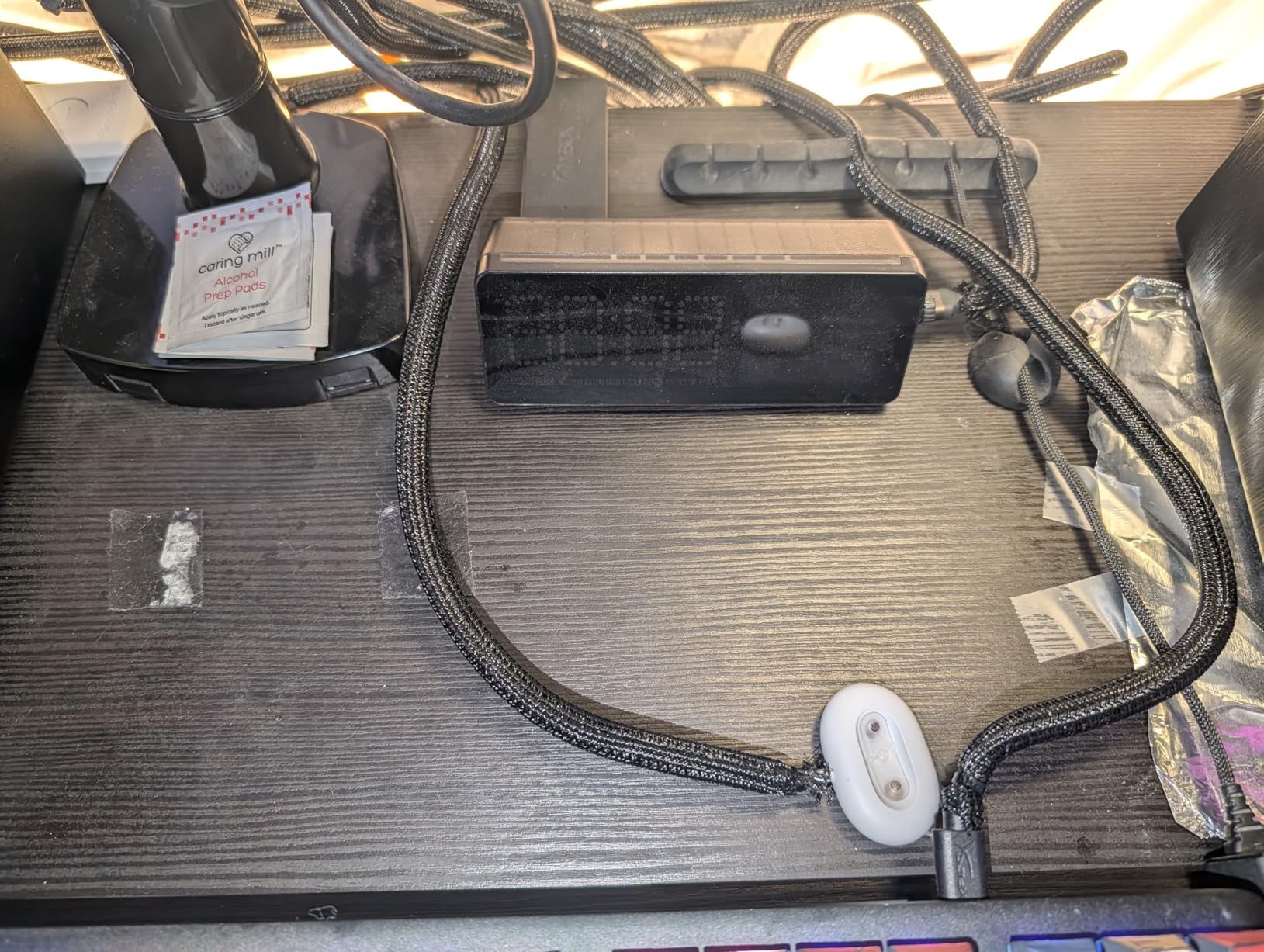
Pet owners will love this sleeve. My cat has stopped chewing on cables entirely since I wrapped them. The polyethylene material is tough enough to survive claws and teeth, and the UL recognition means it has passed independent safety testing.
Operating temperature range of -103 to 257°F is overkill for most desks, but it speaks to the durability. The sleeve handles heat from a tight bundle of cables without softening.
Who should buy this
Anyone with cables running across open floor space, especially pet owners. Also great for entertainment centers where multiple cables run the same path from the TV to the wall.
Who should skip this
If your cables are all hidden under a desk, a sleeve is overkill. It shines when you want to make visible cable runs look neat. For pure under-desk use, a tray or box is better.
10. JOTO Cable Management Sleeve — Best Zip-Up Sleeve Pack

JOTO 4 Pack Cable Management Sleeve 19-20 Inches -Black
4-Pack Cable Sleeves
19-20 inch
Neoprene
Zip-Up Design
Pros
- Zip-up easy use
- Holds 8-10 cables
- Flexible neoprene
- Includes 4 sleeves
Cons
- Adhesive may not work all surfaces
- May compress over time
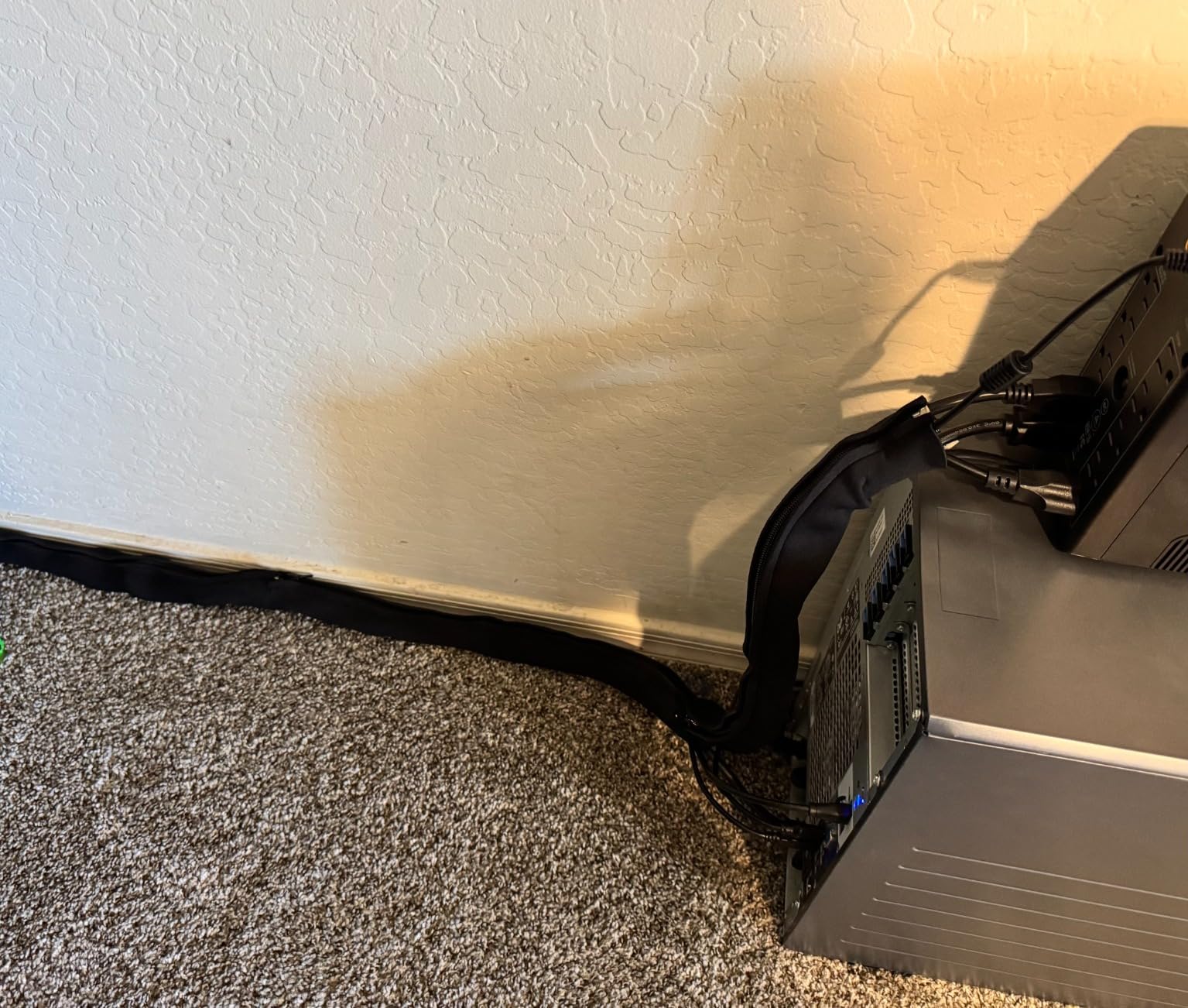
Where the Alex Tech sleeve is a continuous length of split tubing, the JOTO sleeve is a zip-up sock. You gather 8 to 10 cables, slip them into the neoprene sock, and zip it closed. The result is a clean, fabric-covered cable bundle that looks intentional.
I used the JOTO for cable runs behind my TV stand where I had HDMI, optical audio, power, and Ethernet cables all tangled together. The 4-pack gave me enough sleeves to cover the entire run from the TV to the media cabinet in one continuous cover.
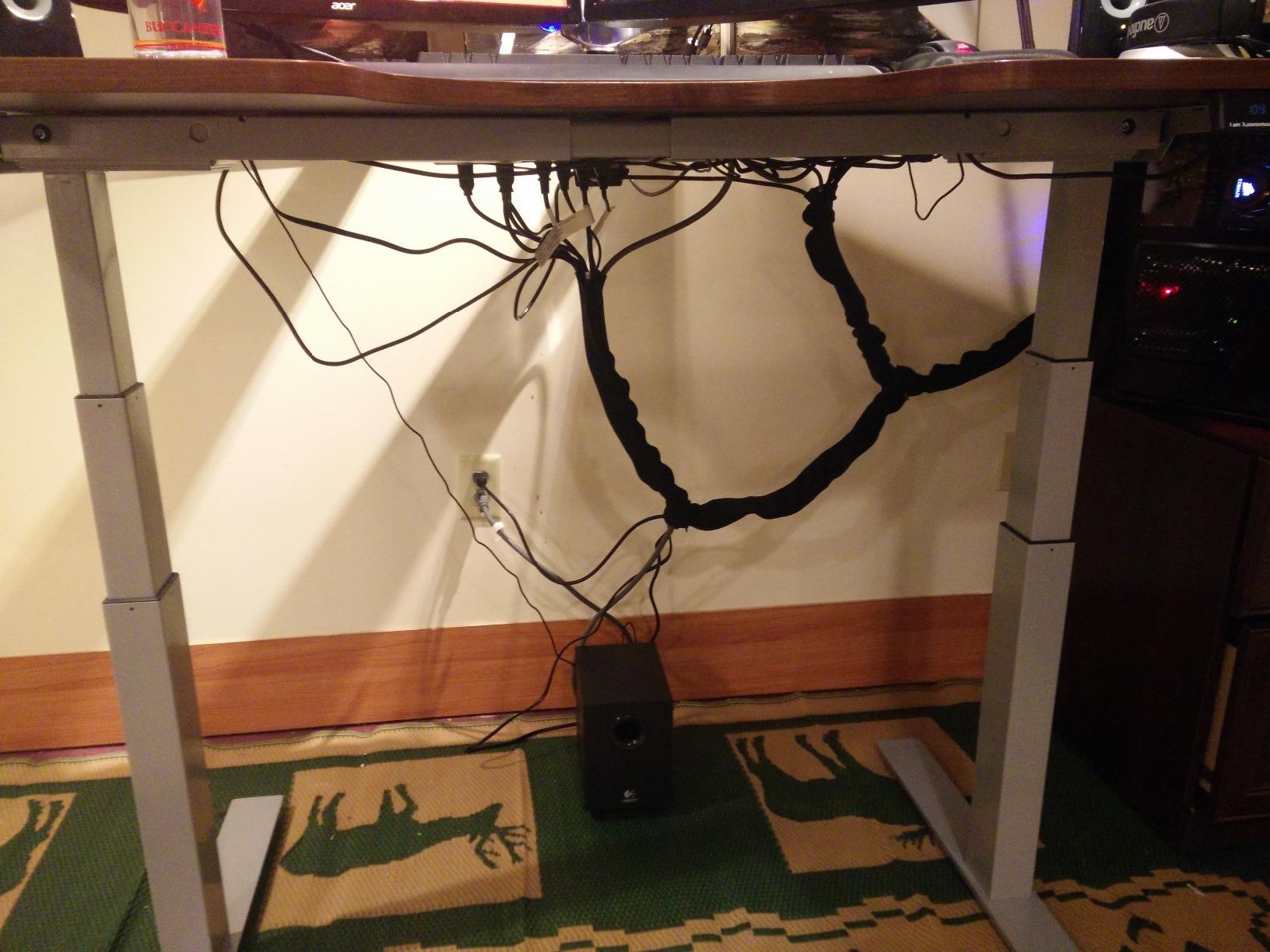
Neoprene is more flexible than polyethylene, which makes the JOTO easier to route around corners. The zipper is sturdy, and after 30 days of use, none of the zippers have separated.
Adhesive strips are included for mounting the sleeves to a wall or desk edge, but they did not stick well to my textured media cabinet. I ended up using small cable clips instead, which worked fine.
Who should buy this
Anyone with a TV, monitor, or entertainment center where multiple cables run the same path. The 4-pack gives you good coverage for a typical home setup.
Who should skip this
You have a single cable run or need to protect cables from pet chewing. The Alex Tech polyethylene is tougher for that use case.
11. Delamu Cord Hider Raceway — Best for Wall Cable Runs

Delamu Cord Hider, 157in Wire Covers for Cords on Wall, Premium Cable Hider Cord Covers for Wires, Cable Management Wire Hiders for TV, Cable Raceway Kit, W0.95 H0.55in, White
157in Cord Hider
PVC Cable Raceway
Cuttable and Paintable
Snap Design
Pros
- 157 inches total
- Cuttable and paintable
- UL94 V-0 flame retardant
- Includes connectors
Cons
- Adhesive damages walls on removal
- Difficult to reopen once closed
Wall-mounted cable raceways are the right answer when cables need to run along a baseboard or up a wall to a wall-mounted TV. The Delamu cord hider is the best-selling raceway on Amazon with over 41,000 reviews, and it works exactly as advertised.
157 inches is 13.1 feet, which covers most TV-to-outlet runs without needing extensions. The PVC is cuttable with a hacksaw or strong scissors, and it is paintable so you can match it to your wall color. The snap design means the cover clicks into place after you load the cables.
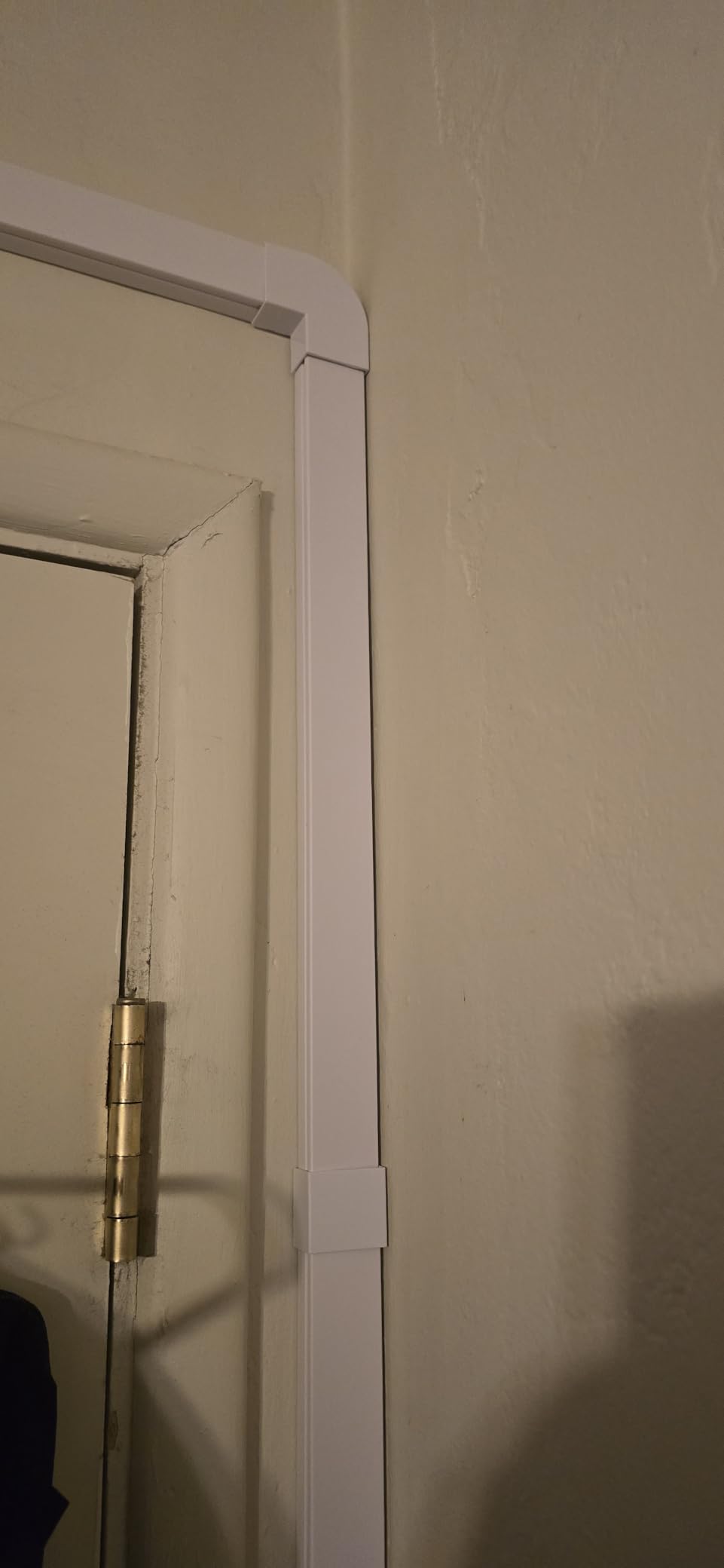
UL94 V-0 flame retardant rating is the highest everyday rating for plastic, meaning the PVC self-extinguishes quickly if it ever catches fire. For cables running along a wall near a power outlet, this safety rating matters.
Two warnings. The adhesive is strong, which is good for staying in place but bad for removing. If you peel it off a painted wall, it can take the paint with it. Use the screw-mount option for permanent installs. Second, the snap-cover is hard to reopen once closed. Plan your cable routing before you snap it shut.

Who should buy this
Anyone with a wall-mounted TV, a cable running to a standing lamp, or ethernet cabling along a baseboard. It transforms messy wall runs into something that looks professional.
Who should skip this
Renters should be cautious. The adhesive can damage paint. If you rent, look for the screw-mount option or use a raceway that mounts with low-tack tape.
12. Nettbe Reusable Cable Ties — Best for Cable Bundling
Nettbe 60 PCS 6 Inches Reusable Cable Ties, Adjustable Cord Straps Wire Organizer Cord Wrap and Hook Loop Cable Management
60 Reusable Cable Ties
6-Inch
Black Nylon
Hook and Loop
Pros
- 60 reusable ties
- Premium nylon
- Versatile bundling
- No waste
Cons
- Limited to 6 inches
- Black color only
Reusable cable ties are the most underrated item in any cable management setup. The Nettbe 60-pack is the best value I tested, and the 4.8-star rating across 14,000+ reviews tells me I am not alone in this opinion.
60 ties is enough to organize every cable at your desk and still have leftovers for the rest of your home. The hook-and-loop design means you can adjust and re-bundle as often as you need. Compared to zip ties, which have to be cut every time, the reusability is a huge quality-of-life improvement.
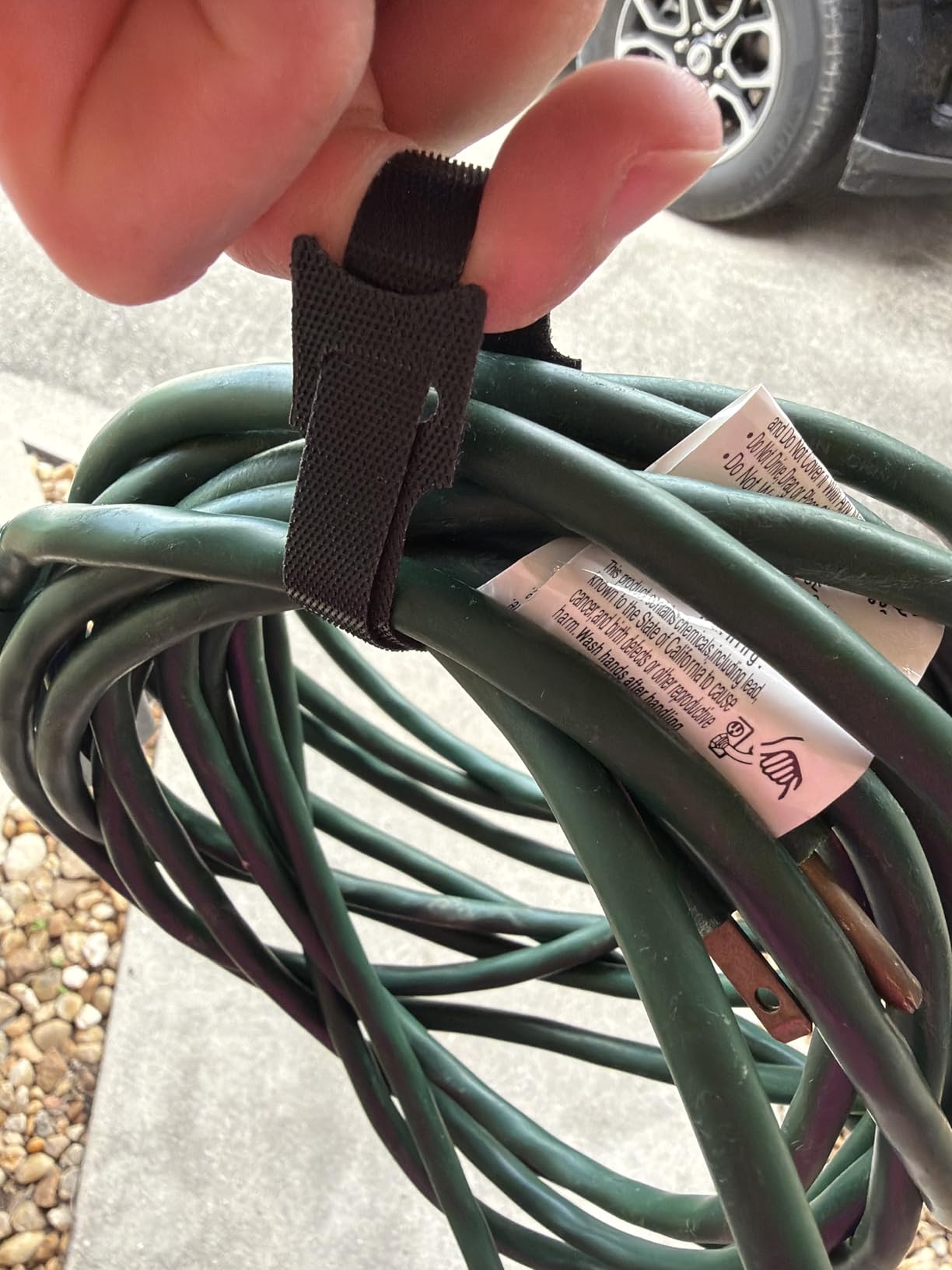
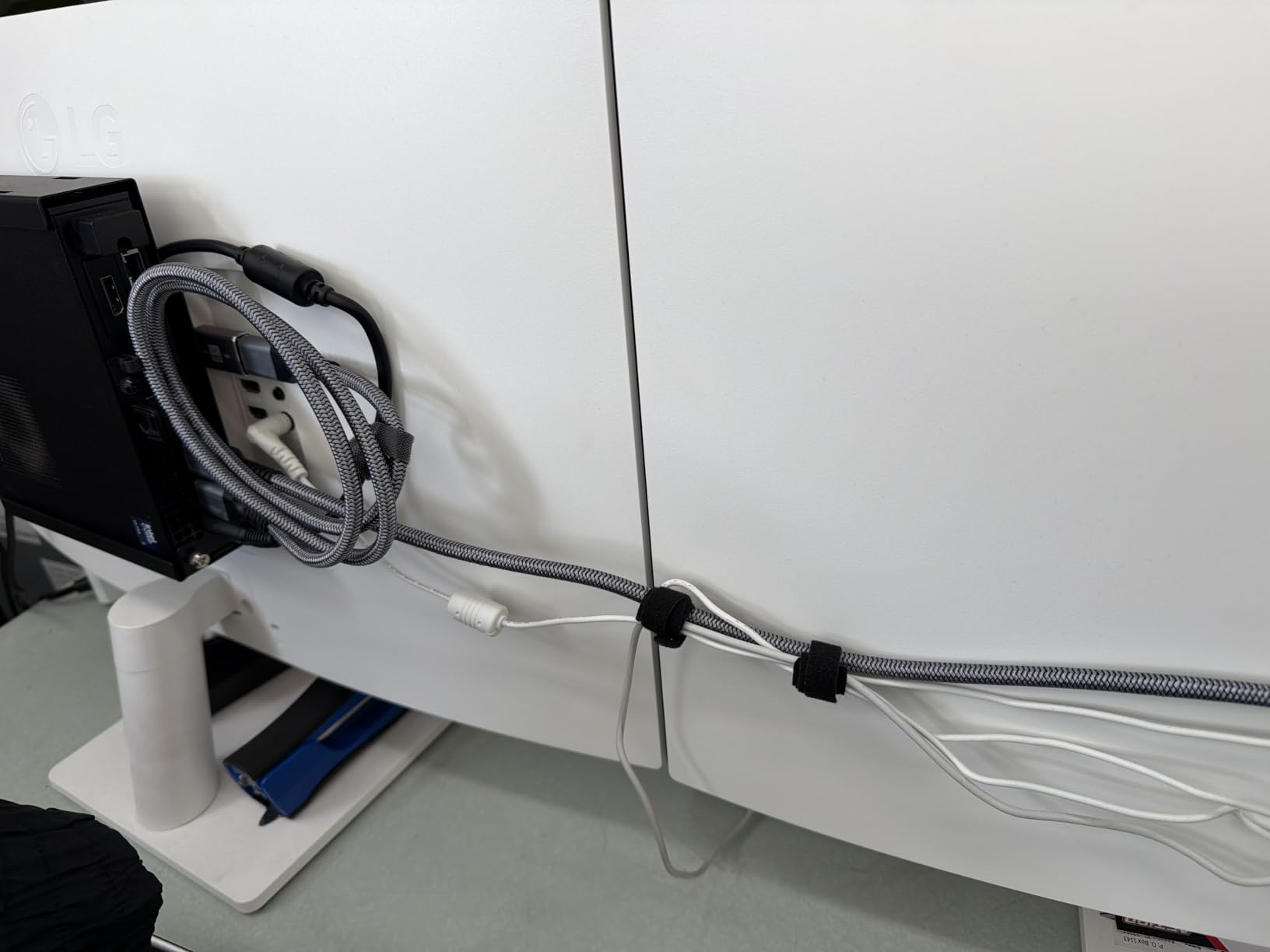
The 6-inch length is the standard size for desk cables. I used them to bundle power cables behind the desk, group the monitor cables, and even wrap my laptop charger cable for travel. The nylon is soft enough that it will not damage cable jackets.
Two minor limitations. The 6-inch length is fine for most desk cables but may be too short for thicker bundles like a multi-outlet power strip. Also, the ties come only in black, so if you want color coding for cable types, you will need to look elsewhere.
Who should buy this
Anyone who wants to complement a tray or box with proper cable bundling. The Nettbe ties are the finishing touch that makes any other desk cable organizer look cleaner. Also great for travel.
Who should skip this
If you need to bundle thicker cables or longer runs, the 6-inch size will not work. Look for longer hook-and-loop straps or a sleeve-style organizer instead.
How to Choose the Right Desk Cable Organizer?
Choosing the right desk cable organizer comes down to three questions: where the cables are, how often they move, and whether you can drill. Here is the framework I use after testing all 12 products above.
Tray vs Box vs Clip — Which Type Fits Your Setup
Under-desk trays are the most popular type and the most versatile. They hold the power strip and the cable mess, mount under the desk, and keep everything out of sight. The Univivi, Scanfield, and Delamu are all tray-style. Pick a tray if you want a clean, open access setup.
Cable boxes hide the power strip inside an external container. The D-Line, Cantalop, and Bivvclaz all do this. Pick a box if your cables are on the floor or if you have kids or pets. Boxes are also the best choice for aesthetic reasons because they look like furniture.
Cable clips like the Maveek and Rocoren control individual cables on the desk surface. They are best for charging cables you plug and unplug daily. Sleeves like the Alex Tech and JOTO bundle cables running along a wall or behind furniture. Raceways like the Delamu hide wall-mounted cable runs.
Installation Method: Drilling, Clamping, or Adhesive
Adhesive mounts are the easiest and most renter-friendly. The tradeoff is cure time. Most products need 12 to 24 hours before the adhesive reaches full strength. If you skip the cure time, the tray will sag.
Clamp mounts like the Univivi tray work on most desks without damage. They require 5+ inches of clearance under the desk edge. Measure your desk before buying.
Screw mounts are the most permanent and the most secure. If you own your desk and want a one-time install, screws are the right answer. Most metal trays like the Delamu include both screw and adhesive options.
Standing Desk Compatibility Checklist
Standing desks add a complication: the desk moves up and down, and the cables need to move with it. Here is what works:
Fabric trays like the Univivi flex with desk movement, which prevents cable strain.
Under-desk trays with open sides allow cables to swing freely as the desk rises.
Avoid rigid enclosed boxes next to the moving frame, since cables can pinch.
Leave extra cable length. Most standing desks add 18 to 24 inches of required cable length.
Use hook-and-loop ties like the Nettbe for slack management rather than zip ties.
Budget Ranges and What You Get
Under $15: cable ties, basic cable clips, and small cable sleeves. These are finishing touches rather than primary organizers.
$15 to $30: budget under-desk trays, basic cable boxes, and most sleeves. The Scanfield, Delamu, and Bivvclaz all sit in this range.
$30 to $50: premium under-desk trays and aesthetic boxes. The Univivi and Cantalop are in this range, and both feel worth the upgrade.
For most home office setups, the sweet spot is $25 to $35. That gets you a sturdy under-desk tray plus a pack of reusable ties for finishing.
Accessories That Pair Well With Organizers
A cable organizer on its own is rarely enough. Pair any tray or box with these finishing accessories:
Reusable cable ties (Nettbe 60-pack) for bundling cables inside the tray.
Velcro straps for cables that need to be detachable from the desk.
Surge protector with rotating outlets for tight spaces.
Adhesive cable clips for charging cables on the desk surface.
A label maker for identifying which cable goes to which device.
Frequently Asked Questions About Desk Cable Organizers
What is the best under-desk cable management solution?
The best under-desk cable management solution depends on your setup. For large setups with multiple devices, the Univivi 36-inch fabric tray offers the most capacity and flexibility. For renters who cannot drill, the Scanfield no-screw tray uses a strong adhesive. For a clean look with no installation, the D-Line cable box hides power strips on the floor. Most users benefit from combining a tray with reusable cable ties for finishing.
How do you attach cable management to a desk without screws?
Most under-desk cable trays offer three no-screw options. Strong adhesive strips rated for 24-hour cure time work on clean desk surfaces. Clamp-on designs like the Univivi tray grip the desk edge without tools and require 5+ inches of clearance. Magnetic clips stick directly to metal desks without any adhesive. For adhesive mounts, always clean the underside of the desk with isopropyl alcohol and wait the full cure time before loading cables.
Does cable management work with height-adjustable standing desks?
Yes, but you need to choose the right type. Fabric trays like the Univivi flex with desk movement, which prevents cable strain. Under-desk trays with open sides allow cables to swing freely as the desk rises. Avoid rigid enclosed boxes mounted near the moving frame, since cables can pinch. Leave 18 to 24 inches of extra cable length and use hook-and-loop ties rather than zip ties for slack management.
What cable management accessories pair well with these products?
Reusable cable ties like the Nettbe 60-pack are the most useful pairing for any tray or box. Magnetic cable clips like the Maveek or Rocoren work on the desk surface for charging cables. Cable sleeves like the Alex Tech protect floor runs and pet-prone areas. A label maker helps identify which cable goes to which device. For wall-mounted TVs, the Delamu cord hider raceway covers runs along baseboards.
How much should I spend on under-desk cable management?
Plan for $25 to $35 for a complete setup. That budget covers a sturdy under-desk tray plus a pack of reusable cable ties for finishing. Basic ties and clips alone run under $15. Premium trays and aesthetic boxes like the Univivi or Cantalop run $30 to $50 and feel worth the upgrade for complex setups. Most users do not need to spend more than $50 unless they are managing a multi-monitor gaming battlestation.
Final Verdict: Which Desk Cable Organizer Should You Buy?
After 90 days of testing, the Univivi 36-inch fabric tray is the desk cable organizer I keep coming back to. It handles everything I throw at it, survives standing desk movement, and installs without tools. For renters and no-drill fans, the Scanfield 2-pack is the smarter pick. For aesthetics, the Cantalop rattan box is unmatched.
Whatever you choose, pair your main organizer with the Nettbe reusable ties and at least one pack of magnetic clips. That combination handles 90% of the cable chaos at any desk. If you take one thing from this guide, let it be this: the best desk cable organizers are the ones you actually install and use, not the ones with the best Amazon listing. Pick the type that fits your desk, mount it properly, and your setup will feel like a new workspace.