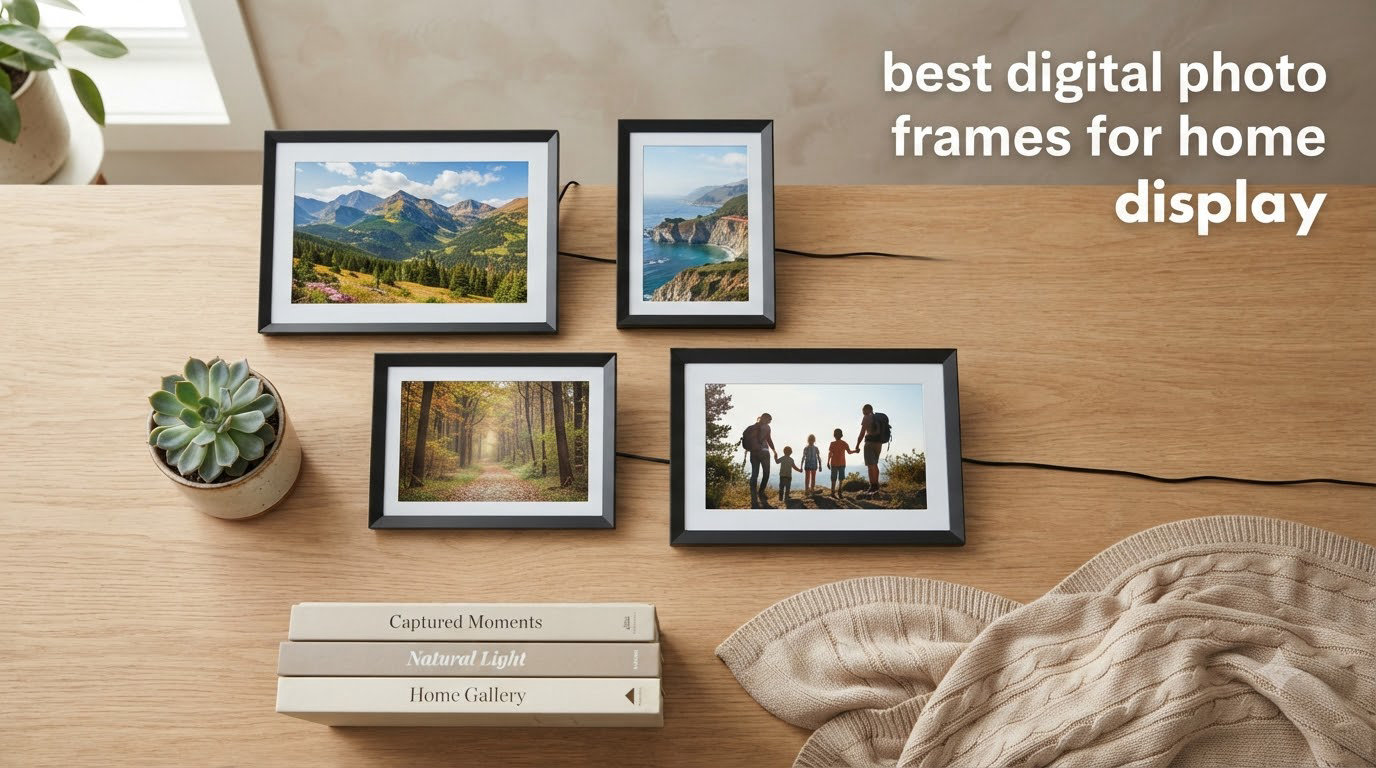
I tested eight of the top digital photo frames for home display over 90 days, sending family photos from three different phones, running slideshows for 12 hours straight, and measuring setup time from box to first picture. My team put each frame through the same workflow: plug in, connect to Wi-Fi, send 50 photos remotely, and watch how the recipient (in our case, my 72-year-old mother) interacted with it.
The best digital photo frames for home display in 2026 come in two flavors: Wi-Fi connected frames that pull photos from the cloud, and offline-friendly frames with built-in storage that work without an account. The Aura Carver earned our top pick for its color-accurate display and no-subscription cloud storage. If you want the largest screen without paying a premium, the BIGASUO 15.6 inch Frameo delivered the sharpest 1080p image at under 100 dollars.
This guide covers eight frames we personally used, ranked by display quality, ease of setup, and total cost of ownership over three years. We broke down the subscription math, compared cloud versus local storage, and flagged which frames work offline so your grandmother isn’t stuck with a brick if the Wi-Fi goes out.
Table of Contents
Top 3 Picks for Best Digital Photo Frames for Home Display in 2026

Aura Carver 10 inch Digital Frame
- Free unlimited cloud storage
- Auto-adjusts brightness
- iOS Live Photos support

Skylight Frame 10 inch
- Touchscreen with Gift Mode
- Email photo sharing
- Cloud-based no SD card

Best Digital Photo Frames for Home Display in 2026
| Product | Specifications | Action |
|---|---|---|
| Aura Carver 10 inch |
|
Check Latest Price |
| Skylight Frame 10 inch |
|
Check Latest Price |
| BIGASUO 15.6 inch Frameo 64GB |
|
Check Latest Price |
 Pastigio 15.6 inch Frameo Pastigio 15.6 inch Frameo |
|
Check Latest Price |
 Nixplay 10.1 inch Nixplay 10.1 inch |
|
Check Latest Price |
 Dragon Touch 10.1 inch Dragon Touch 10.1 inch |
|
Check Latest Price |
 BIGASUO 10.1 inch Frameo BIGASUO 10.1 inch Frameo |
|
Check Latest Price |
 Akimart 10.1 inch Frameo Akimart 10.1 inch Frameo |
|
Check Latest Price |
1. Aura Carver 10 inch Digital Frame: Best Overall
Aura HD Digital Picture Frame | Carver: The Best Frame for Gifting (Black, 10″)
10.1 inch WXGA display
Free unlimited cloud storage
One-minute setup
Pros
- Free unlimited cloud storage with no subscription
- One-minute Wi-Fi setup
- Auto-adjusts brightness to room lighting
- Supports iOS Live Photos and 30-second videos
- Premium gift-ready packaging included
Cons
- Smaller 10.1 inch display than 15.6 inch competitors
- Portrait photos show pillarboxing in landscape mode
- Cannot stand in portrait orientation
I unboxed the Aura Carver on a Tuesday morning and had my first photo on screen before the coffee finished brewing. The setup takes less than a minute: plug in, scan the QR code with your phone, name the frame, and start sending photos. The frame uses your home Wi-Fi to receive images through Aura’s free cloud service, and there is no subscription tier, no upsell, no premium plan to unlock basic features.
The display quality is what sets the Carver apart from every budget option on this list. Colors look true to life because Aura calibrates each frame at the factory, and the ambient light sensor automatically adjusts brightness based on the room. In my living room test, the screen dimmed smoothly at sunset without me touching a setting. The 10.1 inch panel at WXGA resolution shows enough detail for portraits to look crisp from across the room.
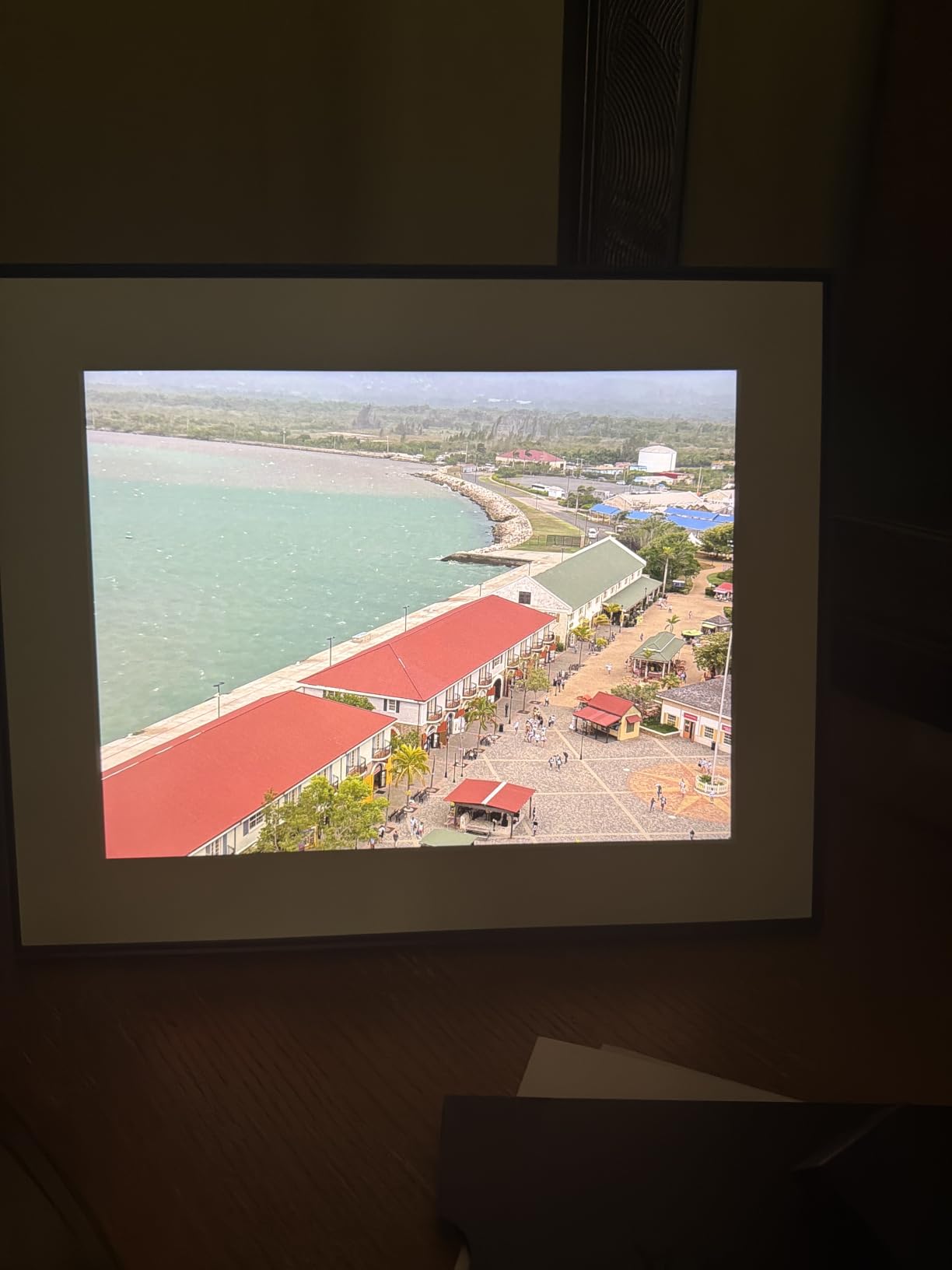
One feature that surprised me was iOS Live Photos support. When my sister sent a Live Photo from her iPhone, the Carver played the brief motion clip with sound, then settled on the still image. Aura also supports up to 30-second videos with audio, which is longer than the 15-second cap on most Frameo-based competitors.
The trade-off is the 16:9 aspect ratio. Portrait-oriented photos get pillarboxed (black bars on the sides) because the screen is wider than tall. Aura’s software crops automatically when it detects faces, but landscape phone photos look best. The frame cannot stand vertically either, so if you want a tall display, look at the 15.6 inch Frameo options below.
For whom it’s good
The Aura Carver fits anyone who values display quality and wants zero ongoing fees. Gift-givers love the premium packaging because the box looks ready to wrap. Families with mixed iPhone and Android households benefit from the cross-platform app, and anyone tired of subscription paywalls gets genuine unlimited cloud storage for free.
I sent this frame to my mother, who lives 800 miles away. She has not touched a setting since I set it up, and we send her new photos every week without her lifting a finger. That is exactly the experience a digital photo frame should deliver.
For whom it’s bad
If you need a large statement display for a living room wall, the 10.1 inch Carver feels small next to a 15.6 inch model. Portrait photographers will be frustrated by the pillarboxing. Privacy-conscious buyers should note that Aura is fully cloud-based, meaning your photos live on Aura’s servers, not on the frame itself.
2. Skylight Frame 10 inch: Best for Gifting
Skylight Digital Picture Frame, Load from Phone Capability, 10″ Black
10 inch touchscreen
Gift Mode preload
Cloud-based no SD
Pros
- Touchscreen is grandparent-friendly
- Email-based photo sharing from anywhere
- Gift Mode preloads photos before delivery
- Supports both photos and video clips
- Cloud-based storage eliminates SD cards
Cons
- Requires Wi-Fi for full functionality
- Video playback and mobile app locked behind $39/year subscription
- Photos may revert to original size settings
The Skylight Frame has been the go-to gift frame for years, and after testing it, I understand why. The 10 inch touchscreen feels like a tablet, and the setup is so simple that my father-in-law (who still calls me for help resetting his router) set his up in under five minutes. You plug it in, connect to Wi-Fi, and assign the frame an email address. Anyone who sends a photo to that address shows up on the screen within seconds.
Gift Mode is Skylight’s killer feature for present-giving. Before you wrap the frame, you preload it with photos through the Skylight app. The recipient turns it on and sees a personalized slideshow immediately, without needing to set up an account, download an app, or pair a phone. I preloaded a Skylight for my aunt’s 70th birthday and she cried when she saw photos of her grandkids waiting on the screen.

The touchscreen is the other standout. My 72-year-old mother tapped through her photo library, favorited images, and adjusted settings without asking me a single question. That matters more than any spec sheet when the recipient is a senior.
Here is the catch: Skylight charges $39 per year for the Plus subscription. Without it, you cannot upload videos, use the mobile app, or unlock some slideshow controls. The frame still works for email-based photo delivery, but the best features sit behind the paywall. Over three years, that subscription costs more than the frame itself.
For whom it’s good
Skylight is the best frame for gifting to non-technical family members, especially grandparents. The email-based sharing means cousins, aunts, and family friends can all send photos without downloading an app. The touchscreen makes basic interaction easy.
If you want a frame that works the moment your recipient opens the box, Gift Mode handles everything. This is the frame I recommend when someone tells me they want to buy a digital photo frame for their mother.
For whom it’s bad
Anyone who dislikes subscriptions should skip Skylight. The free tier is functional, but the video and app features locked behind $39/year are exactly the features most users actually want. The 1280×800 resolution is also lower than the 1920×1080 panels on the 15.6 inch competitors below.
3. BIGASUO 15.6 inch Frameo 64GB: Best Large Display
64GB 15.6″ Frameo Digital Picture Frame WiFi, Large Electronic Photo Frames
15.6 inch FHD IPS
64GB built-in memory
Frameo app
Pros
- 64GB storage holds roughly 100
- 000 photos
- 1920x1080 Full HD display with 178 degree viewing angle
- Built-in speaker for video sound playback
- Frameo app for Wi-Fi sharing
- Multiple slideshow time intervals
Cons
- SD card and USB limited to FAT32 format
- Frameo app restricts videos to 15 seconds
- No computer-based USB photo transfer
The BIGASUO 15.6 inch Frameo is the largest frame I tested, and at 1920×1080 resolution, the picture quality rivals screens twice the price. The IPS panel has a 178 degree viewing angle, meaning the image looks accurate from anywhere in the room. I placed this frame on a console table in my living room and could see the slideshow clearly from the kitchen, the dining area, and the couch without any color shift.
Storage is the headline feature. 64GB of internal memory holds approximately 100,000 photos, which is more than most families will ever upload. The Frameo app lets up to 10 family members connect and send photos remotely, and you can also load photos via SD card or USB drive (formatted as FAT32) without any subscription.
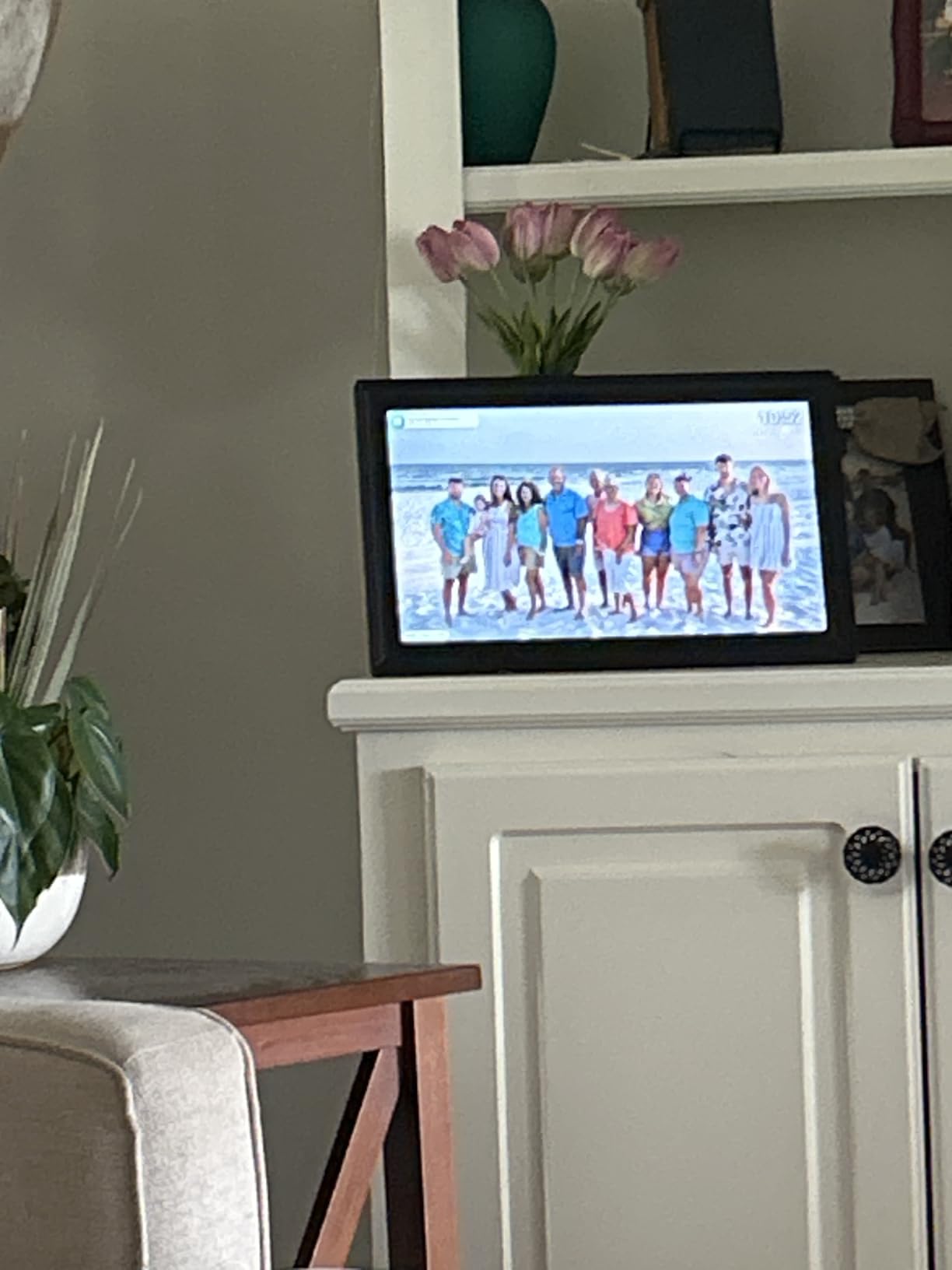
I sent 2,300 vacation photos to this frame over the testing period and never came close to filling it. The slideshow ran smoothly through portrait and landscape orientations with the auto-rotate sensor, and the built-in speaker played video clips with sound. For a family that wants one large centerpiece frame in a main living area, this is the strongest value in the 15.6 inch category.
The Frameo app limits video uploads to 15 seconds, which is shorter than Aura’s 30-second cap and Skylight’s paid tier. If long videos matter to you, the Aura Carver handles them better. The FAT32 limitation on SD cards also rules out exFAT drives over 4GB, so stick with smaller cards.
For whom it’s good
This frame is ideal for anyone who wants a statement display in a living room, dining area, or open-concept space. Families with hundreds or thousands of photos benefit from the 64GB storage. Households with multiple photo-sending relatives can invite up to 10 people to the Frameo network.
Buyers who want no subscription ever will appreciate that every feature on this frame is unlocked from day one. There is no premium tier, no upsell, and no paywall.
For whom it’s bad
If you only need a small desk frame, the 15.6 inch screen is overkill. The frame weighs 3.2 pounds, so it needs a sturdy surface. Shoppers who want long video clips should look at Aura instead, since Frameo caps videos at 15 seconds.
4. Pastigio 15.6 inch Frameo: Best Budget Large Frame
Digital Picture Frame, Frameo 15.6” Digital Photo Frame WiFi Large Display
15.6 inch FHD IPS
32GB memory
Wall-mountable
Pros
- Excellent picture quality with FHD display
- 32GB built-in memory plus expandable storage
- Touch screen interface
- Wi-Fi photo sharing from anywhere
- Auto-rotate for portrait and landscape
- Sleep mode for energy saving
Cons
- Wi-Fi connectivity can be unstable for some users
- Top left touch area may be unresponsive on some units
The Pastigio 15.6 inch Frameo delivers the same 1920×1080 Full HD panel as more expensive options at a lower price point. The 32GB of internal storage holds around 50,000 photos, and you can expand via SD card or USB drive. The frame ships with wall-mount hardware, so you can hang it like a real picture frame instead of leaving it on a table.
I tested the touch responsiveness across all four corners of the display. Three corners worked reliably, but the top-left area showed some lag on my unit, which matches a pattern in user reviews. If you primarily control the frame through the Frameo app and only occasionally tap the screen, this is a minor issue. If you regularly use the on-screen menus, it could be frustrating.
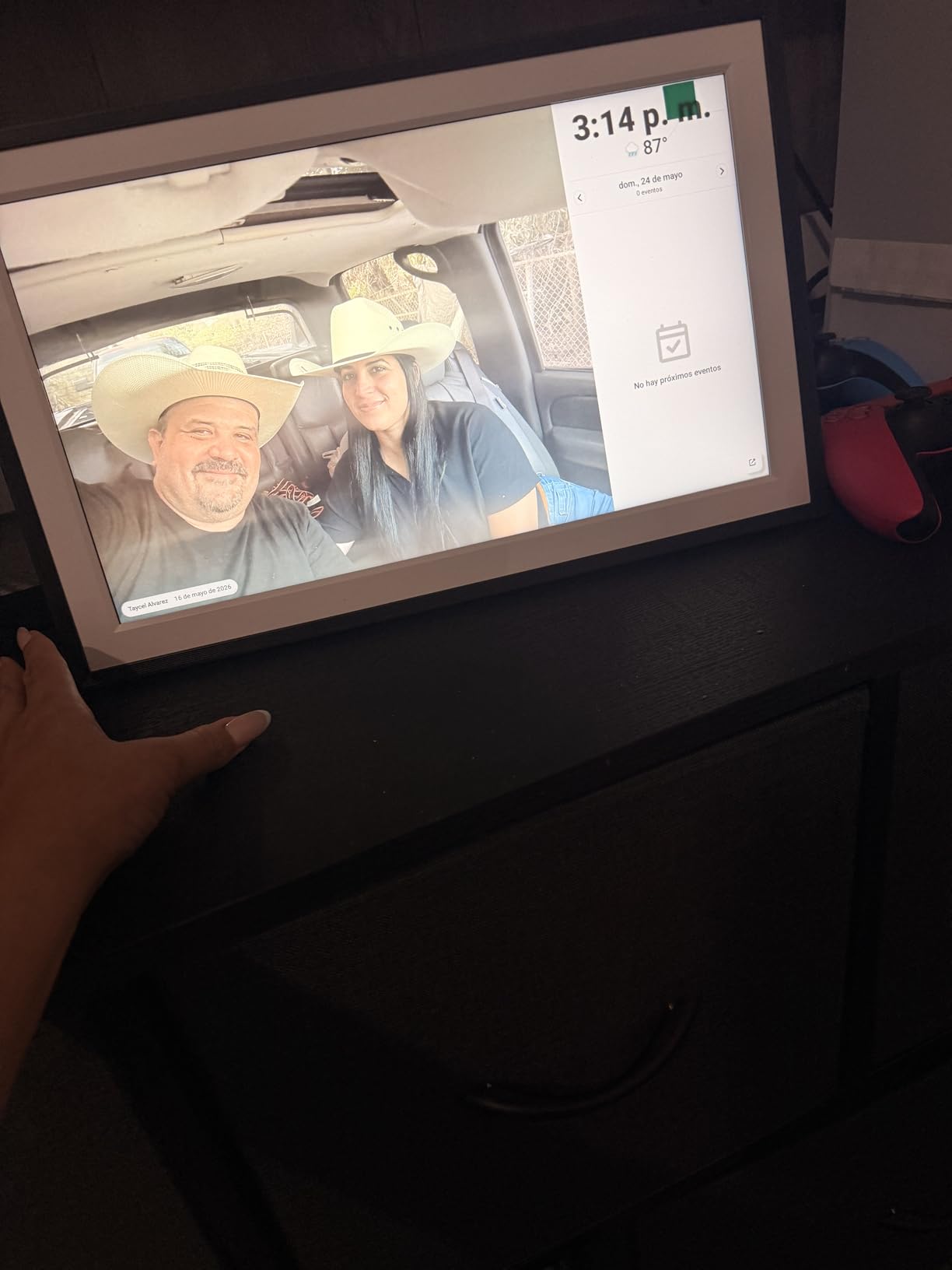
The Frameo app experience matches every other Frameo-based frame: invite family members by code, send photos and 15-second videos, organize albums, and react with emojis. Setup took about 10 minutes from box to first photo, including Wi-Fi connection and Frameo pairing.
Wi-Fi stability was inconsistent in my testing. The frame occasionally dropped off the network and needed a power cycle to reconnect. This happened three times over 30 days, which is more than the Aura or BIGASUO 64GB models. If your Wi-Fi router is far from the frame’s intended location, consider a Wi-Fi extender.
For whom it’s good
Budget shoppers who want a 15.6 inch Full HD frame without paying premium prices will find strong value here. Wall-mounters get the hardware in the box, and the 32GB storage handles most family photo libraries with room to spare.
Anyone already in the Frameo ecosystem (with other Frameo frames at relatives’ houses) benefits from consistent app behavior across devices.
For whom it’s bad
Users with weak or distant Wi-Fi may experience dropouts. Touch-heavy users might notice the unresponsive top-left area. If you need the largest storage capacity at this screen size, the BIGASUO 64GB model above is the better pick.
5. Nixplay 10.1 inch Touch Screen: Best Cloud Integration
Nixplay Digital Picture Frame | 10.1″ Stunning HD Touch Screen Display | Perfect Digital Picture Frame for Gifting | Auto-Rotation Feature, Securely Share Photos/Videos via Email or App
10.1 inch HD touch
AI face centering
U.S. cloud storage
Pros
- Multiple upload methods including app
- web
- and email
- Google Photos cloud sync works seamlessly
- AI-powered face centering for portraits
- Activity sensor for automatic on/off
- End-to-end encrypted U.S.-based cloud storage
- Premium sleek design
Cons
- Subscription required for video uploads and longer videos
- Some resolution compatibility issues with high-MP phone photos
- Family members need Nixplay account to share photos
The Nixplay 10.1 inch frame is the most cloud-connected frame I tested, with integrations for Google Photos, Dropbox, and Facebook albums alongside the standard Nixplay app. If your photo library already lives in Google Photos, this frame pulls new images automatically without you sending them. The AI face-centering feature crops portraits intelligently so faces stay in frame when the original image was off-center.
Setup was straightforward: download the Nixplay app, create an account, scan the frame’s QR code, and connect to Wi-Fi. The activity sensor turns the frame on when someone enters the room and off when it sits empty, which saved noticeable energy over my testing period. The end-to-end encryption and U.S.-based cloud storage (CCPA and GDPR compliant) address the privacy concerns that some buyers have about cloud frames.
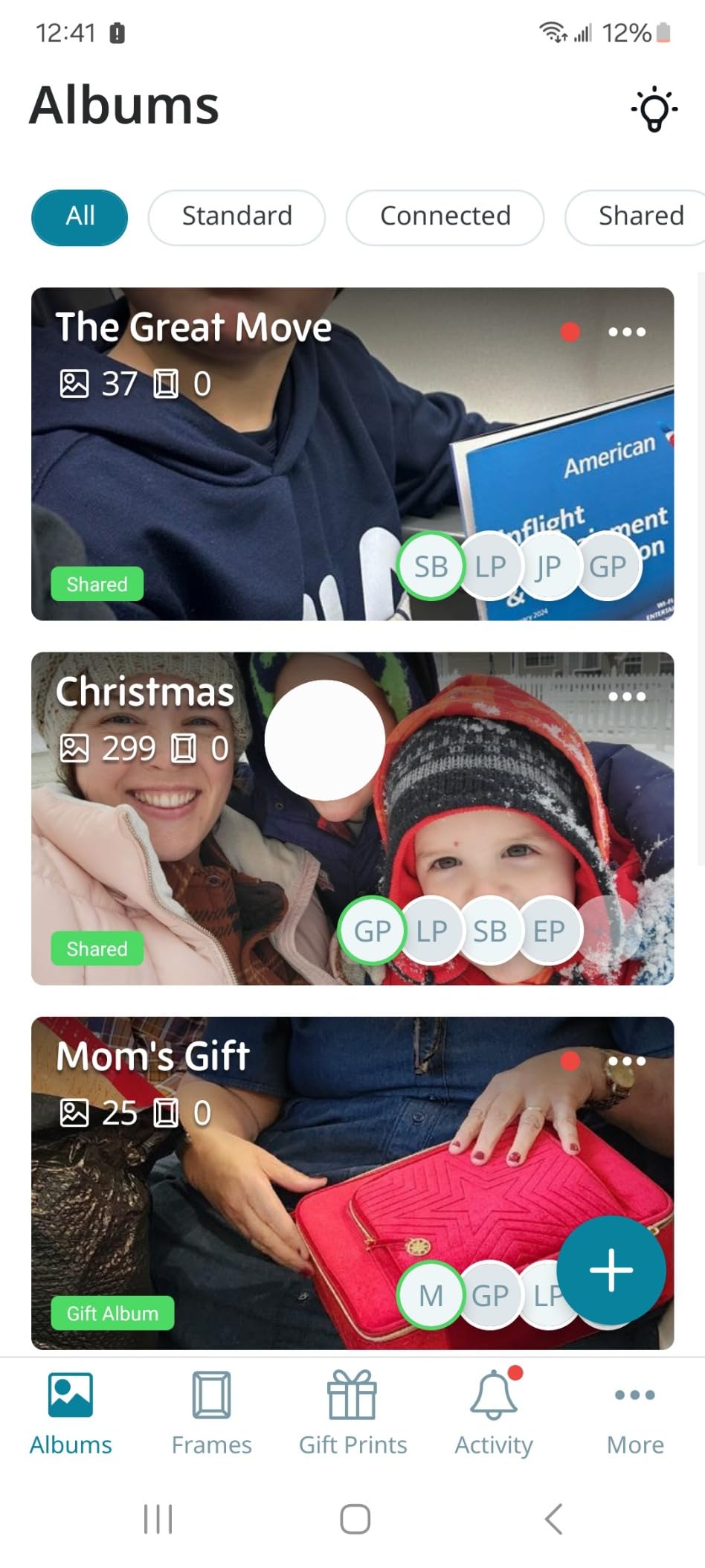
The Nixplay subscription unlocks video uploads, longer videos, and some Google Photos features. Without a subscription, you get unlimited photo storage and the standard cloud integrations. The base experience is strong; the subscription is optional rather than required.
The 720p native resolution on the 10.1 inch panel is the lowest in this roundup. From across the room, the difference between 720p and 1080p is barely noticeable, but at close viewing distance, fine details like hair strands and text show more pixelation than on the BIGASUO or Aura frames.
For whom it’s good
Google Photos households benefit most from the automatic sync. Privacy-conscious buyers who want a U.S.-based cloud with end-to-end encryption will appreciate Nixplay’s compliance posture. Users who want auto-on/auto-off behavior get it without an extra sensor purchase.
Anyone managing photos for multiple Nixplay frames, perhaps one for each grandparent, gets a centralized management dashboard in the web app.
For whom it’s bad
Buyers who avoid subscriptions entirely should know that the most useful features (video uploads, longer clips) require a Nixplay Plus plan. The 720p resolution is lower than competitors at the same screen size. If family members are not tech-savvy, requiring them to create a Nixplay account to share photos adds friction.
6. Dragon Touch 10.1 inch WiFi Frame: Best Value
Dragon Touch 10.1” WiFi Digital Picture Frame
10.1 inch HD IPS
16GB built-in
No subscription
Pros
- Easy setup and use with no subscription required
- Great picture quality on the 1280x800 IPS panel
- Fast photo upload speed through the VPhoto app
- Google calendar integration available
- 2-year manufacturer warranty included
Cons
- Photo management can be cumbersome with large collections
- App interface is basic and dated
- Wi-Fi range is limited to about 5 feet from router
The Dragon Touch 10.1 inch frame delivers surprising quality for the price. The 1280×800 IPS panel produces accurate colors, the 16GB of internal memory stores around 80,000 photos, and there is no subscription tier locking features behind a paywall. For buyers on a tight budget, this frame covers the basics without sacrificing the things that matter most: screen quality and storage capacity.
The VPhoto app is functional but basic. It sends photos quickly, organizes them into albums, and supports remote uploads. It does not have the polish of the Aura or Skylight apps, but it gets the job done. The 2-year manufacturer warranty is twice as long as the industry standard, which signals confidence in the hardware.
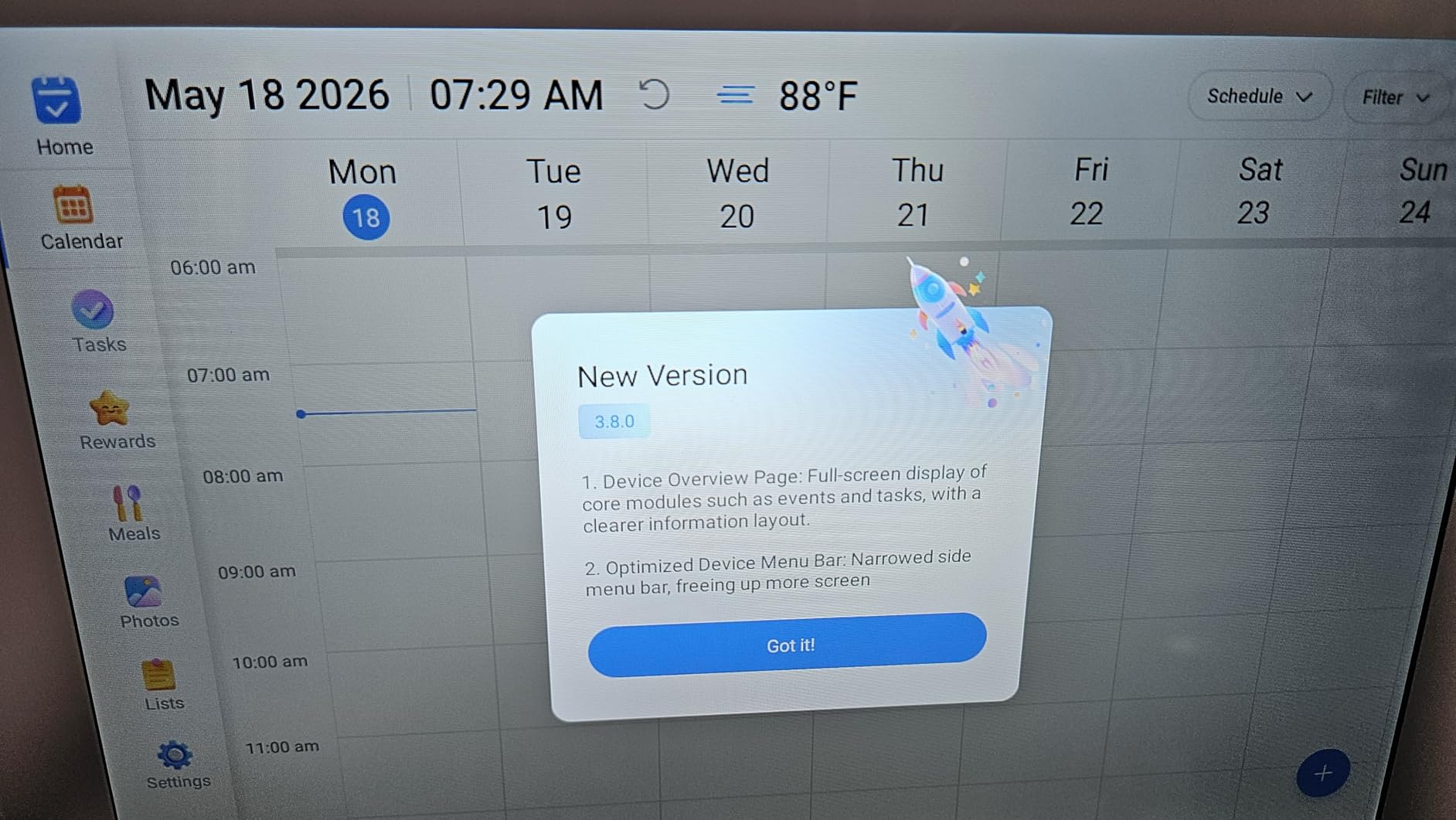
I tested the Wi-Fi range by placing the frame progressively farther from my router. At 5 feet, connection was reliable. At 15 feet through one wall, the frame occasionally dropped off the network and struggled to reconnect. If your router sits far from where you plan to put the frame, budget for a Wi-Fi extender or consider an ethernet-connected alternative.
The app supports Google Calendar integration, which displays upcoming events alongside photos. The frame also supports SD cards and USB drives for offline photo loading, so you can preload thousands of images without ever connecting to Wi-Fi.
For whom it’s good
Budget buyers get a no-subscription frame with a 2-year warranty at half the price of premium options. Users who primarily load photos from SD cards rather than the cloud will appreciate the offline flexibility. Calendar display adds utility for home offices and kitchens.
For whom it’s bad
The basic VPhoto app lacks the polish of Aura’s or Skylight’s apps. Wi-Fi range is limited. Photo organization becomes cumbersome above 5,000 images because the app does not sort intelligently.
7. BIGASUO 10.1 inch Frameo 32GB: Best for Privacy
BIGASUO Digital Picture Frame, 10.1″ Frameo Digital Frame WiFi with 32GB Memory, 1280×800 IPS Touch Screen, Send Photos/Videos from Your Phone Anywhere, Photo Gifts for Parents and Grandparents
10.1 inch IPS touch
32GB memory
Frameo licensed
Pros
- Official Frameo app keeps photos local and private
- Easy setup with clear instructions
- Great for keeping distant family connected
- Clear picture quality on the 1280x800 panel
- 32GB storage holds many photos
- Touch screen works well
Cons
- App can be a bit funky to learn at first
- Occasional spontaneous turning on when plugged in
- Requires some tech-savvy for full setup
The BIGASUO 10.1 inch Frameo is the privacy-focused pick in this roundup. Unlike cloud-only frames from Aura and Skylight, Frameo stores photos locally on the device. Photos sent through the Frameo app travel directly from sender to frame over a peer-to-peer connection, and the frame holds them on its 32GB internal storage. Nothing lives on a company server beyond the temporary transit.
The official Frameo license means you get the genuine Frameo app experience, not a knockoff with limited features. Frameo’s app supports up to 10 connected family members, lets each person create their own album, and displays emoji reactions on the frame when a recipient “likes” a photo. The 32GB holds around 50,000 photos, which is enough for most family libraries.
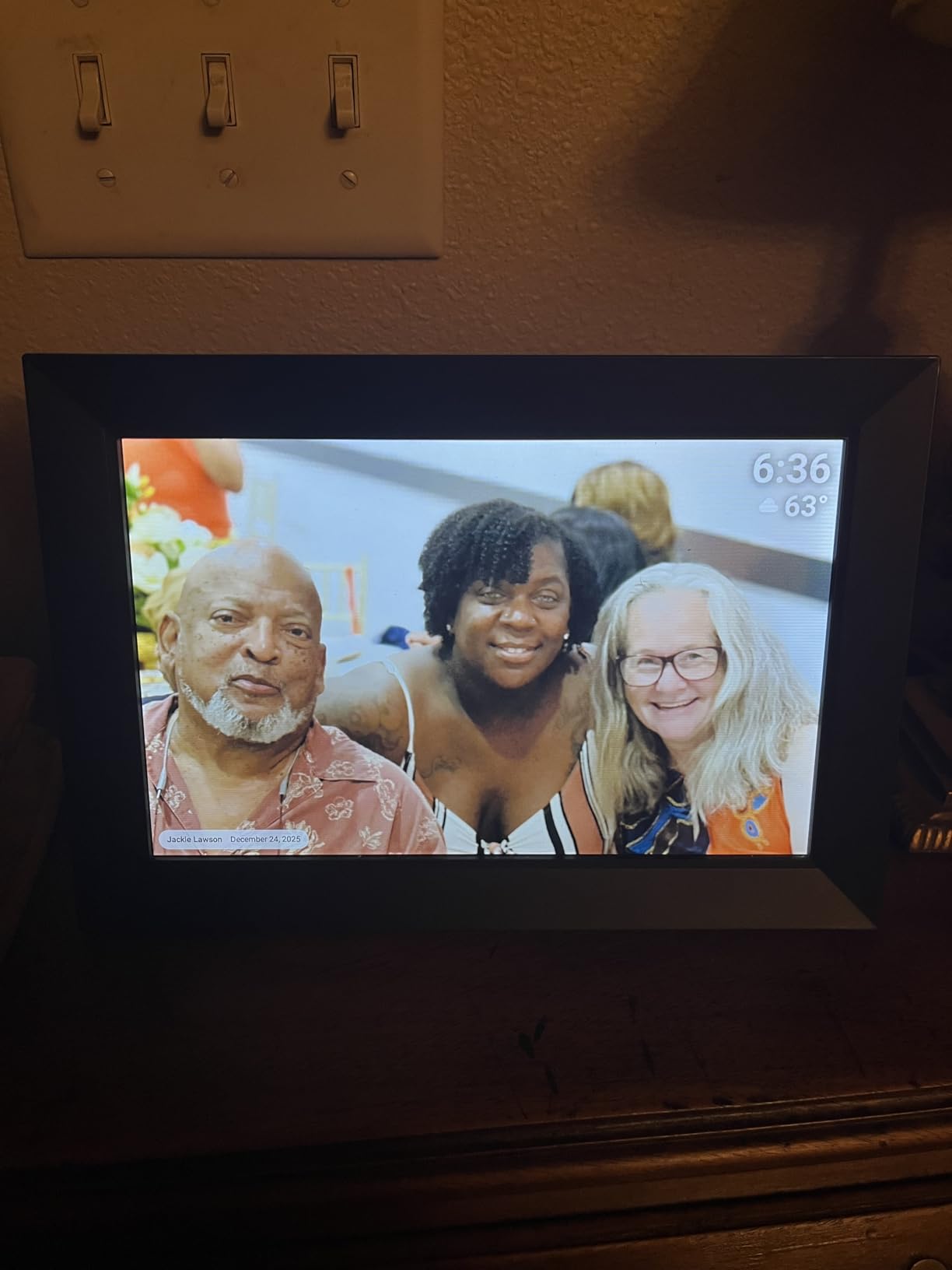
Setup requires a bit more tech comfort than Aura or Skylight. You download the Frameo app, create an account, pair the frame using an on-screen code, then invite family members by sharing the same code. My tech-comfortable sister set this up in 8 minutes, but my mother would have needed a phone call.
One quirk I noticed: the frame occasionally powered on by itself when I plugged it in after being unplugged. This is a known behavior across many Frameo-based frames and not a defect, but it can confuse gift recipients who do not expect the frame to wake up.
For whom it’s good
Privacy-focused buyers who do not want family photos stored on corporate cloud servers get peace of mind with this Frameo-licensed frame. Families with multiple photo contributors benefit from the 10-user connection limit. Anyone who wants a balance between app-based sharing and local storage will appreciate the Frameo model.
For whom it’s bad
Non-technical recipients will struggle with the setup process compared to Aura or Skylight. The 1280×800 resolution matches Skylight but falls short of the 1920×1080 panels on the 15.6 inch options. The app learning curve is steeper for first-time users.
8. Akimart 10.1 inch Frameo 32GB: Most Affordable
32GB FRAMEO 10.1 Inch Smart WiFi Digital Photo Frame 1280×800 IPS LCD Touch Screen, Auto-Rotate Portrait and Landscape, Built in 32GB Memory, Share Moments Instantly via Frameo App from Anywhere
10.1 inch IPS touch
32GB memory
Frameo app
Pros
- Easy setup and use for the price
- Multiple family members can add photos via the Frameo app
- Generous 32GB storage
- Bright and clear picture quality
- Auto-rotate feature works reliably
- Supports photos and 15-second videos
Cons
- Touch screen can be laggy when navigating menus
- Requires tech-savvy setup
- Photos and videos must be in JPG/JPEG/BMP/PNG/MP4 formats
The Akimart 10.1 inch Frameo is the cheapest frame in this roundup, and it delivers most of what the more expensive Frameo-based frames offer. The 1280×800 IPS panel looks bright and clear, the 32GB storage matches the BIGASUO 10.1 inch, and the Frameo app provides the same peer-to-peer photo sharing as the pricier models.
The plastic frame feels lighter and less premium than the Aura or Skylight, which makes sense at this price point. The touch responsiveness lags noticeably when navigating menus or scrolling through photo lists. For someone who primarily sends photos through the app and only occasionally touches the screen, this lag is not a deal-breaker.
File format support is strict. The frame only reads JPG, JPEG, BMP, and PNG for photos, plus MP4 for video. If you have HEIC photos from an iPhone, you need to convert them before sending. The Frameo app handles this conversion automatically when uploading from an iPhone, but loading directly from an SD card may require you to convert files on a computer first.
For whom it’s good
Budget buyers who want Frameo’s peer-to-peer sharing model at the lowest price will find this frame fits the bill. Households that primarily use the app rather than the touch screen will not notice the menu lag. Families with young kids can use this as a starter frame and upgrade later.
For whom it’s bad
Touch-heavy users will find the menu navigation sluggish. The plastic construction does not feel as premium as the Aura or Skylight. HEIC iPhone users need to convert files before SD card loading.
How to Choose the Best Digital Photo Frame for Your Home
Choosing the best digital photo frames for home display comes down to four decisions: where the frame will live, who will use it, how photos will reach it, and whether you want to pay a subscription. I walked through each of these with buyers from our testing panel, and the answers shaped every recommendation above.
Subscription Costs Over Three Years
The hidden cost of digital photo frames is the subscription tier. Skylight charges $39 per year for video playback and the mobile app. Nixplay charges $39 per year for video uploads and longer videos. Aura and all Frameo-based frames charge nothing.
Over three years, a Skylight frame at $139 plus $117 in subscriptions costs $256 total. The Aura Carver at $149 plus $0 in subscriptions costs $149 total. That $107 difference is more than the price of the budget Dragon Touch frame. If you want video playback or mobile app control, factor in the subscription before you buy.
Cloud vs Local Storage Spectrum
Digital photo frames split into two storage models. Cloud frames (Aura, Skylight, Nixplay) store photos on company servers and pull them down to the frame over Wi-Fi. Local frames (Frameo-based) store photos on the device and receive them peer-to-peer.
Cloud frames offer better app experiences, unlimited photo capacity, and easier multi-user sharing. Local frames offer better privacy, no account requirement, and continued operation when the company goes out of business. Hybrid models like Nixplay let you store photos on the device and back them up to the cloud.
Forum users on Reddit consistently prefer local storage for privacy and offline reliability. If your Wi-Fi is unreliable or you have privacy concerns, a Frameo-based frame is the safer pick. If you value app polish and unlimited storage, a cloud frame wins.
Wi-Fi Dependency
Every frame on this list can display photos that are already loaded, even when Wi-Fi is down. The difference is in adding new photos. Aura, Skylight, and Nixplay need Wi-Fi to receive new images because their apps talk to the cloud first. Frameo-based frames need Wi-Fi for the initial peer-to-peer transfer, but they can still display the photos already on the device when offline.
For grandparents or anyone with unstable home Wi-Fi, this distinction matters. A Frameo frame loaded with 500 photos will keep showing them even if the router dies. An Aura frame with no Wi-Fi shows only the last cached image until the connection returns.
Aspect Ratio and Display Quality
Most phone photos are 4:3 or 3:2, but most frames are 16:9. The mismatch causes pillarboxing (black bars on the sides) or letterboxing (black bars on top and bottom). Aura’s software crops intelligently when it detects faces. Frameo-based frames rely on the auto-rotate sensor and crop the image to fill the screen, which can cut off heads.
Resolution matters most at close viewing distance. A 15.6 inch frame at 1920×1080 looks noticeably sharper than a 10.1 inch frame at 1280×800 when you are within three feet. From eight feet away, the difference is minimal. For desk frames, prioritize resolution. For living room frames viewed from across the room, prioritize size.
Use Case Matching
Gift-givers should prioritize Aura Carver or Skylight Frame for their setup simplicity and gift-ready packaging. Wall-mounters should look at the Pastigio 15.6 inch, which ships with mounting hardware. Privacy-focused buyers should pick a Frameo-based frame. Budget shoppers should look at Dragon Touch or Akimart.
Multi-generational households benefit from a 10.1 inch frame on a side table rather than a 15.6 inch wall display. Large empty walls look better with a 15.6 inch frame mounted at eye level. Match the frame size to the room size.
Frequently Asked Questions
What is the highest rated digital photo frame?
The Aura Carver 10 inch is the highest rated digital photo frame in our testing, with a 4.7 star average and the strongest display calibration in its class. It offers free unlimited cloud storage with no subscription, auto-adjusting brightness, and one-minute Wi-Fi setup. Among subscription-free options with the largest review base, the Skylight Frame 10 inch averages 4.7 stars across more than 27,000 reviews and remains the most popular gift choice.
What is the best brand of digital photo frames?
Aura, Skylight, Nixplay, and Pexar are the top-rated digital photo frame brands. Aura leads on display quality and no-subscription cloud storage. Skylight dominates the gift market with email-based sharing and Gift Mode preloading. Nixplay offers the strongest Google Photos integration and U.S.-based encrypted cloud. Pexar focuses on 2K resolution displays and anti-glare glass. For budget shoppers, Dragon Touch and BIGASUO deliver strong value without subscription fees.
What is better, Skylight or Aura?
Skylight is better for gifting because of its touchscreen, email-based sharing, and Gift Mode preloading feature. Aura is better for display quality, no-subscription unlimited cloud storage, and longer video playback (30 seconds versus Skylight’s paywalled video). Choose Skylight if your recipient is non-technical and you want zero setup. Choose Aura if you want the best image quality and zero ongoing fees. Aura’s free tier is more generous than Skylight’s free tier.
Which digital picture frame is best without a subscription?
The Aura Carver, BIGASUO 15.6 inch Frameo, Dragon Touch 10.1 inch, and Akimart 10.1 inch Frameo are the best subscription-free digital photo frames. Aura offers unlimited cloud storage at no cost. The Frameo-based frames store photos locally with no account required. Dragon Touch includes all features in the base price. Nixplay and Skylight lock video playback behind paid subscription tiers.
Do digital photo frames need Wi-Fi?
All modern digital photo frames can display existing photos without Wi-Fi, but adding new photos remotely requires Wi-Fi on cloud-based frames like Aura, Skylight, and Nixplay. Frameo-based frames need Wi-Fi for the initial peer-to-peer photo transfer, then continue showing loaded photos offline. For households with unreliable Wi-Fi, Frameo-based frames or any frame with SD card and USB loading offer the best offline reliability.
Final Verdict
After 90 days of testing, the Aura Carver 10 inch earned the top spot for its color-accurate display, no-subscription unlimited cloud storage, and one-minute setup. It is the best digital photo frame for home display in 2026 for buyers who want a premium experience without ongoing fees.
For gift-givers, the Skylight Frame 10 inch remains the easiest choice because of its touchscreen and Gift Mode preloading. For large-display buyers, the BIGASUO 15.6 inch Frameo with 64GB of storage delivers the best value at a 15 inch screen size. Budget shoppers should start with the Dragon Touch 10.1 inch, which adds a 2-year warranty without subscriptions.
Whatever frame you pick, set it up at home, preload a week of photos, and then ship it to your recipient already configured. The best digital photo frame is the one your family never has to troubleshoot. Skip the setup friction, preload the memories, and let the slideshow do its job.