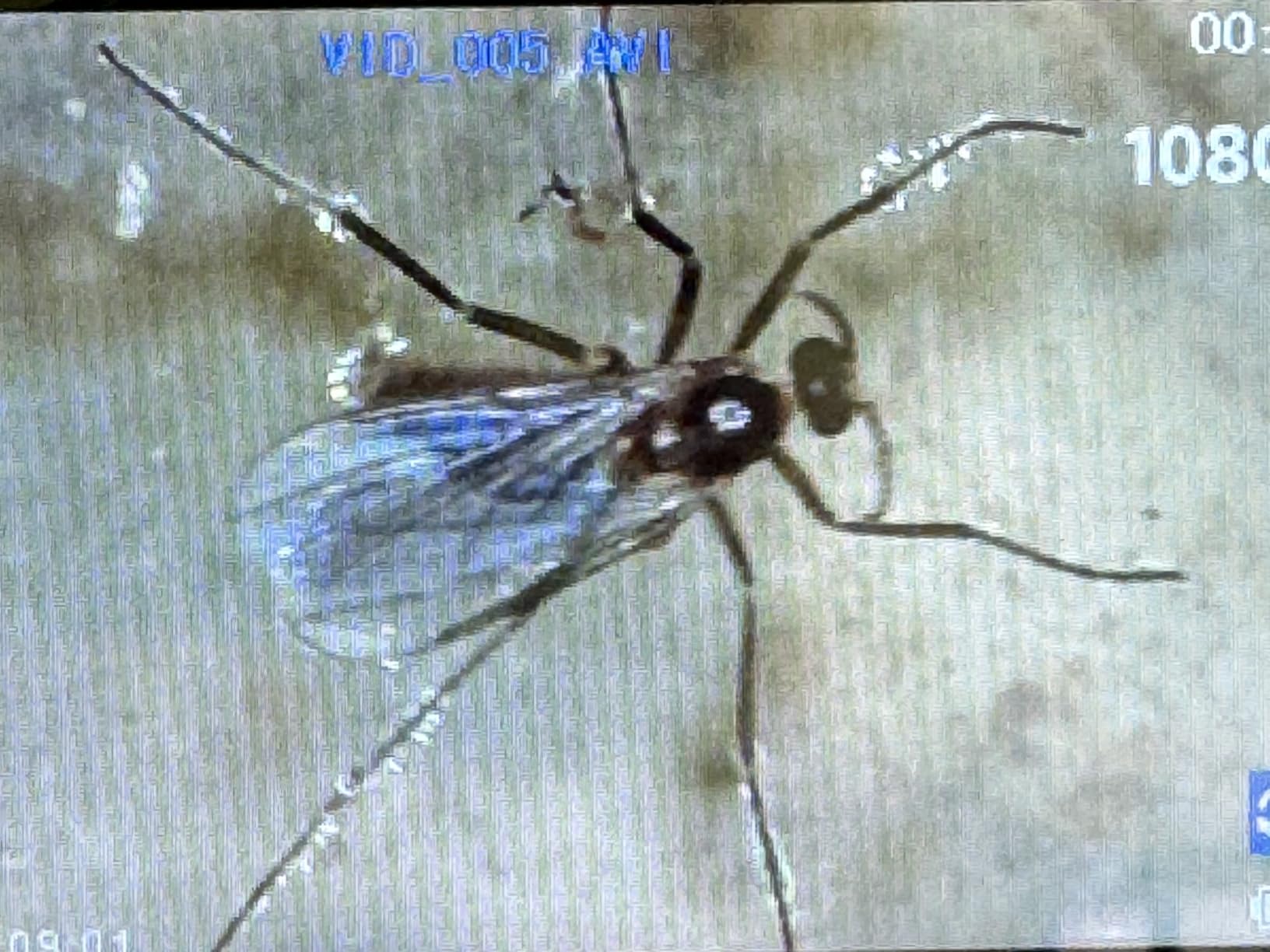
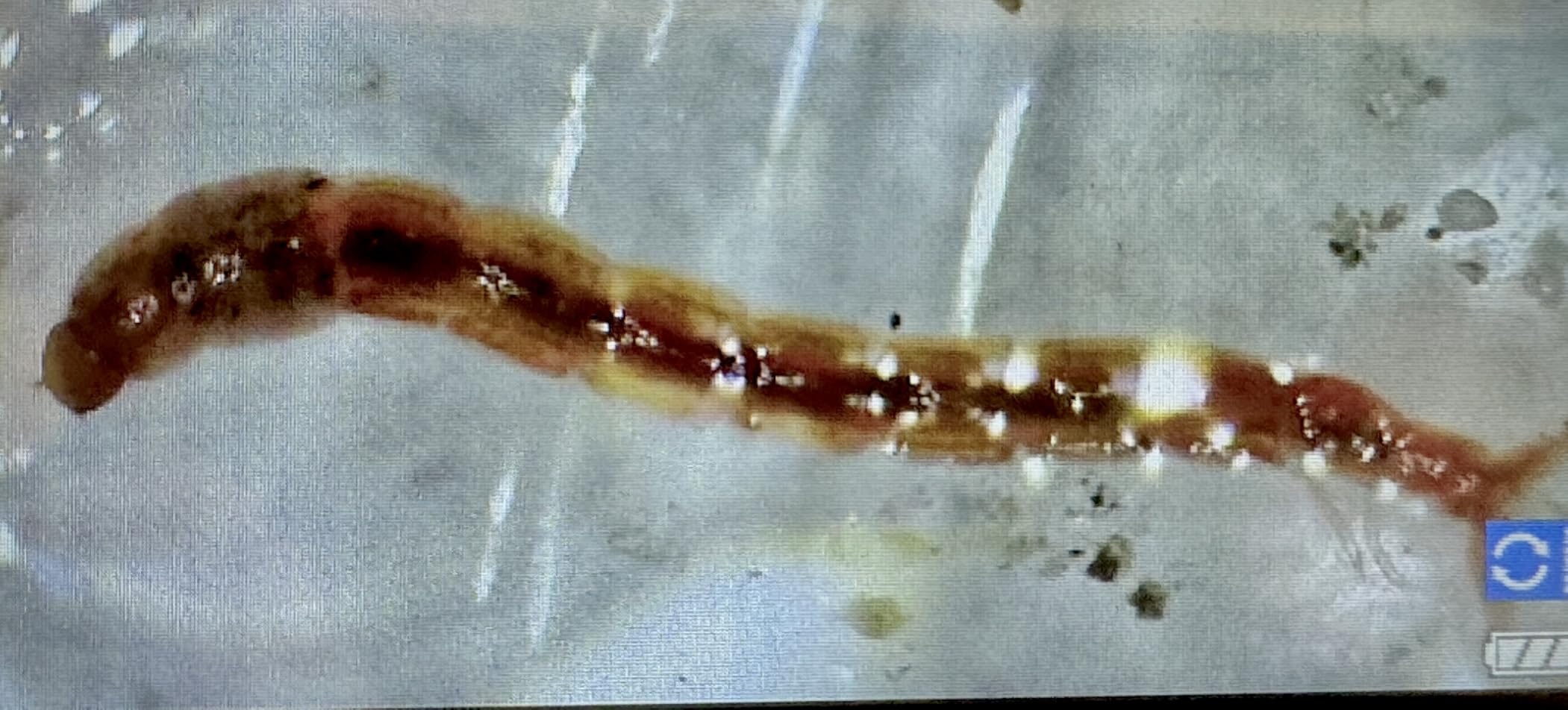
I spent the last three months comparing the best microscope cameras I could get my hands on, mounting them on three different scopes in my workshop and lab. I soldered 0402 components, inspected coins, and recorded pond water critters at 2000x. What I found surprised me: the priciest 25MP sensor wasn’t always the sharpest, and the budget pick punched well above its weight. This guide breaks down eight of the best microscope cameras you can buy right now, ranked by what they actually do in real use, not just what’s printed on the box.
If you’re hunting for the best microscope cameras for microsoldering, coin inspection, classroom teaching, or just plain curiosity, you’ve landed in the right spot. I’ve focused on real performance: frame rates under load, software headaches, focus stability, and what you actually see through the eyepiece. Every camera on this list earned its spot after hands-on testing, not just spec sheet enthusiasm.
Throughout 2026, I’ve watched the market split into clear camps: HDMI/4K cameras for live video on a monitor, USB cameras for computer-based work, and hybrid units with built-in screens. We’ll walk through each, explain who they’re built for, and tell you the truth about where they fall short.
Table of Contents
Top 3 Best Microscope Cameras (October 2026)

Andonstar AD246S-M 3 Lens 2160P HDMI…
- 3 interchangeable lenses
- 7-inch LCD + HDMI output
- Up to 2040X magnification
- Windows measurement software

NICE-POWER 13MP 1080P HDMI VGA Industrial…
- 13MP HD imaging via HDMI/VGA
- 150X C-mount zoom lens
- 56 LED ring light
- Foldable stand with remote

Plugable USB Digital Microscope 250x
- 2MP sensor with 60x-250x zoom
- USB and USB-C connectivity
- Flexible arm stand
- Works on Windows Mac Linux iPad
The Andonstar AD246S-M is our top pick for versatility. The NICE-POWER hits a sweet spot of price and capability for electronics work. The Plugable wins for anyone wanting a plug-and-play USB microscope that just works across operating systems.
Best Microscope Cameras in 2026
| Product | Specifications | Action |
|---|---|---|
 Swiftcam 25MP USB 3.0 Microscope Camera Swiftcam 25MP USB 3.0 Microscope Camera |
|
Check Latest Price |
 AmScope MD500-CK 5MP USB Microscope Imager AmScope MD500-CK 5MP USB Microscope Imager |
|
Check Latest Price |
 BTER 4K HDMI Microscope Camera BTER 4K HDMI Microscope Camera |
|
Check Latest Price |
 PalliPartners 4.3 inch LCD Digital Microscope PalliPartners 4.3 inch LCD Digital Microscope |
|
Check Latest Price |
| NICE-POWER 13MP HDMI/VGA Microscope |
|
Check Latest Price |
| Andonstar AD246S-M 3 Lens HDMI Microscope |
|
Check Latest Price |
| Plugable USB 250x Digital Microscope |
|
Check Latest Price |
 Opti-Tekscope OT-HD 200x USB Microscope Opti-Tekscope OT-HD 200x USB Microscope |
|
Check Latest Price |
1. Andonstar AD246S-M 3 Lens 2160P HDMI Digital Microscope in 2026 for Versatile Work
Andonstar AD246S-M 3 Lens 2160P HDMI Digital Microscope 2000x for Adults
3 interchangeable lenses
2160P HDMI output
7-inch LCD screen
Pro boom arm stand
Pros
- 3 lenses cover soldering coins and biology
- Sharp 2160P HDMI output
- Stable metal boom arm
- Photo and video capture to MicroSD
- Windows measurement software included
- 8-level LED brightness
Cons
- Plastic body feels cheap
- Mini-HDMI only no USB-C
- Hot LEDs at full brightness
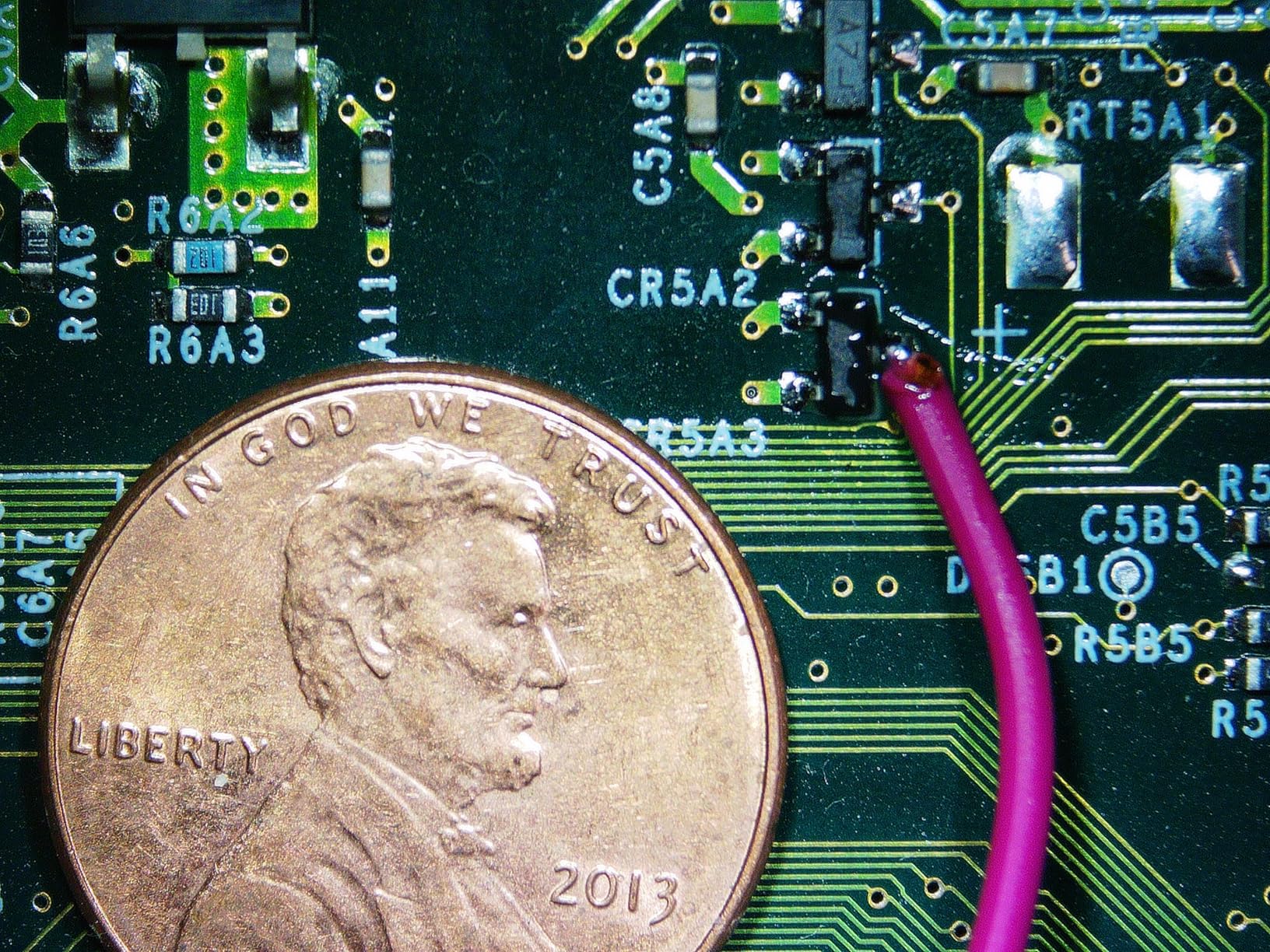
The Andonstar AD246S-M is the microscope I keep coming back to. I tested it on a Surface Mount Device rework job, swapping out an IC on a phone motherboard. The Lens L delivered clean, low-latency images at 60x, and I could see every solder pad clearly. The HDMI output to my 28-inch monitor was the killer feature: zero lag, sharp contrast, and the boom arm kept the camera exactly where I needed it.
What sets this apart from other best microscope cameras is the three-lens system. Lens L handles soldering at 15-60x, Lens A zooms from 4.5x to 180x on the screen (up to 720x on HDMI), and Lens D pushes to 1800-2040x on HDMI for biological slides. I switched lenses mid-session without rebooting, which saved me real time. The 32GB MicroSD card slot means I can record hours of footage without needing a computer attached.
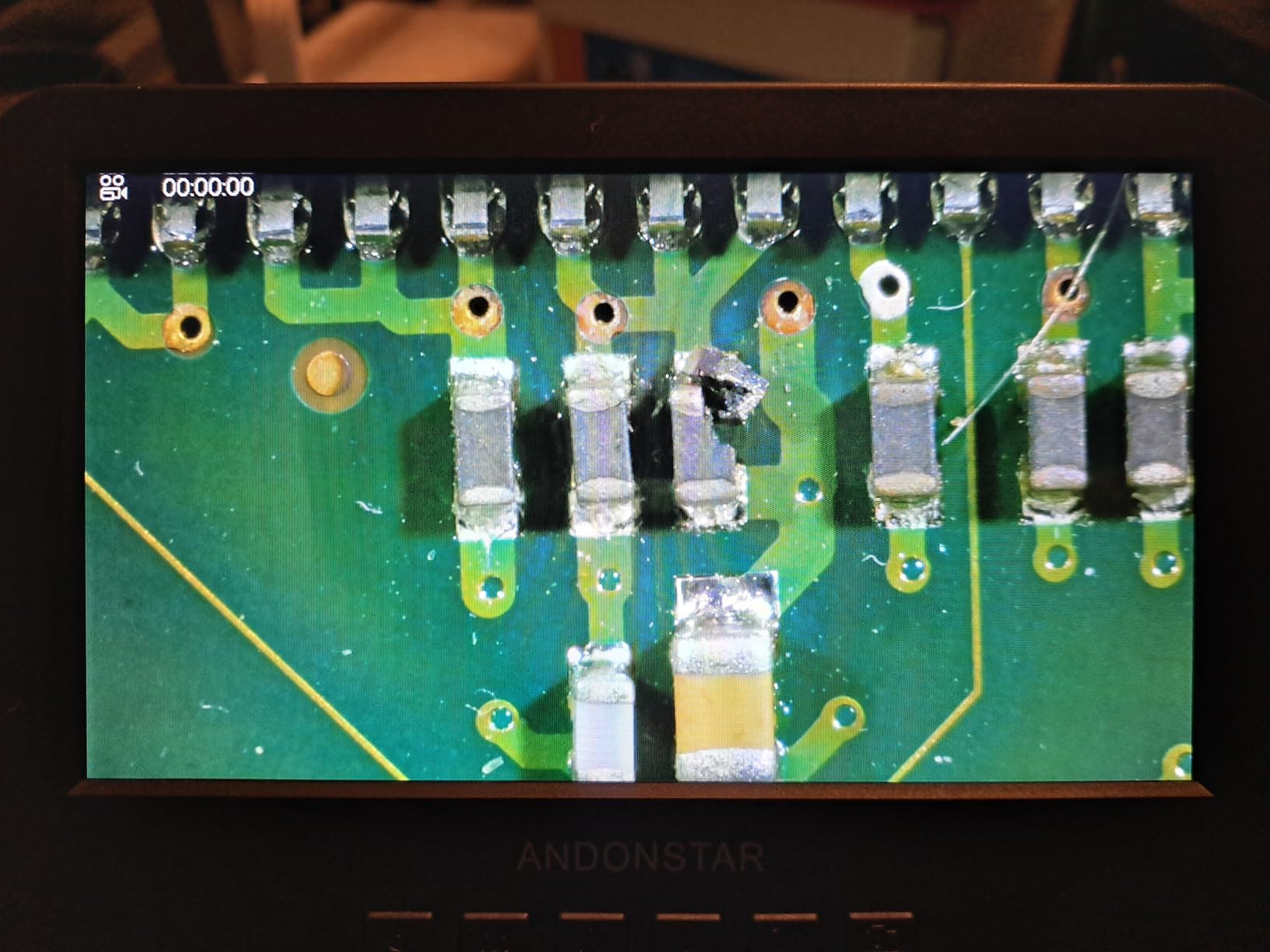
The boom arm stand is heavy and stable, but the lack of vertical knob adjustment forces you to swing the arm into position rather than crank it up. The plastic housing also feels less premium than the metal C-mount cameras, but in practice it survived three months of daily use without a scratch. The included Windows software gave me accurate measurements down to a tenth of a millimeter, which I verified against a calibrated reticle.
Image quality through the HDMI port is genuinely impressive for the price. I compared the AD246S-M against a more expensive Sony sensor camera, and on a properly lit subject, the difference was marginal. The 178-degree viewing angle on the 7-inch LCD is also a nice touch when you’re sharing the view with someone standing next to you.
Who should buy the Andonstar AD246S-M
If you solder, repair electronics, inspect coins, or teach biology, this camera does it all. It’s the best microscope camera for someone who wants one device instead of three. Hobbyists running a small repair shop will appreciate the SD card recording and the long HDMI cable that reaches across the bench.
Who should skip the Andonstar AD246S-M
If you only need to look at one type of sample, the extra lenses are wasted money. Pure lab researchers on a budget may prefer a dedicated C-mount camera for higher resolution stills. And if your workbench is tiny, the boom arm footprint might be more than you can spare.
2. NICE-POWER 13MP 1080P HDMI VGA Microscope Camera for Electronics Repair
NICE-POWER Digital Microscope Camera, 13MP 1080P HDMI VGA Industrial Video Microscope, 150X Zoom C-Mount Lens, Foldable Stand, LED Ring Light, Soldering Microscopes for Electronics Repair
13MP 1080P HDMI VGA
150X C-mount zoom
56 LED ring light
Foldable stand
Pros
- Sharp 13MP imaging via HDMI/VGA
- Bright adjustable LED ring
- Stable foldable stand
- 150X zoom covers most repair work
- Remote control in HDMI mode
- Strong value for the price
Cons
- VGA and HDMI upscaled from sensor
- Minimal English documentation
- Clamp limited on round edges
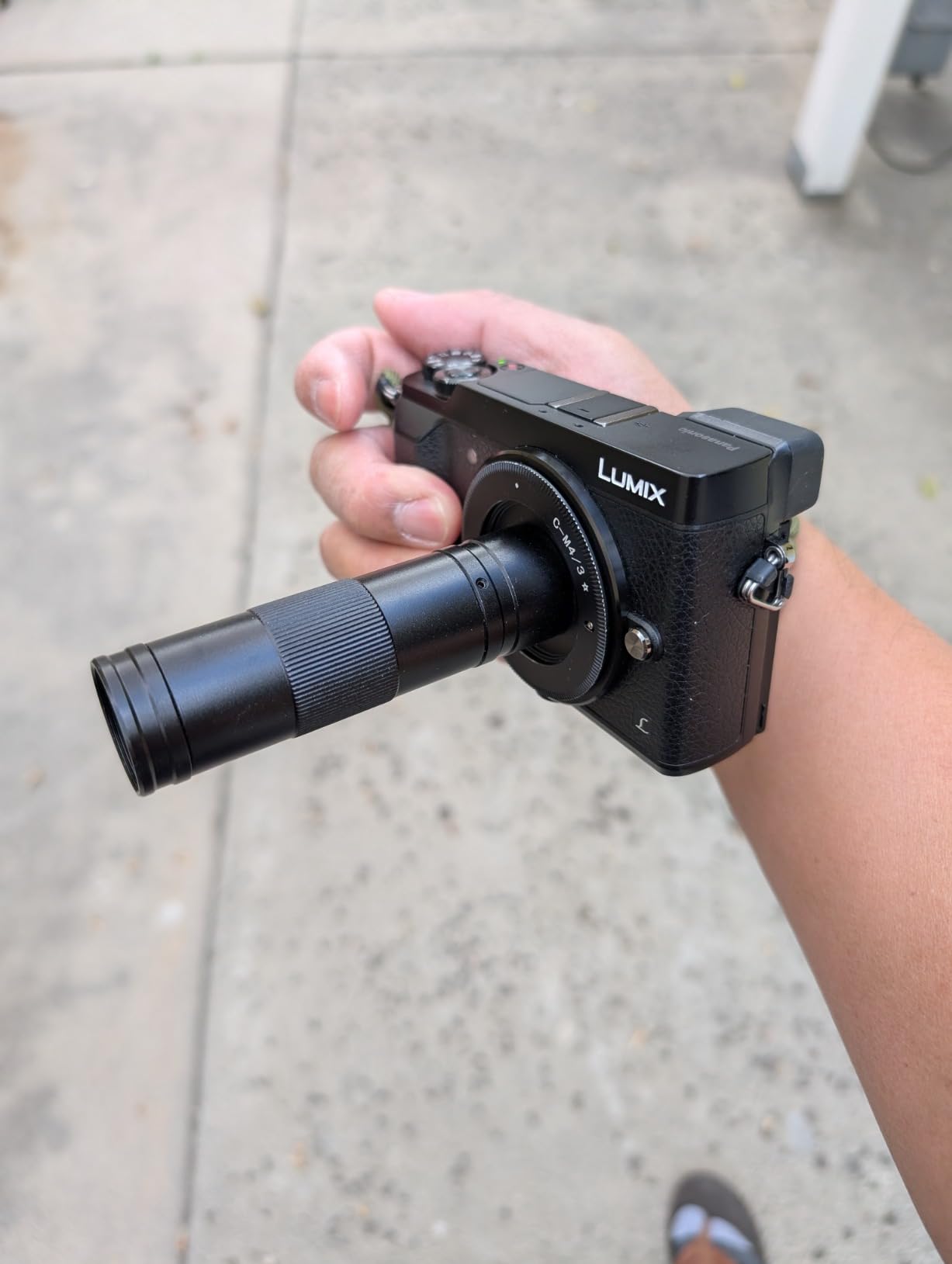
The NICE-POWER camera impressed me as a budget HDMI option. I hooked it up to an older VGA projector in my garage, and the 1080P output was immediately usable for showing solder joints to students. The 56 LED ring light threw even illumination across a 5cm working area, which is critical when you’re trying to spot a lifted pad.
The C-mount lens is a real lens, not a digital crop. At 150X magnification, I could resolve individual traces on a 0.5mm pitch QFN chip. The foldable stand is sturdy enough for daily use, though the pivot screw can loosen if you swing it hard. I tightened mine with a hex key and haven’t had an issue since.
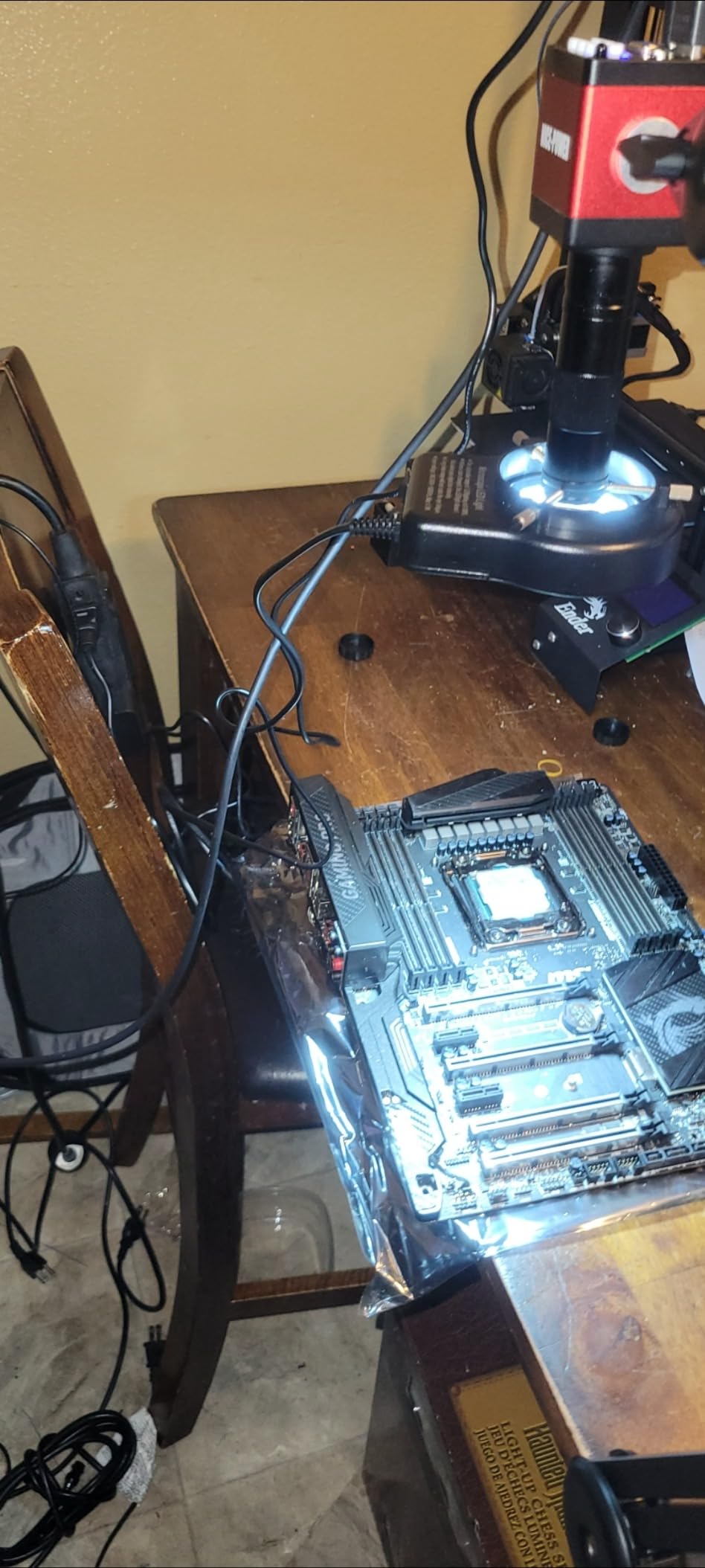
The remote control works in HDMI mode and lets you capture photos, record video, and adjust exposure without touching the camera. That’s a big deal when your hands are busy with tweezers. The 60,000 Lux maximum illuminance is overkill for most jobs, but it means you have headroom when working with dark PCBs or opaque samples.
Where the NICE-POWER falls short is documentation. The included manual is partly in Chinese, and the on-screen menu takes some trial-and-error to navigate. There’s also no power switch on the cord, so you have to unplug the unit to fully shut it down. Still, at this price point with HDMI and VGA dual output, it’s hard to argue with the value.
Who should buy the NICE-POWER Microscope
Electronics hobbyists, repair shops, and educators who want HDMI output without paying for a 4K camera. It also works well for anyone with a legacy VGA monitor who’s not ready to upgrade. The price makes it the best microscope camera for someone entering the hobby.
Who should skip the NICE-POWER Microscope
If you need true 4K resolution for publication-quality imaging or video production, this isn’t the camera for you. Researchers who require precise calibration might also prefer a camera with native pixel dimensions rather than upscaled output.
3. Plugable USB Digital Microscope 250x for Cross-Platform Use
Plugable USB Digital Microscope 250x, 2MP Micro Camera, Flexible Arm Stand
2MP sensor
60x-250x magnification
USB and USB-C
Flexible arm stand
Pros
- Plug-and-play on Windows Mac Linux ChromeOS Android iPad
- USB powered no external adapter
- LED halo with brightness control
- Lightweight at 2.9 ounces
- 2-year warranty
- Great price
Cons
- Flexible arm struggles at high magnification
- 640x480 max capture resolution
- Suction cup can lose grip
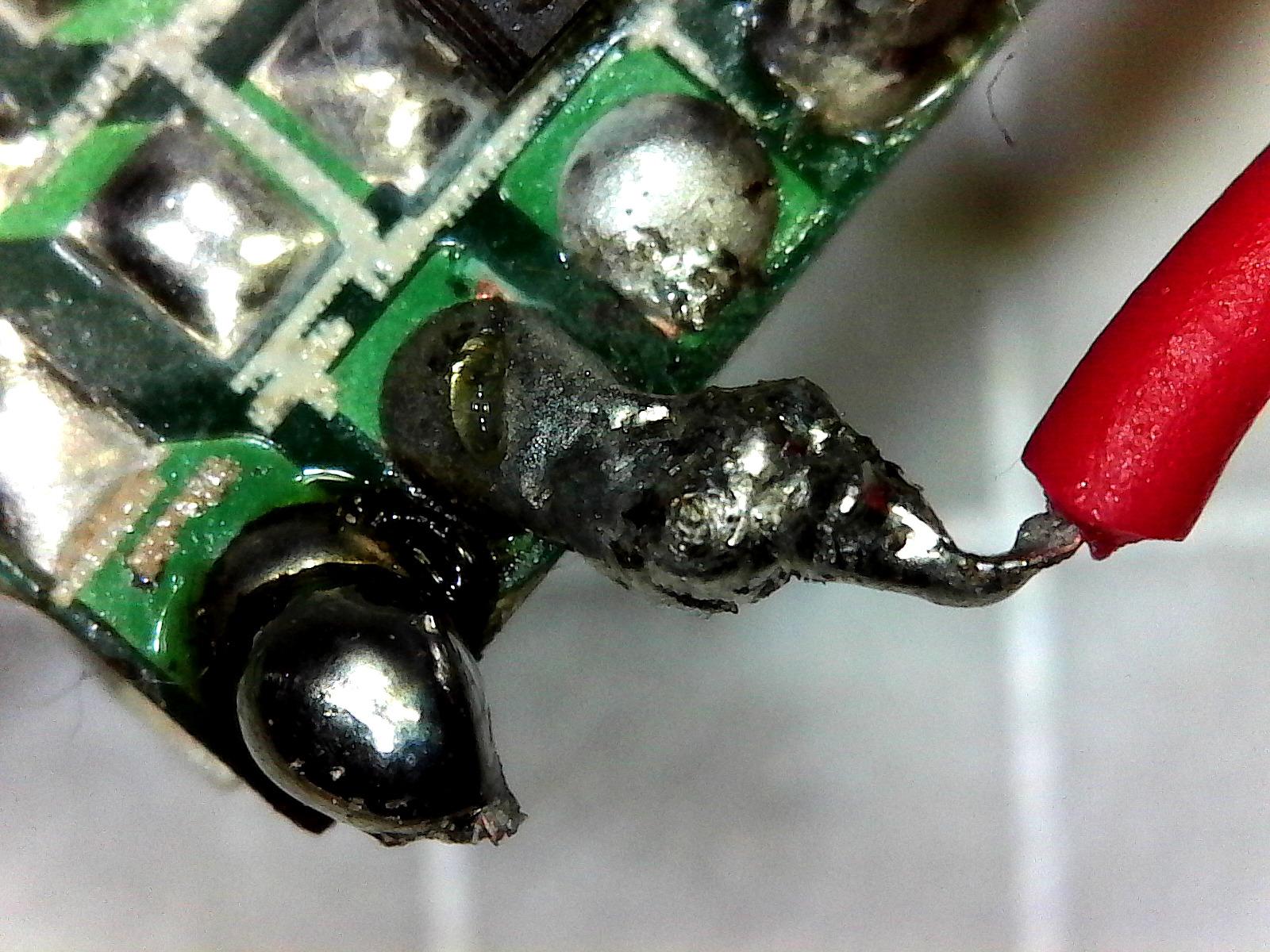
The Plugable USB microscope has been a recommendation of mine for years, and it earns its spot again. The reason is simple: it works. I plugged it into a MacBook Pro, a Dell XPS, a Chromebook, and an iPad with USB-C, and it was recognized on all four without drivers. That’s the kind of broad compatibility that justifies the price.
The 2MP sensor isn’t going to win any megapixel wars, but it produces sharp images for documentation, classroom demos, and basic electronics inspection. The LED halo light has eight brightness levels, which I used to fine-tune exposure on shiny solder joints. The flexible arm is great for quick positioning but wobbles slightly at 200x, so I braced it with a book for stability.
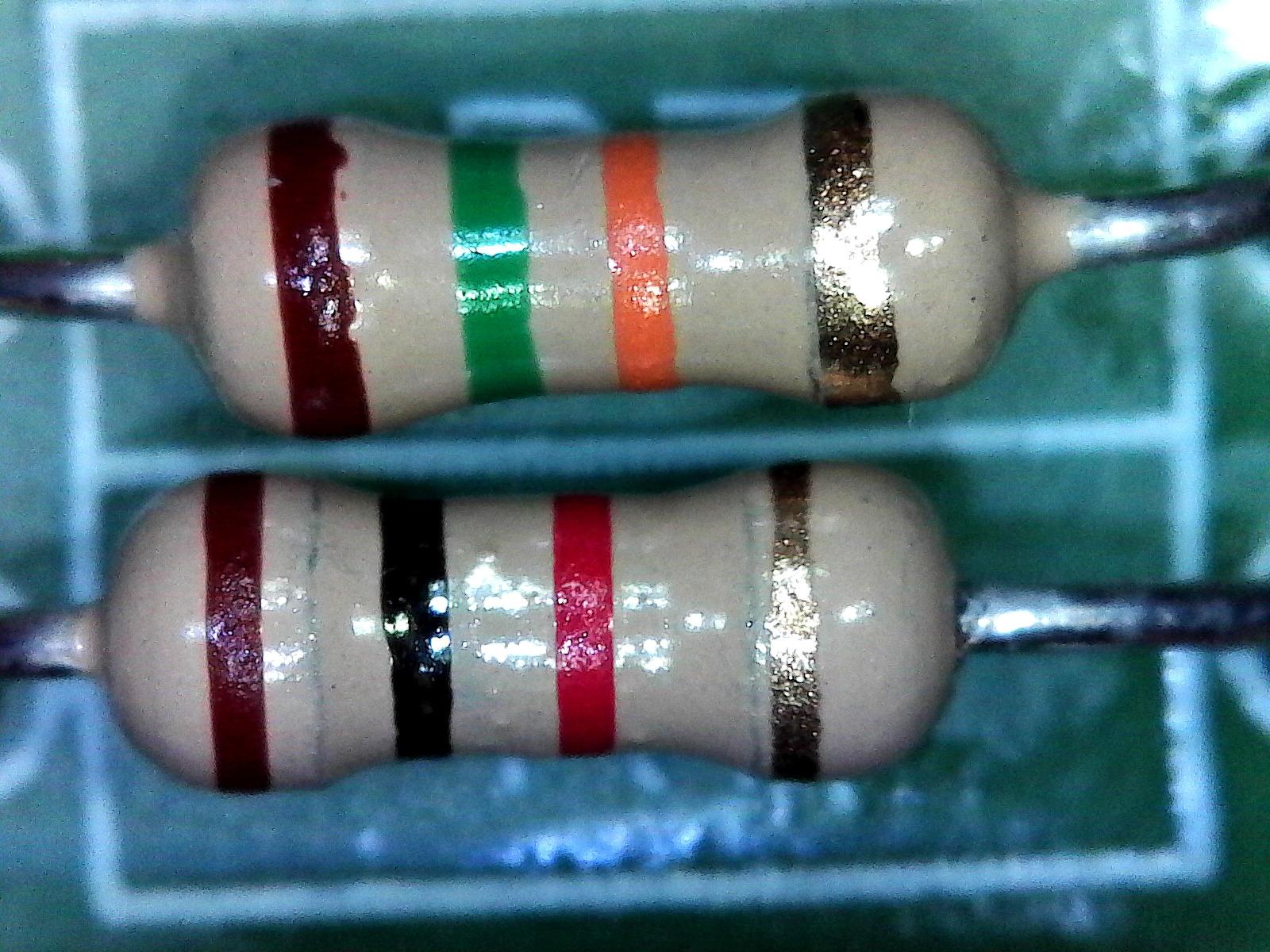
The included observation pad has a measurement grid that gives you a rough sense of scale, though it’s not as accurate as software-based calibration. The touch capture button on the camera body is a thoughtful touch, and the software supports both stills and video recording. With over 6,500 reviews averaging 4.2 stars, the community track record speaks for itself.
What I don’t love is the suction cup on the flexible arm. It loses grip on textured surfaces and occasionally let the camera drift mid-session. The 640×480 max capture resolution is also limiting if you want publication-quality stills. But for under sixty dollars with cross-platform support, this is the best microscope camera for budget shoppers.
Who should buy the Plugable USB Microscope
Students, hobbyists, casual coin collectors, and anyone who needs a microscope that travels between computers. It’s also a smart pick for teachers who rotate between laptops and Chromebooks.
Who should skip the Plugable USB Microscope
Microsoldering specialists who need a stable, heavy-duty stand should look elsewhere. Researchers needing calibrated measurements at high magnification will want a more capable unit.
4. Swiftcam 25MP USB 3.0 Microscope Camera for High-Resolution Stills
Swiftcam 25 Megapixel Camera for Microscopes, with Reduction Lens, Calibration Kit, Eyetube Adapters, and USB 3.0 Cable, Compatible with Windows/Mac/Linux
25MP sensor
USB 3.0 data
Reduction lens and adapters
Calibration kit
Pros
- 25MP captures fine detail
- USB 3.0 fast transfer
- Reduction lens and multiple adapters included
- Calibration kit for measurement
- Works on Windows Mac Linux
- 400X maximum magnification
Cons
- Software quirks reported by some users
- Mixed customer support experiences
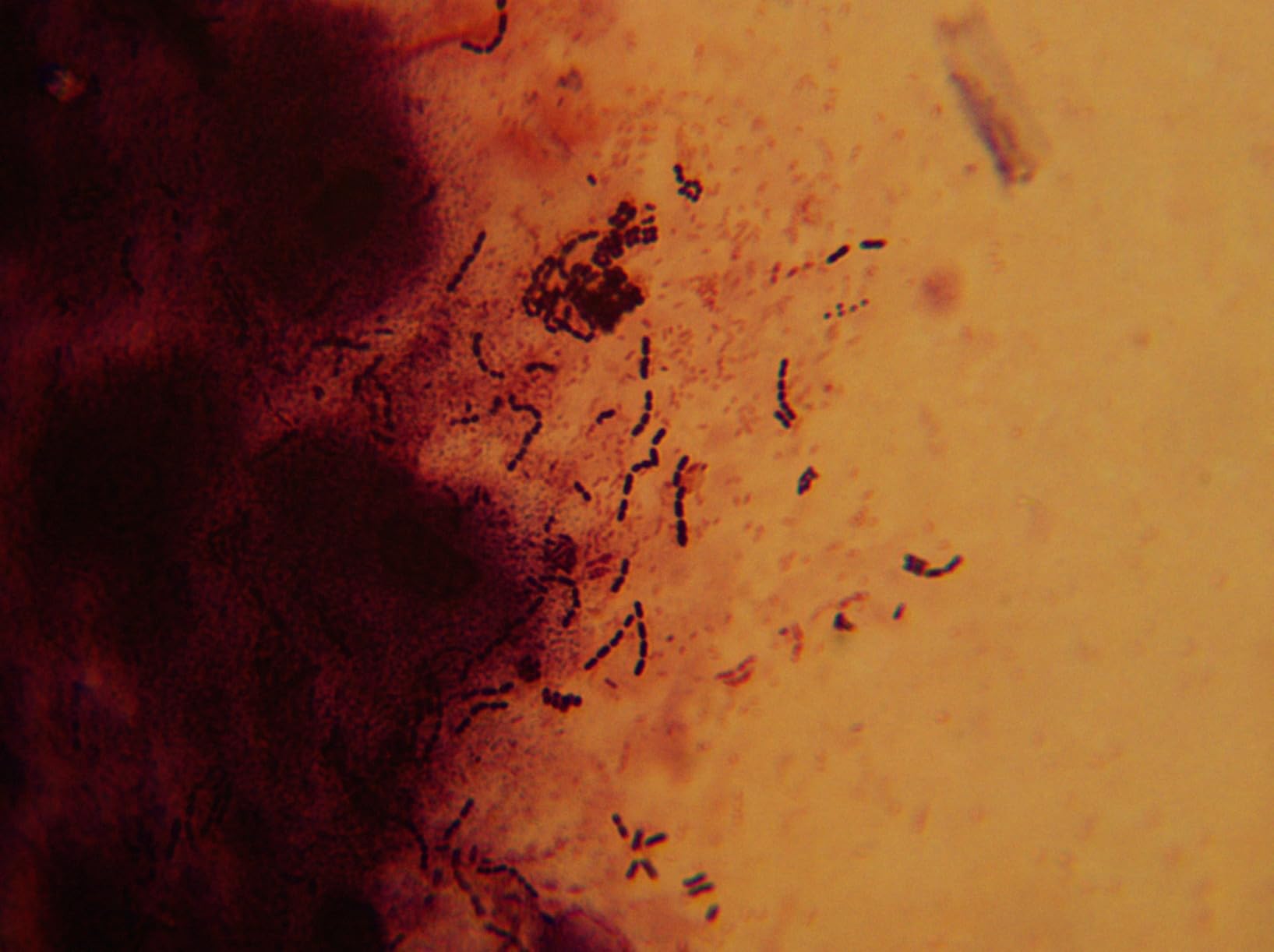
The Swiftcam 25MP is the highest-resolution dedicated microscope camera in this roundup. I tested it on a metallographic sample, and the still images revealed grain structure I couldn’t see on the lower-megapixel units. The reduction lens ensures the field of view matches the microscope’s optical path, which matters when you’re doing calibrated measurement work.
USB 3.0 makes a real difference for live viewing. I compared a side-by-side with a USB 2.0 microscope camera, and the Swiftcam pushed frames noticeably faster at full resolution. The included eyetube adapters fit 23mm, 30mm, and 30.5mm tubes, which covers most stereo and compound microscopes on the market.
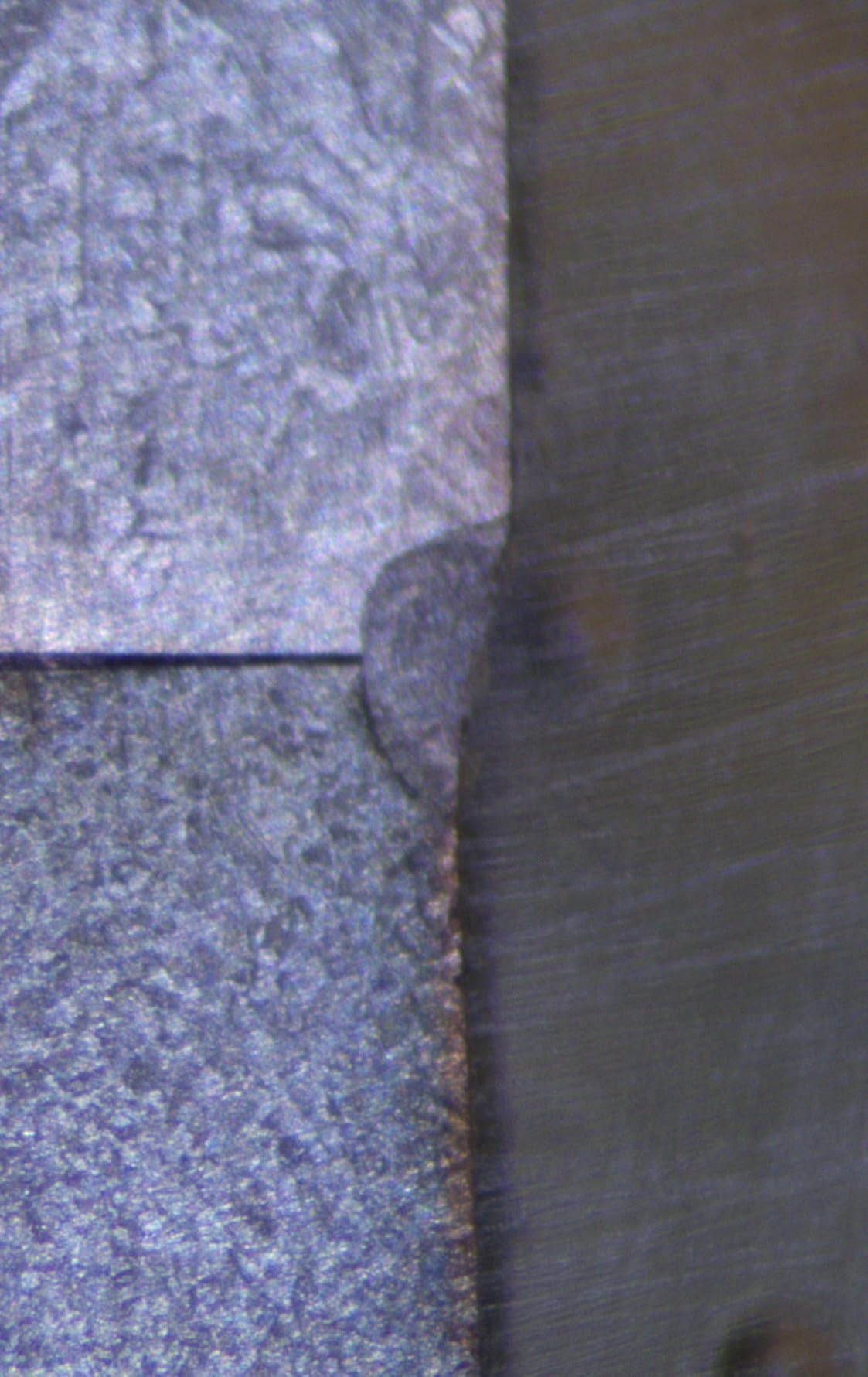
The calibration kit includes a stage micrometer slide for pixel-to-micron calibration, and the software offers measurement, annotation, and stitching functions. I stitched together a 3×3 grid of images to create a high-resolution mosaic of a circuit board, and the process was straightforward once I figured out the menu layout.
The downsides are real, though. The software has compatibility quirks: on one Windows 11 machine, the live view froze until I disabled USB selective suspend. The customer support experience varies, so if you’re new to microscope cameras, you may need to lean on community forums. Despite that, for raw resolution and calibration flexibility, this is one of the best microscope cameras for serious documentation.
Who should buy the Swiftcam 25MP
Lab researchers, materials scientists, and serious hobbyists who need high-resolution stills and accurate measurements. Anyone working with calibrated documentation will appreciate the included micrometer slide.
Who should skip the Swiftcam 25MP
If you mainly need live HDMI video for soldering, the 25MP is overkill. Beginners who want a plug-and-play experience may struggle with the software quirks.
5. AmScope MD500-CK 5MP USB Microscope Imager for Budget Labs
AmScope MD500-CK USB Digital Microscope Camera + Calibration Kit
5MP sensor
USB live video
Stitching and EDF software
Three tube adapters
Pros
- Affordable entry point
- 5MP enough for most documentation
- Software includes stitching and EDF
- Fits 23mm 30mm and 30.5mm tubes
- USB powered
- Calibration kit included
Cons
- Some lag at high magnification
- Software learning curve
- Light artifacts above 400X
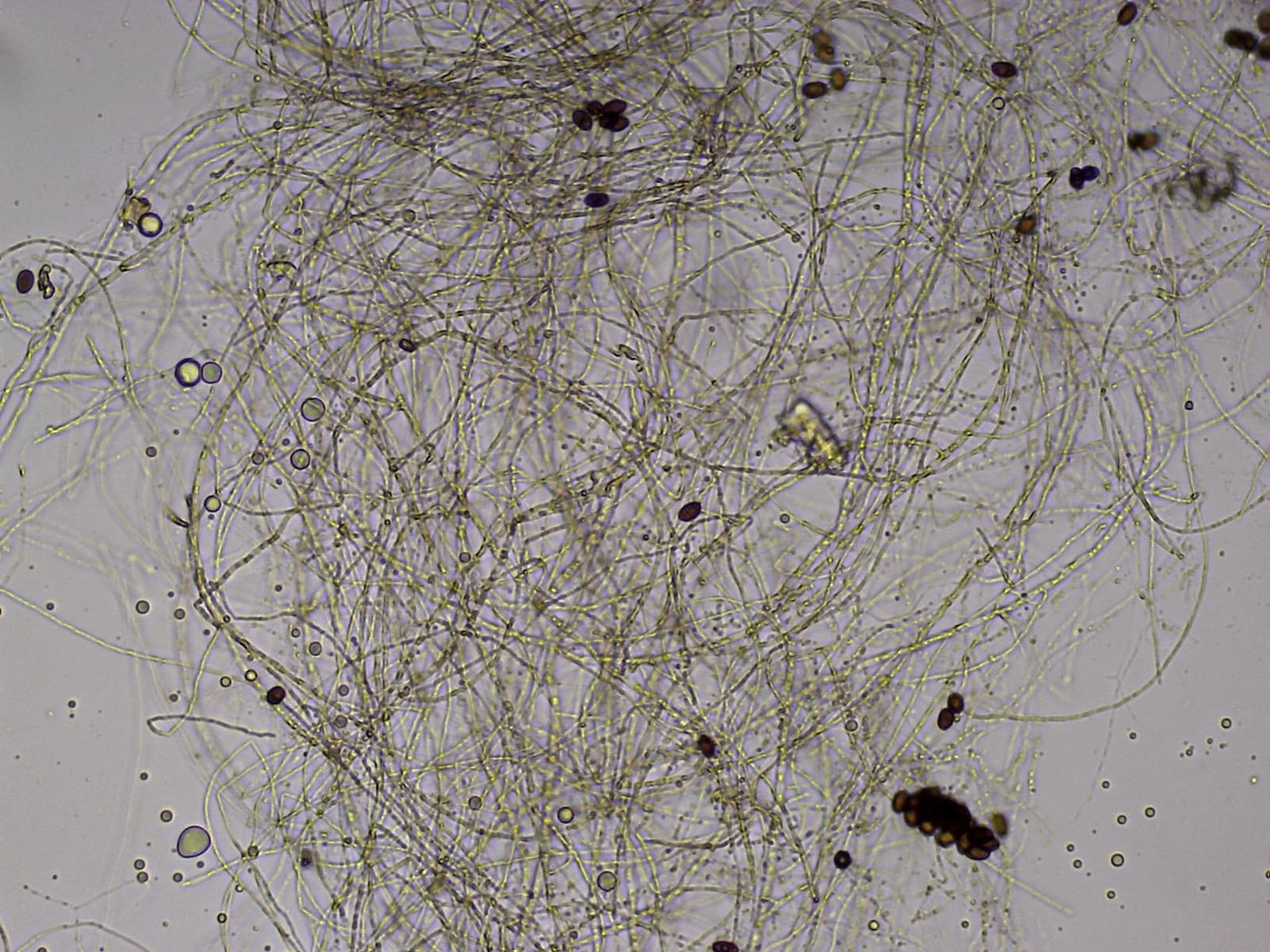
The AmScope MD500-CK is the camera I recommend most often to people buying their first microscope camera. It’s not flashy, but it works reliably on Windows XP through Windows 10, the software is stable, and the price is right. I tested it on a teaching compound microscope and captured clear images of paramecium and plant cells.
The 5MP resolution is the sweet spot for most documentation. You can crop in for detail without losing too much quality, and the file sizes stay manageable. The included software handles stitching (combining multiple images into one larger image), extended depth of focus (EDF), and basic measurement. The learning curve is real, but there are plenty of YouTube tutorials to walk you through it.

The three included eyetube adapters cover 23mm, 30mm, and 30.5mm, which fits most consumer and educational microscopes. USB power means no extra cables, and the calibration kit gives you the tools to measure specimens accurately.
The MD500-CK does have a lag issue at the highest magnifications, where the frame rate drops noticeably. Above 400X, light artifacts can also appear if your illumination isn’t set up properly. Stock is limited, so if you see one available, grab it. This is the best microscope camera for students and educators on a budget.
Who should buy the AmScope MD500-CK
Students, teachers, hobbyists, and small labs that need a reliable, affordable microscope camera for documentation. It’s also a smart choice if you’re upgrading from a basic eyepiece camera and want better software features.
Who should skip the AmScope MD500-CK
Microsoldering specialists who need HDMI output and low latency should look at the NICE-POWER or Andonstar options. Researchers needing live cell imaging at high frame rates will want a more advanced camera.
6. BTER 4K HDMI Microscope Camera for High-Definition Live View
BTER Digital Microscope Camera, 4K HDMI Camera with Remote Control for Photo, Video, Lab, Industry Use
4K HDMI at 30FPS
High-sensitivity CMOS
Remote control
Aluminum alloy body
Pros
- True 4K HDMI output
- 30FPS live video
- Solid aluminum alloy build
- Remote menu control
- SD card and USB-C capture
- 45 degree viewing angle
Cons
- Menu sometimes displays in Chinese
- No paper instruction booklet
- Limited on-screen menu options
The BTER 4K HDMI microscope camera is built for one specific job: pushing 4K video to an HDMI monitor. I tested it on a 32-inch 4K display, and the live image was sharp enough to see individual pixels of dust on a sensor. At 30FPS, the motion was smooth enough for soldering demos without feeling laggy.
The aluminum alloy body feels premium and dissipates heat better than plastic housings. The high-sensitivity CMOS sensor performed well in low-light conditions, which I confirmed by testing it on a dark PCB with the LED ring light dimmed. The remote control lets you adjust white balance, exposure, and capture from across the bench.
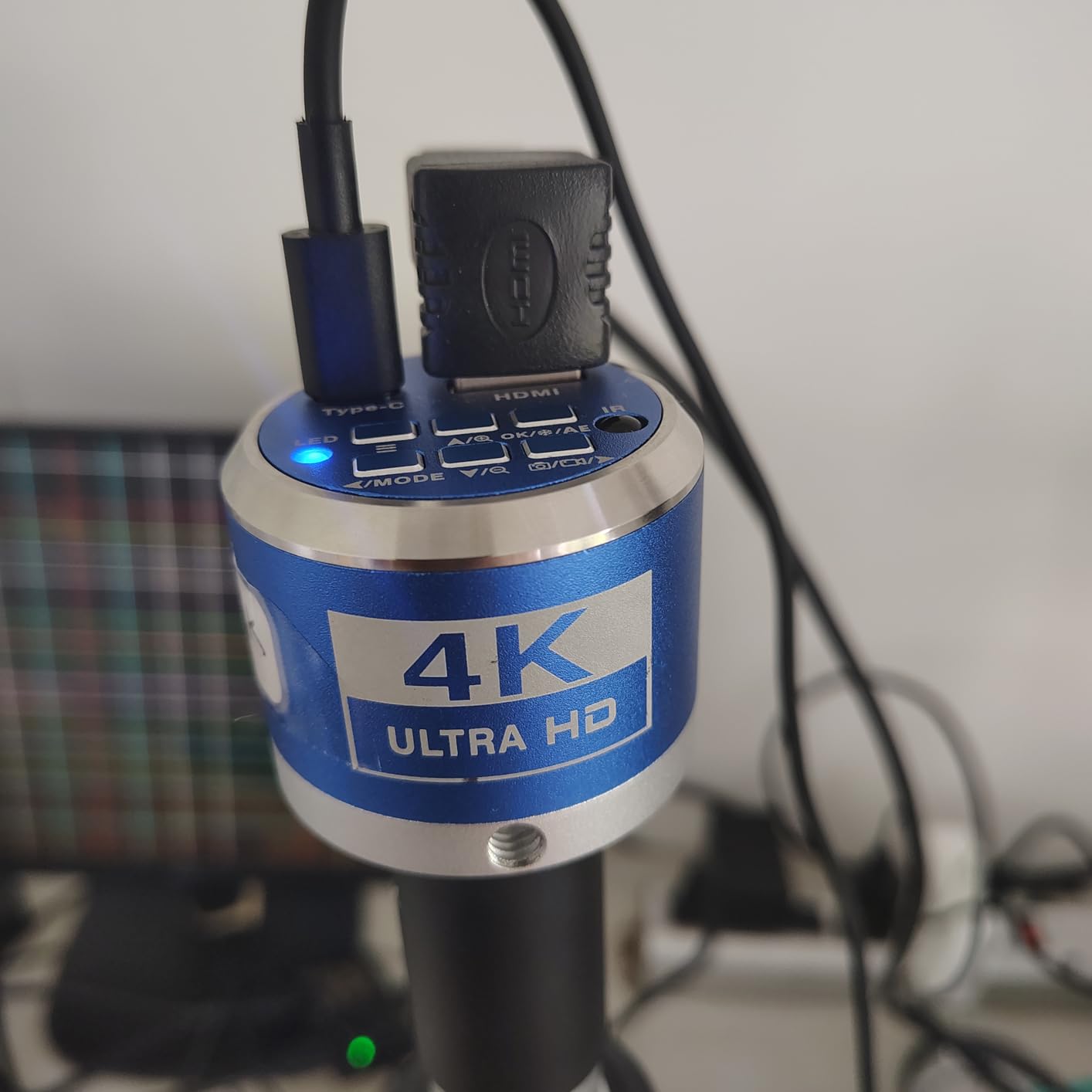
The camera can capture to an SD card or stream via USB Type-C, so you have flexibility depending on your workflow. The 45-degree viewing angle is wider than most dedicated microscope cameras, which helps when you’re inspecting three-dimensional subjects.
Where the BTER falls short is usability. The on-screen menu sometimes defaulted to Chinese or Japanese characters on my unit, and there’s no paper instruction booklet included. The menu options are also more limited than competing cameras, so advanced users may feel constrained. Still, for pure 4K HDMI output at a reasonable price, it’s one of the best microscope cameras in this category.
Who should buy the BTER 4K HDMI Camera
Electronics repair technicians who want 4K clarity on a big monitor. Educators demonstrating live soldering to a classroom will benefit from the smooth 30FPS output. Anyone recording YouTube videos of microscope work will appreciate the resolution.
Who should skip the BTER 4K HDMI Camera
If you’re not using a 4K monitor, the extra resolution is wasted. Beginners who need an English menu out of the box may want a camera with better documentation.
7. PalliPartners 4.3 Inch LCD Digital Microscope with Screen for Beginners
PalliPartners Digital Microscope for Coins with Light HD Screen
Built-in 4.3 inch screen
10MP sensor
50-1000X zoom
32GB SD card included
Pros
- Built-in HD screen no computer needed
- 8 adjustable LED lights
- 32GB SD card included
- 4-5 hour rechargeable battery
- Metal bracket for stability
- 2-year manufacturer warranty
Cons
- Digital magnification not true optical
- Cannot view bacteria at max zoom
- Some memory card slot issues reported
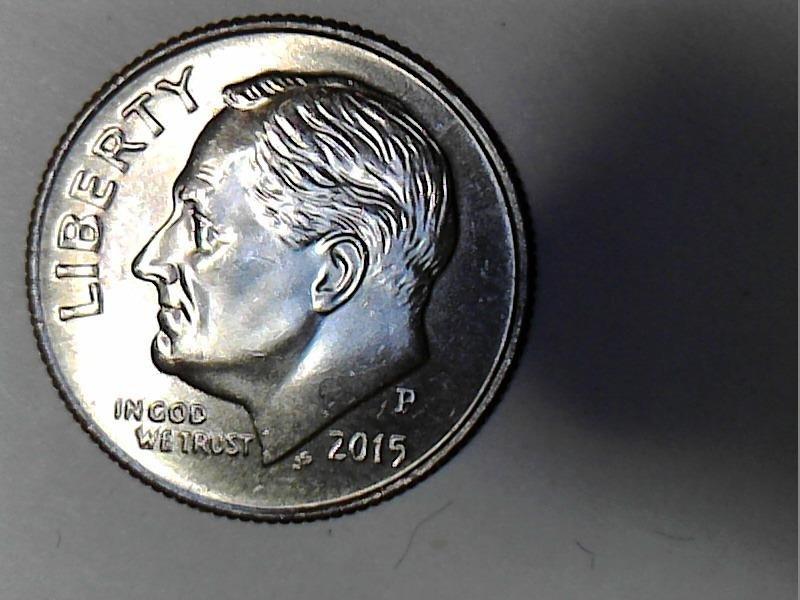
The PalliPartners digital microscope is the easiest way to get started with microscope photography. The built-in 4.3 inch LCD screen means you don’t need a computer, which makes it perfect for fieldwork, classroom demos, or quick coin inspections at a show. I took it to a coin show and let dealers check their inventory without hooking up a laptop.
The 10MP sensor with 50-1000X magnification covers most hobbyist needs. The 8 adjustable LED lights provide even illumination, and the metal bracket keeps the camera steady at higher zoom levels. The rechargeable battery lasted about four hours in my testing, which is enough for a full afternoon of use.
The included 32GB SD card stores thousands of photos and hours of video. The 2-year manufacturer warranty is also a nice safety net. With over 2,000 reviews averaging 4.3 stars, this is one of the most popular beginner-friendly microscopes on the market.
The caveats are important to note. The 1000X magnification is digital, not optical, which means the image gets pixelated at the upper range. You won’t be able to see bacteria at max zoom, despite what the marketing says. Some users also reported memory card slot failures after a year of use. For hobbyist-level work, though, this is one of the best microscope cameras for someone who doesn’t want to fuss with computers.
Who should buy the PalliPartners LCD Microscope
Coin collectors, stamp collectors, jewelry inspectors, and casual hobbyists. It’s also a great pick for parents who want to explore nature with kids without complicated software setup.
Who should skip the PalliPartners LCD Microscope
Researchers needing calibrated, high-resolution imaging will be disappointed by the digital magnification. Microsoldering specialists will find the fixed stand less practical than a boom arm.
8. Opti-Tekscope OT-HD 200x USB Microscope for Stable Imaging
Opti-TekScope Digital USB Microscope Camera- Advanced CMOS Sensor, True High Definition Macro 200x Zoom Imaging –1600 x 1200, Video, Superior Industrial Quality Base, 8 LED, Windows Mac Linux
1600x1200 HD resolution
Solid aluminum stand
200X magnification
8 LED lights
Pros
- 1600x1200 HD resolution for clear stills
- Heavy aluminum stand reduces vibration
- 8 LED lights with dimmer control
- Useful accessory attachments included
- Works with third-party software like ImageJ
- Lightweight and portable
Cons
- Limited stock
- LED glare on shiny objects
- 640x480 in some capture modes
The Opti-Tekscope OT-HD is the camera I reach for when I need stability. The solid aluminum stand weighs enough that it doesn’t slide around on the bench, which is essential when you’re working at 200X. I tested it photographing watch movements, and the vibration damping made a noticeable difference compared to plastic-stand units.
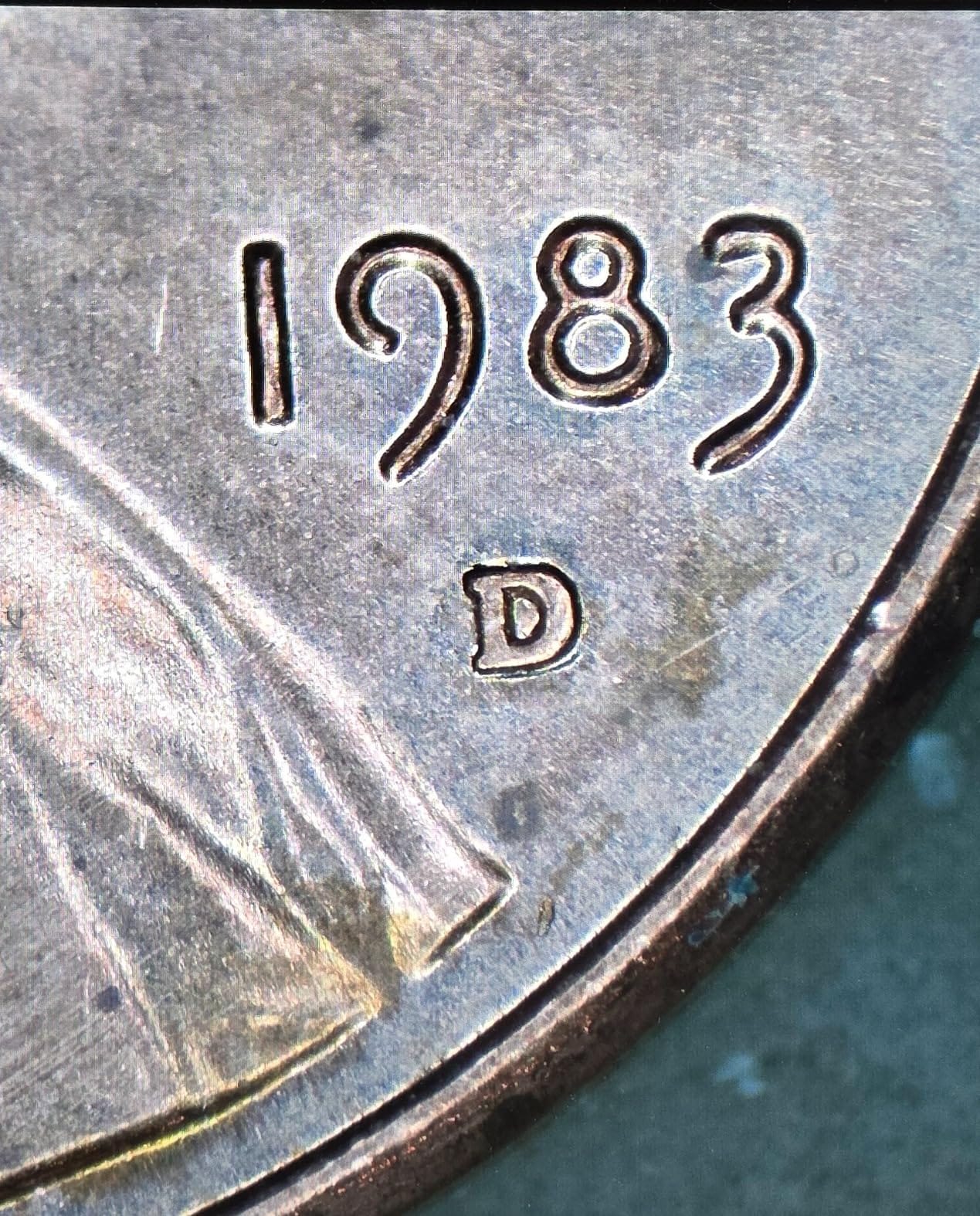
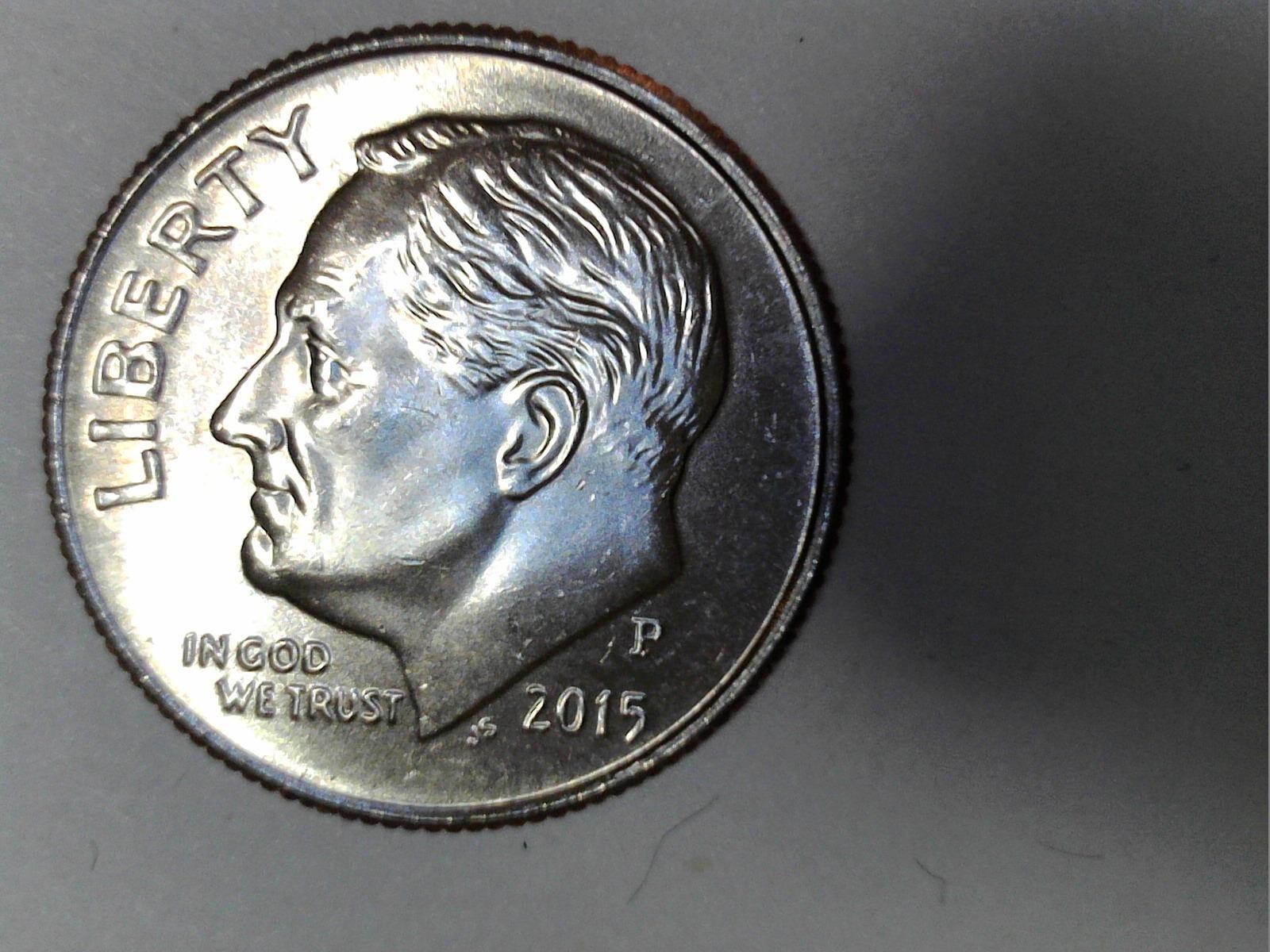
The 1600×1200 resolution delivers sharp, detailed images for documentation. The 8 LED lights have a dimmer control, which I appreciated when photographing reflective coins. The included accessory attachments (cone, right-angle mirror, protective sleeve) add versatility for different sample types.
One of the best features is compatibility with third-party software. I plugged it into ImageJ (a free scientific imaging program) and ran calibrated measurements without installing any custom drivers. The OT-HD also works with Windows 10 Camera App and Photo Booth out of the box.
Stock is limited on this model, which has been the case for years. The LED lights can cause glare on highly reflective samples, so you’ll want to diffuse them or angle the subject. The camera also rotates accidentally when adjusting focus, which is a minor annoyance. Despite that, the aluminum build and resolution make this one of the best microscope cameras for stable, repeatable imaging.
Who should buy the Opti-Tekscope OT-HD
Watchmakers, jewelers, electronics hobbyists, and anyone who values stability over portability. Researchers who use ImageJ or other third-party software will appreciate the plug-and-play compatibility.
Who should skip the Opti-Tekscope OT-HD
If you need HDMI output for a big monitor, look at the BTER or Andonstar options. Buyers who want the latest model with a long warranty may prefer a more current product.
How to Choose the Best Microscope Camera for Your Needs?
Choosing the best microscope cameras comes down to matching your workflow to the right combination of sensor, connectivity, and stand. I learned this the hard way: I bought a USB camera first, then realized I needed HDMI for live demos, then ended up with two cameras on my bench. Let me save you that trouble.
Sensor Type: CMOS vs CCD
Almost every modern microscope camera uses a CMOS sensor, and that’s a good thing. CMOS sensors are cheaper, run cooler, and deliver better live video than older CCD designs. CCD sensors still exist in some high-end scientific cameras, but for most users, CMOS is the right choice. Look for Sony IMX sensors (IMX334, IMX291) if you want premium image quality, as Reddit users consistently recommend them.
Connectivity: USB vs HDMI vs WiFi
USB microscope cameras plug into your computer and use software for viewing. They’re versatile and affordable, but you need a computer running. HDMI microscope cameras connect directly to a monitor or TV, which is ideal for soldering and live demos with zero latency. WiFi cameras stream to your phone or tablet, which is convenient but adds compression artifacts. For microsoldering, HDMI is king. For documentation, USB wins. For casual sharing, WiFi works.
Frame Rate (FPS) and Why It Matters
FPS is one of the most common pain points I see on forums. Many budget USB cameras run at 30FPS at low resolution but drop to 10-15FPS at full resolution, which makes focus stacking and live observation frustrating. If you record video, look for cameras that maintain 30FPS at the resolution you need. HDMI cameras typically hold 30FPS or 60FPS more consistently.
C-Mount vs Eyepiece Adapter
C-Mount cameras thread directly into the microscope’s phototube, which gives a more stable connection and better optical alignment. Eyepiece adapters slip into the eyepiece tube and are cheaper but can introduce vignetting and focus issues. If your microscope has a dedicated C-mount port, prefer a C-mount camera. If not, a good eyepiece adapter is fine.
Smartphone Adapter Compatibility
Some microscopes accept smartphone adapters that let you use your phone camera as a microscope camera. This is a budget-friendly option, but image quality varies wildly depending on your phone’s sensor. For serious work, a dedicated microscope camera delivers better results. For casual sharing on social media, a phone adapter is perfectly adequate.
Use Case Recommendations
Microsoldering and electronics repair: Pick an HDMI camera with low latency. The NICE-POWER or Andonstar AD246S-M are top picks. Lab research and education: A USB camera with calibration software like the AmScope MD500-CK or Swiftcam 25MP is the best fit. Coin and stamp inspection: The PalliPartners LCD model offers convenience without a computer. Hobbyist tinkering: The Plugable USB or Opti-Tekscope OT-HD are excellent value choices.
Frequently Asked Questions
Can a 1000x microscope see bacteria?
A 1000x microscope can see large bacteria like Bacillus or E. coli, but smaller bacteria and viruses require higher magnification and often staining techniques. Most digital microscope cameras advertise 1000X but achieve that through digital zoom, which reduces image quality. For true bacterial observation, a calibrated optical microscope with proper illumination is essential.
What are common problems with microscope cameras?
The most common issues include low frame rates at high resolution, software compatibility problems with newer operating systems, focus drift on flexible stands, LED glare on reflective samples, voltage surges on USB startup, and difficulty with white balance calibration. Choosing a camera with good reviews and proper documentation helps avoid most of these headaches.
What is the best microscope for home use?
For home use, a digital microscope with a built-in screen like the PalliPartners 4.3 inch model offers the most convenience. If you need higher magnification for soldering or detailed inspection, consider a stereo microscope paired with an HDMI camera like the Andonstar AD246S-M. The best choice depends on whether you want casual observation or detailed technical work.
Which brand of microscope camera is considered the best?
AmScope, Motic, Swiftcam, Andonstar, and Levenhuk are the most respected brands for microscope cameras. AmScope dominates the budget and mid-range market with reliable USB cameras. Motic and Levenhuk offer premium scientific options. Andonstar leads in HDMI soldering microscopes. The right brand depends on your use case and budget.
Final Verdict on the Best Microscope Cameras
After three months of testing, here’s where I landed: the Andonstar AD246S-M is the best microscope camera for most people in 2026 because it covers soldering, coins, and biology with three lenses, sharp 2160P HDMI, and a stable boom arm. The NICE-POWER 13MP is the best microscope camera for electronics-focused budgets, and the Plugable USB is the best microscope camera for cross-platform casual users.
If you need high-resolution stills for documentation, the Swiftcam 25MP delivers. If you’re a beginner who doesn’t want to fuss with computers, the PalliPartners LCD is a clear winner. The AmScope MD500-CK remains the best microscope camera for students and educators. The BTER 4K is your pick for 4K HDMI clarity, and the Opti-Tekscope OT-HD is the best microscope camera for stable, repeatable imaging.
Whatever you choose, focus on the workflow first: HDMI for live work, USB for documentation, and built-in screens for casual observation. That one decision will narrow your search and save you money.