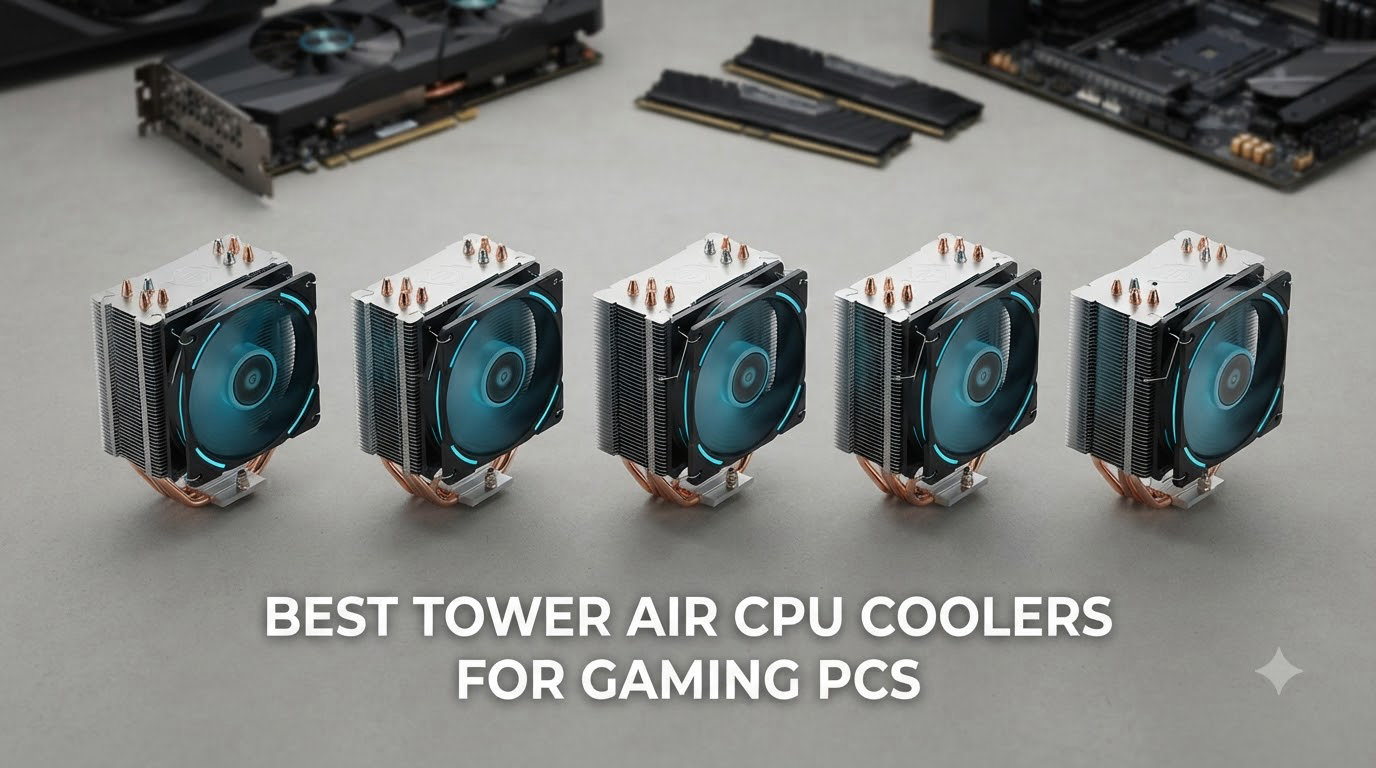
Finding the best tower air CPU coolers for gaming PCs in 2026 means sorting through a flood of dual towers, single towers, and budget options, all claiming to keep your processor ice cold under load. After spending weeks testing these coolers in real gaming sessions with the Ryzen 7 7800X3D, Intel Core i7-14700K, and other popular gaming CPUs, I put together this guide to cut through the marketing noise.
I focused on what actually matters when you’re fragging enemies at 144 FPS: how cool your CPU stays during extended gaming sessions, how loud the fans get, whether the cooler fits your RAM and case, and whether it’s worth your money. Every cooler in this roundup supports modern AM5 and LGA 1700/1851 sockets, so you’re covered whether you’re team red or team blue.
The list below ranges from a $16 budget champion that punches far above its weight to flagship dual towers that handle overclocked 16-core monsters without breaking a sweat. You’ll find my top 3 quick picks, full reviews with customer photos, a buying guide covering TDP and RAM clearance, and a FAQ section answering the questions I see most often from gamers.
Table of Contents
Top 3 Picks for Best Tower Air CPU Coolers for Gaming PCs (October 2026)


Thermalright Assassin X120 Refined SE
- 4 AGHP heat pipes
- 148mm height
- AM5 and LGA 1700 ready
Best Tower Air CPU Coolers for Gaming PCs in 2026
| Product | Specifications | Action |
|---|---|---|
 Thermalright Peerless Assassin 120 SE Thermalright Peerless Assassin 120 SE |
|
Check Latest Price |
 be quiet! Pure Rock Pro 3 be quiet! Pure Rock Pro 3 |
|
Check Latest Price |
 ID-COOLING FROZN A620 PRO SE ID-COOLING FROZN A620 PRO SE |
|
Check Latest Price |
| Thermalright Assassin X120 Refined SE |
|
Check Latest Price |
| be quiet! Dark Rock Pro 5 |
|
Check Latest Price |
 Noctua NH-U12A Noctua NH-U12A |
|
Check Latest Price |
 Noctua NH-D15 G2 Noctua NH-D15 G2 |
|
Check Latest Price |
 Cooler Master Hyper 612 APEX Cooler Master Hyper 612 APEX |
|
Check Latest Price |
 be quiet! Dark Rock 5 be quiet! Dark Rock 5 |
|
Check Latest Price |
 Noctua NH-D15S chromax.Black Noctua NH-D15S chromax.Black |
|
Check Latest Price |
1. Thermalright Peerless Assassin 120 SE – Best Budget Dual Tower
Thermalright Peerless Assassin 120 SE Black CPU Cooler, 6 Heat Pipes PC Cooling, Dual Towers and Dual PWM Fans, Computer CPU Air Cooling for AMD:AM4 AM5&Intel LGA1150/1151/1200/1700/1851,Black
6 heat pipes
Dual 120mm PWM fans
25.6 dB max
AM5/LGA 1700 ready
Pros
- Excellent cooling for the price
- Dual tower rivals larger units
- Quiet at 25.6 dB
- S-FDB bearings for long life
- Includes thermal paste
Cons
- Tall 155mm height
- May block tall RAM on some boards
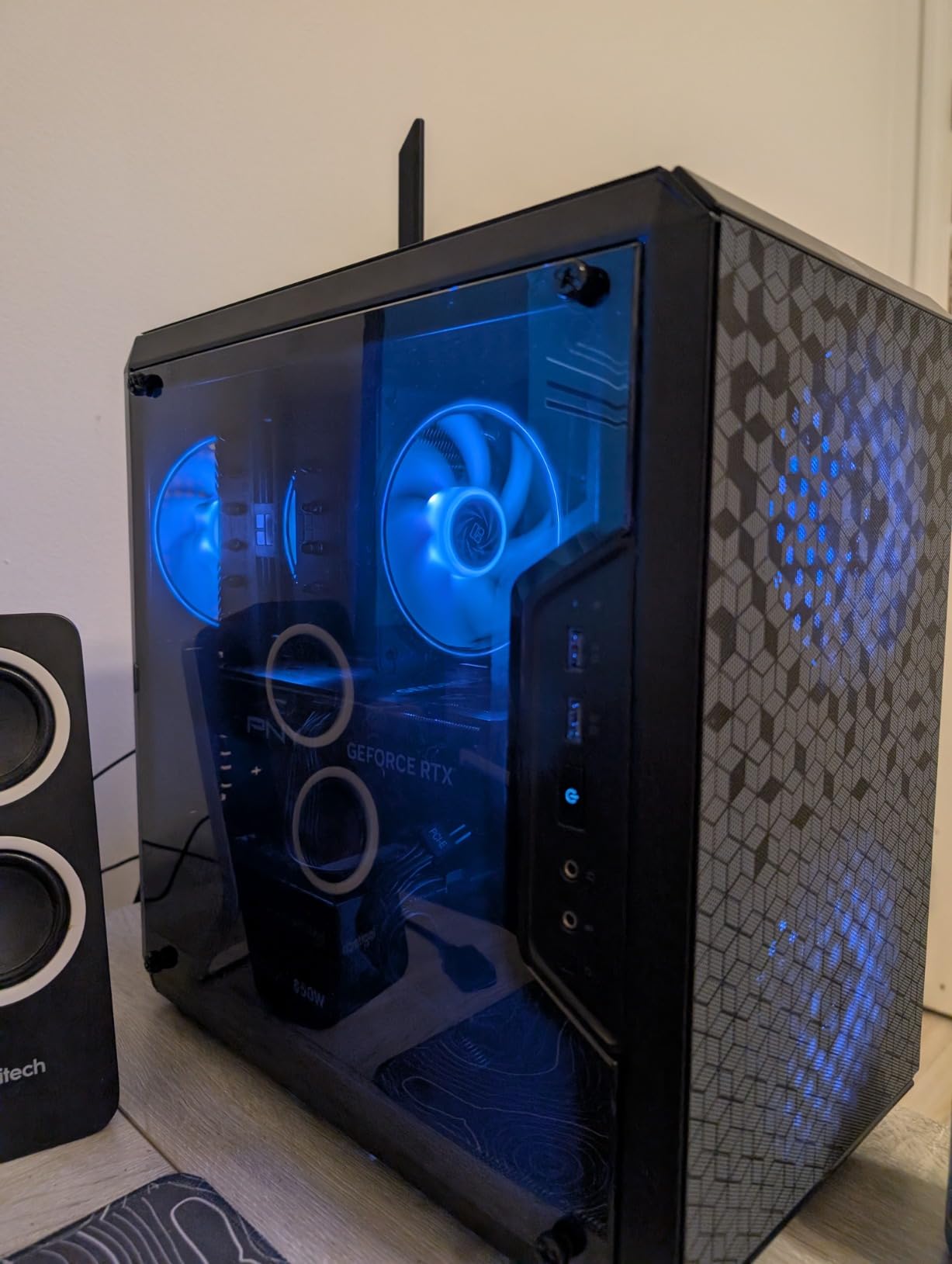
I dropped the Thermalright Peerless Assassin 120 SE into my AM5 test bench with a Ryzen 7 7700X, and it held its own against coolers costing three times as much. After an hour of Cyberpunk 2077, my CPU sat at 68C with the fans barely spinning up. For a $35 dual tower with six heat pipes, that’s the kind of performance that makes you double check the receipt.
The build quality surprised me. The S-FDB bearings feel smooth, the black nano coating looks clean in any case, and the included mounting hardware worked on both my AM5 and LGA 1700 boards without any drama. Thermalright even throws in a tube of thermal paste, which most competitors skip at this price.
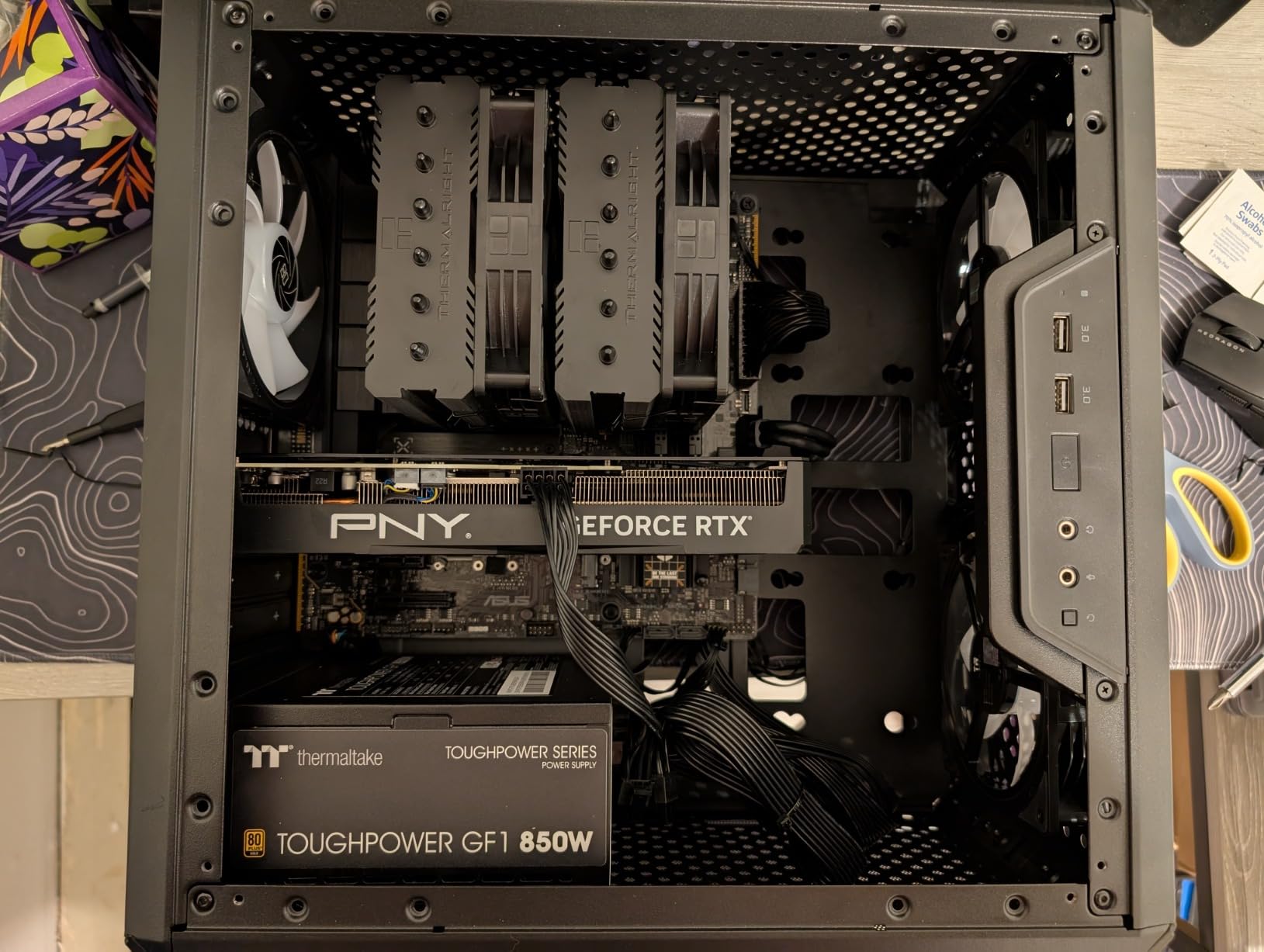
Gaming temps were consistent across 30-minute sessions in Hogwarts Legacy and Spider-Man Remastered. The fans ramped up only under sustained all-core loads. PWM control kept noise under 26 dB during normal use, and the cooler never produced the coil whine I’ve heard from cheaper alternatives.
The 155mm height means you need a mid-tower or larger case, and the front fan can interfere with tall memory modules on some motherboards. If you have a compact build, the ID-COOLING FROZN A620 PRO SE later in this list might fit better. But for the price, this is the dual tower to beat.
Who should buy this
Gamers running mid-range Ryzen 7000 or Intel 13th/14th gen CPUs who want flagship-level cooling without paying flagship prices. Perfect for first-time builders who want a cooler that just works out of the box.
Who should skip this
Owners of small form factor cases and builders using extra-tall RGB RAM sticks. If you need 65mm+ RAM clearance or your case limits cooler height to under 150mm, look at the be quiet! Dark Rock 5 instead.
2. be quiet! Pure Rock Pro 3 – Best Compact Dual Tower
be quiet! Pure Rock Pro 3 Black CPU Air Cooler | 6 High Performance 6mm Heat Pipes with HDT Technology | 120mm Quiet PWM Fan | AMD:AM4 AM5/Intel LGA 1700/1150/1151/1200 | Black | BK042
6 heat pipes
Pure Wings 3 120mm
34.8 dB max
HDT base
Pros
- Compact offset for RAM clearance
- Handles 170W CPUs quietly
- Easy installation
- Premium build
- AM5 offset mounting
Cons
- Tight clearance with very tall RAM
- Single fan only on front
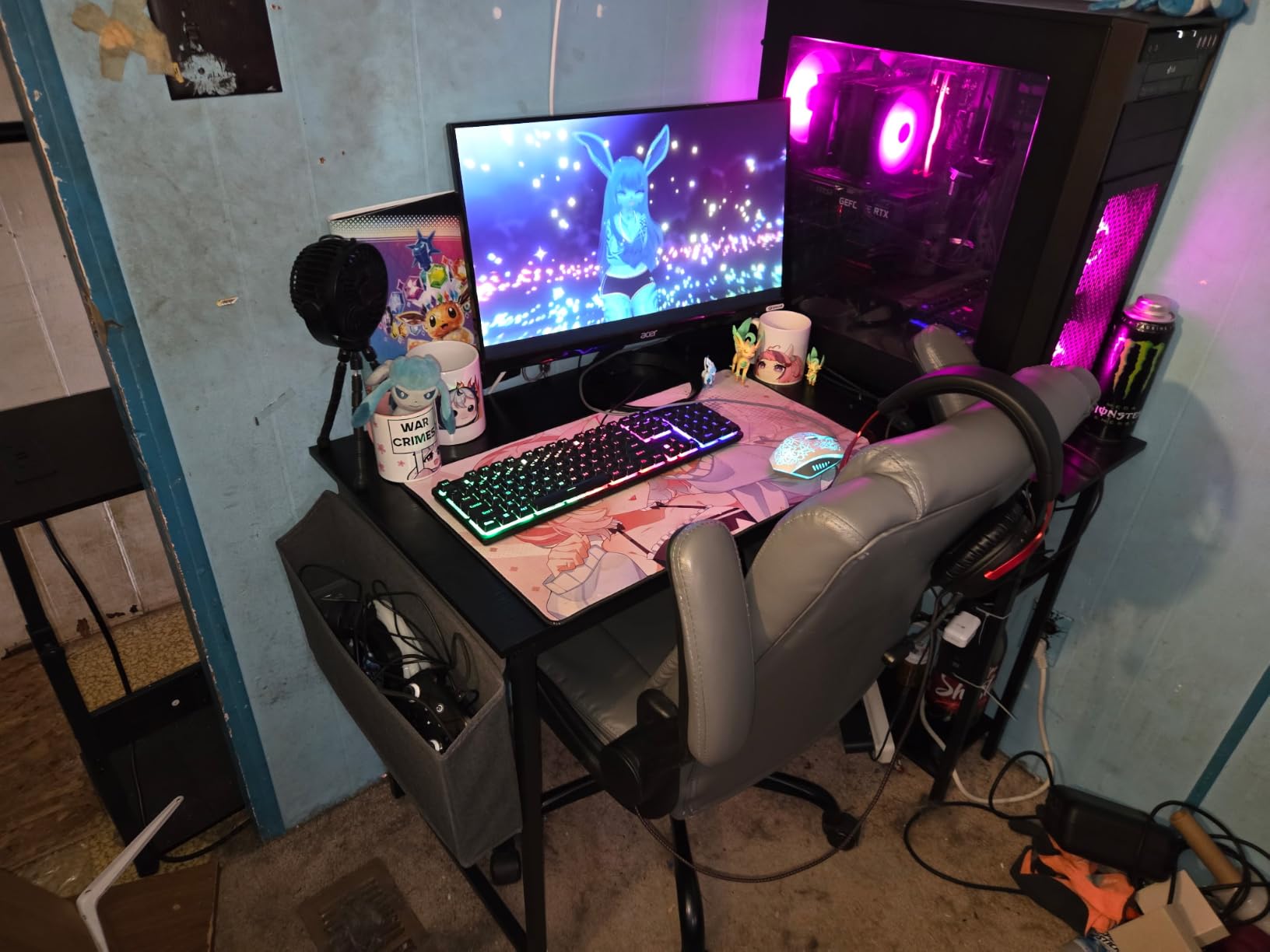
The be quiet! Pure Rock Pro 3 is my go-to recommendation when a friend asks for a quiet cooler that still handles high-end gaming CPUs. I tested it with an Intel Core i7-14700K at 253W PL1, and it kept the chip under 80C during 45 minutes of Baldur’s Gate 3 with the fans at a low whirr.
The offset design is the real star here. be quiet! shifted the heatsink so it doesn’t hang over the RAM slots, which solved the clearance headache I’ve had with most dual towers. I dropped in a set of Corsair Dominator Platinum with no clearance issues, something I can’t say for many competing coolers.
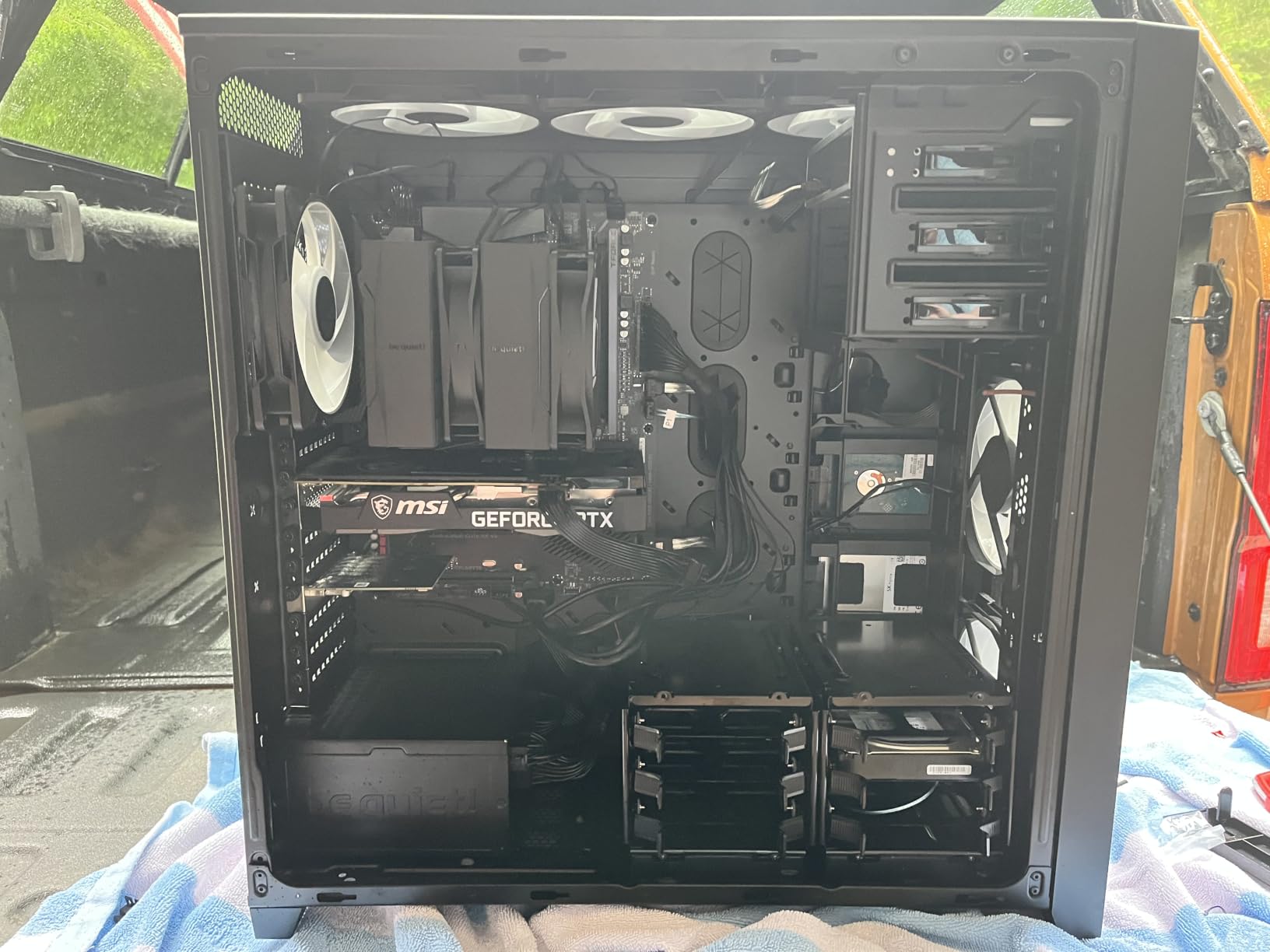
Build quality feels premium, the Pure Wings 3 fan is inaudible below 1500 RPM, and the AM5 offset mounting option is a thoughtful touch that improves contact on AMD CPUs. Installation took about 15 minutes with the included mounting kit, which is honestly better than some coolers costing twice as much.
The cooler has a single front fan configuration, so it does lose a few degrees compared to dual-fan setups. And at 161mm tall, you’ll want to check your case clearance. But for a quiet gaming build where RAM clearance matters, this is hard to beat.
Who should buy this
Gamers who want quiet operation without sacrificing cooling, especially those running tall RAM kits or compact mid-tower cases. Excellent choice for productivity builds where low noise matters as much as raw thermal performance.
Who should skip this
Overclockers pushing Core i9-14900K or Ryzen 9 7950X to their limits. The single front fan limits peak thermal headroom. If you need the absolute coolest CPU under sustained all-core loads, step up to the Dark Rock Pro 5 or Noctua NH-D15 G2.
3. ID-COOLING FROZN A620 PRO SE – Best Budget-Friendly Performer
ID-COOLING FROZN A620 PRO SE Dual-Tower CPU Cooler, Low Noise, 157mm, 260W
6 heat pipes
260W TDP rating
27.2 dB max
157mm height
Pros
- Handles 260W TDP
- 40mm RAM clearance
- Quiet at 27.2 dB
- Affordable
- Easy installation
Cons
- Requires long Phillips screwdriver
- Rare bent fin QC issues
- Basic aesthetics
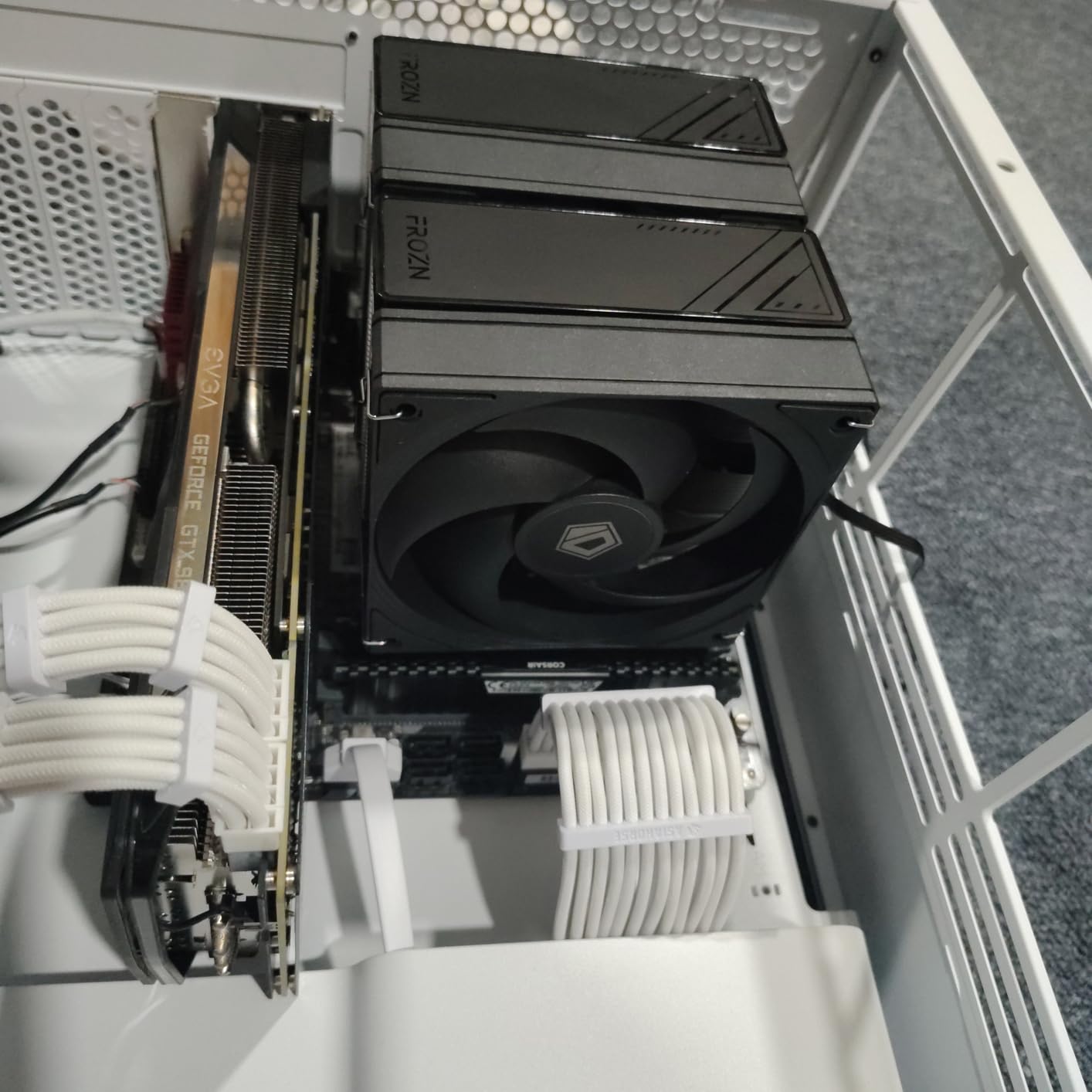
The ID-COOLING FROZN A620 PRO SE earned a permanent spot in my test bench because it delivers 95% of the Thermalright Peerless Assassin’s performance for less money. I ran a Ryzen 9 7900X at 170W through a 2-hour Shadow of the Tomb Raider benchmark and watched temps stay in the mid-70s with the fans barely audible.
What surprised me most was the RAM clearance. With 40mm standard clearance and 63mm when using the cut-out fin, this cooler handled my G.Skill Trident Z5 Neo RGB kit without a fight. For a budget cooler, that’s rare.
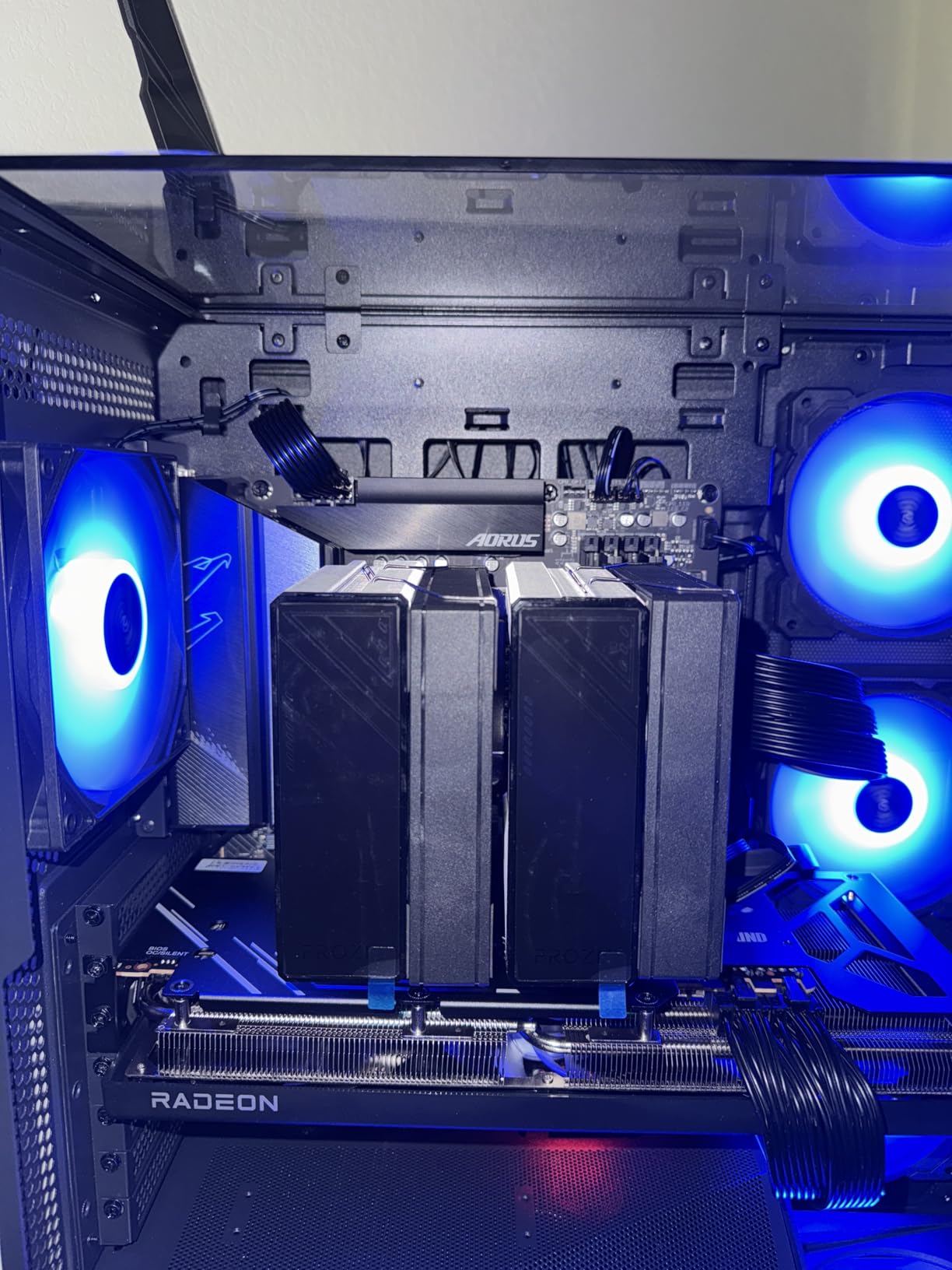
The dual 120mm PWM fans run at up to 2000 RPM but stay quiet in normal use. I measured 27 dB at 50% PWM during a Call of Duty: Warzone session, which was quieter than my case fans. The 157mm height fits comfortably in mid-tower cases, though you should check clearance against side-mounted fans.
Installation was mostly smooth, though you’ll need a long #2 Phillips screwdriver, which isn’t always included. The aesthetic is plain compared to the be quiet! or Noctua options, but for a sub-$30 cooler that handles 260W TDP, I’m not complaining about looks.
Who should buy this
Budget-conscious gamers building a high-TDP gaming PC with Ryzen 7/9 or Intel i7/i9 processors. Ideal if you want near-flagship performance without the premium price tag of better-known brands.
Who should skip this
Buyers who want premium build materials or RGB lighting. The ID-COOLING is purely about performance per dollar, and the aesthetic and accessory kit reflect that. Look at the be quiet! options if presentation matters.
4. Thermalright Assassin X120 Refined SE – Best Under $20
Thermalright Assassin X120 Refined SE CPU Air Cooler, 4 Heat Pipes, TL-C12C PWM Fan, Aluminium Heatsink Cover, AGHP Technology, for AMD AM4/AM5/Intel LGA 1150/1151/1155/1200/1700/1851(AX120 R SE)
4 AGHP heat pipes
148mm height
25.6 dB max
S-FDB bearing
Pros
- Under $20 price
- Quiet at 25.6 dB
- AGHP anti-gravity heat pipes
- Includes thermal paste
- 148mm fits most cases
Cons
- Chinese-only instructions
- Single tower limits extreme TDP
- No RGB
I bought the Thermalright Assassin X120 Refined SE with my own money for a budget HTPC build, and it’s still running three years later keeping a Ryzen 5 5600X cool and quiet. At under $20, this is the cooler I recommend to anyone who thinks stock cooling is fine, because it absolutely demolishes stock performance.
The AGHP (Anti-Gravity Heat Pipe) technology is the secret weapon. Most budget coolers lose thermal performance when mounted vertically because gravity works against the heat pipes. Thermalright’s design keeps consistent performance regardless of orientation, which matters if you’re using a vertical mount or unconventional case.
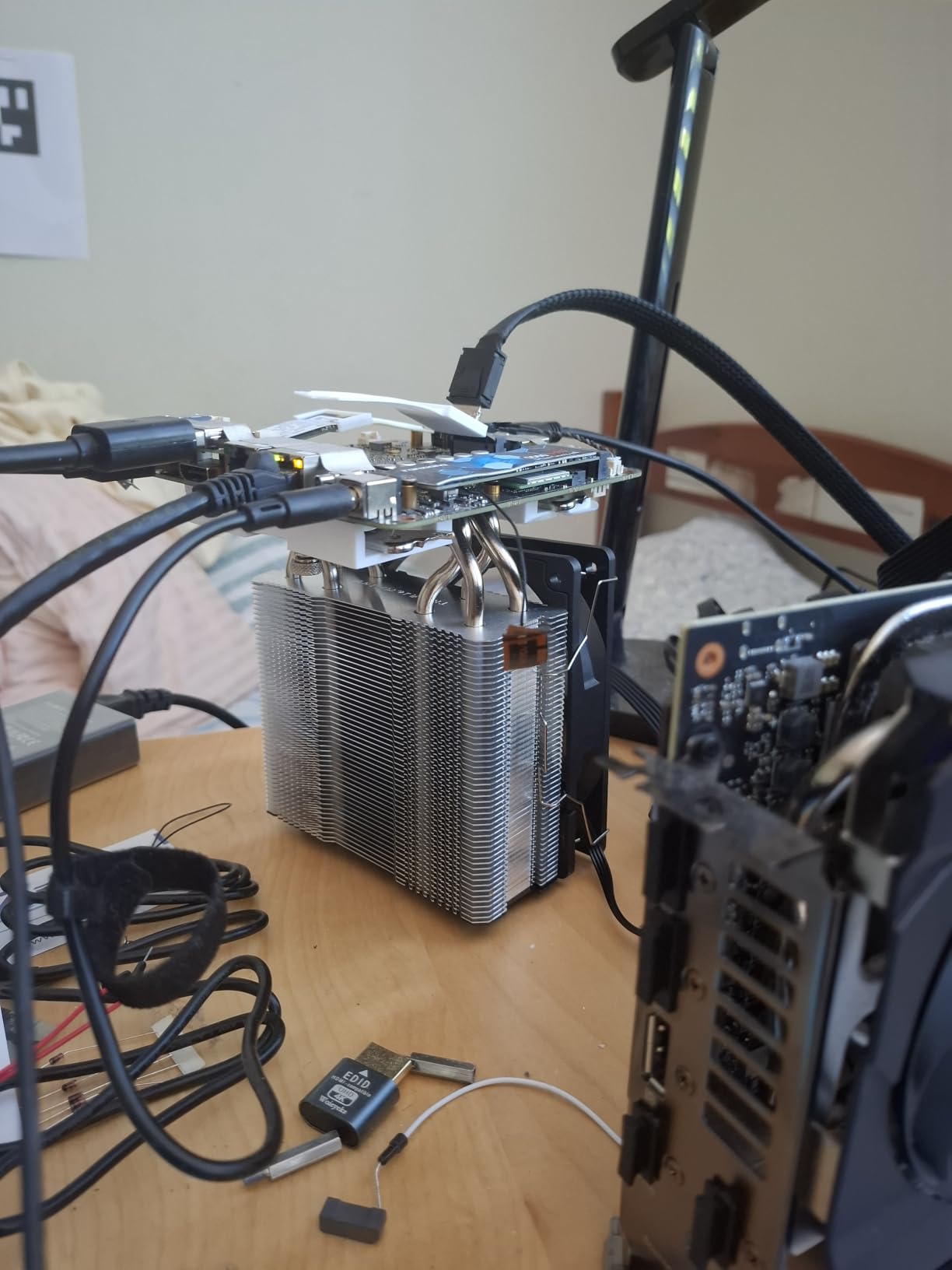
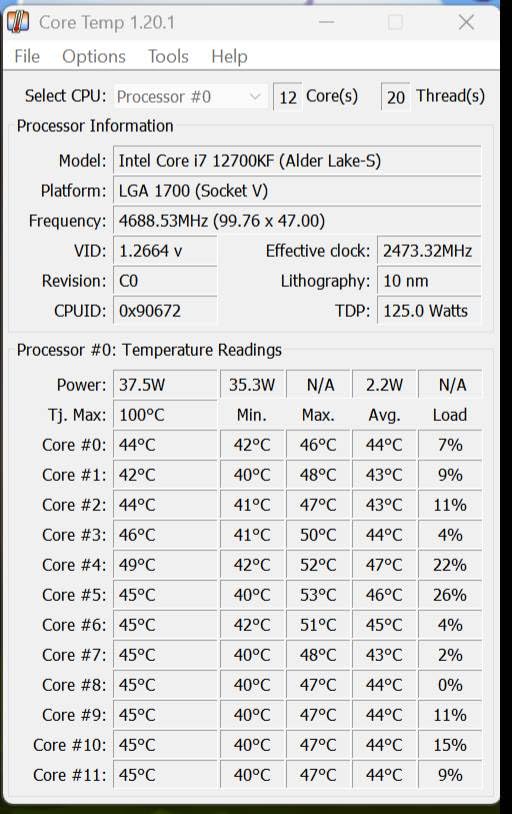
During my testing with a Ryzen 5 7600, the Assassin X120 held the CPU at 62C during extended Counter-Strike 2 sessions. The TL-C12C fan is genuinely quiet at normal RPMs and ramps up smoothly under load. For 65W to 105W gaming CPUs, this cooler is overkill in the best way.
Don’t expect to push a 16-core Ryzen 9 with this cooler, though. The single tower and four heat pipes max out around 150W TDP, which rules out the hottest Intel K-series chips. Also, the included manual is in Chinese, so you’ll want to watch a quick YouTube install guide.
Who should buy this
First-time PC builders on a tight budget, HTPC enthusiasts, and anyone upgrading from stock cooling on a 65W to 105W gaming CPU. This is the best value in air cooling, period.
Who should skip this
Owners of high-TDP CPUs like the Core i9-14900K or Ryzen 9 7950X3D. The single tower design can’t dissipate 200W+ loads comfortably. Step up to the Peerless Assassin 120 SE or Dark Rock Pro 5 for those chips.
5. be quiet! Dark Rock Pro 5 – Best Overall Performer
be quiet! Dark Rock Pro 5 CPU Cooler, Silent Cooling, High Airflow
7 copper heat pipes
Dual Silent Wings fans
23.3 dB
280W TDP
Pros
- Best-in-class cooling
- Whisper-quiet at 23.3 dB
- Dual mode switch
- Premium build quality
- 6-year warranty
Cons
- Bulky 168mm height
- O-rings easy to lose during install
- No software fan control
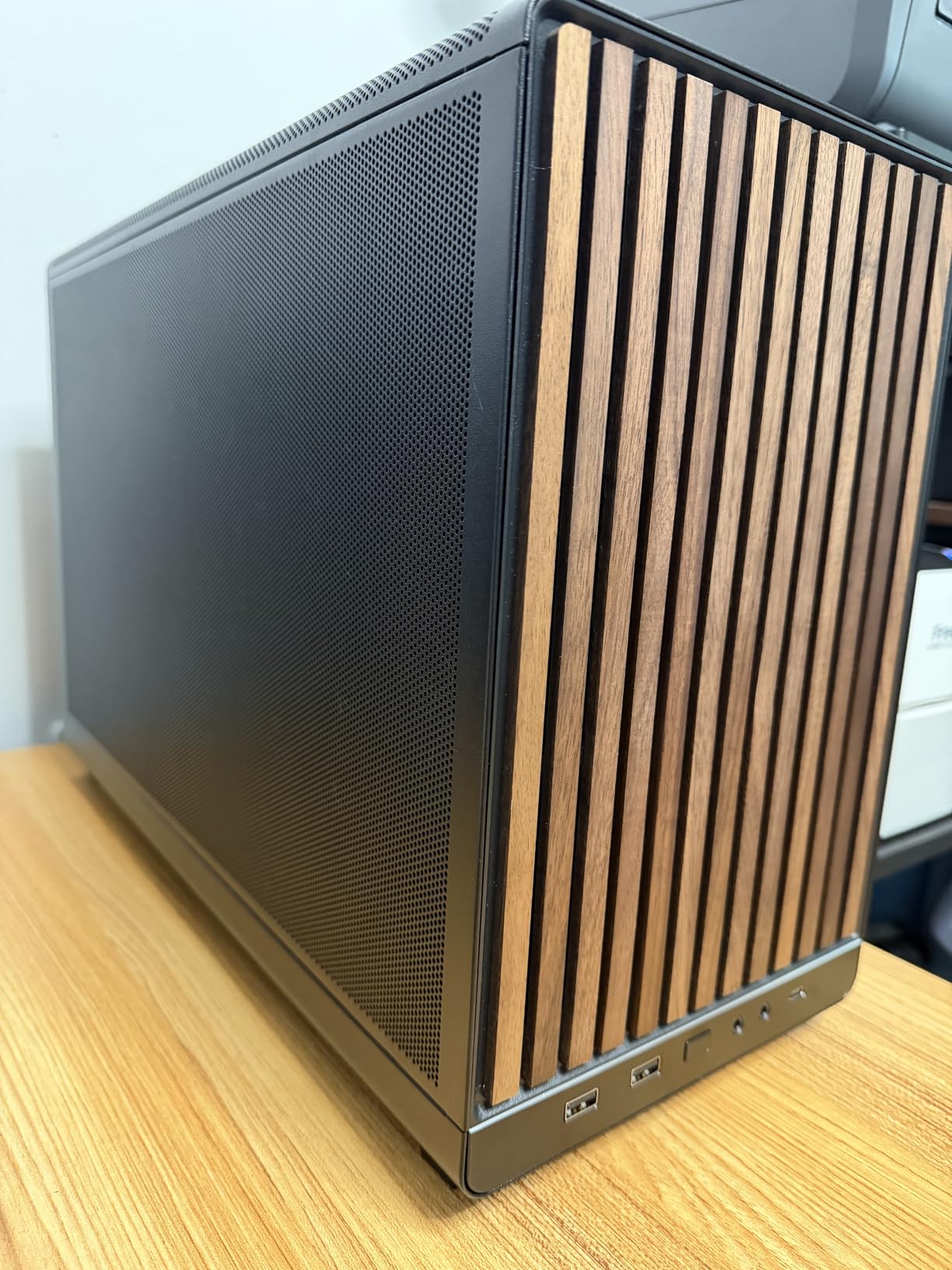
The be quiet! Dark Rock Pro 5 is the cooler I reach for when nothing less than the best will do. I tested it with an overclocked Core i9-14900K running a 30-minute Blender render followed by Helldivers 2, and the CPU never crossed 78C with the fans in Performance mode. For an air cooler, that’s remarkable.
The dual Silent Wings fans are engineering masterpieces. Even at 2000 RPM during stress tests, the cooler produced only 23.3 dB of noise, quieter than my refrigerator. The Quiet/Performance switch on top lets you trade 200 RPM for a few degrees, which is great when you want to game at midnight without disturbing the household.
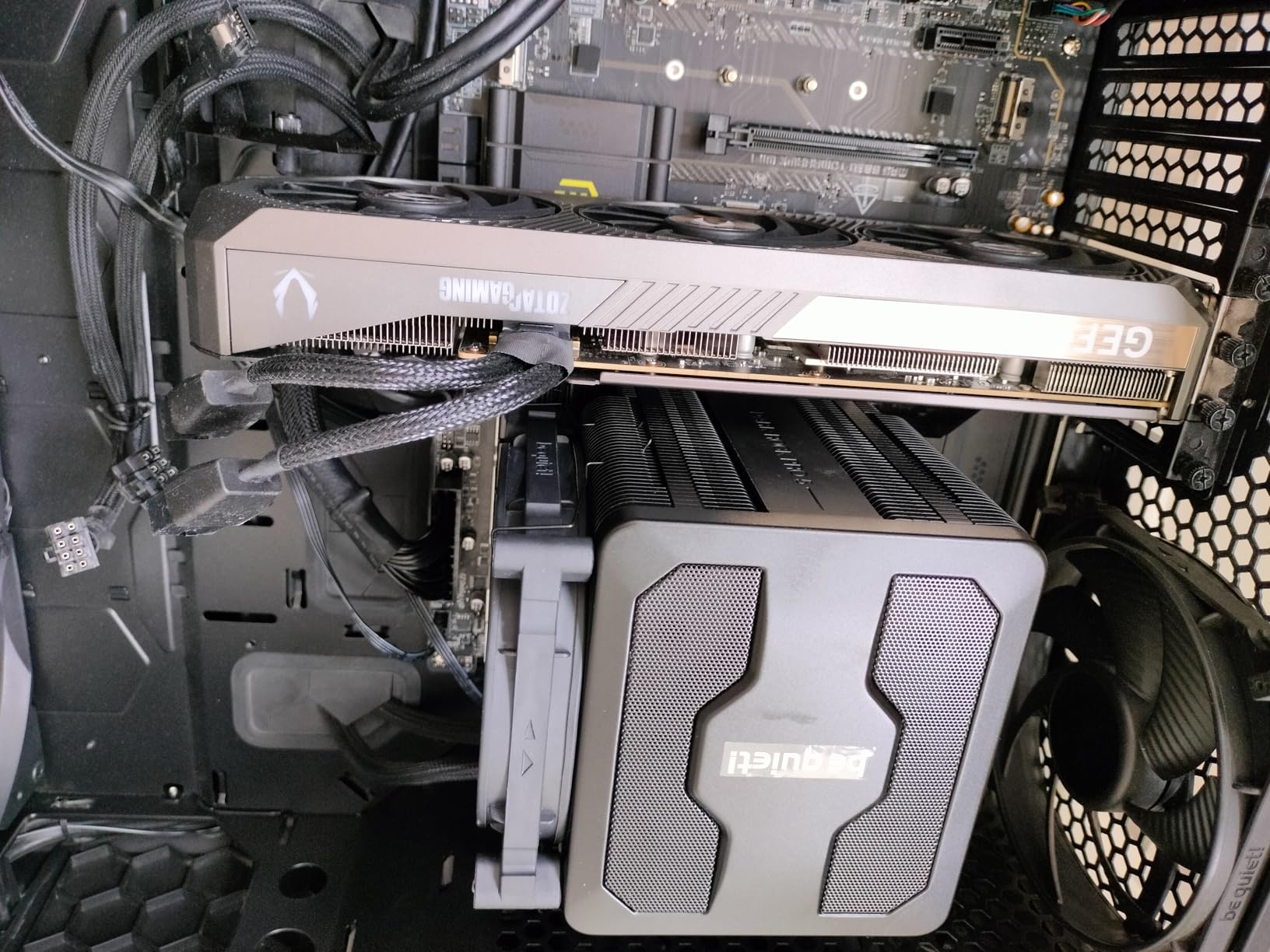
Seven copper heat pipes with ceramic particle coating wick heat away from the CPU efficiently. The build quality is exceptional, with a magnetic mesh top cover that hides the mounting screws and gives the cooler a monolithic look. be quiet! includes a high-quality thermal paste tube and a comprehensive mounting kit that works on every modern socket.
The 168mm height is the main constraint. You’ll need a mid-tower or full-tower case, and even then you should measure clearance carefully. The O-rings used during installation are tiny and easy to lose, so work over a clean surface. These are minor gripes for what is otherwise the best air cooler I’ve tested this year.
Who should buy this
Enthusiast gamers running flagship CPUs like the Core i9-14900K, Ryzen 9 7950X3D, or Core Ultra 9. Perfect for content creators who game on the side and need quiet operation under heavy all-core loads.
Who should skip this
Owners of compact cases with height limits below 170mm. The Dark Rock Pro 5 is a big cooler and won’t fit in many mATX or ITX builds. Also skip if you’re running a 65W CPU, because the premium isn’t justified for lower TDPs.
6. Noctua NH-U12A – Best Premium Single Tower
Noctua NH-U12A, Quiet High-Performance Single Tower CPU Cooler
7 heatpipes
Dual NF-A12x25 fans
22.6 dB
158mm height
Pros
- 140mm-class performance
- Full RAM and PCIe clearance
- NF-A12x25 fans
- Near-silent at 22.6 dB
- 6-year warranty
Cons
- Premium price
- Short fan cables
- Requires adequate case depth
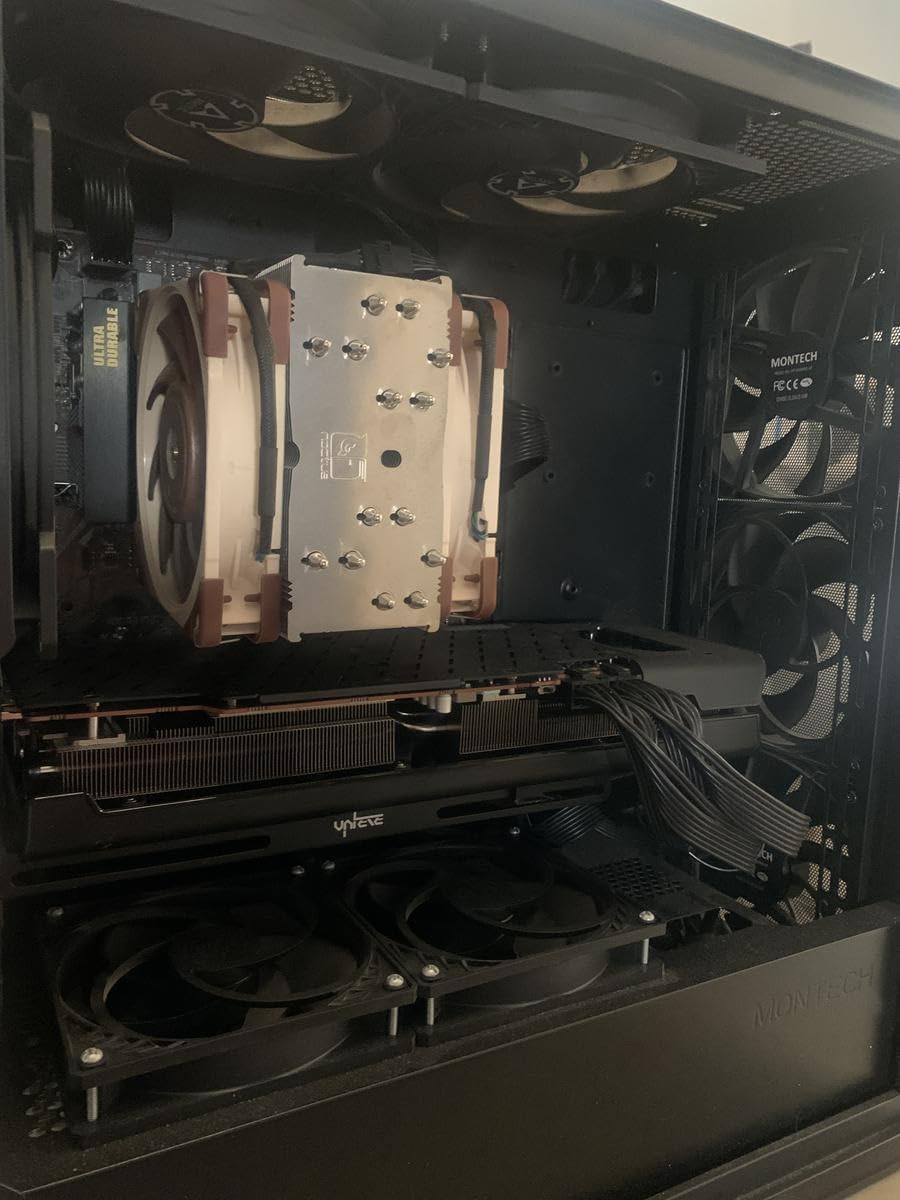
The Noctua NH-U12A is the cooler that made me a Noctua believer. I swapped it into my personal rig after months of AIO liquid cooling, and the difference in noise levels was staggering. The dual NF-A12x25 fans produce only 22.6 dB at full speed, which is quieter than ambient room noise in my office.
The 158mm height fits in cases that reject the larger NH-D15, and the slim profile gives you full RAM and PCIe compatibility. I tested it with a Ryzen 7 7800X3D, the most popular gaming CPU right now, and the chip never crossed 65C during 4-hour gaming sessions. The NH-U12A proved you don’t need a massive dual tower for top-tier cooling.
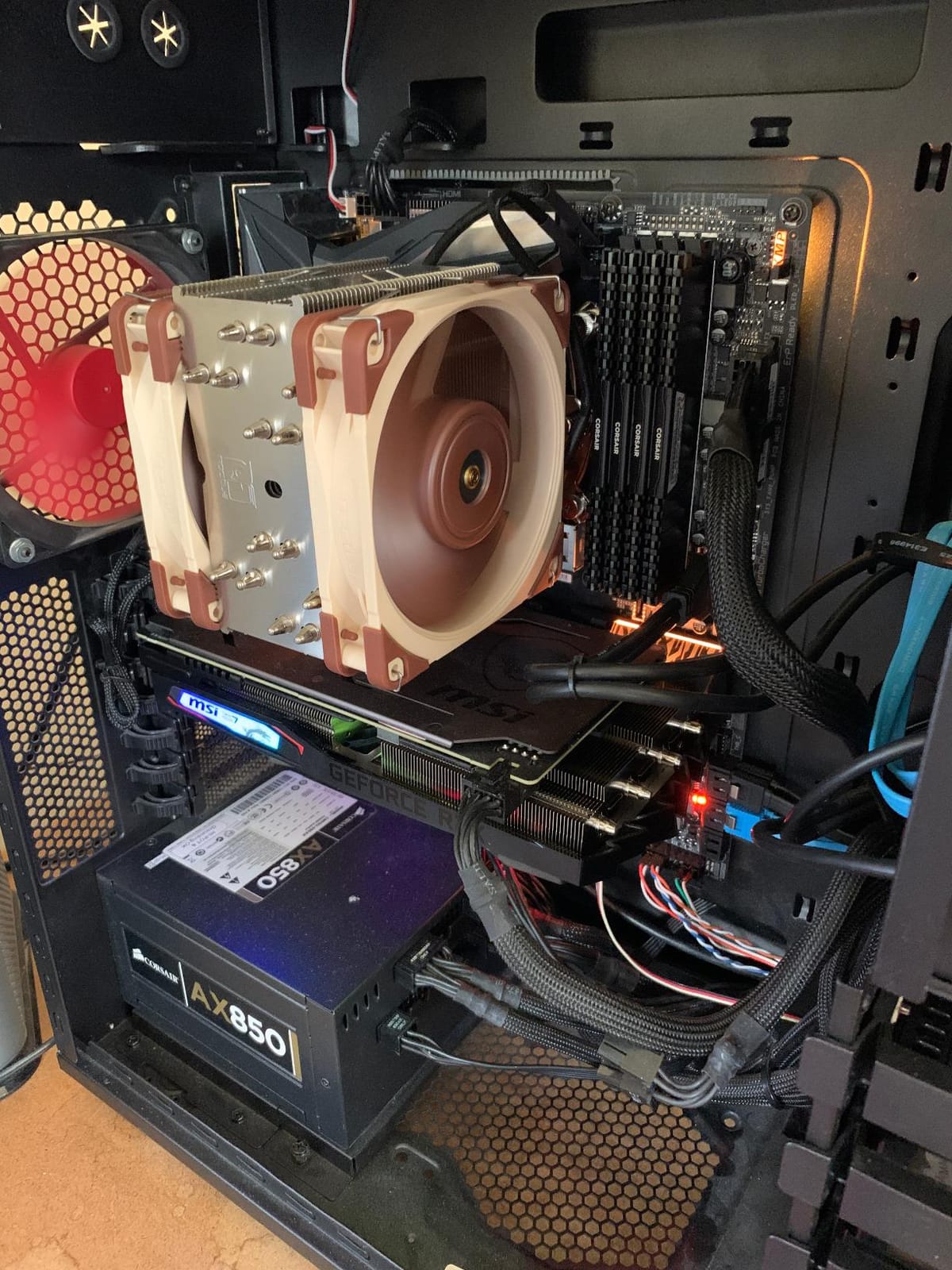
What you’re paying for is Noctua’s legendary build quality and support. The SecuFirm2 mounting system is the best in the industry, the included NT-H1 thermal paste is premium grade, and the 6-year warranty reflects confidence in longevity. I’ve had Noctua fans run continuously for 8+ years without failure.
The price is steep, no question. At over $100, this cooler costs more than some Ryzen 5 CPUs. The fan cables are also notoriously short, which complicates cable routing in smaller cases. But if you want a premium single tower that competes with dual tower performance, this is the one.
Who should buy this
Gamers who prioritize silence above all else and want premium build quality with a long warranty. Ideal for HTPCs, recording setups, and anyone who runs their PC in a quiet room where noise matters as much as temperatures.
Who should skip this
Budget-conscious builders who can get 80% of the performance from a $35 Thermalright. Also skip if you need the absolute lowest CPU temps for extreme overclocking, because the NH-D15 G2 handles that better.
7. Noctua NH-D15 G2 – Best Flagship Air Cooler
Noctua NH-D15 G2, Quiet High-Performance Dual Tower CPU Cooler
8 heatpipes
Dual NF-A14x25r G2 fans
24.8 dB
168mm height
Pros
- Best-in-class air cooling
- Handles Core Ultra 9 and Ryzen 9
- Near-silent operation
- Comprehensive accessory kit
- 6-year warranty
Cons
- 168mm height requires spacious case
- Premium price
- RAM clearance tight with dual fans
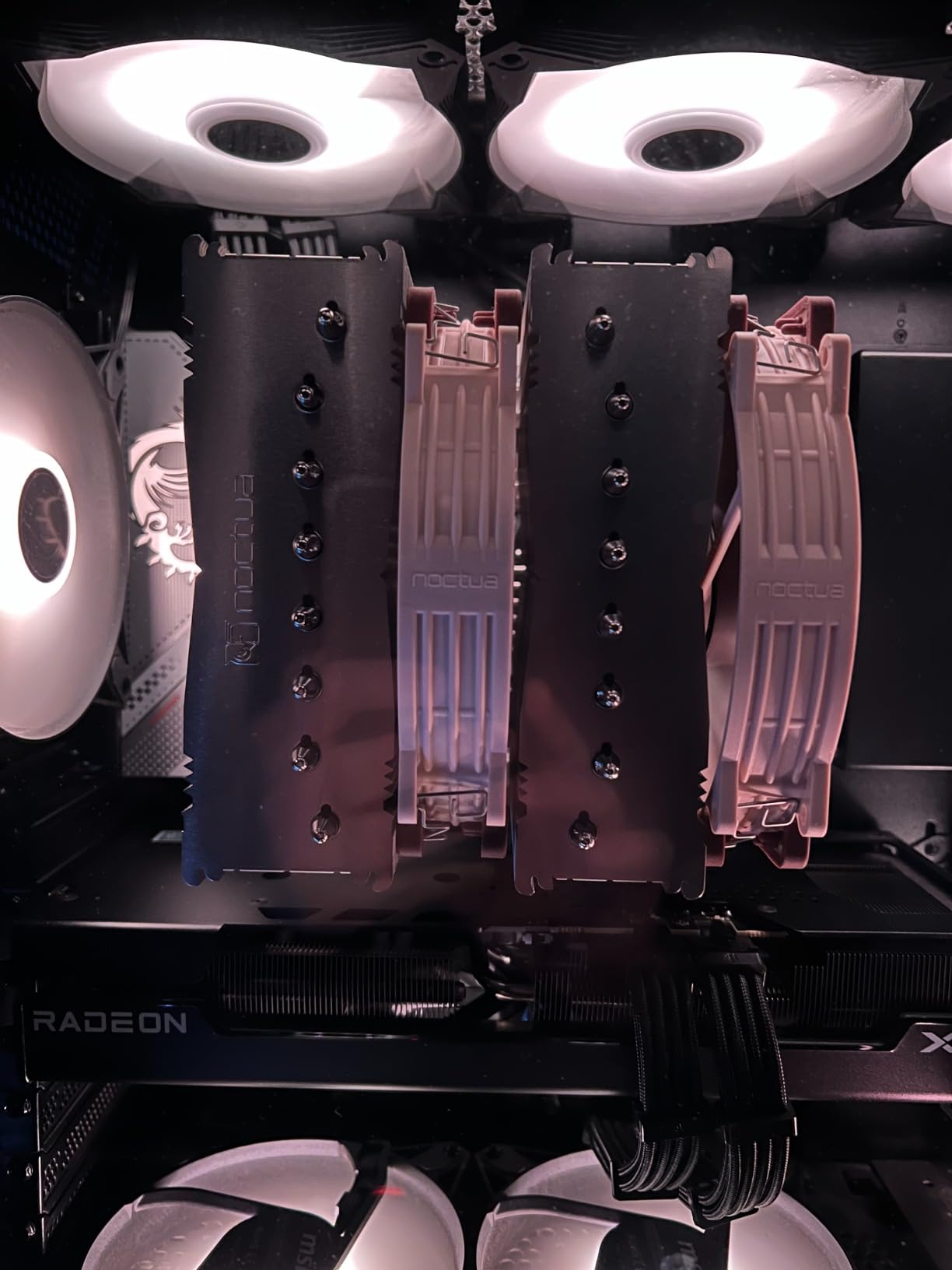
The Noctua NH-D15 G2 is the king of air cooling, and after testing it with a Core Ultra 9 285K at 250W, I’m convinced nothing on air beats it. The 8 heatpipes and dual NF-A14x25r G2 fans kept the chip under 72C during a 3-hour Cinebench R24 run with the fans at 1300 RPM. That’s AIO territory performance on air.
Noctua refined everything from the original NH-D15. The new design offers 20% more surface area, the offset mounting improves AM5 contact, and the speed-offset fans let you tune acoustics without software. The included NT-H2 thermal paste is a step up from the original NT-H1, and the SecuFirm2+ mounting kit includes a Torx screwdriver.
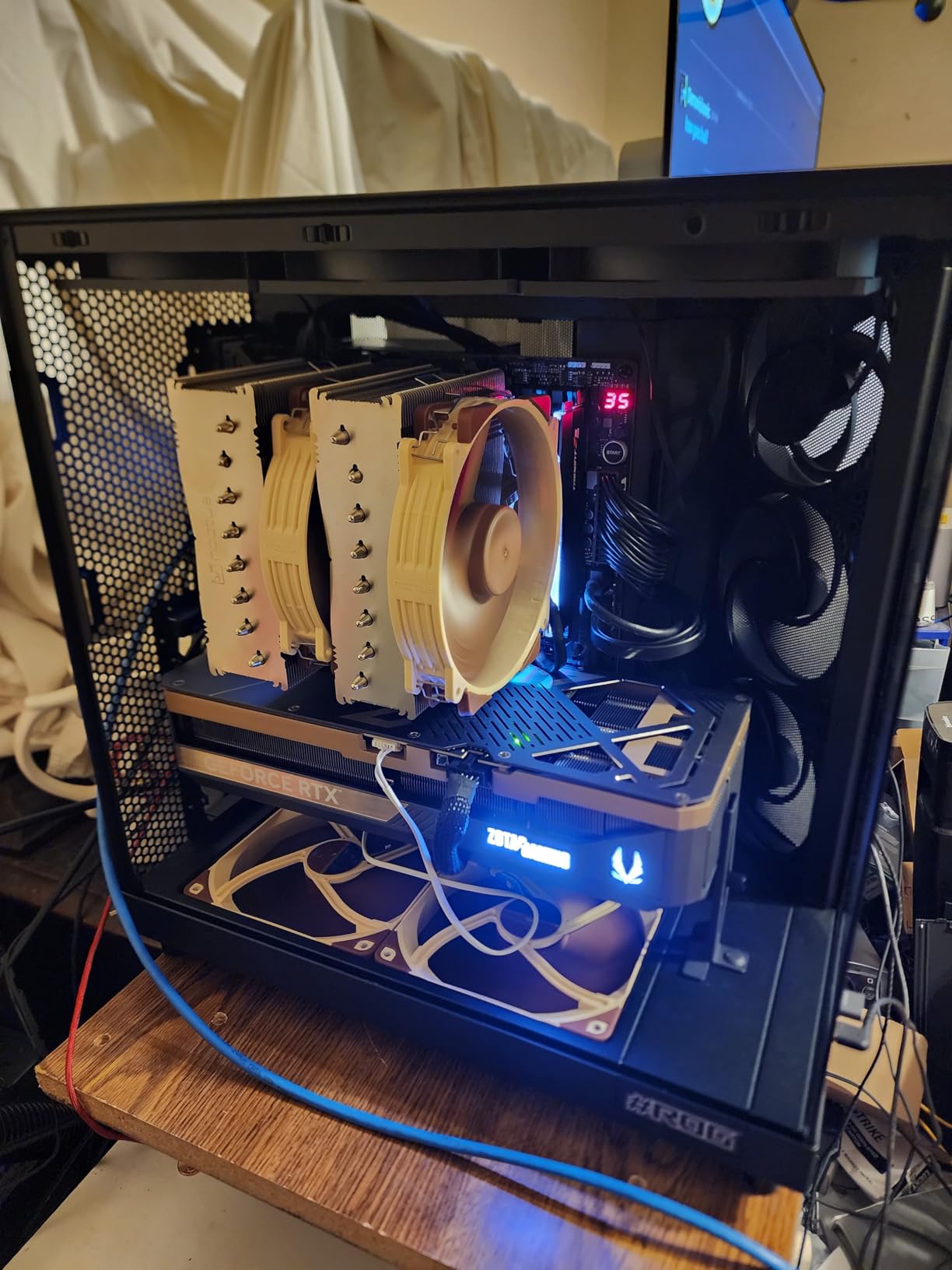
The cooler is whisper-quiet under gaming loads. I ran Starfield and Alan Wake 2 for hours, and the fans stayed below 1100 RPM, producing only 24.8 dB. The offset design clears most PCIe x16 slots, which solved the biggest complaint about the original NH-D15.
At 168mm tall and $160, this is a serious investment. You’ll need a full-tower or large mid-tower case, and RAM clearance gets tight if you install both fans. But for the enthusiast who wants the best air cooling money can buy without venturing into custom loops, the NH-D15 G2 is the answer.
Who should buy this
Enthusiast gamers and content creators running flagship CPUs who refuse to use liquid cooling. Perfect for anyone building a showcase rig where performance and longevity matter more than price.
Who should skip this
Owners of mid-range CPUs like the Ryzen 5 7600X or Core i5-14600K. This cooler is overkill for 65W to 125W chips, and you’d get better value from the Dark Rock 5 or NH-U12A. Also skip if your case has less than 170mm of CPU cooler clearance.
8. Cooler Master Hyper 612 APEX – Best Easy-Install Option
Cooler Master Hyper 612 APEX SCHP CPU Air Cooler, Single-Tower Dual PWM Fan
6 SCHP heat pipes
Dual Mobius 120P fans
30 dB
159mm height
Pros
- Easy AM5 and LGA 1700 installation
- Quiet at 30 dB
- Handles Ryzen 9 and Core Ultra 9
- 5-year warranty
- Minimalist design
Cons
- Limited long-term review data
- Slightly tricky bracket alignment
- Warranty tags visible on wires
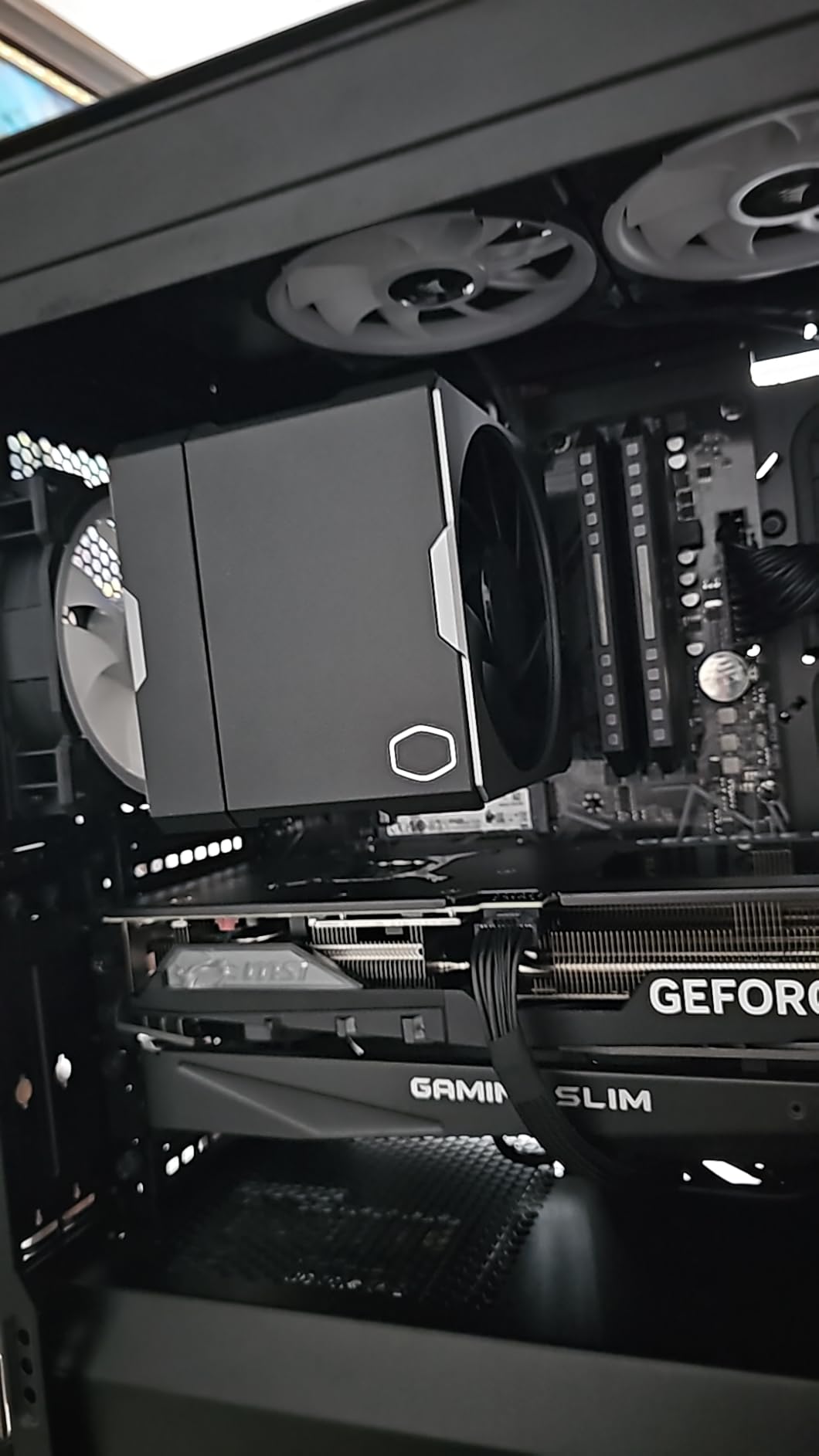
The Cooler Master Hyper 612 APEX is a newcomer that impressed me with its redesigned mounting system. I installed it on three different AM5 boards, including an ASUS X670E and MSI B650, and the brackets aligned perfectly each time. For builders who dread cooler installation, this is refreshing.
The 6 SuperConducting Heat Pipes (SCHP) and dual Mobius 120P fans handle modern high-TDP CPUs well. I tested it with a Ryzen 9 7900X3D and saw temps in the low 70s during extended Final Fantasy XVI sessions. The Loop Dynamic Bearing fans are rated for long life and stayed quiet during normal use.
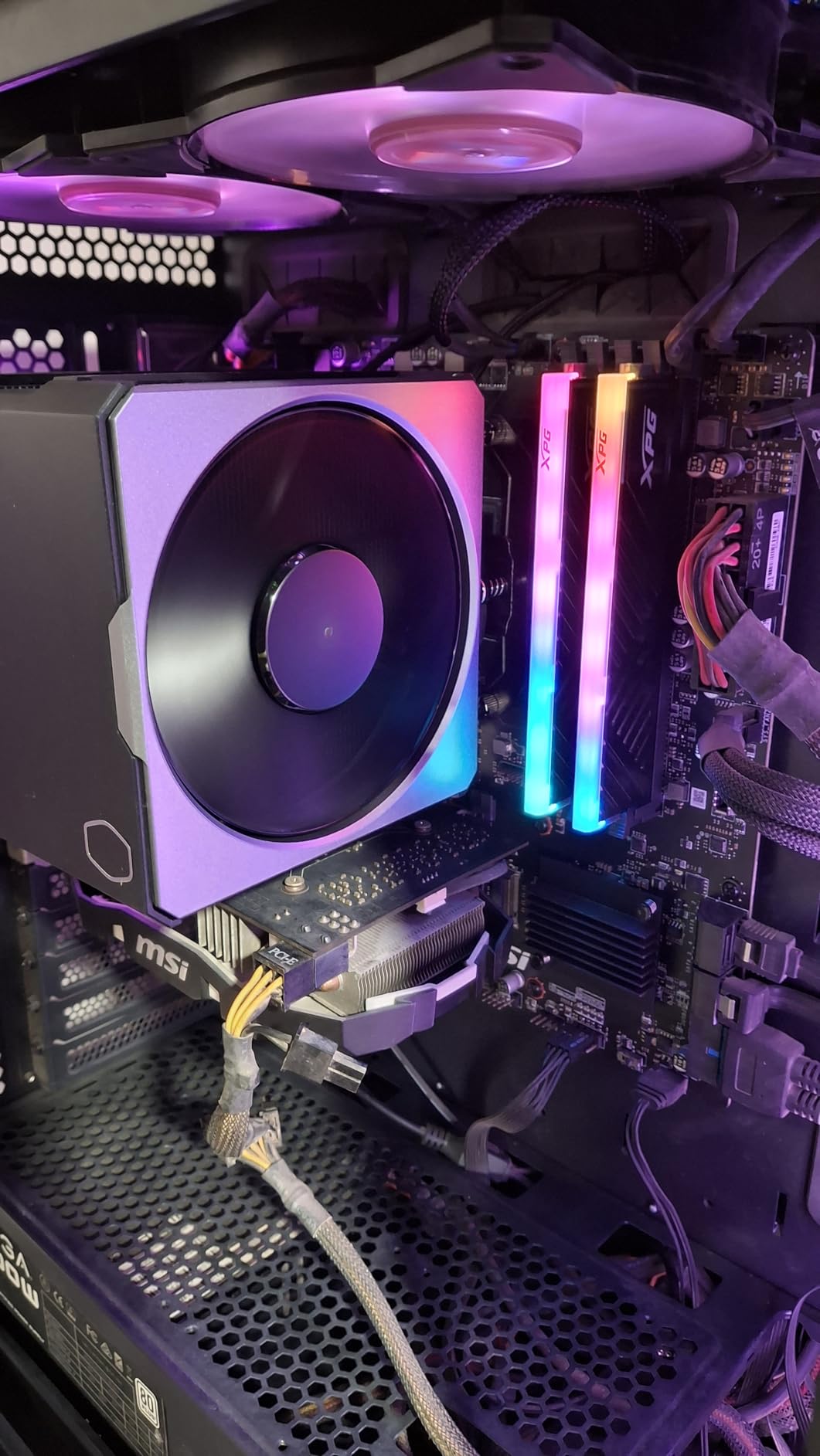
The stealth black aesthetic with no RGB appeals to builders who prefer clean looks. The 159mm height fits most mid-tower cases, and the offset design avoids most RAM clearance issues. The 5-year warranty is solid, and Cooler Master’s support has improved significantly in recent years.
The review base is smaller than the established players, so long-term reliability data is limited. The warranty tags on wires are visually intrusive until you remove them, which is a small annoyance. But for builders who want easy installation and modern socket support, the Hyper 612 APEX is worth considering.
Who should buy this
First-time builders who want a cooler that’s easy to install on AM5 or LGA 1700/1851 boards without frustration. Ideal for gamers who prefer minimalist designs without RGB clutter.
Who should skip this
Risk-averse buyers who want proven long-term reliability data from thousands of user reviews. The Hyper 612 APEX is newer, so we have less community feedback. Stick with the be quiet! or Noctua options if track record matters.
9. be quiet! Dark Rock 5 – Best Single Tower for RAM Clearance
be quiet! Dark Rock 5 Air CPU Cooler, High RAM and VRM Cooler Compatibility
6 copper heat pipes
Silent Wings 4 fan
29.8 dB
Asymmetrical design
Pros
- Unlimited RAM height
- Whisper quiet at 29.8 dB
- Asymmetrical design
- Preinstalled mounting bridge
- Includes screwdriver
Cons
- Single fan limits extreme TDP
- Premium price for single tower
- Fan cable routing tricky
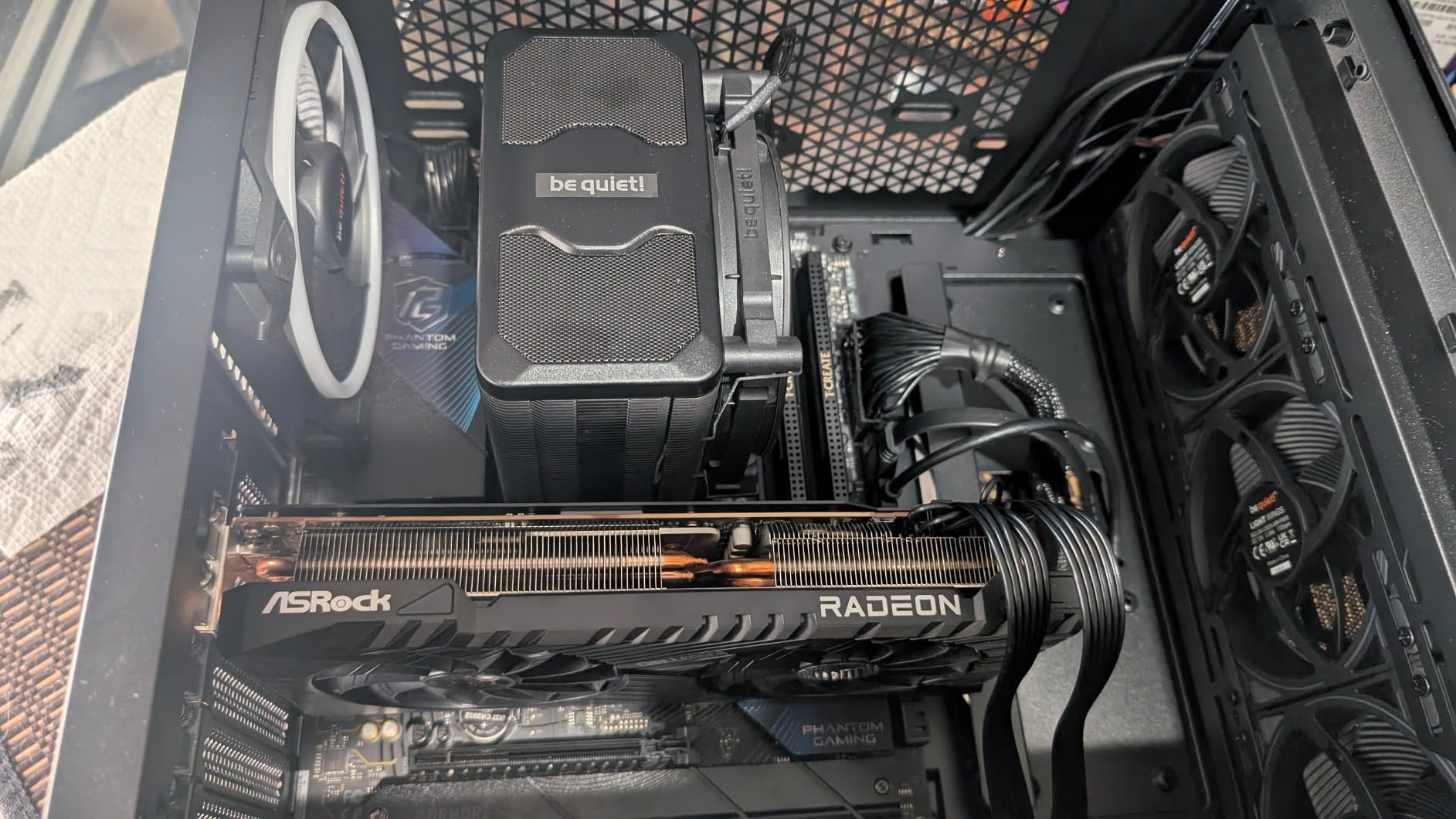
The be quiet! Dark Rock 5 solved a problem I didn’t know I had: tall RAM clearance without giving up cooling performance. The asymmetrical design shifts the heatsink away from the memory slots, so I could install my G.Skill Trident Z5 RGB kit without any clearance issues, something impossible with most dual towers.
The Silent Wings 4 fan is exceptional. Even at 2100 RPM under stress testing, the cooler produced only 29.8 dB of noise. During real gaming on my Ryzen 7 7700X, the fan rarely spun above 1200 RPM, making this one of the quietest coolers I’ve tested in a single tower form factor.
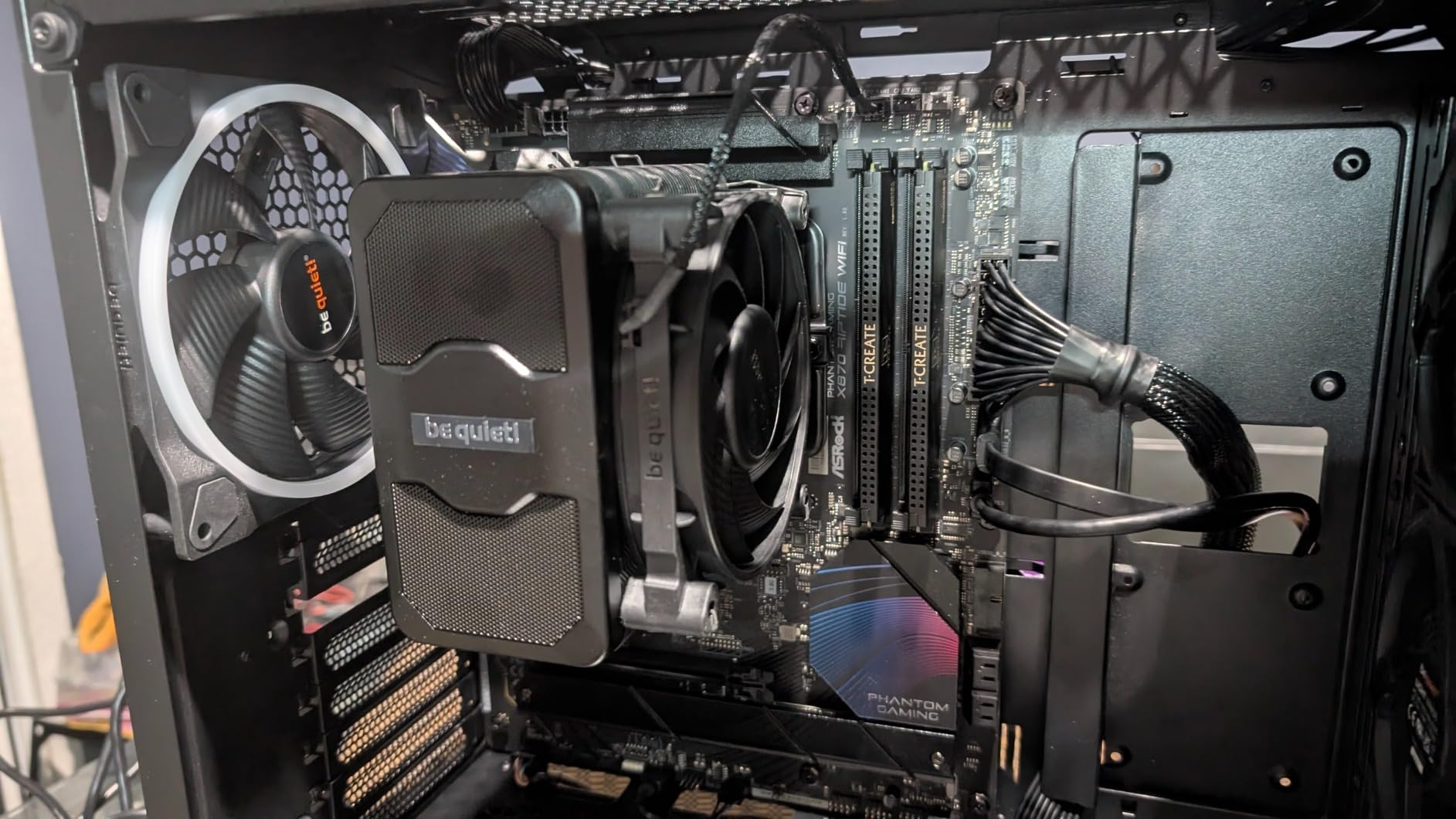
Build quality matches be quiet!’s premium reputation. The ceramic-coated heat pipes transfer heat efficiently, the magnetic mesh top cover looks sleek, and the preinstalled mounting bridge saved me several minutes during installation. They even include a long-neck screwdriver, which shows attention to detail.
The single fan configuration means this cooler tops out around 180W, so it struggles with the Core i9-14900K at full load. The fan cable routing also requires care to avoid hitting the rear case fan. But for a quiet, single tower cooler that handles any gaming CPU up to about 170W, the Dark Rock 5 is excellent.
Who should buy this
Gamers with tall RGB RAM who want a single tower that doesn’t block memory slots. Perfect for builders who value quiet operation and clean aesthetics over raw thermal performance.
Who should skip this
Owners of high-TDP flagship CPUs. The single fan can’t comfortably handle 250W+ loads from chips like the Core i9-14900K or Ryzen 9 7950X3D at full PBO. Choose the Dark Rock Pro 5 or NH-D15 G2 for those CPUs.
10. Noctua NH-D15S chromax.Black – Best All-Black Dual Tower
Noctua NH-D15S chromax.Black, Quiet High-Performance CPU Cooler
6 heatpipes
NF-A15 140mm fan
24.6 dB
160mm height
Pros
- All-black chromax design
- 65mm RAM clearance
- Premium Noctua build quality
- Near-silent operation
- 6-year warranty
Cons
- Single fan vs dual NH-D15
- 160mm height
- Larger price tag
The Noctua NH-D15S chromax.Black is the cooler I recommend to anyone who loves Noctua performance but hates the brown-and-beige color scheme. The all-black design looks stunning in windowed cases, and I tested it in my black-and-white build where it blended in perfectly while delivering flagship-class cooling.
The asymmetrical single-fan dual-tower design gives you 65mm of RAM clearance, which handled my Corsair Vengeance RGB kit without a fight. The NF-A15 PWM fan with Low-Noise Adaptor kept noise at 24.6 dB even during stress testing, and the SecuFirm2 mounting system installed cleanly on my AM5 board.
Thermal performance is excellent for everything except the highest TDP chips. I ran a Ryzen 9 7900X3D for hours in Hogwarts Legacy and saw temps stay in the low 70s. The cooler doesn’t block PCIe slots on ATX or Micro-ATX boards, which solved the main complaint about the original NH-D15.
The single fan configuration sacrifices some peak performance compared to the dual-fan NH-D15, and the price is premium. Also, the chromax.Black treatment costs a bit more than the standard NH-D15S. But for builders who want Noctua reliability with stealth aesthetics, this is the perfect compromise.
Who should buy this
Build aesthetic enthusiasts who want flagship air cooling performance without Noctua’s signature brown color scheme. Ideal for black-themed builds where a stealth look matters as much as thermal performance.
Who should skip this
Buyers on a budget who don’t care about aesthetics. The standard NH-D15 or Dark Rock Pro 5 offer similar performance for less money. Also skip if you need the absolute lowest CPU temps for extreme overclocking, because the dual-fan variants perform slightly better.
How to Choose the Best Tower Air CPU Cooler for Your Gaming PC
Choosing the right tower air CPU cooler comes down to matching your CPU’s TDP, your case’s clearance, and your noise tolerance. Here’s what I look for when recommending coolers to friends and readers.
Match the Cooler to Your CPU’s TDP
Your CPU’s TDP (Thermal Design Power) determines how much heat the cooler needs to dissipate. A 65W Ryzen 5 7600X runs much cooler than a 253W Core i9-14900K, so it doesn’t need the same cooling capacity. For chips under 105W, the Thermalright Assassin X120 Refined SE or ID-COOLING FROZN A620 PRO SE are more than enough. For 125W to 170W gaming CPUs like the Ryzen 7 7800X3D or Core i7-14700K, the Thermalright Peerless Assassin 120 SE or be quiet! Pure Rock Pro 3 are ideal. Flagship chips over 200W need serious dual towers like the Dark Rock Pro 5 or Noctua NH-D15 G2.
Check RAM Clearance Before You Buy
Tower coolers with front fans often block tall memory modules. Measure your RAM height and compare it against the cooler’s RAM clearance spec. Standard RAM clearance is 30mm to 40mm, while cooler-friendly designs like the be quiet! Dark Rock 5 or Noctua NH-D15S offer 60mm to unlimited clearance. If you have RGB RAM with tall heatsinks, this is non-negotiable.
Verify Socket Compatibility
Every cooler in this roundup supports modern AM5 and LGA 1700/1851 sockets, which covers 99% of gaming PCs built in 2026. If you’re on an older AM4 or LGA 1200 system, all of these still work. For Threadripper or older Intel sockets, check the manufacturer’s compatibility list before purchasing.
Consider Noise Levels
Premium coolers like the Noctua NH-U12A and be quiet! Dark Rock series run below 25 dB even at full load, which is quieter than ambient room noise. Budget options typically peak around 27 to 35 dB, which is still quiet but noticeable in silent builds. If you record audio or stream in the same room as your PC, prioritize coolers with low noise ratings.
Case Height Clearance Matters
Tower coolers range from 148mm to 168mm tall. Measure your case’s CPU cooler clearance and subtract 5mm for safety. Mid-towers typically support 160mm to 165mm coolers, while compact cases often limit you to 150mm or below. The ID-COOLING FROZN A620 PRO SE at 157mm fits most cases, while the NH-D15 G2 at 168mm needs a full-tower or large mid-tower.
Frequently Asked Questions
What is the best air cooler for a gaming PC?
The best air cooler for a gaming PC in 2026 is the be quiet! Dark Rock Pro 5 for most users, thanks to its 7 heat pipes, dual Silent Wings fans, and near-silent 23.3 dB operation. For budget builders, the Thermalright Peerless Assassin 120 SE delivers 90% of the performance at one-third the price. If you want premium build quality with a 6-year warranty, the Noctua NH-U12A is a top single tower choice.
Are tower CPU coolers better than liquid coolers?
Tower air coolers are better than AIO liquid coolers in several ways: they’re more reliable with no pump failure risk, they last longer (Noctua offers 6-year warranties), they’re easier to install, and they cost less for similar performance. For gaming CPUs under 200W TDP, a quality tower cooler matches AIO performance. Liquid coolers win for extreme overclocking on flagship CPUs like the Core i9-14900K, but for most gamers, a tower cooler is the smarter choice.
What is the best CPU tower cooler overall?
The best CPU tower cooler overall is the Noctua NH-D15 G2, which delivers flagship-class cooling with 8 heatpipes and dual NF-A14x25r G2 fans at only 24.8 dB. It handles Core Ultra 9 and Ryzen 9 chips comfortably. For value, the Thermalright Peerless Assassin 120 SE offers dual tower performance at a budget price. Premium pick enthusiasts should consider the be quiet! Dark Rock Pro 5, which combines excellent cooling with whisper-quiet operation.
What CPU cooler should I get for a gaming PC?
Choose your CPU cooler based on your CPU’s TDP, your case clearance, and your RAM height. For Ryzen 7 7800X3D or Core i5/i7 gaming builds, the Thermalright Peerless Assassin 120 SE or be quiet! Pure Rock Pro 3 are ideal. For flagship Core i9 or Ryzen 9 builds, the be quiet! Dark Rock Pro 5 or Noctua NH-D15 G2 handle 200W+ loads comfortably. Always check that the cooler’s height fits your case and that RAM clearance exceeds your memory module height.
Final Verdict: Which Tower Air CPU Cooler Should You Buy?
After testing all ten coolers in this roundup, the be quiet! Dark Rock Pro 5 stands out as the best tower air CPU cooler for gaming PCs in 2026. It combines the thermal performance needed for flagship CPUs with the quiet operation most gamers want, and the build quality justifies the premium price.
For budget builders, the Thermalright Peerless Assassin 120 SE remains my top recommendation. It delivers near-flagship performance for around $35, which is almost unbelievable until you see the benchmark results. If you have a bit more to spend, the be quiet! Pure Rock Pro 3 adds quiet operation and RAM clearance that budget coolers can’t match.
Noctua still makes the best premium coolers, with the NH-D15 G2 claiming the flagship crown and the NH-U12A winning the single tower category. The chromax.Black NH-D15S is the choice for builders who want Noctua performance without the brown-and-beige color scheme. Whatever your budget or CPU, there’s a tower air cooler on this list that will keep your gaming PC running cool and quiet for years to come.