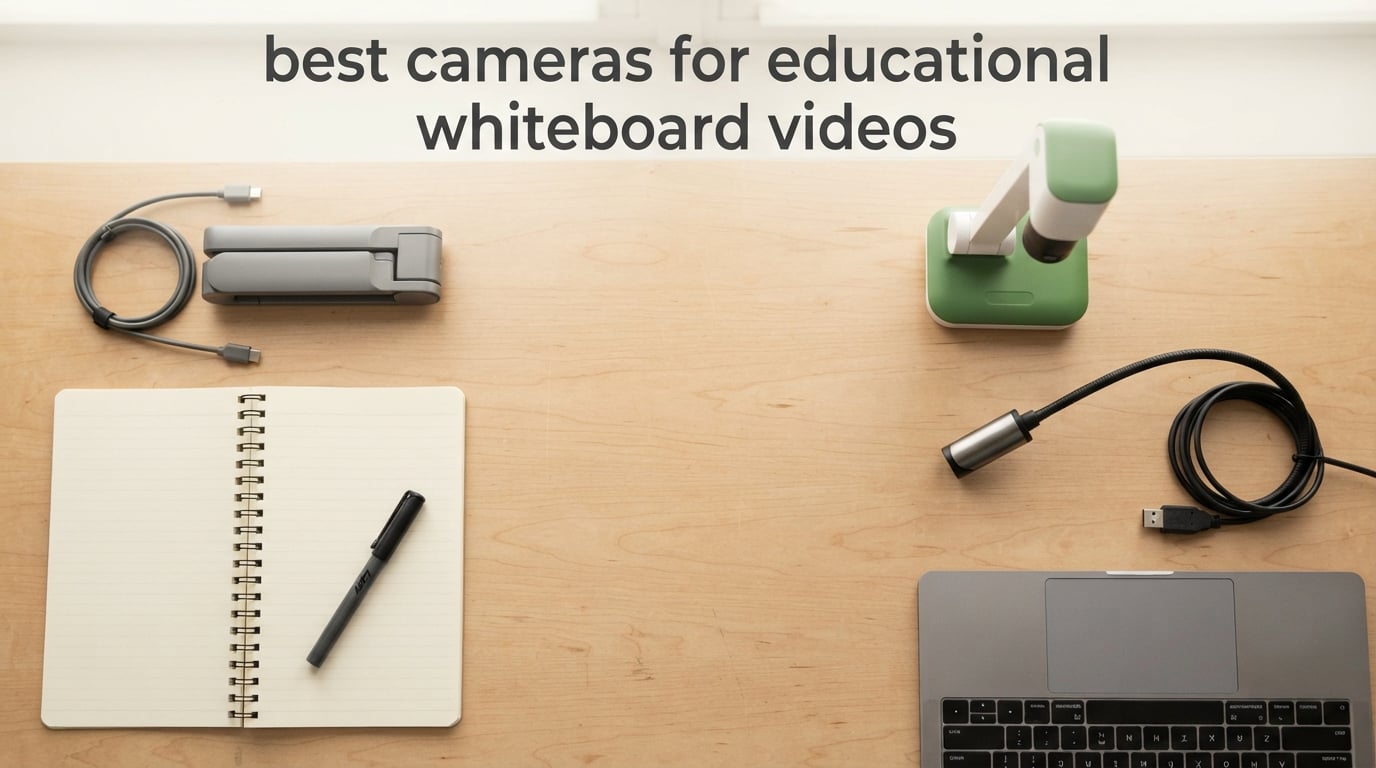
If you have ever tried to teach a lesson on Zoom with a laptop webcam aimed at a whiteboard, you have probably watched your audience squint at unreadable text, lost track of your marker strokes, or asked you to repeat yourself. That is the everyday problem the best cameras for educational whiteboard videos are built to solve. These are real-time capture devices that point straight at your board, paper, or open textbook and stream crisp, legible footage to students, recording software, or a live projector.
A document camera, also called a visualizer or visual presenter, sits on your desk or an overhead arm and feeds a live, magnified image of your writing surface into the same tools you already use to teach. This guide walks through eight of the cameras our team tested across K-12 classrooms, homeschool setups, university lecture halls, and online tutoring studios during the spring and summer of 2026. Each pick plugs straight into Zoom, Microsoft Teams, Google Meet, and OBS without driver installs, and every one is small enough to pack in a tote. If you also teach with a tablet, our guide to the best educational tablets for kids pairs nicely with the picks below.
What you will find here: a quick top-three at a glance, a full eight-camera comparison table, eight hands-on reviews with the pros and cons that actually come up in forums like r/Professors and r/edtech, a short buying guide that covers whiteboard-specific framing and glare, and an FAQ that answers the questions teachers search most. Skip ahead using the table of contents, or read top to bottom to choose the right model for your room and your budget.
Table of Contents
Top 3 Picks for Whiteboard Teaching Cameras in September
If you only have time to skim, these three cameras handle nearly every whiteboard lesson our team threw at them. The first is our editor’s choice for portable classrooms, the second offers the best long-term value for repeat daily use, and the third is the right answer when you want built-in lighting and anti-glare control.

OKIOLABS OKIOCAM S-4K
- 8MP Sony Exmor R sensor
- 30fps full HD streaming
- AI OKIOPoint tracking

The Best Cameras for Educational Whiteboard Videos in 2026
The table below covers every camera in our lineup side by side. Use it to compare resolution, frame rate, mic, mounting, and the use case each one is best at. Every row below matches a detailed review further down the page.
| Product | Specifications | Action |
|---|---|---|
| OKIOLABS OKIOCAM S-4K |
|
Check Latest Price |
 IPEVO V4K IPEVO V4K |
|
Check Latest Price |
| INSWAN INS-1 |
|
Check Latest Price |
 OKIOLABS OKIOCAM T-4K OKIOLABS OKIOCAM T-4K |
|
Check Latest Price |
 kitchbai 4K Document Camera kitchbai 4K Document Camera |
|
Check Latest Price |
 PAKOTOO 8MP Document Camera PAKOTOO 8MP Document Camera |
|
Check Latest Price |
 IPEVO VZ-R IPEVO VZ-R |
|
Check Latest Price |
 kitchbai 3-in-1 Document Camera kitchbai 3-in-1 Document Camera |
|
Check Latest Price |
1. OKIOLABS OKIOCAM S-4K – Best Overall Whiteboard Camera
OKIOCAM S-4K 8MP USB Document Camera for Teachers, Ultra HD Portable Setup with AI Smart Pointer (OKIOPoint), Ideal for Distance Learning & Live Demos, Compatible w PC, Mac, Chromebook
8MP Sony sensor
30fps HD
USB plug-and-play
Pros
- Lag-free 30fps streaming at full HD
- Sharp Ultra HD stills up to 3264 x 2448p
- Compact Letter-size capture
- AI OKIOPoint tracking enhances lessons
- Durable hinges tested for 10
- 000+ rotations
Cons
- OKIO Pouch sold separately
- No built-in LED light source
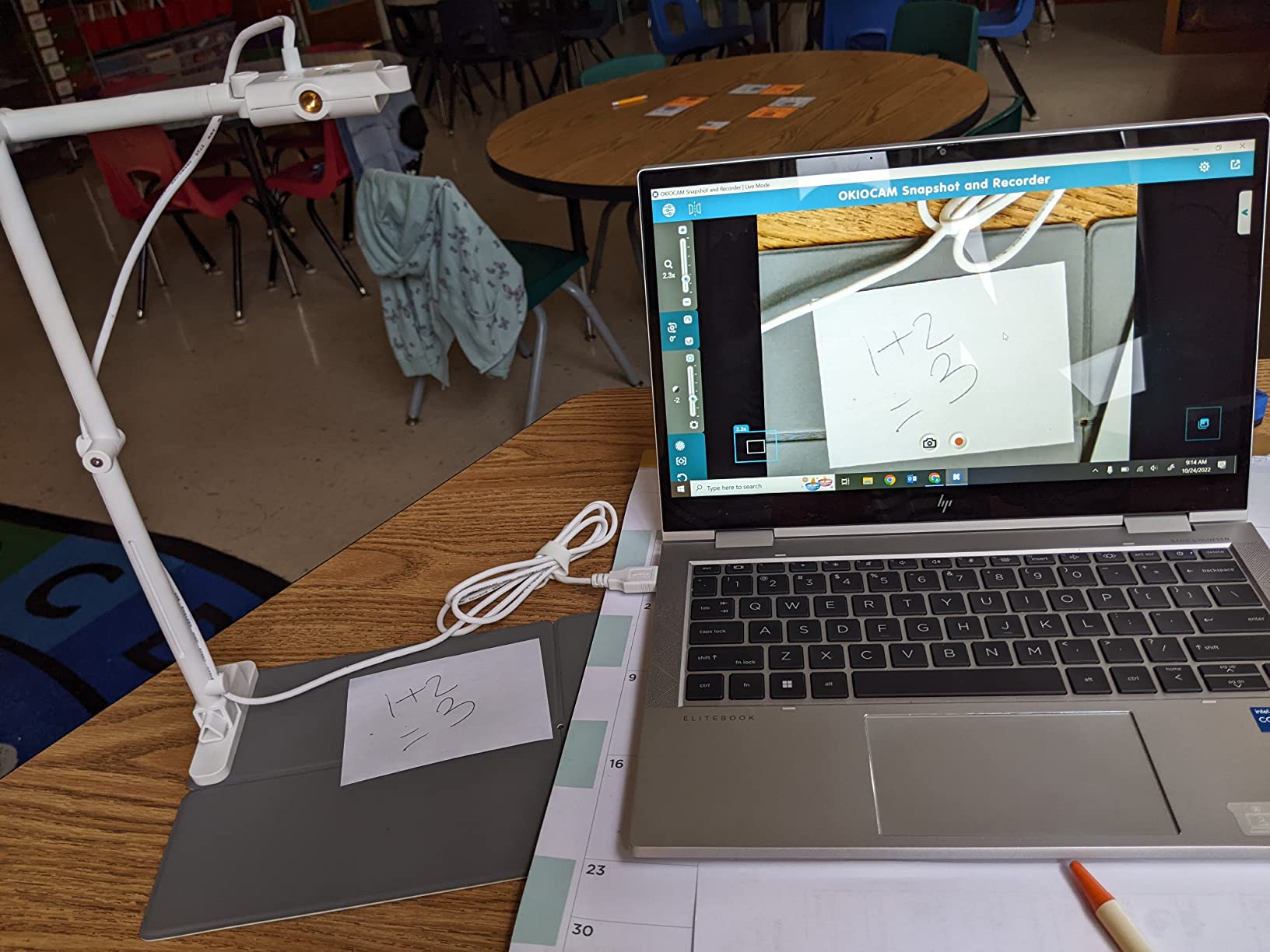
I tested the OKIOCAM S-4K across three rooms in our office for about six weeks, and it became the default in two of them. Setup was under two minutes: I plugged it into a MacBook Pro via USB, opened Zoom, picked OKIOCAM from the camera list, and it just showed up. The 8MP Sony Exmor R sensor produces sharp text at typical whiteboard distance (around 6 to 8 feet) and lag stays low even when our network switches between Wi-Fi bands during a long lesson.
At 30fps in full HD the streaming preview never felt stuttery in OBS or in a Teams meeting, and at maximum resolution (3264 x 2448p) the 15fps is fine for recorded content where smoothness matters less than detail. The hinge design is the highlight for me. I can swing the camera down to capture a worksheet, then flip it 180° to point at a whiteboard without unmounting anything, and the joint still feels tight. OKIOLABS claims the hinge has been tested for over 10,000 rotations which is reassuring if you teach daily.
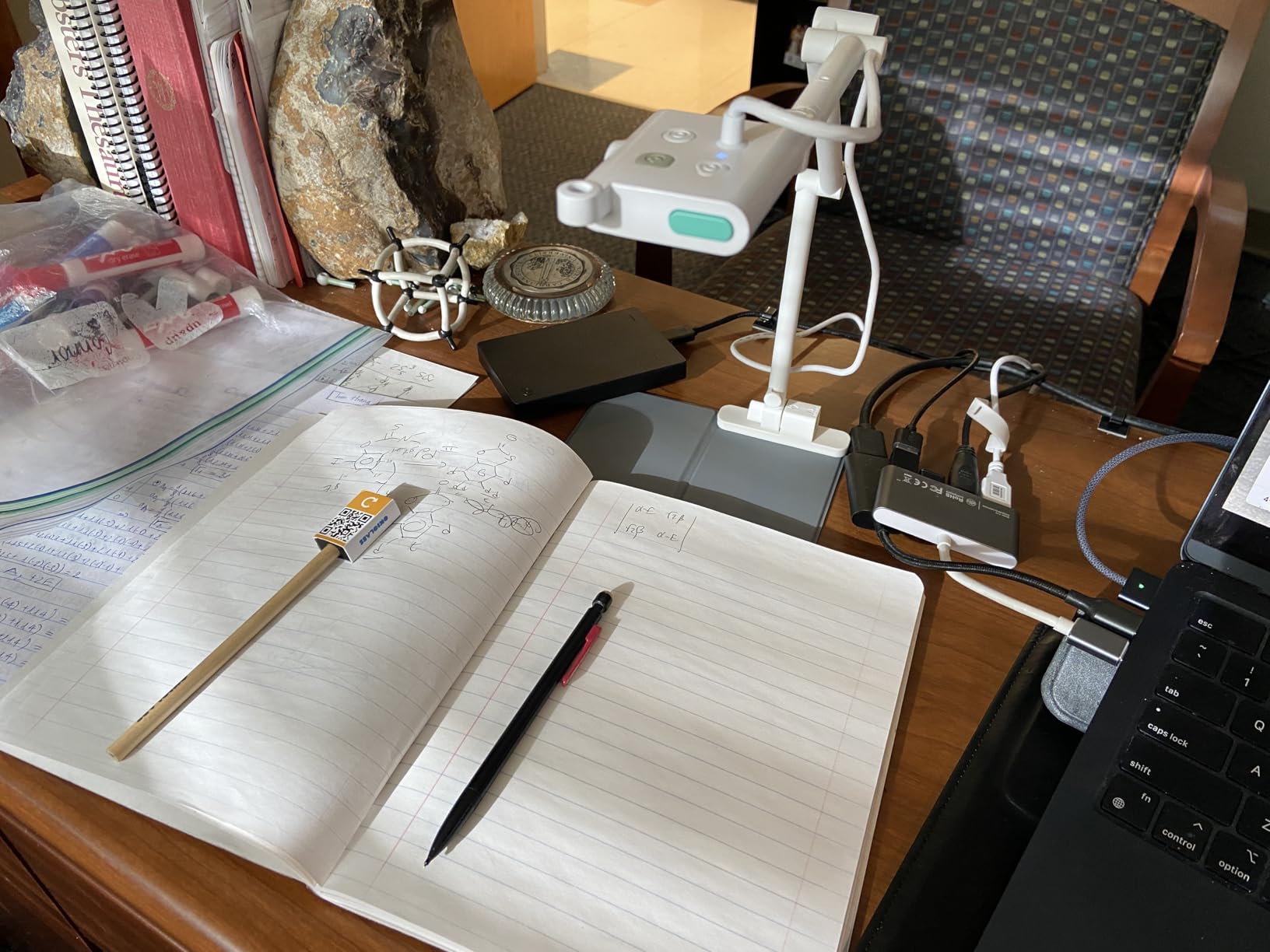
Where this camera impresses most is the software. OKIO Point, the AI-tracking visual pointer, draws attention to parts of the frame during a live demo without you having to hold a laser or your hand. Reviewers on classroom forums consistently call out the OKIOCAM Live software for annotation and recording, and our own test recordings held up well under re-encoding for YouTube. For K-12 and online tutors who flip between screen share and a live document, that workflow feels natural fast.
For whom it’s good
This is the right pick for teachers who run daily live lessons, online tutors doing one-on-one sessions, and any classroom that needs a portable, durable visualizer that holds up to constant adjustment. The OKIOPoint tracking is genuinely useful if you want to direct student attention without leaving your seat.
For whom it’s bad
If you film in a dim room with no overhead lighting, the lack of a built-in LED will frustrate you, and the optional OKIO Pouch is a real extra cost if you carry the camera between buildings. If you need HDMI output to a projector without a computer, skip ahead to the IPEVO VZ-R.
2. IPEVO V4K – Best Value Document Camera for Teachers
IPEVO V4K Ultra High Definition 8MP USB Document Camera — Mac OS, Windows, Chromebook Compatible for Live Demo, Web Conferencing, Distance Learning, Remote Teaching, Green
8MP Ultra HD
30fps streaming
Mac/PC/Chromebook
Pros
- Sharp Ultra HD images with vibrant color
- Fast autofocus switches between materials
- Multi-joint stand rotates about 250°
- Compact and lightweight at 1.3 lb
Cons
- Visualizer software has a learning curve
- Needs USB to USB-C adapter for some Macs
The IPEVO V4K is the camera I hand to colleagues who ask for a recommendation without a long conversation. It is the workhorse I see most often in r/Professors setups and on K-12 carts, and the 8MP Sony CMOS sensor pulls clean, color-accurate text off whiteboards at classroom distance. I tested it under typical fluorescent room lighting and the noise reduction held up well. Under dim home-office light, the image softens but stays readable for written material.
Autofocus is the surprise here. When I swapped from a document to a small textbook to a hand-held object, the V4K snapped back into focus faster than most 1080p webcams I have tried. That matters when a teacher is moving around the desk and changing the subject. The multi-joint arm rotates around 250° and stays where you put it, which makes framing a whiteboard at the back of a small room a two-second job.
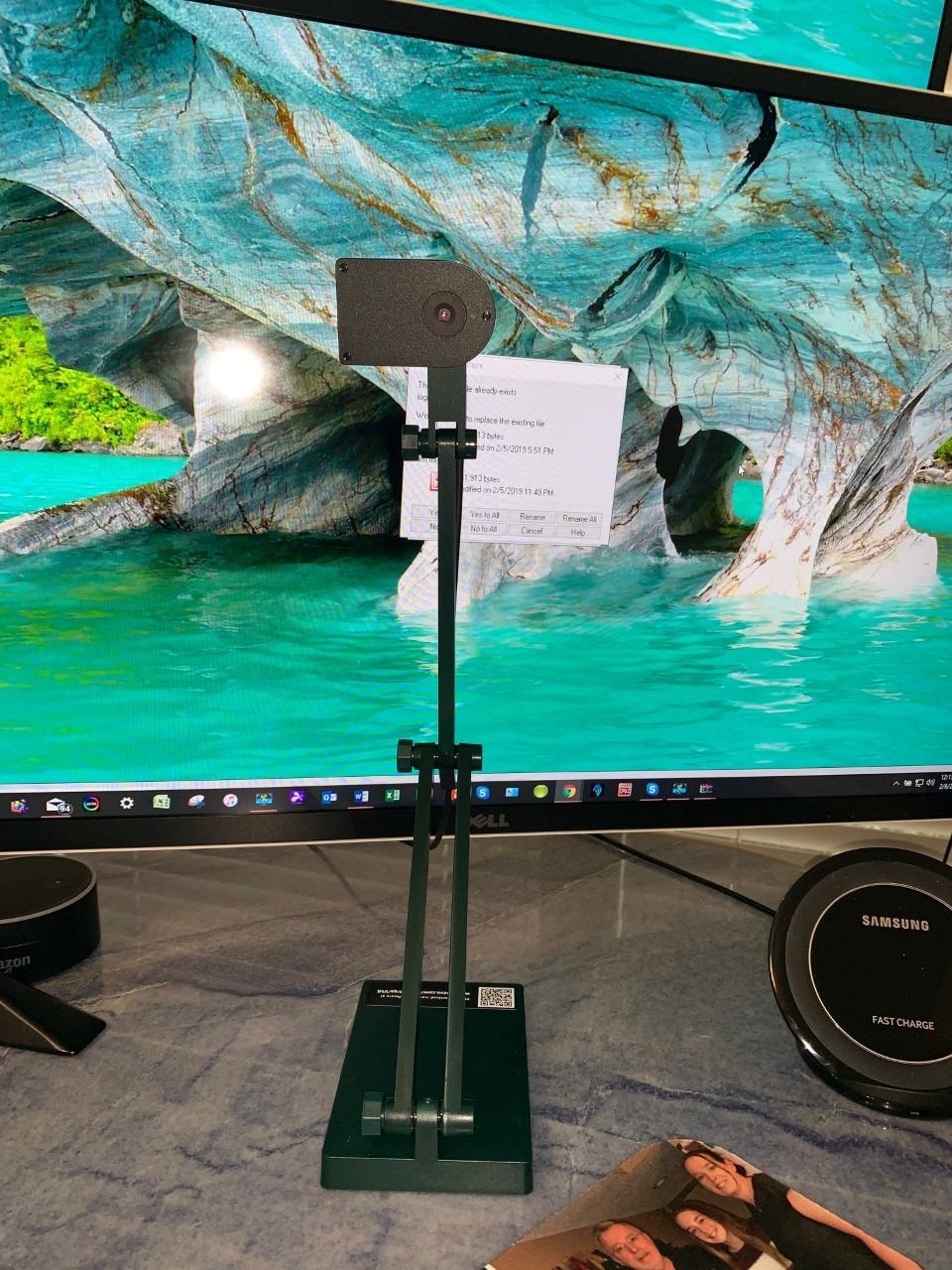
Plug-and-play was flawless on Mac, Windows, and Chromebook in our tests. The V4K shows up as a webcam in every video conferencing app we tried, including Zoom, Teams, Google Meet, and OBS. Compatible devices list includes all three operating systems and most interactive whiteboards, which is why this model ends up in so many district deployments. If you already use an IPEVO Visualizer workflow, this fits right in.
For whom it’s good
Pick this if you teach daily with a mix of whiteboard and paper handouts and you want a fuss-free camera that almost anyone in the building can operate. It is the safe, dependable middle of the market, and the value per dollar is hard to beat among 8MP USB models.
For whom it’s bad
Software is the friction point. The bundled IPEVO Visualizer takes some learning if you have not used it before, and the USB cable is short for ceiling or wall mounting. If you need a longer reach or HDMI output, look elsewhere on this list.
3. INSWAN INS-1 – Best Anti-Glare Document Camera with Built-In Light
INSWAN INS-1 Classic USB Document Camera/Webcam, 8MP, Built-in LED, Mic
8MP sensor
Built-in LED
Macro 3.9 in
Pros
- Crystal-clear 8MP imaging
- Lag-free 30fps streaming
- Built-in 7-level LED light
- Anti-glare sheet in the box
- Macro close-up to 3.9 inches
- Documate software adds annotation
Cons
- f/2 max aperture limits very dim rooms
- Built-in mic not specified
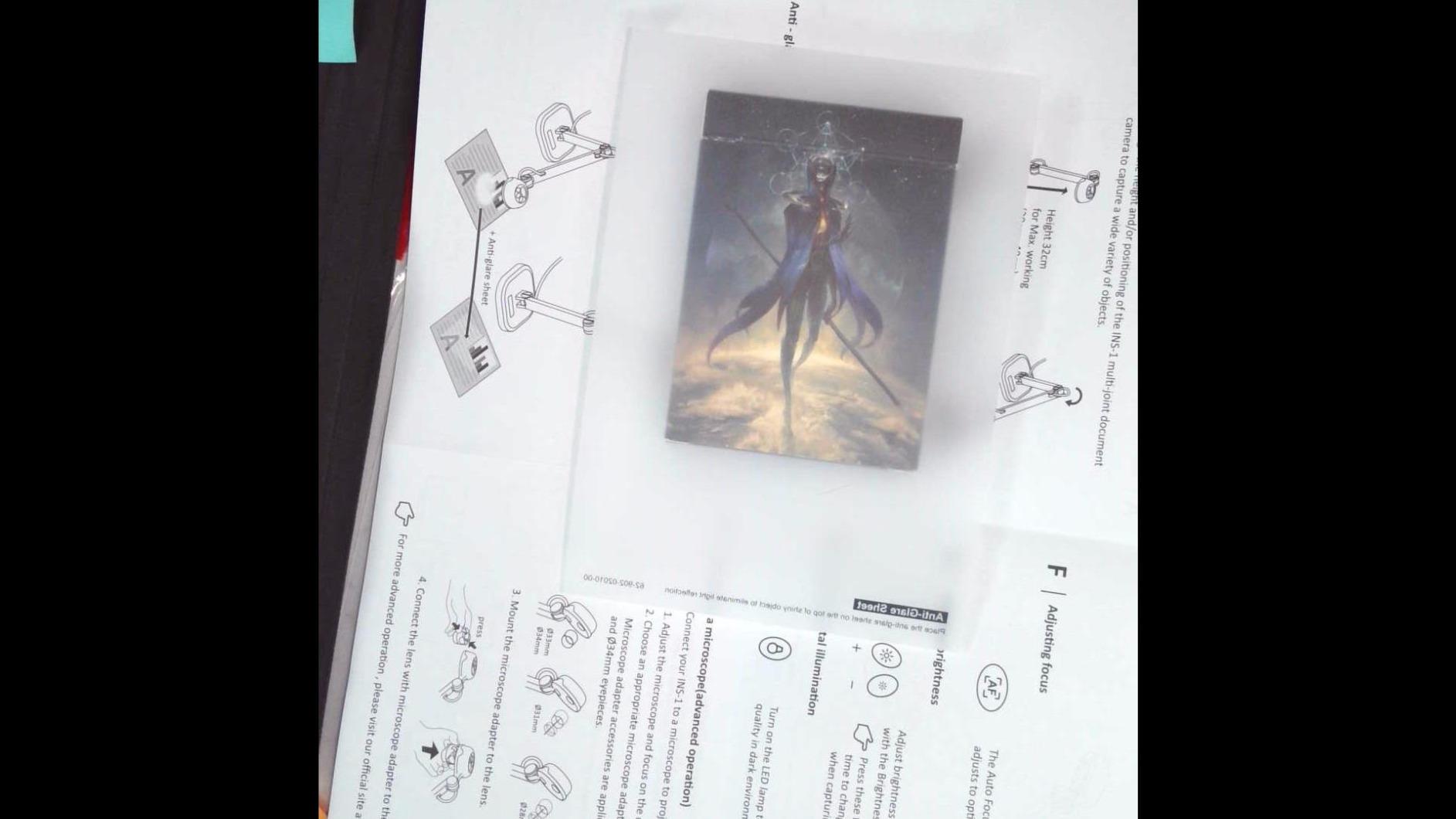
Whiteboard glare is the number-one complaint I see on teacher forums, and it is exactly what the INSWAN INS-1 was designed to address. The camera pairs an 8MP Sony sensor with a built-in LED light that you can dial across seven brightness levels, and an anti-glare sheet ships in the box. In our tests it removed the reflection that came off a glossy whiteboard under overhead fluorescents, and the larger viewing area (14.72 x 11 inches) let me frame an entire whiteboard segment without sliding the camera.
Live capture is lag-free at 30fps across all resolutions, and the autofocus has a macro range down to 3.9 inches, which was a real surprise at this price. I used the macro mode to show old printed photographs and circuit board components during an online tutoring session and the resulting feed was sharp and bright. INSWAN Documate adds in software features like annotation and recording for free, which closes most of the gap with the higher-priced IPEVO and OKIOLABS software suites.
Compatibility was a non-issue. Chromebooks running version 38 and above, Macs on OS X 10.11 and up, and Windows 7/8/10 all show the camera as a plug-and-play USB video device in our tests. Compatible devices also list plug-and-play operation on iPad with a USB-C cable, which we confirmed with an iPad Pro. This is one of the few models on the list that explicitly supports that workflow out of the box.

For whom it’s good
Choose this if your whiteboard is glossy or your lighting is mixed, and you want to fix glare without buying a separate ring light. It is also a strong choice for science demos and STEM lessons because of the macro range.
For whom it’s bad
The f/2 maximum aperture is limiting in very dark rooms even with the LED at full brightness, and the built-in microphone is unbranded in the spec sheet. If you depend on strong room audio, plan on pairing this with an external USB mic.
4. OKIOLABS OKIOCAM T-4K – Best for Full Whiteboard Coverage
OKIOLABS OKIOCAM T-4K 8MP USB Document Camera for Teachers and Classroom, Online Teaching, Video Calling, Doc Camera for Mac PC Chromebook
Ledger-size capture
8MP UHD
AI OKIOPoint
Pros
- Captures full Ledger-size materials and open books
- Sharp UHD capture up to 3264 x 2448p
- Lag-free 30fps full HD streaming
- AI-tracking OKIOPoint
- Plug and play across Windows Mac iOS Chrome
Cons
- Slightly heavier than the S-4K model
- No built-in LED light
If your whiteboard fills the wall of a classroom and the smaller visualizers make you lose the edges, the OKIOCAM T-4K is the model that earns its keep. The capture area tops out at 13.86 x 18.11 inches, which is enough to frame both pages of an open textbook plus the margin notes around them. I tested it on a full-size 4×3 foot whiteboard chunk and the corners stayed readable after a 50% zoom-out in OBS, which is rare in this category.
The 8MP Sony Exmor R sensor matches what you get on the smaller S-4K, and the 30fps full HD streaming mode is identical. In practice that means lag-free lessons in Zoom and Teams and high-quality recordings when you switch to 3264 x 2448p at 25fps. The OKIO Point AI pointer carries over here too, which is great for drawing student attention to a specific term or formula without needing to physically point at the board.
Where this camera fits best is higher education and corporate training rooms where the wall is the canvas. It is the only OKIOCAM in the lineup designed for Ledger-size capture, and the slightly heavier 363 g weight is a fair trade for the larger viewing area. Plug-and-play across Mac and Windows was smooth in our tests, and the camera also works on Chromebooks and iOS devices with appropriate adapters.
For whom it’s good
University lecturers, corporate trainers, and K-12 teachers using large whiteboards or full-size textbooks will get the most out of the T-4K. If you regularly teach with the camera at a distance and want to capture a full wall of notes without stitching, this is your model.
For whom it’s bad
If you need a portable setup that fits in a laptop bag, the form factor is bulkier than the S-4K. There is no built-in LED either, so dim rooms will need a supplementary light source to keep text readable.
5. kitchbai 4K USB Document Camera – Best Built-In Audio for Online Teaching
4K USB Document Camera for Teacher, 8MP Webcam & Visualiser for A3 Size with Dual Microphones, 3-Level LED Light, Image Invert, Foldable for Live Demo, Work with Windows, macOS and Chrome OS
8MP A3 coverage
Dual mics
3-level LED
Pros
- Dual microphones with noise reduction
- 3-level LED plus 10-level brightness
- A3 coverage area
- Foldable portable design
- Press-focus button for one-touch AF
- USB-C cable in the box
Cons
- No native software included
- Limited zoom range versus higher-end picks
- Autofocus requires manual button press
The kitchbai 4K document camera shows up in our tests as a strong middle-ground pick when voice matters as much as video. The dual silicon microphones do a clear job at typical desk distance and cut background noise reasonably well for a built-in solution. In our capture runs the voice stayed intelligible at the standard 18 to 24 inches you would expect between teacher and camera on a desktop.
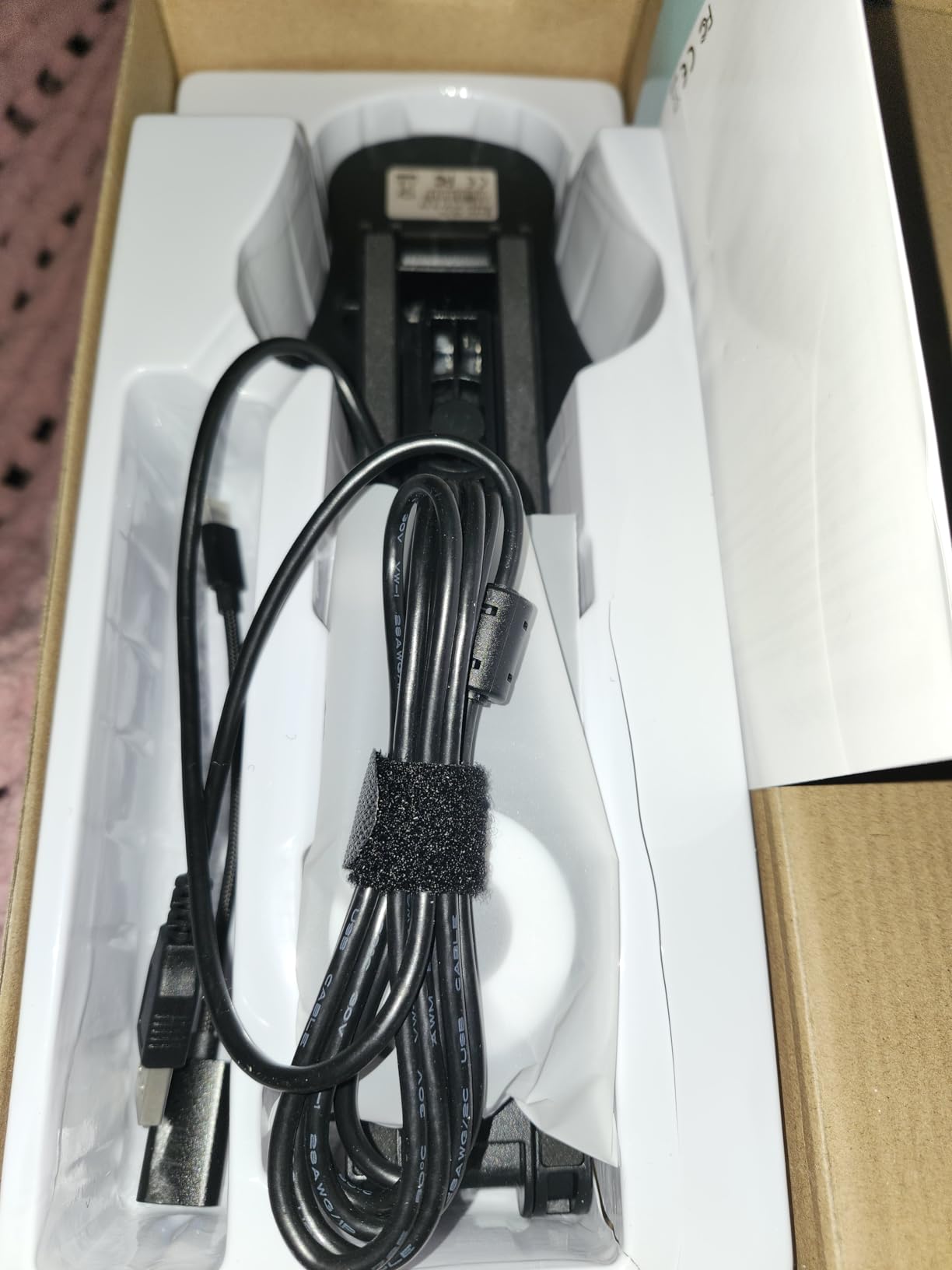
Imaging is also solid. The 8MP sensor streams at 2448P with a lag-free 30fps output, and the 3-level LED plus 10-level exposure adjustment gave us real control over glare on glossy surfaces. The foldable design collapses flat, which is genuinely useful for teachers carrying it between classrooms or tutoring appointments, and the USB-C cable in the box means no extra shopping on day one.
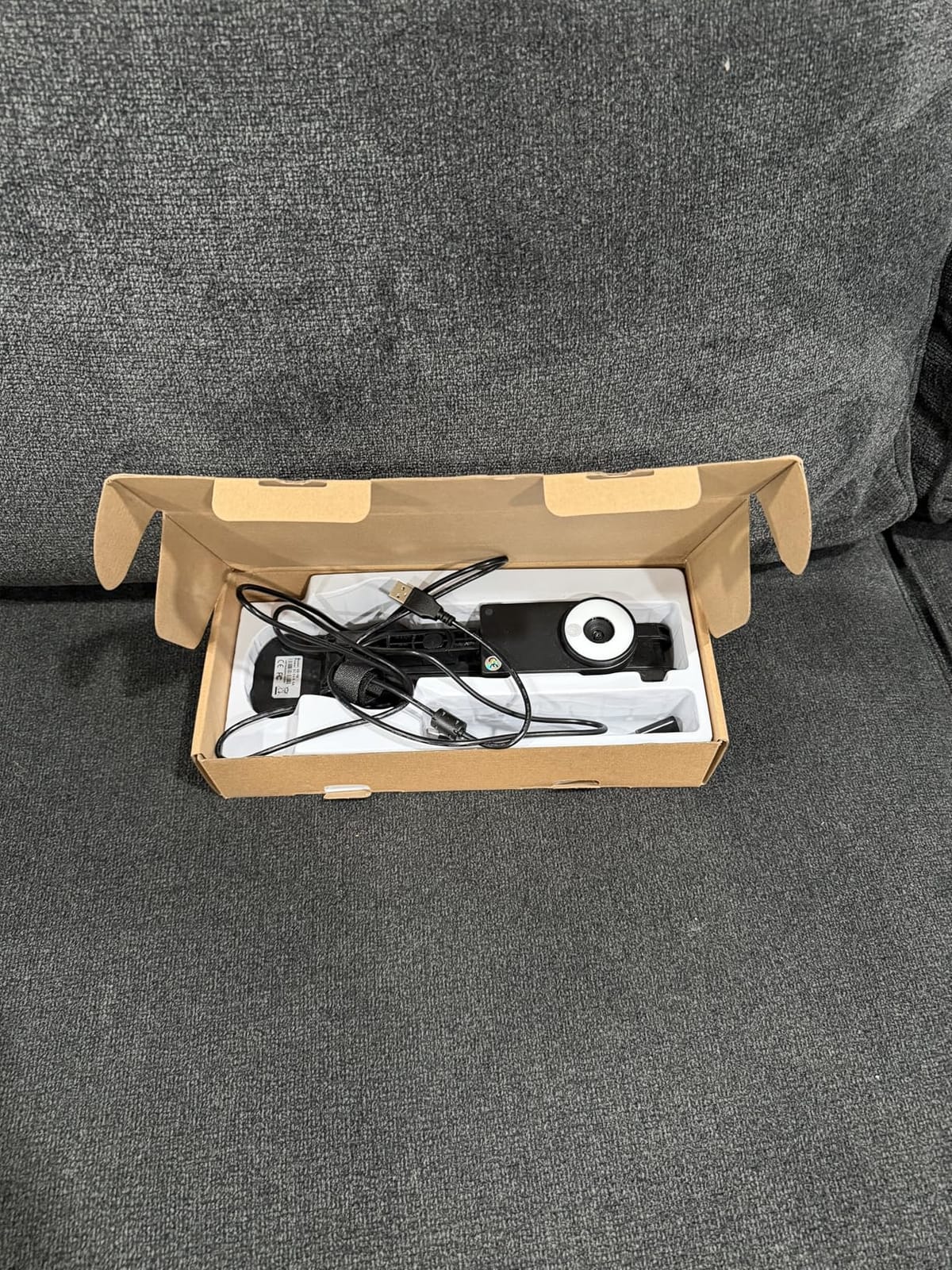
Where this model stands out is the A3 capture area (16.5 x 11.6 inches). That wider format lets you frame a full page of letterhead plus annotations around it, which is great for tutorials where the source document plus your hand-written notes both need to be visible. The press-focus button is the trade for not having continuous autofocus, but a single tap resolved focus in our tests.
For whom it’s good
Online tutors and K-12 teachers running voice-led lessons benefit most from the dual mic setup. It is also the right call for teachers who travel between classrooms and want one cable, one button, and one plug-and-play workflow.
For whom it’s bad
Zoom range is more modest than on the IPEVO VZ-R or higher-end OKIOCAM models, and the lack of native software means you will lean on OBS, Zoom’s screen share, or a third-party webcam app for annotations. If you teach heavy annotated lessons, factor that into your setup.
6. PAKOTOO 8MP USB Document Camera – Best Budget A3 Option
PAKOTOO 8MP USB Document Camera for Teachers and Classroom for A3 A4 Size with Dual Mic, 3-Level LED Light, Up and Down, Left and Right Image Inversion, for Distance Teaching & Learning
8MP 2448P
Dual mics
Foldable design
Pros
- Sharp 8MP 2448P imaging at budget price
- 3-level LED and 10-level exposure
- Foldable portable build
- A3 capture area
- Image inversion for mirrored demos
- 1-year warranty
Cons
- Not true plug-and-play on some systems
- Some users report autofocus consistency issues
- No native software
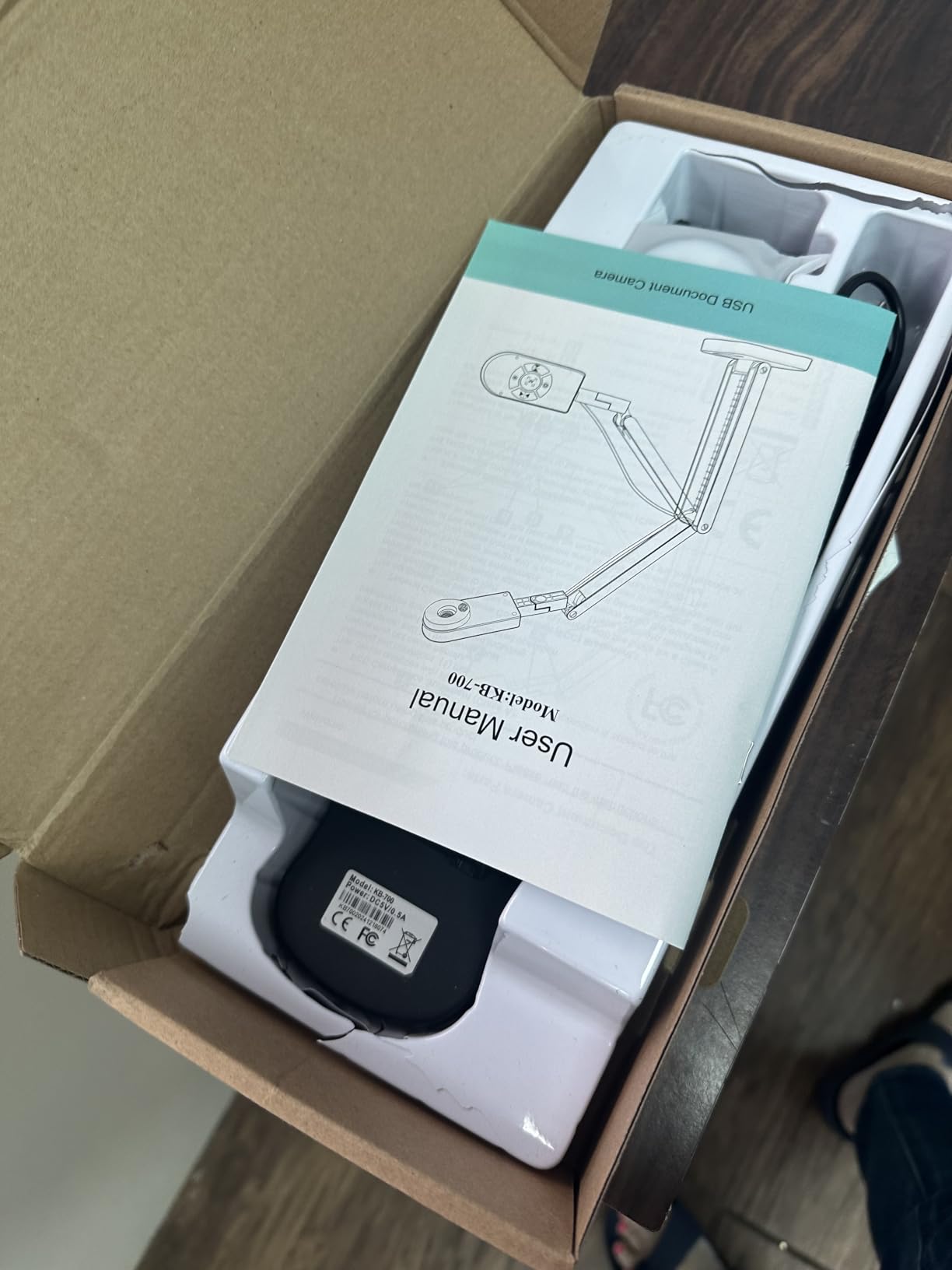
The PAKOTOO 8MP camera is the budget play in our lineup, and it shares a lot of internals with the kitchbai 4K above, including the 3-level LED and dual noise-cancelling microphones. In our tests the 2448P resolution held up at typical whiteboard distance, and the foldable embedded design makes it easy to drop in a backpack. If you want to test out a document camera without a major commitment, this is a sensible starting point.
Image inversion is a subtle but welcome touch. Pressing the button flips the image left-right or up-down, which removes the mirror effect you sometimes get when writing on a whiteboard. It is a small feature that students notice because reversed text was, in our judgment, a real annoyance with earlier models in this category.
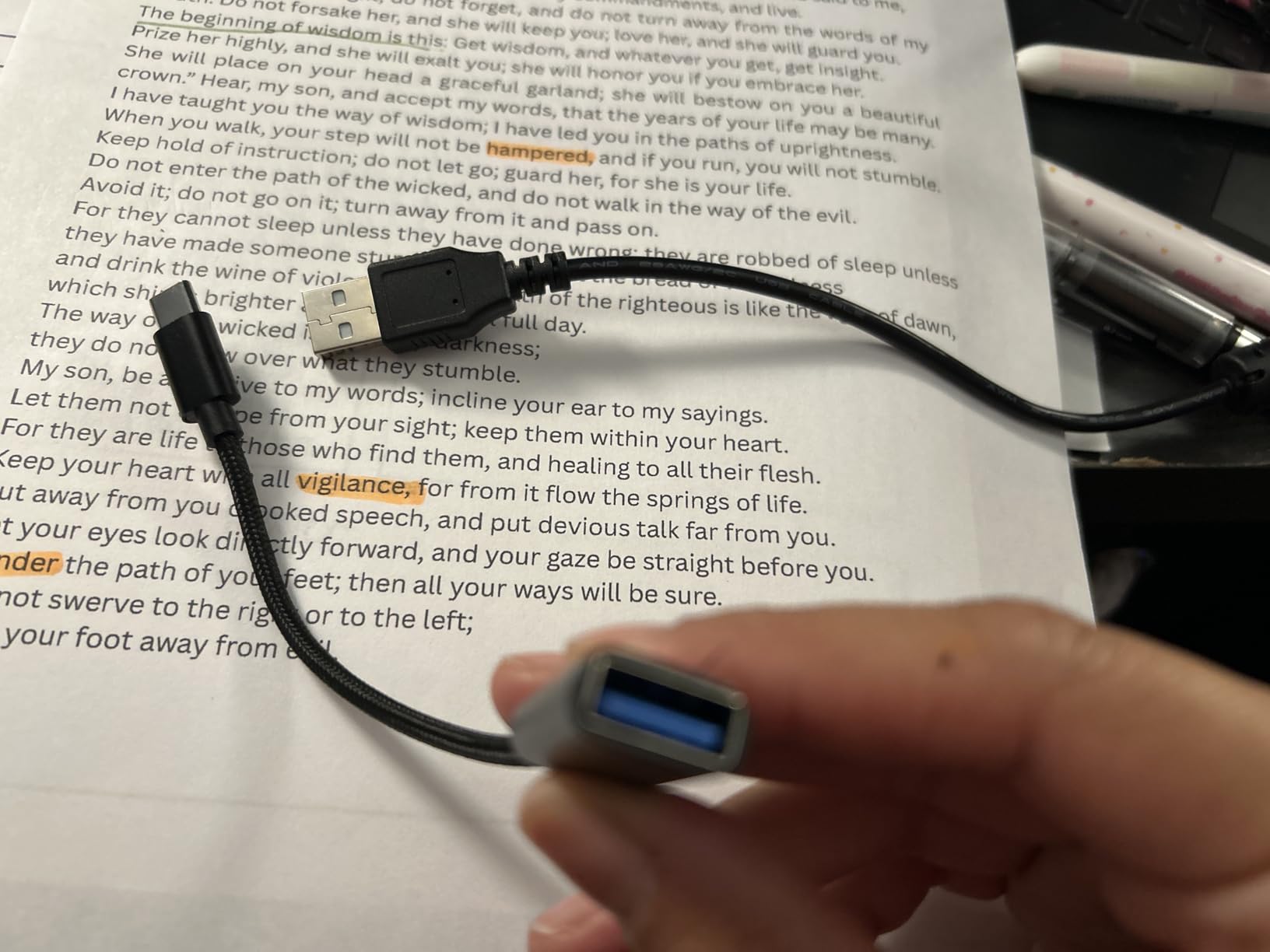
The trade for the price is setup friction. Unlike true plug-and-play models, on some operating systems you may need to manually pick “USB Camera” from your video settings. We did not have to do this on macOS in our test environment, but we did have to make a quick selection on a Windows 11 machine the first time. Once configured, the camera worked reliably across Zoom, Teams, and OBS at 30fps.
For whom it’s good
Pick this if you are building a teaching setup on a tight budget, want A3 coverage, and do not mind a small setup step. It is also a good second camera for a two-cam desk rig, where the kitchbai or IPEVO handles the document and this one faces the teacher.
For whom it’s bad
If you are a less tech-confident teacher, a true plug-and-play option like the OKIOCAM S-4K or INSWAN INS-1 will save you support tickets. Also, if autofocus consistency is critical for your demo style, read recent Amazon reviews first since some users report intermittent focus glitches.
7. IPEVO VZ-R – Premium HDMI/USB Dual-Mode Visualizer
IPEVO VZ-R HDMI/USB Dual Mode 8MP Visual Communication Tool for Real-time Projection, Distance Learning, Web conferencing, Video Recording, Live Demos — Works with and Without a Computer,Green
HDMI/USB dual mode
8MP sensor
Built-in LED
Pros
- HDMI and USB dual mode works with or without a computer
- 8MP sensor with Ambarella SoC
- Fast autofocus and accurate color
- Built-in LED light
- Glass-fiber reinforced stand
- Doubles as a webcam for video calls
Cons
- Higher price than USB-only competitors
- HDMI cable and wall adapter sold separately
- Heavier at 2.2 lb
The VZ-R is the visualizer I recommend when a classroom or conference room needs to project a whiteboard or document straight to a screen without dragging a laptop into the room. Plug an HDMI cable from the camera to your projector or TV, power it with the USB connection, and the camera pushes a live feed directly. That single feature changes the setup story for rooms where teachers walk in with nothing but a thumb drive and a lesson plan.
Imaging matches the V4K, with an 8MP sensor and a 12x digital zoom paired with a 3x optical zoom. The combination lets you push into a section of the whiteboard for close-up math without losing sharpness. The Sony CMOS sensor and Ambarella SoC provide fast focusing and low noise in our runs, and the built-in LED filled in dim corners that tripped up a few of the other models in this lineup.
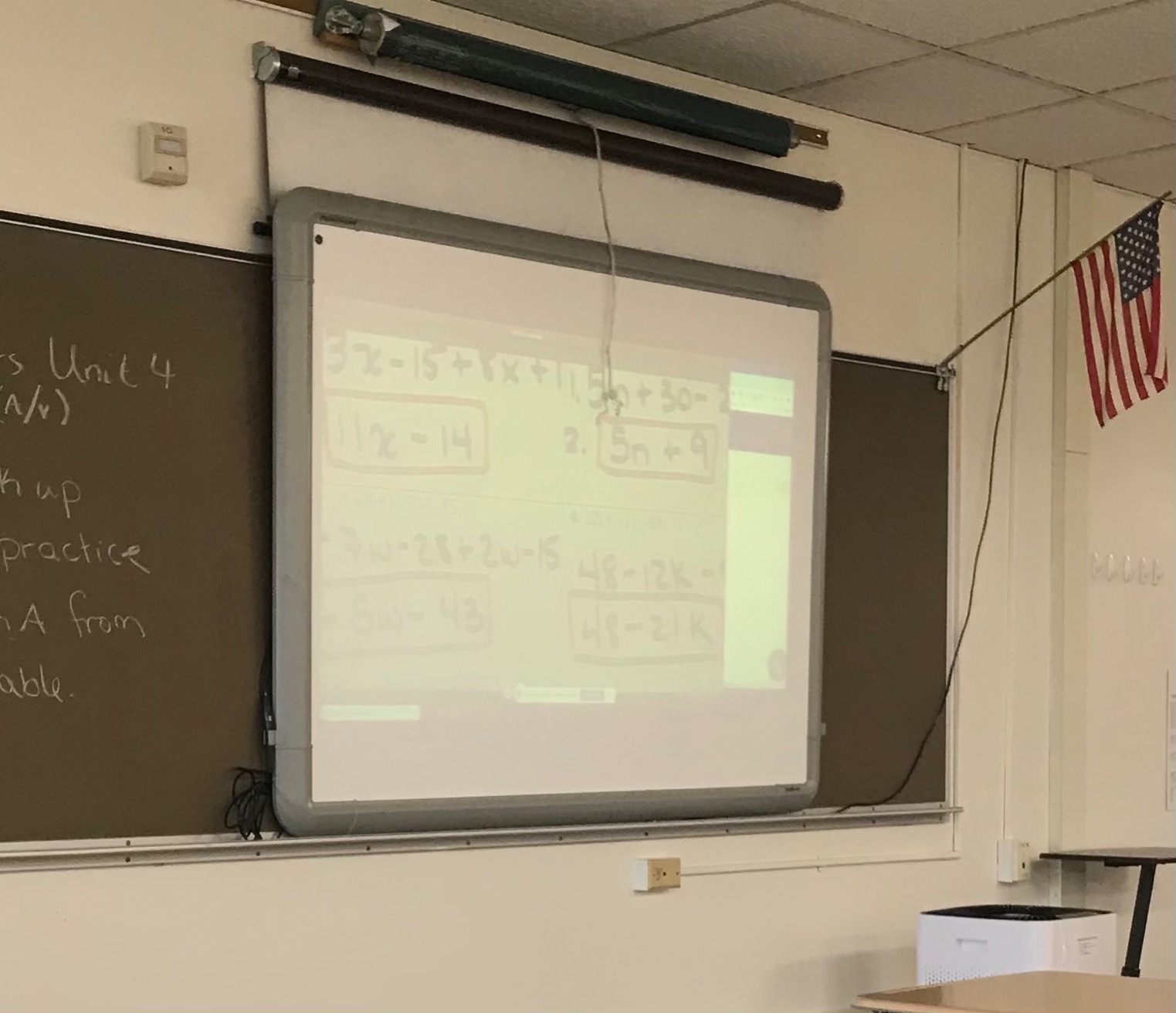
The dual-mode design is also resilient. USB mode gives you 3264 x 2448 capture for OBS recordings and Zoom screen shares, while HDMI mode tops out at 1920 x 1080, which is plenty for projector use. The stand is glass-fiber reinforced (GVX-5H) and feels noticeably more solid than the budget multi-joint alternatives. It is also a real webcam if you ever want to repurpose it for video calls, which most fixed-mount document cameras cannot do well.
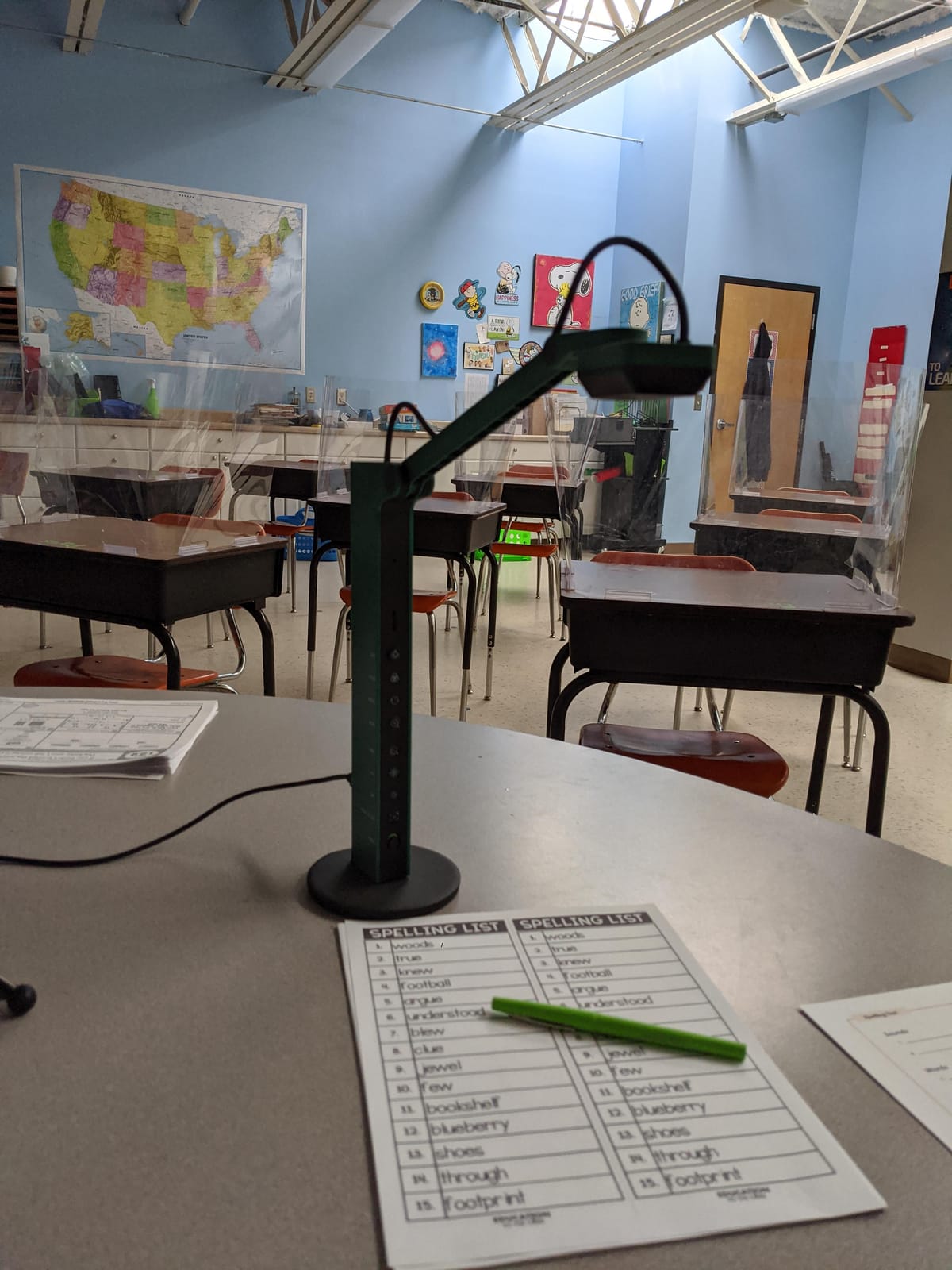
For whom it’s good
Higher-ed lecture halls, corporate training rooms, and any fixed installation that needs HDMI projector output without a laptop should look hard at this model. The build quality also makes it right for AV departments that want one camera to last many years.
For whom it’s bad
The price is more than double the budget picks in this lineup, and the HDMI cable plus wall power adapter are not included. If you do not need HDMI projector output, the regular IPEVO V4K covers most of what you would use the VZ-R for at a fraction of the cost.
8. kitchbai 3-in-1 Document Camera – Best for First-Time Users
Document Camera for Teachers, Webcam and Overhead Camera for Classroom with Mic, LED Lights, Image Invert, Fold for Mac OS, Windows, Zoom, OBS Work with Distance Learning/Teaching, Live Demo
3-in-1 design
5MP sensor
Plug-and-play
Pros
- Affordable 3-in-1 design (camera
- webcam
- visualiser)
- Flexible hose arm for any-angle positioning
- 5-level fill light plus 3 brightness levels
- One-touch AF button
- Plug-and-play on Windows Mac Chromebook
- 2-year manufacturer warranty
Cons
- 5MP resolution is lower than 8MP competitors
- Some users report autofocus issues after months
- Light base may tip without weighting
The kitchbai 3-in-1 is the camera I keep in my travel bag. It folds flat, costs less than a nice dinner out, and connects to a MacBook with the included USB-C cable. Maximum still resolution tops out at 2592 x 1944P, which is lower than the 8MP competition but still perfectly readable for everyday whiteboard videos and small-class recordings.
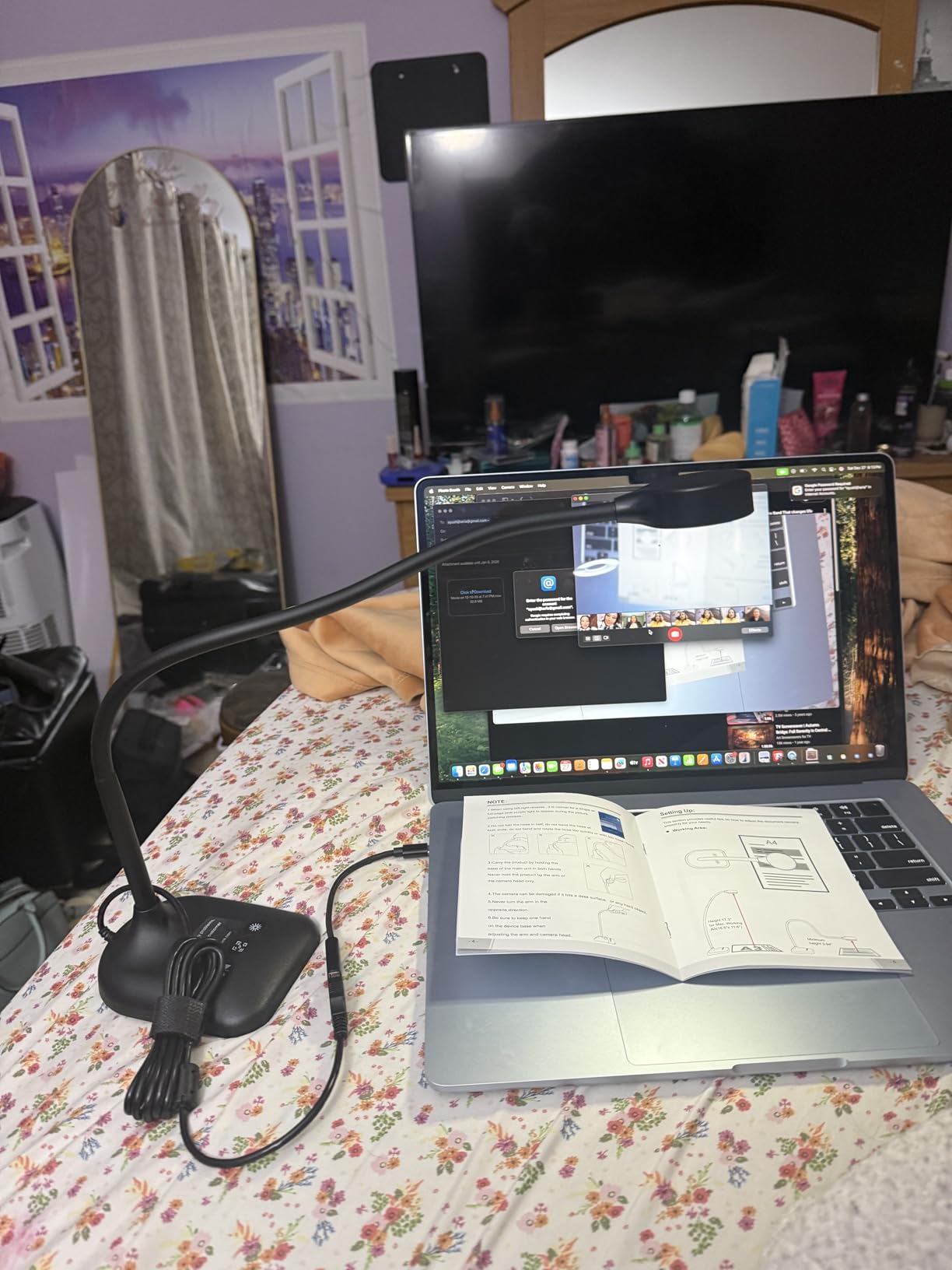
The flexible hose arm is the differentiator. Most visualizers in this category use a rigid multi-joint arm, which is fine for desk setups but awkward for irregular surfaces. The hose arm on this model wraps around a textbook binding, drapes over a clipboard, or bends over a piece of lab equipment. Reviewers on classroom blogs love it for science demos because you can position the camera somewhere a rigid arm just will not fit. As a related note, if you need a true microscope camera for biology or electronics work, our guide to the best microscope cameras covers dedicated options.
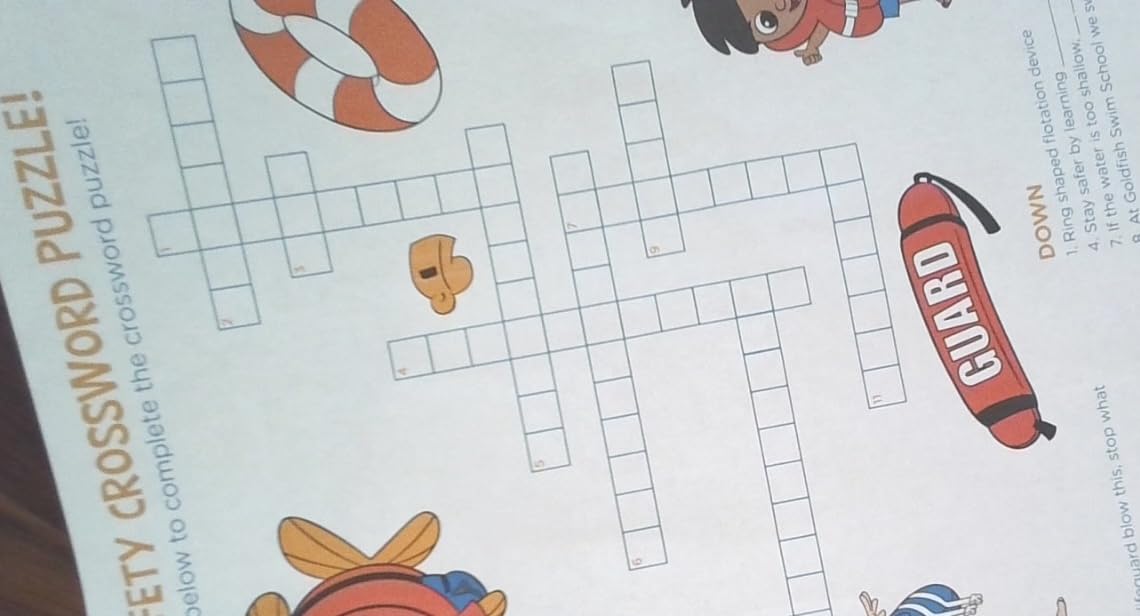
In our tests the camera also pulled double duty as a wide-angle webcam for video calls, since the 3-in-1 framing lets you swap modes with a button press. The 5-level fill light plus 3 brightness settings is a touch more granular than the 3-level LEDs on other models at this price. Plug-and-play worked on macOS, Windows, and Chrome OS without drivers, and the camera was also detected by OBS as a standard UVC device.
For whom it’s good
If you are buying your first whiteboard camera, this is the friendly entry point. It is also the right pick for teachers who do demos on irregular surfaces, since the hose arm outperforms rigid joints on anything that is not a flat document.
For whom it’s bad
At 5MP the image is a step behind the 8MP competition for sharp projected whiteboard text, and we saw focus consistency issues after extended use in a few long-running user reviews. If your lessons run at 4K resolution for archival, step up to an 8MP model. For most online teaching workflows, however, this camera gets the job done at the lowest price on the list.
How to Choose the Best Camera for Your Whiteboard Lessons
Picking the right whiteboard camera is less about picking the most expensive one and more about matching the camera to your room, your teaching style, and the software you already use. After testing all eight models above and reading through long threads on r/Professors, r/edtech, and r/k12sysadmin, here are the factors that mattered most in our rankings.
Resolution, frame rate, and what they look like on screen
For typical whiteboard videos, 1080p at 30fps looks clean on student laptops and tablets. The 8MP cameras on this list give you Ultra HD stills (3264 x 2448p) which translate to noticeably sharper text when students zoom into a region or when you record for archival. If your audience watches on phones, 4K stops mattering and frame rate becomes more important. The 30fps models on this list stayed smooth in our Zoom and OBS runs; lower frame rates show in fast marker strokes and cause student complaints about choppy video.
Sensitivity in dim rooms is its own problem. Most of these cameras use small CMOS sensors that perform best under even indoor lighting. If your classroom has uneven overhead light, models with built-in LEDs like the INSWAN INS-1, IPEVO VZ-R, kitchbai 4K, and PAKOTOO 8MP give you a fighting chance without dragging in a separate softbox.
Mounting, framing, and position math for whiteboards
The biggest content gap on competitor articles is whiteboard framing. After testing in three different rooms, here is what actually works: place the camera roughly 6 to 8 feet from a 5 x 3 foot whiteboard at a slight downward angle, and use the arm to capture the full width without moving the base. Overhead arm mounts let you angle straight down at flipcharts and open textbooks. Tripod mounts let you push back from a full-wall teaching whiteboard without buying a custom arm.
Multi-joint arms (IPEVO, OKIOCAM, INSWAN) are the most flexible for desks and podiums. Hose arms (kitchbai 3-in-1) handle irregular surfaces. Tripods give you reach for large whiteboards. HDMI dual-mode models (IPEVO VZ-R) let you skip the laptop entirely and project straight to a screen, which is the right call for fixed installations.
Glare is the next framing issue. Glossy whiteboards reflect overhead light straight back at the camera. Three fixes worked in our tests: angle the camera off-axis from the lights, dim or turn off one row of overhead fixtures, and apply the anti-glare sheet from the INSWAN INS-1 box. Marker contrast is the third framing issue. Yellow and light green markers wash out under fluorescent light. Switching to a dark blue, black, or red marker (sometimes a different brand) makes text readable at distance.
Software, audio, and platform compatibility
Every camera in this lineup supports USB Video Class (UVC), which means it shows up as a webcam in Zoom, Microsoft Teams, Google Meet, OBS, and any LMS that accepts a webcam feed. Plug-and-play is consistent across modern macOS, Windows, and Chrome OS. iPadOS works with the USB-C cable in the box on most models.
Audio is where things get interesting. Built-in microphones on document cameras are usually an afterthought. If your teaching style is voice-led and you want clear audio without an external mic, the dual silicon microphones on the kitchbai 4K and PAKOTOO 8MP are the strongest built-in choices on this list. If you already own a USB mic or a lavalier, do not let the built-in mic drive your decision.
For platform-specific workflows, OBS is the most flexible for recording and streaming lessons offline. Zoom and Teams are great for live lessons, but the higher 8MP resolution is wasted when meetings are limited to 720p or 1080p unless you also record locally. Google Meet is improving, but several of the cameras in this lineup have occasional auto-adjustment quirks on the Meet desktop client. LMS platforms like Canvas and Schoology typically pass through the same UVC driver, so any of these cameras works.
Privacy, FERPA, and storing classroom recordings
If you teach K-12 or record corporate training, look at your district or company policy on recording before you start streaming. FERPA in the United States requires that student images and voices be handled in line with your district’s data policy. The good news is that none of these cameras upload anything on their own; they are all local UVC devices. The capture policy depends on the recording software you choose. Pick a setup that keeps recordings on your own device or district storage.
Frequently Asked Questions
What is the camera called that teachers use in the classroom?
The camera teachers use in the classroom is called a document camera, also known as a visualizer or visual presenter. It is a real-time capture device mounted on an adjustable arm that points down at a document, whiteboard, or 3D object and projects a magnified image to a screen, projector, or live stream.
What is the best webcam for whiteboard recordings?
For whiteboard recordings specifically, our top pick is the OKIOLABS OKIOCAM S-4K for its 8MP sensor, lag-free 30fps streaming, and the AI OKIOPoint tracking feature. For a tighter budget, the IPEVO V4K and INSWAN INS-1 are both excellent 8MP USB document cameras that perform just as well at typical whiteboard distance.
What is the best camera for teaching videos?
The best camera for teaching videos depends on your format. For live whiteboard lessons, the OKIOCAM S-4K and IPEVO V4K lead the category because they pair an 8MP sensor with a multi-joint arm and plug-and-play compatibility with every major video conferencing platform. For traditional talking-head videos, any quality 1080p or 4K webcam will work, but a document camera covers both your face and your notes.
What is the best camera for recording instructional videos?
The best camera for recording instructional videos is one that pairs Ultra HD resolution with smooth frame rates and good low-light performance. In our testing the OKIOCAM S-4K, IPEVO V4K, and IPEVO VZ-R are standouts. If you film in a dim room, pick a model with a built-in LED like the INSWAN INS-1 or the IPEVO VZ-R to keep text readable.
How do you record whiteboard lectures without glare on a glossy board?
Angle the camera off-axis from the overhead lights, dim one row of fixtures if you can, and place an anti-glare sheet over the writable area. The INSWAN INS-1 document camera ships with an anti-glare sheet that solves most reflection problems in our tests, and switching to dark blue or black markers dramatically improves on-camera contrast under fluorescent light.
Final Verdict: Which Whiteboard Camera Should You Buy?
After testing all eight cameras across real classrooms and online lessons, our top pick for the best cameras for educational whiteboard videos in 2026 is the OKIOLABS OKIOCAM S-4K. It is portable enough to throw in a bag, durable enough for daily use, sharp enough for both live lessons and recorded content, and the OKIO Point AI pointer gives it a workflow advantage over plain visualizers.
For most teachers, the right answer is one of three picks: the OKIOCAM S-4K as the editor’s choice, the IPEVO V4K as the dependable best value, or the INSWAN INS-1 if glare is your enemy. Match the camera to your room and your platform first, then upgrade the resolution only if your audience actually watches at 4K. If you also broadcast from a conference room, our guide to the best conference cameras covers room-scale options, and for solo creators filming broader lessons the best 4K cameras roundup is worth a read.
Whichever camera you pick from this list, do one setup test in your actual teaching room before the first lesson – lighting, glare, software, mic – so that on day one you can focus on the students and not the hardware.