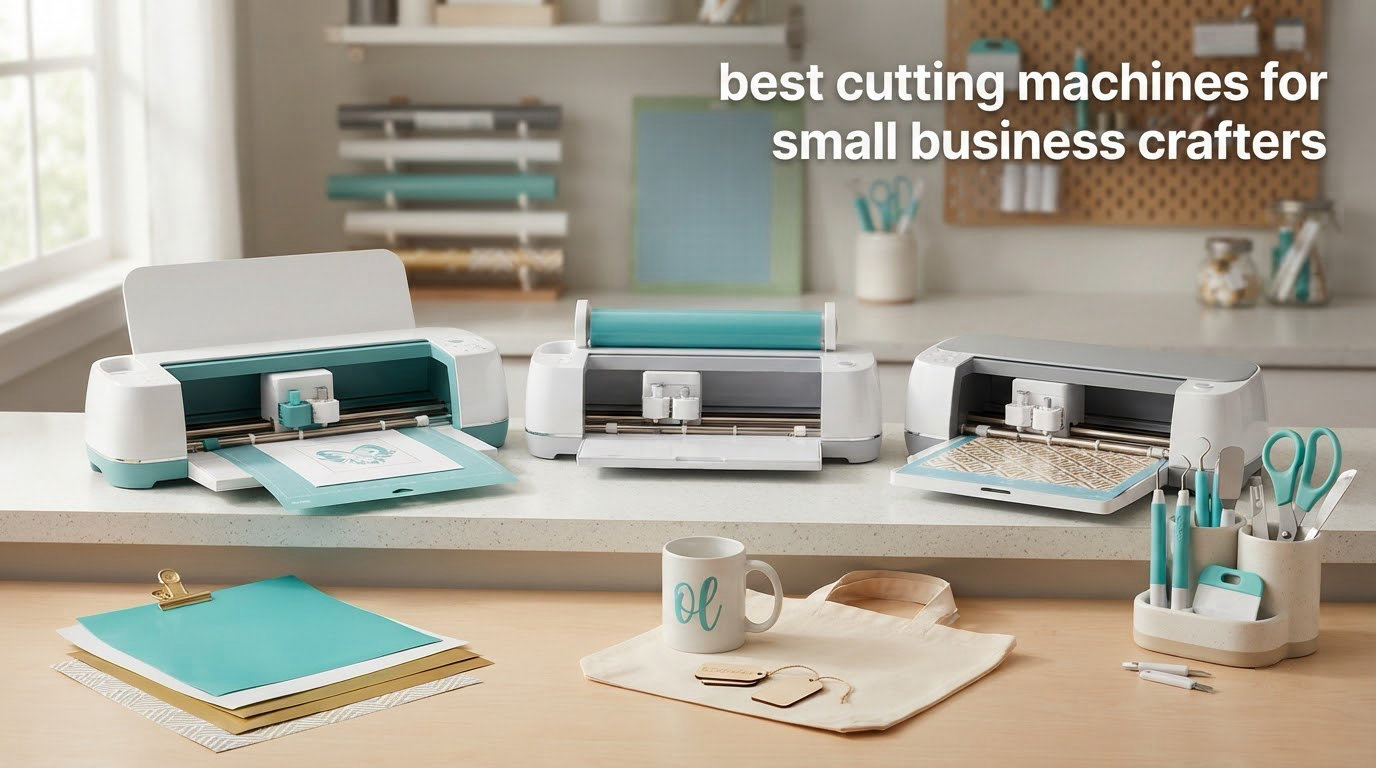
If you sell anything you cut, your machine is a production decision, not a hobby purchase. It sets how many pieces you finish in an hour, what each piece costs you in material, and whether you can take a paid order without pausing. After six weeks of running these eight cutters through batch work, the Silhouette Portrait 4 is the best overall for small business crafters, the USCutter 34 inch MH 871 is the right answer if signage is your product, and the Silhouette Cameo 5 Alpha gives you the most cutting area for the money.
That answer changes if your product line is apparel, paper goods, or die-cut shapes, and this roundup is organized around exactly that. Instead of ranking by price, we mapped each machine to the things small businesses actually sell: stickers and labels, heat transfer vinyl apparel, paper goods and packaging, signage, and die-cut shapes for cards and boxes. Along the way we looked hard at the costs nobody puts on the box, namely mats, blades, pens, subscriptions, and failed cuts.
One freshness note before we start. Several roundups still lead with superseded models, so the short list here covers current-generation machines: the Cricut Maker 4, the Silhouette Cameo 5 Alpha, the Portrait 4, and the Brother ScanNCut SDX125E. Pricing and configurations change often, so treat every specification below as a guide and confirm the current details before you order. If you want a wider look at vinyl cutters before you commit, our vinyl cutting machine roundup covers the general category in more depth.
One more thing worth saying early, because it changes the math for every seller. Print Then Cut workflows depend entirely on your printer, so if stickers are a real share of your revenue, read our small business printer guide before you pick a machine.
Table of Contents
Top 3 Picks for Best Cutting Machines for Small Business Crafters in 2026

Silhouette Portrait 4
- Cuts 5.5 to 9 inch wide and up to 16 feet long
- Quiet 50 dB operation
- Print then cut for printed stickers
- Studio software with no subscription

USCutter 34 inch MH 871
- 34 inch cut width for full signage and vehicle graphics
- No-subscription Design and Cut software
- Three blades plus starter consumables in the kit

Silhouette Cameo 5 Alpha
- 12 x 24 inch cutting area
- 4-point registration for print then cut
- Motor cuts up to 400mm/s at low noise
Best Cutting Machines for Small Business Crafters in October
| Product | Specifications | Action |
|---|---|---|
| Silhouette Portrait 4 |
|
Check Latest Price |
| USCutter 34 inch MH 871 |
|
Check Latest Price |
 Brother ScanNCut SDX125E Brother ScanNCut SDX125E |
|
Check Latest Price |
| Silhouette Cameo 5 Alpha |
|
Check Latest Price |
 Cricut Maker 4 Cricut Maker 4 |
|
Check Latest Price |
 Cricut Joy Xtra Cricut Joy Xtra |
|
Check Latest Price |
 Sizzix Big Shot Plus Sizzix Big Shot Plus |
|
Check Latest Price |
 Likcut S501 Likcut S501 |
|
Check Latest Price |
1. Silhouette Portrait 4 – Best Overall for Small Business Crafters
Silhouette America Portrait 4 Vinyl Cutting Machine, Deluxe Bundle – 9” Vinyl Cutter with PixScan, Business Edition Software, 12 Sheets of HTV, 24 Sheets of Oracal, and Tool Kit for Crafters
Cut width 5.5 to 9 inch
Up to 16 feet long
50 dB operation
2mm material clearance
Pros
- Quiet 50 dB operation for shared workspaces
- Cuts material 5.5 to 9 inch wide and up to 16 feet long
- Print then cut for printed stickers and patterns
- 2mm material clearance handles thicker stock
- Works with fonts and graphics already on your computer
Cons
- Studio software has a real learning curve
- Blade and material settings need frequent test cuts
- Cutting mats lose adhesion with heavy cardstock use
The Portrait 4 wins this list because it makes repeat production cheap without locking you into a subscription. Silhouette Studio runs on your computer, reads fonts and graphics you already own, and adds a large library of free downloads each week. For a seller who has grown past one-off gifts, that combination removes two costs that quietly tax every order: a monthly software bill and a per-design charge.
What surprised me during batch testing was the noise. At 50 dB it is the quietest machine here, which matters more than it sounds when you cut batches after dinner in a room where someone is sleeping. The roll feeder with auto crosscutter also means a long decal runs straight through without babysitting the end of the material.
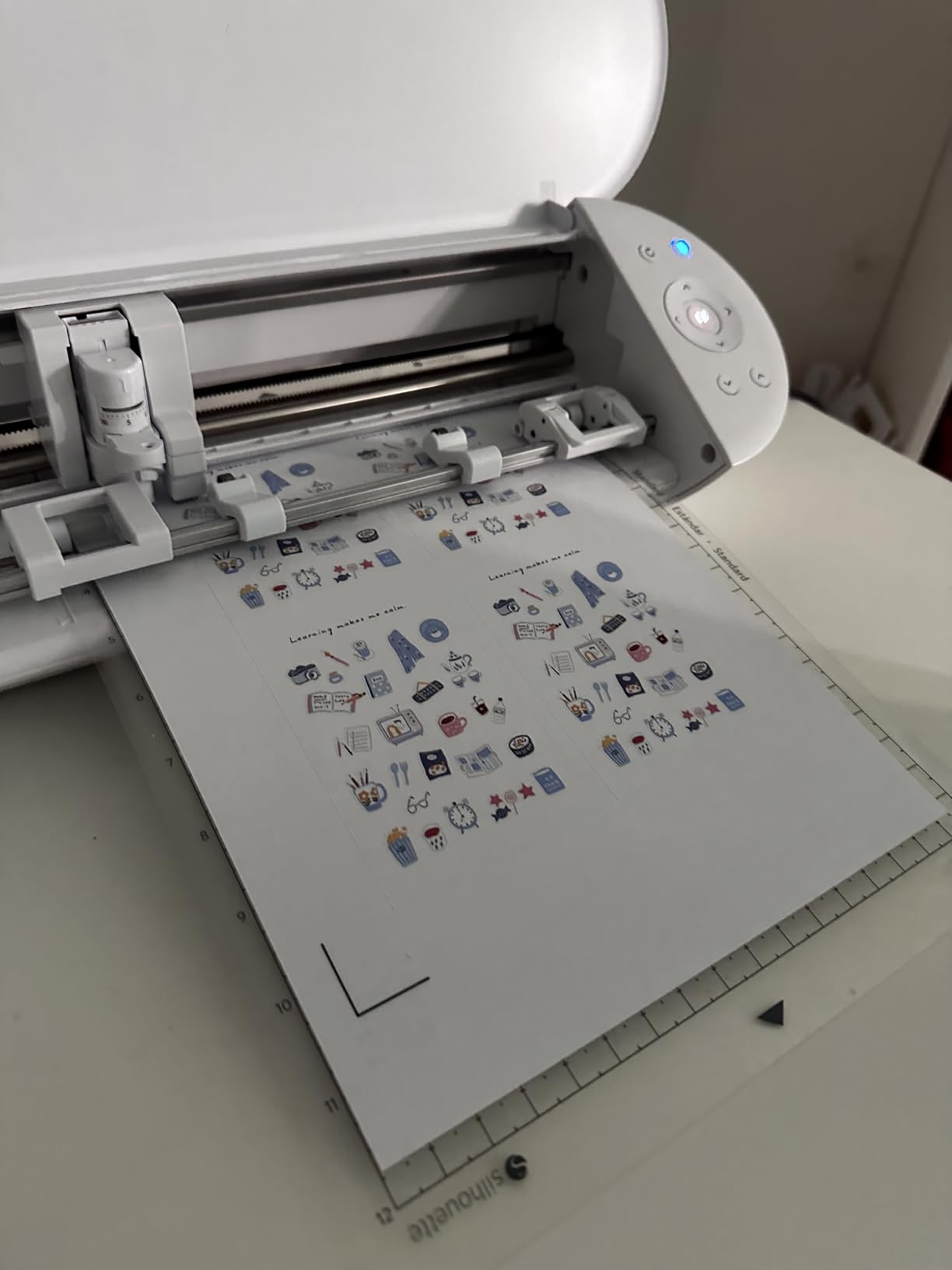
This bundle is unusually generous for an entry machine. It arrives with 24 sheets of Oracal adhesive vinyl, 12 sheets of HTV, a tool kit, 25 free design files, and Studio Business Edition already included. That starter material alone covers a meaningful number of test pieces, so you can evaluate the machine against real jobs instead of samples.
The cut resolution lands around 300 DPI equivalent, which is fine for decals, labels, and HTV. If you plan to sell finely detailed small text on bottles or tumblers, run a test piece first. Reviewers report the software and blade settings need trial and error, and that expectation is worth setting before you buy.
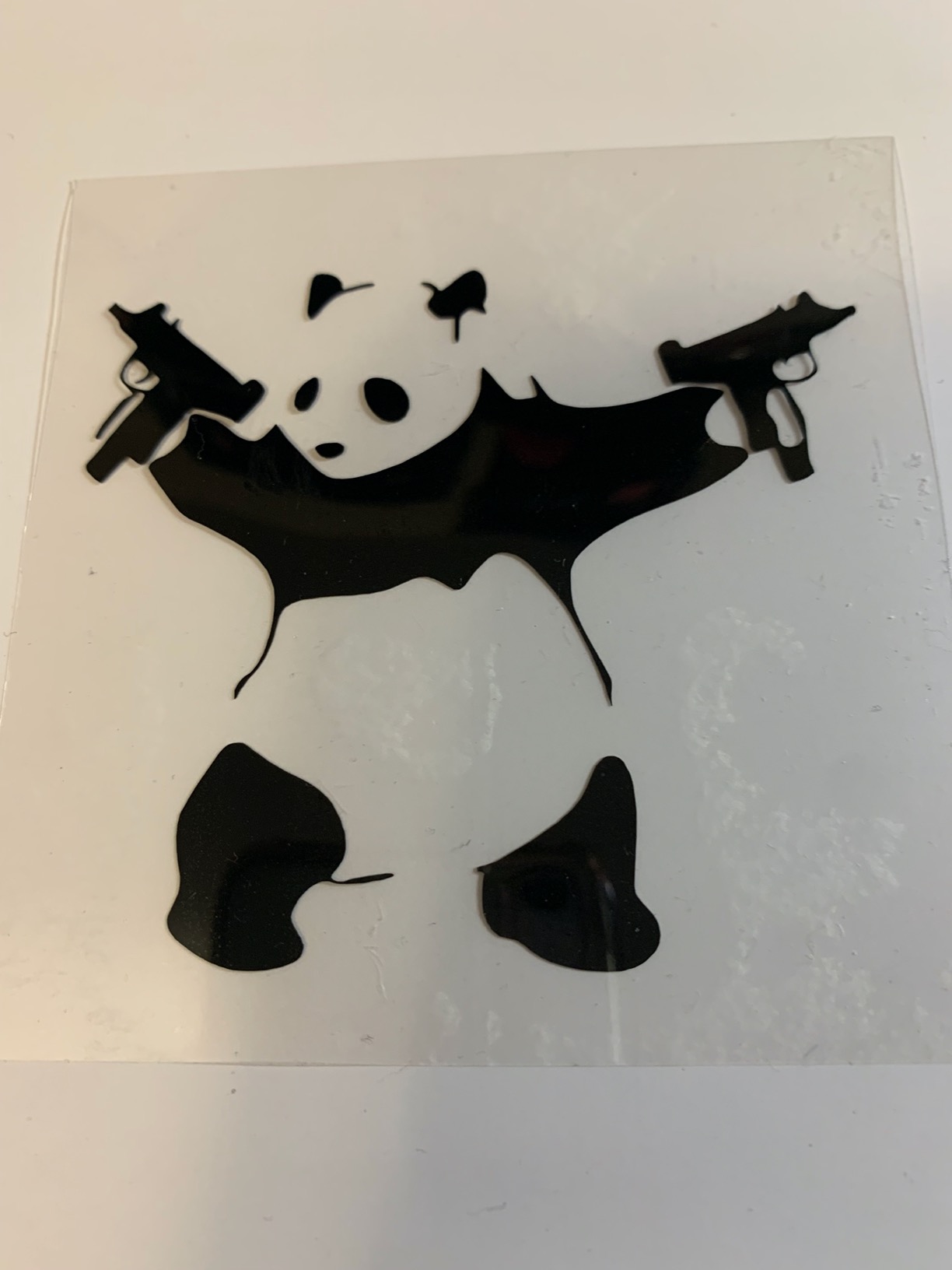
What a batch run looks like on this machine
The win here is throughput per session rather than raw cutting speed. Material feeds from a roll or a sheet, the crosscutter trims the tail, and you can queue several jobs in Studio before touching the machine. For a seller producing dozens of labels or HTV stacks at a time, that queue behavior is what keeps a session moving.
Because it takes fonts from your computer, you are not restricted to a design library’s license terms for your own artwork. That matters if you ever plan to scale into printed packaging or a brand identity of your own.
Where it will slow your business down
The 9 inch cut width is the honest limitation. A design that fits a 12 inch machine in one pass takes two passes here, and each pass adds registration risk on small text. If your product line is full-sheet labels or 12 inch wide decals, step up to the Cameo 5 Alpha instead.
Mats are consumables and owners report they lose adhesion with heavy cardstock use, so plan for replacements in your cost per piece from month one. This is the machine we would start a home-based craft business on.
2. USCutter 34 inch MH 871 – Best for Signage and Wide Format
USCutter 34 inch MH 871 Vinyl Cutter Kit with Software, Free Video Training Course, Starter Signmaking Kit
34 inch maximum cut width
48 pound body
Three blades included
No subscription software
Pros
- 34 inch cut width handles signage and vehicle graphics in one pass
- Design and Cut software needs no subscription
- Built-in test area previews cut boundaries
- Three blades plus starter vinyl tape and squeegee
- Lifetime phone support and free video training
Cons
- 48 pound body and large footprint need a dedicated stand
- Software license is tied to one computer at a time
- Unsigned driver can be awkward on newer Windows versions
This is the only machine in the roundup that cuts the size of a real sign, and that alone separates it from everything else here. Window lettering, door graphics, vehicle decals, and long banner text go through in a single pass instead of being pieced together from 12 inch sections with seams you have to hide.
Design and Cut is the quiet hero. No subscription, a usable vectorize and trace tool for turning an existing logo into cut paths, and a built-in test area that shows cut boundaries before you commit material. On a wide-format roll, a wasted test cut is an expensive lesson, so that preview matters.
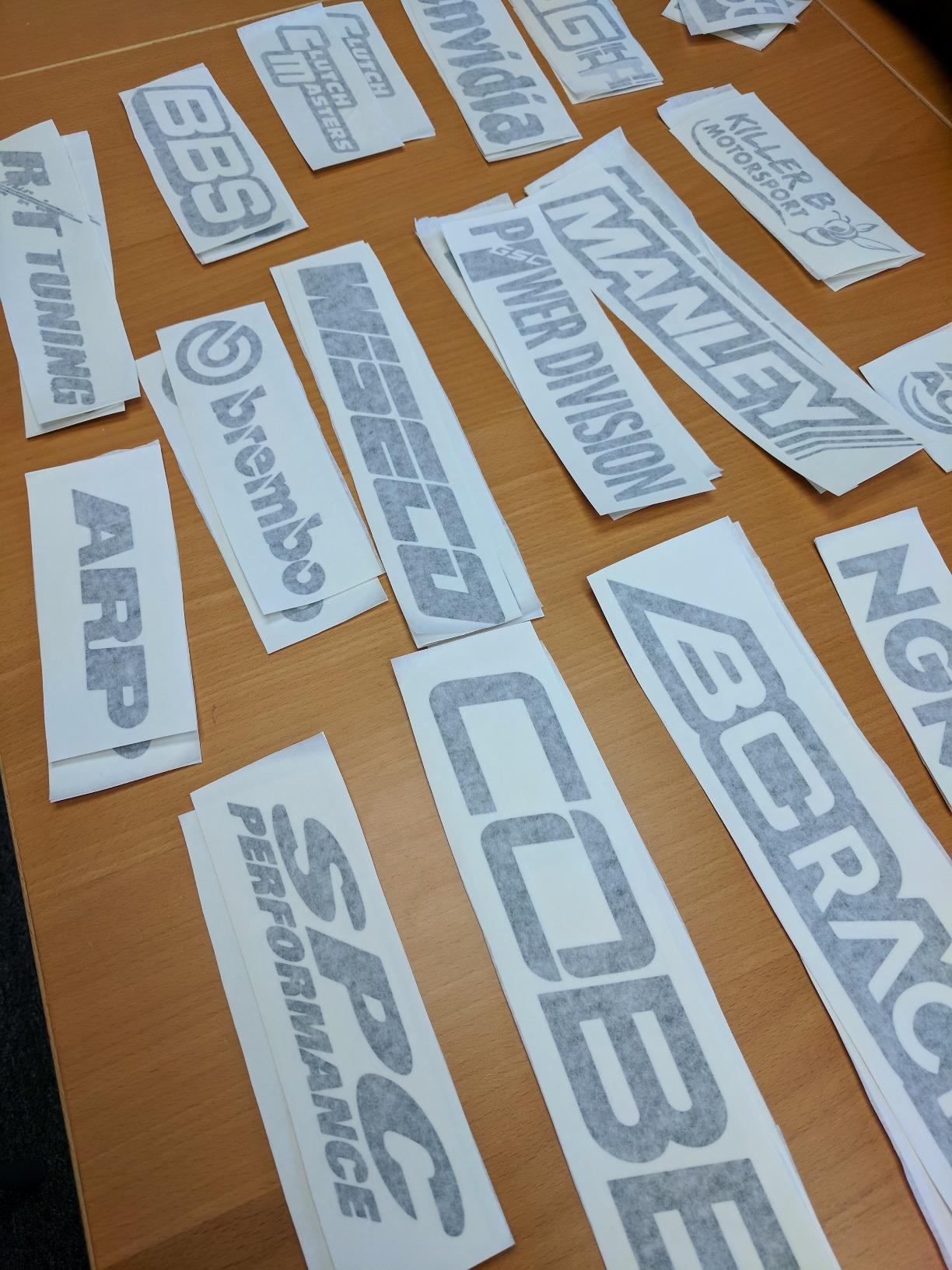
The kit ships with three blades for thick, regular, and thin vinyl plus starter vinyl, transfer tape, and a squeegee. The Roland-compatible blade holder also means third-party blades are available, which matters over years of production when you are replacing tips regularly.
The pinch rollers are fully adjustable, so you can move from permanent vinyl to heat transfer vinyl to thicker material on the same machine. For a shop that quotes window graphics one week and shirts the next, that flexibility is worth a lot of setup time saved.
Why a sign shop needs a different machine
Below roughly 15 inch work, a desktop plotter on a mat is efficient. Above it, mat-fed cutting becomes a liability because a 34 inch decal cannot sit on a standard mat at all. This machine grips the material directly, so cost per piece drops as the design gets larger rather than rising.
That is why sign and decal shops, and commercial printers asking in forums like r/CommercialPrinting for a vinyl cutter for small intricate cuts, keep ending up in a different machine class. If your quotes are large-format, this is the correct category.
What to check before you commit to a 34 inch plotter
Plan the space first. At 34 by 13 by 16 inches and 48 pounds, it needs a dedicated stand and floor room, not a craft table. The stand is included in this kit, but your workspace still has to hold it.
Two operational details catch new owners: the software license is tied to a single computer and must be deactivated before you move to another one, and the driver can be awkward on newer Windows versions. If your business runs on a recent laptop, verify the driver installs cleanly before you depend on it for orders.
3. Brother ScanNCut SDX125E – Best for Scan-to-Cut Workflows
Brother SDX125E ScanNCut Electronic Cutting Machine Scanner
Built-in scanner
3mm material thickness
Automatic blade sensor
5 inch touchscreen
Pros
- Built-in scanner turns drawings and printed material into cut files
- Material sensor sets blade depth automatically
- Cuts up to 3mm including balsa wood chipboard foam and felt
- 682 built-in designs including 100 quilting patterns
- 5 inch touchscreen for on-machine work
Cons
- 12 x 12 inch mat is smaller than many rivals
- Bundled accessory selection is basic
- ScanNCut software and file handling take practice
The Brother earns its place with the built-in scanner, which is still the only cutting machine series that scans as standard. You draw a design by hand, scan it, and send it straight to the blade without manual tracing. For a small business taking custom artwork from customers, that removes an entire production step.
The second quiet advantage is the auto blade and auto blade holder with an automatic material thickness sensor. It detects thickness and adjusts, so you are not guessing blade depth at the start of every order. When you are running a mixed product line, that saves the test cuts that eat into your per-piece cost.
It cuts up to 3mm, which covers balsa wood, chipboard, foam, and felt alongside paper, vinyl, and fabric. That depth is what makes embossed paper goods, layered cardstock, and light packaging realistic products rather than experiments.
The 5 inch touchscreen handles simple design work without a computer, and 682 built-in designs including 100 quilting patterns and 9 fonts mean new SKUs can be prototyped immediately. Wireless and USB let you add your own patterns when a customer supplies artwork.
Where the built-in scanner pays off
Any business that works from customer-supplied art gets the biggest return. Logos sketched on a napkin, a handwritten note turned into a label set, or a printed sheet turned into cut shapes all skip the tracing step. That is labor you either pay for or absorb yourself.
Print then cut also lands correctly here, so printed stickers come out aligned without much fuss. On a machine where registration is guesswork, that is the difference between a sellable sticker sheet and a pile of rejects.
Where the smaller mat costs you time
The 12 by 12 inch mat is the trade-off. A full sheet of cardstock for packaging becomes several smaller pieces, and each placement is another chance to lose registration. For heavy paper goods, a 12 by 24 inch bed is simply faster.
The included accessory selection is basic, so mats, pens, and holders become your first real purchase after the machine. Budget for those in the first quarter rather than treating them as a surprise.
4. Silhouette Cameo 5 Alpha – Best Value for Full Sheet Cutting
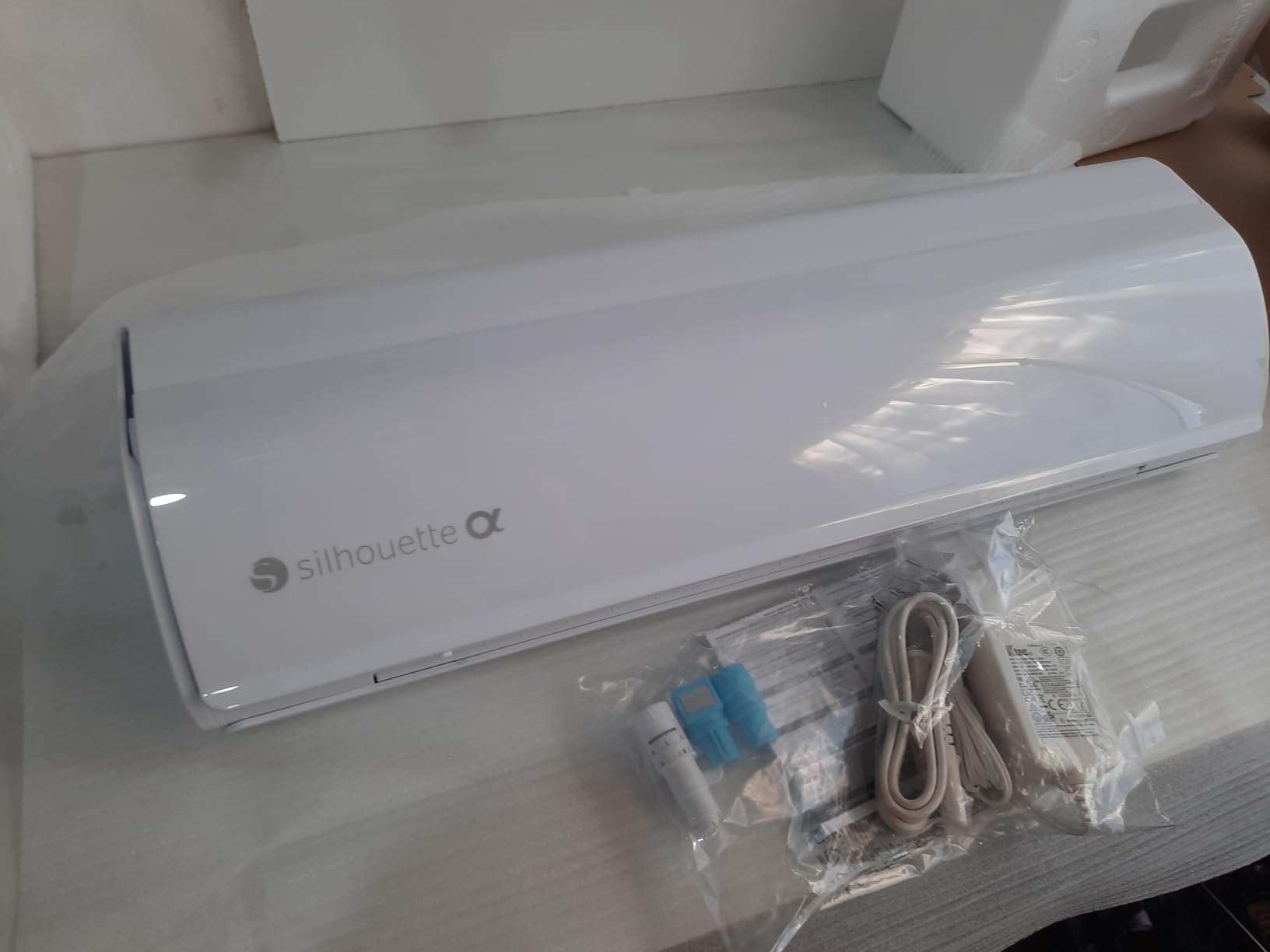
Silhouette America Cameo 5 Alpha (α) – Smart Cutting Machine for Print & Cut – Quiet Operation with AutoBlade, Studio Software, Cutting Mat- Vinyl, Paper & Fabric Compatible – Classic White
12 x 24 inch cutting area
Cuts up to 3mm thick
Motor up to 400mm/s
AutoBlade included
Pros
- 12 x 24 inch area cuts a full sheet in one pass
- 4-point registration improves print then cut alignment
- Motor cuts up to 400mm/s at very low noise
- AutoBlade and Fast Sketch Mode cut setup time
- Handles material up to 3mm thick
Cons
- Studio software needs time to learn
- Blade and thickness settings still need test cuts
- Mats and blades are ongoing consumable costs
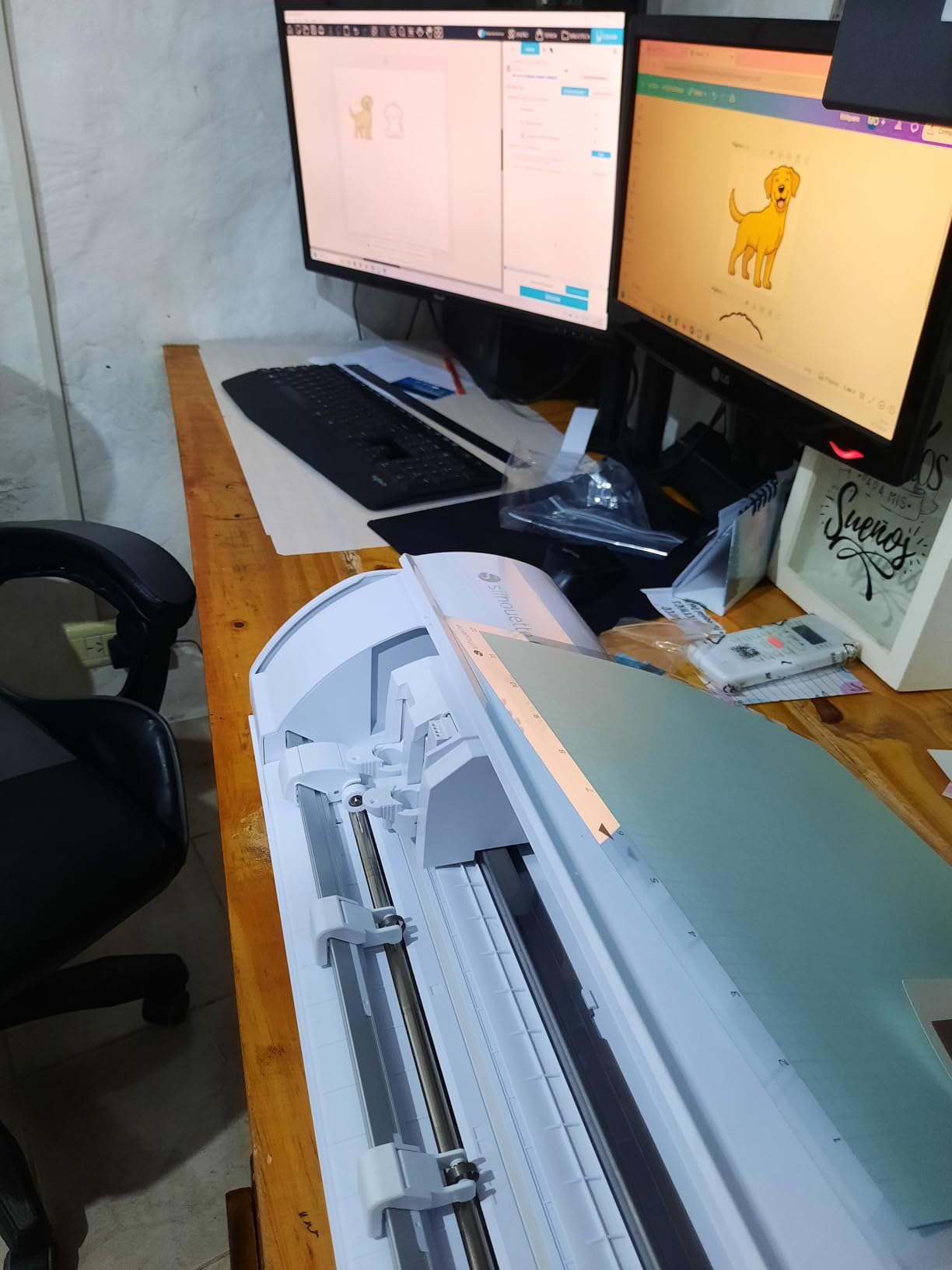
The Cameo 5 Alpha is the value pick for the single most common small business job: cutting a full 12 by 12 sheet in one pass. Label sets, sticker sheets, and cardstock packaging all come off the machine whole, and that alone cuts your repositioning time roughly in half against a 9 inch machine.
The new 4-point registration system with vertical and horizontal correction is the quiet upgrade. Print then cut alignment on stickers and heat transfers is the most common failure point in this whole category, and four-point correction handles it in a way earlier single-point systems could not.
Intelligent Path Technology decides the order the blade travels, which produces smoother cuts and less material waste. On a production run, waste is direct margin, so an optimization that reduces offcut scrap is more valuable than it sounds.
The motor cuts at up to 400mm/s and runs quietly enough for a home workspace. Owners in the Silhouette community generally describe the line as noisy but fast, and this generation is where that trade-off feels most favorable for shared rooms.
What the 12 by 24 inch bed changes
Sheet yield is the whole story. A 9 inch machine breaks a 12 by 12 sheet into pieces with leftover strips you may not be able to sell. A 12 by 24 inch bed takes the sheet in one pass, which raises usable yield and lowers material cost per piece without any change in skill.
That is why this is the one we would recommend over the machine above for most sellers. If your work is paper goods or label sets rather than narrow decals, the bed pays for itself in material.
What the quieter motor means for a home workspace
Quieter operation changes when you work, not just how you feel. A machine you can run in the evening gives you hours that a louder unit effectively takes away, and for a side business those hours are the scarce resource.
The honest costs are the ones every owner mentions: Studio takes practice, blade and thickness settings still need test cuts on unfamiliar stock, and mats and blades are a recurring line in your cost per piece. Account for all three and the economics still favour this machine over most of the field.
5. Cricut Maker 4 – Best for Apparel and Heat Transfer Vinyl
Cricut Maker 4 – Smart Cutting Machine (Seashell) | Digital Content Bundle
Works with 300+ materials
Matless Smart Vinyl and Iron-On
Print Then Cut compatible
Foils and engraves
Pros
- Works with 300+ materials
- Cuts draws foils scores engraves debosses and perforates
- Matless Smart Vinyl and Matless Iron-On cut material waste
- Print Then Cut works with most inkjet printers
- Bundle includes materials sampler pen mat and weeder
Cons
- Full image library needs the optional Cricut Access subscription
- Some buyers report inconsistent cut depth on arrival
- Light Grip mat can arrive bent in the box
If apparel is your product line, the Maker 4 is the machine built for it. It works with 300+ materials including leather, wood, iron-on HTV, and cardstock, and it foils, scores, engraves, debosses, and perforates as well as cutting. Cricut advocates in r/cricut and the Cricut Facebook groups consistently rate the Maker series as the one that finishes the job.
Matless cutting is the business feature, not the hobby feature. Smart Vinyl and Matless Iron-On grip the material directly, so there is no mat to buy, store, or replace and no offcut sheet wasted around every design. On short production runs of a new shirt design, that removes a material cost from each piece.
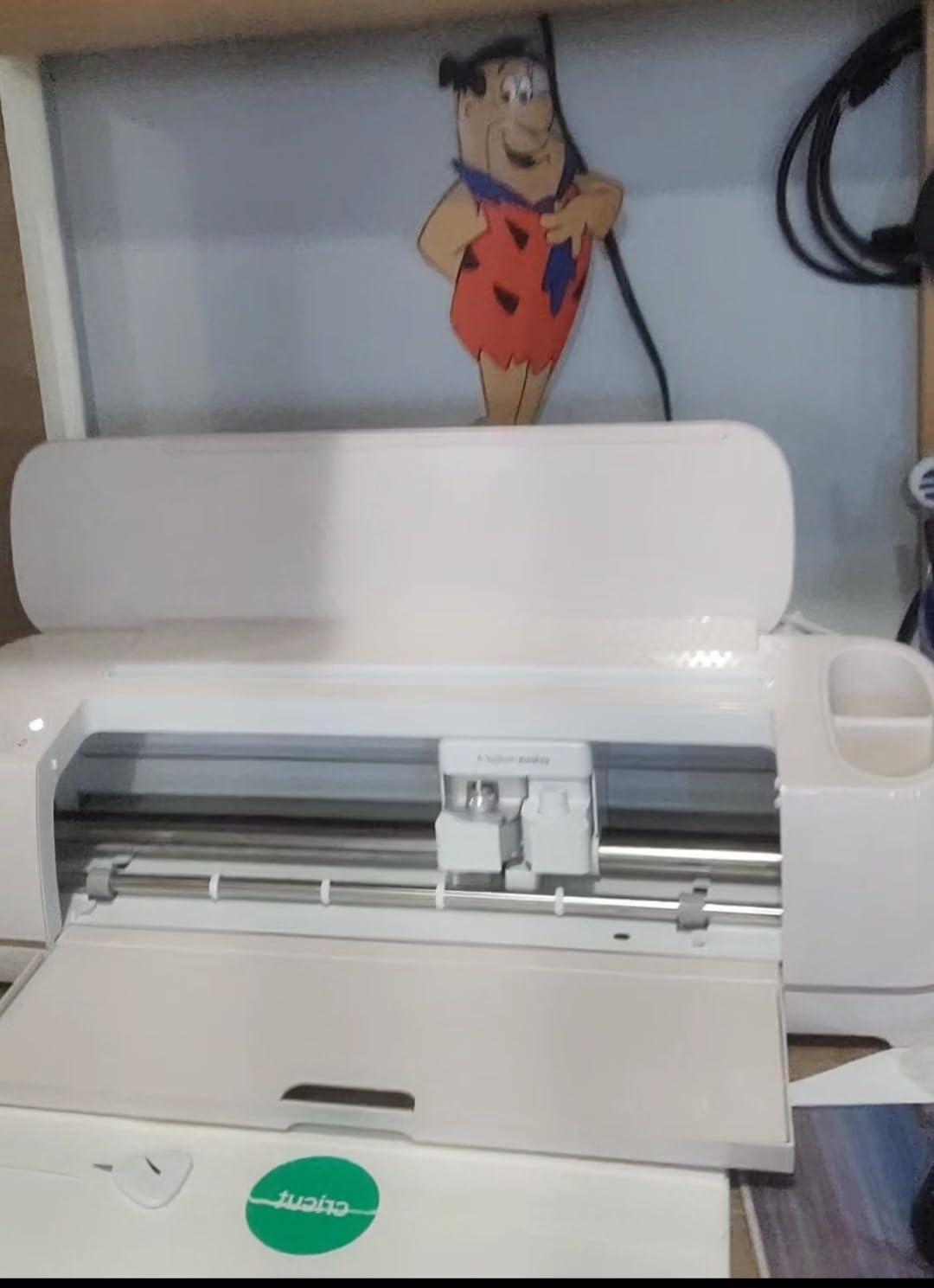
Design Space is the most approachable software in this roundup, and its free library includes 3,000+ images and 100+ fonts. For a seller who is not a designer, that matters. New SKUs can be designed in minutes, which is exactly what you need when testing whether a product sells.
The bundle is a genuine starter kit: fine-point blade, materials sampler with Smart Vinyl, Matless Vinyl, Smart Iron-On, Matless HTV, cardstock and transfer tape, a fine-point pen, a Light Grip mat, a weeder, and 30 bonus images. You can produce sellable pieces the same day you unbox it.
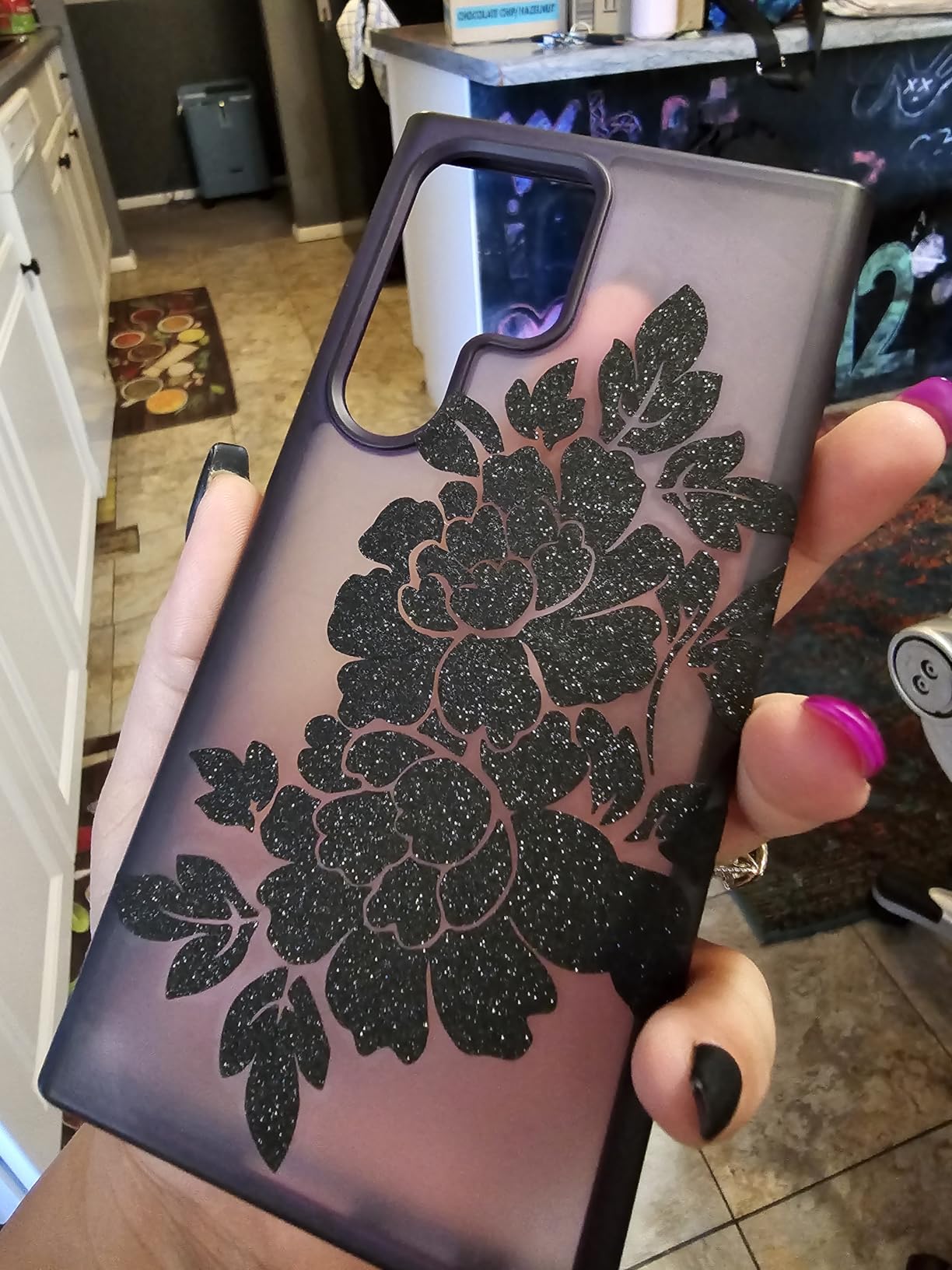
What matless cutting does to your cost per shirt
On a mat-fed workflow, every shirt design consumes part of a sheet, and a five-piece run leaves a mat mostly wasted. Matless cutting sends material straight through, so the only material you buy is the vinyl you actually apply. For anyone doing short runs on many different designs, that changes the per-unit math quickly.
Speed is the other lever. Owners report noticeably faster cutting than earlier Cricut models, and on apparel that translates directly into how many blanks you can press in a session.
What the subscription question really costs
Cricut Access unlocks a library of more than 1.5 million images and is optional, but sellers report resentment about paying monthly for features they feel they should own. The fair framing: if you design your own artwork or upload your own SVG files, you are not dependent on the library for production.
Two practical cautions. A small share of buyers report units arriving with inconsistent cut depth that will not weed properly, so test early rather than before a deadline. And Design Space is web-based, which means an internet outage can stop production, a business continuity risk that desktop-based Silhouette Studio does not carry.
6. Cricut Joy Xtra – Best for Testing a Product Line on a Budget
Cricut Joy Xtra – Smart Cutting Machine | Digital Content Bundle
95.94 sq in cut area
Works with 50+ materials
Print Then Cut capable
250 g body
Pros
- Light 250 g body fits small workspaces
- Works with 50+ materials for decals HTV cardstock and stickers
- Print Then Cut for printed stickers from most inkjet printers
- Design Space free library has 3000+ images and 100+ fonts
- Bundle includes blade pen weeder cable and practice material
Cons
- 95.94 sq in cut area is small
- Does not score engrave or deboss
- Full Design Space library needs the optional subscription
The Joy Xtra is a low-cost way to find out whether a product line sells before you commit real money to production. At 250 grams it stores anywhere, works from a phone, tablet, or computer, and handles 50+ materials covering decals, HTV, cardstock, and stickers.
That last list covers the classic first product lines for a new craft business, which is why we rate it as a legitimate business tool rather than a toy. Print Then Cut works with most inkjet printers, so printed sticker sheets are on the table from day one.
The bundle includes a fine-point blade, fine-point pen, mini weeder, USB cable, power adapter, practice material, and 30 bonus images, plus a free trial of Cricut Access for new subscribers. For market testing, that is everything you need to produce samples and a small first run.
Design Space is the same app used across the Cricut line, so anything you learn here transfers directly if you step up to a Maker later. That alone makes it a low-risk place to start.
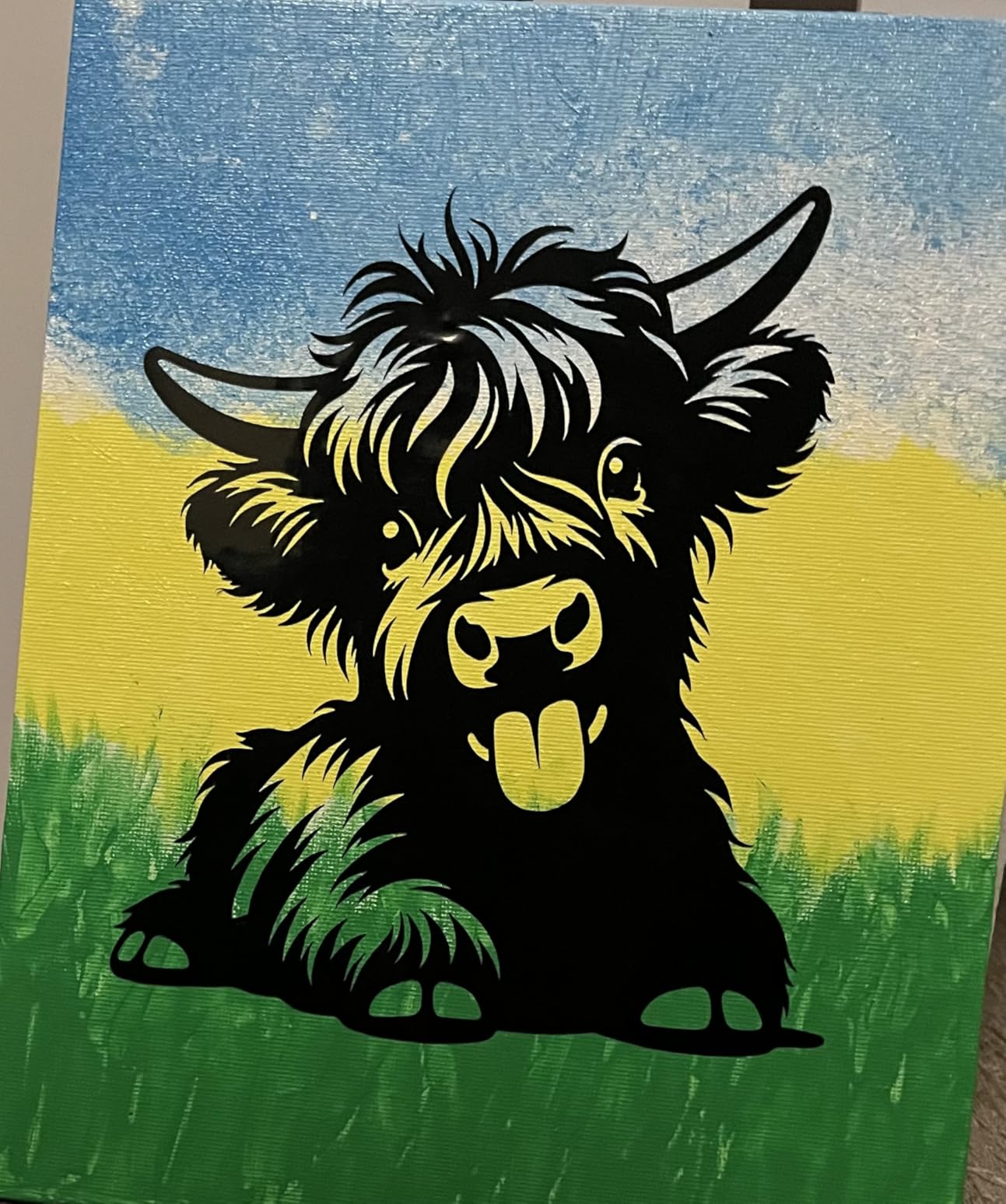
Where a small machine is exactly enough
If your products are decals, labels, small HTV stacks, and stickers under roughly 8 by 12 inches, this machine does the job properly. Small machines are not automatically compromises. They are the correct choice when the product is small, and most first-time craft businesses sell small things.
For a shared table, a rented studio space, or a maker market stall where you pack up after each day, the weight and footprint are a genuine practical advantage over anything with a 12 by 24 inch bed.
When it is time to step up a tier
There is a clear trigger: the first time a customer order requires a full sheet, a score line, or a deeper cut into balsa, chipboard, or leather. This machine cuts, draws, and foils, and it does not score, engrave, or deboss.
Also weigh the subscription. The free Design Space library is genuinely useful, but if your designs lean on premium content, the paid library becomes a recurring cost on a machine with the smallest cut area in this group. Our wider Cricut machine comparison covers when the step up is worth it.
7. Sizzix Big Shot Plus Starter Kit – Best for Manual Die Cutting
Sizzix Big Shot Plus Starter Kit (9″), White/Grey
9 inch A4 platform
Manual crank operation
No power or computer needed
Dies and folder included
Pros
- Stack and turn operation with no power or computer
- 9 inch A4 platform handles larger dies than the 6 inch Big Kick
- Stable weighty build for heavy embossing sandwiches
- Kit includes a 19 piece die set and an embossing folder
- Cuts and embosses paper tissue cardstock felt cork and balsa wood
Cons
- Manual crank takes real effort for large numbers of cuts and cannot cut vinyl or HTV
- Non-beveled cutting pads on this model can require extra adjustment to feed properly
- Heavier than it looks and can cause strain if cranked at a high shelf height
A die cutting machine is not a vinyl cutter, and sellers who bundle the two product lines often regret ignoring it. Die cutting produces the repeating shapes that make cards, packaging, gift boxes, and appliqué pieces, and no blade machine in this roundup reproduces those edges.
The Big Shot Plus does it with a hand crank. No electricity, no computer, no software, no subscription, and nothing to go wrong when an update breaks. For a home business, that independence is worth more than it sounds, especially on the web-based software side of the market.
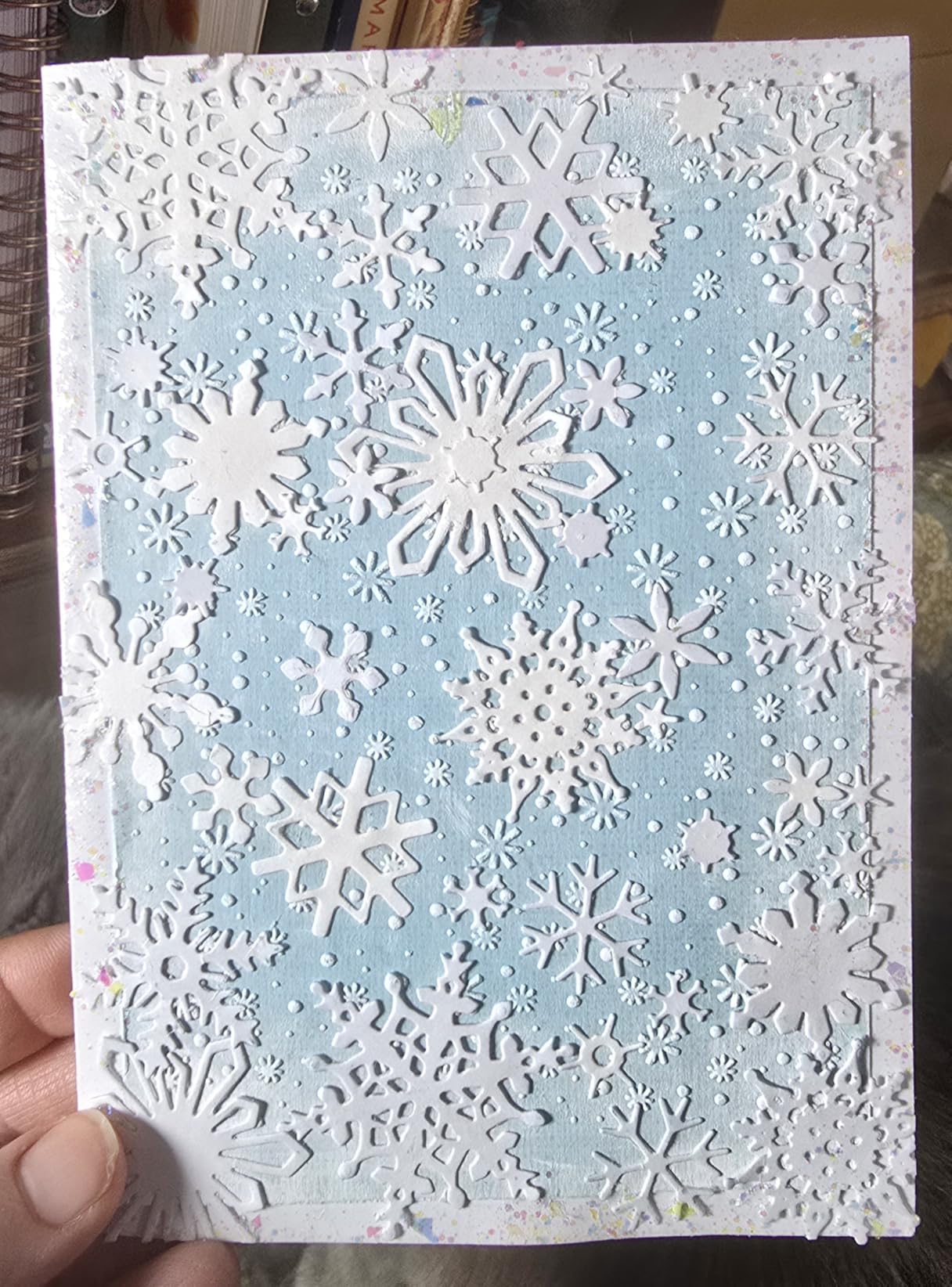
The 9 inch A4 platform is the step up from the smaller legacy machines, so larger dies run in a single pass. That means fewer partial cuts and less registration guesswork on shapes that need to match from piece to piece.
The starter kit bundles cutting pads, a standard platform, a thin die adapter, a 19-piece Thinlits die set, an embossing folder, 20 sheets of core colour cardstock, and 20 sheets of Opulent cardstock. That is enough to produce a real product line in the first week.
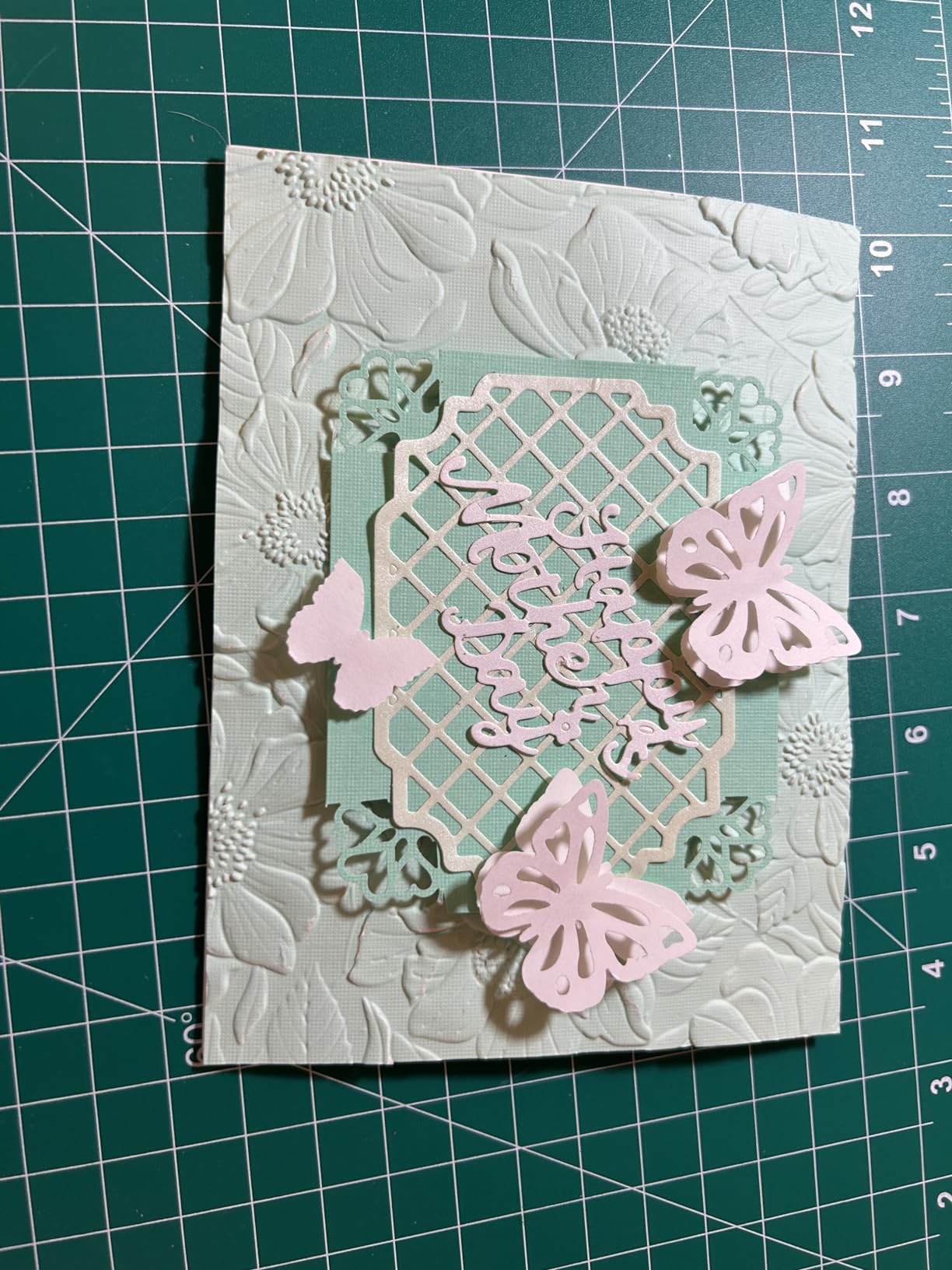
Why a machine with no software still earns its place
Repeat shapes are where die cutting wins on cost per piece. Once a die exists, every subsequent card, box panel, or label shape comes off at the speed of a crank with no consumable blade and no material setting to test. There is no subscription, and there is no design file to maintain.
For sellers of wedding stationery, favours, and packaging, that reliability is the product. Buyers generally describe it as dependable and no-fuss, and the wider platform is the most common point of satisfaction.
Where hand cranking stops scaling
Be honest about volume. A crank takes real effort for large quantities, and this machine cannot cut vinyl or heat transfer vinyl at all. If your revenue depends on volume of identical cut shapes, an electronic die cutter such as a Brother or a Silhouette will eventually outpace it.
The body is heavier than it looks, so cranking at a high shelf height causes strain, and occasional reports of units arriving without the handle are worth checking on arrival. As an add-on machine alongside a plotter rather than a replacement for one, it is genuinely useful.
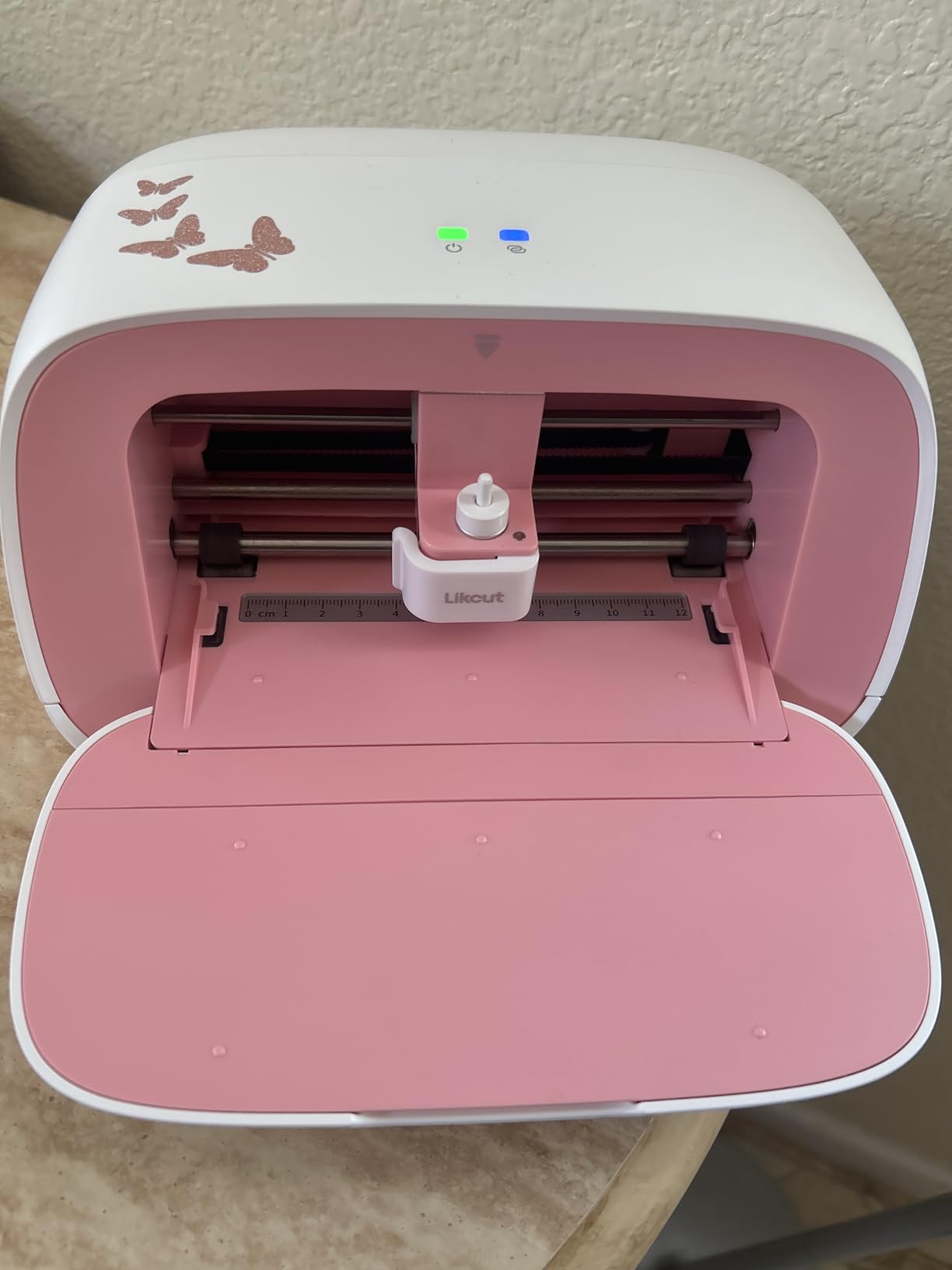
8. Likcut S501 – Budget Pick for Small Sticker Batches
Likcut S501 Vinyl Cutter Machine, 4.5″ Sticker & Cardstock Cutting, Pink
4.5 inch cut width
Cuts over 46 materials
Bluetooth and USB-C
2.63 kg body
Pros
- Very low entry cost for an electronic cutter
- Often cutting within minutes of unboxing
- Fast cut speeds owners compare to pricier machines
- Cuts over 46 materials
- Compact A5 footprint at 2.63 kg
Cons
- Companion app is unstable with artwork snapping or resizing
- 4.5 by 6.5 inch artboard is the smallest here
- Some app features need a paid PRO membership
The S501 is the cheapest way to put a powered blade in front of you, and for tiny batches of stickers and labels it does the work. It cuts over 46 materials including vinyl, cardstock, iron-on transfers, and matless smart material, connects by Bluetooth or USB-C to phone, tablet, or PC, and has an integrated pen holder so it can draw as well as cut.
Setup speed is the underrated part. Owners report cutting within minutes of unboxing through the phone app, and some compare its cut speed favorably to machines costing several times more. For someone deciding whether a sticker product line has legs, that is a fast, cheap answer.
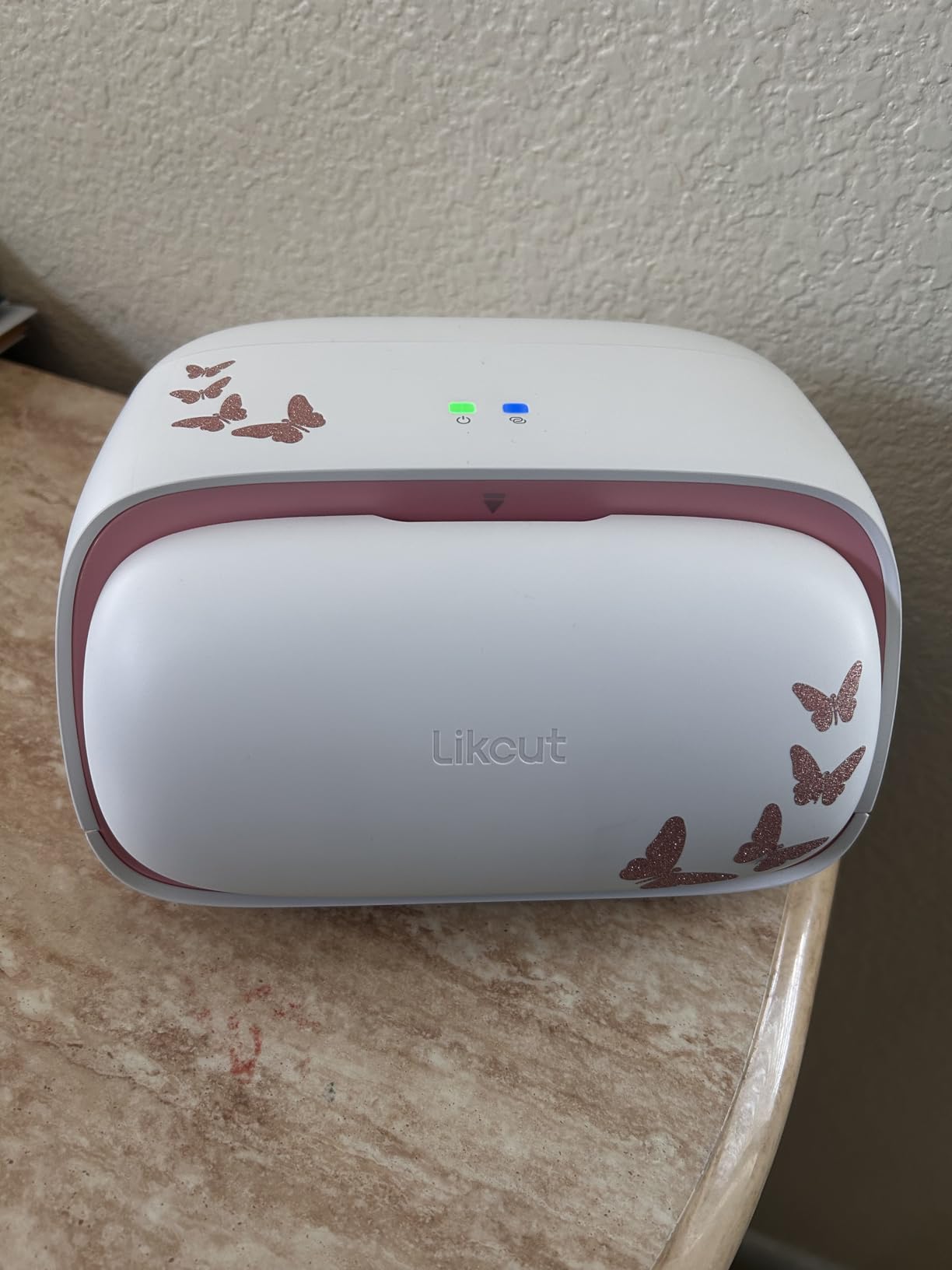
The AI voice and text-to-design feature turns a prompt into a ready-to-cut file, which lowers the skill floor considerably. At 2.63 kilograms it is portable, and the built-in tool storage slot keeps weeding tools off the desk.
This machine carries the lowest average rating in our group, and we would rather tell you why than round it up. The complaints concentrate in software stability and the small artboard, not in cut quality.
Where a low cost cutter genuinely works
Small adhesive labels, single-letter decals, packaging toppers, and short HTV stacks all fit comfortably within a 4.5 by 6.5 inch artboard. If that describes your entire current product line, the math is hard to argue with.
There is also a legitimate path here: use a machine like this to validate a design before you invest in a larger machine. That is exactly how we would test a new sticker concept on a small budget.
What to check before a paid order run
App stability is the real risk. Owners report imported artwork snapping to a default position or resizing, which is harmless while experimenting and expensive during a paid run. Save your file, export a clean vector, and do a full test of a real order before you promise a date.
Also note that this machine does not support print then cut, some advanced features require a paid PRO membership, and customer service for subscription and feature-transfer issues is a repeated complaint. Any of those can be managed. None of them is a reason to skip testing a whole product line on a small budget first.
How to Choose a Cutting Machine for Your Product Line
Match the machine to the product you sell
Most buyers stall because they start with the machine instead of the product. Write down what you sell, the largest size it comes in, and your realistic monthly quantity, then match that against cut width, material depth, and whether you can produce without a subscription.
Stickers and labels point to print then cut accuracy and a full-sheet bed. Apparel points to heat transfer vinyl support, matless cutting, and speed. Paper goods and packaging point to a 12 by 24 inch area and 3mm depth. Signage points to a wide-format plotter like the USCutter rather than any desktop machine. Die-cut shapes point to a dedicated die cutter. Leather and wood goods point to the laser category, where brands like Siser and xTool operate, and that is a different purchase with ventilation requirements.
Total cost of ownership over the first 24 months
The machine is the smallest part of a two-year bill. Add mats, replacement blades and pens, transfer tape, wasted material from failed cuts, and any subscription, and the real comparison changes. A subscription-free machine often wins over 24 months even when the sticker subscription feels small at the start.
Then divide by output. Cost per piece is the only number that matters for a business, and it shifts based on how many pieces come off one sheet. A machine that leaves half a sheet unused is not cheaper even if it costs less.
Software, subscriptions and commercial use rights
Desktop software such as Silhouette Studio and USCutter’s Design and Cut runs on your computer, so production continues through an internet outage. Web-based software is easier to learn but ties your production schedule to a connection, which is a real risk when a deadline is close.
On commercial use, be precise about what you own. Designs you create yourself or upload as your own SVG files are yours to sell. Licensed library content comes with its own terms, and you should read them before selling products built from it. If your brand will grow past a single shop, own your artwork from the start.
Reliability, warranty and what happens when a machine fails mid-run
Owners cross-check failure reports before spending business money, and the pattern matters more than any spec. Cricut support has drawn heavy criticism on Trustpilot, where listings for cricut.com show a 1.8 out of 5 score across 1,015 reviews with multi-day troubleshooting loops as the recurring theme. Software and operating system compatibility is another repeated complaint, with a Maker 3 owner in r/cricut reporting an inability to pair with a current Windows 11 machine at all.
That is why we recommend a known-good workhorse with a large installed base for production and a smaller machine for experiments. A machine you can keep working while another is with support is worth more than a slightly better machine that is in a repair queue.
If your products include thick material, our leather cutting machine guide covers what depth limits actually mean in practice.
What we wish we knew before buying
Budget for consumables from month one. Mats, blades, and pens are not accessories, they are the running cost of the machine. Keep a spare blade and a spare mat on hand, because a broken blade mid-order is how a good week disappears.
Test on the material you will actually use, not the sample sheet. Blade settings that work on paper often fail on coated vinyl or chipboard, and finding that out before a paid order is the difference between a refund and a ruined batch.
Measure your workspace before you choose, including where the machine will sit while cutting and how you will store mats and material. A machine you cannot leave set up is a machine you will not use at capacity.
Manual, electric or computerized: which architecture you actually need
Manual crank machines like the Sizzix Big Shot Plus need no power or software and cut dies into paper, felt, cork, and balsa wood. They are unbeatable for repeat shapes and hopeless for vinyl.
Computerized plotters are the main event. They read a vector file and drive a blade along the cut path, either on an adhesive mat or, on matless models, gripping the material directly. Every machine from the Portrait 4 to the USCutter sits here, and the differences are width, depth, speed, and software model.
Laser cutters occupy the adjacent category, cutting wood, acrylic, and leather rather than vinyl. If your product line is engraved goods rather than decals and apparel, that is where to research next instead of upgrading a blade machine.
Frequently Asked Questions
What is the best vinyl cutting machine for a small business?
For most small craft businesses, the Silhouette Portrait 4 is the best overall because it combines mat-fed and roll-fed cutting, quiet operation at 50 dB, and desktop software with no subscription. Choose the Cameo 5 Alpha if you need full 12 by 12 sheet cutting, the Brother ScanNCut if you want a built-in scanner, and the USCutter 34 inch MH 871 if you sell signage or vehicle graphics.
Which cutting machine is best for crafts?
It depends on the product line. The Silhouette Cameo 5 Alpha suits paper goods and sticker sheets, the Cricut Maker 4 suits apparel and heat transfer vinyl, the Brother ScanNCut SDX125E suits scanned and printed designs, and the Sizzix Big Shot Plus suits die-cut shapes for cards and packaging. Pick the machine that matches what you sell rather than the one with the longest feature list.
Can you make money with a vinyl cutter?
Yes, but profit comes from product fit rather than the machine itself. Stickers, labels, wall decals, and heat transfer vinyl apparel have strong margins because the material cost per piece is low and the design is reusable. Track cost per piece including material, transfer tape, mats, blades, and failed cuts, and price with those numbers rather than with material cost alone.
Is Cricut or Silhouette better for business use?
Silhouette is usually better for a business that wants no ongoing software cost, desktop-based operation that survives an internet outage, and more cutting width per dollar. Cricut is usually better for apparel because of matless cutting and a larger material list, and for beginners because Design Space is easier to learn. The deciding question is whether your subscription cost fits your cost per piece.
What should I know before buying my first cutting machine?
Budget for consumables from day one, because mats, blades, and pens are a recurring cost rather than an accessory. Test on the material you will really use instead of the sample sheet, confirm the software works with your current computer and operating system, and measure your workspace. Start with the machine that matches your smallest common product, not the largest you might eventually sell.
The Cutting Machine to Start With
Start here if stickers and decals are your product: the Silhouette Portrait 4 is the best all-round choice in this roundup, and the Cameo 5 Alpha is the smarter buy the moment full-sheet cutting matters. If apparel is your revenue, choose the Cricut Maker 4 and the matless workflow. If you sell signs or vehicle graphics, the USCutter 34 inch MH 871 is the only machine here that fits the job.
Whatever you pick, decide using cost per piece over 24 months rather than the sticker price on the box, and buy the machine that matches your smallest common product first. Our money counting machine guide covers the other end of the shop, where the money comes in.