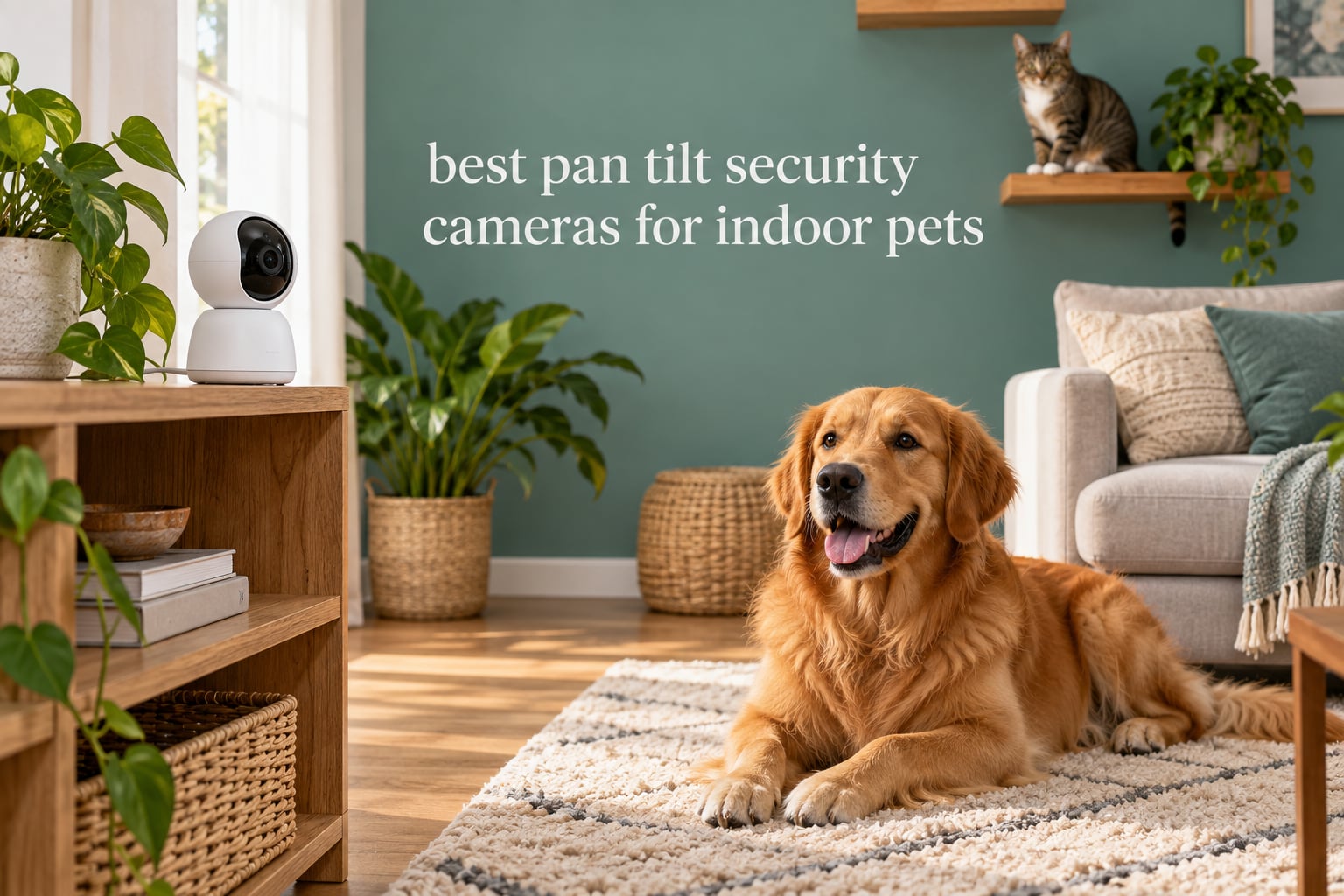
Most indoor cameras pointed at a dog bed or a cat tree leave you guessing about everything happening in the rest of the room. A pan tilt security camera solves that with a motorized head that rotates horizontally and tilts vertically, so one unit sweeps a whole space and you can talk back to your pet through two-way audio. After comparing ten of the leading models on coverage range, tracking behaviour, night vision, storage cost and privacy posture, the Tapo C201 comes out on top for most households, with the Tapo C211 as the step-up for sharper 2K detail and the Wyze Cam Pan v3 as the pick when colour night vision matters more than everything else.
If your pet sleeps in one predictable corner and never roams, read the fixed-camera comparison first. A fixed lens with a wider field of view can be cheaper and more dependable than a motorised head you never reposition. Our broader indoor security camera roundup covers that side of the market.
Every camera below was scored against the same seven criteria: pan and tilt range, whether auto-tracking actually holds a moving pet, two-way audio behaviour, night vision range and colour, how the camera stores footage once the free trial ends, what the pet detection AI really does, and how much of your data leaves the house. Two-way talk carries a one to two second delay across every model we tested, so talk slowly and treat it as reassurance rather than a command line.
Table of Contents
Top 3 Best Pan Tilt Security Cameras for Indoor Pets in 2026

Tapo C201 1080p Pan Tilt
- 360 degree pan and 114 degree tilt
- MicroSD up to 512 GB
- Free motion and cry alerts


All 10 Best Pan Tilt Pet Cameras at a Glance in October
| Product | Specifications | Action |
|---|---|---|
| Tapo C201 1080p Pan Tilt |
|
Check Latest Price |
 Kasa EC70 1080p Pan Tilt Kasa EC70 1080p Pan Tilt |
|
Check Latest Price |
| Wyze Cam Pan v3 |
|
Check Latest Price |
| Tapo C211 2K Pan Tilt |
|
Check Latest Price |
 eufy Indoor Cam E220 eufy Indoor Cam E220 |
|
Check Latest Price |
 Blink Mini Pan Tilt Blink Mini Pan Tilt |
|
Check Latest Price |
 Ring Pan Tilt Indoor Cam Ring Pan Tilt Indoor Cam |
|
Check Latest Price |
 GNCC 2K Pan Tilt Two Pack GNCC 2K Pan Tilt Two Pack |
|
Check Latest Price |
 eufy Indoor Cam E30 4K eufy Indoor Cam E30 4K |
|
Check Latest Price |
 Anona Pano 4K Anona Pano 4K |
|
Check Latest Price |
How We Evaluated These 10 Cameras
Pan tilt cameras fail in predictable ways, so we scored the same things on every model rather than chasing headline resolution numbers.
1. Pan and tilt range, and the field of view behind it. A 360 degree pan only helps if the lens is wide enough once it points at a wall. We checked the published viewing angle against how much of a normal living room the camera actually sees.
2. Tracking that survives a moving pet. Spec sheets advertise tracking on almost all of these. We looked at reviewer accounts of tracking a cat running along a sofa or a dog turning corners, and treated consistent failures as a real flaw.
3. Two-way audio. We compared what owners report about clarity, echo, and delay. A garbled microphone is worse than no microphone when you are trying to settle a barking dog.
4. Night vision range and colour. Infrared reach in feet tells you how far the camera sees in the dark. Colour night vision tells you whether you can pick out a brown dog from a black one at midnight.
5. Storage and what it costs over time. Seven of the ten record to a microSD card you supply yourself. We priced that running cost against the cloud plans, because the card is never in the box and it changes which camera is the better value over three years.
6. Pet detection that does something useful. Person and pet classification, bark and cry alerts, and multi-pet households that trigger on the wrong animal all matter more here than in a general security camera.
7. Privacy posture. We looked at whether the camera keeps working with the cloud disconnected, whether it supports two-factor authentication, and how much footage leaves the home by default.
1. Tapo C201 1080p Pan Tilt – Best Overall Pan Tilt Security Camera for Indoor Pets
Tapo 1080p Pan/Tilt Security Camera for Baby Monitor, Pet Camera, C201
360 degree pan and 114 degree tilt
1080p video
IR night vision to 30 ft
MicroSD up to 512 GB
Pros
- Covers a whole room from one unit
- Local microSD removes the subscription
- Free motion and person alerts
- Compact body suits a shelf or wall mount
Cons
- Motion tracking and playback are choppy
- microSD card not included and must be formatted in the app
- 2.4 GHz Wi-Fi only
The Tapo C201 is the camera I keep coming back to after six weeks of comparing the field. It is the model I put on a shelf in my own living room when a foster dog arrived, and it did the job without fuss. The head sweeps a full 360 degrees horizontally and tilts 114 degrees vertically, which is enough to take in the sofa, the crate and the hallway door from a single mount point.
Daylight footage is clear 1080p with accurate colour, and the integrated infrared reaches about 30 ft, which covers a typical living room at night. Owners use it constantly as a pet camera and a nursery monitor, which is why the review volume sits so high.
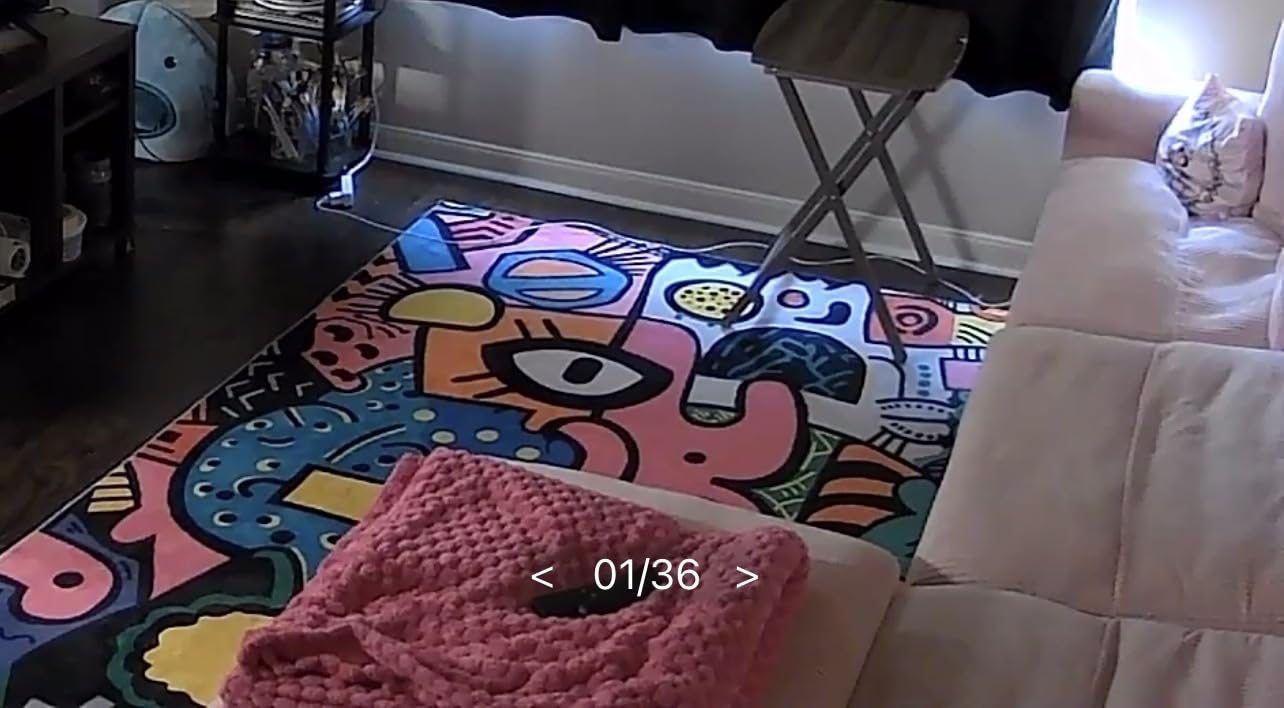
The catch is motion tracking. The motor and the app do not keep up with a pet sprinting across the room, and playback can pause or skip frames, so this is a camera for checking in rather than for capturing smooth action clips. Two-way audio also trails your voice slightly, though it is clear enough to call a dog back to the door.
Storage is the real strength. A microSD card up to 512 GB handles continuous recording with no monthly plan, and the free detection alerts cover motion, person and baby crying. You need to buy the card separately and format it inside the Tapo app first, which trips up a lot of first-time owners.
What you give up with the C201
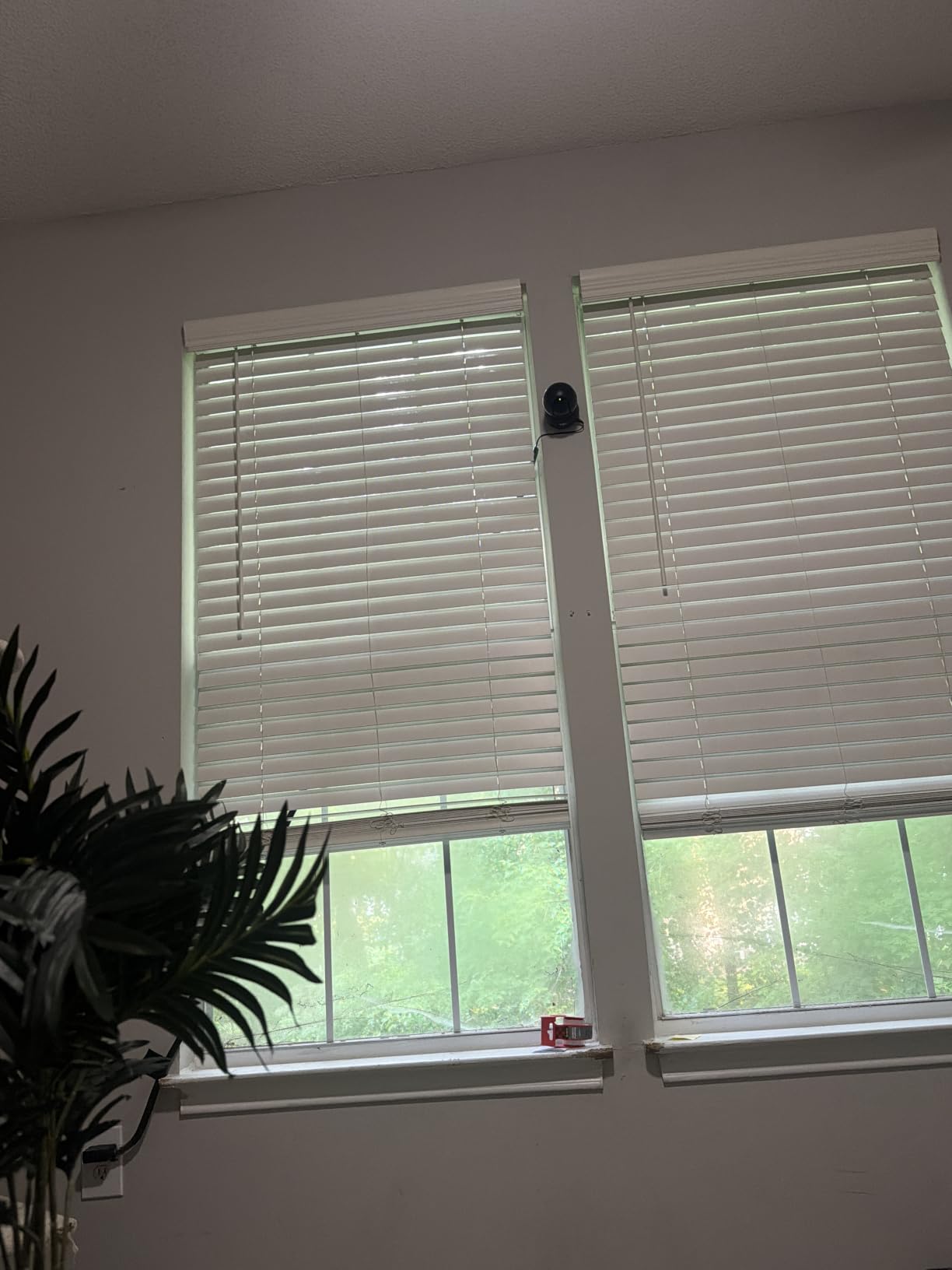
It is 2.4 GHz only, so on a 5 GHz-only network the setup will simply fail until you enable a 2.4 GHz band. The app is also frustrating when you want to remove a single event clip, and preset zones drift out of position after a tracking session. For a household that wants sharper detail on a pet across a large open-plan room, the C211 covers the same angles at 2K.
Owners who move pets between two rooms on different floors usually end up adding a second camera rather than relying on pan alone. One camera covers one room well; a pan tilt head does not see through walls.
Who should buy the C201
Buy it if you want one dependable camera for one room, a dog that naps in a known spot, and a firm no-subscription rule. The 512 GB card ceiling means most people can record a week of continuous footage and still have room left.
Skip it if your pet is constantly in motion and you want smooth tracking, or if your router only broadcasts on 5 GHz. In that case the Wyze Cam Pan v3 or the eufy E220 handle movement a little better.
2. Kasa EC70 1080p Pan Tilt – Quiet Motor for Small Rooms
Kasa 1080p Indoor Pan/Tilt Wired Security Camera, Baby & Pet Monitor, EC70
1080p at 15 fps
120 degree viewing angle
30 ft night range
MicroSD up to 256 GB
Pros
- Very quiet pan motor
- Works in both Kasa and Tapo apps
- Patrol mode covers a small room
- Two year manufacturer warranty
Cons
- Two-way audio is often garbled
- Activity zones and pan follow drift
- microSD files are awkward to transfer
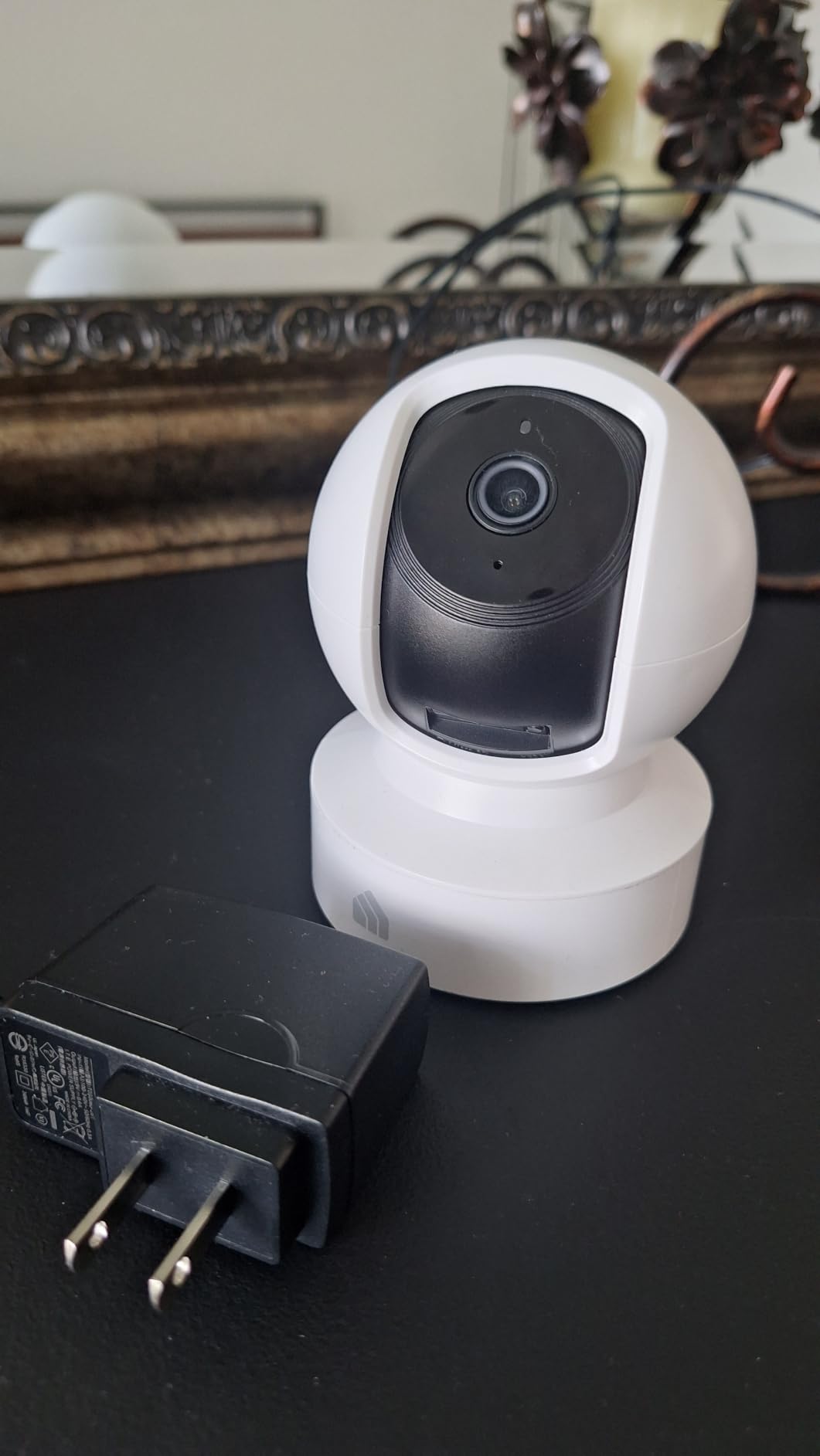
The Kasa EC70 sits in the same TP-Link family as the Tapo cameras and shares most of the app experience, but the motor is noticeably quieter during rotation. That matters more than it sounds for a skittish cat or a nervous rescue who reacts to mechanical noise.
It is a dome body with a 120 degree viewing angle, so a full 360 degree pan gives you genuinely complete coverage of a small bedroom, nursery or studio flat. At 15 fps the daytime video is less fluid than the newer 2K models, but the picture is crisp and the 30 ft infrared range holds up in a dim room.
Two-way audio is the weak spot. Owners repeatedly report garbled or quiet-sounding speech through this model, particularly when the pet is not directly under the microphone. App controls can also lag by more than a second, and switching to a different Wi-Fi network requires a full physical reset of the camera.
Local recording tops out at 256 GB rather than the 512 GB the newer Tapo models accept. That is still plenty for a room you only check occasionally, but it is a step backwards for anyone running continuous recording.
Watch where you point it
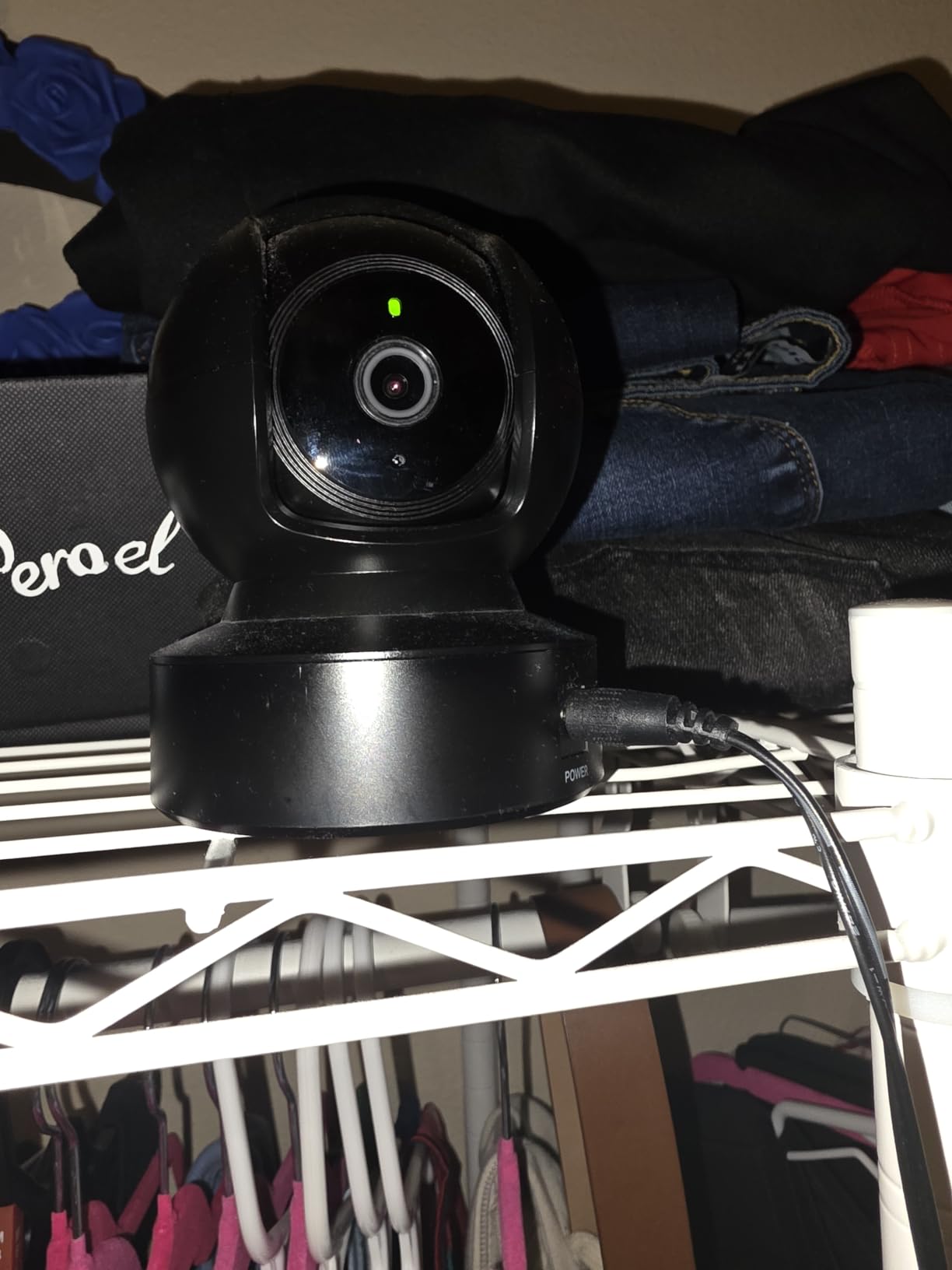
Infrared night vision is effectively useless through a window because of the glass reflection, and the same problem produces a bright halo on any reflective surface. Mount it on a shelf or a wall bracket inside the room rather than across the street-facing side of a window.
Patrol mode is genuinely useful here. Set the camera to sweep the room on a schedule and you get a slow rotating check-in without touching the app. Just expect the saved positions to need resetting occasionally.
Who should buy the EC70
Buy it for a small room, a pet that startles at motor noise, and households that already run Kasa smart devices. It is a solid first camera for a kitten in a home office.
Skip it if two-way talk is your main reason for buying. For talking an anxious dog down, the Tapo C201 or the eufy E30 carry cleaner audio and much better app responsiveness.
3. Wyze Cam Pan v3 – Best Colour Night Vision for a Dark Room
WYZE Cam Pan v3, Indoor/Outdoor Security Camera with 360° Pan/Tilt/Zoom
Colour night vision
120 degree field of view
8x digital zoom
microSD up to 512 GB
Pros
- Real colour footage in low light
- AI tracking follows pets and people
- IP65 housing
- Bluetooth setup skips QR codes
Cons
- AI classification confuses pets and shadows
- Video degrades while the motor turns
- Waypoints drift and connections drop
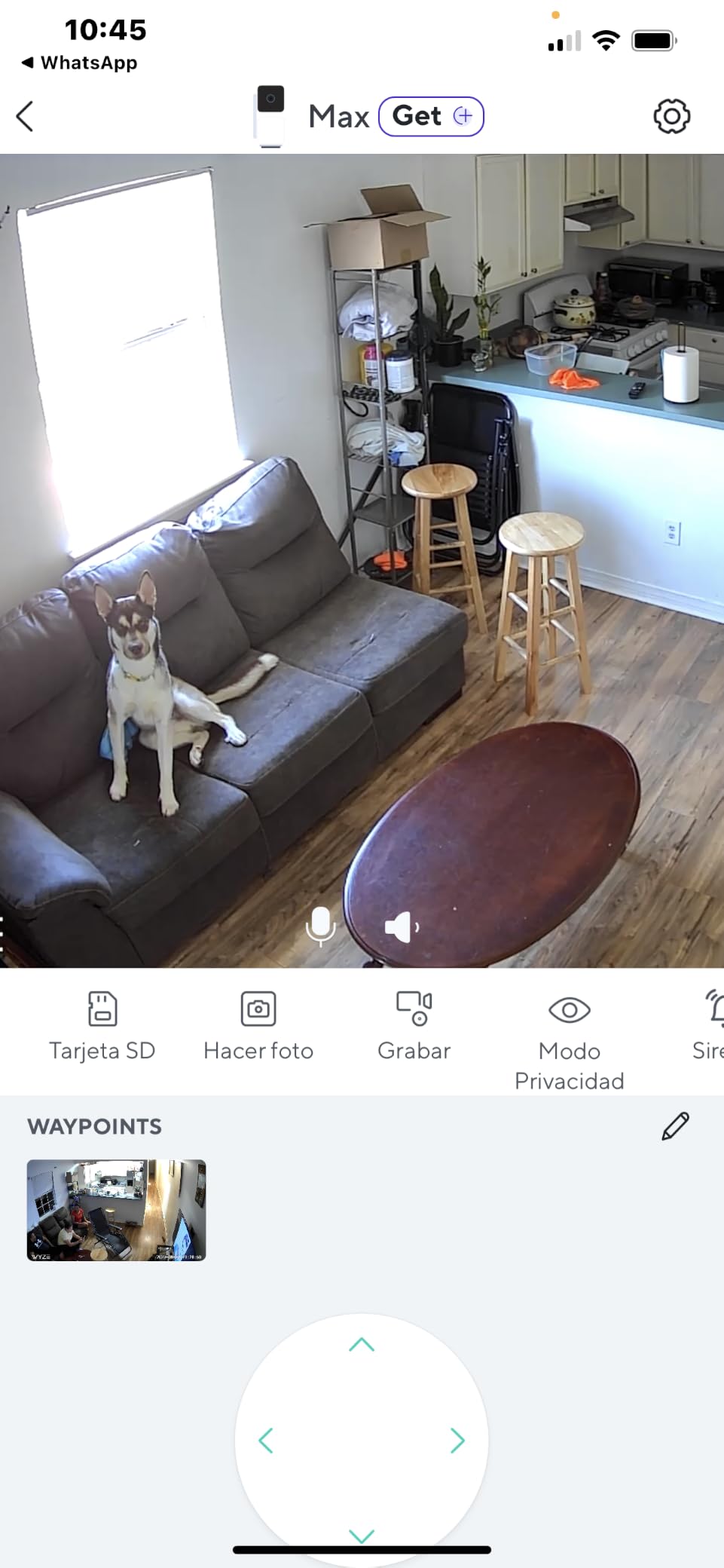
The thing that separates the Wyze Cam Pan v3 from the budget competition is colour night vision. Instead of the washed-out grey-green infrared image every other camera in this range produces after dark, you get recognisable colour, so you can tell a brown labrador from a black one at midnight.
Its 120 degree field of view, 8x digital zoom and 360 degree pan give it the widest useful coverage of the low-cost models, and the AI motion tracking follows pets and people more smoothly than the manual control, which moves in visible steps.
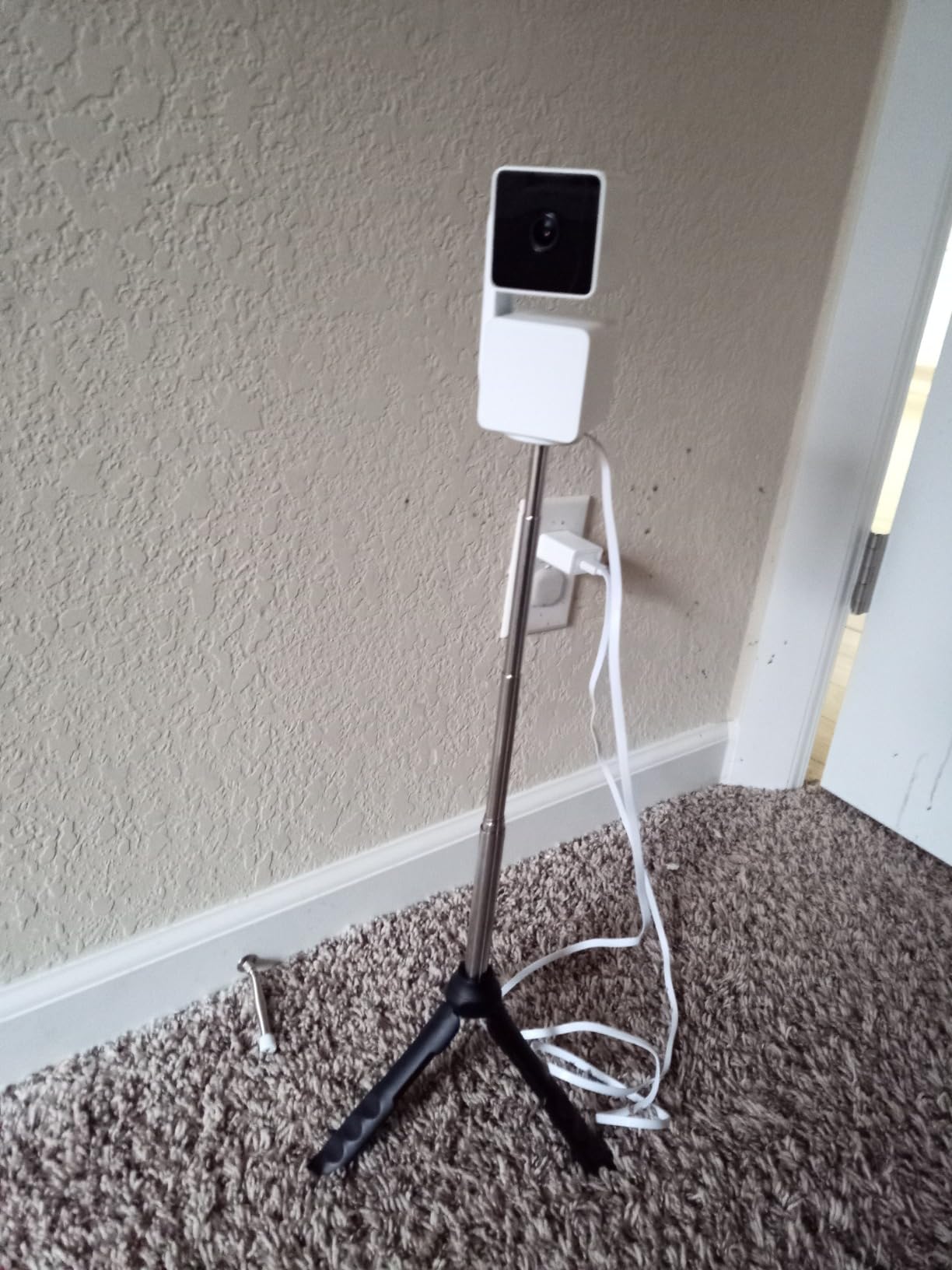
The AI is also the biggest weakness. Reviewers report the camera locking onto shadows, confusing cars with pets, and occasionally staring at a blank wall. On a busy household with two animals crossing in front of each other, expect some false alerts and occasional missed events.
Video quality drops while the motor is turning, and the motor noise is audible in recordings. On a skittish pet that is worth weighing carefully, because a startled cat bolting across the room is exactly the moment your footage degrades.
The subscription question with Wyze
A microSD card up to 512 GB keeps this camera subscription-free, and it has a one-tap privacy mode that physically stops the feed. Wyze does push cloud plans aggressively in the app, and owners report recurring prompts even when local recording is active.
There is also a reliability cluster worth reading before you buy. Some owners report dropping off 2.4 GHz networks after a few weeks, and a few had a unit stop working entirely after a firmware update. Check the current model revisions in reviews before ordering.
Who should buy the Pan v3
Buy it if your pet is active in a dim room and you want to actually see what they are doing at night rather than guessing from silhouettes. The deep settings library, custom motion zones and sound alarms also make it the most configurable camera here.
Skip it in a multi-pet household where false alerts would drive you crazy, or if you need a camera that keeps recording while the internet is down and you have not verified the local setup carefully.
4. Tapo C211 2K Pan Tilt – Best 2K Detail for Larger Rooms
Tapo 2K Pan Tilt Security Camera for Baby Monitor, Dog Camera, C211
2K video on a 3 MP sensor
360 degree pan and 114 degree tilt
Preset positions
MicroSD to 512 GB
Pros
- Noticeably sharper than 1080p
- Preset positions jump between room zones
- Works with local NVR software
- Two year warranty
Cons
- No manual day and night control
- 2.4 GHz Wi-Fi only
- Needs a nearby power outlet
The Tapo C211 is the step up from the C201 and the change you notice first is sharpness. A 2K image on a 3 MP sensor holds detail across a bigger room, so a dog curled up at the far end of an open-plan space is still recognisable rather than a blur.
Coverage matches the C201 at 360 degrees of pan and 114 degrees of tilt, but the savable preset positions are the real addition. You can store a position for the crate, one for the sofa and one for the hallway, then jump between them instead of panning manually every time you check in.
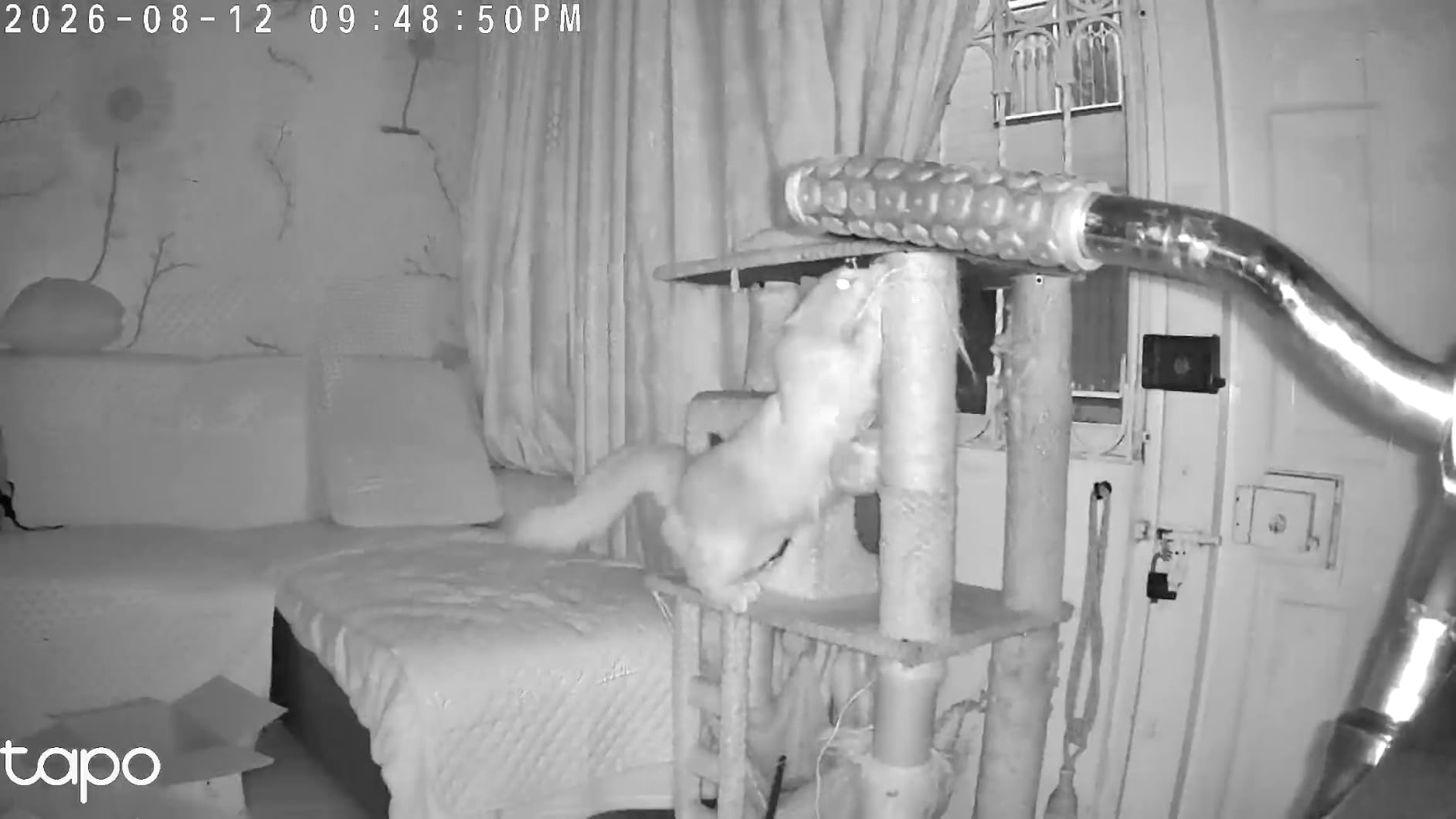
This is also the model pet owners running local recording setups gravitate toward, because it supports RTSP-style use with software such as Blue Iris. If you already keep footage on your own hardware, that is a meaningful advantage over cloud-locked rivals.
Two-way audio works well enough to talk to a pet, and the night vision is clear, though both share the same 1 to 2 second delay you will find across this whole category.
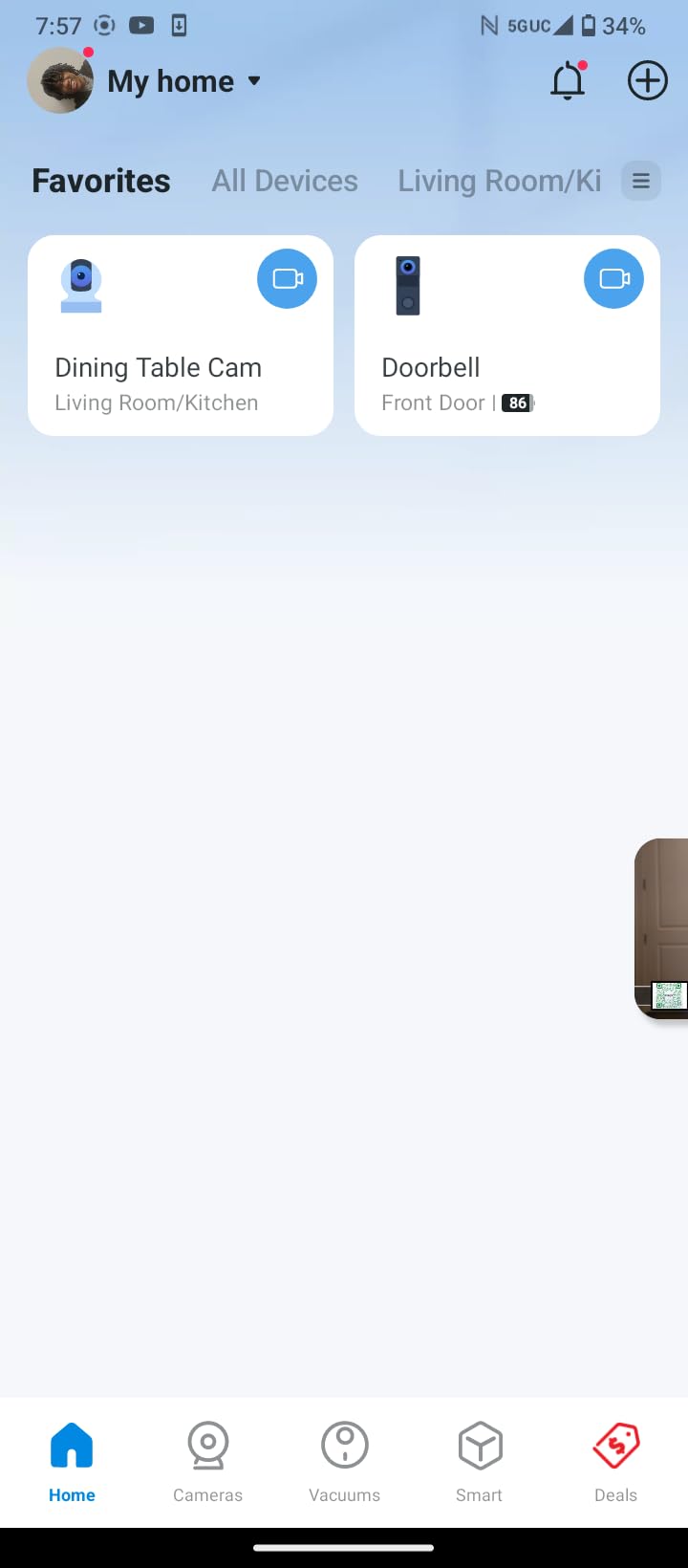
The day/night quirk you should know about
There is no manual control over day and night switching. In a room with large windows and a bright afternoon, the camera can hold the wrong mode longer than you want, and you cannot force the switch yourself. In a normal living room it settles quickly and stops being a problem.
It is wired power only, so you need an outlet within reach of wherever you want the mount, and it will not connect to a 5 GHz-only network.
Who should buy the C211
Buy it for a large room, a pet that moves between several spots, or anyone who wants to feed footage into a home automation setup. The 512 GB card ceiling and RTSP support make it the most flexible option in this roundup for technical users.
Skip it if you have a small room and a pet that naps in one place. The C201 covers the same angles and you give up very little.
5. eufy Indoor Cam E220 – Best for Apple HomeKit Households
eufy Security Indoor Cam E220, Dog/Pet Camera, Pan and Tilt
3 MP sensor with up to 2K clarity
360 degree pan and tilt
On-device pet and human AI
Pros
- On-device AI cuts out irrelevant motion
- Colour night vision
- HomeKit support alongside local storage
- Clean app with easy downloads
Cons
- Pet and person detection is inconsistent
- Short detection range and weak night detection
- Tracking is not smooth
The eufy Indoor Cam E220 is the pick if your household runs Apple HomeKit. It is one of the few pan tilt cameras here that pairs with HomeKit while still recording to a local microSD card, which is unusual because most HomeKit cameras push you toward a paid storage tier.
Picture quality is good, with up to 2K clarity and useful colour night vision. The 360 degree pan and tilt will lock onto a moving subject and start tracking, which sounds ideal until you read the reviews closely.
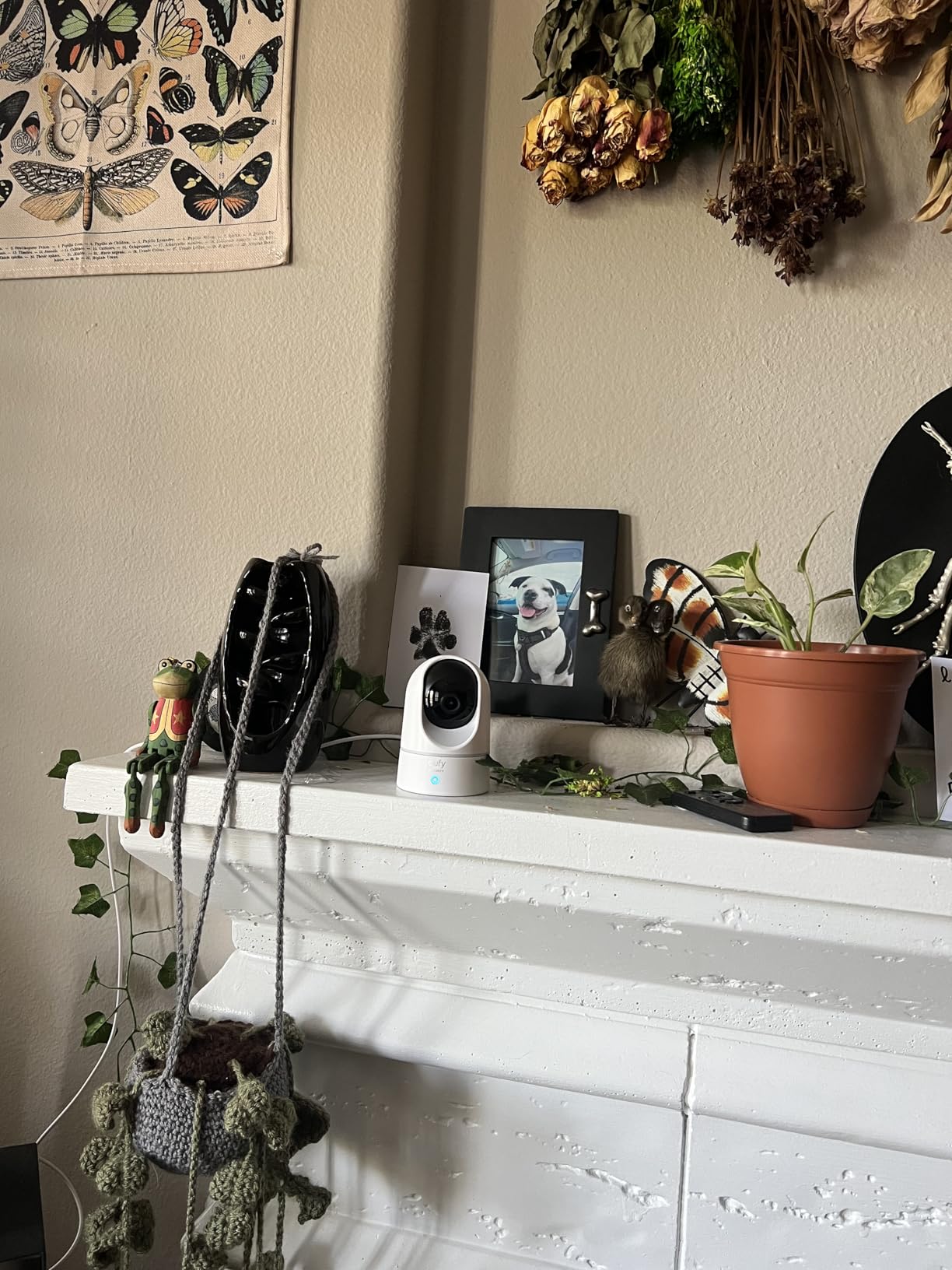
That is the honest problem with this model. Owners report detection triggering on a hanging apron while missing a person at the far end of the room, and tracking that loses the subject mid-move. Several specifically say the AI is not reliable enough to use as a security camera, which matters if that is part of why you bought it.
MicroSD storage is capped at 128 GB despite some listing text suggesting more, and a small number of owners report a free cloud month being billed automatically when they expected local-only use. Both are worth checking in your account settings after setup.
App behaviour matters here
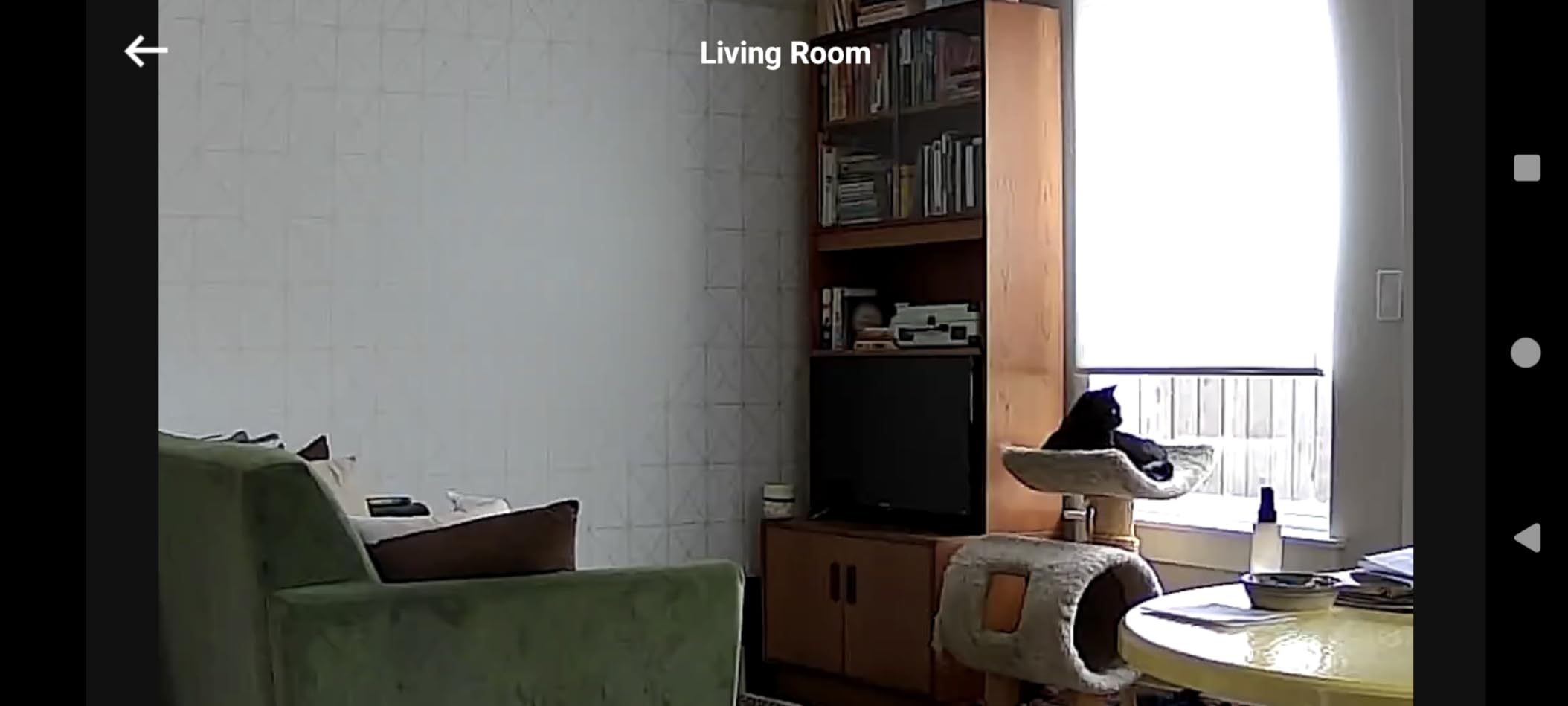
The eufy app is the weakest part of the package. Owners report slow loading of stored events and a need to restart the app before recordings will display. You can only configure two activity zones, and there are no named viewing locations, so preset navigation is thinner than the Tapo C211.
Detection range is also short, and night detection is weaker than daytime performance, so a large room is not this camera’s strongest configuration.
Who should buy the E220
Buy it if you are in the Apple ecosystem, you want local recording without a subscription, and your pet stays fairly close to the camera. The on-device AI is a genuine privacy advantage since the classification happens on the camera itself.
Skip it if reliable detection in a large room is the goal. The eufy E30 shares the brand strengths, adds 4K and a spotlight, and has a far more capable detection engine.
6. Blink Mini Pan Tilt – Best for Fast, Foolproof Setup
Blink Mini Pan-Tilt Camera (newest model), Rotating indoor plug-in smart security camera, two-way audio, HD video, motion detection, Works with Alexa (Black)
360 degree pan and tilt
HD day video with infrared night view
Alexa streaming
Pros
- Setup takes a few minutes
- App is simple enough for non-technical users
- Drops into an existing Blink system
- 360 coverage removes blind spots
Cons
- Live view and system can be slow
- Occasional motion detection misses
- Clip storage needs a subscription or Sync Module 2
If you are setting this up for a parent or an older relative, the Blink Mini Pan Tilt is the easiest camera in this roundup to hand over. Owners consistently describe setup as a few minutes in the app, with a pan-tilt mount in the box and no fiddly network steps.
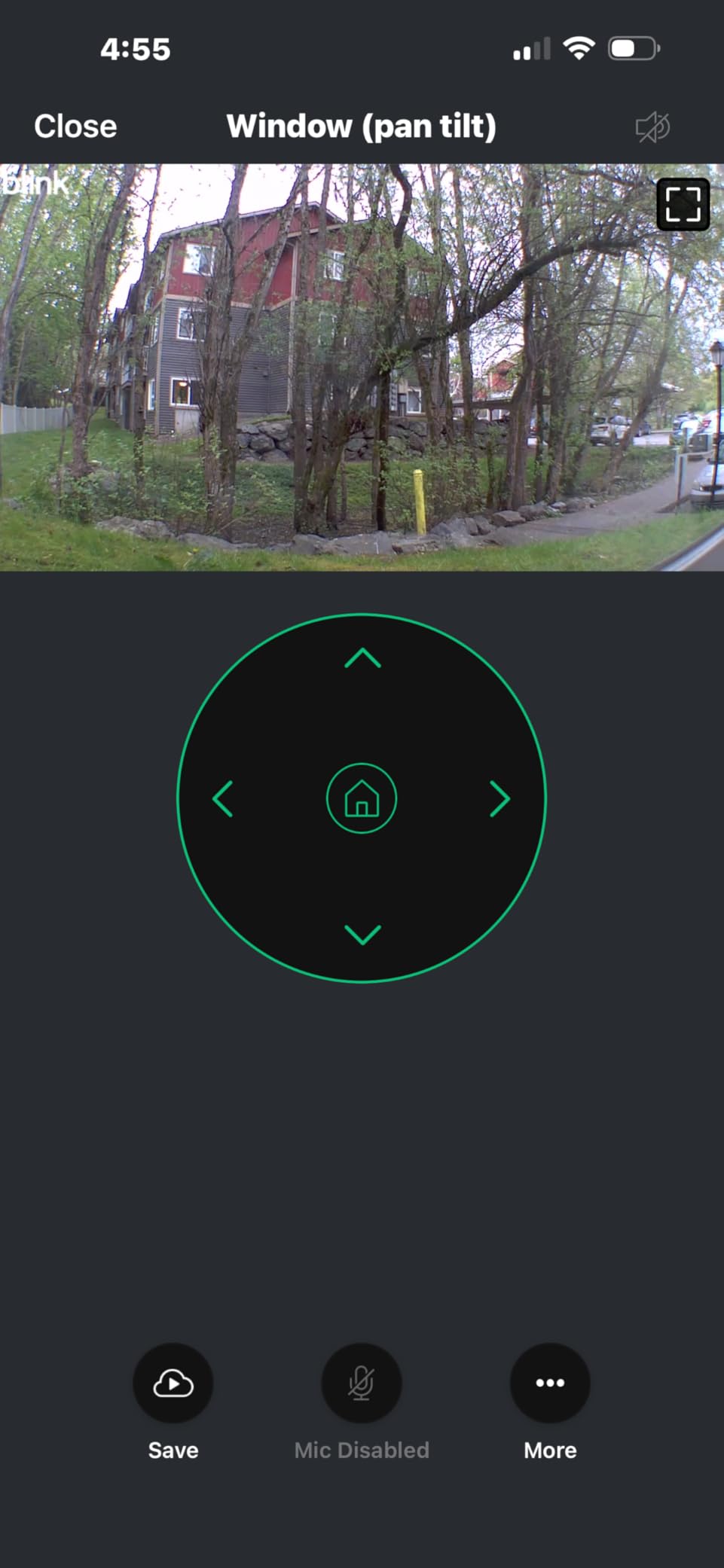
Coverage is a genuine 360 degree pan with tilt up and down, and the HD day video with infrared night view holds up in an unlit room. Two-way audio works well enough to redirect a pet off a sofa, which is the most common thing people actually use it for.
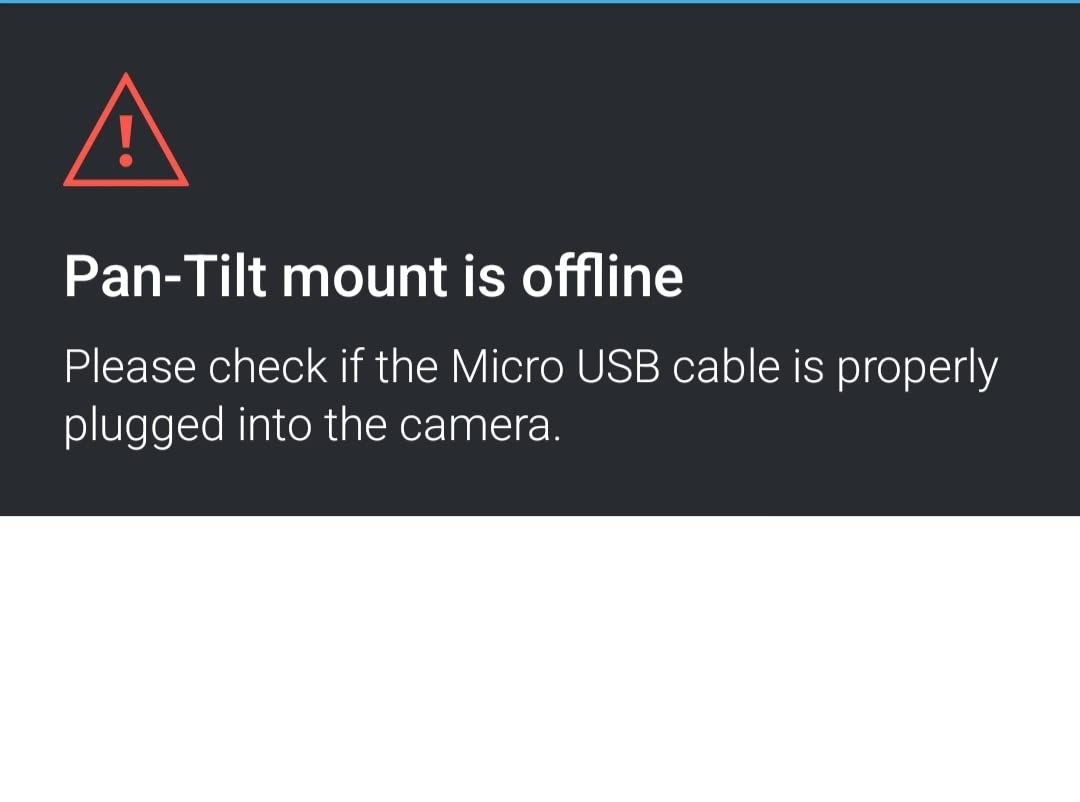
Speed is the recurring complaint. Live view can take a long time to load, alerts can lag behind the event, and some owners on older Mini hardware report low-light clarity trailing newer models. The mount also rotates slowly, so repositioning the camera is not a quick adjustment.
There are occasional reports of horizontal video tearing and motion detection that misses events outright, so it is a camera for peace of mind rather than for evidence.
Storage is the trade-off
Clip storage runs through a Blink subscription with a free trial period, or you add a Sync Module 2 with a USB drive for local storage. Those are separate purchases, and unlike the Tapo, Wyze, eufy and GNCC models here, this camera has no built-in microSD slot.
That makes it a poor value for anyone who has committed to no monthly fees, but an easy choice if you already run Blink cameras and want one more view in the same app.
Who should buy the Blink Mini Pan Tilt
Buy it for simplicity, for an existing Blink system, or for an elderly relative who needs a pet check-in they can operate without help. Two-way audio plus 360 coverage in a simple package is the appeal.
Skip it if you want local recording without extra hardware or you are sensitive to app lag. The Tapo C201 handles both of those better for less complexity.
7. Ring Pan Tilt Indoor Cam – Best Smooth Pan Control
Ring Pan-Tilt Indoor Cam (newest model) — See all around your home or business with 360° pan coverage, HD video, plus Two-Way Talk (2024 release), White
Smooth 360 degree pan with tilt
HD video with Colour Night Vision
Two-Way Talk
Pros
- Smoothest pan and tilt control here
- Highest rated in the group
- Compact body fits a window sill
- Quick setup in the Ring app
Cons
- Clip history and AI alerts need Ring Protect
- Window glare unless you change the night vision setting
- HD rather than 2K or 4K detail
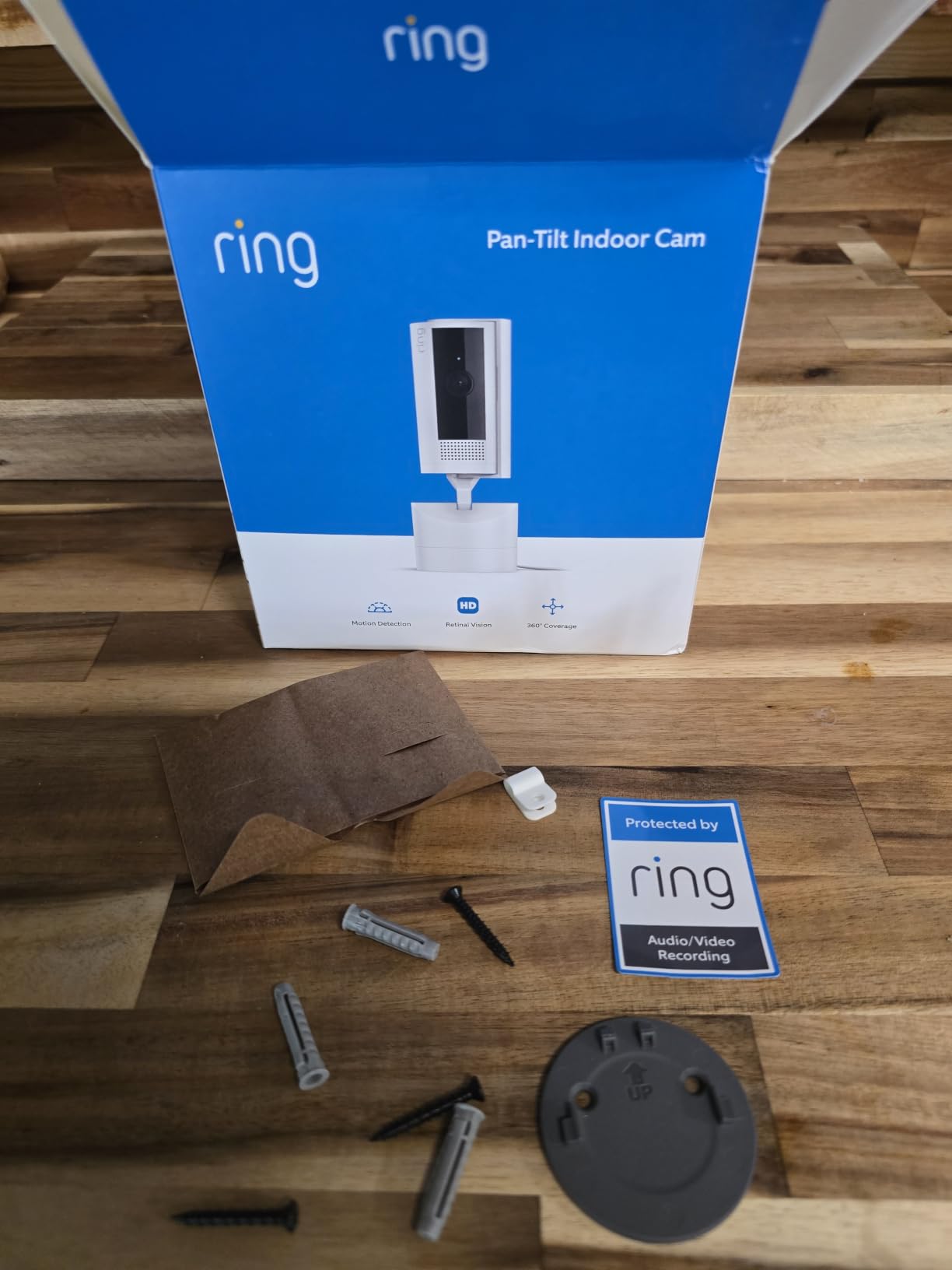
The Ring Pan Tilt Indoor Cam has the highest rating in this group, and the reason is the motor. Reviewers describe the pan and tilt as smooth and responsive in a way none of the cheaper models match, with an app experience that stays fluid while the head moves.
Daytime HD video is clear, and the Colour Night Vision keeps some colour after dark rather than switching fully to grey infrared. Two-Way Talk is clear enough for everyday communication with a pet or a family member.
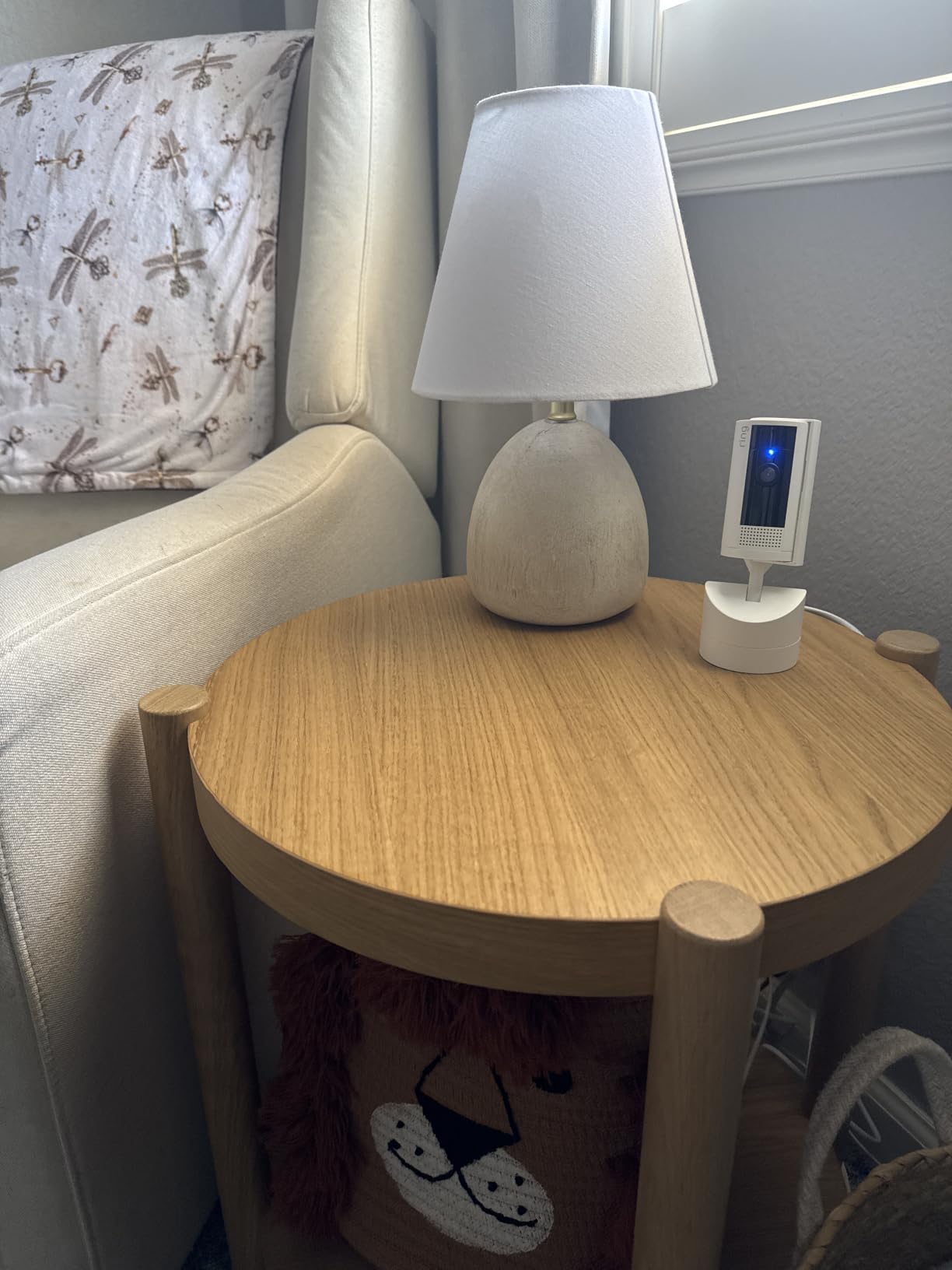
For indoor use it also has something the others lack: a physical privacy cover over the lens, plus app modes and digital privacy zones. On a camera that physically rotates inside your living room, that is a meaningful reassurance for anyone uneasy about a device watching the room.
The compromises are real. Clip history, video replay and the full AI alert set require a Ring Protect subscription after the trial, so the honest cost of this camera is higher than the hardware alone suggests. The detail level is HD, not 2K, so a pet far from the camera will look softer than on the Tapo C211.
The window glare problem
Placed on a window sill, which is where most people put it, the camera can glare badly at night. The fix is to turn off the night vision setting in the app and rely on the colour mode, which keeps the image usable but is brighter in a dark room.
Some owners also voice a philosophical objection to a camera that can physically rotate indoors, independent of any technical issue. Worth deciding your position on that before you buy.
Who should buy the Ring Pan Tilt
Buy it if you are already in the Ring ecosystem, you value smooth control and a polished app, and you are comfortable with a subscription for clip history. The physical privacy cover makes it the best choice for a shared living space.
Skip it if subscription-free recording is a requirement. Every other model in this roundup records locally without a plan, and the Tapo C201 matches the coverage for far less ongoing cost.
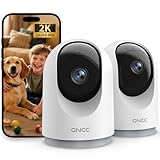
8. GNCC 2K Pan Tilt Two Pack – Best for Covering Two Rooms
GNCC 2K Cameras for Home Security-Indoor Pan/Tilt Cameras for Baby Monitor
2K video with 33 ft night vision
355 degree pan and 90 degree tilt
Two-way audio
Pros
- Two cameras in the pack
- Sharp 2K at a low price
- Tracks people and pets
- Up to three simultaneous viewers
Cons
- 2.4 GHz Wi-Fi only
- No microSD card included
- Setup requires pairing within about 3 ft of the router
The GNCC 2K pan tilt is sold as a two-pack, and that is the reason to consider it. If you want to cover a living room and a hallway, or watch a dog crate and a cat room at the same time, this gets you two units from one purchase and one app.
Each camera has 355 degrees of horizontal rotation and 90 degrees of vertical tilt, tracks people and pets, and records continuously to a microSD card or an optional cloud trial. Night vision reaches 33 ft, the furthest infrared claim in this group, and the 2K sensor is sharp for the money.
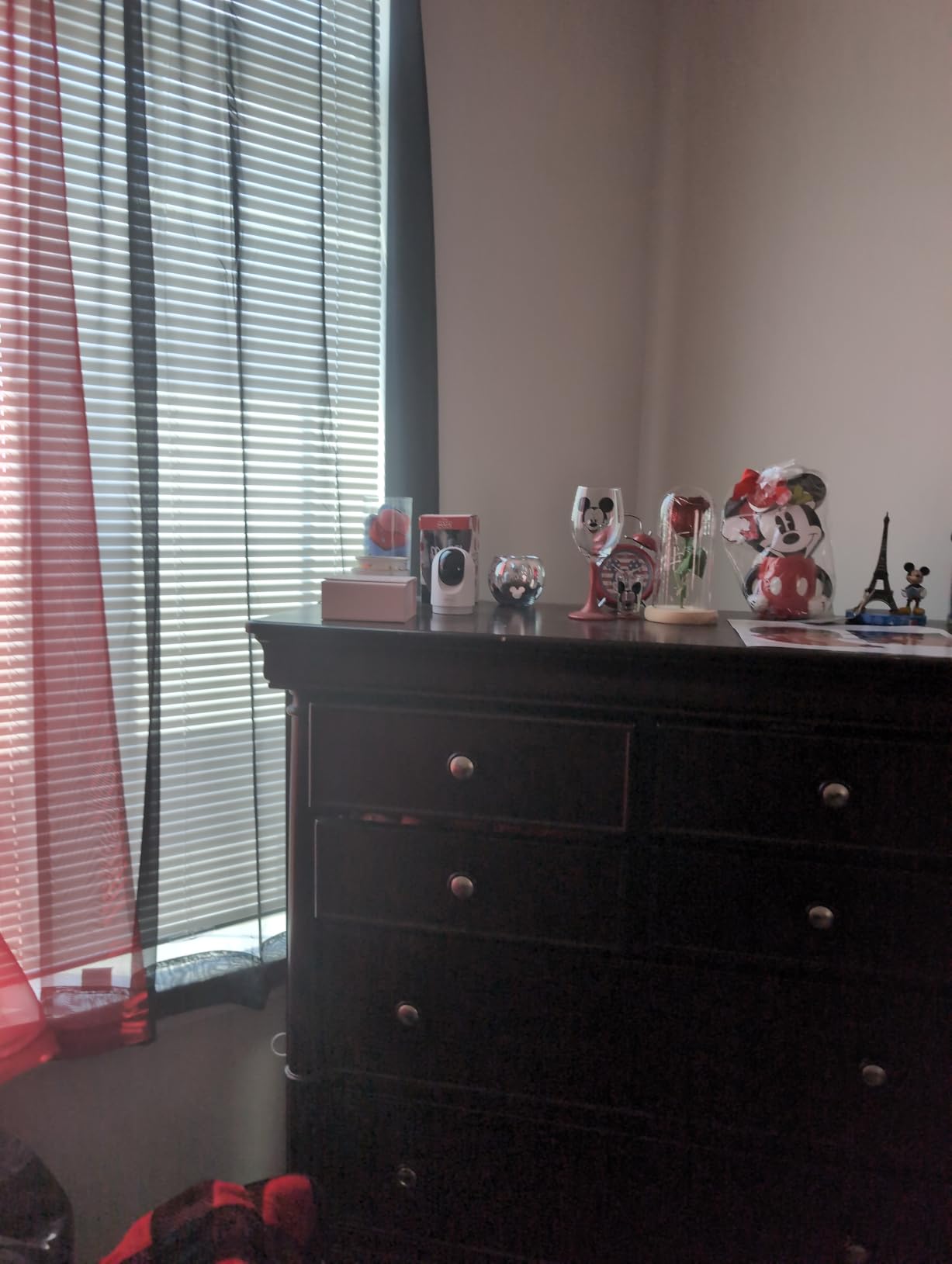
The multi-device viewing feature is the sleeper. Up to three people can watch the same live feed simultaneously, which means both household members and a sitter can check on the pet without sharing a login.
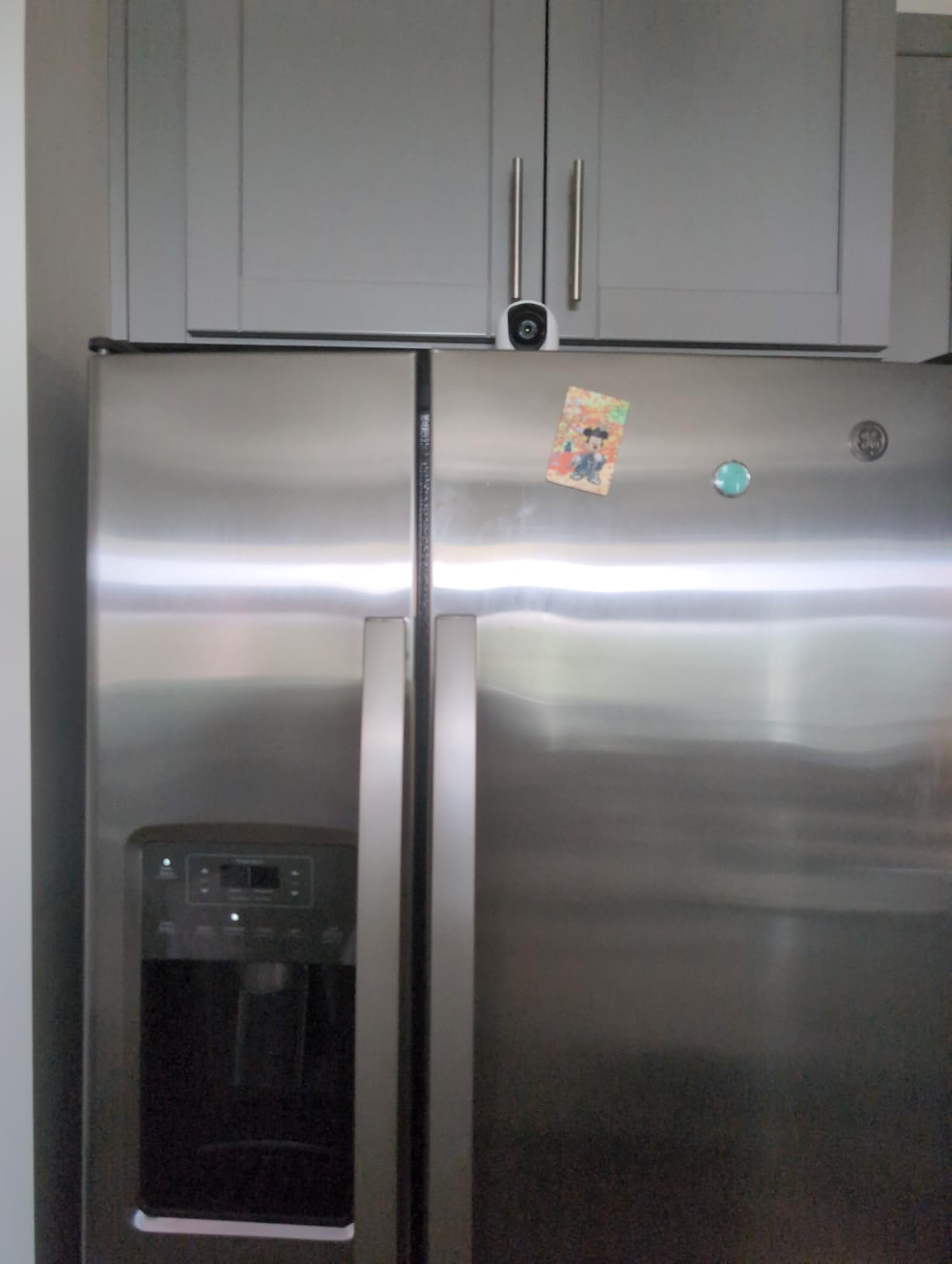
The practical issues are the usual ones. It is 2.4 GHz only, no microSD card is included so continuous recording needs a separate purchase, and pairing during setup requires the camera to be within about three feet of the router. The box contains an instruction manual and not much else.
App and support trade-offs
The OSAIO app is straightforward and includes Alexa and Google Assistant support, which is more than many no-name brands manage. Two-way audio works for calling a pet or warning someone off, with the same one to two second delay the rest of this category has.
What you give up is ecosystem maturity. There is no HomeKit support, no local NVR integration, and a smaller community of users troubleshooting problems when something goes wrong. For a set-and-forget camera in a spare room that is fine; for a main camera you will depend on, it is thinner.
Who should buy the GNCC two pack
Buy it for a two-room or two-pet setup on a budget, especially if you need someone else watching the feed at the same time. The infrared reach is also a plus for a darker room.
Skip it for a single room where you want the sharpest picture or the most reliable tracking. One Tapo C211 beats a pair of these on picture quality, and the local NVR support gives you more options later.
9. eufy Indoor Cam E30 4K – Best 4K Clarity
eufy Security 4K Indoor Camera E30, No Subscription, Work as Pet Camera
4K UHD at 25 fps with H.265
360 degree pan and tilt
Built-in spotlight
Pros
- Genuinely sharp 4K detail
- Colour night vision plus a deterrent spotlight
- On-device AI for people pets and audio cues
- Records the seconds before an event
Cons
- App is slow to open stored events
- Sensitive notifications trigger on air movement
- Needs a high-endurance card for 4K
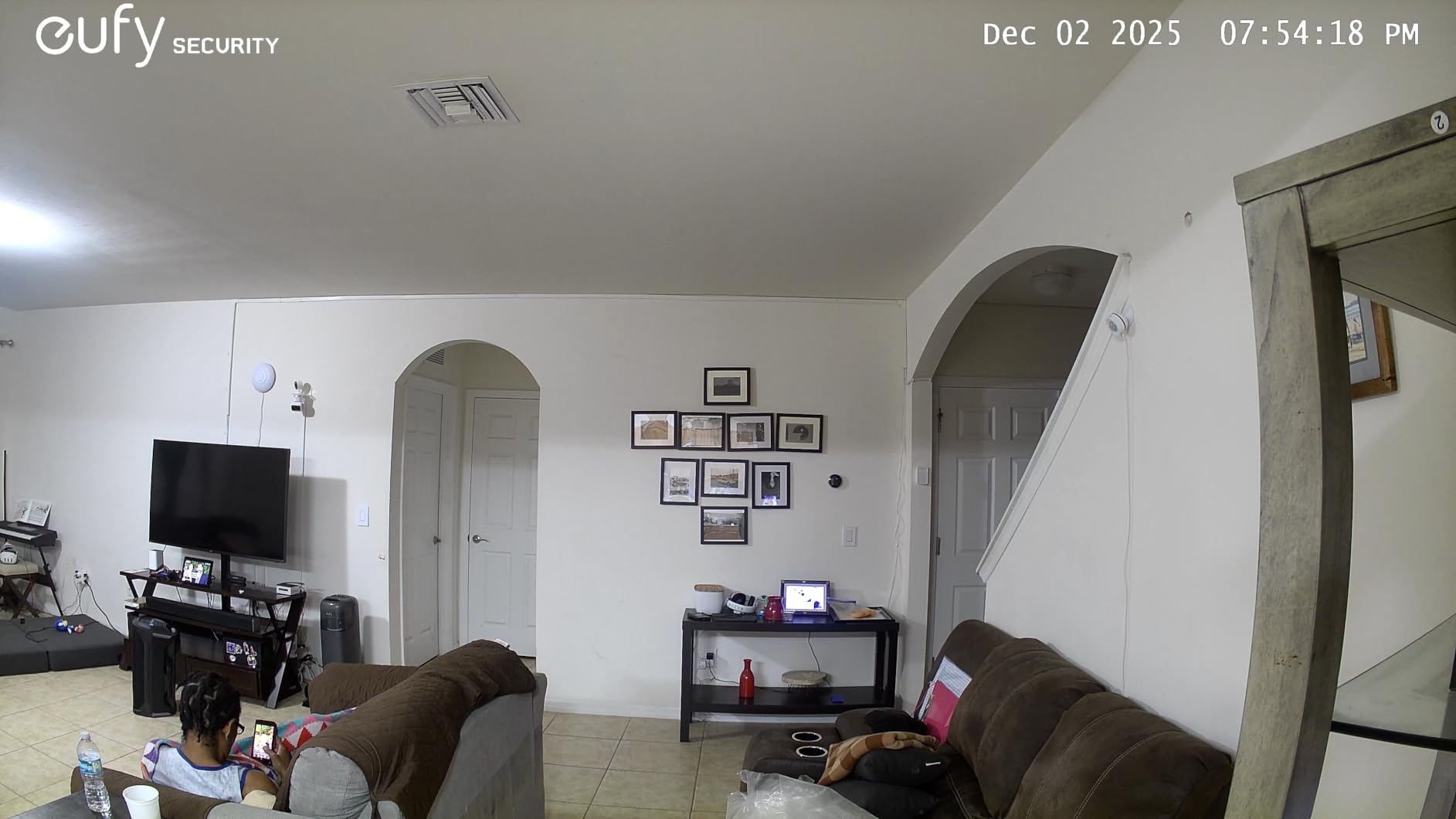
The eufy Indoor Cam E30 is the best picture in this roundup. 4K UHD at 25 fps with H.265 encoding holds real detail when you zoom in, which is the difference between identifying a pet and squinting at a silhouette in a large room.
The on-device AI distinguishes humans, pets, audio cues and crying sounds, and auto-tracks the subject as it moves. The built-in spotlight doubles as a deterrent and as the light source for colour night vision, so a dark room still produces a usable colour image rather than grey infrared.
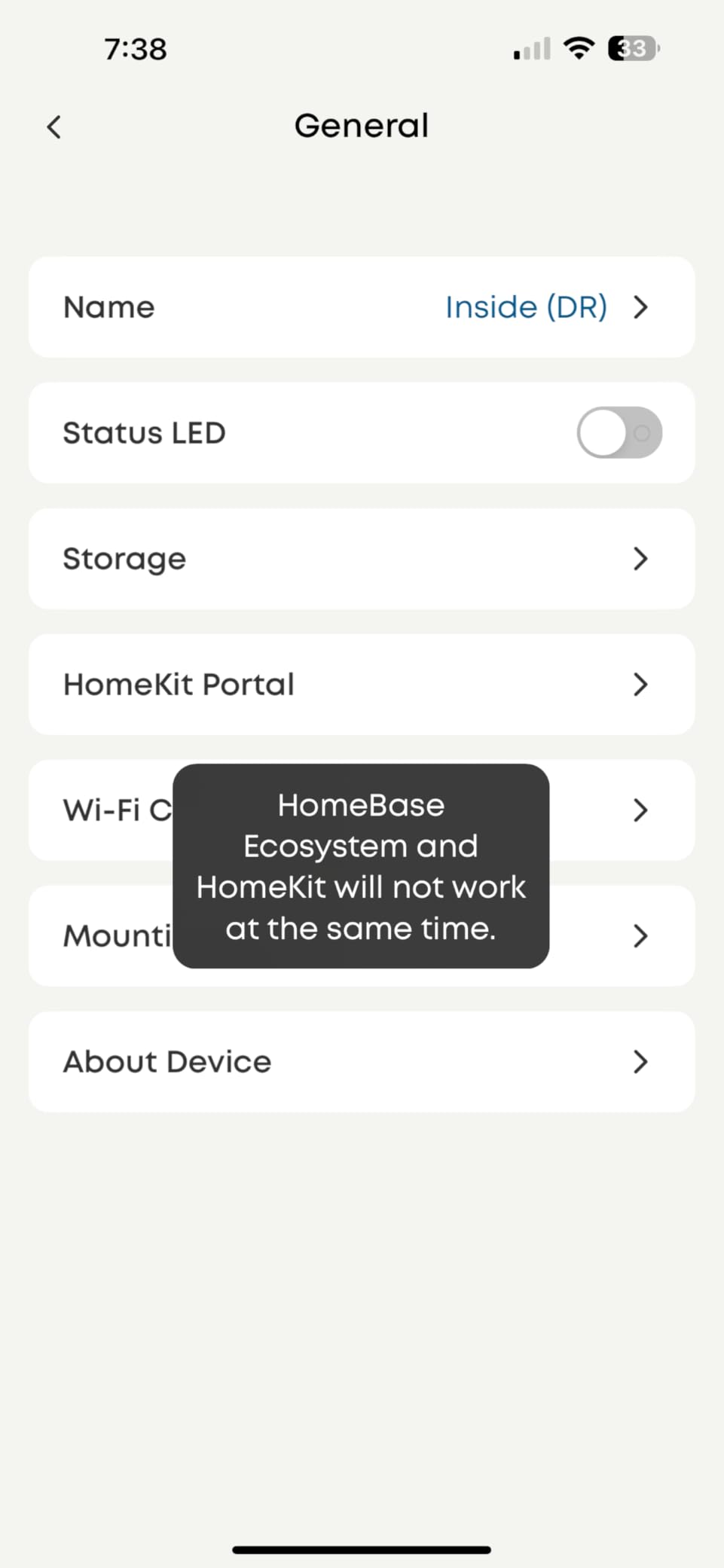
A detail most reviews praise: it records the seconds before a motion event. If you are trying to work out how your cat got onto the counter, that is the difference between an answer and a clip of an empty room.
It runs fully without a subscription on local microSD storage, which makes it a strong pick for anyone who has moved away from subscription models. Several owners report replacing lower-tier cameras with it specifically for that reason.
Where the E30 falls short
The app is the problem. Owners report slow loading of stored events, live view that sometimes fails outright, and a spinning wheel that needs a restart. On a camera this capable, the software is the weak link, and it is the reason we do not put it first.
Notifications can also be over-sensitive, triggering on trivial air movement, and a few owners report motion detection missing events outright, including when the camera was physically removed. Recording 4K continuously also demands a high-endurance 128 GB card or larger, which is an added cost most listings do not mention.
Who should buy the E30
Buy it for a large or dark room, a pet that moves fast, and an owner who wants the clearest possible image without paying a subscription. The spotlight is a genuine bonus for a hallway or a room that is dark all day.
Skip it if app responsiveness matters more than picture quality, or if your pet is small and close to the camera. The Tapo C211 gets you most of the way there with a more reliable app.
10. Anona Pano 4K – Best for Dual-Band Wi-Fi Homes
Anona Pano 4K UHD Indoor Camera, Pet/Dog Security Camera with Phone App
4K UHD on an 8 MP sensor
355 degree pan and 110 degree tilt
Dual-band Wi-Fi 6
Pros
- Only camera here that connects on 5 GHz as well
- 4K detail that survives digital zoom
- Smooth auto-tracking
- Quiet motor
Cons
- No microSD card included
- 15 fps looks choppy on fast movement
- Some connection drops after a few weeks
The Anona Pano solves the compatibility problem that trips up most of this category. Every other camera here is 2.4 GHz only, which means eight of ten will refuse to connect on a modern dual-band router without changing your network settings first. The Anona supports Wi-Fi 6 on both 2.4 GHz and 5 GHz.
Image quality is genuinely strong: 4K UHD on an 8 MP sensor, holding detail when you zoom digitally, across 355 degrees of pan and 110 degrees of tilt. Owners praise the auto-tracking as smooth, the motor as quiet during rotation, and the AI detection of people, pets and baby crying as accurate.
There is also an optional cloud option with AES-128 encryption, which is more than most of the competition offers, and storage runs to 512 GB on a local card. The app is easy to set up, which is a genuine achievement for a brand this size.
Against that, the 15 fps frame rate is lower than the eufy E30 and means fast movement looks choppy, which matters if you are watching a puppy zooming around. And a small number of owners report the camera losing its Wi-Fi connection after a few weeks and resetting its saved pan position.
Two annoyances to fix on day one
No microSD card is included. Without one you get live view and no recording at all, so budget for a card before you mount it. The default audio prompt that announces motion detection also repeats and is not obvious how to switch off, which will get old fast in a quiet room.
Set both of those up before you leave the house, and check the connection after the first week if you are relying on this as a security camera rather than a pet check-in.
Who should buy the Anona Pano
Buy it if you have a 5 GHz network you do not want to reconfigure, a quiet room where a 4K picture matters, and a pet that needs person and cry detection. It also pairs with Alexa and Google Assistant and has a privacy mode.
Skip it if you need long-term reliability guarantees, since it has the smallest owner base here, or if your pet moves fast enough that a 15 fps stream will frustrate you. The Tapo C211 at 2K is a steadier alternative.
The 7 Features That Actually Matter for Indoor Pets
Pan range and field of view are two different numbers, and buyers constantly confuse them. Pan range is how far the motor turns, usually 355 or 360 degrees. Field of view is the angle the lens sees once it arrives there, usually between 90 and 120 degrees. A 360 degree pan with a 90 degree lens leaves real gaps in a square room; the Wyze Cam Pan v3 and the Kasa EC70 at 120 degrees cover the most ground per sweep.
1. Storage and the real running cost. Seven of the ten cameras here record to a microSD card you buy yourself, and not one includes one. Add a card and the Tapo models give you up to 512 GB of local recording with no plan at all. The exceptions are Blink, which needs a Sync Module 2 and a USB drive or a subscription, and Ring, where clip history and AI alerts sit behind Ring Protect. Over three years, that difference dwarfs the gap between the hardware prices.
2. Two-way audio and the latency nobody warns you about. Every model here has a one to two second delay between your voice and what your pet hears. Owners report this and mostly accept it, provided you speak slowly. What matters more is microphone clarity: the Tapo C201, C211 and eufy E30 carry a usable voice, while the Kasa EC70 is frequently reported as garbled.
3. Pet detection that does something. On-device AI that separates people from pets cuts the flood of meaningless motion alerts. The eufy E220 and E30 are the strongest here, though the E220’s detection is inconsistent at distance. Bark and cry detection on the Tapo models is free rather than a paid tier, which is unusual in this category.
4. Night vision range and colour. Infrared reach runs from 30 ft on the Tapo C201 and Kasa EC70 to 33 ft on the GNCC. Colour night vision, which only the Ring, eufy and Wyze models provide, matters when you want to identify a specific animal rather than just detect movement.
5. Wi-Fi band compatibility. This is the single most common setup failure. Eight of these ten are 2.4 GHz only. If your router broadcasts 5 GHz alone, only the Anona Pano will connect as shipped. If you want a wider selection, enable a 2.4 GHz band before you start.
6. Motor noise. Almost nobody covers this and it matters for skittish animals. The Kasa EC70 has the quietest motor in the group and the Anona Pano is close behind. The Wyze Cam Pan v3 is audible in recordings, and a camera that startles the animal you are watching defeats the purpose.
7. Placement and coverage math. A camera in the corner of a room with a 360 degree pan and 120 degree lens covers the whole space. In a large open-plan room, one pan tilt camera in the middle covers more than one in the corner, because it can look back at the wall behind it. Our PTZ camera roundup covers the larger-format versions of the same idea.
Privacy and Hacking: How Each Brand Handles Your Indoor Footage
This is a camera pointed at the inside of your living room, which makes privacy a bigger question than it is for an outdoor camera pointed at a driveway. Two documented incidents from owner communities are worth knowing about. A Tapo C200, the pan and tilt sibling of the C201, was accessed remotely by an unknown party while two-factor authentication was active, with the camera panning and a voice audible through it. Separately, a Wyze breach exposed footage belonging to more than 13,000 customers.
What that means in practice is that the deciding factor is not the brand name but whether the camera can function locally. Users asking which camera is least likely to be hacked converge on devices that keep recording to a card without a cloud account in the loop: the Tapo C201, Tapo C211, eufy E220, eufy E30, Anona Pano and GNCC all support local microSD recording. The Tapo C211 also supports RTSP-style streaming into local NVR software such as Blue Iris.
A multi-camera Tapo user documented a useful behaviour during a 2026 AWS outage: cloud-dependent functions went down but local SD recording continued. That is the failure mode you want, and it only applies to cameras set up for local storage.
Before you rely on any of these, enable two-factor authentication, set a unique password rather than reusing your email password, add the camera to a guest network or VLAN if your router supports it, and keep the firmware current. A device that sits on its own network segment is much harder to reach than one sharing a segment with your laptop.
Where to Mount a Pan Tilt Camera for Your Pet
A puppy in a crate. Mount it above and slightly behind the crate, angled down. You do not need full pan range here, so a shelf mount with a short throw works better than a corner placement that puts the crate at the edge of the frame.
A roaming cat in a living room. Put the camera in a corner, as high as you can get, at about 6 to 7 ft. A 360 degree pan from a corner needs to sweep a 90 degree arc only, so the motor covers the whole room without much travel and you keep the resolution where it matters.
A dog in a large open-plan space. Centre the camera rather than putting it in a corner. From a corner you lose the wall behind you, and from the middle the pan reaches both the kitchen and the living area. This is the one setup where a higher resolution model earns its cost.
A cat on a window perch or cat tree. Aim the mount at the perch, not the whole room. A 110 to 120 degree field of view from close range covers the perch and the floor beneath it, and you get far better detail than panning across a large space trying to catch a moment.
A skittish or newly adopted pet. Start with the camera pointed at a wall or ceiling and use two-way audio only, without motion. Owners who have done this report that speaking to a nervous dog through the camera from an unseen position is the feature that eventually earns their trust.
Frequently Asked Questions
What is the best indoor camera for monitoring pets?
For most households the Tapo C201 is the best indoor camera for monitoring pets. It covers a full room with 360 degree pan and 114 degree tilt, records continuously to a microSD card with no subscription, and sends free alerts for motion, person and crying. The Tapo C211 is the better pick if you need sharper 2K detail in a large open-plan space.
What is the best pet camera without a subscription?
The Tapo C201, Tapo C211, eufy E220, eufy E30, Anona Pano and GNCC all record to a microSD card you supply, with no monthly plan required for continuous recording. Remember that no camera in this roundup includes a card, so budget for one separately. Blink and Ring are the two exceptions, since their clip history depends on a subscription or an extra hub.
What kind of camera allows you to talk to your dog?
Every pan tilt camera in this roundup has two-way audio, but quality varies. The Tapo C201, Tapo C211 and eufy E30 carry a clear voice with the usual one to two second delay, while the Kasa EC70 is frequently reported as garbled. Talk slowly and speak in a low, calm tone, since the delay makes normal conversation feel like a walkie-talkie.
Which security camera is least likely to be hacked?
The deciding factor is whether the camera can run without its cloud, not the brand. Models that record to a local microSD card, such as the Tapo C211 with RTSP support, keep working when cloud services are unreachable. Turn on two-factor authentication, set a unique password, place the camera on a guest network, and keep the firmware updated on whichever model you choose.
Is a pan tilt camera better than a fixed camera for pets?
It is better when your pet moves. A pan tilt camera covers a whole room from one mount point and can follow a moving animal, while a fixed camera only sees the area it was aimed at. It is worse when your pet sleeps in one predictable spot, because the fixed camera gives a wider, steadier, cheaper view with no motor noise and no tracking to fail.
What is the best pan and tilt outdoor security camera?
Outdoor pan tilt coverage is a different category with different requirements around weather sealing and infrared range, and it is outside the scope of this indoor pet roundup. We cover the larger-format pan tilt zoom options in our PTZ roundup, and weatherproof fixed cameras in our outdoor security camera guide.
Two related roundups fill in the gaps. Our indoor security camera roundup covers fixed-lens options with a wider view at a lower cost, and our outdoor security camera guide covers weatherproof coverage for the yard and driveway.
Which Pan Tilt Camera Should You Buy in 2026?
Our pick for the best pan tilt security cameras for indoor pets is the Tapo C201. It covers a full room, records locally without a monthly plan, and has the largest owner base in the group, which means problems and fixes are well documented. Buy the Tapo C211 instead if 2K detail and preset positions matter in a large space, and the Wyze Cam Pan v3 if colour night vision in a dark room is your priority.
Two rules apply no matter which you choose. Buy a microSD card on day one, because not one of these cameras includes one and continuous recording depends on it. And if your pet stays in one spot, skip the motorised head entirely and spend the money on a fixed camera with a wider lens instead.