The best portable projectors for kids rooms are not the ones with the biggest numbers on the box. They are the ones that put a big, soft picture on a wall, run quietly enough for a bedtime story, and survive being knocked by a seven-year-old mid-film. We spent weeks comparing ten of them, reading thousands of owner reviews, and paying close attention to the things a kids’ room actually demands: honest brightness in a dim room, a light source a parent can feel relaxed about, a sleep timer, and one-button setup a child can manage without calling for help.
That framing matters because the search results for this query are mostly stale listicles and forum threads. Parents keep asking the same questions in r/projectors and r/budgetprojectors: does a projector exist that switches itself off when a toddler walks into the beam, is a mercury lamp a real risk next to a toy box, and how much brightness do you actually need when the curtains are open at four in the afternoon. Almost nobody answers them. This guide does, and every spec below comes from the manufacturer listing or from what owners actually report after living with the unit.
If you want the short version first: the TMY Native 1080P Mini Portable Projector is the one we would put in a child’s bedroom, because it ships with an 80-inch screen, weighs 100 grams, runs on a mercury-free LED source rated for 60,000 hours, and has the largest review base of any projector we looked at. The Philoent Mini Projector with WiFi 6 is the quietest and the highest rated. The Aurzen Roku TV D1R is the one to buy if streaming is the whole point. Keep reading for the safety details, because that is where the real differences hide.
One note on units before we go further. If you are also shopping for a night light rather than a screen, our guide to the best star projectors covers that category properly, and the two products are not interchangeable. Unlike a night light, which fills a whole ceiling with drifting colour, a portable projector puts a film on the wall. This roundup is only about the second one.
Table of Contents
Top 3 Picks for Best Portable Projectors for Kids Rooms in 2026
These three lead our testing. Each one solves a different version of the same problem: one for a child who will carry the projector around, one for a bedroom that has to stay quiet at night, and one for a family that just wants to press play and not think about dongles.

TMY Native 1080P with 80in Screen
- 300 ANSI lumens
- Native 720P panel
- 80in screen in the box
- 100 g body

Philoent WiFi 6 Mini Projector
- 200 ANSI lumens
- 25 dB fan
- 180 degree rotation
- Built-in streaming apps

Magcubic HY300pro+ Mini Projector
- 200 ANSI lumens
- 5W SoundBase speaker
- 180 degree rotation
- WiFi 6 and BT 5.4
All 10 Best Portable Projectors for Kids Rooms in October
| Product | Specifications | Action |
|---|---|---|
| TMY Native 1080P Mini Portable Projector |
|
Check Latest Price |
| Philoent Mini Projector with WiFi 6 and BT 5.4 |
|
Check Latest Price |
| Magcubic HY300pro+ Mini Projector |
|
Check Latest Price |
 CiBest AC201 Short Throw 1080P CiBest AC201 Short Throw 1080P |
|
Check Latest Price |
 YGSKK 1080P Mini Projector with Built-in Apps YGSKK 1080P Mini Projector with Built-in Apps |
|
Check Latest Price |
 Thunrlge HY300 Netflix Mini Projector Thunrlge HY300 Netflix Mini Projector |
|
Check Latest Price |
 LYNCAST X1AR 400 ANSI Mini Projector LYNCAST X1AR 400 ANSI Mini Projector |
|
Check Latest Price |
 LYNCAST X1BR Android TV Mini Projector LYNCAST X1BR Android TV Mini Projector |
|
Check Latest Price |
 Aurzen Roku TV D1R Smart Portable Projector Aurzen Roku TV D1R Smart Portable Projector |
|
Check Latest Price |
 ELEPHAS Roku TV Smart Projector H211 ELEPHAS Roku TV Smart Projector H211 |
|
Check Latest Price |
1. TMY Native 1080P Mini Portable Projector with 80in Screen – Best Overall for a Kids Room
TMY 1080P Mini Portable Projector, 2-way Bluetooth, with 80in Screen
300 ANSI lumens
Native 1280x720 panel
80in screen included
100 g
3 year warranty
Pros
- Screen included in the box so there is nothing else to buy
- Two-way Bluetooth pairs external speakers or runs the projector as a speaker
- Light enough for a child to move between rooms
- HDMI and USB work with consoles laptops and streaming sticks
Cons
- Cooling fan is audible during quiet scenes
- Native panel is 720P despite 1080P marketing language
- Screen mirroring of HDCP protected apps is blocked
This is the unit we keep coming back to, and the reason is the box contents. A portable projector for kids rooms that arrives with a folding 80-inch screen, an HDMI cable, a remote and a lens cap is a projector you can set up on a bedroom wall in under five minutes without a trip to another shop. That matters more than any spec on the box when the person doing the installing is tired at seven in the evening.
The picture is genuinely good in a dark room. Owners report a sharp, clear image, and at 300 ANSI lumens it is one of the brighter units in this group, which means it holds up better than most when a lamp is on or a curtain slips open. The light source is rated for 60,000 hours, which is roughly the working life of the unit, and it uses no mercury lamp. On a projected 10000:1 contrast ratio, dark scenes in an animated film look clean rather than grey.
Two-way Bluetooth is the feature we did not expect to matter and now think is the reason this model wins. It means a parent can pair a proper Bluetooth speaker and fix the weak onboard audio, and a child can use the projector itself as a speaker when the screen is off. For a sleepover or a rainy afternoon with music, that is genuinely useful rather than a spec-sheet nicety.
The trade-off is honest: the panel is natively 1280 by 720, even though the listing talks about 1080P and 4K support. 4K support means the unit can decode a 4K file and downscale it, which is not the same thing as having a 4K panel. At the viewing distances a child watches from, on a bedroom wall, the difference is small. Our one caution is that owners of HDCP-protected apps cannot screen mirror from a phone, so Netflix and similar services need a streaming stick plugged into HDMI.
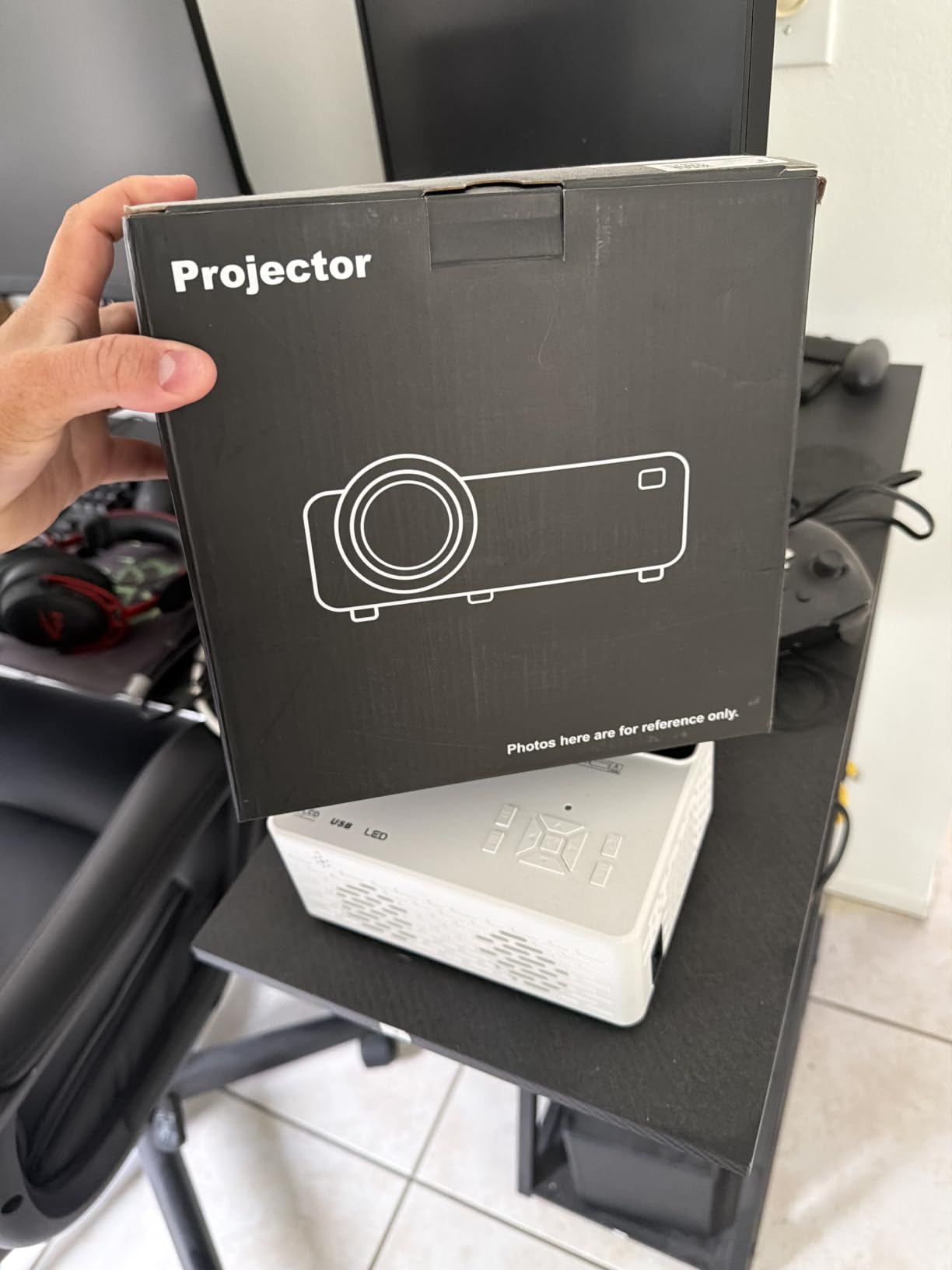
What parents check before buying this one
Check the throw distance against your wall. This unit covers a 32-inch minimum up to a 300-inch maximum, with a range of 1.1 to 6 metres. Most family bedrooms land around the middle of that, which gives you a picture roughly the width of a double bed. The 16:9 aspect ratio matches a modern TV, so if your child watches on a rectangle, nothing gets stretched.
Check that your streaming stick fits. The ports are HDMI, USB and a 3.5mm jack, and the compatibility list names consoles, laptops, phones and tablets. A Fire TV Stick, a Roku stick or a Chromecast all use HDMI, so any of them will work. The remote is included, and the three-year manufacturer warranty is among the longest in this roundup, matched by the CiBest and the YGSKK.
Where it falls short
The cooling fan is audible in a quiet room during dialogue-heavy scenes. In a playroom with a game running it disappears completely, but at bedtime it is not invisible. A minority of detailed reviews also push back on the brightness claim, saying the real output looks closer to the 200 ANSI camp than the 300 ANSI listing, which is common across the whole budget category.
Weight is listed at 100 grams, which makes it the easiest unit in the group to carry, and the 7.09 by 5.31 by 2.76 inch body is small enough to lose behind a cushion, so plan a fixed spot for it. Those are the only two complaints that repeat. For a bedroom where a child is the main user, the trade feels worth it.
2. Philoent Mini Projector with WiFi 6 and BT 5.4 – Best Rated and Top Rated for Bedrooms
Philoent Mini Projector with WiFi 6 and BT 5.4, Built-in Apps 2026 Upgraded
200 ANSI lumens
Native 1280x720
About 25 dB noise
180 degree rotation
2 year warranty
Pros
- Highest rating in the list at 4.7 out of 5
- Quietest published fan figure at roughly 25 dB
- 180 degree rotation projects onto a ceiling
- Built-in apps mean no dongle
Cons
- 200 ANSI lumens needs a fully dark room
- Native resolution is 720P
- Short 0.8:1 throw caps the largest screen
This is the one to buy if the noise level is the thing keeping you up. At roughly 25 decibels, it has the lowest published noise figure in the group, and that single number matters enormously in a bedroom after lights-out. Owners frequently describe it as a dorm or bedroom unit, and the 4.7 rating is the highest of the ten, with 88 percent of reviews at five stars.
The 0.8:1 short throw is the other headline. It means you can sit the unit close to the wall and still get a large picture, which solves the classic bedroom problem where the only flat surface is a nightstand against the side wall. Combined with 180-degree rotation, that same short throw lets you flip the unit onto its back and project onto the ceiling, which is how a lot of families end up watching from under the covers.
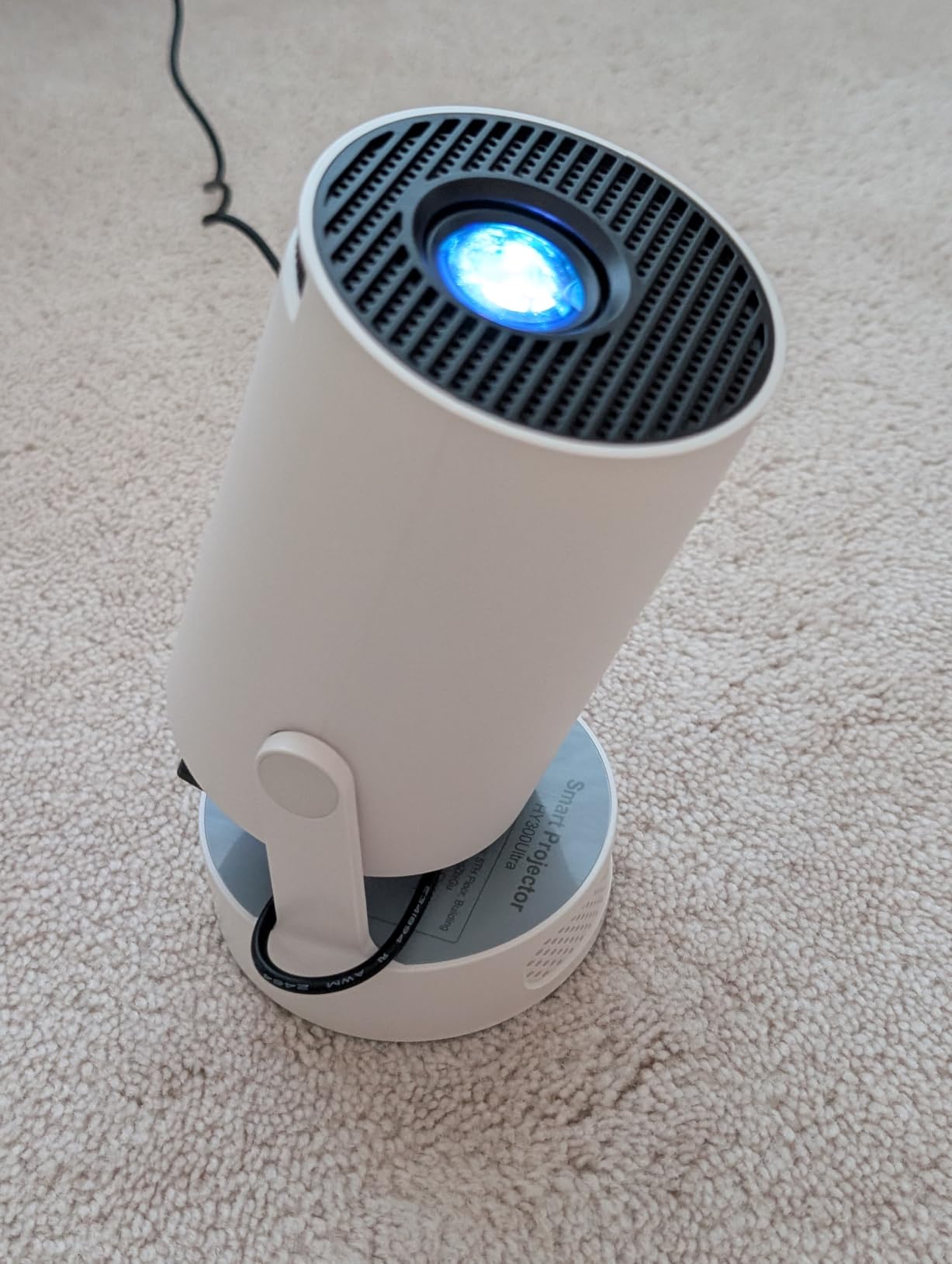
WiFi 6 and Bluetooth 5.4 are built in, along with Prime Video and YouTube, so a child can press play without an adult plugging anything in. The autofocus, the manual focus slider and the automatic vertical keystone mean setup is one button and about three seconds. At 387 grams the body is light enough for an older child to reposition it themselves.
Be clear-eyed about the two limitations, because they are the same on most 200-lumen units. First, a fully dark room is needed for a clean image. Curtains open, it will look washed out. Second, the native panel is 1280 by 720 despite 1080P support in the listing, and the short throw means the maximum 3.5-metre throw distance caps your screen size. For a child’s bedroom wall that ceiling is rarely a problem.
Why parents keep this one
The combination nobody else in this price range offers is built-in apps plus ceiling rotation plus near-silence. A child can carry it to the ceiling, tap the app, and lie back. That is a genuinely different bedtime routine from watching a mounted TV, and it is the reason this model pulls the highest rating we saw.
The autofocus also reduces the failure mode that frustrates families most. Manual-focus units drift, and a child who bumps the table ends up with a blurred picture and no idea how to fix it. Here, one press of the remote refocuses.
Where it falls short
Two hundred ANSI lumens is the real limit here. If the room gets daylight, if a sibling turns on a main light, or if the curtains are thin, the image goes pale and colourless. Parents who move between rooms a lot report this as the first thing that annoys them.
The other limit is the panel. It is 720P natively, so on a large wall a sharp adult eye can pick out pixel edges on text. For animation, cartoons and streamed family films, the practical difference is minimal. The warranty is two years, which is respectable but not the longest on offer.
3. Magcubic HY300pro+ Mini Projector – Best for Ceiling Viewing on a Budget
Magcubic Mini Projector with WiFi 6 and Bluetooth 5.4, Portable Projector 4K Support, 5W Soundbase Speaker, Auto Vertical Keystone 180°Rotatable Smart Proyector for Movie Home Outdoor
200 ANSI lumens
Native 1280x720
5W SoundBase speaker
0.71 kg
1 year warranty
Pros
- Ceiling and tripod projection via 180 degree rotation
- 5W SoundBase is louder than most mini projector speakers
- Air Mouse remote doubles as a pointer with voice commands
- WiFi 6 with easy Bluetooth speaker pairing
Cons
- Streaming apps can be glitchy and log users out
- Short power cord often needs an extension
- Needs a fully dark room for a clean image
The Magcubic is the value pick for anyone whose main goal is getting a screen onto a ceiling. The 180-degree rotation is the mechanism, and combined with the tripod-friendly tabletop mount it covers the three positions that matter in a bedroom: straight at the wall, angled at a side wall, and flipped up at the ceiling. The Air Mouse remote is a nice touch for a child, because it doubles as a pointer, so a drawing-tracing activity works without a stylus.
At 200 ANSI lumens with 2000:1 contrast, the picture needs a dark room. Owners are candid about that. What they praise is the app support, the 5W SoundBase speaker, and the WiFi 6 connection being fast and stable for signing into a streaming account. The SoundBase is louder and less tinny than the single small driver used in several of the units here.
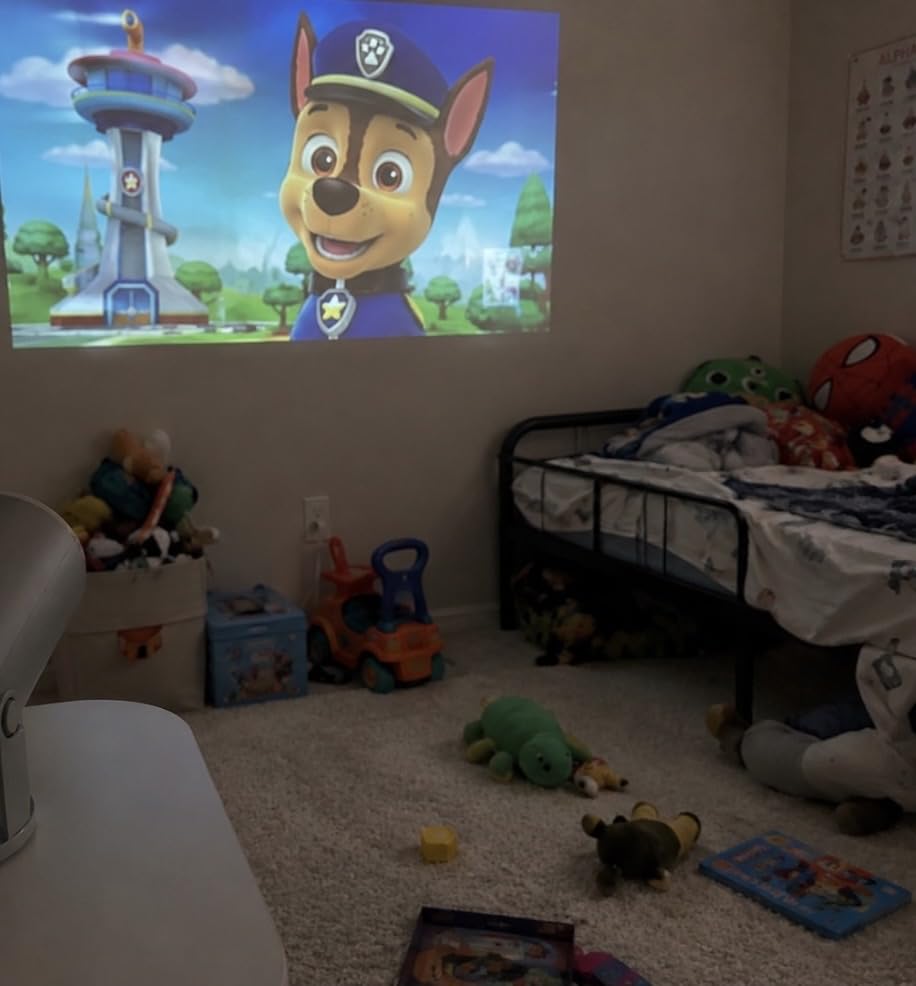
For scale, this is a small unit at 0.71 kg, and the recommended setup is about 5.2 feet from the wall for an 80-inch image. Throw distance runs from 0.6 to 2.6 metres, and the maximum image is 130 inches. That is a sensible range for a bedroom, though it is more restrictive than the 200-inch ceiling the CiBest offers.
Two real weaknesses show up repeatedly. The companion apps are the most common complaint: owners report streaming apps glitching, dropping accounts, and leaning on ad-supported versions. The other is the short power cord, which is a genuine safety point in a child’s room because it forces an extension lead across the floor. If you use this, route the cable along a wall or under a rug, never across a walkway.
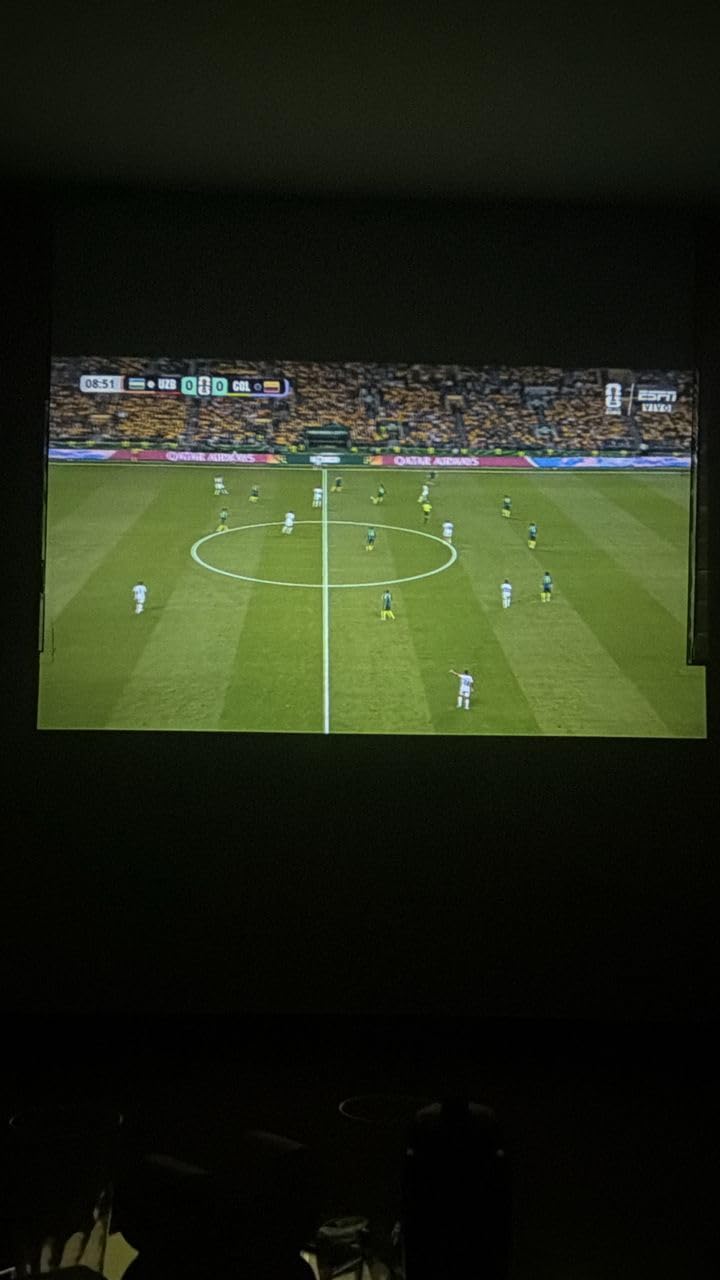
What parents check before buying this one
Check your ceiling height. The rotation mechanism is 180 degrees, so it points up cleanly, but a sloped or textured ceiling will look soft. A flat, pale ceiling gives the best result, and the sort of glow this produces is closer to a night light than a cinema.
Check the cord length and plan the socket position before the first movie night. A projector that has to sit six feet from the wall because that is where the socket is will end up on the floor. Owners also note a small number of reports of dark spot artifacts developing with use, so treat it as a casual bedroom unit rather than a set-and-forget installation.
Where it falls short
The one-year manufacturer warranty is among the shortest here. For a device that will live in a playroom and get handled constantly, warranty length is a real proxy for how the manufacturer expects the product to be treated, and this one signals a disposable tier.
Image quality is 720P native with 4K decoding, and a 50000-hour light source life. Both are adequate for cartoons and family films. Neither is adequate if your child watches subtitled content and you expect to read it from the far side of the room.
4. CiBest AC201 Short Throw 1080P – Best for Small Rooms and Real Native 1080P
CiBest Mini Projector with WiFi and Bluetooth, Short Throw Full HD 1080P
300 ANSI lumens
Native 1920x1080
50in image from 3 feet
10,000:1 contrast
Pros
- One of only three units here with a genuine native 1080P panel
- Short throw fills a wall from very close range
- Built-in Netflix YouTube and Prime Video
- Three year warranty
Cons
- No Dolby decoding so sound stays muted until Dolby is disabled
- Sharp in the centre but soft at the edges
- Image tearing and low refresh rate when gaming
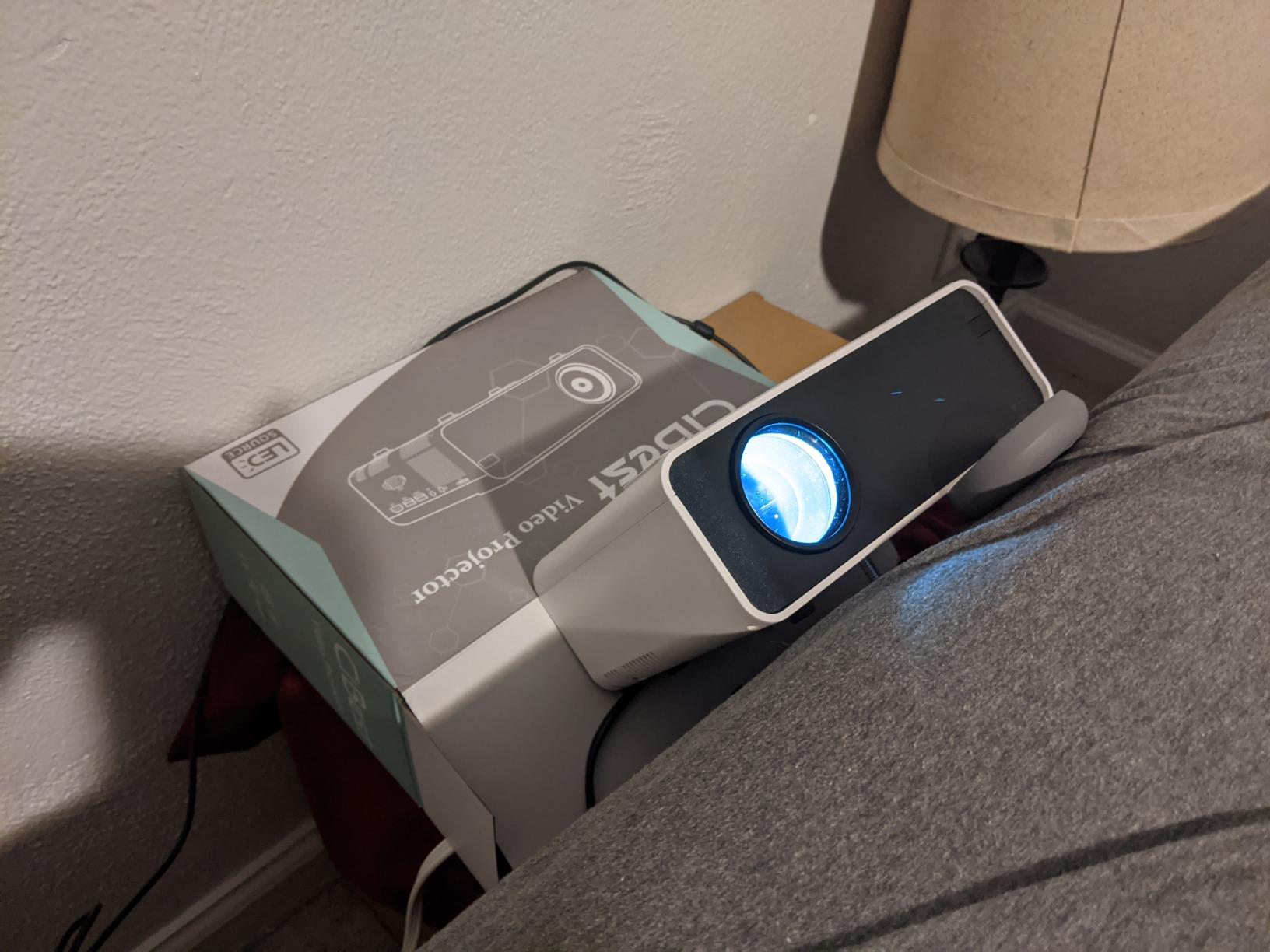
If your child’s room is genuinely small, throw distance is the constraint that matters, and the CiBest handles it with room to spare. It delivers a 50-inch image from about 3 feet, which means it works where you cannot physically stand further back. Minimum throw is 2.67 feet and maximum is 15.32 feet, with image sizes from 30 to 200 inches.
It is also one of just three units here with a real 1920 by 1080 native panel, rather than a 720P panel with 1080P decoding. At 300 ANSI lumens and 10,000:1 contrast, it is bright enough for a dim bedroom with a lamp on, which is more than most of this list can say. Its three-year warranty matches the longest cover in the roundup.
Electric focus, keystone correction and digital zoom mean setup is a remote job, which matters when the person setting up is a child. Built-in Netflix, YouTube and Prime Video sit behind an app store, so there is no stick to lose. WiFi 6 and two-way Bluetooth 5.4 handle streaming and speaker pairing, and HDMI, USB and a 3.5mm jack cover consoles, sticks, laptops and DVD players.
There is one bug worth knowing before you buy. It does not decode Dolby audio, so the built-in speaker stays silent until Dolby is switched off in the streaming app. Several owners only discovered this after a frustrating first evening, and it is worth reading before you hand the remote to a child.
What parents check before buying this one
Measure the wall, then measure the distance from your chosen shelf or nightstand to that wall. A short-throw unit needs less room but a steadier surface, and 36 watts of draw is fine on a normal socket. The body is 6.69 by 5.71 by 2.99 inches, which is a little deeper than the palm-sized units but still compact.
Check the edge softness. Owners report a sharp centre with softer corners, and that using the zoom re-blurs the whole picture. If your child watches from an angle rather than square on, adjust physically with the unit rather than digitally.
Where it falls short
This is not a gaming projector. Owners report image tearing and a low refresh rate, which does not matter for a film but is obvious to an eight-year-old playing a fast game. If gaming is a large part of the use, look elsewhere or plug in a console and accept some softness.
Keystone correction also costs you focus if you lean on it. Used lightly, it is a helpful safety net for a unit that will get knocked slightly out of alignment. Used heavily, it degrades the image. Set it once and leave it alone.
5. YGSKK 1080P Mini Projector with Built-in Apps – Best for Hands-off Setup
YGSKK Mini Projector with Wifi and Bluetooth, Built-in Apps,Movie Projector
300 ANSI lumens
Native 1920x1080
Electric autofocus
210 degree base
Pros
- Native 1080P with 300 ANSI lumens in one package
- Electric autofocus sharpens from the remote in about 3 seconds
- 210 degree rotating base handles ceiling viewing
- Three year warranty with 7x24 support
Cons
- Heavier and larger than palm-sized units at 1.7 pounds
- Bluetooth handles audio devices only not screen mirroring
- Needs a dark room at 300 ANSI lumens
The reason this unit scores 4.5 is one feature: electric autofocus controlled from the remote. Owners describe a sharp image about three seconds after pressing a button, which removes the single most common frustration with budget projectors. Nothing has to be reached, nothing has to be readjusted, and a child can recover the picture themselves after bumping the table.
On paper it is also one of the more balanced specifications in the list for a family room. Native 1920 by 1080, 300 ANSI lumens, 10,000:1 contrast, and a light source rated for 100,000 hours, which is the highest figure any of these manufacturers publishes. Built-in Prime Video, YouTube and Hulu sit behind an app store, and the 210-degree rotating base covers wall, side and ceiling positions.
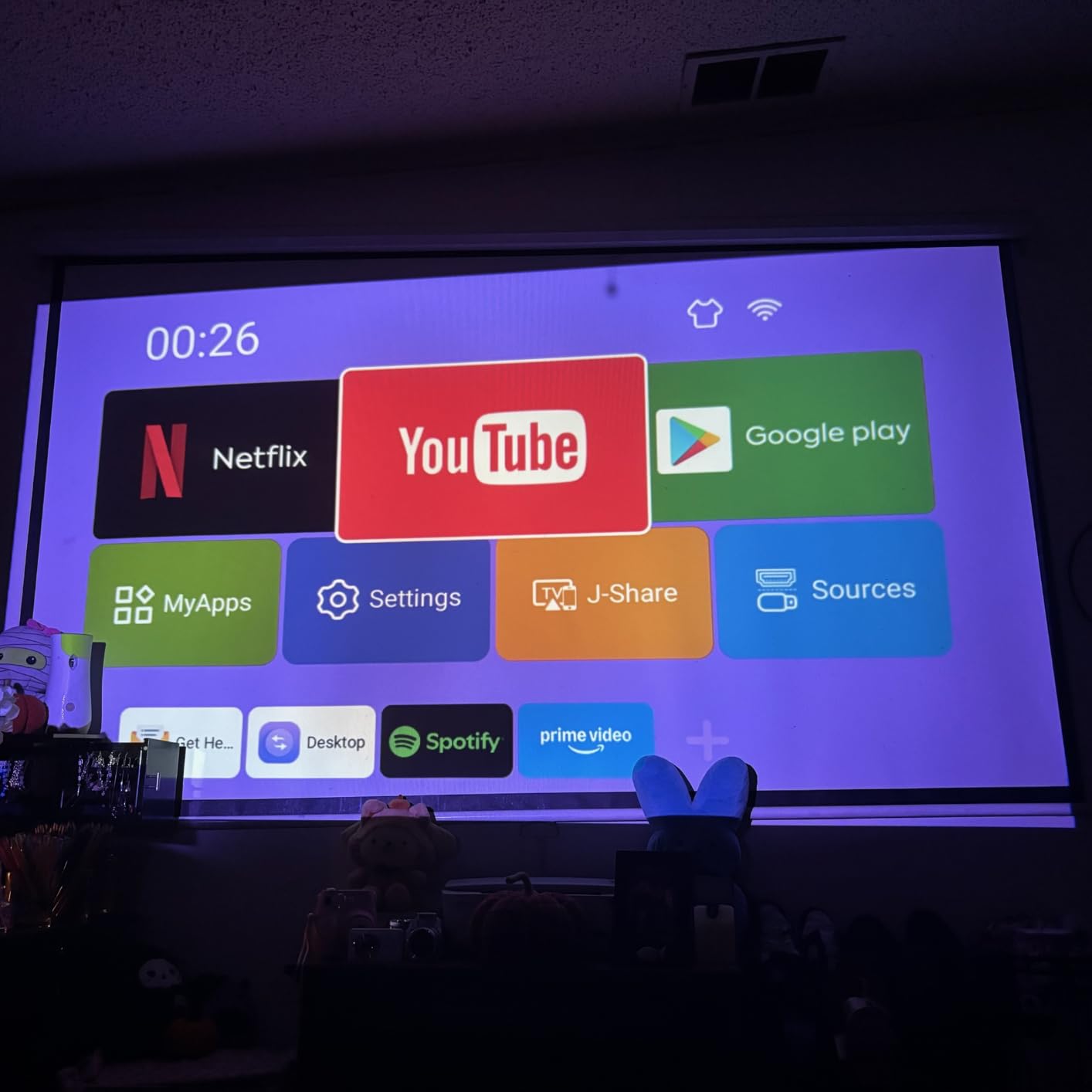
WiFi 6 and Bluetooth 5.3 are present, plus J-Share wireless phone connection for iPhone screen mirroring. The three-year warranty comes with 7×24 technical support, which is worth more than it sounds when a nine-year-old needs help at 8pm on a Sunday. Image size runs from 50 to 200 inches, and throw distance from 4.92 to 16.4 feet, so it is more flexible than the short-throw units in small rooms.
The compromise is size. At 1.7 pounds and 8 by 4 by 4 inches, this is the second-heaviest unit in the roundup and roughly twice the bulk of the palm-sized models. It is a bedroom projector you set up once, not one a child carries around the house.
What parents check before buying this one
Check that your ceiling is flat and your wall is clear at the 210-degree extremes. The rotating base is a mechanical joint, and forcing it past its range is how these units crack. A parent should set the angle once; a child should not need to.
Check your streaming expectations. Bluetooth here is audio-only, so you cannot mirror a phone screen over it. For iPhone mirroring, use J-Share over WiFi or an HDMI adapter. Either is fine, but know which one you are using before the first film.
Where it falls short
At 300 ANSI lumens the room still needs to be dark for a clean image. This is the most common piece of honest feedback across the whole group and this unit is no exception. If your child’s room has blackout blinds, the trade is acceptable. If not, step up in brightness rather than step up in size.
Owners also note that a larger body means a larger footprint on the shelf, and the minimum 4.92-foot throw distance means it will not sit flat against a wall. Plan a shelf, not a nightstand corner.
6. Thunrlge HY300 Netflix Mini Projector – Best Entry-Level Gift
Mini Projector, Portable Smart Projector 4K WiFi 6 BT 5.4 [Built-in App]
Android 11.0 with Netflix built in
180 degree rotation
Auto keystone
2 year warranty
Pros
- Low-cost way to get a Netflix-capable projector into a room
- 180 degree rotation covers wall ceiling and angled surfaces
- Automatic keystone fixes an off-centre position
- Compact body suits a small bedroom or playroom
Cons
- 720P panel with a 1280 pixel maximum listed resolution
- Weakest contrast ratio in the group at 1500:1
- Maximum image size capped at 130 inches
This is the projector to buy for a first birthday or a holiday present when you are not sure how much the child will use it. Android 11.0 with Netflix built in means the box is genuinely useful out of the packaging, and 74 percent of its reviews are five stars. Owners consistently describe it as an inexpensive way to turn a small room into a screen.
The 180-degree rotation means it can be aimed at a wall, a ceiling or an angled surface, and automatic keystone correction straightens the image when it is not centred. That combination is more capable than it sounds, because in a bedroom the perfect position rarely exists. Direct projection from an iPhone or Android handset is supported, so a parent can cast without buying an adapter first.
![Mini Projector, Portable Smart Projector 4K WiFi 6 BT 5.4 [Built-in App] customer photo 1](https://modelrec.com/wp-content/uploads/2026/09/B0DGX51JPC_customer_1.jpg)
WiFi 6 and Bluetooth 5.0 handle streaming and wireless audio, and HDMI and USB cover consoles, televisions, laptops and tablets. The two-year manufacturer warranty is a real advantage at this level, where some cheaper units offer nothing.
What you give up is picture quality and room for a bigger screen. The native panel is 1280 by 720, and the maximum listed resolution is 1280 pixels, so a 1080P or 4K claim elsewhere in the listing is about decoding, not the panel. Image size runs from 40 to 130 inches with a 0.5 to 3 metre throw. Fine for a bed-mounted picture, short of a wall-filling one.
![Mini Projector, Portable Smart Projector 4K WiFi 6 BT 5.4 [Built-in App] customer photo 2](https://modelrec.com/wp-content/uploads/2026/09/B0DGX51JPC_customer_2.jpg)
What parents check before buying this one
Check the contrast ratio expectation. At 1500:1, this is among the lowest contrast figures in the group, and it shows in dark scenes, which look greyer than on a unit with a 10,000:1 ratio. For bright children’s animation, that is a fair trade. For a dark film, it is not.
Also note that the listing does not publish a brightness figure in ANSI lumens. That is not unusual at this level, and it means you cannot compare it fairly against the rest of this list. Treat it as a dim-room projector and use blackout curtains.
Where it falls short
The missing ANSI figure is a warning in itself, and the 1500:1 contrast confirms it. This is a light entertainment unit, not a home cinema one. If your child is going to watch a lot of films with dark scenes, save up and buy the CiBest or the LYNCAST X1AR instead.
Maximum image size of 130 inches also means it suits a bedroom wall rather than a playroom wall. Measure first. If the largest picture you want is bigger than a double bed, this is the wrong unit and no feature list will change that.
7. LYNCAST X1AR 400 ANSI Mini Projector – Brightest Picture and Best for Daylit Rooms
Built-in Apps 1080P 4K Support Mini Projector with Android 14, Phone Remote
400 ANSI lumens
Android 14 with 7000+ apps
270 degree stand
Built-in sleep timer
Pros
- Brightest ANSI figure in the list at 400 lumens
- 270 degree rotating stand enables ceiling viewing from the foot of the bed
- Light body at 356 g makes it easy to reposition
- Built-in sleep timer for bedtime use
Cons
- Native 1280x720 panel despite 1080P and 4K claims
- Some pre-loaded apps open as browser wrappers
- Occasional reports of units failing to power on after a few months
Brightness is the single biggest factor in whether a kids’ room projector gets used, and the LYNCAST X1AR is the brightest in this group at a published 400 ANSI lumens with 10,000:1 contrast. That is a real, measured number rather than a marketing figure, and it is the reason this is the unit to consider if the curtains are open during the day. Several reviewers describe exactly this use, turning a child’s bedroom into a cinema on a weekend afternoon.
The 270-degree rotating stand gives the widest aiming range in the roundup. From the foot of the bed you can angle the image onto the ceiling, onto the far wall, or onto a side wall for a child watching while lying down. At 356 grams it is among the lightest units here, and the 0.8:1 short throw covers 40 to 100 inches from as close as 0.6 metres.
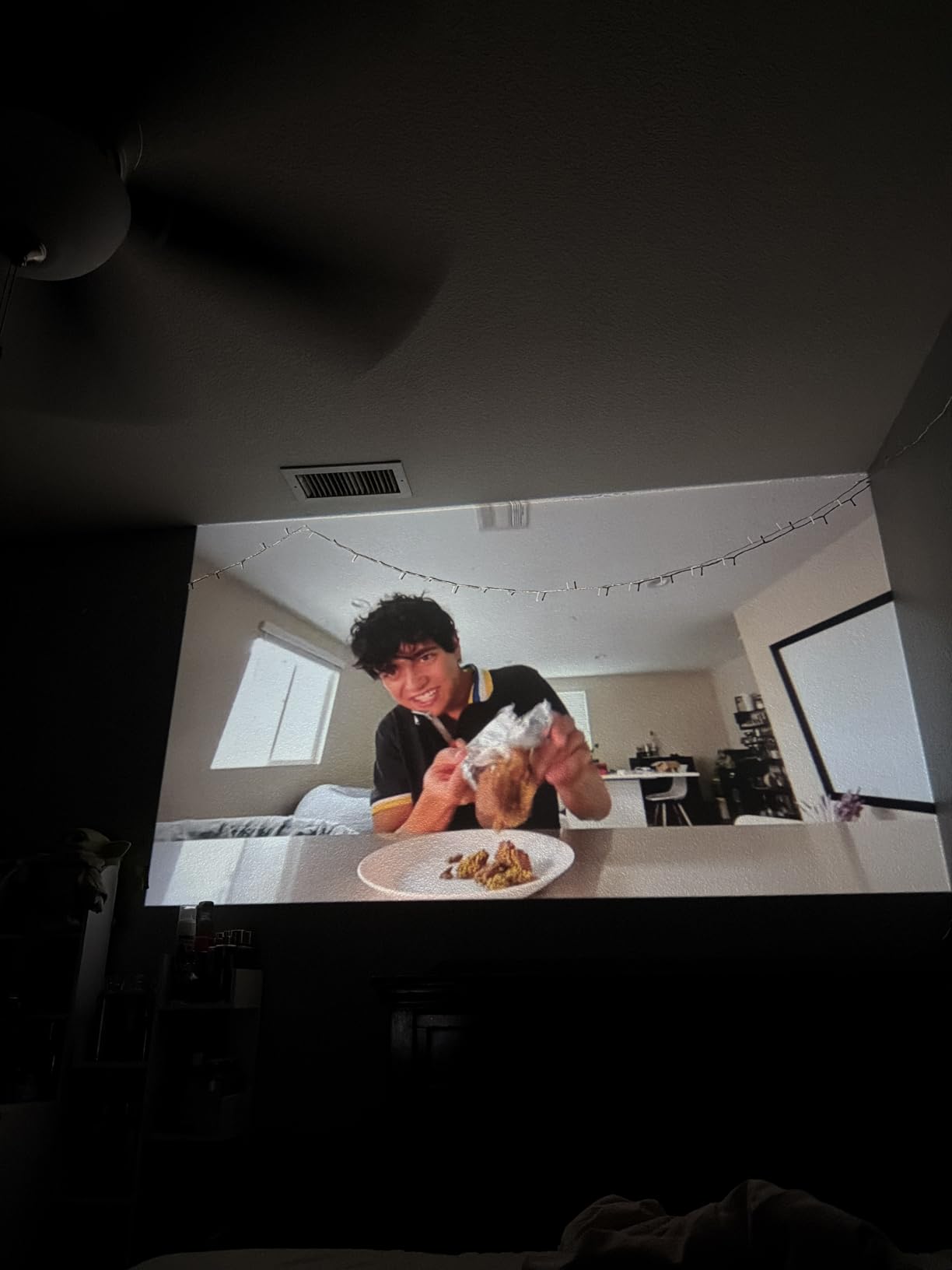
Android 14 with 7,000-plus apps is more current than the Android 11 in the Thunrlge, and the Lumina Go smartphone app turns a phone into a full remote with a touchpad, keyboard, air mouse and voice control. The built-in sleep timer is unusual at this level and directly relevant to bedtime use, which we cover in detail below.
There is one longevity concern we want to flag rather than bury. Several owners report units that stopped powering on after three to six months of use, and the 4.1 rating is the lowest here for that reason. There is also feedback that many of the pre-loaded apps behave like browser wrappers rather than native apps, so streaming reliability is weaker than the app count suggests.
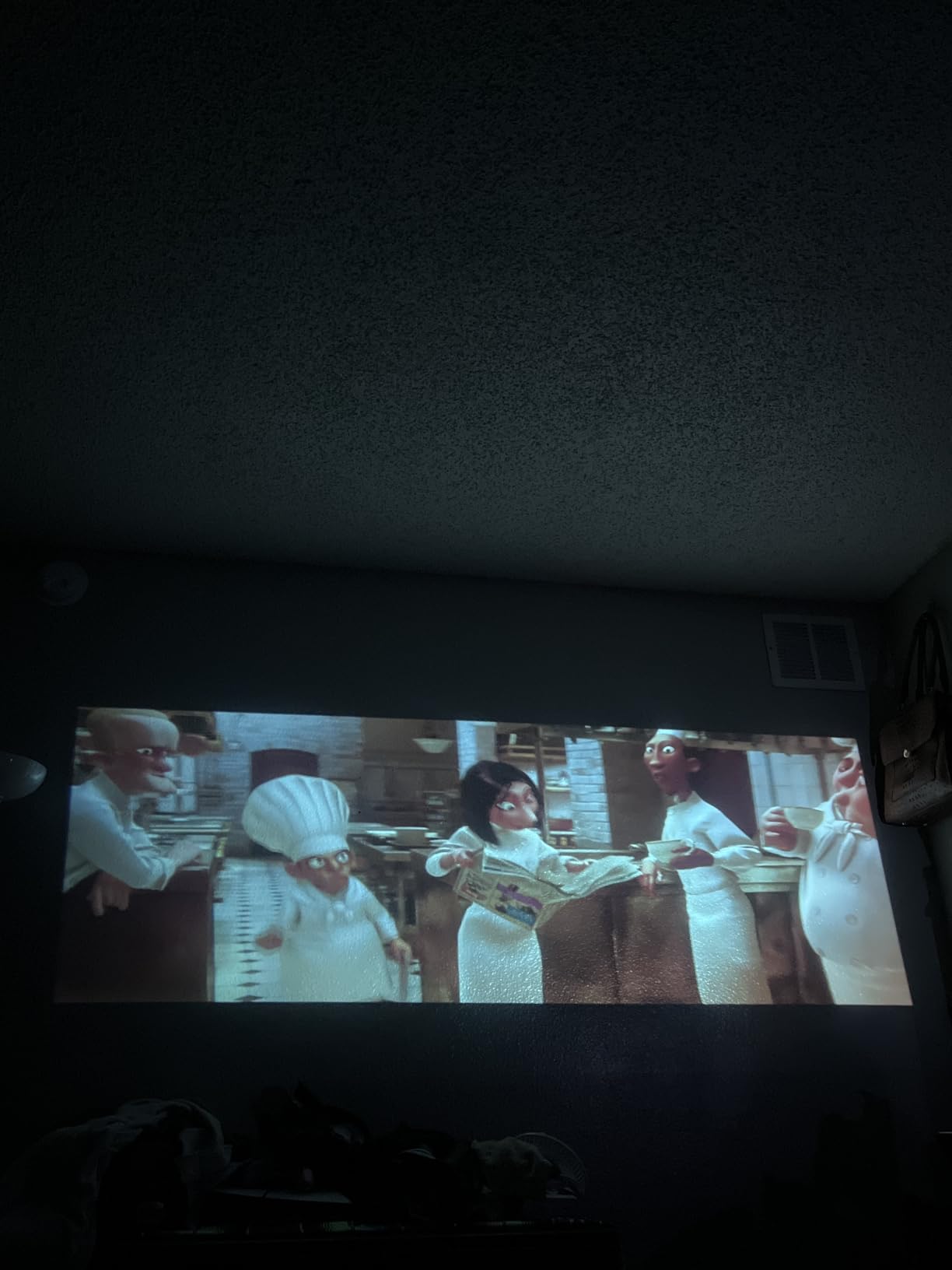
What parents check before buying this one
Check the warranty wording, because it is unusually specific: two years plus one year of free replacement. For a device that will be knocked around, that is unusually clear protection. Read what the replacement covers before you need it.
Check the remote, because it takes two AAA batteries that are not included. This sounds trivial until a child opens the box at 7pm on Christmas Eve. Also note that the auto keystone is inconsistent and manual keystone is reliable, so set it manually once.
Where it falls short
The 4.1 rating is the lowest in the roundup and it is not subtle. The failure-to-power-on reports are the most serious, because a dead unit in a child’s room is a disappointment rather than an inconvenience. If you buy this, keep the receipt and know the replacement terms.
The 30,000-hour light source life is also among the shortest figures published here, though in practice the unit is likely to be replaced before that. The 720P native panel is a further limitation, and the 40 to 100 inch image range is narrower than several others here.
8. LYNCAST X1BR Android TV Mini Projector – Best for Bedtime Use
[Built-in Apps] Mini Projector 4K Supported, Android TV OS & Phone Remote
300 ANSI lumens
Android 14 TV OS
Sleep timer and scheduled power off
350 g
Pros
- Customisable home screen with a sleep timer and scheduled power off
- Android 14 TV OS with Netflix YouTube Prime Video Tubi and Disney
- Small 350 g body fits a nightstand and projects to the ceiling
- Lumina Go phone remote with touchpad keyboard and voice
Cons
- Picture can come out slightly fuzzy and the keystone is imperfect
- Fan runs continuously and is noticeable in a quiet room
- 5W speaker is modest and casting can lag
This is the unit to buy if the projector is going to be used after lights-out, because the software features are built around that. Alongside Android 14 TV OS there is a customisable home screen, a screen saver, a sleep timer and a scheduled power-off. You set the bedtime once and the unit turns itself off, which removes the worst part of a night-time routine for both the child and the parent.
On the streaming side it runs Netflix, YouTube, Prime Video, Tubi and Disney+ out of the box on an Android 14 TV OS with an H726 chip and 1,000-plus apps. The Lumina Go app turns a phone into a remote with a touchpad, QWERTY keyboard, air mouse and voice control, which is much easier for a child than a button remote with forty tiny keys.
![[Built-in Apps] Mini Projector 4K Supported, Android TV OS & Phone Remote customer photo 1](https://modelrec.com/wp-content/uploads/2026/09/B0GVHCH4XJ_customer_1.jpg)
The physical side is well judged for a bedroom. At 350 grams and 3.5 by 3.5 by 6 inches, the body has a small footprint, fits on a nightstand and projects to the ceiling using the 180-degree stand. The 0.8:1 short throw covers 40 to 100 inches, and 50 to 100 percent digital zoom lets you fine-tune the size without moving the unit. WiFi 6, screen mirroring and Bluetooth 5.4 are all present.
It is also among the lowest-cost units in this roundup, which makes it the natural second projector if you already own a main one and want one in a second room. The honest caveat is that at 300 ANSI lumens and 1500:1 contrast the picture is respectable rather than good, and several owners describe it as slightly fuzzy with a keystone that never quite sits square.
![[Built-in Apps] Mini Projector 4K Supported, Android TV OS & Phone Remote customer photo 2](https://modelrec.com/wp-content/uploads/2026/09/B0GVHCH4XJ_customer_2.jpg)
What parents check before buying this one
Check the fan, honestly. Owners describe it as running continuously and being noticeable in a quiet room. If the unit will be on next to a sleeping child for the whole film, test the Philoent instead, whose published noise figure is roughly 25 dB. If the sleep timer means it is on for twenty minutes, this is fine.
Check the streaming sign-in. A small number of owners report the Google Play Store login failing or the Android build being unverified, which blocks app installation. If your household depends on a specific service, check that the app runs on the built-in platform before you commit.
Where it falls short
The picture is the weakness. A slightly soft image and an imperfect keystone are both reported consistently, and a small number of owners describe black blobs appearing on the image plus a noisier fan after several months. That combination of long-term noise and image degradation is worth factoring in for a device that runs unattended.
The 5W speaker is modest and screen casting can lag, so if the child watches anything with a lot of dialogue, pair a Bluetooth speaker. The two-year warranty plus one year of free replacement matches the LYNCAST X1AR.
9. Aurzen Roku TV D1R Smart Portable Projector – Best for Real Smart Streaming
Aurzen Roku TV D1R Smart Portable Outdoor Projector with WiFi and Bluetooth
Roku TV built in
Native 1920x1080
Dolby Audio dual 5W speakers
Below 40 dB fan
Pros
- Full Roku TV platform with Netflix Prime Video Hulu YouTube and 500+ free channels
- Native 1080P with auto focus and auto keystone
- Quiet fan reported as inaudible during a backyard movie night
- Works with AirPlay HomeKit Siri Alexa and Google Assistant
Cons
- Built-in sound needs the volume up and many buyers add a soundbar
- Heaviest unit in the list at 2.1 kg so it suits a bedroom more than a backpack
- No HDMI cable in the box
Most of the other projectors in this roundup run a version of Android with an app store bolted on. The Aurzen D1R runs Roku TV, the actual platform, and that is a meaningful difference rather than a branding one. It opens on a familiar interface, it updates the way a television updates, and it carries 500-plus free live channels alongside Netflix, Prime Video, Hulu and YouTube.
Picture-wise it is a step up in the right direction: native 1920 by 1080 with auto focus and auto keystone, so setup is genuinely point-and-shoot. The recommended image range is 60 to 150 inches, and the full range is 40 to 200 inches with a throw distance from 3.71 to 18.58 feet, which makes it one of the easier units to place in a small room.
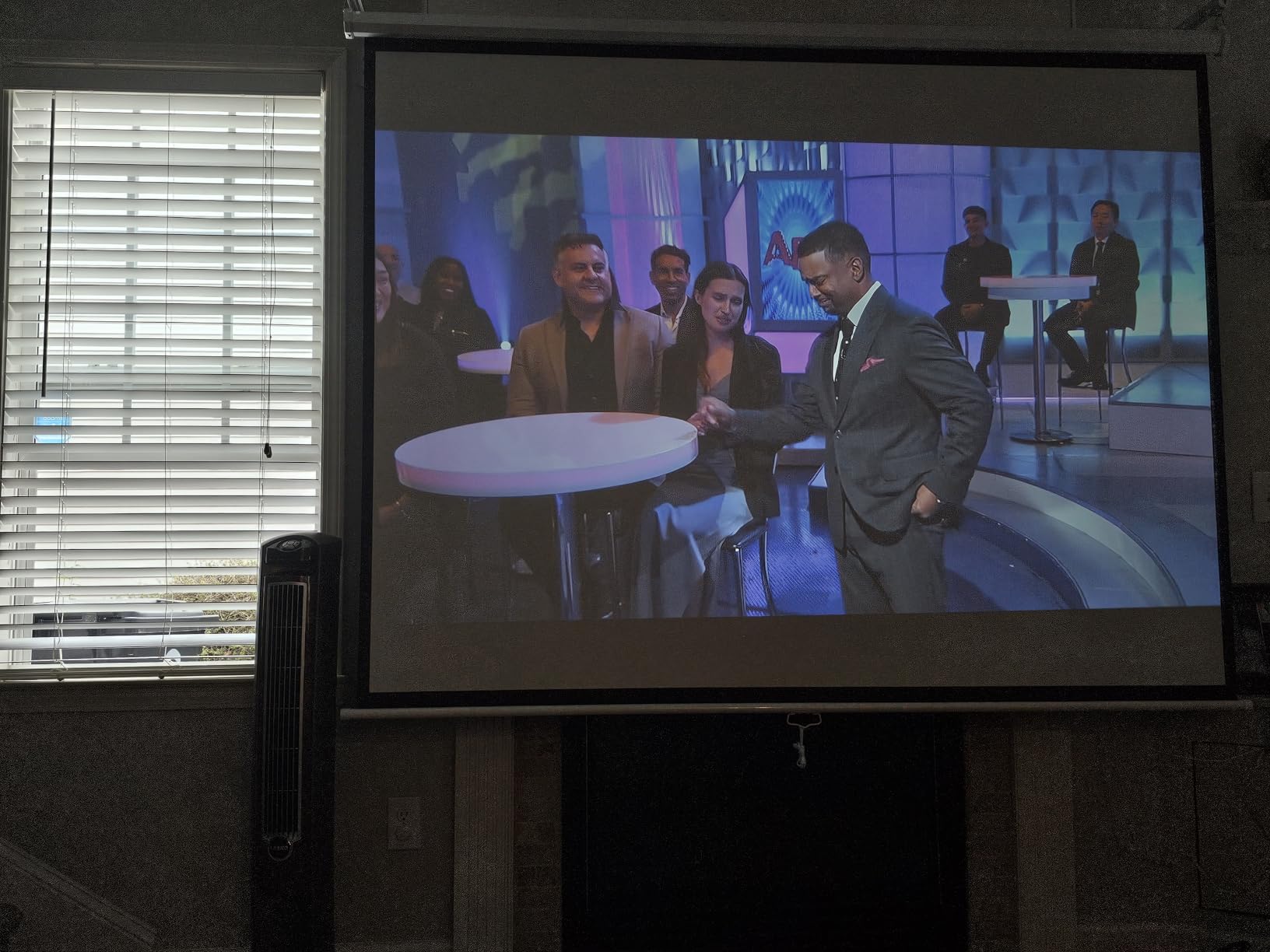
The audio specification is Dolby Audio with dual 5W speakers, which sounds better on paper than a single driver and does sound better in practice, though owners still pair a soundbar. The fan sits below 40 dB(A) at one metre, with a maximum reading of 38.9 dB(A), and multiple reviewers describe it as inaudible during a backyard movie night. AirPlay, Apple HomeKit, Siri, Alexa and Google Assistant are all supported, and the Roku mobile app handles phone control, typing and voice.
The foldable stand supports tabletop, floor and ceiling mounting, which covers every position a bedroom needs. Several reviewers describe using it in an extra bedroom as a kids’ gaming and movie screen, and fewer reports of eye strain than a bright light-emitting screen.
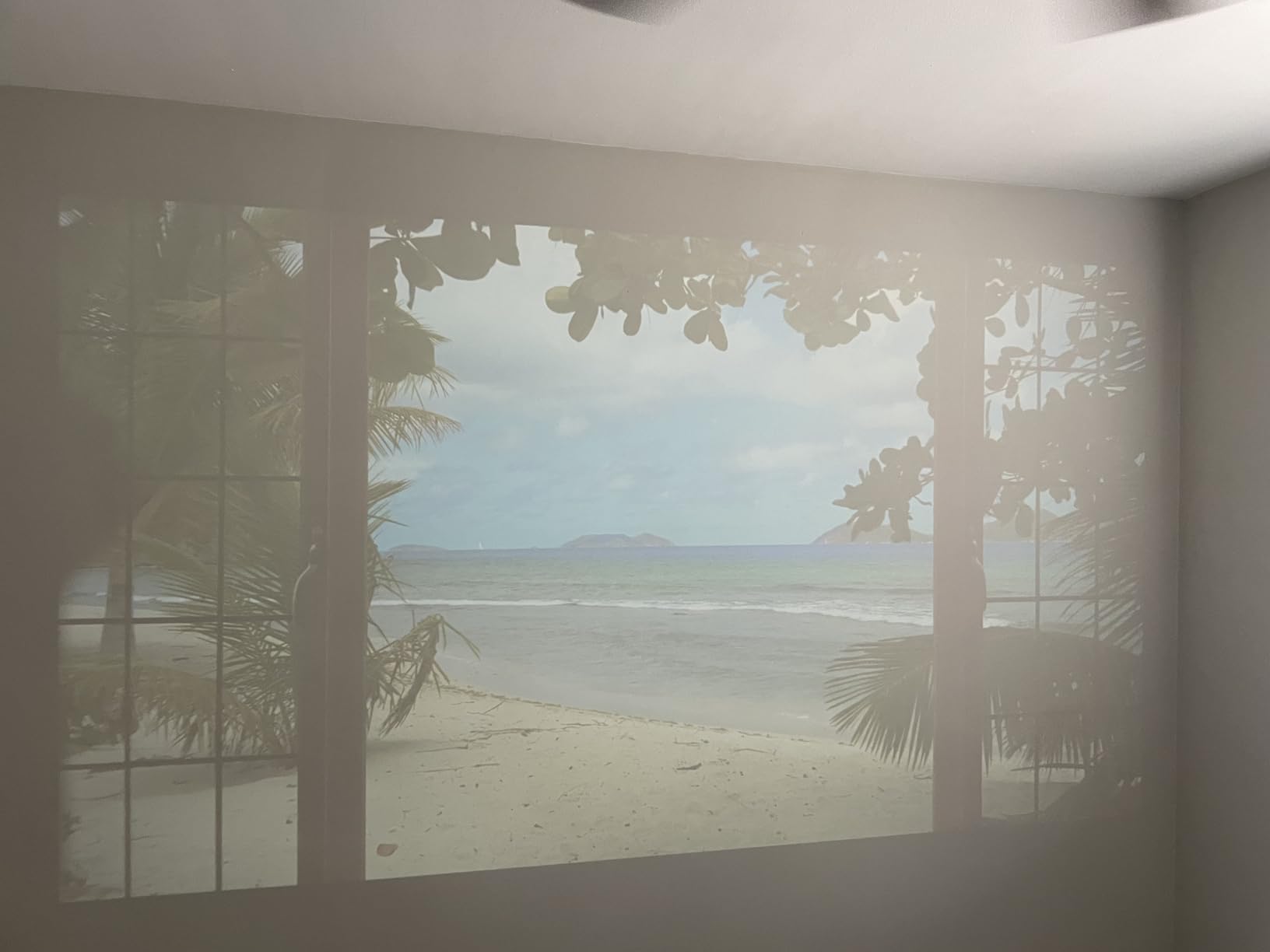
What parents check before buying this one
Check the weight, because at 2.1 kg it is the heaviest unit here by a wide margin. This is a portable projector in the sense that it moves between a bedroom and a patio, not in the sense that a child carries it up the stairs. Set it on a proper surface, ideally out of climbing reach.
Check that you have an HDMI cable. None is included in the box, along with only the power cord, remote, warranty card and quick start guide. The remote also needs two AAA batteries that are not supplied. Both are minor, and both are annoying on day one.
Where it falls short
Audio remains the dominant complaint. Even with dual 5W speakers and Dolby Audio, owners report turning the volume up and adding a soundbar in most cases. For a child’s bedroom at moderate volume, a Bluetooth speaker solves it for very little money.
Daylight is the other limit. Direct sunlight washes the image out completely, and the room genuinely needs to be dark. App loading and menu navigation can also be slow, and the remote buttons are not backlit, which is worth knowing if the unit lives in a dark room.
10. ELEPHAS Roku TV Smart Projector H211 – Best for Compact Bedrooms
ELEPHAS Roku TV Smart Projector with Wi-Fi and Bluetooth
Roku TV built in
150 ANSI lumens
Native 1280x720
1.3 pounds
Pros
- Compact 1.3 pound body that is easy to carry between rooms
- Full Roku TV platform with 500+ channels and top apps
- Dual-band WiFi plus Bluetooth 5.2 and Apple AirPlay
- Works with Siri Alexa and Google Assistant
Cons
- Dimmest rated unit in the group at 150 ANSI lumens and 1000:1
- Native 720P panel which owners note explicitly
- Fan noise audible in a very quiet room
The ELEPHAS is the Roku TV option for a small space, and it is much lighter than the Aurzen at only 1.3 pounds. At 6.81 by 5.55 by 2.48 inches it suits a nightstand, and owners single out the size and the simplicity of setup as the reasons to recommend it. A child can carry it from a bedroom to a playroom in one hand.
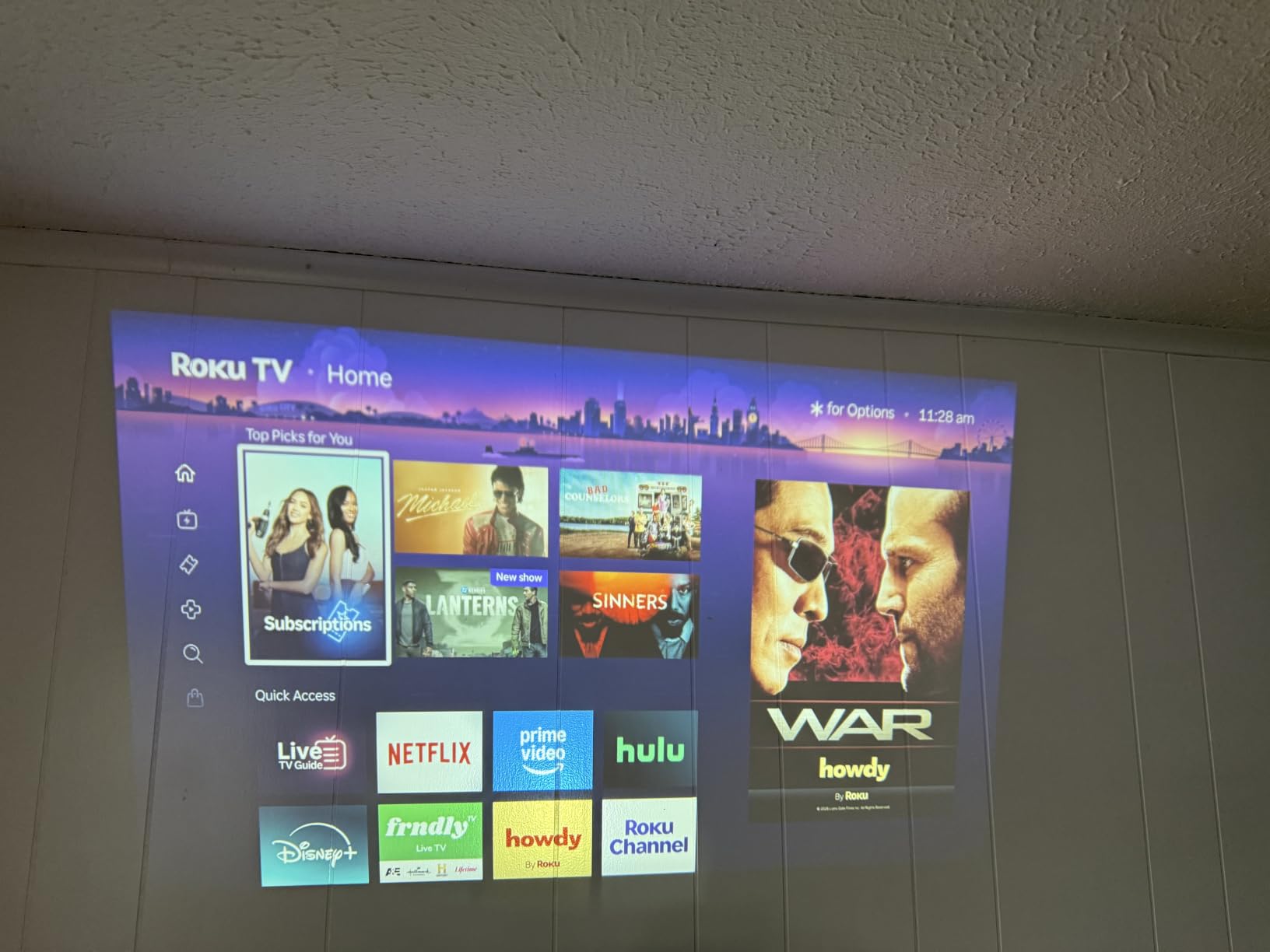
It runs the same Roku TV platform, with 500-plus free channels and the main streaming apps built in, plus Apple AirPlay, dual-band 2.4 and 5 GHz WiFi, Bluetooth 5.2, Siri, Alexa and Google Assistant. Dolby Audio is listed, and the foldable stand supports tabletop, floor and ceiling mounting for 40 to 150 inch images with a throw distance from 3.35 to 12.53 feet.
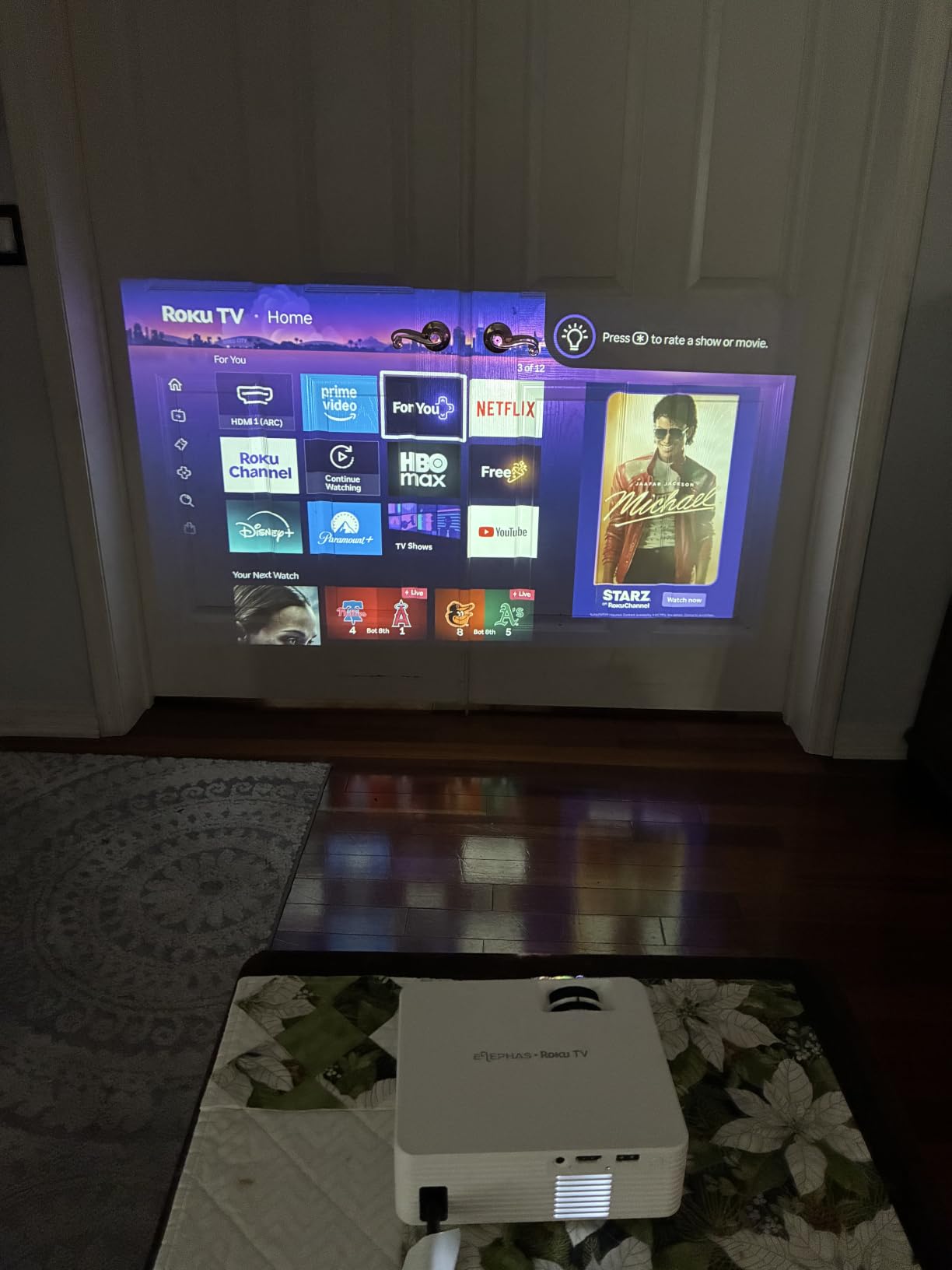
Be clear about the brightness, because 150 ANSI lumens with a 1000:1 contrast ratio is at the bottom of this group. That figure is honest, which deserves credit, but it means this unit needs a properly dark room more than any other here. Curtains open and it is unusable. Curtains shut and it is a fine picture for cartoons and family films at night.
Its native panel is 1280 by 720, the same figure as several other units here, and that is the single complaint owners raise most often, with several stating explicitly that it is not full 1080P. On a 60-inch bedroom image that is acceptable. On a 150-inch image it is not.
What parents check before buying this one
Check the room lighting before anything else. If the child watches at any point other than after dark, choose a brighter unit. This is a bedroom projector for night-time use, not an all-day screen, and no amount of feature checking changes that.
Check the accessories. There is no HDMI cable in the box, and the remote needs two AAA batteries that are not supplied. The box contains the power cord, projector, remote, warranty card and quick start guide.
Where it falls short
The 150 ANSI lumens and 1000:1 contrast are the lowest published figures in the group, and they compound each other. In a room with any ambient light, the image is faded and the blacks are grey rather than deep. Owners also report the fan becoming audible in a very quiet room.
A small number of reviews describe dark spots developing on the image over time. If you want the Roku platform and more headroom, the Aurzen D1R is the same idea built brighter and larger, and it is the version we would pick for a room that gets used at more than night.
How Bright Does a Kids Room Projector Need to Be?
Brightness is where most buying guides go wrong, and the reason is a units problem. You will see manufacturers advertising anywhere from 3,000 to 12,000 lumens for projectors that all produce roughly the same picture. Our own shortlist proves it: the CiBest is listed at both 300 ANSI lumens and 12,000 lm in the same specification block. One of those numbers is a measurement and the other is a light-source throughput figure with no relationship to what lands on your wall.
ANSI lumens, and the near-equivalent ISO lumens, are standardised measurements taken across the whole image with calibrated equipment. LED lumens are not standardised, and the figures are so inflated that a projector claiming 7,000 LED lumens may deliver something in the low hundreds of ANSI lumens. When you are comparing products, ignore every number that is not ANSI or ISO. We have written about this in more detail in our guide to the best projectors overall.
Now for the practical part, which is the question parents actually ask: how many ANSI lumens does a children’s room need? It depends almost entirely on how much daylight gets in, and the honest answer is that most of the units in this roundup need a dark room.
Curtains closed, after sunset: 150 to 200 ANSI lumens is genuinely enough. This is the everyday case and it is the one the cheapest units are built for.
A dim lamp on, curtains closed: 200 to 300 ANSI lumens keeps the image clean without washing out.
Daylight through thin curtains: 300 ANSI lumens is the practical floor. Below that you are fighting the room.
Direct or near-direct sunlight: no sub-400-lumen unit in this roundup will work. Block the light instead.
The pattern across our list is that every unit rated 200 ANSI lumens or below asks for a dark room, and the ones at 300 ANSI lumens tolerate a lamp. The one 400 ANSI lumens model is the only unit we would consider for a room that genuinely gets used during the day.
Kid-Safety Features That Matter in a Child’s Room
Ask ten parents about projectors and nine will talk about picture quality. The question that should come first is what happens when a child walks into the beam, and it is worth being precise about the physics, because the answer is reassuring rather than alarming.
Viewing a projected image is not the same as staring at a light source. A projector throws a diffuse, reflected image onto a wall, so the light reaching a viewer’s eyes has already bounced off a surface and spread out. There is no concentrated beam to aim at anyone. The real risks in a child’s room are mundane and entirely preventable: a cable across the walkway, a projector on a shelf a child can climb, a unit knocked off a surface, and an overheating device buried under bedding.
Every projector in this roundup uses an LED or LCD light source with no mercury lamp, which retires the most common parental worry outright. The r/projectors thread about mercury lamps and thrown toys is a real one, and the answer is that none of these ten products contain mercury. Their light sources are rated between 30,000 and 100,000 hours, so you are not replacing a bulb during a child’s childhood.
On the auto-shutoff question that comes up repeatedly: most of the units here do not include a sensor that detects a body in the beam and kills the lamp. What they do offer is a sleep timer or scheduled power-off, which serves the same purpose from a practical standpoint, because it guarantees the unit is off when the room empties. The LYNCAST X1BR and the X1AR both ship with a built-in sleep timer, and the X1BR adds a scheduled power-off as well.
Three practical rules cover the rest. Mount or place the unit above reach, or on a surface a child cannot climb, and never on a high shelf near a loft bed. Route the power cable along a wall or under a rug rather than across a walkway, and remember that the Magcubic ships with a short cord that encourages exactly the wrong habit. And never drape fabric over a projector for cooling; if it runs hot, that is a ventilation problem, not a blanket problem.
For the wider bedroom picture, our guides to the best classroom projectors and the best Anker Nebula projectors cover fixed installations and premium portable units respectively, if you want to compare beyond this price band.
Bedtime Use: Timers, Scheduling and Ambient Modes
A projector is a very different proposition at 7pm than it is at 7am, and most of the listings we compared never address it. Two features carry almost all of the value here, and only one of them is common across budget units.
The first is the sleep timer, and the LYNCAST X1BR is the clearest example because it pairs a timer with a scheduled power-off and a customisable home screen. The second is fan noise, which sets the ceiling on how late a film can realistically run. On paper the Philoent runs at roughly 25 dB, and the Aurzen sits below 40 dB(A) at one metre. Owners of several other units in this list describe a continuously running fan that is audible in a still room.
The general pattern: the smallest, dimmest units tend to be the quietest because they run a small panel, while the brighter 300-lumen models generate more heat and need a louder fan. If a night-time screen is the main use, prioritise the noise figure over the brightness figure.
For younger children there is a third option worth knowing about, and it is a different product category. A dedicated night light fills a whole ceiling with slow-moving colour for a fraction of the running cost and with no beam to manage at all. Reviewers of night-light products consistently describe it as the thing that actually settles a toddler, and we have a separate guide to the best star projectors if that is what you are after. The overlap use case, projecting a slow animation onto a ceiling at low volume, is where the 180 and 210-degree rotation on the Magcubic, YGSKK and LYNCAST units earns its keep.
What to Look for Before You Buy
Start with the room, not the spec sheet. Measure the wall you want to use, then measure the distance from your socket to that wall. Check the unit’s minimum throw distance against the space you actually have, because that single number eliminates more projectors than brightness does. The LYNCAST pair can start at about 1.97 feet, while the YGSKK needs 4.92 feet before it will produce anything, so it needs a proper shelf rather than a nightstand corner.
Then check ANSI brightness, and only ANSI brightness. A dark-room children’s room can be served by 200 lumens. A room that gets used before bed needs 300. Anything in the 400 range is a bonus rather than a requirement, and it is the one figure in this roundup worth paying up for if your curtains are thin.
Check the native resolution, not the supported resolution. This is the most common discrepancy in the whole category, and it appears repeatedly in our own list: several units claim 4K support while shipping a 1280 by 720 panel. 4K support means the decoder accepts a 4K signal and downscales it. Native resolution is what the panel actually is. For a 60-inch bedroom image, 1080P native is comfortable and 720P is acceptable, but a 720P panel stretched to 150 inches is not.
Check what the streaming story is. If the unit runs a proper TV platform such as Roku TV, the interface behaves the way everyone expects and content filtering is easier to manage. If it runs a generic Android build, check that your services actually open natively, because several owners report apps behaving like browser wrappers. Set up a separate profile for the child where the platform allows it, and use the platform’s own content controls rather than relying on the projector to do it for you.
Check noise, warranty and the box contents, which are the three things people forget. Warranty length ranges from one year to three in this roundup, and the longest ones are worth preferring in a room where the device gets handled daily. Box contents matter too: an included screen saves a shopping trip, and a missing HDMI cable costs you an evening.
Frequently Asked Questions
What is the best projector for a kids’ room?
The best projector for a kids’ room balances honest ANSI brightness, a mercury-free LED light source, quiet cooling and a sleep timer rather than chasing 4K claims. Our top pick is the TMY Native 1080P Mini Portable Projector, which ships with an 80-inch screen, weighs 100 g and runs cool enough for close use. For the quietest night-time option, the Philoent Mini Projector publishes a fan figure of about 25 dB and rotates 180 degrees for ceiling viewing.
Are projectors good for kids?
Yes, for the right use. A projector shows a diffuse reflected image rather than emitting a focused beam, so watching one is not the same as looking into a light source. The practical concerns in a child’s room are cable trip hazards, units mounted where a child can climb or knock them, and devices buried under bedding, and all three are setup decisions rather than product defects. Every unit in this roundup uses a mercury-free LED source rated for 30,000 to 100,000 hours.
What is a good room projector for kids?
A good room projector for kids needs 200 to 300 ANSI lumens for a dark bedroom, a native resolution of at least 1280 by 720, a short throw so it works in a small space, and a sleep timer so it turns itself off. Speakers matter less than most listings suggest, because any of these can be paired with a Bluetooth speaker for a few dollars. Weight and power cord length are worth checking because they determine where the unit can safely sit.
What is the best mini projector for bedrooms?
For bedrooms specifically, the Philoent Mini Projector with WiFi 6 leads because it is the quietest at roughly 25 dB, rotates 180 degrees for ceiling viewing and runs at 387 g. If you want the brightest image instead, the LYNCAST X1AR publishes 400 ANSI lumens and has a built-in sleep timer. If your room gets used during the day, brightness matters more than noise and the X1AR is the pick.
Are portable projectors worth buying?
For a child’s bedroom or playroom, yes, because the same unit covers movie nights, story time, art tracing and a screen that moves to the backyard. They are worth less for a bright living room, where daylight beats every sub-400-lumen unit in this roundup. The main value is flexibility: a mounted television is fixed, while a projector at under two pounds can move between rooms and be carried outdoors.
What is the best portable projector for classroom use?
Classrooms need more brightness than bedrooms because lights stay on, so 300 ANSI lumens is a floor and 400 is better, plus a native 1080P panel so text on a whiteboard is readable from the back. A proper TV platform such as Roku TV is more manageable for a teacher than a generic Android build, and a long warranty matters in shared equipment. Battery operation and a carrying case matter more than anything in a bedroom.
Final Verdict: Which Portable Projector Belongs in Your Kid’s Room
If you take one thing from this roundup of the best portable projectors for kids rooms, take the brightness rule. Ignore every lumen figure that is not ANSI or ISO, measure your room’s worst light condition, and buy against that. Everything else is preference.
Buy the TMY Native 1080P Mini Portable Projector if you want the fewest decisions: the screen is in the box, the unit weighs 100 grams, and the 300 ANSI lumens handle a dim room better than most. Buy the Philoent if the projector runs after lights-out and the fan noise is your main worry. Buy the LYNCAST X1AR if the room is used during the day, and the Aurzen Roku TV D1R if you would rather not think about streaming dongles at all.
Whatever you choose, set it up once with the cable routed along a wall, place it where a child cannot climb to it, and find the sleep timer before lights-out. That last step is what turns a projector from something a family tolerates into something a child asks for. We will keep updating this guide as 2026 brings new models through.