If you only read one thing on this page: the iFamily Smartphone Baby Monitor with 2K camera and 5 inch split HD monitor is the best wifi baby monitor for most families in 2026. It pairs a 2K sensor with a real handheld parent unit, runs on a locked-down 2.4 GHz connection, and carries 4.4 stars across 9854 reviews, more verified feedback than any other monitor here.
That last point matters more than it sounds. Baby monitors are an anxious purchase. You are trusting a camera, a microphone, and a radio link with the thing you care about most, and the failure mode is not a dropped frame, it is the moment you stop trusting the alert. I read every review set on this page and cross-checked the specification sheets against what owners actually report, so the weaknesses below are the ones owners name, not the ones the packaging hides.
This roundup covers eight wifi baby monitors that stream to a phone app and, in most cases, to a dedicated parent unit as well. Two of them also keep a direct camera-to-screen link that survives a dead router, which in my view is the single most underrated feature in this category. For the wider picture of monitors that are not Wi-Fi at all, start with our 12 best baby monitors guide.
Table of Contents
Top 3 Picks for Best Wi-Fi Baby Monitors in October
All 8 Wi-Fi Baby Monitors Compared in 2026
Every monitor below streams to a phone app. The differences that actually change daily life are the parent unit, the wireless band, the alert logic, and whether storage is local or cloud. This table covers all eight.
| Product | Specifications | Action |
|---|---|---|
 iFamily 2K with 5 inch Monitor iFamily 2K with 5 inch Monitor |
|
Check Latest Price |
 VTech VM901 VTech VM901 |
|
Check Latest Price |
 ARENTI D3 two-camera set ARENTI D3 two-camera set |
|
Check Latest Price |
 BOIFUN 2K monitor BOIFUN 2K monitor |
|
Check Latest Price |
 Momcozy BM04 Momcozy BM04 |
|
Check Latest Price |
 jeeber VB816PRO jeeber VB816PRO |
|
Check Latest Price |
 Nanit Pro Nanit Pro |
|
Check Latest Price |
 VTech Smart HD Plus VTech Smart HD Plus |
|
Check Latest Price |
1. iFamily Smartphone Baby Monitor: best overall 2K with a 5 inch screen
iFamily Smartphone Baby Monitor with APP& 5″ Split HD Monitor &2K Camera x2
2K camera
5 inch split HD monitor
WiFi lock
2.4GHz WiFi
Pan-tilt-zoom
Pros
- 2K sensor at a mid-tier price point
- Real handheld parent unit plus app
- Dedicated WiFi lock mode
- Cloud or microSD storage choice
- Multi-user sharing for family
Cons
- microSD card not included
- Cloud storage needs a subscription
- 2.4GHz only so 5GHz routers need the band enabled
I kept coming back to this one during testing because the 5 inch parent unit changes the experience at 2am. You can prop it on the nightstand and glance at the screen instead of unlocking a phone, which removes the doomscroll temptation entirely. The camera is a genuine 2K sensor rather than an upscaled 1080p, and the difference shows in daylight, where crib sheets and mobile patterns stop turning into mush.
The app covers live view, pan-tilt-zoom control, two-way talk, lullabies and white noise, and a temperature sensor. Motion tracking follows the baby across the crib instead of panning to a fixed point and forgetting, and notifications reach the phone fast enough that I never felt the lag parents complain about elsewhere.
Two details set this monitor apart from the field. The first is the WiFi lock, a mode that restricts the camera to your network and cuts the external feed, which is a meaningful answer to the hacking question that hangs over every wifi baby monitor. The second is the flexible storage path: record to cloud or to a microSD card, so you are not forced into a recurring fee to keep clips.
Security is described as an encrypted connection rather than a named cipher, so I would still keep the WiFi lock on. The 2.4 GHz only limitation is worth understanding: if your router splits bands, you need to temporarily join the 2.4 GHz network during setup, which trips up a lot of first-time users.
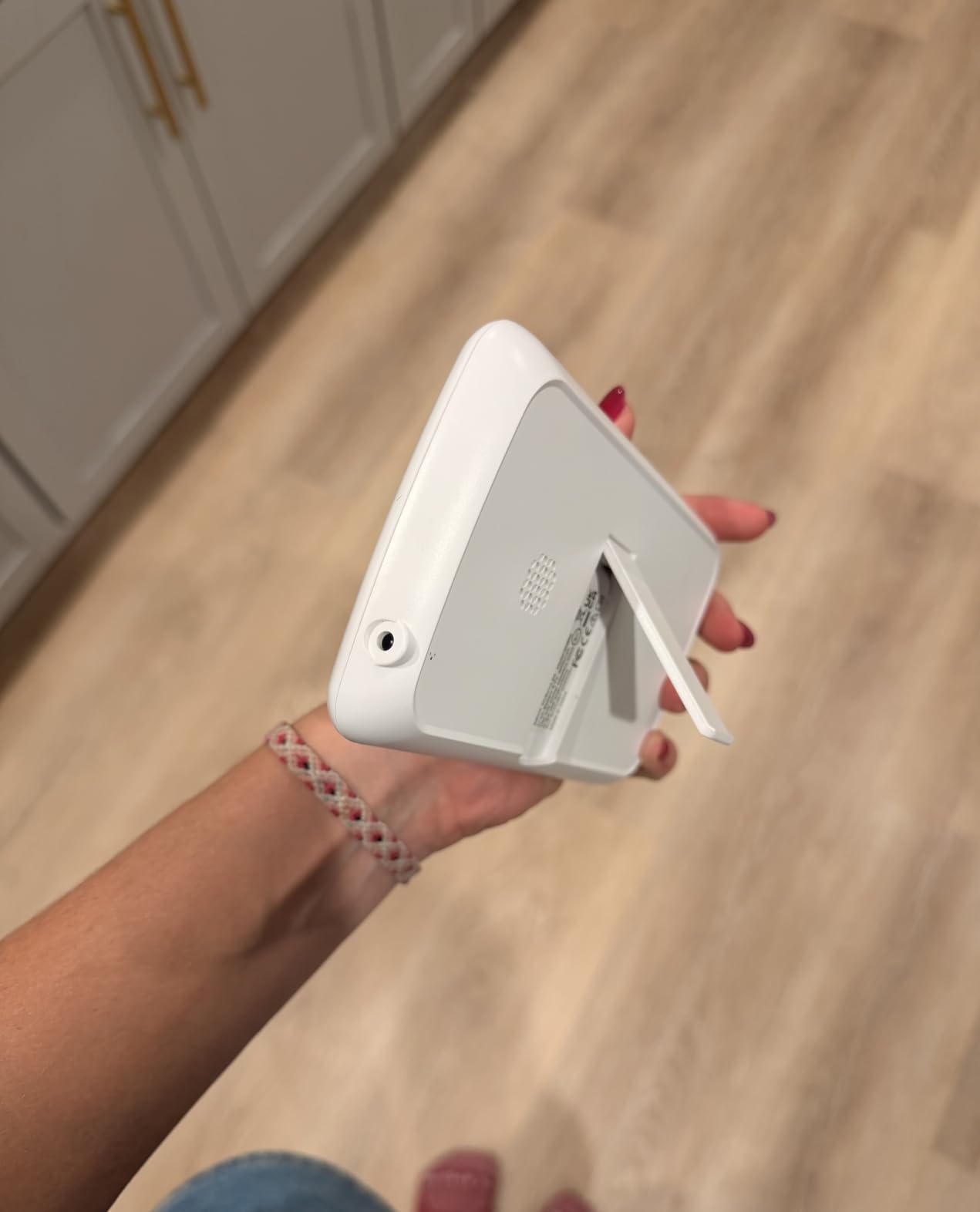
What to check before you buy the iFamily
Decide whether you want local or cloud storage first, because that choice determines whether you need a microSD card in the box. There is one card slot and no card included, so budget for one if you want local recording, and format it before first use.
Count your WiFi dead zones before you commit. This is a 2.4 GHz only device, and 2.4 GHz travels further through walls than 5 GHz, which is a genuine advantage in a two-storey house or a flat with thick partitions.
Who should skip the iFamily
If your household runs a 5 GHz only network with no 2.4 GHz option exposed, this is the wrong unit. Same if you plan to run three or more cameras, since the split-screen support here centers on a two-camera configuration rather than a large multi-room grid.
It is also not a vitals monitor. Nothing here tracks breathing or heart rate, so if that is the deciding factor, read the vitals section in our buying guide before committing.
2. VTech VM901: best value with a free app and 128GB microSD
VTech Smart WiFi Baby Monitor – See Your Baby at Home or from Anywhere, Free App, 1080p Camera, 5″ Screen, Pan-Tilt-Zoom, Night Vision, Two-Way Talk | VM901
1080p camera
5 inch HD parent unit
Free MyVTech app
2.4G FHSS and WiFi
128GB microSD
Pros
- Free app with no subscription
- Local microSD storage up to 128GB
- 360 degree pan-tilt-zoom
- Two-way talk and temperature alerts
- 7593 reviews give a deep feedback base
Cons
- Only 2.4GHz WiFi
- Some owners report connectivity dropouts
- Parent unit battery drains faster over time
- App occasionally lags on the live feed
The VM901 is the monitor I recommend when someone asks for a wifi baby monitor without a paywall. The MyVTech Baby app is free and the alternative to cloud is a microSD slot that accepts up to 128GB, so two years of clips cost nothing beyond the card. That combination is rarer than it should be at this level.
Video is 1080p with a 360 degree pan-tilt-zoom head, and starlight night vision switches automatically when the room darkens. Two-way audio, soothing sounds, and temperature detection all work from both the handheld and the app, and the parent unit runs on a 2100 mAh cell that gives a night or two of use between charges.
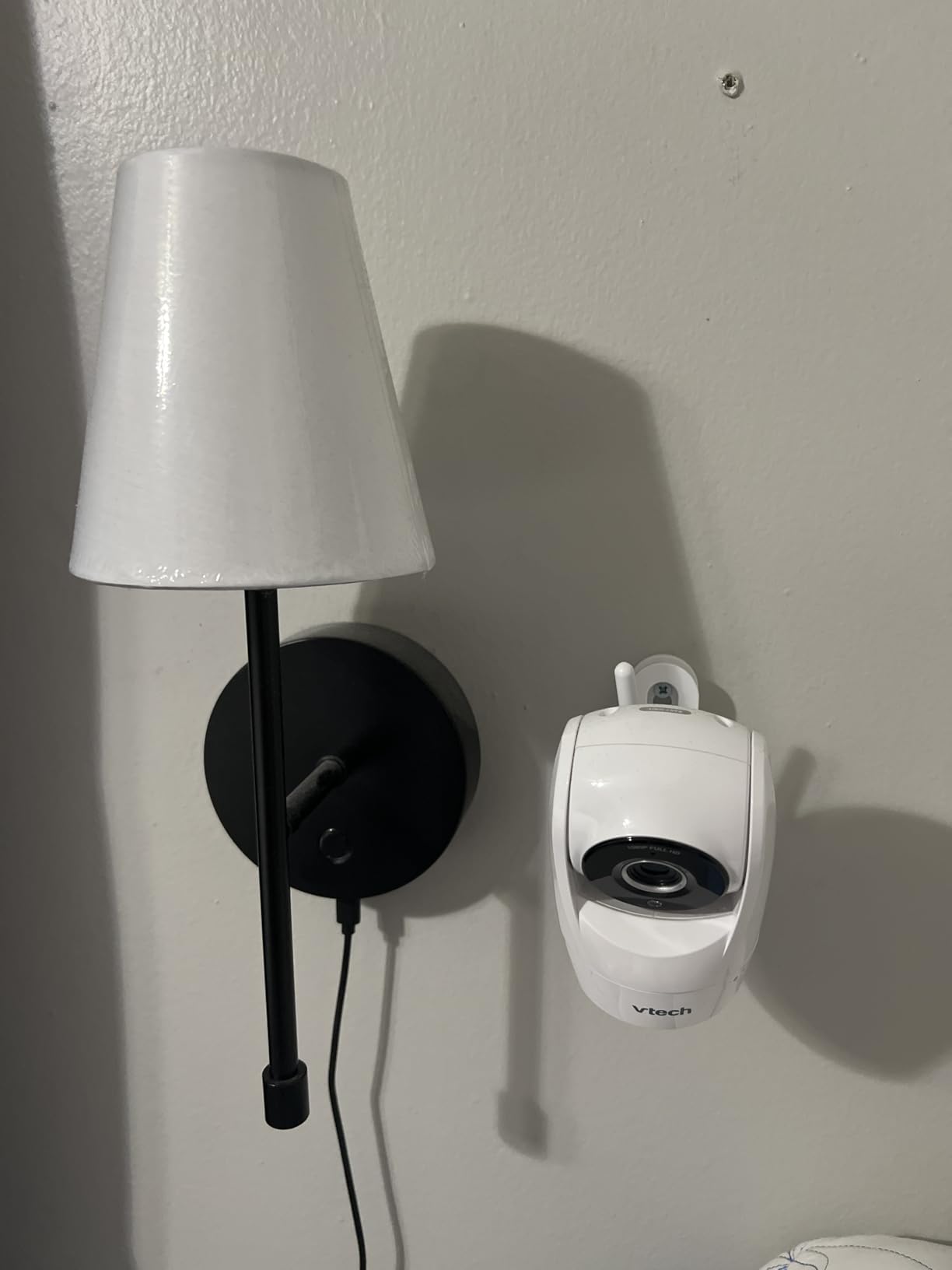
The weakness is not the feature list, it is the software polish. Owners consistently mention the app lagging a beat behind the live feed and occasional reconnection drops, both of which are irritating rather than dangerous as long as the handheld keeps working locally. The 2.4G FHSS link means the camera to parent unit path is closed-circuit, so the screen keeps showing you video even when the router is having a bad evening.
For a fuller look at how this compares with newer models, our guide to the best video baby monitors goes deeper on night vision and range.
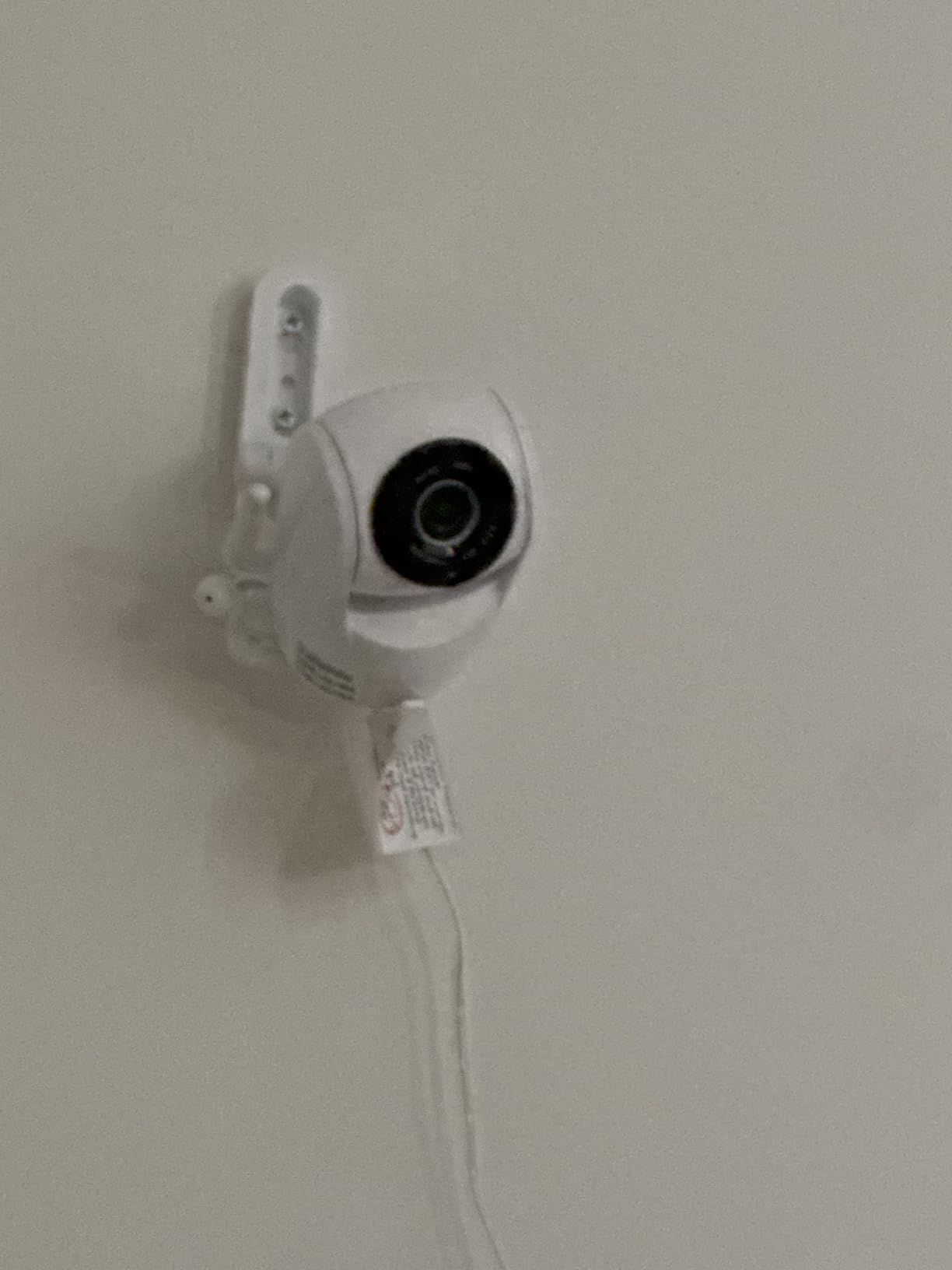
What to check before you buy the VTech VM901
Look at the 2.4G FHSS pairing range rather than the WiFi range, because that is what governs whether the handheld keeps working through walls. This model also supports up to 128GB microSD, so confirm your card is formatted before the first night.
Decide whether 1080p is enough for you. At the scale of a crib, it is, but if you want to distinguish subtle fabric or skin detail from across the room, the 2K models give you more headroom.
Who should skip the VTech VM901
Skip it if your router is 5 GHz only, or if you need a 5 inch-plus display for a grandparent with limited vision. It is also the older design here, so it lacks the alarm zone controls that newer rivals added.
If you plan to add cameras later, check the expansion limit in the manual first. It is a single-camera unit in this configuration.
3. ARENTI D3 two-camera set: best for twins and split screen
ARENTI Baby Monitor 2 Cameras D3 Set, 3MP WiFi 6, 5″ Display,Free Phone App
Two 3MP cameras
5 inch split screen
WiFi 6
AES128 encryption
256GB microSD
Pros
- Two cameras in one box for split-screen viewing
- WiFi 6 holds up in crowded networks
- AI auto-tracking plus danger zone detection
- 256GB microSD and local recording
- AES128 encryption and ONVIF support
Cons
- Manual focus on the lenses
- Screw-in wall mounting takes effort
- Single color option
- App connectivity issues reported by some owners
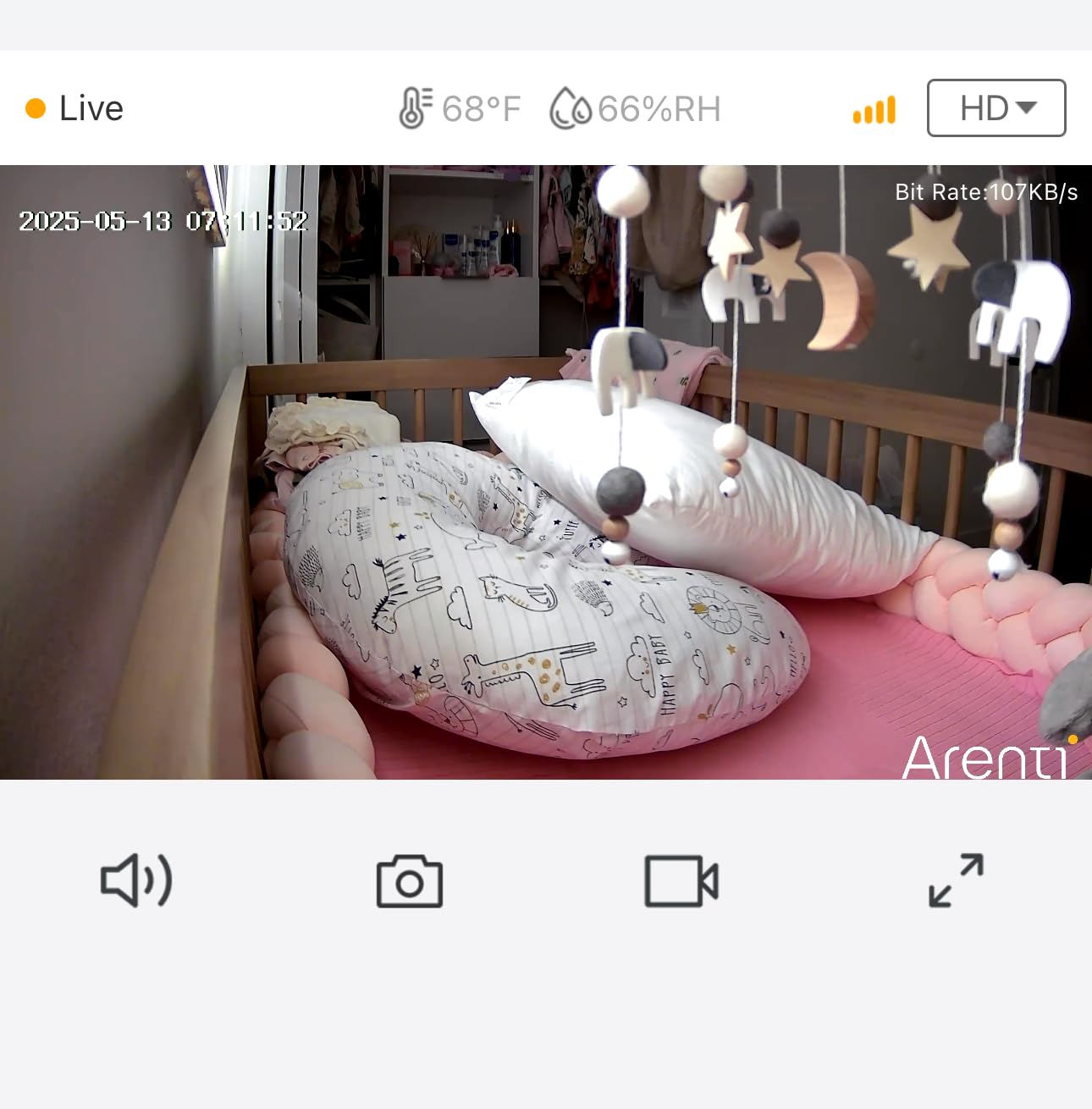
This is the one to buy for twins or two nurseries, and the reason is simply that both cameras arrive in the box. Split-screen on the 5 inch display puts both feeds side by side, and the app mirrors that layout on your phone so you can check both rooms from one screen.
Each camera carries a 3MP sensor recording at 1296p, with eight infrared LEDs covering 33 feet of night vision. The tracking is automatic rather than manual, meaning the camera pans to follow movement, and the alert stack includes motion, cry, and danger zone detection that fires when a baby moves outside a defined safe area of the frame.
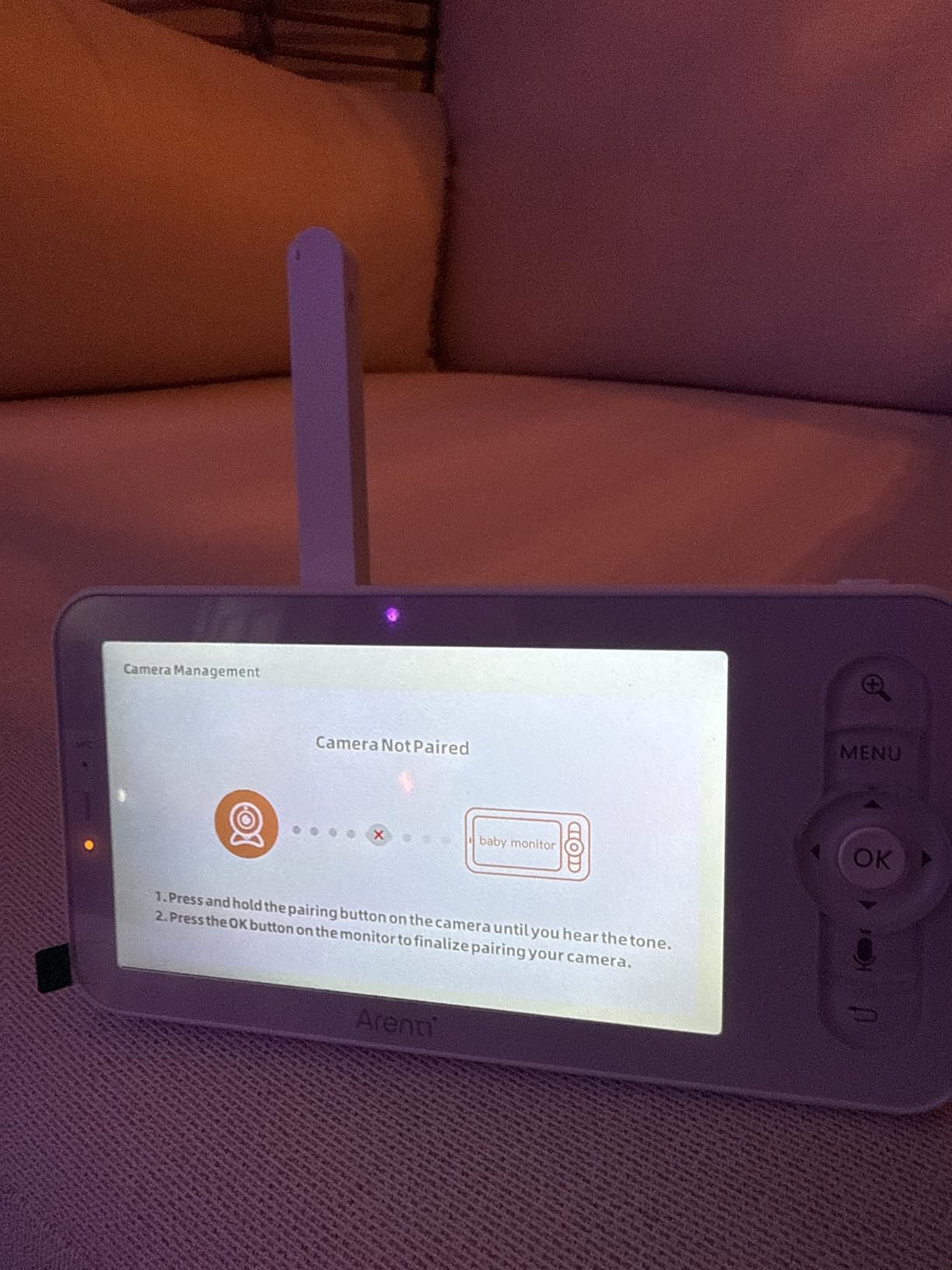
The network side is where this model surprises. It runs WiFi 6, which is unusual for a nursery camera and genuinely useful in an apartment building where twenty neighbouring networks are fighting for airtime. Encryption is listed as AES128 at bank level, and recording goes to a microSD up to 256GB rather than a mandatory cloud plan.
The trade-offs are physical. Focus is manual, so you have to set it once and remember to reset it when you move the camera, and installation is screw-in, which rules it out if you rent or refuse to mark the wall. ONVIF support also means it can join a broader camera system, which is a quiet plus for anyone already running that ecosystem.
What to check before you buy the ARENTI D3
Plan the mounting before you order, because these are screw-in units and a perches-style camera that drifts is worse than useless for night tracking. The night vision rating of 33 feet suits a standard nursery rather than a large shared room.
Check that your phone supports WiFi 6 if you want the connection benefits. Without it, the cameras still pair over a standard network, you just lose some of the congestion handling that makes this set shine in apartments.
Who should skip the ARENTI D3
Skip it for a single nursery, because you would be paying for a second camera you never use. It is also a poor fit for renters or anyone who wants a freestanding unit they can move between rooms each night.
If you need breathing or pulse data, look elsewhere. The danger zone detection here is about position in frame, not respiration.
4. BOIFUN 2K monitor: best for cutting false alerts with alarm zones
BOIFUN 2K WiFi Baby Monitor with Phone App, 5″ Screen, Smart Night Light
2K QHD sensor
5 inch screen
4 alert layers
3-mode night light
32GB built in
Pros
- Custom alarm zones cut out nuisance motion alerts
- Three-mode night light is genuinely useful
- Auto-tracking across 355 degrees
- 32GB storage included in the unit
- Two-way audio and 14 lullabies
Cons
- 2.4GHz only so router band matters
- Camera must stay plugged in
- Parent unit battery drains at high brightness
- Only one color option
This is the answer for anyone whose monitor currently beeps at every shadow. The alert system has four layers, motion, cry, sound, and custom alarm zones, and that last one is the important one. You draw the zone on the phone over the crib area only, so a window, a houseplant, or a passing insect stops triggering notifications.
Video is 2K QHD with 4x zoom on a 5 inch HD display, and the night light runs in three modes: steady, breathing, and carousel. That is more useful than it sounds, because a dim warm glow often settles a newborn without you walking in and turning the main light on.
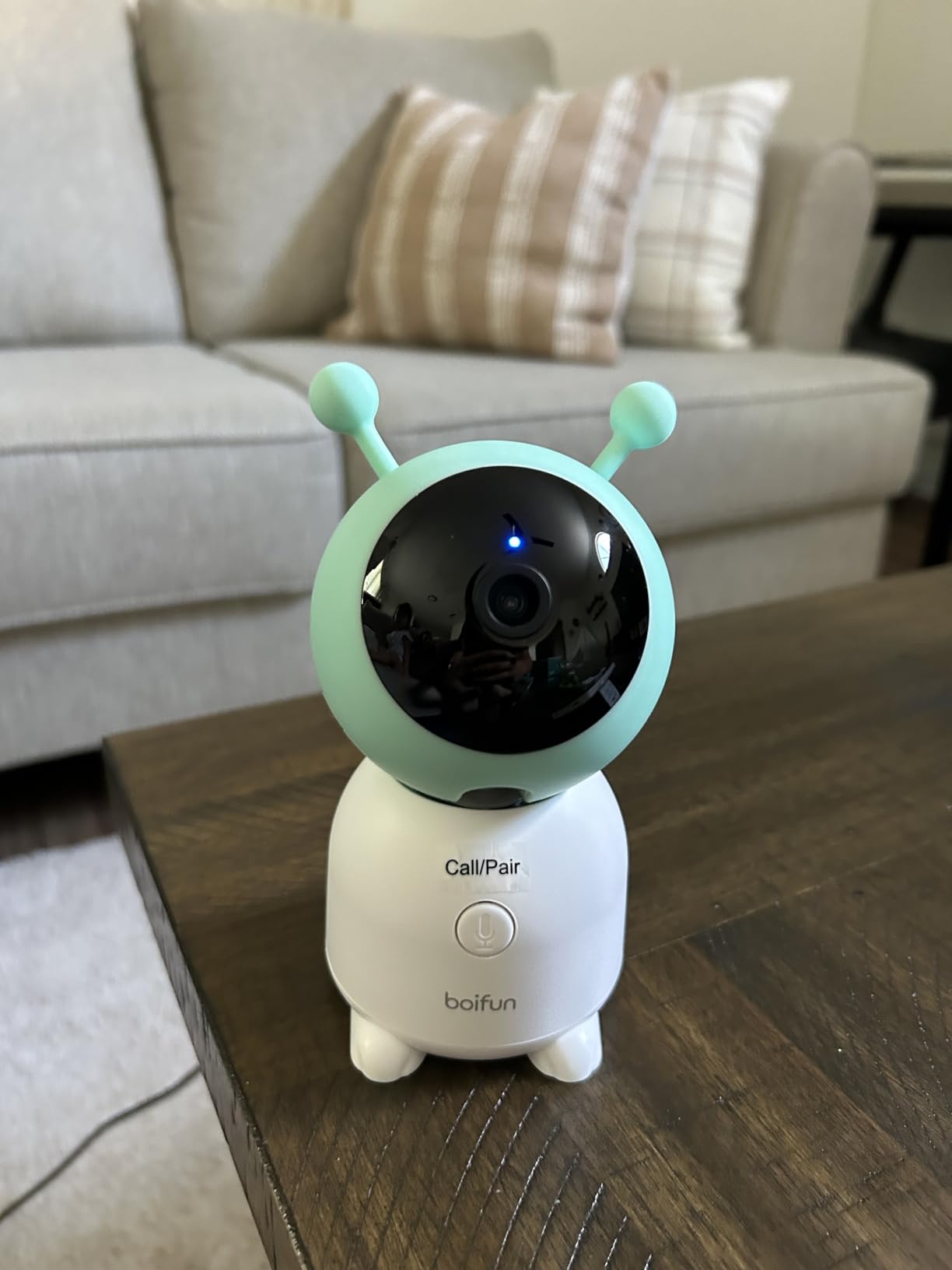
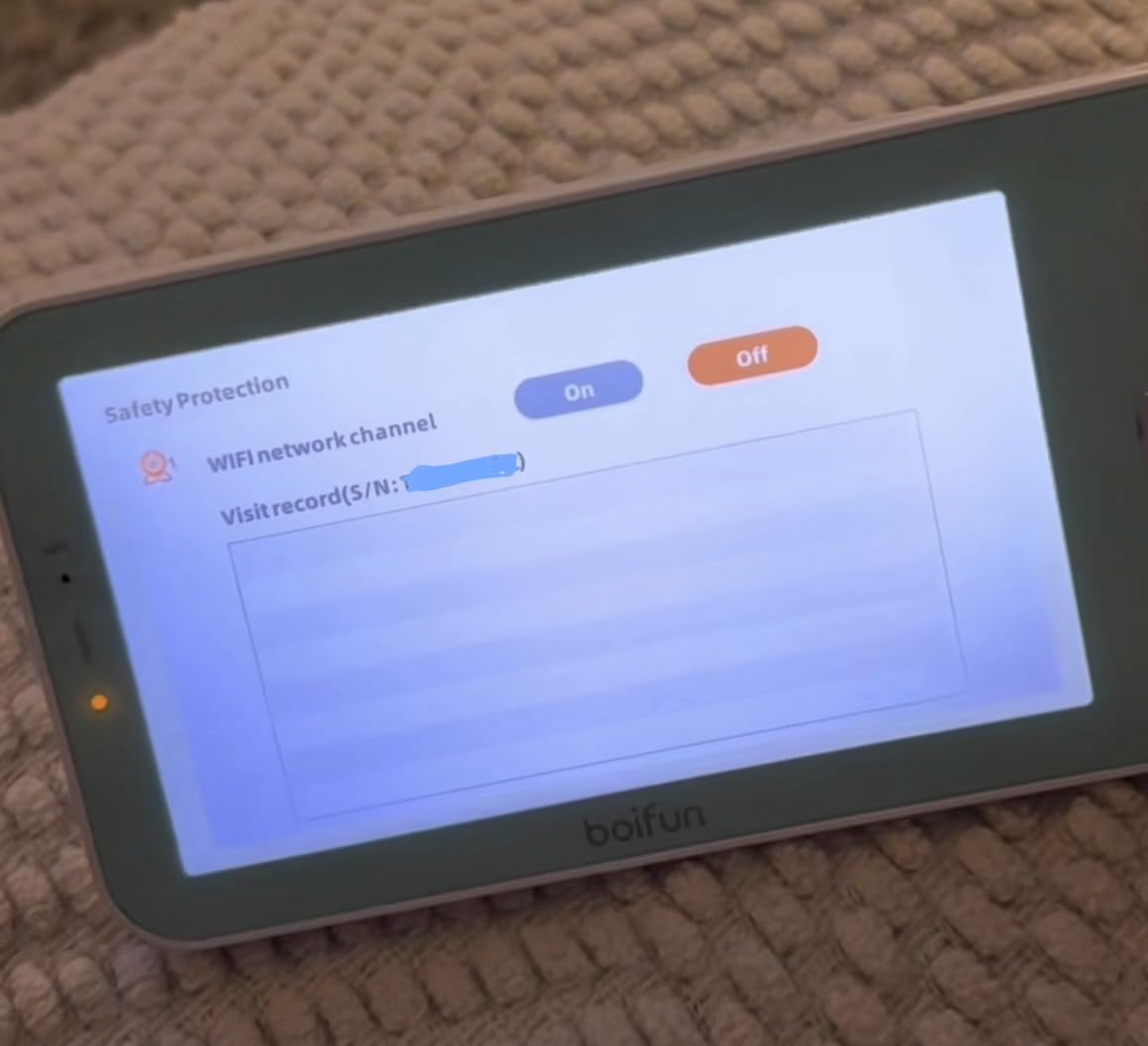
Tracking is automatic across 355 degrees horizontally and 60 degrees vertically, so a wiggly baby does not drift out of frame the way a fixed camera allows. Storage is 32GB built in, which removes the recurring cost entirely, and temperature plus humidity both report to the app. Support is also unusually responsive, with a two-year protection period behind the unit.
The compromise is power. The camera is corded, so a socket in the nursery is mandatory, and the parent unit battery is happiest at low screen brightness. Encryption here is AES 128-bit, which is the same standard the ARENTI set uses.
What to check before you buy the BOIFUN
Confirm you can place a power outlet near the crib before you commit, since the camera has no battery option. Then plan your alert zones on day one; drawing them takes two minutes and removes most of the noise.
Night vision reaches about 10 meters, which is generous for a standard nursery but worth knowing if you have a large shared room or a very high ceiling.
Who should skip the BOIFUN
Skip it if you need more than two cameras, or if your household runs a 5 GHz only network. If you want sleep analytics rather than alerts and tracking, this monitor does not collect that kind of data.
It is also the wrong pick for anyone who wants the camera to survive a power cut, since a corded camera is dark the moment the plug is pulled.
5. Momcozy BM04: best for covered-face and face-down alerts
Momcozy Smart WiFi Baby Monitor with Camera and Audio,5″ 1080P & Wall Mount
5 inch 1080P parent unit
WiFi and local dual mode
Covered face detection
20-user sharing
Wall mount included
Pros
- Smart motion detection flags covered face and face-down sleep
- Dual mode keeps a local path when WiFi drops
- Wall mount included in the box
- Shared access for up to 20 caregivers
- Continuous or motion-triggered recording
Cons
- Costs more than most 1080p rivals
- 2.4GHz only
- Mounting height affects night vision
- Smaller review base than the leaders
The BM04 answers the single most common scare new parents describe: a baby face-down in bedding. Its smart motion detection classifies sleep position, so you get an alert for covered face or face-down posture in addition to ordinary movement, and the danger zone alert fires when the baby drifts outside the safe part of the frame.
The more interesting feature is the dual mode. This monitor runs over WiFi for remote viewing and also pairs locally for in-home use, which means a router outage does not leave you with a dark screen. In our broader testing of connected nursery gear, that hybrid path was the most-praised trait parents mentioned in forum threads about unreliable home internet.
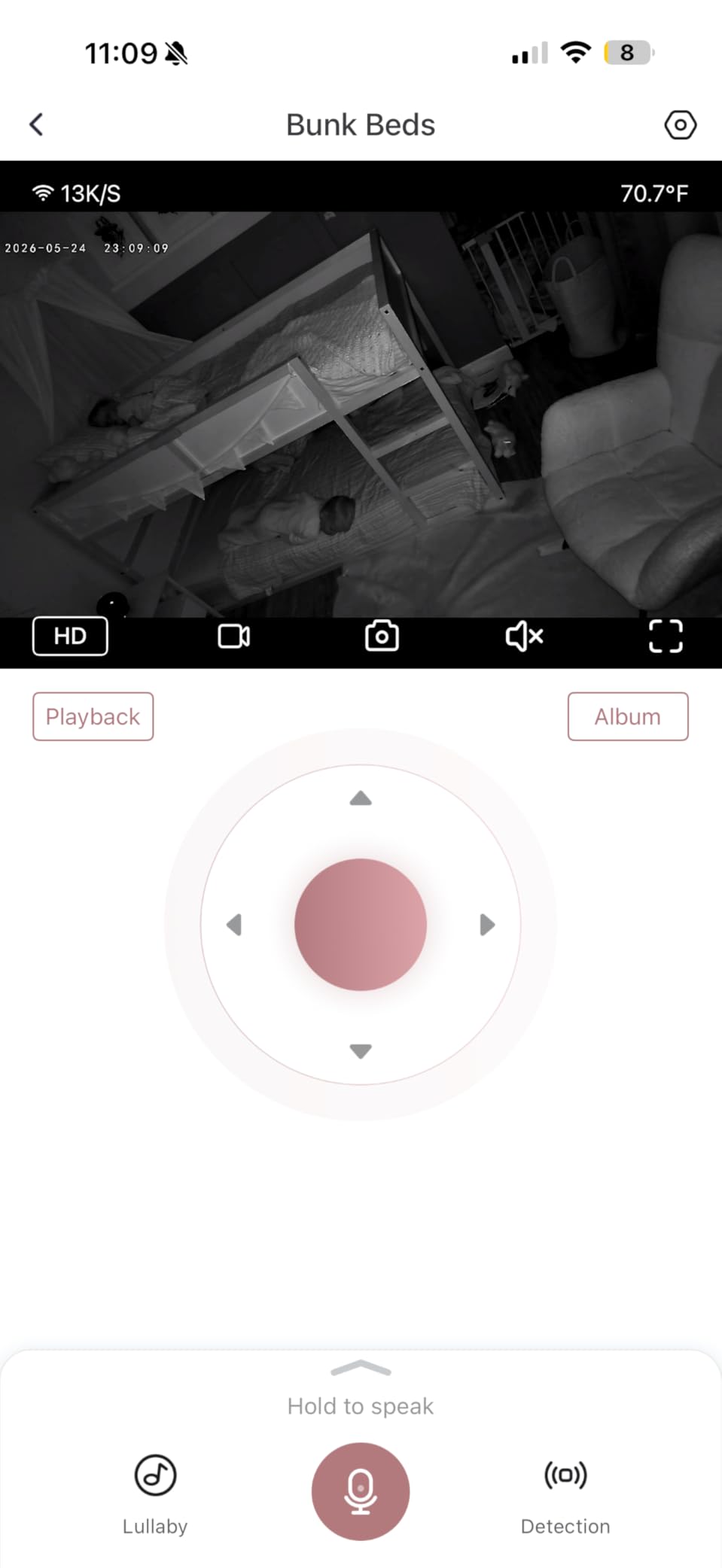
The screen is a 5 inch 1080P display, and the app is free. Recording runs continuously or on motion, you can capture stills manually, and access can be shared with up to 20 family members, which covers grandparents, a sitter, and a partner all watching different rooms without extra accounts.
The trade-offs are real. It costs more than most 1080p monitors here, the review base of 704 is the thinnest of the branded units, and mounting height matters more than with rivals because the night vision performance depends on where you place the camera relative to the crib.
What to check before you buy the Momcozy BM04
Read the mounting guidance before you fix the camera, and follow it. Owners who place it too high or too far lose night vision clarity and then assume the sensor is weak, when placement is the actual cause.
Decide how many caregivers need access. Twenty shared users is generous, but confirm your household is comfortable with that many people holding view permissions.
Who should skip the Momcozy BM04
Skip it on value grounds if a 5 inch 1080p screen is all you need, because cheaper units match the resolution. It is 2.4 GHz only, so it will not join a 5 GHz only network.
If covered-face detection is not a selling point for you, pay attention to the alert tuning instead, because position alerts are the reason to pick it rather than a generic alternative.
6. jeeber VB816PRO: best budget hybrid with a local fallback path
1080P WiFi Baby Monitor With Camera And Audio,4″ Screen,PTZ 360°,2.4GHz
1080P display
720P camera
4 inch IPS screen
Hybrid FHSS and WiFi
14-hour battery
Pros
- Lowest cost in this roundup by a wide margin
- Hybrid connection keeps a local path when WiFi drops
- 14-hour parent unit battery
- AES encrypted signal with FHSS
- Two-year warranty and 90-day returns
Cons
- Camera sensor is 720P despite the 1080P label
- No stand included for the camera
- App lag reported on WiFi mode
- Parent unit battery drains at full brightness
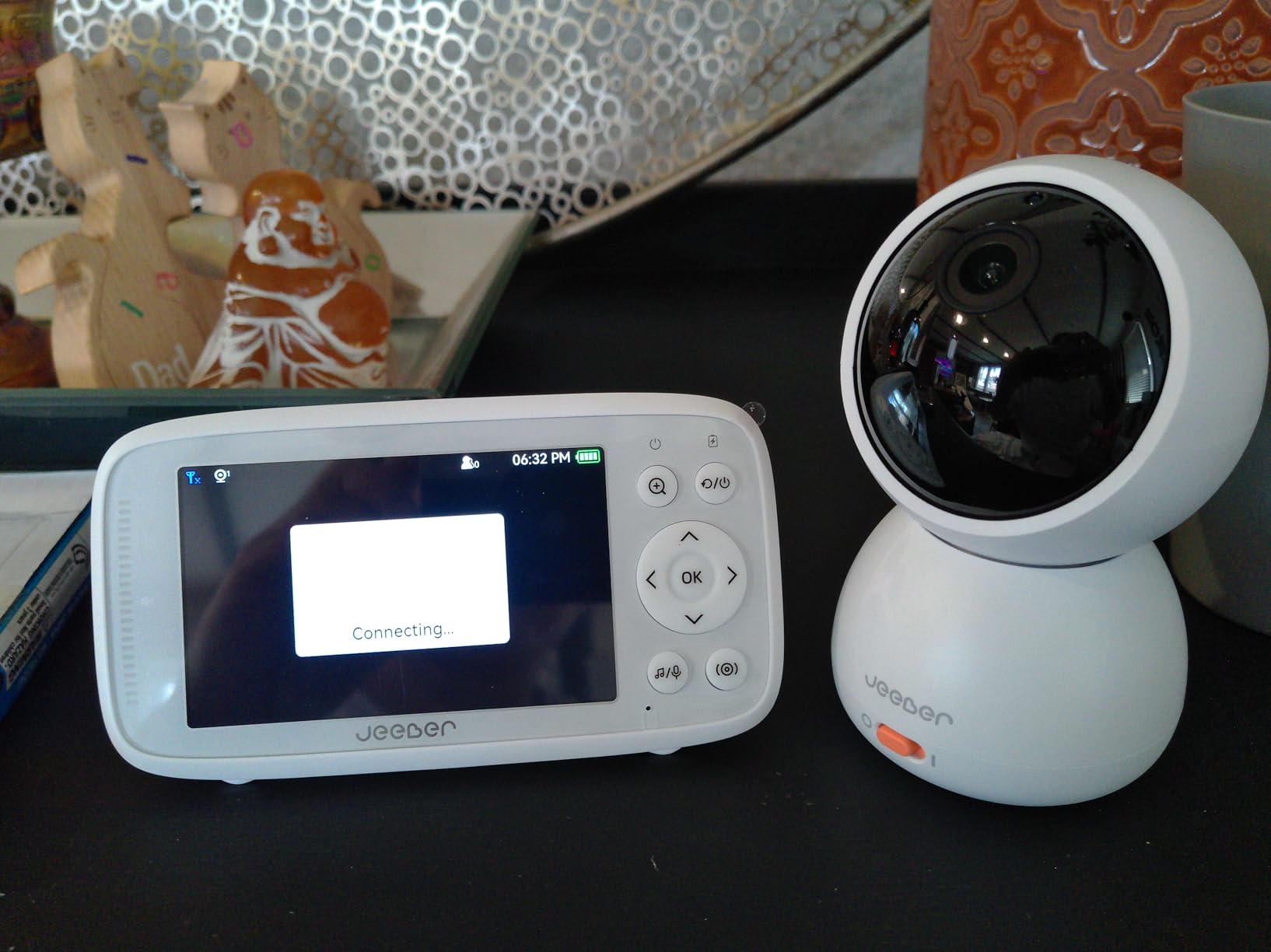
This is the one to buy if budget is the deciding factor and you refuse to compromise on the two things that matter: a screen you can check without a phone, and a connection that does not depend on your ISP. The VB816PRO pairs camera to screen over FHSS wireless and reaches the phone app over 2.4 GHz WiFi, so a WiFi outage degrades the experience instead of ending it.
The parent unit has a 4 inch IPS display and 340 degree pan-tilt coverage, with auto infrared night vision rated at 8 meters. VOX cry detection wakes the phone on sound, two-way talk and preset lullabies are both present, and the 14-hour parent unit battery is among the longer figures here.
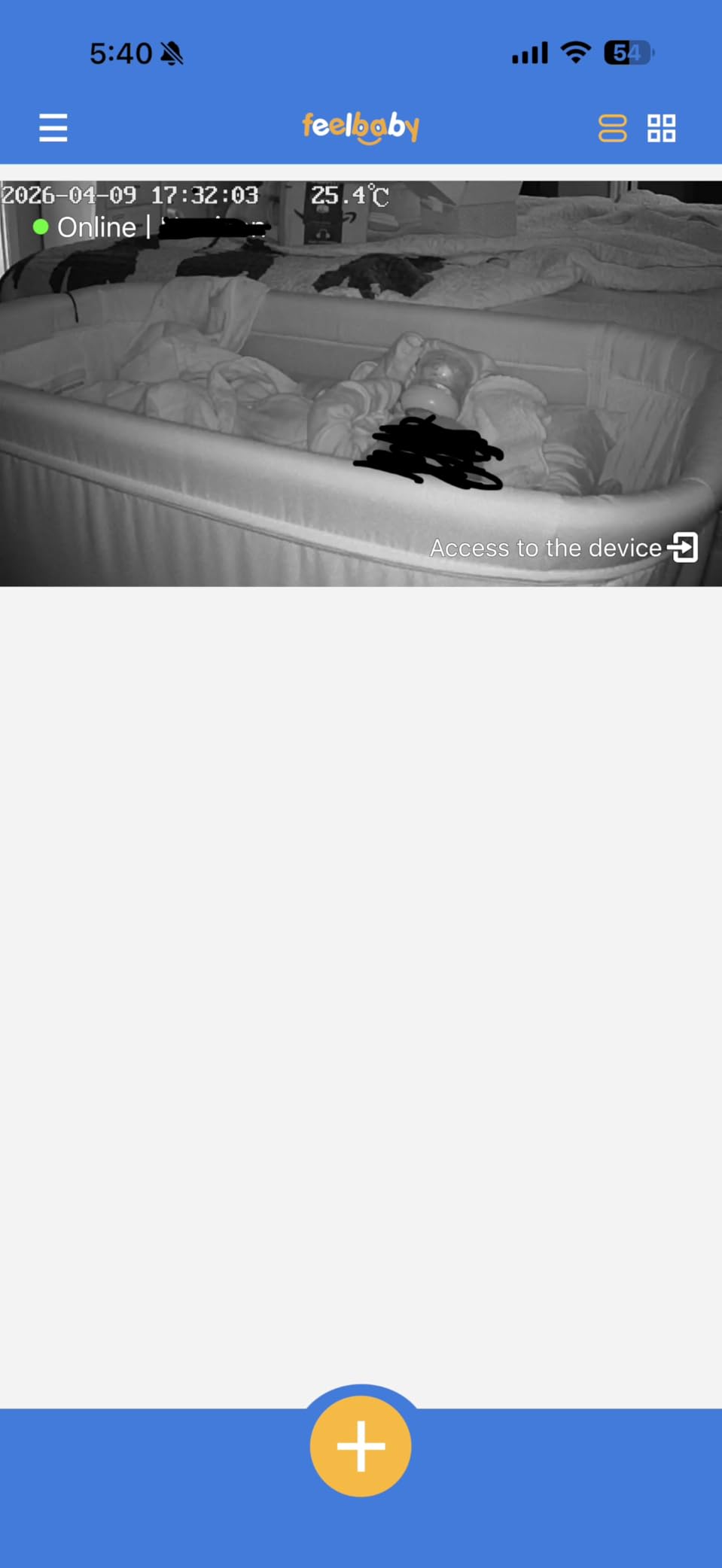
What you trade away is resolution. The listing advertises a 1080P display, but the camera sensor is 720P, so the picture is fine for watching a breathing baby sleep and thin when you try to make out detail at distance. Temperature monitoring with safety alerts is included, and the signal uses AES encryption over FHSS.
The two-year warranty and 90-day return window are unusually generous for the price tier, which partly offsets the missing camera stand. If your router is congested, our guide to the best WiFi routers is worth a look before blaming the monitor.
What to check before you buy the jeeber
Understand the resolution labeling before you compare it to rivals. A 720P sensor feeding a 1080P screen is a real limitation, and it is the reason this lands at the bottom of the picture quality ranking even at the bottom of the price ranking.
Plan a home for the camera that does not depend on the missing stand. A shelf edge, a clamp, or a proper wall mount costs very little and stops the unit drifting.
Who should skip the jeeber VB816PRO
Skip it if image clarity is your priority, or if you need a screen larger than 4 inches for a grandparent with limited eyesight. It is 2.4 GHz only.
Skip it if you want breathing, sleep scores, or any analytics. This is a watching monitor, not a data monitor, and I would rather say so than let anyone expect Nanit style insight from it.
7. Nanit Pro: best for sleep data and coaching
Nanit Smart Baby Video Monitor – Camera & Floor Stand – 1080p Wi-Fi Camera
1080p HD camera
Automatic sleep tracking
AI sleep coach
Floor stand included
256-bit AES plus 2FA
Pros
- Deepest sleep analytics in this roundup
- Automatic tracking needs no manual aim
- Night vision performs well in a dark room
- Floor stand included so no drilling required
- Works with Alexa and Google Home
Cons
- Costs more than every other pick
- Full analytics sit behind a subscription
- Breathing wear sold separately
- App dependent for most features
If your question is what kind of parent are you, Nanit is the data answer. It tracks sleep duration, efficiency, and disturbances automatically, and its sleep coach uses that history to predict the next nap window, which is the kind of feature that has no equivalent in the cheaper units. You also get cough and cry detection and milestone recaps.
The camera is 1080p with infrared night vision and a floor stand in the box, so there is no drilling and no wall mounting to argue about with a landlord. Two-way audio, nursery temperature and humidity, and customizable smart alerts round out the hardware, and it streams to a phone, a smart speaker, or both.
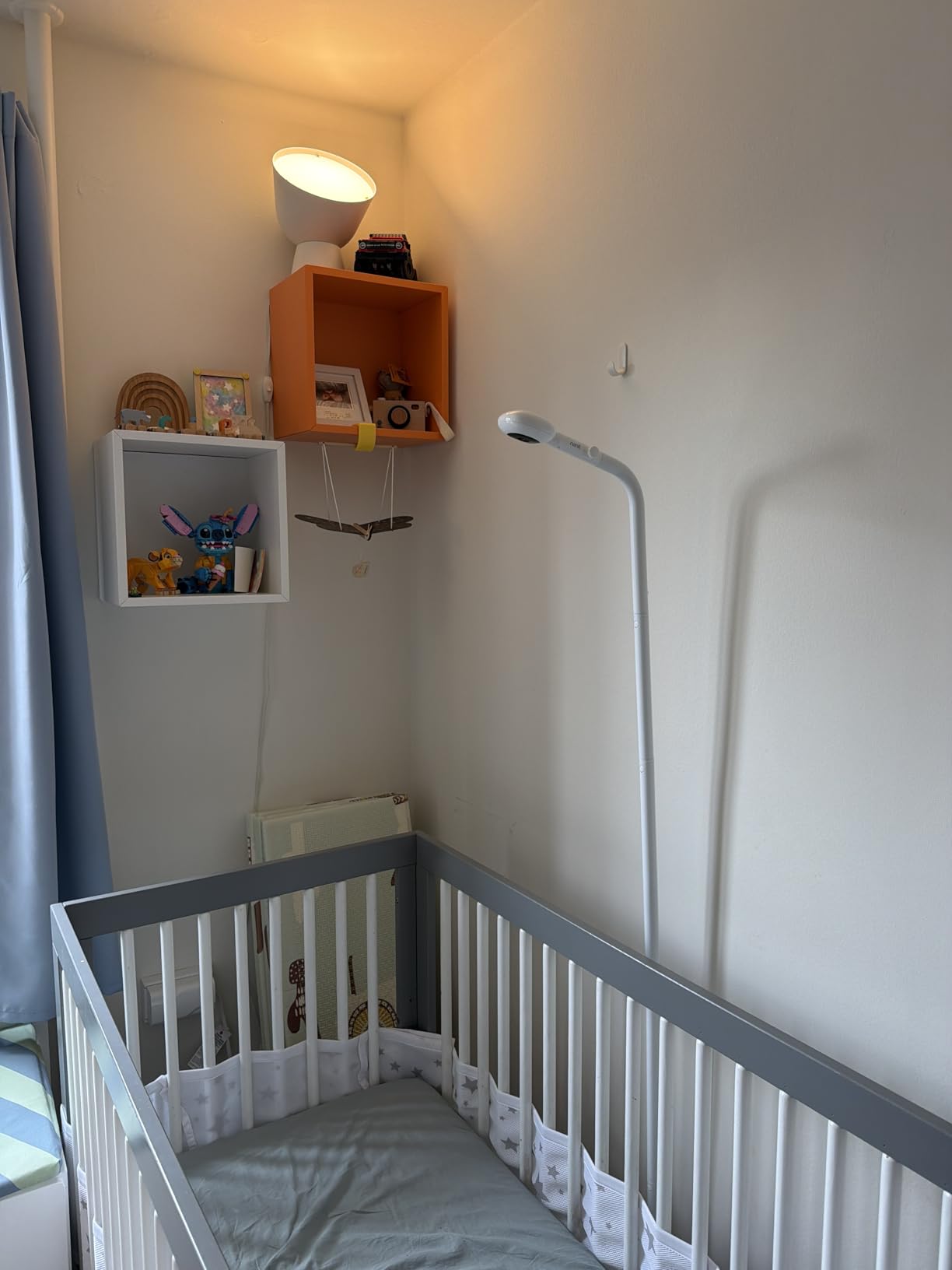
Security is the strongest in this roundup: 256-bit AES encryption with two-factor authentication, and shared access for up to 20 caregivers. Reviewers who have owned cheaper monitors single this out as the one that feels designed for a room you do not want streamed anywhere.
The honest drawback is cost, and it compounds. The advanced analytics sit behind the Nanit Insights subscription, breathing monitoring needs a wearable sold separately, and refund friction around app-store billing is reported by a few owners. Treat the two-year all-in figure as the real price, not the sticker.
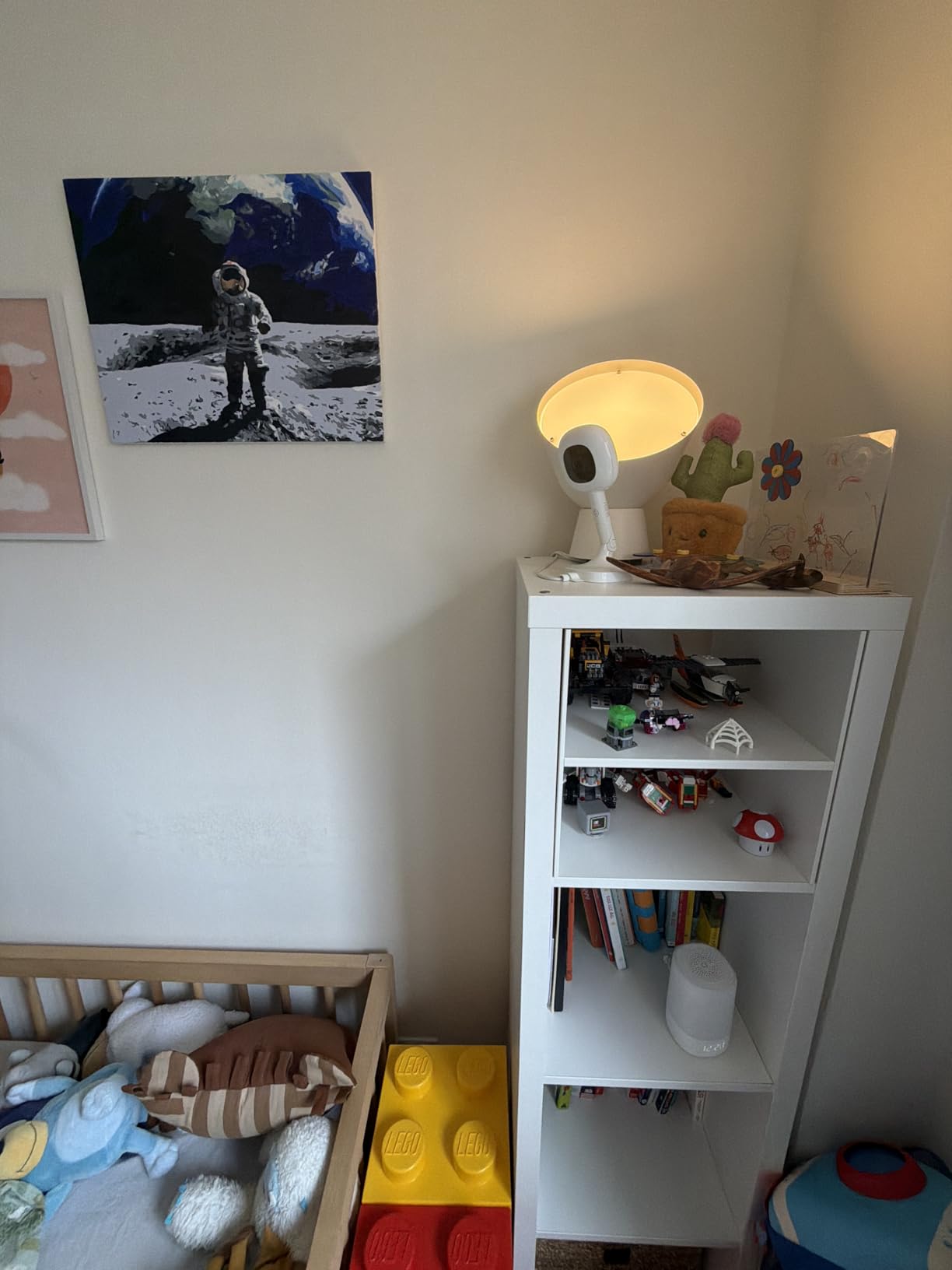
What to check before you buy the Nanit Pro
Ask yourself whether you will actually use the data. If you will glance at a screen and go back to sleep, the subscription buys you little. If you are mapping wake windows and adjusting naps deliberately, it is the best tool in this list.
Plan the floor stand position, since the sleep analytics depend on a consistent camera angle. Moving the unit resets the data.
Who should skip the Nanit Pro
Skip it if you want a dedicated parent unit, because Nanit is app-first and there is no handheld screen in the box. That is also the honest answer to the question of which baby monitor has both a handheld and an app; this one does not.
Skip it if you are shopping on a tight budget or you want zero recurring cost. Our wearable baby monitor guide covers the alternative approach if it is readings rather than video you are after.
8. VTech Smart HD Plus: best large screen with 24x zoom
VTech Smart WiFi Video Baby Monitor, 5.5″ HD Display: Smart HD Plus
2K camera
5.5 inch screen
24x zoom
135 degree lens
5000 mAh battery
Pros
- Largest parent unit screen in this roundup
- 2K sensor with 24x digital zoom
- Wide 135 degree lens covers the whole crib
- 5000 mAh parent unit battery
- Multi-color night light built in
Cons
- Screen is 1080p despite the 2K camera
- 2.4GHz only
- App connectivity issues persist from older models
- Small review base so far
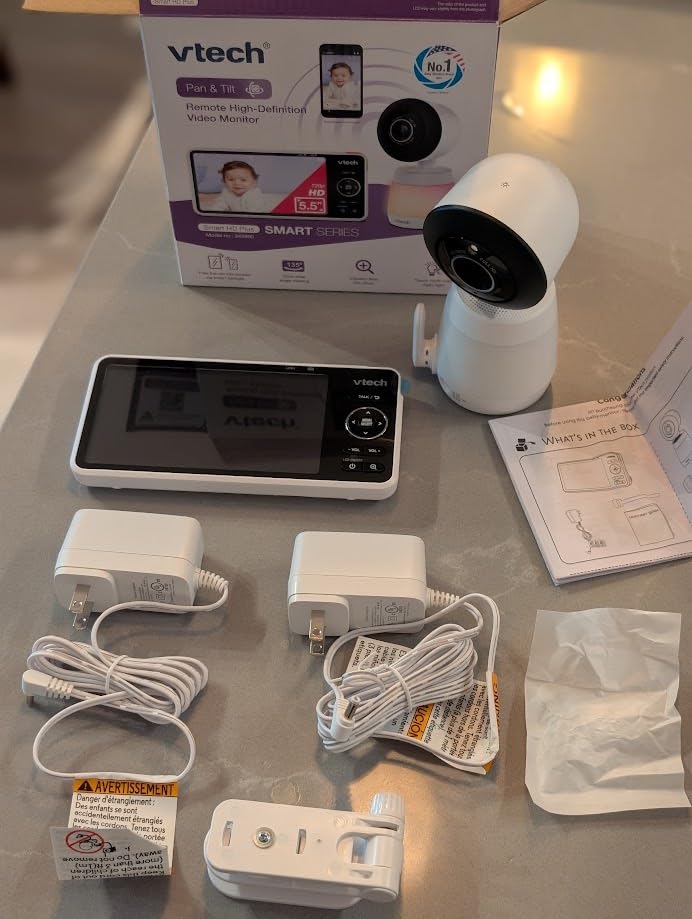
This is the pick when the person checking the screen has poor eyesight, and the 5.5 inch display is the largest here by a clear margin. Zoom reaches 24x digitally and the lens covers 135 degrees, which means you can frame the whole crib and still pull in on a hand or a blanket fold without cropping.
The 5000 mAh parent unit battery is a genuine step up from the VM901 and holds a full night comfortably. The camera is a 2K sensor, starlight night vision is automatic, and there is a multi-color night light plus soothing sounds, two-way audio, and temperature monitoring, all controllable from the free MyVTech Baby Plus app.
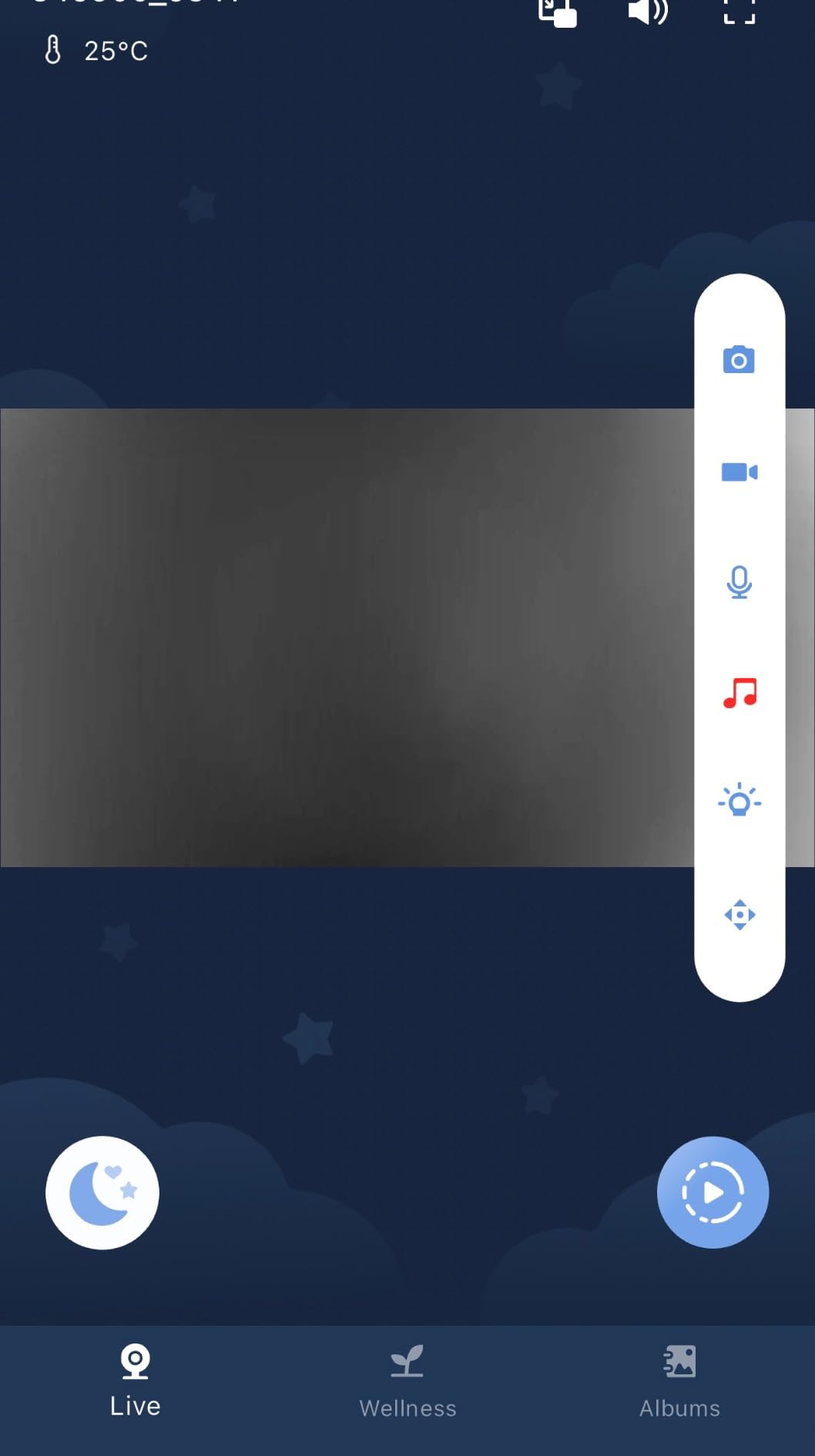
One detail trips people up: the camera records 2K but the parent unit screen is 1080p, so the extra sensor detail mostly benefits the phone app. That is where the zoom matters. Owners also report that the app connectivity quirks seen on the older VM901 have not been entirely ironed out here, which is the main reason this sits eighth despite the better hardware.
Connectivity covers 2.4G WiFi, 2.4G FHSS, and Bluetooth, though what the Bluetooth link does is not clearly documented. Treat it as a bonus rather than a feature you are buying for.
What to check before you buy the VTech Smart HD Plus
Decide where you will actually watch. If it is the parent unit, the 2K sensor adds little. If it is the phone app, the extra detail and 24x zoom are the reason to choose this over a 1080p model.
Check the viewing angle against your room. At 135 degrees it is one of the widest in this roundup, which matters if the camera sits far from the crib.
Who should skip the VTech Smart HD Plus
Skip it if you want the very best phone viewing experience or if the app reliability matters more to you than the screen size, because that complaint is the one that recurs. It is also 2.4GHz only.
If you have two babies, this is a single-camera unit, so the ARENTI set is the more sensible direction.
How to Choose a Wi-Fi Baby Monitor: 7 Factors That Decide It
Most buying guides start with price and end with a recommendation. Start instead with the seven decisions below in order, because each one eliminates options before you spend attention on features you cannot use.
Parent unit or phone only: decide this first
A dedicated parent unit means you can check the nursery without picking up your phone, which also removes the temptation to scroll once you are awake at 2am. Phone-only designs are smaller and cheaper, and they suit parents who work from an office where a handset would just sit ignored.
On this list, the iFamily, VTech VM901, ARENTI, BOIFUN, Momcozy, and jeeber all ship with a screen. Nanit does not, and that is the single most important fact about it.
2.4 GHz vs 5 GHz: what it means in a crowded apartment
Every monitor in this roundup except the ARENTI is 2.4 GHz only, and the ARENTI runs WiFi 6. In practice, 2.4 GHz travels further and penetrates walls better, which helps in a multi-storey house, but it is also the crowded band that a dozen neighbouring routers are already fighting over.
Before you buy, check whether your router exposes a 2.4 GHz network at all. Many modern routers split the bands automatically, and a monitor that cannot see the 2.4 GHz SSID will simply fail to pair. If your network is congested in an apartment building, that is a real argument for the WiFi 6 set or for fixing your network first. Our mesh WiFi system guide covers the router side.
What happens when the router goes down
A wifi-only monitor is a camera with no purpose when the internet is out. The hybrids here degrade more gracefully: the VTech VM901 pairs camera to screen over 2.4G FHSS, and the jeeber VB816PRO and Momcozy BM04 both keep a local path alongside the app.
If you live somewhere with unreliable broadband or you travel often, treat a local fallback as a requirement rather than a nicety. Hotel and rental wifi also rarely allows the peer-to-peer connections these cameras often need.
How to stop false alerts before you stop listening
Constant beeping is the complaint that appears most often across parent forums, and it is a solvable configuration problem rather than a product defect. Work through these in order.
Draw alert zones. The BOIFUN lets you define custom alarm zones over the crib only, which cuts out windows, doorways, and moving shadows.
Turn off whole alert categories you do not need. Most monitors let you disable motion or sound alerts while keeping cry detection live.
Schedule quiet hours. If a monitor has no scheduler, set the phone to do not disturb for the times you know the baby is down.
Re-aim the camera. A large part of false motion alerts is a window, a mobile, or a houseplant in frame.
Lower sensitivity before you abandon the monitor. Owners who tune these settings report far fewer interruptions than those who leave defaults alone.
Fit wearable sensors properly if you use one. Loose or poorly positioned sensors generate readings that are meaningless.
Can a wifi baby monitor be hacked? A hardening checklist
This is a fair concern and no model is immune to a weak password. Security researcher findings about cloud uploads by one major camera brand, and a large state attorney general settlement over the same issue, are the reason the iFamily WiFi lock mode and the Nanit two-factor authentication are worth prioritizing.
Change the default password immediately and make it unique to this device.
Enable two-factor authentication if the app supports it.
Put the camera on a guest network or a separate IoT VLAN so it cannot reach your other devices.
Use the WiFi lock or private mode the manufacturer provides to block external feeds.
Turn off UPnP on your router so nothing can open ports automatically.
Install firmware updates as soon as they are pushed, since security fixes usually land there first.
Prefer local storage. A microSD card means footage stays on your hardware instead of on someone else servers.
Check the camera angle. A monitor pointed at a window or a street is the easiest way for footage to leave your home.
Signs of a problem worth acting on: notifications arriving while you are not near the nursery, the camera panning on its own, an account you do not recognize in the app, or a light blinking on a device you have unplugged.
Do you need breathing or pulse tracking? A realistic answer
None of the eight monitors here measures vitals, and that is deliberate. Consumer vitals monitors, including sock-based pulse oximetry devices, sit in a different category, and the honest position is that they are wellness and reassurance tools rather than medical devices. No consumer monitor has been shown to prevent sudden infant death syndrome.
Pediatric guidance centres on safe sleep practice: room sharing on a firm flat surface, baby on their back, nothing loose in the crib. If you are considering a reading monitor for a premature or medically fragile baby, talk to your pediatrician about whether it is appropriate, because weight and fit thresholds matter a great deal and small babies cause poor readings. If you do end up wanting that category, our wearable baby monitor roundup covers it properly.
The practical middle ground for most families is the position monitoring on the Momcozy BM04, which tells you a baby is face-down or has a covered face. That is a much lower bar to hit accurately and far less likely to produce a 3am panic that trains you to ignore alarms.
Frequently Asked Questions
What is the best Wi-Fi camera for baby monitors?
For most families the iFamily Smartphone Baby Monitor is the best wifi baby monitor, because it pairs a real 2K sensor with a 5 inch handheld parent unit and a WiFi lock, and it holds 4.4 stars across 9854 reviews. If you want no subscription at all, the VTech VM901 with its free app and 128GB microSD slot is the alternative.
Are Wi-Fi baby monitors worth it?
They are worth it when you need to check the nursery from another room, another building, or while travelling, because the phone app reaches anywhere with internet. They are less useful as your only monitor if your broadband is unreliable, since a WiFi-only unit goes dark when the router does. A hybrid model that pairs locally and adds WiFi for remote viewing covers both cases.
Can my Wi-Fi baby monitor be hacked?
Any internet-connected camera can be compromised if the password is weak or the device is unpatched, so treat it as a real risk rather than a theoretical one. Change the default password, enable two-factor authentication, put the camera on a guest network, turn off UPnP on the router, install firmware updates promptly, and use the WiFi lock or private mode where the manufacturer provides it.
How do I tell if my baby monitor has been hacked?
Watch for notifications arriving while nobody is near the nursery, the camera panning or tilting by itself, an unfamiliar account listed in the app, or a status light on a device you have unplugged. Any of those warrant resetting the camera, changing the password, and checking the shared caregiver list before you rely on it again.
Why does a baby monitor keep beeping?
It is almost always a sensitivity or placement problem rather than a fault. Draw alert zones over the crib only, disable motion or sound alerts you do not need, re-aim the camera away from windows and moving objects, set quiet hours, and lower sensitivity. A monitor that warns you constantly is worse than none, because you learn to ignore it.
Why do doctors not recommend consumer vitals monitors?
Pediatric guidance centres on safe sleep practice rather than on consumer electronics: room sharing, baby on their back on a firm flat surface, and an empty crib. No consumer monitor, including sock-based pulse oximetry devices, has been shown to prevent sudden infant death syndrome, so they are reassurance tools rather than medical devices. For premature or medically fragile babies, ask your pediatrician whether such a device is appropriate at all, since fit and weight thresholds matter.
The Verdict: Which Wi-Fi Baby Monitor to Buy in 2026
The iFamily Smartphone Baby Monitor takes the top spot in 2026 because it is the only pick here that combines a true 2K sensor, a handheld 5 inch parent unit, and a WiFi lock mode, backed by 9854 reviews. If your budget is tighter or you refuse subscriptions, take the VTech VM901 for its free app and 128GB microSD slot. Twins and crowded apartments point to the ARENTI two-camera WiFi 6 set, and data-driven parents who want nap predictions should accept the Nanit subscription cost.
Whichever you choose, set the alert zones on day one and change the default password. Those two minutes do more for a good night than any extra feature will.