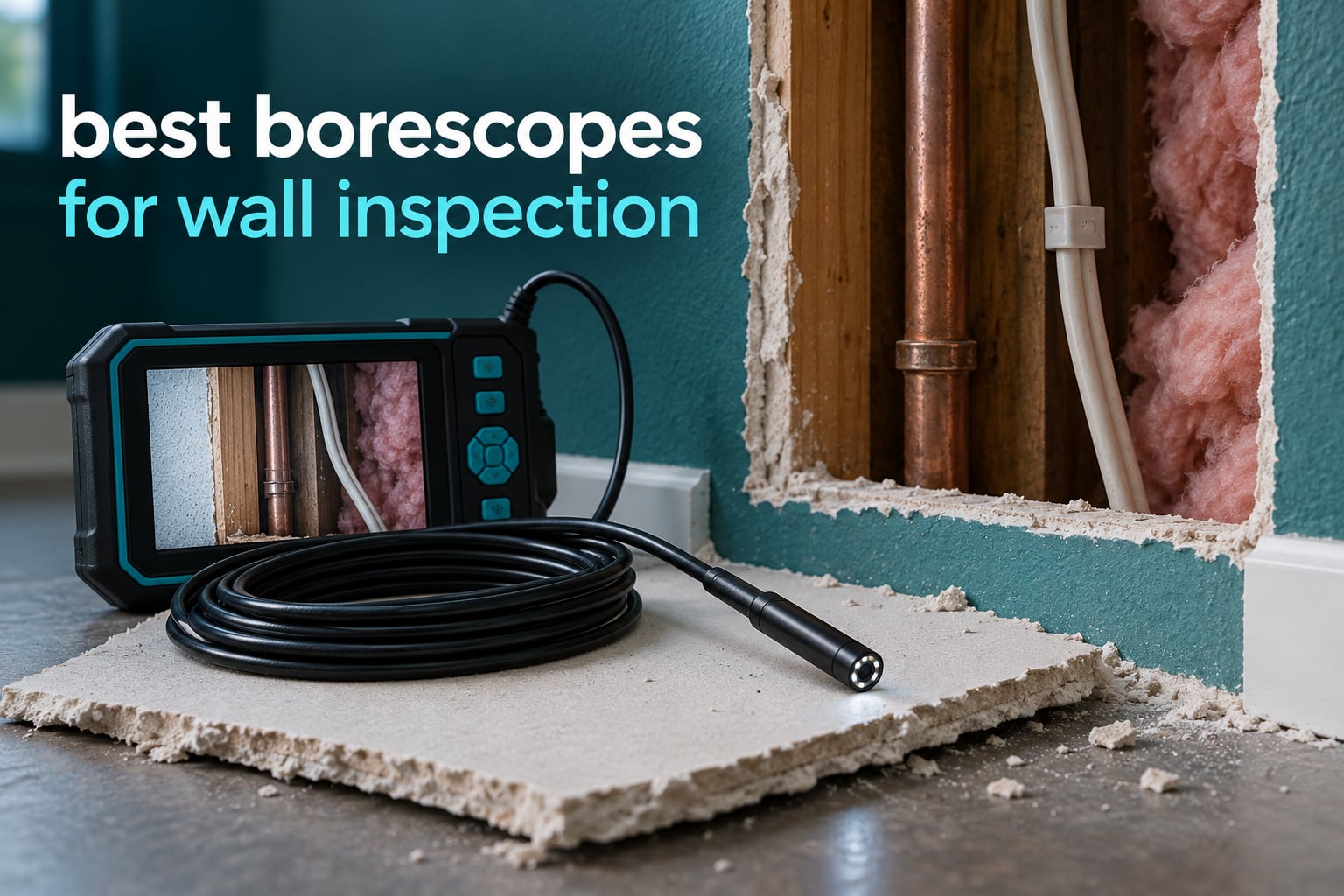
Every wall hides something. A romex run nobody told you about, a copper line soldered behind the drywall from a 1980s addition, a bit of fire blocking left out of a contractor’s job, a wasp nest in the top plate. None of it is visible from either side of a finished wall, and all of it can turn a five-minute shelf mount into a trip to the emergency room.
That is the entire argument for a borescope camera. You push a slim probe through a hole the size of a pencil lead, and for the first time you can see what is actually in the cavity instead of guessing from a stud finder beep. This roundup covers the 12 borescopes for wall inspection that make the most sense for homeowners, DIYers, electricians and home inspectors, sorted by the things that actually matter behind drywall: probe diameter, cable stiffness, lens count, and whether the tool needs a phone.
We spent weeks running these scopes through real cavities rather than engine bays and drain lines, because wall work punishes a soft cable and a fat probe faster than any other job. Every pick below lists its real specs, who it suits, and who should skip it. We also built a comparison at the end that puts a borescope next to a stud finder and a thermal imager, because picking the wrong tool is the more expensive mistake.
Table of Contents
What Camera Do You Need to Inspect Inside a Wall?
You need an inspection camera with a slim, semi-rigid cable and its own light source. A borescope is the standard answer: a camera head on a gooseneck cable you feed through a small pilot hole, with LEDs built into the tip so the cavity lights itself up. For walls, semi-rigid beats fully flexible every time, because a floppy cable folds back on itself in a stud bay instead of travelling.
Two things decide whether it will work in your wall. Probe diameter has to clear your access hole, and cable length has to reach from the hole to whatever you are hunting. A third, often overlooked: most of these cameras are fixed-focus, so anything closer than about an inch to two looks soft. Get the head a few inches back from the wire, the pipe or the insulation rather than jamming it against them.
If you want the full tool comparison first, our broader [12 Best Borescopes Expert-Tested Picks](https://modelrec.com/best-borescopes/) guide covers automotive and drain work too, while [8 Best Inspection Cameras Tested and Reviewed](https://modelrec.com/best-inspection-cameras/) breaks down the industrial side.
Borescope vs Endoscope vs Inspection Camera – What Is the Difference?
These three words get used interchangeably on listings, and the practical differences are smaller than the marketing suggests. Here is the honest breakdown: a borescope is a rigid or semi-rigid optical scope you look into or push into a fixed space, an endoscope is the flexible, camera-equipped descendant of that idea, and an inspection camera is simply the trade name for a modern flexible endoscope sold to tradespeople. For wall work, all three point at the same tool in your hand.
What actually matters is cable behaviour, not the label. A rigid borescope gives you a better, steadier image but only reaches one direction. A semi-rigid gooseneck holds a bend, so it goes around a stud and stays there. A fully flexible endoscope coils but steers better, which is why mechanical and sewer work uses them. For a wall cavity, semi-rigid is the sweet spot between the two.
None of these are sewer cameras. A sewer inspection camera runs a push rod with a locator beacon through a drain line and reports distance as it goes. A borescope going down a drain is borrowing a tool built for a cleaner environment than you will find inside a wall.
Top 3 Best Borescopes for Wall Inspection in 2026
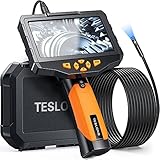
Teslong NTS300 Dual Lens 5-inch
- Dual forward and side lenses
- 5-inch IPS screen with no app
- 16.5FT semi-rigid 8mm gooseneck
- IP67 probe with 7 adjustable LEDs
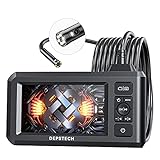
DEPSTECH DS300-DL Dual Lens 16.5FT
- Dual lens with split-screen modes
- 16.5FT semi-rigid cable
- 1080p video and 2.0MP stills
- 24-month warranty and IP67 probe

FOXWELL Y400 Ultra-Slim 6.2mm
- 0.24in slim probe
- Two-way 220 degree thumb-wheel articulation
- 32GB onboard storage
- IP67 with overheat shutoff
All 12 Borescopes Compared Side by Side in October
| Product | Specifications | Action |
|---|---|---|
| Teslong NTS300 Dual Lens Borescope |
|
Check Latest Price |
 Teslong TD450S Articulating Borescope Teslong TD450S Articulating Borescope |
|
Check Latest Price |
 DXZtoz AGC430N Articulating Borescope DXZtoz AGC430N Articulating Borescope |
|
Check Latest Price |
| DEPSTECH DS300-DL Dual Lens Borescope |
|
Check Latest Price |
 Kinpthy W400-B25 Phone Borescope Kinpthy W400-B25 Phone Borescope |
|
Check Latest Price |
 MugEasy 16.5FT Short Lens Borescope MugEasy 16.5FT Short Lens Borescope |
|
Check Latest Price |
 TGJOR G50 5-inch Dual Lens Borescope TGJOR G50 5-inch Dual Lens Borescope |
|
Check Latest Price |
 Daxiongmao C30 16.5ft Borescope Daxiongmao C30 16.5ft Borescope |
|
Check Latest Price |
 DEPSTECH DS620TL Triple Lens Borescope DEPSTECH DS620TL Triple Lens Borescope |
|
Check Latest Price |
 Acoath ac02 Articulating Dual Lens Acoath ac02 Articulating Dual Lens |
|
Check Latest Price |
| FOXWELL Y400 Ultra-Slim Borescope |
|
Check Latest Price |
 Ralcam N5 Articulating Borescope Ralcam N5 Articulating Borescope |
|
Check Latest Price |
1. Teslong NTS300 Dual Lens Borescope – Best Overall for Wall Cavities
Teslong 5” Dual Lens Borescope Camera for Wall & Engine Inspection
5-inch IPS LCD
16.5FT semi-rigid 8mm cable
Dual lens
IP67
720p
~4.5 hour battery
Pros
- Dual forward and side lenses with independent LEDs
- 5-inch IPS display needs no phone or app
- 16.5FT semi-rigid cable holds its shape in a cavity
- IP67 probe suits damp walls and drains
- 5000mAh battery covers a full afternoon
Cons
- 720p capture is below the 1080p models here
- Cable is fixed to the handle and cannot be detached
- Orientation can be hard to read in featureless cavities
The Teslong NTS300 is the borescope for wall inspection I would hand to someone who wants one tool and no instructions to read. It has a 5-inch IPS screen, a 16.5FT semi-rigid 8mm gooseneck and two lenses, and none of that requires an app, a Wi-Fi connection or a phone in your hand with gloves on.
That last point matters more than the spec sheet suggests. On a ladder, in a crawl space or in a freshly framed cavity, a self-contained unit goes straight to work. The dual-lens switch is the feature I noticed most while feeding it up a stud bay: you flip between the forward camera and the side camera with a button instead of rotating the cable, which is the difference between a useful look and a frustrating one.
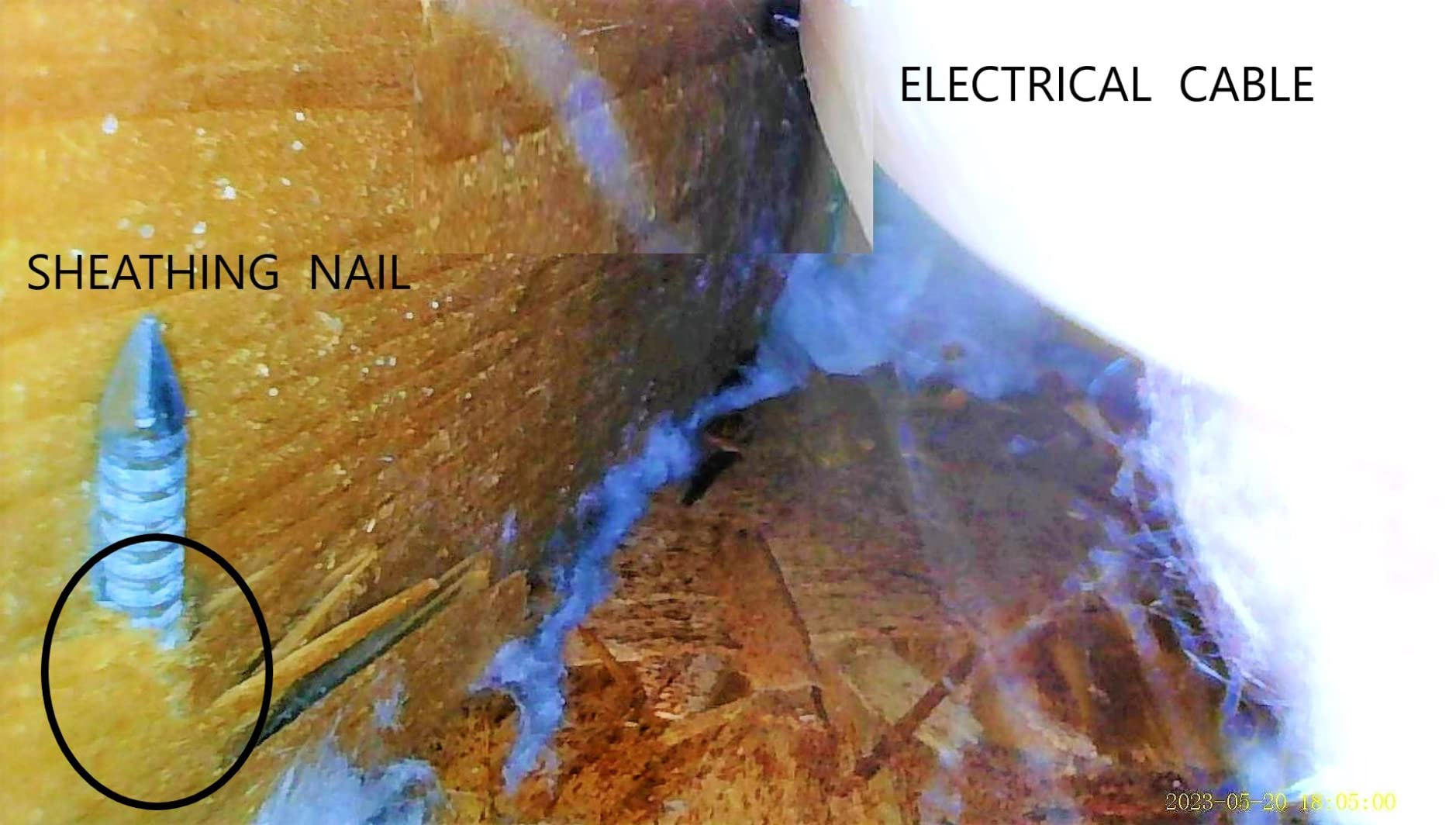
Seven LEDs with brightness control light the cavity well, including the side LED that fills in the shadow at the bottom of a bay. The 5000mAh battery runs roughly 4.5 hours continuously, so a full afternoon of checking anchors does not need a charger. The 70-degree angle of view is narrower than some scopes here, and in a big open cavity you will pan more than you would on a 120-degree head.
The honest weakness is capture. Video records at 720p, which is fine for a live look but soft when you freeze on a wire nut or a pipe fitting. If you are documenting findings for a contractor, an insurance claim or an HOA, that resolution gap shows up later. It is also a 2kg unit with a cable that does not detach, so it lives in one place rather than in a bag you carry around.
Check It Against a Stud Finder Before You Mount Anything
A stud finder tells you where edges and density changes are. The NTS300 tells you what is physically there. Run both across the same area, mark where the detector beeps, then put the probe in and confirm. Our rule is simple: a stud finder result is a hypothesis, and the camera is the evidence.
That cross-check is worth the extra two minutes. We have had readings that were a pipe, a fire block edge and a staple for Romex where a stud finder was sure there was framing. None of those would have hurt anyone, but one clearly would have.
Where This Scope Falls Short
Skip the NTS300 if your work is documenting evidence rather than making a quick decision, since 720p stills will not satisfy an adjuster or a contractor who wants a close crop. The fixed cable also makes it awkward to store in a crowded truck, and the 8mm probe is one of the fatter options if your access hole is tight.
2. Teslong TD450S Articulating Borescope – Best for Close-Range Steering
Teslong Articulating Borescope for Mechanic Automotive HVAC Wall Inspection
4.5-inch IPS LCD
Two-way 210 degree
5FT semi-rigid
1080p with audio
32GB microSD
2-year warranty
Pros
- Two-way articulating tip looks back around corners
- Thumb lever works one-handed while the other hand steers
- 1080p video with built-in microphone narration
- Bright output that outshines costlier scopes
- 32GB microSD card included
Cons
- 5FT cable is short for deep cavities or long runs
- Semi-rigid cable resists advancing around 90 degree bends
- Files transfer to a computer rather than a phone
- Articulating slider stiffens when the cable is wound
The TD450S is the one to buy when the problem is not how far you need to see but how many directions. Its tip articulates 210 degrees in two directions, so you can curve the head back and look up at the underside of a pipe or around the back of a stud face without pulling the cable out and re-feeding it.
The centre-mounted lever sits under your thumb, which means you can steer the cable with one hand and articulate the tip with the other. That sounds minor until you are holding a flashlight in your teeth and a phone in the other hand, trying not to lose the spot you just found.
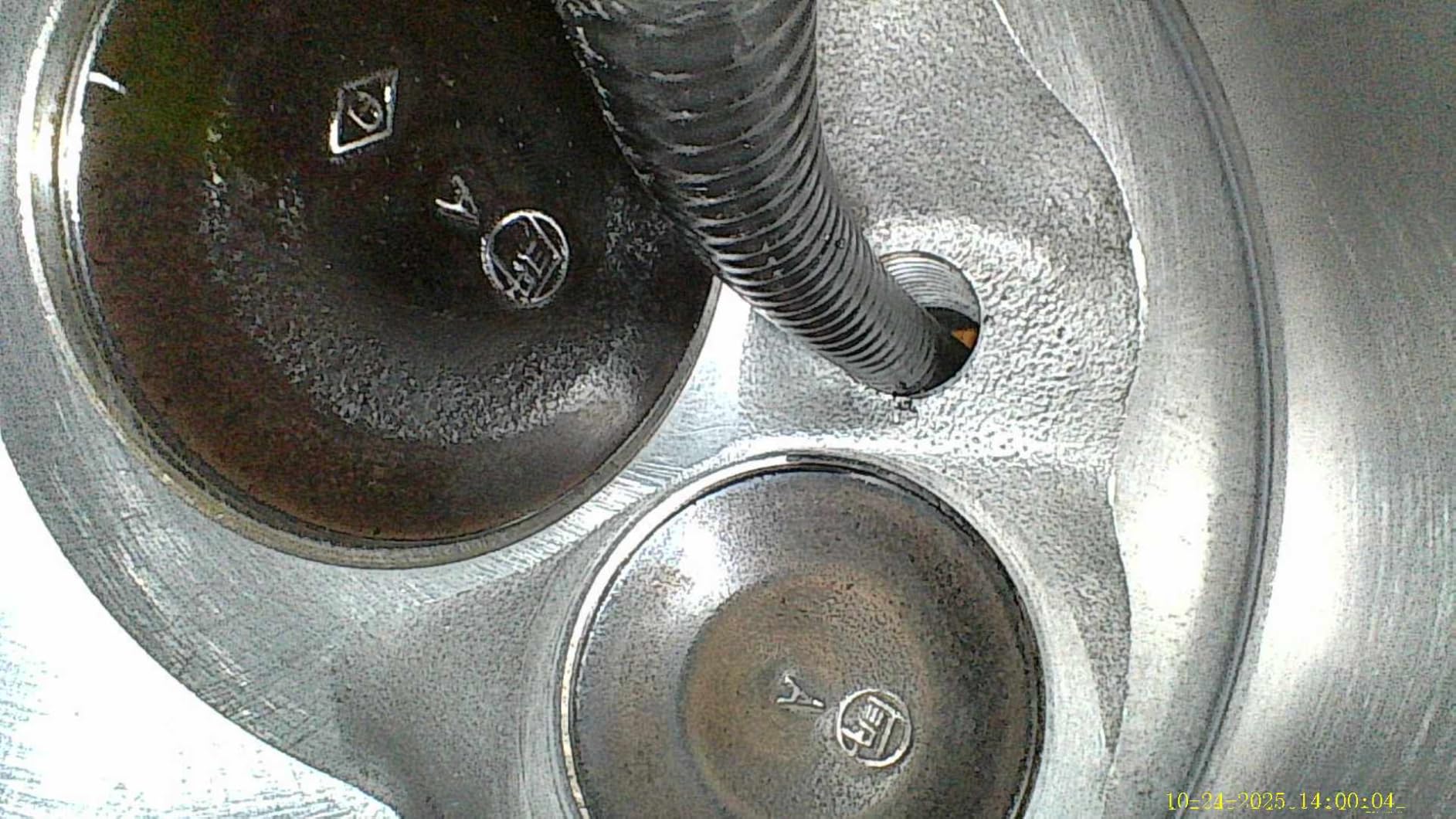
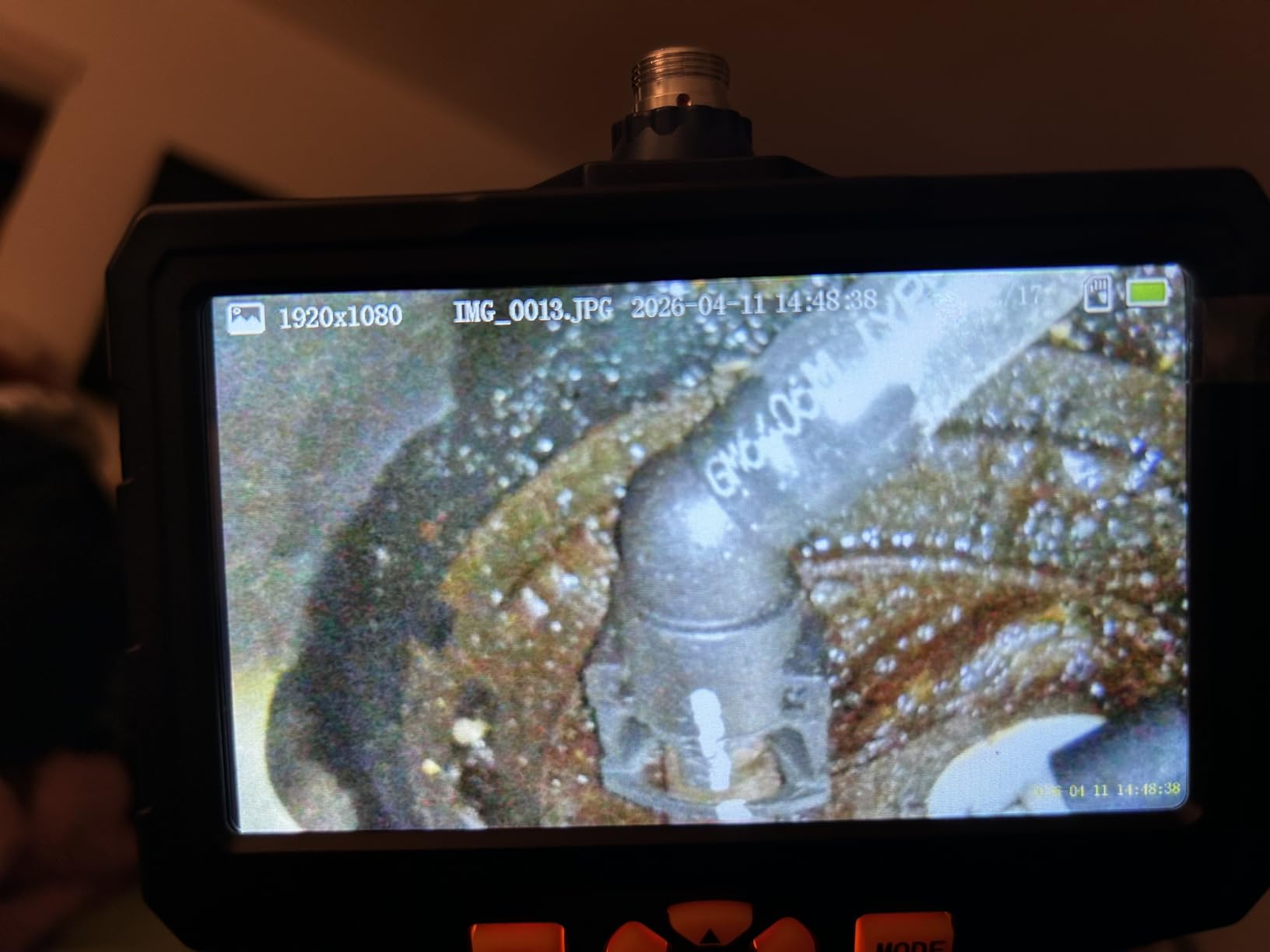
Image quality is 1080p from a 2.0MP sensor, and it records audio, so you can narrate what you are looking at while it records. Macro focus runs 0.6 to 4 inches, closer than most scopes here, which matters when you want to confirm whether that dark spot on the pipe is a drip or dried residue. A temperature sensor warns above 70C and shuts down above 85C, sensible protection if you ever point it into a hot appliance cavity.
Five feet of cable is the compromise. It is plenty for a single stud bay, a soffit or an under-sink cabinet, and it will not reach from a basement to a second-floor wall. If your access hole is at the bottom of a tall bay, the fish tape pairing becomes mandatory rather than optional.
When Articulation Earns Its Cost
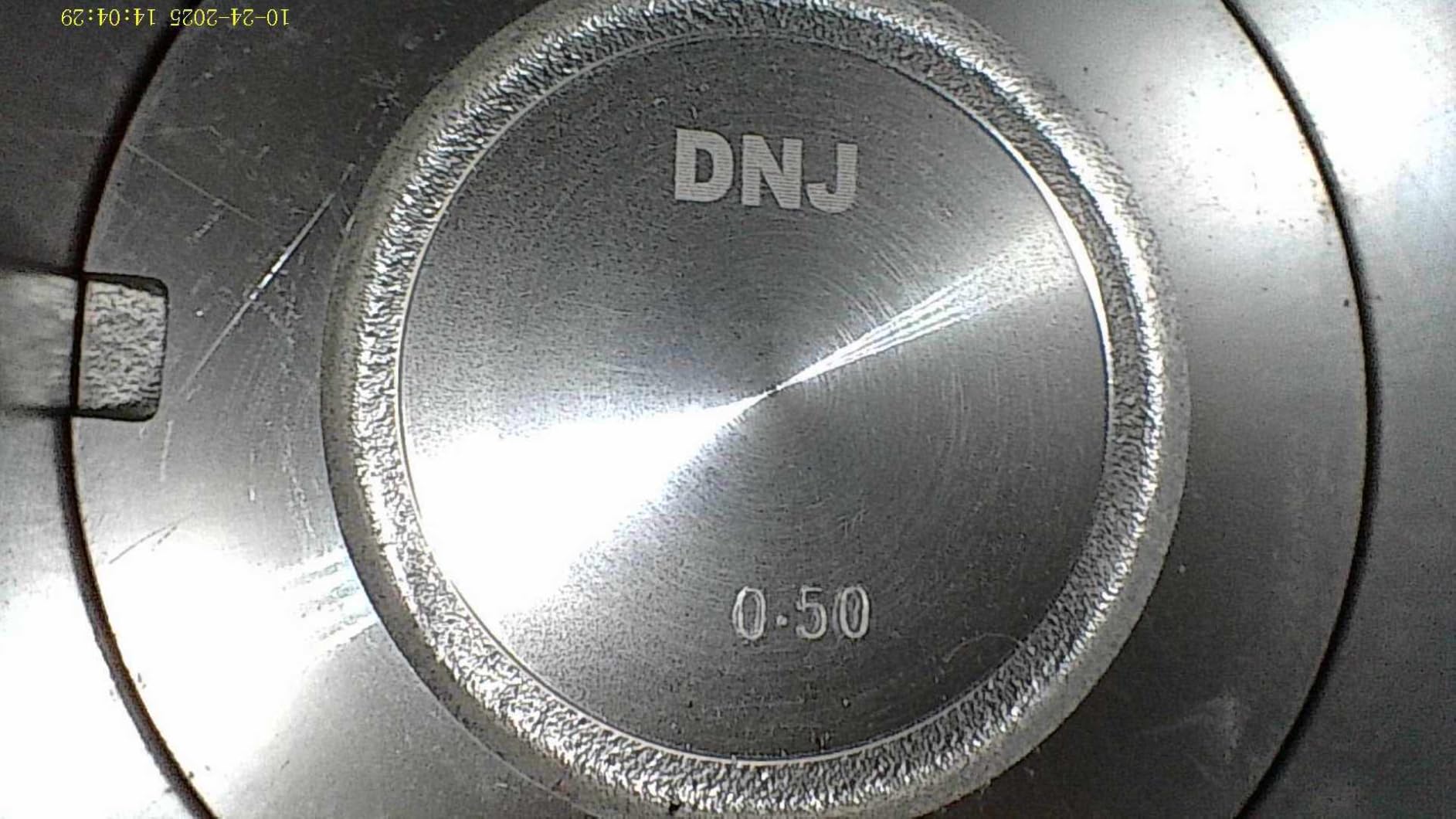
Articulation pays off where the thing you care about is not in front of the hole. Behind a washing machine, around a supply valve, inside a boxed elbow, and behind fire blocking in a retrofit are all cases where a fixed camera stares at drywall while the real answer sits off to the side.
It also helps with awkward lighting. A side-looking articulated head can put the LEDs on a surface the forward camera cannot reach, which turns a dark grey image into something you can actually read. In an uninsulated exterior wall with no ambient light, that difference decides whether you finish the job or come back with a light source.
Where This Scope Falls Short
Do not buy the TD450S for a long wall run or a whole-house trace. Five feet is short, and the articulating section is the first part to feel the strain when you force a semi-rigid cable around a tight bend. Articulating tips are also more delicate than a fixed head, so treat it as a looking tool, not something to pry with.
3. DXZtoz AGC430N Articulating Borescope – Best for Bright 1080P Articulation
DXZtoz Two-Way Articulating Borescope with Light, 1080P Industrial Endoscope Inspection Camera with Flexible Articulated Probe for Automotive Engine Mechanic HVAC- 5.5FT
4.3-inch IPS
Two-way 220 degree
5.5FT gooseneck
1080p 2.0MP 8x zoom
IP67 and oil resistant
Pros
- Two-way 220 degree articulation with a short 34mm bend ratio
- Clear bright 1080p image with four LED brightness levels
- 8x digital zoom for close detail
- Long battery across many short sessions
- Padded hard case with hook magnet and mirror
Cons
- Articulates left and right only with no up-down movement
- No on-screen indicator of where the tip is pointing
- Included attachments can block the lens view
- Bend stiffness makes rotation inside a cavity awkward
The AGC430N articulates further than most of its class and does it with a short 34mm bend section. That short tip is the whole point: a compact articulating head fits into narrow spaces and tight corners that a longer bending section physically cannot reach.
Eight high-intensity LEDs with four brightness levels light a cavity properly, and the 90-degree angle of view is a touch wider than the 70-degree heads common on longer scopes. A 1 to 15cm focal range covers everything from a wire nut to a stud face, and 8x digital zoom helps you confirm fine detail without advancing the probe.
Battery life is around four hours per charge, and owners report still having half a charge left after several 15 to 20 minute sessions, which suits the way a scope actually gets used. The 32GB memory card records out of the box, and IP67 with oil resistance means a damp cavity or a greasy HVAC run will not ruin a session.
Two limitations are worth knowing before you buy. Articulation is left and right only, with no up and down movement, which matters in a deep bay where you need to look at the top plate. And there is no centre-orientation indicator on screen, so inside a featureless cavity you can lose track of which way the tip is pointing and have to re-aim from the entry hole.
How to Keep the Tip Aimed in a Featureless Cavity
The missing orientation marker is a real workflow issue, and the fix is simple. Before you feed the cable, mark the entry side on the wall with a pencil. When the image goes ambiguous, back the probe out to the hole and rotate a known amount rather than guessing in the dark.
Another habit that helps: light the cavity first with a work light from the access hole, take a reference image, and then bring the camera in. A featureless grey image is what makes orientation hard. A cavity with visible top plate, insulation boundaries or a stud edge gives your eye a frame of reference the moment you are inside.
Where This Scope Falls Short
Skip it if your cavities need vertical steering, and skip it for long runs since 5.5FT covers a bay, not a floor-to-ceiling chase. The 8.5mm probe is also among the fattest here, so the same access hole that a 6.2mm scope slides through will stop this one.
4. DEPSTECH DS300-DL Dual Lens – Best Value for Whole-Wall Runs
DEPSTECH Endoscope Camera with Light, Dual Lens Inspection Borescope 16.5FT
4.3-inch IPS screen
16.5FT semi-rigid cable
Dual lens split-screen
1080p and 2.0MP
IP67
24-month warranty
Pros
- Split-screen dual lens shows front side and combined views
- Second-generation CMOS cuts live picture delay
- 16.5FT semi-rigid cable holds shape in deep cavities
- Three LED brightness levels and IP67 for dark and wet spaces
- Backed by a 24-month warranty
Cons
- No microSD card included so storage must be bought separately
- Front and side lenses have different narrow focal ranges
- Fixed focus makes very close subjects look soft
The DS300-DL is the one I recommend when someone asks what a borescope costs and wants an honest answer rather than a shopping list. It is a 16.5FT semi-rigid scope with dual lenses and a 4.3-inch screen, and at 7,276 reviews it is by a wide margin the most proven scope in this roundup.
Its distinguishing feature is the split-screen mode. One lens faces forward, one faces sideways, and the display can show both at once. On a wall job that is genuinely useful, because you can watch a wire and the cavity around it simultaneously instead of flipping views and losing your place.
The second-generation CMOS chip reduces picture delay noticeably compared with older budget scopes, which makes steering feel less like watching a laggy video call. Seven LEDs with three brightness levels cover most cavities, and 180-degree image rotation plus a 70-degree angle of view give you workable framing on a fixed head.
The one annoyance buyers hit most is that no microSD card ships in the box. Plan on buying one before you need it, because the alternative is that you see something worth recording and cannot capture it. Fixed focus is the other limit: get closer than about an inch and the image softens, so hold the probe back a little.
Why Split-Screen Beats Flipping Views in a Wall
Every time you switch a single-lens scope from forward to side view, you lose your orientation and have to re-find what you were looking at. In a stud bay full of similar-looking wires, that re-finding is the slow part of the job. Showing both views at once removes the cycle entirely.
It also changes what you can conclude. With two angles live, you can tell the difference between a wire running across the cavity and a wire running toward you, which is exactly the ambiguity that makes people nervous about drilling. You can also confirm whether a pipe is full of insulation contact or just crossing behind the bay.
Where This Scope Falls Short
It is not the tool for a very tight access hole or for a heated engine bay. The 4.3-inch screen is smaller than the 5-inch units, and the different focal ranges of the front and side lenses mean you will adjust your distance when you switch views. Buy a card before the first job.
5. Kinpthy W400-B25 Phone-Tethered Borescope – Most Versatile for Phone Owners
Endoscope Camera with Light,1920P HD Borescope Tools with 8 Adjustable LED Lights, Endoscope with Semi-Rigid Snake Camera, IP67 Waterproof Inspection Borescope for iOS and Android-16.4ft Dual-Lens
Uses your phone or tablet
16.4ft semi-rigid cable
7.9mm probe
1920x1440 capture
IP67
Pros
- Lowest-cost way to get a view inside a wall
- Plugs straight into a phone or tablet with no separate screen
- Dual lens avoids twisting the cable to see sideways
- Semi-rigid cable is stiff enough to push and steer
- IP67 rated and usable underwater to 3.28 feet
Cons
- Needs your own phone and an app for every session
- Some Android phones produce slightly soft images
- No articulating tip so tight corners need a fish tape
- Probe has no heat protection for hot engine bays
The W400-B25 is the lowest-rated scope here at 4.3, and it still has more than 7,700 reviews behind it. That tells you something about the value tier: people buy it, use it for a quick look behind a wall, and it does the job they needed done.
There is no screen on the unit. You plug the probe into a phone or tablet and an app shows the image, which means the only hardware you are buying is the cable, the camera head and a battery pack. For someone who already carries a phone everywhere, that is a reasonable trade.
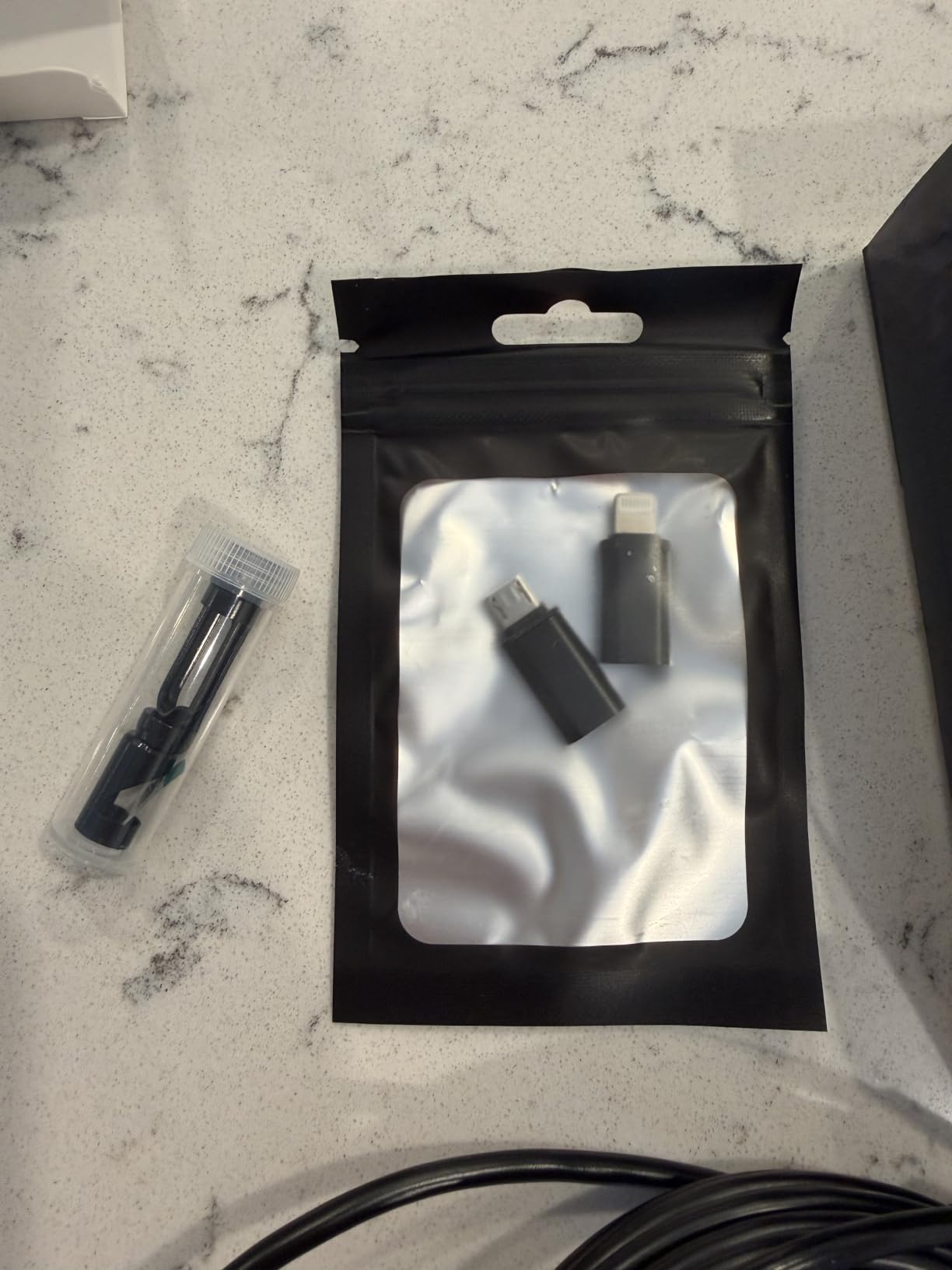
The spec sheet is stronger than the rating suggests: 1920×1440 stills and video from a 7.9mm probe, dual lenses, eight adjustable LEDs, IP67, and a 16.4FT semi-rigid cable. Three connectors ship in the box, covering Lightning, USB-C and the older Android micro-USB, plus a mirror, hook and magnet.
The drawbacks are structural. Your phone’s display and processing set the image ceiling, which is why some Android models look softer than the resolution suggests. There is no articulating tip, so tight corners need a fish tape. And the app dependency is real: if the developer stops updating it, your probe becomes a very nice paperweight.
Check Your Phone and OS Before You Order
Before buying any phone-tethered scope, confirm the required OS version and that the connector in the box matches your port. This model lists iOS 9.0 and up and Android 7 and up, with all three adapters included, so most current phones are covered.
Ask yourself one question: will you actually record what you find? If yes, a screen unit is worth the money. Phone screens are bright outdoors and glare badly in a dark cavity lit by six LEDs, and a builder or an adjuster will not accept a phone recording as documentation. If you only want to know whether a wire is there, the phone scope answers that fine.
Where This Scope Falls Short
It is the wrong choice for professional documentation, for anyone working in bright daylight, and for hot spaces like engine bays since the probe has no thermal protection. It also means one more thing to charge and one more thing to forget in the truck.
6. MugEasy 16.5FT Short Lens Borescope – Best for Pipe Corners and Drain Bites
Endoscope Camera with Light, 1920P HD Borescope Tools(16.5FT)
4.3-inch IPS screen
16.5FT semi-rigid cable
7.9mm probe
1.29in short lens head
IP67
Pros
- 4.3-inch IPS screen with no phone or app needed
- Short 1.29in lens head navigates angles where longer heads snag
- 16.5FT semi-rigid cable coils easily for storage
- 8 adjustable LEDs and IP67 suit dark and wet spaces
- Colour flip and brightness shift help in awkward lighting
Cons
- Cannot take photos or record video at all
- Fixed 2 to 10cm optimal focus band softens outside that range
- 4x digital zoom softens the image at full magnification
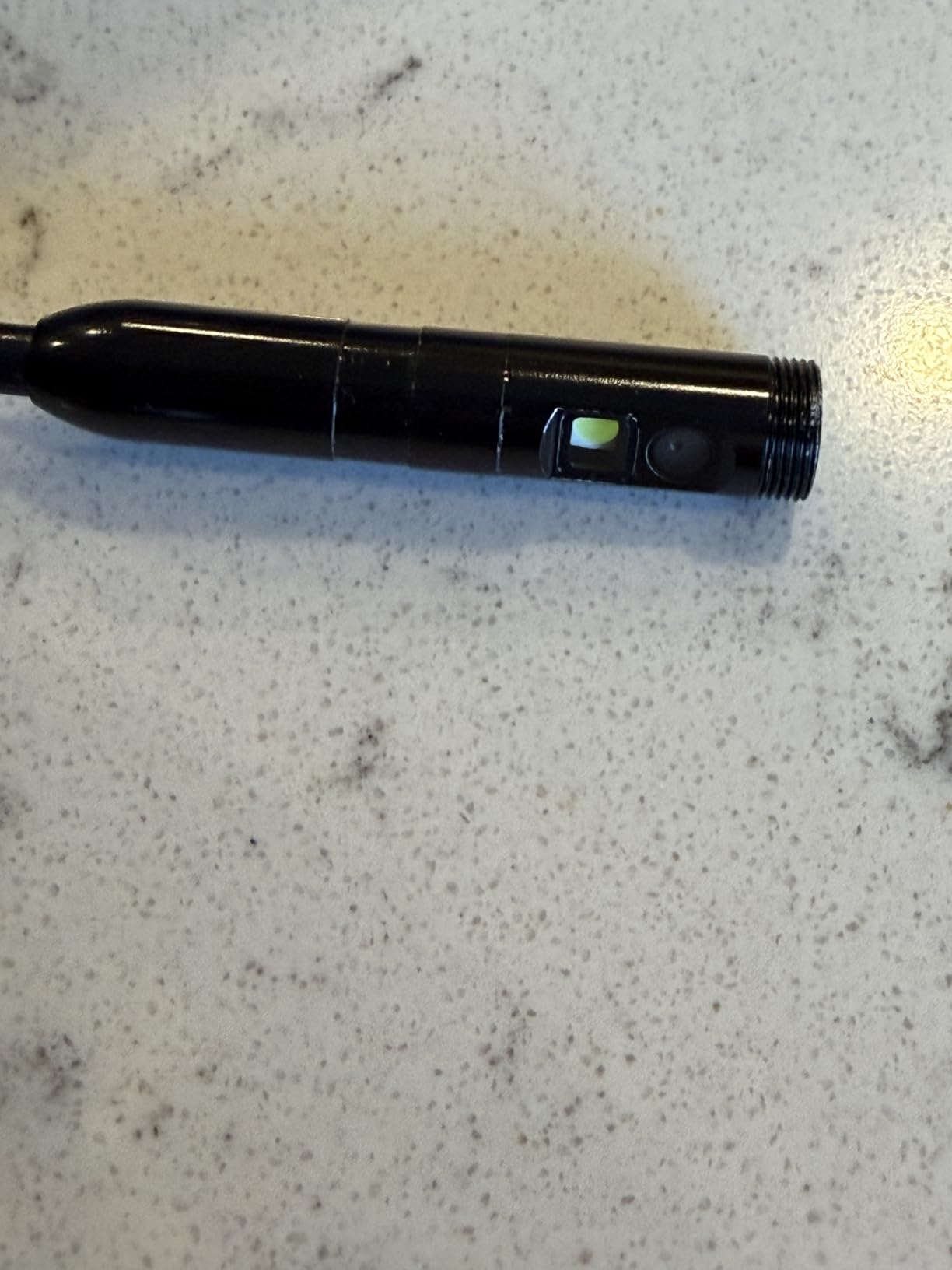
The MugEasy’s whole design centres on one idea: a shorter camera head is easier to get around corners. At 1.29 inches, the lens head is roughly half the length of a conventional head, and in a tight bend inside a wall cavity that difference decides whether the probe turns or jams.
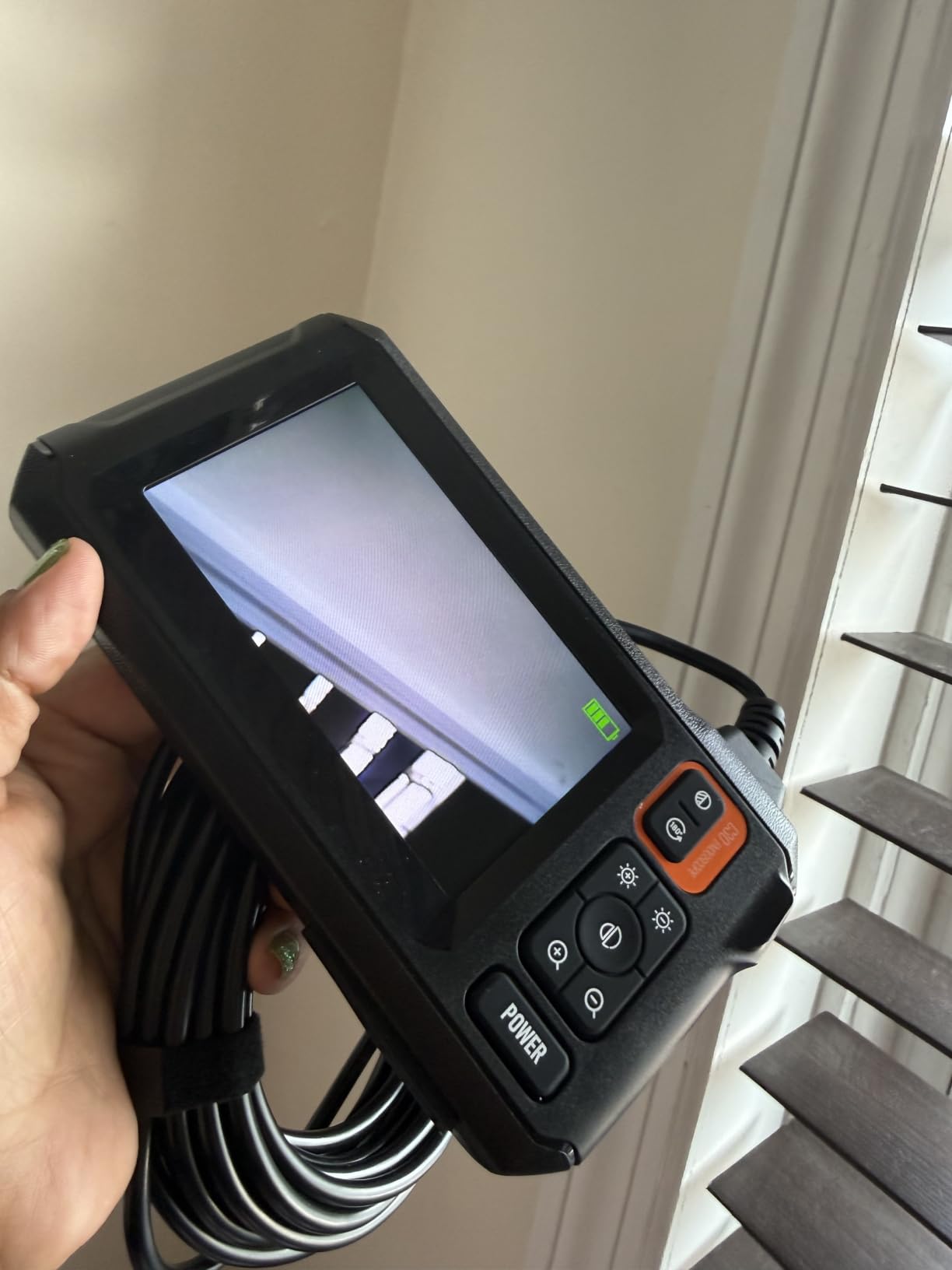
Everything else here is a competent wall scope. A 4.3-inch IPS screen with about a 170-degree horizontal viewing angle, a 16.5FT semi-rigid 7.9mm cable, eight adjustable LEDs, IP67, and a 90-degree angle of view. It needs no app, no Wi-Fi and no driver, which in a finished-wall job is a real convenience.
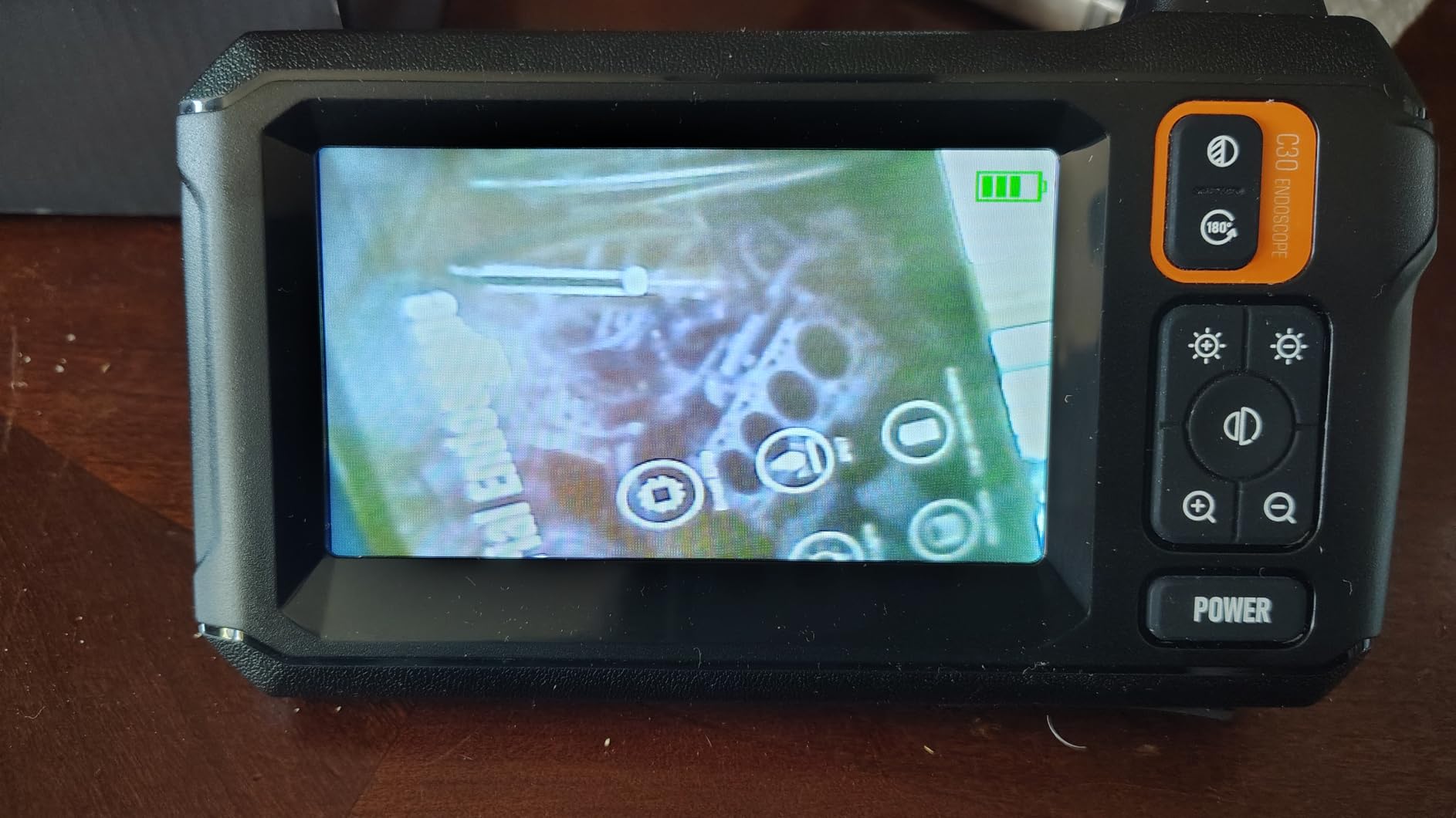
The catch is stated plainly in the specifications: it cannot take photos or record video. It is a live-view tool. That is fine for deciding where to drill and unacceptable for documenting a finding for a contractor, an adjuster or an HOA, so know which job you are buying it for before you buy it.
Focus is another constraint worth planning around. The optimal range is 2 to 10cm, so hold the head a few inches off the subject. Four-times digital zoom exists but interpolates, so it softens rather than reveals detail.
When a Live-View-Only Scope Is the Right Buy
Live view is not a compromise in two situations. The first is the pre-drill check, where you want a yes or no answer about a wire before you commit to a hole, and there is nothing to document. The second is a plumbing or drain bite, where you are steering into a corner and a still image would not help you navigate anyway.
Colour flip and brightness shift are small features that matter more in a wall than they sound. Blown-out highlights from a close LED are common in a cavity, and being able to flip the image to a negative or drop brightness often rescues a frame that looked like a featureless white wall.
Where This Scope Falls Short
Skip it if a photo is part of the deliverable, because there is no capture function at all. It is also a weaker choice when you need a lot of fine detail, since digital zoom is interpolated and focus is fixed. For deep-run documentation, pick a recording scope instead.
7. TGJOR G50 5-Inch Dual Lens Borescope – Best Big-Screen Value
Endoscope Camera with Light: 5″ 1080P HD Dual-Lens Inspection Borescope Camera for Sewer – 16.4ft Waterproof Industrial Endoscope – Flexible Snake BoreScope for Plumbing Automotive – Gift Tool for Men
5-inch HD screen with 170 degree view
Dual lens
16.4ft semi-rigid cable
8 adjustable LEDs
IP67
Pros
- 5-inch screen reads larger in person than expected and is easy on the eyes
- 16.4ft cable reaches most areas around a home or vehicle
- Dual lens front and side switching avoids twisting the cable
- Powers on and works with no app or Wi-Fi setup
- Image clarity is enough to identify what you are looking at
Cons
- Cannot take photos or record video
- No zoom and no focus adjustment so close subjects look fuzzy
- Stiff cable makes precise positioning in tight spaces difficult
- Screen colour adjustments have limited practical effect
The G50 wins on screen size for a low-cost unit. A 5-inch display with a roughly 170-degree wide view, in a body that powers on and works, is more than you expect at this end of the market. When you are leaning into a small hole in a dark cavity, a bigger screen is easier on your eyes than a bigger sensor would be at a similar price.
Dual lenses switch between front and side with a button, so you avoid the cable-twisting routine that ruins your position. The 16.4ft semi-rigid cable reaches most of a residential space, eight adjustable LEDs cover dark cavities, and IP67 handles a wet wall or a drain without worry.
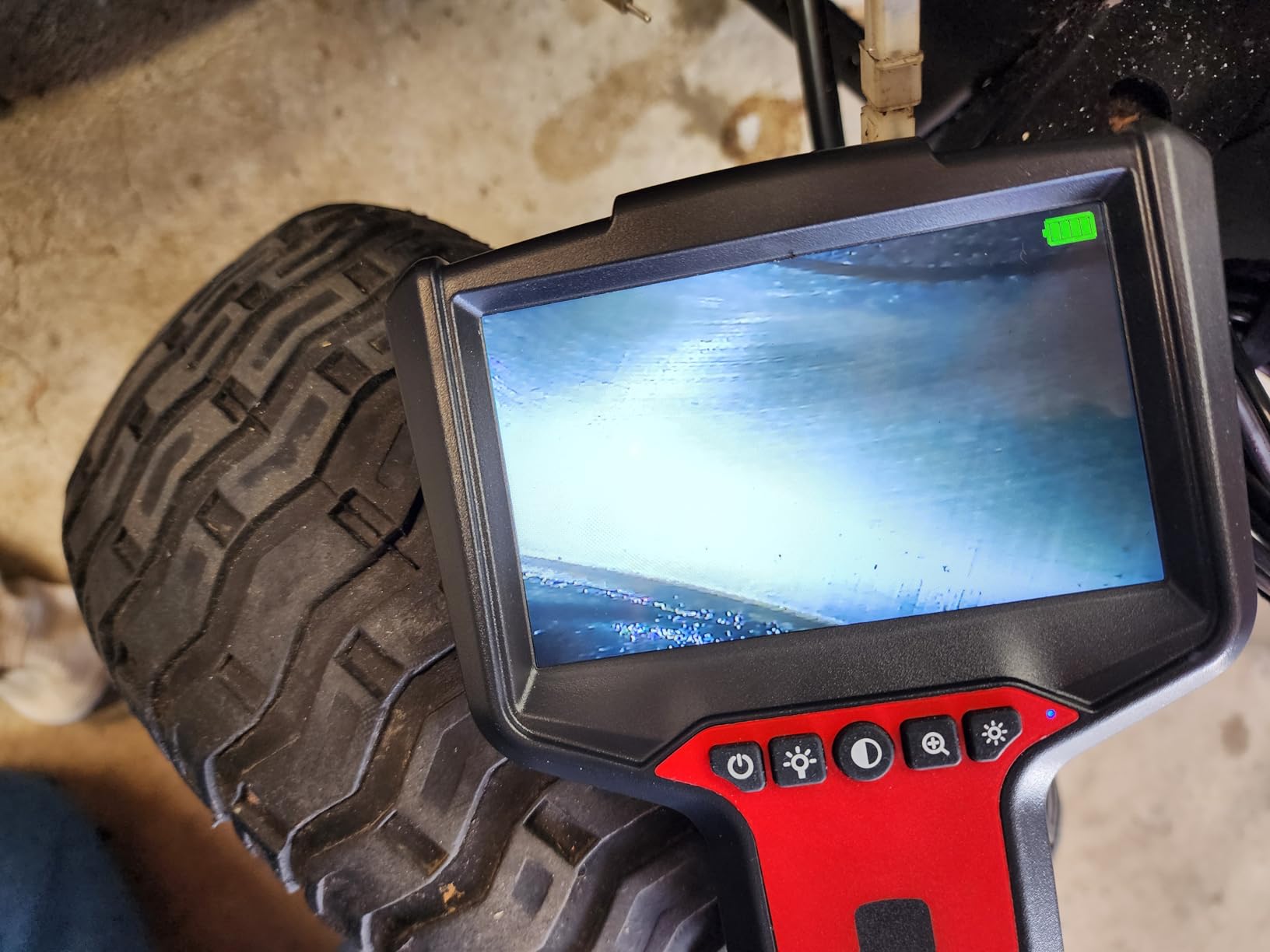
What it does not do is record. No photos, no video, no zoom, no focus ring. The focus range is fixed at 1.2 to 4 inches, so if you push the head right up against a wire the image goes fuzzy, and the only correction is to pull back. Battery life is around three to four hours on a 2000mAh pack.
Screen brightness and a black-and-white mode are adjustable, though owners report the colour settings have limited practical effect. The cable is on the stiffer side, which helps it push but makes fine positioning inside a bay more work than a softer cable would allow.
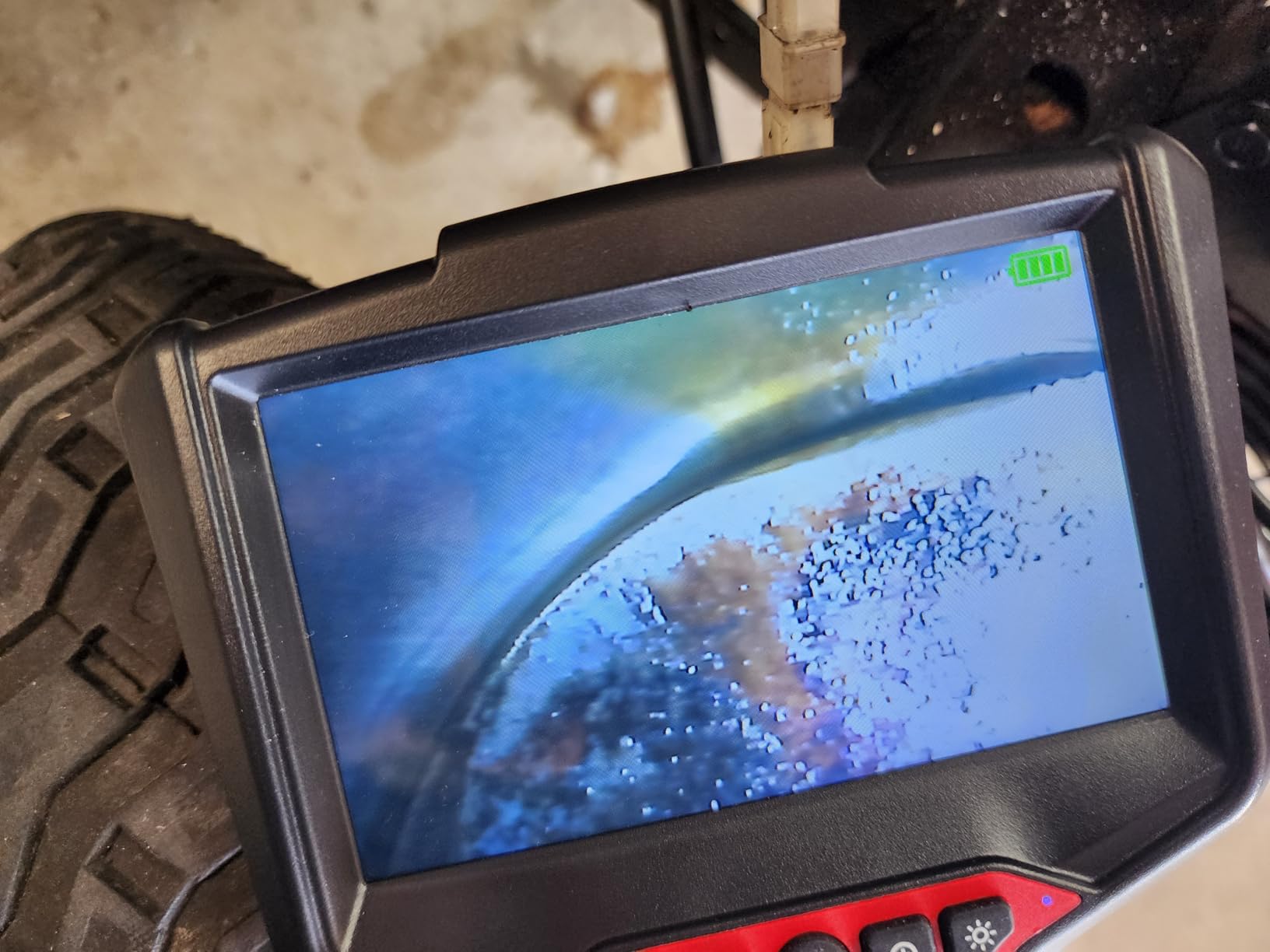
How We Judge Screen Size Against Image Quality
For a wall job, a 5-inch screen and a 4.3-inch screen differ less than the numbers suggest, because you are holding the unit at arm’s length in bad light. What actually decides legibility is the brightness of the LED lighting and how close you can get before the fixed focus softens.
That is why the G50 is a strong pick for a first scope and a weak one for a documentation tool. If your task ends with a decision, the big screen is a genuine advantage. If your task ends with a photo attached to a work order, you need a model that records.
Where This Scope Falls Short
It will not record anything, has no zoom, and its stiff cable fights you in confined spaces. The 2000mAh battery is also the smallest here, so for a full day of inspection work you would be topping up more often than with a 5000mAh unit.
8. Daxiongmao C30 16.5ft Borescope – Best for Wide Cavity Views
Daxiongmao Endoscope Camera with Light, 1080P HD Borescope
4.3-inch colour LCD
16.5ft semi-rigid cable
8mm probe
120 degree field of view
IP67
Pros
- 120 degree field of view shows more of the cavity at once
- Sharp clear image for a budget unit
- 16.5ft semi-rigid cable pushes past what a fully flexible scope can
- 8mm probe fits a spark plug hole to reach a combustion chamber
- Display rotates 180 degrees with colour and black and white modes
Cons
- Cannot take photos or record video despite the resolution claim
- Long rigid cable is hard to steer around anything but smooth bends
- Focus controlled only by moving the cable closer or further away
- Rotating the display also inverts the on-screen text
The C30’s 120-degree angle of view is the widest in this roundup, and in a full-width stud bay that is a real advantage. Where a 70-degree head shows a slice of a cavity and requires constant panning, this one shows most of the bay in a single frame.
The build also leans harder than most budget scopes: IP67 with a sealed connector, eight adjustable LEDs, three-step magnification and four-step LED brightness, and a 1.5 to 5 inch observation distance. Several owners note that it paid for itself on the first job they used it on.
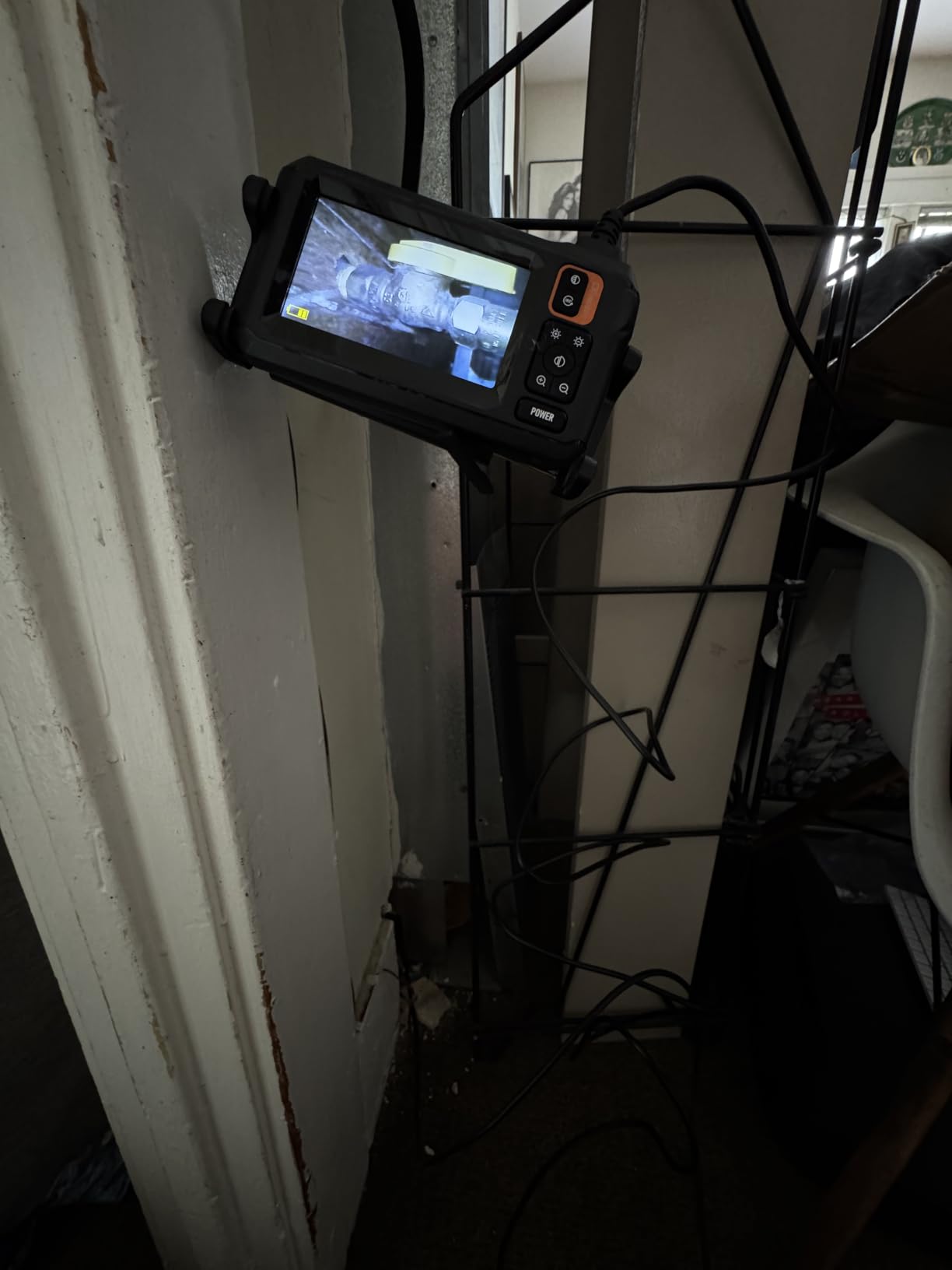
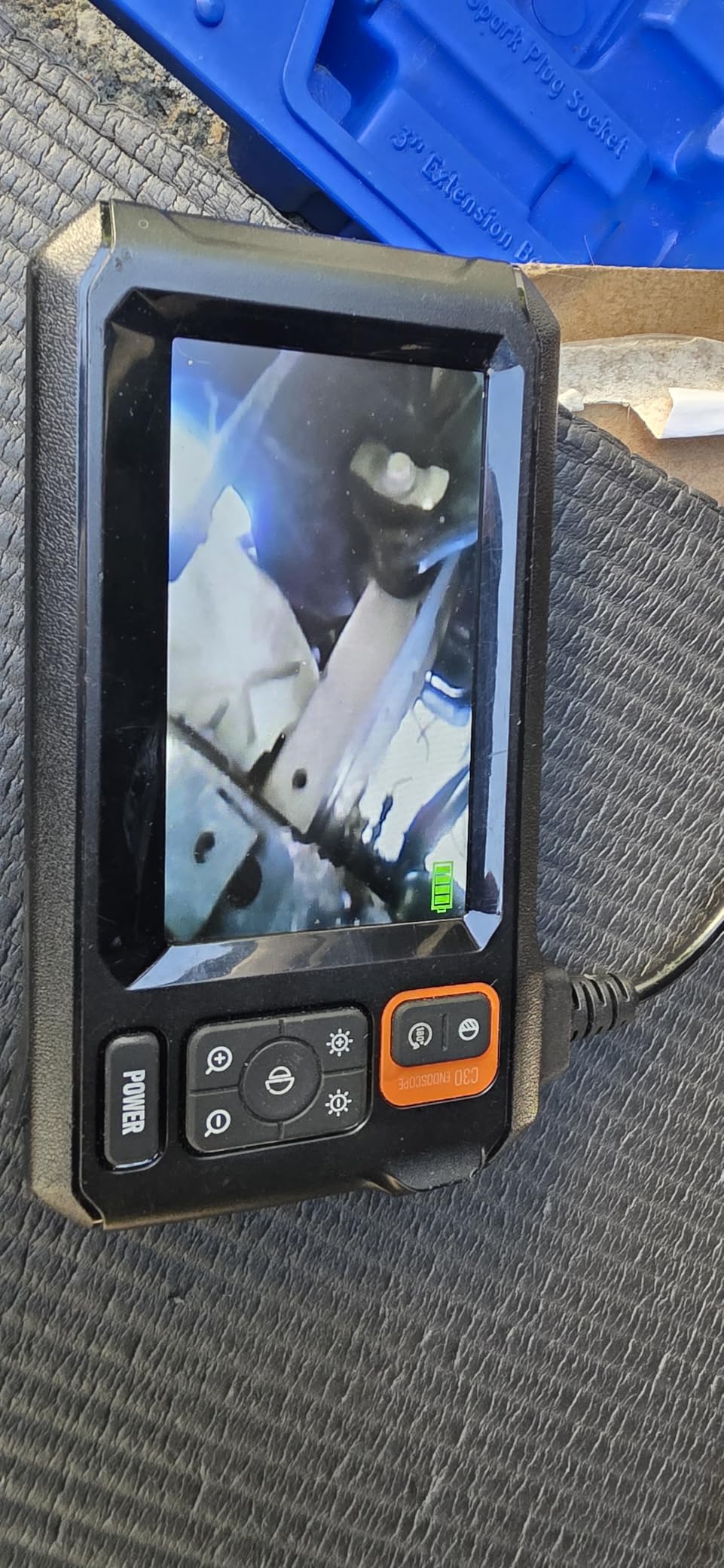
Be aware of one honest limitation, which the manufacturer also states: despite 1080p language, this model cannot take photos or record video. It is a live-view tool with a 2.07MP CMOS sensor feeding a 4.3-inch colour LCD. Treat the resolution figure as sensor output, not as a recording capability.
The cable is long and on the rigid side. That stiffness helps it push past obstacles, but it means smooth gradual bends only, and anything sharper will leave the probe stalled. Focus is managed by distance alone, with no ring to turn. Rotating the display a useful trick for mounting the unit at an angle, but note it also inverts the on-screen text and indicators.
What a Wide Field of View Actually Gets You
In a stud bay, the difference between 70 and 120 degrees shows up as coverage. A wide head can often answer the question in one push: is that cavity empty, is there a pipe crossing it, is the blocking in place. A narrow head means repeated repositioning to build a mental picture.
It also reduces the amount of cable you have to move around insulation. Every repositioning is a chance for the probe to snag, kink or fold, and in a cavity packed with loose batts a wide field of view means fewer of those events. This is one of the quiet reasons a wide-angle scope feels faster.
Where This Scope Falls Short
No recording means no documentation, which rules it out for inspectors and for insurance or dispute evidence. The rigid cable is also the least forgiving here if you need to negotiate a tight bend or a small hole. If either of those matters, spend up for a semi-rigider scope with articulation.
9. DEPSTECH DS620TL Triple Lens – Best for Multi-Angle Views
DEPSTECH Triple Lens Inspection Endoscope Camera with Light, 5″ IPS Screen
5-inch IPS screen
Triple lens forward plus two side
16.5ft semi-rigid cable
10 LEDs
1080p to microSD
Pros
- Three lenses cut the amount of cable repositioning needed
- Highest average rating here with 83 percent five-star reviews
- Large 5-inch IPS screen with accurate colour and no lag
- Clear 1080p video and stills that transfer to a computer
- 10 adjustable LEDs in an 8+1+1 layout light damp cavities well
Cons
- No split-screen mode on this model
- Switching views needs a two-second hold on the back button
- Cable is integrated and cannot be detached
- Forward lens has no bezel or cap and can scratch
The DS620TL scores 4.7 across 504 reviews, the highest average in this roundup, though on the smallest review base of the DEPSTECH units. Its triple-lens arrangement is the reason: one forward camera and two side cameras on a single probe, switched with a button.
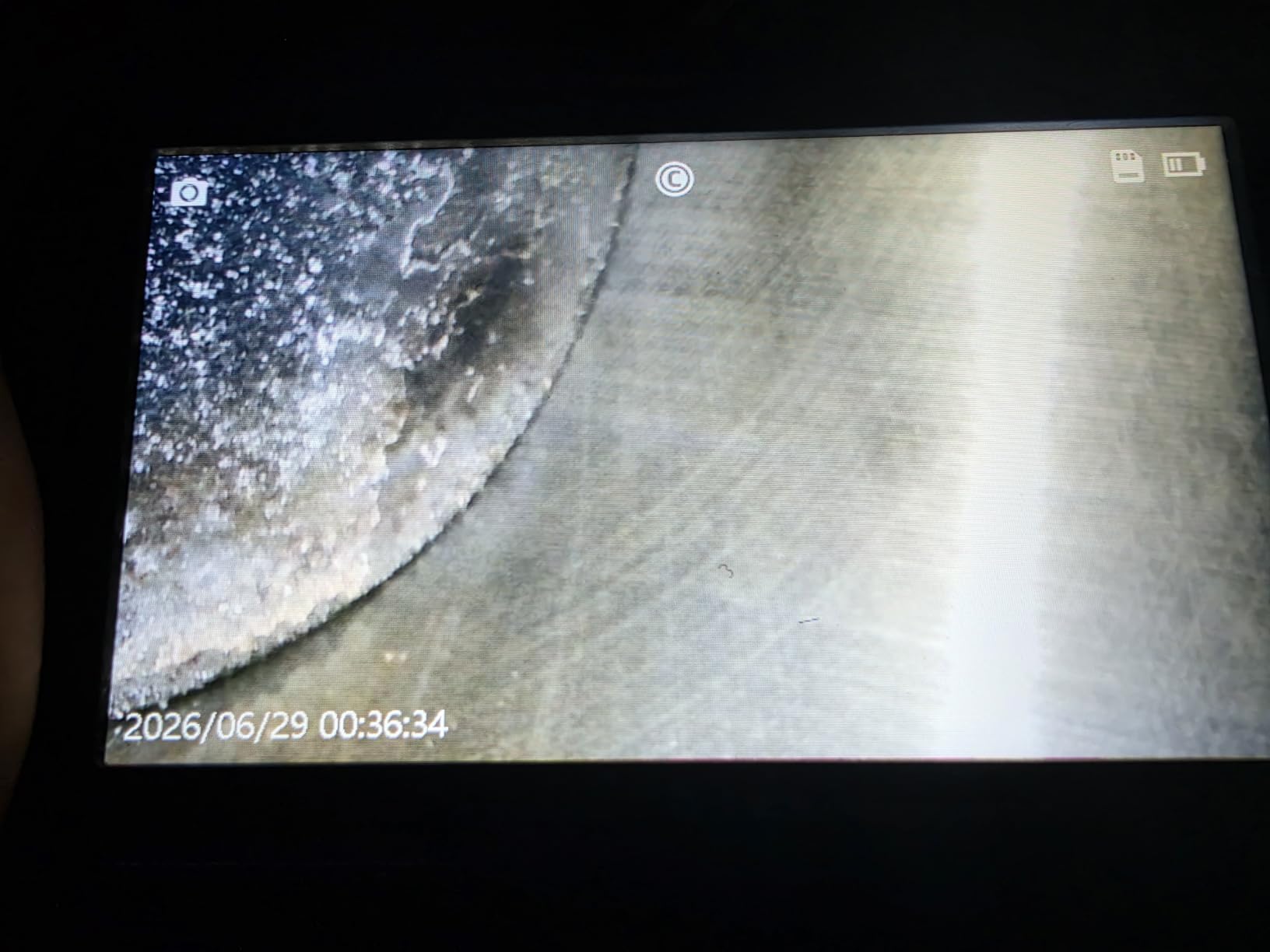
Two side lenses rather than one is a real advantage in a wall. A single side camera is blind directly beside the probe, so you have to rotate the cable to fill that gap. With two, you can look at both walls of a stud bay, at the top plate and at the bottom plate, without moving.
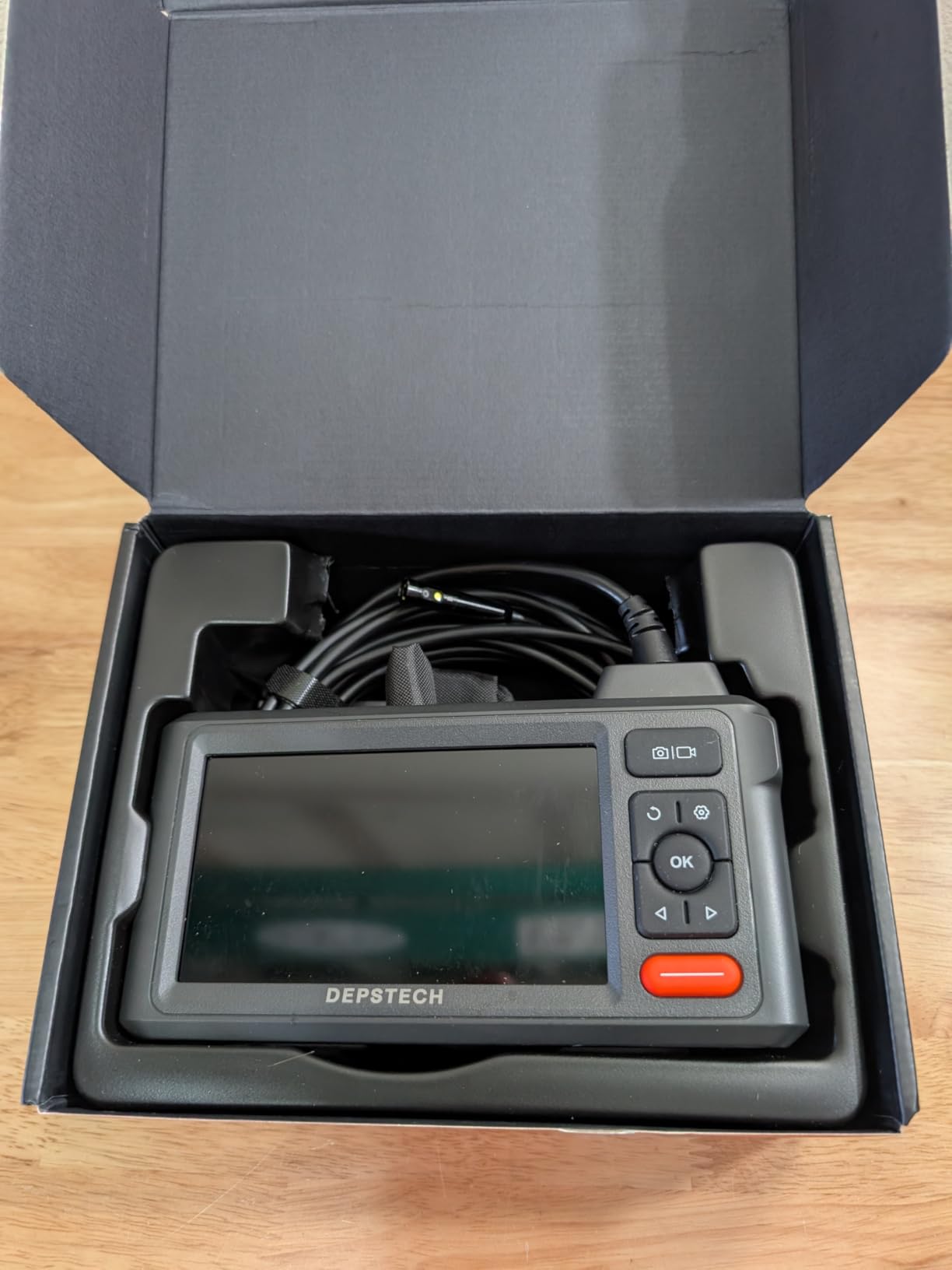
Ten LEDs in an 8+1+1 layout light dark and damp cavities well, and the Bluart 3.0 image processing helps in low light. Video records at 1080p with 2MP stills to a microSD card, and files transfer to a computer for documentation. A 16.5ft semi-rigid cable is stiff enough to push into a cavity and still feedable, which is the balance you want.
Battery life is the weak point at 2 to 3 hours of continuous operation, noticeably shorter than the Teslong units. Two other things differ from the other DEPSTECH here: this model has no split-screen mode, and switching views requires holding the back button for about two seconds. The forward lens also has no bezel, so treat it carefully around rough framing.
When Two Side Cameras Beat One
A single side lens leaves a blind wedge right next to the probe. In a stud bay, that wedge is often the thing you most want to see, because it is where a wire gets stapled, where a pipe is soldered, or where a nail stub punctures a line. Two side cameras close that gap.
The practical effect on a long inspection is fewer re-feeds. Instead of rotating the cable to fill a blind spot, you press a button. On a job where you are checking cavity after cavity, that difference compounds quickly across a day of work.
Where This Scope Falls Short
Plan around the 2 to 3 hour battery if you inspect all day, and note that no microSD card is included even though the unit records to one. If you want the split-screen dual-view mode, look at the DS300-DL instead. And if the forward lens is going to rub against rough framing, add a cap.
10. Acoath ac02 Articulating Dual Lens – Best for Recording Out of the Box
Acoath Two-Way Articulating Borescope, Endoscope Camera with Light, Dual-Lens 1080P Industrial Inspection Camera, 4.3″ IPS Screen, 32GB Card, IP67 Waterproof Sewer Tools – 5FT
4.3-inch IPS screen
Two-way 210 degree articulation
Dual lens
5FT semi-rigid cable
32GB card included
Pros
- Two-way 210 degree articulation plus dual lenses give a 420 degree working range
- 1920x1080 capture and a 32GB card included so recording works immediately
- 8 LEDs with four brightness levels light cavities sharply
- Slim 0.33in probe fits tight spaces
- Protective case and full accessory set included
Cons
- 5FT cable is the shortest articulating option here and limits reach
- Semi-rigid cable struggles around tight 90 degree bends
- Stiffer cable takes practice to manoeuvre in confined spaces
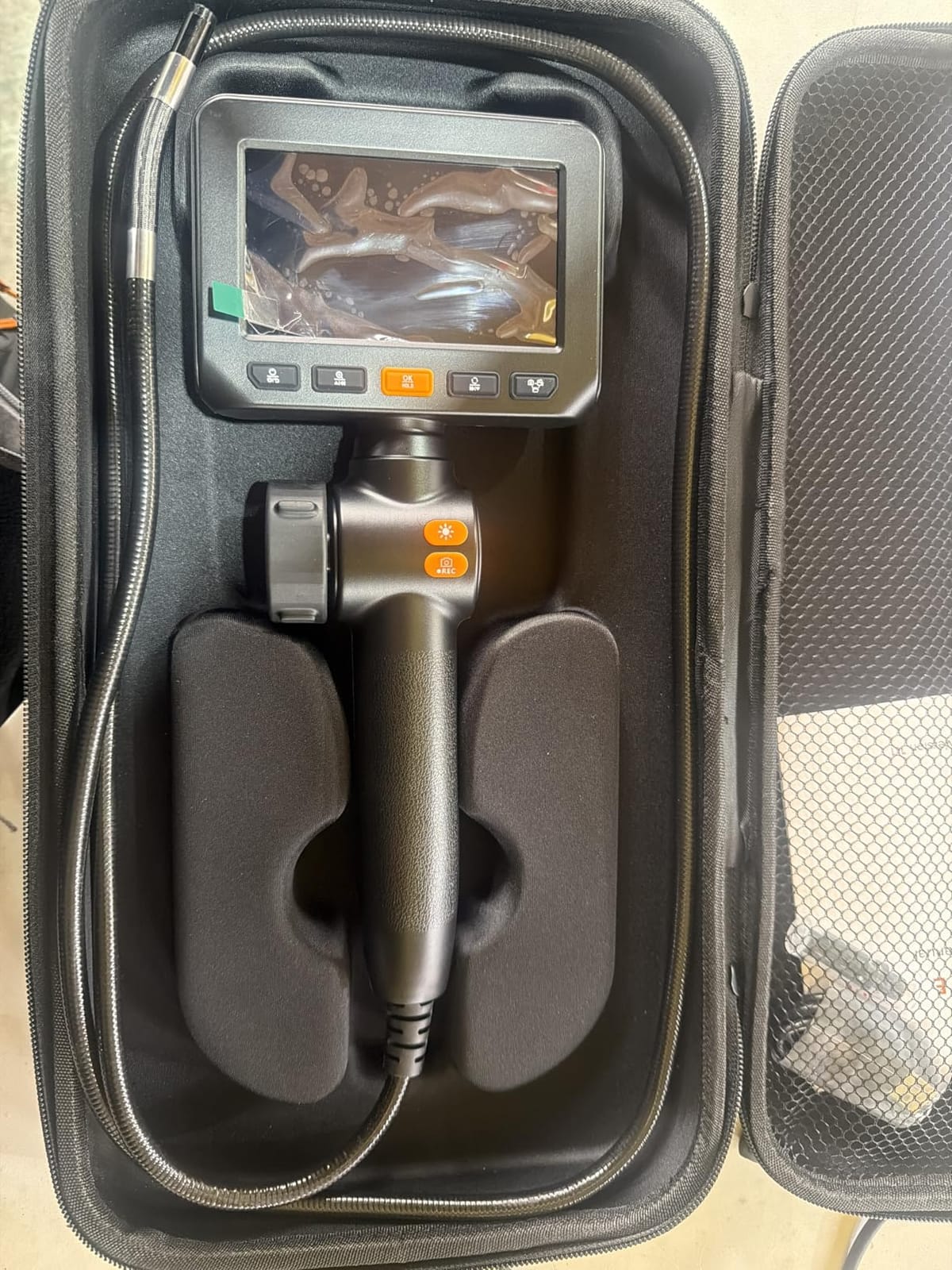
The Acoath combines two-way 210-degree articulation with dual lenses, giving a 420-degree total working range. In a wall cavity that is close to covering every direction without turning the cable, which is why it is a strong pick when you need both steering and side views.
It is also the articulating scope that actually works the moment you open the box. A 32GB card is included, capture runs at 1920×1080, and there is no app, no internet and no personal phone in the loop. For a contractor documenting a finding, that combination is more valuable than a longer cable.
The 0.33in probe is slimmer than most articulating models here, which helps it enter through a tighter access hole. Eight LEDs with four brightness levels give good control in a dark cavity, a 2 to 10cm focal range covers typical wall subjects, and IP67 handles wet walls. At 570g it is light enough to hold one-handed for a long inspection.
Five feet is the limitation, and it is a real one. For a single stud bay, a soffit or a cabinet, it is enough. For tracing a run from a basement up to a second floor, it is not, and you will be pushing fish tape the whole way. The stiffer cable also demands practice to handle in confined spaces.
What Recording Out of the Box Actually Changes
More scopes here record than most people expect, but several require you to buy a card first. When the card is in the box, the failure mode disappears. Nothing is worse than finding a wet insulation stain, then realising the tool cannot save the evidence without a trip to a computer shop.
It also changes what you capture. A still of a failed solder joint, a photo of wet cellulose against a subfloor, or a short clip of an insect nest gives an adjuster, a plumber or an HOA something concrete to act on. If you do this work for a living, the ability to hand someone proof is part of the job, not a nicety.
Where This Scope Falls Short
It is not the tool for long wall runs, and the short cable will frustrate you the first time you need to look up a tall bay. The semi-rigid cable resists tight bends, so pair it with fish tape rather than forcing it, and expect a learning curve in the first hour.
11. FOXWELL Y400 Ultra-Slim 6.2mm Probe – Best for Tight Spaces
FOXWELL Y400 220° 2-Way Articulating Borescope, 0.24in Ultra-Slim Endoscope
0.24in 6.2mm probe
Two-way 220 degree articulation
4.3-inch HD IPS screen
5.3FT cable
32GB onboard storage
Pros
- Slimmest probe in this roundup and it fits holes nothing else will enter
- 220 degree two-way articulation with a lag-free thumb wheel
- 32GB onboard storage with no card juggling
- IP67 dustproof and oil-resistant probe with overheat shutoff at 70C
- 2x and 4x zoom for close inspection of cracks and buildup
Cons
- 5.3FT cable is short for deep cavities or long duct runs
- Video capture listed at 720p despite the HD wording
- Articulating head is delicate and not built to be levered or forced
The Y400 solves one problem better than anything else here: access. At 0.24 inches, the 6.2mm probe is the slimmest in this roundup, and it slides into holes where 8mm-plus scopes simply stop. If your only entry is a small drill bit, a gap at an outlet box or a tight penetration through framing, this is the scope that gets in.
Articulation is handled by a physical thumb wheel rather than an electronic lever, which means no electronic lag and no cable drag as you steer. Mechanics and technicians like it for inspecting valve seats and cylinder walls for the same reason. Two-way 220-degree movement is enough to look back around a corner in a wall bay.
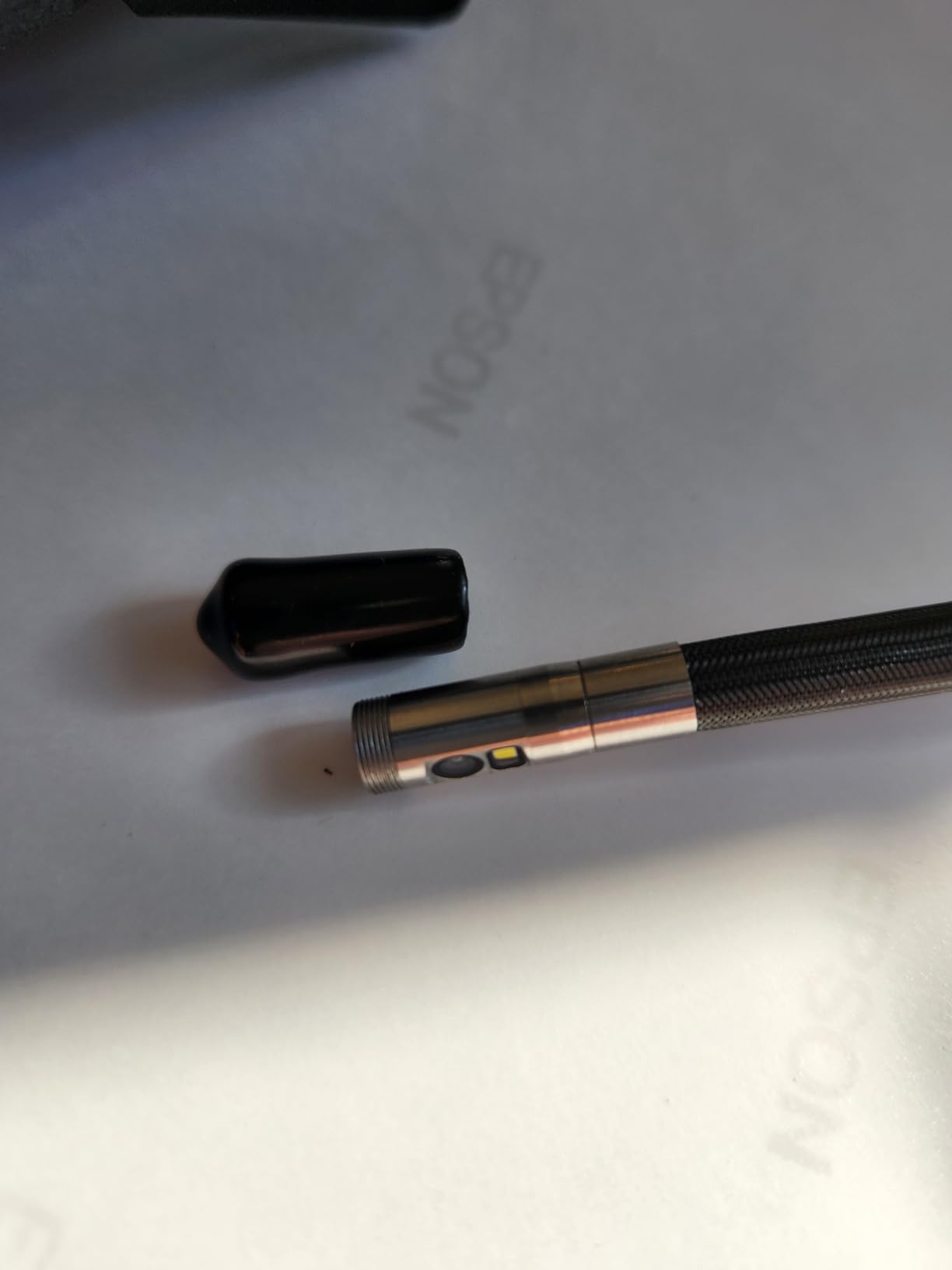
Storage is onboard, 32GB, holding thousands of photos and long clips, so there is no card to buy and nothing to lose on a job site. The probe is IP67 waterproof, dustproof and oil-resistant, and it auto-shuts down at 158F, which protects it in a hot space where cheaper probes can be damaged. Six LEDs with three brightness levels cover most cavities, and the textured grip works with gloves.
The trade-offs are honest: the 5.3FT cable is short, and video capture is listed at 720p even though the marketing says HD. The articulating head is the delicate part of any scope like this, so steer it rather than forcing it when the cable is stiff.
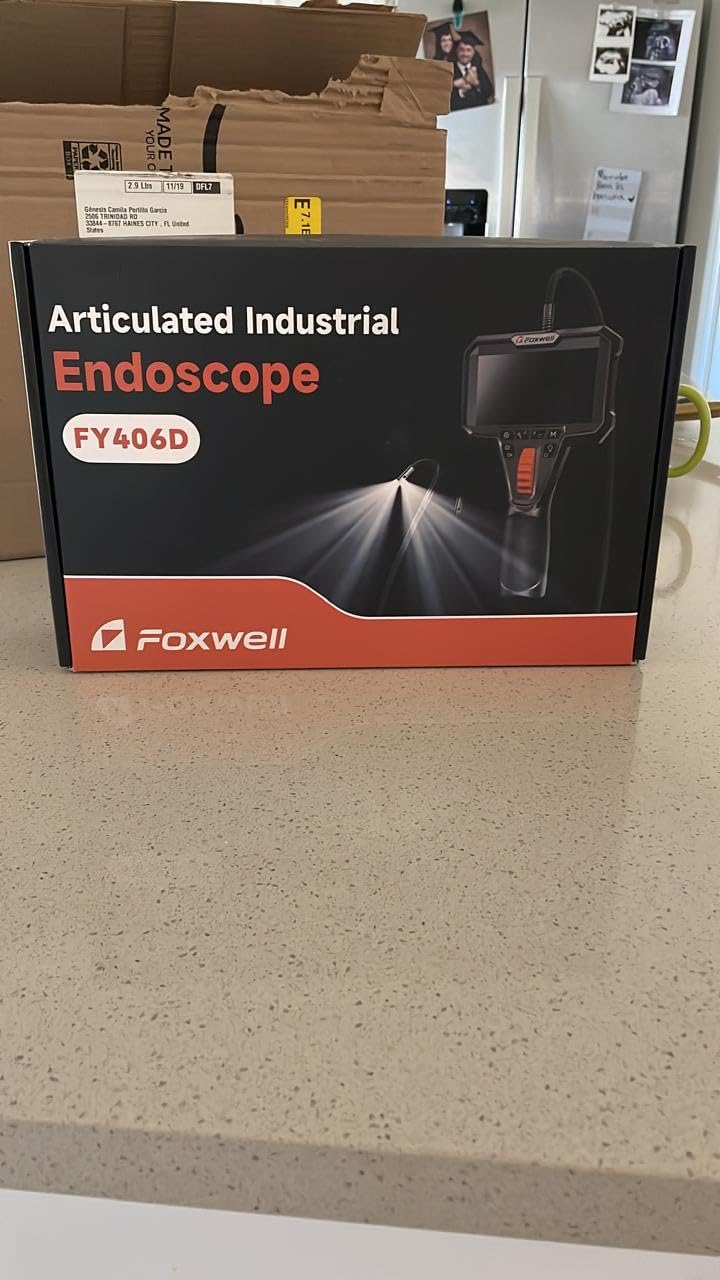
Probe Diameter Is the Access Decision
Before choosing a scope, measure the hole you already have. A 5/16-inch drill bit gives you roughly a 10mm opening, an outlet box gap is usually looser, and a 1/8-inch bit is tight. Buy the scope that fits the tightest opening you will realistically use, because the probe that is one size too fat simply does not go in.
The reverse trade-off is mild: a slimmer probe has less room for larger optics and brighter LEDs, so image quality in a large open bay can trail a chunkier scope. If you are looking into one tight cavity, access wins. If you are surveying a whole wall, a wider head serves you better.
Where This Scope Falls Short
Five point three feet will not take you up a tall run or across a floor-to-ceiling chase. The listed 720p capture also makes it a poor documentation tool compared with the 1080p scopes here, and the articulating tip is the first thing to break if you lever it against framing.
12. Ralcam N5 Articulating Borescope – Best for Hands-Free Viewing
Ralcam Two-Way Articulating Borescope for Mechanic Automotive HVAC Wall
5-inch IPS display
Two-way 210 degree with angle lock
10FT semi-rigid cable
8.5mm probe
Replaceable 4400mAh battery
Pros
- One-touch angle lock freezes the tip so you can work hands-free
- 10FT cable is the longest among the articulating models here
- 5-inch IPS display with 8x zoom for close detail
- Replaceable 4400mAh battery is unusual and useful for all-day work
- Built-in voice recording narrates findings over the video
Cons
- Smallest review base here at 120 reviews so long-term reliability is less documented
- 8x is digital zoom so detail is interpolated
- 8.5mm probe is thick and will not fit the tightest access holes
The Ralcam N5 has one feature no other scope in this roundup offers: a one-touch angle lock. You set the tip where you want it, press the lock, and the camera stays aimed while you use both hands. On a ladder, behind an appliance or in a cavity where you need to cut something else, that is worth more than another two feet of cable.
Its 10FT semi-rigid cable is also the longest among the articulating models here, which makes it a reasonable choice when you need to steer and reach. The 5-inch IPS display with 8x digital zoom helps you confirm hairline cracks and corrosion without advancing the probe.
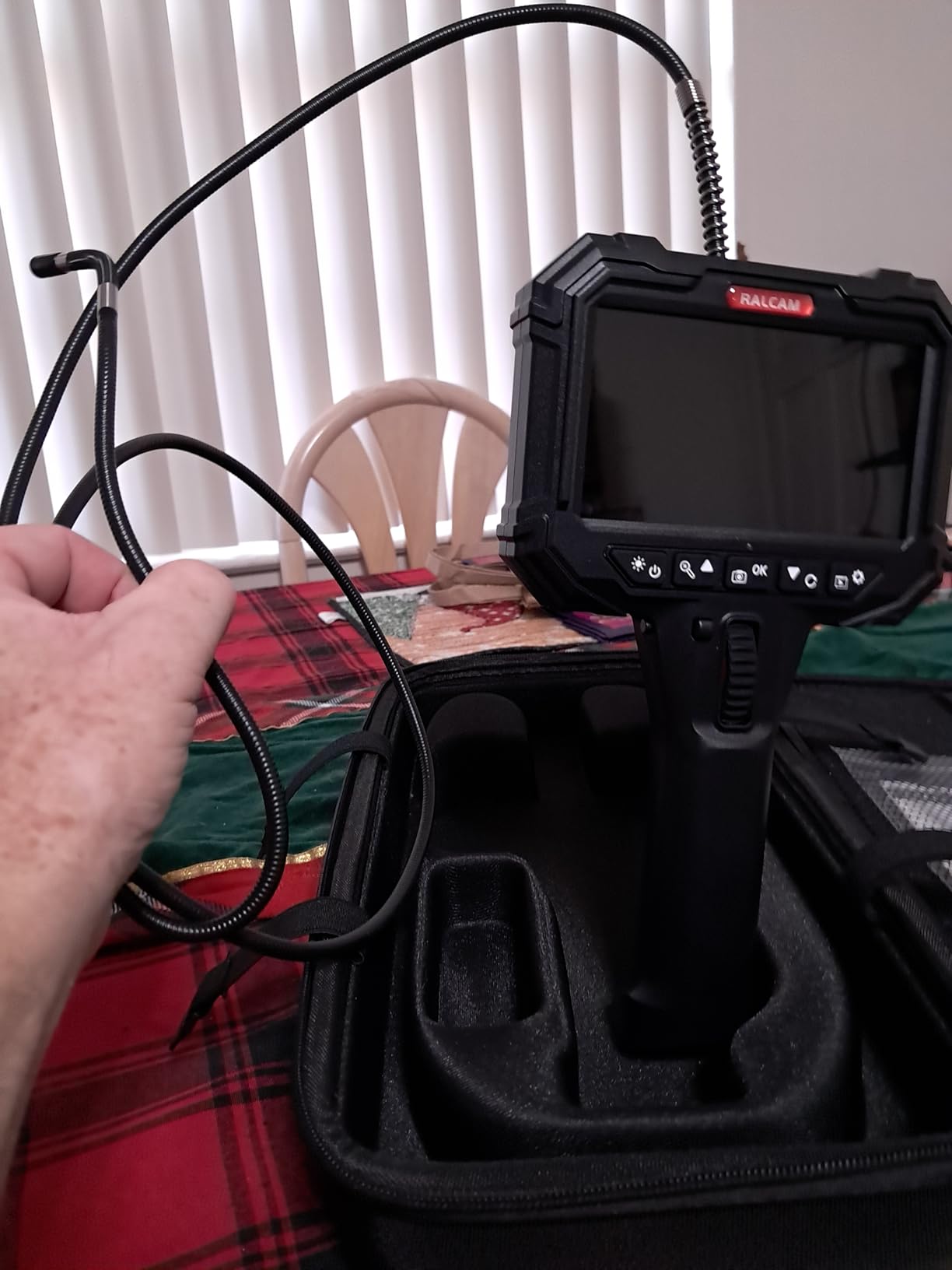
The replaceable 4400mAh battery is unusual in this category and genuinely practical. Most built-in batteries become dead weight once they fail, whereas a replaceable pack means the tool stays useful. Run time is around four hours, and built-in voice recording lets you narrate what you are seeing and sync it to the video, which speeds up writing up an inspection.
Two cautions. The 8x is digital, so detail at full magnification is interpolated rather than resolved, and the 8.5mm probe is one of the thicker ones here, so it will not reach the tightest access points. Most importantly, 120 reviews is the smallest sample in this roundup, and a 4.4 average on a thin review base tells you less about long-term reliability than the DEPSTECH and Teslong numbers do.
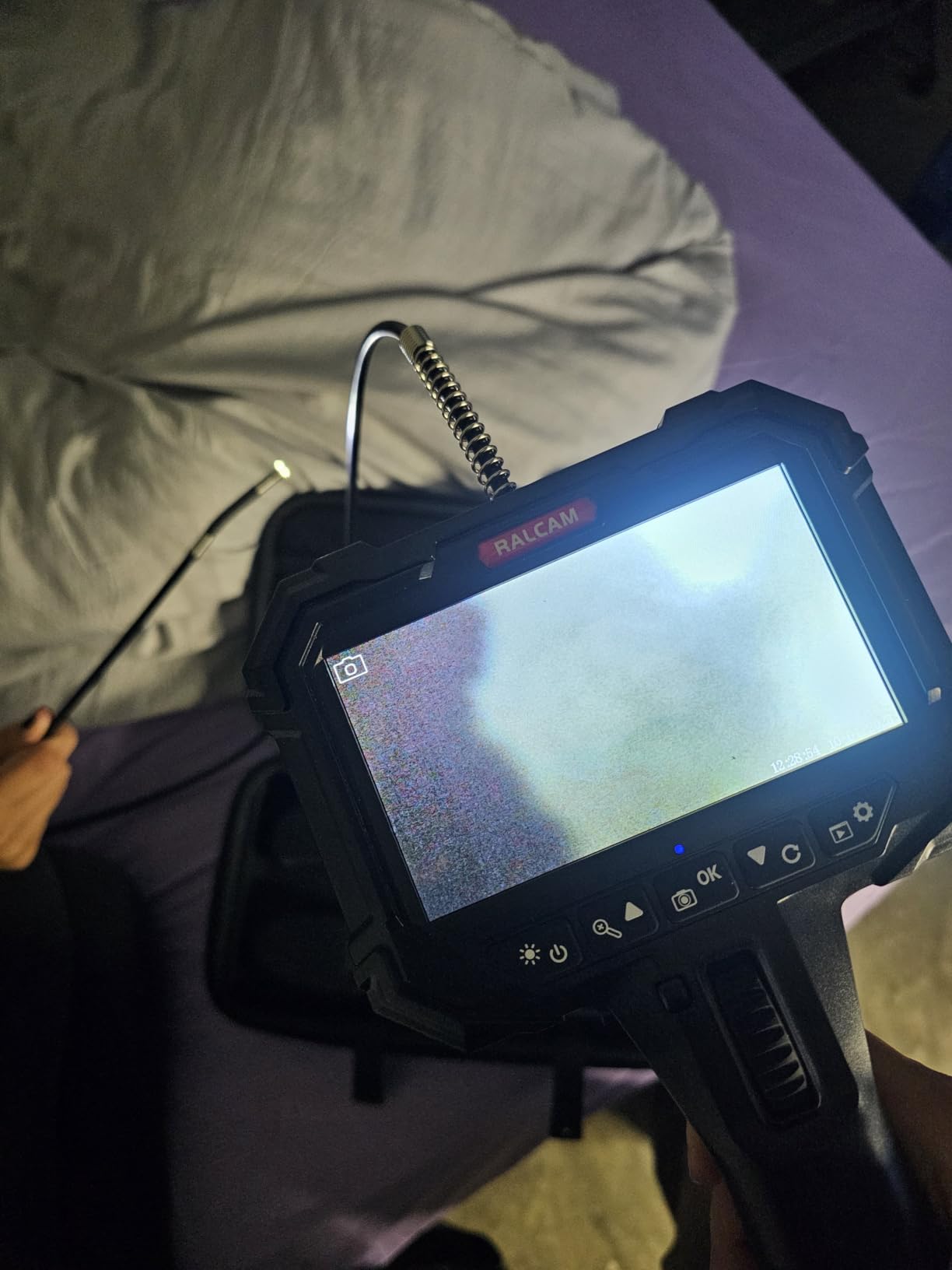
Who the Angle Lock Is Actually For
Freezing the tip turns the scope from a handheld tool into a fixed instrument. You can set the view on a wire run or a pipe joint, then open an outlet box, cut a section, or tighten a fitting while the camera keeps watching. Inspection and documentation work benefits most from that.
It is less useful if you are simply sweeping a wall for obstructions, since a locked tip does not help you look anywhere else. For that, a longer fixed cable with a wide field of view is a better instrument. Match the feature to whether your work is about looking carefully at one thing or quickly confirming many things.
Where This Scope Falls Short
Thin review data is the main caution here. The 8.5mm probe will not fit tight access holes, and digital zoom softens at maximum magnification. If you want proven longevity rather than the best features, a scope with thousands of reviews is the safer buy for a tool you expect to keep for years.
How to Choose a Borescope for Wall Work
Probe diameter decides whether the camera fits. Anything in the 5.5 to 8mm range handles a standard outlet-box gap, but a slim 6.2mm probe reaches tighter holes that a fat 8.5mm head will not. Measure your access opening first, then pick a probe that clears it with room to spare.
Cable length decides how far you can see. Forum consensus across DIY and trade communities is that 16 to 23 feet is the sweet spot for residential work, because it covers a full-height bay and a floor-to-ceiling chase. Shorter 5-foot cables suit soffits, cabinets and single stud bays, and longer cables tend to tangle and prove overkill for walls.
Semi-rigid beats fully flexible behind drywall. A semi-rigid gooseneck holds a bend so it stays aimed around a stud, and it pushes forward instead of coiling. The recurring complaint on forums is that an overly flexible cable folds back on itself in long runs, which is why experienced users pair their scope with fish tape. For a one-off drill check, a flexible scope is fine. For tracing a run, buy stiff.
Dedicated screen versus phone app is the next fork. A screen unit is self-contained, works in bright light and in gloves, and keeps working if the app is abandoned. A phone-tethered scope is cheaper, uses hardware you already own, and puts your image quality at the mercy of your handset and its software. Our rule: buy a screen if you will use it more than a few times a year, and check the OS requirement first if you go the phone route.
Lens count changes how much steering you have to do. A single lens only looks forward. A dual lens adds a side view so you can see beside the probe without rotating the cable. A triple lens adds a second side camera, closing the blind wedge next to the head. For walls, dual is the practical minimum and triple is a real convenience in a tight bay.
Resolution needs a reality check. Marketing figures describe the sensor, not what you end up with. A 2.0MP sensor with a cheap lens and a fixed 2 to 10cm focus band will look soft in practice even when the spec says 1920P. If you intend to capture evidence, prioritise a recording scope and a card included in the box over a headline resolution number.
Lighting and waterproofing matter in a wall more than they look. A dark cavity with eight LEDs and multiple brightness levels is workable; six LEDs at one fixed level is not. IP67 means the probe survives immersion to 1 metre, which covers damp insulation, a wet wall after a leak and the occasional drain check.
Warranty length is a rough proxy for how the manufacturer expects the tool to be treated. Two years is common among the better-supported units and twelve months among the cheapest. Our broader [10 Best Pipe Inspection Cameras Trusted Reviews](https://modelrec.com/best-pipe-inspection-cameras/) guide goes deeper on scopes used around plumbing, where waterproofing carries more weight.
How to Actually Use a Borescope Inside a Wall
First, find a safe-looking zone. Scan with a stud finder and a wire detector, then look for a spot between studs that is not near a known wire path, a bathroom, or a wall with a plumbing run. If the area is critical, make a small exploratory hole where damage would be easiest to patch.
Second, cut a pilot hole. A 5/16-inch bit is the common choice, and a hole between studs at roughly waist height is easiest to patch later. Better still, remove an existing outlet or switch plate cover and feed the probe through the box, which is a tip that recurs constantly on DIY forums and saves you a patch entirely.
Third, pair the cable with fish tape. Attach a length of fish tape or a stiff plastic push rod to the probe tip so the first 6 to 12 inches is supported. This is the single technique that separates people who use their scope successfully from people who say the cable folded back on itself every time.
Fourth, feed the cable with the probe pointing where you want to look. Advance slowly, keep the tip in a gentle curve, and expect to stop and re-aim at each stud. If the cable starts to back up, pull it out and start again rather than pushing harder, which kinks semi-rigid cables.
Fifth, light the cavity. Start at low LED brightness and increase from there, because a close LED at full power blows out a wall two inches away and destroys the detail you came for. If the image is still flat, hold the probe back a few inches rather than moving it closer.
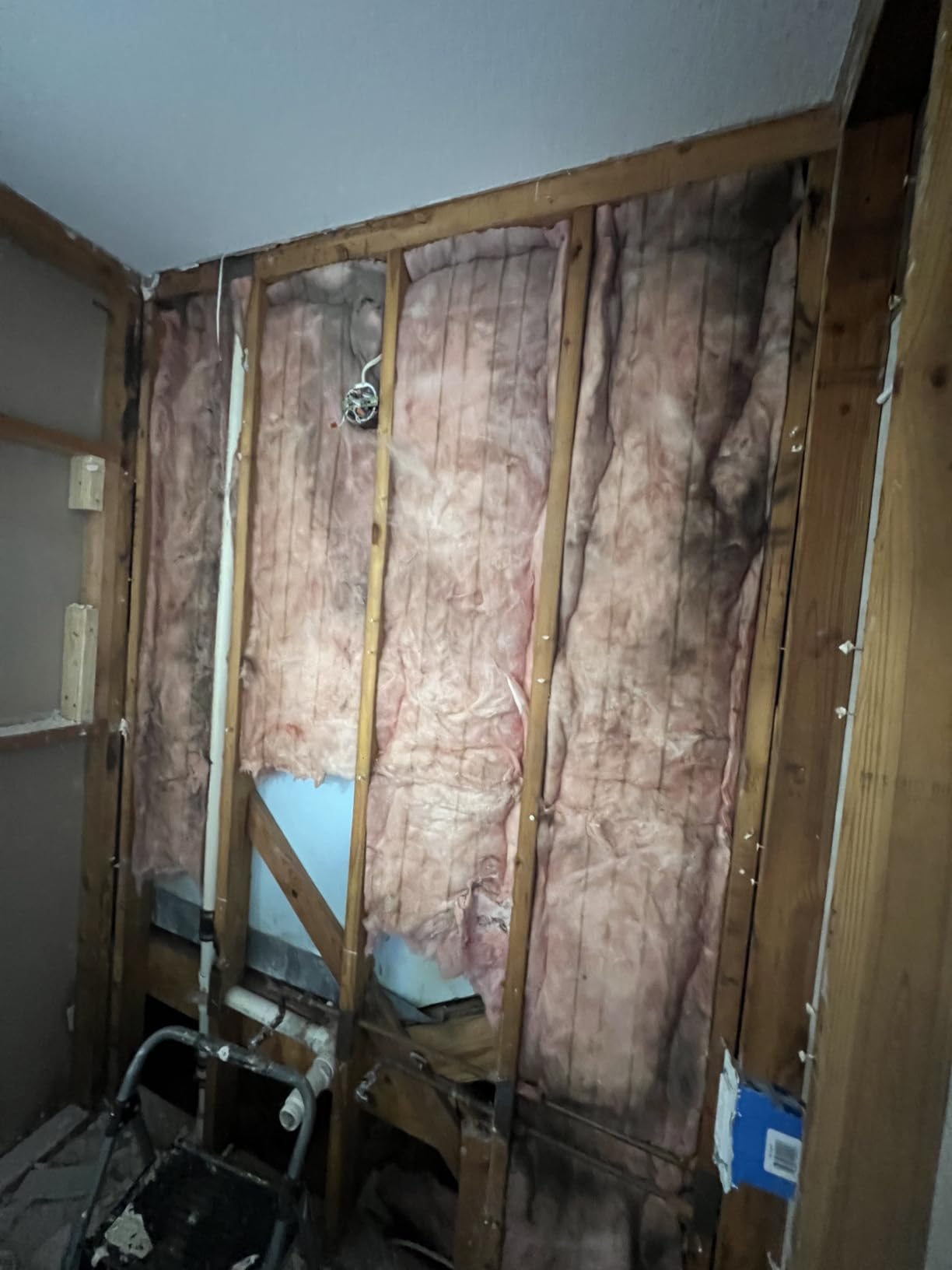
Sixth, run your checks. Look for the wiring path and whether any cable is damaged. Identify plumbing material and condition. Check that fire blocking is present and intact. Look at the insulation state for wetness or displacement. And note any evidence of water, staining or a previous repair.
Seventh, capture and patch. Take a photo or a short clip of anything worth keeping, note the wall and the hole location, then patch the pilot hole with a dab of joint compound or a plug-and-sand repair before you forget where it is.
Borescope vs Stud Finder vs Thermal Imager – Which One Do You Need?
Start by knowing what each tool can and cannot tell you. A stud finder detects density changes, so it estimates edges and can give false positives and false negatives. A thermal imager detects temperature differences, so it finds the anomaly without explaining what it is. A borescope shows you the physical object, which is why tradespeople treat the other two as a lead and the borescope as the confirmation.
To check if there are pipes behind a wall, start with a thermal imager if the pipes are hot or cold, use a stud finder to find a likely cavity, then put the borescope in and confirm. For wiring, a wire detector narrows it down and the camera tells you whether it is romex, a nail stub, or coax. For a leak, the camera can show wet insulation and a stain even after the surface has dried.
For a pre-drill check on an anchor or a shelf, a stud finder plus a borescope is enough. You do not need thermal imaging. Thermal imaging pays off when the object is behind a finished surface, active, or surrounded by insulation that hides it from a detector. If you work in buildings rather than on them, our [Best Thermal Imaging Cameras for Building Inspection](https://modelrec.com/best-thermal-imaging-cameras-for-building-inspection/) guide covers that side of the toolkit.
One important limit on all of this. A borescope cannot tell you whether a wire is live. It can show you a conductor, a staple piercing it, or a damaged jacket, but determining energisation requires a tester on the circuit, not a camera. Use the scope to find what is there, and a proper meter to decide what it means.
Safety Before You Put a Camera Inside a Wall
De-energize the circuits in the area before you cut. A borescope cannot tell you a wire is dead, and the LED lights on your scope are a reminder that you are near energised metalwork. Shut off the breaker, verify with a tester, and work on a dry wall.
Watch for hidden plumbing. Water lines and drain lines run through the same bays as wiring, and a 5/16-inch bit through a copper line sprays the entire cavity. Scan, confirm with the camera, and keep the pilot hole away from any wet or damp insulation that suggests a recent leak.
Do not push the probe into a drain line. The scope is built for a cavity, not a drain, and forcing it into a drain risks damaging the camera head or pushing it into a trap where it will never come back.
Leave the fire blocking alone. If you cut through blocking, seal it back with fire-rated material before closing the wall. And on any wall with insulation, do not disturb it more than you have to, since compressed batts reduce a home’s energy performance.
Frequently Asked Questions
What’s the difference between an endoscope and a borescope?
A borescope is the older term for a slim optical scope on a rigid or semi-rigid shaft, used to look into fixed spaces. An endoscope is the flexible, camera-equipped version of the same idea, with LEDs and a screen. An inspection camera is simply the trade name for a modern flexible endoscope. For wall cavities, a semi-rigid endoscope is the tool you want, because a fully flexible cable folds back on itself in a stud bay.
What type of camera can I use to inspect inside walls?
Use an inspection camera or borescope: a slim camera on a semi-rigid cable with built-in LEDs. You drill or unscrew a small pilot hole, feed the probe in, and watch a live image on a built-in screen or your phone. A semi-rigid cable holds its shape so it can be steered around a stud, and a probe of 6mm or less will fit tight access holes.
How do I check if there are pipes behind a wall?
Use a borescope. Run a stud finder over the area to find a likely cavity, drill a small pilot hole between studs, and feed the camera in with a semi-rigid cable. Copper, PEX and PVC are easy to distinguish on screen. A thermal imager is a useful second step, since hot water lines and supply lines show a clear temperature difference under load.
Do I need a borescope or a stud finder?
You need a stud finder to find a safe place to drill, and a borescope to confirm what is actually behind the wall. A stud finder only detects density changes and gives false positives. A borescope shows the wire, pipe or blocking directly. If you can only buy one, buy the borescope, since it answers the question that matters before you commit to a hole.
What is the best camera for home inspectors?
For a home inspector working all day, a scope with a 16.5ft semi-rigid cable, dual or triple lenses, a large screen and photo and video capture is the right tool. A 5-inch IPS screen reads well in dark cavities, and onboard or included storage means evidence can be captured on site. The Teslong NTS300 and the DEPSTECH DS300-DL cover that brief well, while the Acoath ac02 records out of the box.
Final Verdict – The Best Borescopes for Wall Inspection in 2026
The Teslong NTS300 is our pick for the best borescopes for wall inspection overall. A 16.5FT semi-rigid cable, dual lenses and a self-contained 5-inch screen cover the widest range of real wall jobs without an app in the loop, and 3,645 reviews at 4.6 make it the safest bet on this list. The DEPSTECH DS300-DL is the value alternative with the longest track record here at 7,276 reviews and a split-screen mode nothing else in this price band offers.
Reach for the FOXWELL Y400 when access is the problem, the Acoath ac02 when you need articulation plus recording that works immediately, and the AGC430N or TD450S when the answer sits around a corner rather than straight ahead. Check each one against the access hole you already have, and remember that no borescope tells you whether a wire is live.